- Matching (Score) |
- Our verdict |
- Competing TVs |
- TV appearance |
- Where to buy |
- Contrast and black detail |
- HDR effect quality |
- Factory color reproduction |
- Color reproduction after calibration |
- Smoothness of tonal transitions |
- Image scaling and smoothness of tonal transitions |
- Blur and motion smoothness |
- Console compatibility and gaming features |
- Input lag |
- Compatibility with PC |
- Viewing angles |
- Daytime performance |
- TV features |
- Apps |
- Playing files from USB |
- Sound |
- Panel details
TCL A400U Review
A400U / Premium Wallpaper
Available screen sizes:
Complete the survey to find out the result
Panel type: LCD VA Refresh rate: 144Hz Brand: TCL Resolution: 3840x2160 System: Google TV Model year: 2026
This review is an English translation of the Polish original. Read the original on Wybierz.tv.
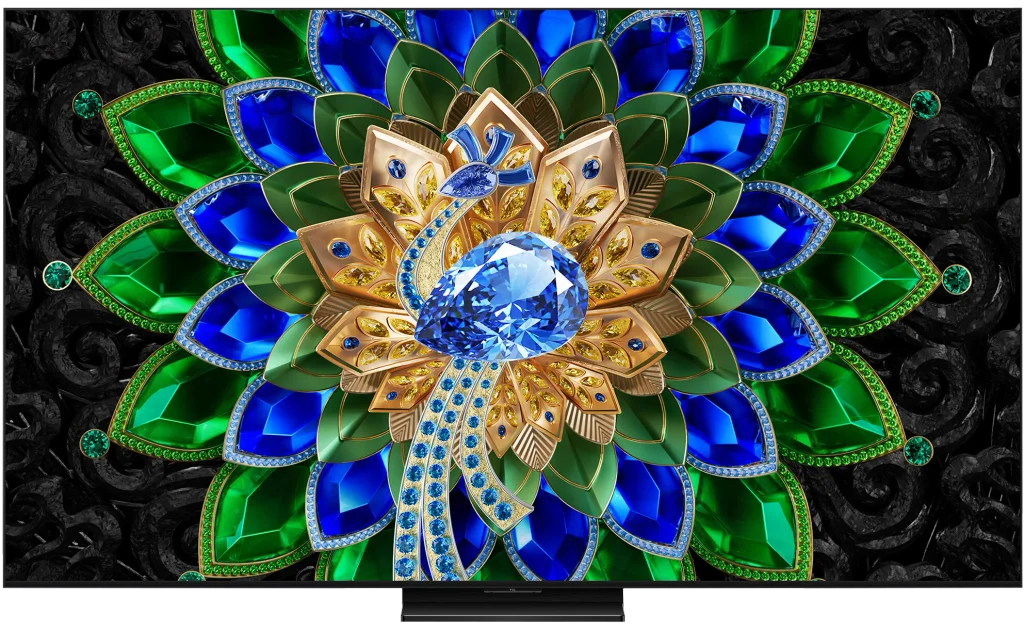
This year TCL has substantially expanded its A series, the line of TVs meant to double as interior decoration. The manufacturer calls them "Wallpaper TV", suggesting a screen designed to blend into the wall. One of the new models is the TCL A400U, which at first glance doesn't look like the usual models that mimic a framed picture. Instead it features full Mini LED backlighting, so the design is matched by real capabilities. We checked whether the A400U has anything more to offer than an eye-catching look!
TCL A400U - Our verdict
7.8
Overall rating
Is the TCL A400U worth buying? Yes, because it's one of those TVs where paying extra for a higher-tier model doesn't always make sense. In movies you get what you'd expect from a good TV: very good blacks, punchy HDR and a natural-looking picture, especially after calibration. There's enough brightness for daytime viewing, although because of the glossy panel it's best not to place it opposite a large window. The package is rounded off by a slim, well-made cabinet. The A400U doesn't fake a wall-mounted picture as convincingly as some "wallpaper" TVs, but as an elegant living-room set it looks very good. You also don't have to choose between a TV for films and a screen for gaming. The A400U supports 4K at 120 Hz, including Dolby Vision, and its low input lag keeps controls quick and responsive. From a PC you can even run 4K at 144 Hz or 288 Hz in Full HD. That's a level of capability that makes it hard to justify paying more for a pricier model purely for gamer features. Day-to-day the TV doesn't disappoint either. Google TV runs smoothly, apps launch without annoying delays, and using the set is simply convenient. That doesn't mean the A400U will suit every home. If you often watch regular broadcast TV or other low-quality sources, the Pentonic 700 processor won't always be able to clean them up as much as you might expect. The slightly pricier C7L has a similar limitation, so only stepping up to a clearly higher series, like the C8L, brings a noticeable improvement in that respect. Before buying, check how many devices you want to connect. Two HDMI 2.1 inputs, one of which is taken by eARC, may not be enough if you have two consoles and a soundbar. It's worth budgeting for a soundbar too, because the built-in speakers clearly don't match the picture's capabilities. If you're mainly after a TV for movies, streaming and gaming, the TCL A400U is one of the most convincing buys in the mid-range in 2026. Pricier models can do more, but not all of those advantages will matter during everyday viewing. Here you get very good picture quality, extensive features and excellent build, without having to pay for functions you might never see. That's why we consider the TCL A400U one of the best value TVs of 2026.
Advantages

Great value for money
Very good black levels and high contrast thanks to a Mini LED backlight and a VA panel
High brightness for impressive HDR and comfortable daytime viewing
Accurate image reproduction after calibration
Extensive gaming features: VRR, ALLM and low input lag
High refresh rates up to 144 Hz at 4K and 288 Hz at Full HD when used with a PC
Google TV with a wide selection of apps
Slim, flat chassis and very good build quality
Disadvantages

Poor digital image processing due to the older MediaTek Pentonic 700 processor
Only two HDMI 2.1 inputs, one of which is shared with eARC
The glossy screen does a poor job of reducing reflections
Limited viewing angles
Flat sound
 Movies and series in UHD quality
7.5
 Classic TV, YouTube
7.3
 Sports broadcasts (TV and apps)
7.0
 Gaming on console
8.8
 TV as a computer monitor
8.5
 Watching in bright light
8.5
 Utility functions
7.8
 Apps
Apps9.6
 Sound quality
6.7
Complete the survey to find out what fits your preferences
TCL A400U - Competing TVs in this price range
TCL A400U - TV appearance
HDMI inputs: 2 x HDMI 2.0, 2 x HDMI 2.1 (48Gbps) Outputs: Toslink (Optical audio), eARC (HDMI), ARC (HDMI) Network Interfaces: Wi-Fi 2.4GHz, Wi-Fi 5GHz, Ethernet (LAN) 100Mbps
Build quality: Premium
Stand type: Central
Bezel color: Graphite
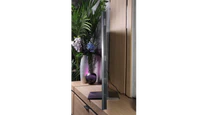
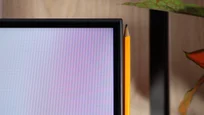
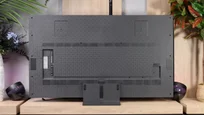
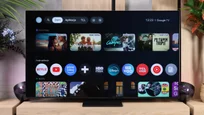
Stand: Height adjustment
Flat design: Yes
Accessories: Stand
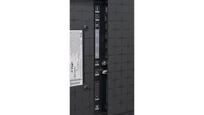
We'd be hard-pressed to call the TCL A400U a proper picture-frame TV like the A400 Pro, Samsung The Frame or Hisense Canvas TV. It doesn't have swappable decorative bezels, and from the front it looks more like a classic, elegant Mini LED TV. Narrow bezels and a simple central stand look very tidy. In terms of build quality the A400U feels like a more expensive series, and we actually prefer its look to the higher‑positioned C7L. Of course, that's a matter of taste. What stands out most is the very slim, flat chassis. On the back you won't find the usual bulky electronics hump; instead there are recessed areas for a dedicated wall mount. That design lets you mount the TV close to the wall, which is when it makes the biggest visual impact. It's a shame the mount isn't included as standard, although some promotions include it for free. You could jokingly say the "A" here stands more for "absolutely flat" than "artistic". You can also tell someone thought about practical details. There are cable channels at the back to tidy leads and hide them within the housing. For tabletop use you get a central stand with height adjustment — handy if you want to place a soundbar under the screen. As a TV trying to pass for a framed picture or canvas the A400U doesn't entirely convince us, but as a well-made, slim living-room screen it looks really great.
Buy at the best price
Select size:

TCL A400U - Contrast and black detail
8/10
Local dimming function: Yes, number of zones: 576 (18 x 32)


Result
170,250:1

Result
41,700:1

Result
24,500:1

Result
22,550:1

Result
8,550:1

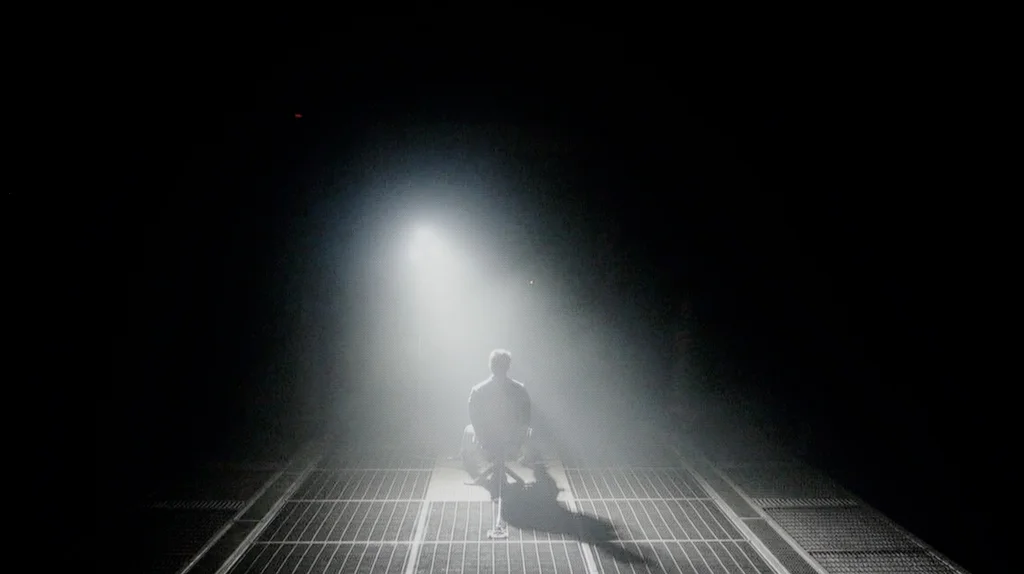
Black levels on the TCL A400U are excellent, even surprisingly so. The 65-inch model we tested uses 576 local dimming zones that effectively separate bright objects from a dark background. In most of our scenes the contrast ranged from about 22,500:1 to 41,700:1, and in the most favourable shot it exceeded 170,000:1. That gives the picture very good depth in the evening, and the black doesn’t resemble the greyish glow you get from ordinary LCD screens without local dimming. Interestingly, the C7L we tested in the same size had over 1,000 zones, yet its contrast results were very similar and in places even worse. The A400U shows that the number of zones alone doesn’t determine the outcome. How the TV controls them is just as important, and here TCL has done a very good job. Of course, there are scenes where the backlight reaches its limits. When a lot of small bright elements appear on a black background, you can see a halo effect around them, a bright rim. The zones cover too large an area to light each small detail without brightening its surroundings. In our most challenging shot the contrast fell to around 9,000:1, but even then it didn’t look bad. It’s not perfect black in every situation, but for most of a viewing session the A400U gives plenty of reasons to be pleased in that regard.
Halo effect and black detail visibility:
TCL A400U - HDR effect quality
6.1/10
Supported formats: HDR10, HDR10+, Dolby Vision, Dolby Vision IQ, HLG
Luminance measurements in HDR:

Result
1226 nit

Result
264 nit

Result
636 nit

Result
217 nit

Result
1434 nit
TCL A400U can deliver really punchy HDR. On test patterns peak brightness reaches around 2000 nits, and in brighter movie scenes we measured roughly 1200 to over 1400 nits. Those are very good figures, which translate into intense sun highlights and a clear glow on the bright parts of the image. In those shots it's hard to complain about a lack of punch. It's not always as dramatic, though. When small lights appear on a dark background the algorithm has to decide how strongly to light the zones covering them. Higher brightness would also mean a more visible halo around objects, so the A400U favours preserving deep blacks. In our toughest scenes small lights therefore only reached about 220 to 260 nits. They're still visible, but they lose the intensity you'd expect from such a bright TV. That's a compromise typical for many Mini LED sets in this price bracket. The backlight has plenty of power, but the number of zones limits how precisely it can be applied. You can also see the advantage of the C7L here, which, thanks to a larger number of zones, can render some of those elements brighter.
Colours
Colours hold up well, though they don't reach the saturation of the new SQD Mini LED models. The A400U uses a PFS phosphor and covers about 94% of DCI-P3 and 74% of BT.2020. In HDR films this produces juicy, well-saturated colours. DCI-P3, which contains most of the colours used in those films, is almost fully covered. Some shortfalls are visible mainly in the most saturated greens. They won't be as intense as on screens capable of reproducing a wider gamut, but in most films it's hard to notice. It's easier to spot the difference in games with heavily saturated, neon colours that often push beyond this panel's capabilities.
BT.2020 color gamut coverage and primary color luminance
| Data set | BT.2020 | P3 | R | G | B |
|---|---|---|---|---|---|
| Synthetic patterns | 74.3% | 93.6% | 61% | 58% | 63% |
| Film measurements | 74.3% | 93.8% | 74% | 78% | 80% |
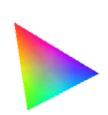 BT.2020
 BT.2020 and P3 – average color gamut coverage (percent of the target gamut).
R, G, B – average primary color luminance relative to target (percent).
Scene from the movie “Pan” (about 2800 nits)

Scene from the movie “Billy Lynn” (about 1100 nits)
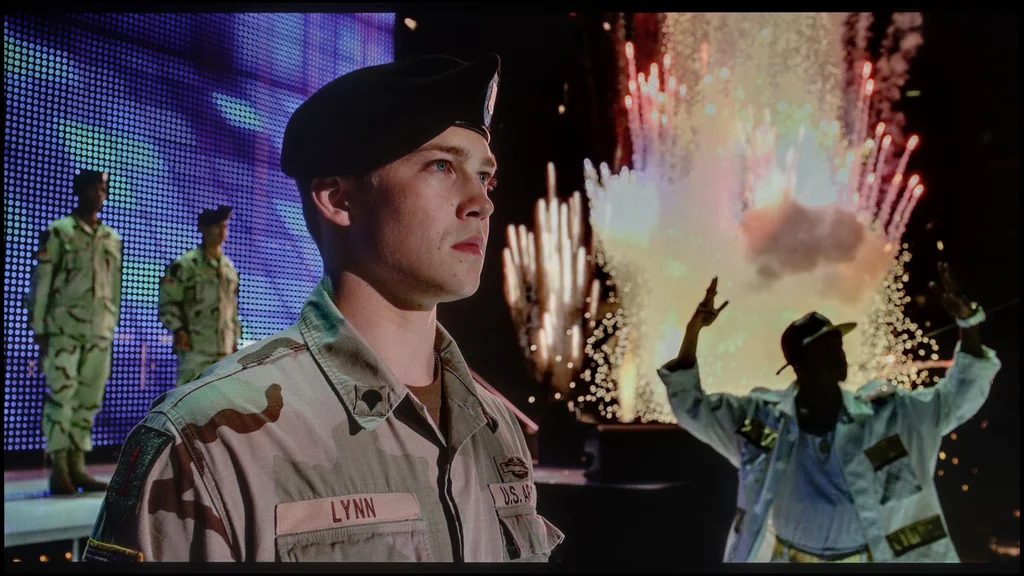
The TCL A400U handles tone-mapping HDR movies to the panel’s capabilities very well. This matters because a film can contain highlights much brighter than the TV can reproduce. You need to adjust the image to preserve detail in those areas while not changing the overall look of the scene. The A400U does this well, even very well. Bright elements have the right glow, but faces, backgrounds and shadowed areas do not become overly bright as a result.
You can see this in a scene from 'Billy Lynn' where brightness reaches about 1,100 nits. The fireworks behind the protagonist are intense, but you can still make out their individual parts. The face and the uniform do not look as if someone has lit them up additionally. An even tougher test is a scene from 'Pan', reaching around 2,800 nits. The A400U cannot fully reproduce that level of brightness, but it can preserve differences between tones around the sun. Instead of a large white blob we get visible transitions between the light, the sky and the clouds. As a result, both shots look very similar to the image from the reference monitor we use as a standard.
This kind of film reproduction is helped by the peak brightness control. Its role is not limited to simply increasing or decreasing backlight output. It also lets you fine-tune how brightly the TV shows individual parts of the image so it does not illuminate them more than intended in the source. In the C-series models we tested this option was greyed out and unavailable to the user. On the A400U you can use it, which gives greater control over the final result.
HDR luminance chart:
The A400U already handles HDR10 well, and with Dolby Vision content it can also make use of scene-by-scene brightness metadata. That helps preserve detail in the highlights, rather than washing them into a uniform blotch. In the scene with the horses the difference is small, because even in HDR10 you can clearly see the texture of the snow and the trees in the background. Dolby Vision subtly refines those elements, but does not completely change the look of the picture. That’s a good sign, because it means films available only in HDR10 don’t lose much here either.
Static HDR10

Dynamic: Dolby Vision

Factory color reproduction
6.2/10
On factory settings, Filmmaker mode on the A400U performs quite well, especially for regular television and SDR films. There is, however, a slight shortage of red. Whites therefore have a faint greenish tint, and faces can look a bit too pale. It isn't hugely obvious in every scene, but in shots with a lot of white or red the tint is easier to spot. There are also minor inconsistencies in brightness. Dark areas are slightly lifted, while some brighter tones are overly dimmed. It's perfectly watchable, though there's room for improvement.
There are more issues with HDR. Out of the box the TV brightens the image too much, which is clearly visible on the EOTF graph. This isn't about specular highlights like the sun or lamps, since those should be intense. Faces and surroundings also become brighter, even when they were meant to look calmer in the film. As a result the scene loses some depth and looks as if someone has turned up the brightness. On top of that the brightest whites shift slightly cool. What needs sorting most is the HDR handling, because on its default settings the A400U adds "more" than it should in Filmmaker mode.
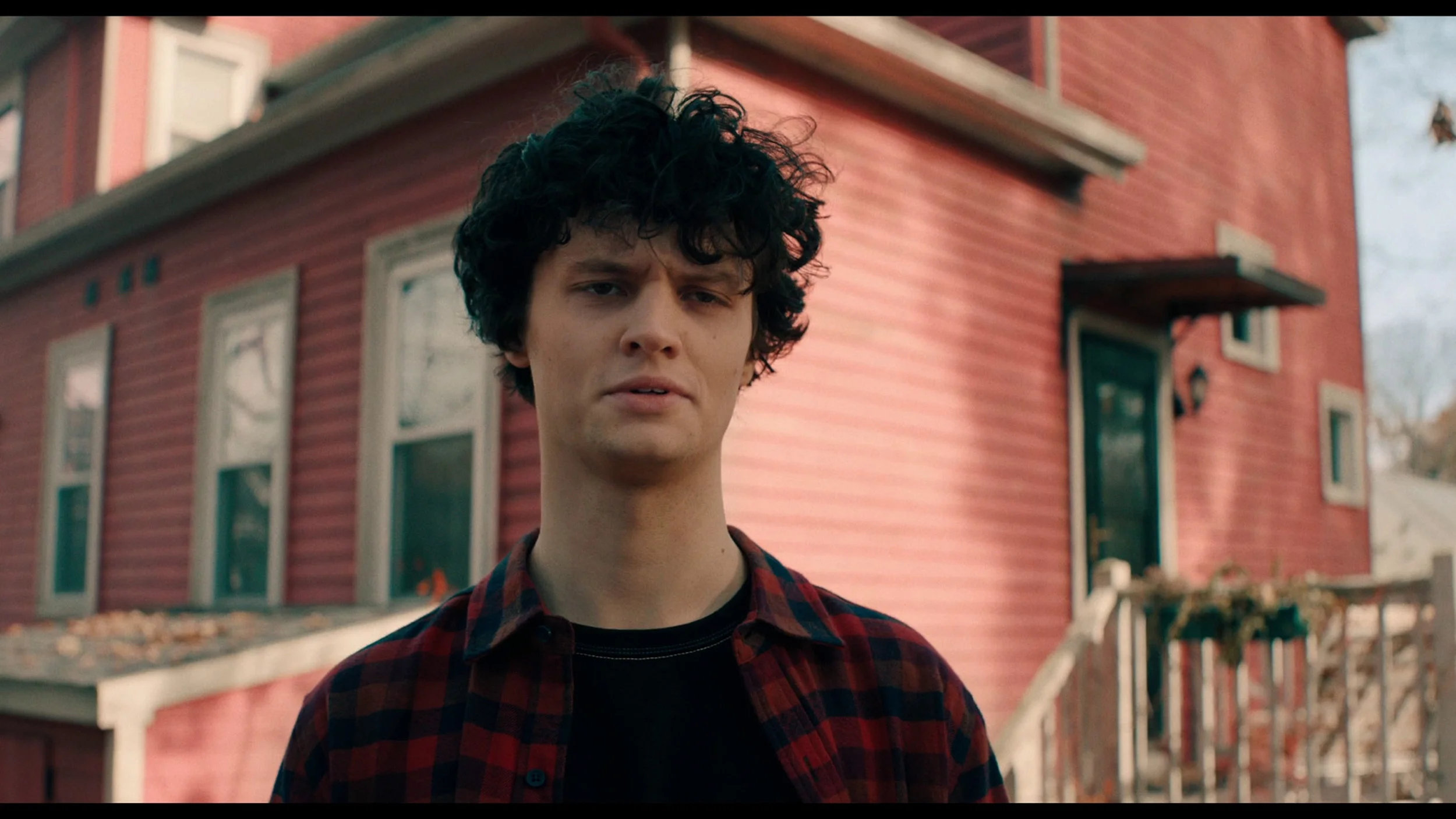
Color reproduction after calibration
8.9/10
The TCL A400U responds very well to calibration and lets you correct most of the shortcomings of the factory Filmmaker mode. In SDR it was possible to almost perfectly level the white balance. The lack of red has disappeared, so whites and greys no longer have a greenish tint and faces have regained a natural look. Brightness reproduction has also improved. Apart from small deviations in the darkest and brightest parts, the TV sticks to the reference without unnecessary brightening or dimming of the picture.
The most important change, however, concerns HDR. Thanks to the available peak brightness adjustment it was possible to tame the brightening seen in the factory settings. Measurements in film scenes, not just test patterns, confirm this. Faces and backgrounds are no longer artificially brightened, while bright elements still retain the right punch. Errors in the Color Checker test in HDR mostly fall below 2, which is a very good result. Not everything is perfect, as the very brightest whites retain a slightly cool tint, but overall the image is much more faithful. This is the improvement we described earlier when comparing scenes from "Pana" and "Billy Lynn". The A400U lets you fine-tune HDR to preserve both detail and the proper brightness of the whole scene. That option was missing from other TCL models, where peak brightness control was not possible. Here the manufacturer made it available to the user and it’s clear it was needed. After calibration the A400U presents a film without unnecessary picture boosting.
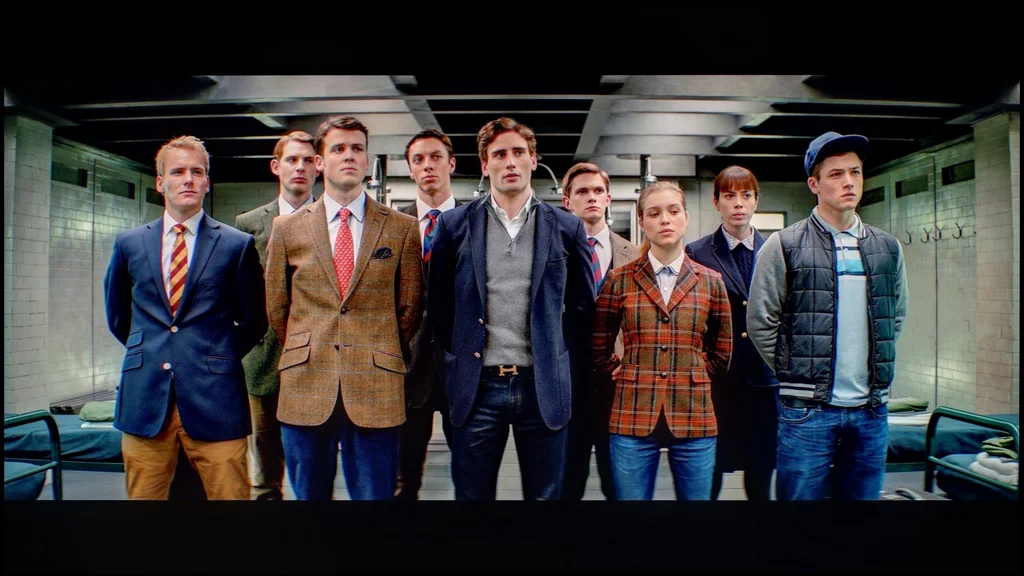

TCL A400U - Smoothness of tonal transitions
9.4/10
TCL A400U handles tonal transitions in 4K content very well. In bright scenes it's hard to find any issues. The sky and the faint halo around the sun look smooth, with no visible banding or boundaries between shades. Colours blend smoothly into one another, so nothing distracts from the film. Minor imperfections only appear in the darkest scenes, close to black. You can spot slight banding there, but you have to look closely to notice it. During normal viewing it’s unlikely to be distracting. That's a very good result and one of the A400U's strengths.
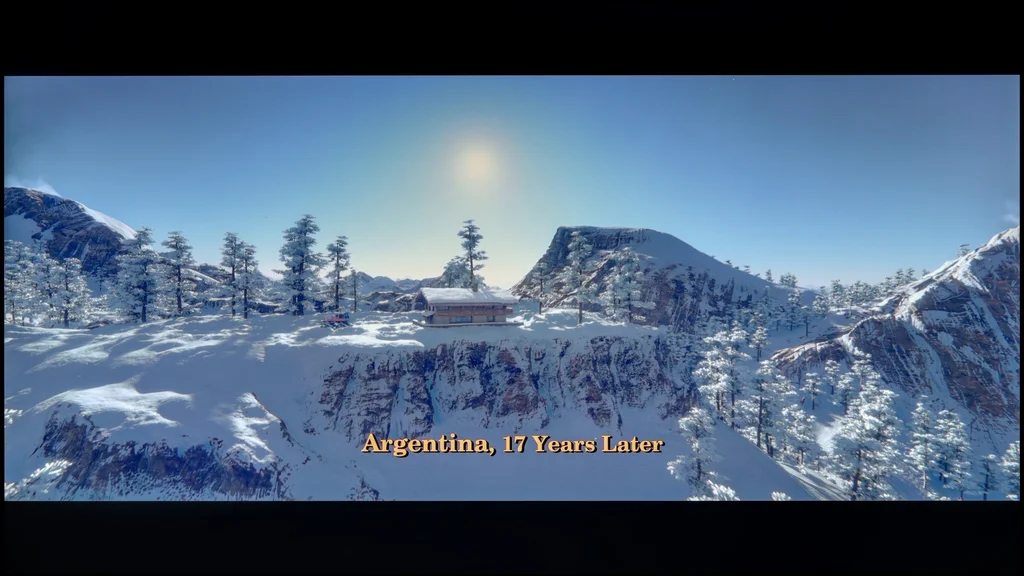

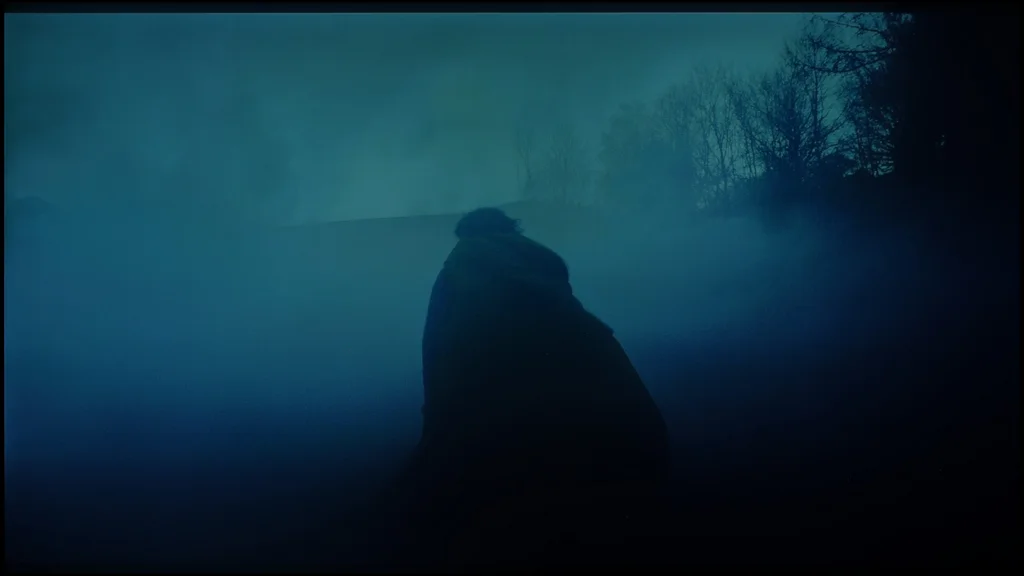
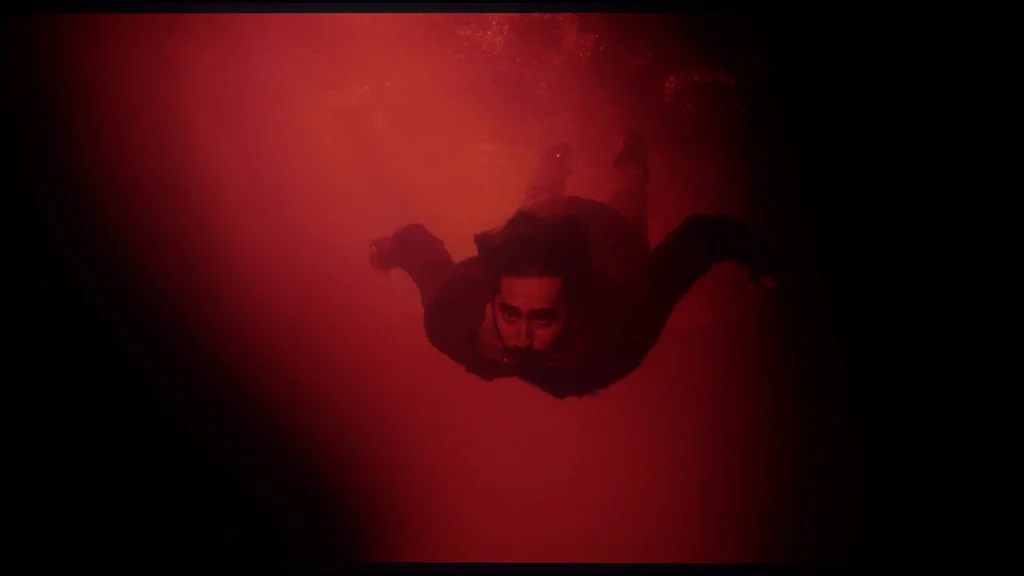
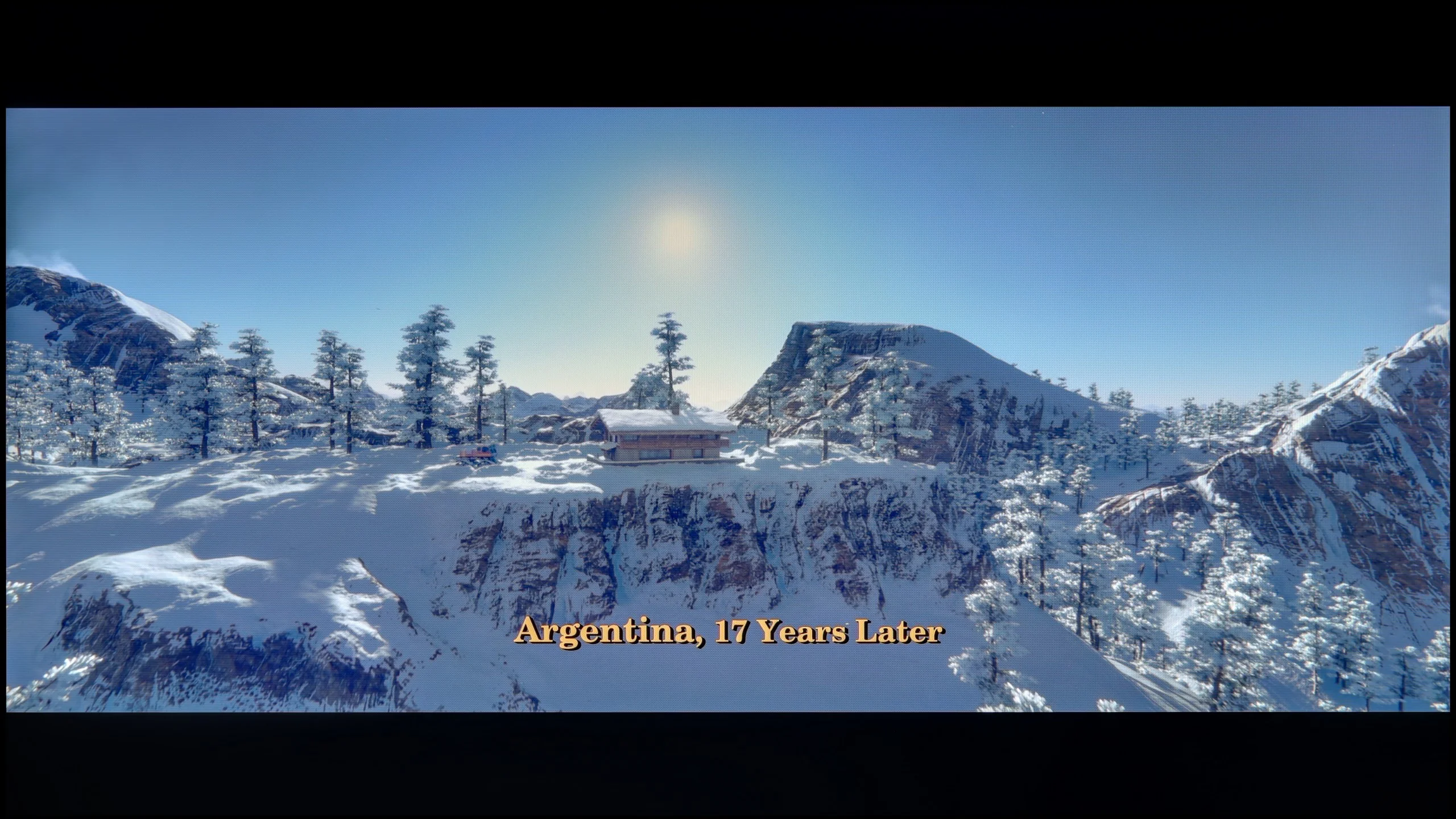
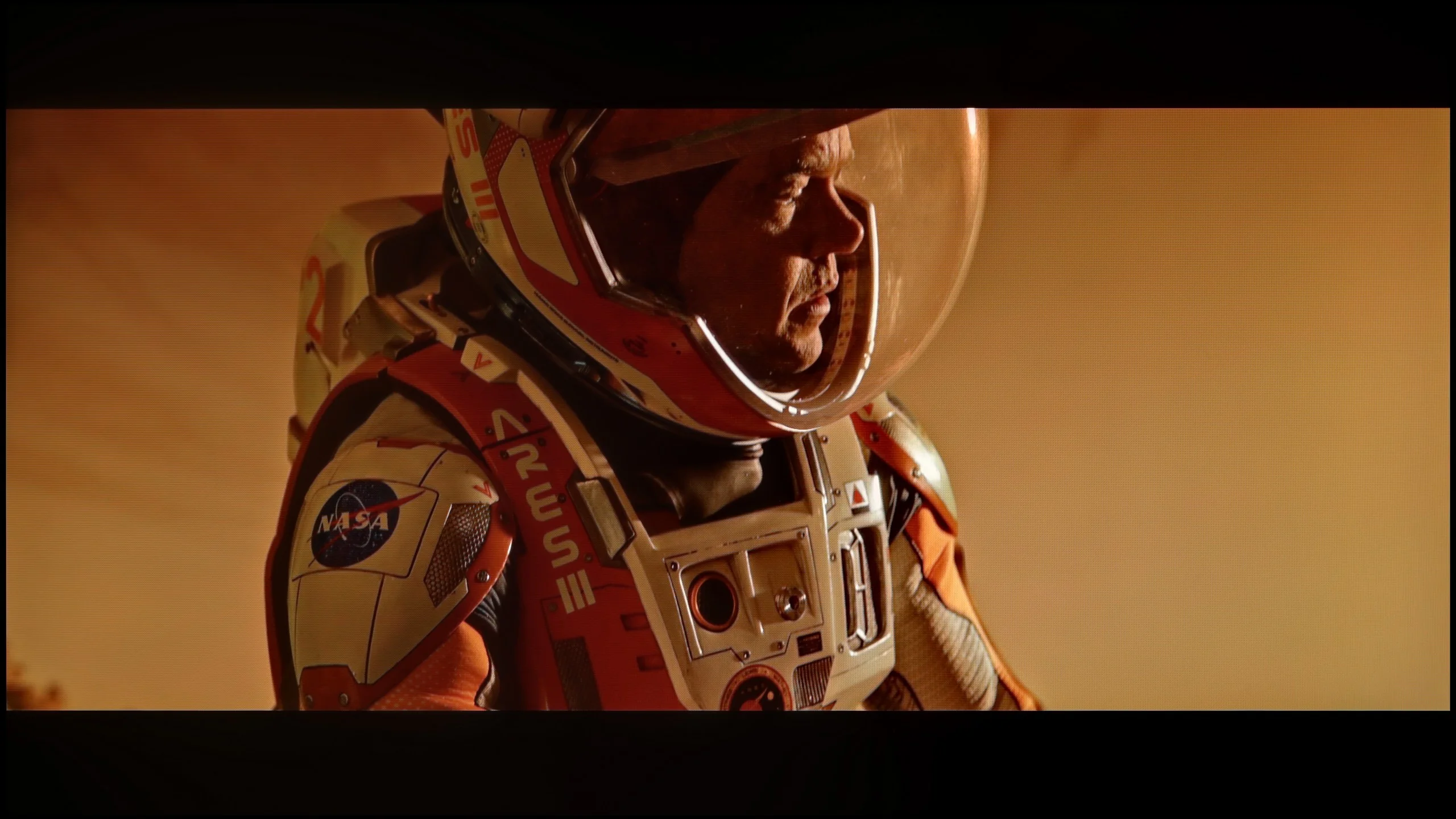
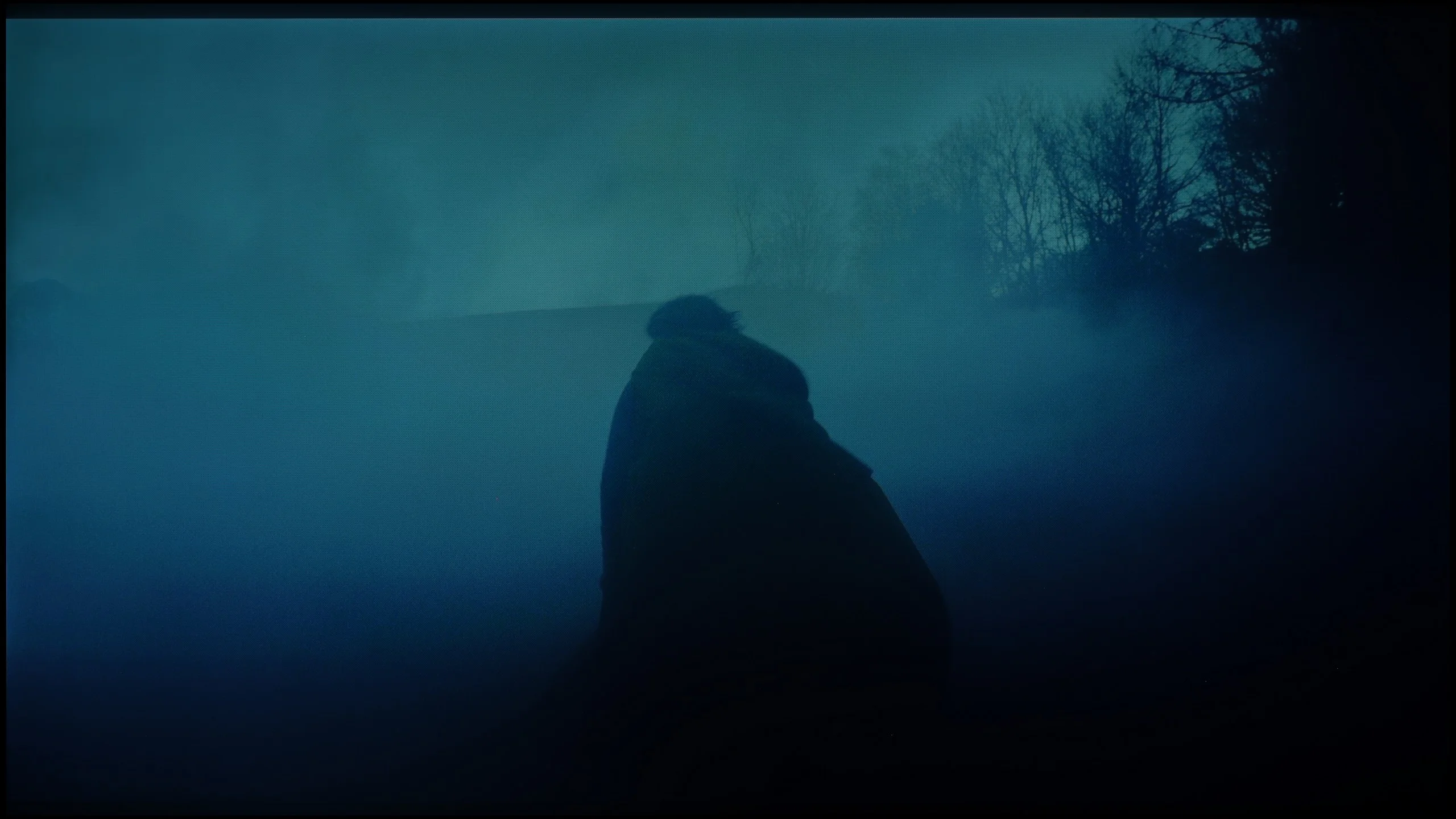
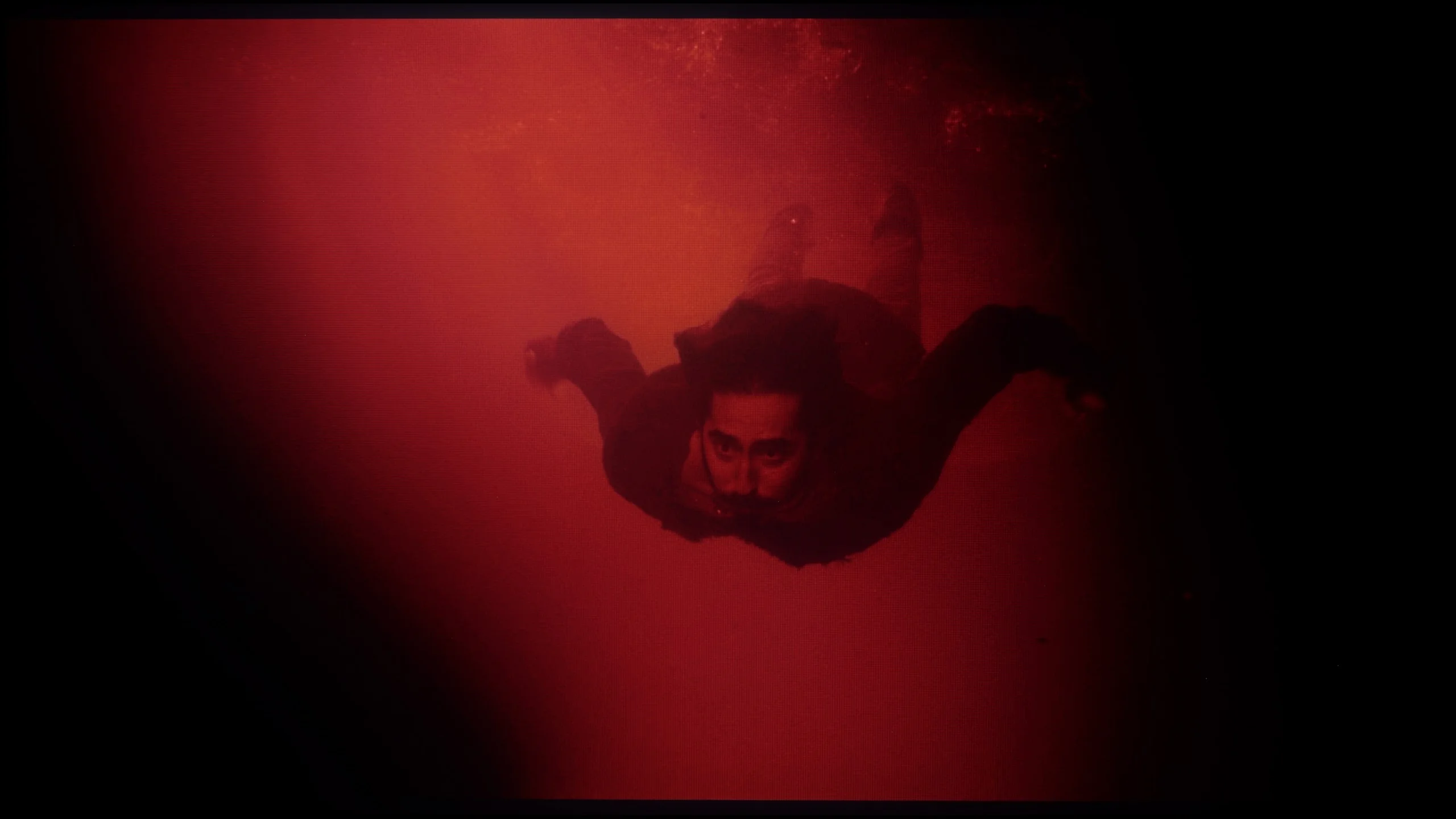
Image scaling and smoothness of tonal transitions
5.5/10
 Smooth transition function
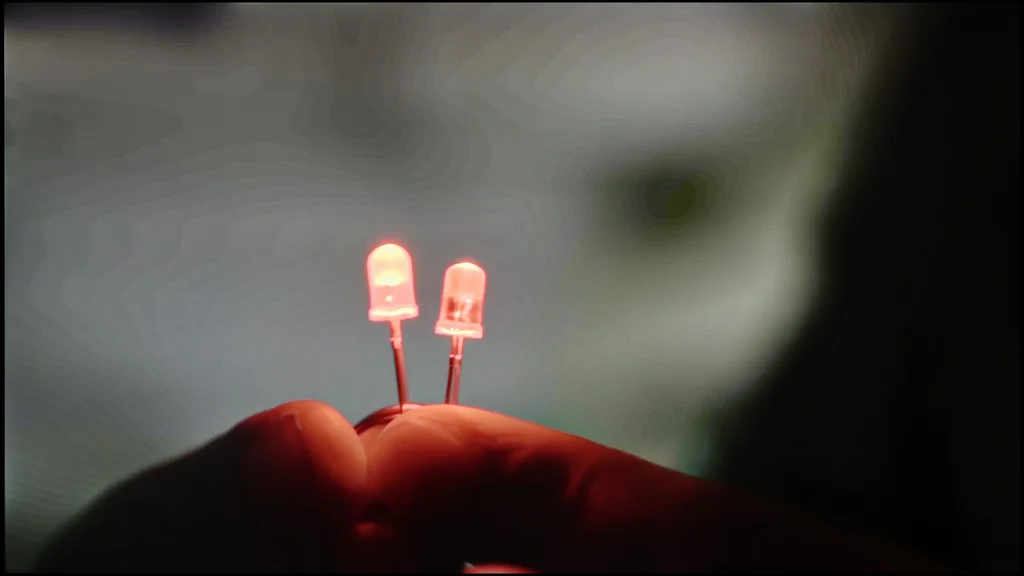
Image without overscan on the SD signal
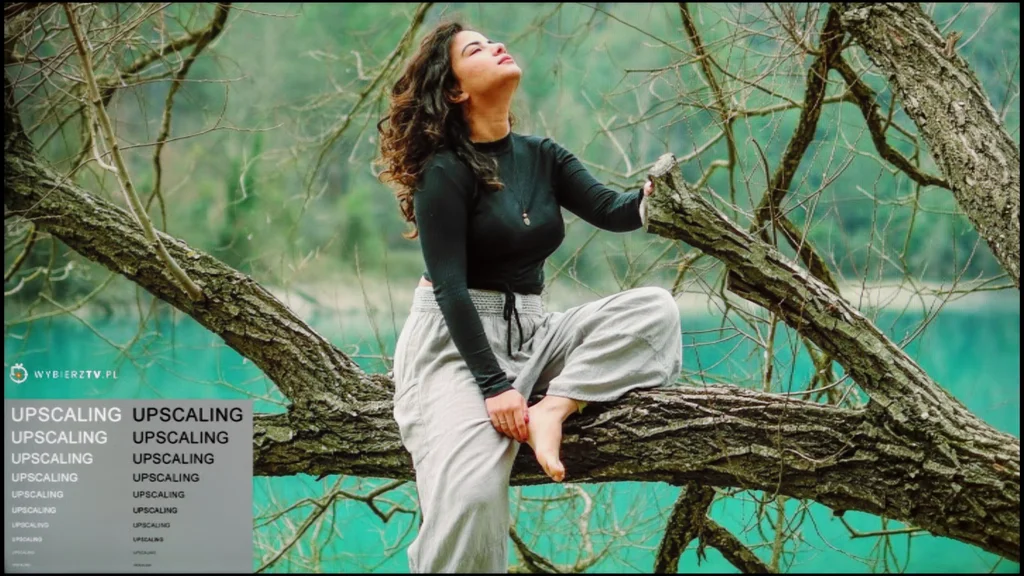
The TCL A400U correctly upscales lower-resolution sources to 4K. Contours are clear and fine detail remains discernible, so older films and regular TV look fairly good. There's also no issue with overscan, meaning it doesn't crop the edges of the image. Even with very low-resolution material the TV shows the entire frame.
It performs much worse at removing imperfections from heavily compressed recordings. The A400U, like the C7L, uses the older Pentonic 700 chip. A tonal-smoothing function is available, but in practice it does very little. Visible banding between shades remains on screen, and turning it on can even introduce additional artefacts. That's one of the weaker aspects of this model. High-quality material looks smooth, as noted earlier, but if flaws are already encoded in the recording, the A400U can't do much about them.
TCL A400U - Blur and motion smoothness
7.7/10
Maximum refresh rate of the panel: 144Hz
Film motion smoothing option: Yes
Blur reduction option: Yes
BFI function 60Hz: Yes, 120Hz (double contours)
BFI function 120Hz: Yes, 240Hz (double contours)
Brightness drop with BFI: 14%
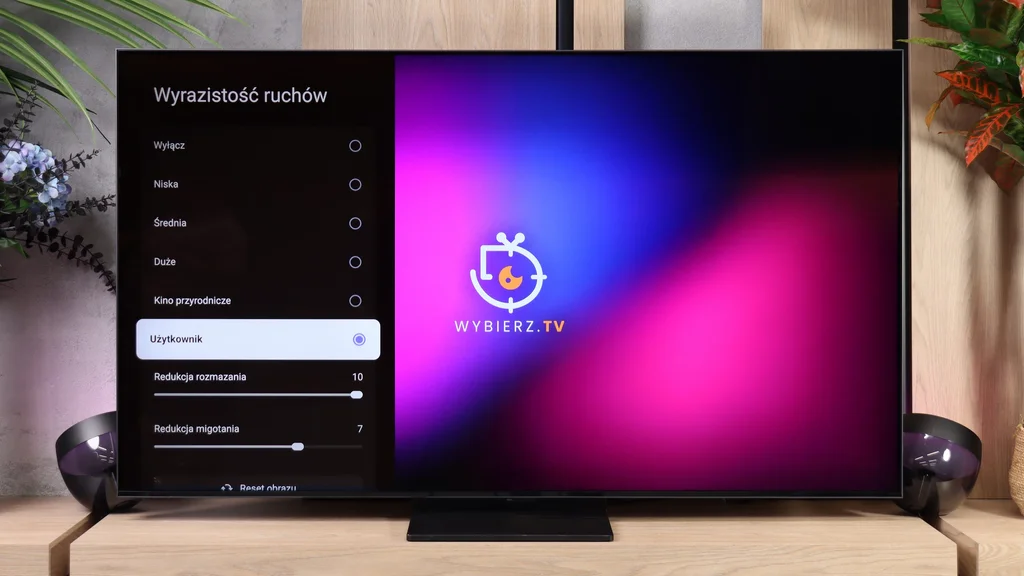
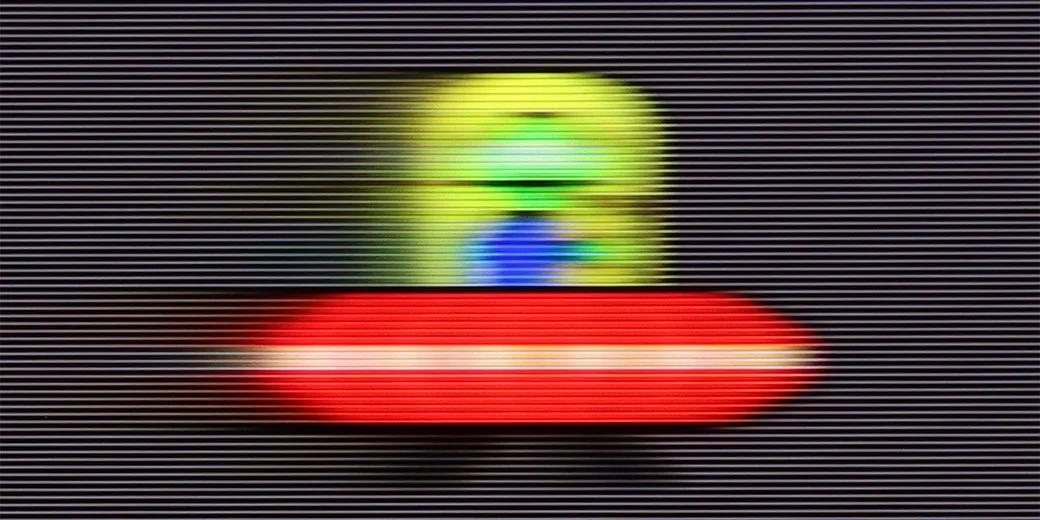
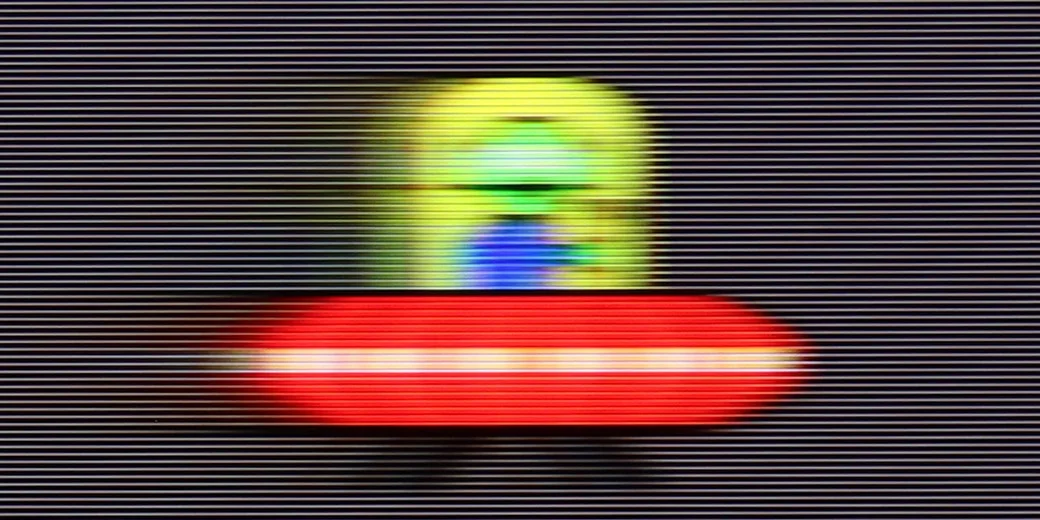
TCL A400U has a 144 Hz panel, so it's well suited to sports and gaming. In films you can further tune smoothness with the "Motion Clarity" settings. There are two sliders: "Blur Reduction" and "Flicker Reduction". They help improve readability of fast motion and soften abrupt camera shifts. You don't need to set them high straight away, especially if you want to preserve the cinematic look of a film. The panel's response time is decent, though some smearing typical of VA panels is visible. In the UFO test at 120 Hz a blurry trail remains behind the object and its fine details lose sharpness. They aren't very long smears, but it's certainly not the level of the best LCD panels on the market. The BFI feature, which briefly interrupts the image to improve perceived motion sharpness, doesn't change much here. Instead, it introduces double contours, so it's hard to call it particularly useful. The brightness drop when you enable it is small, about 14%, so it's worth experimenting with yourself.
Blur (native resolution, maximum refresh rate):


Blur (BFI function enabled):


Blur (1080p@288Hz):


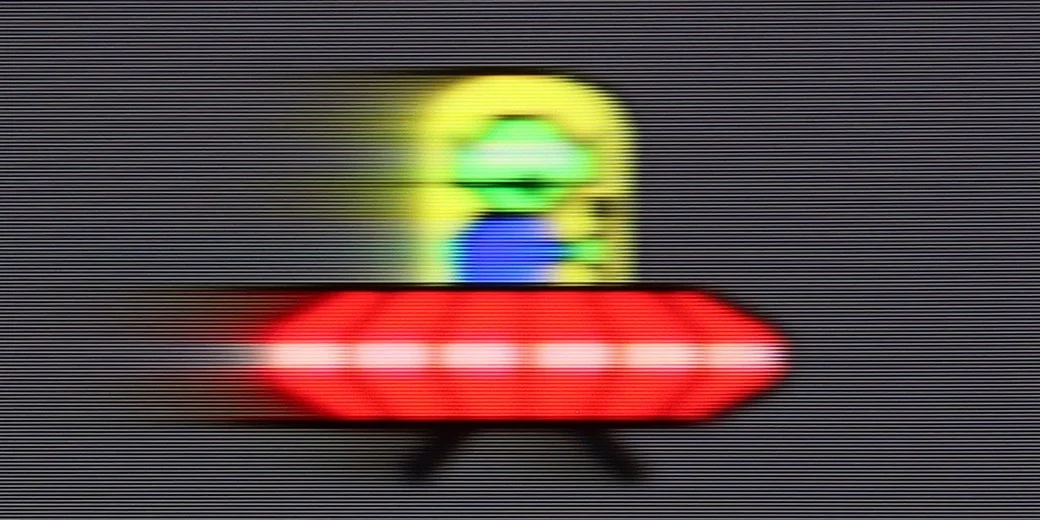
The 288 Hz mode available from a PC after dropping the resolution to Full HD looks interesting. In the UFO test you can see the object's shape and details more clearly than at 120 Hz, where they were blurred. There’s still some smearing, especially on dark backgrounds, but the improvement in motion clarity is substantial. It’s a sensible option for fast-paced games if you prioritise smoothness over image detail, which you wouldn’t really notice from far away.
TCL A400U - Console compatibility and gaming features
9.8/10
- ALLM:
Yes
- VRR:
Yes
- VRR range:
48 - 288Hz
- Dolby Vision Game Mode:
Yes
- Correct implementation of HGIG:
Yes
- 1080p@120Hz:
Yes
- 1440p@120Hz:
Yes
- 4K@120Hz:
Yes
- Game bar:
Yes
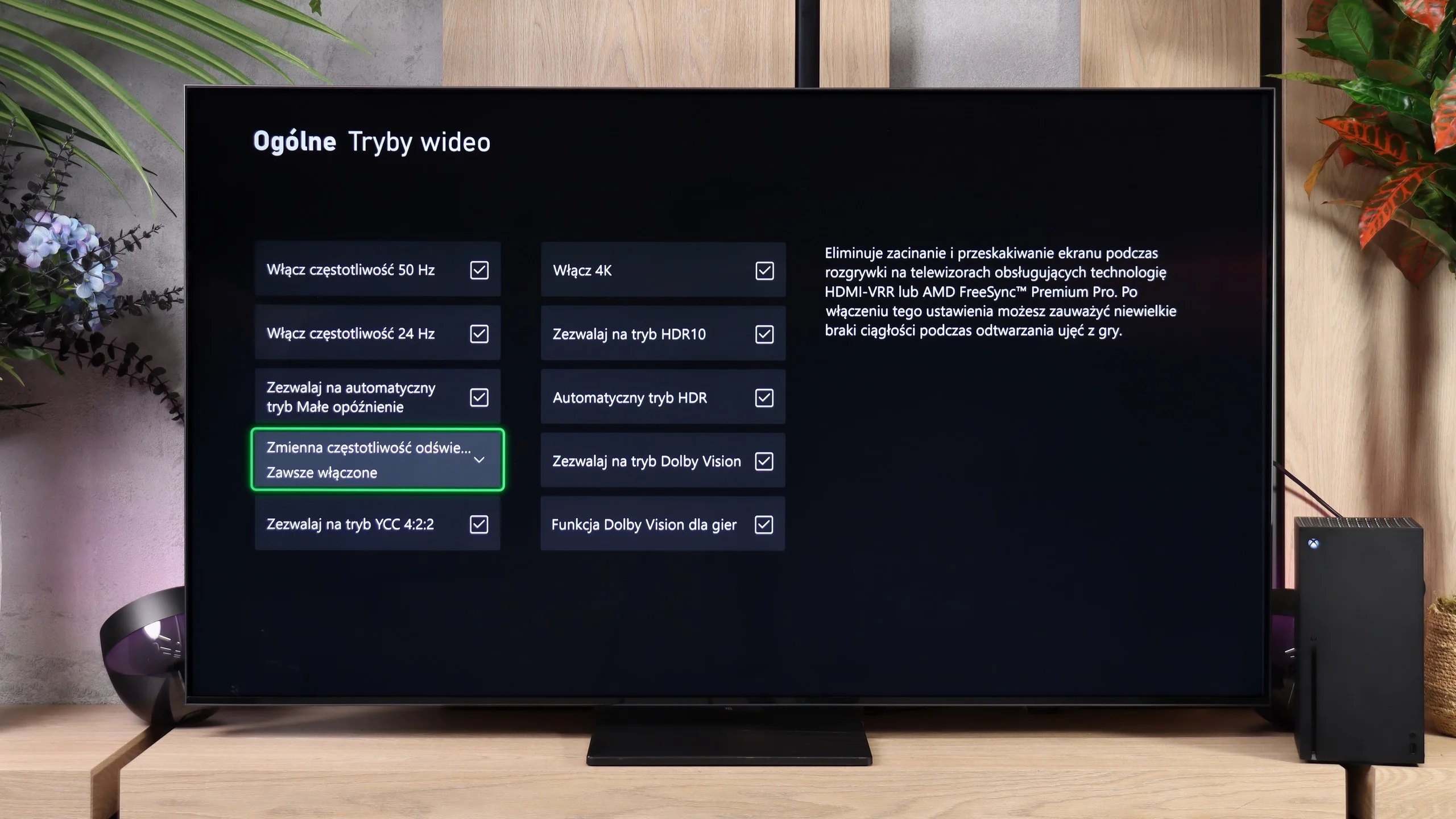
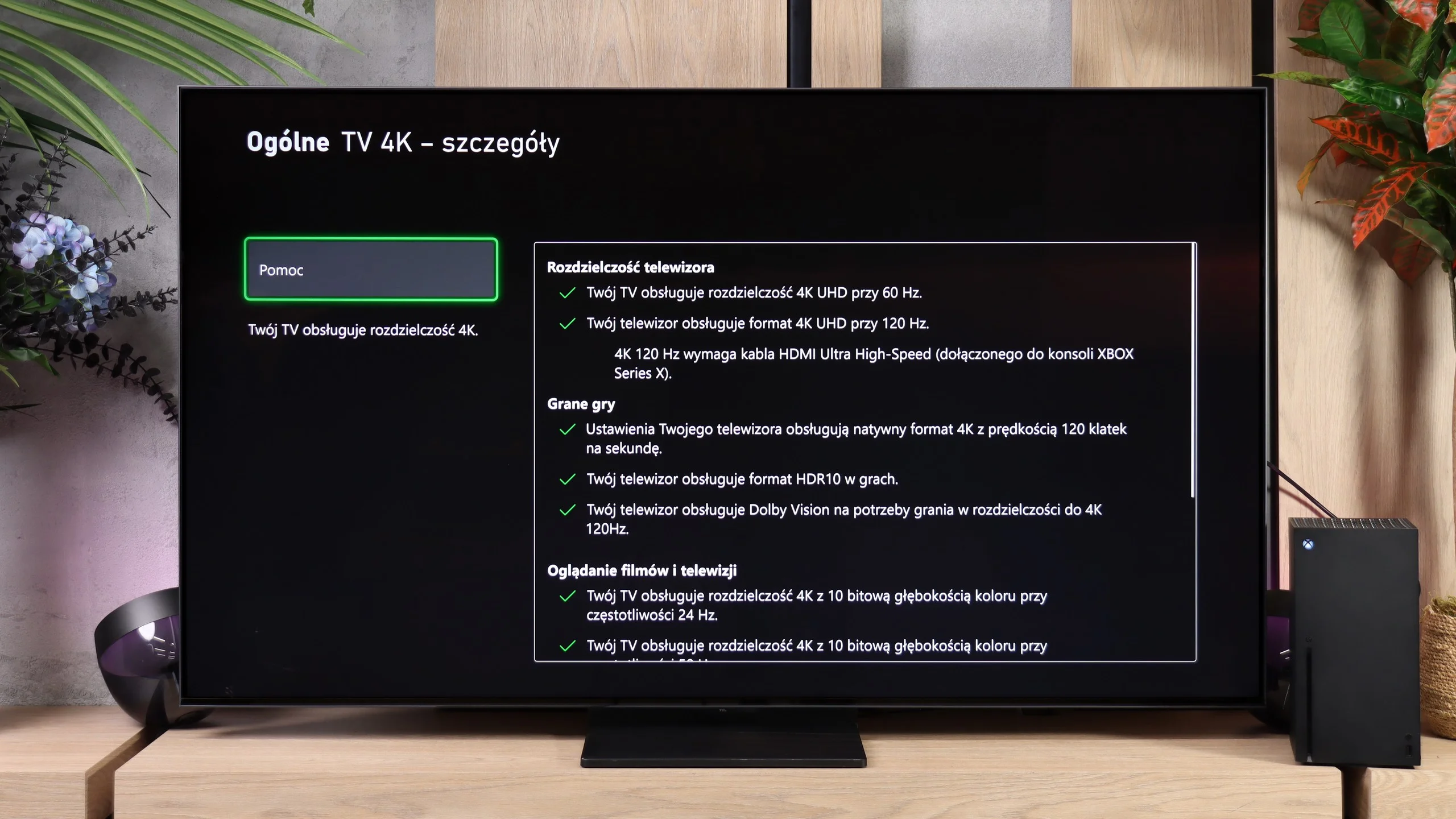
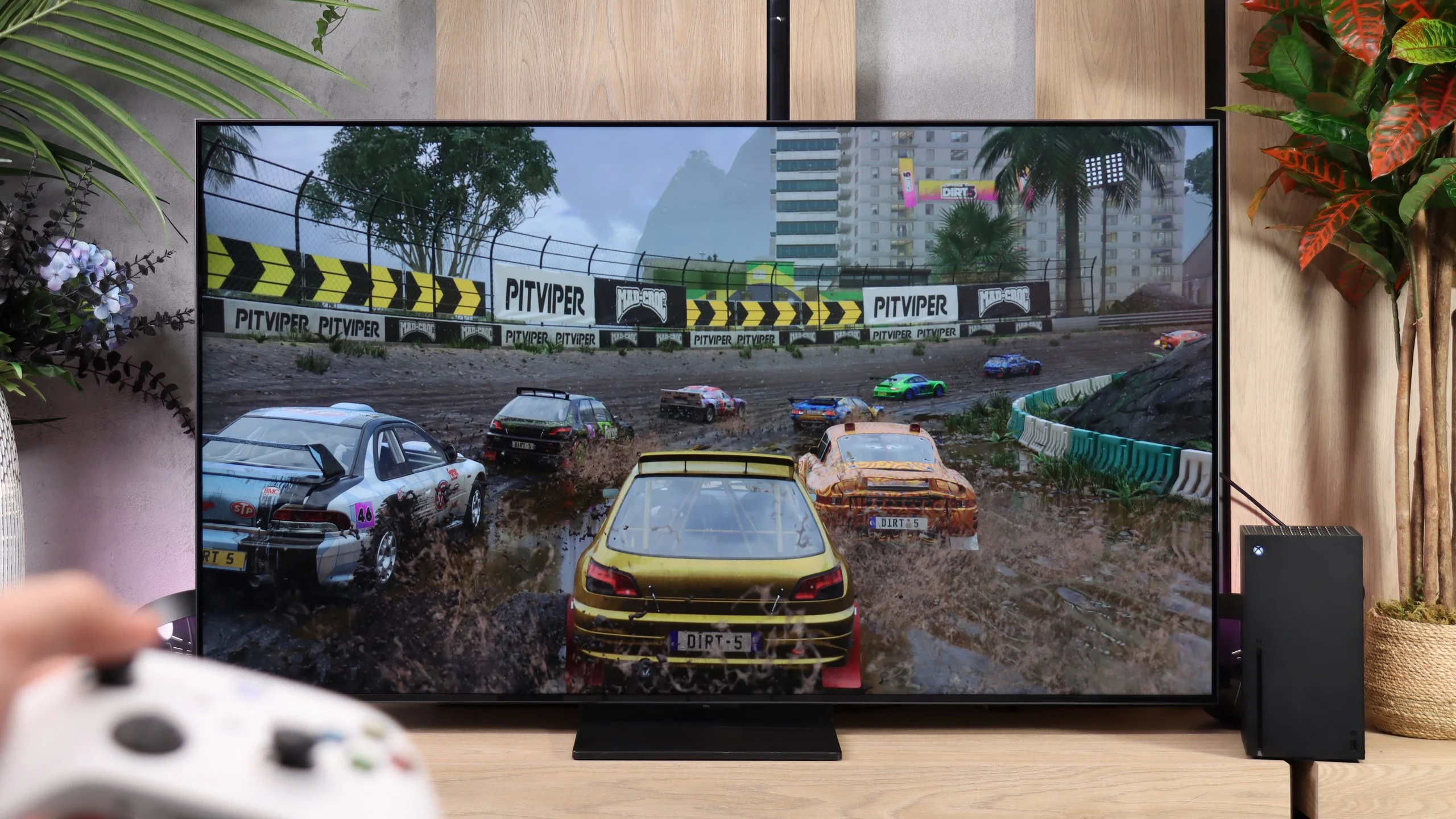
The TCL A400U offers extensive features for gamers, even though its looks suggest a TV for a stylish living room. It supports 120 Hz at Full HD, 1440p and 4K, so it can use the high-refresh modes available on consoles. When connected to a PC you can get 144 Hz at 4K or even 288 Hz at Full HD. For fast-paced games this gives plenty of flexibility between image detail and smoothness. It also has VRR, which adjusts the refresh rate to the frame rate and reduces screen tearing when a game can't hold steady performance. Its range is 48 to 288 Hz, with the highest value applying to Full HD. ALLM automatically switches the TV to game mode, and Xbox users can use Dolby Vision at 120 Hz as well.
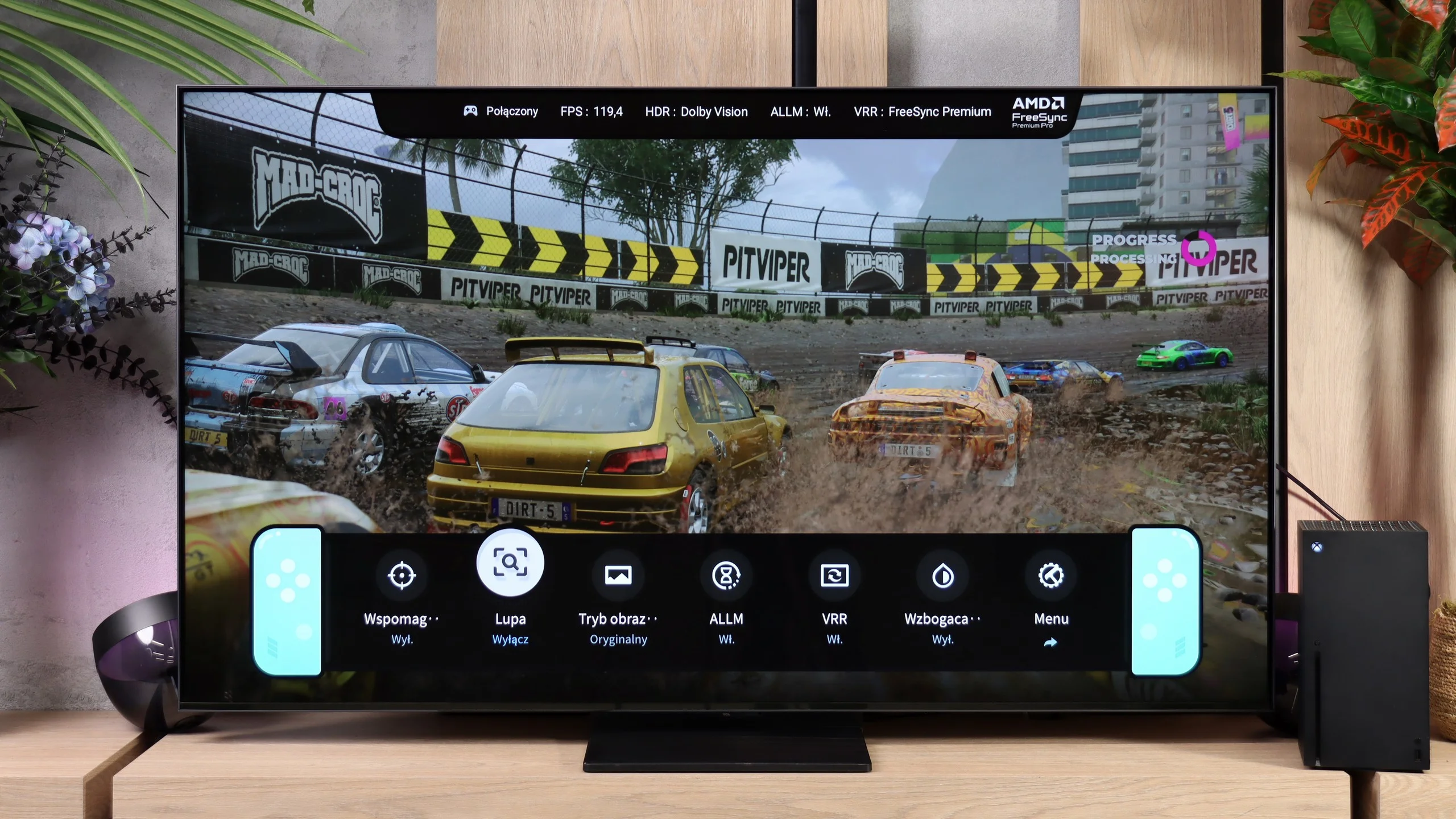
The properly working HGiG is commendable. It lets you set up HDR on the console without the TV further altering the test pattern and making it hard to judge when the pattern should disappear. That doesn't mean the peak brightness in Game mode is perfect, as we noted during calibration, but the HDR setup proceeds correctly. The package is rounded out by a clear Game Bar. You can quickly check the frame rate, active HDR format or VRR status, and also access extra tools like a crosshair and a magnifier. The key options are at hand without having to go into the full settings menu.

TCL A400U - Input lag
10/10
The A400U responds to controller inputs very quickly. At 60 Hz the lag is 13 to 14 ms, and at 120 Hz it drops to 8 to 9 ms in SDR and HDR10. Those are excellent results, including for fast-paced shooters and online multiplayer. Dolby Vision performs just as well: 14 ms at 60 Hz and 10 ms at 120 Hz, so using that format doesn't cause any noticeable drop in control responsiveness. In terms of input lag it's hard to fault.
| SDR | HDR | Dolby Vision |
|---|---|---|
| 1080p60: 14 ms | 2160p60: 13 ms | 2160p60 DV: 14 ms |
| 1080p120: 9 ms | 2160p120: 8 ms | 2160p120 DV: 10 ms |
| 2160p60: 14 ms | ||
| 2160p120: 9 ms |

TCL A400U - Compatibility with PC
8.5/10
Chroma 444 (max. resolution and refresh rate): Yes
Font clarity: Very Good
Readability of dark text and shapes: Average
Input lag in PC mode (4K, max. refresh rate): 9ms
Matrix subpixel arrangement: RGB
Max refresh rate: 144Hz
G-Sync: Yes
The TCL A400U works very well with a PC, mainly thanks to its extensive gaming capabilities. Support for 4K at 144 Hz or 288 Hz in Full HD, a functioning G-Sync and input lag of around 9 ms let you comfortably play even fast-paced titles.
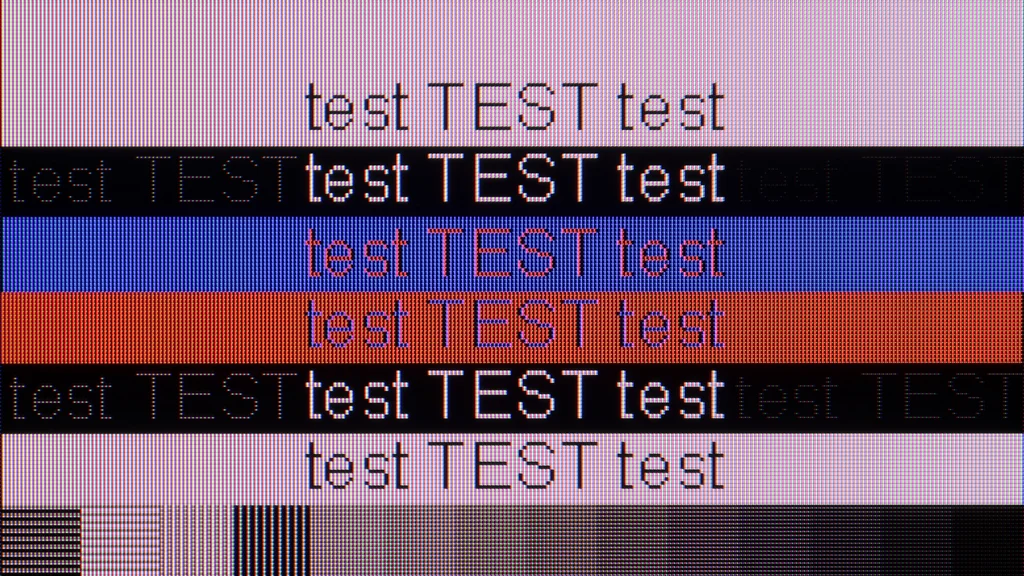
Text legibility, however, depends on the selected refresh rate. At 120 Hz fonts look nearly perfect, regardless of size and colour. Switching to 144 Hz introduces a problem with the horizontal strokes of letters, especially darker ones. They are noticeably dimmer than the vertical strokes, making small text appear uneven despite retaining 4:4:4 chroma. If the A400U is also to be used as a work monitor, it’s best to stick to 120 Hz and only enable higher refresh rates for gaming. It's an inconvenience, but it mainly affects people sitting close to the screen and working with small fonts. When gaming or using the PC from the couch it won’t be a big issue.
TCL A400U - Viewing angles
3.6/10
Brightness drop at an angle of 45 degrees: 79%
Viewing angles aren't the strongest suit of the TCL A400U. The VA panel handles blacks well when viewed straight on, but colours lose saturation from the side and the image becomes less contrasty. It's not the worst performance among TVs with this kind of panel, but with a wider seating arrangement the difference between the middle and the edge will be noticeable. It clearly falls short of IPS screens, and even more so of OLEDs. So it's best to watch the A400U as straight on as possible if you want to retain full colour saturation and good black levels.
TCL A400U - Daytime performance
8.5/10
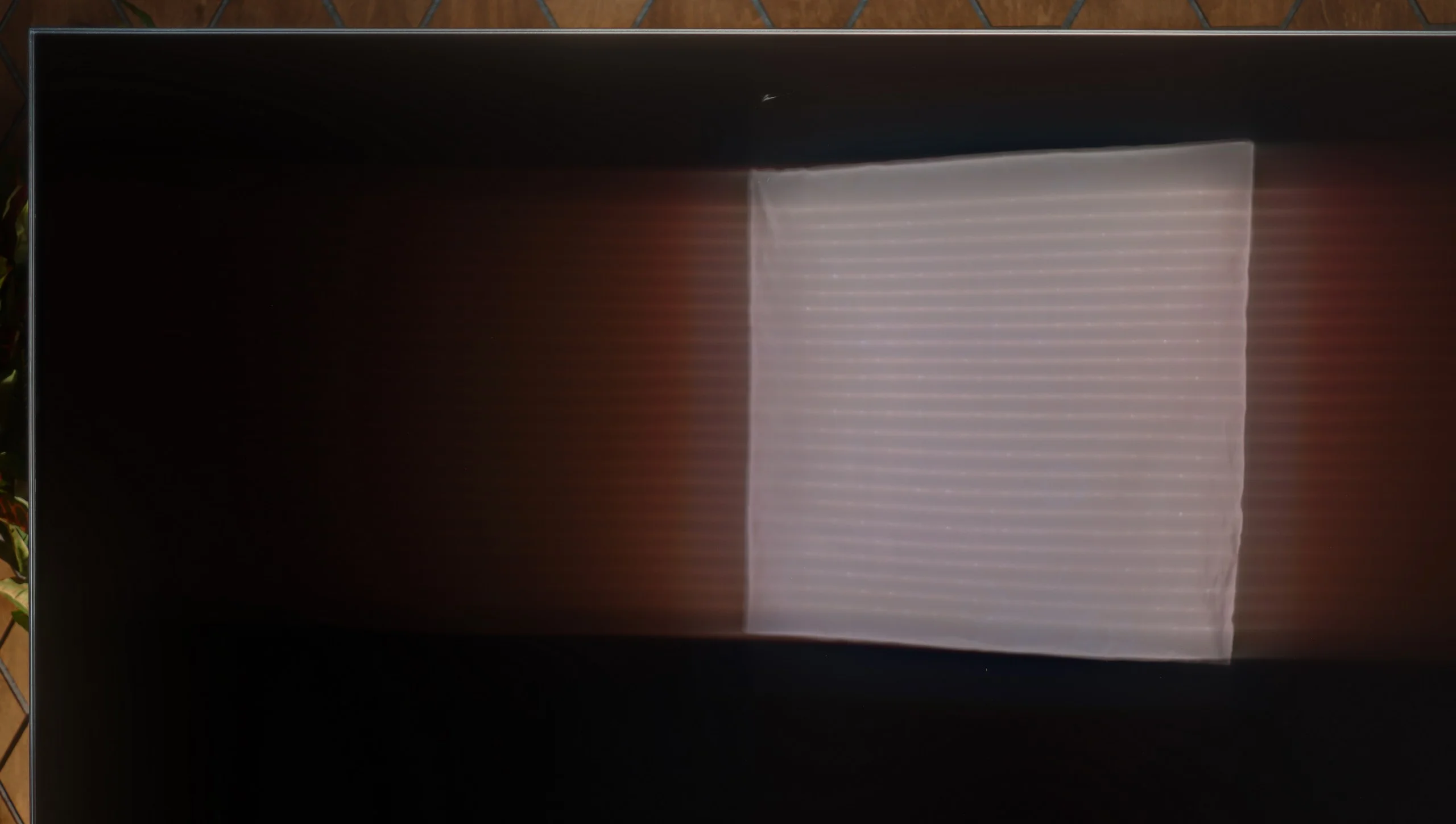
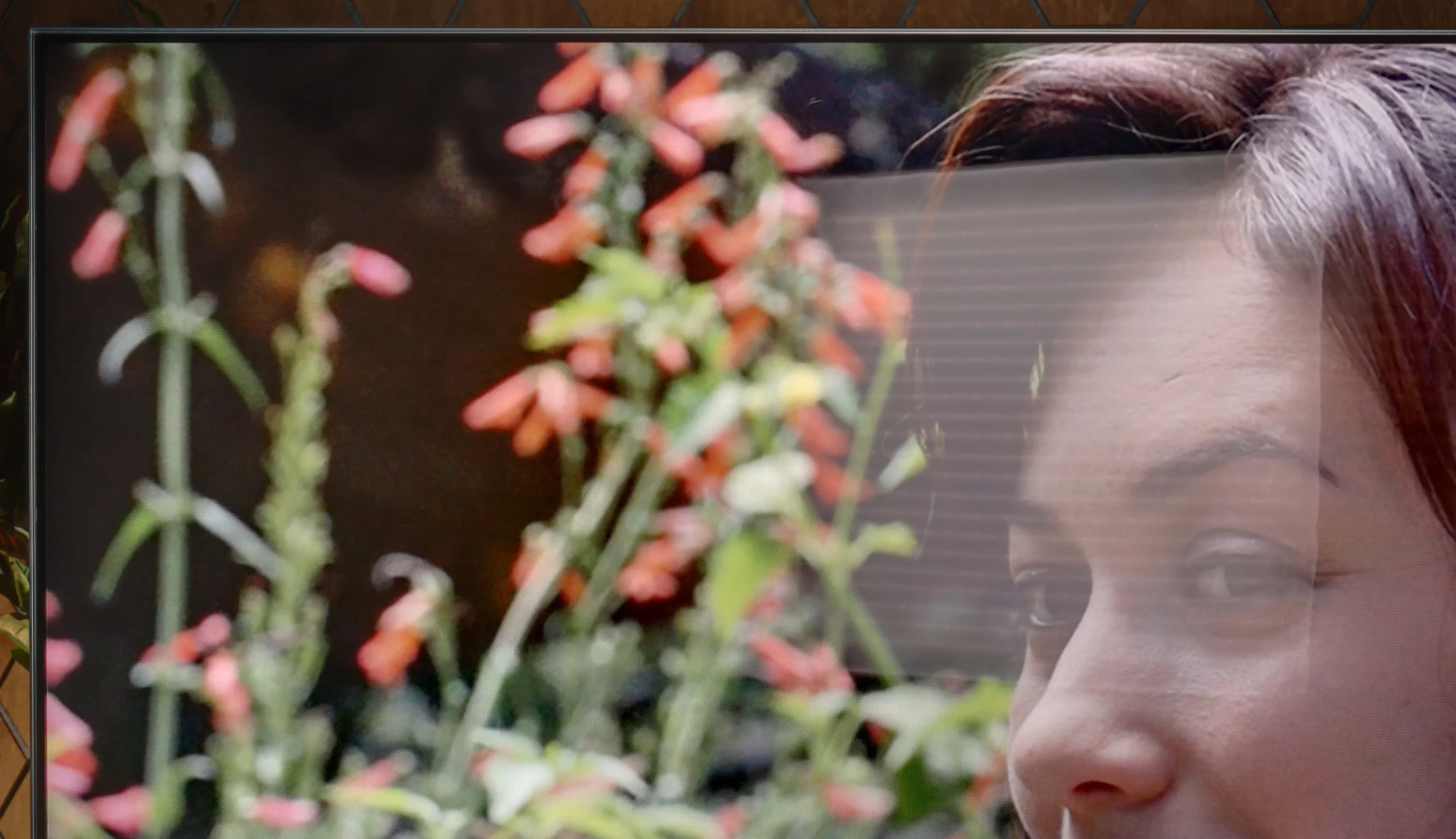
Panel finish: Glare
Reflection suppression: Poor
Black levels during daytime: Very Good
TVs intended to act as interior decoration often use matte screens that reduce reflections and help achieve the look of a picture on the wall. The TCL A400U goes a different route. It has a fully glossy finish that, unfortunately, clearly reflects windows and lamps. You can also notice this while watching, especially when a bright reflection falls on a darker part of a film. On the plus side, it handles blacks and colours well in a lit room. The picture doesn't get washed out, and colours remain nicely saturated.
The A400U's biggest asset in daylight, however, is its brightness. The average from measurements was about 1300 nits, and even with the entire screen filled with white the TV held around 700 nits. That's a very good result, which allows comfortable viewing even in a brightly lit living room. You just need to choose the screen's placement sensibly. The A400U has enough power to cope with a bright environment, but it won't remove reflections from a large window positioned directly opposite it.
Panel brightness
TCL A400U: 1227 cd/m2
TCL A400U - TV features
7.8/10
System: Google TV
System performance: Good
- HDMI inputs: 2 x HDMI 2.0, 2 x HDMI 2.1 48Gbps
- Outputs: Toslink (Optical audio), eARC (HDMI), ARC (HDMI)
- Network Interfaces: Wi-Fi 2.4GHz, Wi-Fi 5GHz, Ethernet (LAN) 100Mbps
- TV reception: DVB-T, DVB-T2, DVB-S, DVB-S2, DVB-C
Classic features:
 Recording to USB (terrestrial TV): No
 - Recording programming: No
- Picture in Picture (PiP): No
- RF remote control (no need to aim): RF
- Backlit remote control: No
- Teletext: Yes
- Audio only mode: Yes
- Bluetooth headphones support: Yes
- Simultaneous Bluetooth headphones & TV audio: Yes
Smart features:
- AirPlay: Yes
- Screen mirroring (Windows Miracast): Yes
- Voice search: Yes
- Voice search in native language: Yes
- Ability to connect a keyboard and mouse: Yes
Google TV
Google TV in the A400U runs smoothly and makes it easy to use the TV without plugging in an external set-top box. The app selection is wide, so it’s easy to find something to watch, and Polish voice search is handy when you’re looking for a specific film. Instead of tediously picking letters with the remote, just say the title. You can also cast content from your phone to the screen without much fuss. People watching traditional TV have slightly fewer options. The lack of USB recording means you can’t save your favourite programme for later without an external decoder.
Practical features
The A400U has a few handy features. For example, you can connect Bluetooth headphones while keeping the TV speakers on. There are, however, some shortcomings, especially for those using traditional TV. You can’t record programmes to USB, and there’s no picture-in-picture mode to show two sources at once. It’s also worth thinking about connecting extra equipment. Of the four HDMI inputs, only two support high refresh rates at 4K, and one of those is also used for audio via eARC. If a soundbar occupies that port, only one high-refresh 4K input will remain for a console or PC. With a single console that’s no problem, but a more elaborate setup may run out of ports.
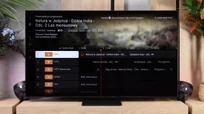
Remote
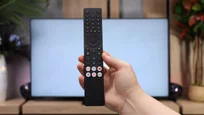
With the A400U’s refined looks, it’s a shame the remote didn’t get the same attention. A large plastic body with lots of buttons looks rather ordinary next to such a well-made TV. A more minimalist remote, like the one on the C8L, would suit this model’s character much better. The A400U is, of course, the cheaper device, but since looks are one of its main selling points, why not? 😉. In everyday use the remote works well and you don’t need to aim it at the screen, although backlit buttons would be useful in the evening.
Sound connection options
HDMI audio:
Other audio outputs:
- Toslink: Yes
Wireless audio:
- Bluetooth: Yes
Supported audio formats (external HDMI eARC audio):
- Dolby Digital Plus 7.1: Yes
- Dolby True HD 7.1: Yes
- Dolby Atmos in Dolby Digital Plus (JOC): Yes
- Dolby Atmos in Dolby True HD: Yes
- DTS:X in DTS-HD MA: Yes
- DTS-HD Master Audio: Yes
Senior accessibility
- Numeric keyboard on TV: Yes
- Font size adjustment: Yes
- Audio description: Yes
TCL A400U - Apps
9.6/10






















TCL A400U - Playing files from USB
9.4/10
| Maximum photo resolution: | Supported photo formats: |
|---|---|
| 4 Mpix | JPEG |
| 6 Mpix | HEIC |
| 8 Mpix | PNG |
| 10 Mpix | GIF |
| 12 Mpix | WebP |
| 16 Mpix | TIFF |
| 20 Mpix | BMP |
| 24 Mpix | SVG |
| 28 Mpix | |
| 32 Mpix |
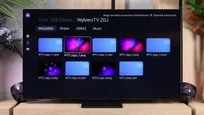
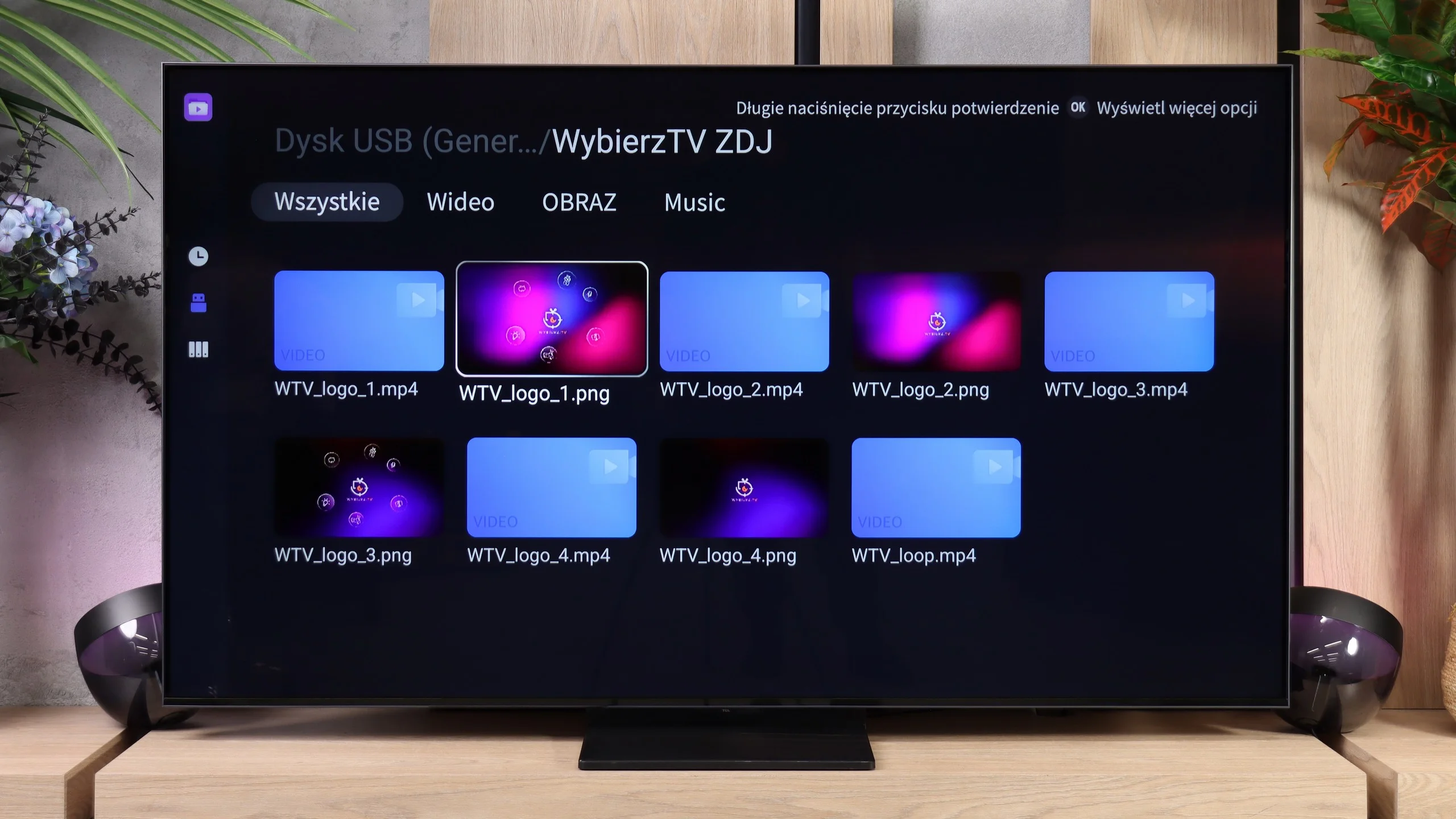
The built-in USB player in the TCL A400U performs very well. It opened almost all the video files, photos and music tracks we tested, so to play your own material from a USB stick the TV’s out-of-the-box capabilities are usually sufficient. One small caveat is the lack of support for subtitles in .txt format. If you have an older collection of films with such subtitles, you may need to convert them or install a different media player. There’s no issue with popular .srt and .sub formats.
TCL A400U - Sound
6.7/10
82dB
Maximum volume

Supported codecs (TV speakers)
Dolby Digital Plus 7.1
Dolby True HD 7.1
Dolby Atmos in Dolby Digital Plus (JOC)
Dolby Atmos in Dolby True HD
DTS:X in DTS-HD MA
DTS-HD Master Audio
The sound in the TCL A400U is unfortunately as flat as its casing. The built-in 2.0 system with 20 W output is enough for watching the news or everyday TV programmes, but it clearly lacks bass for films and music. Explosions lack punch and music sounds rather thin. The slim design comes at a cost, so for movie nights it's worth considering a soundbar, preferably with a separate subwoofer. The TV supports Dolby Atmos and DTS, so additional speakers will also make better use of the spatial audio tracks.
Sound Quality Test:
Acoustic Measurements
82dBC (Max)
75dBC
TCL A400U - Panel details
Software version during testing: v8-0012t01-lf1v641.003171
Image processor: mt5896 2,5GB RAM
Panel uniformity and thermal imaging:

Backlight Type: Mini-LED PFS LED

Founder and originator of the "ChooseTV" portal

Journalist, reviewer, and columnist for the "ChooseTV" portal

michal-woloszyn-title
Reader comments
Comments are provided by the external service Disqus (Zeta Global). Once loaded, Disqus may set cookies and process data about your activity.
We will remember your choice on this device. Provider's privacy policy
See articles related to TCL A400U:
 9/14/2026

5/13/2025
1/22/2026
Our YouTube channel
Picture comparison: Sony Bravia 9 II vs TCL X11L vs Hisense ... 7/15/2026