- Matching (Score) |
- Our verdict |
- Competing TVs |
- TV appearance |
- Where to buy |
- Contrast and black detail |
- HDR effect quality |
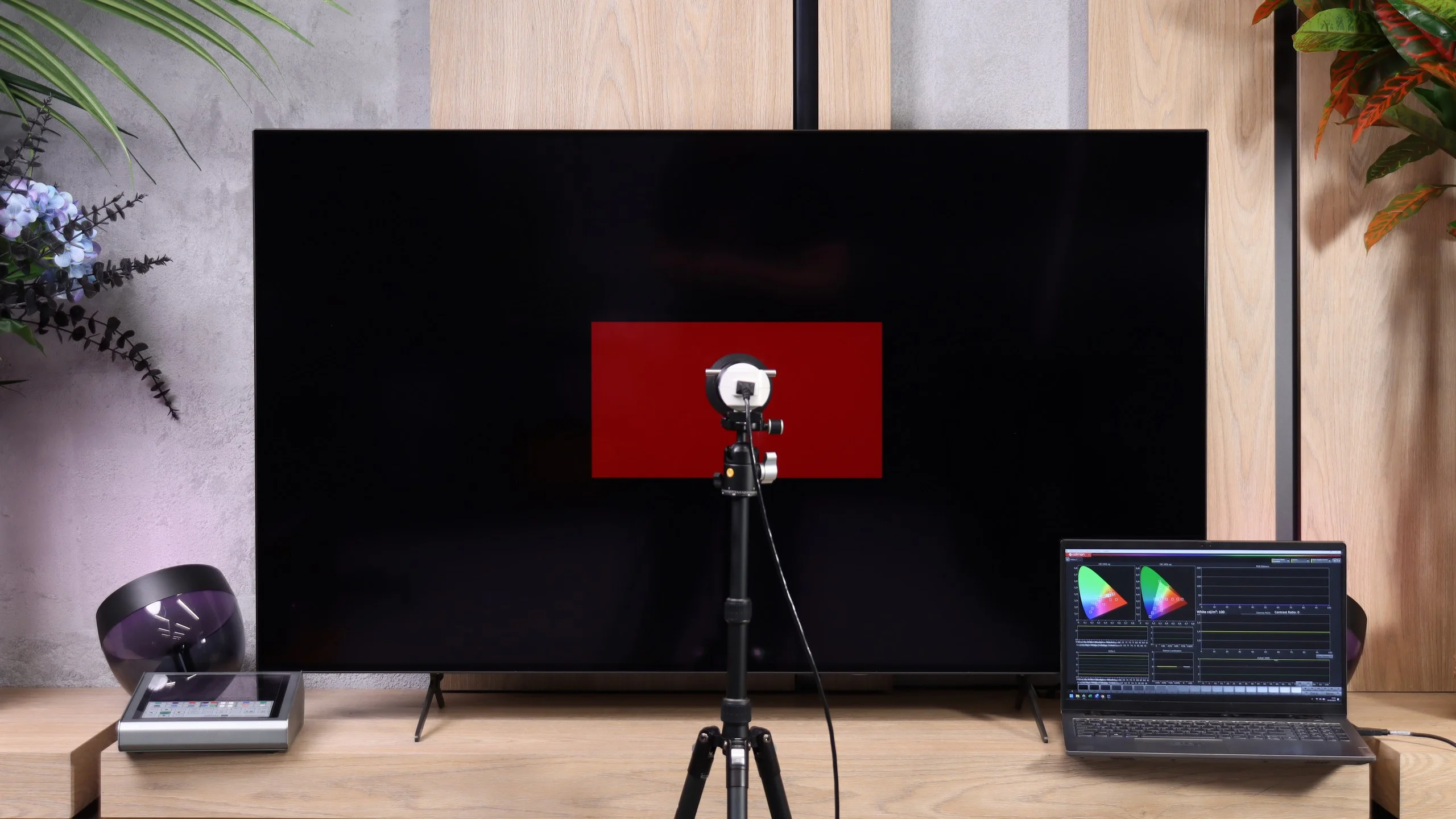
- Factory color reproduction |
- Color reproduction after calibration |
- Smoothness of tonal transitions |
- Image scaling and smoothness of tonal transitions |
- Blur and motion smoothness |
- Console compatibility and gaming features |
- Input lag |
- Compatibility with PC |
- Viewing angles |
- Daytime performance |
- TV features |
- Apps |
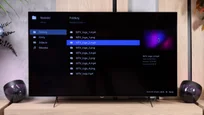
- Playing files from USB |
- Sound |
- Panel details
Philips OLED761 Review
Available screen sizes:
Complete the survey to find out the result
Panel type: WRGB OLED Refresh rate: 120Hz Brand: PHILIPS Resolution: 3840x2160 System: Titan OS Model year: 2026
This review is an English translation of the Polish original. Read the original on Wybierz.tv.
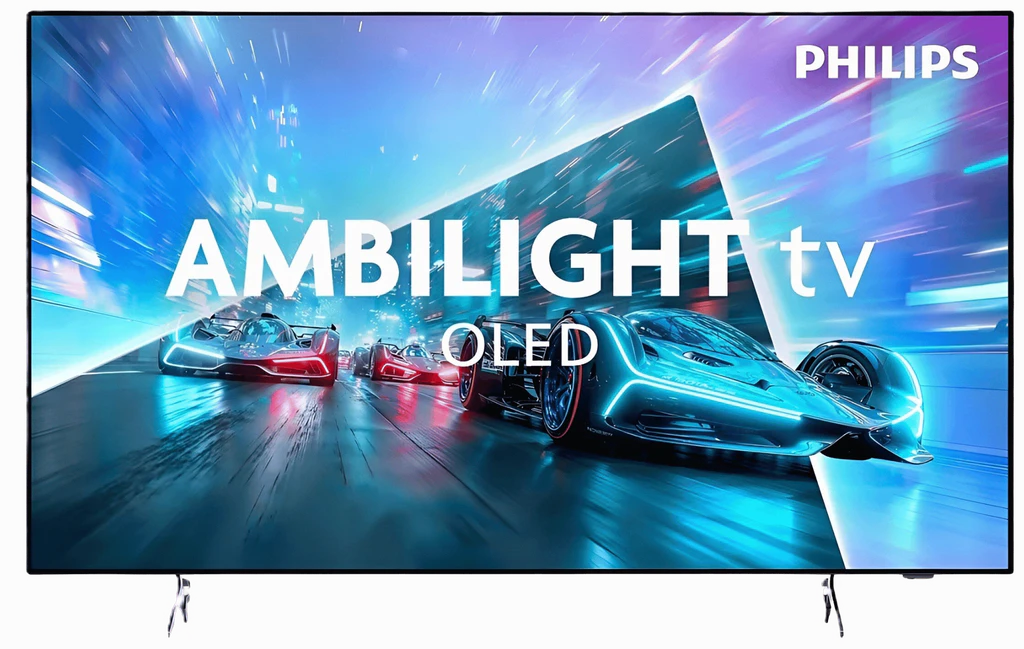
The Philips OLED761 is the brand’s cheapest OLED for 2026. It’s meant to win people over mainly with a price lower than the 8 and 9 series, but it also keeps something many people consider when buying a Philips in the first place: Ambilight. The wall backlighting behind the screen has long set this brand’s TVs apart, and for some buyers it’s as important as the picture itself. The question remains what compromises you have to accept when choosing the entry-level model. We checked whether the OLED761 is a good way to get a cheaper OLED with Ambilight and what it offers beyond the characteristic glow.
PHILIPS OLED761 - Our verdict
7.7
Overall rating
Philips OLED761 shows that the brand’s entry-level OLED can be a successful choice for watching films. It performs best in the evening, when perfect blacks and impressive HDR let you appreciate the strengths of this panel. After calibration, colour reproduction is very good, so it's hard to fault the picture during normal viewing. It doesn't always handle the brightest highlights in demanding HDR10 films as well, but Dolby Vision helps in those scenes. This is a TV that can make an evening screening with the lights off genuinely impressive. A big part of that experience is Ambilight. If you like lighting the wall behind the screen, the OLED761 gives you a solid reason to consider Philips. You don't have to pay extra for higher-end ranges to combine that feature with a good OLED picture. This model also works well for gaming: a 120 Hz panel and four HDMI 2.1 inputs let it serve as a screen for movies as well as consoles or a computer. That's important, because even the cheapest OLED in a range should be a versatile purchase, not a TV that's only good for night-time viewing.
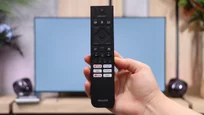
Before buying, though, it's worth looking at two limitations. The first is watching in a bright room. The OLED761 is a little dimmer than rivals using a similar panel, and the lack of a polariser in the OLED SE panel further reduces its performance in bright rooms. The second is Titan OS. The system runs more smoothly than in earlier versions, but still offers a smaller selection of apps than the competition. Improved responsiveness is welcome, but it won't replace access to the services you use every day, so check availability before purchasing. We also didn't like the remote. Although it's backlit and has a full set of useful keys, it requires precise aiming at the screen.
Ultimately the Philips OLED761 makes most sense for people who mainly watch in the evenings and want Ambilight. In those conditions it can confidently compete with the Samsung S85H and LG B6 in terms of picture quality, and the choice between them will depend more on price, the operating system and personal habits. Philips doesn't have a clear advantage in every use case, but that doesn't mean it should be treated as an inferior alternative just because it opens the brand's OLED range. At the right price it's a good purchase, but only if the available apps are enough for you.
Advantages

Perfect blacks and very high contrast
Impressive HDR for evening viewing sessions
Very good colour reproduction after calibration
Wide viewing angles
Ambilight enhances viewing enjoyment 🙂
120 Hz panel useful for gaming and sports
Four HDMI 2.1 inputs
Dolby Vision support (improves the picture in many HDR scenes)
Disadvantages

Limited app selection on Titan OS
Lower SDR brightness than competitors
Screen reflections that are distracting in a bright living room
Infrared remote control requires aiming at the TV (sometimes slow to respond)
Visible posterisation
 Movies and series in UHD quality
8.0
 Classic TV, YouTube
8.7
 Sports broadcasts (TV and apps)
8.5
 Gaming on console
9.0
 TV as a computer monitor
7.6
 Watching in bright light
4.5
 Utility functions
7.9
 Apps
Apps7.7
 Sound quality
7.0
Complete the survey to find out what fits your preferences
PHILIPS OLED761 - Competing TVs in this price range
PHILIPS OLED761 - TV appearance
HDMI inputs: 0 x HDMI 2.0, 4 x HDMI 2.1 (48Gbps) Outputs: Toslink (Optical audio), eARC (HDMI), ARC (HDMI), Mini-Jack (Headphones) Network Interfaces: Wi-Fi 2.4GHz, Wi-Fi 5GHz, Ethernet (LAN) 100Mbps
Build quality: Good
Stand type: Legs
Bezel color: Graphite


Stand: Fixed
Flat design: No
Accessories: Stand
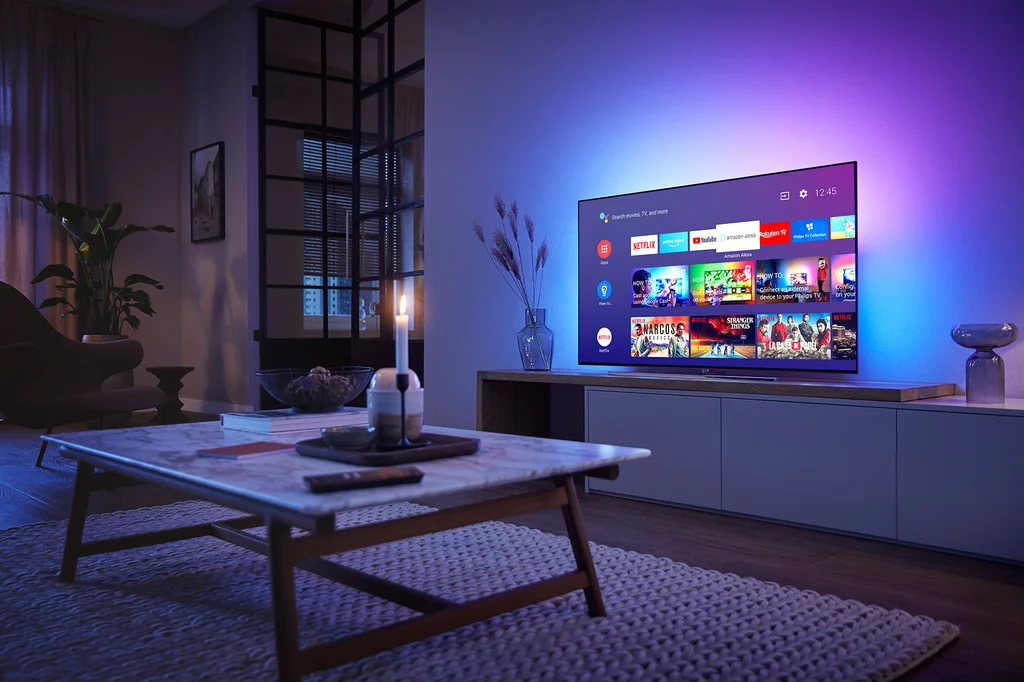
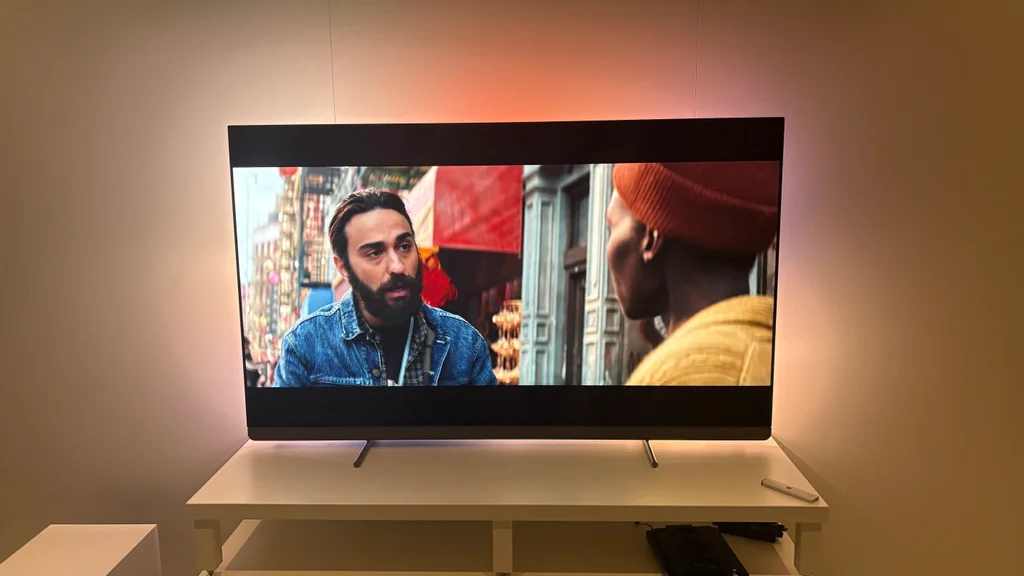
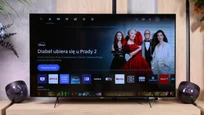
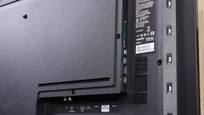
The Philips OLED761 looks much like the modern OLED TVs we’re used to. It has a very thin panel and slim bezels, and at the back there’s a thicker plastic housing that contains the electronics and ports. Overall it looks neat and modern, though from the front it’s hard to point to anything that clearly sets it apart from the competition. What does attract attention are two narrow, splayed feet that lift the screen fairly high above the cabinet. They give the TV somewhat unusual proportions and won’t appeal to everyone, but there’s a practical reason for it. There’s plenty of room under the screen for a soundbar, making it easier to place one in front of the TV without obscuring the picture. The feet are also widely spaced, so it’s worth checking the width of your cabinet before buying. What most sets the OLED761 apart, of course, is Ambilight. LEDs mounted at the back light the wall with colours matched to what’s happening on screen. Especially in the evening, the glow becomes a clear part of the viewing experience and gives a TV that looks fairly ordinary in daylight more character.
Buy at the best price
Select size:

PHILIPS OLED761 - Contrast and black detail
10/10


Result
∞:1

Result
∞:1

Result
∞:1

Result
∞:1

Result
∞:1

In this category the Philips OLED761 receives the highest rating. The OLED panel used allows each pixel to be controlled independently, and where the image should be completely black it can simply be switched off. As a result we achieved infinite contrast in all test scenes. When watching, this translates to deep blacks and a very clear separation of bright elements from the dark background. Even a small lamp or a star does not cause the surrounding area to be lit up by the screen's backlight, something Mini LEDs still struggle with in demanding scenes. That's an advantage of the technology itself, which is why even Philips' cheapest OLED can match much more expensive models in this respect. In a dark room it's especially obvious how much precision like this delivers. Black doesn't turn grey just because a bright object appears right next to it, and the TV doesn't have to choose between dimming the light and keeping the dark background.
Certain reservations, however, concern how it displays tones just above black. In cinematic scenes the OLED761 can slightly brighten those tones, so the darkest parts of the picture can be a little brighter than they should be. The start of the luminance curve also confirms this. That doesn't mean the panel can't show perfect black, because completely black elements still remain switched off. The imperfection affects reproduction of the very darkest greys and, although it doesn't negate the excellent contrast, you can notice it in some night shots.
Halo effect and black detail visibility:
PHILIPS OLED761 - HDR effect quality
6.1/10
Supported formats: HDR10, HDR10+, Dolby Vision, HLG
Luminance measurements in HDR:

Result
538 nit

Result
702 nit

Result
784 nit

Result
740 nit

Result
289 nit
Philips OLED761 uses the new-generation WOLED SE panels from LG Display, and in terms of HDR brightness it achieves results close to its nearest rivals, the Samsung S85H and LG B6. Peak brightness is around 800 nits, which for an entry-level OLED is a solid result. Importantly, similar values also appear in films. In scenes with small bright elements on a dark background we measured around 700–780 nits, so a torch, spotlight or lamp can really stand out. Combined with perfect black, this delivers a convincing HDR effect, especially during evening viewing. The panel’s capabilities do fall off as the bright area increases. When single highlights are replaced by a wide sunlit landscape, the TV can no longer maintain such high brightness. In an oil-rig scene we recorded 289 nits, and with an even larger bright-area fill the result can drop to around 200 nits. In practice this means a sun-drenched shot will look less punchy than small lights in a night scene. Despite this limitation, the OLED761’s HDR performance deserves praise. It’s not a TV that will light up a room with every bright scene, but it can clearly show the difference between standard footage and HDR content. It performs best where bright accents appear against a darker background, because that’s when high peak brightness on individual elements and deep blacks combine for the best effect.
Colour
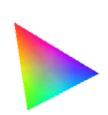
The Philips OLED761 also handles colour well, as its panel covers the vast majority of the DCI-P3 gamut, which contains most of the colours seen in HDR films and series. As a result, in everyday viewing colours have proper saturation and the picture doesn’t look washed out. Limitations only appear in more demanding material that uses shades beyond DCI-P3 and in the wider BT.2020 gamut. In such shots the most intense reds and greens may look less striking than on QD-OLED, SQD-Mini LED or RGB Mini LED screens. A separate issue is saturation retention at high brightness. The WOLED panel uses an additional white subpixel to help boost brightness, but that doesn’t increase the brightness of the colours in the same way. Therefore very bright colours can look a little washed out, most noticeable on vivid neons or colourful light effects. These are limitations mainly visible in specific, demanding scenes. In most films and series watched day-to-day the OLED761 has enough capability to show well-saturated, attractive colours.
BT.2020 color gamut coverage and primary color luminance
| Data set | BT.2020 | P3 | R | G | B |
|---|---|---|---|---|---|
| Synthetic patterns | 71.8% | 97.2% | 57% | 55% | 60% |
| Film measurements | 71.2% | 96.9% | 52% | 28% | 34% |
 BT.2020
 BT.2020 and P3 – average color gamut coverage (percent of the target gamut).
R, G, B – average primary color luminance relative to target (percent).
Scene from the movie “Pan” (about 2800 nits)

Scene from the movie “Billy Lynn” (about 1100 nits)

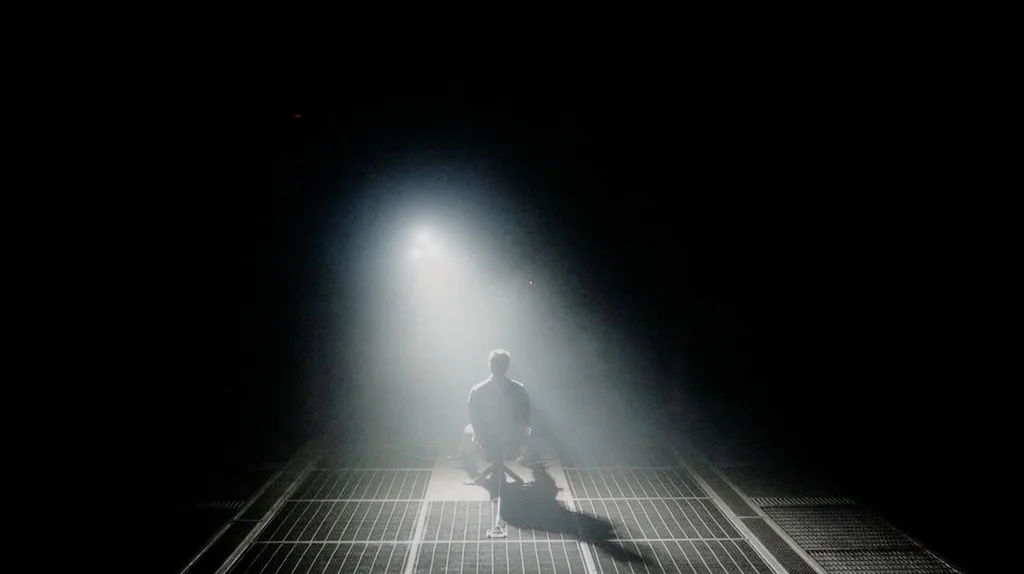
In the scene from the film "Billy Lynn", where brightness reaches around 1100 nits, the Philips OLED761 reproduces the overall look of the picture well. The soldier's face and the surroundings retain the correct brightness, and the highlights in the background stand out clearly from the rest of the frame. Apart from a slight brightening of the darkest tones, the TV doesn't dramatically change the scene's character. In the brightest parts of the light effects, however, some details begin to merge together, so not all detail is preserved.
A bigger challenge is the scene from the film "Pan", where brightness climbs to about 2,800 nits. Such intense lights need to be properly matched to the panel's capabilities to preserve both their intensity and the details visible within them. The OLED761 doesn't quite cope with this. Although most of the frame looks correct, around the sun the bright tones blend together, causing some of the sky's detail to be lost. So for most shots the Philips can deliver a convincing HDR image, but with the most demanding lighting effects it's clear its image processing still has room for improvement.
HDR luminance chart:
In the scene with the horses you can clearly see what the OLED761 struggles with in HDR10. The snow washes into a white blotch and the trees in the background almost vanish. Switching on Dolby Vision restores the ground detail and the outline of the forest, making the landscape look much more natural. The extra information carried by this dynamic format helps the TV match scene brightness to the panel’s capabilities, instead of losing detail in the brightest areas. That’s good news, because Dolby Vision is commonly used in HDR films and series on streaming platforms. It’s not an extra you’ll only use for a few selected titles. If a title is available in that version, it’s worth choosing it, because the OLED761 then has a better chance of correctly showing more challenging shots. Not every scene will reveal as big a difference as the one with the horses and for most of an HDR10 viewing the picture may look fine. Here, however, it’s obvious that Dolby Vision helps make the most of the screen where the TV by itself doesn’t quite cope with bright details.
Static HDR10

Dynamic: Dolby Vision

Factory color reproduction
6.5/10
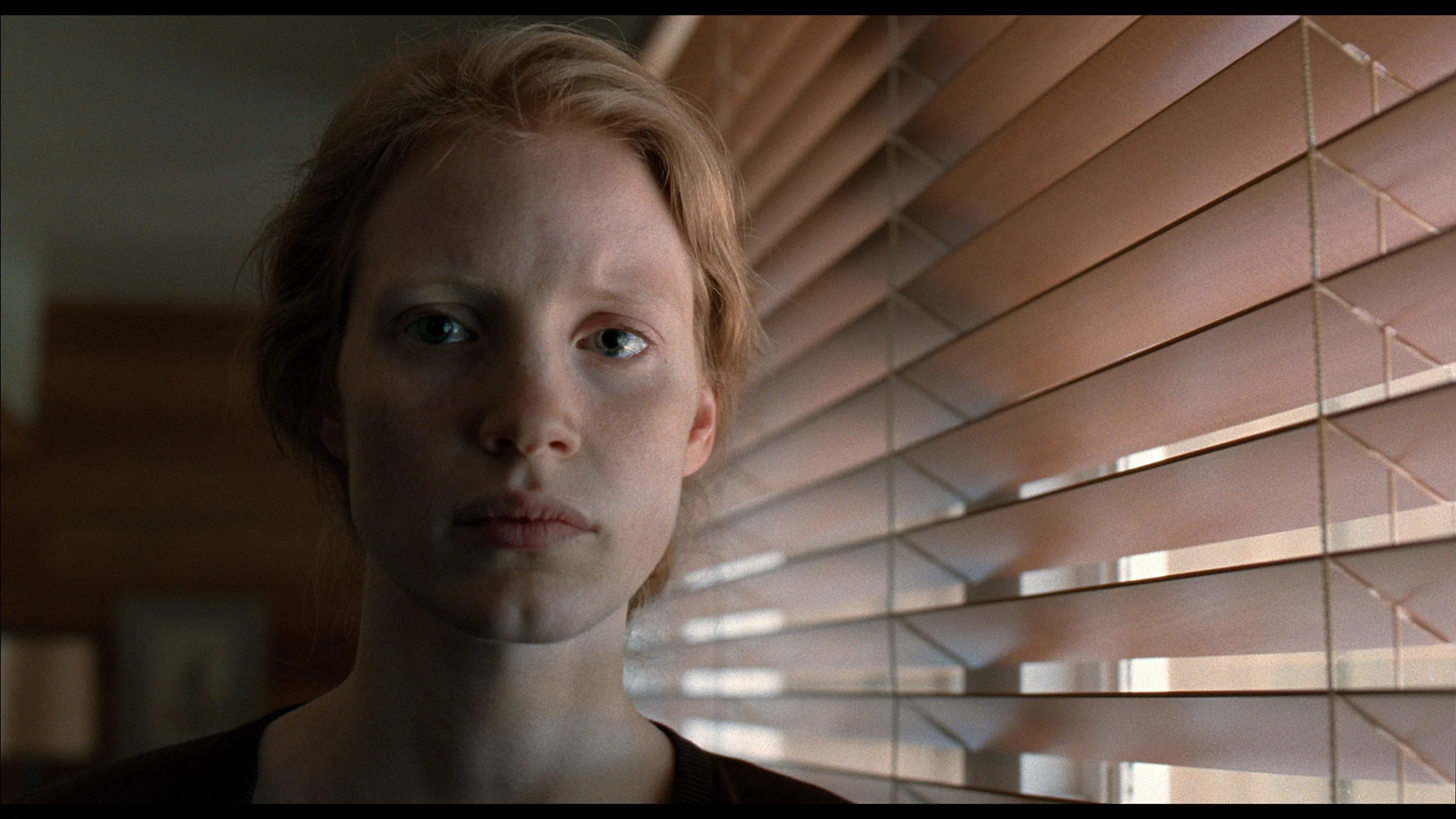
The factory film mode settings on the OLED761 deliver a fairly pleasant picture, though the colours are not completely neutral. In SDR material there is primarily a lack of blue, and in parts of the range also red, which can make whites and greys take on a slightly yellow‑green tint. You’ll notice this most easily on neutral surfaces, which look warmer than they should. The colours themselves perform quite well, and most of the test samples do not show large errors. So this is not a case where a tint completely changes the look of the film. The way brightness is set in SDR needs more attention. Over most of the range the TV slightly darkens the image, which can make faces and background elements look heavier and details in darker areas less readable. At the same time, tones just above black are brightened. These two traits can occur together: the deepest shadows become too obvious while the rest of the scene is a little too dark. In HDR you can also see a shortage of blue, especially in the brighter parts of the image. Whites therefore take on a warm, yellowish cast, which can be noticeable on clouds or snow. Darker tones are set much better in terms of white balance, so the extent of this tint changes with scene brightness. Out of the box the OLED761 performs decently, but measurements show that, above all, white neutrality and the rendering of brightness still need refining through calibration.
Color reproduction after calibration
9/10
After calibration the Philips OLED761 performs very well. The white balance was set almost perfectly, removing the earlier colour cast so faces, whites and greys look more natural. The improved gamma means the picture is no longer unnecessarily dark and it's easier to pick out detail in darker areas. Colours are reproduced with high accuracy, which, combined with deep blacks, produces a very pleasing image for evening movie viewing. It's clear that even Philips's entry-level OLED has considerable potential that's worth realising by refining the settings. In HDR the luminance response tracks the reference across most of the range, so most scenes retain the correct appearance. There remains a slight lift in tones just above black and a tendency to render the very brightest highlights a little too strongly. However, these are issues limited to specific parts of the image. In the most demanding shots some bright detail may still be lacking, but the overall result after calibration is definitely successful. The OLED761 can deliver a natural, well-balanced picture that lets you focus on the film.


PHILIPS OLED761 - Smoothness of tonal transitions
7.4/10
Philips OLED761 handles tonal transitions quite well, although on bright gradients you can see slight banding between shades. They appear in most of the bright shots we tested, but are subtle enough that during normal viewing they shouldn't draw too much attention away from the film. In darker scenes the imperfections are most noticeable when the image fades to black and in the shot with red water, where colour transitions could be smoother. More than the gradation itself, panel uniformity can be more distracting. In dark scenes it shows up as fairly distinct bands that make a uniform background look less even than it should. This is a separate issue from the visible boundaries between shades, although both phenomena can overlap during viewing. We've seen similar bands so far in every OLED we've tested with the new WOLED SE panel, so this is not a problem exclusive to the OLED761. However, their severity can vary between units.


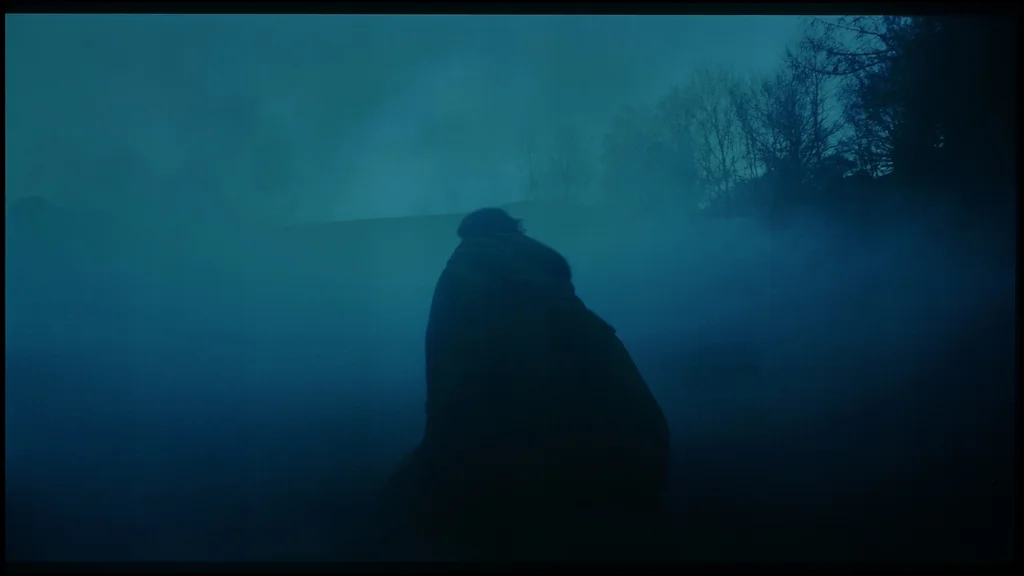



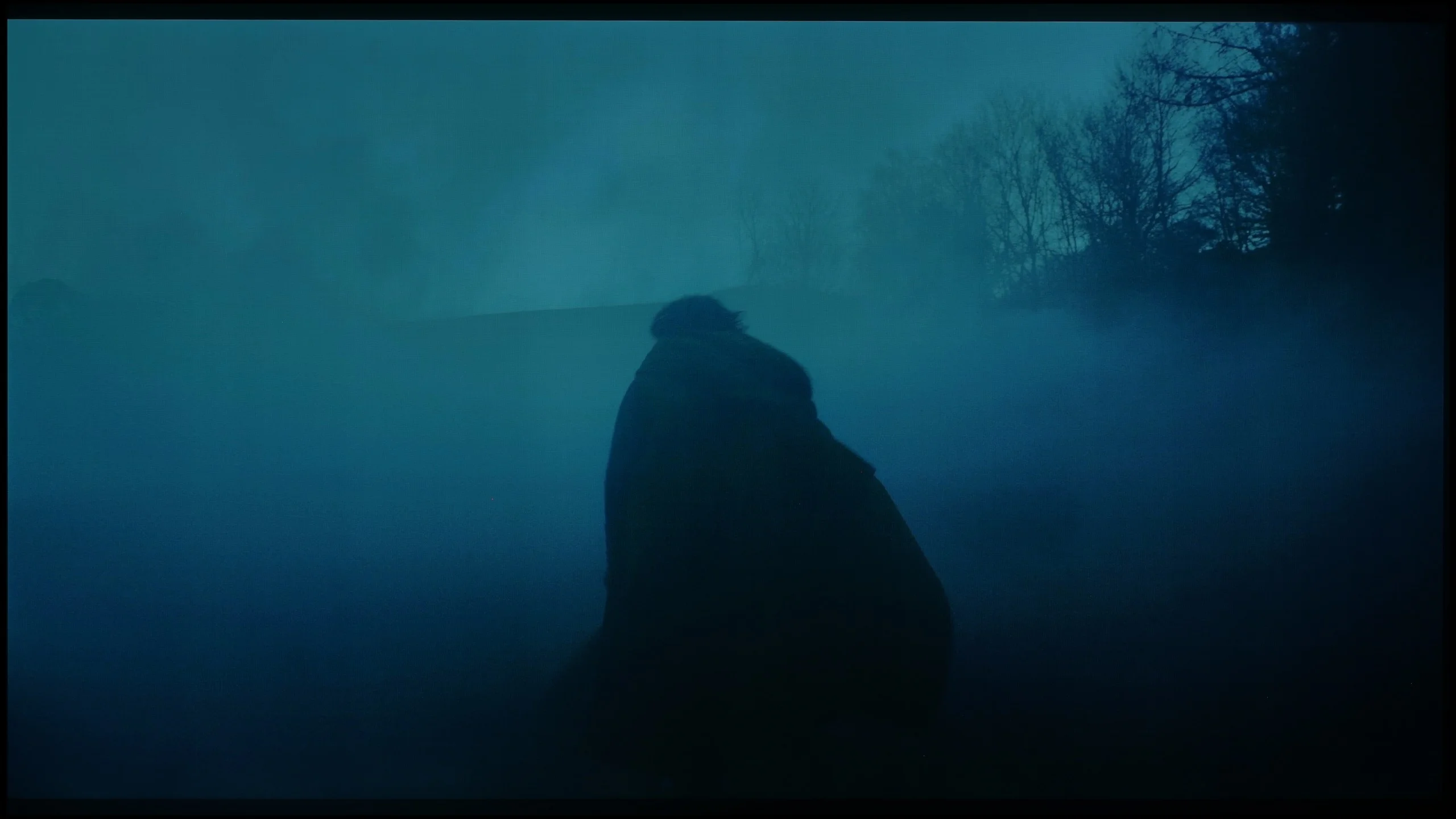

Image scaling and smoothness of tonal transitions
7.5/10
 Smooth transition function
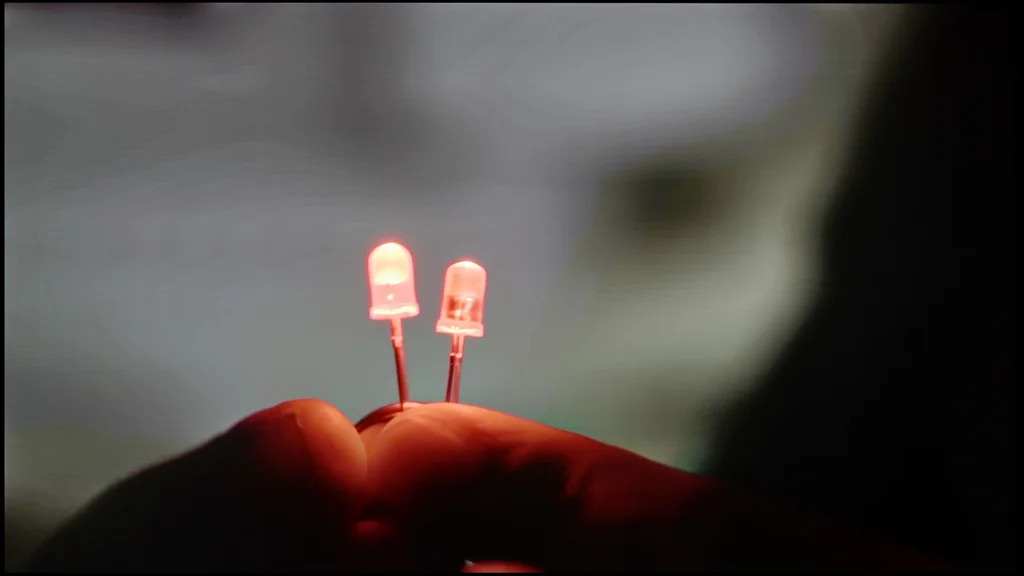
Image without overscan on the SD signal

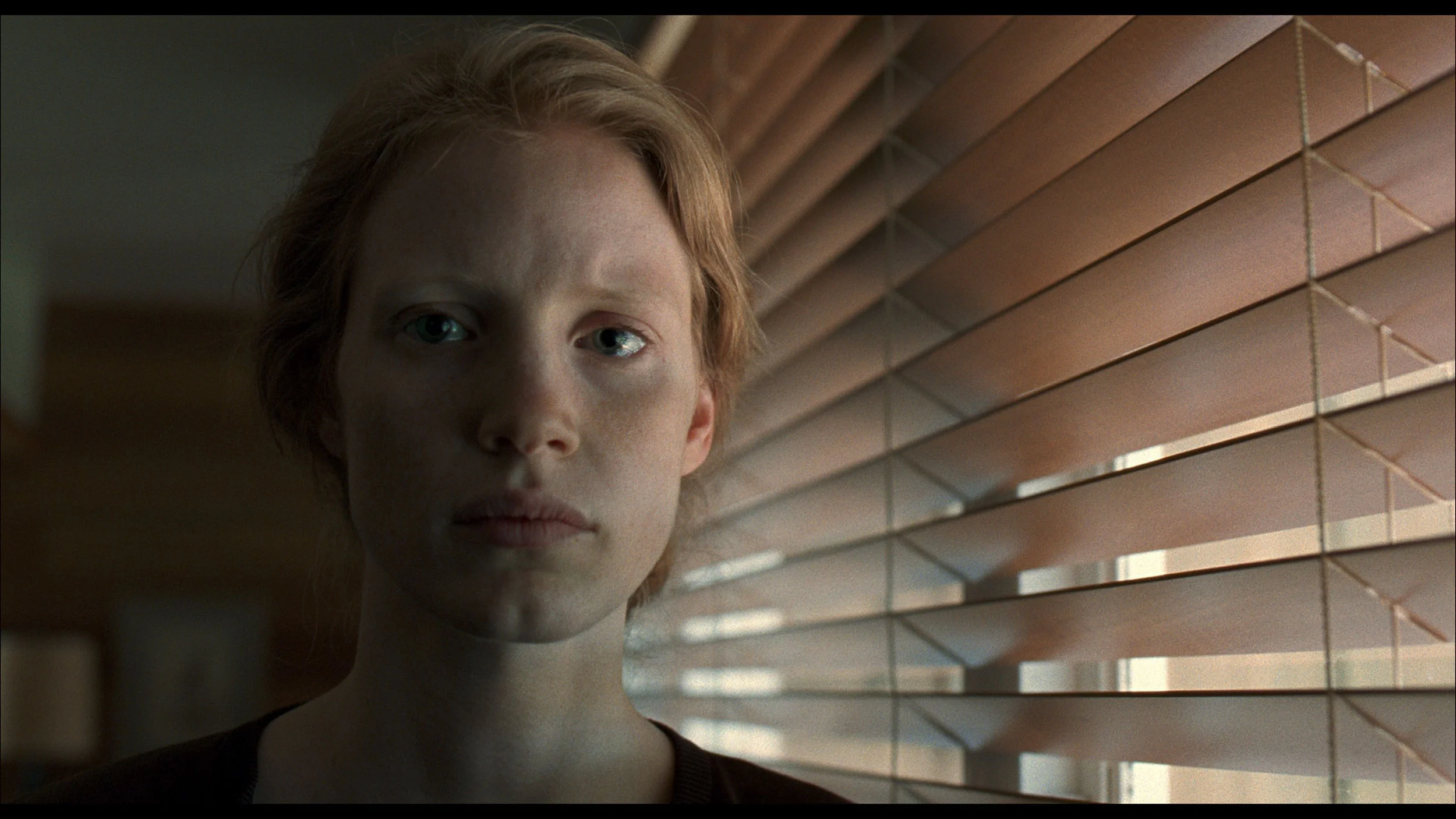
Philips OLED761 does a pretty good job of improving lower-quality source material. Its Pentonic 800 processor effectively smooths visible transitions between shades that often appear in heavily compressed footage. This is handled by the "Artefact Reduction" setting. When enabled, banding on uniform backgrounds becomes less noticeable, and importantly this isn't achieved at the cost of noticeably smearing detail. It's a feature worth using when the quality of the material you're watching leaves a bit to be desired. The upscaling itself, however, has Philips' characteristic softness. Lower-resolution content looks fairly soft, and fine details and outlines lack some sharpness. You can see this in the shot of a model, for example in the hair and thin branches, which could be more clearly defined. A plus is the lack of overscan, meaning the edges of the picture aren't cropped. Even with a low-resolution signal the TV displays the entire frame.
PHILIPS OLED761 - Blur and motion smoothness
8.5/10
Maximum refresh rate of the panel: 120Hz
Film motion smoothing option: Yes
Blur reduction option: Yes
BFI function 60Hz: No
BFI function 120Hz: No
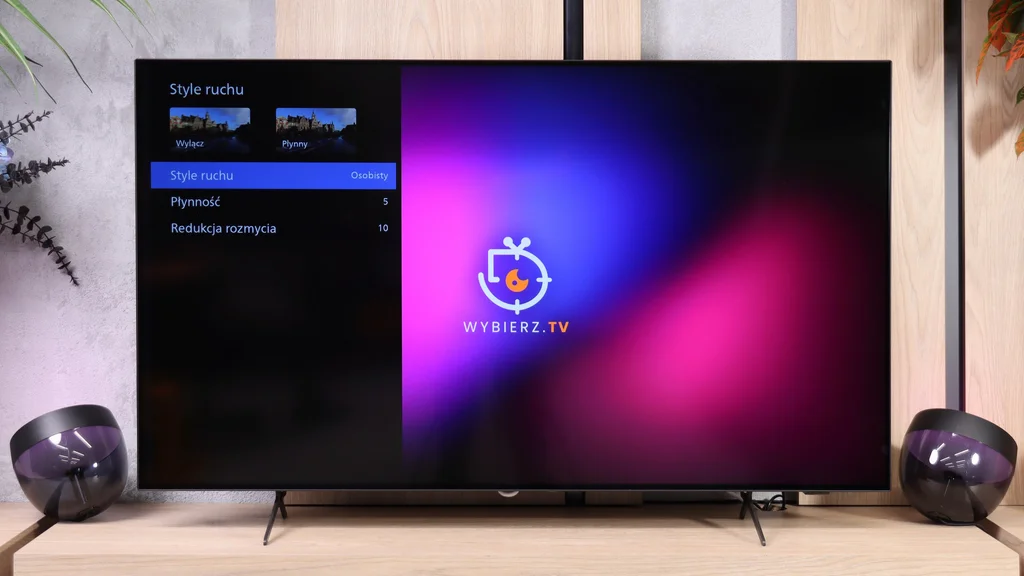
The Philips OLED761 performs very well in fast-moving scenes. Thanks to extremely fast pixel response, moving objects leave virtually no trails, which will be appreciated by both people watching sport and gamers. The 120 Hz panel also helps maintain good motion clarity, as seen in the UFO test: edges remain clear whether the object moves against a bright or dark background. With a 60 Hz signal there is more blur, but that mainly results from the way motion is presented at the lower refresh rate rather than slow pixel response.
When watching films you can use the 'Motion Style' settings, which include 'Smoothness' and 'Blur Reduction' sliders. They let you tailor the image to your preferences, from preserving the characteristic cinematic motion to heavily smoothing it. A slight increase in smoothness is especially useful for slow camera moves, which on a fast reacting OLED can sometimes look jerky. There is no BFI, i.e. black frame insertion to improve motion clarity, but even without it the OLED761 performs very well in this category.
Blur (native resolution, maximum refresh rate):



Blur (4K@60Hz):



PHILIPS OLED761 - Console compatibility and gaming features
10/10
- ALLM:
Yes
- VRR:
Yes
- VRR range:
40 - 120Hz
- Dolby Vision Game Mode:
Yes
- Correct implementation of HGIG:
Yes
- 1080p@120Hz:
Yes
- 1440p@120Hz:
Yes
- 4K@120Hz:
Yes
- Game bar:
Yes
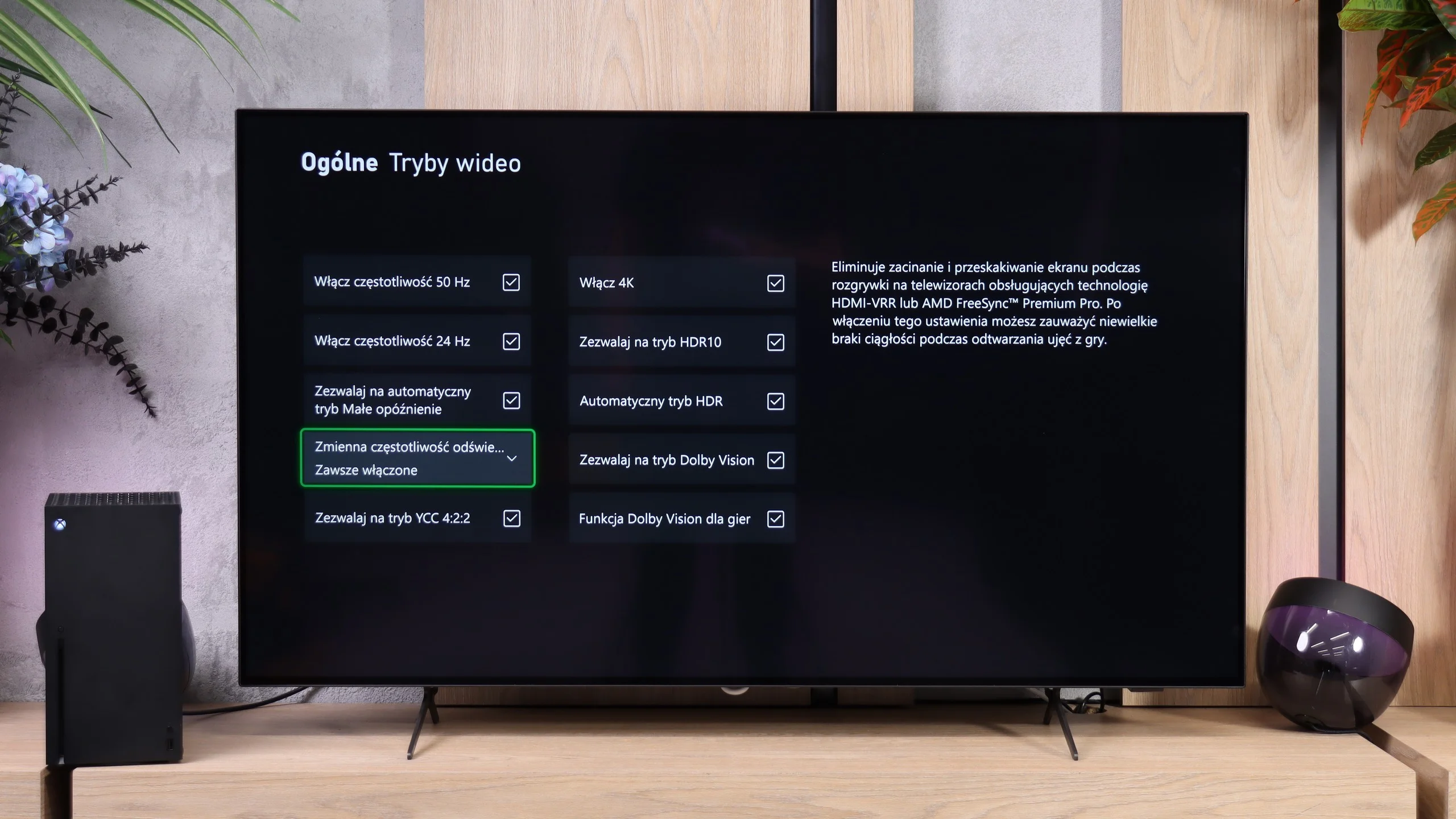
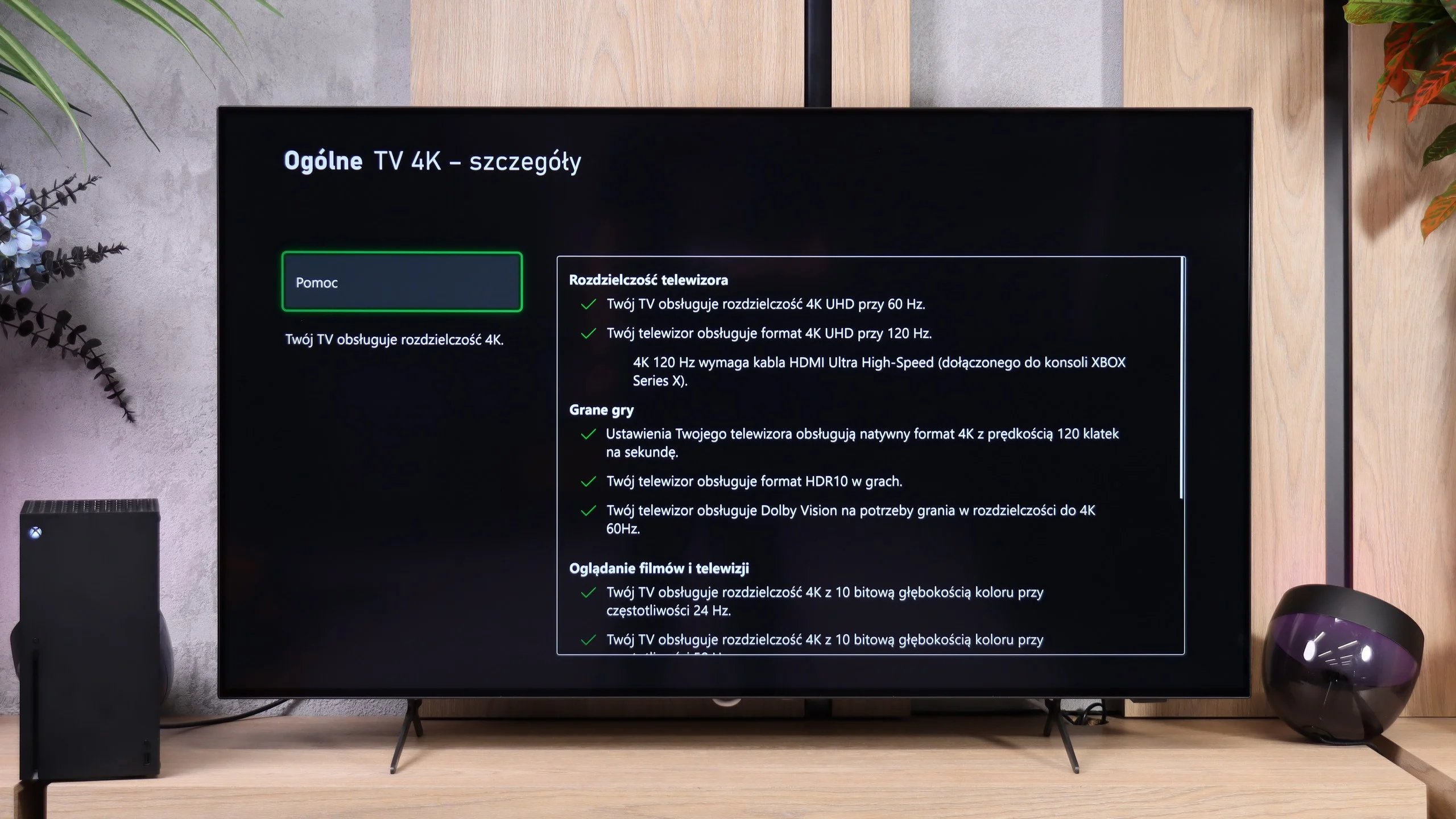
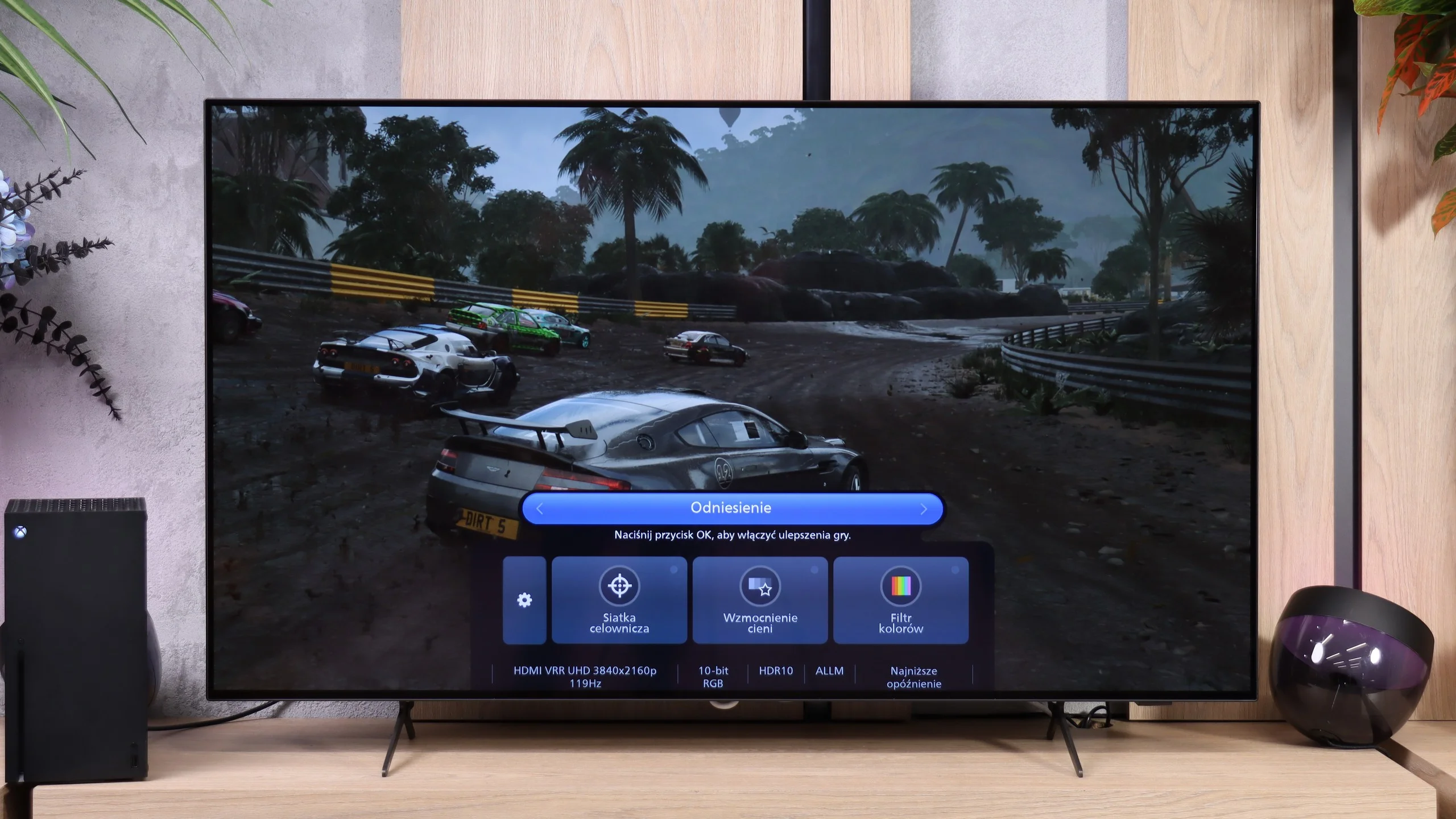
Although the OLED761 is Philips' cheapest OLED this year, it's hard to spot any major cutbacks in its gamer-focused features. The TV supports 120 Hz gaming in Full HD and 1440p as well as 4K, so it can make use of the high-frame-rate modes available on consoles. That pairs well with the fast OLED panel, which prevents trailing or smearing behind objects even during fast-paced gameplay. When a console can't keep a steady frame rate, VRR operating between 40 and 120 Hz helps. The image doesn't tear during quick camera pans, and frame-rate fluctuations are less noticeable. Philips has also thought about convenience. When you start a game the TV can automatically switch to a low-latency mode, and the most important settings are available in a handy Game Bar. You can check image parameters there, enable an on-screen crosshair, or brighten shadows if it's hard to spot an enemy in a dark area. The panel itself may not be the flashiest game bar on the market, but it does the job. There's also support for Dolby Vision for gaming and a properly working HGiG, which makes it easier to match the console's HDR settings to the screen's capabilities. So in terms of features alone, the OLED761 offers a lot.
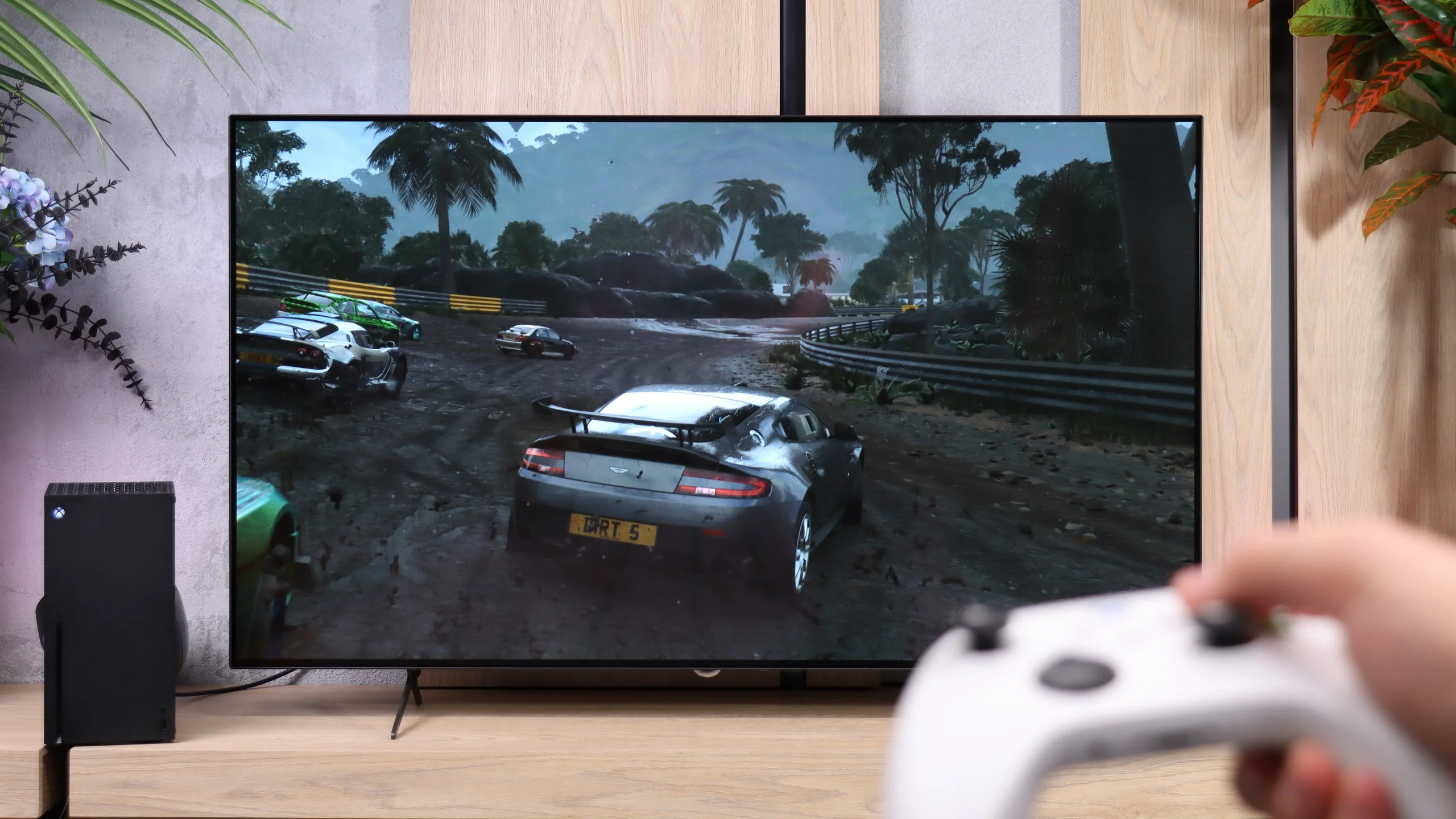

PHILIPS OLED761 - Input lag
9.4/10
Latency on the OLED761 depends not only on refresh rate but also on whether you’re playing in SDR or HDR. SDR performs best — we measured 14 ms at 60 Hz and just 5 ms at 120 Hz, both in Full HD and 4K. Those are excellent results, letting you enjoy quick response to controller inputs even in fast-paced games.
With HDR enabled, latency rises to 31 ms at 60 Hz and 13 ms at 120 Hz. Dolby Vision at 60 Hz gives a similar result of 30 ms. You can still play comfortably, especially in calmer titles, but it’s a shame that turning on HDR brings this drawback.
| SDR | HDR | Dolby Vision |
|---|---|---|
| 1080p60: 14 ms | 2160p60: 31 ms | 2160p60 DV: 30 ms |
| 1080p120: 5 ms | 2160p120: 13 ms | |
| 2160p60: 14 ms | ||
| 2160p120: 5 ms |

PHILIPS OLED761 - Compatibility with PC
7.6/10
Chroma 444 (max. resolution and refresh rate): Yes
Font clarity: Good
Readability of dark text and shapes: Very Good
Input lag in PC mode (4K, max. refresh rate): 5ms
Matrix subpixel arrangement: RGWB
Max refresh rate: 120Hz
G-Sync: Yes
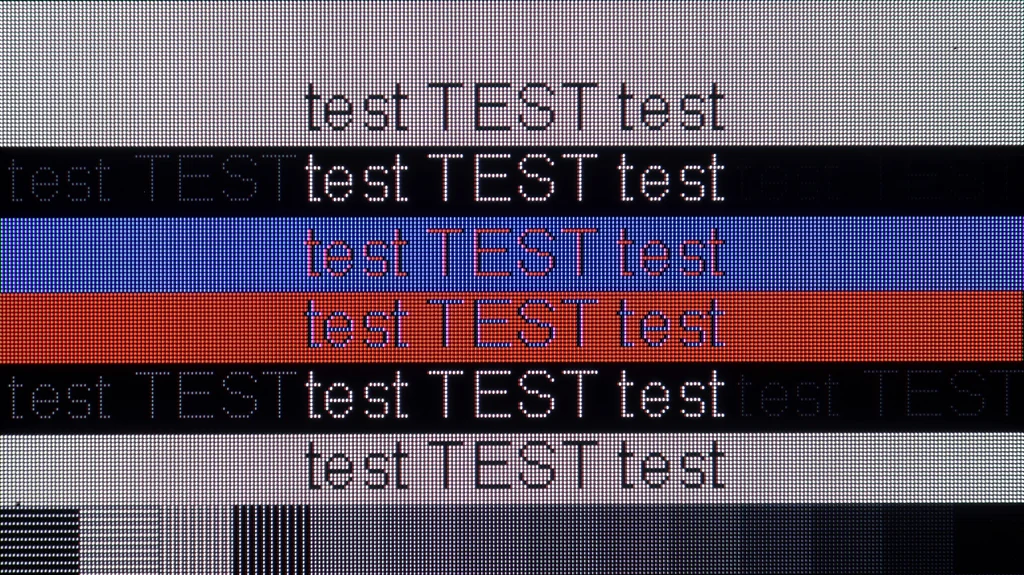
Philips OLED761 performs well when connected to a computer. It correctly handles 4:4:4 chroma, so small text is readable and coloured letters retain their sharpness. When viewed up close you can, however, notice faint red fringes on character edges. These come from the RGWB subpixel arrangement used in the WOLED panel, which typical font smoothing methods aren’t tuned for. While browsing the web this may not be bothersome, but if the TV is to be used mainly for working with text, it’s worth taking into account.
In games the OLED761 feels much better. The panel’s fast response and support for G-Sync and FreeSync let you enjoy smooth motion without troublesome smearing or frame tearing. At 4K and 120 Hz in SDR we measured just 5 ms input lag, so control is very responsive. Bear in mind that input lag increases when HDR is enabled, as noted earlier. The main limitation is the refresh rate being capped at 120 Hz. The OLED761, like other tested models with the WOLED SE panel, doesn’t offer an extra 144 Hz mode or higher refresh rates at reduced resolution. For most people that won’t be a serious issue, since 120 Hz already delivers very good fluidity. Only gamers with a powerful PC aiming for the highest possible frame counts might feel slightly short-changed.
PHILIPS OLED761 - Viewing angles
7.5/10
Brightness drop at an angle of 45 degrees: 34%
When it comes to OLED performance, the OLED761 looks very good. You can sit off to the side and still watch an image with deep blacks and well-saturated colours, without the noticeable degradation associated with VA panels. That's one of the advantages of OLED that’s easy to appreciate when watching with others: you don't have to sit in the middle of the sofa for a film to look as it should. Only QD-OLED panels remain better in that respect.
PHILIPS OLED761 - Daytime performance
4.5/10
Panel finish: Satin
Reflection suppression: Average
Black levels during daytime: Good
Philips OLED761 is not the best choice for a very bright living room. Average brightness in SDR is about 280 nits, so it performs a little worse even than rivals using the same panel. In a strongly sunlit room the image simply lacks the punch to remain clearly visible, especially when watching darker scenes. In such conditions you may need to cover the windows.
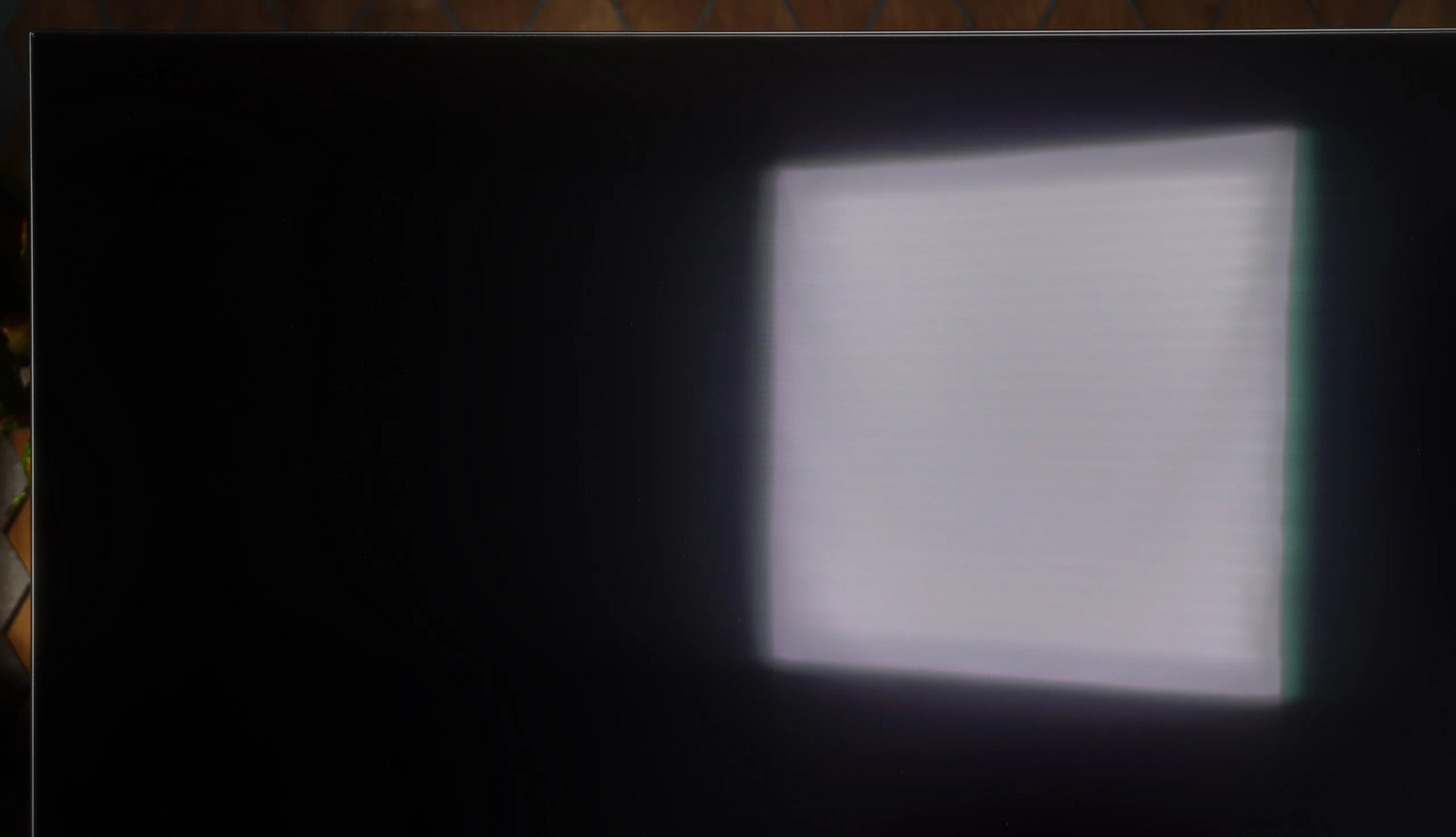
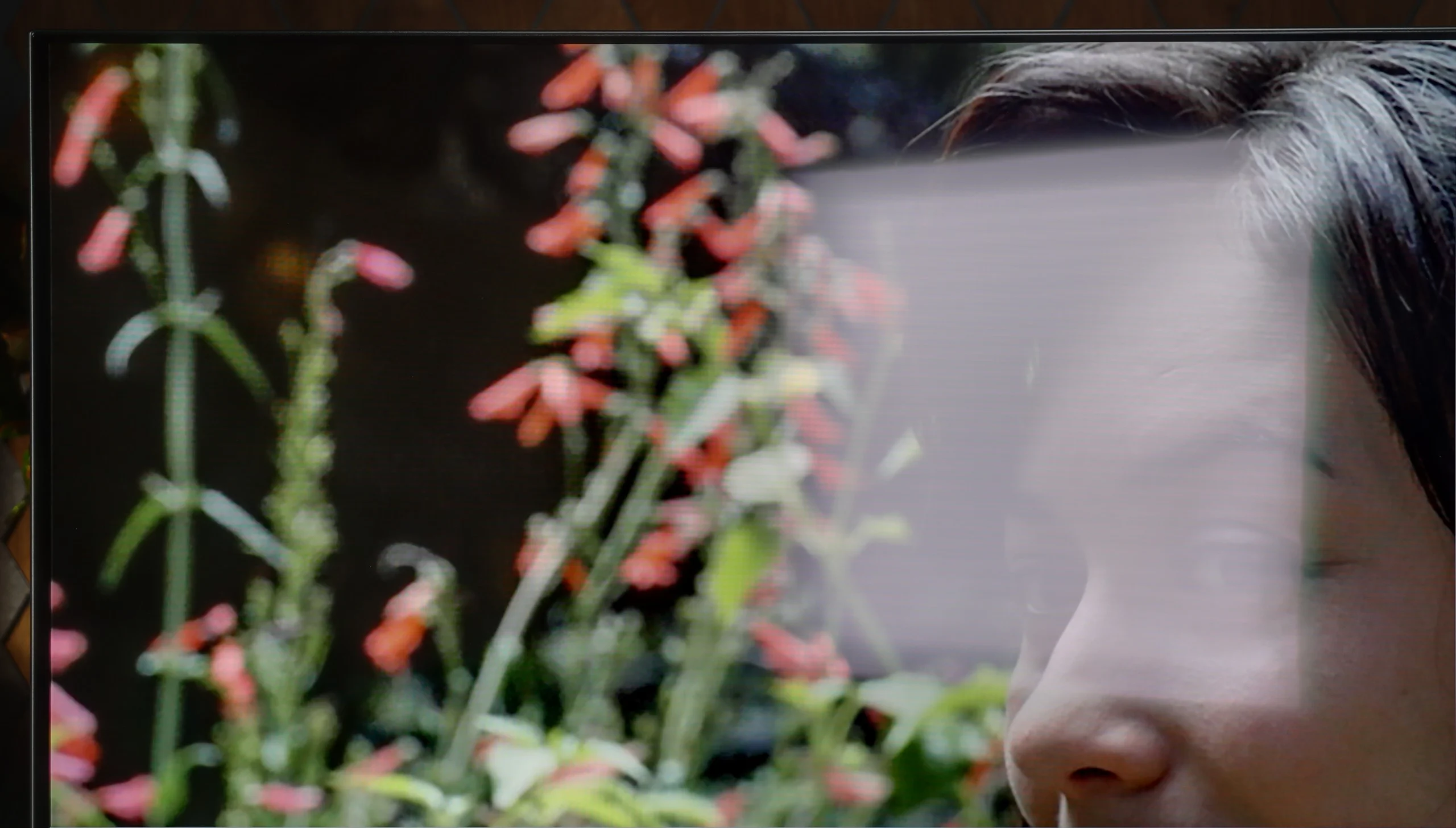
It also doesn’t help how the WOLED SE panel’s satin finish handles direct reflections. A window or lamp opposite the screen is fairly clearly visible, and around their reflections you get noticeable doubling and coloured fringing. On the plus side, blacks still look good in a lit room, but at low TV brightness the reflections can be distracting. The OLED761 therefore works best where you can block out the windows and prevent strong light from reflecting straight onto the screen.
Panel brightness
Philips OLED761: 284 cd/m2
PHILIPS OLED761 - TV features
7.9/10
System: Titan OS
System performance: Good
- HDMI inputs: 0 x HDMI 2.0, 4 x HDMI 2.1 48Gbps
- Outputs: Toslink (Optical audio), eARC (HDMI), ARC (HDMI), Mini-Jack (Headphones)
- Network Interfaces: Wi-Fi 2.4GHz, Wi-Fi 5GHz, Ethernet (LAN) 100Mbps
- TV reception: DVB-T, DVB-T2, DVB-S, DVB-S2, DVB-C
Classic features:
 Recording to USB (terrestrial TV): No
 - Recording programming: No
- Picture in Picture (PiP): No
- RF remote control (no need to aim): Infrared
- Backlit remote control: Yes
- Teletext: Yes
- Audio only mode: Yes
- Bluetooth headphones support: Yes
- Simultaneous Bluetooth headphones & TV audio: Yes
Smart features:
- AirPlay: Yes
- Screen mirroring (Windows Miracast): Yes
- Voice search: Yes
- Voice search in native language: Yes
- Ability to connect a keyboard and mouse: Yes
Titan OS
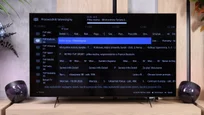
In the OLED761, instead of Google TV you'll find Titan OS, which has been appearing more and more often in Philips TVs for several years. Over that time the system has clearly matured. It responds faster to commands, navigates the menu more smoothly, and functions that used to cause problems are finally starting to work as they should. You can see progress in everyday use, and that deserves praise. It's still not at the level of refinement and features of webOS or Tizen, and there's still a considerable gap compared with the freedom and app selection offered by Google TV, but Titan OS is definitely heading in the right direction.
Practical features and ports
When watching regular broadcasts you get the basic conveniences, including teletext and a remote with a numeric keypad. The buttons are backlit, which is very handy in the evening, but it's hard to understand why Philips stubbornly sticks to infrared for the remote. Having to point the remote at the TV can be simply inconvenient (the only function that operates wirelessly is voice control). There's also no USB recording or picture-in-picture. On the plus side, the port layout is commendable: all four HDMI inputs support the 2.1 standard at 48 Gbps, so with a soundbar connected via eARC you still have three ports left to take full advantage of gaming consoles and a PC. You don't have to worry about which device to connect at the cost of high refresh rates. There's even an analogue mini-jack output, increasingly rare on new TVs but still useful for wired headphones or older audio kit.
Ambilight
The most distinctive extra is, of course, Ambilight, for which Philips gets extra points from us. Lighting the wall with colours from the screen can add a lot of atmosphere to films and games, but it's also useful for relaxed evening viewing. The subtle glow means the bright screen isn't the only light source in a completely dark room, which can improve viewing comfort. It's worth setting its intensity to suit the room rather than cranking it up to maximum straight away. For people who enjoy that kind of viewing, Ambilight can be one of the stronger reasons to choose the OLED761.
Sound connection options
HDMI audio:
Other audio outputs:
- Toslink: Yes
- Stereo (Mini-Jack): Yes
Wireless audio:
- Bluetooth: Yes
Supported audio formats (external HDMI eARC audio):
- Dolby Digital Plus 7.1: Yes
- Dolby True HD 7.1: Yes
- Dolby Atmos in Dolby Digital Plus (JOC): Yes
- Dolby Atmos in Dolby True HD: Yes
- DTS:X in DTS-HD MA: Yes
- DTS-HD Master Audio: Yes
Senior accessibility
- Numeric keyboard on TV: Yes
- Font size adjustment: Yes
- Audio description: Yes
PHILIPS OLED761 - Apps
7.7/10






















PHILIPS OLED761 - Playing files from USB
8.6/10
| Maximum photo resolution: | Supported photo formats: |
|---|---|
| 4 Mpix | JPEG |
| 6 Mpix | HEIC |
| 8 Mpix | PNG |
| 10 Mpix | GIF |
| 12 Mpix | WebP |
| 16 Mpix | TIFF |
| 20 Mpix | BMP |
| 24 Mpix | SVG |
| 28 Mpix | |
| 32 Mpix |
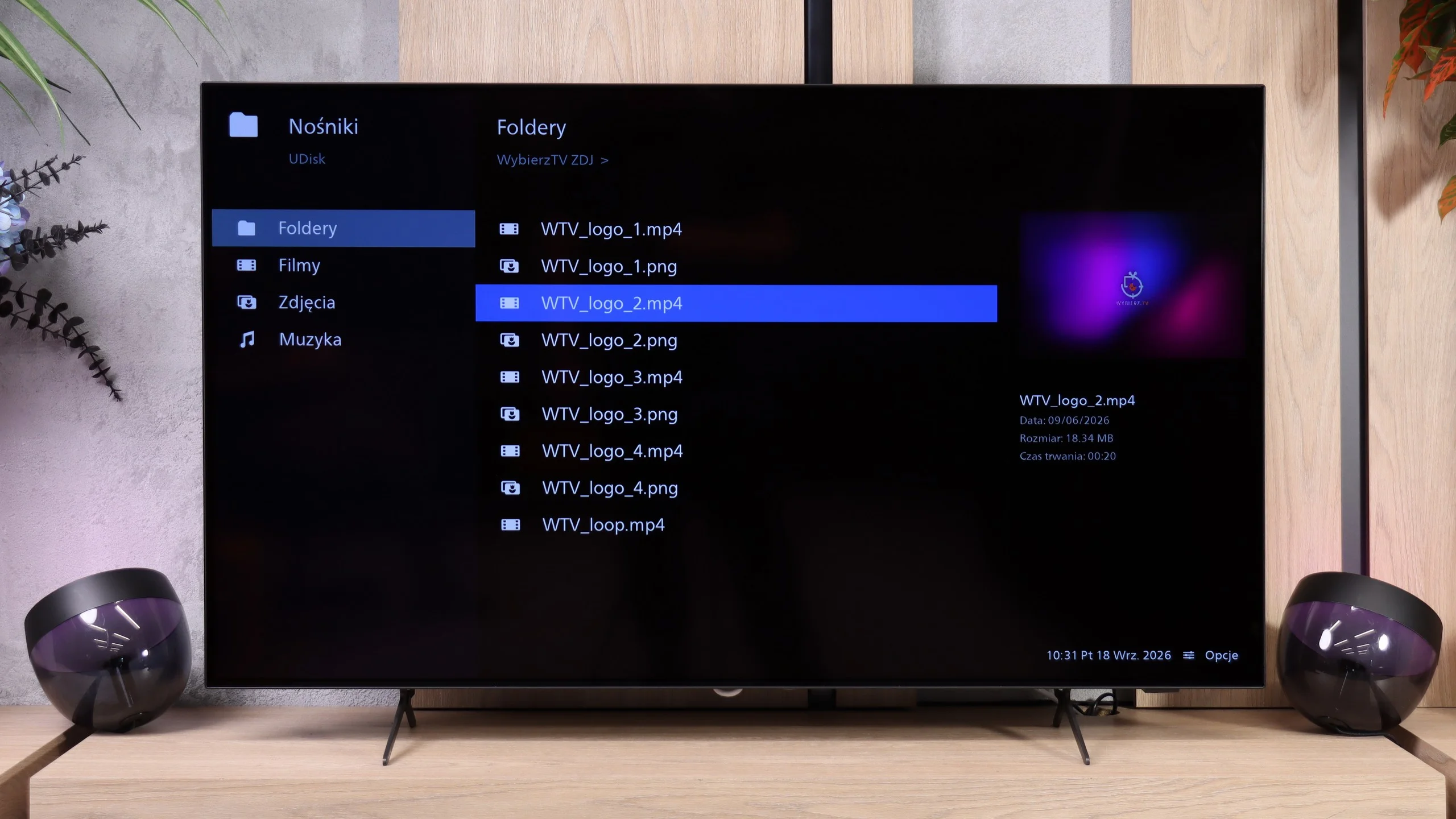
The USB player in the Philips OLED761 behaves rather oddly, and this shows Titan OS still needs refinement. Test videos and music files opened correctly, but photos caused the most problems. Interestingly, it wasn't just lack of support for some formats, but also the photos' resolution. The TV opened 16 and 32 MP photos, yet failed to handle some smaller ones, including 10 and 12 MP. So it's hard to give a simple rule for preparing photos so that they'll all display. If you plan to show holiday photos on the big screen, it's worth checking the files beforehand or using screen mirroring.
PHILIPS OLED761 - Sound
7/10
90dB
Maximum volume

Supported codecs (TV speakers)
Dolby Digital Plus 7.1
Dolby True HD 7.1
Dolby Atmos in Dolby Digital Plus (JOC)
Dolby Atmos in Dolby True HD
DTS:X in DTS-HD MA
DTS-HD Master Audio
Philips OLED761 sounds pretty good for a slim TV. The midrange is the strongest, so dialogue is clear and it's easy to hear what the characters are saying. For watching series, the news or everyday programmes, the built-in speakers are perfectly adequate. What’s missing, though, is deeper bass, which is most noticeable in music and action films. Explosions lack punch and tracks don't have the same fullness. So if you want a more cinematic sound, a soundbar with a separate subwoofer will be a noticeable addition to the setup. Especially as the OLED761 has no trouble handling surround formats like Dolby Atmos and DTS:X.
Sound Quality Test:
Acoustic Measurements
90dBC (Max)
75dBC
PHILIPS OLED761 - Panel details
Software version during testing: TPN258E_V058.102.079.061
Panel uniformity and thermal imaging:

Backlight Type: WRGB OLED

Founder and originator of the "ChooseTV" portal

Journalist, reviewer, and columnist for the "ChooseTV" portal

michal-woloszyn-title
Reader comments
Comments are provided by the external service Disqus (Zeta Global). Once loaded, Disqus may set cookies and process data about your activity.
We will remember your choice on this device. Provider's privacy policy
See articles related to Philips OLED761:

 4/3/2025
10/2/2025