- Matching (Score) |
- Our verdict |
- Competing TVs |
- TV appearance |
- Where to buy |
- Contrast and black detail |
- HDR effect quality |
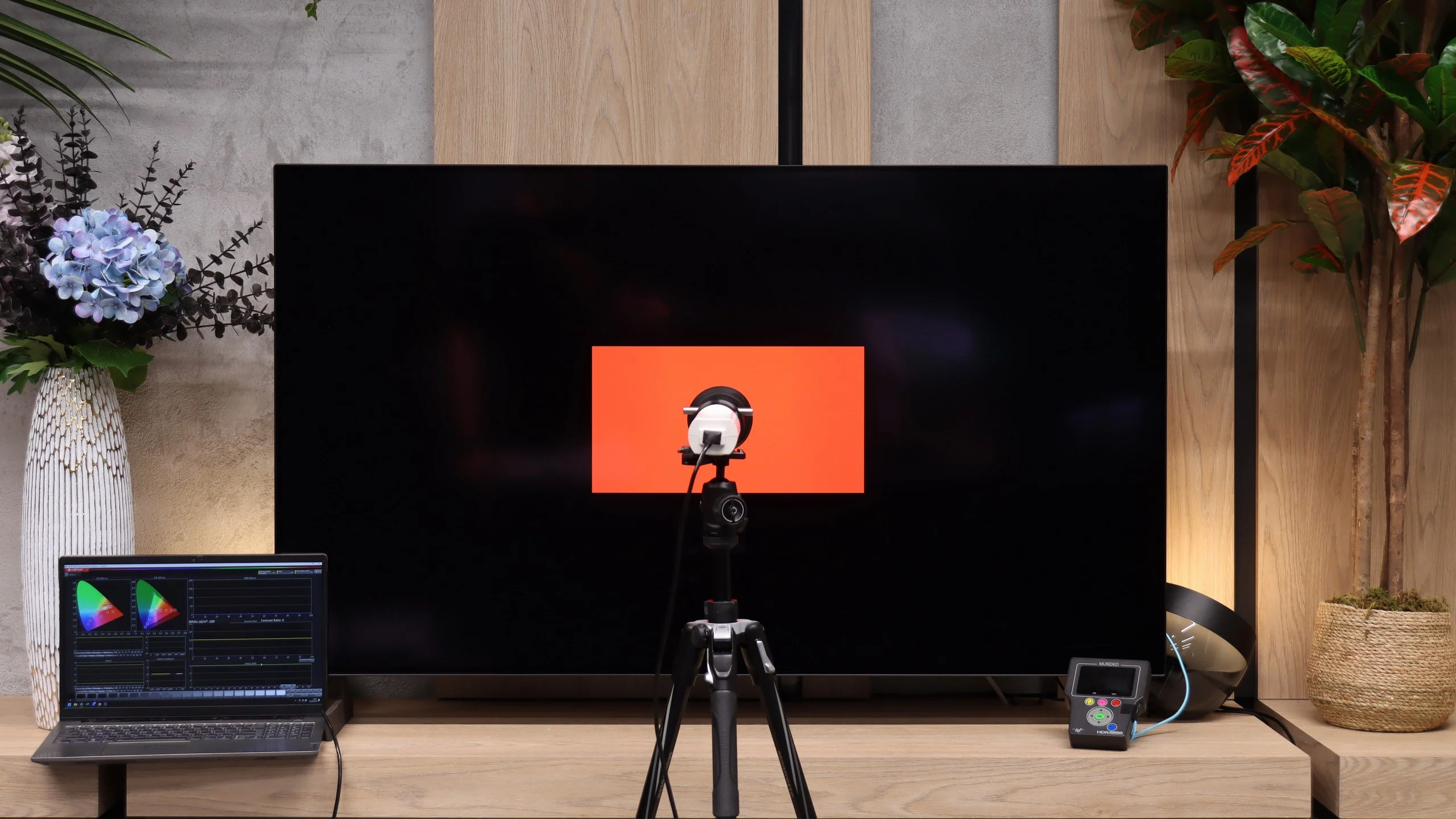
- Factory color reproduction |
- Color reproduction after calibration |
- Smoothness of tonal transitions |
- Image scaling and smoothness of tonal transitions |
- Blur and motion smoothness |
- Console compatibility and gaming features |
- Input lag |
- Compatibility with PC |
- Viewing angles |
- Daytime performance |
- TV features |
- Apps |
- Playing files from USB |
- Sound |
- Panel details
LG OLED B6 Review
B65 / B6E / B6G
Available screen sizes:
Complete the survey to find out the result
Panel type: WRGB OLED Refresh rate: 120Hz Brand: LG Resolution: 3840x2160 System: WebOS Model year: 2026
This review is an English translation of the Polish original. Read the original on Wybierz.tv.
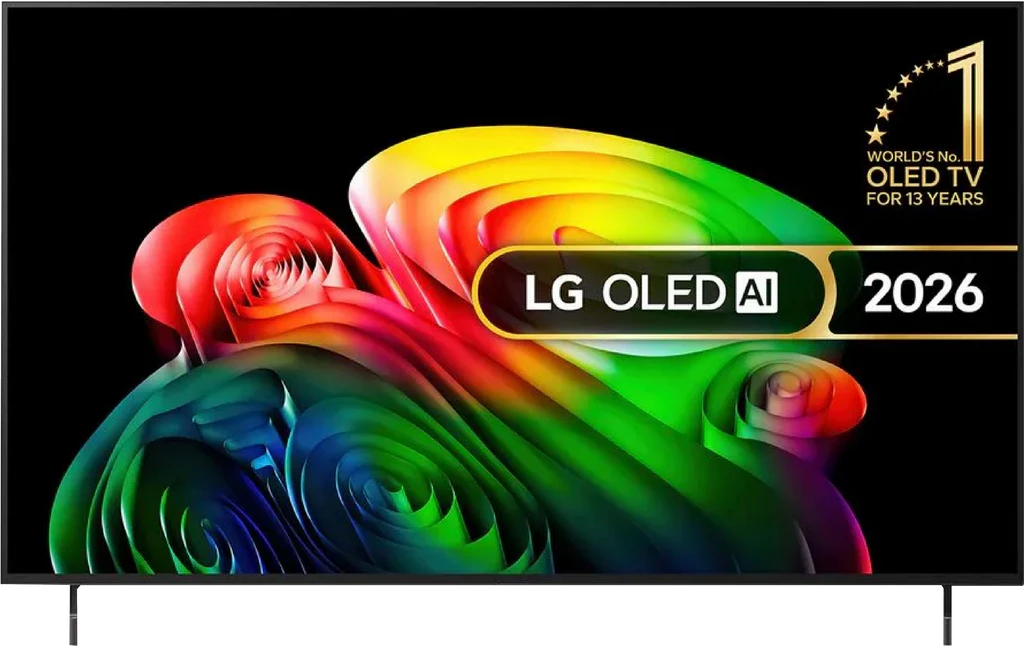
LG OLED B6 ( 2026) is the most affordable OLED in LG’s lineup this year. The B series has long been one of the most popular OLED TV lines. The reason is simple. More often than not it’s the cheapest OLED TV on the market, yet it comes from a company that has been developing the technology for over 15 years and, through LG Display, actually manufactures the panels used in it. But is LG’s entry-level model still worth considering? Or is it better to pay extra for the C series? We checked that in our review.
LG B6 - Our verdict
7.8
Overall rating
The LG OLED B6 is a very successful continuation of the B series and a TV that makes a lot of sense as a first step into OLED. It doesn't try to compete with the most expensive models in every respect, but on the most important points it still delivers exactly what many people choose the technology for: perfect black, very high contrast, and a picture that can simply look spectacular in movies. This is largely thanks to the new budget WOLED panel, called OLED SE. Thanks to it, LG's cheapest OLED is now noticeably brighter than a few years ago, and around 800 nits in HDR is a level you can actually notice while watching. Bright elements have more punch, the picture handles more demanding scenes better, and combined with OLED blacks the whole thing can look really impressive. Movies and series from streaming platforms fare especially well, particularly those available in Dolby Vision. That's when the B6 makes the most of its capabilities and can produce a picture that will be a big step up for someone moving from a typical LCD TV. However, it's not a model without compromises. Our biggest reservation is how the screen handles reflections. The lack of a classic polarizer means the TV fares much worse when placed opposite a large window or a strong light source. Reflections are more noticeable than on other WOLED panels, and the black itself loses some of its character in a bright room. In controlled viewing conditions this won't be an issue, but for a very bright living room you should approach this purchase with some caution. The operation of webOS also leaves something to be desired. It is still very good overall, with a rich app library, a convenient Magic Remote, and pretty much everything you'd expect from a modern smart TV. The problem is that on the B6 it doesn't always run as smoothly as it should. At times you can tell the new version of the system is more demanding and a bit "heavier" than before. Despite these notes, the LG B6 still performs very well. It's a TV that delivers all the key advantages of OLED while not costing as much as the higher-end models. It makes the most sense when it turns up on a good sale, because that's when it can be one of the most interesting choices for people who want to get into OLEDs without overpaying.
Advantages

Perfect blacks and contrast from an OLED panel
Very good HDR performance with Dolby Vision
Natural, accurate colors after calibration
Excellent motion clarity without motion blur (120 Hz)
4 HDMI 2.1 ports with full 48 Gbps bandwidth
Very low input lag
VRR, G-Sync, FreeSync, and proper HGiG, offering a rich set of features for gamers
Feature-rich webOS with the Magic Remote
Wide viewing angles
Disadvantages

Worse reflection suppression than its predecessor, a characteristic of the OLED SE panel
Average brightness, so it performs best in a room with controlled lighting
No DTS:X support, mainly a drawback for Blu-ray disc owners
The webOS system isn't the fastest here
 Movies and series in UHD quality
8.0
 Classic TV, YouTube
8.8
 Sports broadcasts (TV and apps)
8.6
 Gaming on console
9.2
 TV as a computer monitor
7.6
 Watching in bright light
4.8
 Utility functions
8.0
 Apps
Apps9.1
 Sound quality
6.7
Complete the survey to find out what fits your preferences
LG B6 - Competing TVs in this price range
LG B6 - TV appearance
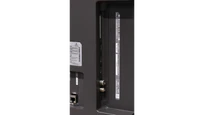
HDMI inputs: 0 x HDMI 2.0, 4 x HDMI 2.1 (48Gbps) Outputs: Toslink (Optical audio), eARC (HDMI), ARC (HDMI) Network Interfaces: Wi-Fi 2.4GHz, Wi-Fi 5GHz, Ethernet (LAN) 100Mbps
Build quality: Premium
Stand type: Legs
Bezel color: Graphite
Stand: Fixed
Flat design: No
Accessories: Stand
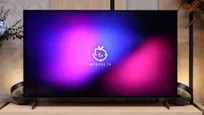
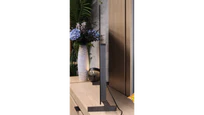
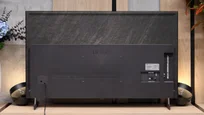
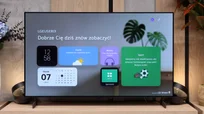
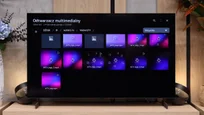
LG OLED B6 is, essentially, a very well-made TV and looking at it from the outside it's hard to guess that it's the lowest-positioned OLED in the manufacturer's lineup. And we mean that in a positive way. The design is typical for OLED TVs. The panel itself is very thin, and only the lower section houses a thicker module with the electronics. Because of that, the B6 doesn't sit perfectly flat against the wall, but on the other hand that design has its own charm. When you view the screen from the side, its upper part is thinner than most smartphones and still makes a very good impression. The back has a marble-like texture, and the plastic feet known from previous models have been replaced this year with metal ones or at least with ones that very convincingly mimic metal. The whole thing looks tidy and decidedly more expensive than the B6's position in LG's lineup would suggest. In our view, in terms of build quality the TV doesn't lag far behind the C series, where the biggest difference remains the central stand. The only thing that bothers us is the permanently attached power cord. This applies not only to the B6 but also to other LG OLED TVs. If you plan to hang the screen on the wall and run the cable through a narrow tunnel, you should take that into account. The plug itself is quite large and you can't always easily push it through a pre-prepared pass-through.
Buy at the best price
Select size:

LG B6 - Contrast and black detail
10/10


Result
∞:1

Result
∞:1

Result
∞:1

Result
∞:1

Result
∞:1

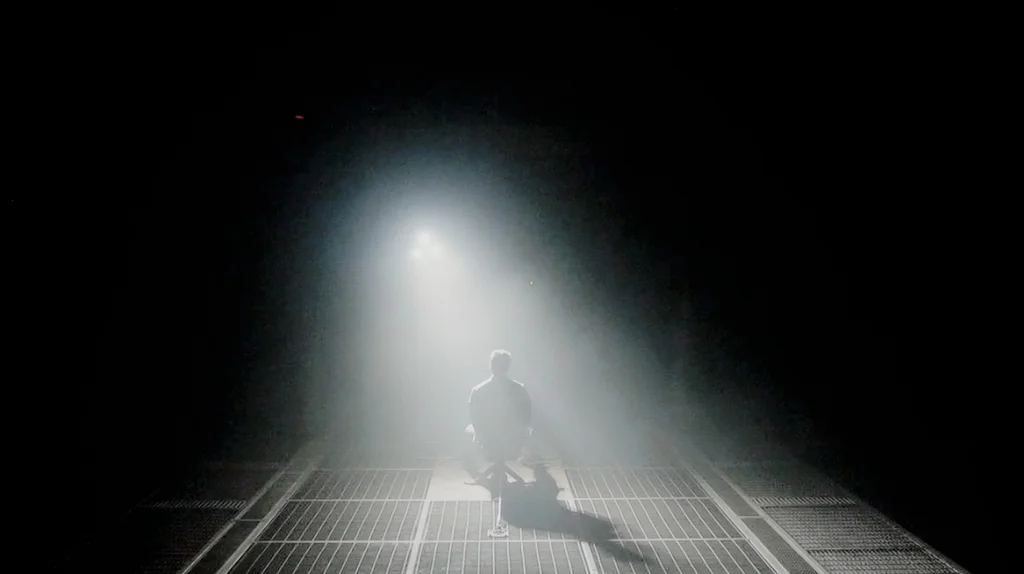
Black levels on the LG OLED B6 are perfect. That's no surprise, since it's an OLED (WOLED), but this is where you can really see why this technology still has so many fans. Each pixel can turn off individually, so in dark scenes there's no gray haze or light bleed around bright elements. That gives the image excellent depth and can make it look truly three-dimensional. Shadow detail also holds up well. Nothing blends into one dark blotch, and fine details remain visible even in more challenging scenes. In that respect, the B6 simply showcases everything we love about OLED TVs.
Halo effect and black detail visibility:
LG B6 - HDR effect quality
6.2/10
Supported formats: HDR10, Dolby Vision, HLG
Luminance measurements in HDR:

Result
734 nit

Result
734 nit

Result
804 nit

Result
757 nit

Result
355 nit
The LG B6 is a moderately bright OLED. After calibration it reaches about 800 nits, roughly 200 nits more than last year’s B5. That’s thanks to the new budget OLED SE panel from LG Display. In practice it simply gives a bit more headroom and makes HDR in many scenes look fuller than on last year’s lower-tier OLEDs. That doesn’t mean the B6 has no limits. In very bright shots, when a large part of the screen is strongly lit, brightness can drop below 400 nits. This behavior is typical for OLED TVs (especially those from this segment) and that’s when you see the biggest difference versus more expensive models. All things considered, we rate the B6’s results as really solid. It’s still not a TV for breaking brightness records, but the HDR effect is strong enough that you can really feel the step up from ordinary SDR in films.
Color gamut
Using the OLED SE panel has slightly affected wide color gamut coverage. Compared with last year’s model, results fell by a few percentage points. DCI-P3 reaches about 96%, and BT.2020 around 71%. That doesn’t mean the colors on the LG B6 are weak. In most movies and series they look lively, well saturated and simply pleasing to the eye. You only notice a difference in very bright, highly colorful scenes. Then colors lose some intensity compared with QD-OLED panels. This comes from the WOLED panel construction. Besides red, green and blue subpixels it also uses a white subpixel that helps boost brightness. It comes at a cost: at very high luminance some color is effectively “diluted” by the white light, so saturation of some colors can be slightly lower. In everyday use this isn’t a big issue, but you can notice it in the most demanding scenes.
BT.2020 color gamut coverage and primary color luminance
| Data set | BT.2020 | P3 | R | G | B |
|---|---|---|---|---|---|
| Synthetic patterns | 71.2% | 96.3% | 56% | 58% | 64% |
| Film measurements | 71.3% | 96.4% | 51% | 48% | 63% |
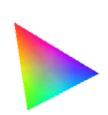 BT.2020
 BT.2020 and P3 – average color gamut coverage (percent of the target gamut).
R, G, B – average primary color luminance relative to target (percent).
Scene from the movie “Pan” (about 2800 nits)

Scene from the movie “Billy Lynn” (about 1100 nits)

We also checked how the LG B6 compares to noticeably more expensive TVs and a reference monitor. The conclusions are fairly straightforward, although they can’t be summed up in a single sentence. In movies and series mastered to around 1000 nits, the kind we most often encounter on streaming platforms, the B6 performs very well. Despite its moderate brightness, the picture retains a lot of detail and looks more complete than last year’s model. Much of that is thanks to the new way dynamic tone mapping works. After switching to the Professional profile and adjusting that feature appropriately, most HDR material looks very good. The picture is full of detail and full of life. Problems only start with exceptionally challenging scenes mastered for much higher brightness (over 2000 nits). A good example is a scene from the film "Pan." In such shots the B6 doesn’t always manage to correctly map the material to its capabilities. The brightest areas can merge together, and some highlight detail simply disappears. Just compare the same shot with a higher-end OLED and the difference becomes obvious. This means the LG B6 is very well suited to everyday streaming, where for most of the time it delivers an attractive, detailed HDR picture. Only with the most demanding content does it become clear that this is still an entry-level model and that the more expensive series have more brightness headroom and handle the toughest scenes better.
HDR luminance chart:
Still, there is one scenario where the B6 can handle even a very demanding movie well. There’s only one condition: the content must be encoded in Dolby Vision. The dynamic metadata tells the TV how each scene should look, allowing the B6 to adjust brightness much better within its limits. You can see this clearly on the shot with horses in a snow-covered meadow. In standard HDR10 some bright areas are blown out, while after switching to Dolby Vision the image regains detail, looks more contrasty and much closer to how it should. That’s a big plus for this model, because Dolby Vision is now a very popular format on streaming platforms. Despite its limited brightness, the B6 can still deliver a very good, detail-rich HDR effect in most films and series.
Static HDR10

Dynamic: Dolby Vision

Factory color reproduction
6.1/10
We tested the LG B6 in Filmmaker Mode, which is the best picture setting available right out of the box. ISF modes deliver very similar results, but in our tests we always stick to Filmmaker Mode for better comparison with other TVs. Each of those modes is, after all, a much better starting point than Vivid or Eco mode, where the picture is heavily boosted and noticeably less natural. With SDR content, the factory settings perform really well. Color errors are small, gamma behaves properly, and the image looks natural during ordinary viewing and does not seem overly "pumped up." It's a bit worse with HDR. When you play that kind of content you can quickly see that the white balance hasn't been set perfectly. Too much blue and red causes the image to shift toward a slightly pink tint. This is also confirmed by measurements of the color gamut and the ColorChecker, where samples clearly drift in that direction. It's not a flaw that completely ruins the picture, but you can notice it in HDR films. So people who care about the most faithful image should consider the calibration we describe later in the review.


Color reproduction after calibration
9.2/10
During calibration we focused primarily on HDR content, because that's where the factory settings required the biggest corrections. We didn't neglect SDR mode, though, which after adjustment was brought almost to perfection. Colors are very accurate and brightness is handled as it should be. The biggest improvement in HDR came from correcting the white balance. After removing the excess red and blue, the pinkish tint disappeared and the image became much more natural. Skin tones, whites and all colors that had been shifting toward magenta improved. After calibration most errors fell below a Delta E of 2–3, the threshold at which the average viewer stops noticing differences with the naked eye. The LG B6 can therefore deliver a very accurate image, especially for the manufacturer's entry-level OLED model.


LG B6 - Smoothness of tonal transitions
7.3/10
Tonal transitions on the LG B6 are quite good, though you can still see some limitations typical of WOLED panels. In most scenes, colors transition smoothly between shades, without noticeable banding or unwanted digital artifacts. It's not always perfect, however. Most problems appear in the dark areas of the image, where WOLED panels have long been somewhat weaker. This is partly due to the greater difficulty of driving the panel at very low brightness and to the design's use of a white subpixel. Compared with last year's model there is a slight improvement, but it still doesn't reach the level of the best QD-OLED TVs or more advanced LCD models.
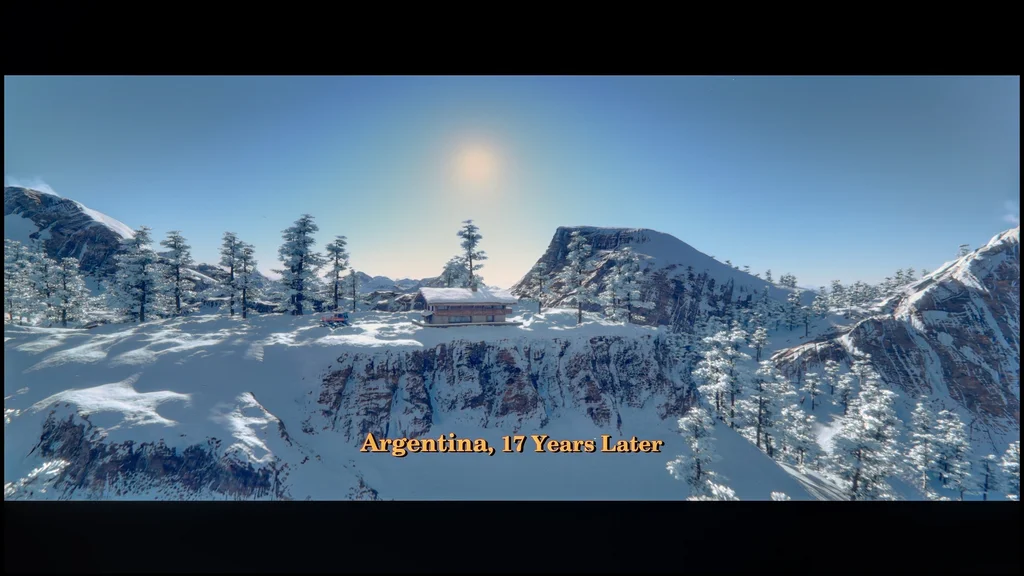

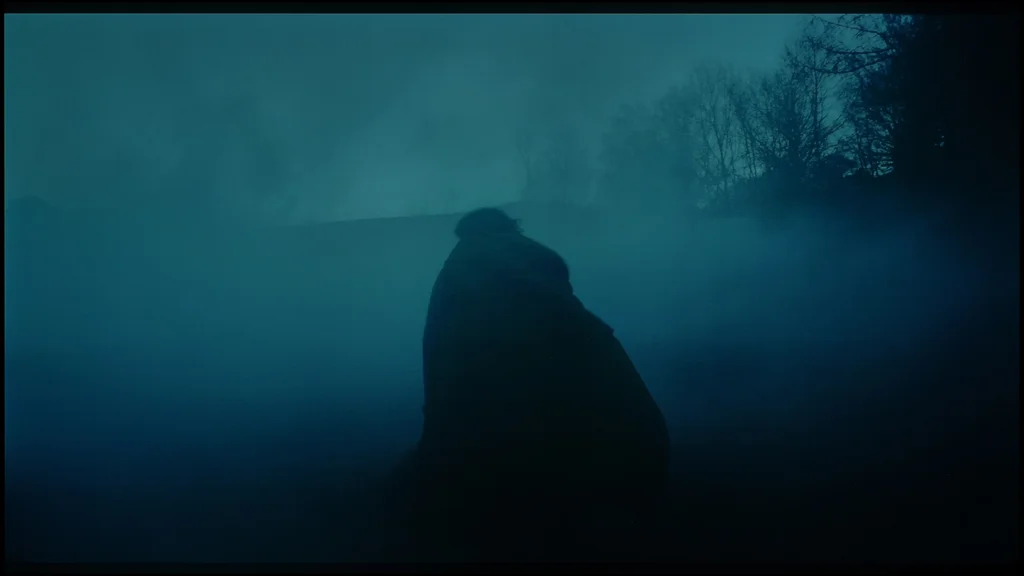
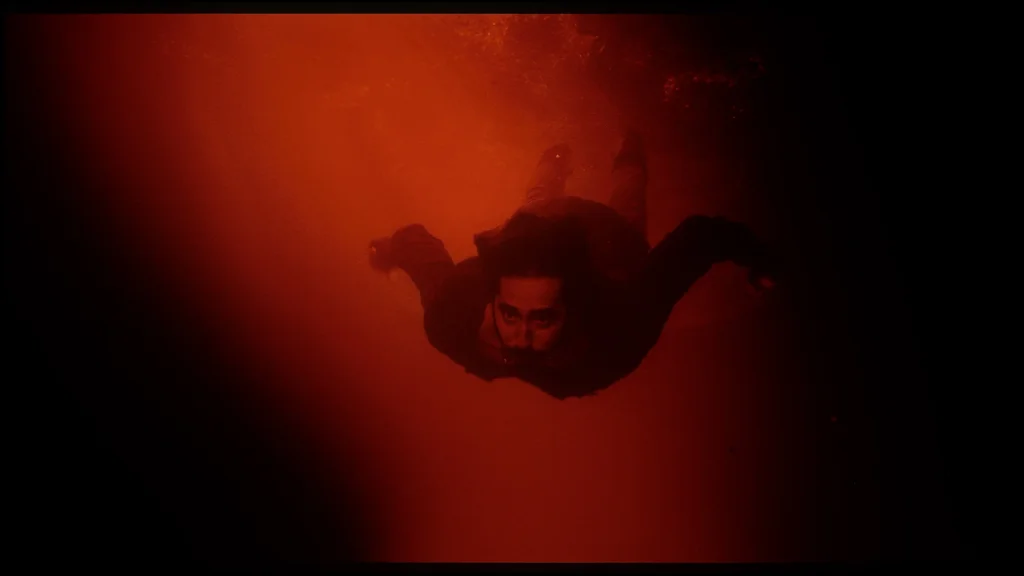
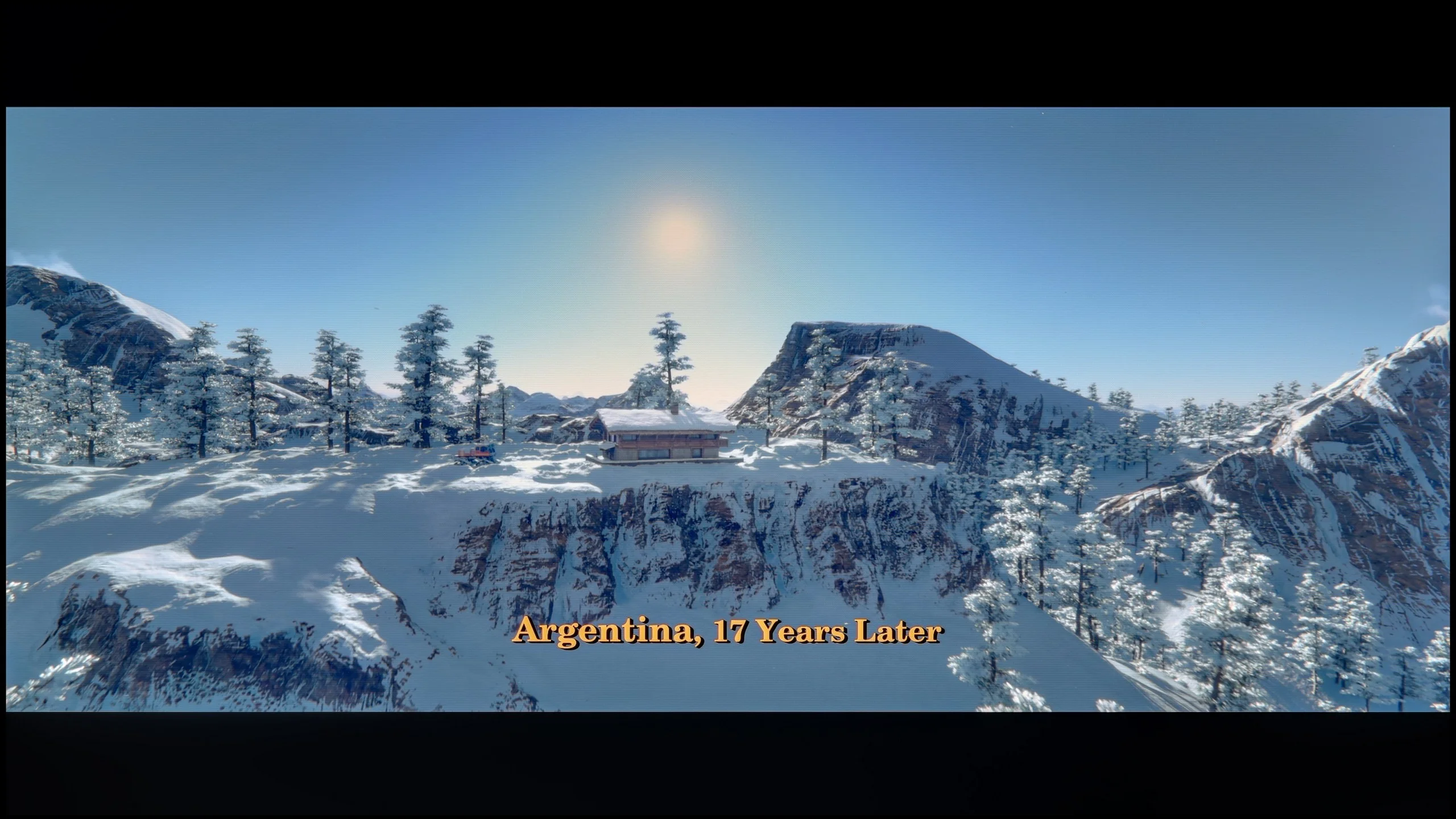

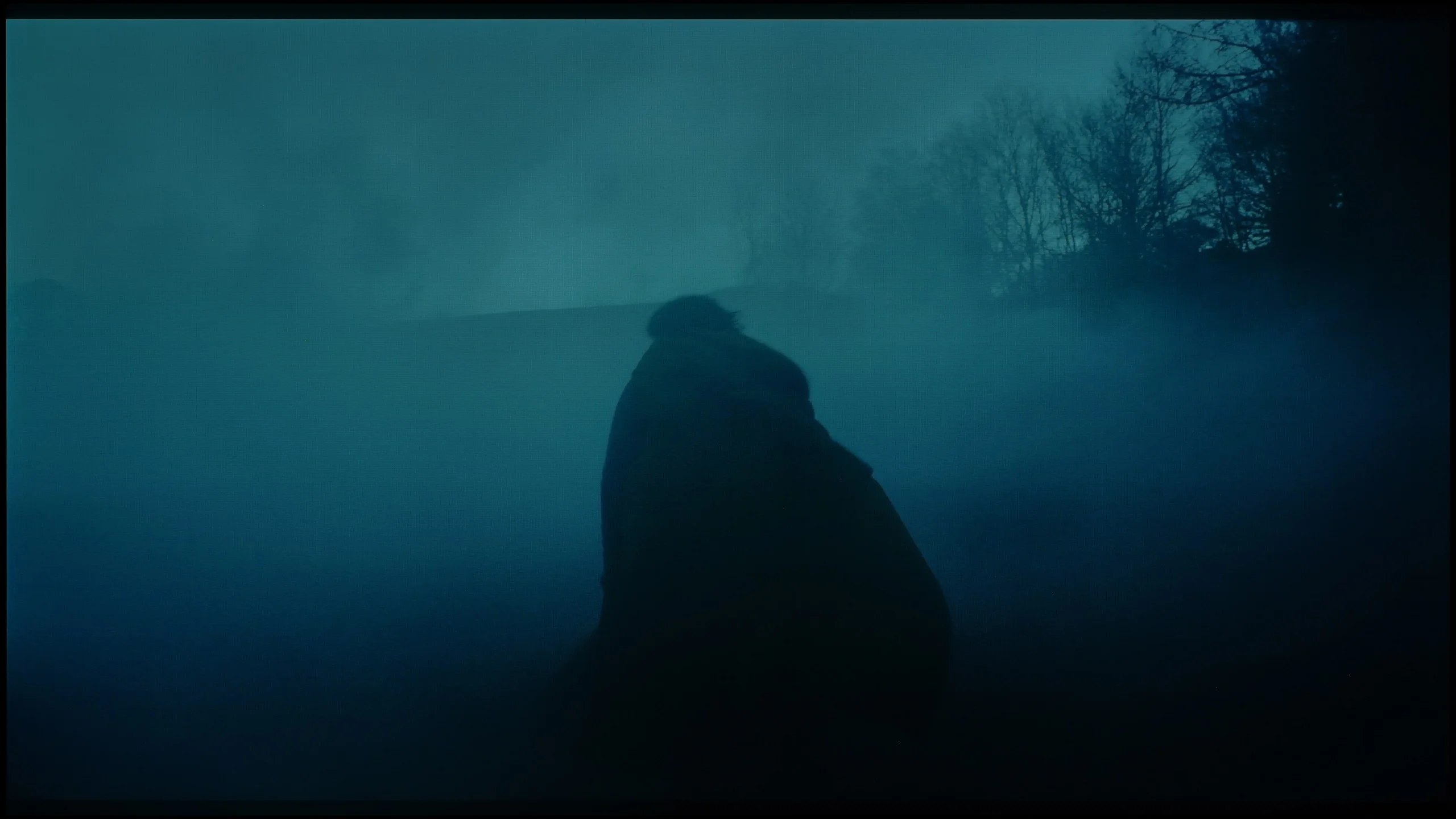
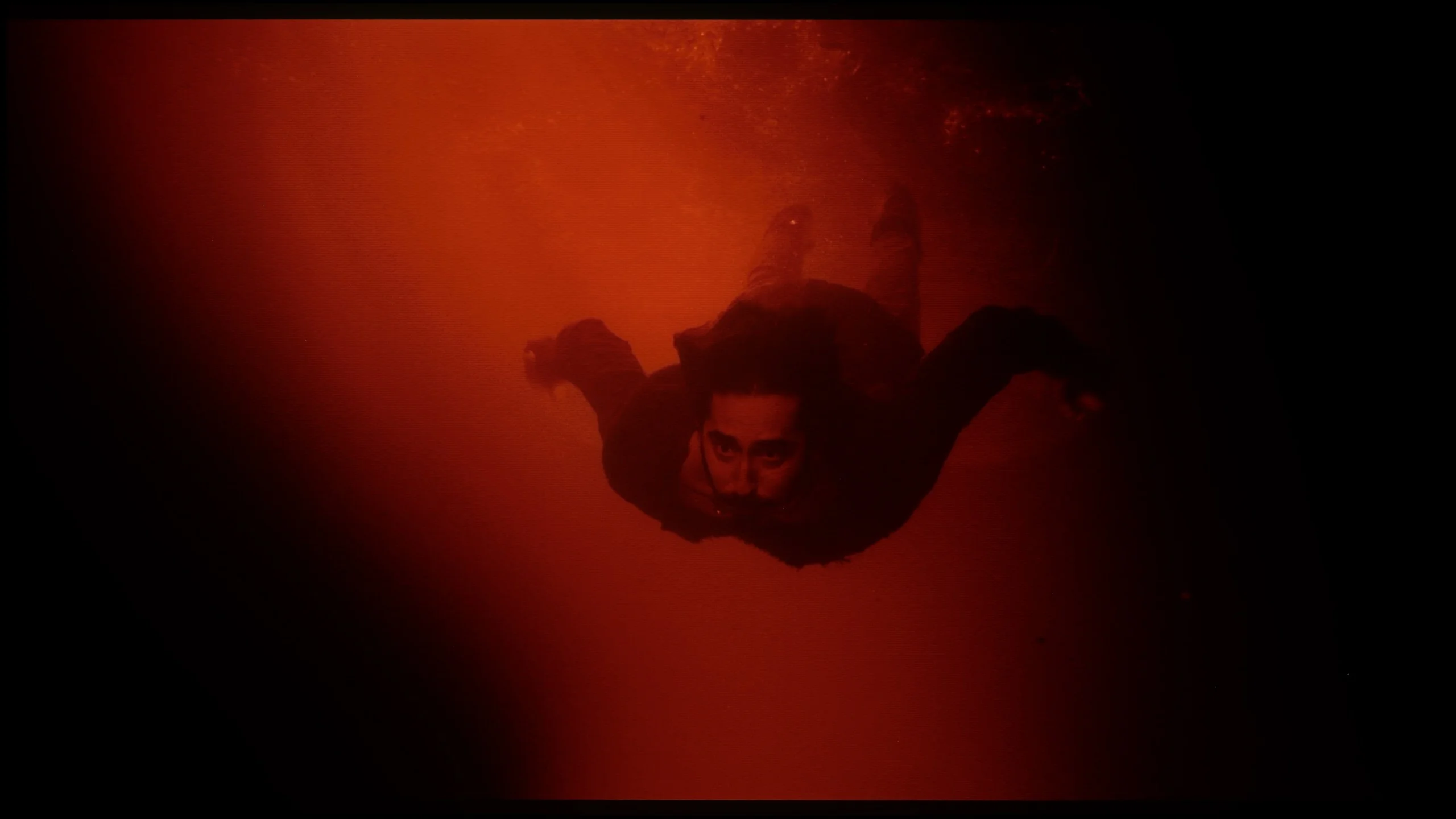
Image scaling and smoothness of tonal transitions
8/10
 Smooth transition function
Image without overscan on the SD signal

The LG B6 handles lower-quality sources very well. Much of the credit goes to effective digital image processing, which can mask some source imperfections without overly smoothing the whole scene. The feature "Smooth Gradation" proves particularly useful. It can significantly reduce posterization, which we mentioned earlier, especially in darker areas of the image. The safest choice remains Low or Medium. The function still effectively smooths harsh tonal transitions, but does not yet interfere too much with fine details. The most dedicated purists can, of course, leave it off. Upscaling to 4K also performs very well. Full HD and 720p content retain a good amount of detail, and the image is neither overly sharpened nor excessively blurred. Some limitations become noticeable only with very poor sources below 720p, where the smallest subtitles and fine elements are not always perfectly sharp, but this is true for almost every other TV on the market.
LG B6 - Blur and motion smoothness
8.5/10
Maximum refresh rate of the panel: 120Hz
Film motion smoothing option: Yes
Blur reduction option: Yes
BFI function 60Hz: Yes, 60Hz (image flickers)
BFI function 120Hz: Yes, 120Hz
Brightness drop with BFI: 50%
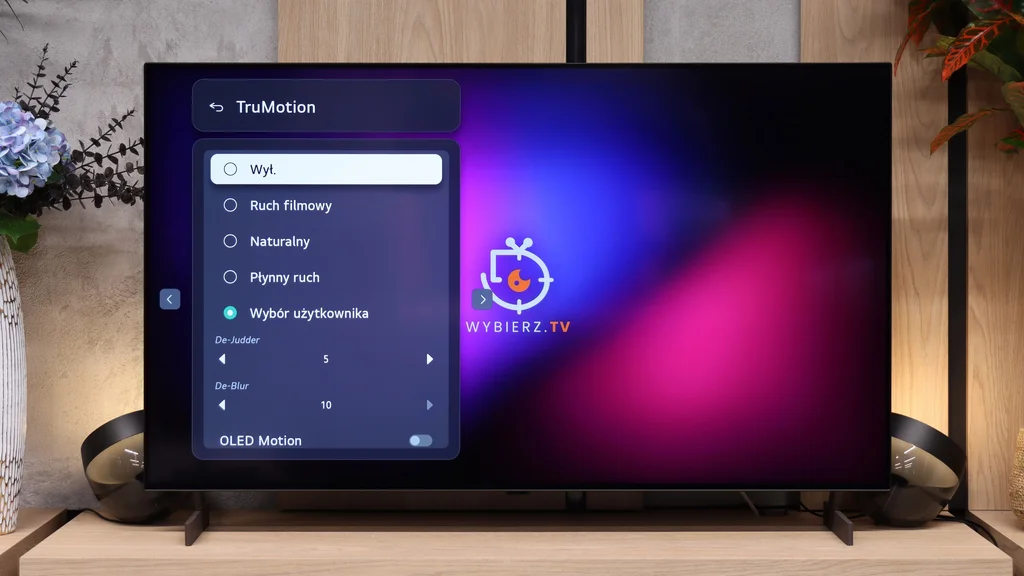
One of the biggest advantages of OLED panels is their very fast pixel response time. This keeps the image sharp and prevents the visible smearing that often appears on LCD TVs. However, there is a downside. During slow camera pans, motion can look more choppy than on LCD screens, where the slower panel naturally masks some of that effect. Fortunately, on the LG B6 you can easily soften this with TruMotion. With the motion smoothing properly adjusted, you can achieve smoother motion without giving the picture an excessive soap-opera effect.
Blur (native resolution, maximum refresh rate):



Blur (BFI function enabled):



The settings also include an OLED Motion feature, the equivalent of BFI found on LCD TVs. It improves motion clarity, but does so at the cost of a noticeable drop in brightness. For that reason, we wouldn't recommend using it every day.
LG B6 - Console compatibility and gaming features
10/10
- ALLM:
Yes
- VRR:
Yes
- VRR range:
40 - 120Hz
- Dolby Vision Game Mode:
Yes
- Correct implementation of HGIG:
Yes
- 1080p@120Hz:
Yes
- 1440p@120Hz:
Yes
- 4K@120Hz:
Yes
- Game bar:
Yes
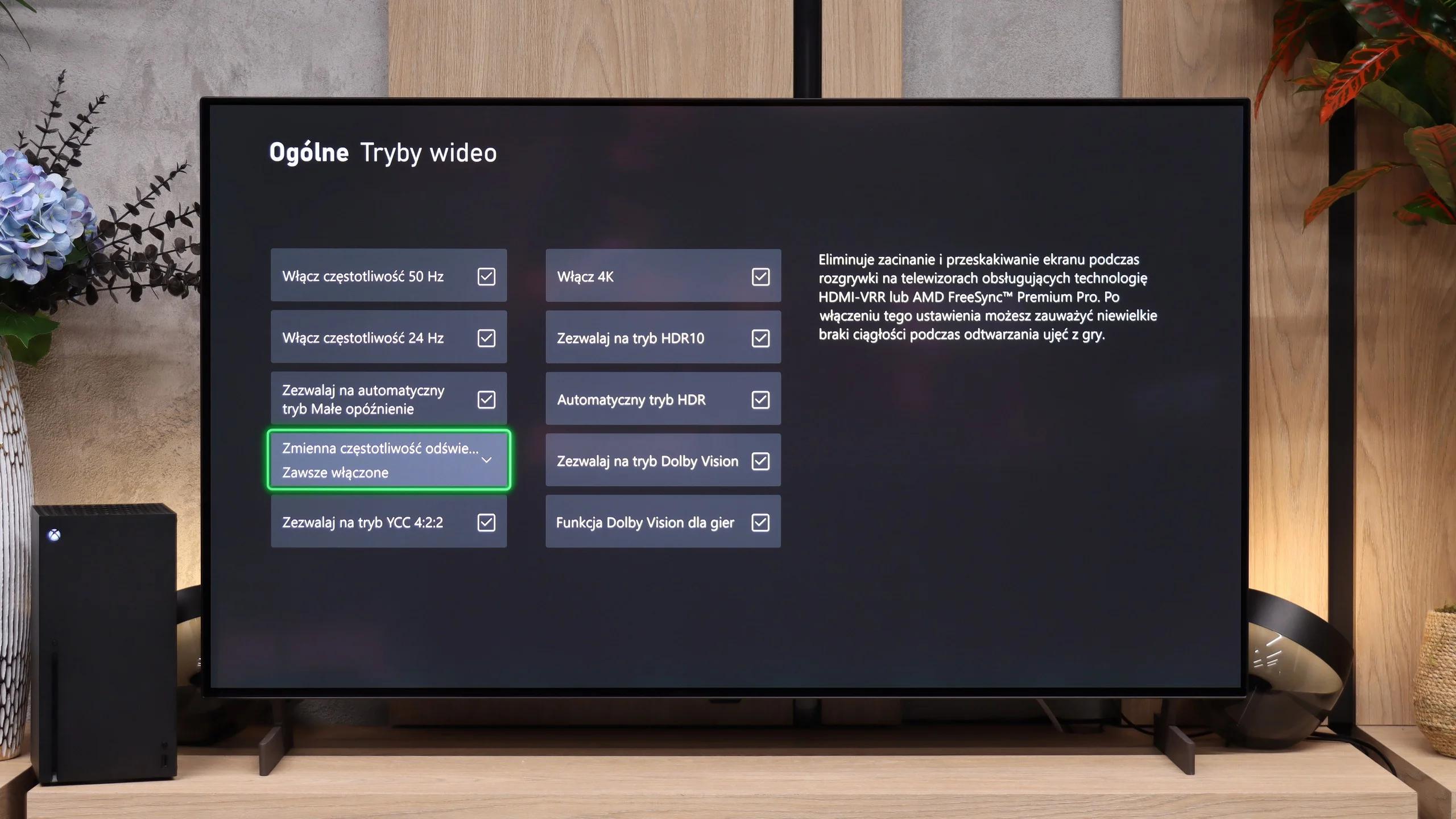
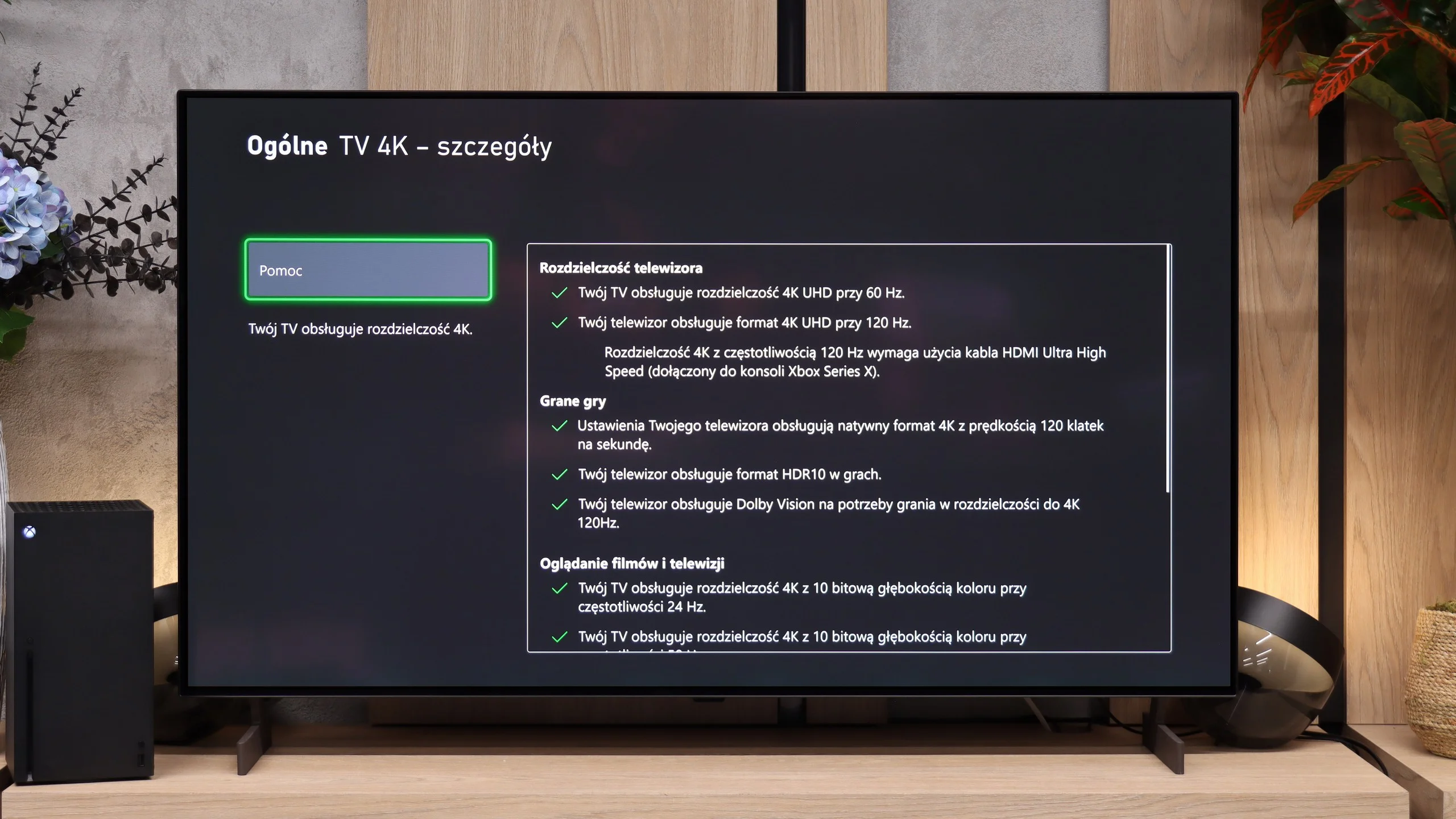
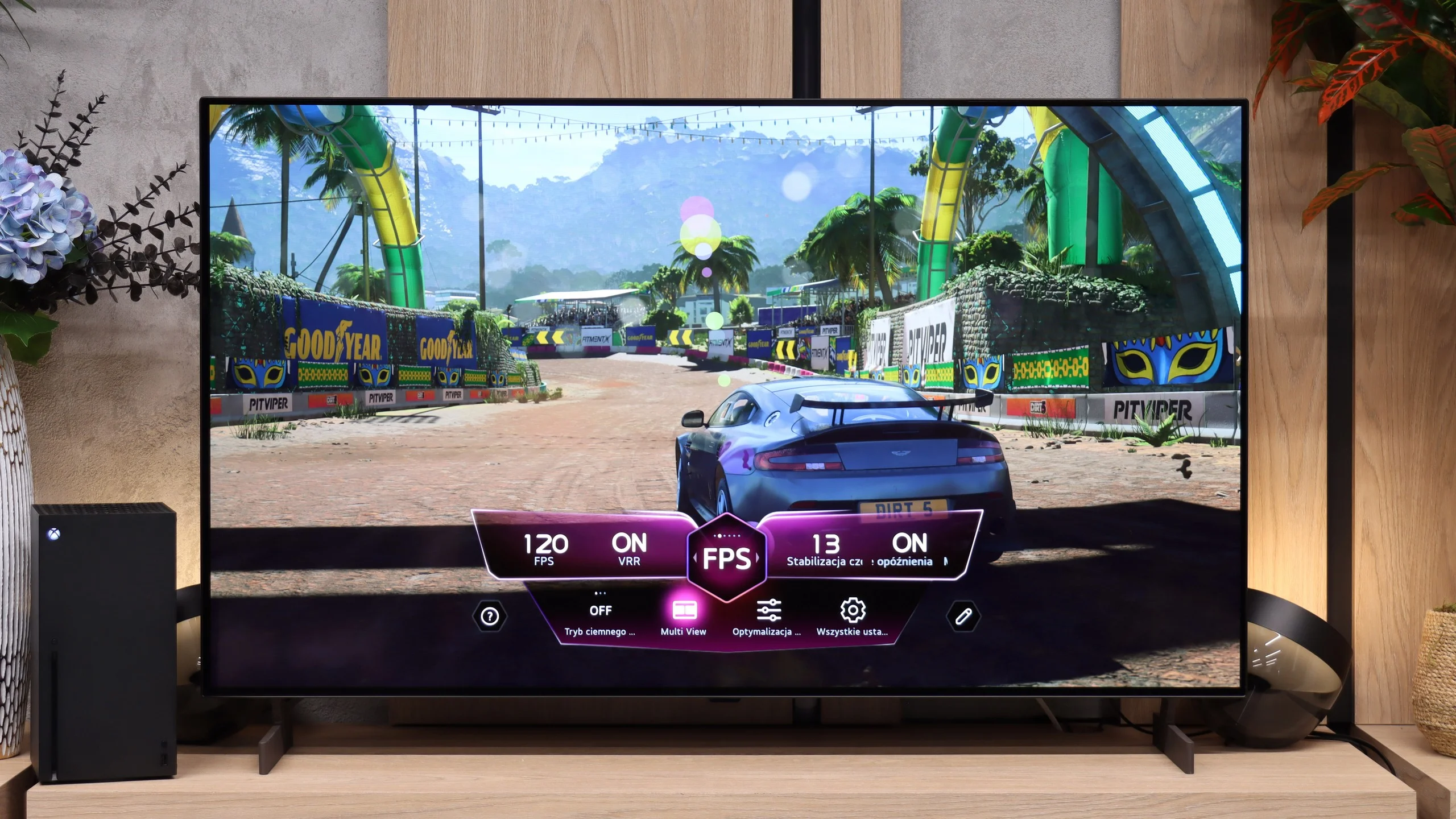
LG OLED B6 offers a powerful set of advantages for gamers; it's simply a complete platform for PS5, Xbox Series X/S, or a solid PC. It has four full-size HDMI 2.1 ports with 48 Gbps bandwidth, so you can skip the annoying cable swapping when you want to connect several newer devices at once. We get the full suite of sync technologies – from classic VRR to G-Sync and FreeSync. The screen seamlessly matches the refresh rate to the frame output produced by the console or graphics card. Of course ALLM is included: the B6 automatically detects a running game and immediately cuts input lag to a minimum. HDR handling is also excellent. The TV supports Dolby Vision, and a properly implemented HGiG standard means that after an initial calibration in the console settings the picture won’t suffer from blown-out highlights or lost detail in bright areas. The cherry on top is the Game Bar. Instead of digging through the full menu during gameplay, one click lets you adjust shadow visibility, tweak selected settings, or simply check the display’s current operating mode. All of this makes the LG B6 a great choice for gamers.

LG B6 - Input lag
9.8/10
Input lag in the LG B6 is very low. At 120 Hz it's about 5 ms, and at 60 Hz it rises to roughly 15 ms. Both results are good enough that most gamers won't notice any delay between their inputs and what happens on screen. Dolby Vision performs a bit worse, where input lag can increase to around 25 ms. That's still not a bad result, but the most demanding players using an Xbox may already feel a difference compared to standard HDR.
| SDR | HDR | Dolby Vision |
|---|---|---|
| 1080p60: 15 ms | 2160p60: 14 ms | 2160p60 DV: 25 ms |
| 1080p120: 5 ms | 2160p120: 5 ms | 2160p120 DV: 13 ms |
| 2160p60: 14 ms | ||
| 2160p120: 5 ms |

LG B6 - Compatibility with PC
7.6/10
Chroma 444 (max. resolution and refresh rate): Yes
Font clarity: Good
Readability of dark text and shapes: Very Good
Input lag in PC mode (4K, max. refresh rate): 5ms
Matrix subpixel arrangement: RGWB
Max refresh rate: 120Hz
G-Sync: Yes
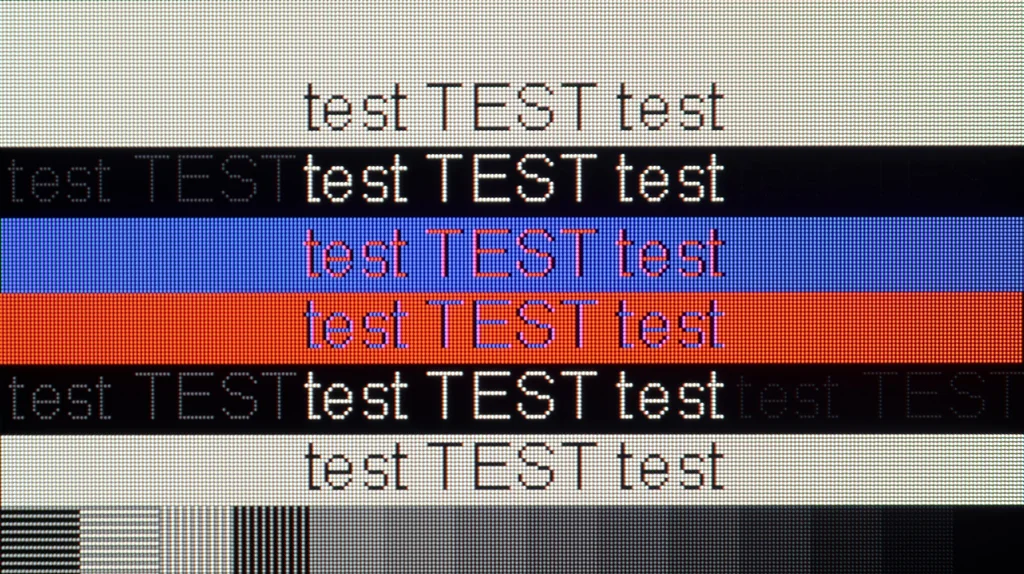
The LG B6 also works very well as a computer display. Low input lag, support for VRR, G-Sync and FreeSync, and a high refresh rate mean there's little to fault it for gaming. Compared with pricier models, it only lacks additional modes with even higher refresh rates. In the best OLEDs and some LCD TVs you can now find even 240 or 330 Hz at lower resolutions. The B6 doesn't have that, but for most people it won't be a big loss. What may matter more is the WOLED panel's subpixel structure. Because it uses four subpixels, small fonts in Windows aren't perfectly sharp and you can sometimes see slight colored fringes around them. For occasional web browsing or computer work that probably won't be an issue. However, anyone planning to buy a smaller variant, for example 48 inches, and use it as their main monitor at a desk should keep that in mind.
LG B6 - Viewing angles
7.5/10
Brightness drop at an angle of 45 degrees: 29%
Viewing angles on the LG B6 are very good, which is typical for almost all OLED TVs. Even at extreme side angles the picture maintains strong color saturation and doesn't noticeably lose brightness. In this respect, really only models with QD-OLED panels perform better. However, there's one thing worth mentioning. Some WOLED panels may show a slight greenish tint at extreme angles. This isn't a rule; some units exhibit the effect more, others hardly at all. It depends on the specific unit.
LG B6 - Daytime performance
4.8/10
Panel finish: Satin
Reflection suppression: Average
Black levels during daytime: Good
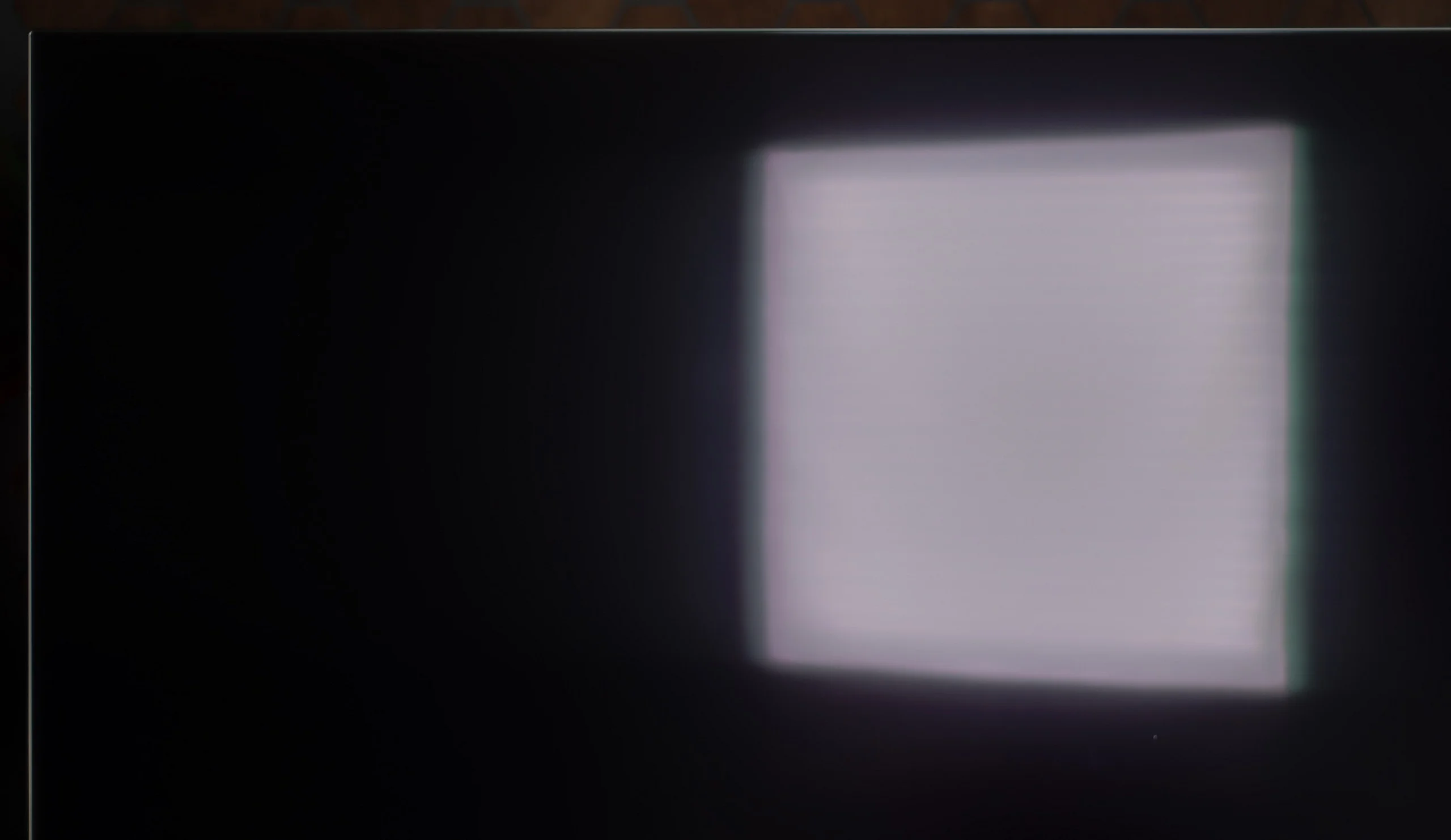
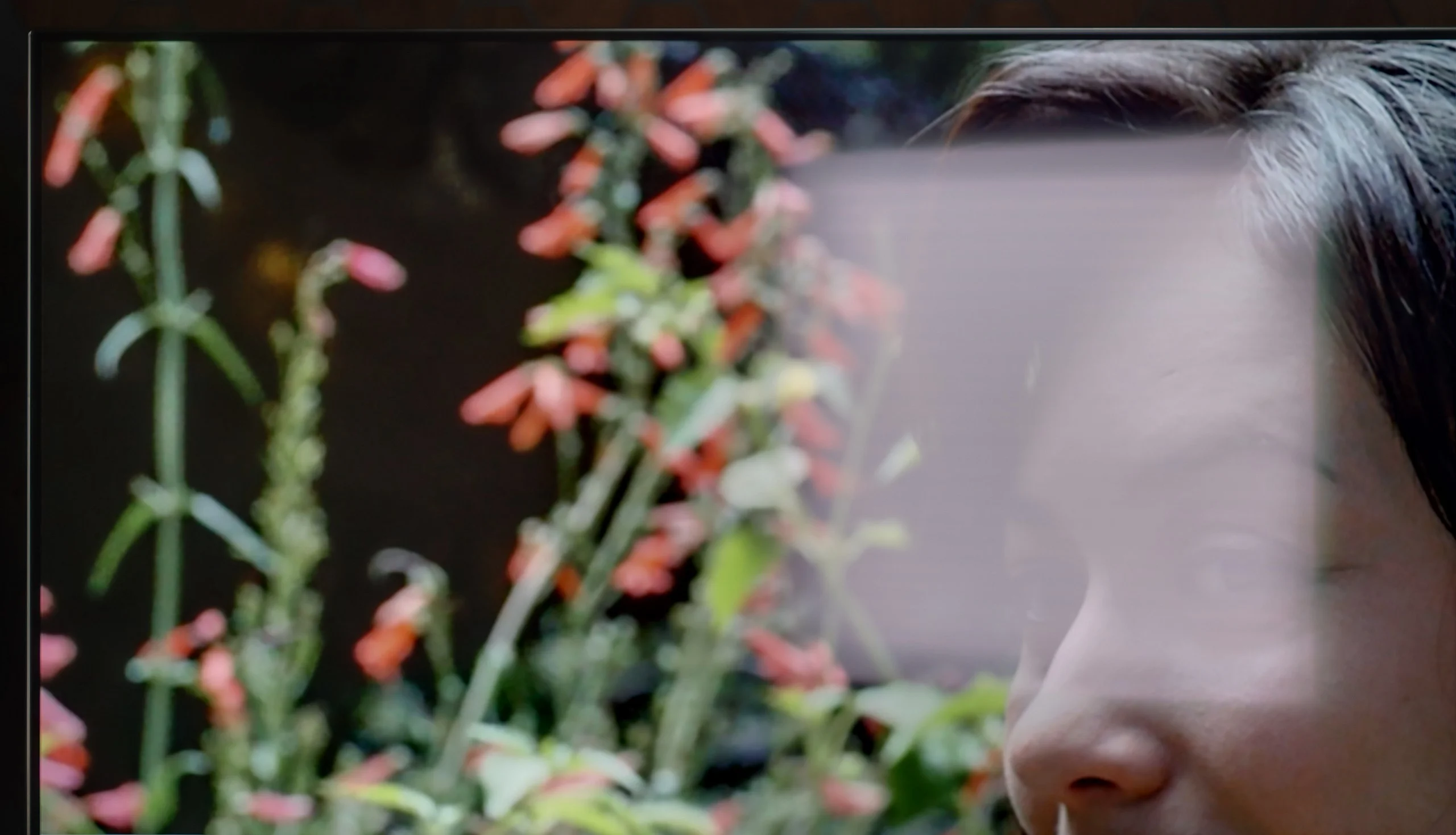
In the case of the LG B6, one of the bigger changes comes from the new OLED SE panel. The TV is slightly brighter than its predecessor, but at the same time it handles direct light reflections worse. The reason is a less effective polarizer, so reflections from windows or lamps are less effectively suppressed, and blacks in a bright room can look slightly lifted. LG tried to partially mask this effect with a satin screen coating. It does help to subtly diffuse reflections, but it doesn't eliminate them as effectively as earlier solutions. And in this respect the B series loses the most compared with the previous generation. During the day the screen no longer looks as clean, and strong light sources can clearly reflect on the panel.
That doesn't mean, of course, that the B6 is unsuitable for a bright living room. The higher screen brightness helps cut through ambient light, and during normal viewing the picture remains readable. The problem starts when there's a large window or a strong lamp opposite the TV. In those conditions the B6 doesn't perform at its best. So it's best used in a room where you can at least partially control the light falling directly on the screen.
Panel brightness
LG OLED B6: 313 cd/m2
LG B6 - TV features
8/10
System: WebOS
System performance: Decent
- HDMI inputs: 0 x HDMI 2.0, 4 x HDMI 2.1 48Gbps
- Outputs: Toslink (Optical audio), eARC (HDMI), ARC (HDMI)
- Network Interfaces: Wi-Fi 2.4GHz, Wi-Fi 5GHz, Ethernet (LAN) 100Mbps
- TV reception: DVB-T, DVB-T2, DVB-S, DVB-S2, DVB-C
Classic features:
- Recording to USB (terrestrial TV): Yes
- Recording programming: Yes
 Picture in Picture (PiP): No
 - RF remote control (no need to aim): RF
- Backlit remote control: No
- Teletext: No
- Audio only mode: Yes
- Bluetooth headphones support: Yes
- Simultaneous Bluetooth headphones & TV audio: Yes
Smart features:
- AirPlay: Yes
- Screen mirroring (Windows Miracast): Yes
- Voice search: Yes
- Voice search in native language: Yes
- Ability to connect a keyboard and mouse: Yes
Smart TV: webOS
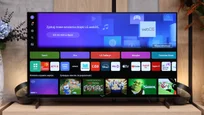
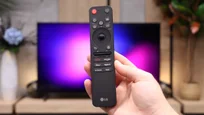
LG B6 runs webOS, LG’s proprietary platform. Its biggest strength remains the way it’s controlled. The included Magic Remote works like a mouse; just move your wrist to move the cursor across the screen and point at the items you want. It may feel unusual at first, but it quickly proves very convenient, especially when typing text, selecting apps, or navigating a complex menu. The remote itself is fairly minimalist and doesn’t offer many traditional buttons, but the cursor control largely makes up for that. On the other hand, if you don’t want to wave your hand to type letters, you can always speak the desired phrase into the remote and the AI voice assistant will suggest appropriate recommendations.
In terms of available apps, it’s hard to fault webOS. You’ll find practically all the major streaming services here, as well as extra features like AirPlay, screen mirroring, and Chromecast. The TV therefore works well with both Apple phones and Android devices. It’s just a pity that the system on the B6 doesn’t run as smoothly as on higher-end models. At times it can respond with a slight delay, and the home screen is heavily loaded with recommendations, tiles, and ads. That doesn’t make webOS unusable, but it could certainly be more organized.
Classic features
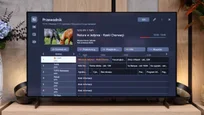
By contrast, the traditional TV features perform very well—features many manufacturers are starting to forget. The LG B6 lets you record programs to an attached hard drive or USB storage. The PVR function also supports scheduling, so you can program recordings in advance from the TV guide. This comes in handy when you want to save an episode, a match, or another event broadcast while you’re away. There’s also a clear channel guide and solid support for terrestrial, cable, and satellite TV. For people who still regularly use traditional television, the B6 is therefore a relatively complete device, provided the lack of teletext doesn’t bother you.
Sound connection options
HDMI audio:
Other audio outputs:
- Toslink: Yes
Wireless audio:
- Bluetooth: Yes
- Atmos Flex Connect: Yes
Supported audio formats (external HDMI eARC audio):
- Dolby Digital Plus 7.1: Yes
- Dolby True HD 7.1: Yes
- Dolby Atmos in Dolby Digital Plus (JOC): Yes
- Dolby Atmos in Dolby True HD: Yes
- DTS:X in DTS-HD MA: No
- DTS-HD Master Audio: No
Senior accessibility
- Numeric keyboard on TV: No
- Font size adjustment: No
- Audio description: Yes
LG B6 - Apps
9.1/10






















LG B6 - Playing files from USB
9.1/10
| Maximum photo resolution: | Supported photo formats: |
|---|---|
| 4 Mpix | JPEG |
| 6 Mpix | HEIC |
| 8 Mpix | PNG |
| 10 Mpix | GIF |
| 12 Mpix | WebP |
| 16 Mpix | TIFF |
| 20 Mpix | BMP |
| 24 Mpix | SVG |
| 28 Mpix | |
| 32 Mpix |
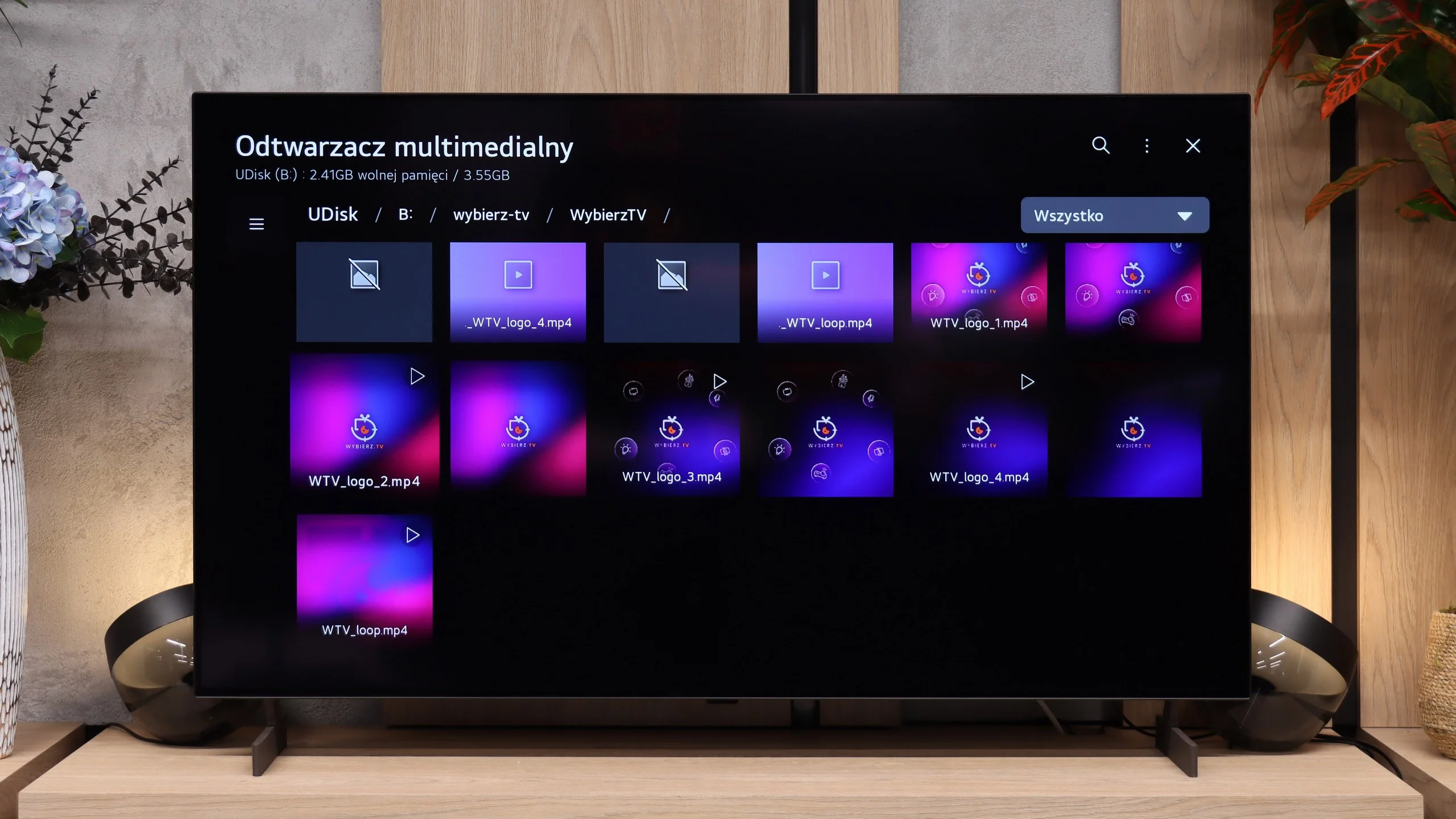
The LG B6’s built-in player handles most popular video files played from USB without any major problems. The TV also properly supports subtitles and the most common audio formats, though it lacks DTS support. The situation is somewhat worse for photos. The list of supported formats is fairly limited and does not include HEIC, the format in which photos taken with an iPhone are saved by default. Such files therefore need to be converted to JPG beforehand, or you can simply use the AirPlay function.
LG B6 - Sound
6.7/10
87dB
Maximum volume

Supported codecs (TV speakers)
Dolby Digital Plus 7.1
Dolby True HD 7.1
Dolby Atmos in Dolby Digital Plus (JOC)
Dolby Atmos in Dolby True HD
DTS:X in DTS-HD MA
DTS-HD Master Audio
In terms of sound, the LG B6 performs very similarly to last year's model. It still uses a 2.0 speaker setup rated at 20 W, which is more than enough for everyday viewing. Dialogue is clear and the sound doesn't sound bad, but there's no sense of space, dynamics, or bass you get from higher-end models. The TV supports the Dolby Atmos spatial audio format, but DTS:X is missing. The biggest problem, however, is not the speakers themselves but the settings. Compared with its predecessor, a large portion of the options for tailoring the sound to your preferences has disappeared. A few preset modes remain, including AI and Standard, but the ability to fine-tune the audio is much more limited than it was a year ago.
Sound Quality Test:
Acoustic Measurements
87dBC (Max)
75dBC
LG B6 - Panel details
Software version during testing: 43.11.79
Panel uniformity and thermal imaging:

Backlight Type: WRGB OLED

Founder and originator of the "ChooseTV" portal

Journalist, reviewer, and columnist for the "ChooseTV" portal

michal-woloszyn-title
Reader comments
Comments are provided by the external service Disqus (Zeta Global). Once loaded, Disqus may set cookies and process data about your activity.
We will remember your choice on this device. Provider's privacy policy
See articles related to LG OLED B6:
Our YouTube channel
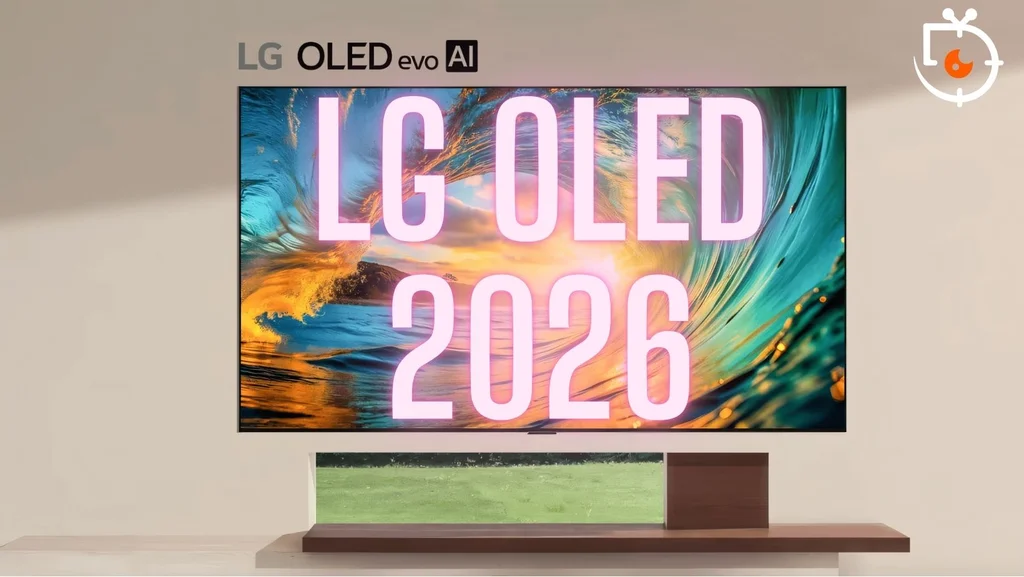
LG TVs 2026 – overview of the OLED models B6, C6, G6, and W6... 1/13/2026
12/22/2025
6/20/2025
1/16/2025
3/20/2026