- Matching (Score) |
- Our verdict |
- Competing TVs |
- TV appearance |
- Where to buy |
- Contrast and black detail |
- HDR effect quality |
- Factory color reproduction |
- Color reproduction after calibration |
- Smoothness of tonal transitions |
- Image scaling and smoothness of tonal transitions |
- Blur and motion smoothness |
- Console compatibility and gaming features |
- Input lag |
- Compatibility with PC |
- Viewing angles |
- Daytime performance |
- TV features |
- Apps |
- Playing files from USB |
- Sound |
- Panel details
Samsung S95H Review
S95H / S99H

Available screen sizes:
Complete the survey to find out the result
Panel type: QD-OLED Refresh rate: 165Hz Brand: SAMSUNG Resolution: 3840x2160 System: Tizen Model year: 2026
This review is an English translation of the Polish original. Read the original on Wybierz.tv.
The Samsung S95H for the European market is a completely different TV than the S95H sold in the United States. The S95H has a slim chassis, comes with the One Connect module and a QD-OLED panel. Its familiar appearance, however, may raise another question: how much of it is really a new model? In terms of picture, does the S95H approach the higher-end S99H series, the one with the distinctive bezel, or is it closer to its predecessor? We decided to find out.
We thank the RTV MAX store for providing a unit for testing.
SAMSUNG S95H - Our verdict
8.8
Overall rating
The Samsung S95H is, in almost every respect, a continuation of the S95F. During testing we often felt like we were watching the same TV. But... is that a bad thing? Not necessarily, because the predecessor set the bar very high. We still get a phenomenal picture and one of the best TVs we tested in 2026. HDR has huge impact, and the colors and blacks make a good movie really keep you glued to the screen. With a console or PC the S95H is just as enjoyable because it delivers what we expect from a flagship product.
The strongest argument for this model may be its looks. It's aimed at people who want the slimmest, most minimalist TV possible. Especially when mounted on a wall the S95H looks excellent, and One Connect helps tidy up the whole setup. If the distinctive bezel of the S99H isn't to your taste, here you'll find a more discreet design. Brightness is admittedly lower than in the higher series, but still high enough that it's hard to call it a serious compromise for viewing.
Not everything deserves praise, though. We were most disappointed by the presence of last year's version of Tizen. The system itself runs quickly, but this detail only underscores how little has changed compared to the S95F. Perhaps Samsung will release a suitable update soon.
Ultimately the S95H is a great choice for someone looking for top-tier picture in an exceptionally slim chassis. The Samsung S95H isn't revolutionary, but it's still a TV that, despite giving us a small déjà vu, left a huge impression.
Advantages

Perfect black levels and OLED contrast
Very high brightness
Rich, highly saturated QD-OLED colors
Natural-looking image after calibration
Excellent tone mapping (lots of detail in bright scenes)
Matte coating that effectively reduces reflections
Best viewing angles on the market (QD-OLED)
165 Hz refresh rate and lightning-fast panel response
Very low input lag and extensive gaming features
STUNNING APPEARANCE
One Connect module included
Disadvantages

Noticeable black level degradation in bright light (a characteristic of QD-OLED panels)
Last year's version of Tizen
No DTS support (mainly relevant to Blu-ray fans)
 Movies and series in UHD quality
9.3
 Classic TV, YouTube
9.4
 Sports broadcasts (TV and apps)
9.0
 Gaming on console
9.9
 TV as a computer monitor
8.8
 Watching in bright light
7.3
 Utility functions
7.9
 Apps
Apps9.3
 Sound quality
8.0
Complete the survey to find out what fits your preferences
SAMSUNG S95H - Competing TVs in this price range
SAMSUNG S95H - TV appearance
HDMI inputs: 0 x HDMI 2.0, 4 x HDMI 2.1 (40Gbps) Other inputs: USB-C Outputs: Toslink (Optical audio), eARC (HDMI), ARC (HDMI) Network Interfaces: Wi-Fi 2.4GHz, Wi-Fi 5GHz, Ethernet (LAN) 100Mbps
Build quality: Super Premium
Stand type: Central
Bezel color: Graphite


Stand: Fixed
Flat design: Yes
Accessories: Stand, One Connect Box
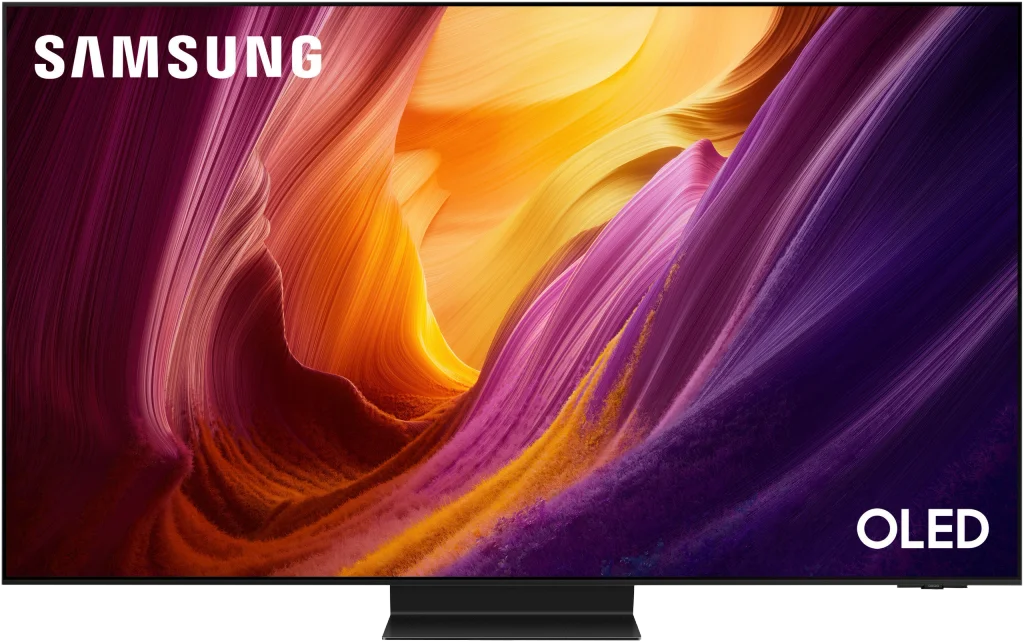
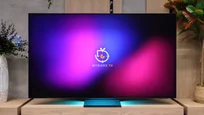
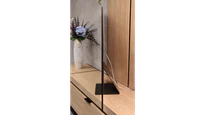
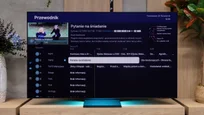
The European Samsung S95H retains the slim design known from the S95F. It has narrow bezels, a minimalist finish and a housing only about a centimeter thick. The TV itself is simply... gorgeous. This time we all agreed on that in our lab. 😉
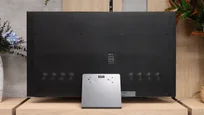
Included is a hefty metal center stand. Besides supporting the screen, it has another use: you can place the One Connect module on it. That keeps everything unified and you don't have to find a separate spot on a cabinet for the module. It's where we connect the console, set-top box and other devices, and only one cable runs to the screen itself. This solution makes cable management much easier.
In our opinion the S95H looks best when mounted on the wall. Only then can you fully appreciate how thin its housing is. For mounting you can use a standard VESA mount or the special mounting points designed for Samsung's accessory mount. Unfortunately, the latter must be purchased separately. That's a shame, because with a design like this you almost want to put the TV on the wall right away. Although... it still looks impressive on the stand.
Buy at the best price
Select size:

SAMSUNG S95H - Contrast and black detail
10/10


Result
∞:1

Result
∞:1

Result
∞:1

Result
∞:1

Result
∞:1

In the Samsung S95H we tested, the 65-inch model uses a QD-OLED panel. The same type of panel is also used in the 55- and 77-inch versions. A new size in the series is the 48-inch, but note — it’s a completely different design. It doesn’t have a QD-OLED panel or a One Connect module, so our review should not be directly applied to that variant.
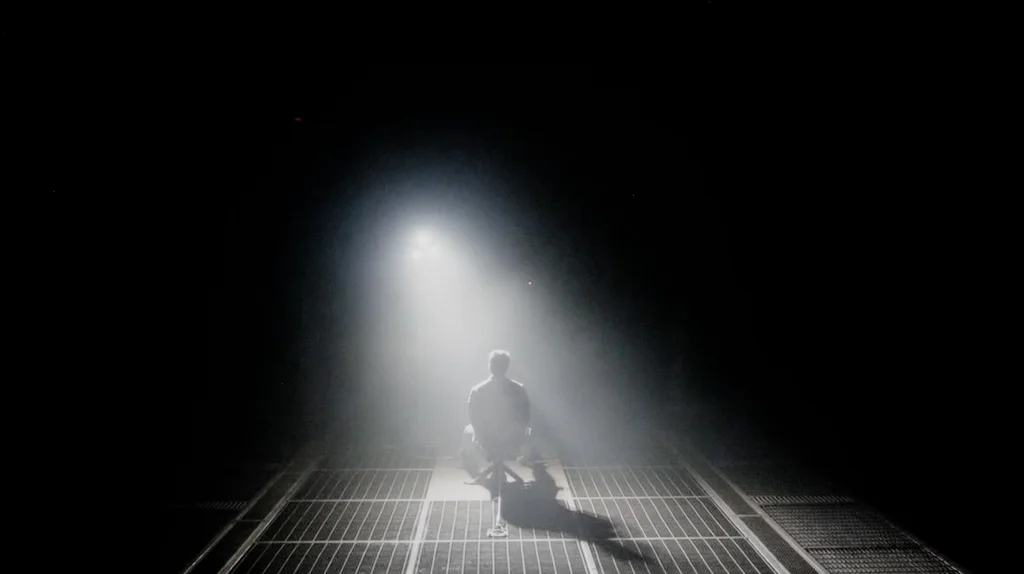
Back to blacks: it’s exactly what you’d expect from any OLED. Each pixel lights independently and can turn off completely. That means black is truly deep and inky, whether we’re looking at a large shadow or a small dark patch right next to a bright light. There are no bright film-like bands or halos caused by local dimming zones. In our test scenes the S95H looked excellent in this regard. Bright objects stood out clearly against the dark background, and the black retained its depth even in the most demanding shots. In the evening this creates a really pleasant effect, and it’s the kind of picture we love OLEDs for.
It’s worth noting, however, that our unit had a minor issue with so-called black crush. The darkest shades of gray sometimes merged with the black, causing some shadow details to disappear. The image then appeared even deeper and more contrasty, but that came at the expense of details that should have been visible. The black itself remained perfect; the TV simply didn’t always show what was just above it.
Halo effect and black detail visibility:
SAMSUNG S95H - HDR effect quality
8.8/10
Supported formats: HDR10, HDR10+, HLG
Luminance measurements in HDR:

Result
2246 nit

Result
2236 nit

Result
2113 nit

Result
2230 nit

Result
1571 nit
The Samsung S95H is an extremely bright OLED TV. It doesn't quite reach the level of this year's S99H, the one with a bezel, but a peak of around 2300 nits is still a phenomenal result. You can really feel that in movies. Highlights, sun reflections, or lights against a dark background have the punch we expect from a premium TV. Importantly, the S95H performs well across different scenes. It doesn't need a single small bright spot on a black screen to show what it can do. In the first four test shots we measured over 2100 nits, even though each places slightly different demands on the TV. That makes the HDR effect strong both in night scenes and in more evenly lit frames.
Of course there are limitations typical of OLEDs. When a very bright image covers a large part of the screen, ABL comes into play, the mechanism that limits panel brightness. With an almost white screen the drop can be much greater than with a short, point-like highlight. That doesn't mean bright movie scenes look weak. In a demanding shot from "The Meg" we reached about 1600 nits. That's still an excellent result, and the bright sky and reflections on the water retain a lot of intensity.
QD-OLED colors
The colors on the Samsung S95H are simply fantastic. It's one of the most "colorful" OLEDs we've tested. Deeply saturated reds, greens, and neons look great and complement the screen's high brightness well. DCI-P3 coverage is as high as 99.9%, so the TV can reproduce virtually the entire gamut used in this color space for HDR films.
Interestingly, our measurements also show progress compared with the S95F. BT.2020 coverage increased from about 87% to 89.6%. That's a very similar result to what we recorded with this year's S99H, suggesting very similar capabilities of both panels in terms of color gamut. The difference from its predecessor is small but worth noting. The S95H remains at the very top of OLEDs in this regard and can confidently compete with new displays using SQD quantum dots.
BT.2020 color gamut coverage and primary color luminance
| Data set | BT.2020 | P3 | R | G | B |
|---|---|---|---|---|---|
| Synthetic patterns | 89.5% | 99.9% | 58% | 75% | 71% |
| Film measurements | 89.6% | 99.9% | 59% | 75% | 71% |
 BT.2020
 BT.2020 and P3 – average color gamut coverage (percent of the target gamut).
R, G, B – average primary color luminance relative to target (percent).
Scene from the movie “Pan” (about 2800 nits)

Scene from the movie “Billy Lynn” (about 1100 nits)

In terms of conveying the director's vision, the S95H performs really well. It has so much brightness headroom that in most scenes it hardly needs to limit the brightest parts of the image. Even demanding HDR content therefore looks very convincing. You can see fine details in faces, colors keep their character, and strong highlights don't turn into uniform white patches. Importantly, the TV doesn't try to create extra impact by artificially brightening the entire scene. Bright elements have the right intensity, but you can still make out their texture. The image looks natural and is close to what the source material should show. Honestly, this behavior is reminiscent of last year's S95F. And that's not a criticism at all, because the picture on it was superb.
HDR luminance chart:
Comparing HDR10 with HDR10+ shows how well the S95H performs even without dynamic metadata. In our test scene both formats look almost identical. The TV has plenty of brightness headroom and such good tone mapping that standard HDR10 preserves excellent visibility of bright details. HDR10+ can still slightly improve the visibility of the tiniest details, but when watching from the couch it will be hard to notice the difference. So we wouldn't treat the lack of Dolby Vision as a significant picture drawback. You can flag it as a minus in the specs, but in our tests we didn't feel the format was missing. The S95H already delivers a high-quality picture with HDR10.
Static HDR10

Dynamic: HDR10+

Factory color reproduction
7.6/10
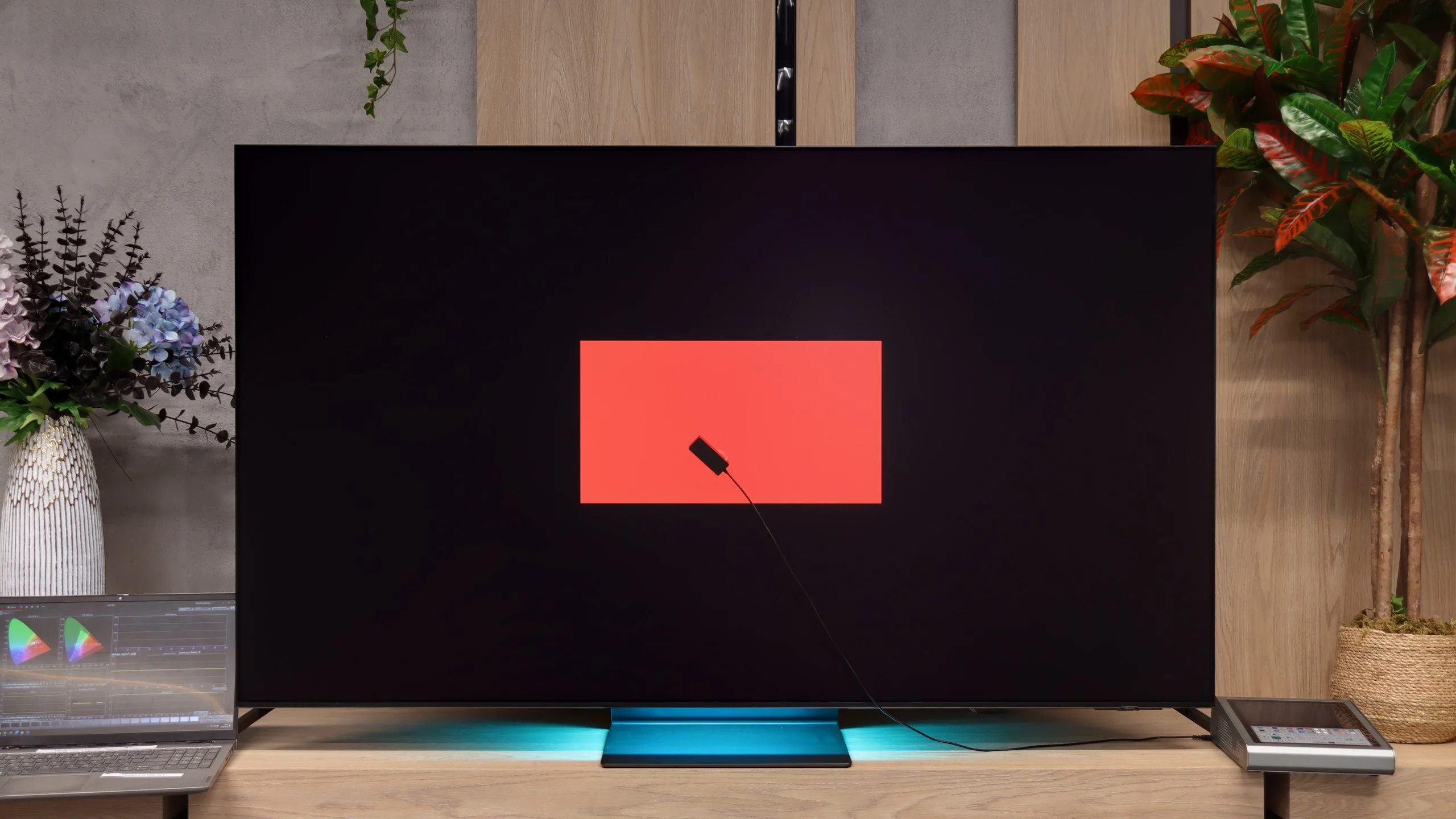
Out of the box the Samsung S95H performs quite well, although our unit had a few things to correct. In SDR content there is a red bias in the white balance. This makes the image slightly warm, and whites and faces can take on a subtle pink tint. It's not a major inaccuracy, but you can notice it when comparing to a reference image. More attention is drawn to how it handles dark scenes. Gamma is above the target value of 2.4 for most of the range, and the deviation is particularly large in the darkest tones. The image therefore looks darker and more contrasty than it should. That confirms the previously mentioned issue with losing detail near black. Dark clothing or background elements can blend into a single blotch, even though the detail is still present in the source material. In HDR brightness control is much better. The EOTF curve tracks the reference closely, so the TV preserves the brightness of different parts of the scene well. There are, however, minor color deviations. In the brighter areas a dominance of red and blue over green gives whites a slightly pinkish-purple tint. Overall the starting point is good, especially in HDR, but calibration can still improve things.


Color reproduction after calibration
9.4/10
After calibration the S95H looks really excellent. We managed to remove the excess red, so white is neutral and skin tones have regained a natural hue. In SDR color errors are now very small. The image retains great saturation but doesn't add any tint that was visible in the factory settings. This is exactly how a well-set TV in this class should look. HDR also shows an improved white balance. In addition, brightness in film scenes tracks the reference very well. Strong highlights have the right intensity, and the TV doesn't unnecessarily brighten the whole frame. Combining that level of control with the capabilities of the QD-OLED panel produces an image that's simply very pleasant to watch. We really have only two reservations. The first is the loss of the very darkest details. Our unit still tended to crush some tones near black, though this may be a characteristic of the particular test sample. The second concerns adjustment of the color palette in HDR. The available settings don't allow perfect correction of all hues, so some minor inaccuracies remain. That doesn't change the very good final result; after calibration the S95H delivers a truly high-quality image.


SAMSUNG S95H - Smoothness of tonal transitions
9/10
The S95H handles tonal transitions very well. This is a strong suit of QD-OLED panels, which in our tests less often show distinct banding between shades than WOLED panels that use a white subpixel. In most scenes colors transition smoothly from one to another. This is especially noticeable in dark shots, where instead of the characteristic bands we see smooth gradations between shades of gray. It's not entirely perfect, though. In some brighter scenes you can spot slight irregularities, but you have to look closely. During normal viewing they are unlikely to distract from the movie. Overall the S95H performs very well in this category.






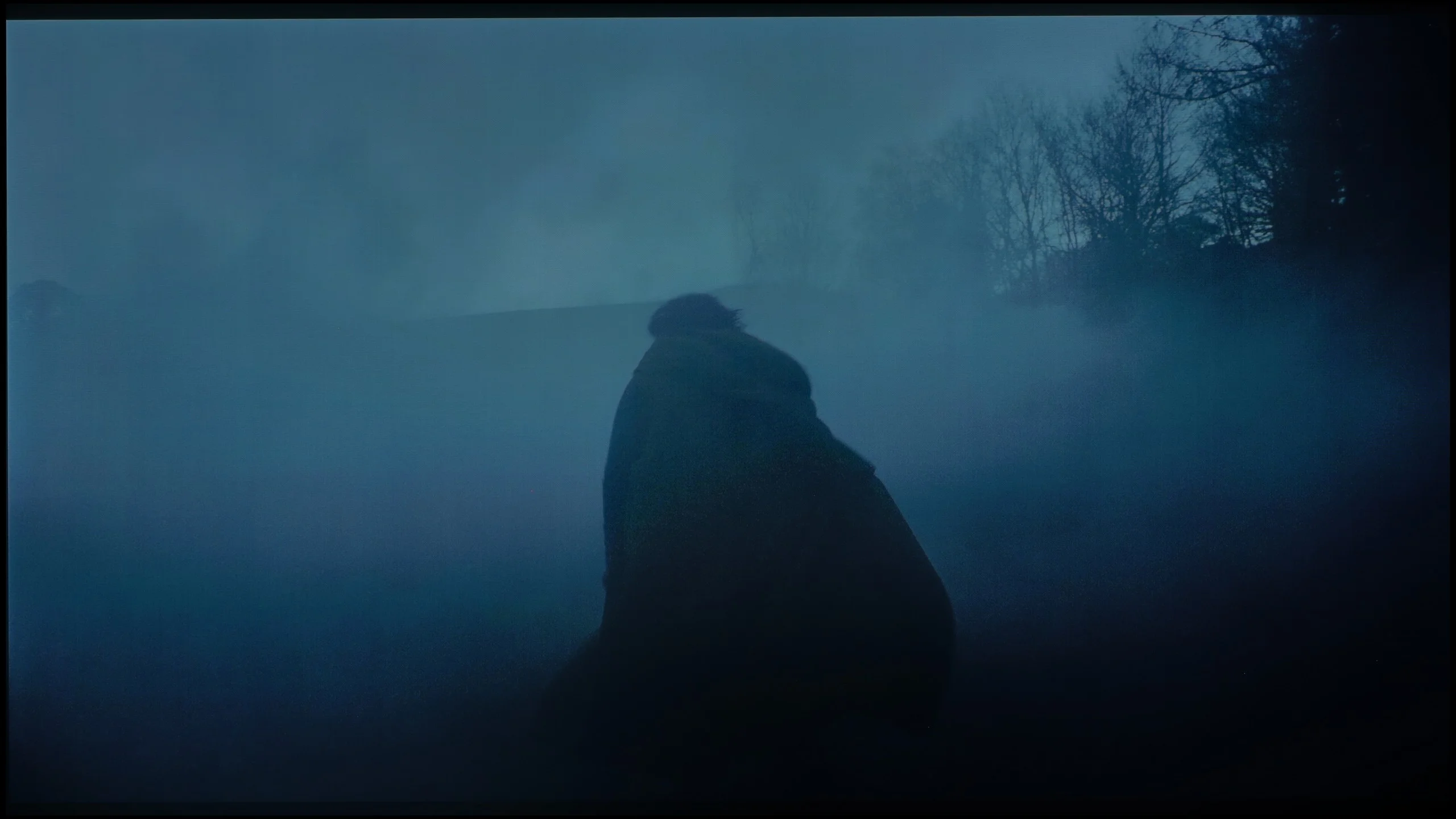

Image scaling and smoothness of tonal transitions
7.5/10
 Smooth transition function

 Image without overscan on the SD signal

The NQ4 Gen3 processor handles scaling and digital image processing, the same one used in the S99H. Our test findings are also very similar. Lower-resolution material looks really good when upscaled to 4K. The picture is clear, but without artificial edge enhancement or excessive sharpening. A small note concerns very old recordings in 480p or lower. With such a signal the TV can slightly crop the edges of the frame.
The noise reduction feature is used to improve heavily compressed material. It smooths visible banding between shades and reduces other imperfections, for example in lower-quality YouTube recordings. However, it works fairly aggressively. Small details and the natural film grain can disappear along with the noise. We left it turned off to preserve the original look of the material. If someone is more bothered by artifacts than by the loss of some detail, it's worth trying it out.
SAMSUNG S95H - Blur and motion smoothness
8.5/10
Maximum refresh rate of the panel: 165Hz
Film motion smoothing option: Yes
Blur reduction option: Yes
BFI function 60Hz: Yes, 60Hz (image flickers)
BFI function 120Hz: No
Brightness drop with BFI: 50%
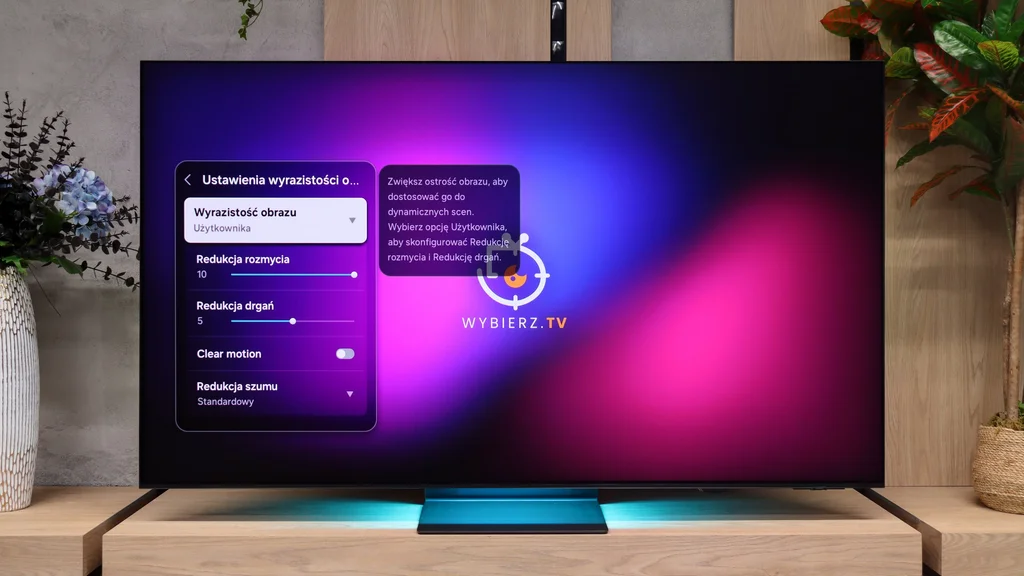
The Samsung S95H handles motion very well, which is what you'd expect from an OLED. The panel supports up to a 165 Hz refresh rate, though that will mainly be useful to PC gamers. For watching sports, the instantaneous pixel response time matters more. Fast-moving balls or players don't leave the typical trailing smear. As a result, moving images remain clear, without the artifacts common to slower LCD panels. There is also a motion smoothing feature that lets you tailor the motion to your liking. In movies you can slightly reduce judder during camera pans or choose a stronger smoothing effect. A separate setting for faster content is useful when watching sports.
Blur (native resolution, maximum refresh rate):



Blur (BFI function enabled):
Image flickers in this mode



Blur (4K@165Hz):



There is also a BFI feature, black frame insertion, but its performance is hard to praise. In our testing it didn't provide a noticeable improvement in motion clarity; instead it significantly reduced brightness and introduced visible screen flicker. We'd leave it turned off. The S95H handles motion very well even without it.
SAMSUNG S95H - Console compatibility and gaming features
9.6/10
- ALLM:
Yes
- VRR:
Yes
- VRR range:
48 - 165Hz
- Dolby Vision Game Mode:
No
- Correct implementation of HGIG:
Yes
- 1080p@120Hz:
Yes
- 1440p@120Hz:
Yes
- 4K@120Hz:
Yes
- Game bar:
Yes
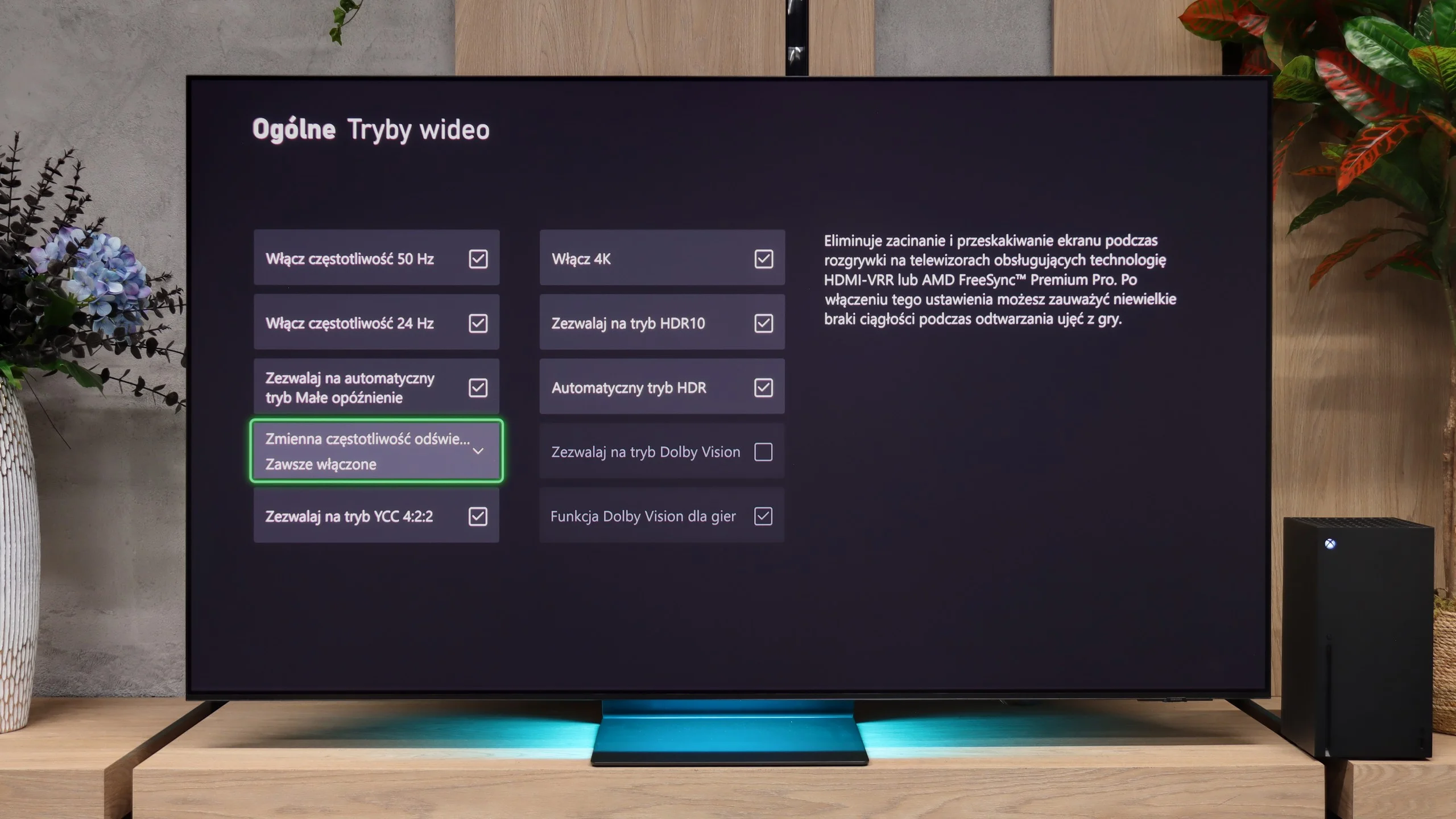
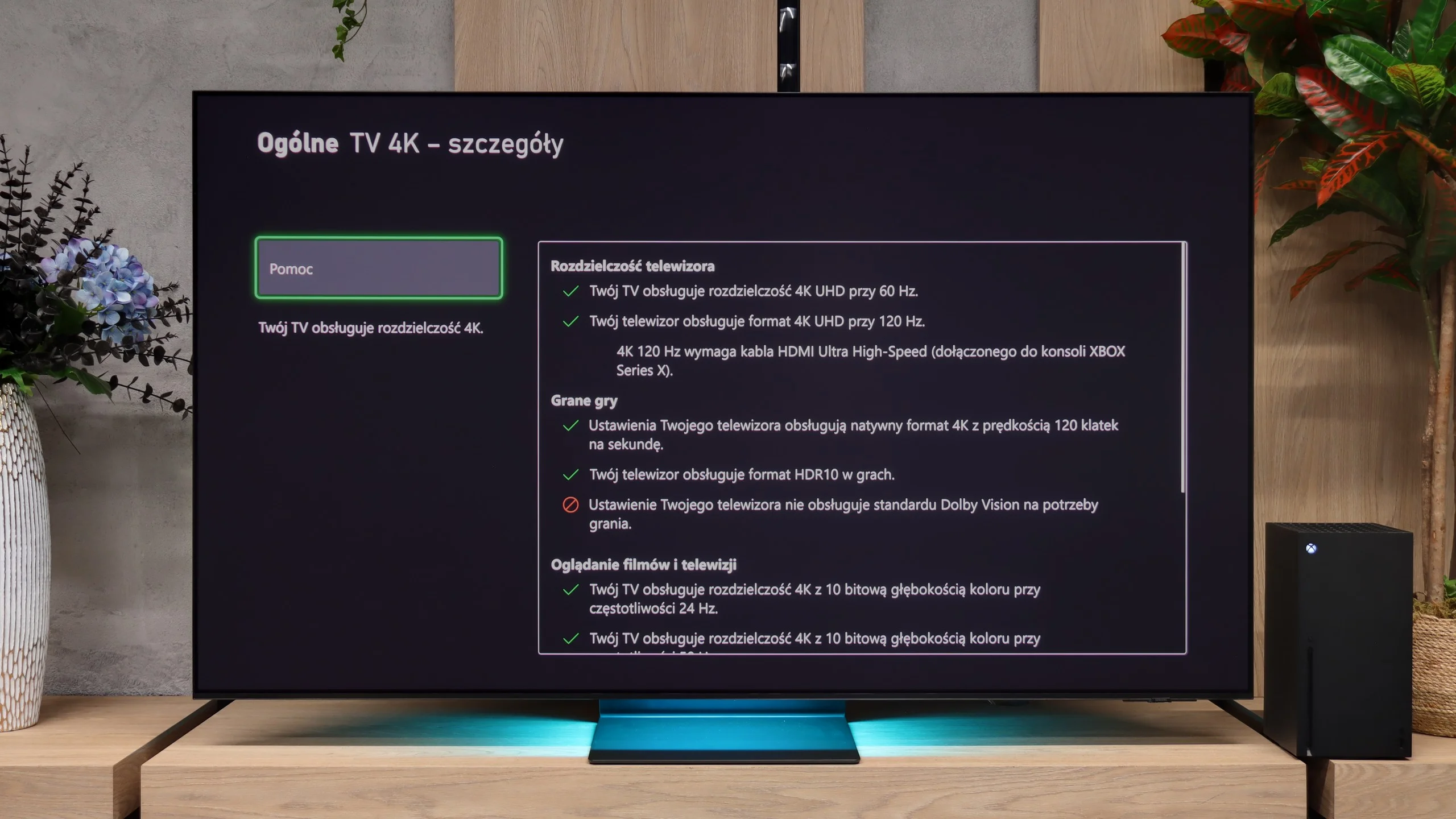
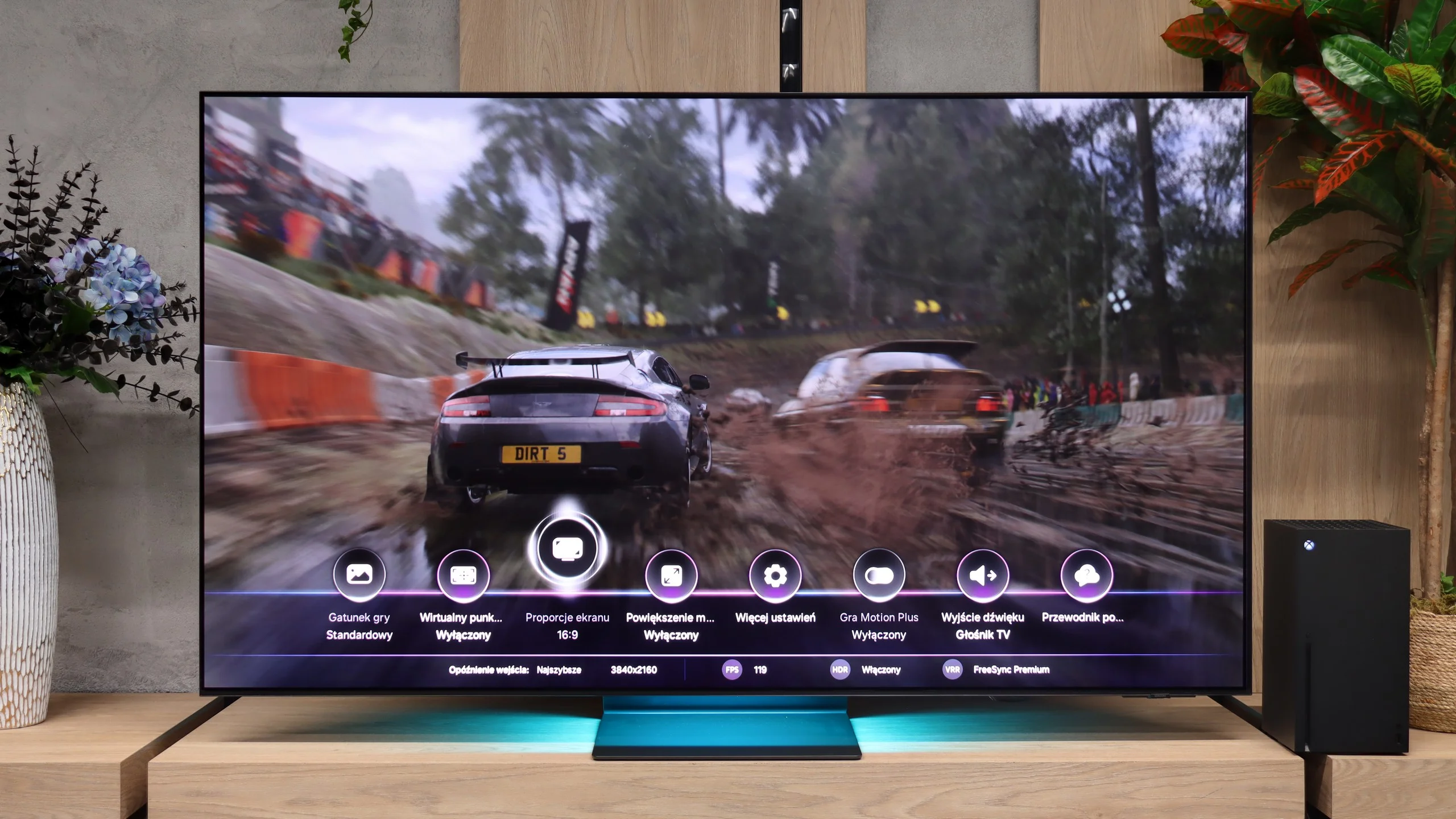
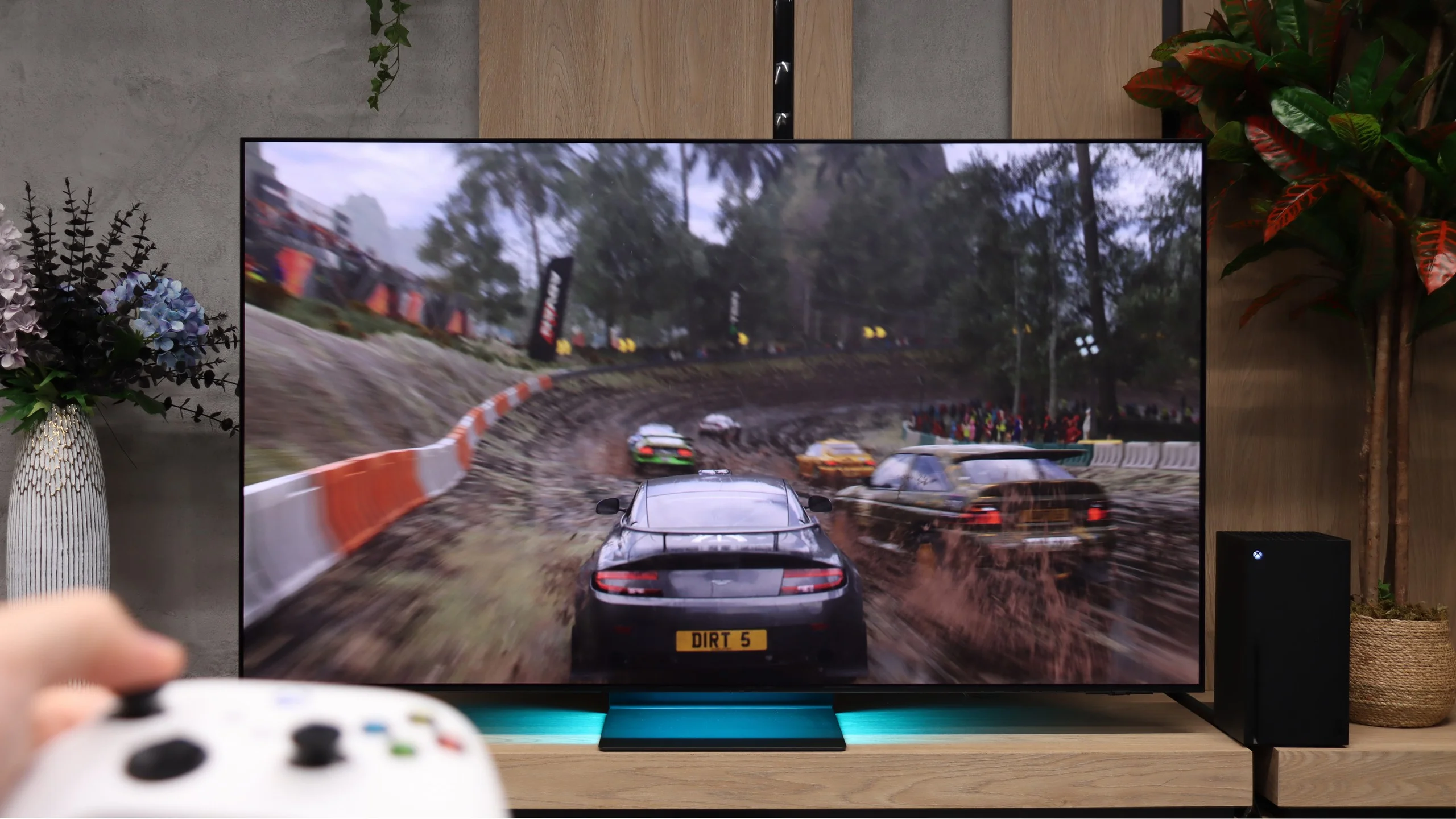
Samsung S95H is a phenomenal gaming TV. Beyond the excellent picture it offers a whole set of useful gaming features. VRR works from 48 to 165 Hz and helps keep things smooth with variable frame rates. ALLM automatically engages a low-latency mode, and properly working HGiG makes it easier to set up HDR on consoles. There are no issues handling console 120 Hz in Full HD, 1440p, and 4K. A handy addition is the Game Bar, which gathers signal info and the most important settings in one place.
Game Motion Plus deserves special praise. This motion smoothing can improve the fluidity of lower-frame-rate games, and input lag in our measurements with it was about 20 ms. For additional motion processing that's a very good result. In slower-paced games you can therefore get a smoother image without noticeably sluggish controls.
As for limitations, note the lack of Dolby Vision for games, which mainly affects Xbox users. The HDMI 2.1 ports also have 40 instead of 48 Gb/s bandwidth, likely because of the One Connect module. For typical console gaming in 4K at 120 Hz with 10-bit HDR this isn't an issue and doesn't force a reduction in picture quality. For most players this will be a spec difference they simply won't notice while gaming.

SAMSUNG S95H - Input lag
10/10
In terms of input lag, the S95H performs flawlessly. At 60 Hz we measured just 9 to 11 ms, and at 120 Hz the delay drops to 5 to 6 ms. Controls are very responsive, so even in fast-paced shooters or racing games it's hard to find any fault. Importantly, enabling HDR does not worsen input lag. You can therefore enjoy the full picture capabilities without sacrificing quick response to controller inputs.
| SDR | HDR | Dolby Vision |
|---|---|---|
| 1080p60: 11 ms | 2160p60: 9 ms | |
| 1080p120: 6 ms | 2160p120: 5 ms | |
| 2160p60: 11 ms | ||
| 2160p120: 6 ms |

SAMSUNG S95H - Compatibility with PC
8.8/10
Chroma 444 (max. resolution and refresh rate): Yes
Font clarity: Good
Readability of dark text and shapes: Very Good
Input lag in PC mode (4K, max. refresh rate): 6ms
Matrix subpixel arrangement: RGB (QD-OLED)
Max refresh rate: 165Hz
G-Sync: Yes
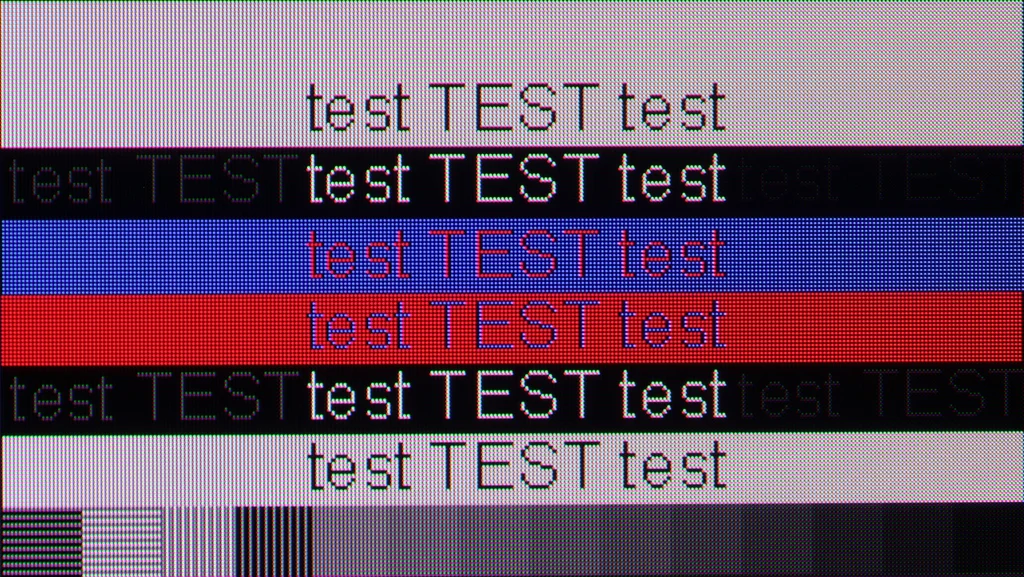
The Samsung S95H works great with a PC, especially when you use it for gaming. You get 4K at 165 Hz, G-Sync support, and an input lag of just 6 ms. Combined with the panel’s lightning-fast response, that delivers a very smooth and responsive picture. The TV also properly supports 4:4:4 chroma at the maximum refresh rate, so small colored elements remain legible.
It also handles text well, though it wouldn’t be our first choice for all-day document work. First, the QD-OLED versions discussed here start at 55 inches, so you’d need a really big desk for work 😉. Second, the triangular subpixel layout means you can see slight colored fringing on the tiniest letters. You mainly notice it up close. From a normal TV viewing distance it shouldn’t be distracting, so occasional web browsing or working with text isn’t a problem.
SAMSUNG S95H - Viewing angles
9.9/10
Brightness drop at an angle of 45 degrees: 10%
Viewing angles on the S95H are excellent. It's one of the biggest advantages of the QD-OLED panel, and in this respect Samsung ranks among the best TVs we've tested. Even well off to the side, colors remain saturated and the picture doesn't lose noticeable brightness. So when there's a wide viewing angle or you're watching a match with a larger group, you don't have to fight for the center seat on the couch. The picture still looks great from side seats. 🙂
SAMSUNG S95H - Daytime performance
7.3/10
Panel finish: Matte
Reflection suppression: Very Good
Black levels during daytime: Poor
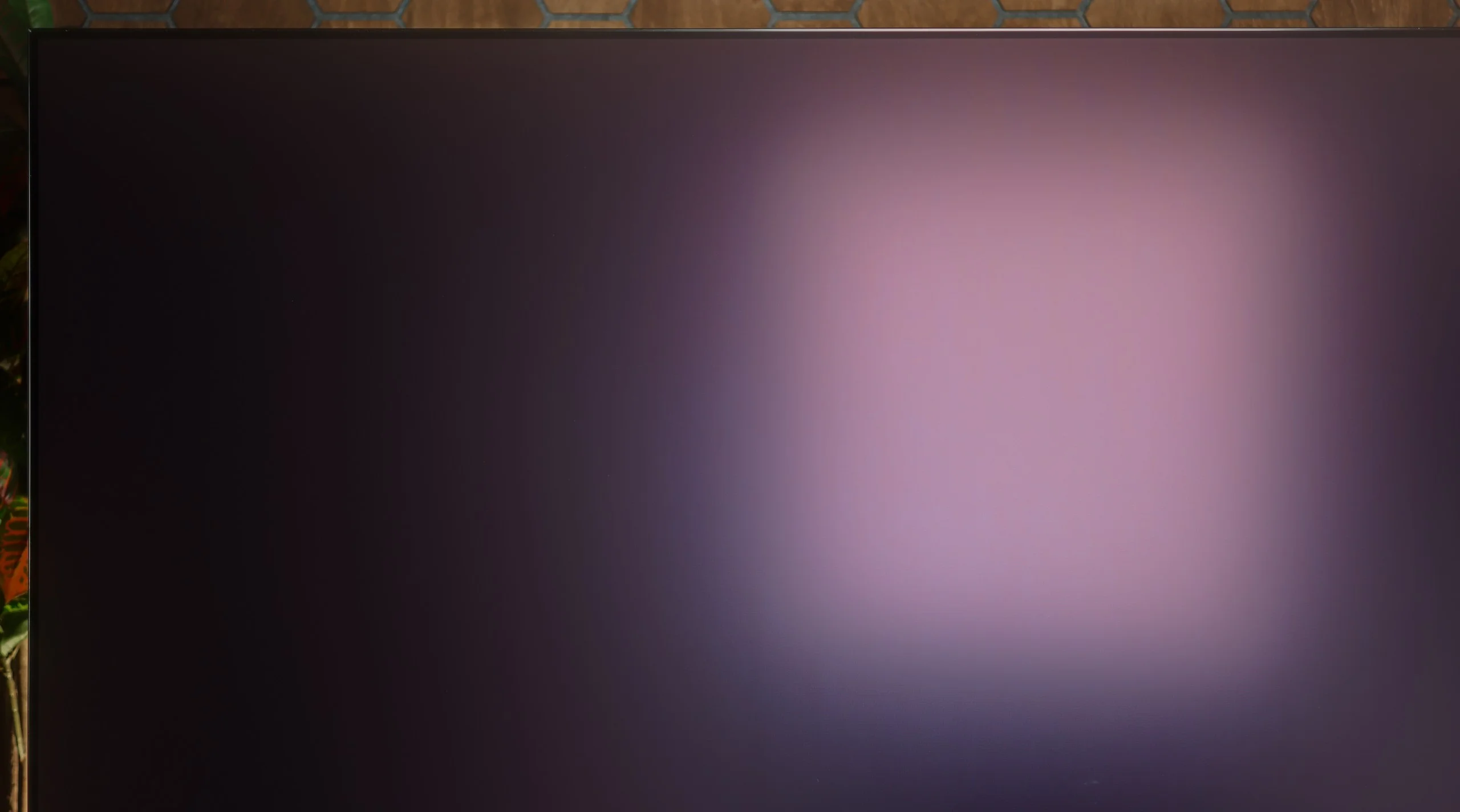
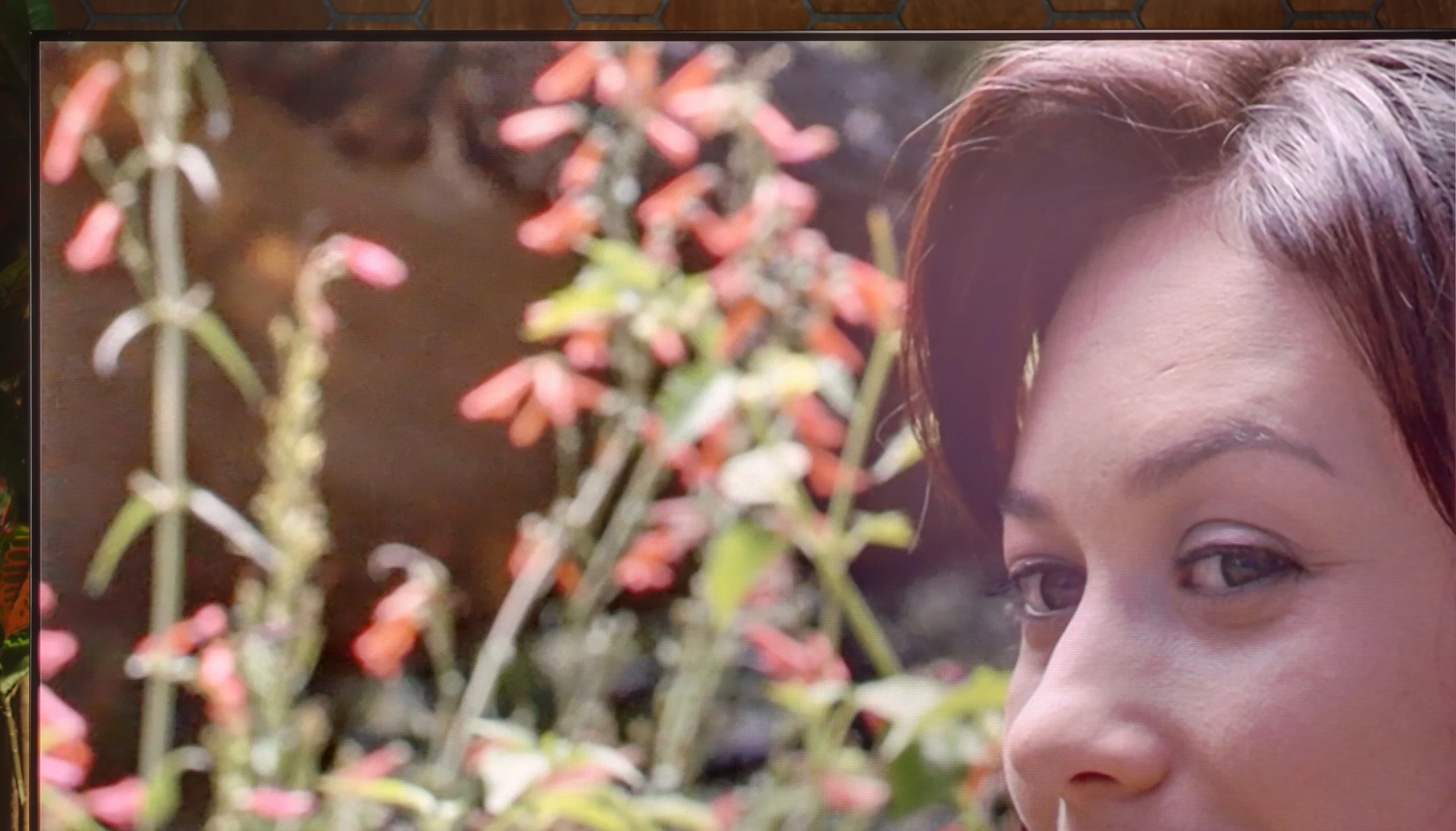
The Samsung S95H performs very well for daytime viewing. This is largely thanks to the matte finish, which effectively diffuses reflections. Instead of clearly seeing a window or a lamp in the screen, you see a softer glow. Add to that an average SDR brightness of around 750 nits. For an OLED that’s an excellent result, allowing comfortable TV viewing in a bright living room. You should remember, though, that brightness depends on what’s actually on the screen. With smaller bright areas the S95H exceeds 1,000 nits, but with an all-white test pattern it drops to about 400. So when watching winter sports or other very bright content, the picture won’t have the same punch as in mixed scenes.
The biggest limitation remains black levels in a brightly lit room. First, light hitting the QD-OLED panel visibly tints it toward a cherry hue, which robs it of its deep blacks and makes the image look less contrasty. The matte finish handles reflections well, but it also diffuses that light more. The S95H is still a very comfortable TV to watch during the day. You’ll only see the full potential of its blacks in dimmer lighting.
Panel brightness
Samsung S95H: 722 cd/m2
SAMSUNG S95H - TV features
7.9/10
System: Tizen
System performance: Very good
- HDMI inputs: 0 x HDMI 2.0, 4 x HDMI 2.1 40Gbps
- Other inputs: USB-C
- Outputs: Toslink (Optical audio), eARC (HDMI), ARC (HDMI)
- Network Interfaces: Wi-Fi 2.4GHz, Wi-Fi 5GHz, Ethernet (LAN) 100Mbps
- TV reception: DVB-T, DVB-T2, DVB-S, DVB-S2, DVB-C
Classic features:
- Recording to USB (terrestrial TV): No
- Recording programming: No
- Picture in Picture (PiP): Yes
- RF remote control (no need to aim): RF
- Backlit remote control: No
- Teletext: Yes
- Audio only mode: Yes
- Bluetooth headphones support: Yes
- Simultaneous Bluetooth headphones & TV audio: Yes
Smart features:
- AirPlay: Yes
- Screen mirroring (Windows Miracast): Yes
- Voice search: Yes
- Voice search in native language: Yes
- Ability to connect a keyboard and mouse: Yes
Tizen
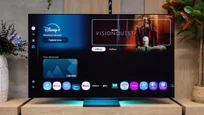
The S95H uses the Tizen system, which is very responsive here. Switching between apps and settings is smooth, so everyday use doesn’t require patience. We have a wide selection of streaming apps, voice search and AirPlay for streaming content from Apple devices. You can also wirelessly display a computer’s screen. It’s a well-equipped Smart TV where it’s easy to find something for yourself.
However, we noticed something odd. Our unit had a 2025 firmware version, even though the S95H is a 2026 model. At the time of testing we also couldn’t find an update to this year’s system version on the manufacturer’s website. That’s surprising, because other Samsung models have already received it. Tizen itself runs smoothly, but for a new TV in this class we would expect the operating system to be up to date as well.
TV features and remote
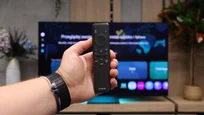
Classic features include teletext and picture-in-picture, but there’s no USB program recording. It can also be useful that the TV can play audio simultaneously through its speakers and Bluetooth headphones. The remote is very minimalist and works without pointing at the screen, though it’s a shame it doesn’t have backlit buttons. A definite plus is that it doesn’t require battery replacement and can be charged using solar power.
One Connect
An important addition is the One Connect module, which earns Samsung TVs a small plus from us. It includes four HDMI 2.1 inputs with 40 Gbps bandwidth, and you can connect a soundbar via eARC or the optical output. The biggest advantage of this solution is simple: only a single cable runs to the screen. It’s easier to hide cables and to connect another device without reaching behind the TV. People planning to wall-mount the S95H will especially appreciate this.
Sound connection options
HDMI audio:
Other audio outputs:
- Toslink: Yes
Wireless audio:
- Bluetooth: Yes
- Samsung Q-Symphony (Speaker extension): Yes
Supported audio formats (external HDMI eARC audio):
- Dolby Digital Plus 7.1: Yes
- Dolby True HD 7.1: Yes
- Dolby Atmos in Dolby Digital Plus (JOC): Yes
- Dolby Atmos in Dolby True HD: Yes
- DTS:X in DTS-HD MA: No
- DTS-HD Master Audio: No
Senior accessibility
- Numeric keyboard on TV: No
- Font size adjustment: Yes
- Audio description: Yes
SAMSUNG S95H - Apps
9.3/10






















SAMSUNG S95H - Playing files from USB
9.1/10
| Maximum photo resolution: | Supported photo formats: |
|---|---|
| 4 Mpix | JPEG |
| 6 Mpix | HEIC |
| 8 Mpix | PNG |
| 10 Mpix | GIF |
| 12 Mpix | WebP |
| 16 Mpix | TIFF |
| 20 Mpix | BMP |
| 24 Mpix | SVG |
| 28 Mpix | |
| 32 Mpix |
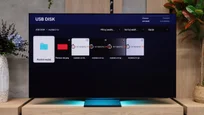
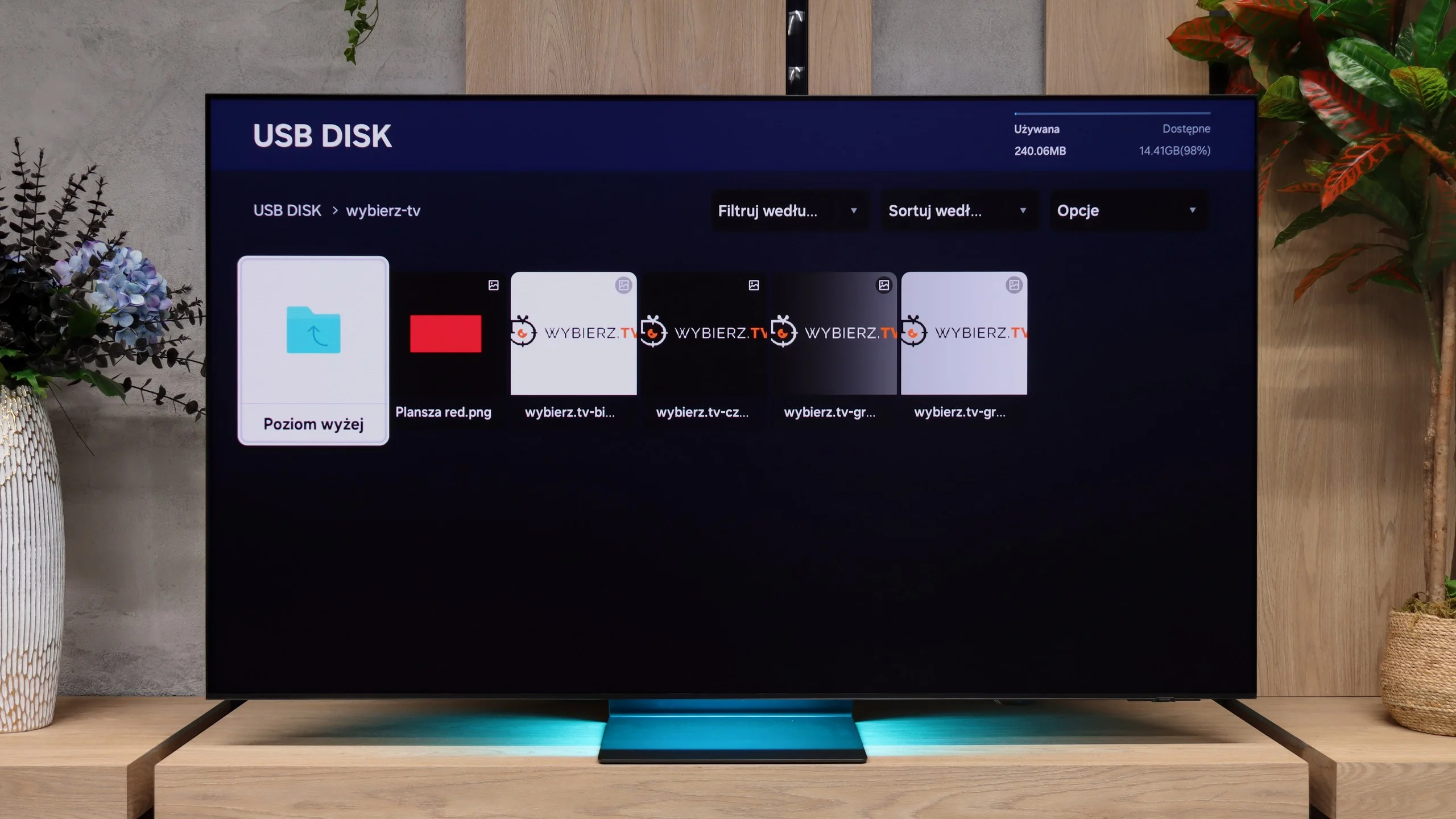
The built-in file player works quickly and smoothly. The S95H opened almost all the audio and video files we prepared and expected it to handle. You don’t have to wait long for them to load, and browsing the contents of the storage device is convenient.
It’s a shame it doesn’t support HEIC photos, the default format used by many iPhones. So if you want to show photos from your phone directly from a USB flash drive, you need to convert them first, for example to JPEG.
SAMSUNG S95H - Sound
8/10
-
Maximum volume

Supported codecs (TV speakers)
Dolby Digital Plus 7.1
Dolby True HD 7.1
Dolby Atmos in Dolby Digital Plus (JOC)
Dolby Atmos in Dolby True HD
DTS:X in DTS-HD MA
DTS-HD Master Audio
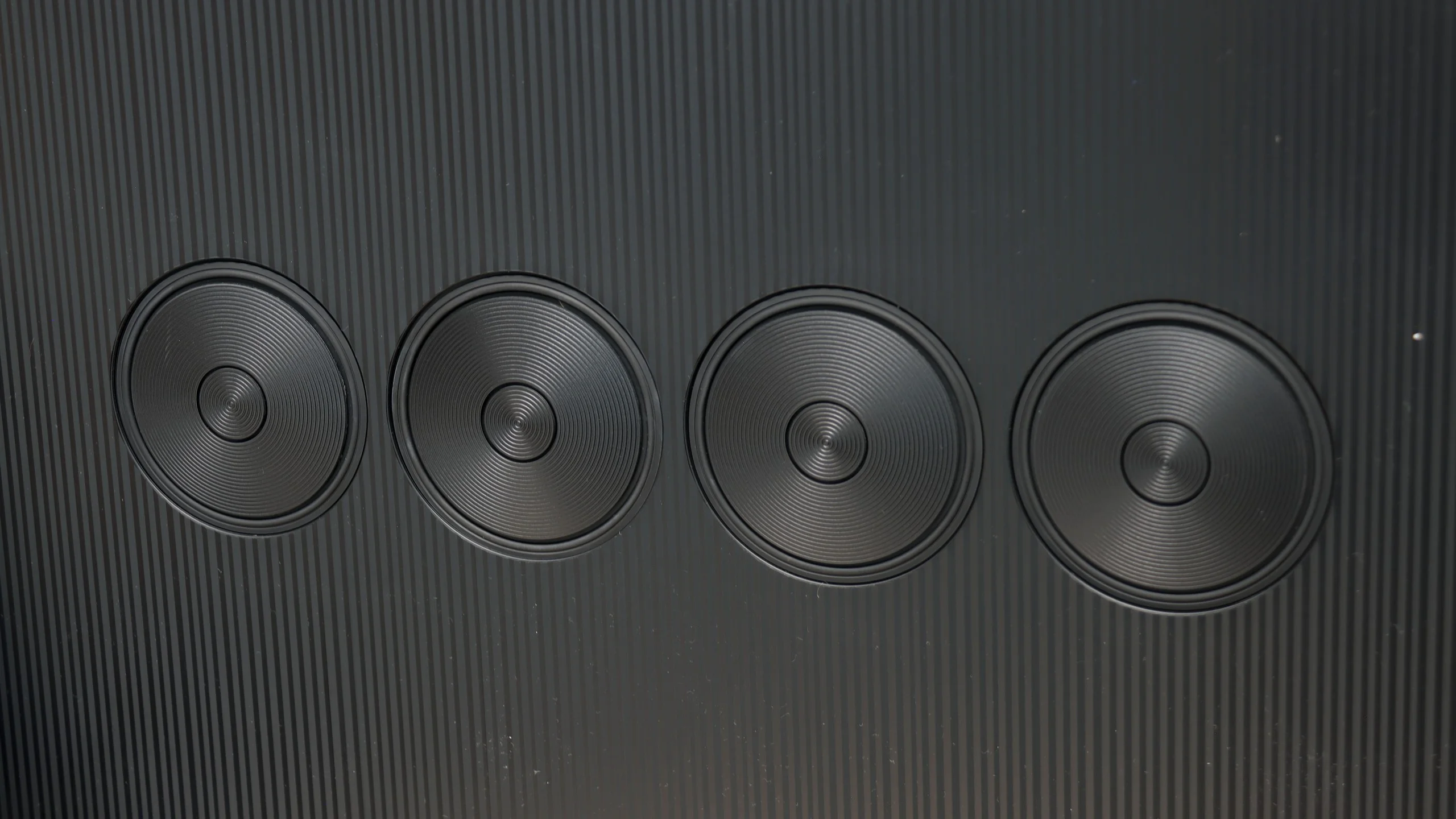
In terms of sound, the S95H is essentially a copy of last year’s model. Despite its very slim cabinet, it delivers clean, pleasant audio, but the overall presentation is rather flat. It lacks depth and stronger bass, which, given such an impressive picture, leaves something to be desired. On the other hand, it’s hard to expect large drivers in a TV about a centimeter thick. Beautiful looks come at a price here.
It’s therefore worth adding a soundbar or a separate audio system to the S95H so the sound better matches the picture. The TV supports Dolby Atmos, which allows you to expand the setup with immersive surround sound. However, it lacks DTS support. That limitation may bother people who watch discs with DTS soundtracks.
Sound Quality Test:
Acoustic Measurements
No acoustic data
SAMSUNG S95H - Panel details
Software version during testing: 1301
Panel uniformity and thermal imaging:

Backlight Type: QD-OLED

Founder and originator of the "ChooseTV" portal

Journalist, reviewer, and columnist for the "ChooseTV" portal

michal-woloszyn-title
Reader comments
Comments are provided by the external service Disqus (Zeta Global). Once loaded, Disqus may set cookies and process data about your activity.
We will remember your choice on this device. Provider's privacy policy
See articles related to Samsung S95H:
 11/25/2025
4/16/2026

Our YouTube channel
Samsung S90H: QD-OLED or WOLED? VIDEO TEST 9/17/2026
Our YouTube channel
Budget OLED or Mini-LED? Samsung S85H Review 9/28/2026
12/1/2025