 Redakcja Choose TV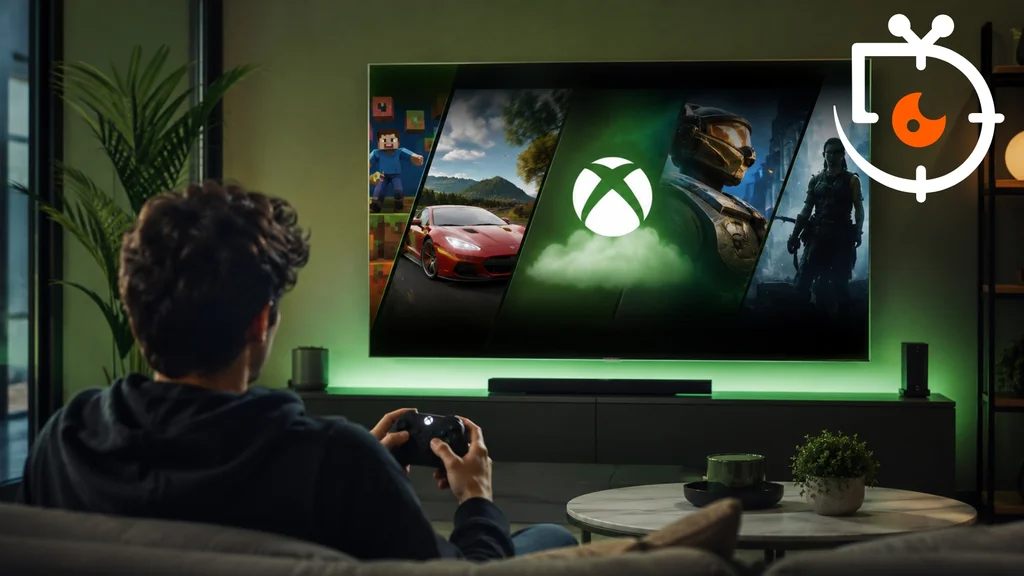
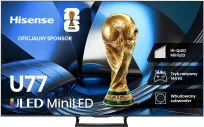
Microsoft is steadily expanding its console-free gaming strategy. The company has announced that the Xbox app will be made available on televisions running VIDAA OS, including selected Hisense models. This means more users will be able to launch games directly from their television. All that’s needed to play is a controller, a fast internet connection and an active Xbox Game Pass subscription. The solution is intended to make games more accessible to people who do not plan to buy dedicated hardware. Microsoft says it will gradually expand the service’s availability.
Xbox Game Pass games directly on the TV
Microsoft has begun rolling out the Xbox app to VIDAA OS TVs from the 2024–2026 model years, including selected Hisense models. The app lets users stream hundreds of games available through Xbox Game Pass without having to connect a console. The company stresses that the library of titles may vary by region, device and subscription plan. Available titles include Forza Horizon 6 and Halo: Campaign Evolved. Progress saved in games is synchronised across devices, allowing play to continue on different platforms. Xbox Game Pass subscribers can also launch certain games they own on their account, even if those games are not currently in the service's catalogue. Microsoft says the app will be rolled out to additional TVs with software updates. The rollout is gradual and covers further markets. The company's aim is to make cloud gaming available to as many users as possible. The solution should particularly appeal to people who do not want to invest in a dedicated console. Microsoft has been pursuing this strategy for several years, expanding the service's availability to new devices.
All you need is a TV, a controller and a fast internet connection
To use the Xbox app, the TV must run VIDAA OS 9.6 or later. An active Xbox Game Pass subscription in the Ultimate, Premium or Essential tier is also required. You can use controllers such as the Xbox Wireless Controller, Xbox Elite Wireless Controller Series 2, Xbox Adaptive Controller, and PlayStation's DualSense and DualShock 4 controllers. Microsoft also recommends a fast, stable internet connection. After installing the update, the Xbox app will appear on the home screen or in the "Games" section. Then simply sign in to your Microsoft account and pair the controller via Bluetooth. After these steps you can start cloud gaming straight away. The company emphasises that the app will be rolled out gradually to additional compatible models and regions. This expansion of availability is part of Microsoft's long-term strategy to make Xbox games available on as many devices as possible. As a result, Smart TVs become another platform offering convenient access to games without the need to buy a console.
Microsoft is continuing to develop cloud gaming by making the Xbox app available on Hisense TVs and devices running VIDAA OS. All you need is a compatible TV, a controller and an Xbox Game Pass subscription to enjoy hundreds of games without needing a console.
source: xbox