- Matching (Score) |
- Our verdict |
- Competing TVs |
- TV appearance |
- Where to buy |
- Contrast and black detail |
- HDR effect quality |
- Factory color reproduction |
- Color reproduction after calibration |
- Smoothness of tonal transitions |
- Image scaling and smoothness of tonal transitions |
- Blur and motion smoothness |
- Console compatibility and gaming features |
- Input lag |
- Compatibility with PC |
- Viewing angles |
- Daytime performance |
- TV features |
- Apps |
- Playing files from USB |
- Sound |
- Panel details
Panasonic W92C (Google TV) Review
W92C / W94C

Available screen sizes:
Complete the survey to find out the result
Panel type: LCD IPS Refresh rate: 144Hz Brand: PANASONIC Resolution: 3840x2160 System: Google TV Model year: 2026
This review is an English translation of the Polish original. Read the original on Wybierz.tv.
Panasonic W92C is the brand's first Mini LED following significant changes to its TV business, in which Skyworth has taken a major role. It's a good moment to see what that change means for the sets themselves. Has Panasonic retained the character that made us appreciate its earlier models? The W92C itself also draws attention with its matte screen and Google TV system. That combination may appeal to those looking for a TV for a bright living room and who want a wide selection of apps. On paper it looks promising. We check how the new Panasonic fares in practice!
PANASONIC W92C - Our verdict
7.0
Overall rating
The W92C is the first Panasonic developed in collaboration with Skyworth to reach our tests. And it’s more or less the change we expected: a little less of the old Panasonic, but also a few new elements that do it good. The biggest win is the move to Google TV. The system is fast, gives access to the apps you need and, for everyday use, convinces us more than the previous Fire TV. Combined with a matte screen that handles reflections well, this makes for a convenient living-room TV when you don’t always want to block out the windows for a viewing. The longer we used the W92C, the more we appreciated its versatility. It can quite effectively improve poorer source material, and after calibration the picture gains a naturalness that, sadly, is missing on the factory settings as it was with older Panasonic models. It also works well with a console and a computer. It responds quickly to controls and the high refresh rate gives pleasantly smooth motion. So Panasonic makes sense in a home where one screen is used for TV, films, gaming, and sometimes even for... working with text. 🙂 The limitations become clearer during evening viewings. Black can look good, but a more demanding scene is enough for halos to appear around bright objects and for bright bands above and below the picture to start glowing. The small number of local dimming zones makes it hard to keep both deep blacks and bright detail at the same time. Dolby Vision helps to get more out of this panel, but it doesn’t remove those limits. The out-of-the-box picture tuning is also disappointing, and the automatic brightness changes we encountered during testing further spoil the experience. This is where the lack of refinement we expected from the Panasonic name is most apparent. In the end, the appeal of the W92C will be decided by its price. It’s an entry-level Mini LED and should be priced similarly to competing models with basic local dimming. At that level it will be a sensible option, especially for people upgrading from a regular LCD. They’ll get better blacks, a convenient system and a versatile screen that will work for both TV and gaming. If, however, you have to pay a clear premium for the Panasonic badge, it will be hard to justify that extra cost. The W92C has enough strengths to hold its own as an affordable, all-round TV, but too few advantages to sell itself on the brand alone.
Advantages

Matte screen effectively suppresses reflections
Fast Google TV system with plenty of apps and features
Natural colours after calibration
Support for Dolby Vision and HDR10+
Very smooth tonal transitions
Effective enhancement of weaker content
Good choice for gamers: 144 Hz and low input lag, three HDMI 2.1 ports at 48 Gbps
Very good readability of text from a computer
Disadvantages

Imprecise local dimming (limited number of zones)
Poor factory colour accuracy
Software bugs
Issues with motion handling: motion blur and lack of advanced motion smoothing controls
Mediocre audio despite the subwoofer
 Movies and series in UHD quality
6.2
 Classic TV, YouTube
6.3
 Sports broadcasts (TV and apps)
6.4
 Gaming on console
7.8
 TV as a computer monitor
9.0
 Watching in bright light
6.8
 Utility functions
6.6
 Apps
Apps9.6
 Sound quality
6.7
Complete the survey to find out what fits your preferences
PANASONIC W92C - Competing TVs in this price range
PANASONIC W92C - TV appearance
HDMI inputs: 0 x HDMI 2.0, 3 x HDMI 2.1 (48Gbps) Outputs: Toslink (Optical audio), eARC (HDMI), ARC (HDMI), Mini-Jack (Headphones) Network Interfaces: Wi-Fi 2.4GHz, Wi-Fi 5GHz, Ethernet (LAN) 100Mbps
Build quality: Good
Stand type: Central
Bezel color: Graphite


Stand: Fixed
Flat design: No
Accessories: Stand
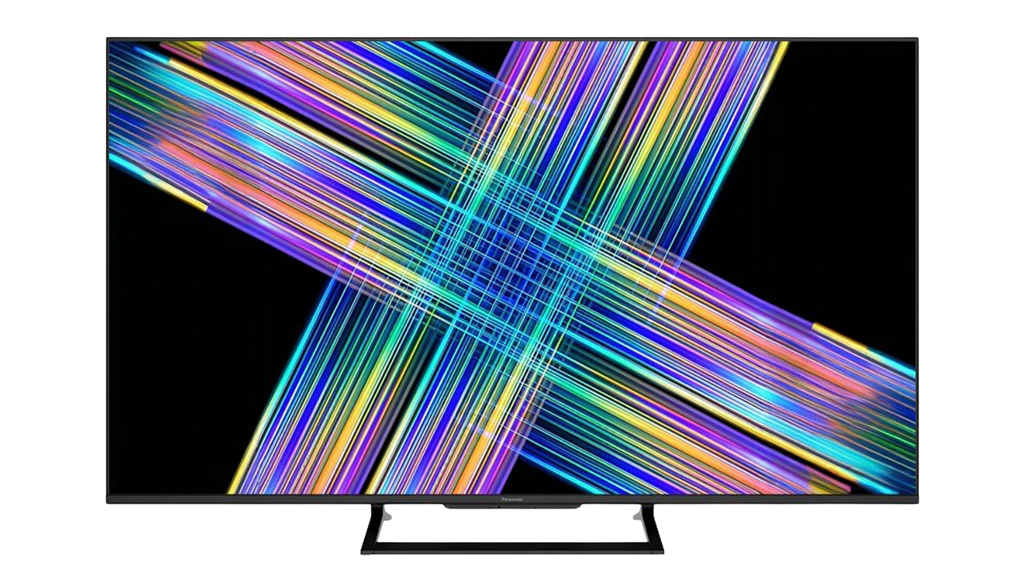
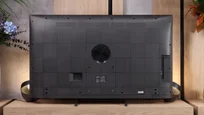
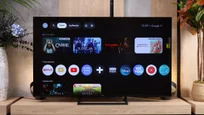
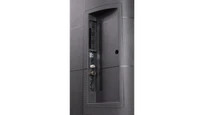
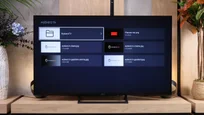
Panasonic W92C looks fairly conventional. At the front there are narrow, dark bezels and a slightly wider bottom edge with the manufacturer's logo. The whole set stands on a central rectangular-frame stand. It looks neat and at the same time does not require as wide a piece of furniture as feet placed at the edges of the screen. From the side it is already clear that the W92C is not a particularly slim television. The rear is fairly thick and rather plasticky, although its surface is enlivened by a geometric texture. A woofer is also placed in the central section. Overall, the Panasonic looks good, but in terms of appearance it does not particularly stand out from the competition.
Buy at the best price
Select size:

PANASONIC W92C - Contrast and black detail
5.2/10
Local dimming function: Yes, number of zones: 91 (7 x 13)


Result
24,900:1

Result
5,050:1

Result
9,150:1

Result
2,000:1

Result
900:1

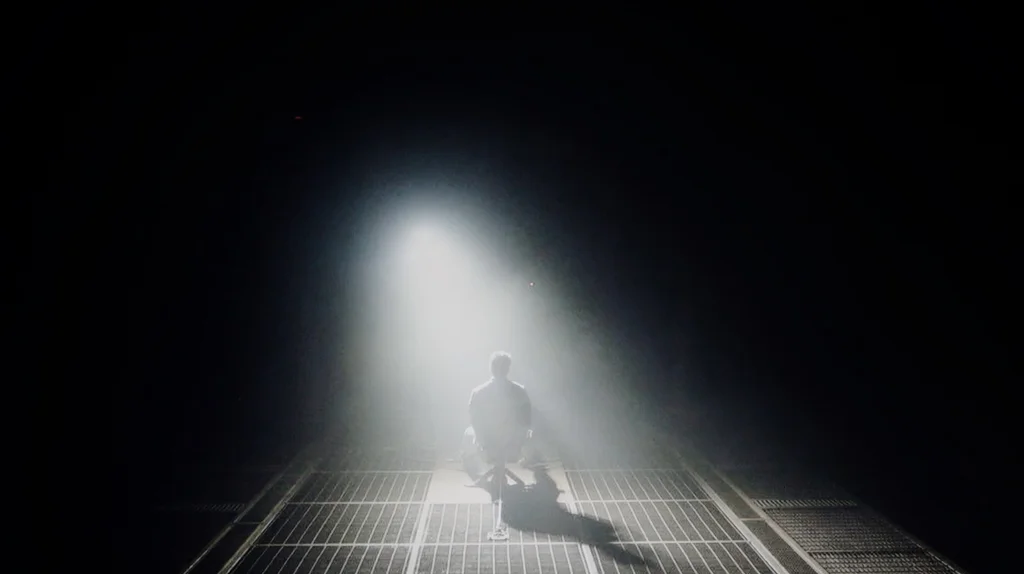
Black on the Panasonic W92C generally looks quite good. That's down to the VA panel and local dimming, which in the 65-inch unit we tested uses 91 zones. In simpler scenes the TV can effectively darken the background, and in our easiest test it produced a contrast of almost 25,000:1. To achieve that black, however, you need to set local dimming to high. Lower settings leave the backlight too bright.
This comes at a price in bright parts of the image. The separation of individual lights remains visible, though you have to look closely to notice them. A lower dimming level lets those details appear more clearly, but the degradation of black is too great to consider it a better compromise.
Even on the high setting you can see the limits of the relatively small number of zones. What bothered us most were the bright bands above and below the film, which in HDR material at times became almost navy. Bright outlines, the so-called halo effect, also appear around small bright objects. On the plus side, the backlight is stable: in the helicopter scene we did not notice any nervous brightening and dimming of successive zones. More zones would be welcome, and the control itself needs refining. Switching from a basic LCD without dimming can still bring a noticeable improvement, but for a Mini LED the result leaves a fair amount to be desired.
Halo effect and black detail visibility:
PANASONIC W92C - HDR effect quality
4.8/10
Supported formats: HDR10, HDR10+, Dolby Vision, HLG
Luminance measurements in HDR:

Result
508 nit

Result
175 nit

Result
348 nit

Result
169 nit

Result
428 nit
The Panasonic W92C reaches a peak of around 750 nits with local dimming set to High. That brightness is enough to show a clear HDR effect, but in films the TV does not always make full use of it. In brighter scenes we get about 500 nits, while small highlights on a dark background can fall to just 160 to 250 nits. In practice this means the sun in a bright shot looks fairly convincing, but a torch or small flares in a night scene lose punch. This is a further cost of local dimming, which with a limited number of zones also dims bright elements to preserve the black around them.
During testing we also noticed a strange software bug. When switching to HDR the TV would automatically change the backlight level, setting it for example to 53 or 81 instead of the maximum. This made the picture darker than the panel is capable of. All measurements presented were made after manually restoring the backlight to maximum.
Colours
The wide colour gamut in the Panasonic W92C is due to a PFS phosphor, which produces an effect similar to the quantum dots used in QLED screens. We measured DCI-P3 coverage at around 94% and 74% of the wider BT.2020 gamut. Importantly, results on film material were practically identical to those on test charts. That's a good result, enabling HDR films to show richer, more saturated colours than on a standard LCD panel.
The brightness of the colours themselves is slightly weaker. In our measurements red reached about 58% of the target value, while green and blue were around 66 to 67%. So the TV can display a wide range of colours, but the brightest, highly saturated parts of the image do not have the same punch as on RGB-based screens.
BT.2020 color gamut coverage and primary color luminance
| Data set | BT.2020 | P3 | R | G | B |
|---|---|---|---|---|---|
| Synthetic patterns | 74.0% | 94.3% | 59% | 67% | 67% |
| Film measurements | 74.0% | 94.2% | 58% | 66% | 67% |
 BT.2020
 BT.2020 and P3 – average color gamut coverage (percent of the target gamut).
R, G, B – average primary color luminance relative to target (percent).
Scene from the movie “Pan” (about 2800 nits)

Scene from the movie “Billy Lynn” (about 1100 nits)

Panasonic W92C does a pretty good job of mapping HDR content to the capabilities of its screen. In the scene from the film "Billy Lynn", where brightness reaches about 1100 nits, it preserves a large portion of detail in the bright effects. It does not, however, reproduce brightness proportions perfectly: dark and midtones are slightly lifted, which makes the scene appear a little brighter than it should.
A more demanding sequence from the film "Pan", reaching around 2800 nits, more strongly exposes the TV's limitations. The W92C still retains some detail in the highlights, but the very brightest areas begin to blend together. With such a large gap between the content's brightness and the screen's capabilities, compromises are hard to avoid. Overall, the tone mapping is decent. Despite its relatively modest peak brightness, the Panasonic can reveal details that are often not visible on other screens.
HDR luminance chart:
Even in plain HDR10, the W92C looks quite good. There’s plenty of detail in the snow and the background, so Panasonic deserves credit here. We’ve seen TVs that in this scene mainly showed a white blotch. Here, even without Dolby Vision, it’s simply good. That said, it’s clear that turning on Dolby Vision improves the picture significantly. You can more easily make out the structure of the snow, the grass poking out of it, and the trees in the distance. The whole scene is less flat and looks more natural. Dynamic metadata therefore help get a bit more out of this screen, and it’s good that Panasonic offers that option.
Static HDR10

Dynamic: Dolby Vision

Factory color reproduction
4.1/10
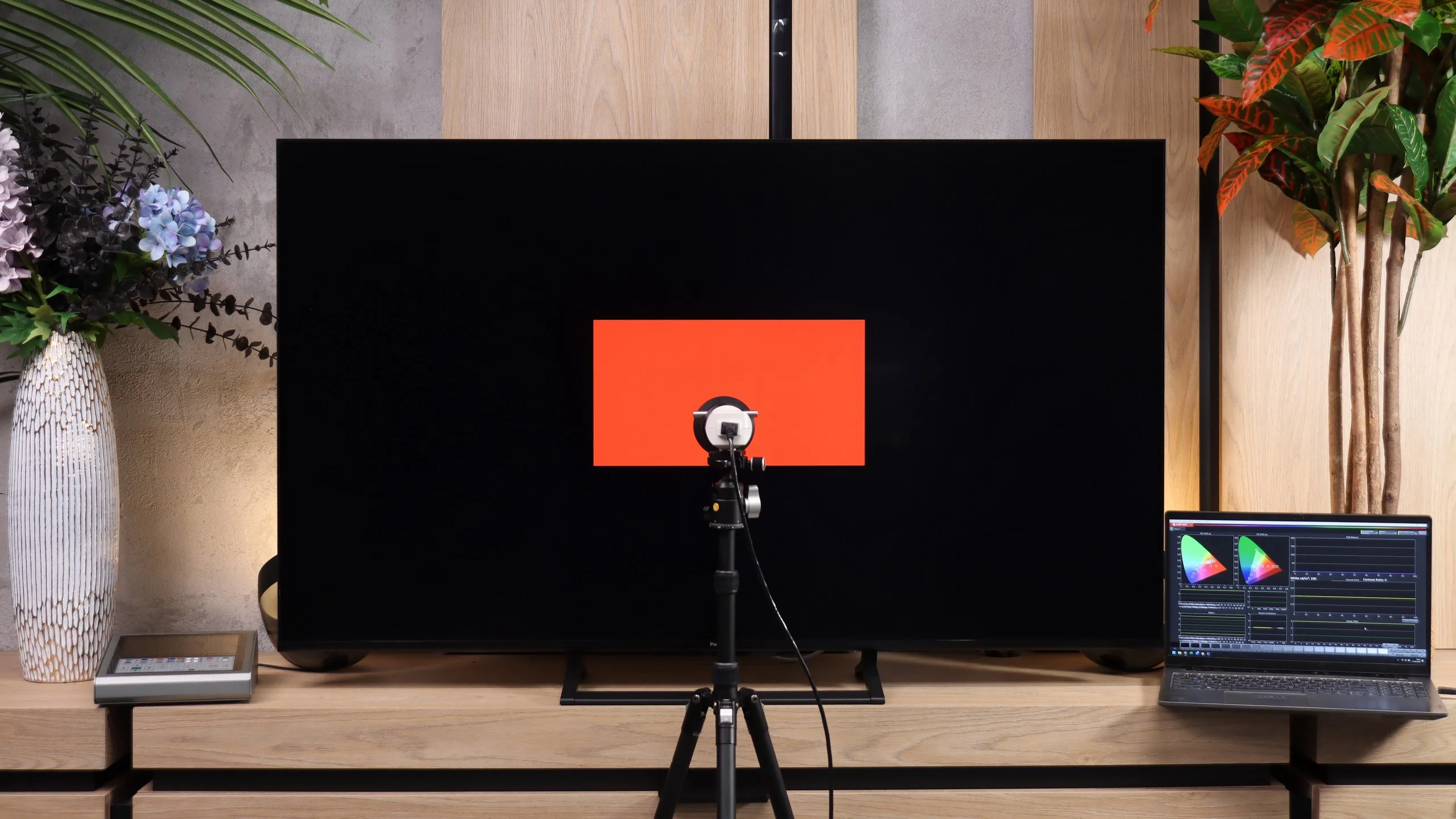
We measured the factory colours in Film mode. The W92C also has a "Filmmaker" mode, but it locked practically all picture settings, so for further testing and calibration we chose the film mode closest to it. It is better than the other available presets, but unfortunately that does not mean it is well tuned. It is one of the weaker film modes we have tested this year. A shame, as Panasonic has accustomed us to far better factory settings. In SDR content the image immediately shows a cool tint. The white balance contains too much blue, and an excess of red relative to green gives whites a slightly pink cast. This is also visible on faces, which do not look as natural as they should. An even bigger problem is the markedly low gamma. Instead of the target 2.4 it stays around 1.9 to 2.0 across most of the scale. In practice the image is too bright, shadows lose depth and almost every scene looks a bit flat. In HDR there is even more blue, particularly in the bright parts of the image. Here the TV also lifts the brightness of darker and midtone areas, which is shown by the EOTF curve rising above the reference. That can make some shadow detail easier to see, but the scene loses its intended atmosphere. So we have a similar problem to SDR: colours are too cool and the image is too bright. For a Panasonic, the W92C's factory settings are simply... disappointing.


Color reproduction after calibration
7.7/10
After calibration the W92C looks decidedly better, especially with SDR material. We managed to even out the white balance and remove the cool tint that had been spoiling practically every scene. Whites are now neutral and skin tones appear much more natural. We also improved the gamma, which now stays much closer to the target value of 2.4. The picture has regained depth and no longer looks so overly bright. Colour measurements confirm the improvement. Errors are small and in SDR it is hard to have major complaints. In HDR we also reduced the excess blue, although some imperfections remain in the very brightest shades. A bigger problem is how the television manages brightness. Shadows and midtones are lifted, while the brightest highlights appear darker than they should. As a result the image loses some of the contrast between a dark background and strong highlights, which is an important part of the HDR effect. Unfortunately we do not have enough control over this behaviour in the settings. Calibration improves the colours, but it will not fix the tone mapping and backlight control. That is a behaviour of the W92C that Panasonic needs to refine.


PANASONIC W92C - Smoothness of tonal transitions
9.7/10
The smoothness of tonal transitions on the W92C is outstanding. It's one of the best results we've seen this year. Regardless of the scene, colours transition smoothly from one to another and there is practically no visible banding separating individual shades. Panasonic handles both bright skies and darker, more demanding parts of the image well. There's really little to criticise here.
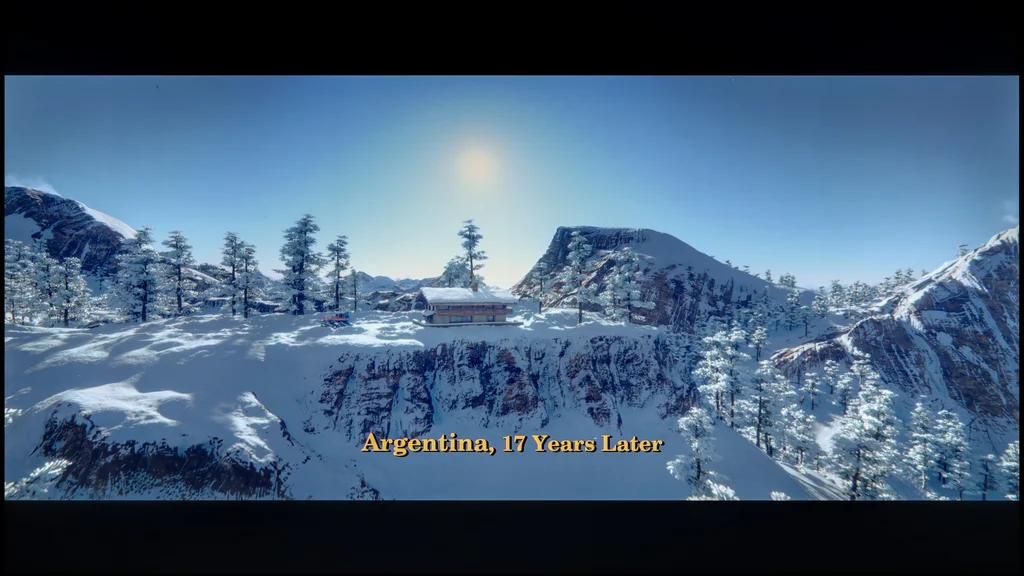

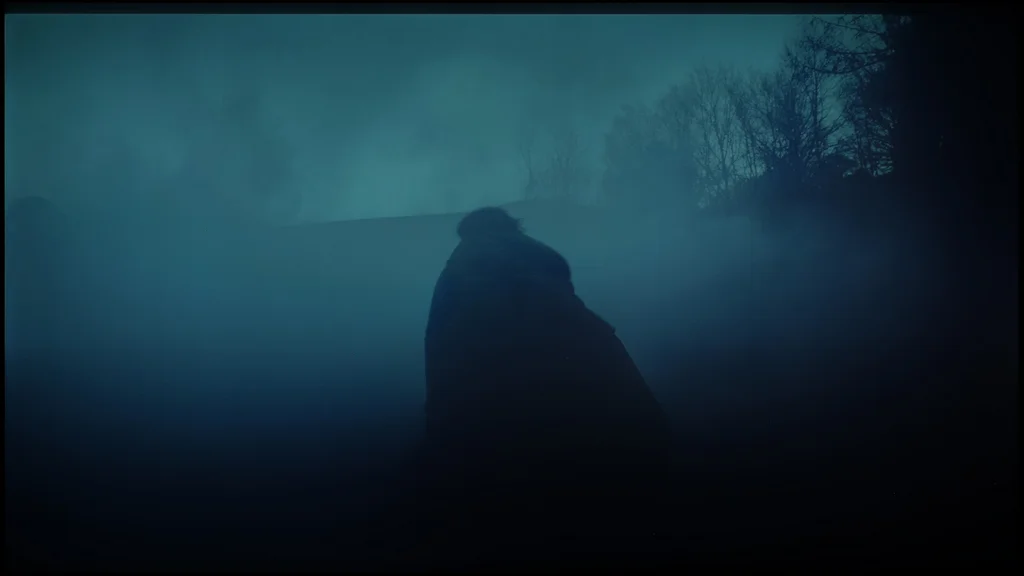

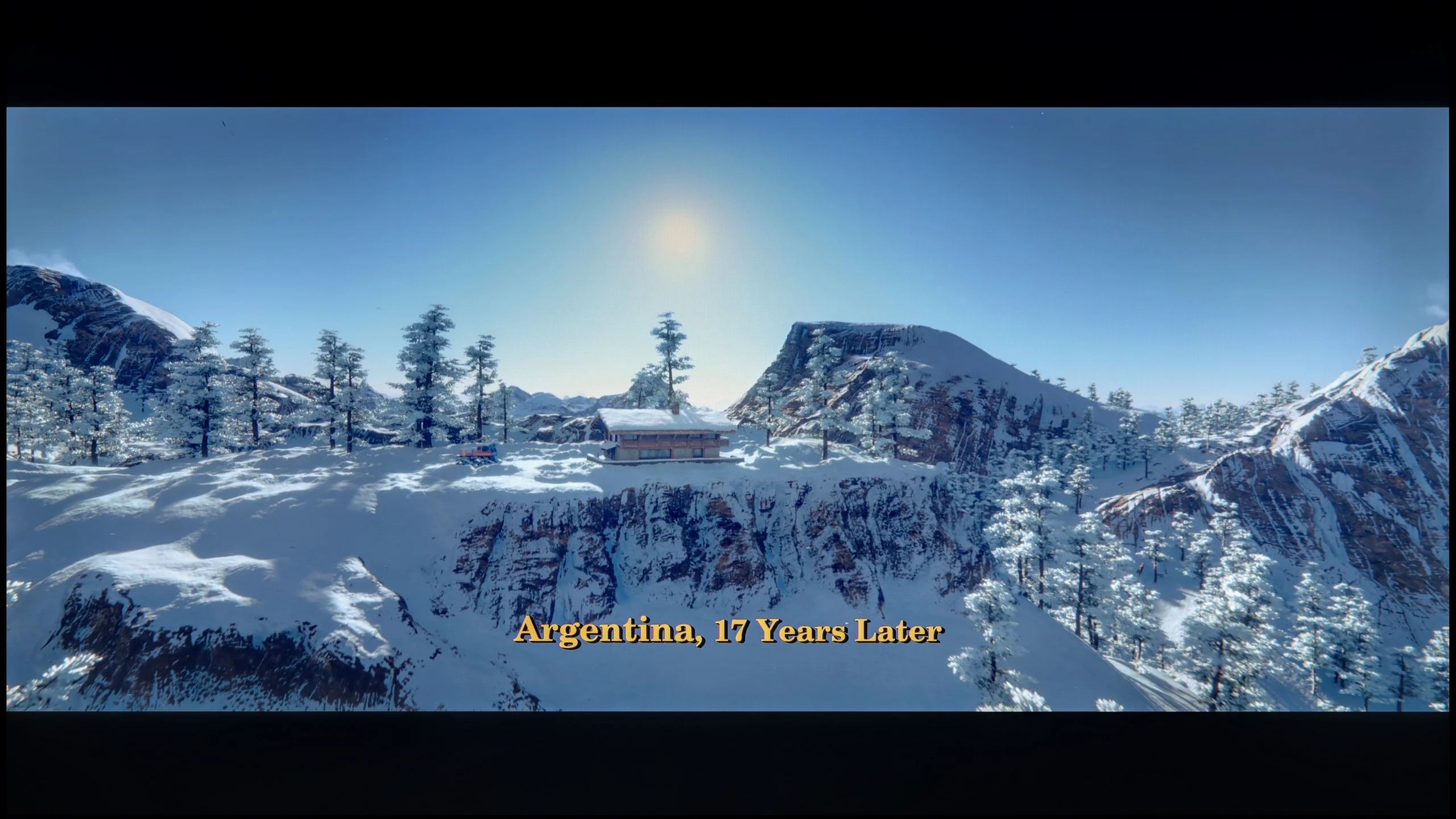

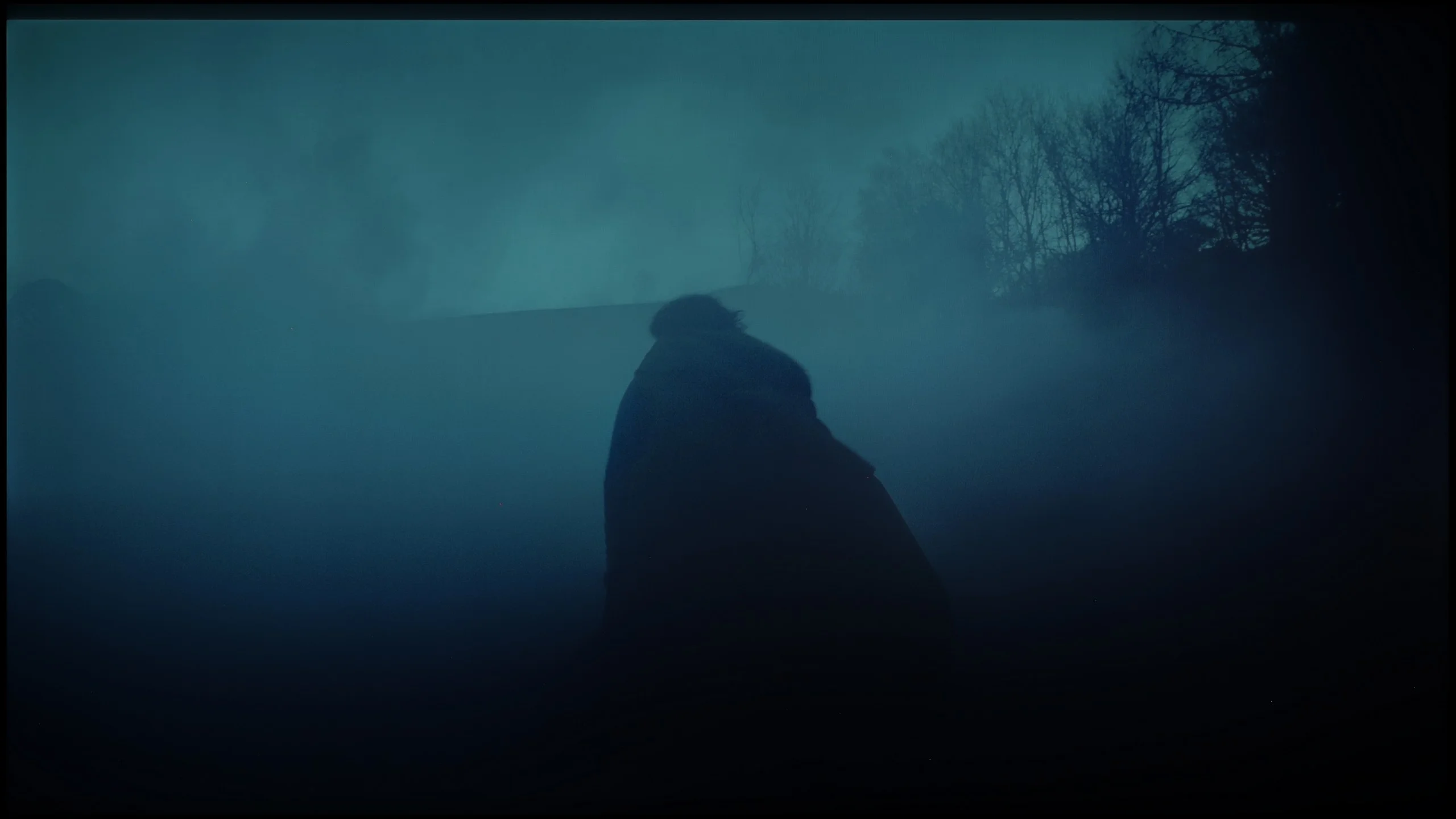

Image scaling and smoothness of tonal transitions
7.8/10
 Smooth transition function
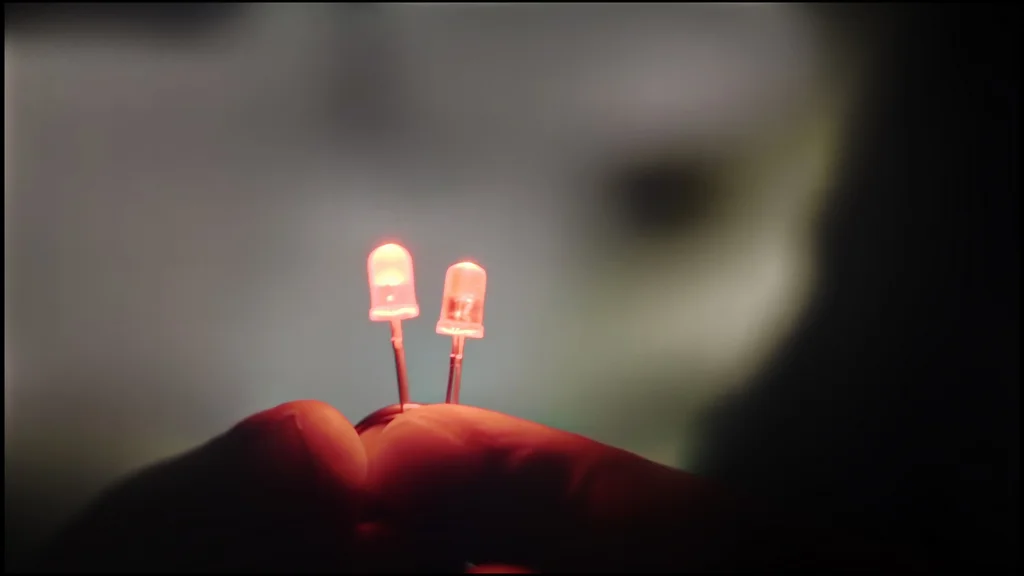
 Image without overscan on the SD signal

The 'Contour Smoothing' function is used to improve tonal transitions in poorer-quality material. At the medium setting it works very effectively and removes visible banding between shades. Occasionally it will lose some small details, but these are not things that stand out noticeably. The low setting is more cautious and does not affect other elements of the image, but the smoothing itself is much weaker. We would stick with the medium setting. Another plus is that the function leaves noise and film grain untouched. Upscaling itself also performs quite well. In our shot with the model, the details of her clothing and the tree remain clear, so lower-resolution content looks decent on a large screen. However, there is one drawback: with an SD signal the TV crops the edges of the image, that is, it applies so-called overscan. As a result we lose a small part of the frame.
PANASONIC W92C - Blur and motion smoothness
7/10
Maximum refresh rate of the panel: 144Hz
Film motion smoothing option: Yes
Blur reduction option: Yes
BFI function 60Hz: No
BFI function 120Hz: No
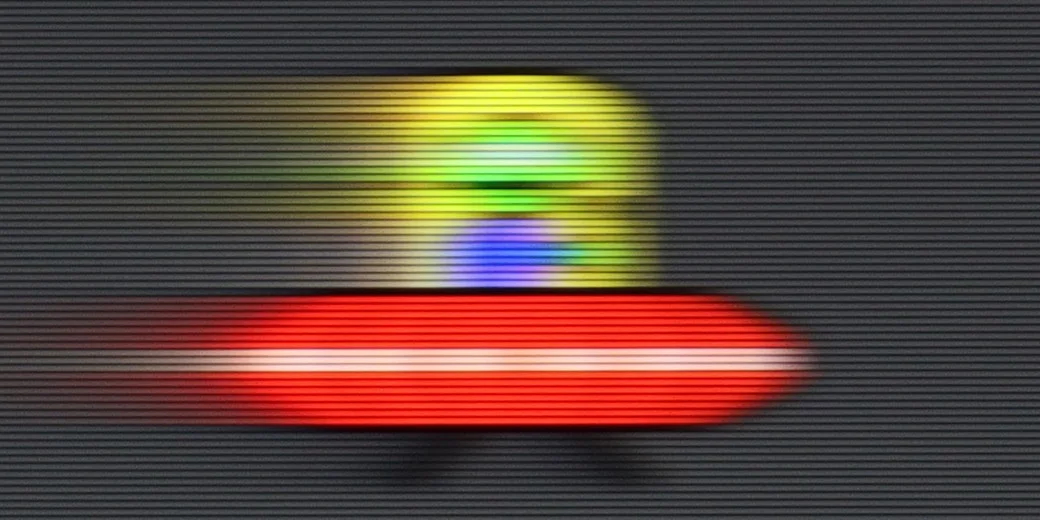
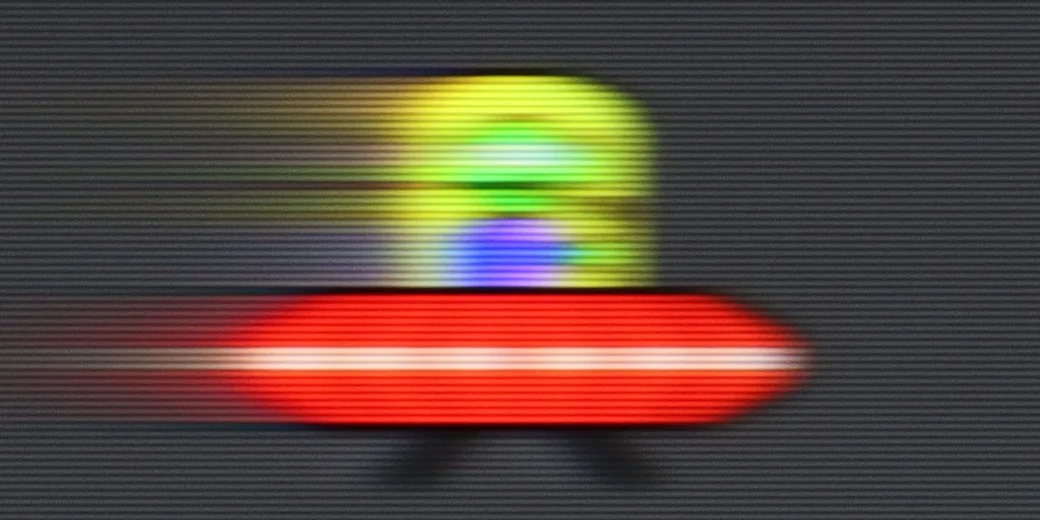
The Panasonic W92C has a 144 Hz panel, which is mainly useful for PC gaming. For consoles and sport, however, how the screen handles 120 Hz is more important. Motion is smooth, though moving objects are not perfectly sharp. In our saucer test you can see a clear trail behind it, especially on dark backgrounds. Even so, the W92C is still a better choice for dynamic content than a typical 60 Hz screen. The higher refresh rate gives a noticeable improvement in smoothness, but the panel itself could react faster to colour changes.
Blur (native resolution, maximum refresh rate):


Blur (4K@144Hz):


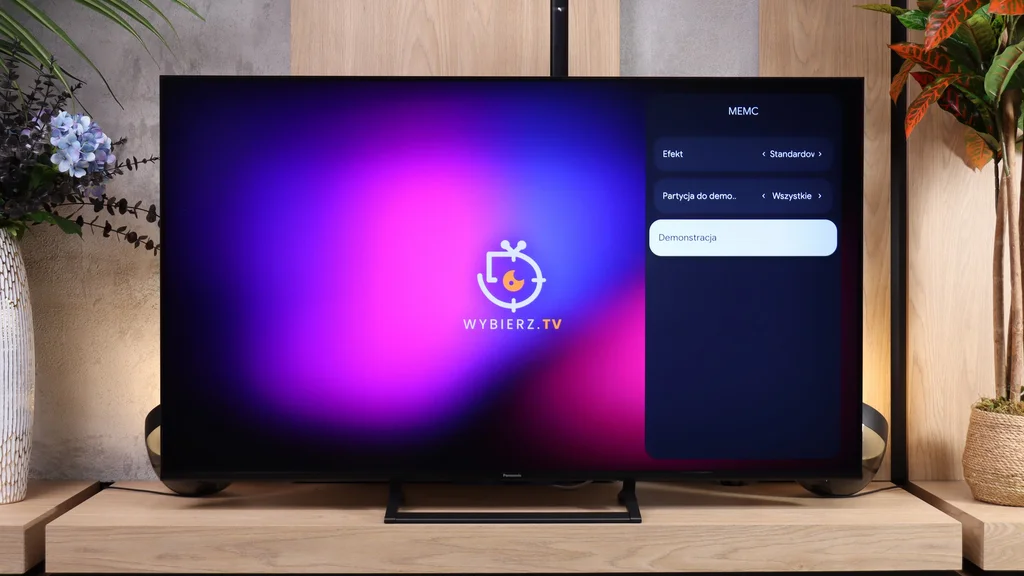
For movies and TV there is also an MEMC motion-smoothing feature, but its controls are fairly basic. You can turn it off or choose one of three modes: "Standard", "Sport" and "Smooth". The settings affect both 24 Hz films and 60 Hz content. However, there is no custom mode with two separate sliders, so you can't adjust film motion and faster content independently. The motion smoothing itself works, you just have to accept one of the preset options. It's also a shame there's no BFI, that is black frame insertion, which can improve motion clarity.
PANASONIC W92C - Console compatibility and gaming features
8.1/10
- ALLM:
Yes
- VRR:
Yes
- VRR range:
48 - 144Hz
- Dolby Vision Game Mode:
Yes
- Correct implementation of HGIG:
No
- 1080p@120Hz:
Yes
- 1440p@120Hz:
No
- 4K@120Hz:
Yes
- Game bar:
Yes
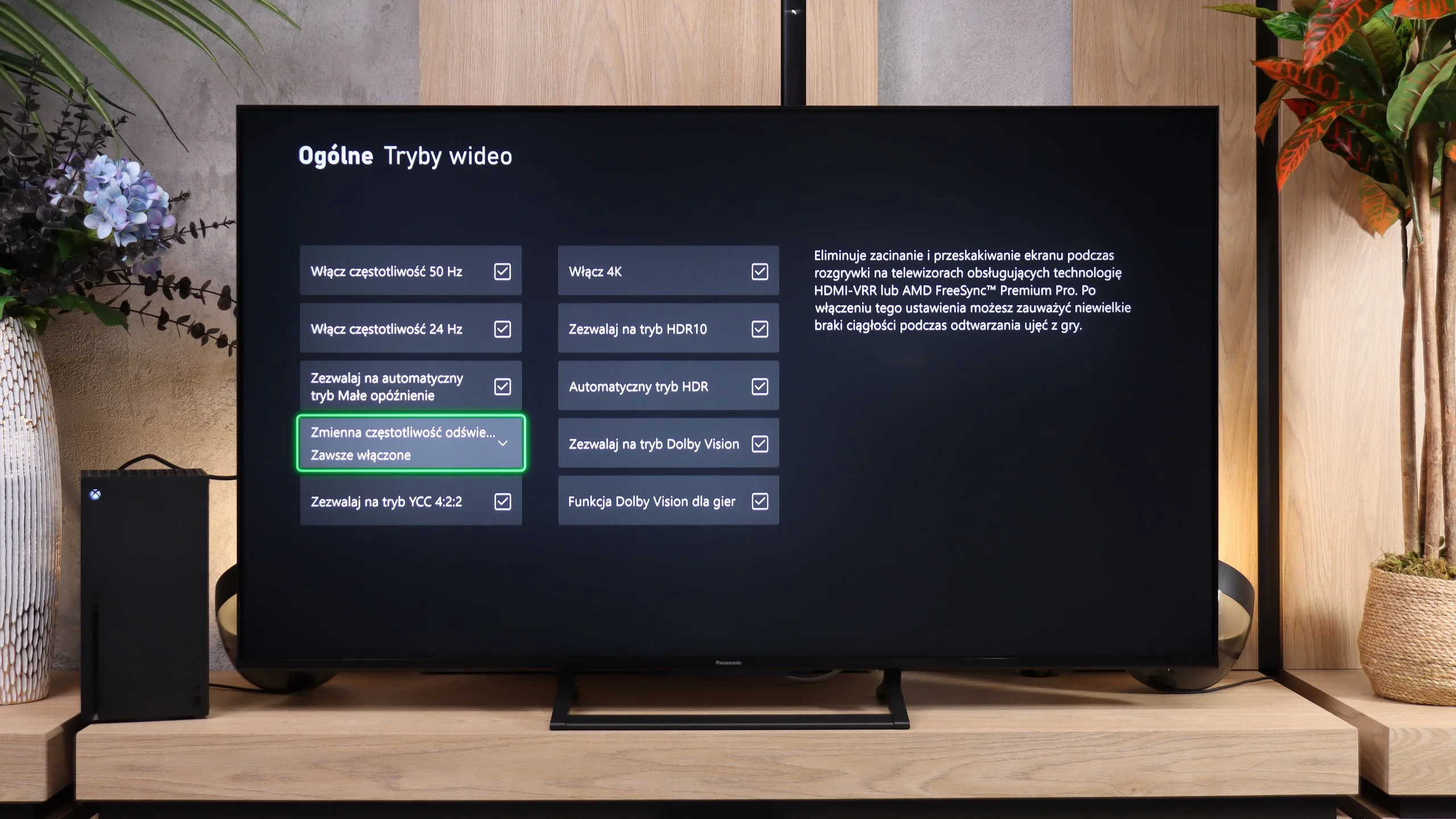
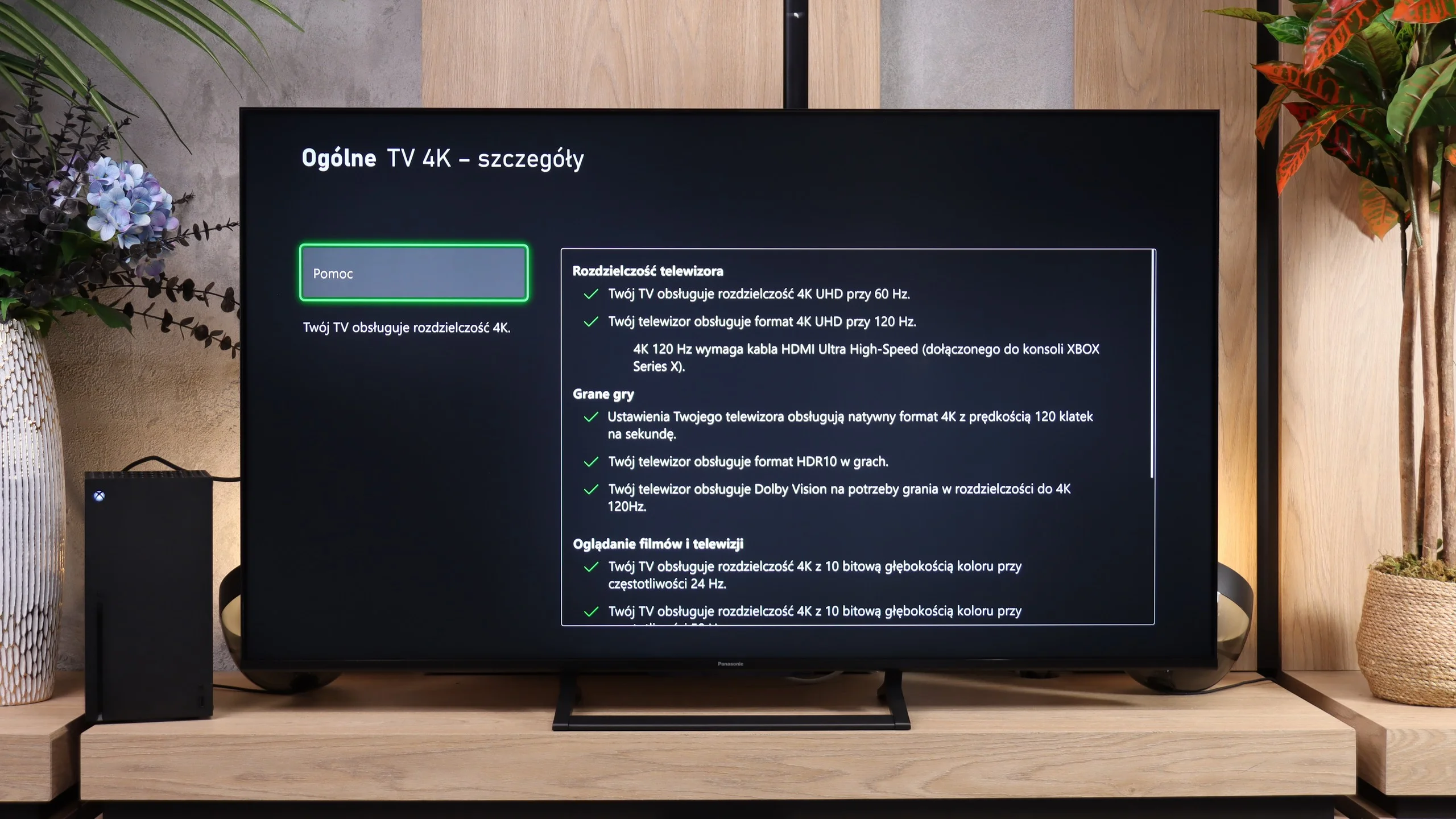
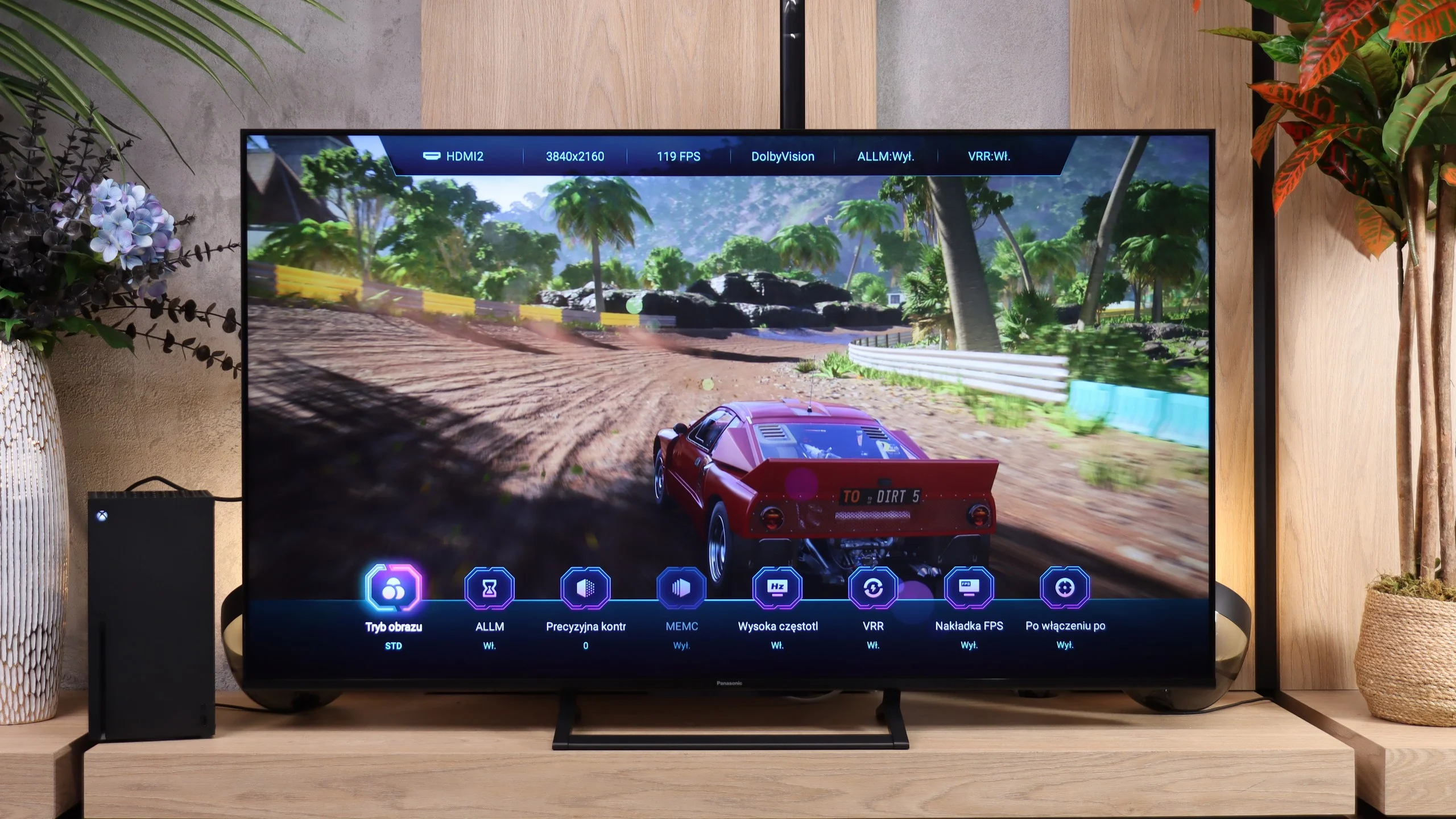
The Panasonic W92C has quite a lot to offer gamers. It has three HDMI 2.1 ports with the full 48 Gbps bandwidth, supports 4K gaming at 120 Hz, and when connected to a PC it can even run at 144 Hz. There is also VRR from 48 to 144 Hz, which helps keep the image smooth when the frame rate varies, and ALLM that automatically enables a low-latency mode. On top of that, it supports Dolby Vision for games.
The new Game Bar deserves special praise. The large circles familiar from Panasonic sets with Fire TV have been replaced by a much more organised panel. At the top you can see the most important signal information, and at the bottom there are shortcuts to gamer settings. It looks more modern and is much closer to what the biggest competitors offer. Definitely a change for the better.
Not everything is perfect, however. A properly functioning HGiG is missing, which helps match HDR in games to the screen’s capabilities. The W92C also does not support 1440p at 120 Hz. That’s a shame, because that mode is particularly useful on a PC when you want higher frame rates than in 4K but better detail than in Full HD.

PANASONIC W92C - Input lag
9.9/10
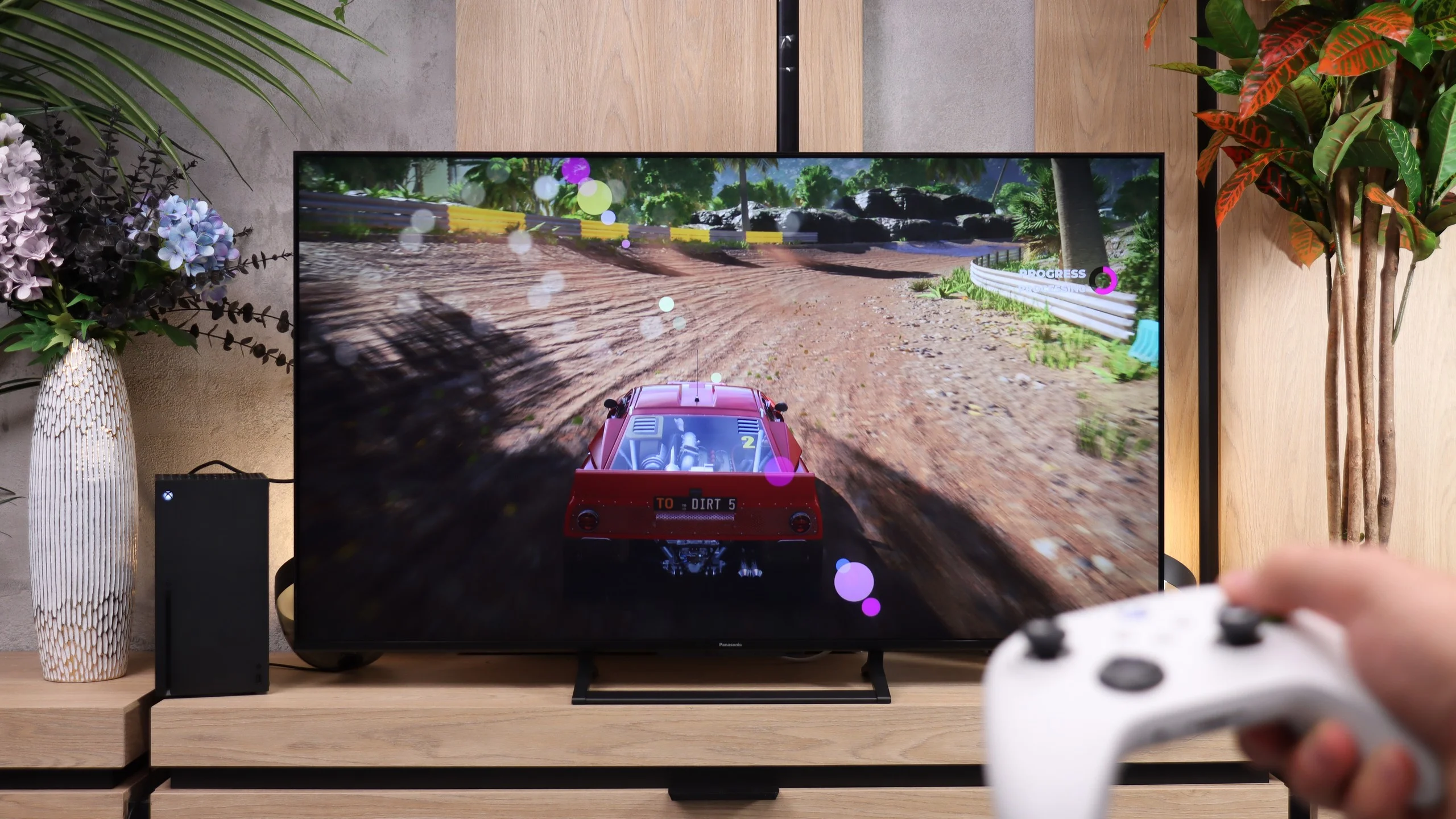
Input lag on the Panasonic W92C is very low. At 60 Hz we measured about 15 to 16 ms, and at 120 Hz just 7 ms. Response to the controller is therefore quick, and even in fast-paced games there is little to criticise. Dolby Vision also performs well: 17 ms at 60 Hz and 9 ms at 120 Hz. You can safely use any format without worrying that controls will become noticeably slower.
| SDR | HDR | Dolby Vision |
|---|---|---|
| 1080p60: 16 ms | 2160p60: 15 ms | 2160p60 DV: 17 ms |
| 1080p120: 7 ms | 2160p120: 7 ms | 2160p120 DV: 9 ms |
| 2160p60: 16 ms | ||
| 2160p120: 7 ms |

PANASONIC W92C - Compatibility with PC
9/10
Chroma 444 (max. resolution and refresh rate): Yes
Font clarity: Very Good
Readability of dark text and shapes: Very Good
Input lag in PC mode (4K, max. refresh rate): 7ms
Matrix subpixel arrangement: RGB
Max refresh rate: 144Hz
G-Sync: Yes
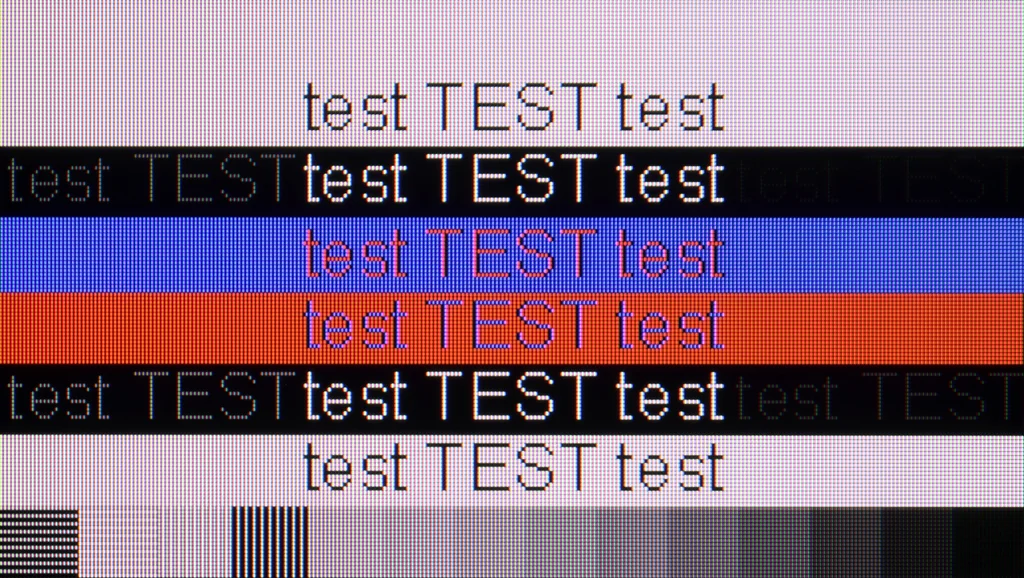
Working with a PC is one of the W92C's stronger suits. Fonts look really great. They're sharp, legible and don't lose fine details. That also applies to dark text on a dark background, which some TVs struggle with. It's one of the few VA panels that handled our font test so well. The RGB subpixel layout and proper support for chroma 4:4:4 help here, including at maximum resolution and refresh rate. There are also plenty of options for gamers. You get 4K at 144 Hz, working G-Sync and an input lag of 7 ms. The Panasonic therefore performs well both for working with text and for gaming. You just need to remember the smearing mentioned earlier and the lack of support for 1440p at 120 Hz. Overall, the legibility of the PC image is excellent.
PANASONIC W92C - Viewing angles
3.2/10
Brightness drop at an angle of 45 degrees: 80%
The viewing angles on the W92C are fairly average, which is typical for VA panels. If you sit more to the side, colours start to lose saturation and the image loses contrast. So it's best to watch the Panasonic straight on. With widely spaced seats or a large corner sofa, people sitting at the edge will see a poorer picture.
PANASONIC W92C - Daytime performance
6.8/10
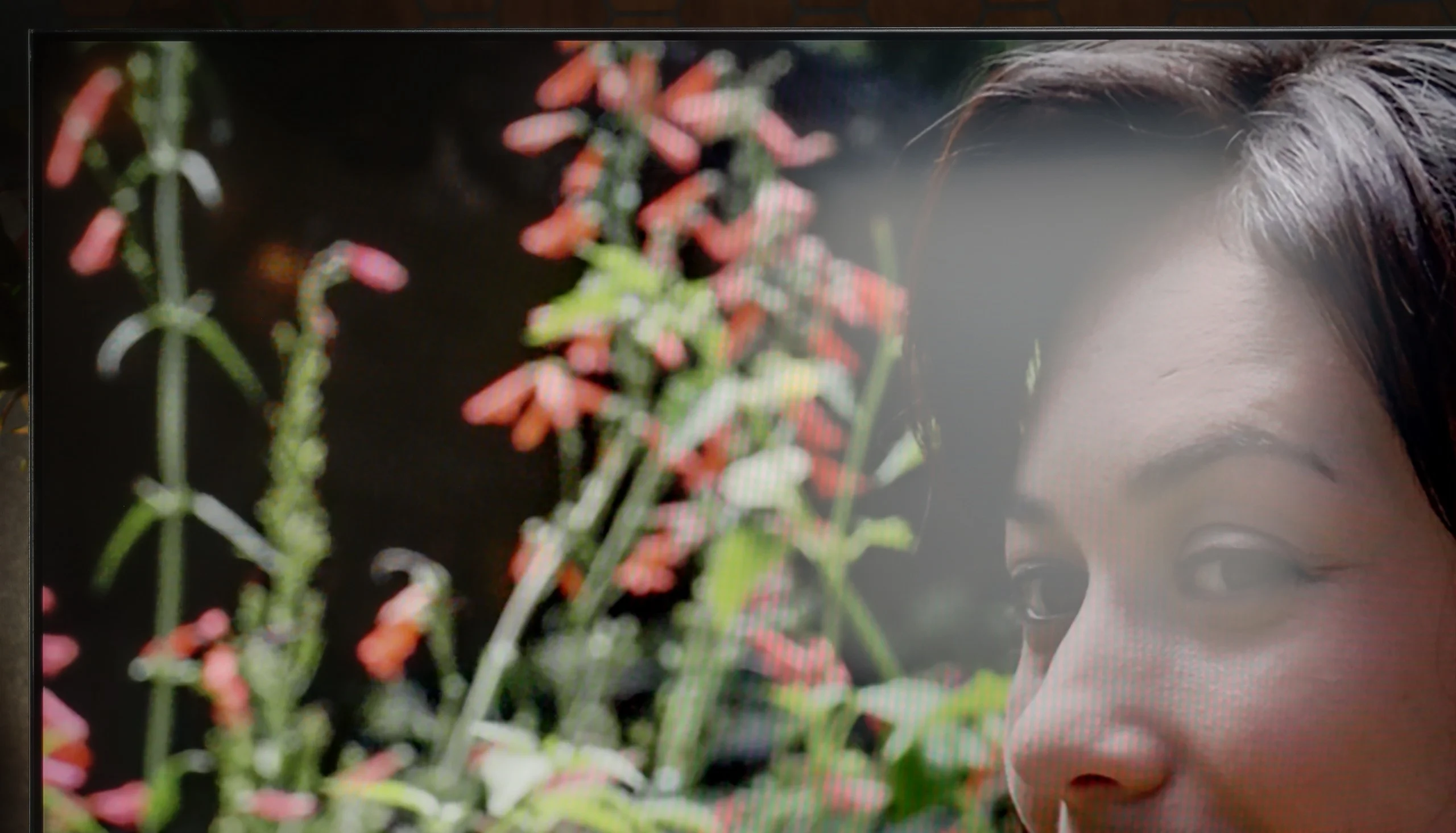
Panel finish: Matte
Reflection suppression: Very Good
Black levels during daytime: AbsorptiveBlack-Decent
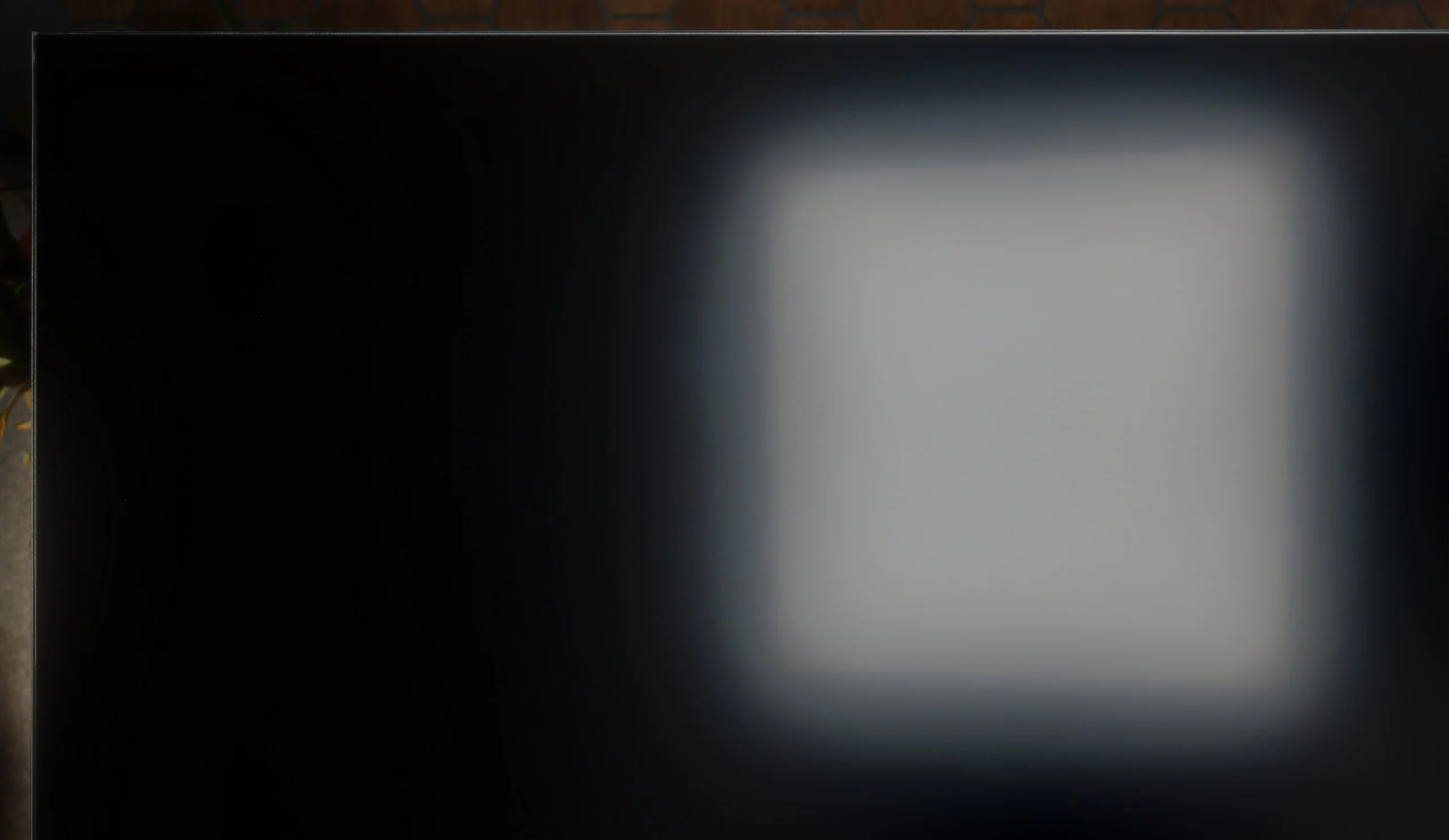
A matte panel is a big plus for the W92C when watching in daylight. It disperses reflections very well, so instead of a distinct reflection of a window or lamp we see a more diffuse glow. Add to that an average brightness of around 555 nits, which is more than enough for watching TV in a typical bright living room. That doesn't mean light striking the screen stops being an issue. The matte coating spreads it over a larger area, which makes blacks look greyer and the image lose some contrast. It's easiest to notice this in dark scenes. Nonetheless, the combination of decent brightness and effective reflection suppression means the Panasonic is quite suitable for everyday viewing without having to draw the curtains.
Panel brightness
Panasonic W92C (Google TV): 555 cd/m2
PANASONIC W92C - TV features
6.6/10
System: Google TV
System performance: Good
- HDMI inputs: 0 x HDMI 2.0, 3 x HDMI 2.1 48Gbps
- Outputs: Toslink (Optical audio), eARC (HDMI), ARC (HDMI), Mini-Jack (Headphones)
- Network Interfaces: Wi-Fi 2.4GHz, Wi-Fi 5GHz, Ethernet (LAN) 100Mbps
- TV reception: DVB-T, DVB-T2, DVB-S, DVB-S2, DVB-C
Classic features:
- Recording to USB (terrestrial TV): No
- Recording programming: No
- Picture in Picture (PiP): No
- RF remote control (no need to aim): RF
- Backlit remote control: No
- Teletext: Yes
- Audio only mode: Yes
- Bluetooth headphones support: Yes
- Simultaneous Bluetooth headphones & TV audio: Yes
Smart features:
- AirPlay: No
- Screen mirroring (Windows Miracast): Yes
- Voice search: Yes
- Voice search in native language: Yes
- Ability to connect a keyboard and mouse: Yes
Google TV
Google TV is a big step forward compared with Panasonic's older systems, and also compared with the newer Fire TV, which didn't entirely convince us. On the W92C everything runs very smoothly. We move through the menus quickly, apps launch without long waits, and among the available services we found all the ones we were interested in. There is also voice search in Polish and Chromecast, which makes it easier to cast content from a phone. It's a pity there's no working AirPlay; we couldn't use it with our newer iPhone.
However, there were a few minor hiccups. Some of the Polish translations in the menu sound rather clumsy, and the aforementioned automatic backlight adjustments show the software still needs some fixes. Despite this, everyday use is good and we definitely count the choice of Google TV among this model's strengths.
Classic features
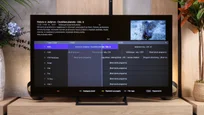
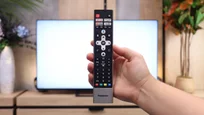
Among the classic features we have EPG, teletext and the ability to listen to audio simultaneously through Bluetooth headphones and the TV speakers. Missing, however, are USB recording and picture-in-picture. The remote is simple, it has a numeric keypad and you don't need to point it at the screen. It's a pity it's not backlit, and the build quality could be a bit better. For connecting devices there are three HDMI 2.1 ports with 48 Gbit/s bandwidth. There is also an optical output and eARC, but it's worth noting the standard 3.5 mm headphone jack. That's an increasingly rare extra and it's useful for wired headphones or an older audio system with an analogue input.
Sound connection options
HDMI audio:
Other audio outputs:
- Toslink: Yes
- Stereo (Mini-Jack): Yes
Wireless audio:
- Bluetooth: Yes
Supported audio formats (external HDMI eARC audio):
- Dolby Digital Plus 7.1: Yes
- Dolby True HD 7.1: Yes
- Dolby Atmos in Dolby Digital Plus (JOC): Yes
- Dolby Atmos in Dolby True HD: Yes
- DTS:X in DTS-HD MA: No
- DTS-HD Master Audio: No
Senior accessibility
- Numeric keyboard on TV: Yes
- Font size adjustment: Yes
- Audio description: Yes
PANASONIC W92C - Apps
9.6/10






















PANASONIC W92C - Playing files from USB
8.7/10
| Maximum photo resolution: | Supported photo formats: |
|---|---|
| 4 Mpix | JPEG |
| 6 Mpix | HEIC |
| 8 Mpix | PNG |
| 10 Mpix | GIF |
| 12 Mpix | WebP |
| 16 Mpix | TIFF |
| 20 Mpix | BMP |
| 24 Mpix | SVG |
| 28 Mpix | |
| 32 Mpix |
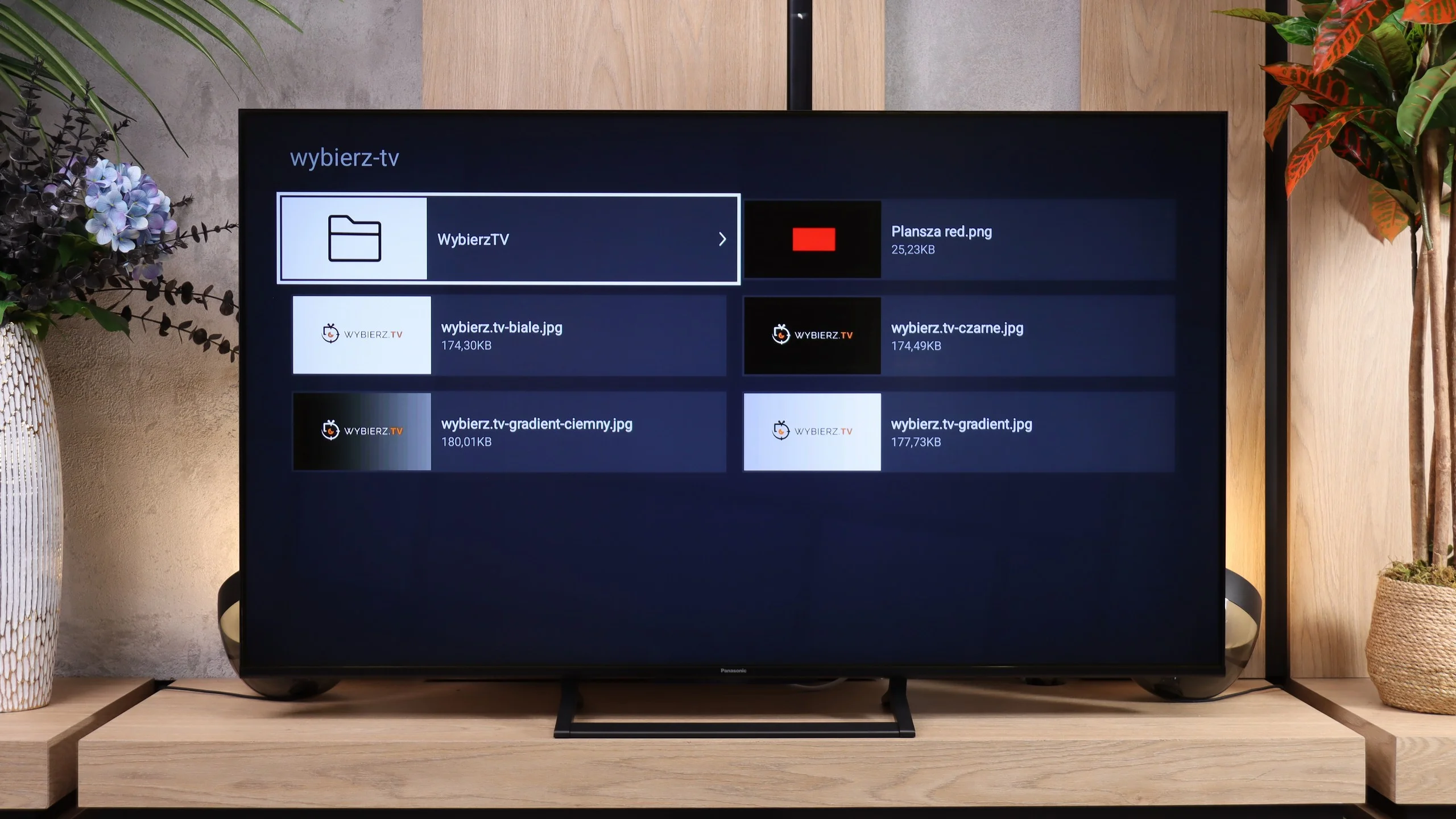
Playback of files from USB works smoothly on the W92C. Files load quickly, operation is simple, and the built-in player handles most common video, photo and music files. It’s perfectly adequate for the occasional film or for browsing photos from a USB stick. Just be careful with subtitles. In our tests the TV would not read .sub and .txt files. It’s best to convert them beforehand to .srt format, which worked correctly, including Polish characters.
PANASONIC W92C - Sound
6.7/10
94dB
Maximum volume

Supported codecs (TV speakers)
Dolby Digital Plus 7.1
Dolby True HD 7.1
Dolby Atmos in Dolby Digital Plus (JOC)
Dolby Atmos in Dolby True HD
DTS:X in DTS-HD MA
DTS-HD Master Audio
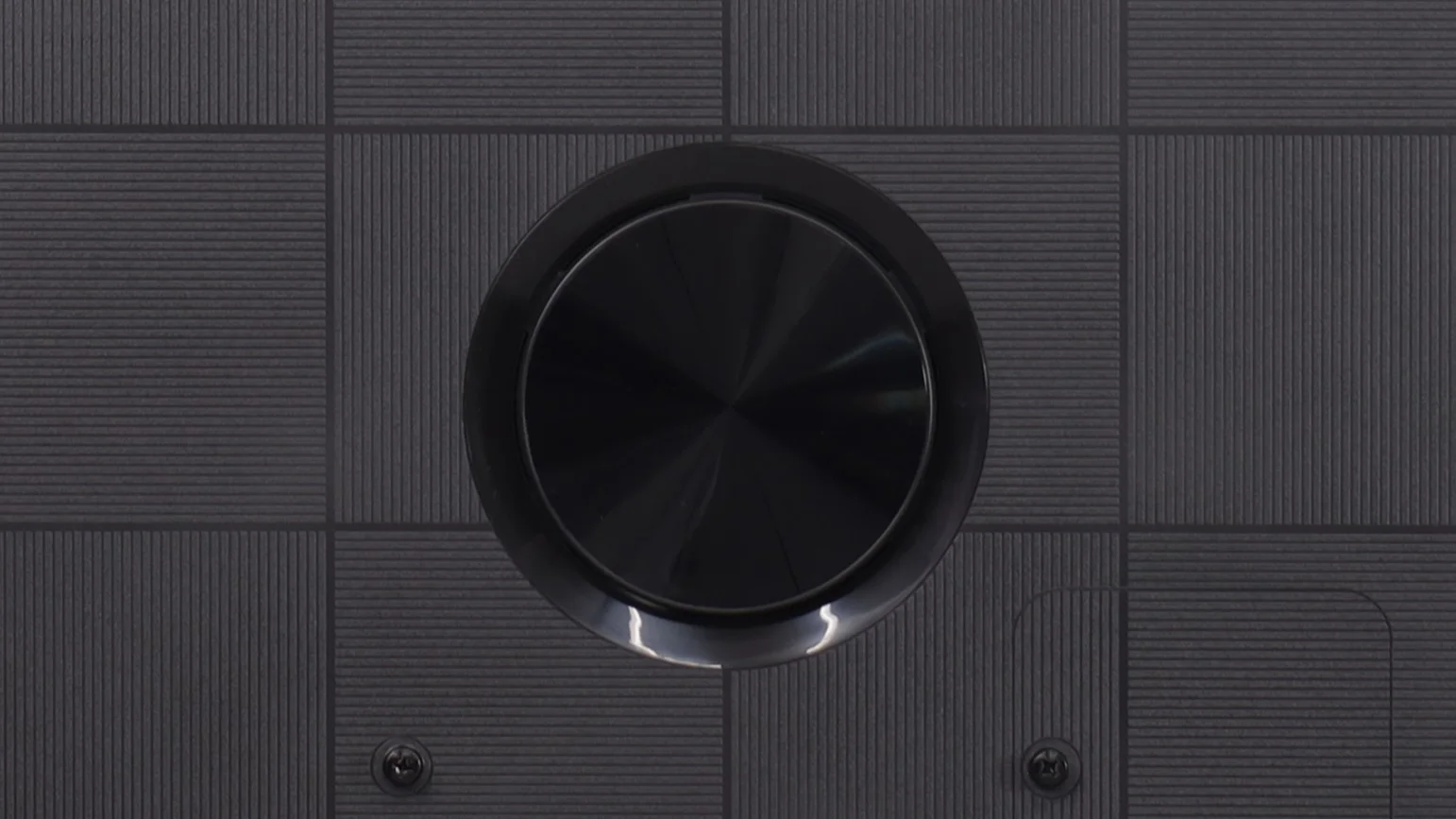
Sound on the Panasonic W92C is fairly average. Given the additional rear-mounted woofer, we had expected a slightly fuller sound. Instead, bass is still lacking, which is especially noticeable in music and in more powerful film scenes. The subwoofer itself therefore doesn't deliver as much as one might expect. On the plus side, volume is good. In our measurements the W92C reached around 94 dB, so there is plenty of headroom. For everyday TV viewing that setup is adequate, but simply turning up the volume won't replace the missing low end.
Sound Quality Test:
Acoustic Measurements
94dBC (Max)
75dBC
PANASONIC W92C - Panel details
Software version during testing: UKN6.260116.086
Panel uniformity and thermal imaging:

Backlight Type: Mini-LED PFS LED

Founder and originator of the "ChooseTV" portal

Journalist, reviewer, and columnist for the "ChooseTV" portal

michal-woloszyn-title
Reader comments
Comments are provided by the external service Disqus (Zeta Global). Once loaded, Disqus may set cookies and process data about your activity.
We will remember your choice on this device. Provider's privacy policy
See articles related to Panasonic W92C (Google TV):
Shopping Reviews
Panasonic Z85C – The only new affordable OLED of 2026 with G... 3/1/2026
11/12/2025

1/8/2026

10/16/2025

10/31/2025