 Redakcja Choose TV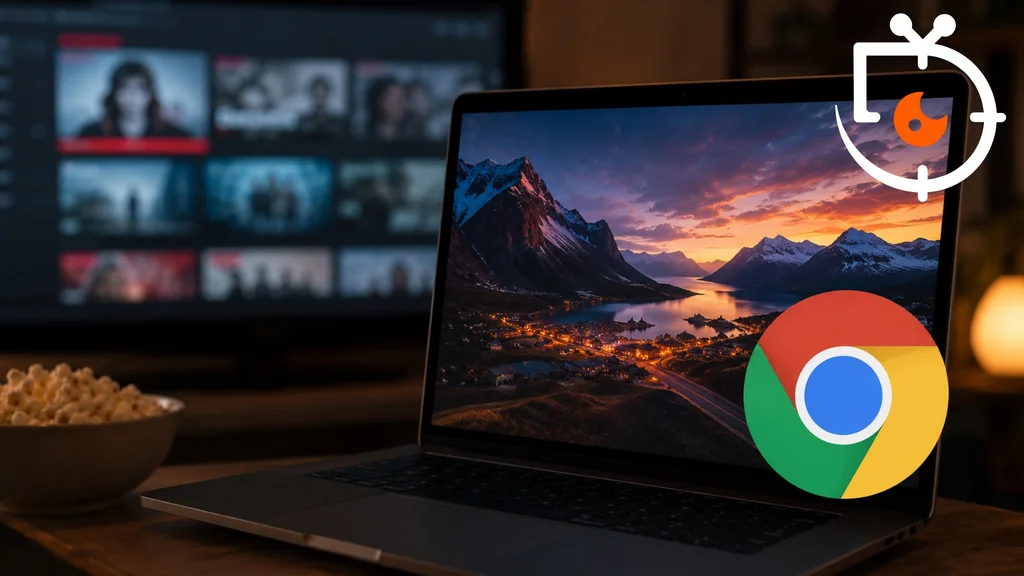
After many years of waiting, Netflix has extended support for 4K resolution to the Google Chrome browser. This is good news for people who watch films and TV series on computers, because until now the highest picture quality could only be obtained in certain browsers. However, the new feature is not available to all users. Netflix has set several conditions that must be met in order to enjoy content in Ultra HD.
Netflix adds 4K support to Google Chrome, but only on Windows 11
Netflix has officially added the ability to watch 4K content via the Google Chrome browser. It's the first change of this kind in years and a major convenience for Windows users. Until now, people using Windows computers could only play Netflix content in 4K using the Microsoft Edge browser. Apple computer users, meanwhile, had access to this feature in Safari on macOS 11 or later. Now Chrome also joins the list of supported browsers, but only on devices running Windows 11 and with an appropriately updated version of the browser. Netflix points out that support does not extend to Chrome on macOS or to other operating systems. For Linux, the situation remains unchanged, as the maximum streaming quality in Chrome on Linux is still only 720p. The limitations stem primarily from the content protection mechanisms used by streaming platforms. All the same, for many Windows 11 users this is one of the most eagerly awaited changes in the browser version of the service.
Chrome still does not offer all the features available in the Netflix app
Although 4K support in Google Chrome is a big step forward, users still do not get the full set of features available in the dedicated Netflix app. When watching content through the browser, you still cannot use Dolby Vision, HDR10+ or Dolby Atmos spatial audio. These features remain reserved for Netflix apps running on compatible devices. This means the best way to watch films and series in the highest quality is still to use devices such as Apple TV 4K, Google TV, Amazon Fire TV, Roku or modern Smart TVs with the official app. Netflix also reminds users that other popular browsers still have limitations. Firefox and Opera allow playback at a maximum resolution of 1080p and only in standard dynamic range (SDR). Anyone expecting the highest picture and sound quality should therefore continue to use dedicated apps rather than a web browser. However, adding 4K support to Chrome is an important step that shows Netflix is gradually expanding its platform’s capabilities to more environments.
Netflix has finally enabled 4K playback in the Google Chrome browser, but the feature is available only on computers running Windows 11. You still need to bear the limitations in mind, as Dolby Vision, HDR10+ and Dolby Atmos remain available only in the official Netflix app on compatible devices.
source: flatpanelshd