- Matching (Score) |
- Our verdict |
- Competing TVs |
- TV appearance |
- Where to buy |
- Contrast and black detail |
- HDR effect quality |
- Factory color reproduction |
- Color reproduction after calibration |
- Smoothness of tonal transitions |
- Image scaling and smoothness of tonal transitions |
- Blur and motion smoothness |
- Console compatibility and gaming features |
- Input lag |
- Compatibility with PC |
- Viewing angles |
- Daytime performance |
- TV features |
- Apps |
- Playing files from USB |
- Sound |
- Panel details
TCL P8L Review
P8L / P89L
Available screen sizes:
Complete the survey to find out the result
Panel type: LCD VA Refresh rate: 144Hz Brand: TCL Resolution: 3840x2160 System: Google TV Model year: 2026
This review is an English translation of the Polish original. Read the original on Wybierz.tv.
TCL P8L - Our verdict
6.9
Overall rating
TCL P8L is a TV that convinces us most by how much it offers in a budget series. You can watch a show, turn on a match, then sit down to play on a console, and in each of those uses there’s something to like. Not everything performs equally well, but after testing we feel TCL has put its emphasis in sensible places. Especially for people who want one inexpensive TV for everything. In movies the P8L can show a pleasing picture with saturated colors and fairly good blacks. Introducing Mini-LED backlighting to the P series therefore adds more than just another label on the box. You do need to keep reasonable expectations: this is an entry-level Mini-LED and its limits show in tougher scenes. Small bright details on a dark background can be overly dimmed, and sometimes the picture’s brightness changes enough that you notice the TV working instead of focusing on the film. It’s fine for ordinary evening viewing, but you won’t get the cinematic effect known from the higher series. The P8L feels best when connected to a console or a computer. Input is responsive, gameplay is smooth, and the gaming feature set is unusually rich for this class. If we play as often as we watch movies, this model makes a lot of sense. The high refresh rate also helps with sports, though in fast scenes you can see some smearing related to the VA panel used. A big everyday advantage is the smoothly working Google TV. Access to favorite services is simple, apps are plentiful, and the brightness is enough for comfortable viewing in a typical moderately bright living room. Even the build leaves a good impression: there are cost savings, but the metal feet show that costs weren’t cut everywhere. We would recommend the P8L primarily to someone who wants an affordable TV for daily watching and gaming, without feeling that important features are missing from the start. If in the evenings you more often reach for a controller than hunt for a movie for a cinematic session, its strengths will match your needs. If, however, you’re buying it mainly in hopes of a spectacular picture for films, the Mini-LED label alone shouldn’t decide that choice — this is exactly where paying extra for a higher series will be most noticeable.
Advantages

Good black levels and contrast for a budget TV (Mini-LED backlight)
Rich, pleasing colors
Brightness sufficient for everyday viewing
144 Hz panel and 288 Hz mode in Full HD
Very good feature set for gamers
Low input lag: quick response to gamepad inputs
Two HDMI 2.1 ports with full 48 Gbps bandwidth
Smooth Google TV OS with a wide selection of apps
Metal feet with adjustable spacing
Disadvantages

The small number of local dimming zones causes small highlights to dim and brightness to fluctuate in challenging scenes
Smearing is especially visible in dark areas of the image
Poor viewing angles
Average digital image processing
The bass can sound unpleasantly distorted
 Movies and series in UHD quality
6.2
 Classic TV, YouTube
6.4
 Sports broadcasts (TV and apps)
6.3
 Gaming on console
8.3
 TV as a computer monitor
8.6
 Watching in bright light
5.9
 Utility functions
7.8
 Apps
9.6
 Sound quality
5.8
Complete the survey to find out what fits your preferences
The P series from TCL has undergone an important change. For the first time in its history it features Mini-LED backlighting, and the P8L is the most affordable model with this technology in TCL's 2026 lineup. It's an interesting sign for people who are looking for an inexpensive TV but expect more than basic picture quality. However, the label on the box doesn't tell you how the screen will handle black levels or bright HDR highlights. In the cheapest model we're especially curious where the manufacturer had to save money and how noticeable those savings are when watching. So we're checking whether the P8L really brings a new level to the P series and whether it's worth starting your search for a budget Mini-LED with this model.
TCL P8L - Competing TVs in this price range
TCL P8L - TV appearance
HDMI inputs: 2 x HDMI 2.0, 2 x HDMI 2.1 (48Gbps) Outputs: Toslink (Optical audio), eARC (HDMI), ARC (HDMI) Network Interfaces: Wi-Fi 2.4GHz, Wi-Fi 5GHz, Ethernet (LAN) 100Mbps
Build quality: Good
Stand type: Legs
Bezel color: Graphite
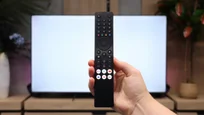
Stand: Base adjustment
Flat design: No
Accessories: Stand
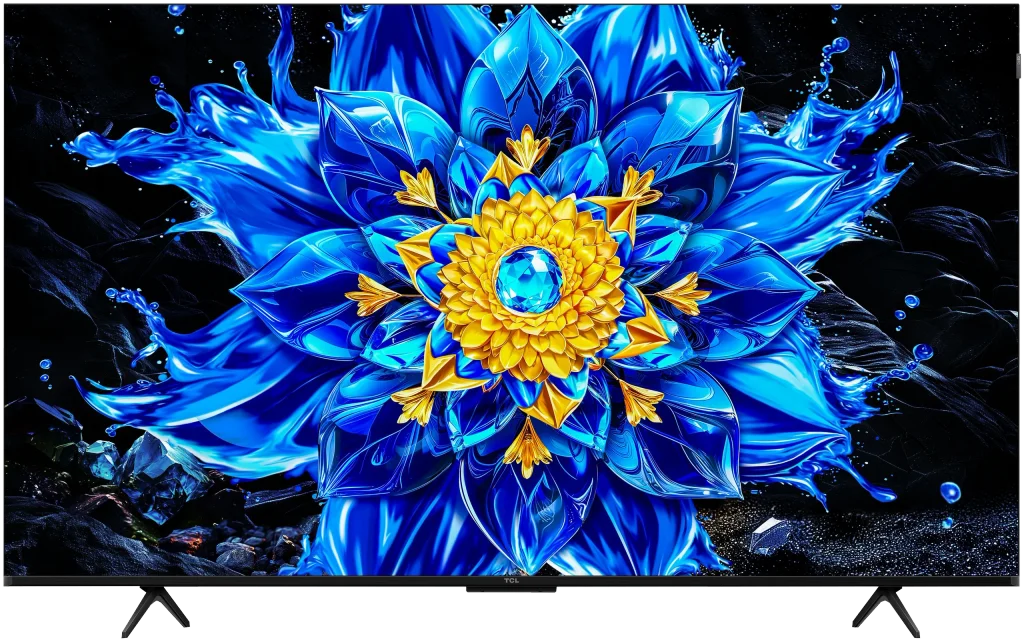
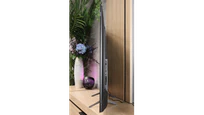
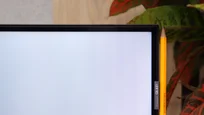
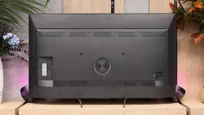
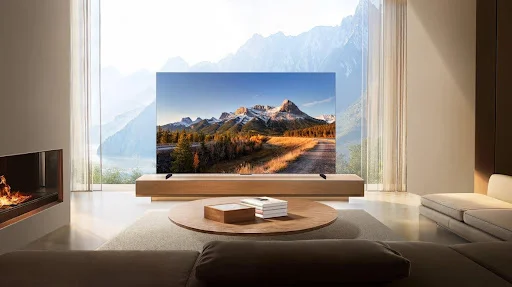
TCL P8L looks neat, and although it’s an entry-level model, there are a few pleasant details. A definite plus is the metal feet, which aren’t a given at this price point. You can also adjust their spacing, which makes it easier to place the TV on a narrower cabinet. The graphite bezels are slim, and on the right side of the screen there’s a small “Premium QLED” badge. It’s a small touch, but it gives the set a bit of character. The cost-cutting is more obvious at the back. The plastic rear and the fairly pronounced housing bulge remind you which tier the P8L comes from. It’s also not a design you can mount flush against the wall. Still, it’s hard to complain at this price. Overall it makes a good impression for an inexpensive TV, and from the couch there’s little to complain about.
Buy at the best price
Select size:

TCL P8L - Contrast and black detail
6.9/10
Local dimming function: Yes, number of zones: 72 (4 x 18)


Result
41,550:1

Result
14,950:1

Result
9,400:1

Result
7,450:1

Result
4,300:1

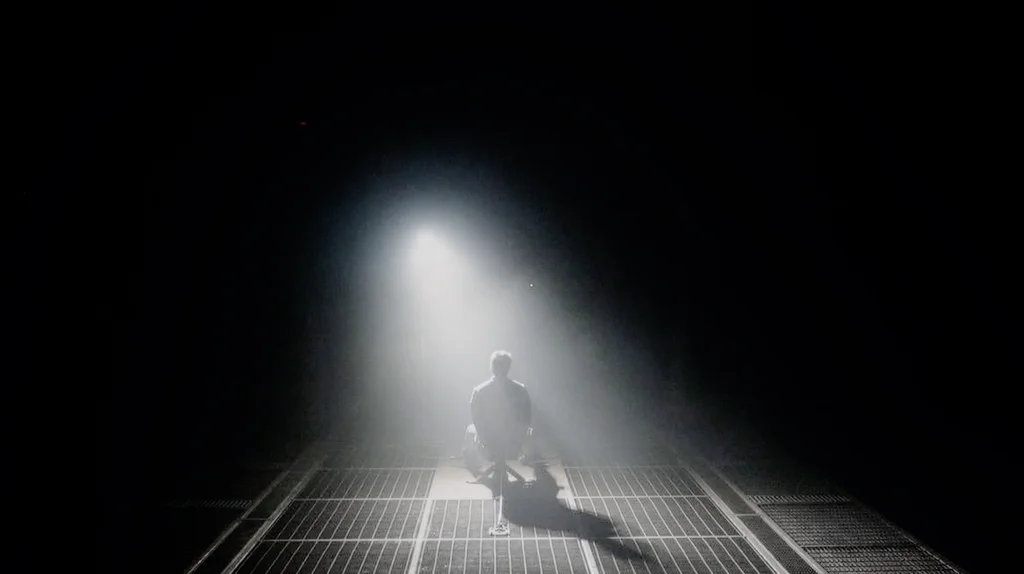
The TCL P8L is equipped with a VA panel, which provides a good base for achieving high contrast. It’s supported by a Mini-LED backlight; in the 65-inch unit we tested there are 72 local dimming zones arranged in a 4 × 18 grid. That’s not an impressive number, but in this price range their mere presence is a plus. In the first test scene we measured contrast of 41,550:1, although in more challenging shots the result fell to 4,300:1. The effectiveness of the dimming therefore depends heavily on what’s on the screen.
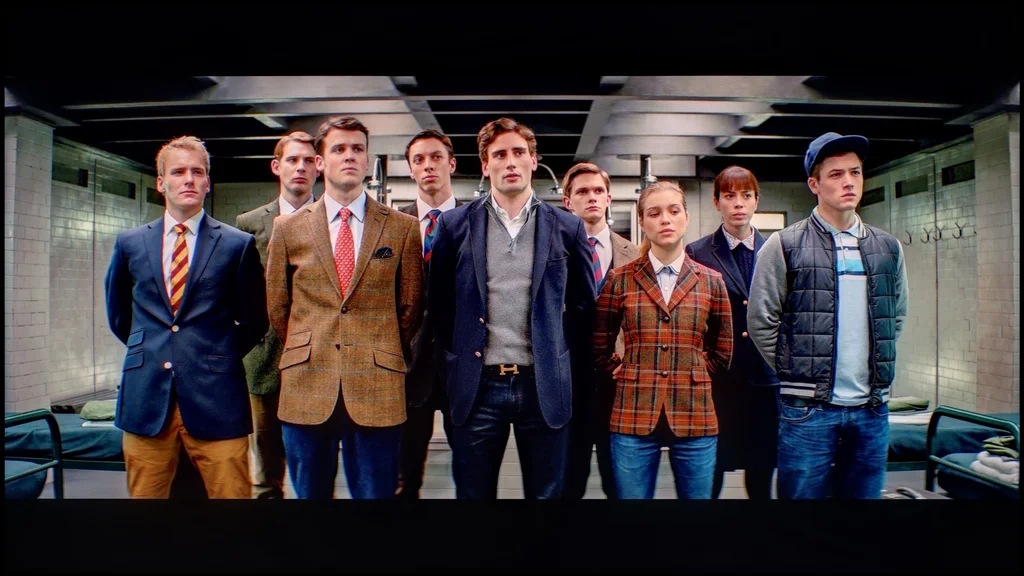
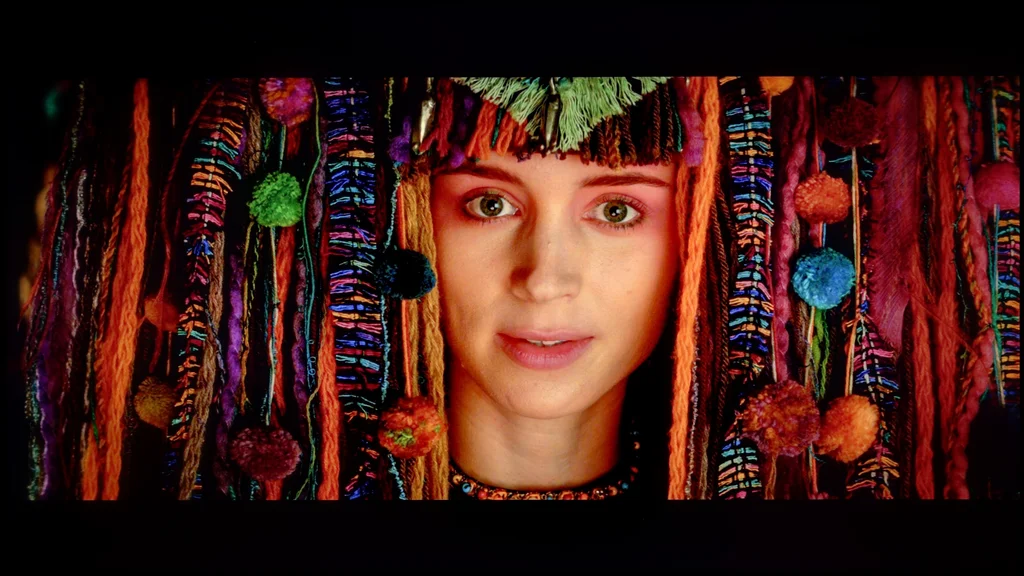
In the scene from the film “Oblivion” separation of bright highlights is barely visible, but it’s still detectable. With local dimming set low and so few zones, it’s hard to complain too much. We have more issues with the algorithm’s behavior in demanding scenes. The TV can overly brighten dark areas of the image, and the scene from “Pan” clearly lacks deep blacks. Most problematic is the helicopter scene, where the brightness of much of the screen pulses along with the flashing lights. Such backlight behavior can distract from the film.
Overall, black levels and contrast are decent for a budget model. The combination of a VA panel with local dimming delivers tangible benefits, though in tougher scenes the limitations of the small number of zones and imperfections in the controlling algorithm are apparent.
Halo effect and black detail visibility:
TCL P8L - HDR effect quality
3.9/10
Supported formats: HDR10, HDR10+, Dolby Vision, HLG
Luminance measurements in HDR:

Result
354 nit

Result
145 nit

Result
261 nit

Result
66 nit

Result
524 nit
HDR brightness on the TCL P8L strongly depends on the type of scene. The TV handles it best when bright elements occupy a large portion of the screen. In a sunny shot from The Meg we measured 524 nits, which already lets you feel the HDR effect, though without spectacular brilliance. In other scenes the results are noticeably lower — from 354 nits in Life of Pi to 261 nits in Sicario 2.
The biggest challenge, however, are small lights on a dark background. In those conditions we only achieved 145 nits, and in the most demanding shot from Sicario 2 just 66 nits. The limits of 72 dimming zones are visible here. The algorithm darkens small bright objects while trying to preserve blacks around them. As a result, highlights lose intensity, and scenes that should impress with strong contrast between darkness and pinpoint glow come across as too subdued.
Measurements on test patterns show a similar trend — the larger the bright area, the more brightness the P8L can deliver. So HDR performs best in bright, daytime scenes, while in night shots backlight control significantly limits the strength of small light effects.
Colors
Although TCL markets the P8L as QLED, it actually uses a PFS phosphor, which enables a wide color gamut without using quantum dots. The effect is similar — in our measurements the TV covered about 96% of the DCI-P3 color space and 71% of BT.2020. These are not top-of-the-market figures, but they are more than enough to enjoy saturated colors in HDR content.
We also note color stability as a plus. Unlike the issues we've seen on some RGB-backlit TVs, color saturation here remains similar regardless of the size of the object on the screen. This is confirmed by nearly identical gamut coverage results on synthetic patterns and in film measurements. Small colored details therefore do not lose saturation compared with larger areas.
BT.2020 color gamut coverage and primary color luminance
| Data set | BT.2020 | P3 | R | G | B |
|---|---|---|---|---|---|
| Synthetic patterns | 71.0% | 95.7% | 49% | 43% | 58% |
| Film measurements | 71.2% | 95.8% | 47% | 43% | 53% |
 BT.2020
 BT.2020 and P3 – average color gamut coverage (percent of the target gamut).
R, G, B – average primary color luminance relative to target (percent).
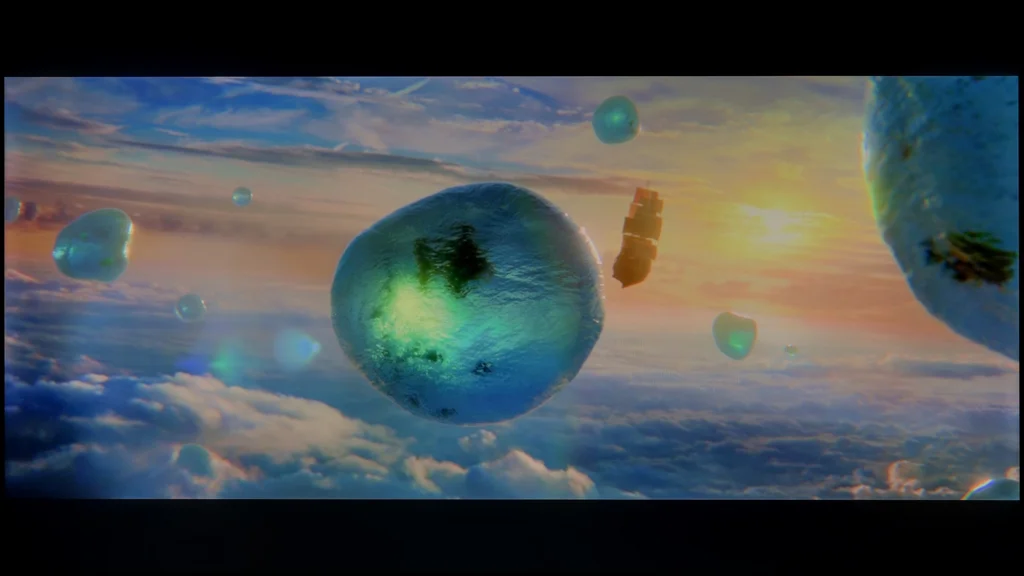
Scene from the movie “Pan” (about 2800 nits)
Scene from the movie “Billy Lynn” (about 1100 nits)
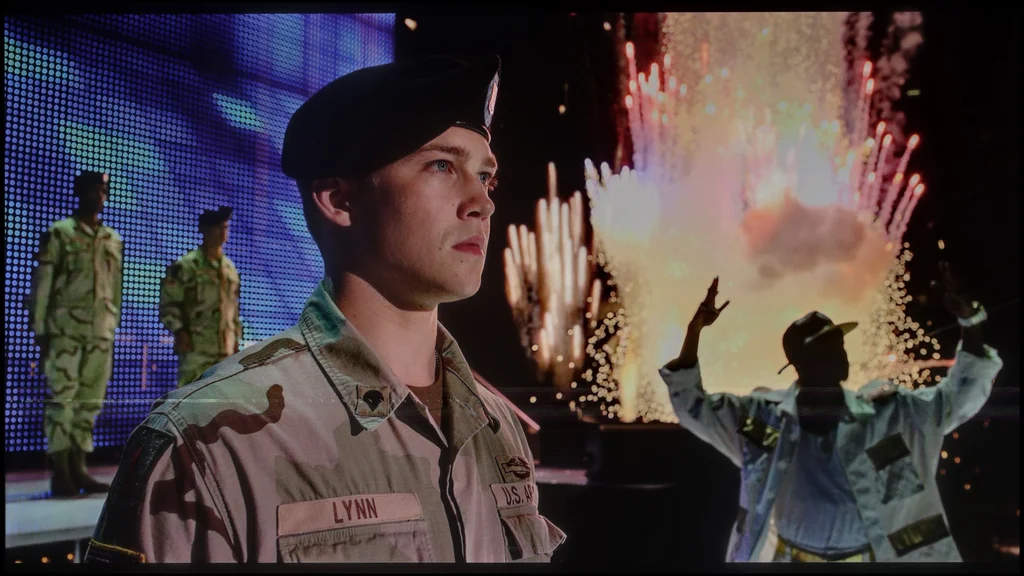
Despite its limited brightness, the TCL P8L does a pretty good job of adapting HDR material to the screen’s capabilities. A big part of that is the dynamic tone mapping feature, which in the menu appears under the rather peculiar name “Detailed Priority Description”. In this model, unlike many other TCL TVs, we recommend enabling it. It helps preserve details in the bright parts of HDR10 material, which doesn’t use the dynamic metadata available in HDR10+ or Dolby Vision. In a demanding scene from the movie “Pan,” the TV decently renders details in the bright areas of the sky instead of washing them into a uniform blotch. It’s similar in “Billy Lynn,” where the details of the fireworks remain quite visible. The trade-off is a slight lift in the darkest parts of the image, which robs scenes of some depth. For this class of TV, however, that’s a reasonable compromise. Tone mapping won’t add the missing peak brightness to the P8L, but it allows the set to show more of the information encoded in the film.
HDR luminance chart:
Well-implemented dynamic tone mapping also means that the difference between HDR10 and Dolby Vision here isn't large. Dolby Vision can pull out a bit more detail in the bright parts of the image, as you can see in the texture of the snow in our test scene, but it doesn't drastically change the way the film is perceived. We still count its presence as a plus; it's better to have the option to make use of the extra detail than not. However, the P8L handles standard HDR10 well enough that Dolby Vision is a useful addition, not a requirement for getting a decent HDR picture.
Static HDR10
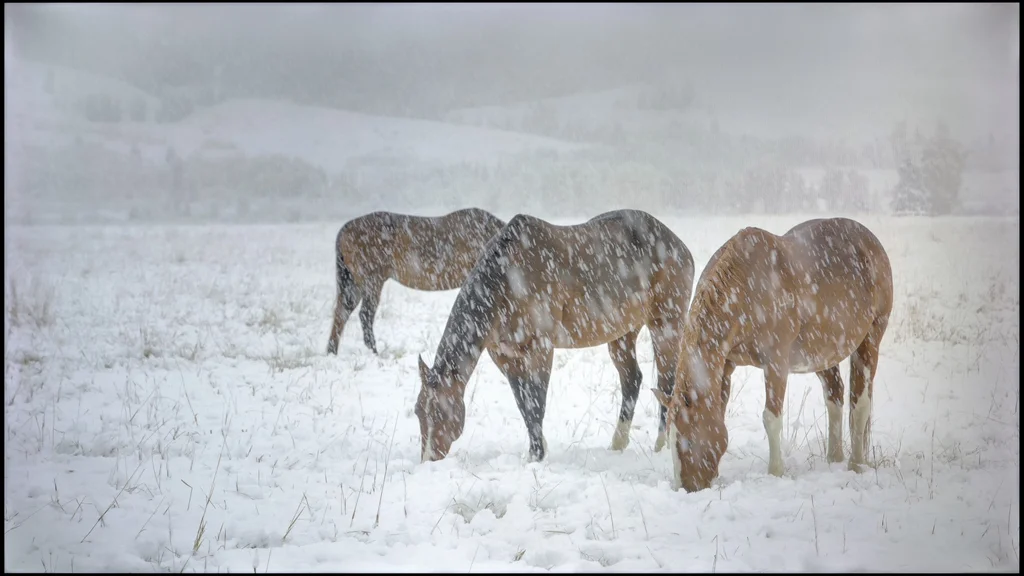
Dynamic: Dolby Vision

Factory color reproduction
5.1/10
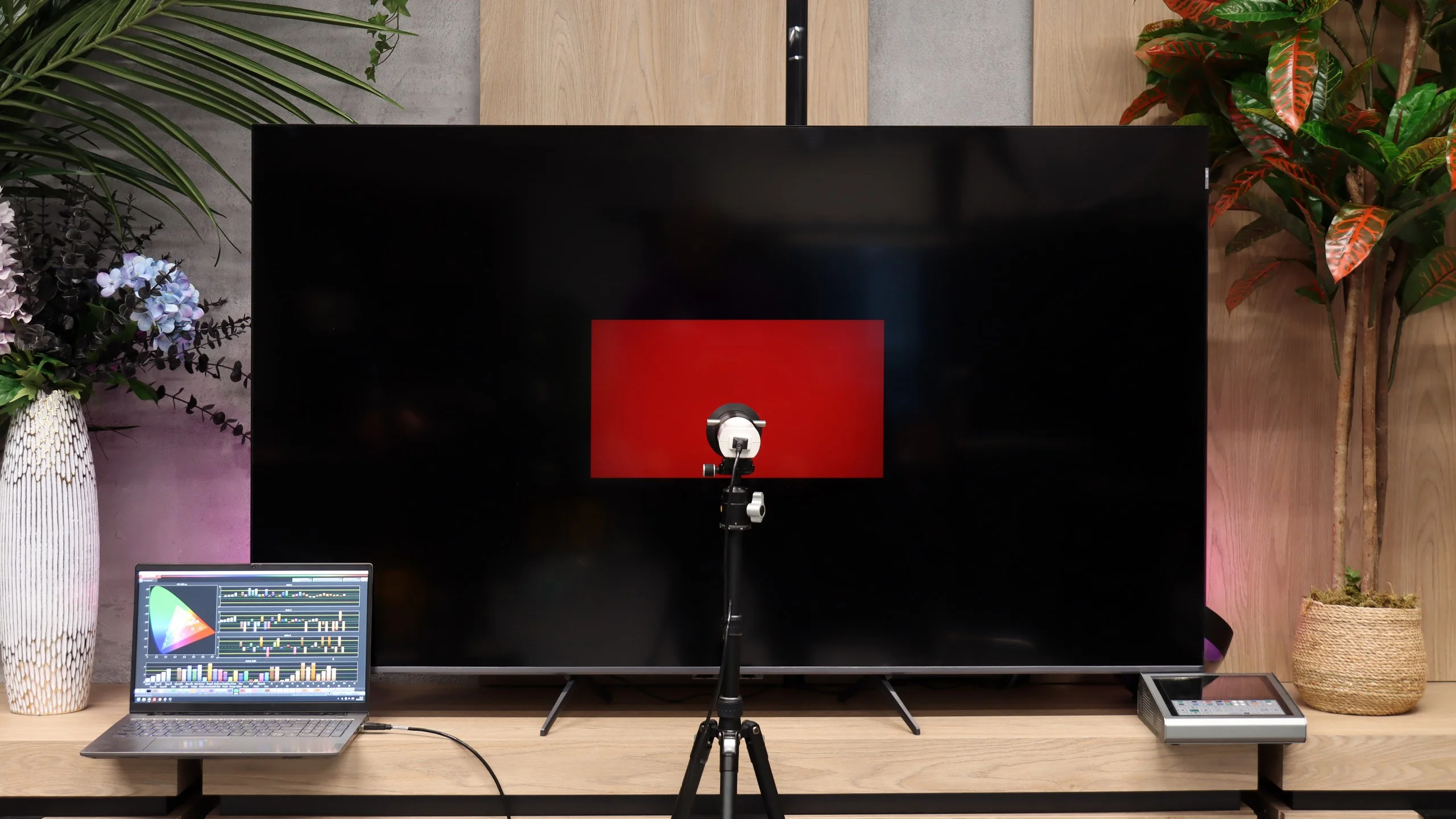
The best out-of-the-box picture setting on the TCL P8L is Filmmaker mode. In SDR material it performs quite decently, though it is not free of minor flaws. The white balance shows a slight green bias that can give light grays and whites a faint greenish tint. Gamma across most of the range is below the target value of 2.4, which means midtones and highlights are slightly brightened. The image loses a bit of depth as a result, but color errors are relatively small.
In HDR the situation is worse. The white balance shows a slight red bias in the midrange, however the bigger problem is the way brightness is rendered, visible on the EOTF chart. The measured curve runs below the reference, which means the TV displays a significant portion of tones darker than it should. This also affects color measurement results, where errors more often exceed Delta E 3, and some reach above 6. Filmmaker is still the best starting point, but in HDR the factory settings deviate more noticeably from the reference picture.
Color reproduction after calibration
7.5/10
After calibration, the TCL P8L shows that you can get really good color reproduction in SDR. White balance was nearly perfectly corrected, removing the previous green bias. Gamma also moved much closer to the target value of 2.4, so the image is no longer unnecessarily brightened across such a wide range. In ColorChecker measurements, errors fell below a delta E of 2, with most even below 1. That's a very good result, especially for a budget TV.
We also saw an improvement in HDR. ColorChecker errors are below a delta E of 3. That does not mean, however, that all imperfections were removed. In brighter areas the white balance still shows a blue bias, and luminance reproduction depends on the scene being displayed. You can see this in EOTF measurements taken on film scenes: the individual curves diverge, especially in the upper part of the range, where the TV darkens bright tones to varying degrees. These are limitations of the backlight and the algorithm that controls it, which calibration alone cannot eliminate. So the colors are noticeably better organized, but the HDR limitations described earlier remain.
TCL P8L - Smoothness of tonal transitions
9.1/10
The smoothness of tonal transitions on the TCL P8L is worthy of praise. Successive shades blend smoothly, without noticeable banding or distinct patches of color. In our test footage there was virtually nothing to complain about. We only noticed minor imperfections in the darkest tones, but they are subtle enough that most viewers won't notice them during normal viewing.
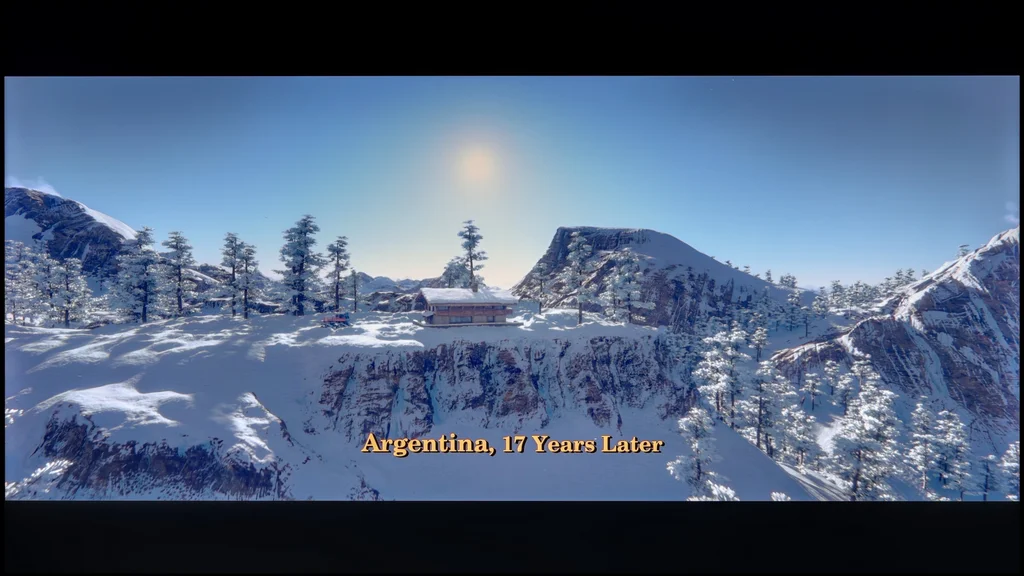
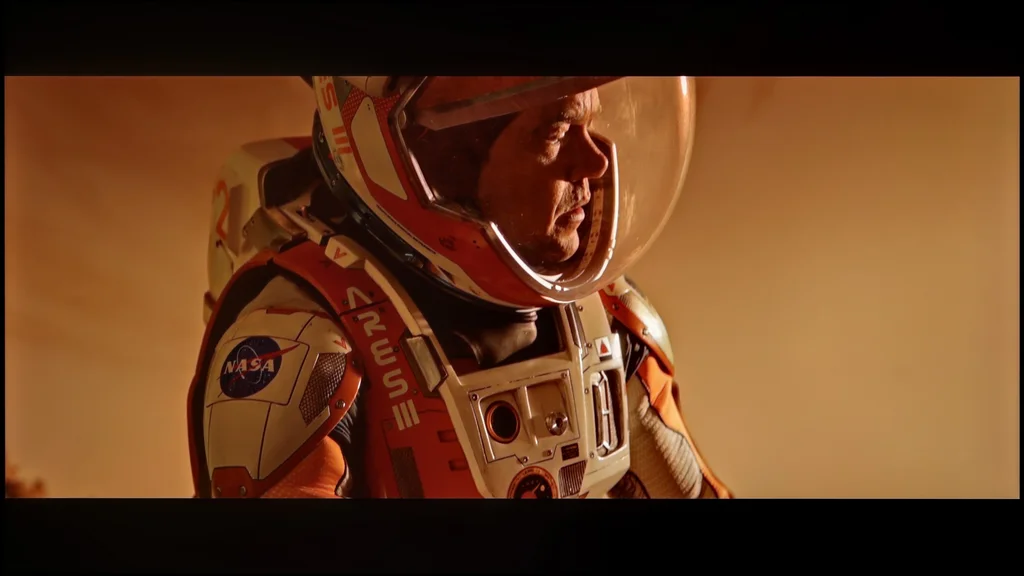
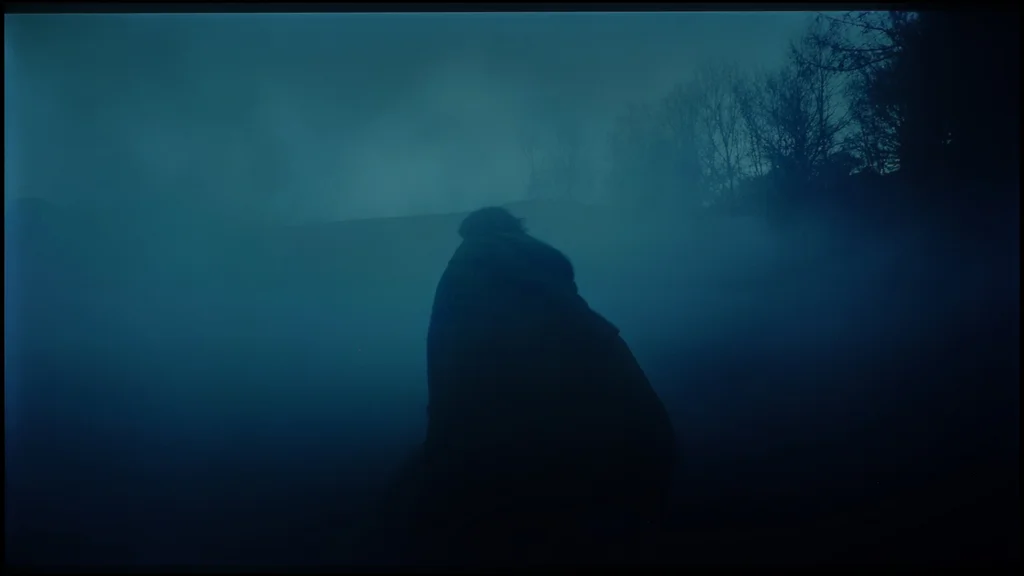
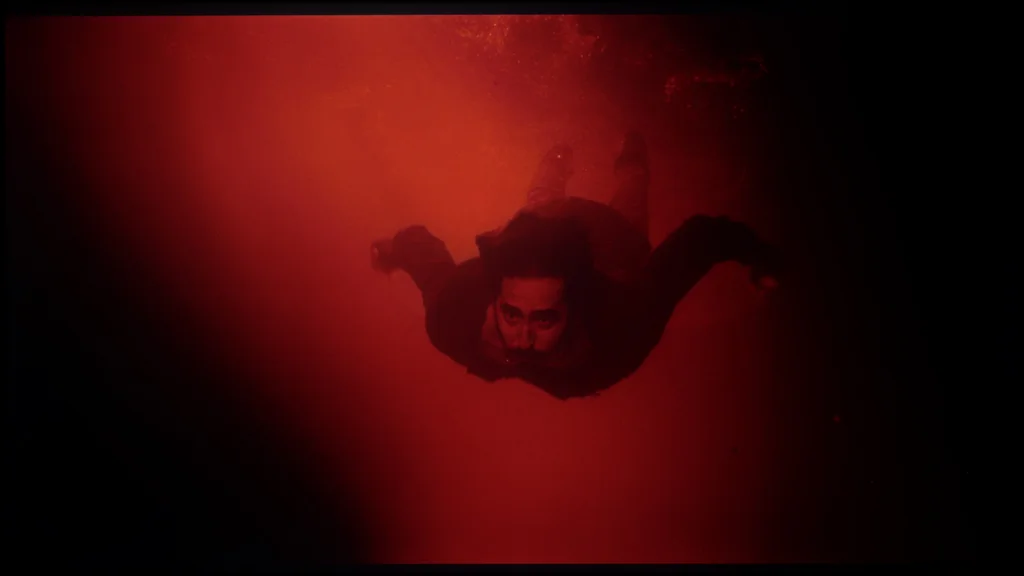
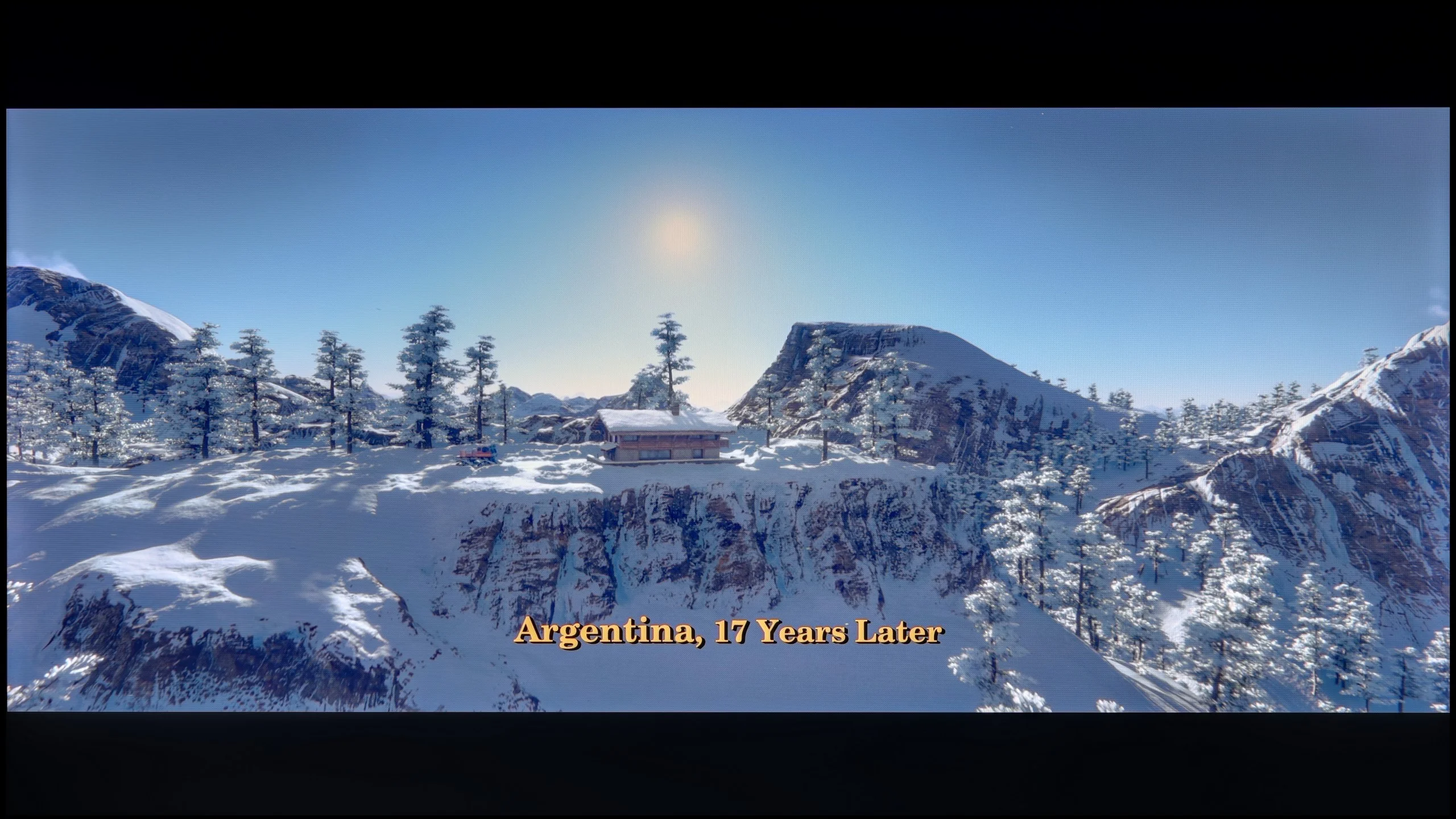
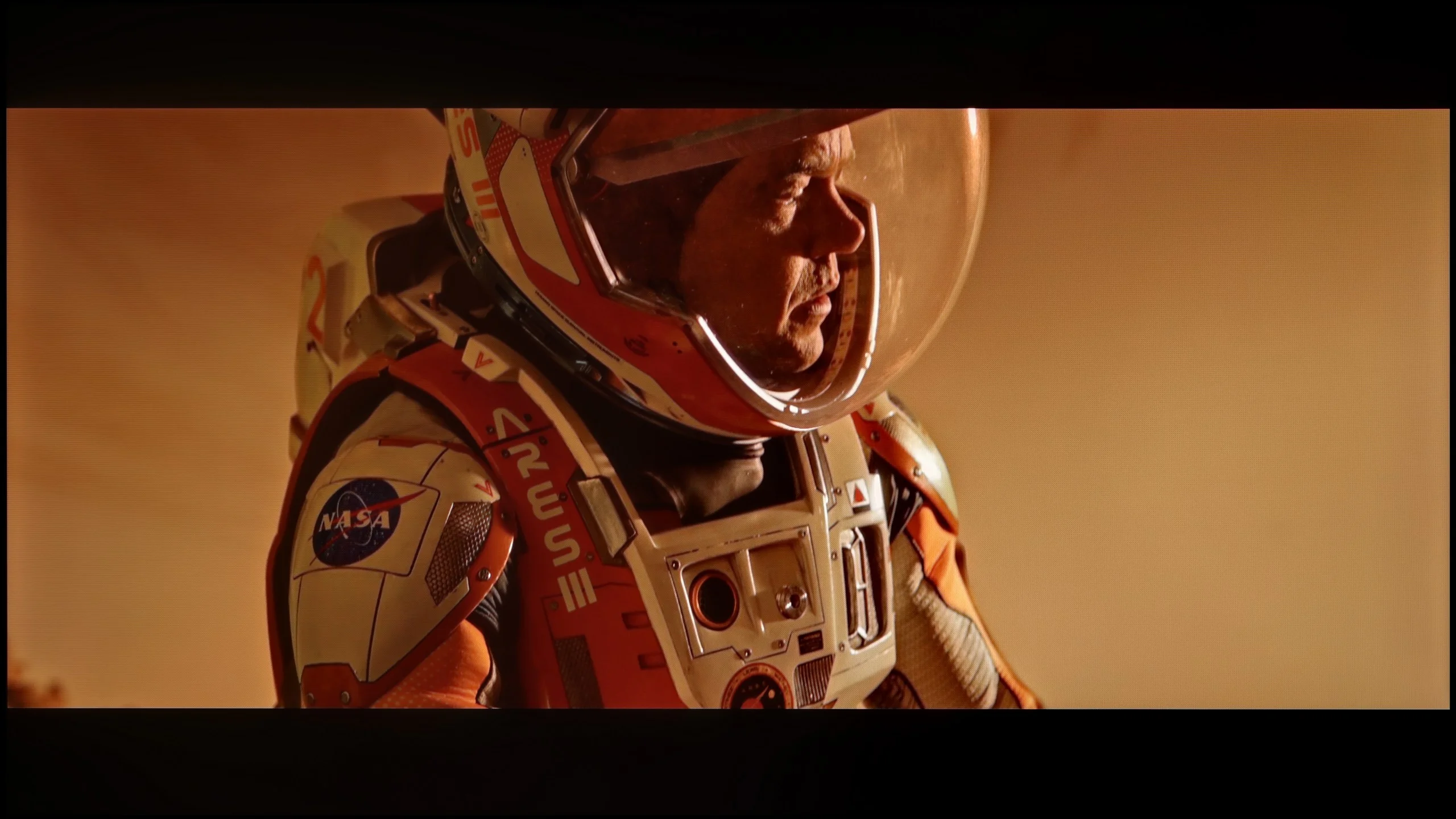
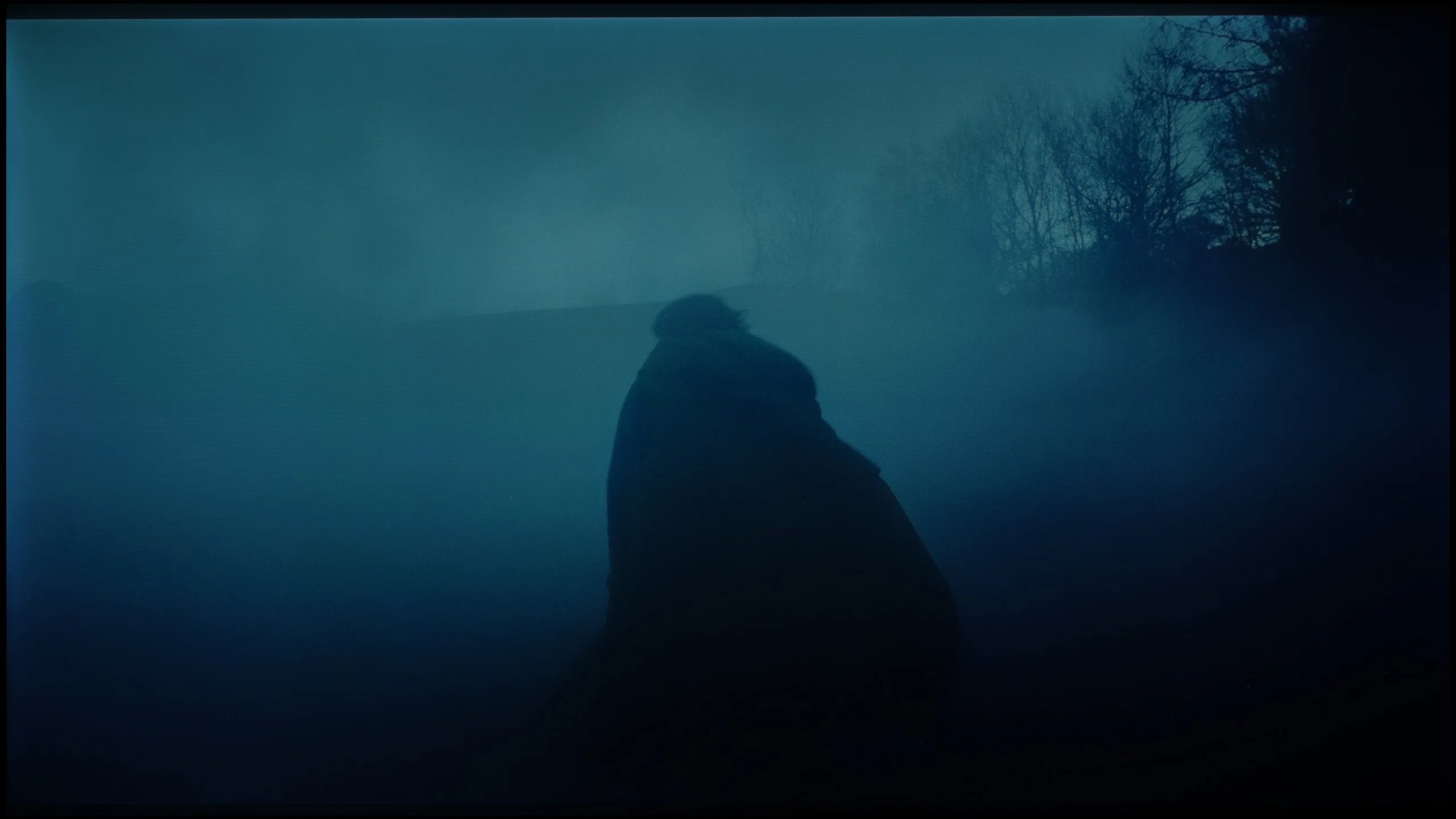
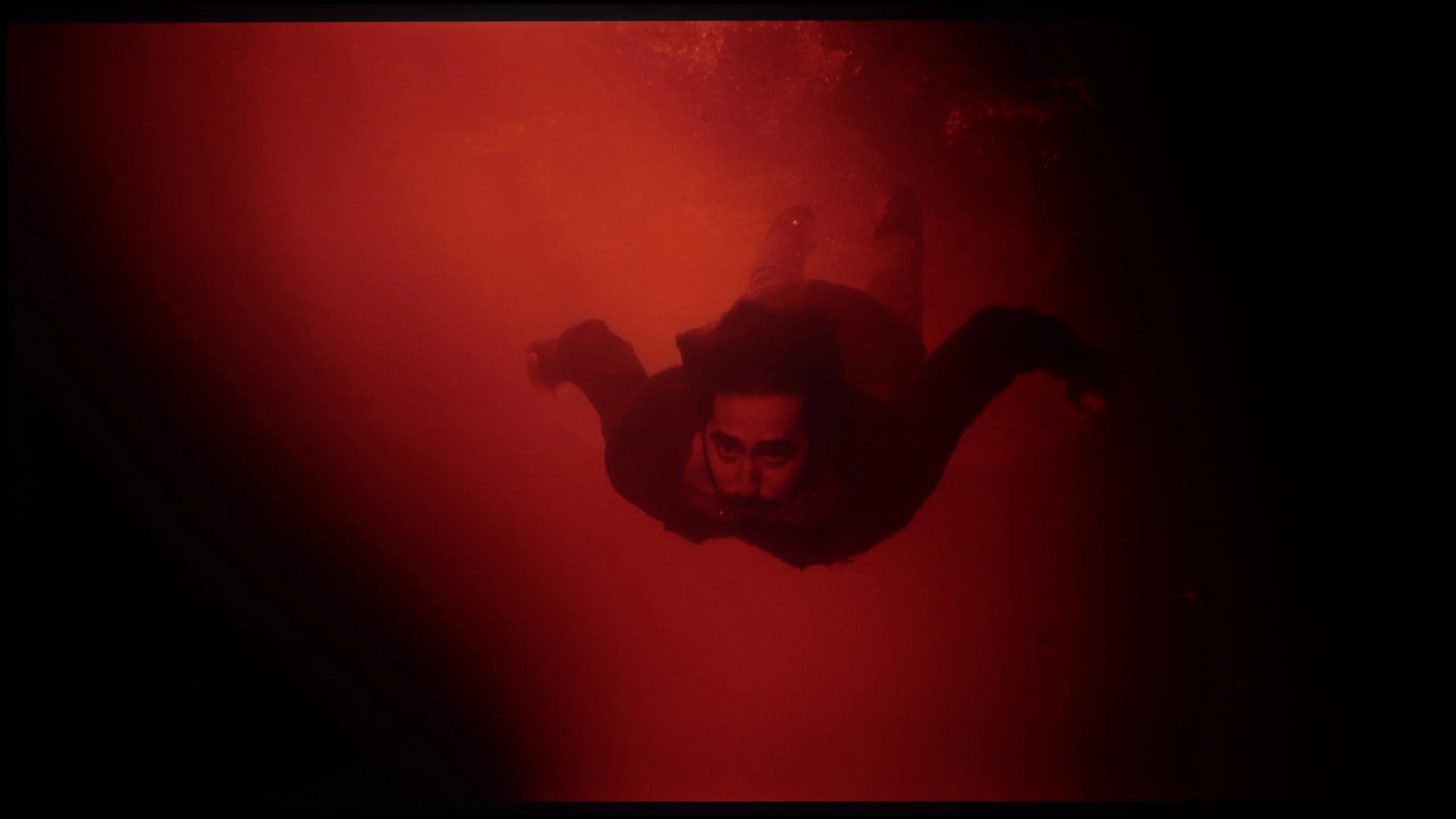
Image scaling and smoothness of tonal transitions
5.5/10
 Smooth transition function
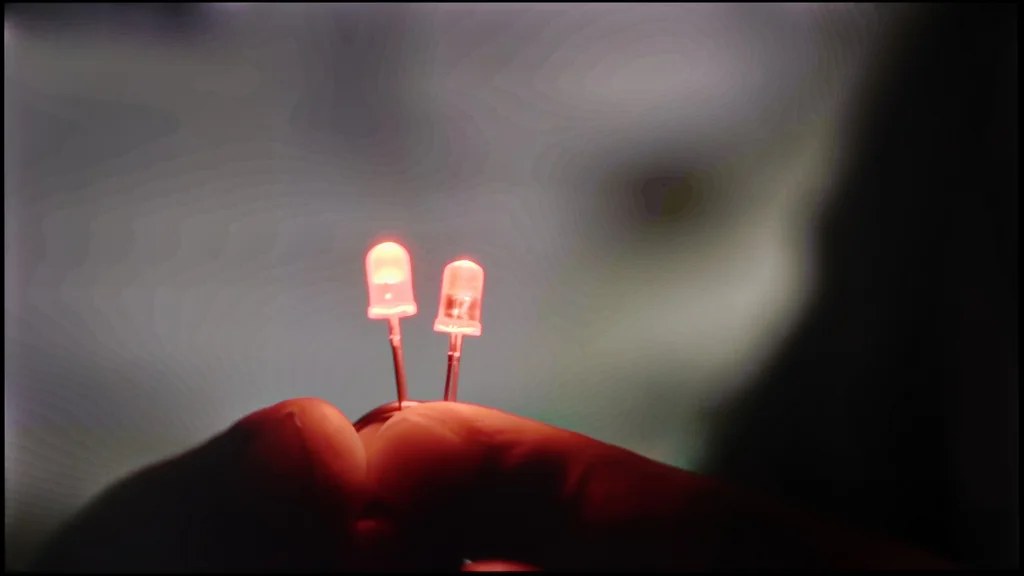
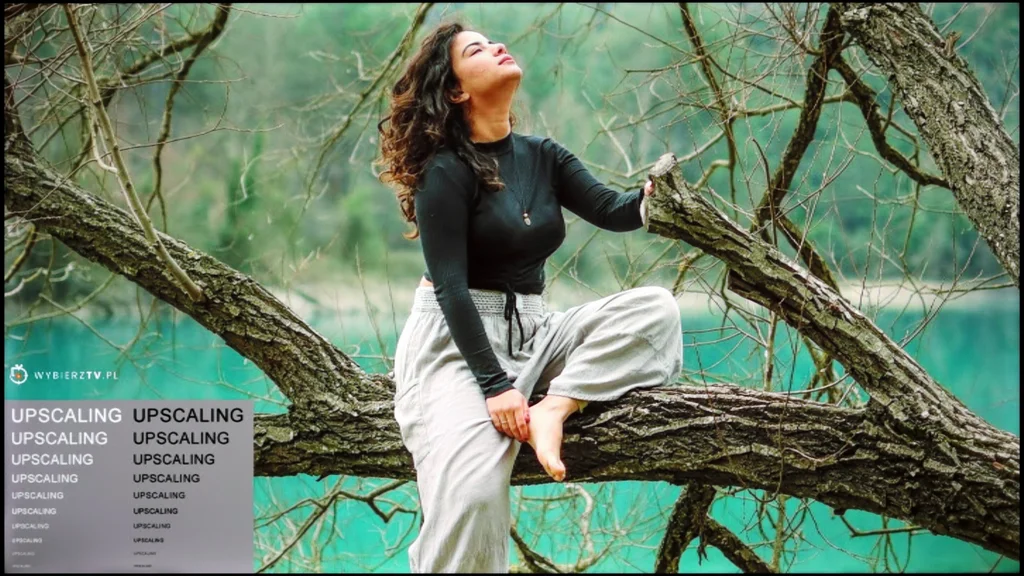
Image without overscan on the SD signal
The TCL P8L's processing of lower-quality material is rather mediocre. The TCL P8L's tonal transition smoothing feature works, but its effectiveness is very uneven. In some film scenes we noticed improved gradation without excessive interference in the picture. However, we can't always count on it; in the sample shot with LEDs the boundaries between shades in the background are still clearly visible. So it can help with weaker source material, but it's not a solution that will handle every scene equally effectively.
The upscaling itself also doesn't stand out positively. The image from SD sources remains soft, and fine details aren't particularly discernible. It's adequate for casual viewing, but older footage won't become noticeably sharper here. On the plus side, we note the lack of overscan, meaning no cropping of the image edges; the TV shows the entire frame.
TCL P8L - Blur and motion smoothness
7.1/10
Maximum refresh rate of the panel: 144Hz
Film motion smoothing option: Yes
Blur reduction option: Yes
BFI function 60Hz: No
BFI function 120Hz: No
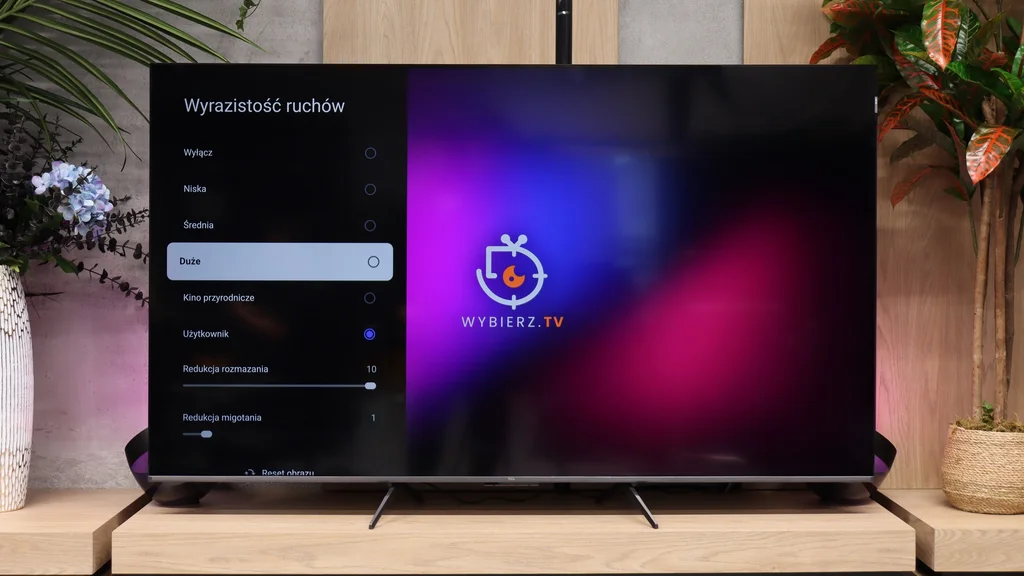
The TCL P8L has a VA panel with a refresh rate up to 144 Hz, which is a big advantage at this price point. You also get motion smoothing and motion blur reduction controls. That lets you adjust motion to your preferences, whether you want to keep a more cinematic feel or opt for stronger smoothing.
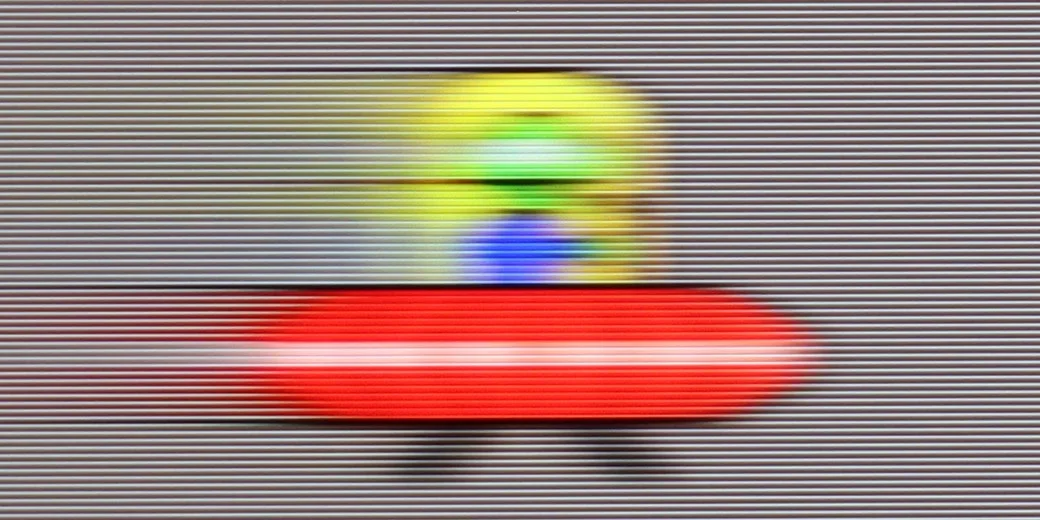
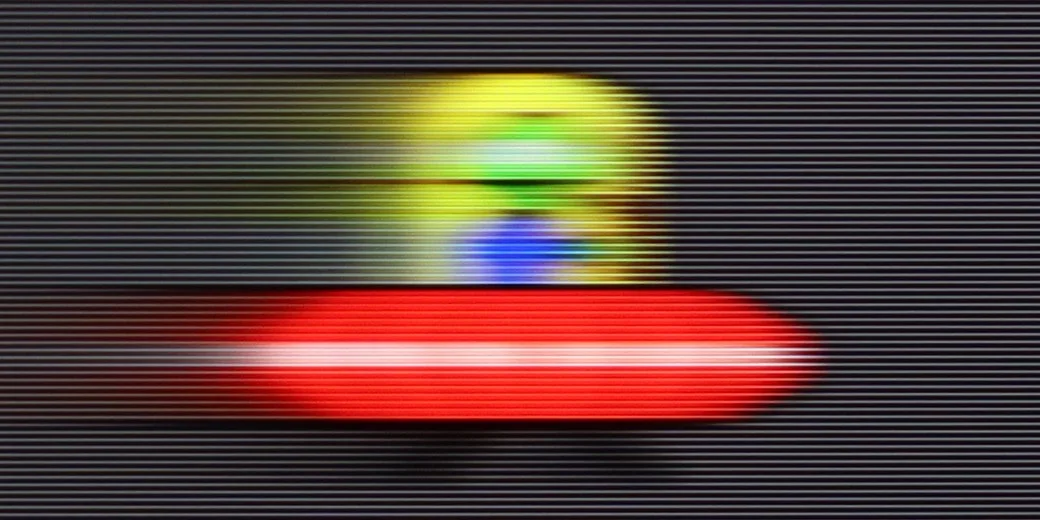
However, a high refresh rate doesn't mean motion stays perfectly sharp. Smearing is fairly strong, especially in dark parts of the image, where moving objects leave a noticeable trail. This is typical behavior for slower transitions between dark shades in VA panels, and it's noticeable on the P8L. So the TV can deliver smooth motion, but in dynamic, dark scenes you should expect a loss of clarity in fine details.
Blur (native resolution, maximum refresh rate):
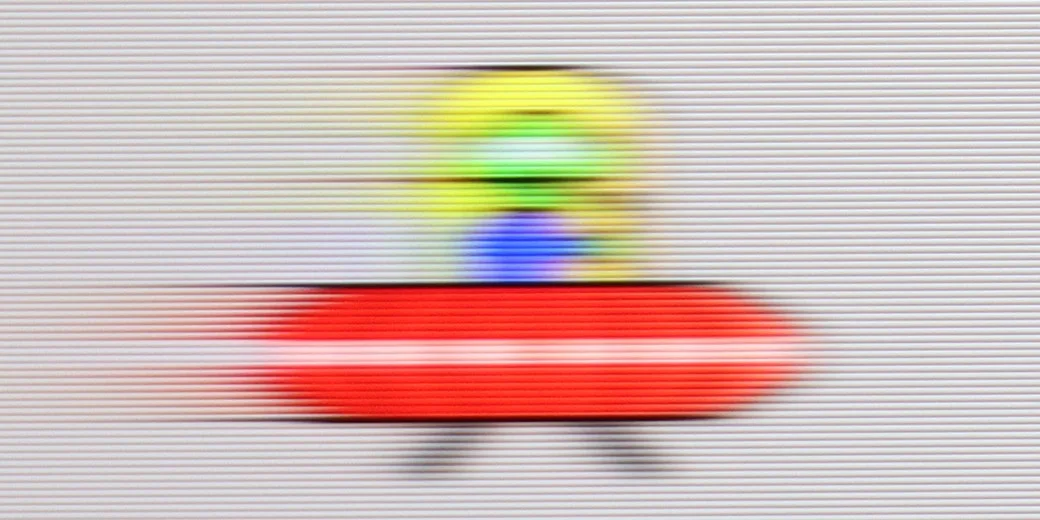
Blur (1080p@244Hz):
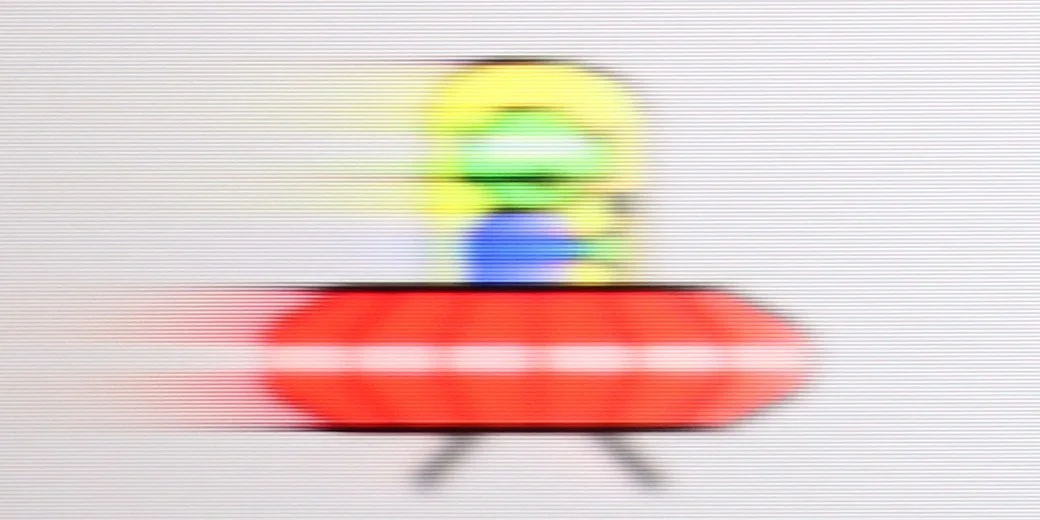
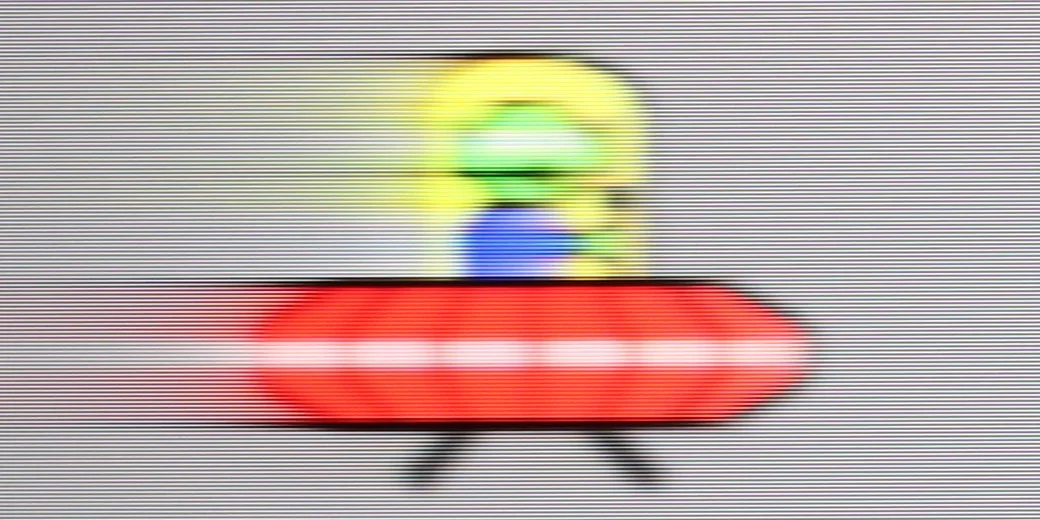
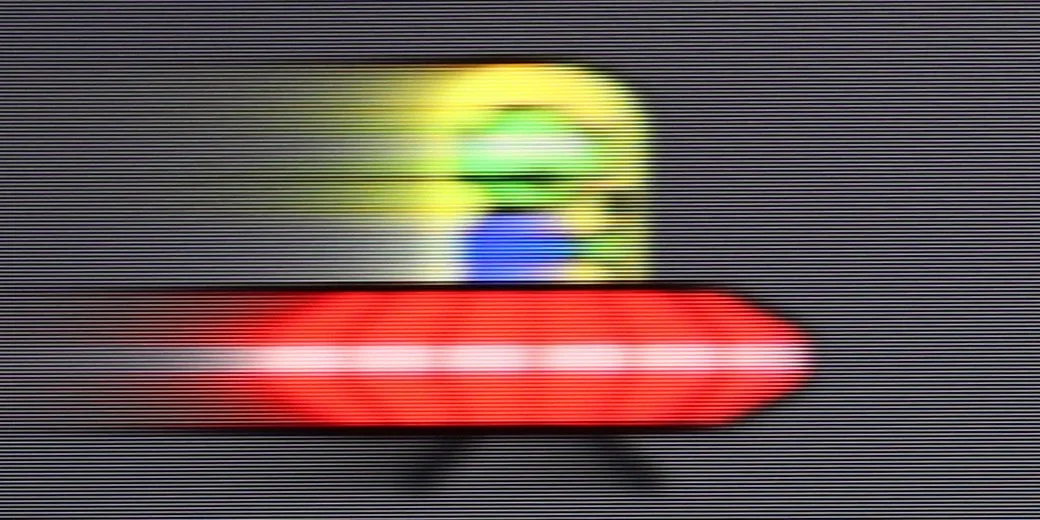
Additionally, we can use the 244 Hz mode at Full HD resolution, which improves the clarity of moving objects. However, it does not eliminate ghosting, especially on dark backgrounds, where you can still see a trail following the object. So we gain motion clarity, but the panel's response time limitations remain.
TCL P8L - Console compatibility and gaming features
9.8/10
- ALLM:
Yes
- VRR:
Yes
- VRR range:
48 - 288Hz
- Dolby Vision Game Mode:
Yes
- Correct implementation of HGIG:
Yes
- 1080p@120Hz:
Yes
- 1440p@120Hz:
Yes
- 4K@120Hz:
Yes
- Game bar:
Yes
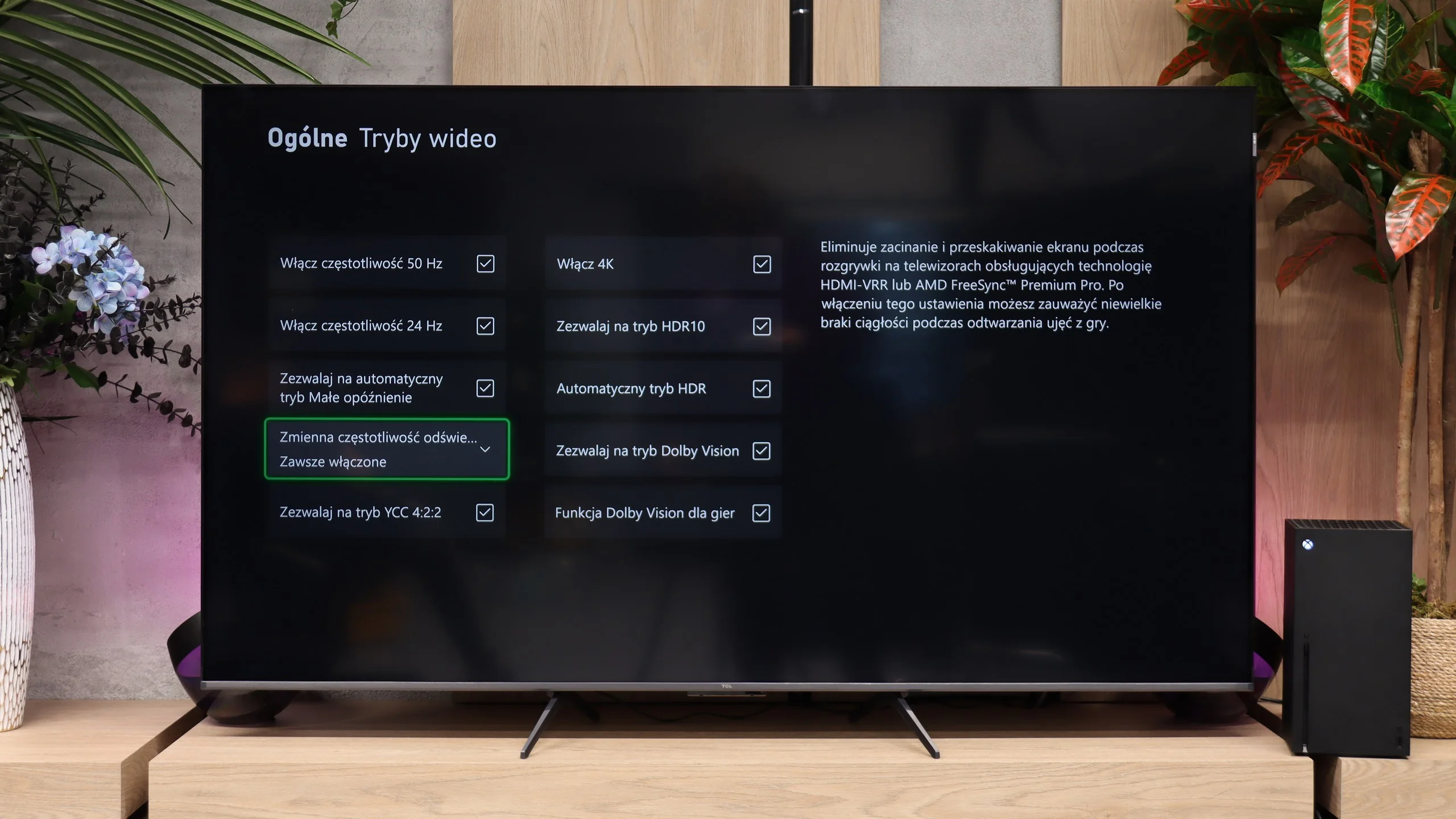
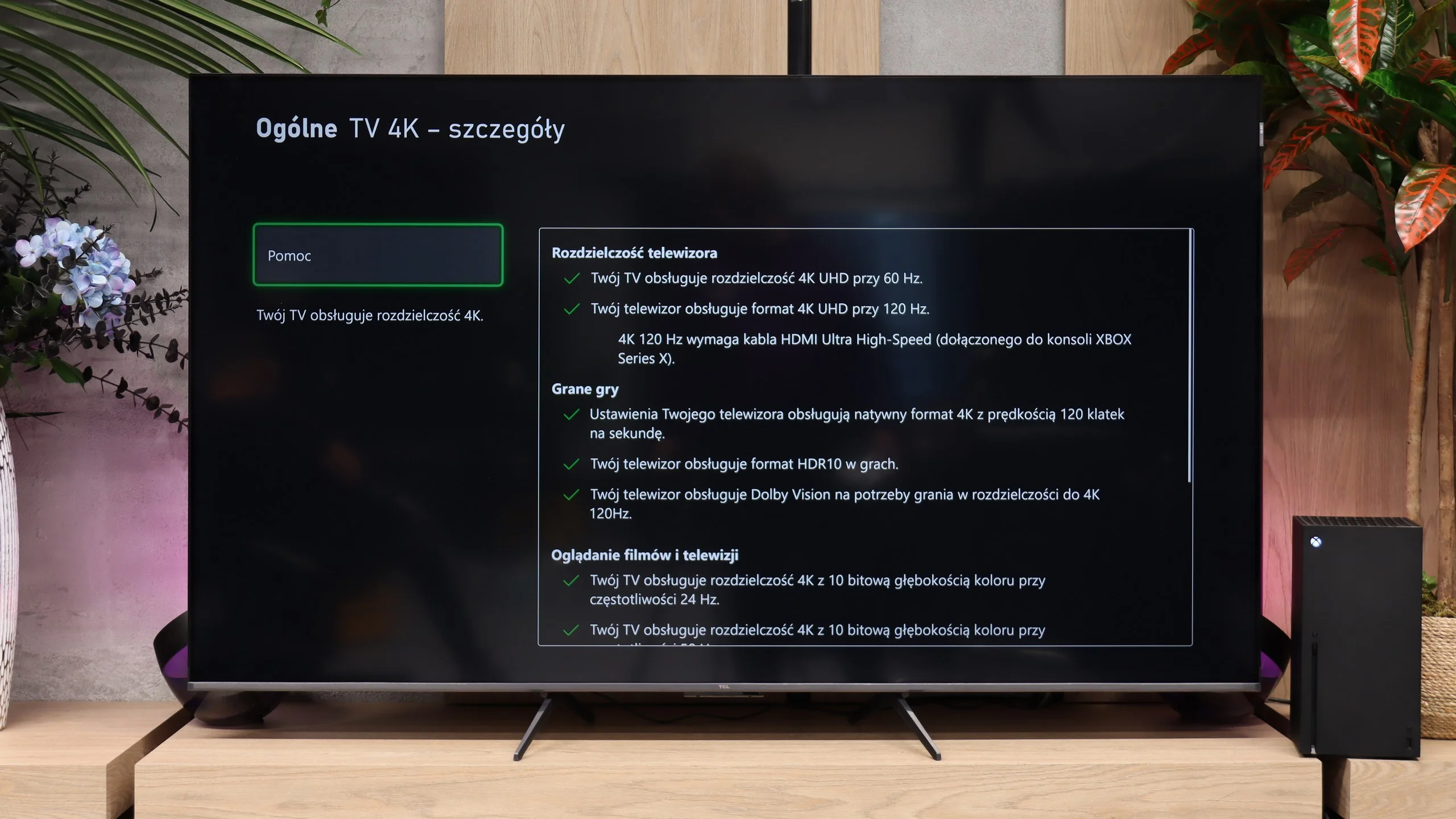
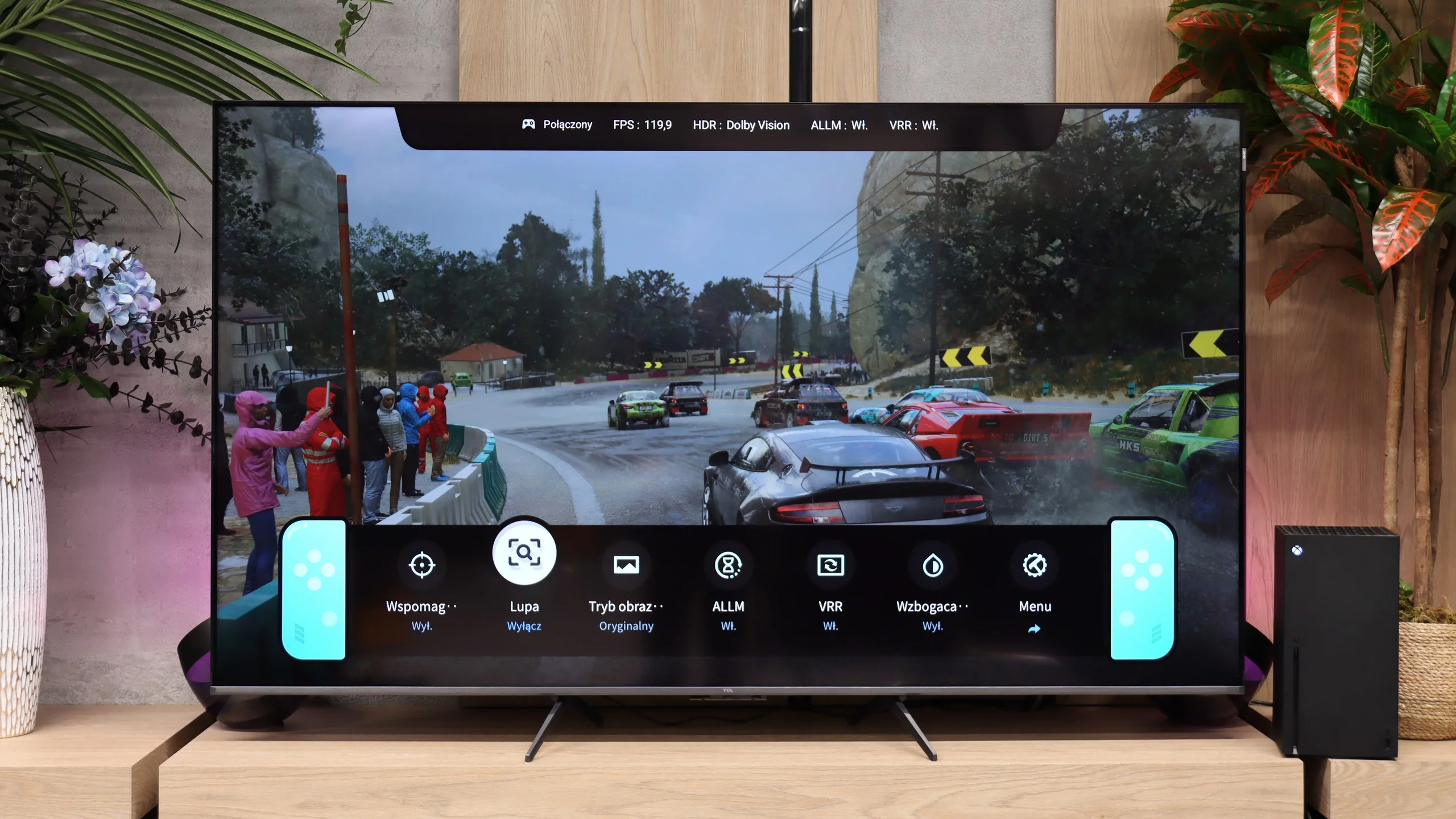
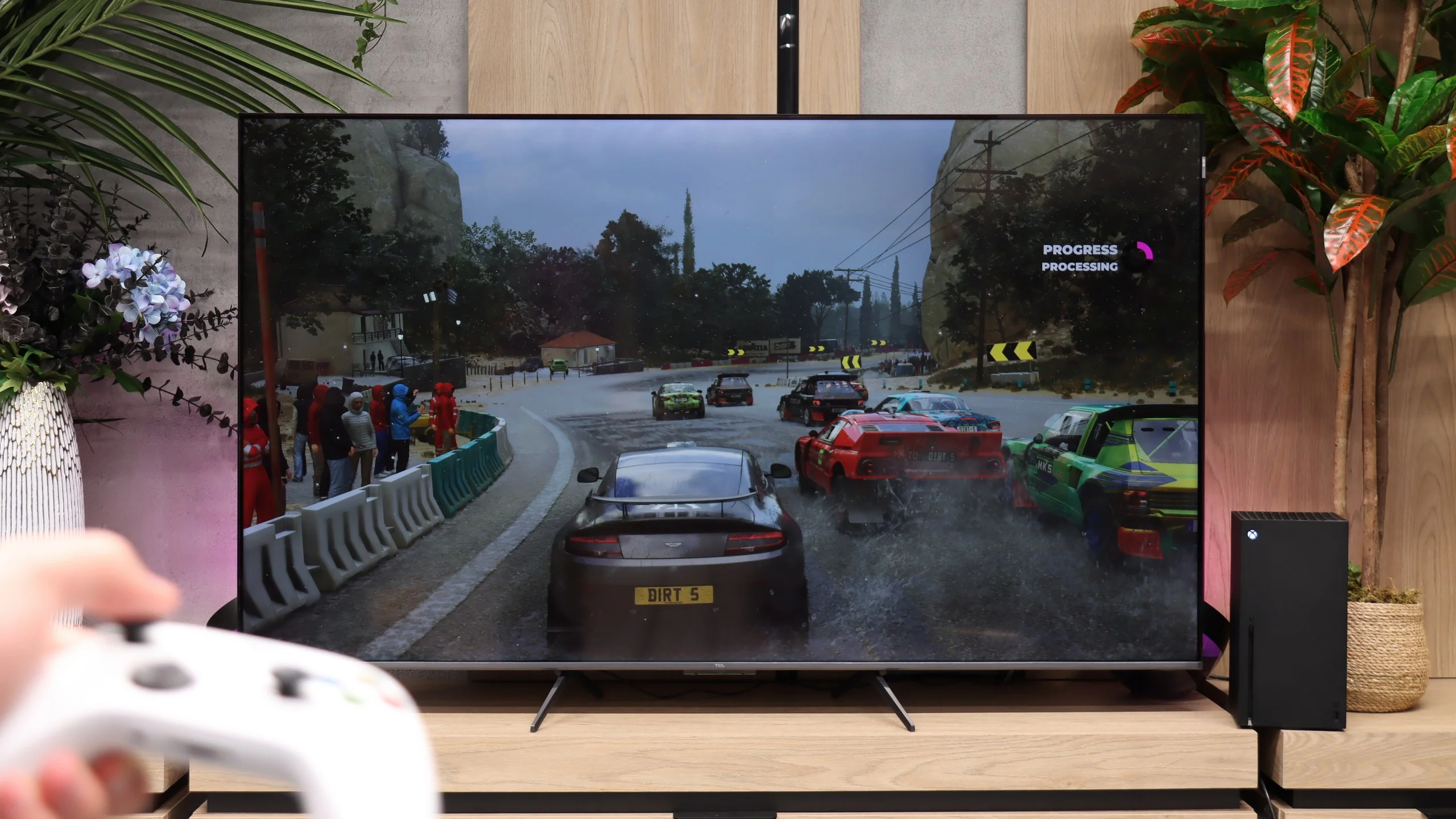
In terms of gaming features, the TCL P8L has a lot to offer. We get two HDMI 2.1 ports with full 48 Gb/s bandwidth, as well as support for 120 Hz signal at Full HD, 1440p and 4K. That means we can use the high-frame-rate modes available on modern consoles. There's also ALLM, which automatically switches the TV into game mode, and VRR, which matches the screen refresh rate to the frame rate produced by the console or PC.
Noteworthy is the properly functioning HGiG, which makes it easier to achieve correct HDR brightness after calibrating the image on the console. The P8L also supports gaming in Dolby Vision, and the handy Game Bar lets you quickly check signal parameters and change settings useful during gameplay. For a budget model the feature set is very comprehensive. Just remember that the advanced gaming features and high refresh rate do not eliminate the panel smearing described earlier.

TCL P8L - Input lag
9.9/10
Input lag in the TCL P8L is very low. In our measurements it was 14 ms with a 60 Hz signal and 10 ms at 120 Hz. Those figures provide quick responsiveness to controller inputs and give no reason to complain even in fast-paced games. What's pleasing is that the values remain the same in SDR, HDR10, and Dolby Vision. So using the latter format does not introduce any additional delay.
| SDR | HDR | Dolby Vision |
|---|---|---|
| 1080p60: 14 ms | 2160p60: 14 ms | 2160p60 DV: 14 ms |
| 1080p120: 10 ms | 2160p120: 10 ms | 2160p120 DV: 10 ms |
| 2160p60: 14 ms | ||
| 2160p120: 10 ms |

TCL P8L - Compatibility with PC
8.6/10
Chroma 444 (max. resolution and refresh rate): Yes
Font clarity: Very Good
Readability of dark text and shapes: Good
Input lag in PC mode (4K, max. refresh rate): 10ms
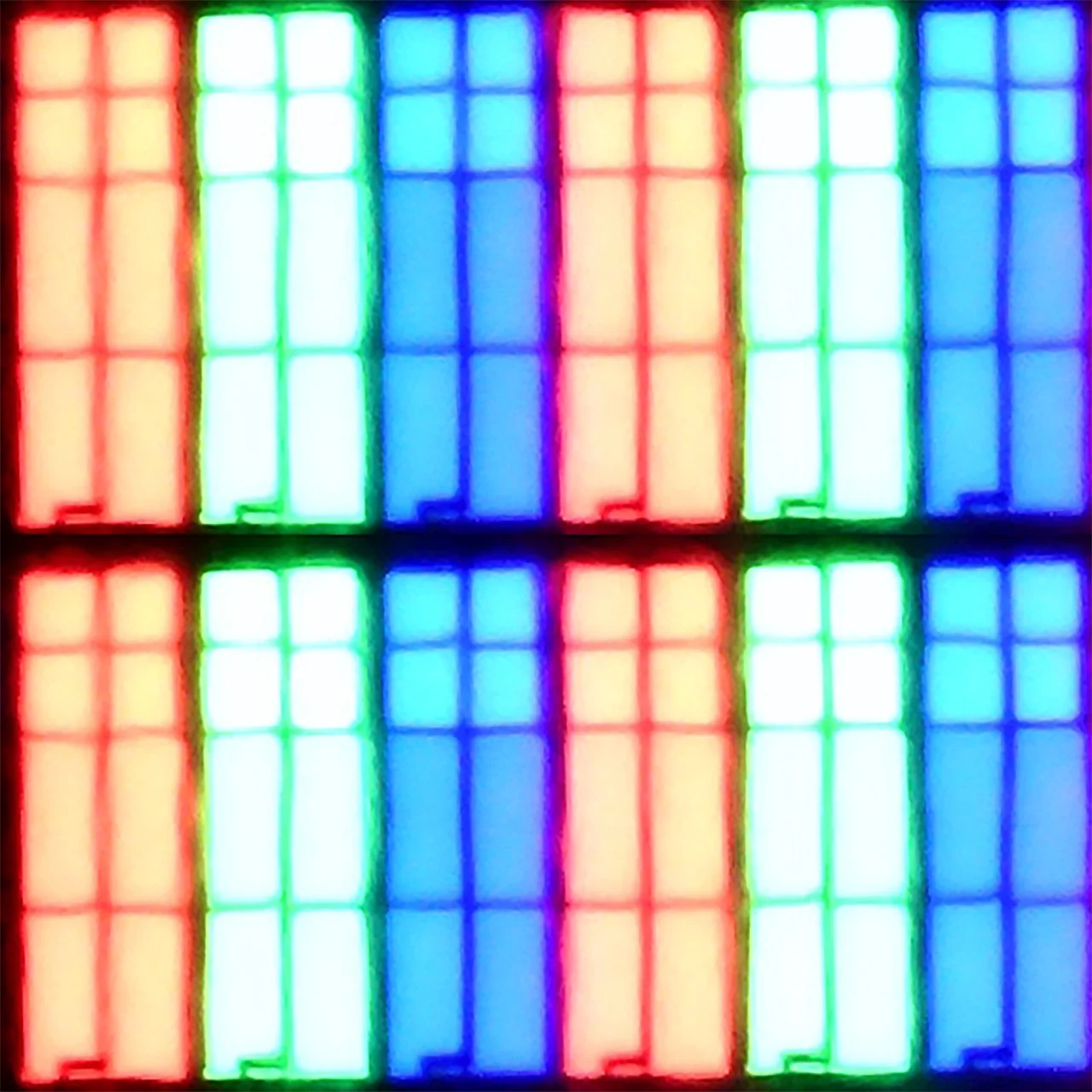
Matrix subpixel arrangement: RGB
Max refresh rate: 144Hz
G-Sync: Yes
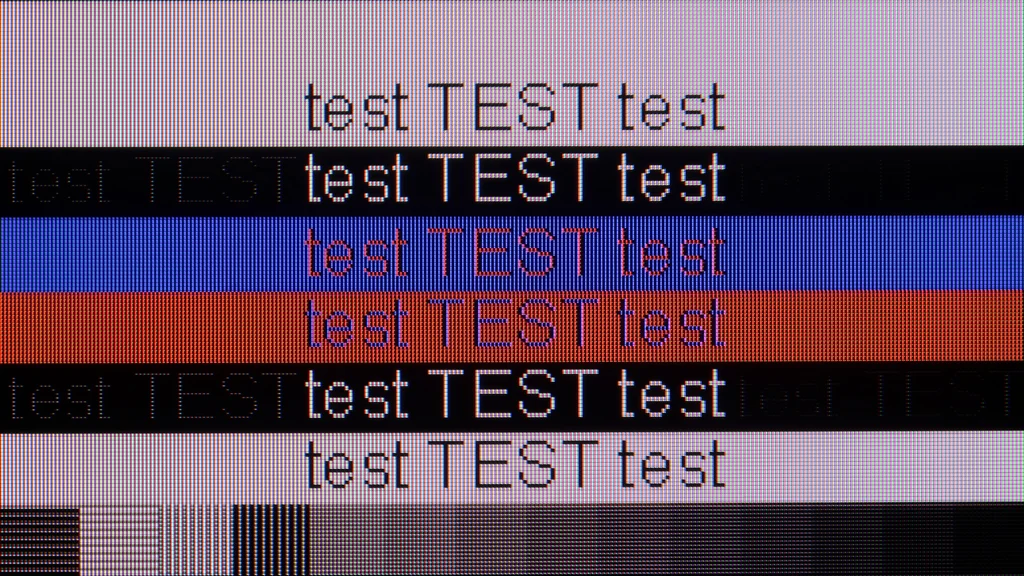
The TCL P8L performs well when used with a computer. It supports 4:4:4 chroma even at 4K and 144 Hz, so we don't have to sacrifice text clarity to use a high refresh rate. Fonts look very good, and dark text and fine details remain readable. In everyday work with documents or a browser, we therefore have no major complaints.
Gamers will be pleased by the working G-Sync and low input lag of 10 ms at the maximum 4K refresh rate. Additionally, we can switch to 288 Hz at Full HD resolution. It's an interesting option for people who prefer to prioritize smoother motion over image detail in fast-paced games.
TCL P8L - Viewing angles
3.3/10
Brightness drop at an angle of 45 degrees: 82%
Viewing angles on the TCL P8L are unfortunately average, which is typical for the VA panel used. When you look at the screen from the side, colors lose saturation, blacks become lighter, and the image noticeably loses contrast. IPS panels usually preserve colors better at an angle, though when viewed straight on they have weaker black levels. The P8L is therefore best watched sitting as centrally in front of the screen as possible.
TCL P8L - Daytime performance
5.9/10
Panel finish: Satin
Reflection suppression: Decent
Black levels during daytime: Good
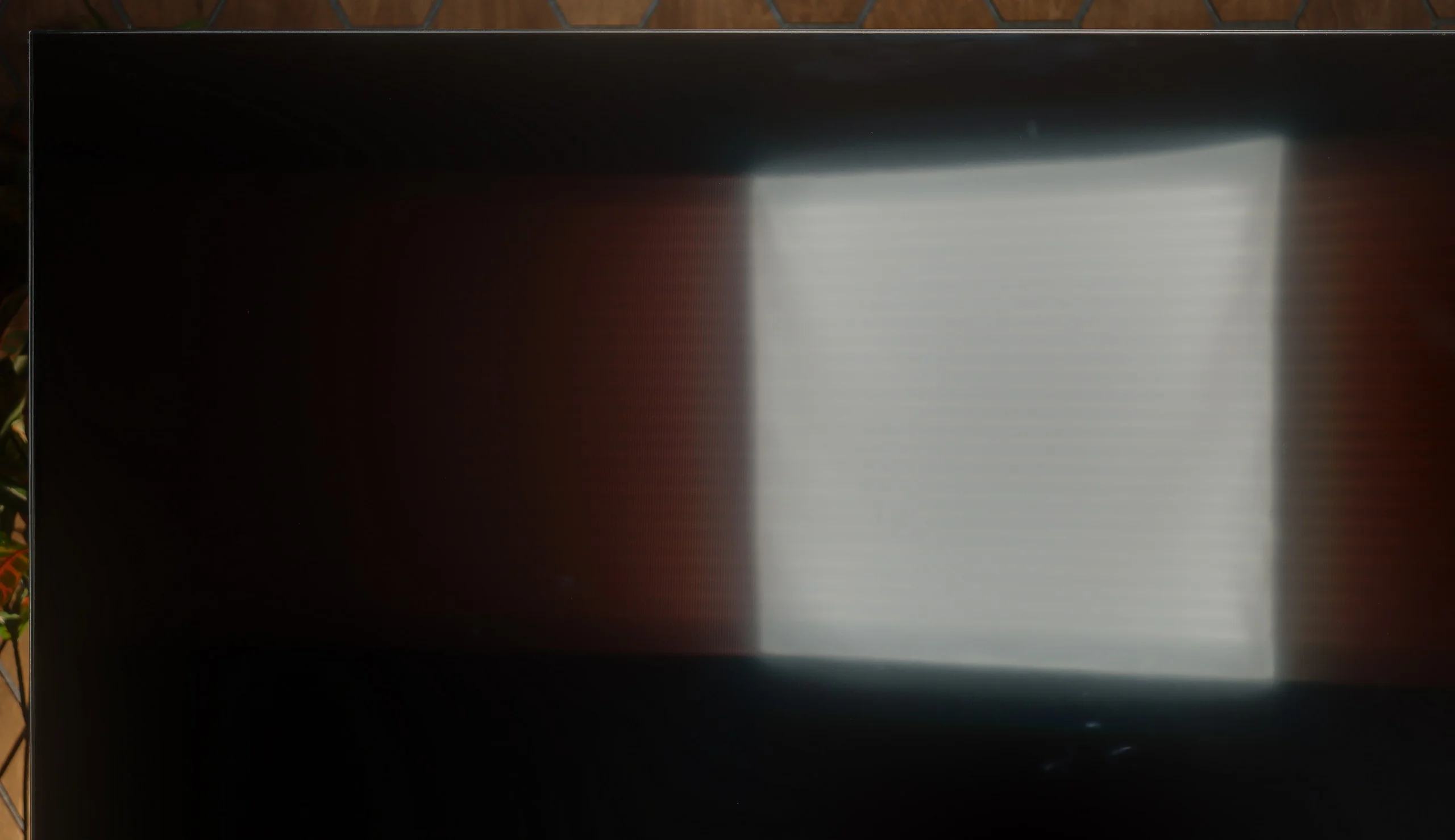
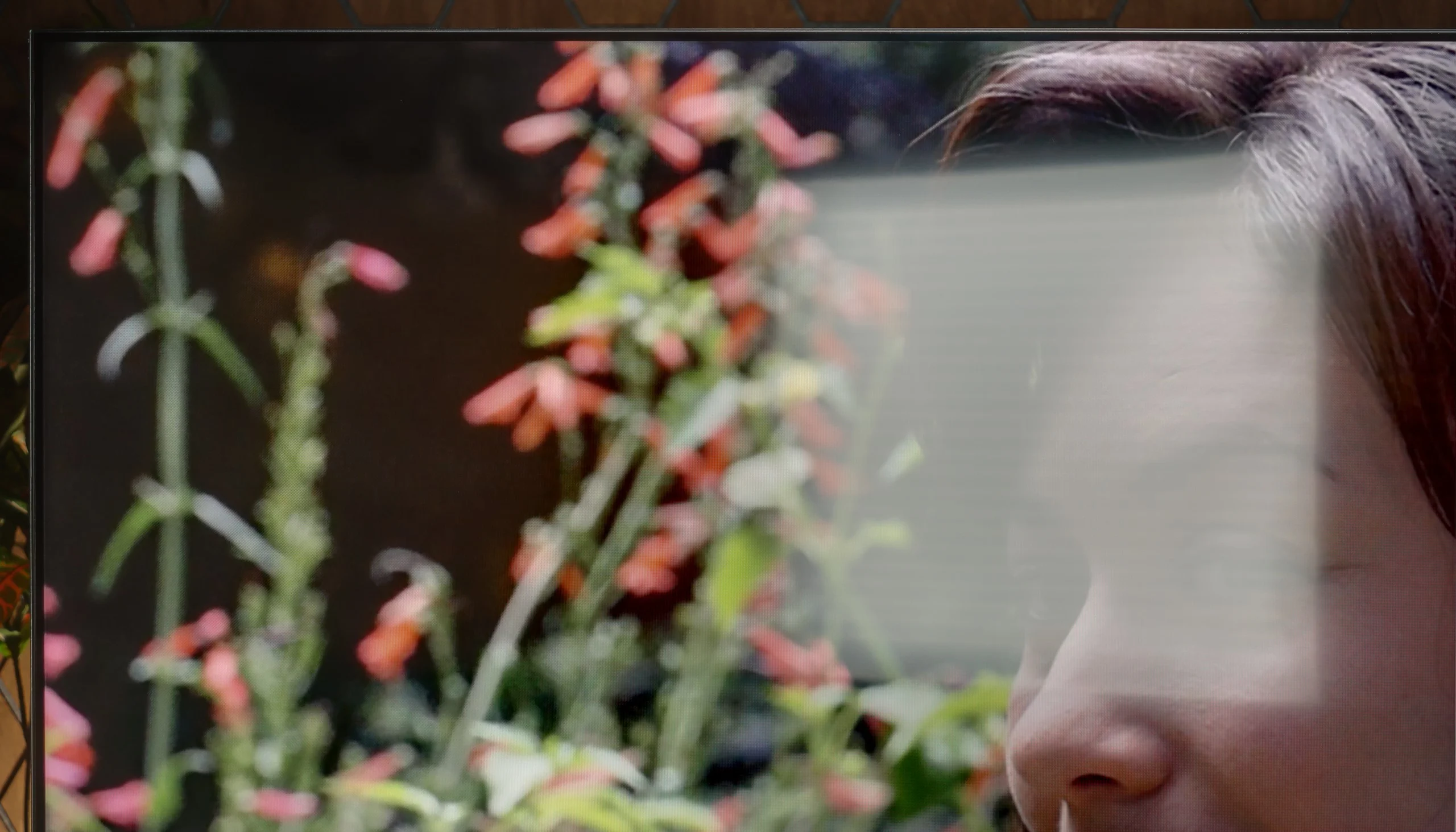
The TCL P8L is a moderately bright TV, in SDR we measured an average of 484 nits, roughly 500 nits. That's a pretty good result for this price range, though certainly not record-breaking. In a typical living room during the day that brightness should be sufficient for comfortable viewing, but under strong sunlight it may not leave much headroom. The satin coating does a decent job of reducing reflections, though a window opposite the screen will still be clearly visible. On the plus side, black levels and colors hold up well under ambient light. The image doesn't become overly washed out. So the P8L performs quite reasonably during the day for its price, especially if you avoid placing it directly opposite a window.
Panel brightness
TCL P8L: 484 cd/m2
TCL P8L - TV features
7.8/10
System: Google TV
System performance: Good
- HDMI inputs: 2 x HDMI 2.0, 2 x HDMI 2.1 48Gbps
- Outputs: Toslink (Optical audio), eARC (HDMI), ARC (HDMI)
- Network Interfaces: Wi-Fi 2.4GHz, Wi-Fi 5GHz, Ethernet (LAN) 100Mbps
- TV reception: DVB-T, DVB-T2, DVB-S, DVB-S2, DVB-C
Classic features:
 Recording to USB (terrestrial TV): No
- Recording programming: No
- Picture in Picture (PiP): No
- RF remote control (no need to aim): RF
- Backlit remote control: No
- Teletext: Yes
- Audio only mode: Yes
- Bluetooth headphones support: Yes
- Simultaneous Bluetooth headphones & TV audio: Yes
Smart features:
- AirPlay: Yes
- Screen mirroring (Windows Miracast): Yes
- Voice search: Yes
- Voice search in native language: Yes
- Ability to connect a keyboard and mouse: Yes
Smart TV - Google TV
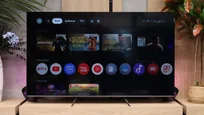
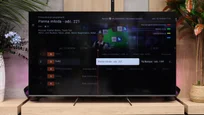
The TCL P8L uses Google TV, which runs smoothly and provides access to a wide range of apps. In everyday use, Polish voice search is handy; instead of typing a title with the remote, you can just say it. AirPlay and screen sharing via Miracast are also available, and you can connect a keyboard and mouse to the TV.
Classic features and the remote
Among the practical extras, the ability to use Bluetooth headphones and the TV speakers at the same time stands out. That's useful when one viewer needs a different volume level. Teletext is also available, as is an audio-only mode that plays sound with the screen turned off. However, it lacks USB recording, scheduling recordings, and picture-in-picture (PiP). The remote communicates via RF, so you don't have to point it at the TV, which makes daily use easier. It does not have backlit buttons, which would be helpful during evening viewing.
Sound connection options
HDMI audio:
Other audio outputs:
- Toslink: Yes
Wireless audio:
- Bluetooth: Yes
Supported audio formats (external HDMI eARC audio):
- Dolby Digital Plus 7.1: Yes
- Dolby True HD 7.1: Yes
- Dolby Atmos in Dolby Digital Plus (JOC): Yes
- Dolby Atmos in Dolby True HD: Yes
- DTS:X in DTS-HD MA: Yes
- DTS-HD Master Audio: Yes
Senior accessibility
- Numeric keyboard on TV: Yes
- Font size adjustment: Yes
- Audio description: Yes
TCL P8L - Apps
9.6/10






















TCL P8L - Playing files from USB
9.4/10
| Maximum photo resolution: | Supported photo formats: |
|---|---|
| 4 Mpix | JPEG |
| 6 Mpix | HEIC |
| 8 Mpix | PNG |
| 10 Mpix | GIF |
| 12 Mpix | WebP |
| 16 Mpix | TIFF |
| 20 Mpix | BMP |
| 24 Mpix | SVG |
| 28 Mpix | |
| 32 Mpix |
The TCL P8L's built-in USB media player performs very well. It handles most of the formats and codecs we tested, supports popular subtitle formats, and correctly displays Polish characters. We can also change the font color. A minor drawback is the lack of support for subtitles in TXT format, although those are now so rarely used that most people won't even notice.
TCL P8L - Sound
5.8/10
86dB
Maximum volume

Supported codecs (TV speakers)
Dolby Digital Plus 7.1
Dolby True HD 7.1
Dolby Atmos in Dolby Digital Plus (JOC)
Dolby Atmos in Dolby True HD
DTS:X in DTS-HD MA
DTS-HD Master Audio
TCL P8L is equipped with a 2.1 audio system branded Onkyo, with an additional subwoofer mounted on the back of the cabinet. Its presence is clearly audible; there's plenty of bass, giving the sound more weight than in typical basic TV speakers. Unfortunately, quantity doesn't always go hand in hand with quality. Low frequencies lack control and can sometimes sound raspy, which ruins the effect in bass-heavy parts of films or music.
In our measurements, the maximum volume reached 86 dB. On the plus side, it supports Dolby Atmos via Dolby Digital Plus and DTS formats, including DTS-HD Master Audio and DTS:X. The built-in speakers do not, however, support Dolby TrueHD or the Atmos encoded in it.
Sound Quality Test:
Acoustic Measurements
86dBC (Max)
75dBC
TCL P8L - Panel details
Software version during testing: v8-0012t01-lf1v643.003175
Image processor: mt5896 2,5gb RAM
Subpixel Structure:
Panel uniformity and thermal imaging:

Backlight Type: Mini-LED PFS LED

Founder and originator of the "ChooseTV" portal

Journalist, reviewer, and columnist for the "ChooseTV" portal

michal-woloszyn-title
Reader comments
Comments are provided by the external service Disqus (Zeta Global). Once loaded, Disqus may set cookies and process data about your activity.
We will remember your choice on this device. Provider's privacy policy
See articles related to TCL P8L:
 07/21/2026
11/06/2026
09/14/2026
02/22/2026
03/06/2025
02/09/2026
05/13/2025
06/25/2025