 Editorial team
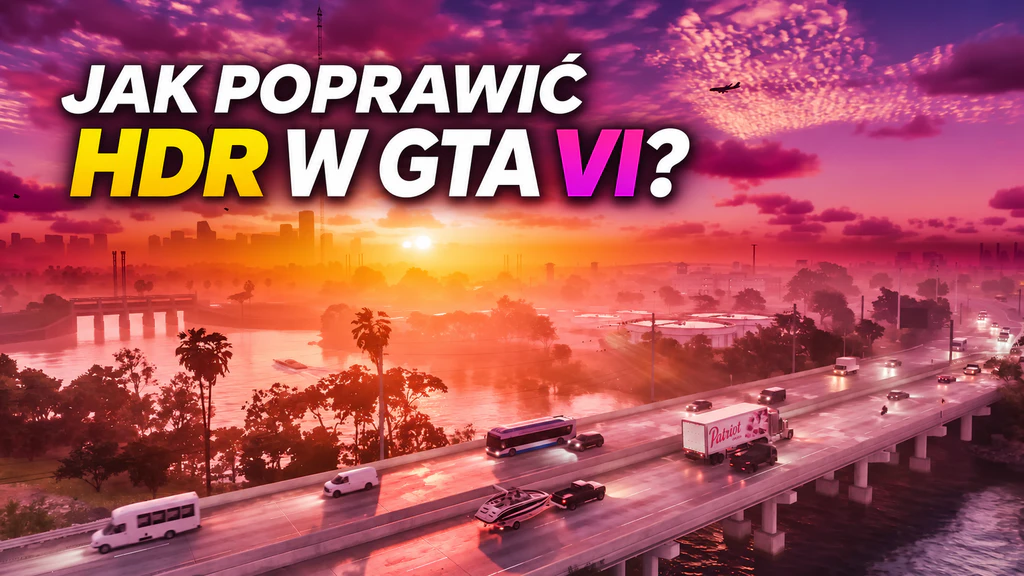
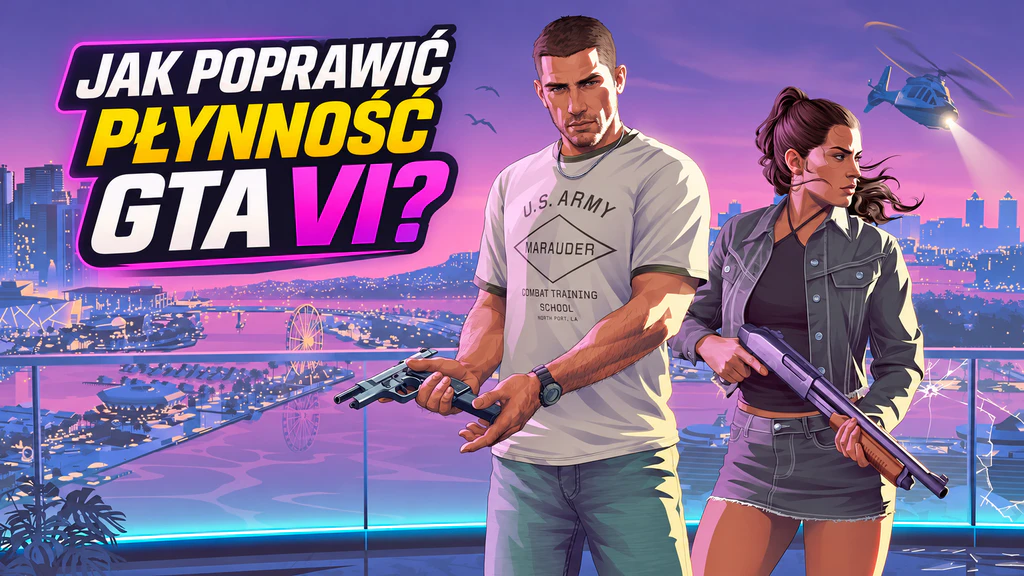
GTA VI impresses with its visuals, but it turns out that not everything works as it should. Vincent Teoh from the HDTVTest channel discovered serious HDR calibration issues that can make the game look worse than our TV is capable of. Interestingly, the problem occurs on both PlayStation 5 and Xbox consoles.
HDR settings in GTA VI can be misleading
Vincent Teoh conducted detailed measurements on a professional Sony reference monitor. It turned out that the brightness set in the calibration menu does not always match what is displayed during gameplay.
For example, with the maximum brightness set to 1000 nits, the sun in the game reached only about 600 nits. In addition, the Paper White slider affects not only the brightness of white but also the image's actual peak brightness.
Worse still, GTA VI completely ignores the system HDR calibration on PS5 and Xbox consoles. This means that even a correctly configured TV does not guarantee an optimal in-game image.
How best to set HDR in GTA VI?
Vincent Teoh has prepared preliminary recommendations for TVs reaching at least 1,000 nits of HDR brightness:
Max Brightness: 2000
Black Levels: 20
Paper White: 35
For less capable displays, adjust the settings to their actual capabilities. For example, for a TV hitting around 600 nits a starting point could be Max Brightness set to 1,200.
The expert also recommends carrying out calibration in a darkened room and paying attention to detail in dark scenes.
It is worth emphasising that HDR in GTA VI itself is not broken; the issue mainly concerns the way it is calibrated. The suggested values are a starting point, not universal settings for every TV. Rockstar has not yet announced a fix to address the problem.
Sources: HDTVTest, PushSquare