 Editorial team
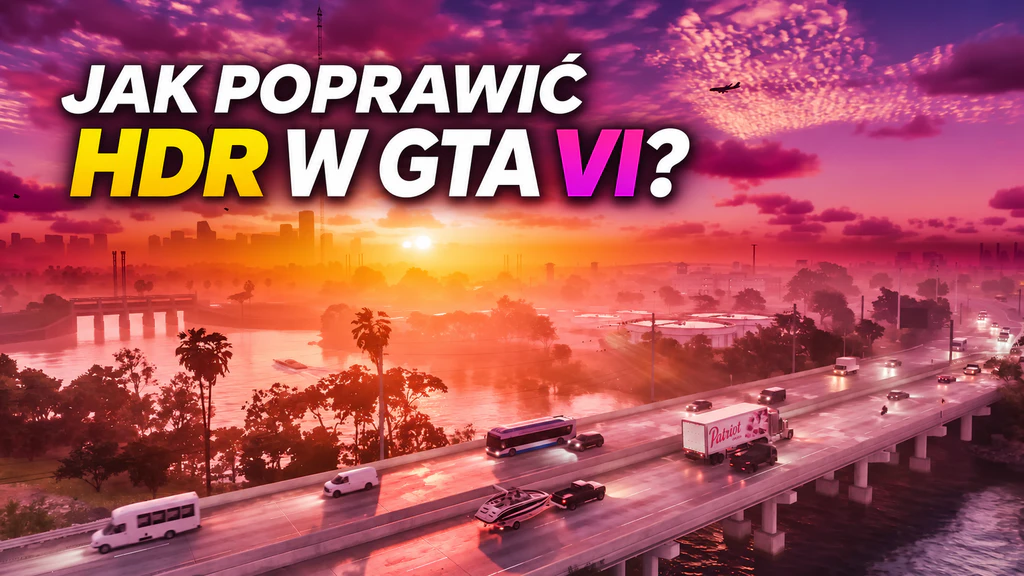
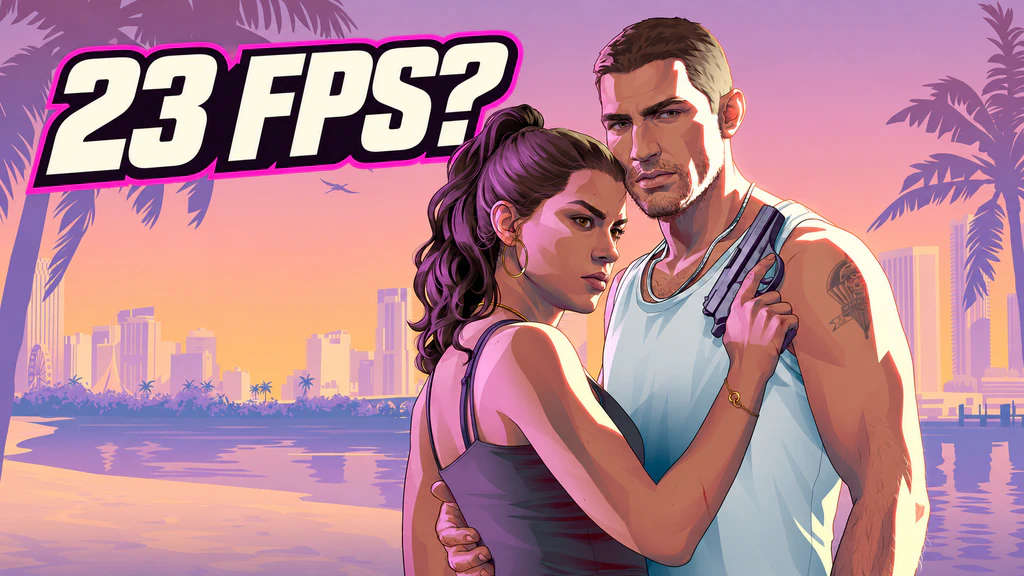
GTA VI dazzles with its visuals, but the absence of a 60 FPS mode remains one of the biggest disappointments for players. Rockstar has capped the frame rate at 30 even on the PlayStation 5 Pro, citing the enormous processor load. However, there are several ways to make the picture look much smoother without waiting for an official game update. The most interesting of these use TV features or frame generation on a PC.
TV motion smoothing: the simplest method
Modern TVs can create extra frames between those generated by a console. Thanks to motion interpolation, a game running at 30 FPS can look almost like a title running at 60 FPS.
The RTINGS editorial team tested this feature on TVs from several manufacturers. TCL and Hisense performed best, allowing motion smoothing to be used even in game mode. This is clear from the latency measurements:
TCL QM8L: input lag rose from 14.5 ms to 24.5 ms.
Hisense UR9SG: input lag rose from 12.8 ms to 32.9 ms.
Samsung QN80F: input lag rose from 10 ms to 24.2 ms.
Samsung offers the Game Motion Plus feature, but in RTINGS tests its behaviour proved less stable. For LG and Sony the situation is more difficult: enabling interpolation on the models tested required exiting game mode, which significantly increased latency.
Philips is also worth mentioning. Selected 2026 TVs received a special Low Frame Rate Game mode that allows motion smoothing of 30 FPS games with relatively little extra latency.
How to enable motion smoothing in GTA VI?
Depending on the TV, look for the corresponding function:
Samsung: Game Motion Plus in the game mode settings.
TCL: Motion Clarity, adjust Judder Reduction.
Hisense: Motion Processing, reduce motion judder.
Philips: Low Frame Rate Game or Game Motion.
LG: TruMotion, usually when not in game mode.
Sony: Motionflow, typically outside game mode.
If the feature is unavailable, try setting the signal to 60 Hz and disabling VRR. Availability of specific options depends on the TV model.
60 or 120 FPS via a computer and a capture card
The second method is more advanced. Elgato published a guide showing how to use a capture card, a computer and software that generates additional frames.
Simply feed the console's output to the computer, then use software such as Lossless Scaling, NitLink or Veyra. In Lossless Scaling, choose LSFG and a 2× multiplier for a 60 FPS image, or 4× for 120 FPS.
An alternative to a capture card is PS Remote Play, which streams the console's output to the computer. You can apply interpolation there as well, though it introduces additional network latency and video compression.
Is it worth using these solutions?
Bear in mind that none of the methods described make GTA VI actually run at 60 FPS. The console still produces 30 frames, and the remaining frames are artificially generated.
Interpolation can cause artefacts around moving objects and increase input lag. Even so, for people who are put off by stuttering while driving around Vice City, it can be an interesting alternative to the standard 30 FPS.
Sources: RTINGS, Elgato, FlatpanelsHD, LG