- Matching (Score) |
- Our verdict |
- Competing TVs |
- TV appearance |
- Where to buy |
- Contrast and black detail |
- HDR effect quality |
- Factory color reproduction |
- Color reproduction after calibration |
- Smoothness of tonal transitions |
- Image scaling and smoothness of tonal transitions |
- Blur and motion smoothness |
- Console compatibility and gaming features |
- Input lag |
- Compatibility with PC |
- Viewing angles |
- Daytime performance |
- TV features |
- Apps |
- Playing files from USB |
- Sound |
- Panel details
Philips OLED911 Review
Available screen sizes:
Complete the survey to find out the result
Panel type: WRGB OLED Refresh rate: 165Hz Brand: PHILIPS Resolution: 3840x2160 System: Titan OS Model year: 2026
This review is an English translation of the Polish original. Read the original on Wybierz.tv.
PHILIPS OLED911 - Our verdict
8.5
Overall rating
Philips OLED911 is one of those TVs that can make a huge impression from the first movie. The second-generation Tandem OLED panel delivers very strong HDR, and colours in Filmmaker mode are excellently tuned straight out of the box. Combined with deep blacks and four-sided Ambilight, an evening session looks truly spectacular. Philips adds something that even many expensive sets still lack — very good sound. The Bowers & Wilkins soundbar means you can comfortably shelve plans for extra speakers after buying it. It’s the best‑sounding TV we’ve tested this year. All the more frustrating, then, that the only real stumble with such a good picture shows up in the darkest scenes. Fine details near black can flicker, and smooth backgrounds sometimes develop noticeable grain. We saw similar behaviour in the LG G6, so the OLED911 is another model using this panel generation with the same issue. It doesn’t catch your eye for an entire viewing, but once you notice it it’s hard to stop looking. Swapping Google TV for Titan OS also leaves a little to be desired, though the system itself has clearly matured and runs smoothly. The biggest impact is the smaller app selection. If all the services you use are available, it shouldn’t be a major problem for everyday watching. It’s harder to understand keeping an infrared remote — having to point it at the screen just doesn’t suit such an advanced model. Despite these points, the OLED911 remains one of the most interesting TVs this year. The combination of picture, sound and Ambilight gives it a distinctive character. It’s especially well suited if you want to create a living-room cinema without adding more kit. If the behaviour of the deepest blacks could be refined, it would be hard to find a comparably significant complaint. It’s a really great TV. All the more of a shame that its biggest weakness may be tied to the panel generation itself. The similarity to the LG G6 gives reason to suspect that, though it doesn’t yet tell us how much can be improved on the Philips software side.
Advantages

Perfect blacks and contrast: OLED
Very high brightness
Four-sided Ambilight
Excellent sound: soundbar by Bowers & Wilkins
Very good viewing angles
Good glare handling and deep blacks in daylight
Fast 165 Hz panel and very low input lag
Four HDMI 2.1 ports and extensive gaming features (VRR and ALLM)
Disadvantages

Flicker and graininess in the darkest grey tones
Visible posterisation and average smoothing of tonal transitions
Fewer apps available on Titan OS than on Google TV
Infrared remote that requires pointing directly at the screen
 Movies and series in UHD quality
8.6
 Classic TV, YouTube
8.5
 Sports broadcasts (TV and apps)
8.4
 Gaming on console
9.6
 TV as a computer monitor
8.7
 Watching in bright light
7.8
 Utility functions
7.9
 Apps
7.7
 Sound quality
9.2
Complete the survey to find out what fits your preferences
Philips OLED911 is one of the most advanced TVs this year. It uses a second-generation Tandem OLED panel, and the package includes a dedicated soundbar by Bowers & Wilkins. There is also, of course, Ambilight. In this model it lights the wall from all four sides of the screen. The biggest change, however, comes when you turn the TV on. This year Philips has replaced Google TV with its own Titan OS. Is that a change for the better in everyday use? And what does the new panel deliver in films when there is more on screen than an eye-catching demo? We checked that in the review.
We thank the RTV MAX store for providing a unit for testing.
PHILIPS OLED911 - Competing TVs in this price range
PHILIPS OLED911 - TV appearance
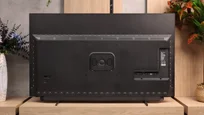
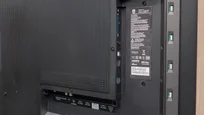
HDMI inputs: 0 x HDMI 2.0, 4 x HDMI 2.1 (48Gbps) Outputs: Toslink (Optical audio), eARC (HDMI), ARC (HDMI), Mini-Jack (Headphones) Network Interfaces: Wi-Fi 2.4GHz, Wi-Fi 5GHz, Ethernet (LAN) 100Mbps
Build quality: Super Premium
Stand type: Legs
Bezel color: Graphite


Stand: Fixed
Flat design: No
Accessories: Stand, Soundbar
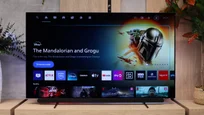
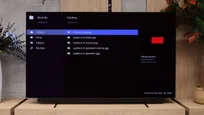
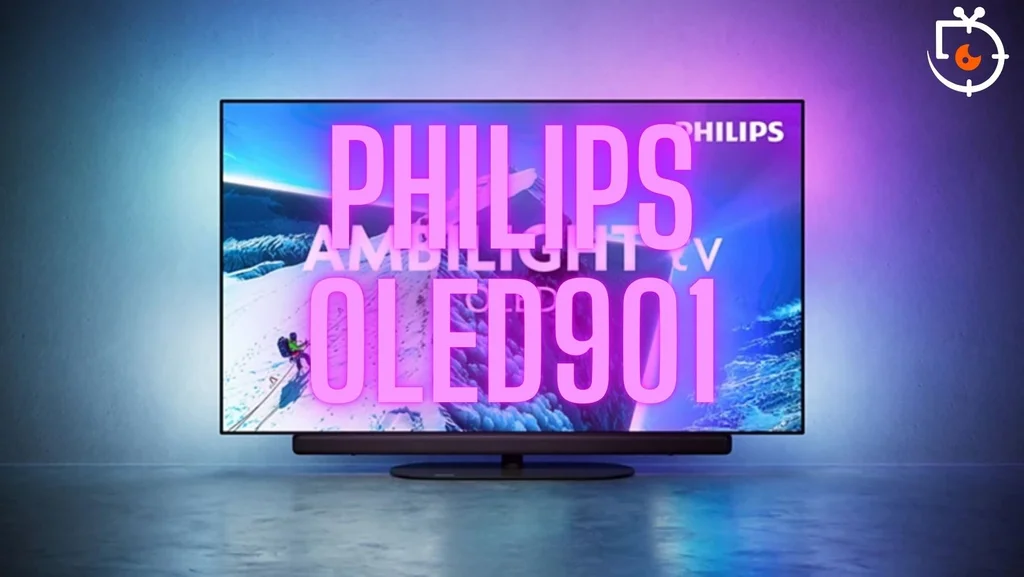
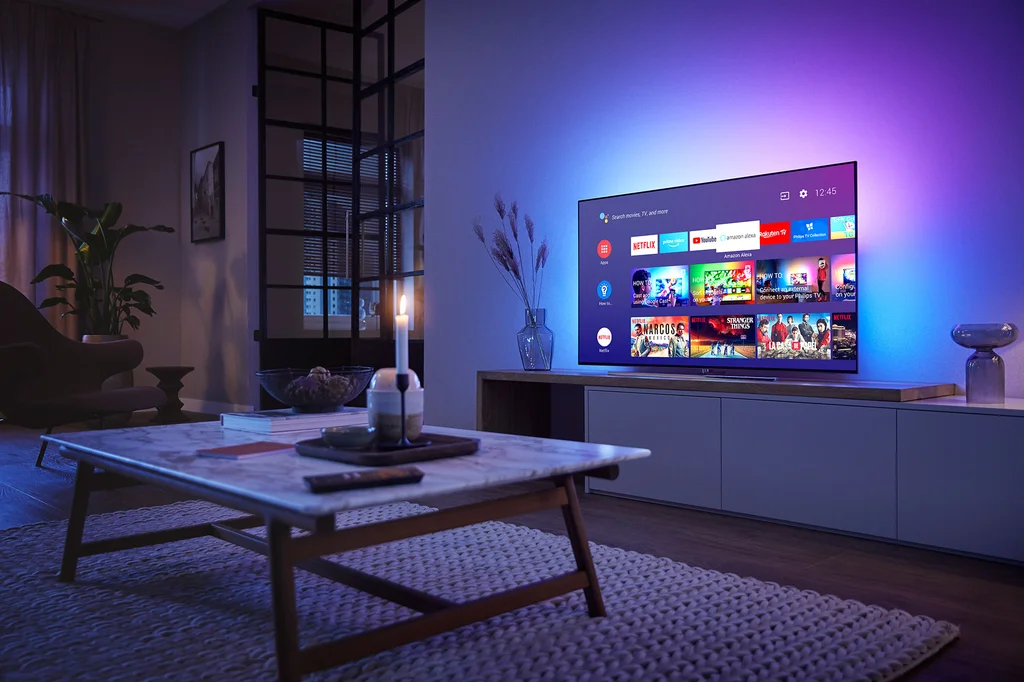
The Philips OLED911 is slim and very well finished. From the front you mainly see the screen framed by a thin graphite bezel. Beneath it sits a Bowers & Wilkins soundbar that matches the rest of the design and looks like part of the TV. The thin panel itself probably won't impress everyone like it used to. OLEDs have been around for years. Still, it's clear this is a high-end device. From the side you can see the construction typical of OLEDs. The panel is thin, while the casing gets thicker at the back where the electronics and ports are housed. So when wall-mounted the TV will stick out from the wall a little. In the evening the four-sided Ambilight adds most of the charm. The light adapts to the colours on screen and spreads across the wall, including under the screen, so the glow surrounds the whole TV. It looks best with the lights dimmed, when the colours from the film gently spill beyond the frame.
Buy at the best price
Select size:

PHILIPS OLED911 - Contrast and black detail
10/10

Result
∞:1

Result
∞:1

Result
∞:1

Result
∞:1

Result
∞:1

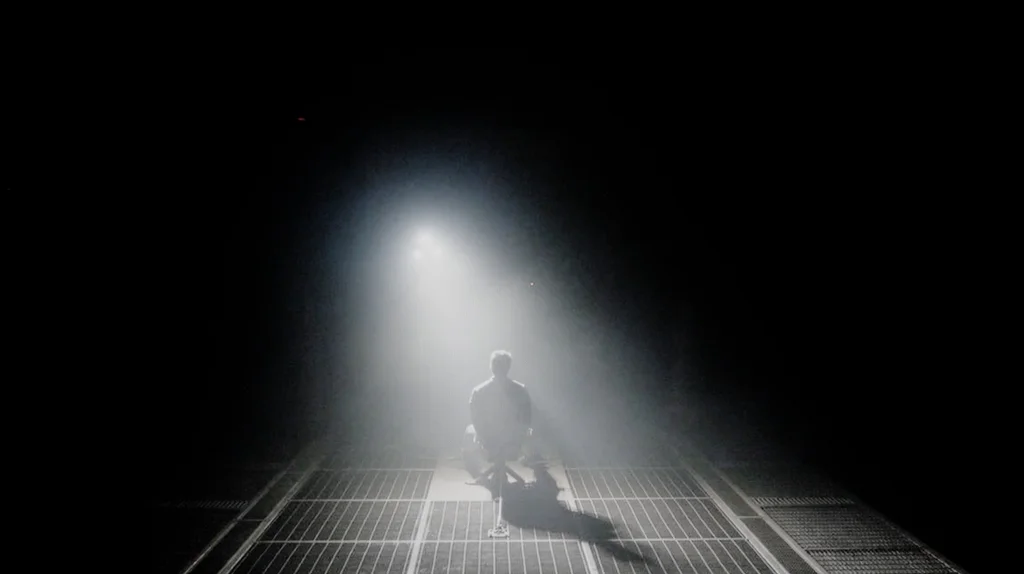
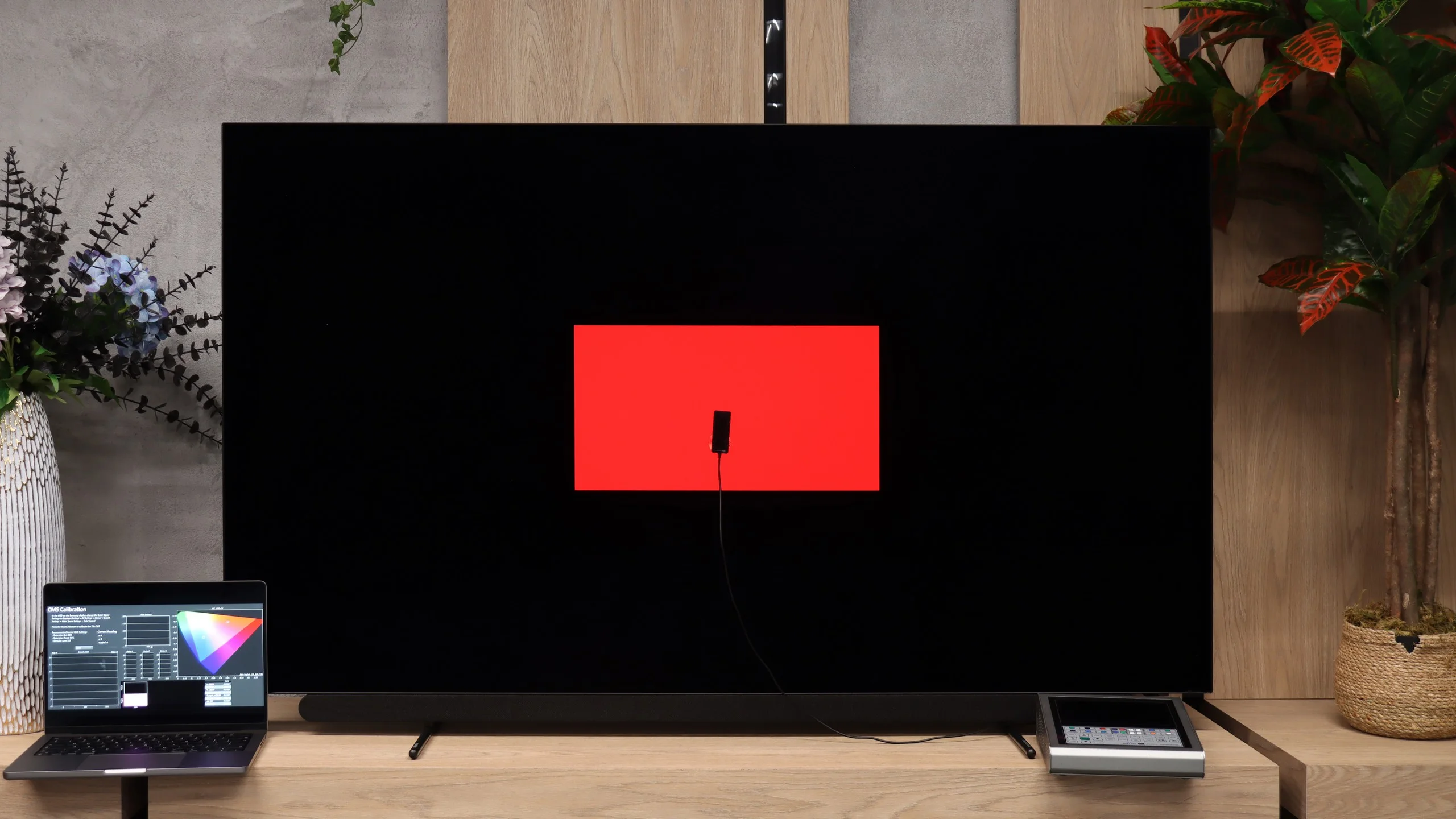
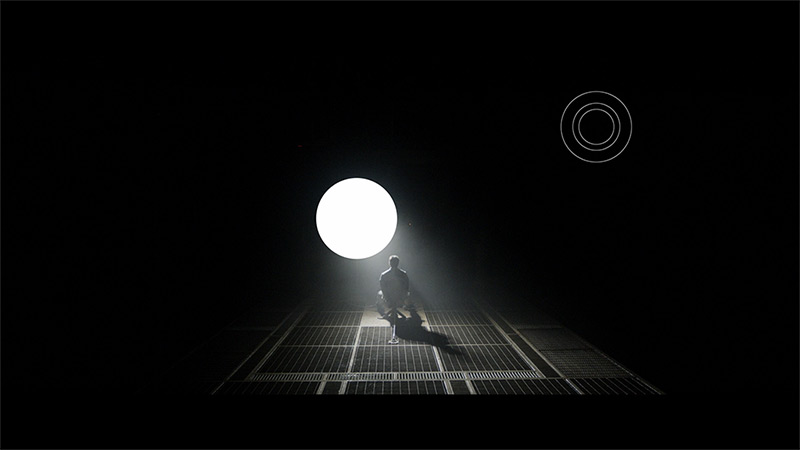
In terms of black performance the Philips OLED911 performs exactly as we expect from a good OLED. Each pixel can turn off independently, so even right next to a bright light the screen stays perfectly black. A scene with a spotlight illustrates this well. You can see a streak of light in the air and a patch of floor under the figure, while areas outside the spotlight remain black. That makes the light look as if it’s actually falling into a dark space. Shots with many small bright elements also do very well. Each one clearly stands out from the background and doesn’t leave any extra halo. You can see that in brighter films with black bars too. Even when the image immediately next to their edge is very bright, the bars themselves remain black. In the evening, when room light doesn’t reflect off the screen, this gives films a real sense of depth. During testing, however, we noticed something that reminded us of the LG G6. In some scenes, parts of the image just above black could flicker or become noticeably grainier. It’s easiest to spot on a calm, dark grey background. As in our LG review, we take flicker and grain into account when assessing the smoothness of tonal transitions. There we show how the OLED911 handles shades between true black and slightly lighter greys.
Halo effect and black detail visibility:
PHILIPS OLED911 - HDR effect quality
9/10
Supported formats: HDR10, HDR10+, Dolby Vision, HLG
Luminance measurements in HDR:

Result
2244 nit

Result
2498 nit
Result
2607 nit

Result
2575 nit

Result
1423 nit
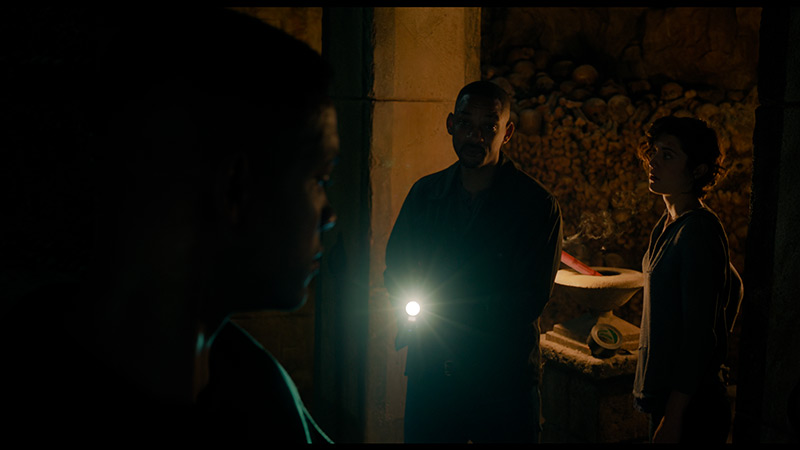
Philips OLED911 is an exceptionally bright OLED TV and showcases the capabilities of the second-generation Tandem panel. In our film scenes it reached roughly 2600 nits, and it maintained high brightness in most of the shots we checked. It doesn’t matter whether a small light appears on a dark background or a larger bright area fills the screen. Specular highlights have very high intensity, and that’s exactly the kind of HDR effect we expect from a TV of this class. Naturally, when a very bright image occupies a larger portion of the screen, the ABL mechanism that limits panel brightness comes into play. You can see this in the scene from “The Meg,” where the Philips drops to about 1400 nits. That is still an excellent result. The bright sky and reflections on the water retain the right strength, so even in such a demanding shot the image makes a strong impression.
Colours
Colour gamut coverage is also very good. The OLED911 covers almost the entire DCI-P3 space, and exceeds 81% of the wider BT.2020. The results in films are virtually the same as on test patterns, so the panel’s capabilities are actually being used during viewing. Colours can be deep and highly saturated, though with extremely bright hues the limitations of WOLED remain. The white subpixel helps achieve high brightness, but the brightest colours do not keep the same saturation as on QD-OLED panels. In most films it will be hard to notice this difference, and the HDR picture on the Philips looks excellent.
BT.2020 color gamut coverage and primary color luminance
| Data set | BT.2020 | P3 | R | G | B |
|---|---|---|---|---|---|
| Synthetic patterns | 81.3% | 99.6% | 64% | 65% | 75% |
| Film measurements | 81.2% | 99.6% | 65% | 66% | 75% |
 BT.2020
 BT.2020 and P3 – average color gamut coverage (percent of the target gamut).
R, G, B – average primary color luminance relative to target (percent).
Scene from the movie “Pan” (about 2800 nits)

Scene from the movie “Billy Lynn” (about 1100 nits)

Such high brightness allows the Philips OLED911 to very accurately convey the character of HDR material. The TV has plenty of headroom, so it doesn't need to heavily dim bright highlights to fit them within the panel's capabilities. In the "Billy Lynn" fireworks scene, the fireworks keep their intensity, while the soldier's face and uniform remain natural. Strong lights don't require brightening of the entire frame, which preserves the scene's proper contrast.
A much harder shot from the film "Pan" also fares very well. Philips renders detail around the sun and the texture of bright clouds, rather than washing them into a uniform white. At the same time the image still has the punch we expect from such a bright scene. It's precisely that successful combination of brightness and detail preservation that makes HDR on the OLED911 look so convincing, even in the most demanding material.
HDR luminance chart:
A comparison of HDR10 and Dolby Vision shows that the Philips OLED911 already handles bright details very well in the standard format. In the scene with the horses the snow retains its texture, you can see vegetation poking through it and trees in the distance. The panel's high brightness and effective tone mapping let it show this demanding shot without turning the background into a white blot. Dolby Vision slightly improves differentiation between tones. The snow and vegetation are a bit more defined, and the whole image gains some depth. The difference, however, is subtle and easy to miss during normal viewing. It's good to have support for dynamic metadata, but in this scene the OLED911 already shows almost everything it should even in HDR10.
Static HDR10

Dynamic: Dolby Vision

Factory color reproduction
8.5/10
Filmmaker Mode on the Philips OLED911 is very well calibrated straight out of the box. It’s one of the better-tuned TVs to come through our lab. In both SDR and HDR the colours look natural and skin tones remain accurate. Small deviations in white balance persist, but while watching they’re hardly enough to spoil the film. Just select the appropriate mode and you’ll immediately enjoy a very faithful picture.
If we were to nitpick, it would be the way brightness is rendered in HDR. Philips gives small bright elements a touch more glow than the source material specifies. Reflections or tiny points of light can therefore look a little more striking than the creators planned. However, this is a subtle difference that’s easiest to spot in a direct comparison with a reference display. During a normal viewing it’s unlikely to draw attention. The factory tuning of Filmmaker Mode certainly deserves praise.
Color reproduction after calibration
9.4/10
After calibration we managed to bring the image on the OLED911 almost to perfection. Admittedly, there wasn't much work to do. On our sample a slight white balance adjustment and adding a touch of blue was enough to get rid of a faint yellowish tint. Whites became more neutral and the colours even closer to the reference. Philips was already very well prepared out of the box, so calibration allowed us to fine-tune the final details.
There remains a small tendency for the image to brighten in HDR. Small highlights have a bit more glow than they should, and the darkest details are sometimes slightly lifted out of shadow. The available settings didn't let us completely eliminate this behaviour. These are, however, subtle deviations and apart from them the picture is excellent. In terms of colour reproduction, the calibrated OLED911 leaves very little to complain about.


PHILIPS OLED911 - Smoothness of tonal transitions
5.3/10
The same tonal transitions look fairly average on the OLED911. In darker scenes you can sometimes see distinct boundaries between shades — the so-called posterisation. Instead of a smooth gradation there are separate colour bands. This is a weaker point we’ve already observed in other Philips models with WOLED panels. It’s better in brighter shots and the imperfections are much less noticeable. Most annoying, however, is the behaviour of detail just above black. Those parts of the image can be very unstable. Sometimes they flicker slightly, while at other times heavy grain appears, resembling dithering — a fine, changing pattern of dots. In a calm, dark scene that background looks as if it’s constantly shifting a little. That can be more distracting than the bands between shades, because the eye involuntarily drifts to the flickering area. We noticed similar issues earlier in the LG G6, which also uses a second-generation Tandem OLED panel. That suggests the source may lie in the behaviour of this generation of panels or in how they’re driven. Based on these tests it’s hard to point to a single cause, but it’s clear the phenomenon isn’t limited to one model.






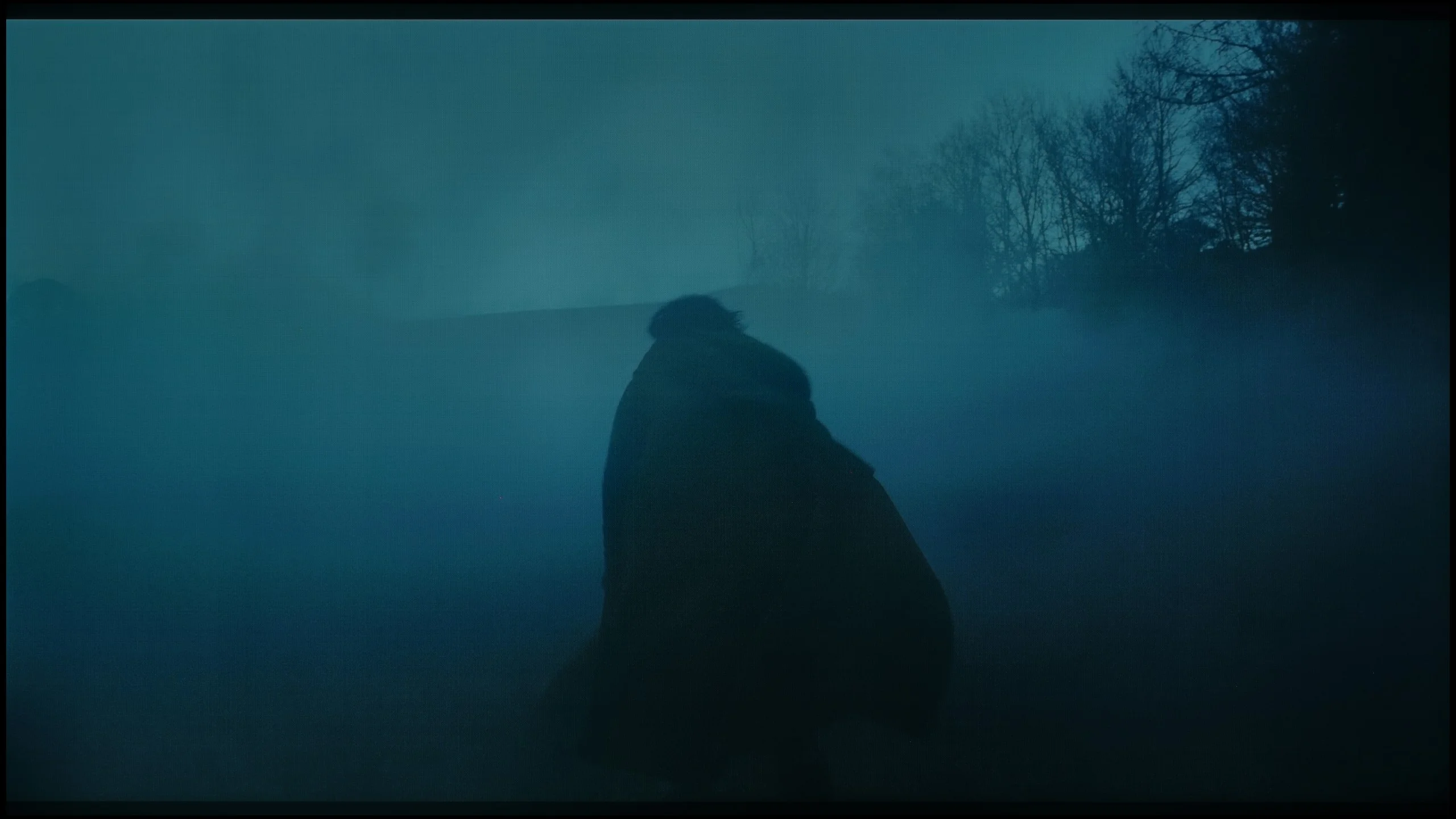

Image scaling and smoothness of tonal transitions
6.8/10
 Smooth transition function
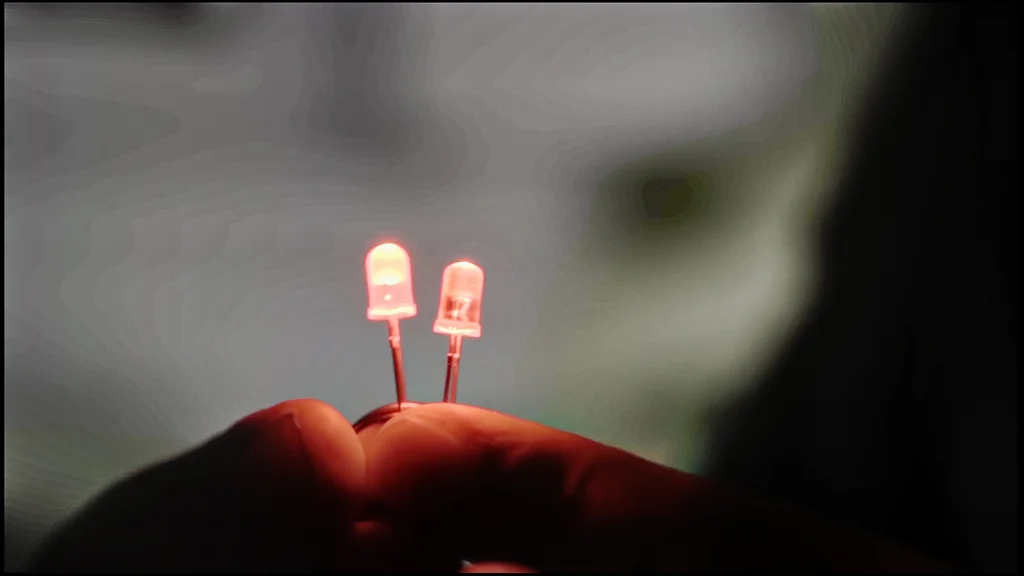
Image without overscan on the SD signal

Obróbka słabszych materiałów wypada w OLED911 dość przeciętnie. The tone-transition smoothing function works unevenly. During faster motion it can effectively reduce visible banding between shades, but when the scene slows down it behaves as if it forgot why we switched it on. In still shots the boundaries between colours are still noticeable. A shame, because that's exactly when we have the most time to spot them. So with heavily compressed video you can't really count on a consistent picture improvement.
Upscaling itself gives lower-resolution material a rather soft look. Fine details remain visible, but they lack the clarity that the best rival TVs can achieve. You can improve this a little by gently increasing the sharpness in the menu.
PHILIPS OLED911 - Blur and motion smoothness
8.5/10
Maximum refresh rate of the panel: 165Hz
Film motion smoothing option: Yes
Blur reduction option: Yes
BFI function 60Hz: No
BFI function 120Hz: No
The OLED has a 165 Hz panel, although you'll mainly use that refresh rate when connected to a PC. Here we're primarily checking how the TV handles 120 Hz, i.e. conditions important for consoles and sports. And it's very good. As you'd expect from an OLED, pixel response times are lightning fast, so there's no trailing behind the ball or fast-moving characters. You can clearly see this on our test UFO, which remains readable against any background.
Blur (native resolution, maximum refresh rate):



Blur (4K@165Hz):



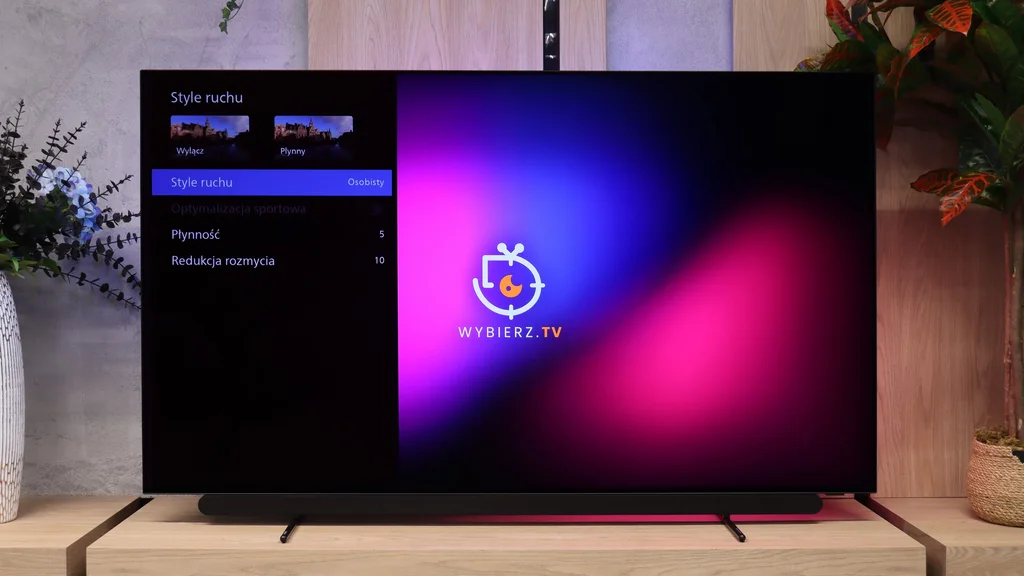
With movies, however, that quick response makes the jumps between frames more noticeable. Especially during slow camera movement the picture can look a bit jerky. You can soften this with the motion smoothing feature that Philips put in the "Motion Style" menu. In the Custom setting there are two sliders. "Smoothness" lets you set the amount of smoothing applied to movies, while "Blur Reduction" improves motion clarity in content such as sports. So you can preserve a more cinematic look, or increase the smoothing if that's the kind of picture you prefer.
PHILIPS OLED911 - Console compatibility and gaming features
9.8/10
- ALLM:
Yes
- VRR:
Yes
- VRR range:
48 - 165Hz
- Dolby Vision Game Mode:
Yes
- Correct implementation of HGIG:
Yes
- 1080p@120Hz:
Yes
- 1440p@120Hz:
Yes
- 4K@120Hz:
Yes
- Game bar:
Yes
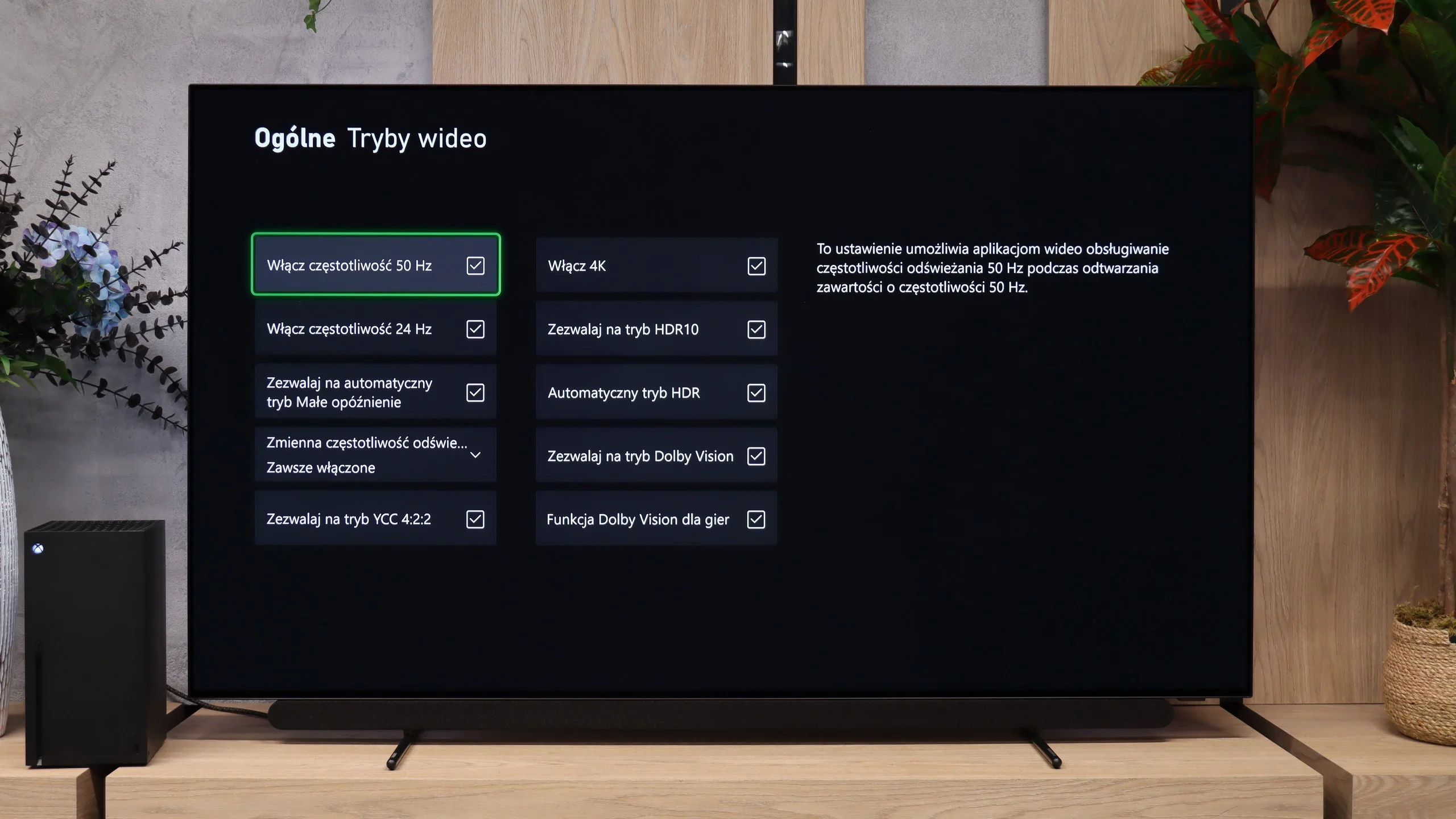
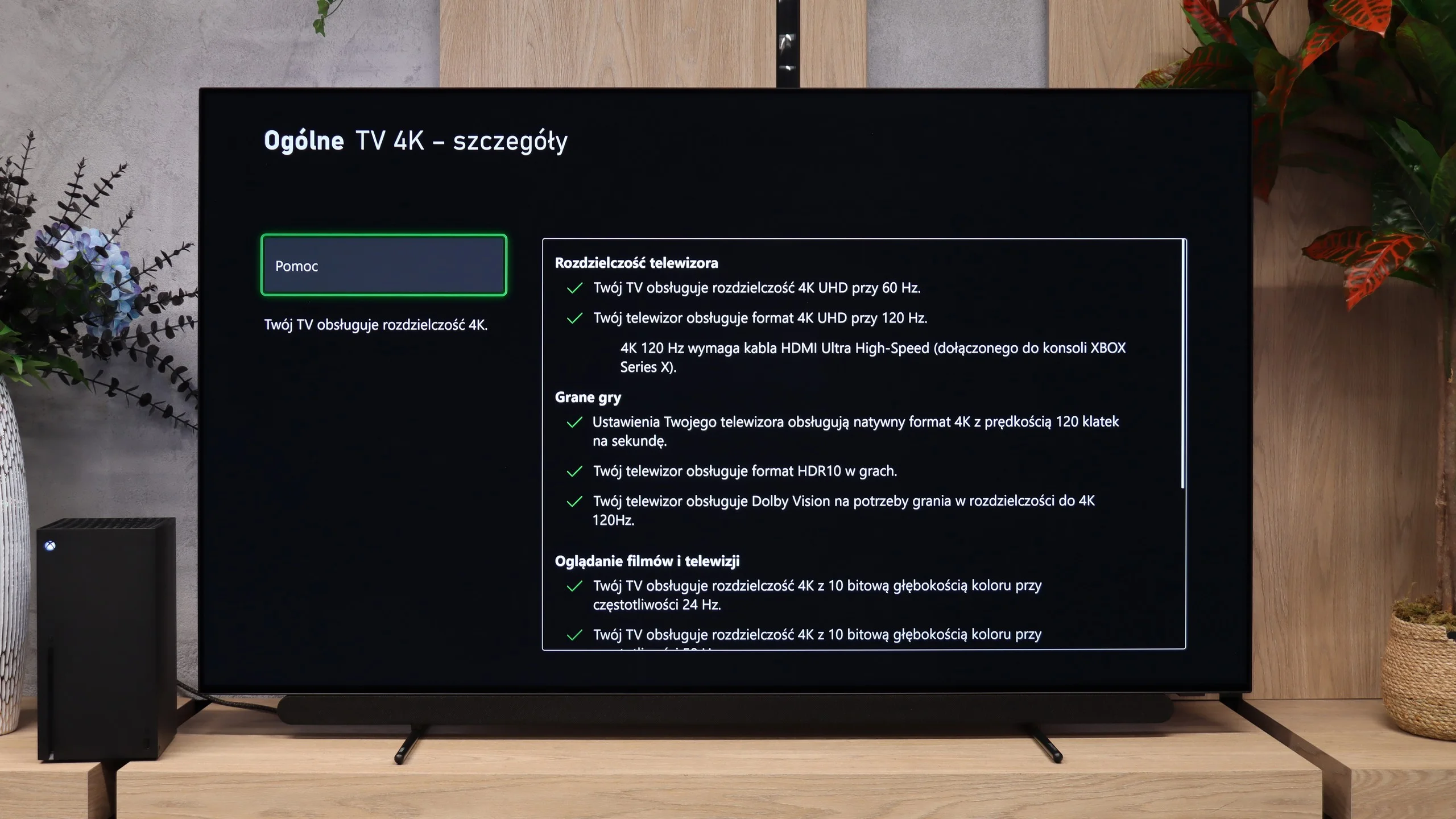
OLED911 has practically everything you can expect from a gaming TV. A big plus is four full HDMI 2.1 ports. You can connect several consoles and a PC, and even if one port is taken by audio equipment there’s still plenty of room. Each device benefits from high resolution and refresh rates without having to swap cables.
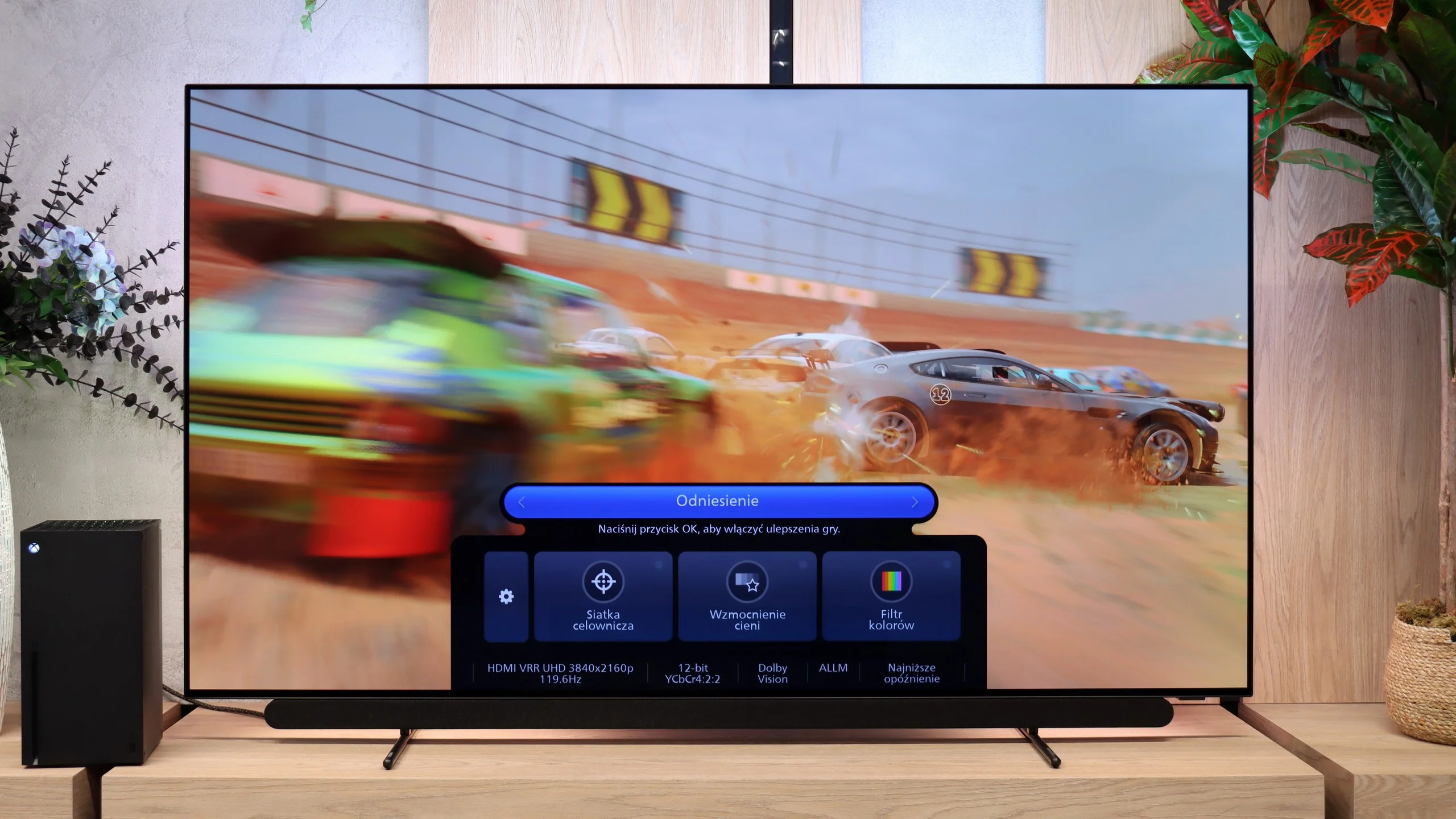
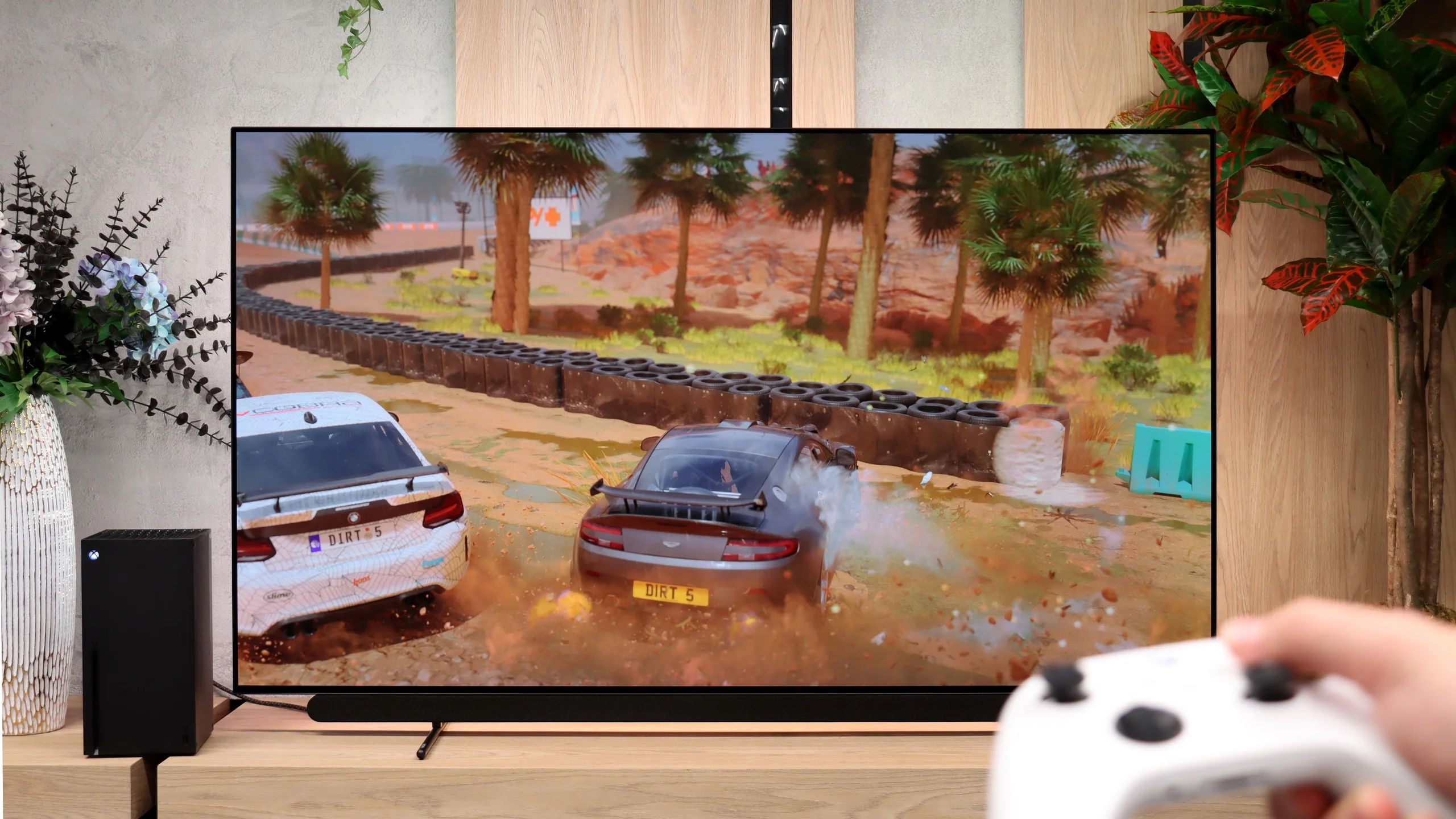
When you launch a game, the TV automatically switches to low-latency mode. VRR helps keep things smooth during frame-rate fluctuations, and support for multiple resolutions gives PC gamers flexibility as well. If your graphics card can’t handle a game at 4K, you can drop to 1440p and still enjoy high refresh rates. HGiG also works well, letting you match your console’s HDR settings to the panel’s capabilities. Xbox users also have Dolby Vision for games. There’s also a Game Bar that lets you quickly check signal parameters and change settings without leaving the main menu.

PHILIPS OLED911 - Input lag
10/10
Input lag in the OLED911 is very low regardless of the signal type. At 60 Hz it is about 13 ms, and at 120 Hz it falls to just 5 ms. Those are figures typical of the best gaming TVs, so controller input feels responsive even in fast-paced titles. Importantly, Dolby Vision performs just as well, so you can use that format without worrying about added control latency.
| SDR | HDR | Dolby Vision |
|---|---|---|
| 1080p60: 14 ms | 2160p60: 13 ms | 2160p60 DV: 13 ms |
| 1080p120: 5 ms | 2160p120: 5 ms | 2160p120 DV: 5 ms |
| 2160p60: 13 ms | ||
| 2160p120: 5 ms |

PHILIPS OLED911 - Compatibility with PC
8.7/10
Chroma 444 (max. resolution and refresh rate): Yes
Font clarity: Good
Readability of dark text and shapes: Very Good
Input lag in PC mode (4K, max. refresh rate): 5ms
Matrix subpixel arrangement: RGWB
Max refresh rate: 165Hz
G-Sync: Yes
The Philips OLED911 performs very well when connected to a computer, especially for gaming. The 165 Hz refresh rate lets you take advantage of a powerful graphics card, and working G-Sync helps keep gameplay smooth when frame rates vary. Add very low input lag and near-instant pixel response, and controls feel snappy while motion stays clear. With strong HDR and deep blacks, gaming on this screen is genuinely enjoyable.
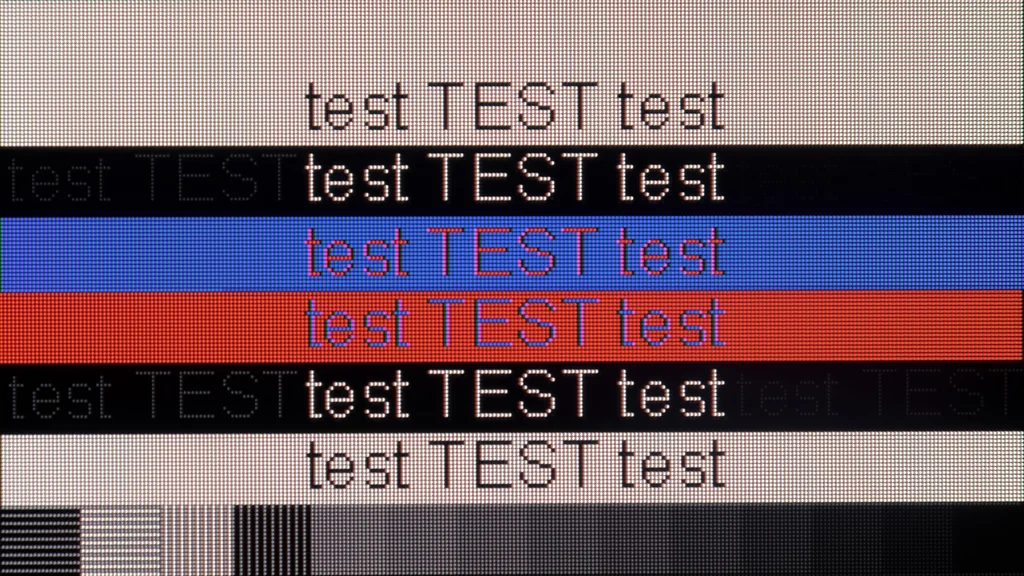
The Philips also handles text work well. It correctly supports chroma 4:4:4 even at the maximum refresh, so small letters and colourful interface elements remain legible. A caveat concerns the four-subpixel RGWB layout. At the edges of the tiniest fonts you can notice slight coloured fringing, especially when sitting close to the screen. From a typical TV viewing distance they are not noticeable and do not interfere with browsing or working on documents.
PHILIPS OLED911 - Viewing angles
7.2/10
Brightness drop at an angle of 45 degrees: 26%
The viewing angles on the OLED911 are very good, as you'd expect from an OLED TV. Even sitting off to the side, you can still enjoy deep blacks and well-rendered colours. The picture does gradually lose brightness, though, so people at the edge of the couch will see it a bit darker than those sitting directly in front. In that respect QD-OLED panels perform even better. Philips still lets you comfortably watch a movie or a match with a larger group, without having to squeeze into the middle of the sofa 😉
PHILIPS OLED911 - Daytime performance
7.8/10
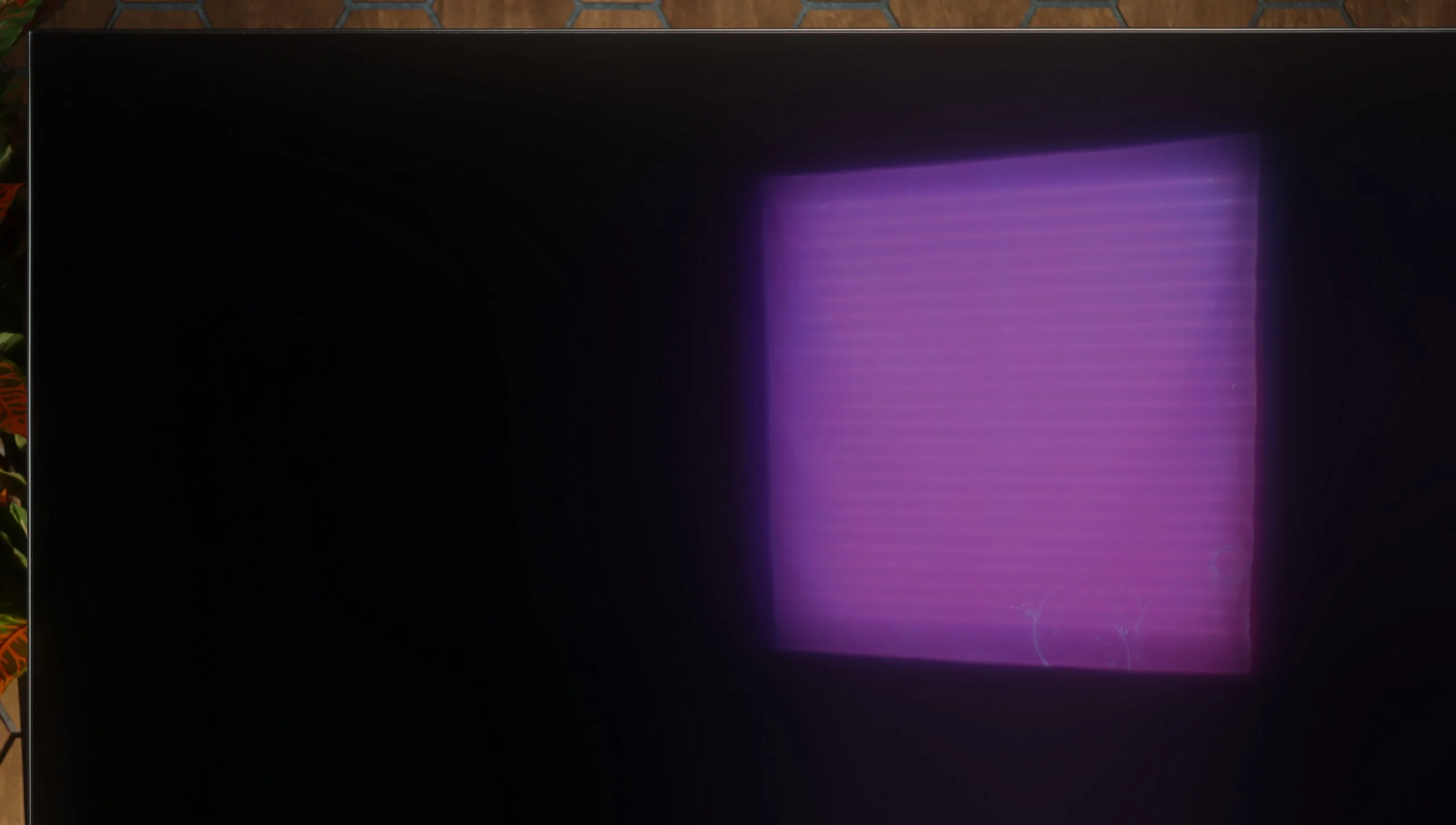
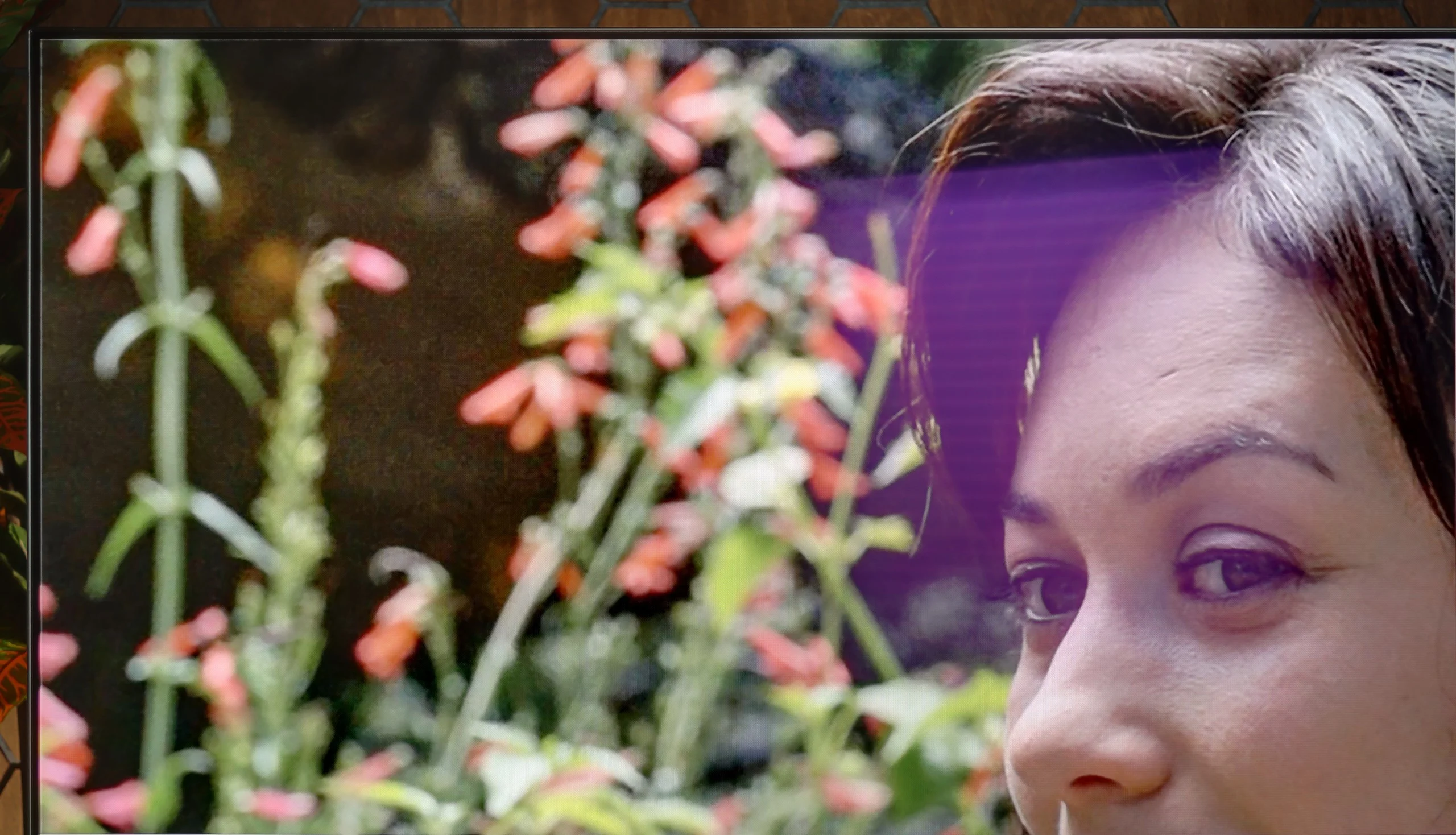
Panel finish: Glare
Reflection suppression: Good
Black levels during daytime: Very Good
Despite its glossy finish, the OLED911 handles reflections very well. A window or a lamp may still be visible on the screen, but their reflections are muted and less distracting when watching. Those reflections also have a characteristic purple tint, as you can see in our photos. The way it handles blacks is commendable. Even in a brightly lit room the blacks remain deep, so the image doesn't lose contrast easily. Combined with its high brightness, this makes a TV that's comfortable to watch during the day too. For regular TV or an afternoon match you don't have to draw the curtains straight away. Of course, strong light falling directly on the screen will still be a problem, but in a typical bright living room the Philips performs really well.
Panel brightness
Philips OLED911: 732 cd/m2
PHILIPS OLED911 - TV features
7.9/10
System: Titan OS
System performance: Good
- HDMI inputs: 0 x HDMI 2.0, 4 x HDMI 2.1 48Gbps
- Outputs: Toslink (Optical audio), eARC (HDMI), ARC (HDMI), Mini-Jack (Headphones)
- Network Interfaces: Wi-Fi 2.4GHz, Wi-Fi 5GHz, Ethernet (LAN) 100Mbps
- TV reception: DVB-T, DVB-T2, DVB-S, DVB-S2, DVB-C
Classic features:
 Recording to USB (terrestrial TV): No
- Recording programming: No
- Picture in Picture (PiP): No
- RF remote control (no need to aim): Infrared
- Backlit remote control: Yes
- Teletext: Yes
- Audio only mode: Yes
- Bluetooth headphones support: Yes
- Simultaneous Bluetooth headphones & TV audio: Yes
Smart features:
- AirPlay: Yes
- Screen mirroring (Windows Miracast): Yes
- Voice search: Yes
- Voice search in native language: Yes
- Ability to connect a keyboard and mouse: Yes
Titan OS
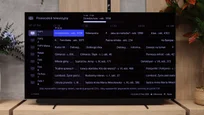
Titan OS has improved a lot since its early days, and on the OLED911 it’s quite pleasant to use. The system runs smoothly, and most popular streaming services are available. It also supports AirPlay and Polish voice search, so in terms of everyday convenience there’s little to complain about. The biggest step back compared with older Philips models running Google TV is still the app selection. Titan still doesn’t offer as wide a library, which will be felt especially by users of less popular services.
Ambilight
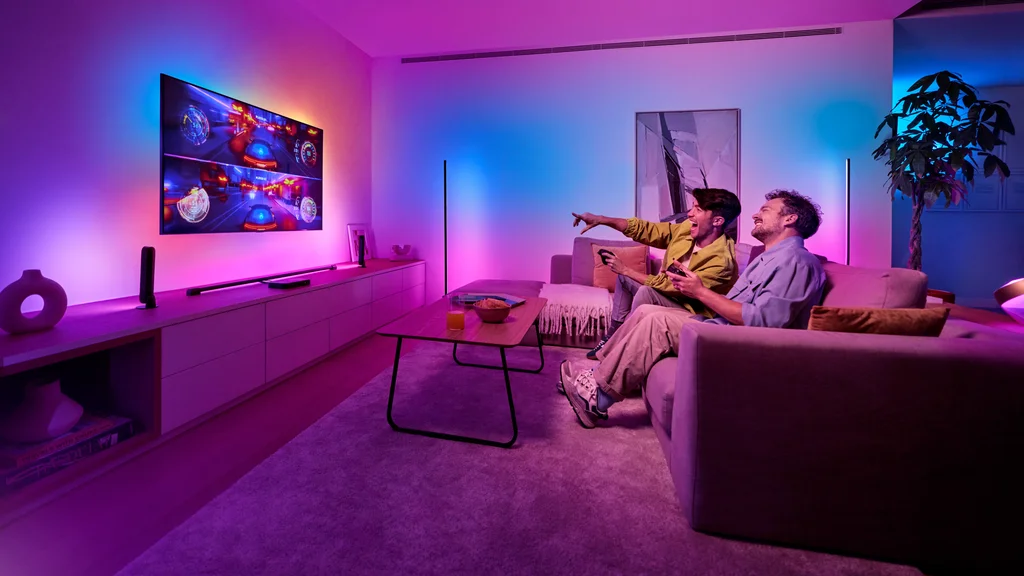
A major strength of the Philips TV remains the four-sided Ambilight. The backlighting reacts to the picture and projects its colors onto the wall around the entire screen, including below it. In the evening it creates a very pleasant effect, especially if you leave some free space behind the TV. You can adjust the intensity to suit your taste, from a subtle glow to stronger, more dynamic lighting. It’s one of those extras you quickly get used to and later miss on another TV.
Classic features and the remote
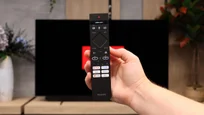
The classic features are a fairly standard set. There’s teletext and the ability to listen simultaneously through Bluetooth headphones and the TV’s speakers. USB recording and picture-in-picture are missing. What annoys us most, however, is the infrared remote. You have to point it at the screen, which can be inconvenient when you’re comfortably seated on the couch. In a TV of this class we’d expect operation without having to aim. As a consolation, the buttons are backlit, so it’s easy to find the right one in the dark.
Sound connection options
HDMI audio:
Other audio outputs:
- Toslink: Yes
- Stereo (Mini-Jack): Yes
Wireless audio:
- Bluetooth: Yes
Supported audio formats (external HDMI eARC audio):
- Dolby Digital Plus 7.1: Yes
- Dolby True HD 7.1: Yes
- Dolby Atmos in Dolby Digital Plus (JOC): Yes
- Dolby Atmos in Dolby True HD: Yes
- DTS:X in DTS-HD MA: Yes
- DTS-HD Master Audio: Yes
Senior accessibility
- Numeric keyboard on TV: Yes
- Font size adjustment: Yes
- Audio description: Yes
PHILIPS OLED911 - Apps
7.7/10






















PHILIPS OLED911 - Playing files from USB
8.6/10
| Maximum photo resolution: | Supported photo formats: |
|---|---|
| 4 Mpix | JPEG |
| 6 Mpix | HEIC |
| 8 Mpix | PNG |
| 10 Mpix | GIF |
| 12 Mpix | WebP |
| 16 Mpix | TIFF |
| 20 Mpix | BMP |
| 24 Mpix | SVG |
| 28 Mpix | |
| 32 Mpix |
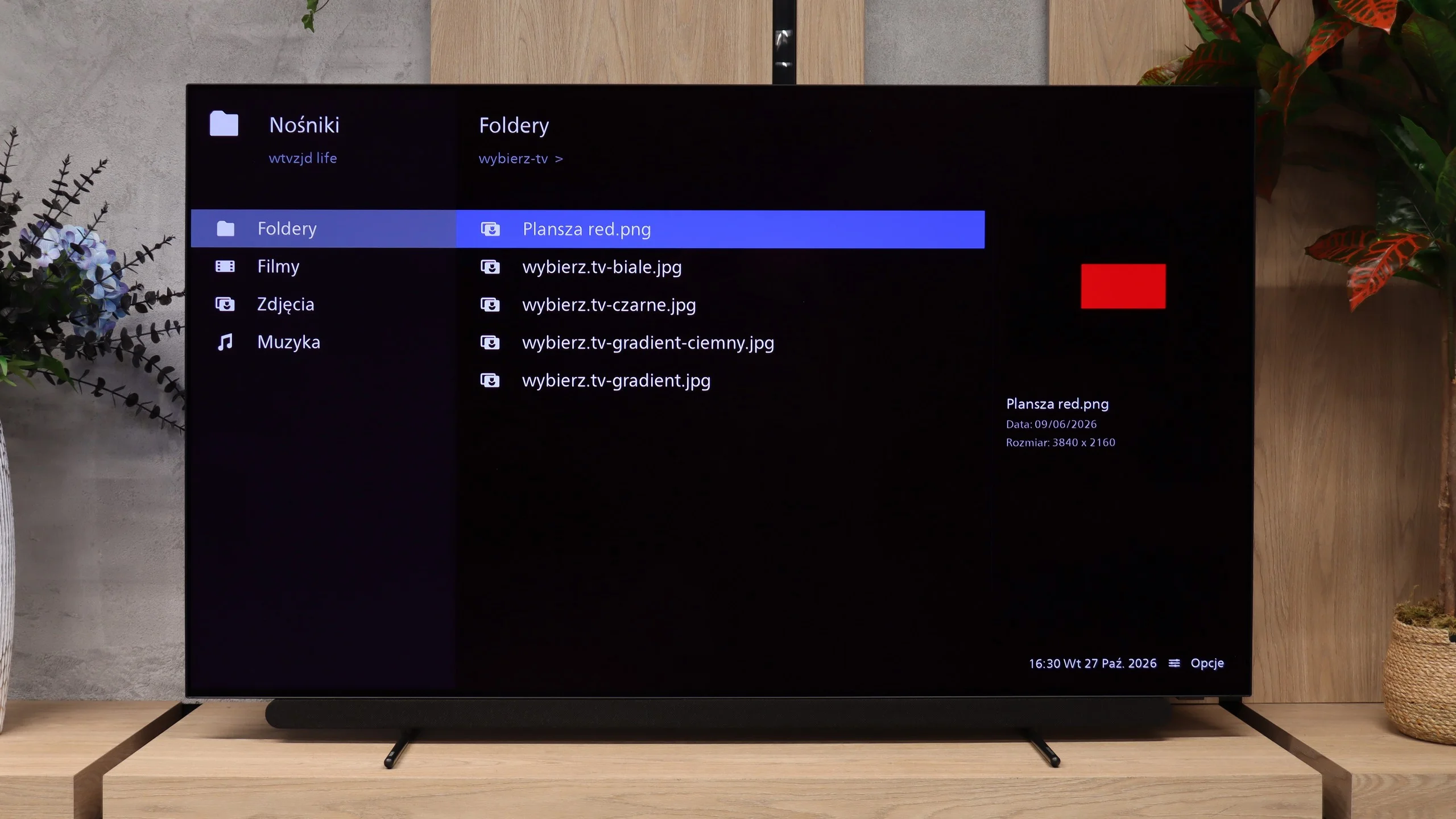
The built-in USB player generally works well. It handles most popular audio and video files, so it’s more than enough for watching a movie or playing music from a USB stick. It also displays subtitles correctly, including Polish characters. Problems begin with photos. The Philips opens some pictures but refuses to work with others. Oddly, it’s not simply a matter of too high a resolution. In our tests, larger images sometimes worked fine while smaller ones would not display. There’s no clear pattern, so before showing holiday photos it’s worth checking that the TV will open all the files.
PHILIPS OLED911 - Sound
9.2/10
92dB
Maximum volume

Supported codecs (TV speakers)
Dolby Digital Plus 7.1
Dolby True HD 7.1
Dolby Atmos in Dolby Digital Plus (JOC)
Dolby Atmos in Dolby True HD
DTS:X in DTS-HD MA
DTS-HD Master Audio
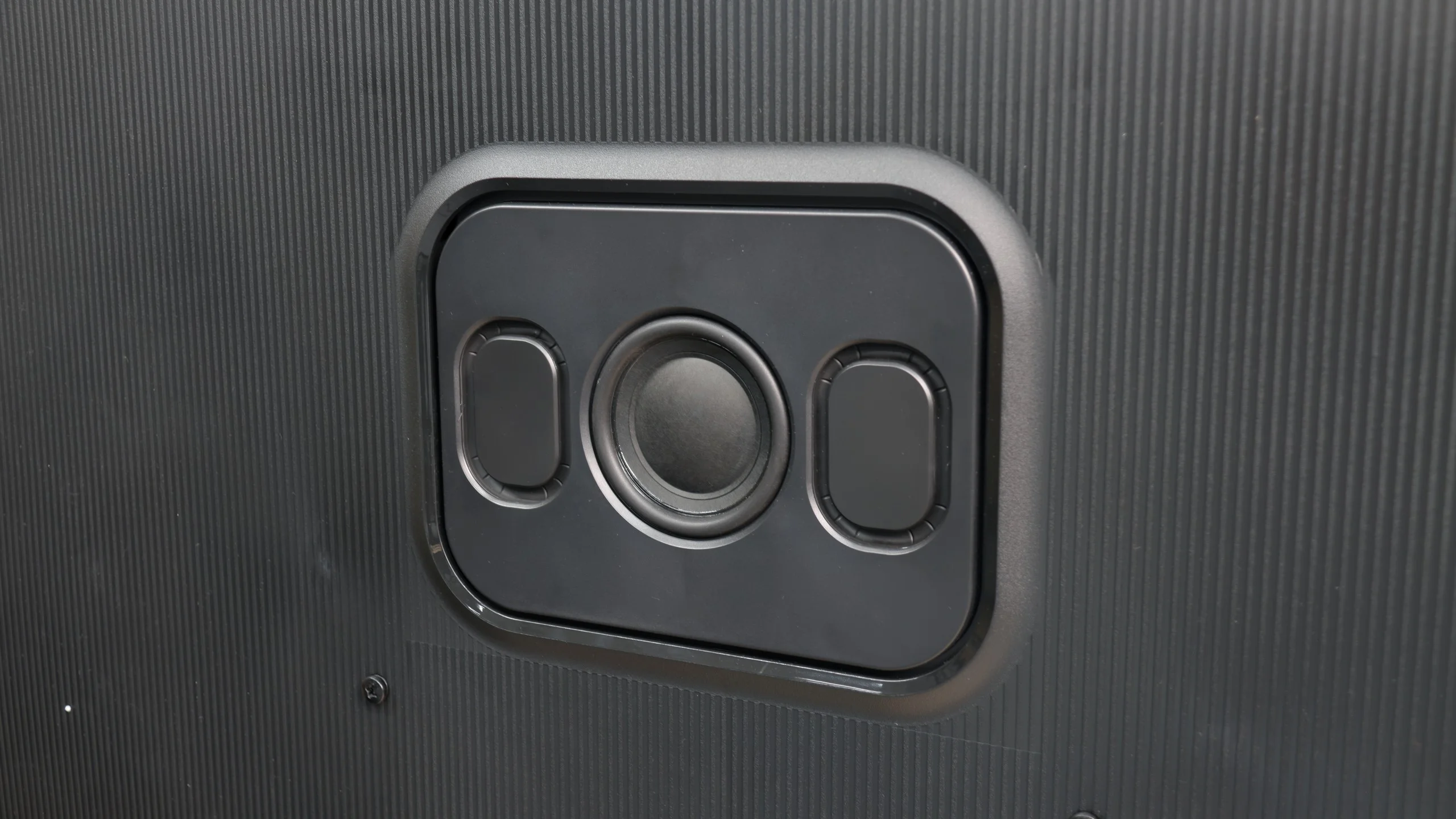
Philips OLED911 is one of the best‑sounding TVs we’ve heard, and among the models we tested in 2026 it comes out on top. Much of that is down to the Bowers & Wilkins soundbar and the rear‑mounted subwoofer. The sound is full and pleasant, dialogue is clear, and heavier film scenes have the right weight. Here you can actually watch a film without feeling you need to buy a separate sound system to match the excellent picture. If we had to find fault, it would be the amount of bass compared with last year’s OLED910. The predecessor offered a little more, so we’ve given it a slightly lower score for that reason. Still, this is very good sound for a TV. The low end is clearly present and gives the audio a depth that’s missing from many competing models.
Sound Quality Test:
Acoustic Measurements
92dBC (Max)
75dBC
PHILIPS OLED911 - Panel details
Software version during testing: TPM267E_V167.002.054.201
Panel uniformity and thermal imaging:

Backlight Type: WRGB TANDEM OLED

Founder and originator of the "ChooseTV" portal

Journalist, reviewer, and columnist for the "ChooseTV" portal

michal-woloszyn-title
Reader comments
Comments are provided by the external service Disqus (Zeta Global). Once loaded, Disqus may set cookies and process data about your activity.
We will remember your choice on this device. Provider's privacy policy
See articles related to Philips OLED911:
 23/01/2026
02/10/2025

04/04/2025
25/03/2026
04/04/2025
25/10/2026
08/09/2025
07/02/2026