- Matching (Score) |
- Our verdict |
- Competing TVs |
- TV appearance |
- Where to buy |
- Contrast and black detail |
- HDR effect quality |
- Factory color reproduction |
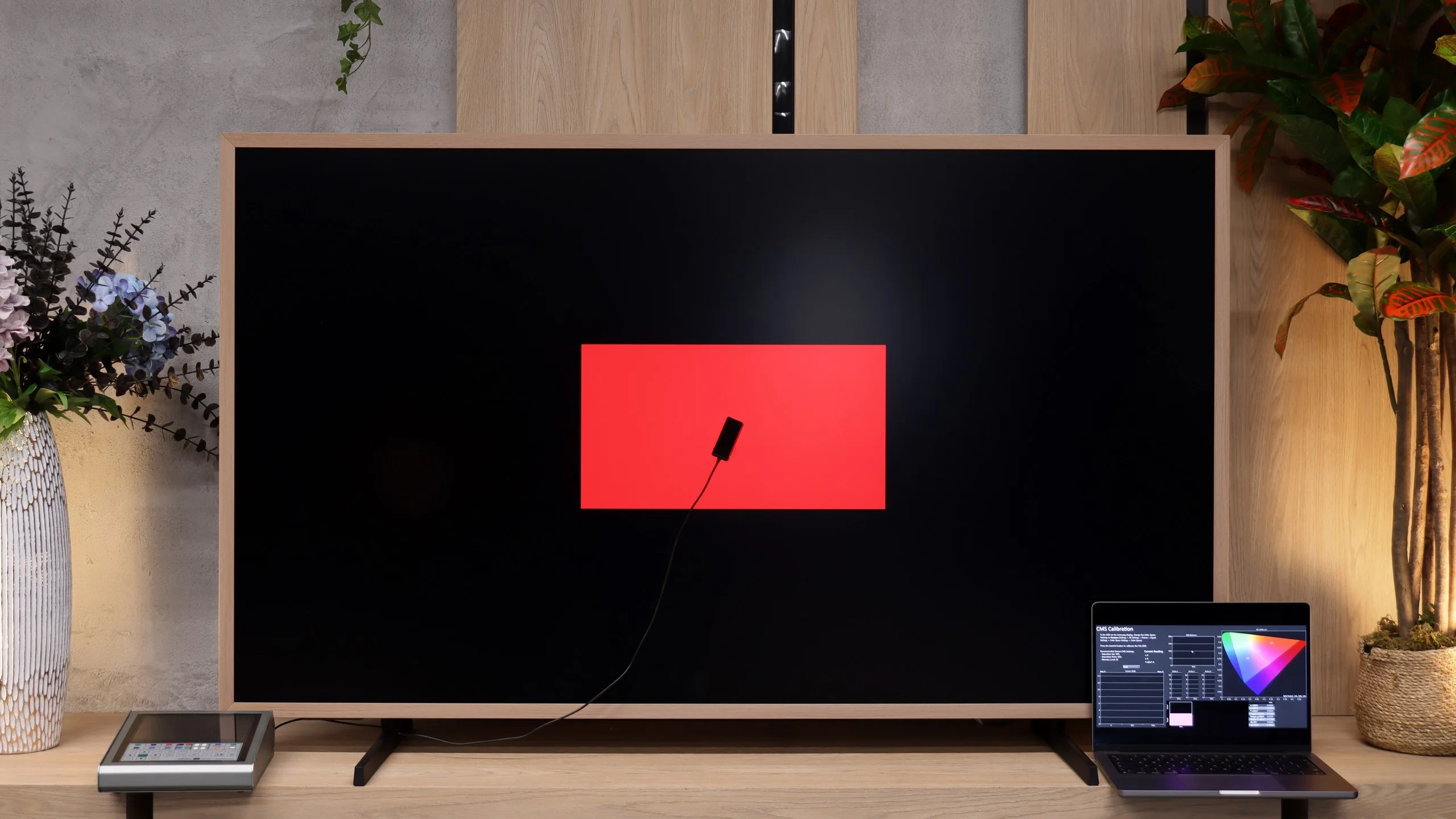
- Color reproduction after calibration |
- Smoothness of tonal transitions |
- Image scaling and smoothness of tonal transitions |
- Blur and motion smoothness |
- Console compatibility and gaming features |
- Input lag |
- Compatibility with PC |
- Viewing angles |
- Daytime performance |
- TV features |
- Apps |
- Playing files from USB |
- Sound |
- Panel details
Hisense S7S CanvasTV Review
S7 / CANVAS TV
Available screen sizes:

Complete the survey to find out the result
Panel type: LCD VA Refresh rate: 144Hz Brand: HISENSE Resolution: 3840x2160 System: VIDAA Model year: 2026
This review is an English translation of the Polish original. Read the original on Wybierz.tv.
HISENSE S7S - Our verdict
7.1
Overall rating
Hisense S7S is a TV that makes the most impact when you see it on the wall. Its matte screen and decorative frame suit a home-gallery idea, and the presence sensor makes art mode more useful day to day. The approach to accessories is also welcome. The wall mount and an extra frame come in the box, so getting that look doesn't require more purchases. Compared with its predecessor, more has improved than just the extras. Higher brightness makes a clear difference when watching during the day, and it gives HDR movies the punch they previously lacked. The S7S also handles console gaming comfortably, and the VIDAA system runs smoothly. It's a fairly versatile TV that doesn't have to stay a black rectangle on the wall after the screening. The biggest disappointment appears in the evening, when we switch off the lights and want to focus on a movie. The lack of local dimming shows up then. Blacks look lifted and dark scenes don't have the depth you get from a good Mini LED. It's a shame, because in that area these kinds of TVs most need another step forward. So is the S7S worth buying? Yes, if how the TV looks is as important to you as what it displays. Here you also pay for the flat design, the art mode and the way the screen fits into the living room. However, if evening viewings are your priority, it's better to look at a model with local dimming. The S7S makes sense as a daily-watching TV and an element of décor. You just need to consciously accept that compromise.
Advantages

Matte screen that effectively reduces reflections
Mount and interchangeable bezels included
Free Art Mode
Fairly high brightness
144 Hz panel and low input lag
Plenty of gaming features
Efficient and easy-to-use VIDAA system
Support for multiple HDR formats (Dolby Vision, HDR10+)
Art mode with a presence sensor
Backlit remote and USB recording
Disadvantages

- No local dimming — a downside at this price. - Narrow viewing angles (a characteristic of VA panels) - Visible smearing on fast-moving objects - HGiG doesn't work correctly (a feature for gamers) - Flat sound and no Dolby Atmos
 Movies and series in UHD quality
6.9
 Classic TV, YouTube
6.3
 Sports broadcasts (TV and apps)
6.2
 Gaming on console
8.1
 TV as a computer monitor
8.2
 Watching in bright light
6.9
 Utility functions
9.6
 Apps
8.3
 Sound quality
6.0
Complete the survey to find out what fits your preferences
The Hisense S7S is the latest iteration of the Canvas TV, a series of TVs designed to also serve as artwork in the living room. In that kind of design, looks are important, but when you start a film you expect more than just a nice frame. What has changed compared with its predecessor, the S7N? Has Hisense improved picture quality, and does the S7 series perform as well for watching as it does for displaying art? We cover that in our review.
HISENSE S7S - Competing TVs in this price range
HISENSE S7S - TV appearance
HDMI inputs: 2 x HDMI 2.0, 2 x HDMI 2.1 (48Gbps) Outputs: Toslink (Optical audio), eARC (HDMI), ARC (HDMI) Network Interfaces: Wi-Fi 2.4GHz, Wi-Fi 5GHz, Ethernet (LAN) 100Mbps
Build quality: Good
Stand type: Legs
Bezel color: Changeable Frame


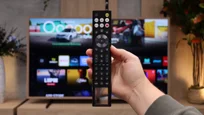
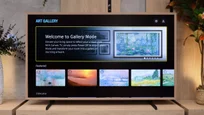
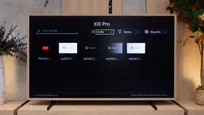
Stand: Fixed
Flat design: Yes
Accessories: Stand, Wall bracket, Changeable frames
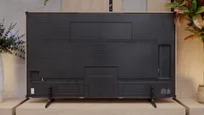
The Hisense S7S was designed from the outset to be wall-mounted. It has a flat profile that lets you mount it close to the wall. Combined with a decorative frame, this fits the Canvas TV concept, with the television intended to resemble a framed picture.
The bundle includes interchangeable metal frames in an oak finish. That finish gives the whole thing a warmer feel and pairs well with wooden furniture. It's also handy that a wall mount is included, so you don't have to hunt for extra mounting accessories. If you prefer to place the S7S on a cabinet, the manufacturer also supplies a stand. It has a fixed position, so before buying it's worth checking whether it will fit on your furniture. Still, it's on the wall that Hisense's design shows its character best.
Buy at the best price
Select size:

HISENSE S7S - Contrast and black detail
6.1/10
Local dimming function: No
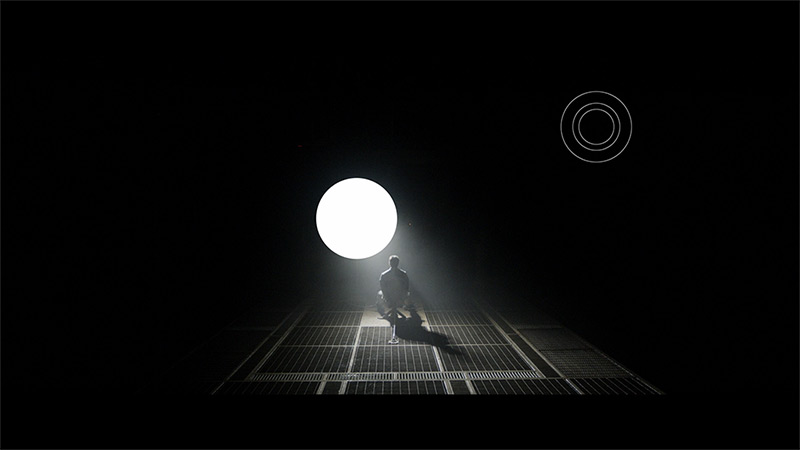

Result
5,400:1
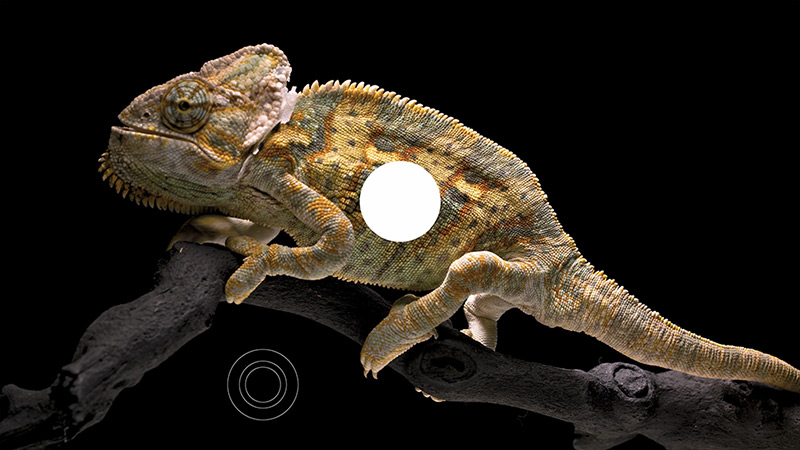
Result
6,800:1
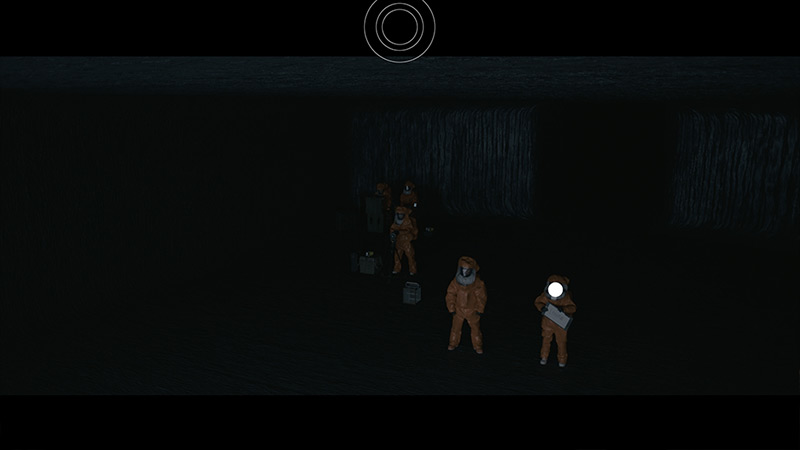
Result
6,400:1
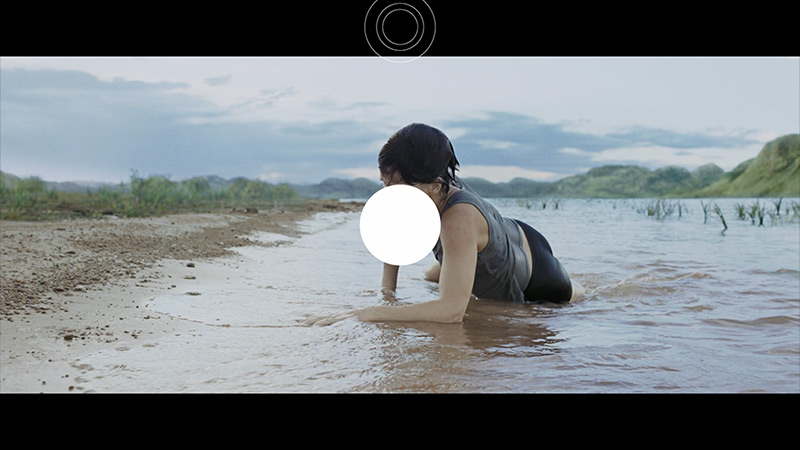
Result
6,200:1
Result
5,900:1

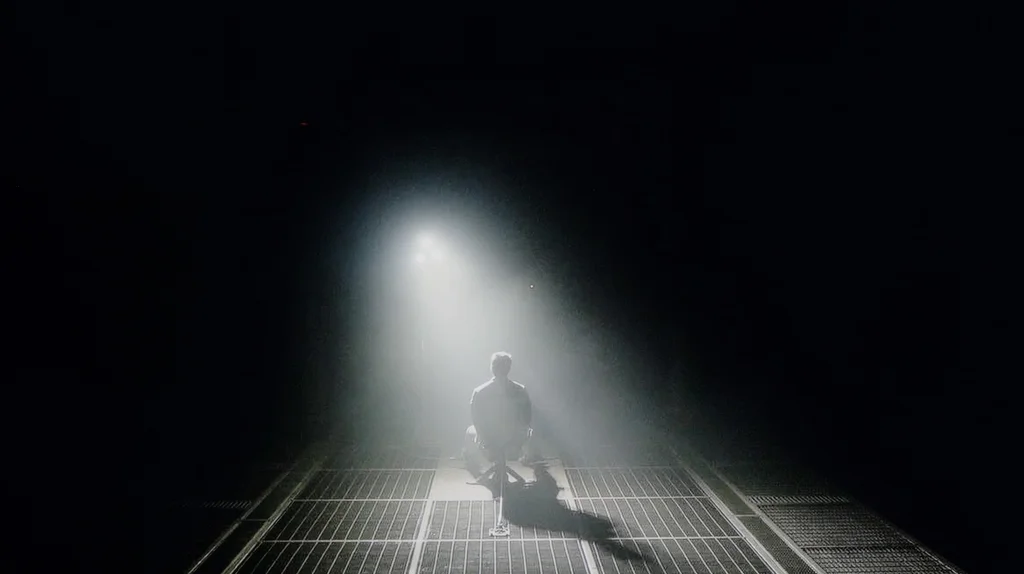
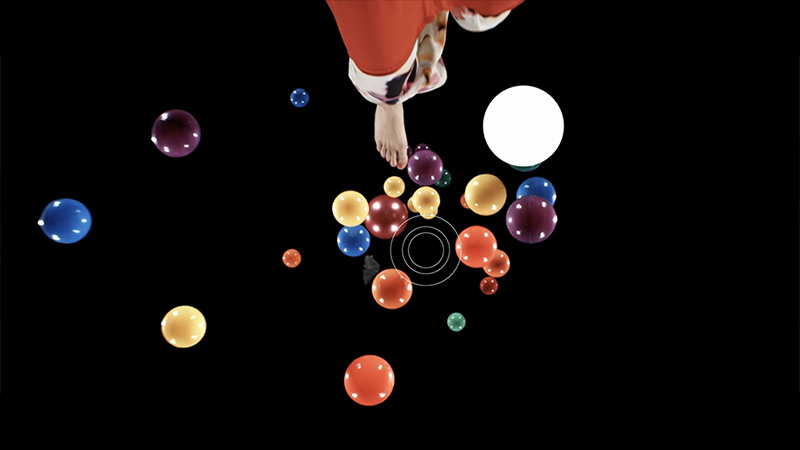
The Hisense S7S uses a VA panel, which delivers quite good contrast even without local dimming. In mixed scenes, where bright elements sit next to larger areas of shadow, the picture retains a pleasant sense of depth. Results are also fairly consistent across all our test shots. So when watching in a well-lit living room the blacks should look satisfactory.
The biggest limitation, however, is the lack of local dimming. The S7S is not a Mini LED and can’t dim the backlight separately in dark parts of the frame. In a scene with a spotlight the light looks clear, but the surrounding black remains slightly illuminated. Once you switch the room lights off it’s easier to notice that the dark background and letterbox bars drift into grey. The VA panel itself does a good job, but it can’t replace precise backlight control. For everyday viewing the S7S performs decently in this regard. During evening sessions, especially in films with lots of night scenes, the lack of dimming will be noticeable.
HISENSE S7S - HDR effect quality
6.5/10
Supported formats: HDR10, HDR10+, Dolby Vision, Dolby Vision IQ, HLG
Luminance measurements in HDR:

Result
683 nit
Result
665 nit
Result
683 nit
Result
633 nit

Result
712 nit
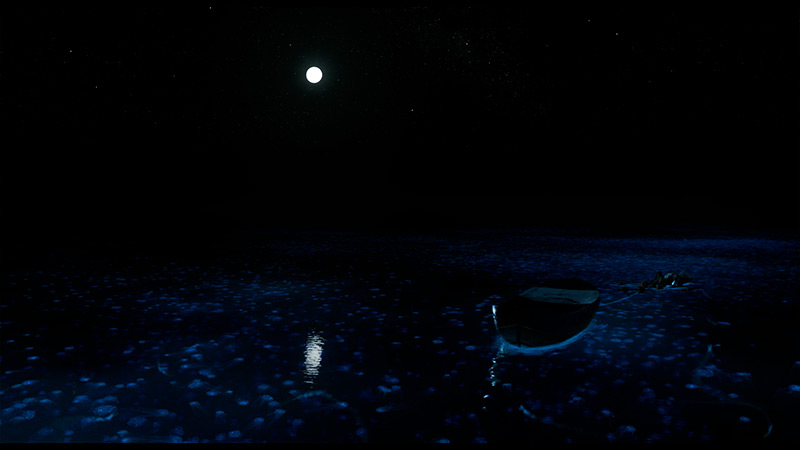
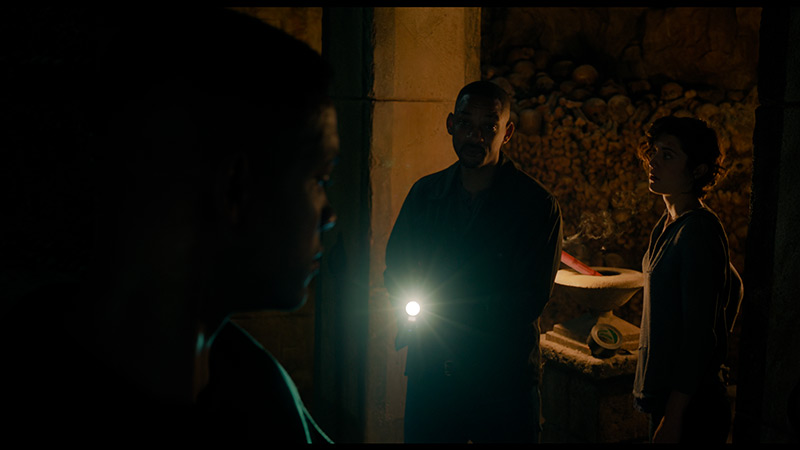
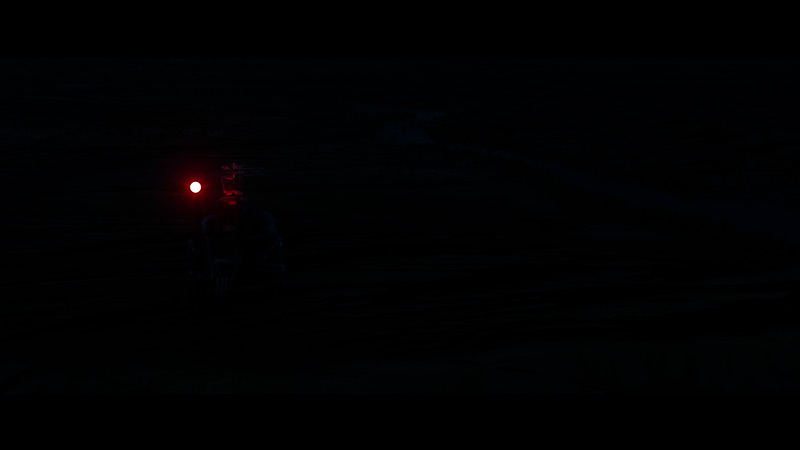
Hisense S7S brings a big improvement in brightness compared with last year's model. The predecessor reached about 350 to 400 nits, while here we're already around 700 nits. That increase gives the picture a noticeable kick. The sun, reflections on water and flares have clearly more impact, making HDR start to look truly convincing. Importantly, brightness is very similar across all tested scenes. The S7S handles both small highlights on a dark background and the very brightly lit frame from The Meg. It doesn't dim large bright areas, so sunny shots retain the right intensity. The previously described limitation with blacks remains, of course. Without local dimming, bright light doesn't separate from a dark background as dramatically, but the improvement over its predecessor certainly deserves praise.
Colours in HDR
Colours also come out pretty well. The PFS phosphor used in the backlight is responsible for widening their range. It serves a similar function to quantum dots in QLED screens. Thanks to that, reds and greens can be deeper and more saturated than on a standard LCD panel. DCI-P3 coverage reaches about 95%, and results in films practically match the measurements on test patterns. That's a good result which, combined with higher brightness, lets the S7S deliver noticeably more impressive HDR than last year's model.
BT.2020 color gamut coverage and primary color luminance
| Data set | BT.2020 | P3 | R | G | B |
|---|---|---|---|---|---|
| Synthetic patterns | 74.7% | 95.0% | 68% | 71% | 72% |
| Film measurements | 74.5% | 95.1% | 68% | 71% | 72% |
 BT.2020
 BT.2020 and P3 – average color gamut coverage (percent of the target gamut).
R, G, B – average primary color luminance relative to target (percent).
Scene from the movie “Pan” (about 2800 nits)

Scene from the movie “Billy Lynn” (about 1100 nits)

Hisense S7S handles matching HDR material to the screen's capabilities quite well, though it drifts a little from the creators' intended look. In both films we tested it lifts the brightness of darker and mid tones. You can see this on the EOTF chart. In practice, faces, clothing and background elements appear brighter than they should. The picture can therefore seem more striking, but the scene loses some depth and strong highlights stand out less. In the shot from Billy Lynn facial and uniform details remain well visible, while the brightest parts of the fireworks start to merge. A tougher scene from Pan highlights the TV's limitations more clearly. Hisense preserves a lot of detail in the clouds, but the area around the sun becomes a more uniform bright patch. Overall it still looks pleasing, but a more restrained approach to brightening the image and better separation of the very brightest tones would be welcome.
HDR luminance chart:
The issues described are more noticeable with a standard HDR10 signal. Fortunately the Hisense S7S supports Dolby Vision, which helps it make better use of the screen’s capabilities. Thanks to dynamic metadata the TV receives extra information on how to display a given scene. It therefore doesn’t have to rely solely on its own tone mapping. In the snowy shot the difference is clear. With Dolby Vision it’s easier to pick out fine details in the ground, and the horses stand out better against the bright background. The picture looks less flat and retains more subtle transitions in the whites. That doesn’t mean all the S7S’s limitations disappear, but for demanding films Dolby Vision is a really useful addition here.
Static HDR10

Dynamic: Dolby Vision

Factory color reproduction
5.1/10
The out-of-the-box colour setup in Filmmaker mode on the Hisense S7S leaves a lot to be desired. The most noticeable issue is an excess of blue in the white balance, visible in both standard SDR content and HDR. This makes the picture noticeably cooler. Whites lean toward blue, and skin tones lose some of their natural, warm hues. The brighter the portion of the image, the more pronounced this tendency becomes. So this isn’t a minor difference detectable only with measurement gear.
In SDR material this is compounded by too-low gamma, meaning the image is overly brightened, especially in darker areas. You can see more detail in the shadows, but this comes at the expense of depth. Night scenes become too bright and lose some of their atmosphere. Combined with the cool colour palette, the result is a less natural image than we might expect. Brightness control performs better in HDR. The TV still slightly lifts midtones, but deviations are smaller than in SDR. The main remaining problem is the blue cast, which is particularly noticeable in bright shots. The S7S has the capability to deliver attractive colours, but the factory settings don’t let it take full advantage.


Color reproduction after calibration
7.5/10
After calibration the Hisense S7S looks decidedly better. First and foremost, the blue tint that made the out of the box image feel very cool has been removed. In SDR material the white balance is now almost exemplary. Whites look neutral and faces regain natural colours. It's a change that's easy to appreciate during normal viewing, especially after a direct comparison with the factory settings. In HDR the white balance has also been greatly improved, though there are slight deviations in the brighter areas. Colours are much closer to how they should look. The way the TV handles brightness is still noticeable. Measurements in film scenes show the S7S still lifts dark and mid tones. As a result the image is a little less deep, and the transition from shadow to strong light doesn't have the same impact it should. Calibration therefore removed the biggest problem of the factory settings and noticeably improved the image's naturalness. It did not change the HDR tone mapping behaviour or the limitations caused by the lack of local dimming. Despite those caveats, the difference compared with what you get straight out of the box is really large.

HISENSE S7S - Smoothness of tonal transitions
9.2/10
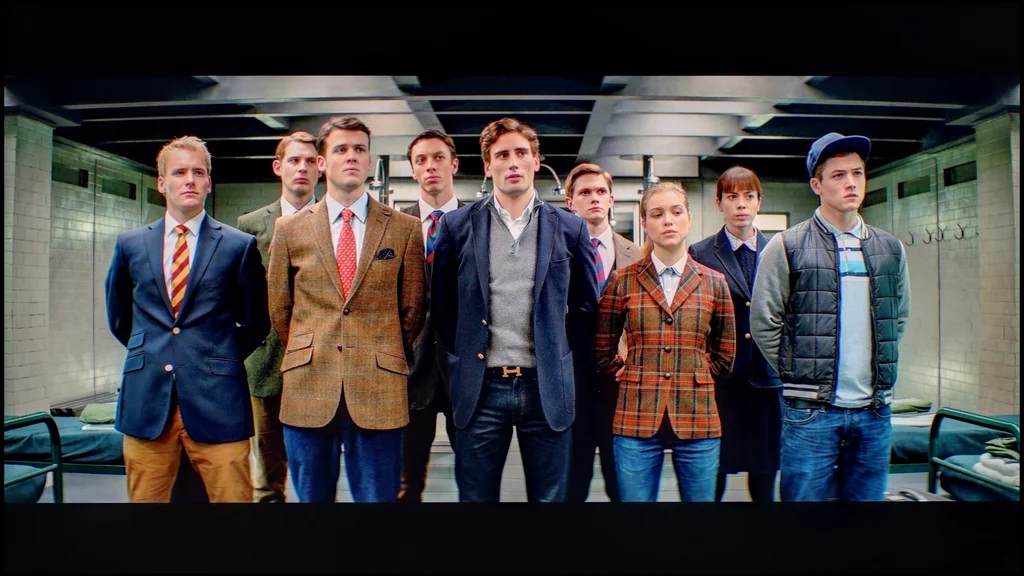
The Hisense S7S handles the smoothness of tonal transitions very well. In both bright and darker scenes the colours blend gently into one another. There are no obvious bands that might distract from viewing. Only in the very darkest shades can you spot slight irregularities, and you really have to look for them.
It's slightly worse when switching to Dolby Vision. In that format the boundaries between shades become more noticeable, especially in the darker parts of the picture. So it's worth remembering that although Dolby Vision helps this TV show more detail in bright scenes, it performs a bit worse than HDR10 in terms of the smoothness of tonal transitions.
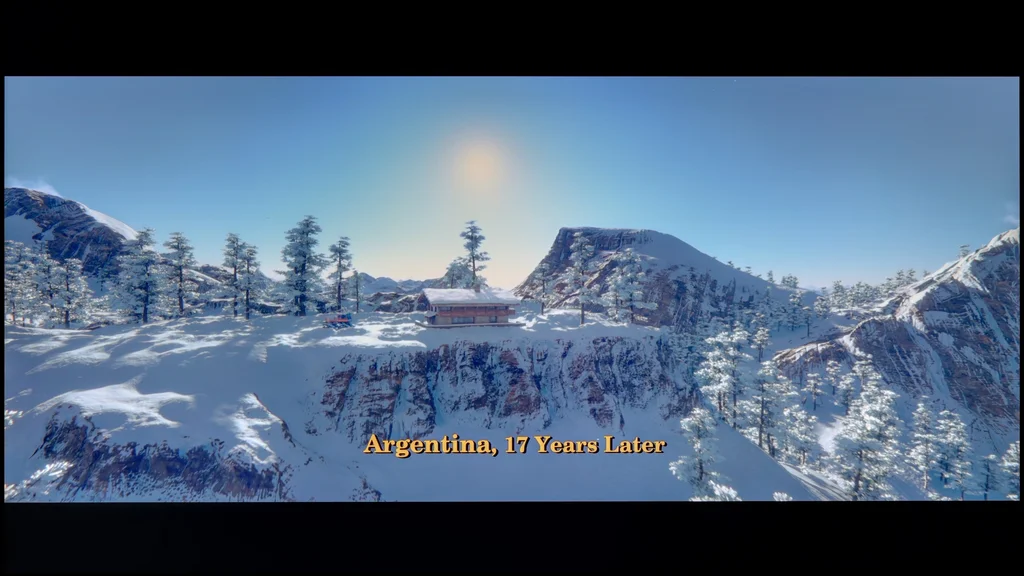

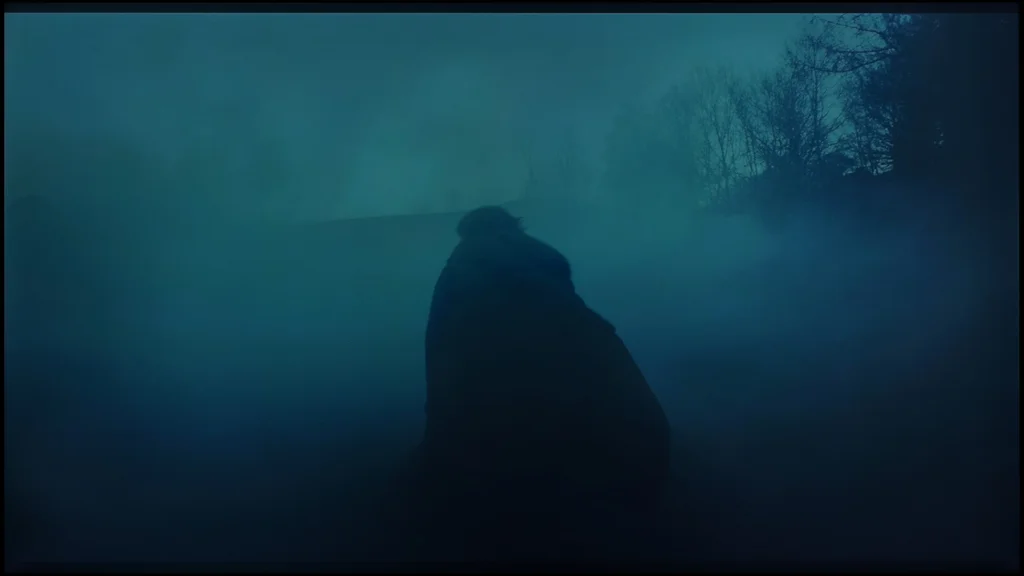
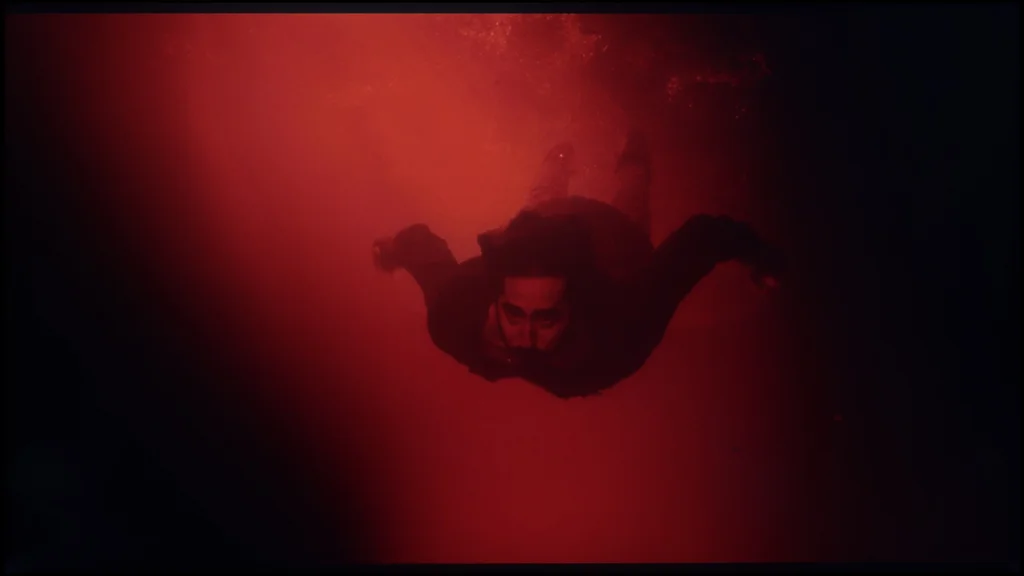
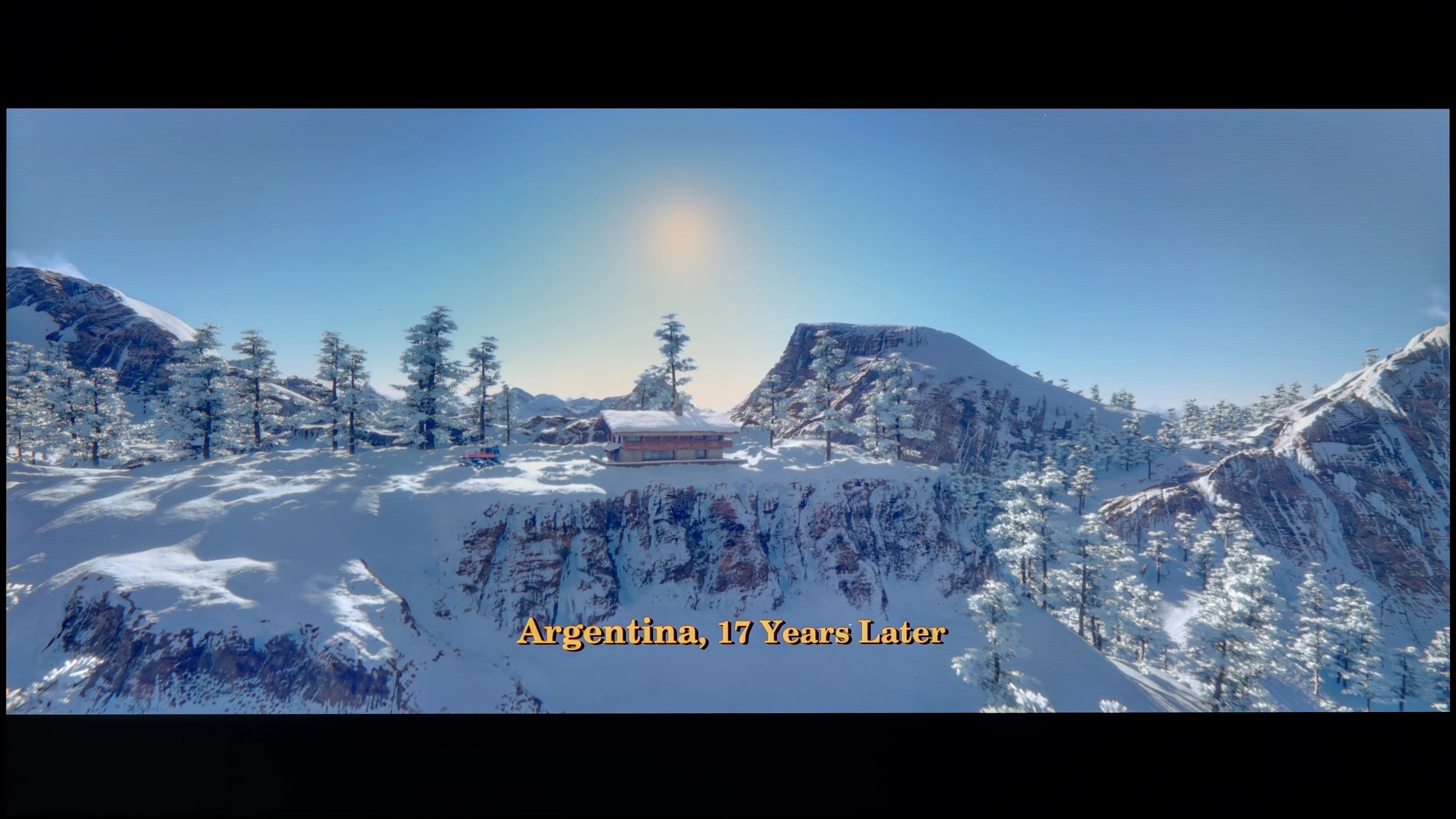

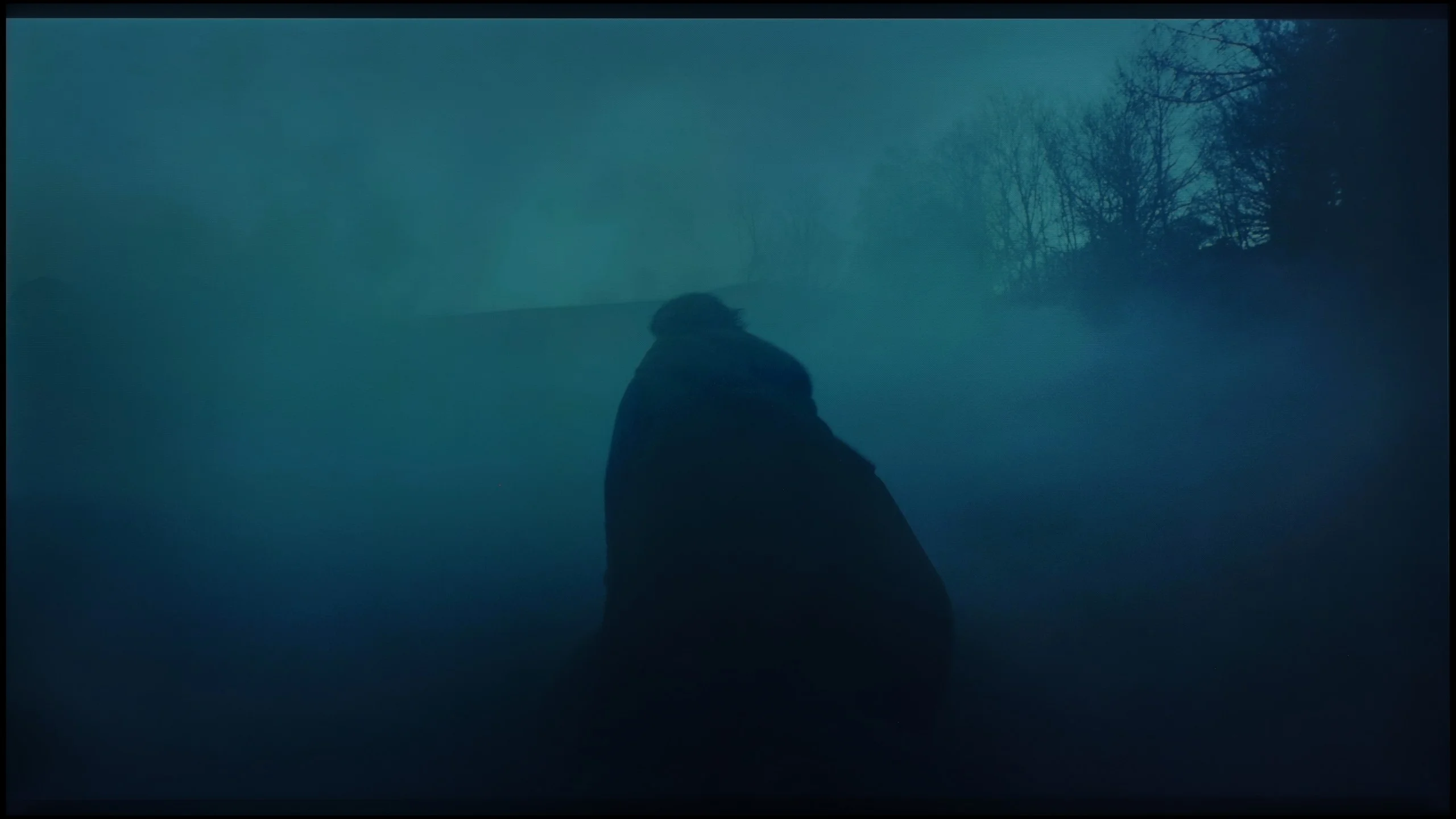
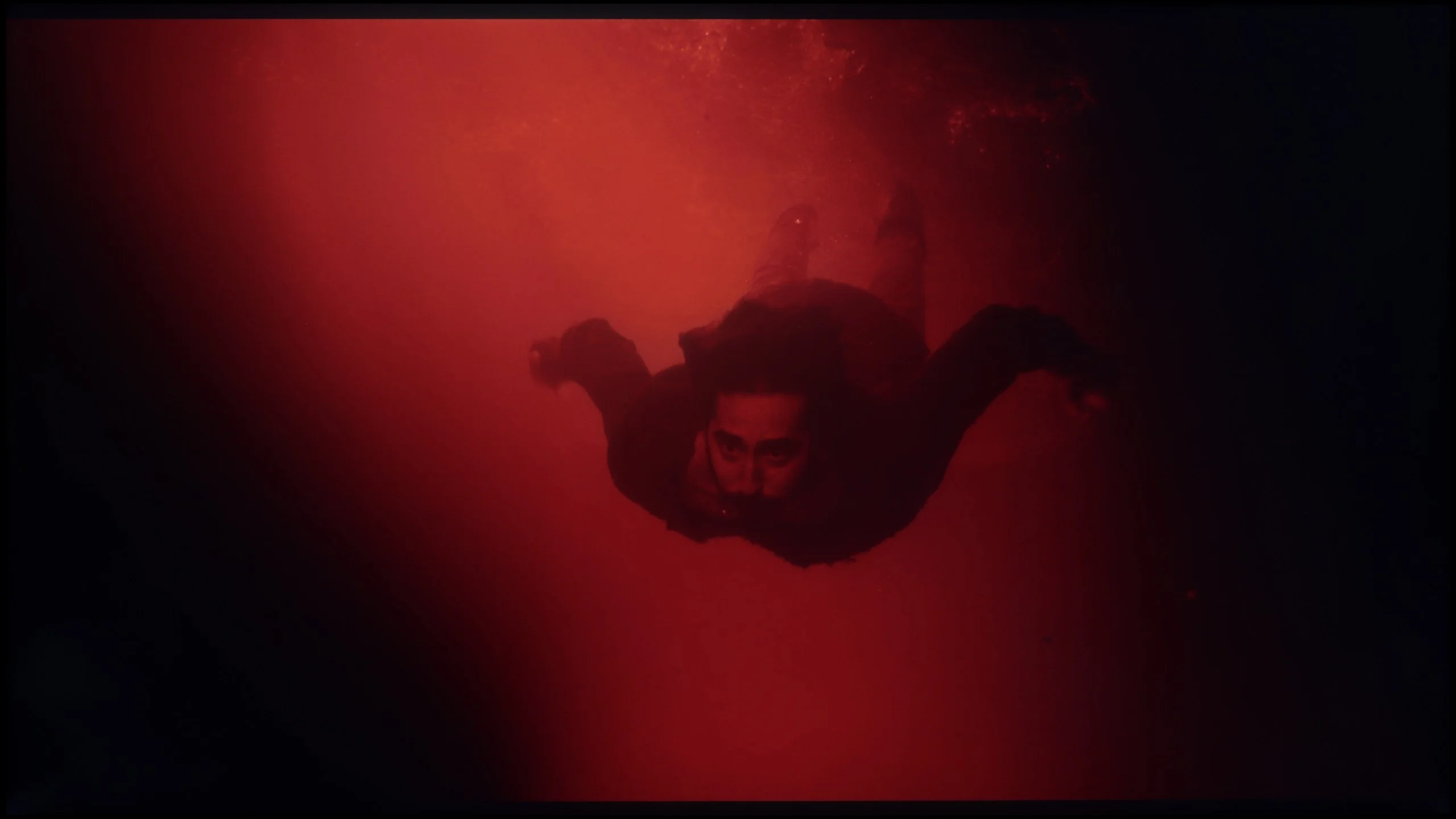
Image scaling and smoothness of tonal transitions
6/10
 Smooth transition function
Image without overscan on the SD signal

The Hisense S7S has a "Smooth and Gradient Picture" feature that's meant to improve tonal transitions in lower-quality material. In practice, however, it's hard to see any benefit from switching it on. Visible bands between shades stay put, while fine detail can disappear from the image. The smoothing therefore kicks in where we might not want it. We'd leave this option off.
Upscaling itself performs well. Lower-resolution material is clear and retains a pleasant level of sharpness, so regular broadcast TV or older recordings look quite acceptable. There's also no problem with overscan, that is, the cropping of the image edges. On the screen, regardless of resolution, you can see the full frame.
HISENSE S7S - Blur and motion smoothness
7.1/10
Maximum refresh rate of the panel: 144Hz
Film motion smoothing option: Yes
Blur reduction option: Yes
BFI function 60Hz: No
BFI function 120Hz: No
Hisense S7S has a 144 Hz panel, so despite its "cinematic" character it’s also suitable for sports and gaming. The highest refresh rate will mainly benefit PC gamers. We’re focusing here on how it performs at 120 Hz, where motion is smooth, but the panel itself isn’t among the fastest. You can see trailing behind moving objects, especially against darker backgrounds. That doesn’t ruin the enjoyment of watching, though during fast action edges lose a little definition.
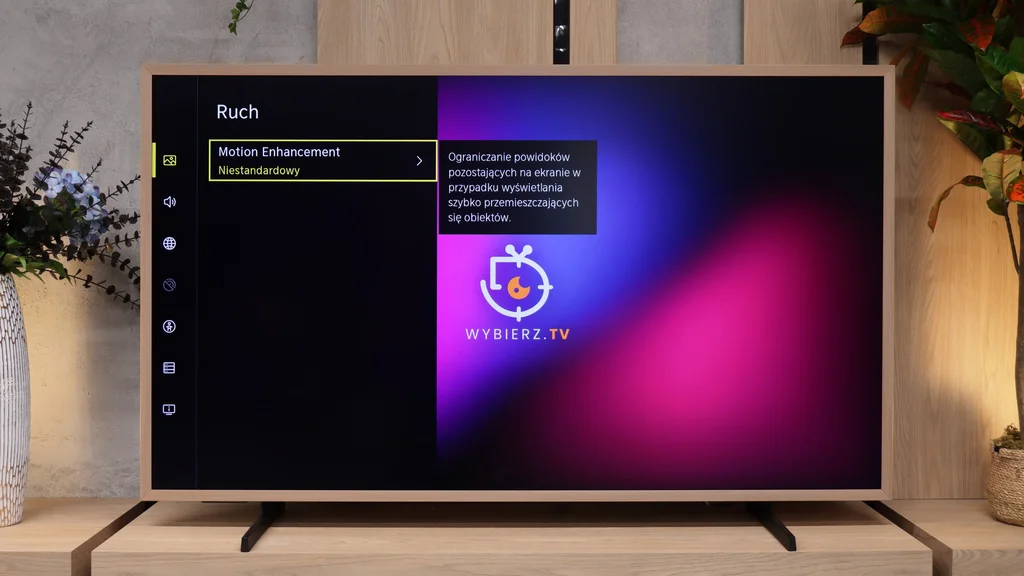
For films the "Motion Enhancement" motion smoothing is useful. It helps reduce judder, visible for example during slow camera pans. You can use the presets or choose a custom mode and tailor the effect to your own taste. That way you don’t have to give up the cinematic character of the picture to make motion look a bit smoother.
Blur (native resolution, maximum refresh rate):



Blur (1080p@240Hz):


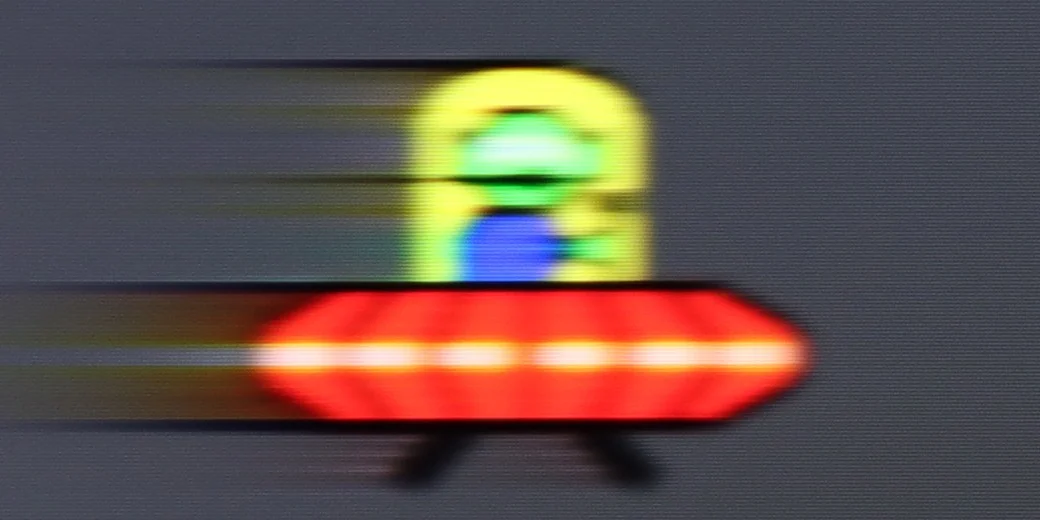
An interesting addition is support for 240 Hz at Full HD resolution. In our tests moving objects appeared sharper than at 120 Hz, although motion blur was still noticeable. It's mainly an option for gamers who prefer speed at the expense of resolution. However, a high refresh rate alone does not remove the limitations of the panel's response time.
HISENSE S7S - Console compatibility and gaming features
8.5/10
- ALLM:
Yes
- VRR:
Yes
- VRR range:
48 - 288Hz
- Dolby Vision Game Mode:
Yes
 Correct implementation of HGIG:
No
- 1080p@120Hz:
Yes
- 1440p@120Hz:
Yes
- 4K@120Hz:
Yes
- Game bar:
Yes
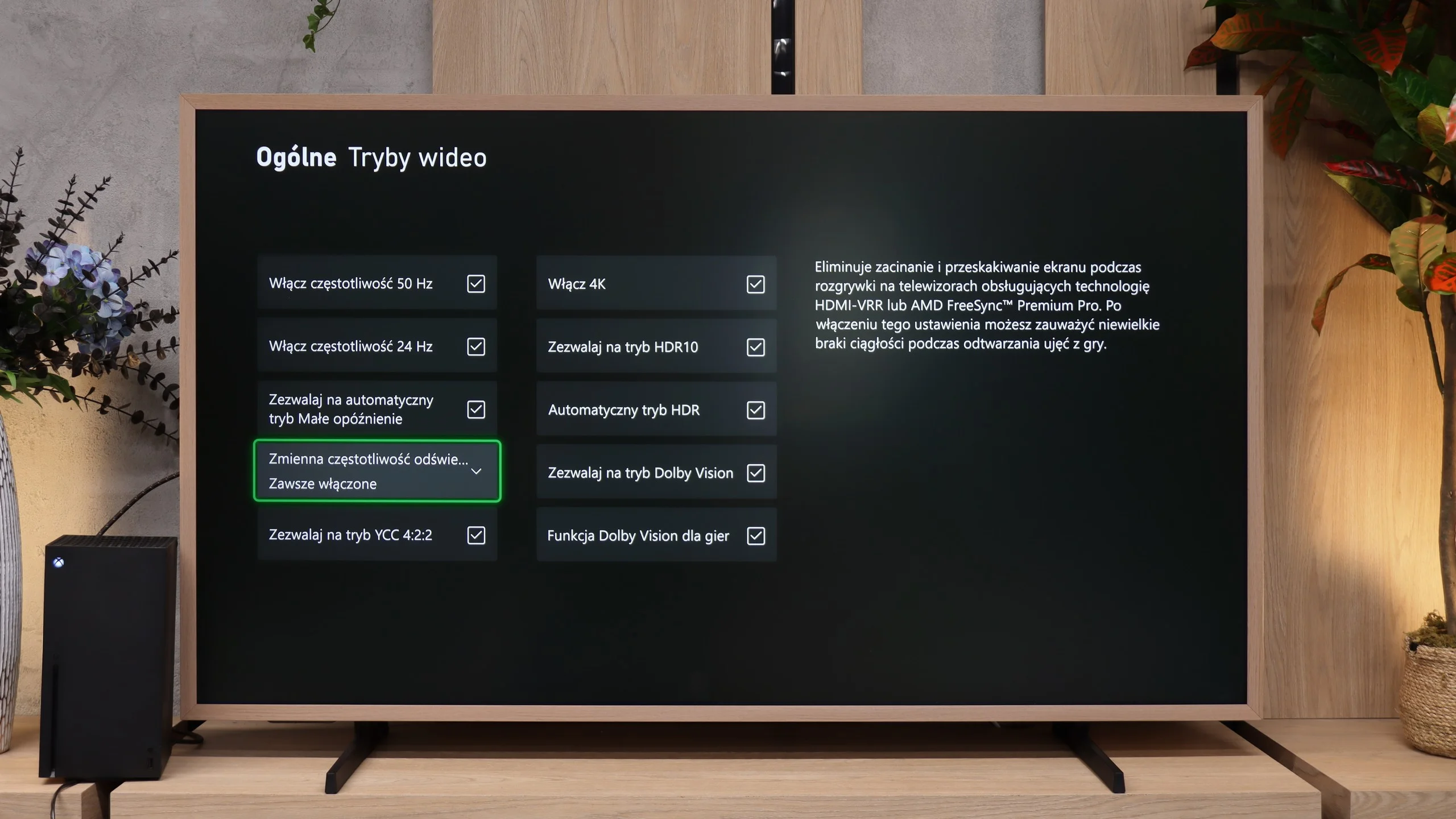
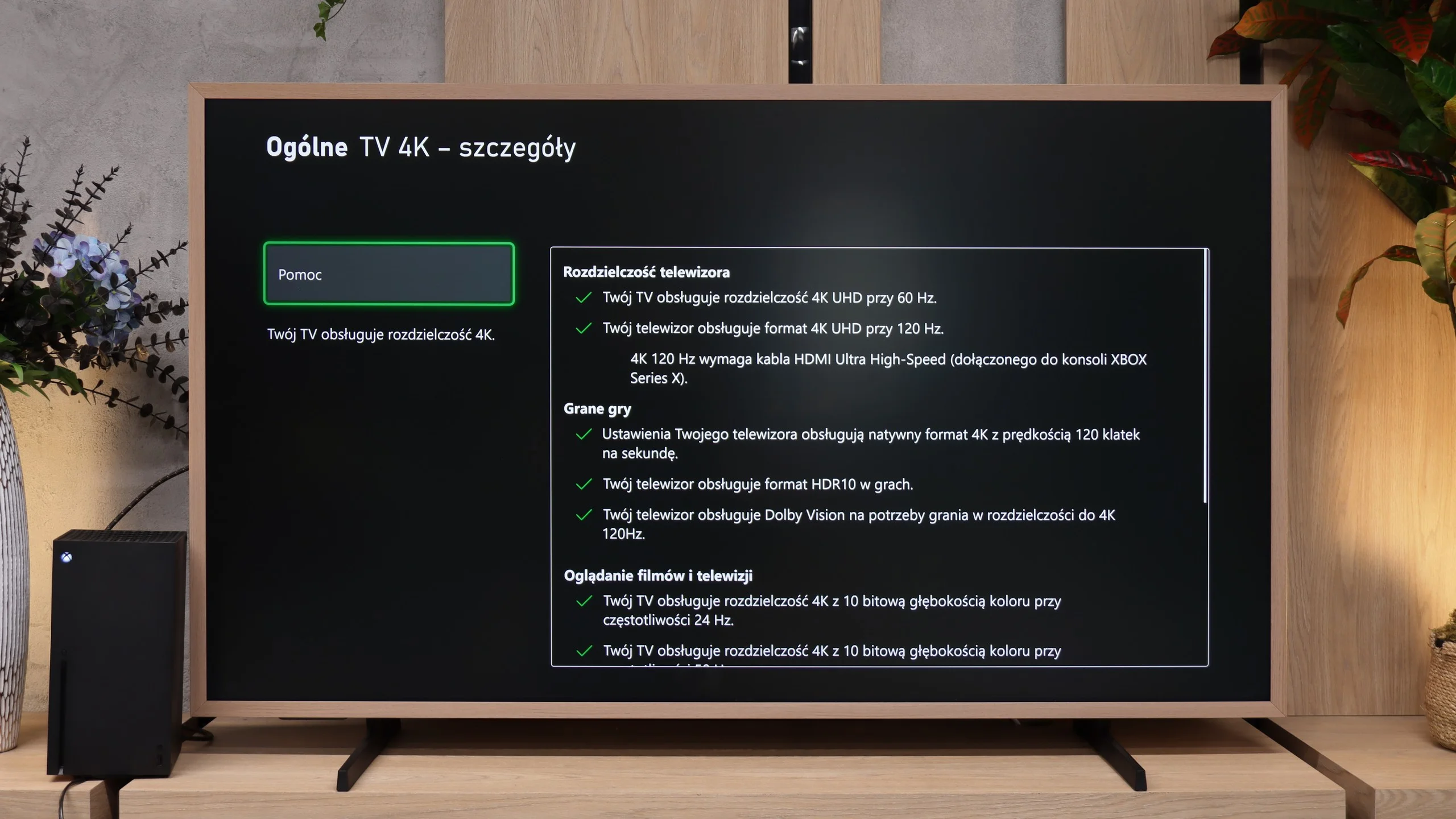
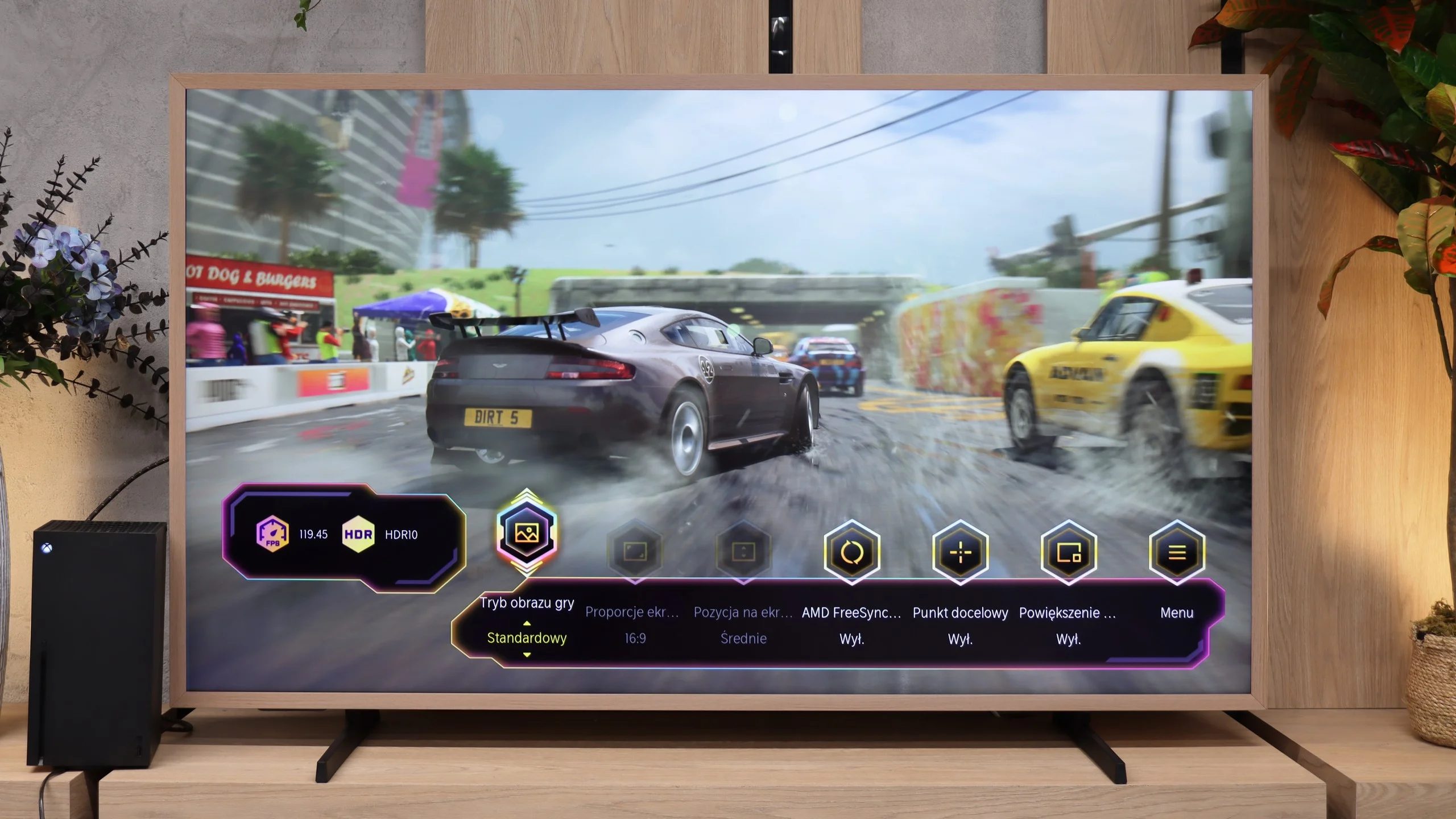
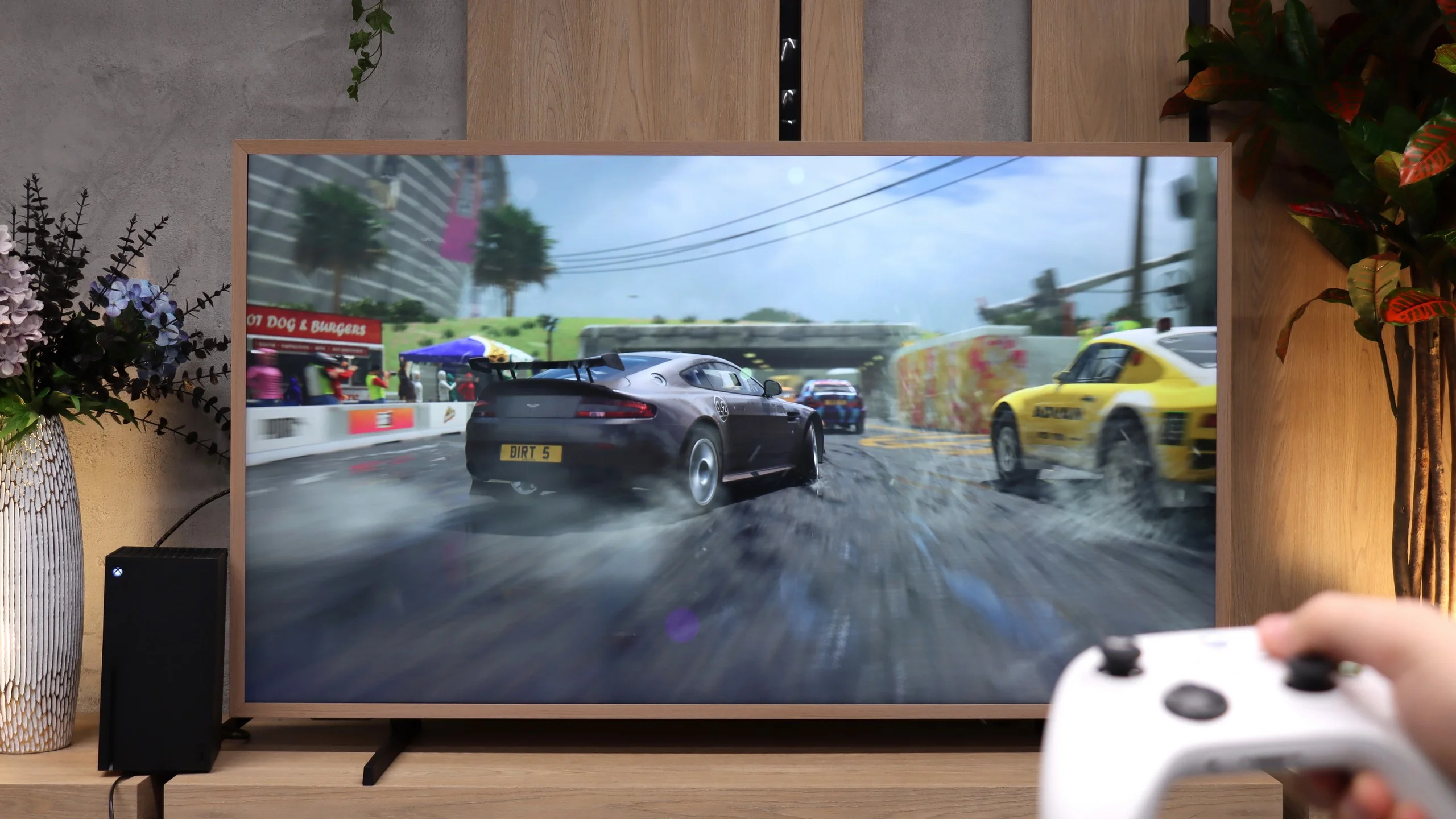
The Hisense S7S has quite a lot to offer gamers. It supports 4K at 120 Hz, and with VRR it helps keep gameplay smooth when frame rates start to change. There’s also ALLM, so the TV automatically switches to low-latency mode when you start a console. Xbox users can use Dolby Vision in games, and the handy Game Bar lets you quickly check signal parameters and access settings. For a TV that’s primarily meant to reproduce an image on the wall, the feature set is really sensible. The biggest drawback is HGiG not working correctly. That makes it harder to match the console’s HDR to the display’s actual capabilities. The TV still handles brightness its own way, so the in-game result can differ from what you set when calibrating the console. A shame, because aside from that the S7S offers most of the features we expect from a modern gaming TV.

HISENSE S7S - Input lag
9.7/10
In terms of input lag, the Hisense S7S performs very well. With a 60 Hz signal the response to controls is quick, and switching to 120 Hz reduces the lag even further. That's especially noticeable in fast-paced games, where every controller movement should immediately translate to what's happening on-screen. Crucially, turning on HDR or Dolby Vision doesn't worsen those results, so you can enjoy a more impressive picture without worrying about additional input lag. The S7S may look like a picture on the wall, but in this respect it easily keeps pace with TVs aimed at gaming.
| SDR | HDR | Dolby Vision |
|---|---|---|
| 1080p60: 18 ms | 2160p60: 17 ms | 2160p60 DV: 17 ms |
| 1080p120: 10 ms | 2160p120: 8 ms | 2160p120 DV: 9 ms |
| 2160p60: 18 ms | ||
| 2160p120: 10 ms |

HISENSE S7S - Compatibility with PC
8.2/10
Chroma 444 (max. resolution and refresh rate): Yes
Font clarity: Good
Readability of dark text and shapes: Average
Input lag in PC mode (4K, max. refresh rate): 9ms
Matrix subpixel arrangement: BGR
Max refresh rate: 144Hz
G-Sync: Yes
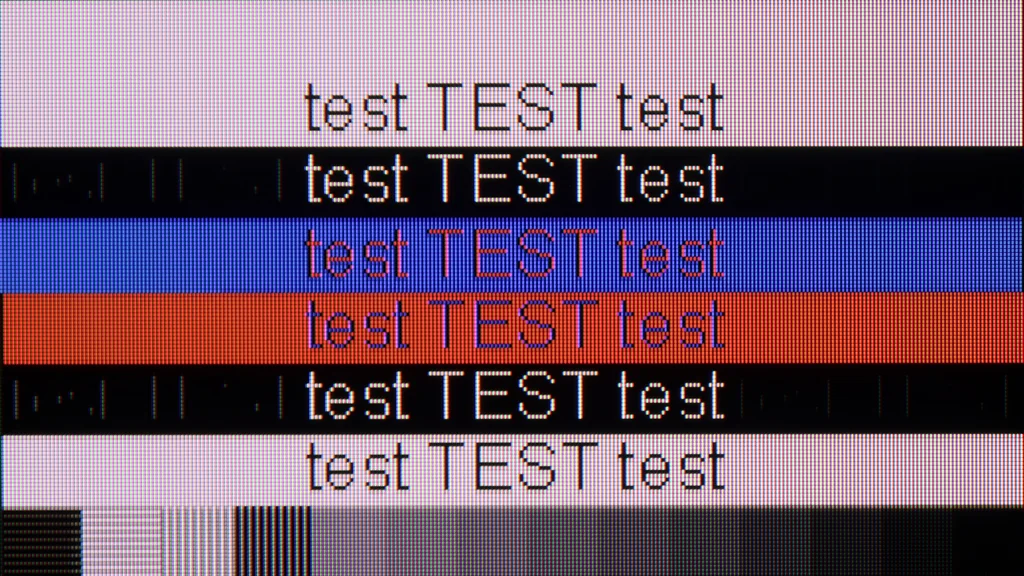
The Hisense S7S works well as a large screen for PC gaming. It supports 4K at 144 Hz, responds quickly to inputs and works with G-Sync, which helps avoid screen tearing when frame rates fluctuate. Just remember the previously mentioned smearing. Low input lag provides quick responsiveness, but it doesn't mean moving objects will be perfectly sharp. It's also perfectly usable for browsing the web or working with documents. Chroma 4:4:4 support keeps coloured text legible even at the highest refresh rate. Regular fonts look good, though up close you can see slight irregularities along their edges. Very dark text on a dark background performs worse, with thin parts sometimes getting lost. So it's pretty good for occasional work, but with small text the S7S doesn't offer the same precision as a good monitor.
HISENSE S7S - Viewing angles
3.1/10
Brightness drop at an angle of 45 degrees: 73%
Viewing angles on the Hisense S7S are fairly average, which is typical for many TVs with a VA panel. When you move to the side, colours lose saturation and blacks become noticeably lighter. The picture therefore looks best when you’re sitting directly in front of the screen. With a wider sofa setup, people sitting at the ends will see a less contrasty image. It’s worth bearing this in mind when displaying images in art mode too. From the side they won’t look as good as they do straight on.
HISENSE S7S - Daytime performance
6.9/10
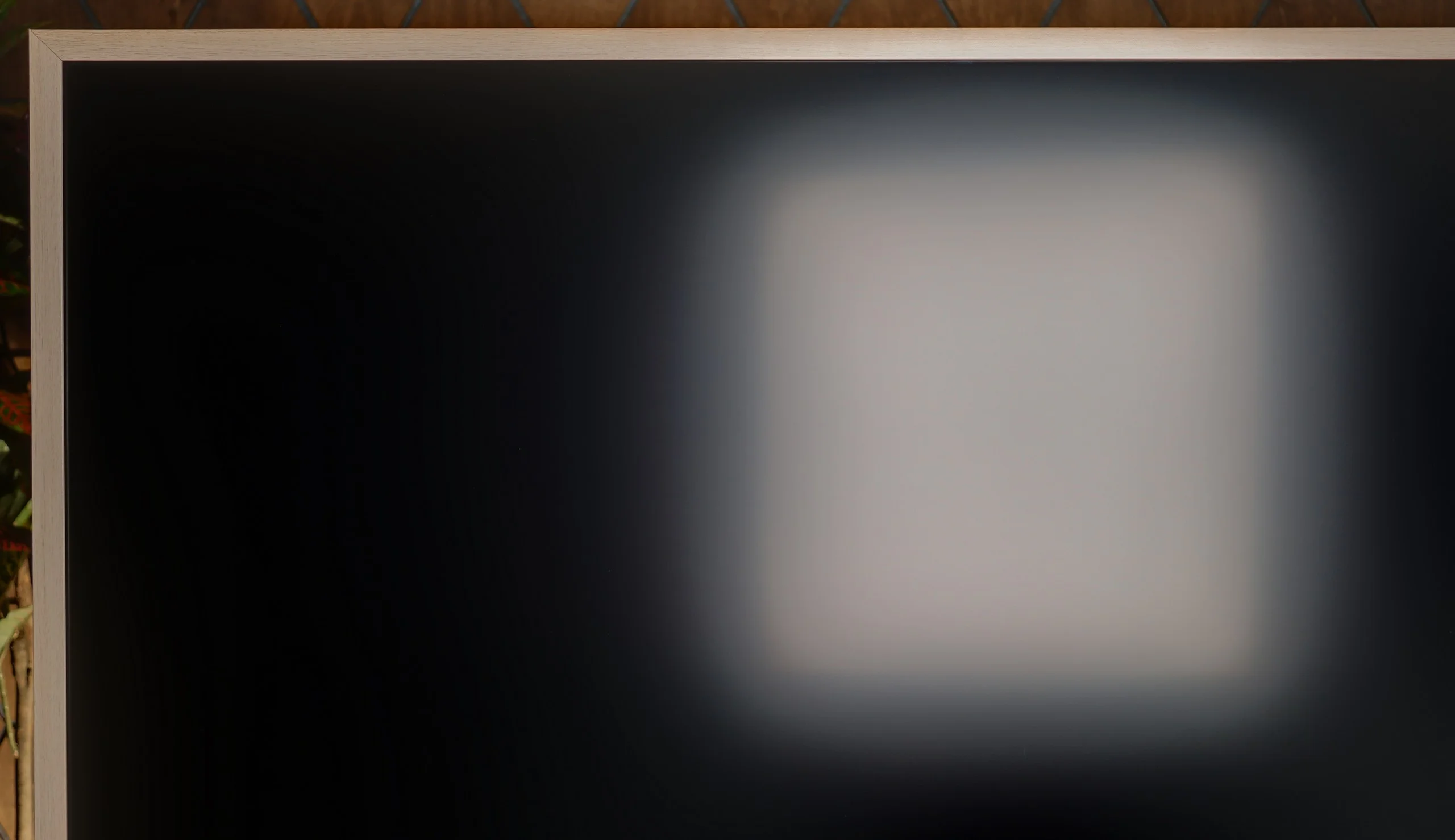

Panel finish: Matte
Reflection suppression: Very Good
Black levels during daytime: Average
The matte coating is one of the biggest advantages of the Hisense S7S for daytime viewing. It disperses reflections very well, so instead of a sharp reflection of a window or lamp you see a softer glow. That also helps in Art Mode, because the screen looks less like a mirror and more like an actual image. On top of that, the TV maintains high brightness even when the whole frame is bright. In a normally lit lounge you don't have to reach for the blinds straight away.
That coating does have a downside. Light falling on the screen scatters over a wider area and noticeably worsens black levels. Dark areas turn greyer and the image loses contrast. The S7S handles reflections well, but it doesn't make room lighting irrelevant. It's best placed so strong light doesn't fall directly on the panel.
Panel brightness
Hisense S7S CanvasTV: 669 cd/m2
HISENSE S7S - TV features
9.6/10
System: VIDAA
System performance: Good
- HDMI inputs: 2 x HDMI 2.0, 2 x HDMI 2.1 48Gbps
- Outputs: Toslink (Optical audio), eARC (HDMI), ARC (HDMI)
- Network Interfaces: Wi-Fi 2.4GHz, Wi-Fi 5GHz, Ethernet (LAN) 100Mbps
- TV reception: DVB-T, DVB-T2, DVB-S, DVB-S2, DVB-C
Classic features:
- Recording to USB (terrestrial TV): Yes
- Recording programming: Yes
- Picture in Picture (PiP): No
- RF remote control (no need to aim): RF
- Backlit remote control: Yes
- Teletext: Yes
- Audio only mode: Yes
- Bluetooth headphones support: Yes
- Simultaneous Bluetooth headphones & TV audio: Yes
Smart features:
- AirPlay: Yes
- Screen mirroring (Windows Miracast): Yes
- Voice search: Yes
- Voice search in native language: Yes
- Ability to connect a keyboard and mouse: Yes
VIDAA
Hisense S7S uses the VIDAA system, which runs smoothly and is easy to use. The menu responds quickly and switching between apps is fast. There are also handy extras like AirPlay, wireless screen sharing from a computer and voice search in Polish. The biggest limitation remains the app selection. Popular services are available, but the offering for lesser-known services is slimmer than on Google TV.
TV features
There’s little to complain about when it comes to traditional TV features. You can record programmes to USB and schedule recordings, and Bluetooth headphones can play audio at the same time as the TV speakers. A backlit remote that doesn’t need to be pointed at the screen is also welcome. These are small things, but you appreciate them more day to day than another marketing slogan. The main omission is picture-in-picture functionality.
Art
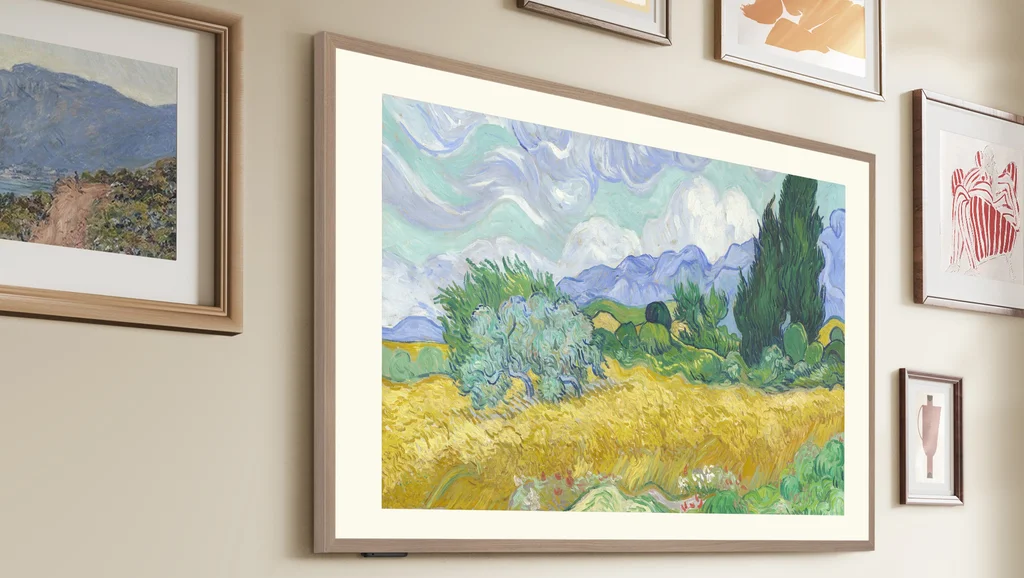
What gives the S7S the most character, however, is Art Mode. The matte screen and decorative frame help displayed images blend well with the room’s decor. A motion and presence sensor lets the mode adapt depending on whether someone is in the room. Another plus is the included accessories: a low-profile wall mount and interchangeable frames come in the box. So you don’t have to buy extra accessories straight away to achieve the on-wall art effect. For these additional features, as with other TVs of this type, we awarded a small bonus to the features score, namely 0.2 points.
Sound connection options
HDMI audio:
Other audio outputs:
- Toslink: Yes
Wireless audio:
- Bluetooth: Yes
Supported audio formats (external HDMI eARC audio):
- Dolby Digital Plus 7.1: Yes
- Dolby True HD 7.1: Yes
- Dolby Atmos in Dolby Digital Plus (JOC): Yes
- Dolby Atmos in Dolby True HD: Yes
- DTS:X in DTS-HD MA: Yes
- DTS-HD Master Audio: Yes
Senior accessibility
- Numeric keyboard on TV: Yes
- Font size adjustment: Yes
- Audio description: Yes
HISENSE S7S - Apps
8.3/10






















HISENSE S7S - Playing files from USB
8.5/10
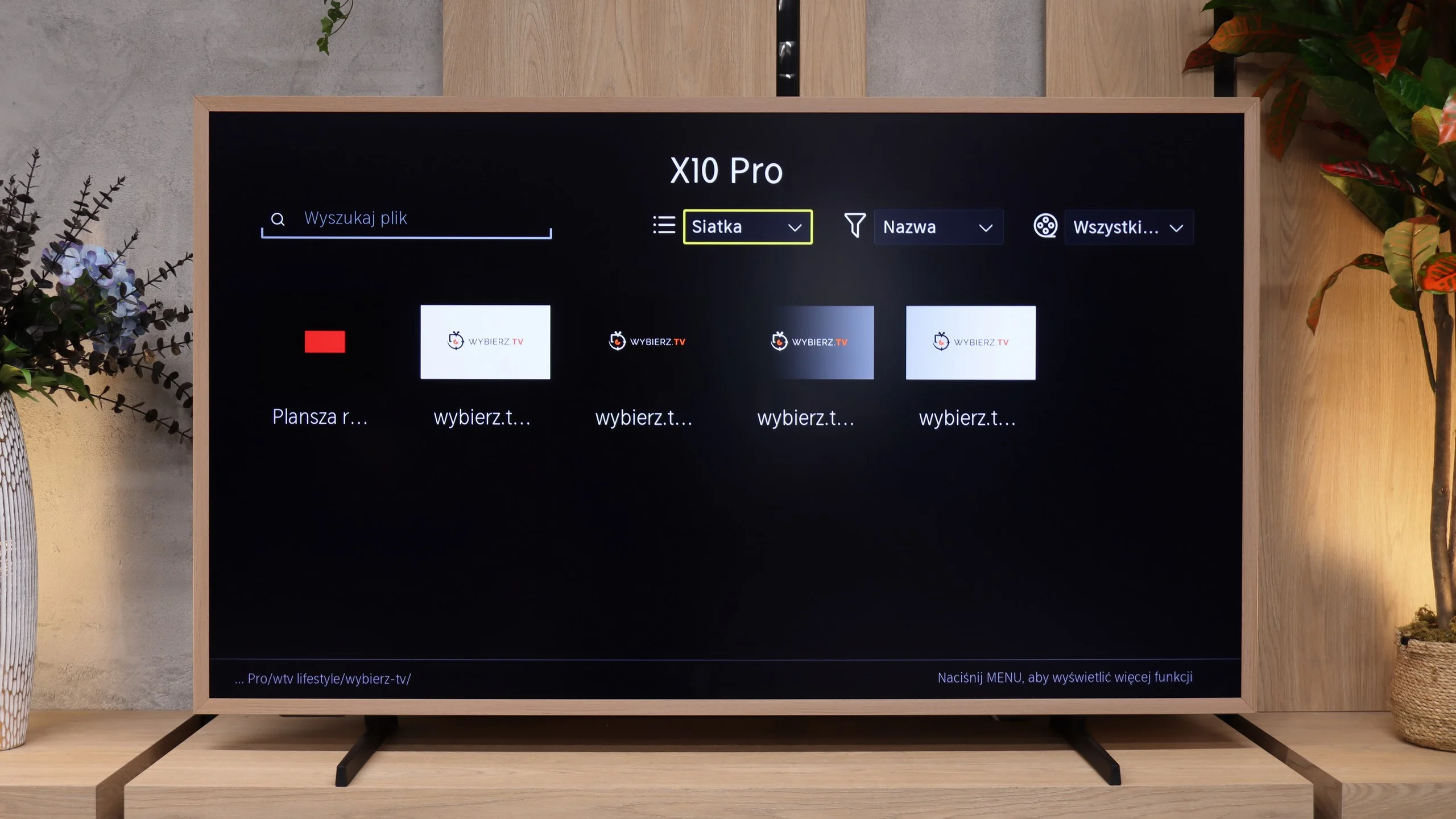
| Maximum photo resolution: | Supported photo formats: |
|---|---|
| 4 Mpix | JPEG |
| 6 Mpix | HEIC |
| 8 Mpix | PNG |
| 10 Mpix | GIF |
| 12 Mpix | WebP |
| 16 Mpix | TIFF |
| 20 Mpix | BMP |
| 24 Mpix | SVG |
| 28 Mpix | |
| 32 Mpix |
The USB player in the Hisense S7S handles most of the files we tested without major problems. You can therefore play videos and music without connecting additional equipment. The strangest part, however, is how it handles photos. The TV opens some high-resolution images yet refuses to cooperate with certain smaller files. So it's not a simple file size limit for photos, but rather quite selective behaviour from the player.
HISENSE S7S - Sound
6/10
78dB
Maximum volume

Supported codecs (TV speakers)
Dolby Digital Plus 7.1
Dolby True HD 7.1
Dolby Atmos in Dolby Digital Plus (JOC)
Dolby Atmos in Dolby True HD
DTS:X in DTS-HD MA
DTS-HD Master Audio
The sound in the Hisense S7S is fairly flat, much like the TV itself. In such a slim design it's hard to expect strong bass and sound that gives film scenes the proper punch. It's fine for everyday viewing, but with films or music you'll quickly want more. A soundbar will be a good addition, ideally one that matches the Canvas TV's look. DTS surround sound support is a plus. However, Dolby Atmos is missing, which is disappointing in a TV of this class. Format support aside, the bottom line is that if you want fuller sound, additional speakers will be useful here.
Sound Quality Test:
Acoustic Measurements
78dBC (Max)
75dBC
HISENSE S7S - Panel details
Software version during testing: V01.09.60E.Q0516
Panel uniformity and thermal imaging:

Backlight Type: PFS LED

Founder and originator of the "ChooseTV" portal

Journalist, reviewer, and columnist for the "ChooseTV" portal

michal-woloszyn-title
Reader comments
Comments are provided by the external service Disqus (Zeta Global). Once loaded, Disqus may set cookies and process data about your activity.
We will remember your choice on this device. Provider's privacy policy
See articles related to Hisense S7S CanvasTV:
 22/03/2026
Our YouTube channel
Budget OLED vs Mini-LED? Picture quality comparison: Samsung... 02/10/2026
Our YouTube channel
Does a cheap RGB Mini-LED make sense? Hisense UR8S in a vide... 04/09/2026

31/12/2025

29/05/2026

12/05/2026
27/10/2026
25/09/2025