TCL X11L vs Samsung S95H

Direct comparison

S95H / S99H

Info

Available screen sizes: 75”85”98”

Available screen sizes: 48”55”65”77”

Review TCL X11L Main photo
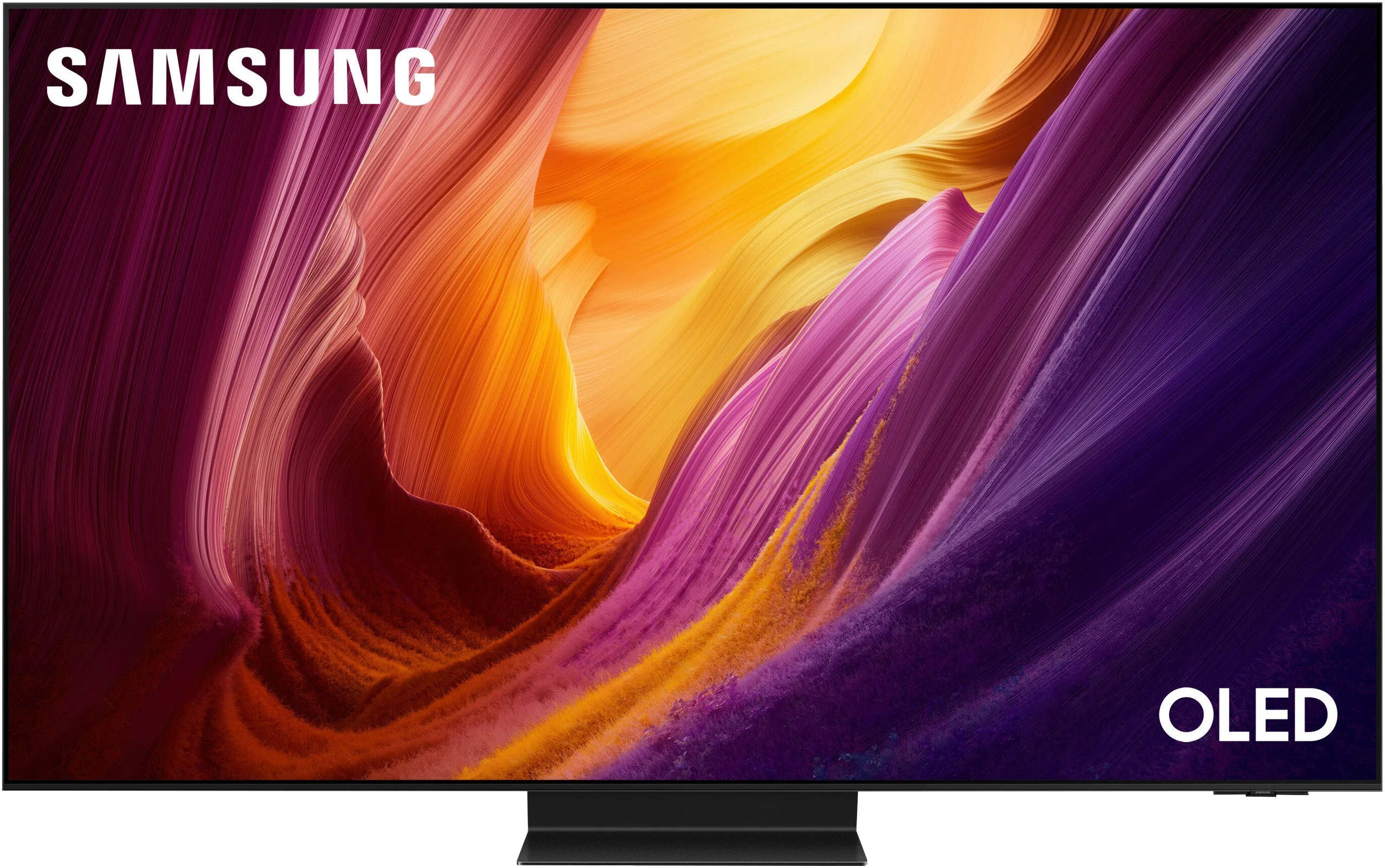
Review Samsung S95H Main photo

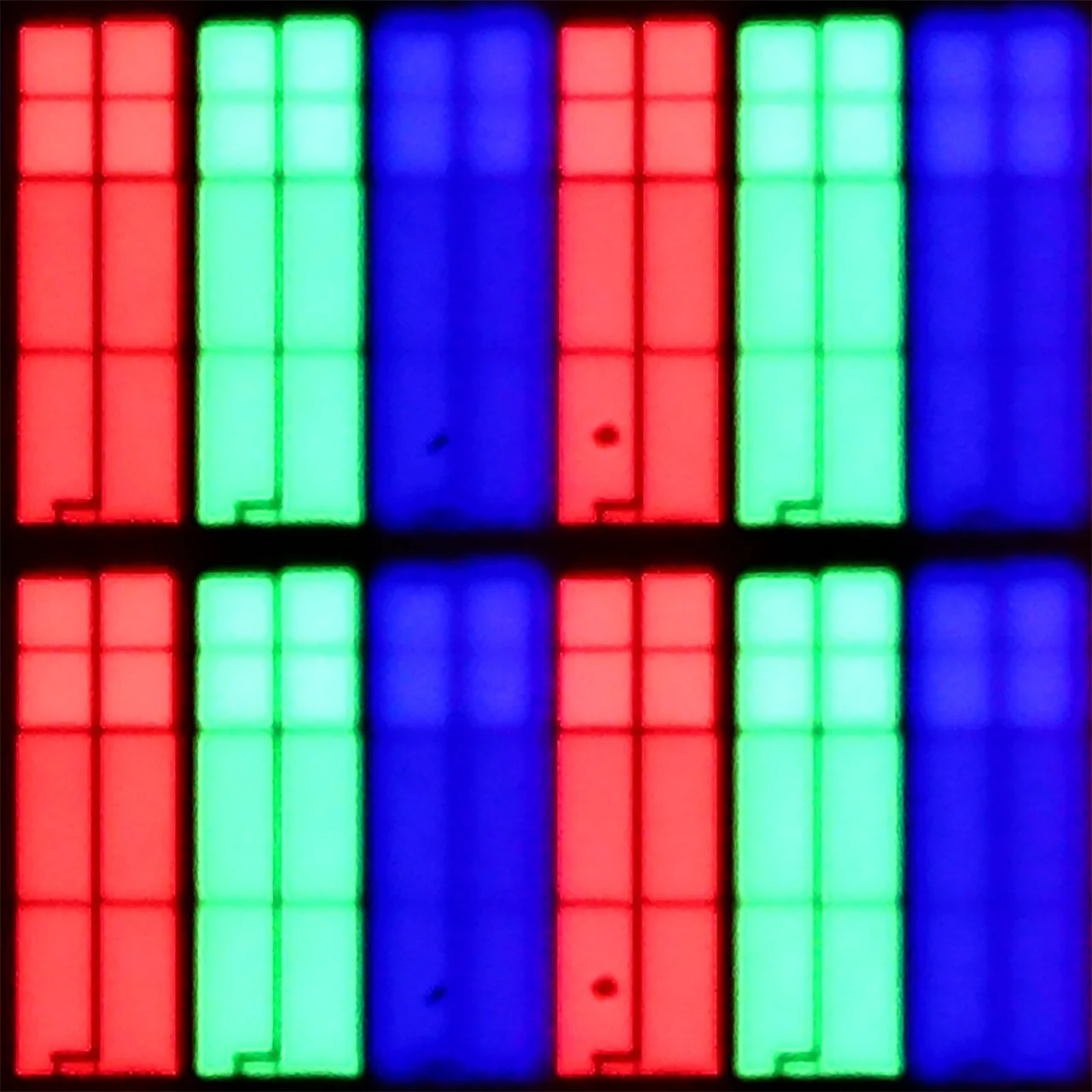
Panel type: LCD VA

Resolution: 3840x2160

System: Google TV

Model year: 2026

Complete the survey to find out the result

Panel type: QD-OLED

Resolution: 3840x2160

System: Tizen

Model year: 2026

Complete the survey to find out the result

Overall rating

8.6

8.8

  • Movies and series in UHD quality

    8.5

    9.3

  • Classic TV, YouTube

    7.9

    9.4

  • Sports broadcasts (TV and apps)

    7.3

    9.0

  • Gaming on console

    9.1

    9.9

  • TV as a computer monitor

    8.6

    8.8

  • Watching in bright light

    10.0

    7.3

  • Utility functions

    8.3

    7.9

  • Apps

    9.6

    9.3

  • Sound quality

    8.2

    8.0

Advantages

  • Best blacks on the market in a MINI-LED screen

  • Extremely high HDR and SDR brightness

  • Excellent colour saturation thanks to the SQD (Super QLED) filter

  • Very good image processing (MediaTek Pentonic 800)

  • A host of features for gamers: 4x HDMI 2.1, VRR, ALLM, refresh rate up to 288Hz (PC)

  • Good motion handling

  • Open operating system: Google TV

  • Stunning design and build quality

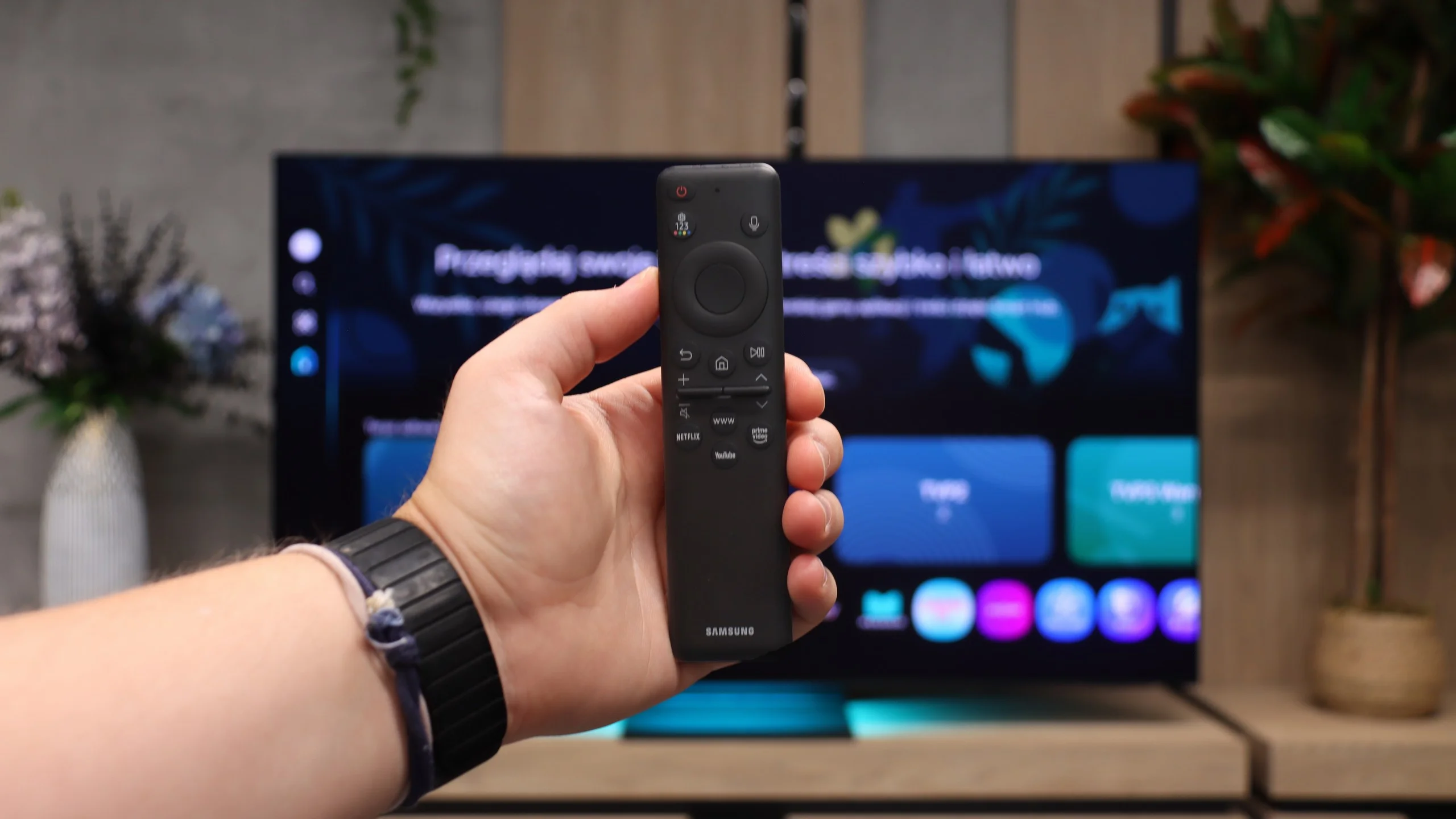
  • Backlit metal remote

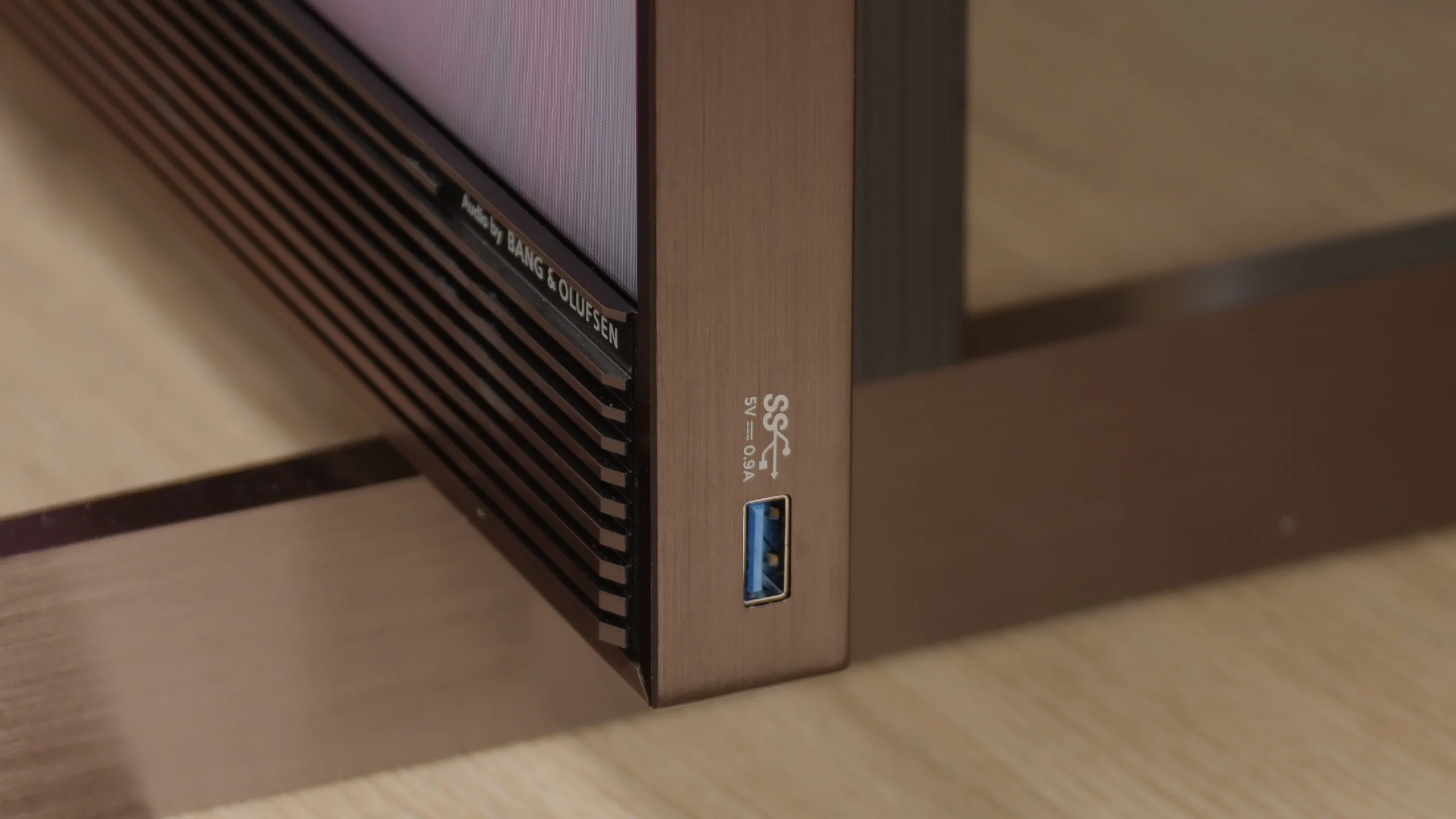
  • Built-in audio system tuned by Bang & Olufsen

  • Perfect blacks and OLED contrast

  • Very high brightness

  • Rich, highly saturated QD-OLED colours

  • Natural picture after calibration

  • Excellent tone mapping (lots of detail in bright scenes)

  • Matte finish that effectively reduces reflections

  • Market-leading viewing angles (QD-OLED)

  • 165 Hz refresh rate and lightning-fast panel response

  • Very low input lag and extensive gaming features

  • SENSATIONAL LOOK

  • One Connect module included

Disadvantages

No like
  • Artificial brightening of the image: the TV brightens the entire HDR image by itself

  • Glossy panel poorly suppresses reflections

  • Lack of "television" features, e.g. USB recording (PVR), PiP

  • High price

  • Noticeable black level deterioration in bright light (a characteristic of QD-OLED panels)

  • Last year's version of Tizen

  • No DTS support (mainly relevant to Blu-ray fans)

Our verdict

TCL X11L is, without a doubt, a powerful showcase of the manufacturer's capabilities and a TV that impresses in many areas. It’s clear the engineers focused on what matters most: maximum brightness, blacks and contrast. The new quantum dots with an SQD filter do such a job that colour saturation is hardly any different from the top new RGB panels. And what about the blacks? The X11L can easily be placed alongside an OLED and doesn't lose that fight by much, which is a real feat in the world of Mini-LEDs. On top of that there’s a whole host of features surrounding the screen. The new MediaTek Pentonic 800 processor has completely eliminated TCL’s old issues; image processing, upscaling and the smoothness of tonal transitions finally look as good as the competition from Korea or Japan. There is nothing to be ashamed of anymore. Gamers will be delighted too: four full HDMI 2.1 ports, refresh rates up to 288 Hz, a console-inspired Game Bar and Dolby Vision with no noticeable input lag. All of this is tied together by a very smooth Google TV system. Sounds like a recipe for the best Mini-LED of 2026, right? It would be perfect if not for one irritating quirk that stems directly from TCL’s stubborn image-tuning “philosophy”. This TV can simply ignore the director’s intent and, in HDR formats, arbitrarily and artificially brighten entire scenes. The effect? The picture can be too bright at times, sometimes even blown-out. The worst part is that the software offers no option to fix it; even during professional calibration we couldn’t fully correct this fault. For a screen at this price that aspires to be “the best of the best”, such wilfulness is simply unacceptable, especially when we’re talking about Filmmaker mode.

Still, if you couldn’t care less about perfect, studio-accurate fidelity and are after a picture that is above all maximally spectacular, showy and very bright in daylight, the X11L is a true beast. It’s the first Mini-LED to come so close to OLED black levels, and in brightness it simply crushes it. The only real brake here is the price. The sum you’ll have to pay for this model (regardless of size) is a serious outlay. Is it worth spending that much? We’ll leave that to your judgement. One thing must be conceded: it’s currently one of the best Mini-LEDs we’ve tested so far.
The Samsung S95H is in almost every respect a continuation of the S95F. During testing we often felt like we were watching the same television. But... is that a bad thing? Not necessarily, because its predecessor set the bar very high. We still get a phenomenal picture and one of the best televisions we tested in 2026. HDR has enormous impact, and the colours and blacks mean a good film can really keep you glued to the screen. With a console or PC the S95H is just as enjoyable because it delivers what we expect from a flagship product.

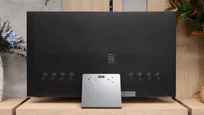
The strongest argument for this model may, however, be its appearance. It's aimed at people who want the slimmest, most minimalist television possible. Especially on the wall the S95H looks excellent, and One Connect helps organise the whole setup. If the distinctive bezel of the S99H isn't to your taste, here you'll find a more discreet design. Brightness is admittedly lower than in the higher series, but it's still high enough that it's hard to call it a serious compromise for viewing.

Not everything deserves praise, though. We were most disappointed by the inclusion of last year's version of Tizen. The system itself runs quickly, but that detail only underlines how little has changed compared with the S95F. Perhaps Samsung will release a suitable update soon.

Ultimately the S95H is a great choice for someone seeking top-tier picture quality in an exceptionally slim chassis. The Samsung S95H doesn't bring a revolution, but it's still a television that, despite giving us a small déjà vu, made a big impression.

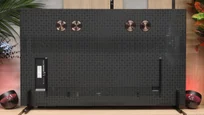
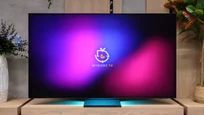
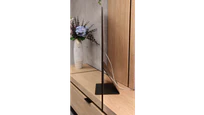
TV appearance

HDMI inputs
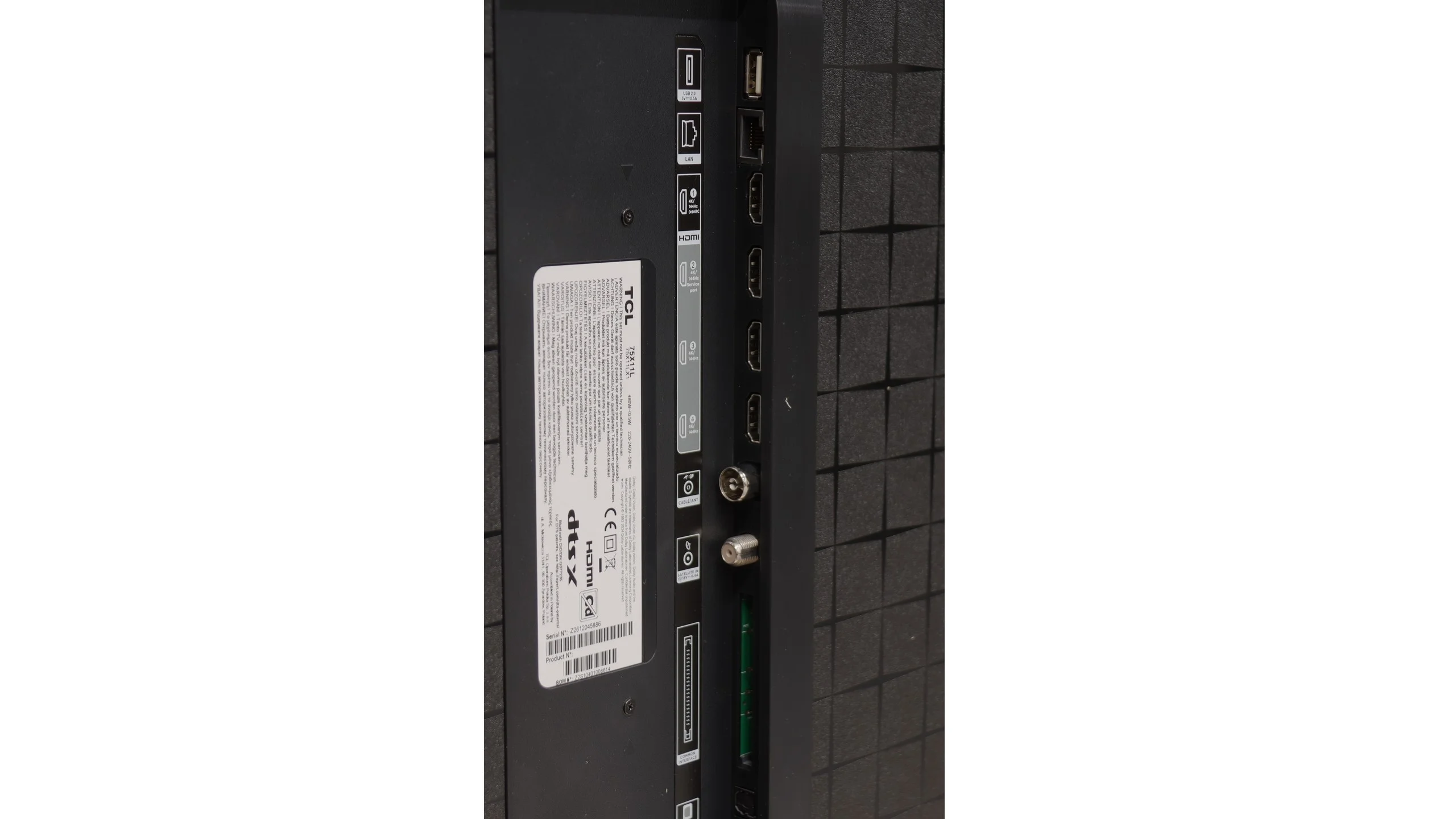
0 x HDMI 2.0, 4 x HDMI 2.1 (48Gbps)
0 x HDMI 2.0, 4 x HDMI 2.1 (40Gbps)
Other inputs
USB-C
Outputs
Toslink (Optical audio), eARC (HDMI), ARC (HDMI)
Network Interfaces
Wi-Fi 2.4GHz, Wi-Fi 5GHz, Ethernet (LAN) 100Mbps
Build quality
Super Premium
Super Premium
Stand type
Legs
Central
Bezel color
Graphite
Graphite
Stand
Height adjustment
Fixed
Flat design
Yes
Yes
Accessories
Stand
Stand, One Connect Box

Contrast and black detail

9.1/10

10/10

Local dimming function: Yes, number of zones: 11520 (80 x 144)

Contrast:

Review TCL X11L Contrast and black detail

Result

1,842,100:1

Review TCL X11L Contrast and black detail

Result

942,400:1

Review TCL X11L Contrast and black detail

Result

93,700:1

Review TCL X11L Contrast and black detail

Result

91,450:1

Review TCL X11L Contrast and black detail

Result

27,550:1

Review Samsung S95H Contrast and black detail

Result

∞:1

Review Samsung S95H Contrast and black detail

Result

∞:1

Review Samsung S95H Contrast and black detail

Result

∞:1

Review Samsung S95H Contrast and black detail

Result

∞:1

Review Samsung S95H Contrast and black detail

Result

∞:1

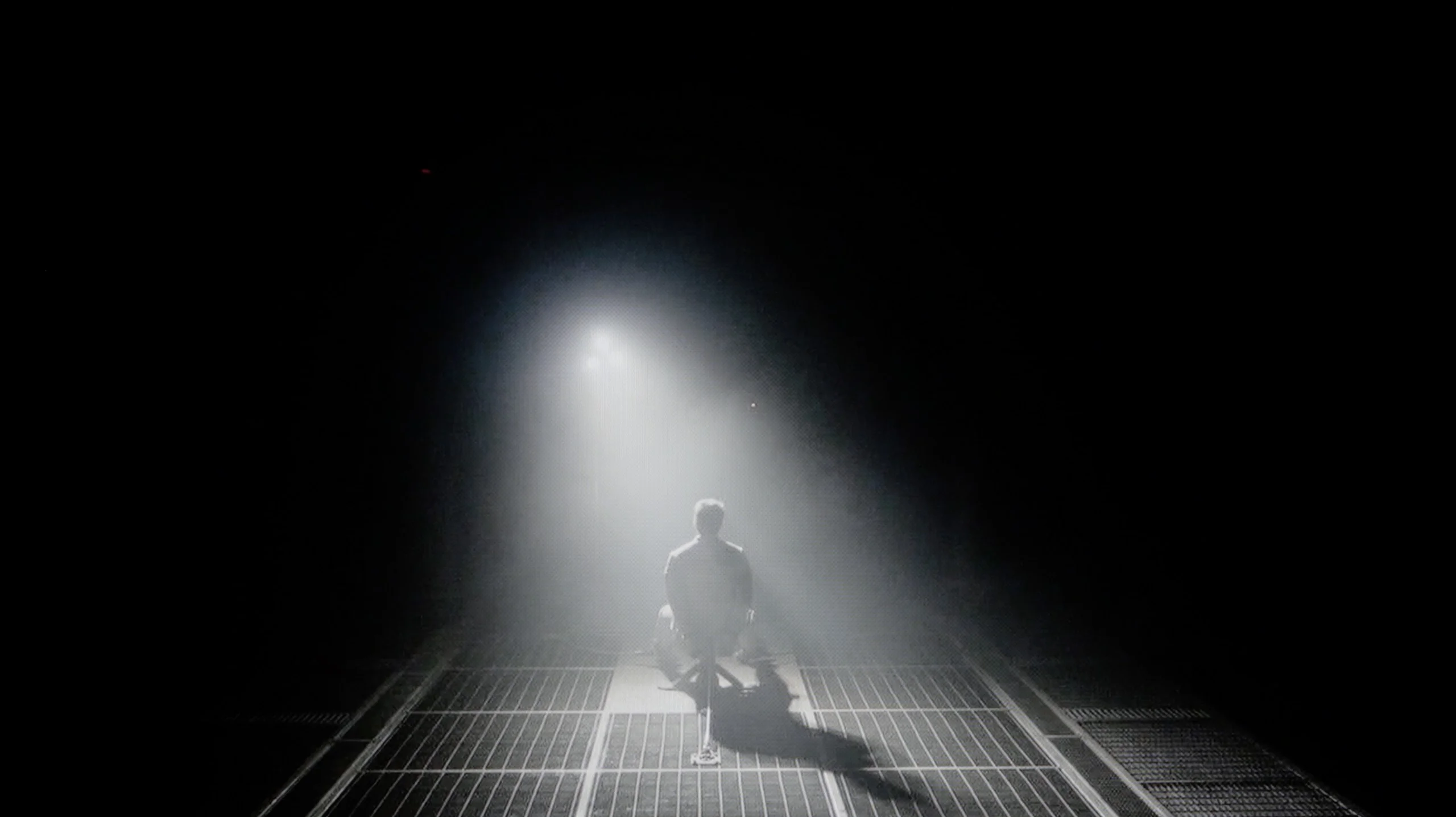
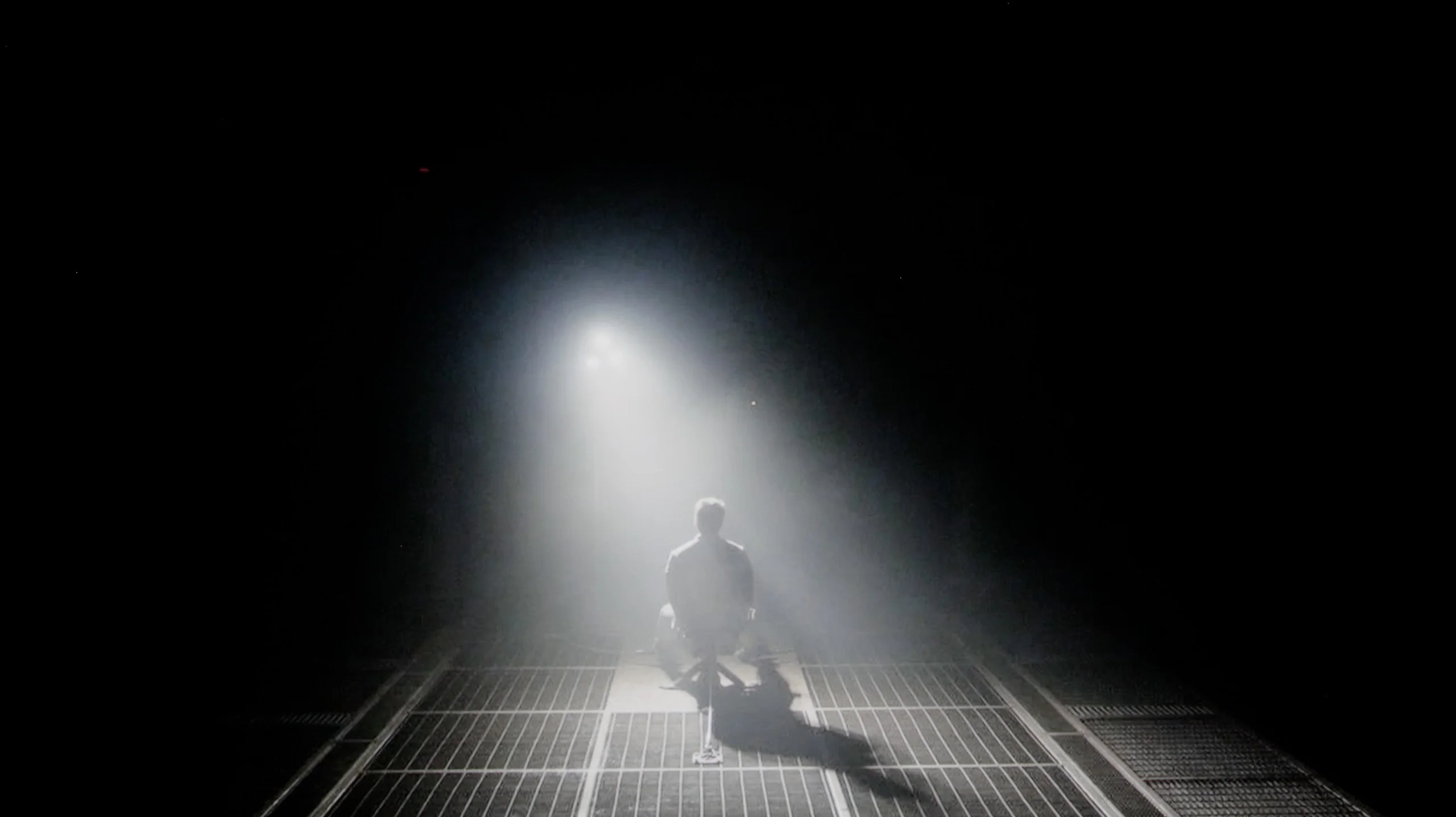
Halo effect and black detail visibility:

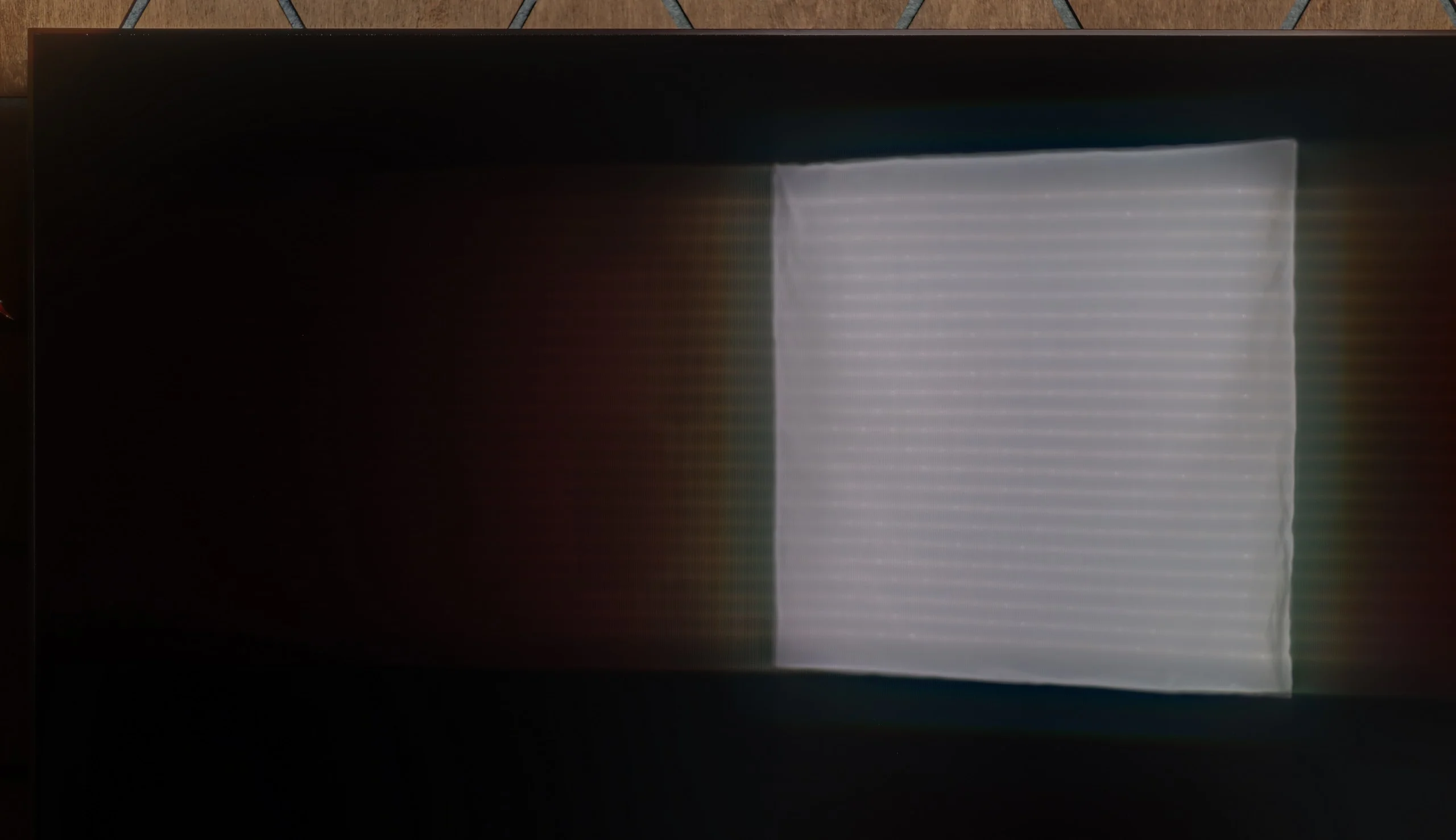
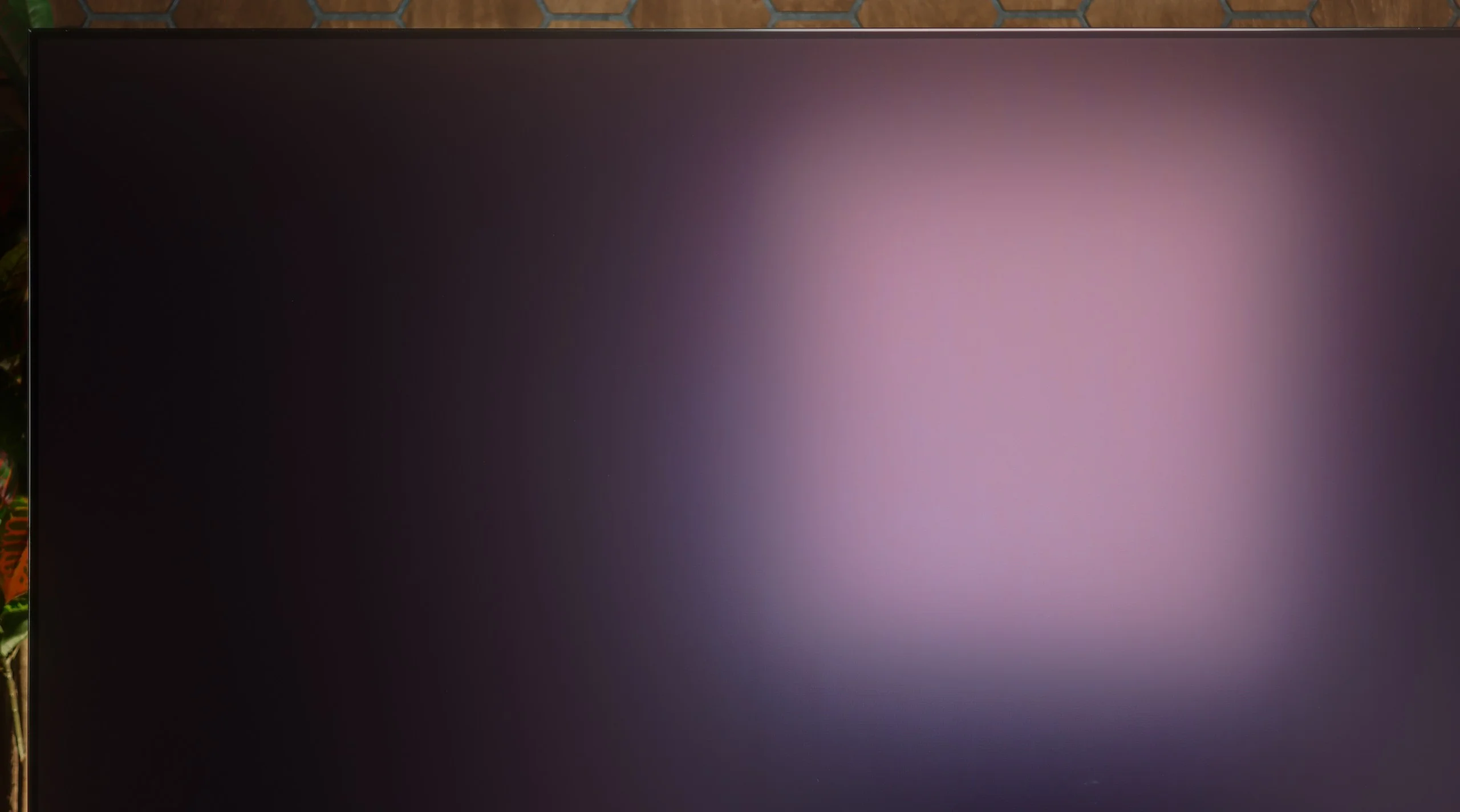
Check the visibility of bright lights on a dark background. Mini-LEDs often struggle with this. The photo does not compare black levels – that’s what the video below is for.

The video accurately shows differences in contrast and black levels between TVs, as well as potential issues: halo around bright objects or Mini-LED zone operation visible as brightness jumps.

Black and contrast on the X11L are simply S E N S A T I O N A L. The main credit goes to the astronomical number of local dimming zones combined with the proprietary WHVA 2.0 panel (VA-type). In the 75-inch model we tested we counted exactly 11,520 of them. Yes, you read that correctly, over 11 thousand local dimming zones in a Mini-LED screen! This translated into outstanding results in our tests: most scenes, especially the less complex ones, had blacks that were indistinguishable from those known from OLEDs. Even with the lights completely off, when the screen displayed deep, almost pitch-black parts of the image, it could be mistaken for an OLED panel. It’s currently the best Mini-LED if you care about the deepest blacks.

However, remember this is still an LCD TV. Even with such an astronomical number of zones, very complex sequences with lots of small elements on a black background (like a starfield or our demanding test pattern (no. 5) from the Pioneer Kuro) can reveal some halo effects, a faint glow around bright objects. Undoubtedly, though, this is far less noticeable than on other screens of this type we’ve tested so far. The algorithm handles it very well.

Naturally, the number of zones increases with screen diagonal. Below you can see the number of zones for each size:

X11L screen size

Number of local dimming zones

75"

11,520 zones

85"

14,400 zones

98"

20,736 zones

The Samsung S95H we tested, with a 65-inch screen, uses a QD-OLED panel. The same type of panel is also found in the 55- and 77-inch models. A 48-inch size is new to the range, but note, it’s a completely different design. It does not have a QD-OLED panel or the One Connect module, so our review should not be applied directly to that variant. Returning to blacks, they are exactly what you would expect from any OLED. Each pixel lights independently and can switch off completely. As a result, black is truly inky, whether you are watching a broad shadow or a small dark area right next to a bright light. There are no bright banding artefacts or halos caused by local dimming zones. In our test scenes the S95H looked excellent in this regard. Bright elements stood out clearly from the dark background, and blacks retained their depth even in the most demanding shots. In the evening this creates a very pleasant effect, and it’s precisely this kind of picture we like OLEDs for. It is worth noting, however, that our unit had a minor issue with so-called black crush. The darkest greys sometimes merged into black, causing some shadow detail to disappear. The image then appeared even deeper and more contrasty, but that came at the cost of details that should have been visible. The black itself remained perfect, the TV simply did not always show what was just above it.

HDR effect quality

9.2/10

8.8/10

Supported formats
HDR10, HDR10+, Dolby Vision, Dolby Vision IQ, HLG
HDR10, HDR10+, HLG
Color gamut coverage
DCI P3: 97.9%, BT.2020: 89.5%
DCI P3: 99.9%, BT.2020: 88.8%

Luminance measurements in HDR:

Review TCL X11L Brightness measurement

Result

2934 nit

Review TCL X11L Brightness measurement

Result

2105 nit

Review TCL X11L Brightness measurement

Result

2809 nit

Review TCL X11L Brightness measurement

Result

1782 nit

Review TCL X11L Brightness measurement

Result

2841 nit

Review Samsung S95H Brightness measurement

Result

2246 nit

Review Samsung S95H Brightness measurement

Result

2236 nit

Review Samsung S95H Brightness measurement

Result

2113 nit

Review Samsung S95H Brightness measurement

Result

2230 nit

Review Samsung S95H Brightness measurement

Result

1571 nit

Scene from the movie “Pan” (about 2800 nits)

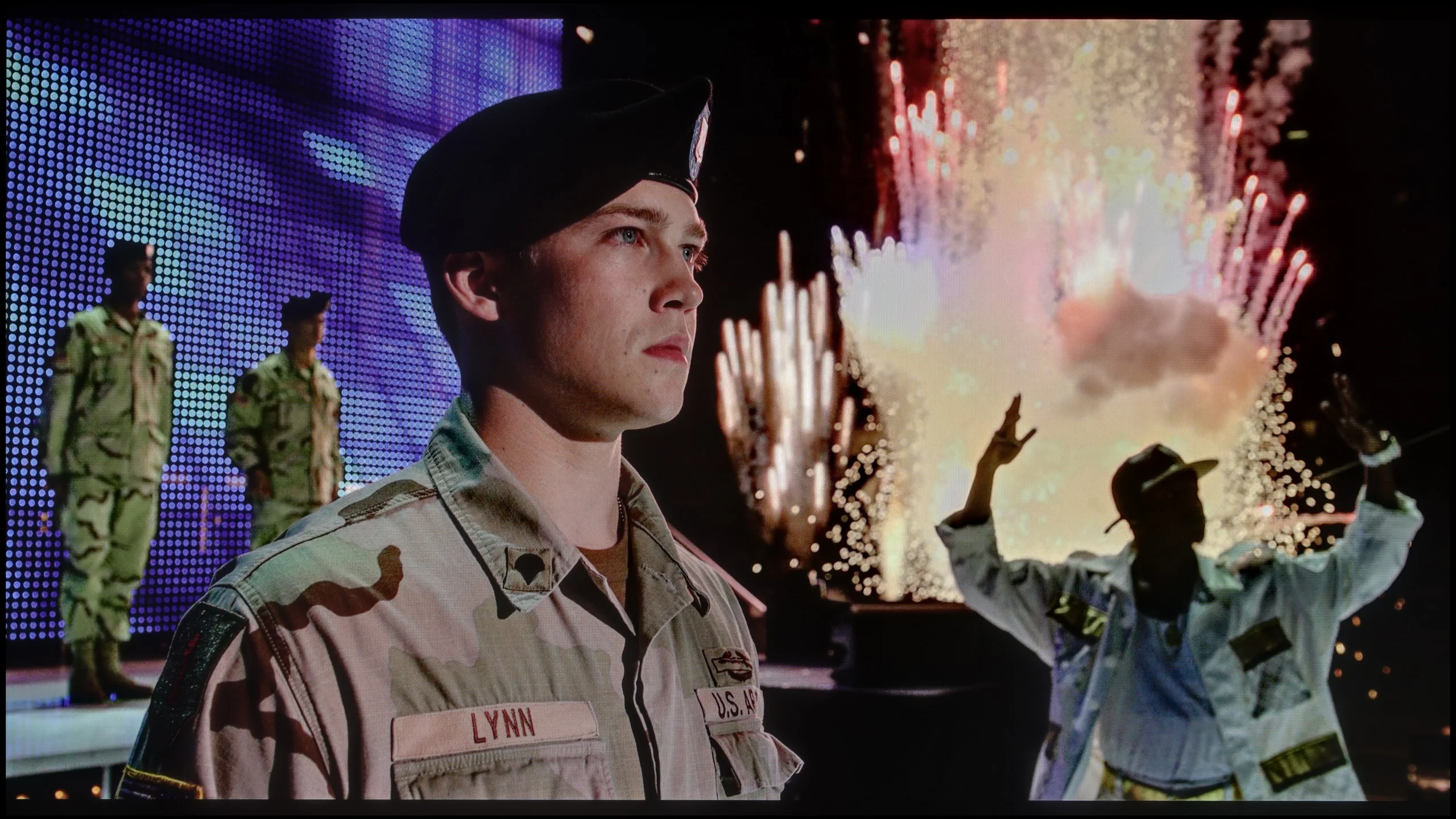
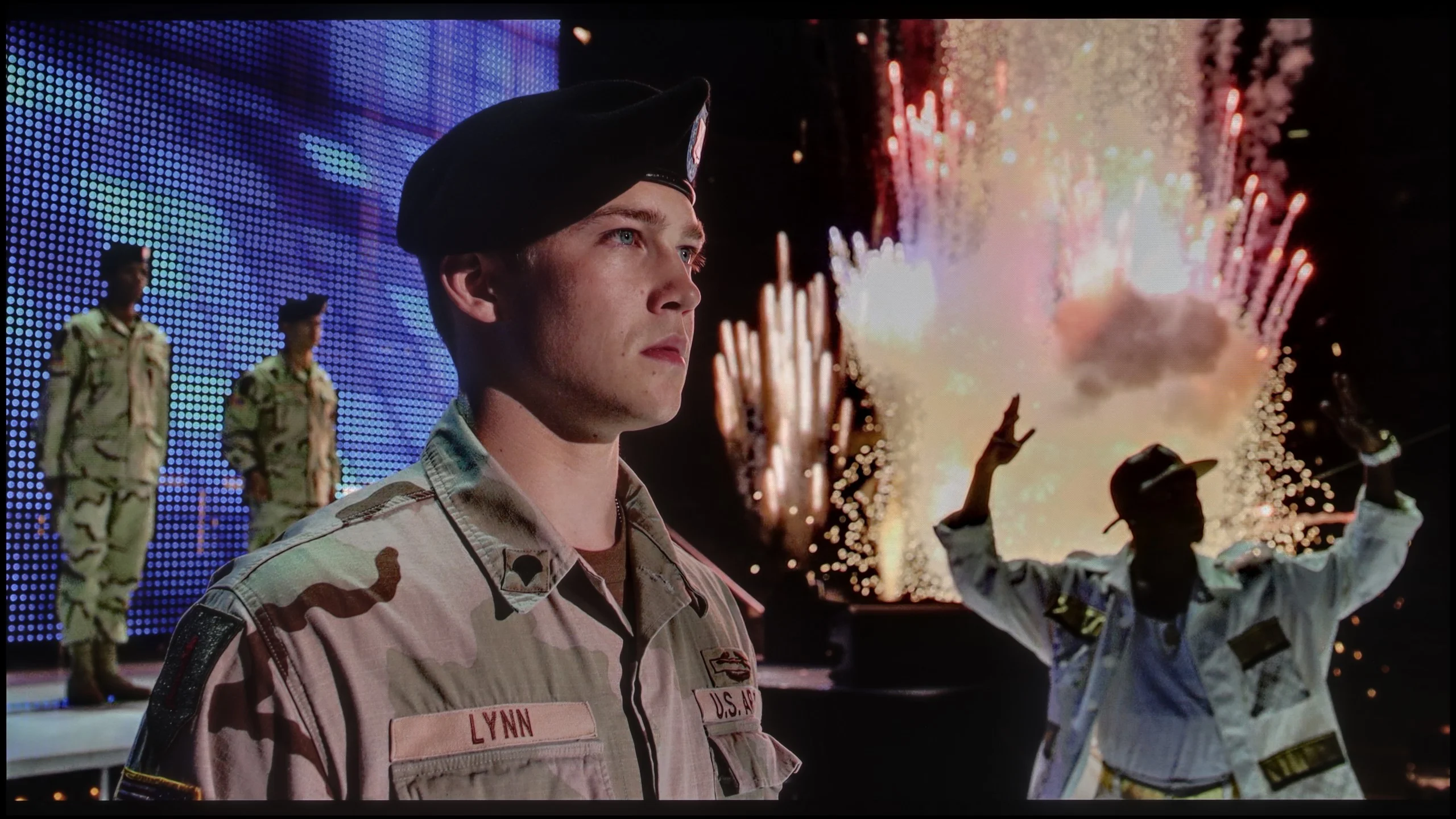
Scene from the movie “Billy Lynn” (about 1100 nits)

The photos show two HDR10 movies. 'Pan' is one of the brightest productions ever made, while 'Billy Lynn' (soldier) has brightness typical of streaming (Netflix, Prime, HBO MAX). Notice the intensity of effects and detail in whites.

Static HDR10

The photos present the visibility of white details in various HDR formats. They do not show brightness differences between TVs (these can be compared in the previous gallery).

Dynamic: Dolby Vision

Dynamic: HDR10+

The photos present the visibility of white details in various HDR formats. They do not show brightness differences between TVs (these can be compared in the previous gallery).

HDR luminance chart:

Samsung S95H

TCL X11L

Such a large number of zones did not only result in deep, inky blacks, but also in screen brightness. The X11L is an extremely bright television. Peak brightness can easily exceed 4,000 nits, and with the special "Boost" mode active it can, in specific conditions, even reach marketing figures around 9,000 to 10,000 nits. It is undoubtedly one of the brightest, if not the brightest, screens on the market. So how do these numbers relate to real film measurements? The results are very good, though of course far from the marketing claims. The brightness we measured in real film scenes was around 2,000 to 3,000 nits. That is an excellent result, given that the vast majority of content available is recorded and produced for those brightness levels, even the rare material mastered to 4,000 nits. But it also clearly shows that the figures the manufacturer touts do not always translate directly to the video material you have at home. The only "quirk" (if you can call it that) is that when very small, bright elements appear on screen, their brightness falls below 2,000 nits. The dimming algorithm does this deliberately to preserve deep blacks and minimise halo. This is entirely understandable, and the effect is still very impressive, but it also shows that even with such powerful hardware, Mini-LED technology has its limits and does not always work without compromise. In HDR itself, brightness is not the only thing that matters; colour saturation and the colours themselves do too. On the X11L these are very good thanks to the new Super QLED (SQD) quantum dots. The application of a new coating filter has delivered excellent results in covering the P3 colour gamut and the ultra-wide BT.2020. Although it does not reach the promised 100% of BT.2020, figures around 89 to 90% can be considered excellent. Colours are not far off those of RGB Mini-LED screens. We can even say they are more stable, due to a less demanding algorithm that RGB screens often struggle with.

The Samsung S95H is an extraordinarily bright OLED TV. It does not quite reach the level of this year’s S99H, the one with a bezel, but a peak of around 2300 nits is still a phenomenal result. You can really feel it in films. Highlights, sun reflections or lights on a dark background have the punch we expect from a premium TV. Importantly, the S95H performs well across different scenes. It does not need a single small bright spot on a black screen to show what it can do. In the first four test shots we measured over 2100 nits, even though each of them places slightly different demands on the TV. That makes the HDR effect powerful both in night scenes and in more evenly lit frames.

Of course, the limitations typical of OLEDs remain. When a very bright image occupies a large part of the screen, ABL comes into play, the mechanism that limits panel brightness. With an almost white screen the drop can be much larger than with a short, point-like flare. That does not mean bright film scenes look weak. In a demanding shot from "The Meg" we recorded about 1600 nits. That is still a fantastic result, and the bright sky and reflections on the water retain very high intensity.

QD-OLED colours

Colours on the Samsung S95H are simply outstanding. It is one of the most 'colourful' OLEDs we have tested. Deeply saturated reds, greens and neons look great and complement the screen's high brightness. DCI-P3 coverage is as high as 99.9%, so the TV can reproduce practically the entire colour range used in that space for HDR films.

Interestingly, our measurements also show progress compared with the S95F. Coverage of the wider BT.2020 gamut rose from around 87% to 89.6%. That is a very similar result to what we obtained with this year’s S99H, which suggests very similar capabilities of both panels in terms of colour gamut. The difference from its predecessor is small but worth noting. The S95H remains at the very top among OLEDs in this regard and can confidently compete with new screens using SQD quantum dots.

Factory color reproduction

5.2/10

7.6/10

This gallery shows how colors change after professional TV calibration. If you notice the difference, we recommend ordering this service at SkalibrujTV.com.

Factory Mode

After calibration

This gallery shows how colors change after professional TV calibration. If you notice the difference, we recommend ordering this service at SkalibrujTV.com.

Factory Mode

After calibration

Turning on what should theoretically be the best Filmmaker Mode, you expect a one-to-one image of what the director saw. On the X11L it's fairly good, but this mode has obvious faults, which our measurements immediately exposed. Let's start with SDR. Both the white balance and the gamma are simply misaligned. The whites contain too much blue and red, giving the screen a slight pink tint. That also affected the gamma, which instead of holding the cinematic 2.4 drifts closer to 2.2. What did that result in? The whole image is therefore more pushed and looks artificially brighter. The worst comes at the end, namely the HDR measurements. Apart from this slight white-balance shift, the X11L fails on the brightness-management curve, the so-called EOTF. What we saw in the measurements immediately explains what we noticed earlier in films. The image is unnaturally brightened because the curve is massively overshot above the reference. The TV simply blatantly lifts the dark parts of the picture to create a "wow" effect, completely ignoring the director's intent.

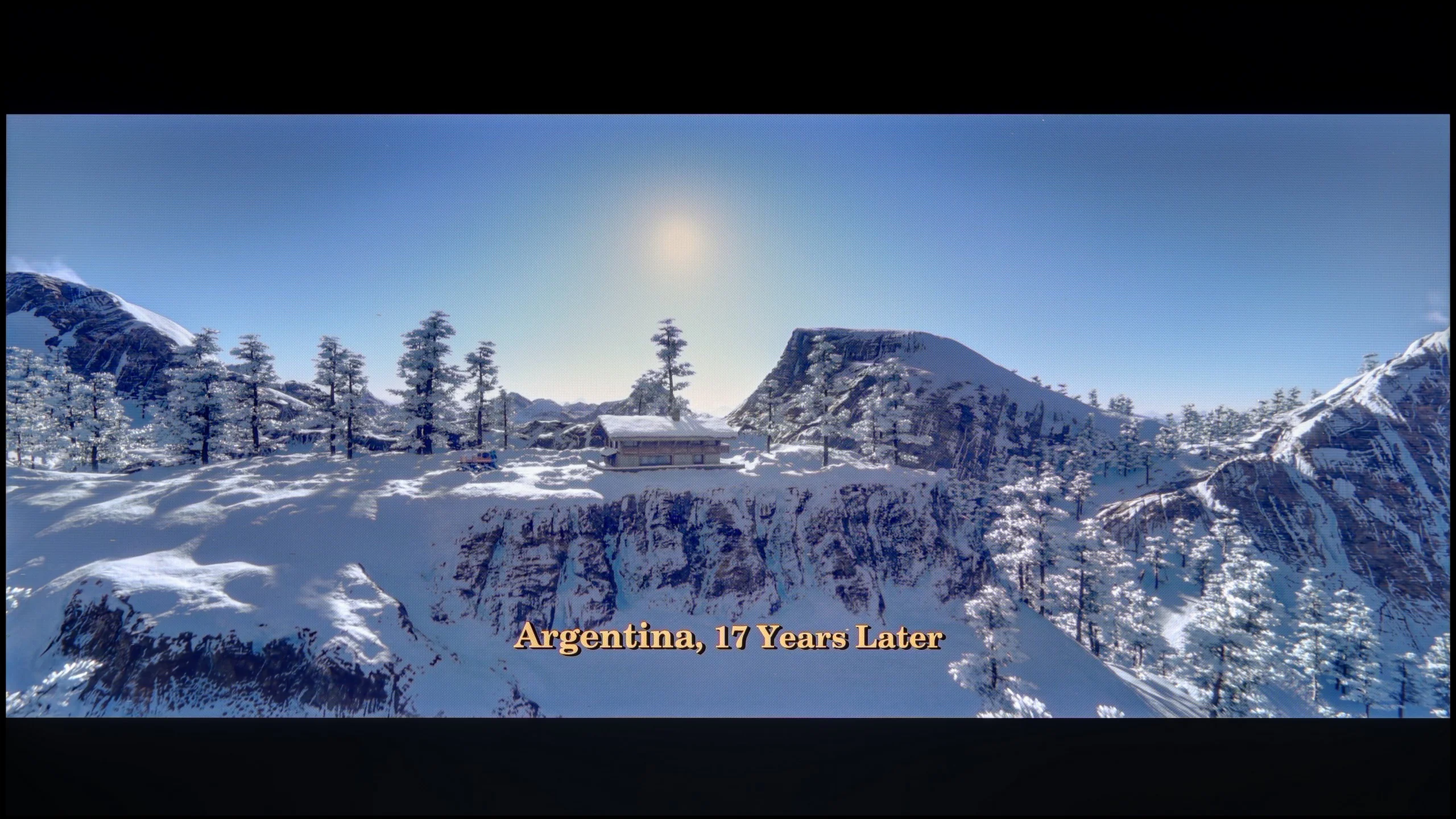
Out of the box, the Samsung S95H performs quite well, although our sample had a few issues that needed correcting. In SDR material there is a red bias in the white balance. The image is therefore slightly warm, and whites and faces can take on a faint pinkish tint. It's not a large inaccuracy, but it can be noticed when compared with a reference image. More noticeable is the way dark scenes are shown. Gamma is above the target value of 2.4 across most of the scale, and the deviation is especially large at the darkest shades. The picture therefore looks darker and more contrasty than it should. This confirms the aforementioned issue with losing detail close to black. Dark clothing or background elements can blend into a single blot, even though they remain visible in the source material. In HDR, brightness control is significantly better. The EOTF curve tracks close to the reference, so the TV preserves the brightness of individual parts of the scene well. There remain, however, minor colour deviations. In the brighter areas the dominance of red and blue over green gives whites a slightly pinkish-violet tint. Overall the starting point is good, particularly in HDR, but calibration can still make some improvements.

Color reproduction after calibration

7/10

9.4/10

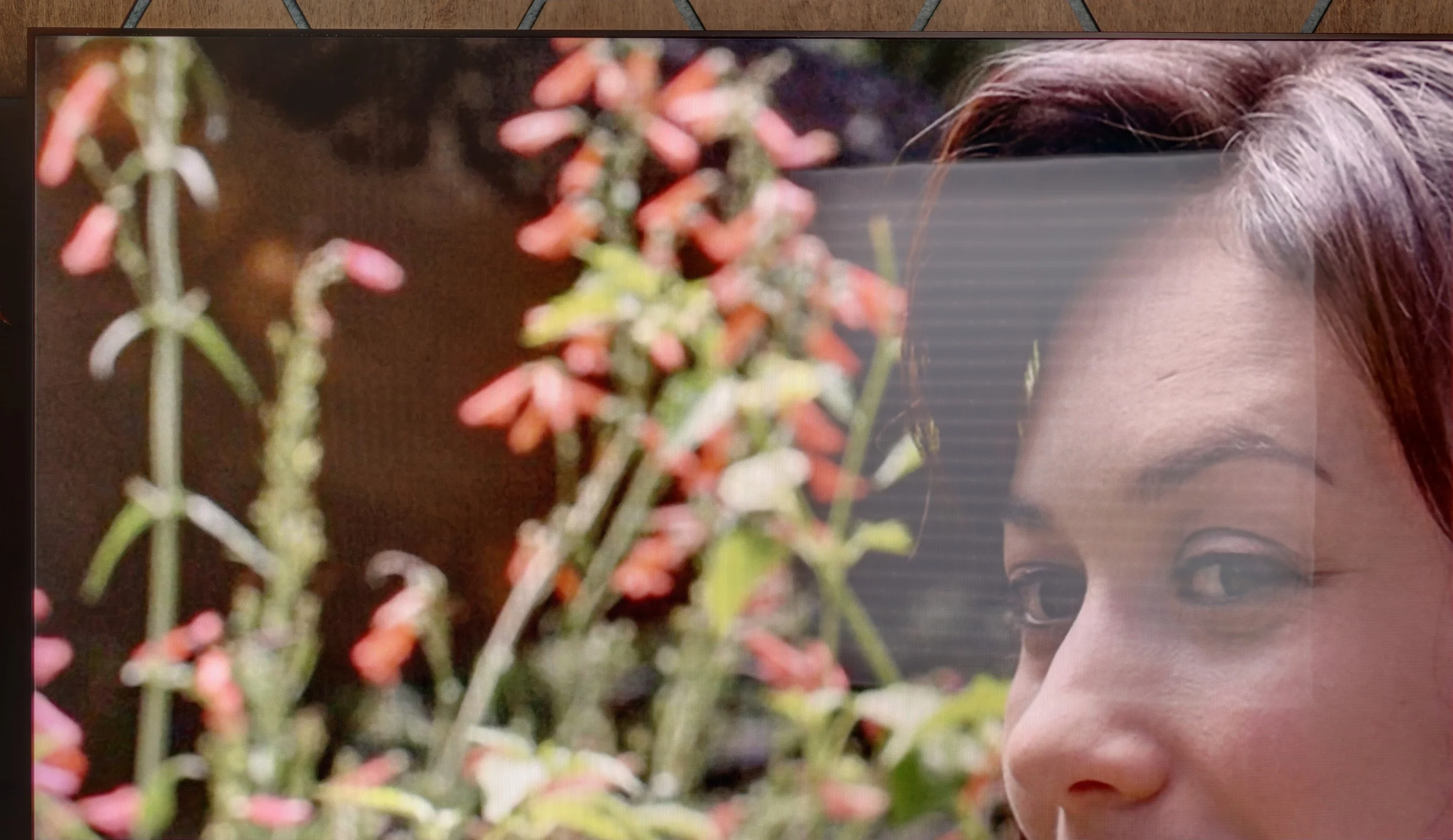
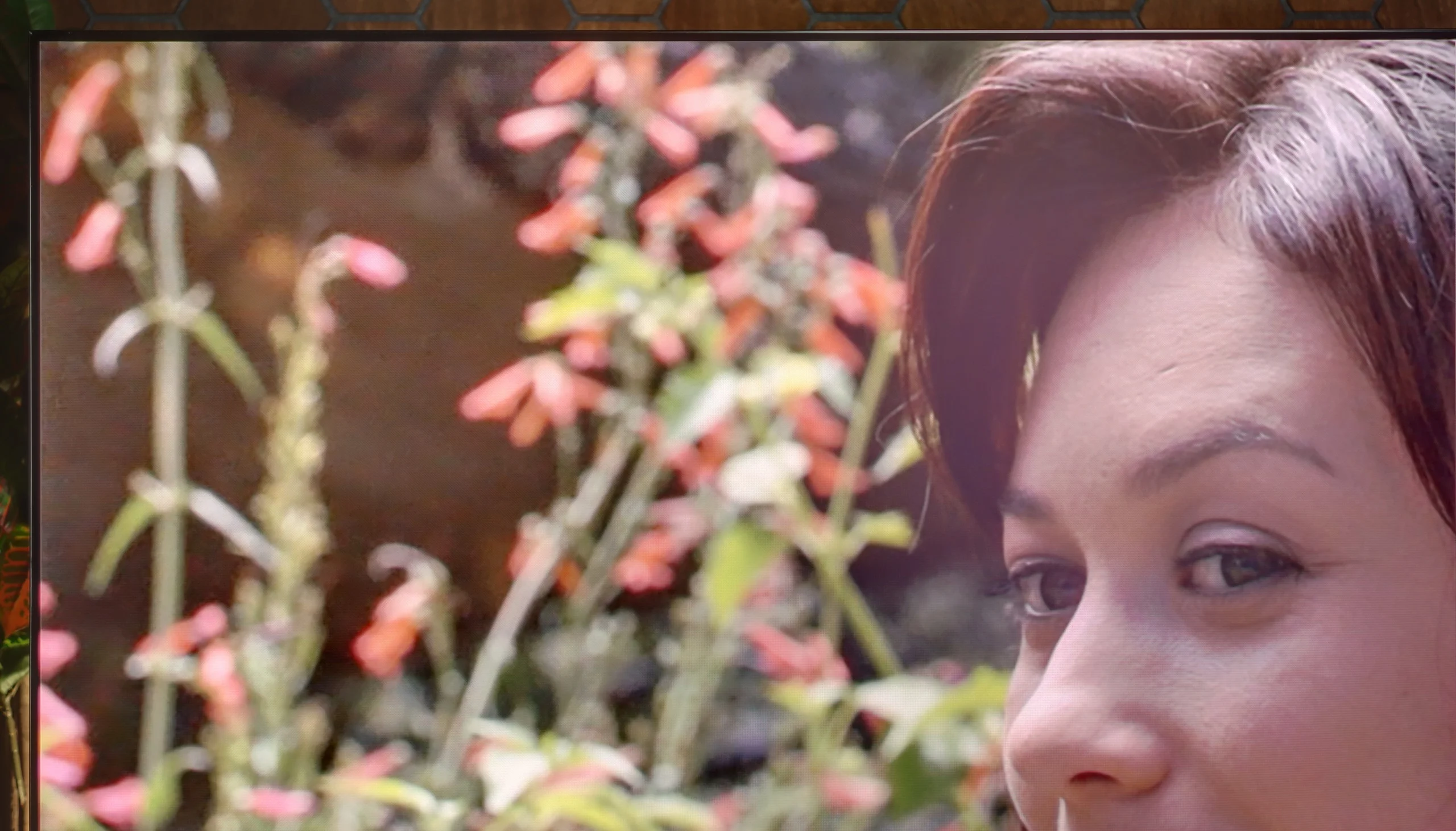
The photos show how movies look on the TV. Pay attention to black detail visibility, colors, and shadow tint.

The photos show how movies look on the TV. Pay attention to black detail visibility, colors, and shadow tint.

After professional calibration we primarily managed to fully tame the SDR signal. Here the X11L responded perfectly to our adjustments. We were able to completely correct the white balance, remove that pink tint and set gamma to a stable 2.4. After that the picture finally became consistent with the director's vision, natural and free of artificial boosts. We also made minimal tweaks to HDR, but the TV's biggest flaw remained unchanged. It's of course about how the X11L manages its brightness and how much it overshoots the EOTF curve. Unfortunately, TCL provides virtually no tools to adjust this parameter. Even during professional calibration the software offers no way to rein in this curve, so the TV will always tend to brighten the image in HDR on its own.

After calibration the S95H looks truly excellent. The excess red was removed, so whites are neutral and faces have regained a natural tone. In SDR colour errors are now very small. The picture retains great saturation but no longer adds a colour cast that was previously visible in the factory settings. This is exactly how a properly set TV in this class should look. HDR also shows an improvement in white balance. In addition, the brightness in cinematic scenes adheres very well to the reference. Bright highlights have appropriate intensity, and the TV does not unnecessarily brighten the whole frame. Combining that level of control with the capabilities of the QD-OLED panel produces an image that is simply very pleasant to watch.

We are left with essentially two reservations. The first is the loss of the very darkest details. Our sample still tended to crush some shades near black, although this may be a trait of the particular unit under test. The second concerns the adjustment of the colour palette in HDR. The available settings do not allow perfect correction of every hue, so some minor inaccuracies remain. Nevertheless, this does not change the very good final result; after calibration the S95H delivers an image at a genuinely high level.

Smoothness of tonal transitions

9.5/10

9/10

These are selected scenes that show smooth tonal transitions from one color to another. If you see distinct banding, it’s the TV panel’s fault.

These are selected scenes that show smooth tonal transitions from one color to another. If you see distinct banding, it’s the TV panel’s fault.

These are selected scenes that show smooth tonal transitions from one color to another. If you see distinct banding, it’s the TV panel’s fault.

These are selected scenes that show smooth tonal transitions from one color to another. If you see distinct banding, it’s the TV panel’s fault.

The smoothness of tonal transitions deserves praise. Both in bright and dark areas the image simply looks smooth and is free from irritating banding or contouring. Importantly, with Dolby Vision material this issue is not particularly noticeable either, which is often not the case with other TVs. Minor gradation errors are visible only on specific shades of grey, but they are so small that in everyday use they will bother practically no one. In this respect the X11L performs almost perfectly.

The S95H handles tonal transitions very well. It's a strong suit of QD-OLED panels, which in our tests typically show visible banding between shades less often than WOLED panels with a white subpixel. In most scenes colours transition smoothly from one to another. This is especially apparent in dark scenes, where instead of the characteristic banding we see smooth transitions between shades of grey. It's not entirely perfect, though. In some brighter scenes you can notice slight irregularities, although you have to look closely to spot them. During normal viewing they are unlikely to distract from the film. Overall, the S95H performs very well in this category.

Image scaling and smoothness of tonal transitions

8/10

7.5/10

Image without overscan on the SD signal
OK
No
Smooth transition function
OK
OK

Smooth transition function

The match photo shows how the TV smooths weak tonal transitions in low-quality video.

Image scaling SD (576i)

The model photo shows how it handles upscaling of SD material.

Much like the C8L model we tested earlier, TCL has delivered a substantial upgrade in its flagship X series. It's all thanks to the MediaTek Pentonic 800 processor used in this model. Thanks to it, features for smoothing tonal transitions and even upscaling content to higher resolutions finally look as they should. The biggest Achilles' heel of previous TCL models has at last been addressed. The processor handles digital processing superbly and, in this respect, the TV no longer lags behind flagship models from Korea or even the most refined ones from Japan.

The NQ4 Gen3 processor handles scaling and digital image processing, the same as in the S99H. Our test findings are very similar. Lower-resolution material looks really good when upscaled to 4K. The picture is clear but without artificial edge enhancement or excessive sharpness. A minor caveat applies to very old recordings at 480p or below. With such a signal the TV can slightly crop the edges of the frame.
The noise-reduction function is used to improve heavily compressed material. It smooths visible banding between tones and reduces other imperfections, such as in lower-quality recordings from YouTube. However, it does so quite aggressively. Along with the artefacts, fine detail and natural film grain can disappear. We left it turned off to preserve the original look of the material. If, however, someone is more bothered by artefacts than by the loss of some detail, it's worth trying it out.

Blur and motion smoothness

7.9/10

8.5/10

Maximum refresh rate of the panel
144Hz
165Hz
Film motion smoothing option
OK
OK
Blur reduction option
OK
OK
BFI function 60Hz
Yes, 120Hz (double contours)
Yes, 60Hz (image flickers)
BFI function 120Hz
Yes, 240Hz (double contours)
No
Brightness drop with BFI
50%
50%

Blur (native resolution, maximum refresh rate):

Blur (BFI function enabled):

Image flickers in this mode

Blur (1080p@288Hz):

Blur (4K@165Hz):

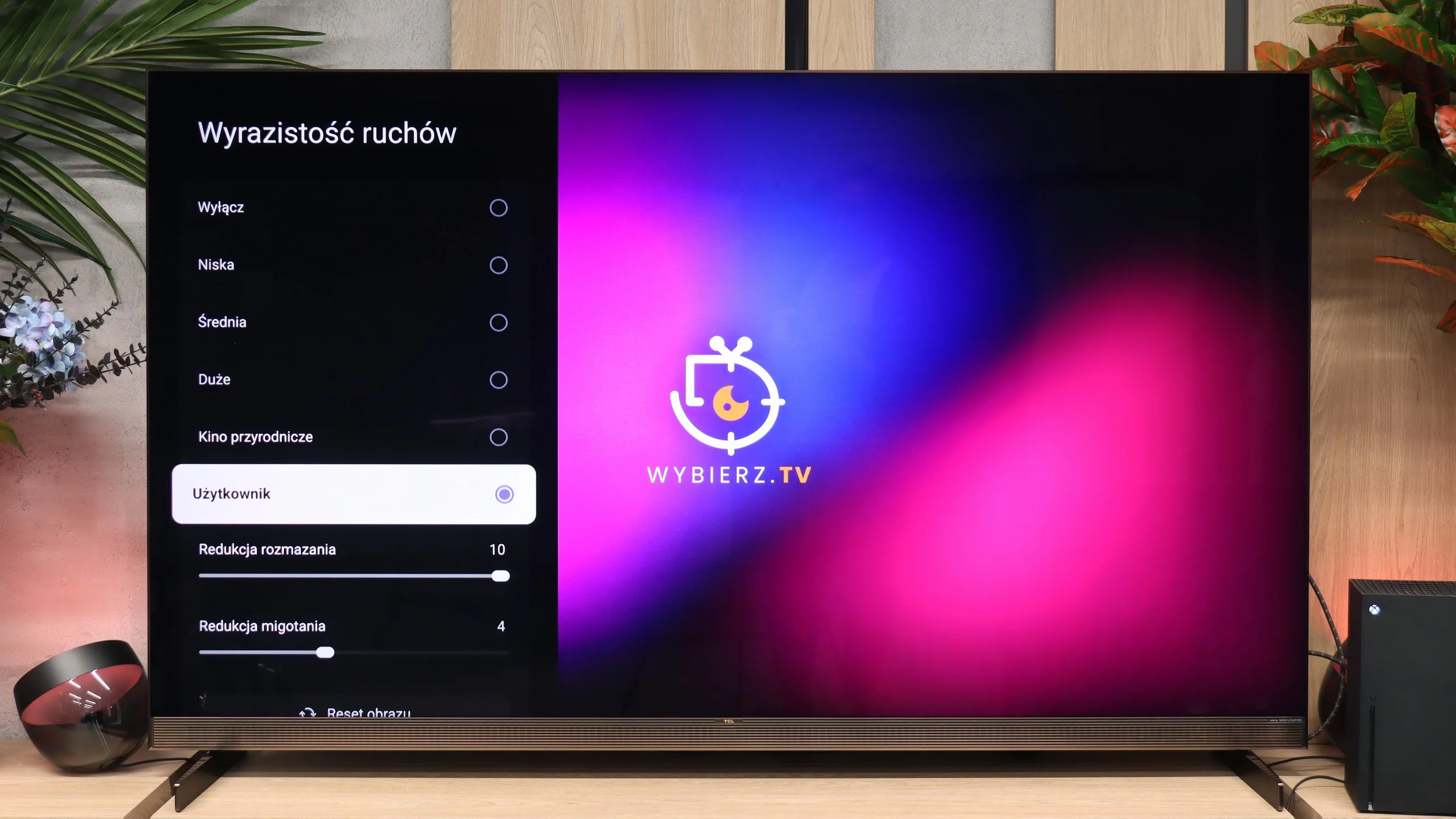
From a specification standpoint the X11L can impress, supporting refresh rates up to 144 Hz at 4K, and it can be pushed to as much as 288 Hz in Full HD. However, from a real-world usage perspective we were most interested in how the screen performs at 120 Hz. After all, that is the limit for today’s hardware, with current-generation consoles leading the way. How does that look in practice? Even though it uses a VA panel, the screen does not exhibit significant smearing. With very fast-moving objects you can notice a slight trailing, but it is subtle enough that it hardly stands out while gaming or watching sport. The motion smoothing feature called "Motion Clarity" is also very useful here, allowing you to adjust motion smoothness to your preference. Recommended settings can be found in the picture.

Samsung S95H handles motion very well, which is what we expect from an OLED. The panel supports a refresh rate of up to 165 Hz, though that figure will be mainly useful to PC gamers. When watching sport, the lightning-fast pixel response time is more important. A fast-moving ball or player does not leave the characteristic trailing blur. This keeps motion clear, without the artefacts typical of slower LCD panels.

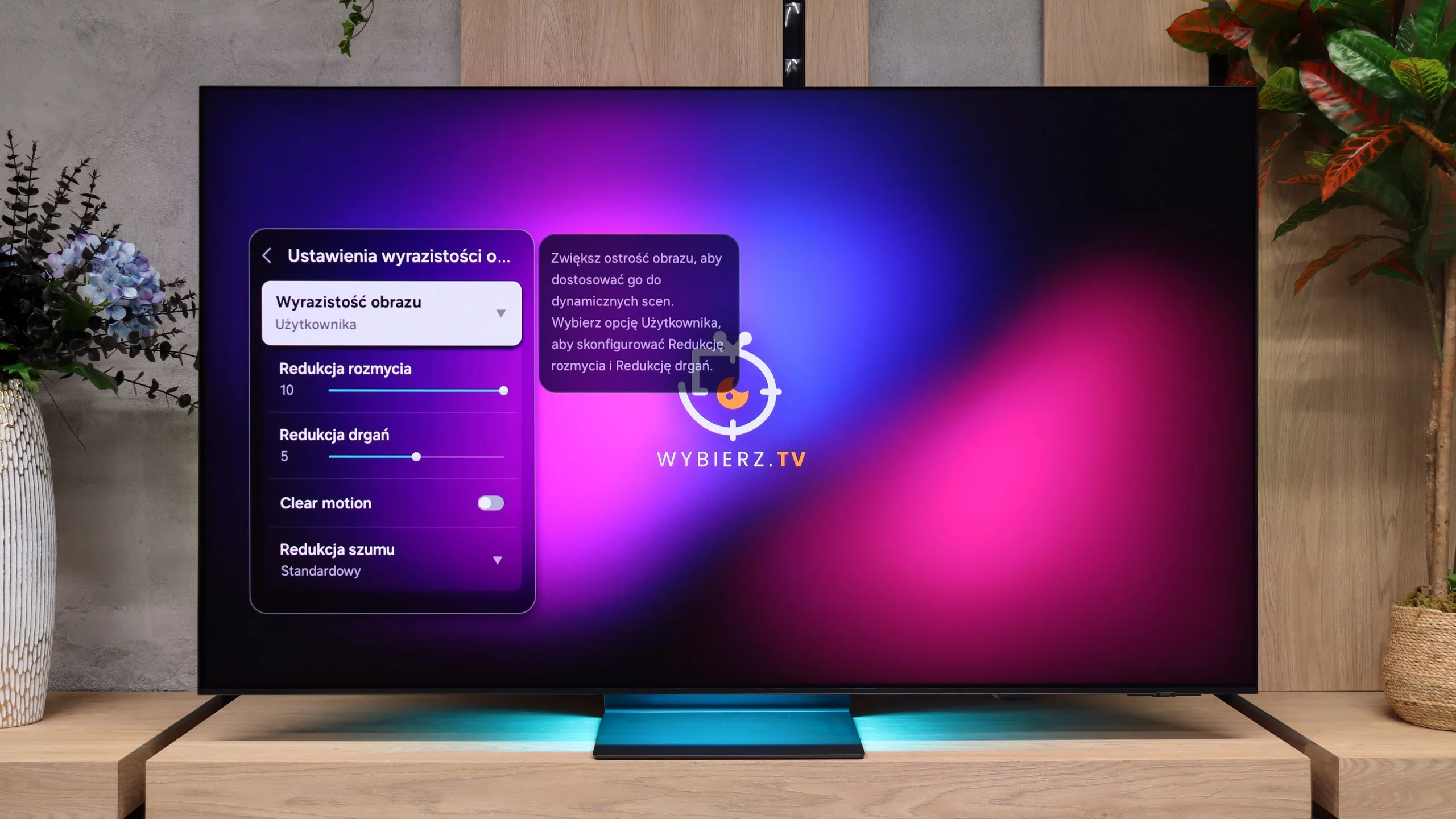
There is also a motion smoothing feature that lets you tailor motion to your preferences. In films you can subtly reduce judder during camera pans or opt for a stronger smoothness effect. A separate setting for faster-paced content is useful when watching sport.

Console compatibility and gaming features

9.8/10

9.6/10

  • ALLM
    Yes
    Yes
  • VRR
    Yes
    Yes
  • VRR range
    48 - 288Hz
    48 - 165Hz
  • Dolby Vision Game Mode
    Yes
    No
  • Correct implementation of HGIG
    Yes
    Yes
  • 1080p@120Hz
    Yes
    Yes
  • 1440p@120Hz
    Yes
    Yes
  • 4K@120Hz
    Yes
    Yes
  • Game bar
    Yes
    Yes

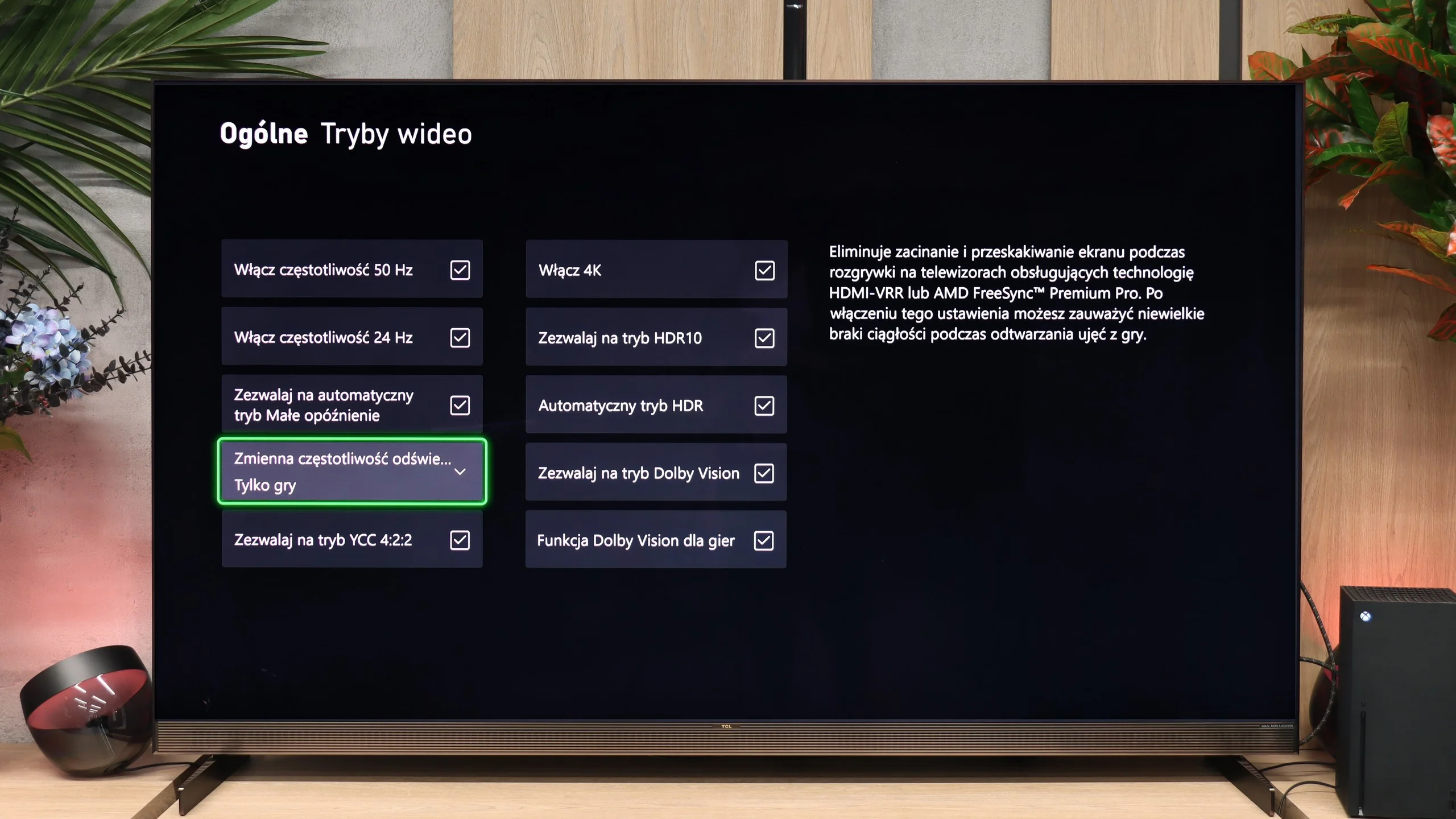
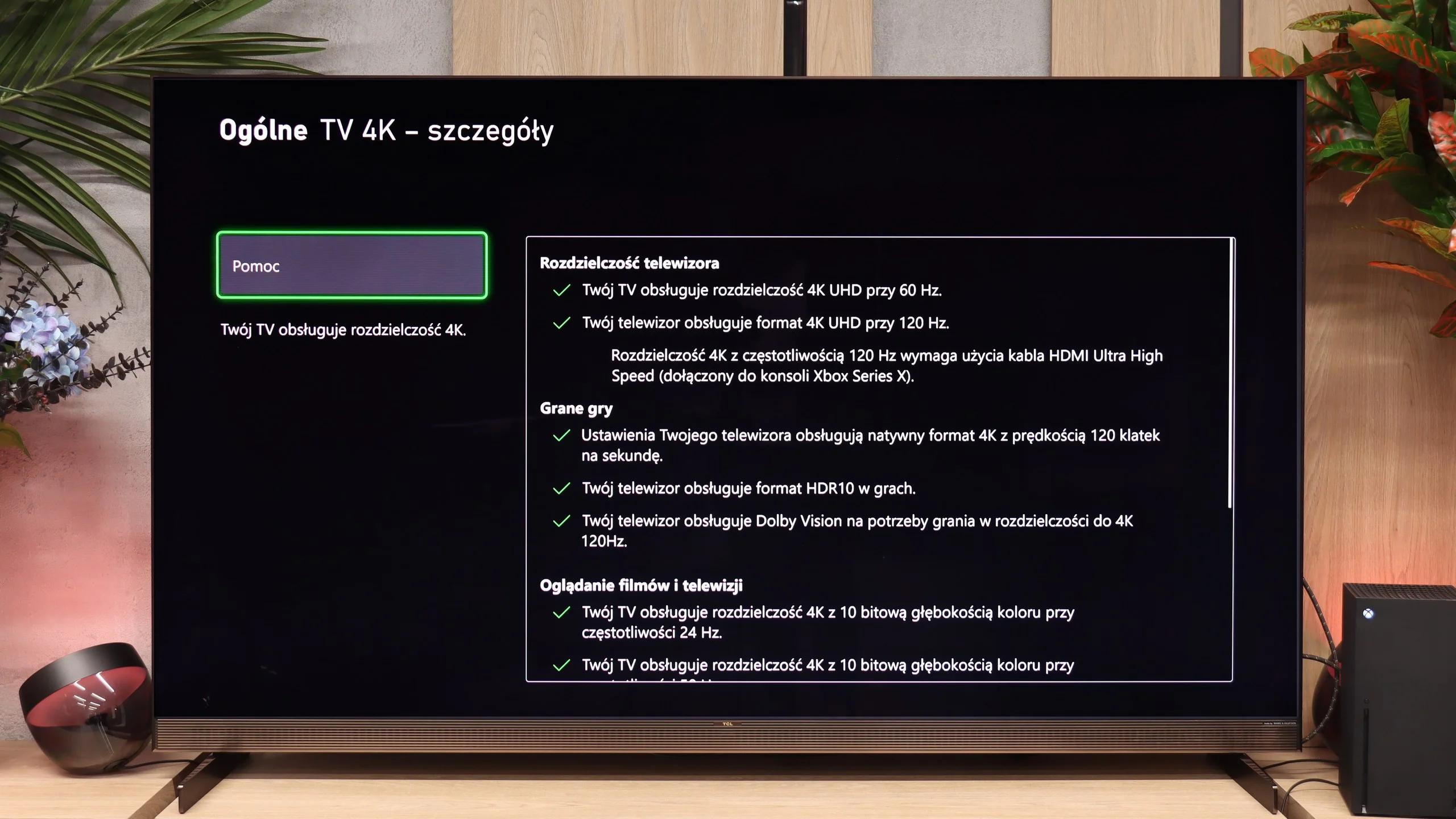
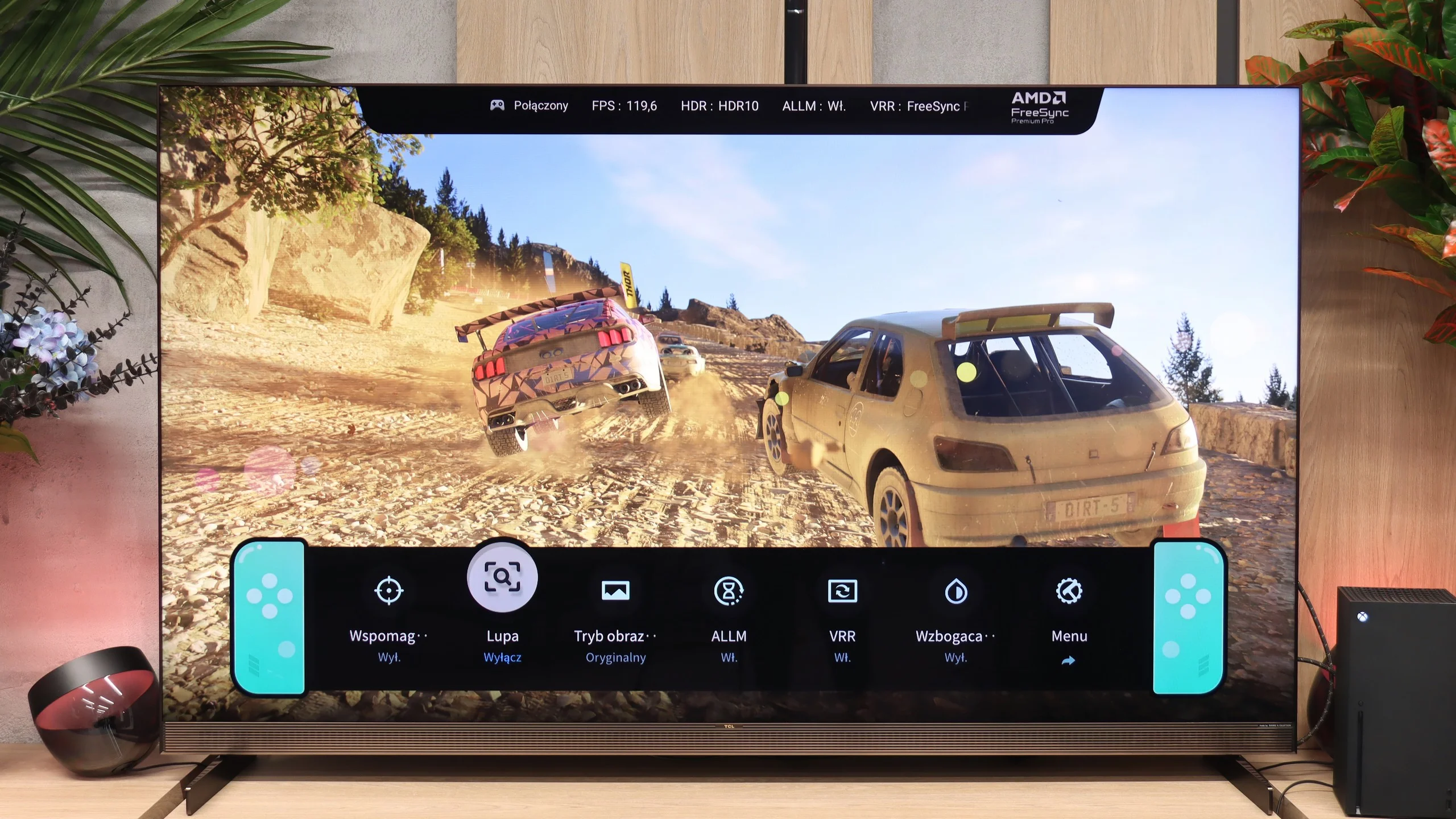
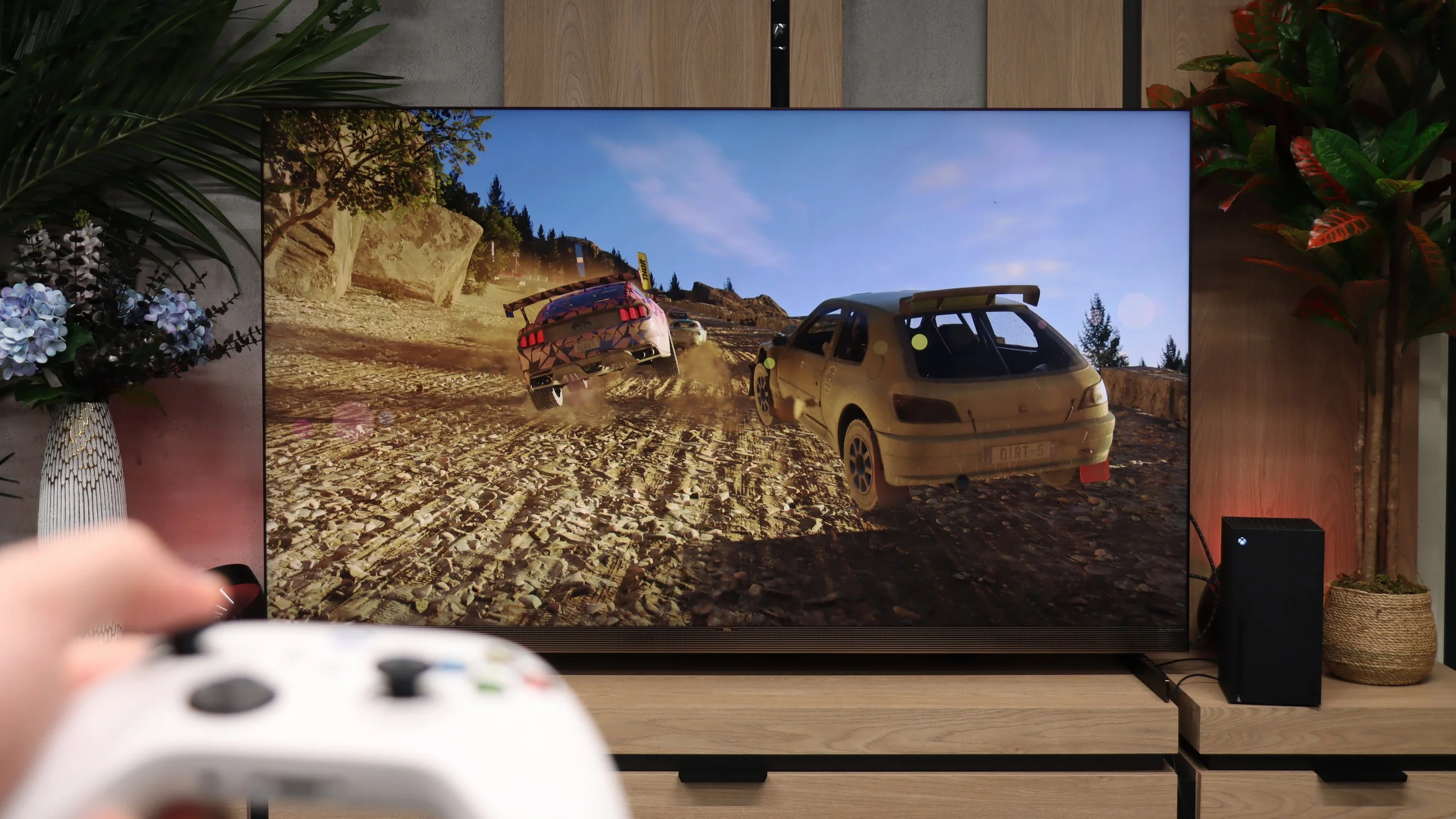
For gamers the X11L is simply a superb screen. TCL has already accustomed us to the fact that it packs virtually every available feature into its products, and the flagship from the X series is no different. Thanks to the new processor, the X11L has as many as four HDMI 2.1 ports with full 48 Gbps bandwidth. Naturally, HDMI 2.1 brings a set of very useful features, such as Auto Low Latency Mode (ALLM) and VRR frame synchronisation, covering the full refresh range up to 288 Hz. All these features can be conveniently controlled from the dedicated Game Bar. Interestingly, its appearance can be customised to your taste; there are three preset themes to choose from, directly referencing the Nintendo, PlayStation and Xbox consoles. And speaking of Xbox, the X11L also supports Dolby Vision Gaming without any issues.

When gaming in the standard HDR10 format, however, you need to bear in mind the specific tuning of the brightness curve, which can prove troublesome during initial setup. Although the TV supports HGiG, configuring everything via the PlayStation or Xbox system menu can be difficult. The screen’s algorithms tend to artificially brighten the test checkerboard pattern, making it really hard to hit the correct white clipping point by eye. For HDR10 to look correct, we suggest manually setting the console brightness in the console menu to around 2,500–3,000 nits.

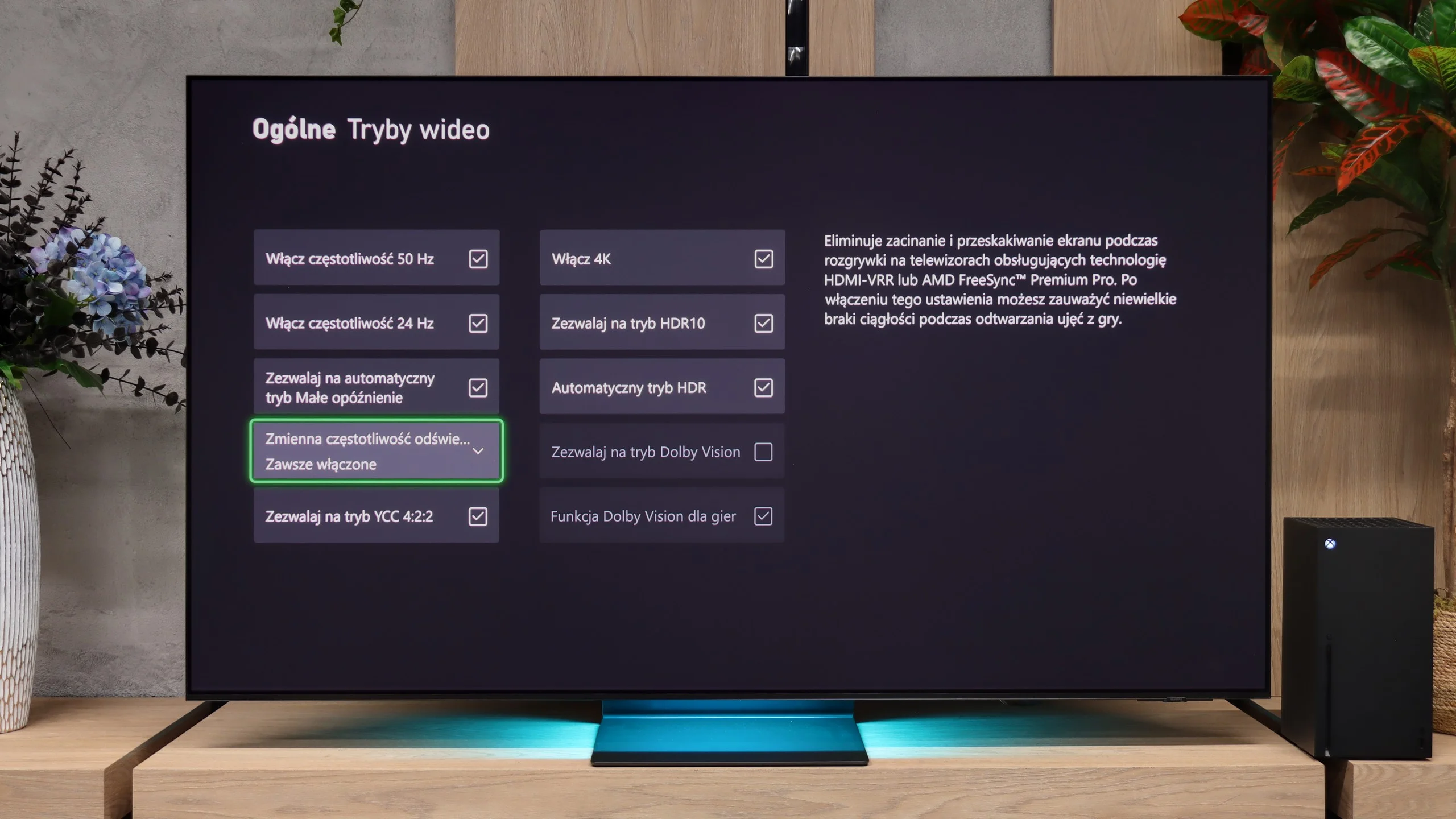
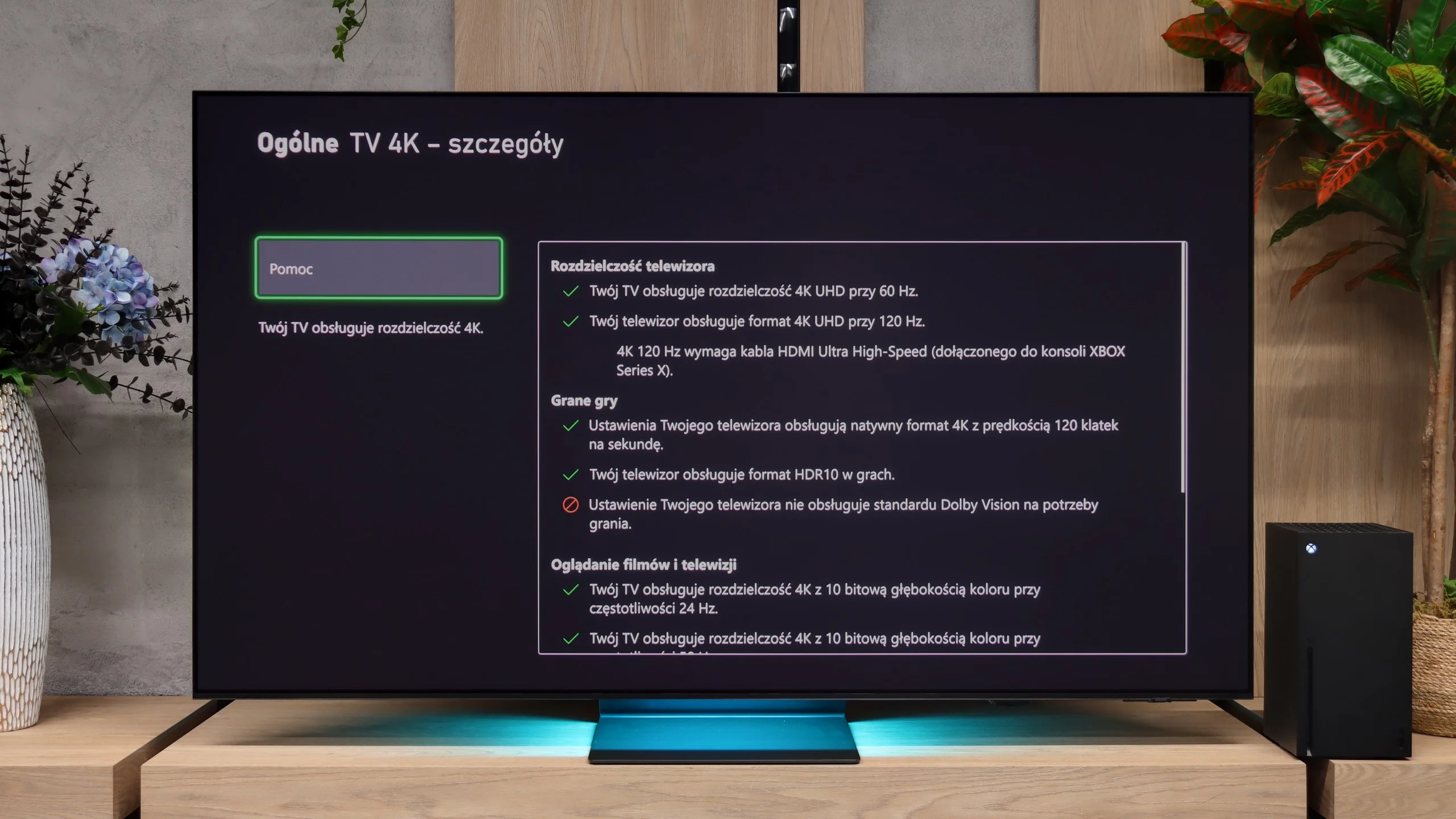
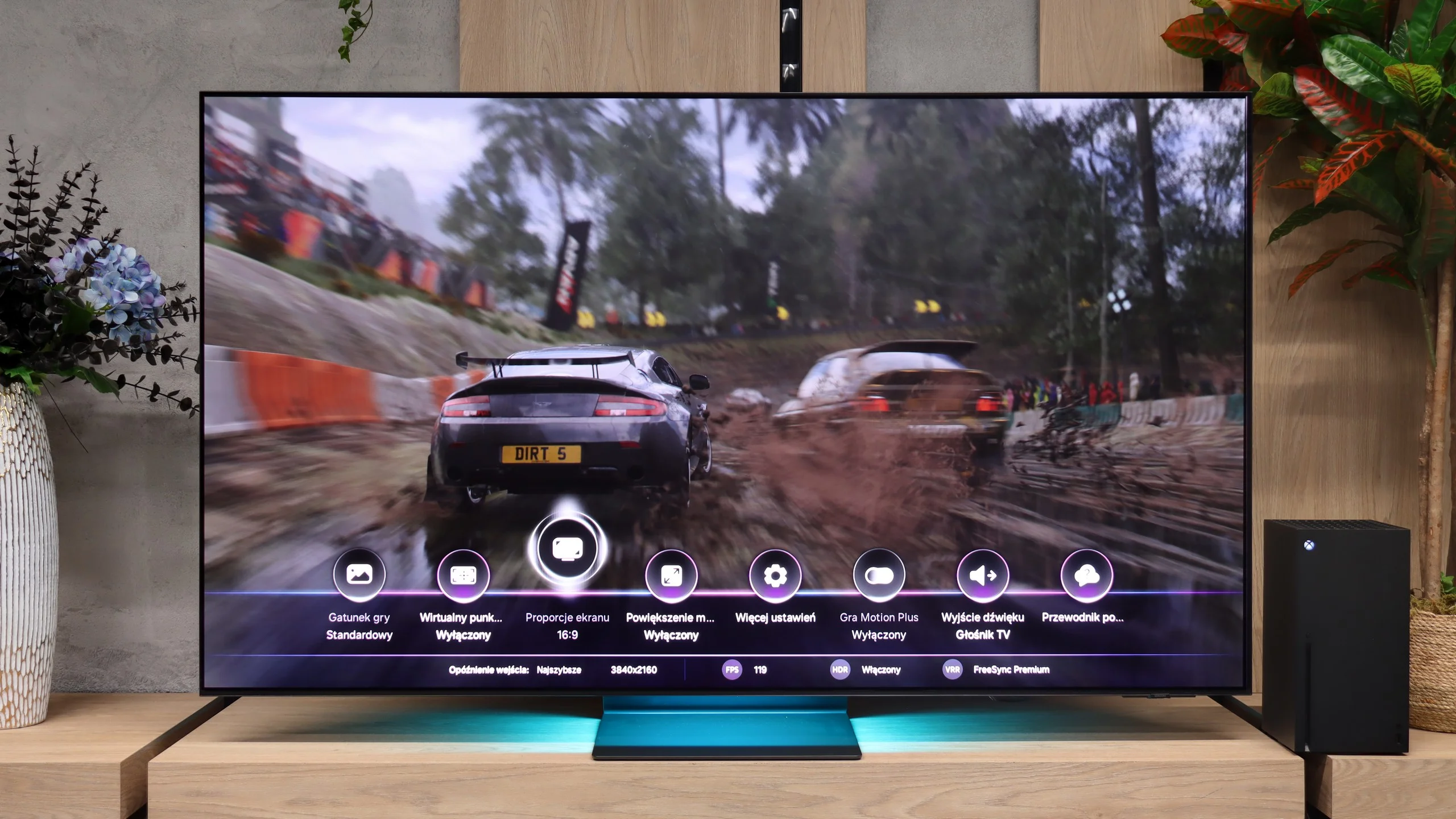
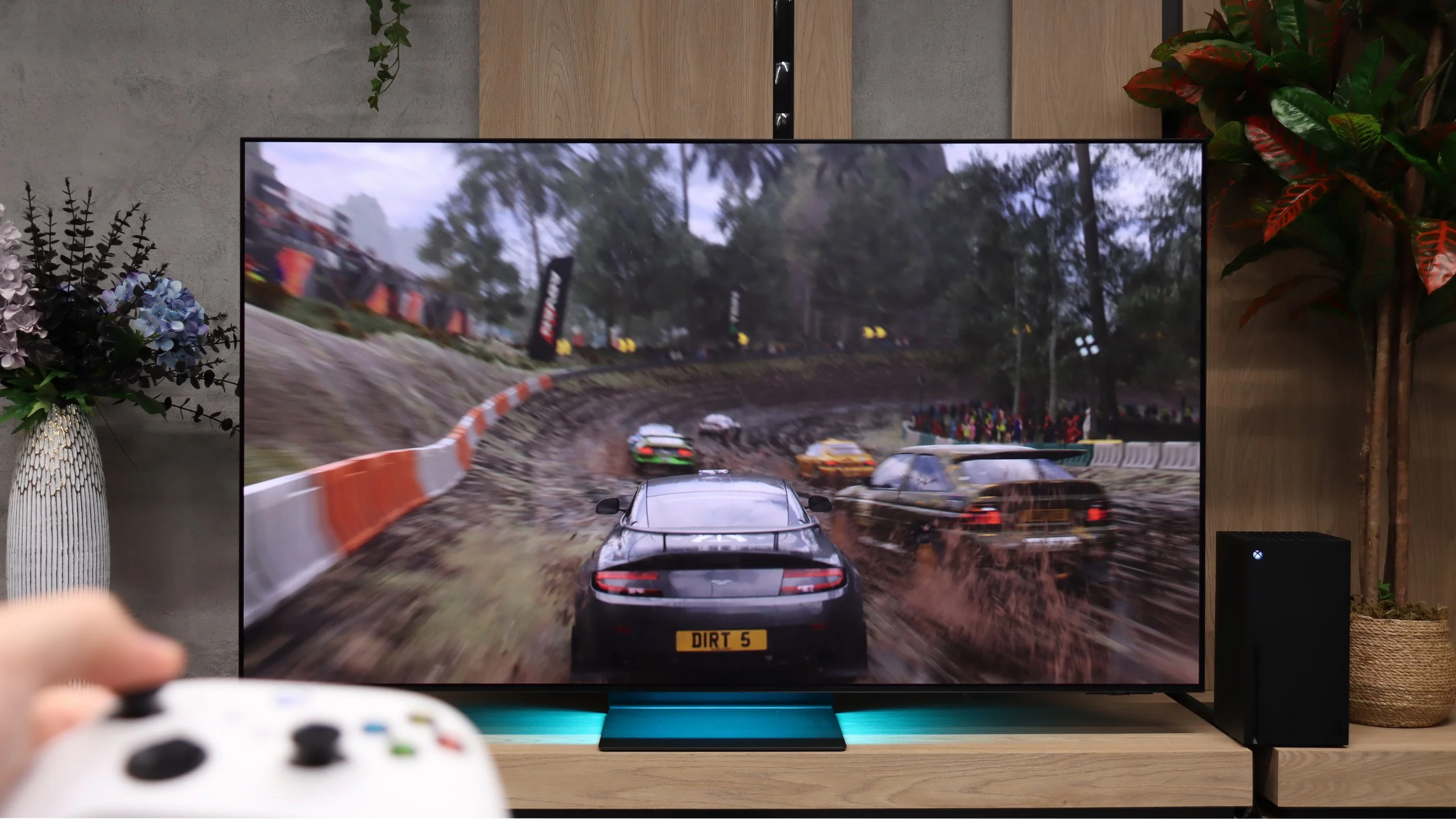
Samsung S95H is a phenomenal TV for gaming. Beyond excellent picture quality it offers a whole set of useful gaming features. VRR works from 48 to 165 Hz and helps keep things smooth when frame rates vary. ALLM automatically switches to a low-latency mode, and a properly working HGiG makes setting up HDR on the console easier. There are no issues handling console 120 Hz in Full HD, 1440p and 4K. A handy addition is the Game Bar, which gathers signal information and the most important settings in one place. Game Motion Plus deserves special praise. This motion smoothing can improve the fluidity of lower-frame-rate games, and the input lag in our measurements was about 20 ms with it enabled. For additional motion processing that’s a very good result. In slower-paced games you can therefore get a smoother image without noticeably sluggish controls. Among the limitations, it’s worth noting the lack of Dolby Vision in games, which mainly affects Xbox users. The HDMI 2.1 ports also have a bandwidth of 40 instead of 48 Gb/s, probably due to the One Connect module. For typical console gaming at 4K, 120 Hz and 10-bit HDR this isn’t a problem and does not force a reduction in picture quality. For most players this will therefore be a specification difference they simply won’t notice while playing.

Input lag

9.8/10

10/10

SDR

1080p60
17 ms
11 ms
1080p120
10 ms
6 ms
2160p60
16 ms
11 ms
2160p120
10 ms
6 ms

HDR

2160p60
16 ms
9 ms
2160p120
9 ms
5 ms
4320p60

Dolby Vision

2160p60 DV
16 ms
2160p120 DV
10 ms

Input lag is very good. Results of around 10-15 ms don't exactly break market records, but in practice they provide the exact same level of comfort as top 5 ms displays. At such low values the difference becomes purely theoretical. During gaming no one can detect any delay.

In terms of input lag, the S95H performs exceptionally well. At 60 Hz we measured just 9–11 ms, and at 120 Hz the delay falls to 5–6 ms. The controls are very responsive, so even in fast-paced shooters or racing games it's hard to find any faults. Importantly, enabling HDR does not increase the input lag. You can therefore enjoy the full picture capabilities without sacrificing quick response to controller inputs.

Compatibility with PC

8.6/10

8.8/10

Chroma 444 (max. resolution and refresh rate)
Yes
Yes
Font clarity
Very Good
Good
Readability of dark text and shapes
Average
Very Good
Input lag in PC mode (4K, max. refresh rate)
9ms
6ms
Matrix subpixel arrangement
RGB
RGB (QD-OLED)
Max refresh rate
144Hz
165Hz
G-Sync
Yes
Yes

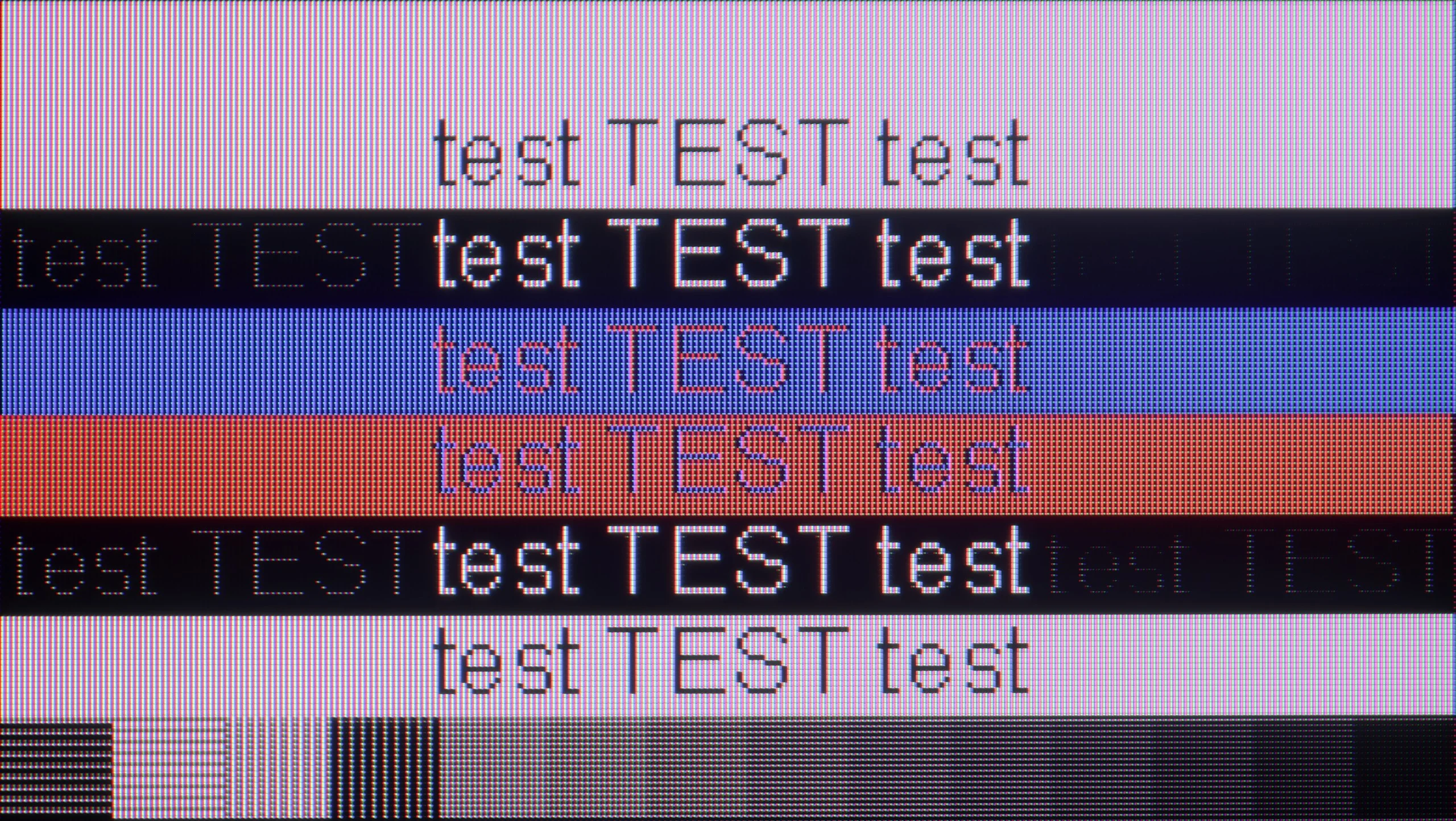
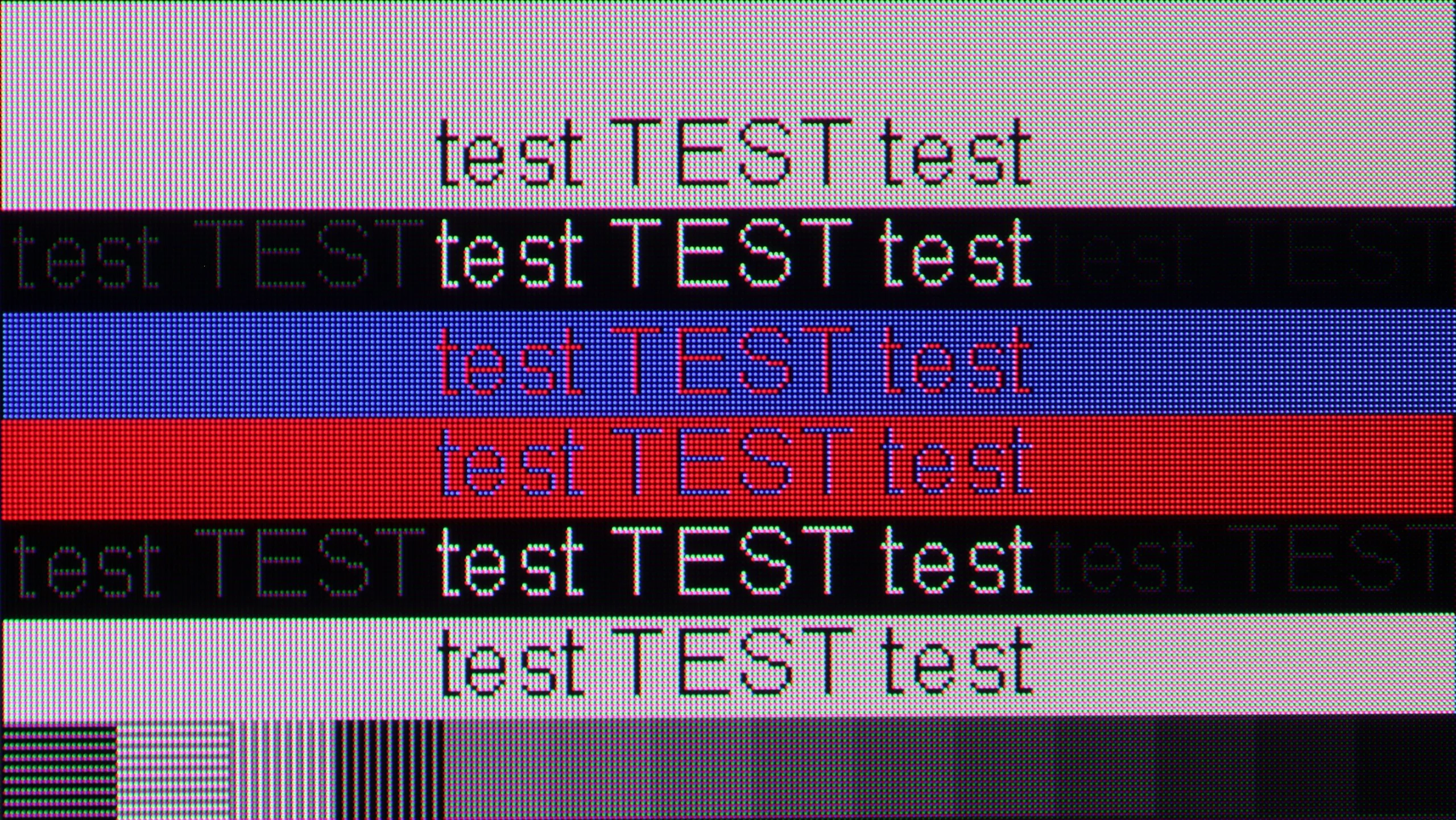
The photo shows the legibility of small fonts. Ideally, lines should be the same thickness on both light and dark text, with minimal pixel gaps.

PC compatibility on the X11L is very good, mainly thanks to a powerful suite of gaming features. In addition to console-style benefits and very high refresh rates, it supports PC frame-sync technologies (G-Sync Compatible and AMD FreeSync Premium Pro), tailored to particular GPUs. In short, in terms of gaming, even from a PC source, this screen is simply outstanding. Text work is somewhat weaker, though, because of the fonts' particular legibility. Looking closely at the letters, you can see that horizontal strokes are slightly darker than the verticals, and faint artefacts appear around the edges. The truth is, however, that from a metre or two away this is completely unnoticeable. And given the size of the X11L series, nobody is likely to put this 'beast' on their desk. 😉

The Samsung S95H works great with a PC, especially when connected for gaming. You get 4K at 165 Hz, working G-Sync and an input lag of just 6 ms. Combined with the panel’s lightning-fast response this delivers a very smooth and responsive picture. The TV also correctly supports 4:4:4 chroma at the maximum refresh rate, so fine coloured elements remain legible.

It also handles text well, although it wouldn't be our first choice for all-day document work. First, the QD-OLED models discussed here start at 55 inches, so you really need a sizeable desk to work on 😉. Second, the triangular arrangement of subpixels means that on the smallest letters you can notice slight coloured fringing. They're mainly visible up close. From a normal TV viewing distance they shouldn't be distracting, so occasional browsing of websites or working with text isn't a problem.

Viewing angles

4.5/10

9.9/10

Brightness drop at an angle of 45 degrees
69%
10%

Thanks to its proprietary WHVA 2.0 panel, the viewing angles (for an LCD TV with this type of panel) are really decent. Colours do not wash out as much as they do with classic VA panels often found in lower-tier models. That said, it is not on the level of good IPS/ADS panels, and certainly not of any OLED, but all the same it is not a weak point of this model.

The viewing angles on the S95H are excellent. It's one of the biggest advantages of the QD-OLED panel and, in this respect, the S95H ranks among the best TVs we've tested. Even at a steep side angle the colours retain their saturation and the picture doesn't noticeably lose brightness. With a wide viewing angle or when watching a match with a larger group you don't have to fight for the middle spot on the sofa, as the picture still looks great from the side seats. 🙂

Daytime performance

10/10

7.3/10

Panel finish
Glare
Matte
Reflection suppression
Average
Very Good
Black levels during daytime
Very Good
Poor

Panel brightness

Samsung S95H: 722 cd/m2

TCL X11L: 1949 cd/m2

The X11L offers outstanding daytime viewing performance, mainly thanks to its extremely high brightness. In SDR content the TV can on average pump out around 2000 nits! The screen is so bright that in typical home conditions it will easily cut through any sunlight entering the room. In that respect, a bright day is no challenge for it. The only drawback for the X11L in this area is a rather glossy panel. Unfortunately this screen doesn't suppress reflections well, so it acts a bit like a mirror. For that reason, when watching in the evening it's best not to switch on lights directly opposite the screen, as lamps and bright items in the room will be fairly clearly visible on the panel surface.

The Samsung S95H performs very well for daytime viewing. Much of this is thanks to the matt finish, which effectively diffuses reflections. Instead of clearly seeing a window or lamp in the screen, you see a softer glow. Added to that is an average SDR brightness of around 750 nits. For an OLED that’s an excellent result, allowing comfortable viewing in a bright living room. You must remember, though, that brightness depends on what’s actually on the screen. With smaller bright areas the S95H tops 1000 nits, but with a full white screen it falls to about 400. So when watching winter sports or other very bright material, the image will not have the same impact as in mixed scenes.

The biggest limitation remains black level in a brightly lit room. First, light falling on the QD-OLED panel noticeably brightens it and shifts it toward a cherry tint, which robs it of its night-time depth and makes the picture look less contrasty. The matt finish deals well with reflections, but it also scatters that light more. The S95H is still a very comfortable TV for daytime viewing. You’ll see the full potential of its blacks only in dimmer lighting.

Panel details

Backlight Type
Mini-LED QLED
QD-OLED
Software version during testing
v8-0015T01-LF1V080.000644
1301
Image processor

Subpixel Structure:

Panel uniformity and thermal imaging:

Review TCL X11L TV Panel details
Review Samsung S95H TV Panel details

TCL X11L

Samsung S95H

TV features

8.3/10

7.9/10

  • System
    Google TV
    Tizen
  • System performance
    Very good
    Very good
  • HDMI inputs
    0 x HDMI 2.0, 4 x HDMI 2.1 48Gbps
    0 x HDMI 2.0, 4 x HDMI 2.1 40Gbps
  • Other inputs
    USB-C
  • Outputs
    Toslink (Optical audio), eARC (HDMI), ARC (HDMI)
    Toslink (Optical audio), eARC (HDMI), ARC (HDMI)
  • Network Interfaces
    Wi-Fi 2.4GHz, Wi-Fi 5GHz, Ethernet (LAN) 100Mbps
    Wi-Fi 2.4GHz, Wi-Fi 5GHz, Ethernet (LAN) 100Mbps
  • TV reception
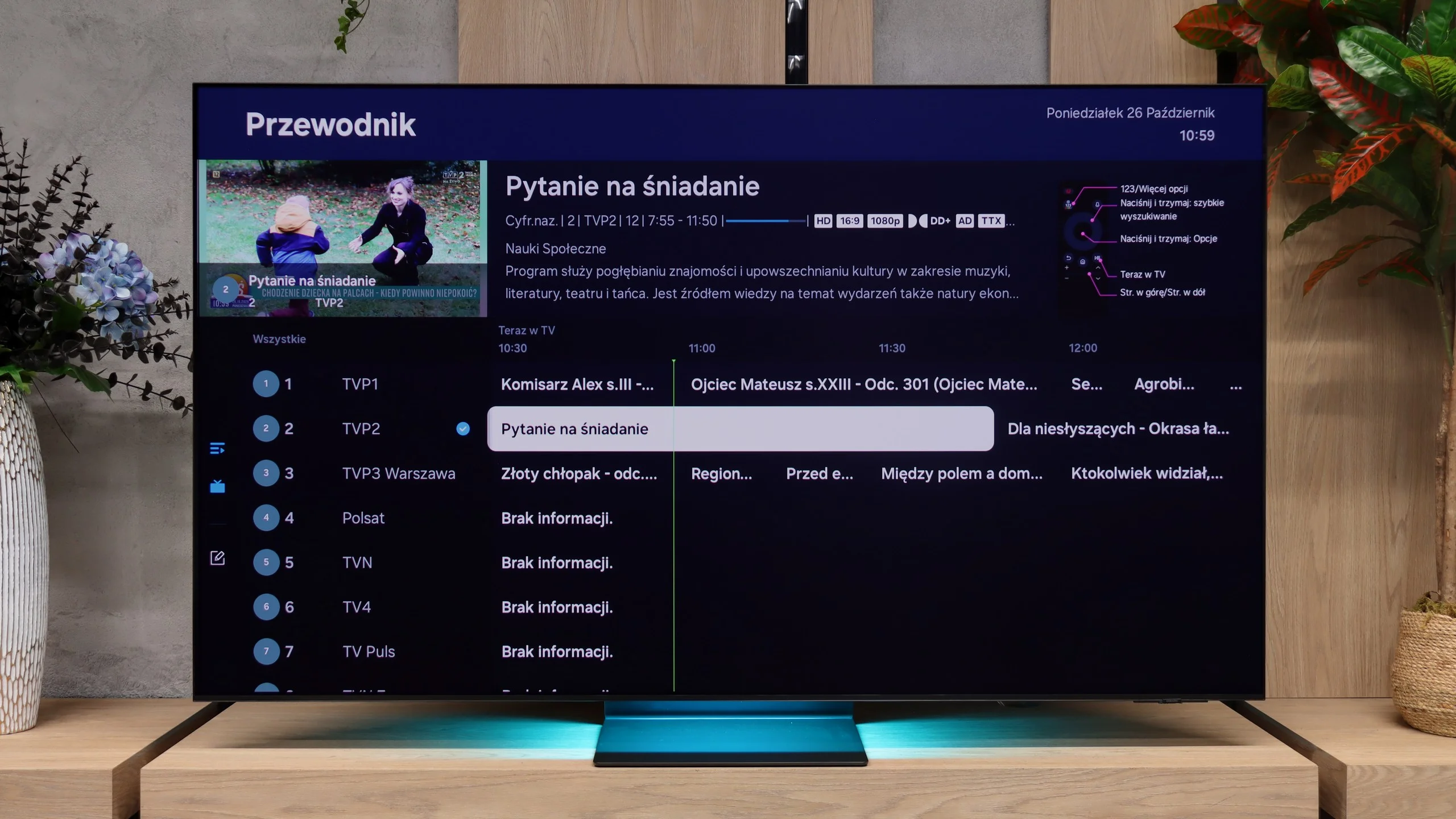
    DVB-T, DVB-T2, DVB-S, DVB-S2, DVB-C
    DVB-T, DVB-T2, DVB-S, DVB-S2, DVB-C

Classic features:

  • Recording to USB (terrestrial TV)
    No
    No
  • Recording programming
    No
    No
  • Picture in Picture (PiP)
    No
    Yes
  • RF remote control (no need to aim)
    Yes
    Yes
  • Backlit remote control
    Yes
    No
  • Teletext
    Yes
    Yes
  • Audio only mode
    Yes
    Yes
  • Bluetooth headphones support
    Yes
    Yes
  • Simultaneous Bluetooth headphones & TV audio
    Yes
    Yes

Smart features:

  • AirPlay
    Yes
    Yes
  • Screen mirroring (Windows Miracast)
    Yes
    Yes
  • Voice search
    Yes
    Yes
  • Voice search in native language
    Yes
    Yes
  • Ability to connect a keyboard and mouse
    Yes
    Yes
Review TCL X11L TV features
Review Samsung S95H TV features

Sound connection options

  • HDMI audio
    eARC (HDMI), ARC (HDMI)
    eARC (HDMI), ARC (HDMI)
  • Other audio outputs
    Toslink (Optical audio)
    Toslink (Optical audio)
  • Wireless audio
    Bluetooth
    Bluetooth

Supported audio formats (external HDMI eARC audio):

  • Dolby Digital Plus 7.1
    Yes
    Yes
  • Dolby True HD 7.1
    Yes
    Yes
  • Dolby Atmos in Dolby Digital Plus (JOC)
    Yes
    Yes
  • Dolby Atmos in Dolby True HD
    Yes
    Yes
  • DTS:X in DTS-HD MA
    Yes
    No
  • DTS-HD Master Audio
    Yes
    No

Senior accessibility

  • Numeric keyboard on TV
    No
    No
  • Font size adjustment
    Yes
    Yes
  • Audio description
    Yes
    Yes

Smart TV: Google TV

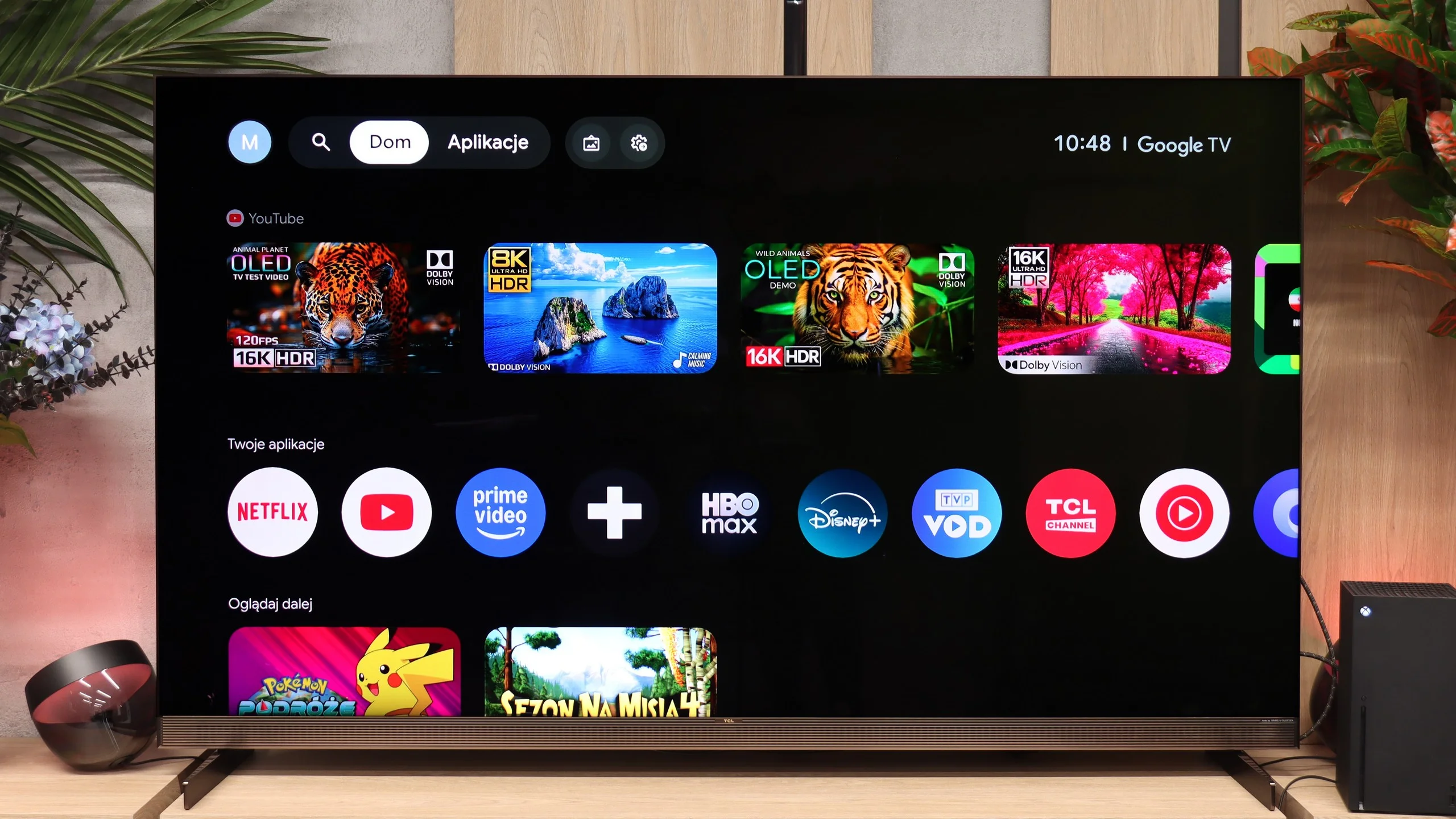
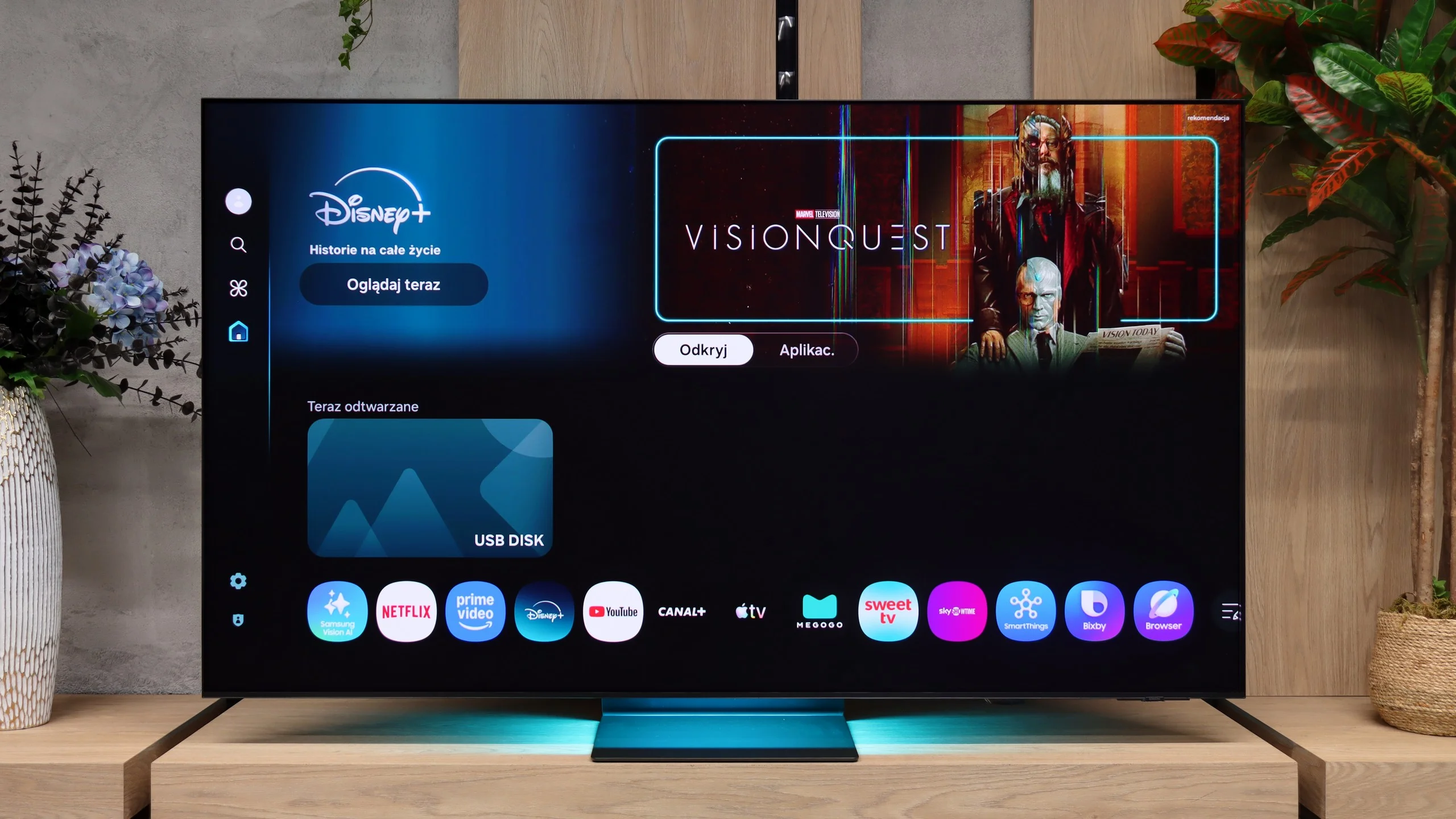
From the Smart TV perspective, the flagship TCL runs Google TV and it is simply excellent software. The platform offers a huge app library that includes virtually every major video-on-demand (VOD) service. Everything runs very smoothly, and the intuitive interface makes daily content browsing easy. A major plus is the responsive voice assistant which, together with Gemini AI support, can accurately suggest films and series based on our previous choices.

Classic features and the remote

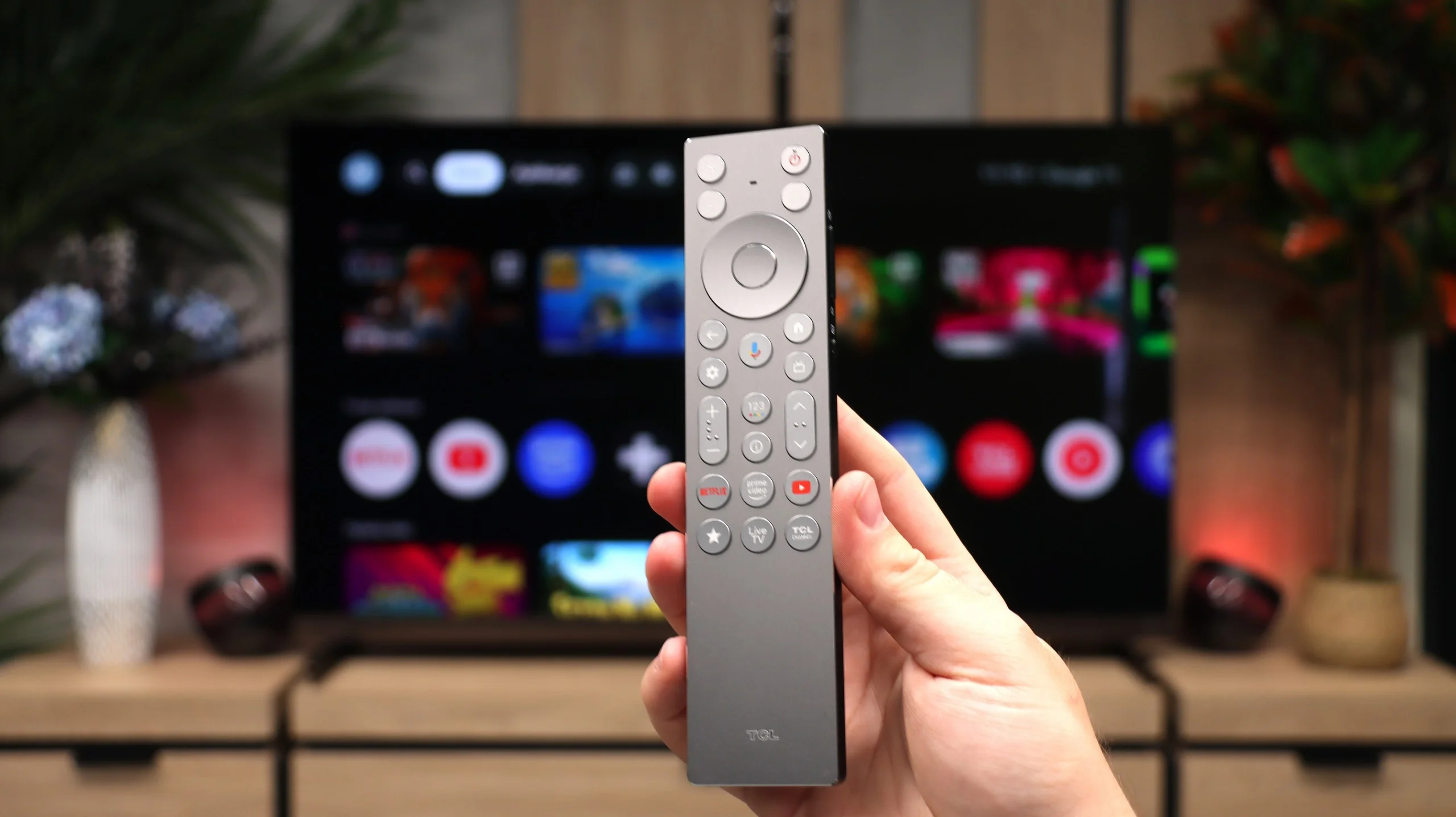
While the Smart TV system is top tier, when it comes to conventional features there is really not much to say. The TV provides a well-functioning teletext and that is pretty much all you can expect from traditional television features. TCL has skimped on the basics. There is no USB recording function (PVR) and not even a picture-in-picture (PiP) option. As for the remote, it is very well made, sits comfortably in the hand and even has backlit buttons that make it easier to use at night. Unfortunately, the manufacturer chose not to include numeric buttons. That may not go down well with older viewers or those who like to flick through channels in the traditional way by entering their numbers.

Tizen

The S95H uses the Tizen system, which runs very quickly here. Switching between apps and settings is smooth, so day-to-day use doesn’t require patience. There’s a wide selection of streaming apps, voice search and AirPlay for streaming content from Apple devices. You can also mirror a computer screen wirelessly. It’s a well-equipped Smart TV where it’s easy to find something for yourself.

We did notice one odd thing, though. Our review unit had a 2025 software version, even though the S95H is a 2026 model. At the time of testing we also couldn’t find an update to this year’s system on the manufacturer’s website. That’s surprising, as other Samsung models have already received it. Tizen itself runs smoothly, but for a new TV of this class we would expect the operating system to be up to date.

TV features and remote

Among the classic features are teletext and picture-in-picture, but the ability to record programmes to USB is missing. It can also be useful to play audio simultaneously through the TV speakers and Bluetooth headphones. The remote is very minimalist and works without needing to be pointed at the screen, although it’s a shame there are no backlit buttons. A definite plus is that it doesn’t require battery replacement and can be charged using solar power.

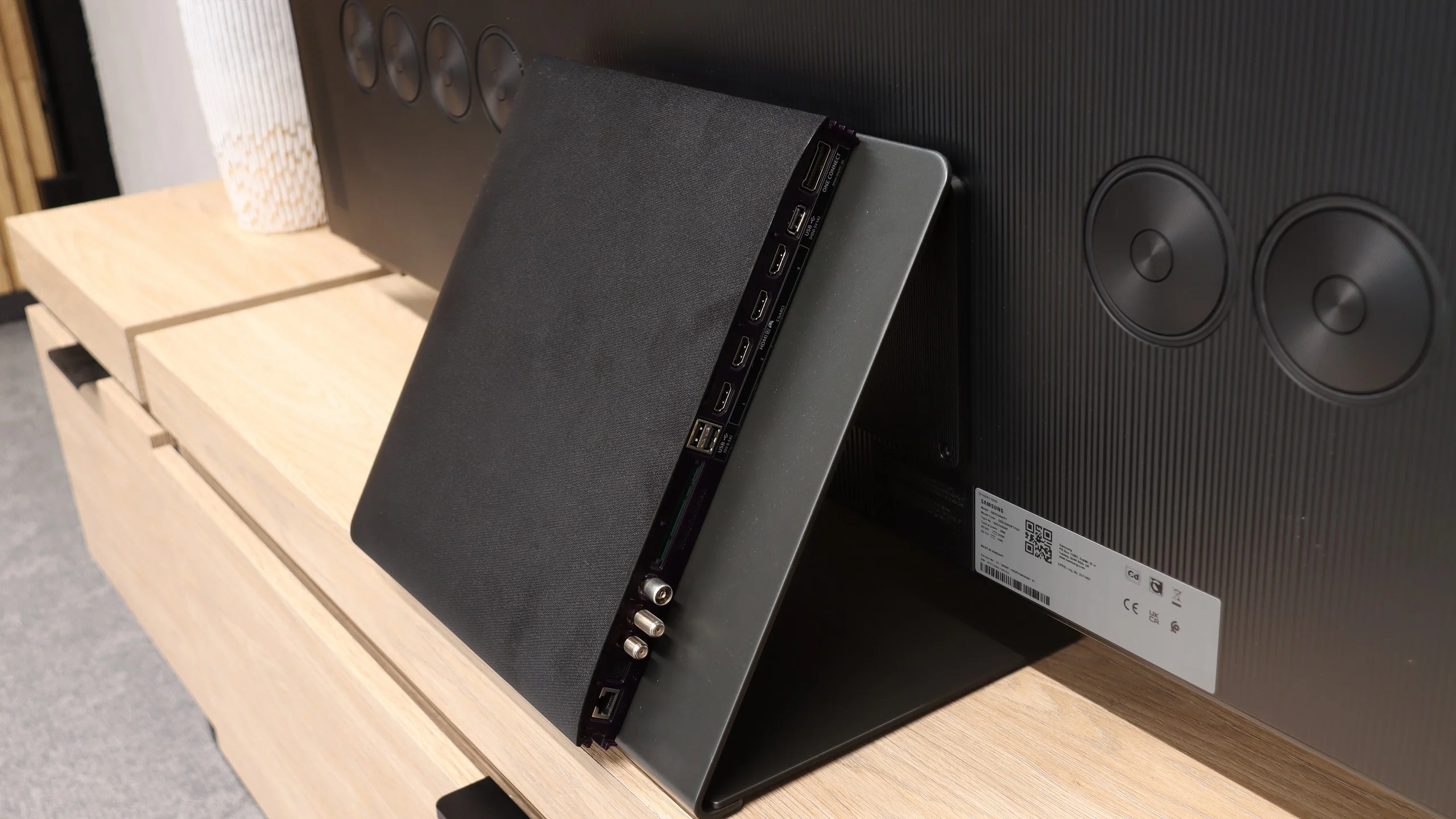
One Connect

The One Connect module remains an important addition, and Samsung TVs earn a small extra point from us for it. It contains four HDMI 2.1 inputs with 40 Gb/s bandwidth, and a soundbar can be connected via eARC or the optical output. The biggest advantage of this solution is simple: only a single cable runs to the screen. It’s easier to hide the cables and to connect another device without having to reach behind the TV. Those planning to wall-mount the S95H will especially appreciate it.

Apps

9.6/10

9.3/10

OK
Disney_Plus
OK
Amazon_Prime_Video
OK
Player_TVN
OK
Polsat_Box_Go
OK
Canal_Plus_Online
OK
TVP_VOD
OK
Apple_TV_Plus
OK
SkyShowtime
OK
Rakuten
OK
CDA_Premium_Browser
OK
Spotify
OK
Tidal
OK
Netflix
OK
YouTube
OK
HBO_MAX
OK
Kodi
No
Apple_music
OK
Eleven_sports
No
Xbox Game Pass
OK
GeForce NOW
No
Amazon Luna
OK
Boosteroid
OK
Steam Link
OK
Disney_Plus
OK
Amazon_Prime_Video
OK
Player_TVN
OK
Polsat_Box_Go
OK
Canal_Plus_Online
OK
TVP_VOD
OK
Apple_TV_Plus
OK
SkyShowtime
OK
Rakuten
OK
CDA_Premium_Browser
OK
Spotify
No
Tidal
OK
Netflix
OK
YouTube
OK
HBO_MAX
No
Kodi
OK
Apple_music
OK
Eleven_sports
OK
Xbox Game Pass
OK
GeForce NOW
OK
Amazon Luna
OK
Boosteroid
No
Steam Link

Playing files from USB

9.4/10

9.1/10

Supported photo formats:

JPEG
Yes
Yes
HEIC
Yes
No
PNG
Yes
Yes
GIF
Yes
No
WebP
Yes
No
TIFF
No
No
BMP
Yes
Yes
SVG
No
No

Maximum photo resolution:

4 Mpix
Yes
Yes
6 Mpix
Yes
Yes
8 Mpix
Yes
Yes
10 Mpix
Yes
Yes
12 Mpix
Yes
Yes
16 Mpix
Yes
Yes
20 Mpix
Yes
Yes
24 Mpix
Yes
Yes
28 Mpix
Yes
Yes
32 Mpix
Yes
Yes

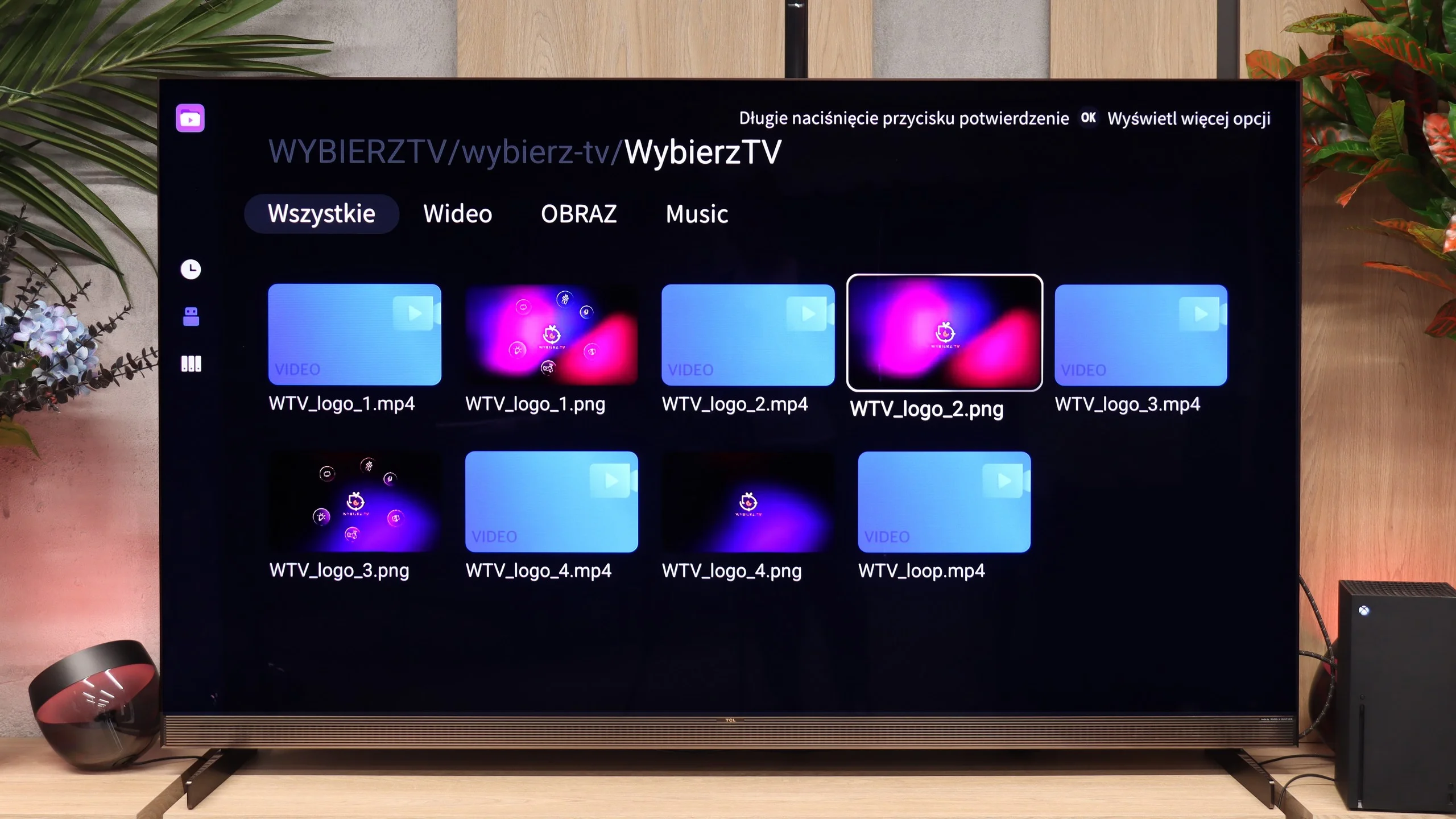
The built-in player works very well. During our tests we examined it from every angle and it played virtually every video file and audio format we threw at it without a hitch. The only minor quirk is that the player refused to work with external text files in .txt format. If that is a major issue for you, the operating system can help: from the app store you can always install a third-party player, such as the reliable VLC, which will handle any kind of subtitles. In most cases you won't need to, though, because the stock TCL app is absolutely top-tier when it comes to file compatibility.

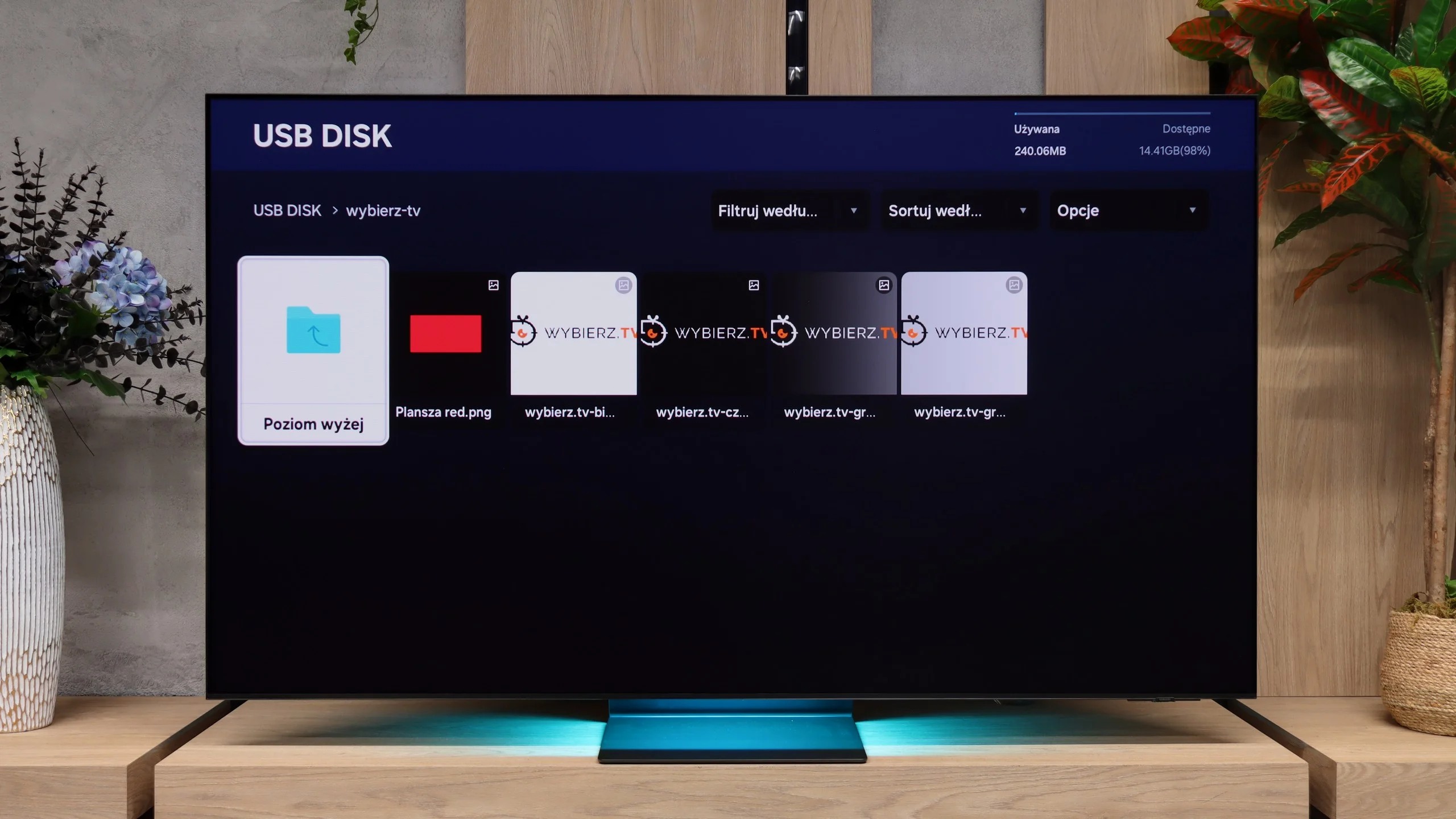
The built-in file player works quickly and smoothly. The S95H opened almost all of the audio and video files we prepared and expected it to support. You don't have to wait long for them to load, and browsing the contents of the storage device is convenient.

It's a pity, though, that there is no support for HEIC photos, the format used by default on many iPhones. So if you want to show photos from your phone directly from a USB stick, you need to convert them first, for example to JPEG.

Sound

8.2/10

8/10

  • Maximum volume
    84dB
    86dB
  • Dolby Digital Plus 7.1
    Yes
    Yes
  • Dolby True HD 7.1
    No
    No
  • Dolby Atmos in Dolby Digital Plus (JOC)
    Yes
    Yes
  • Dolby Atmos in Dolby True HD
    No
    No
  • DTS:X in DTS-HD MA
    Yes
    No
  • DTS-HD Master Audio
    Yes
    No

The sound in the X11L is really good, thanks to a very elaborate audio system. The Bang & Olufsen-branded speakers here perform very well: the sound is relatively spacious, clean and free of any odd interference or cabinet resonances even at higher volumes. In that respect the X11L delivers. Still, we feel a slight sense of disappointment. Considering the front of the case has an integrated soundbar, we expected somewhat better sound. We certainly wouldn't compare this sound to similar solutions fitted by direct competitors. Despite our small reservation, the sound is definitely above average and solid. It's ideal for everyday viewing, and buying a basic soundbar without a subwoofer for this model makes no sense at all.

In terms of sound the S95H is essentially a copy of last year’s model. Despite its very slim casing it delivers clean, pleasant audio, but the sound remains rather flat. It lacks depth and stronger bass, which, given such an impressive picture, leaves something to be desired. On the other hand, it is hard to expect large drivers in a TV about a centimetre thick. The beautiful appearance comes at a price.

It is therefore worth supplementing the S95H with a soundbar or a separate audio system so the audio better matches the picture. The TV supports Dolby Atmos, which makes it possible to expand the setup to surround sound. However, it lacks DTS support. This limitation may be an issue chiefly for viewers watching films from discs with soundtracks in that format.

Sound Quality Test

Acoustic Measurements

84dBC (Max)

75dBC

86dBC (Max)

75dBC

Reader comments

Comments are provided by the external service Disqus (Zeta Global). Once loaded, Disqus may set cookies and process data about your activity.

We will remember your choice on this device. Provider's privacy policy