- Matching (Score) |
- Our verdict |
- Competing TVs |
- TV appearance |
- Where to buy |
- Contrast and black detail |
- HDR effect quality |
- Factory color reproduction |
- Color reproduction after calibration |
- Smoothness of tonal transitions |
- Image scaling and smoothness of tonal transitions |
- Blur and motion smoothness |
- Console compatibility and gaming features |
- Input lag |
- Compatibility with PC |
- Viewing angles |
- Daytime performance |
- TV features |
- Apps |
- Playing files from USB |
- Sound |
- Panel details
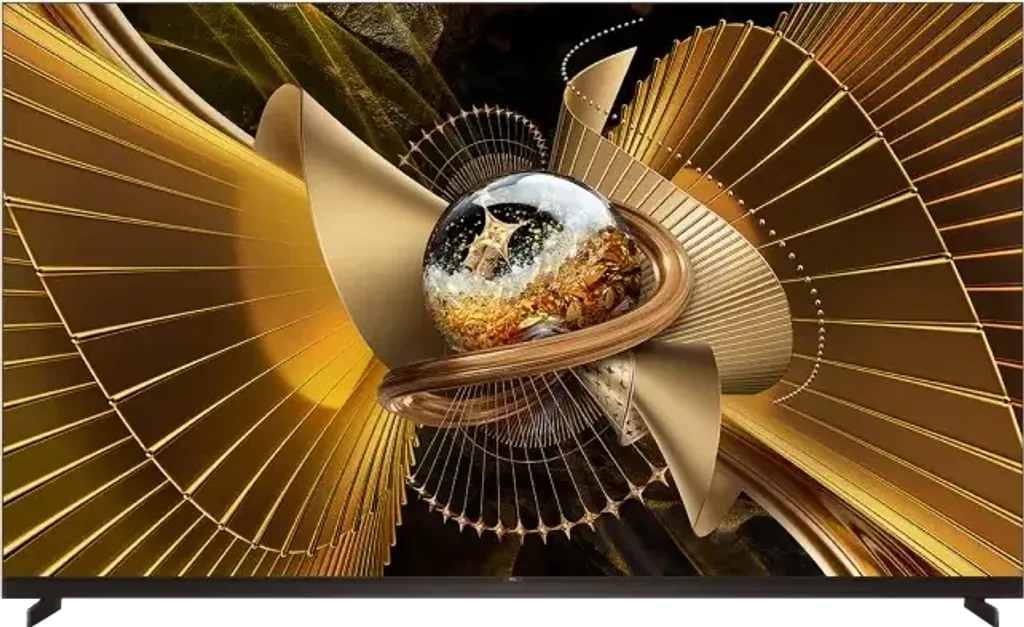
Panel type: LCD VA Refresh rate: 144Hz Brand: TCL Resolution: 3840x2160 System: Google TV Model year: 2026
This review is an English translation of the Polish original. Read the original on Wybierz.tv.
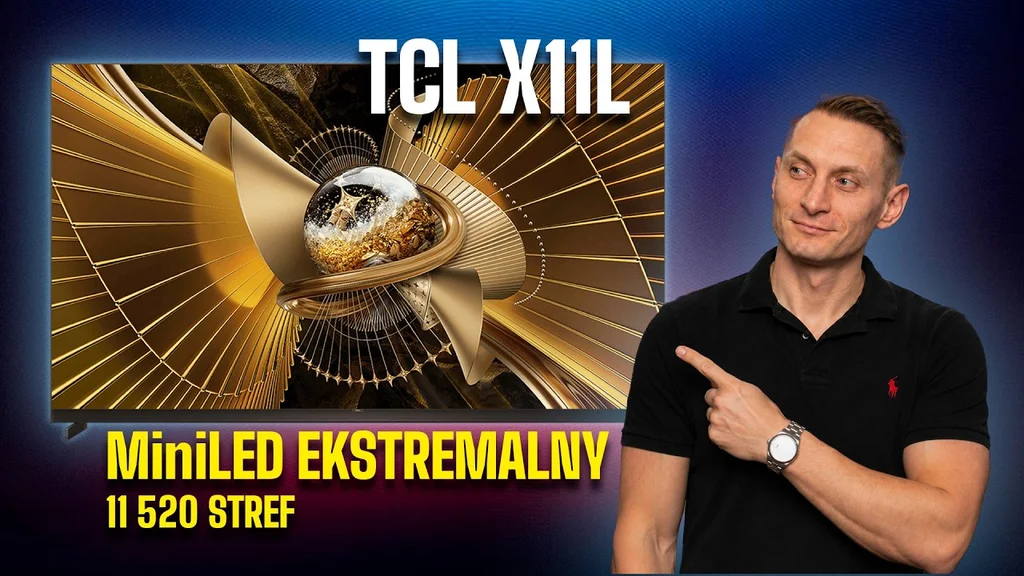
The TCL X11L is one of the most advanced and feature-packed Mini-LED TVs to appear in 2026. Against market trends, TCL did not opt for new RGB backlighting in its flagship X series. Instead, it features an absurdly large number of local dimming zones combined with the new Super QLED quantum dots. How does that pairing perform in practice, and is the X11L the best LCD TV of 2026? We tested it for you!
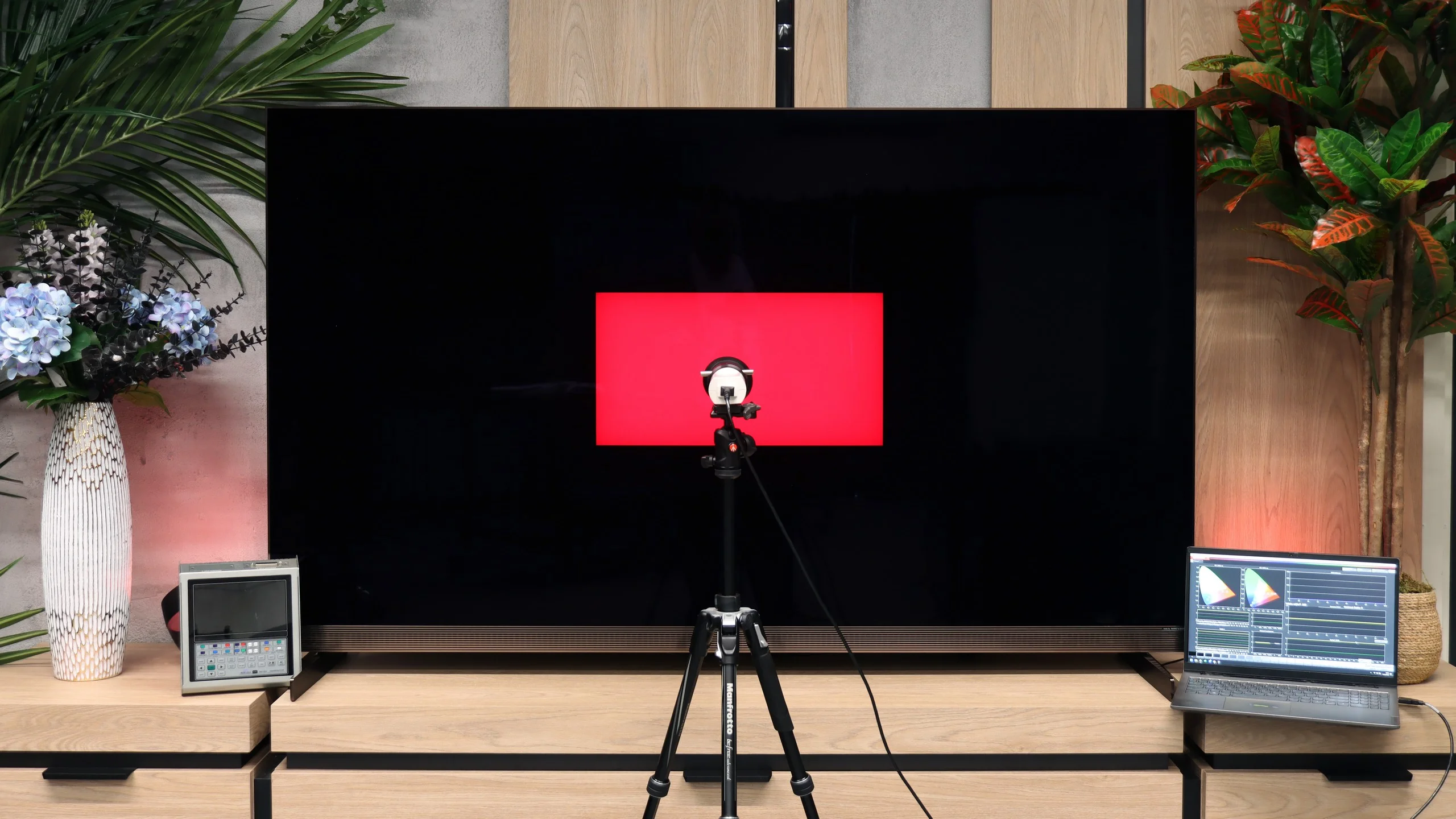
TCL X11L - Our verdict
8.6
Overall rating
TCL X11L is, without a doubt, a powerful showcase of the manufacturer's capabilities and a TV that impresses in many areas. It’s clear the engineers focused on what matters most: maximum brightness, blacks and contrast. The new quantum dots with an SQD filter do such a job that colour saturation is hardly any different from the top new RGB panels. And what about the blacks? The X11L can easily be placed alongside an OLED and doesn't lose that fight by much, which is a real feat in the world of Mini-LEDs. On top of that there’s a whole host of features surrounding the screen. The new MediaTek Pentonic 800 processor has completely eliminated TCL’s old issues; image processing, upscaling and the smoothness of tonal transitions finally look as good as the competition from Korea or Japan. There is nothing to be ashamed of anymore. Gamers will be delighted too: four full HDMI 2.1 ports, refresh rates up to 288 Hz, a console-inspired Game Bar and Dolby Vision with no noticeable input lag. All of this is tied together by a very smooth Google TV system. Sounds like a recipe for the best Mini-LED of 2026, right? It would be perfect if not for one irritating quirk that stems directly from TCL’s stubborn image-tuning “philosophy”. This TV can simply ignore the director’s intent and, in HDR formats, arbitrarily and artificially brighten entire scenes. The effect? The picture can be too bright at times, sometimes even blown-out. The worst part is that the software offers no option to fix it; even during professional calibration we couldn’t fully correct this fault. For a screen at this price that aspires to be “the best of the best”, such wilfulness is simply unacceptable, especially when we’re talking about Filmmaker mode.
Still, if you couldn’t care less about perfect, studio-accurate fidelity and are after a picture that is above all maximally spectacular, showy and very bright in daylight, the X11L is a true beast. It’s the first Mini-LED to come so close to OLED black levels, and in brightness it simply crushes it. The only real brake here is the price. The sum you’ll have to pay for this model (regardless of size) is a serious outlay. Is it worth spending that much? We’ll leave that to your judgement. One thing must be conceded: it’s currently one of the best Mini-LEDs we’ve tested so far.
Advantages

Best blacks on the market in a MINI-LED screen
Extremely high HDR and SDR brightness
Excellent colour saturation thanks to the SQD (Super QLED) filter
Very good image processing (MediaTek Pentonic 800)
A host of features for gamers: 4x HDMI 2.1, VRR, ALLM, refresh rate up to 288Hz (PC)
Good motion handling
Open operating system: Google TV
Stunning design and build quality
Backlit metal remote
Built-in audio system tuned by Bang & Olufsen
Disadvantages

Artificial brightening of the image: the TV brightens the entire HDR image by itself
Glossy panel poorly suppresses reflections
Lack of "television" features, e.g. USB recording (PVR), PiP
High price
 Movies and series in UHD quality
8.5
 Classic TV, YouTube
7.9
 Sports broadcasts (TV and apps)
7.3
 Gaming on console
9.1
 TV as a computer monitor
8.6
 Watching in bright light
10.0
 Utility functions
8.3
 Apps
Apps9.6
 Sound quality
8.2
Complete the survey to find out what fits your preferences
TCL X11L - Competing TVs in this price range
TCL X11L - TV appearance
HDMI inputs: 0 x HDMI 2.0, 4 x HDMI 2.1 (48Gbps) Outputs: Toslink (Optical audio), eARC (HDMI), ARC (HDMI) Network Interfaces: Wi-Fi 2.4GHz, Wi-Fi 5GHz, Ethernet (LAN) 100Mbps
Build quality: Super Premium
Stand type: Legs
Bezel color: Graphite
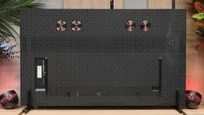
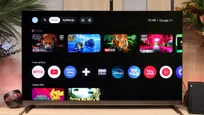
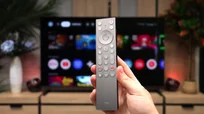
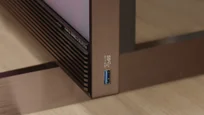
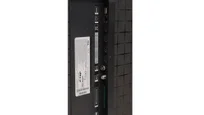
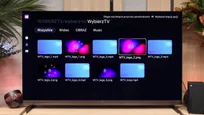
Stand: Height adjustment
Flat design: Yes
Accessories: Stand
The X11L is the most attractive and best-built TCL device we’ve tested so far. Above all, high-quality materials have been used here, and the entire frame is made of graphite-copper-coloured metal. It looks truly stunning, especially thanks to the design TCL calls "ZeroBorder"; the TV does not have that classic black bezel around the screen. In addition, the unit is extremely slim, with a thickness of just 2.4 cm overall, so when hung on the wall the screen can appear almost glued to it.
For those who would prefer to place the X11L on furniture, something has been prepared as well. The set includes sturdy metal legs positioned at the edges of the screen. Although they are not adjustable in width, their height can be altered, for example to make room for an additional soundbar underneath. However, if you choose the X11L, many people will probably not even consider a separate soundbar, because another feature that sets this model apart is the built-in audio system along the lower edge of the screen. Of course the sound, as with last year, has been tuned by Bang & Olufsen, and the casing bears proud logos referencing this collaboration.
The X11L is without doubt the best-looking television from this brand, and there is unlikely to be a single aspect of its design you won’t like.
Buy at the best price
Select size:

TCL X11L - Contrast and black detail
9.1/10
Local dimming function: Yes, number of zones: 11520 (80 x 144)


Result
1,842,100:1

Result
942,400:1

Result
93,700:1

Result
91,450:1

Result
27,550:1

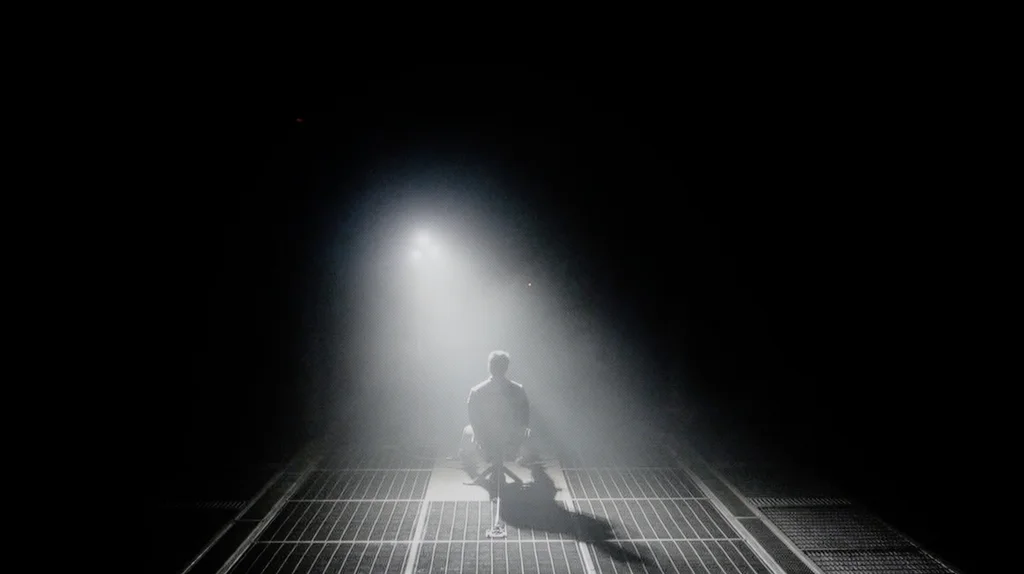
Black and contrast on the X11L are simply S E N S A T I O N A L. The main credit goes to the astronomical number of local dimming zones combined with the proprietary WHVA 2.0 panel (VA-type). In the 75-inch model we tested we counted exactly 11,520 of them. Yes, you read that correctly, over 11 thousand local dimming zones in a Mini-LED screen! This translated into outstanding results in our tests: most scenes, especially the less complex ones, had blacks that were indistinguishable from those known from OLEDs. Even with the lights completely off, when the screen displayed deep, almost pitch-black parts of the image, it could be mistaken for an OLED panel. It’s currently the best Mini-LED if you care about the deepest blacks.
However, remember this is still an LCD TV. Even with such an astronomical number of zones, very complex sequences with lots of small elements on a black background (like a starfield or our demanding test pattern (no. 5) from the Pioneer Kuro) can reveal some halo effects, a faint glow around bright objects. Undoubtedly, though, this is far less noticeable than on other screens of this type we’ve tested so far. The algorithm handles it very well.
Naturally, the number of zones increases with screen diagonal. Below you can see the number of zones for each size:
X11L screen size | Number of local dimming zones |
75" | 11,520 zones |
85" | 14,400 zones |
98" | 20,736 zones |
Halo effect and black detail visibility:
TCL X11L - HDR effect quality
9.2/10
Supported formats: HDR10, HDR10+, Dolby Vision, Dolby Vision IQ, HLG
Luminance measurements in HDR:

Result
2934 nit

Result
2105 nit

Result
2809 nit

Result
1782 nit

Result
2841 nit
Such a large number of zones did not only result in deep, inky blacks, but also in screen brightness. The X11L is an extremely bright television. Peak brightness can easily exceed 4,000 nits, and with the special "Boost" mode active it can, in specific conditions, even reach marketing figures around 9,000 to 10,000 nits. It is undoubtedly one of the brightest, if not the brightest, screens on the market. So how do these numbers relate to real film measurements? The results are very good, though of course far from the marketing claims. The brightness we measured in real film scenes was around 2,000 to 3,000 nits. That is an excellent result, given that the vast majority of content available is recorded and produced for those brightness levels, even the rare material mastered to 4,000 nits. But it also clearly shows that the figures the manufacturer touts do not always translate directly to the video material you have at home. The only "quirk" (if you can call it that) is that when very small, bright elements appear on screen, their brightness falls below 2,000 nits. The dimming algorithm does this deliberately to preserve deep blacks and minimise halo. This is entirely understandable, and the effect is still very impressive, but it also shows that even with such powerful hardware, Mini-LED technology has its limits and does not always work without compromise. In HDR itself, brightness is not the only thing that matters; colour saturation and the colours themselves do too. On the X11L these are very good thanks to the new Super QLED (SQD) quantum dots. The application of a new coating filter has delivered excellent results in covering the P3 colour gamut and the ultra-wide BT.2020. Although it does not reach the promised 100% of BT.2020, figures around 89 to 90% can be considered excellent. Colours are not far off those of RGB Mini-LED screens. We can even say they are more stable, due to a less demanding algorithm that RGB screens often struggle with.
BT.2020 color gamut coverage and primary color luminance
| Data set | BT.2020 | P3 | R | G | B |
|---|---|---|---|---|---|
| Synthetic patterns | 88.9% | 97.4% | 66% | 70% | 72% |
| Film measurements | 89.0% | 97.5% | 87% | 89% | 92% |
 BT.2020
 BT.2020 and P3 – average color gamut coverage (percent of the target gamut).
R, G, B – average primary color luminance relative to target (percent).
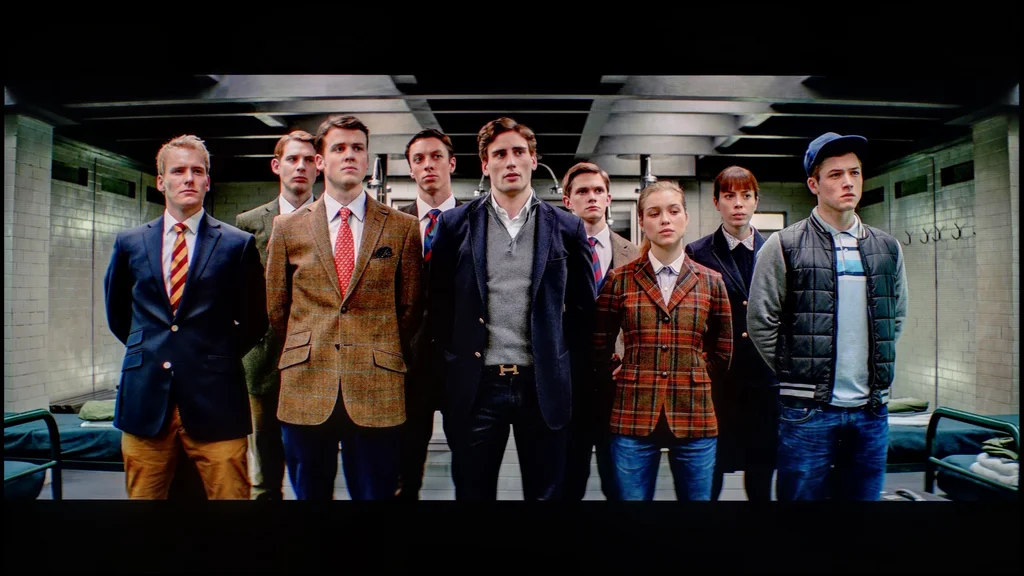
Scene from the movie “Pan” (about 2800 nits)

Scene from the movie “Billy Lynn” (about 1100 nits)
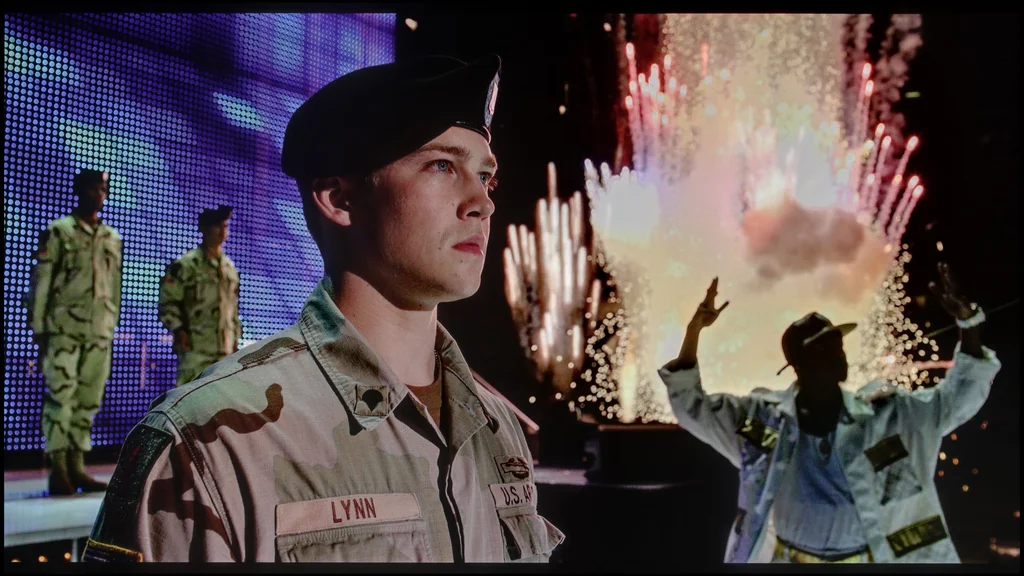
How do real films stack up against those excellent measurements? Pretty well, although we have a small gripe. One thing you must give the X11L is that it can produce an amazingly striking picture. What is meant to be bright is extremely bright, and what should be shrouded in darkness and black remains exactly that. The whole image is full of detail and nothing blends into uniform, white blotches. In films such as Pan or Billy Lynn’s, regardless of the overall scene brightness, the picture looked superb, getting the most out of HDR. But honestly? You should expect that from kit at this price. So where’s our gripe? It’s about how those scenes look in reality versus how they should look according to the director’s intent. In factory Filmmaker Mode and even after professional calibration, the image in many places is simply too bright. The TV boosts brightness where it shouldn’t, which robs the material of cinematic fidelity. On the one hand, some people may like that — the picture seems 'livelier', you see more detail in the shadows, and some elements land with even greater impact. On the other hand, for a product of this class we’re entitled to expect near‑reference quality. For some reason TCL is 'immune' to that and sticks to its philosophy of cranking TVs up towards the 'wow' effect. Well, you just have to live with it.
HDR luminance chart:
What we wrote about earlier becomes clear when you directly compare content in the classic HDR10 format with a Dolby Vision signal. When a television has to map image tonality itself using HDR10’s static metadata, it tends to over-brighten; the picture can become washed out with whites and lose some detail in certain areas. The Dolby Vision signal, available on almost every modern streaming platform, comes to the rescue for the X11L. Thanks to dynamic metadata, the television no longer has to 'guess' how a scene should look; all the precise instructions for brightness and contrast are recorded directly in the format. This is perfect proof that sheer HDR peak brightness alone is not enough to display such content correctly; equally crucial is intelligent management of that power. Fortunately, because the X11L fully supports all dynamic formats, both Dolby Vision and the competing HDR10+, we can expect that in 99% of cases the image will look exactly as it should.
Static HDR10

Dynamic: Dolby Vision

Factory color reproduction
5.2/10
Turning on what should theoretically be the best Filmmaker Mode, you expect a one-to-one image of what the director saw. On the X11L it's fairly good, but this mode has obvious faults, which our measurements immediately exposed. Let's start with SDR. Both the white balance and the gamma are simply misaligned. The whites contain too much blue and red, giving the screen a slight pink tint. That also affected the gamma, which instead of holding the cinematic 2.4 drifts closer to 2.2. What did that result in? The whole image is therefore more pushed and looks artificially brighter. The worst comes at the end, namely the HDR measurements. Apart from this slight white-balance shift, the X11L fails on the brightness-management curve, the so-called EOTF. What we saw in the measurements immediately explains what we noticed earlier in films. The image is unnaturally brightened because the curve is massively overshot above the reference. The TV simply blatantly lifts the dark parts of the picture to create a "wow" effect, completely ignoring the director's intent.


Color reproduction after calibration
7/10
After professional calibration we primarily managed to fully tame the SDR signal. Here the X11L responded perfectly to our adjustments. We were able to completely correct the white balance, remove that pink tint and set gamma to a stable 2.4. After that the picture finally became consistent with the director's vision, natural and free of artificial boosts. We also made minimal tweaks to HDR, but the TV's biggest flaw remained unchanged. It's of course about how the X11L manages its brightness and how much it overshoots the EOTF curve. Unfortunately, TCL provides virtually no tools to adjust this parameter. Even during professional calibration the software offers no way to rein in this curve, so the TV will always tend to brighten the image in HDR on its own.

TCL X11L - Smoothness of tonal transitions
9.5/10
The smoothness of tonal transitions deserves praise. Both in bright and dark areas the image simply looks smooth and is free from irritating banding or contouring. Importantly, with Dolby Vision material this issue is not particularly noticeable either, which is often not the case with other TVs. Minor gradation errors are visible only on specific shades of grey, but they are so small that in everyday use they will bother practically no one. In this respect the X11L performs almost perfectly.
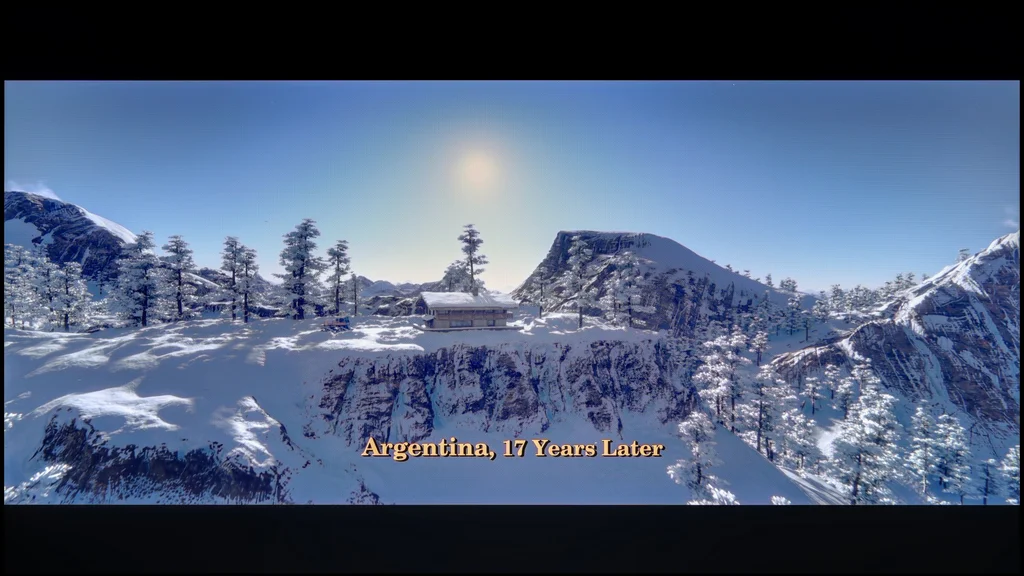

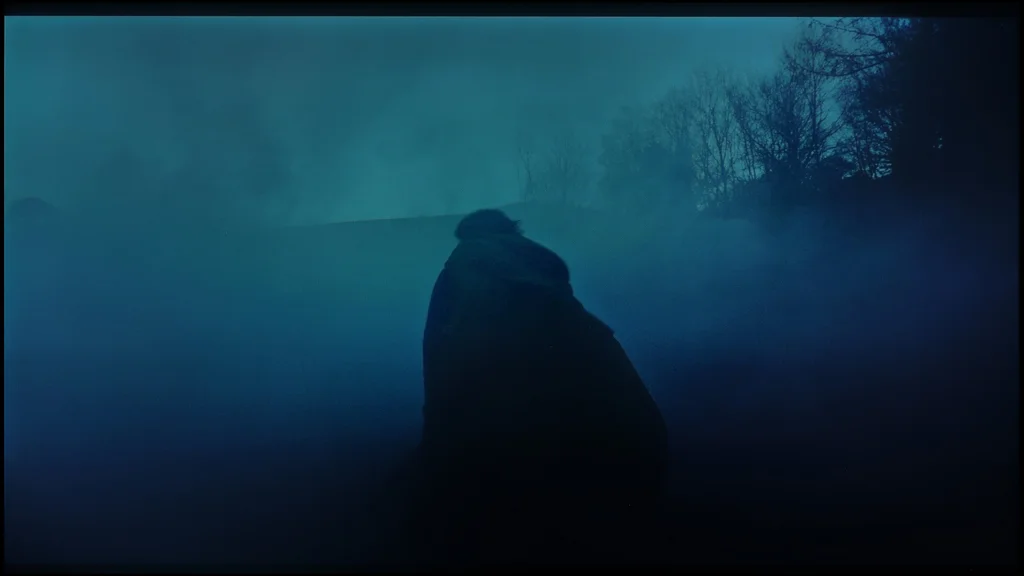

Image scaling and smoothness of tonal transitions
8/10
 Smooth transition function
Image without overscan on the SD signal
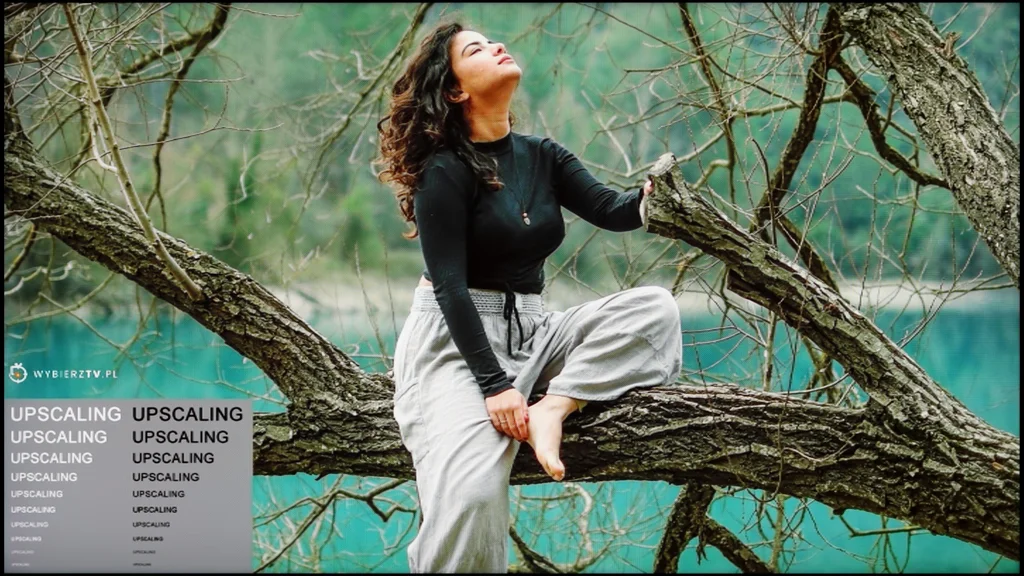
Much like the C8L model we tested earlier, TCL has delivered a substantial upgrade in its flagship X series. It's all thanks to the MediaTek Pentonic 800 processor used in this model. Thanks to it, features for smoothing tonal transitions and even upscaling content to higher resolutions finally look as they should. The biggest Achilles' heel of previous TCL models has at last been addressed. The processor handles digital processing superbly and, in this respect, the TV no longer lags behind flagship models from Korea or even the most refined ones from Japan.
TCL X11L - Blur and motion smoothness
7.9/10
Maximum refresh rate of the panel: 144Hz
Film motion smoothing option: Yes
Blur reduction option: Yes
BFI function 60Hz: Yes, 120Hz (double contours)
BFI function 120Hz: Yes, 240Hz (double contours)
Brightness drop with BFI: 50%
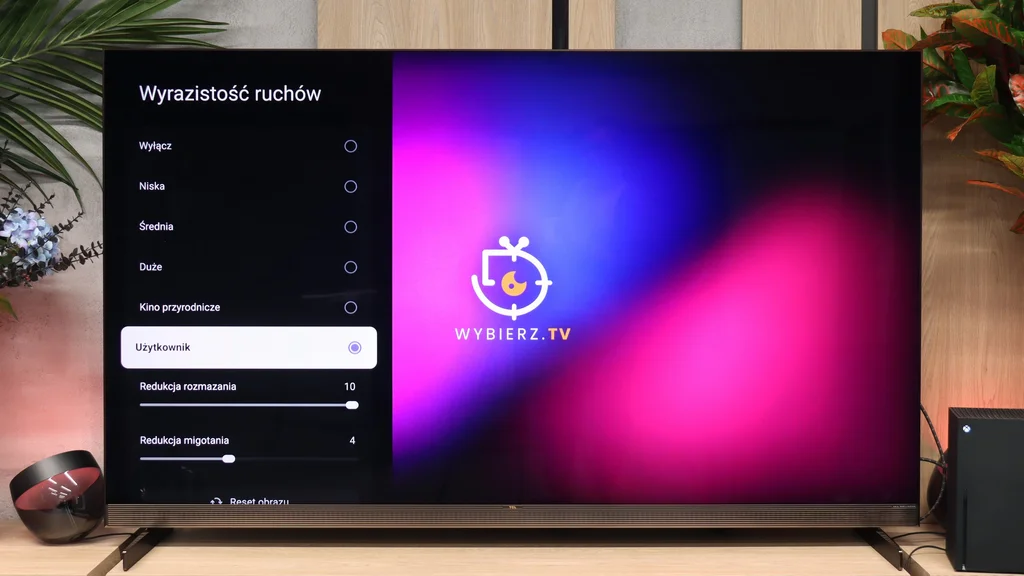
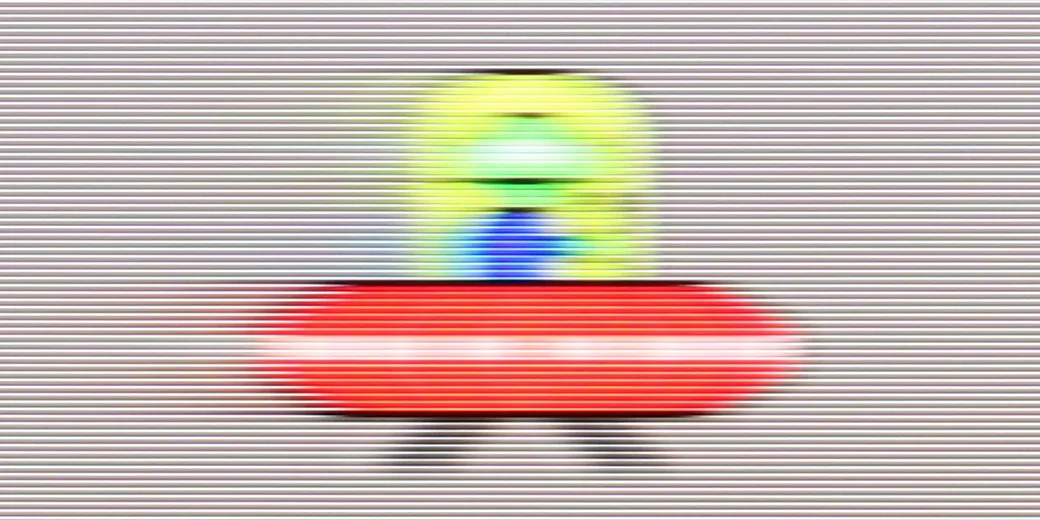
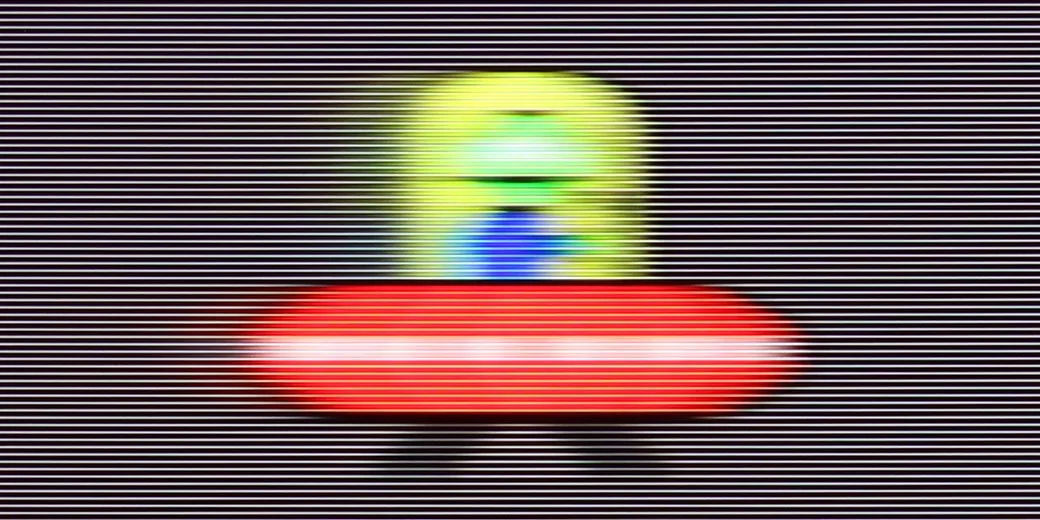
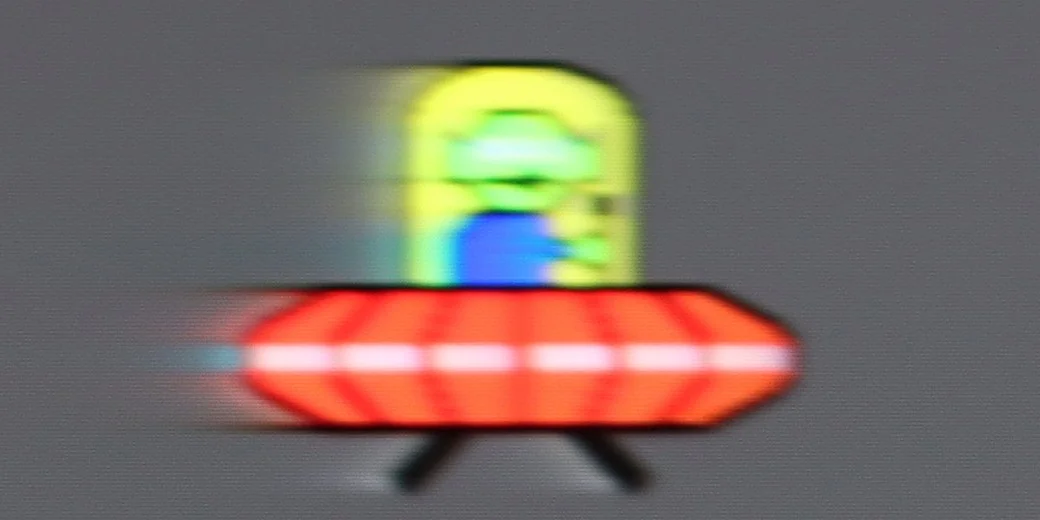
From a specification standpoint the X11L can impress, supporting refresh rates up to 144 Hz at 4K, and it can be pushed to as much as 288 Hz in Full HD. However, from a real-world usage perspective we were most interested in how the screen performs at 120 Hz. After all, that is the limit for today’s hardware, with current-generation consoles leading the way. How does that look in practice? Even though it uses a VA panel, the screen does not exhibit significant smearing. With very fast-moving objects you can notice a slight trailing, but it is subtle enough that it hardly stands out while gaming or watching sport. The motion smoothing feature called "Motion Clarity" is also very useful here, allowing you to adjust motion smoothness to your preference. Recommended settings can be found in the picture.
Blur (native resolution, maximum refresh rate):
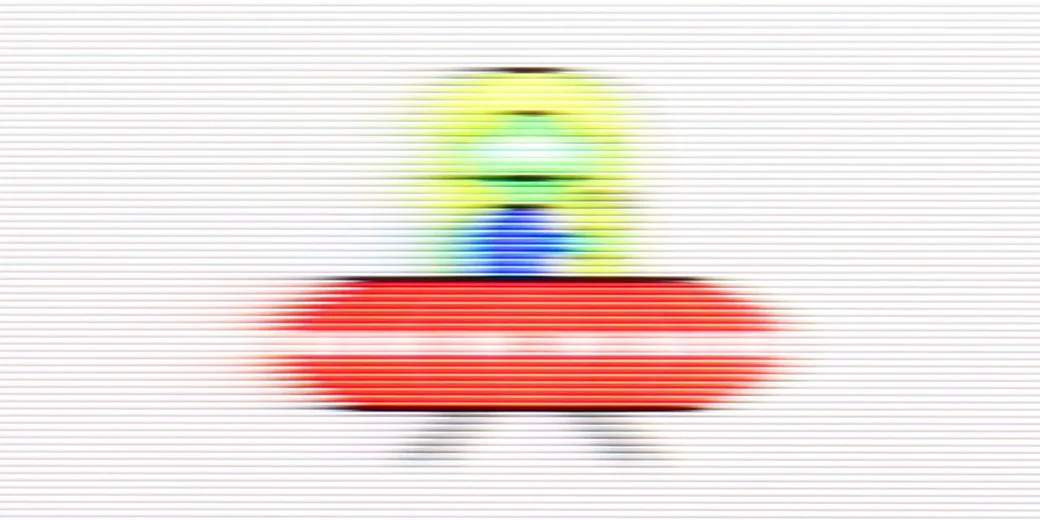
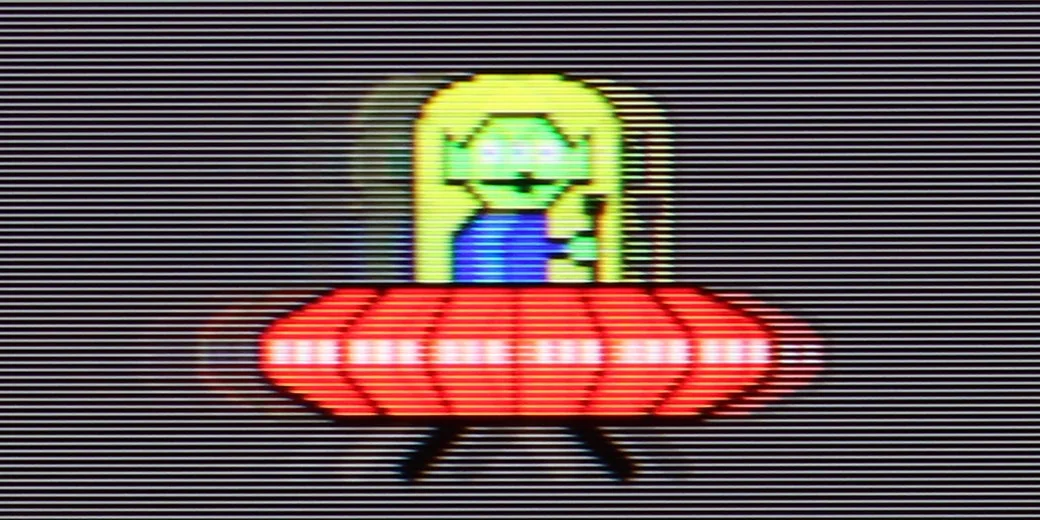
Blur (BFI function enabled):


Blur (1080p@288Hz):


The BFI function deserves high praise. When enabled, the screen delivers significantly improved motion smoothness. In addition, the image does not flicker in an irritating way, which is a common problem in many other TVs, so this solution can actually be used, for example when watching fast-paced sports broadcasts. Naturally, because of how this function operates, the price of perfect smoothness is visible doubled outlines around moving objects when viewed up close and a halving of brightness. However, when watching the TV from a normal distance of a few metres, the issue with the outlines disappears. Moreover, even with brightness halved, the X11L still achieves such a high level that the model's ample power reserve completely offsets that loss.
TCL X11L - Console compatibility and gaming features
9.8/10
- ALLM:
Yes
- VRR:
Yes
- VRR range:
48 - 288Hz
- Dolby Vision Game Mode:
Yes
- Correct implementation of HGIG:
Yes
- 1080p@120Hz:
Yes
- 1440p@120Hz:
Yes
- 4K@120Hz:
Yes
- Game bar:
Yes
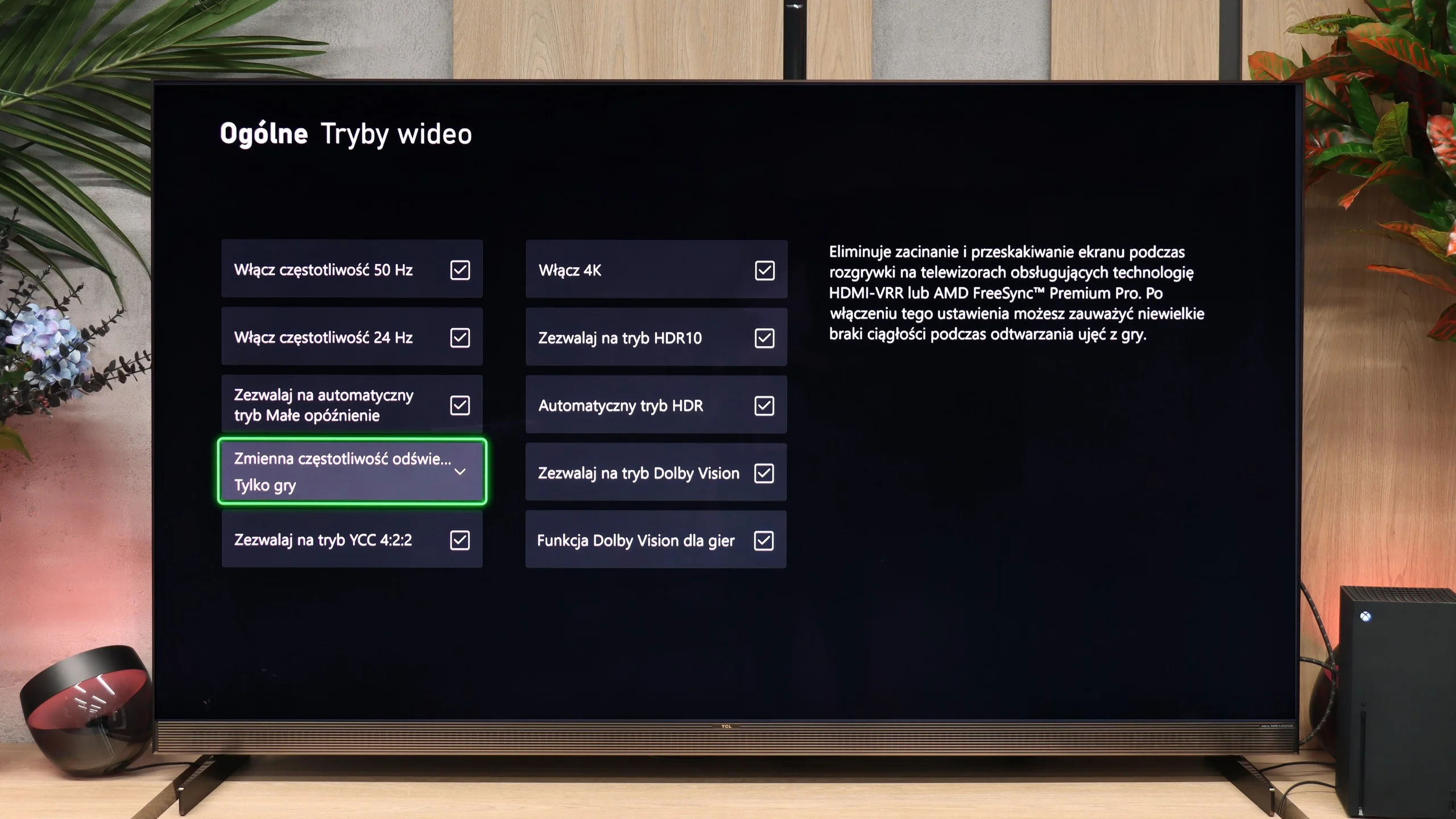
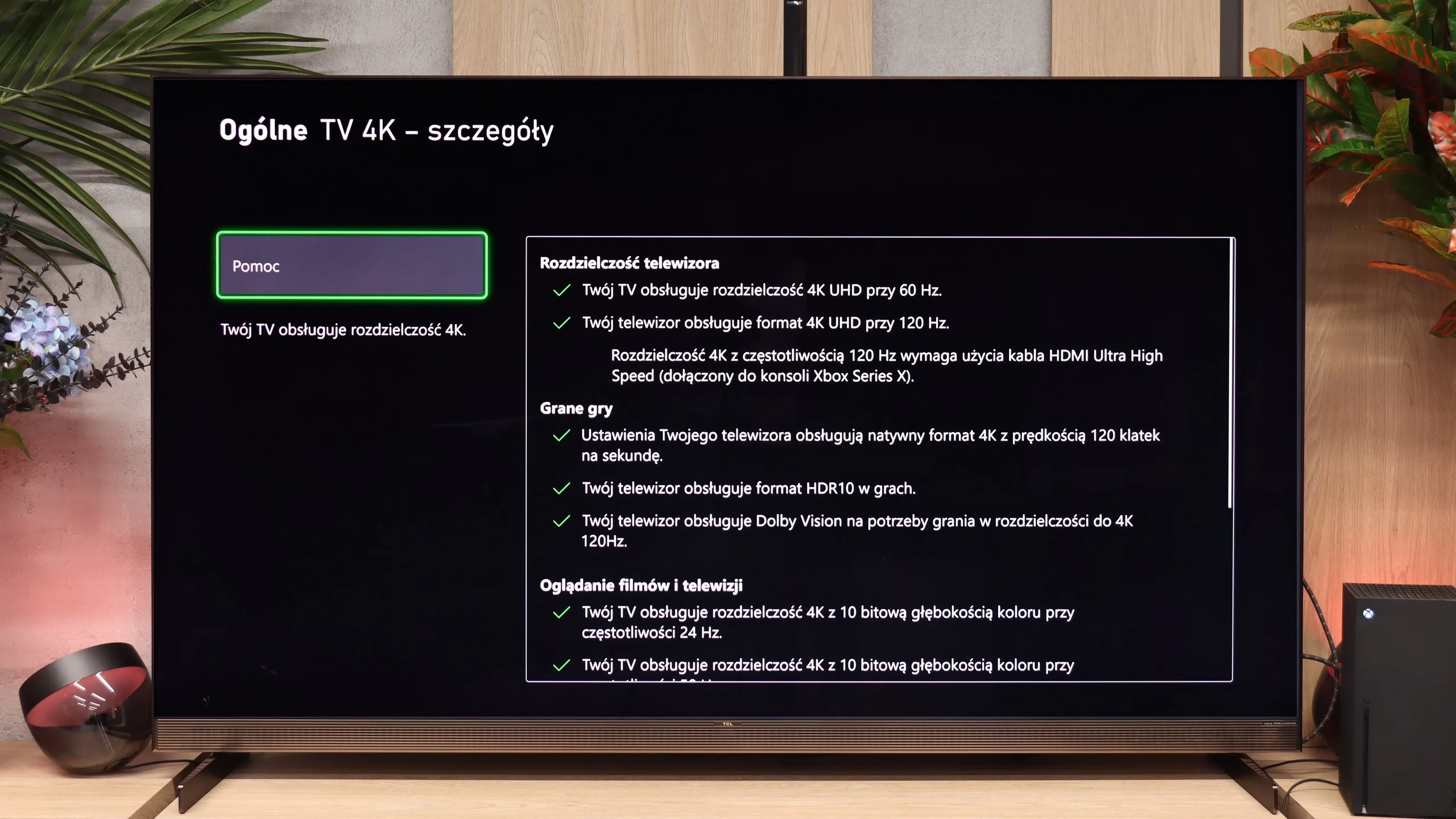
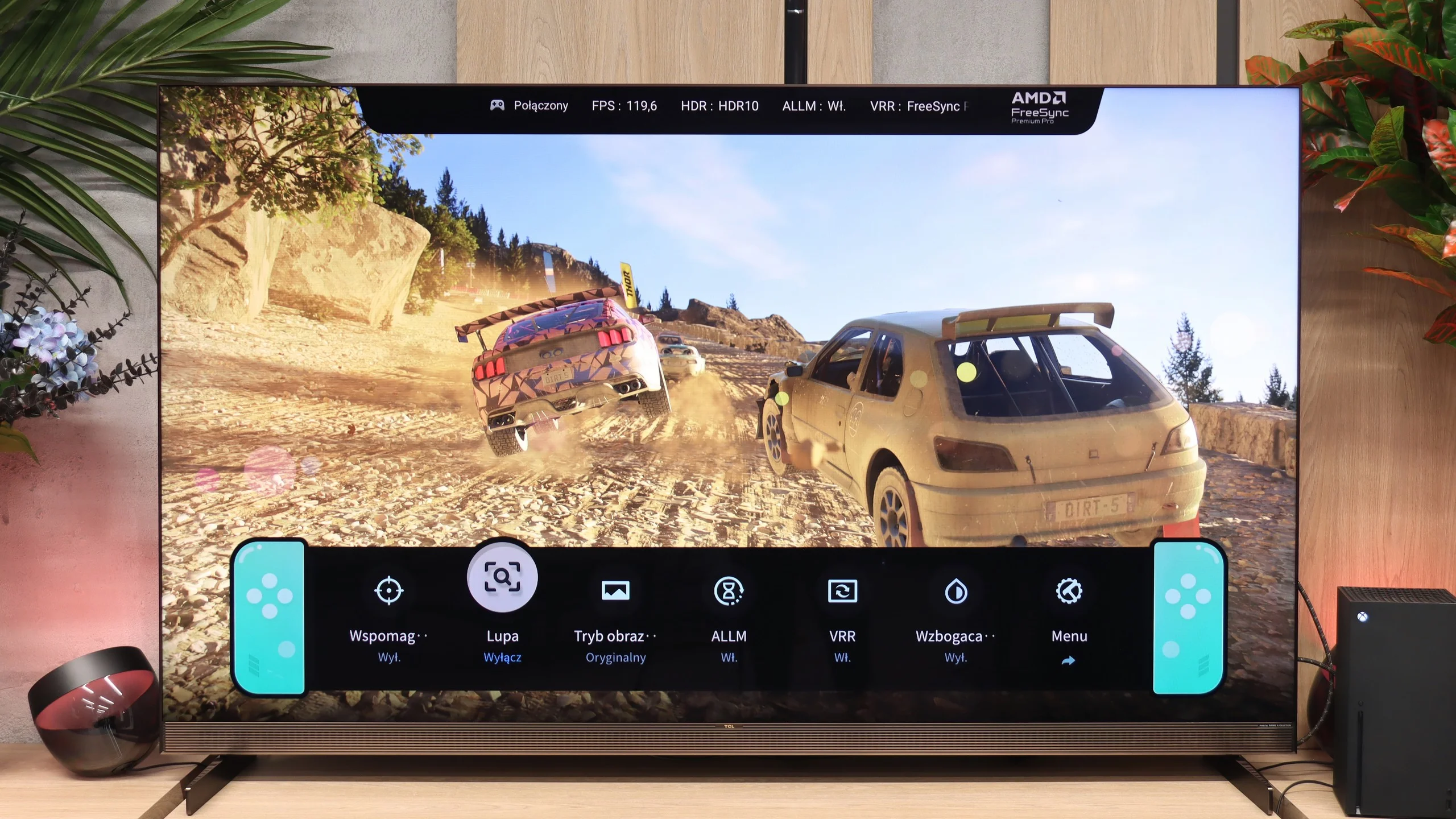
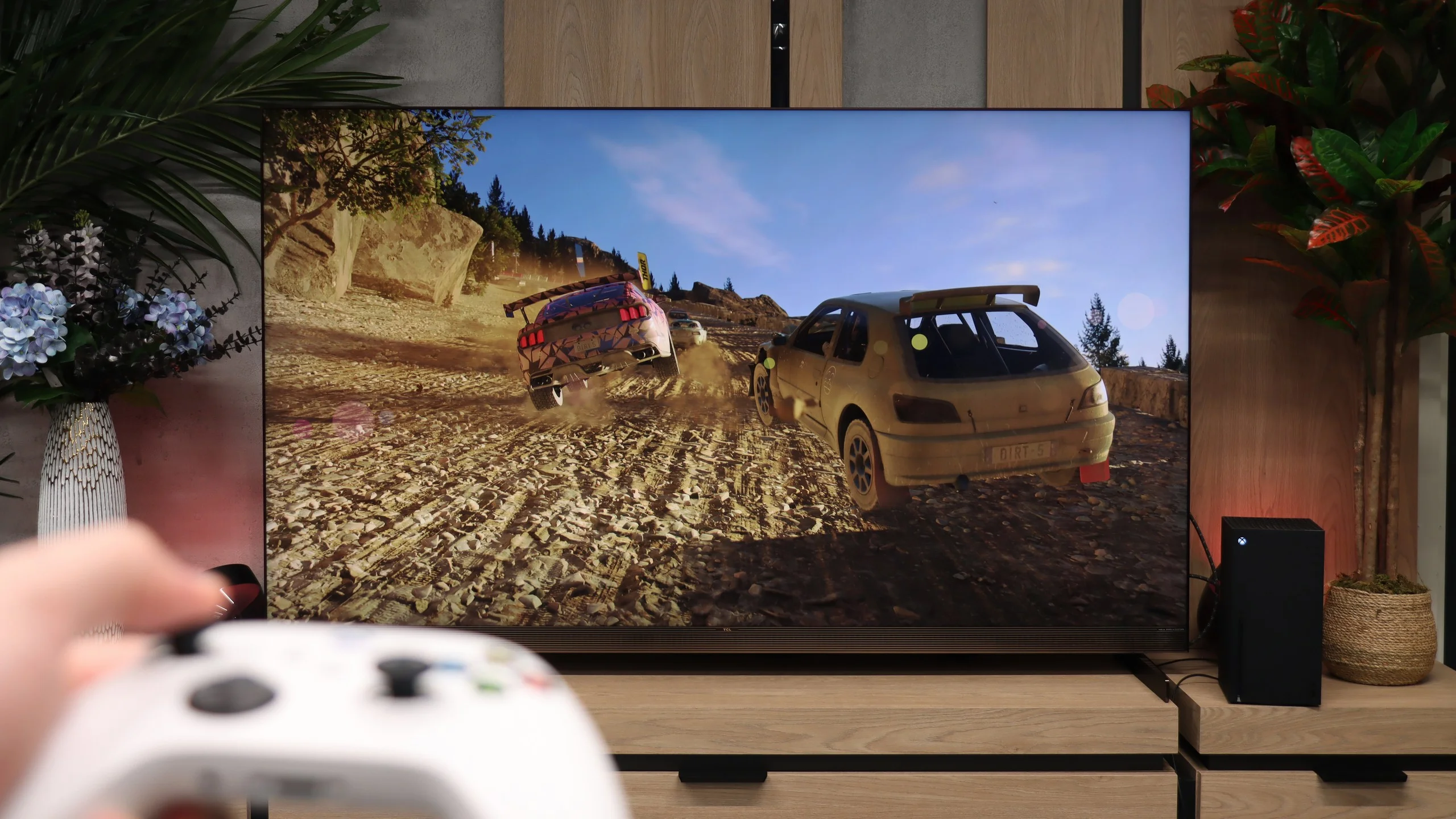
For gamers the X11L is simply a superb screen. TCL has already accustomed us to the fact that it packs virtually every available feature into its products, and the flagship from the X series is no different. Thanks to the new processor, the X11L has as many as four HDMI 2.1 ports with full 48 Gbps bandwidth. Naturally, HDMI 2.1 brings a set of very useful features, such as Auto Low Latency Mode (ALLM) and VRR frame synchronisation, covering the full refresh range up to 288 Hz. All these features can be conveniently controlled from the dedicated Game Bar. Interestingly, its appearance can be customised to your taste; there are three preset themes to choose from, directly referencing the Nintendo, PlayStation and Xbox consoles. And speaking of Xbox, the X11L also supports Dolby Vision Gaming without any issues.
When gaming in the standard HDR10 format, however, you need to bear in mind the specific tuning of the brightness curve, which can prove troublesome during initial setup. Although the TV supports HGiG, configuring everything via the PlayStation or Xbox system menu can be difficult. The screen’s algorithms tend to artificially brighten the test checkerboard pattern, making it really hard to hit the correct white clipping point by eye. For HDR10 to look correct, we suggest manually setting the console brightness in the console menu to around 2,500–3,000 nits.

TCL X11L - Input lag
9.8/10
Input lag is very good. Results of around 10-15 ms don't exactly break market records, but in practice they provide the exact same level of comfort as top 5 ms displays. At such low values the difference becomes purely theoretical. During gaming no one can detect any delay.
| SDR | HDR | Dolby Vision |
|---|---|---|
| 1080p60: 17 ms | 2160p60: 16 ms | 2160p60 DV: 16 ms |
| 1080p120: 10 ms | 2160p120: 9 ms | 2160p120 DV: 10 ms |
| 2160p60: 16 ms | ||
| 2160p120: 10 ms |

TCL X11L - Compatibility with PC
8.6/10
Chroma 444 (max. resolution and refresh rate): Yes
Font clarity: Very Good
Readability of dark text and shapes: Average
Input lag in PC mode (4K, max. refresh rate): 9ms
Matrix subpixel arrangement: RGB
Max refresh rate: 144Hz
G-Sync: Yes
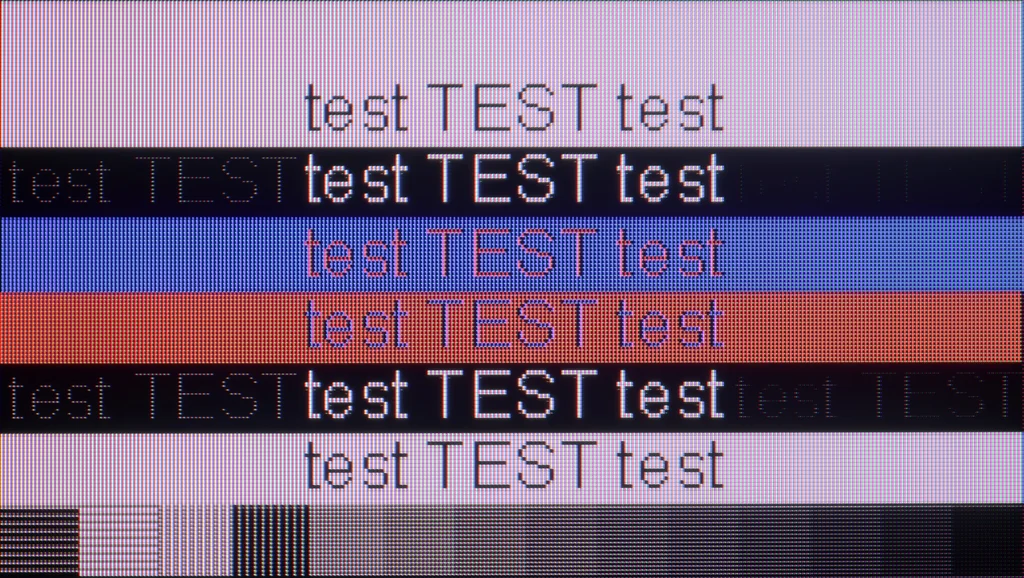
PC compatibility on the X11L is very good, mainly thanks to a powerful suite of gaming features. In addition to console-style benefits and very high refresh rates, it supports PC frame-sync technologies (G-Sync Compatible and AMD FreeSync Premium Pro), tailored to particular GPUs. In short, in terms of gaming, even from a PC source, this screen is simply outstanding. Text work is somewhat weaker, though, because of the fonts' particular legibility. Looking closely at the letters, you can see that horizontal strokes are slightly darker than the verticals, and faint artefacts appear around the edges. The truth is, however, that from a metre or two away this is completely unnoticeable. And given the size of the X11L series, nobody is likely to put this 'beast' on their desk. 😉
TCL X11L - Viewing angles
4.5/10
Brightness drop at an angle of 45 degrees: 69%
Thanks to its proprietary WHVA 2.0 panel, the viewing angles (for an LCD TV with this type of panel) are really decent. Colours do not wash out as much as they do with classic VA panels often found in lower-tier models. That said, it is not on the level of good IPS/ADS panels, and certainly not of any OLED, but all the same it is not a weak point of this model.
TCL X11L - Daytime performance
10/10
Panel finish: Glare
Reflection suppression: Average
Black levels during daytime: Very Good
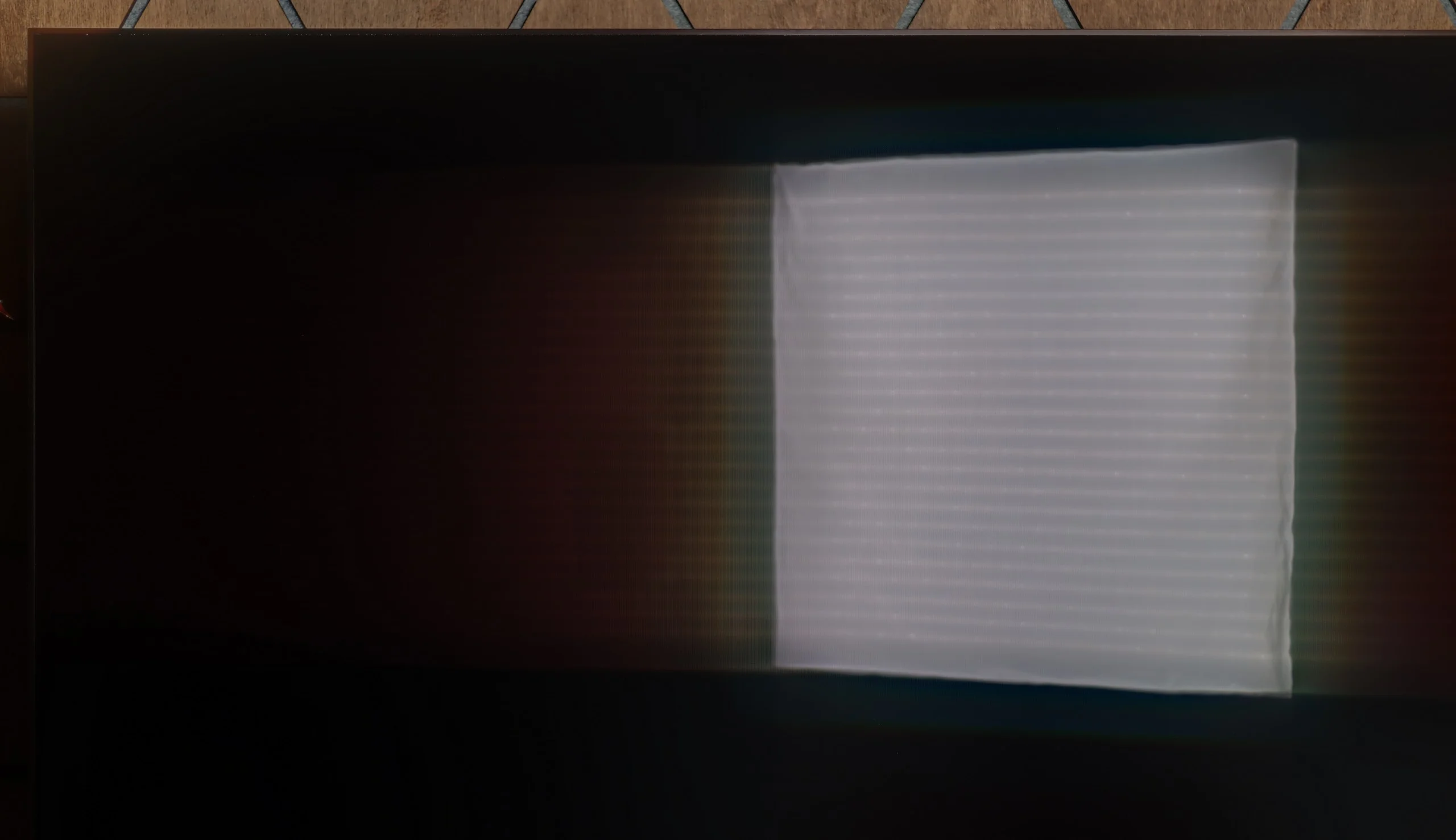
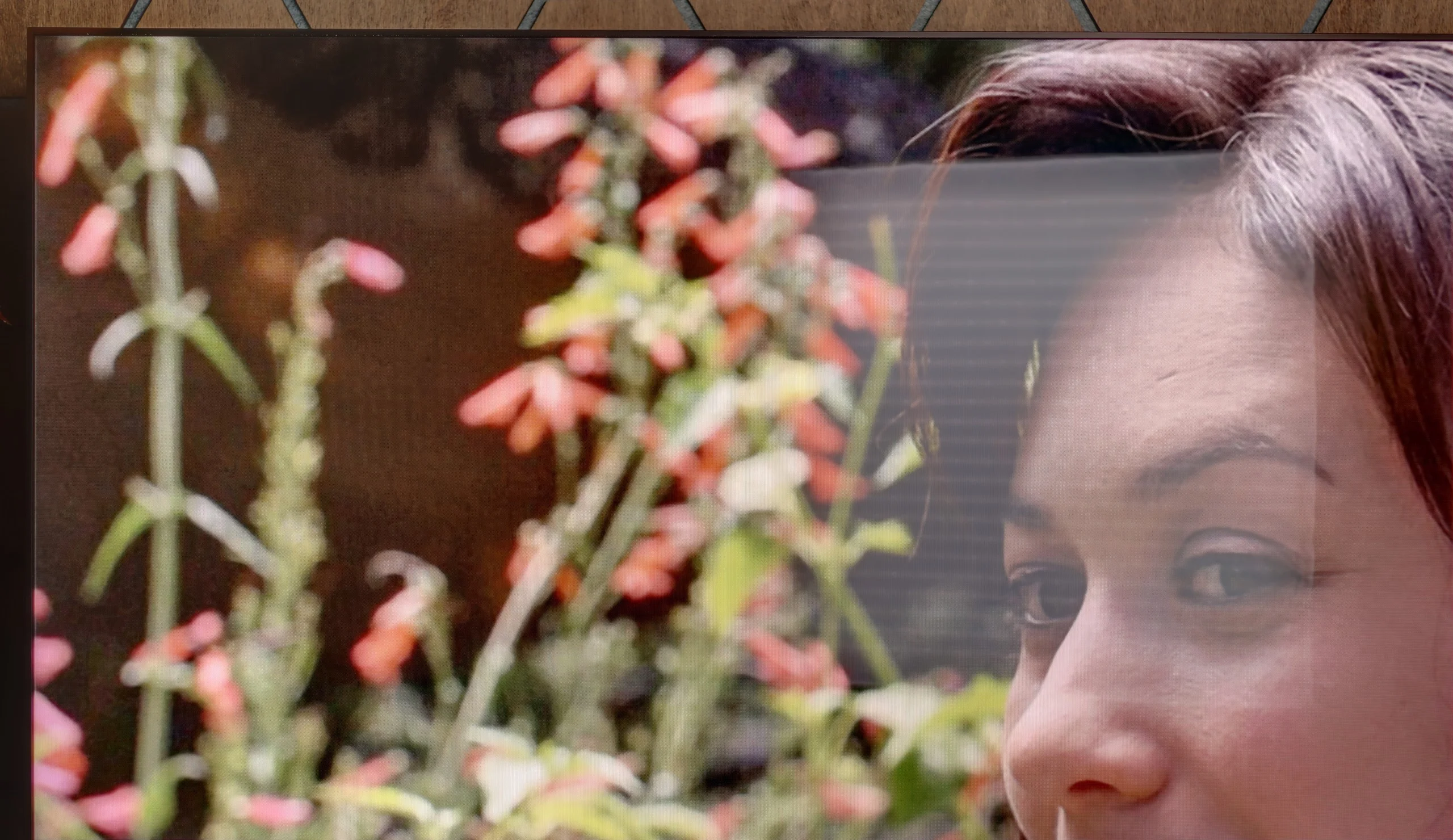
The X11L offers outstanding daytime viewing performance, mainly thanks to its extremely high brightness. In SDR content the TV can on average pump out around 2000 nits! The screen is so bright that in typical home conditions it will easily cut through any sunlight entering the room. In that respect, a bright day is no challenge for it. The only drawback for the X11L in this area is a rather glossy panel. Unfortunately this screen doesn't suppress reflections well, so it acts a bit like a mirror. For that reason, when watching in the evening it's best not to switch on lights directly opposite the screen, as lamps and bright items in the room will be fairly clearly visible on the panel surface.
Panel brightness
TCL X11L: 1949 cd/m2
TCL X11L - TV features
8.3/10
System: Google TV
System performance: Very good
- HDMI inputs: 0 x HDMI 2.0, 4 x HDMI 2.1 48Gbps
- Outputs: Toslink (Optical audio), eARC (HDMI), ARC (HDMI)
- Network Interfaces: Wi-Fi 2.4GHz, Wi-Fi 5GHz, Ethernet (LAN) 100Mbps
- TV reception: DVB-T, DVB-T2, DVB-S, DVB-S2, DVB-C
Classic features:
 Recording to USB (terrestrial TV): No
 - Recording programming: No
- Picture in Picture (PiP): No
- RF remote control (no need to aim): RF
- Backlit remote control: Yes
- Teletext: Yes
- Audio only mode: Yes
- Bluetooth headphones support: Yes
- Simultaneous Bluetooth headphones & TV audio: Yes
Smart features:
- AirPlay: Yes
- Screen mirroring (Windows Miracast): Yes
- Voice search: Yes
- Voice search in native language: Yes
- Ability to connect a keyboard and mouse: Yes
Smart TV: Google TV
From the Smart TV perspective, the flagship TCL runs Google TV and it is simply excellent software. The platform offers a huge app library that includes virtually every major video-on-demand (VOD) service. Everything runs very smoothly, and the intuitive interface makes daily content browsing easy. A major plus is the responsive voice assistant which, together with Gemini AI support, can accurately suggest films and series based on our previous choices.
Classic features and the remote
While the Smart TV system is top tier, when it comes to conventional features there is really not much to say. The TV provides a well-functioning teletext and that is pretty much all you can expect from traditional television features. TCL has skimped on the basics. There is no USB recording function (PVR) and not even a picture-in-picture (PiP) option. As for the remote, it is very well made, sits comfortably in the hand and even has backlit buttons that make it easier to use at night. Unfortunately, the manufacturer chose not to include numeric buttons. That may not go down well with older viewers or those who like to flick through channels in the traditional way by entering their numbers.
Sound connection options
HDMI audio:
Other audio outputs:
- Toslink: Yes
Wireless audio:
- Bluetooth: Yes
Supported audio formats (external HDMI eARC audio):
- Dolby Digital Plus 7.1: Yes
- Dolby True HD 7.1: Yes
- Dolby Atmos in Dolby Digital Plus (JOC): Yes
- Dolby Atmos in Dolby True HD: Yes
- DTS:X in DTS-HD MA: Yes
- DTS-HD Master Audio: Yes
Senior accessibility
- Numeric keyboard on TV: No
- Font size adjustment: Yes
- Audio description: Yes
TCL X11L - Apps
9.6/10






















TCL X11L - Playing files from USB
9.4/10
| Maximum photo resolution: | Supported photo formats: |
|---|---|
| 4 Mpix | JPEG |
| 6 Mpix | HEIC |
| 8 Mpix | PNG |
| 10 Mpix | GIF |
| 12 Mpix | WebP |
| 16 Mpix | TIFF |
| 20 Mpix | BMP |
| 24 Mpix | SVG |
| 28 Mpix | |
| 32 Mpix |
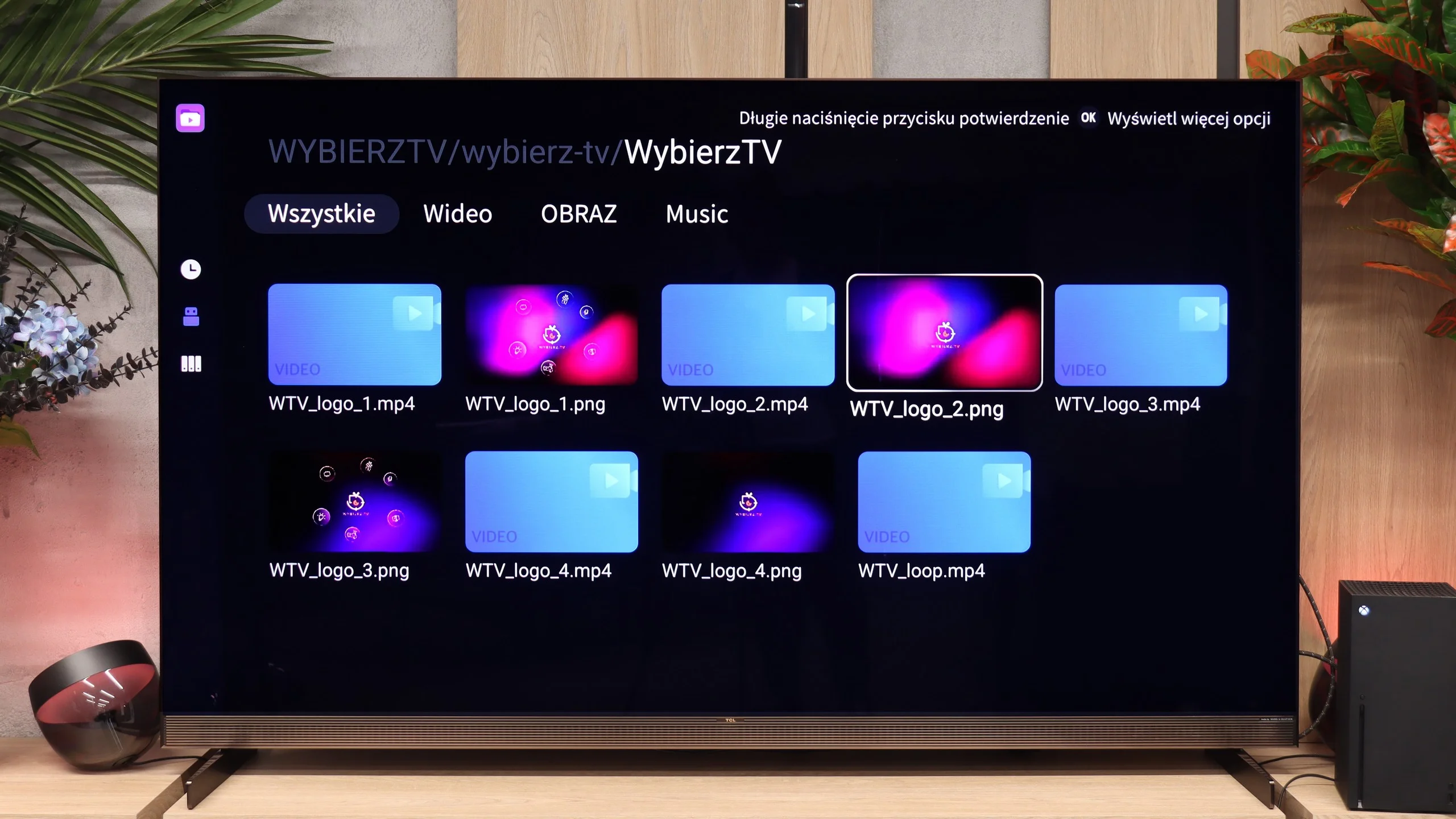
The built-in player works very well. During our tests we examined it from every angle and it played virtually every video file and audio format we threw at it without a hitch. The only minor quirk is that the player refused to work with external text files in .txt format. If that is a major issue for you, the operating system can help: from the app store you can always install a third-party player, such as the reliable VLC, which will handle any kind of subtitles. In most cases you won't need to, though, because the stock TCL app is absolutely top-tier when it comes to file compatibility.
TCL X11L - Sound
8.2/10
84dB
Maximum volume

Supported codecs (TV speakers)
Dolby Digital Plus 7.1
Dolby True HD 7.1
Dolby Atmos in Dolby Digital Plus (JOC)
Dolby Atmos in Dolby True HD
DTS:X in DTS-HD MA
DTS-HD Master Audio
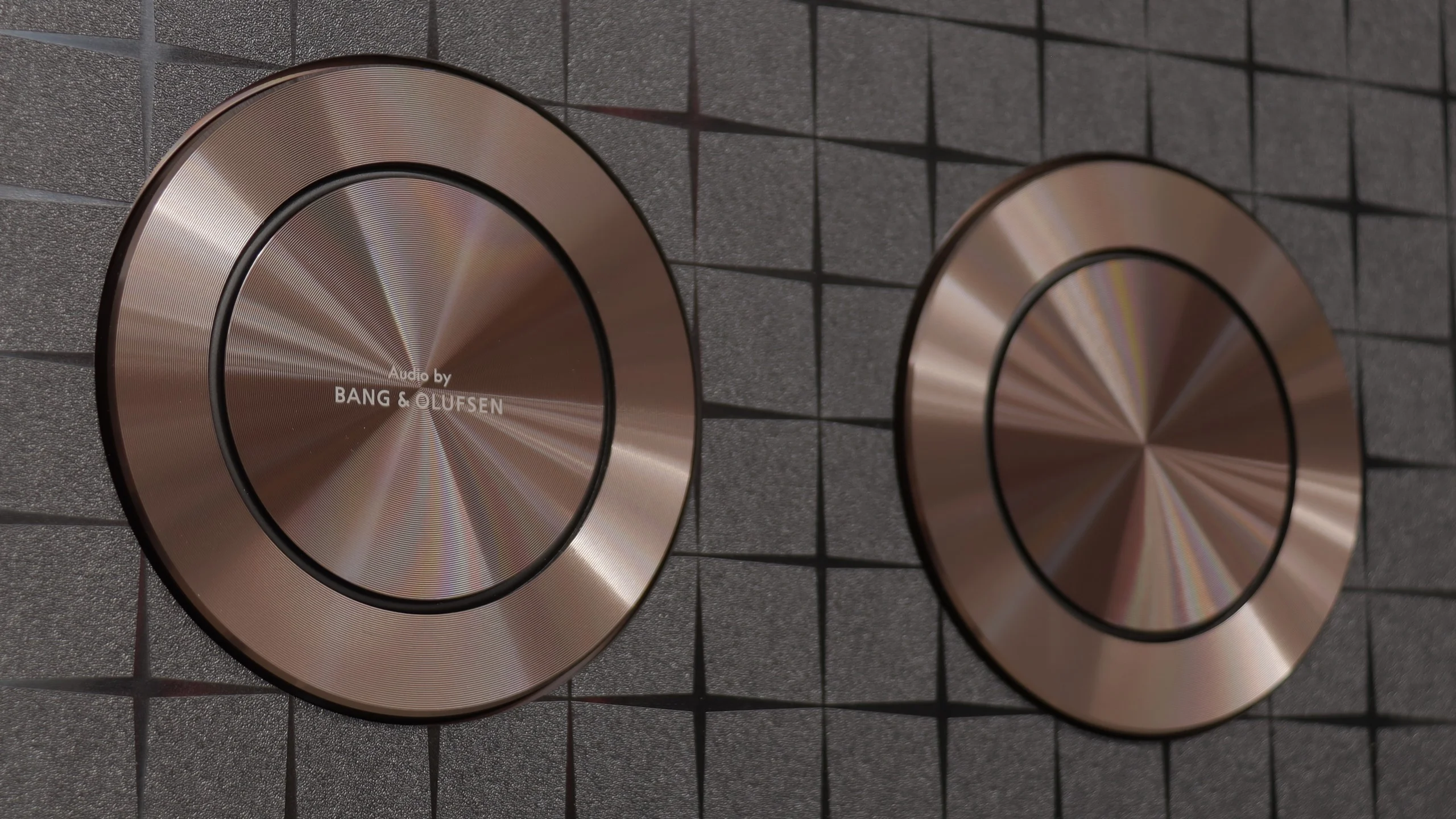
The sound in the X11L is really good, thanks to a very elaborate audio system. The Bang & Olufsen-branded speakers here perform very well: the sound is relatively spacious, clean and free of any odd interference or cabinet resonances even at higher volumes. In that respect the X11L delivers. Still, we feel a slight sense of disappointment. Considering the front of the case has an integrated soundbar, we expected somewhat better sound. We certainly wouldn't compare this sound to similar solutions fitted by direct competitors. Despite our small reservation, the sound is definitely above average and solid. It's ideal for everyday viewing, and buying a basic soundbar without a subwoofer for this model makes no sense at all.
Sound Quality Test:
Acoustic Measurements
84dBC (Max)
75dBC
TCL X11L - Panel details
Software version during testing: v8-0015T01-LF1V080.000644
Panel uniformity and thermal imaging:
Backlight Type: Mini-LED QLED

Founder and originator of the "ChooseTV" portal

Journalist, reviewer, and columnist for the "ChooseTV" portal

michal-woloszyn-title
Reader comments
Comments are provided by the external service Disqus (Zeta Global). Once loaded, Disqus may set cookies and process data about your activity.
We will remember your choice on this device. Provider's privacy policy
See articles related to TCL X11L:
Our YouTube channel
Picture comparison: Sony Bravia 9 II vs TCL X11L vs Hisense ... 7/15/2026
9/19/2025
Our YouTube channel
The most extreme Mini-LED of 2026! We test the TCL X11L 7/29/2026
9/14/2026
5/13/2025