 Direct comparison
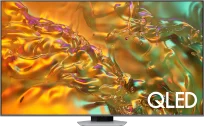
Samsung Q80D is a very versatile television. It is certainly a device that can easily adapt to the needs of both gamers and those looking for equipment for everyday viewing. When it comes to the former – that is, gamers – the support for HDMI 2.1, 120 Hz refresh rate, and low input lag make playing on a console or PC pure pleasure. Additionally, the Game Bar feature allows quick changes to settings without the hassle of leaving the game – a small thing, but it makes a difference. It's also worth mentioning the fantastic feature of an efficiently working motion smoother that operates well in games. We get the impression that playing on such a television adds us a few FPS, which translates to an advantage in the game. During everyday use, the Q80D also performs very well. The Tizen system offers access to popular applications like Netflix, Prime Video, and Disney+, so nothing is lacking here. The high brightness of the screen ensures that the television performs excellently even in well-lit rooms. A nice and interesting addition is the solar remote, which not only does not require battery replacement but also allows you to control other devices (e.g., set-top boxes, consoles, soundbars). When it comes to picture quality, the Q80D has a lot to offer. Although it lacks Dolby Vision support, after calibration, the colours look great, and the contrast and black level thanks to FALD (full-array local dimming) have made a huge impression on us, especially considering the television segment. With a VA panel enhanced with quantum dots (QLED), the colours on the Q80D can look truly splendid. Watching movies or series in the evening is a real pleasure – particularly if we care about good detail. However, there are little things that might be bothersome. The lack of a recording feature is certainly a limitation, although it may not be a problem for everyone. Another obvious issue will be its viewing angles. These are typical results for this type of panel, so one must reckon that at the expense of great blacks, the Q80D simply performs average when viewed from the side. Nevertheless, Samsung Q80D is an excellent television that works well in any situation. It offers outstanding picture quality, many useful features, and solid build quality for its price range. A few minor shortcomings do not take away from its charm, as overall it is a model that will comfortably meet the expectations of most users – both those who game on a console and those who simply enjoy evening screenings with good image quality.
- Matching (Score) |
- Our verdict |
- TV appearance |
- Where to buy |
- Contrast and black detail |
- HDR effect quality |
- Factory color reproduction |
- Color reproduction after calibration |
- Smoothness of tonal transitions |
- Image scaling and smoothness of tonal transitions |
- Blur and motion smoothness |
- Console compatibility and gaming features |
- Input lag |
- Compatibility with PC |
- Viewing angles |
- Daytime performance |
- Panel details |
- TV features |
- Apps |
- Playing files from USB |
- Sound
Q80D
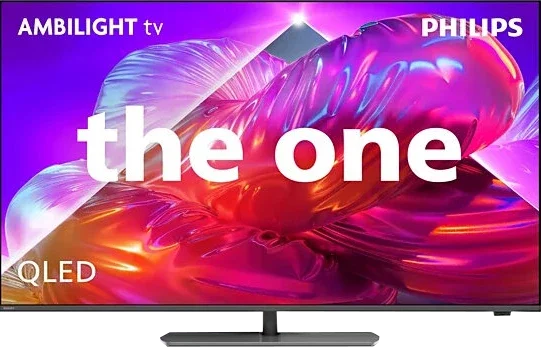
PQS9011 / PQS9001 / the one 2026

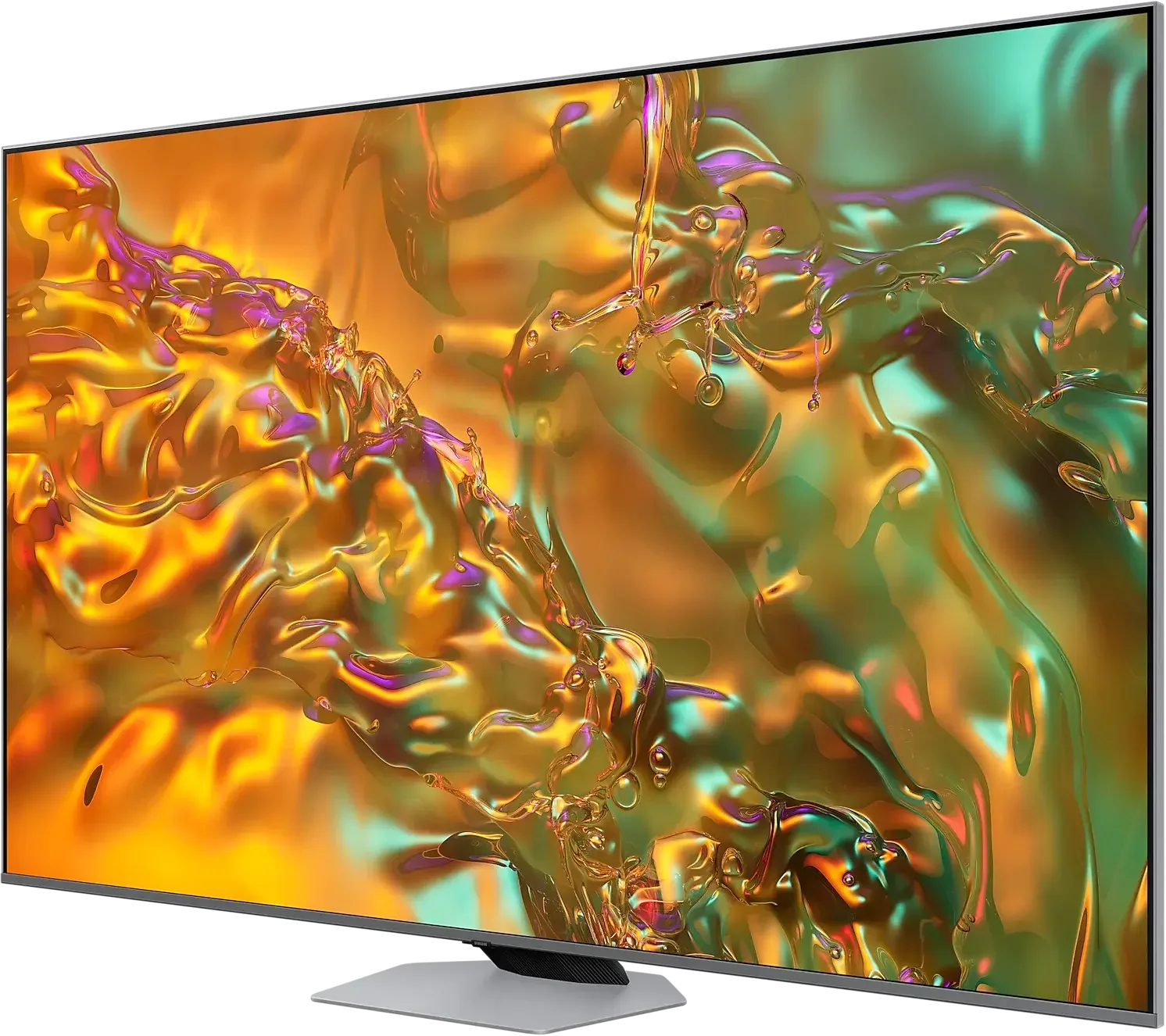
Panel type: LCD VA
Resolution: 3840x2160
System: Tizen
Model year: 2024
Complete the survey to find out the result
Panel type: LCD VA
Resolution: 3840x2160
System: Titan OS
Model year: 2026
Complete the survey to find out the result
Overall rating
7.2
6.8
 Movies and series in UHD quality
6.8
6.4
 Classic TV, YouTube
6.7
6.3
 Sports broadcasts (TV and apps)
6.6
6.8
 Gaming on console
8.7
7.4
 TV as a computer monitor
7.6
8.6
 Watching in bright light
6.0
6.1
 Utility functions
8.0
7.6
 Apps
9.3
7.2
 Sound quality
6.6
6.9
Complete the survey to find out what fits your preferences
Advantages

Great choice for gamers - lots of features, low input lag, 120Hz
High brightness of the panel - good performance during the day
Good black levels and contrast - VA panel with local dimming
Excellent tonal transitions
Advanced smart system "Tizen"
Pleasant sound from the built-in speakers
Ambilight, which gives evening viewing sessions a distinctive atmosphere and improves the perceived native contrast of the VA panel
Excellent panel response time: minimal motion blur of moving objects
Many gaming features: four HDMI 2.1 ports, VRR, ALLM, HGiG
144 Hz refresh at 4K and 240 Hz at Full HD from a PC
Good coverage of a wide colour gamut: PFS LED
Dolby Vision, which genuinely helps the TV with HDR content
Respectable brightness of around 500 nits, useful for daytime viewing
Swivelling base
Disadvantages

Average viewing angles
No recording function
No DTS (may hinder connection to home cinema)
No local dimming: average blacks in the evening and limited HDR effect
Smaller app library than the competition
Poor viewing angles (can be mitigated with a swivel stand)
Very high input lag in games with Dolby Vision
Significant errors in HDR colour reproduction (no CMS adjustment available)
Infrared remote requiring direct aiming
Our verdict
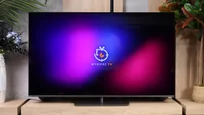
The idea behind The One has hardly changed over the years and with the Philips PQS9001 this is both a strength and its biggest drawback. You still get a versatile mid-range television whose main distinguishing feature is Ambilight. The light that follows the picture can change the atmosphere of an evening viewing and for many people will be the main reason to buy it. It's easy to see why: once you like that effect, you often don't want to go back to watching without it. The picture quality itself is good, but a very similar level has been seen in this series in previous years. The VA panel delivers decent blacks, colours are nicely saturated and the brightness is sufficient for comfortable viewing in a typical living room. It's a pity, though, that Philips didn't take another step and at least implement some form of local dimming. In a dark room you can see a navy-black rather than true black, and HDR, though noticeable, is less impressive as a result. After so many years of The One on the market we'd expect more.
There is a clear step forward in Titan OS. Compared with last year, and especially the version from two years ago, the system has become much more pleasant to use. A few apps have been added, many small functions improved and the annoying bugs we complained about before have been fixed. Overall it runs respectably, although we're again bothered by a remote that has to be pointed at the television. Philips stubbornly sticks with infrared for basic control, even though voice control uses radio connectivity. That makes it harder to understand why radio wasn't also used for menu navigation. The One also has a lot to offer gamers. Four HDMI 2.1 ports and extensive features are one thing, but what impressed us most was the panel's response time. Our unit showed virtually no smearing, even on dark backgrounds, which is rare for LCD TVs with a VA panel. That deserves considerable praise. The ability to play in 4K at 144 Hz or in Full HD at 240 Hz further encourages connecting a PC. Unfortunately there's an unfinished element here too: Dolby Vision when gaming on Xbox incurs very high input lag.
The PQS9000 therefore leaves mixed impressions. It can surprise with excellent motion handling and shows that Philips has worked on the system, but the image quality lacks a similar step forward. This is a television we can recommend primarily to Ambilight fans. If that lighting is what convinces you to choose Philips, buying The One makes a lot of sense. It's worth checking, though, whether you can't find a Mini LED model with good local dimming at a similar price, which would offer deeper blacks and more striking HDR. Then you need to decide what matters more to you: the ambience created by Ambilight or better image quality itself.
TV appearance
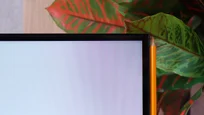
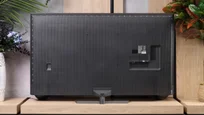

Contrast and black detail
6.7/10
5.8/10
Local dimming function: Yes, number of zones: 100 (10 x 10)
Local dimming function: No
Contrast:


Result
37,350:1

Result
8,850:1

Result
20,350:1

Result
4,300:1

Result
3,800:1
Result
5,500:1
Result
3,950:1
Result
5,600:1
Result
5,750:1
Result
4,500:1
Halo effect and black detail visibility:
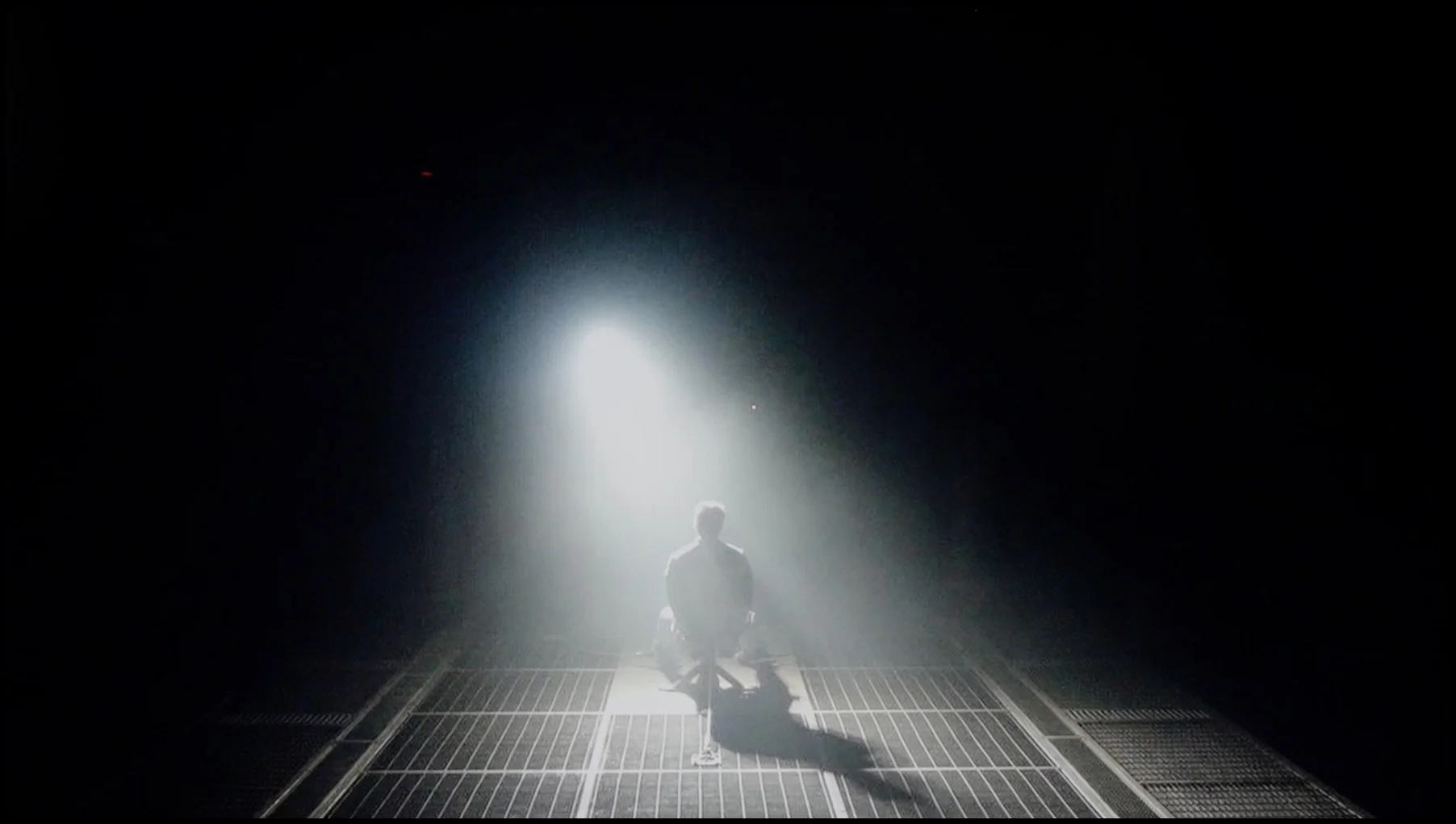
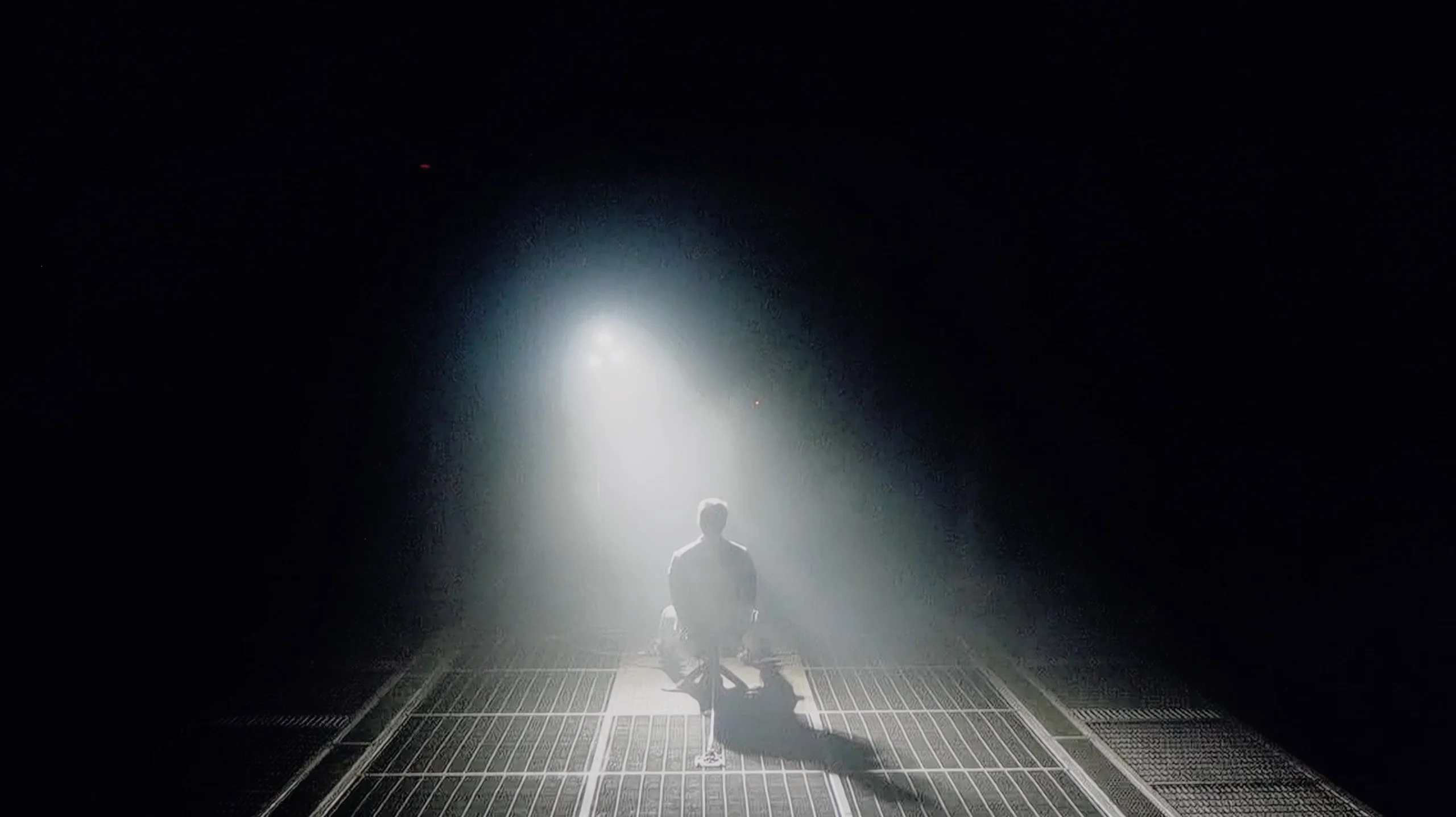
Check the visibility of bright lights on a dark background. Mini-LEDs often struggle with this. The photo does not compare black levels – that’s what the video below is for.
The video accurately shows differences in contrast and black levels between TVs, as well as potential issues: halo around bright objects or Mini-LED zone operation visible as brightness jumps.
The Samsung Q80D television is equipped with a VA panel, which immediately affects the difference in contrast and black reproduction compared to IPS panels. VA panels offer significantly better contrast and deeper blacks, while IPS panels feature better viewing angles but worse contrast. In the case of the 55" model, the television has 100 local dimming zones, and it's worth noting that this number may vary depending on the screen size. Thanks to local dimming, blacks appear well, but it's important to mention that the algorithm of this technology combined with the limited number of zones can sometimes "go crazy". Bright objects may be dimmed to achieve better blacks. During a test scene from the film Oblivion, the lights blended into a single spot, regardless of the dimming settings, highlighting the limitations of this technology. In the film Sicario 2, large dimming zones were particularly noticeable, for example, with the small lights of a helicopter, indicating how large the areas controlled by a single dimming zone are. Despite these imperfections, local dimming technology still offers significantly better image quality than televisions without this feature or with edge lighting. With the ability to completely turn off individual zones, the television can provide a noticeable boost in brightness in selected areas, which can give the image a cinematic effect, especially in dark rooms.
Black levels and contrast on the Philips PQS9000 are decent for an LCD TV without local dimming. That's mainly thanks to the VA panel; in our film scenes contrast often exceeded 5000:1, and in weaker results dropped to around 4000:1. That delivers an image with quite good depth and a clear advantage over typical IPS panels, where blacks are much more prone to looking grey. Unfortunately that's basically where the panel's strengths end. The TV has no local dimming, so it can't dim dark areas separately while retaining strong highlights elsewhere on the screen. All it has is global dimming, which brightens or dims the entire backlight at once. In a completely dark room these limitations become apparent: blacks take on a dark navy hue, and shadowy scenes lack the depth of a good screen with local dimming. Fortunately Ambilight helps here. The light on the wall makes the on-screen blacks appear deeper and slightly masks the panel's glow. That doesn't change the TV's actual contrast, but it affects how our eyes perceive it. In this case Ambilight is therefore not just decorative, as it can also make evening viewing more pleasant.
HDR effect quality
5.8/10
5.5/10
Luminance measurements in HDR:

Result
927 nit

Result
423 nit

Result
612 nit

Result
242 nit

Result
856 nit
Result
449 nit
Result
467 nit
Result
487 nit
Result
486 nit
Result
507 nit
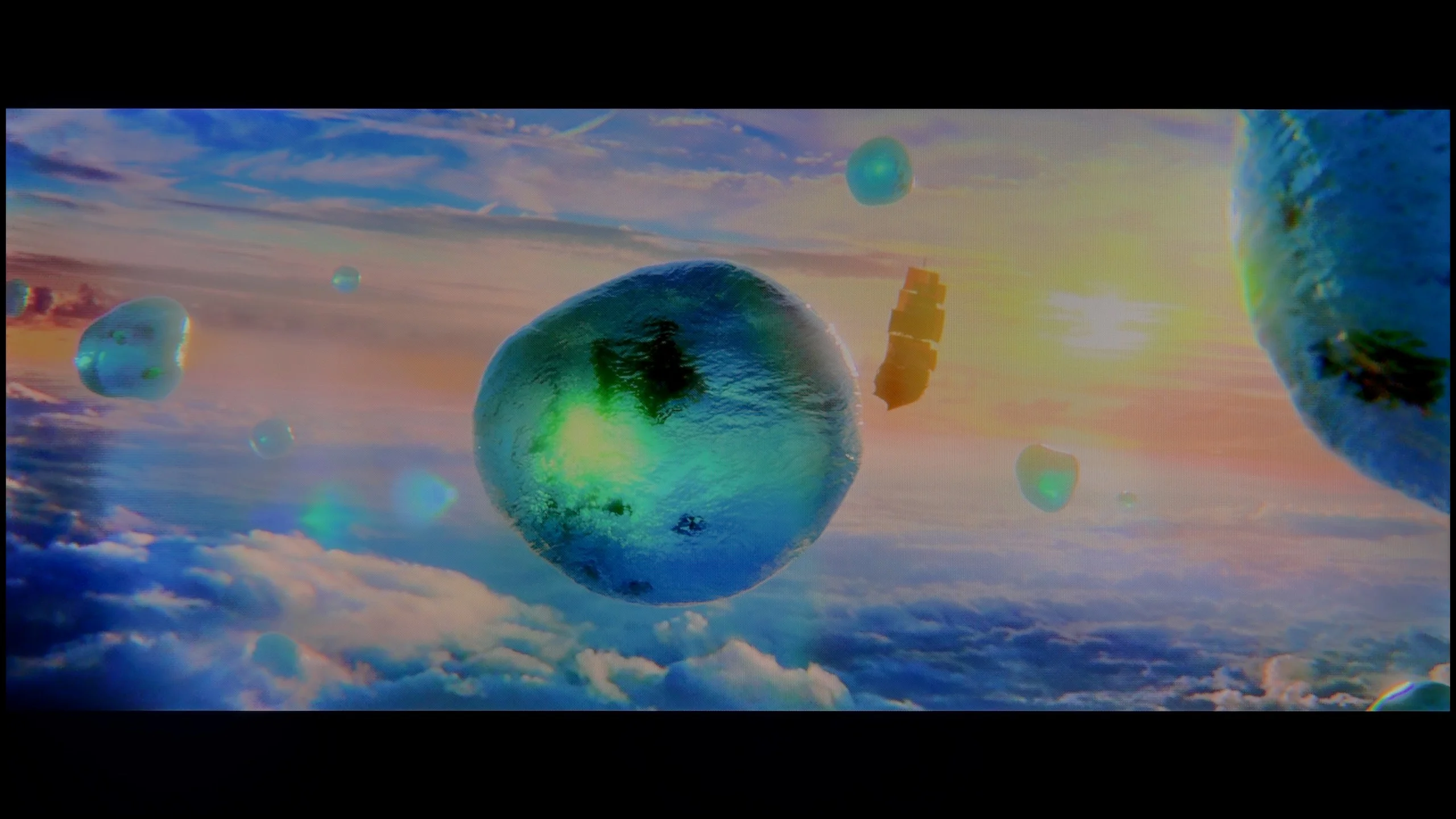
Scene from the movie “Pan” (about 2800 nits)

Scene from the movie “Billy Lynn” (about 1100 nits)

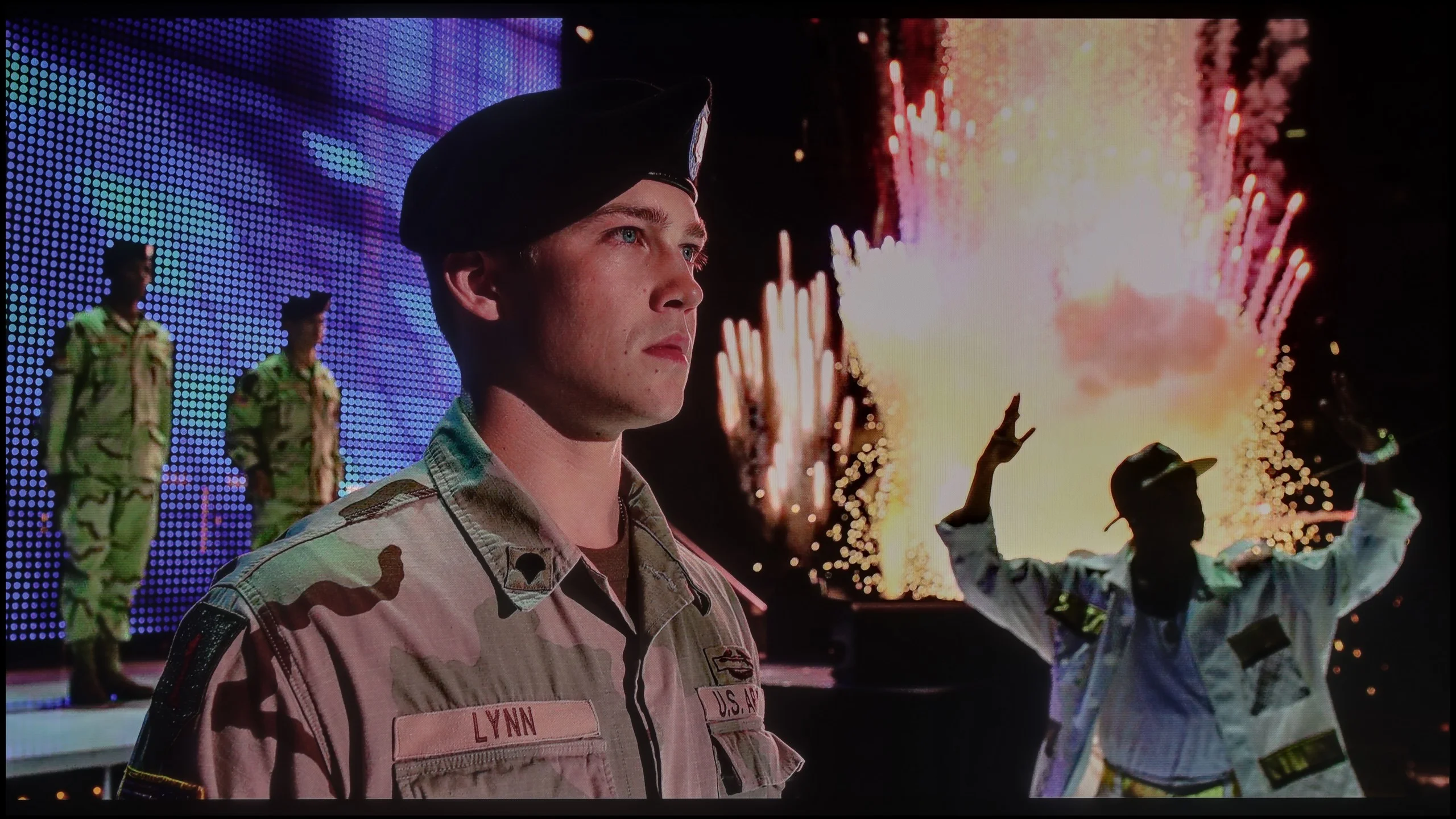
The photos show two HDR10 movies. 'Pan' is one of the brightest productions ever made, while 'Billy Lynn' (soldier) has brightness typical of streaming (Netflix, Prime, HBO MAX). Notice the intensity of effects and detail in whites.
Static HDR10


The photos present the visibility of white details in various HDR formats. They do not show brightness differences between TVs (these can be compared in the previous gallery).
Dynamic: HDR10+
Dynamic: Dolby Vision


The photos present the visibility of white details in various HDR formats. They do not show brightness differences between TVs (these can be compared in the previous gallery).
HDR luminance chart:
Philips PQS9011 / PQS9001 (The One 2026)
Samsung QLED Q80D
In the context of HDR, the Samsung Q80D television achieves very positive brightness results in the tested film scenes, where the frame is filled with light, reaching values from 600 to 900 nits, allowing the user to experience a great juiciness of the image. Such results allow the user to feel the difference between HDR and SDR quality. Unfortunately, problems arise in situations where small light effects occur against a dark background. In such cases (e.g. test pattern 4 from the film Sicario 2), a noticeable drop in brightness can be observed, caused by the large sizes of the dimming zones used here. This limitation, combined with the dimming algorithm, affects how the television handles small bright elements against a dark background. At that point, we may perceive an unwanted lack of brightness, and the HDR effect resembles that of SDR.
Philips PQS9000 is a moderately bright TV. In our HDR scenes it reached roughly 450 to just over 500 nits. That's enough to notice a difference compared with SDR. Reflections of the sun, lamps or flares have a bit more sparkle than on basic TVs, whose brightness often tops out around 300 nits. However, it is not a level at which bright elements make a particularly strong impression. The biggest limitation remains contrast. Without local dimming, when the TV brightens a bright object it also raises the black level around it. There is therefore no clear separation of strong highlights from a dark background, and it is that contrast that can show what HDR can do. The PQS9000 offers more than the cheapest models, but despite decent brightness the effect remains fairly basic.
Colours
Philips deserves praise for the colours. Although the manufacturer calls this model QLED, in reality a PFS phosphor is used here instead of quantum dots. That choice does not prevent the TV from achieving good results. On both test patterns and in measurements of film scenes we recorded about 94% coverage of DCI-P3 and 75% of BT.2020. For this class of TV that is really good. In practice this means that the vast majority of colours used in HDR films and series will have appropriate saturation. Vibrant green or intense red are not much of an issue and add appeal to the picture. Limitations are easier to notice in some games and in rarer content that use the most saturated shades of the wide BT.2020 gamut. In such situations, displays with wider colour coverage, such as SQD or RGB LED, can show more. In its price bracket, however, the PQS9000 has nothing to be ashamed of.
Factory color reproduction
6.8/10
5.1/10
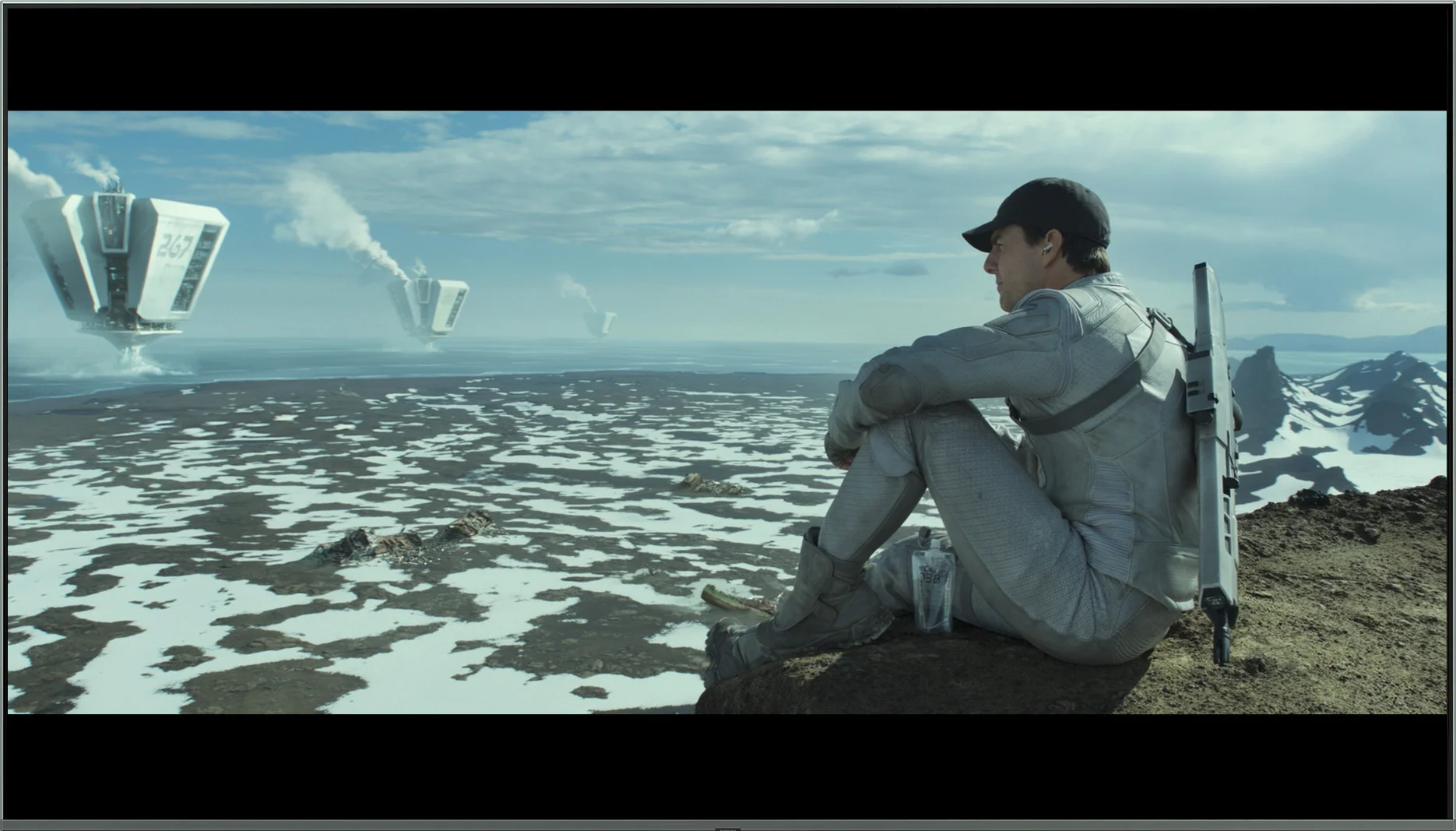
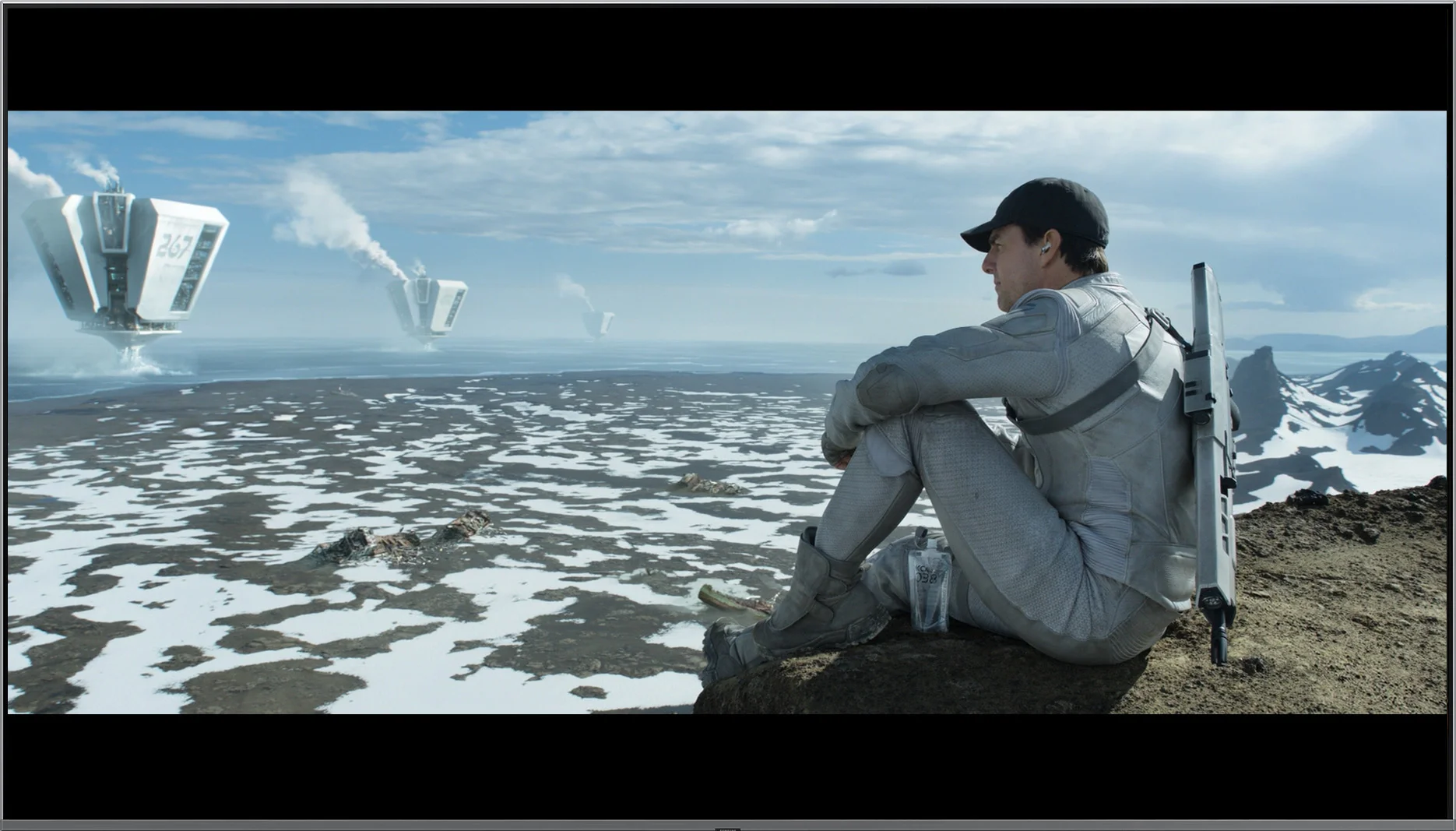
This gallery shows how colors change after professional TV calibration. If you notice the difference, we recommend ordering this service at SkalibrujTV.com.
Factory Mode
After calibration


This gallery shows how colors change after professional TV calibration. If you notice the difference, we recommend ordering this service at SkalibrujTV.com.
Factory Mode
After calibration
In "Filmmaker" mode, which is the best choice out of the box, the Samsung Q80D TV shows solid colour reproduction. For SDR content, a visible drop at the beginning of the gamma curve suggests that details in dark scenes may be less pronounced, impacting the overall viewing experience. Regarding white balance in SDR content, while it is generally accurate, significant drops in blue colour when screen coverage exceeds 70% can result in less natural hues in bright and dark scenes. Users may notice that some blue elements in the image may appear less intense, and the overall colour will have a warmer tint.
In contrast, for HDR content, the EOTF curve being above the reference line for most of the time indicates that the TV may struggle with accurately reproducing brightness and details in the brighter areas of the image, which may be disadvantageous for the viewer. It is also worth noting the substantial drop at the beginning of this graph, indicating that the TV has difficulties reproducing brightness in the darker areas of the image, as seen in the contrast and black tests, where several scenes were unable to showcase the full capabilities of the TV's brightness. In terms of its white balance, the initially good results on the graph are promising, but the sharp drop in red colour, which significantly falls down, combined with a large increase in blue colour, may lead to inaccuracies in reproducing certain skin tones and other key colours. This phenomenon may be noticeable to viewers in scenes where colour details are crucial.
Unfortunately, the factory picture settings for Film mode on the PQS9000 need refinement. In SDR the most noticeable problem is an excess of red in the white balance, which makes whites, greys and skin tones too warm, sometimes even slightly pinkish. On top of that the gamma runs below the reference across most of the range. The TV therefore brightens midtones and highlights, making the overall image look flatter than it should.
In HDR the white balance itself is much better. Apart from minor deviations the RGB components track closely, so there is no pronounced colour cast as in SDR. However, the EOTF curve shows a slight brightening of parts of the image, and the biggest issue appears in measurements of the wide colour gamut. Many hues deviate significantly from the target, with errors reaching levels of 8–9. The good gamut coverage we praised earlier therefore does not mean the TV hits specific colours equally well. It can display a wide colour range, but out of the box it does not use it very precisely.
Color reproduction after calibration
8.1/10
7.7/10
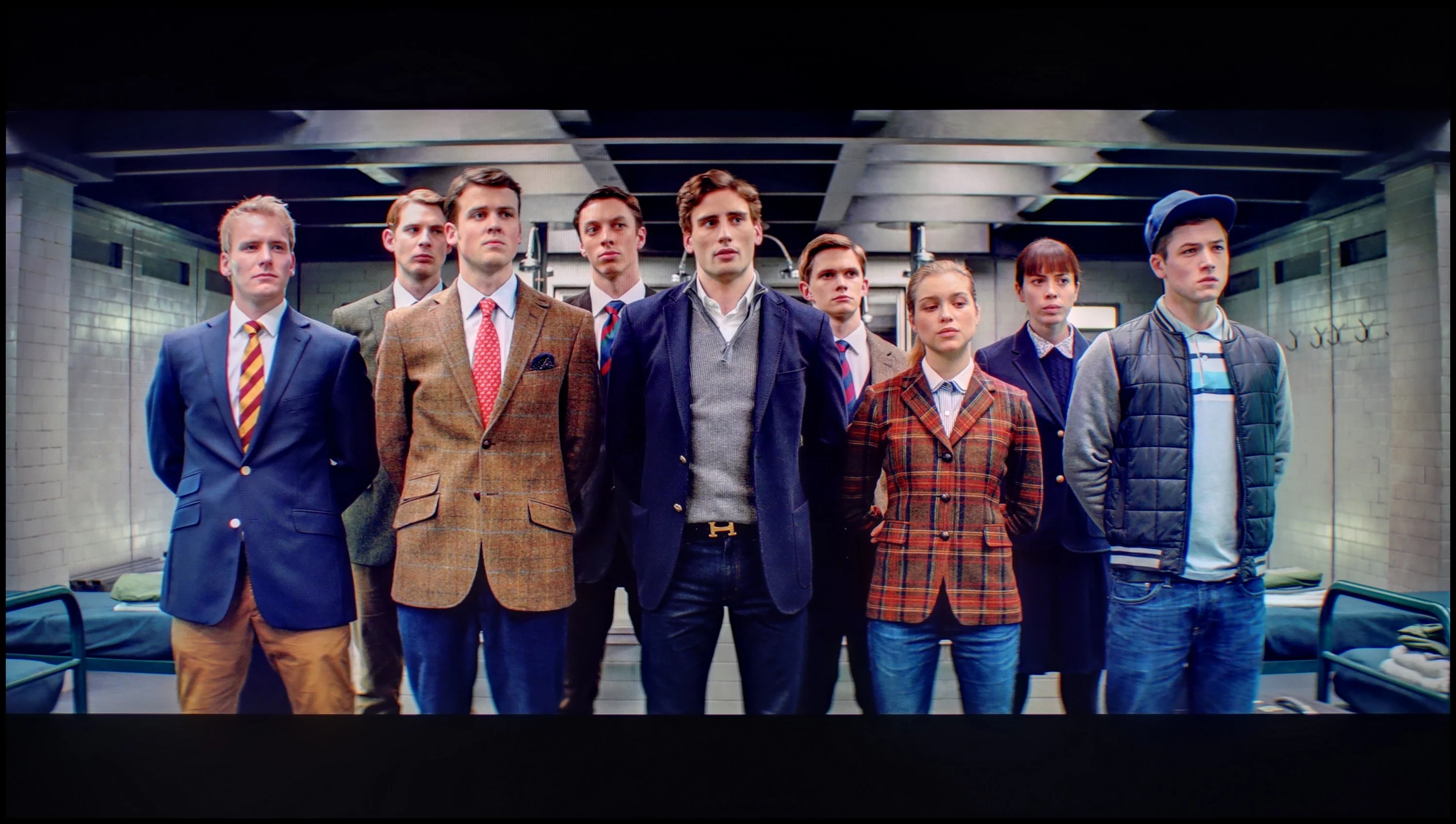
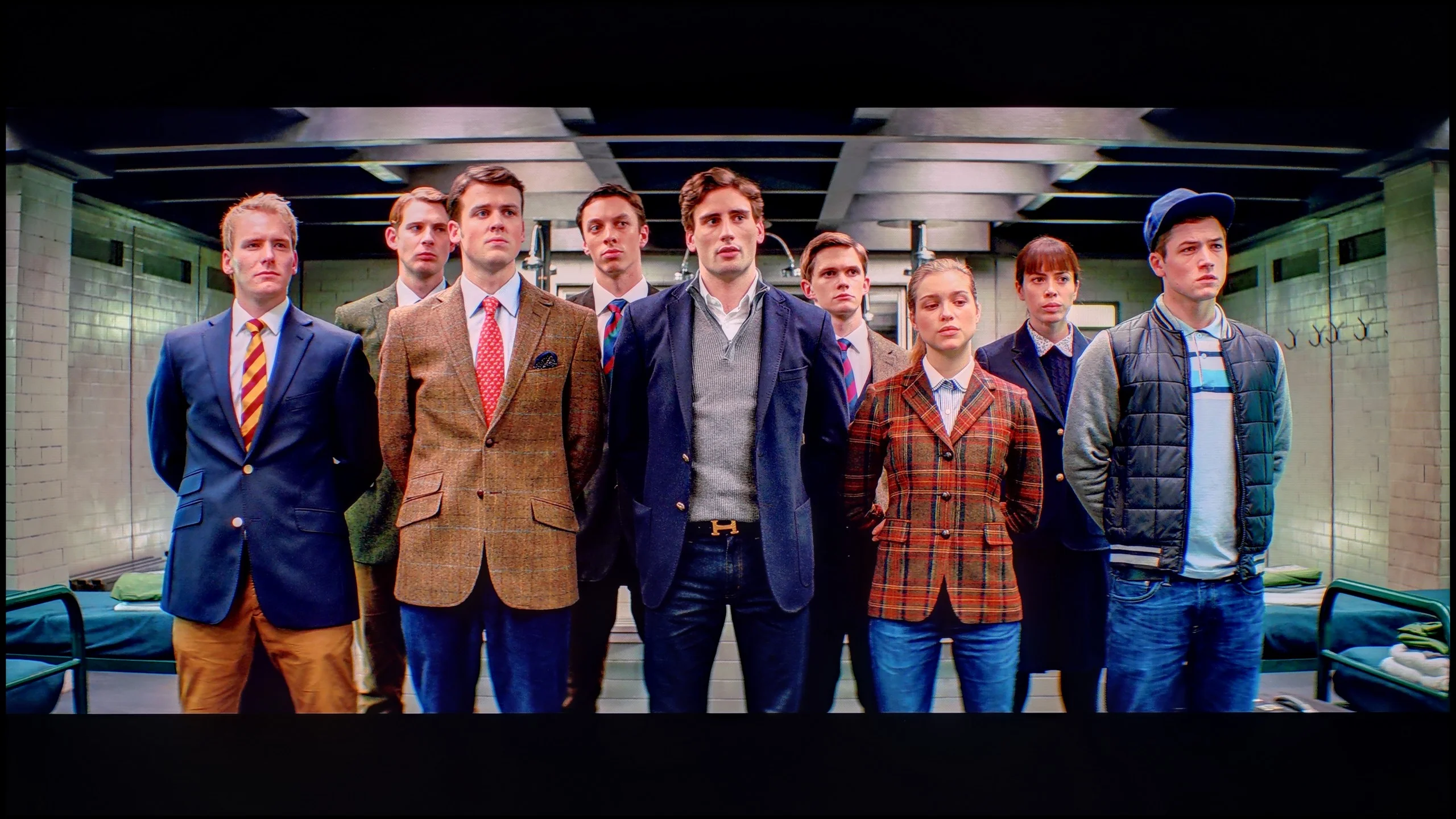
The photos show how movies look on the TV. Pay attention to black detail visibility, colors, and shadow tint.


The photos show how movies look on the TV. Pay attention to black detail visibility, colors, and shadow tint.
The film mode after calibration looks significantly better than the one you can see when taken out of the box. Samsung offers an advanced range of calibration tools in its televisions. Among them are 2- and 20-point greyscale adjustment and CMS (Colour Management System). Both in HDR and SDR mode, the white balance has improved significantly, although there are minor errors at the end of the graph in the case of HDR content. The contrast has also been greatly improved, and the gamma curve responsible for SDR shows better results. However, when it comes to HDR, the EOTF curve in the television seems to be at an ideal level at first glance. Yet, when we delve deeper and enable the EOTF graph while watching films, we may notice that all the lines of the curve are above the reference line. One could even say that the television is "cheating" when playing film materials. Such a situation, where the EOTF curve is above the reference line, makes the screen – although it may seem brighter, which some users may find attractive – lose detail in the darker parts of the image. In practice, this means that in scenes with a lot of shadows or dark elements, the television is unable to accurately render the details that should be visible.
Calibration brought a significant improvement, especially in SDR material. We managed to even out the white balance and remove the previous colour cast, and the Color Checker measurements now look really very good. Colours are much closer to what should be on screen, so with ordinary TV or SDR films we can be satisfied with the outcome. Unfortunately HDR somewhat spoils that result. On the one hand it is limited by the panel itself, because calibration won't improve contrast or replace local dimming. On the other hand there remain colour errors that we couldn't correct because the CMS settings, that is the colour management controls, were greyed out and inactive. That costs Philips points with us. The white balance can be fine‑tuned, but without access to wide‑gamut adjustments it's not possible to order HDR colours equally well. It's a shame, because the SDR results show the potential is there, but we weren't allowed to make full use of it everywhere.
Smoothness of tonal transitions
8.8/10
8.6/10
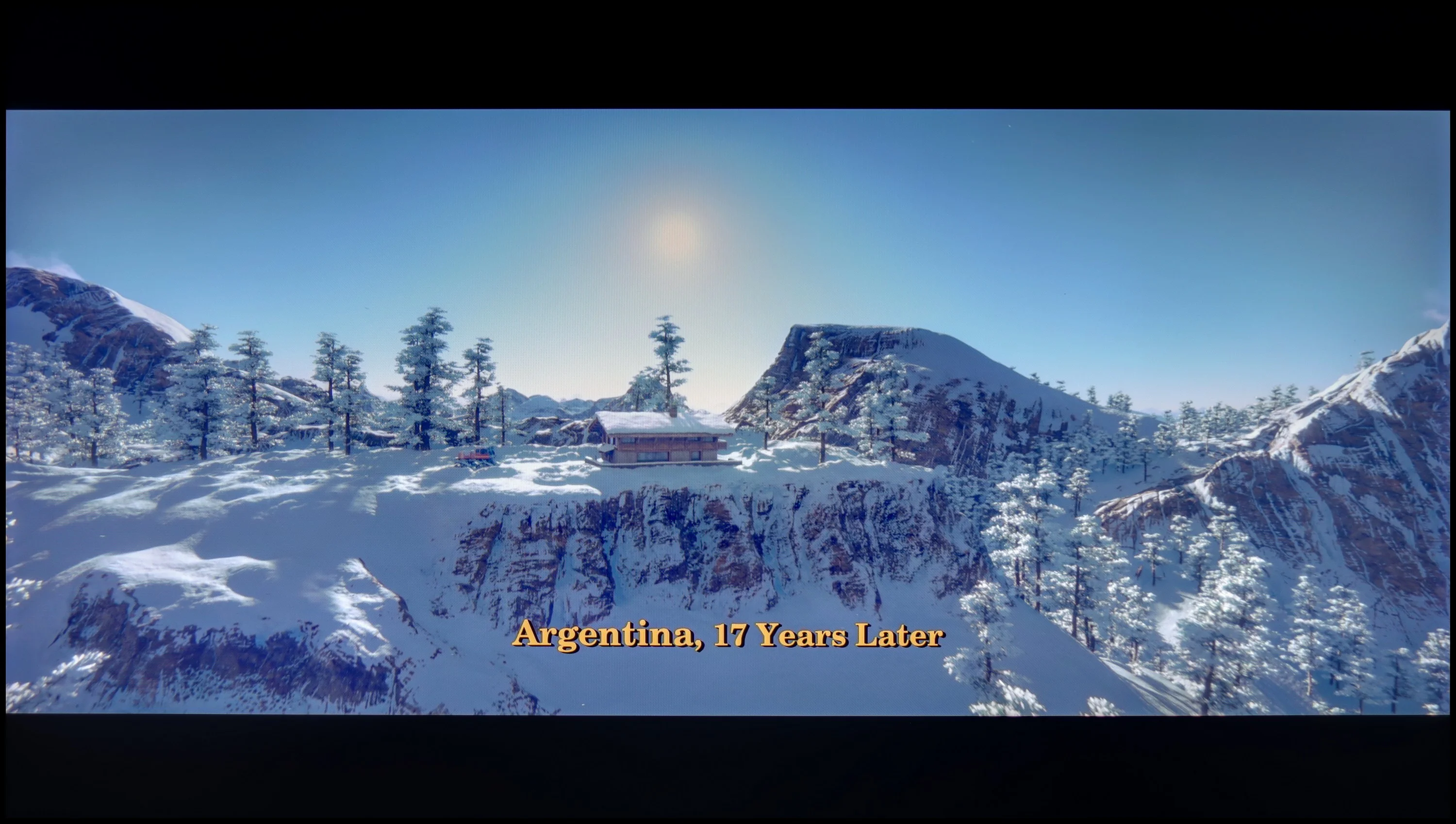

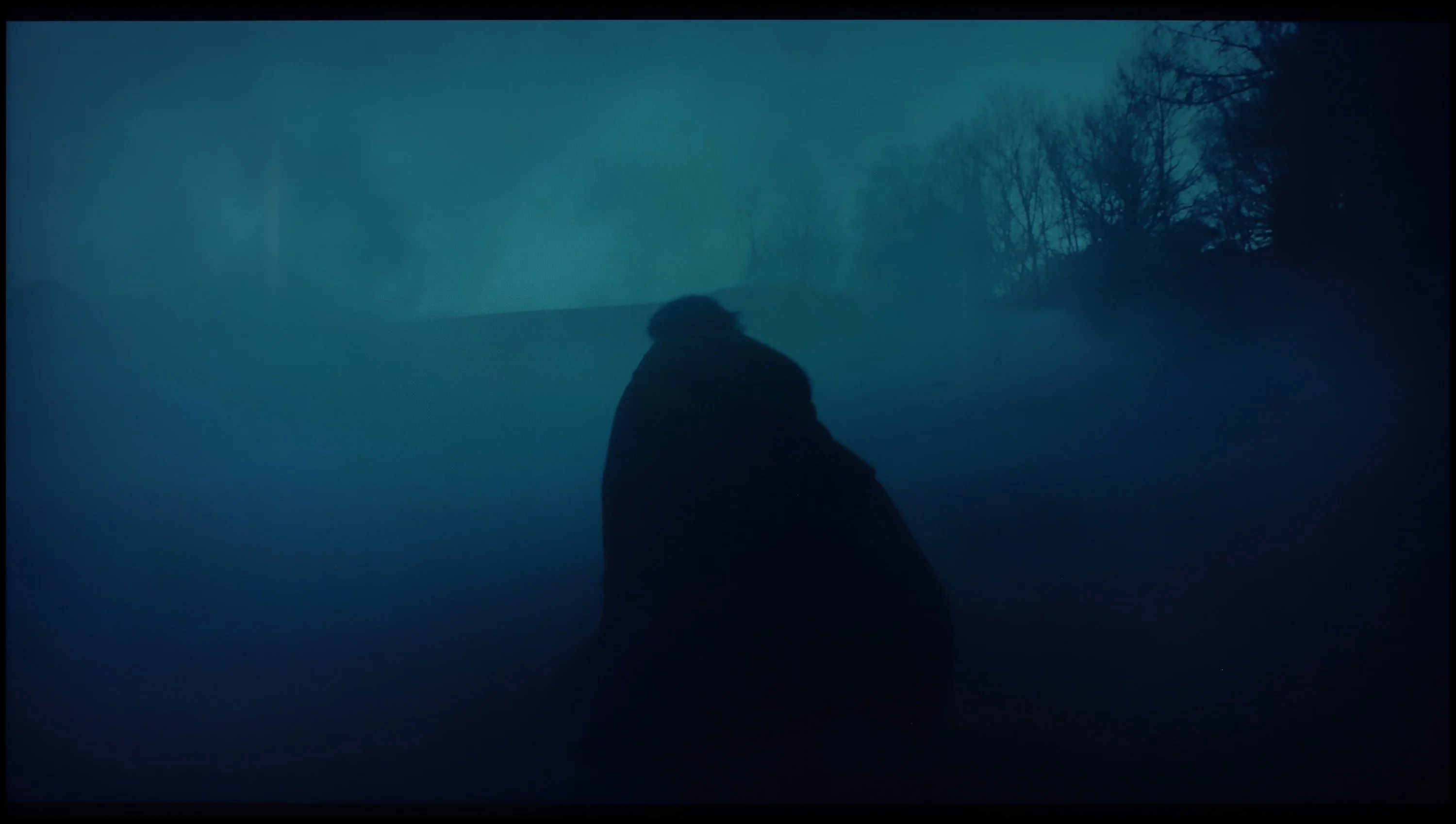
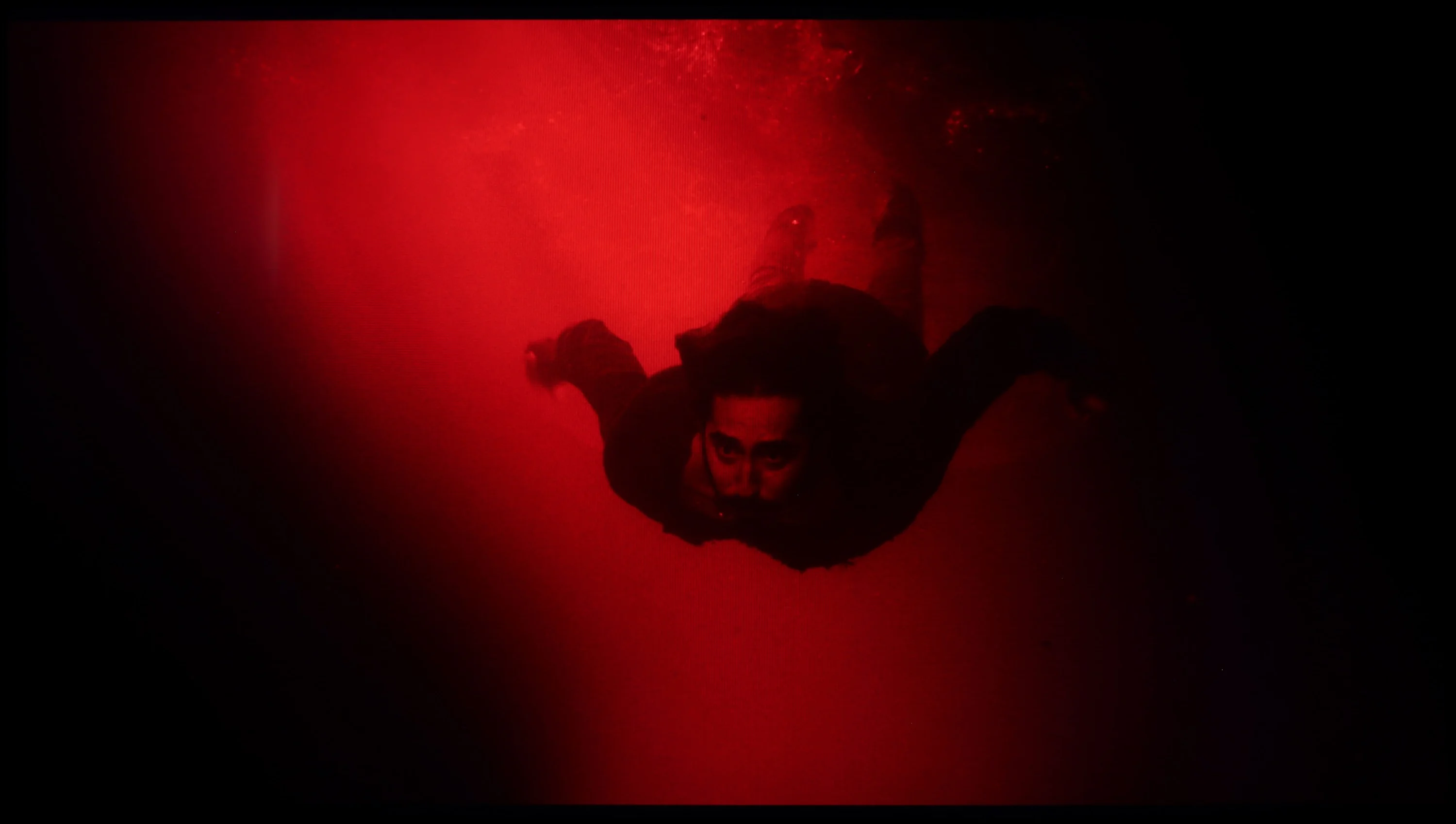
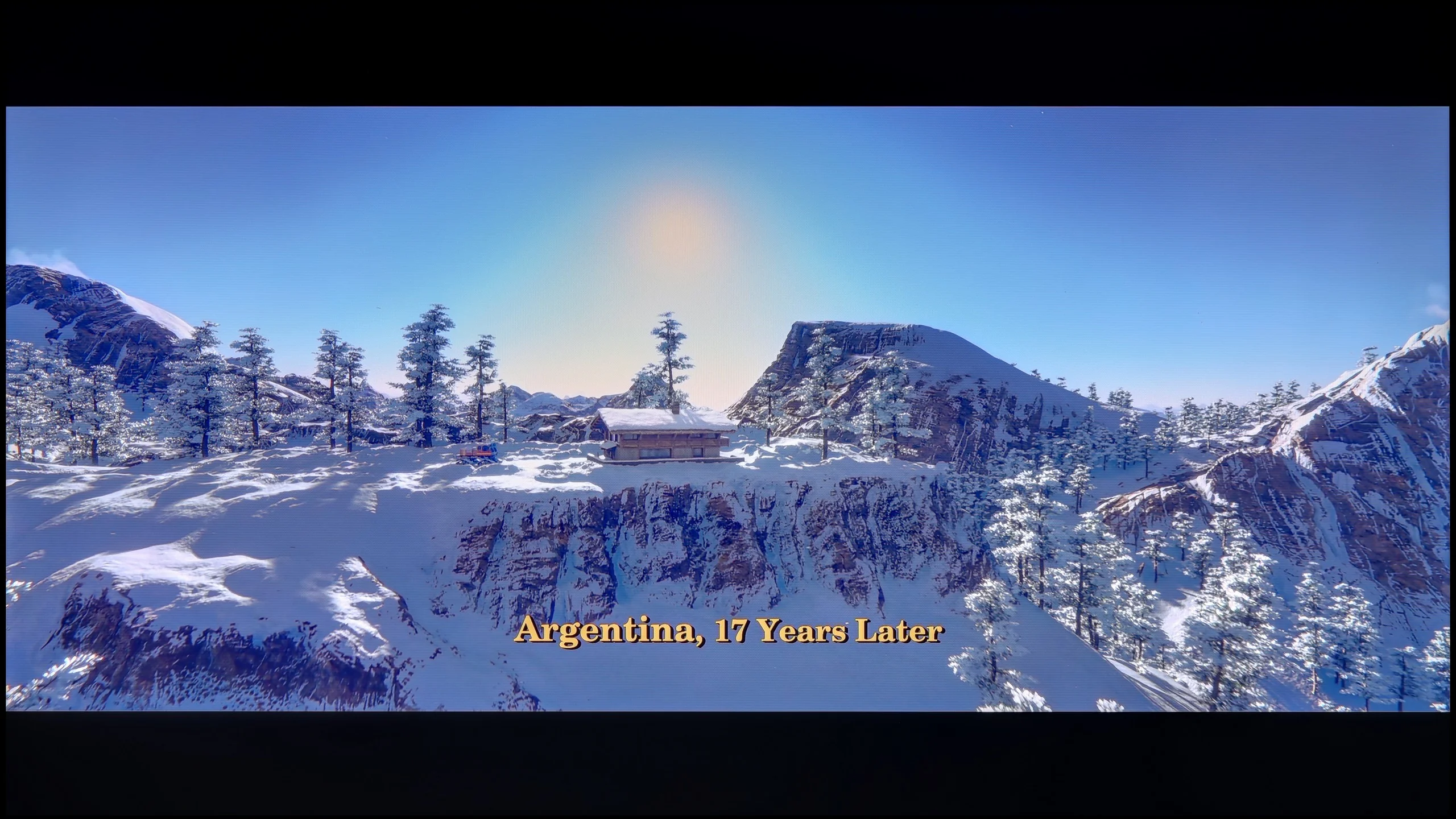
These are selected scenes that show smooth tonal transitions from one color to another. If you see distinct banding, it’s the TV panel’s fault.

These are selected scenes that show smooth tonal transitions from one color to another. If you see distinct banding, it’s the TV panel’s fault.
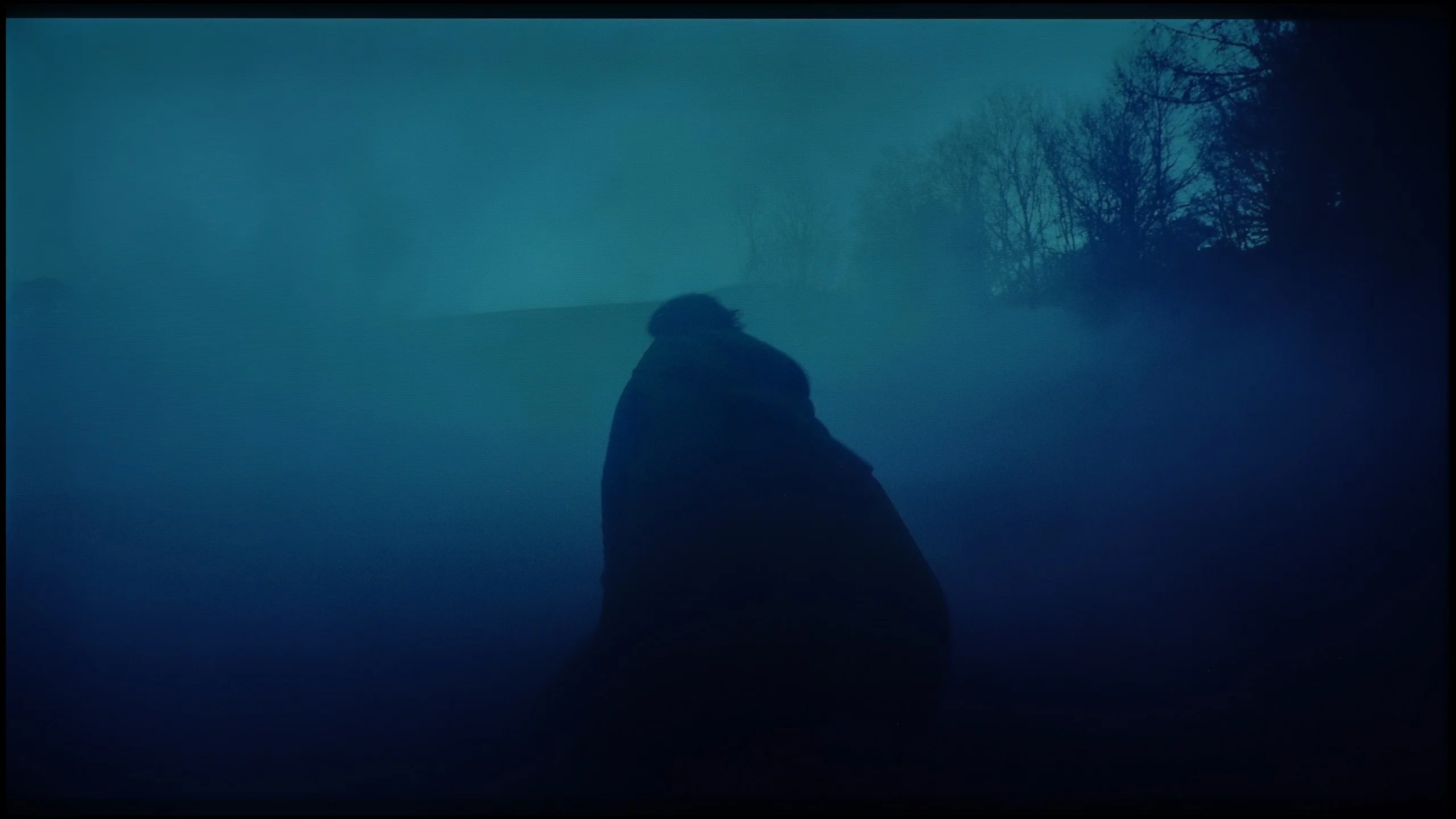
These are selected scenes that show smooth tonal transitions from one color to another. If you see distinct banding, it’s the TV panel’s fault.
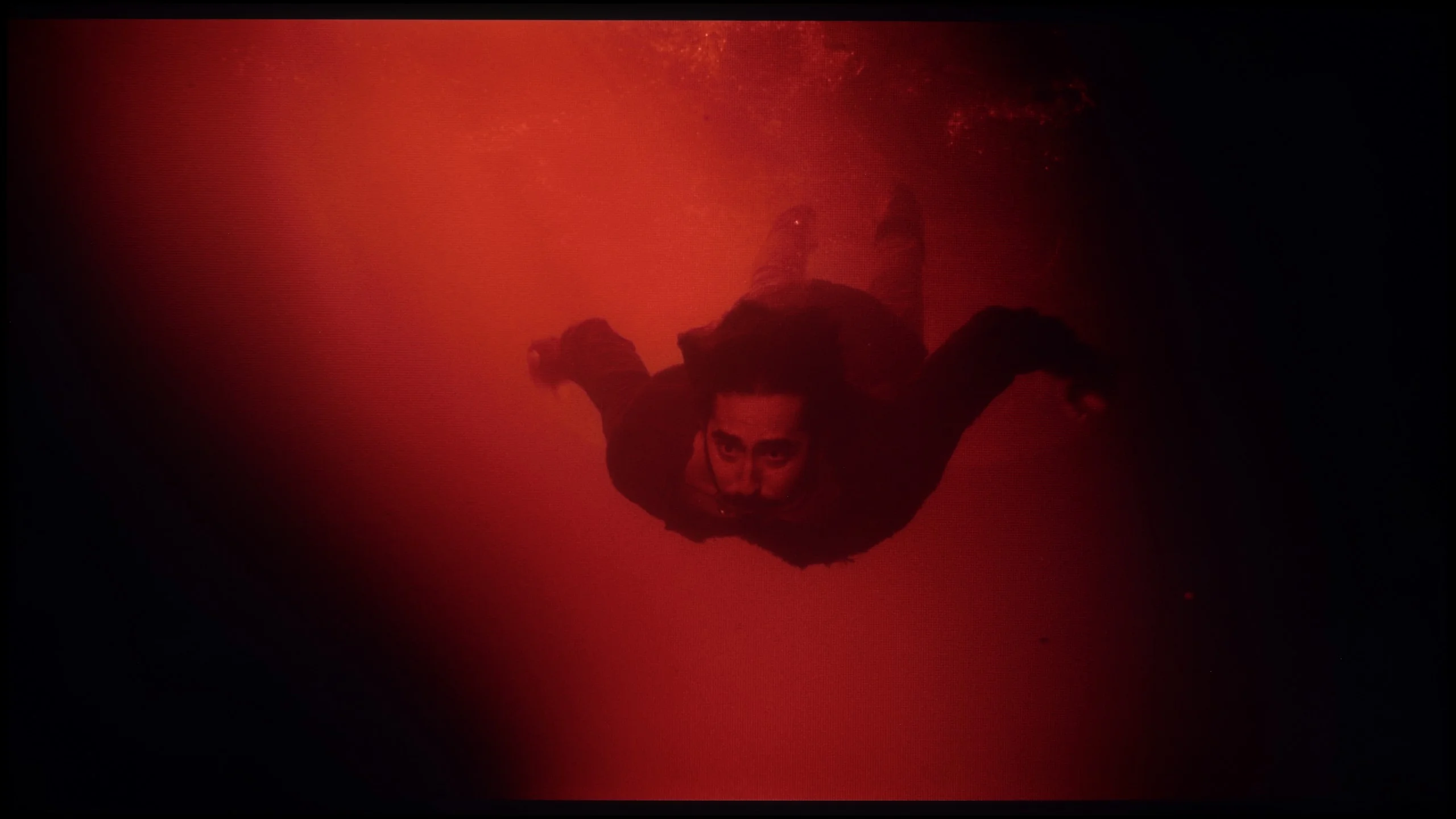
These are selected scenes that show smooth tonal transitions from one color to another. If you see distinct banding, it’s the TV panel’s fault.
The tonal gradation in the Samsung Q80D television is at an excellent level and can be considered one of its stronger points. Even in the most demanding scenes from the films we tested, it performs exceptionally well. Any potential issues with smoothing transitions in colours are minimal and subtle. The average viewer will most likely not notice them, which translates to an overall positive visual experience in everyday use.
The Philips PQS9000 handles tonal transitions very well. This is especially evident in dark scenes, where shades flow smoothly into one another without visible banding or distinct boundaries between colours. As a result, even on large, uniform areas the image looks smooth. Minor imperfections only appear in lighter tones, but you have to look closely to notice them. During normal viewing they are unlikely to distract from the film. In this category Philips performs really well.
Image scaling and smoothness of tonal transitions
7/10
7/10

Smooth transition function
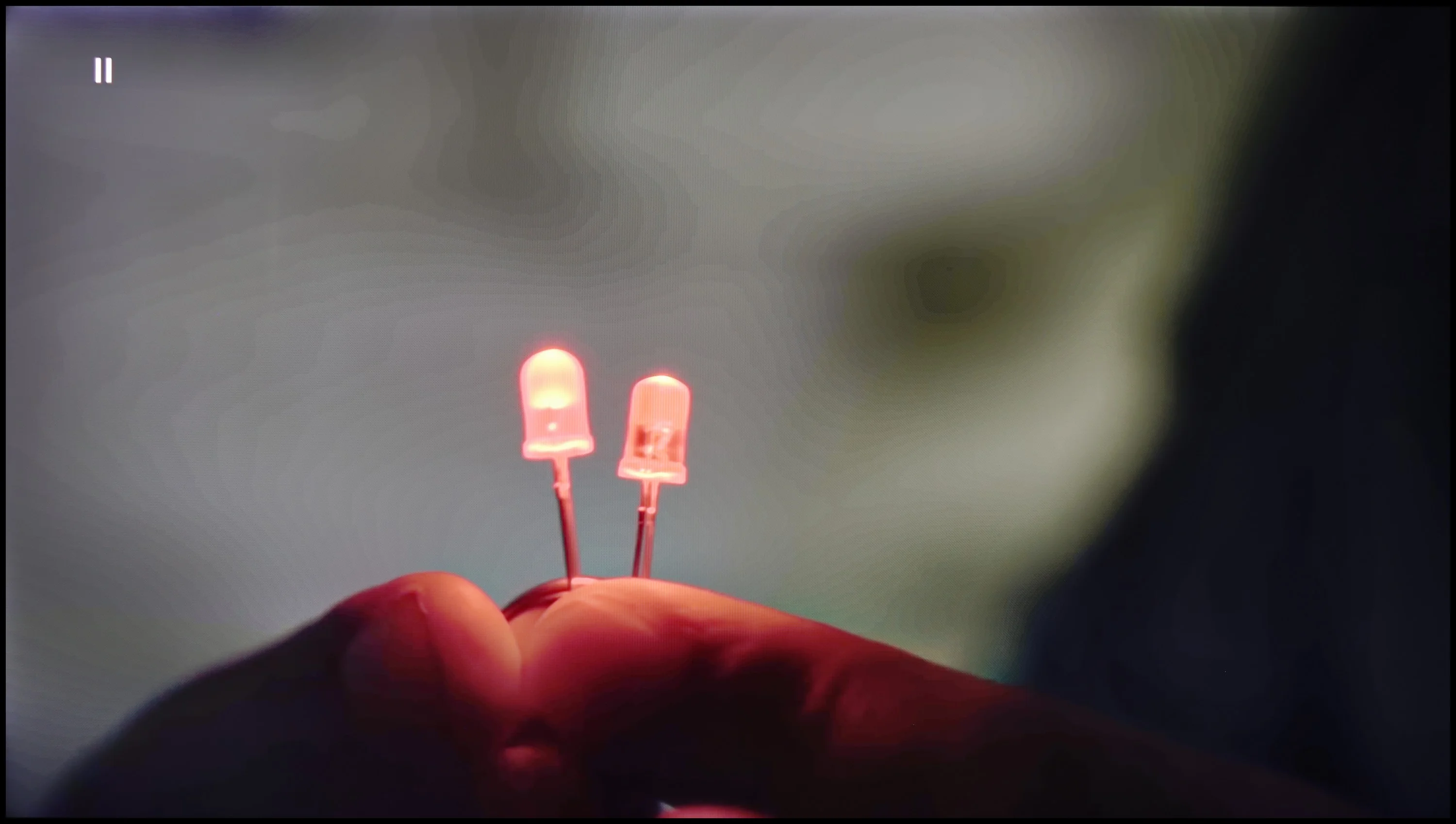
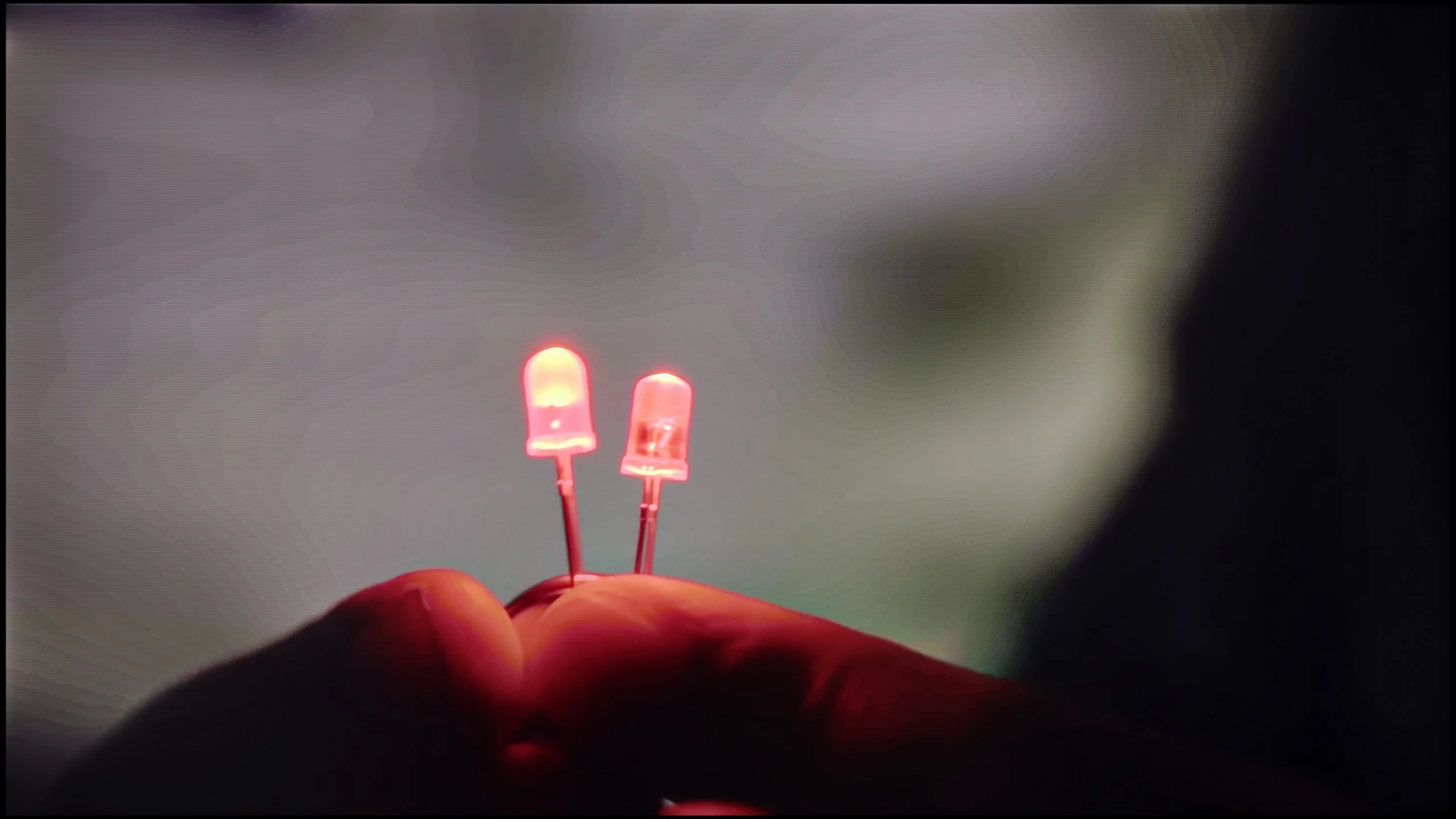
The match photo shows how the TV smooths weak tonal transitions in low-quality video.
Image scaling SD (576i)


The model photo shows how it handles upscaling of SD material.
Samsung Q80D performs very well with low-quality materials. The noise reduction works on the principle of gentle grading, making it very effective in smoothing out unwanted image disturbances. Unfortunately, this same effectiveness also causes elements that should not be smoothed, such as film grain, to become blurred. For those who value a pliable, smoothed image more, this can be seen as a significant advantage, especially for lower-quality content.
When it comes to image scaling, Samsung Q80D stands out positively in this aspect, significantly enhancing viewing comfort. The television handles the conversion of lower-resolution materials well, improving their quality and detail. For example, in the attached image with the model, there are no visible artifacts or excessive fraying of branches, which attests to the advanced image processing technology.
Digital picture processing in the Philips PQS9000 performs well, though we have a few reservations. The "Distortion Reduction" function helps to smooth tonal transitions in lower-quality material, but it works rather unevenly. It can improve one part of the image, only to seem to lose its effect a moment later, still in the same scene, and show banding between shades again. A plus is that it doesn't remove film grain or fine noise, so the image retains its texture. We found the 'Medium' setting worked best and we recommend it. The upscaling to 4K itself is acceptable, although the image is very soft. Edges are heavily smoothed, which may leave some viewers feeling the picture lacks definition. In that case, it's worth slightly increasing the sharpness in the TV's menu, as this will make edges appear more defined. However, don't overdo the sharpening slider, otherwise artificial halos may appear instead of an improvement.
Blur and motion smoothness
7.3/10
8.1/10
Blur (native resolution, maximum refresh rate):






Blur (BFI function enabled):
Image flickers in this mode



Blur ():
Blur (1080p@240Hz):


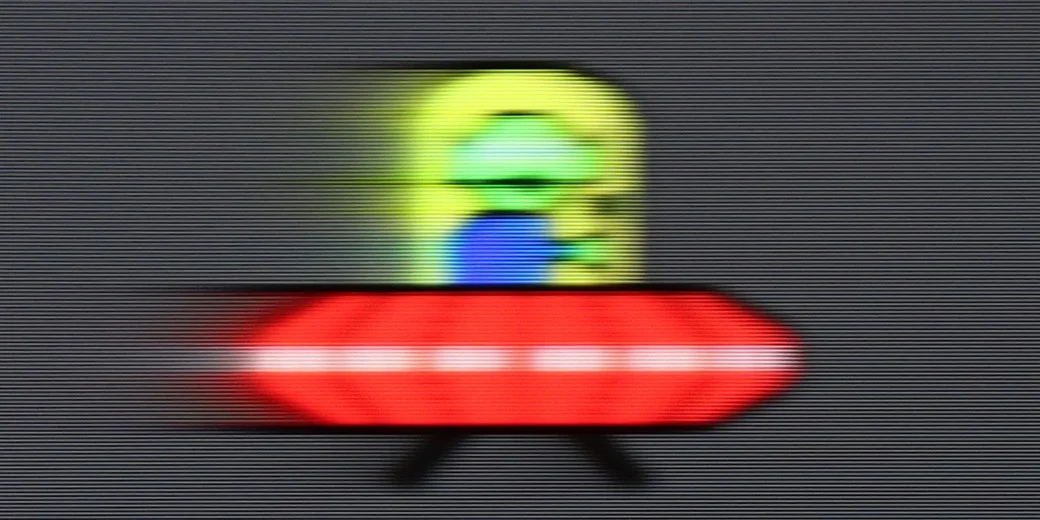
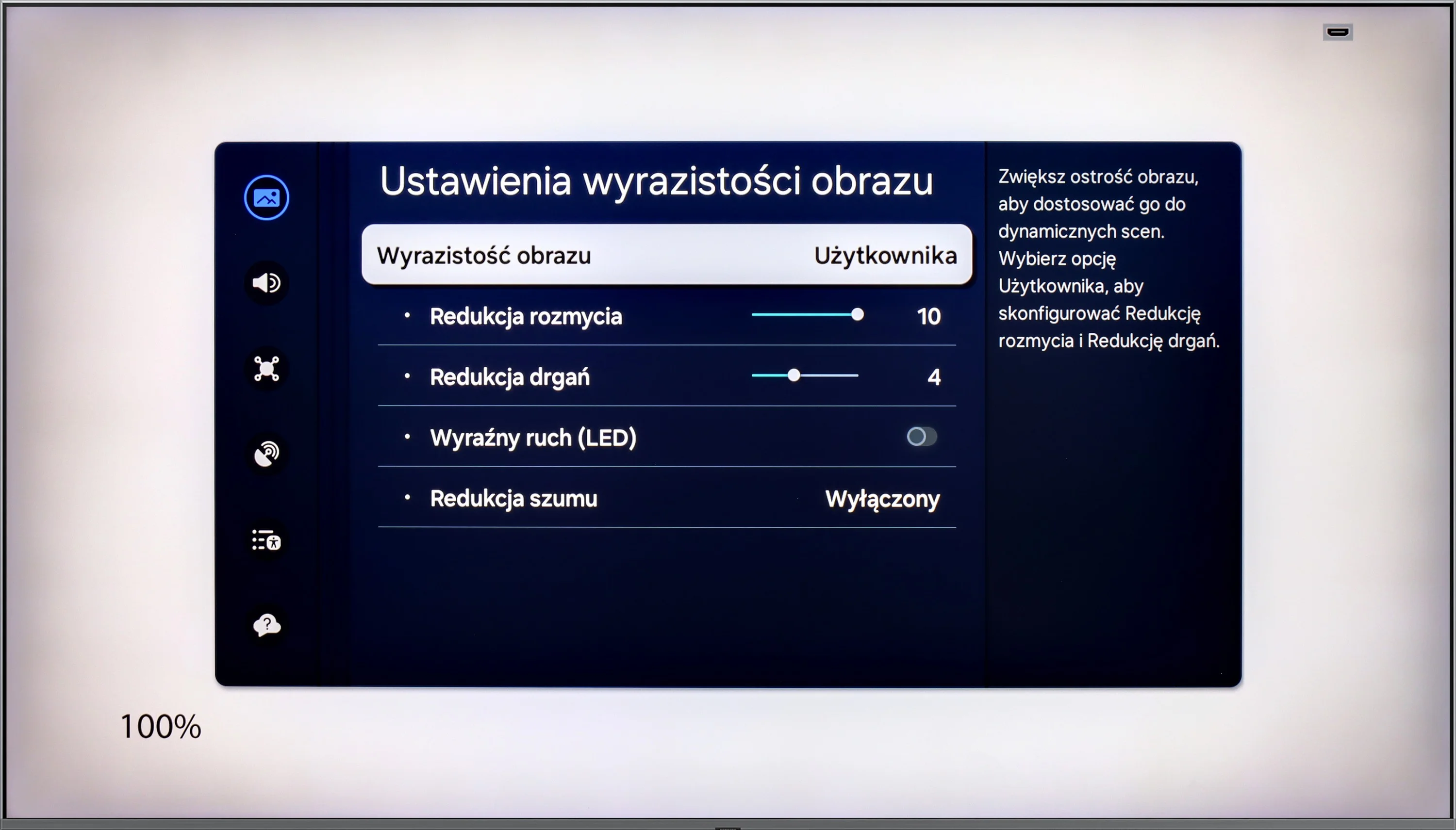
The Samsung Q80D television stands out very positively in terms of motion fluidity and motion blur reduction, primarily due to the applied 120Hz panel and above-average response time of the panel. Users have two options for adjusting fluidity: "Motion Smoothing," which allows for adjustment of smoothness on a 10-point scale, and "Blur Reduction," particularly effective at higher refresh rates, improving the sharpness of rapidly moving objects. In the UFO test, no motion blur is visible behind the moving object, and the image is not cloned forward, indicating a lack of overshoot effect.
In terms of motion handling the Philips PQS9000 performs exceptionally well for an LCD TV. It's not just the 144 Hz refresh rate, but above all how quickly the panel itself responds. At 120 Hz there are virtually no typical trailing smears behind moving objects. What is particularly pleasing is that this also applies to darker scenes, where many VA panels clearly struggle. Here motion remains clear and, in this respect, Philips pleasantly surprised us.
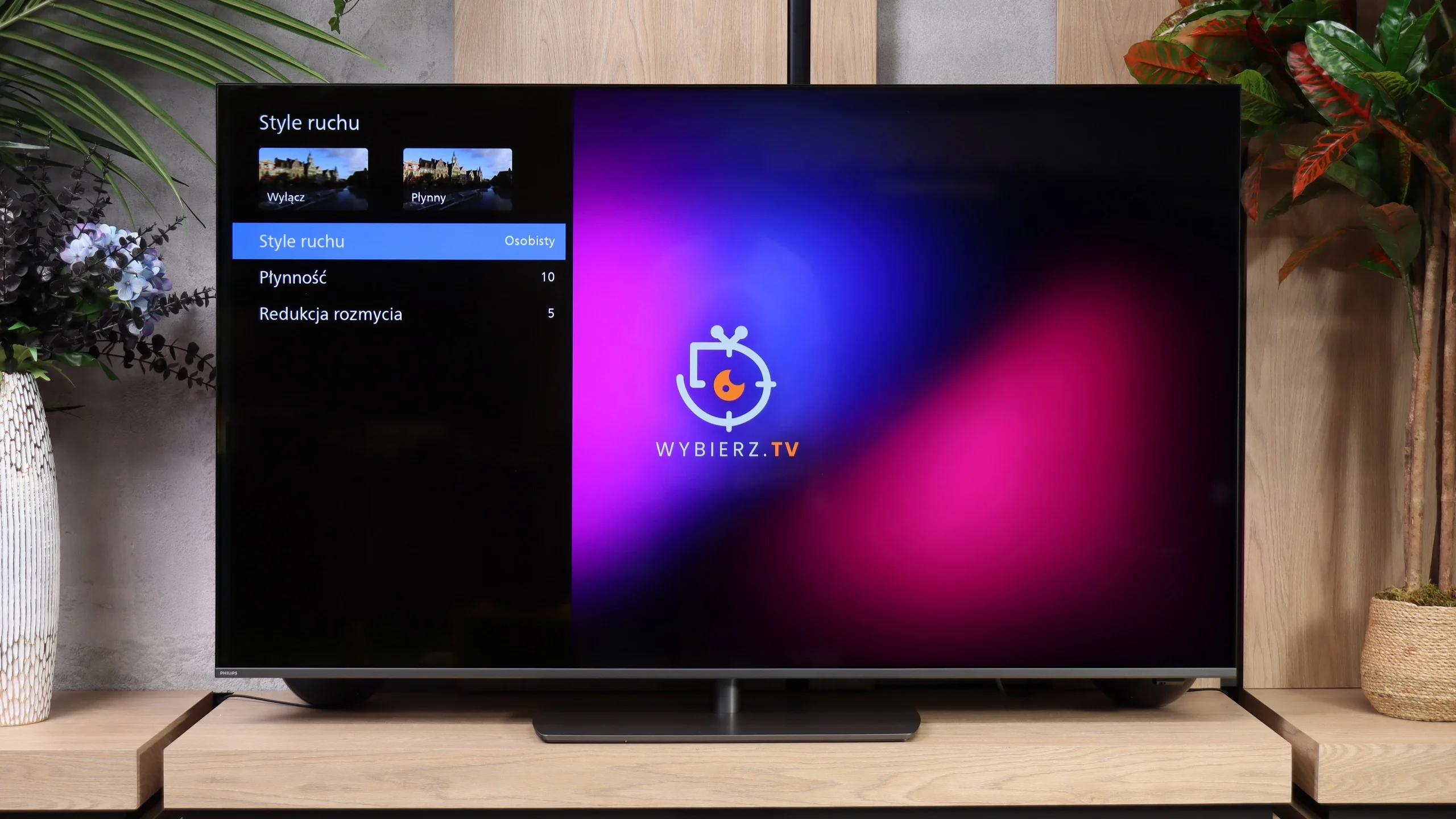
The "Motion Styles" feature lets you adjust how motion is displayed. It includes two sliders: "Smoothness" and "Blur Reduction", allowing you to tailor the effect to the content you're watching and your own preferences. Our suggested settings are shown in the photo. Treat them as a starting point and try to find the level of smoothing that suits you best.
Console compatibility and gaming features
9.5/10
9.5/10
- ALLM
- VRR
- VRR range48 - 120Hz48 - 240Hz
- Dolby Vision Game Mode

 Yes, high input lag
- Correct implementation of HGIG
- 1080p@120Hz
- 1440p@120Hz
- 4K@120Hz
- Game bar
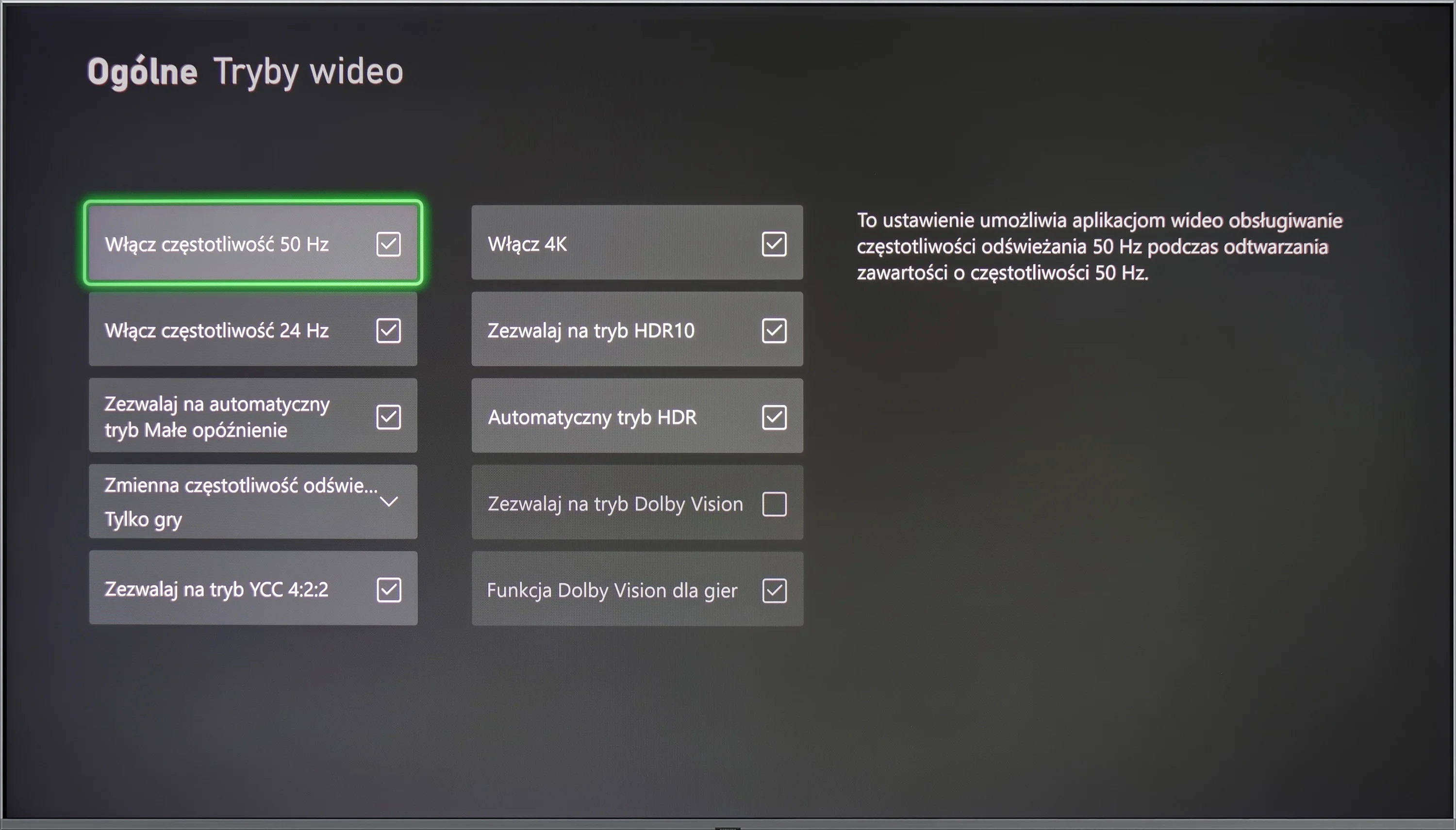
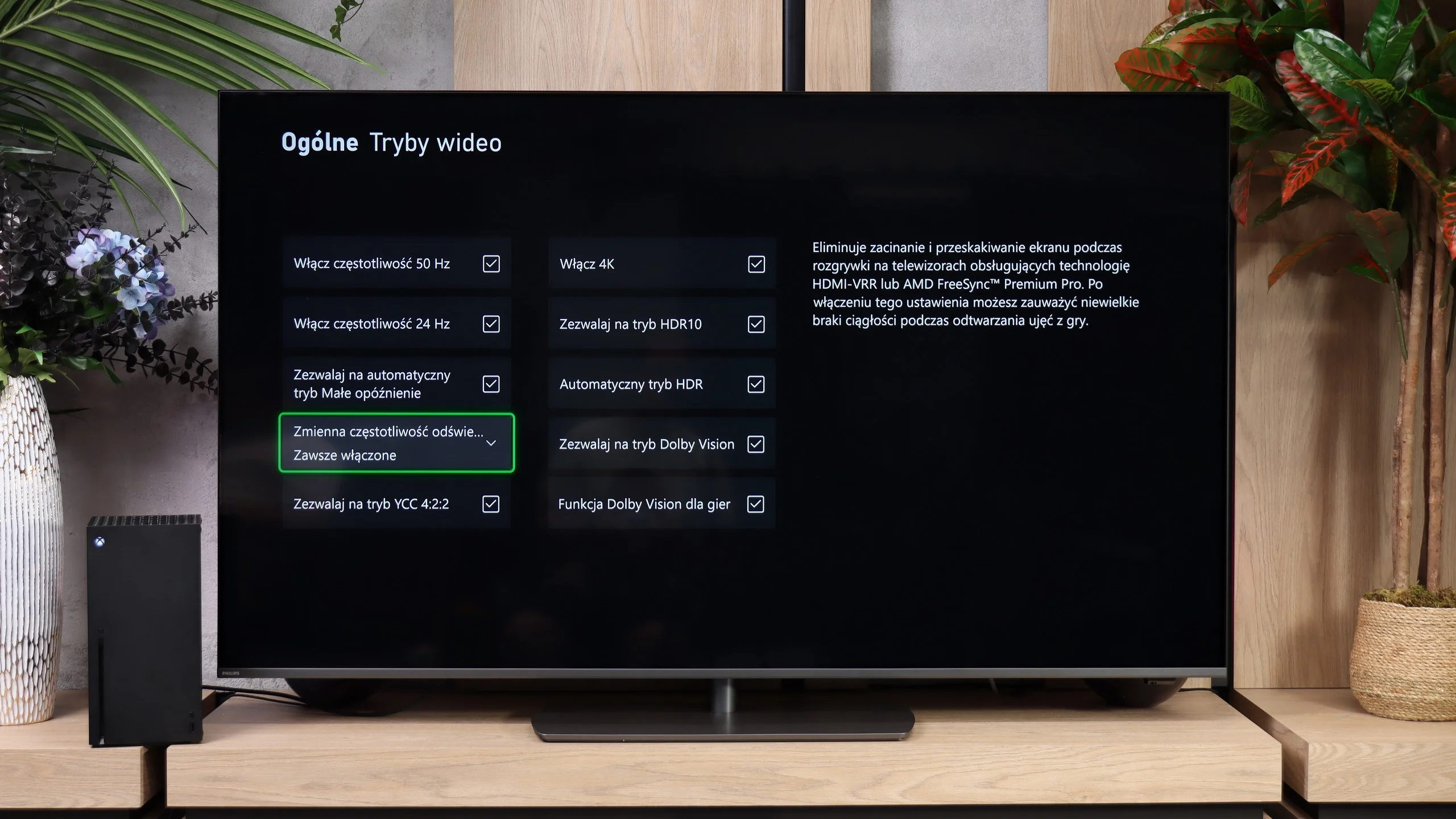
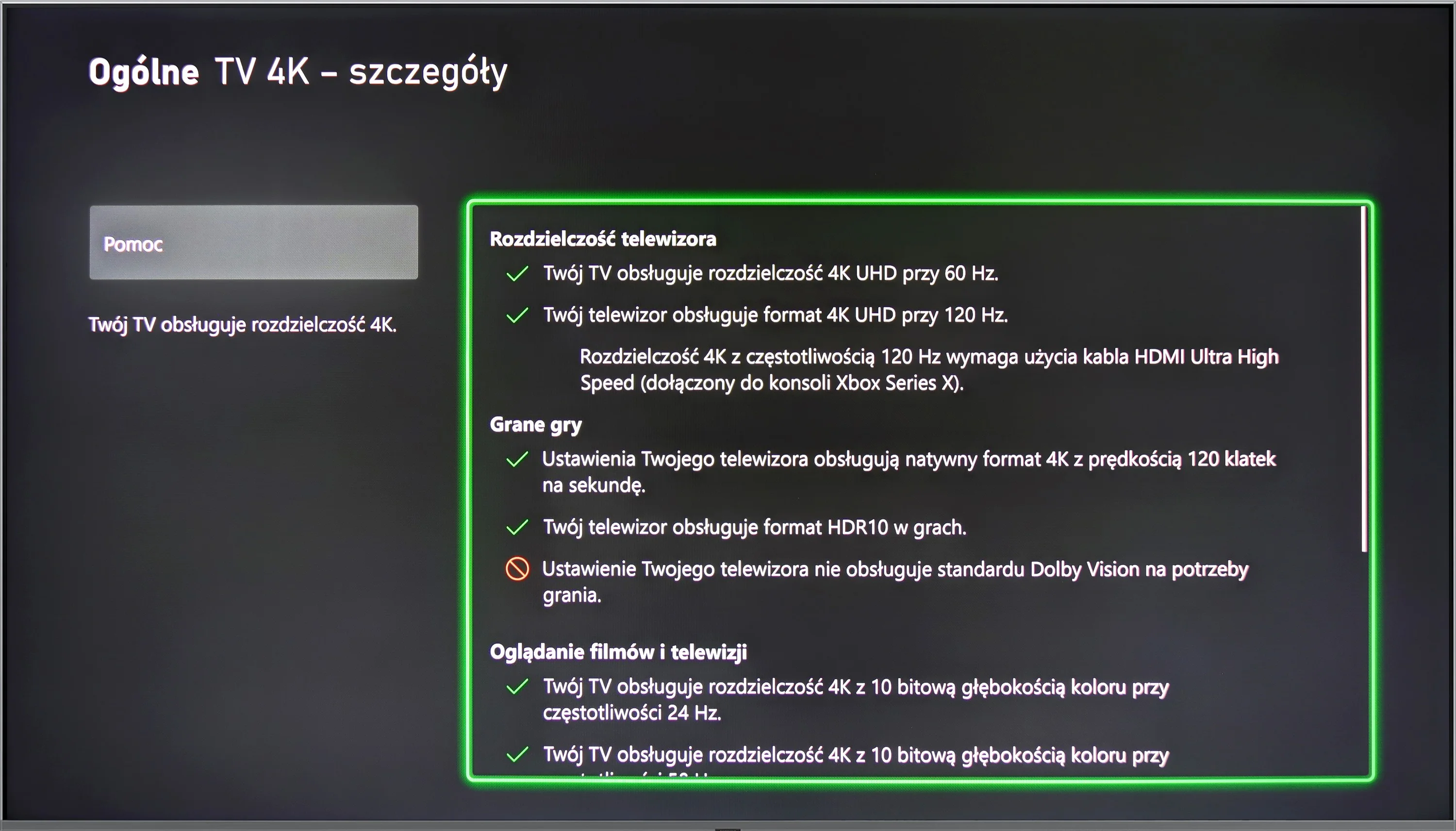
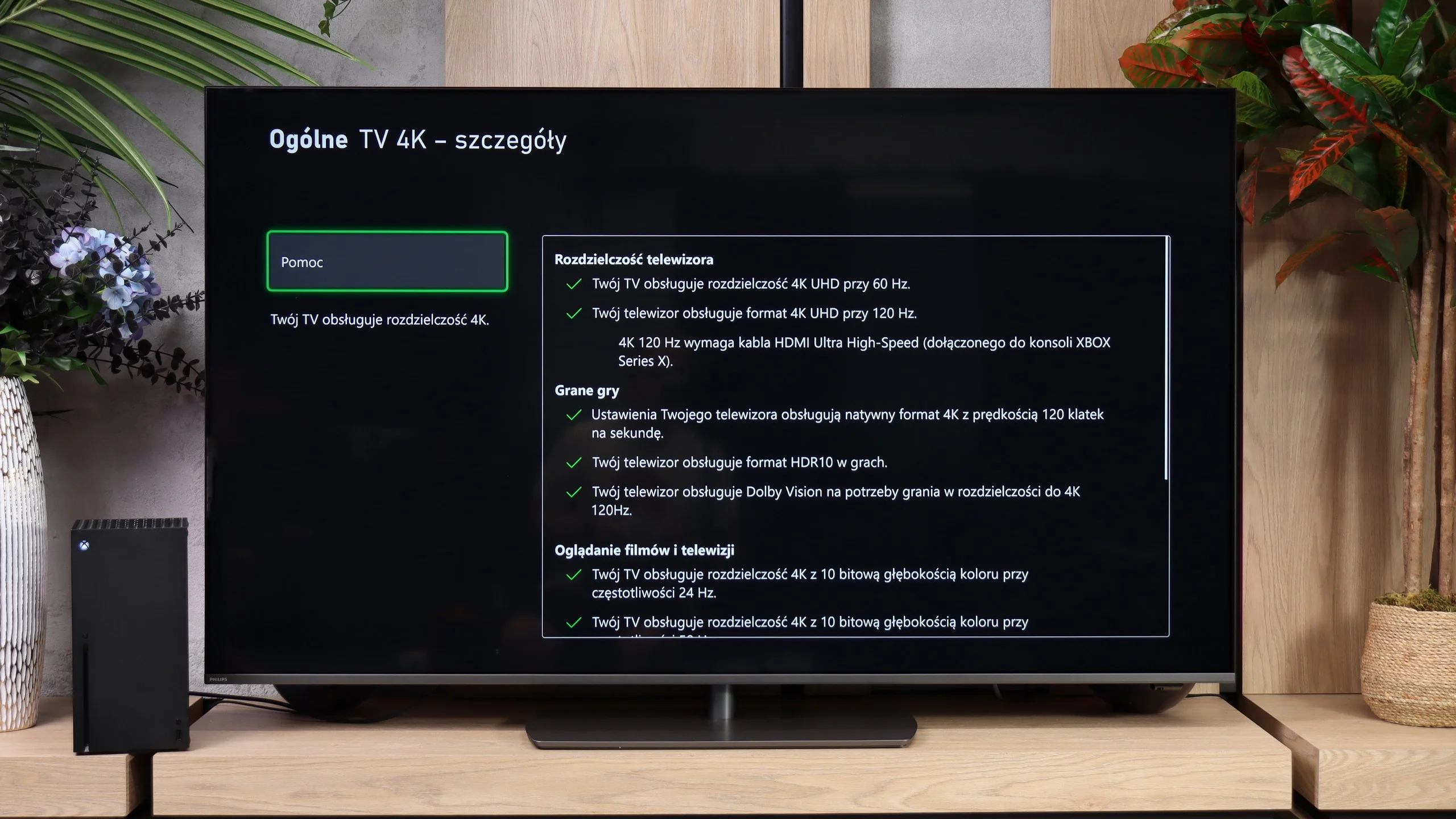
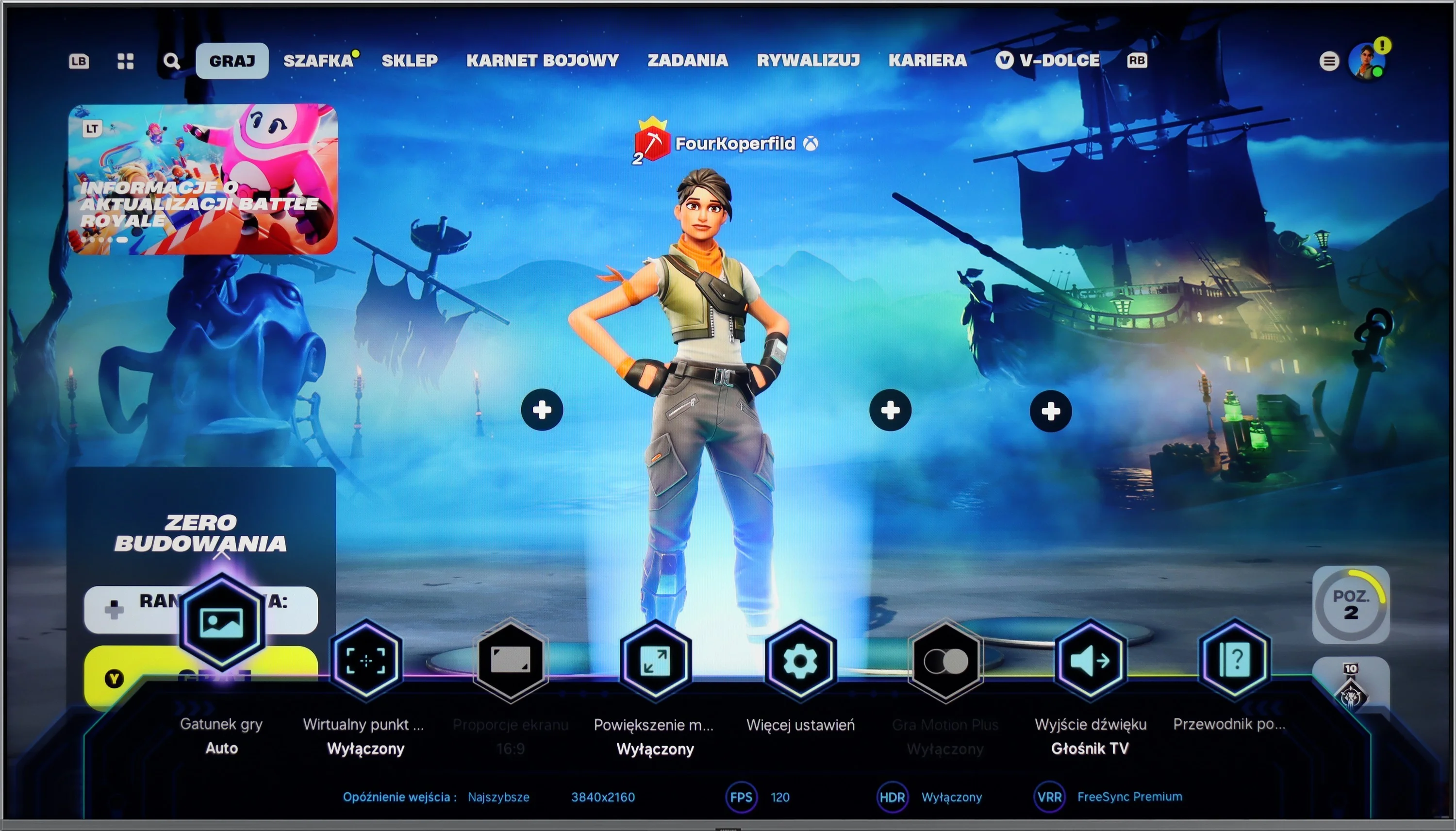
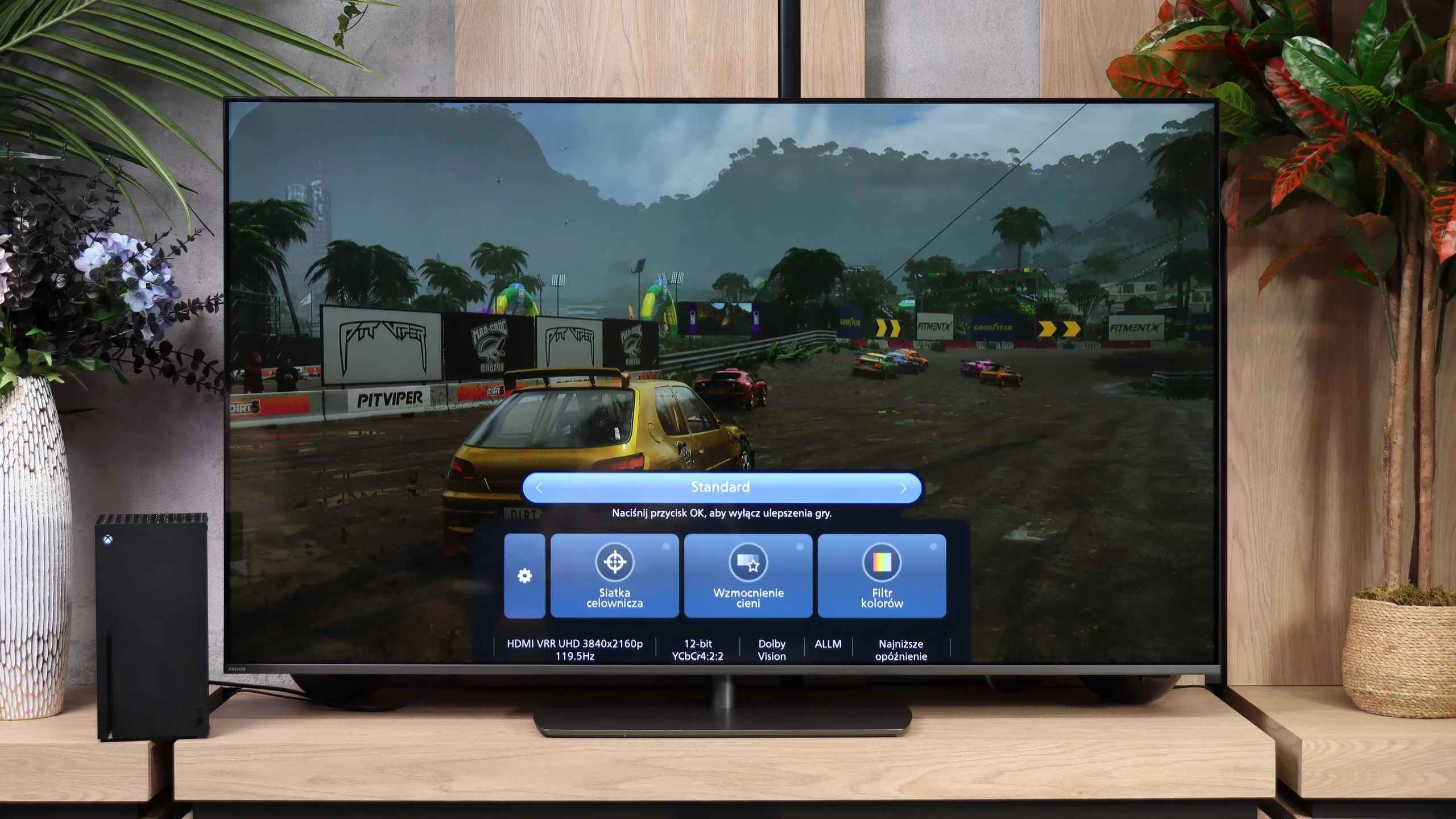
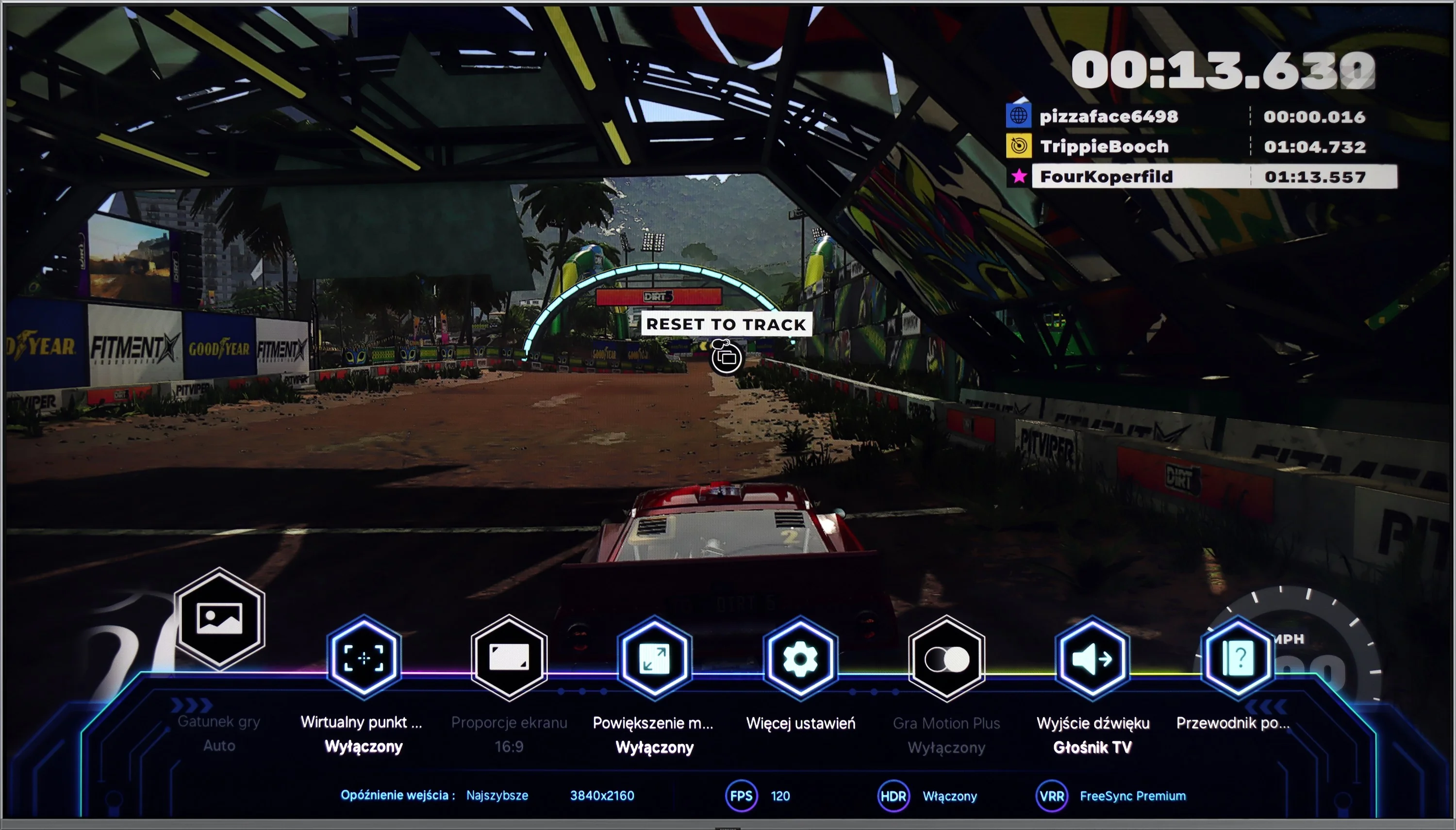
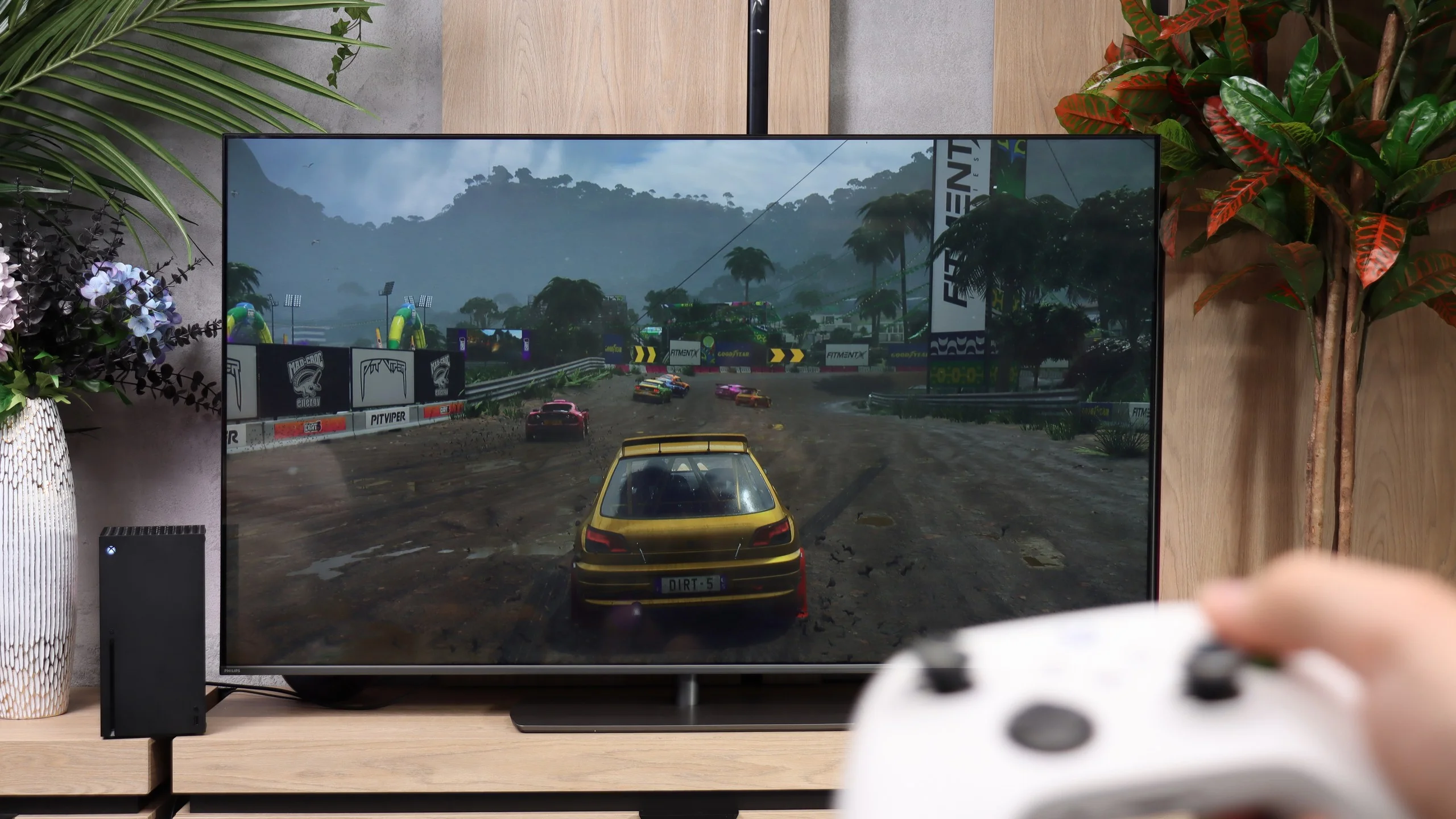
The Samsung Q80D television is a true gem for gamers. It is equipped with four HDMI 2.1 ports, which is a rarity, especially in this price range. This allows users to enjoy features such as ALLM (Auto Low Latency Mode), VRR (Variable Refresh Rate), and 120Hz in 4K resolution. These features ensure smoothness and responsiveness of the image, which is a key aspect during dynamic gameplay. The television also supports HGIG (HDR Gaming Interest Group), enabling optimal display of HDR content in games. Additionally, it is equipped with a Game Bar that allows quick access to gaming settings. Users of Nvidia graphics cards will also be pleased thanks to the implementation of G-Sync. This feature eliminates stuttering and screen tearing. The only downside is the lack of support for Dolby Vision mode, which may be disappointing for users looking for this HDR format. It is also worth mentioning that since 2022, thanks to a partnership with Microsoft, Samsung televisions offer the Xbox Game Pass application, allowing for cloud gaming. This is an additional advantage for gamers who want to access a wide library of games without the need for a console.
Gaming features
In terms of gaming features, the Philips PQS9000 has a lot to offer. Four HDMI 2.1 ports let you connect several devices without having to choose which one gets the full-capability port. Consoles can use 120 Hz at Full HD, 1440p and 4K, while a PC can also make use of 144 Hz at 4K or 240 Hz if you drop to Full HD. There's also VRR, which matches the refresh rate to the frame rate and prevents screen tearing. Its range is 48 to 240 Hz, with the upper limit applying in Full HD mode.
ALLM is present, so the TV automatically switches to game mode, and HGiG works properly, which is useful when setting HDR on a console. There's also a Game Bar for quick access to settings and signal information. The list even includes Dolby Vision gaming, but it's hard to enjoy this option because of very high input lag. Aside from that caveat, the feature set is really solid.
Input lag
9.8/10
7.2/10
SDR
HDR
Dolby Vision
There isn't much to say here, the input lag at this level is simply remarkable. It's hard to achieve a better result that will satisfy gamers! The television performed excellently at every tested resolution and refresh rate, both in SDR and HDR.
Input lag is already less impressive than the gaming features themselves. At 60 Hz we measured 32 ms, both in SDR and HDR. That result is fine for more relaxed games, but in fast-paced shooters you can feel a slight lag. At 120 Hz the delay drops to 16 ms and gaming is noticeably more enjoyable, though the competition can respond even faster.
The biggest problem appears when Dolby Vision is enabled. At 60 Hz the delay is as much as 213 ms, and at 120 Hz it reaches 106 ms. The response to controller input is then clearly delayed, which seriously disrupts gameplay. Therefore, on the PQS9000 it is definitely better to stick with HDR10. Dolby Vision is supported for games, but its practical usefulness remains limited.
Compatibility with PC
7.6/10
8.6/10
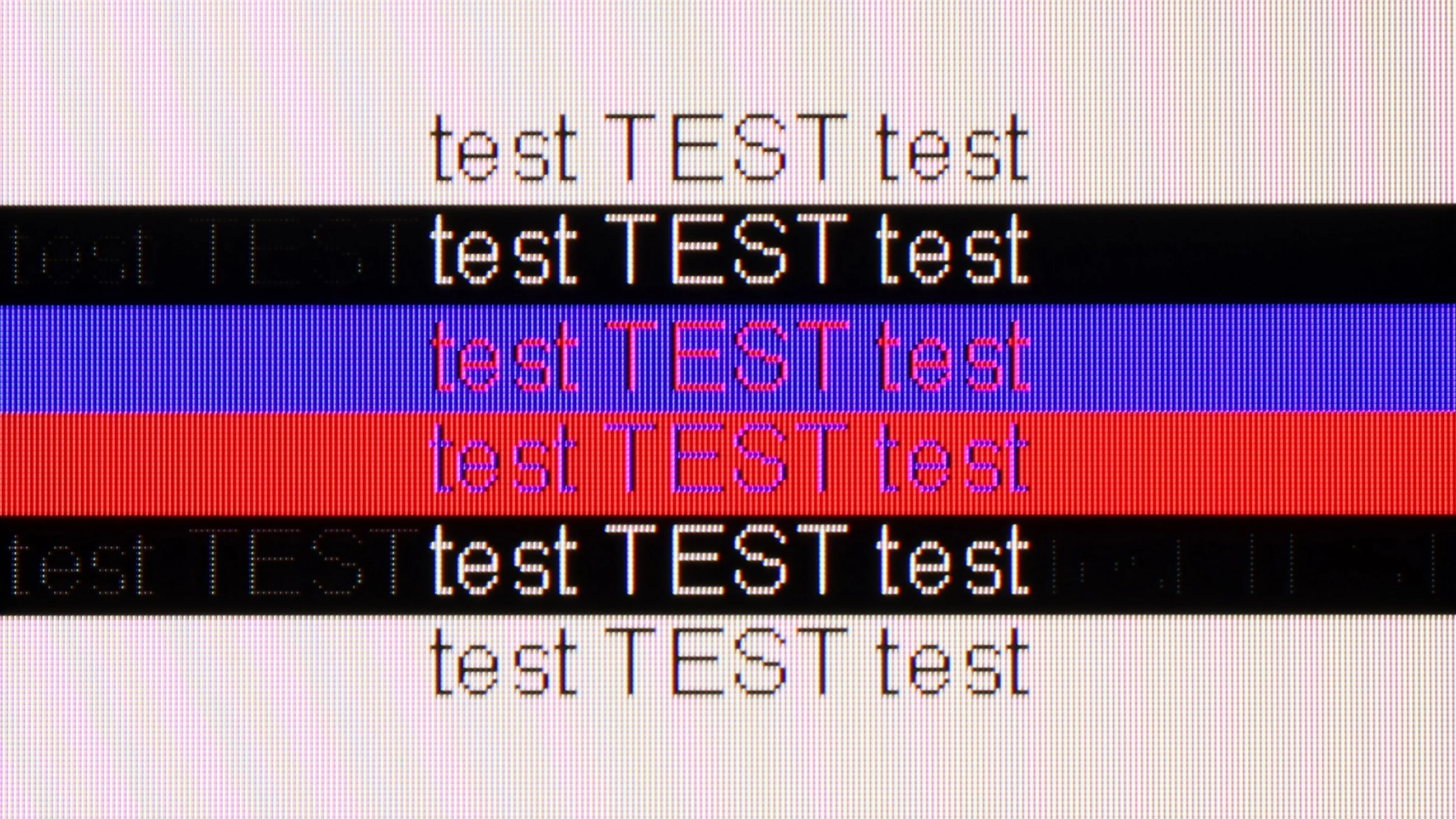
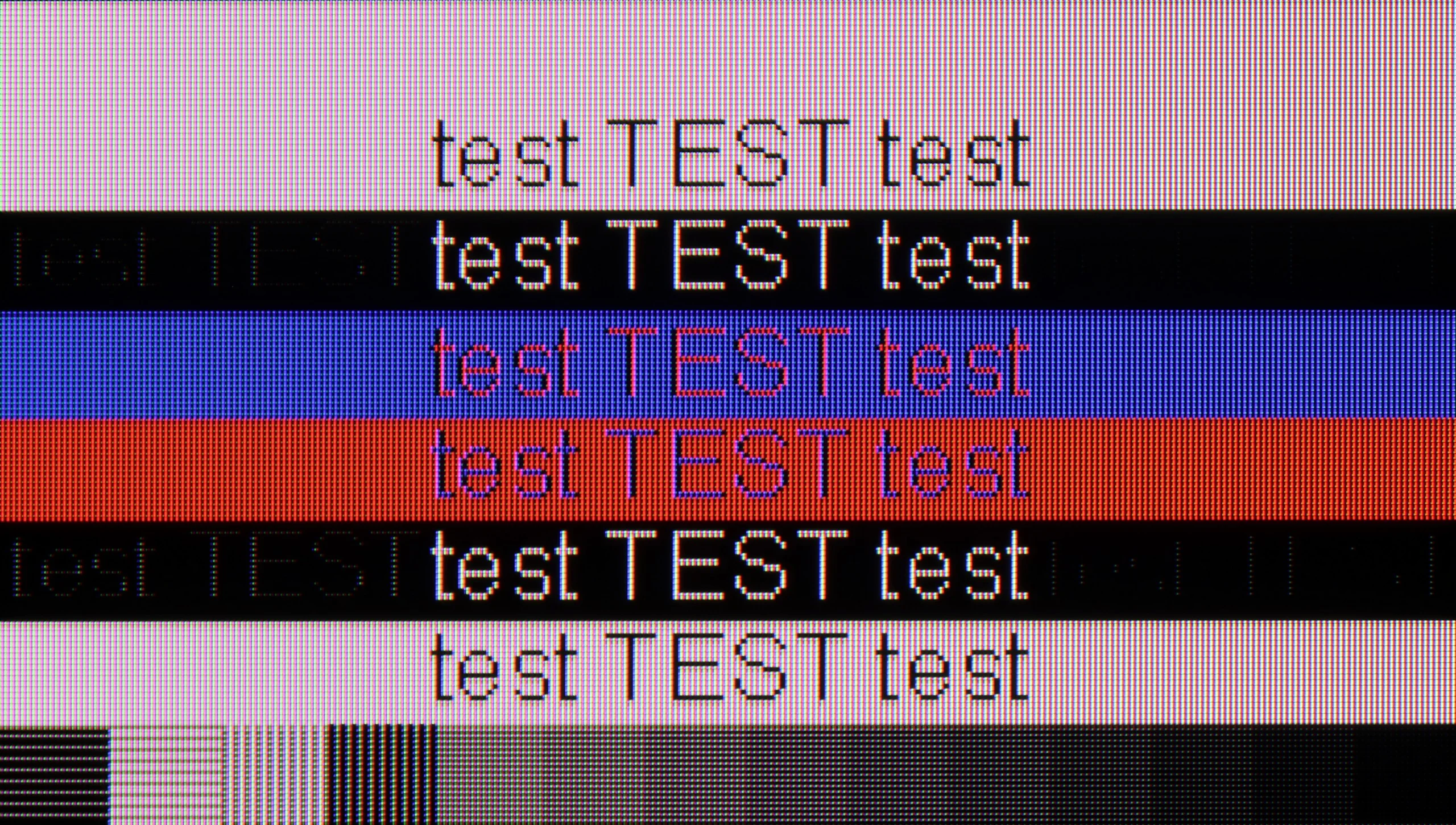
The photo shows the legibility of small fonts. Ideally, lines should be the same thickness on both light and dark text, with minimal pixel gaps.
Samsung Q80D works well as a computer monitor. Thanks to support for 4:4:4 chroma (which only functions in "Game" mode), text on the screen is clear and legible, which is very important for those who want to work on such a television with text documents or spreadsheets. One of the biggest advantages of this model is its exceptionally low input lag in "PC" mode, which is just 9 ms. This is a reference-level result that ensures smoothness and responsiveness, which is crucial for both gamers and those involved in video editing. The only issue we can point out is that there is a certain problem with displaying fonts on dark backgrounds. When we zoom in on the tested font image, we notice that the horizontal lines are darker compared to the vertical ones. This means that the sub-pixels in the television do not fully illuminate in this case. This could be due to an oversight by the manufacturer regarding the optimisation of the algorithm responsible for displaying thin lines, which affects the quality of details in displaying text on dark backgrounds. Nevertheless, Samsung Q80D is a very good choice as a PC monitor.
The PQS9000 scores highly for PC compatibility, mainly thanks to its gaming capabilities. A 144 Hz refresh rate at 4K and support for G-Sync Compatible and AMD FreeSync Premium Pro allow frame-rate synchronisation on compatible NVIDIA and AMD cards. Working with text is also good. Regular fonts are sharp and legible, and thanks to proper 4:4:4 chroma handling coloured letters, icons and small desktop elements retain their clarity. The main reservation concerns very small, dark text: the horizontal strokes of letters are noticeably darker than the verticals, which makes some characters look uneven. You probably won't notice this from the sofa, but if someone plans to put The One on a desk and work up close, this flaw may become annoying.
Viewing angles
3/10
3.2/10
Samsung Q80D, equipped with a VA panel, unfortunately does not perform well in terms of viewing angles. When we watch the screen at a 45-degree angle, there is a noticeable loss of brightness. The image becomes less sharp, which can be problematic if we plan to watch television from different spots in the room. However, the VA panel has its advantages. When looking directly at the screen, black levels are deep and well-saturated. Furthermore, even at an angle, dark colours maintain their depth, which is a rarity for this type of panel.
Viewing angles are one of the weakest points of the Philips PQS9001. Simply moving to the side is enough for the colours to lose saturation noticeably, and for the picture to look washed out and less contrasty. When watching with several people, seats directly in front of the screen will therefore be by far the best.
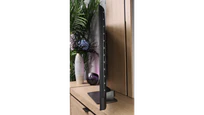
Unfortunately this is a typical characteristic of VA panels, where good contrast when viewed head-on comes at the cost of poorer off-axis performance. Most TVs with such a panel suffer the same problem and The One is no exception. The swivelling stand helps a little, allowing you to angle the screen towards the viewer, but it won't solve the issue when seats are widely spaced.
Daytime performance
6/10
6.1/10
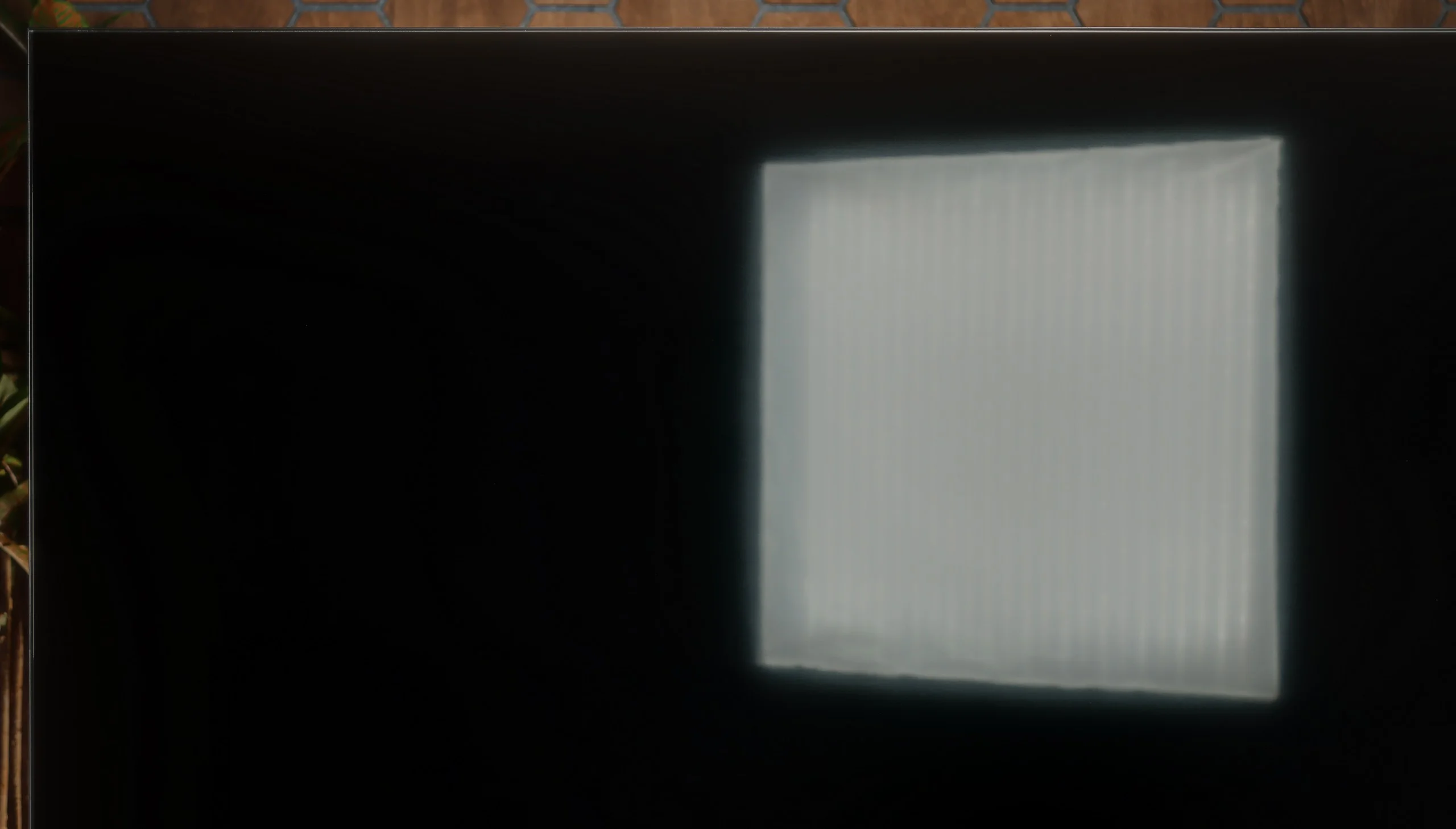
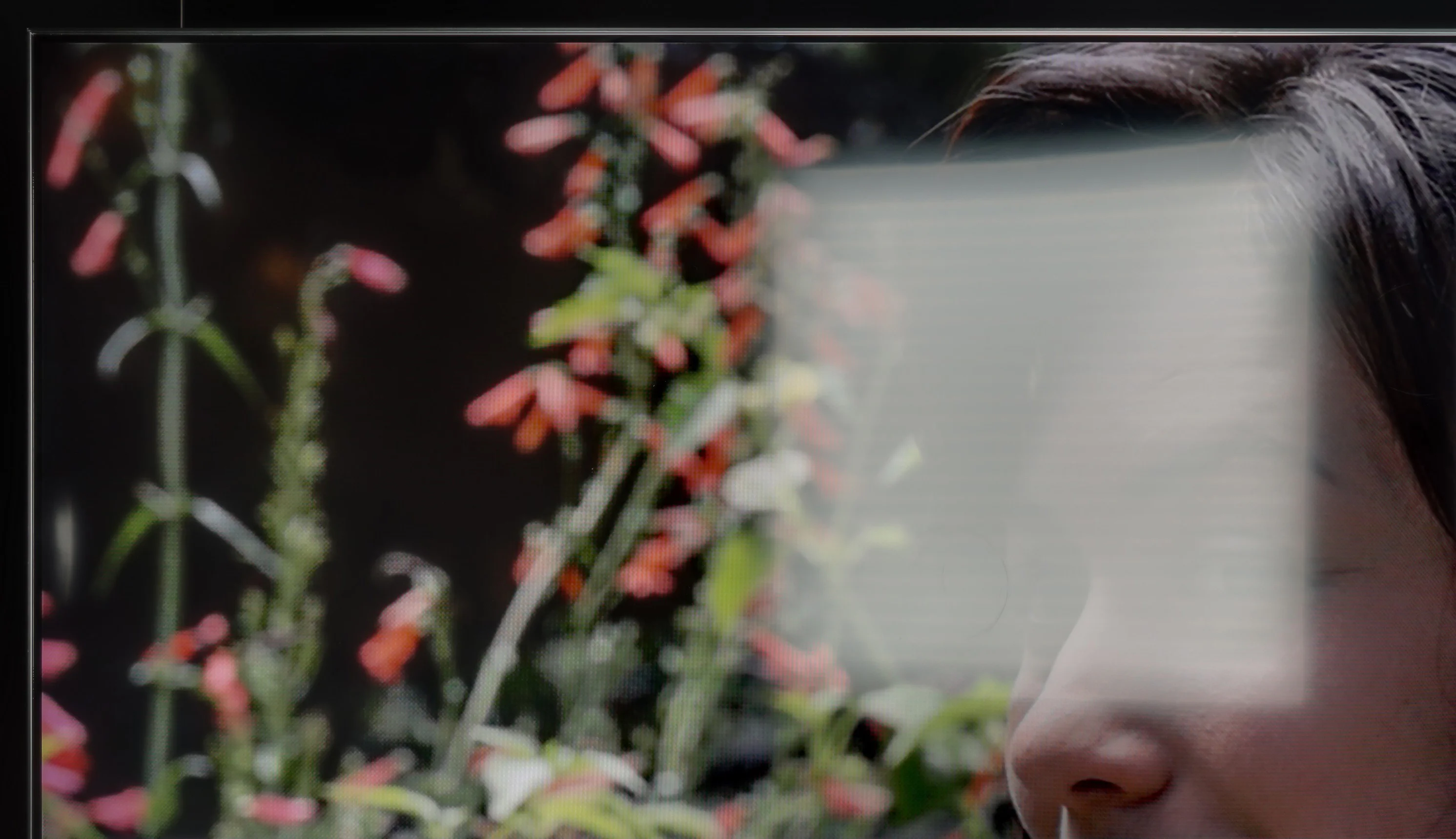
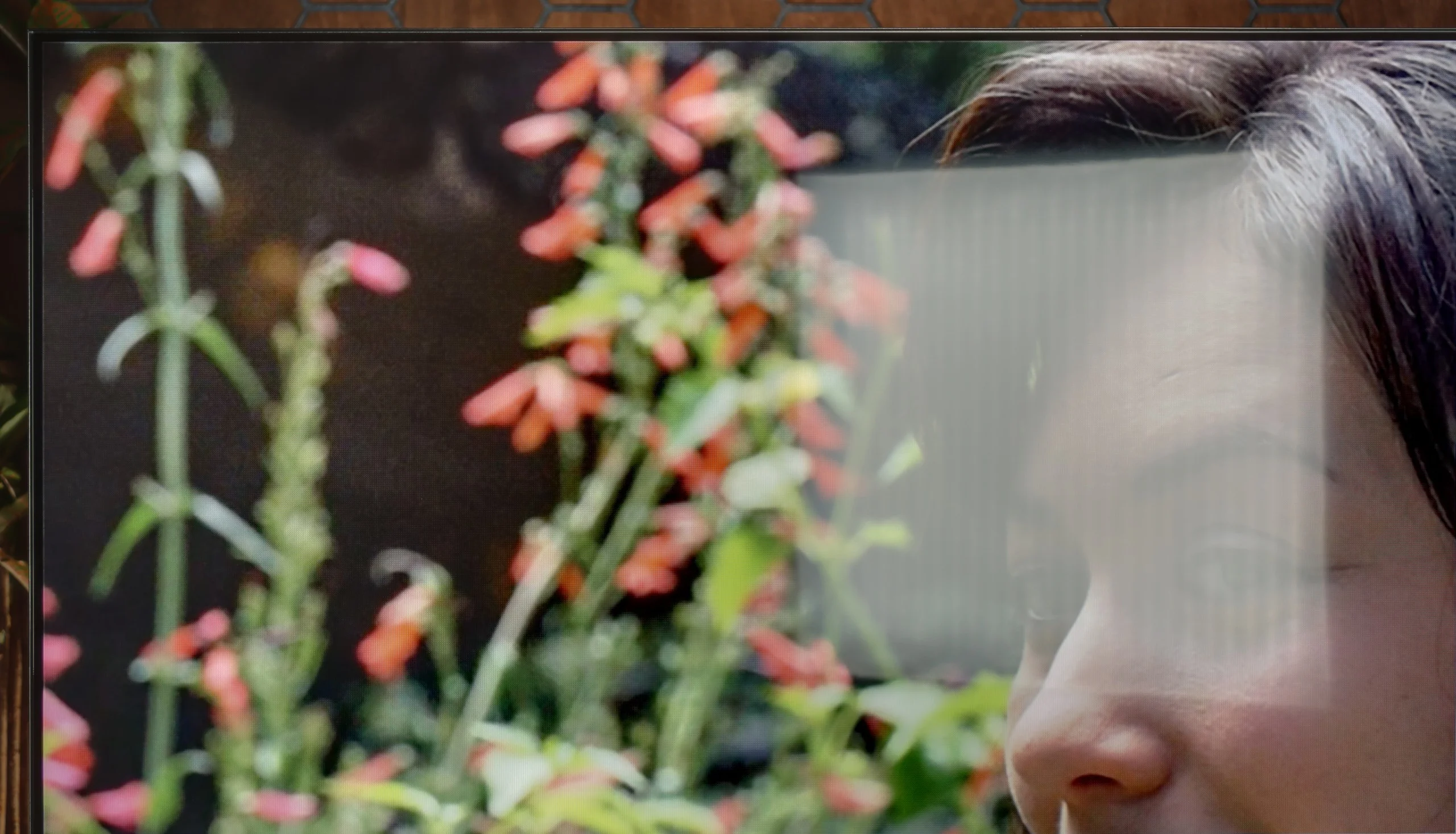
Panel brightness
Philips PQS9011 / PQS9001 (The One 2026): 502 cd/m2
Samsung QLED Q80D: 550 cd/m2
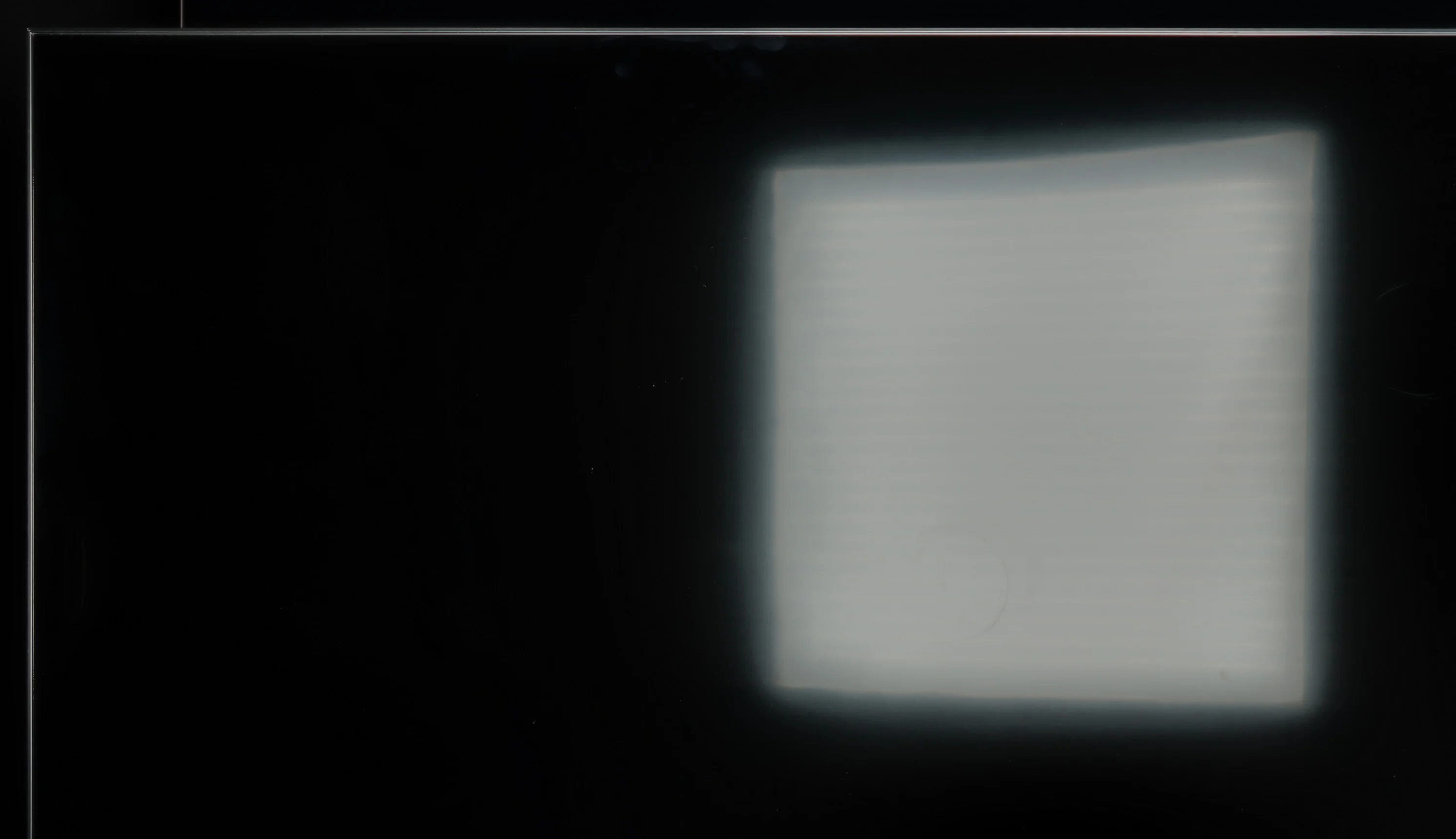
The Samsung Q80D television stands out with very good brightness, averaging 550 nits, which is an impressive result, especially since it maintains this brightness across the entire screen surface. This makes the image clear and well-visible even in bright rooms, which is a big plus when watching television during the day. However, despite the satin coating of the panel, the television struggles somewhat with reducing reflections. In bright lighting conditions, unwanted glares can appear, which may disrupt viewing comfort. This is particularly noticeable when there are light sources in the room directly falling on the screen.
The Philips PQS9001 performs quite well for daytime viewing. The main advantage is a stable brightness of around 500 nits, regardless of how many bright elements appear on the screen. Even when watching winter sports or a scene full of white, the image does not dim. In a typical living room that level is more than enough to watch television comfortably without having to draw the curtains.
The satin finish does a decent job of suppressing reflections, though it does not eliminate them completely. A window opposite the screen will be visible and can be distracting, especially in darker scenes. Black holds up well in daylight, so the picture does not become overly washed out. For everyday viewing, it's therefore quite good, as long as the sun is not shining directly on the screen.
Panel details
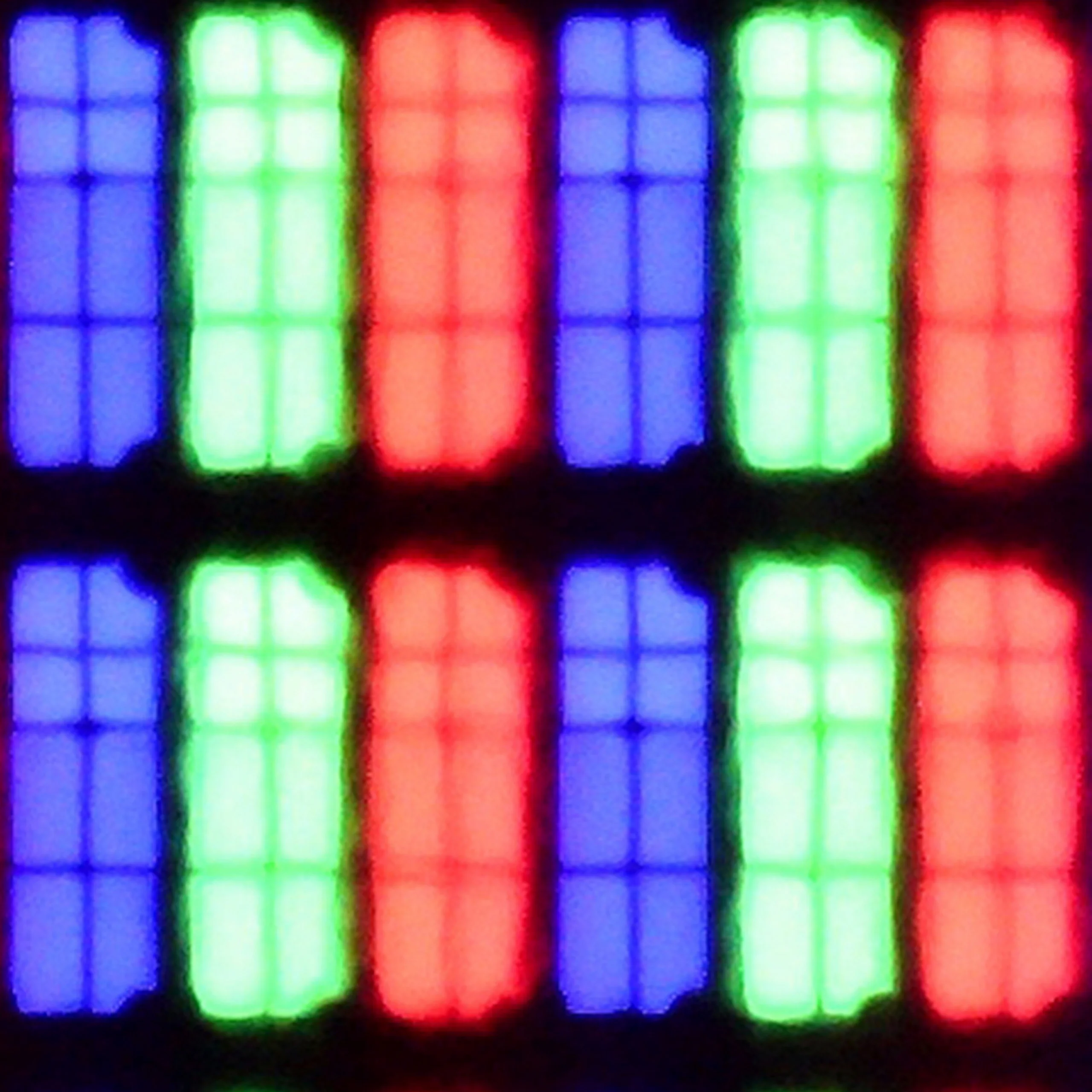
Subpixel Structure:
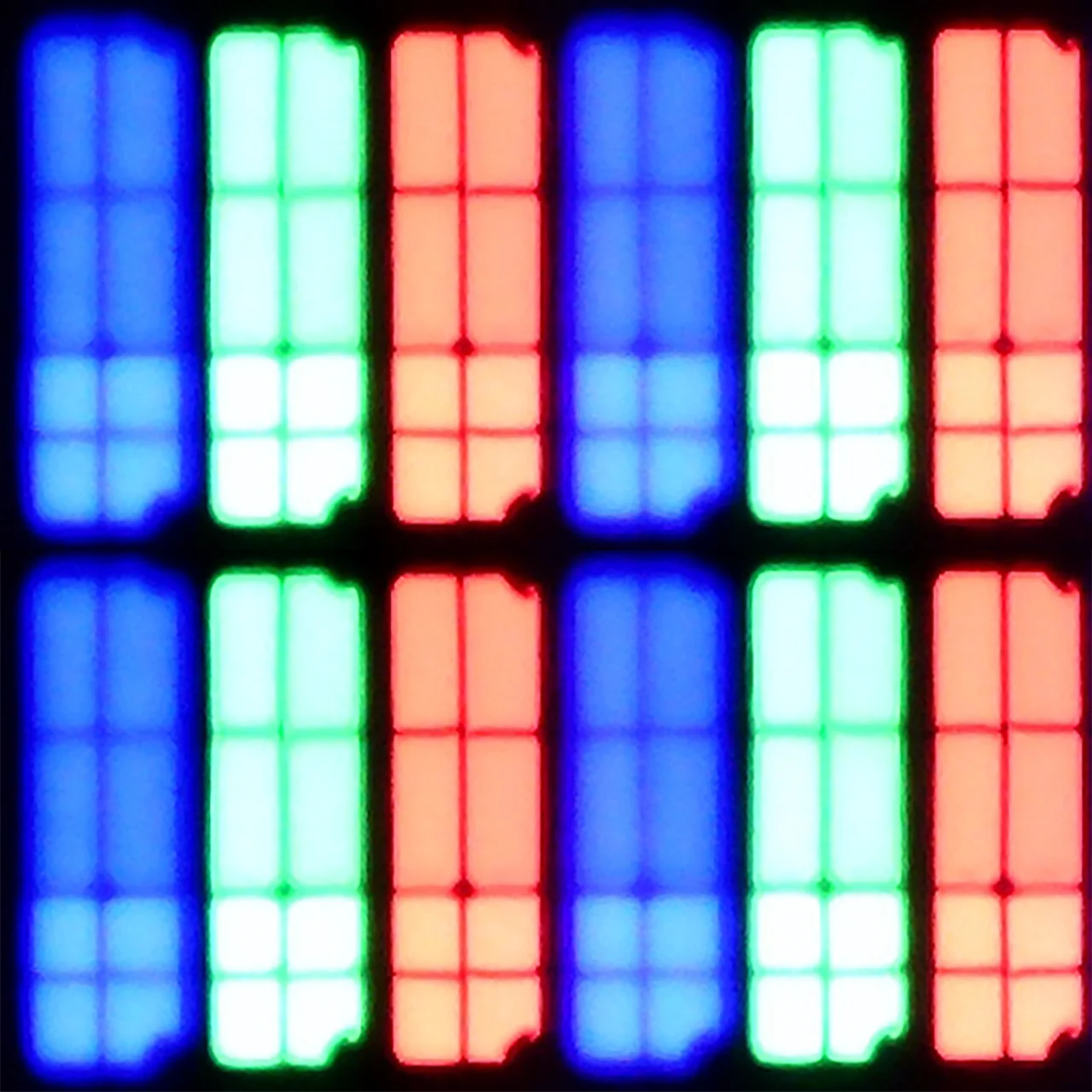
Panel uniformity and thermal imaging:


Samsung QLED Q80D
Philips PQS9011 / PQS9001 (The One 2026)
TV features
8/10
7.6/10
- SystemTizenTitan OS
- System performanceVery goodDecent
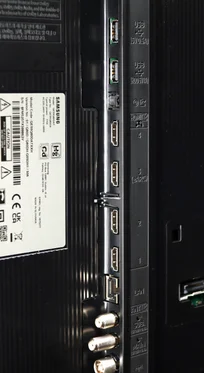
- HDMI inputs0 x HDMI 2.0, 4 x HDMI 2.1 48Gbps0 x HDMI 2.0, 4 x HDMI 2.1 48Gbps
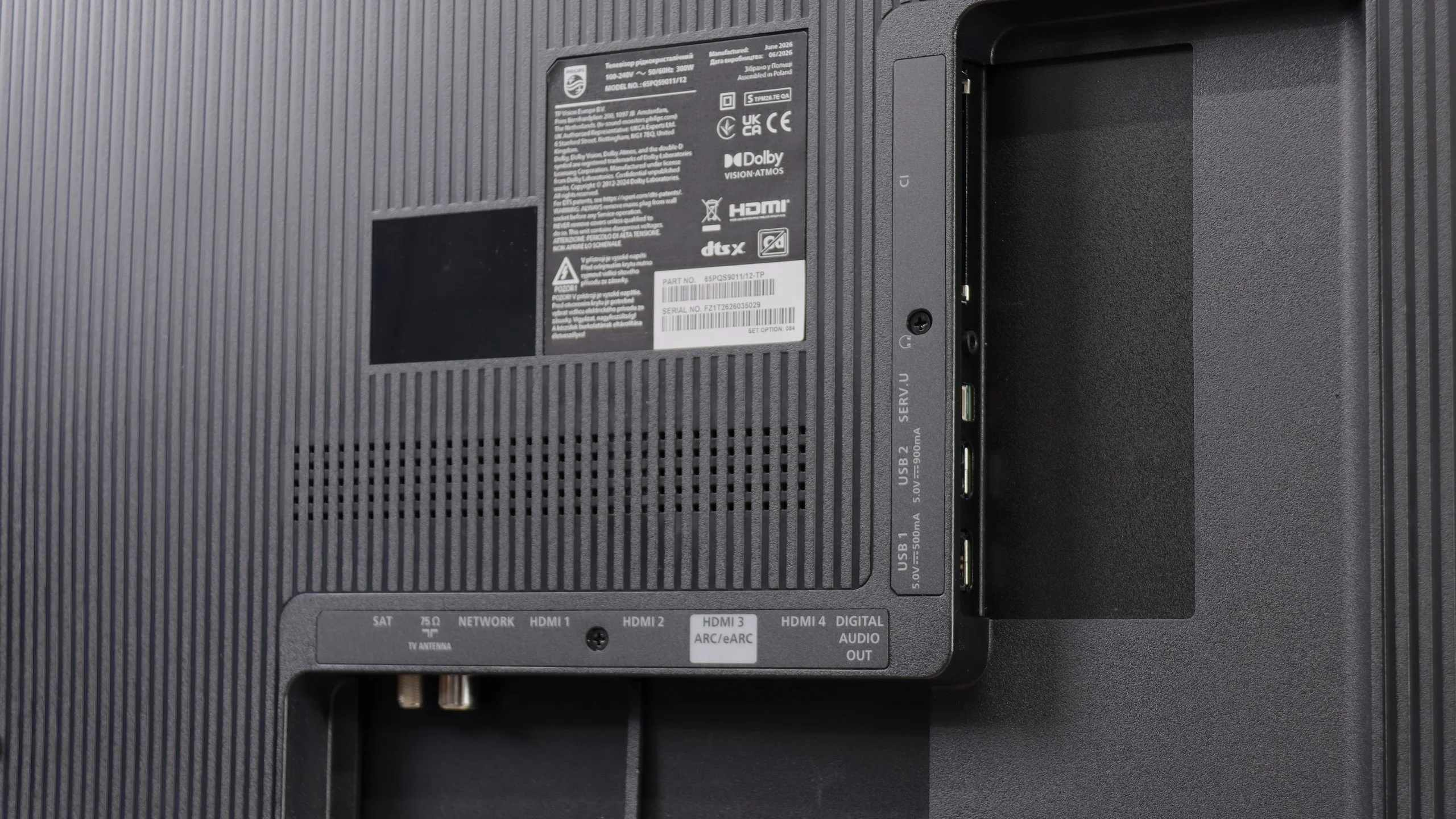
- OutputsToslink (Optical audio), eARC (HDMI), ARC (HDMI)Toslink (Optical audio), eARC (HDMI), ARC (HDMI), Mini-Jack (Headphones)
- Network InterfacesWi-Fi 2.4GHz, Wi-Fi 5GHz, Ethernet (LAN) 100MbpsWi-Fi 2.4GHz, Wi-Fi 5GHz, Ethernet (LAN) 100Mbps
- TV receptionDVB-T, DVB-T2, DVB-S, DVB-S2, DVB-CDVB-T, DVB-T2, DVB-S, DVB-S2, DVB-C
Classic features:
- Recording to USB (terrestrial TV)
- Recording programming
- Picture in Picture (PiP)
- RF remote control (no need to aim)
- Backlit remote control
- Teletext
- Audio only mode
- Bluetooth headphones support
- Simultaneous Bluetooth headphones & TV audio
Smart features:
- AirPlay
- Screen mirroring (Windows Miracast)
- Voice search
- Voice search in native language
- Ability to connect a keyboard and mouse
Sound connection options
- HDMI audioeARC (HDMI), ARC (HDMI)eARC (HDMI), ARC (HDMI)
- Other audio outputsToslink (Optical audio)Toslink (Optical audio), Mini-Jack (Headphones)
- Wireless audioBluetoothBluetooth
Supported audio formats (external HDMI eARC audio):
- Dolby Digital Plus 7.1
- Dolby True HD 7.1
- Dolby Atmos in Dolby Digital Plus (JOC)
- Dolby Atmos in Dolby True HD
- DTS:X in DTS-HD MA
- DTS-HD Master Audio
Senior accessibility
- Numeric keyboard on TV
- Font size adjustment
- Audio description
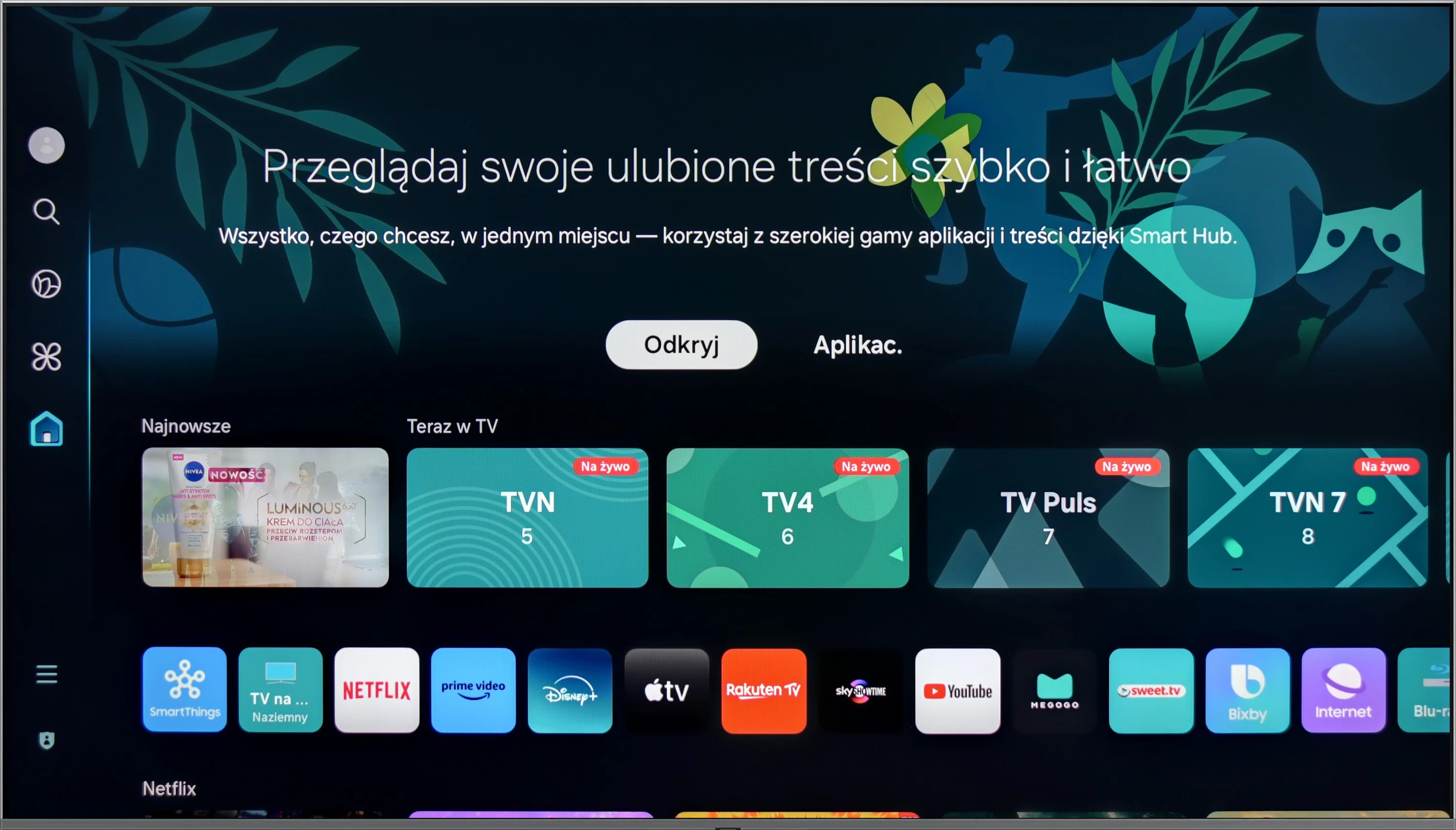
The Samsung Q80D television offers a range of features that significantly enhance user comfort. The Tizen system is an advanced platform that provides users with an intuitive and smooth experience. Thanks to its user-friendly interface, navigation through apps and settings is quick and easy. Tizen supports a rich set of applications, including popular streaming services, allowing access to a wide variety of entertainment content without the need for additional devices, with the novelty for 2024 being support for the Polish language. It is also worth mentioning the solar remote, which is not only eco-friendly but also convenient for everyday use. The solar cell remote can easily control other devices such as home cinemas, decoders (e.g. Canal+), or game consoles, which poses quite a challenge for other manufacturers. Returning to the console, Samsung Q80D offers several features that may appeal to gamers. Above all, the television supports VRR (Variable Refresh Rate) technology, which allows for smoother game displays, eliminating issues like tearing and stuttering. Additionally, due to its low input lag, gaming reactions are quick and precise. The Samsung Q80D is also equipped with a Game Bar function, which allows quick access to key gaming settings without the need to exit the game. From this level, we can check and adjust parameters such as VRR, input lag, frames per second (FPS), as well as screen ratios or sound settings. This enables gamers to continuously optimise their experiences by adjusting settings to the current gameplay needs. The television supports AirPlay, allowing for easy content streaming from Apple devices, and enables connection to various Bluetooth devices, such as mice or headphones, increasing its versatility. The only downside that can be considered is the lack of support for USB recording and the fact that the Q80D unfortunately does not support the DTS audio format. This means that if we have content encoded in this format, the device will not be able to correctly playback the audio track. This could pose a problem for those using Blu-ray discs or multimedia files that often use DTS to provide high-quality surround sound. To achieve full audio experiences, it may be necessary to use an external player or soundbar that supports this format.
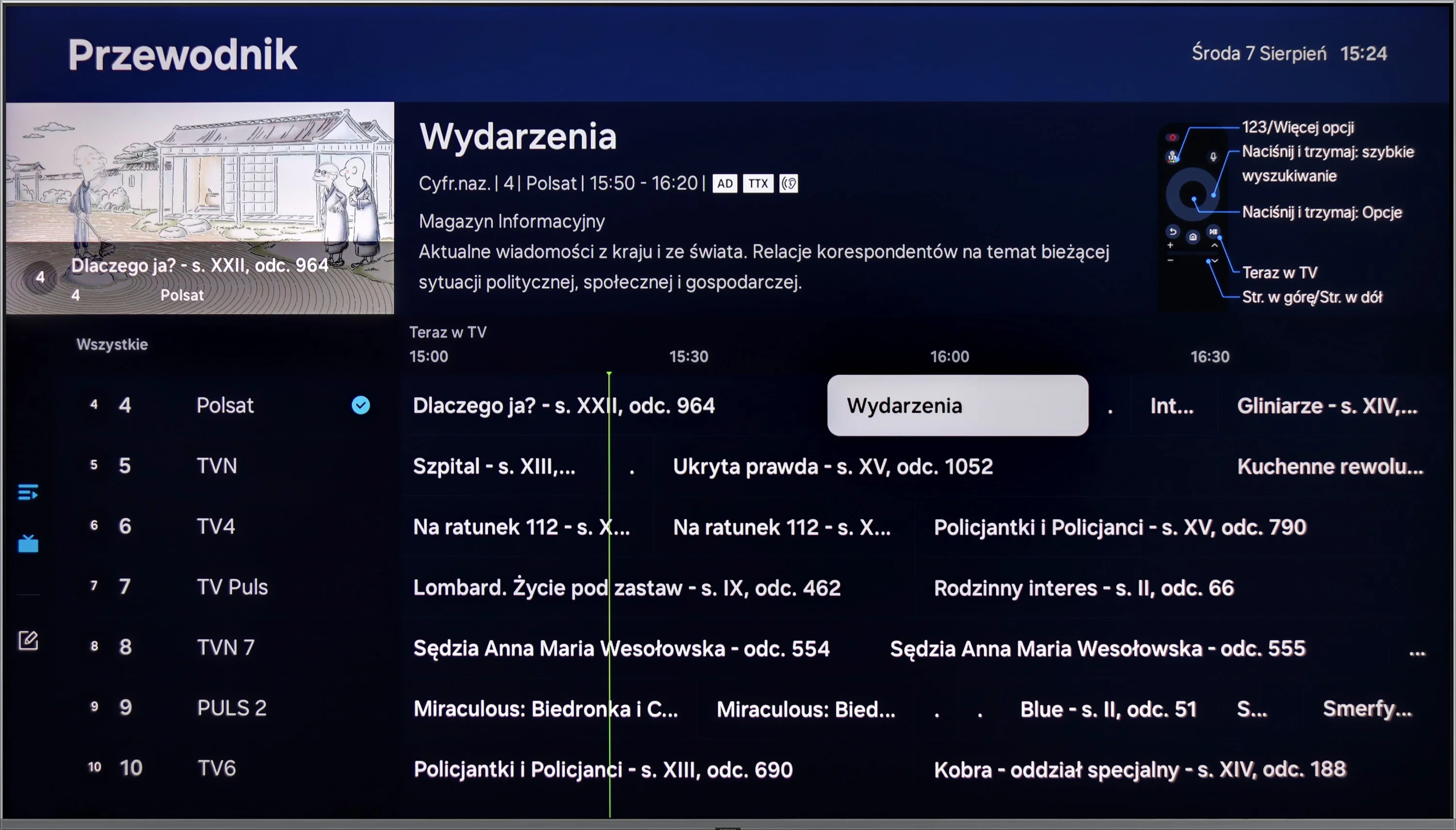
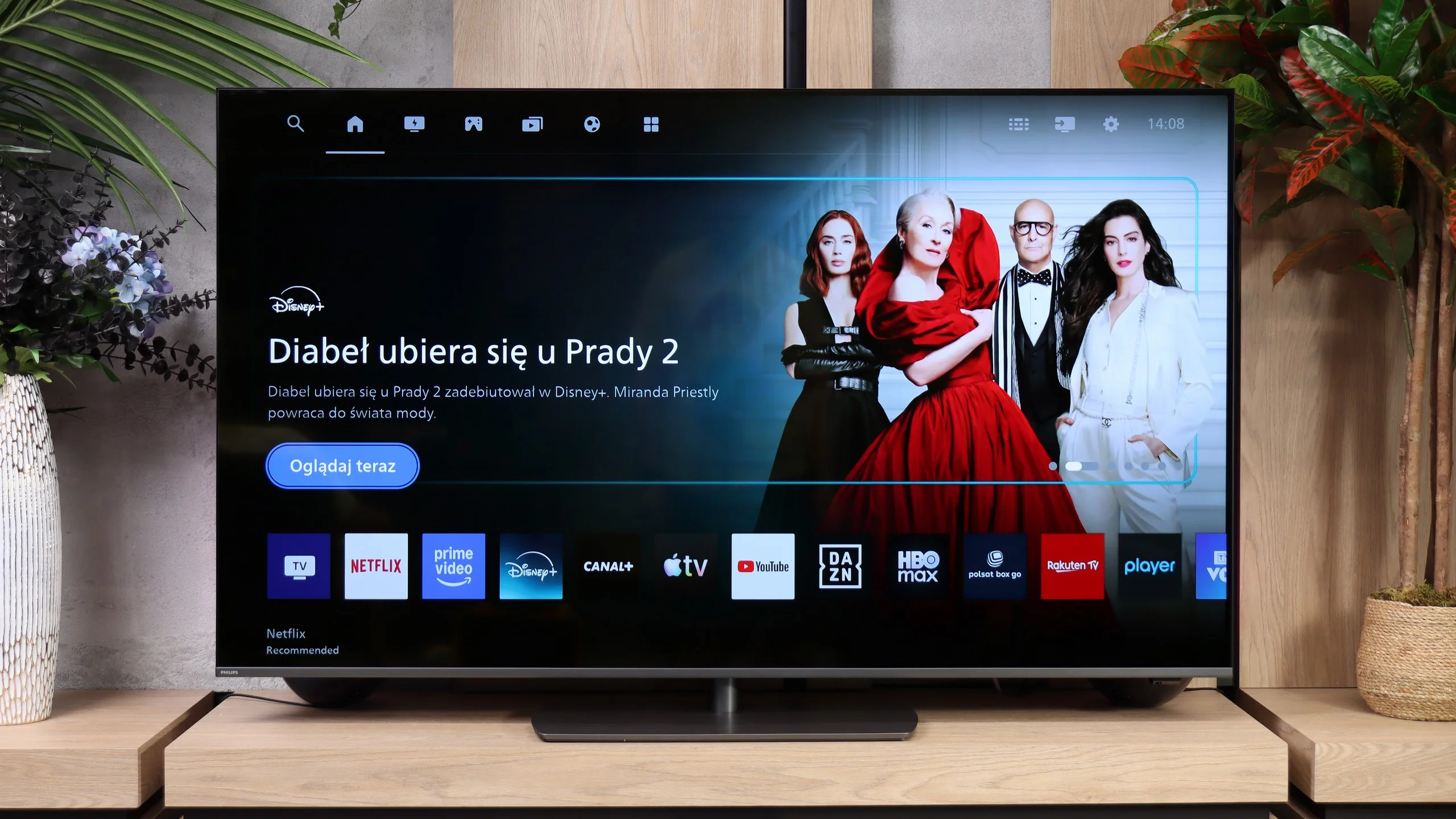
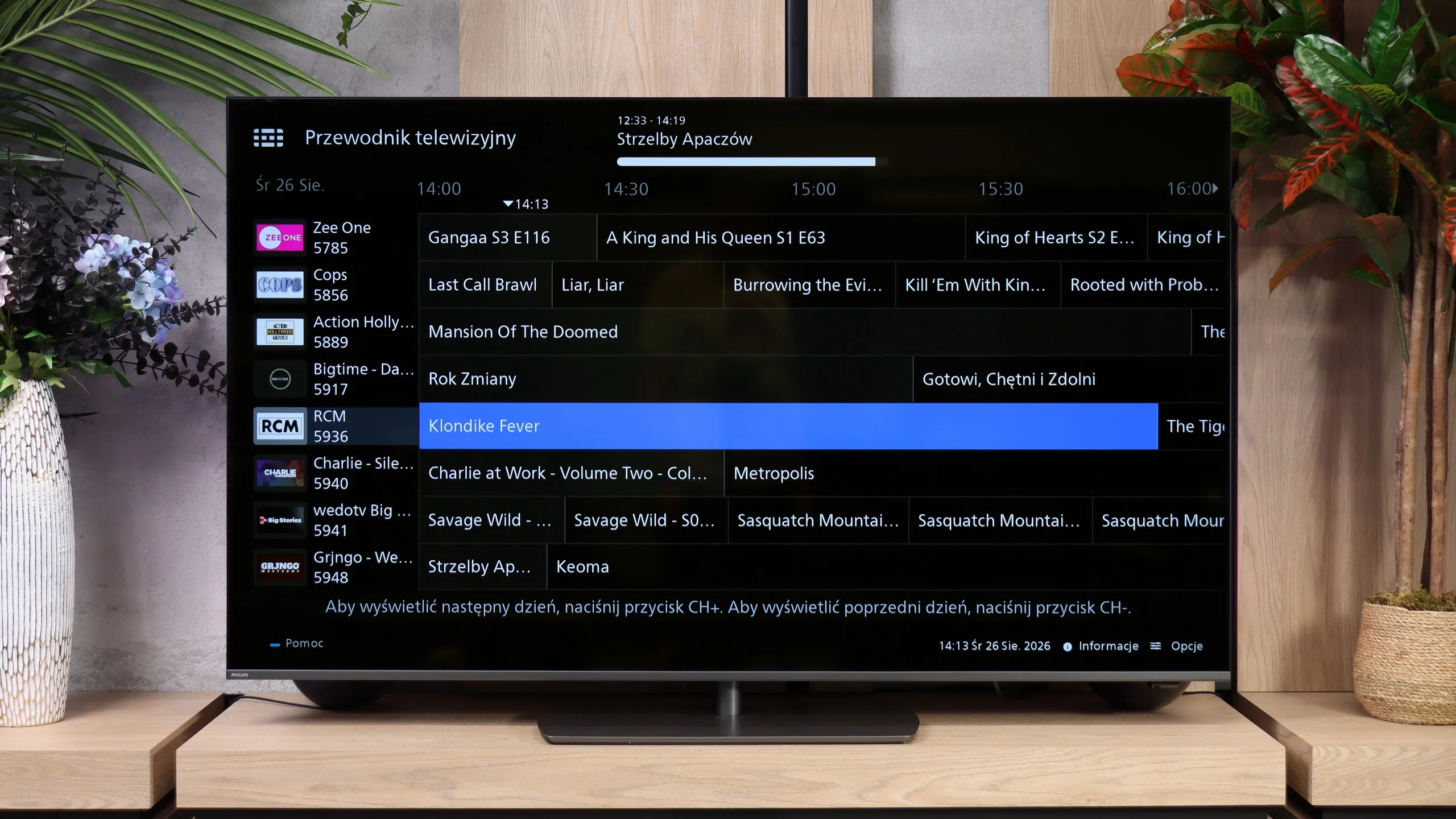
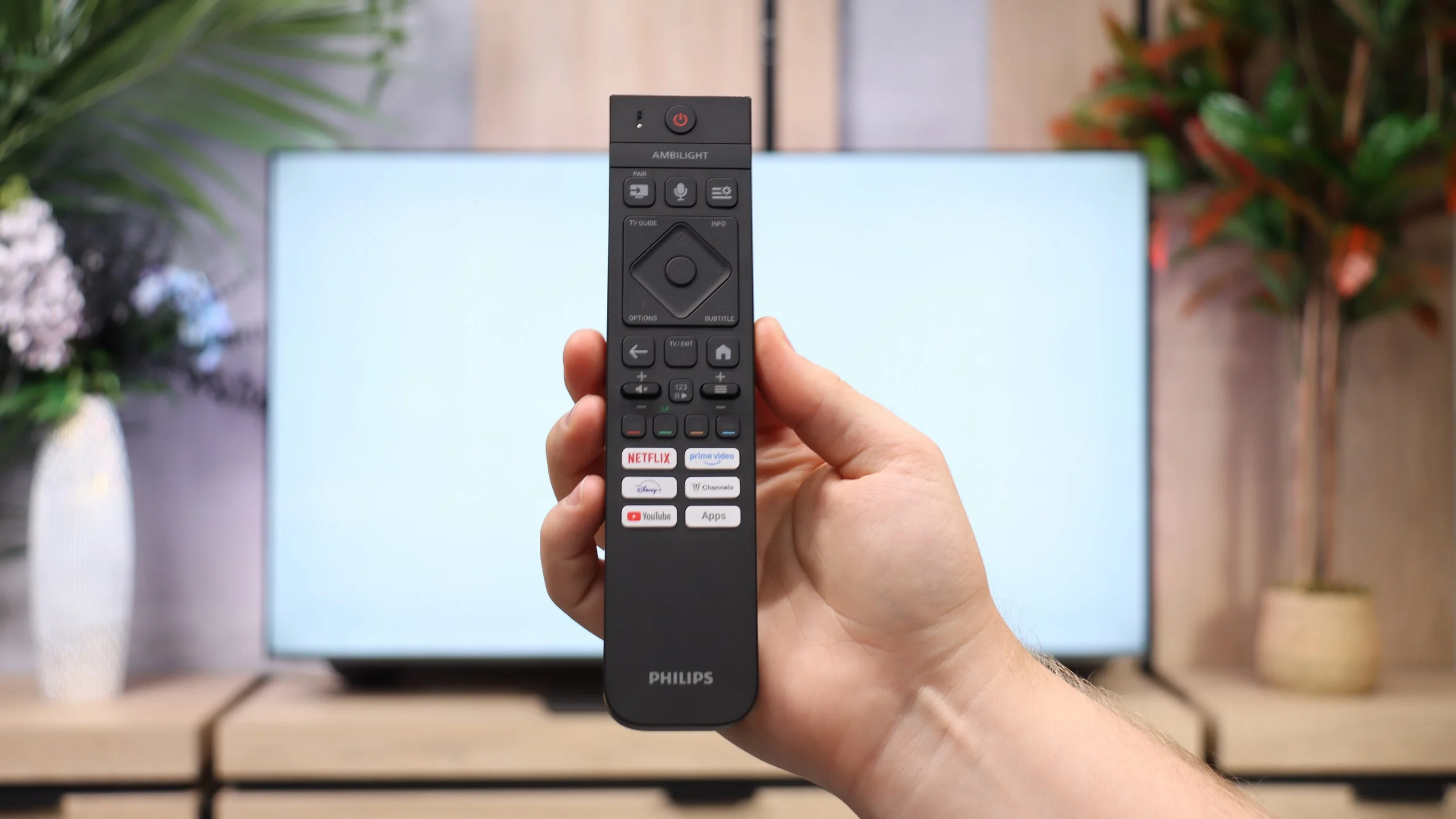
Titan OS in this year’s The One shows that Philips has worked on its system. Compared with last year’s version many small details and functions that previously did not behave as they should have been fixed. Now you can use AirPlay without problems, stream the picture from a computer via Miracast or search for something by voice in Polish. The system itself runs decently, though it is certainly not among the fastest. The app library has also grown, with Netflix, Prime Video, Disney+, CANAL+, Apple TV and YouTube available. The selection is still smaller than on Google TV, but when using popular services Titan gives fewer reasons to complain. Everyday convenience has improved in the basic features as well. You can connect Bluetooth headphones and listen through them at the same time as the TV’s speakers, and there is a mode that lets you switch the screen off and leave only the audio playing. USB recording and picture-in-picture (PiP) are missing. What’s most disappointing is the remote — despite its backlit buttons it still controls the TV via infrared, so you have to point it at the screen. The system has gained many useful tweaks, but that part of the operation has stayed the same and can be irritating in daily use.
Apps
9.3/10
7.2/10






















Playing files from USB
9.1/10
8.6/10
Supported photo formats:
Maximum photo resolution:
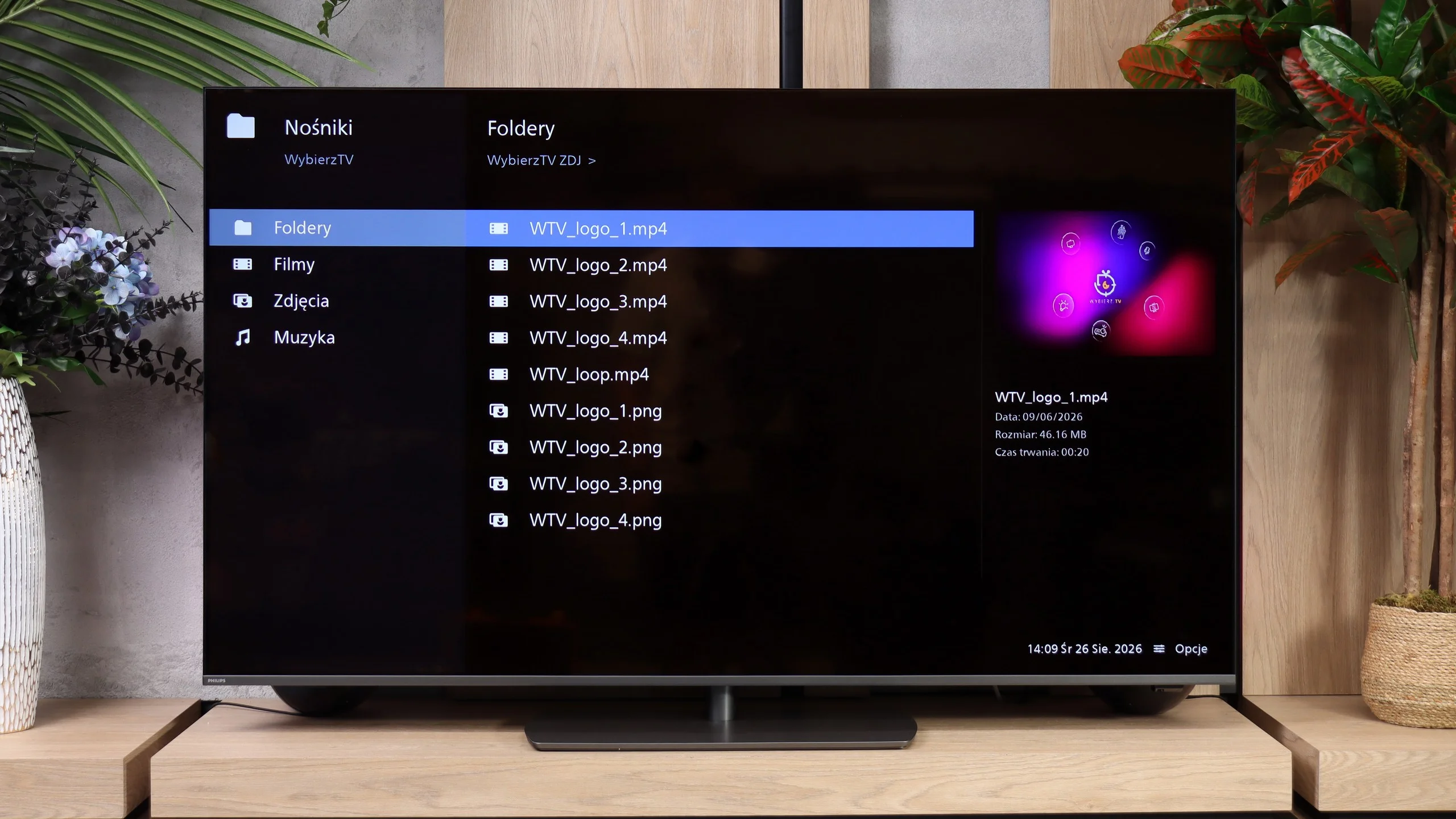
The built-in player in the Samsung Q80D television is definitely one of its strong points. It handles almost all video and audio files we used in our tests exceptionally well. The only exceptions are the Dolby Vision format, which is not surprising, and less popular codecs. Additionally, it is worth noting the support for Polish characters and the ability to customise font colours. On the downside, the television performs somewhat worse with photo formats, as it only supports JPEG from the popular options, lacking support for formats like PNG or Apple HEIC.
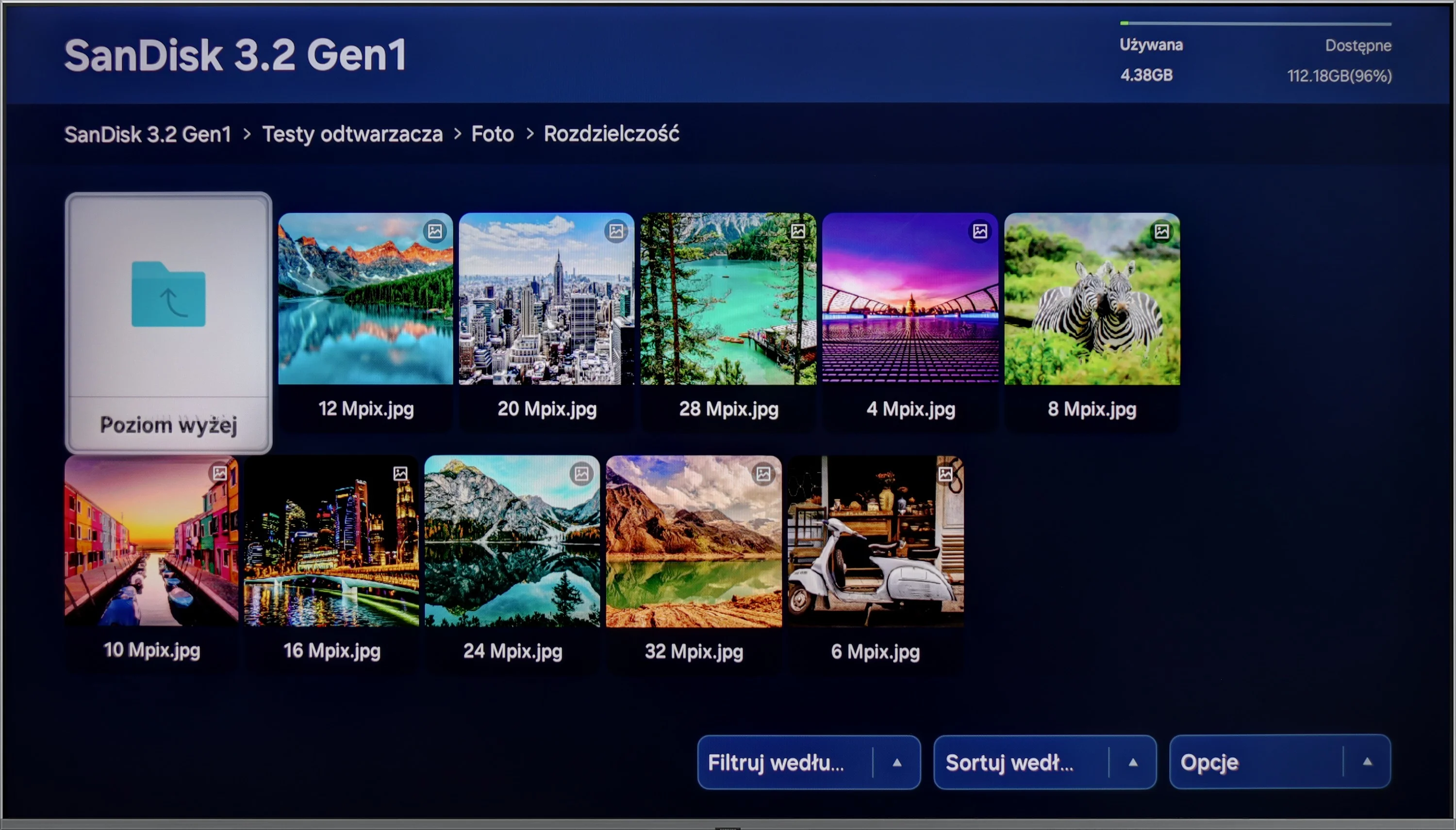
The built-in USB player works quickly and smoothly and handles most of the files we tested without a problem. Music playback is good, from popular MP3s to FLAC files, including 96 kHz/24-bit. It's perfectly adequate for everyday playback of media from a USB stick. However, our main reservations again concern photo handling. The player is rather selective about image resolution: it opened our 8, 16 and 32 MP files, but failed with, among others, 4, 12 and 24 MP files. It's hard to see the logic in that when a larger photo works but a smaller one doesn't. That can be irritating when browsing holiday photos.
Sound
6.6/10
6.9/10
- Maximum volume-96dB
- Dolby Digital Plus 7.1
- Dolby True HD 7.1
- Dolby Atmos in Dolby Digital Plus (JOC)
- Dolby Atmos in Dolby True HD
- DTS:X in DTS-HD MA
- DTS-HD Master Audio
The Samsung Q80D television is equipped with a decent audio system boasting 40W power in a 2.2 configuration, providing quite good sound experiences. This system supports all popular Dolby codecs, allowing for the use of advanced audio formats while watching films or playing games. However, it is worth noting one drawback: the television does not support DTS functionality. Nonetheless, this lack can be circumvented by connecting an external audio system, which can significantly enhance sound quality and provide a more immersive audio experience. Additionally, Samsung offers a wide portfolio of soundbars that can be integrated with the television, as well as the Q-Symphony system, which allows for the synchronisation of sound between the television and the soundbar.
The Philips PQS9001 has a 2.0 audio system with a total power output of 40 W, which is two 10 W drivers on each side. It performs quite well and noticeably better than most budget TVs. There's plenty of volume, but the sound itself lacks depth. The biggest issue is the lack of low bass, so explosions in films and the heavier parts of music don't have the proper weight.
Higher frequencies aren't reproduced evenly either. Measurements show a clear dip around 2 kHz, a boost at 6-7 kHz and a drop above roughly 8 kHz. This can emphasise sibilant consonants and give the sound an edge, despite the roll-off of the highest treble. It's adequate for everyday viewing, but for films and music it's worth considering additional audio equipment, all the more so given that the TV supports surround sound formats, including Dolby Atmos and DTS. A compatible soundbar or AV receiver will make better use of those formats than the built-in speakers.
Sound Quality Test
No sound test video
Acoustic Measurements
No acoustic data
96dBC (Max)
75dBC
Reader comments
Comments are provided by the external service Disqus (Zeta Global). Once loaded, Disqus may set cookies and process data about your activity.
We will remember your choice on this device. Provider's privacy policy