 Direct comparison
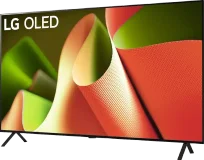
LG OLED B4 is an exceptionally versatile device in the semi-premium category. For how else could one describe an OLED television that is so well-priced, and whose price, as history shows, will quickly fall? Ideal blacks and contrast are two things that inevitably mesmerise, and we are certain that anyone who has owned a device with this panel will not be able to return to LCD units. The brightness results of the television in HDR content may seem rather low; however, in this case, thanks to this particular panel, they will appear optically much higher. It is worth noting their stability and uniformity in practically every scene. In this case, a minor downside is the brightness of a full-frame shot filled with a large amount of white. However, we do not believe this to be a serious problem, as there are not many such instances anyway. The factory colour reproduction also deserves praise, which in our specimen is very decent, but one cannot help but remember how beneficial calibration has been for the image, allowing the director's intentions to be conveyed fully. LG B4 will be an excellent choice for all kinds of gamers, as well as sports enthusiasts. The former will certainly appreciate the rich support in the form of all the conveniences stemming from the HDMI 2.1 standard. Meanwhile, the latter will benefit from the advanced motion smoothing with multi-step adjustments. And lastly, one cannot overlook the convenience provided by the remote control with a built-in gyroscope, allowing it to function like a mouse. The WebOS system, which we will navigate, is extremely smooth and responsive. It offers a multitude of applications, which will be more than sufficient for the vast majority of users. The heart of the LG B4 television is the advanced Alpha processor, responsible for the smoothness of the image and advanced signal analysis. In summary: who is the LG OLED B4 for? It is the perfect device for those expecting the highest possible image quality within a given budget, but not only that. The LG B4 stands out significantly above its competition at this price point, which cannot offer such high-quality images.
- Matching (Score) |
- Our verdict |
- TV appearance |
- Where to buy |
- Contrast and black detail |
- HDR effect quality |
- Factory color reproduction |
- Color reproduction after calibration |
- Smoothness of tonal transitions |
- Image scaling and smoothness of tonal transitions |
- Blur and motion smoothness |
- Console compatibility and gaming features |
- Input lag |
- Compatibility with PC |
- Viewing angles |
- Daytime performance |
- Panel details |
- TV features |
- Apps |
- Playing files from USB |
- Sound
B46 / B42 / B43

PQS9011 / PQS9001 / the one 2026
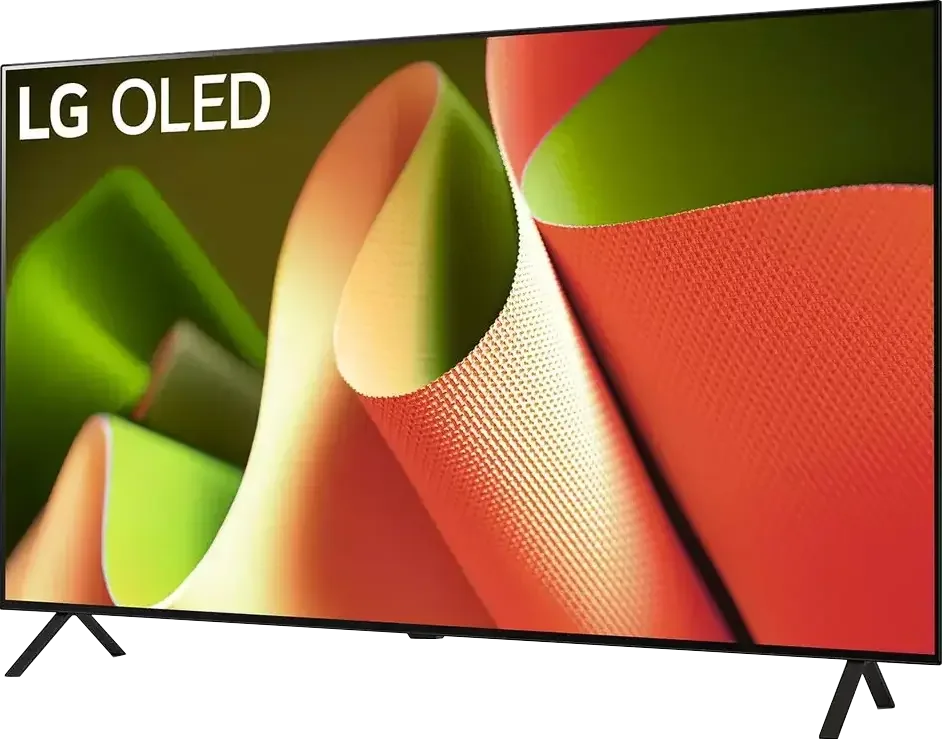
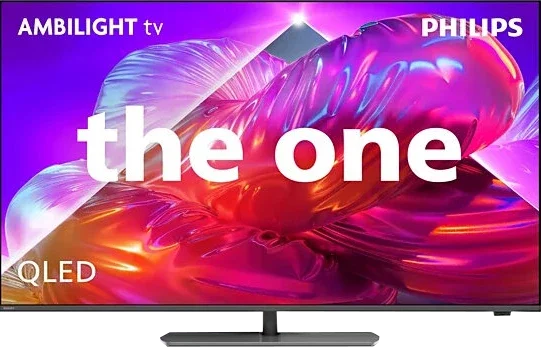
Panel type: WRGB OLED
Resolution: 3840x2160
System: WebOS
Model year: 2024
Panel type: LCD VA
Resolution: 3840x2160
System: Titan OS
Model year: 2026
Check how well they match your needs
Take the surveyOverall rating
8.1
6.8
 Movies and series in UHD quality
8.1
6.4
 Classic TV, YouTube
8.8
6.3
 Sports broadcasts (TV and apps)
8.6
6.8
 Gaming on console
9.3
7.4
 TV as a computer monitor
7.6
8.6
 Watching in bright light
5.7
6.1
 Utility functions
8.9
7.6
 Apps
9.1
7.2
 Sound quality
7.1
6.9
Complete the survey to find out what fits your preferences
Advantages

Reference colour mapping after calibration
Very good image compliance with the director's intentions
Excellent compatibility with consoles and PCs
Advanced motion smoothing system
Deep and vivid image
Advanced WebOs system and "mouse" remote control
Ambilight, which gives evening viewing sessions a distinctive atmosphere and improves the perceived native contrast of the VA panel
Excellent panel response time: minimal motion blur of moving objects
Many gaming features: four HDMI 2.1 ports, VRR, ALLM, HGiG
144 Hz refresh at 4K and 240 Hz at Full HD from a PC
Good coverage of a wide colour gamut: PFS LED
Dolby Vision, which genuinely helps the TV with HDR content
Respectable brightness of around 500 nits, useful for daytime viewing
Swivelling base
Disadvantages

Visible tonal transitions
No local dimming: average blacks in the evening and limited HDR effect
Smaller app library than the competition
Poor viewing angles (can be mitigated with a swivel stand)
Very high input lag in games with Dolby Vision
Significant errors in HDR colour reproduction (no CMS adjustment available)
Infrared remote requiring direct aiming
Our verdict
The idea behind The One has hardly changed over the years and with the Philips PQS9001 this is both a strength and its biggest drawback. You still get a versatile mid-range television whose main distinguishing feature is Ambilight. The light that follows the picture can change the atmosphere of an evening viewing and for many people will be the main reason to buy it. It's easy to see why: once you like that effect, you often don't want to go back to watching without it. The picture quality itself is good, but a very similar level has been seen in this series in previous years. The VA panel delivers decent blacks, colours are nicely saturated and the brightness is sufficient for comfortable viewing in a typical living room. It's a pity, though, that Philips didn't take another step and at least implement some form of local dimming. In a dark room you can see a navy-black rather than true black, and HDR, though noticeable, is less impressive as a result. After so many years of The One on the market we'd expect more.
There is a clear step forward in Titan OS. Compared with last year, and especially the version from two years ago, the system has become much more pleasant to use. A few apps have been added, many small functions improved and the annoying bugs we complained about before have been fixed. Overall it runs respectably, although we're again bothered by a remote that has to be pointed at the television. Philips stubbornly sticks with infrared for basic control, even though voice control uses radio connectivity. That makes it harder to understand why radio wasn't also used for menu navigation. The One also has a lot to offer gamers. Four HDMI 2.1 ports and extensive features are one thing, but what impressed us most was the panel's response time. Our unit showed virtually no smearing, even on dark backgrounds, which is rare for LCD TVs with a VA panel. That deserves considerable praise. The ability to play in 4K at 144 Hz or in Full HD at 240 Hz further encourages connecting a PC. Unfortunately there's an unfinished element here too: Dolby Vision when gaming on Xbox incurs very high input lag.
The PQS9000 therefore leaves mixed impressions. It can surprise with excellent motion handling and shows that Philips has worked on the system, but the image quality lacks a similar step forward. This is a television we can recommend primarily to Ambilight fans. If that lighting is what convinces you to choose Philips, buying The One makes a lot of sense. It's worth checking, though, whether you can't find a Mini LED model with good local dimming at a similar price, which would offer deeper blacks and more striking HDR. Then you need to decide what matters more to you: the ambience created by Ambilight or better image quality itself.
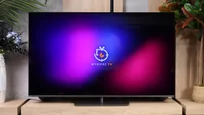
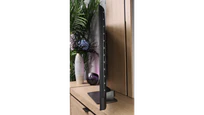
TV appearance
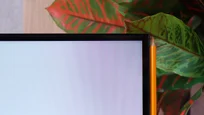
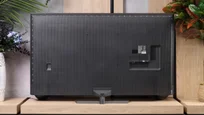

Contrast and black detail
10/10
5.8/10
Local dimming function: No
Contrast:


Result
∞:1

Result
∞:1

Result
∞:1

Result
∞:1

Result
∞:1
Result
5,500:1
Result
3,950:1
Result
5,600:1
Result
5,750:1
Result
4,500:1
Halo effect and black detail visibility:
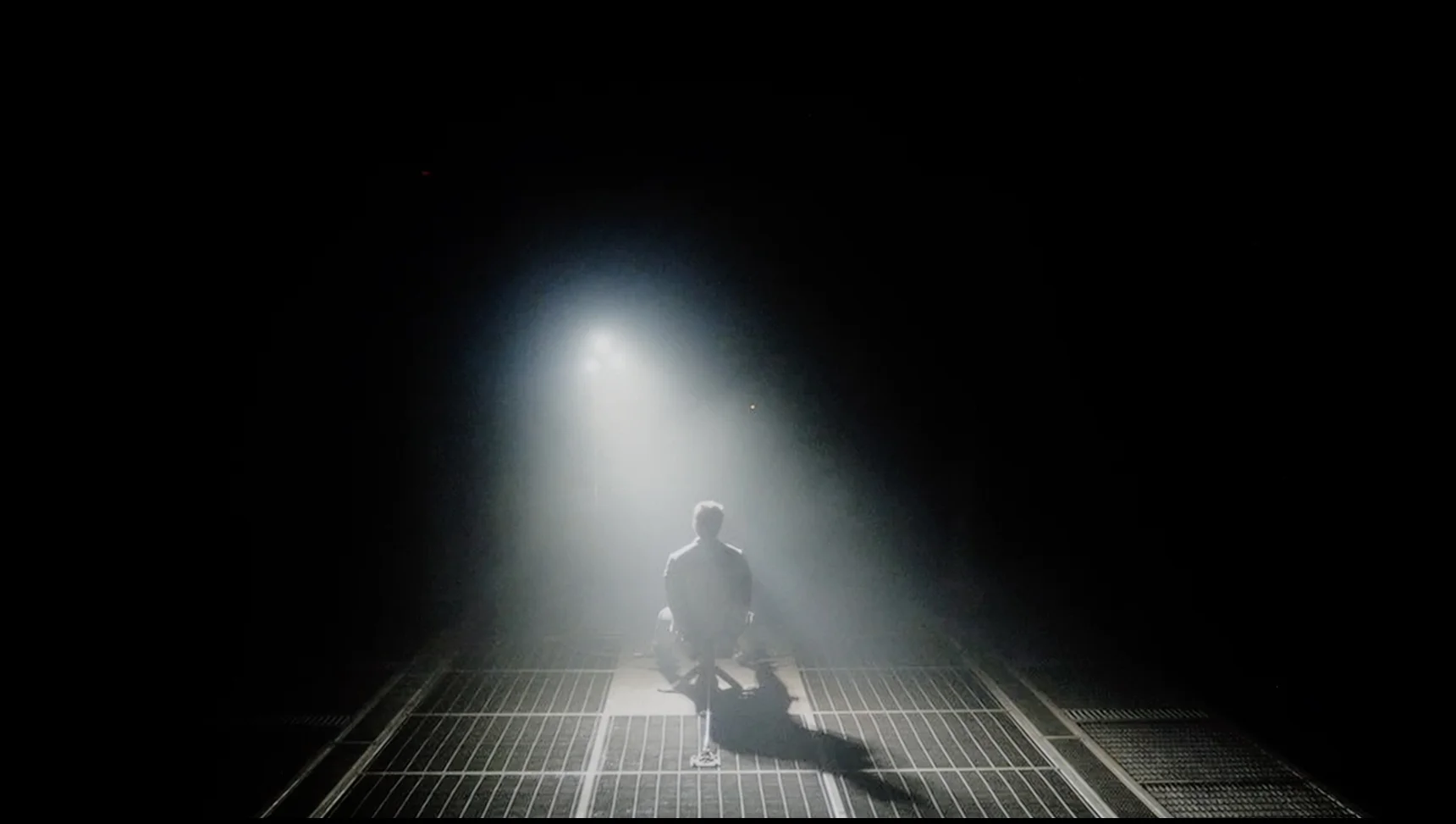
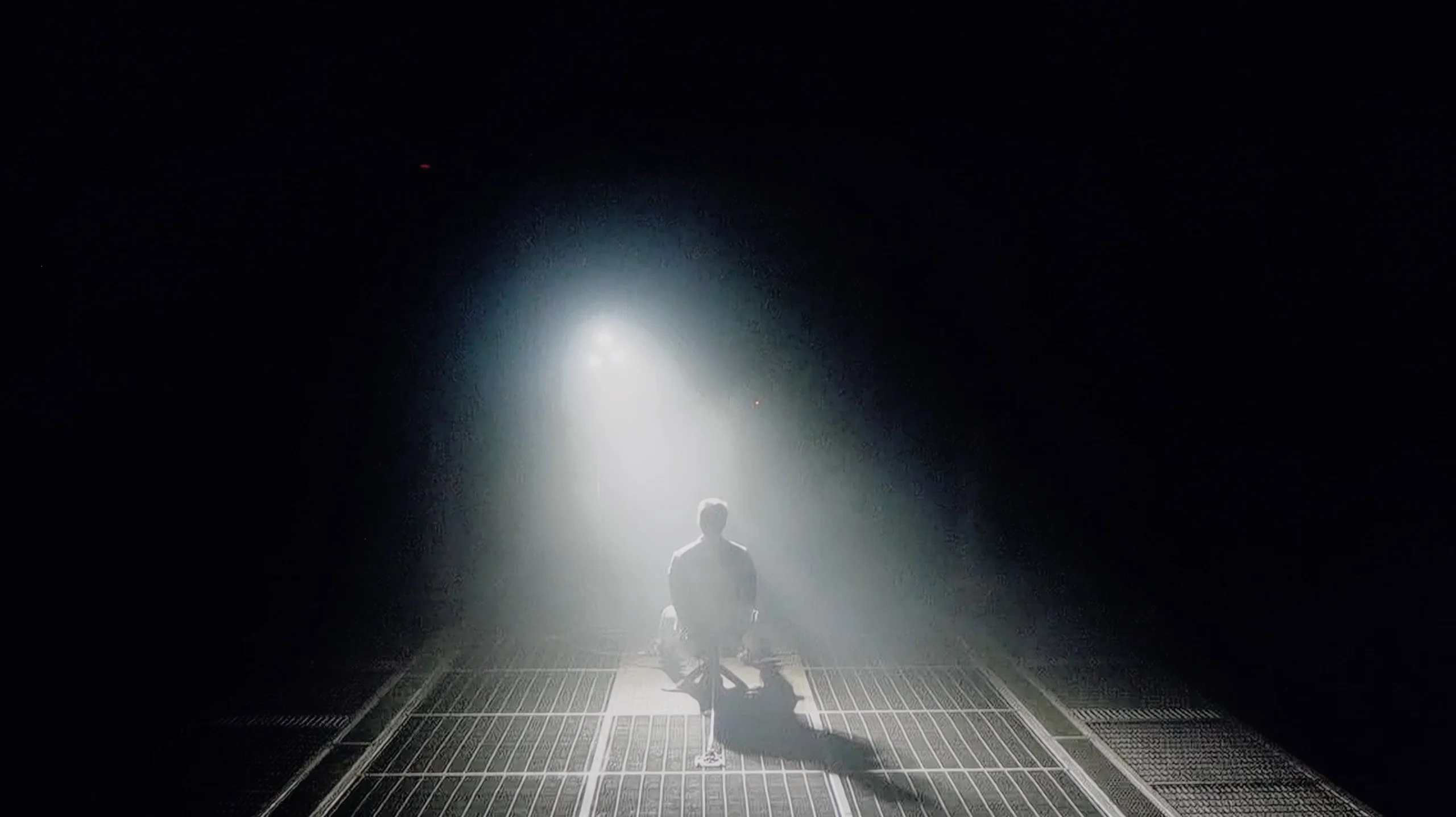
Check the visibility of bright lights on a dark background. Mini-LEDs often struggle with this. The photo does not compare black levels – that’s what the video below is for.
The video accurately shows differences in contrast and black levels between TVs, as well as potential issues: halo around bright objects or Mini-LED zone operation visible as brightness jumps.
LG B4 uses OLED panels produced by LG Displays. The use of this type of panel provides us with perfect contrast and black levels. With such conditions, the picture is incredibly vivid and one might even get the impression that it is three-dimensional. The series of the manufacturer with the letter "B" has always been an ideal solution for those seeking very good picture quality while not wanting to pay extra for features that are only available in higher series. Therefore, these models have become something of a dark horse in this price range, as their advantageous pricing primarily competes with Mini LED televisions. It is not difficult to say that these models have won these battles due to the absence of characteristic flaws associated with LCD receivers with multi-zone backlighting, such as blooming/halo effects or dimming of images containing fine bright details. And as we can see in the test scenes from the films "Oblivion" and "Sicario 2," the fidelity is at the highest level. Looking at the first one, we see a spectacular play of lights that, despite their brightness, are perfectly separated from one another. Even a more challenging scene with a helicopter poses no problem for LG B4, showcasing a wealth of details and a unique colour grading specific to this title.
Black levels and contrast on the Philips PQS9000 are decent for an LCD TV without local dimming. That's mainly thanks to the VA panel; in our film scenes contrast often exceeded 5000:1, and in weaker results dropped to around 4000:1. That delivers an image with quite good depth and a clear advantage over typical IPS panels, where blacks are much more prone to looking grey. Unfortunately that's basically where the panel's strengths end. The TV has no local dimming, so it can't dim dark areas separately while retaining strong highlights elsewhere on the screen. All it has is global dimming, which brightens or dims the entire backlight at once. In a completely dark room these limitations become apparent: blacks take on a dark navy hue, and shadowy scenes lack the depth of a good screen with local dimming. Fortunately Ambilight helps here. The light on the wall makes the on-screen blacks appear deeper and slightly masks the panel's glow. That doesn't change the TV's actual contrast, but it affects how our eyes perceive it. In this case Ambilight is therefore not just decorative, as it can also make evening viewing more pleasant.
HDR effect quality
6.3/10
5.5/10
Luminance measurements in HDR:

Result
664 nit

Result
650 nit

Result
677 nit

Result
662 nit

Result
410 nit
Result
449 nit
Result
467 nit
Result
487 nit
Result
486 nit
Result
507 nit
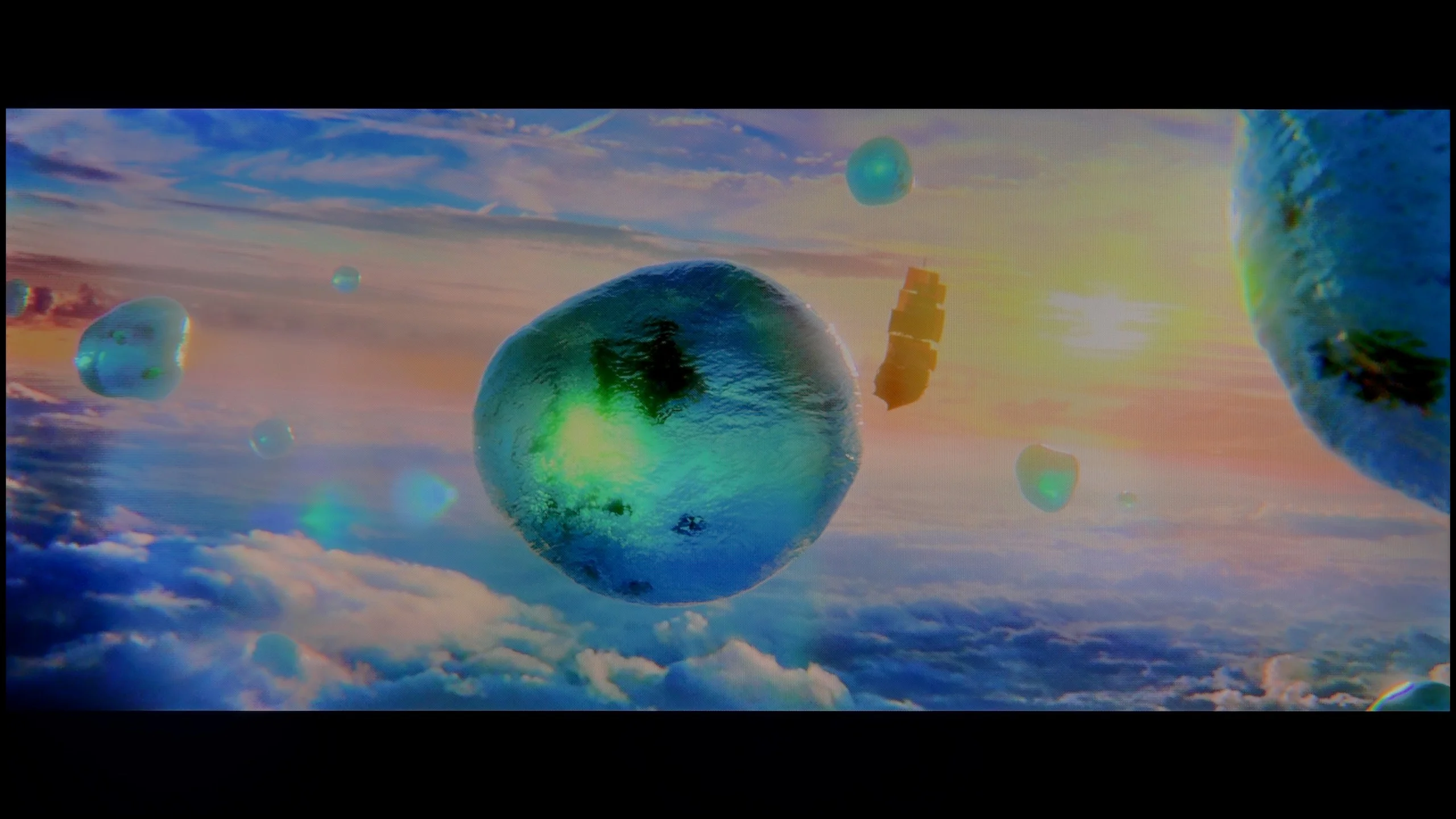
Scene from the movie “Pan” (about 2800 nits)

Scene from the movie “Billy Lynn” (about 1100 nits)
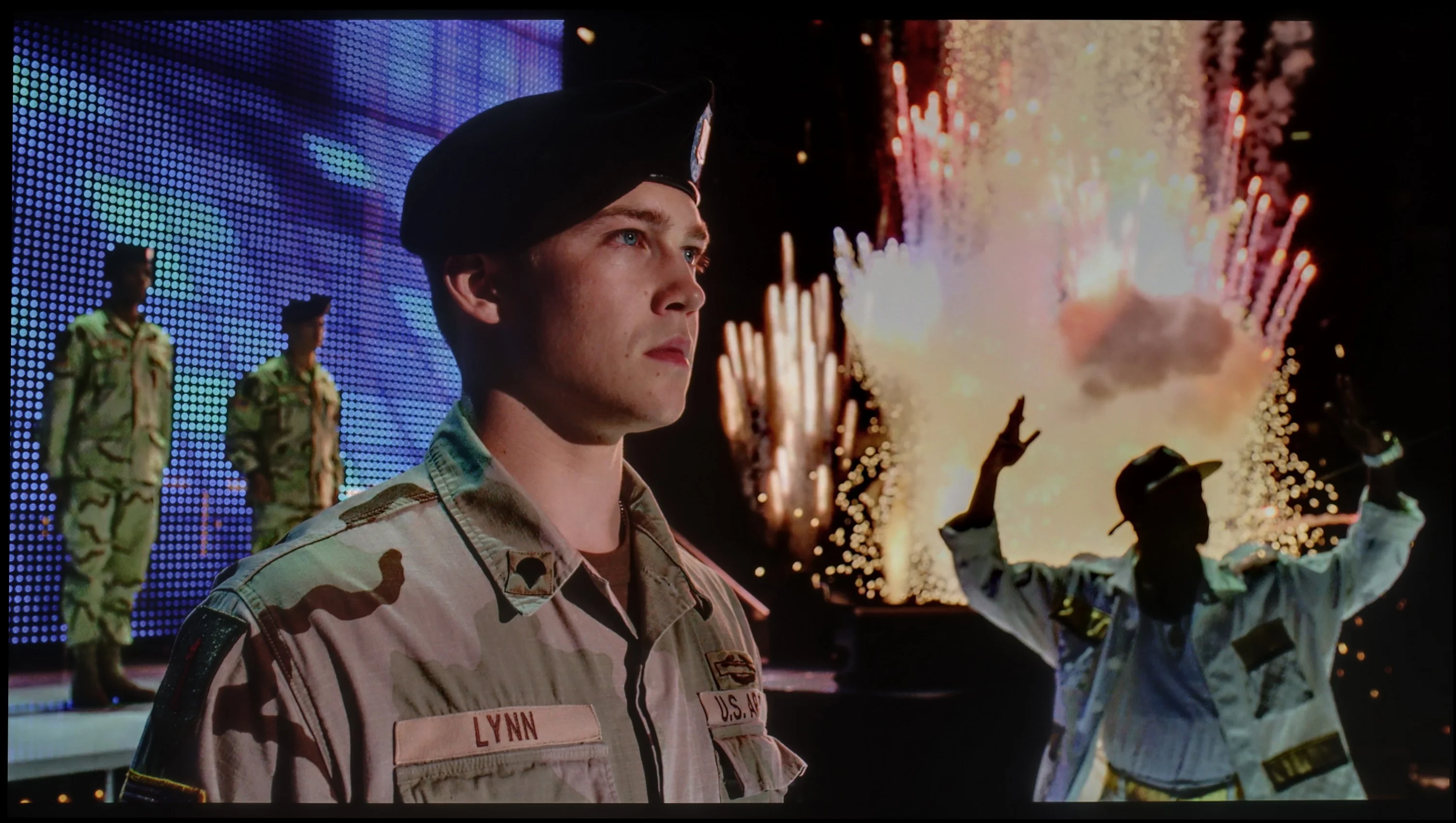
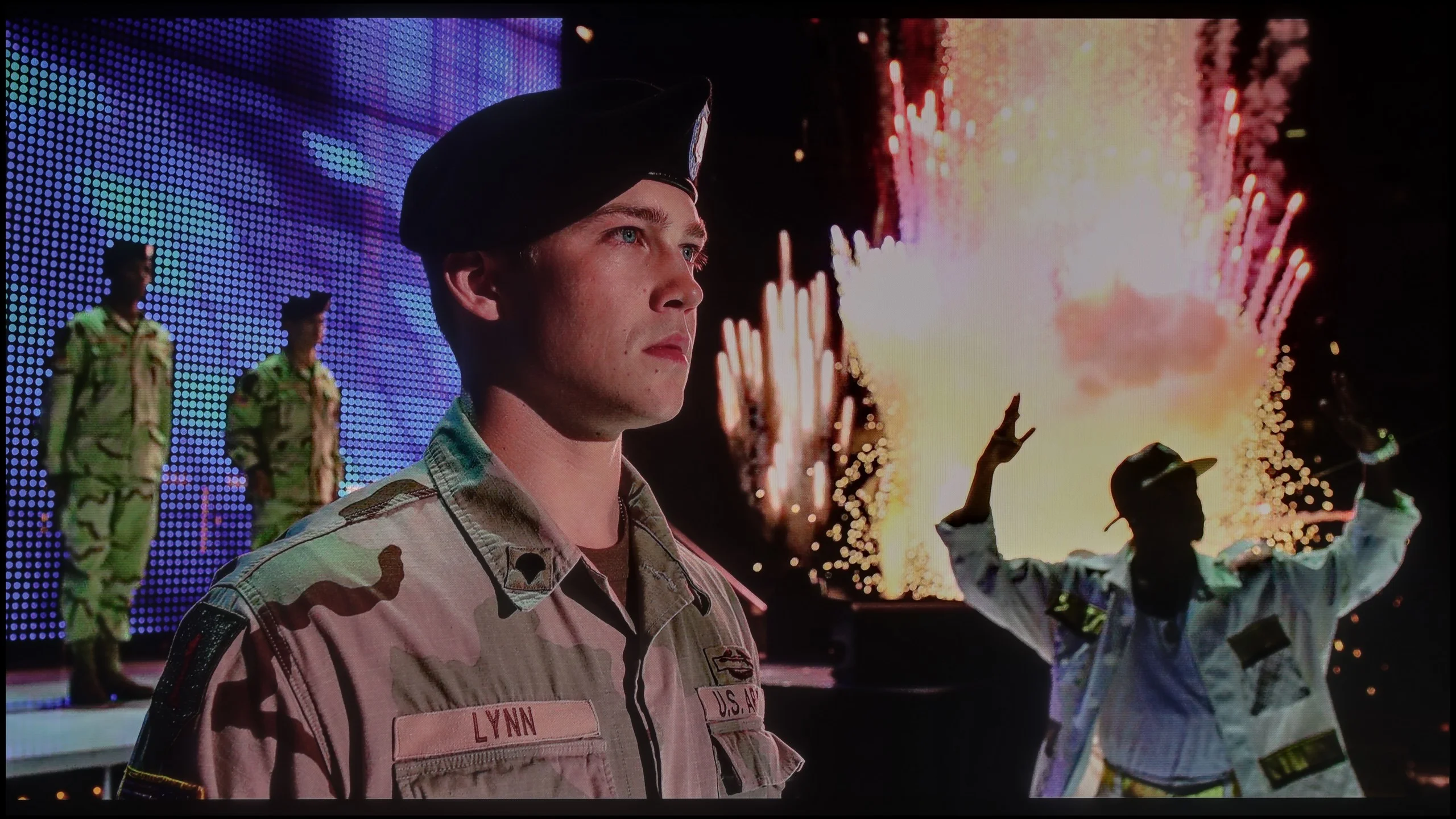
The photos show two HDR10 movies. 'Pan' is one of the brightest productions ever made, while 'Billy Lynn' (soldier) has brightness typical of streaming (Netflix, Prime, HBO MAX). Notice the intensity of effects and detail in whites.
Static HDR10


The photos present the visibility of white details in various HDR formats. They do not show brightness differences between TVs (these can be compared in the previous gallery).
Dynamic: Dolby Vision
Dynamic: Dolby Vision


The photos present the visibility of white details in various HDR formats. They do not show brightness differences between TVs (these can be compared in the previous gallery).
HDR luminance chart:
Philips PQS9011 / PQS9001 (The One 2026)
LG 55 B4
Luminance of RGB colors
The brightness results in HDR materials for LG B4 are very good. It is true that none of them exceed 1000 nits, although the stability of luminance is excellent and looks practically the same in every scenario. The only moment where the tested television performs worse is the last of the scenes, although this should not be surprising. Large frames filled with a lot of white have always been, and probably will continue to be, somewhat of a weakness for OLED televisions. However, the combination of perfect contrast, black levels, and brightness of LG B4 allows for a full experience of the HDR effect. Additionally, the incredibly high coverage of the DCI-P3 colour gamut deserves recognition, reaching 99%. This makes the colours look incredibly vivid and striking.
Philips PQS9000 is a moderately bright TV. In our HDR scenes it reached roughly 450 to just over 500 nits. That's enough to notice a difference compared with SDR. Reflections of the sun, lamps or flares have a bit more sparkle than on basic TVs, whose brightness often tops out around 300 nits. However, it is not a level at which bright elements make a particularly strong impression. The biggest limitation remains contrast. Without local dimming, when the TV brightens a bright object it also raises the black level around it. There is therefore no clear separation of strong highlights from a dark background, and it is that contrast that can show what HDR can do. The PQS9000 offers more than the cheapest models, but despite decent brightness the effect remains fairly basic.
Colours
Philips deserves praise for the colours. Although the manufacturer calls this model QLED, in reality a PFS phosphor is used here instead of quantum dots. That choice does not prevent the TV from achieving good results. On both test patterns and in measurements of film scenes we recorded about 94% coverage of DCI-P3 and 75% of BT.2020. For this class of TV that is really good. In practice this means that the vast majority of colours used in HDR films and series will have appropriate saturation. Vibrant green or intense red are not much of an issue and add appeal to the picture. Limitations are easier to notice in some games and in rarer content that use the most saturated shades of the wide BT.2020 gamut. In such situations, displays with wider colour coverage, such as SQD or RGB LED, can show more. In its price bracket, however, the PQS9000 has nothing to be ashamed of.
Factory color reproduction
8.4/10
5.1/10
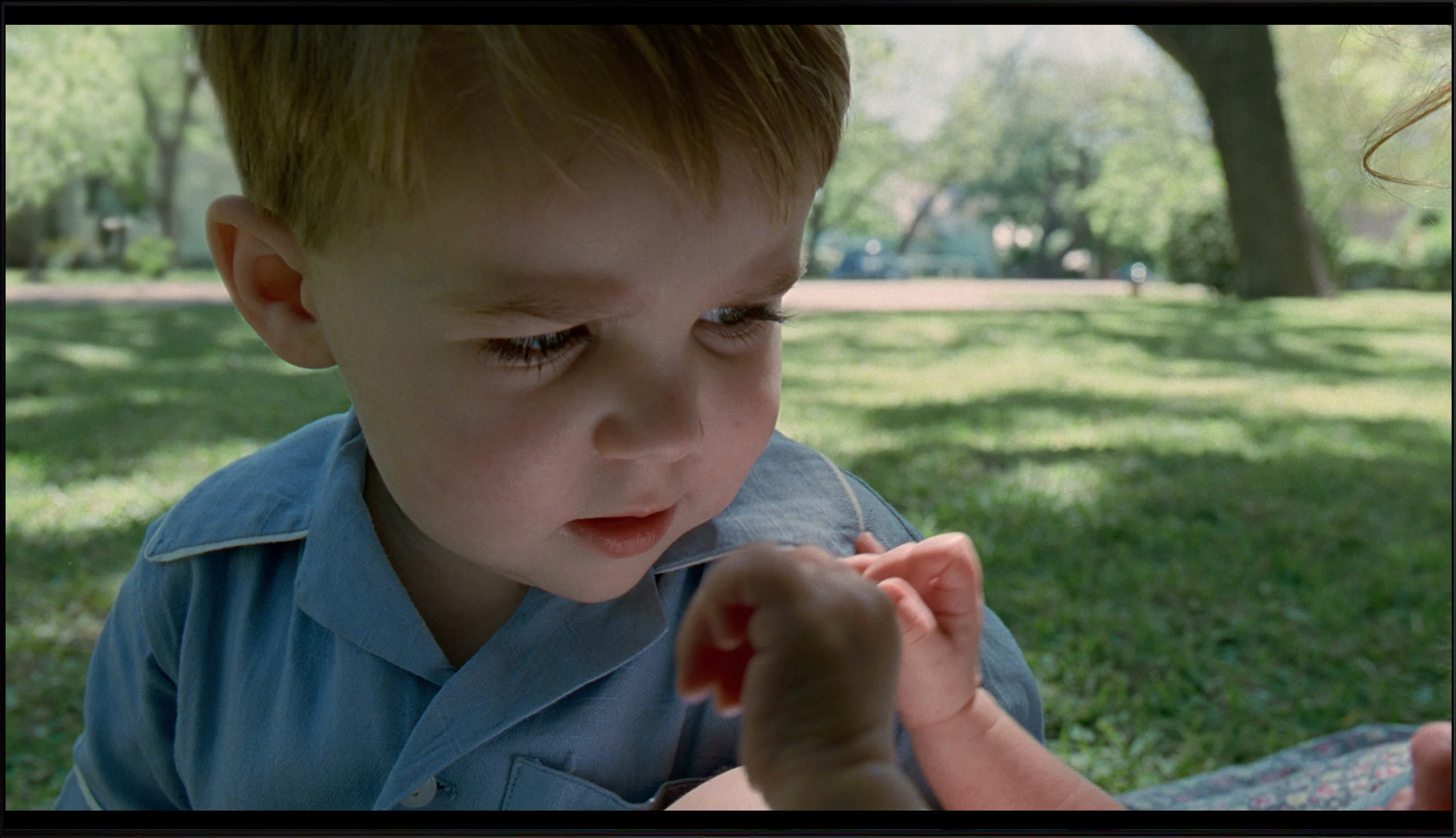
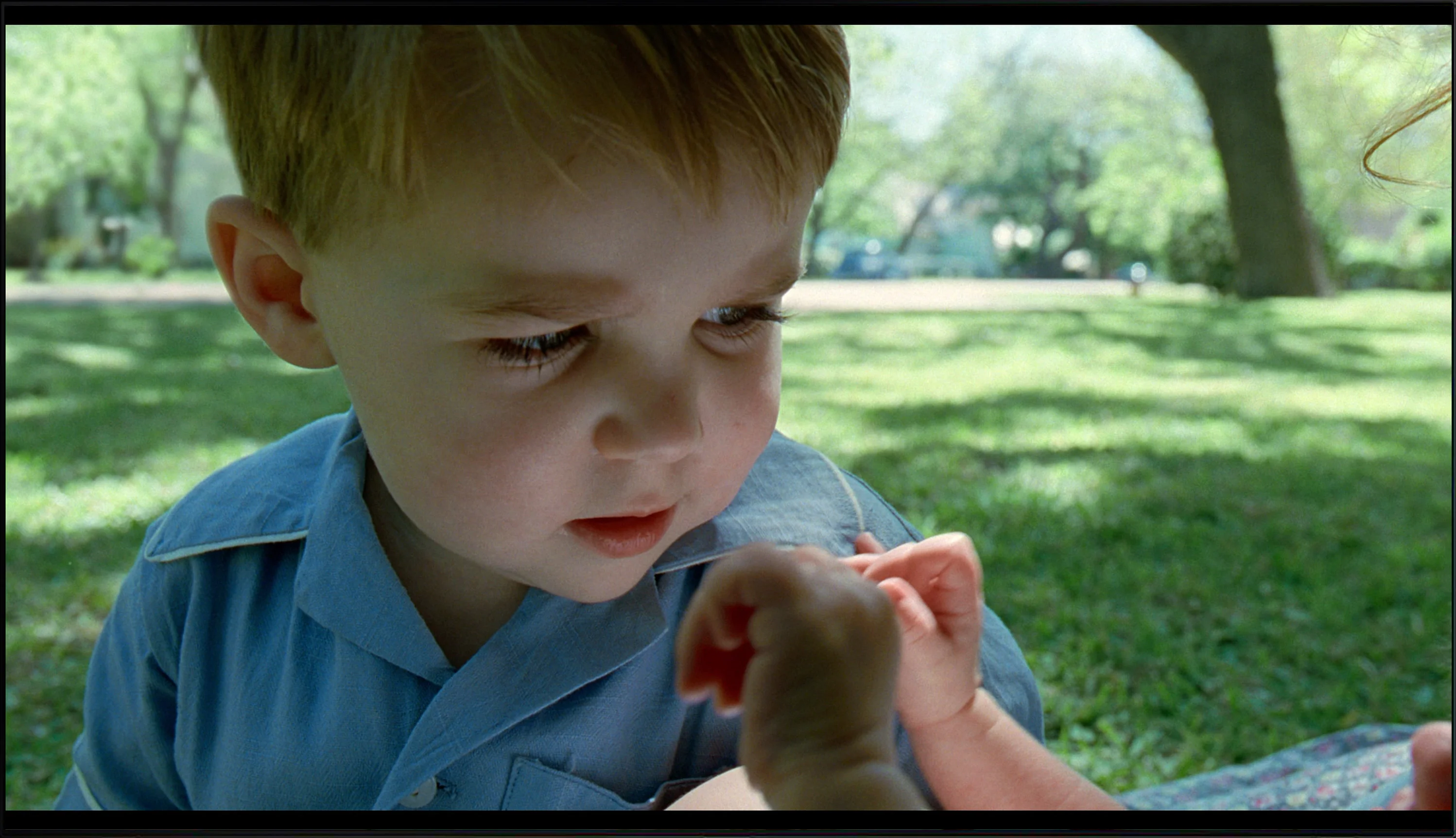
This illustrative image shows how colors change after professional calibration. If you can see the difference, you can order it from SkalibrujTV – it's our own service.
Factory mode
After calibration


This illustrative image shows how colors change after professional calibration. If you can see the difference, you can order it from SkalibrujTV – it's our own service.
Factory mode
After calibration
The best factory mode prepared by the manufacturer is "Filmmaker," which is exactly what we used throughout the entire testing procedure. We must admit that the unit we received out of the box had quite good colour reproduction. The biggest problem in both SDR and HDR content turned out to be white balance. In the former, a strong red hue was evident, causing the displayed image to have a pronounced yellow tint, particularly noticeable on skin tones and whites. In higher quality materials, this colour was also accentuated, but due to a lack of blue, there were also signs of green visible. Apart from these issues, we also encountered problems with grayscale and the colours themselves.
Unfortunately, the factory picture settings for Film mode on the PQS9000 need refinement. In SDR the most noticeable problem is an excess of red in the white balance, which makes whites, greys and skin tones too warm, sometimes even slightly pinkish. On top of that the gamma runs below the reference across most of the range. The TV therefore brightens midtones and highlights, making the overall image look flatter than it should.
In HDR the white balance itself is much better. Apart from minor deviations the RGB components track closely, so there is no pronounced colour cast as in SDR. However, the EOTF curve shows a slight brightening of parts of the image, and the biggest issue appears in measurements of the wide colour gamut. Many hues deviate significantly from the target, with errors reaching levels of 8–9. The good gamut coverage we praised earlier therefore does not mean the TV hits specific colours equally well. It can display a wide colour range, but out of the box it does not use it very precisely.
Color reproduction after calibration
9.3/10
7.7/10
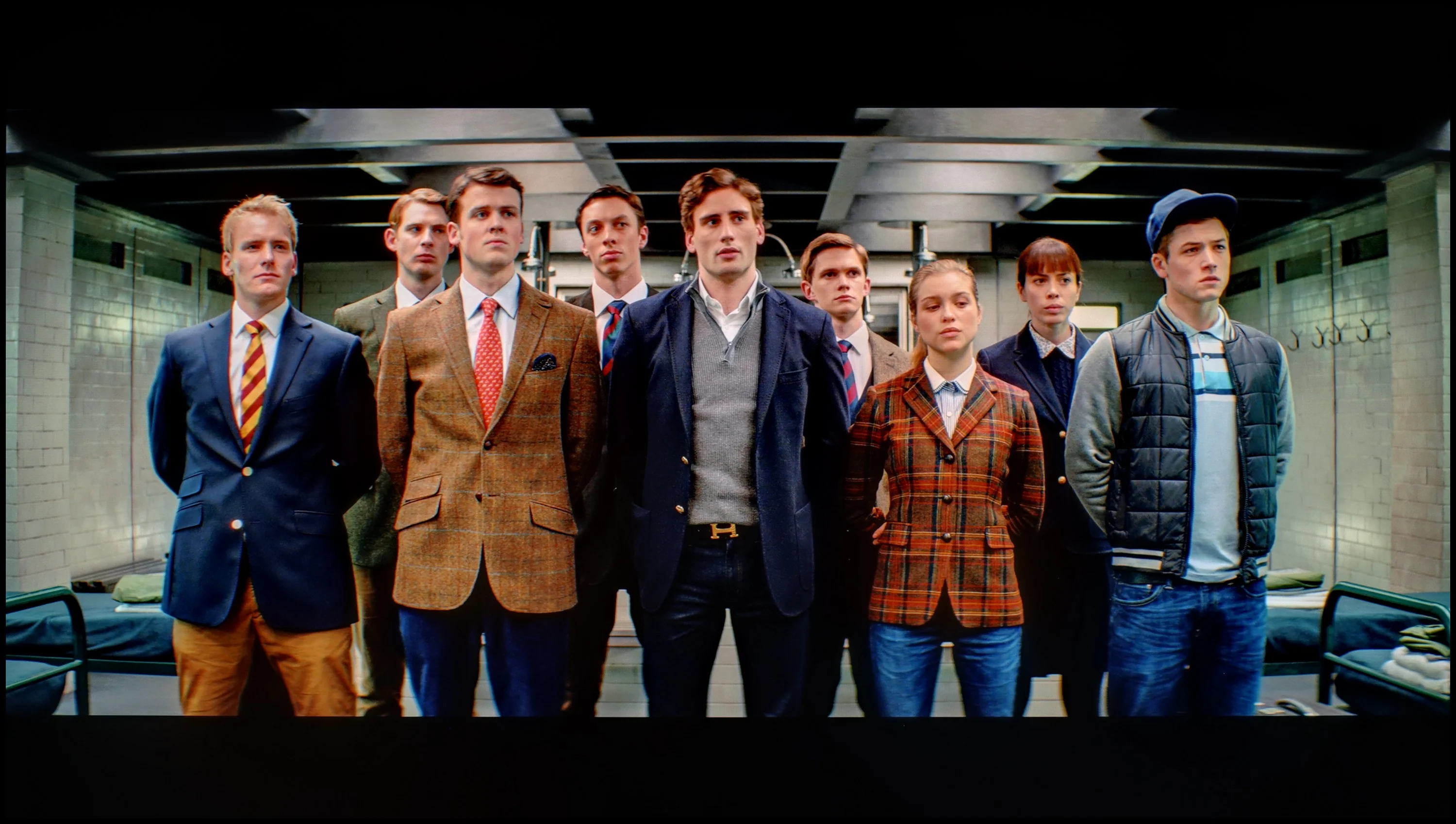
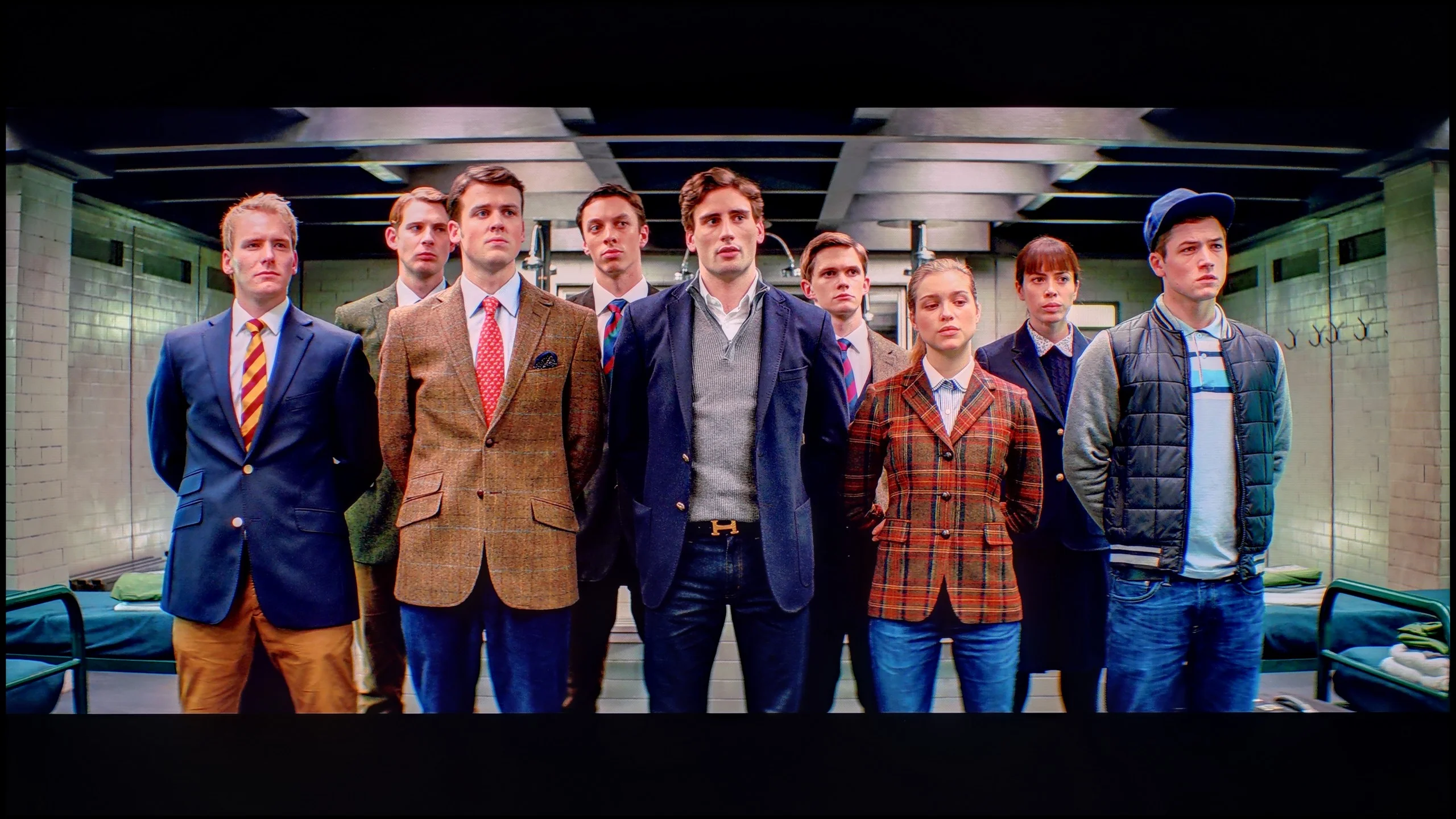
The photos show how movies look on the TV. Pay attention to black detail visibility, colors, and shadow tint.
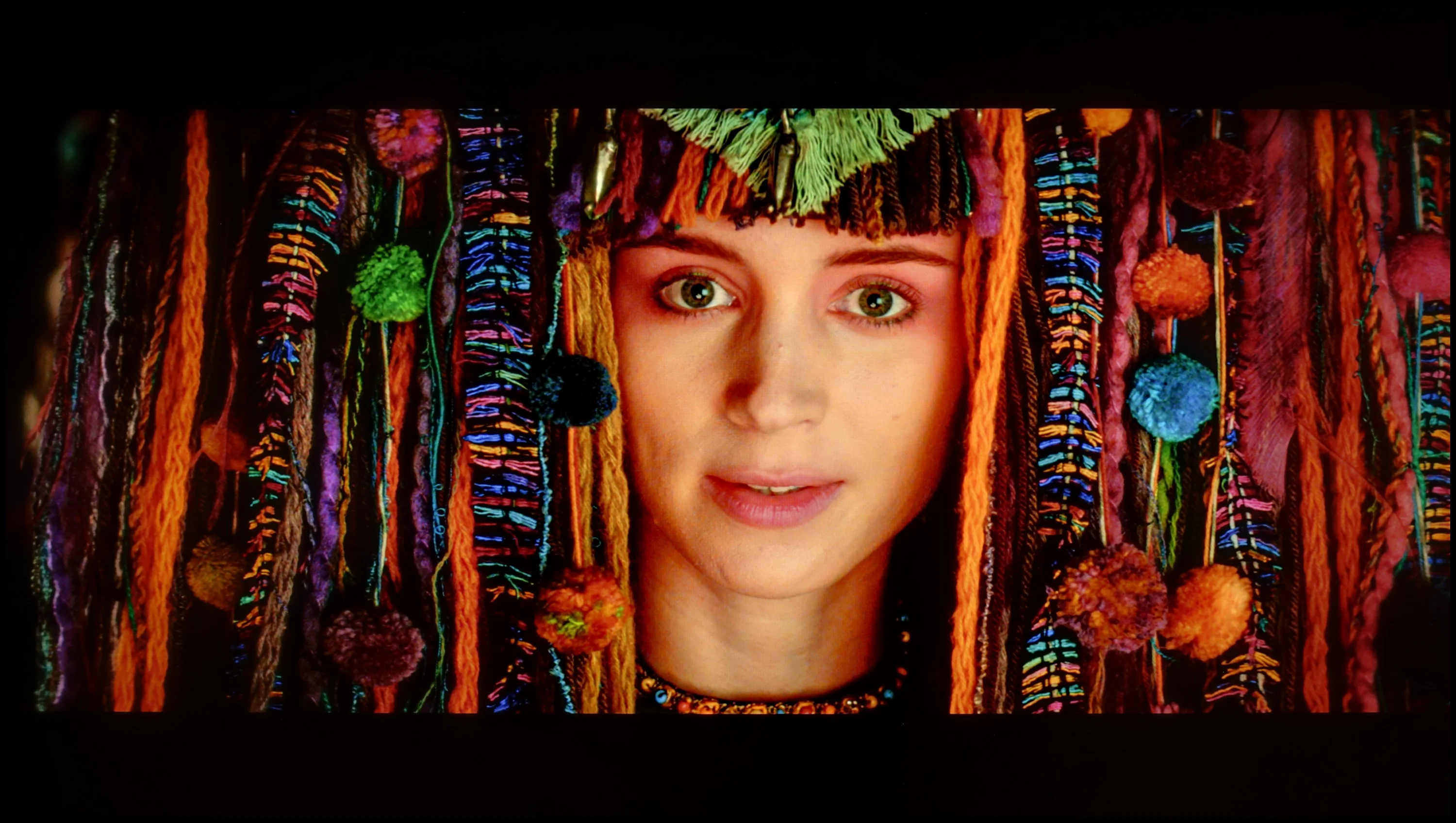

The photos show how movies look on the TV. Pay attention to black detail visibility, colors, and shadow tint.
LG B4 has been providing very advanced calibration tools in its televisions for years. We can even say that as the only manufacturer on the market, it allows for such deep intervention in image adjustment. It is thanks to these tools that we were able to calibrate the device so well. Evidence of this is the extremely low deltaE errors, which can be said to be at a reference level. Both SDR and HDR materials now look exactly as intended by the film director. It is no coincidence that televisions of this brand are most often used as preview screens for various graphic or post-production studios.
Calibration brought a significant improvement, especially in SDR material. We managed to even out the white balance and remove the previous colour cast, and the Color Checker measurements now look really very good. Colours are much closer to what should be on screen, so with ordinary TV or SDR films we can be satisfied with the outcome. Unfortunately HDR somewhat spoils that result. On the one hand it is limited by the panel itself, because calibration won't improve contrast or replace local dimming. On the other hand there remain colour errors that we couldn't correct because the CMS settings, that is the colour management controls, were greyed out and inactive. That costs Philips points with us. The white balance can be fine‑tuned, but without access to wide‑gamut adjustments it's not possible to order HDR colours equally well. It's a shame, because the SDR results show the potential is there, but we weren't allowed to make full use of it everywhere.
Smoothness of tonal transitions
7.4/10
8.6/10
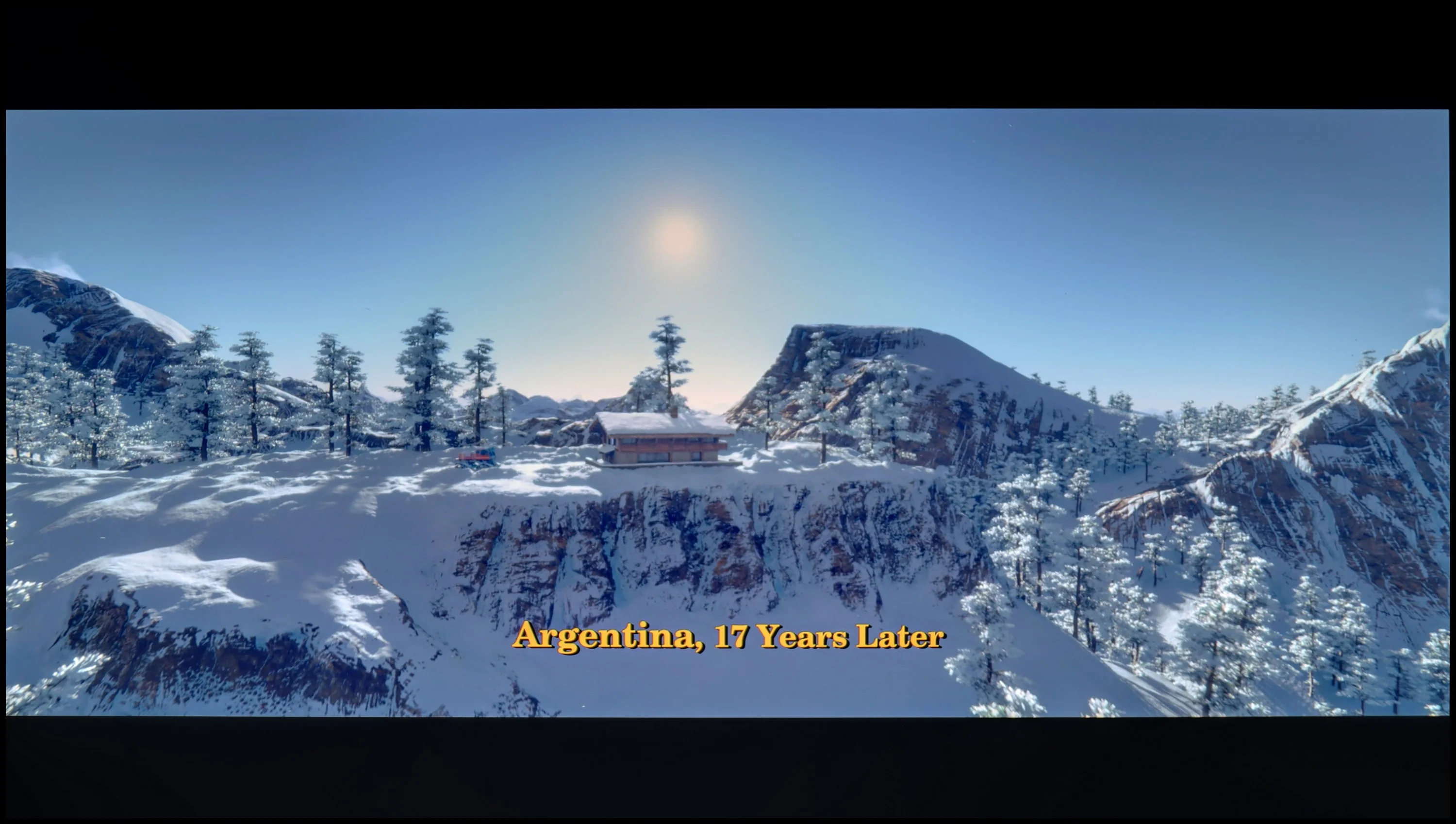

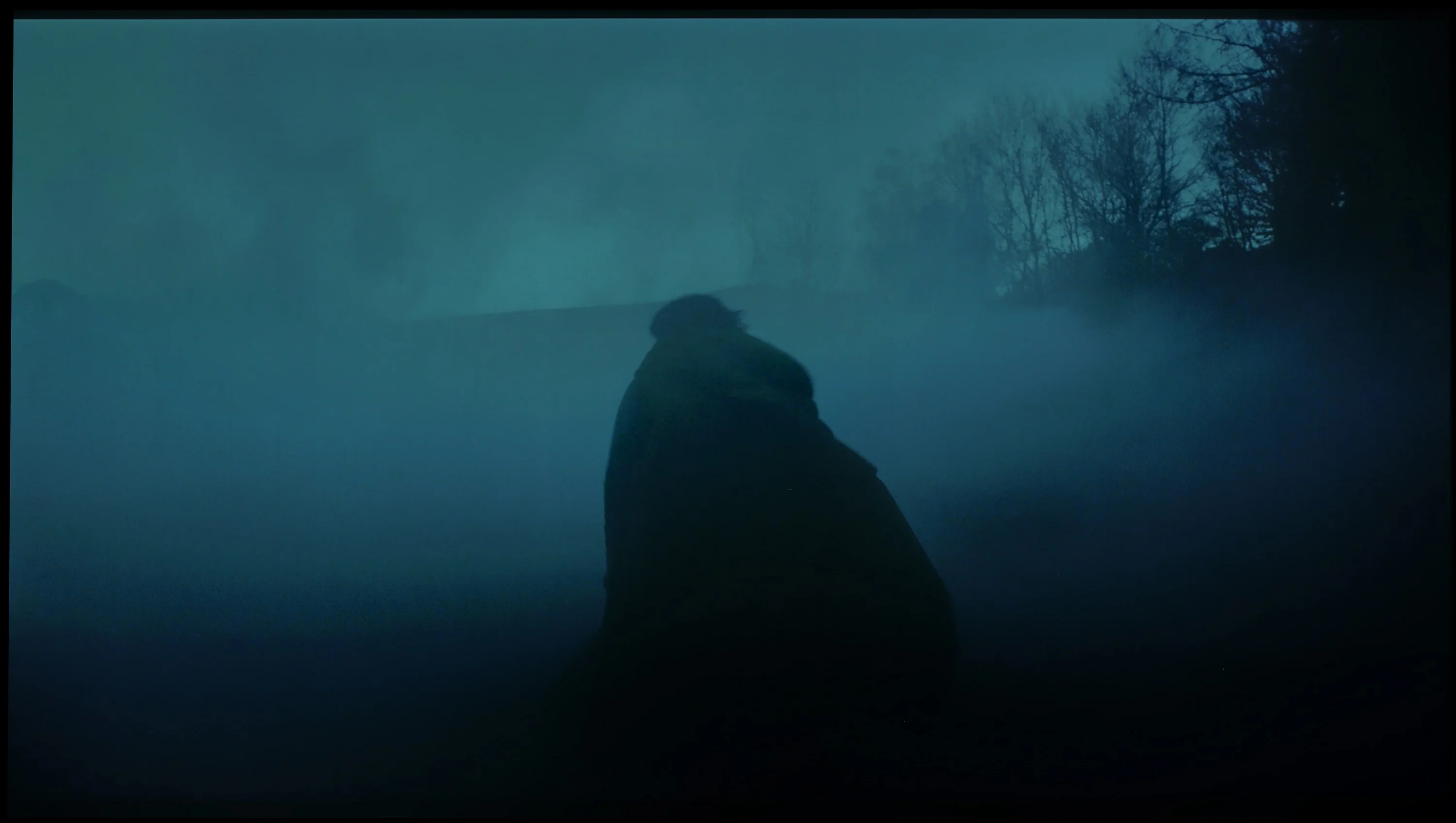
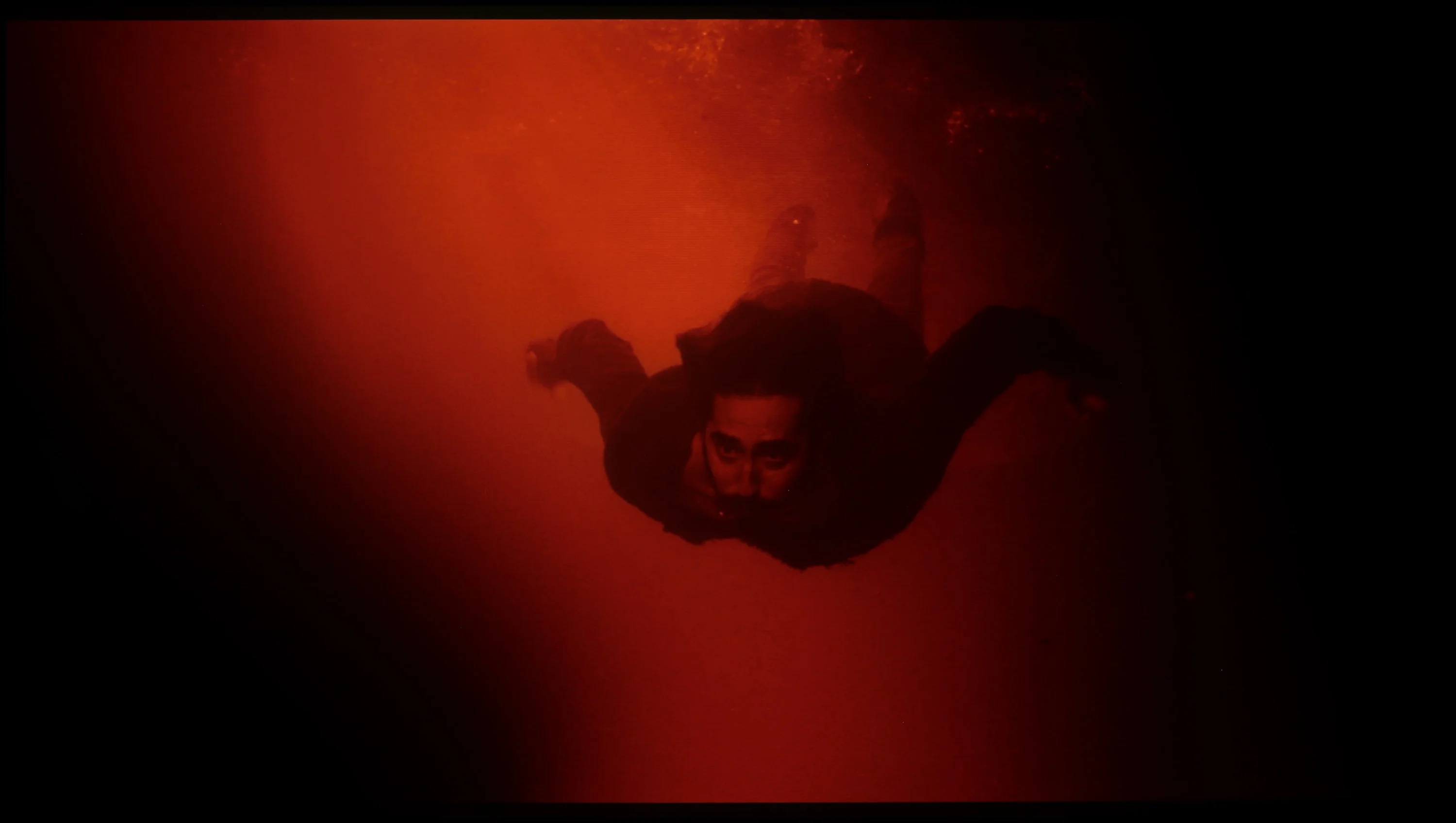
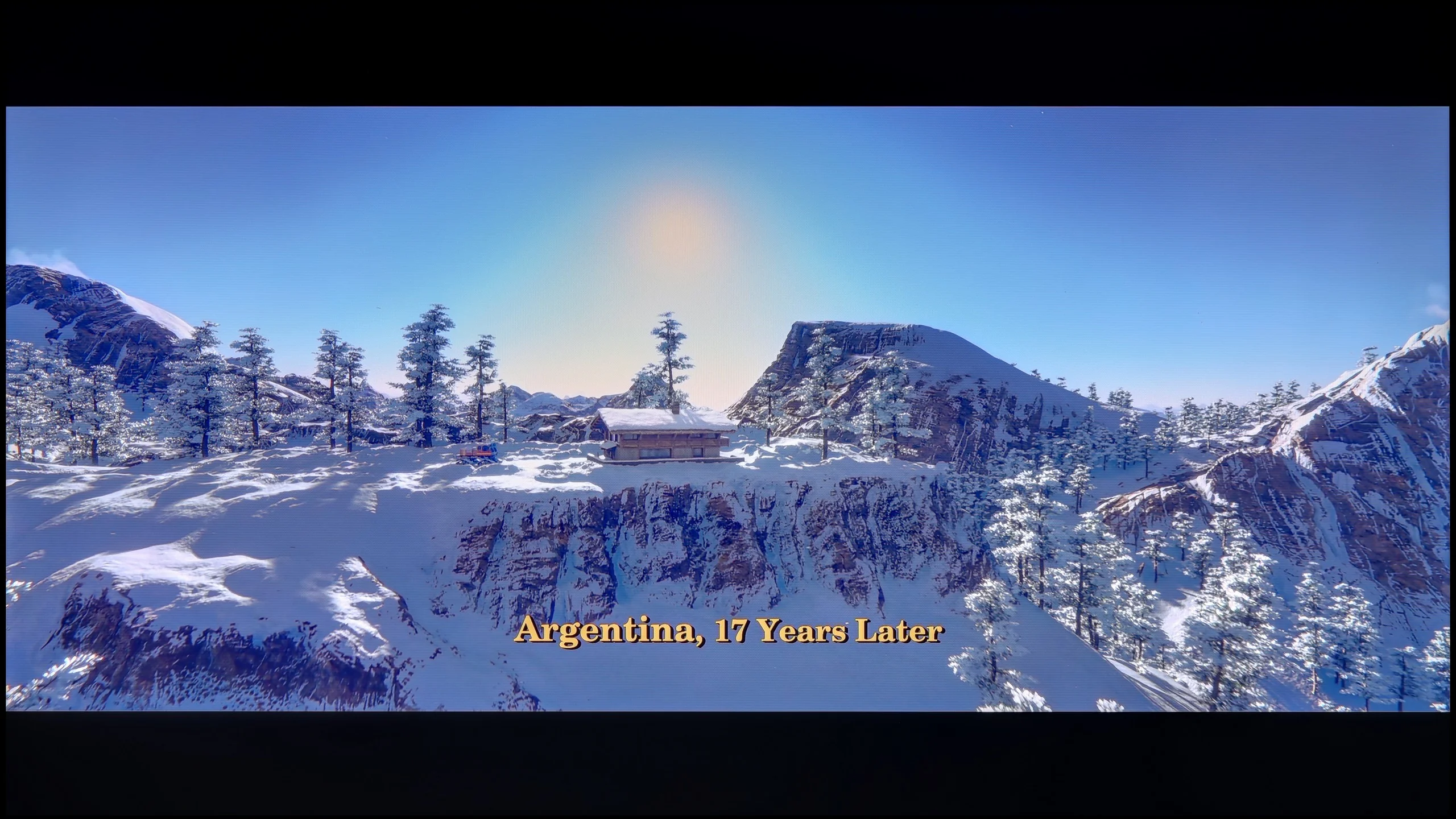
These are selected scenes that show smooth tonal transitions from one color to another. If you see distinct banding, it’s the TV panel’s fault.

These are selected scenes that show smooth tonal transitions from one color to another. If you see distinct banding, it’s the TV panel’s fault.
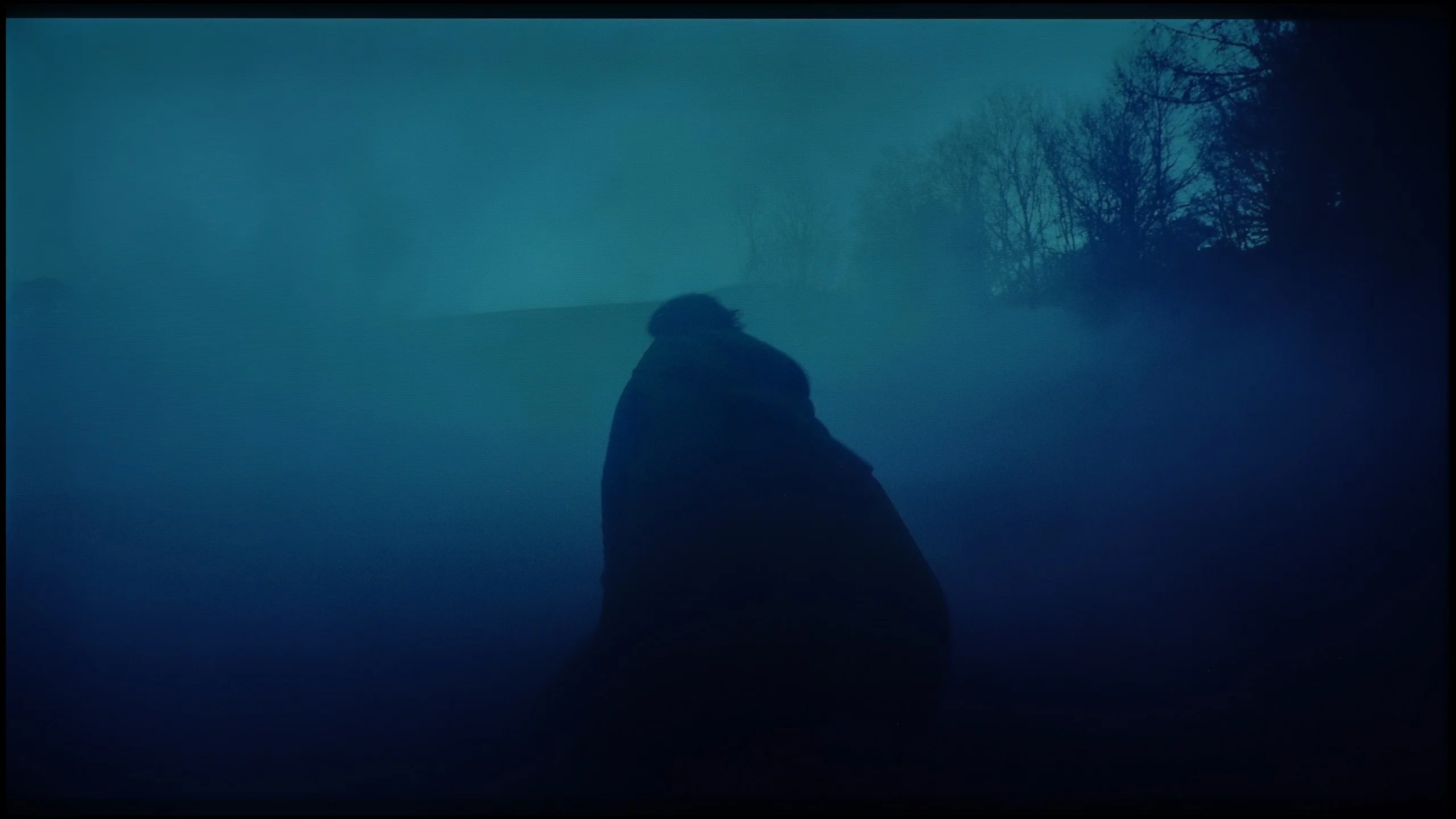
These are selected scenes that show smooth tonal transitions from one color to another. If you see distinct banding, it’s the TV panel’s fault.
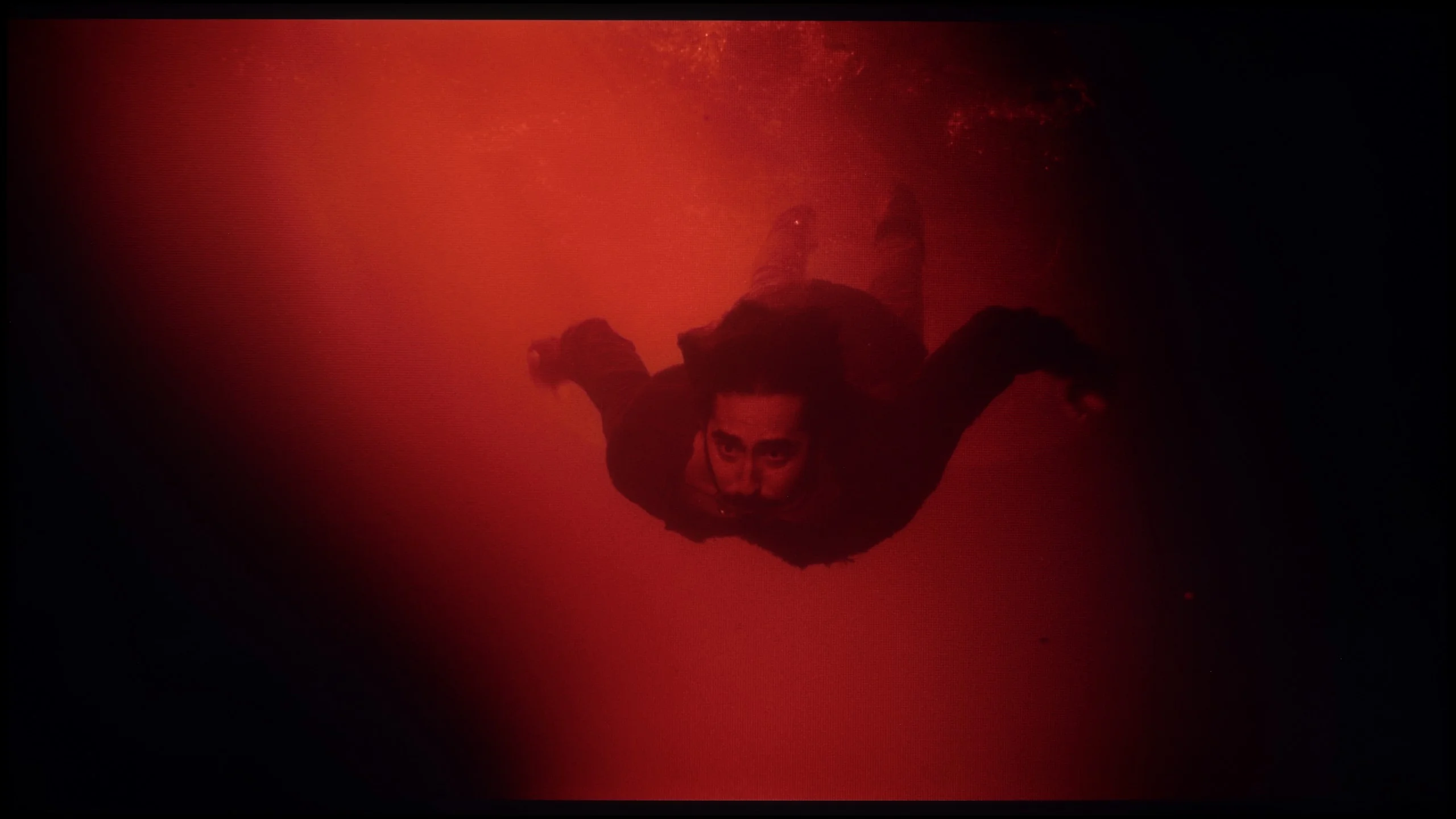
These are selected scenes that show smooth tonal transitions from one color to another. If you see distinct banding, it’s the TV panel’s fault.
The fluidity of tonal transitions, often overlooked in various tests on competing portals, is an equally important aspect of image quality assessment. It is particularly important when watching material that features a wealth of colours and many intricate effects, where textures blend. This often leads to the so-called banding of colours, which is a lack of smooth gradation. The tested television handles tonal transition smoothing quite well. However, it is worth noting that it has its weaker moments, such as a bright coloured sky in the film "Kingsman" or "The Martian". Nevertheless, these are not aspects that detract from the viewing pleasure. Therefore, we positively assess the quality of tonal transitions in LG B4.
The Philips PQS9000 handles tonal transitions very well. This is especially evident in dark scenes, where shades flow smoothly into one another without visible banding or distinct boundaries between colours. As a result, even on large, uniform areas the image looks smooth. Minor imperfections only appear in lighter tones, but you have to look closely to notice them. During normal viewing they are unlikely to distract from the film. In this category Philips performs really well.
Image scaling and smoothness of tonal transitions
7.9/10
7/10

Smooth transition function
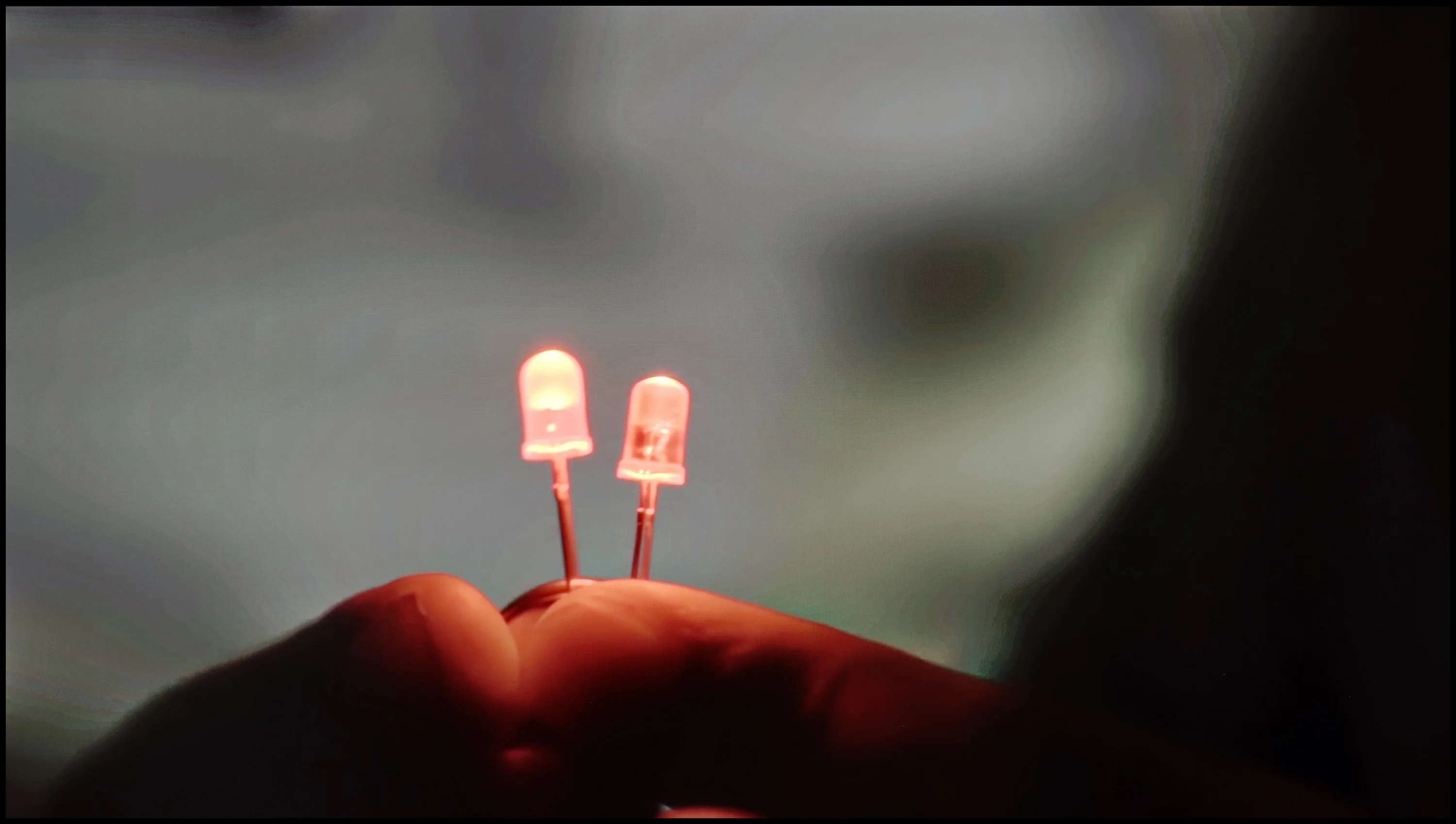
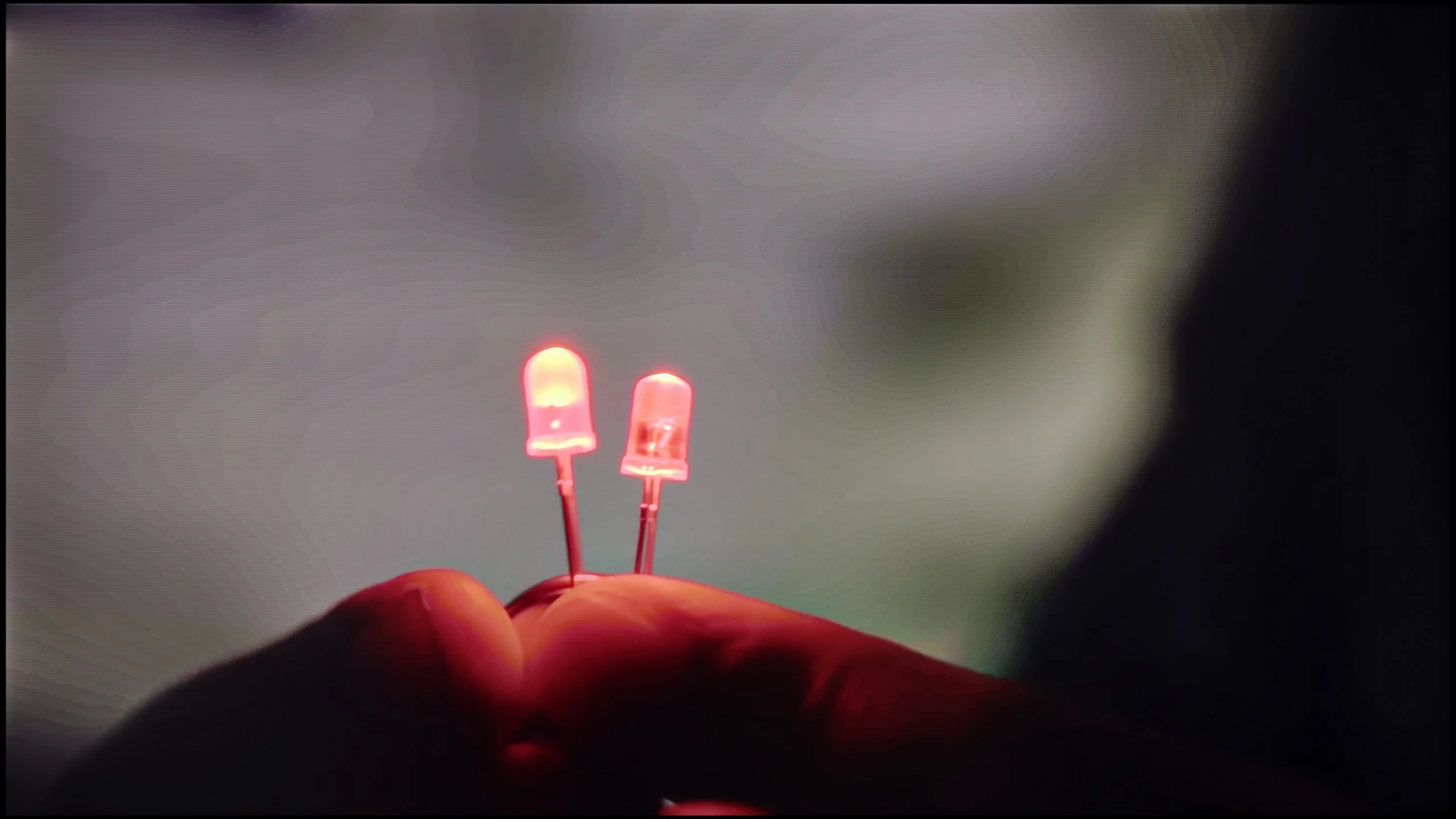
The match photo shows how the TV smooths weak tonal transitions in low-quality video.
Image scaling SD (576i)


The model photo shows how it handles upscaling of SD material.
In this paragraph, we will take another look at the function for smoothing tonal transitions, but we will also check how the television handles lower quality material. As we have managed to verify, the setting responsible for smooth gradation works quite efficiently, although it has its weaker moments. Just as the function works correctly in SDR content, it becomes rather useless in HDR content. Even at the lowest of the options, it blurs essential details, which is why we advise against using it.
The image scaling on LG B4 is rated rather moderately positively. Although there is no edge doubling, the image itself is naturally "soft." We can change this by adjusting the sharpness slider.
Digital picture processing in the Philips PQS9000 performs well, though we have a few reservations. The "Distortion Reduction" function helps to smooth tonal transitions in lower-quality material, but it works rather unevenly. It can improve one part of the image, only to seem to lose its effect a moment later, still in the same scene, and show banding between shades again. A plus is that it doesn't remove film grain or fine noise, so the image retains its texture. We found the 'Medium' setting worked best and we recommend it. The upscaling to 4K itself is acceptable, although the image is very soft. Edges are heavily smoothed, which may leave some viewers feeling the picture lacks definition. In that case, it's worth slightly increasing the sharpness in the TV's menu, as this will make edges appear more defined. However, don't overdo the sharpening slider, otherwise artificial halos may appear instead of an improvement.
Blur and motion smoothness
8.5/10
8.1/10
Blur (native resolution, maximum refresh rate):





Blur (BFI function enabled):

Blur ():
Blur (1080p@240Hz):
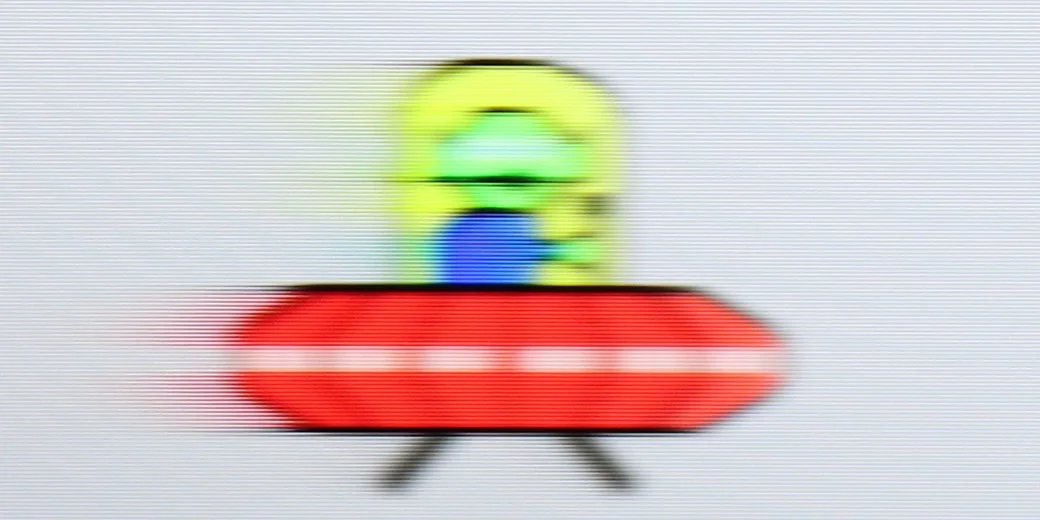
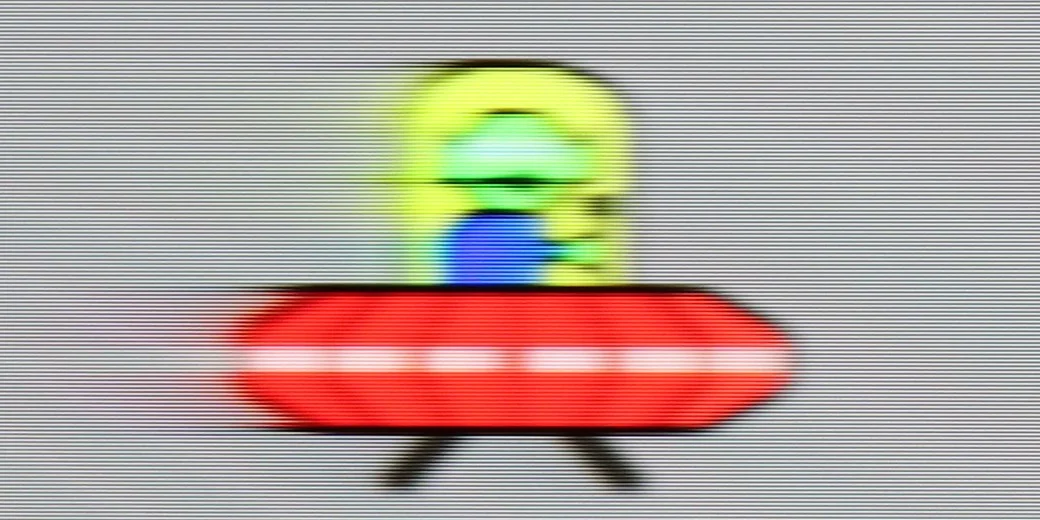
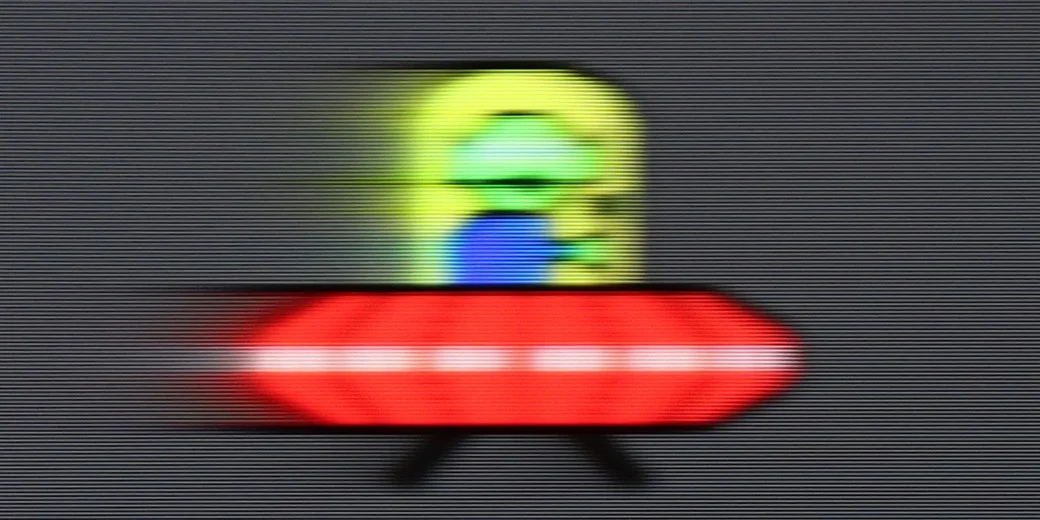
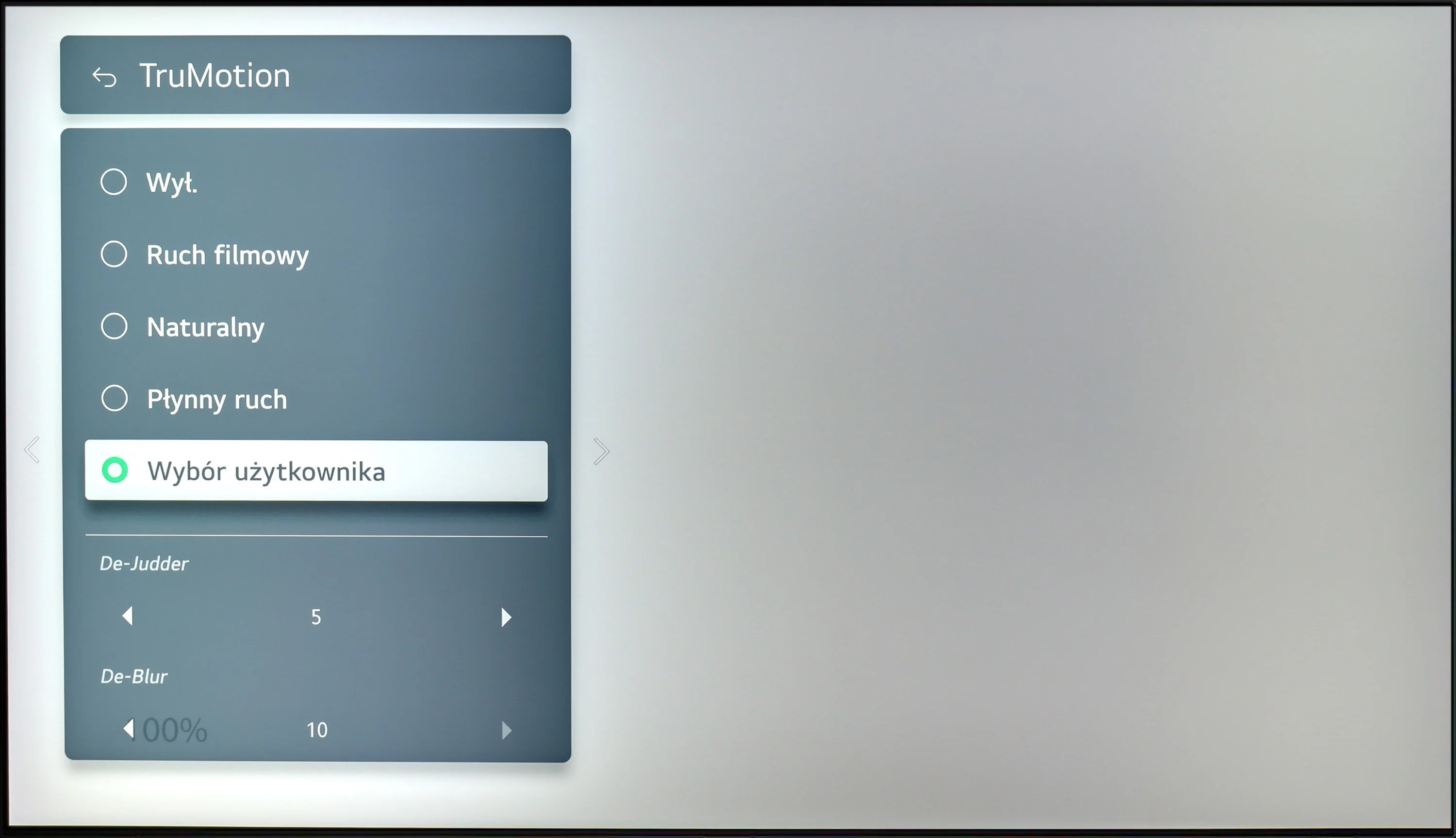
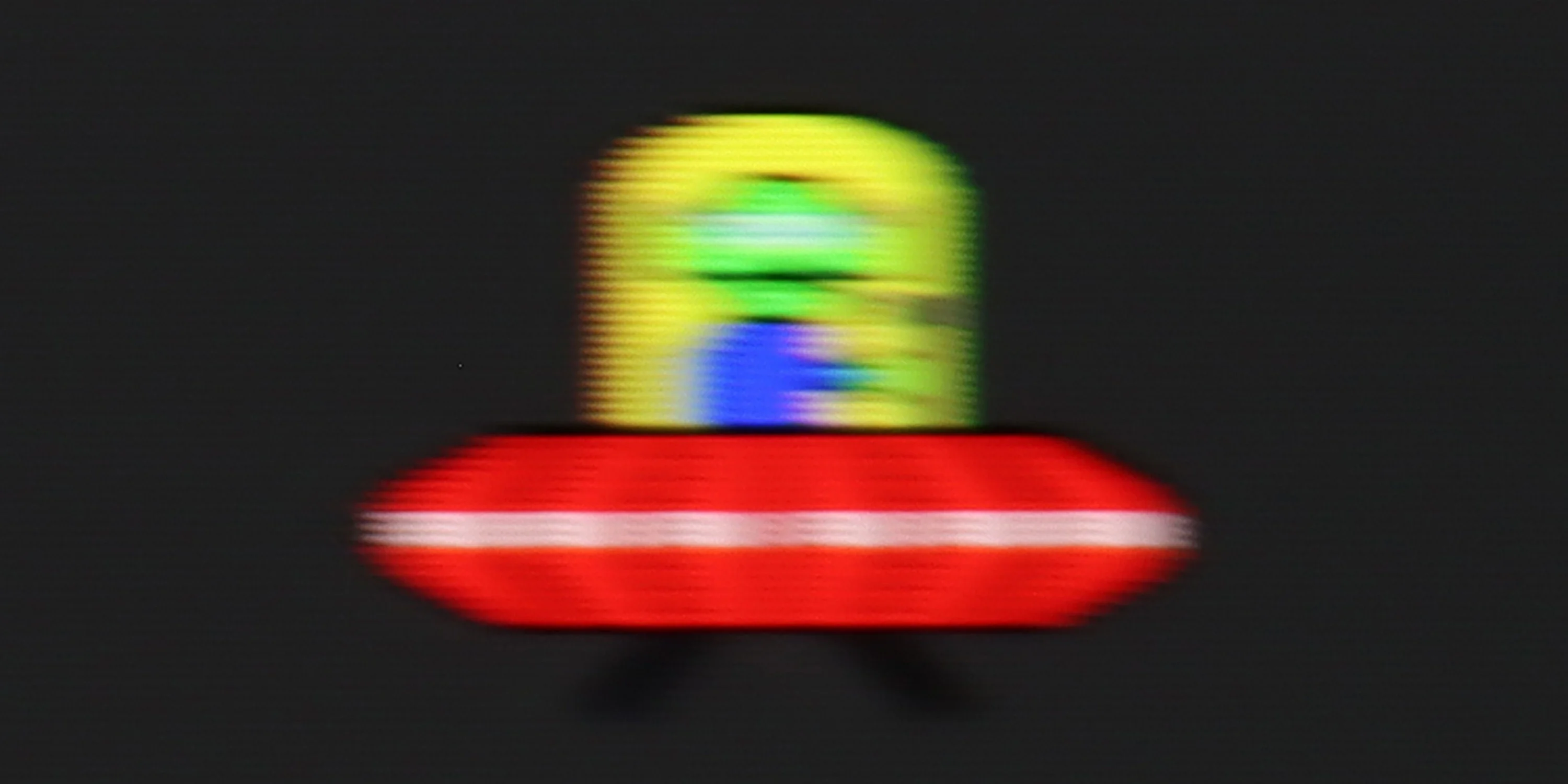
The maximum refresh rate that we can set on the LG B4 is 120 Hz. This is the absolute minimum for those requiring high image fluidity. The manufacturer has implemented a multi-step motion smoother called "TruMotion". It has been divided into two separate sliders adjusting the sharpness of moving images (De-Blur) and jitter (De-Judder). Both sliders can be set in the range from 0 to 10, with each degree affecting the level of fluidity, so everyone can find their golden mean.
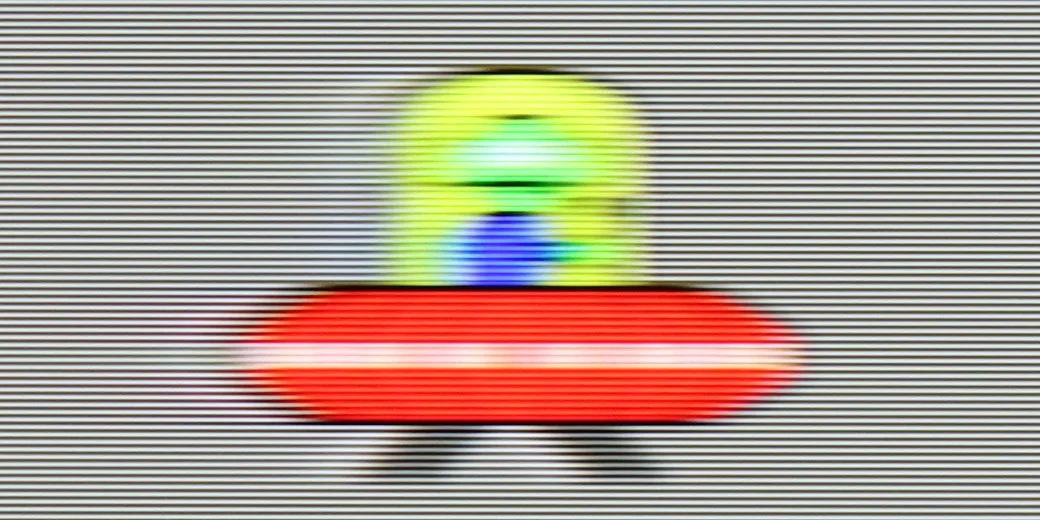
The LG OLED B4 panel features an average response time of 0.1 ms (which directly results from our measurements), allowing for an incredibly clear image, unattainable for LCD televisions, whose response times can be as high as several milliseconds. This is clearly evident in the pictures from the "UFO Test", showing no trail following the object.
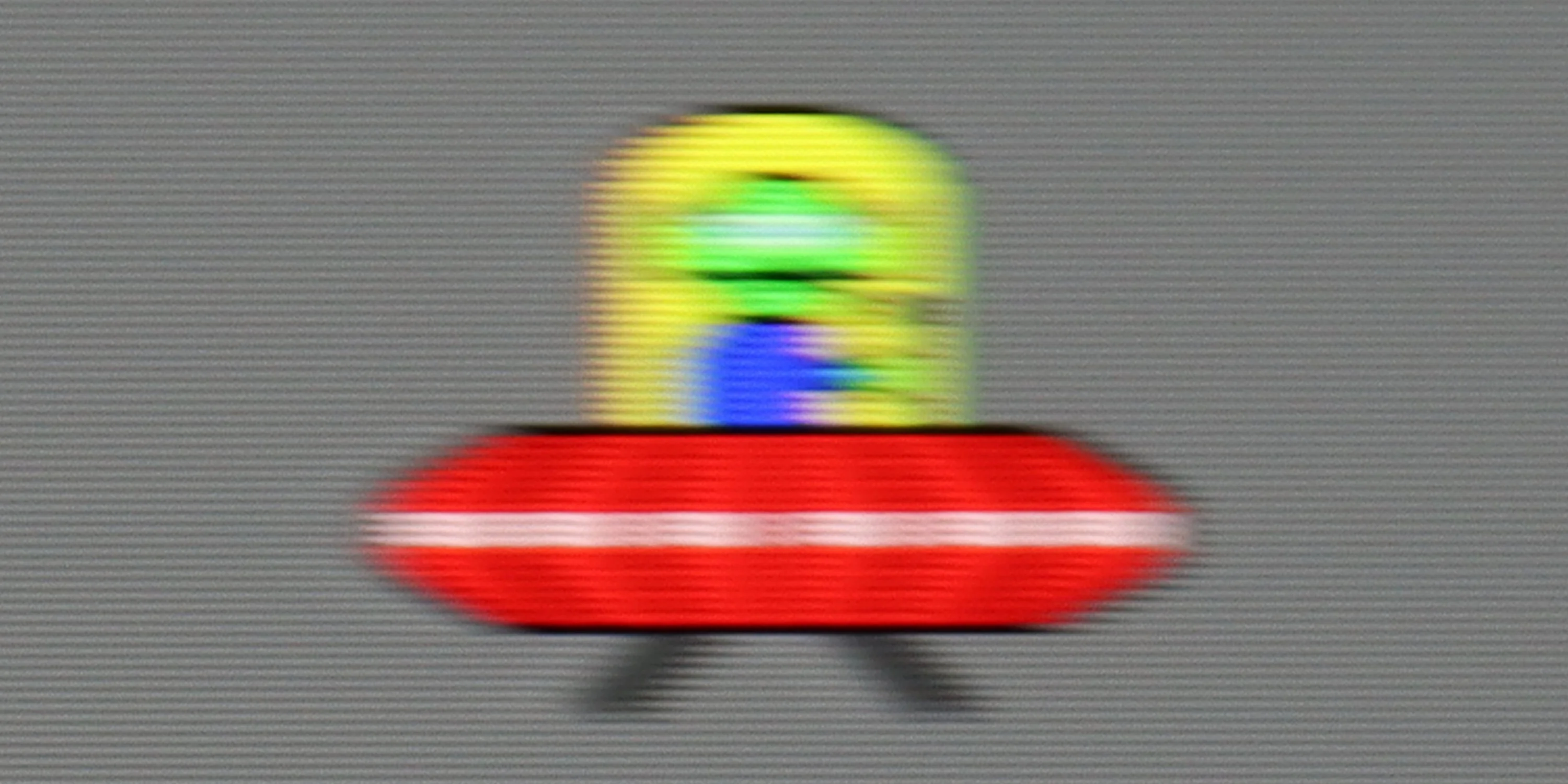
In terms of motion handling the Philips PQS9000 performs exceptionally well for an LCD TV. It's not just the 144 Hz refresh rate, but above all how quickly the panel itself responds. At 120 Hz there are virtually no typical trailing smears behind moving objects. What is particularly pleasing is that this also applies to darker scenes, where many VA panels clearly struggle. Here motion remains clear and, in this respect, Philips pleasantly surprised us.
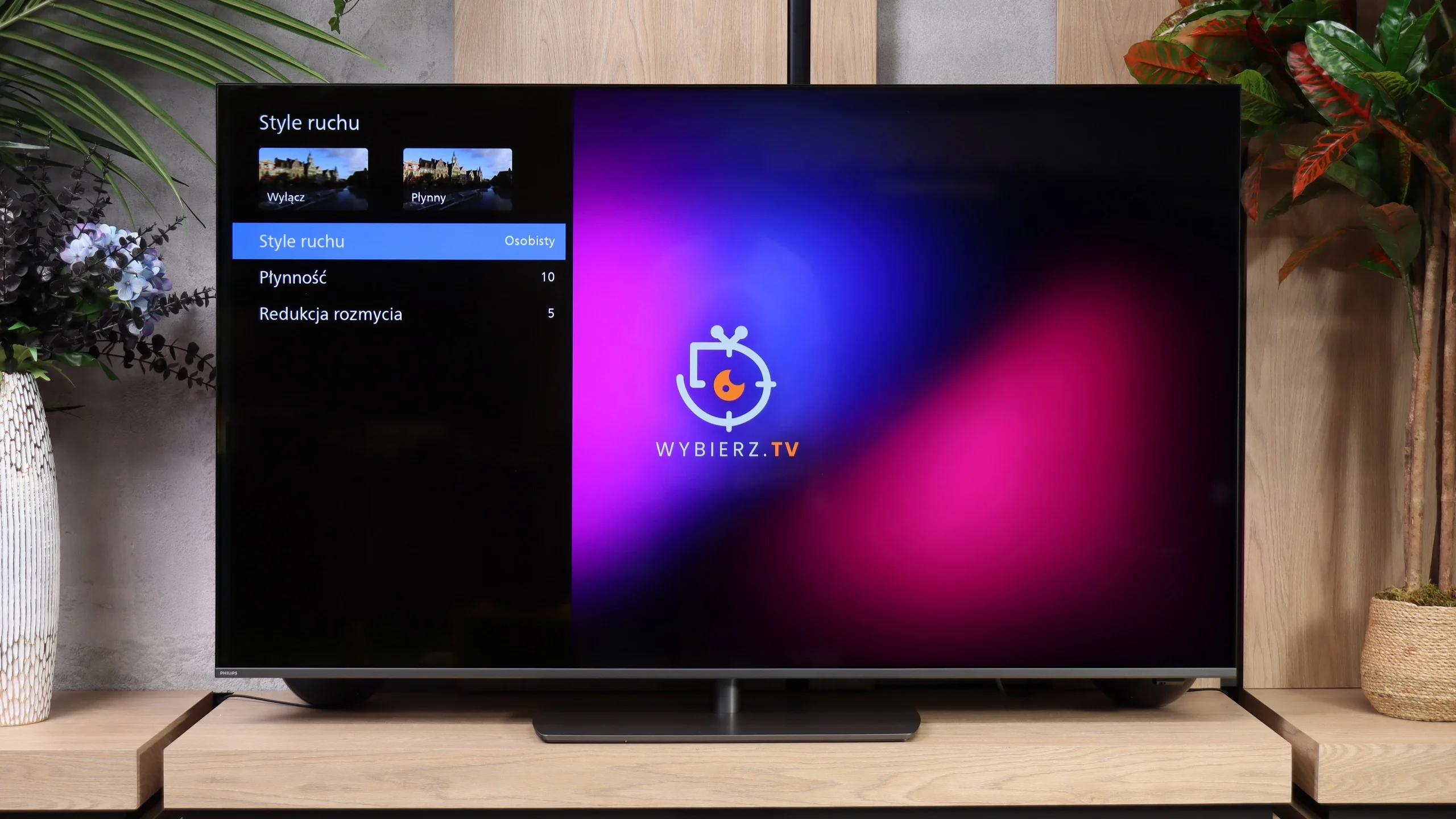
The "Motion Styles" feature lets you adjust how motion is displayed. It includes two sliders: "Smoothness" and "Blur Reduction", allowing you to tailor the effect to the content you're watching and your own preferences. Our suggested settings are shown in the photo. Treat them as a starting point and try to find the level of smoothing that suits you best.
Console compatibility and gaming features
10/10
9.5/10
- ALLM
- VRR
- VRR range40 - 120Hz48 - 240Hz
- Dolby Vision Game Mode
 Yes, high input lag
- Correct implementation of HGIG
- 1080p@120Hz
- 1440p@120Hz
- 4K@120Hz
- Game bar
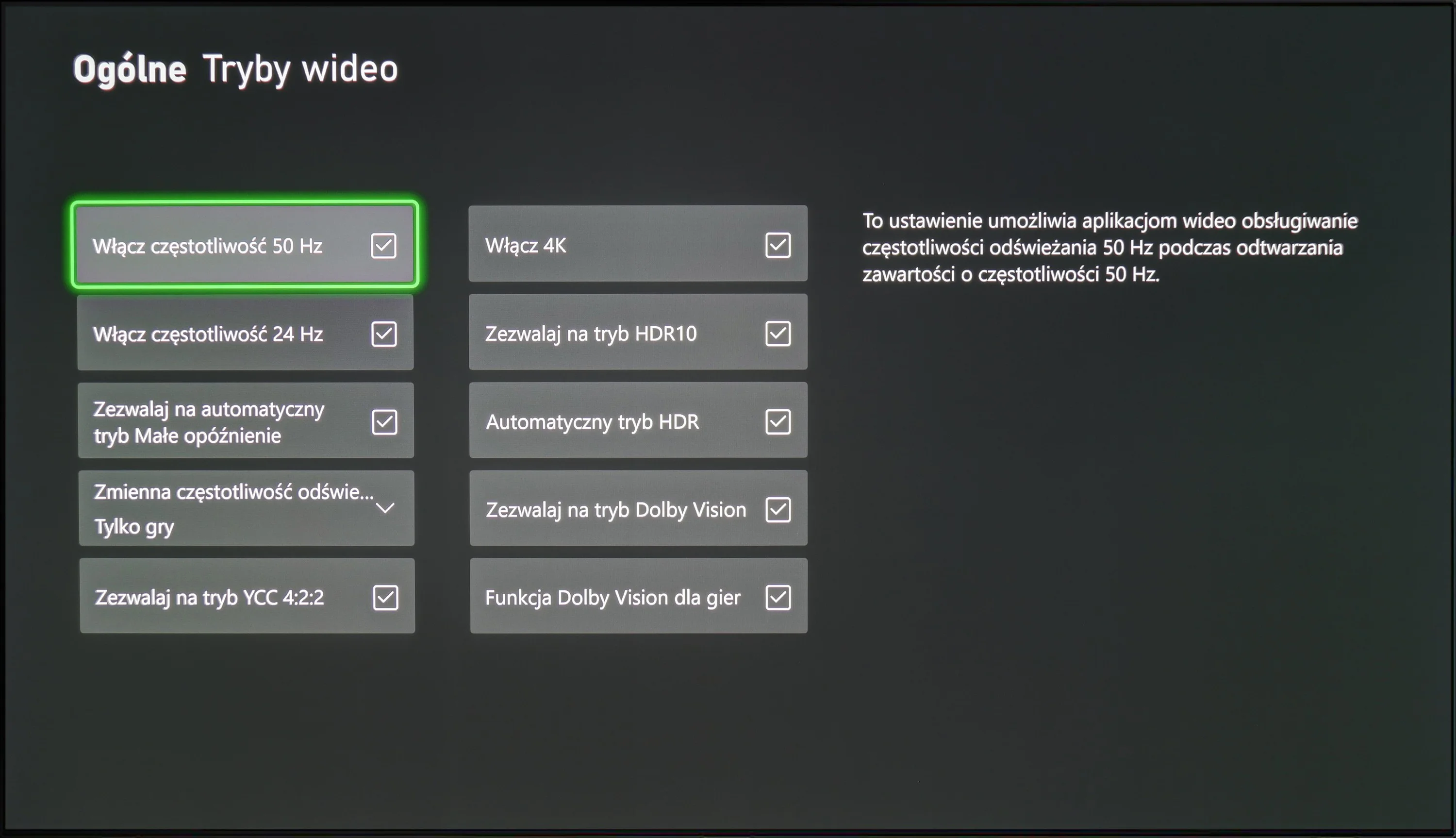
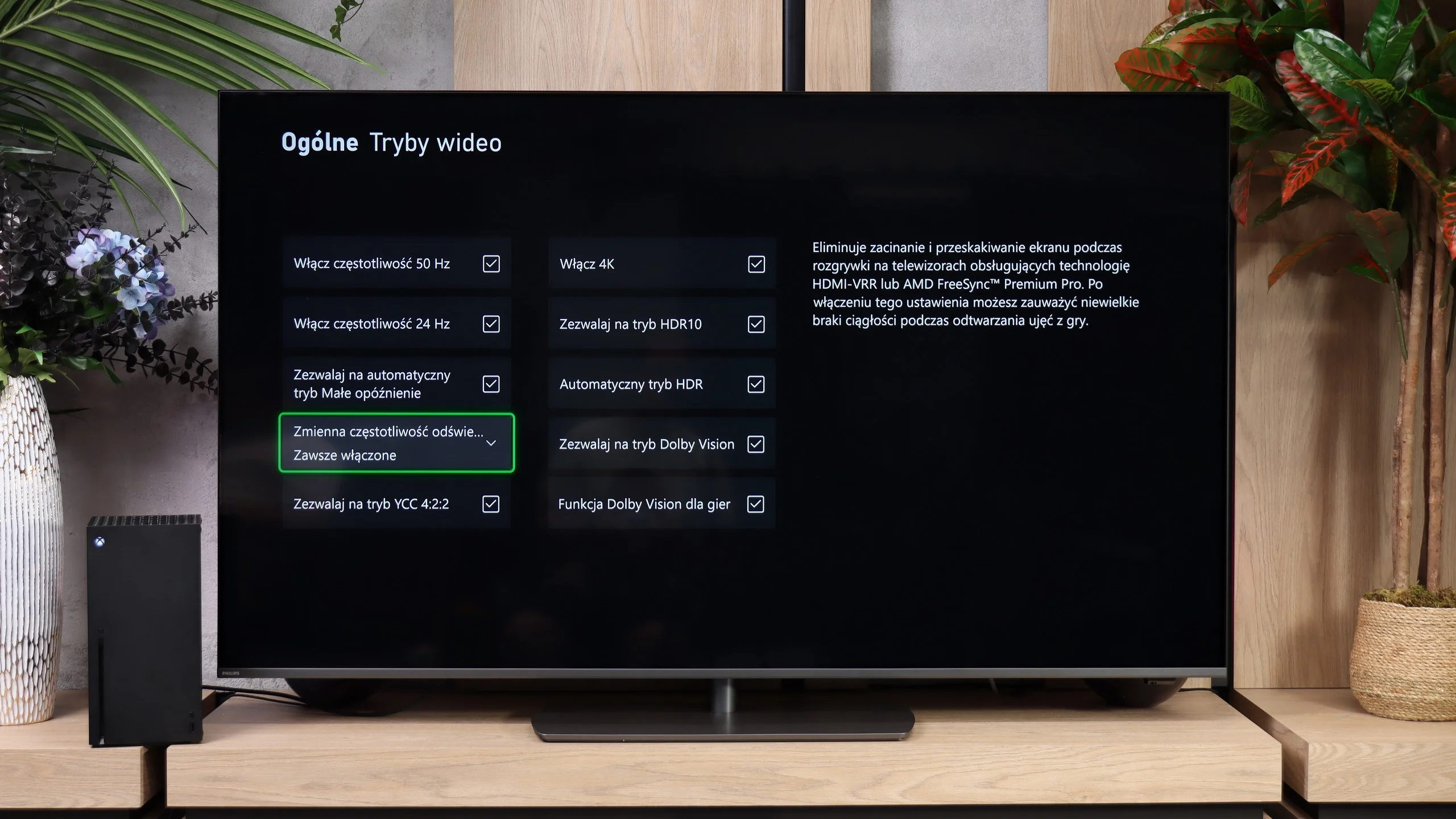
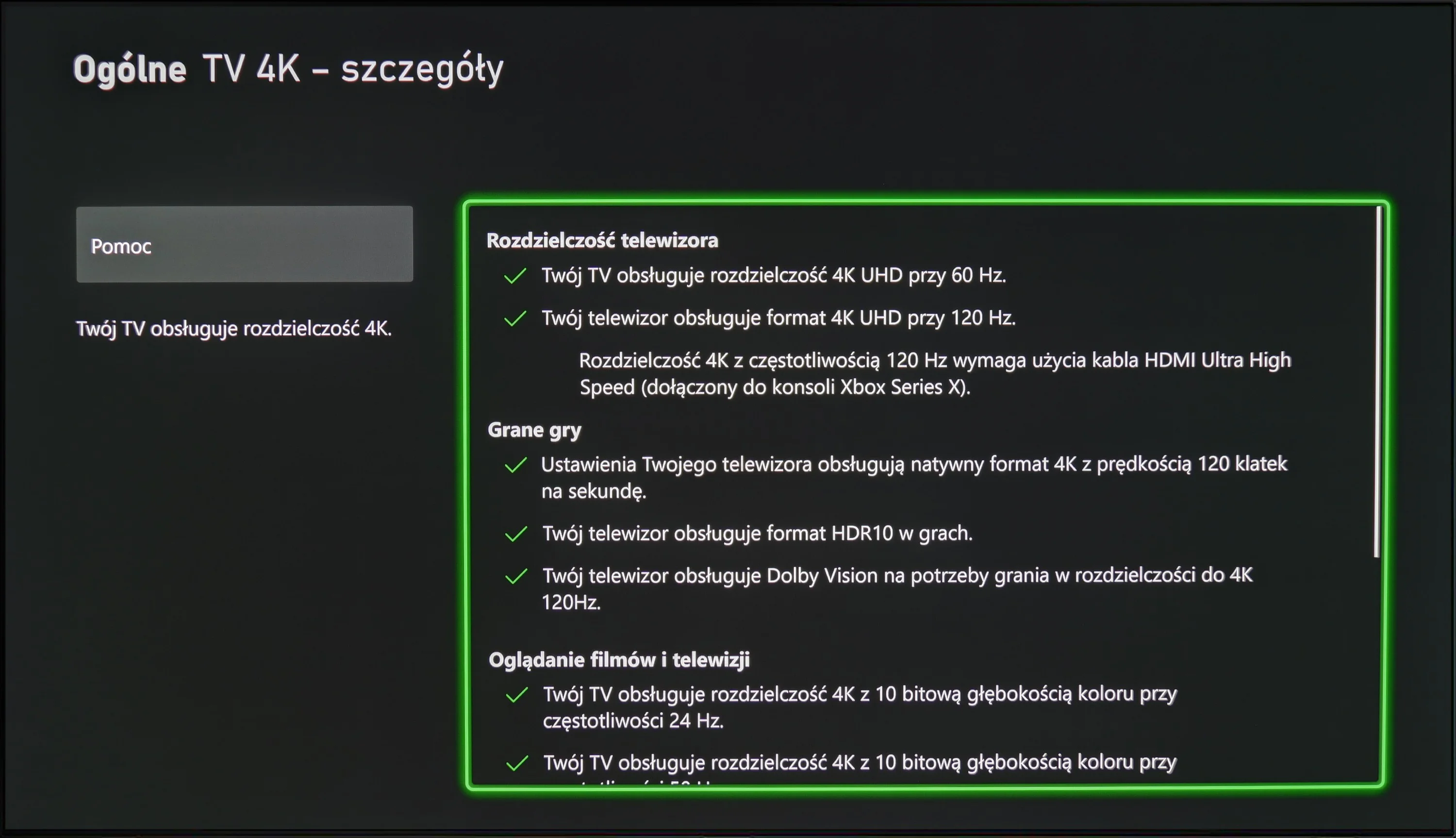
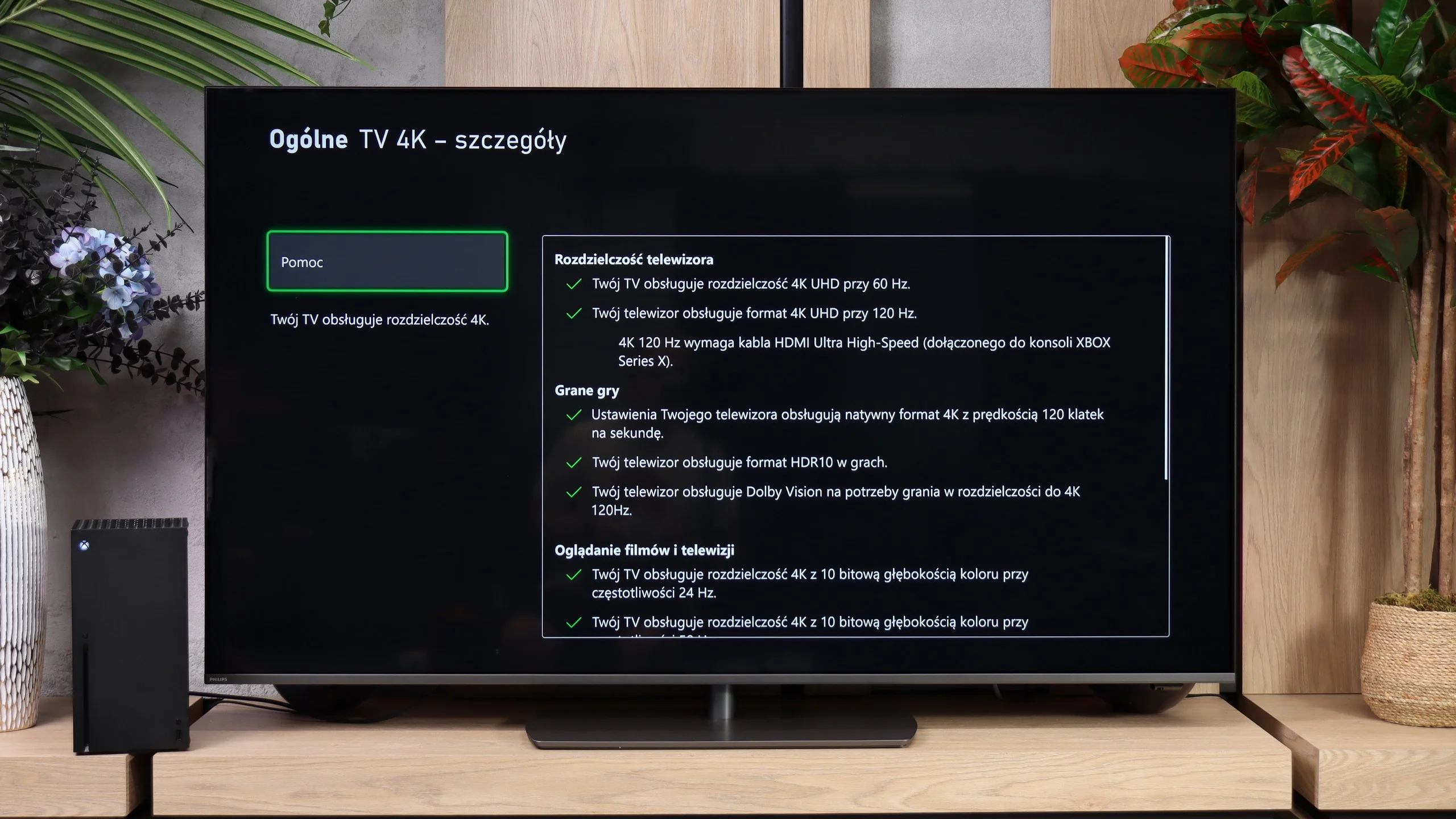
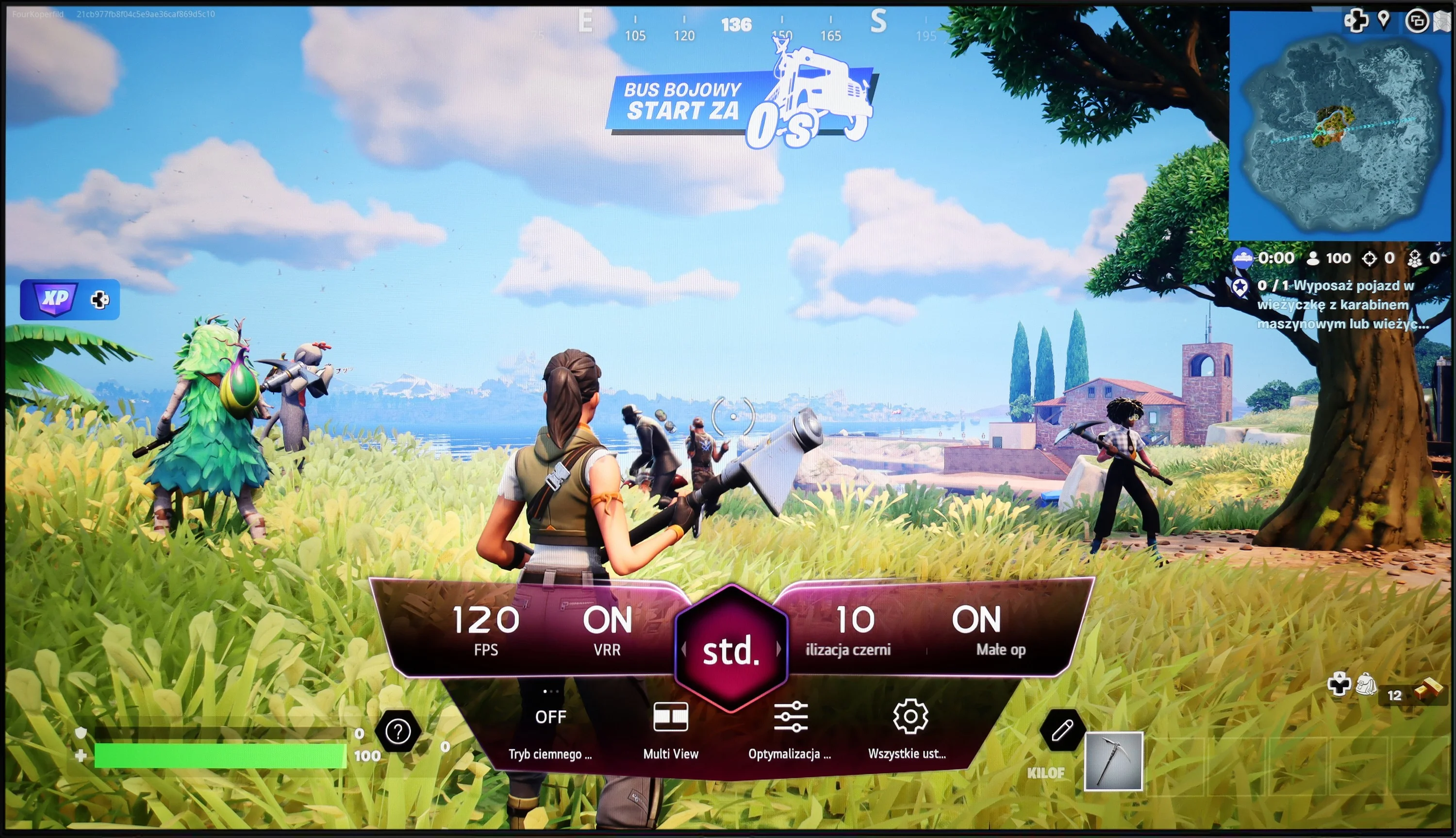
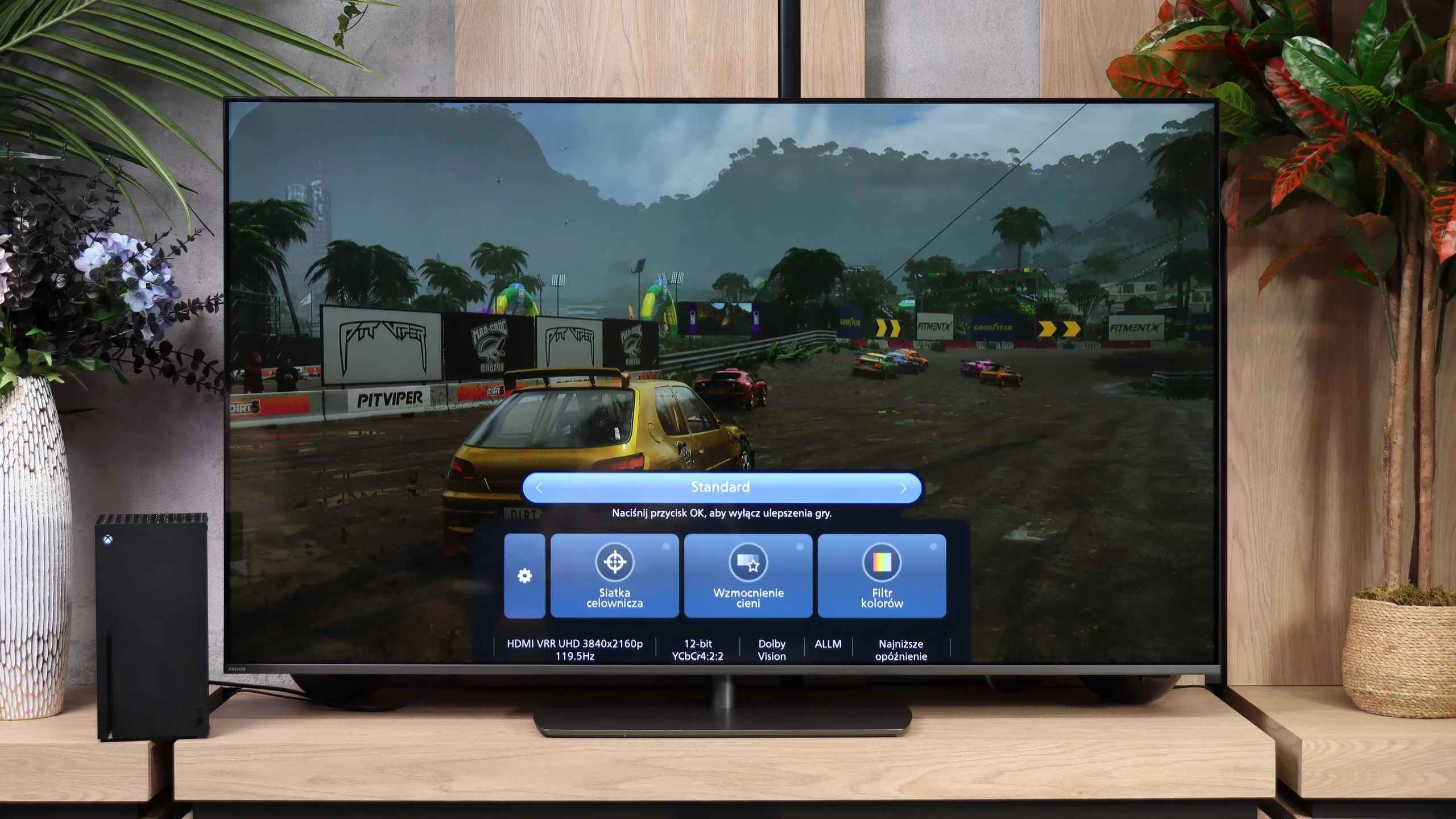
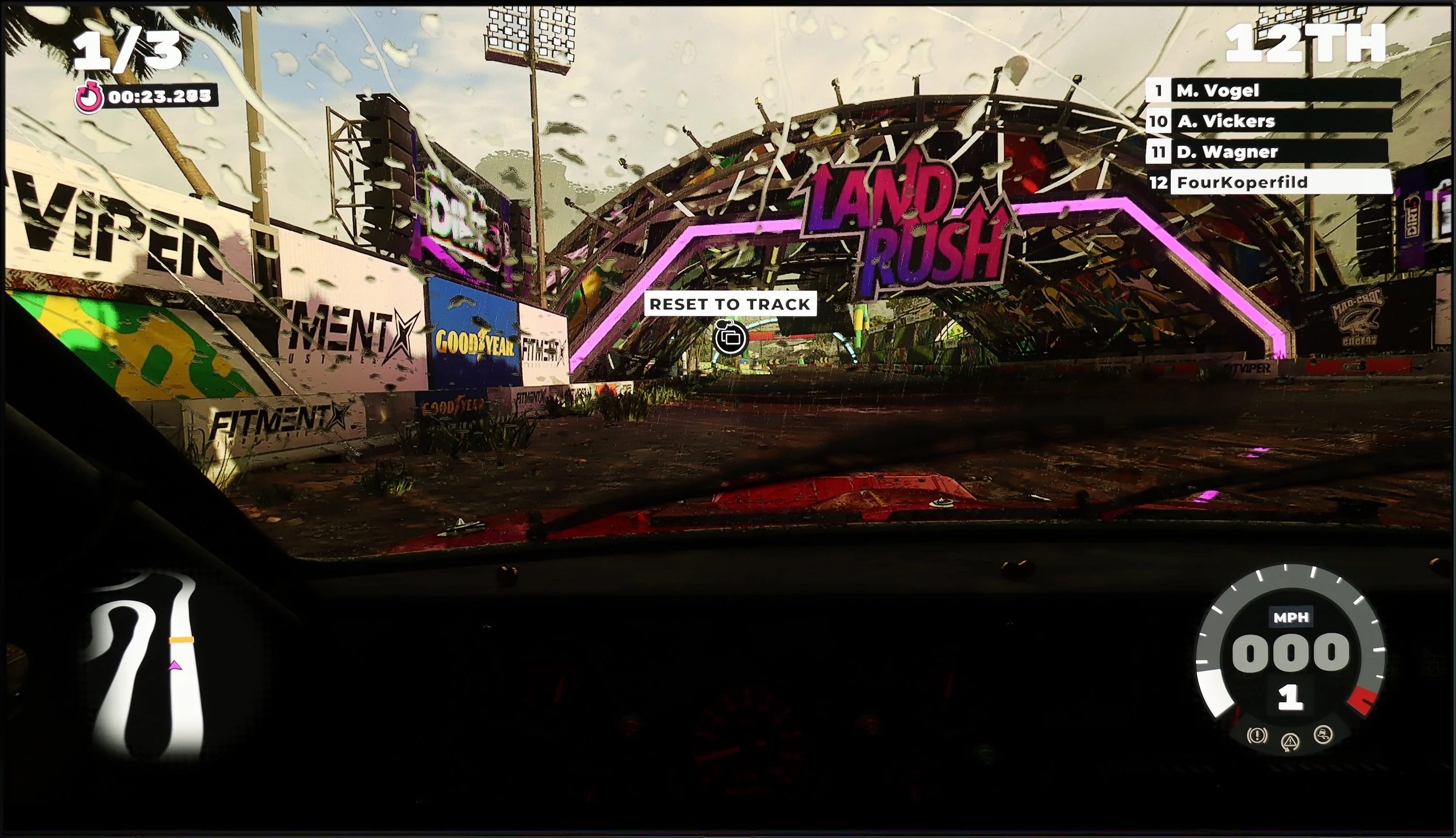
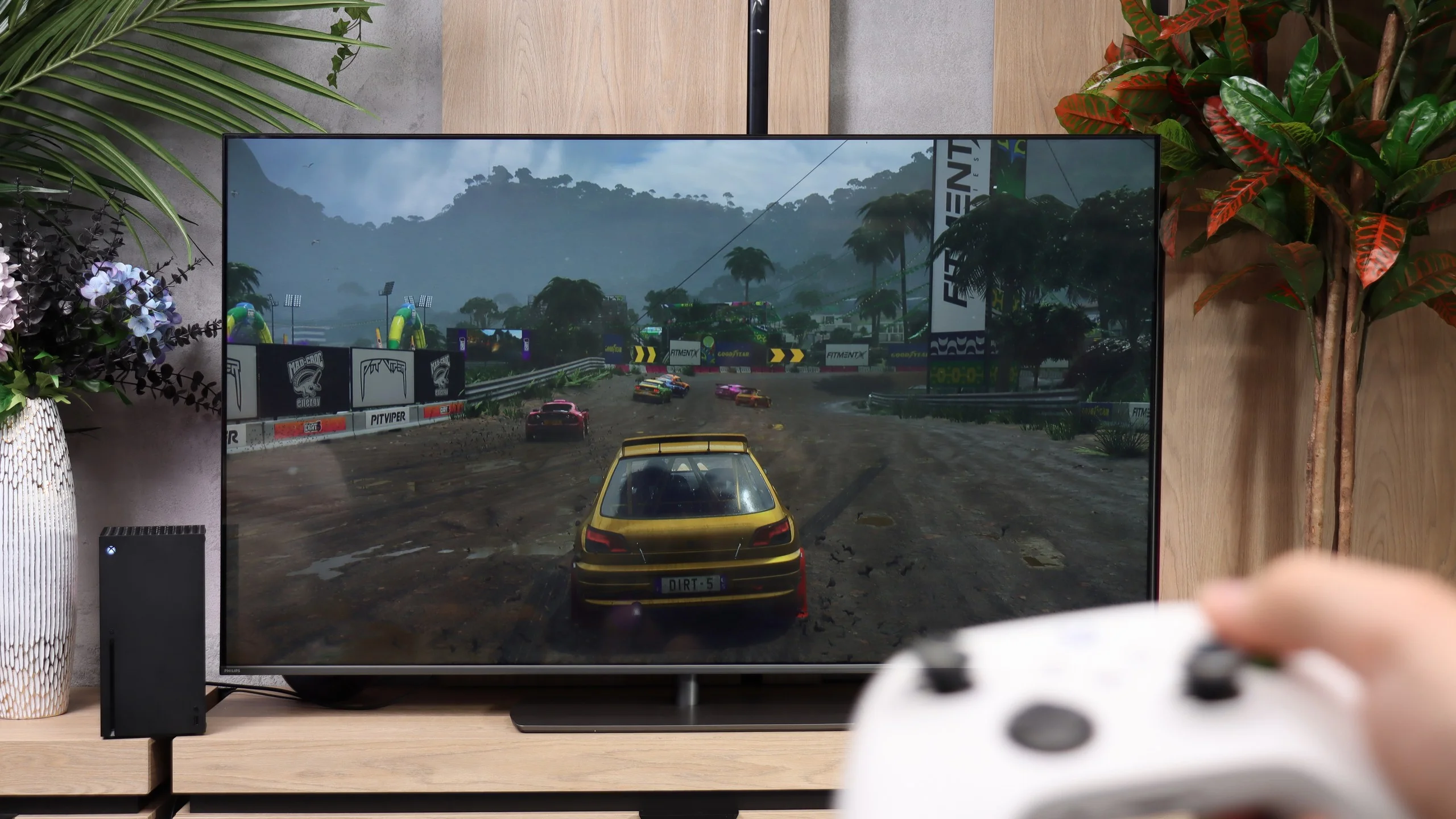
The LG B4 television is equipped with four fully-fledged HDMI 2.1 ports with a full bandwidth of 48Gbps. All features that are identical to this standard were activated without any issues, and throughout the entire testing process, they did not cause any problems. The combination of such extensive functionality and low input lag suggests that the tested television is truly made for gaming. This is not surprising, considering that the manufacturer has always placed great emphasis on this. Therefore, we can enjoy both the properly implemented HGIG mode and gaming in Dolby Vision with low latency. This pairing will certainly attract the attention of all passionate gamers for whom quality is paramount.
An additional standard in televisions from this Korean manufacturer is the implementation of GameBar, allowing for quick adjustment of settings "on the fly," without the need to exit the game. It also enables image adjustments for individuals with visual impairments, which is a very nice touch. Another important piece of information is that when VRR technology is enabled, we will not experience a drop in contrast. This is thanks to the construction of the panel and the lack of conventional backlighting. However, it is normal for shades of grey to flicker slightly; nevertheless, this is a characteristic feature of this function regardless of the manufacturer or television.
In summary: the LG B4, like all of the manufacturer’s OLEDs equipped with 120Hz panels and HDMI 2.1 ports, creates a harmonious whole with the console. In practice, this is a comprehensive television, and if we expect the highest possible efficiency in gaming, B4 will be the ideal choice.
Gaming features
In terms of gaming features, the Philips PQS9000 has a lot to offer. Four HDMI 2.1 ports let you connect several devices without having to choose which one gets the full-capability port. Consoles can use 120 Hz at Full HD, 1440p and 4K, while a PC can also make use of 144 Hz at 4K or 240 Hz if you drop to Full HD. There's also VRR, which matches the refresh rate to the frame rate and prevents screen tearing. Its range is 48 to 240 Hz, with the upper limit applying in Full HD mode.
ALLM is present, so the TV automatically switches to game mode, and HGiG works properly, which is useful when setting HDR on a console. There's also a Game Bar for quick access to settings and signal information. The list even includes Dolby Vision gaming, but it's hard to enjoy this option because of very high input lag. Aside from that caveat, the feature set is really solid.
Input lag
10/10
7.2/10
SDR
HDR
Dolby Vision
Input lag for the LG B4 is at an incredibly low level in every scenario. Even the most dedicated gamers will certainly appreciate the very low input lag at demanding 4K 120 Hz settings with HDR, which is just 5 ms. It is also worth noting that the lag at these same settings, but with Dolby Vision HDR enabled, remains consistent, which is not as evident with the competition. Therefore, it deserves the highest rating and recommendation.
Input lag is already less impressive than the gaming features themselves. At 60 Hz we measured 32 ms, both in SDR and HDR. That result is fine for more relaxed games, but in fast-paced shooters you can feel a slight lag. At 120 Hz the delay drops to 16 ms and gaming is noticeably more enjoyable, though the competition can respond even faster.
The biggest problem appears when Dolby Vision is enabled. At 60 Hz the delay is as much as 213 ms, and at 120 Hz it reaches 106 ms. The response to controller input is then clearly delayed, which seriously disrupts gameplay. Therefore, on the PQS9000 it is definitely better to stick with HDR10. Dolby Vision is supported for games, but its practical usefulness remains limited.
Compatibility with PC
7.6/10
8.6/10
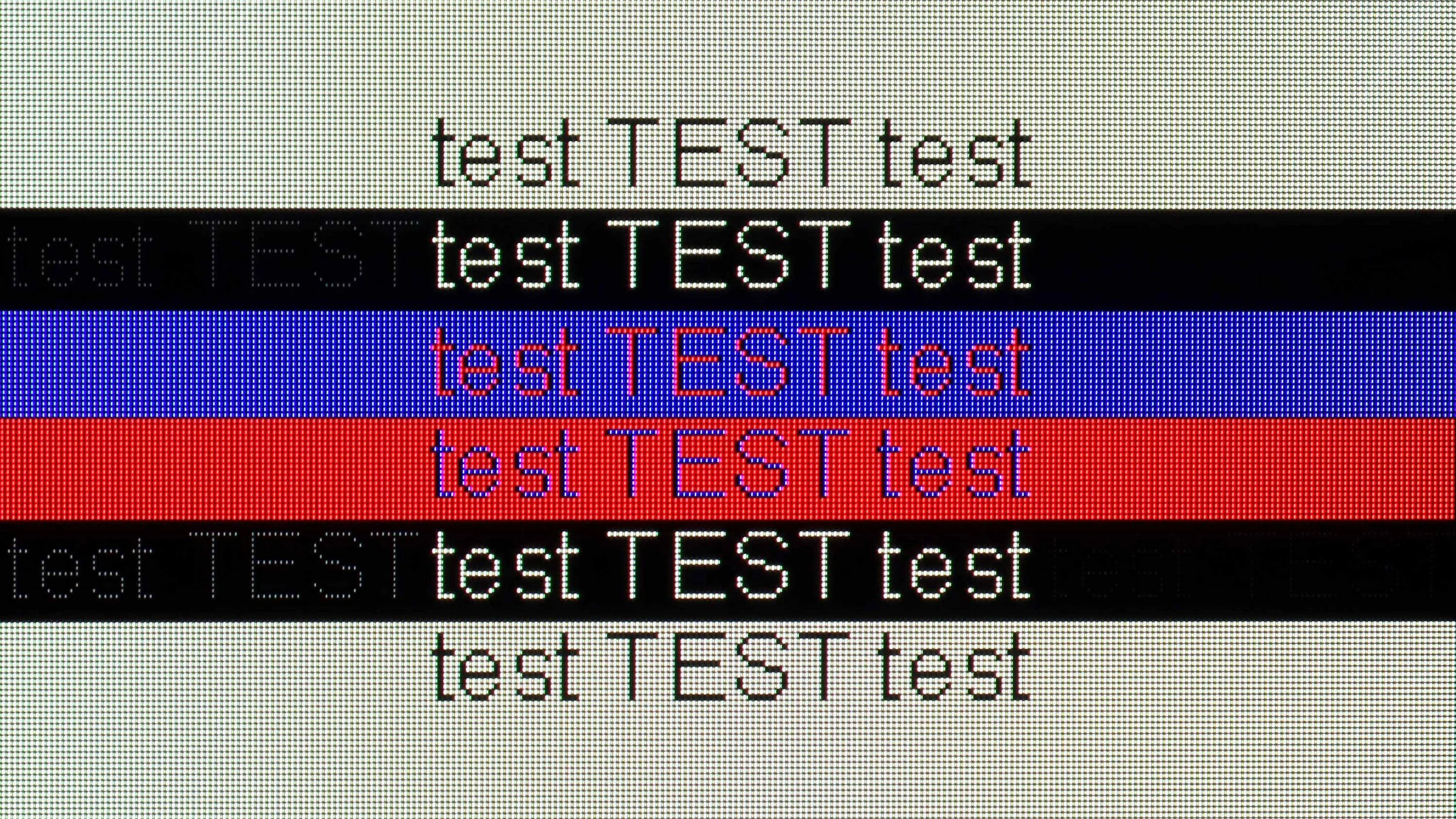
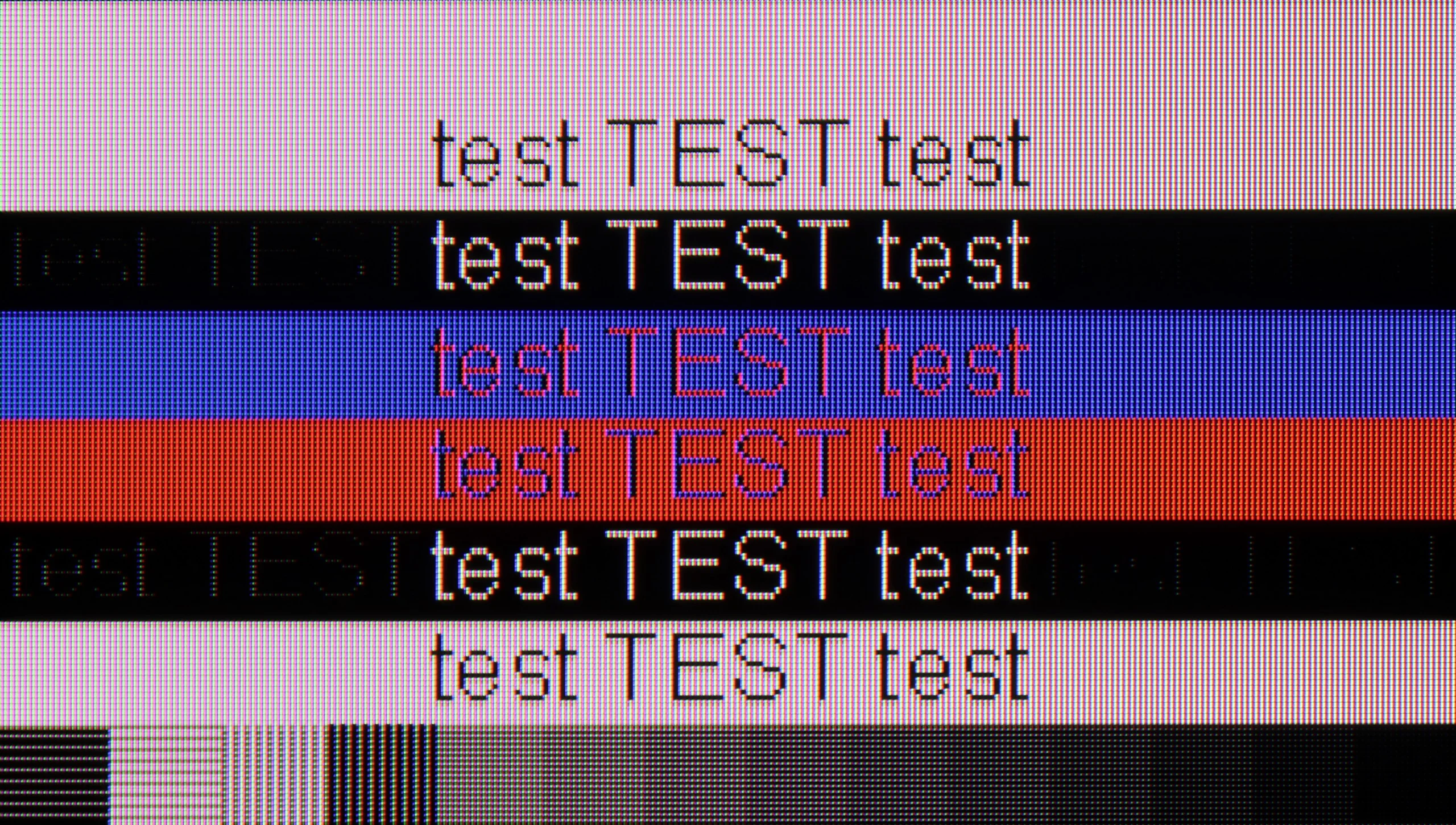
The photo shows the legibility of small fonts. Ideally, lines should be the same thickness on both light and dark text, with minimal pixel gaps.
LG B4 combined with a PC performs excellently, thanks to a very low latency of just 13.5 ms, which is practically an instant response between the mouse, the eye, and the screen. An extremely important factor when working on a screen is primarily the readability of the text, which in the case of the tested television is very good. However, it is worth noting that to achieve sharp fonts, one must enable the passthrough option in the settings.
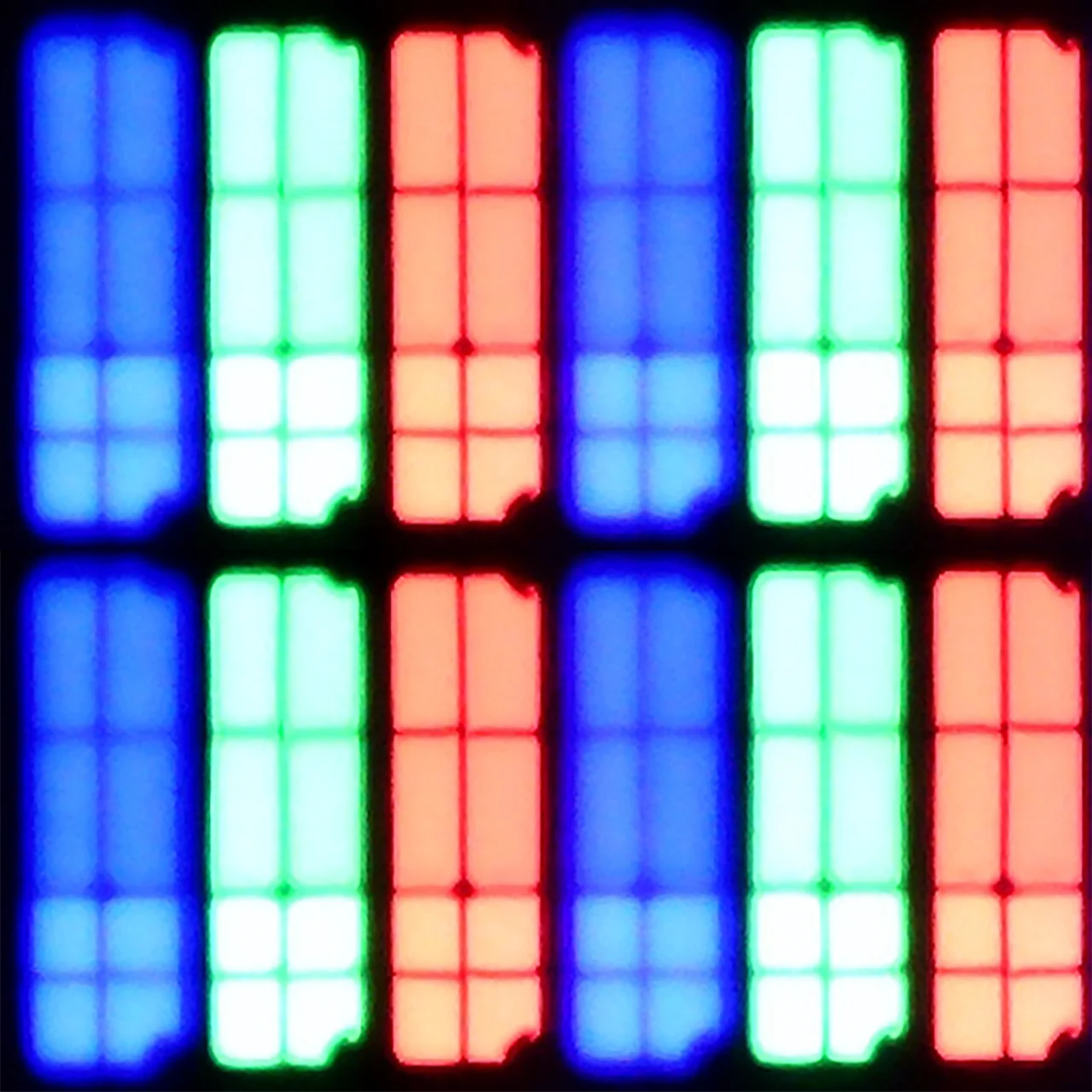
The RWBG pixel layout has no significant impact on the display of fonts or letters, which provides a considerable advantage over Samsung's QD-OLED matrices. Users of both Windows and macOS equipped computers are sure to be pleased with the performance on the screen of the tested television.
The PQS9000 scores highly for PC compatibility, mainly thanks to its gaming capabilities. A 144 Hz refresh rate at 4K and support for G-Sync Compatible and AMD FreeSync Premium Pro allow frame-rate synchronisation on compatible NVIDIA and AMD cards. Working with text is also good. Regular fonts are sharp and legible, and thanks to proper 4:4:4 chroma handling coloured letters, icons and small desktop elements retain their clarity. The main reservation concerns very small, dark text: the horizontal strokes of letters are noticeably darker than the verticals, which makes some characters look uneven. You probably won't notice this from the sofa, but if someone plans to put The One on a desk and work up close, this flaw may become annoying.
Viewing angles
7.4/10
3.2/10
The undisputed advantage of OLED panels is their performance in the context of group viewing, that is, from various angles. LG B4 maintains very good contrast, colour saturation, and fidelity. Although this is not the result of organic televisions supported by MLA technology, one cannot say that anyone who purchased the device was dissatisfied with the results obtained. However, it should be noted that at sharp angles, a slight greenish tint can be observed. This is a characteristic feature of LG's WRGB panels, without the aforementioned micro-lens technology, and unfortunately, there is nothing that can be done about it.
Viewing angles are one of the weakest points of the Philips PQS9001. Simply moving to the side is enough for the colours to lose saturation noticeably, and for the picture to look washed out and less contrasty. When watching with several people, seats directly in front of the screen will therefore be by far the best.
Unfortunately this is a typical characteristic of VA panels, where good contrast when viewed head-on comes at the cost of poorer off-axis performance. Most TVs with such a panel suffer the same problem and The One is no exception. The swivelling stand helps a little, allowing you to angle the screen towards the viewer, but it won't solve the issue when seats are widely spaced.
Daytime performance
5.7/10
6.1/10
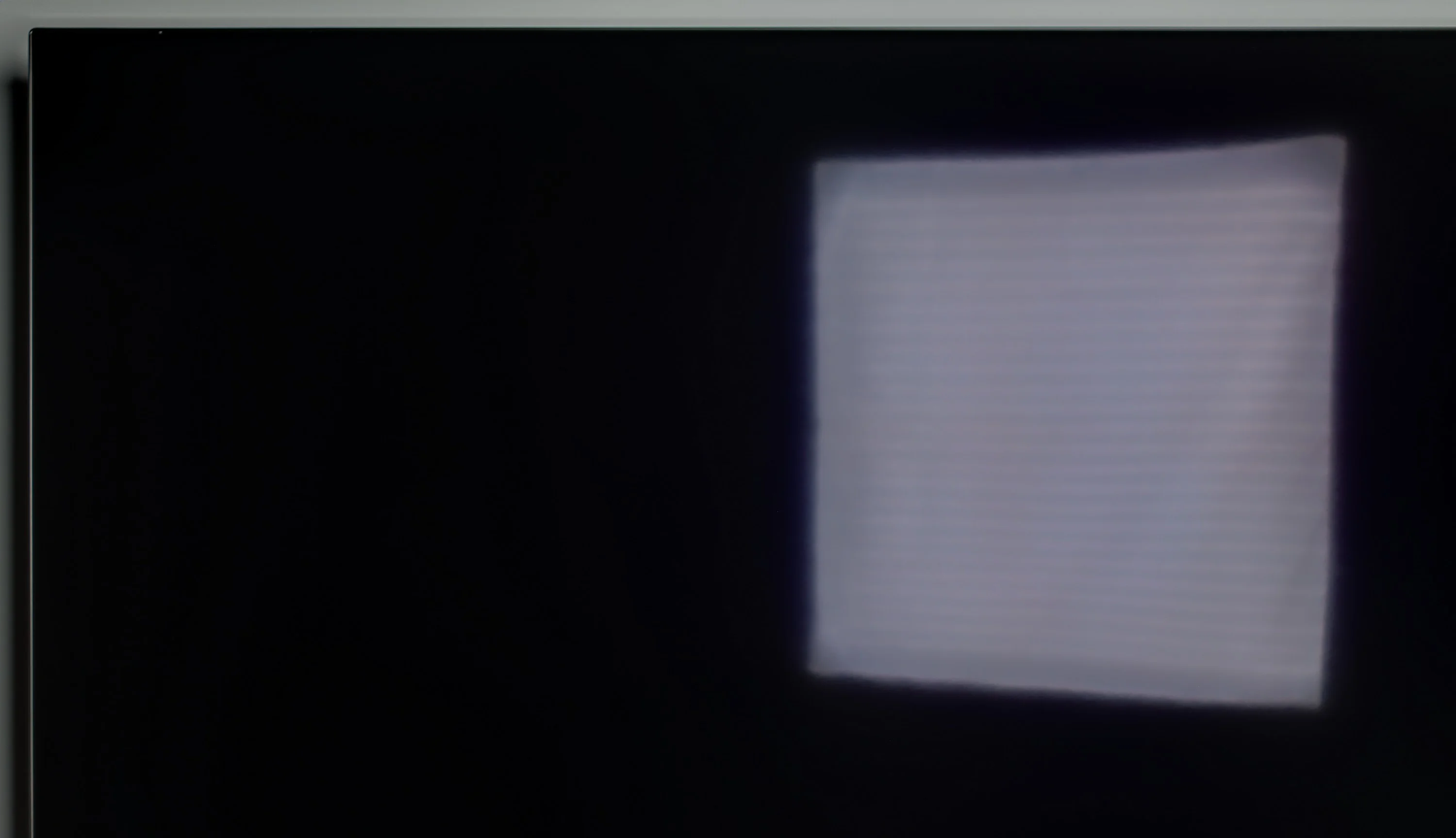
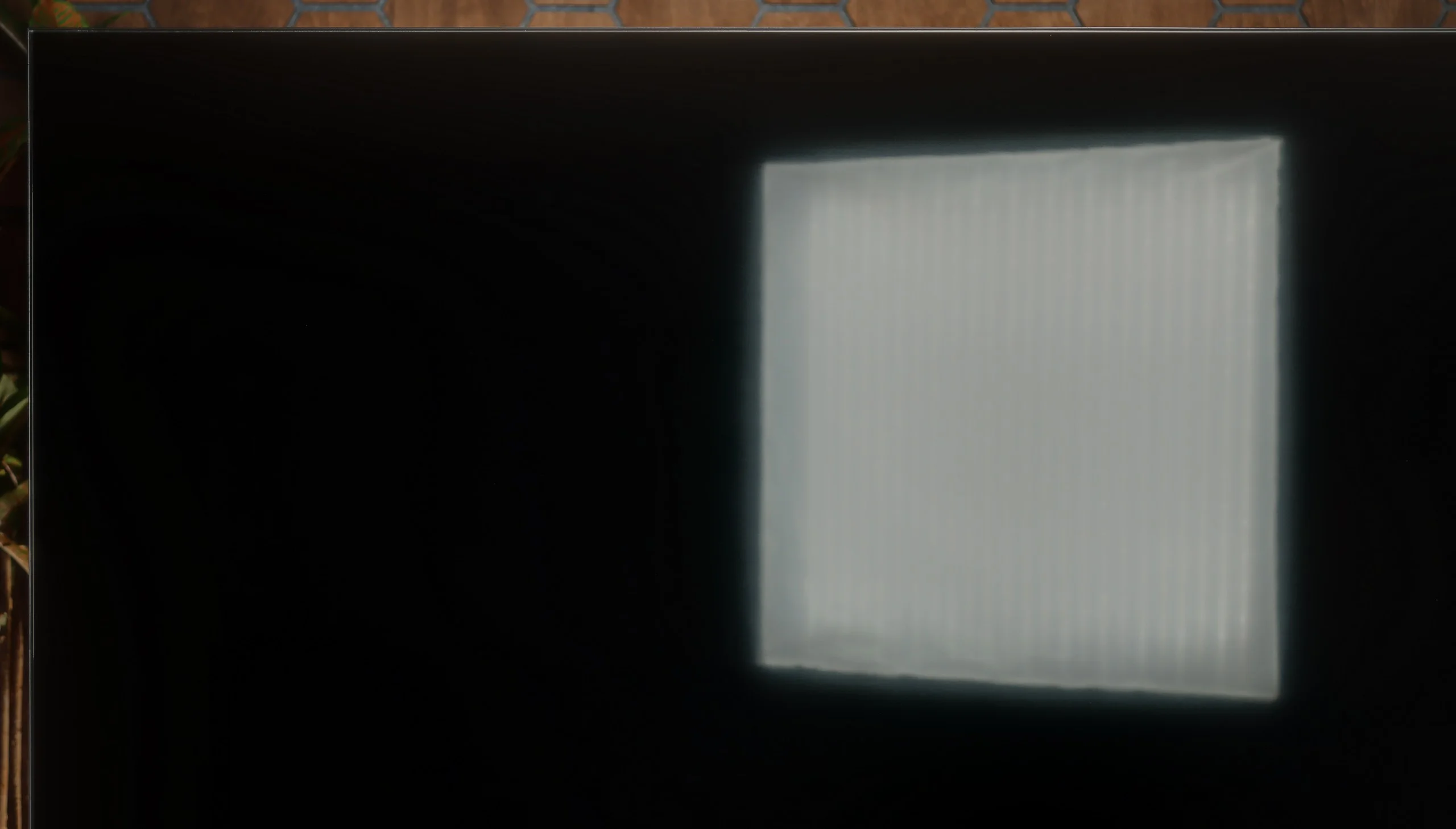
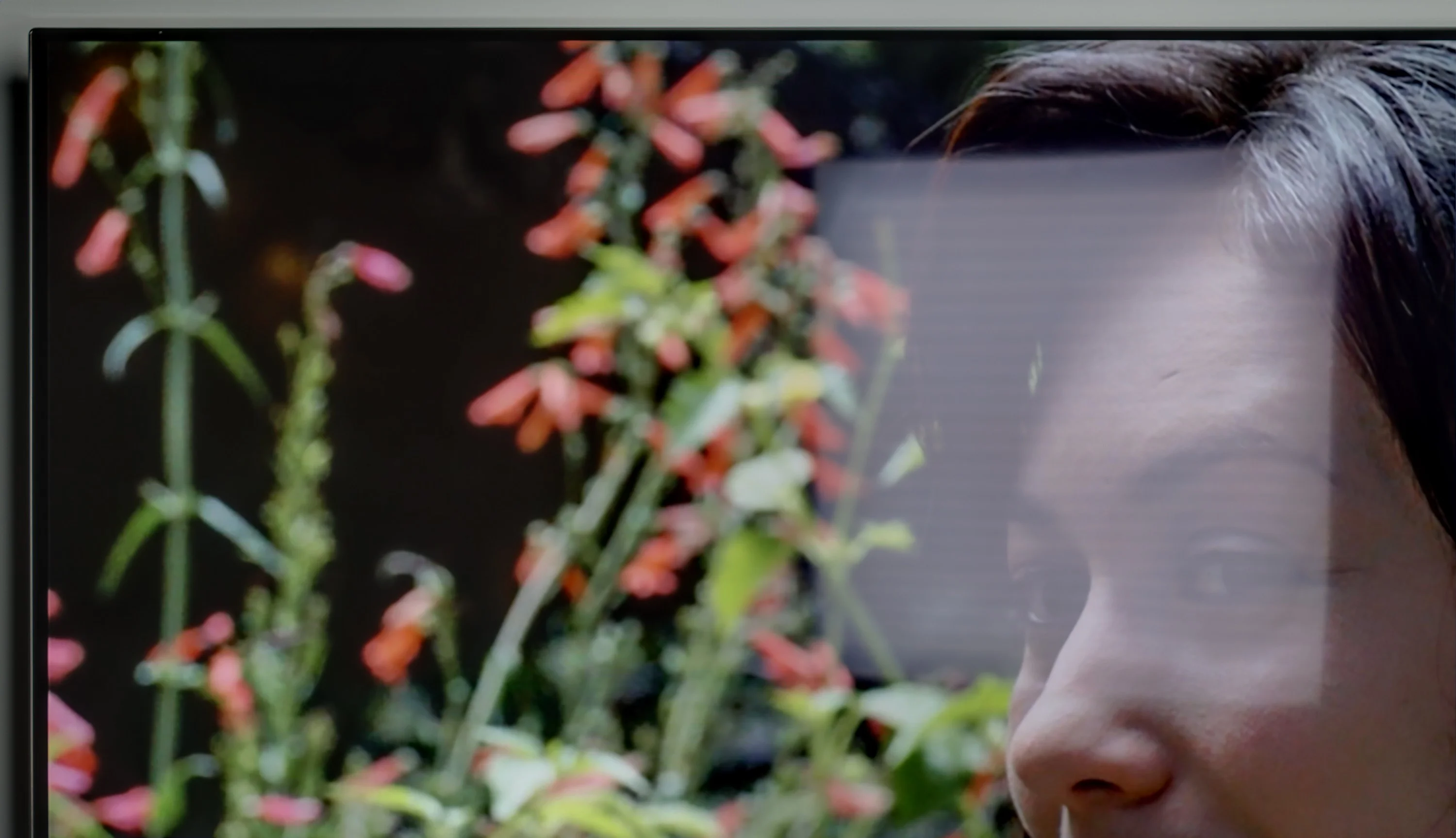
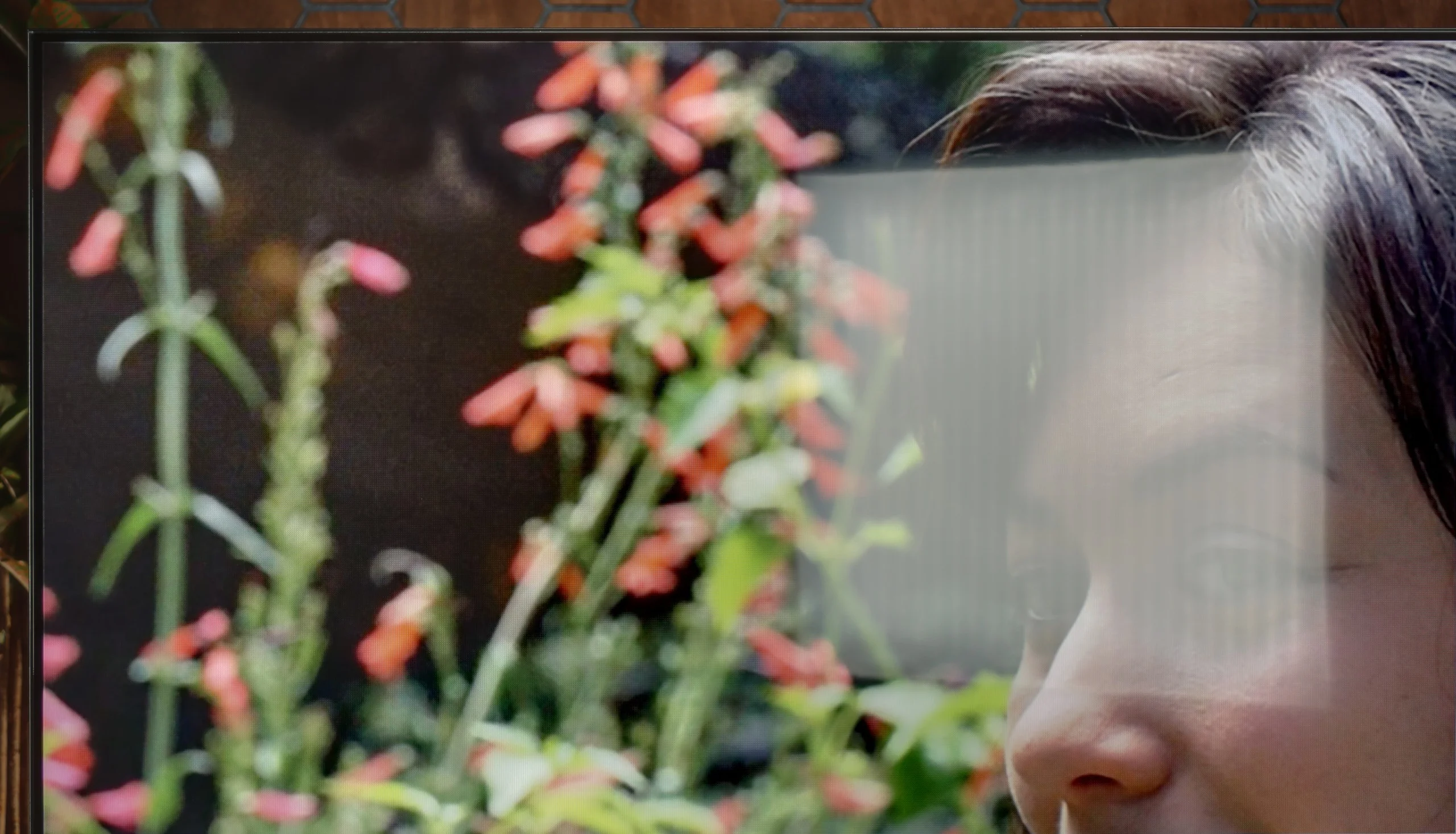
Panel brightness
Philips PQS9011 / PQS9001 (The One 2026): 502 cd/m2
LG 55 B4: 374 cd/m2
The maximum brightness of the television in SDR materials is 370 nits. For an OLED television, this is a very good result and allows for quite comfortable viewing during the day. It is worth paying attention to two things. The first is the rather mediocre handling of reflections caused by the satin finish of the panel, which means that direct light hitting the television will be quite obtrusive. The second issue is the brightness of the screen when filled 100% with white, oscillating around 260 nits, which is an excellent result, as until recently, OLED televisions in this price range could "boast" a brightness twice as low. Thanks to this, the conditions for watching, for example, winter sports will be very good.
The Philips PQS9001 performs quite well for daytime viewing. The main advantage is a stable brightness of around 500 nits, regardless of how many bright elements appear on the screen. Even when watching winter sports or a scene full of white, the image does not dim. In a typical living room that level is more than enough to watch television comfortably without having to draw the curtains.
The satin finish does a decent job of suppressing reflections, though it does not eliminate them completely. A window opposite the screen will be visible and can be distracting, especially in darker scenes. Black holds up well in daylight, so the picture does not become overly washed out. For everyday viewing, it's therefore quite good, as long as the sun is not shining directly on the screen.
Panel details
Subpixel Structure:
Panel uniformity and thermal imaging:


LG 55 B4
Philips PQS9011 / PQS9001 (The One 2026)
TV features
8.9/10
7.6/10
- SystemWebOSTitan OS
- System performanceGoodDecent
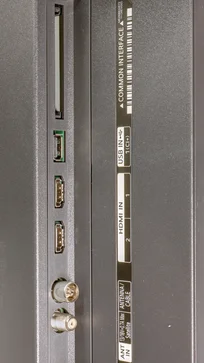
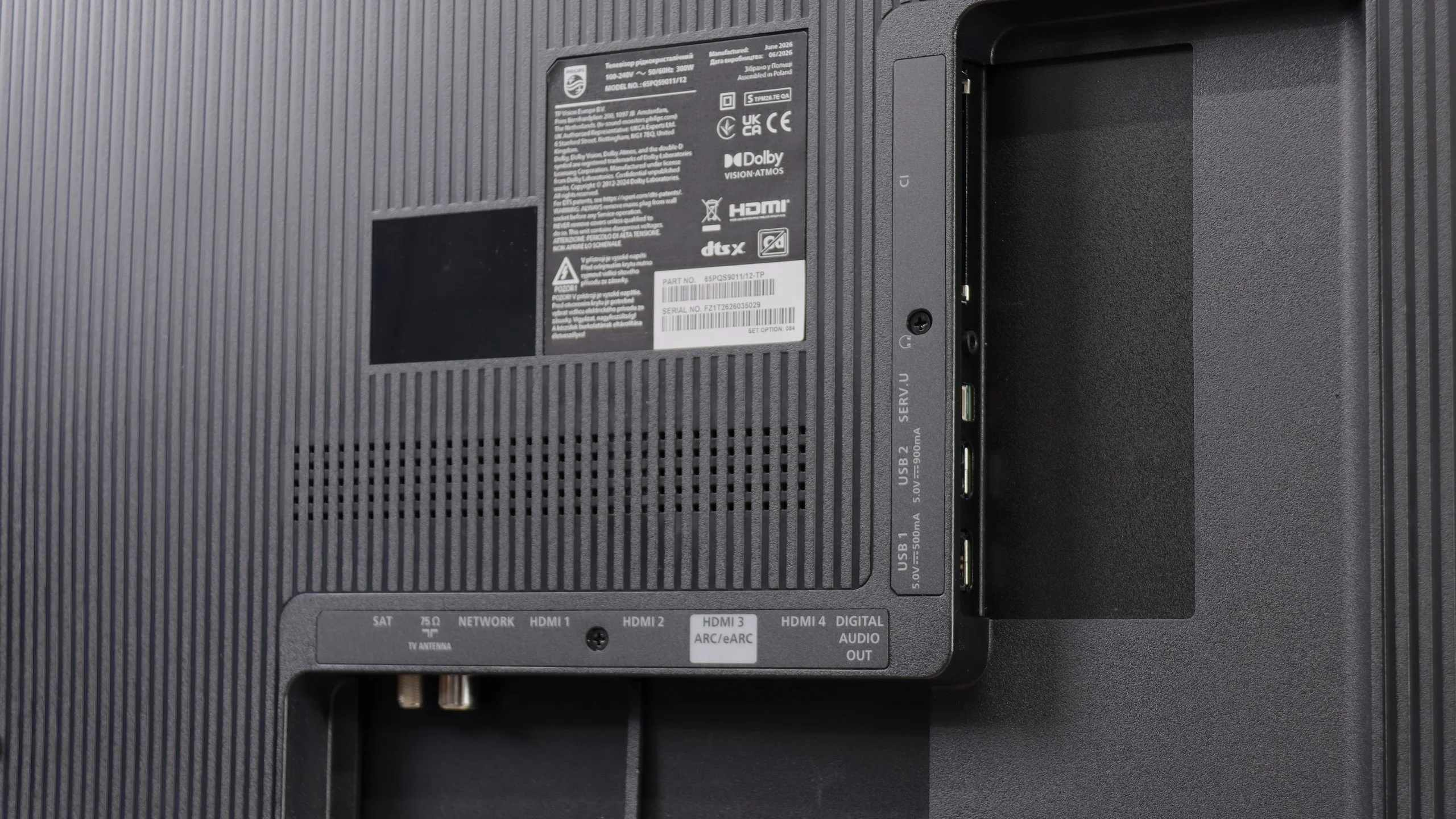
- HDMI inputs0 x HDMI 2.0, 4 x HDMI 2.1 48Gbps0 x HDMI 2.0, 4 x HDMI 2.1 48Gbps
- OutputsToslink (Optical audio), eARC (HDMI), ARC (HDMI)Toslink (Optical audio), eARC (HDMI), ARC (HDMI), Mini-Jack (Headphones)
- Network InterfacesWi-Fi 2.4GHz, Wi-Fi 5GHz, Ethernet (LAN) 100MbpsWi-Fi 2.4GHz, Wi-Fi 5GHz, Ethernet (LAN) 100Mbps
- TV receptionDVB-T, DVB-T2, DVB-S, DVB-S2, DVB-CDVB-T, DVB-T2, DVB-S, DVB-S2, DVB-C
Classic features:
- Recording to USB (terrestrial TV)

- Recording programming
- Picture in Picture (PiP)
- RF remote control (no need to aim)
- Backlit remote control
- Teletext
- Audio only mode
- Bluetooth headphones support
- Simultaneous Bluetooth headphones & TV audio
Smart features:
- AirPlay
- Screen mirroring (Windows Miracast)
- Voice search
- Voice search in native language
- Ability to connect a keyboard and mouse
Sound connection options
- HDMI audioeARC (HDMI), ARC (HDMI)eARC (HDMI), ARC (HDMI)
- Other audio outputsToslink (Optical audio)Toslink (Optical audio), Mini-Jack (Headphones)
- Wireless audioBluetoothBluetooth
Supported audio formats (external HDMI eARC audio):
- Dolby Digital Plus 7.1
- Dolby True HD 7.1
- Dolby Atmos in Dolby Digital Plus (JOC)
- Dolby Atmos in Dolby True HD
- DTS:X in DTS-HD MA
- DTS-HD Master Audio
Senior accessibility
- Numeric keyboard on TV
- Font size adjustment
- Audio description
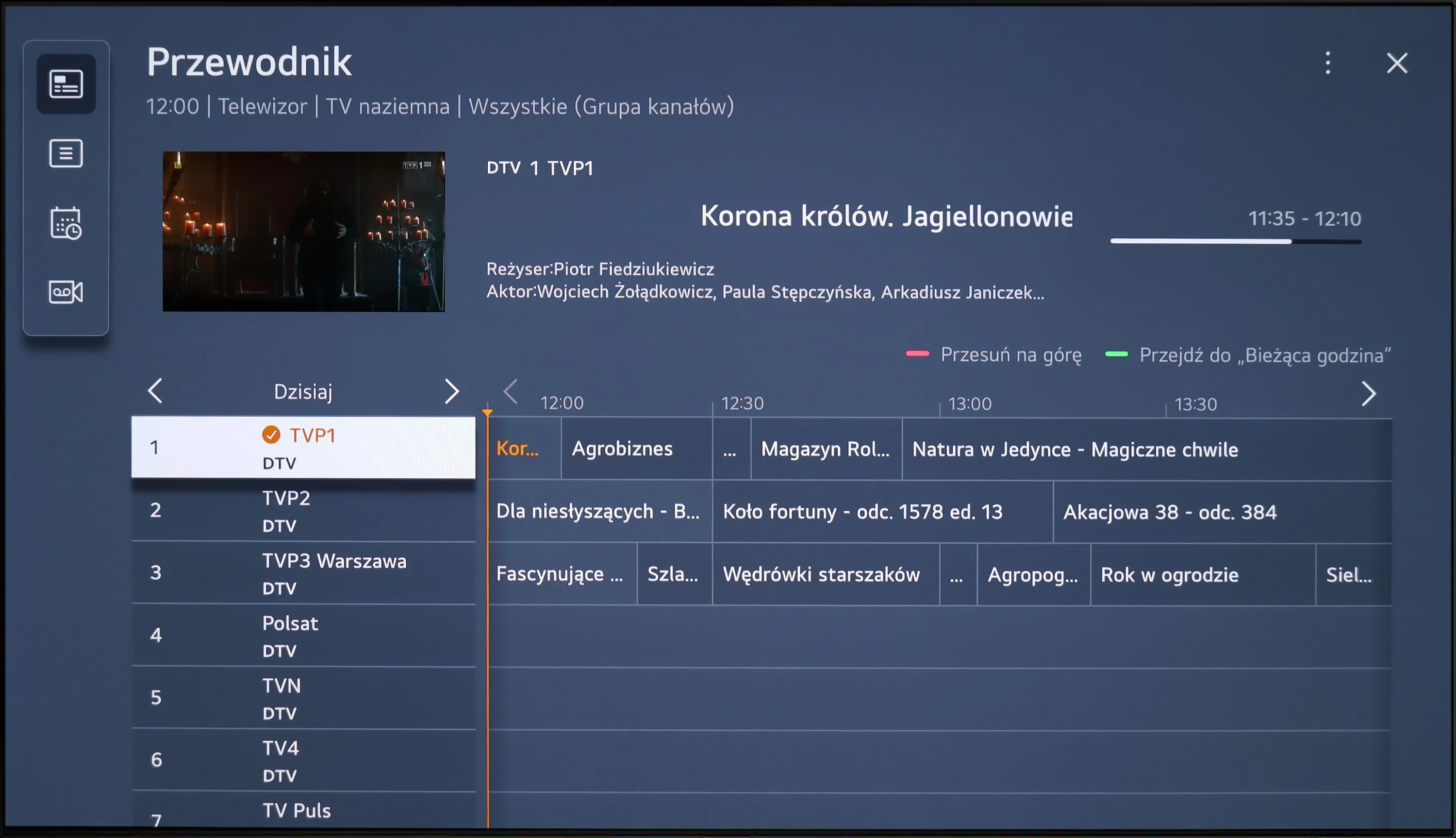
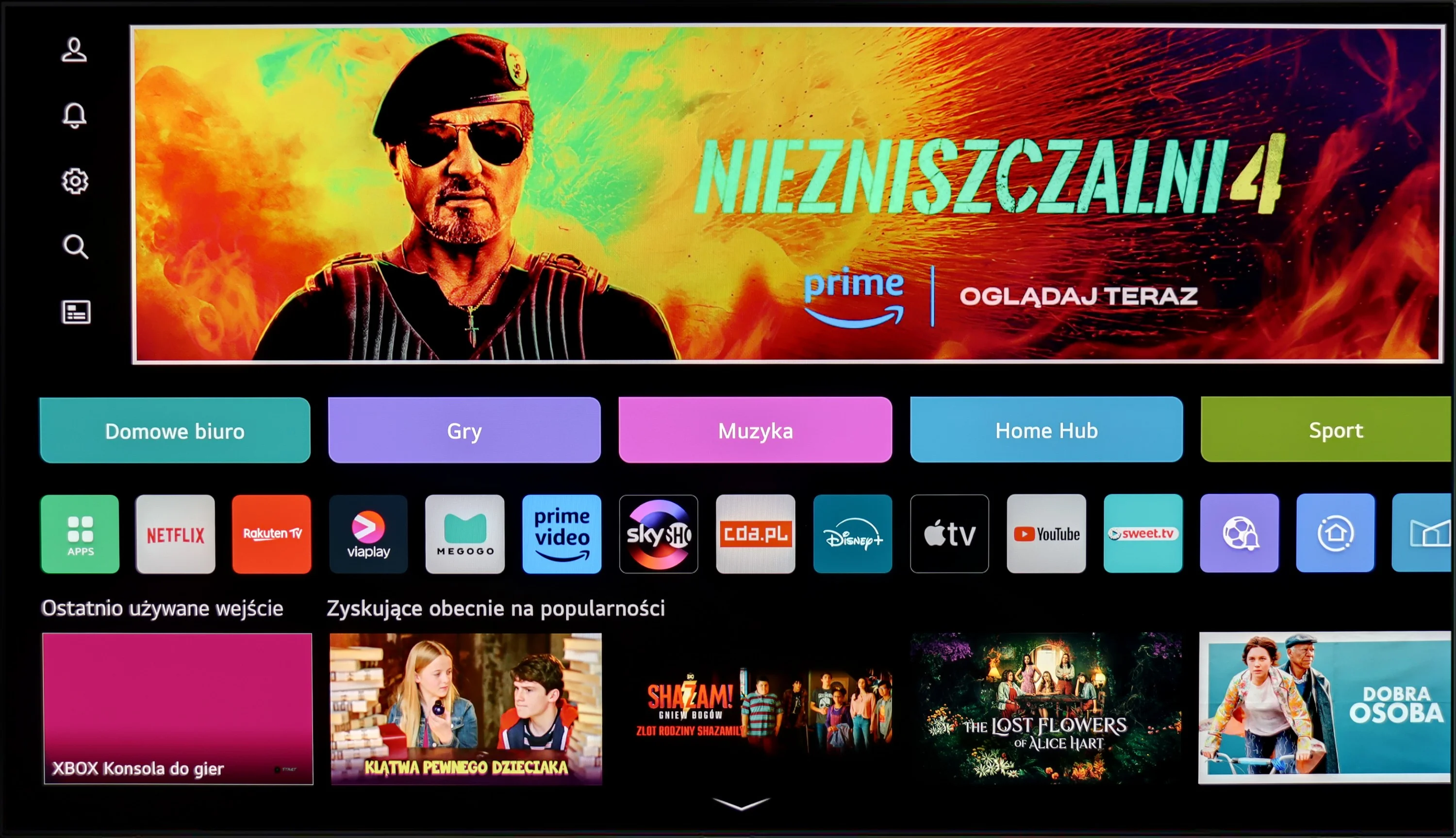
LG B4 uses the well-known proprietary system WebOS. The system offers practically all the most important applications, and those that are lacking can be counted on one hand, such as CDA or KODI.
WebOS also boasts a highly appreciated ability to perform operations using a cursor that appears when the remote control is moved. The convenience of such a feature is invaluable when entering queries or passwords for portals. WebOS, like most systems, also supports functions such as screen mirroring, AirPlay, voice search in Polish, and the capability to connect headphones via Bluetooth. On a more practical note, WebOS allows us to use both headphones and the television speaker simultaneously, which will certainly be a great help for those with hearing impairments. Among the more interesting features, particularly appreciated by sports fans, is the option to enable an alert for upcoming matches, ensuring that we never miss a broadcast. The home panel also deserves praise for allowing control of all smart devices connected to the home network. For example, the end of a washing cycle will be signalled by a notification in the top right corner.
In summary, the WebOS system, despite being less known and having certain limitations compared to Android TV, offers stable and fast operation and supports most functions that users may need. It is a solid solution for those looking for a simple and effective operating system in a television.
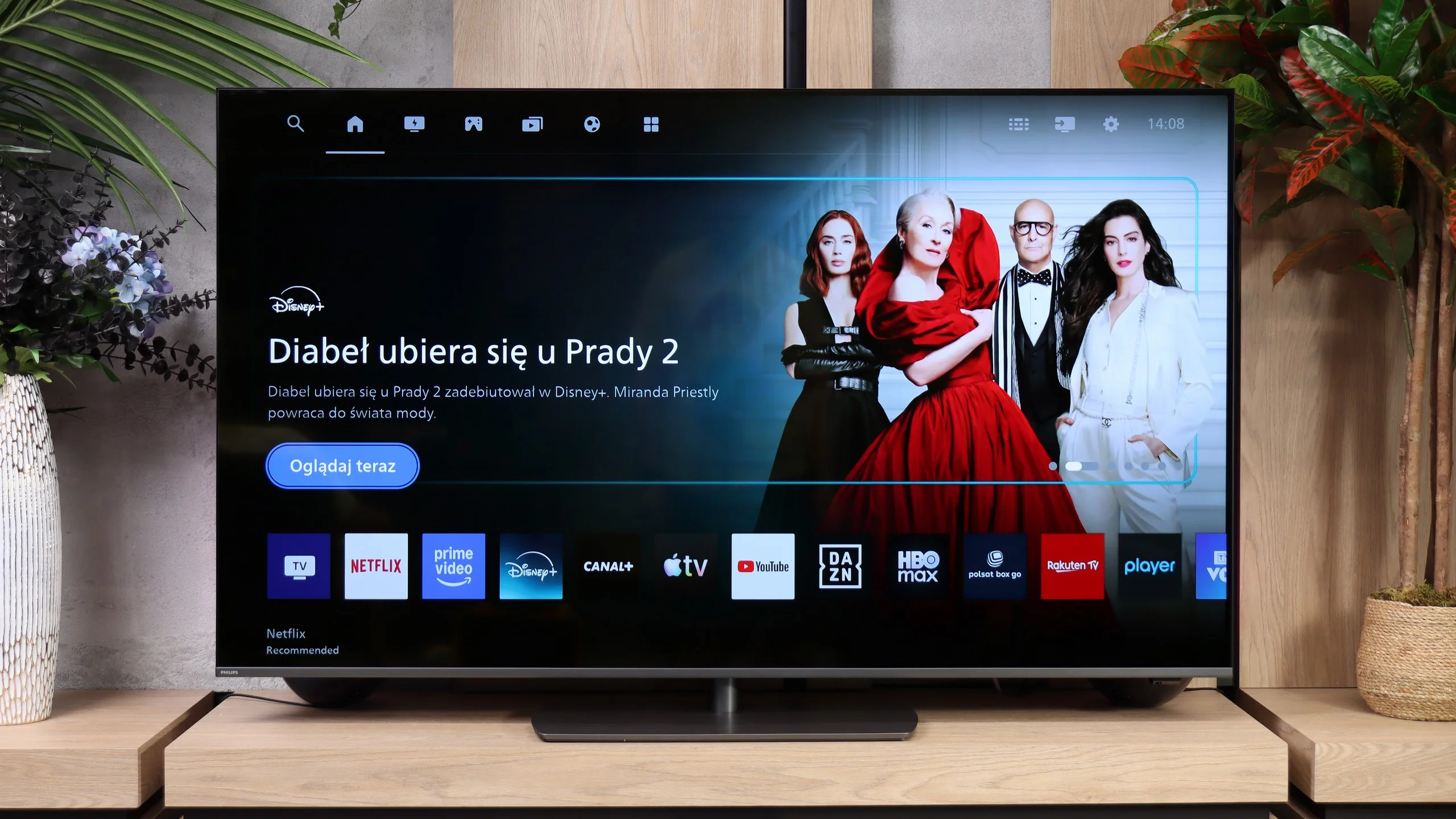
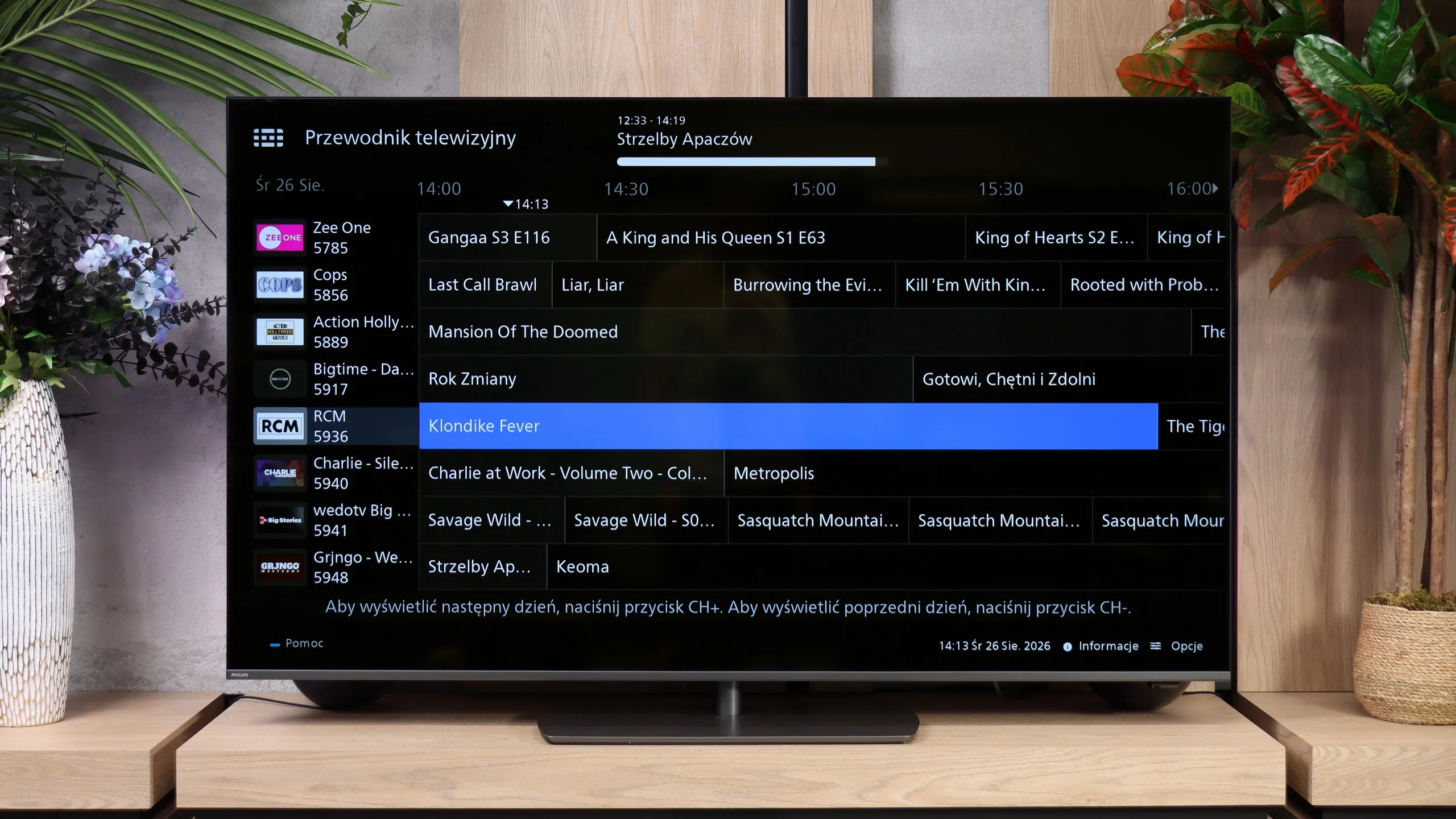
Titan OS in this year’s The One shows that Philips has worked on its system. Compared with last year’s version many small details and functions that previously did not behave as they should have been fixed. Now you can use AirPlay without problems, stream the picture from a computer via Miracast or search for something by voice in Polish. The system itself runs decently, though it is certainly not among the fastest. The app library has also grown, with Netflix, Prime Video, Disney+, CANAL+, Apple TV and YouTube available. The selection is still smaller than on Google TV, but when using popular services Titan gives fewer reasons to complain. Everyday convenience has improved in the basic features as well. You can connect Bluetooth headphones and listen through them at the same time as the TV’s speakers, and there is a mode that lets you switch the screen off and leave only the audio playing. USB recording and picture-in-picture (PiP) are missing. What’s most disappointing is the remote — despite its backlit buttons it still controls the TV via infrared, so you have to point it at the screen. The system has gained many useful tweaks, but that part of the operation has stayed the same and can be irritating in daily use.
Apps
9.1/10
7.2/10






















Playing files from USB
8.5/10
8.6/10
Supported photo formats:
Maximum photo resolution:
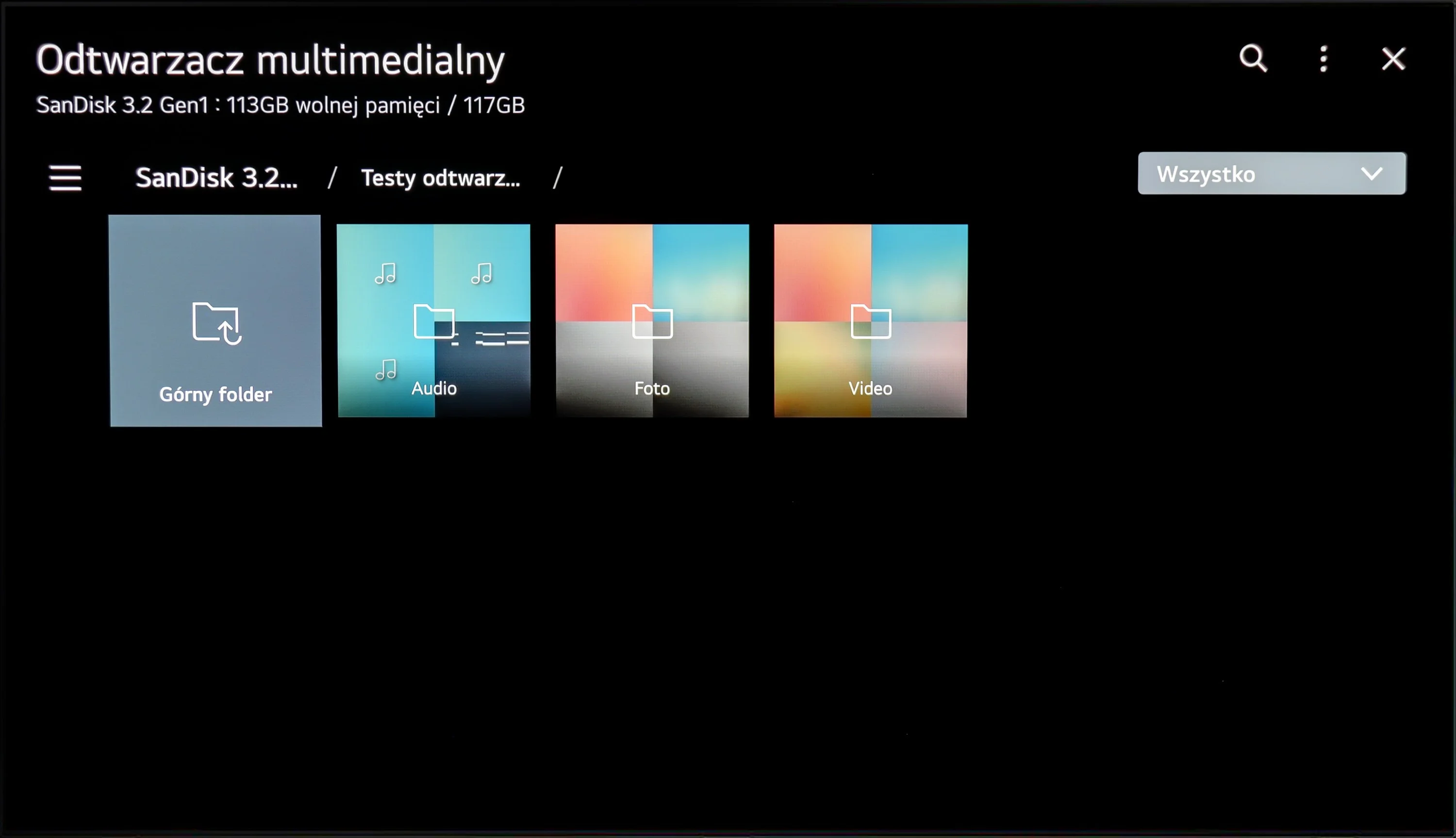
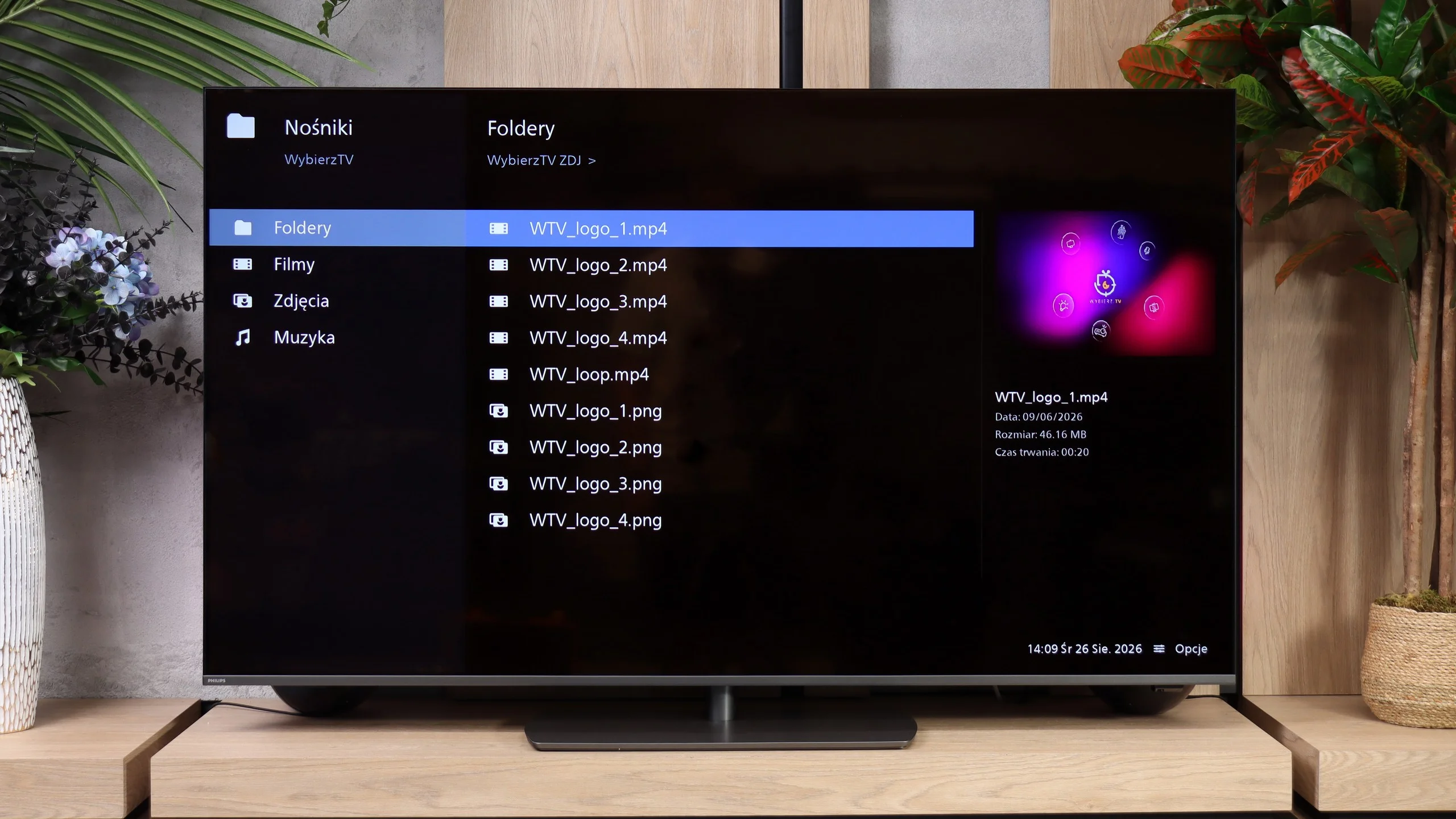
The default file player in LG B4 definitely handles most images well, although the absence of a few equally popular formats is surprising. We can successfully play videos recorded in virtually all the most popular formats, including Dolby Vision. The only codec that LG B4 will not play is H.266 VVC, although this is currently rather unused. However, it is worth noting the supported image formats, of which there are only two: JPEG and PNG. Users of Apple devices may feel disappointed by the lack of support for the HEIC format, which is the default format when taking photos. The remedy for this is to use the built-in AirPlay feature. We will also mention the lack of support for TXT subtitles.
The built-in USB player works quickly and smoothly and handles most of the files we tested without a problem. Music playback is good, from popular MP3s to FLAC files, including 96 kHz/24-bit. It's perfectly adequate for everyday playback of media from a USB stick. However, our main reservations again concern photo handling. The player is rather selective about image resolution: it opened our 8, 16 and 32 MP files, but failed with, among others, 4, 12 and 24 MP files. It's hard to see the logic in that when a larger photo works but a smaller one doesn't. That can be irritating when browsing holiday photos.
Sound
7.1/10
6.9/10
- Maximum volume-96dB
- Dolby Digital Plus 7.1
- Dolby True HD 7.1
- Dolby Atmos in Dolby Digital Plus (JOC)
- Dolby Atmos in Dolby True HD
- DTS:X in DTS-HD MA
- DTS-HD Master Audio
The audio system built into the LG OLED B4 can be considered quite good. We can say that it performs well for its price range. The bass is quite noticeable, but does not overpower the other frequencies. It can be said that the sound is fairly well balanced. We believe that those opting for this class of display are, or will be, in possession of an appropriate audio system. Therefore, the presence of DTS-HD Master Audio and Dolby Atmos codecs is not insignificant.
The Philips PQS9001 has a 2.0 audio system with a total power output of 40 W, which is two 10 W drivers on each side. It performs quite well and noticeably better than most budget TVs. There's plenty of volume, but the sound itself lacks depth. The biggest issue is the lack of low bass, so explosions in films and the heavier parts of music don't have the proper weight.
Higher frequencies aren't reproduced evenly either. Measurements show a clear dip around 2 kHz, a boost at 6-7 kHz and a drop above roughly 8 kHz. This can emphasise sibilant consonants and give the sound an edge, despite the roll-off of the highest treble. It's adequate for everyday viewing, but for films and music it's worth considering additional audio equipment, all the more so given that the TV supports surround sound formats, including Dolby Atmos and DTS. A compatible soundbar or AV receiver will make better use of those formats than the built-in speakers.
Sound Quality Test
No sound test video
Acoustic Measurements
No acoustic data
96dBC (Max)
75dBC
Reader comments
Comments are provided by the external service Disqus (Zeta Global). Once loaded, Disqus may set cookies and process data about your activity.
We will remember your choice on this device. Provider's privacy policy