 Redakcja Choose TV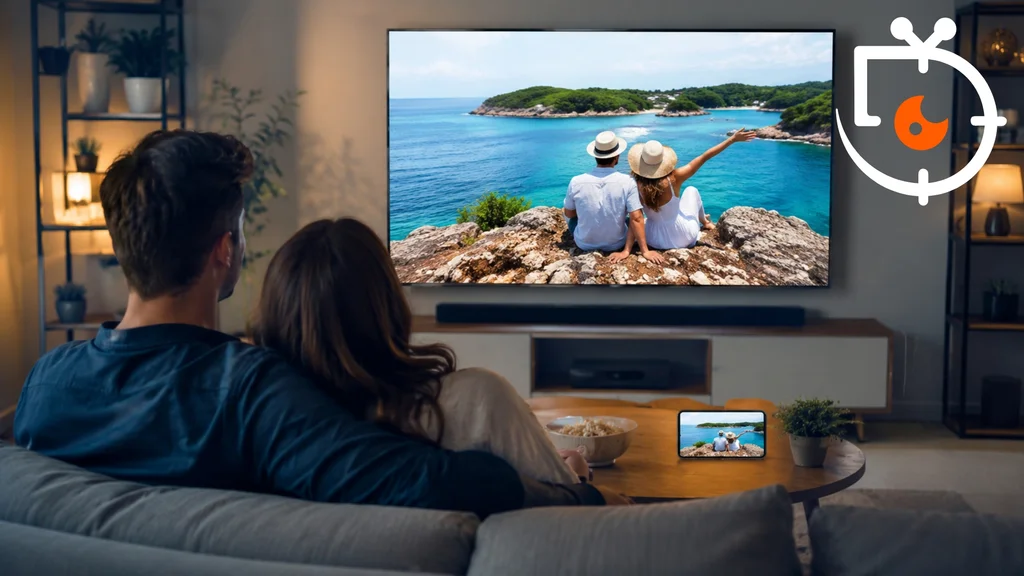
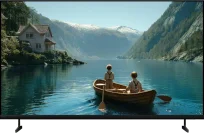
Photos from holiday trips often stay on a smartphone, even though they look much better on a TV's large screen. A few years ago the simplest solution was to connect a computer via HDMI or to use screen mirroring. Nowadays modern Smart TVs offer far more convenient ways to browse photos, and manufacturers are developing their own apps and features that automatically organise photographs and memories.
Smart TVs offer much more convenient ways to display photos
The simplest solution is still to cast your phone’s screen wirelessly using AirPlay, Google Cast or Miracast. However, with classic screen mirroring the TV shows everything on the smartphone, which is not always convenient when viewing photos with family or friends. A better option is to cast only selected photos or videos without sharing the device’s entire screen. Just open a photo in the gallery and use the media-casting feature available in many apps. An additional convenience is the ability to search photos beforehand by location or date taken. That way you can quickly show photos from a particular trip without having to scroll through your entire library. Smartphones automatically group photos by location and events, which greatly streamlines the whole process. This solution is convenient for both Android and iPhone users. In practice, it lets you show photos on the big screen in a matter of seconds.
Apple and Google develop their own photo-viewing apps
Dedicated photo apps available on televisions and Smart TV set-top boxes are also playing an increasingly important role. Users of Apple TV can use the Photos app, which automatically synchronises the entire library with iCloud. The app makes it easy to browse albums, videos and memories without needing to use a phone. It also supports multiple user profiles, so each household member has access only to their own photos. Apple also allows photos to be set as the screensaver, so the TV automatically displays family memories when it is not in use. In Google's ecosystem the situation is somewhat different. TVs with Google TV offer integration with Google Photos mainly via the screensaver and photo search using the Google Assistant. The manufacturer, however, promises further feature development alongside the rollout of Gemini AI. Interestingly, the first TV maker to offer fuller integration of the Google Photos app was Samsung, although the app currently mainly displays automatically generated memories rather than the entire photo library.
Modern televisions now offer far more options for displaying photos than they did just a few years ago. Besides the classic casting of images from a phone, users can use dedicated apps, auto-generated memories and screensavers that display photographs from the cloud. Everything suggests that as Apple and Google services evolve, browsing photos on a large screen will become even simpler and more intuitive.
source: flatpanelshd