 Direct comparison
TCL P755 stands out primarily due to its Google TV system, which simplifies daily use of the television. It is easy to operate, runs smoothly, and provides access to numerous applications, while personalised recommendations help quickly find something to watch. Support for AirPlay and Windows Miracast allows for easy casting from other devices. All of this makes the television a good option as a home entertainment centre. When it comes to picture quality, P755 offers solid performance for its price. Dolby Vision makes HDR content look better – colours are vibrant and contrast sharper. The wide colour gamut results in an image that is rich and natural, which is evident when watching films. Additionally, the television has a high native contrast, which distinguishes it in this price range. For gamers, the P755 could also be an interesting option. Low input lag enables smooth gameplay, and games run responsively. Of course, the 60 Hz panel does not provide ideal fluidity, and the HGiG function does not work perfectly, but for occasional gaming, this model is adequate. However, it does come with some drawbacks. Low brightness means that the image in bright rooms may be less readable, and the viewing angles are quite average. Dithering can also be an issue, causing artefacts in darker scenes, especially when using the television as a monitor – the fonts on the screen are less legible. TCL P755 is a good choice for those looking for an affordable television with features. Dolby Vision, a wide colour gamut, and low input lag are the strengths of this model. Although brightness and viewing angles could be better, it offers a lot at this price and works well for everyday viewing or occasional gaming.
- Matching (Score) |
- Our verdict |
- TV appearance |
- Where to buy |
- Contrast and black detail |
- HDR effect quality |
- Factory color reproduction |
- Color reproduction after calibration |
- Smoothness of tonal transitions |
- Image scaling and smoothness of tonal transitions |
- Blur and motion smoothness |
- Console compatibility and gaming features |
- Input lag |
- Compatibility with PC |
- Viewing angles |
- Daytime performance |
- Panel details |
- TV features |
- Apps |
- Playing files from USB |
- Sound
P755
S Mini 2026
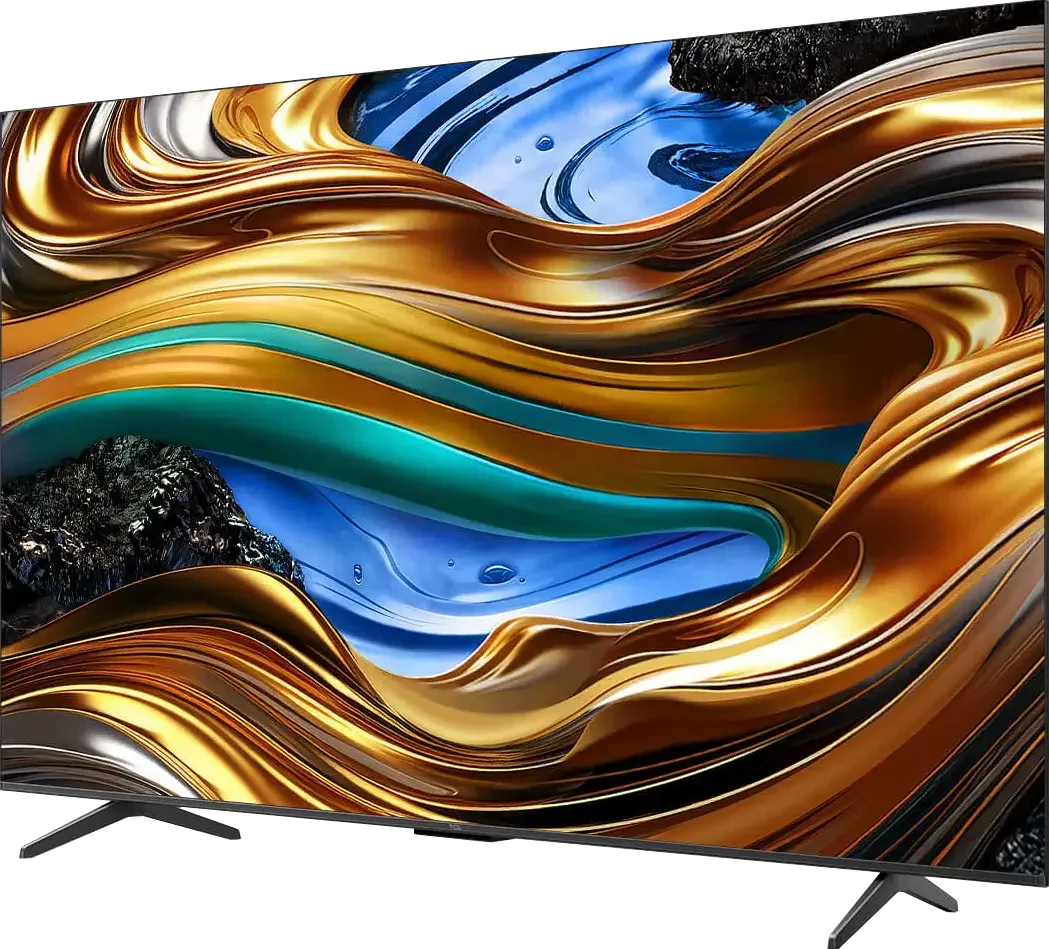
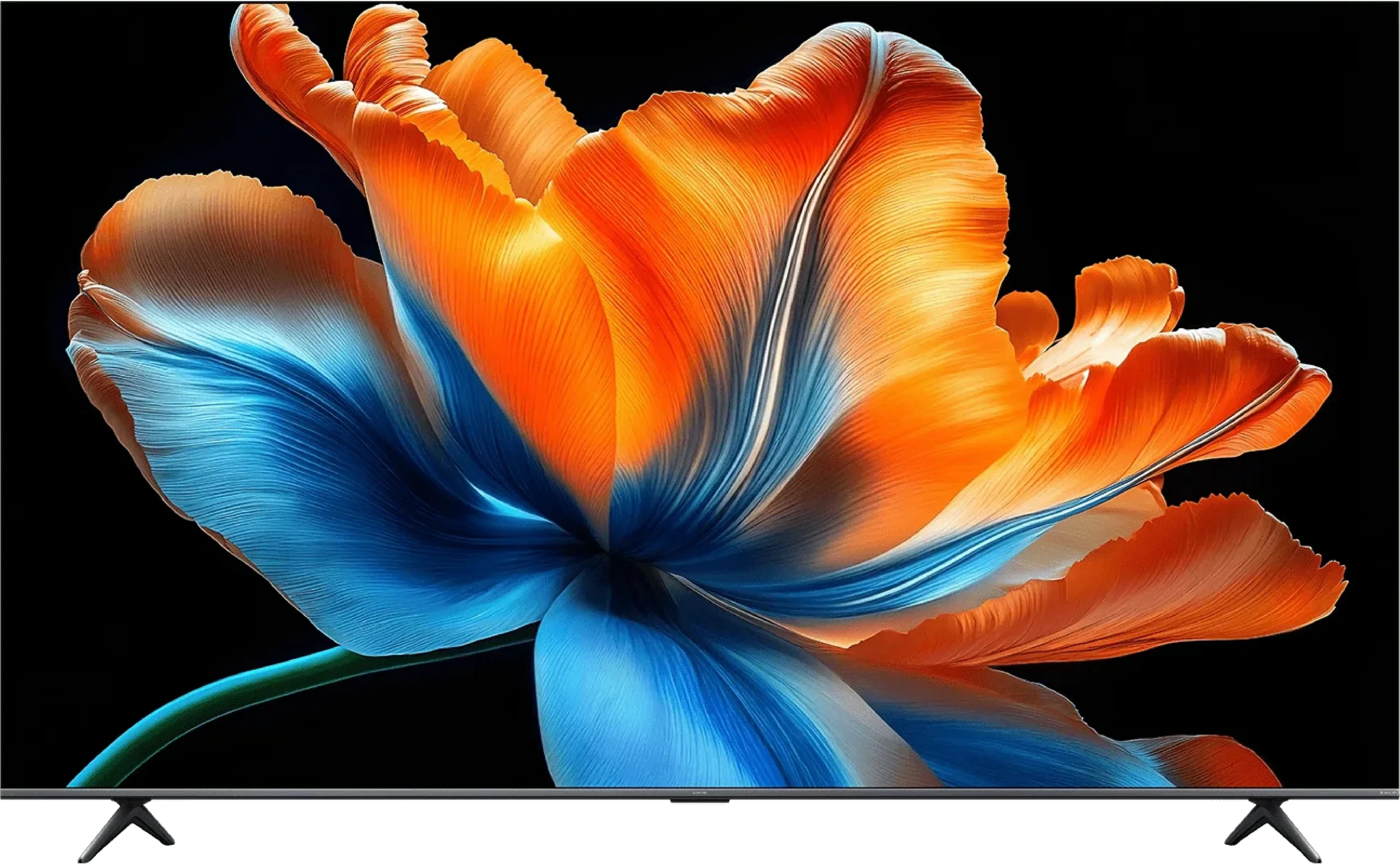
Panel type: LCD VA
Resolution: 3840x2160
System: Google TV
Model year: 2024
Panel type: LCD VA
Resolution: 3840x2160
System: Google TV
Model year: 2026
Check how well they match your needs
Take the surveyOverall rating
5.8
6.2
 Movies and series in UHD quality
5.9
6.2
 Classic TV, YouTube
6.0
6.0
 Sports broadcasts (TV and apps)
5.1
5.0
 Gaming on console
6.8
6.9
 TV as a computer monitor
2.5
5.6
 Watching in bright light
3.8
6.3
 Utility functions
7.3
6.7
 Apps
9.6
9.6
 Sound quality
5.8
5.0
Complete the survey to find out what fits your preferences
Advantages

High native contrast
Support for advanced features for gamers
Advanced Google TV operating system
Low input lag
Support for all HDR formats
Support for all Dolby and DTS audio formats
Very good contrast: MiniLED + VA
High brightness
Wide colour gamut
Low input lag
120 Hz mode at 1080p/1440p
Google TV with a wide selection of apps
Good results after calibration
Disadvantages

Low brightness
Average viewing angles
Incorrectly functioning HGiG mode
Poor font readability
Panel limited to 60 Hz
Poor viewing angles
Poor image processing
Visible posterisation
Flat sound, little bass
Our verdict
In the smaller screen sizes (55 to 75 inches) the Xiaomi S Mini 2026 makes a really good impression, provided you judge it from the outset in the context of its price. Mini LED technology does exactly what we expect from it: it delivers strong contrast and produces HDR brightness high enough that watching films feels much more dynamic than on conventional TVs in this price bracket. Add Google TV to that and you simply get a device that’s easy to use for everyday entertainment. The catch is that how you evaluate this model depends heavily on how you plan to use it. The 55-, 65- and 75-inch versions use a 60 Hz panel, which automatically puts them in a very different position compared with the larger variants. If you’re looking for a screen specifically for sport or want to get the most out of a new console in 4K at 120 frames per second, this TV will simply fall short of expectations. A separate issue is Xiaomi’s policy, because the naming confusion can be very misleading. The 85- and 98-inch variants are actually completely different TVs in terms of construction and capabilities. A buyer is perfectly entitled to assume that by choosing a smaller size they are only sacrificing inches and perhaps the number of local dimming zones, whereas in practice they end up with kit from a completely different technological tier. Looking at the 55 to 75-inch model itself, if your benchmark is obtaining the best possible picture quality on a very low budget, the S Mini 2026 can more than hold its own.
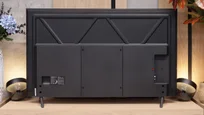
TV appearance

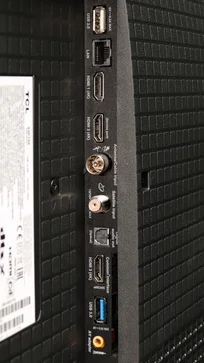
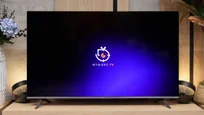
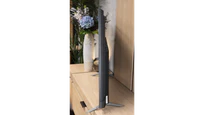

Contrast and black detail
6.1/10
7.8/10
Local dimming function: No
Local dimming function: Yes, number of zones: 308 (22 x 14)
Contrast:


Result
5,650:1

Result
6,750:1

Result
5,850:1

Result
6,550:1

Result
6,100:1
Result
458,550:1
Result
27,450:1
Result
25,200:1
Result
10,950:1
Result
6,650:1
Halo effect and black detail visibility:
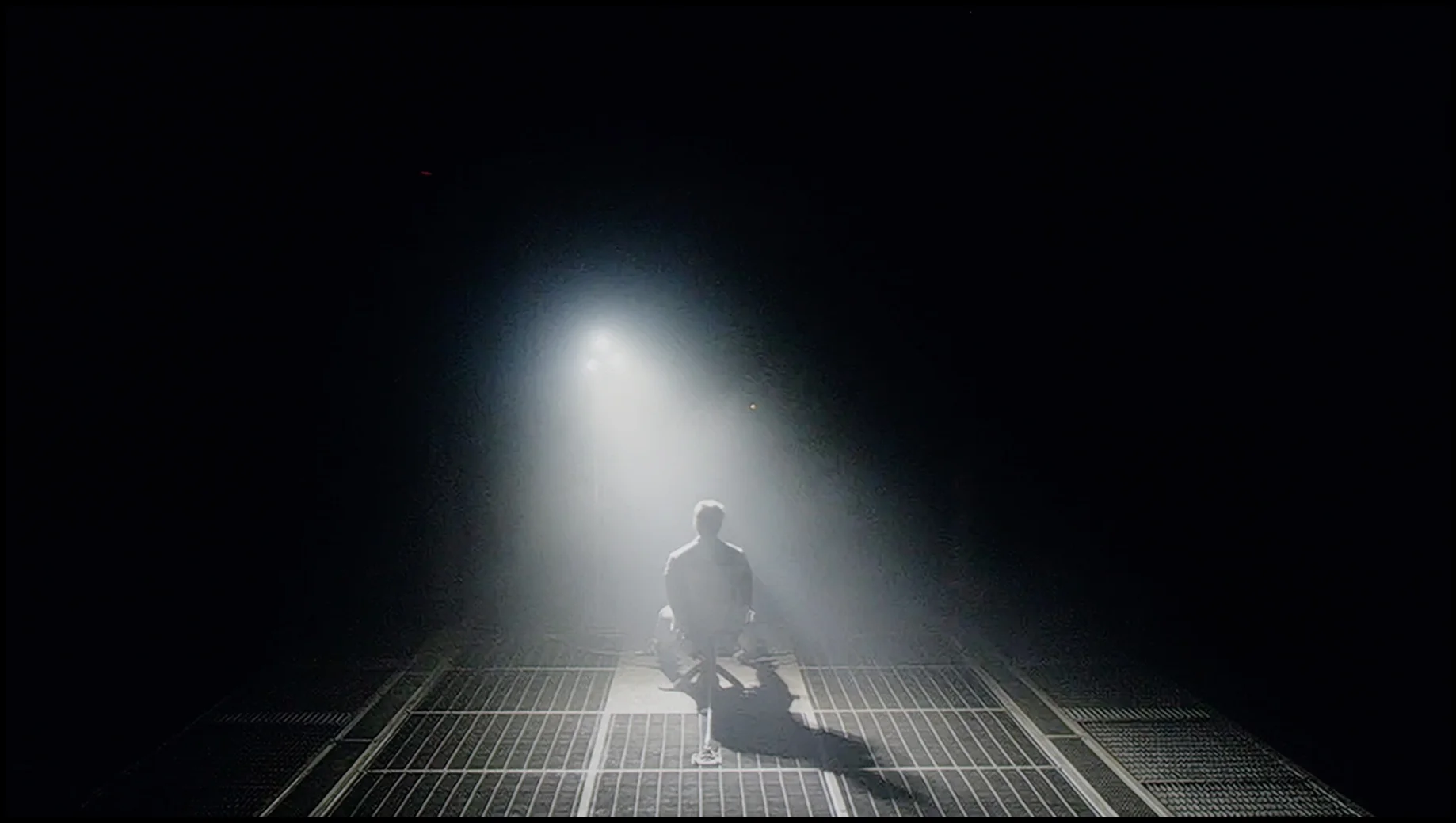
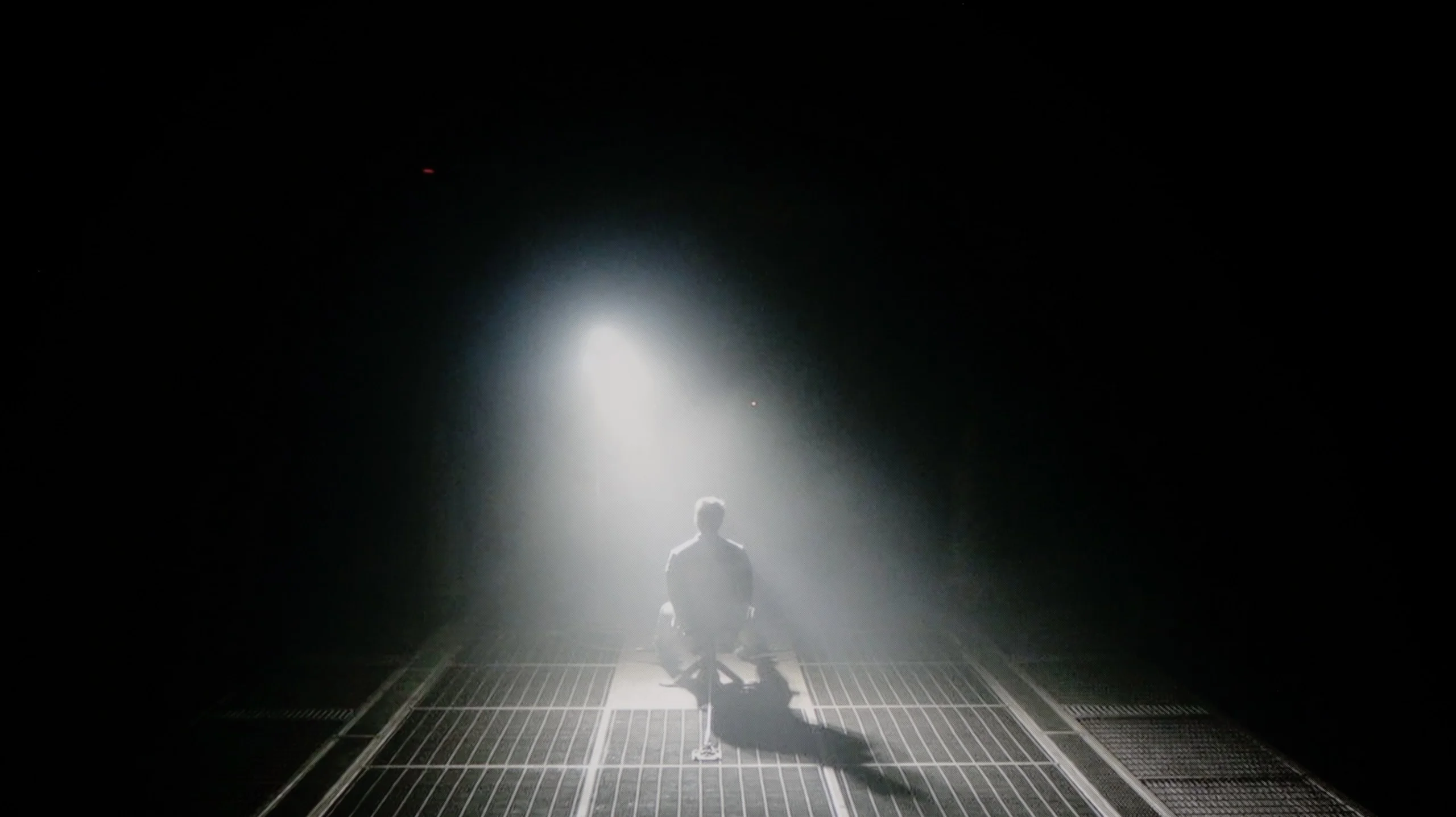
Check the visibility of bright lights on a dark background. Mini-LEDs often struggle with this. The photo does not compare black levels – that’s what the video below is for.
The video accurately shows differences in contrast and black levels between TVs, as well as potential issues: halo around bright objects or Mini-LED zone operation visible as brightness jumps.
TCL P755, equipped with a VA panel, offers very high contrast, which translates to deeper blacks and better detail representation in darker scenes than in the case of IPS/ADS panels. The panel in this model has an exceptionally high native contrast. In film mode, contrast is a strong point of the television, but the lack of local dimming technology means that blacks are not perfectly deep. They often take on shades of navy, which can be particularly noticeable in dark movie scenes. During the test with the film Sicario 2 , certain flaws were also noted in the form of uneven backlighting, which can distract from important details in the blacks, lowering the overall immersion in the scenes. However, it should be remembered that this comment refers to the sample we tested; nonetheless, it is worth bearing in mind that similar shortcomings may occur in other units.
In terms of contrast the Xiaomi S Mini 2026 performs really well. The TV uses a VA panel and Mini LED backlighting with 308 local dimming zones in the 55-inch model. Although on paper the number of zones is not as impressive as in more expensive models, in practice the set handles dark scenes very well. In shots where small bright objects appear against a black background, it can effectively dim the remaining parts of the image. As a result blacks are deep and the contrast in many films can resemble what we know from OLED TVs.
Of course not every scene is equally easy for the local dimming system. When there are more bright elements or they are positioned close together, a faint halo can appear around them. That is a typical limitation of Mini LED TVs and Xiaomi is no exception. The backlight control algorithm itself is commendable. Compared with the previous generation it operates much more stably, so while watching you won't see annoying flicker or sudden changes in brightness between consecutive shots.
HDR effect quality
4.2/10
5/10
Luminance measurements in HDR:

Result
190 nit

Result
238 nit

Result
272 nit

Result
248 nit

Result
283 nit
Result
993 nit
Result
166 nit
Result
641 nit
Result
157 nit
Result
898 nit
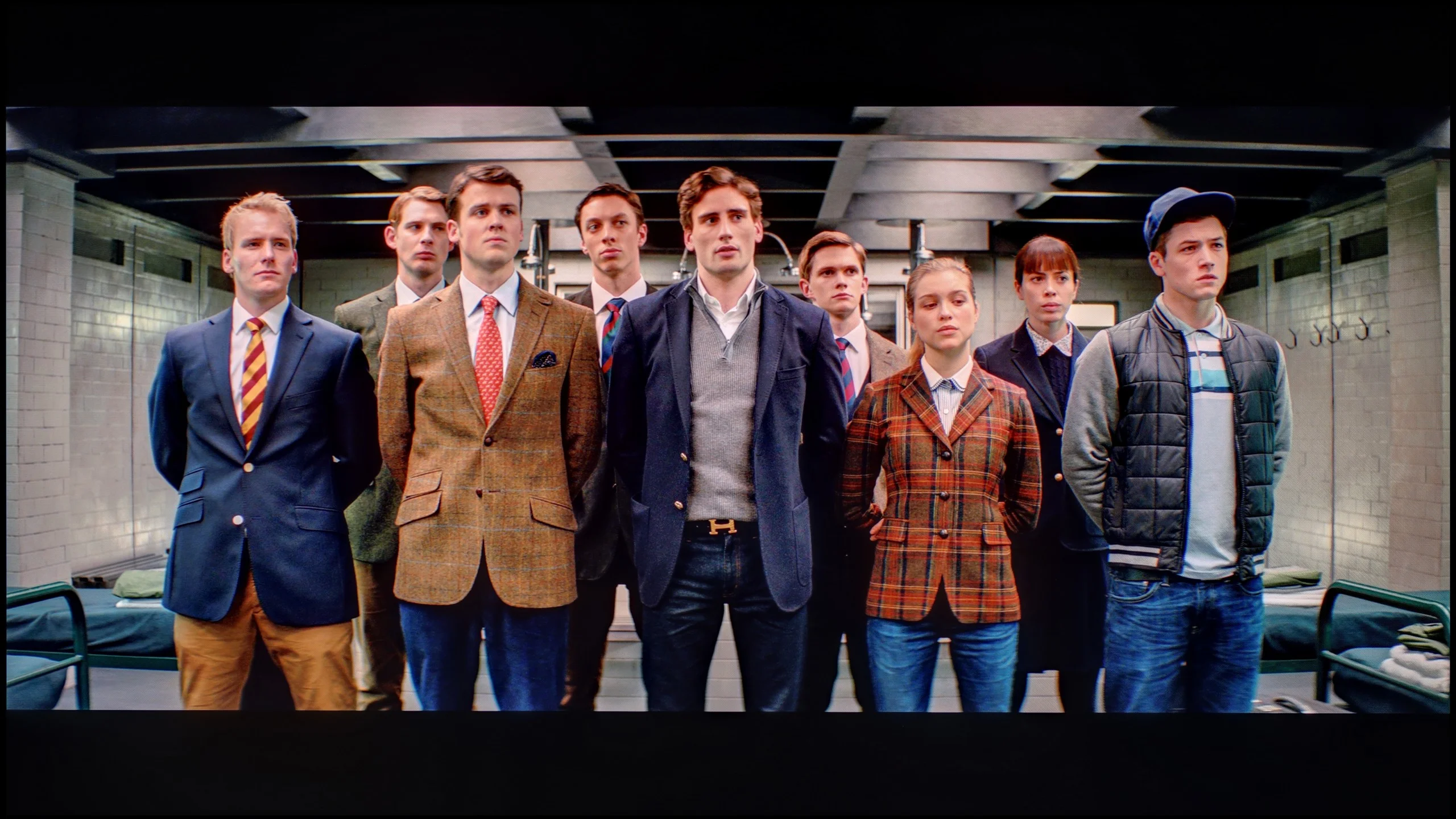
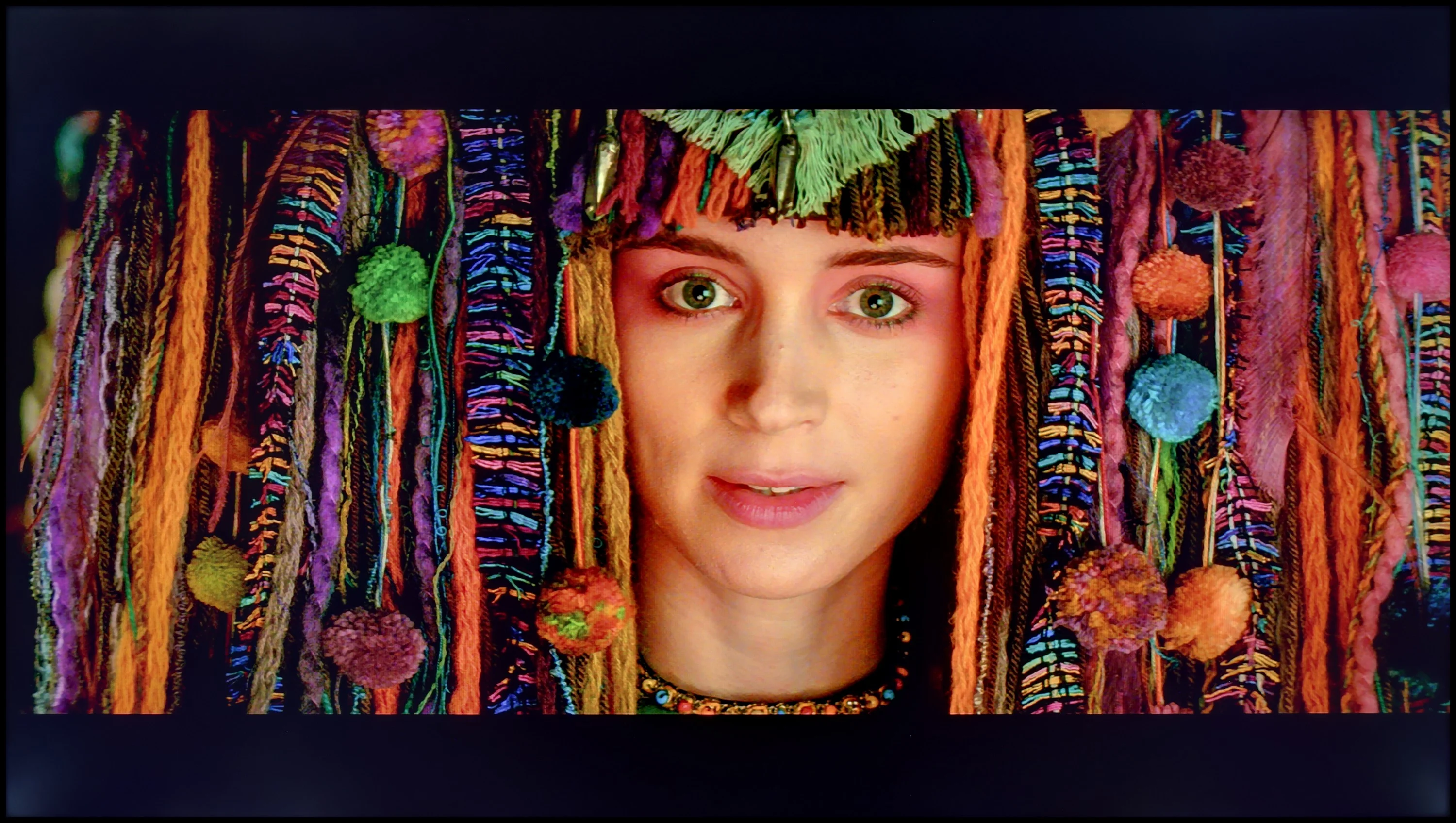
Scene from the movie “Pan” (about 2800 nits)
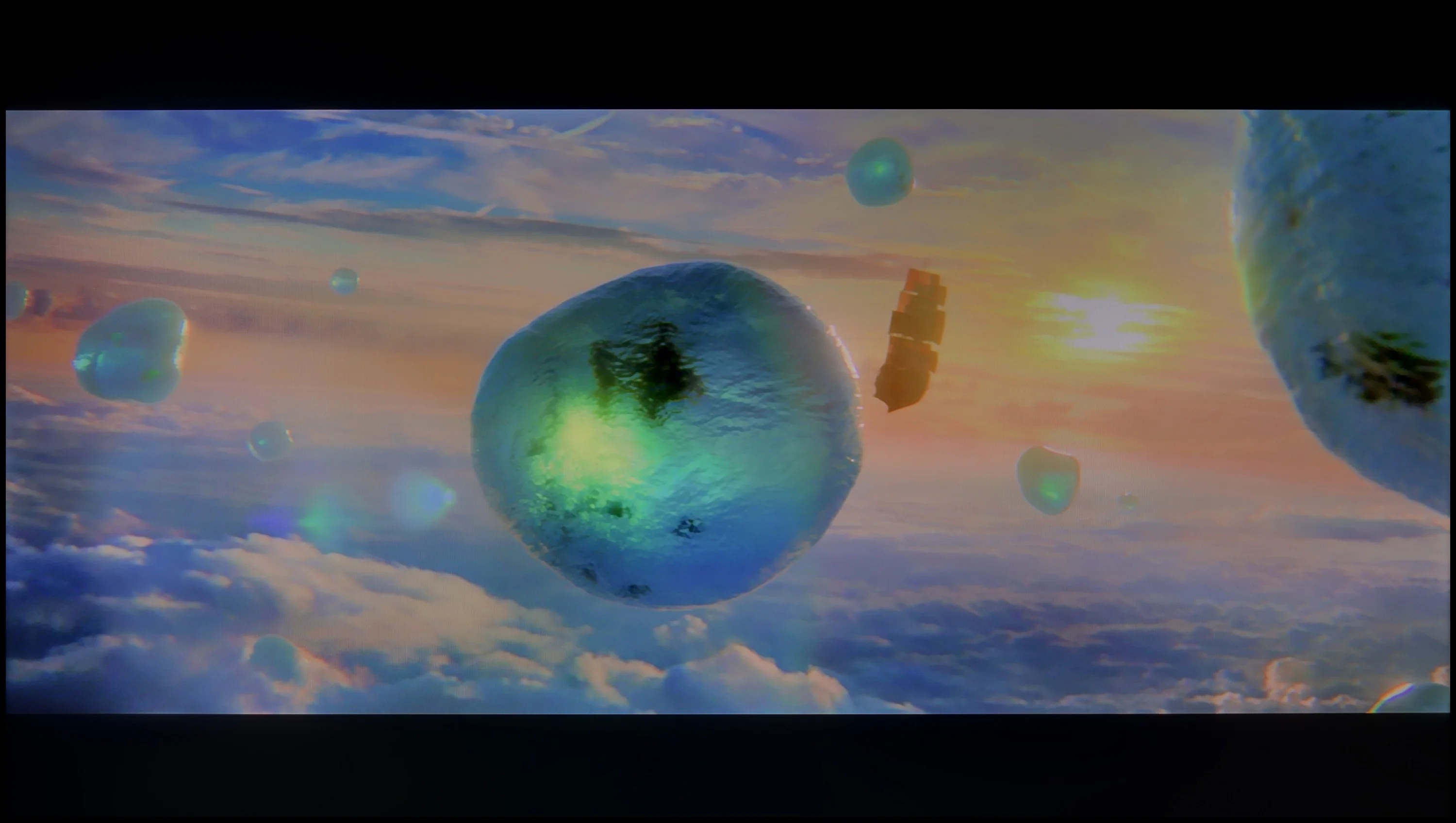

Scene from the movie “Billy Lynn” (about 1100 nits)
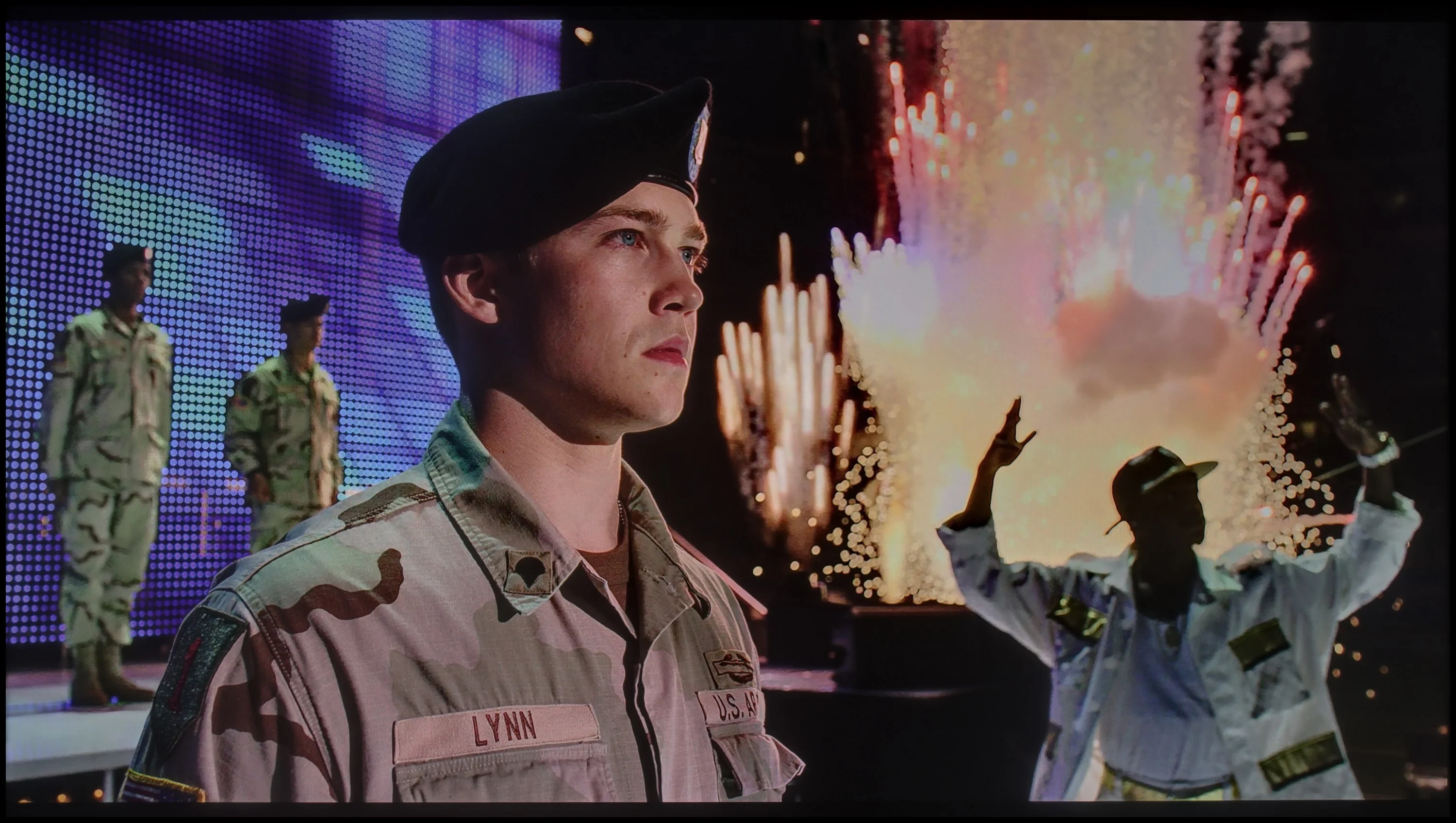
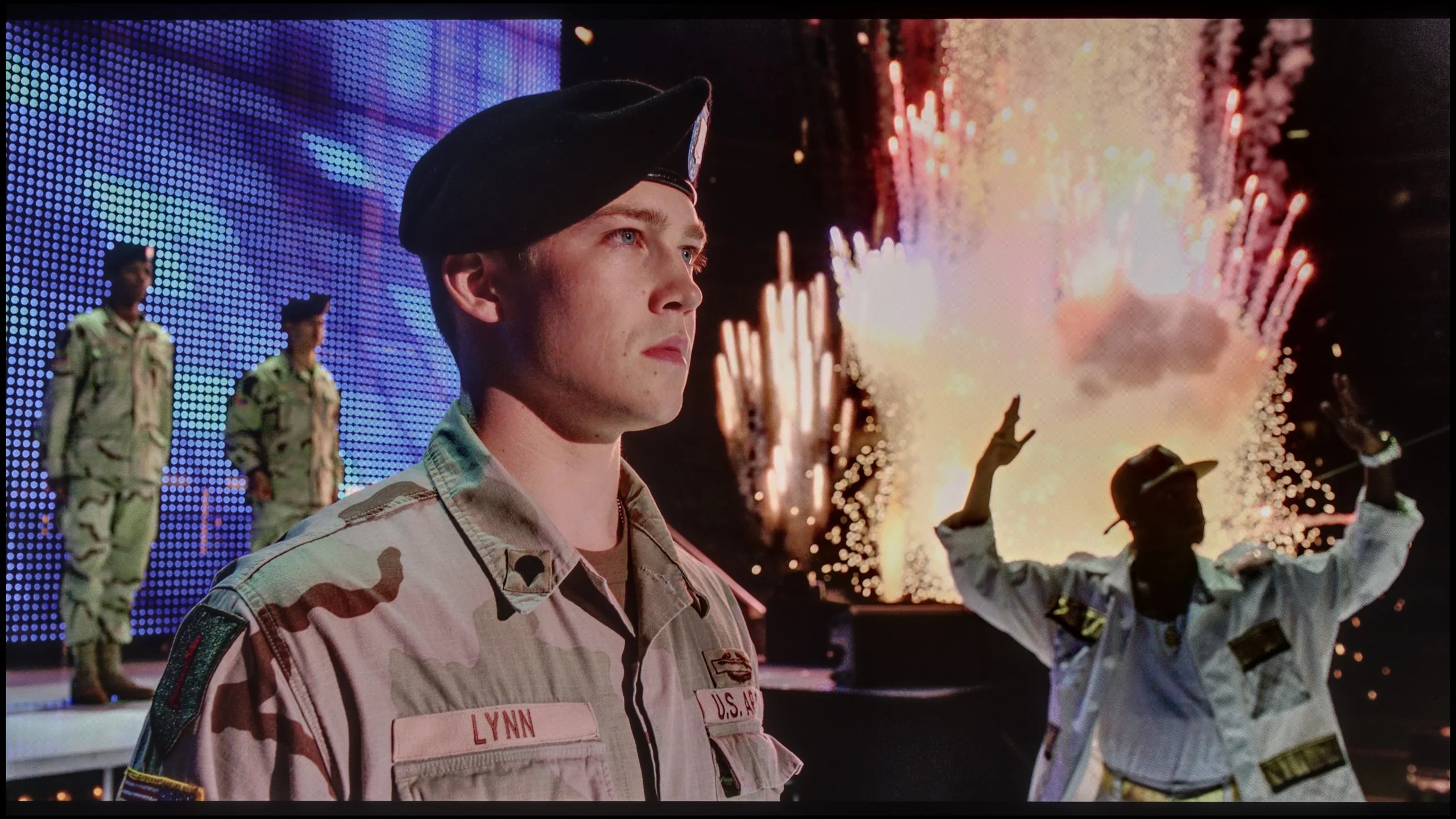
The photos show two HDR10 movies. 'Pan' is one of the brightest productions ever made, while 'Billy Lynn' (soldier) has brightness typical of streaming (Netflix, Prime, HBO MAX). Notice the intensity of effects and detail in whites.
Static HDR10


The photos present the visibility of white details in various HDR formats. They do not show brightness differences between TVs (these can be compared in the previous gallery).
Dynamic: Dolby Vision
Dynamic: HDR10+


The photos present the visibility of white details in various HDR formats. They do not show brightness differences between TVs (these can be compared in the previous gallery).
HDR luminance chart:
XIAOMI S Mini 2026 (55"-75") 60Hz
TCL P755
TCL P755 provides average HDR effect quality. The maximum brightness of the television is slightly below 300 nits. Such brightness limits the intensity of bright areas in HDR content. In practice, this means that bright elements may not be sufficiently pronounced, which affects the overall impression of contrast. However, the television offers a wide coverage of the DCI P3 colour gamut, reaching around 93%. As a result, colours are vibrant and saturated, significantly improving colour reproduction quality in HDR content. Despite the limited brightness, the wide colour range allows for richer and more realistic shades.
When it comes to HDR, the capabilities of the Xiaomi S Mini 2026 are really good, especially given the segment this model belongs to. The TV reaches around 1,000 nits of brightness without much trouble, allowing it to show a very pronounced HDR effect in bright scenes. The sun, reflections and brightly lit parts of the image can be really intense and at times almost striking in their brightness. It is a bit different in dark scenes, though. Very small light sources surrounded by black are displayed at much lower brightness, so they lack that pinpoint intensity seen on the best TVs. That said, this is not unusual for a Mini LED. The local dimming algorithm reduces the backlight to preserve the deepest possible blacks, which in such scenes matter more than a few extra nits.
HDR colours
Colour reproduction also performs well. Xiaomi markets the S Mini 2026 as a QLED TV, although the solution used here is effectively based on a PFS phosphor. The result is what matters, and it's quite good. Our measured coverage of the DCI-P3 gamut was about 94%, while in the much wider BT.2020 colour space it was about 74%. This means the TV can reproduce most colours used in HDR films with suitably high saturation. Its limitations are most visible with very intense shades of green, where the colour gamut starts to run out.
Factory color reproduction
6.2/10
5/10
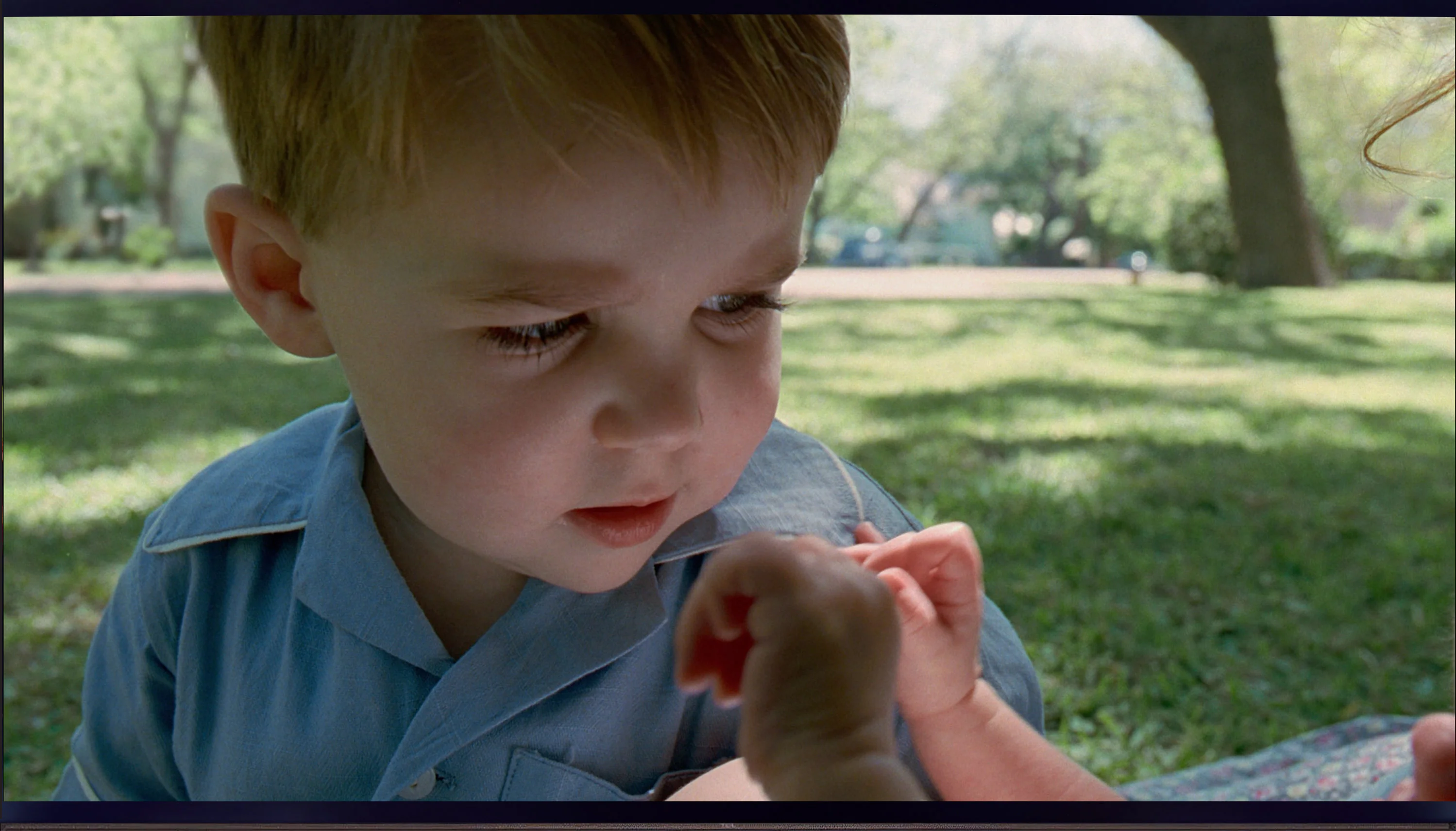
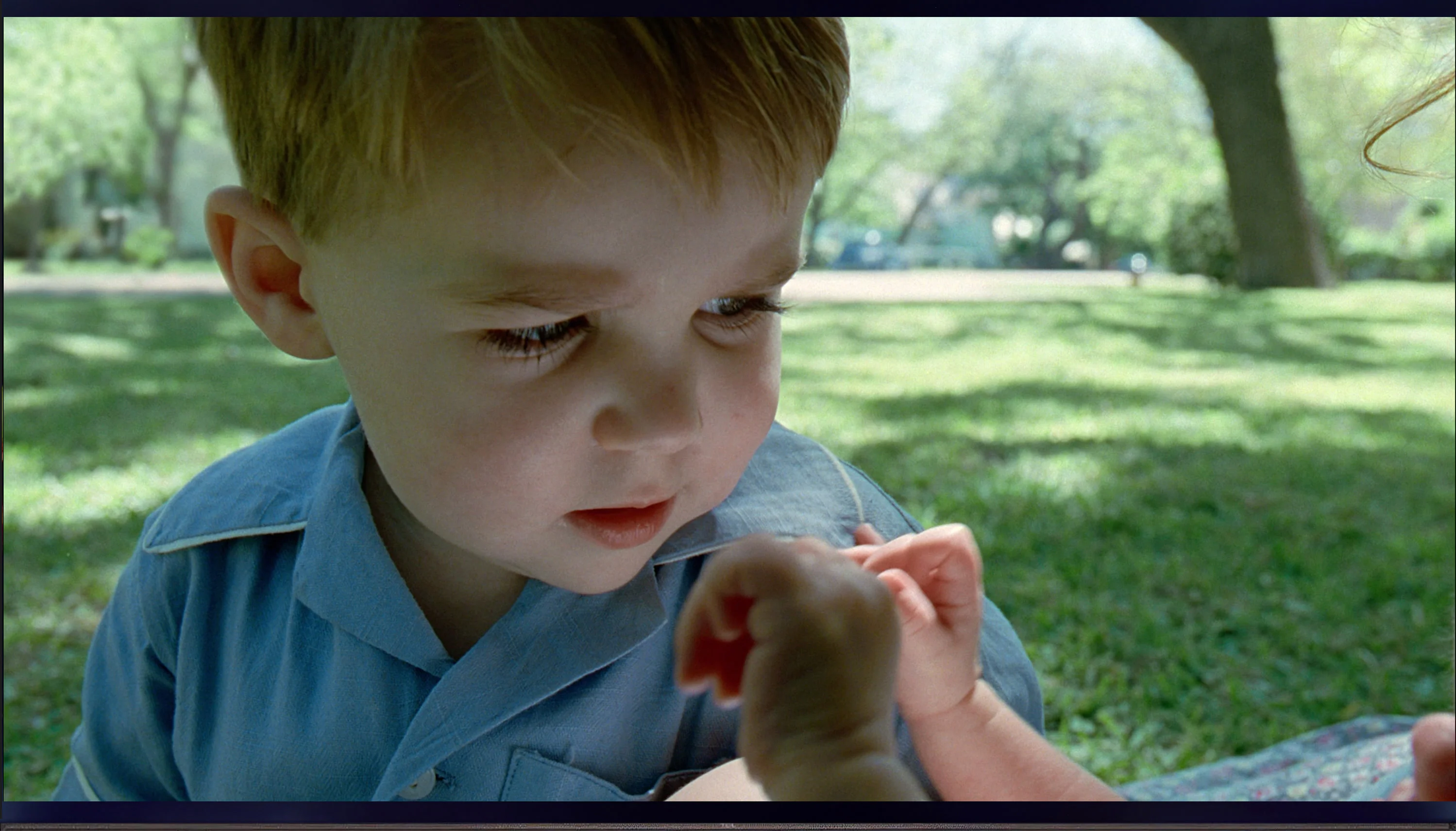
This illustrative image shows how colors change after professional calibration. If you can see the difference, you can order it from SkalibrujTV – it's our own service.
Factory mode
After calibration

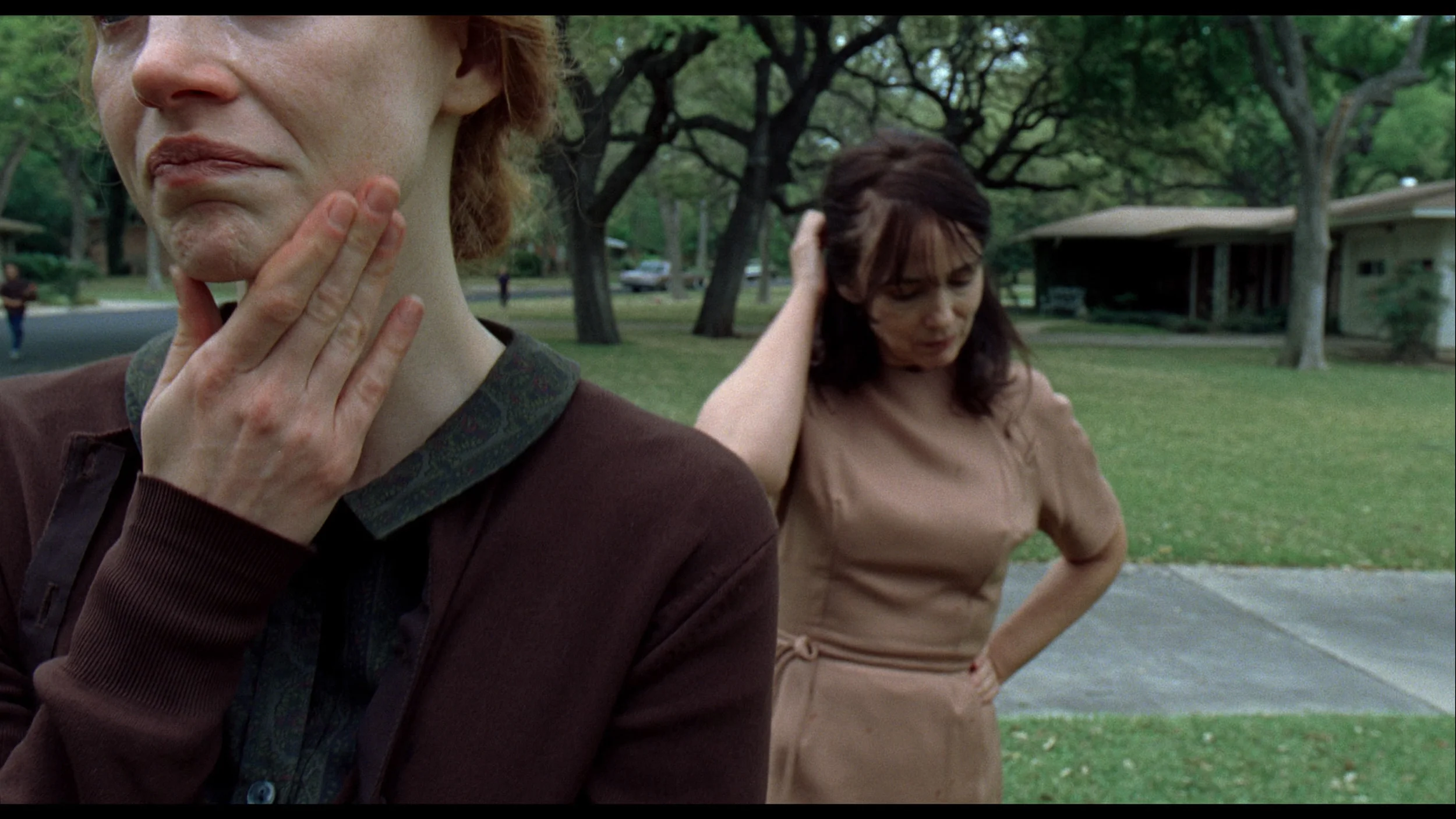
This illustrative image shows how colors change after professional calibration. If you can see the difference, you can order it from SkalibrujTV – it's our own service.
Factory mode
After calibration
The colour reproduction in the P755 in "Movie" mode, although it is the best factory setting, leaves much to be desired. The biggest problem is the white balance, where the graph clearly shows a spike in red and a drop in green. This leads to a shift in colours towards red, making the colours on the screen less natural and potentially looking incorrect, especially in scenes with a white or neutral background. This is confirmed by the "Colour Checker" test, which reveals that the colours are indeed skewed towards red, affecting the realism of the image and reducing the perception of colour depth. In terms of contrast, the gamma chart analysis shows considerable fluctuations, particularly in dark areas of the image, where values drop below the optimal level of 2.4. This results in darker areas being displayed brighter than they should be. Additionally, the EOTF curve, responsible for brightness reproduction, is slightly above the reference curve. The graph shows a slight boost in brightness to around 50%, followed by only a minor decrease. This leads to excessive brightness enhancement in the mid-tones of the image and may result in loss of detail and distortion in brighter scenes.
We tested the Xiaomi S Mini 2026 in sizes from 55 to 75 inches in Film mode, which offered the most accurate colours compared with the other presets. That did not mean the picture was correctly set up straight away. In our sample the white balance was clearly shifted towards warmer tones. There was too little blue and too much red, so whites and greys had a slightly warm tint. The TV also tended to brighten darker parts of the image too much. This was due to the gamma, which instead of staying around 2.4 dropped in places to about 2.0. As a result there was more detail visible in the shadows, but the image lost some depth. The factory settings were therefore not bad, but there was still some way to go to achieve accurate image reproduction.
Color reproduction after calibration
7.6/10
7.5/10
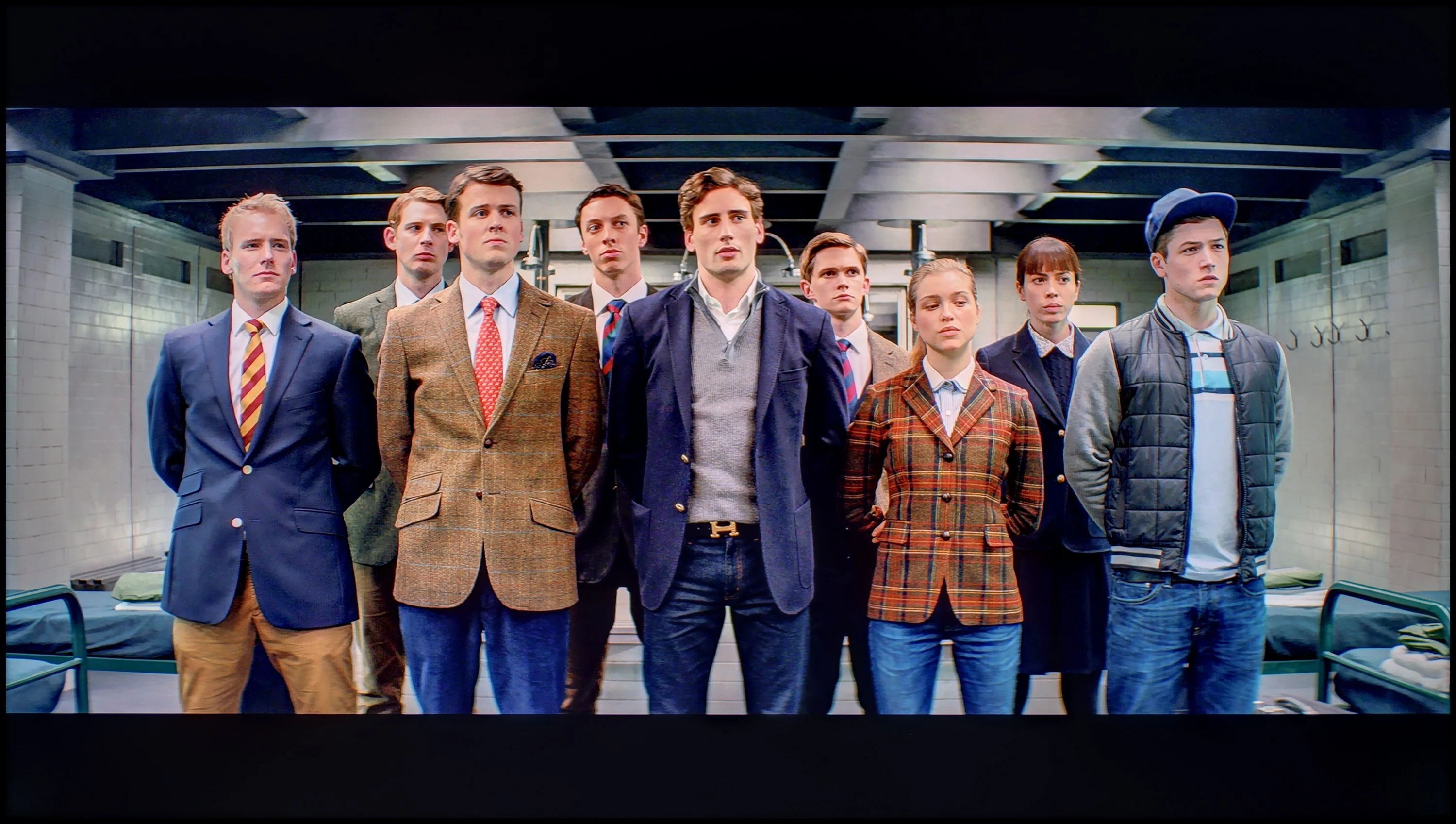
The photos show how movies look on the TV. Pay attention to black detail visibility, colors, and shadow tint.
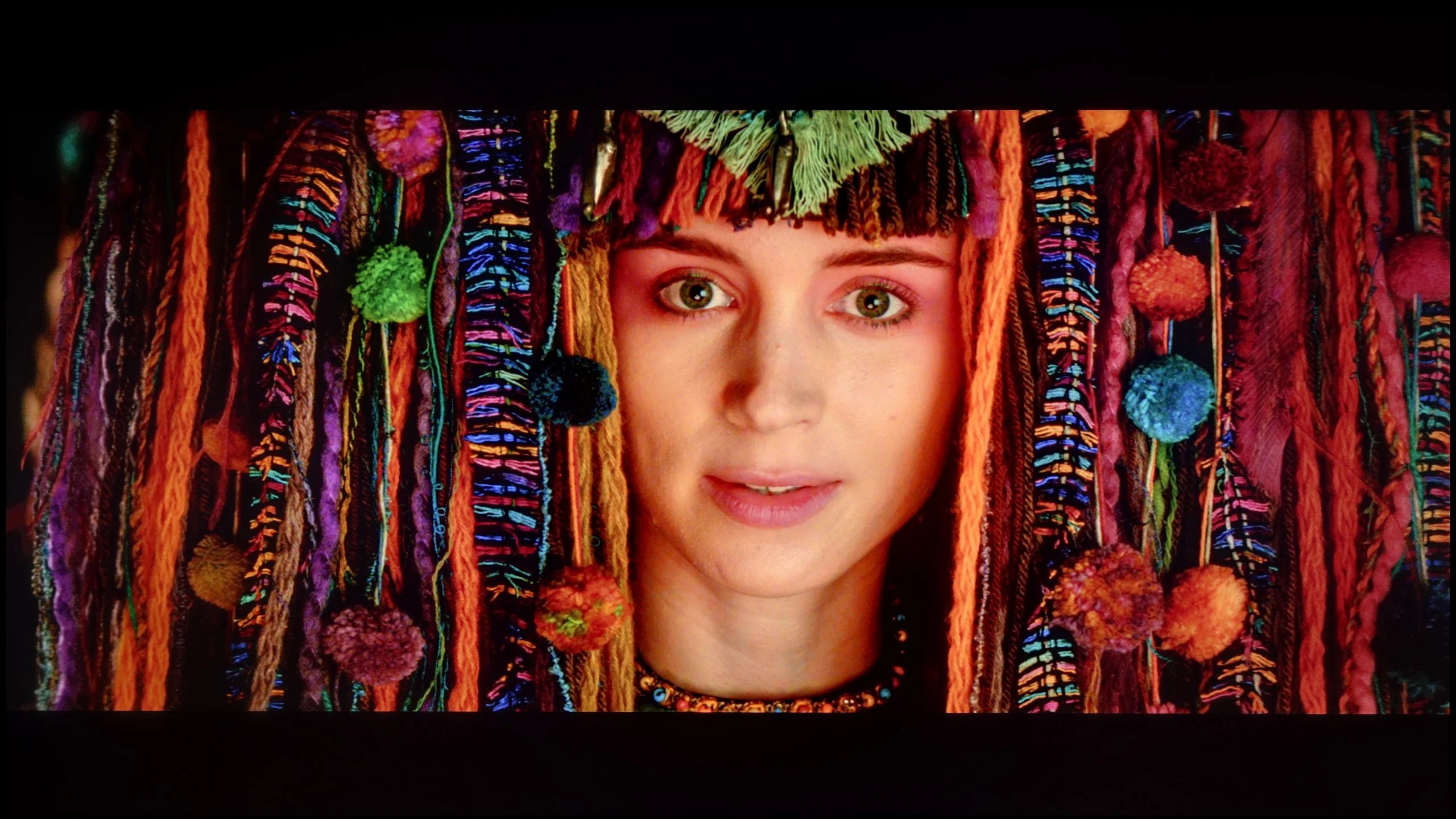
The photos show how movies look on the TV. Pay attention to black detail visibility, colors, and shadow tint.
After calibration, the colour reproduction on the television improves significantly when it comes to SDR content. The colour curves are now close to the ideal value, and the gamma is more stable. Although the drop at the beginning of the graph to value is still present, the overall accuracy of colour reproduction is much better. The "Colour Checker" test shows that most colour samples have errors below level 2, indicating improved colour fidelity. A few deviations are present, but generally, the colours are now more realistic and consistent with reality.
Calibration also brings improvement in HDR content. The white balance has been improved, resulting in a more natural colour reproduction. The EOTF curve, although now closer to the reference curve, still shows a slight boost in brightness at the beginning of the graph. This leads to minor distortions in very bright scenes, but the overall tonal quality and detail have been enhanced. Dynamic tone mapping works more effectively, improving image quality in bright areas and retaining more detail.
Although the device's picture does not achieve complete perfection, calibration brings significant improvement. After adjusting the settings, the television presents itself much better, offering a more realistic and accurate colour reproduction in SDR and HDR content. While some shortcomings can still be noticed, calibration effectively eliminates many previous issues, ensuring better image quality and more natural colours.
Contrary to appearances, the Xiaomi S Mini 2026 responds quite well to calibration. After our adjustments the white balance was noticeably improved and the picture stopped leaning towards overly warm tones. With SDR material the effect is really good, and the TV can render such content very accurately; it is hard to fault it on colour reproduction. We applied similar corrections for HDR, though not everything could be fixed there. Colours look better than on the factory settings, but the TV still tends to display the image a little brighter than it should. This is visible in the EOTF curve, which sits above the reference value. In practice this means some HDR scenes are brighter than the creators intended. It is a quirk of this TV and we have no influence over it.
Smoothness of tonal transitions
7.5/10
5.5/10
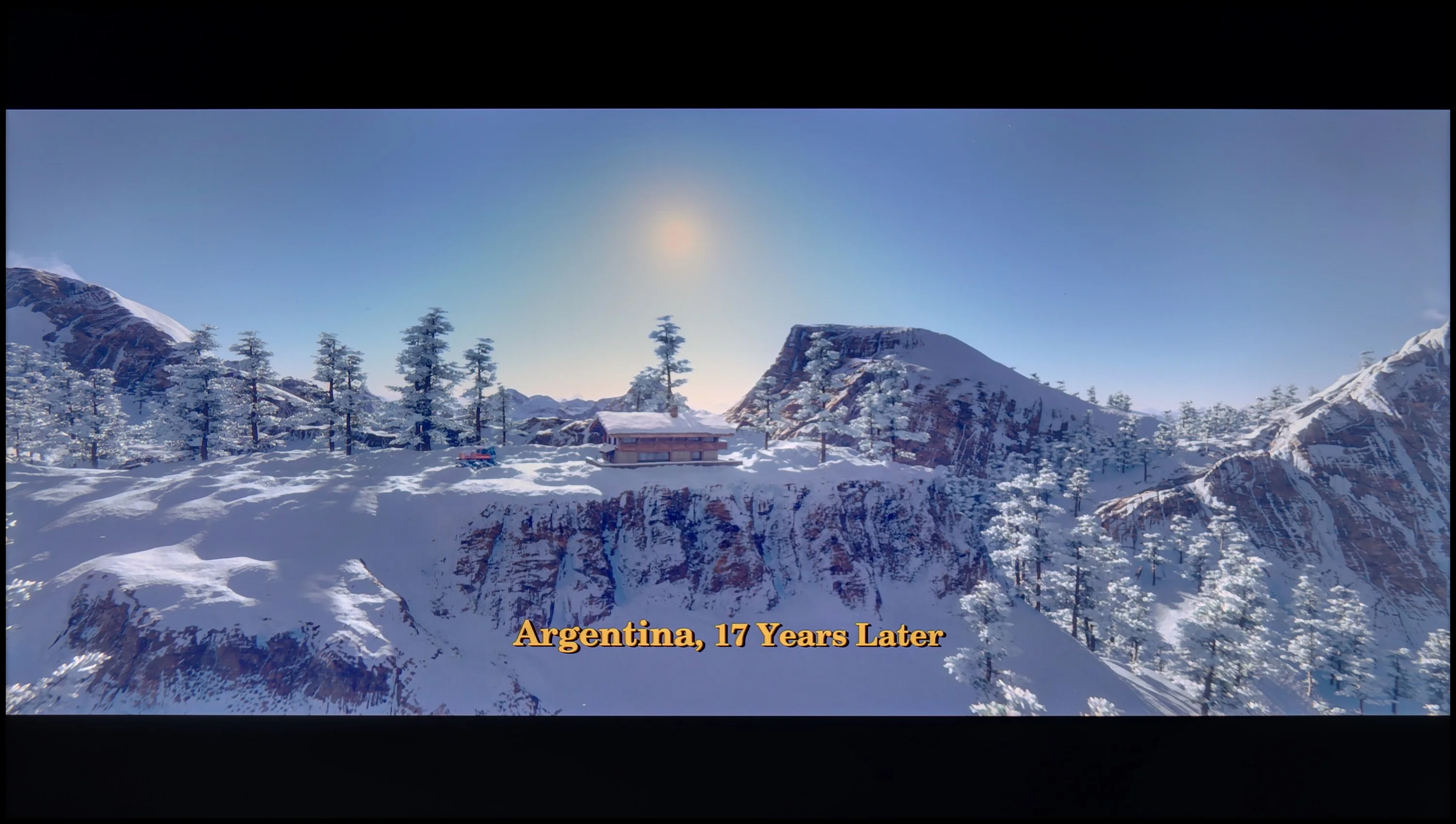

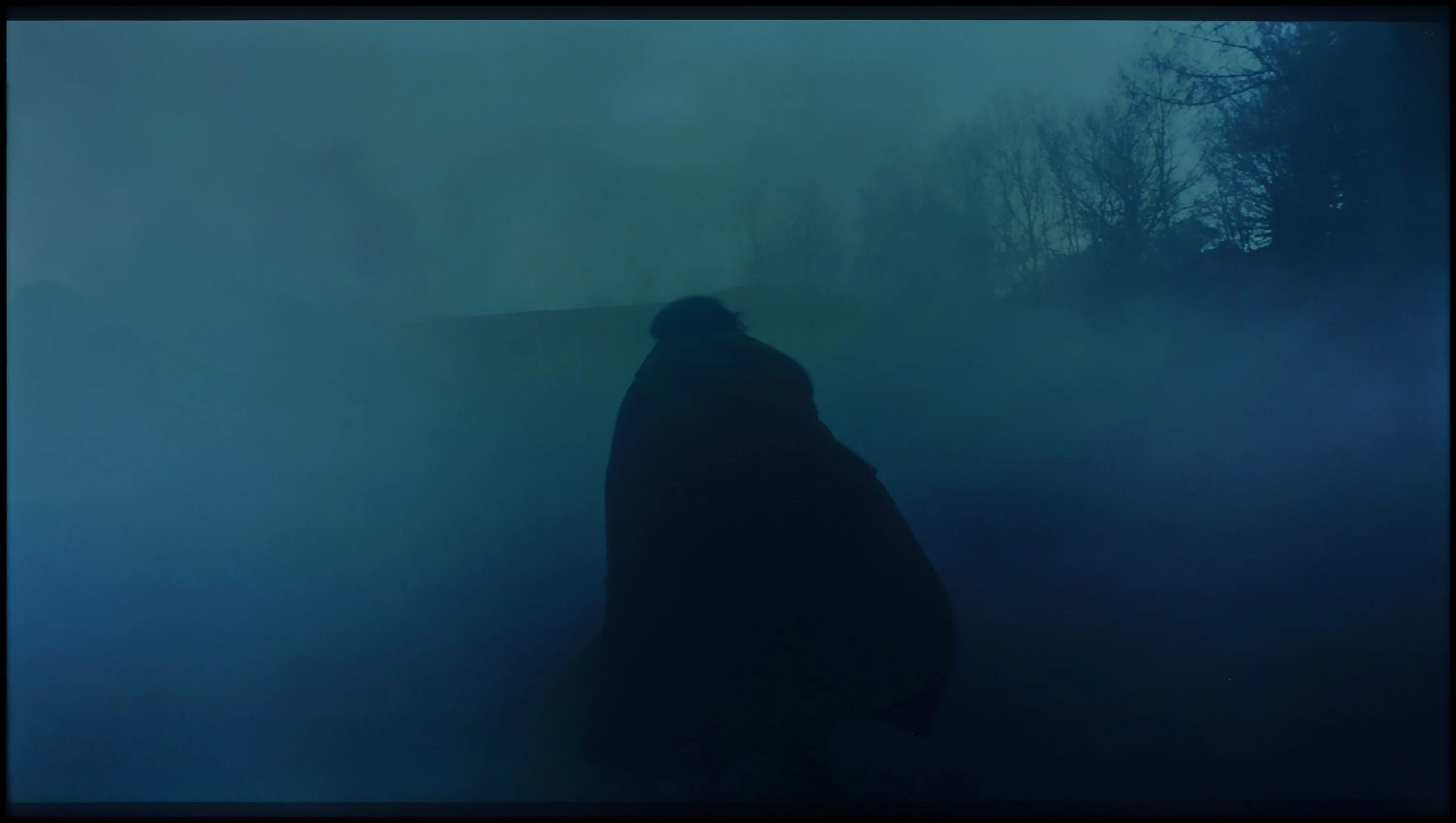
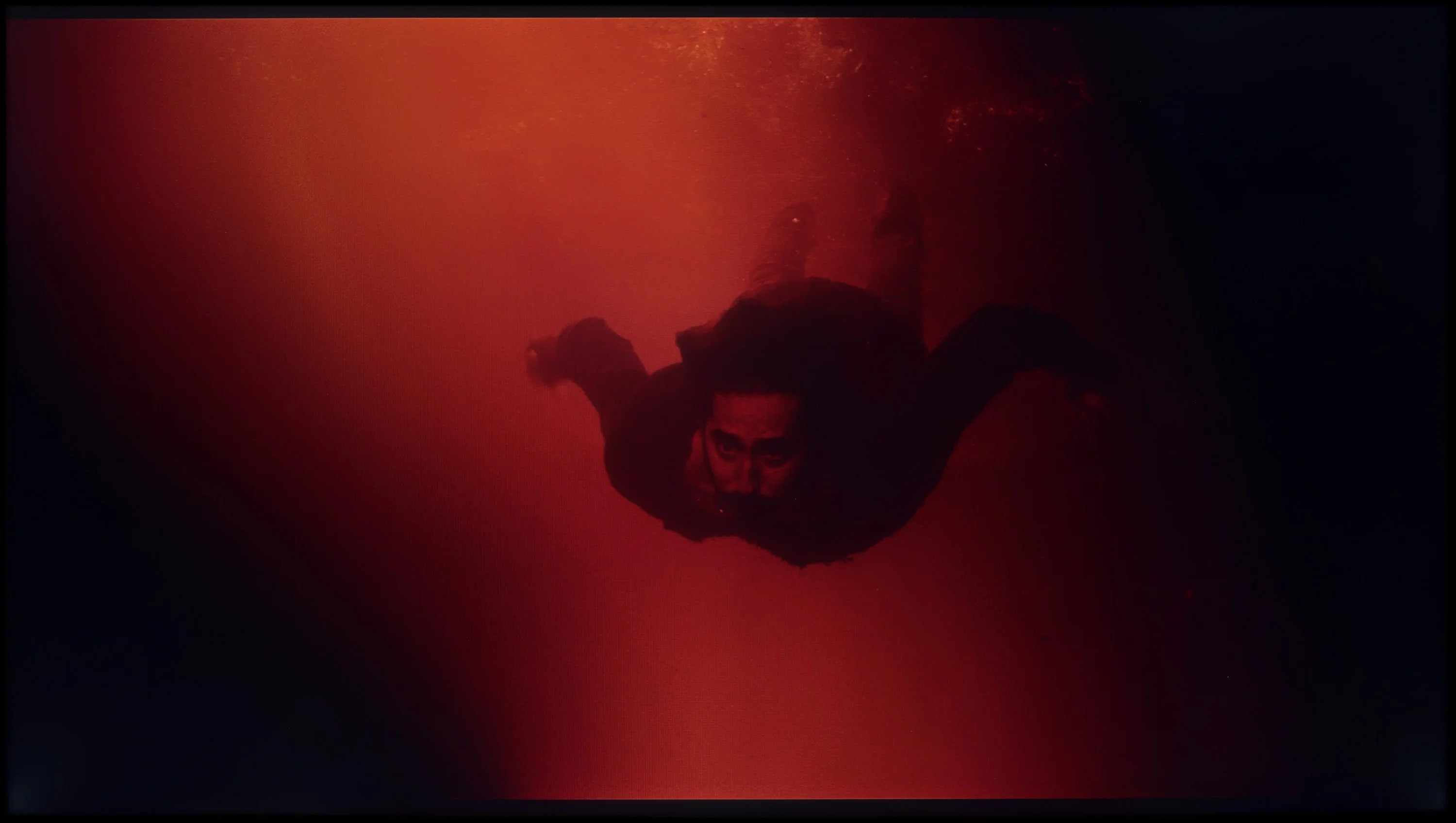
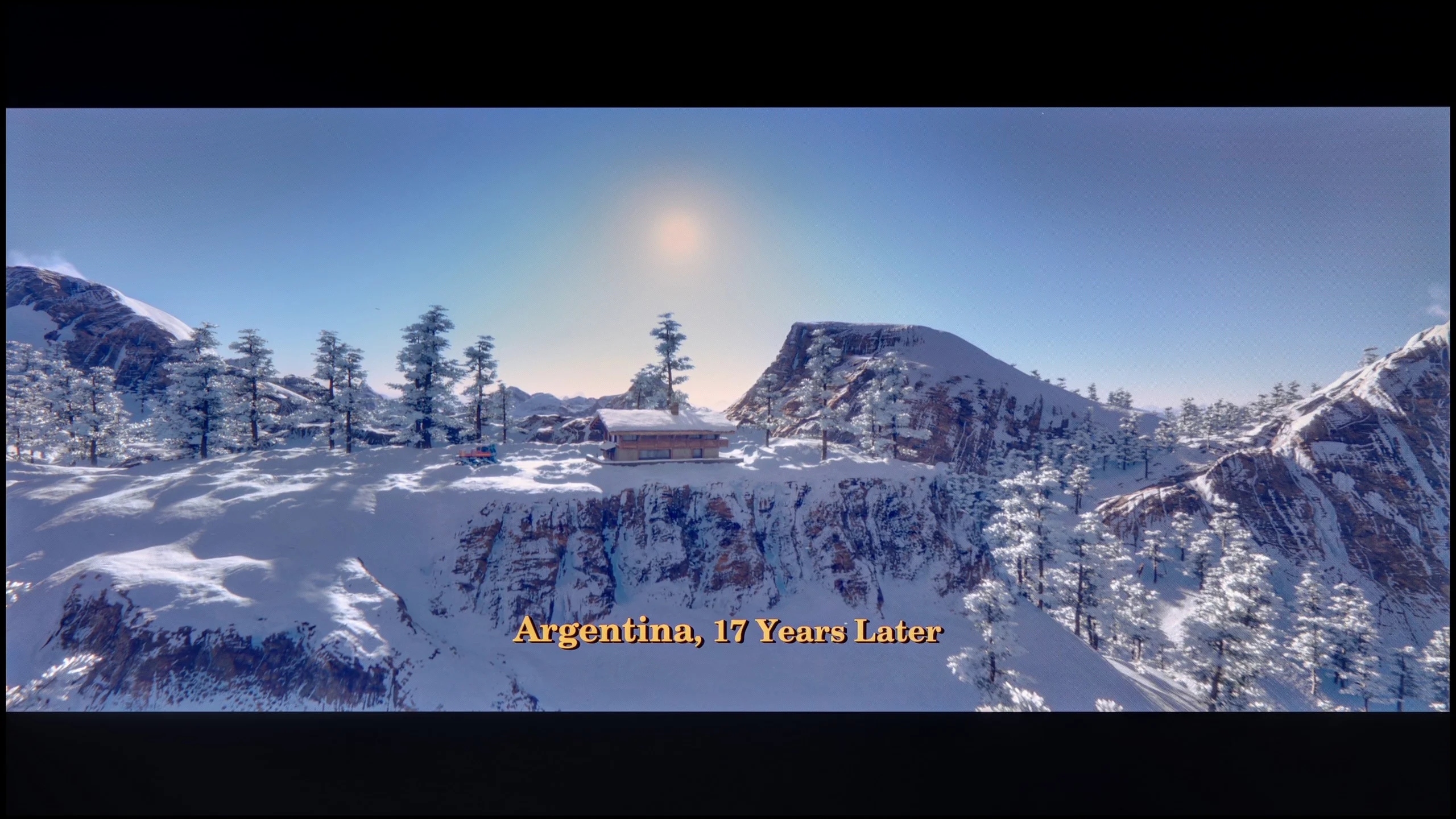
These are selected scenes that show smooth tonal transitions from one color to another. If you see distinct banding, it’s the TV panel’s fault.

These are selected scenes that show smooth tonal transitions from one color to another. If you see distinct banding, it’s the TV panel’s fault.
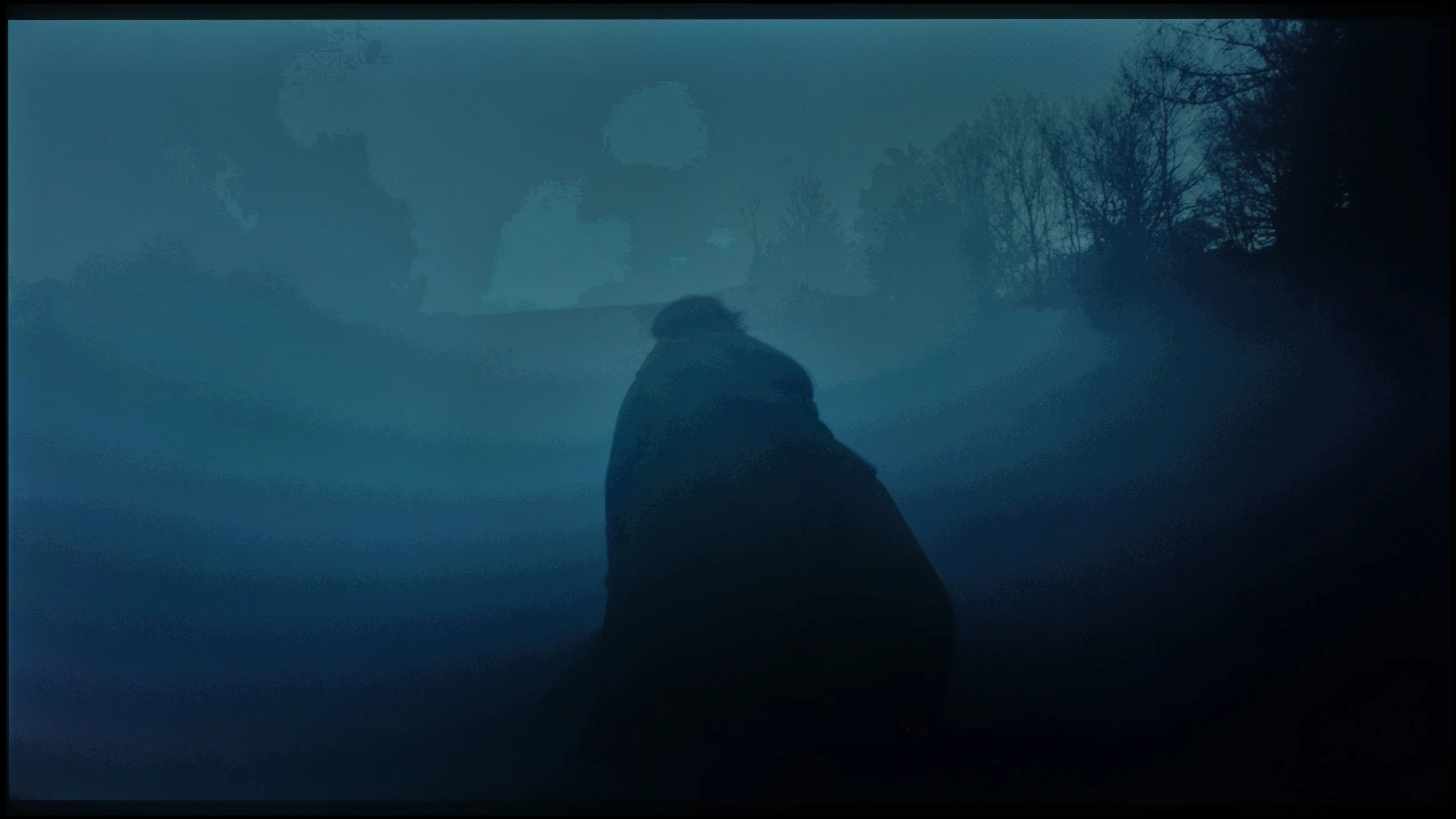
These are selected scenes that show smooth tonal transitions from one color to another. If you see distinct banding, it’s the TV panel’s fault.
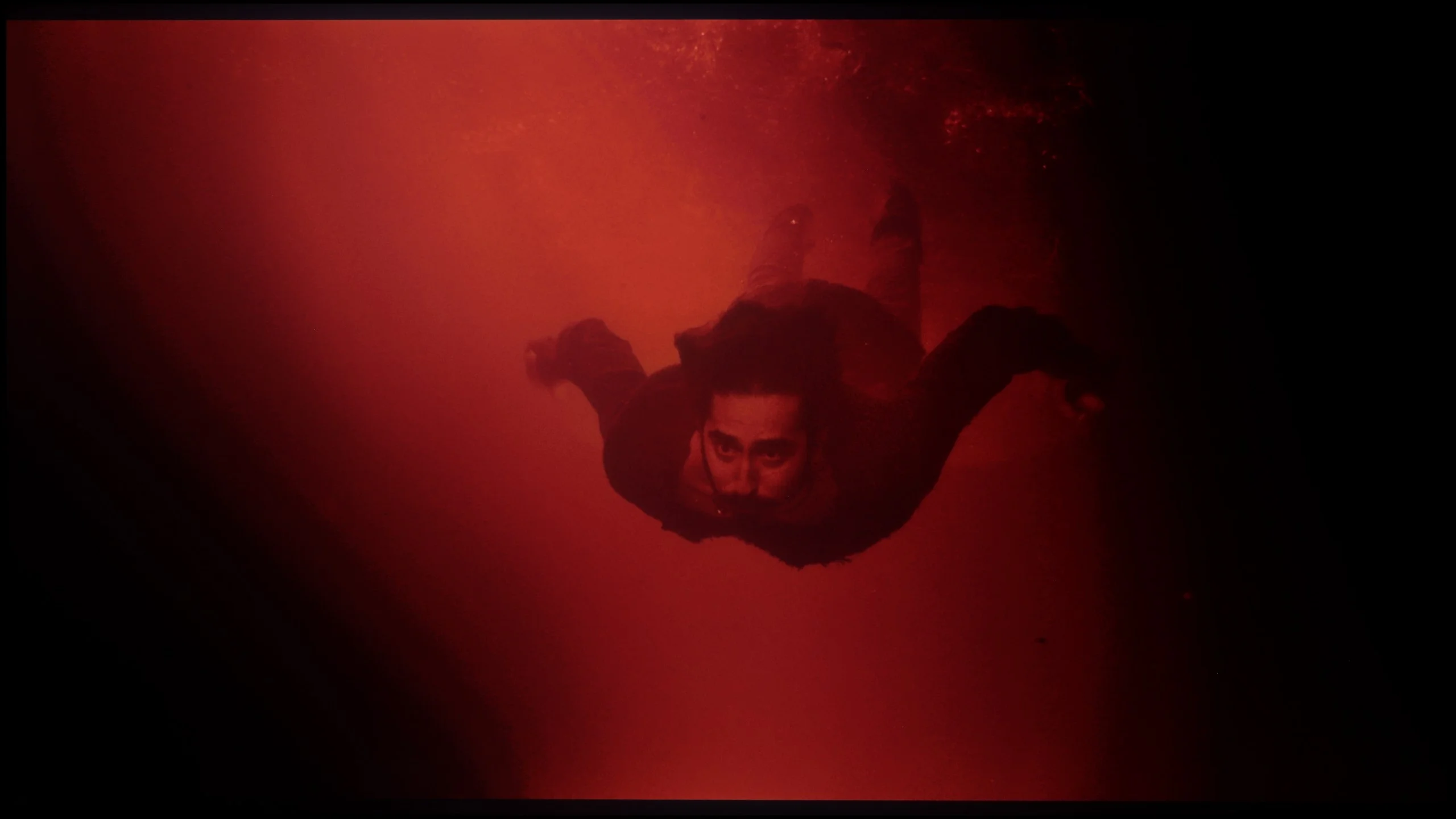
These are selected scenes that show smooth tonal transitions from one color to another. If you see distinct banding, it’s the TV panel’s fault.
In the case of high-quality content, TCL P755 offers decent fluidity in tonal transitions. Although there are slight imperfections in colour blending, especially in more complex gradients, these are typical for televisions in this price range. During testing in filmic scenes, these issues were noticeable at certain moments, but in most cases, one really has to pay close attention to spot these flaws. For the average user, they should not pose a significant problem in everyday use.
The smoothness of tonal transitions in the smaller variants of the Xiaomi S Mini 2026 is noticeably worse than in the larger versions. This is most apparent in dark scenes, where posterisation (visible bands between similar shades) appears quite often. In some shots this can be clearly distracting. Fortunately, the problem mainly affects the darker parts of the image. In bright scenes, colour transitions are usually smooth and there is little to criticise here.
Image scaling and smoothness of tonal transitions
5.5/10
3/10


Smooth transition function
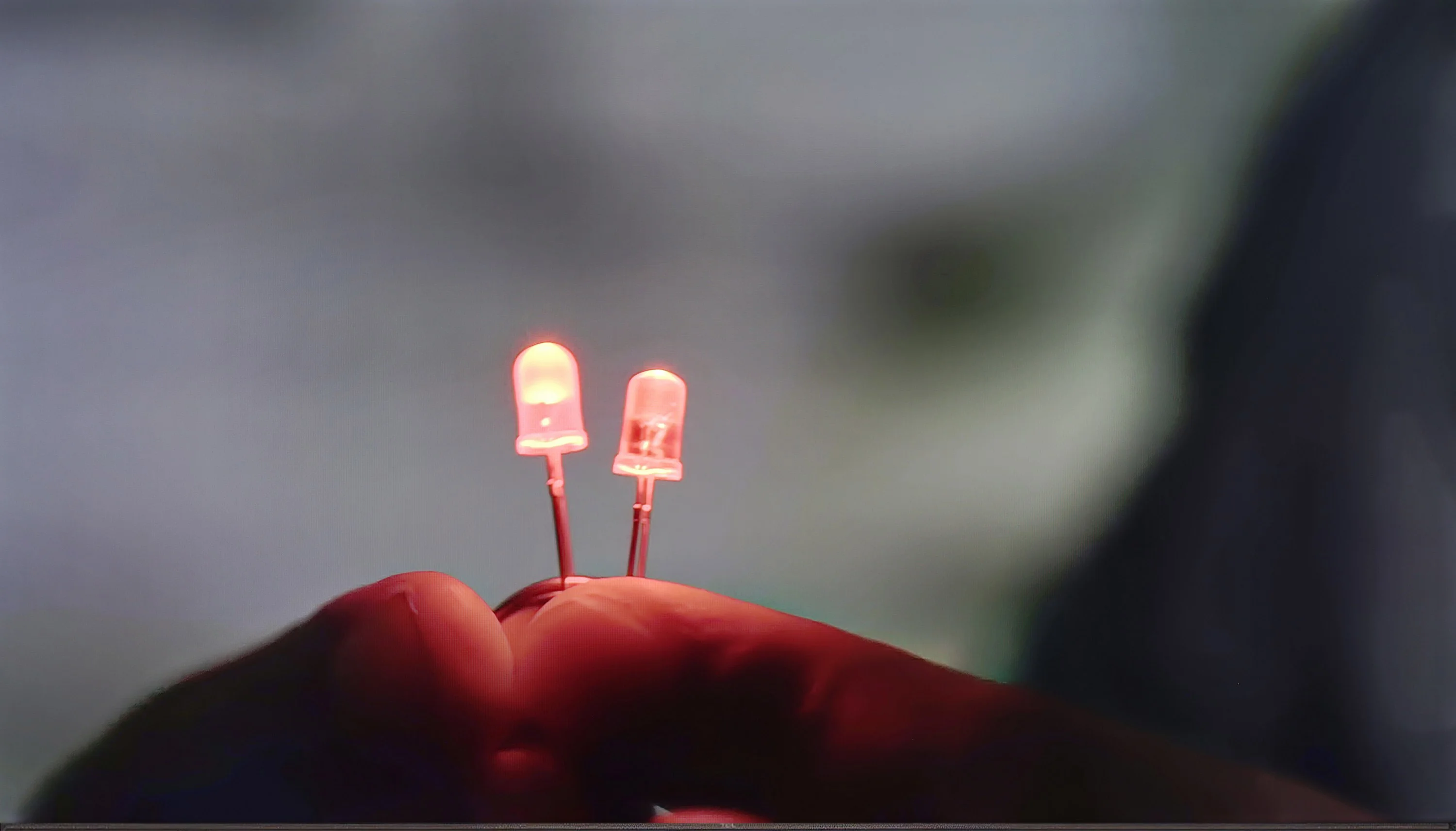
The match photo shows how the TV smooths weak tonal transitions in low-quality video.
Image scaling SD (576i)


The model photo shows how it handles upscaling of SD material.
The "Gradual Smoothing" function works quite well, effectively eliminating visible boundaries between different shades of the same colour. Thanks to it, tonal transitions are smoother. Unfortunately, this function is not available in HDR mode, which may affect the quality of tonal gradations in higher dynamic range materials.
When it comes to image scaling, the television does not perform at its best. There are noticeable edge cuts, particularly evident on the figure of the model and the branches of trees. The blurring of details in these areas affects the overall sharpness of the image. This may be noticeable when watching content in a lower resolution. Moreover, SD quality images are displayed with slight cropping at the top as well as the bottom.
Digital image processing in the Xiaomi S Mini 2026 is handled by the MT5896 processor. Unfortunately, in this respect the TV is rather mediocre. Low-resolution content is not scaled very well, and its limitations quickly become apparent on a large screen. The picture looks quite digital, and the TV cannot bring out many extra details. Additionally, overscan cannot be turned off for low-resolution content. The situation is even worse when it comes to smoothing posterisation. On the smaller models there is not even a dedicated setting to reduce visible banding between similar shades. So if such imperfections are already present in the source material, Xiaomi essentially does not mask them.
Blur and motion smoothness
4.3/10
4.6/10
Blur (native resolution, maximum refresh rate):
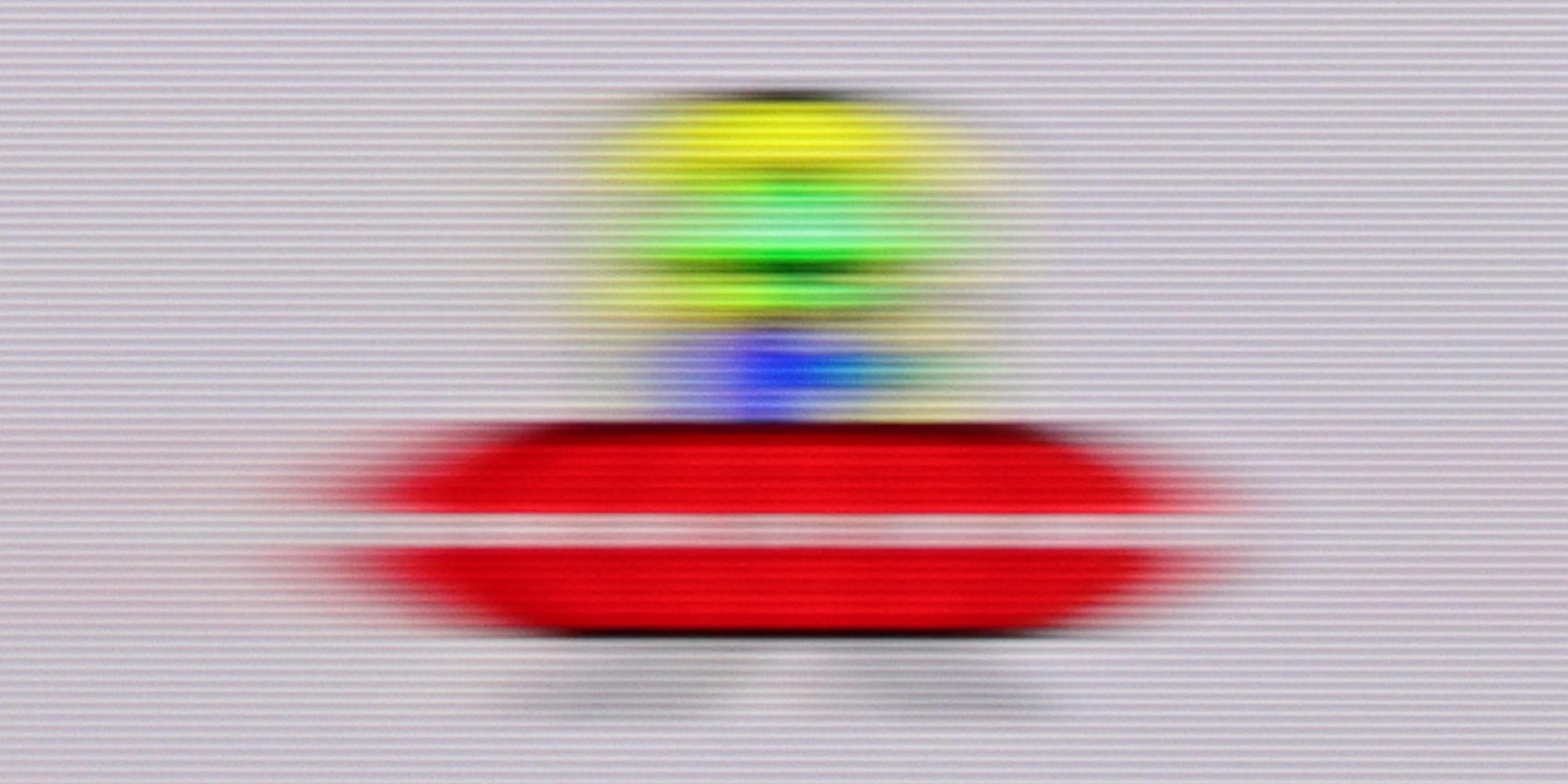
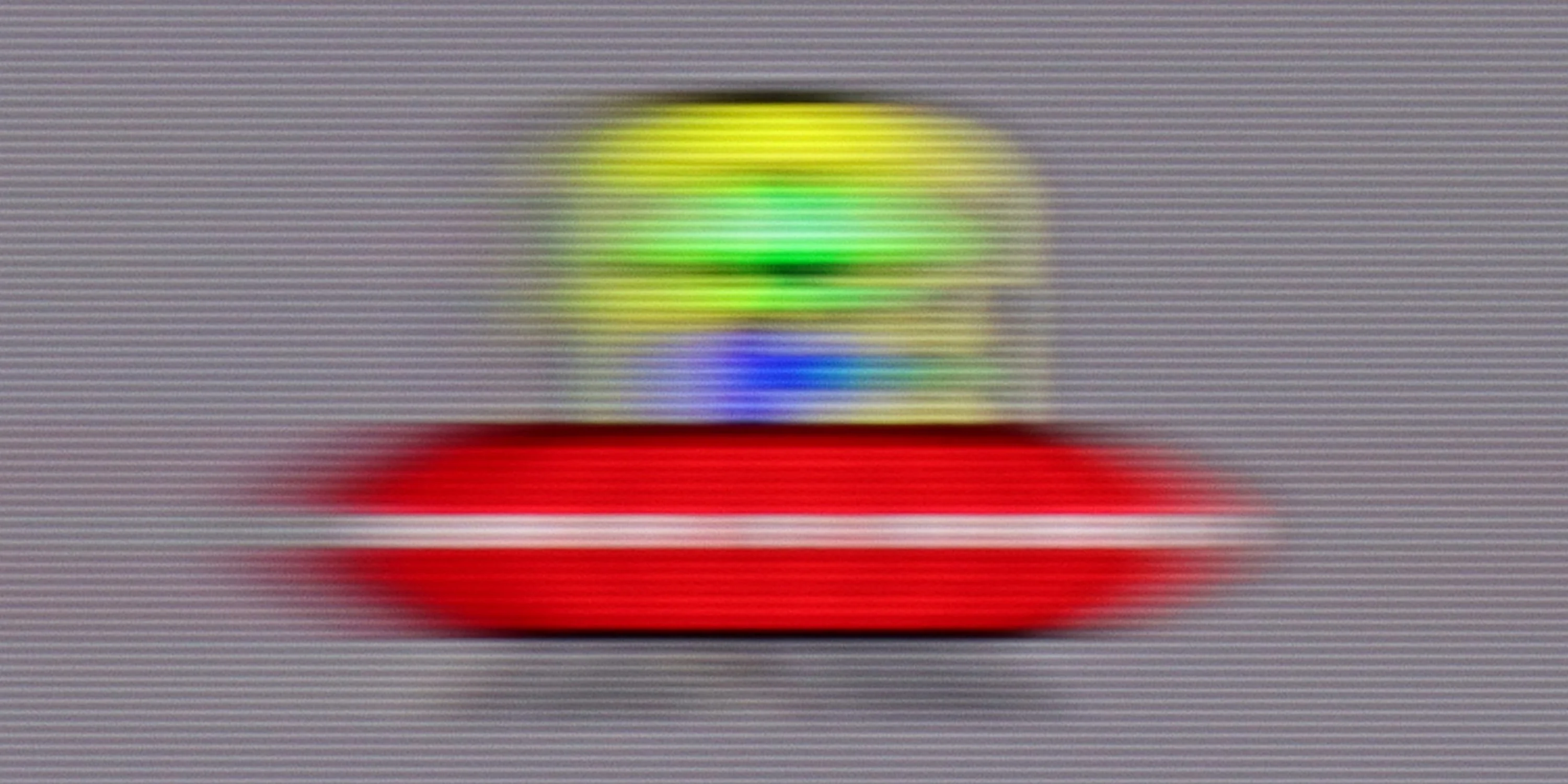
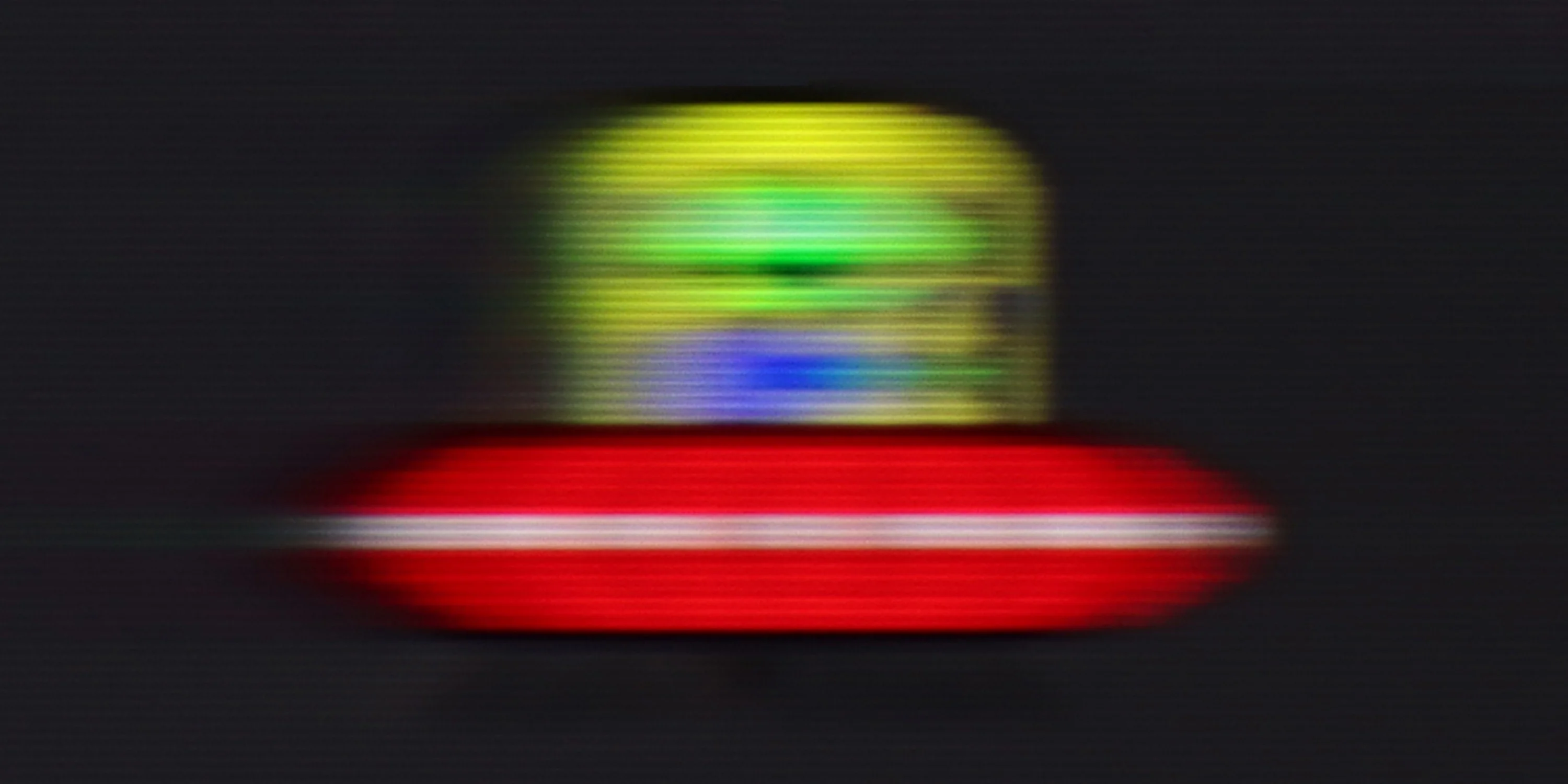
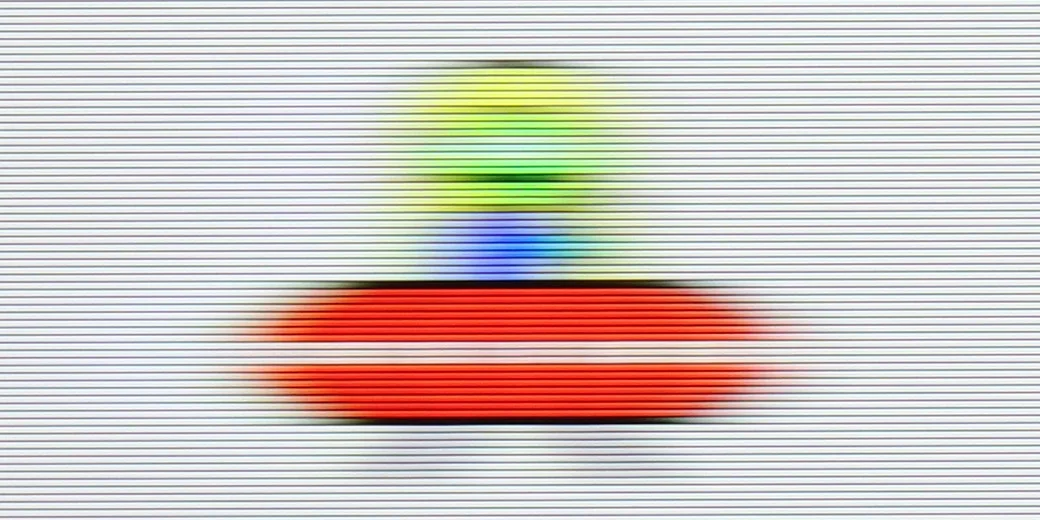
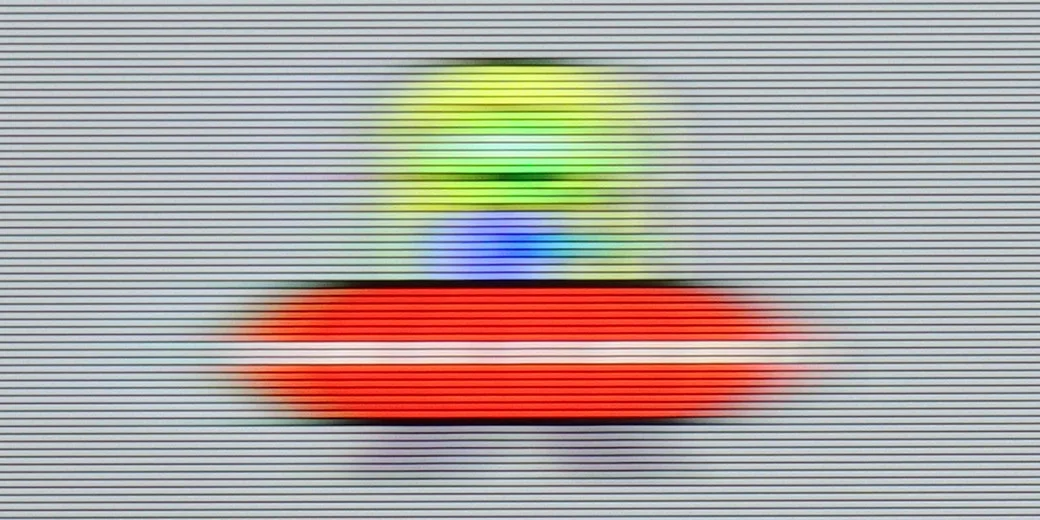
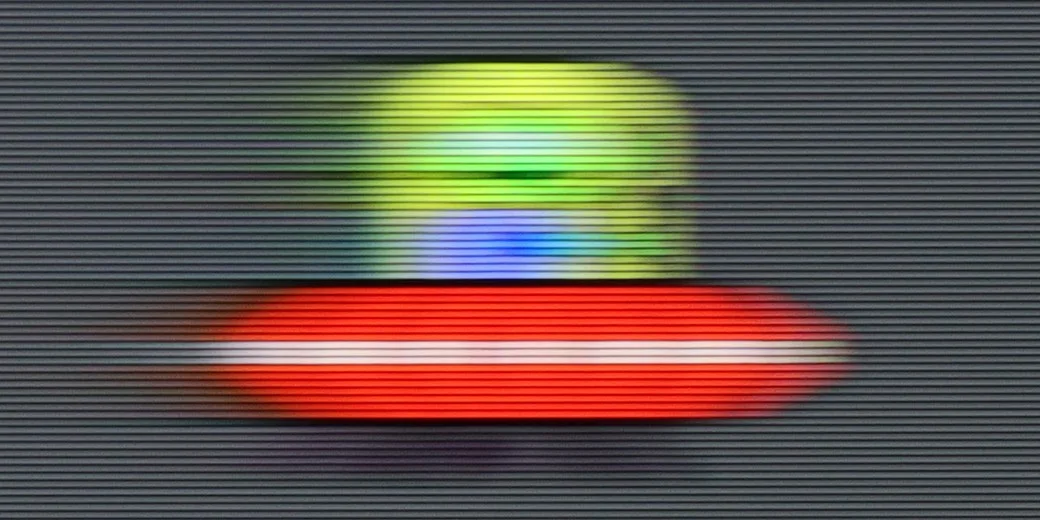
The television offers decent, although not perfect, results in terms of motion fluidity. For films, the television features a “Flicker Reduction” function that allows for motion fluidity adjustment on a scale from 1 to 10. With this option, we can customise the appearance of the image to a cinematic or more theatrical preference (with a slower or faster pace).
The smaller variants of the Xiaomi S Mini 2026 use a 60 Hz panel, and that is their biggest limitation when it comes to motion. For films and series this is not yet a major issue, because the TV has a classic motion interpolation for 24/30 fps material. So we can reduce the characteristic judder and adjust the motion settings to our own preferences. Sports and other 50/60 Hz content fare worse, because there is no additional function to improve smoothness. In such material we are therefore limited by the panel's capabilities.
In terms of motion blur the TV performs quite typically for a VA panel. Most trailing is visible behind objects moving on a dark background, while in brighter scenes the effect is noticeably reduced. It is not at a level that completely ruins the perception of motion, but in dynamic scenes you can tell the panel is not among the fastest.
Console compatibility and gaming features
5.3/10
4.6/10
- ALLM
- VRR
- VRR range48 - 60Hz
- Dolby Vision Game Mode
- Correct implementation of HGIG
- 1080p@120Hz
- 1440p@120Hz
- 4K@120Hz
- Game bar
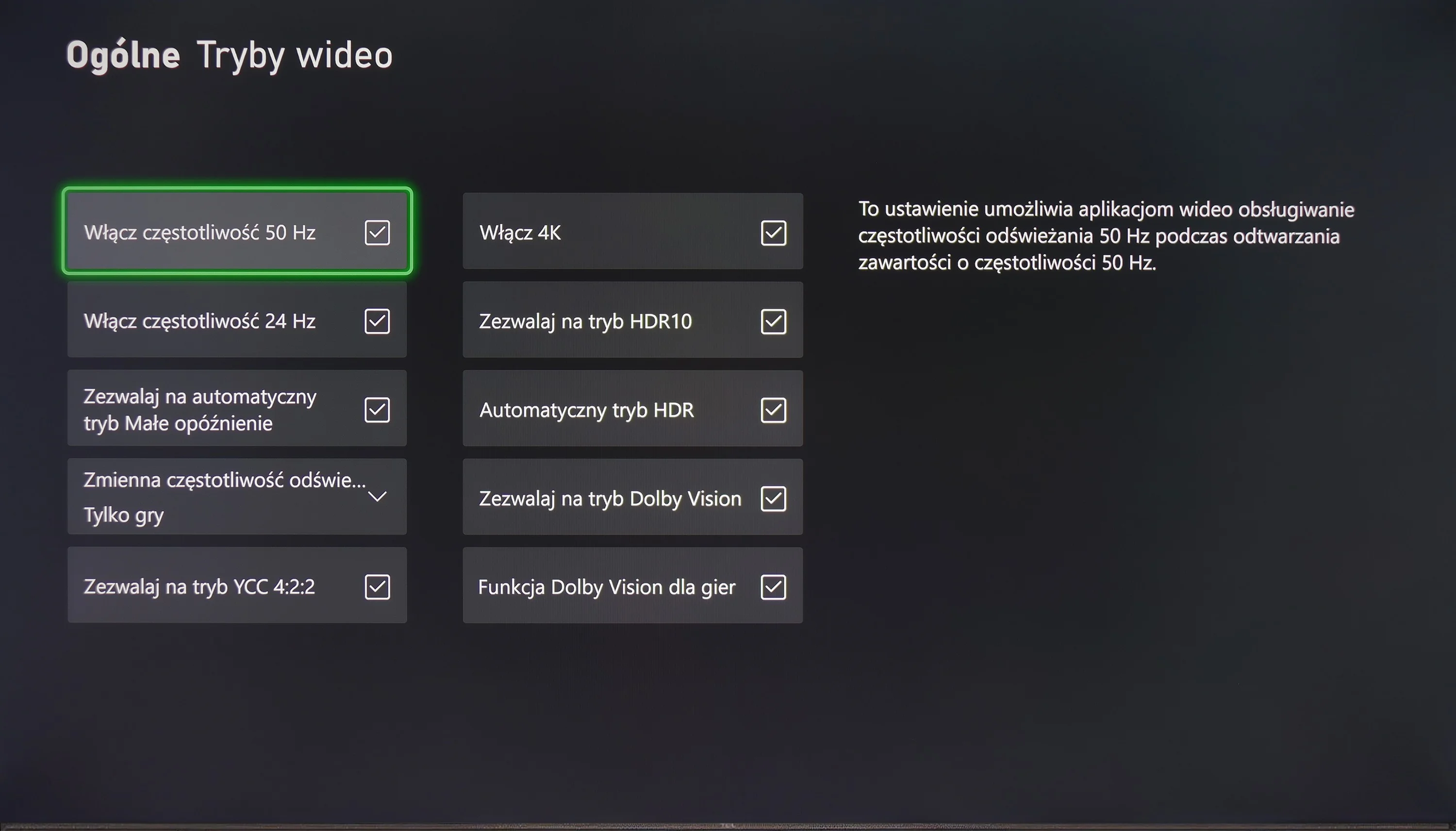
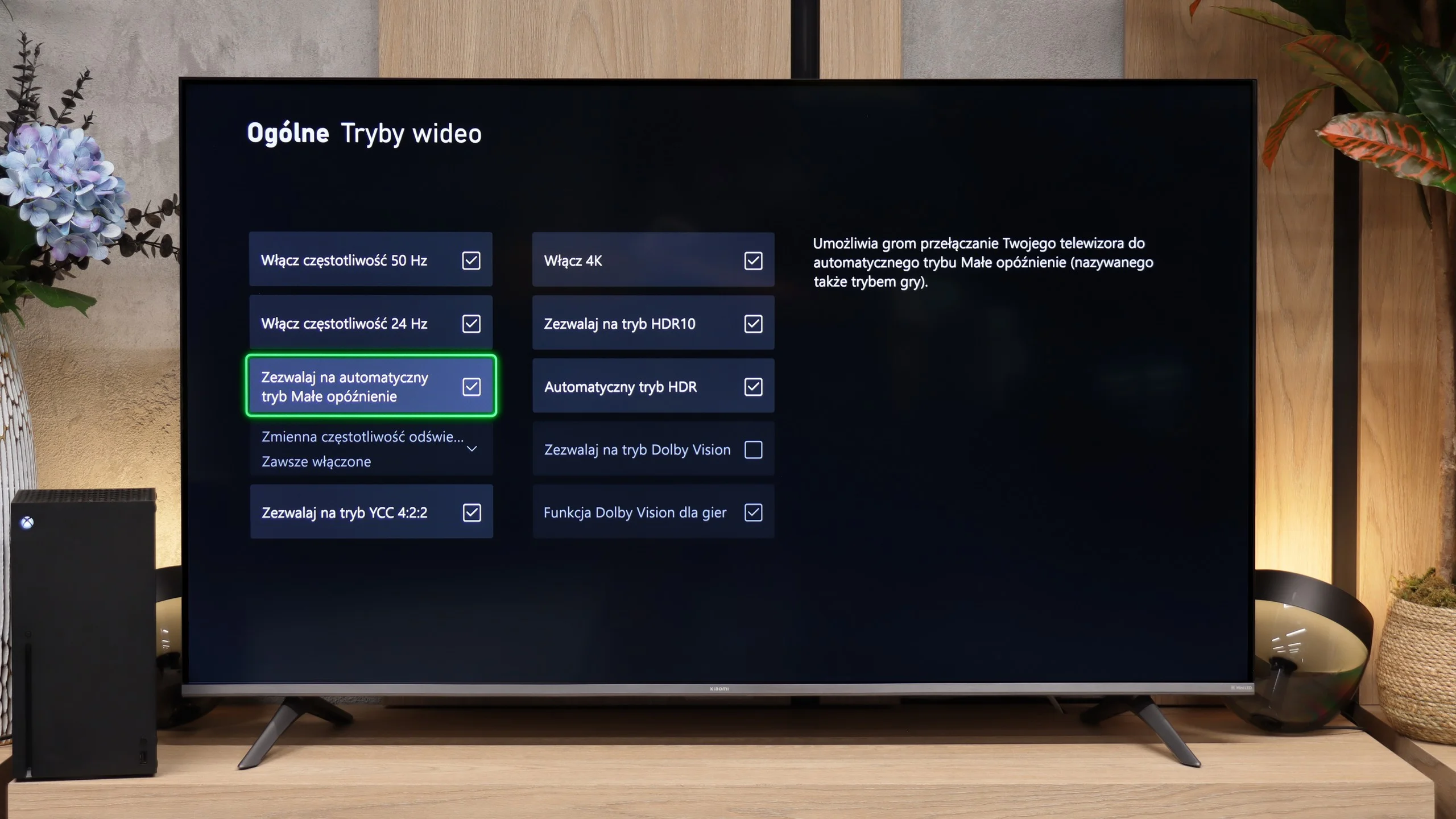
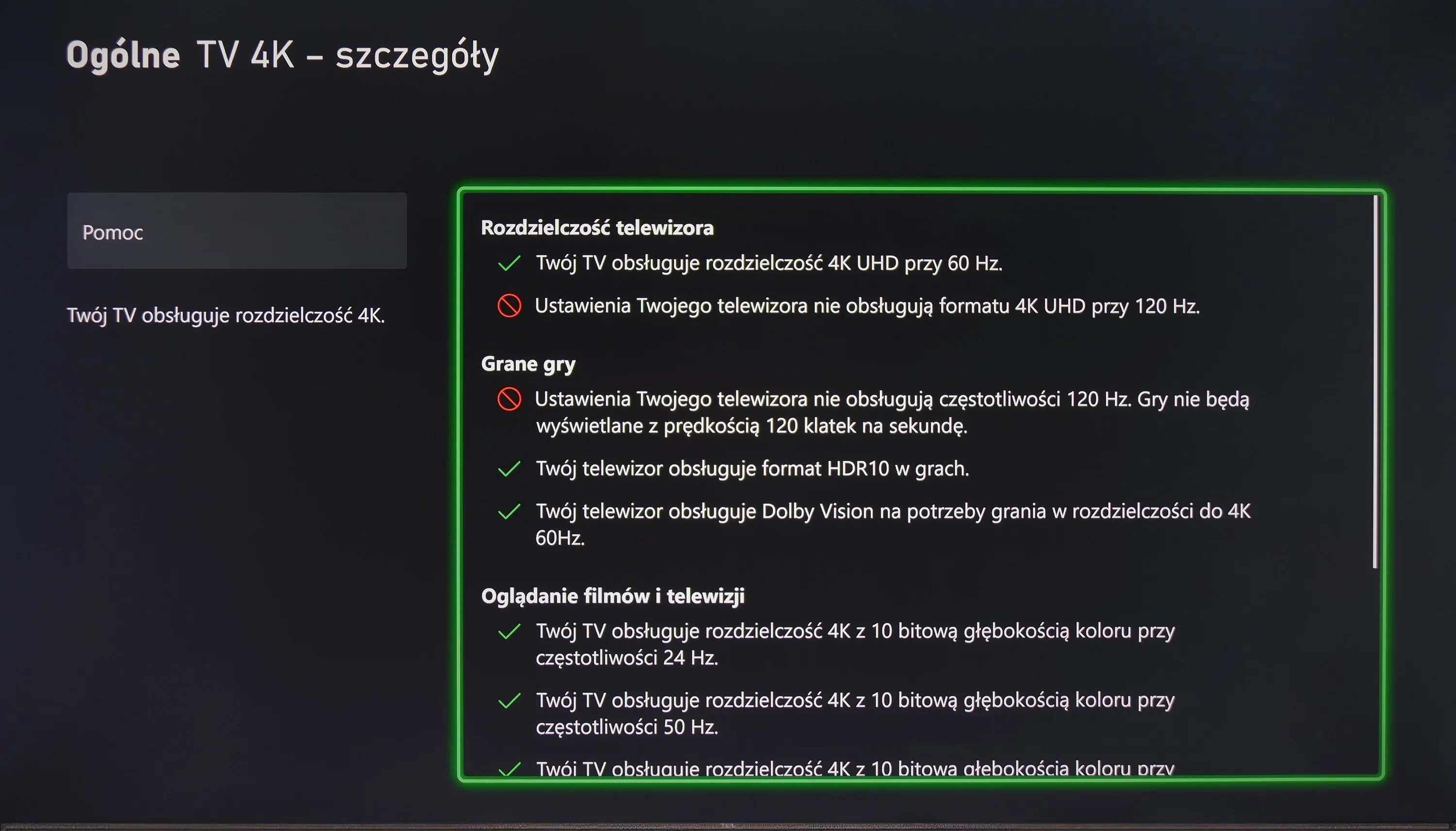
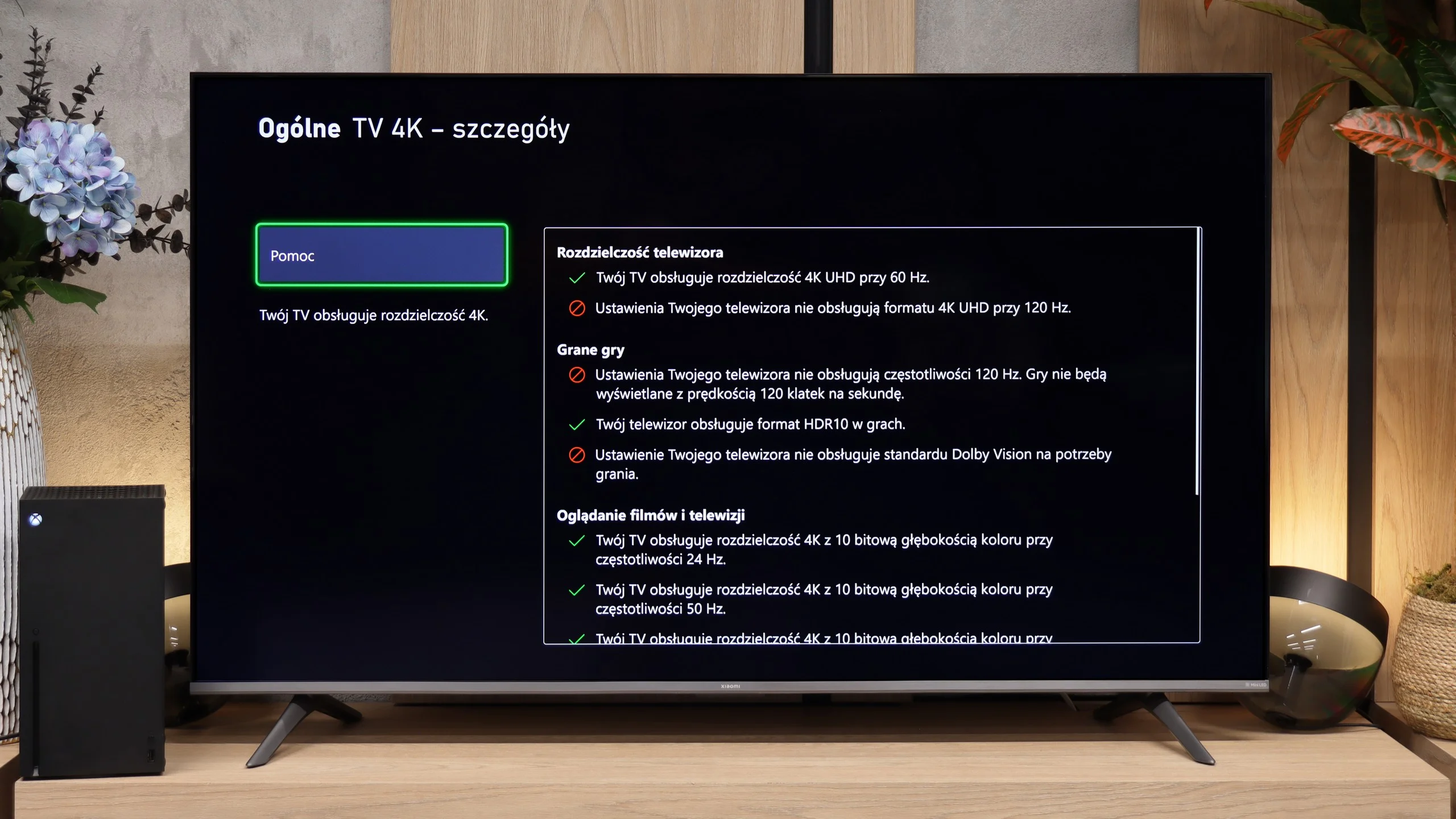
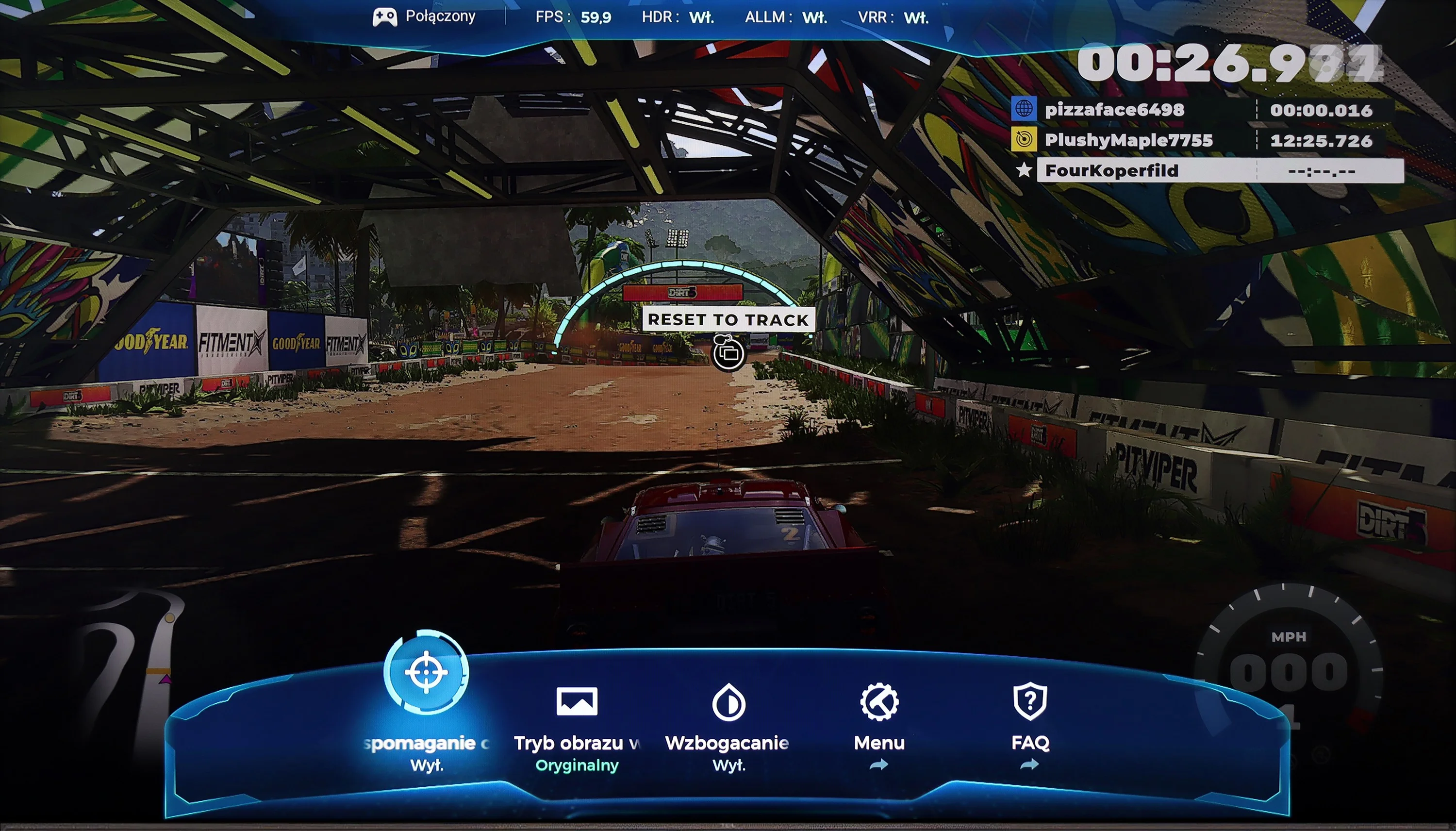
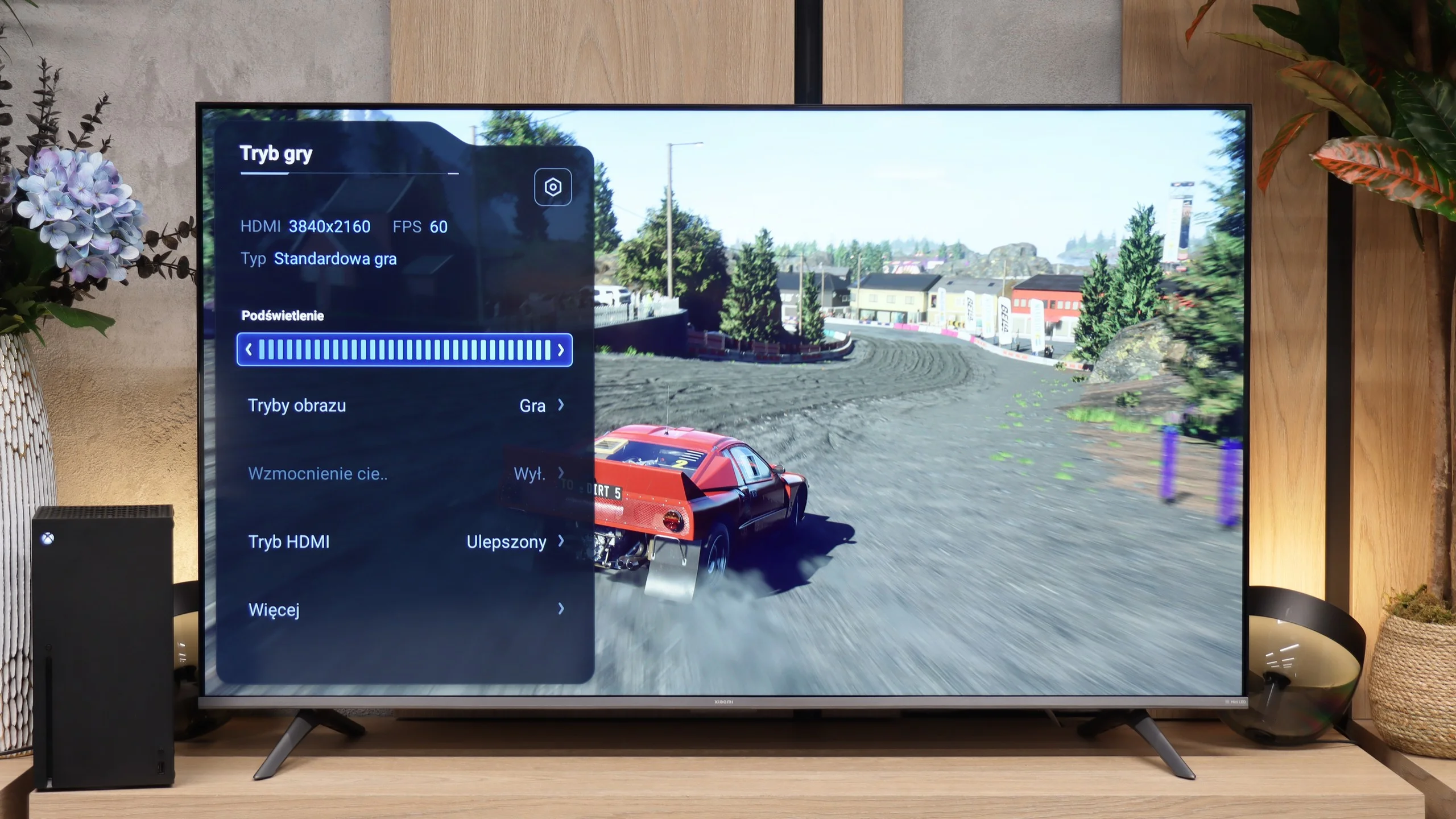
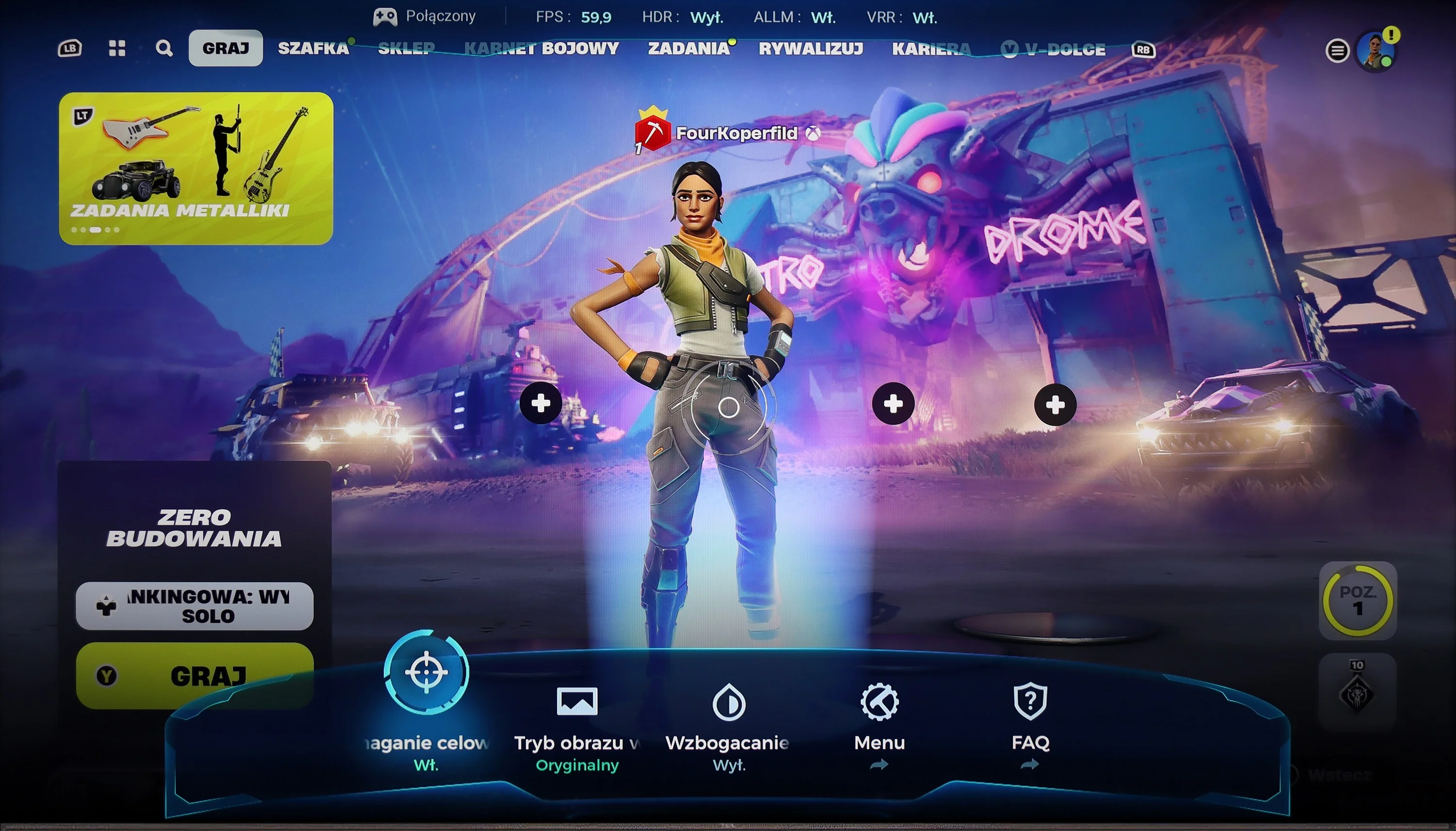
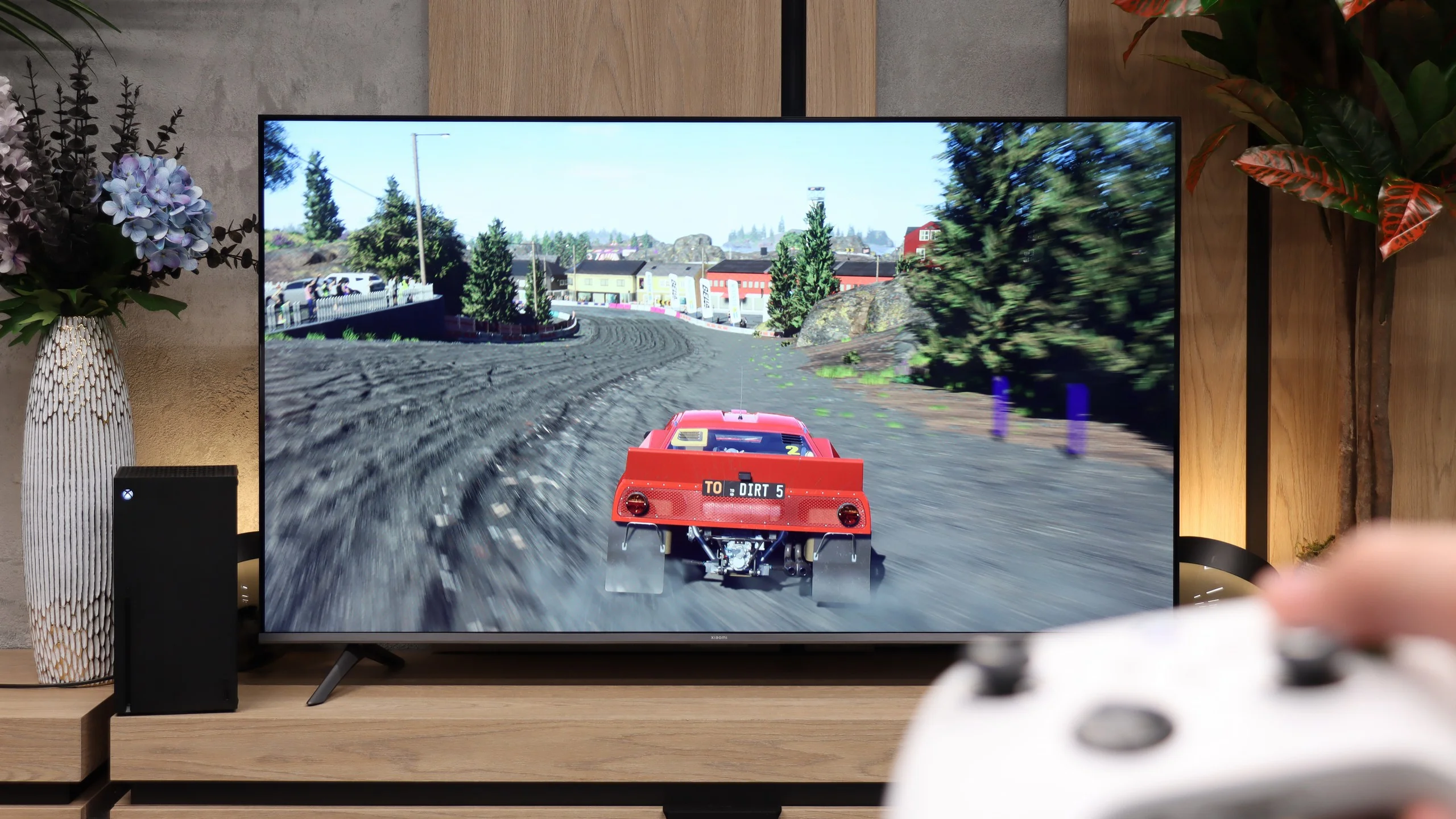
The device offers a range of features useful for gamers, such as ALLM (Auto Low Latency Mode), VRR (Variable Refresh Rate), Dolby Vision for gamers, and Game Bar. ALLM automatically switches the television to low latency mode, significantly improving response to commands from the controller and minimising input lag. VRR synchronises the screen refresh rate with the number of frames generated by the console, eliminating screen tearing and providing smoother gameplay. Dolby Vision for gamers enhances picture quality, offering better colour and contrast reproduction in games that support this format. The Game Bar feature allows quick access to game settings and monitoring of key parameters such as reaction time.
However, the television has certain limitations. The 60 Hz panel prevents the display of higher refresh rate signals at various resolutions, which may affect the smoothness of the image in dynamic games. Additionally, the lack of support for G-Sync technology for PC may impact gameplay quality on a computer. It is also worth noting that the HGiG mode, which aims to improve picture quality in HDR games, does not function correctly in this model, negatively affecting the visual experience in HDR-supported games.
In larger sizes the Xiaomi S Mini 2026 is a much more interesting proposition for gamers. The panel natively runs at up to 144 Hz, so when connected to a PC you can use the high refresh rate even in 4K. At lower resolutions the TV can go even further, reaching up to 288 Hz. It also supports ALLM, automatic switching to game mode, and a Game Bar with the most important settings to hand. Of course, the TV has two full-bandwidth HDMI 2.1 ports. In terms of smoothness the difference compared with the 55 to 75-inch versions is therefore significant and especially noticeable with a PC or console. Not everything works perfectly, though. As with the smaller variants, we have reservations about the implementation of HGiG. The HDR setup screens on the PS5 and Xbox do not accurately match the TV's real capabilities, so if you set your console according to those prompts the brightest parts of the image can be blown out and lose some detail.
Input lag
10/10
9.9/10
SDR
HDR
Dolby Vision
P755 offers exceptionally low input lag, which is a significant advantage for gamers. In every mode, whether SDR, HDR, or Dolby Vision, the television achieves impressive performance. In every resolution, the input lag is only 11 ms, well done! Even in Dolby mode, the television maintains the same low level of latency. Thanks to these achievements, the television provides remarkable responsiveness and excellent gaming experiences, with no noticeable delays.
There is no major problem with input lag here. Around 10 ms at 120 Hz and 15 ms at 60 Hz are figures that easily suffice for console or PC gaming.
Compatibility with PC
2.5/10
5.6/10
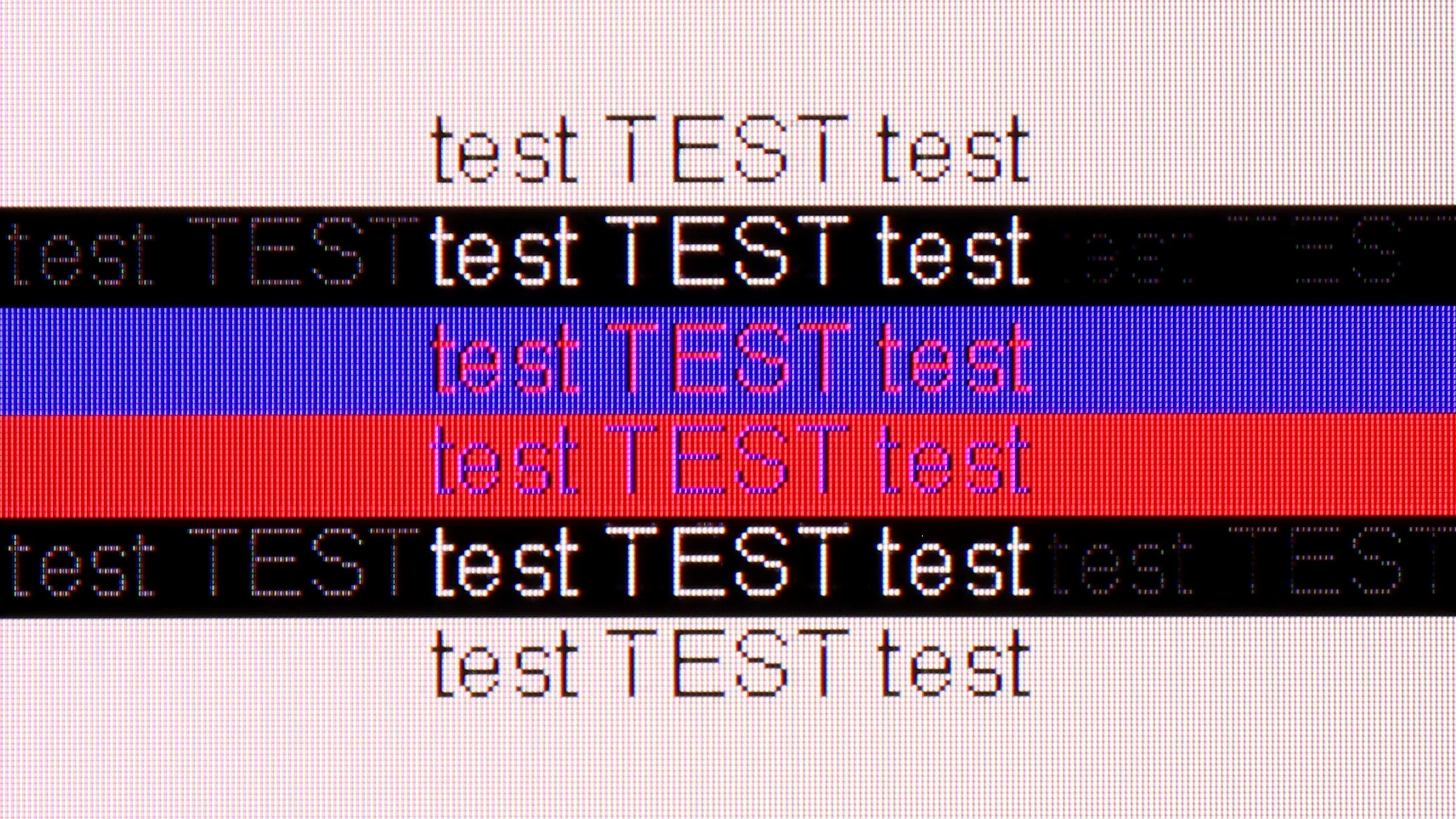
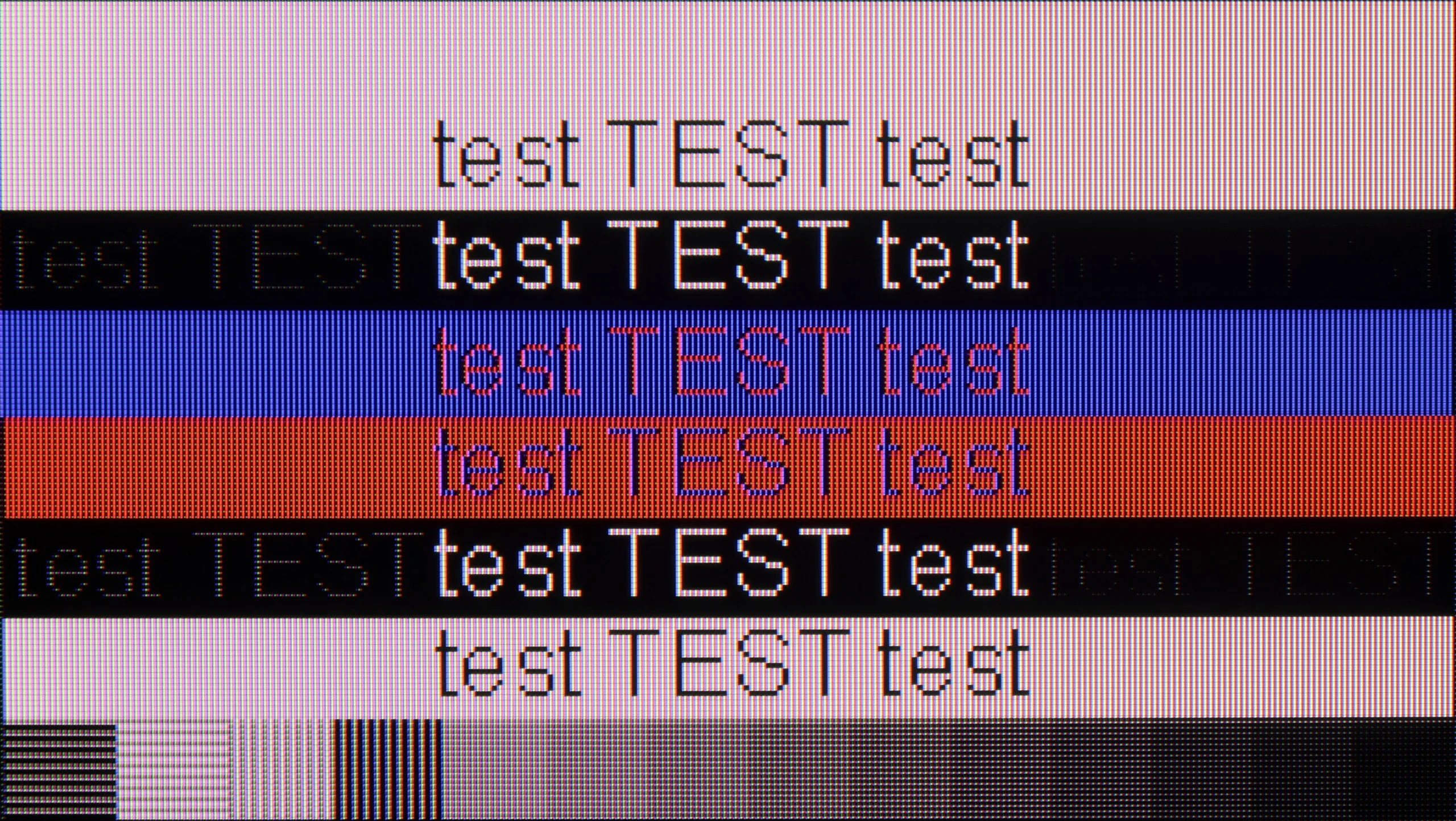
The photo shows the legibility of small fonts. Ideally, lines should be the same thickness on both light and dark text, with minimal pixel gaps.
When connecting the TCL P755 to a computer, the first thing you may notice is the support for chroma 4:4:4, which ensures correct colour reproduction in details, especially when working with text and graphics. Unfortunately, despite this support, the readability of fonts leaves much to be desired, particularly with dark text and shapes on a dark background. This issue arises from the limited resolution in darker shades, where the applied dithering makes the pixels resemble those known from Full HD. This is especially visible with small fonts, making comfortable office work on a large screen difficult. However, a positive aspect is the very low input lag of 12 ms, which means that the television performs well for occasional gaming on a computer, particularly in dynamic games. Ultimately, while the TCL P755 may be a decent choice for PC gaming, it may be disappointing for users expecting high text readability.
Working with a computer is not the strong suit of the smaller variants of the Xiaomi S Mini 2026. The TV does not display chroma 4:4:4 correctly, so some small interface elements, icons and coloured text may look worse than they should. Plain black text on a light background is still fairly readable, but it's hard to regard this model as a particularly good monitor for typical computer work. A plus is the ability to obtain a higher refresh rate by lowering the resolution. Instead of 4K at 60 Hz, you can switch to 1080p or 1440p and use 120 Hz, which for PC gaming can be far more useful than full resolution.
Viewing angles
3.2/10
3/10
P755, equipped with a VA panel, offers average viewing angles. In practice, this means that the brightness of the image significantly decreases when we view the screen at an angle. VA panels, although they provide better contrast and deeper blacks compared to IPS panels, have poorer properties in terms of viewing angles. IPS panels, known for their wider viewing angles, offer a more stable image from different angles, but usually at the cost of slightly lower contrast and black depth. Although the VA panel contributes to better contrast, the drop in brightness at an angle is noticeable and can affect viewing comfort in larger groups or from different positions in the room.
The viewing angles on the smaller variants of the Xiaomi S Mini 2026 are unfortunately poor. It's a typical trait of VA panels, but here the effect is quite pronounced. Simply move a little off centre and the image begins to noticeably fade and lose colour saturation. The brightness itself doesn't drop that much, but colours quickly become washed out. If the TV is to be watched by several people seated well to either side, this should be taken into account.
Daytime performance
3.8/10
6.3/10
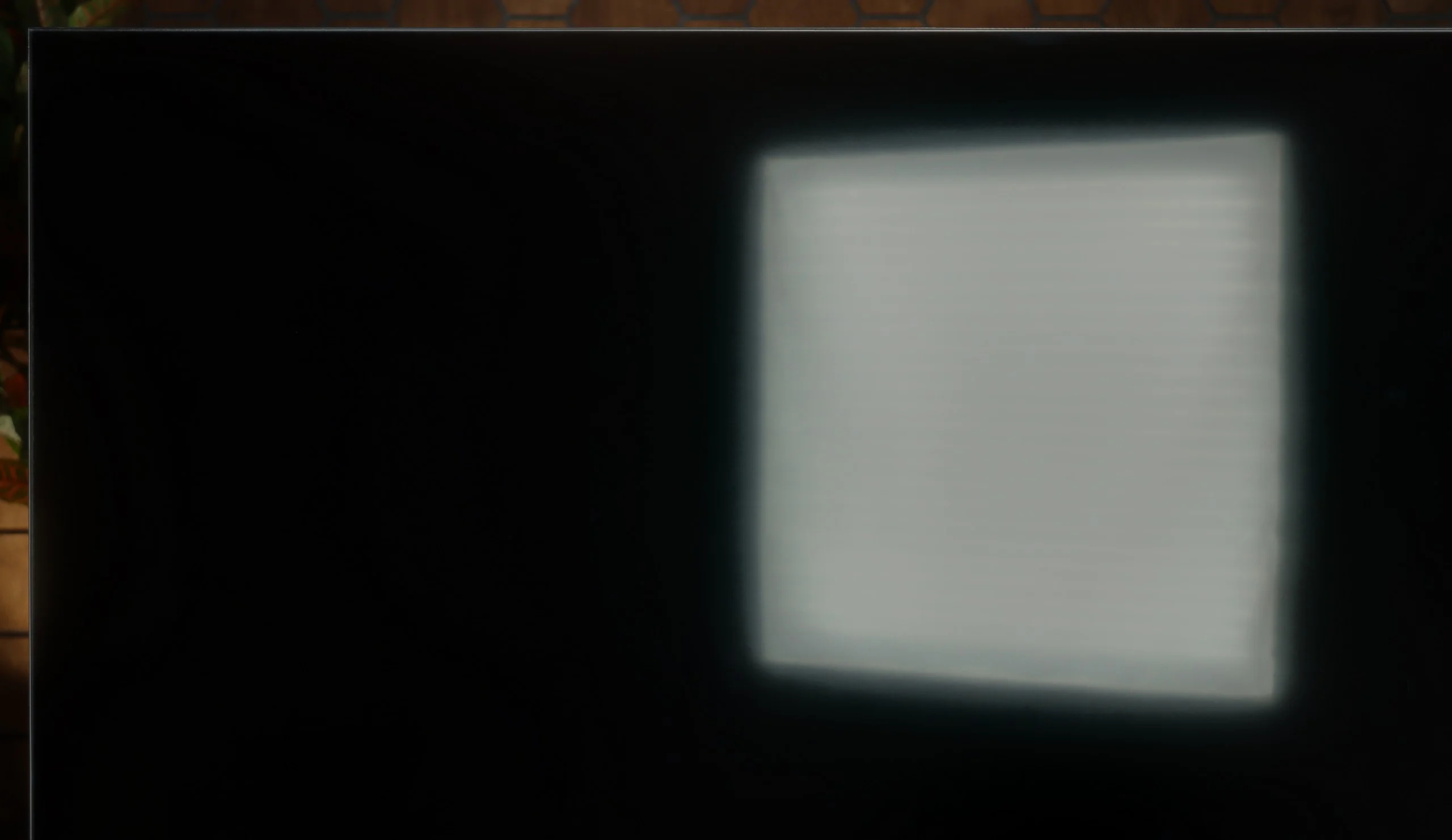
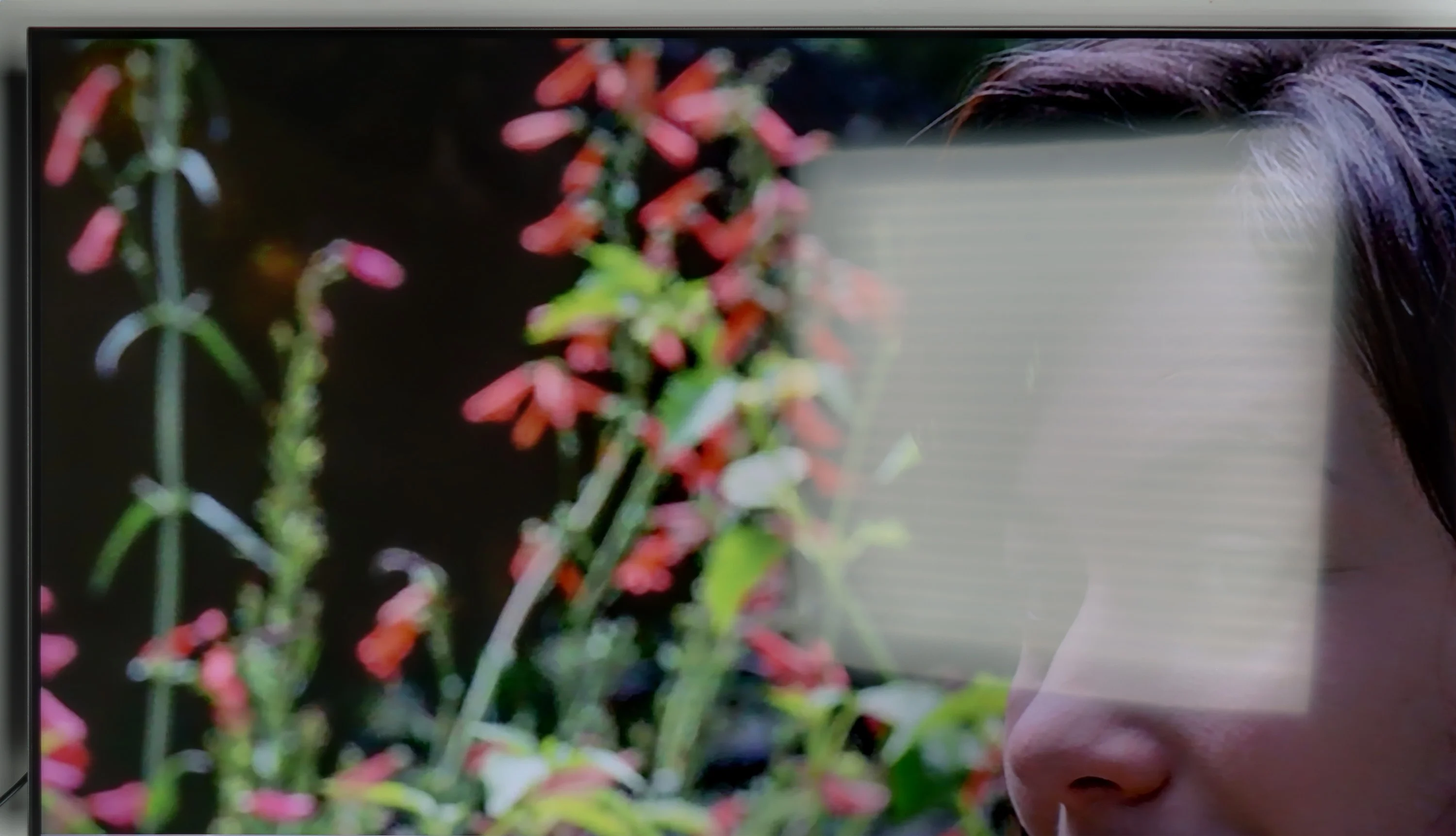
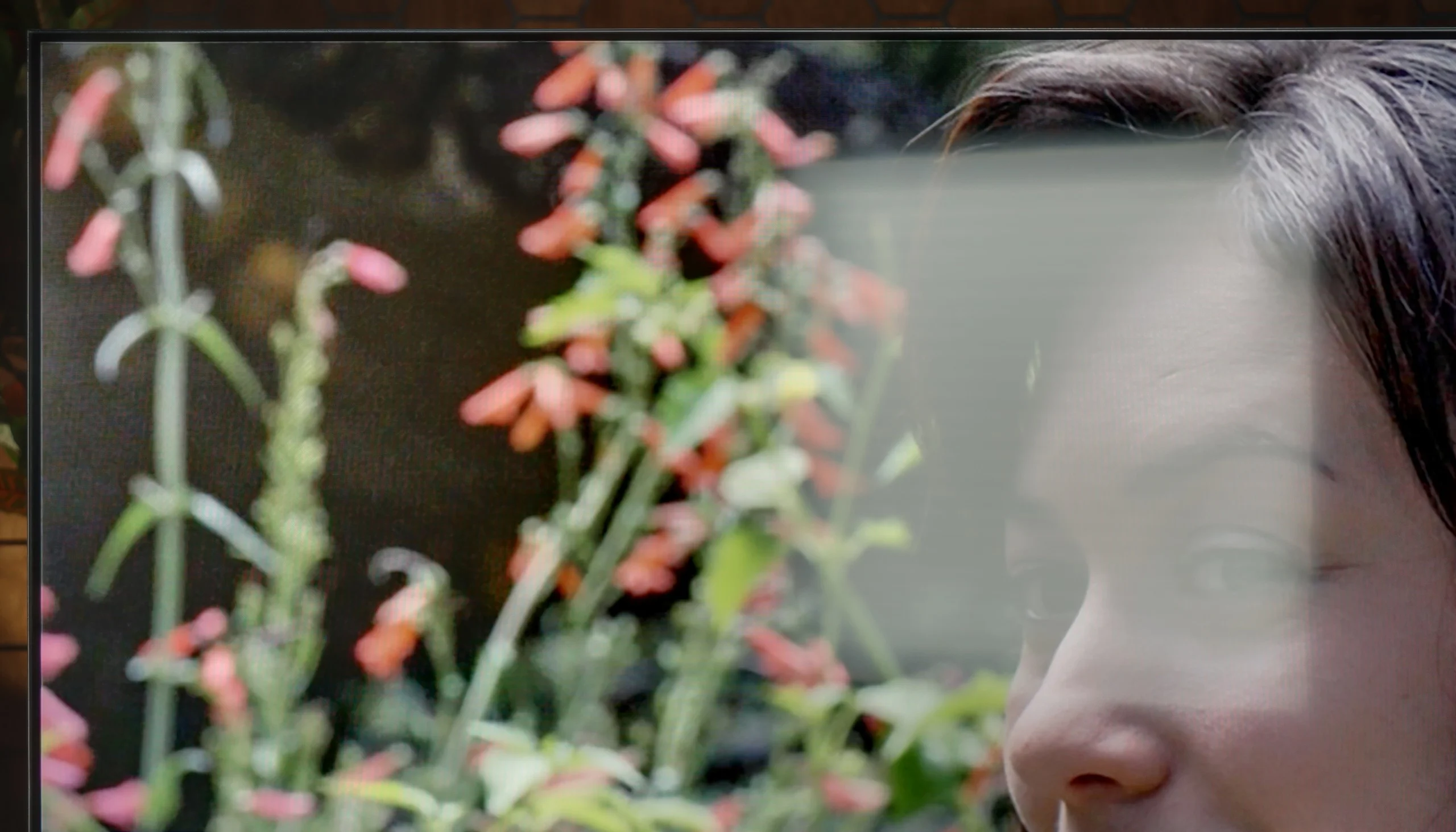
Panel brightness
XIAOMI S Mini 2026 (55"-75") 60Hz : 569 cd/m2
TCL P755: 290 cd/m2
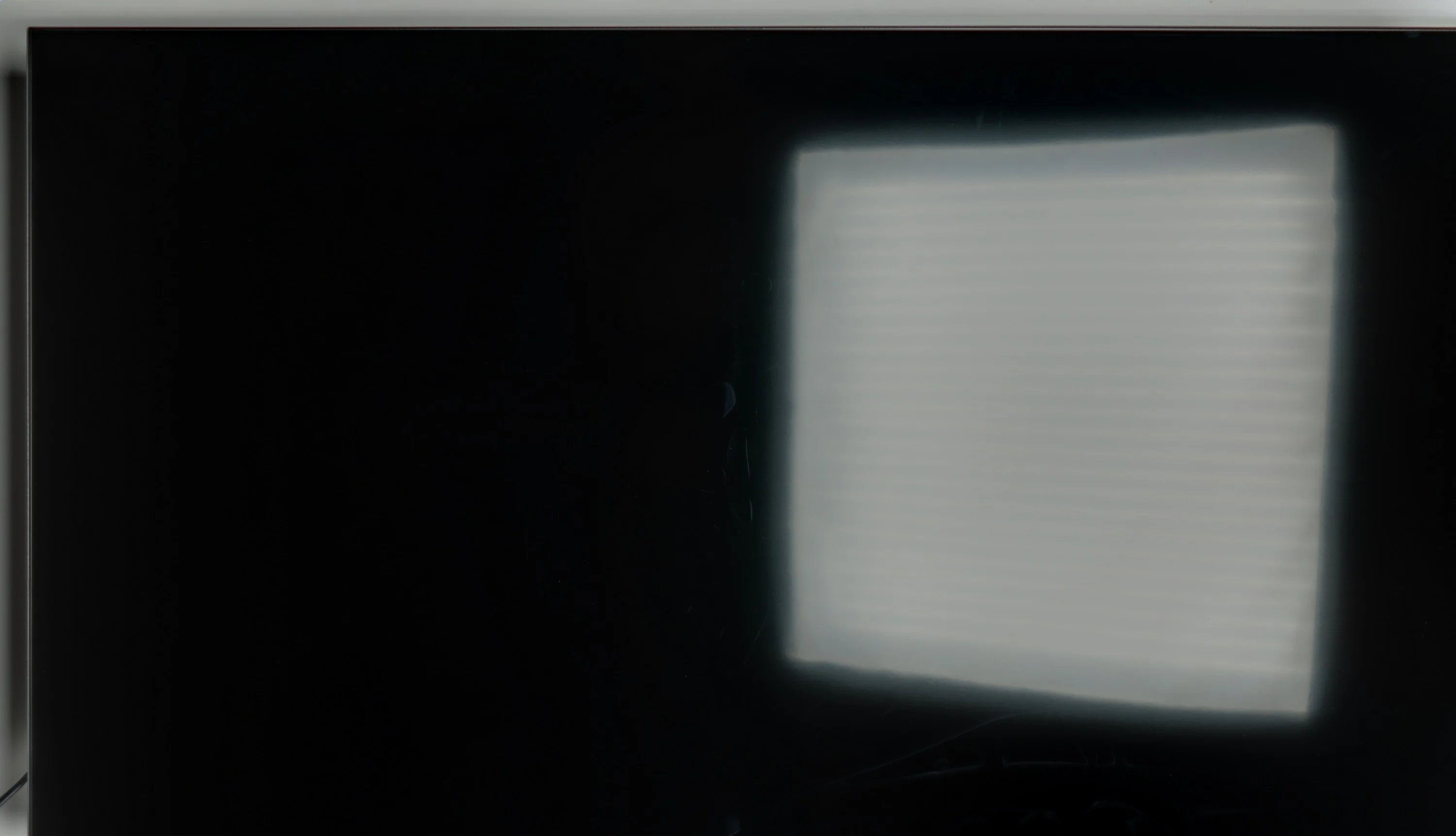
The TV, equipped with a satin finish, performs well in moderately lit daytime conditions. Its brightness in SDR mode is around 290 nits, which is an average value. Unfortunately, the television has poor reflection handling, meaning that reflections of light can be noticeable, especially in bright surroundings. Nevertheless, the television offers good black levels during the day, due to the use of a VA panel, which handles contrast better compared to IPS panels. In practice, this means that despite issues with reflections, the television can deliver a satisfying picture in daytime conditions, maintaining a decent level of black and contrast.
The smaller variants of the Xiaomi S Mini 2026 handle daytime viewing well. In SDR the TV averages around 570 nits, so it has enough brightness that the picture doesn’t look washed out even in a fairly brightly lit living room. The screen coating performs worse. It has a satin finish, but it doesn’t suppress direct reflections particularly effectively. If there’s a large window or a strong lamp opposite the TV, the reflection will be clearly visible. The brightness helps to mitigate this somewhat, but in terms of reflection suppression this isn’t the model’s strongest suit.
Panel details
Subpixel Structure:
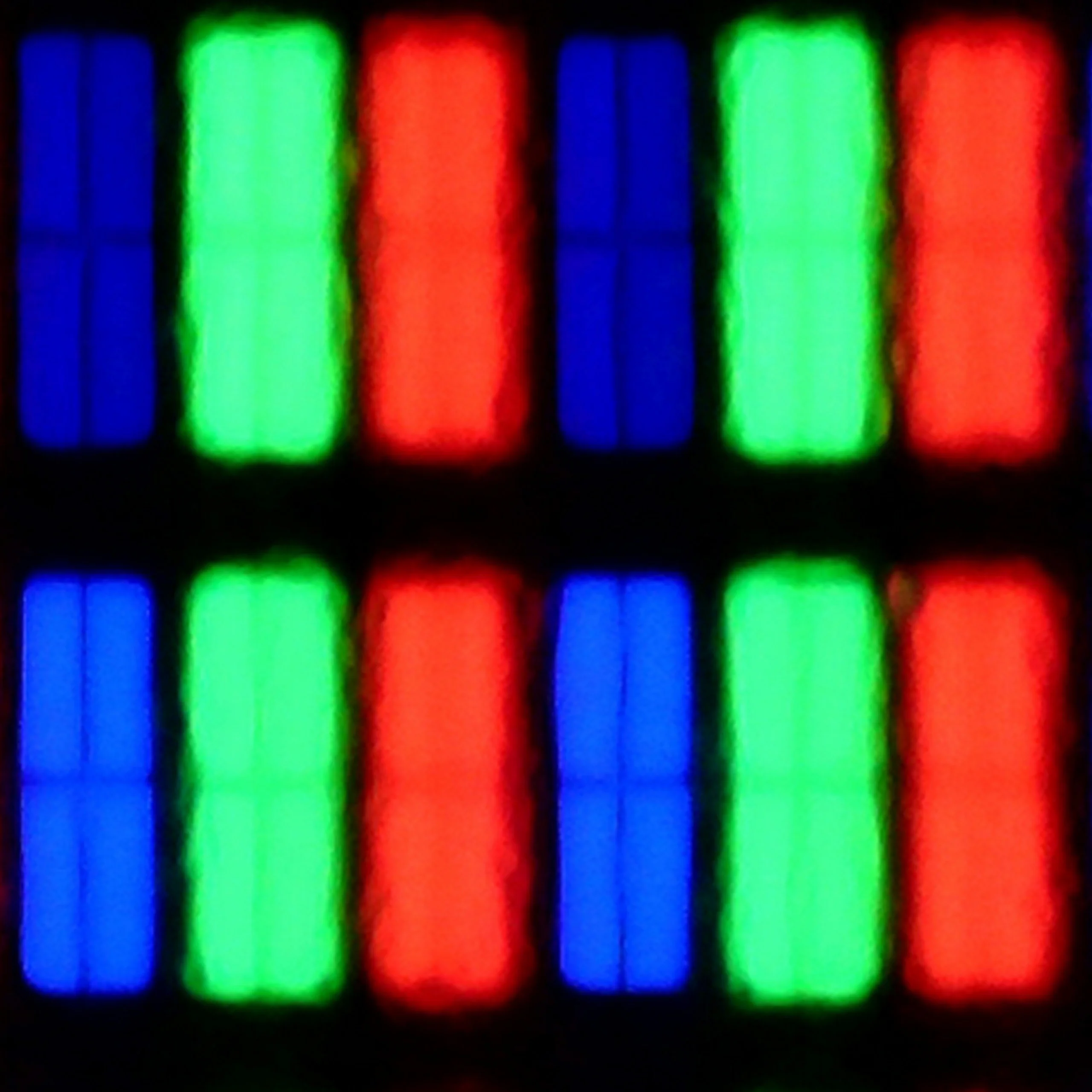
Panel uniformity and thermal imaging:

TCL P755
XIAOMI S Mini 2026 (55"-75") 60Hz
TV features
7.3/10
6.7/10
- SystemGoogle TVGoogle TV
- System performanceAveragePoor
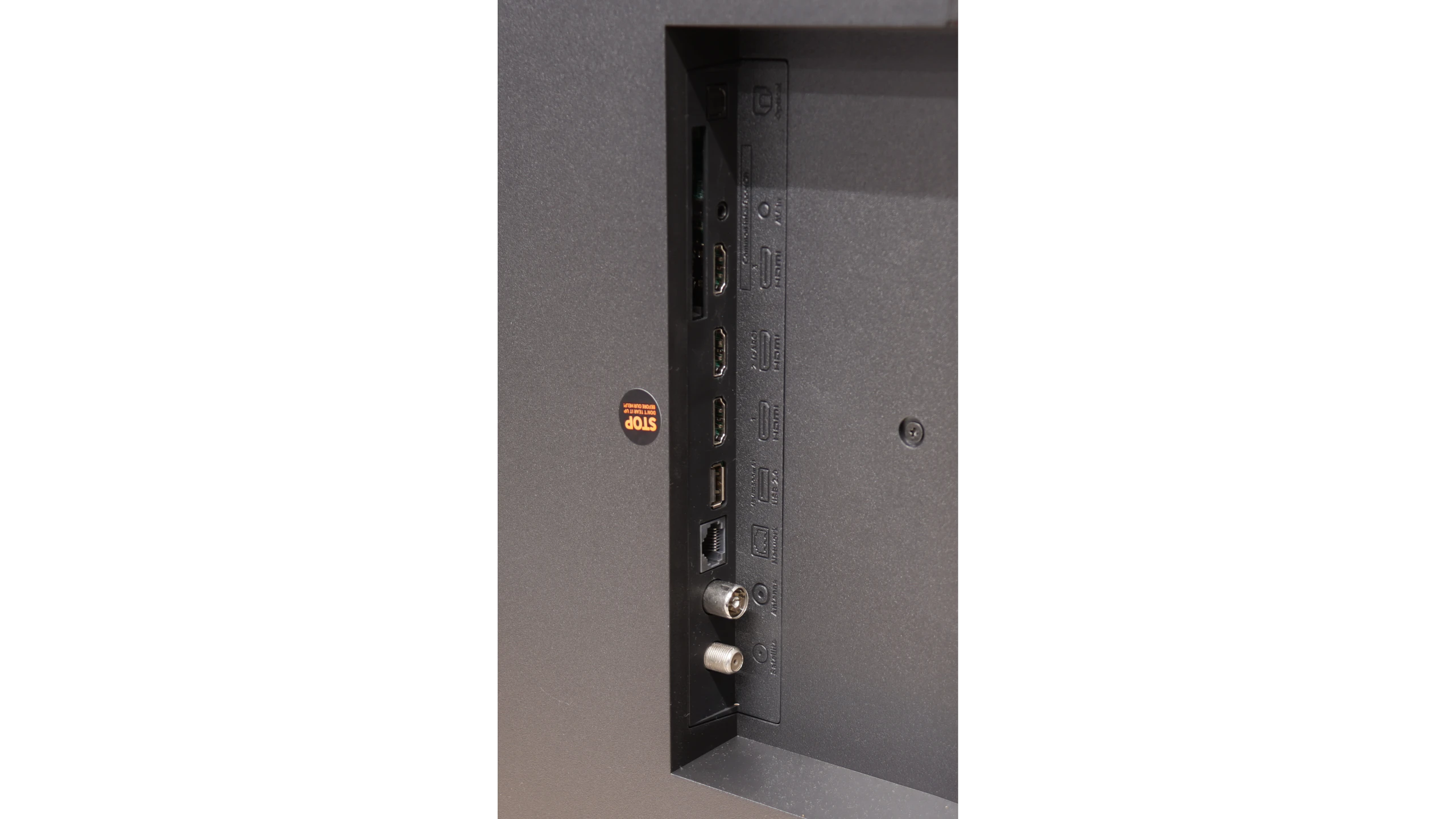
- HDMI inputs3 x HDMI 2.0, 0 x HDMI 2.13 x HDMI 2.0, 0 x HDMI 2.1
- Other inputsRCA (Chinch)
- OutputsToslink (Optical audio), eARC (HDMI), ARC (HDMI)Toslink (Optical audio), eARC (HDMI), ARC (HDMI), Mini-Jack (Headphones)
- Network InterfacesWi-Fi 2.4GHz, Wi-Fi 5GHz, Ethernet (LAN) 100MbpsWi-Fi 2.4GHz, Wi-Fi 5GHz, Ethernet (LAN) 100Mbps
- TV receptionDVB-T, DVB-T2, DVB-S, DVB-S2, DVB-CDVB-T, DVB-T2, DVB-S, DVB-S2, DVB-C
Classic features:
- Recording to USB (terrestrial TV)
- Recording programming
- Picture in Picture (PiP)
- RF remote control (no need to aim)
- Backlit remote control
- Teletext
- Audio only mode
- Bluetooth headphones support
- Simultaneous Bluetooth headphones & TV audio
Smart features:
- AirPlay
- Screen mirroring (Windows Miracast)
- Voice search
- Voice search in native language
- Ability to connect a keyboard and mouse
Sound connection options
- HDMI audioeARC (HDMI), ARC (HDMI)eARC (HDMI), ARC (HDMI)
- Other audio outputsToslink (Optical audio)Toslink (Optical audio), Mini-Jack (Headphones)
- Wireless audioBluetoothBluetooth
Supported audio formats (external HDMI eARC audio):
- Dolby Digital Plus 7.1
- Dolby True HD 7.1
- Dolby Atmos in Dolby Digital Plus (JOC)
- Dolby Atmos in Dolby True HD
- DTS:X in DTS-HD MA
- DTS-HD Master Audio
Senior accessibility
- Numeric keyboard on TV
- Font size adjustment
- Audio description
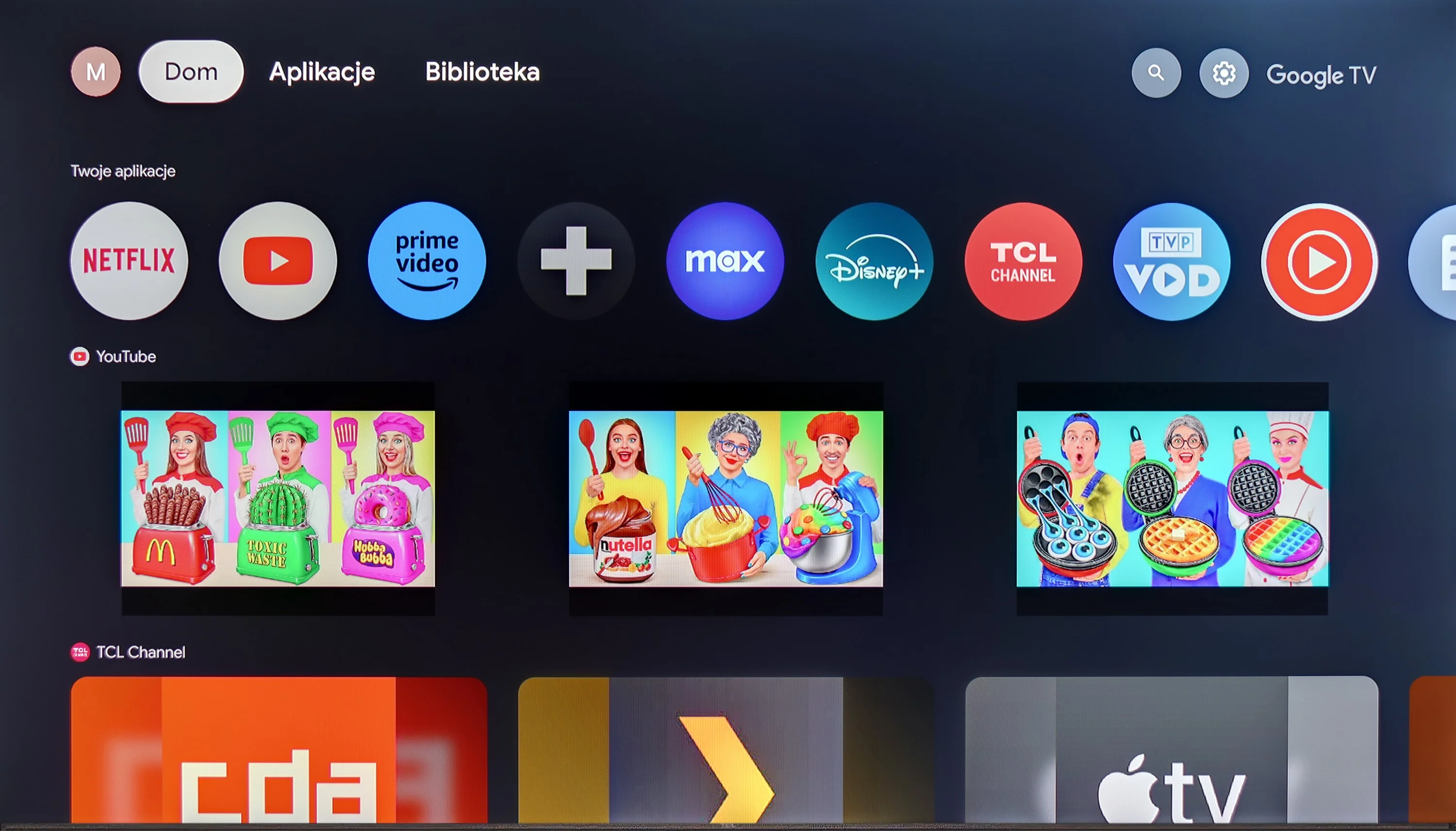
The device operates on the Google TV system, offering a wide range of features that enhance user comfort. Google TV, an extension of Android TV, provides personalised content recommendations based on watched programmes and user preferences. It allows easy access to popular streaming applications such as Netflix, YouTube, and Prime Video, as well as integration with the Google Play Store for additional apps. The system works with other Google devices, enabling control of the television using Google Assistant and integration with a smart home system.
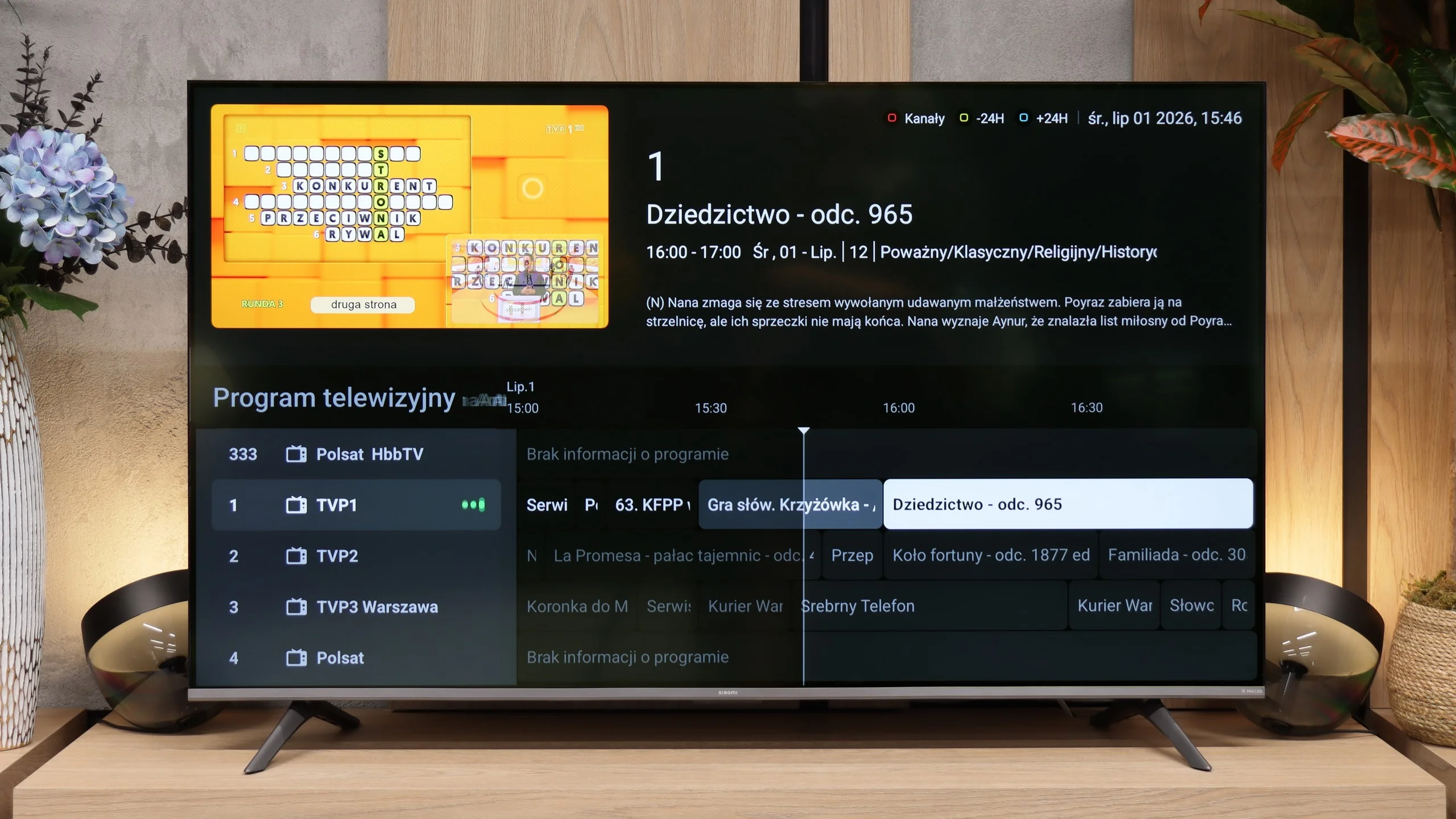
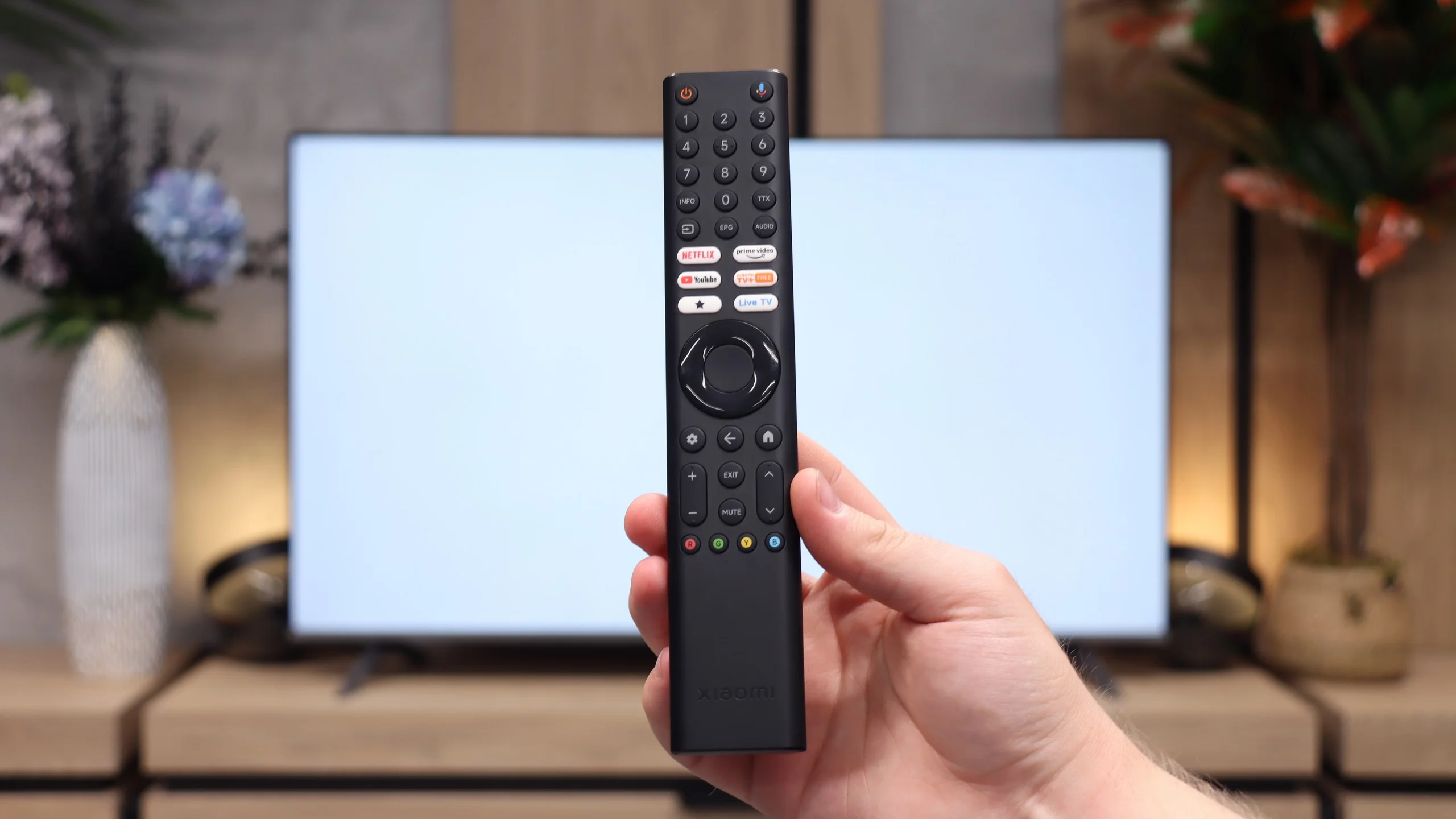
In terms of connectivity, the television supports screen mirroring via Windows Miracast and AirPlay, allowing easy transmission of images from other devices. It also allows connection of a keyboard, mouse, and Bluetooth headphones, while simultaneously using headphones and the built-in speaker with separate volume control for both audio sources. The television remote operates on an RF basis, so there is no need to aim at the screen, although it is not backlit. Additionally, the television supports audio-only mode and teletext, although it lacks picture-in-picture (PiP) functionality.
Google TV
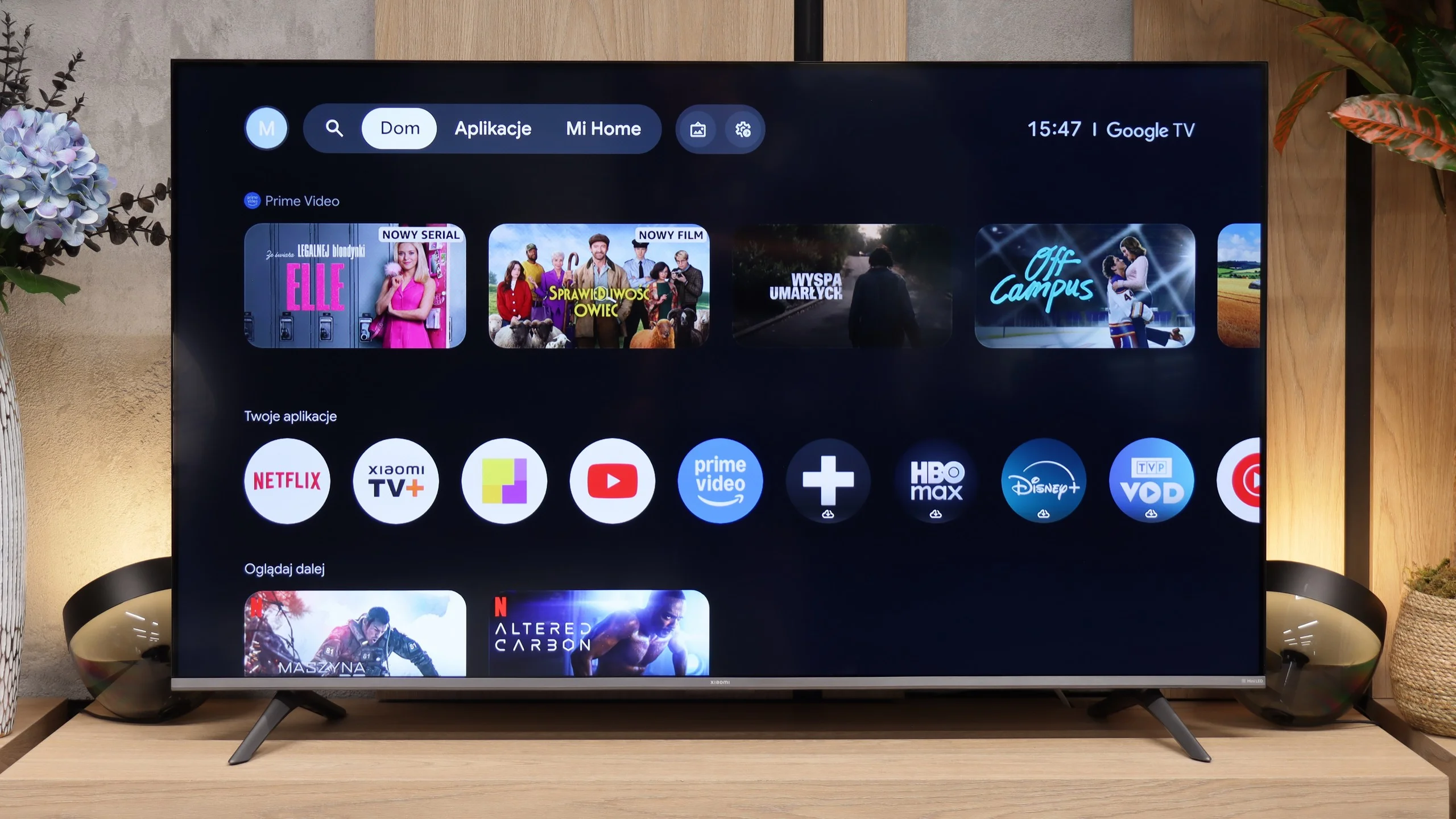
The Xiaomi S Mini 2026 runs on Google TV, which remains one of the most comprehensive Smart TV platforms. It includes virtually all the most popular apps, such as Netflix, YouTube, Prime Video, Disney+, HBO Max or Canal+, and thanks to the Google Play store you can install many other apps as well. It also supports Google Assistant, Chromecast and the ability to control the TV from your smartphone.
Unfortunately, on the smaller models the system does not run as smoothly as we would expect. Switching between apps or navigating the menu can take a moment, and the interface sometimes responds with a slight delay. It’s not to a degree that prevents using the TV, but compared with the competition it’s clear this isn’t the fastest Google TV release on the market.
Classic features
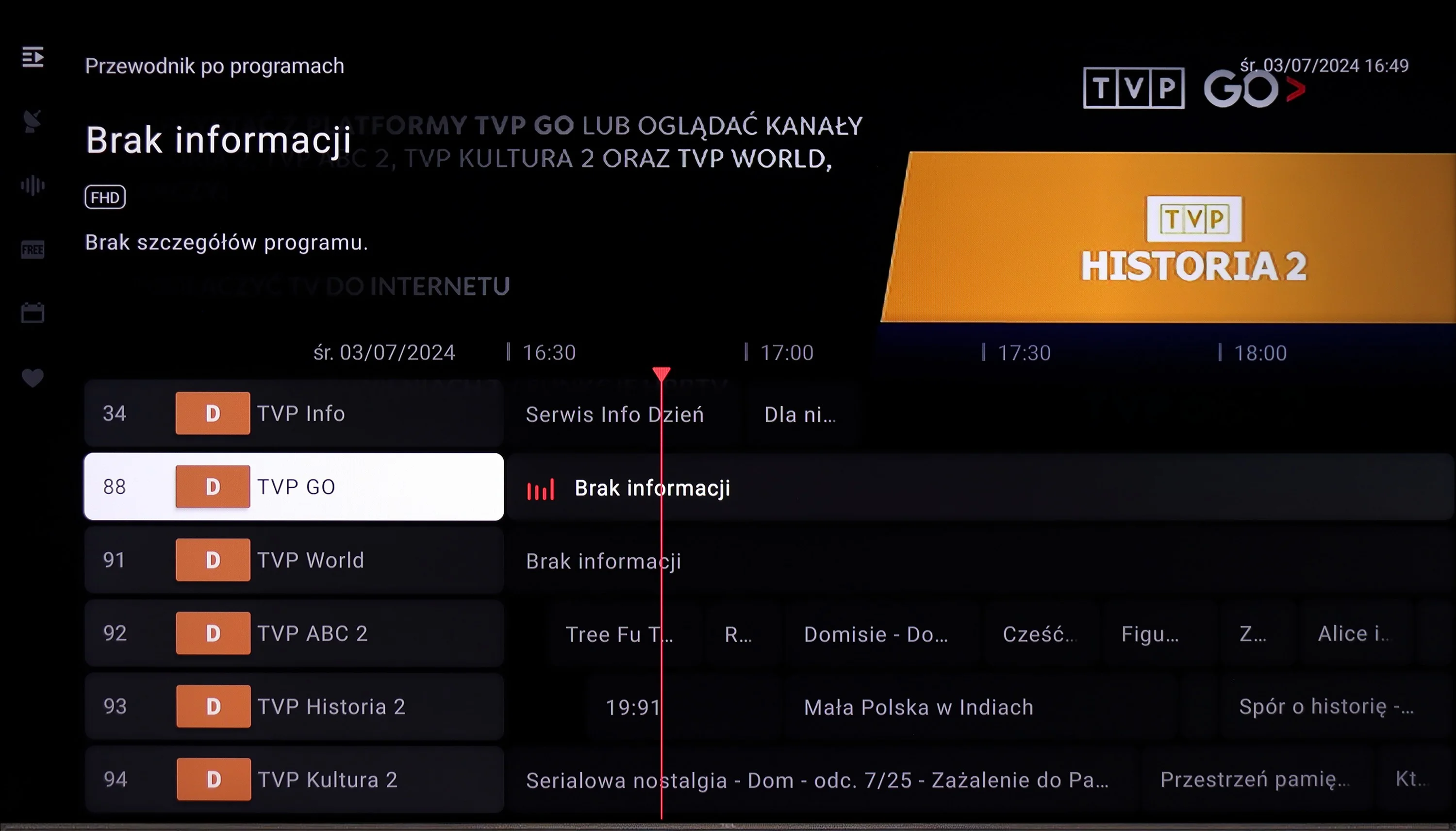
If you mainly use conventional television, Xiaomi doesn’t offer anything beyond what you’d expect from a modern TV. There is an electronic programme guide and teletext. The manufacturer also includes a remote with a traditional numeric keypad, which is increasingly rare these days, but for many people will still be a convenient way to change channels.
Worth noting is the presence of an analogue headphone output (mini-jack). This is an element that is disappearing from TVs year by year, giving way to exclusively digital audio outputs. Thanks to it you can easily connect older wired headphones or speakers without needing additional adapters.
Apps
9.6/10
9.6/10






















Playing files from USB
9.1/10
6.5/10
Supported photo formats:
Maximum photo resolution:
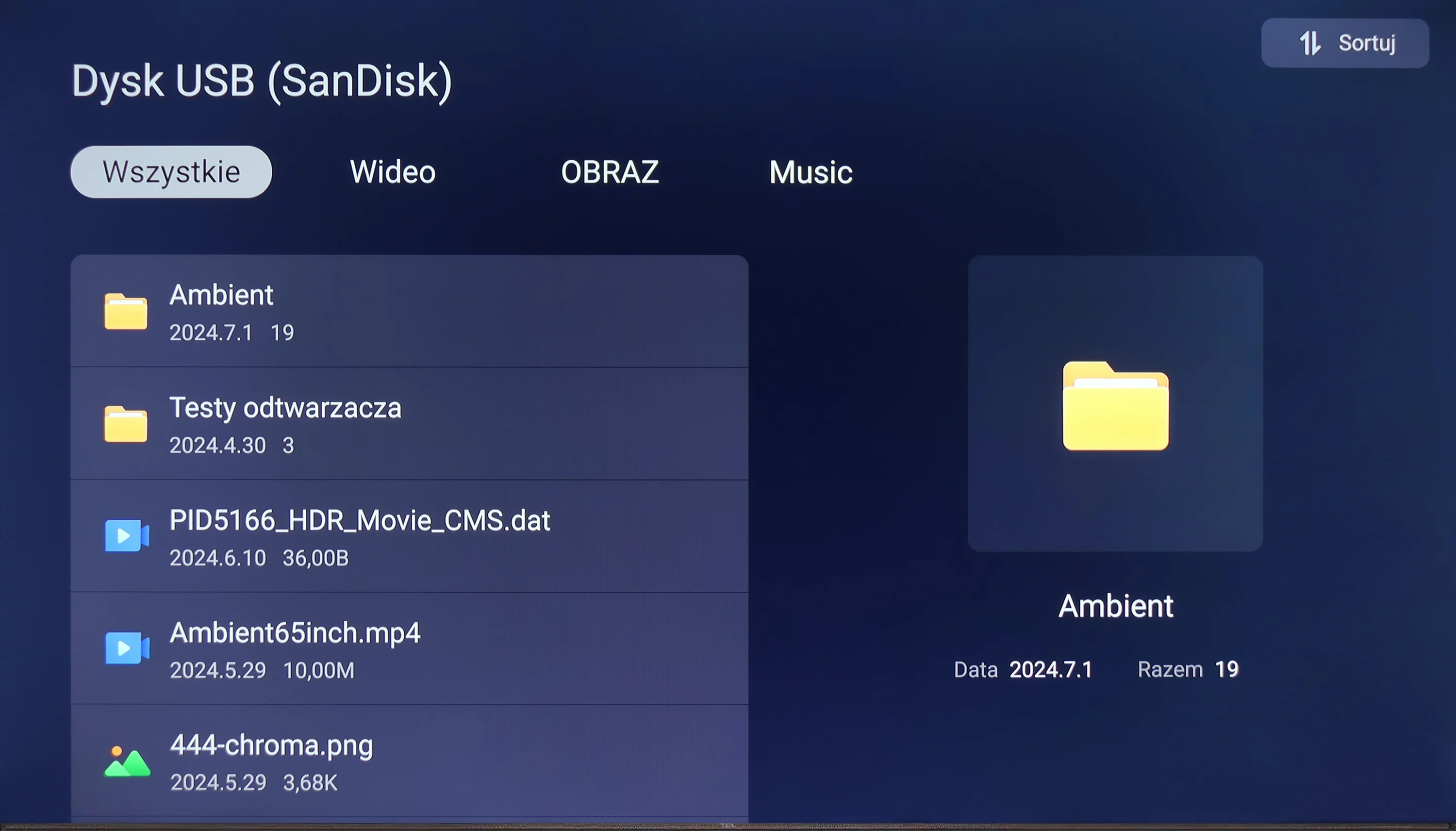
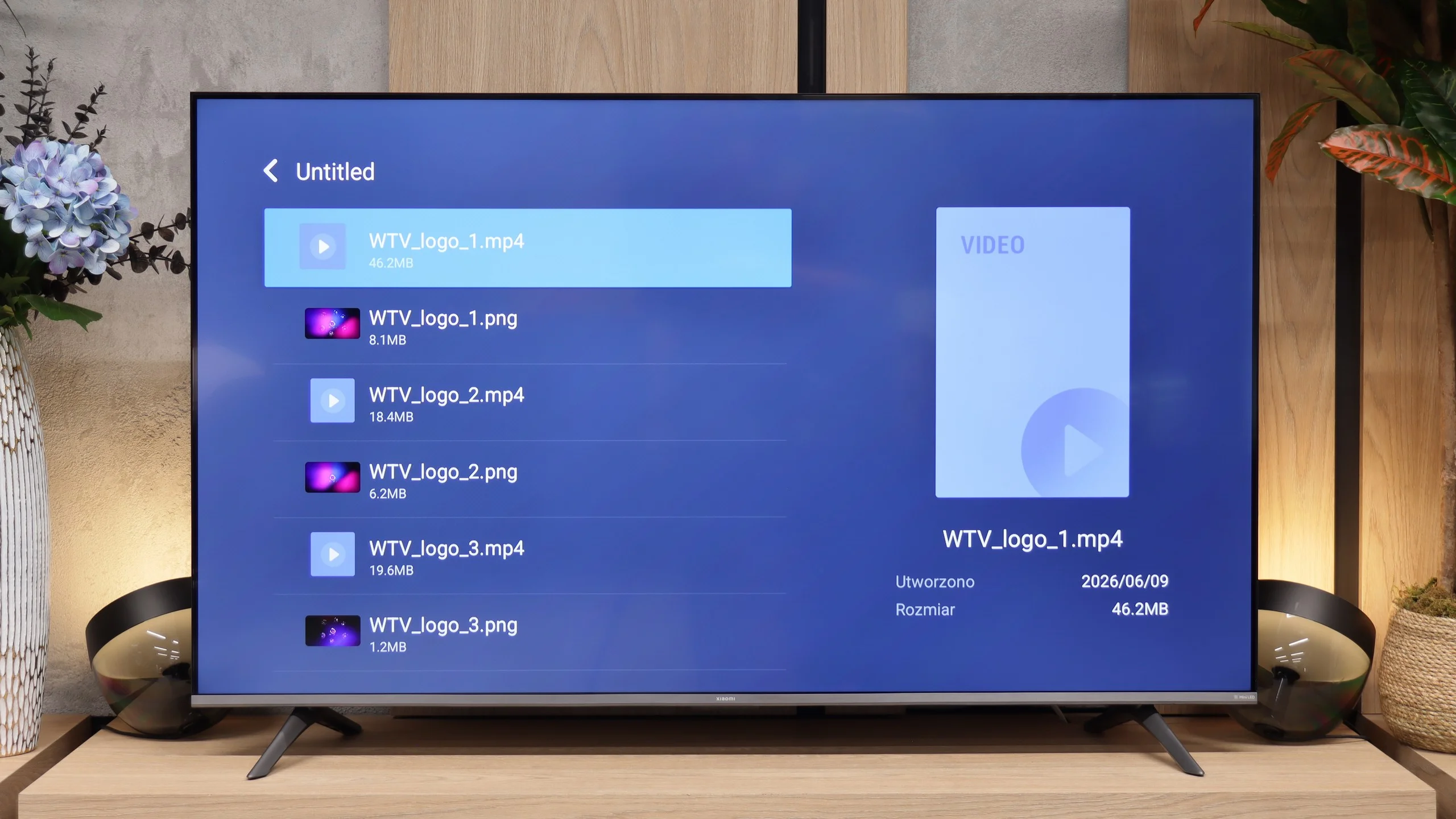
The television will play most files and video codecs, and with subtitles uploaded for the film, you can change the font size. The biggest downside here is the lack of support for less popular photo formats.
The built-in USB media player performs quite well and opens most common formats without any problem. However, if you come across a file it doesn't support, Google TV makes it easy to install another player, e.g. VLC. Our main concern is subtitles. The stock app doesn't handle some characters outside the basic alphabet correctly, which can cause problems with Polish letters. If you frequently watch films from a USB drive, it's better to use an external app.
Sound
5.8/10
5/10
- Maximum volume-89dB
- Dolby Digital Plus 7.1
- Dolby True HD 7.1
- Dolby Atmos in Dolby Digital Plus (JOC)
- Dolby Atmos in Dolby True HD
- DTS:X in DTS-HD MA
- DTS-HD Master Audio
The sound quality in the television is rather average. The high tones are slightly distorted and can sound unclear, while the bass is almost non-existent. The sound is dominated by the mid tones, which makes the overall audio experience balanced, but lacking in fullness. On the plus side, it supports advanced audio codecs such as Dolby and DTS, improving compatibility with various audio sources and formats.
In terms of sound, the Xiaomi S Mini 2026 doesn't stand out. The speakers are perfectly adequate for regular TV viewing, but during films or concerts their limitations quickly become apparent. They particularly lack bass, which makes the overall sound rather flat. If better sound matters to you, it's worth considering a soundbar.
Sound Quality Test
No sound test video
Acoustic Measurements
No acoustic data
89dBC (Max)
75dBC
Reader comments
Comments are provided by the external service Disqus (Zeta Global). Once loaded, Disqus may set cookies and process data about your activity.
We will remember your choice on this device. Provider's privacy policy