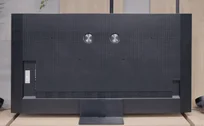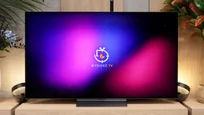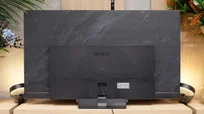
TCL C8K vs LG OLED C6 (WOLED)

Direct comparison

Check the best price offer:

TCL C8K(paid link)
£2 697

C8K / QM8K

Info

C6 / C64 / C6E / C6H / C61

Info

Available screen sizes: 65”75”85”98”

Available screen sizes: 42”48”55”65”

Review TCL C8K Main photo
Review LG OLED C6 (WOLED) Main photo

Panel type: LCD VA

Resolution: 3840x2160

System: Google TV

Model year: 2025

Complete the survey to find out the result

Panel type: WRGB OLED

Resolution: 3840x2160

System: WebOS

Model year: 2026

Complete the survey to find out the result

Overall rating

7.7

8.3

  • Movies and series in UHD quality

    7.5

    8.4

  • Classic TV, YouTube

    7.1

    8.8

  • Sports broadcasts (TV and apps)

    6.7

    8.6

  • Gaming on console

    8.8

    9.4

  • TV as a computer monitor

    8.6

    8.6

  • Watching in bright light

    6.9

    6.6

  • Utility functions

    7.7

    8.4

  • Apps

    9.6

    9.1

  • Sound quality

    7.9

    7.0

Advantages

  • Great contrast and black levels

  • Very high HDR brightness

  • Support for all popular HDR formats

  • Fast 4K@144 Hz panel

  • Many features for gamers (VRR, ALLM, Game Bar, Low input lag)

  • GoogleTV operating system with multiple apps

  • Improved viewing angles thanks to WHVA panel

  • Very good sound: Collaboration with Bang & Olufsen

- Perfect black and OLED contrast - Very high HDR brightness, up to approx. 1,500 nits - Excellent image quality for HDR films and Dolby Vision - Very good image processing and upscaling - 165 Hz panel and virtually no motion blur - Great package for gamers: VRR, G-Sync, HGiG, Dolby Vision Gaming - Very low input lag, approx. 5 ms at 120 Hz - Wide viewing angles - Intuitive, modern WebOS - Convenient control with the Magic Remote featuring a gyroscope

Disadvantages

No like
  • No smaller variants such as 55"

  • Very weak dimming algorithms

  • Colour reproduction out of the box needs improvement

  • Only 2 HDMI 2.1 ports and one USB.

  • No recording function from built-in tuners or PiP

  • Different remote versions depending on the C6 variant, so before buying it's hard to be sure which Magic Remote will be included.

  • Visible grain (dithering) around blacks, noticeable when viewed up close.

  • Average reflection handling, in a very bright living room strong reflections may be noticeable.

  • No DTS:X support, an external AV receiver or player will be required for that format.

Our verdict

The C8K is proof that premium Mini LED technology does not have to cost as much as a premium product. With a high number of dimming zones and a new WHVA panel, the television offers excellent contrast, deep blacks, and very high brightness – everything we expect from a good viewing experience in the living room. The improved viewing angles are also surprising, finally allowing us to enjoy watching even when sitting outside the centre of the frame. The C8K also excels in the gaming world – 144 Hz, support for 288 Hz in Full HD, a complete set of gaming features, very low input lag, and sensible compatibility with PCs make it hard to tear ourselves away from it with a controller or keyboard in hand. Onboard, we also have Google TV – currently the most advanced and versatile Smart TV platform. There is access to all key applications, excellent voice control, and an intuitive interface. It may lack some classic TV features like USB recording from built-in tuners or picture-in-picture (PiP), but most users won't even notice that. On top of all this, there is very decent sound – a new collaboration with Bang & Olufsen.

Of course, it is not a screen without flaws. HDR, although impressive, still carries some 'mini LED' traits – bright scenes can be overly bright or dimmed, and the system lacks a few classic features known from other brands. But when we look at its price compared to the competition, it’s hard not to ask ourselves – why pay more?
LG C6 is a very successful evolution of one of the most popular OLEDs on the market. The TV itself hasn't changed radically compared with last year's C5, the look is very similar, webOS offers comparable features, and gamers once again get pretty much everything you can expect from a modern television. You can't really complain, since the C5 was already a very complete piece of kit in that regard. The most important change came where there was still room for improvement, namely the panel itself. The new WOLED panel is noticeably brighter and about 1500 nits in HDR makes the C6 increasingly hard to dismiss as just a 'mid-range OLED'. HDR movies look very impressive, black remains perfect, colours are very good, and the new processor, the same one found in the flagship G6, handles upscaling and lower-quality material very well. On top of that there's a really strong set of features for gamers. 165 Hz on PC, VRR, G-Sync and very low input lag mean you can just as well hook up a console as a powerful PC. During the day the C6 also performs better than previous generations, although of course in a very bright living room you'll still find brighter TVs on the market. And that's probably exactly why we like the C series most: its versatility. The C6 doesn't try to be the best TV in every possible category, but it hardly performs poorly in any. It's suitable for cinema, sport, gaming, regular TV and everyday streaming. If its price falls after launch as it has with previous generations, it could be one of the most interesting OLEDs to buy in 2026.

TV appearance

HDMI inputs
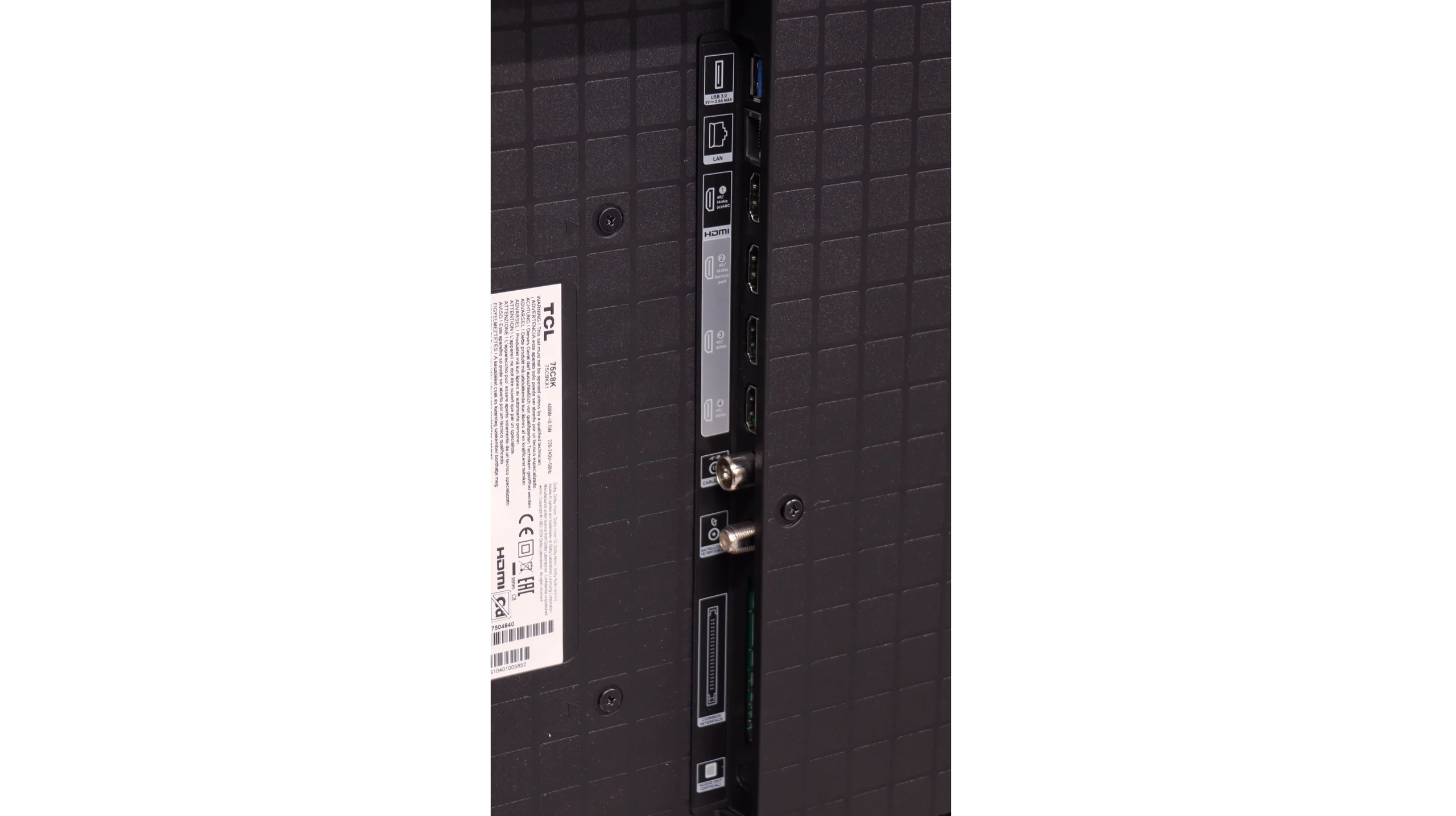
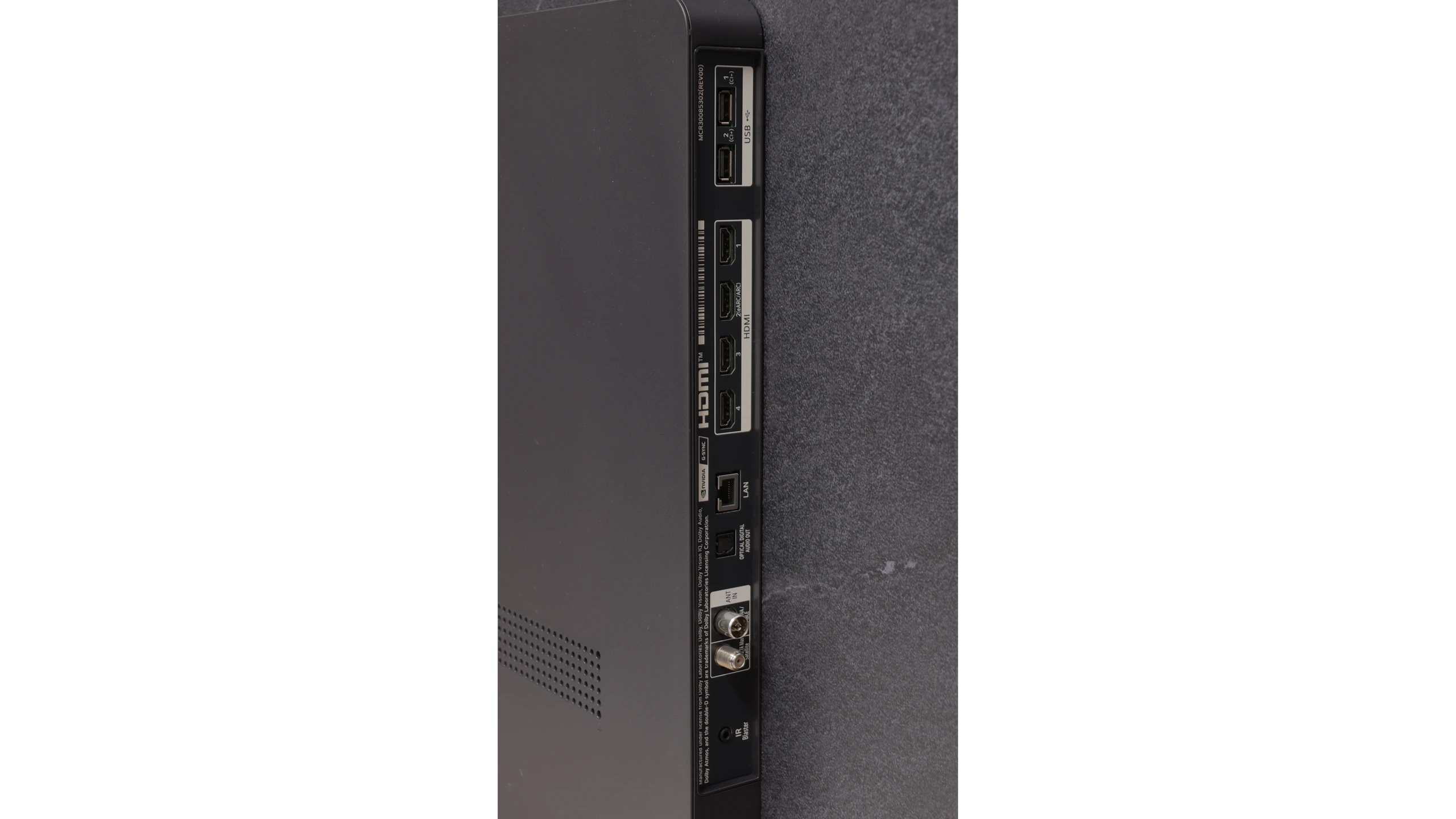
2 x HDMI 2.0, 2 x HDMI 2.1 (48Gbps)
0 x HDMI 2.0, 4 x HDMI 2.1 (48Gbps)
Other inputs
IR (remote)
Outputs
Toslink (Optical audio), eARC (HDMI), ARC (HDMI)
Network Interfaces
Wi-Fi 2.4GHz, Wi-Fi 5GHz, Ethernet (LAN) 100Mbps
Build quality
Premium
Premium
Stand type
Central
Central
Bezel color
Silver
Silver
Stand
Fixed
Fixed
Flat design
Yes
No
Accessories
Stand
Stand

Contrast and black detail

8.2/10

10/10

Local dimming function: Yes, number of zones: 1680 (30 x 56)

Contrast:

Review TCL C8K Contrast and black detail

Result

714,300:1

Review TCL C8K Contrast and black detail

Result

68,100:1

Review TCL C8K Contrast and black detail

Result

25,050:1

Review TCL C8K Contrast and black detail

Result

17,800:1

Review TCL C8K Contrast and black detail

Result

12,500:1

Review LG OLED C6 (WOLED) Contrast and black detail

Result

∞:1

Review LG OLED C6 (WOLED) Contrast and black detail

Result

∞:1

Review LG OLED C6 (WOLED) Contrast and black detail

Result

∞:1

Review LG OLED C6 (WOLED) Contrast and black detail

Result

∞:1

Review LG OLED C6 (WOLED) Contrast and black detail

Result

∞:1

Halo effect and black detail visibility:

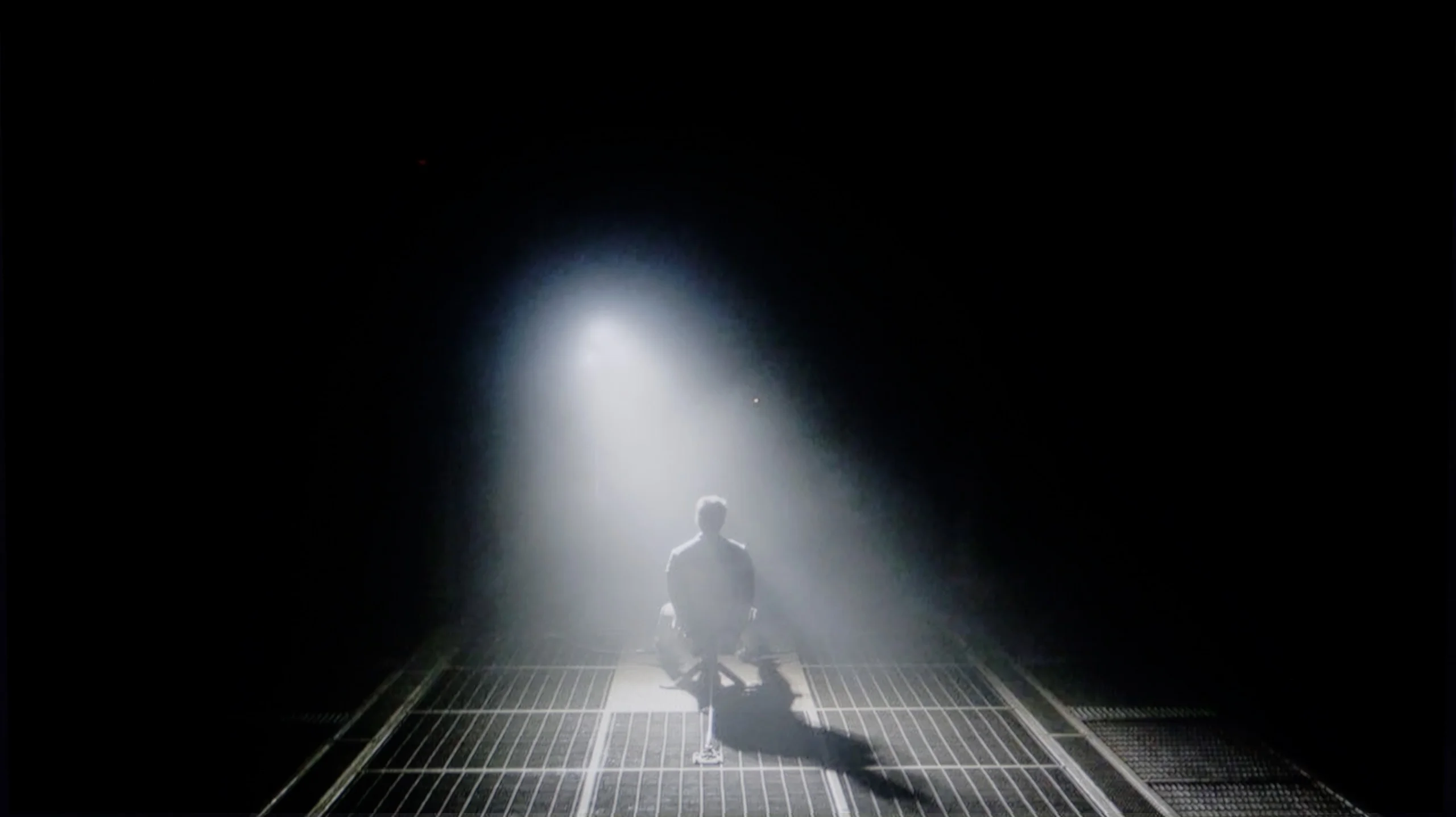
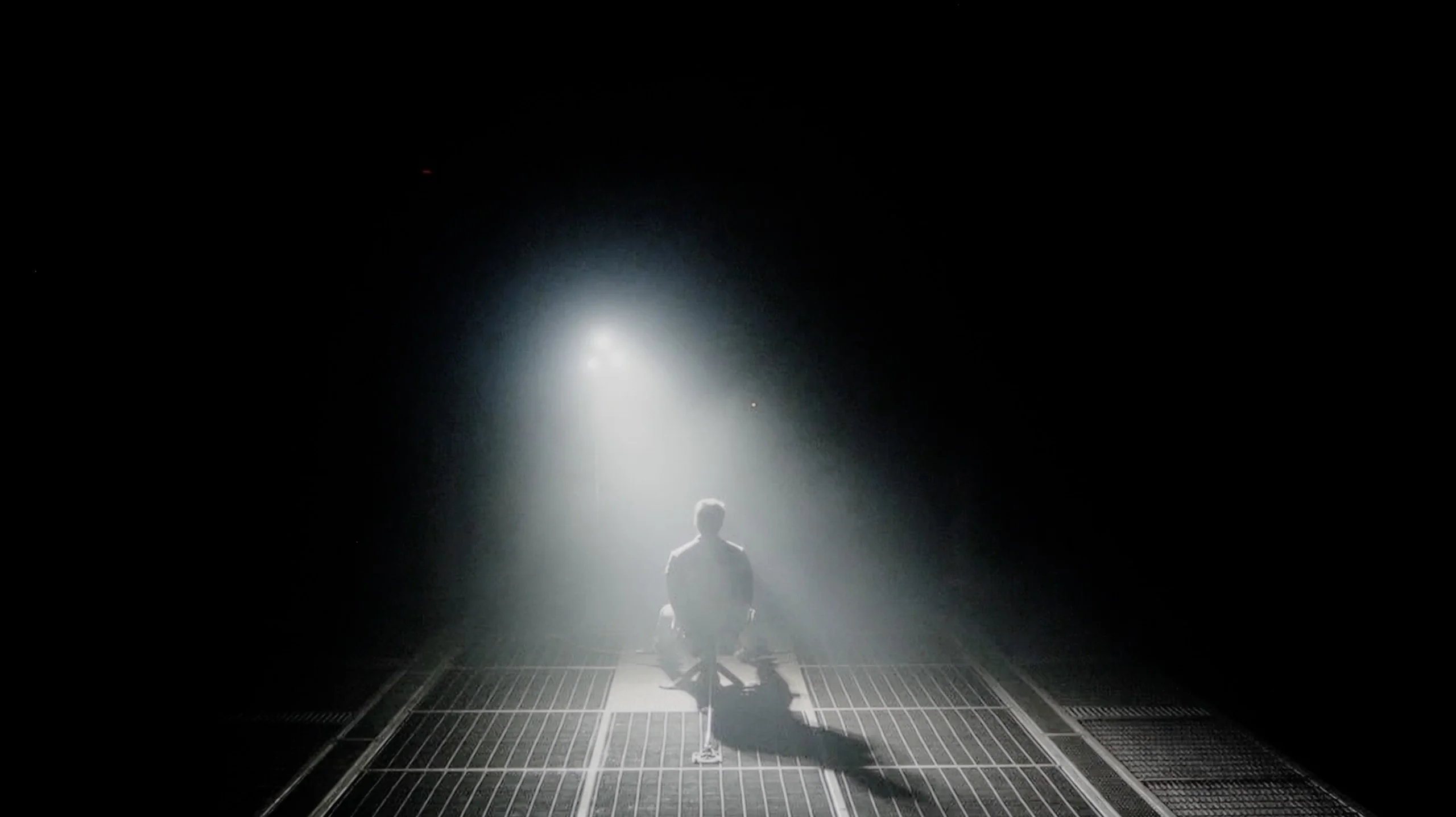
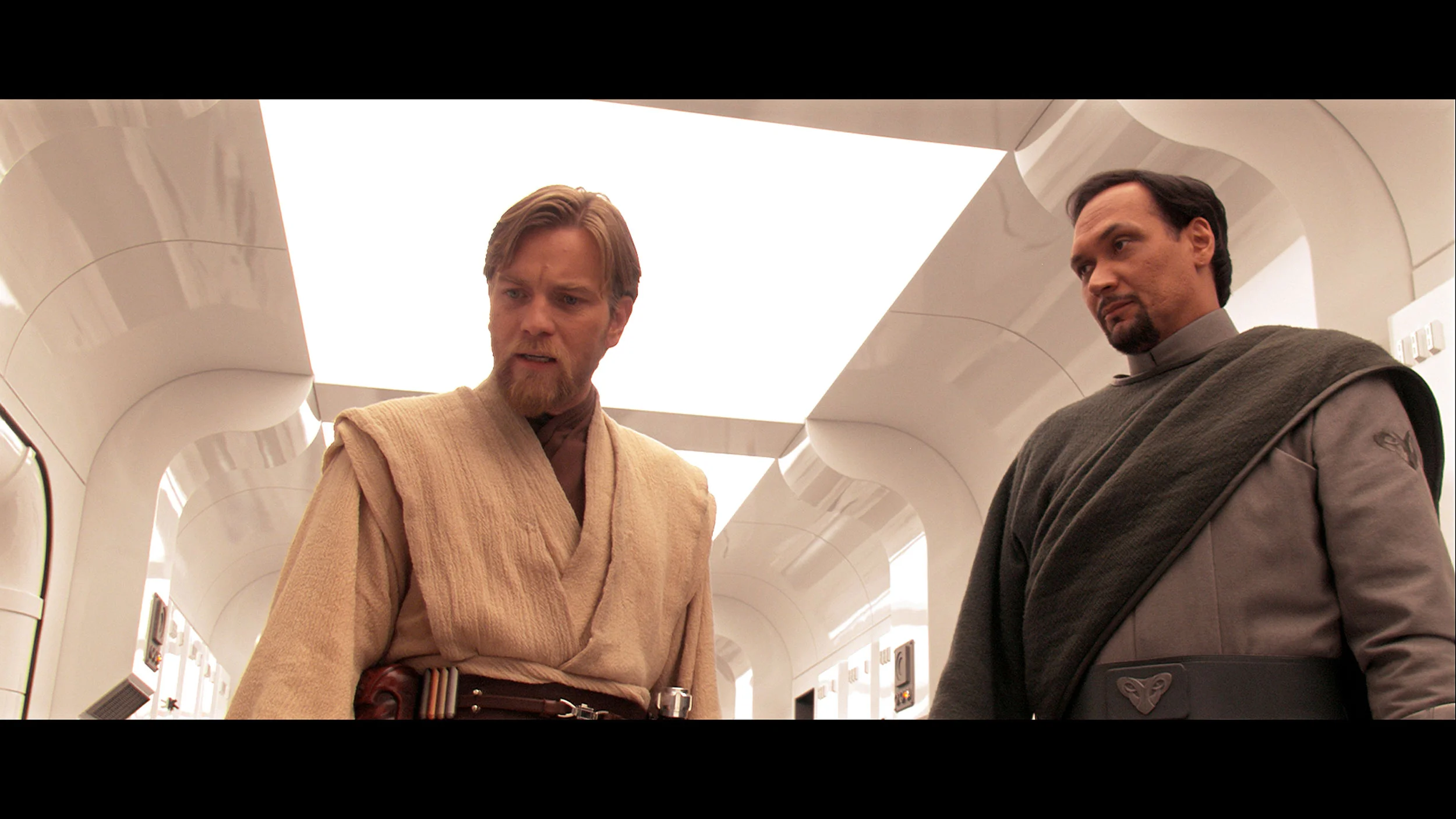
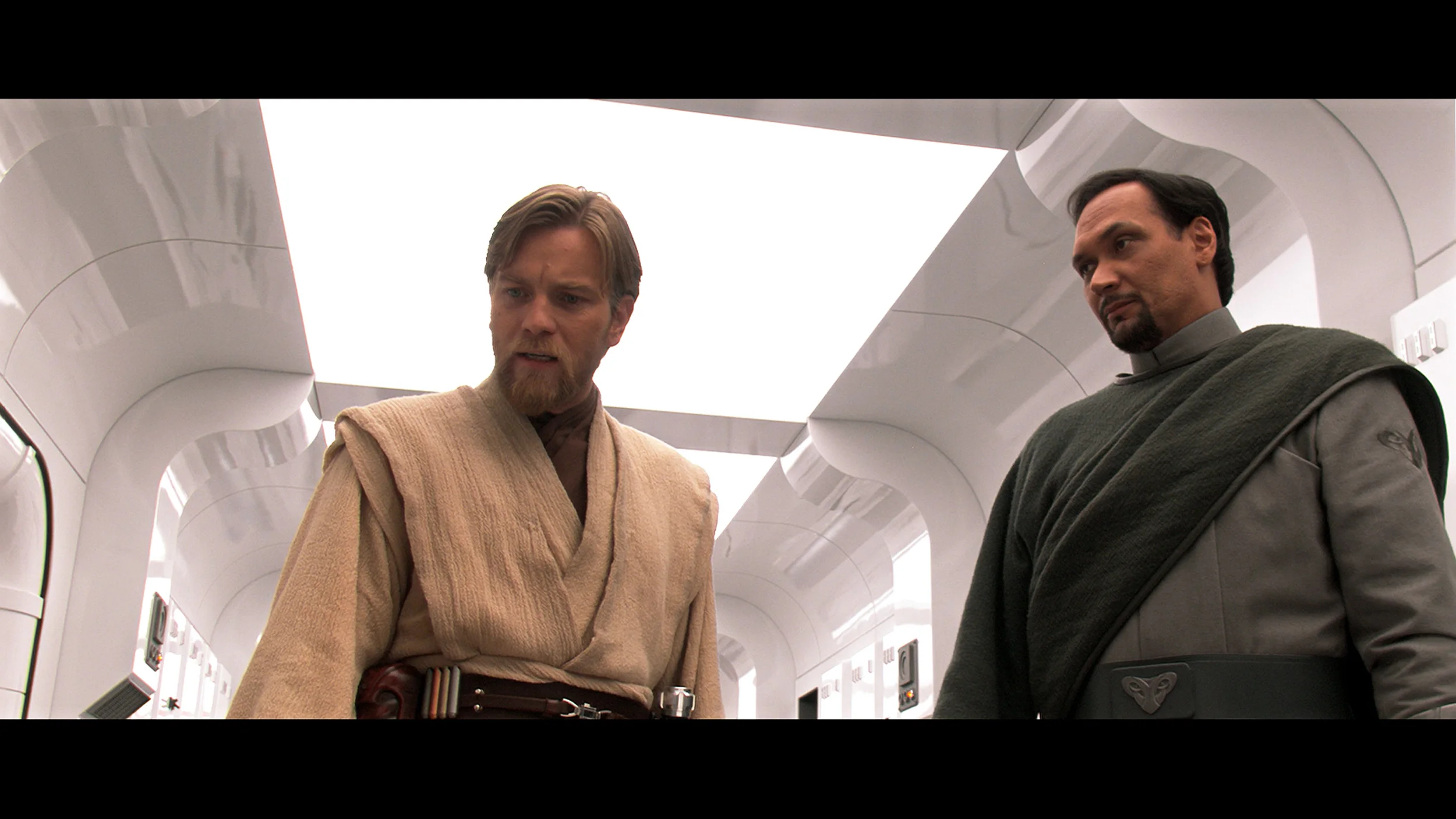
Check the visibility of bright lights on a dark background. Mini-LEDs often struggle with this. The photo does not compare black levels – that’s what the video below is for.

The video accurately shows differences in contrast and black levels between TVs, as well as potential issues: halo around bright objects or Mini-LED zone operation visible as brightness jumps.

TCL C8K is a representative of Mini LED televisions and – importantly – uses a VA panel. This means high native contrast right from the start, but the true strength of this model reveals itself only when we combine it with an impressive number of dimming zones. In the 75-inch version we tested, we counted nearly 1700 independent zones – and you can feel it. In many scenes, the effect of black levels and contrast is nothing short of phenomenal. In less demanding scenes – where the dimming algorithms do not have to 'struggle' much – the screen can resemble OLEDs. The contrast can be almost infinite, and the separation of bright and dark elements leaves an excellent impression.

However – as is often the case with Mini LEDs – it is not an organic screen and some compromises must be accepted. Brightness is a significant advantage, but also a factor that can reveal the weaknesses of this solution – especially in dark scenes. In particularly challenging scenes to display – such as those famous ones with a starry sky or sequences from the iconic Pioneer Kuro – the so-called halo becomes noticeable, which is a glow around small bright details. Sometimes the entire screen also slightly brightens when the system tries to balance contrast with extreme luminance. However, this is a feature of the technology, not a flaw of the specific model. And although these types of compromises can slightly diminish the overall impression in certain scenes, TCL C8K is among the very best when it comes to contrast among Mini LED televisions.

When it comes to black, there really isn't much to say. The LG C6 uses an OLED panel, so each pixel can be completely switched off. The result is exactly what you'd expect: perfect blacks, very high contrast and no halo around bright elements. This is particularly apparent in night scenes, where single lamps, captions or other bright points appear against a very dark background. The C6 handles them without issue and doesn't suffer from the limitations typical of Mini LED TVs with local dimming. Interestingly, in this respect it makes no difference whether we're talking about this C6 or the more expensive Tandem OLED variant. In terms of black levels both TVs perform practically identically. The differences between them are primarily to be found in brightness and colour.

NOTE: In the helicopter scene from the film Sicario 2 we noticed graininess and flickering in the darkest parts of the image. This looks like a software bug that LG should fix with an update. The effect is even more noticeable on the Tandem OLED version, and we observed similar behaviour on the flagship LG G6.

HDR effect quality

6.9/10

7.8/10

Supported formats
HDR10, HDR10+, Dolby Vision, Dolby Vision IQ, HLG
HDR10, Dolby Vision, Dolby Vision IQ, HLG
Color gamut coverage
DCI P3: 96.7%, BT.2020: 80.8%
DCI P3: 99.5%, BT.2020: 75.7%

Luminance measurements in HDR:

Review TCL C8K Brightness measurement

Result

1241 nit

Review TCL C8K Brightness measurement

Result

510 nit

Review TCL C8K Brightness measurement

Result

1180 nit

Review TCL C8K Brightness measurement

Result

375 nit

Review TCL C8K Brightness measurement

Result

1421 nit

Review LG OLED C6 (WOLED) Brightness measurement

Result

1489 nit

Review LG OLED C6 (WOLED) Brightness measurement

Result

1288 nit

Review LG OLED C6 (WOLED) Brightness measurement

Result

1527 nit

Review LG OLED C6 (WOLED) Brightness measurement

Result

1345 nit

Review LG OLED C6 (WOLED) Brightness measurement

Result

649 nit

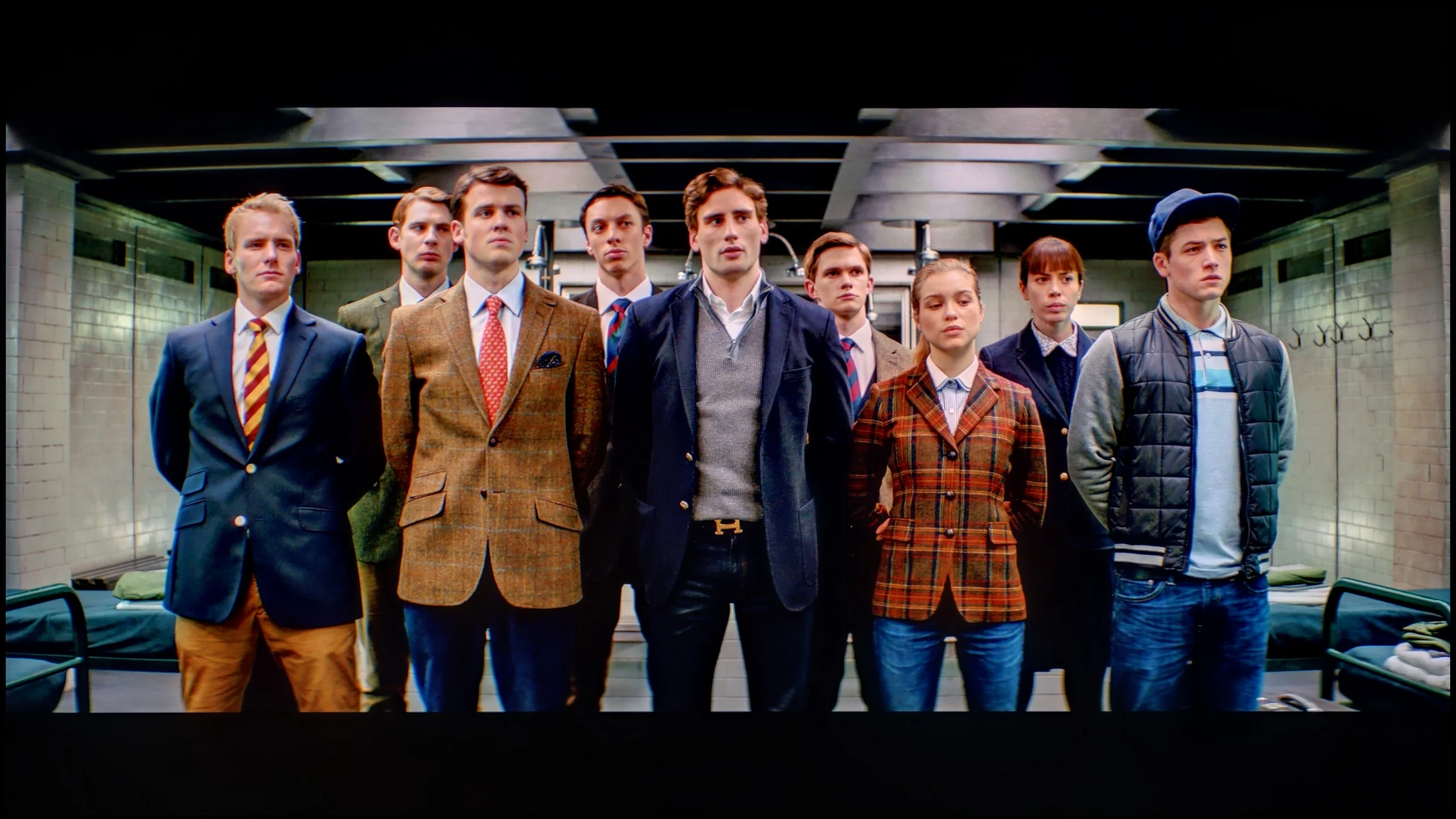
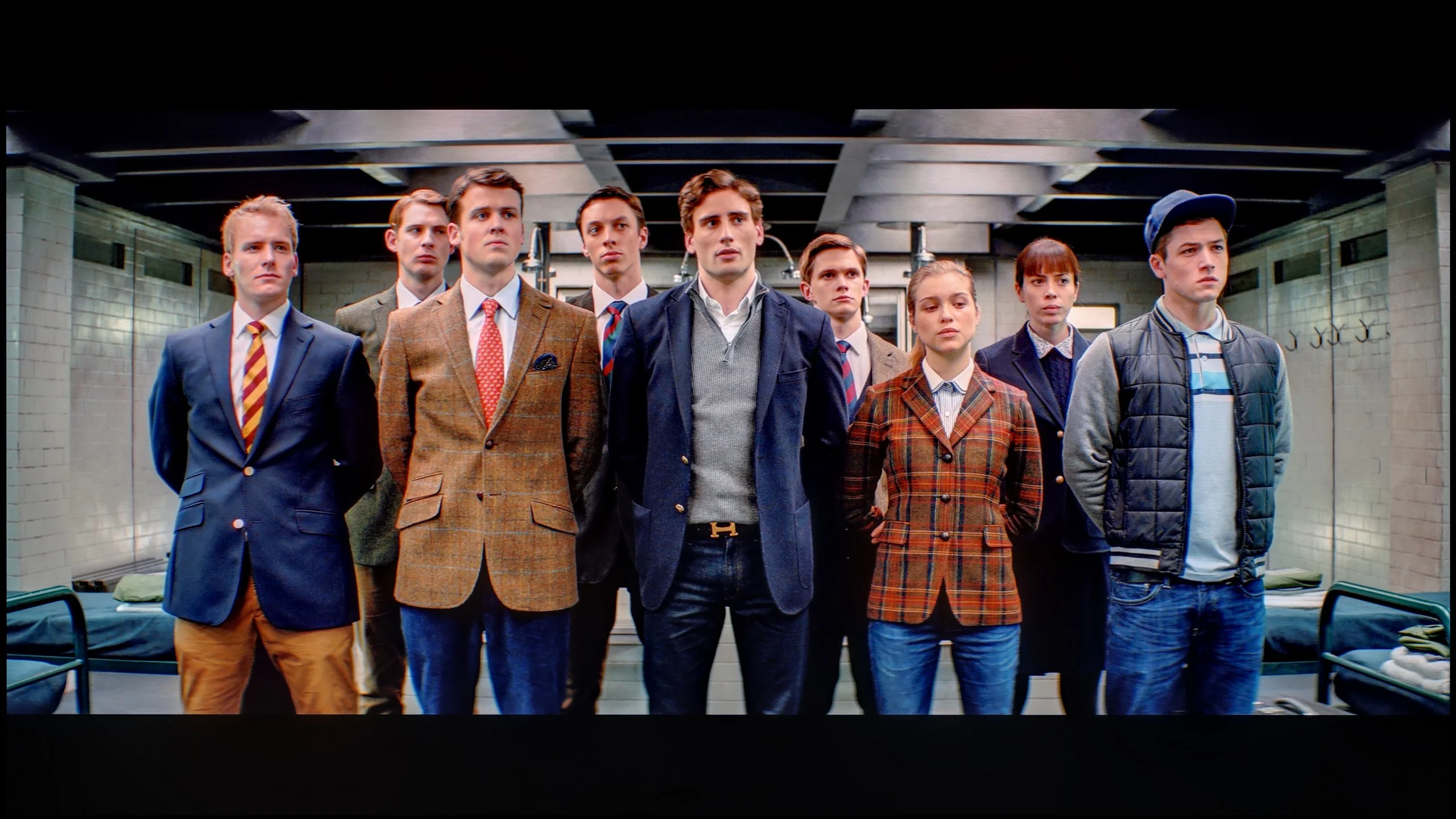
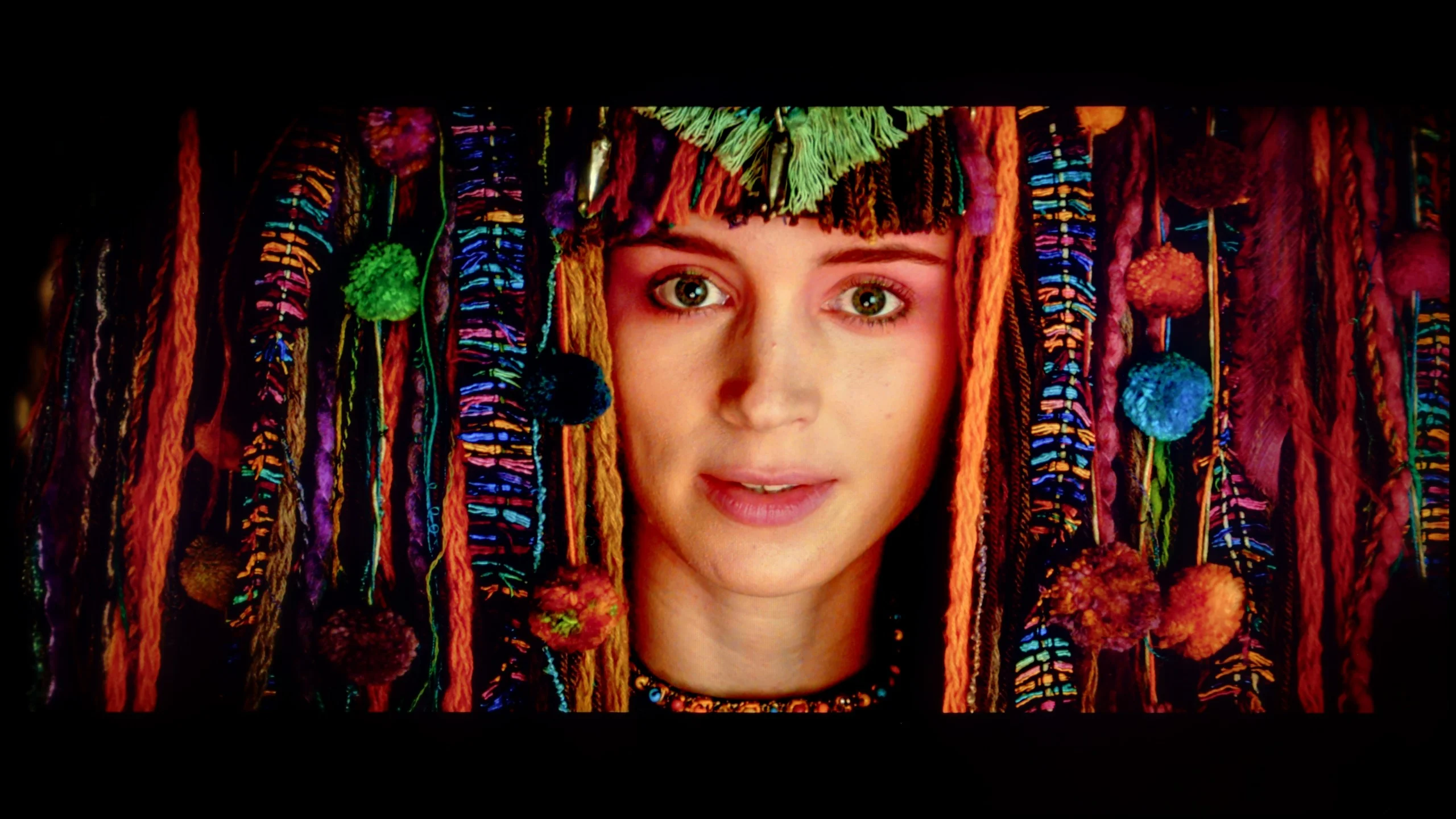
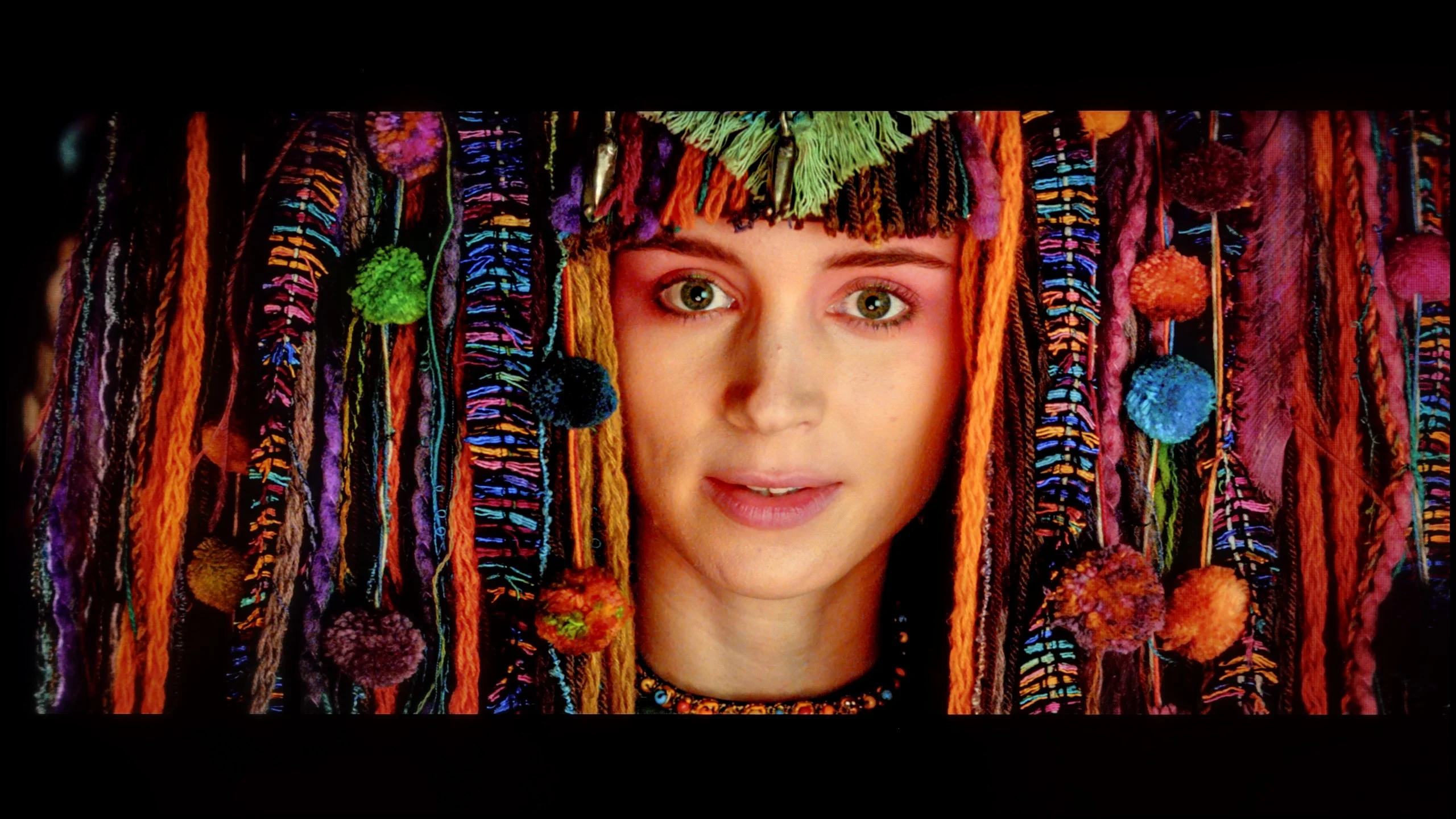
Scene from the movie “Pan” (about 2800 nits)

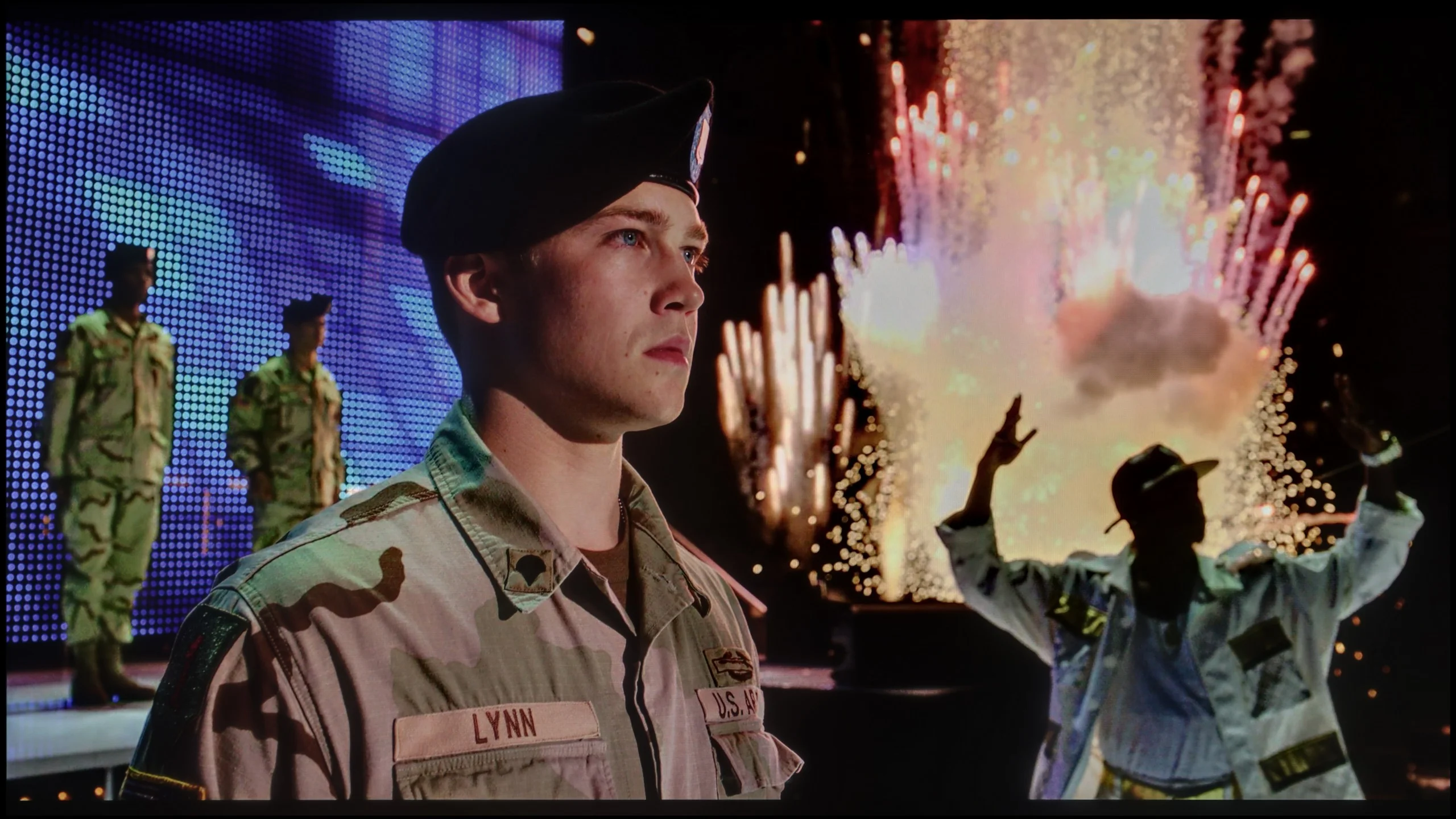
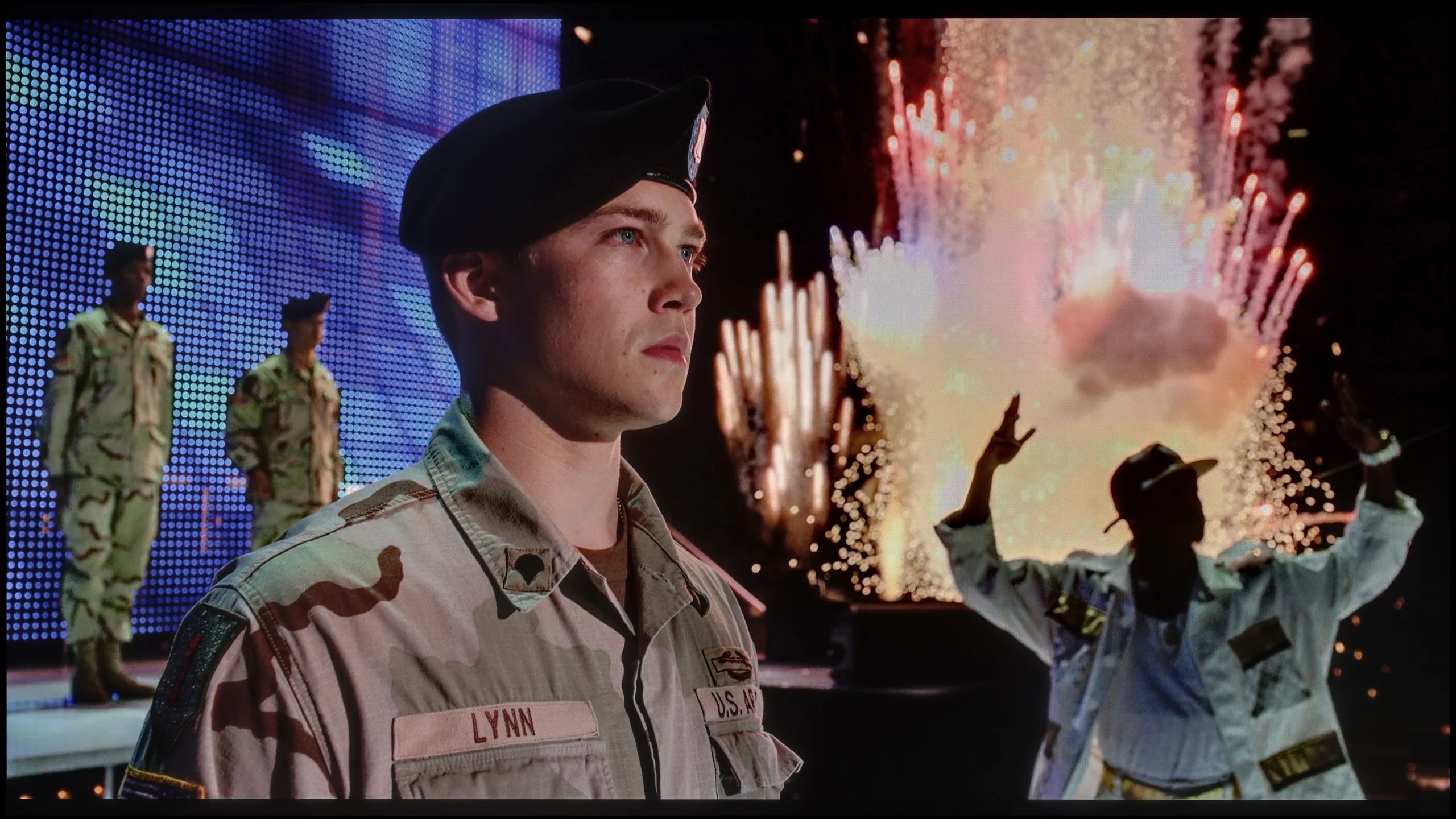
Scene from the movie “Billy Lynn” (about 1100 nits)

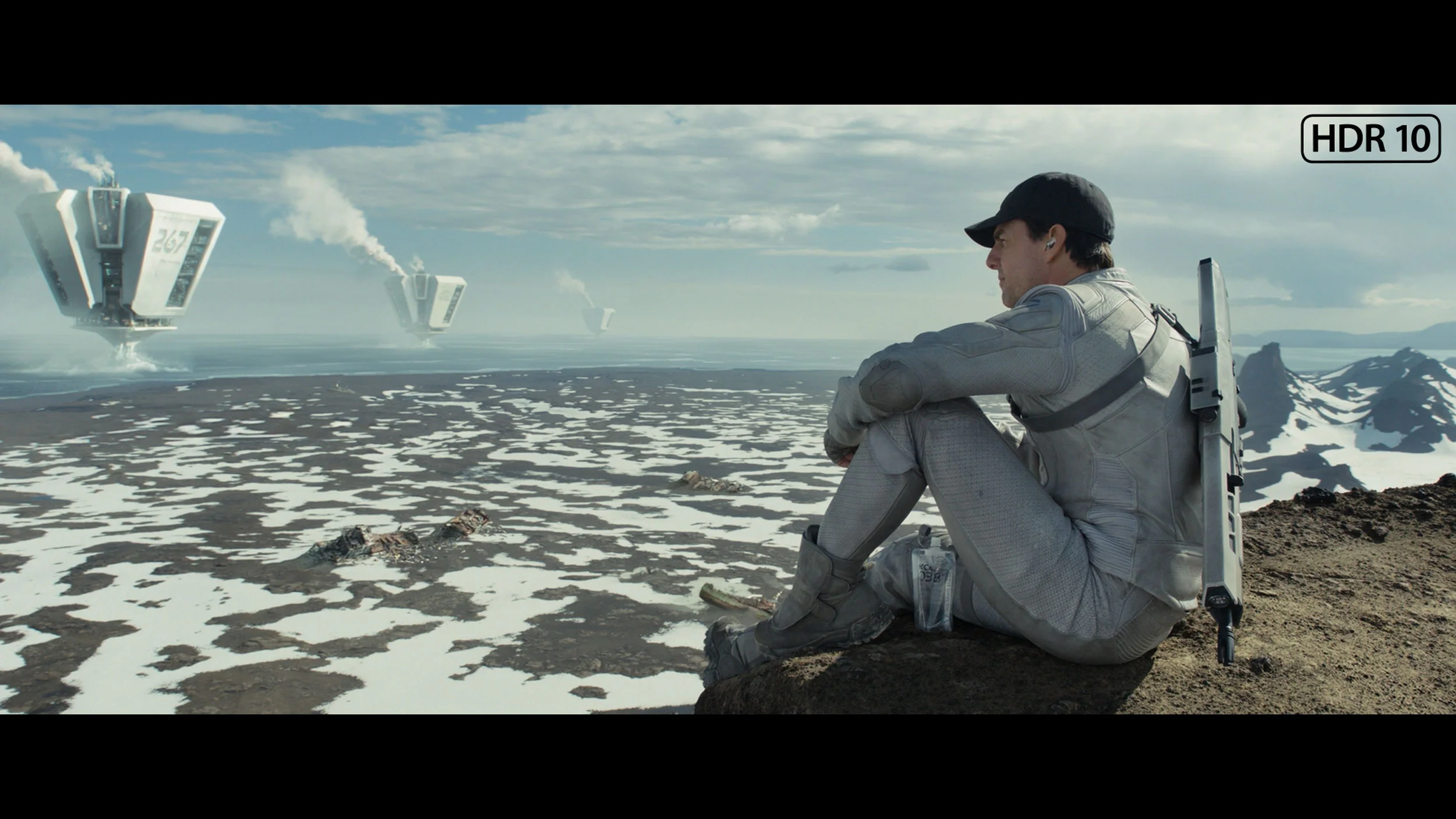
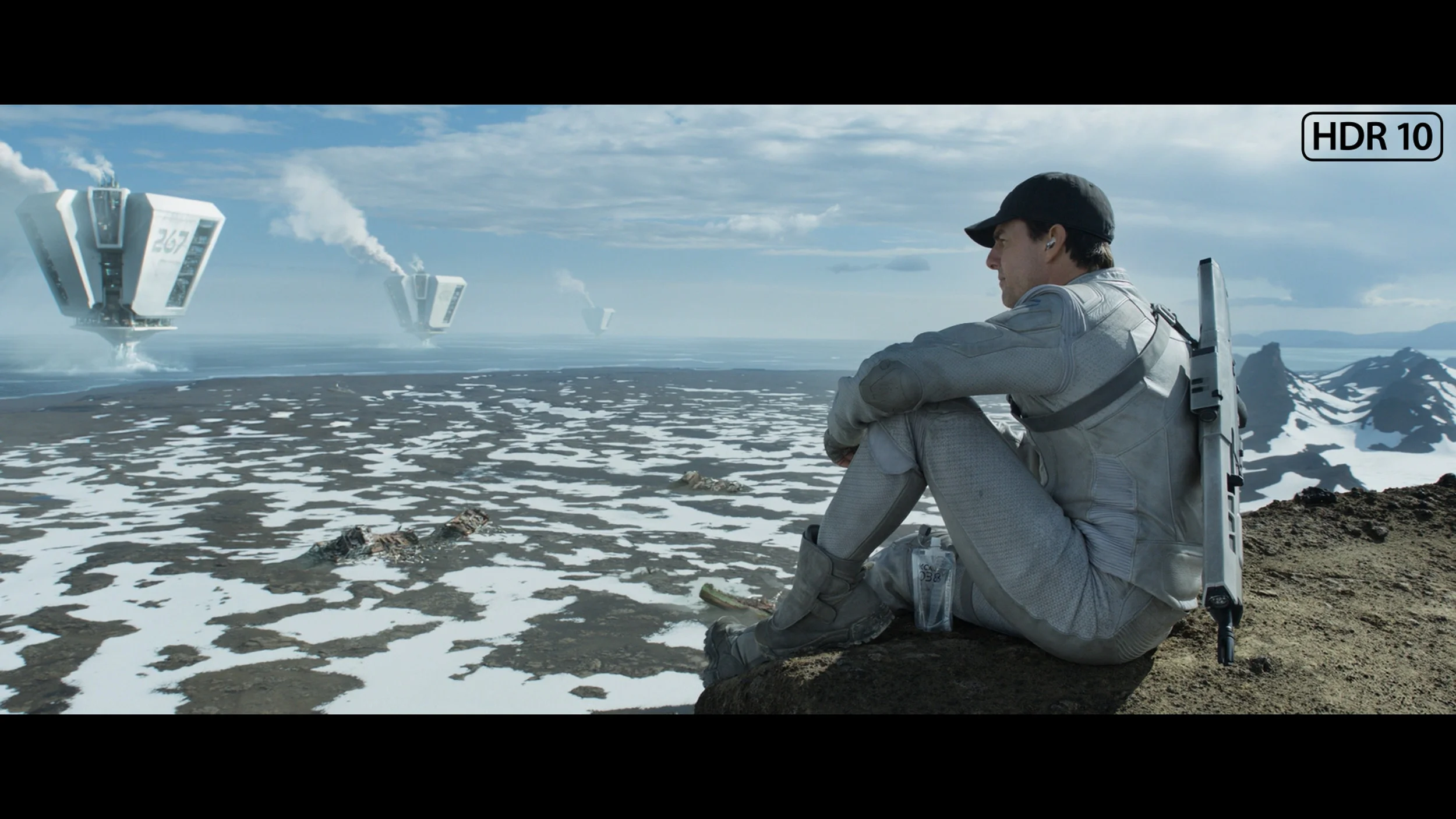
The photos show two HDR10 movies. 'Pan' is one of the brightest productions ever made, while 'Billy Lynn' (soldier) has brightness typical of streaming (Netflix, Prime, HBO MAX). Notice the intensity of effects and detail in whites.

Static HDR10

The photos present the visibility of white details in various HDR formats. They do not show brightness differences between TVs (these can be compared in the previous gallery).

Dynamic: Dolby Vision

Dynamic: Dolby Vision

The photos present the visibility of white details in various HDR formats. They do not show brightness differences between TVs (these can be compared in the previous gallery).

HDR luminance chart:

LG OLED C6 (WOLED)

TCL C8K

Luminance of RGB colors

The TCL C8K is a truly bright television. In synthetic conditions – that is, during brightness test patterns – it was able to achieve even 3500 nits of peak brightness in movie mode. This is an impressive result that brings the C8K close to the market leaders, at least in terms of panel brightness. More importantly – these are not just numbers on paper. In films with a lot of bright scenes, such as Life of Pi or The Meg, the brightness clearly exceeds 1000 nits, providing a real sense of HDR effect. The picture in such moments looks very dynamic, colours are vibrant thanks to excellent colour gamut coverage, and lights are spot-on and intense. Just as it should be.

However, this does not mean that everything is perfect. Similar to the contrast tests, compromises also arise here in more demanding scenes. In sequences with very fine light elements – such as stars in the night sky or reflections in dark rooms – the local dimming algorithm can… get confused. Instead of bringing those details up, the television sometimes decides to significantly dim them – to a level of around 300 nits – to maintain blacks. On one hand, this is quite a reasonable approach (better deep blacks than a grey/blue screen), but on the other hand – there may be moments when certain elements of the picture become hardly visible or even disappear into darkness.

TEST UPDATE (20/08/2025) : The brightness control algorithm in this model is quite problematic – an attempt to calibrate the picture so that it does not drastically overexpose the brightest scenes results in unnatural shifts: an improvement in one area of the picture leads to a deterioration in another. The television may achieve slightly higher brightness measurements, but in practice, this comes with a highly oversaturated image that looks very unnatural!

For the sake of order, we provide the brightness values without this adjustment:

  1. 1463 nits

  2. 640 nits

  3. 1368 nits

  4. 468 nits

  5. 1025 nits

The HDR performance of the LG C6 is really very good. LG Display's new WOLED panel has primarily brought a considerable increase in brightness. In our unit we measured around 1,500 nits and, importantly, the TV can deliver similar values in many typical film scenes. That gives the HDR the necessary impact. Bright highlights, lamps and sunlight can be really intense, and most HDR films simply look very impressive. Of course it's still an OLED, so brightness falls in scenes with a lot of white. This is well illustrated by the fifth scene in the film The Meg, where the C6 reached around 600 to 700 nits. That's still a very good result, but it also shows that the new panel hasn't shed all the limitations typical of OLEDs.

Colours

When it comes to colours, there is also little to complain about. The C6 covers about 99% of the DCI-P3 gamut and roughly 75% of BT.2020. In practice the colours are very saturated and, importantly, stable across different scenes. This is worth emphasising, because not every TV behaves the same in this respect. In some RGB Mini LED models colour saturation can depend more strongly on image brightness. A wider colour palette is nowadays offered mainly by QD-OLED TVs and new SQD models with a new generation of quantum dots. However, the C6 still performs very strongly here and is able to produce suitably saturated colours in most film scenes.

Factory color reproduction

4.8/10

7.8/10

This gallery shows how colors change after professional TV calibration. If you notice the difference, we recommend ordering this service at SkalibrujTV.com.

Factory Mode

After calibration

This gallery shows how colors change after professional TV calibration. If you notice the difference, we recommend ordering this service at SkalibrujTV.com.

Factory Mode

After calibration

In the C8K, a new picture mode has appeared: Filmmaker Mode. This is something we have known for years from televisions of other brands – a mode designed to deliver the director's vision as faithfully as possible, without unnecessary image enhancements. Unfortunately, with TCL, this still seems to be at a stage 'in need of improvement'. At first glance, the screen appears too warm – the image leans towards reds, which may not appeal to everyone. The white balance was significantly skewed – the screen looked distinctly warm, and the red colour dominated almost every scene. There was a lack of blue, which resulted in an unpleasant yellowing and distortion of the image. But that’s not all. Regardless of whether we were watching regular television, YouTube, or films in HDR – the television had a clear tendency to excessively brighten the image. In the gamma and EOTF graph tests, the lines, instead of sticking to the pattern, strayed, which in practice translates to an overly bright and less contrasty image. Additionally, in the colour reproduction tests, there were noticeable deviations – on the colour wheel, certain points were even 'off the mark'. It must be said plainly: Filmmaker Mode in the C8K in its current form is not very filmic.

Right out of the box the LG C6 is pretty well set up, especially if you choose Filmmaker mode. In SDR material the white balance is decent, although as brightness increases it starts to lack a bit of red. The picture becomes a little cooler as a result, but it’s not such a big difference that it stands out during normal viewing. More happens in the brightness response itself. Gamma is a bit low and instead of holding at 2.4 it sits closer to 2.1–2.2 over much of the range. In practice the C6 slightly brightens midtones. Shadows are therefore more readable, but the image loses some depth compared with how it should look in a dark room. In HDR the situation is a bit more interesting. The start of the grayscale looks very good, but from about 20–30% brightness the white balance starts to drift more and more. As brightness rises there’s more red and a noticeable lack of blue. In the brightest highlights the difference is already significant and also affects reproduction of some colors. The EOTF curve itself is handled fairly well over most of the range. The C6 only has a tendency to slightly brighten the image, which we also saw during our film comparisons. The largest deviation appears around the brightest highlights, where the TV begins to adapt the signal to the panel’s capabilities. So the out-of-the-box Filmmaker mode in HDR isn’t perfect, but overall it performs well. The biggest room for improvement is the white balance, especially at high brightness.

Color reproduction after calibration

7.5/10

9.1/10

The photos show how movies look on the TV. Pay attention to black detail visibility, colors, and shadow tint.

The photos show how movies look on the TV. Pay attention to black detail visibility, colors, and shadow tint.

After professional calibration, the TCL C8K has made a huge step forward. In SDR content, we managed to almost perfectly set the white balance – the screen has finally stopped being too warm and has acquired a neutral character. The gamma curve, responsible for the way brightness is reproduced, also looks very good now – the image is more consistent and realistic. We also improved the white balance in HDR content – within the limits that the television itself allows. Unfortunately, the C8K still interprets brightness management somewhat "in its own way." When we look at the EOTF chart in films, it is clear that the television brightens entire scenes more than it should. Before calibration, this effect was really troublesome – now the situation looks much better, although it still falls a bit short of perfection. This, however, is a limitation of the device itself, which – despite our efforts – does not allow us to fully tame its nature.

LG TVs have been very receptive to calibration for years and the C6 is no exception. After adjustment the white balance was set almost perfectly, and most colour errors dropped to values below 3, often even around 2. In practice this means very accurate colour reproduction, both in SDR and HDR. An interesting quirk only appeared with the luminance response in HDR. On a standard EOTF chart everything looks almost ideal and at first glance it would be hard to criticise. Only when we measured the TV's behaviour with filters based on actual film scenes did it become clear that the C6 has a slight tendency to artificially boost image brightness.

This is not a huge difference and many people may even view it positively, because HDR consequently looks a little more striking. From the perspective of fidelity to the source material this is not ideal, however, as some scenes are simply a touch brighter than the filmmaker intended. Interestingly, this is rather unusual for LG. In previous generations the brand's TVs typically stuck very closely to the reference picture characteristic after calibration. With the C6 we are still very close to the standard, but this subtle brightness boost is indeed noticeable in films and TV series.

Smoothness of tonal transitions

8.7/10

7/10

These are selected scenes that show smooth tonal transitions from one color to another. If you see distinct banding, it’s the TV panel’s fault.

These are selected scenes that show smooth tonal transitions from one color to another. If you see distinct banding, it’s the TV panel’s fault.

These are selected scenes that show smooth tonal transitions from one color to another. If you see distinct banding, it’s the TV panel’s fault.

These are selected scenes that show smooth tonal transitions from one color to another. If you see distinct banding, it’s the TV panel’s fault.

In this respect, the TCL C8K performs really well. Transitions between colours look natural and coherent – there are no strange bands or significant banding that could disrupt the viewing experience. Especially in bright scenes, everything appears very smooth. In the darkest parts of the image, particularly in shades of grey, one can sometimes notice slight unevenness, but they are subtle enough not to be distracting to anyone.

The LG C6 handles tonal transitions very well. In most film scenes it was hard to spot any obvious posterisation issues. Both in the dark parts of the image and in bright transitions the colours remain relatively smooth and do not break up into visible banding. That’s good news, because WOLED panels have not always been perfect in this respect. On the C6 it is noticeably better, and during normal viewing this aspect of the picture should not draw attention.

Note: One drawback is the dithering visible around blacks. At close viewing distances you can notice slight flickering and graininess in the darkest parts of the image. It is not as pronounced as in the version with a Tandem OLED panel, but it still occurs, so in this category we decided to take a few points off the C6.

Image scaling and smoothness of tonal transitions

5.5/10

8.5/10

Image without overscan on the SD signal
OK
OK
Smooth transition function
OK
OK

Smooth transition function

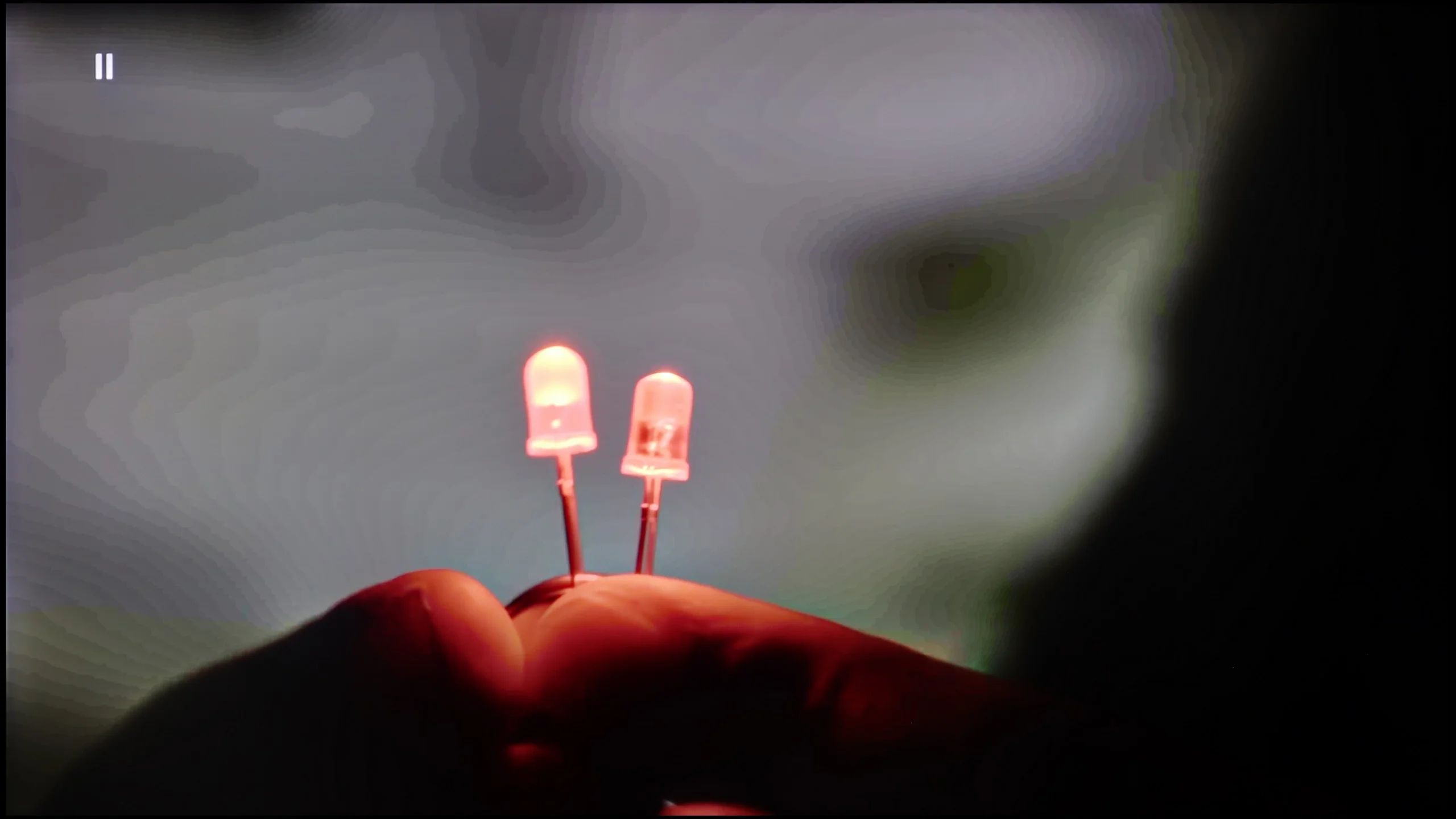
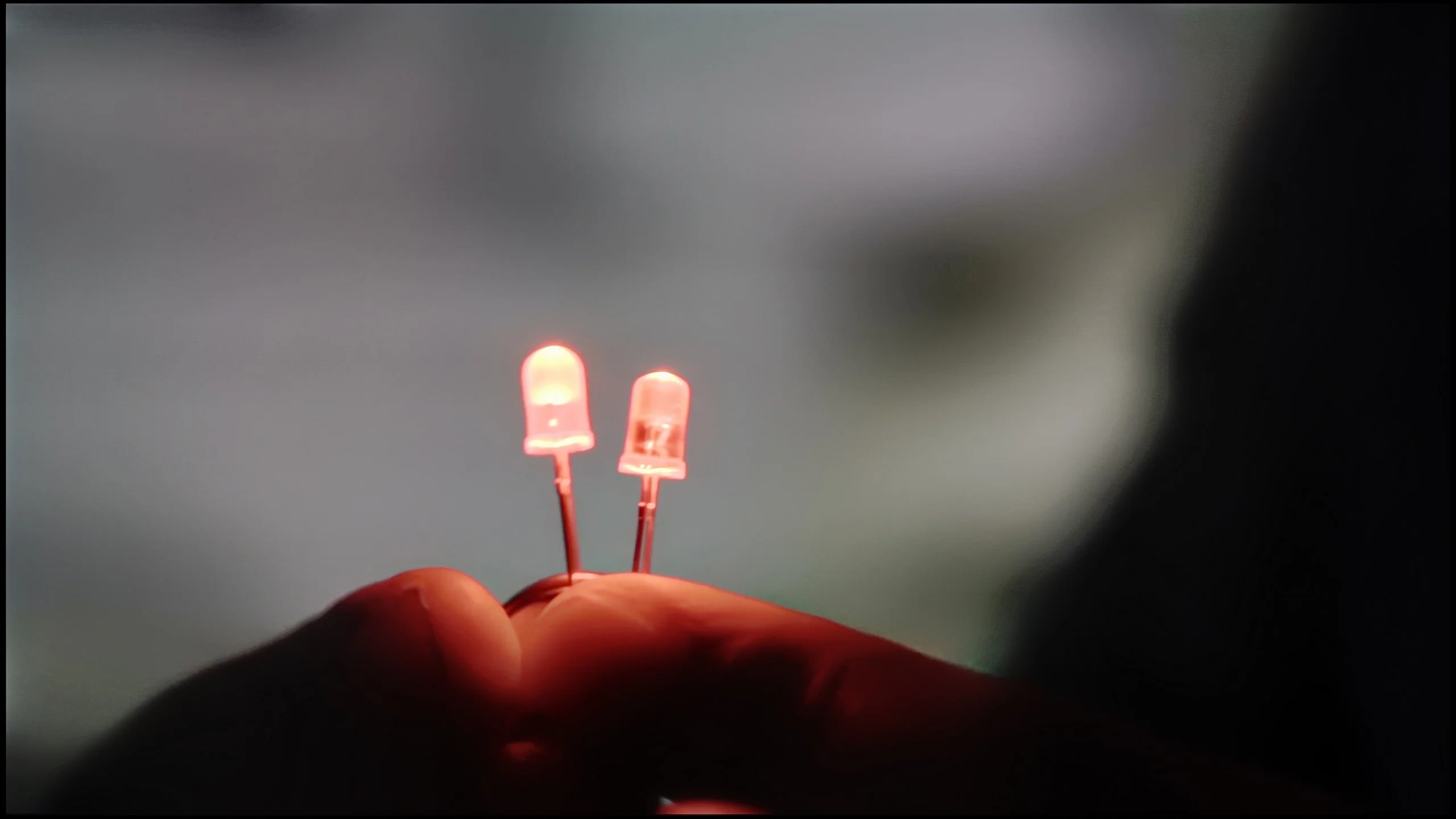
The match photo shows how the TV smooths weak tonal transitions in low-quality video.

Image scaling SD (576i)

The model photo shows how it handles upscaling of SD material.

How does the TCL C8K perform with lower quality content? One could say: reasonably well, though without much enthusiasm. The television offers a tonal transition enhancement feature, which aims to smooth out unwanted gradients. In practice, there is a slight improvement, but it is not at a level that will eliminate all imperfections. The feature subtly softens harsh transitions, but does not perform miracles. Film grain is not completely suppressed, and gentle banding on grey backgrounds can still be noticeable. But perhaps that is for the best? – at least the image does not lose its texture or depth, as can happen with televisions that overdo digital processing. When it comes to upscaling, or enhancing the quality of images from lower resolutions, the C8K performs quite well. The picture is sharp, and details – although sometimes slightly softened – remain readable. However, it is not at the level of the best image processors from the competition. On the plus side, it is worth noting the lack of overscan issues, which is the artificial trimming of the image that can still surprise in some models from other brands.
Here the LG C6 has taken a real step forward. The TV uses the same processor found in the flagship G6, and in terms of image processing the two models are very similar. That's a considerable plus, because in this area LG's processor this year performs excellently. The "Smooth Gradation" function in particular works very well. With heavily compressed material it can effectively hide ugly banding and artefacts that often appear, for example, in lower-quality streaming. It's best to leave it set to "Low". That way the improvement is clear and the TV does not yet start blurring fine details. Higher settings smooth the image more aggressively but can already remove some of the natural texture of objects on the screen. Upscaling itself also performs very well. Lower-resolution content is sharpened correctly, edges look clean, and the processor quite effectively reconstructs fine details. In this respect the C6 is already very close to LG's best TVs and the differences compared with the G6 are small.

Blur and motion smoothness

7.6/10

8.5/10

Maximum refresh rate of the panel
144Hz
165Hz
Film motion smoothing option
OK
OK
Blur reduction option
OK
OK
BFI function 60Hz
Yes, 120Hz (double contours)
Yes, 60Hz (image flickers)
BFI function 120Hz
Yes, 240Hz (double contours)
-
Brightness drop with BFI
51%
49%

Blur (native resolution, maximum refresh rate):

Blur (BFI function enabled):

Image flickers in this mode

Blur (288HZ 1080p):

Blur (4K@165Hz):

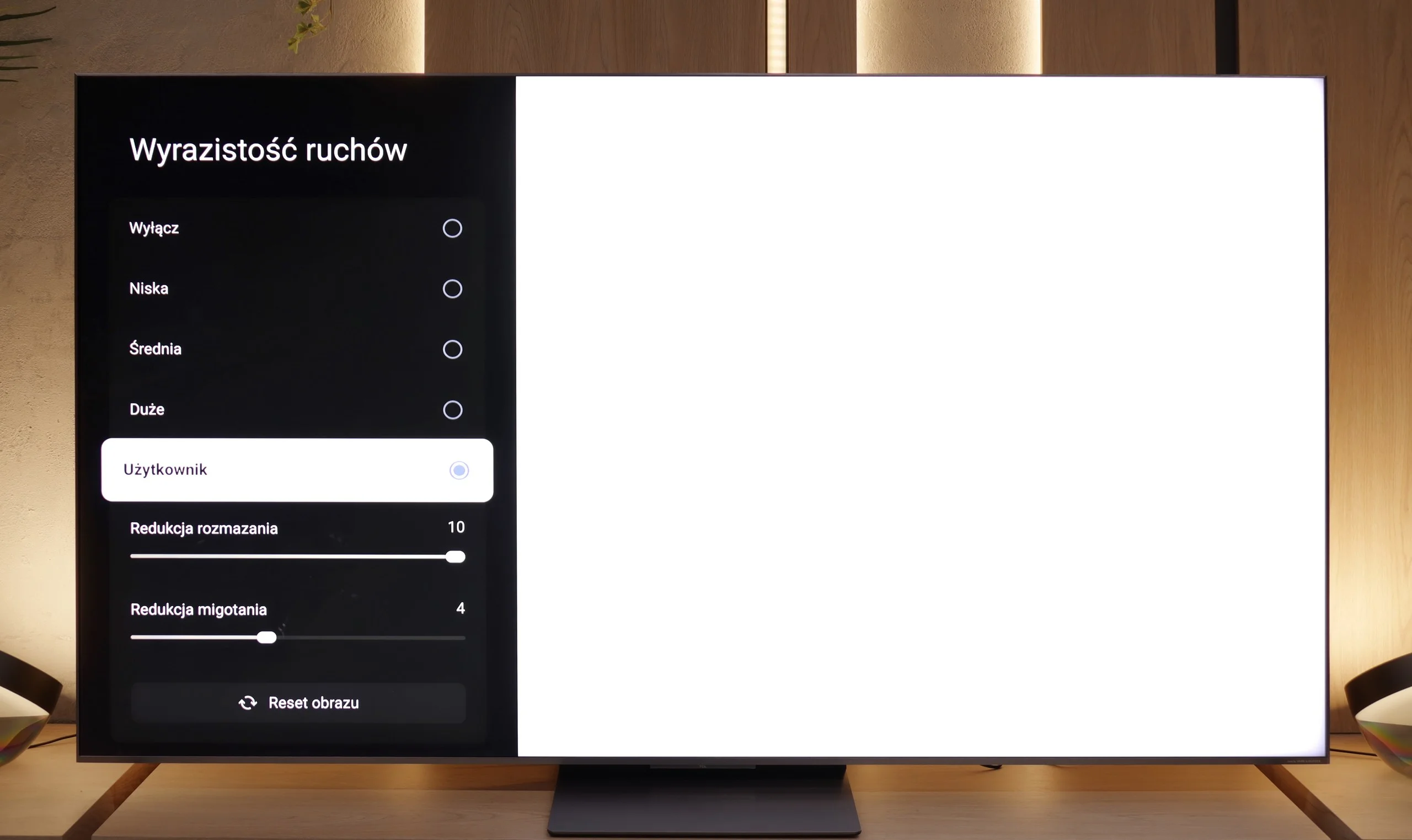
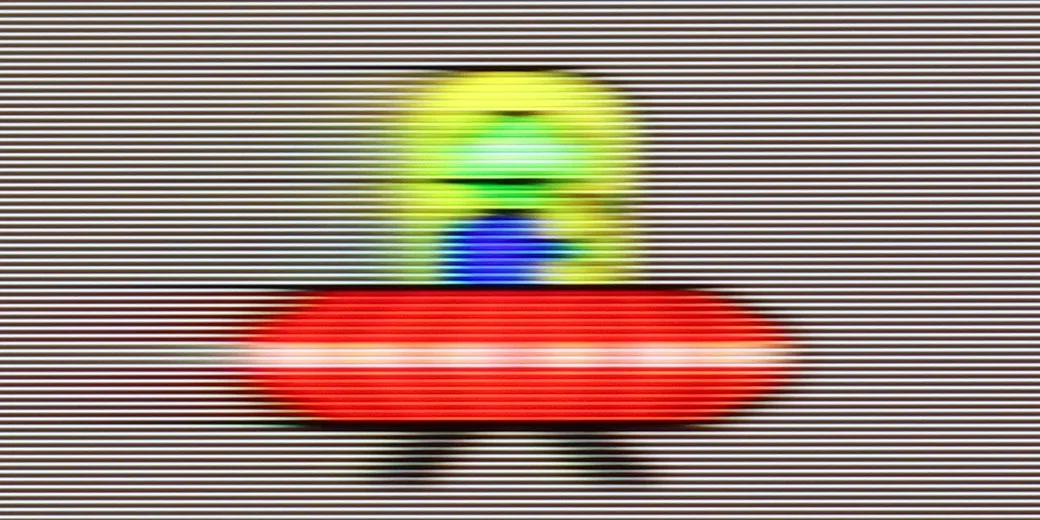
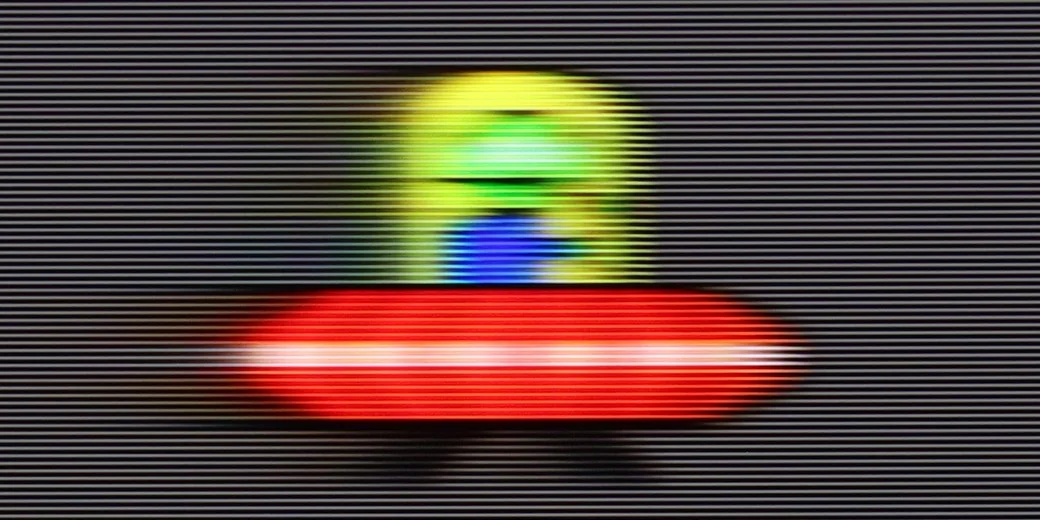
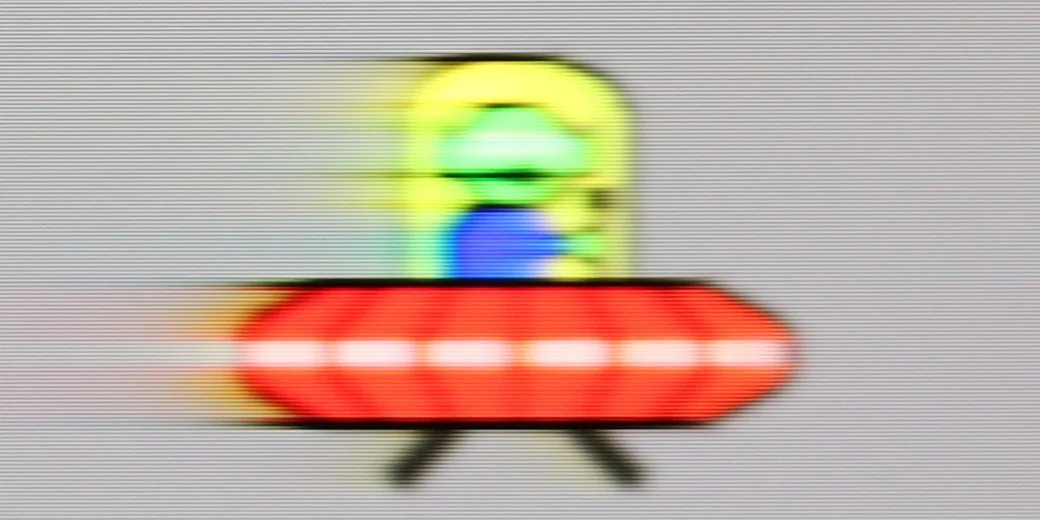
If you are planning a weekend with the Champions League or a marathon of F1 races – the TCL C8K won't let you down. The television is equipped with a 144 Hz panel, which means it should handle fast motion well by definition. And indeed – it performs very well. The fluidity of motion is at a very good level here, and the "Motion Clarity" feature with two sliders (motion blur reduction and flicker reduction) makes it easy to adjust the effect to your own preferences. Want to smooth it out a bit – you can. Prefer a cinematic look – no problem.

LG C6 received a panel with a maximum refresh rate of 165 Hz, which is great news above all for gamers using a powerful PC. In films, sport or on consoles we will of course make use of up to 120 Hz, but even then it is hard to fault the motion clarity. As befits an OLED, the panel's response time is almost instantaneous. Moving objects therefore do not leave the characteristic smearing or trails that we can still see on LCD televisions. This is especially noticeable in sport and fast-paced games, where the picture remains very clean even during dynamic movement.

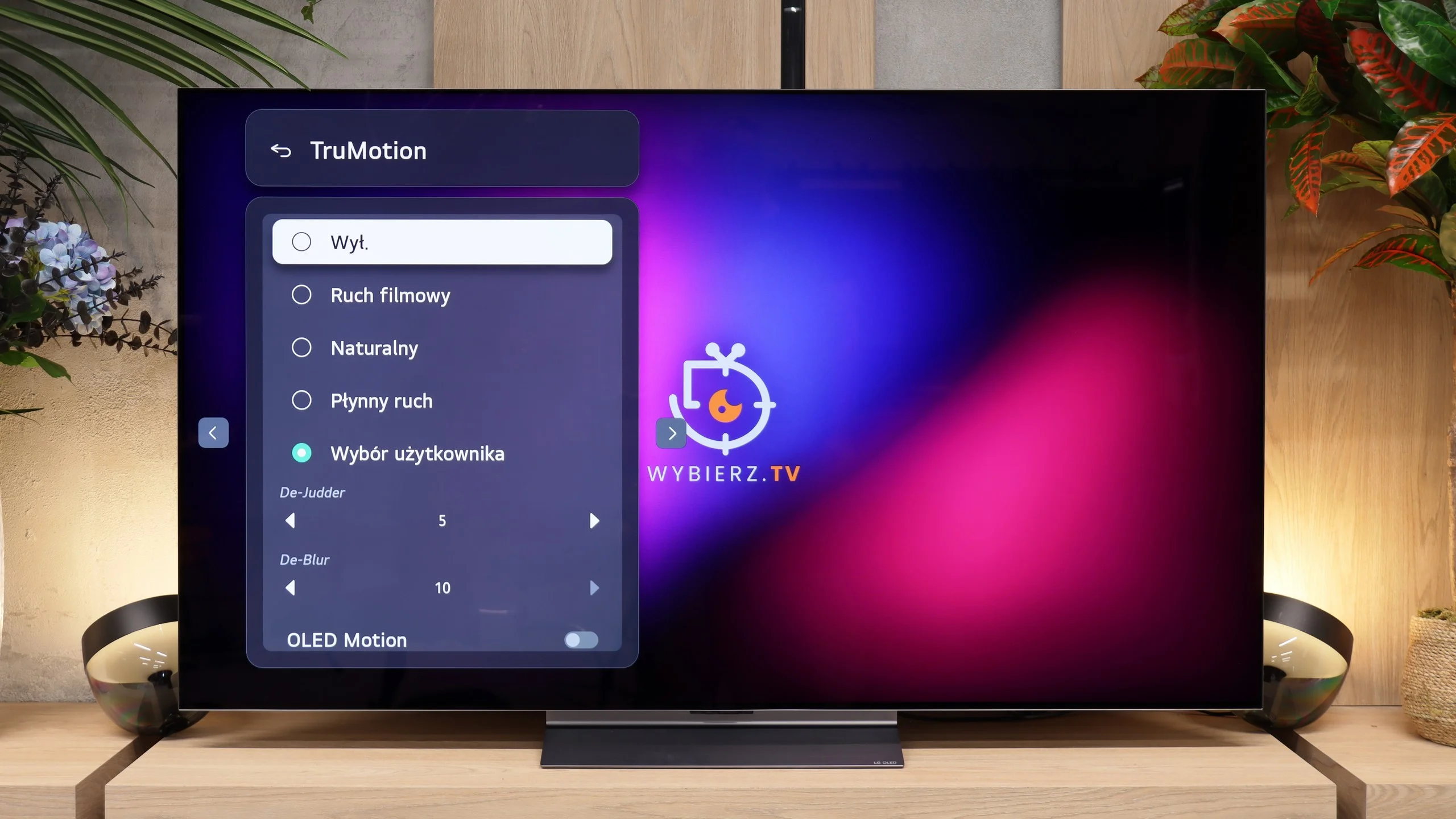
For films and television LG has also prepared the TruMotion motion smoothing system. In the user settings you will find two separate sliders. De-Judder primarily addresses low frame-rate content, that is mainly films and TV series at 24 fps. You can use it to slightly reduce the characteristic judder or set a higher value if you want a very smooth image. De-Blur is useful for higher frame-rate material, chiefly sports broadcasts and 50/60 fps television.

Console compatibility and gaming features

9.8/10

10/10

  • ALLM
    Yes
    Yes
  • VRR
    Yes
    Yes
  • VRR range
    48 - 288Hz
    40 - 165Hz
  • Dolby Vision Game Mode
    Yes
    Yes
  • Correct implementation of HGIG
    Yes
    Yes
  • 1080p@120Hz
    Yes
    Yes
  • 1440p@120Hz
    Yes
    Yes
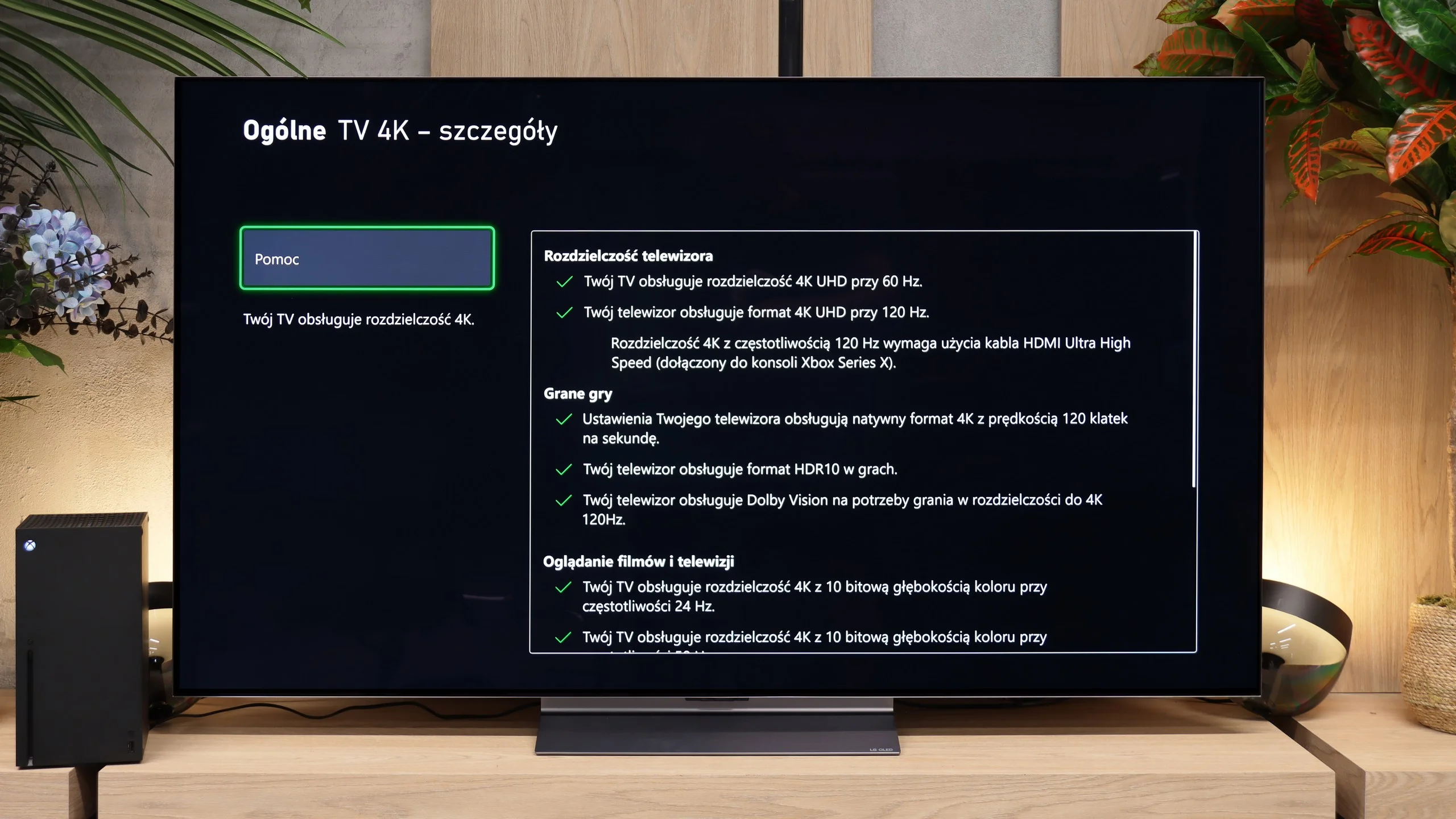
  • 4K@120Hz
    Yes
    Yes
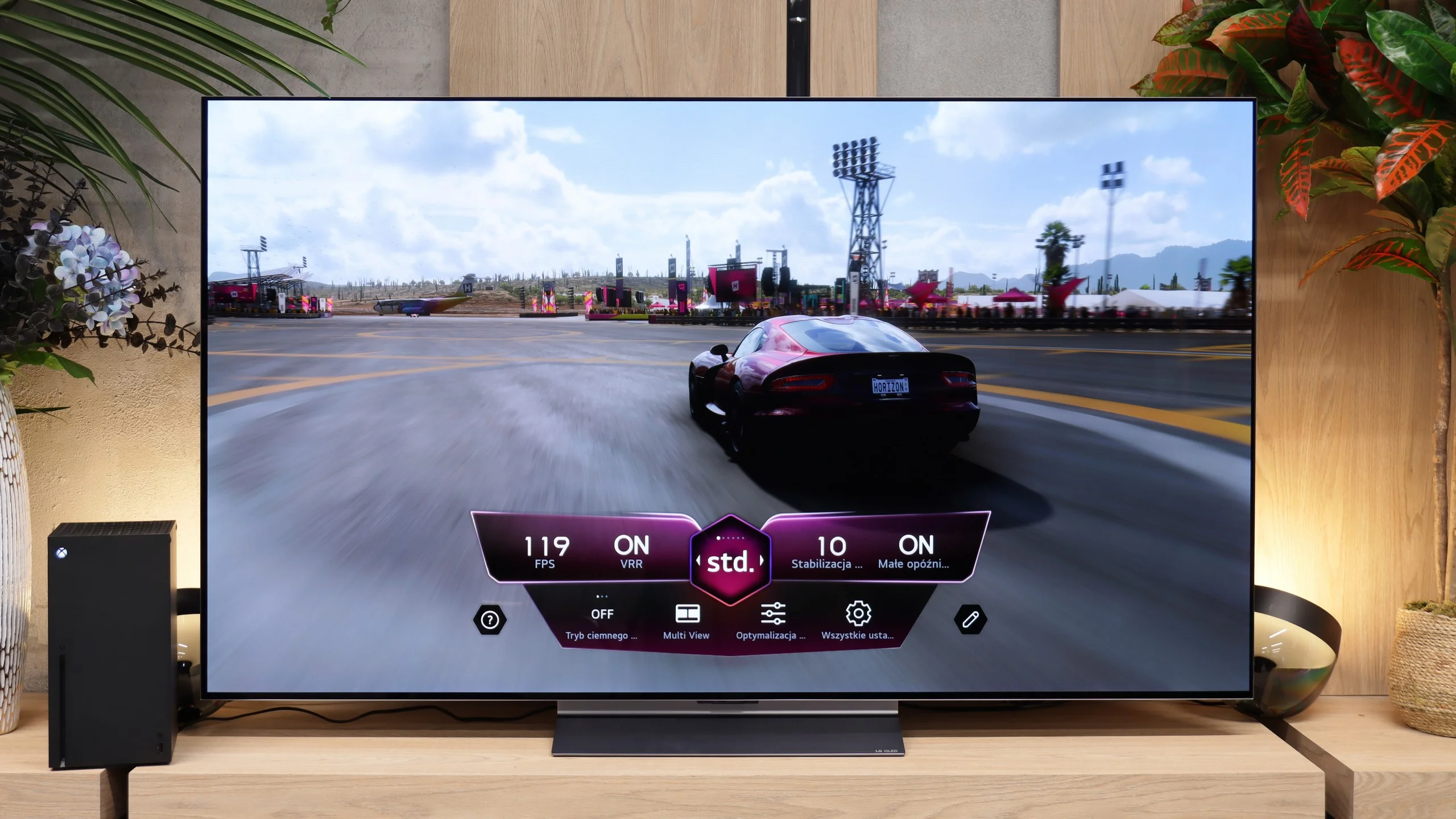
  • Game bar
    Yes
    Yes

TCL C8K offers practically everything we could expect from a screen for gamers. It features variable refresh rate (VRR), automatic game mode (ALLM), Dolby Vision in games, and a correctly functioning implementation of HGiG, which helps preserve the creators' intentions in HDR titles. The television also supports 120 Hz at lower resolutions without any issues and can even display an astonishing 288 Hz in Full HD – a value that is sure to please fans of dynamic shooters and racing games on PC.

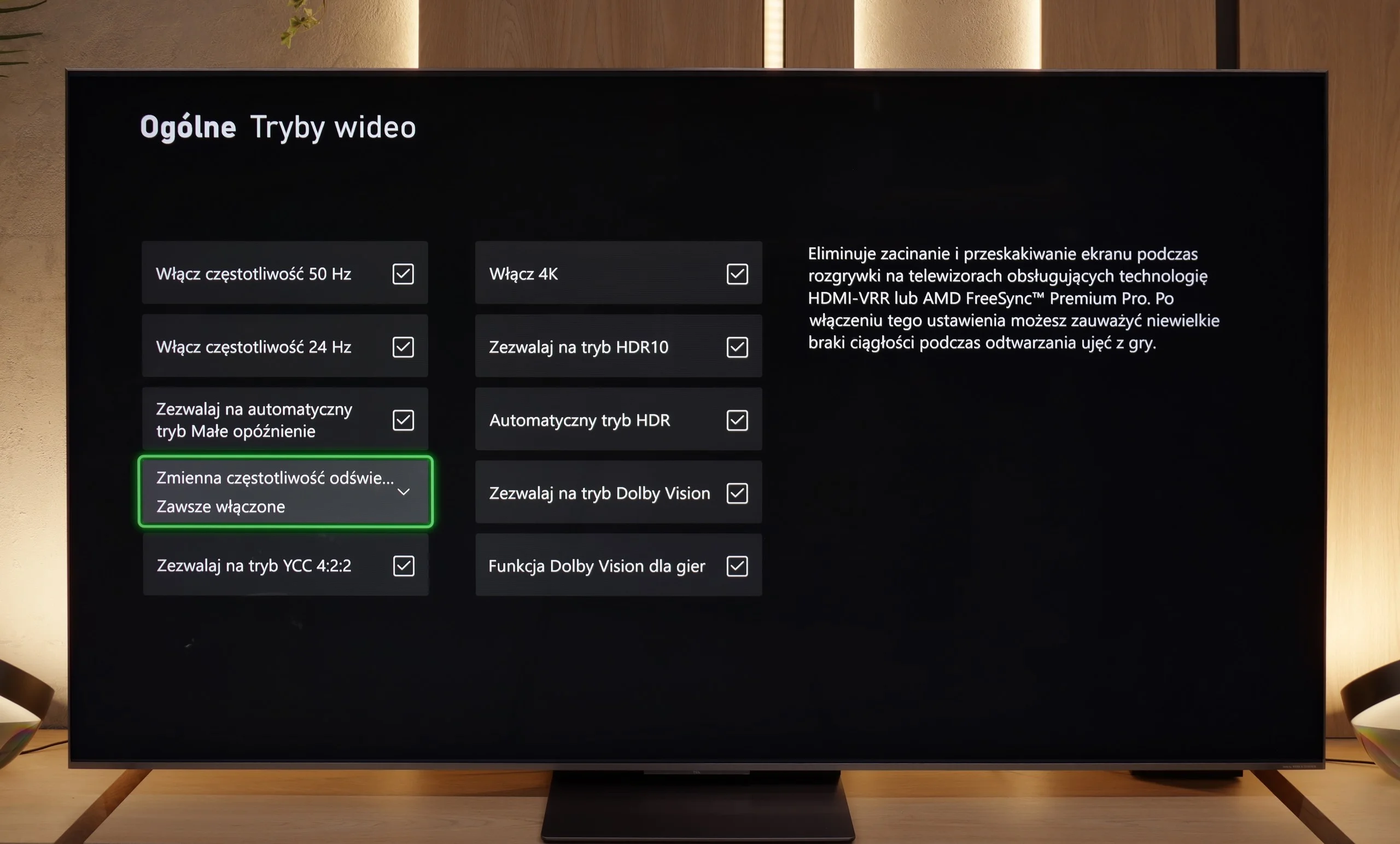
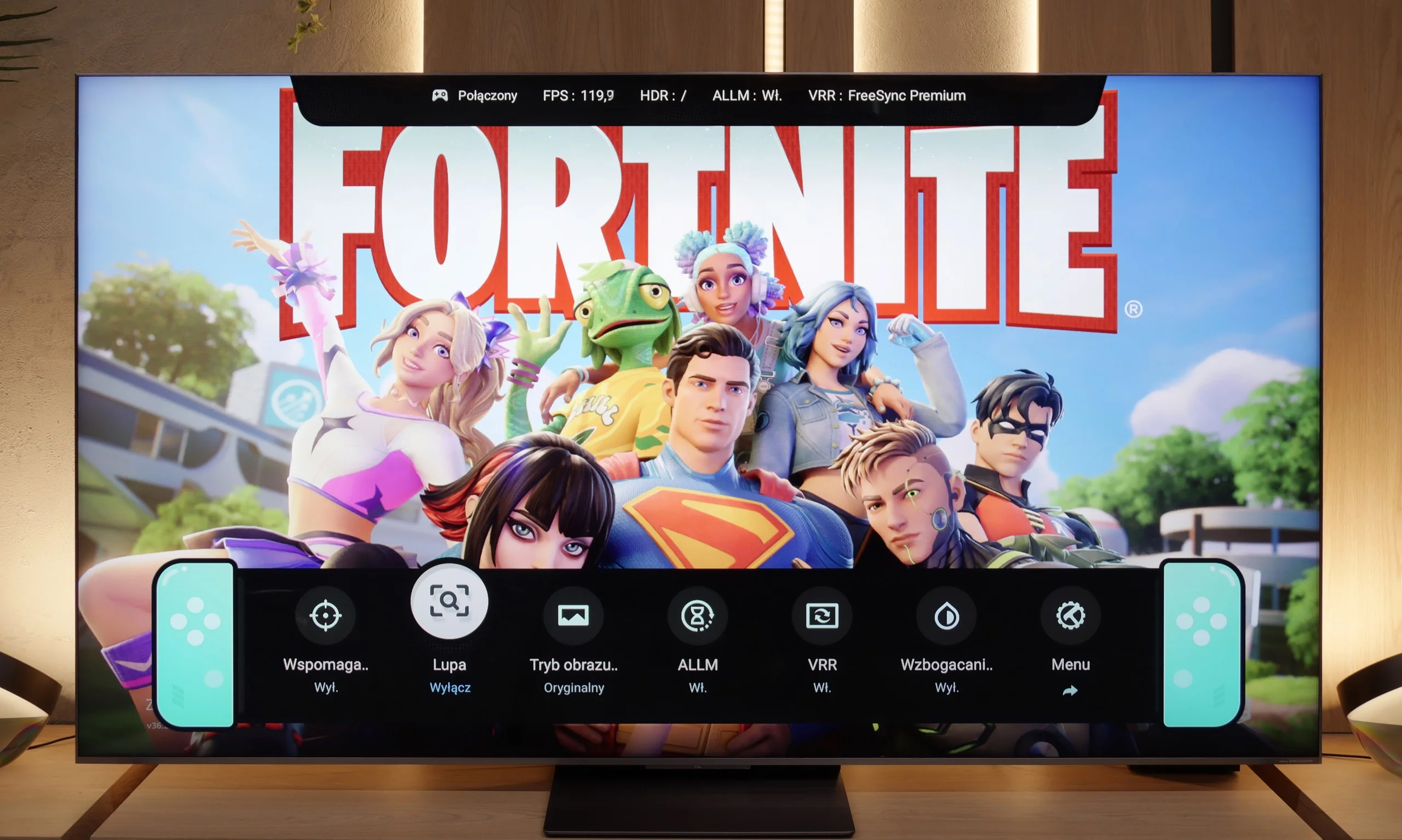
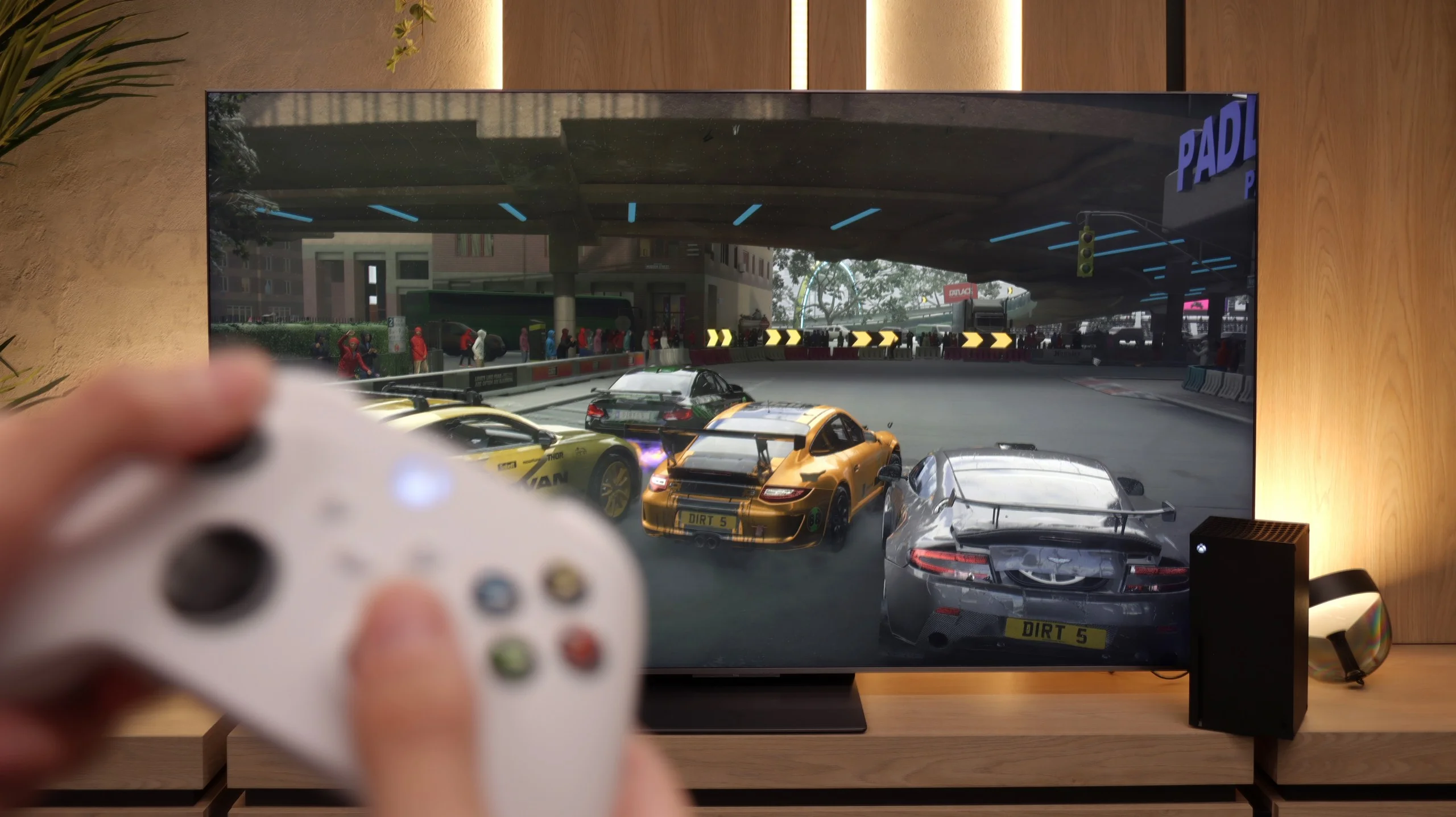
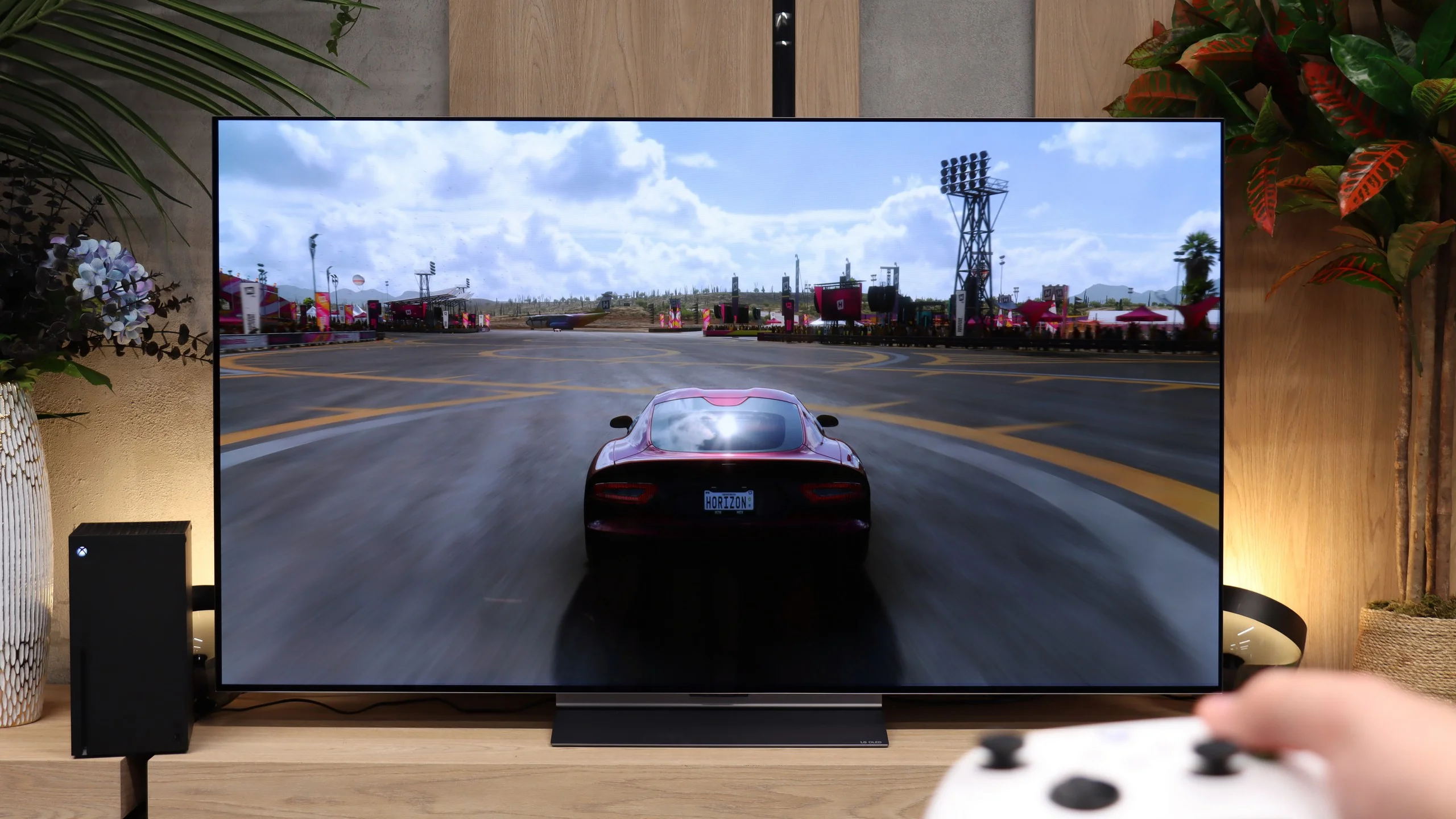
We also find the GameBar – a graphic interface reminiscent of an elongated Nintendo Switch console. It is thanks to this that we gain quick access to information about the current game mode, frame rate, HDR format, and other details that really make life easier for the gamer. Of course, we couldn't resist and launched a couple of races in Forza Horizon on the C8K – and we must admit, it looked and performed really well.

However, there is a slight drawback – in such a fast and evidently gaming device, it is somewhat disappointing that the manufacturer opted for the implementation of only two HDMI 2.1 ports. For some users who utilise several next-generation consoles and, for example, a soundbar with eARC, this might be a certain limitation that is hard to overlook.

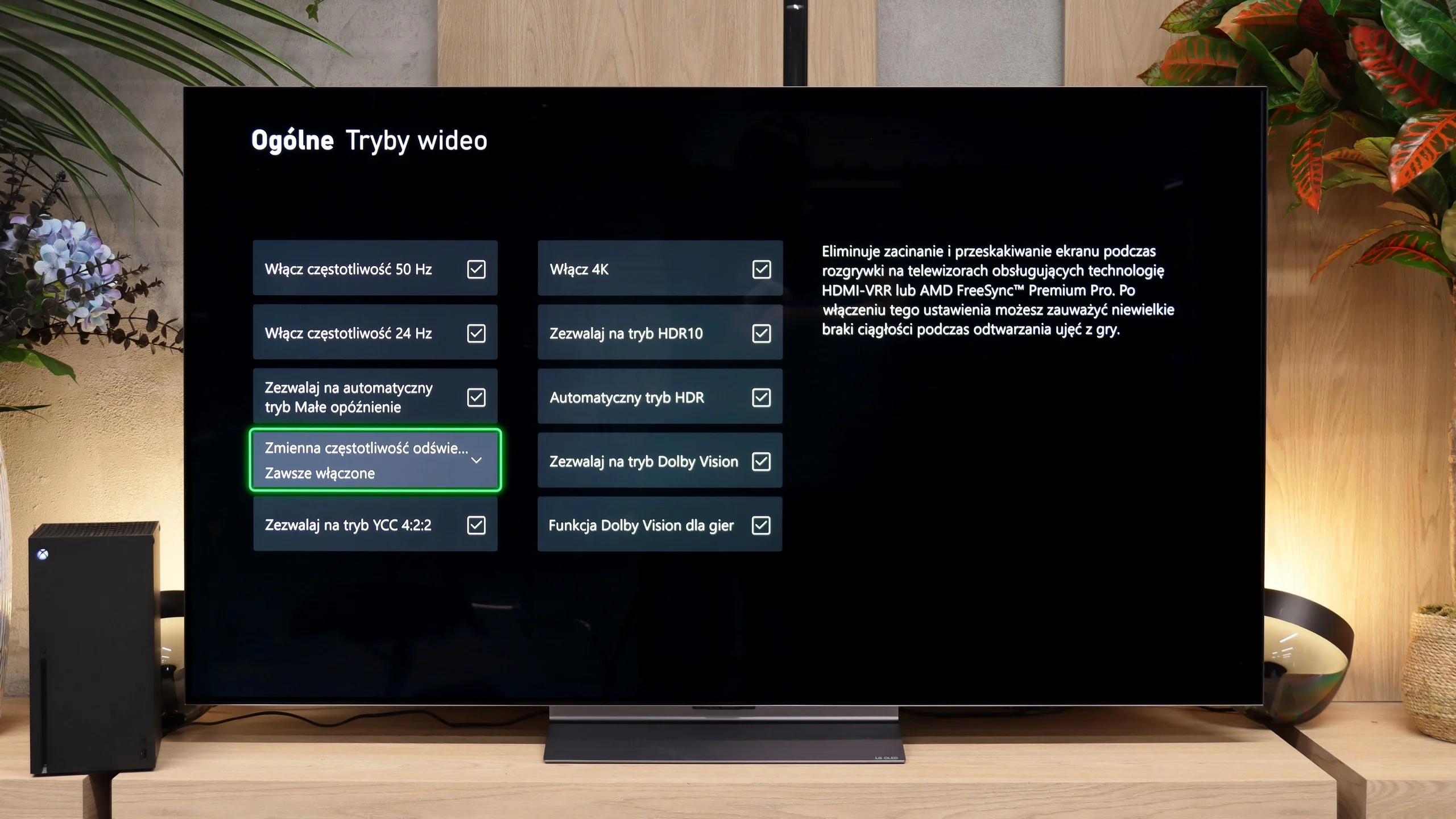
LG has long focused heavily on gamers, and the C6 really lacks nothing important. The TV supports 4K at 120 Hz from consoles, and when connected to a PC it can run at up to 165 Hz. There is also VRR from 40 to 165 Hz, ALLM and a properly working HGiG. A big plus is support for Dolby Vision in games, so the Xbox Series X can use that format without giving up Game Mode. It's rounded off by a Game Bar, from which you can quickly check key signal parameters and change settings without leaving the game. In terms of features, the C6 is therefore one of those TVs that is really hard to fault. Whether you're gaming on a PlayStation, an Xbox or a PC, practically everything you could expect from a modern gaming TV is available here.

Input lag

9.9/10

9.9/10

SDR

1080p60
15 ms
14 ms
1080p120
7 ms
5 ms
2160p60
15 ms
14 ms
2160p120
7 ms
5 ms

HDR

2160p60
15 ms
14 ms
2160p120
7 ms
5 ms
4320p60

Dolby Vision

2160p60 DV
15 ms
22 ms
2160p120 DV
7 ms
14 ms

In terms of delays, the TCL C8K pleasantly surprised us. Whether we were playing in 4K at 60 Hz, 120 Hz, or even in Full HD with Dolby Vision – the input lag remained at a very low level. This is a rare sight, as many televisions lose their advantage here, especially with the more demanding Dolby Vision GAMING picture settings.

When it comes to input lag, the C6 performs as a good gaming TV should. At 120 Hz we measured around 5 ms, so controller response is virtually instantaneous. At 60 Hz it increases to about 14 ms, but that's still a good result. Latency is slightly higher with Dolby Vision. At 120 Hz it's around 14 ms, and at 60 Hz about 22 ms. In practice, if you're playing normally on an Xbox, this is unlikely to be something that will actually bother you.

Compatibility with PC

8.6/10

8.6/10

Chroma 444 (max. resolution and refresh rate)
Yes
Yes
Font clarity
Good
Good
Readability of dark text and shapes
Good
Very Good
Input lag in PC mode (4K, max. refresh rate)
6ms
5ms
Matrix subpixel arrangement
RGB
RGWB
Max refresh rate
144Hz
165Hz
G-Sync
Yes
Yes

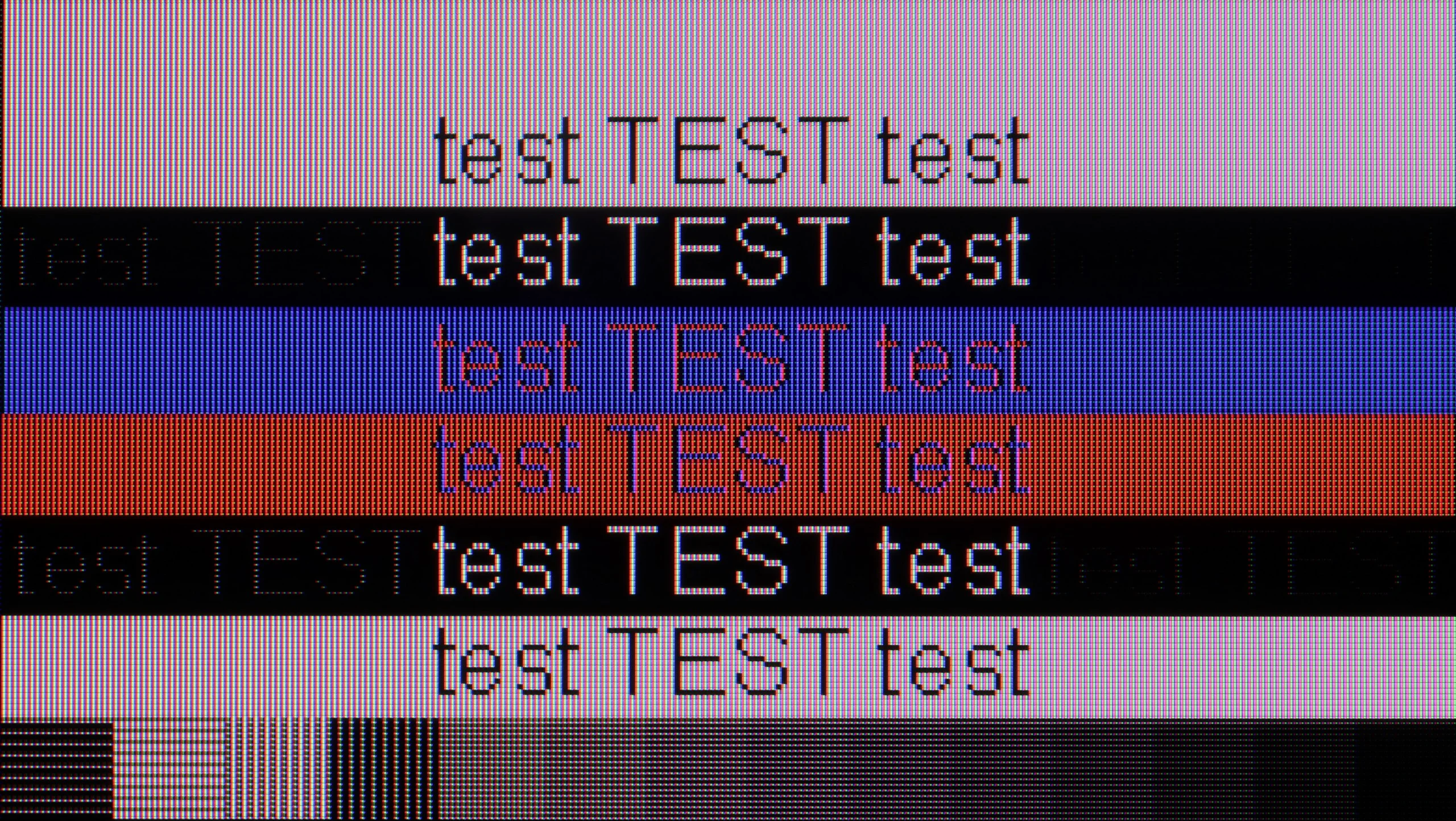
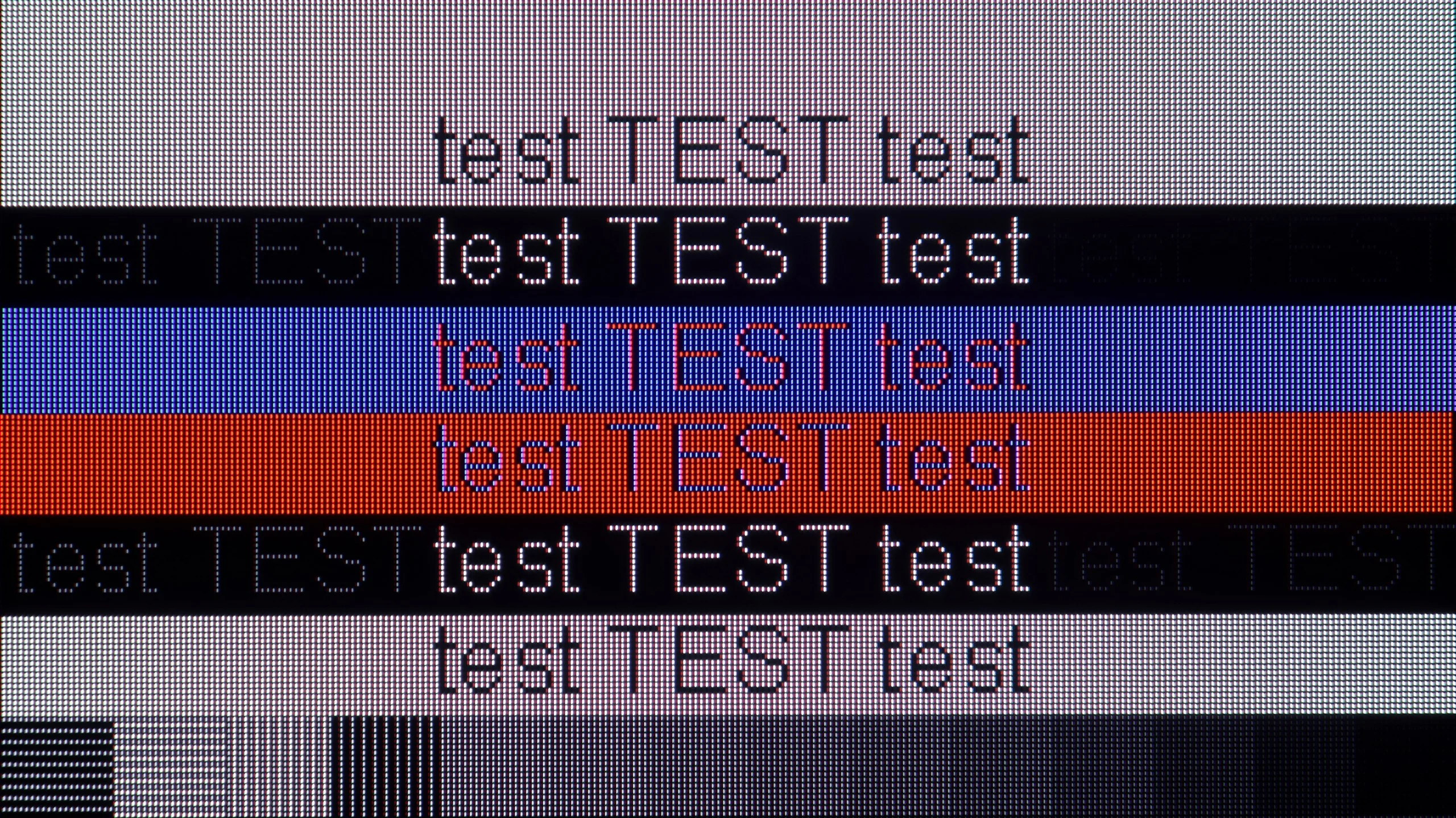
The photo shows the legibility of small fonts. Ideally, lines should be the same thickness on both light and dark text, with minimal pixel gaps.

As we mentioned earlier, the C8K is a television designed with gamers in mind – and not just for console gaming. Connecting a PC is pure pleasure. The low input lag is practically unnoticeable, and the 4K panel at 144 Hz (or even 288 Hz in Full HD) makes gameplay exceptionally smooth. This is the kind of equipment that is really hard to tear yourself away from once you plug in a keyboard and mouse.

Office work and everyday use of the computer are equally impressive. Fonts – regardless of size – are readable and sharp thanks to Chroma 444. However, we have a small note: with very thin horizontal lines, slight imperfections can be noticed. We assume, though, that few will notice this, as hardly anyone plans to place the smallest 65-inch monster 50 cm from their face and use it like a regular monitor.

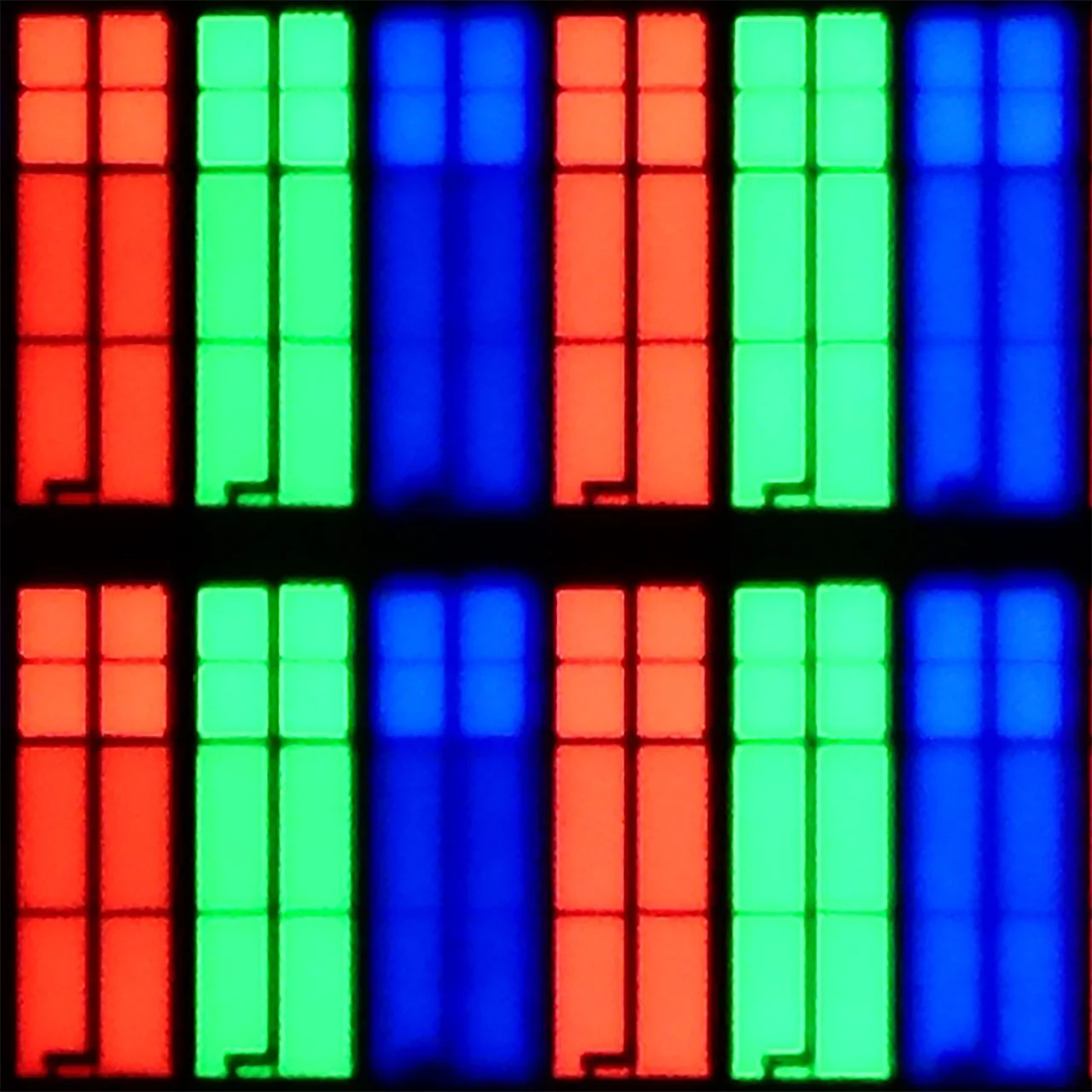
The C6 also performs very well when connected to a PC. The TV correctly supports 4:4:4 chroma subsampling, so text, icons and other small UI elements are displayed sharply. That means it can be used without any major issues not only for gaming but also for regular work on Windows. A limitation remains the panel's four-subpixel layout. If you sit very close to the screen, you may notice slight coloured fringes on the edges of some fonts. This is not especially bothersome and from a normal viewing distance it practically disappears. The C6 also has a lot to offer PC gamers. With a PC you can use the full 165 Hz, and there is G-Sync, VRR and very low input lag, which at the maximum refresh rate is around 5 ms. Combined with the OLED’s lightning-fast response time, this delivers a very smooth, clean image with no visible smearing. So if someone plans to connect a powerful PC to the C6, the TV can comfortably serve as a large gaming monitor, and it also performs quite well for everyday work.

Viewing angles

4/10

7.4/10

Brightness drop at an angle of 45 degrees
80%
33%

One of the novelties in this year's TCL series is the WHVA panel, which has finally made a significant advancement in viewing angles for the Chinese manufacturer. And although you can't completely cheat physics – brightness does indeed drop quite noticeably when viewed from the side – the image itself remains readable and does not drastically lose colours or contrast. This is a considerable change, as VA panels typically fall short compared to IPS panels in this category. Meanwhile, in the C8K, it is evident that TCL has made an effort to ensure that even viewers sitting slightly to the side can still enjoy the full depth of the image – something that will be appreciated by anyone who cannot sit 'in the perfect middle of the sofa'.

Viewing angles on the LG C6 are excellent and effectively among the best you can currently find in TVs. This is largely thanks to the OLED panel itself. Even when you sit noticeably to the side, the image still maintains good contrast and the colours do not lose much of their saturation. That makes the C6 very well suited to a larger living room where not everyone sits directly in front of the screen. Only at very wide angles can you notice slight colour shifts, but during normal viewing it is hard to regard this as any real problem. In this respect, only Samsung Display's QD-OLED panels actually perform better.

Daytime performance

6.9/10

6.6/10

Panel finish
Glare
Glare
Reflection suppression
Decent
Decent
Black levels during daytime
Very Good
Very Good

Panel brightness

LG OLED C6 (WOLED): 469 cd/m2

TCL C8K: 613 cd/m2

C8K is truly a bright performer, and not just in theory. In SDR content, it can achieve an impressive 700 nits, which translates to very good image readability even in brightly sunlit rooms. So if you have a bright living room with large windows, this television won't have much trouble with that. However, it is worth mentioning one detail: the WHVA panel used here, with improved viewing angles, causes light reflections to be more diffused sideways. In practice, this means that, for example, wall sconces or floor lamps directly opposite the screen may reflect in a slightly more widespread manner than in typical glossy/satin panels.

The LG C6 has a glossy panel that handles direct reflections quite well, but it does not eliminate them completely. If there is a large window or a strong lamp opposite the television, their reflections will still be visible. On the other hand, the screen preserves blacks well in a lit room and even during the day the picture does not become grey or washed out. In addition, the C6 is fairly bright in SDR. With typical content we measured around 470 nits, so in most living rooms it should cope during the day without much trouble. Brightness only begins to fall more noticeably when a large portion of the screen is occupied by white. This is still one of the typical characteristics of OLEDs and it can already be noticed with very bright content, such as winter sports. Overall the C6 will perform well in a normally lit living room. However, if the television is going to sit opposite huge windows and fight strong sunlight for most of the day, a bright Mini LED will still be the better choice.

Panel details

Backlight Type
Mini-LED QLED
WRGB OLED
Software version during testing
V8-0012T01-LF1V531.002396
43.11.77
Image processor
4x ARM Cortex-A73 @1390MHz

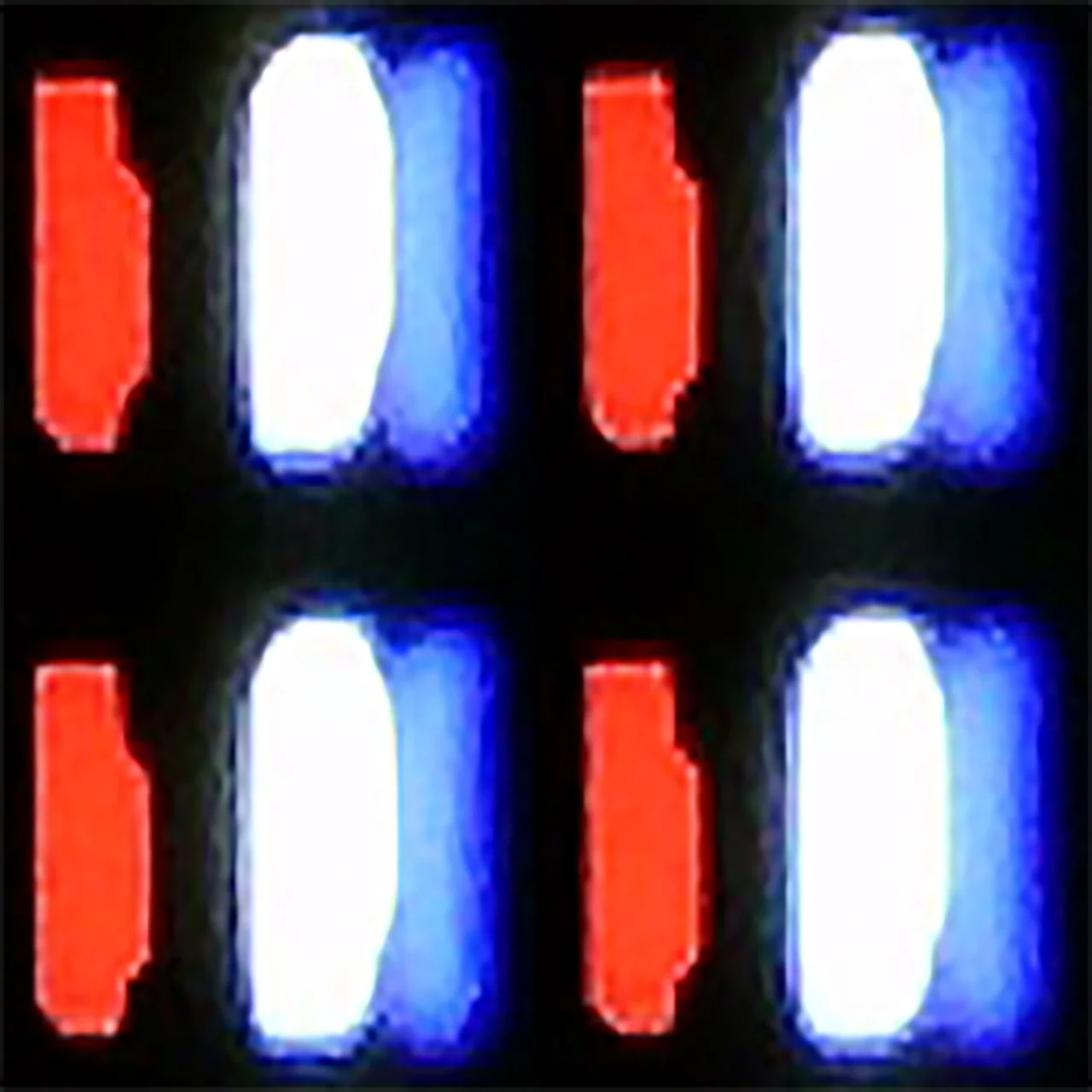
Subpixel Structure:

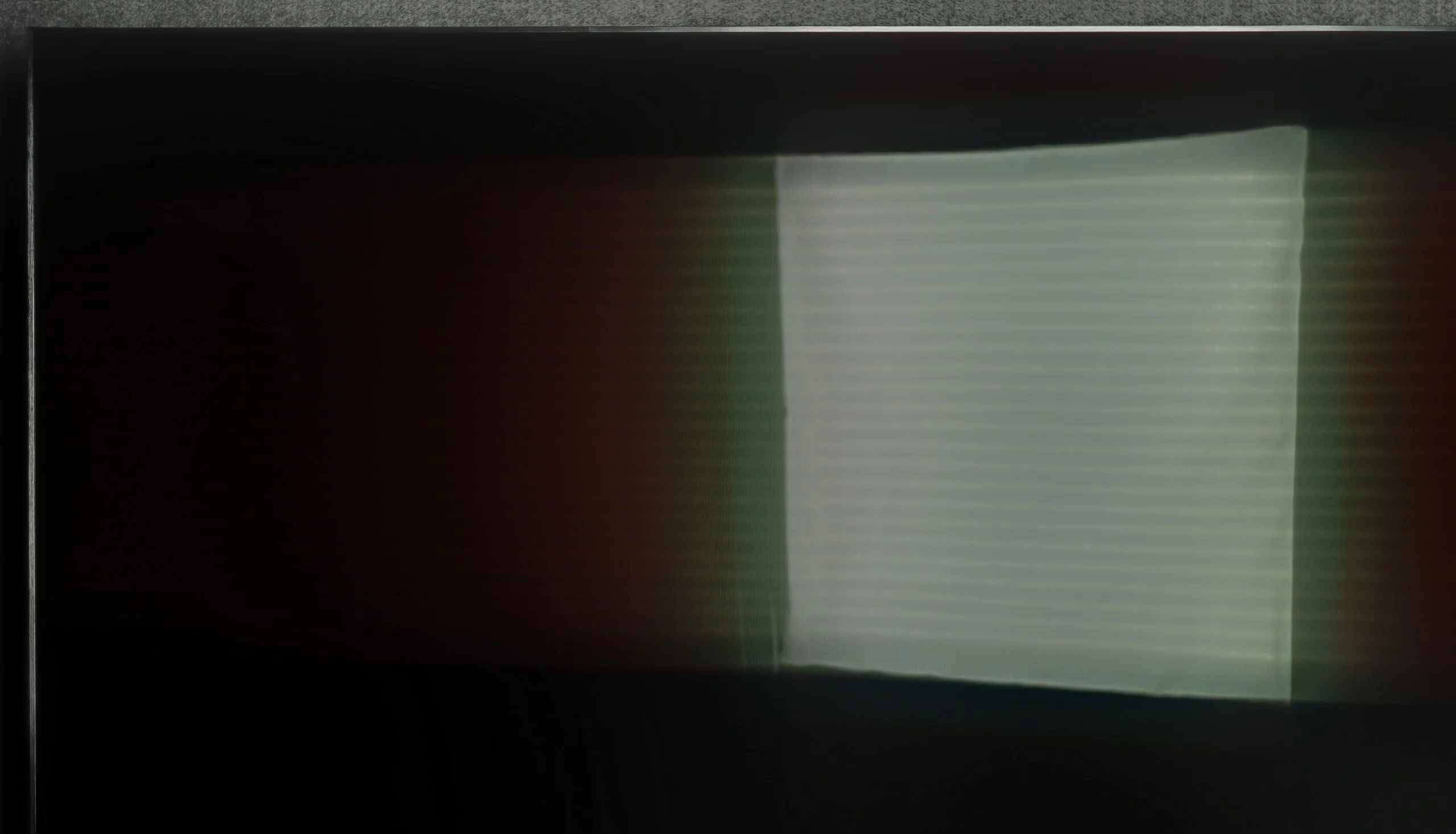
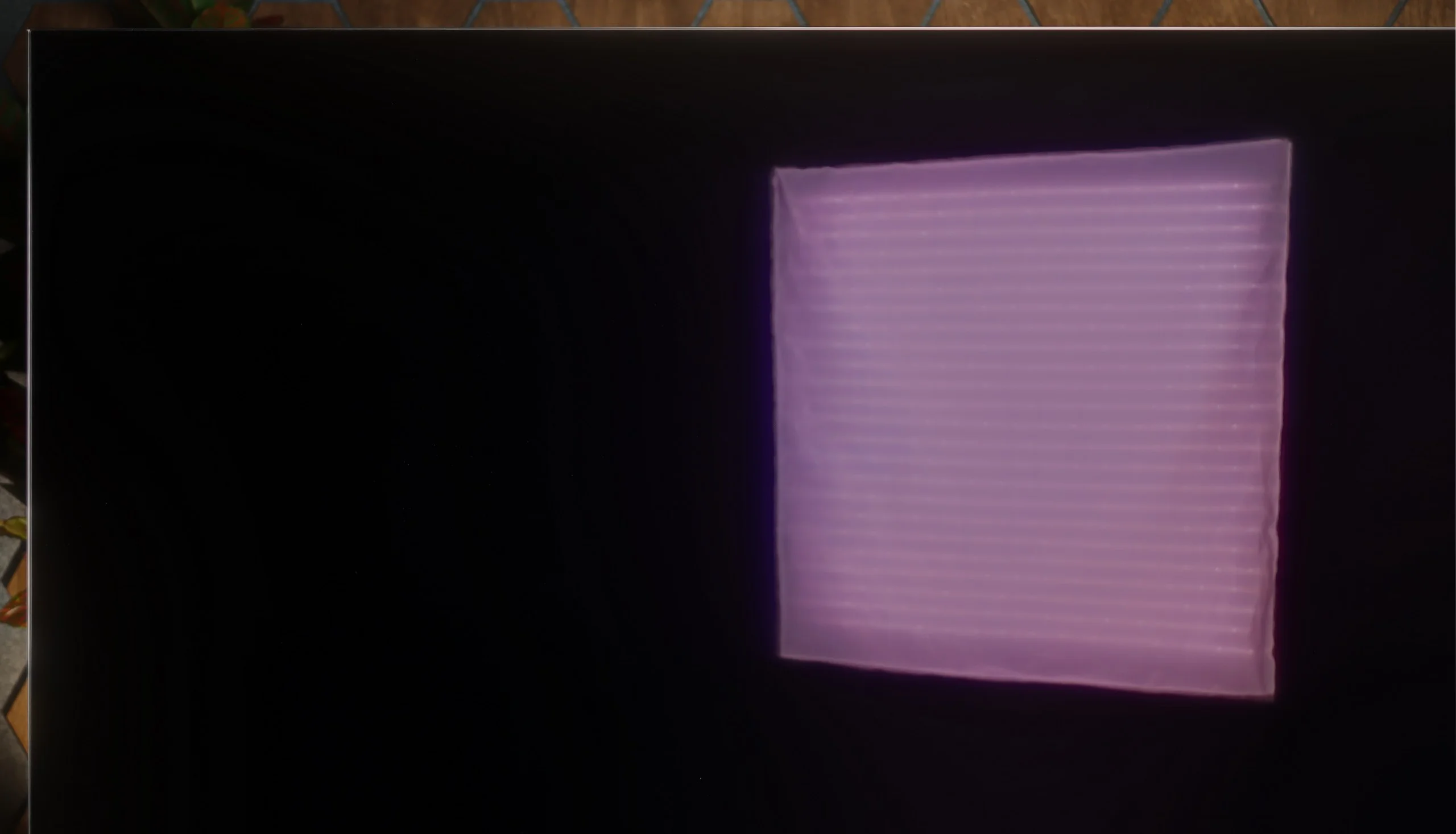
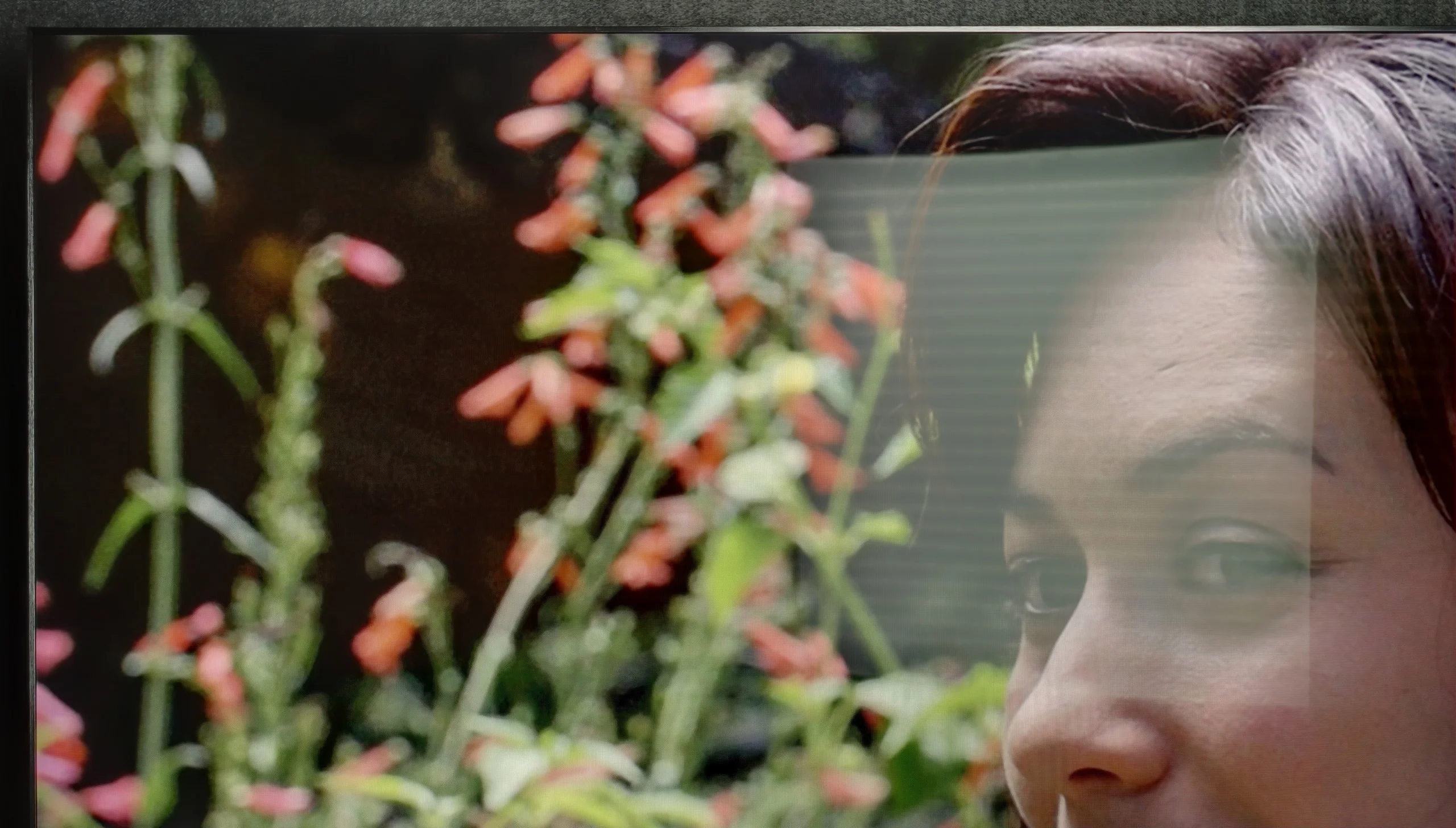
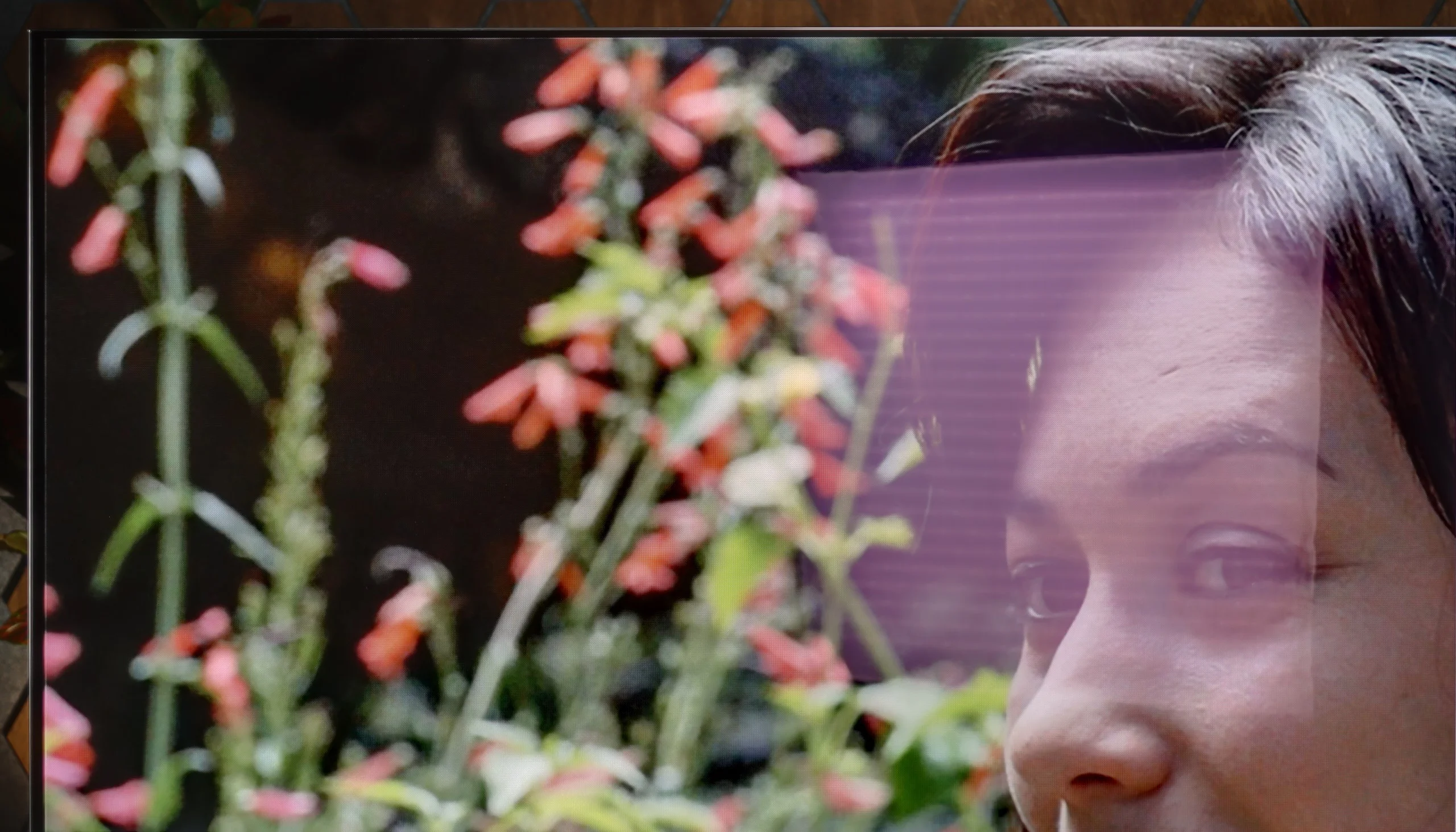
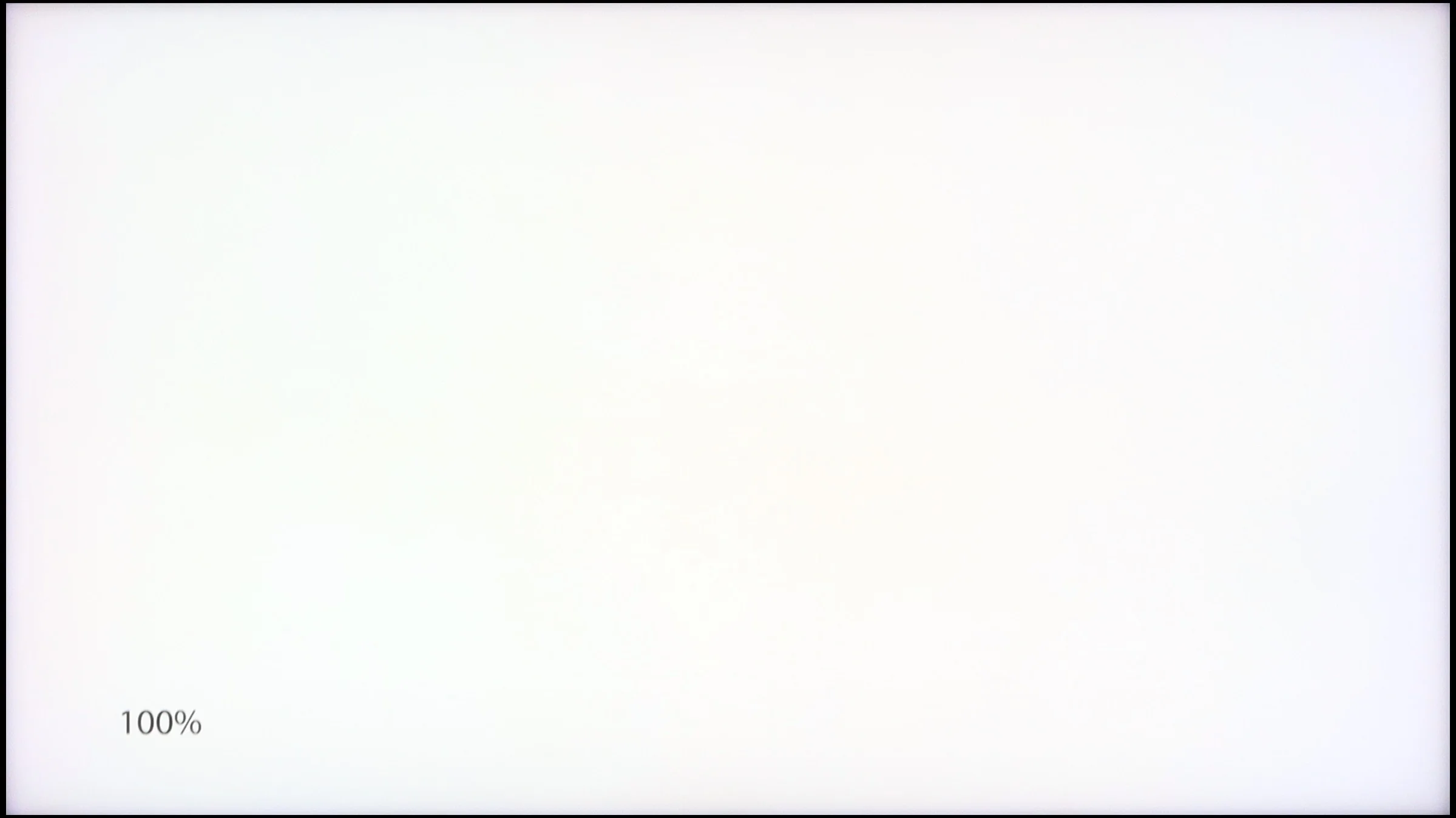
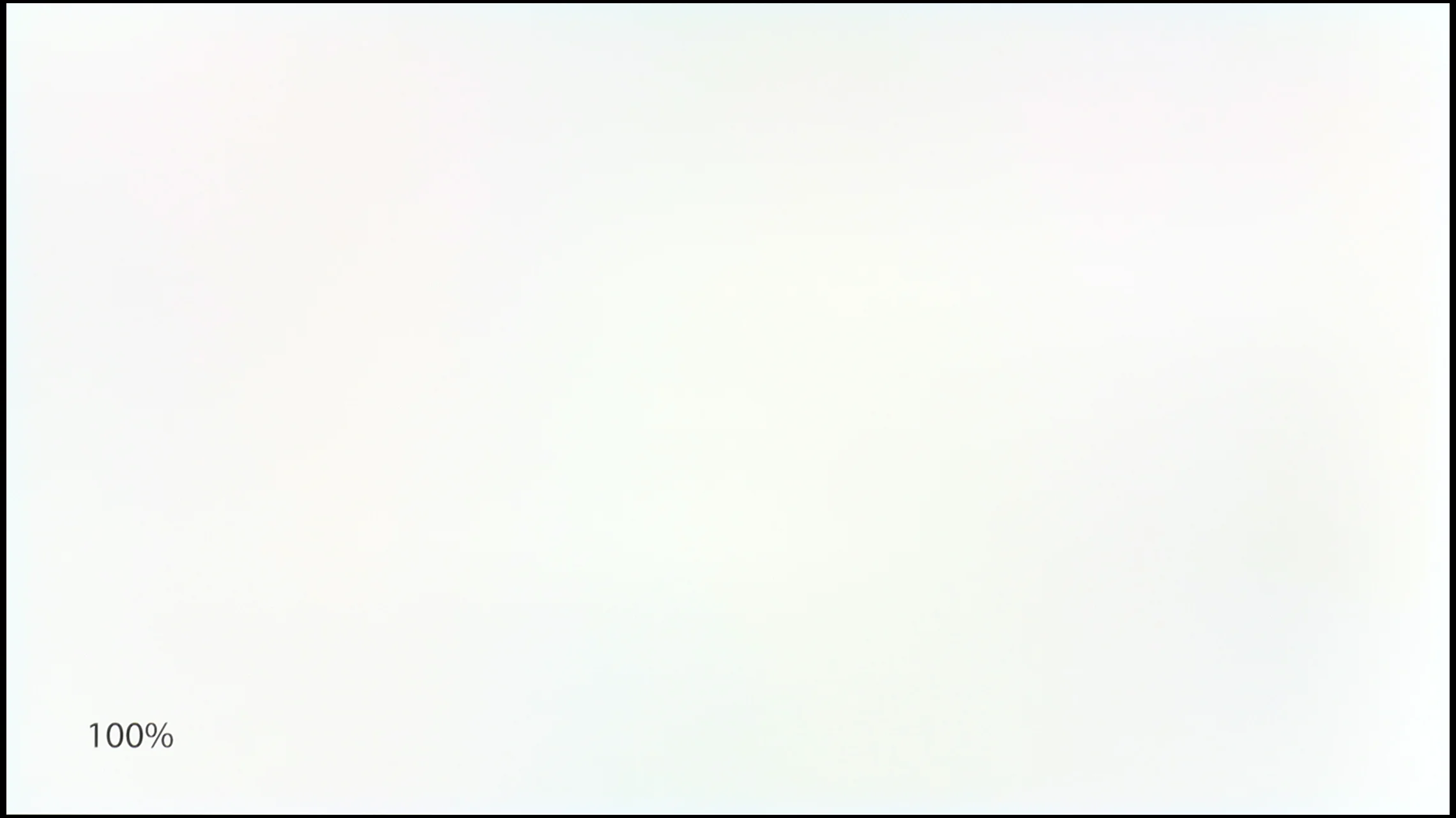
Panel uniformity and thermal imaging:

Review TCL C8K TV Panel details
Review LG OLED C6 (WOLED) TV Panel details

TV features

7.7/10

8.4/10

  • System
    Google TV
    WebOS
  • System performance
    Good
    Very good
  • HDMI inputs
    2 x HDMI 2.0, 2 x HDMI 2.1 48Gbps
    0 x HDMI 2.0, 4 x HDMI 2.1 48Gbps
  • Other inputs
    IR (remote)
  • Outputs
    Toslink (Optical audio), eARC (HDMI), ARC (HDMI)
    Toslink (Optical audio), eARC (HDMI), ARC (HDMI)
  • Network Interfaces
    Wi-Fi 2.4GHz, Wi-Fi 5GHz, Ethernet (LAN) 100Mbps
    Wi-Fi 2.4GHz, Wi-Fi 5GHz, Ethernet (LAN) 100Mbps
  • TV reception
    DVB-T, DVB-T2, DVB-S, DVB-S2, DVB-C
    DVB-T, DVB-T2, DVB-S, DVB-S2, DVB-C

Classic features:

  • Recording to USB (terrestrial TV)
    No
    Yes
  • Recording programming
    No
    Yes
  • Picture in Picture (PiP)
    No
    No
  • RF remote control (no need to aim)
    Yes
    Yes
  • Backlit remote control
    Yes
    No
  • Teletext
    Yes
    Yes
  • Audio only mode
    Yes
    Yes
  • Bluetooth headphones support
    Yes
    Yes
  • Simultaneous Bluetooth headphones & TV audio
    Yes
    Yes

Smart features:

  • AirPlay
    Yes
    Yes
  • Screen mirroring (Windows Miracast)
    Yes
    Yes
  • Voice search
    Yes
    Yes
  • Voice search in native language
    Yes
    Yes
  • Ability to connect a keyboard and mouse
    Yes
    Yes
Review TCL C8K TV features
Review LG OLED C6 (WOLED) TV features

Sound connection options

  • HDMI audio
    eARC (HDMI), ARC (HDMI)
    eARC (HDMI), ARC (HDMI)
  • Other audio outputs
    Toslink (Optical audio)
    Toslink (Optical audio)
  • Wireless audio
    Bluetooth
    Bluetooth

Supported audio formats (external HDMI eARC audio):

  • Dolby Digital Plus 7.1
    Yes
    Yes
  • Dolby True HD 7.1
    No
    Yes
  • Dolby Atmos in Dolby Digital Plus (JOC)
    Yes
    Yes
  • Dolby Atmos in Dolby True HD
    No
    Yes
  • DTS:X in DTS-HD MA
    Yes
    No
  • DTS-HD Master Audio
    Yes
    No

Senior accessibility

  • Numeric keyboard on TV
    No
    No
  • Font size adjustment
    No
    No
  • Audio description
    Yes
    Yes

Classic Television Features

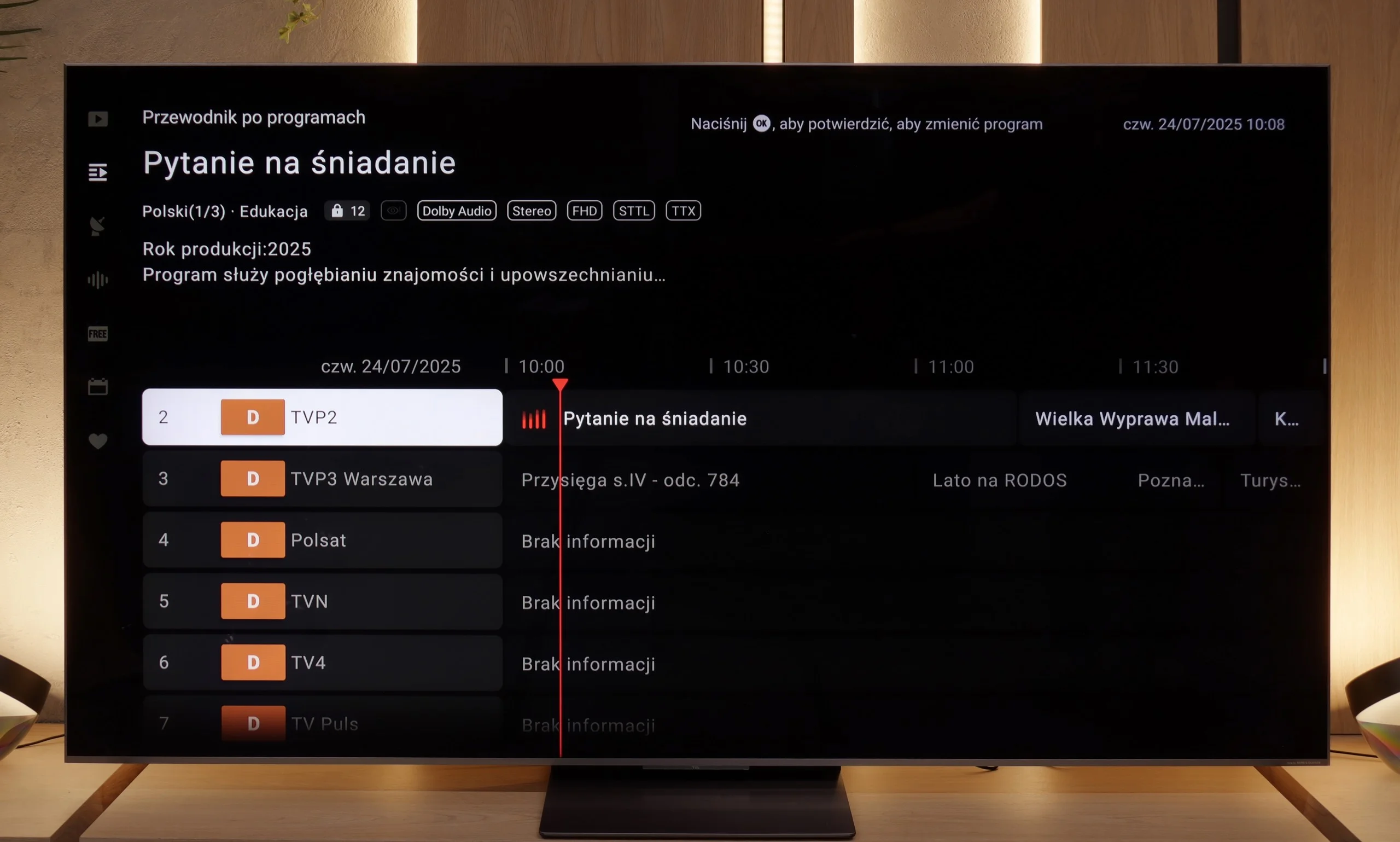
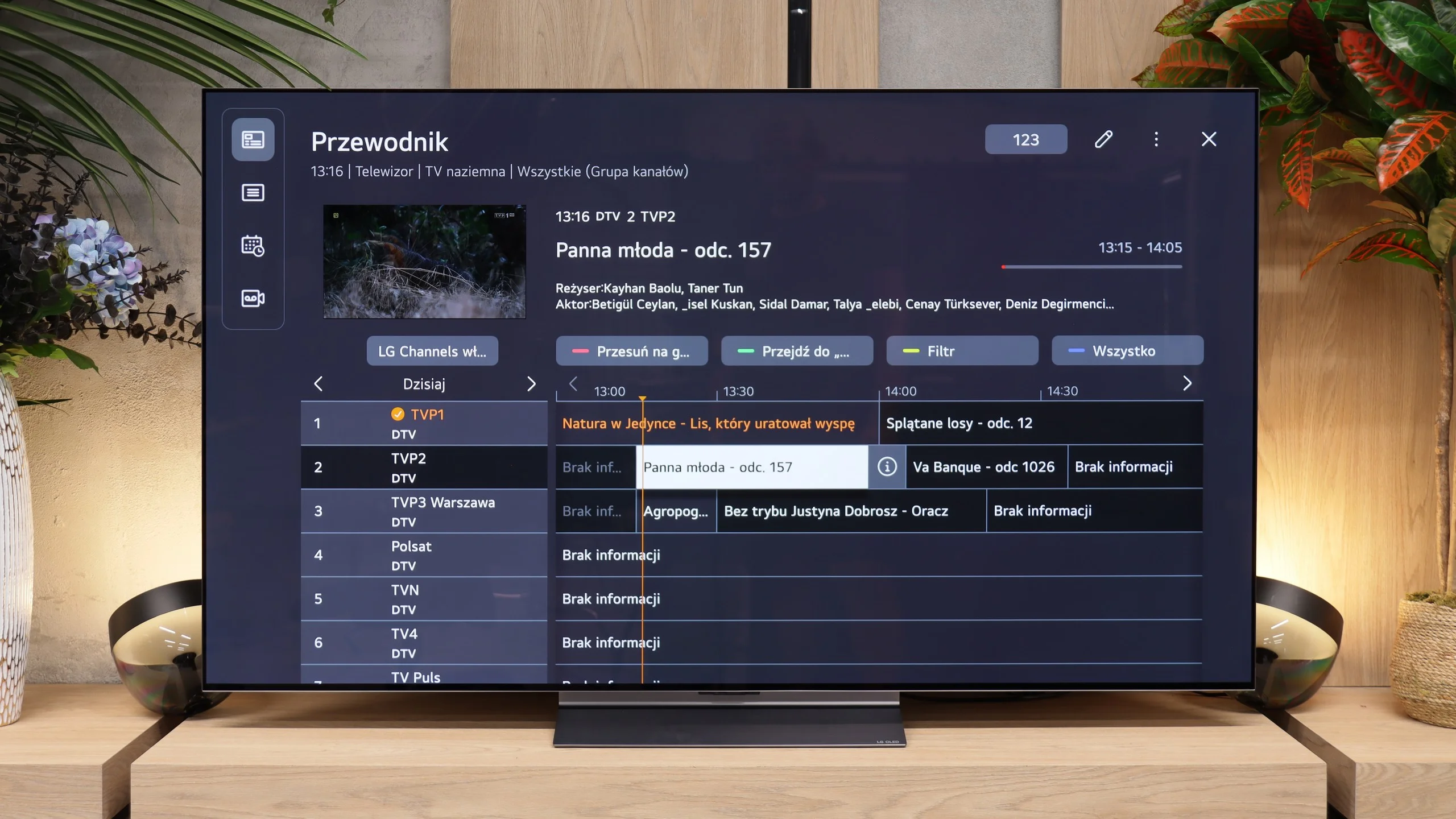
The TCL C8K offers the vast majority of features that we consider essential today. It has a classic and clear electronic programme guide (EPG), and teletext features are included, while connecting a keyboard, mouse, or Bluetooth headphones posed no problems at all. It's somewhat unfortunate that the Google TV system – like in many other TCL models – lacks more advanced options, such as programme recording or picture-in-picture (PiP). This may be a drawback for some users, especially if they are accustomed to using these options with other manufacturers. One might also have some reservations about the number of USB ports – there is only one. However, in practice, most people will find it sufficient to connect a drive with movies or a USB stick.

Smart Features

While classic television functions are not the strong suit of the C8K, in terms of smart features, this television truly shines. The Google TV system implemented is the largest and most popular platform on the market – and you can feel it at every turn. The availability of applications is phenomenal. Netflix, YouTube, Disney+, HBO Max, Amazon Prime – all of these can be found here without the slightest problem. Only truly niche or closed ecosystems (e.g. Apple Music) may not be available. The built-in voice assistant works very efficiently – you can ask it to change the channel, launch an application, search for a film, or check the weather. The system responds naturally and quickly, giving a genuine sense of convenience and modernity. It is precisely here that the C8K definitely outpaces a large portion of the competition – after all, that's why we have smart TVs, so that the television does more than just display images.

Smart TV – webOS

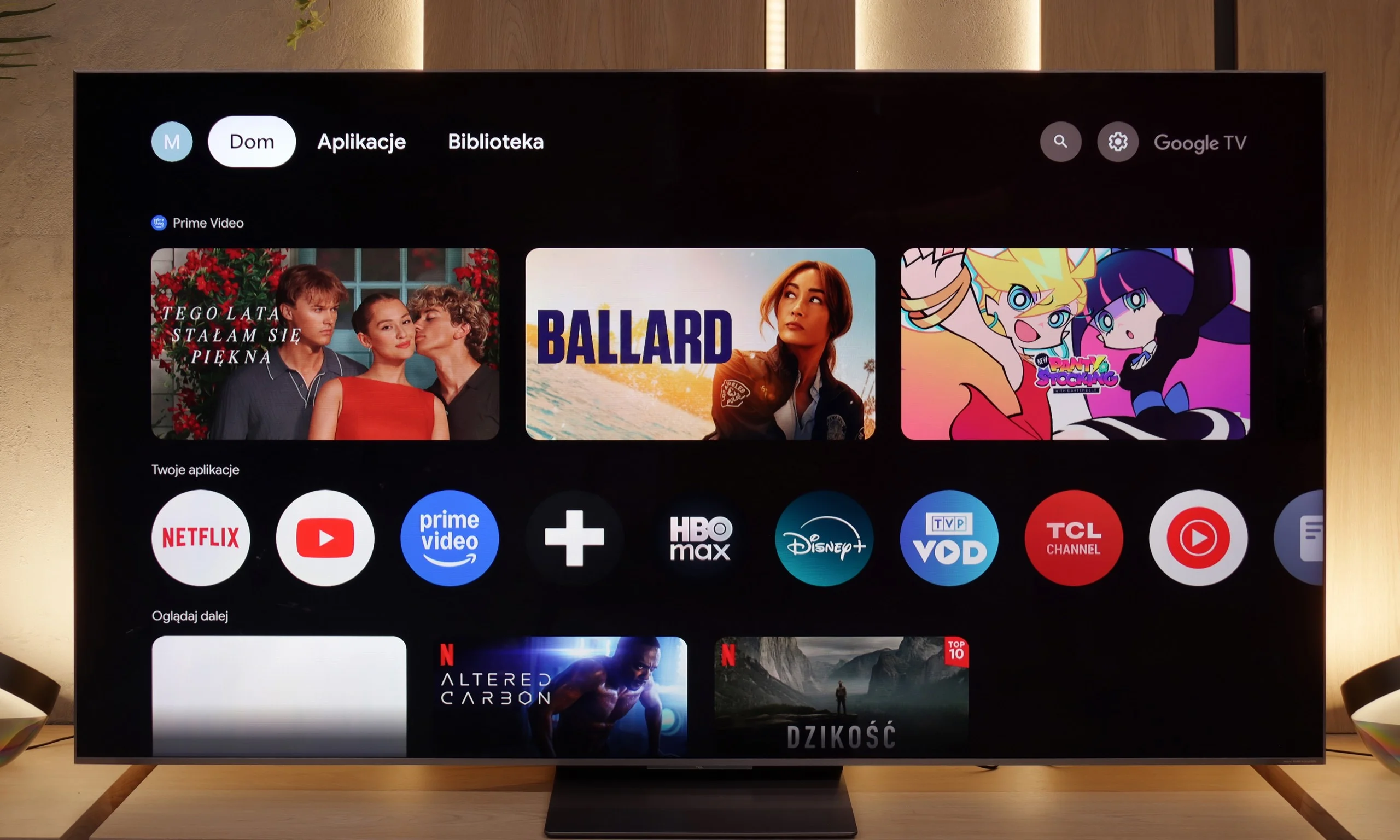
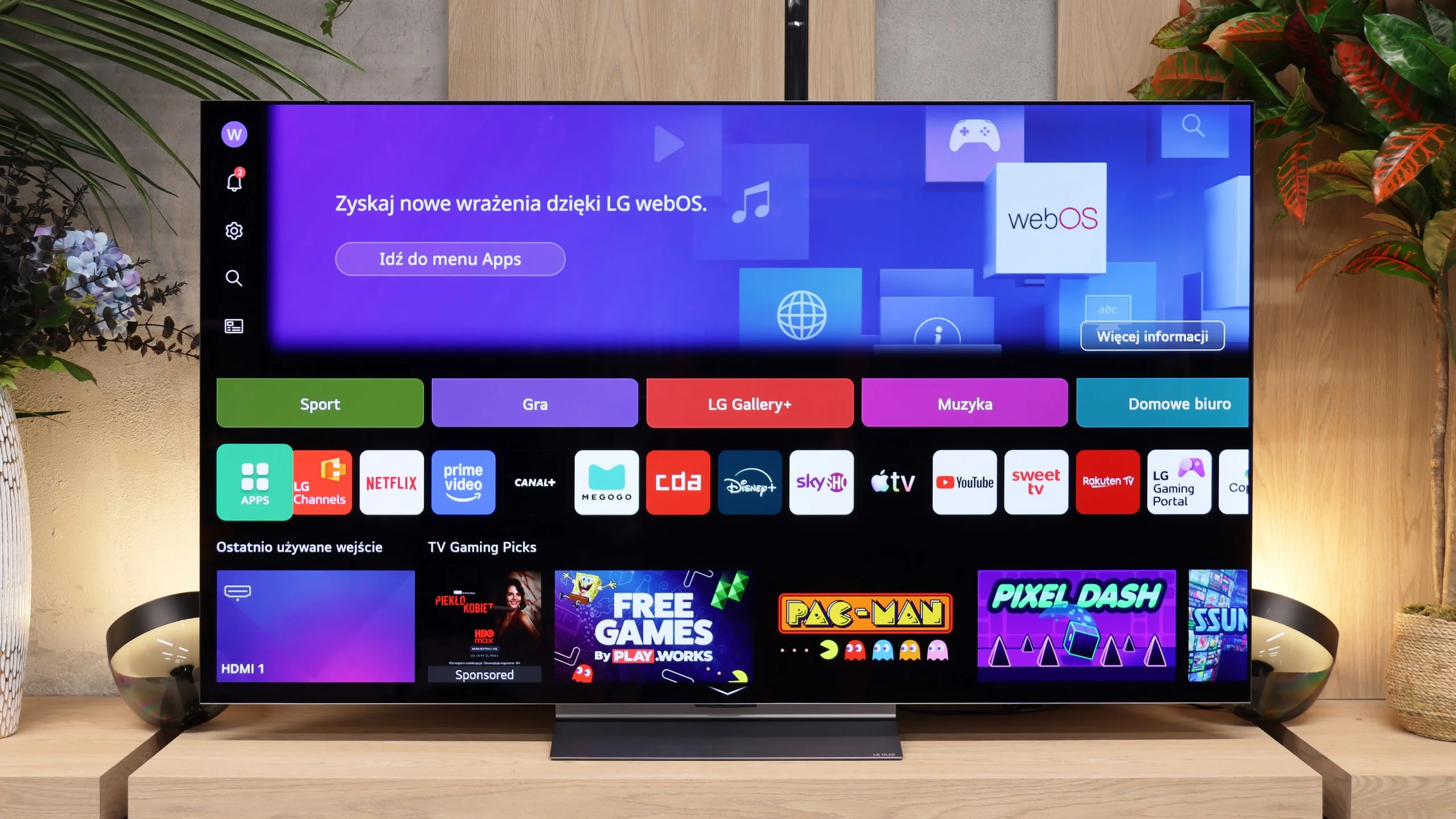
Regardless of which C6 variant you come across, the set of features remains the same. The heart of the television is, of course, webOS, the system LG has been developing for many years. It runs quickly, is well optimised and, above all, provides access to practically all popular apps. Netflix, Disney+, Prime Video, YouTube, Max and other streaming services — in this respect it is hard to find major gaps. The system itself also offers a lot of extra options. There is AirPlay, easy screen casting from a smartphone, control of smart home devices and the ability to personalise the home screen. LG has been significantly expanding webOS for several generations and at times the number of available tabs or recommendations can be a little overwhelming (especially with ads in the background), but once you get used to it the system is convenient and, most importantly, works smoothly.

Classic television features

The C6 also handles being used as a normal television very well, not just as a screen for Netflix. Terrestrial TV support, the programme guide and channel switching all work smoothly and there is little to complain about. LG still offers the ability to record programmes to USB, so in terms of traditional features the equipment is really comprehensive. In fact we only miss two things here. The first is PiP, the ability to display two video sources at the same time. The second is a backlight for the remote, which would be particularly useful for evening viewing. Apart from that, the C6 has pretty much everything you can expect from a modern television.

Magic Remote: DIFFERENT VERSIONS

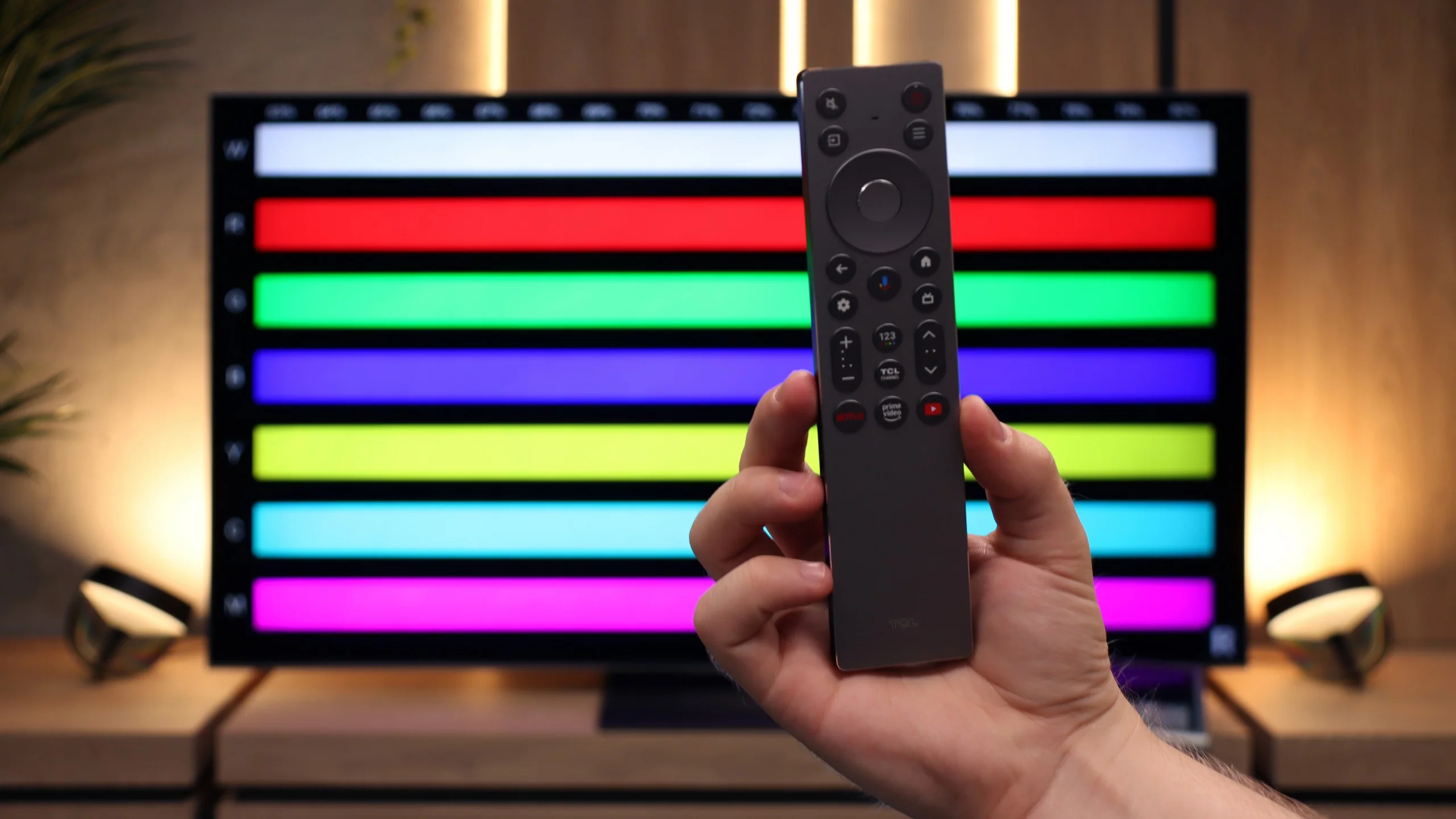
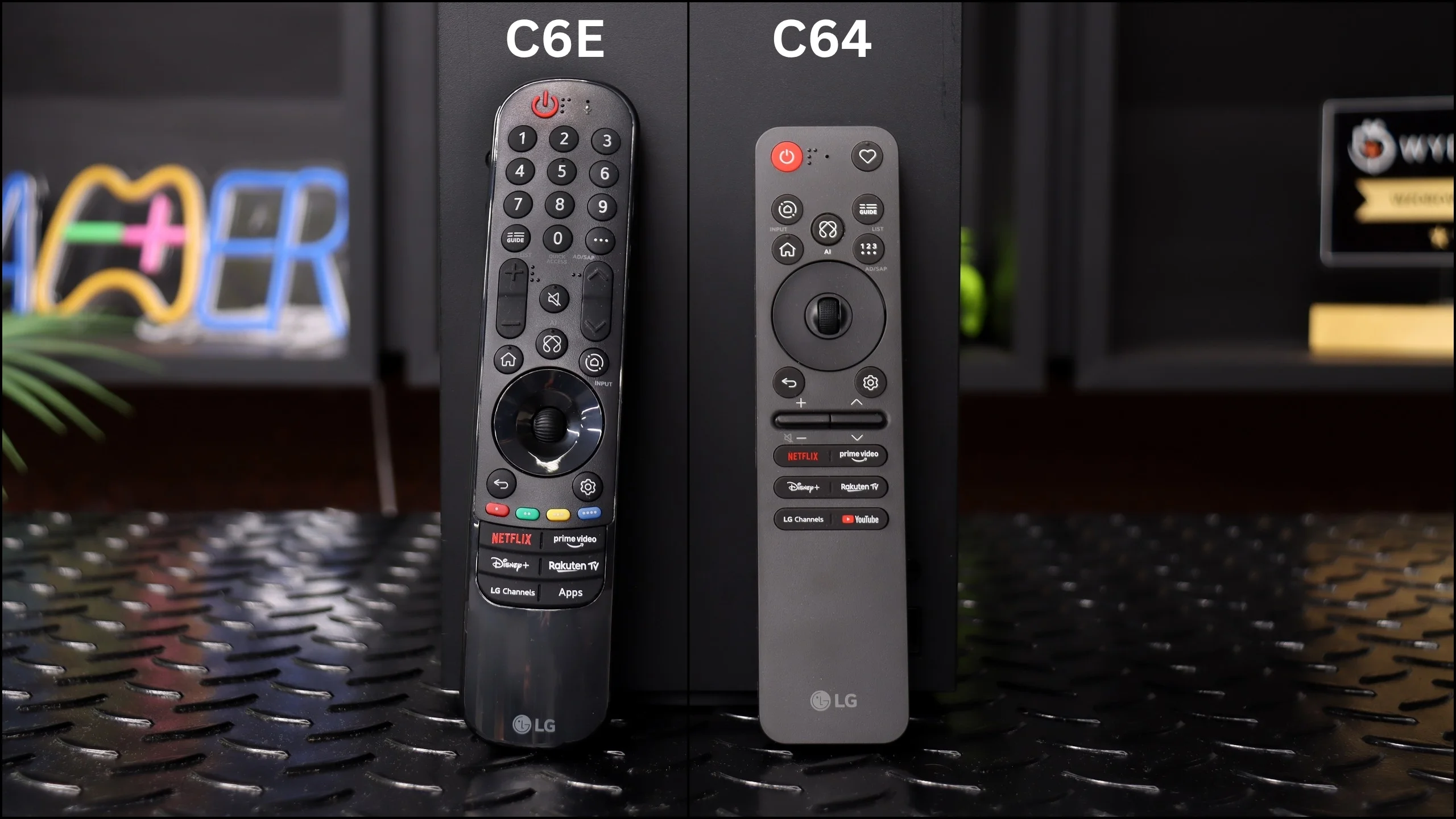
When buying the C6 it is worth paying attention to the remote, because LG has caused a bit of confusion here. During our tests we had, among others, the C64 variant, commonly found in large retail chains. The set included the new, much smaller Magic Remote Slim. It has fewer buttons and looks decidedly more modern, but still retains two of LG remotes' most distinctive features: the scroll wheel and cursor control by moving the remote. The C6E we tested, on the other hand, was equipped with the older, larger version of the Magic Remote. It works essentially the same, but has a classic numeric keypad and many more physical buttons. It looks less modern, but some people — especially those used to traditional remotes — may find it more convenient. So there is no single answer as to which remote is better. The new one is smaller, simpler and decidedly more contemporary; the older one offers faster access to a larger number of functions without having to navigate through menus. It's worth knowing that depending on the C6 marking, you may find one or the other variant in the box.

Apps

9.6/10

9.1/10

OK
Disney_Plus
OK
Amazon_Prime_Video
OK
Player_TVN
OK
Polsat_Box_Go
OK
Canal_Plus_Online
OK
TVP_VOD
OK
Apple_TV_Plus
OK
SkyShowtime
OK
Rakuten
OK
CDA_Premium_Browser
OK
Spotify
OK
Tidal
OK
Netflix
OK
YouTube
OK
HBO_MAX
OK
Kodi
No
Apple_music
OK
Eleven_sports
No
Xbox Game Pass
OK
GeForce NOW
No
Amazon Luna
OK
Boosteroid
OK
Steam Link
OK
Disney_Plus
OK
Amazon_Prime_Video
OK
Player_TVN
OK
Polsat_Box_Go
OK
Canal_Plus_Online
OK
TVP_VOD
OK
Apple_TV_Plus
OK
SkyShowtime
OK
Rakuten
OK
CDA_Premium_Browser
OK
Spotify
OK
Tidal
OK
Netflix
OK
YouTube
OK
HBO_MAX
No
Kodi
OK
Apple_music
No
Eleven_sports
OK
Xbox Game Pass
OK
GeForce NOW
OK
Amazon Luna
OK
Boosteroid
No
Steam Link

Playing files from USB

9.2/10

9.1/10

Supported photo formats:

JPEG
Yes
Yes
HEIC
No
Yes
PNG
Yes
Yes
GIF
Yes
No
WebP
Yes
No
TIFF
No
No
BMP
Yes
Yes
SVG
No
No

Maximum photo resolution:

4 Mpix
Yes
Yes
6 Mpix
Yes
Yes
8 Mpix
Yes
Yes
10 Mpix
Yes
Yes
12 Mpix
Yes
Yes
16 Mpix
Yes
Yes
20 Mpix
Yes
Yes
24 Mpix
Yes
Yes
28 Mpix
Yes
Yes
32 Mpix
Yes
Yes

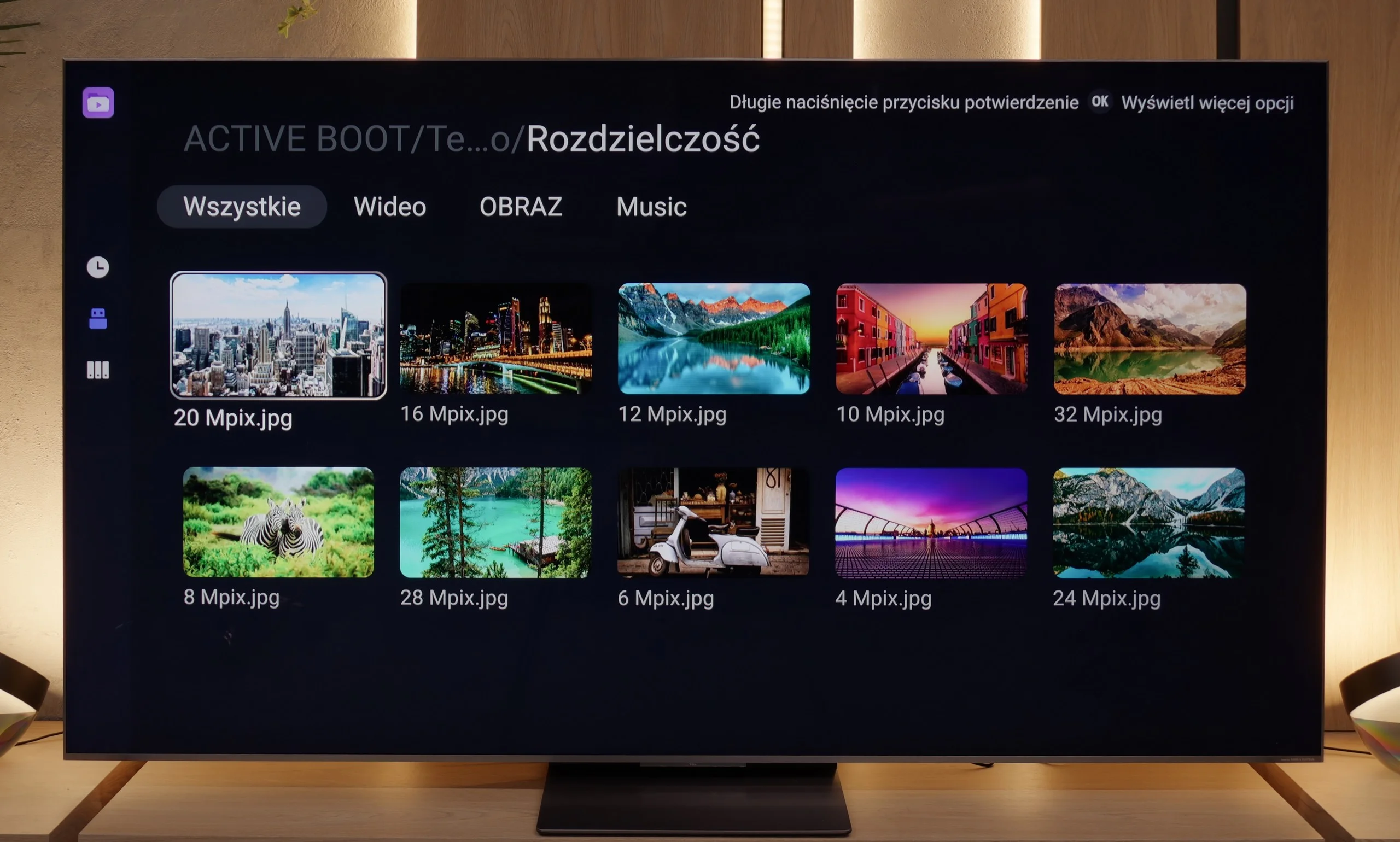
We did not expect miracles, but... we got more than we anticipated. The TCL C8K handled most of the files we put on the USB stick without any issues. Movies in MKV, older AVI, audio tracks in DTS or AC3 – everything worked without a hitch. If we were to nitpick, it would be the usual lack of support for the HEIC format from Apple devices, but that is a standard shortcoming one can live with. The most important thing, however, is that if someone lacks anything, they can simply... install a better player. And this is where the advantage of Google TV is felt.

During our tests the television handled virtually all the most popular video formats we copied onto a USB stick with no problems. There were no issues with high bitrates, subtitles or more demanding files, so in that respect there is little to complain about. The only exception was material with a DTS audio track. That is no surprise, however, because the television simply does not support that codec. Aside from that, the player is good enough that most users can get by without installing external apps or connecting an additional player.

Sound

7.9/10

7/10

  • Maximum volume
    77dB
    88dB
  • Dolby Digital Plus 7.1
    Yes
    Yes
  • Dolby True HD 7.1
    No
    No
  • Dolby Atmos in Dolby Digital Plus (JOC)
    Yes
    Yes
  • Dolby Atmos in Dolby True HD
    No
    No
  • DTS:X in DTS-HD MA
    Yes
    No
  • DTS-HD Master Audio
    Yes
    No

In the case of sound, we typically don't have high expectations. After all, a television is not a Hi-Fi system. But... the C8K pleasantly surprised us. A new feature in the latest top models from TCL is the collaboration with Bang & Olufsen and – most importantly – you can really hear that this isn't just a marketing gimmick. After just a few minutes with the TV, it was clear that it sounds different from a typical "flat screen." The sound is full with a slight but noticeable bass. Of course, we are still talking about sound from a television, so it won't compete with the cheapest soundbar with a subwoofer, but considering the standards of built-in speakers – it is very good.

*During testing at maximum volume, we noticed unusual behaviour in the audio system. With the slider set to 100%, the television reaches around 76–78 dB, but you can hear it trying to generate more power, after which the sound level is immediately adjusted back to the mentioned value. On the other hand, when we lower the volume to, for example, 70%, it initially drops as expected, but after a moment, it slowly rises back to the same level of 76 dB. This effect gives the impression of an aggressive limiter that always brings the volume down to a single level, regardless of the position of the slider. We checked this behaviour multiple times and in each case, the result was identical – no additional functions of "intelligent" volume adjustment or AI were active.

In terms of sound, the C6 has hardly changed compared with last year’s C5. It still uses a 2.2-channel system with a total output of 40 W, so a somewhat more solid foundation than many TVs that rely on simple 2.0-channel setups with 20 W. In practice the sound is quite good. Dialogue is clear, the tonality is not overly flat, and the extra speakers deliver a bit more bass than many basic TVs. Of course it still won’t replace a good soundbar, let alone a home cinema, but it is perfectly adequate for everyday TV viewing. There is a small step back in the settings. LG removed some of the preset sound modes this year, which makes it a little harder to tailor the sound to your preferences than with the previous generation. For that reason our score is slightly lower, although the speakers’ actual capabilities remain virtually unchanged. A plus is support for Dolby Atmos, currently the most popular surround-sound format for films and streaming. Support for DTS is still missing, which may matter mainly to people using their own film libraries on discs or as digital files.

Sound Quality Test

Acoustic Measurements

77dBC (Max)

75dBC

88dBC (Max)

75dBC

Reader comments

Comments are provided by the external service Disqus (Zeta Global). Once loaded, Disqus may set cookies and process data about your activity.

We will remember your choice on this device. Provider's privacy policy