 Direct comparison
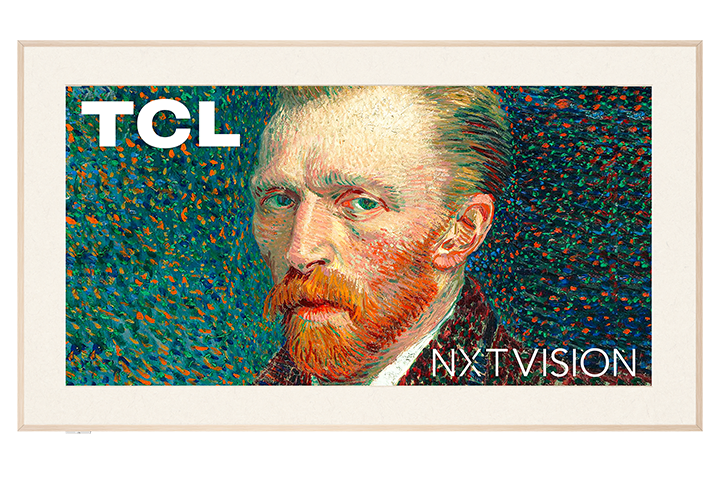
At first glance, it is clear that the TCL A300 NXTVision aims to be more than just an ordinary television. It offers an image display mode that – unlike its competitors from Korea, Samsung The Frame – is completely free. Additionally, just like its rivals, it comes with freebies. In the packaging, besides the television, we find extra frames mimicking light wood and a flat wall mount, allowing the television to actually resemble a gallery piece. In terms of everyday use, the standout feature is the Google TV system – extensive, quick, and offering access to a vast number of applications. And if we feel like stepping out of the digital museum and jumping straight into the world of gaming, the A300 can surprise us. Two HDMI 2.1 ports, 144 Hz, VRR, ALLM, and very low input lag ensure that even demanding gamers can feel at home here. Well... perhaps except for those who are sensitive to motion blur – as this remains one of the major issues with this model. There are also downsides. Although the image mode is free – and that is worth appreciating – the quality of the available graphics is clearly lacking compared to what Samsung offers in its paid ART Store. The displayed images resemble photos rather than realistic reproductions of artworks. Unfortunately, the A300 – like the rival Hisense S7NQ – performs poorly here and additionally has certain software issues. The brightness of the television itself also leaves much to be desired – it is the darkest television of the entire "frame trio," which translates to average experiences during the day and limited HDR effect. Nevertheless, the TCL A300 NXTVision is quite a reasonable alternative to Samsung The Frame or S7NQ – especially if we are looking for a cheaper solution without additional fees for access to the "gallery" mode and with an operating system that does not limit us in terms of the number of applications. However, it is essential to remember that this is a proposition with a significant amount of compromises. If we want to save a bit and do not expect top-notch picture quality, then the A300 could be a hit in the picture stakes. Otherwise, it is worth taking a look at its competition.
- Matching (Score) |
- Our verdict |
- TV appearance |
- Where to buy |
- Contrast and black detail |
- HDR effect quality |
- Factory color reproduction |
- Color reproduction after calibration |
- Smoothness of tonal transitions |
- Image scaling and smoothness of tonal transitions |
- Blur and motion smoothness |
- Console compatibility and gaming features |
- Input lag |
- Compatibility with PC |
- Viewing angles |
- Daytime performance |
- Panel details |
- TV features |
- Apps |
- Playing files from USB |
- Sound
A300W / A300W PRO / NXTVision

BRAVIA 2 II / S25M2
Panel type: LCD VA
Resolution: 3840x2160
System: Google TV
Model year: 2024
Complete the survey to find out the result
Panel type: LCD IPS
Resolution: 3840x2160
System: Google TV
Model year: 2026
Complete the survey to find out the result
Overall rating
6.6
5.8
 Movies and series in UHD quality
6.3
5.2
 Classic TV, YouTube
6.0
5.2
 Sports broadcasts (TV and apps)
5.9
5.5
 Gaming on console
8.2
6.2
 TV as a computer monitor
8.2
6.0
 Watching in bright light
4.7
4.8
 Utility functions
7.2
6.6
 Apps
9.6
9.6
 Sound quality
6.0
6.1
Complete the survey to find out what fits your preferences
Advantages

Frames styled like a picture in the set
Mount included
VA panel with decent contrast
Support for all popular HDR formats, including Dolby Vision and HDR10+
Great for gamers: VRR, G-Sync, ALLM, low input lag
High refresh rate - 144Hz
Free "picture mode"
Support for DTS:X and Dolby Atmos
GoogleTV operating system with the largest app base
Very good viewing angles (IPS panel)
Google TV with a vast selection of apps
Chromecast and AirPlay
Low input lag
Very good USB media player
Supports audio formats: Dolby (Atmos, TrueHD, Digital), DTS (X, HD)
Two remotes included
Disadvantages

Low brightness
Motion blur issues
No recording function on USB or PiP
Inferior image quality in "art mode" compared to Samsung The Frame
Colours and blacks fade significantly under sunlight
No VESA standard
Software bugs
Too high a price for what it offers!
Very poor blacks and low contrast (IPS panel)
Low brightness of around 320 nits
No support for dynamic HDR formats (Dolby Vision, HDR10+)
Only a 60 Hz panel
Very limited gaming capabilities
Our verdict
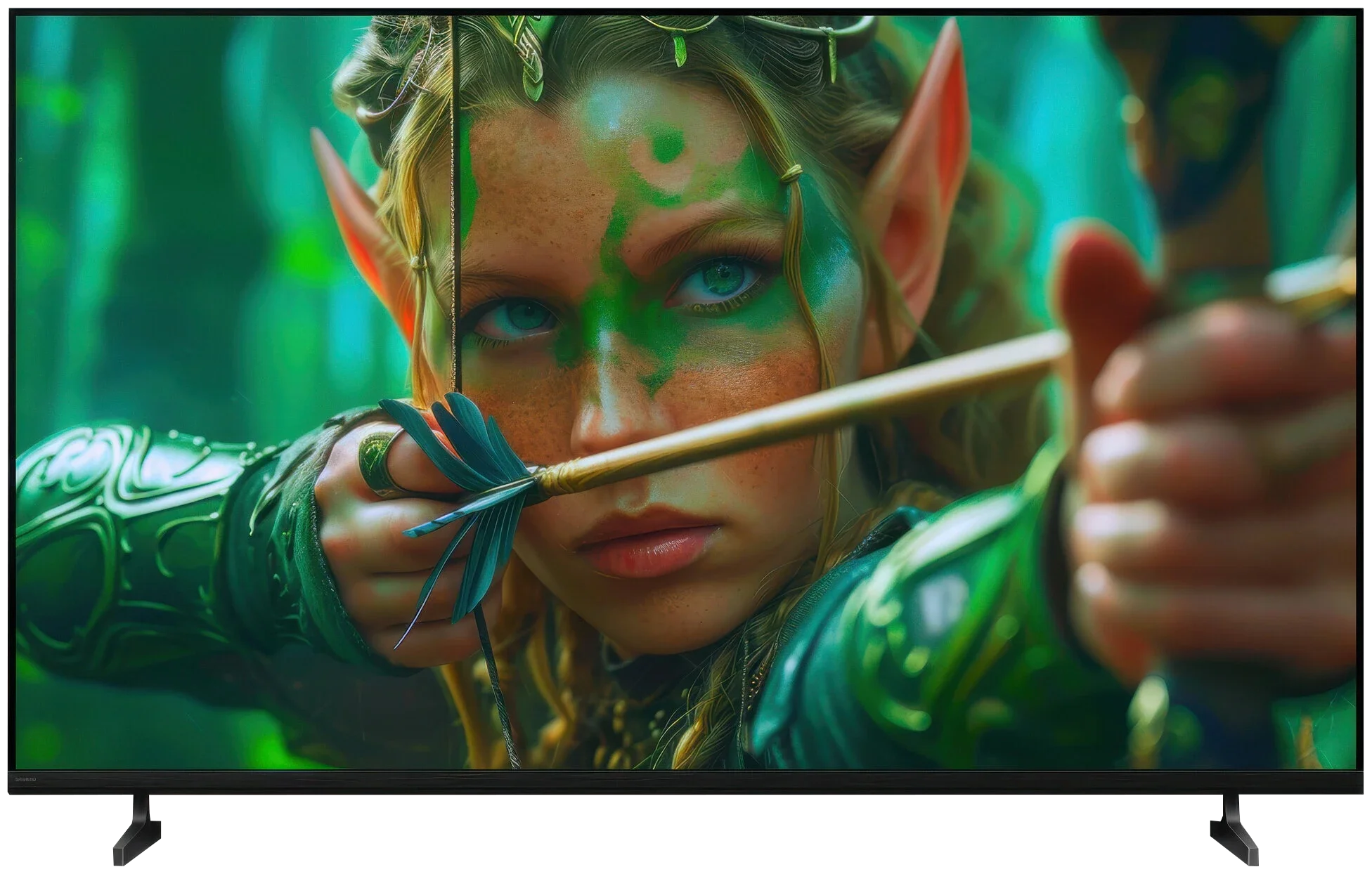
The Sony Bravia 2 II is a television that performs best in simple, everyday use. And we suspect many people will choose it mainly because of Google TV. The system provides access to a huge number of apps and streaming services, and it also includes Chromecast, AirPlay and convenient voice search. The set itself may not run as quickly as more expensive Sony models, but in terms of features there is little to complain about. Importantly, for ordinary viewing the picture quality is quite decent. The Bravia 2 II handles SDR material particularly well, meaning regular TV, YouTube and much of older films and series. The factory Cinema mode is already fairly well tuned, colours look natural and, without much fiddling with the settings, you can simply start watching. And in our view this is where the Bravia 2 II shows its best side, as a simple Smart TV for everyday use rather than a television that aims to impress with the panel's capabilities.
However, you should remember that the word "Bravia" on the casing does not automatically mean excellent picture quality. The Bravia 2 II uses an IPS panel with very low contrast, and that is its biggest problem. During the day this is not such a big issue, but switch the lights off in the evening and the blacks start to look more like dark grey. Of course, in return you get good viewing angles, so if the TV sits in a large living room and is watched by several people from different positions, IPS has its advantage. But that comes at the cost of weak blacks. This is also not a television made with HDR impact or more demanding gamers in mind. About 300 nits of brightness and a narrow colour gamut mean HDR material does not show much more than what we see in SDR. The 60 Hz panel and the lack of broader gaming features also clearly show that gaming is not a priority for this model.
And it wouldn't really be a big problem, because we expected exactly that from an entry-level Sony model. However, the biggest issue for the Bravia 2 II is its price. For similar money you can easily find competing TVs, especially from Korean and Chinese brands, that already offer much more, from 120 Hz panels to Mini-LED backlighting with local dimming. So the Bravia 2 II is not a bad television in itself. It's simply too expensive for what it offers. If its price were noticeably lower, as a simple TV for everyday viewing it would make much more sense.
TV appearance


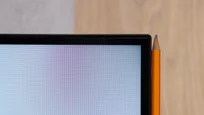
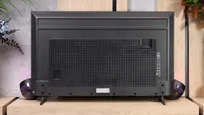

Contrast and black detail
5.5/10
2.7/10
Local dimming function: No
Local dimming function: No
Contrast:


Result
5,000:1

Result
5,450:1

Result
3,800:1

Result
4,000:1

Result
3,950:1
Result
1,150:1
Result
1,200:1
Result
1,450:1
Result
1,400:1
Result
1,100:1
Halo effect and black detail visibility:
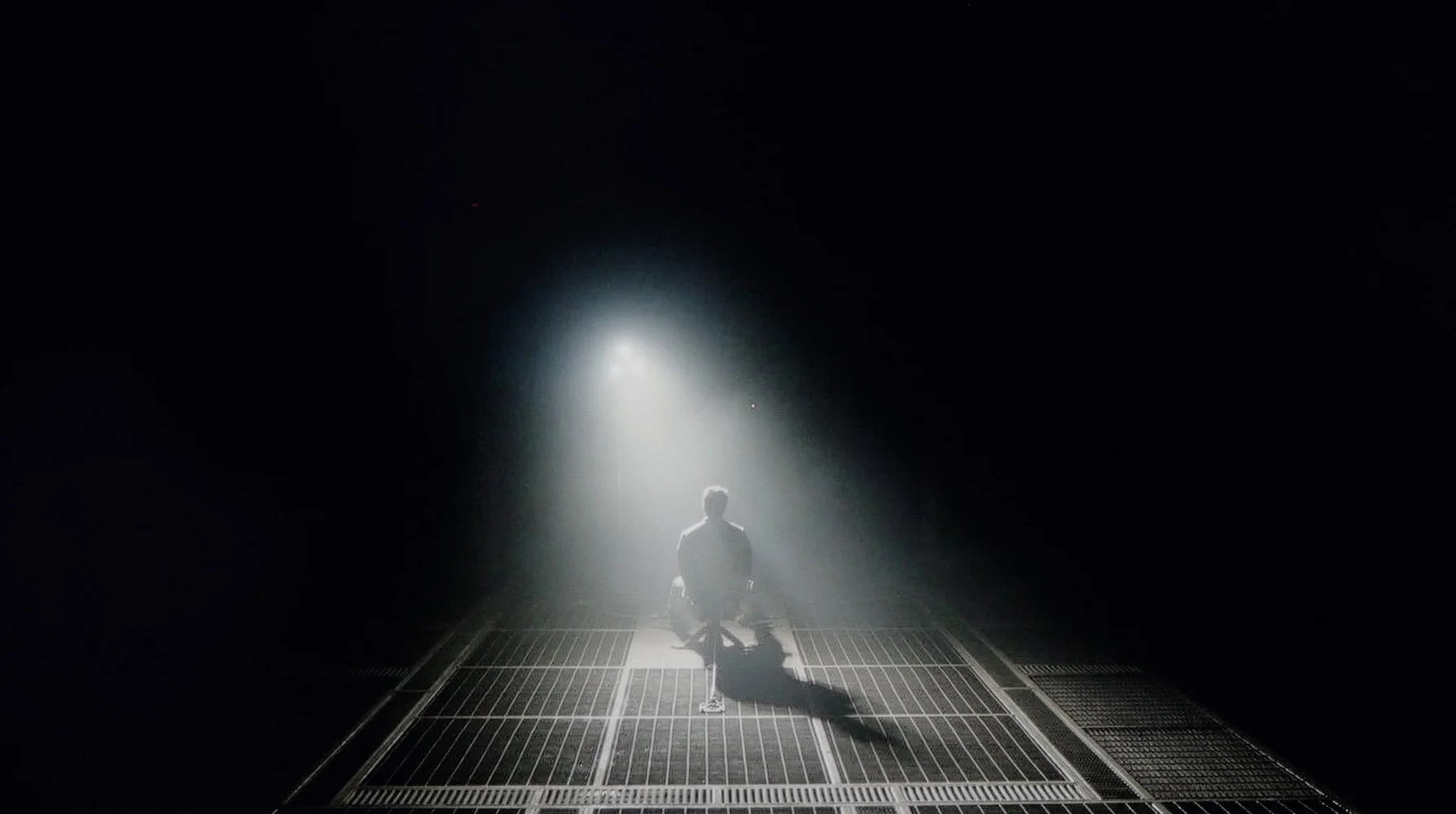
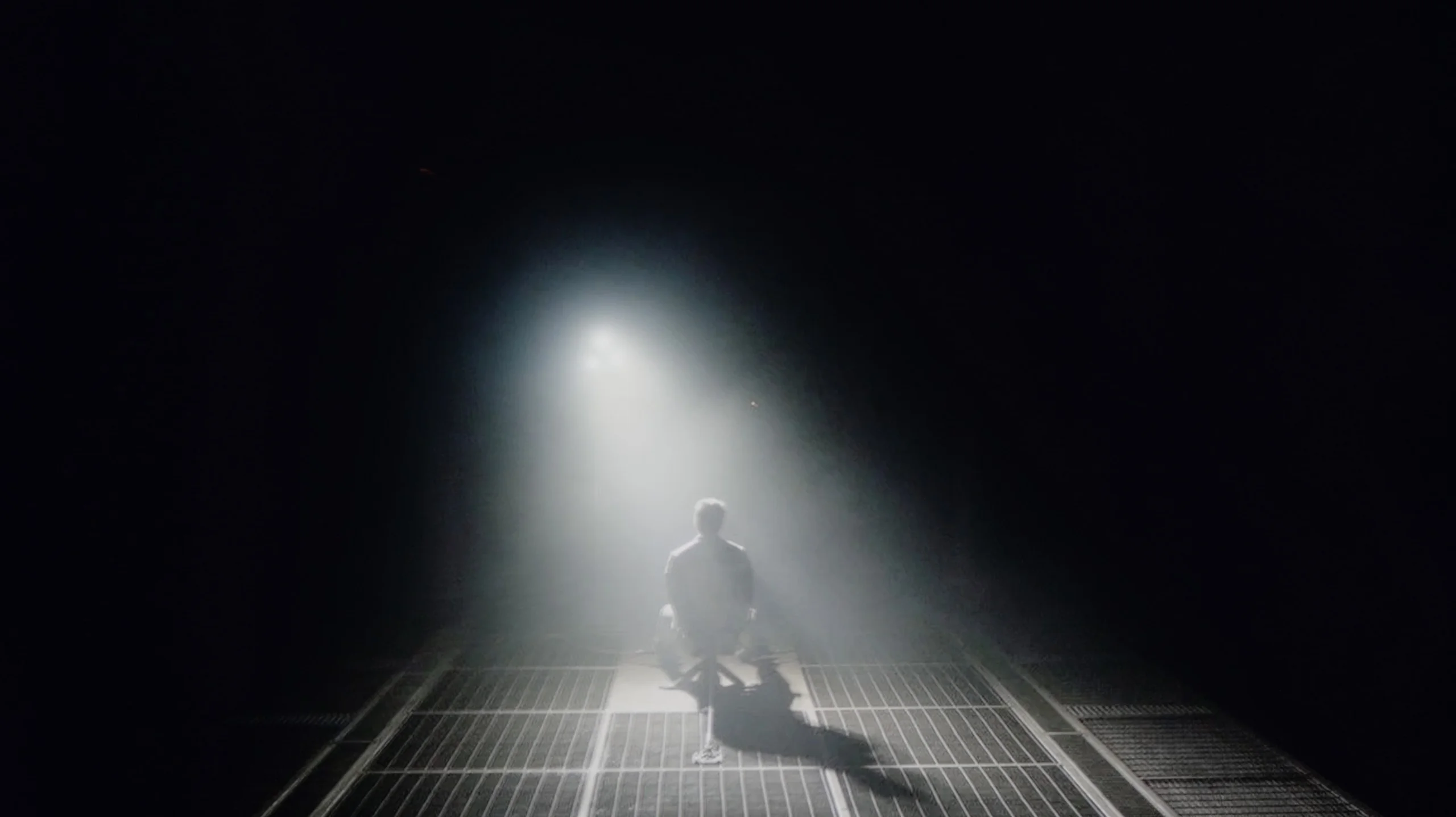
Check the visibility of bright lights on a dark background. Mini-LEDs often struggle with this. The photo does not compare black levels – that’s what the video below is for.
The video accurately shows differences in contrast and black levels between TVs, as well as potential issues: halo around bright objects or Mini-LED zone operation visible as brightness jumps.
The TCL A300, also known as NXTVision, uses a VA panel, so right from the start, one could expect decent contrast. On our test charts, the television indeed showed typical results for this type of panel – in the best case, the contrast reached around 5000:1, which is not a bad result for this segment.
However, it should be noted that the model is not equipped with any local dimming technology, which unfortunately is noticeable in practice. The black levels, though quite deep at times, often lean towards navy blue or grey – especially in darker scenes. In short: for a television without local dimming, it's not bad, but it cannot be compared to models that already have this feature on board.
When it comes to black levels, the Bravia 2 II unfortunately doesn't have much to offer. Sony has used an IPS panel here, a solution that delivers one of the lowest native contrast ratios among all LCD panels. In our measurements we recorded values of around 1100–1450:1, and unfortunately this becomes very noticeable when watching. Additionally, the TV has no local dimming system, so it cannot dim only those parts of the screen that really should remain dark. In practice this means that once the lights are turned off, blacks very quickly start to shift towards grey and dark blue. In scenes such as Oblivion or Sicario 2, instead of a deep backdrop we get a noticeably brightened image, which greatly undermines the atmosphere of evening viewings. Of course, the IPS panel also has the advantage of better viewing angles, but in this respect it's hard to see that as any real compensation. If you're looking for a television primarily for watching films in the evening, the Bravia 2 II simply isn't a model we could recommend.
HDR effect quality
5/10
4/10
Luminance measurements in HDR:

Result
357 nit

Result
348 nit

Result
338 nit

Result
350 nit

Result
389 nit
Result
294 nit
Result
307 nit
Result
329 nit
Result
330 nit
Result
325 nit
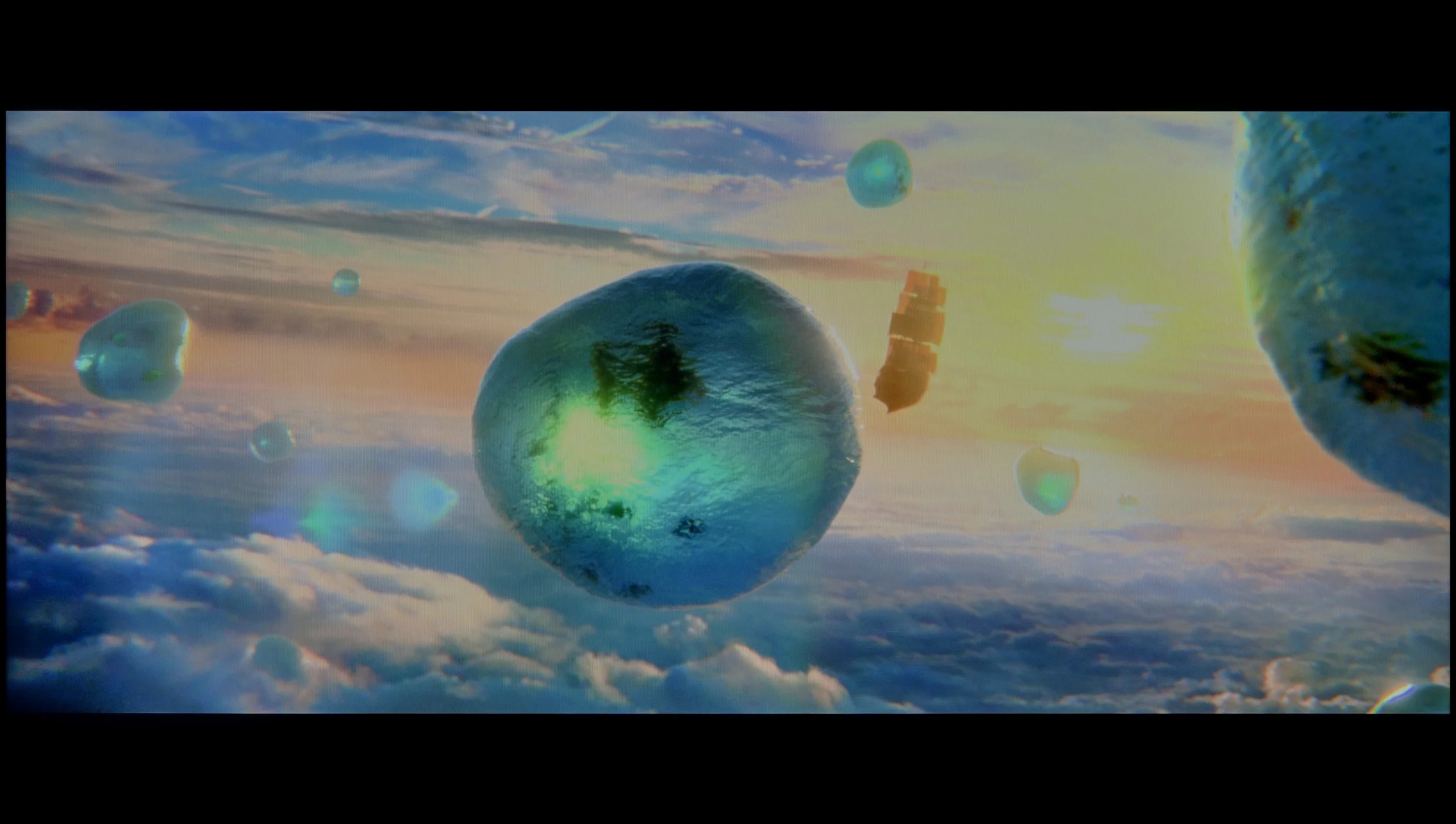
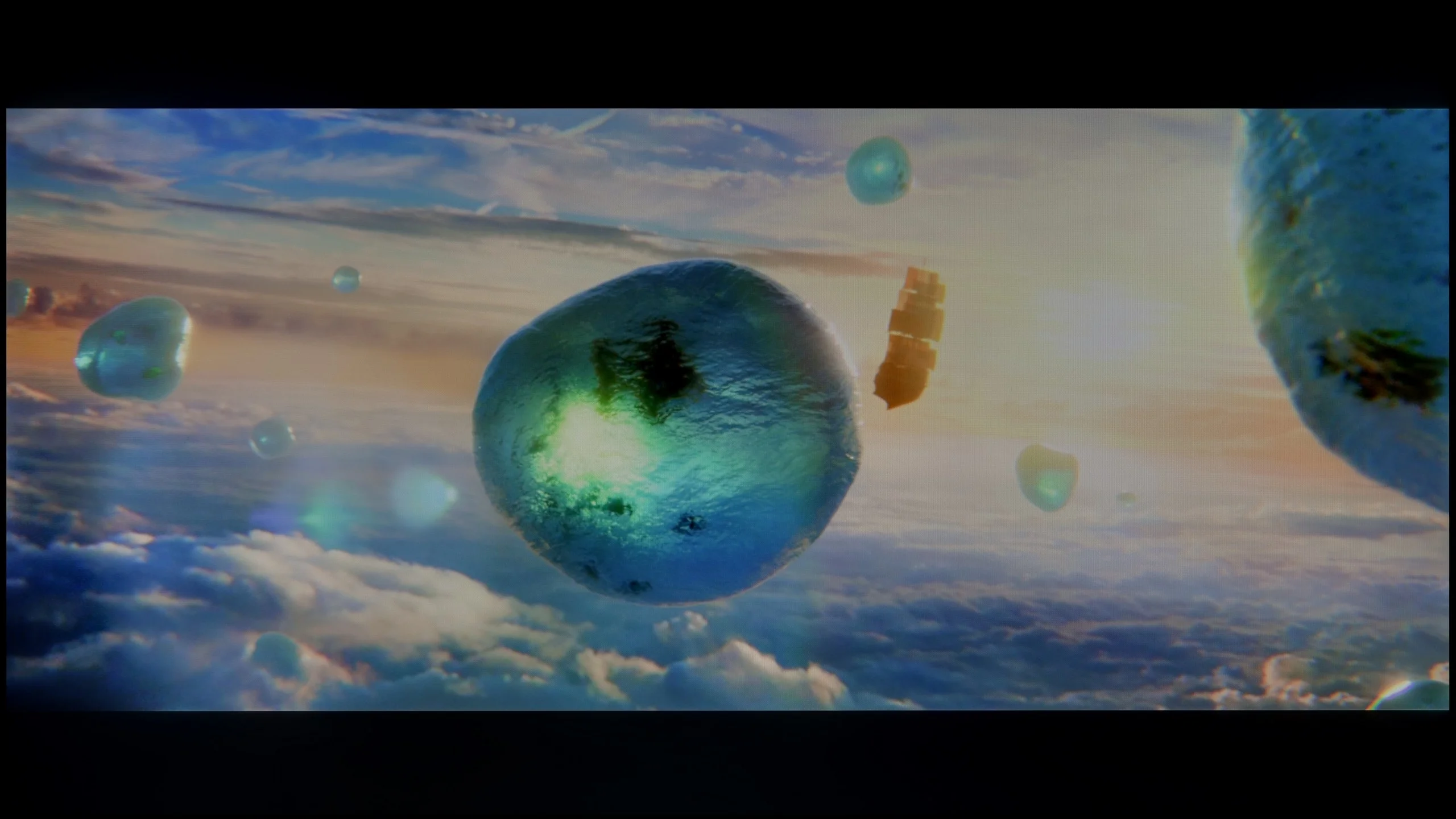
Scene from the movie “Pan” (about 2800 nits)
Scene from the movie “Billy Lynn” (about 1100 nits)
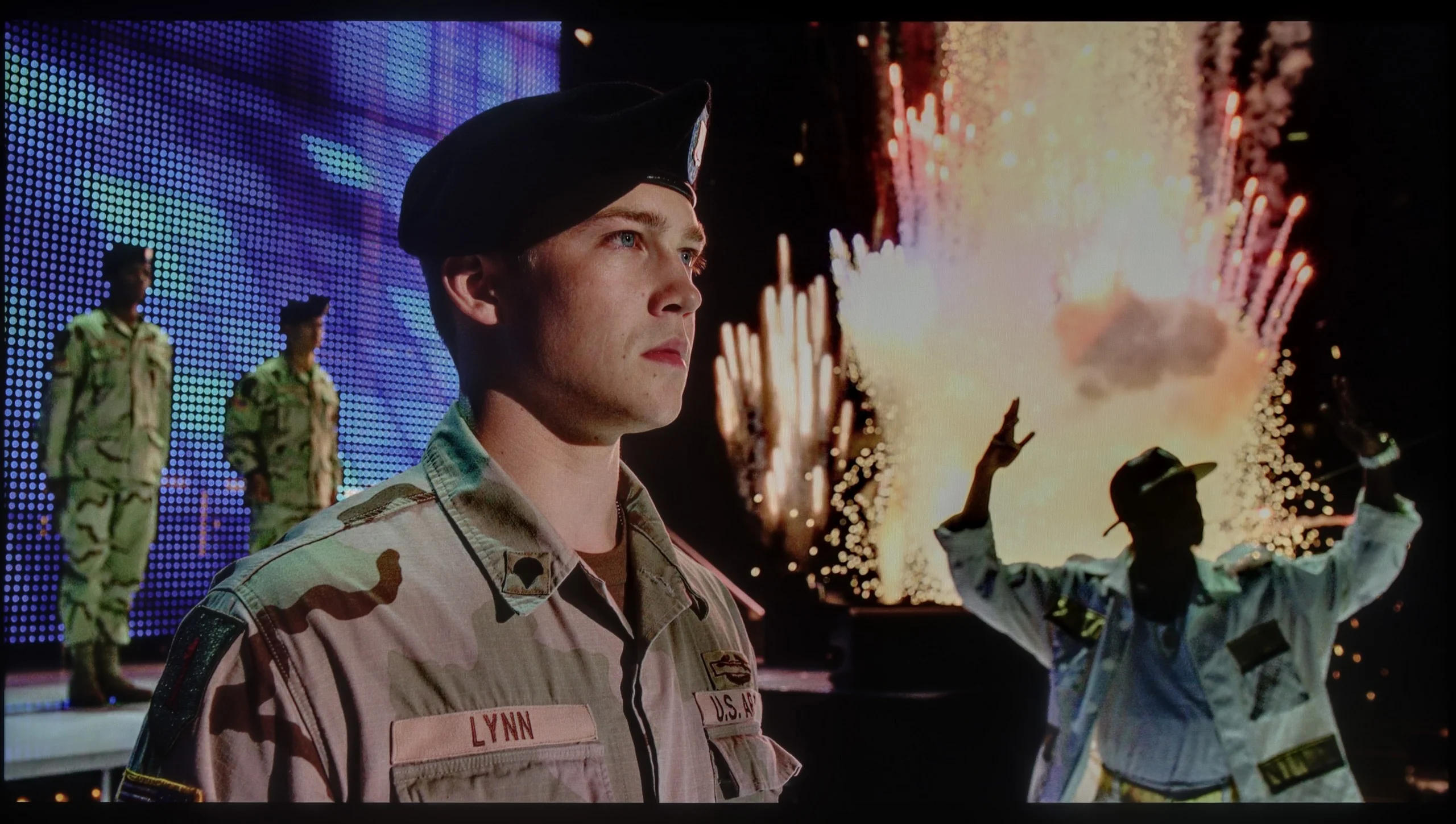
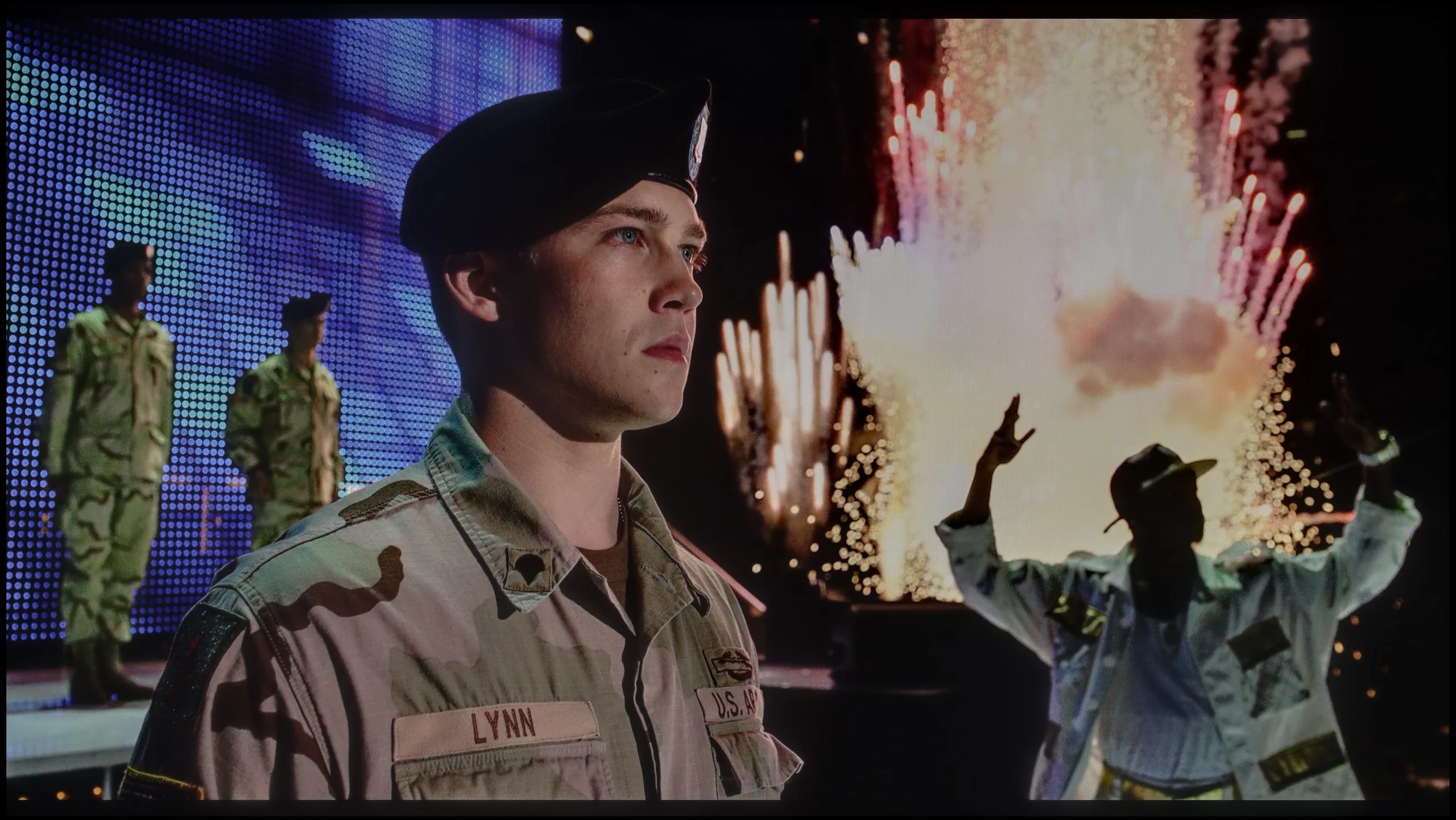
The photos show two HDR10 movies. 'Pan' is one of the brightest productions ever made, while 'Billy Lynn' (soldier) has brightness typical of streaming (Netflix, Prime, HBO MAX). Notice the intensity of effects and detail in whites.
Static HDR10


The photos present the visibility of white details in various HDR formats. They do not show brightness differences between TVs (these can be compared in the previous gallery).
HDR luminance chart:
Sony BRAVIA 2 II (S25M2)
TCL A300W NXTVision
When it comes to brightness, the TCL A300W is definitely the darkest television among all frame-style models, such as Samsung The Frame or Hisense CanvasTV – and unfortunately, this is immediately noticeable. In our measurements, the peak luminance reached a mere 400 nits, and on test film patterns, this value dropped to 350 nits. This is definitely too little to experience the true “magic” of bright HDR effects. As a consolation – the television is equipped with a PFS LED coating (which is something like QLED), providing very good coverage of a wide colour gamut, both DCI-P3 and BT.2020. In addition, it has full support for all popular HDR formats – HDR10, HDR10+, HLG, and Dolby Vision – which somewhat compensates for the lack of brightness and helps improve the overall perception of content in this quality.
The Sony Bravia 2 II is not a very bright TV and unfortunately that is immediately apparent in HDR. In our measurements brightness stayed around 300 to 330 nits, which is clearly too low for the brightest parts of the image to look truly impressive. In practice, HDR here does not differ that much from standard SDR. Bright highlights, the sun or lamps are of course visible, but they lack the intensity you would expect from HDR material. The Bravia 2 II therefore performs much better with standard SDR content, and in that use its limited brightness will be least noticeable.
Colour gamut coverage
The Sony Bravia 2 II is also not impressive in terms of colour. The TV does not use any additional gamut‑expanding filter, such as the quantum dots found in QLED TVs or a PFS phosphor layer. In our measurements coverage of the DCI‑P3 gamut was about 78%, and the very wide BT.2020 roughly 57%. That's definitely too little to talk about truly saturated colours in HDR material. More intense reds, greens or turquoises will simply be less striking than on TVs with an expanded colour gamut. The Bravia 2 II therefore performs much better in the Rec.709 standard, the gamut used for films, series and television in SDR.
Factory color reproduction
5.9/10
5.3/10

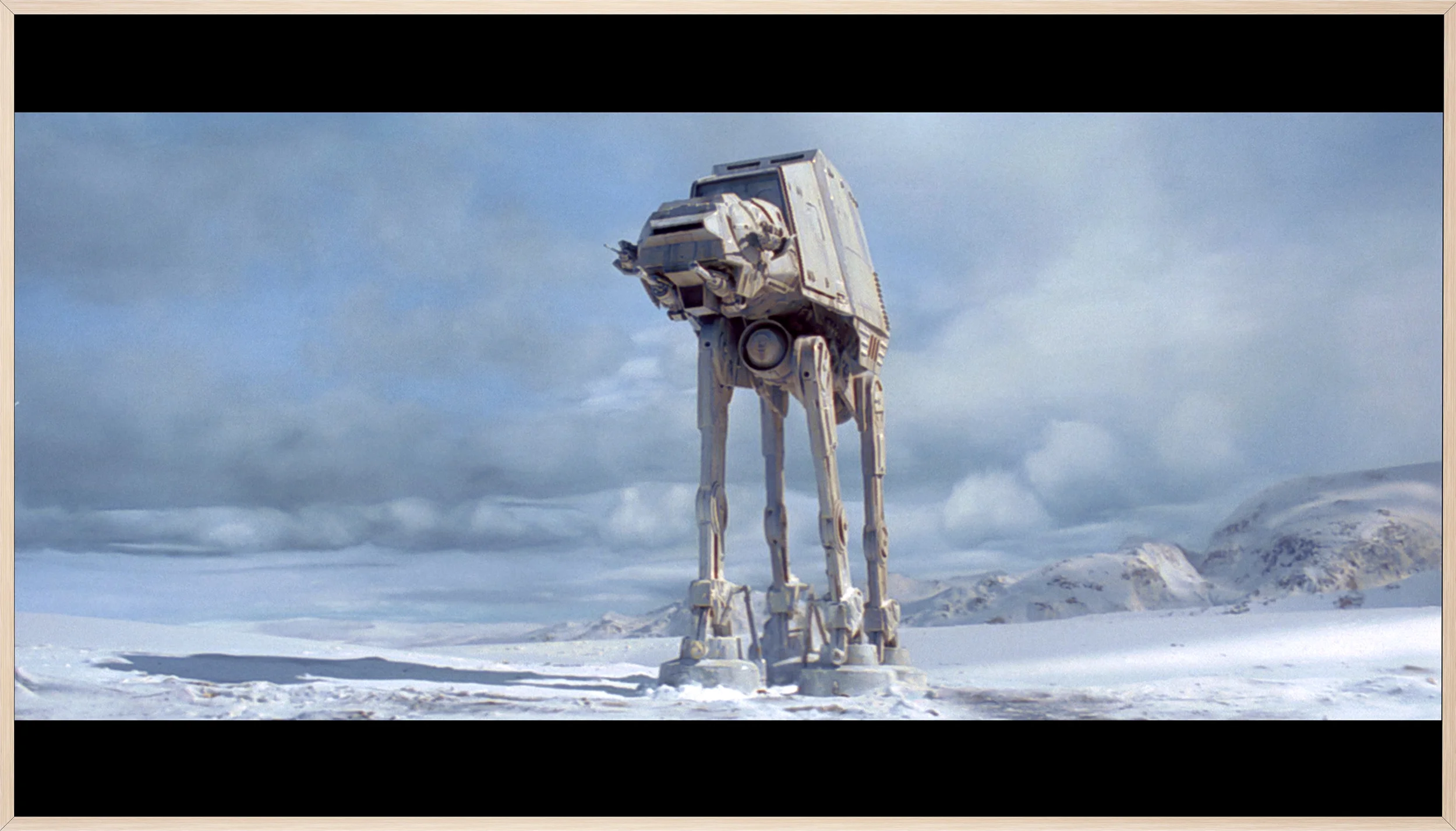
This gallery shows how colors change after professional TV calibration. If you notice the difference, we recommend ordering this service at SkalibrujTV.com.
Factory Mode
After calibration
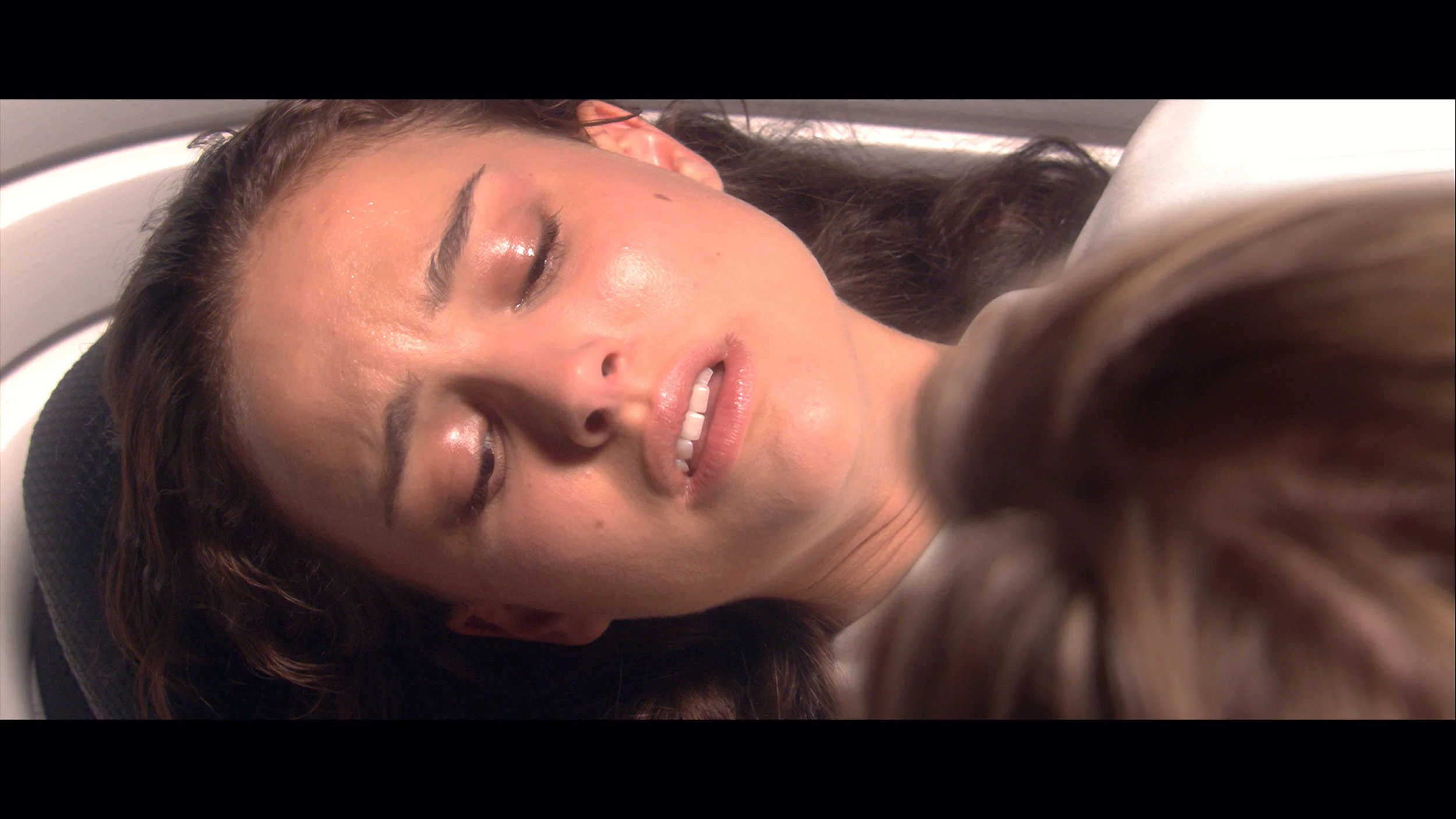
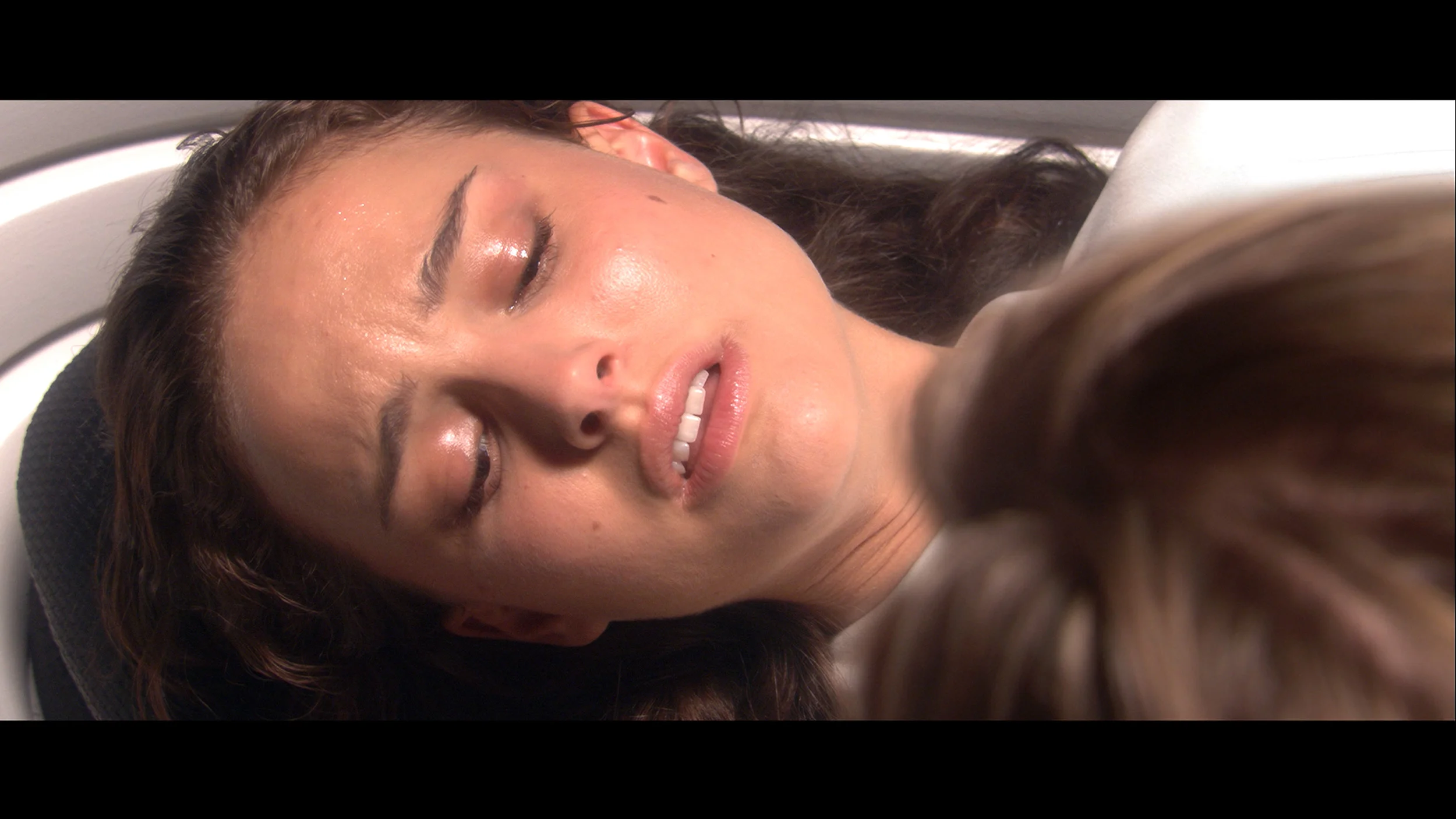
This gallery shows how colors change after professional TV calibration. If you notice the difference, we recommend ordering this service at SkalibrujTV.com.
Factory Mode
After calibration
TCL A300 offers several picture modes, but without a doubt, the best is the movie mode. Unfortunately, although it is the best option available, it is not free from errors. In both HD and HDR content, the image has a noticeably too warm hue - it leans slightly towards pink, which is particularly noticeable in scenes with snow. Instead of pure white, we get a pinkish tint that spoils the natural perception of colours.
The management of brightness is also not very good. In the case of older HD material, the image often seems too dark - which is confirmed by the inflated gamma value. Conversely, with HDR content, the effect is the opposite - the image is overly bright, which we observed in scenes from the film Pan. Such a lack of consistency also affects the accuracy of colour reproduction - a test with the ColorChecker showed that many samples clearly deviate from the reference values.
Fortunately, TCL allows for manual adjustment of settings, so we decided to check how the television would perform after our professional calibration. The effects of this adjustment are described below.
The out-of-the-box colour reproduction in Cinema mode was actually quite good, at least for ordinary SDR material. The Bravia 2 II had a slight tendency to boost reds, so some colours shifted to slightly warmer, at times faintly pinkish, tones. However, this wasn’t a major fault and during normal viewing the picture still looked fairly natural. There was a bit more happening with image brightness. Looking at the gamma curve, you can see Sony doesn’t stick perfectly to the reference value. The darkest areas are slightly lifted, while as brightness increases the gamma gradually rises and a larger part of the picture becomes darker than it should. That said, it’s not such a large difference as to be very distracting in everyday viewing. Overall, SDR straight out of the box performs quite respectably.
The situation is considerably worse in HDR. We’ve already mentioned the limited colour gamut, but in addition the Bravia 2 II noticeably manipulates image brightness here. The EOTF curve sits below the reference value for a large part of its range, which means the TV renders most mid and brighter parts of a scene darker than the source material intends. Only towards the very end of the range does the curve flatten out, as the panel reaches the limits of its capabilities. Combined with a peak brightness of around 300 nits, this results in HDR that not only lacks much brightness, but can also simply look too dark.
Color reproduction after calibration
8/10
7/10
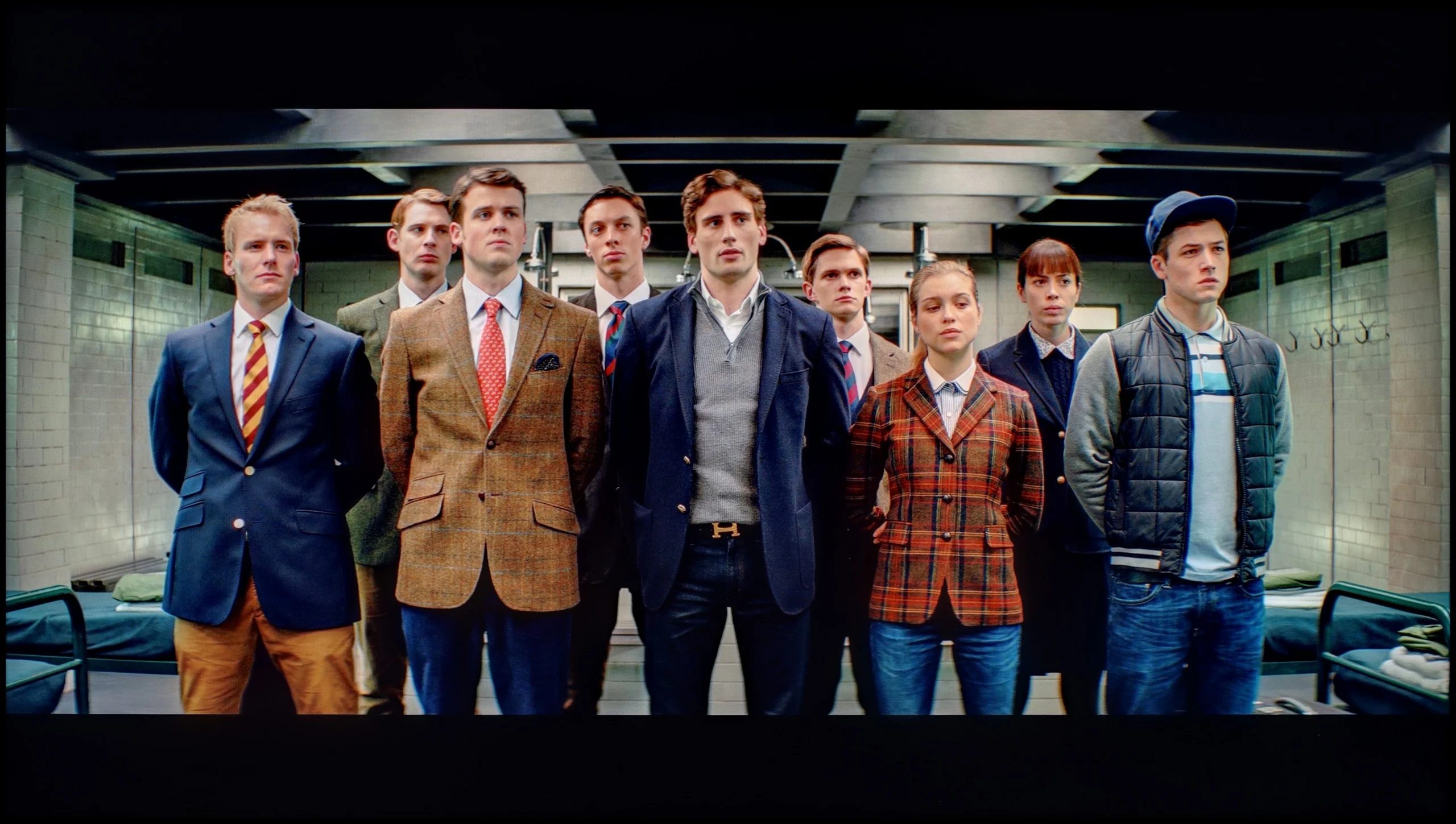
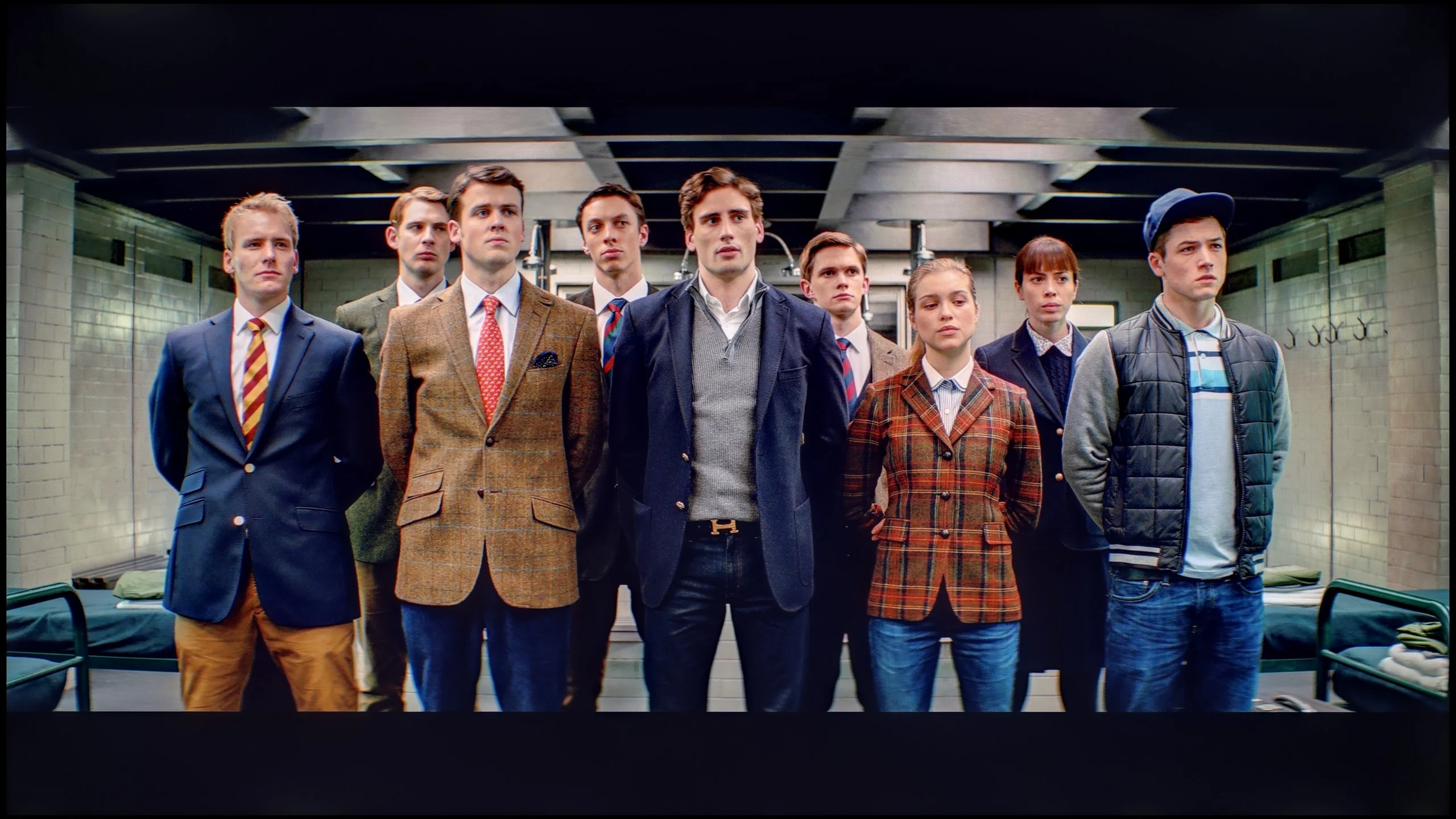
The photos show how movies look on the TV. Pay attention to black detail visibility, colors, and shadow tint.


The photos show how movies look on the TV. Pay attention to black detail visibility, colors, and shadow tint.
After our professional calibration, the TCL A300 has literally received a new lease of life. The image has stopped being too warm, and the colours finally look as they should – which was confirmed by the ColorChecker test, where the colour samples finally started to hit their marks, at least to some reasonable extent. It was also possible to partially correct the brightness management – the image is now more balanced and less "wobbly" between different types of content. Of course, certain limitations cannot be overcome – a slightly noticeable blooming effect is still present, but that is a characteristic of the technology and not something that can be eliminated even after professional settings.
Generally speaking: after calibration, the A300 performs significantly better and gains a completely new quality.
Calibration did a lot for the Bravia 2 II, particularly with SDR content. Above all, we managed to even out the white balance and tidy up the gamma, which now follows the reference value much more closely. As a result, the image no longer has the previous pink cast, and the brightness across different areas is much better organised. You can also see this in the colour errors, which after calibration fell to a very low level (with slight issues in the most saturated reds). We also partially managed to rein in the Bravia 2 II in HDR, especially in the way the television handles image brightness. However, there is one thing no calibration can fix: the capabilities of the panel itself. A narrow colour gamut means the television is physically unable to reproduce the most saturated colours present in HDR material. On top of that, the low contrast of the IPS panel means darker scenes are veiled by a grey haze, which robs colours of some of their depth. So we can improve how the Bravia 2 II makes use of its capabilities, but unfortunately we cannot overcome the panel's inherent limitations.
Smoothness of tonal transitions
8.6/10
8/10
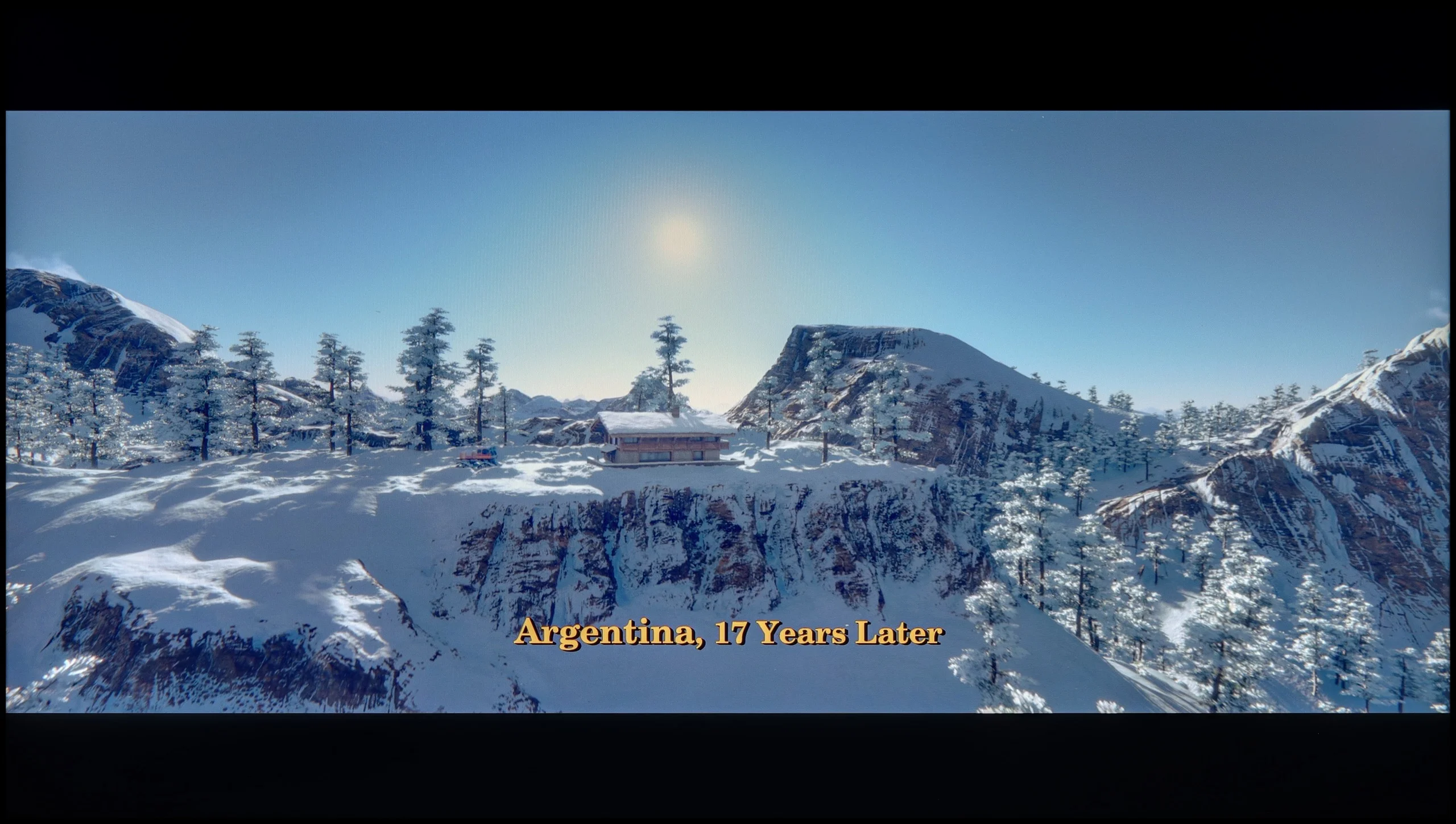

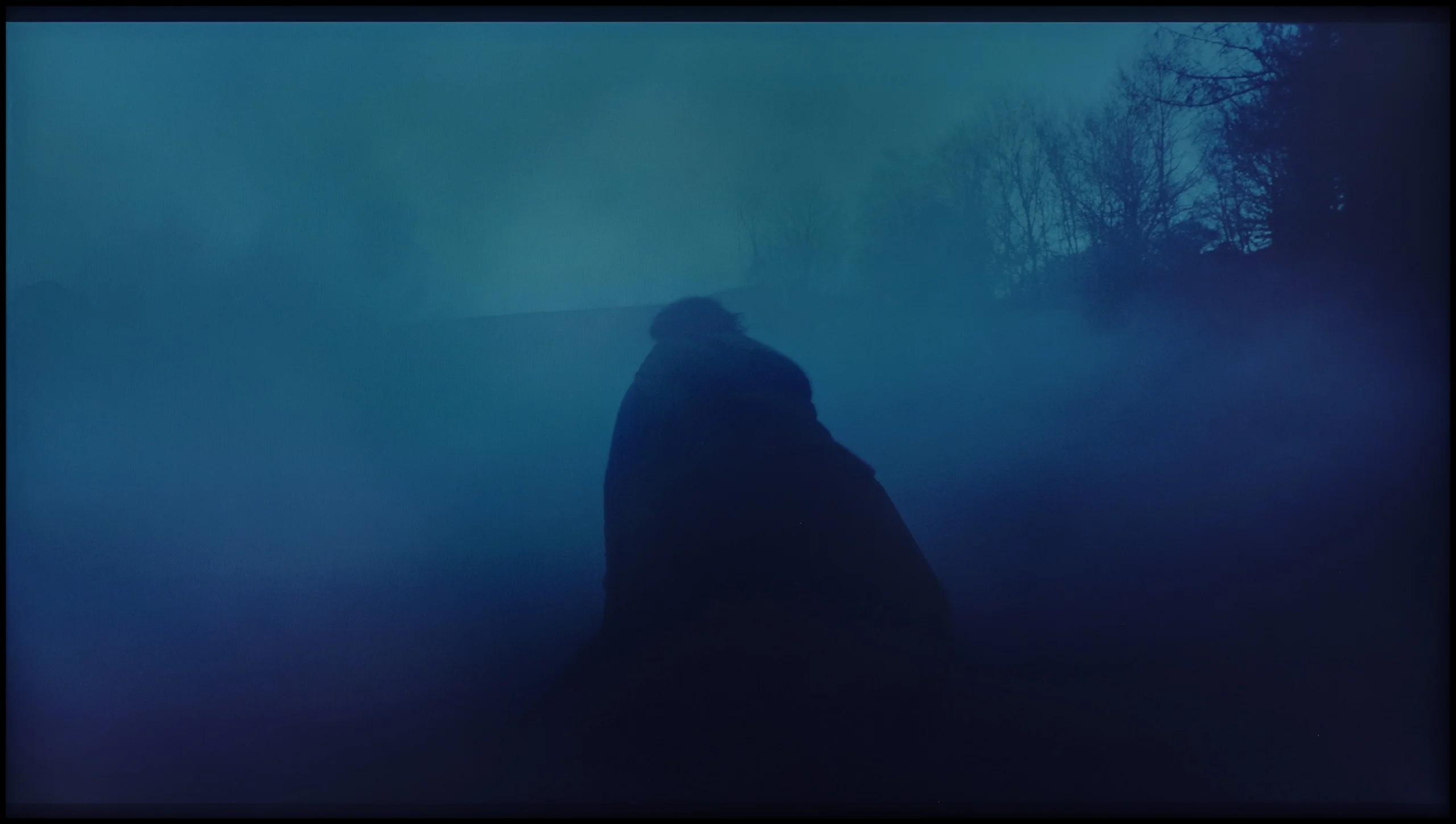
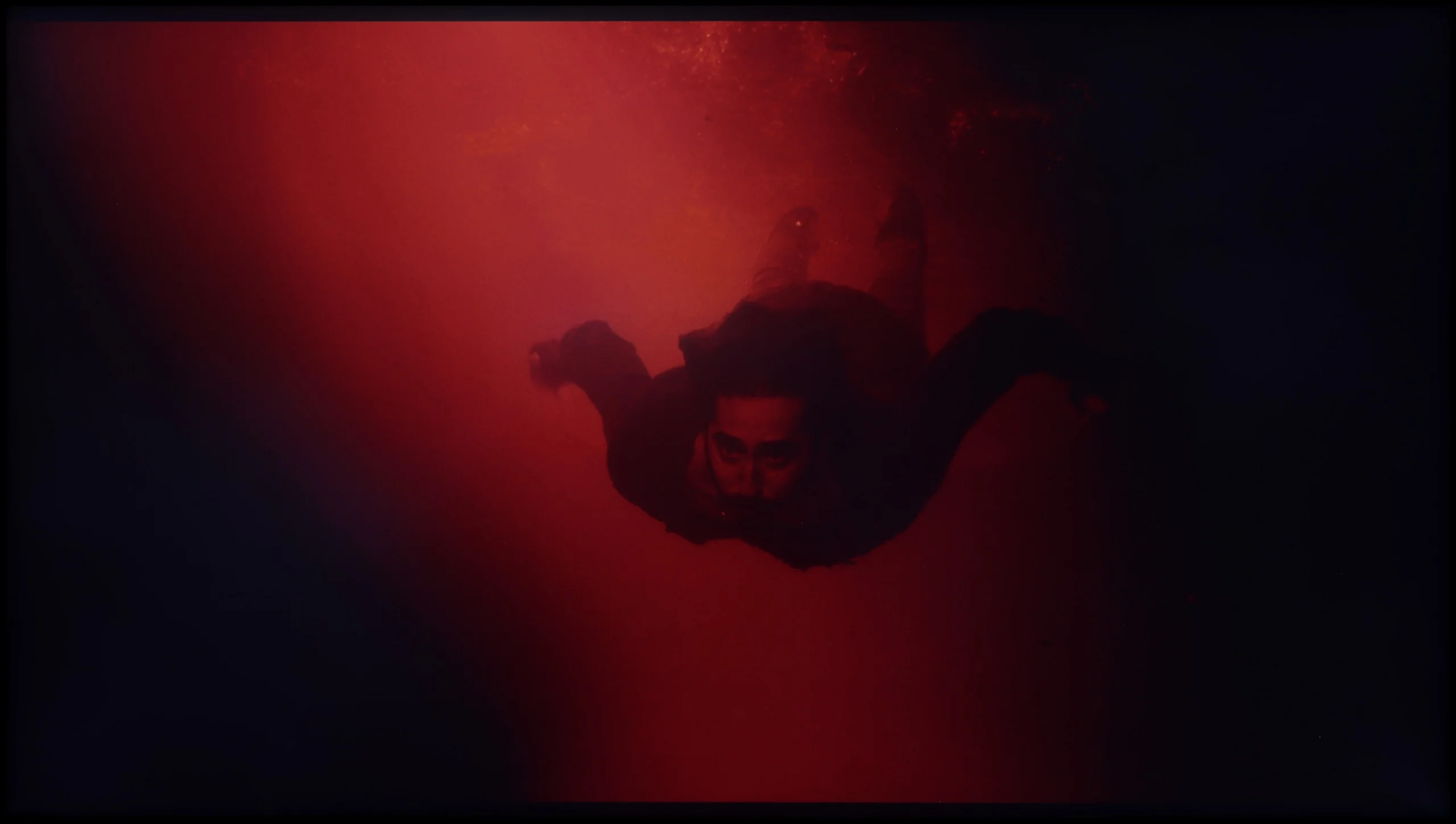
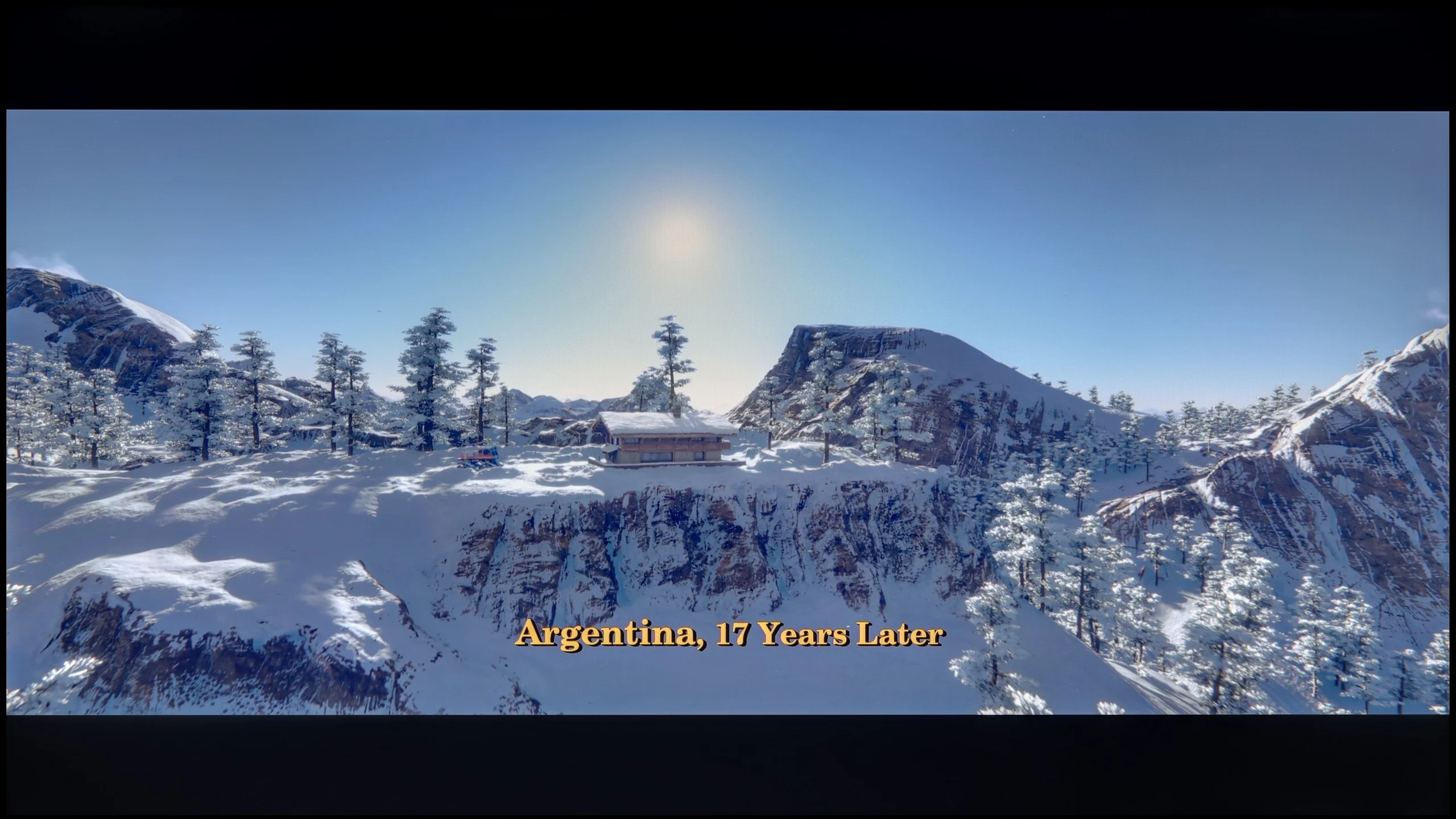
These are selected scenes that show smooth tonal transitions from one color to another. If you see distinct banding, it’s the TV panel’s fault.

These are selected scenes that show smooth tonal transitions from one color to another. If you see distinct banding, it’s the TV panel’s fault.
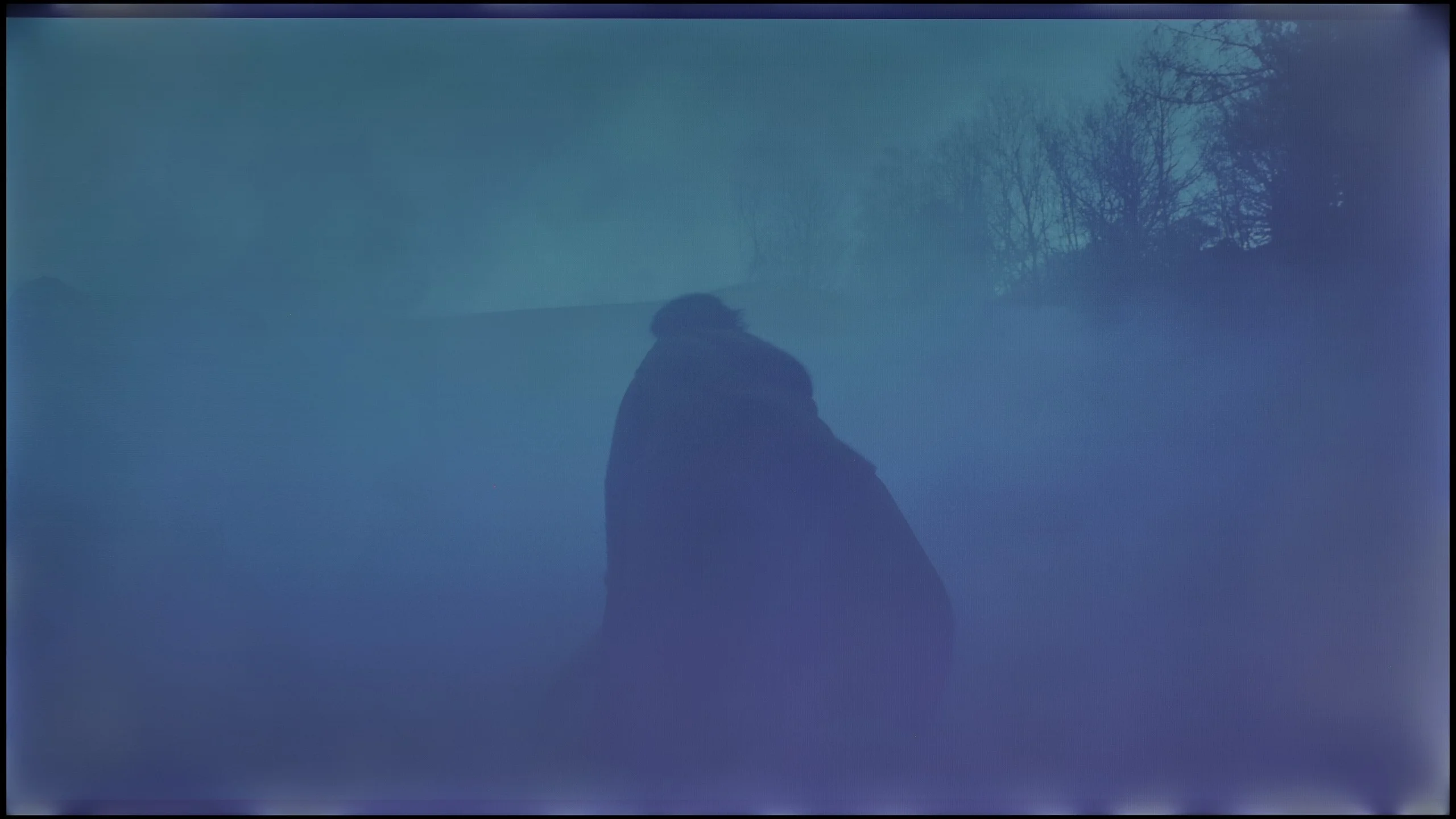
These are selected scenes that show smooth tonal transitions from one color to another. If you see distinct banding, it’s the TV panel’s fault.
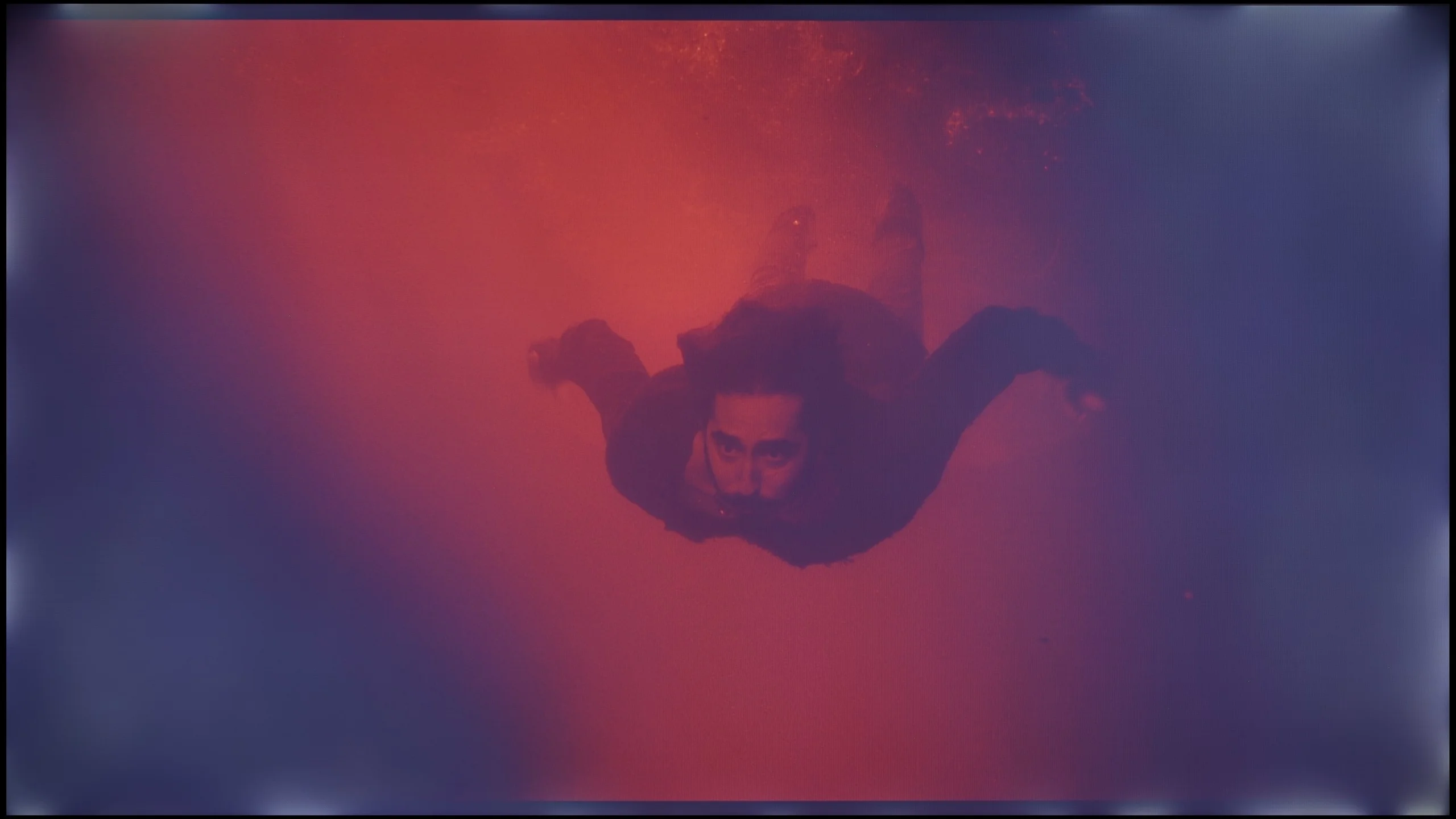
These are selected scenes that show smooth tonal transitions from one color to another. If you see distinct banding, it’s the TV panel’s fault.
TCL A300 NXTVision is another frame-style television that handles transitions of tones really well. It's hard to find distinct bands or sharp transitions between shades of the same colour – the overall appearance is natural and smooth.
However, it must be admitted that among the three tested models (The Frame and S7NQ), TCL performs the worst in this category. In darker and lighter scenes, slight imperfections can be noticed. Nonetheless, looking at it as a whole, for a television in this price range – it presents itself really solidly. It may not be the best of the bunch, but it maintains a very good level.
The smoothness of tonal transitions on the Bravia 2 II is quite good, although it depends a lot on the scene. In bright parts of the image the gradation is smooth and it’s hard to spot any major issues. It gets worse in very dark shots. In scenes with many dark shades distinct banding between successive tones was already visible. So it’s not perfect, but for most everyday content the problem shouldn’t be particularly noticeable.
Image scaling and smoothness of tonal transitions
5.5/10
6/10

Smooth transition function
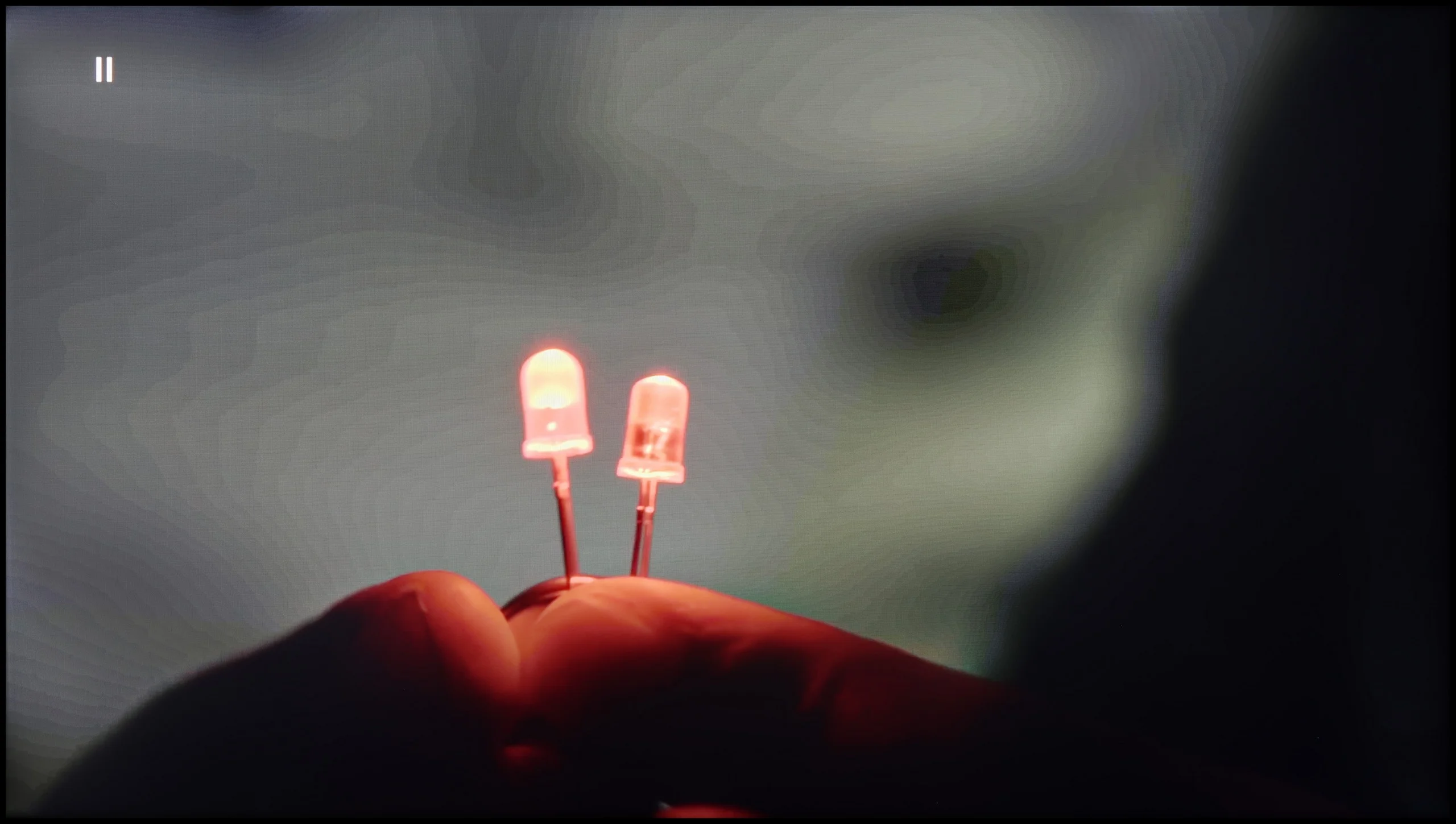
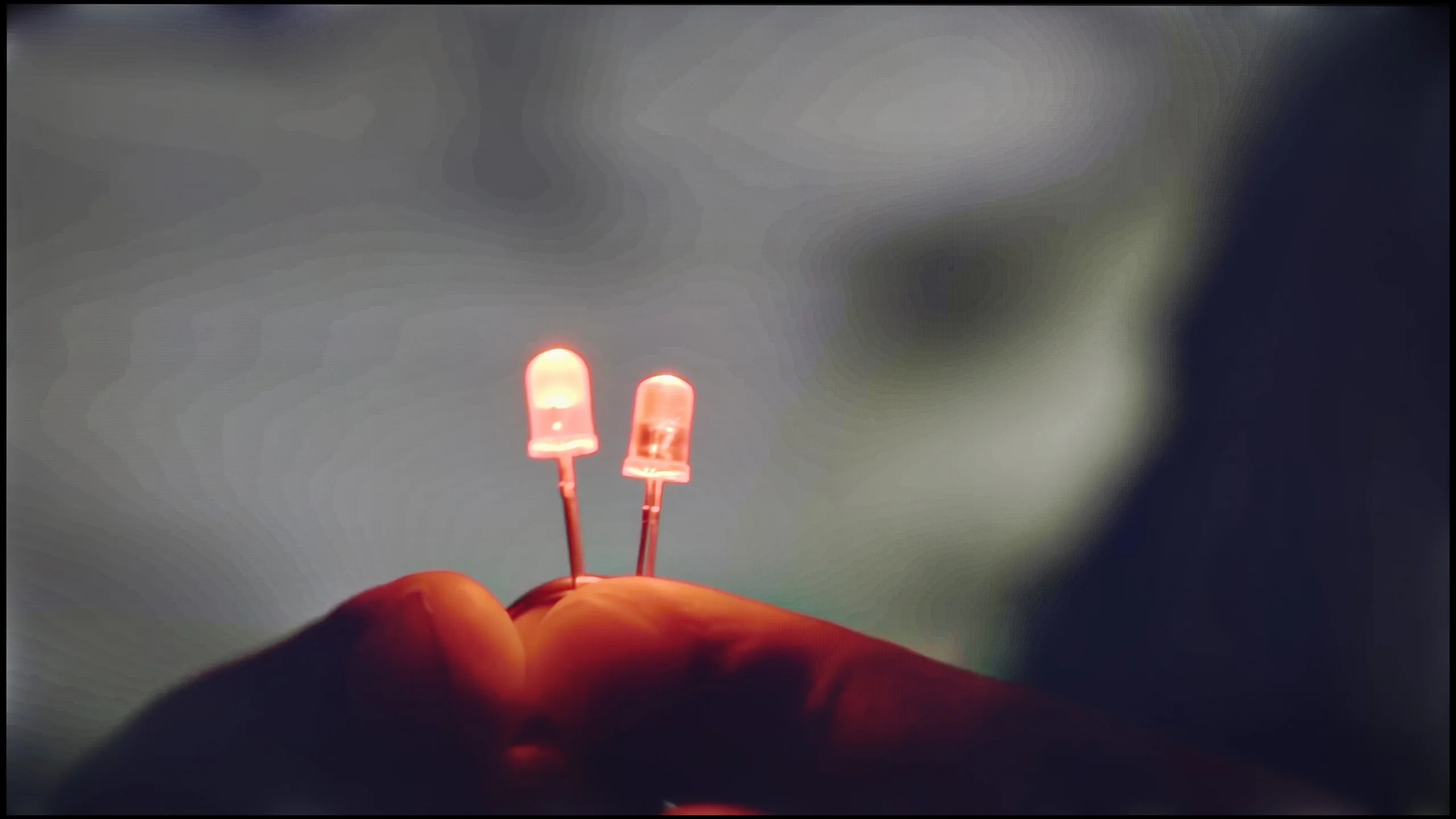
The match photo shows how the TV smooths weak tonal transitions in low-quality video.
Image scaling SD (576i)


The model photo shows how it handles upscaling of SD material.
TCL A300 handles tonal transitions in high-quality films very well, but the question arises – how does it perform with weaker material? The television is equipped with a tonal transition smoothing function, but its effectiveness can be described in one word: "random." In one scene it could work and improve the gradation, but when turned off… the effect remains the same. There is a lack of consistency and predictability.
Image scaling is also not one of A300's strong points. On the test chart, the main character actually looked better than on the raw signal, but with thin lines – such as fonts or background details – there was noticeable jaggedness and aliasing. On the positive side, the television does not crop the image and has no problems with overscan, but the overall quality of scaling is rather average.
The upscaling on the Bravii 2 II is quite good and, in that respect, the TV matches the standard Sony has set. Lower-resolution content is sensibly upscaled to 4K, and the image is slightly smoothed in the process without excessive edge sharpening. The situation is worse when it comes to improving footage with visible compression artefacts. This is handled by the "Digital Noise Reduction" function, which at the "High" setting can indeed smooth out some unpleasant tonal banding. The problem is that it does this rather aggressively and, along with the imperfections, it also removes a lot of fine detail, including natural film grain. What is more, when there is more motion on screen its effectiveness drops sharply and any improvement is then minimal. For everyday use we therefore tended not to use this function.
Blur and motion smoothness
6.4/10
5/10

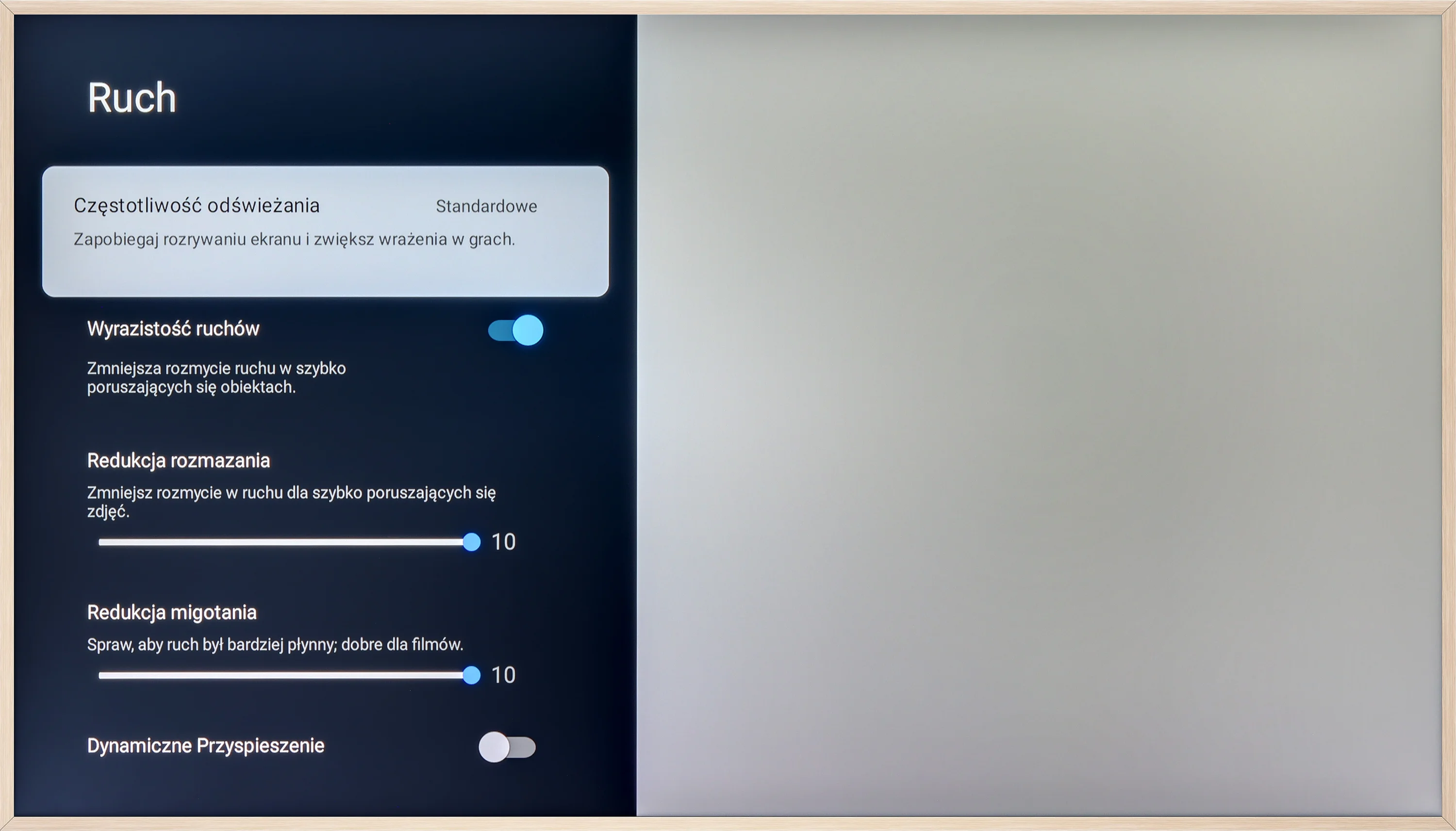
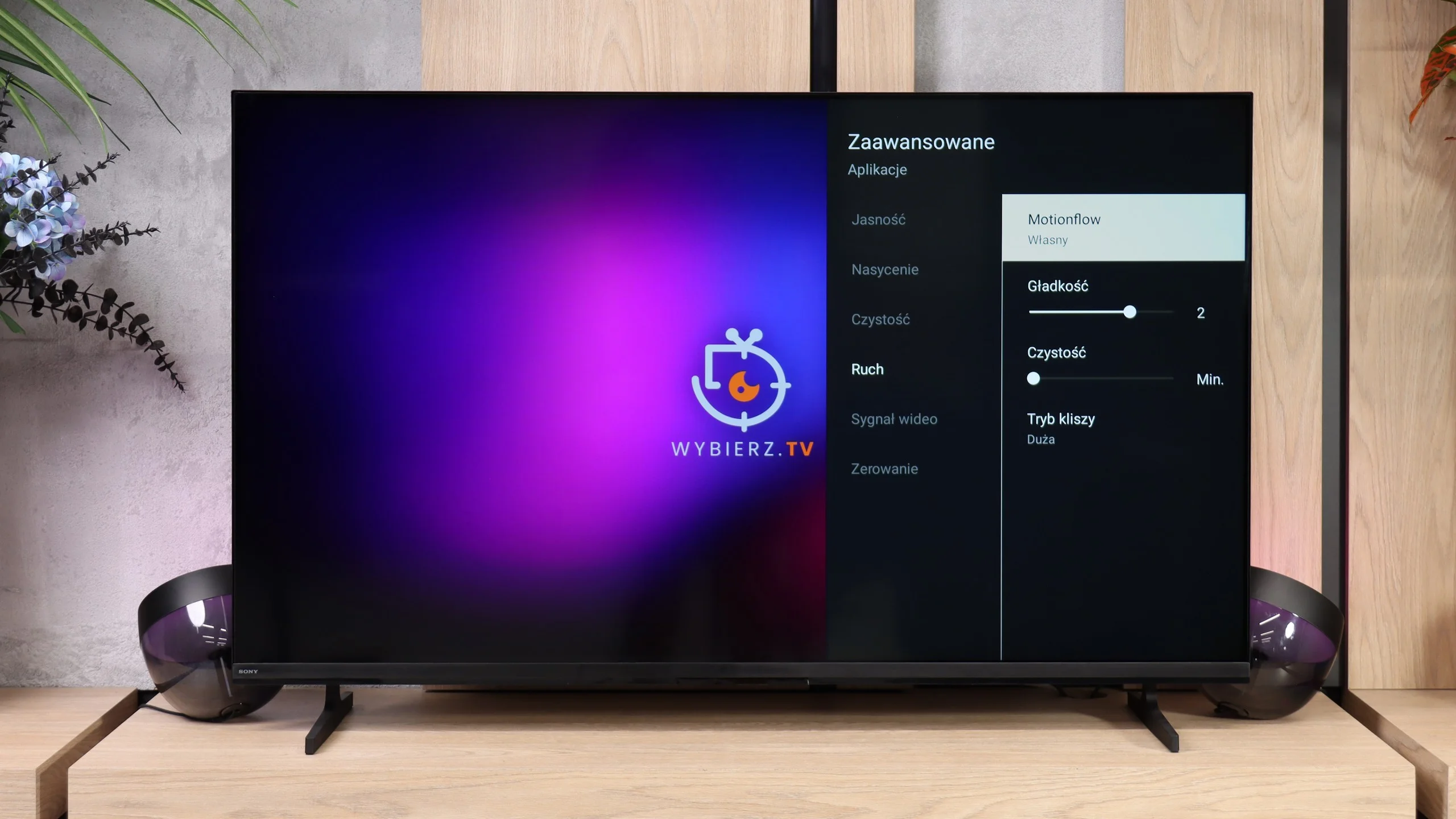
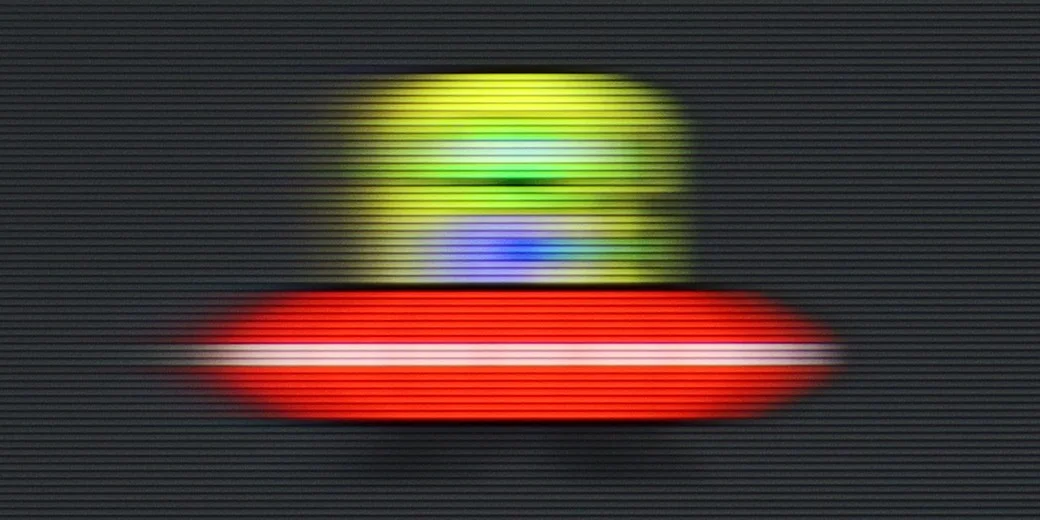
Blur (native resolution, maximum refresh rate):
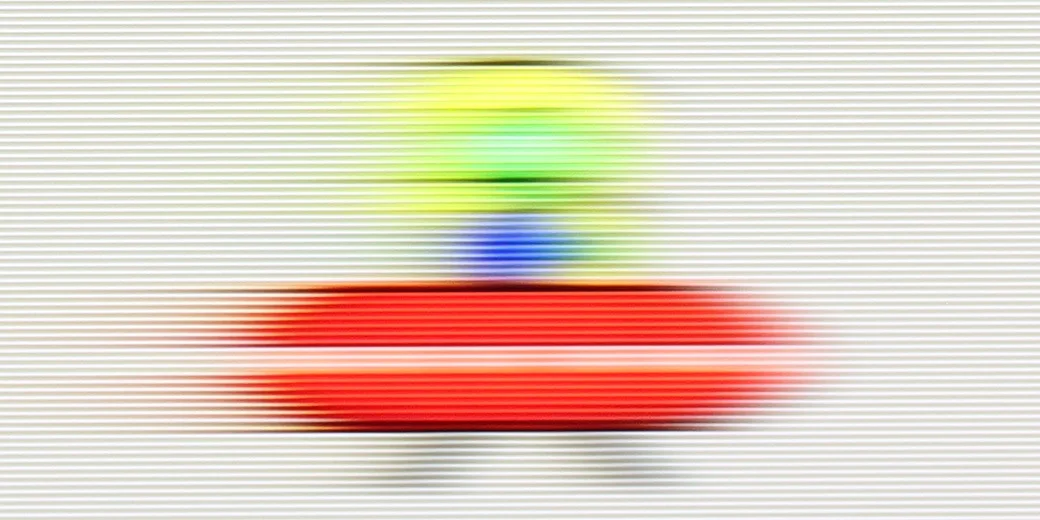
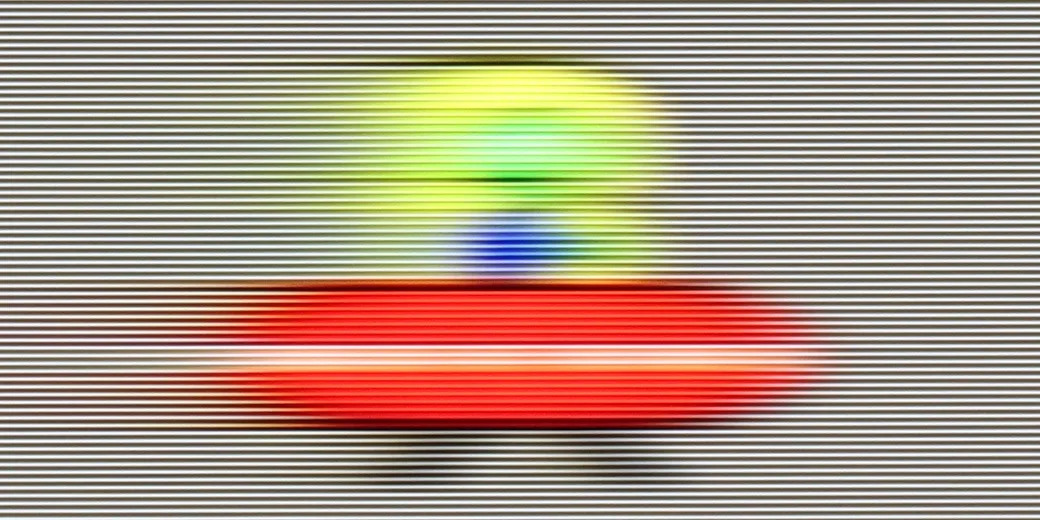
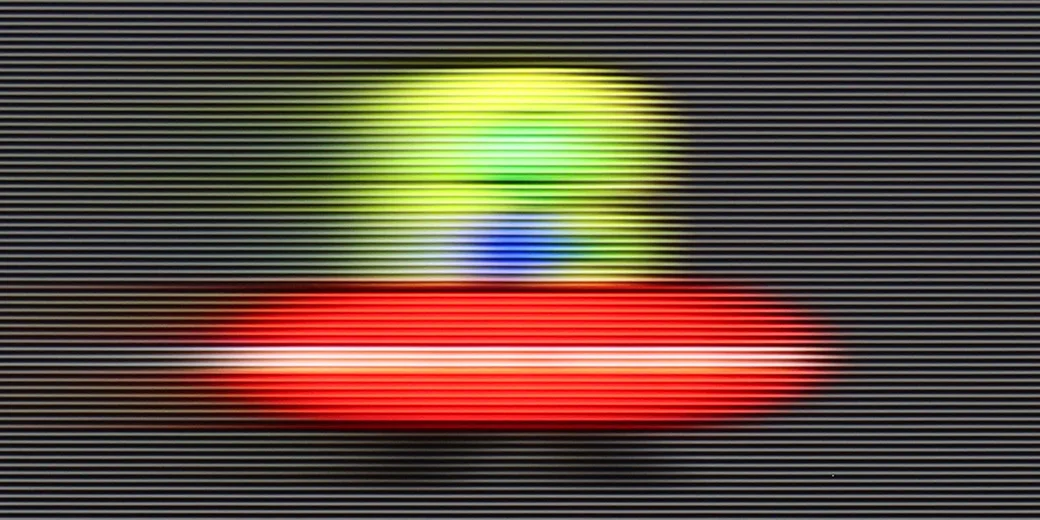
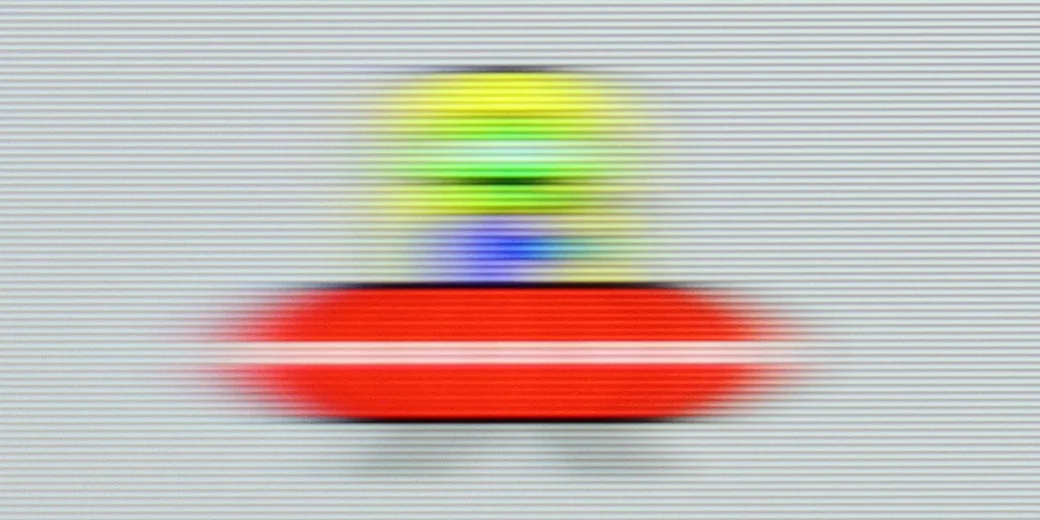
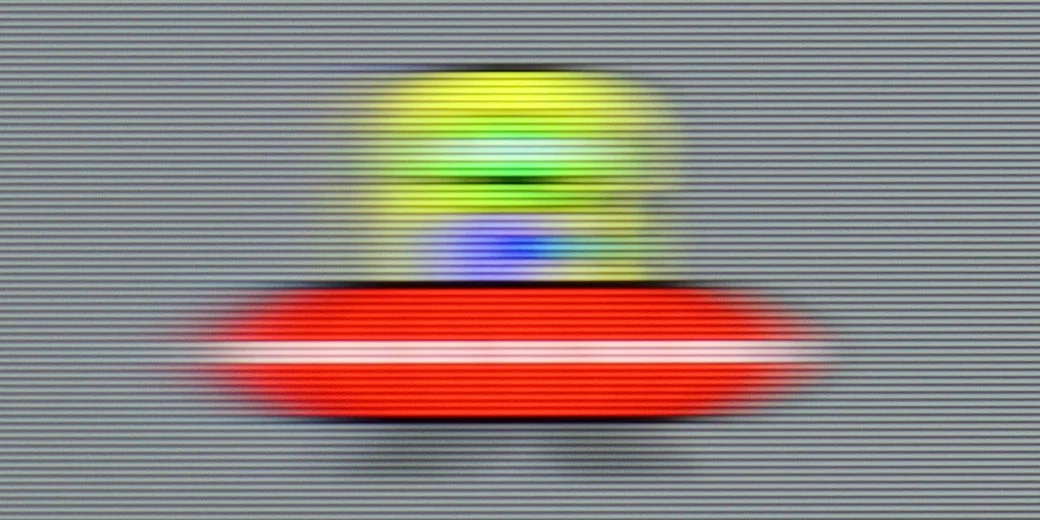
Blur (BFI function enabled):
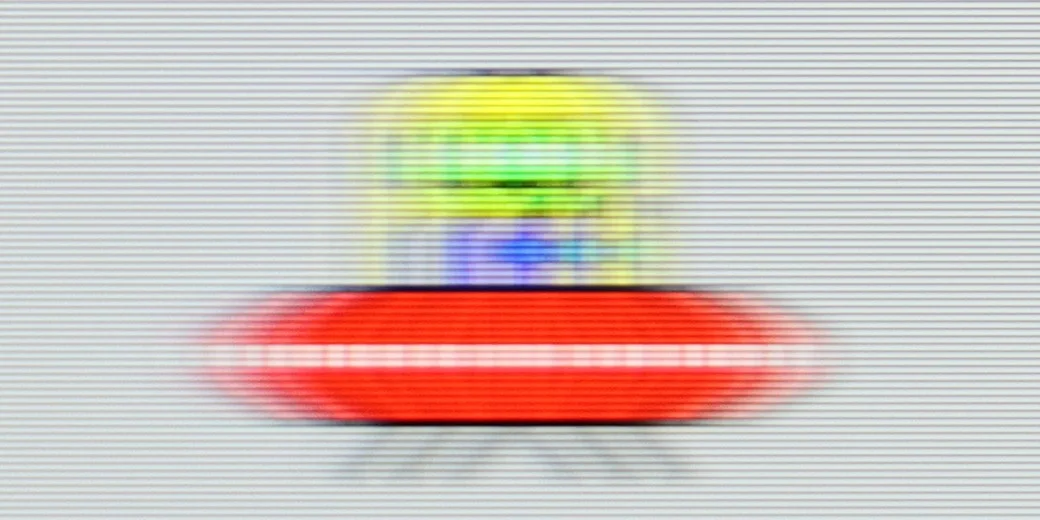
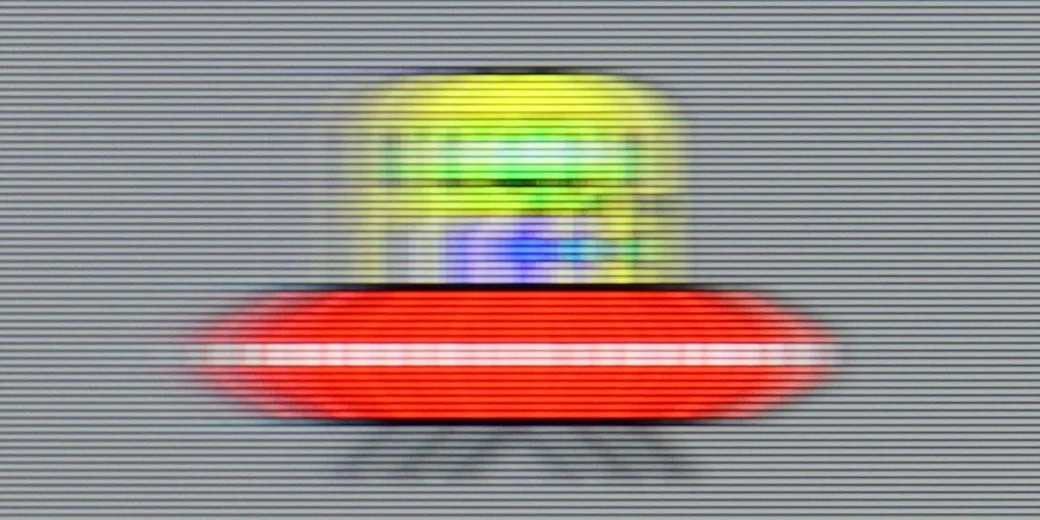
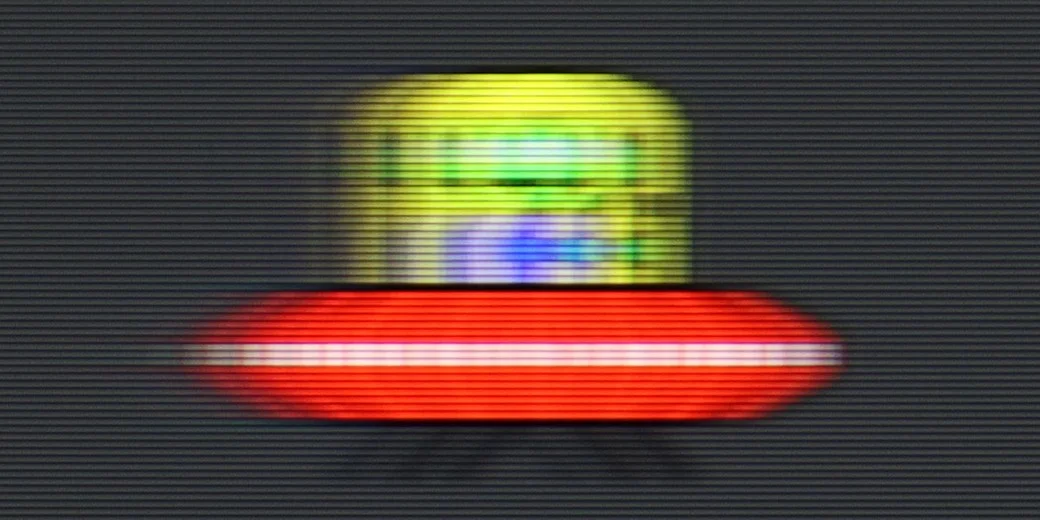
The TCL A300 is equipped with a 144 Hz panel, which should immediately satisfy practically everyone – both gamers and sports fans. The motion is smooth and the image is clear even during fast-paced scenes. Additionally, the television offers motion enhancement functionality called "Motion," where we find two sliders on a 10-point scale. These allow you to adjust the effect to your own preferences – from a classic, cinematic look with visible frames to a very smooth (though somewhat unnatural) image reminiscent of soap opera effects. This way, everyone can find a setting that suits them.
Bravia 2 II uses a 60 Hz panel and, given its capabilities, handles motion quite well. However, bear in mind that it is a basic panel and its limitations are already clearly visible, especially during sports. The TV cannot interpolate 50/60 fps material to a higher refresh rate, so it cannot further improve the sharpness of fast-moving objects. For films and series, however, it offers a conventional motion smoothing feature that can reduce the characteristic judder of material shot at 24 fps.
Console compatibility and gaming features
9.8/10
3.3/10
- ALLM
- VRR
- VRR range48 - 144Hz
- Dolby Vision Game Mode
- Correct implementation of HGIG
- 1080p@120Hz
- 1440p@120Hz
- 4K@120Hz
- Game bar
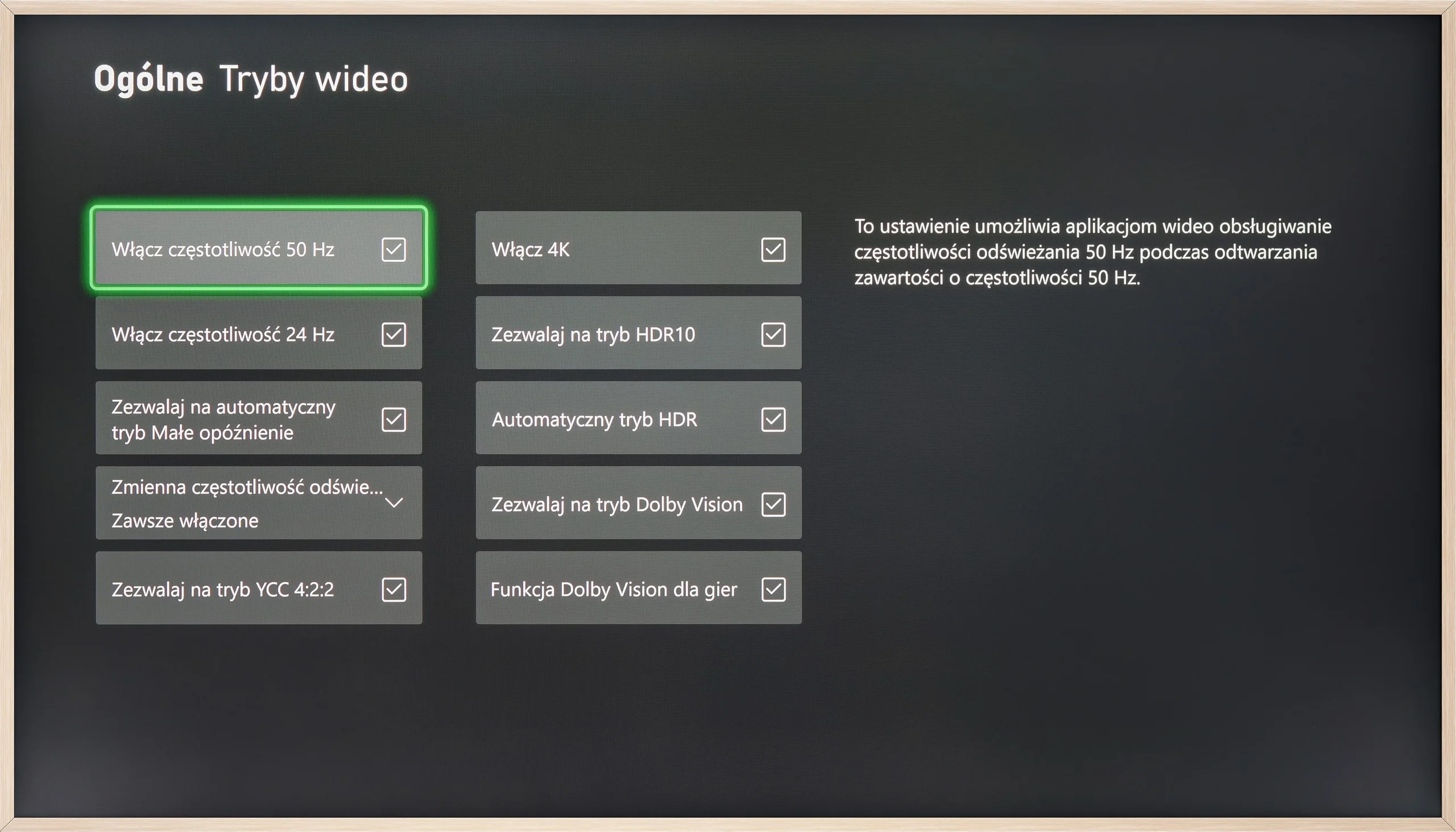
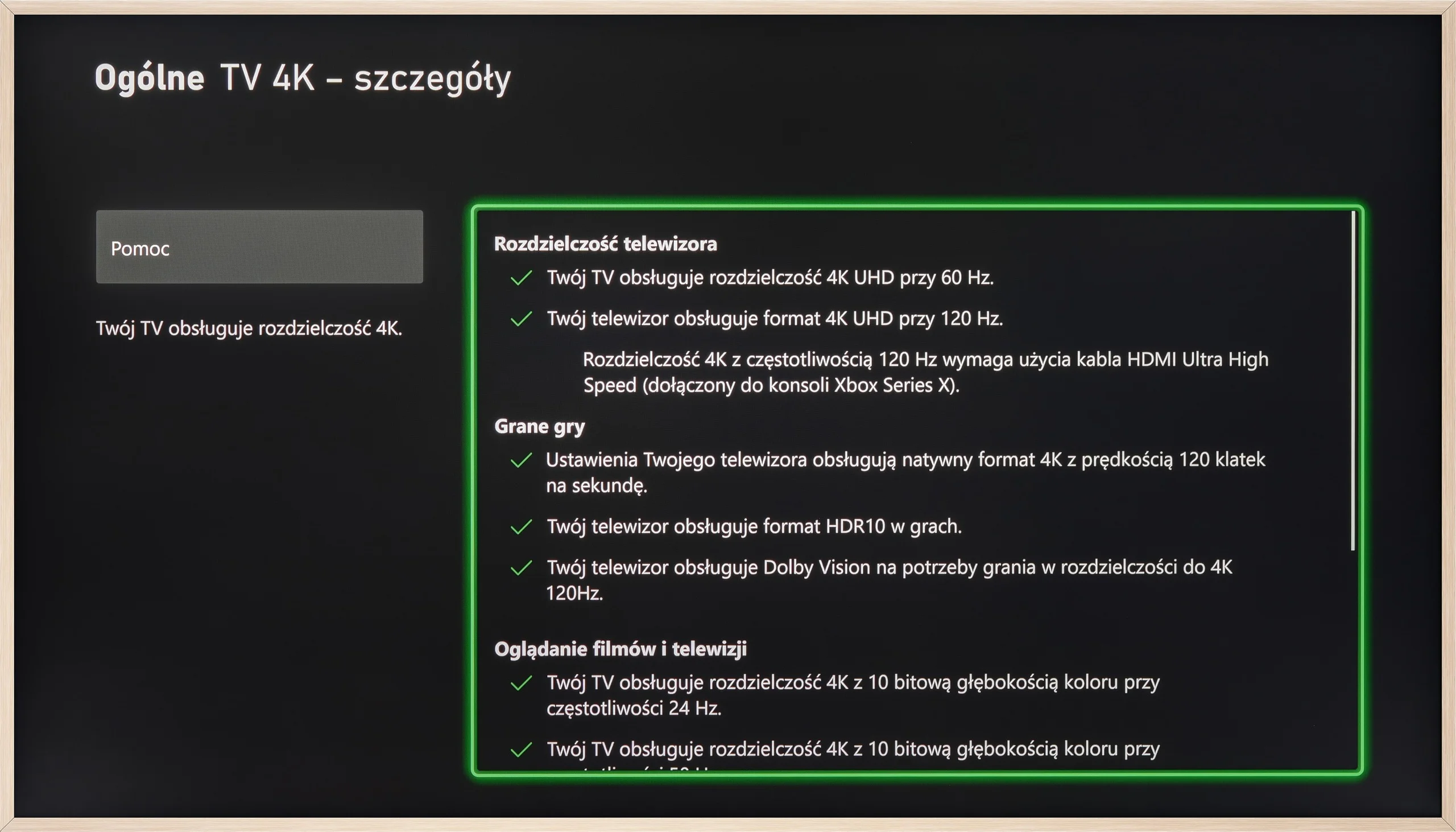

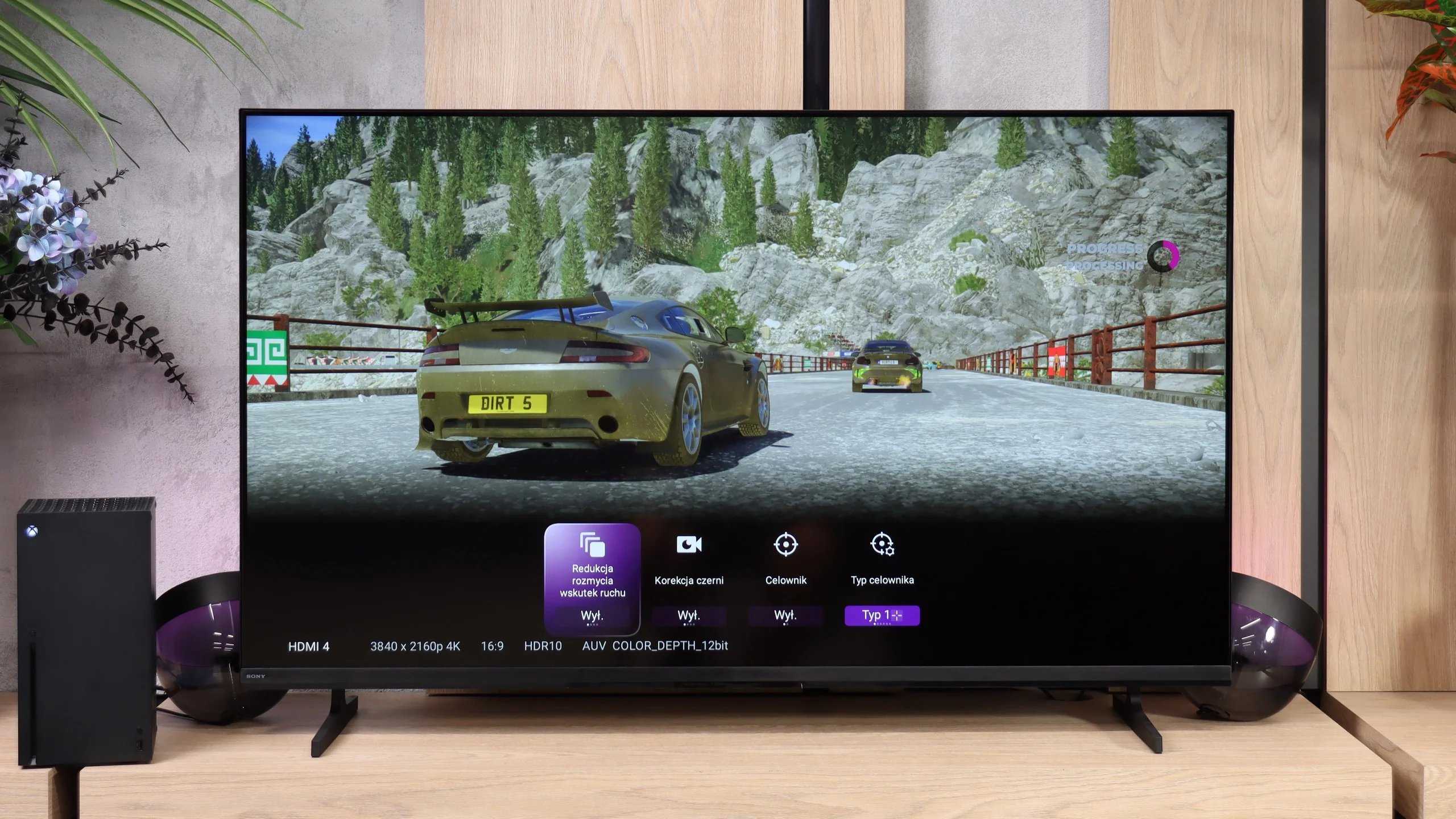
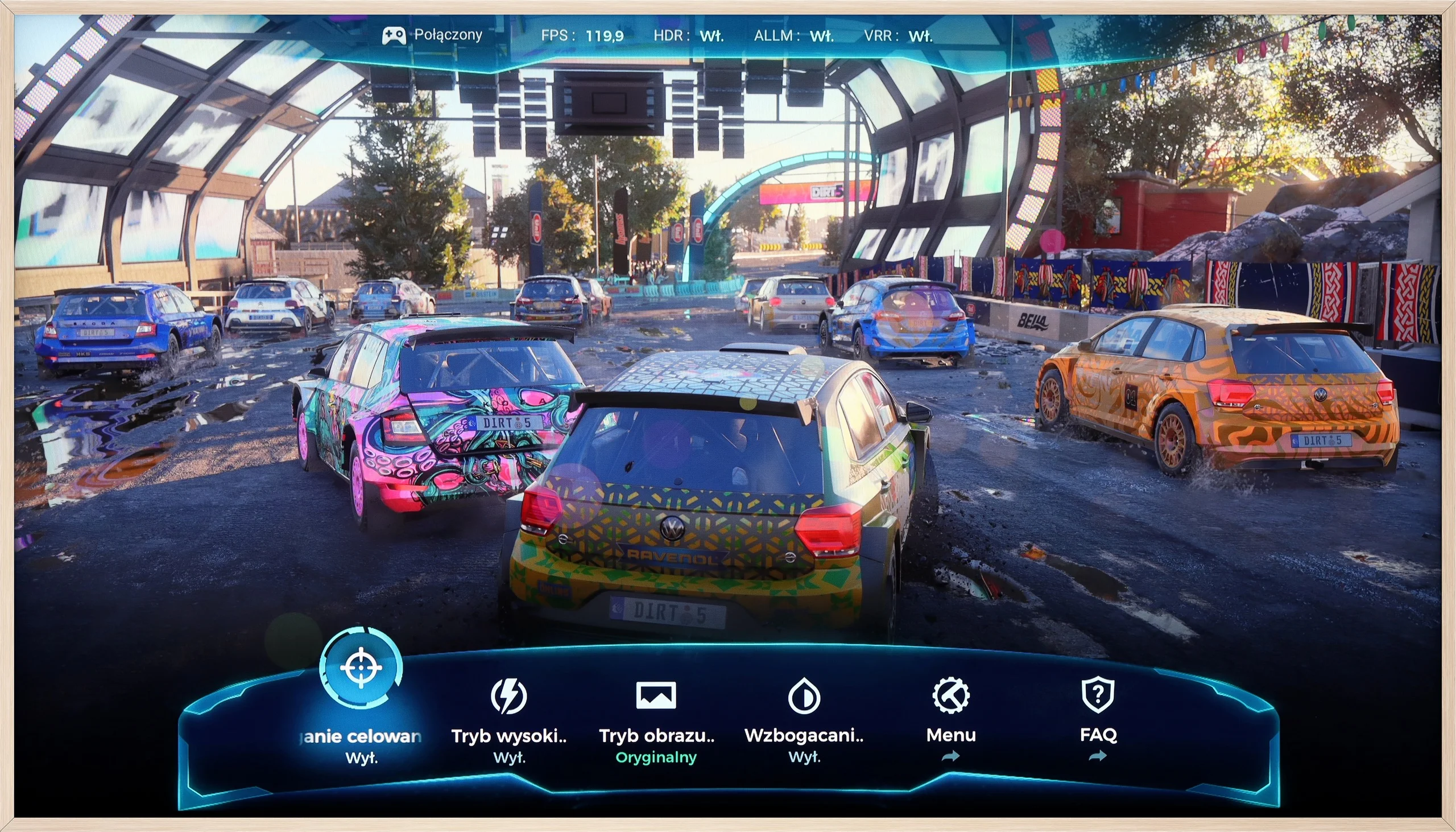
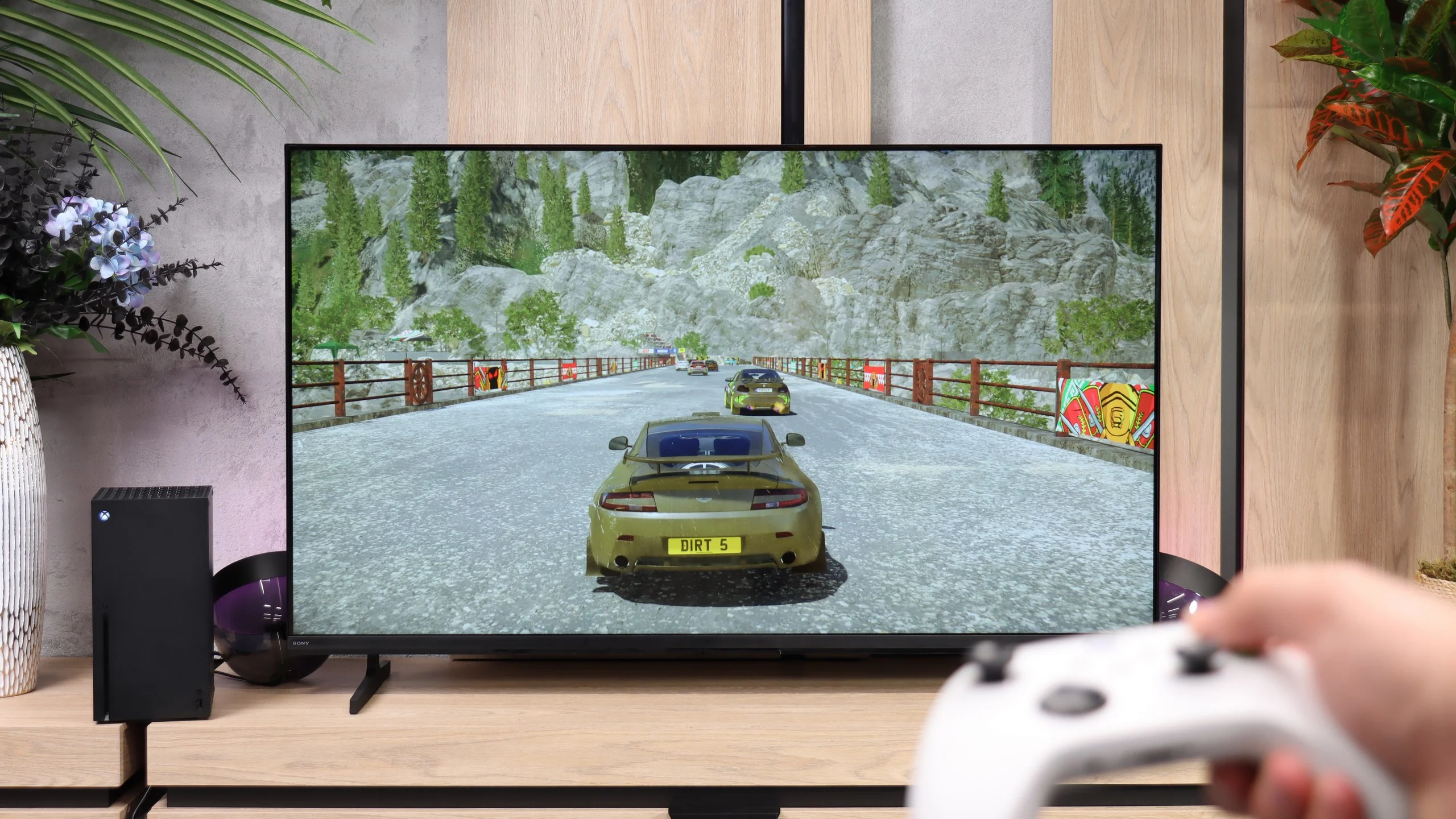
TCL A300 is a television designed not only to transport us to a digital art museum but also to a full-fledged gaming world. Here, we find practically everything one could expect from gaming equipment: two full-bandwidth HDMI 2.1 ports, 144 Hz refresh rate, VRR support, and ALLM.
The proper implementation of the HGIG mode also deserves praise – something that competitor Hisense sometimes struggles with. The television easily handles lower resolutions (e.g., Full HD) while maintaining high refresh rates, which older console or PC owners will appreciate.
In addition, there is an attractive and clear GameBar that facilitates quick access to settings for gamers. The A300 is really well-prepared for top-level gaming – it's just a shame that issues with smearing slightly tarnish its overall image as a gaming device.
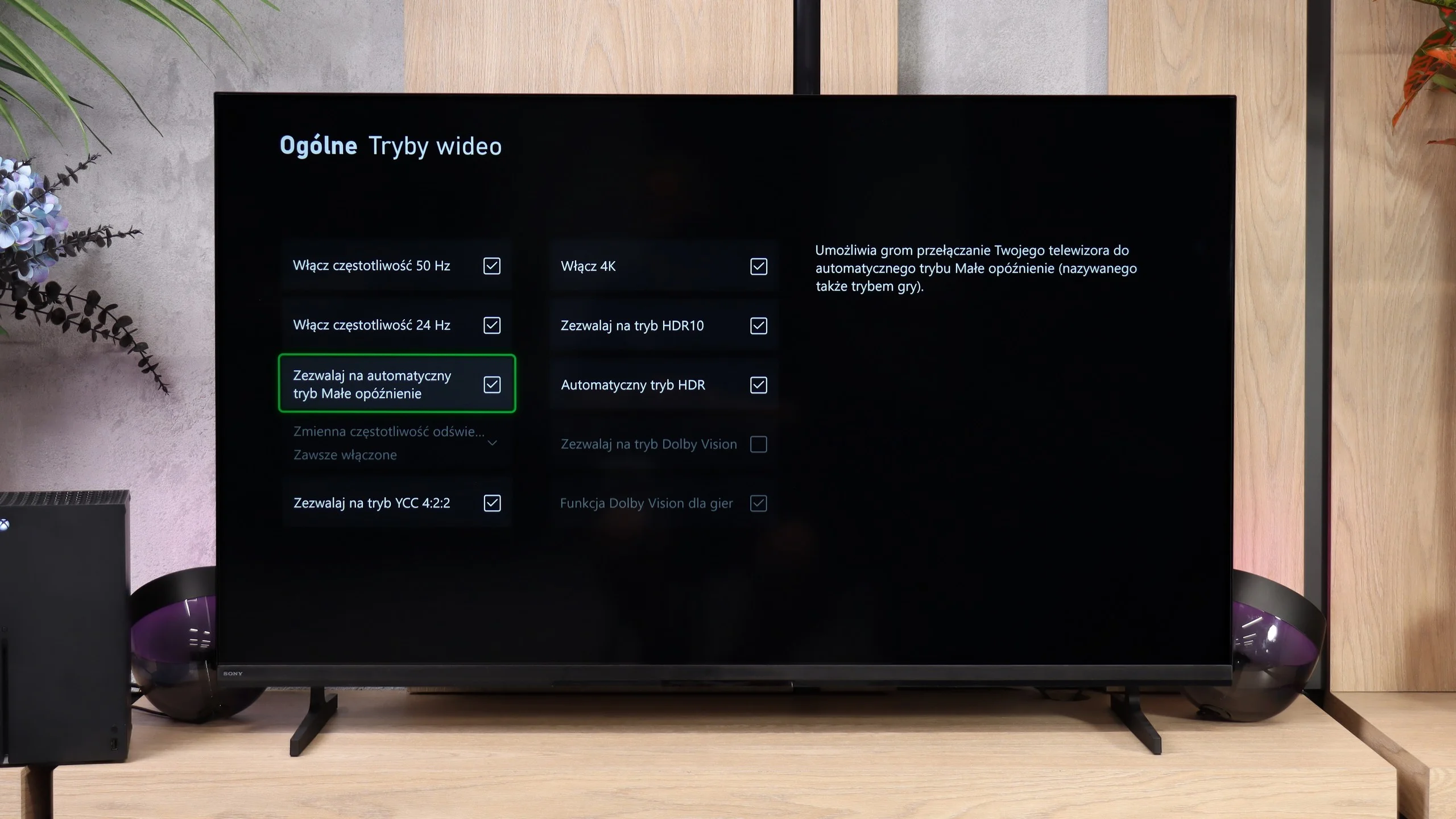
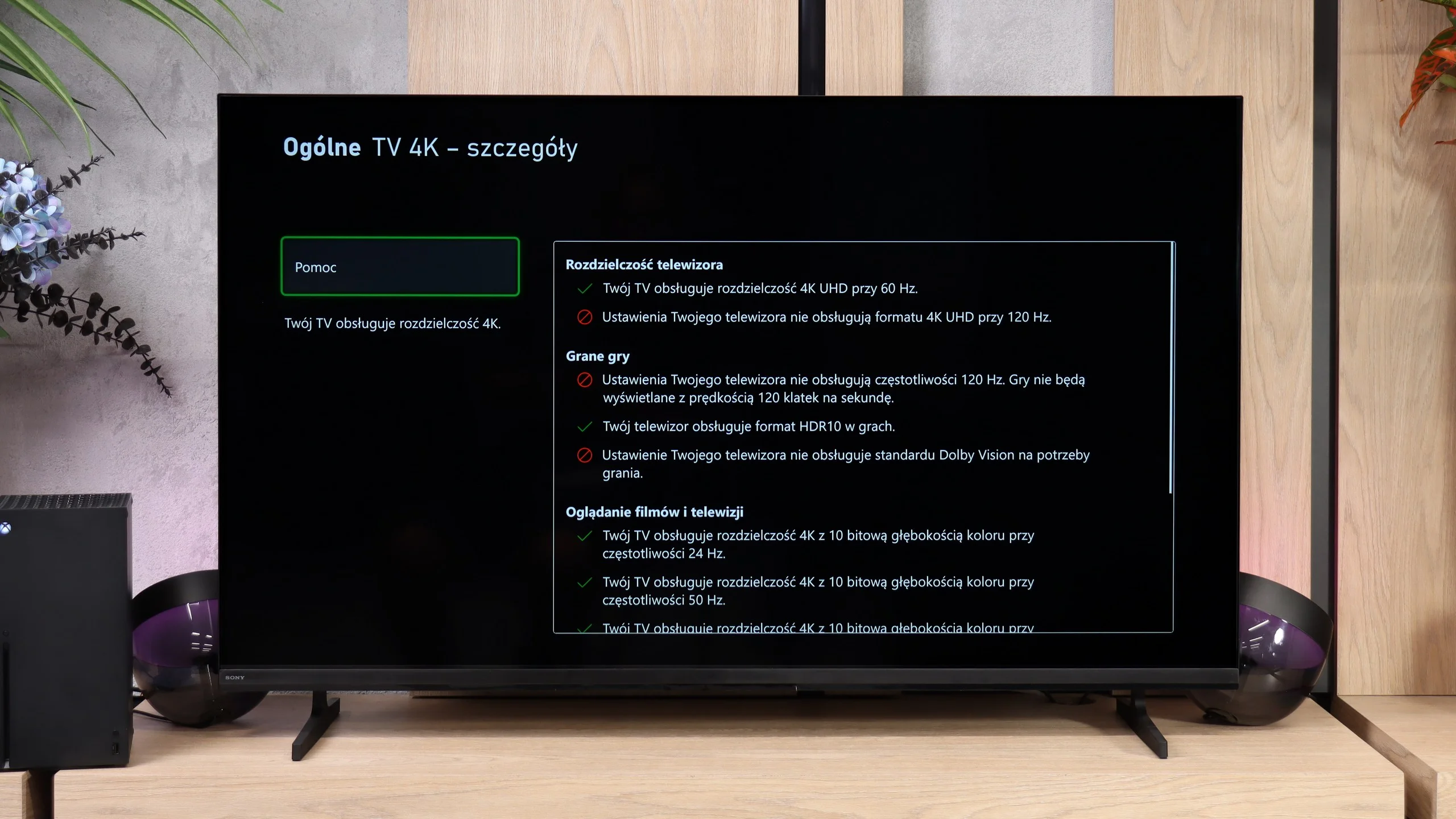
The Bravia 2 II is not a television that lends itself well to gaming, and the list of features shows that quite quickly. You essentially only get the automatic low-latency mode ALLM and a simple Game Bar that lets you view basic signal information and change a few settings. But that is where the list of strengths ends. The TV does not support VRR or 120 Hz (not even at lower resolutions), and on top of that it has problems with a proper implementation of the HDR HGIG format. It is suitable for occasional console gaming, and thanks to low input lag controls remain responsive, but if someone is looking for a TV primarily for games, the Bravia 2 II will simply be a rather limited choice.
Input lag
9.7/10
10/10
SDR
HDR
Dolby Vision
In terms of input lag, the TCL A300 performs really well. Values below 10 ms at a refresh rate of 120 Hz are something many gamers dream of – such low lag is practically unnoticeable, both during everyday gaming and in more demanding e-sports titles. One might criticise the result of 23 ms in Dolby Vision mode at 60 frames, but it is still a sufficiently low value that it's hard to have serious objections. In this category, the A300 really excels.
Here the Bravia 2 II performs markedly better. The input lag is only about 11 ms, which is low enough that delays are practically unnoticeable when gaming. Even with a modest set of gaming features, the TV will therefore handle regular console play without any major problems.
Compatibility with PC
8.2/10
6/10
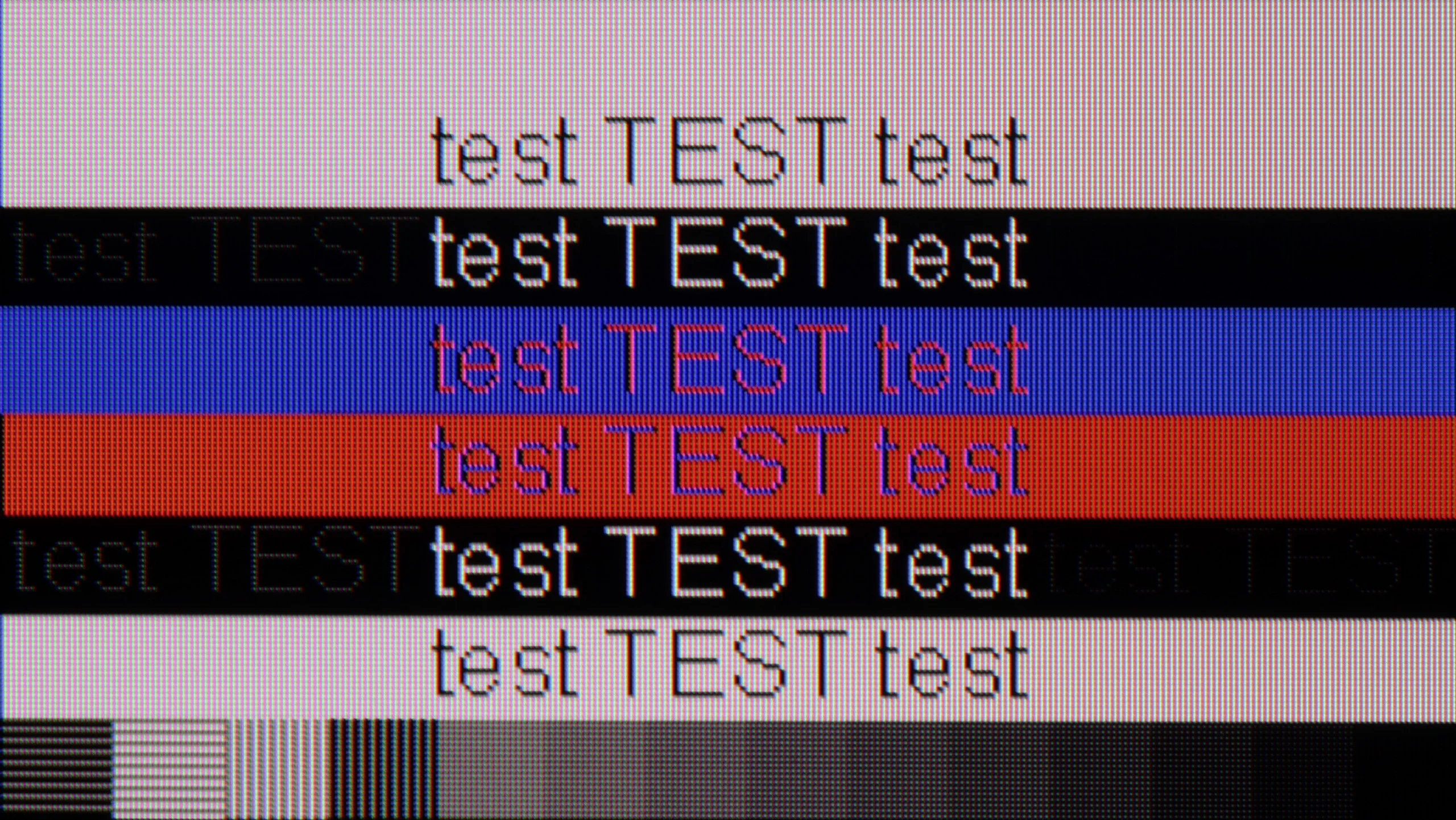
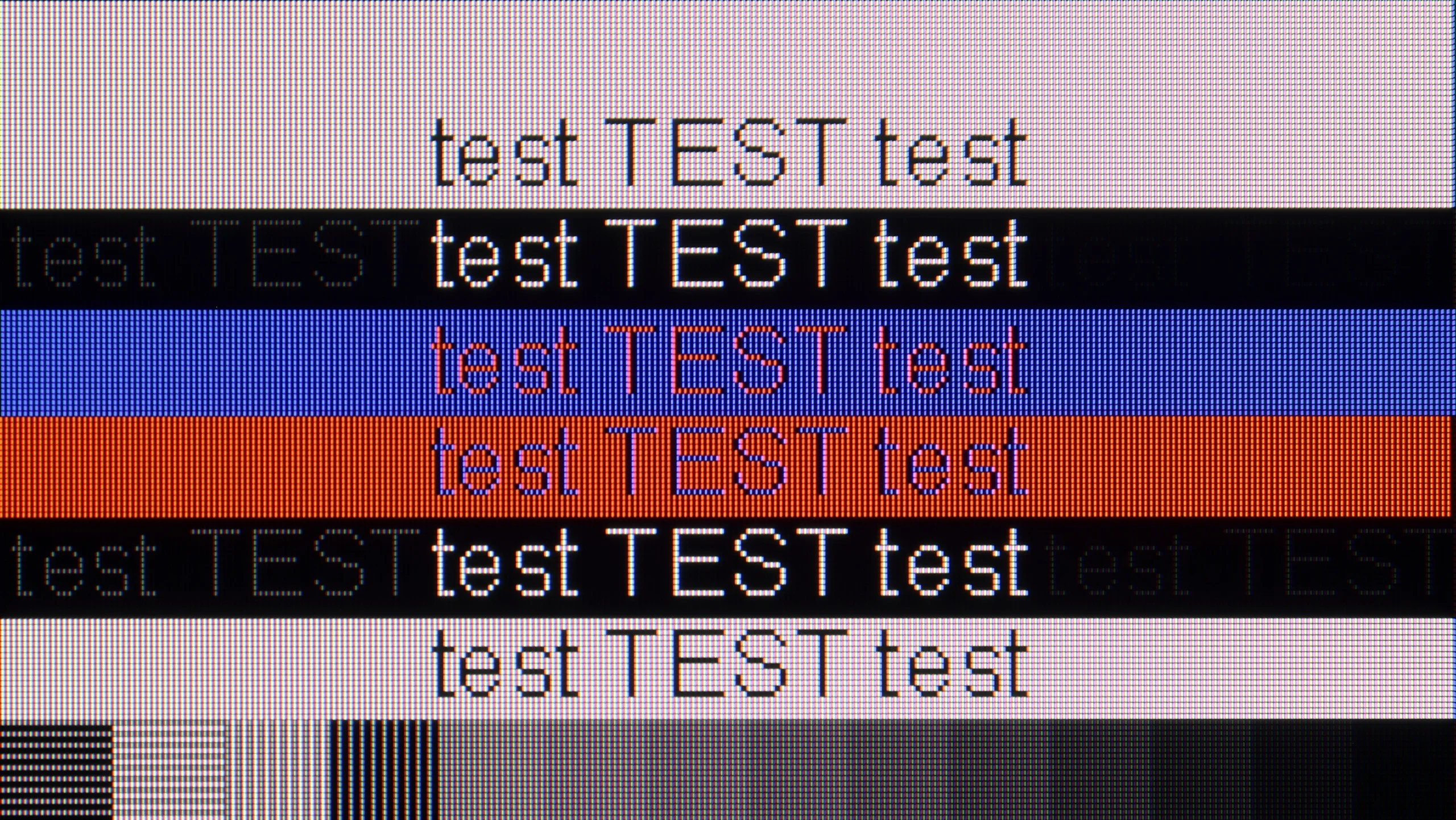
The photo shows the legibility of small fonts. Ideally, lines should be the same thickness on both light and dark text, with minimal pixel gaps.
If we plan to use the TCL A300 as a monitor for a computer, we may be pleasantly surprised. The television performs really well in this role. It is equipped with a 144 Hz panel, supports G-Sync, and, as we have already mentioned, offers very low input lag, so gaming on it with a connected PC is a pure pleasure.
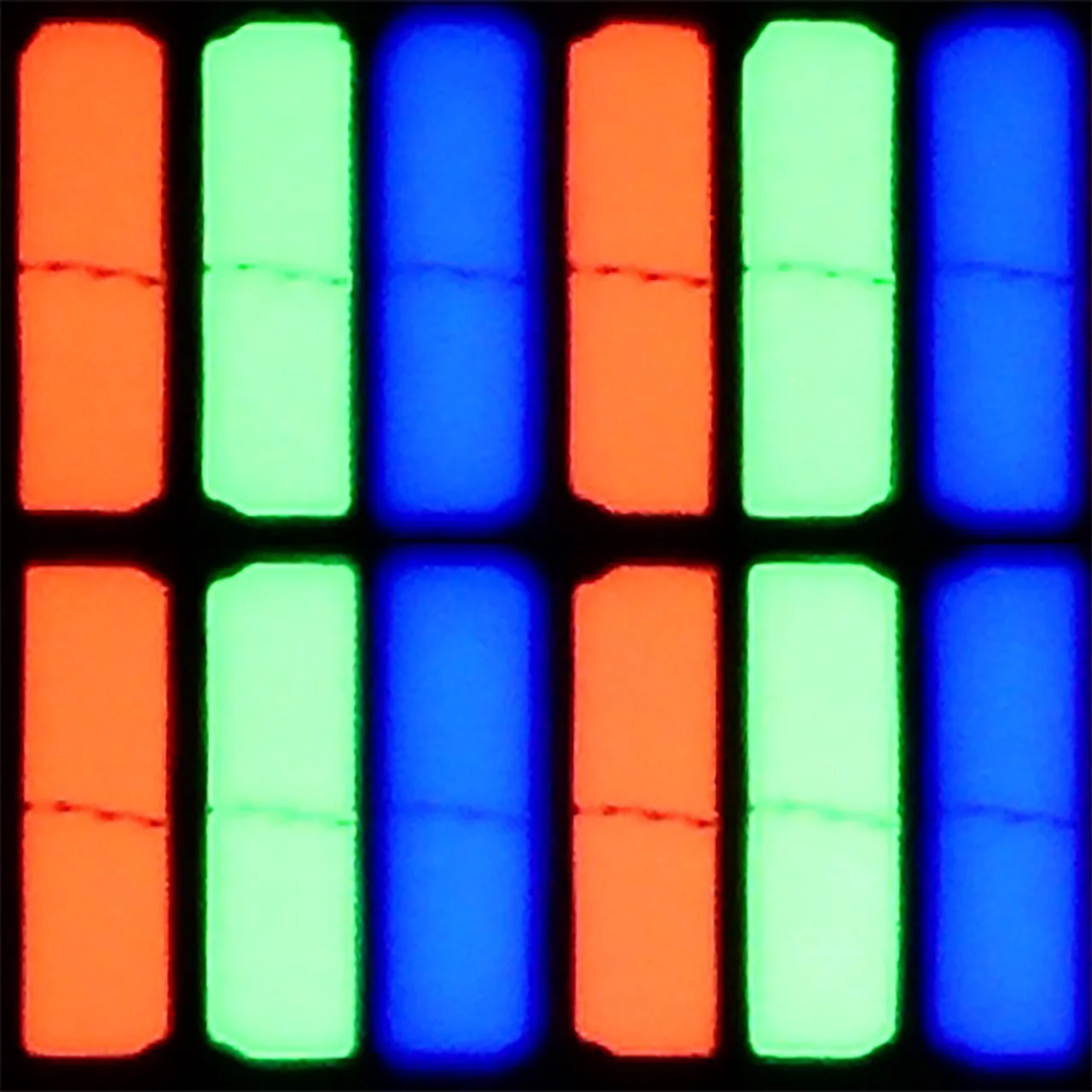
Working with text is also possible, though with some limitations. The TCL A300 has slight issues displaying dark fonts and thin lines – this stems from the subpixel structure, which in everyday use can be somewhat bothersome, although it looks better in photos than in reality.
The television supports chroma 4:4:4, but only up to 120 Hz. Therefore, we have indicated that this feature is available, but with a limitation – if we care about perfectly readable fonts, it is advisable to stick to a refresh rate of 120 Hz. At 144 Hz, the sharpness of the text may suffer slightly.
The Bravia 2 II handles a computer very well, at least if you think of it as a screen for work. Thanks to its IPS panel and correct 4:4:4 chroma reproduction, text is sharp and legible regardless of size, shape or colour. That's good news, especially for those considering buying the smaller model and placing it on their desk instead of a conventional monitor. It's much worse, however, when it comes to gaming. The TV does not offer 120 Hz, VRR or other features that might interest more demanding PC gamers. So it performs very well for office work or for watching content from a computer, but as a gaming display it has quite a few limitations.
Viewing angles
3.2/10
6.5/10
The viewing angles on the TCL A300 NXTVision are – let's be honest – mediocre. The television is equipped with a VA panel, which inherently has rather limited angles and unfortunately this is evident here. The video below speaks for itself – even a slight deviation from the axis results in a noticeable drop in contrast and colour saturation. It's a shame that this is yet another frame-style television that has done absolutely nothing about it. After all, we don't always have the opportunity to sit perfectly straight on – especially if the device is also intended to serve a decorative function in the living room.
Viewing angles are, in turn, one of the strengths of the Bravia 2 II. Thanks to the IPS panel, the picture retains accurate colours and brightness for quite a long time even when you are not sitting directly in front of the TV. In this respect Sony recoups some of the points it lost earlier on blacks and contrast. The Bravia 2 II can therefore be better suited to a larger living room or a room where some people watch the TV from the side, especially if it is mainly intended for everyday television viewing.
Daytime performance
4.7/10
4.8/10
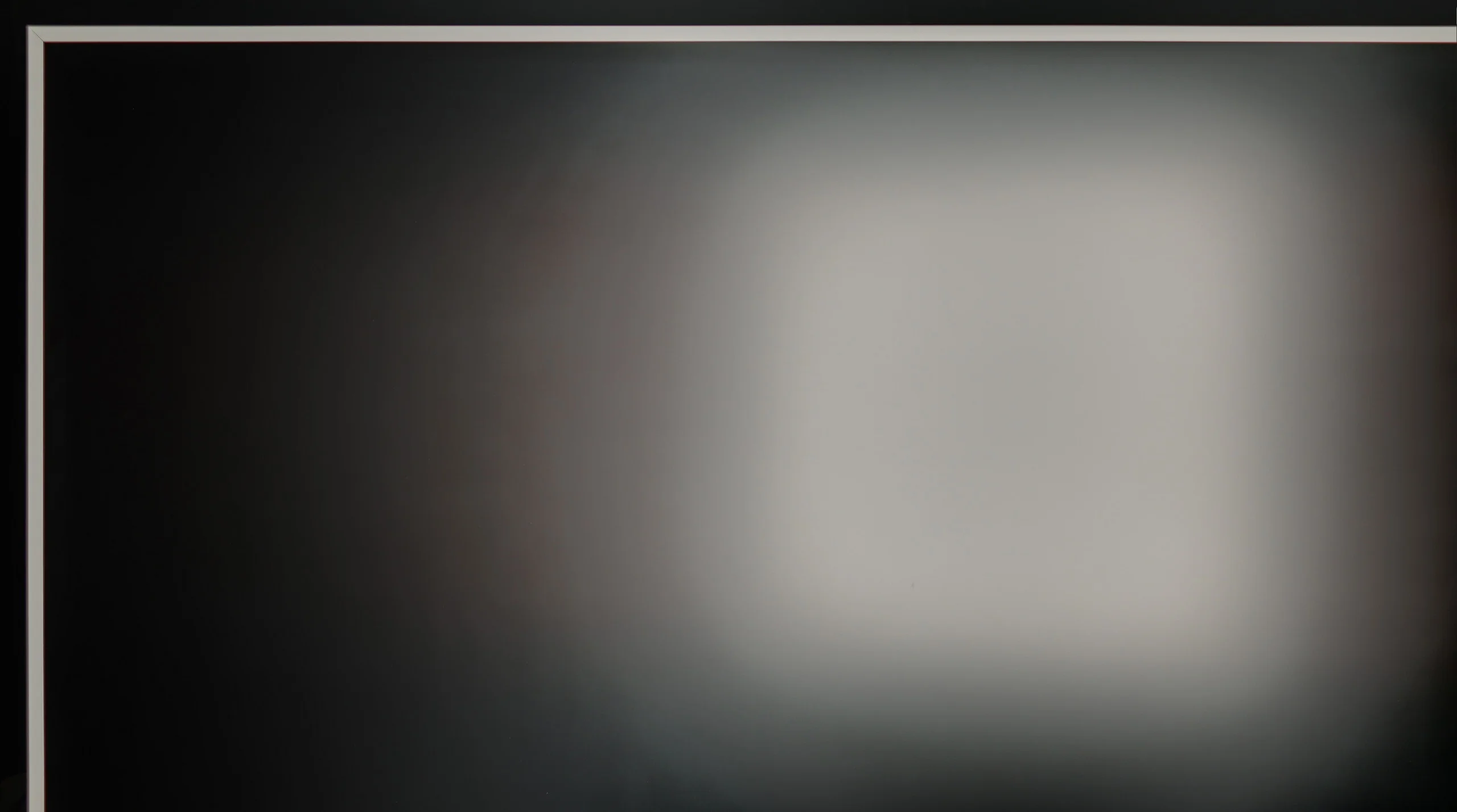
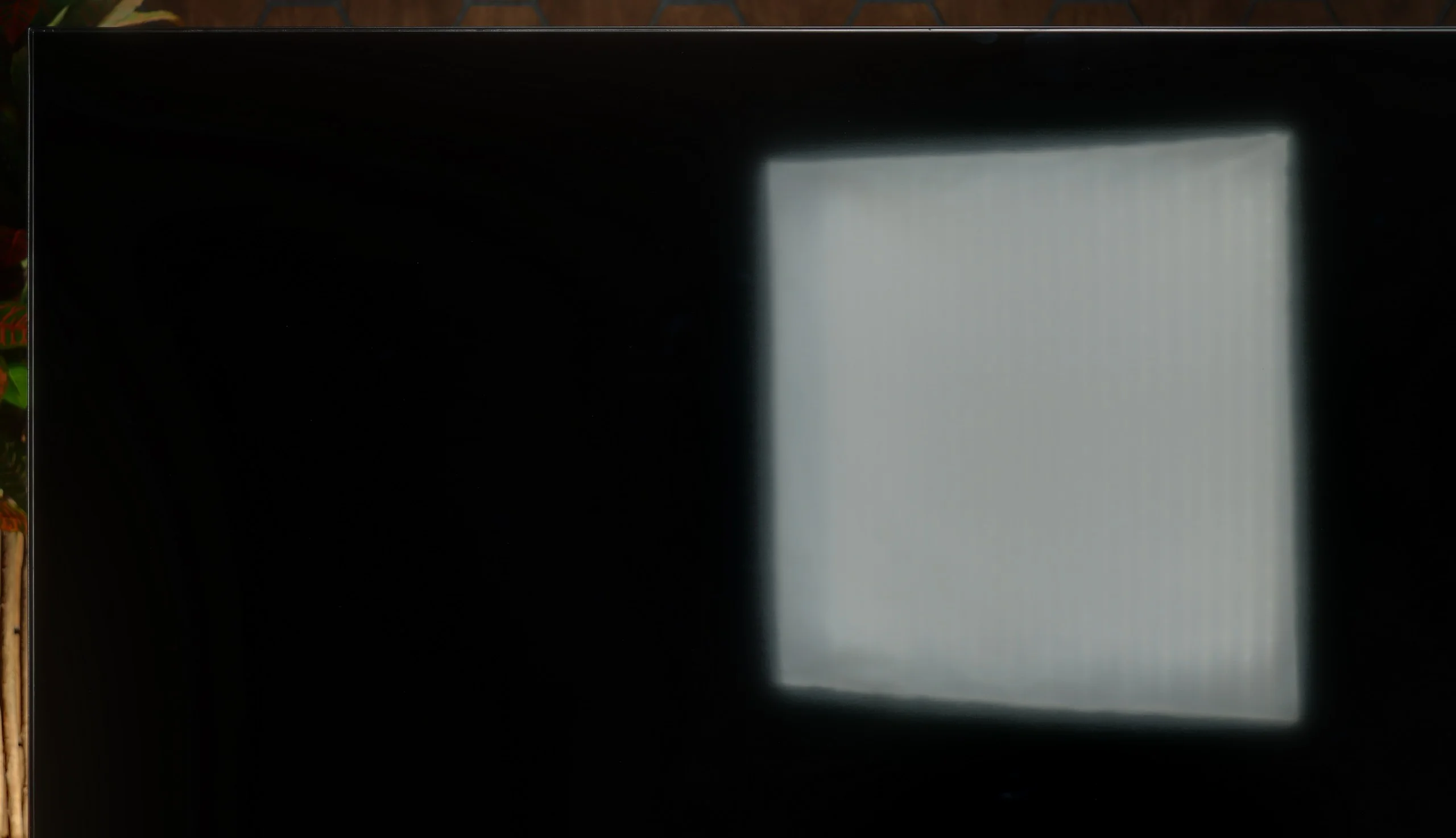
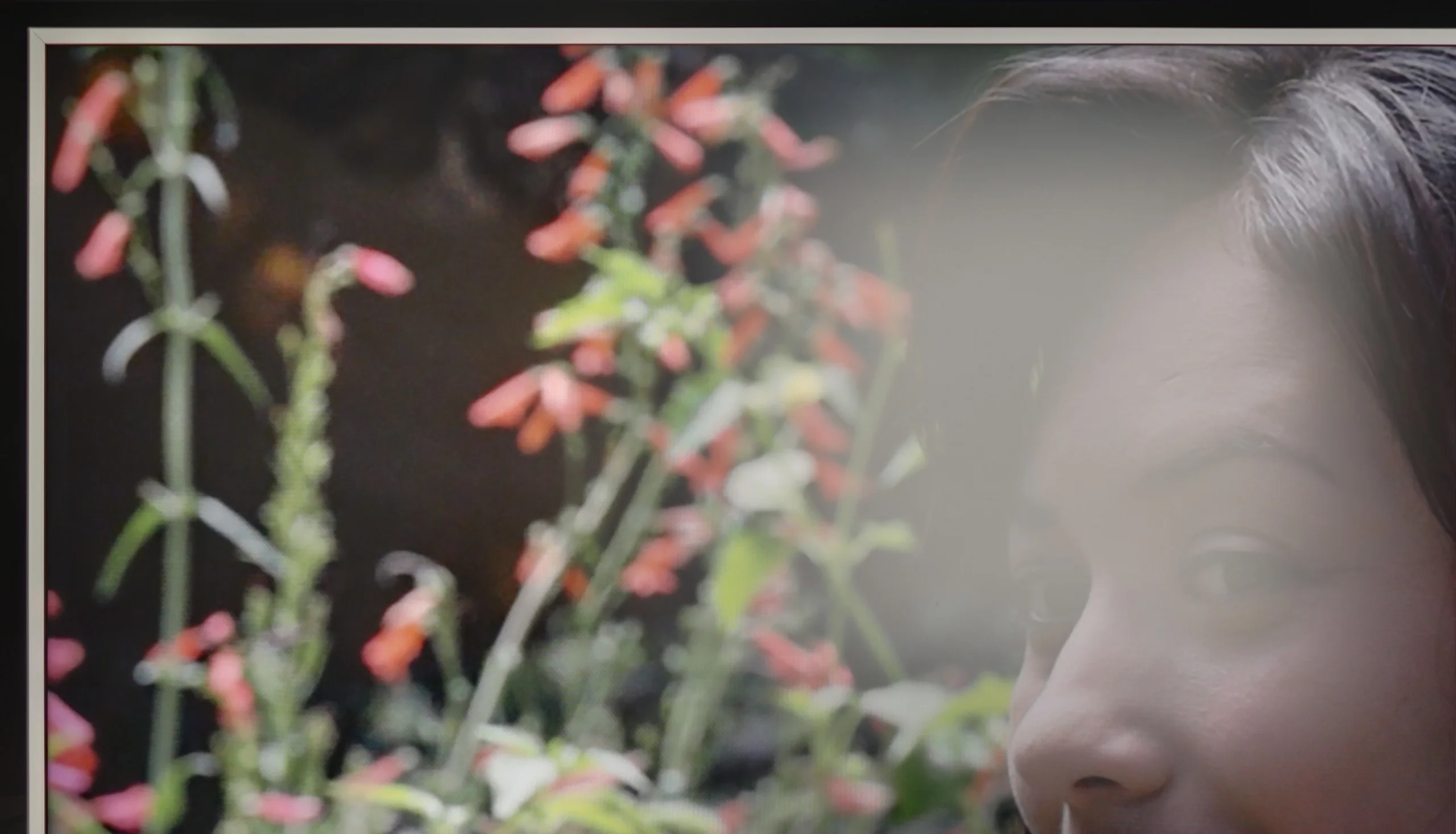
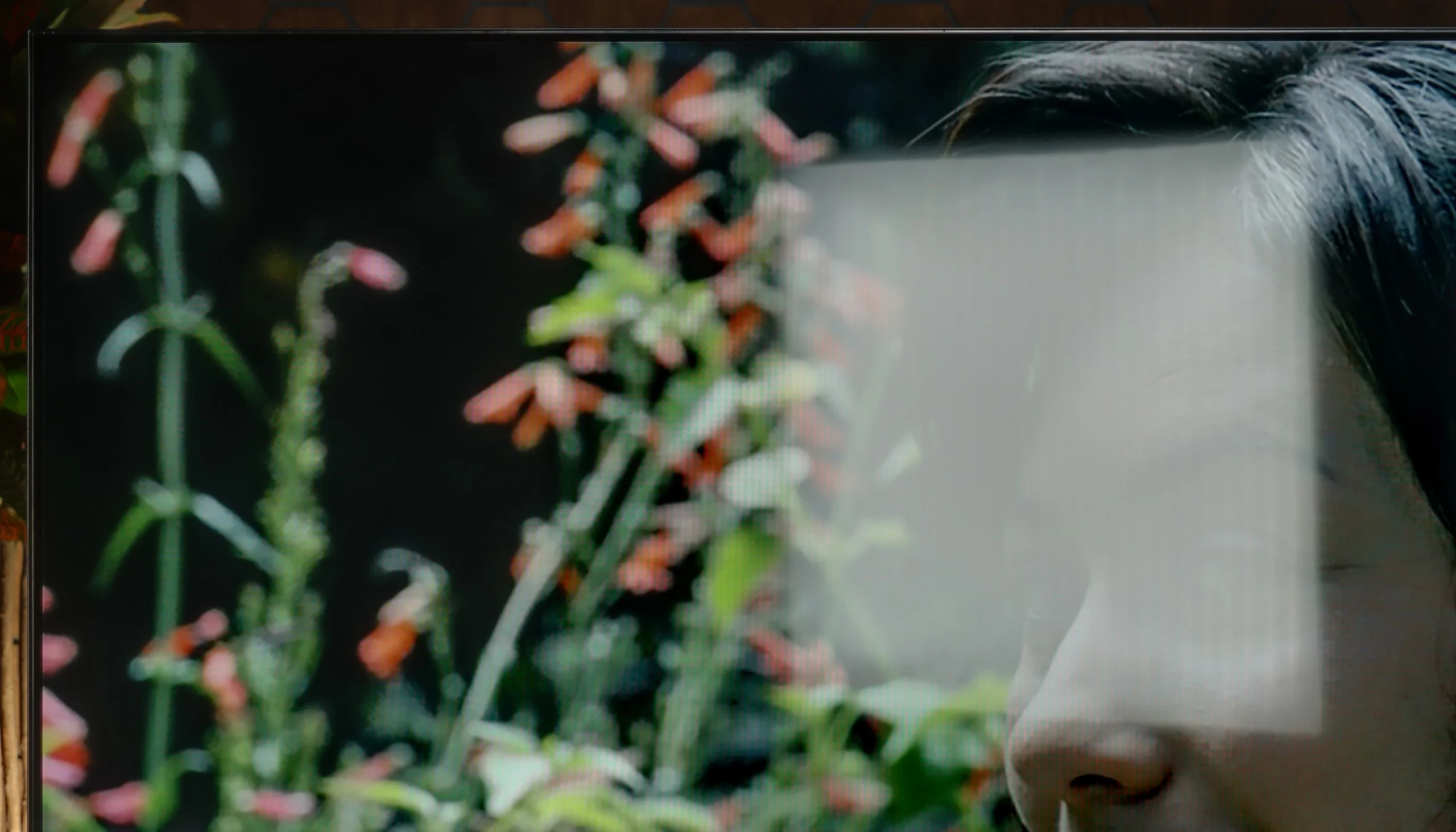
Panel brightness
Sony BRAVIA 2 II (S25M2): 319 cd/m2
TCL A300W NXTVision: 388 cd/m2
The TCL A300 NXTVision is equipped with a matte panel very similar to the one found in one of its Chinese competitors – the Hisense S7NQ model. Such a surface handles reflections fairly well, although it must be said that it performs worse than Samsung's The Frame, which offers a significantly higher level in this regard. As is often the case with matte displays, blacks lose their depth during the day and appear more gray than black – and this is no different here. Unfortunately, the fact that the A300 is the darkest television of the three tested does not help either. As a result, it has a real problem standing out in brightly lit rooms.
By day the Bravia 2 II is rather average. Brightness of around 320 nits doesn't leave much headroom, but in a typical, moderately bright living room it's still enough to keep the picture readable. The matt screen coating does a decent job of limiting reflections, though it can't eliminate them completely. With strong light falling directly on the screen there's simply not enough brightness to effectively punch through the reflections. So it'll be fine for ordinary daytime viewing, but in a very bright room with lots of windows you may already notice the limitations of this model.
Panel details
Subpixel Structure:
Panel uniformity and thermal imaging:
TCL A300W NXTVision
Sony BRAVIA 2 II (S25M2)
TV features
7.2/10
6.6/10
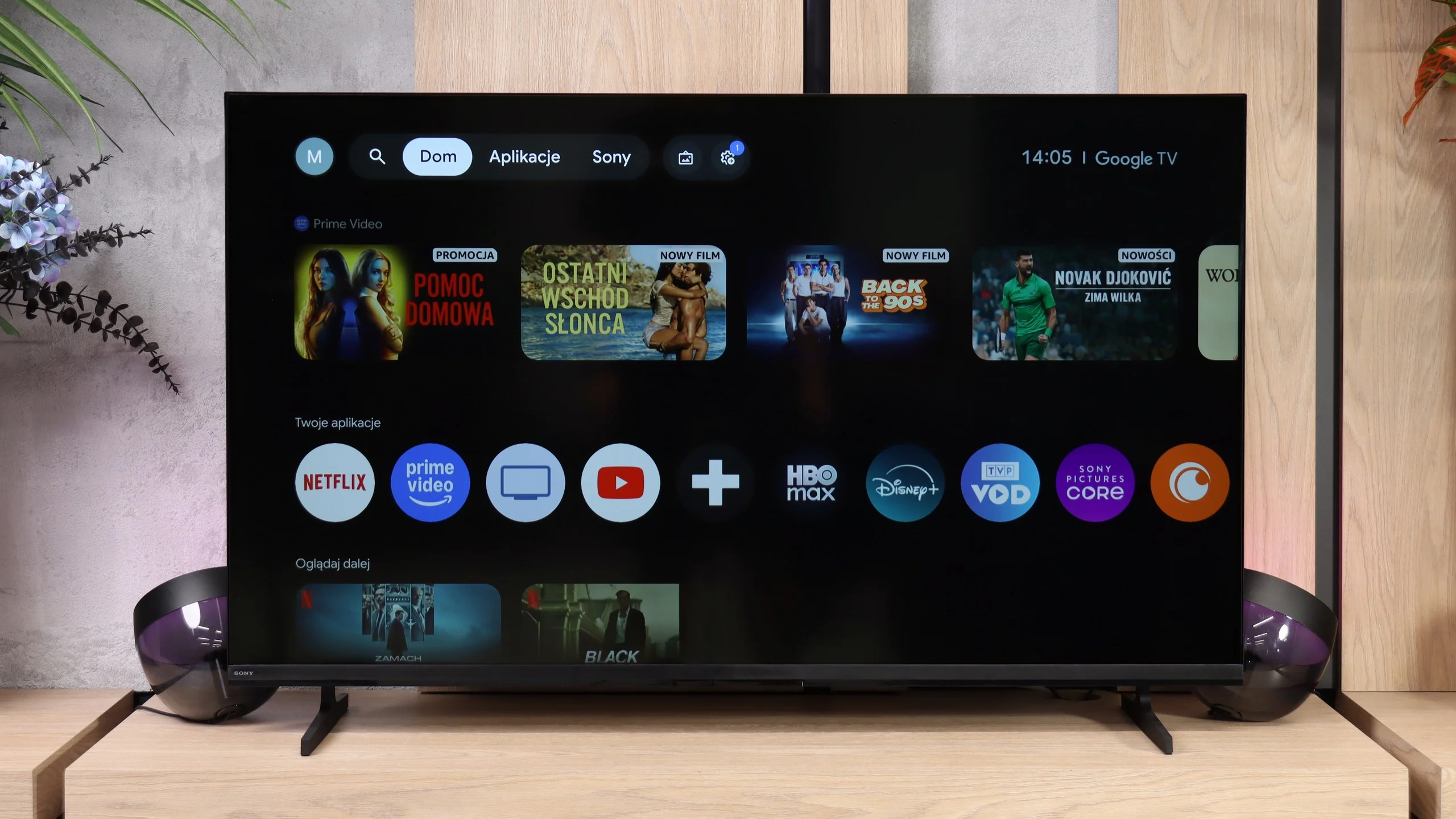
- SystemGoogle TVGoogle TV
- System performanceDecentDecent
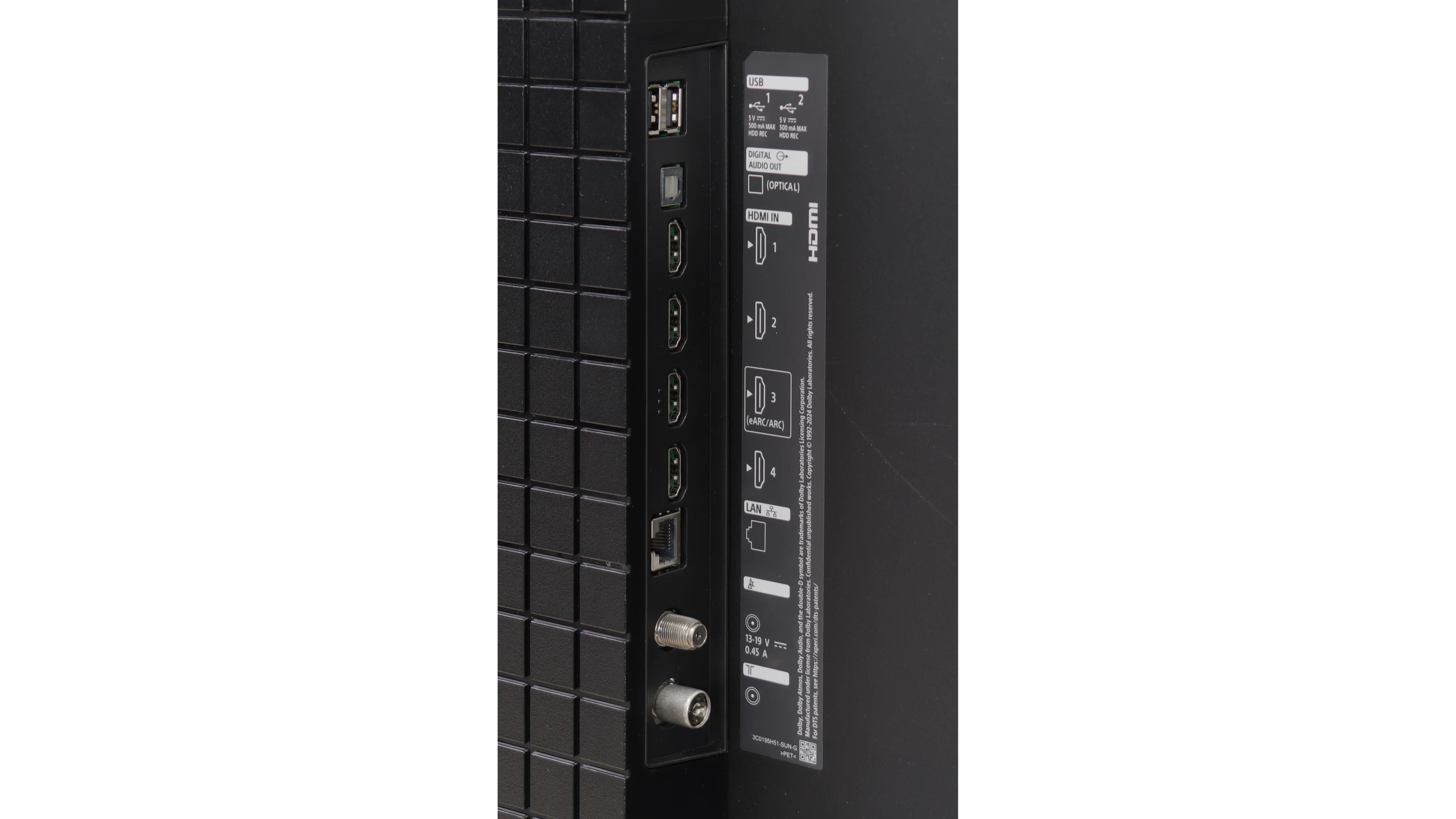
- HDMI inputs2 x HDMI 2.0, 2 x HDMI 2.1 48Gbps4 x HDMI 2.0, 0 x HDMI 2.1
- OutputsToslink (Optical audio), eARC (HDMI), ARC (HDMI)Toslink (Optical audio), eARC (HDMI), ARC (HDMI)
- Network InterfacesWi-Fi 2.4GHz, Wi-Fi 5GHz, Ethernet (LAN) 100MbpsWi-Fi 2.4GHz, Wi-Fi 5GHz, Ethernet (LAN) 100Mbps
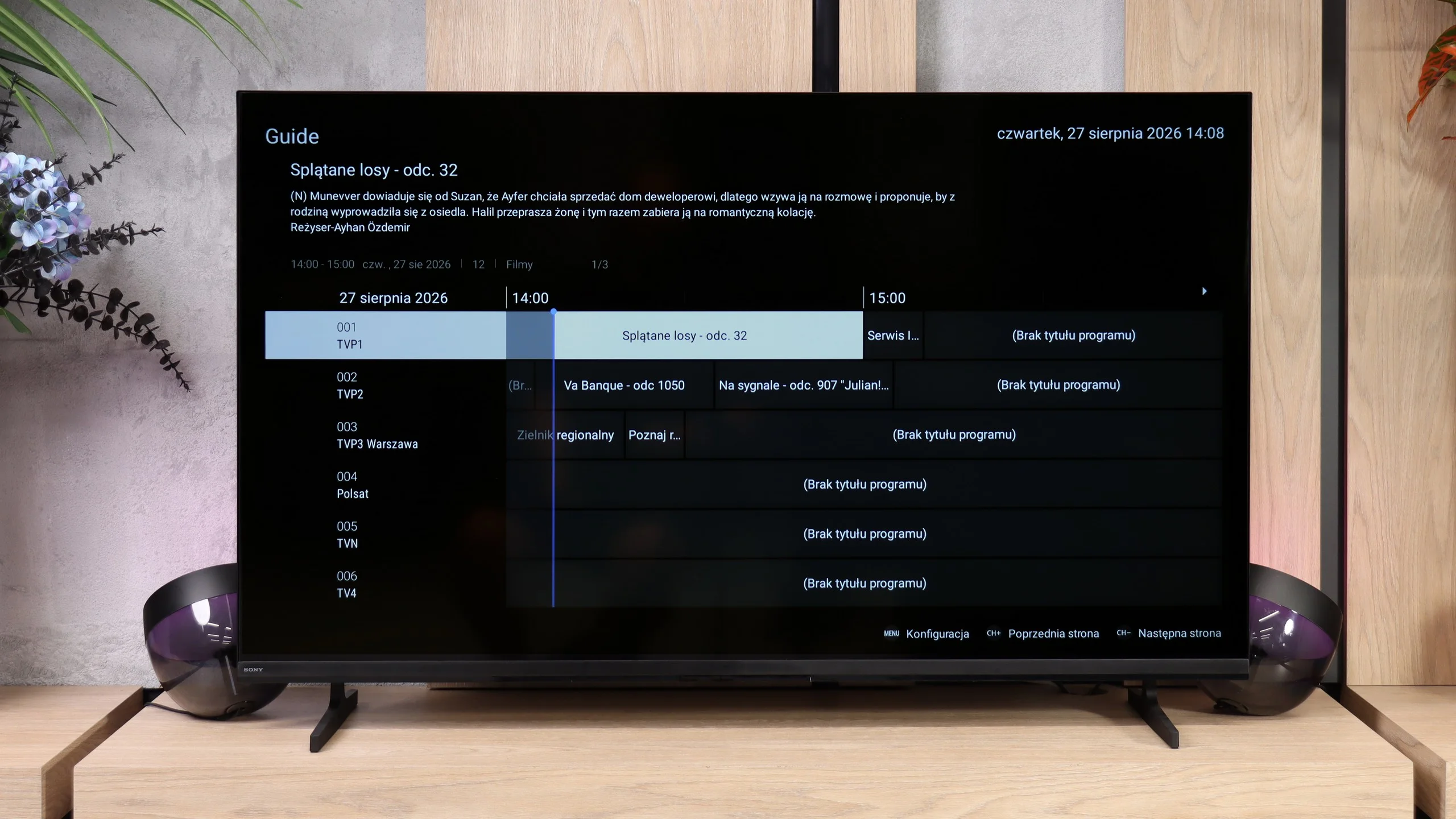
- TV receptionDVB-T, DVB-T2, DVB-S, DVB-S2, DVB-CDVB-T, DVB-T2, DVB-S, DVB-S2, DVB-C
Classic features:
- Recording to USB (terrestrial TV)
- Recording programming
- Picture in Picture (PiP)
- RF remote control (no need to aim)
- Backlit remote control
- Teletext
- Audio only mode
- Bluetooth headphones support
- Simultaneous Bluetooth headphones & TV audio
Smart features:
- AirPlay
- Screen mirroring (Windows Miracast)
- Voice search
- Voice search in native language
- Ability to connect a keyboard and mouse
Sound connection options
- HDMI audioeARC (HDMI), ARC (HDMI)eARC (HDMI), ARC (HDMI)
- Other audio outputsToslink (Optical audio)Toslink (Optical audio)
- Wireless audioBluetoothBluetooth
Supported audio formats (external HDMI eARC audio):
- Dolby Digital Plus 7.1
- Dolby True HD 7.1
- Dolby Atmos in Dolby Digital Plus (JOC)
- Dolby Atmos in Dolby True HD
- DTS:X in DTS-HD MA
- DTS-HD Master Audio
Senior accessibility
- Numeric keyboard on TV
- Font size adjustment
- Audio description
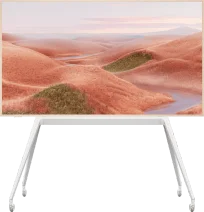
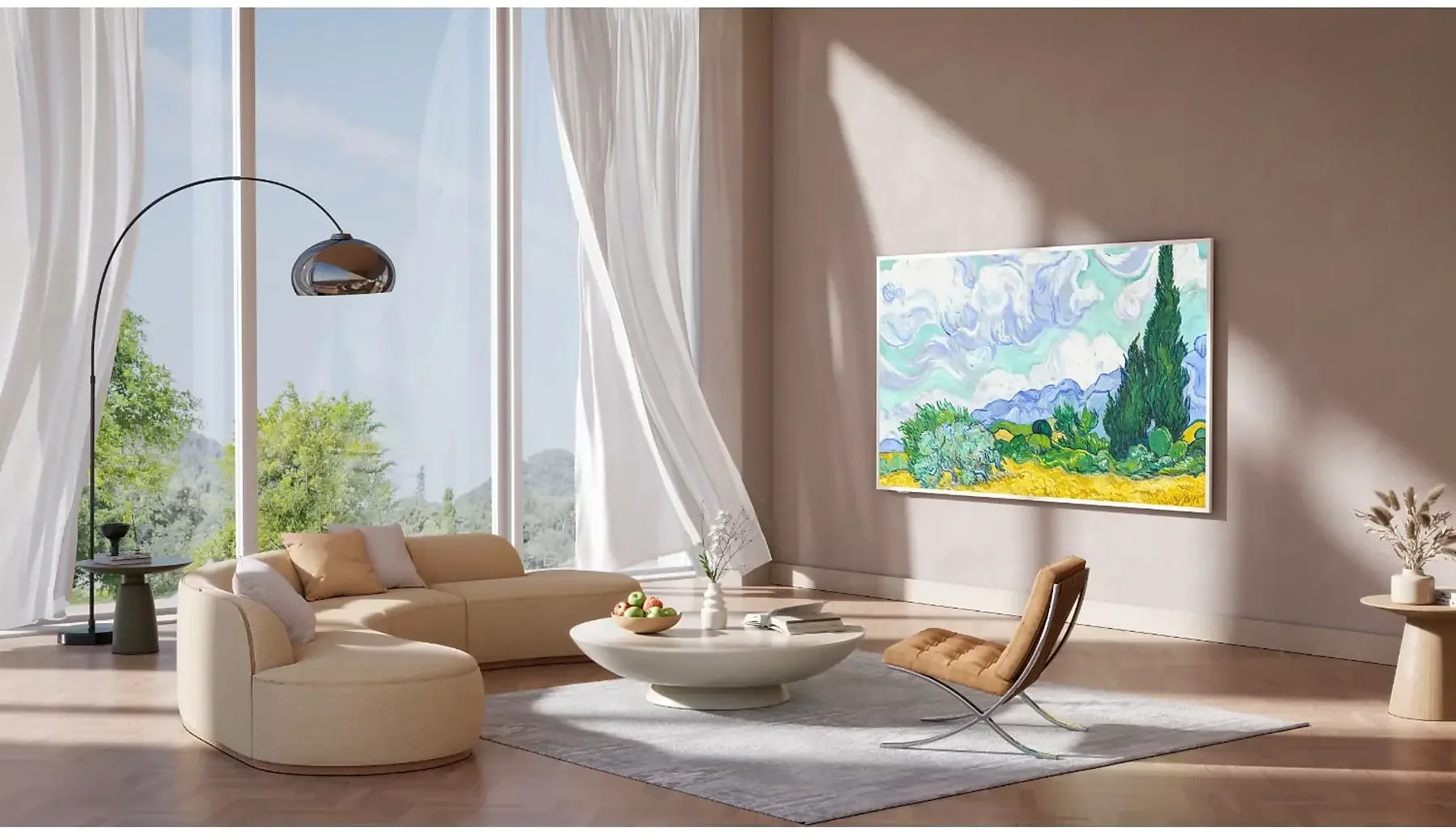
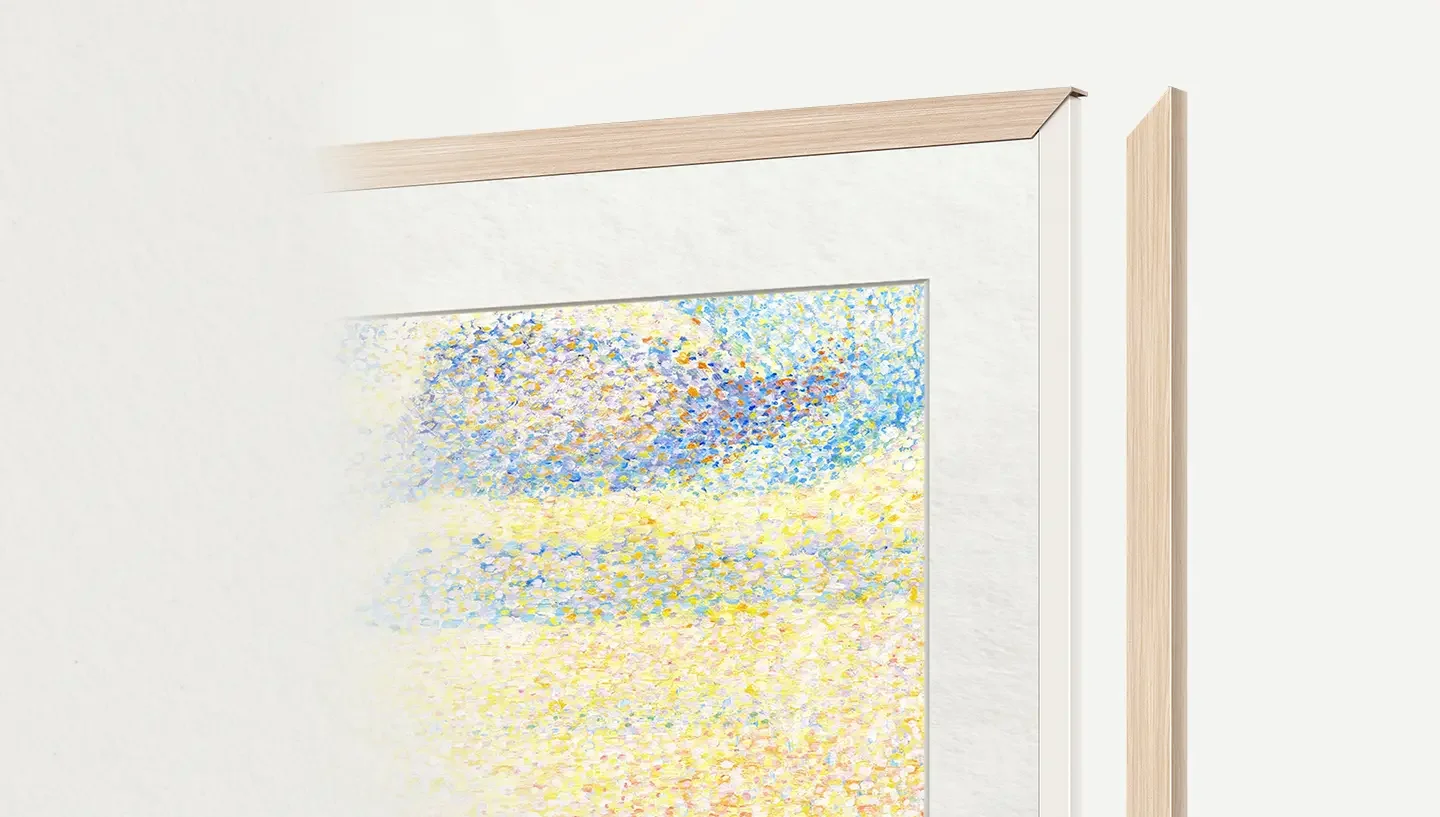
The TCL A300 is a television styled to resemble a painting, which can successfully masquerade as a work of art during everyday use, hanging on the wall. It is equipped with a special image display mode, additional frames in a light wood tone, and a flat wall mount that allows the television to be hung like a true picture – flush against the wall.
A significant advantage of the image mode is that it is completely free. We have access to dozens of works from which we can choose the one to be displayed in standby mode – instead of a black screen, the picture we selected remains on the wall. The quality of the graphic reproductions is decent, but it must be admitted that it clearly falls short of that from the Samsung ART Store. Although access to images there is paid, the quality of the scans is significantly better – you can see the texture of the paint, the canvas, and the details. In the TCL A300, it resembles high-quality photographs more than realistic reproductions of artworks. Additionally, the implementation of the image mode in the system leaves much to be desired. For example – if we set the brightness in image mode to 10%, that same value automatically transfers to the normal viewing mode, where we could comfortably set the brightness to 50% or even 100%. This works in the opposite direction too – when we set the brightness to 100% in normal mode, switching to gallery mode displays the images with that same maximum brightness, shining too intensely and losing the entire effect of a “picture on the wall.” These are minor but annoying errors that can ruin the experience of what was intended to be visually subtle and elegant.
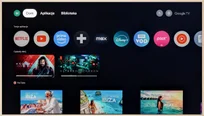
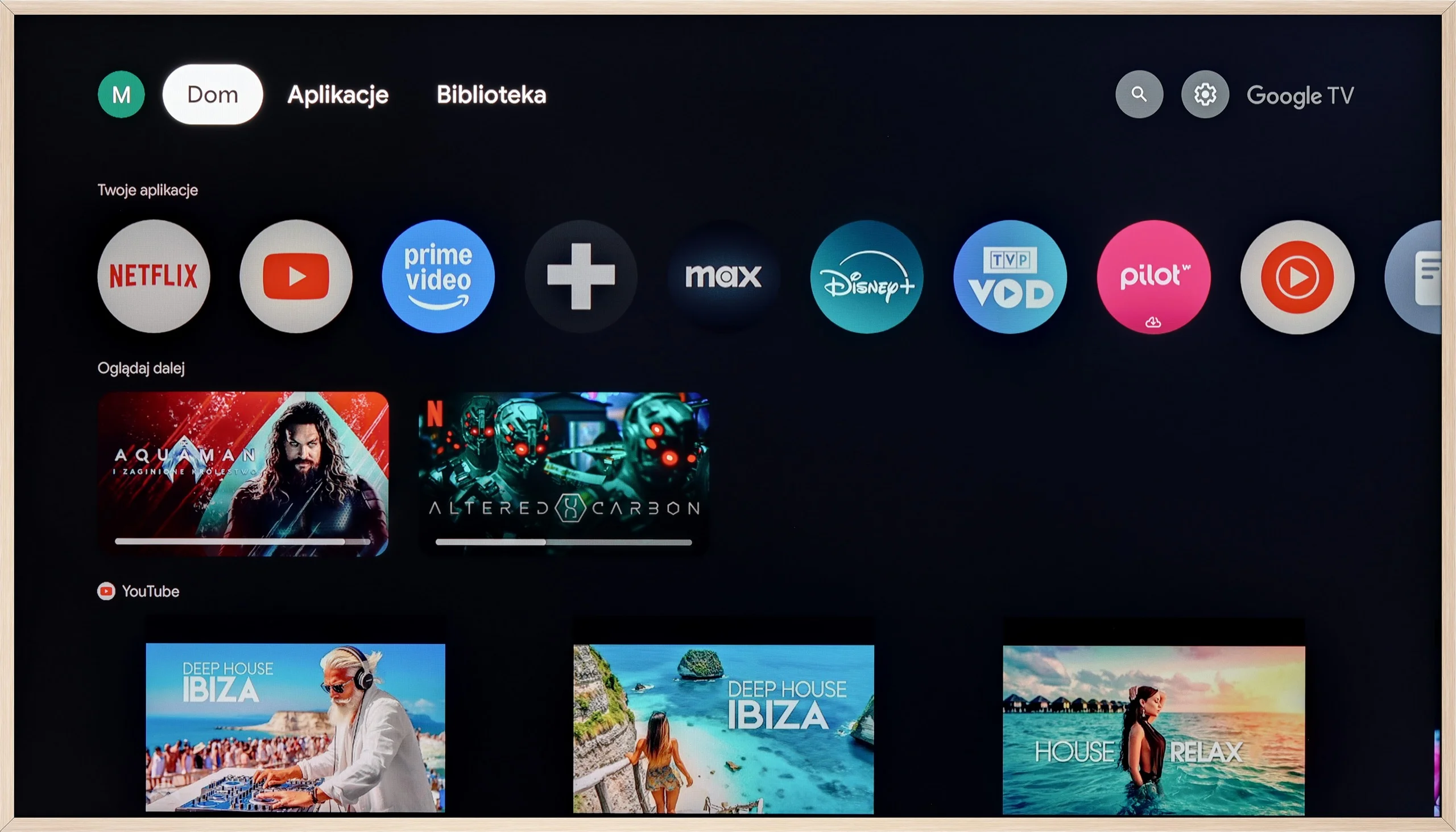
Moving on to more classic features – the A300 runs on the Google TV system, which currently offers by far the largest selection of applications (the full list available below). The well-functioning voice assistant with support for the Polish language is also a major plus. As standard – as in most TCL televisions – the USB recording function or picture-in-picture (PiP) mode is missing.
Google TV
Bravia 2 II runs on Google TV, which is definitely one of this model's stronger points. First and foremost we get a huge selection of apps, so there’s no problem accessing popular streaming services. There’s also Chromecast and AirPlay, which make it easy to cast content from your phone or other devices. Voice search with Google Assistant/Gemini also works very well, including in Polish. The system itself is not, admittedly, one of the fastest versions of Google TV we’ve tried, and sometimes you have to wait a moment for a response, but overall it performs decently. In terms of capabilities there’s little to complain about, especially for one of Sony’s cheapest TVs.
TV features
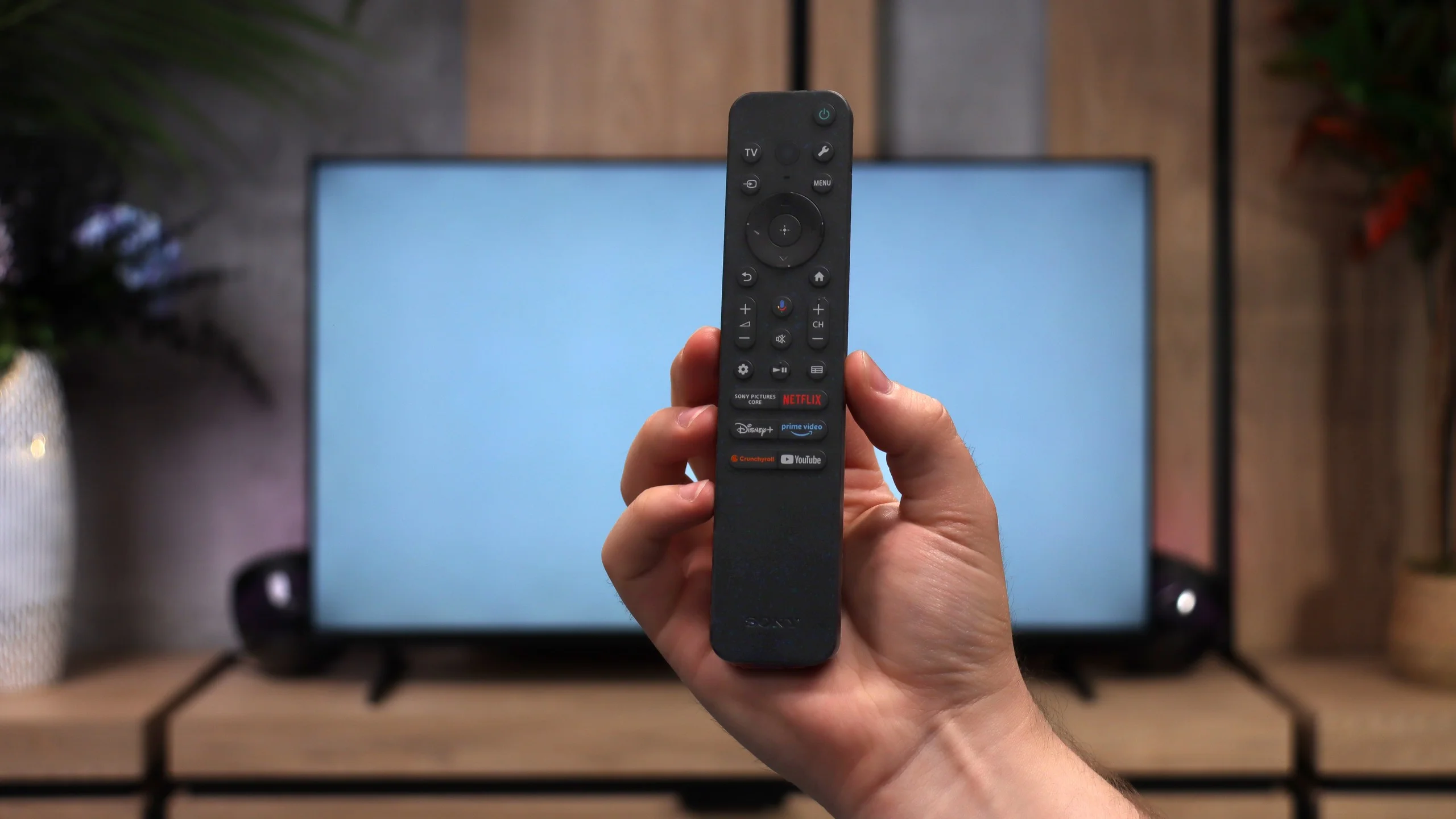
When it comes to conventional TV features, the Bravia 2 II is rather modest. You won't find, for example, USB programme recording or other more advanced extras here, so in that respect it's fairly basic. On the plus side, it does come with two remotes. One is a modern, simpler remote intended mainly for operating the Smart TV, and the other is a classic remote with more buttons, which may be more comfortable for people who frequently use traditional television. The smaller one operates via radio, so you don't have to point it directly at the screen, which is simply convenient in everyday use.
Apps
9.6/10
9.6/10






















Playing files from USB
8.9/10
9.4/10
Supported photo formats:
Maximum photo resolution:
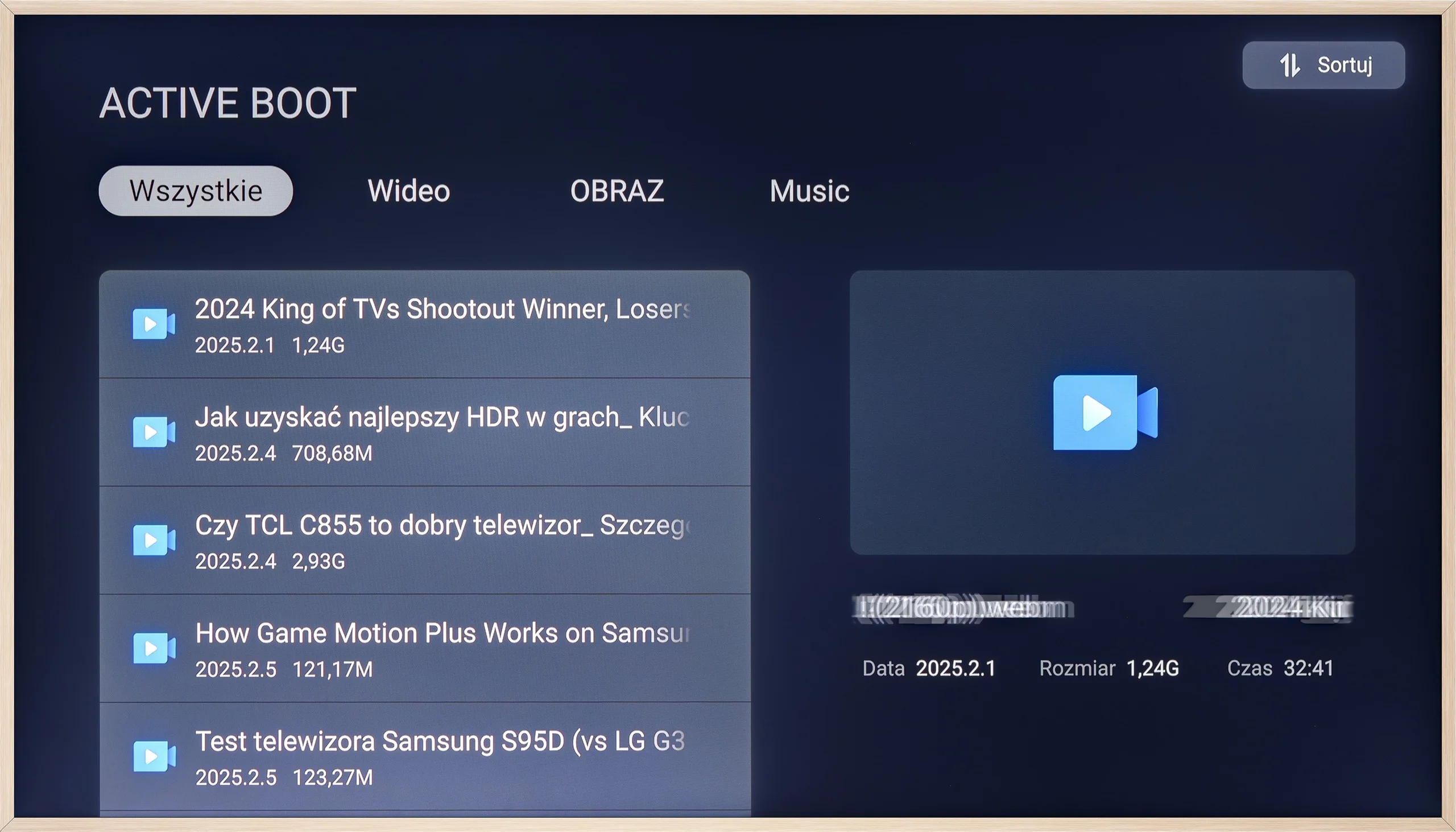
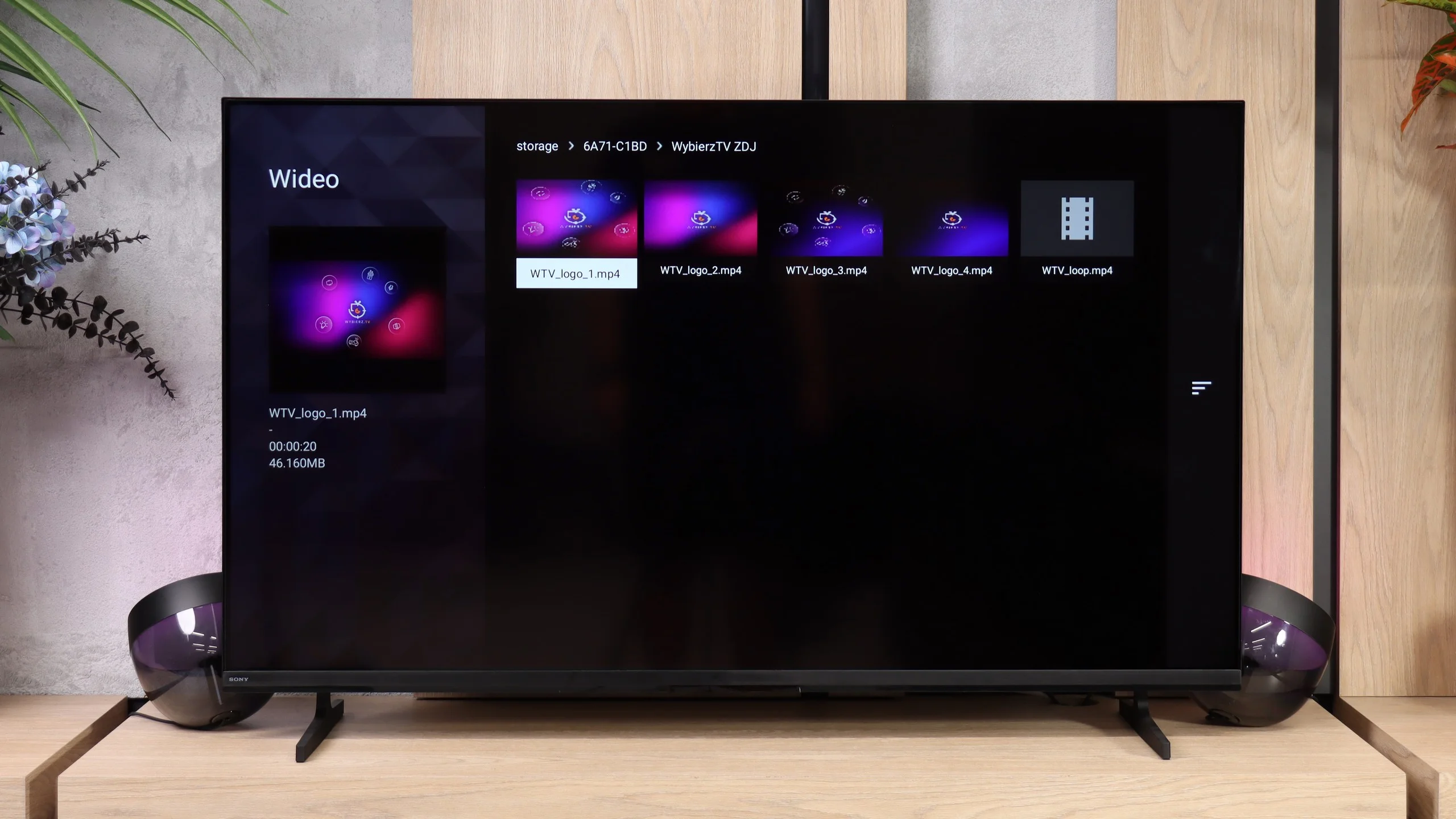
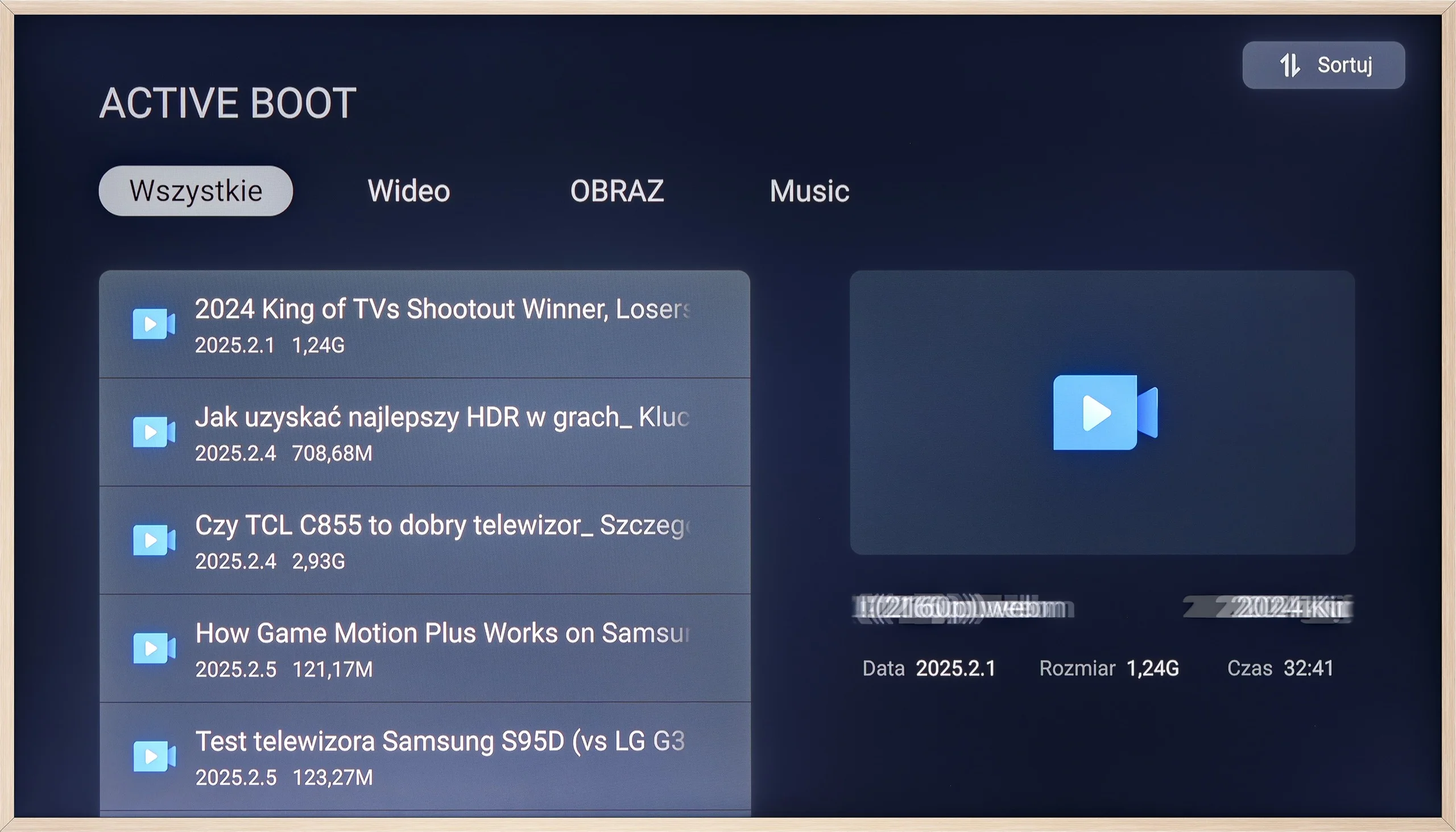
The built-in player in the TCL A300 works as it should – most popular video and photo files play without any issues. There is a lack of support for the HEIC format from Apple (which is quite common in many televisions), but most users still use AirPlay, so this shouldn't be a major problem. If someone is not satisfied with the default player, the Google TV system offers considerable options – it's easy to install an alternative app that better suits our tastes. Nevertheless, it must be acknowledged that the factory solution is entirely sufficient for everyday use.
The built-in file player performs very well. The Bravia 2 II opens almost anything you throw at it, from common video files and subtitles to photos and music. Importantly, it also has no trouble with more demanding 4K material encoded in HEVC or AV1. Of course, there are a few isolated formats the TV does not support, such as VVC or some less common audio and image files. These are mostly things few people will try to play directly on the TV.
Sound
6/10
6.1/10
- Maximum volume-92dB
- Dolby Digital Plus 7.1
- Dolby True HD 7.1
- Dolby Atmos in Dolby Digital Plus (JOC)
- Dolby Atmos in Dolby True HD
- DTS:X in DTS-HD MA
- DTS-HD Master Audio
When it comes to sound, the TCL A300W – like its competitors – plays quite... flat, after all, we are talking about a super flat television. For everyday watching of news or series, this level is entirely sufficient, but during film screenings, we may clearly miss depth and space. On the plus side, it is worth noting that the television supports both Dolby Atmos and the increasingly rare DTS:X – which offers more options when connecting an external audio system. It is also worth mentioning that the A300 PRO model has been equipped with a dedicated, flat soundbar. And not just any soundbar – it performs better than most of the televisions we have tested.
The sound on the Bravia 2 II is simply adequate for an entry-level TV. It’s perfectly fine for watching regular television, such as the news, but as is common with this kind of design it mainly lacks bass. That becomes apparent quite quickly with music and even more so in action films, where explosions and other heavy effects lack weight. Sony does deserve praise for its support of audio formats. When you connect a soundbar or a home cinema system the TV will pass the main formats via eARC without issue, including Dolby Atmos, Dolby TrueHD, DTS-HD Master Audio and DTS:X. It’s particularly pleasing to see DTS included, which you cannot always take for granted on competitors’ TVs, even the most expensive models.
Sound Quality Test
No sound test video
Acoustic Measurements
No acoustic data
92dBC (Max)
75dBC
Reader comments
Comments are provided by the external service Disqus (Zeta Global). Once loaded, Disqus may set cookies and process data about your activity.
We will remember your choice on this device. Provider's privacy policy