 Direct comparison
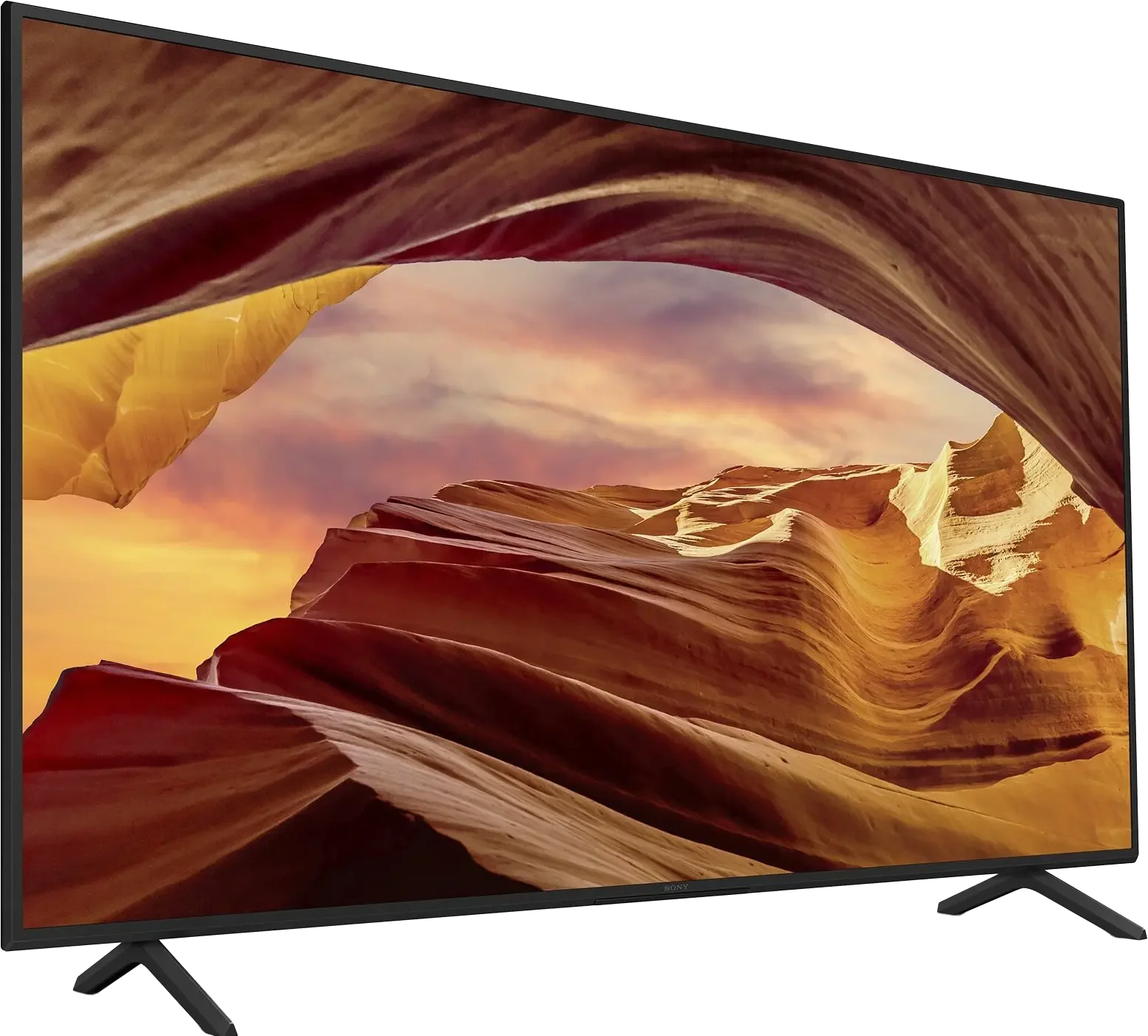
The Sony X75WL model is a television from 2023, which will continue into 2024 by the Japanese company Sony. It can offer many positive features. For example, thanks to the Google TV system, users can enjoy wide access to applications such as Netflix, YouTube, Amazon Prime Video and more! The applications are easily accessible, and full integration with the Play Store allows for downloading many additional applications, including games and media players, etc. The built-in Google Assistant adds even more functionality, enabling users to control the television using voice commands. Daily usage is supported by features such as the ability to record to USB or connect peripherals (e.g., mouse and keyboard, headphones). All of this makes it a very functional device, tailored for various users. Solid cooperation with PC, thanks to support for chroma 4:4:4 and low input lag, makes the Sony X75WL a great choice for office use or working from home. The sound quality is also a plus – gentle bass and sound clarity will satisfy most users, particularly those who appreciate audio quality without the need to invest in additional speakers. Nevertheless, this model also has some drawbacks. Very poor contrast and average HDR performance make it not the best choice for nighttime cinematic viewing, where black depth and detail quality are crucial. Thicker bezels may not appeal to everyone. Despite its flaws, the Sony X75WL is a solid choice, especially for those looking for a versatile and functional television at an affordable price. However, if we are not strongly attached to the brand, we recommend considering competitive models (comparison visible below) - which may offer a better price-to-quality ratio.
- Matching (Score) |
- Our verdict |
- TV appearance |
- Where to buy |
- Contrast and black detail |
- HDR effect quality |
- Factory color reproduction |
- Color reproduction after calibration |
- Smoothness of tonal transitions |
- Image scaling and smoothness of tonal transitions |
- Blur and motion smoothness |
- Console compatibility and gaming features |
- Input lag |
- Compatibility with PC |
- Viewing angles |
- Daytime performance |
- Panel details |
- TV features |
- Apps |
- Playing files from USB |
- Sound
Panel type: LCD IPS
Resolution: 3840x2160
System: Google TV
Model year: 2023
Complete the survey to find out the result
Panel type: LCD IPS
Resolution: 3840x2160
System: Google TV
Model year: 2026
Complete the survey to find out the result
Overall rating
5.9
6.8
 Movies and series in UHD quality
5.6
5.9
 Classic TV, YouTube
5.3
6.2
 Sports broadcasts (TV and apps)
5.5
6.8
 Gaming on console
5.7
7.5
 TV as a computer monitor
6.0
7.6
 Watching in bright light
4.6
6.0
 Utility functions
7.7
5.9
 Apps
9.6
9.6
 Sound quality
6.9
8.3
Complete the survey to find out what fits your preferences
Advantages

Google TV system with convenient voice control and access to applications
Ability to record to an external USB drive and connect peripherals
Good viewing angles thanks to the IPS panel
Very good compatibility with PC (chroma 4:4:4, low input lag)
Pleasant, clear sound with a gentle bass
Adjustable leg spacing
Great viewing angles (thanks to the ADS matrix)
Impressive blacks thanks to Mini-LED backlighting
Good colours thanks to the PFS filter (advertised as QLED)
High motion fluidity (144 Hz panel)
Low input lag (in game mode)
Lots of gaming features, including two HDMI 2.1 ports (VRR, ALLM and Game Bar)
Google TV system with a rich library of apps
Good sound thanks to the built-in “soundbar”
Disadvantages

Very weak contrast
Average colour palette coverage
Poor for gamers - lacking many features
Design - thick bezels will not appeal to most
Underdeveloped local dimming algorithms (can cause annoying brightness drops)
Outdated image processor and poor digital processing of the Google TV system
Bugs in the software, occasional stuttering
Useless Filmmaker mode (completely blocks any change of picture settings)
Poor implementation of HDR format in games (lack of HGiG support and high input lag in Dolby Vision mode)
Our verdict
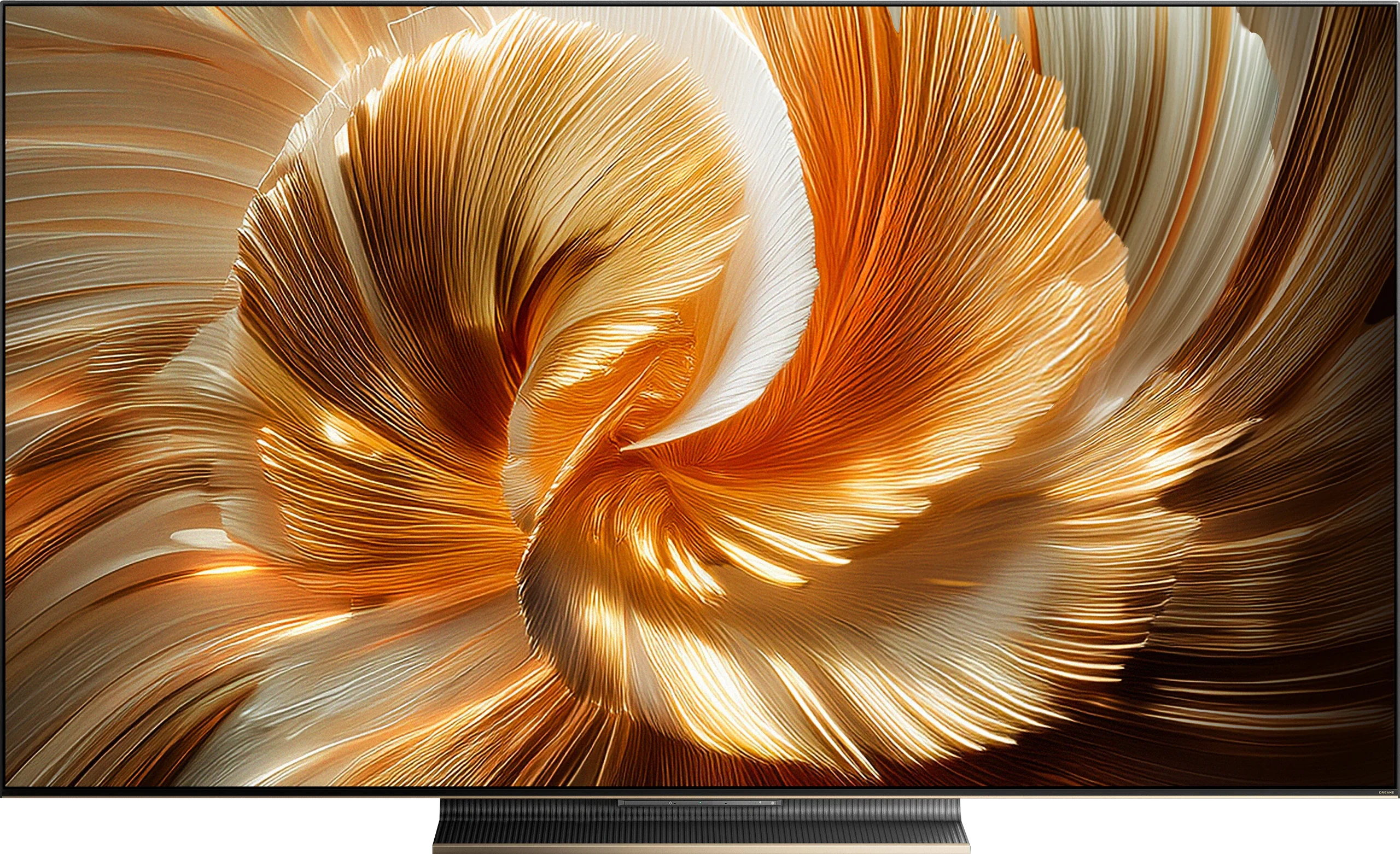
Dreame S100 is a successful, albeit still somewhat raw, debut in the Mini-LED segment. In terms of hardware, the television stands on its own: Mini-LED technology with local dimming provides deep and, for the average viewer, attractive blacks, while the IPS/ADS panel offers brilliant viewing angles. This is a particularly interesting combination, as it is extremely rare in the LCD television segment, which will surely please those with spacious living rooms or large corner sofas. If we add to that a full gaming package (HDMI 2.1, 144 Hz), the Google TV system with an almost infinite number of applications, and very strong 4.1.2 sound with 70 W of power that definitely performs above the market average, we get an incredibly versatile screen.
What's the catch? In the software. Unfortunately, the Dreame S100 suffers from typical "growing pains" – the outdated processor struggles with advanced digital processing, and local dimming algorithms can become irritating in more demanding scenes. Moreover, the Google TV system itself occasionally experiences slight stutters. So, if you are looking for a well-equipped Mini-LED for a spacious living room and are willing to forgive it minor system blunders that the manufacturer can indeed fix with future updates – this is a very interesting option. The hardware potential is immense, although the software still requires some final polishing.
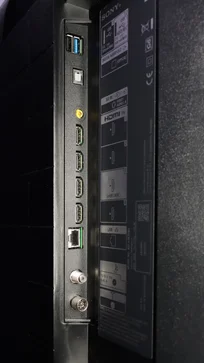
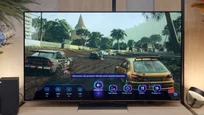
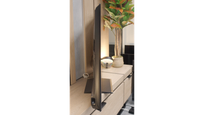
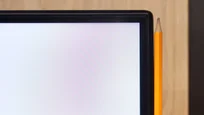
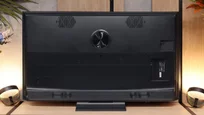
TV appearance


Contrast and black detail
2.4/10
5.9/10
Local dimming function: No
Local dimming function: Yes, number of zones: 160 (10 x 16)
Contrast:


Result
1,100:1

Result
1,200:1

Result
1,300:1

Result
1,400:1

Result
900:1
Result
32,850:1
Result
11,800:1
Result
6,900:1
Result
2,650:1
Result
1,700:1
Halo effect and black detail visibility:
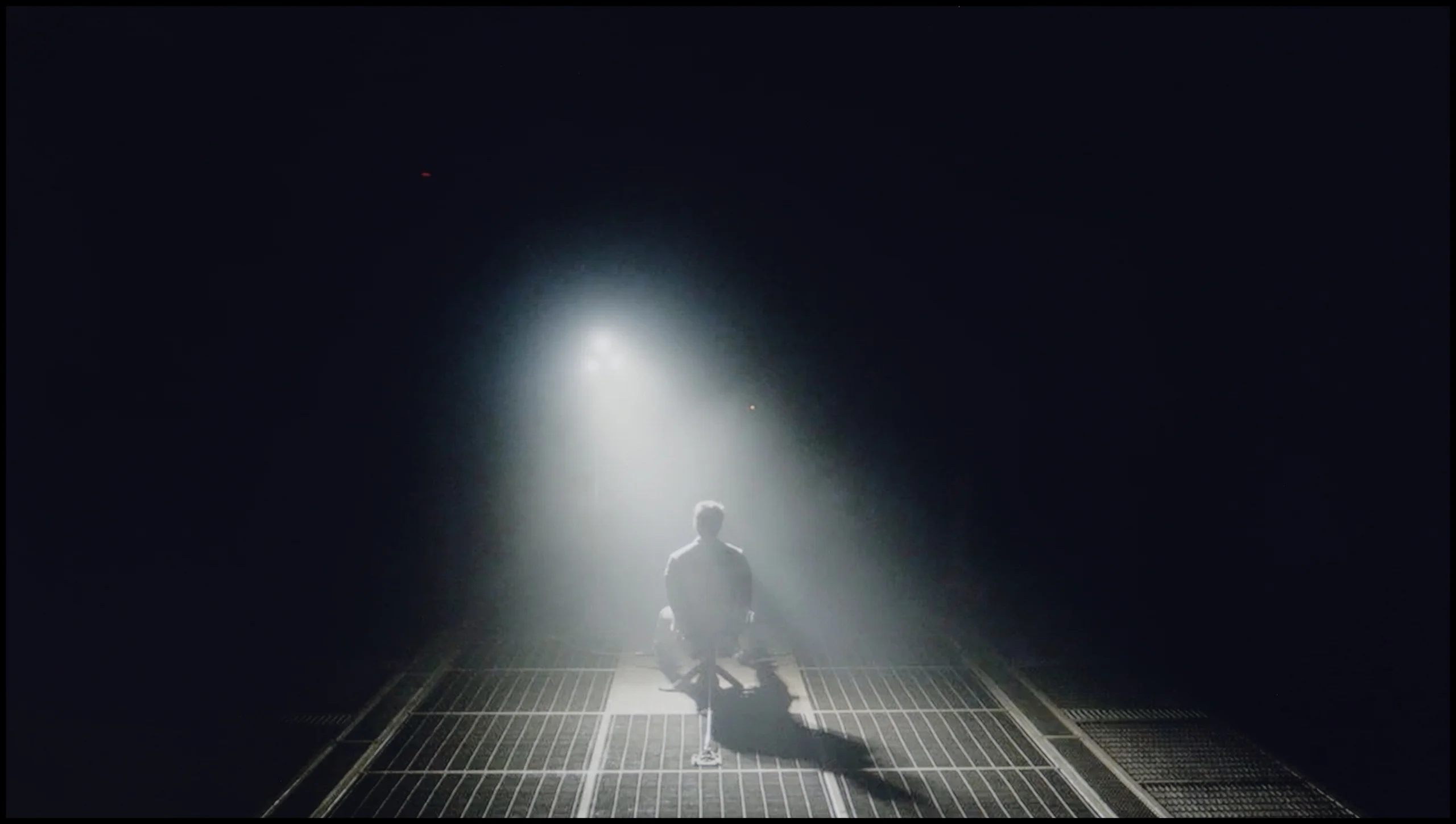
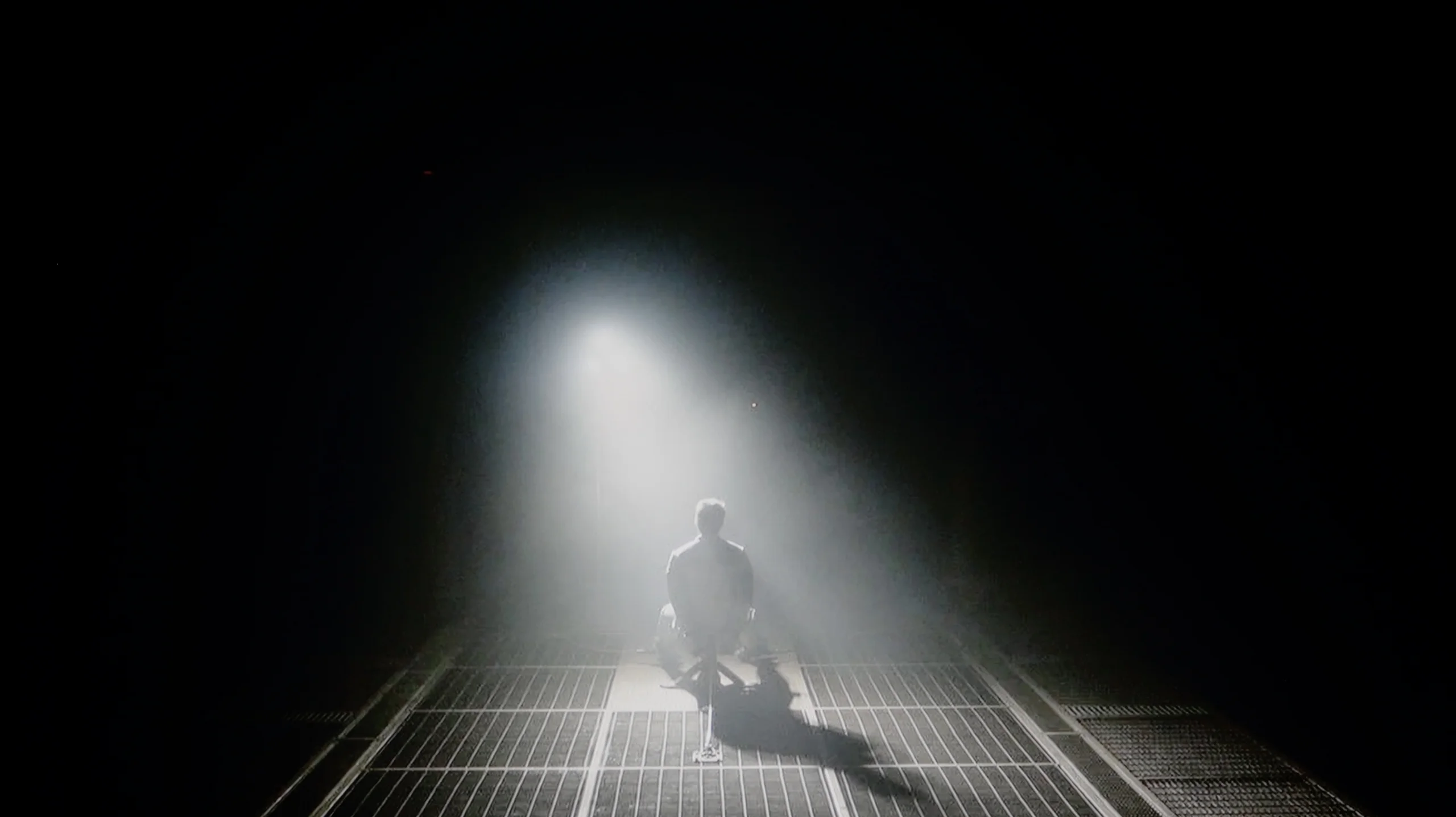
Check the visibility of bright lights on a dark background. Mini-LEDs often struggle with this. The photo does not compare black levels – that’s what the video below is for.
The video accurately shows differences in contrast and black levels between TVs, as well as potential issues: halo around bright objects or Mini-LED zone operation visible as brightness jumps.
The tested model Sony X75WL is equipped with an IPS panel, which unfortunately negatively affects the quality of black levels and contrast. The black is shallow, and details in dark scenes are virtually invisible. In the film "Sicario 2", no details can be seen in the shadows. All of this makes the picture look poor and lacking in depth. The IPS panel used does not provide the level of contrast that more demanding users would expect, and the lack of detail in dark scenes significantly lowers the quality of the viewing experience when watching films. The X75WL television does not have local dimming functionality, which further complicates achieving the proper quality of black levels and contrast in this category.
The Dreame S100 is a Mini-LED television that uses an IPS/ADS panel in its 65" version. Such a panel does not inherently offer the best contrast on the market; however, thanks to the fairly dense Mini-LED backlighting, the black level in this model is actually quite decent. In less demanding scenes, the contrast was able to reach values of 30,000:1. This is a result several times higher and practically impossible to achieve for any type of LCD panel without local dimming technology. This means that the black level and contrast in the S100 will be quite appealing for a less demanding viewer.
Unfortunately, in more demanding scenes, where a considerable amount of small elements appears on a black background, the local dimming algorithms in the Dreame S100 do not operate perfectly. The television may either darken excessively, making the black level extremely deep but rendering almost nothing visible on the screen, or it may go in the opposite direction—showing a large number of details but resulting in very poor contrast. The black level in very demanding scenes around bright objects takes on a greyish hue (halo effect). This is a typical limitation of Mini-LED televisions in the lower and mid-range, and unfortunately, the Dreame S100 is not an exception that handles this problem particularly well. However, it should be noted that, overall, the contrast and black level here are at a significantly better level than in LCD televisions without any local dimming technology.
HDR effect quality
5/10
3.4/10
Luminance measurements in HDR:

Result
285 nit

Result
308 nit

Result
343 nit

Result
345 nit

Result
358 nit
Result
503 nit
Result
71 nit
Result
241 nit
Result
42 nit
Result
589 nit
Scene from the movie “Pan” (about 2800 nits)


Scene from the movie “Billy Lynn” (about 1100 nits)


The photos show two HDR10 movies. 'Pan' is one of the brightest productions ever made, while 'Billy Lynn' (soldier) has brightness typical of streaming (Netflix, Prime, HBO MAX). Notice the intensity of effects and detail in whites.
Static HDR10


The photos present the visibility of white details in various HDR formats. They do not show brightness differences between TVs (these can be compared in the previous gallery).
Dynamic: Dolby Vision
Dynamic: Dolby Vision


The photos present the visibility of white details in various HDR formats. They do not show brightness differences between TVs (these can be compared in the previous gallery).
HDR luminance chart:
Dreame S100
Sony X75WL
The luminosity chart for the X75WL Sony television showed a maximum value of 350 nits, which is unfortunately not an impressive result. The television does not surprise with its brightness, and all the HDR scenes we tested lacked depth and the appropriate light effect that should accompany HDR content. Additionally, the poor coverage of the DCI-P3 colour gamut makes it difficult for the television to reproduce rich colours, which significantly affects the overall viewing experience of HDR content. The lack of adequate brightness and weak colour coverage mean that HDR effects are very limited in this model.
The Dreame S100 is a relatively bright television. In movie mode, the brightness we measured reached around 600 nits. This is a really good result, although not the highest when considering the competition at this price point. In fullscreen scenes, it is evident that the television can produce an image that impresses with its brightness. Unfortunately, when more complex scenes appeared on the screen, the local dimming algorithm in this model primarily focused on maintaining the deepest blacks. However, this came at the expense of HDR performance – and in a drastic manner. In such scenes, the brightness of bright elements dropped below 100 nits, which is a frankly tragic result, far from any HDR effect. One can improve this aspect, but not without a "however." It is simply necessary to change the local dimming setting in the television's menu, but then the blacks in such scenes simply become grey. It's a pity that Dreame couldn't better refine the local dimming algorithms, and the S100 is another example that the sheer number of local dimming zones does not always translate to a better image. As a consolation, it is worth adding that the Dreame S100 is advertised as a "QLED" type television, although in reality it uses a PFS LED filter. As a result, the colours are appropriately saturated, and the colour gamut coverage of DCI-P3 we measured exceeded 94%.
Factory color reproduction
6.9/10
5/10
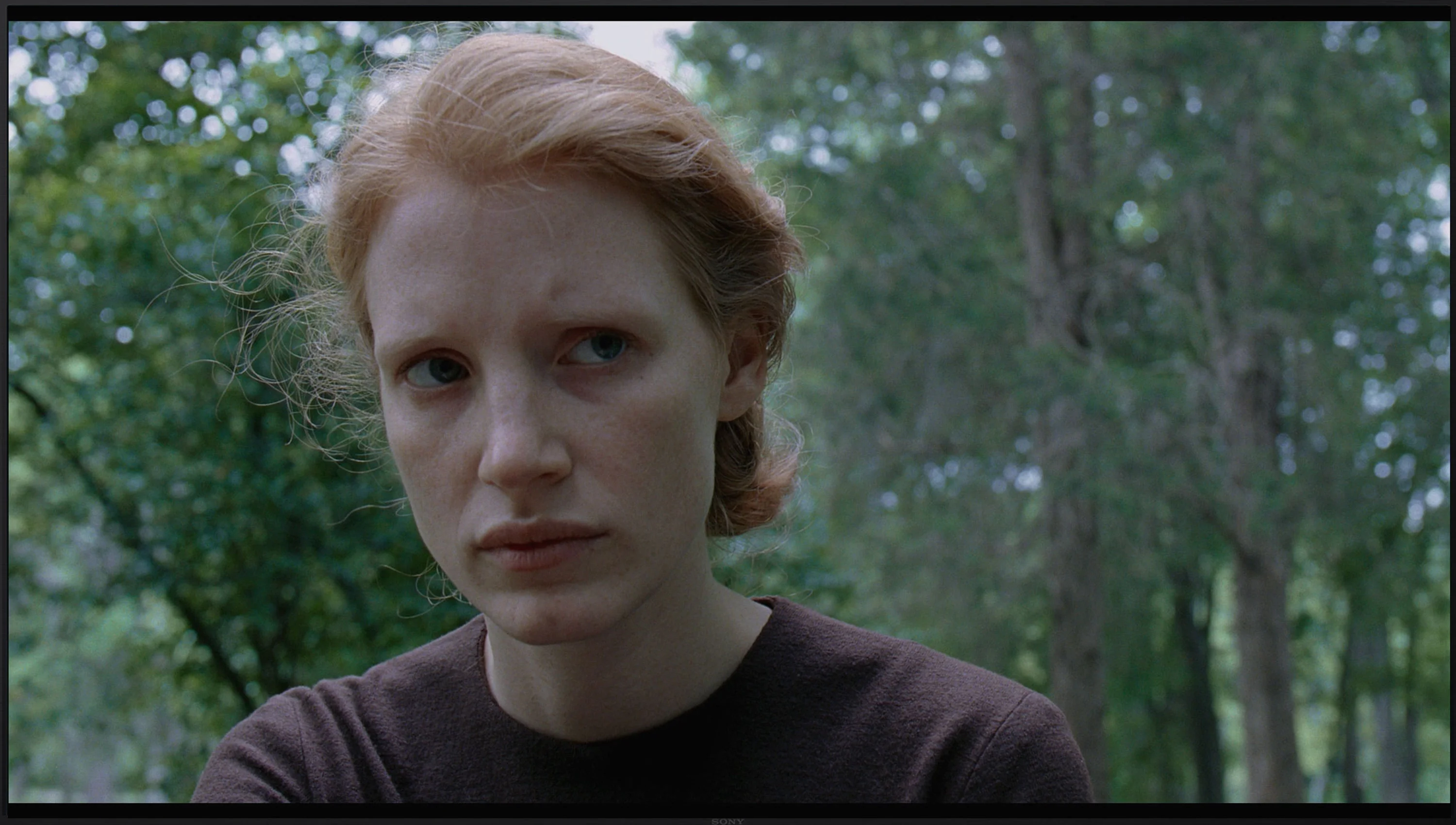
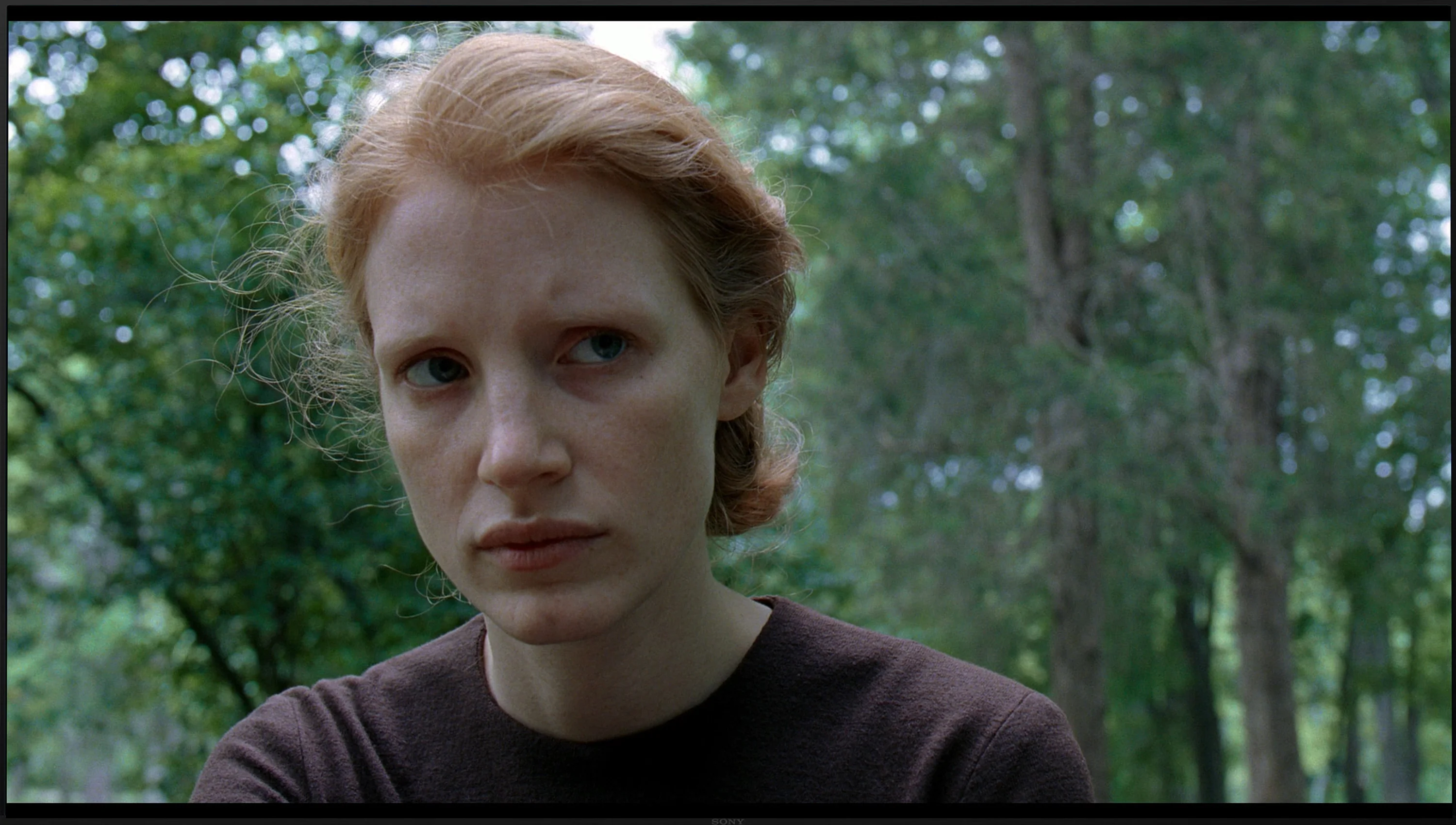
This gallery shows how colors change after professional TV calibration. If you notice the difference, we recommend ordering this service at SkalibrujTV.com.
Factory Mode
After calibration
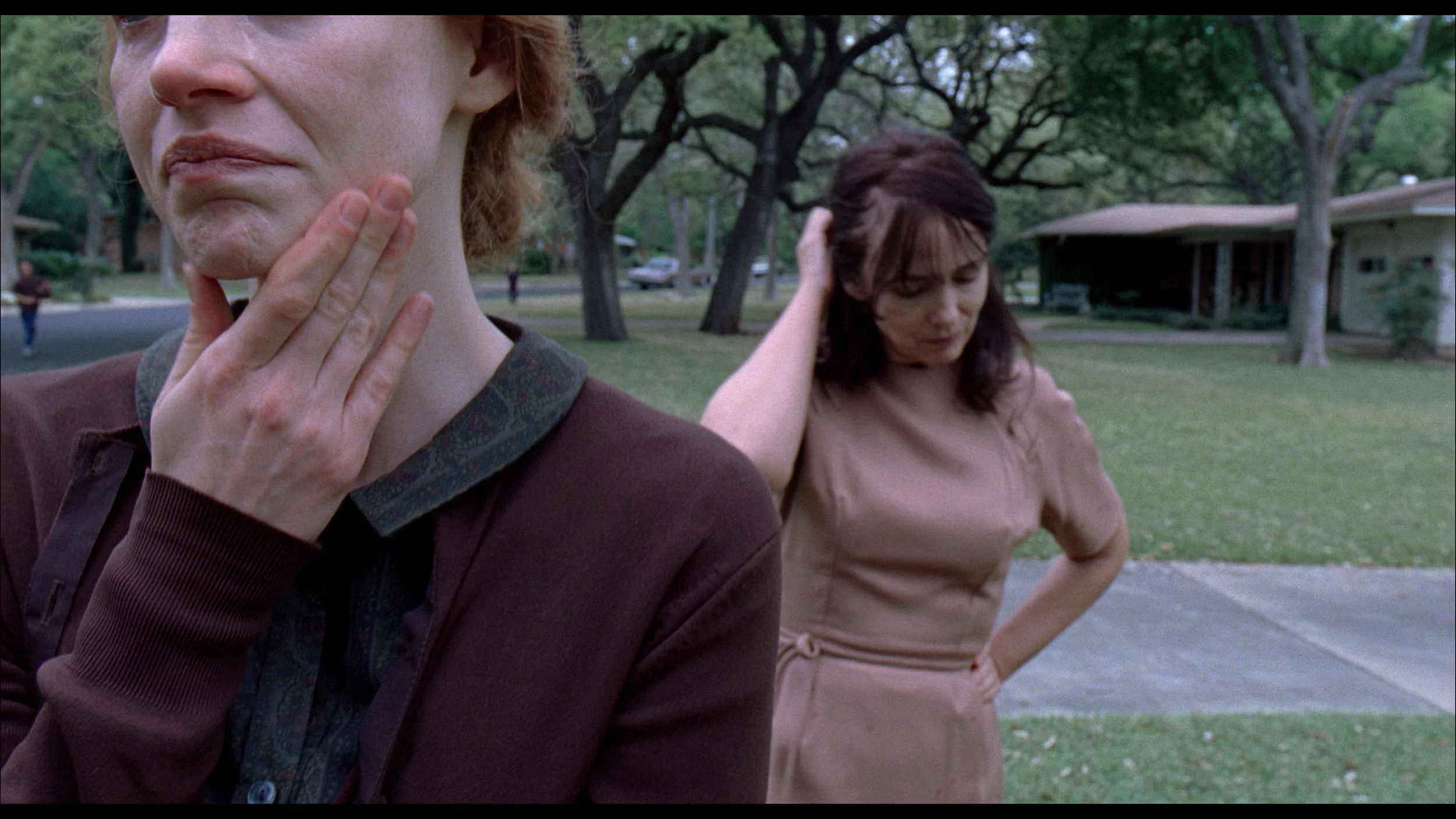
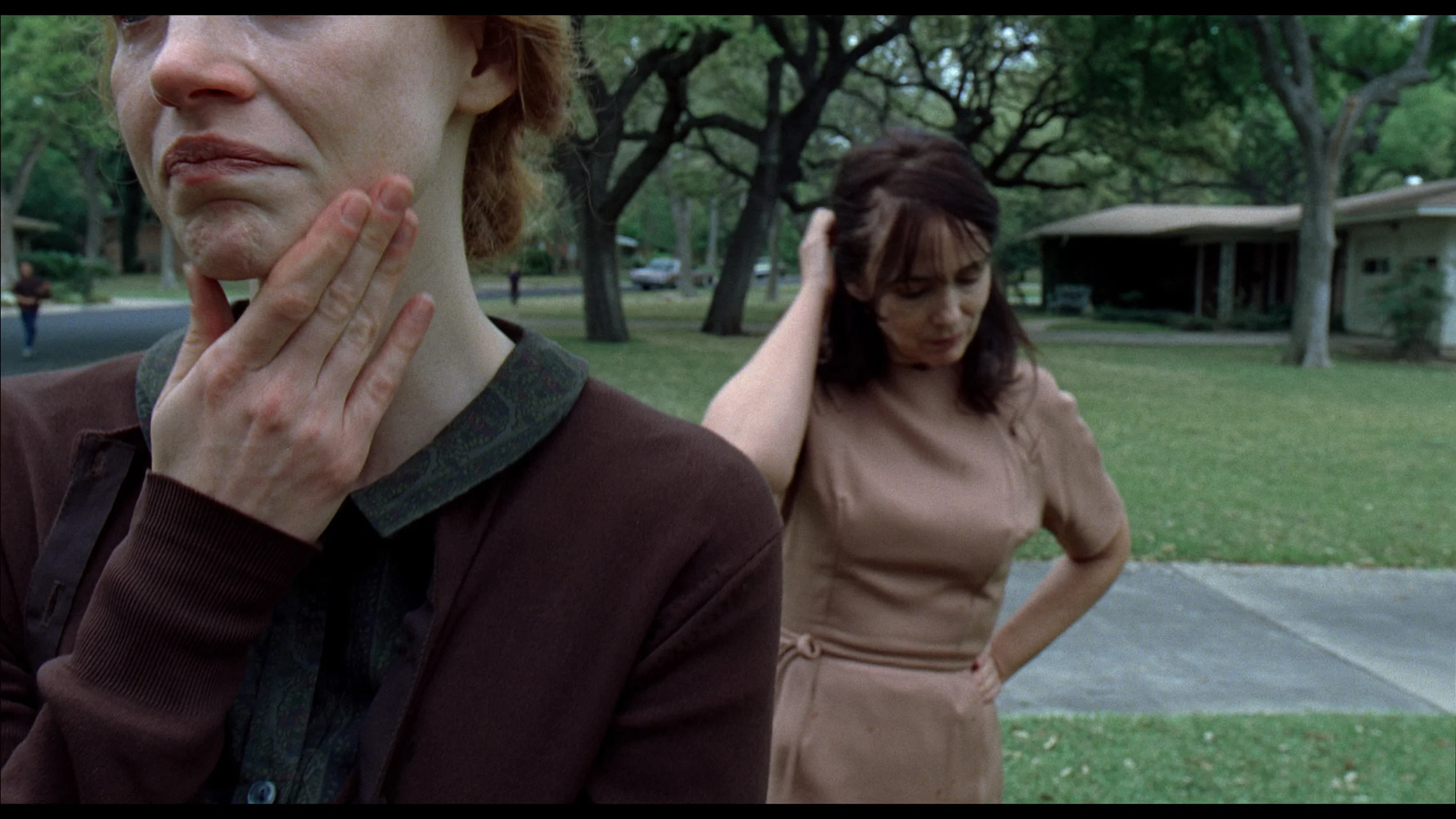
This gallery shows how colors change after professional TV calibration. If you notice the difference, we recommend ordering this service at SkalibrujTV.com.
Factory Mode
After calibration
Colour reproduction tests for the model Sony X75WL are carried out in movie mode, which offers the best image settings, but it also has its flaws. The biggest problem with the X75WL Sony is the white balance – for both HD and 4K HDR content – which is characterised by a dominance of blue. As a result, the entire image feels too cold. The colour checker confirms these errors, showing that the colours lean towards cooler tones. In terms of brightness characteristics, the contrast gamma is at a fairly decent level, however, the same cannot be said for the EOTF curve. There are significant issues with maintaining appropriate brightness – the image is either overly bright or too dim, which impacts the visual perception of content.
We tested the Dreame S100 in 'movie' mode and we definitely recommend using this setting for watching all types of content. Interestingly, within the deeper settings of the television, we also find a dedicated 'Filmmaker' mode, which is now available from almost every manufacturer. However, in the case of the Dreame S100, we do not recommend using it – it blocks all settings related to the picture and does not allow for any configuration in the menu - even motion smoothing. So, how do the factory colours of the S100 fare? Not too badly, but also not the best. The television itself was quite heavily tinted with blue components, which is clearly visible in our white balance measurements. This made the picture artificially brightened, and the colours had a slight bluish tint. This is confirmed by the Color Checker palette, which showed how the colour samples tend to drift towards blue, generating quite significant colour errors. The picture in HDR mode looked definitely better, where the colour errors were not as prominent, although they still fell far from perfection. Here, the white balance was also shifted too much towards blue, causing considerable errors in colour reproduction.
Color reproduction after calibration
7.1/10
7.5/10


The photos show how movies look on the TV. Pay attention to black detail visibility, colors, and shadow tint.

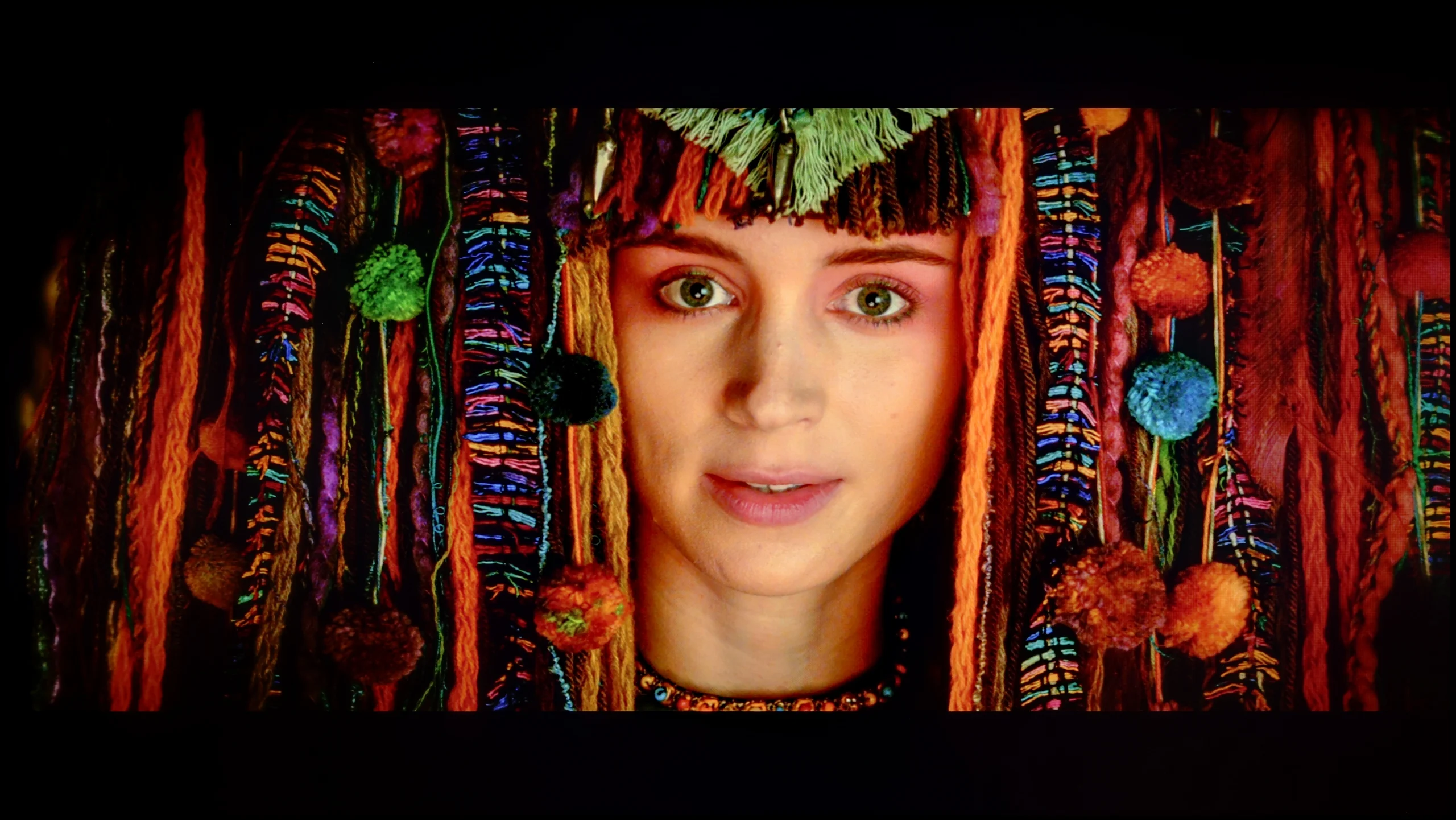
The photos show how movies look on the TV. Pay attention to black detail visibility, colors, and shadow tint.
X75WL Sony is one of those cases where image calibration may not be highly spectacular, but it offers a very good improvement in the perception of colours. The white balance, for both HD and 4K materials, has been significantly improved – there is no longer a strong dominance of cooler shades. The gamma curve also appears more stable, which translates into better image quality. However, the biggest issue remains the EOTF curve, which is responsible for brightness in 4K materials. Due to the technological limitations of the television (IPS panel and lack of local dimming technology), it is hard to speak of a significant improvement, as we cannot extract more from this model. Despite these limitations, the tonal quality of the image has been significantly enhanced.
The Dreame S100 has proven to be a device very amenable to professional calibration. In its menu, we found a plethora of advanced options that allowed us to effectively correct factory errors. Thanks to advanced white balance correction – both in SDR and HDR content – we completely eliminated the excess blue components. The image immediately became much more natural and pleasant to the eye. After fully tuning the colours, the errors in the Color Checker test dropped below Delta E values of 2-3. For the average viewer, this means that any colour distortions have become nearly impossible to perceive with the naked eye. This is truly a pleasant surprise, as new brands in the television market often encounter significant issues with the correct implementation and functioning of sliders in the calibration menu. Here, everything worked as it should. The only thing we must criticise is the way the television manages its brightness in HDR. Due to the specific nature of the local dimming algorithms, anomalies can be seen on the EOTF curve we measured. Where high highlights should appear, there is a slight boosting of the curve above the reference line. In practice, this causes an unnatural brightening of some of the brightest elements in films or games. Despite this minor flaw, professional calibration brings about a huge, very positive change in this model.
Smoothness of tonal transitions
8.1/10
8/10
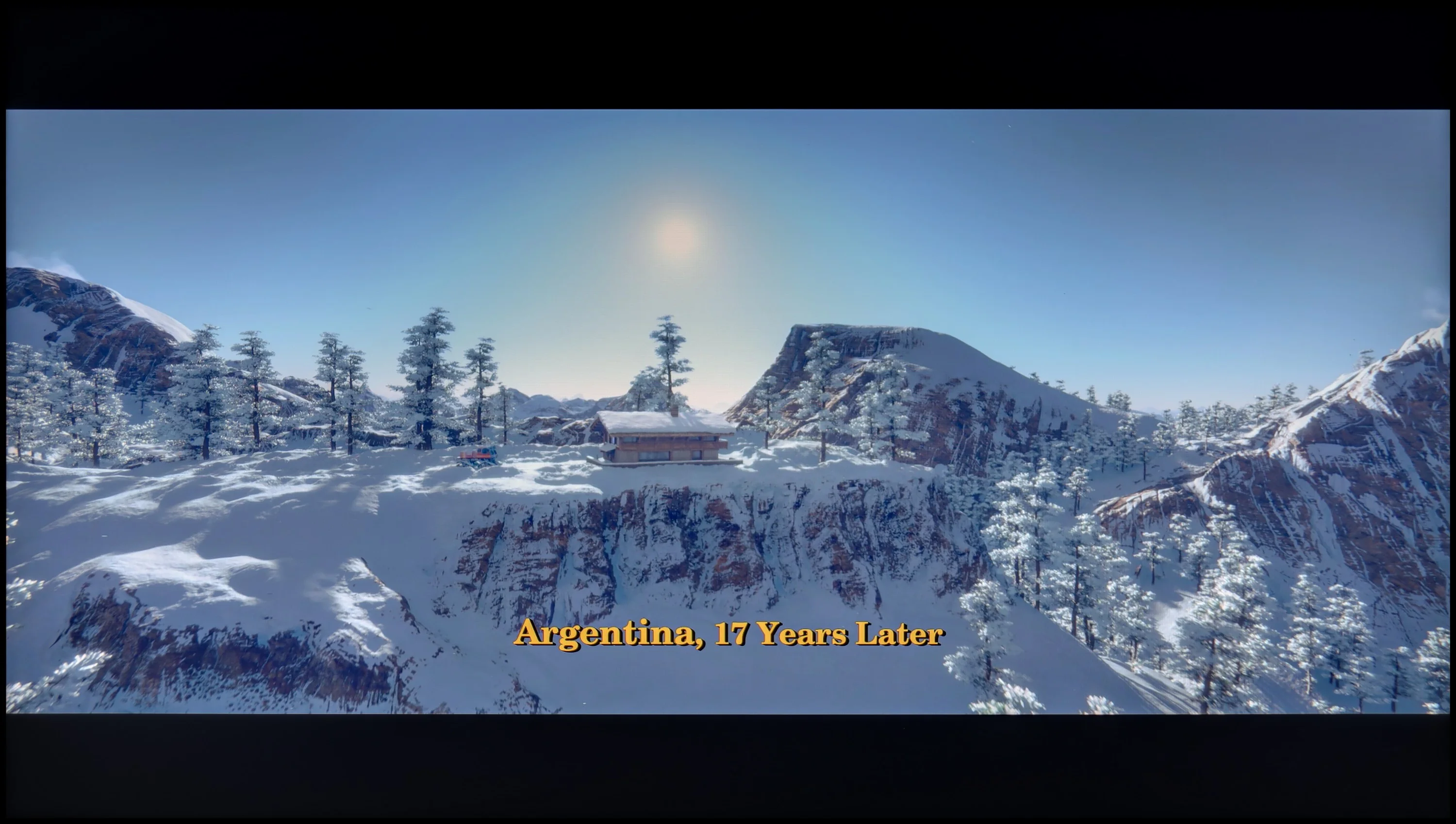

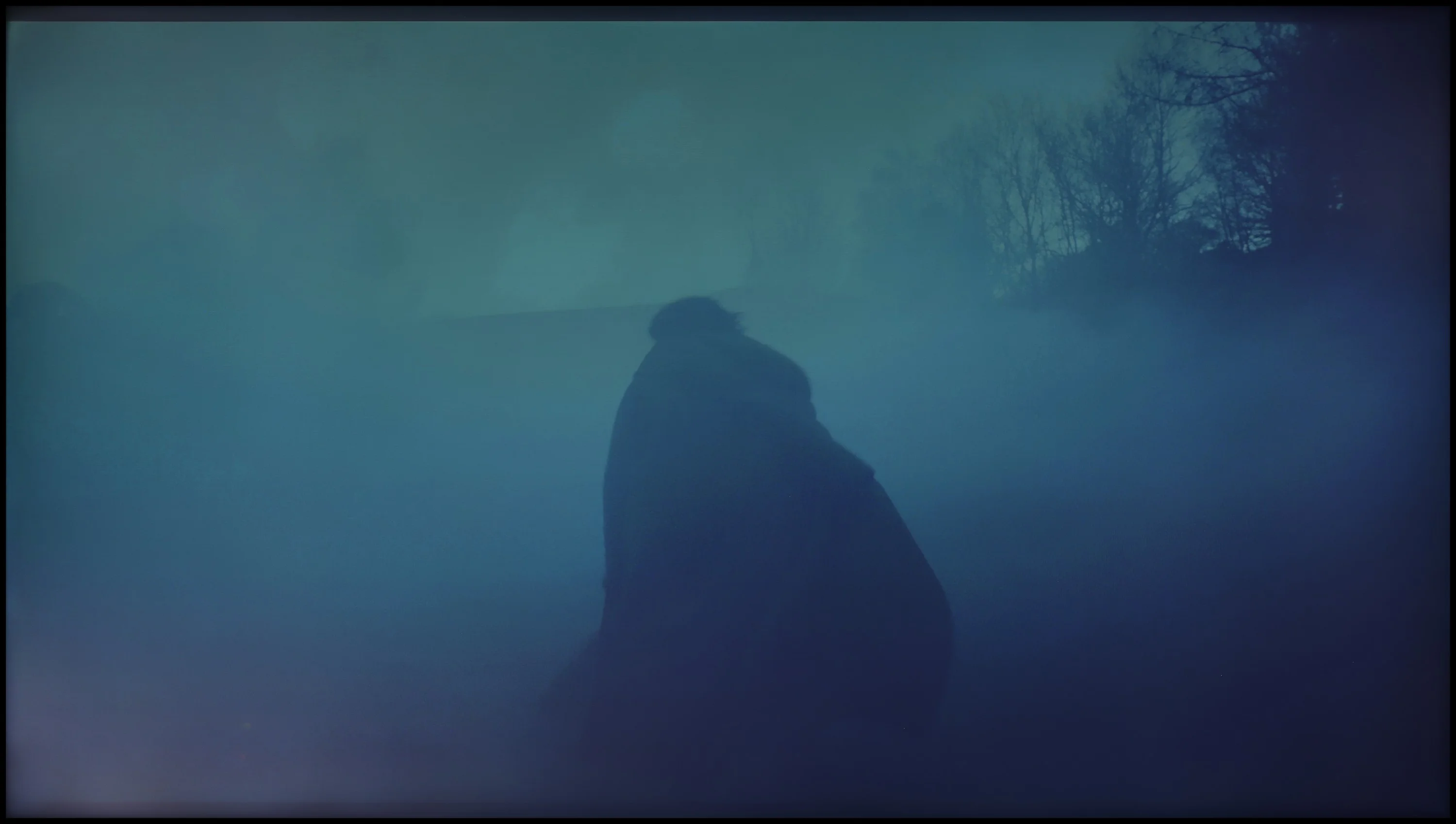
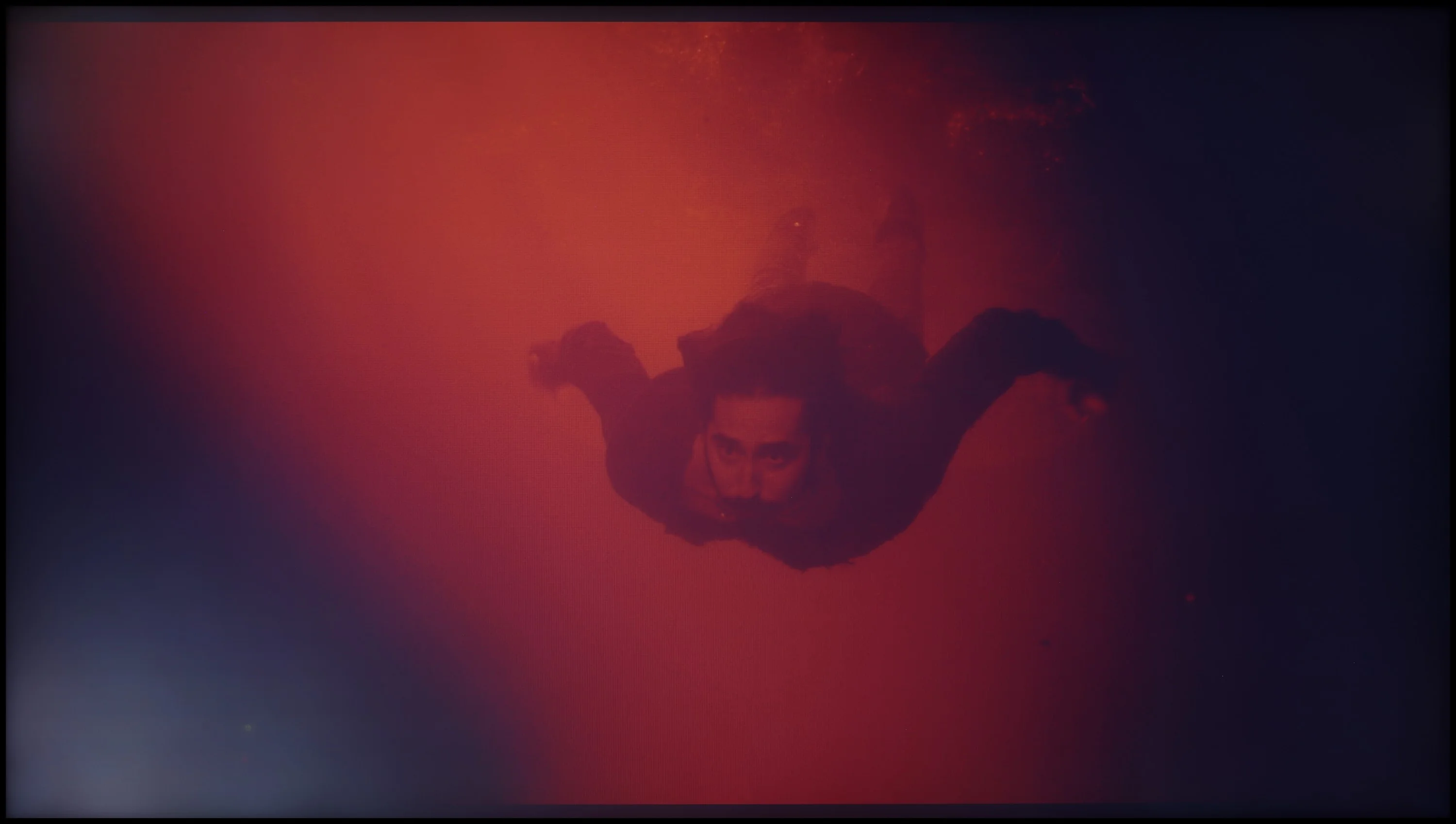
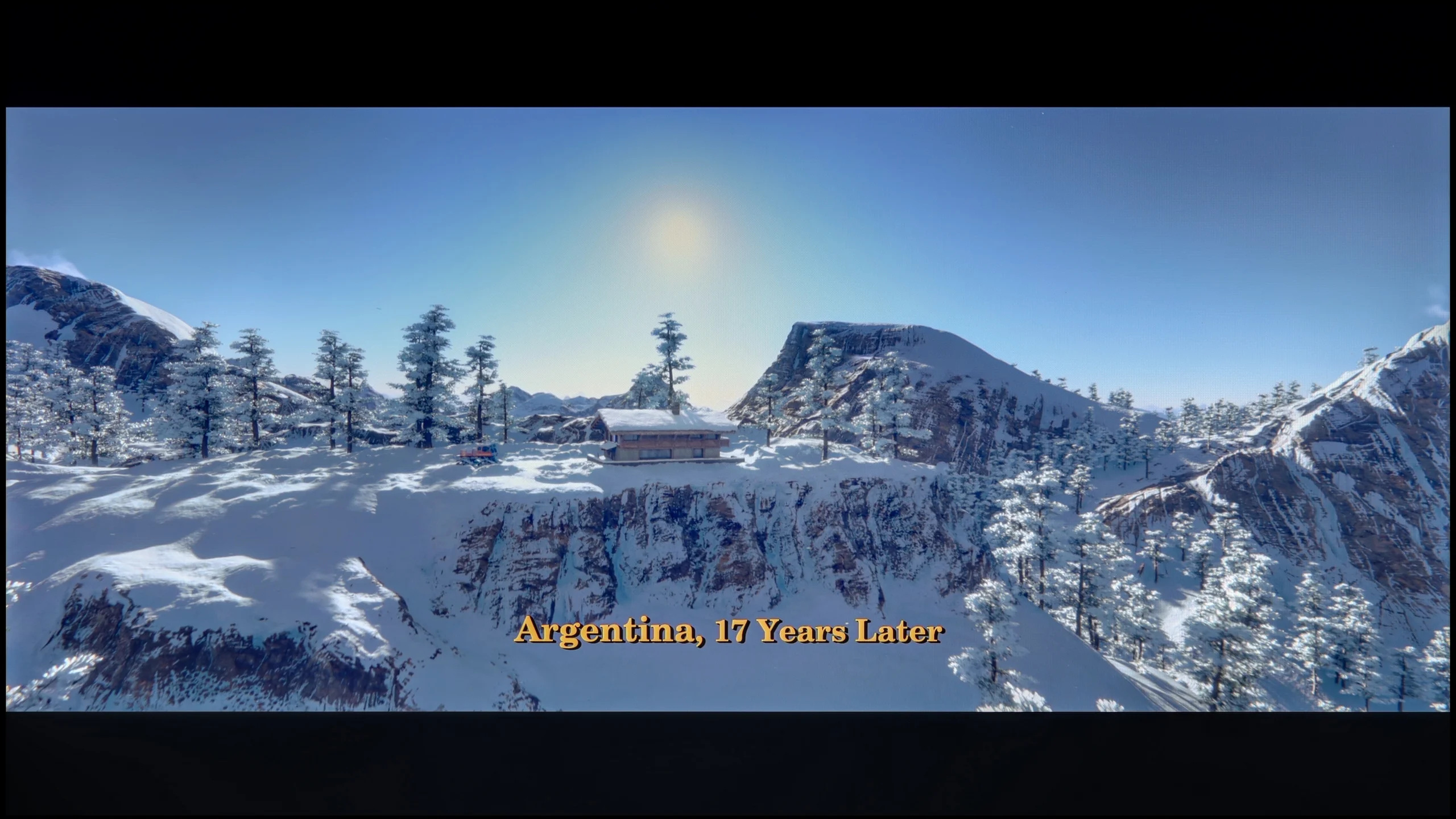
These are selected scenes that show smooth tonal transitions from one color to another. If you see distinct banding, it’s the TV panel’s fault.

These are selected scenes that show smooth tonal transitions from one color to another. If you see distinct banding, it’s the TV panel’s fault.
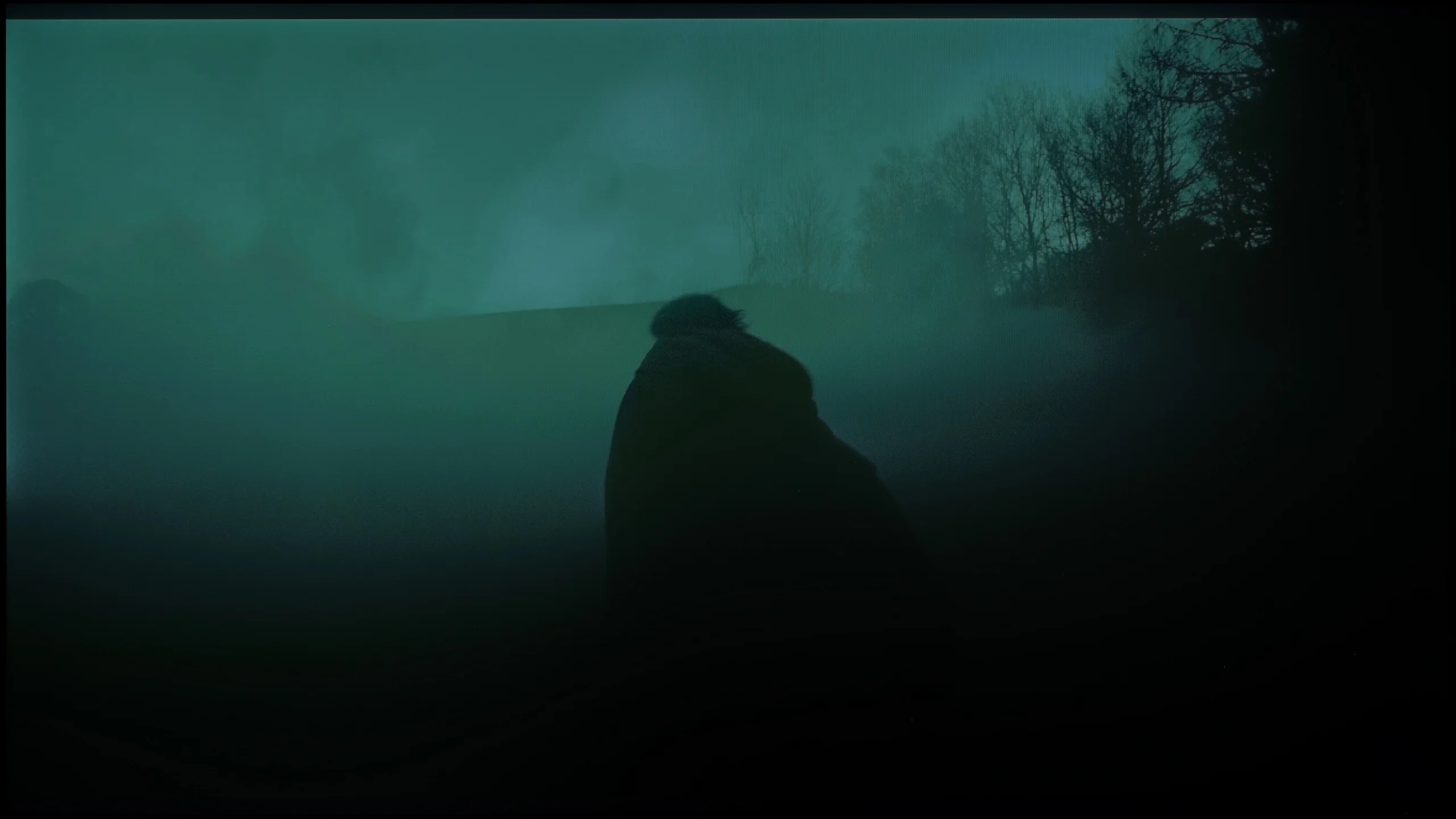
These are selected scenes that show smooth tonal transitions from one color to another. If you see distinct banding, it’s the TV panel’s fault.
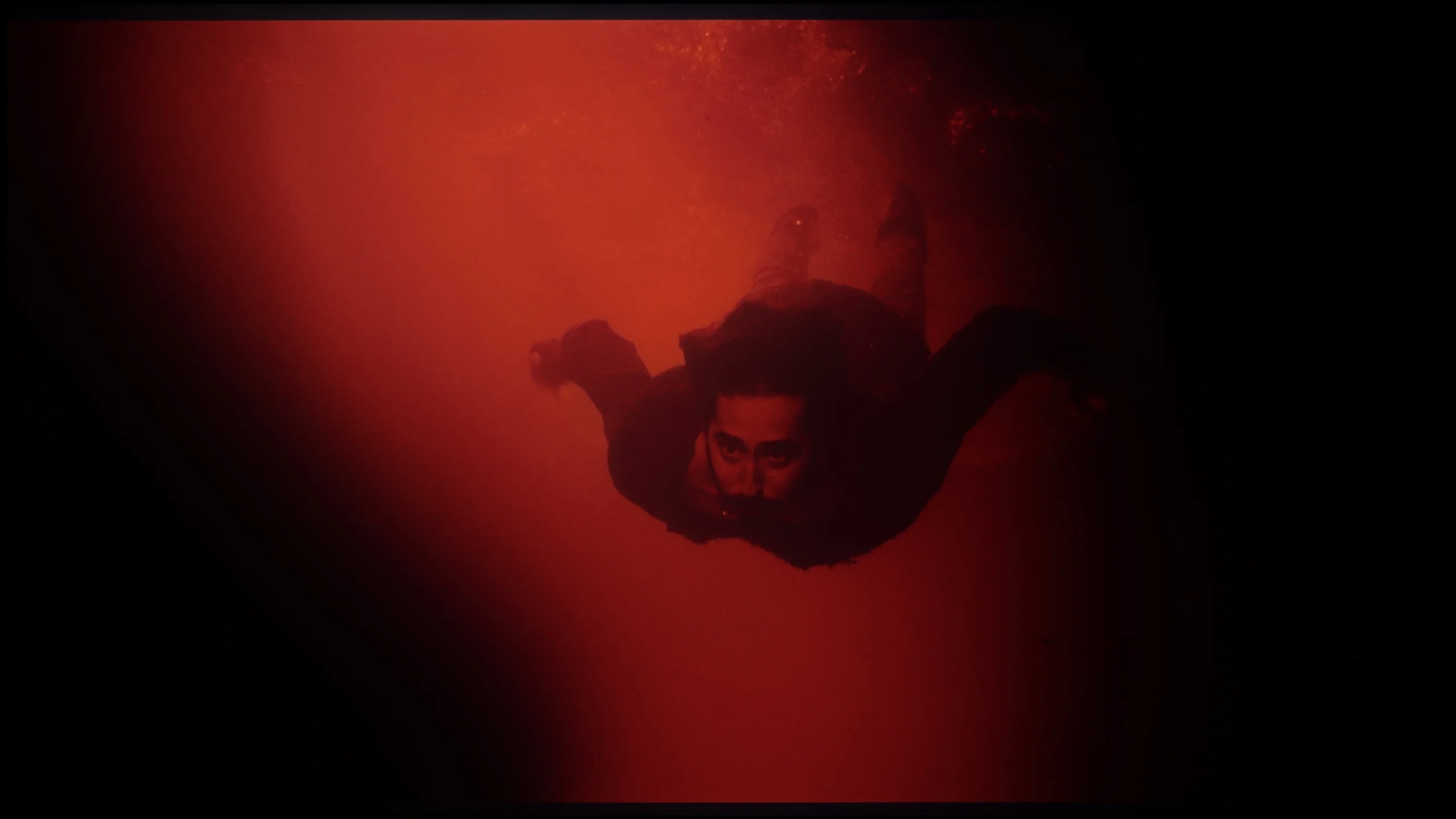
These are selected scenes that show smooth tonal transitions from one color to another. If you see distinct banding, it’s the TV panel’s fault.
In the model X75WL , the smoothness of tonal transitions performs very well. The gradation in the shadows is good, with no visible issues, positively affecting the quality of the image in darker areas. In brighter scenes, slight issues with smoothness can be noticed, but they are not clearly discernible and shouldn't affect viewing comfort. In a scene with vibrant red colour, slight clipping is noticeable, but it does not detract from the overall enjoyment of watching.
The transition of individual shades from one to another on the Dreame S100 performs quite well. When analysing most content in HDR10 format, we did not notice significant problems with banding. Only some very extreme and dark scenes highlighted the issue of shade stepping. However, the situation is somewhat worse with content in Dolby Vision* format. Here, the colour gradation clearly deteriorates, and the tonal transitions from one colour to another are more visible and distinct from each other. Hence, the rating of this element on our site is slightly lower when we consider viewing (on streaming platforms) in this format.
*we will add photos after the website modification 😉
Image scaling and smoothness of tonal transitions
6.1/10
4/10


Smooth transition function
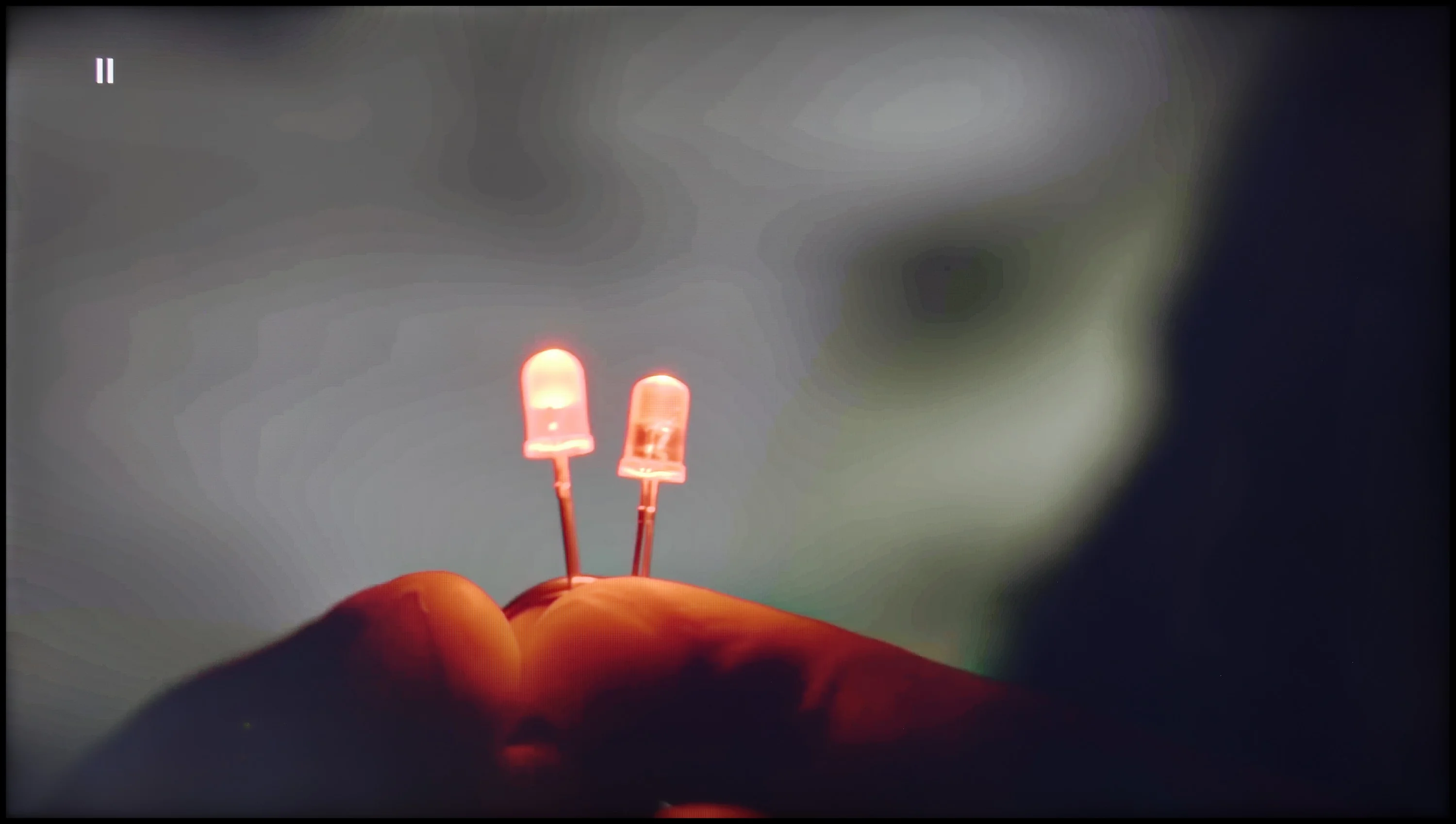
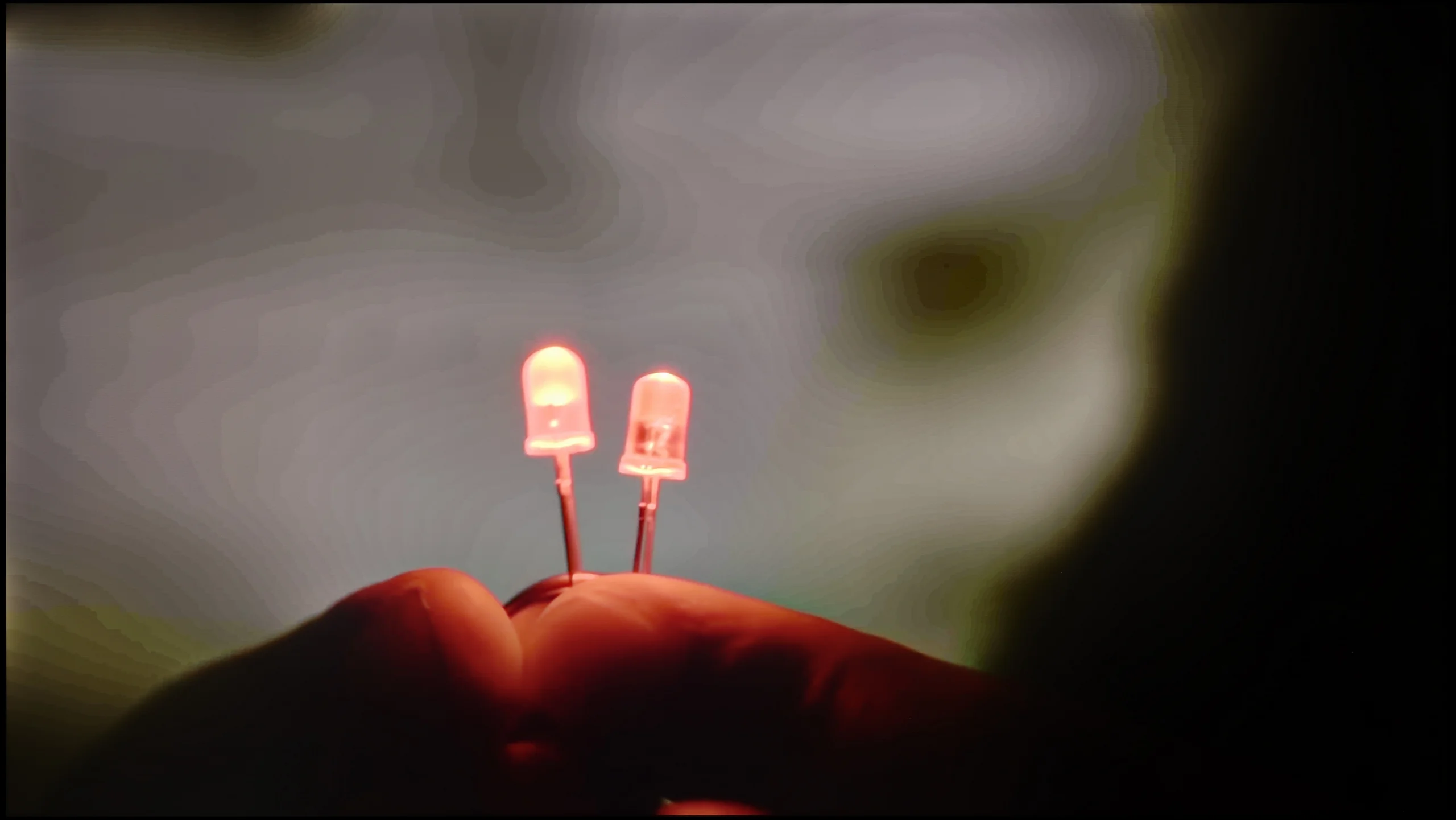
The match photo shows how the TV smooths weak tonal transitions in low-quality video.
Image scaling SD (576i)


The model photo shows how it handles upscaling of SD material.
In the case of low-quality tonal transitions, the television Sony X75WL performs poorly. The lack of any feature to improve tonal transitions results in noticeable imperfections in colour gradation. However, one can credit the quite good digital processing – the image is displayed without overscan, and overall it looks relatively good thanks to the added slight sharpness, which some users may appreciate.
For scaling and digital processing in the Dreame S100, the technology that the manufacturer proudly calls Dreamind™ Pro AI is responsible. However, it must be clearly stated that this is not a proprietary processor, but merely a marketing name for a chip made by MediaTek – more precisely, the MT5889 model. Unfortunately, we are talking about a rather outdated unit, from a time when MediaTek lagged significantly behind the competition in terms of performance. This unfortunately has a direct impact on the image as that is what this chip also deals with. The upscaling in the S100 is quite mediocre, and the processor has a tendency to heavily and artificially sharpen edges (fortunately, this can be somewhat tempered with the sharpness slider in the menu). In the options, we also find the "Contour Smoothing" feature, which theoretically is supposed to improve tonal transitions. In practice, it offers almost no improvement – setting it to any level rarely eliminates visible banding of colours, but it can unnecessarily blur elements of the image that should remain sharp.
A separate issue is the phenomenon of overscan (cropping the edges of the frame), which is noticeable here practically all the time. Although there is an option to set the screen to display the full frame in low-resolution materials, this requires activating the previously mentioned Filmmaker mode. And as you know, this mode completely blocks the adjustment of any other sliders in the picture menu. In our test tables, we marked that the television offers an option to disable overscan, as technically such a function exists in the system – however, in everyday use, when maintaining sensible image settings, you will not be able to take advantage of it.
Blur and motion smoothness
4.9/10
7.7/10
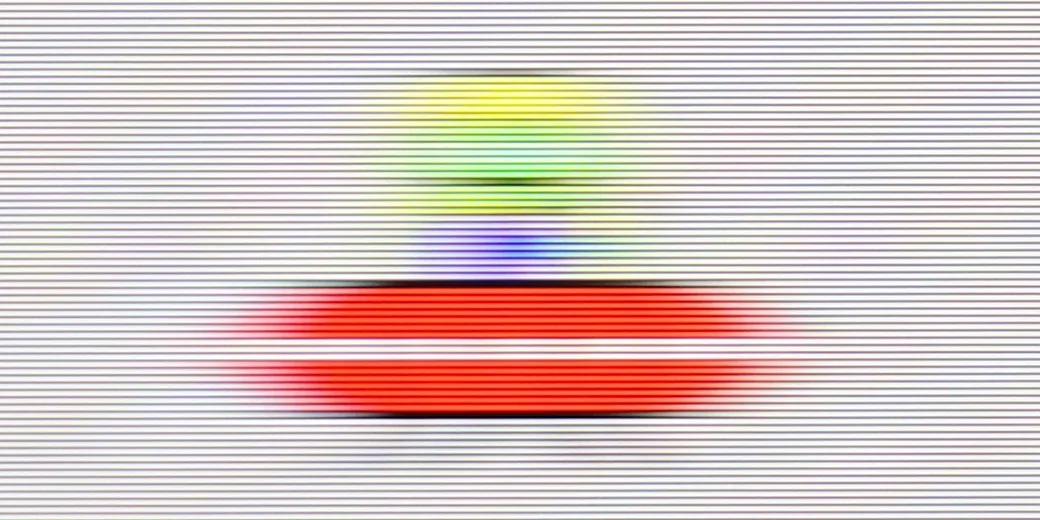
Blur (native resolution, maximum refresh rate):
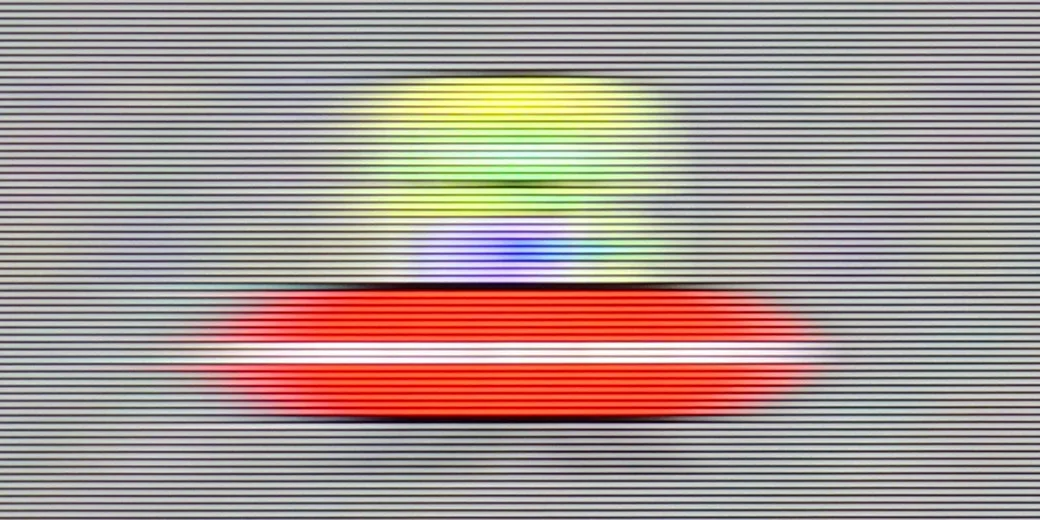
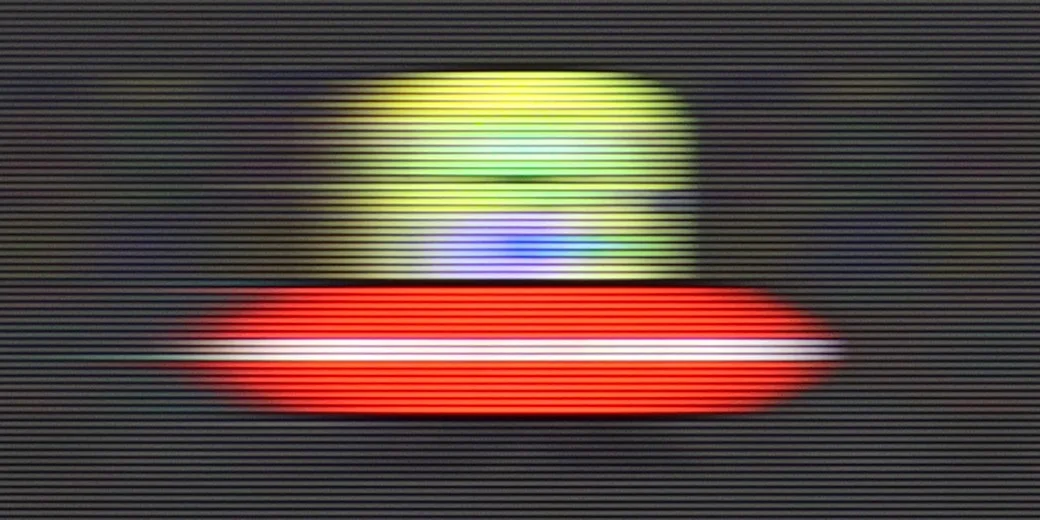
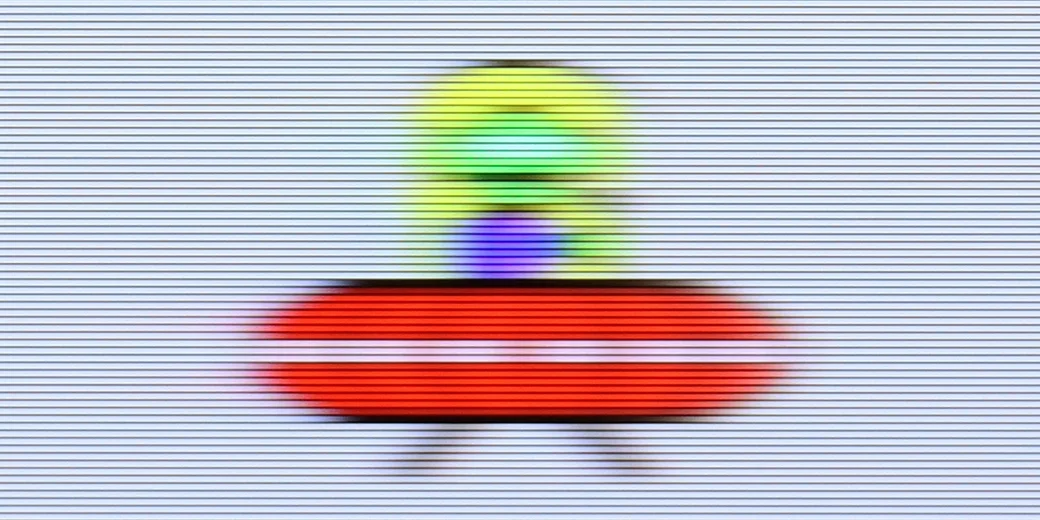
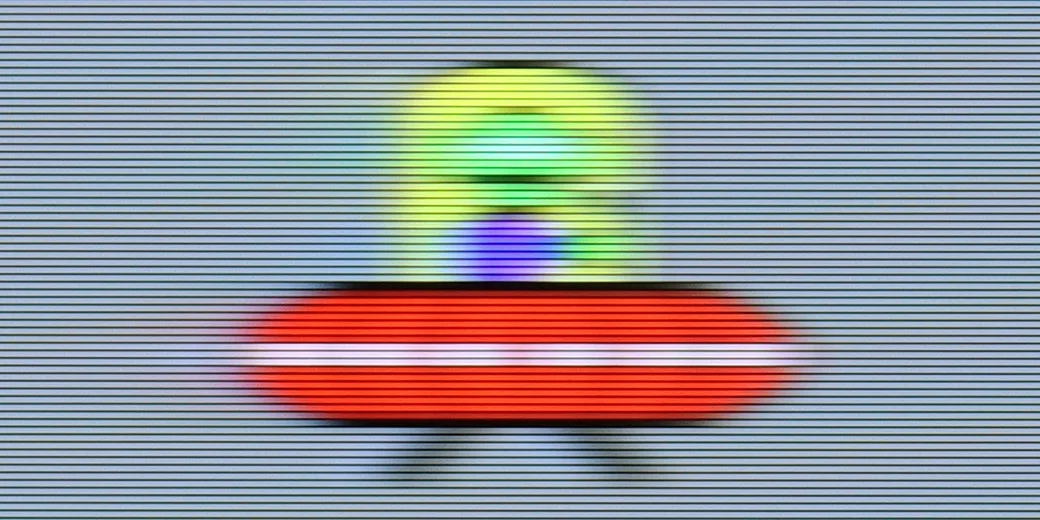
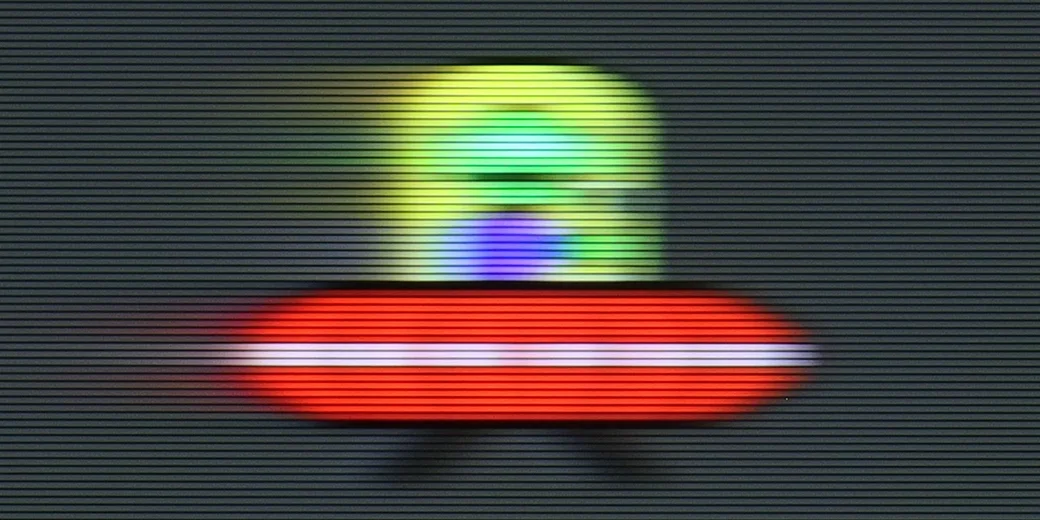
Blur (BFI function enabled):
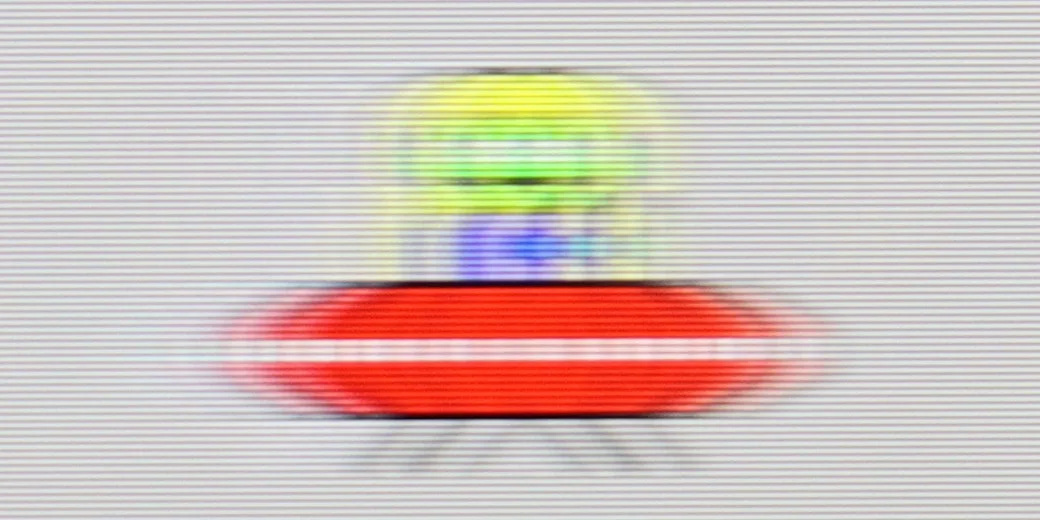

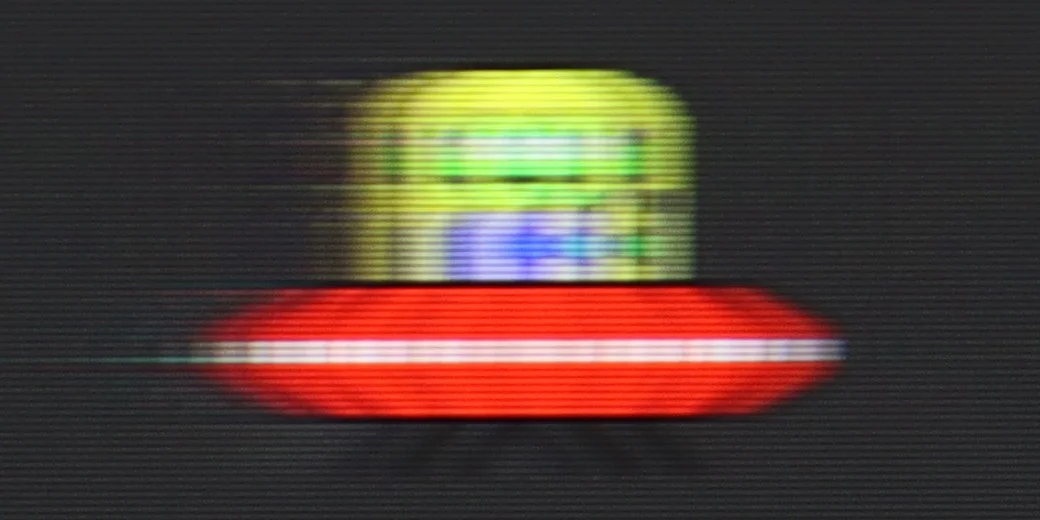
Blur ():
Blur (4K@144Hz):

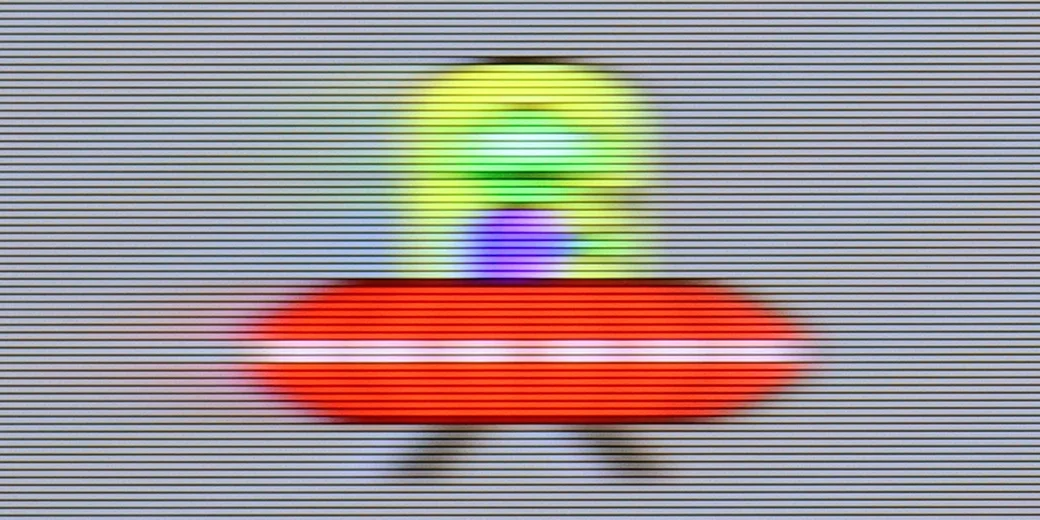
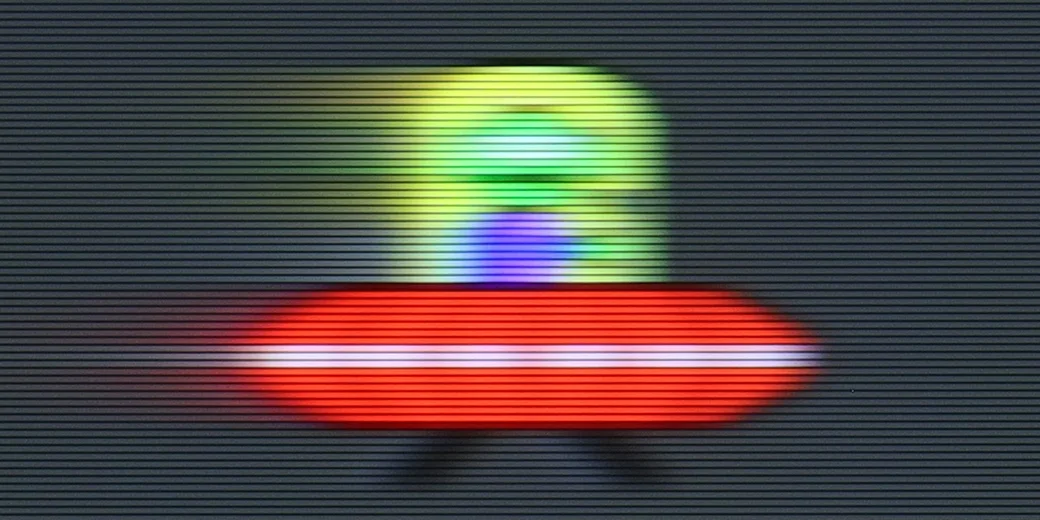
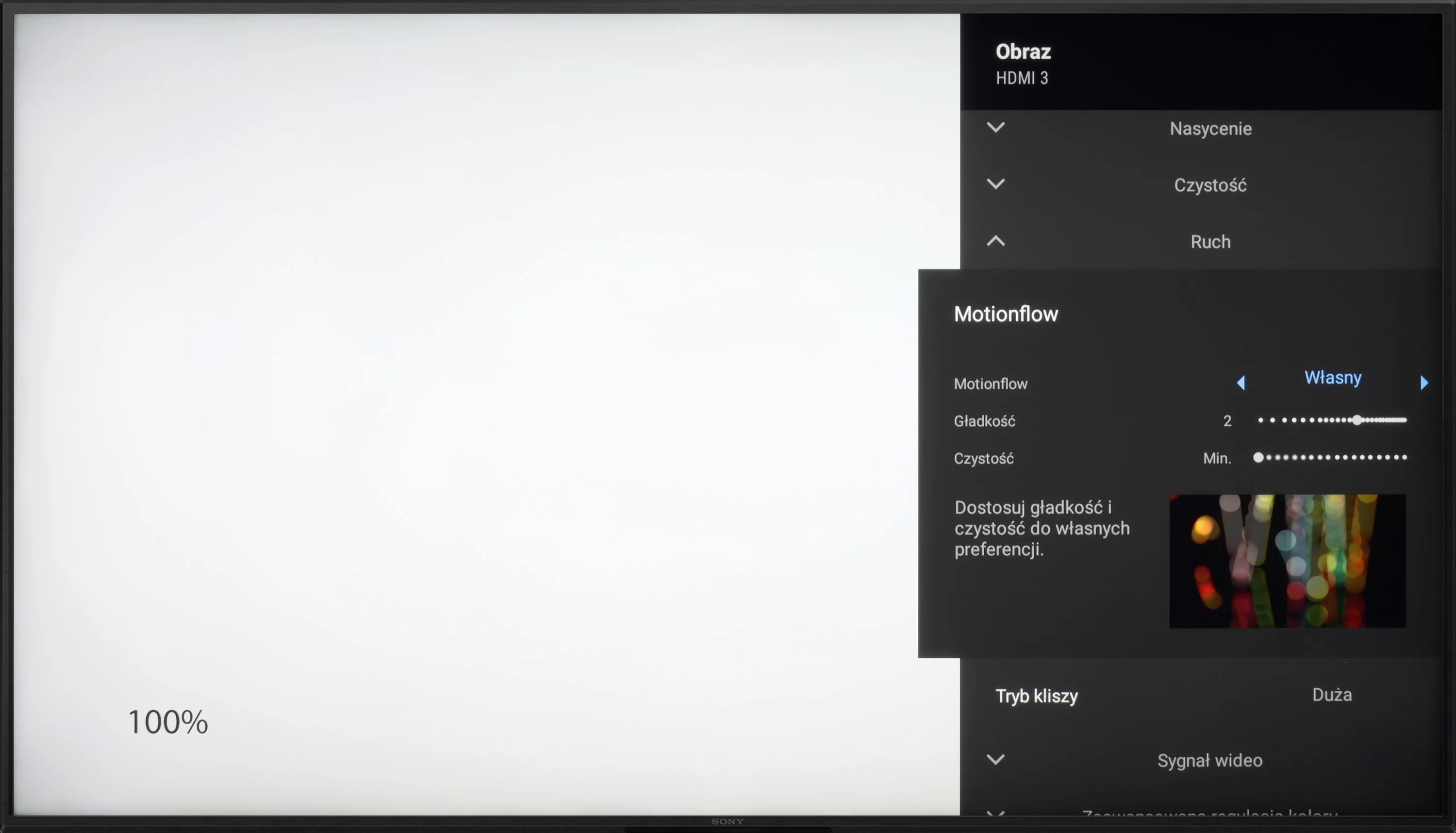
The X75WL Sony television is equipped with a 60 Hz panel, making it more suitable for watching films than for dynamic gaming. This model features a motion smoothing function called Motionflow, which allows the user to adjust the picture on a 10-point scale. Smoothness is responsible for adding intermediate frames, thereby increasing the fluidity of motion, while the image becomes more theatrical, minimising the cutting effect. Clarity reduces motion blur, which is particularly useful in fast scenes such as sports or dynamic actions in films. With this feature, users can adjust the fluidity and sharpness of motion to their own preferences.
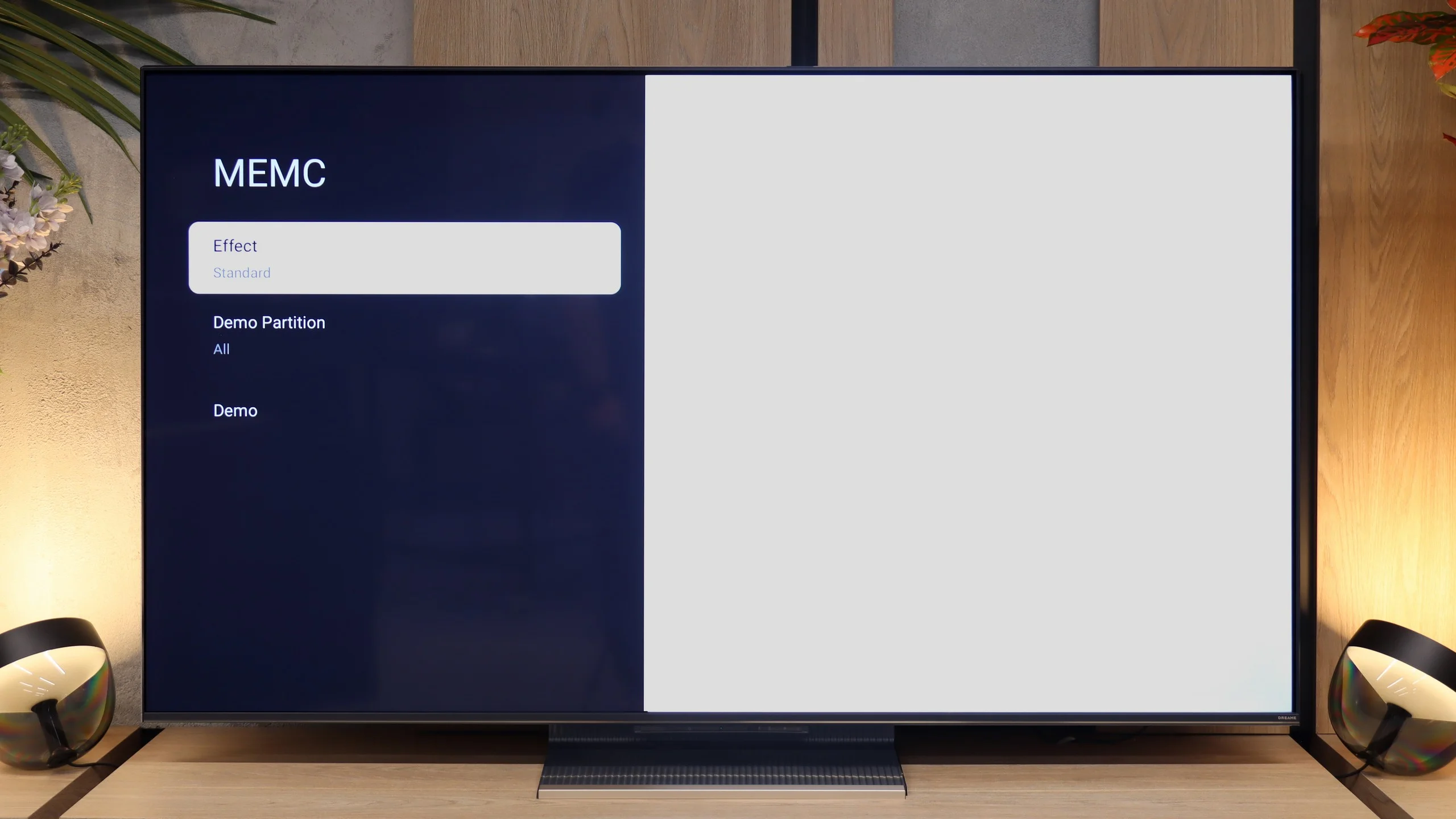
When it comes to motion fluidity, the Dreame S100 performs really well. It features a panel with a refresh rate of 144 Hz, although in reality, the vast majority of people using it in a traditional way will still be limited to 120 Hz (as this is the maximum supported by today's equipment apart from PCs). Thanks to the high refresh rate, the image in motion remains really sharp, largely thanks to the well-functioning MEMC smoother. In the menu, we find predefined modes that allow the television to efficiently generate artificial frames, which effectively improves the fluidity of dynamic sports scenes, but also eliminates image stuttering in film and series materials recorded at 24 frames.
Console compatibility and gaming features
3.6/10
7.8/10
- ALLM
- VRR
- VRR range 48 - 144Hz
- Dolby Vision Game Mode
 Yes, high input lag Yes, high input lag
- Correct implementation of HGIG
- 1080p@120Hz
- 1440p@120Hz
- 4K@120Hz
- Game bar
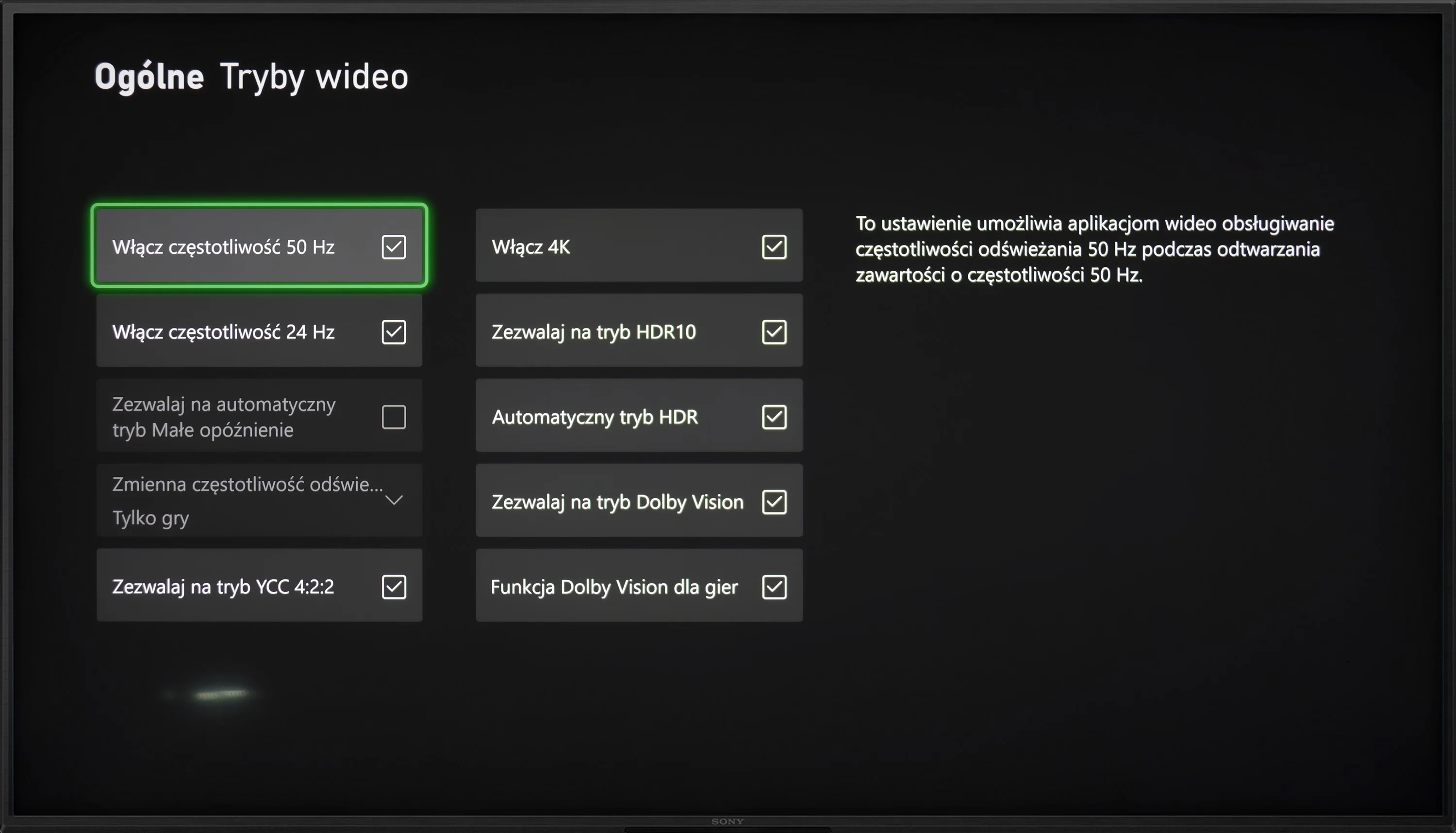
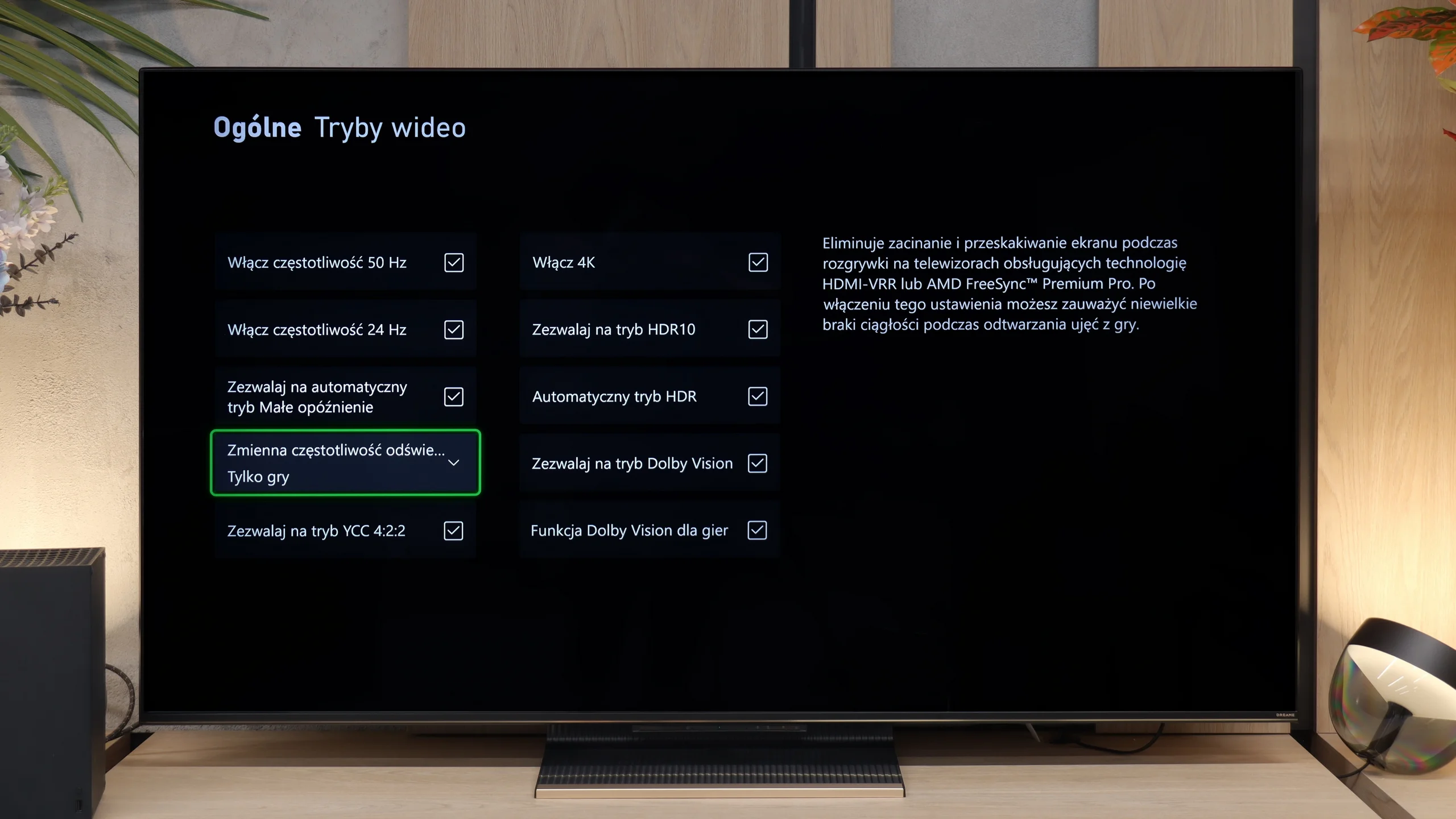
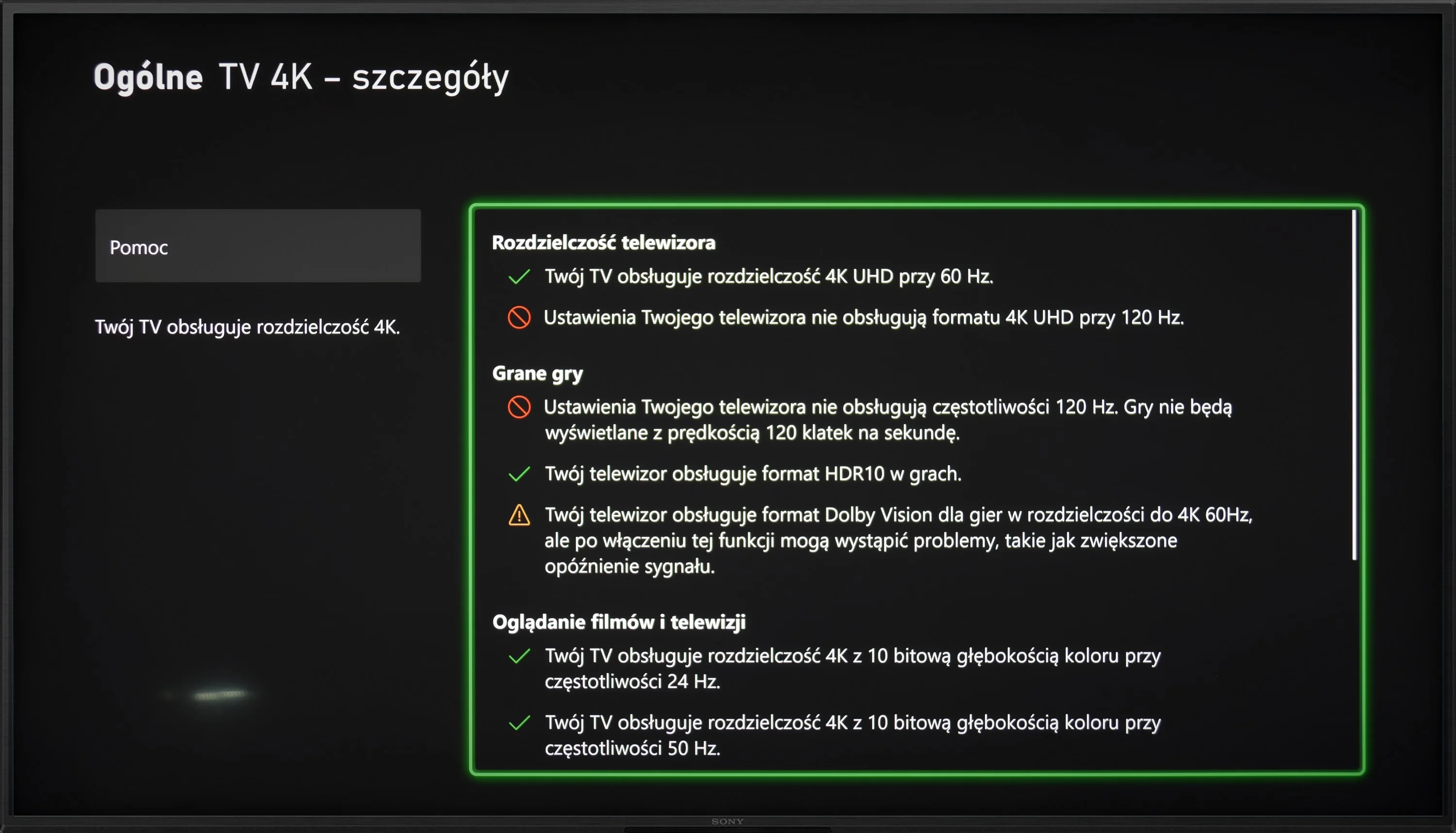
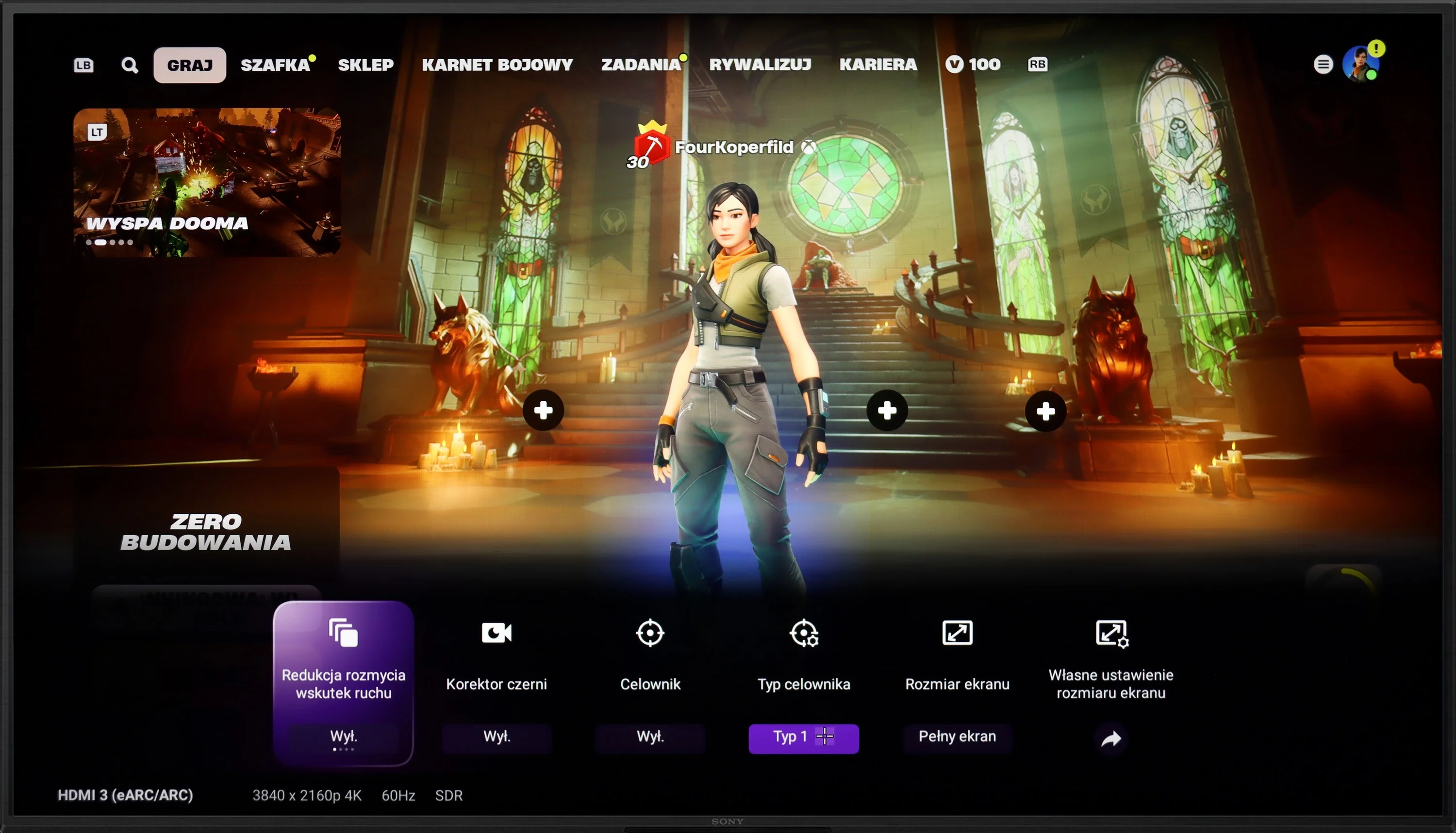
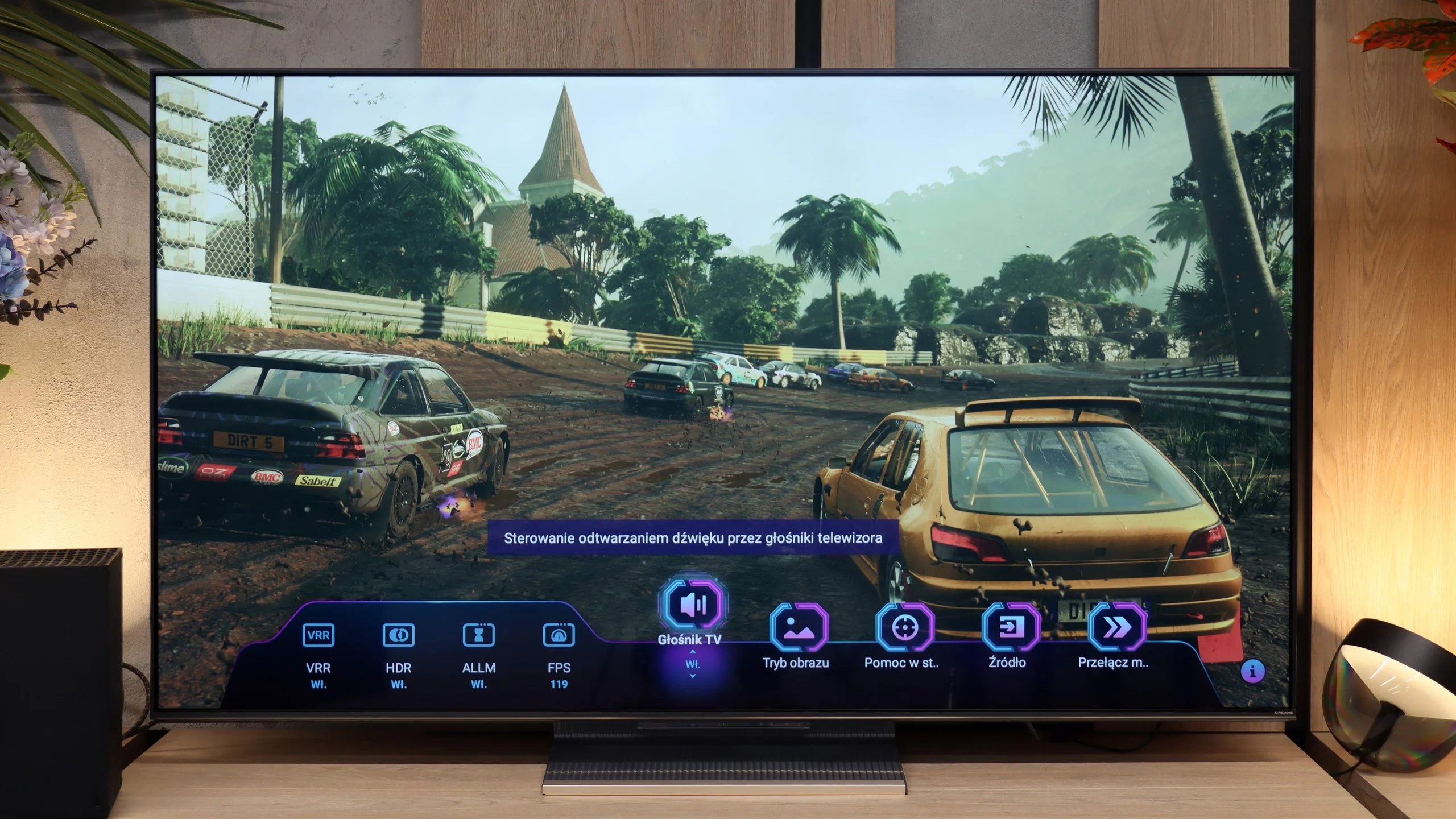
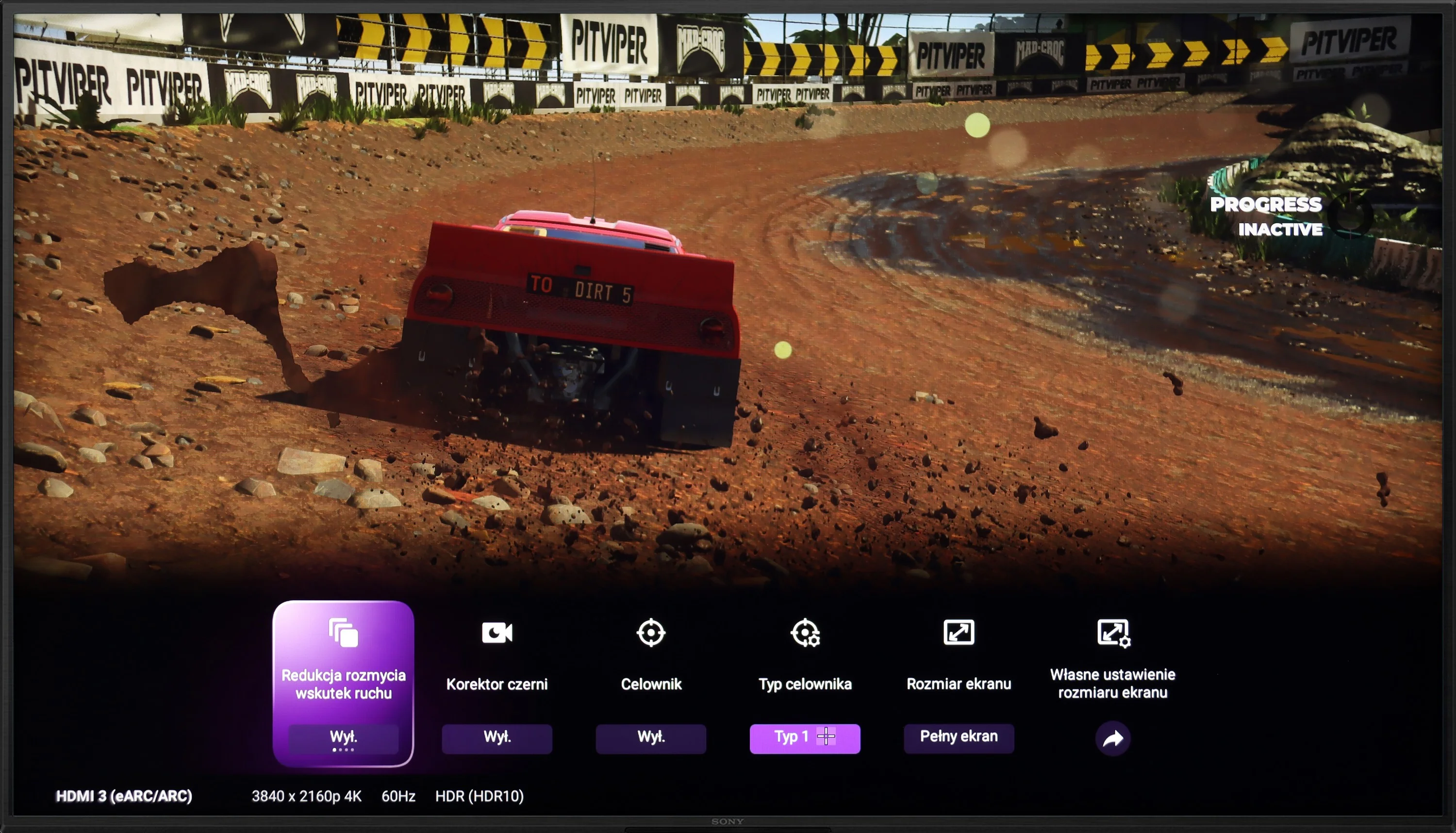
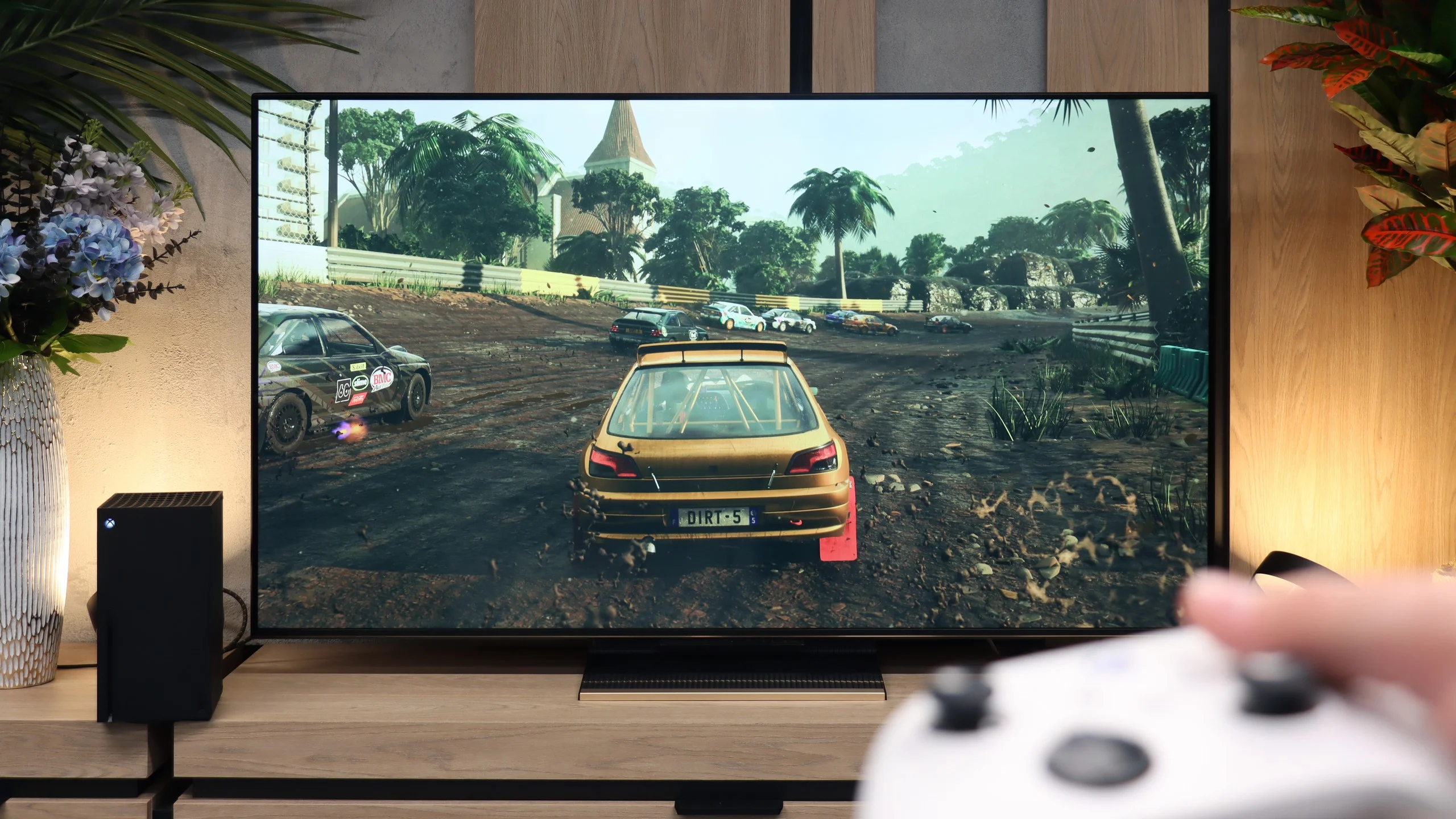
X75WL is not the best television for gamers. It only has the ALLM (Auto Low Latency Mode) feature and a basic Game Bar, which are not enough to satisfy more demanding users. In this price range, one could expect support for features like VRR or 120 Hz refresh rates - although in FULLHD, which are already standard - unfortunately, they are lacking here. This is a major downside for Sony, as the competition offers much more for gamers in a similar budget.
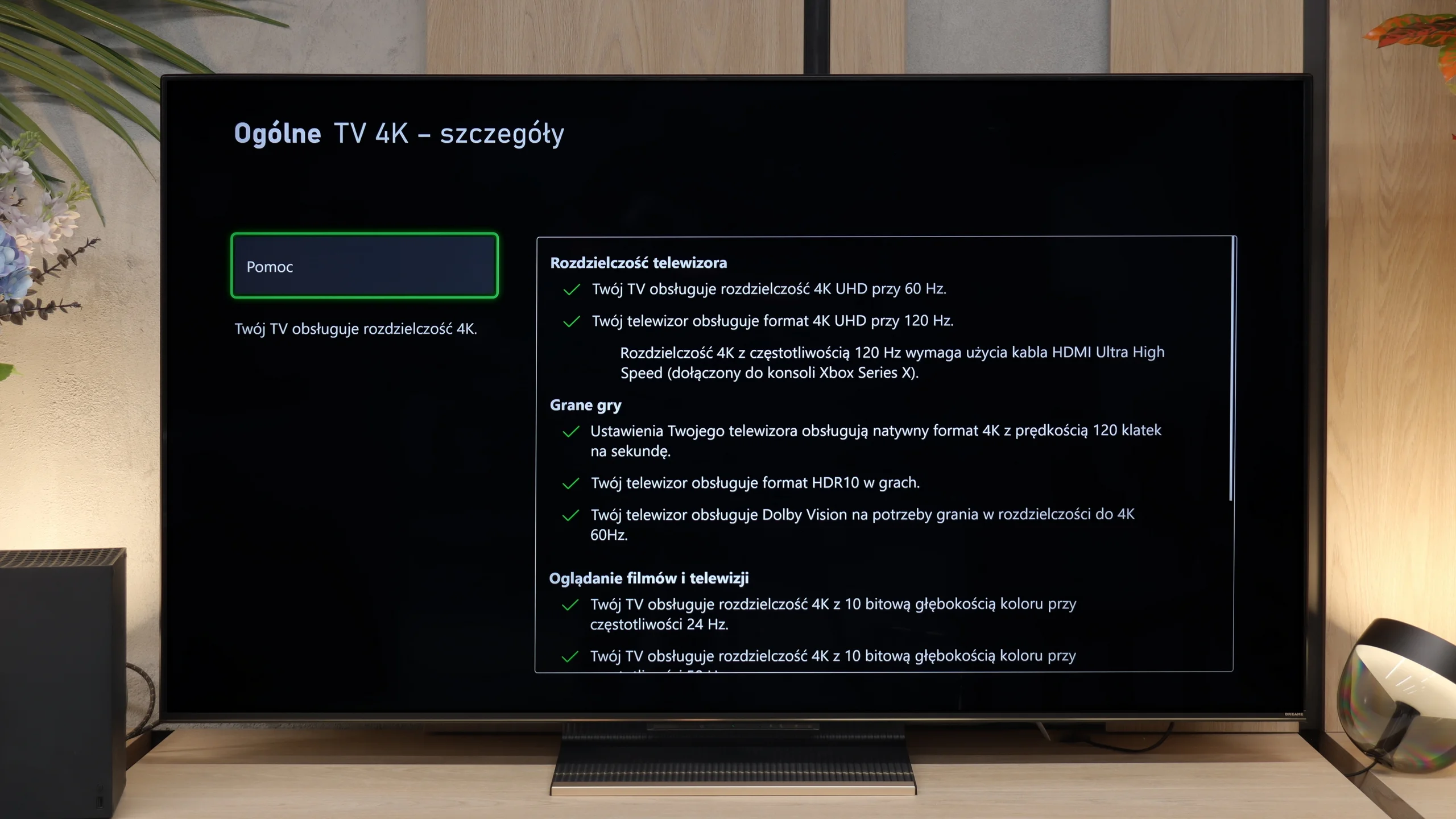
The Dreame S100 seems almost like the perfect screen for a gamer. The television is equipped with 2 HDMI 2.1 ports with a bandwidth of 40 Gbps, which means that functions like automatic game mode (ALLM) and variable refresh rate (VRR) ranging from 48 to 144 Hz work seamlessly on consoles. It also features a well-designed gaming panel (Game Bar), allowing users to continuously monitor important parameters—from active picture modes to the number of frames rendered by the console, and even the option to add a crosshair in the middle of the screen. All of this looks great on paper; however, the biggest problem with the S100 is the implementation of HDR mode in games. The television does not have the HGiG format implemented correctly. As a result, an unsuspecting user may incorrectly configure the console when first using the screen. Poor configuration can lead to an image that is too dark or too washed out (as a guideline: we suggest setting the brightness in the Xbox console menu to around 600 nits, and in the PS5 to 12 clicks). The Dolby Vision format also proves problematic, as it often would not activate at all between the XBOX and Dreame S100. And when it was finally managed to be activated, playing was not possible due to a very high input lag often exceeding 100ms. If the manufacturer can improve the HDR issue in games via an update, the S100 will be truly excellent hardware for gamers. For now, however, compromises need to be accepted.
Input lag
8.5/10
9.2/10
SDR
HDR
Dolby Vision
Sony KD-43X75WL offers a very low input lag of 14 ms, which is a significant advantage for gamers expecting a quick response from the television to commands from the controller. However, an input lag of 130 ms in Dolby Vision mode completely disqualifies this mode from being used while gaming. This means that users using Dolby Vision must contend with significant latency, which greatly affects comfort and precision during gameplay.
Aside from the aforementioned issue with Dolby Vision, the input lag on the Dreame S100 is really very low. Values around 5-6 ms at a refresh rate of 120 Hz and 12-15 ms for 60 Hz are such excellent results that even a professional gamer will not be able to perceive any delay during gameplay. The response to movements on the pad is nearly instantaneous.
Compatibility with PC
6/10
7.6/10
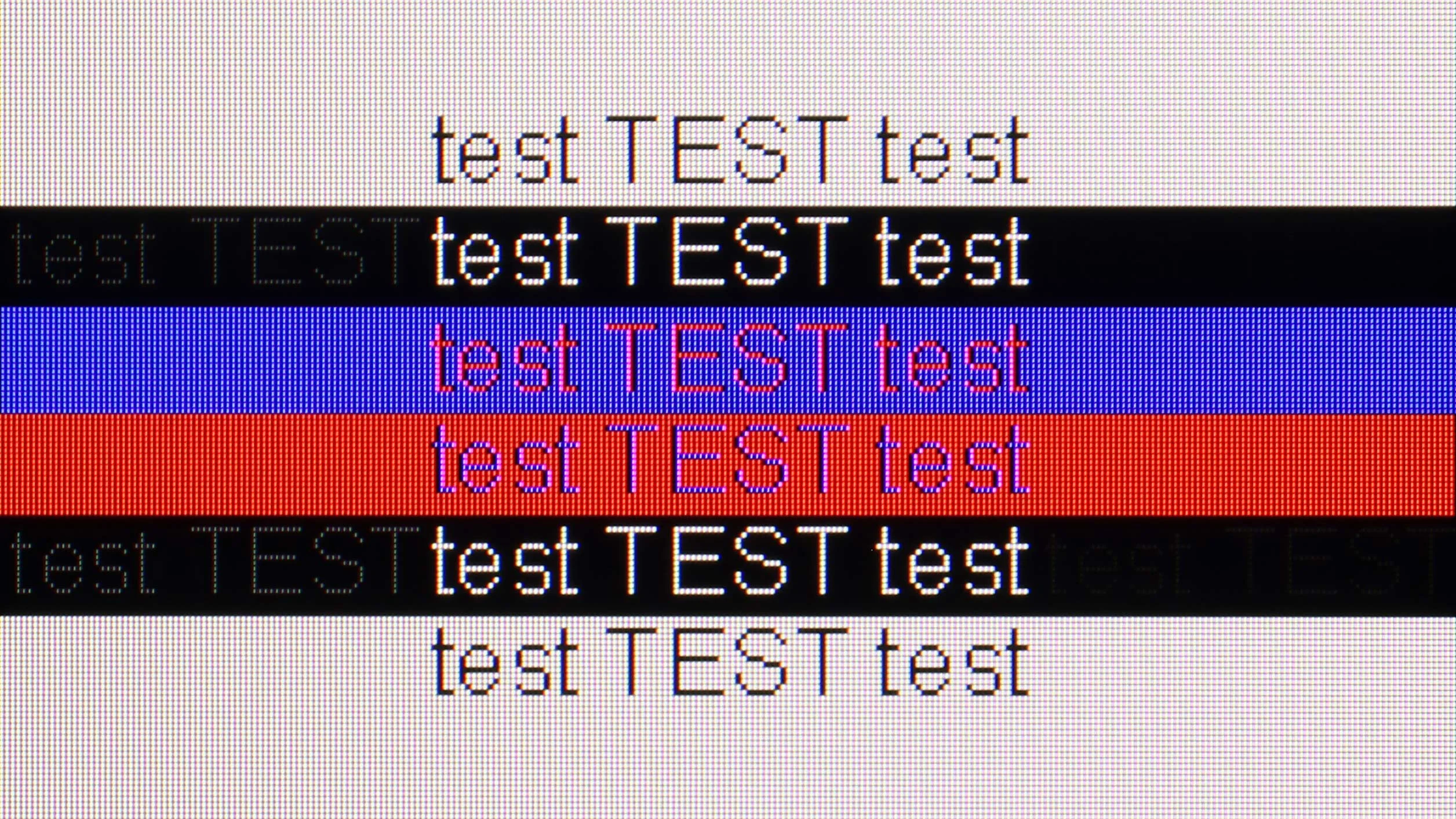
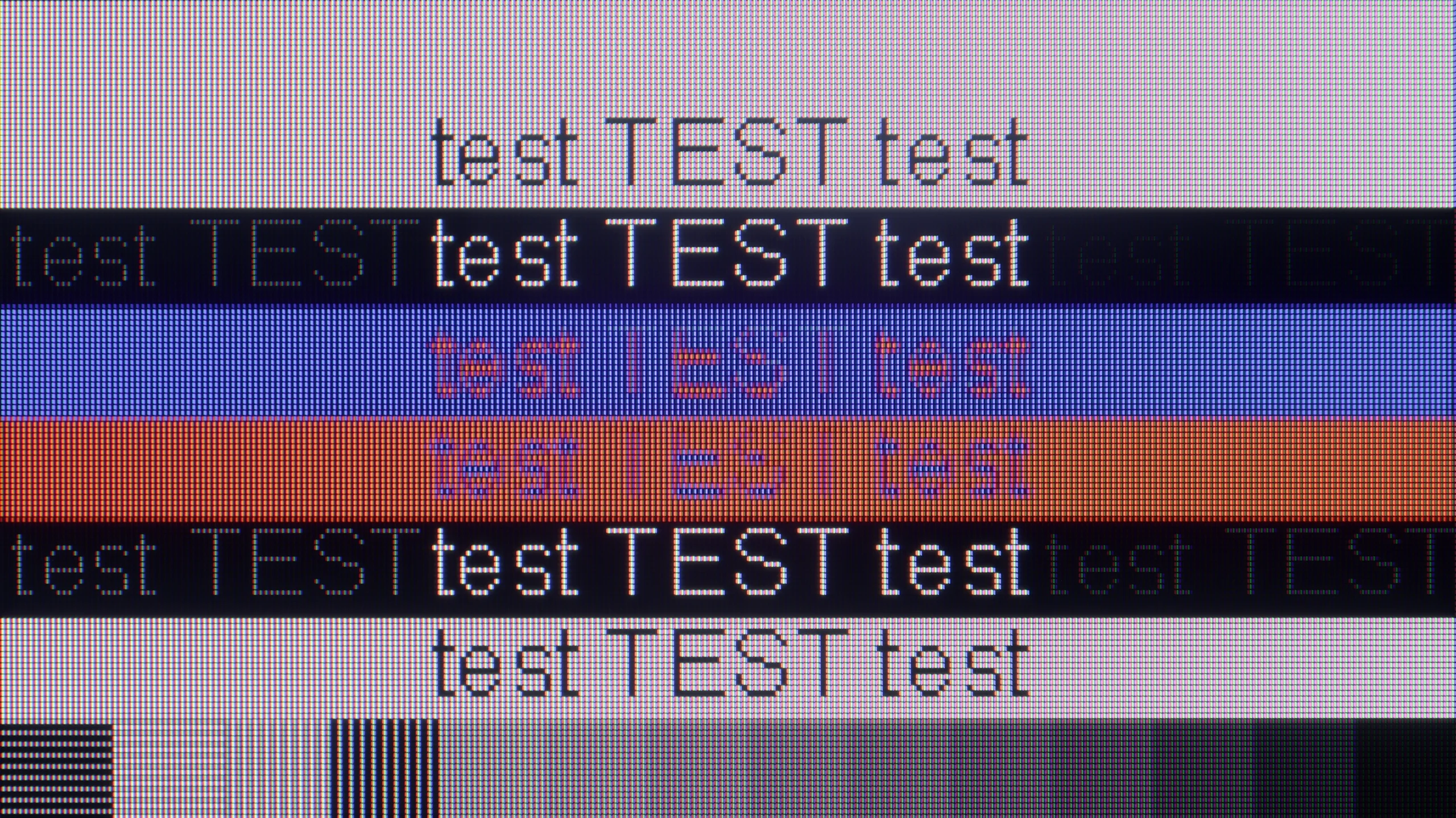
The photo shows the legibility of small fonts. Ideally, lines should be the same thickness on both light and dark text, with minimal pixel gaps.
The Sony X75WL model performs well as a computer monitor. With support for 4:4:4 chroma, text readability is very good, making text work on this television comfortable. Additionally, its low input lag ensures smooth and responsive functionality, making it enjoyable and convenient to use this model with a computer. The television is equipped with a 60 Hz panel and does not support G-Sync, which may be a downside for PC gamers. As a result, its rating in this category is lower – it works well for everyday computer tasks, but in games, especially fast-paced ones, there is a lack of fluidity that is crucial for smooth gameplay.
The Dreame S100 performs well as a large gaming monitor. It has a 144 Hz refresh rate and easily supports G-Sync and FreeSync. The problem arises when you want to work with text on it. Due to a software bug, the television struggles with full colour sampling (Chroma 4:4:4) at 120 Hz and 144 Hz refresh rates, making fonts appear blurry. To make the text perfectly sharp, you need to manually lower the refresh rate to 60 Hz in Windows. This is quite a tedious solution that forces you to constantly switch settings if you want to use this screen for both work and gaming.
Viewing angles
6.8/10
6.6/10
The viewing angles in the model KD-43X75WL are quite decent, thanks to the IPS panel used. The image remains relatively true even when viewed at an angle, which can be beneficial in situations where the television is watched from different spots in the room. However, we have seen better models with this type of panel that offer more consistent colour and contrast quality at wider angles.
The viewing angles on the Dreame S100 are really good, thanks to the ADS matrix. Unlike VA panels, this type of screen allows for viewing the image at a steep angle without a noticeable loss of colour saturation and brightness. This comes at the cost of poorer native contrast, but for most viewers (especially those with a wide sofa), it will be quite a good compromise. There is currently a lack of Mini-LED televisions on the market with good viewing angles at a reasonable price, so the S100 nicely fills this niche.
Daytime performance
4.6/10
6/10
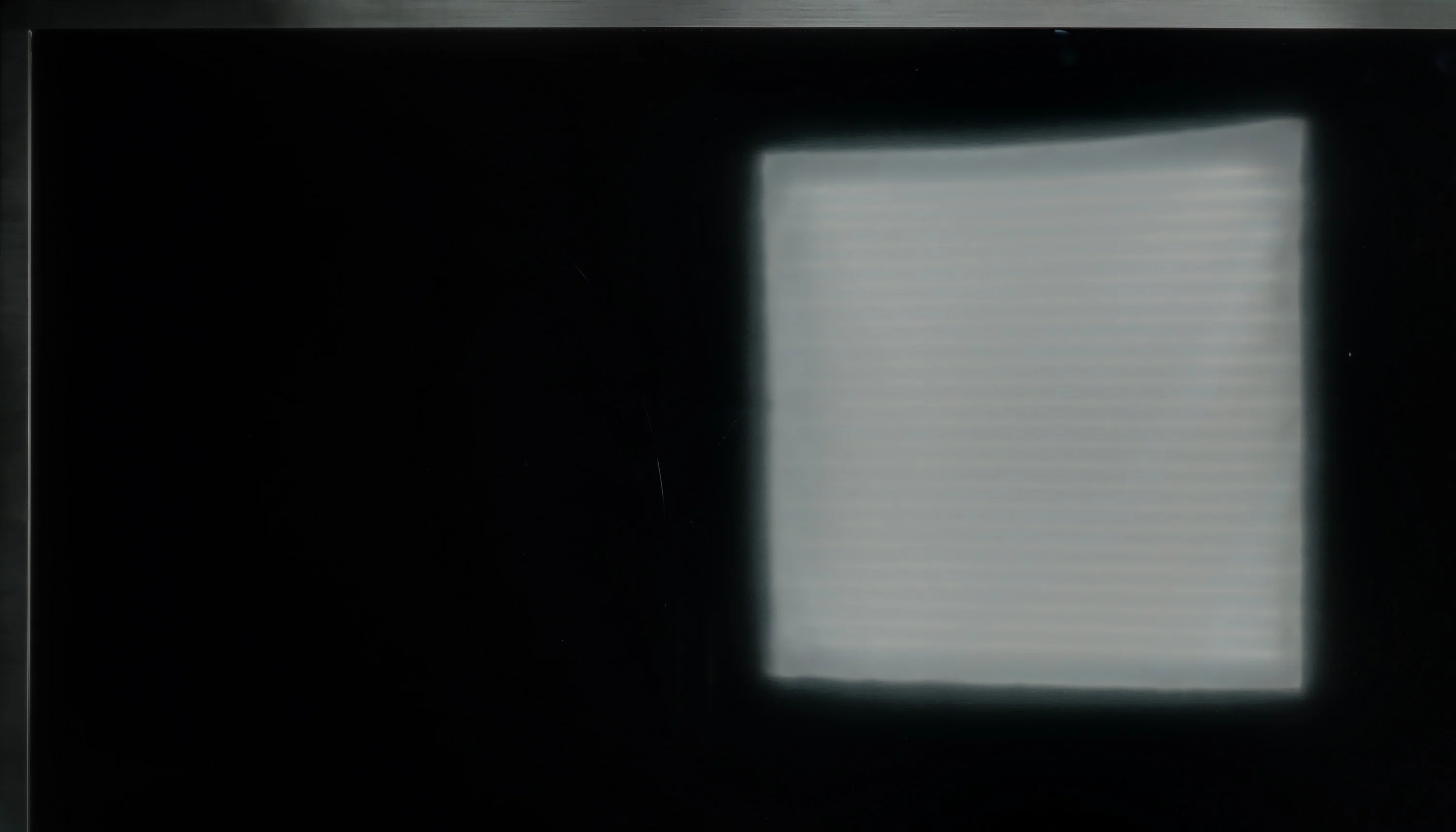
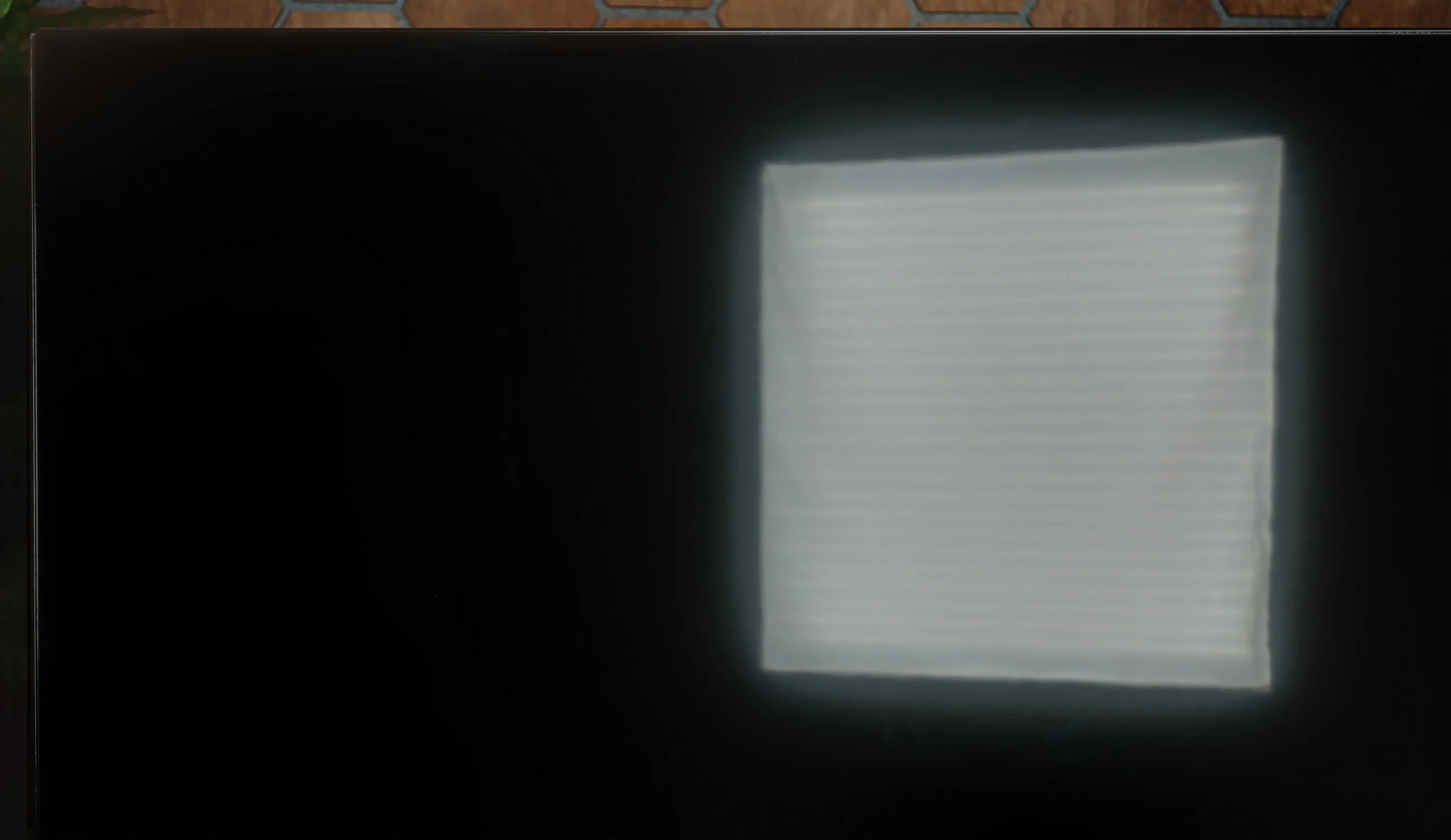
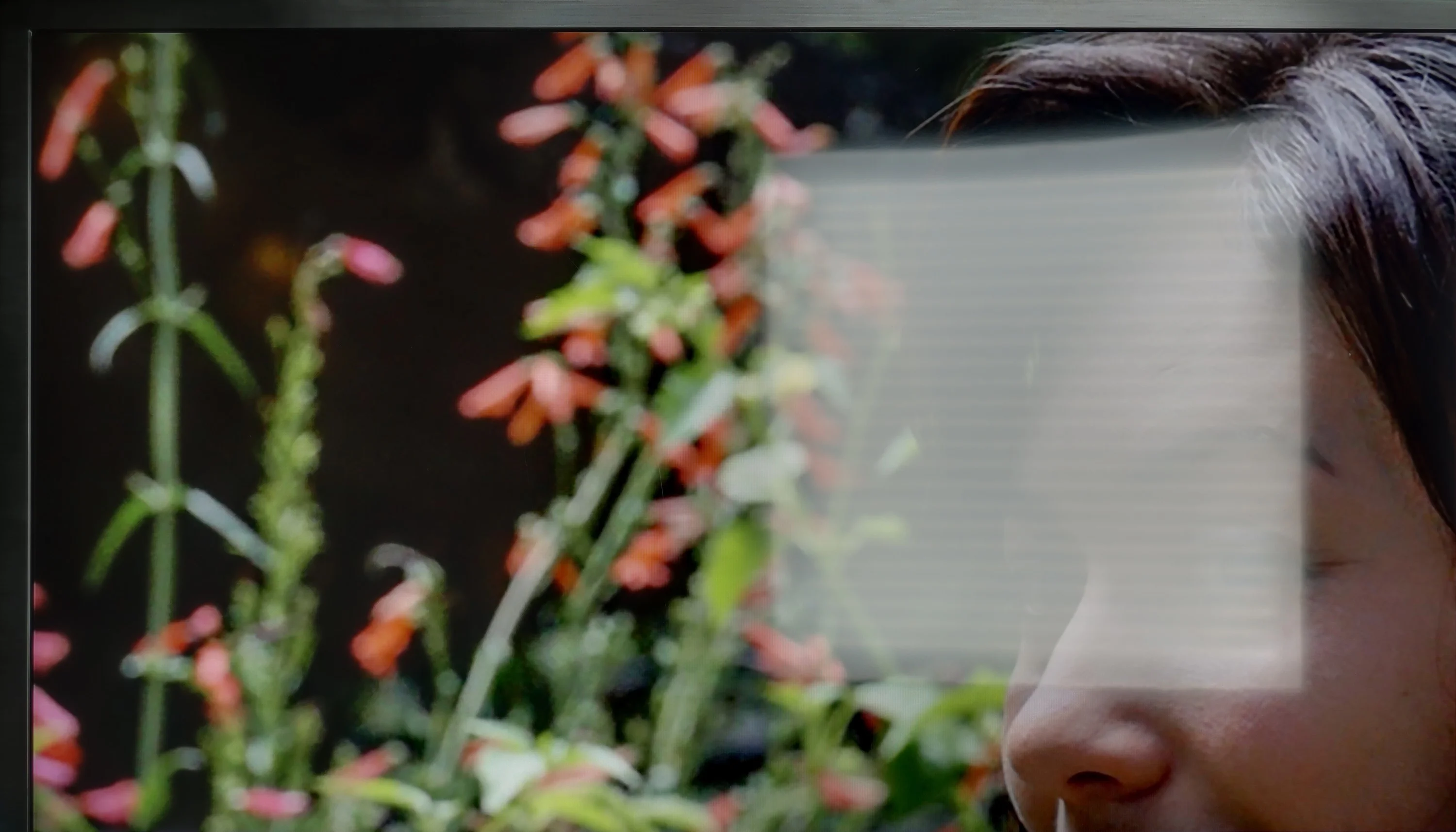
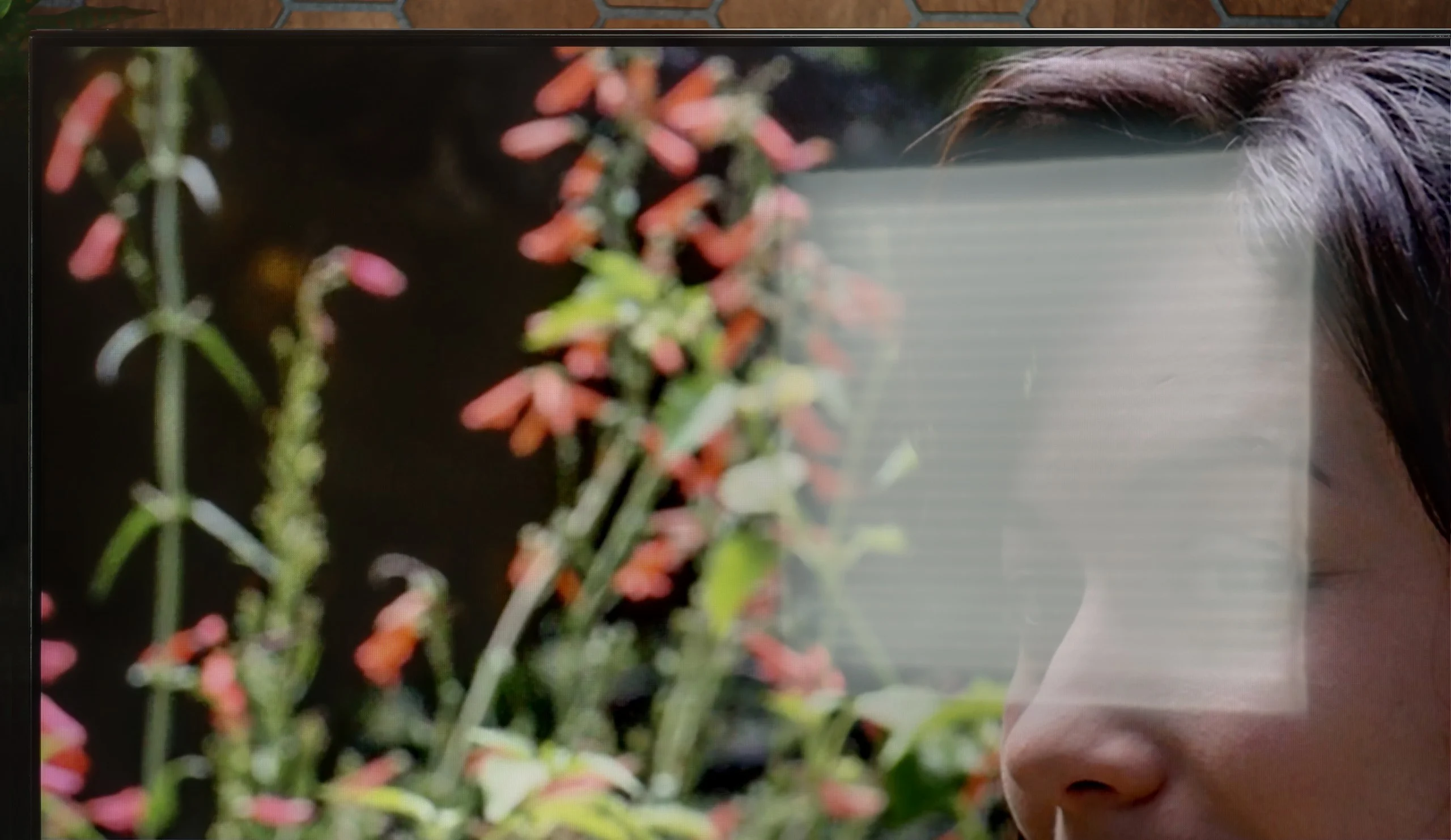
Panel brightness
Dreame S100: 463 cd/m2
Sony X75WL: 334 cd/m2
The rating of the television Sony X75WL during the day is average. The satin coating of the panel moderately dampens reflections, which means that in a bright room, glares can be visible and interfere with the viewing experience. Additionally, a brightness level of 330 cd/m² is not sufficient to provide a clear image in very sunny conditions, which limits its use in well-lit rooms.
The Dreame S100 will perform without any issues in most living rooms during the day. The television is equipped with a satin coating on the panel – it may not completely eliminate reflections, but it maintains vibrant colours that do not fade in bright rooms. In terms of pure brightness, the S100 has a moderately bright screen. It can reach around 600 nits at peak in SDR format. This reserve allows it to be placed in a typically sunny room, although – let's be honest – it is not a brightness demon and may have some difficulties with direct, harsh sunlight.
Panel details
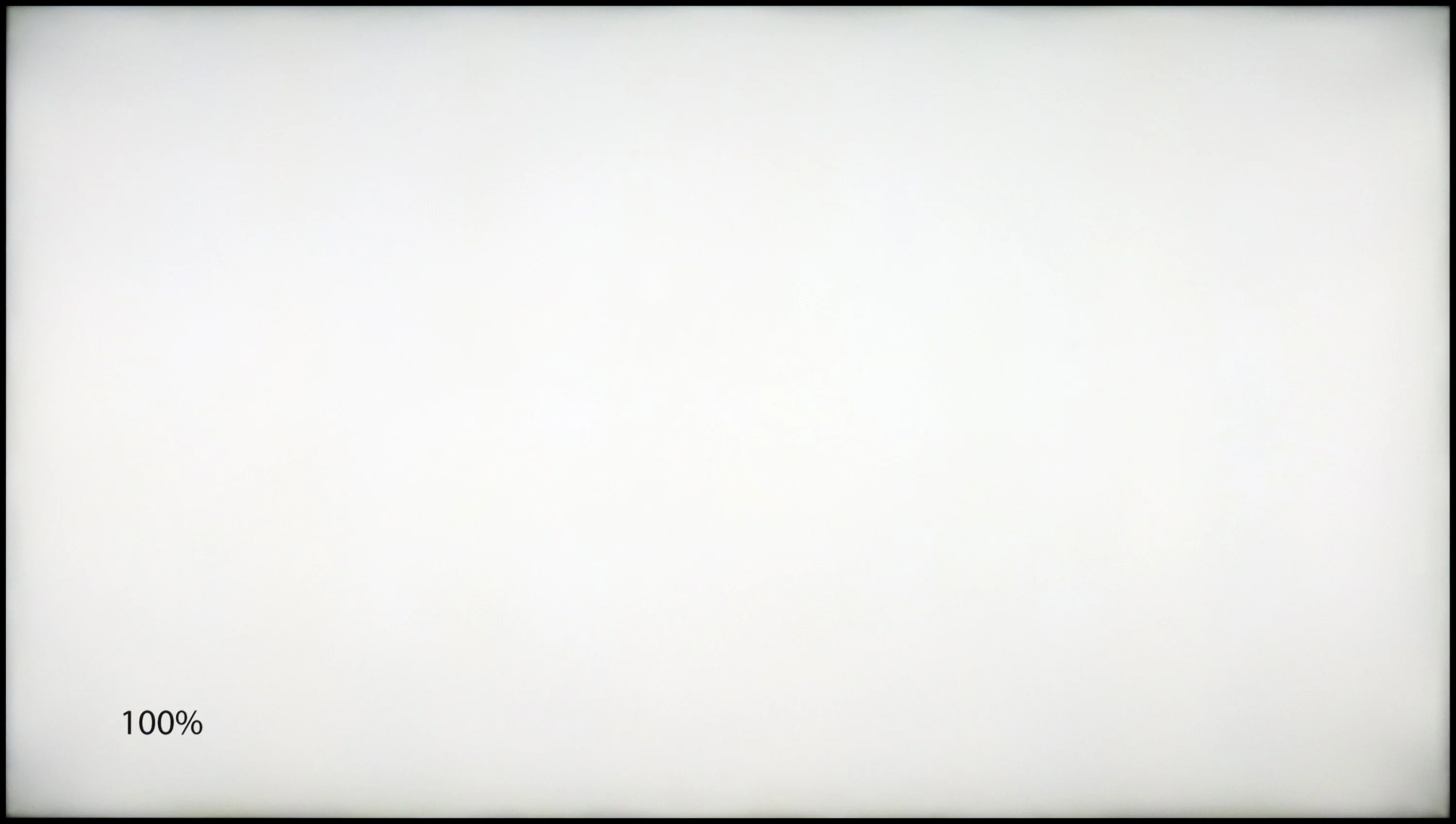
Subpixel Structure:
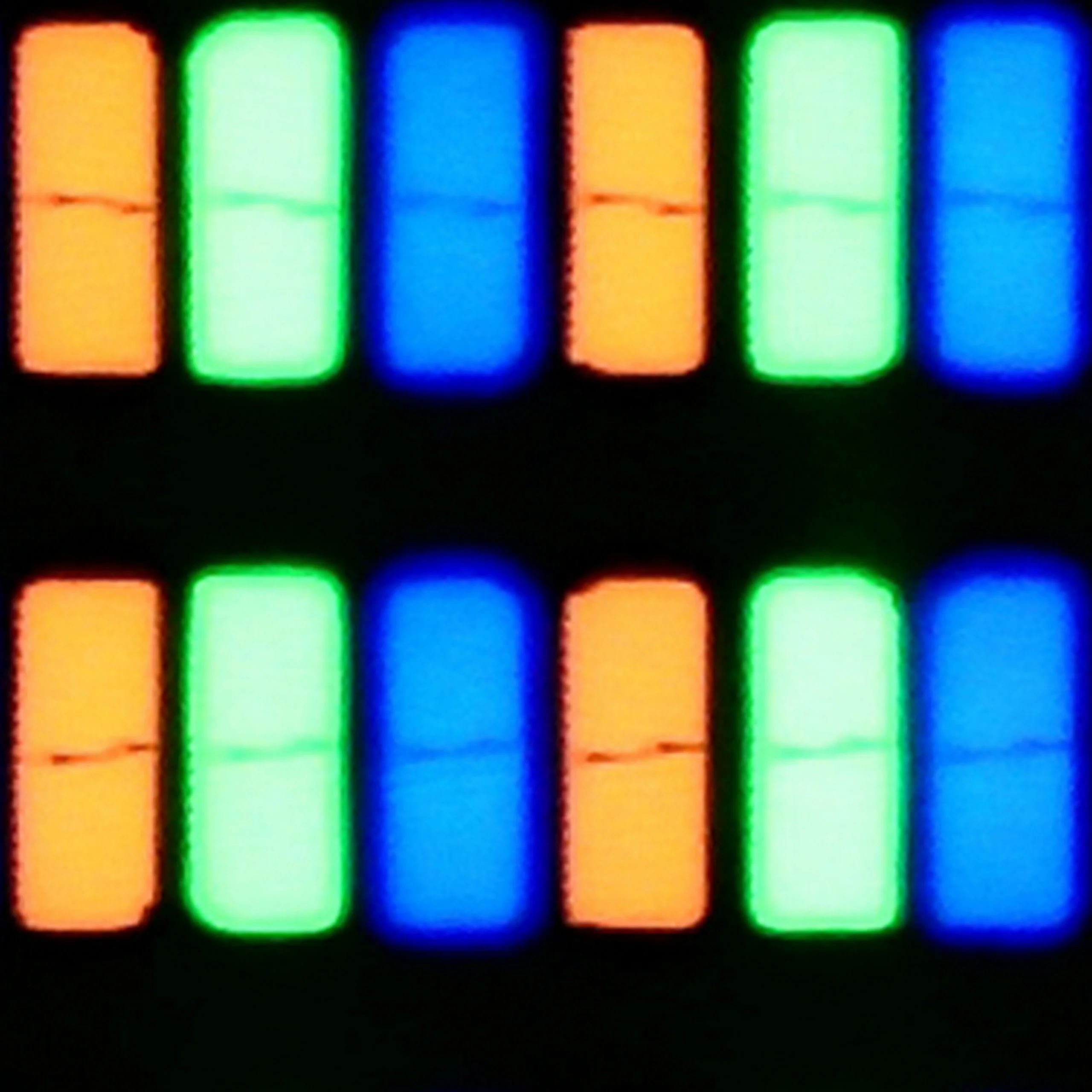
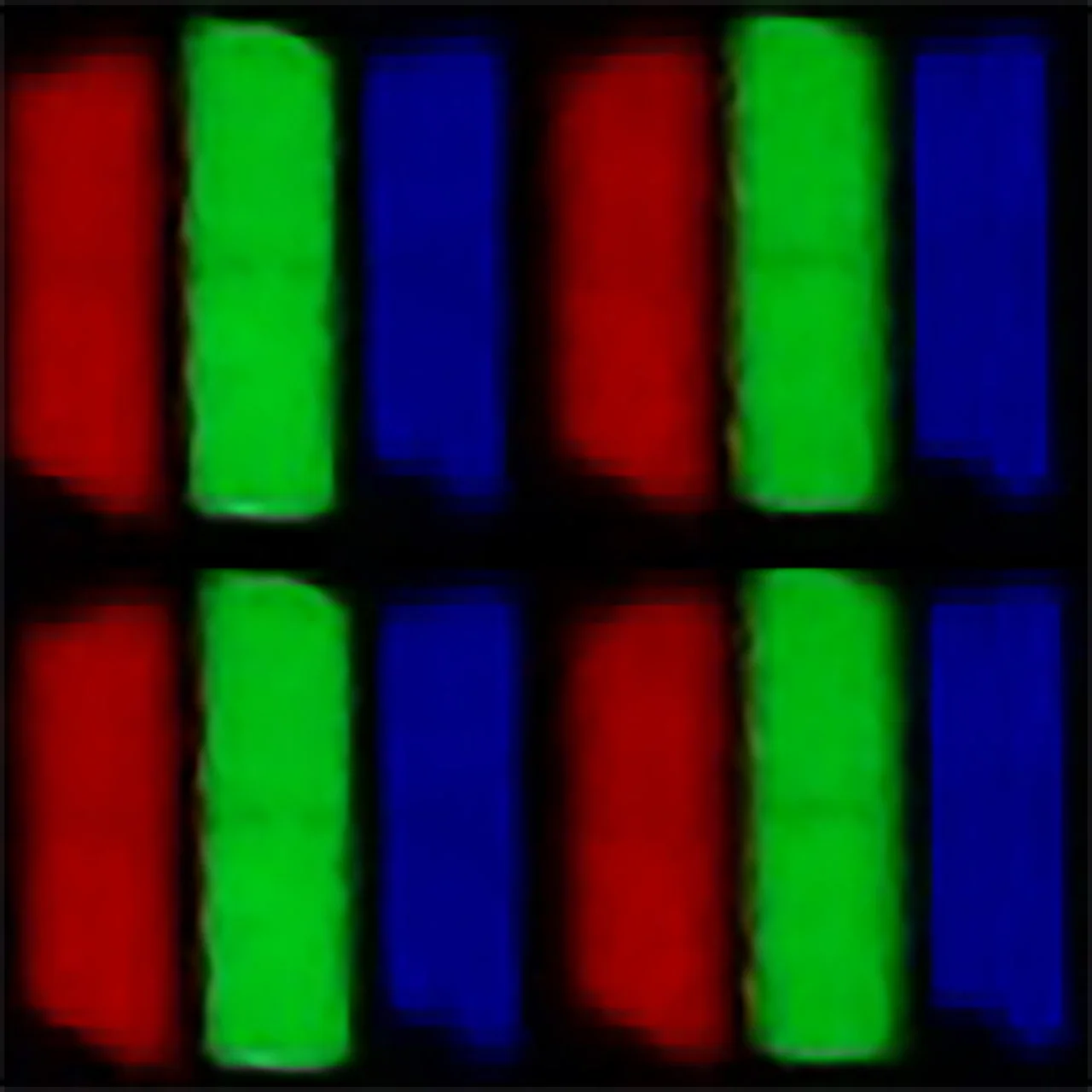
Panel uniformity and thermal imaging:

Sony X75WL
Dreame S100
TV features
7.7/10
5.9/10
- SystemGoogle TVGoogle TV
- System performanceDecentDecent
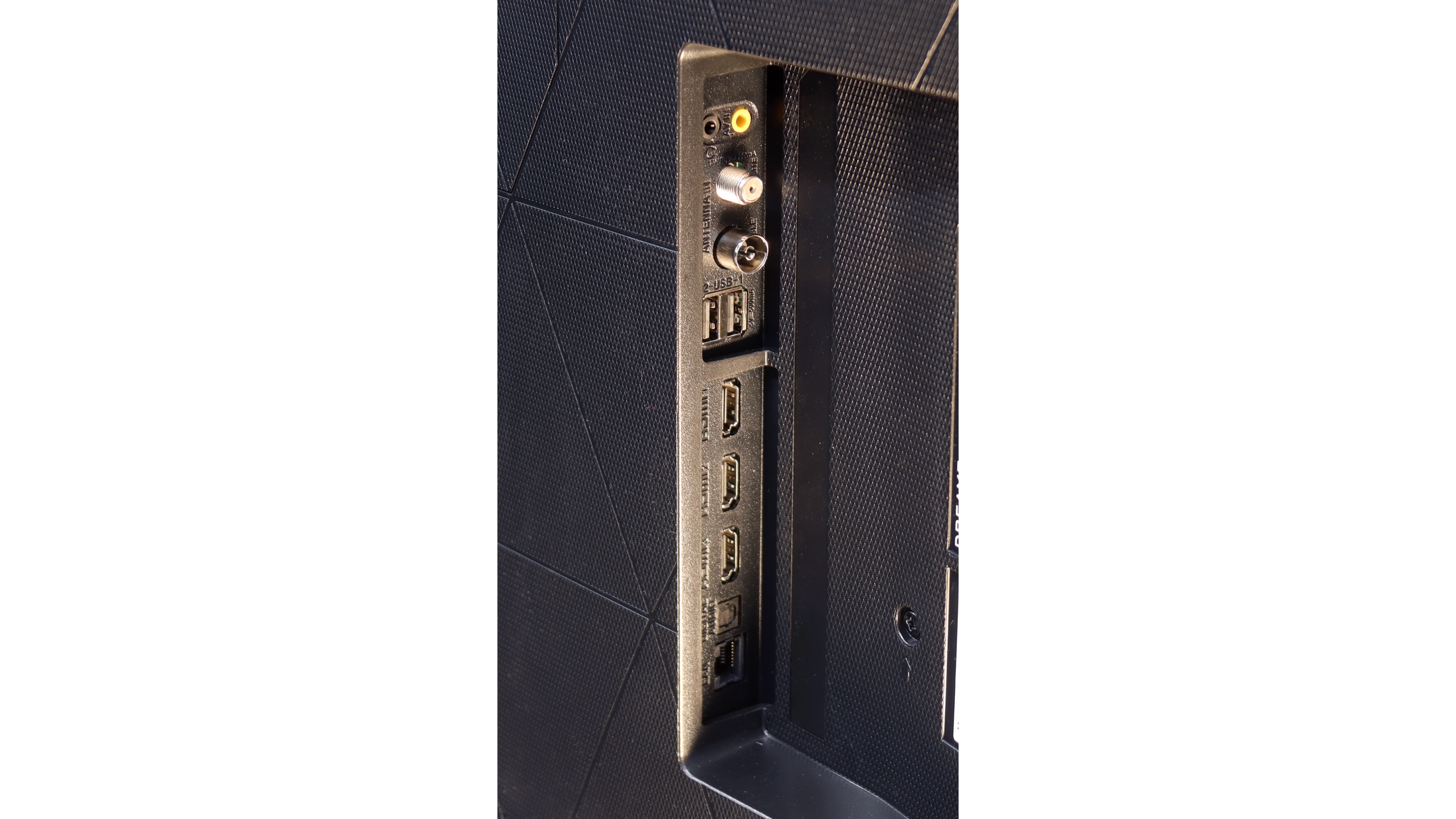
- HDMI inputs4 x HDMI 2.0, 0 x HDMI 2.11 x HDMI 2.0, 2 x HDMI 2.1 40Gbps
- Other inputsRCA (Chinch)RCA (Chinch)
- OutputsToslink (Optical audio), eARC (HDMI), ARC (HDMI)Toslink (Optical audio), eARC (HDMI), ARC (HDMI), Mini-Jack (Headphones)
- Network InterfacesWi-Fi 2.4GHz, Wi-Fi 5GHz, Ethernet (LAN) 100MbpsWi-Fi 2.4GHz, Wi-Fi 5GHz, Ethernet (LAN) 100Mbps
- TV receptionDVB-T, DVB-T2, DVB-S, DVB-S2, DVB-CDVB-T, DVB-T2, DVB-S, DVB-S2, DVB-C
Classic features:
- Recording to USB (terrestrial TV)
- Recording programming
- Picture in Picture (PiP)
- RF remote control (no need to aim)
- Backlit remote control
- Teletext
- Audio only mode
- Bluetooth headphones support
- Simultaneous Bluetooth headphones & TV audio
Smart features:
- AirPlay
- Screen mirroring (Windows Miracast)
- Voice search
- Voice search in native language
- Ability to connect a keyboard and mouse
Sound connection options
- HDMI audioeARC (HDMI), ARC (HDMI)eARC (HDMI), ARC (HDMI)
- Other audio outputsToslink (Optical audio)Toslink (Optical audio), Mini-Jack (Headphones)
- Wireless audioBluetoothBluetooth
Supported audio formats (external HDMI eARC audio):
- Dolby Digital Plus 7.1
- Dolby True HD 7.1
- Dolby Atmos in Dolby Digital Plus (JOC)
- Dolby Atmos in Dolby True HD
- DTS:X in DTS-HD MA
- DTS-HD Master Audio
Senior accessibility
- Numeric keyboard on TV
- Font size adjustment
- Audio description
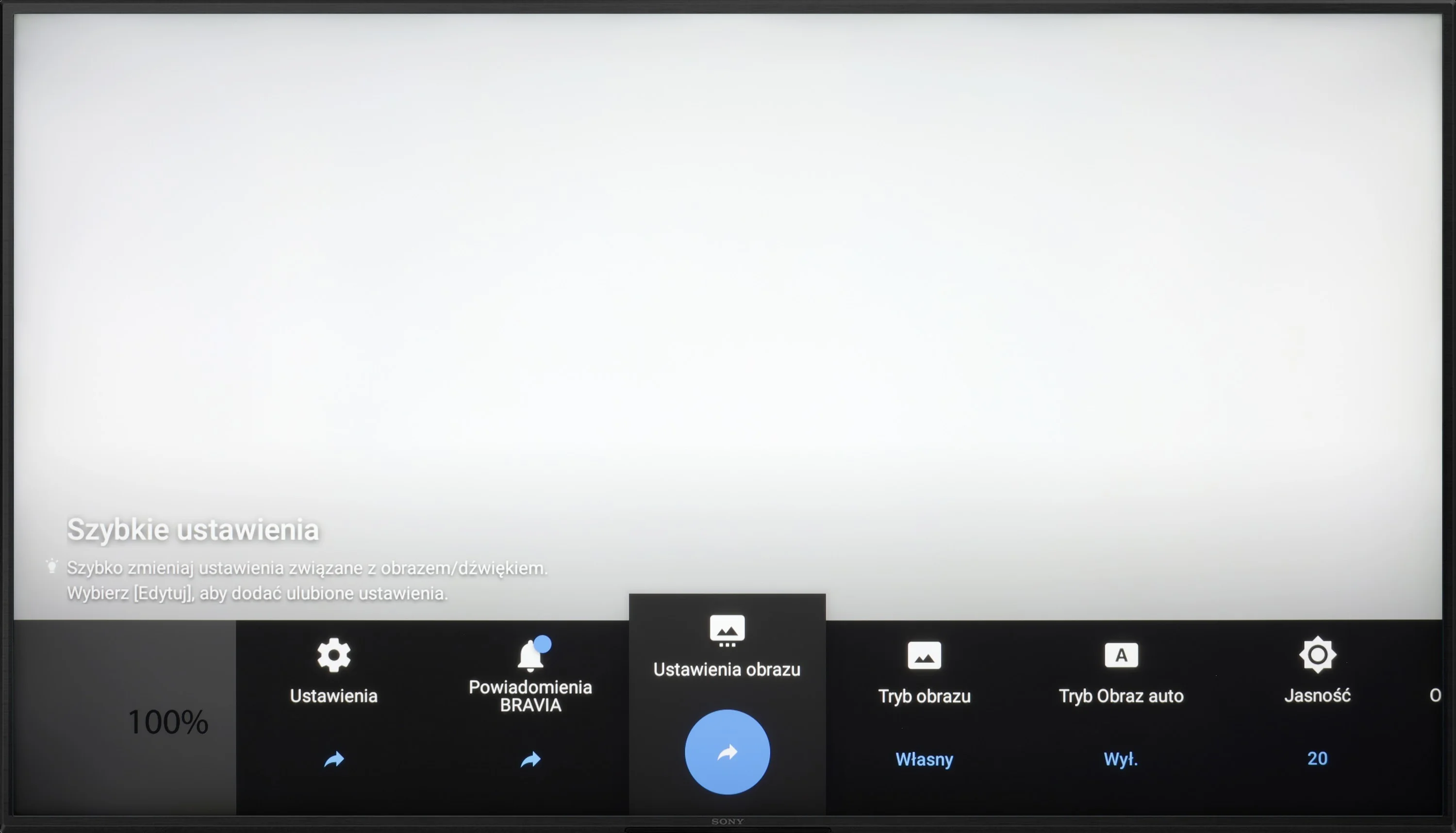
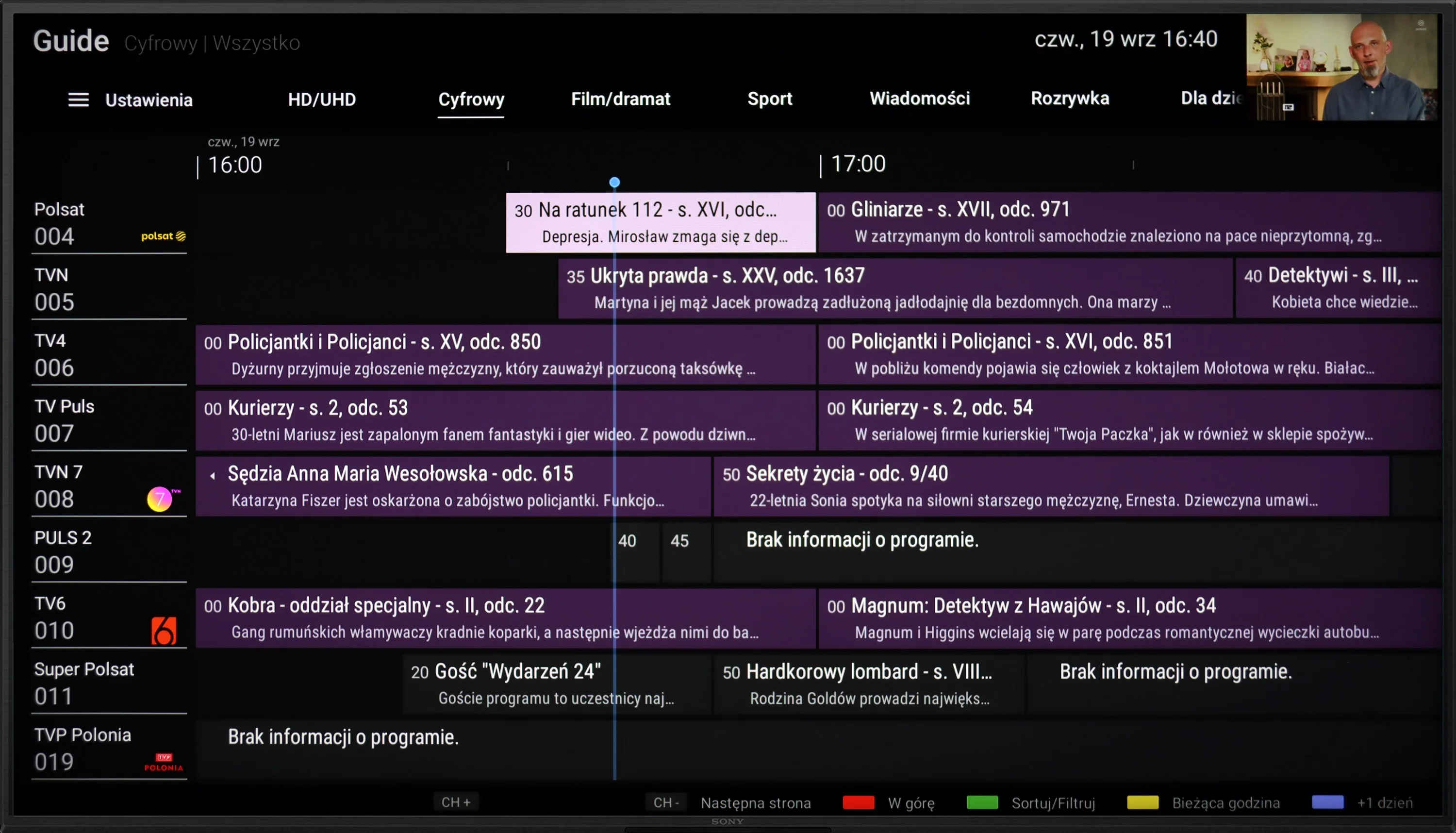
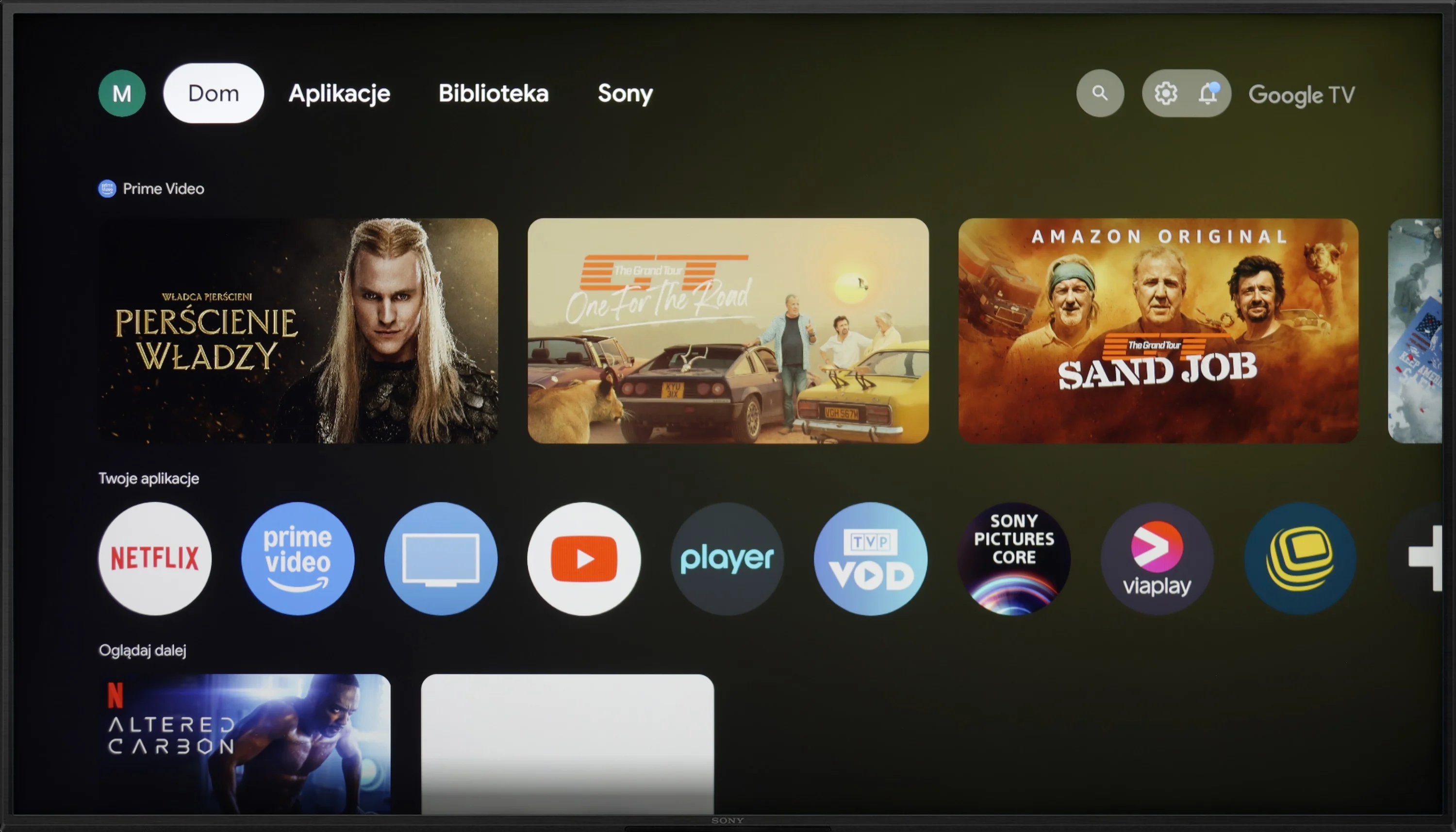
The model KD-43X75WL operates on the Google TV system, which is an extension of Android TV and offers a wide range of features that facilitate the use of the television. Google TV provides access to personalised recommendations based on user preferences and viewed content, making it even easier to find interesting programmes. The system also ensures smooth access to popular applications such as Netflix, YouTube, and Amazon Prime Video, as well as full integration with Google Play Store, allowing for the downloading of additional applications and games. With the built-in Google Assistant, the television can be controlled using voice commands, which is convenient and practical.
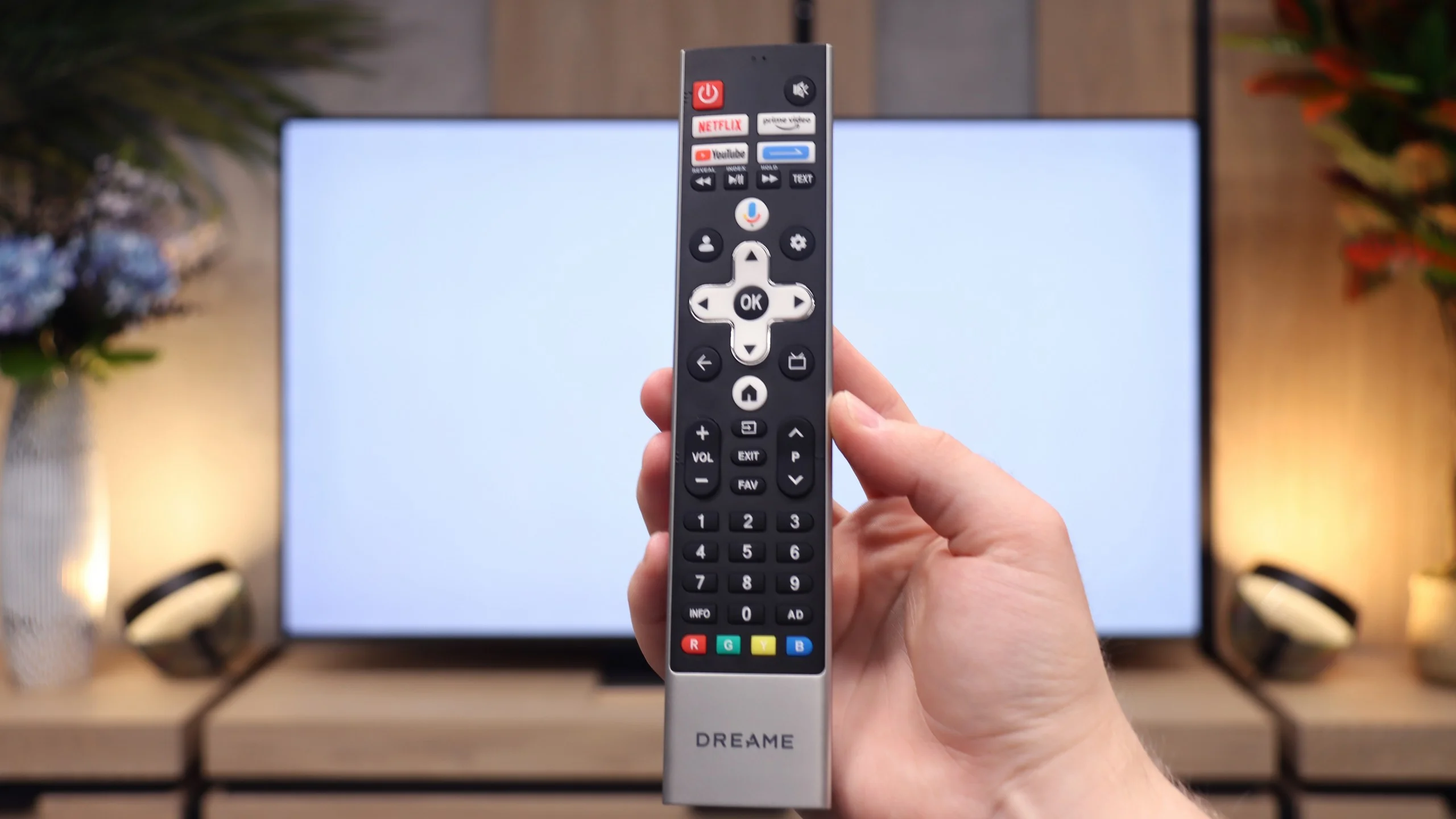
The television also offers a number of practical user features. The ability to record programmes onto an external USB drive allows for easy preservation of favourite content for later, which is particularly useful for live broadcasts. The model KD-43X75WL also enables the connection of various peripheral devices, such as keyboards, mice, or Bluetooth headphones, enhancing its functionality. The remote control included in the package operates on a radio communication basis, which means there's no need to aim at the screen to change channels or adjust the volume, making it a significant convenience for everyday use.
In terms of appearance, the model Sony X75WL presents itself solidly, although it cannot be called the slimmest television on the market. The bezels around the screen are not the thinnest, yet the overall look is aesthetically pleasing. It is worth noting the metal legs included in the package, which deserve praise for their sturdiness. These legs are adjustable, allowing for configuration even for very narrow furniture.
Smart TV: Google TV
The Dreame S100 uses the Google TV operating system. This is great news for anyone looking for a television with access to almost all the streaming applications on the market. The system itself runs quite smoothly, although it does experience occasional minor lags – which is typical for most Chinese televisions with Google software. On board, we find almost every necessary Smart TV feature, including screen mirroring and voice search using Google Assistant. Unfortunately, the Dreame S100 lacks support for AirPlay, meaning that iPhone users cannot easily share content from their phones.
Television Features
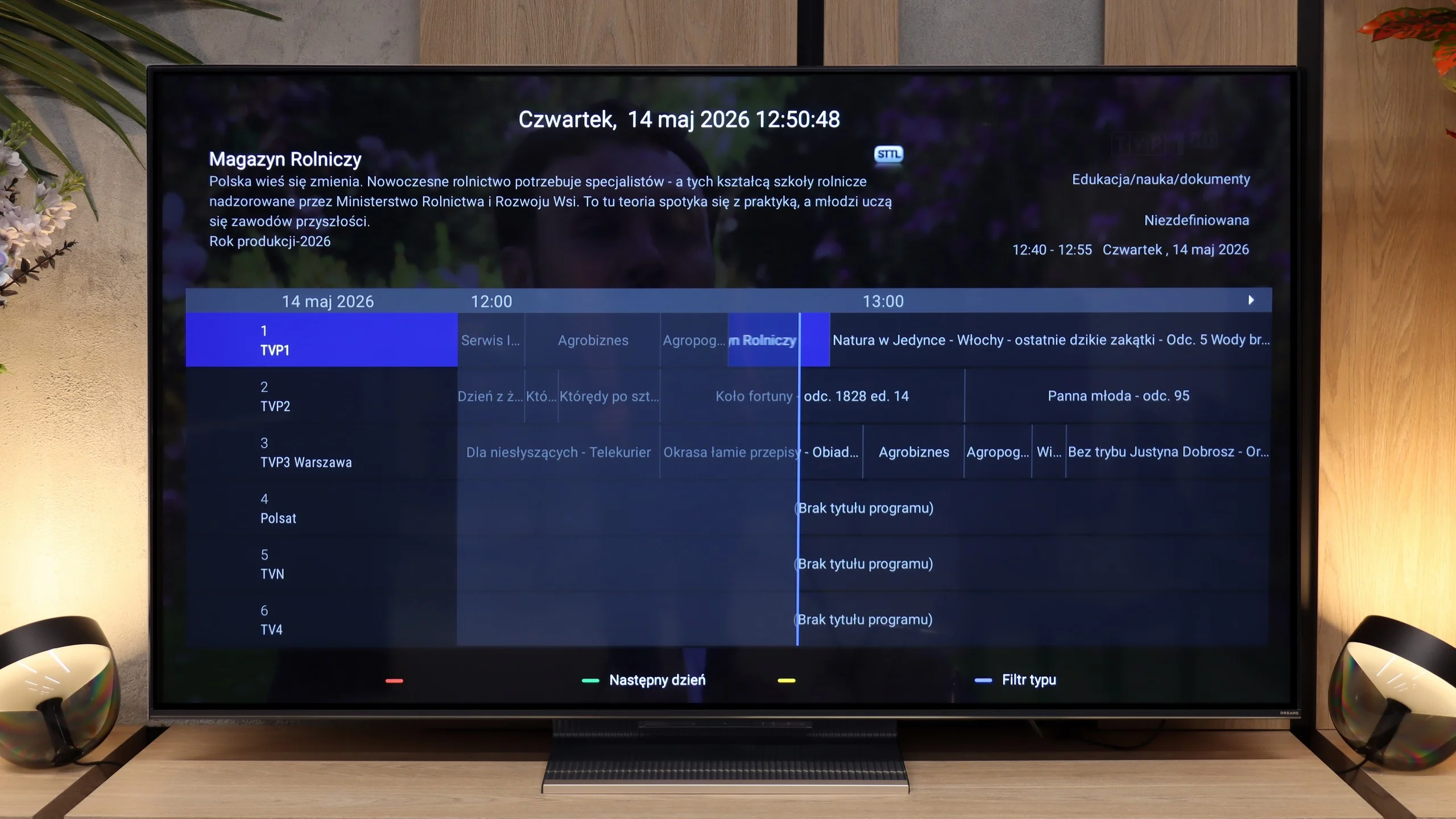
Unfortunately, the Dreame S100 is not a television designed with traditional television viewers in mind. Besides the basic options for connecting headphones and a rather simple remote control equipped with a numeric keypad, there are practically no additional features here to facilitate everyday viewing of traditional channels. The only nice and increasingly rare addition is the presence of a physical minijack headphone output. This allows for the connection of older wired headphones or analogue audio sets.
Apps
9.6/10
9.6/10






















Playing files from USB
8.7/10
8.3/10
Supported photo formats:
Maximum photo resolution:
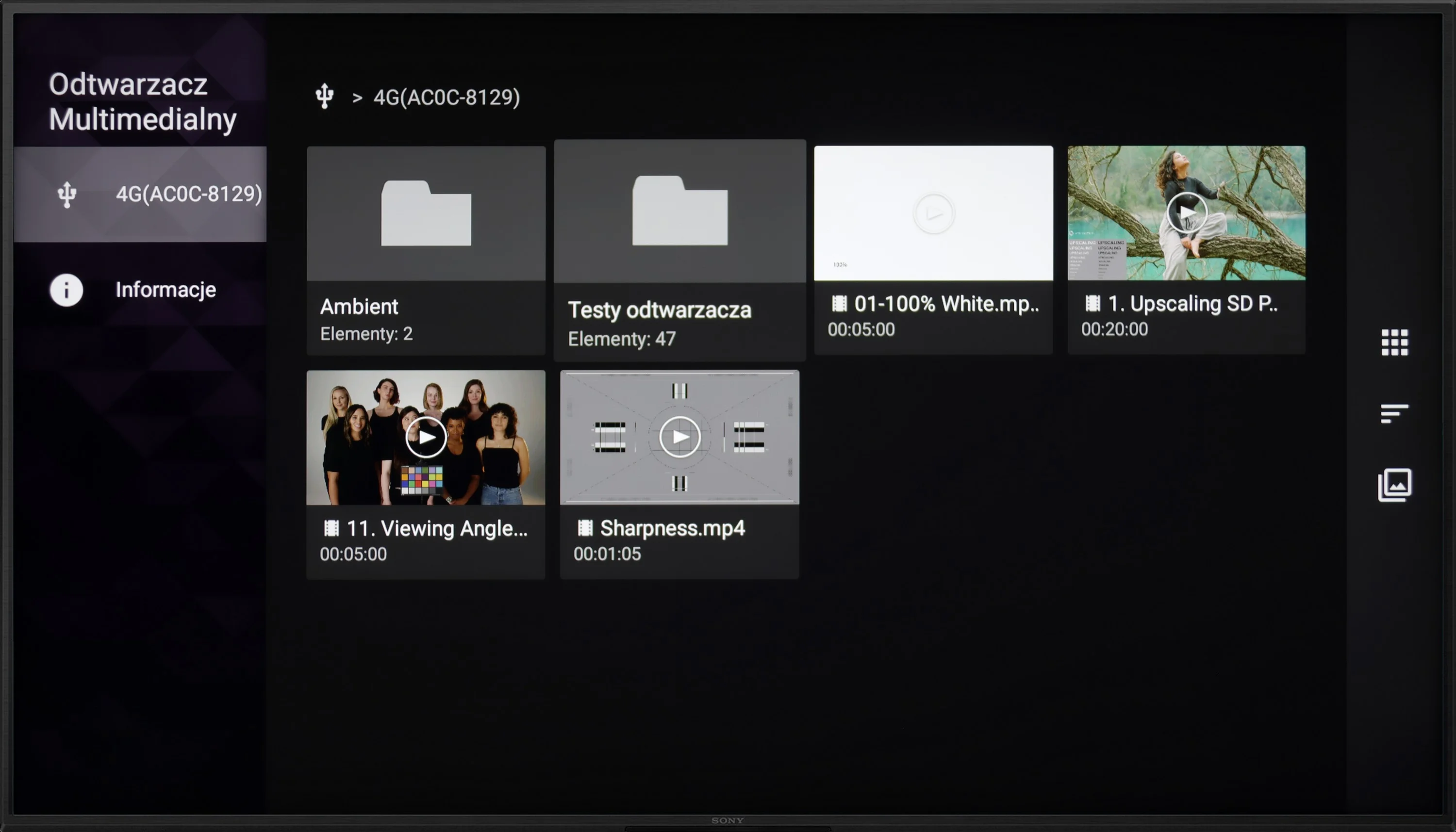
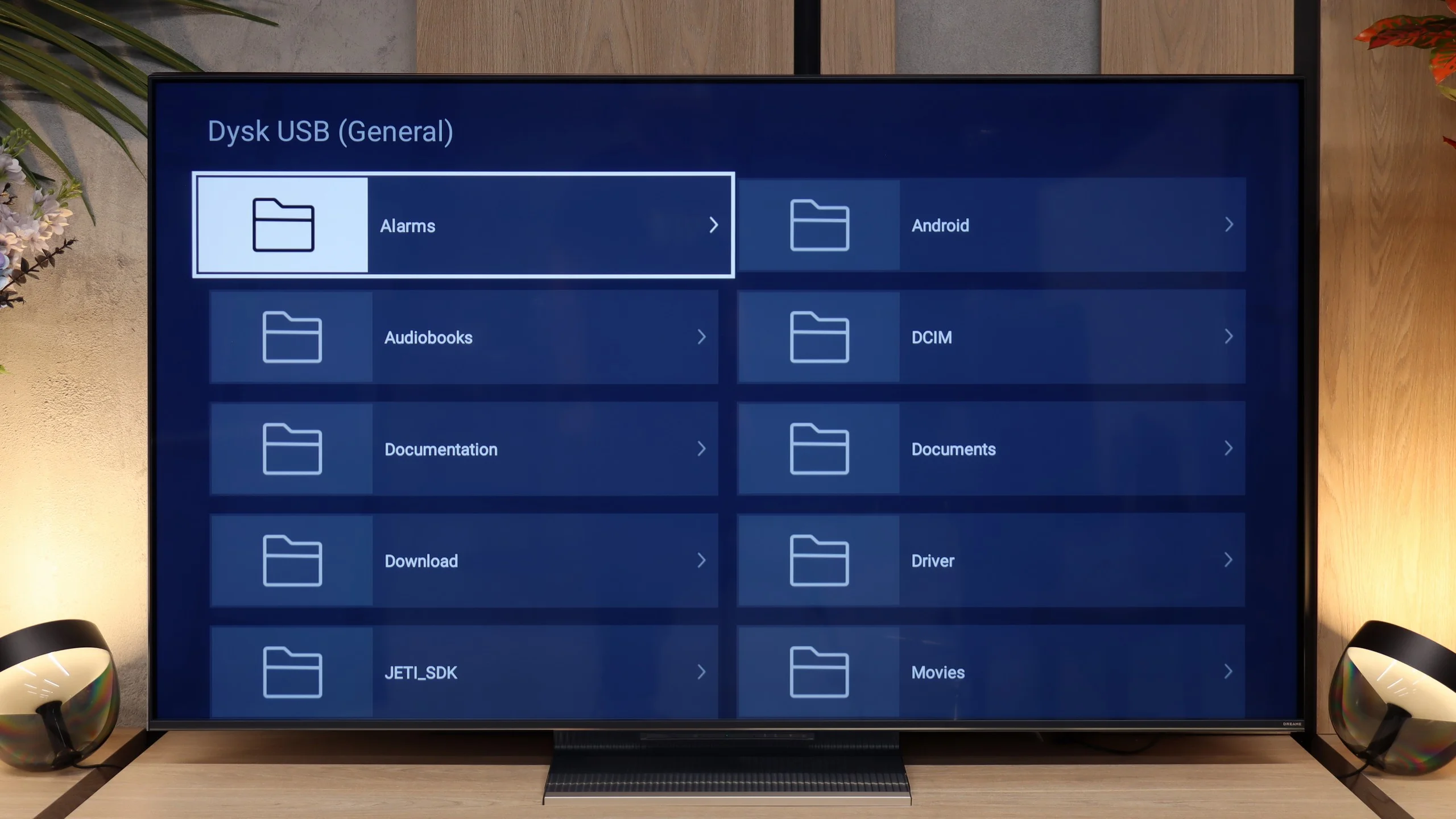
The built-in media player in the Sony X75WL model performs quite well, opening most popular video, audio, and photo formats. However, if we encounter issues with playing less common files, we can easily solve this problem by installing another player available on the Google Play Store, which allows for fuller use of the television's capabilities.
The built-in media player works properly and managed well with most of the files we provided from our USB drive. However, there were instances when the application experienced slight stutters, and the selected movies or photos loaded only after a few seconds. If the factory player proves to be not very intuitive or lacks advanced features, the Google TV system saves the situation. You just need to enter the app store and install any external file playback program (e.g. VLC), which will solve this problem.
Sound
6.9/10
8.3/10
- Maximum volume-84dB
- Dolby Digital Plus 7.1
- Dolby True HD 7.1
- Dolby Atmos in Dolby Digital Plus (JOC)
- Dolby Atmos in Dolby True HD
- DTS:X in DTS-HD MA
- DTS-HD Master Audio
The sound quality of the X75WL model is very pleasant, and for this class and size of Sony television, it is truly impressive. There is a subtle bass, and the sound appears clear, which positively affects the reception of multimedia content. The television performs well with both dialogue and sound effects.
The sound of the Dreame S100 is one of the model's greatest assets – it is really good. The television is equipped with a 4.1.2 speaker system with a total power of 70 W. The sound is clear, with a distinctly perceptible bass, which is confirmed by our acoustic measurements. Large drivers placed on the sides of the casing effectively widen the soundstage. As a result, we get a noticeably more spacious sound than with standard 20-watt 2.0 systems. The device supports Dolby Atmos encoding, so we can easily play spatial audio tracks from streaming platforms without the need to purchase an external soundbar. Unfortunately, it lacks support for the DTS format – this is a downside, although it must be honestly acknowledged that this standard has recently been abandoned by most manufacturers. On the plus side, the audio connection options are commendable. The Dreame S100 can be easily connected to newer home theatres or soundbars via the HDMI eARC port or optical output. A nice and increasingly rare addition is the classic minijack headphone socket, which allows for a second life to be breathed into older audio sets.
Sound Quality Test
No sound test video
Acoustic Measurements
No acoustic data
84dBC (Max)
75dBC
Reader comments
Comments are provided by the external service Disqus (Zeta Global). Once loaded, Disqus may set cookies and process data about your activity.
We will remember your choice on this device. Provider's privacy policy