 Direct comparison
Sharp GR8 is a television primarily designed for those who expect the smoothest possible image. It is in a way the successor to the FQ8 model, and it is evident that the manufacturer has strongly focused on the aspect of motion dynamics. 144 Hz makes a difference – and not just in games. Sports broadcasts can also look stunning, without those annoying smudges or "jumps" that can spoil the enjoyment of watching. In terms of picture quality, Sharp has opted for a VA panel. Although there is no local dimming, one can still count on pleasant contrast. Added to this is Dolby Vision, which gives evening film sessions depth – even if the television does not achieve the brightness promised by the manufacturer. It must be said that when the lights in the room are dimmed, the overall presentation is truly pleasing to the eye. One of the biggest advantages of the GR8 is Google TV. We have access to a full range of applications, voice search in Polish, and a simple, intuitive interface. Thanks to this, we are not limited to the standard functions of the television, as there is always the possibility to install additional programmes and adapt the system to our own needs. Of course, a few aspects could have been refined. The declared HDR brightness is higher on paper than in reality, which may leave the most demanding cinema enthusiasts feeling unsatisfied. Besides that, there are a few useful features missing that we are familiar with from other models: there is no recording to USB or PiP functionality, and Apple device owners will be disappointed by the absence of AirPlay. Nevertheless, this is a television mostly aimed at those who value smooth images and high refresh rates. If we primarily care about dynamic gameplay and good support for games, and in the evenings we want to calmly watch a film with pleasant quality for the eyes, the Sharp GR8 should meet those expectations.
- Matching (Score) |
- Our verdict |
- TV appearance |
- Where to buy |
- Contrast and black detail |
- HDR effect quality |
- Factory color reproduction |
- Color reproduction after calibration |
- Smoothness of tonal transitions |
- Image scaling and smoothness of tonal transitions |
- Blur and motion smoothness |
- Console compatibility and gaming features |
- Input lag |
- Compatibility with PC |
- Viewing angles |
- Daytime performance |
- Panel details |
- TV features |
- Apps |
- Playing files from USB |
- Sound
GR8765E / GR8465E / GR8265E

M80H / M86H
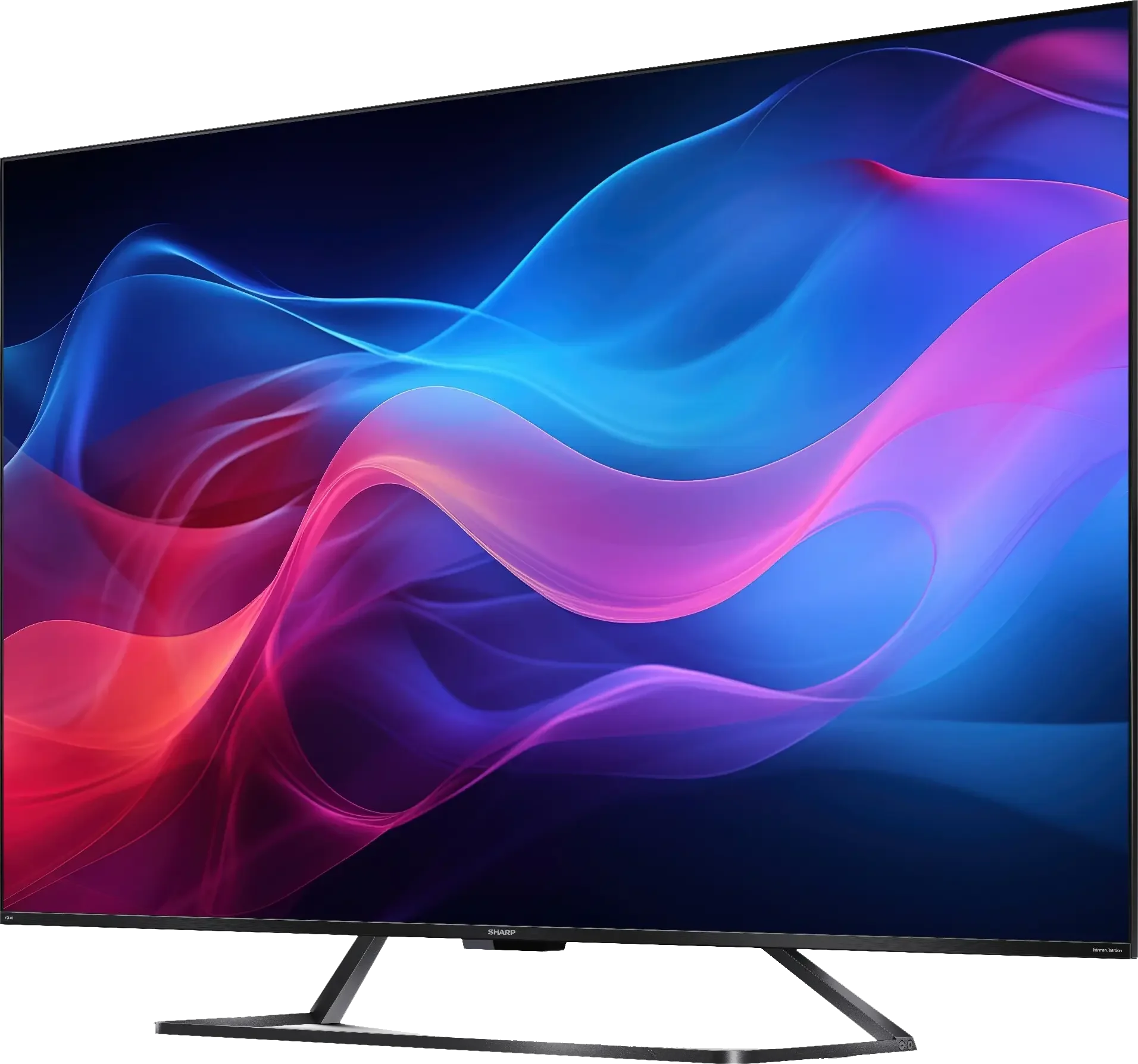
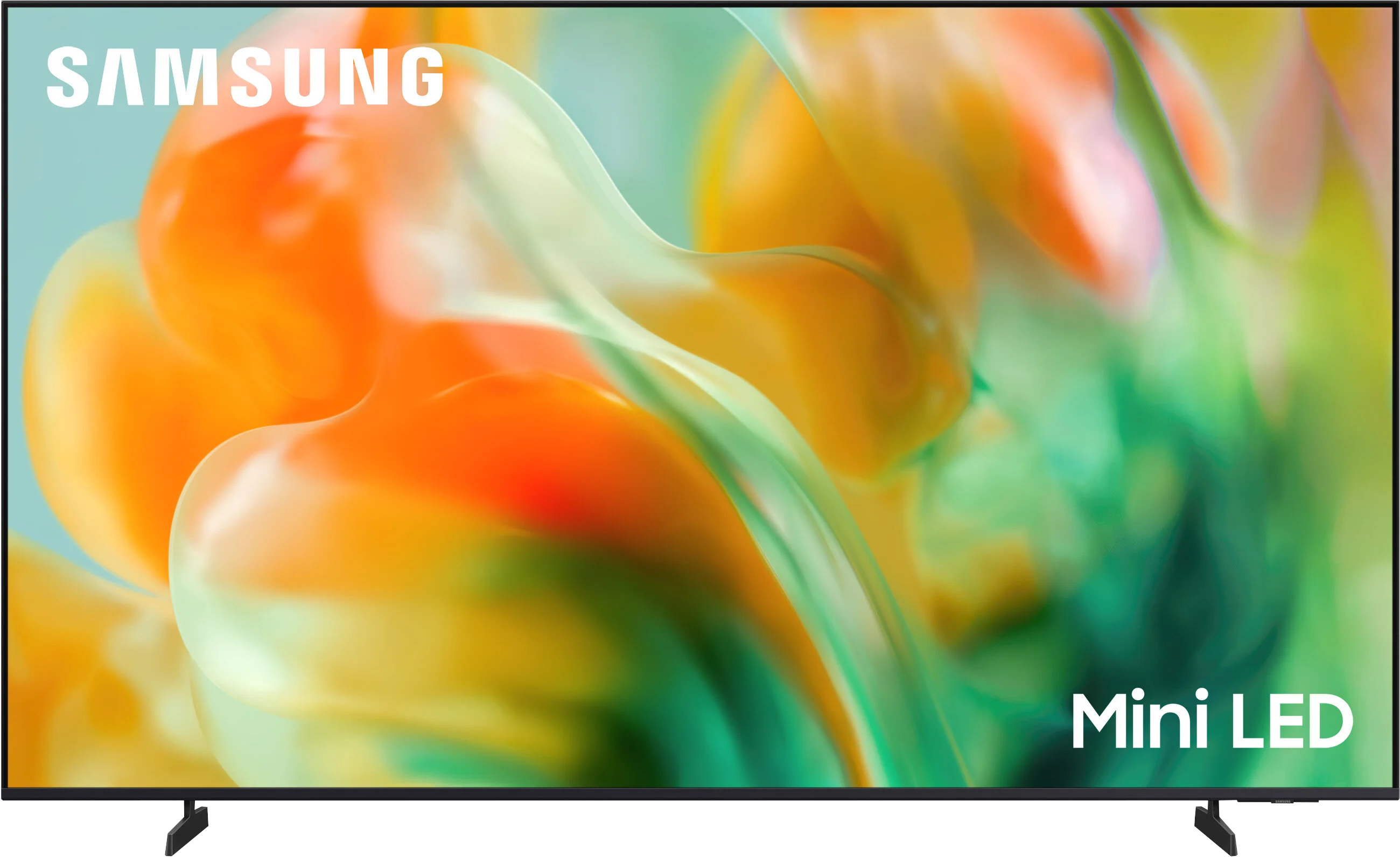
Panel type: LCD VA
Resolution: 3840x2160
System: Google TV
Model year: 2024
Panel type: LCD VA
Resolution: 3840x2160
System: Tizen
Model year: 2026
Check how well they match your needs
Take the surveyOverall rating
6.4
6.9
 Movies and series in UHD quality
6.2
6.5
 Classic TV, YouTube
6.1
6.6
 Sports broadcasts (TV and apps)
6.4
6.7
 Gaming on console
7.8
8.8
 TV as a computer monitor
4.0
8.9
 Watching in bright light
4.5
5.0
 Utility functions
6.0
7.3
 Apps
9.6
9.3
 Sound quality
7.0
6.0
Complete the survey to find out what fits your preferences
Advantages

VA matrix with decent contrast
144 Hz refresh rate and two HDMI 2.1 ports – a great option for gamers
Supports VRR and ALLM, low input lag
Supports Dolby Vision
Google TV with a rich selection of applications, voice search in Polish and an intuitive interface
Decent sound
Three HDMI 2.1 ports with VRR and ALLM support
Dedicated motion smoothing for gamers: Game Motion Plus
Low input lag
High refresh rates: 4K 144 Hz and Full HD 240 Hz
Decent contrast thanks to a VA panel
Relatively little smearing for a VA panel
Rich colours thanks to a PFS filter (a different QLED 😉)
Good digital image processing for this segment
Fast Tizen system with plenty of apps
Disadvantages

HDR brightness is lower than the manufacturer claims (around 360 nits instead of 500)
In PC mode, it does not support chroma 4:4:4 – text and fonts are less readable as a result
No recording to USB and no PiP function
No support for AirPlay – Apple device owners may feel deprived
No local dimming despite being labelled Mini-LED!
Low brightness: 350 nits
No support for Dolby Vision and DTS:X formats
No Toslink optical audio output
Our verdict
The M80H shows its strengths where motion matters most. A fast panel, refresh rate up to 144 Hz and relatively low motion blur mean sport and fast-paced games look really good on it. In this respect the TV can even outclass some much more expensive Samsung LCD models. Gamers also get low input lag, three full-bandwidth HDMI 2.1 ports and Game Motion Plus, which can improve the smoothness of games running at 30 or 60 frames per second. When connected to a PC you can also use a 240 Hz refresh rate, although only at Full HD. A considerable advantage of the M80H is the NQ4 AI Gen2 processor, until recently used in Samsung’s higher-tier ranges. It handles lower-resolution material well and can improve the appearance of weaker sports broadcasts or heavily compressed recordings. The additional picture-enhancing features do produce a noticeable effect, though at higher settings their action becomes too strong and starts to interfere with the natural look of the image. Even so, they are worth counting as positives, because in the cheapest TVs similar solutions often have far less impact.
The biggest objection, however, is calling the M80H a Mini-LED television. There is no local dimming here, the feature that usually accounts for this technology’s main advantage. A peak brightness of around 350 nits also does not allow for particularly impressive HDR. In terms of picture quality the M80H therefore sits much closer to basic LCD TVs than to more elaborate Neo QLED models such as the QN80H. That does not mean films look bad on it. The VA panel provides decent contrast and the PFS filter delivers attractive, saturated colours. One should be aware, however, that the lack of local dimming clearly limits the TV’s picture-quality capabilities. The M80H is therefore not a model that reveals the full potential of Mini-LED backlighting.
It will perform much better in the hands of a gamer or a sports fan for whom panel speed, low input lag and extensive gaming features are the priorities. If its price remains noticeably lower than models equipped with local dimming, that compromise could be a perfectly sensible choice for those users.
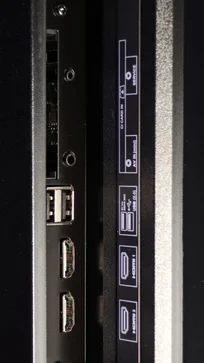
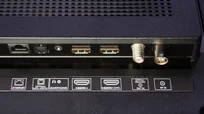
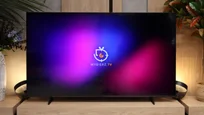
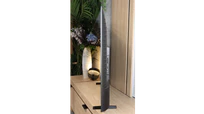
TV appearance
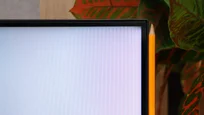
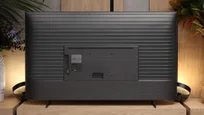

Contrast and black detail
5.9/10
6.3/10
Local dimming function: No
Local dimming function: No
Contrast:


Result
5,300:1

Result
5,800:1

Result
6,600:1

Result
5,650:1

Result
4,700:1
Result
5,950:1
Result
7,150:1
Result
8,150:1
Result
7,850:1
Result
5,550:1
Halo effect and black detail visibility:
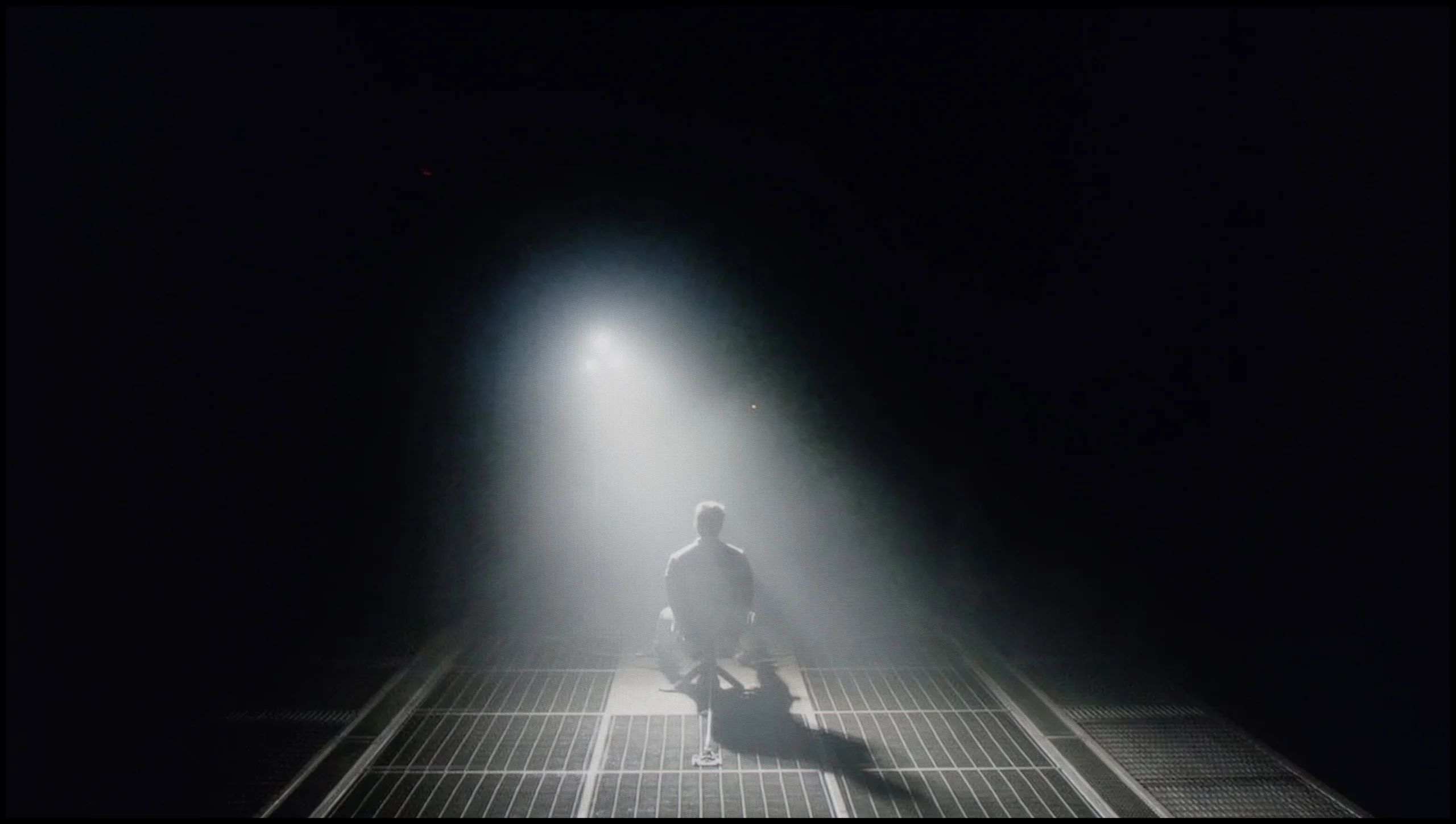
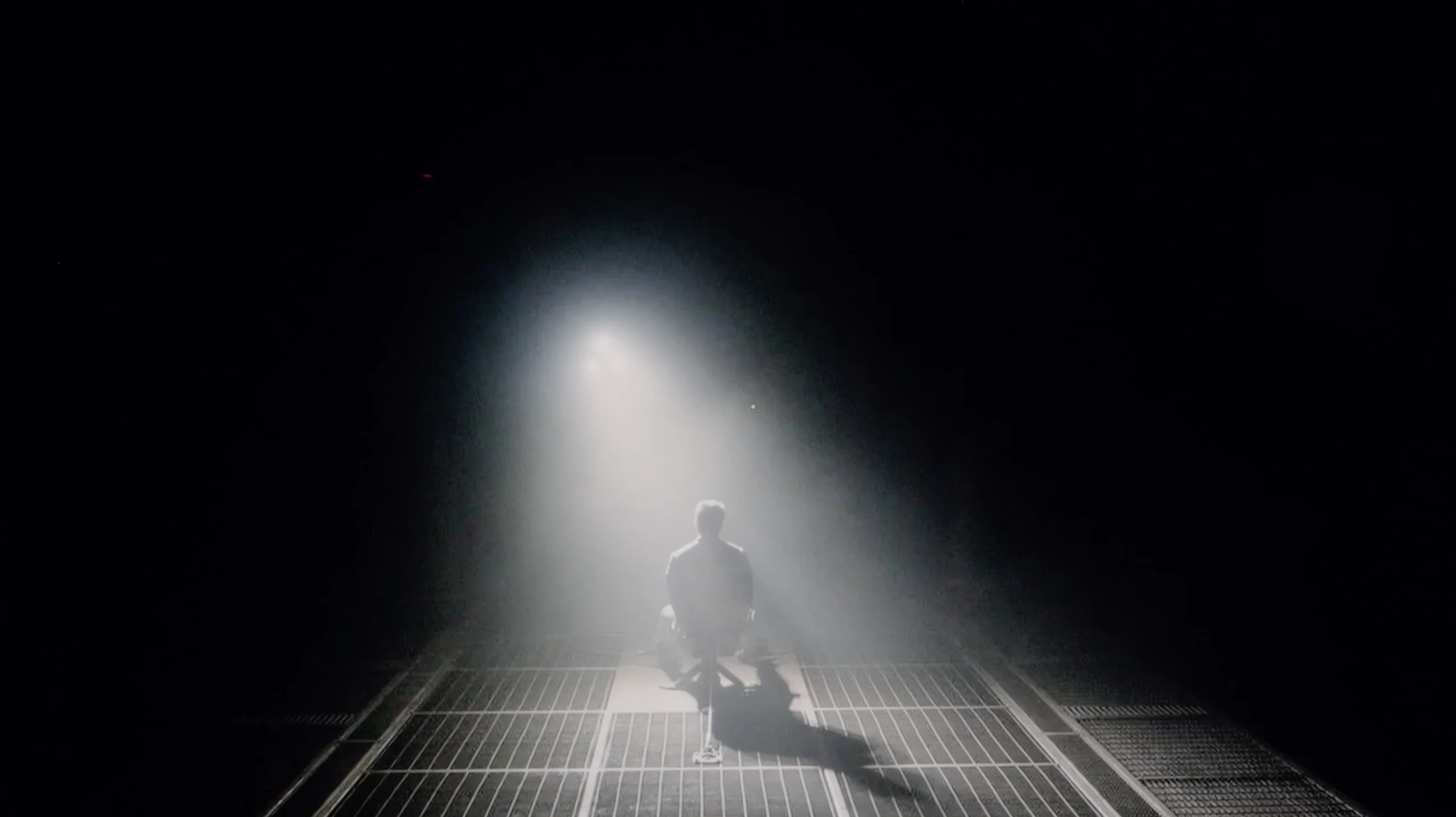
Check the visibility of bright lights on a dark background. Mini-LEDs often struggle with this. The photo does not compare black levels – that’s what the video below is for.
The video accurately shows differences in contrast and black levels between TVs, as well as potential issues: halo around bright objects or Mini-LED zone operation visible as brightness jumps.
Sharp GR8 uses a VA panel, which can provide quite commendable contrast. In the tested film scenes, for example in "Arrival", the television showed that it can achieve really good results. A contrast ratio of 6600:1 is a result that can be considered solid in this price segment. However, it should be mentioned that the television is not equipped with local dimming technology. This is quite obvious, considering the class of the equipment. Nevertheless, Sharp GR8 performs well in separating light and dark elements, which definitely deserves recognition. It is worth remembering, however, that televisions without local dimming have their limitations. In very dark conditions, for example during a screening in a completely darkened room, blacks can shift to shades of navy blue instead of appearing deep and pitch black. Generally, Sharp GR8 offers quite solid contrast that should satisfy most users.
Samsung M80H is an LCD TV that, according to the manufacturer, uses a Mini-LED backlight. It may indeed use smaller LEDs placed directly behind the screen, but it is not the same type of Mini-LED found in more expensive TVs. The M80H does not have local dimming, so the backlight cannot independently control the brightness of individual parts of the image. Black levels are quite decent, mainly thanks to the VA panel used. Depending on the scene, the contrast we measured was roughly 5,500:1 to over 8,000:1. For a TV without local dimming these are good results, and it is precisely in such designs that VA panels have a considerable advantage over IPS/ADS panels. It is worth noting that some results exceed the panel’s native contrast, which is around 5,000:1. Samsung has implemented a global dimming function. When there is a lot of black on the screen, the TV dims the entire backlight, making dark areas appear deeper. However, this comes at the expense of the brightness of the rest of the image. So the M80H will not significantly brighten a small bright spot while maintaining deep blacks around it, as it dims or brightens the whole screen.
HDR effect quality
4.8/10
4.7/10
Luminance measurements in HDR:

Result
305 nit

Result
332 nit

Result
369 nit

Result
365 nit

Result
367 nit
Result
288 nit
Result
340 nit
Result
349 nit
Result
345 nit
Result
364 nit
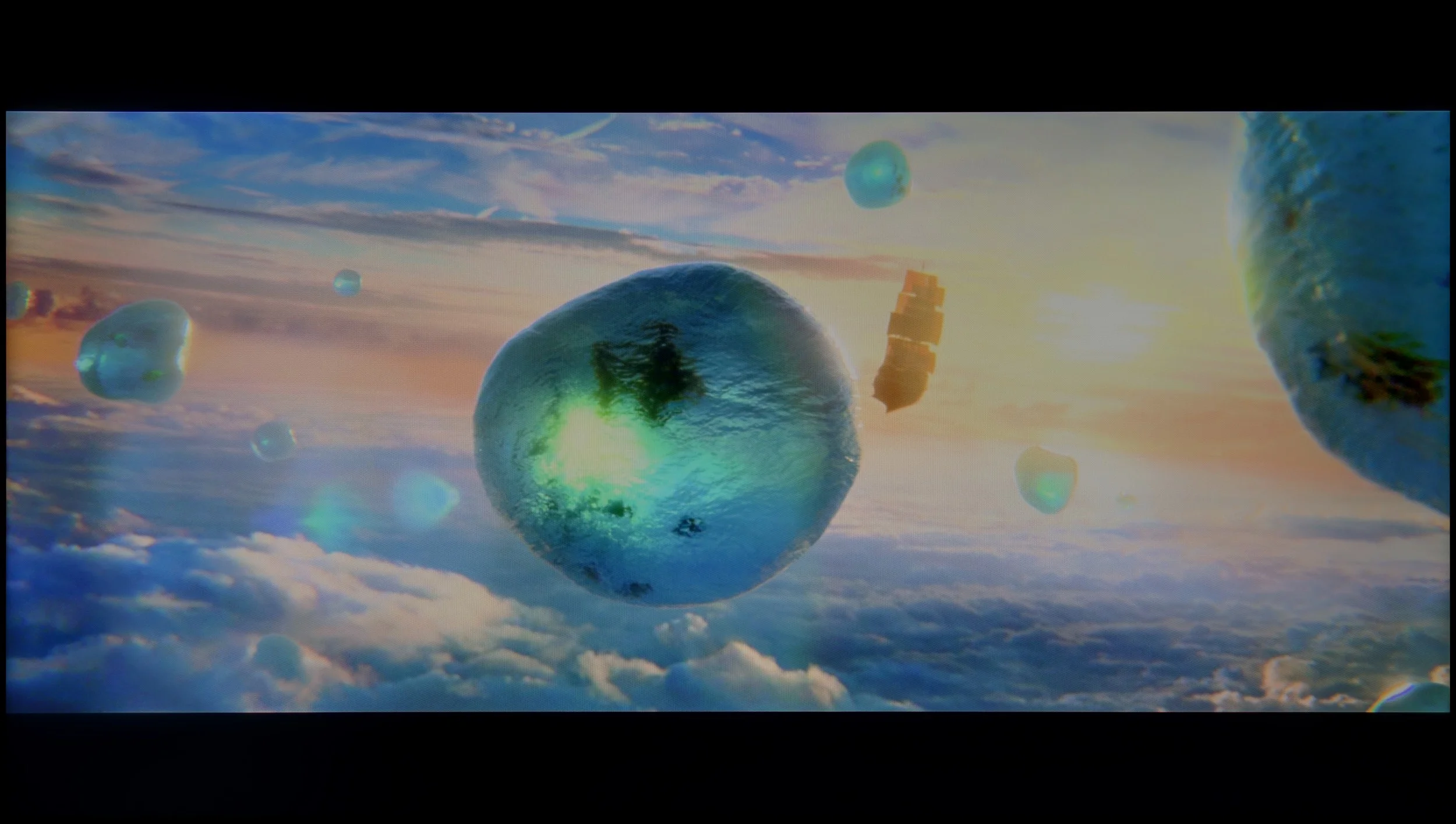
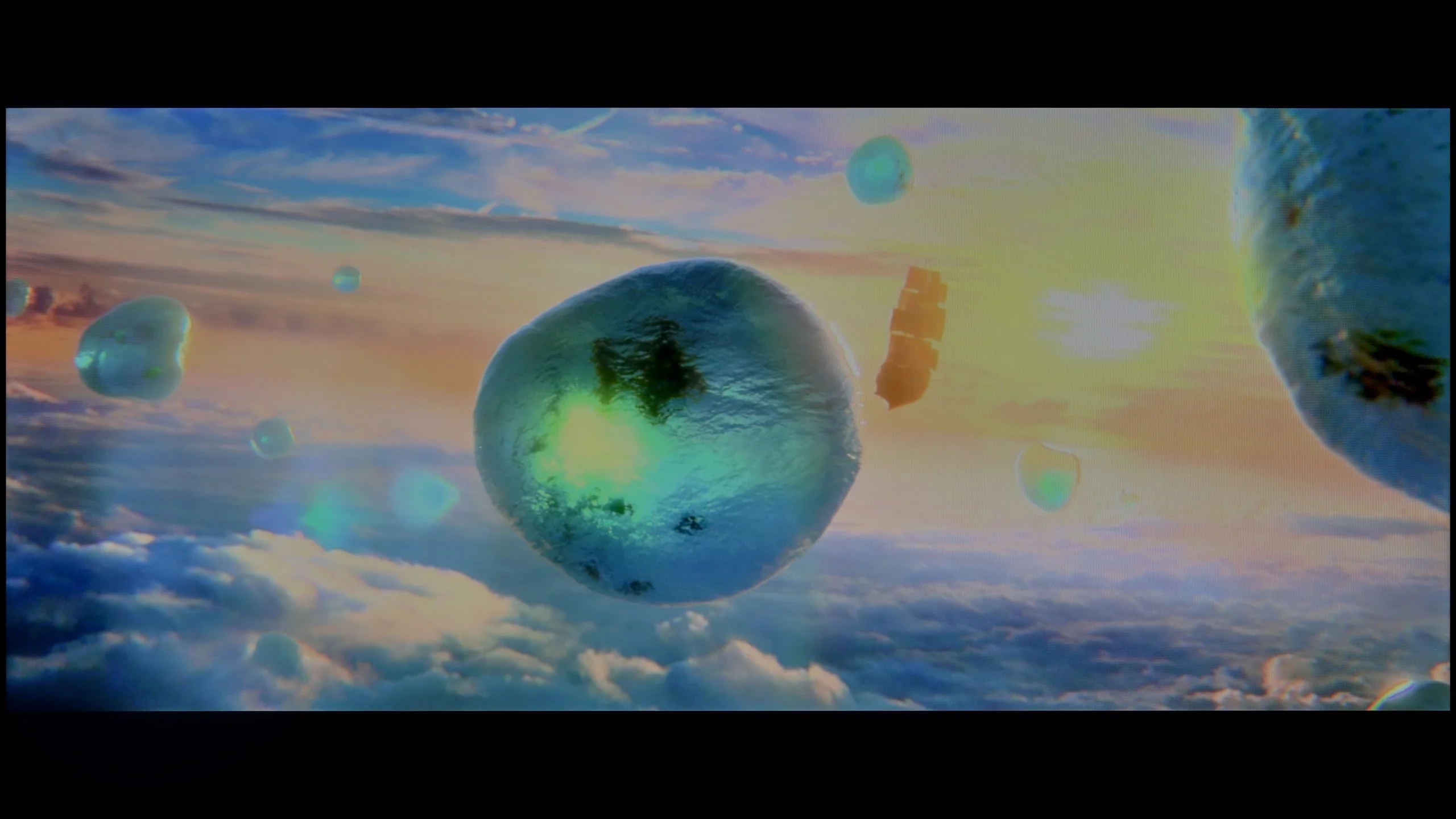
Scene from the movie “Pan” (about 2800 nits)
Scene from the movie “Billy Lynn” (about 1100 nits)
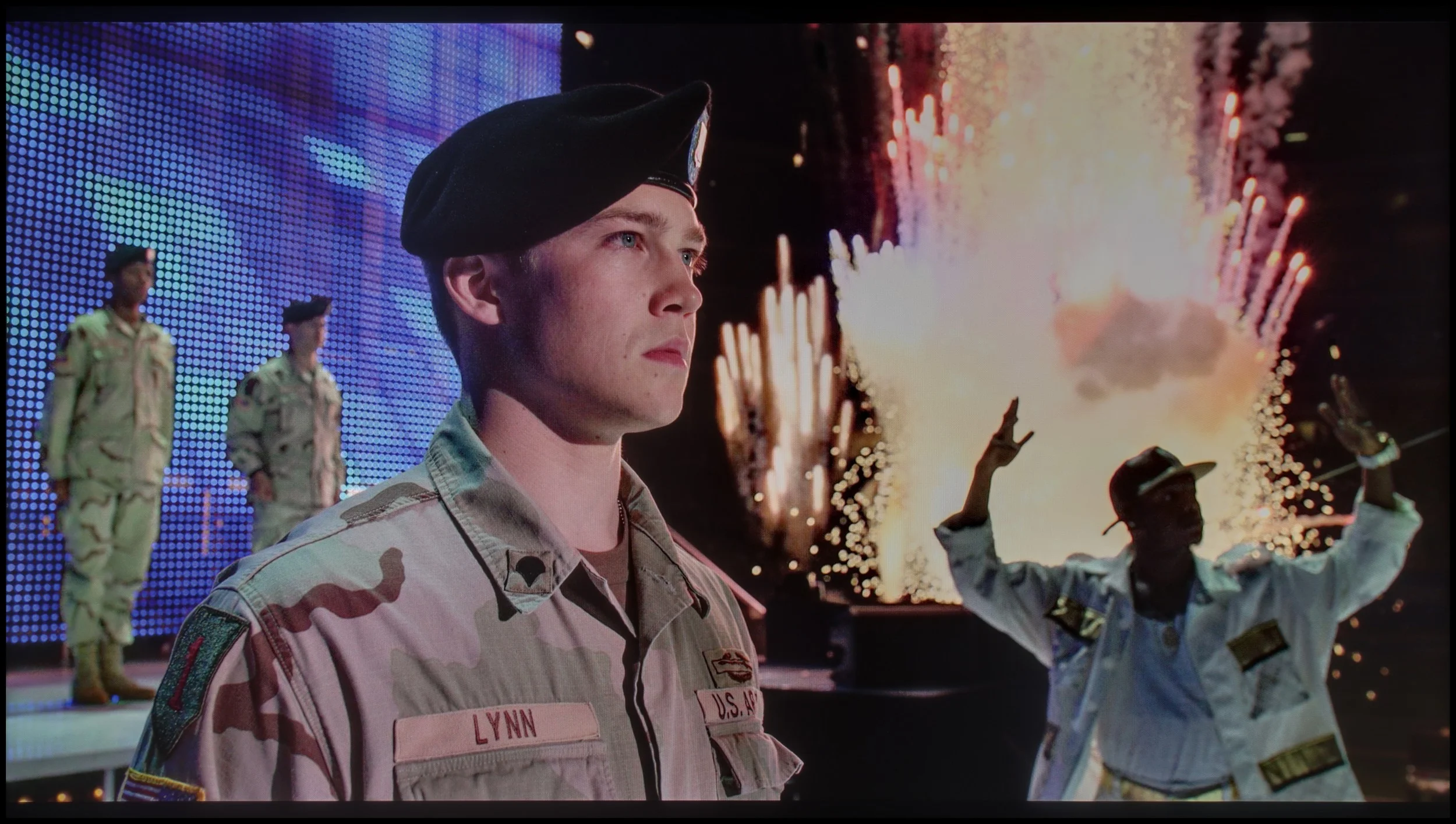
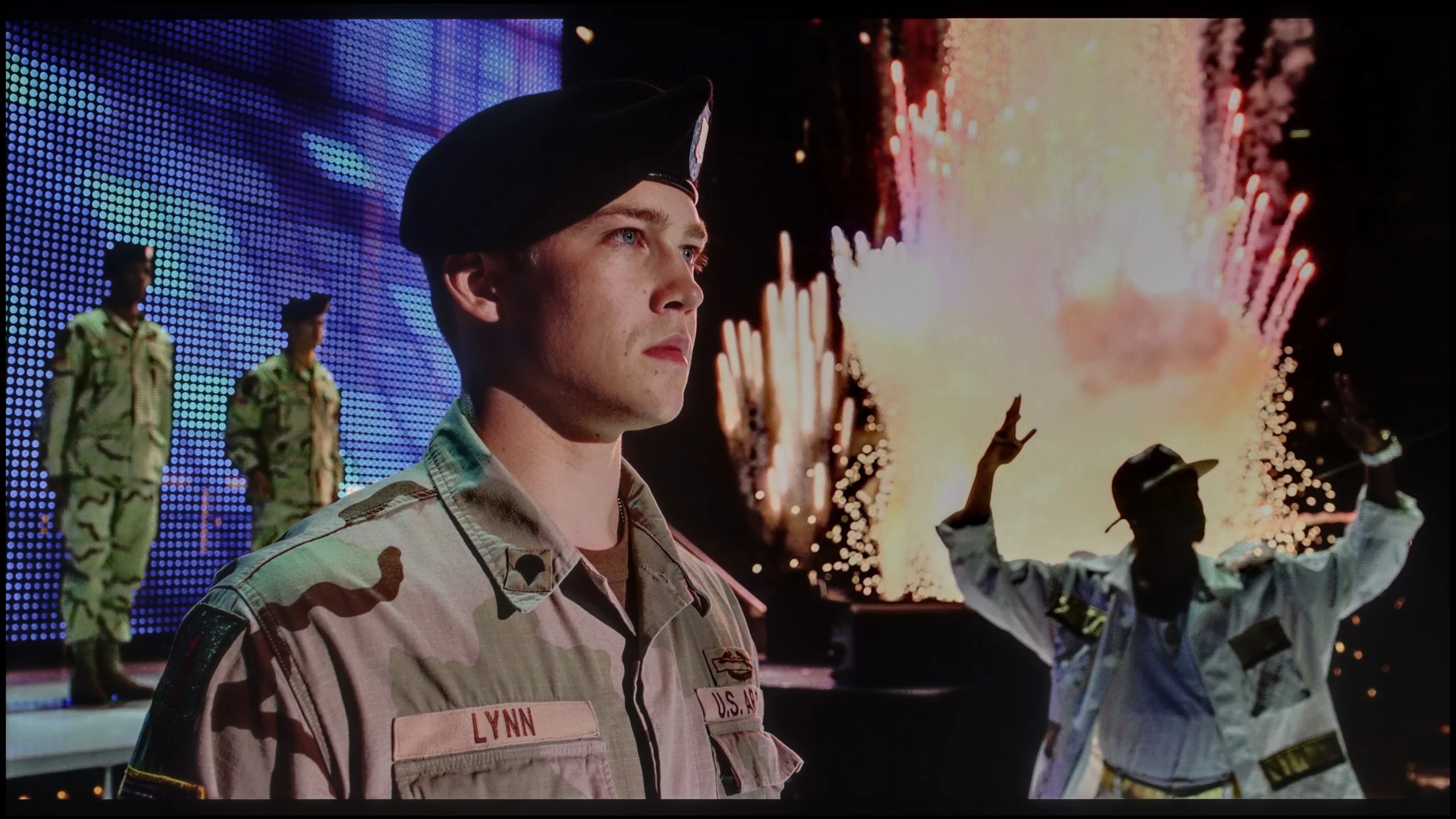
The photos show two HDR10 movies. 'Pan' is one of the brightest productions ever made, while 'Billy Lynn' (soldier) has brightness typical of streaming (Netflix, Prime, HBO MAX). Notice the intensity of effects and detail in whites.
Static HDR10
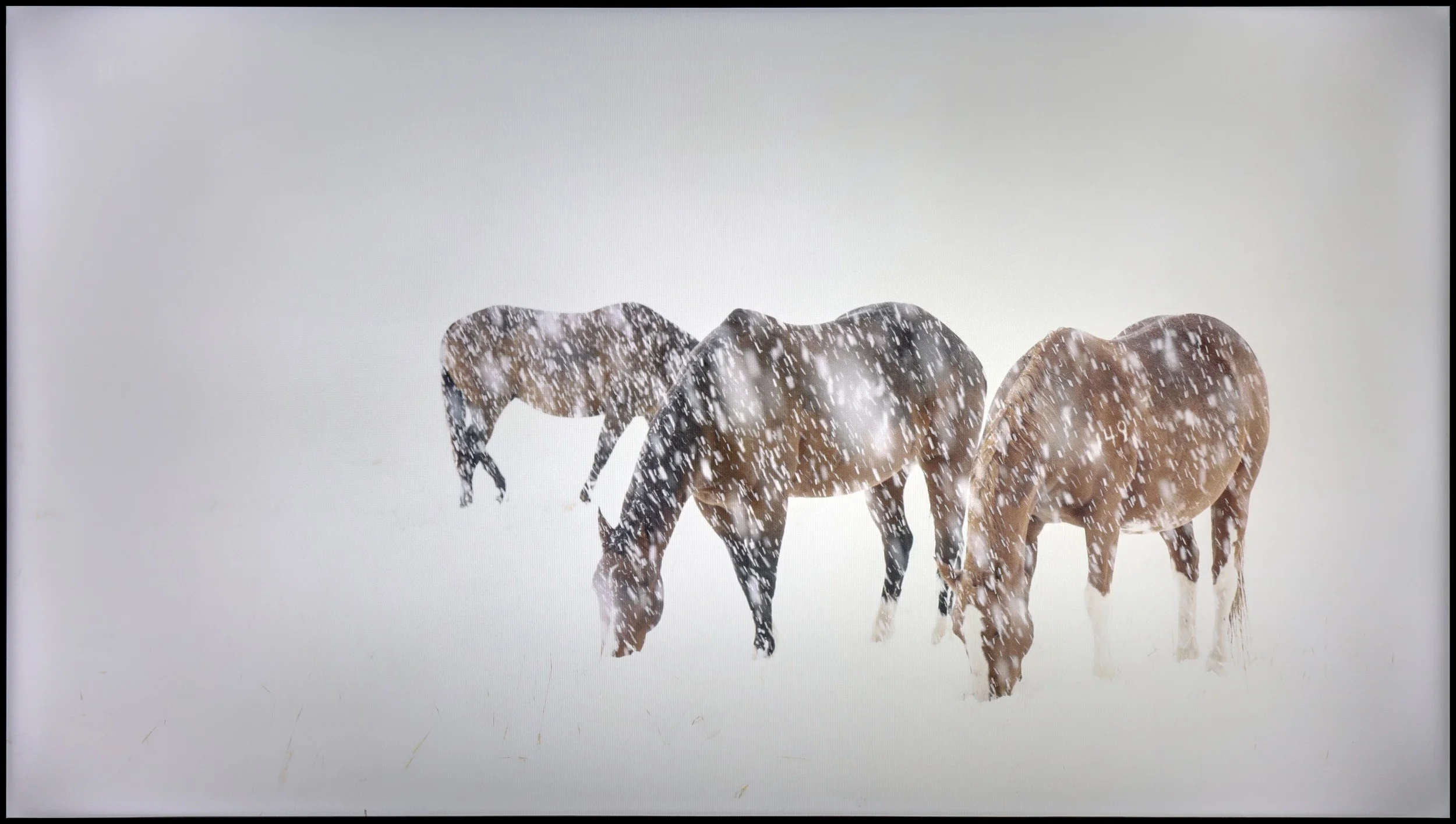

The photos present the visibility of white details in various HDR formats. They do not show brightness differences between TVs (these can be compared in the previous gallery).
Dynamic: Dolby Vision
Dynamic: HDR10+


The photos present the visibility of white details in various HDR formats. They do not show brightness differences between TVs (these can be compared in the previous gallery).
HDR luminance chart:
Samsung M80H
Sharp GR8
Sharp GR8 in its promotional materials boasts of "very high brightness" at a level of 500 nits. Unfortunately, our tests showed that the reality is somewhat different – the average luminance value we managed to achieve was around 360 nits. This is rather an average result, especially in the context of the manufacturer's claims. Such brightness does not allow for a full enjoyment of HDR effects. The image is a bit more defined than in standard SDR, but it is difficult to speak of true richness and depth in bright elements here. However, praise is due for the DCI-P3 colour gamut coverage at a level of 95%. This is a result of the application of an additional PFS layer, known from QLED technology. As a result, the colours are vivid and have a pleasant, natural tone, which somewhat compensates for the deficiencies in brightness.
The M80H is not among the brightest TVs. Its peak brightness is around 350 nits and we saw similar results in most of our test scenes. That is not enough to achieve truly striking HDR; bright highlights lack the necessary punch and the overall image is a bit too dark. In practice HDR on the M80H resembles a well-presented SDR image more than noticeably more dynamic material with a wide brightness range. The image can still look acceptable, but it is hard to speak of strong specular highlights, clearly glowing light sources or an effect that immediately distinguishes HDR from ordinary content.
Colours
One of the M80H's stronger points is its colours. The TV uses a filter based on PFS backlighting, which allows it to display a much wider colour gamut than a standard LCD screen without filters. Our measurements confirm this – the M80H covers around 96% of the DCI-P3 gamut and 72% of BT.2020. Those are really good figures, which allow colours to be deeply saturated. Samsung's approach here is interesting. The M80H is not part of the QLED family, even though in terms of colour it is practically indistinguishable from models carrying that badge. From an image-quality point of view it doesn't really matter though — the colours are simply good.
Factory color reproduction
5.4/10
6.1/10
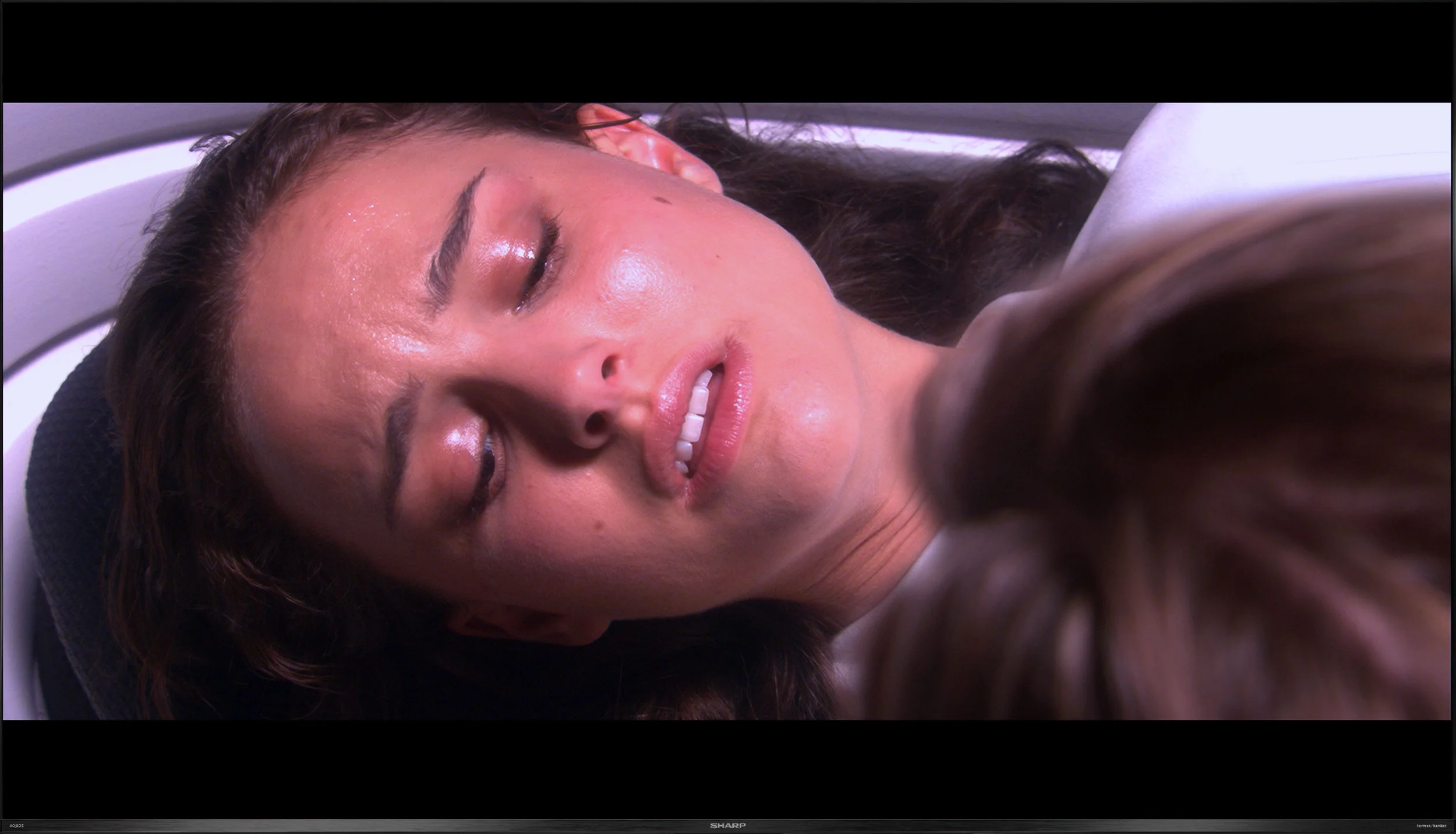
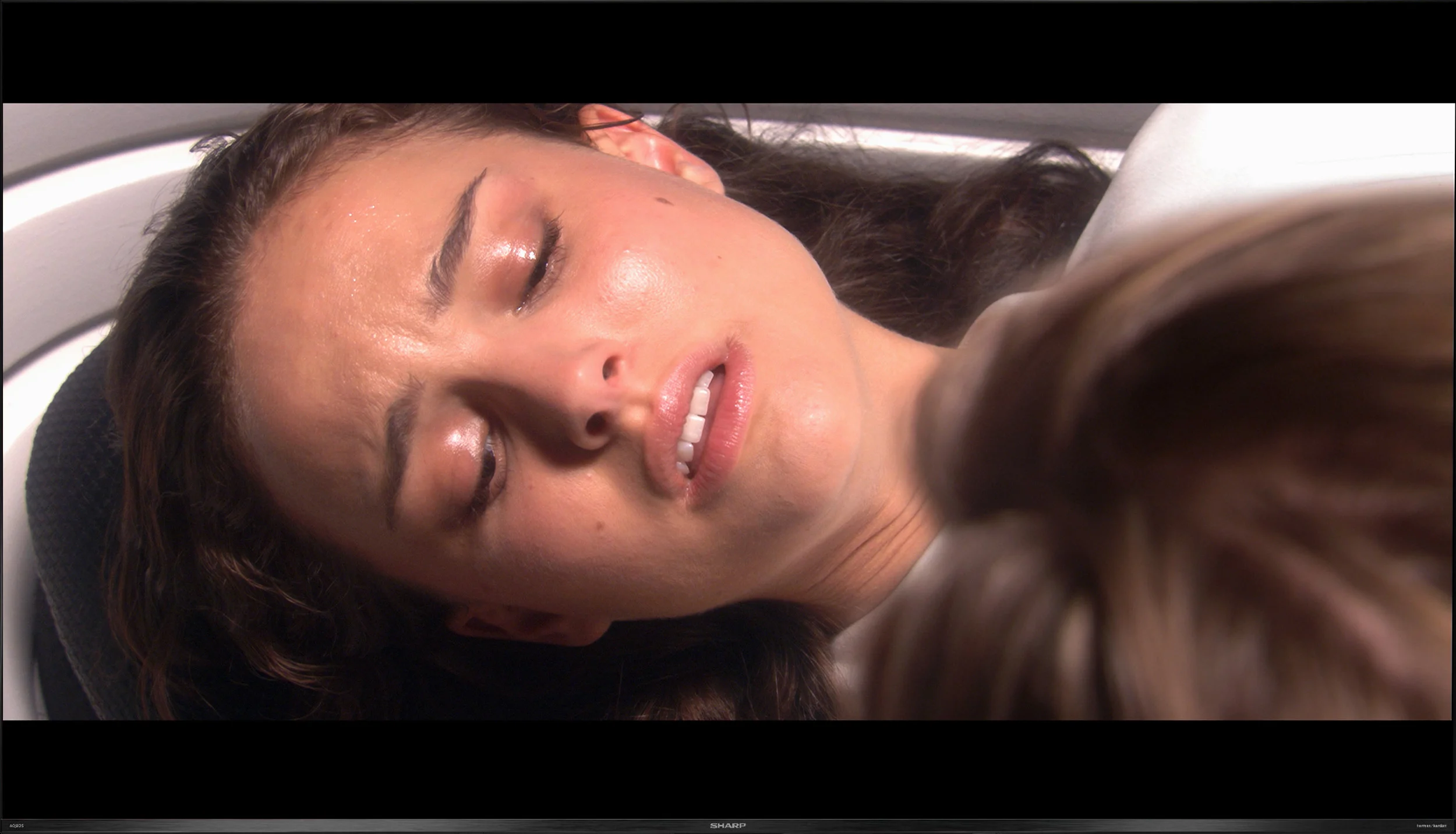
This illustrative image shows how colors change after professional calibration. If you can see the difference, you can order it from SkalibrujTV – it's our own service.
Factory mode
After calibration


This illustrative image shows how colors change after professional calibration. If you can see the difference, you can order it from SkalibrujTV – it's our own service.
Factory mode
After calibration
At the outset, it is worth noting that colour reproduction tests are always conducted in the best factory picture mode. In the case of Sharp GR8, this is the “Film” mode. As for white balance, which affects how we perceive colours on the screen, in SDR mode, there is an immediate noticeable dominance of blue. This results in an unnatural cooling of the image – blue elements take on a purple hue, and skin tones acquire a pinkish glow, as we can see in the comparative photo from the film STAR WARS. During the Color Checker test, it was clear that the colour samples deviated from the reference values, confirming considerable errors in colour reproduction. The gamma was also not ideal – it caused excessive brightness throughout the entire image, resulting in a lack of depth and appropriate tonal transitions in the scene.
In 4K HDR mode, the situation looks significantly better. The dominance of blue is much less noticeable, although there are minor issues with the combination of red and blue. This causes some shades to appear somewhat unnatural. The EOTF curve, responsible for the brightness of the image in 4K HDR content, revealed another problem – the television tends to excessively dim the image across the entire surface of the screen.
In summary, the “Film” mode in Sharp GR8 would require a few adjustments to fully utilise the potential of this television. Fortunately, we took care of that and proceeded with calibration.
Filmmaker Mode is set fairly well out of the box, although it falls short of perfection. In SDR material the most noticeable issue is an excess of red in the white balance, which makes the image appear a little warmer than it should. HDR content has a similar character. As for the brightness response, in SDR the gamma stays close to the target value for most of the range. Small deviations are mainly visible in darker areas, which in places are a bit too crushed. In HDR the darkest details are slightly lifted, while from around 65% brightness the image begins to be slightly darkened. This is largely due to the way the TV controls its brightness. Overall, Filmmaker Mode looks pretty good straight out of the box, but the picture can still be improved.
Color reproduction after calibration
8/10
7.8/10
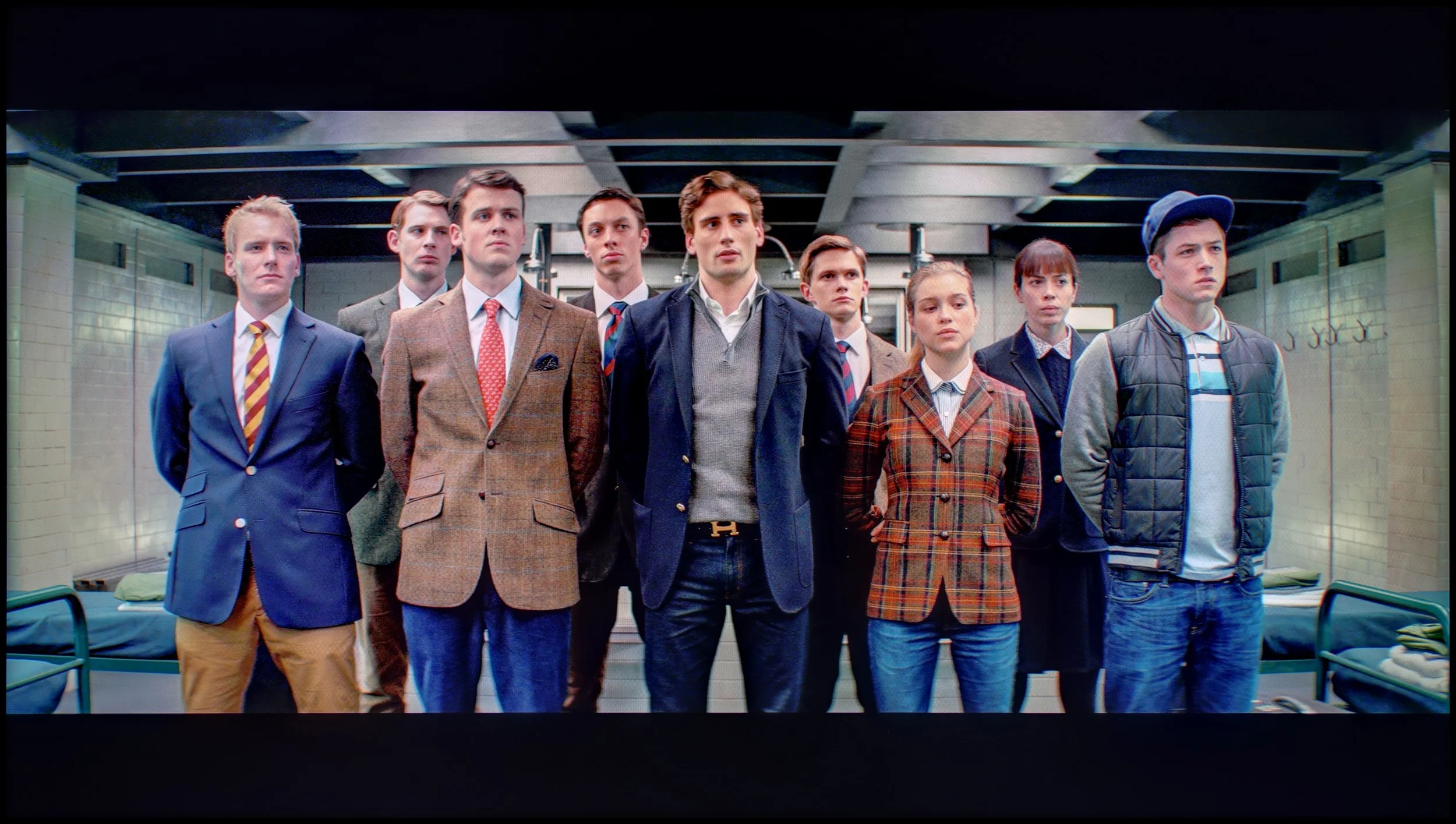
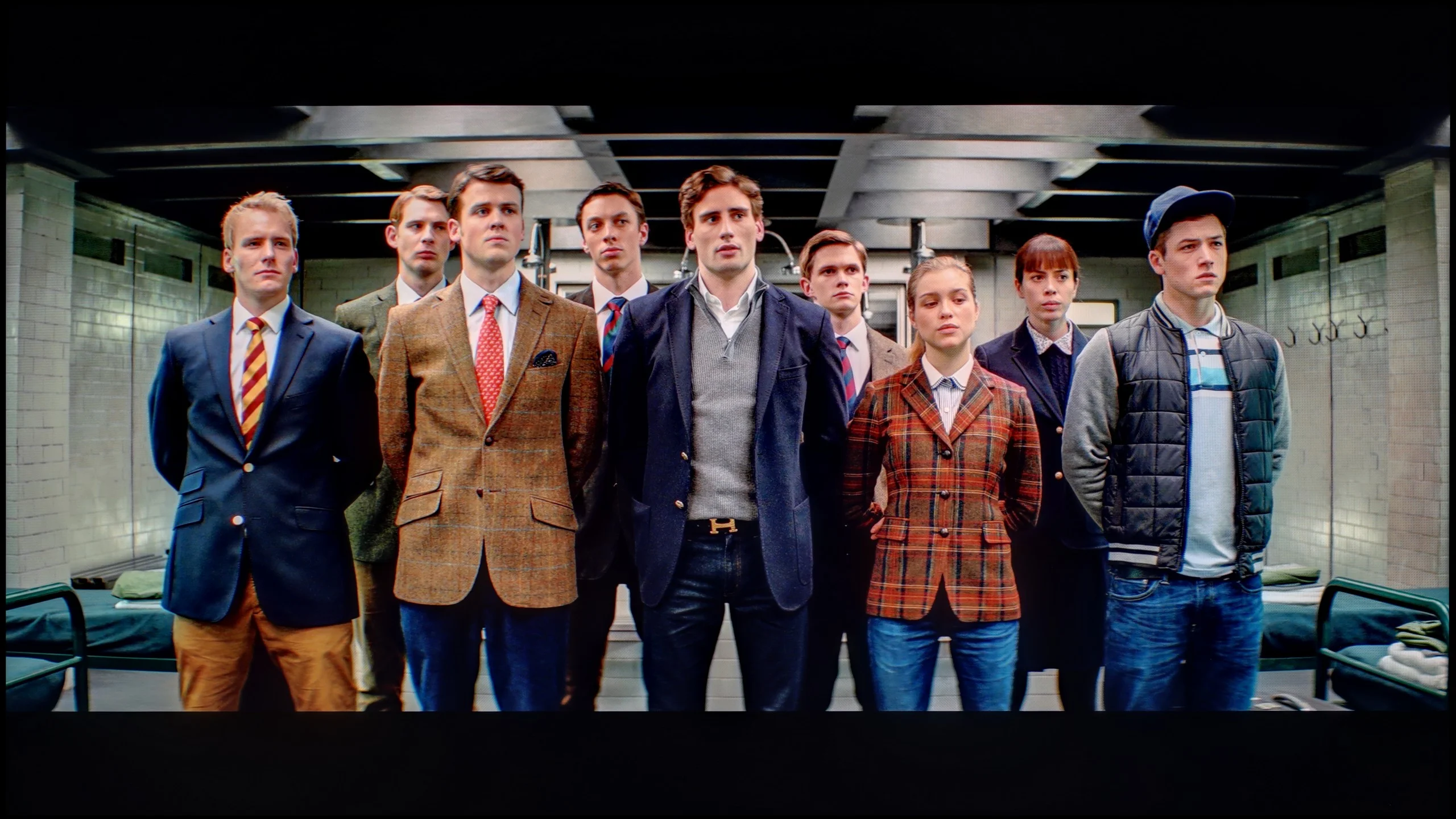
The photos show how movies look on the TV. Pay attention to black detail visibility, colors, and shadow tint.


The photos show how movies look on the TV. Pay attention to black detail visibility, colors, and shadow tint.
Sharp GR8 is one of those televisions that truly gains a second life after proper calibration. Both in HD and 4K content, the white balance performs very well, especially when considering the price segment of this model. The image becomes much more aligned with what the director intended to show – colours look natural, and skin tones acquire the appropriate depth and warmth. The brightness characteristics also make a very positive impression. Both gamma and the EOTF curve display really solid values. While minor imperfections can be noticed, they are subtle enough that they are difficult to detect during everyday viewing. In summary, calibration allows the Sharp GR8 to showcase its best features, offering an image that is not only pleasant to the eye but also faithfully reflects the creators' intentions.
After calibration, the M80H fares very well, especially with the most ordinary SDR content. Regular broadcast TV, YouTube and films watched without HDR can look very good on it. After correcting the white balance the errors are small, although sometimes we can still see that the TV tends to overdo the most saturated reds. In HDR it is also possible to improve the picture and correct its main faults, but it is not at the level of pricier models. Samsung quite heavily restricts colour adjustment in HDR, so in many areas we have to accept what the TV offers out of the box. Calibration lets us improve some parameters, but we are no longer able to change the overall character of the M80H's image.
Smoothness of tonal transitions
8/10
9.8/10
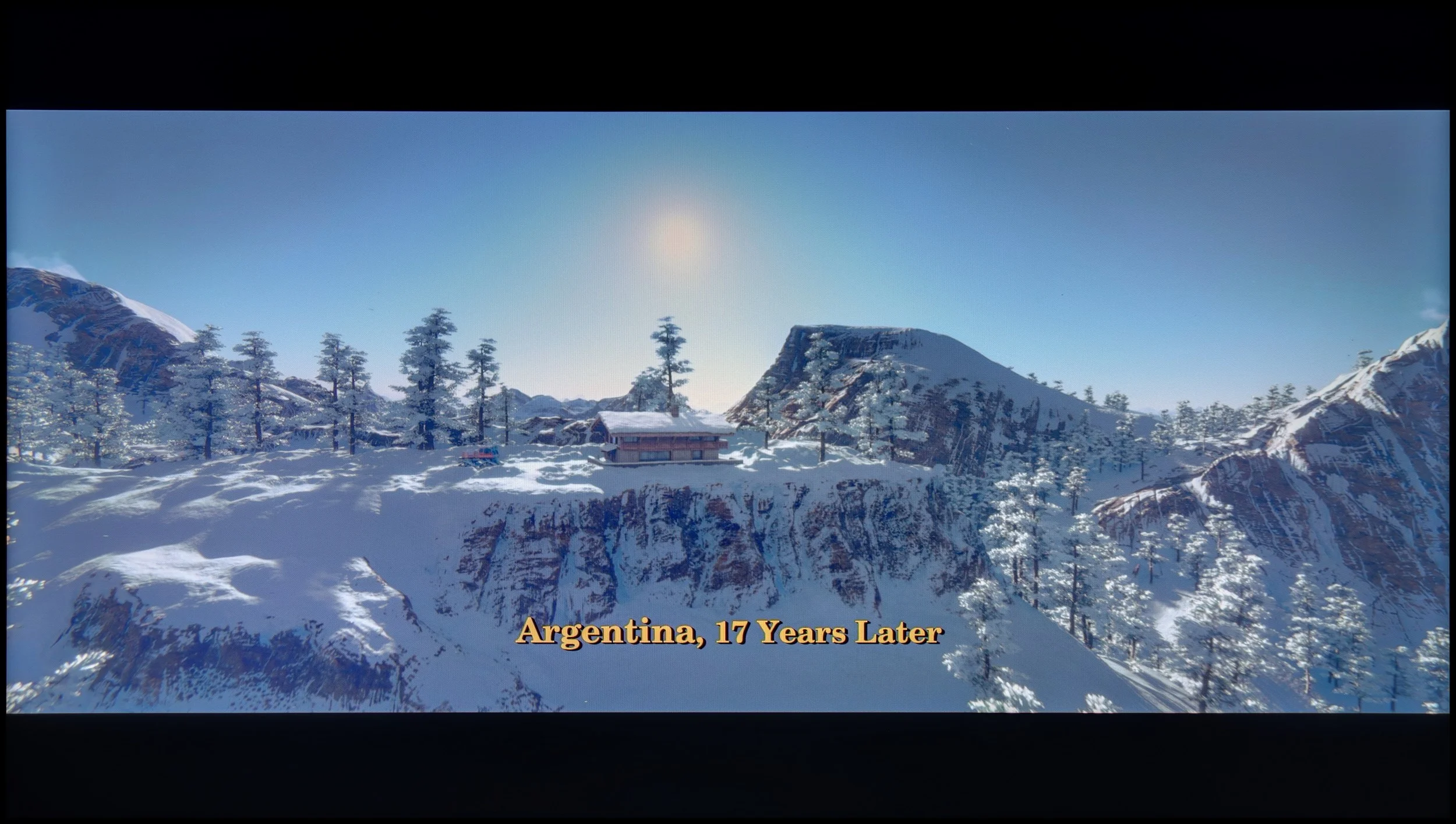
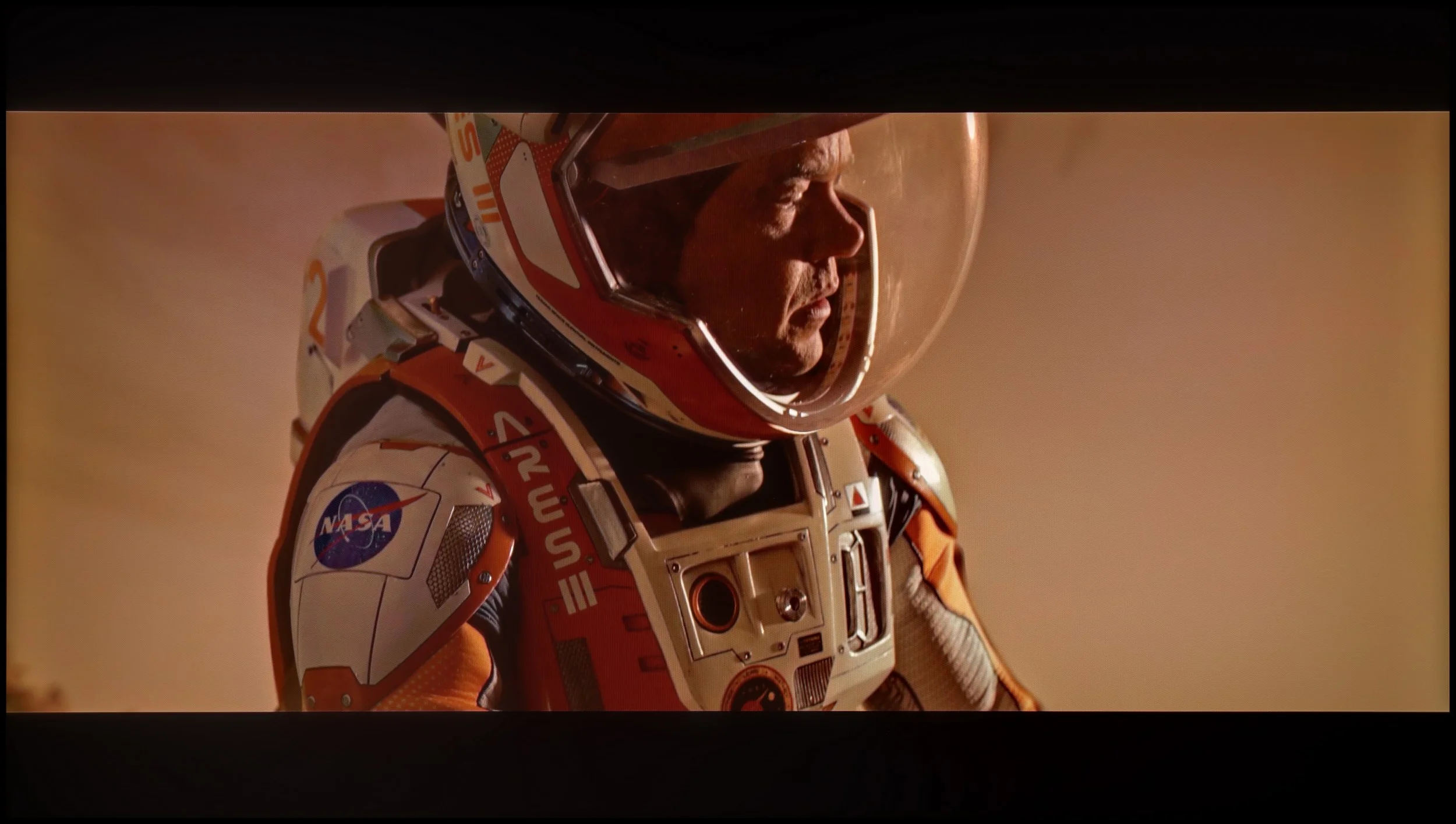
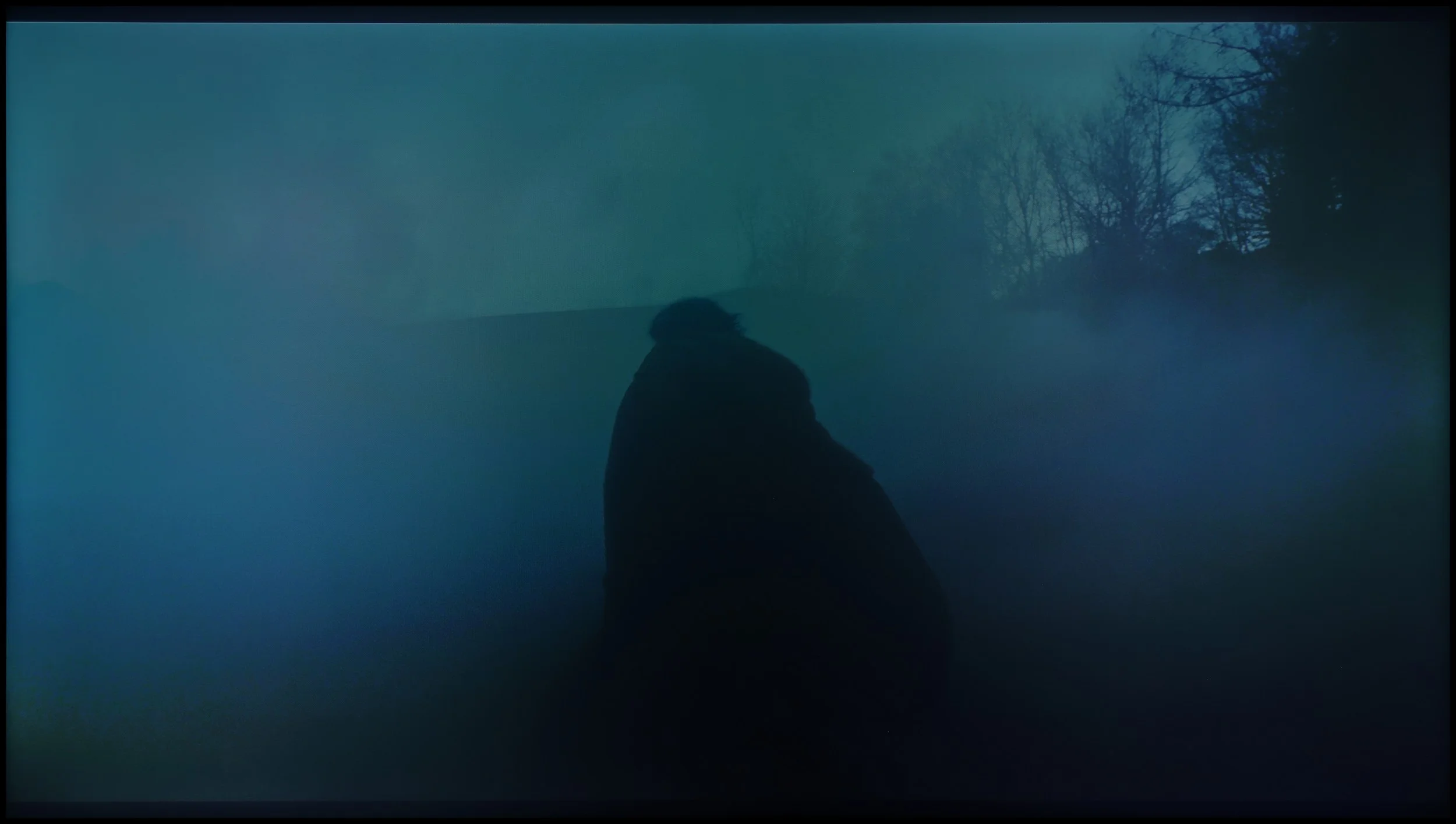
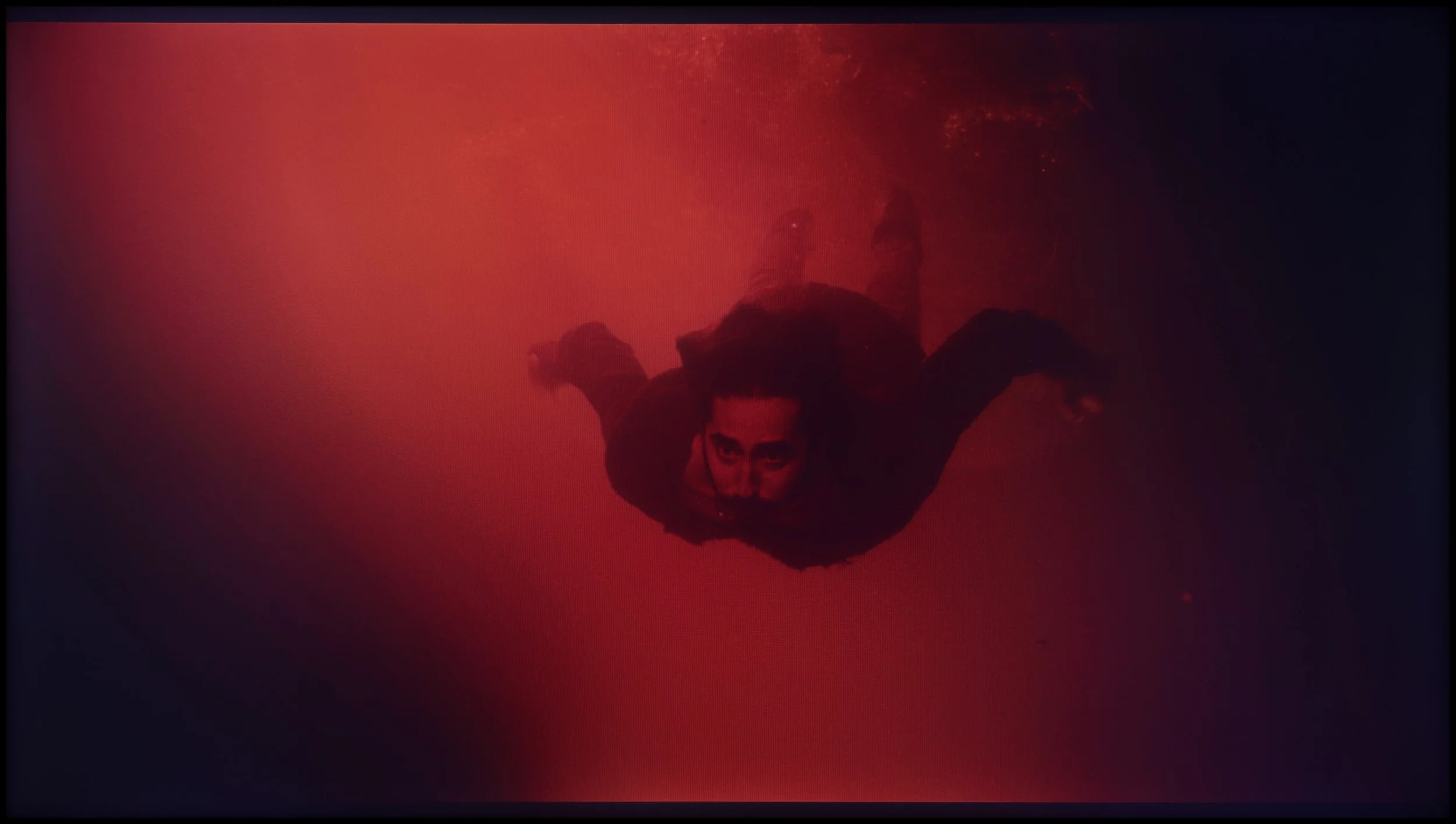
These are selected scenes that show smooth tonal transitions from one color to another. If you see distinct banding, it’s the TV panel’s fault.
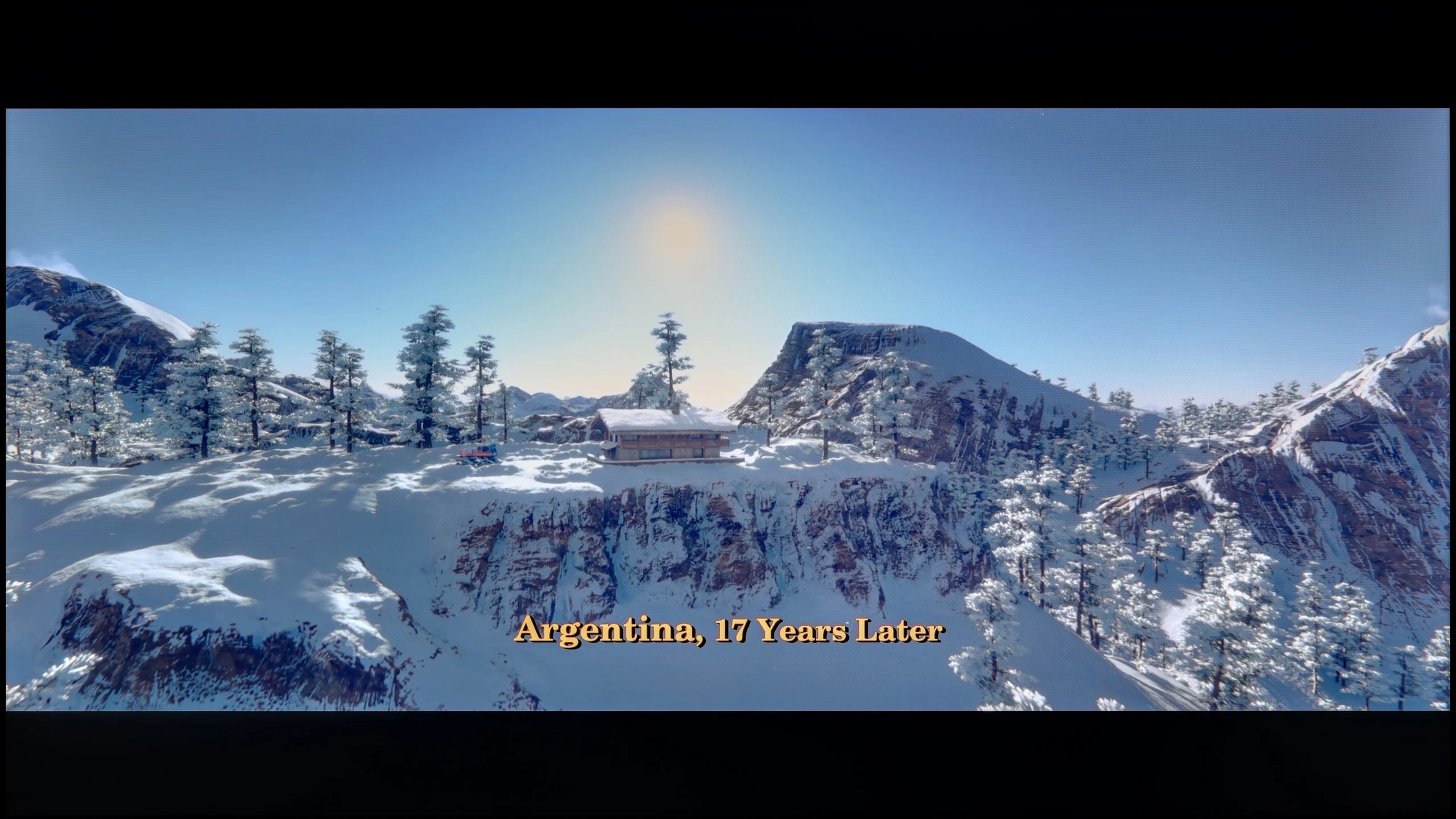
These are selected scenes that show smooth tonal transitions from one color to another. If you see distinct banding, it’s the TV panel’s fault.
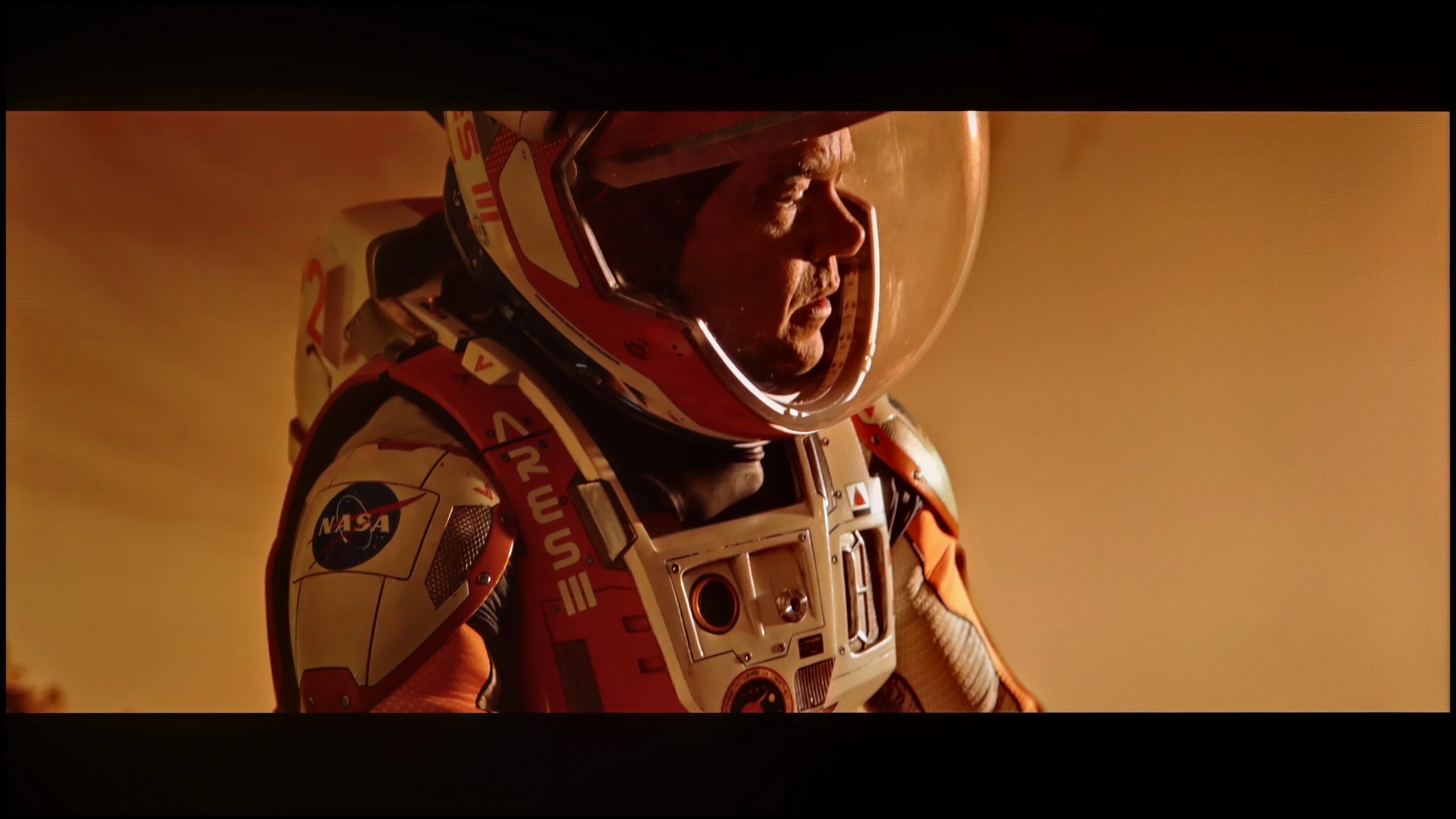
These are selected scenes that show smooth tonal transitions from one color to another. If you see distinct banding, it’s the TV panel’s fault.
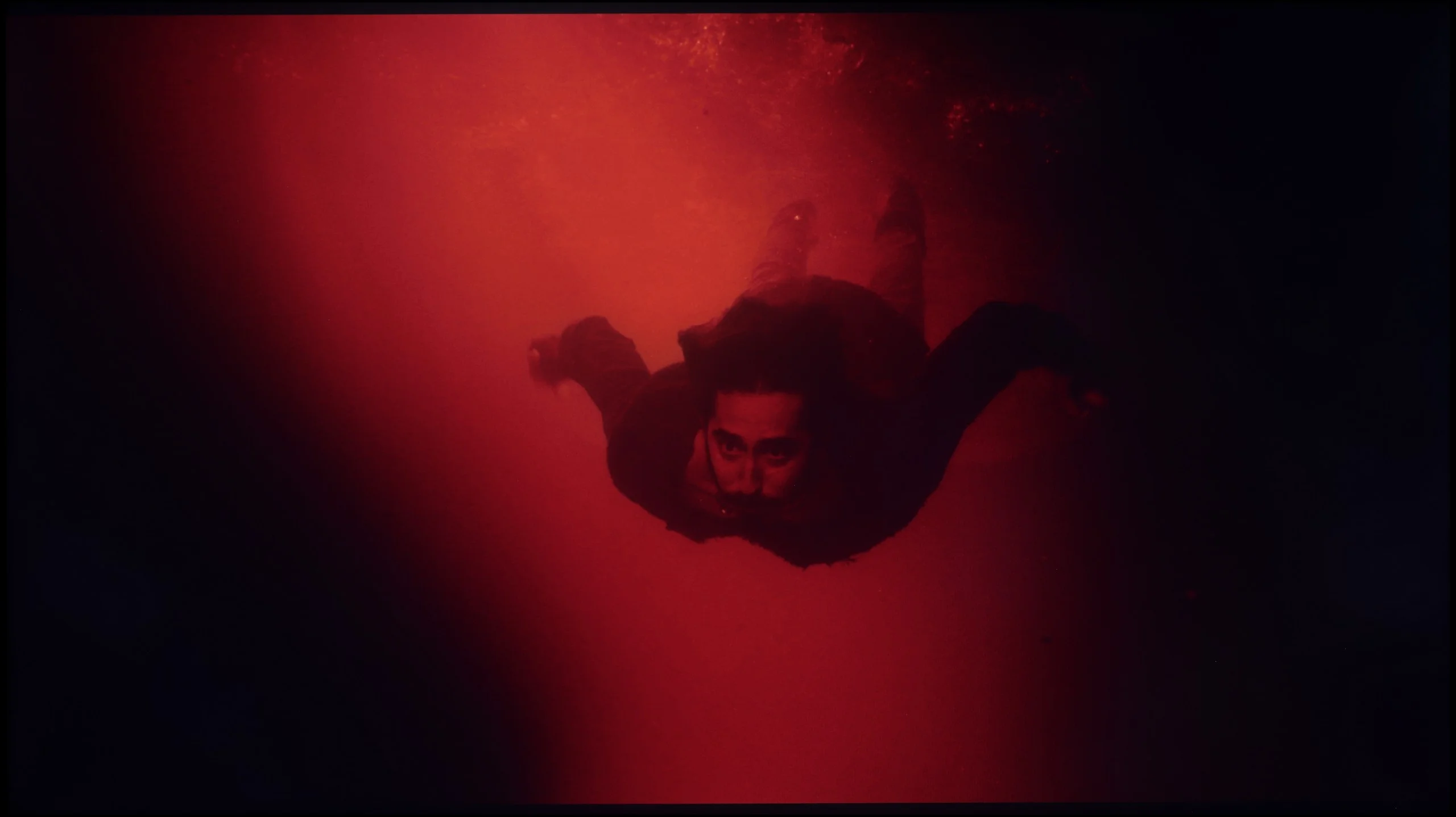
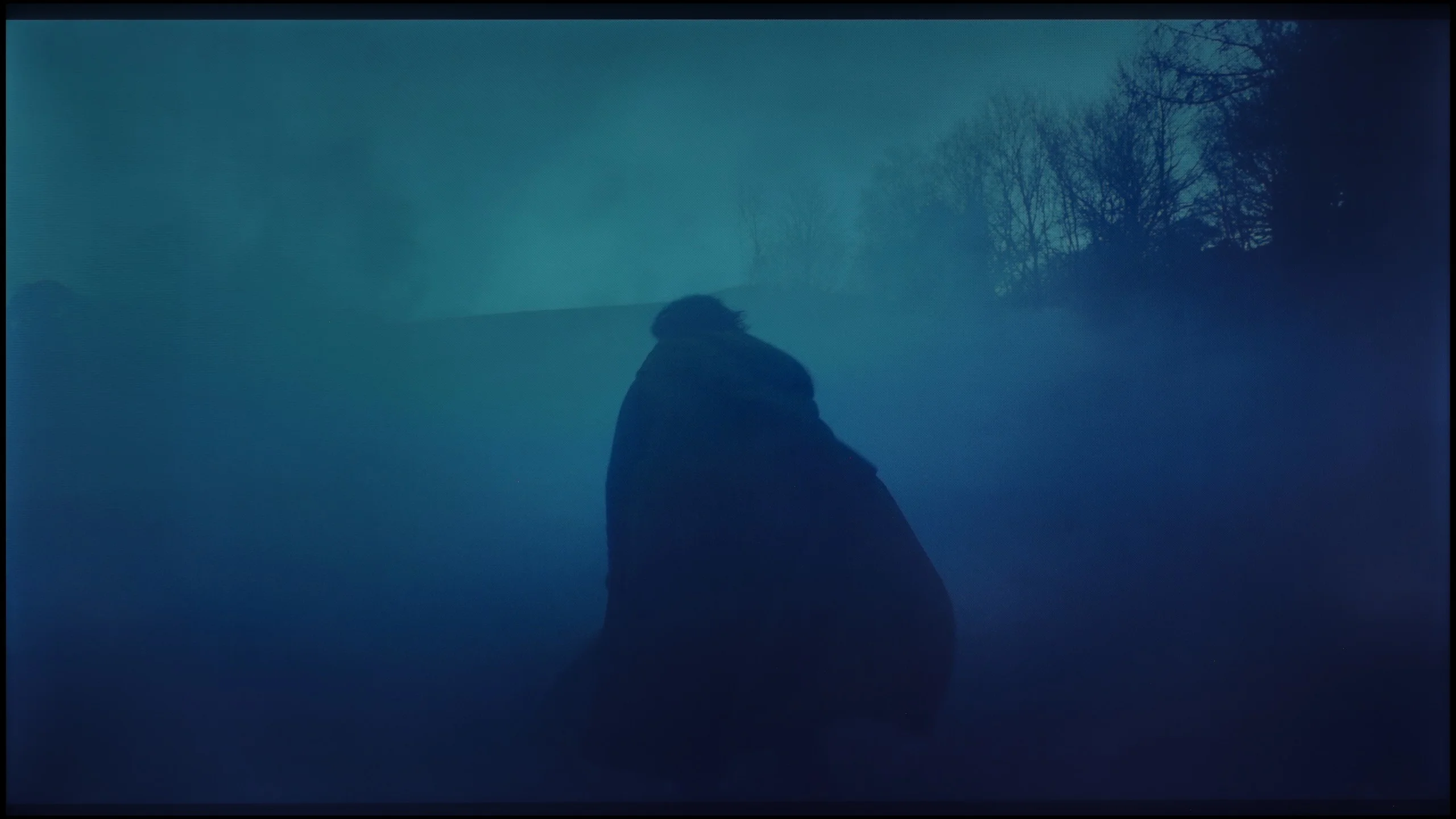
These are selected scenes that show smooth tonal transitions from one color to another. If you see distinct banding, it’s the TV panel’s fault.
When it comes to the smoothness of tonal transitions in high-quality materials such as 4K, Sharp GR8 performs exceptionally well. The colour gradients are smooth, and the transitions between shades are natural and free of visible artifacts. The television has no trouble reproducing subtle differences in colours, even in demanding scenes. Only the most discerning users, who scrutinise the image closely, may notice slight imperfections in the darkest shades. For most viewers, the quality of tonal transitions in the Sharp GR8 will be more than satisfactory and will not negatively affect the viewing experience.
The M80H delivers almost perfect smoothness of tonal transitions. Posterisation is practically absent, and successive tones blend very smoothly in both bright and dark scenes. We didn’t notice any obvious colour banding, for example in skies or in scenes with smoke. If the image looks worse in dark shots, that isn’t due to gradation issues. Instead, the limitations of the backlight and the lack of local dimming become more apparent, causing blacks to lack sufficient depth.
Image scaling and smoothness of tonal transitions
5.5/10
7/10


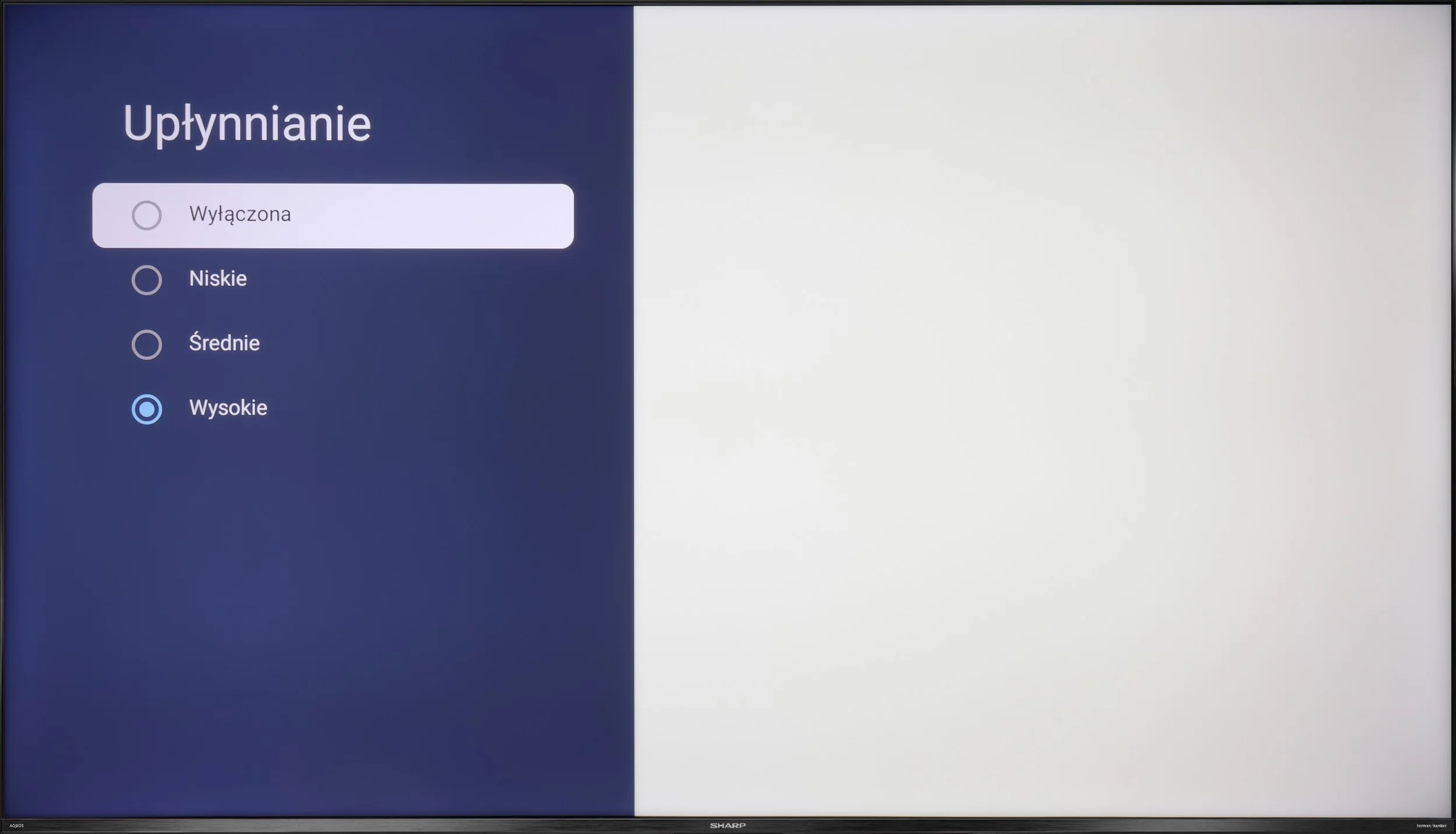
Smooth transition function
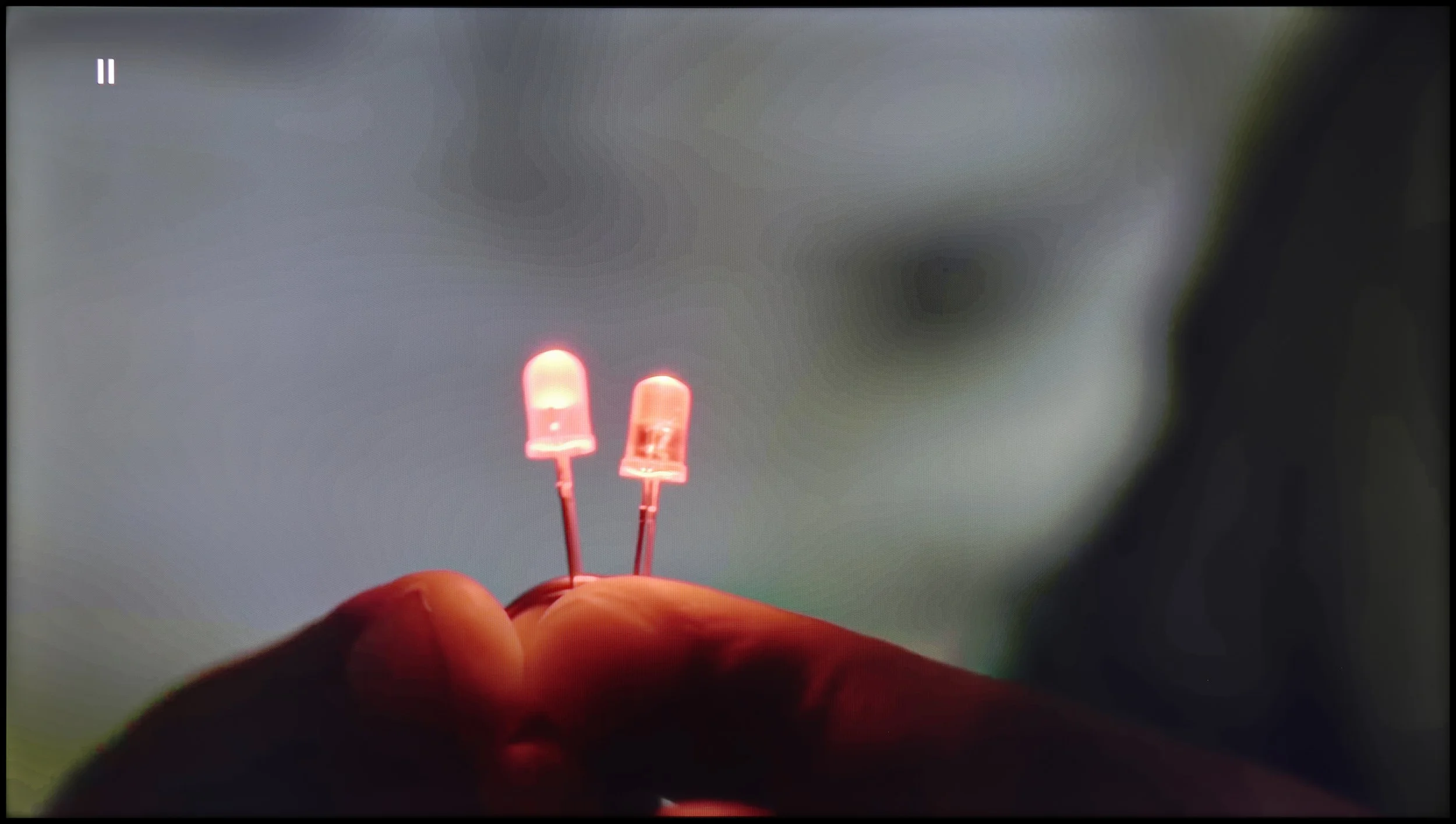
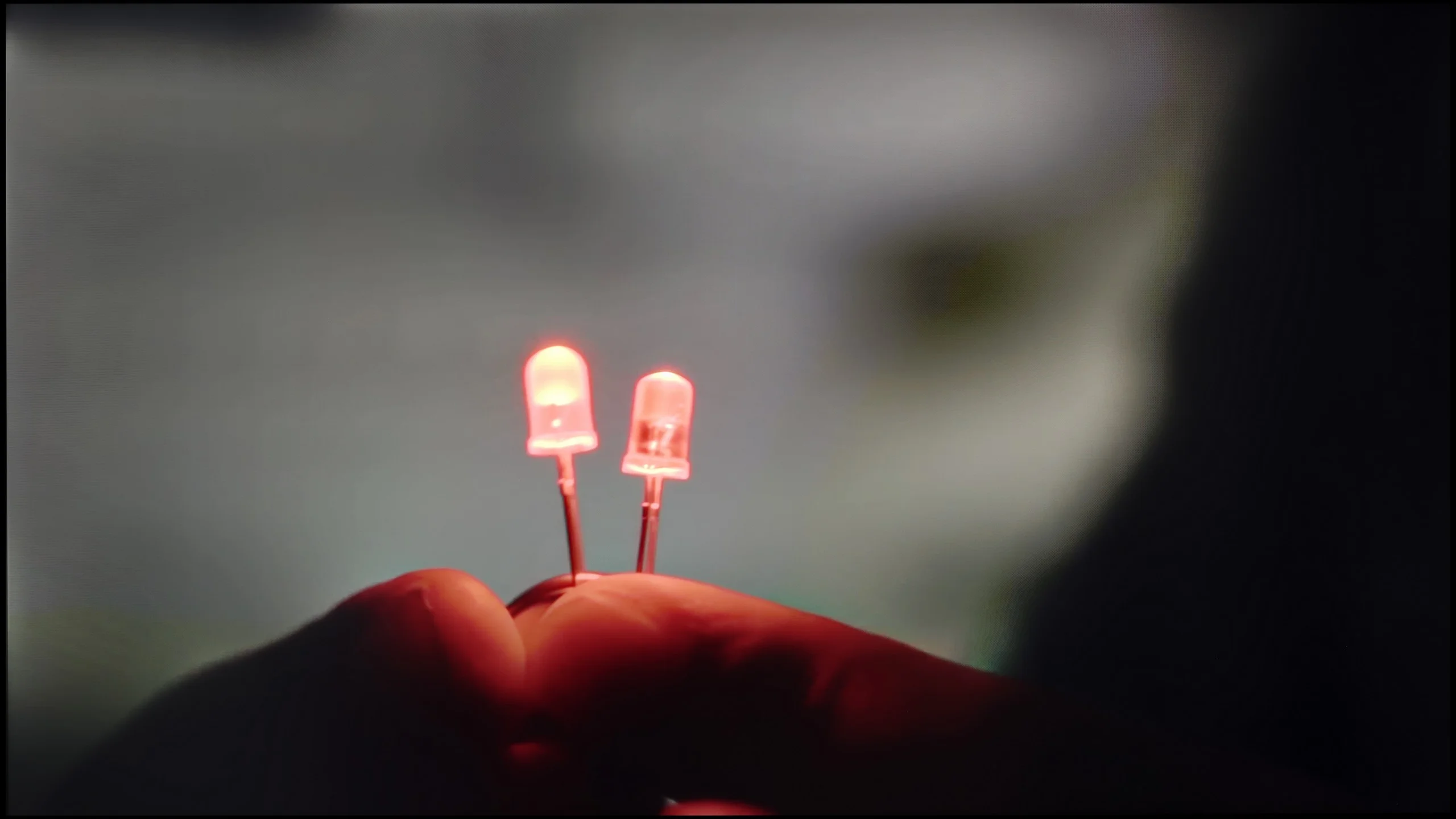
The match photo shows how the TV smooths weak tonal transitions in low-quality video.
Image scaling SD (576i)


The model photo shows how it handles upscaling of SD material.
Sharp GR8 has been equipped with the "10-bit colour reproduction" feature, which theoretically should improve the smoothness of tonal transitions. In practice… well, the effect is surprising, but not in a particularly positive way. Even at the highest settings, it is difficult to notice any impact on the actual tonal transitions. Instead, the feature surprisingly smooths out what it shouldn't – walls, shirts, or other flat surfaces look almost like they have been freshly ironed. In the test, we had to note that there is simply no actual impact on tonal transitions.
As for image scaling, here Sharp GR8 performs significantly better. The television can give the image a plastic, smooth characteristic, meaning even lower resolution content looks quite good. Of course, with more demanding details, such as thin tree branches in the background, one can notice slight jaggedness, but it is not something that would significantly affect viewing comfort.
Although the M80H is positioned fairly low in Samsung's range, the manufacturer equipped it with one of its stronger processors, the NQ4 AI Gen2. The same chip can be found, for example, in Neo QLED TVs and the lower-tier S85H OLED. That is good news, because when it comes to improving weaker sources the processor performs really well. Upscaling is the strongest point. Low-resolution content is displayed correctly and edges do not look overly jagged. Of course the TV will not create details that are not present in the source, but regular broadcast TV and older recordings look decent on it. One drawback is the overscan effect, that is edge cropping, which cannot be completely turned off. The tonal transition smoothing function, the so-called noise reduction, also works well. The processor can effectively reduce visible traces of heavy compression, but it does not do this without side effects. At higher settings it may over-smooth the image, remove some fine detail and even eliminate film grain. For that reason we recommend using this function mainly for content that really suffers from strong compression and posterisation.
Blur and motion smoothness
7.4/10
7.9/10
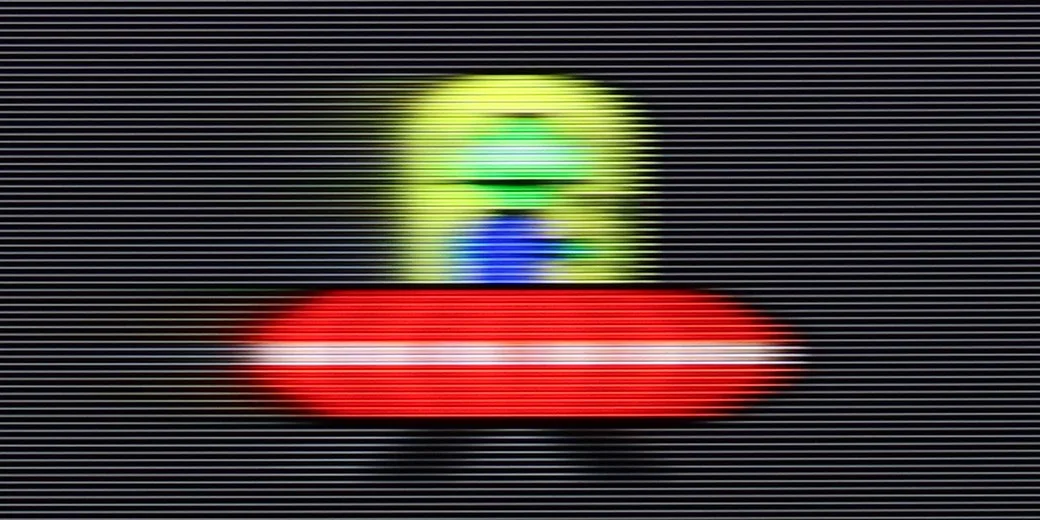
Blur (native resolution, maximum refresh rate):


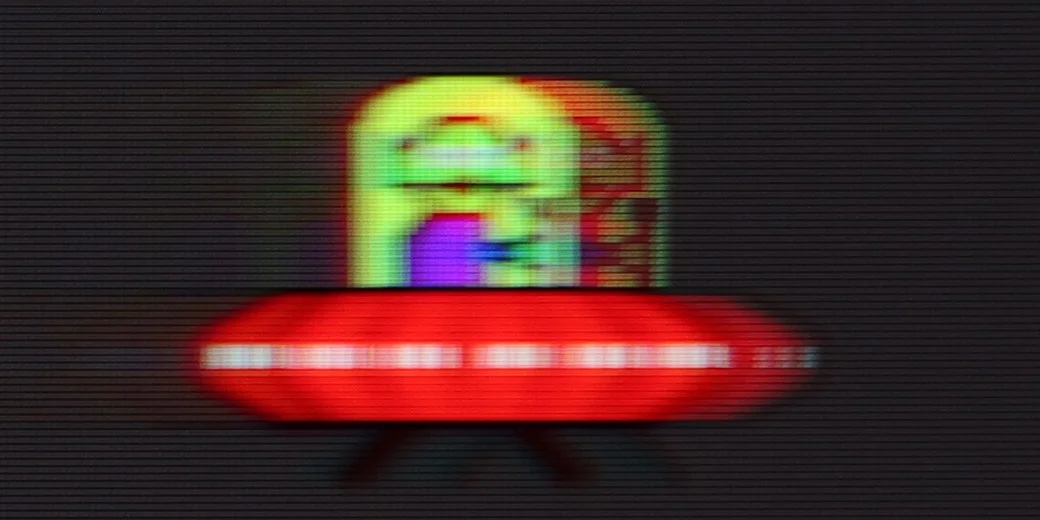
Blur (BFI function enabled):
Image flickers in this mode


Blur ():
Blur (4K@240Hz):

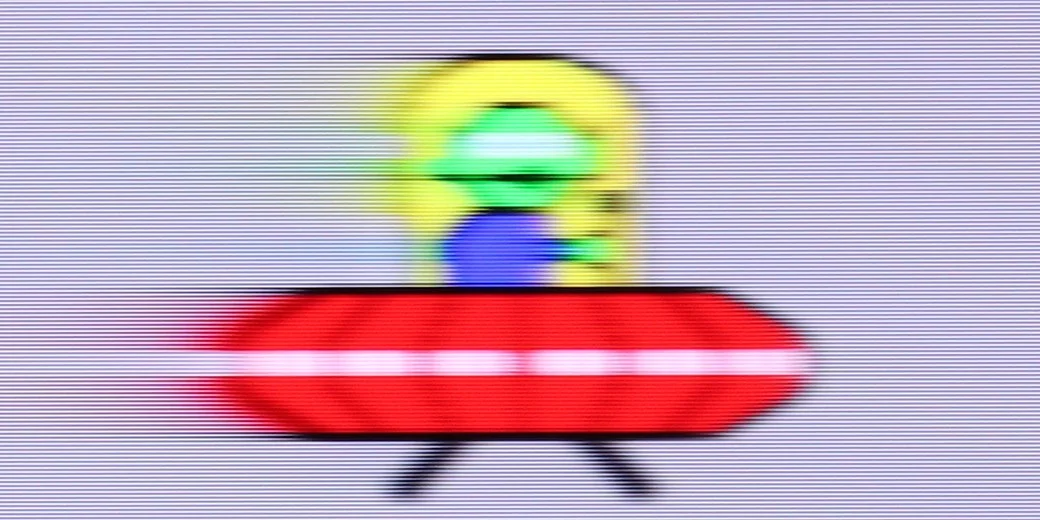
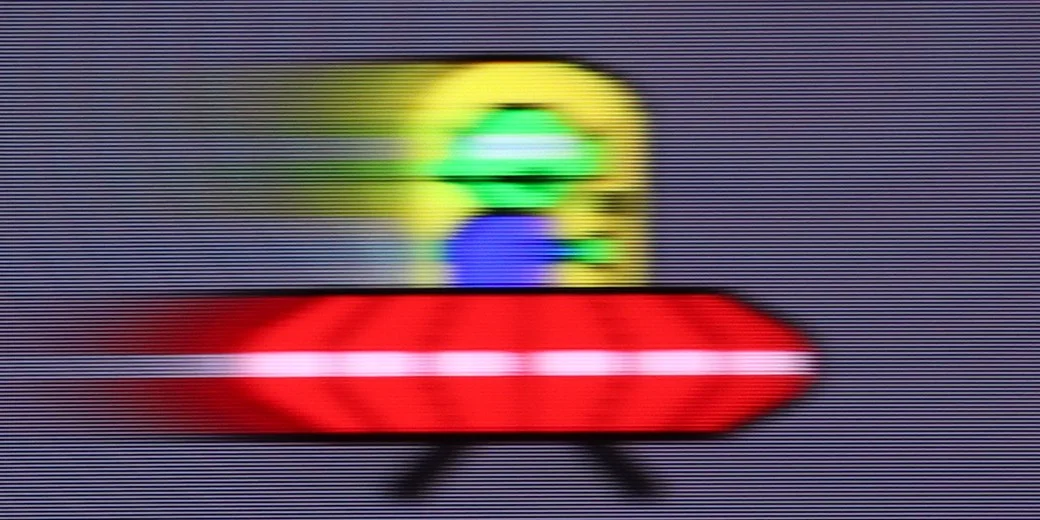
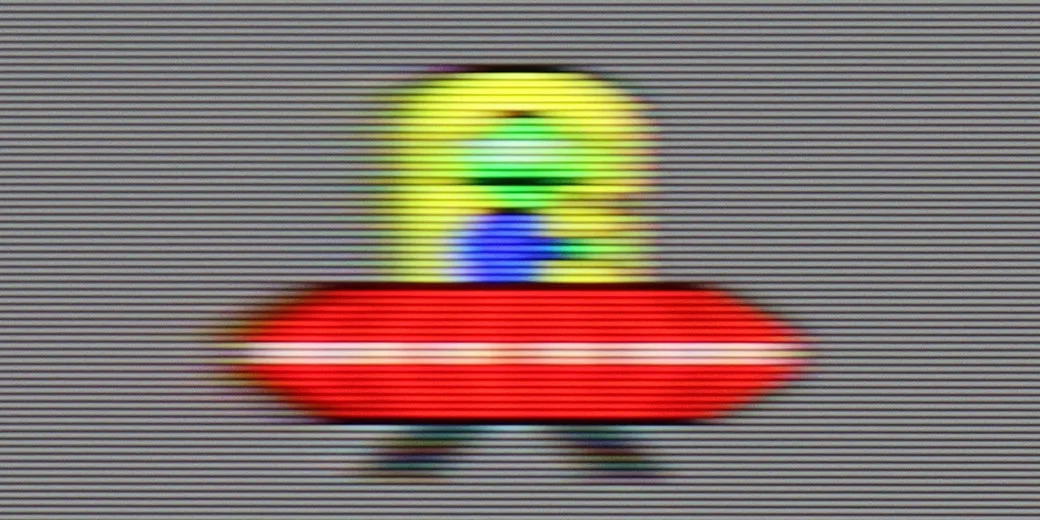
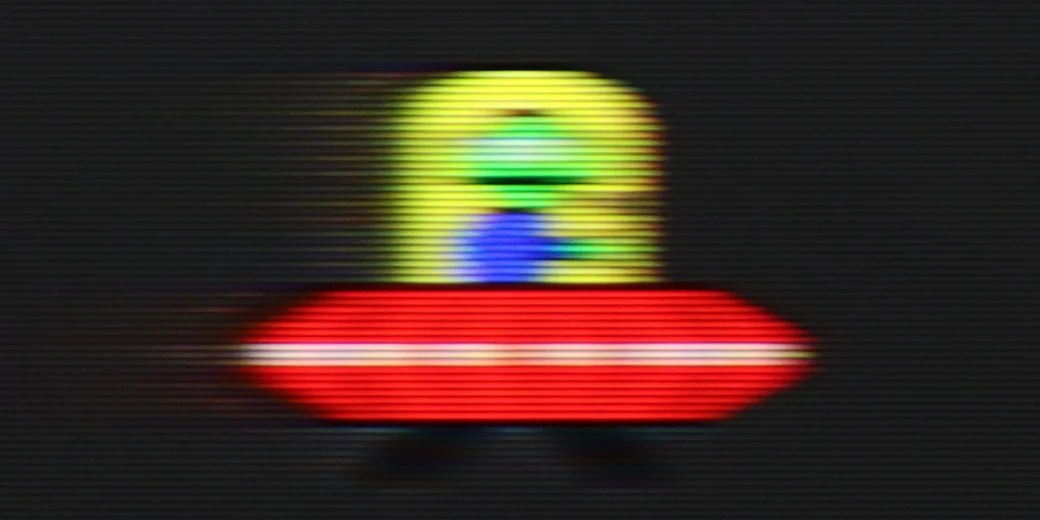
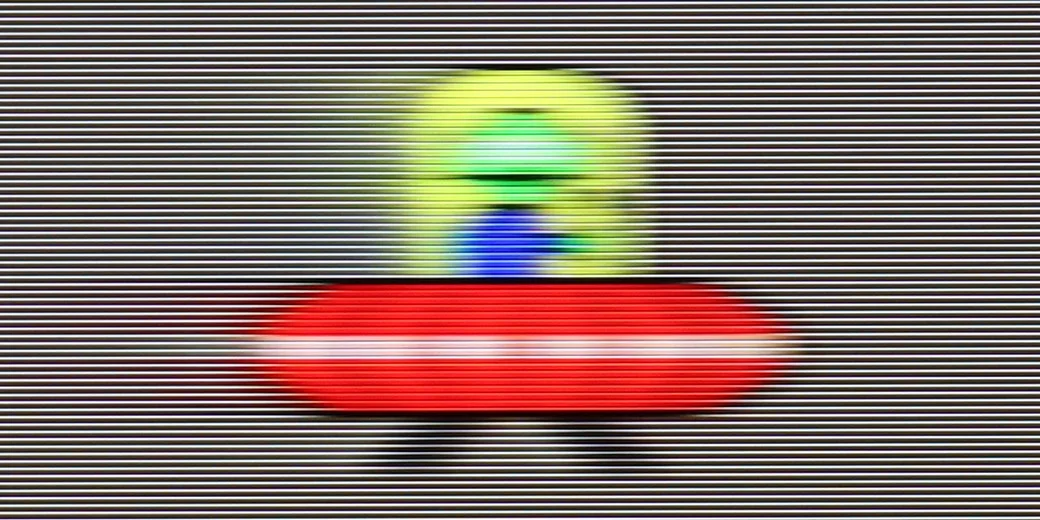
This is where Sharp GR8 has the chance to stand out from the competition in its price segment. The television is equipped with a 144 Hz refresh rate panel, which is an impressive achievement, especially if we plan to use it for dynamic content such as action films, sports broadcasts, or video games. Additionally, the manufacturer has ensured the presence of motion smoothing technology, commonly referred to as a “smoothness enhancer.” The user has three levels of adjustment at their disposal, allowing them to tailor the effect to their own preferences – from subtle smoothing to a more aggressive intervention in the smoothness of the image. This is a nice addition, particularly for those who mainly watch films and care about smooth, cinematic sequences without irritating stutters or frame drops.
The M80H performs very well for watching sport and for gaming. The TV is fitted with a panel offering a refresh rate of up to 144 Hz at 4K, and when the resolution is lowered to Full HD it can even support 240 Hz. PC gamers will benefit most from the latter.
The panel also handles content displayed at 120 Hz well, which is particularly important for console gaming. The high refresh rate is also useful when watching sport, and motion blur is relatively limited. That matters because VA panels are not known for top results in this area. With the M80H, fast-moving objects do not show pronounced smearing.
Console compatibility and gaming features
7.8/10
9.6/10
- ALLM
- VRR
- VRR range48 - 144Hz48 - 240Hz
- Dolby Vision Game Mode
- Correct implementation of HGIG
- 1080p@120Hz
- 1440p@120Hz
- 4K@120Hz
- Game bar
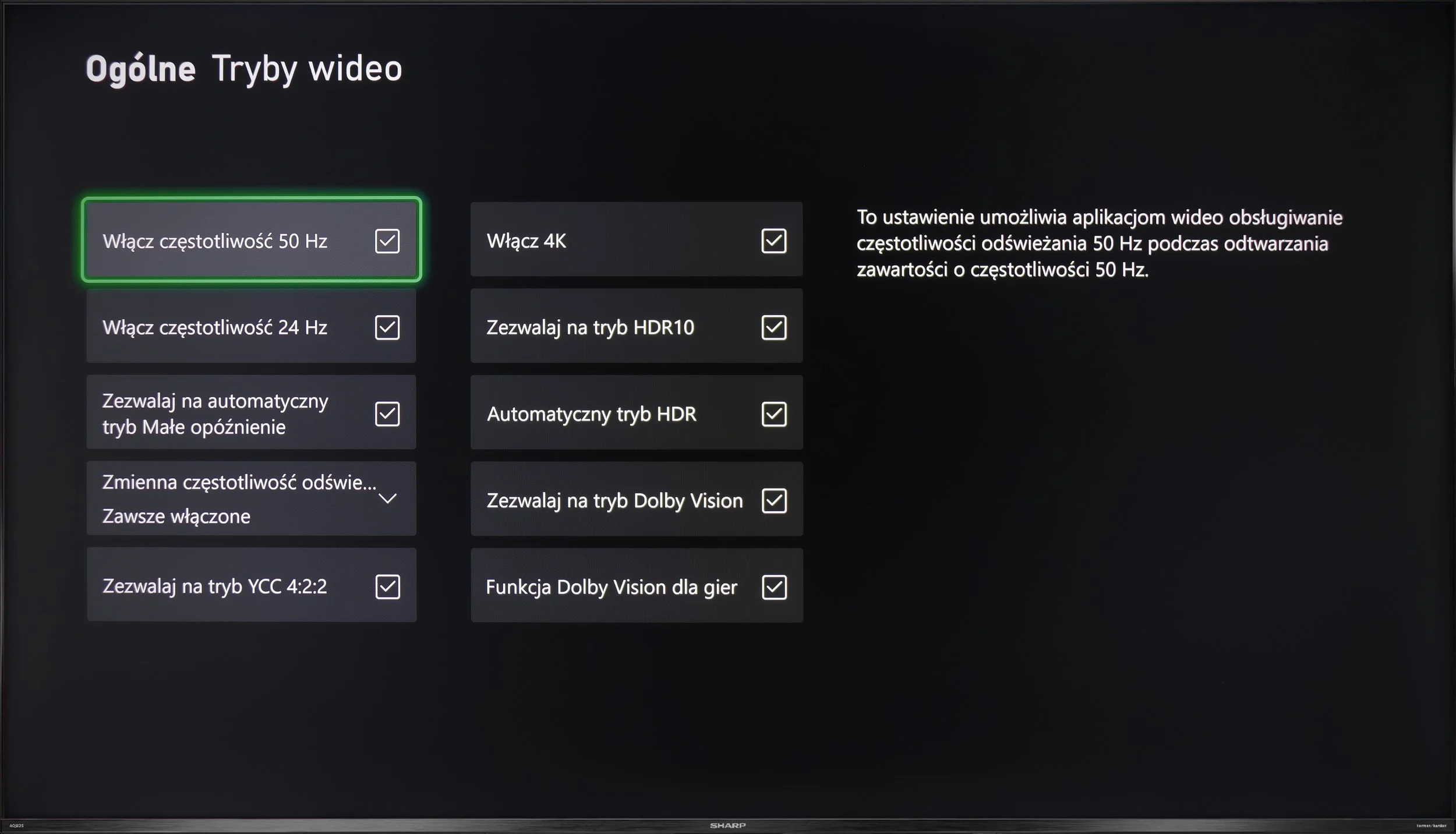
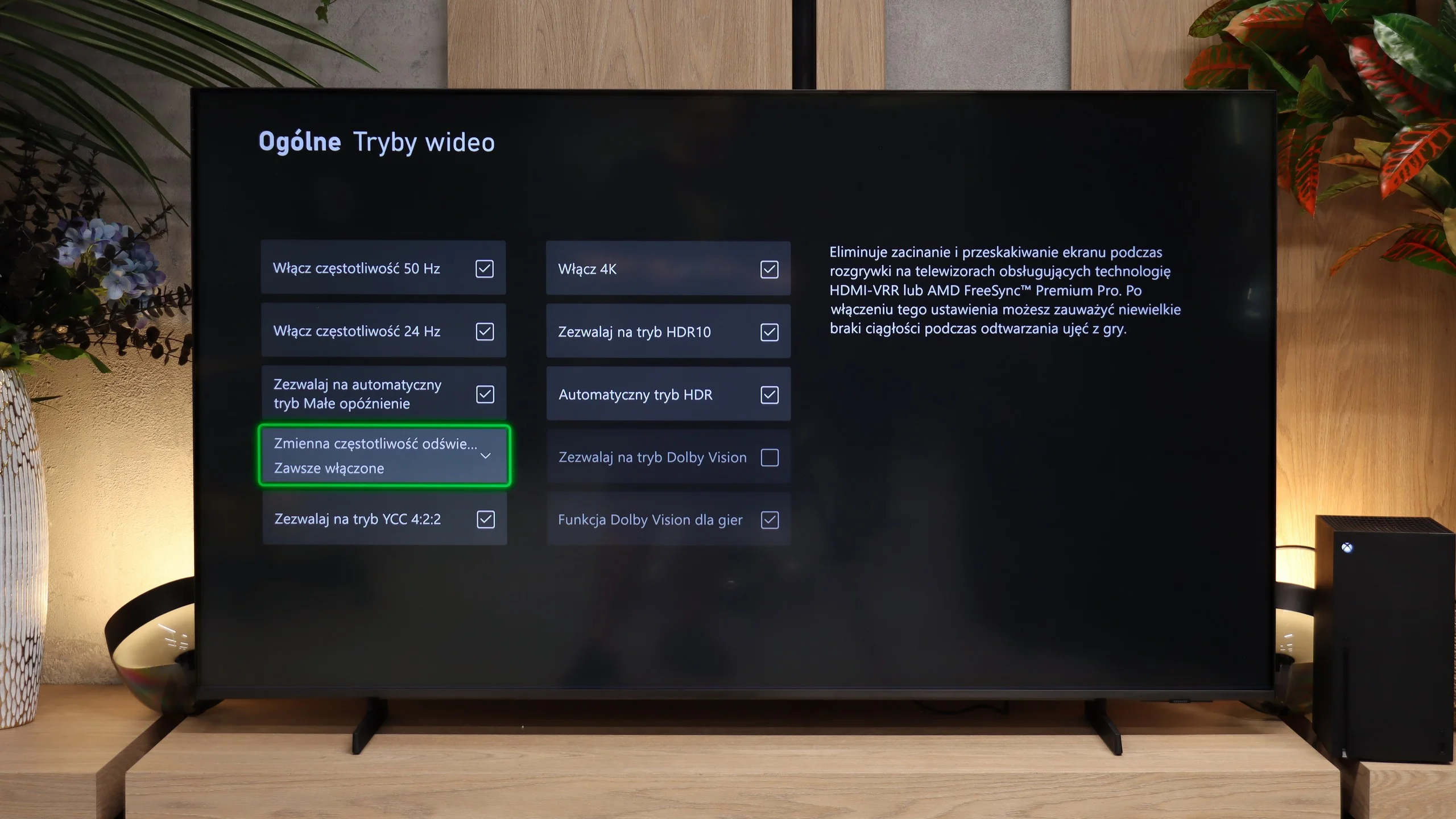
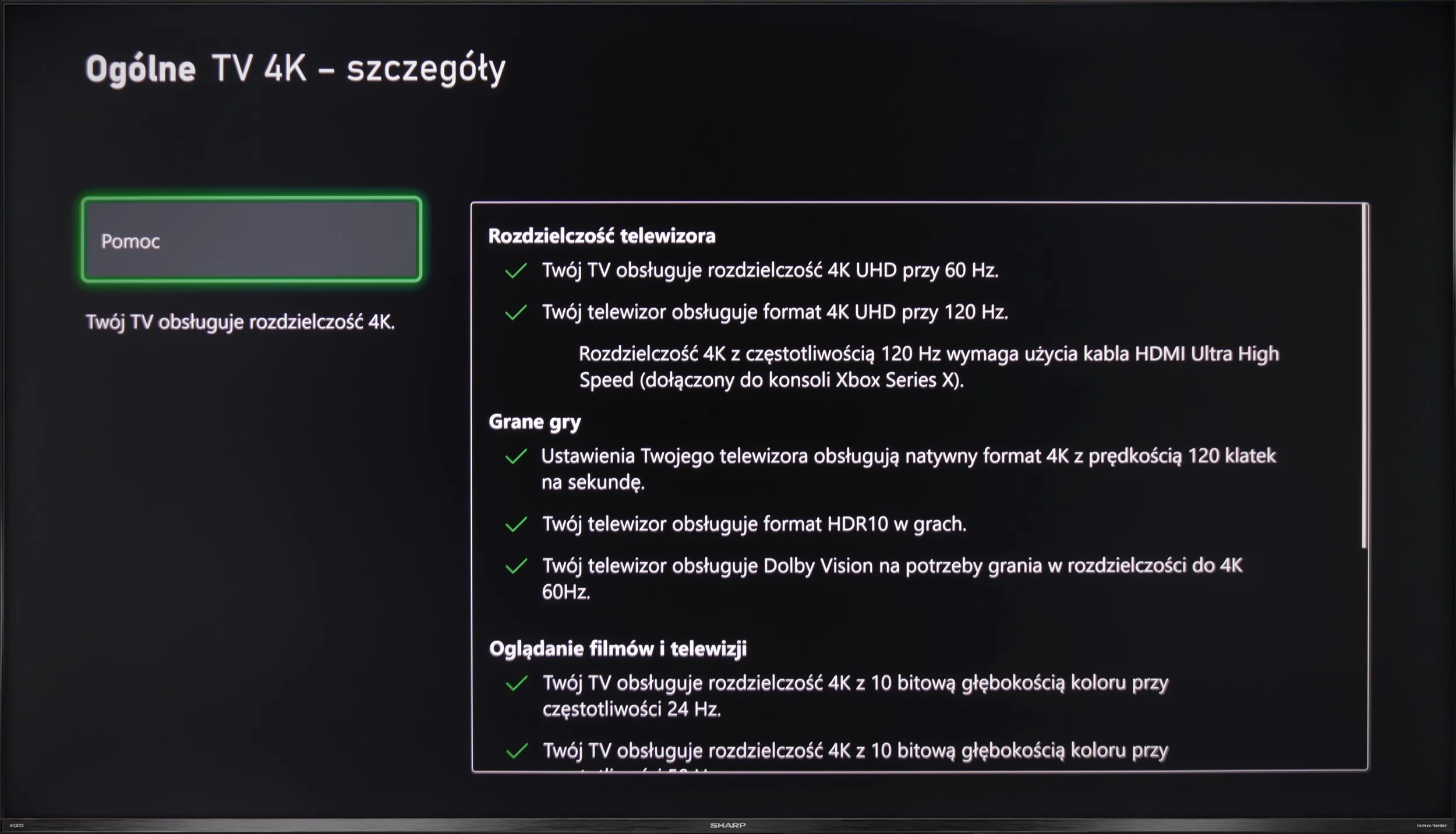
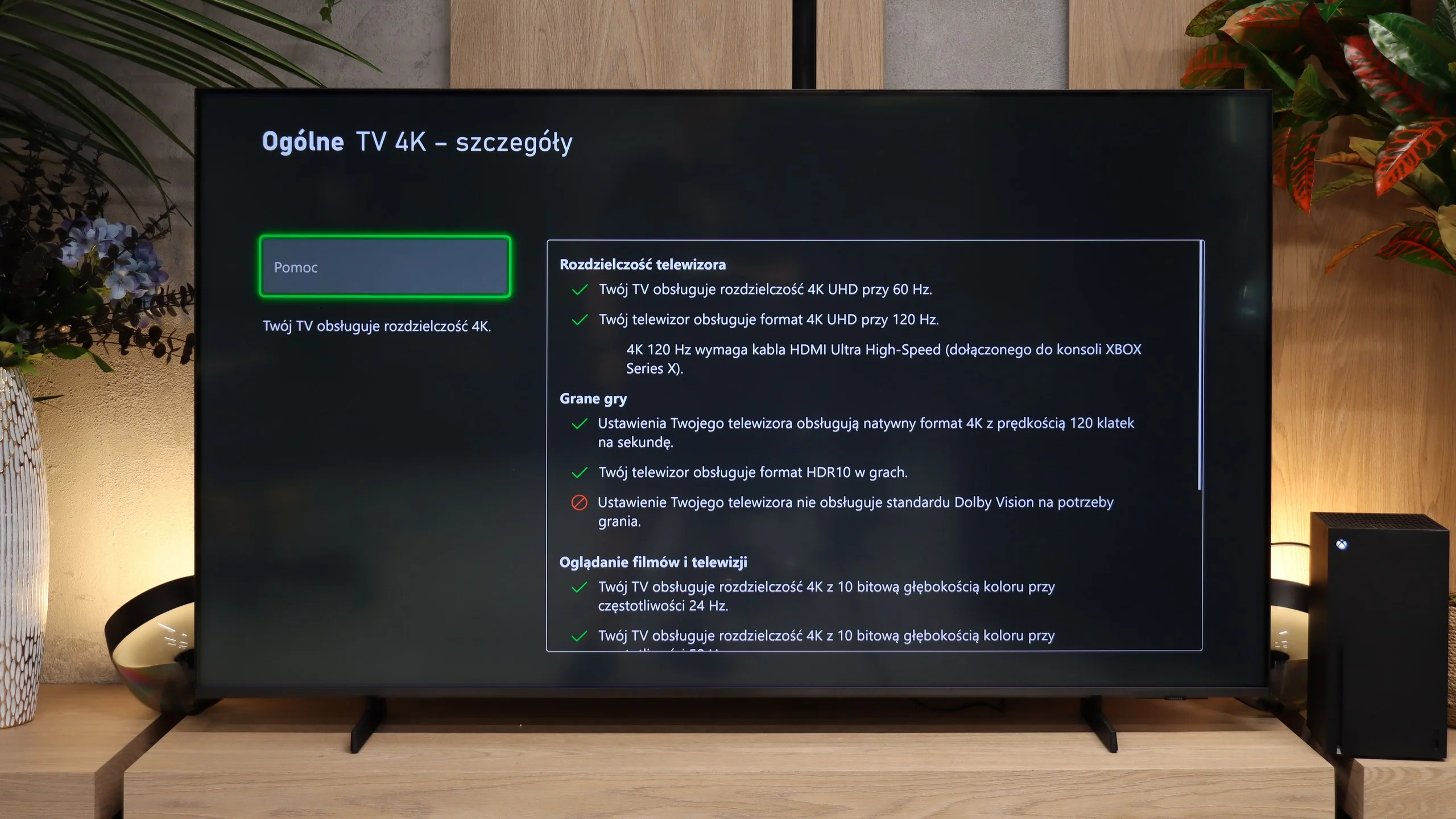
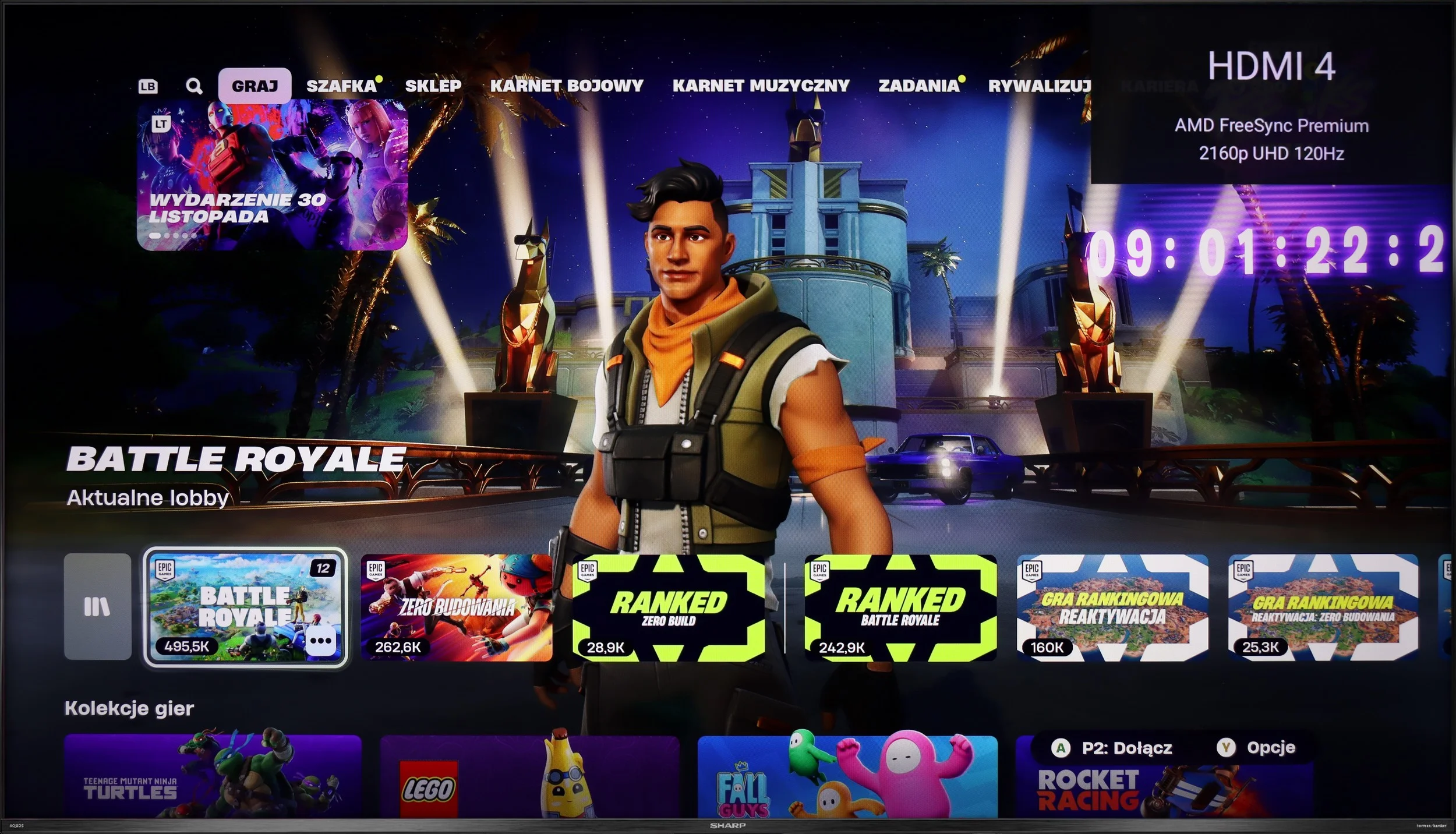
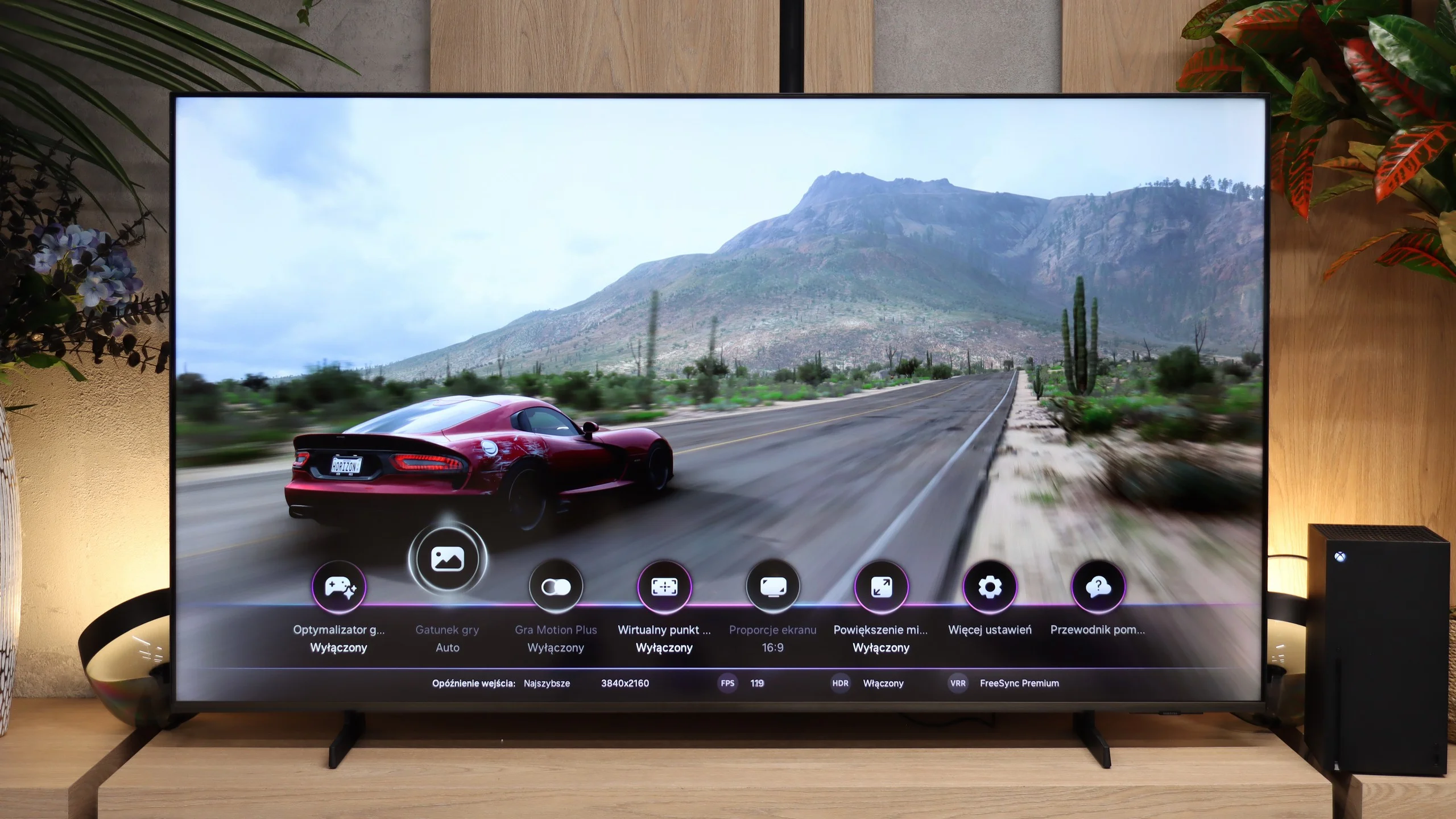
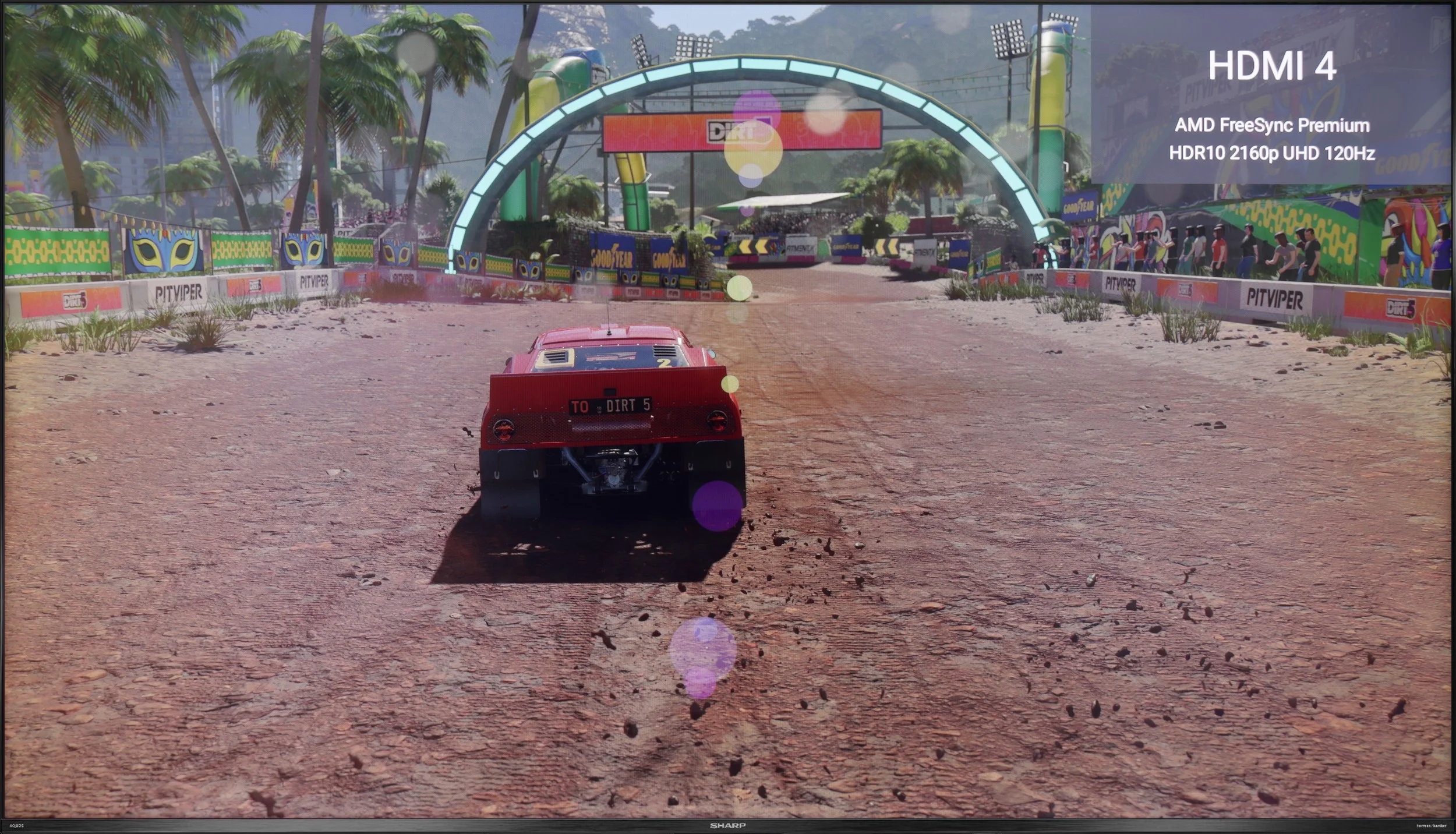
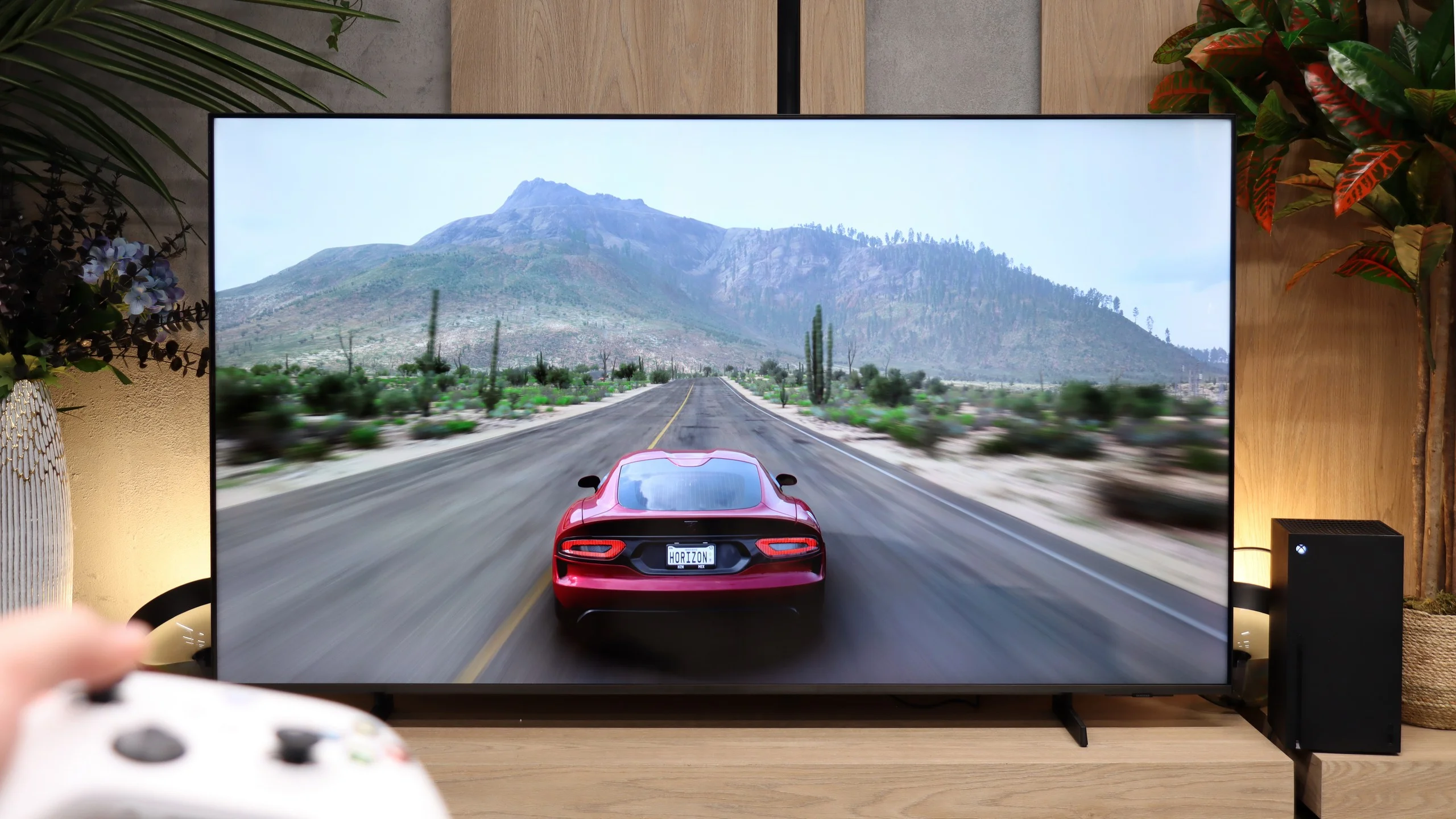
If the television has a 144 Hz panel and two full HDMI 2.1 ports, it is clear that it has been designed with gamers in mind. The Sharp GR8 offers exactly that – high refresh rates and the appropriate connections that will allow you to get the most out of modern consoles and PCs. It also features ALLM, which automatically switches the television to low latency mode, and VRR, which ensures the image does not stutter even during more demanding moments. In practice, everything works as it should, and it is hard to find fault with anything. However, there are some shortcomings. It lacks support for HGiG, which is a feature that better adjusts HDR for games, as well as Game Bar, which makes it easier to quickly adjust settings without leaving the game. Despite these drawbacks, the Sharp GR8 is truly a solid option for gamers.
The M80H could be a very good choice for gamers on a slightly smaller budget. In terms of features it offers essentially the same as far more expensive Samsung TVs. All three HDMI ports support the 2.1 standard, so even if one is taken by a soundbar connected via eARC there is still room for a PC and consoles. There is also VRR that runs up to 144 Hz at 4K and up to 240 Hz at Full HD. Samsung has also correctly implemented HGiG, so after performing HDR calibration on a console games are properly matched to the screen’s capabilities. This won't make the M80H any brighter, but at least it won't unnecessarily crush the brightest parts of the image. There's also a Game Bar for quick access to key settings and a Gaming Hub that lets you play in the cloud without a console. The M80H also offers Game Motion Plus, which creates additional frames and improves the smoothness of games running at 30 or 60 fps. Input lag then rises to around 59 ms, but is still roughly three times lower than with ordinary motion smoothing on TVs from other manufacturers. We wouldn't really recommend it for online gaming, but in more relaxed titles it can perform very well.
Input lag
9.7/10
9.9/10
SDR
HDR
Dolby Vision
Sharp GR8 performs really well in terms of latency. With a refresh rate of 120 Hz, the input lag is just 9 ms, and at 60 Hz – about 18 ms. These values are practically imperceptible even for the most demanding gamers, where every millisecond counts. Importantly, the Dolby Vision mode also works responsively, which is by no means a standard feature in televisions in this price range. This is definitely a big plus for those who want to enjoy not only smoothness but also better HDR effects while gaming.
Input lag in the M80H is very low. With a 60 Hz signal it is about 14 ms, and at 120 Hz it drops to 9 to 10 ms. The delay is therefore practically imperceptible, whether we're gaming in SDR or HDR.
Compatibility with PC
4/10
8.9/10
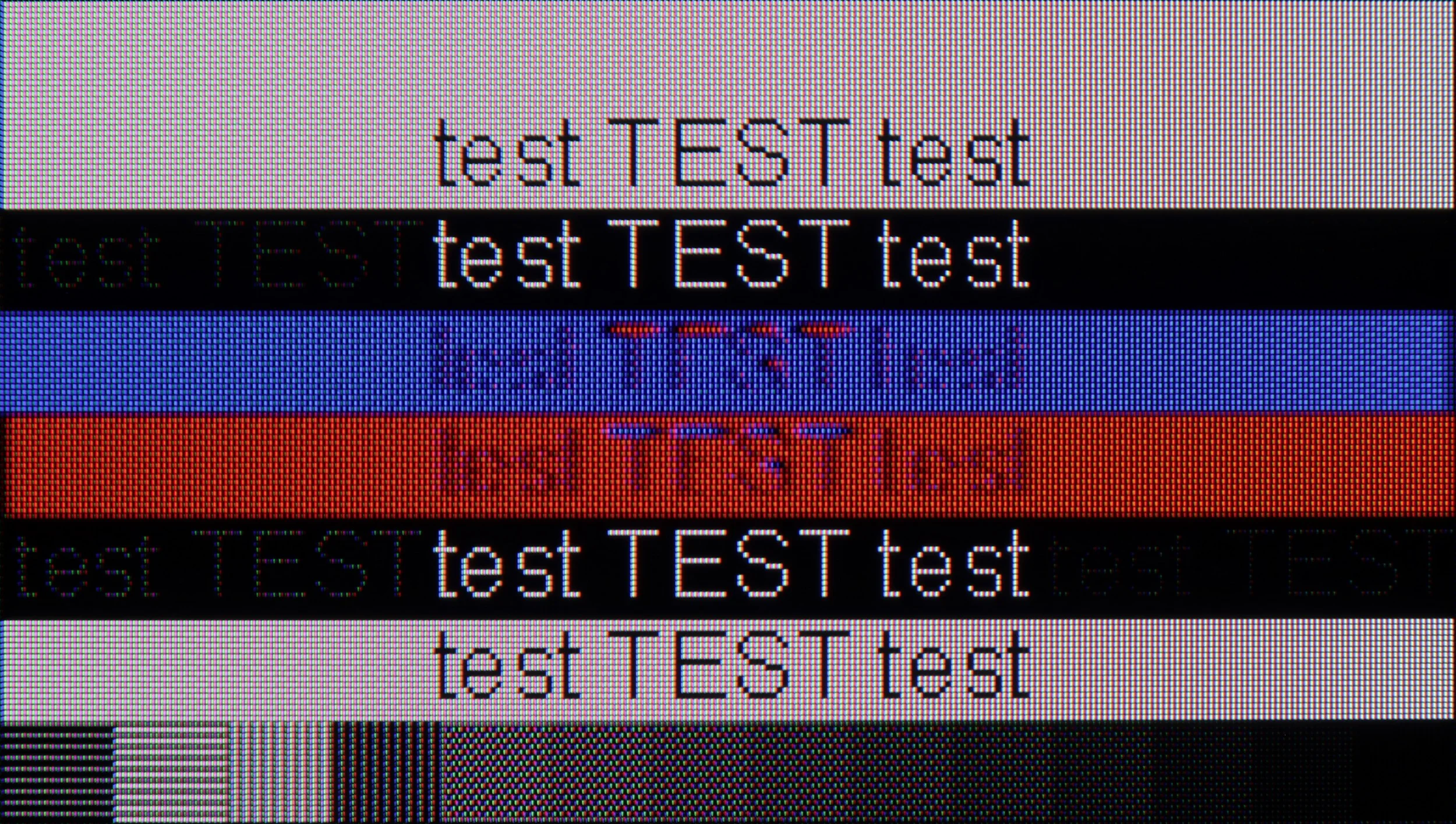
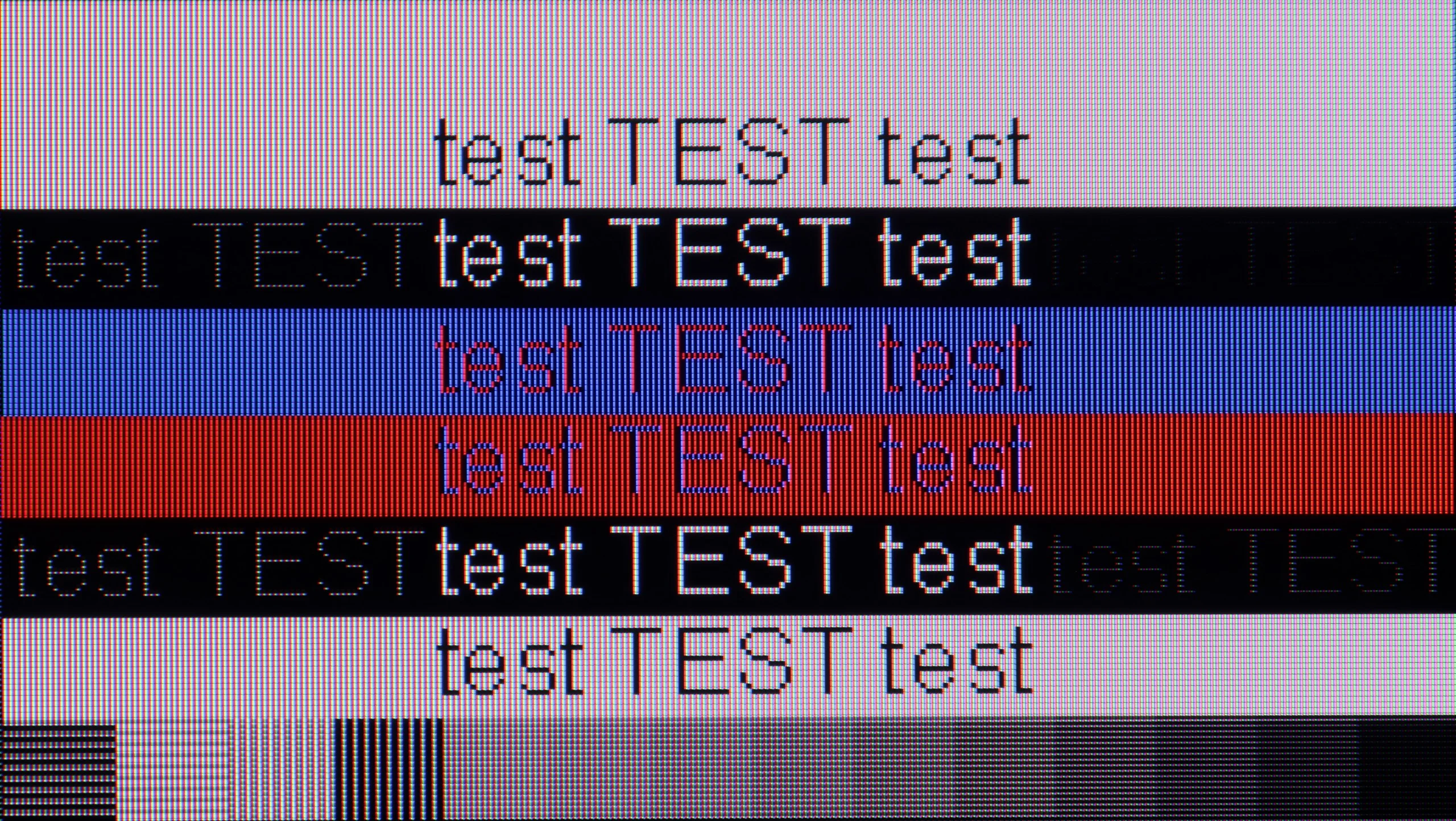
The photo shows the legibility of small fonts. Ideally, lines should be the same thickness on both light and dark text, with minimal pixel gaps.
Sharp GR8 performs quite well as a screen for PC gaming. With a refresh rate of 144 Hz, low input lag, and support for G-Sync and FreeSync technology, it offers a combination that guarantees smooth and responsive gameplay. Games look dynamic, and the image remains stable even in the most demanding moments. However, a problem arises when it comes time to work with text. The television does not support chroma 4:4:4, which means that fonts are blurred and poorly legible. Prolonged work with documents or browsing websites can prove simply tiring for the eyes.
Sharp GR8 is a great choice for PC gamers, but rather poor for office work. If we plan to use this television mainly for gaming, we should be satisfied. However, if we are considering it as a monitor for everyday work, it’s better to look for another solution.
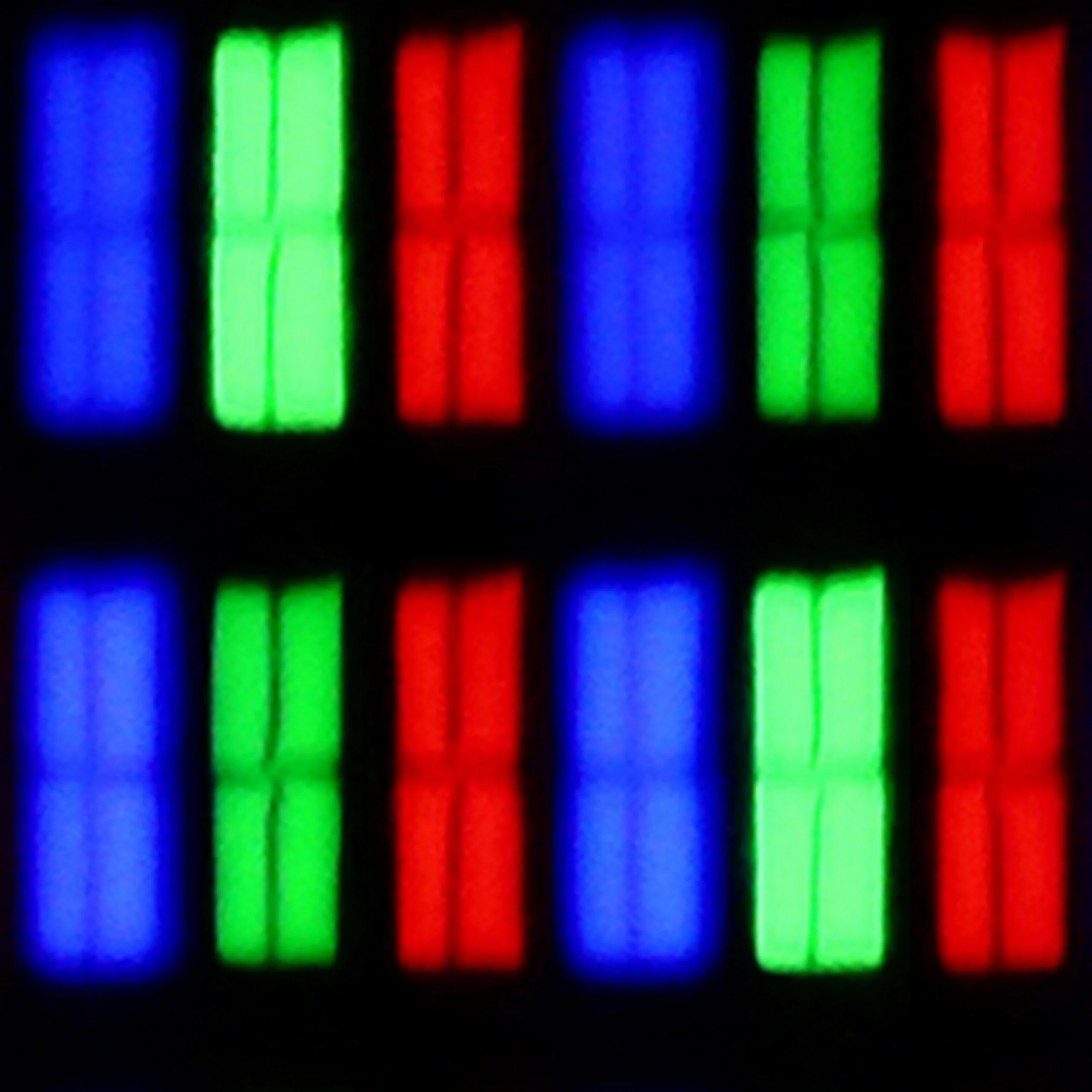
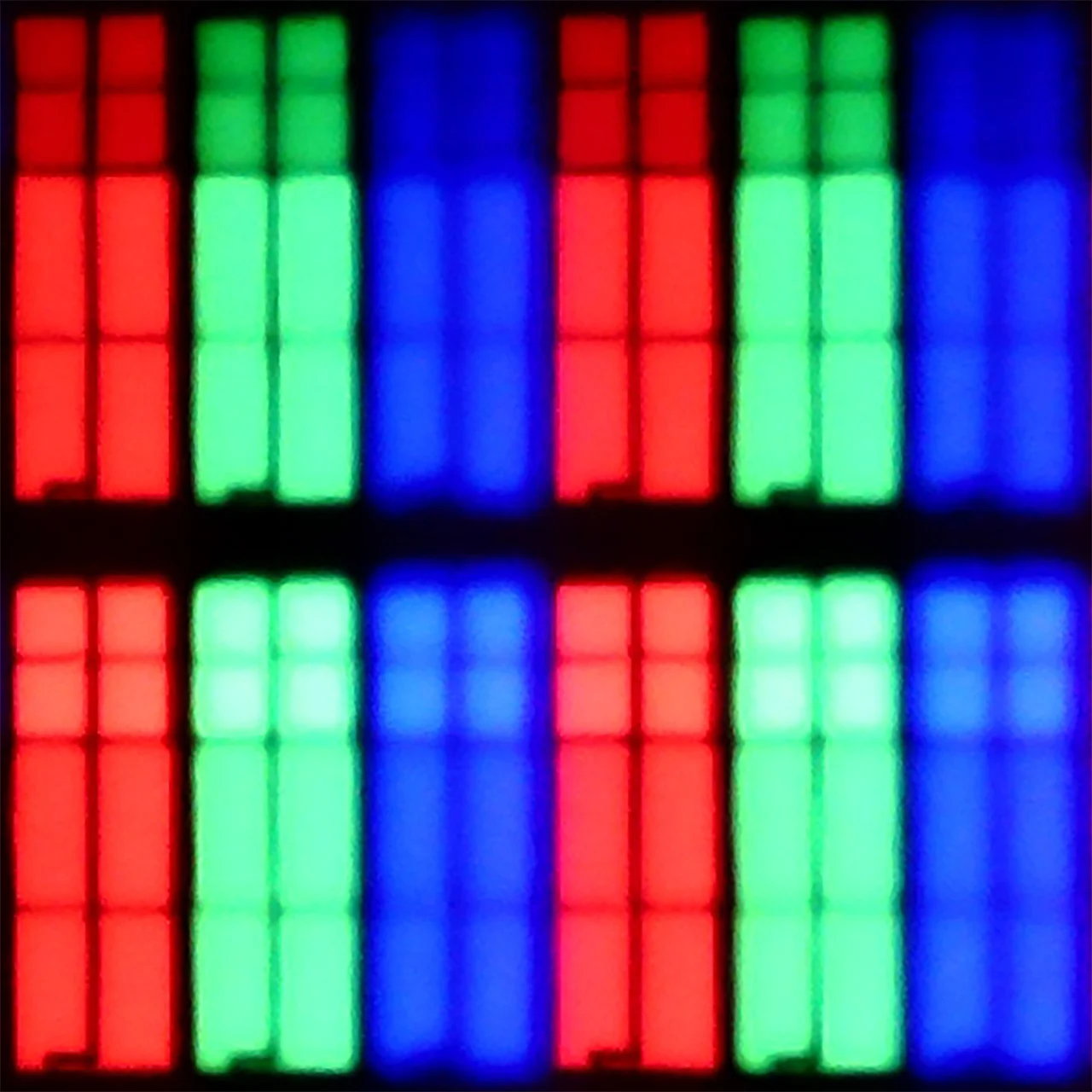
The M80H also works very well as a computer monitor. Gamers can use 4K at 144 Hz, with VRR and G-Sync, and input lag in PC mode is around 10 ms. There is also a Full HD mode at 240 Hz. The TV correctly displays 4:4:4 chroma at the maximum resolution and refresh rate. Combined with a classic RGB subpixel layout, this gives very good font legibility, for both light and dark text. The M80H is therefore suitable not only for gaming but also for everyday desk work.
Viewing angles
3.2/10
3.1/10
In terms of viewing angles, Sharp GR8 is not surprising – and it's hard to blame it, considering the use of a VA panel. When viewed from a greater angle, the image loses quality, colours become washed out, and contrast clearly drops. Additional coatings to widen the viewing angles could improve this aspect, but that is a solution typically found in more expensive LCD TV models. If we plan to watch television mainly head-on, there won't be a major issue. However, for a larger number of viewers sitting at different angles, it is worth being aware of this limitation.
Viewing angles are one of the weaker points of the M80H. The TV uses a VA panel, which provides deeper blacks and higher contrast than an IPS panel, but it looks worse when viewed from the side. Just sitting at a wider angle is enough for colours to start losing saturation, blacks to become noticeably lighter, and the whole image to look more washed out. This is a typical compromise associated with this type of panel. The M80H therefore performs best when watched straight on or from a minimal angle.
Daytime performance
4.5/10
5/10
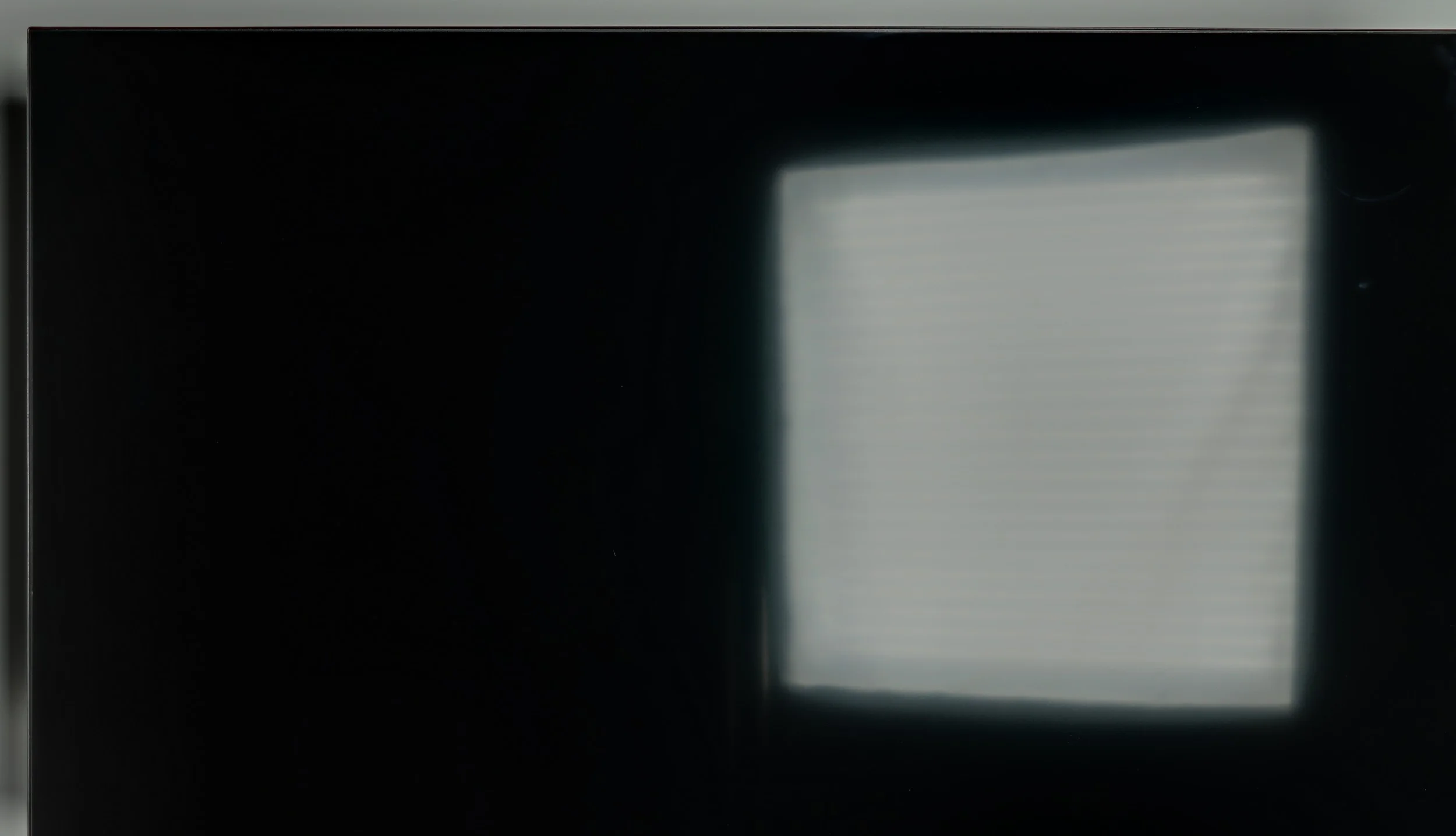
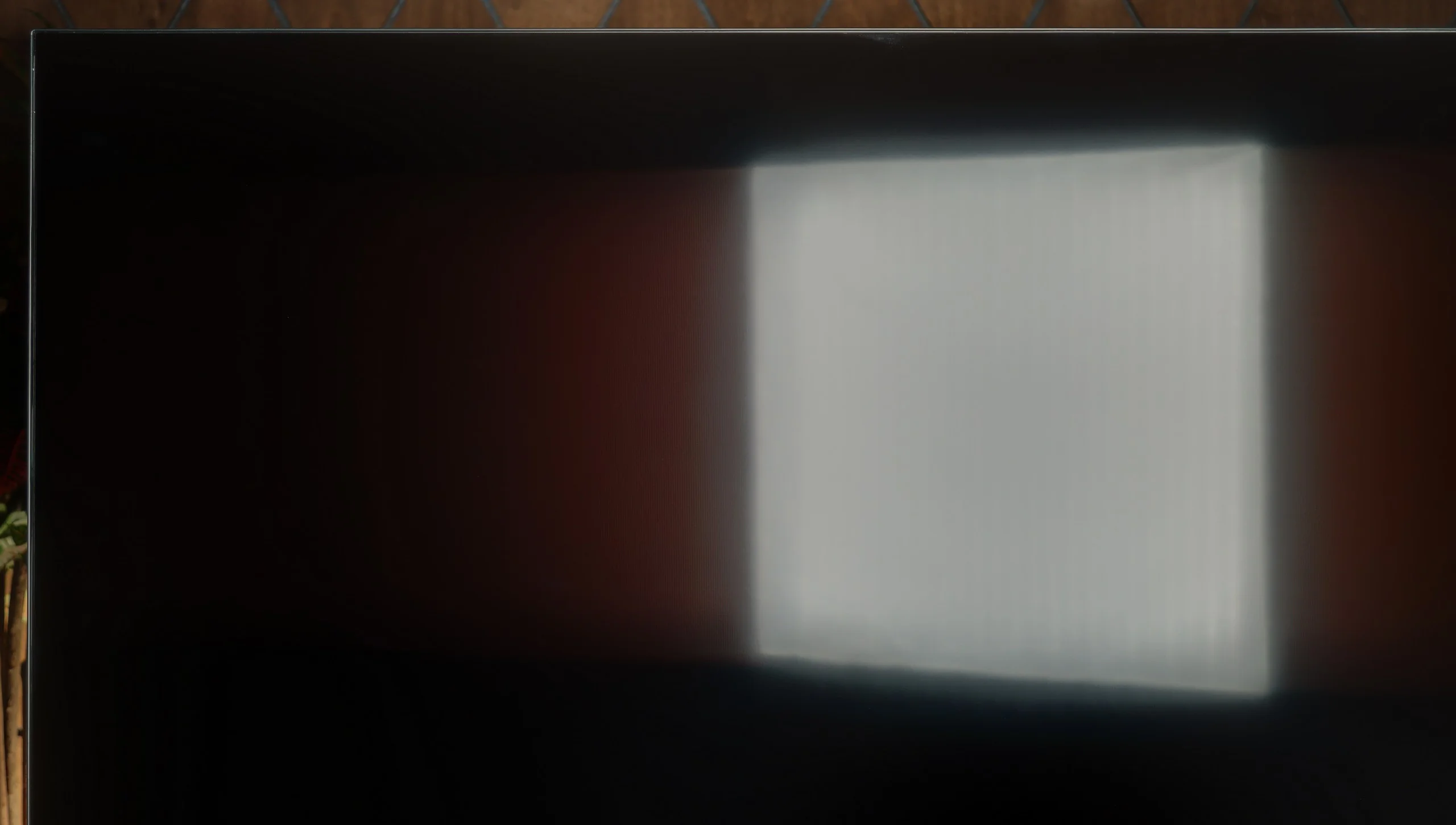
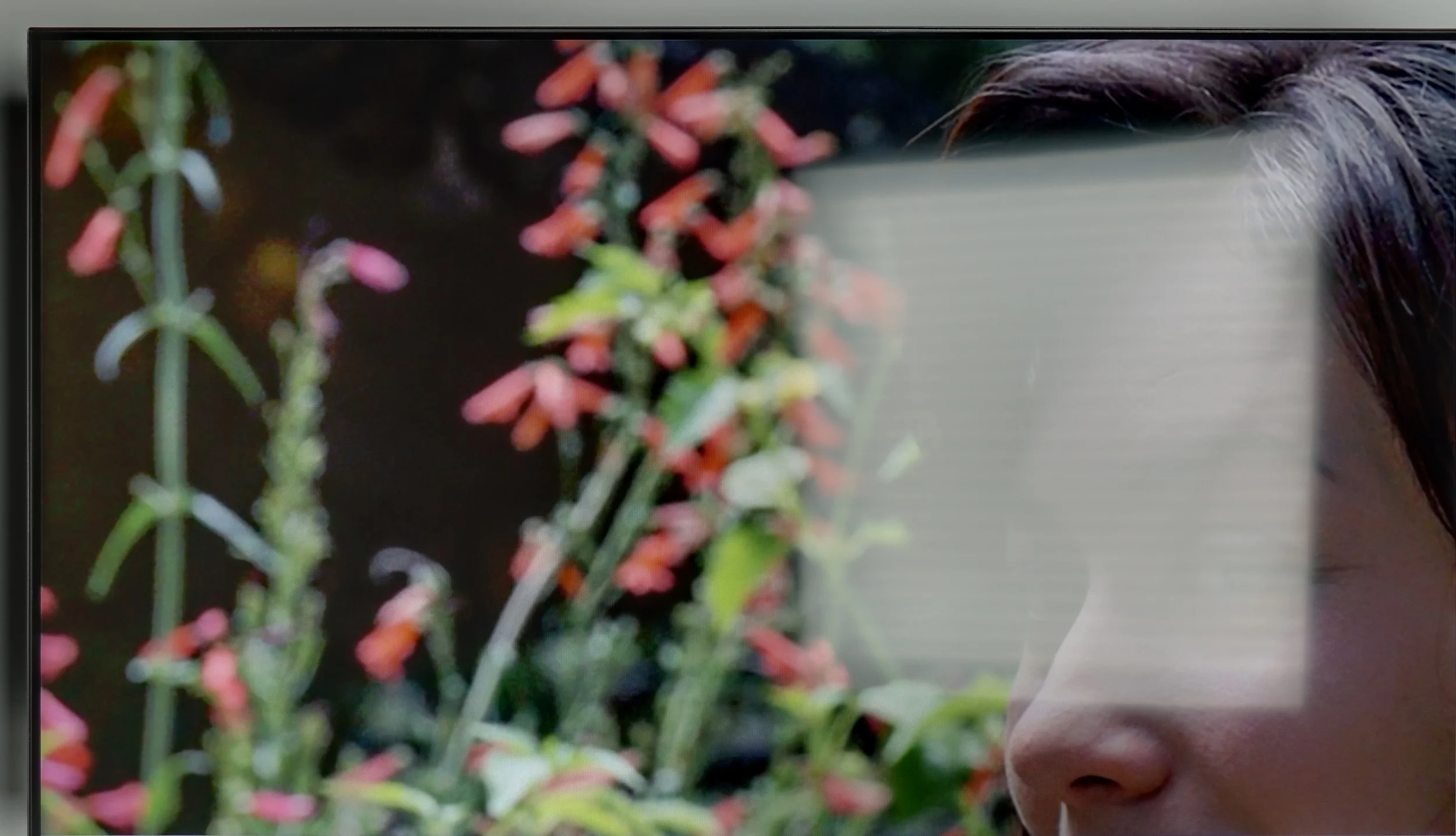
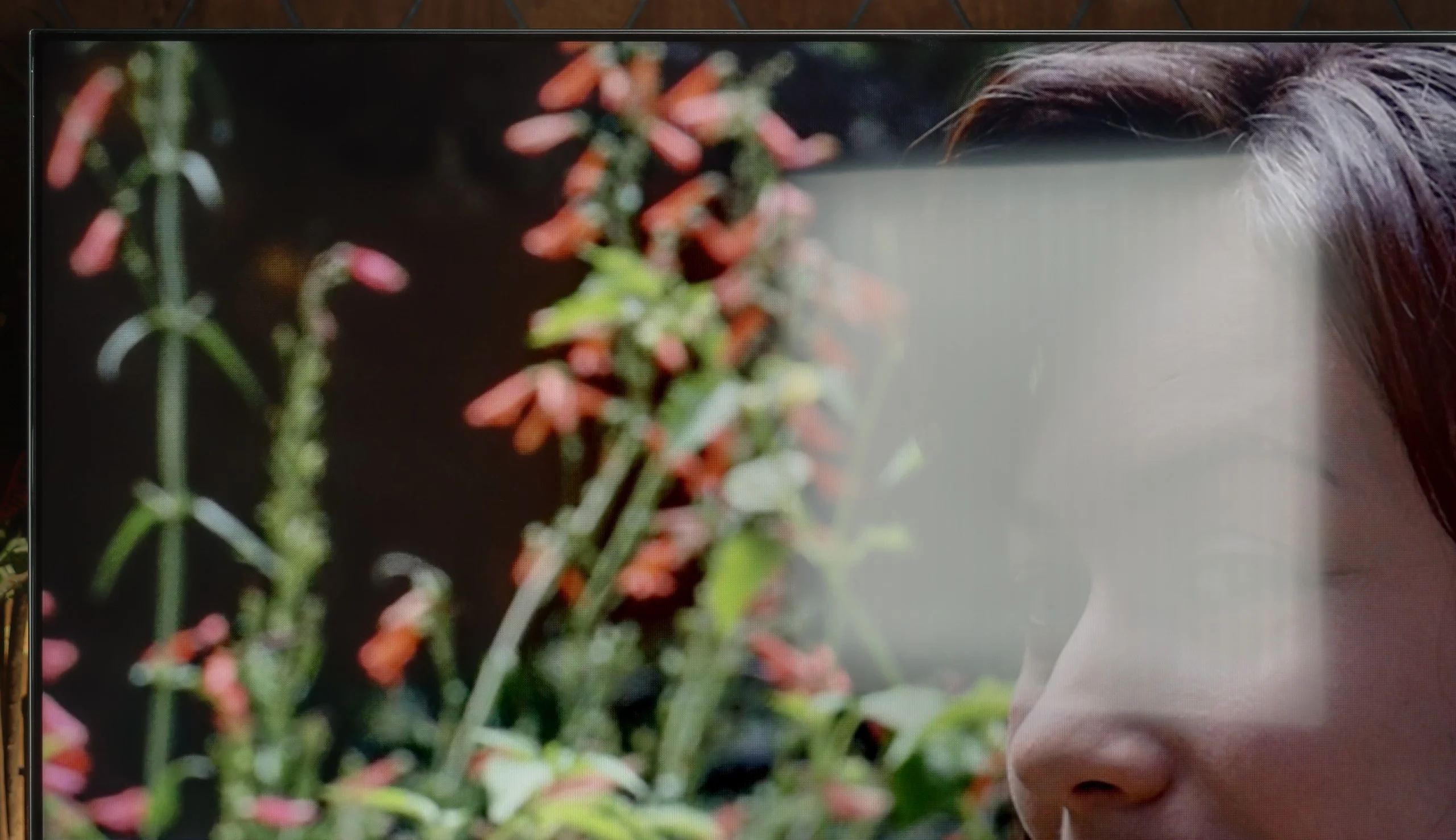
Panel brightness
Samsung M80H: 345 cd/m2
Sharp GR8: 329 cd/m2
Sharp GR8 has a satin display that performs moderately well with reflections. Bright elements in the environment, such as windows or lamps, quite clearly reflect on the screen and can be distracting while watching. The brightness level of 330 cd/m² in SDR content is also unimpressive. As a result, the television is best suited for rooms that do not receive too much natural light. Therefore, it can be said that the GR8 holds its own during the day, but it is certainly not equipment designed for heavily sunlit living rooms. If we mostly watch in the evenings or in controlled lighting, it won't be a major issue.
In a bright room the M80H performs acceptably, but without any major surprises. The satin finish does a decent job of reducing reflections, although with large windows or lamps positioned opposite the screen they will still be visible. Black levels are a plus: with the lights on they do not become overly grey. SDR brightness is around 345 nits and remains stable regardless of the scene being shown. In a typical living room this should be enough for comfortable daytime viewing. However, in a very brightly sunlit room the image may look too washed out.
Panel details
Subpixel Structure:
Panel uniformity and thermal imaging:
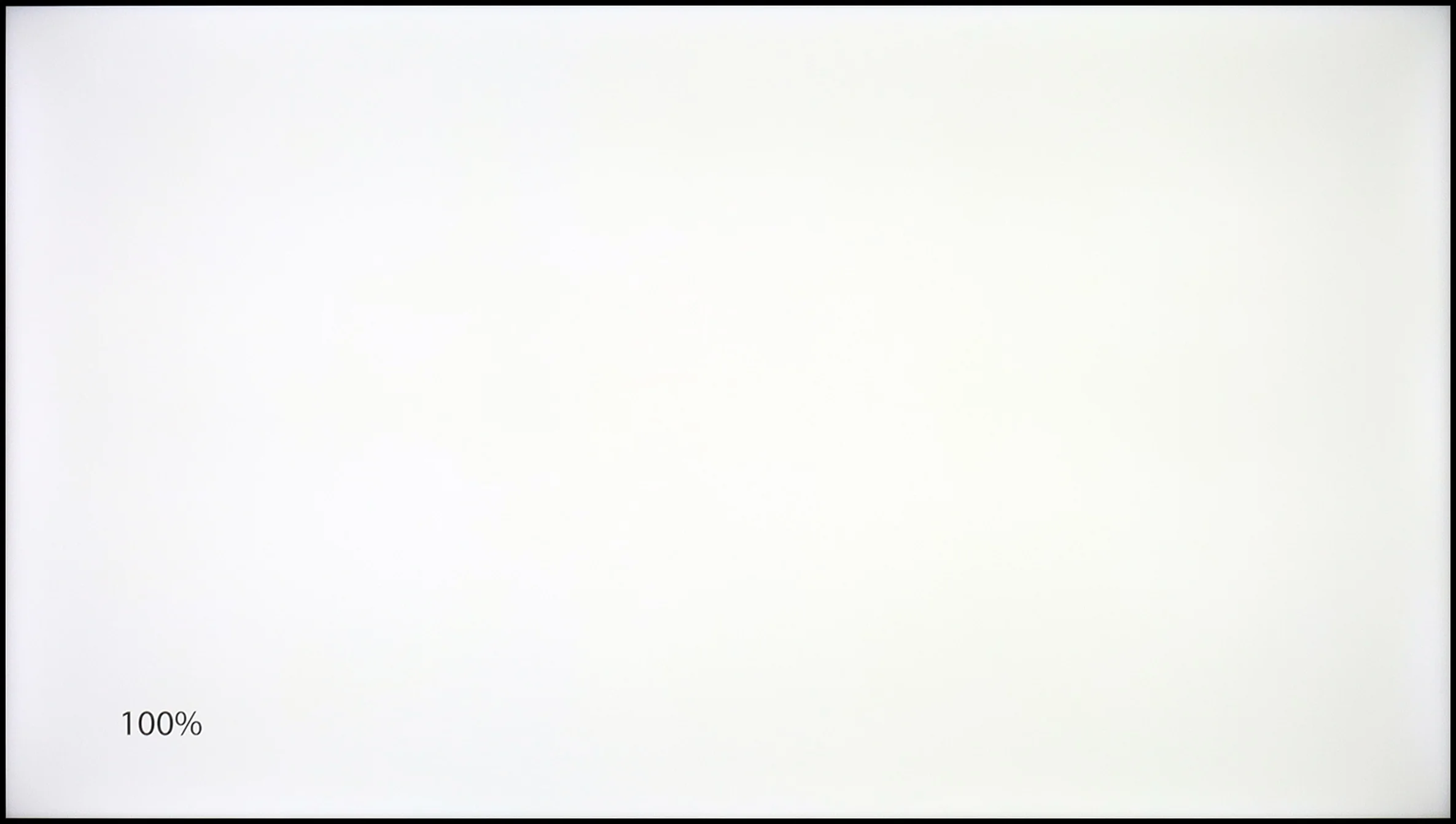
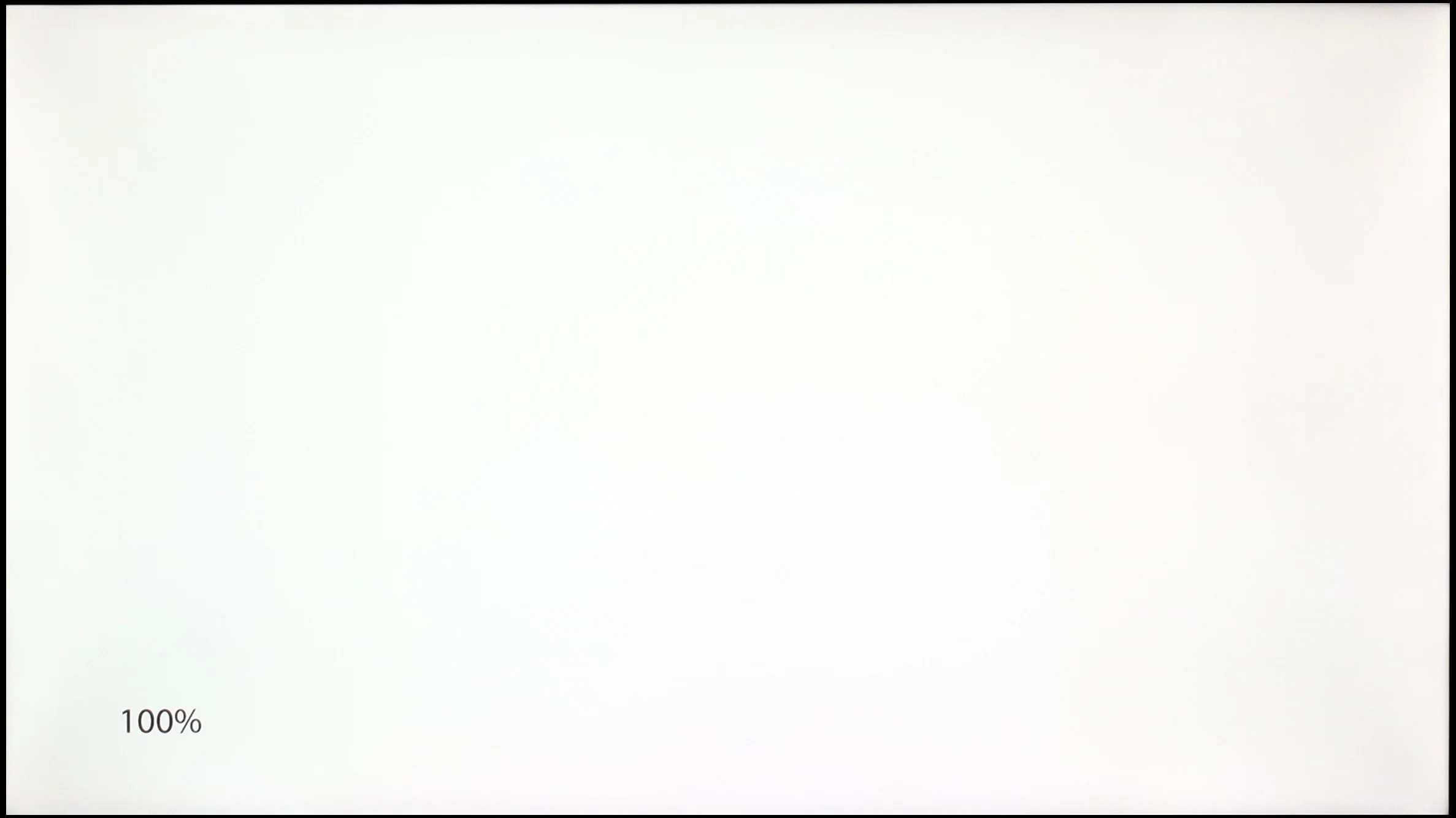
Sharp GR8
Samsung M80H
TV features
6/10
7.3/10
- SystemGoogle TVTizen
- System performanceDecentVery good
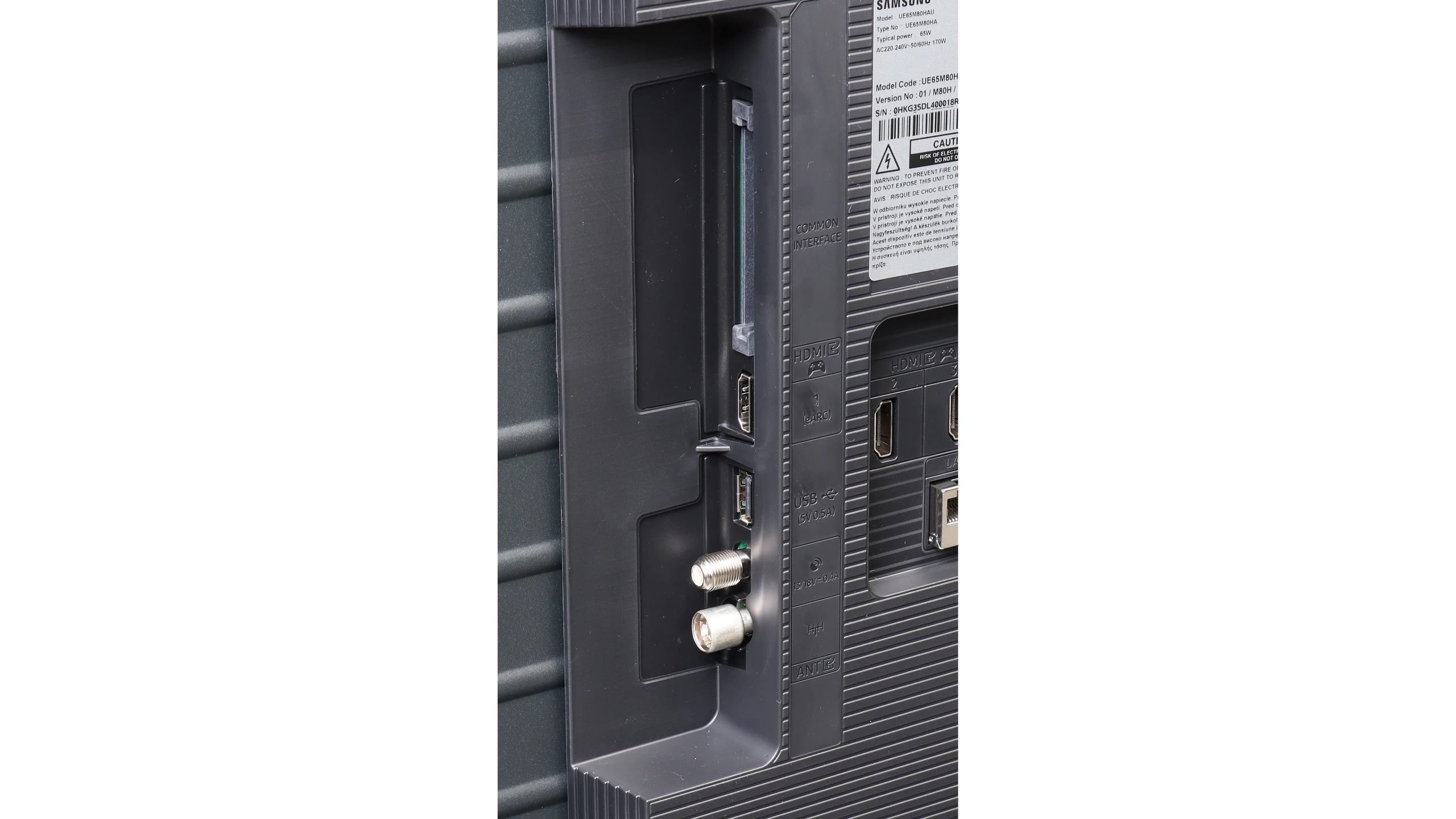
- HDMI inputs2 x HDMI 2.0, 2 x HDMI 2.1 48Gbps0 x HDMI 2.0, 3 x HDMI 2.1 48Gbps
- Other inputsRCA (Chinch)
- OutputsToslink (Optical audio), eARC (HDMI), ARC (HDMI), Mini-Jack (Headphones)eARC (HDMI), ARC (HDMI)
- Network InterfacesWi-Fi 2.4GHz, Wi-Fi 5GHz, Ethernet (LAN) 100MbpsWi-Fi 2.4GHz, Wi-Fi 5GHz, Ethernet (LAN) 100Mbps
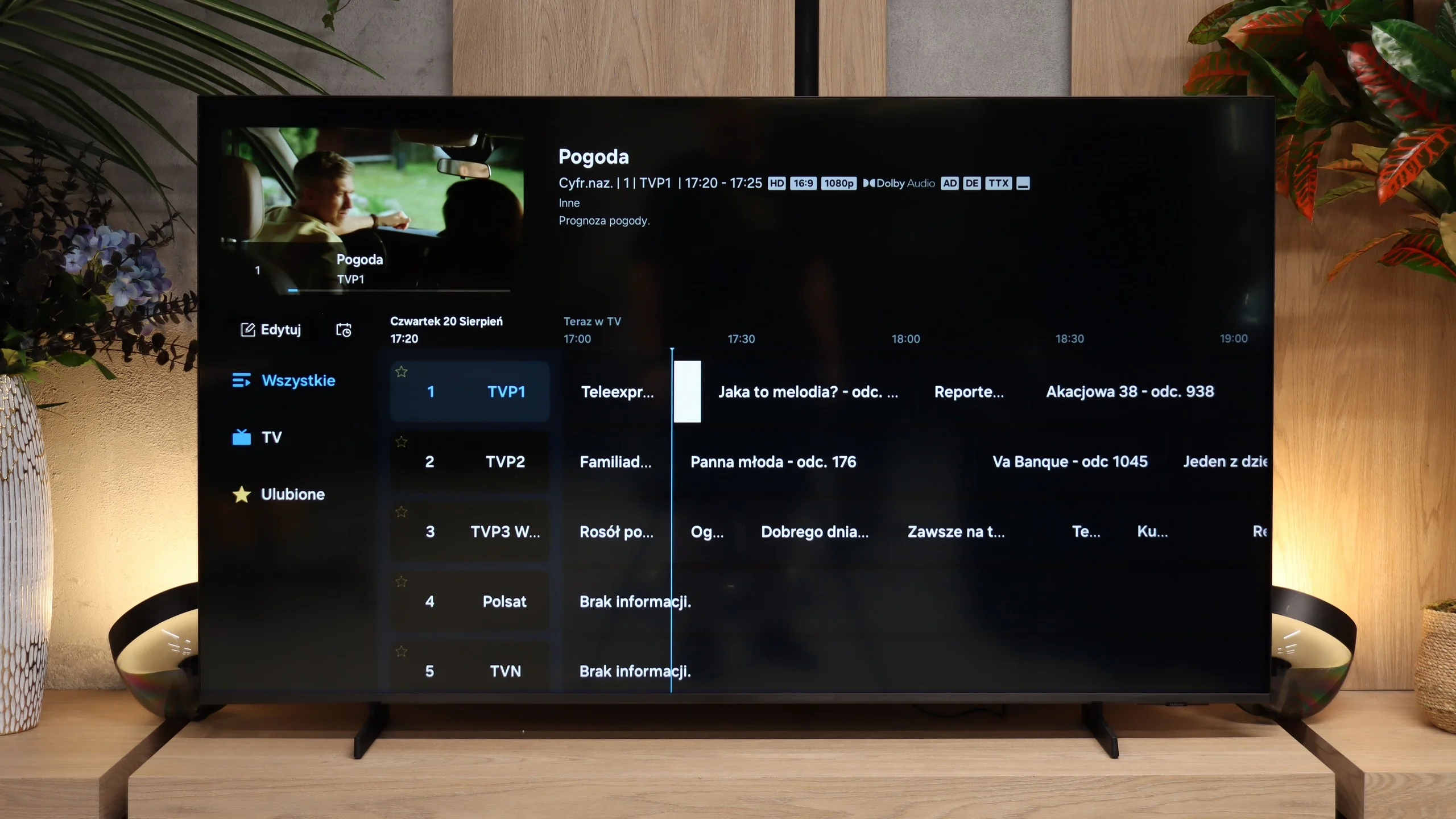
- TV receptionDVB-T, DVB-T2, DVB-S, DVB-S2, DVB-CDVB-T, DVB-T2, DVB-S, DVB-S2, DVB-C
Classic features:
- Recording to USB (terrestrial TV)
- Recording programming
- Picture in Picture (PiP)
- RF remote control (no need to aim)
- Backlit remote control
- Teletext
- Audio only mode
- Bluetooth headphones support
- Simultaneous Bluetooth headphones & TV audio
Smart features:
- AirPlay
- Screen mirroring (Windows Miracast)
- Voice search
- Voice search in native language
- Ability to connect a keyboard and mouse
Sound connection options
- HDMI audioeARC (HDMI), ARC (HDMI)eARC (HDMI), ARC (HDMI)
- Other audio outputsToslink (Optical audio), Mini-Jack (Headphones)
- Wireless audioBluetoothBluetooth
Supported audio formats (external HDMI eARC audio):
- Dolby Digital Plus 7.1
- Dolby True HD 7.1
- Dolby Atmos in Dolby Digital Plus (JOC)
- Dolby Atmos in Dolby True HD
- DTS:X in DTS-HD MA
- DTS-HD Master Audio
Senior accessibility
- Numeric keyboard on TV
- Font size adjustment
- Audio description
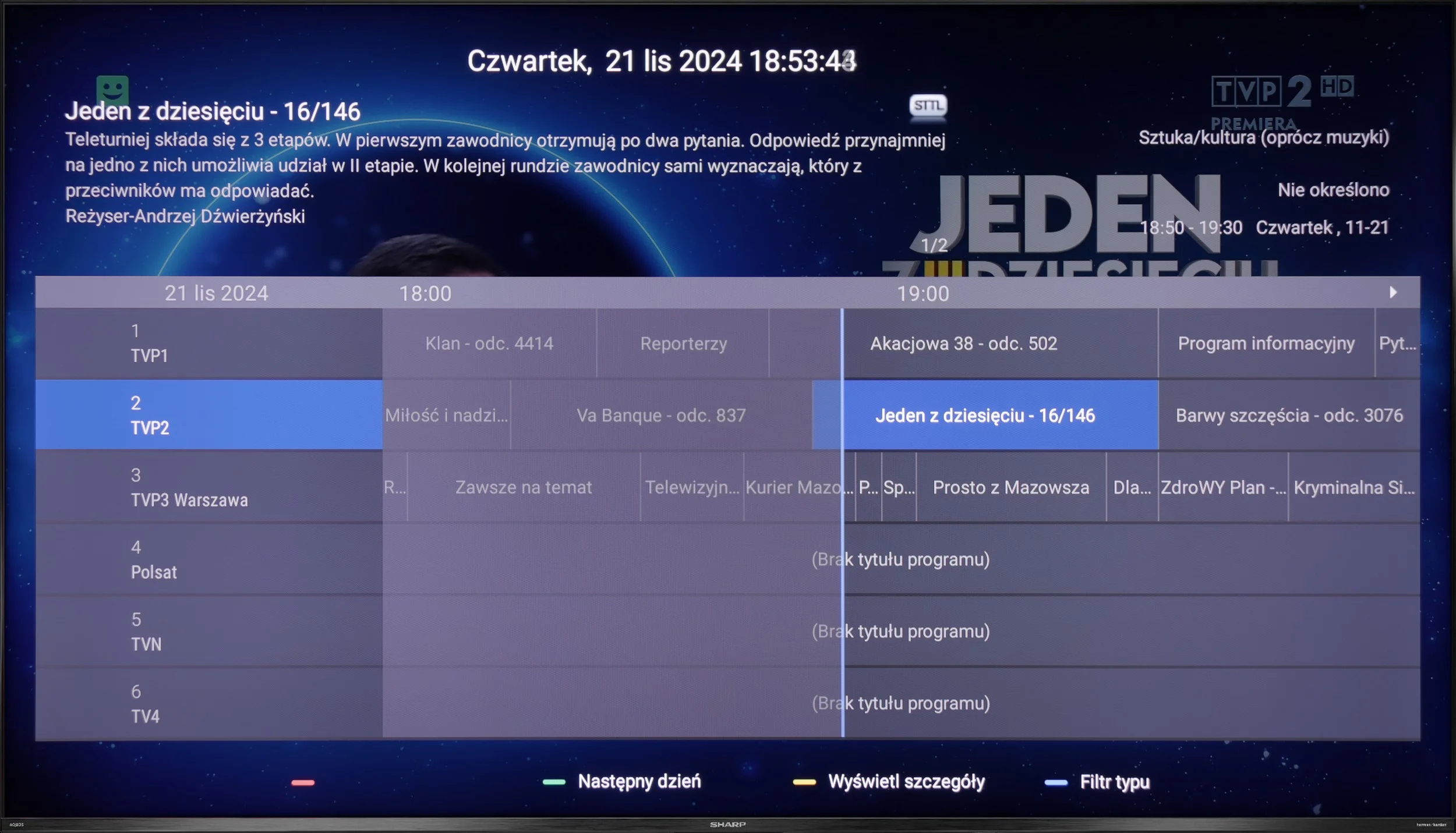
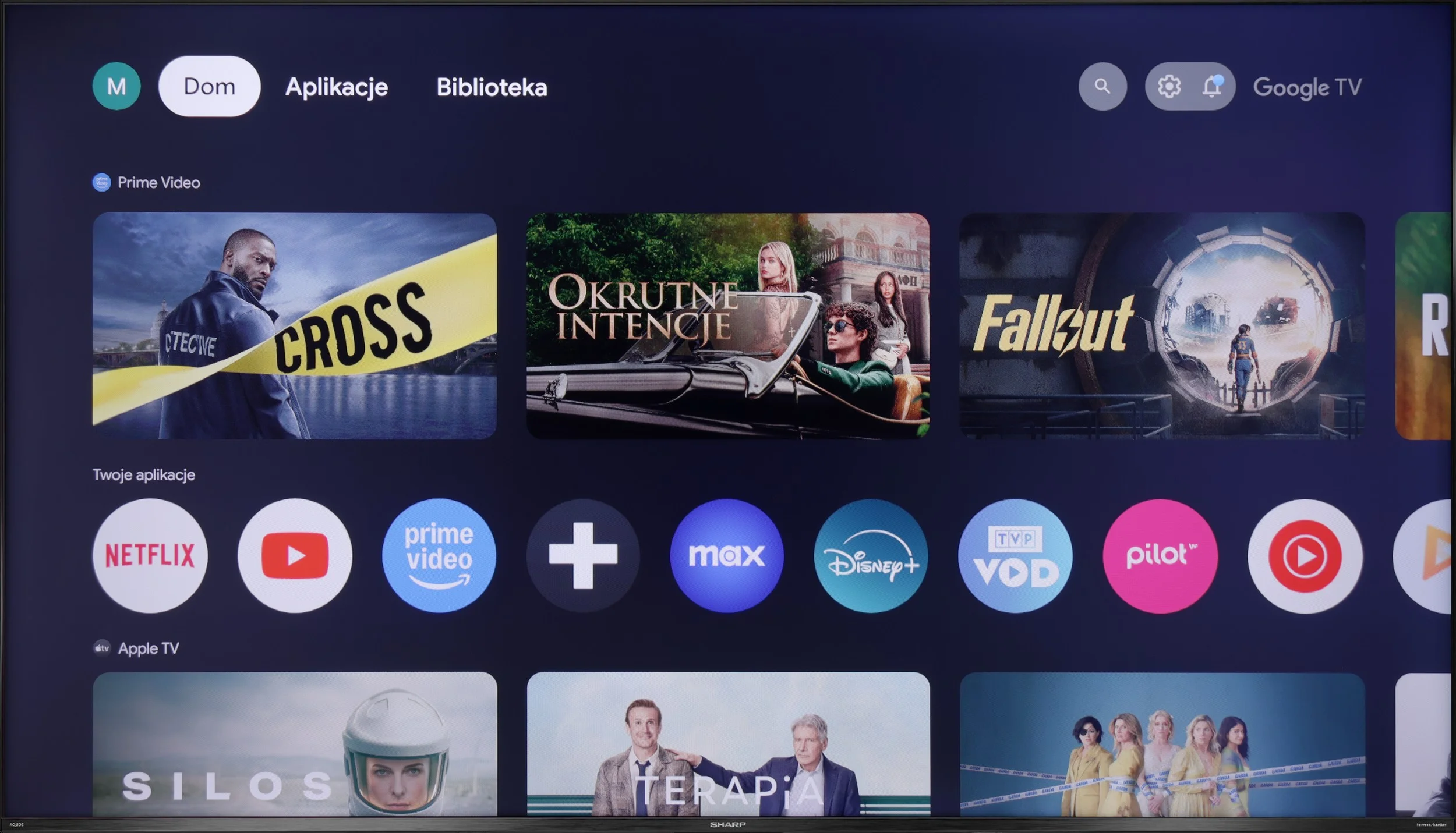
Google TV is definitely the biggest advantage of Sharpa GR8. This system is a true multimedia powerhouse – it includes practically all popular streaming applications, such as Netflix, HBO Max, and Disney+. Voice search works in Polish and, importantly, is really responsive. We can simply tell the television what we want to watch, and it quickly finds the appropriate content. Furthermore, the interface is clear and intuitive, so even those who are not keen on technological innovations will manage without any problems. In short, Google TV does the job.
Unfortunately, when it comes to more classic features, the GR8 is rather average. There is no option for USB recording or PiP (picture-in-picture) functionality. Moreover, although the television supports Bluetooth connectivity, iPhone users may feel disappointed as there is no support for AirPlay.
The remote included in the package is simple but well thought out. It has a solar panel on the front, allowing it to be charged by light, and the additional charging port means we don’t have to worry about changing batteries. It’s also worth noting that the remote does not require aiming at the screen – it works regardless of which direction it is pointed.
Smart TV system
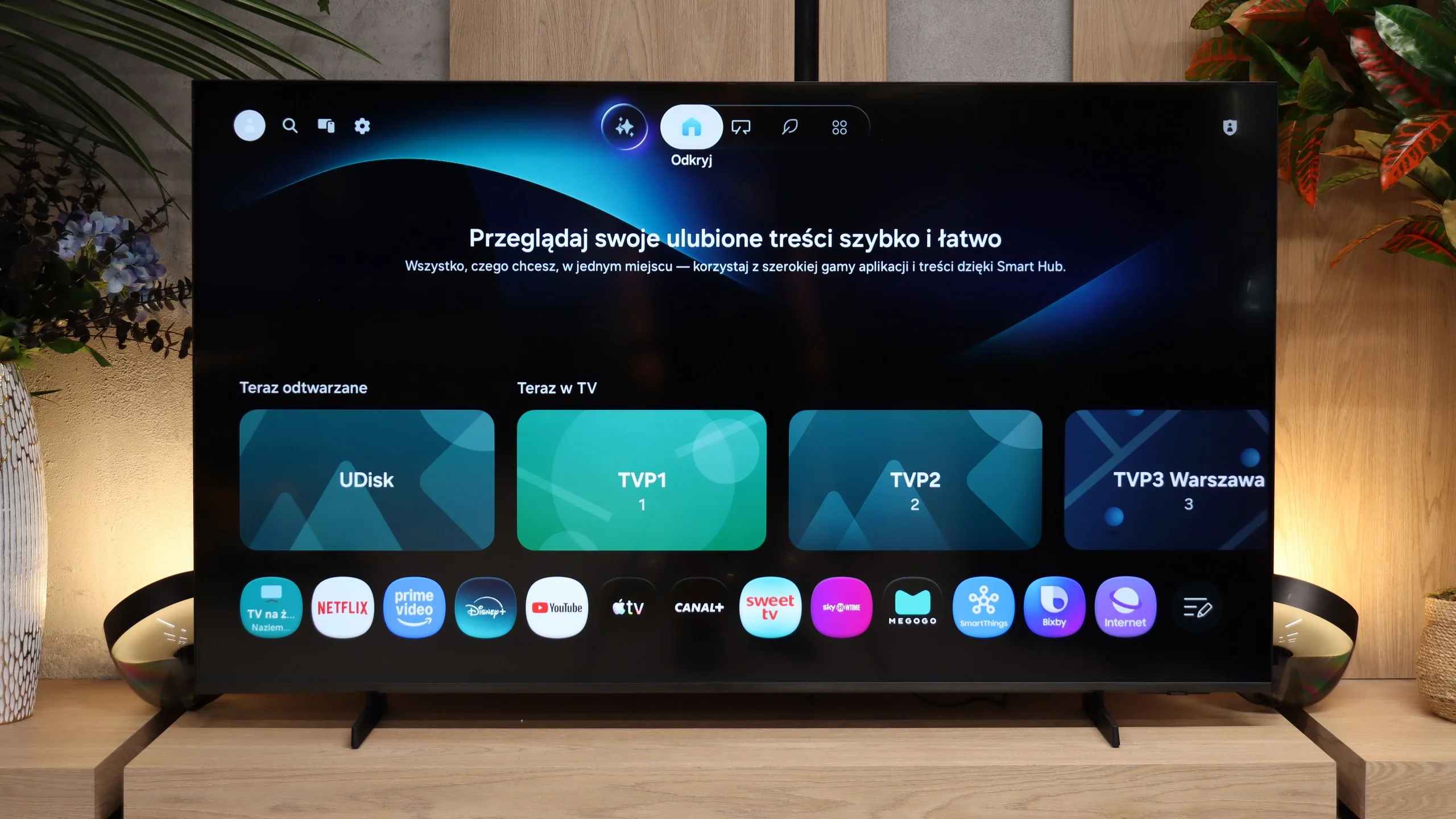
The M80H runs on Tizen, the same system found in all Samsung TVs. The system is fast, stable and offers all the most popular streaming apps. There is therefore no need to worry that a lower-tier model would be missing any of the major services. It also supports AirPlay, Miracast and voice search. The TV works with the SmartThings system, so it can be used to control smart home devices.
Television features
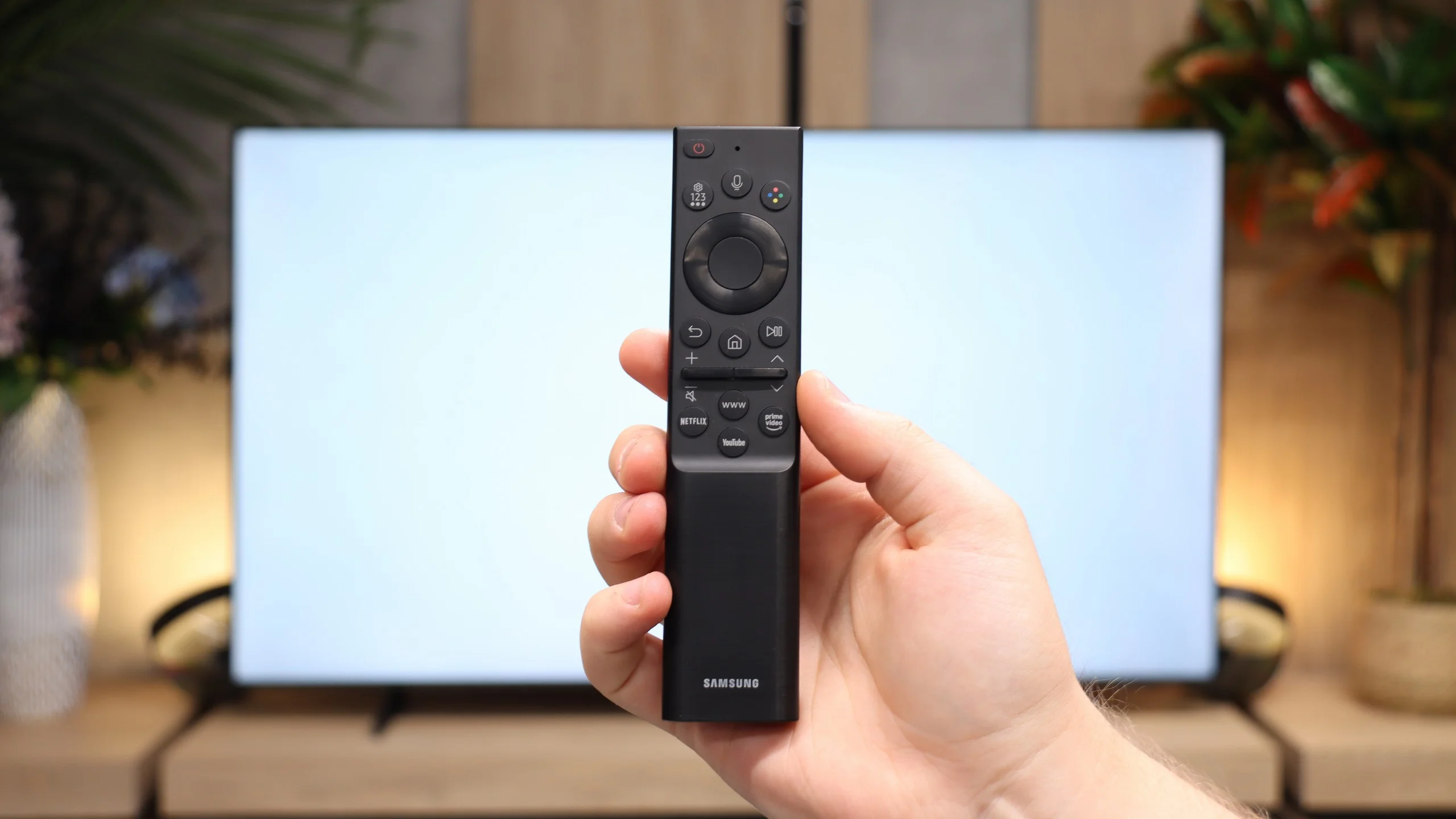
Traditional television features are weaker. The M80H does not allow recording programmes to a USB drive or scheduling recordings. It also lacks picture-in-picture. What remains are the basics, such as teletext and the option to turn off the screen while keeping the sound on. You can connect Bluetooth headphones to the TV, and audio can be played through them and the built-in speakers at the same time. That’s useful if one viewer needs higher volume, for example seniors. The set comes with a simple Smart remote with a small number of buttons. Unfortunately it is not the solar-powered version known from other Samsung models, and the remote runs on standard batteries. Fortunately it connects to the TV via radio, so you do not have to point it directly at the screen.
Apps
9.6/10
9.3/10






















Playing files from USB
9.1/10
9.1/10
Supported photo formats:
Maximum photo resolution:
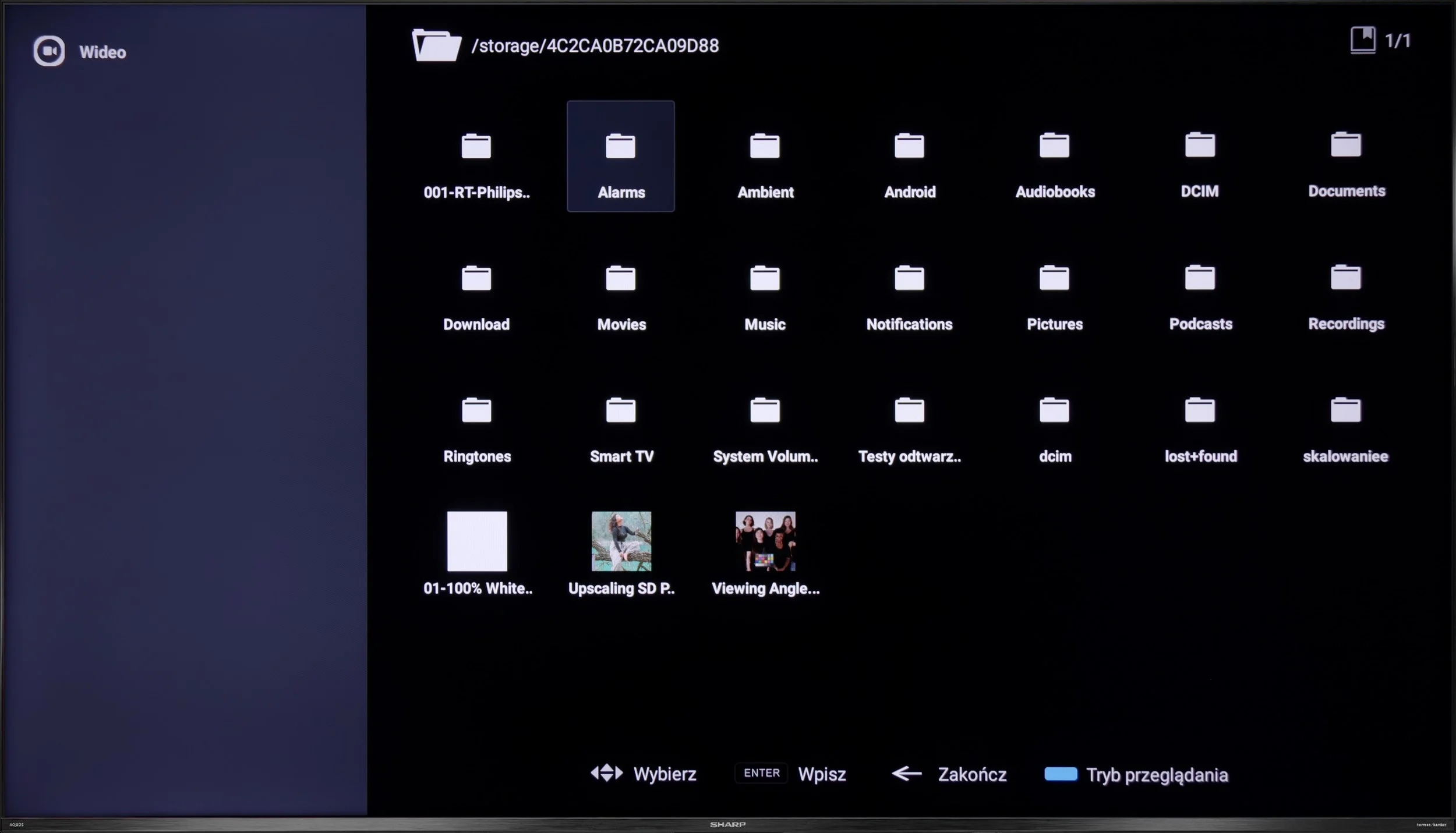
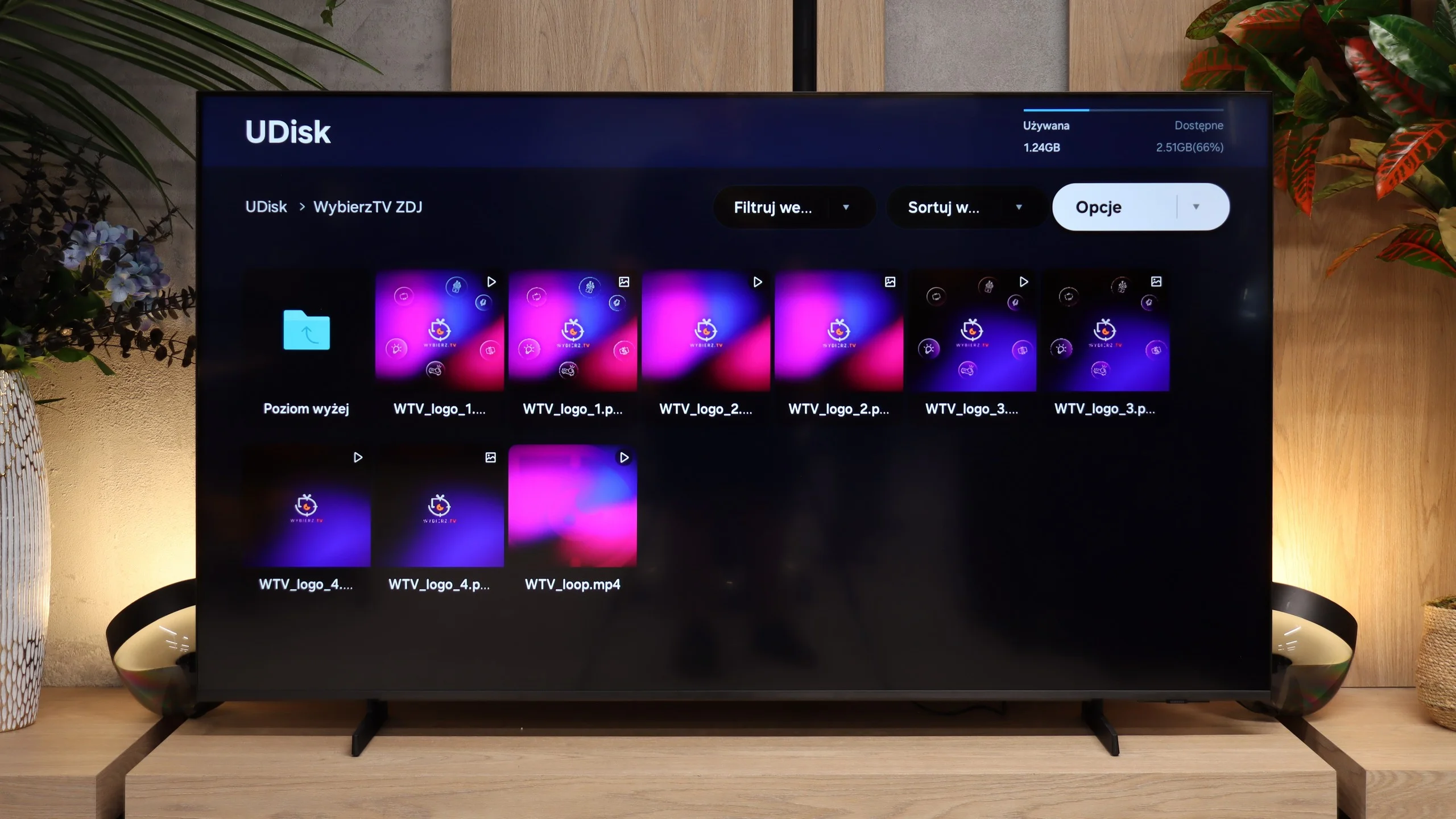
Sharp GR8 performs really well when playing media files from USB. It supports virtually all popular audio and video formats, so we don't have to worry about any files not playing.
However, the built-in player has its limitations – for example, we won't find an option to change the font colour in subtitles here. Fortunately, the Google TV system allows us to work around this issue. All you need to do is download an alternative media playback app from the Google Play Store that offers more advanced configuration options.
The built-in USB player handles most common video and image formats. It easily displays JPEG, PNG and BMP files, even in high resolution. However, it lacks support for HEIC, the format used, among others, by iPhones. In practice this is unlikely to be a big problem, because the M80H supports AirPlay and most people will probably use that to show holiday photos on the TV. 😉
Sound
7/10
6/10
- Maximum volume-88dB
- Dolby Digital Plus 7.1
- Dolby True HD 7.1
- Dolby Atmos in Dolby Digital Plus (JOC)
- Dolby Atmos in Dolby True HD
- DTS:X in DTS-HD MA
- DTS-HD Master Audio
Sharp GR8 positively surprises with its sound quality. Although it is equipped with a standard set of speakers, the influence of collaboration with Harman/Kardon can be heard here. The sound is clear, dialogues are well highlighted, and the overall tonal characteristics are pleasant to the ear. It is not at the level of flagship models with advanced audio systems, but for this price segment – it is really good.
Unfortunately, Sharp has decided to remove the built-in soundbar that we could see in the previously reviewed model Sharp FQ8. It's a shame, as this solution significantly enhanced sound quality and gave the TV an edge over the competition.
The M80H is fitted with a 2.0 speaker set rated at 20 W. It performs adequately but does not stand out among TVs with similar audio systems. Dialogue is clearly audible and the speakers themselves do not introduce noticeable distortion. However, there is a definite lack of bass, so music in particular can sound flat. If you want a somewhat fuller sound, it's worth considering even a simple soundbar and connecting it via HDMI eARC. The TV can also pass Dolby Atmos audio that way. Bear in mind, however, that the M80H has no optical output, so older audio equipment cannot be connected to it in that way.
Sound Quality Test
No sound test video
Acoustic Measurements
No acoustic data
88dBC (Max)
75dBC
Reader comments
Comments are provided by the external service Disqus (Zeta Global). Once loaded, Disqus may set cookies and process data about your activity.
We will remember your choice on this device. Provider's privacy policy