 Direct comparison
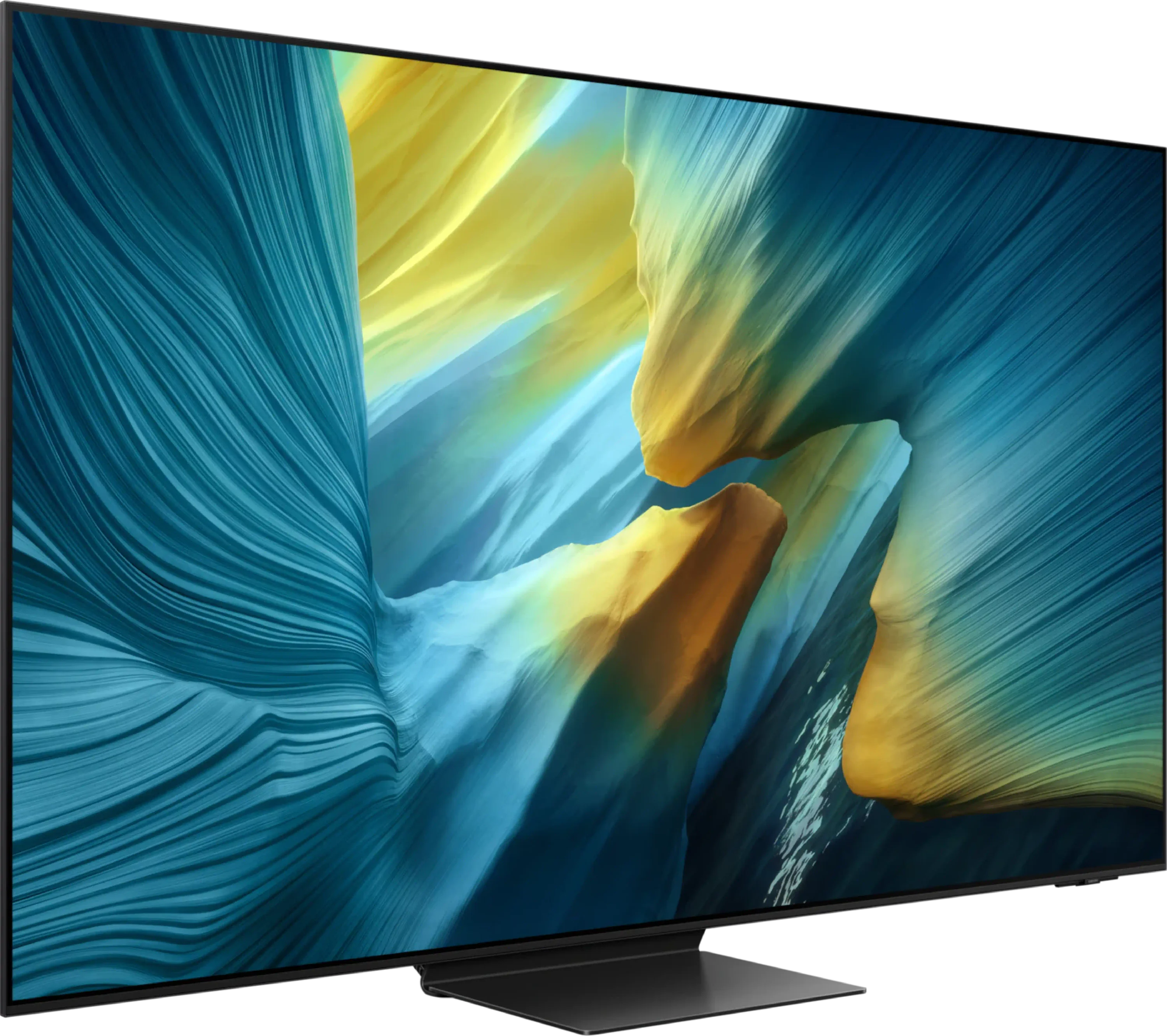
In the case of the 83-inch version, Samsung took a different route than with the smaller sizes and opted for the Tandem WOLED panel produced by LG Display. This move initially raised questions, but in practice, it turned out to be a home run. Here we have an exceptionally successful mix: absolutely reference black levels, outstanding brightness that allows enjoyment of HDR content even during the day, as well as overall picture quality that firmly places this television among the very best on the market. There are also advantages aimed at gamers – lightning-fast input lag, 165 Hz refresh rate, full support for VRR and G-Sync/Freesync, and four HDMI 2.1 ports that let you connect several consoles or PCs without any compromises. To the list of positives, we must also add the matte coating – rarely found in OLEDs, and in this case, exceptionally effective. Thanks to it, light reflections are largely eliminated, and the television remains readable and comfortable to view even in a sunlit living room. This feature becomes even more significant in such a large size, as it is hard to imagine an 83-inch screen on which instead of a movie we see a reflection of our own room. Of course, there were some compromises – the viewing angles on the WOLED panel are not as perfect as in QD-OLED versions. However, in return, we get better performance in challenging lighting conditions and a more stable image under strong light hitting the screen. In practice, it is hard to consider this a real downside, rather as a different distribution of emphasis compared to smaller variants. The S95F in the 83-inch version is an almost explosive mix: a gigantic OLED with a matte finish, excellent brightness, fantastic black levels, and a comprehensive suite of features for gamers. If someone dreams of a huge, matte screen that isn’t afraid of daylight, they will not find a better screen on the market at this moment.
- Matching (Score) |
- Our verdict |
- TV appearance |
- Where to buy |
- Contrast and black detail |
- HDR effect quality |
- Factory color reproduction |
- Color reproduction after calibration |
- Smoothness of tonal transitions |
- Image scaling and smoothness of tonal transitions |
- Blur and motion smoothness |
- Console compatibility and gaming features |
- Input lag |
- Compatibility with PC |
- Viewing angles |
- Daytime performance |
- Panel details |
- TV features |
- Apps |
- Playing files from USB |
- Sound
S95F / FAT / FAE

The Frame Pro / LS03HW
Available screen sizes: 83”
Panel type: WRGB OLED
Resolution: 3840x2160
System: Tizen
Model year: 2025
Panel type: LCD VA
Resolution: 3840x2160
System: Tizen
Model year: 2026
Check how well they match your needs
Take the surveyOverall rating
8.7
7.3
 Movies and series in UHD quality
9.0
6.8
 Classic TV, YouTube
9.0
6.5
 Sports broadcasts (TV and apps)
8.6
6.9
 Gaming on console
9.8
8.9
 TV as a computer monitor
8.8
8.4
 Watching in bright light
7.7
6.5
 Utility functions
7.9
7.7
 Apps
9.3
9.3
 Sound quality
8.0
6.4
Complete the survey to find out what fits your preferences
Advantages

Perfect black and excellent contrast
High image brightness
Amazing image quality after calibration
Ultra-fast WOLED 165 Hz panel
Great choice for gamers – full support for HDMI 2.1, VRR, ALLM, and HGiG, with an input lag of just 5 ms
Very accurate colour reproduction after calibration
Best reflection suppression thanks to the matte screen finish and better performance of the panel in challenging lighting conditions compared to the version with a QD-OLED panel
Intuitive and speedy Tizen operating system with a rich set of features
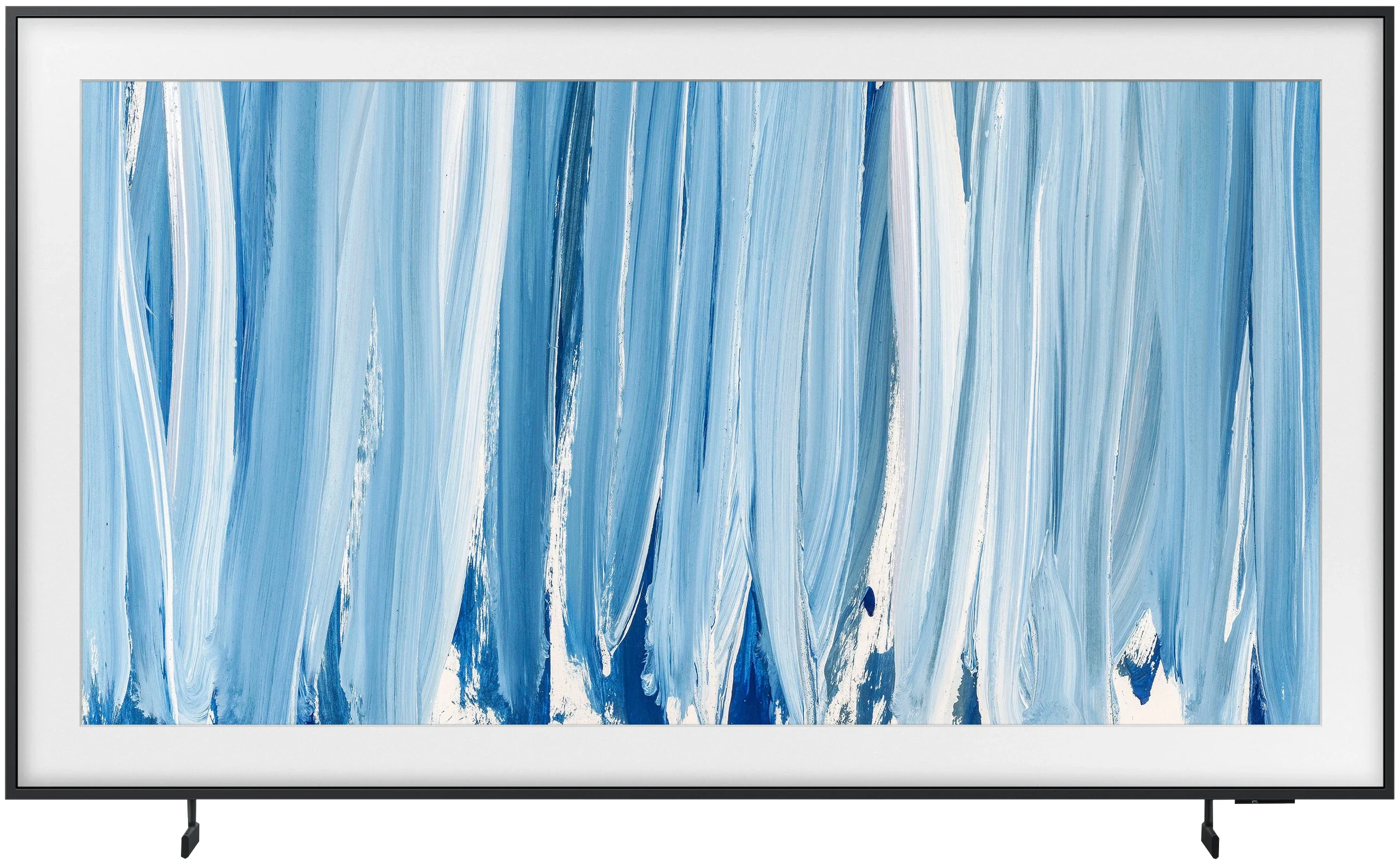
Modern and elegant design
One Connect module for easy aesthetic cable management
Wall picture styling: interchangeable frames
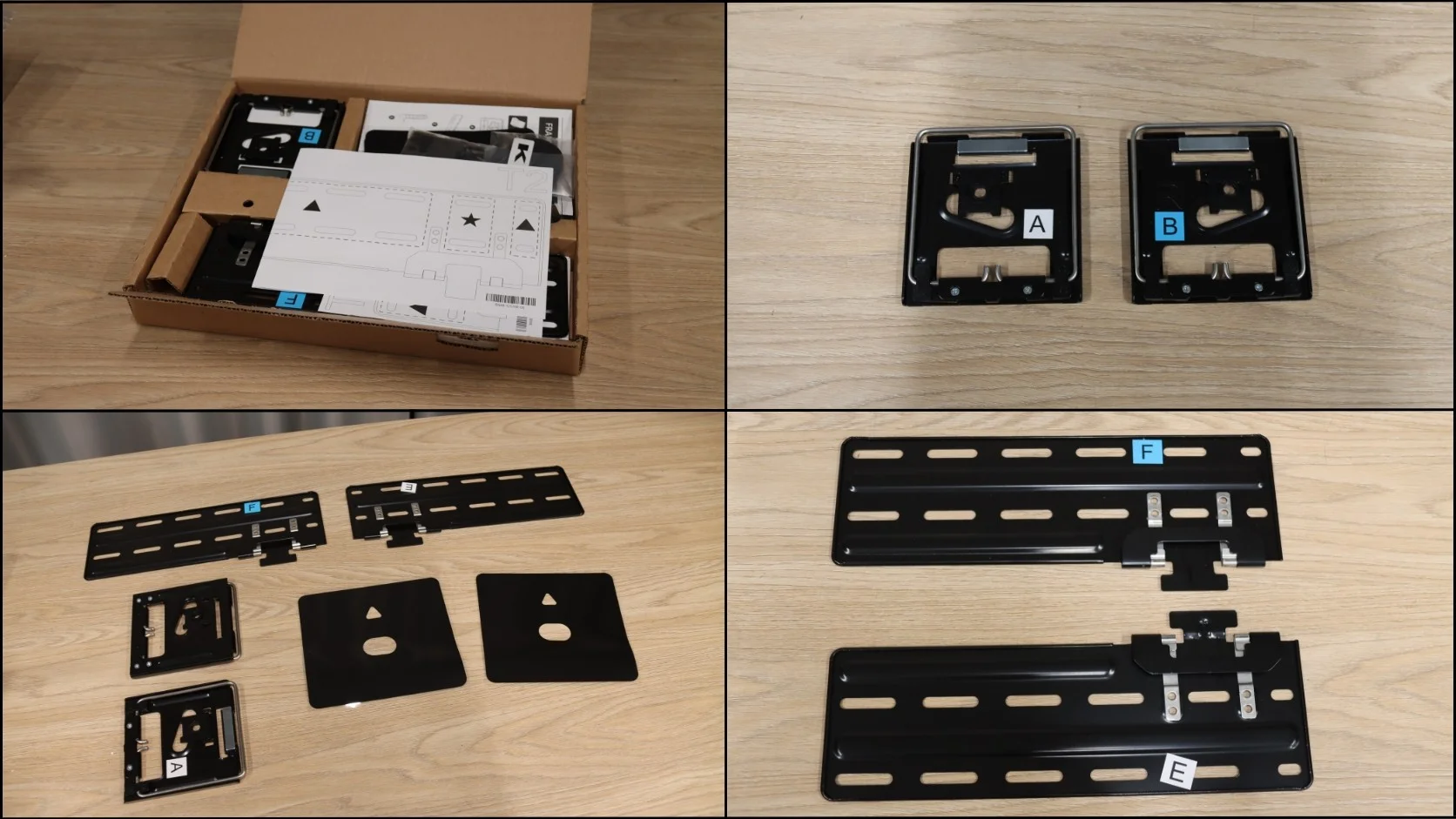
Generous accessory package: wall mount and Wiralles One Connect included
Art Store - the best art scans on the market
Matte screen finish - no reflections
High brightness of 850 to 900 nits
Wide colour gamut (QLED)
Many gaming features: VRR, ALLM, refresh rate up to 240 Hz, Game Motion Plus
Smooth and clear motion: relatively low motion blur for a VA panel
Tizen operating system, rich in modern features
Disadvantages

No support for DTS:X (home cinema)
No USB recording from built-in tuners
Worse viewing angles (although still very good) than in the version with QD-OLED panel
Poor black levels for a screen from the "Neo QLED" family (edge-lit backlight)
Art Store requires a monthly subscription (you can get around this by uploading your own photos 😉)
Poor viewing angles (they could be better for a stronger picture-on-the-wall effect)
High input lag when using the Wireless One Connect module
Our verdict
The Frame Pro 2026 makes sense primarily when the TV is meant to look good in the living room and not be another large black slab on the wall. And here Samsung still does something that most manufacturers cannot reproduce as well. Flush mounting, interchangeable bezels, Art Mode, a matte finish and the wireless One Connect make it so that, when properly hung, The Frame Pro can actually look more like a piece of décor than AV equipment. In our view, it is the best-executed TV of this kind on the market. Importantly, you do not simply pay for the looks at the expense of everyday use. The Frame Pro is bright, the matte finish deals very well with reflections, so it performs really well in a well-lit living room. Colours are vivid, motion handling is very good, and there are surprisingly many gaming features for a TV that is, first and foremost, supposed to "look better".
More questions arise when you consider the "Pro" suffix and its classification as a Neo QLED screen. You might expect a big jump in picture quality compared with the regular The Frame, but in practice it is not that large. The TV uses Mini-LED backlighting and local dimming, but the dimming zones are located at the edges of the screen. That is a completely different approach from more advanced Mini-LED models, where the backlight works across the whole surface of the panel. In bright, colourful scenes this is not a major problem. It gets worse in the evening, especially in films with many dark shots. Then you can see that black levels and backlight control are noticeably weaker than in the best Mini-LED TVs. This is where it becomes most apparent that "Pro" does not, in this case, mean top-tier picture quality.
An interesting alternative is the Samsung S99H. It has a very design-led character, but in terms of picture it already goes much further. Of course it also costs significantly more, so it is not a direct replacement but rather an option for someone who wants to combine both worlds without major compromises. So is it worth buying The Frame Pro 2026? In our view yes, but only if you know what you are paying for. The greatest strengths of this TV are its looks, Art Mode, very good performance in a bright living room and the wireless One Connect. If that is what you are after, The Frame Pro is a very interesting proposition. However, if the main argument for paying extra is markedly better picture quality, we are less convinced. It is simply a better, more refined The Frame, not a full-fledged rival to the best Mini-LEDs.
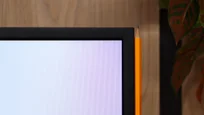
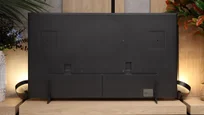
TV appearance

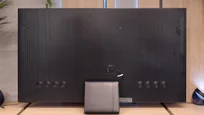
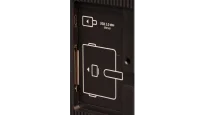
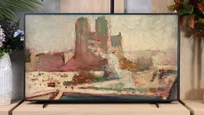
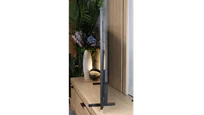

Contrast and black detail
10/10
5.3/10
Local dimming function: Yes, number of zones: 24 (1 x 24)
Contrast:


Result
∞:1

Result
∞:1

Result
∞:1

Result
∞:1

Result
∞:1
Result
5,400:1
Result
3,250:1
Result
3,900:1
Result
3,750:1
Result
3,900:1
Halo effect and black detail visibility:
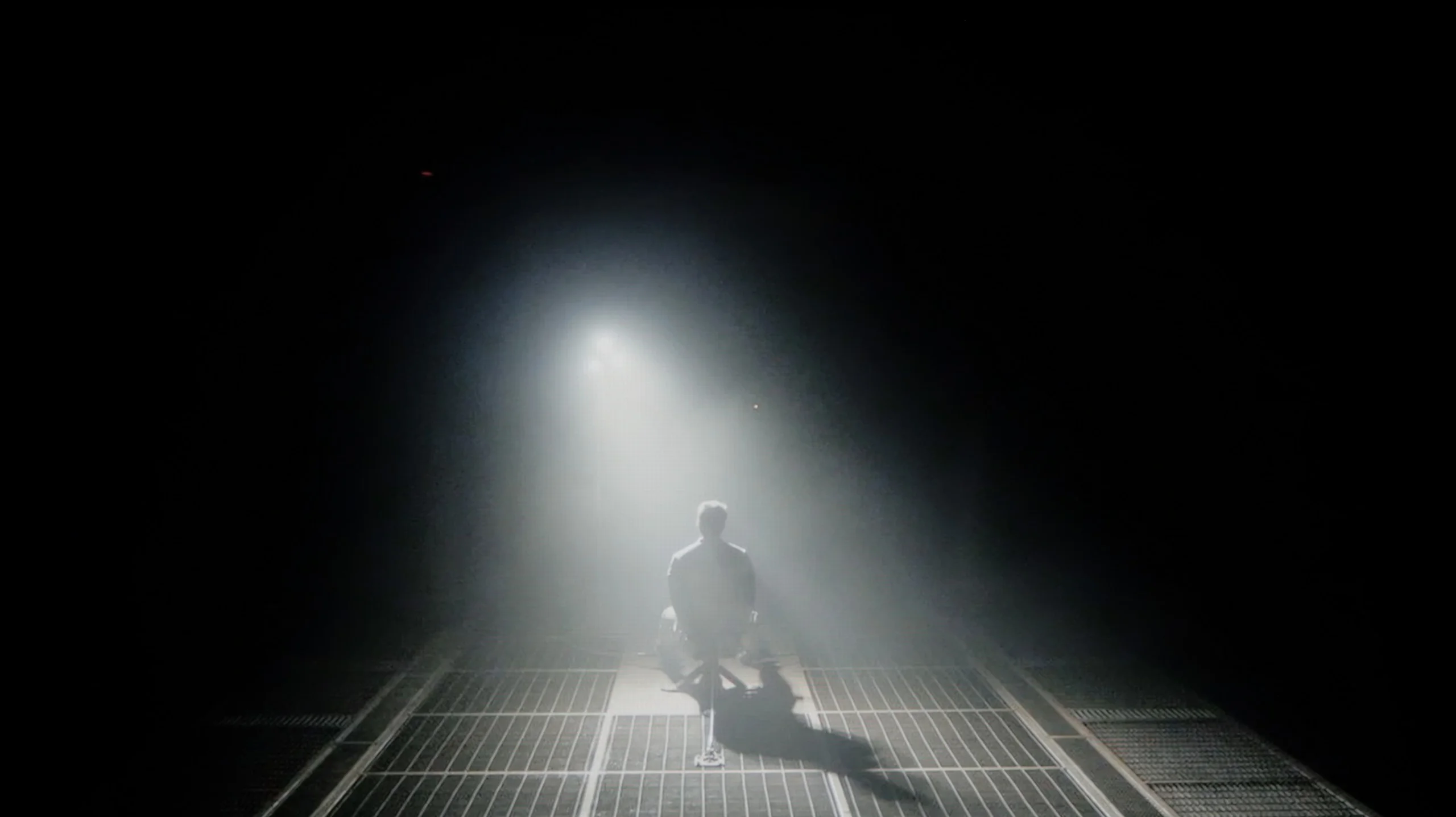
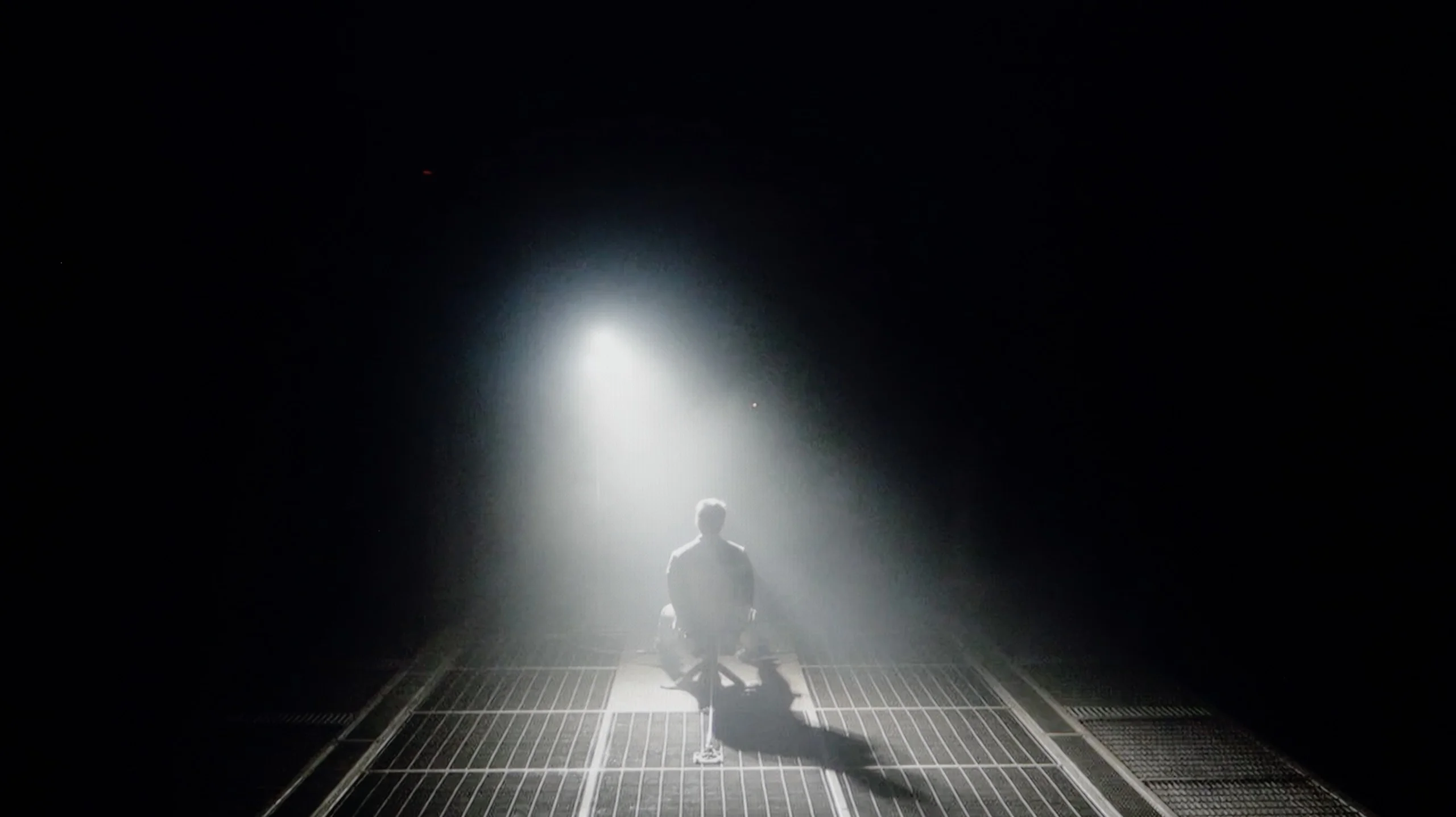
Check the visibility of bright lights on a dark background. Mini-LEDs often struggle with this. The photo does not compare black levels – that’s what the video below is for.
The video accurately shows differences in contrast and black levels between TVs, as well as potential issues: halo around bright objects or Mini-LED zone operation visible as brightness jumps.
The 83-inch version, equipped with a Tandem OLED panel, also offers a picture that makes a stunning impression. Despite the different technology, the final effect remains at an absolutely top level. The black is deep and uniform, without any transparency or imperfections, and the contrast is truly breathtaking. In dark scenes, every detail remains visible, and the separation of lights is perfect – nothing blends together, and the image looks exactly as it should on a reference-class television. This is proof that regardless of the panel used, Samsung has set the bar very high in this series.
The Frame Pro formally belongs to the Neo QLED family, so it features a Mini-LED backlight. But it’s not the same kind of Mini-LED we know from most TVs in this series. Instead of a large number of zones placed behind the screen, this set has only a single row of zones along the edge. In practice it’s an edge-lit design that simply uses smaller LEDs. And unfortunately this becomes quite apparent in blacks. There is simply too little local dimming for the TV to cope well with more demanding scenes. In our measurements contrast most often fell in the range of 3000–5000:1, so it’s hard to speak of the kind of contrast typical of more sophisticated Mini-LED designs.
This is most visible when individual bright elements appear against a dark background. A larger portion of the picture lights up with them, which makes the blacks noticeably shallower, even navy blue. A scene from Sicario 2 illustrates this well. With the zones placed like this, the TV simply doesn’t have the precision to render it any other way. The Frame Pro uses Mini-LED, but its black performance is much closer to simpler designs. It’s a shame, because this was precisely the aspect we complained about most last year.
HDR effect quality
8.6/10
6/10
Luminance measurements in HDR:

Result
2074 nit

Result
2107 nit

Result
2330 nit

Result
2165 nit

Result
1083 nit
Result
834 nit
Result
536 nit
Result
545 nit
Result
460 nit
Result
668 nit
Scene from the movie “Pan” (about 2800 nits)


Scene from the movie “Billy Lynn” (about 1100 nits)


The photos show two HDR10 movies. 'Pan' is one of the brightest productions ever made, while 'Billy Lynn' (soldier) has brightness typical of streaming (Netflix, Prime, HBO MAX). Notice the intensity of effects and detail in whites.
Static HDR10


The photos present the visibility of white details in various HDR formats. They do not show brightness differences between TVs (these can be compared in the previous gallery).
Dynamic: HDR10+
Dynamic: HDR10+


The photos present the visibility of white details in various HDR formats. They do not show brightness differences between TVs (these can be compared in the previous gallery).
HDR luminance chart:
Samsung The Frame Pro 2026 (LS03HW)
SAMSUNG S95F (TANDEM OLED 83")
Luminance of RGB colors
The Samsung S95F in the 83-inch variant with a Tandem OLED panel also manages to enchant with HDR effects. In test film scenes, such as "Life of Pi" or "Sicario 2", where smaller light points dominate – stars in the night sky, the glow of the moon or headlights – the television effortlessly achieves brightness values exceeding 2000 nits. This is a result that not long ago seemed unattainable for OLEDs and positions this model alongside the best Mini-LED constructions.
The limitations of organic panels only reveal themselves in full-screen scenes filled entirely with white. In the case of this model, for instance in the final scene from the film The Meg, brightness drops to around 1000 nits – a bit lower than in the smaller QD-OLED variants, where the result hovered around 1400 nits. Nevertheless, we are still talking about a remarkable result, unprecedented in OLED televisions of this size. The colour reproduction is equally impressive. The new Tandem OLED panel virtually catches up with QD-OLED televisions, offering excellent coverage of a wide colour gamut. The results are slightly weaker than with QD-OLED, but in practice, they still provide an image whose intensity and naturalness of colours are hard to compare with any other television.
One thing you cannot deny The Frame Pro is: brightness. At peak we measured around 850–900 nits, so the TV already has enough power to show many HDR scenes really impressively. Bright, full‑screen shots and more colourful frames perform best here. In such scenes The Frame Pro can make a good impression because the image is bright, punchy and has the effect we expect from HDR. In our measurements some scenes reached over 800 nits, and even in more challenging segments the TV maintained a quite respectable brightness level.
The problem starts when HDR depends on small bright elements shown on a dark background. Individual lamps, stars or highlights can be bright, but very often the black level across a larger part of the image also rises. As a result the bright point itself may look good, but the whole frame loses a lot of quality. Therefore The Frame Pro shows HDR best in scenes that are simply full‑screen. If a film or TV series has plenty of such shots, the effect can be really pleasant. In darker material the limitations of local dimming are much more noticeable.
Colours
The Frame Pro should be praised for its colour gamut coverage. The TV uses quantum dots, the solution known as QLED, which allows it to reproduce very well saturated colours. In our measurements coverage of the most important film gamut DCI‑P3 was around 94.5%, while the more demanding BT.2020 was about 72%.
These are very solid results that in most scenes allow for pleasant, saturated colours. Of course these figures are not as spectacular as in the latest screens using RGB backlighting, but The Frame Pro makes up for that with something else: colour stability. Regardless of the scene, colour saturation remains fairly consistent and there are no situations where the TV loses colour badly in more demanding shots.
Factory color reproduction
6/10
5.5/10


This illustrative image shows how colors change after professional calibration. If you can see the difference, you can order it from SkalibrujTV – it's our own service.
Factory mode
After calibration


This illustrative image shows how colors change after professional calibration. If you can see the difference, you can order it from SkalibrujTV – it's our own service.
Factory mode
After calibration
The best picture mode straight out of the box is undoubtedly Filmmaker Mode. This is a mode that has been available in Samsung televisions for several years and is intended to reproduce the image as faithfully as possible to the creators' vision. In SDR material, it performs reasonably well, although not without faults. The image is slightly subdued, and the white balance tends to shift towards red and blue, resulting in a slight pinkish tint on the screen. The average colour errors hover around a value of ΔE 3–4, which is at the limit of what most people can discern with the naked eye.
Much more pronounced are the limitations when it comes to HDR content. Here, a slight excess of blue in the white balance is not such a big problem – the real obstacle is the way the television manages brightness. In many scenes, the image appeared as if it had been overexposed, and details in the blacks could completely disappear. The final effect did not reflect what the hardware of this class is capable of and led to significant colour errors. It's hard to understand why such a factory characteristic was chosen, as the HDR reception in this version was definitely not what it should have been.
In SDR material The Frame Pro in Filmmaker mode performs quite well, though it falls a little short of perfect. The white balance is relatively even, but as brightness increases the blue component drops, so the brighter parts of the image can have a slightly warmer tint. A bigger difference is visible in the gamma, that is the handling of the screen's brightness. For most of the range it runs below our reference point, which means the TV slightly brightens midtones. As a result the image can appear a little brighter and less contrasty than it should. The colour errors themselves are not huge, but they are noticeable enough that calibration could still bring considerable improvement.
In HDR content the white balance looks similar — for a large part of the range it is fairly even, with larger deviations appearing only at higher brightness. The EOTF curve is more interesting. The Frame Pro sticks reasonably close to the reference values in the brighter part of the image, but clearly brightens the darkest sections. This is mainly due to the design of the TV's backlight. That also affects colours. With less saturated hues the errors remain moderate, but as saturation increases they become much larger. In Colour Checker measurements a large portion of samples already show high error values. The factory HDR can therefore be regarded as decent, but it is certainly not an image we would call very faithful.
Color reproduction after calibration
9.4/10
8.5/10


The photos show how movies look on the TV. Pay attention to black detail visibility, colors, and shadow tint.


The photos show how movies look on the TV. Pay attention to black detail visibility, colors, and shadow tint.
After calibration, the S95F shows what it is truly capable of. The white balance has been corrected and minor inaccuracies adjusted, resulting in an almost exemplary image for SDR content. The colour differences have dropped below the level that the human eye can perceive – looking at the screen gives a sense of complete naturalness and colour coherence.
In HDR, the improvement is equally noticeable. The TV performs much better with brightness, eliminating the issue of "blowing out" the entire frame. Bright scenes are more controlled, and blacks retain more detail, although there can still be a slight brightening of the image as a whole. However, this does not change the fact that after calibration, the S95F delivers an image that can comfortably be called one of the best on the market – regardless of whether we are watching movies in SDR or spectacular productions in HDR.
After calibration the biggest improvement is visible above all in SDR content. We managed to even out the white balance, but the more important change was the gamma correction, which before calibration had the greatest influence on the image character. After the adjustments the gamma curve is now very close to the reference, so the picture is not as bright in the midtones and simply looks more natural. Colour errors have also been significantly reduced, so the effect of calibration in SDR is clearly visible.
With HDR the situation is somewhat more complex. White balance has been improved and over part of the range the TV stays much closer to the reference, but deviations still appear at higher brightness levels. The same applies to colour reproduction: some errors can be corrected, but not all stem from the settings alone. This highlights the limitations of the TV's design and the way its backlight and local dimming affect HDR images. Therefore, with The Frame Pro calibration makes the biggest difference to everyday viewing. Regular TV, YouTube and films and series in SDR (mainly those from the cheaper tiers of streaming services) can look noticeably better afterwards.
Smoothness of tonal transitions
8.6/10
9.5/10
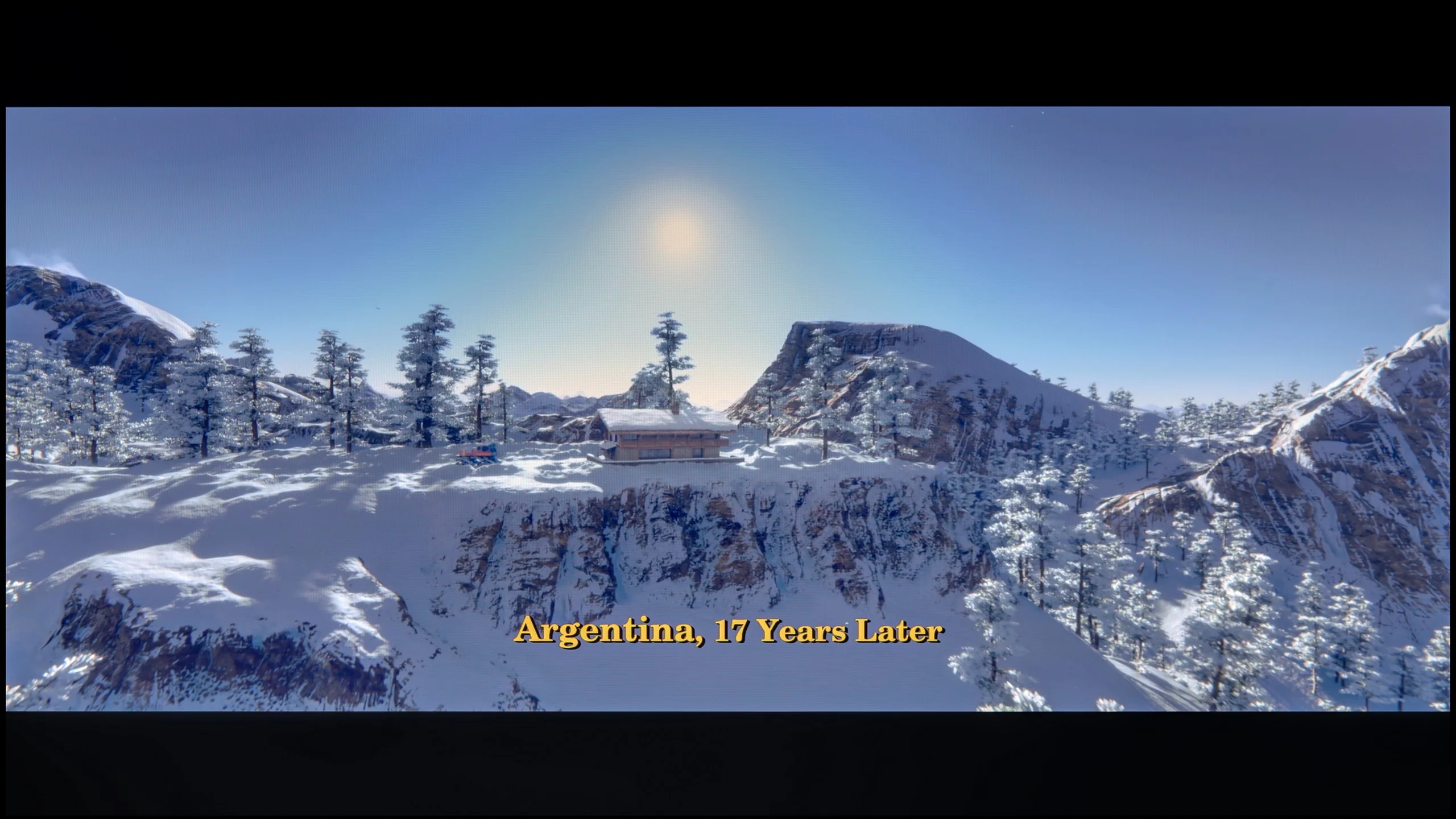

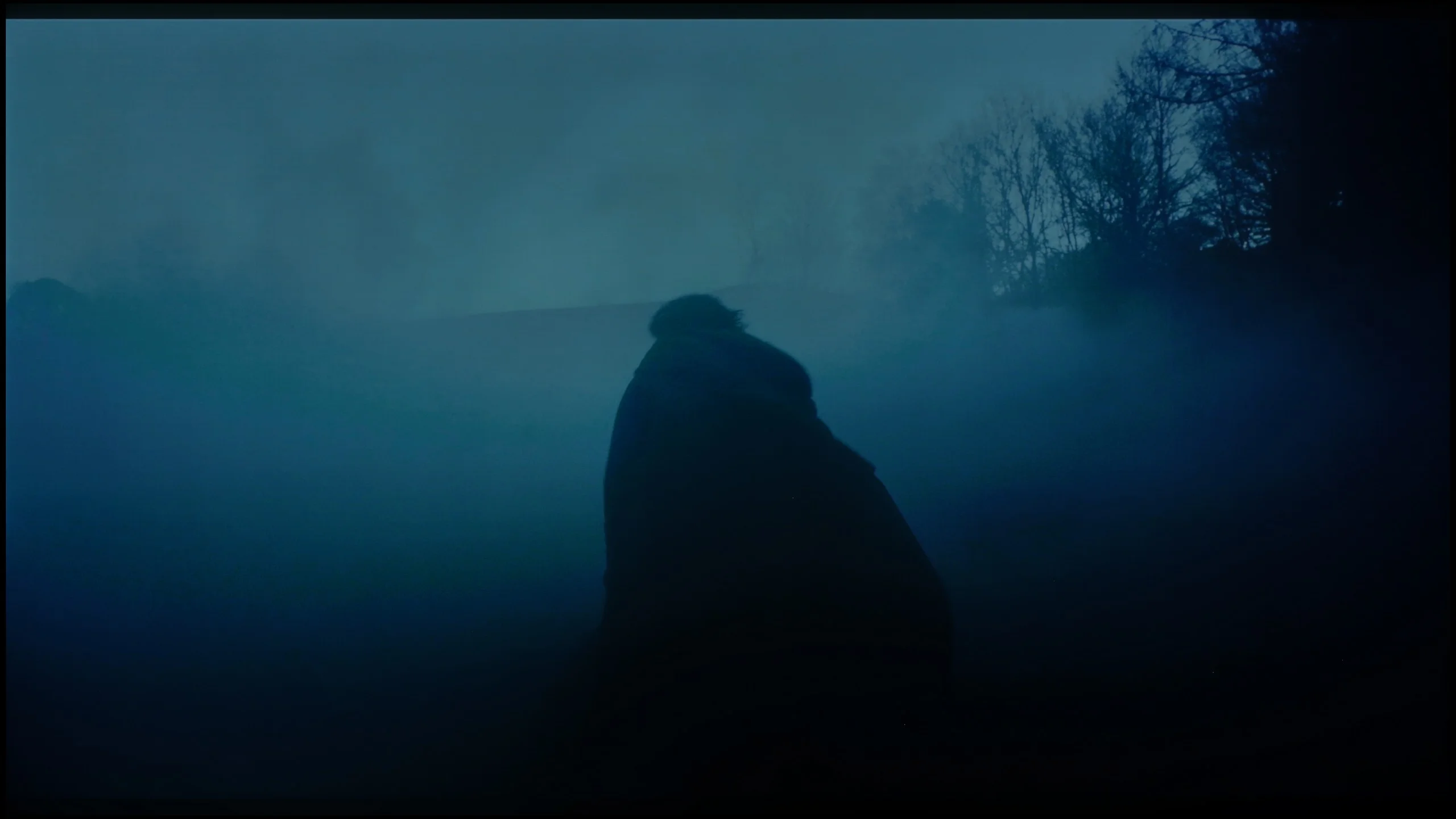

These are selected scenes that show smooth tonal transitions from one color to another. If you see distinct banding, it’s the TV panel’s fault.

These are selected scenes that show smooth tonal transitions from one color to another. If you see distinct banding, it’s the TV panel’s fault.
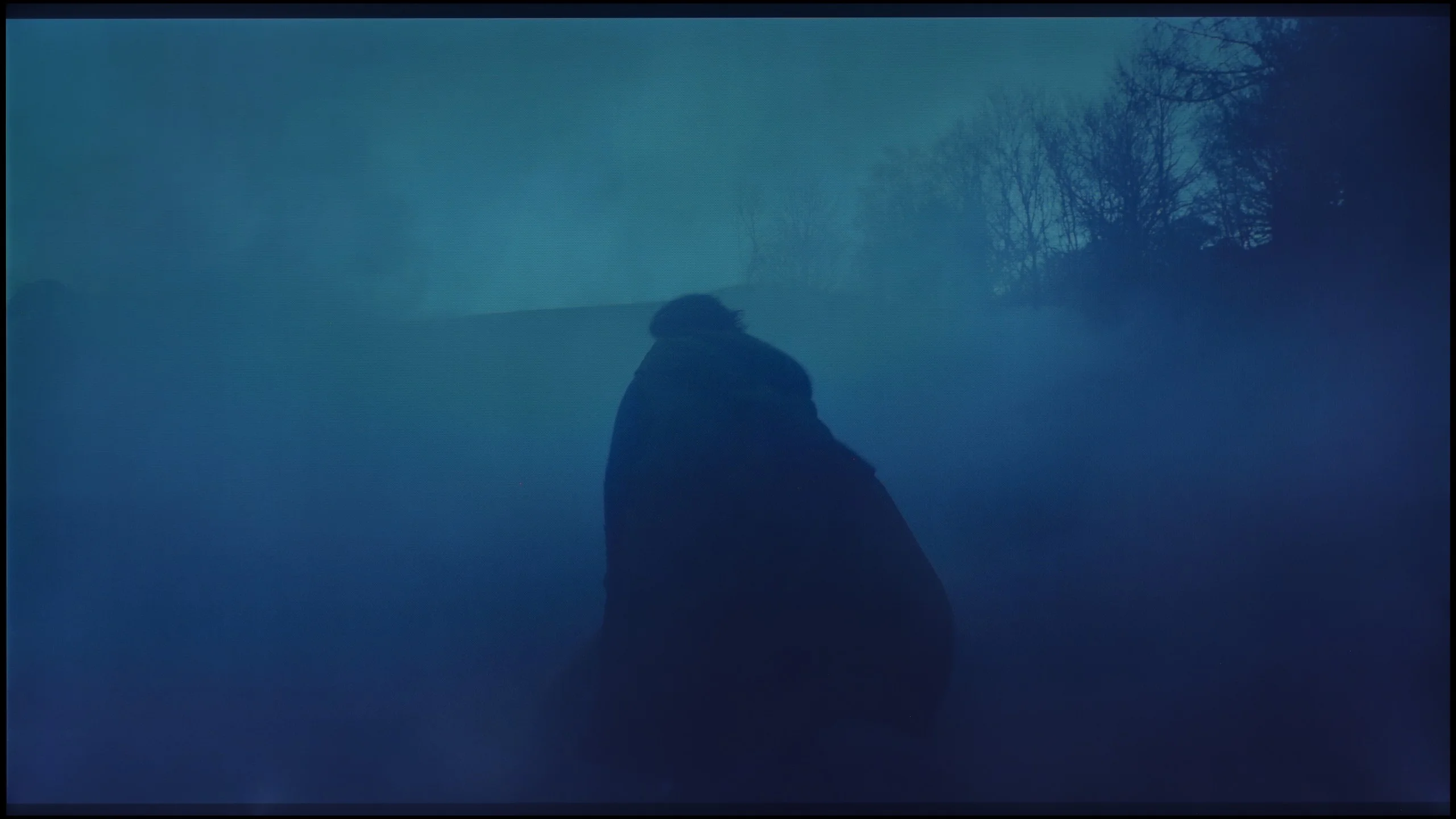
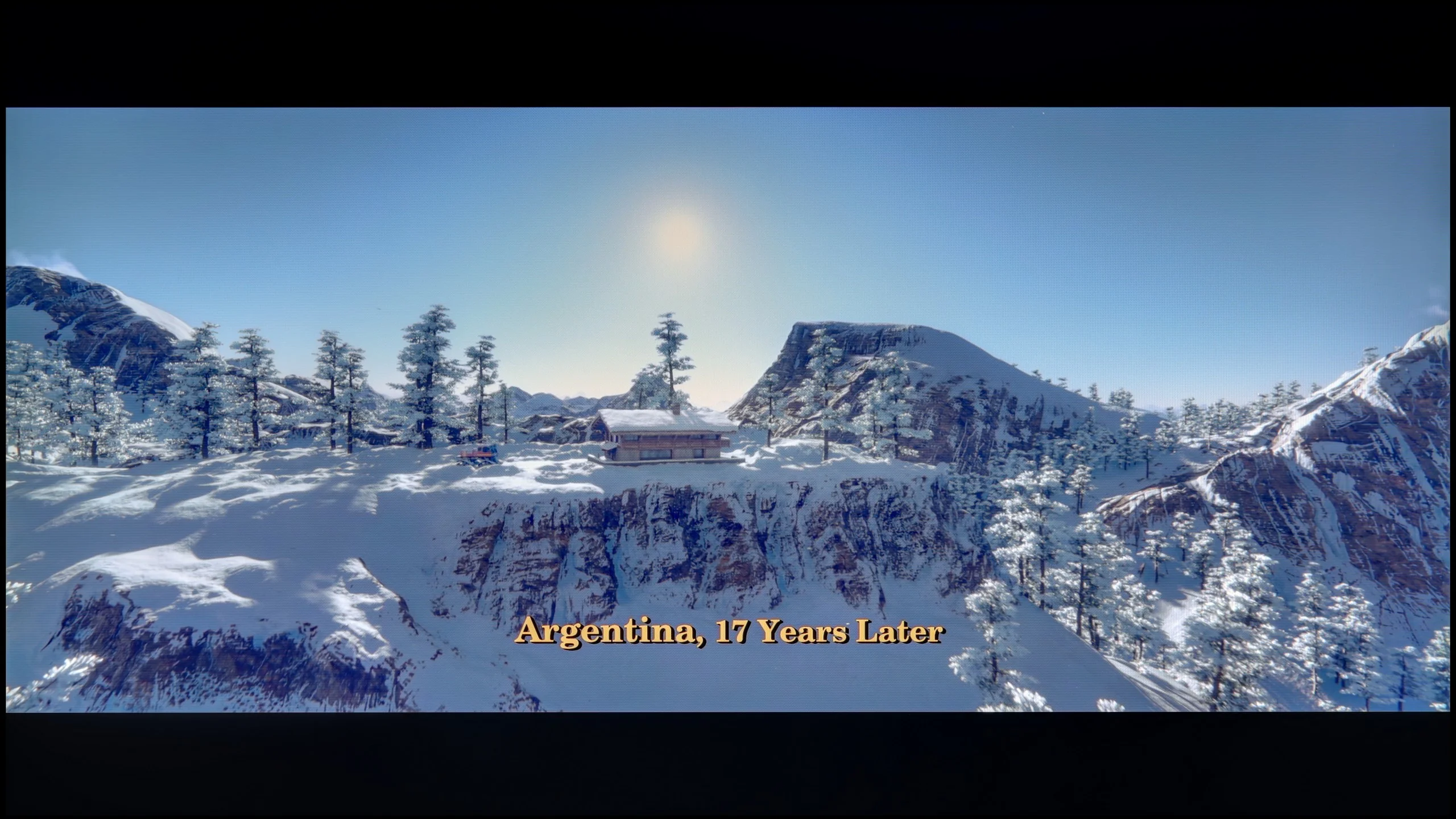
These are selected scenes that show smooth tonal transitions from one color to another. If you see distinct banding, it’s the TV panel’s fault.

These are selected scenes that show smooth tonal transitions from one color to another. If you see distinct banding, it’s the TV panel’s fault.
The S95F version with the Tandem OLED panel also handles the fluidity of tonal transitions very well. Although WOLED panels have not typically been the strongest in this category, it is difficult to spot any serious issues here. The gradation of colours is smooth and natural, and the only minor imperfections may appear with brighter colours. However, they are not significant enough to spoil the overall impression of the picture – the whole thing presents itself at a really high level.
In terms of the smoothness of tonal transitions, The Frame Pro performs really well. In most content there is no obvious banding or unpleasant transitions between similar shades, and gradients look smooth and natural. Even in more demanding scenes with fog or dark transitions, issues are very rare. This is definitely one of the model's stronger points.
Image scaling and smoothness of tonal transitions
7.5/10
7.5/10


Smooth transition function
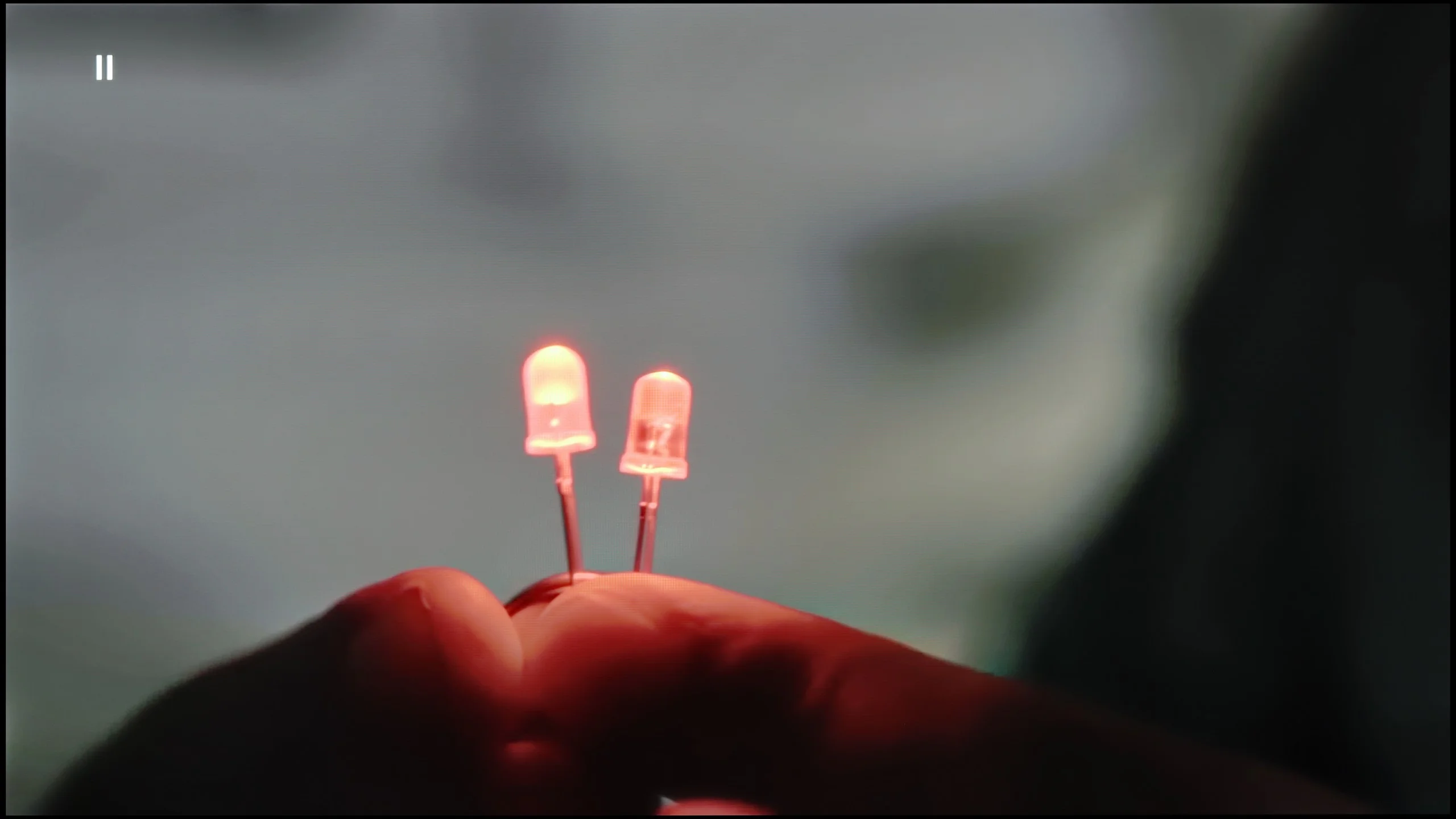
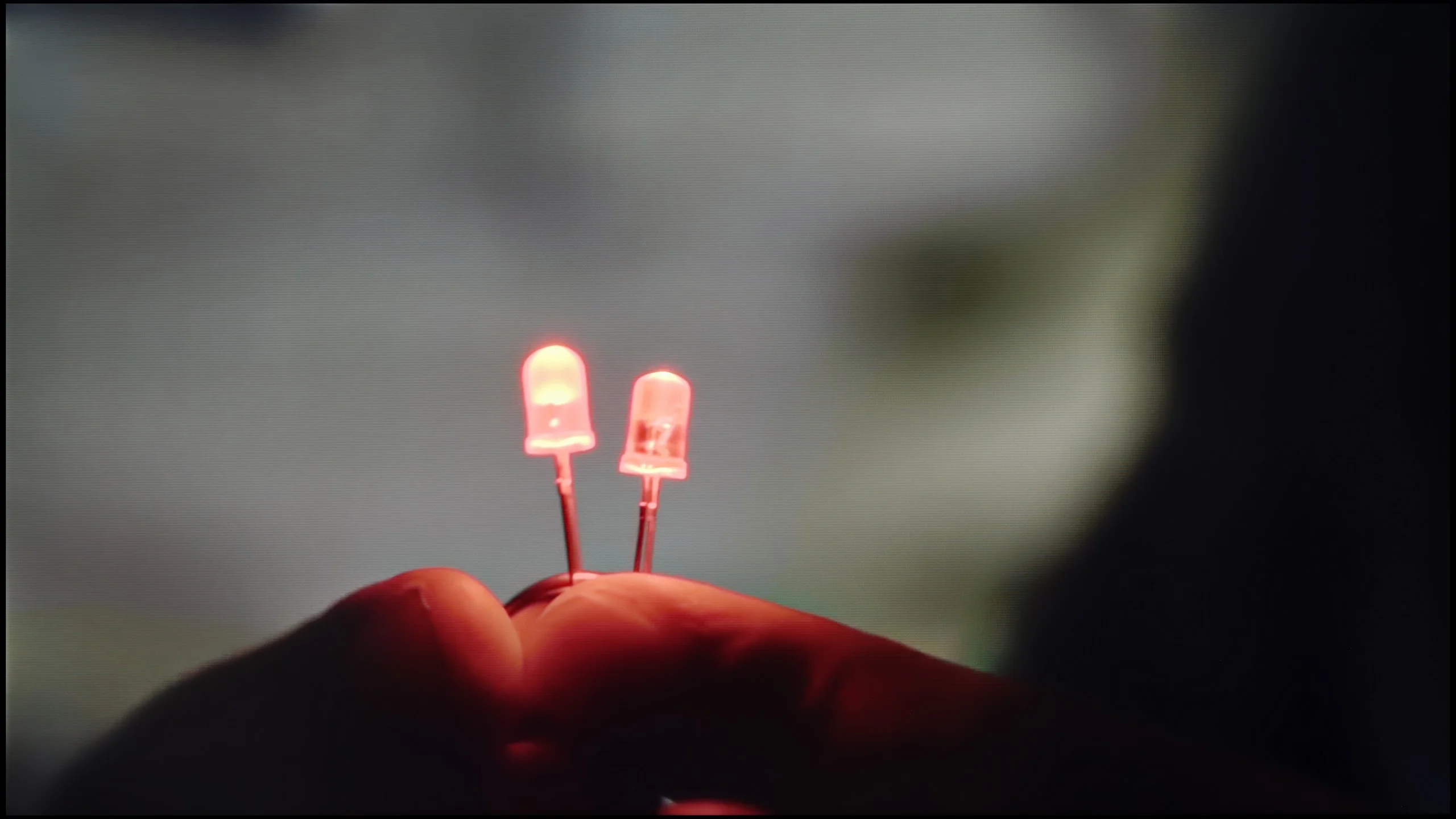
The match photo shows how the TV smooths weak tonal transitions in low-quality video.
Image scaling SD (576i)


The model photo shows how it handles upscaling of SD material.
In the Samsung S95F model, there is a noise reduction feature aimed at improving the smoothness of tonal transitions. Its operation can hardly be called ineffective – on the contrary, it can overly interfere with the image. Older films or materials of poorer quality, such as those from YouTube, acquire a soft, smoothed character thanks to it, reminiscent of a painting effect. The problem is that along with the noise, the natural film grain disappears, stripping the image of its cinematic character. Fortunately, the feature does not blur significant details, so its use is more a matter of taste. If someone prefers a slightly polished and smooth image, it is worth enabling, but in our opinion, the most sensible setting is “Standard”.
A better impression is left by the upscaling. The S95F efficiently enhances the quality of lower resolution content – even 576p video looks quite good, although minor artifacts in the form of blockiness can be noticed. Overall, the effect is very solid, although when compared to competitors – such as the Sony Bravia 8 (II) or LG G5 – it is noticeable that those models can extract a bit more from the image. However, it is worth remembering one inconvenience: with older films and photos, there is an overscan issue that causes a slight cutting off of the left edge of the image.
The Frame Pro uses the NQ4 AI Gen3 processor, so in terms of image processing it behaves very similarly to other newer Samsung TVs. Upscaling works really well – lower-resolution content is appropriately sharpened and the picture remains clear without excessive edge enhancement. With regular broadcast TV or lower-quality YouTube material this can provide a noticeable improvement, although viewers watching even older material, e.g. from VHS tapes, may notice a slight cropping of the image on the left side (overscan).
It's a bit different when improving more highly compressed footage by reducing noise and artefacts such as posterization. The "Noise reduction" function can improve poor material, but fairly quickly it begins to alter the picture and remove fine details and grain. Therefore it's best to use it sparingly and mainly when the source truly requires it.
Blur and motion smoothness
8.5/10
7.9/10
Blur (native resolution, maximum refresh rate):






Blur (BFI function enabled):
Image flickers in this mode



Image flickers in this mode



Blur (4K@165Hz):



Blur (1080p@240Hz):


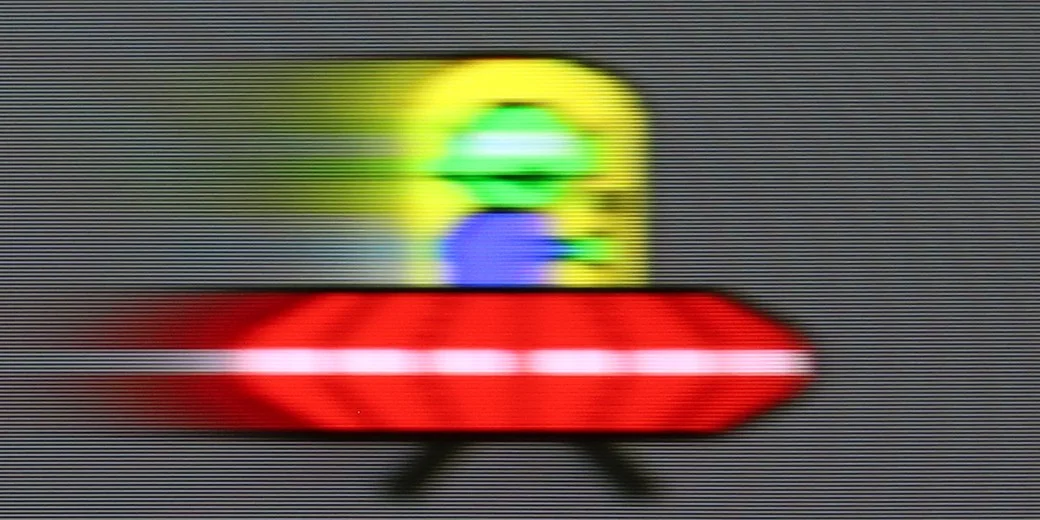
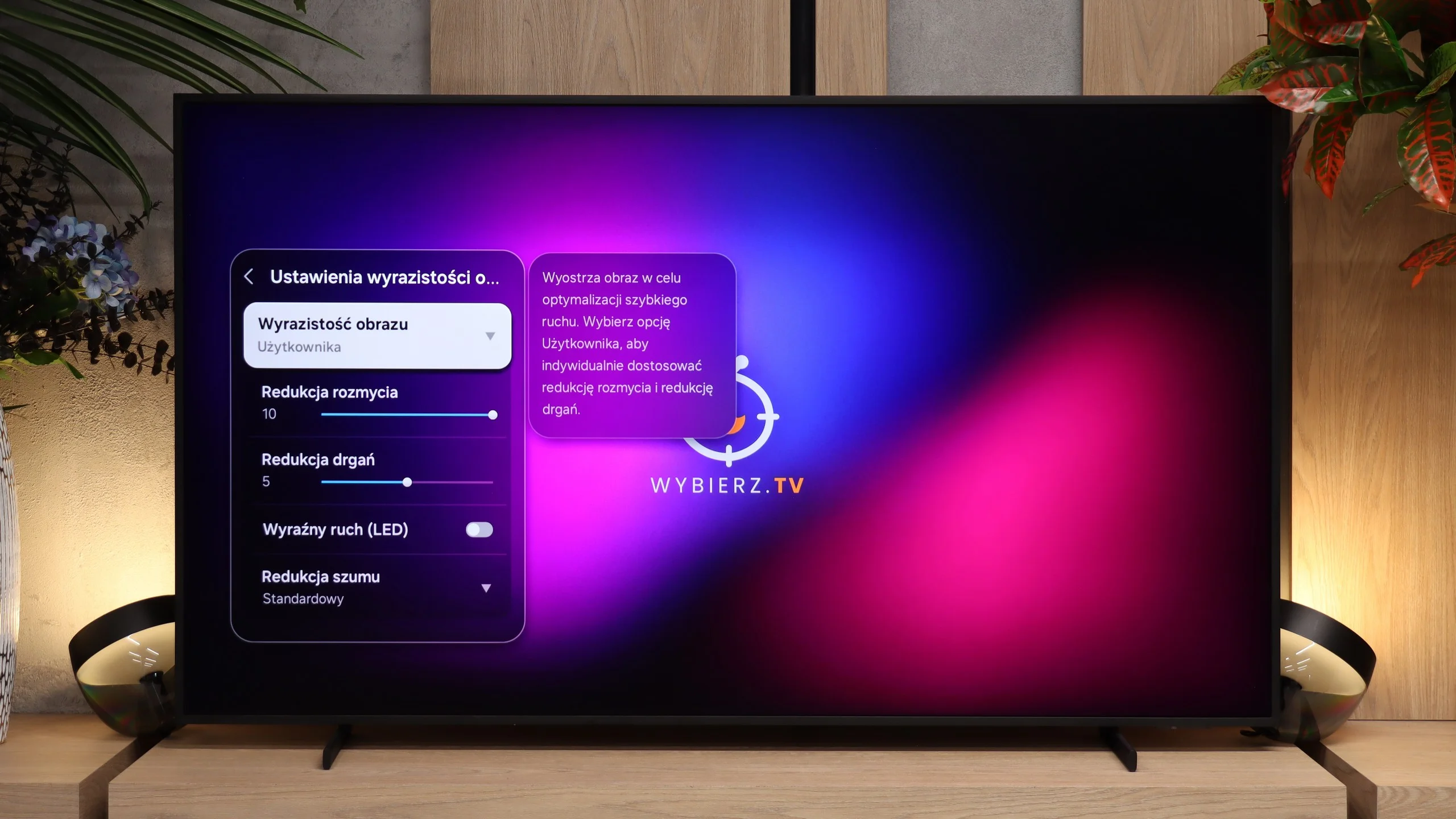
In the case of the 83-inch S95F with a Tandem OLED panel, the fluidity of motion also makes a huge impression. The panel, with a native resolution of 4K, offers a refresh rate of 165 Hz, and this combined with organic technology makes games and sports look superb. Additionally, the manufacturer has added a film smoother and a motion blur reduction system, allowing each viewer to adjust the image to their own preferences – whether it's a more "frame-rate" cinematic effect or a smooth, almost theatrical spectacle.
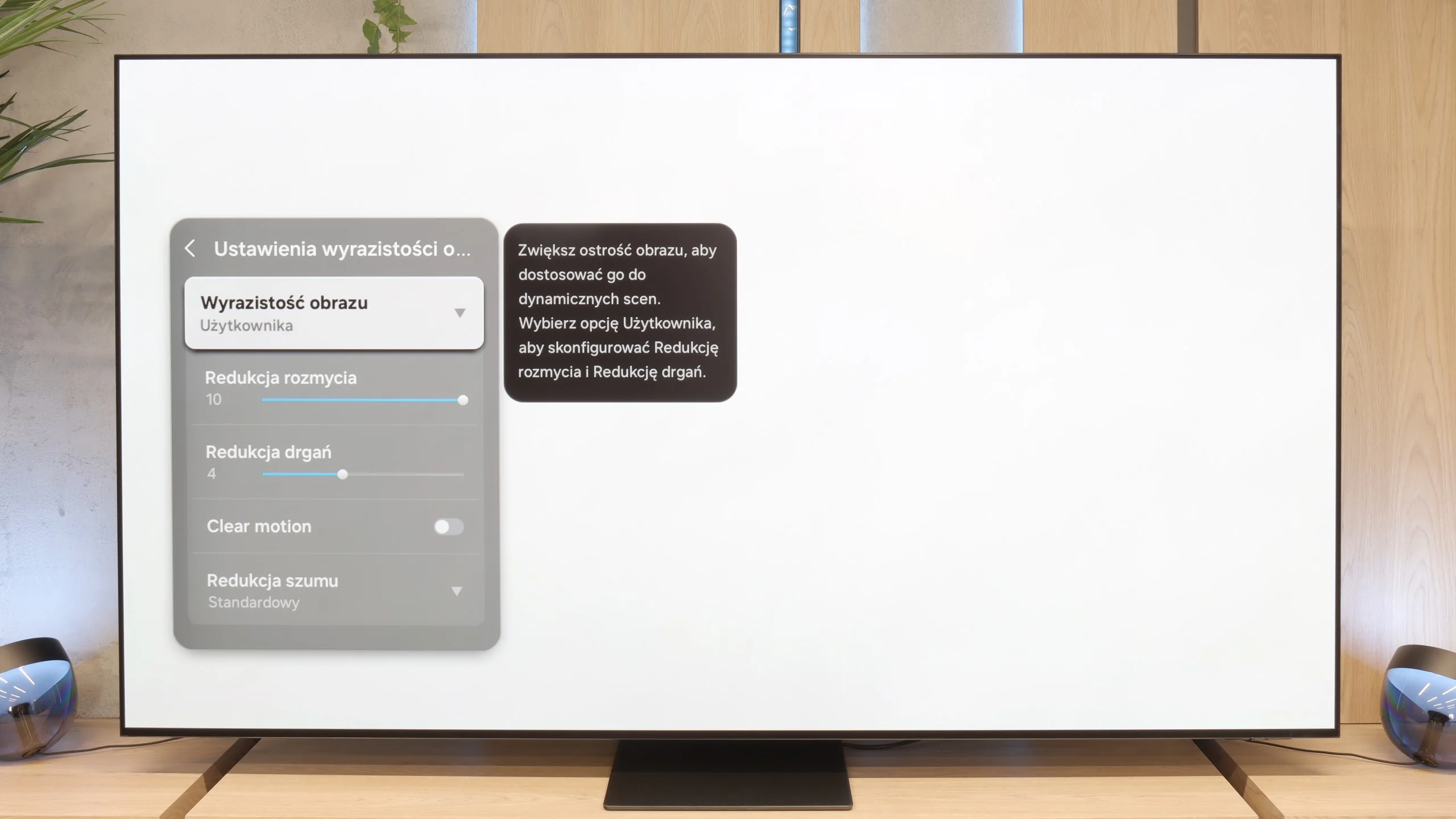
The Frame Pro comes with a 144 Hz panel, and when connected to a PC it also supports 240 Hz at Full HD resolution. That feature is primarily aimed at PC gamers, but the TV also performs very well at the standard 120 Hz refresh rate used for watching sport or gaming on consoles. A key advantage is the low level of motion blur. For a VA panel, The Frame Pro does very well in this respect. You don't see the strong, dark trailing smears behind moving objects that we often encounter on TVs with this type of panel. As a result, fast-paced sport and dynamic games remain clear in motion. Of course there's also motion smoothing with adjustable smoothness, so for films and sports broadcasts we can tailor the motion character to our preferences. You'll find our recommended settings in the photo.
Console compatibility and gaming features
9.6/10
9.6/10
- ALLM
- VRR
- VRR range48 - 165Hz48 - 240Hz
- Dolby Vision Game Mode
- Correct implementation of HGIG
- 1080p@120Hz
- 1440p@120Hz
- 4K@120Hz
- Game bar
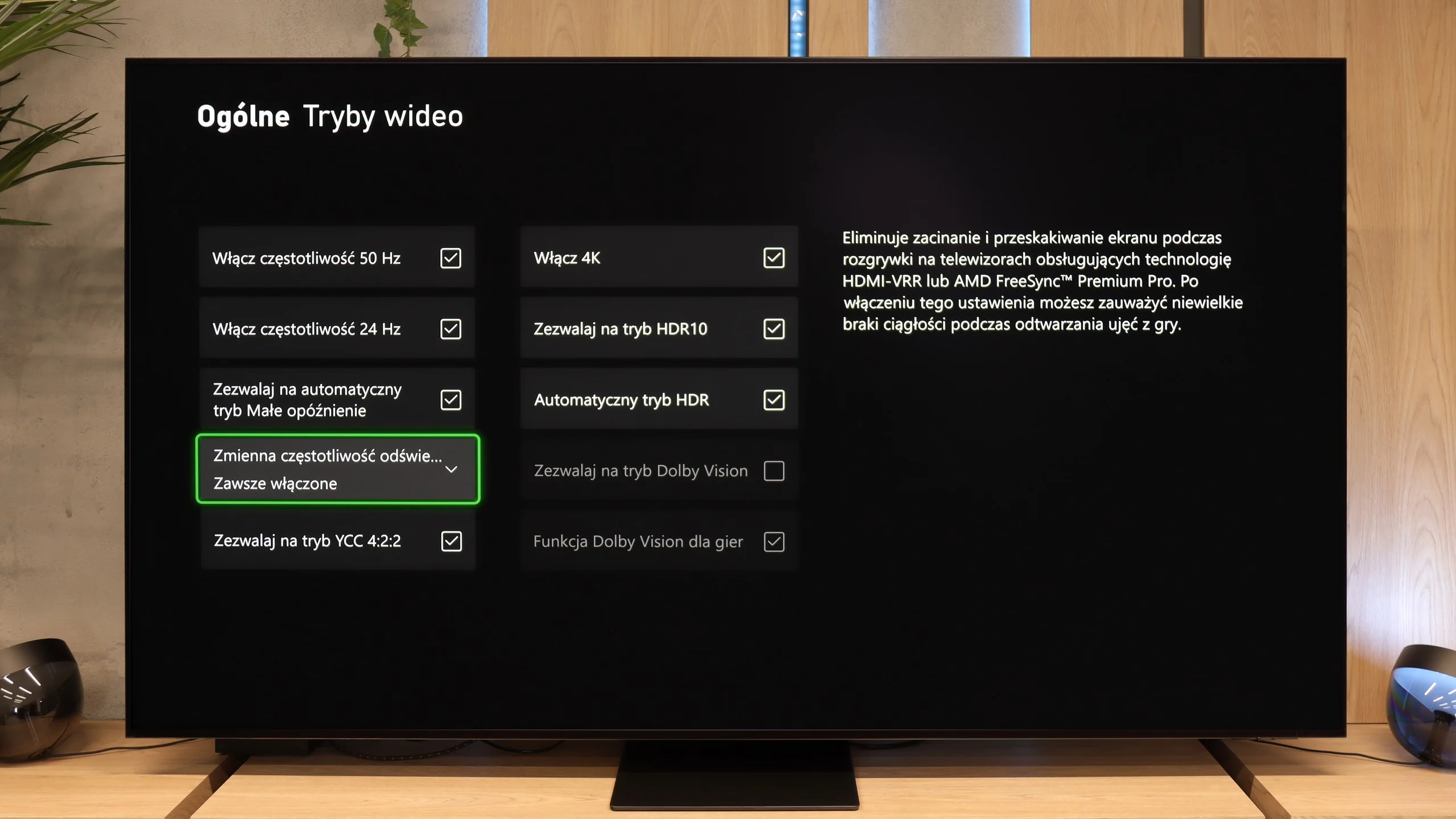
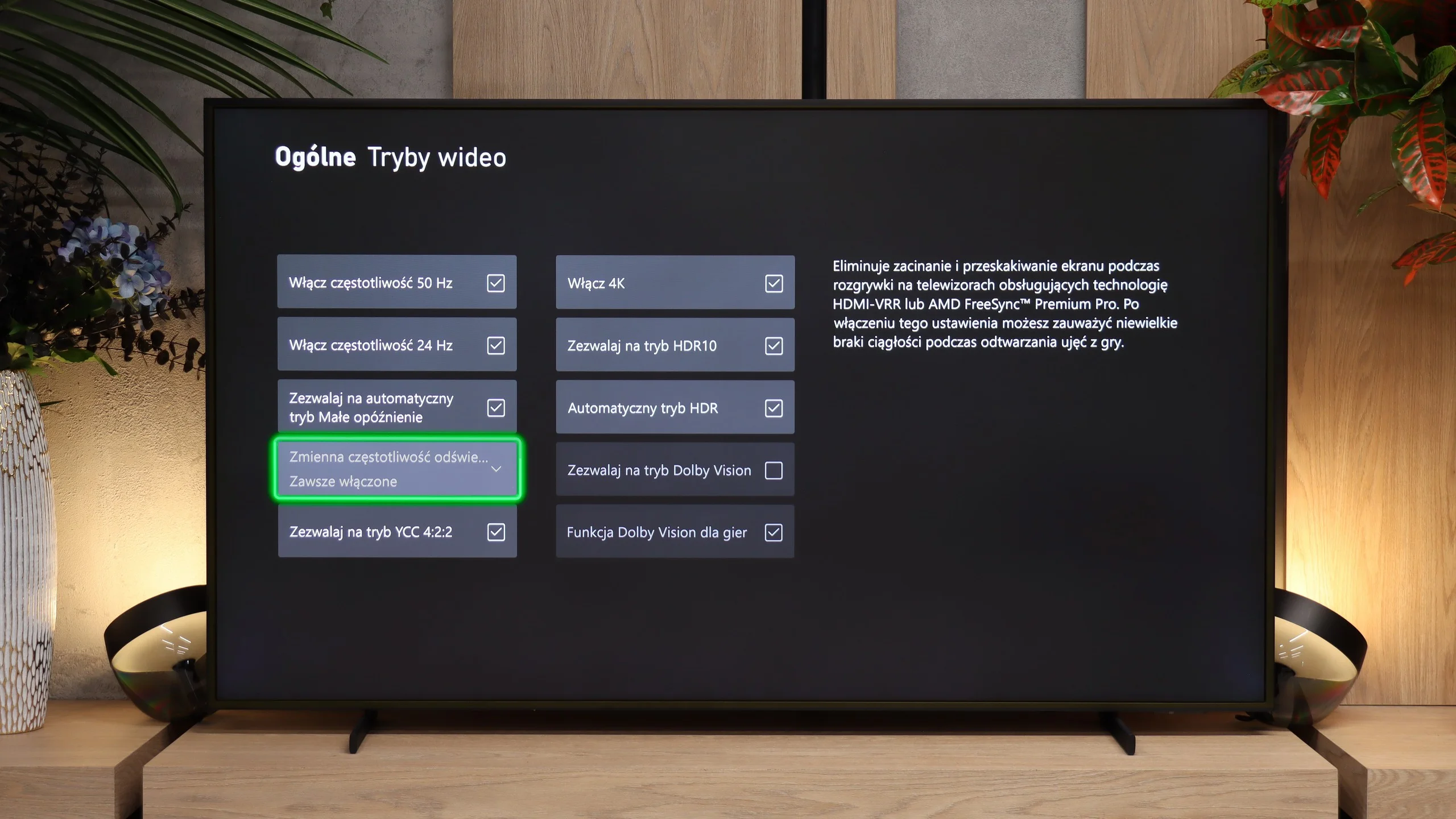
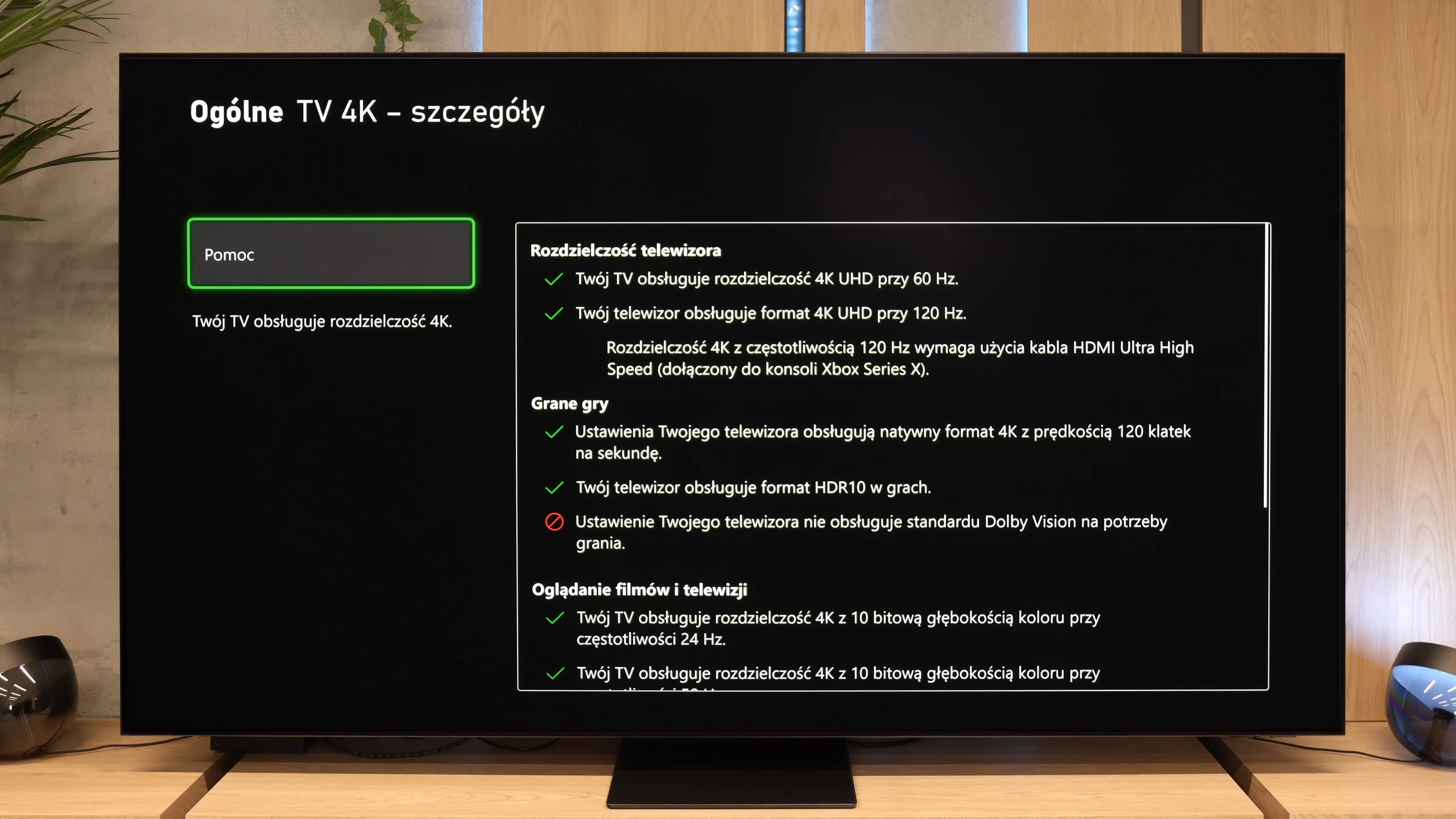
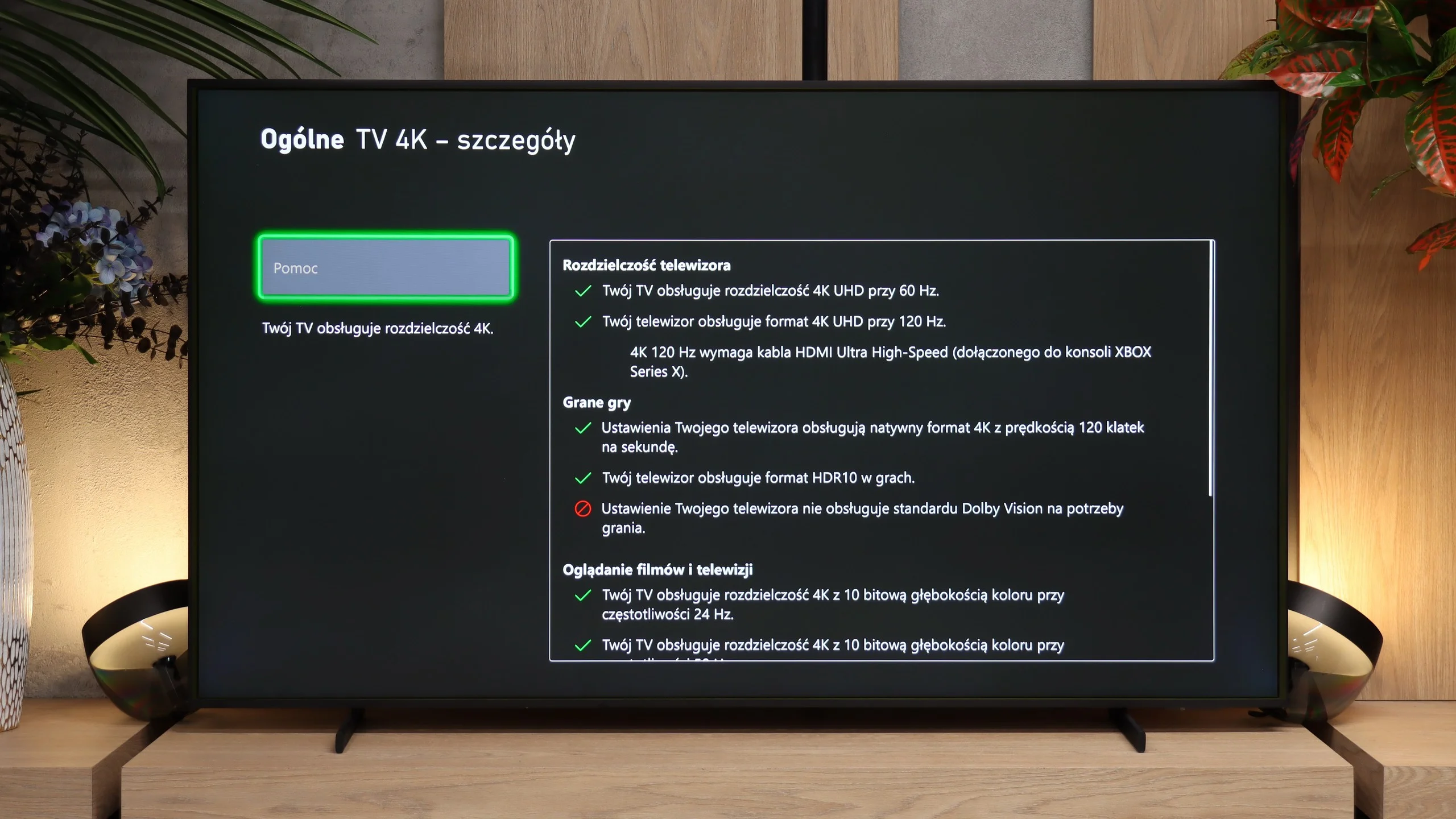
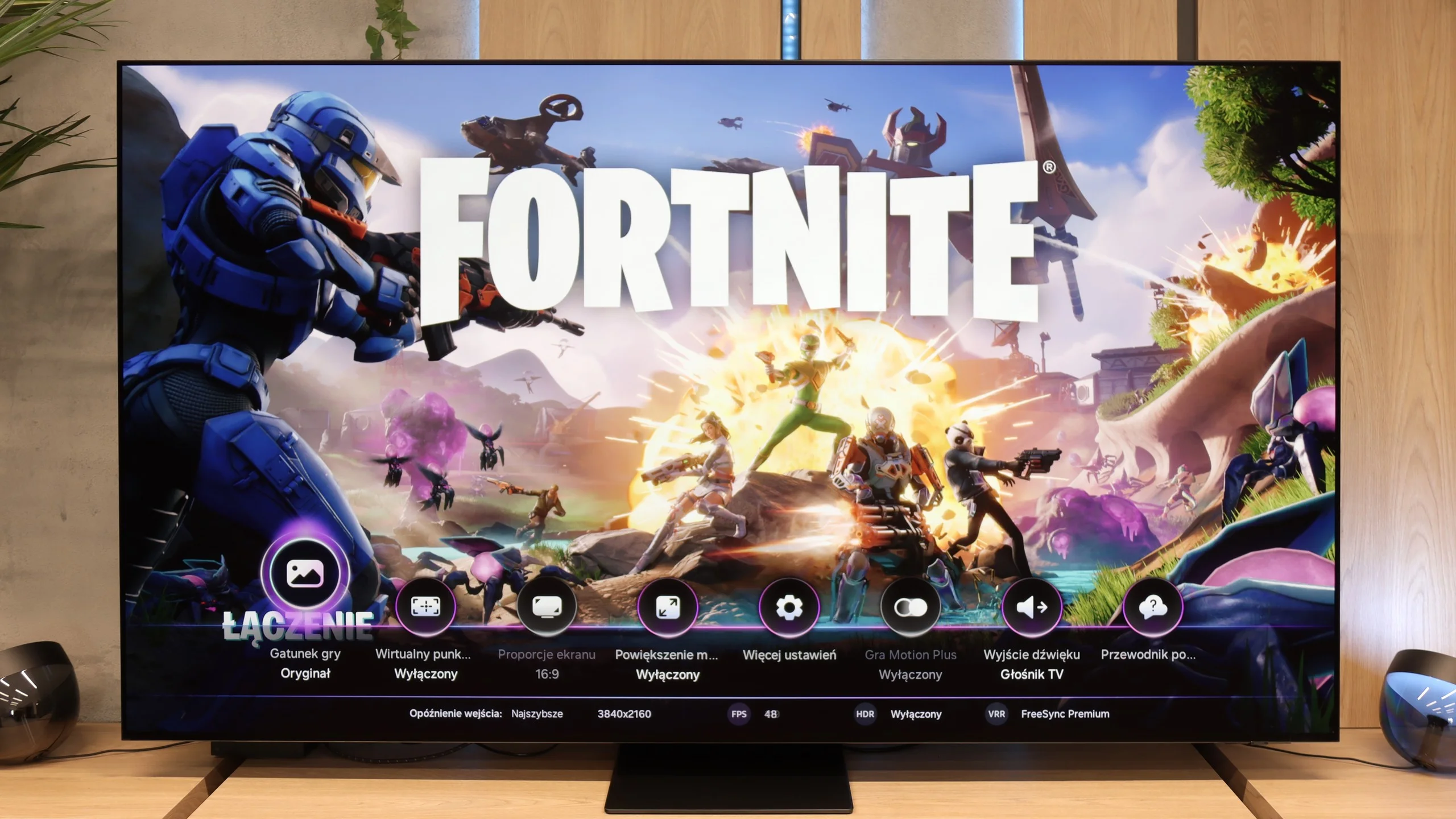
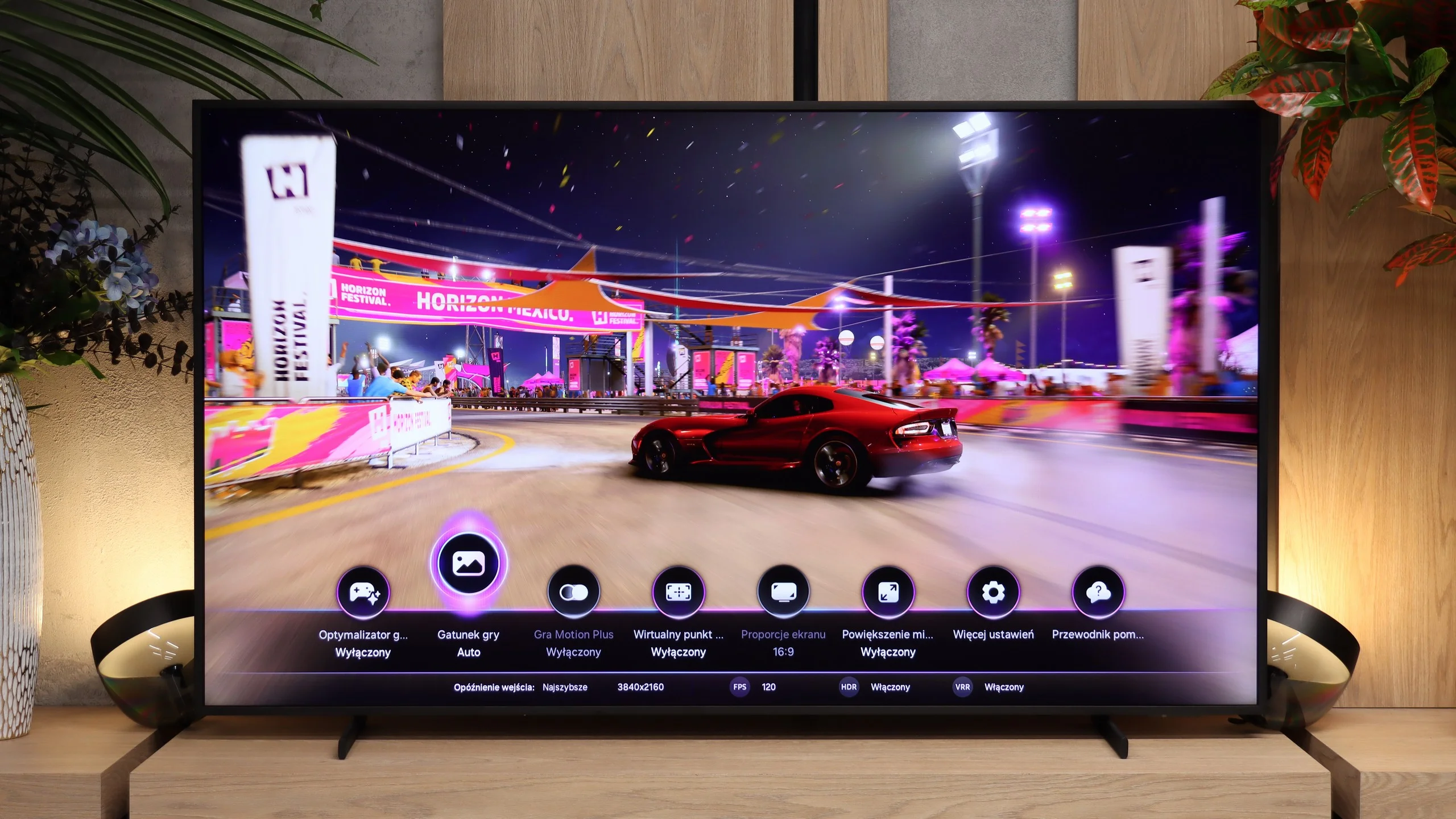
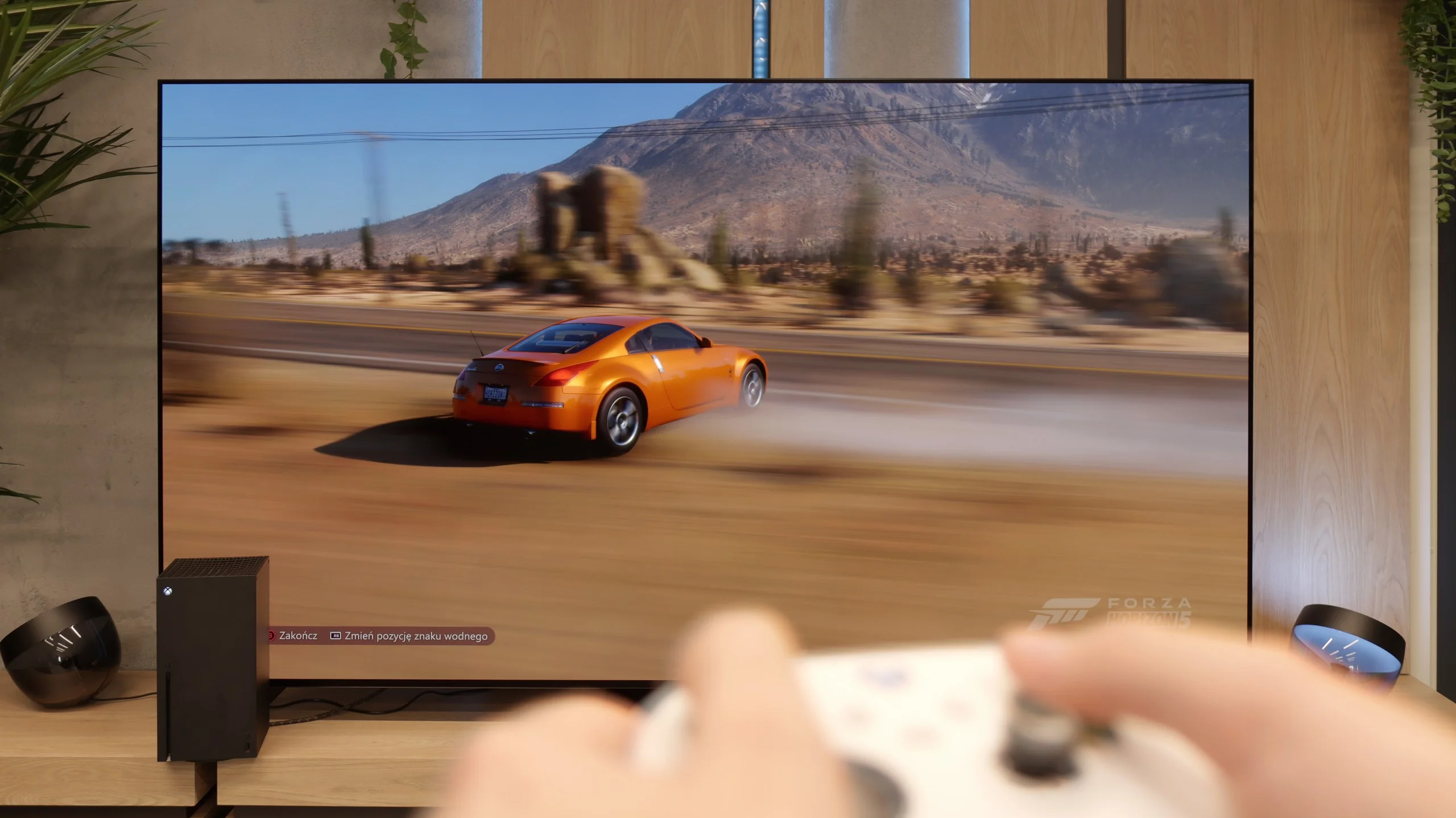
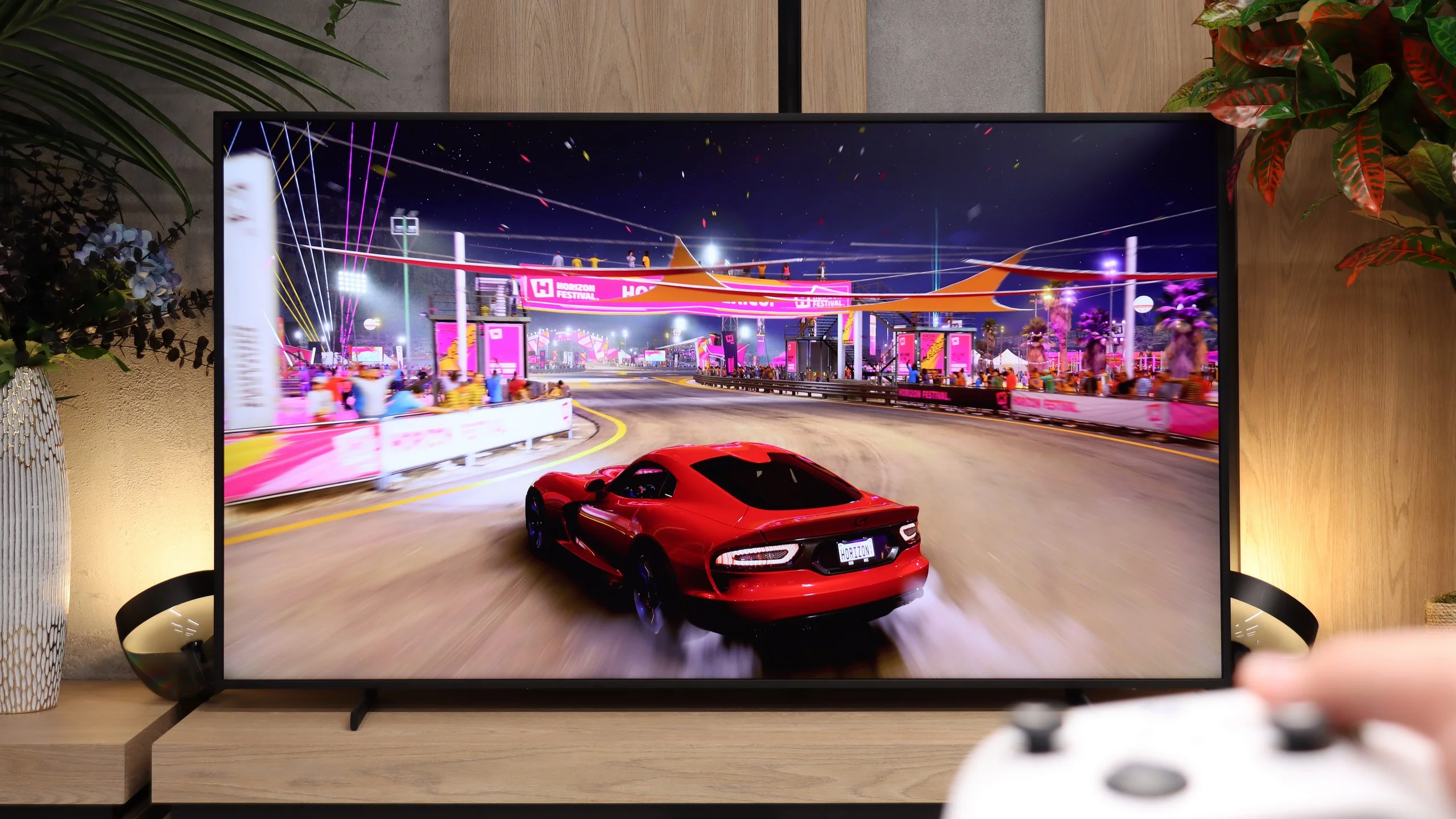
Low smearing and phenomenal motion fluidity, which are the hallmarks of OLED displays, are just the warm-up. The Samsung S95F has been designed with gamers in mind – and this is evident at every turn. Four HDMI 2.1 ports with a bandwidth of 40 Gb/s may sound like a compromise on paper, but in practice, neither consoles nor PCs will experience the slightest limitation here. On board, there is a full set of gaming features: Variable Refresh Rate (VRR), Auto Low Latency Mode (ALLM), as well as a flawlessly implemented HGiG standard that allows you to enjoy HDR exactly as the creators intended. All of this is complemented by Game Bar – an intuitive command centre where you can check and adjust the most important settings in seconds.
Particular attention should also be paid to Game Motion Plus, Samsung's proprietary motion smoothing technology. It can add extra fluidity to animations, which can be a lifesaver in games running at 60 frames per second, where stability doesn't always hold up. Indeed, support for Dolby Vision in games is lacking, but it’s hard to consider this a serious flaw – the manufacturer compensates for this gap with other solutions. The S95F is one of the absolute favourites for the title of the best gaming television on today's market.
Functionally for gamers The Frame Pro has a great deal to offer. The TV supports 4K at 120 Hz, VRR, ALLM and a properly implemented HGiG. When connected to a PC you can also use 144 Hz at 4K, and even 240 Hz when dropping to Full HD. Samsung also includes its standard suite of gaming extras. There is an expanded Game Bar that lets you quickly view and change the most important settings, and Game Motion Plus, which can improve the smoothness of games running at 30 or 60 frames per second. On top of that there is the Gaming Hub and the option to play in the cloud without needing to connect a console. The only real omission is Dolby Vision Gaming, which Samsung does not support. Apart from that, The Frame Pro offers virtually everything you can expect from a well-equipped gaming TV today.
Input lag
10/10
10/10
SDR
HDR
Dolby Vision
The input lag on the Samsung S95F is absolutely top-notch – just 5 ms with 120 Hz content is stunning. The response to our actions on the controller is almost instantaneous, providing a sense of complete control over the gameplay. Of course, with 60 Hz content, the lag is doubled, but even 10 ms is hard to consider a reason for complaints – it’s still a result that will satisfy both demanding gamers and e-sports perfectionists.
On The Frame Pro, input lag depends mainly on where you plug in your console or PC. We measured it with a direct connection to the Micro HDMI 2.1 port on the back of the TV, because that is the setup we'd recommend for gaming. In that case the results are very good, about 13 ms at 60 Hz and 7 ms at 120 Hz.
A much worse picture appears when the console is connected to the wireless One Connect module. In our case the module sat about 2.5 metres from the TV, next to the sofa and with no major obstructions in between. Despite that, the delay increased to roughly 60–70 ms at 60 Hz and 30–40 ms at 120 Hz. And you can really feel that difference. So if you want to play on The Frame Pro, it's best to plug the console directly into the TV.
Input lag Wireless One Connect (approx. 2.5 m from the TV)
SDR | HDR |
|---|---|
1080p 60 Hz: 61 | 2160p 60 Hz HDR: 71 |
1080p 120 Hz: 39 | 2160p 120 Hz HDR: 32 |
2160p 60 Hz: 63 | |
2160p 120 Hz: 32 |
Compatibility with PC
8.8/10
8.4/10
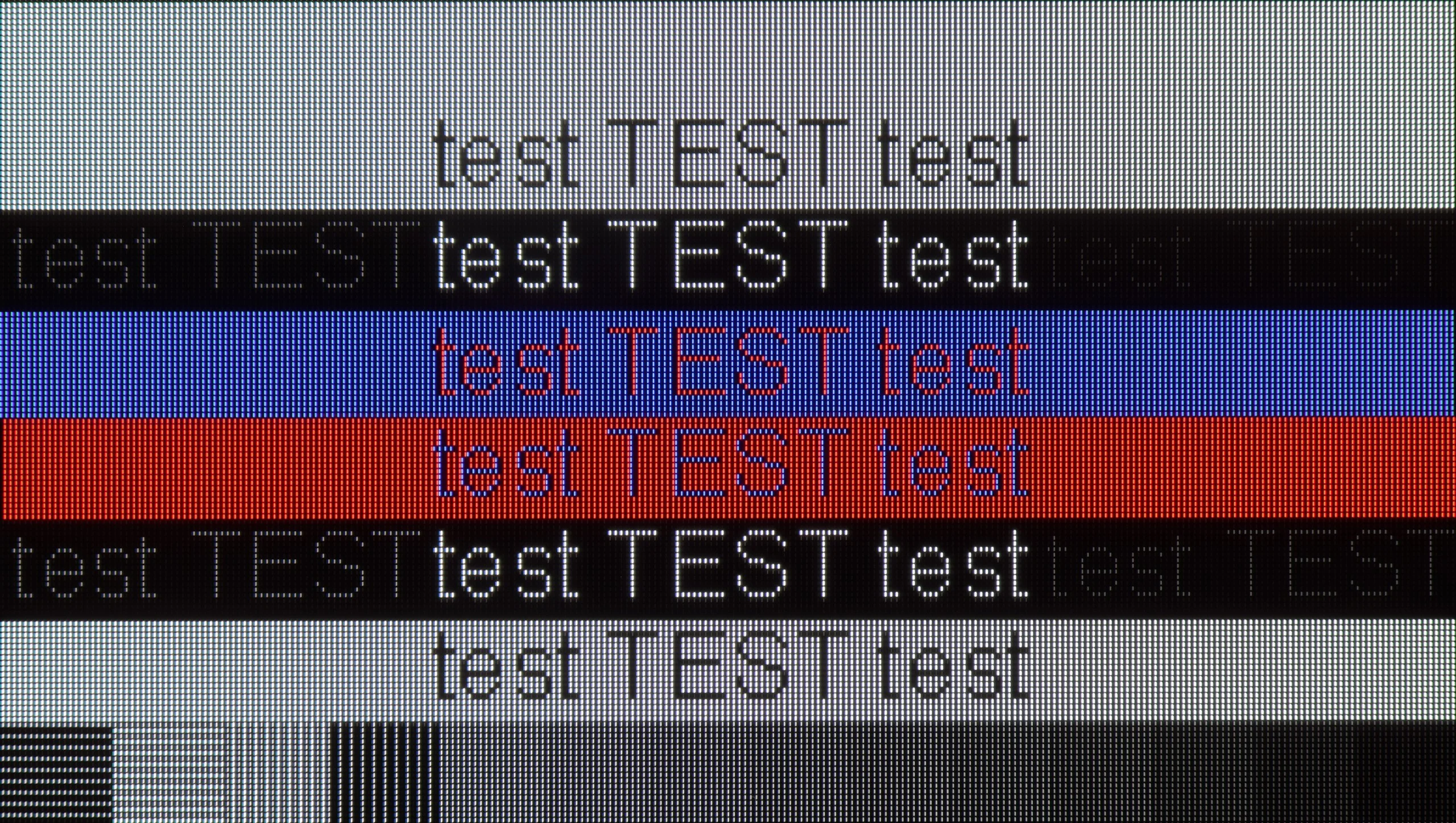
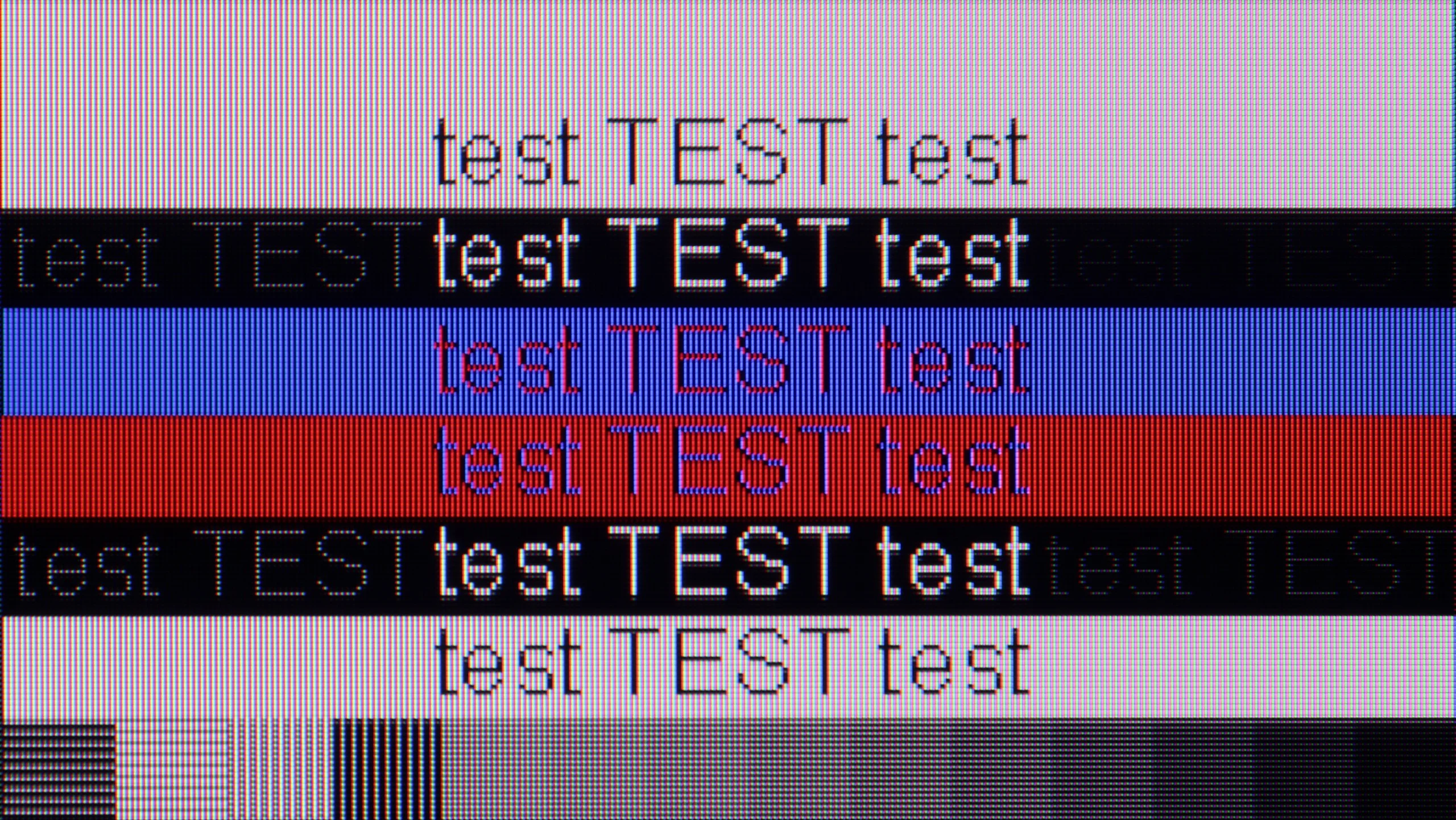
The photo shows the legibility of small fonts. Ideally, lines should be the same thickness on both light and dark text, with minimal pixel gaps.
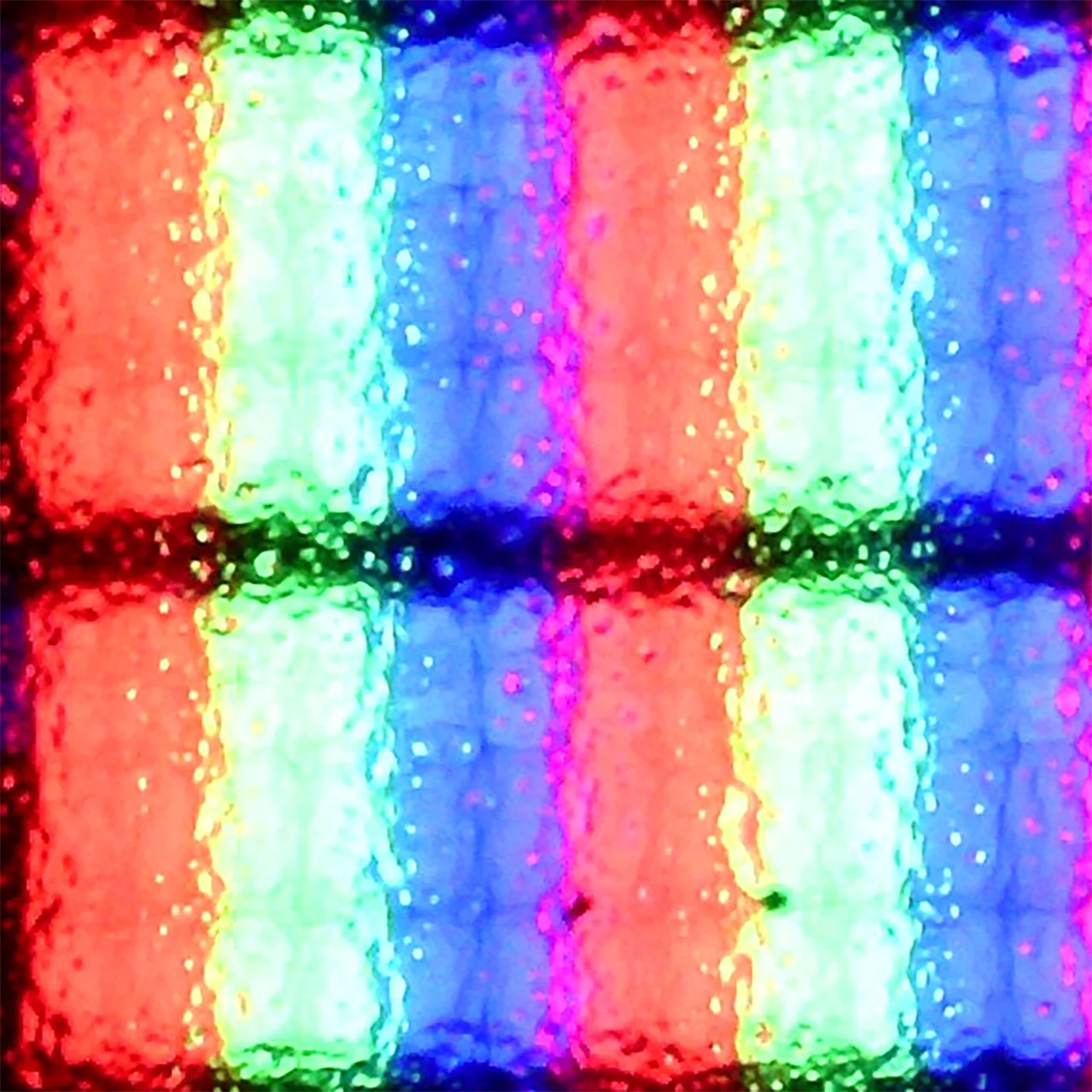
In the version with the WOLED panel, the Samsung S95F also shows its claws – PC gamers have a complete gaming package at their disposal with low input lag, support for G-Sync and FreeSync, and fast refresh rates. This is hardware that can easily replace a monitor even in dynamic titles. When working with text, the differences compared to QD-OLED are subtle yet noticeable – the BWGR subpixel arrangement may give the impression of a slight softening of the edges of letters, as if the text has a delicate shadow. This is not a flaw that ruins the comfort of using a PC, rather a feature arising from the panel's construction.
The Frame Pro performs well when connected to a PC. It supports full 4:4:4, 144 Hz at 4K and 240 Hz at Full HD. It also works with both NVIDIA's G-Sync and AMD's FreeSync. However, it's not ideal for working with text. From a normal viewing distance everything looks fine, but up close you can see minor artefacts around fonts and slightly less clean edges. This doesn't matter much for gaming or watching content, but it can be noticeable when doing office work.
Viewing angles
7.6/10
3.4/10
In the variant with the WOLED matrix, the viewing angles are good and absolutely adequate for everyday watching. The fact is that the QD-OLED panel performs better in this respect, and with a strong angle, you can notice a slight shift in colours; however, this is not something that disrupts a normal viewing experience. Sitting on the sofa – whether in the middle or slightly to the side – the picture still looks very good, and most viewers will be fully satisfied.
The Frame Pro’s viewing angles are mediocre at best, if not poor. The TV uses a conventional VA panel, and at wider angles the image loses quality fairly quickly. Brightness falls first and foremost, but colour saturation also noticeably fades, making the picture look more washed out. That’s a bit more of a shame with The Frame Pro than with a regular television. It’s a model that is often intended to hang on a wall and also serve as a piece of art, so better viewing angles would be genuinely welcome here.
Daytime performance
7.7/10
6.5/10
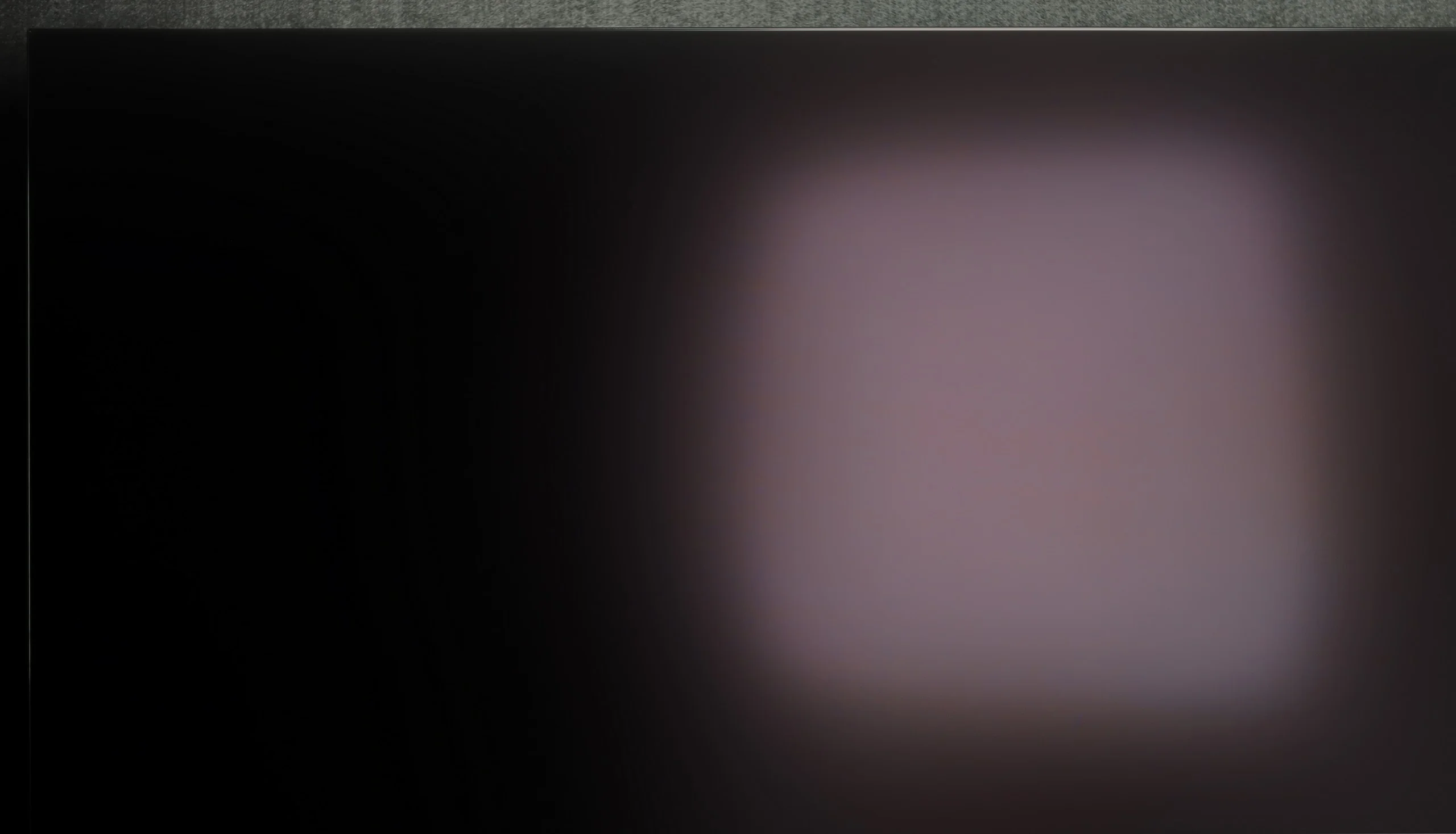
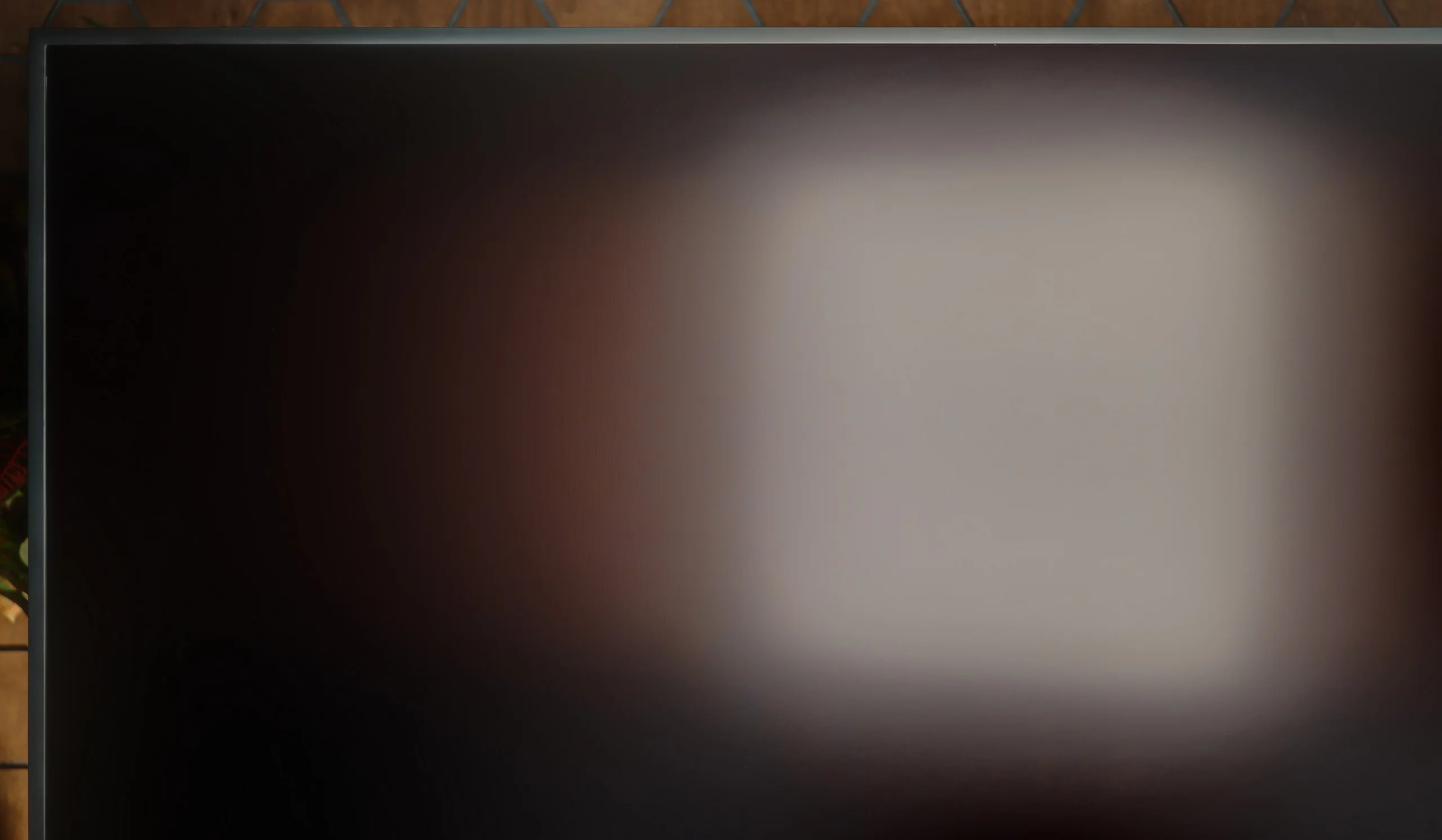
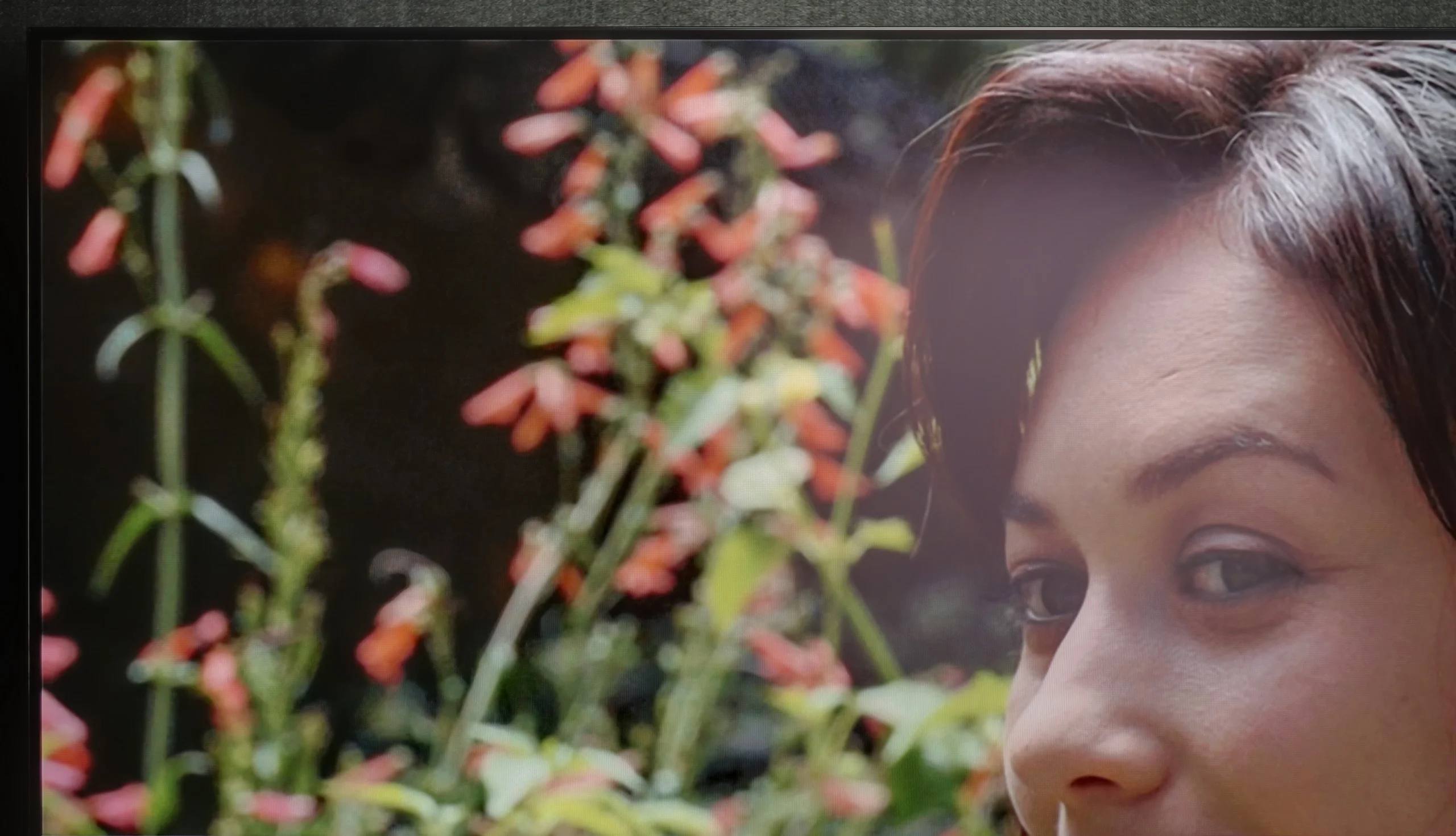
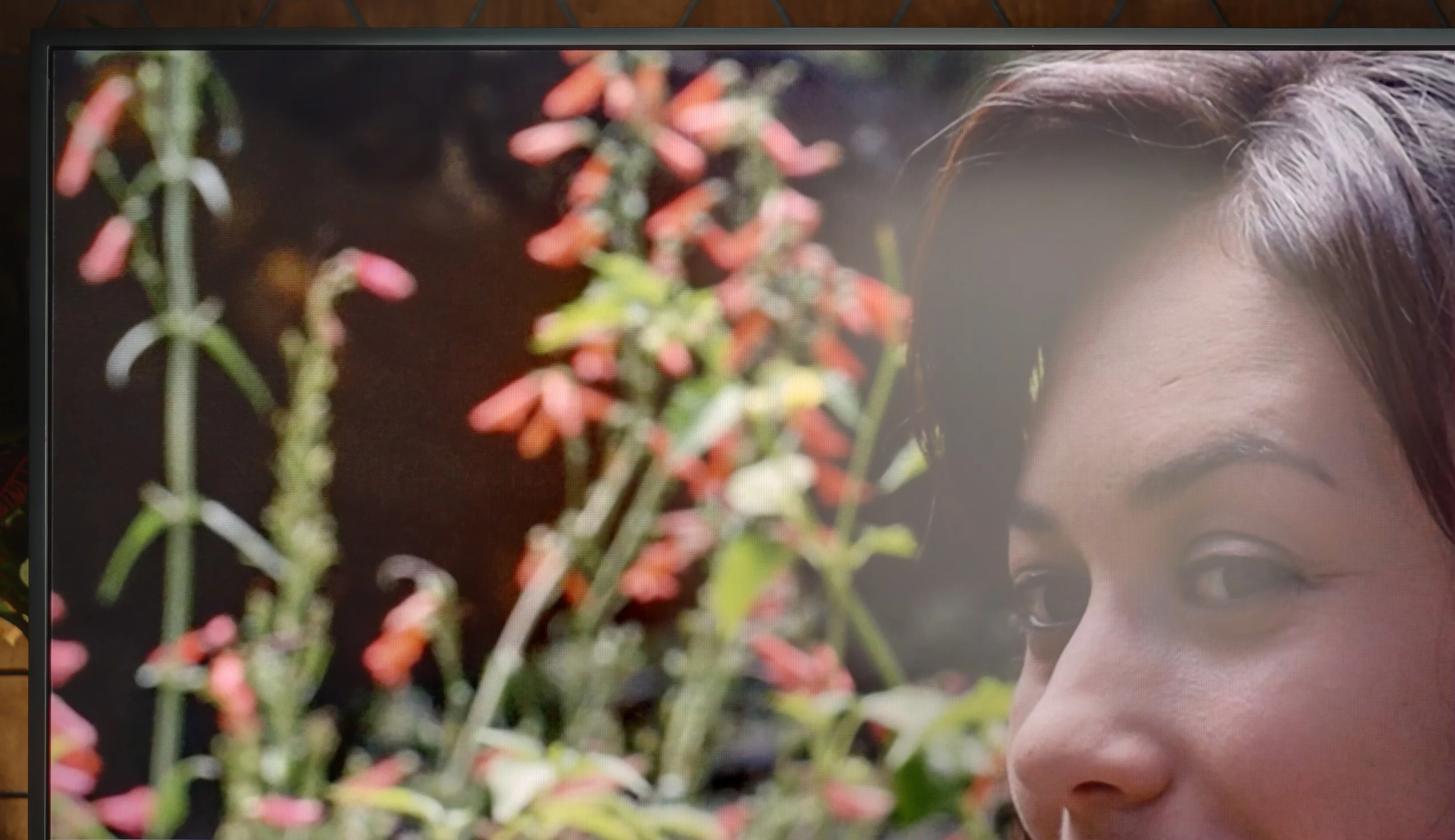
Panel brightness
Samsung The Frame Pro 2026 (LS03HW): 587 cd/m2
SAMSUNG S95F (TANDEM OLED 83"): 704 cd/m2
This is probably the first television in the world where two worlds have come together – the matte finish from Samsung and the WOLED panel from LG Display. And it's fair to say that such a duo makes a stunning impression. Light reflections virtually disappear, and the image does not lose its naturalness – colours remain saturated, and black does not lighten as it does in QD-OLED. It sounds almost like an industry joke, but it turns out that the combination of technologies from two rivals has produced a result better than anyone could have expected. Moreover, the panel's brightness, hovering around 700 nits, means that the television performs excellently even in difficult daytime conditions.
During the day The Frame Pro performs quite well. SDR brightness stays around 600 nits, so even in a more brightly lit room the picture remains clear. The biggest advantage, however, is the matte screen coating, which diffuses reflections very effectively and means lamps or windows are far less visible on the screen. We did notice, though, that on this year’s model the coating affects the image a little more. With more light blacks appear slightly lifted and colours lose some of their depth. It’s still a very good option for a bright living room, but in that respect the screen is not entirely without compromises.
Panel details
Subpixel Structure:
Panel uniformity and thermal imaging:
SAMSUNG S95F (TANDEM OLED 83")
Samsung The Frame Pro 2026 (LS03HW)
TV features
7.9/10
7.7/10
- SystemTizenTizen
- System performanceVery goodGood
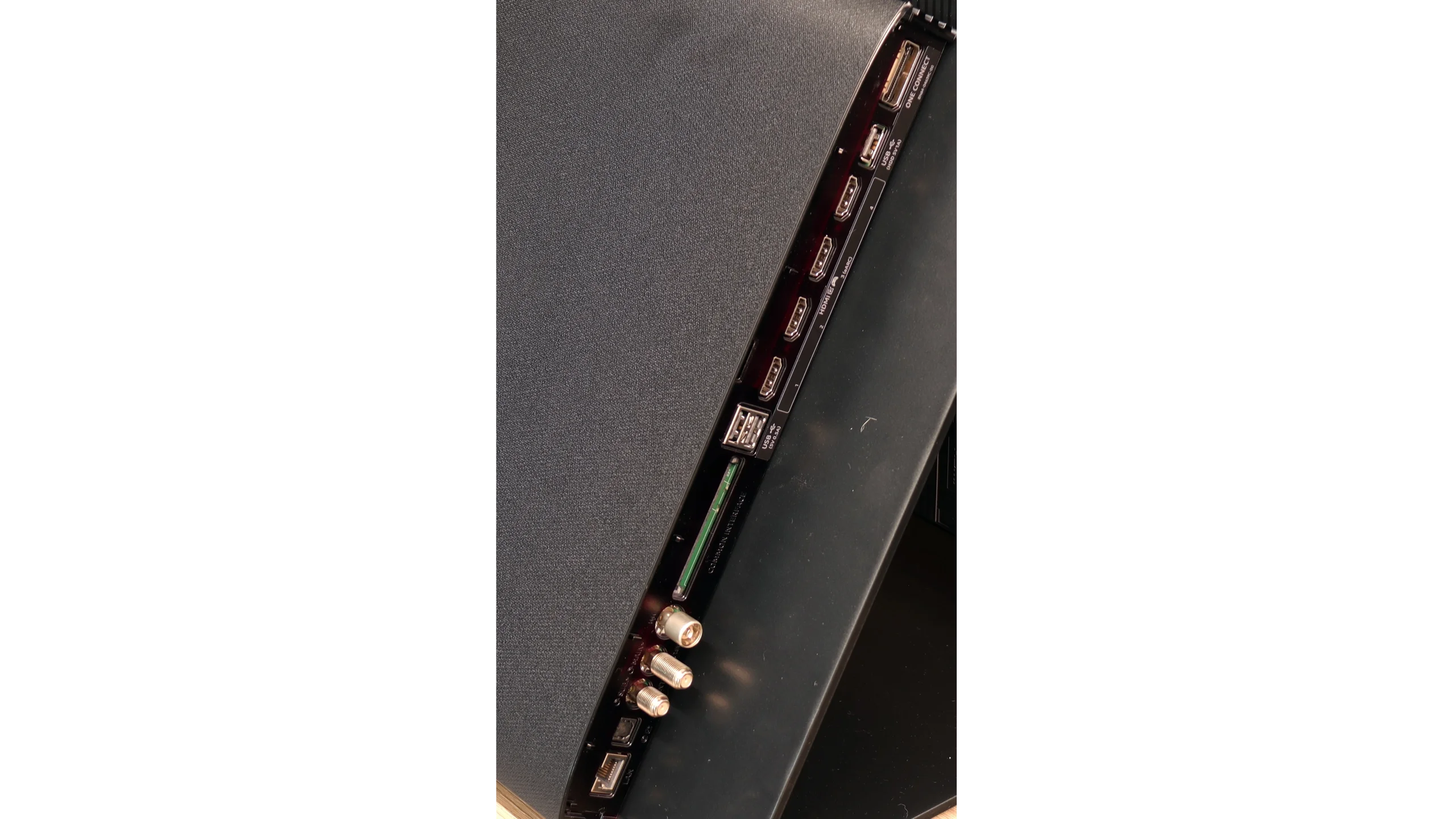
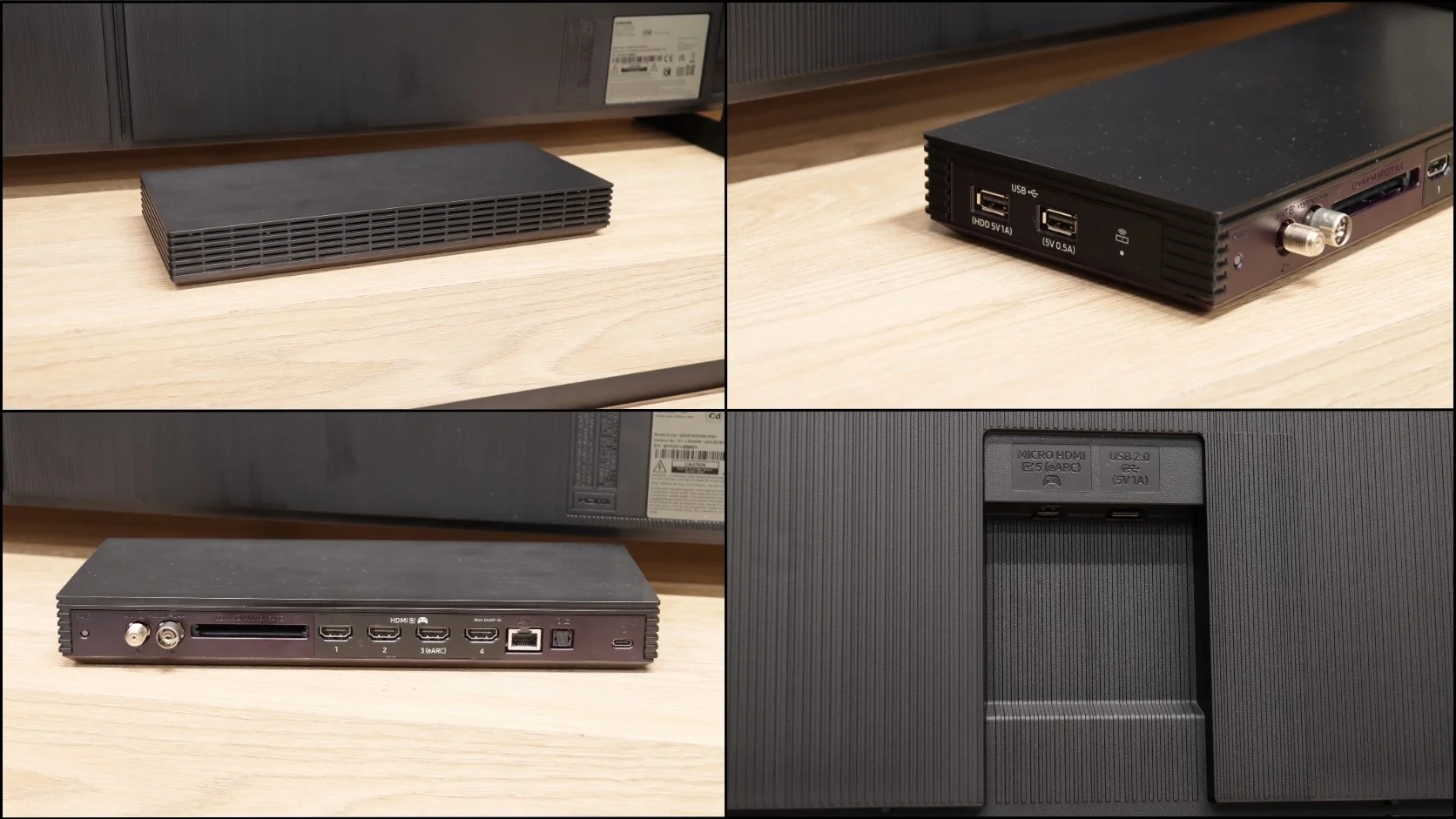
- HDMI inputs0 x HDMI 2.0, 4 x HDMI 2.1 40Gbps0 x HDMI 2.0, 5 x HDMI 2.1 48Gbps
- Other inputsUSB-C, Micro-HDMI
- OutputsToslink (Optical audio), eARC (HDMI), ARC (HDMI)Toslink (Optical audio), eARC (HDMI), ARC (HDMI)
- Network InterfacesWi-Fi 2.4GHz, Wi-Fi 5GHz, Ethernet (LAN) 100MbpsWi-Fi 2.4GHz, Wi-Fi 5GHz, Ethernet (LAN) 100Mbps
- TV receptionDVB-T, DVB-T2, DVB-S, DVB-S2, DVB-CDVB-T, DVB-T2, DVB-S, DVB-S2, DVB-C
Classic features:
- Recording to USB (terrestrial TV)
- Recording programming
- Picture in Picture (PiP)
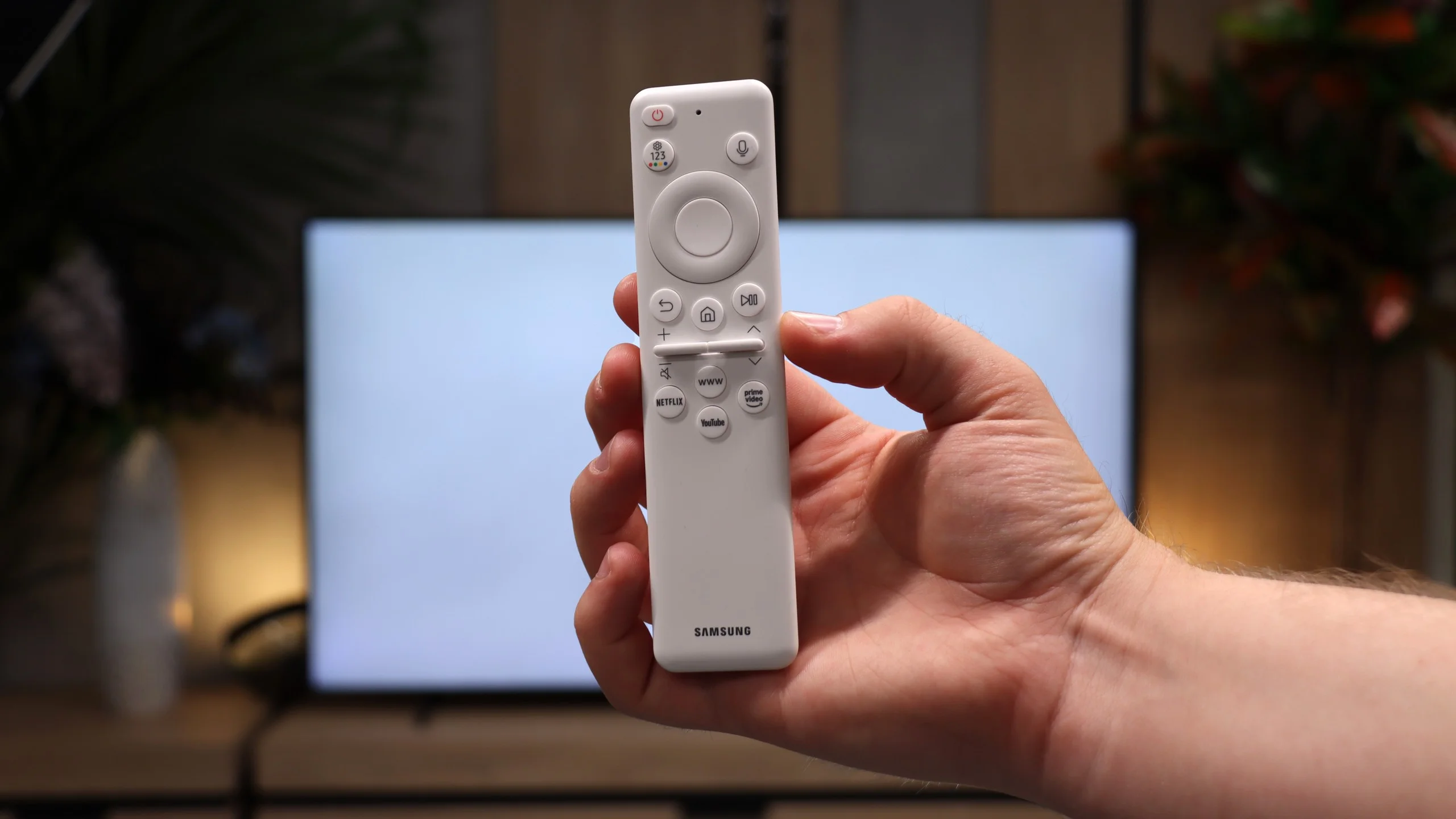
- RF remote control (no need to aim)
- Backlit remote control
- Teletext
- Audio only mode
- Bluetooth headphones support
- Simultaneous Bluetooth headphones & TV audio
Smart features:
- AirPlay
- Screen mirroring (Windows Miracast)
- Voice search
- Voice search in native language
- Ability to connect a keyboard and mouse
Sound connection options
- HDMI audioeARC (HDMI), ARC (HDMI)eARC (HDMI), ARC (HDMI)
- Other audio outputsToslink (Optical audio)Toslink (Optical audio)
- Wireless audioBluetooth, Samsung Q-Symphony (Speaker extension)Bluetooth, Samsung Q-Symphony (Speaker extension)
Supported audio formats (external HDMI eARC audio):
- Dolby Digital Plus 7.1
- Dolby True HD 7.1
- Dolby Atmos in Dolby Digital Plus (JOC)
- Dolby Atmos in Dolby True HD
- DTS:X in DTS-HD MA
- DTS-HD Master Audio
Senior accessibility
- Numeric keyboard on TV
- Font size adjustment
- Audio description
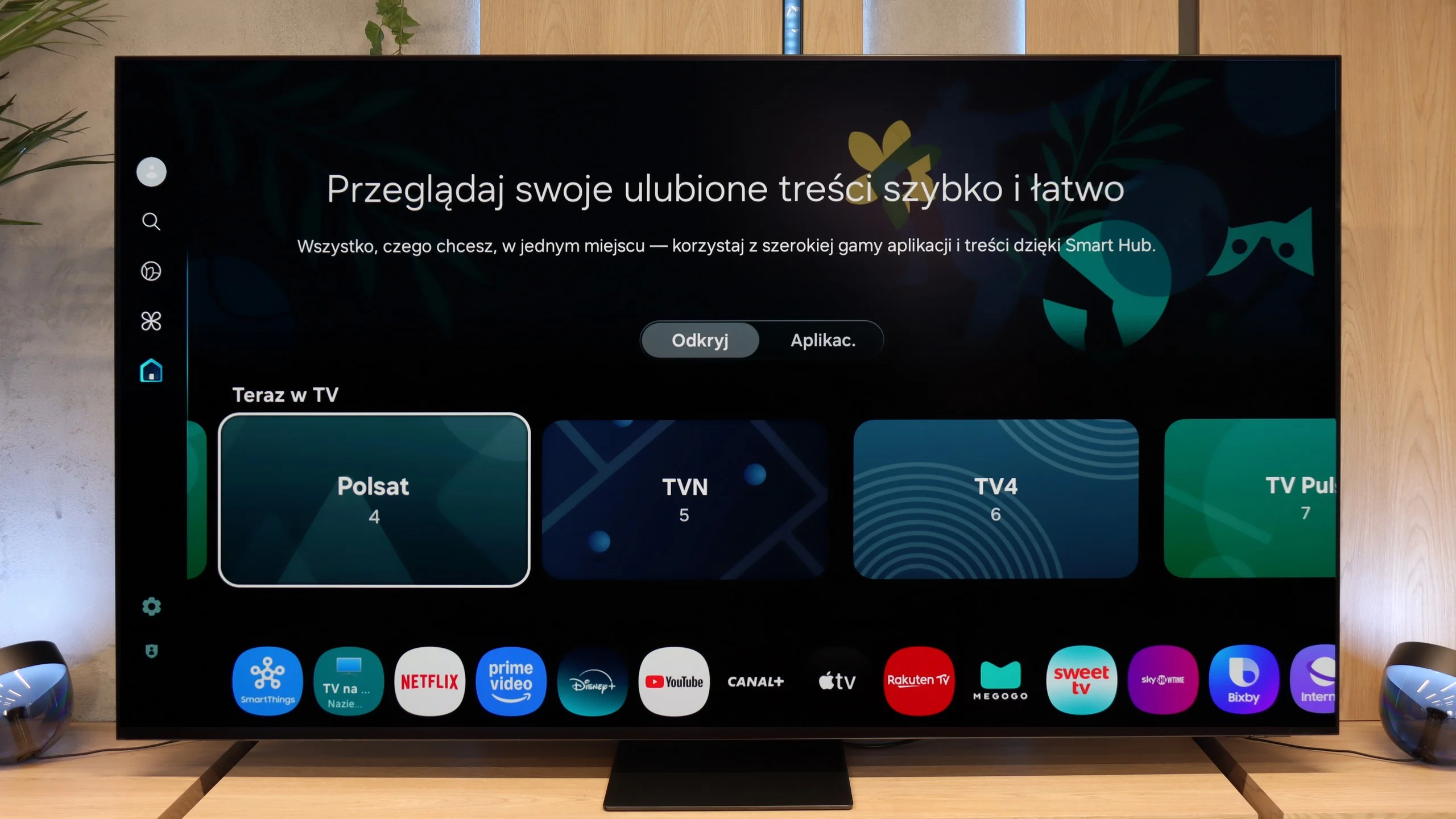
SmartTV in S95F: Tizen
Samsung S95F is not just a screen for films and games, but also a well-developed smart platform. The Tizen system runs quickly and smoothly – it is hard to encounter stutter or major issues here. In everyday use, we have everything we need: AirPlay, screen sharing from smartphones, and voice search (which works even without the remote in hand). It is a closed system, so we won't find every app available on Android, but the library is rich enough that no one is likely to feel deprived. Additionally, there is SmartThings, which integrates with smart home devices, allowing the TV to be more than just a display.
Classic features of the S95F
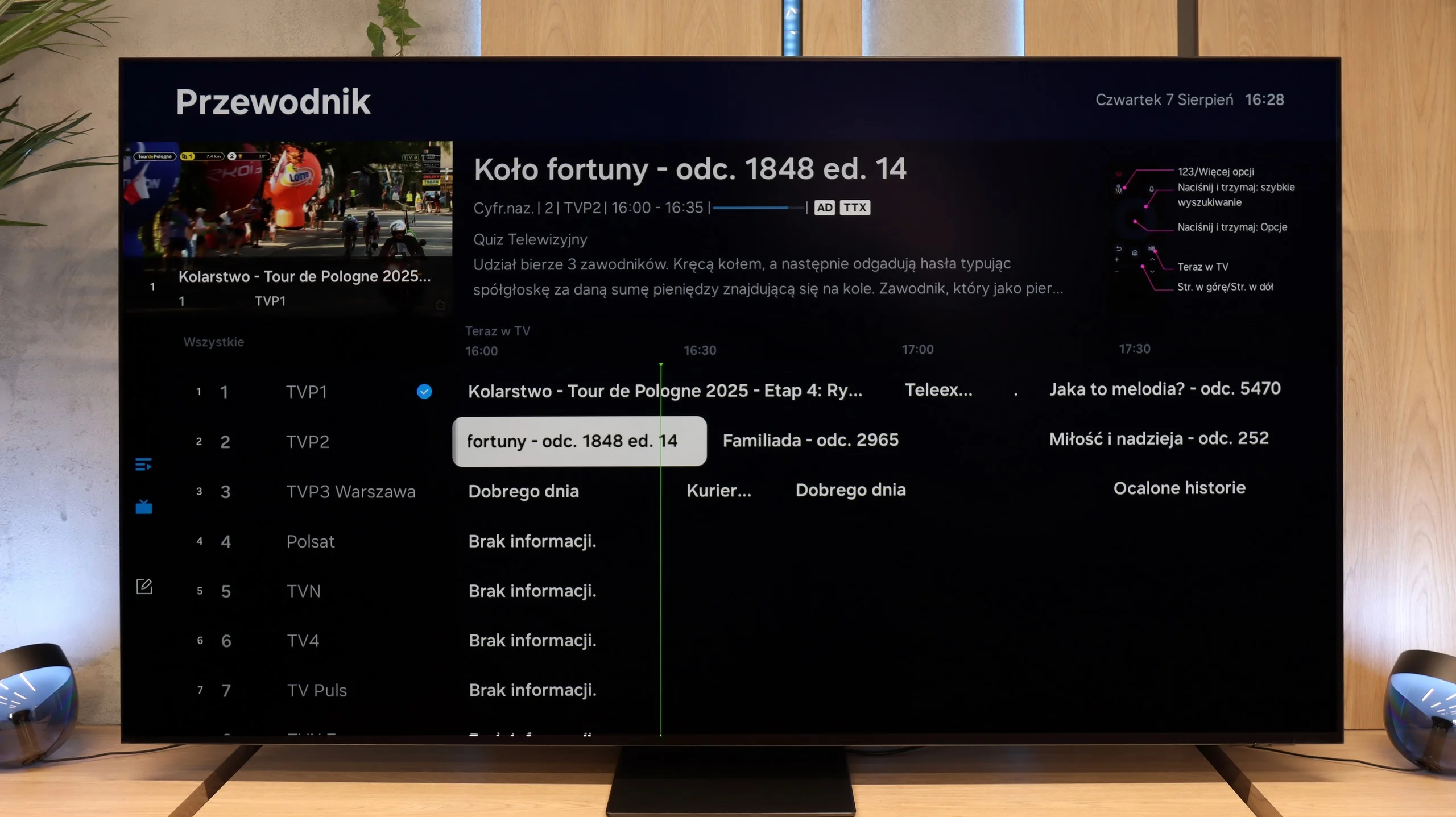
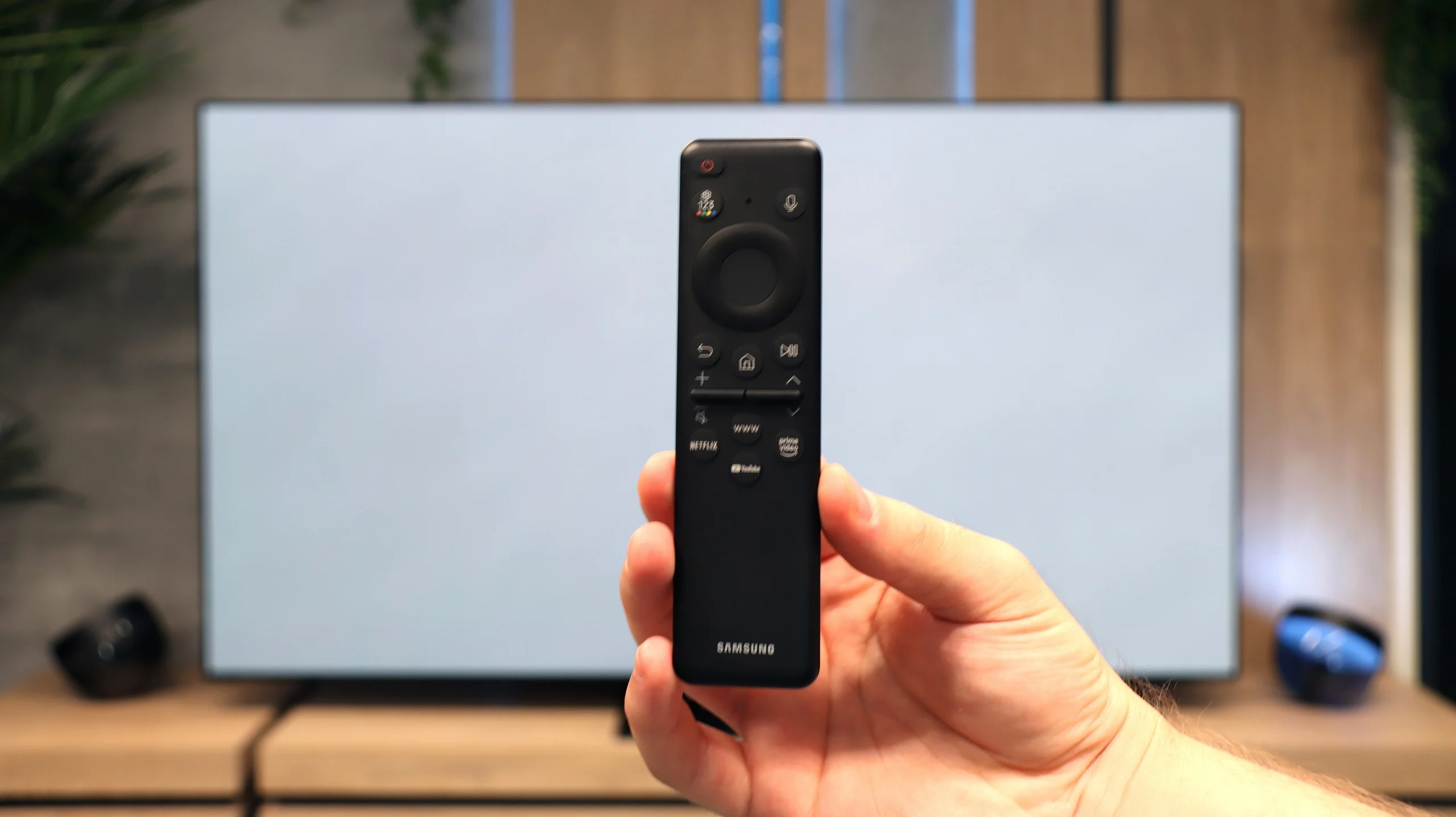
A pleasant surprise is the presence of features that are often omitted in this class of equipment – PiP, teletext, and the ability to connect headphones via Bluetooth. The only thing missing is USB recording from the built-in DVB-T/T2 tuners, but Samsung makes up for this with an excellent remote (tiny), which can easily control other devices, including the Canal+ decoder. The One Connect module also deserves praise – having all the inputs hidden in a separate box is a huge convenience, especially for those who frequently juggle connected devices. Thus, it is difficult to point out any element that could provoke complaints here.
Tizen and Smart TV features
The Smart TV features are, of course, handled by Tizen. The system runs smoothly and offers a very large selection of streaming apps. It also supports AirPlay, Miracast and voice search in Polish. In this respect The Frame Pro is not particularly different from other new Samsung models. We simply get the manufacturer's extensive, well-functioning system.
Art Mode and Art Store
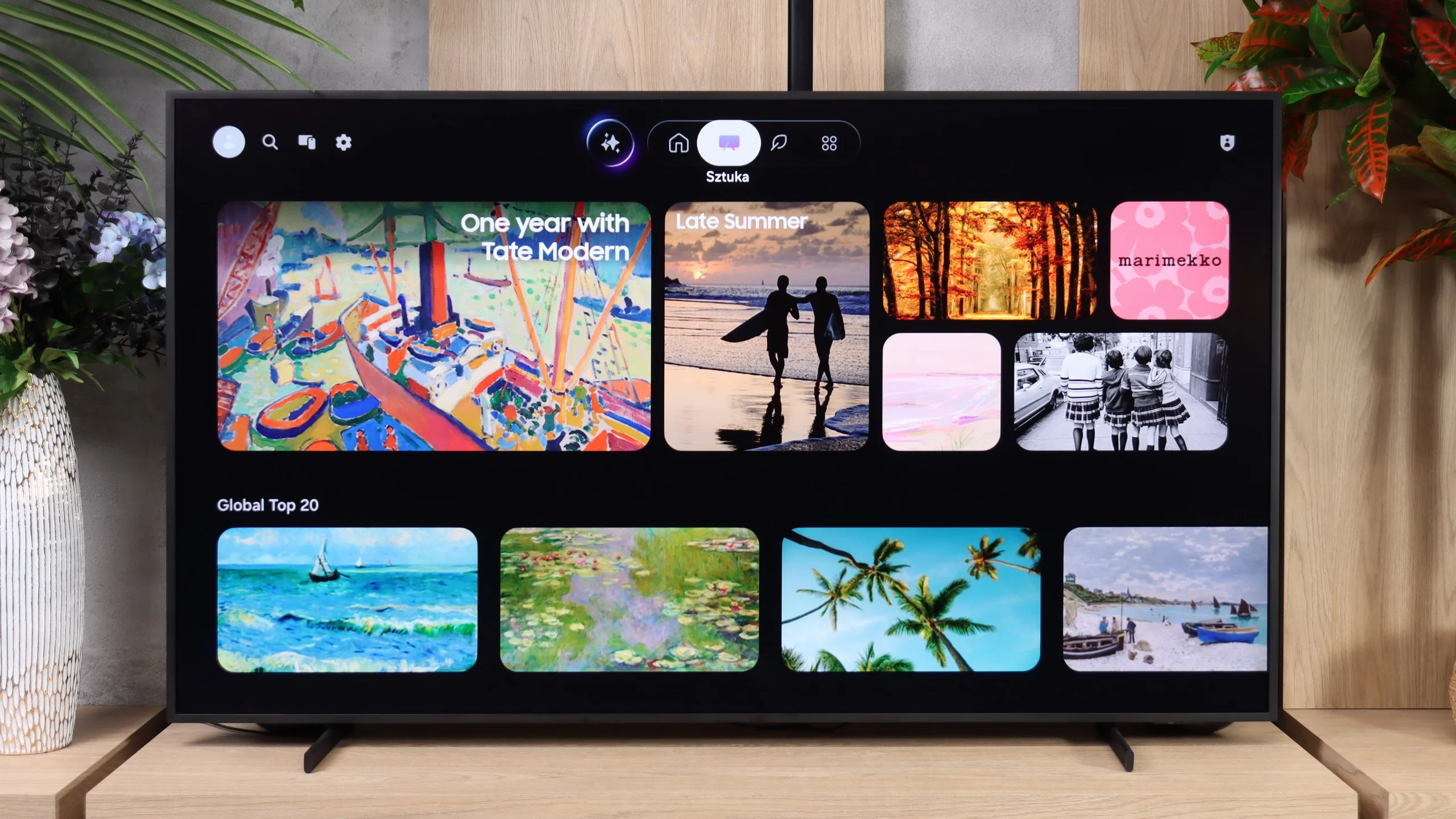
The Art Mode is naturally much more interesting, as it is one of the most important features of the entire The Frame series. When switched off the TV can display artworks, photographs or graphics instead of a black screen, and can quite convincingly mimic a traditional framed picture on the wall. Samsung provides access to the Art Store, where the selection of works is really large and the materials themselves are prepared to a very high quality. The problem is that full access requires a subscription, and in our view that is a significant downside for a TV whose main selling point is this very feature. Fortunately we are not tied to the Art Store. You can upload your own photos or graphics, so nothing prevents you from finding a high-resolution artwork yourself and displaying it on the screen. The automation of this mode is also very well designed. The Frame Pro not only has an ambient light sensor, which can adapt the appearance of the displayed image to the room, but also a presence sensor. The TV can therefore detect when someone is in the room and automatically start Art Mode.
Classic features
As for classic TV features, The Frame Pro offers a fairly basic set of conveniences. It has DVB-T/T2, DVB-S/S2 and DVB-C tuners, teletext, an audio-only mode and the ability to use Bluetooth headphones and the TV speakers at the same time. However, it lacks the ability to record programmes to USB, PiP and a more advanced remote, for example one with a numeric keypad. The remote operates via radio, so you do not have to point it at the screen.
Apps
9.3/10
9.3/10






















Playing files from USB
9/10
9.1/10
Supported photo formats:
Maximum photo resolution:
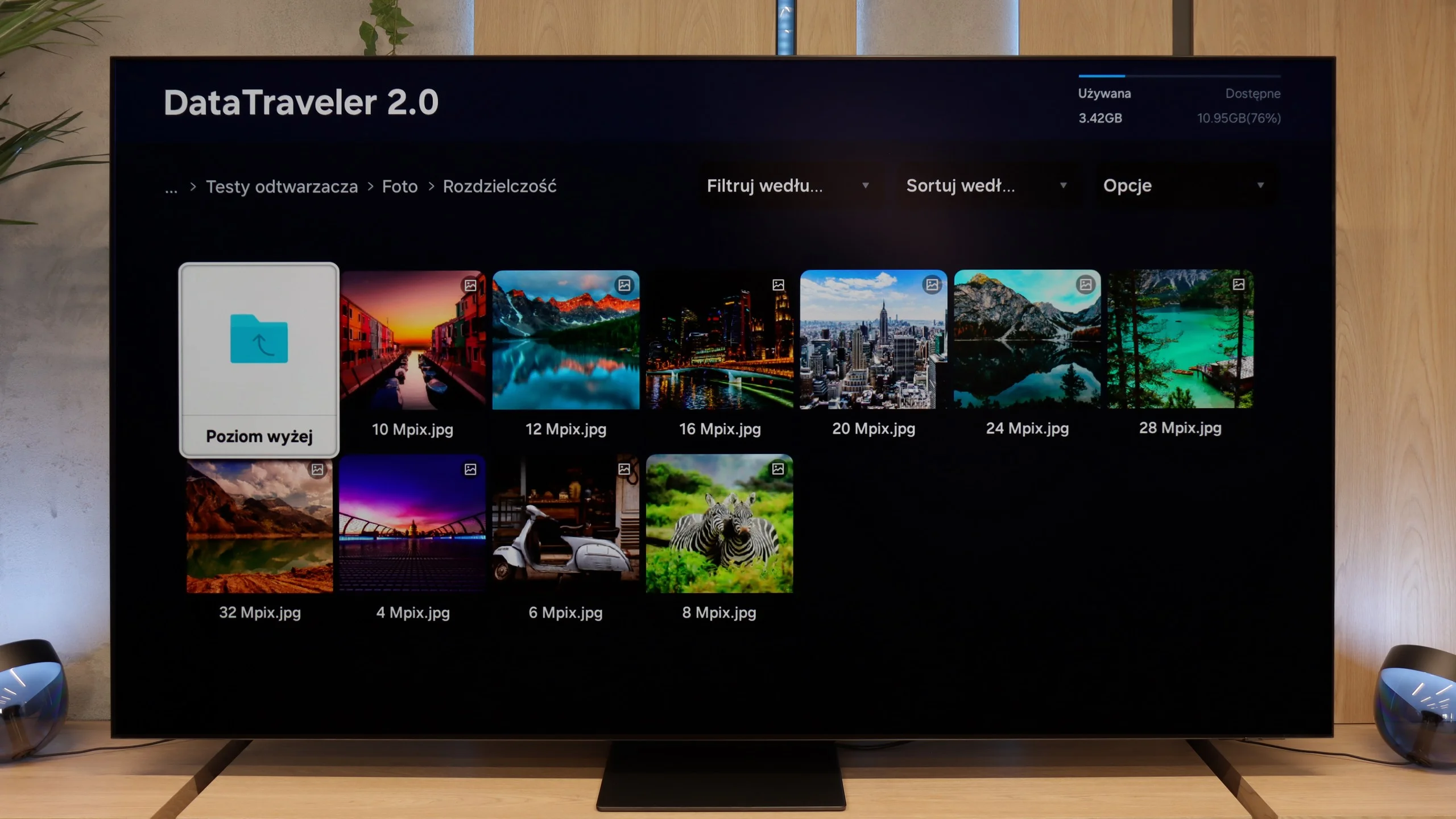
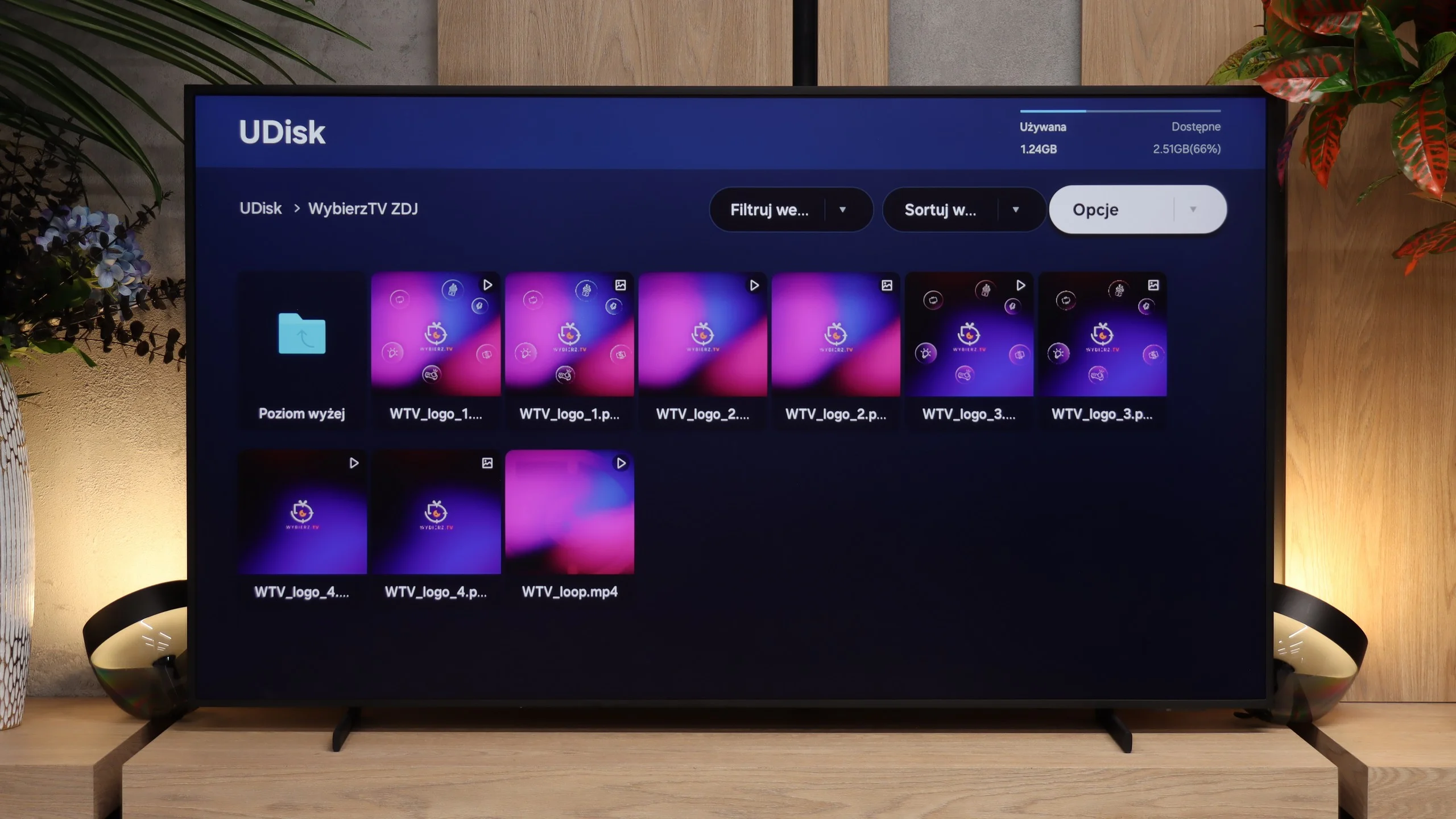
The built-in media player in the S95F works quite well, although it is not without its limitations. It handles most popular video and audio formats, but there may be some concerns with photos. The manufacturer's claims do not always align with reality – for example, HEIC files would not open. On the other hand, for most users, such a set of features will be perfectly sufficient; however, if someone needed something more advanced, they could always look for an alternative in the Tizen catalogue (if they can find one) or use wireless connectivity 😉.
The Frame Pro handles playback of files from USB storage well. Most common video, audio and photo formats work correctly, so you’re unlikely to need to connect a laptop just to play a film or browse photos. What we miss most is support for HEIC, the format commonly used for photos taken on iPhones. So Apple users will therefore have to convert such photos beforehand to a supported format or simply stream them to the TV via AirPlay. Other than that, the player works very well.
Sound
8/10
6.4/10
- Maximum volume82dB89dB
- Dolby Digital Plus 7.1
- Dolby True HD 7.1
- Dolby Atmos in Dolby Digital Plus (JOC)
- Dolby Atmos in Dolby True HD
- DTS:X in DTS-HD MA
- DTS-HD Master Audio
The built-in speakers of the S95F can be pleasantly surprising – they sound enjoyable and clear, and despite the slim construction of the television, it is hard to say that the sound is flat. Admittedly, there could be more bass, but this is a natural compromise with such a thin casing. For everyday watching of films or series, the set performs excellently. Those who enjoy stronger sensations should consider a soundbar – preferably one with Q-Symphony support. Then the television speakers and the Samsung soundbar work together.
The Frame Pro's sound is adequate and has changed little from last year's model. The TV handles dialogue particularly well, with voices clear and easy to hear. However, it lacks stronger bass, so films and music don't have much depth. Therefore, if better sound matters, it's worth considering a soundbar when buying The Frame Pro. Models from the S series are particularly well suited, as their slim design complements the TV's appearance. Finally, it's worth noting that The Frame Pro supports Dolby Atmos, so with a compatible soundbar or AV receiver you can enjoy surround sound. It does not support DTS, which is worth bearing in mind when playing films from your own library, for example Blu-ray discs.
Sound Quality Test
Acoustic Measurements
82dBC (Max)
75dBC
89dBC (Max)
75dBC
Reader comments
Comments are provided by the external service Disqus (Zeta Global). Once loaded, Disqus may set cookies and process data about your activity.
We will remember your choice on this device. Provider's privacy policy