 Direct comparison
Samsung S85D is Samsung's entry-level OLED model for 2024, but it certainly does not come across as "budget". From the very first contact, the television demonstrated that OLED technology makes a difference. The deep blacks, excellent contrast and great viewing angles make watching favourite films and series pure pleasure, no matter where we are sitting. It is a screen that truly captivates you in the action. The Tizen operating system is another strong point of the Samsung S85D. It is simple, intuitive, and runs smoothly. Switching between apps like Netflix or YouTube takes no time, and the support for AirPlay and Bluetooth provides numerous options for connecting other devices. Not only does the solar remote not require charging, but we also easily used it to control the decoder and soundbar – these small details make daily usage easier. Like any television, the S85D has its minor shortcomings. The lack of recording functionality can be noticeable, especially if we enjoy revisiting favourite shows or films. The absence of support for DTS audio tracks may require purchasing and directly connecting a Blu-ray player to an external audio system. If we want to make full use of this codec, it is worth keeping this in mind. SDR brightness, while sufficient in most cases, may not always meet expectations in brighter rooms. This is a television that shows its best side in the evening – that’s when the OLED black and contrast truly impress. Despite these few drawbacks, the S85D left us with very positive impressions. It is a model that proves that excellent picture quality and superb technological solutions do not have to be paired with a high price. If we are looking for a television that works well for everyday use as well as evening viewings, and at the same time won’t ruin our budget, then the Samsung S85D OLED is an excellent choice. It is a device that gives the feeling that we have invested our money wisely, offering a lot for a reasonable amount.
- Matching (Score) |
- Our verdict |
- TV appearance |
- Where to buy |
- Contrast and black detail |
- HDR effect quality |
- Factory color reproduction |
- Color reproduction after calibration |
- Smoothness of tonal transitions |
- Image scaling and smoothness of tonal transitions |
- Blur and motion smoothness |
- Console compatibility and gaming features |
- Input lag |
- Compatibility with PC |
- Viewing angles |
- Daytime performance |
- Panel details |
- TV features |
- Apps |
- Playing files from USB |
- Sound
S85D
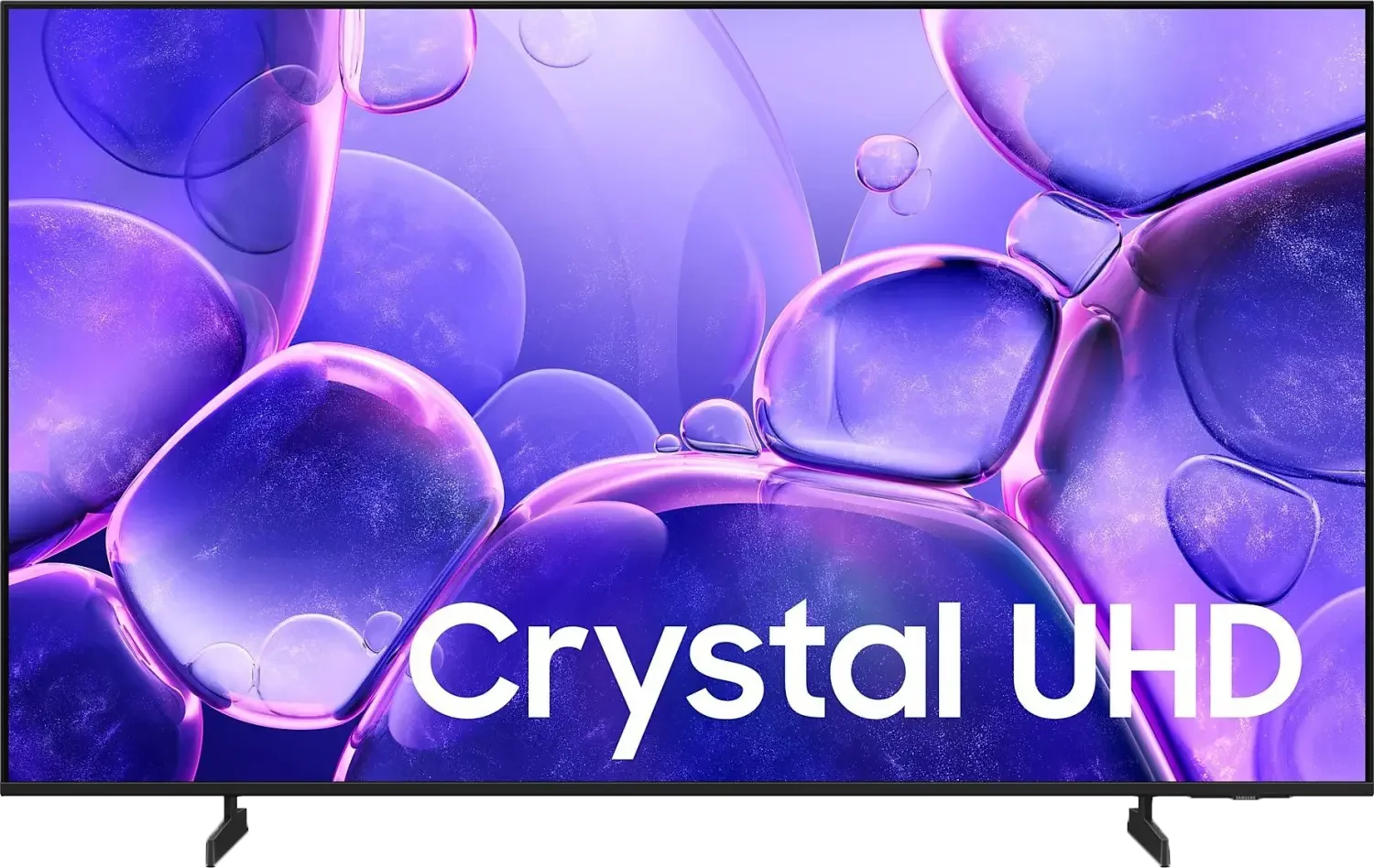
U8000F / U8092F

Available screen sizes: 55”
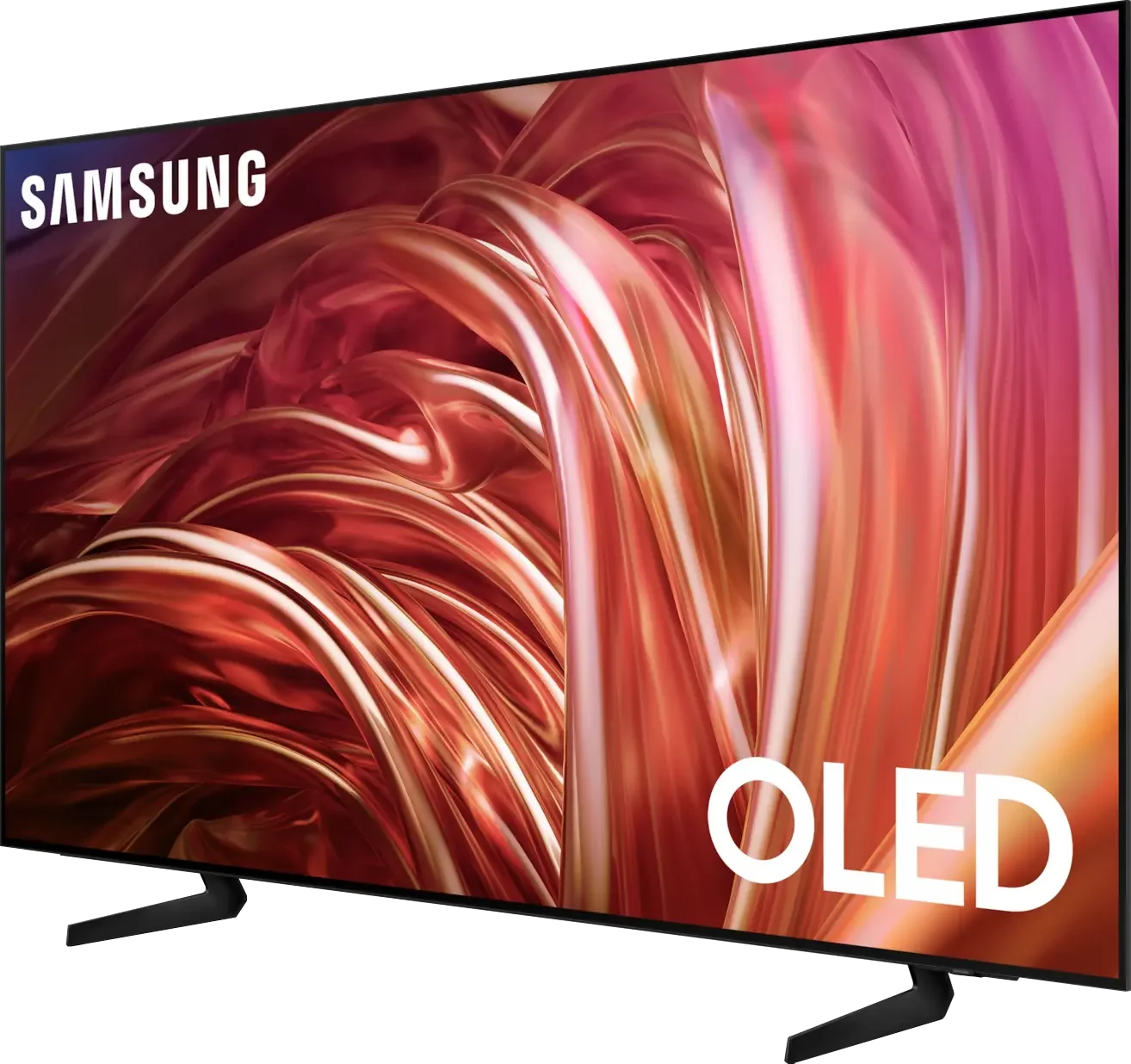
Panel type: WRGB OLED
Resolution: 3840x2160
System: Tizen
Model year: 2024
Complete the survey to find out the result
Panel type: LCD IPS
Resolution: 3840x2160
System: Tizen
Model year: 2025
Complete the survey to find out the result
Overall rating
7.8
5.3
 Movies and series in UHD quality
7.7
4.9
 Classic TV, YouTube
8.5
4.8
 Sports broadcasts (TV and apps)
8.4
5.2
 Gaming on console
9.4
6.5
 TV as a computer monitor
7.6
6.0
 Watching in bright light
5.0
3.4
 Utility functions
7.2
5.3
 Apps
9.3
9.3
 Sound quality
7.0
5.7
Complete the survey to find out what fits your preferences
Advantages

Excellent contrast - OLED
Tizen system – fast and intuitive
Solar remote – control of other devices (e.g. decoder)
Outstanding viewing angles – OLED
High motion fluidity – 120 Hz panel
Many features for gamers
Unusual design
Price
Extensive Smart system: Tizen
Good viewing angles (IPS Matrix)
Great for working with text - displays fonts excellently
Low input lag
Basic features for gamers - VRR and ALLM
Disadvantages

No recording function from built-in tuners
Average SDR brightness – 310 nits
No support for DTS audio tracks
Low brightness
Very poor black and contrast (IPS Matrix)
Inferior appearance to its predecessor
Infrared remote control
Our verdict
The U8000F is a very basic television that may find its buyers among those looking for the cheapest Samsung 4K with Smart TV. And that is precisely its task. Thanks to the Tizen system, this model offers quite a lot in terms of smart features – the number of apps and possibilities may catch the attention of those who want a reasonably intelligent device at the lowest possible price. As for picture quality – it is average, which is not surprising in this class. Nevertheless, there are a few positives: fairly good viewing angles work well for traditional TV watching from different parts of the room, and the basic features for gamers (such as VRR and ALLM) may suffice for typical "Sunday" gamers. The PC mode also deserves a mention – the television handles font display very well, so it can also serve as a budget monitor. Of course, this is not a model that can be recommended to everyone "sight unseen." But if someone is looking for a cheap Samsung with 4K resolution and a solid Smart system, that is exactly what the U8000F offers.
TV appearance
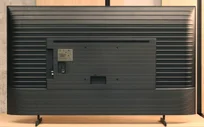
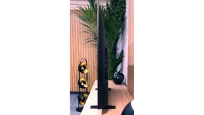

Contrast and black detail
10/10
1.1/10
Local dimming function: No
Contrast:


Result
∞:1

Result
∞:1

Result
∞:1

Result
∞:1

Result
∞:1
Result
900:1
Result
800:1
Result
700:1
Result
700:1
Result
650:1
Halo effect and black detail visibility:
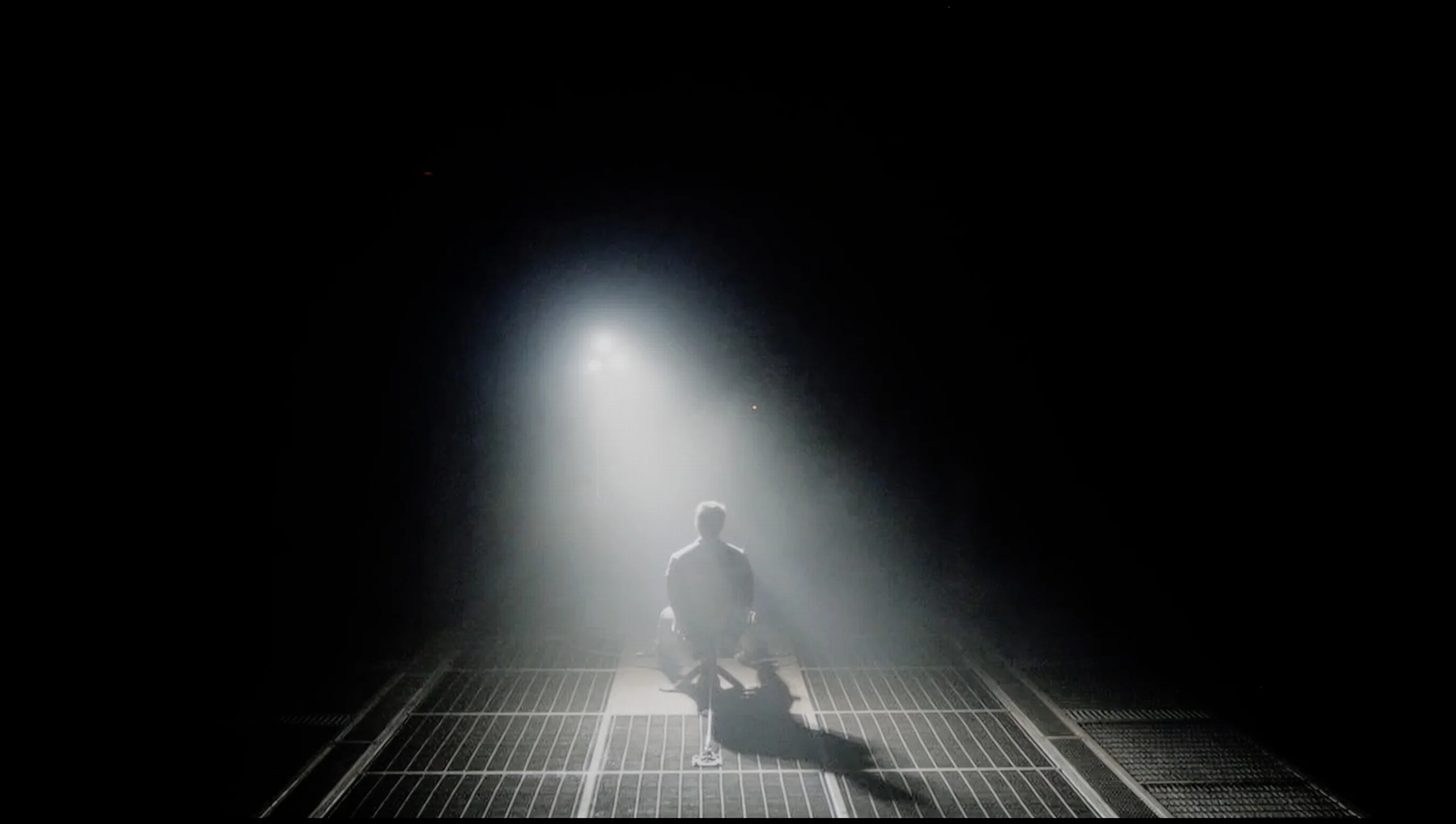
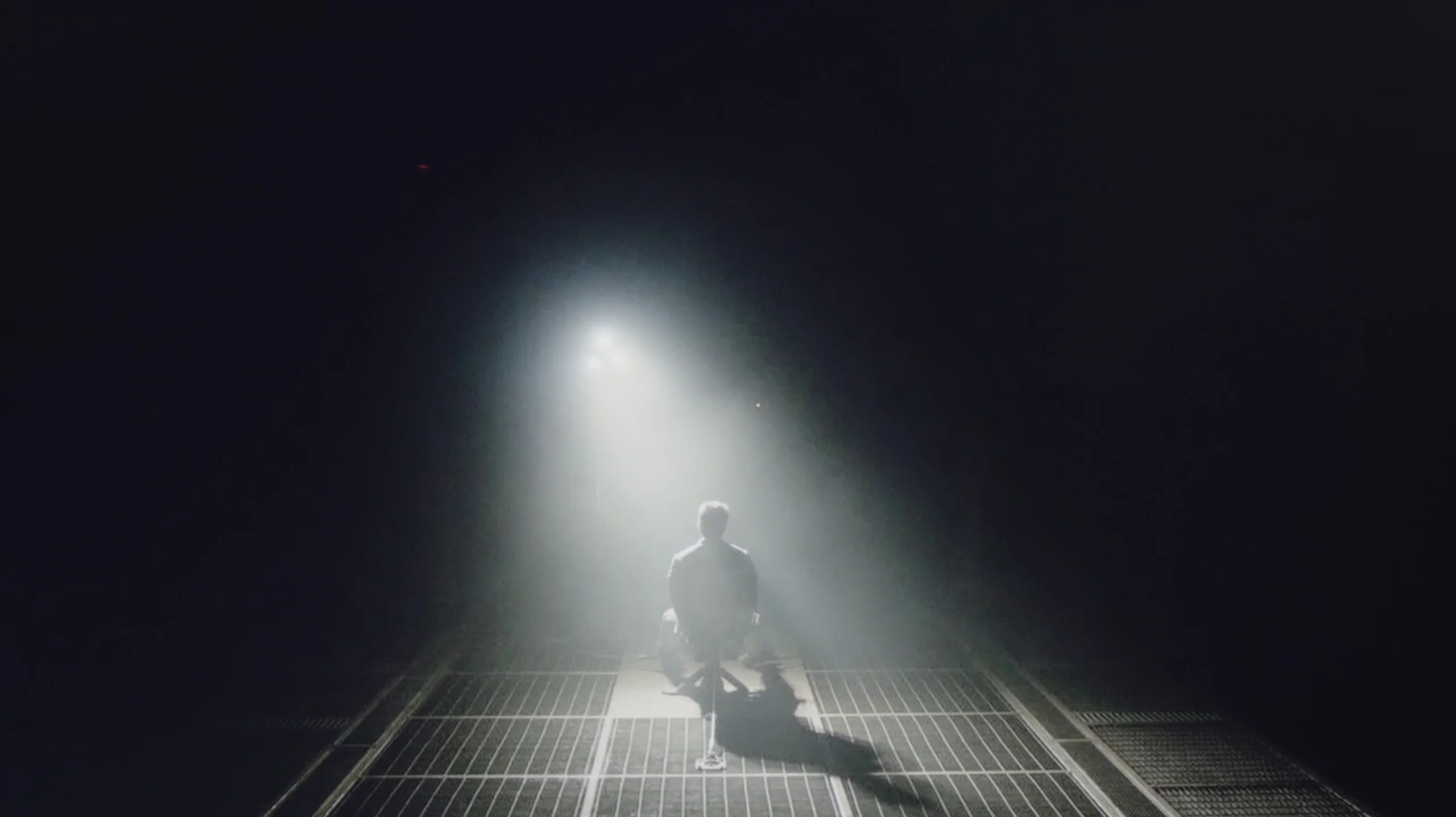
Check the visibility of bright lights on a dark background. Mini-LEDs often struggle with this. The photo does not compare black levels – that’s what the video below is for.
The video accurately shows differences in contrast and black levels between TVs, as well as potential issues: halo around bright objects or Mini-LED zone operation visible as brightness jumps.
Samsung S85D is a television that truly makes a difference when it comes to picture quality. The black is so deep it's hard to believe, and the contrast ensures that even the most demanding scenes – like those from the film "Oblivion" – look incredibly realistic. Thanks to OLED technology, the dark areas of the screen are perfectly black, without any unnecessary glow or overexposure.
It's worth noting that, similar to some variants of the S90D model, the Samsung S85D uses a WOLED panel supplied by LG. This panel is a key element that contributes to the amazing quality of contrast, which is particularly noticeable in scenes with a high dynamic range of light, making it an ideal choice for fans of films and series with high production quality.
Samsung U8000F, more specifically model U8092F in the 55-inch version, is equipped with an IPS panel. Let's be honest – this is not the best choice when it comes to properly displaying black levels and contrast. The results in this category are simply weak. The contrast is abysmal, and watching dark scenes with any kind of "cinematic" effect is nearly impossible. Additionally, the fact that the television lacks local dimming does not help, making it difficult to achieve better results. The only thing worth praising is the fairly decent uniformity of the panel – but that's more of a minor consolation. Overall, it's not good. If you value deep blacks and reasonable contrast, it is definitely better to opt for the variant with a VA panel, which performs significantly better in this particular series.
HDR effect quality
5.7/10
3/10
Luminance measurements in HDR:

Result
570 nit

Result
580 nit

Result
666 nit

Result
629 nit

Result
283 nit
Result
191 nit
Result
224 nit
Result
241 nit
Result
79 nit
Result
234 nit
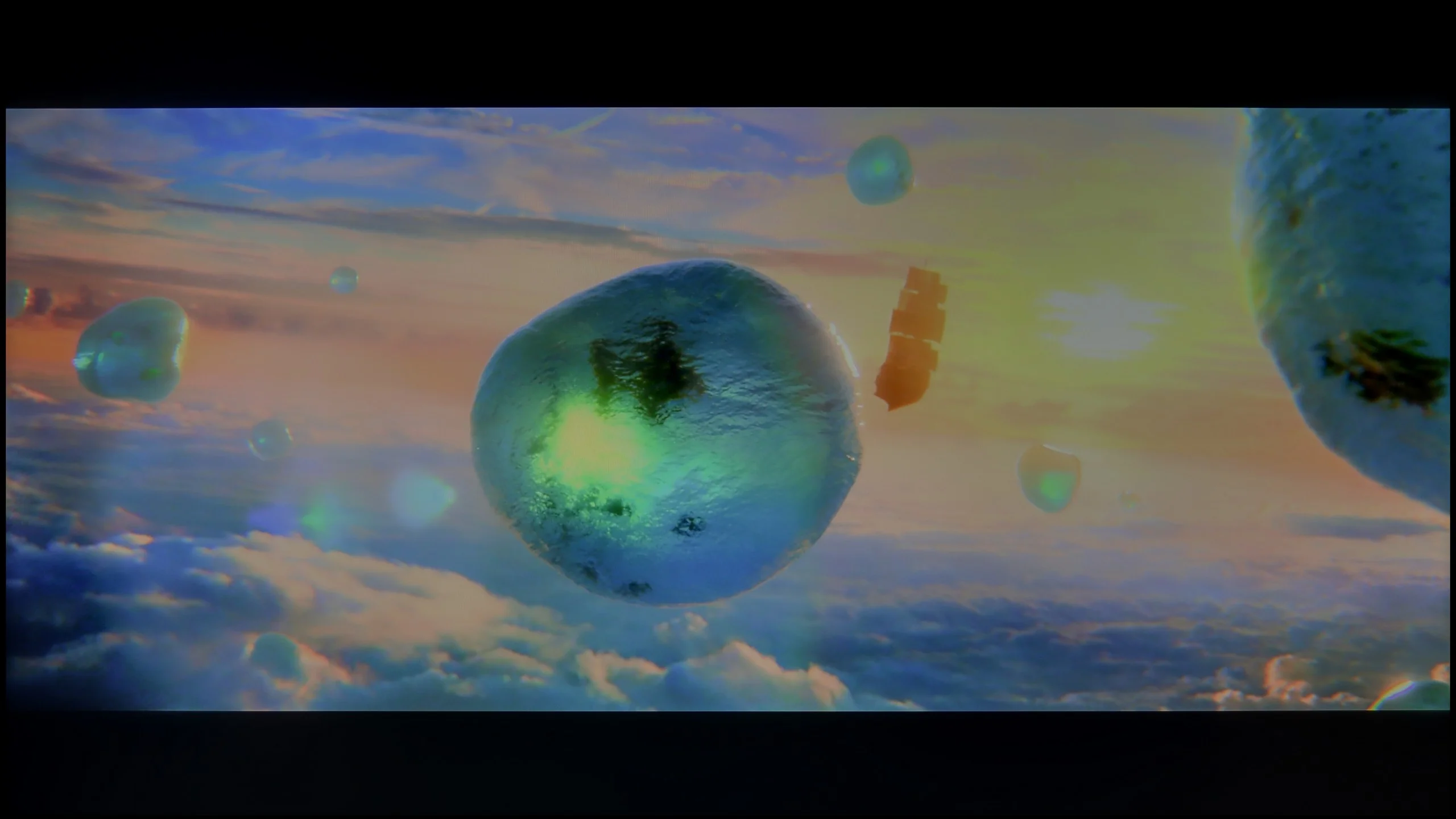
Scene from the movie “Pan” (about 2800 nits)

Scene from the movie “Billy Lynn” (about 1100 nits)
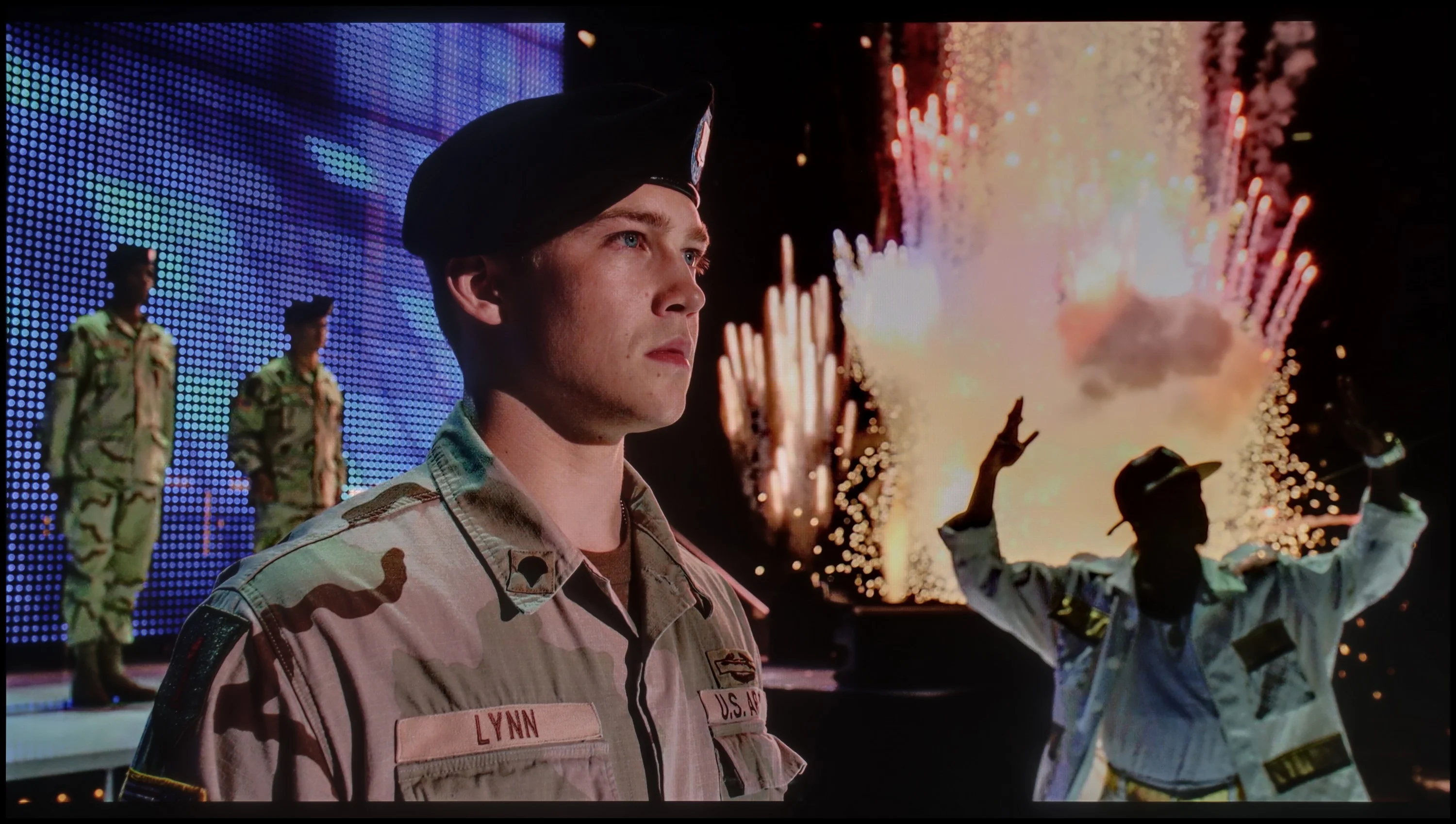

The photos show two HDR10 movies. 'Pan' is one of the brightest productions ever made, while 'Billy Lynn' (soldier) has brightness typical of streaming (Netflix, Prime, HBO MAX). Notice the intensity of effects and detail in whites.
Static HDR10

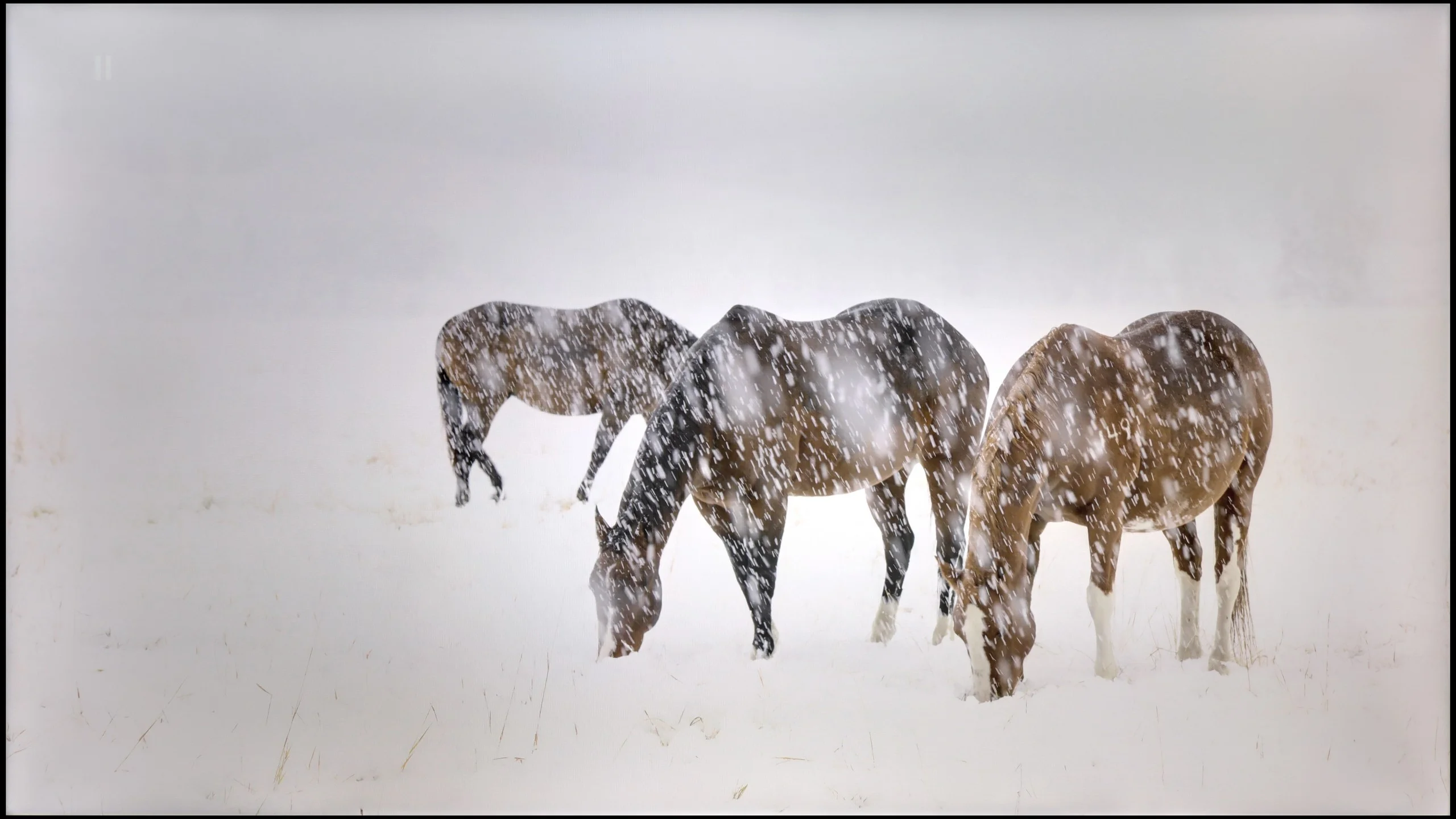
The photos present the visibility of white details in various HDR formats. They do not show brightness differences between TVs (these can be compared in the previous gallery).
Dynamic: HDR10+
Dynamic: HDR10+

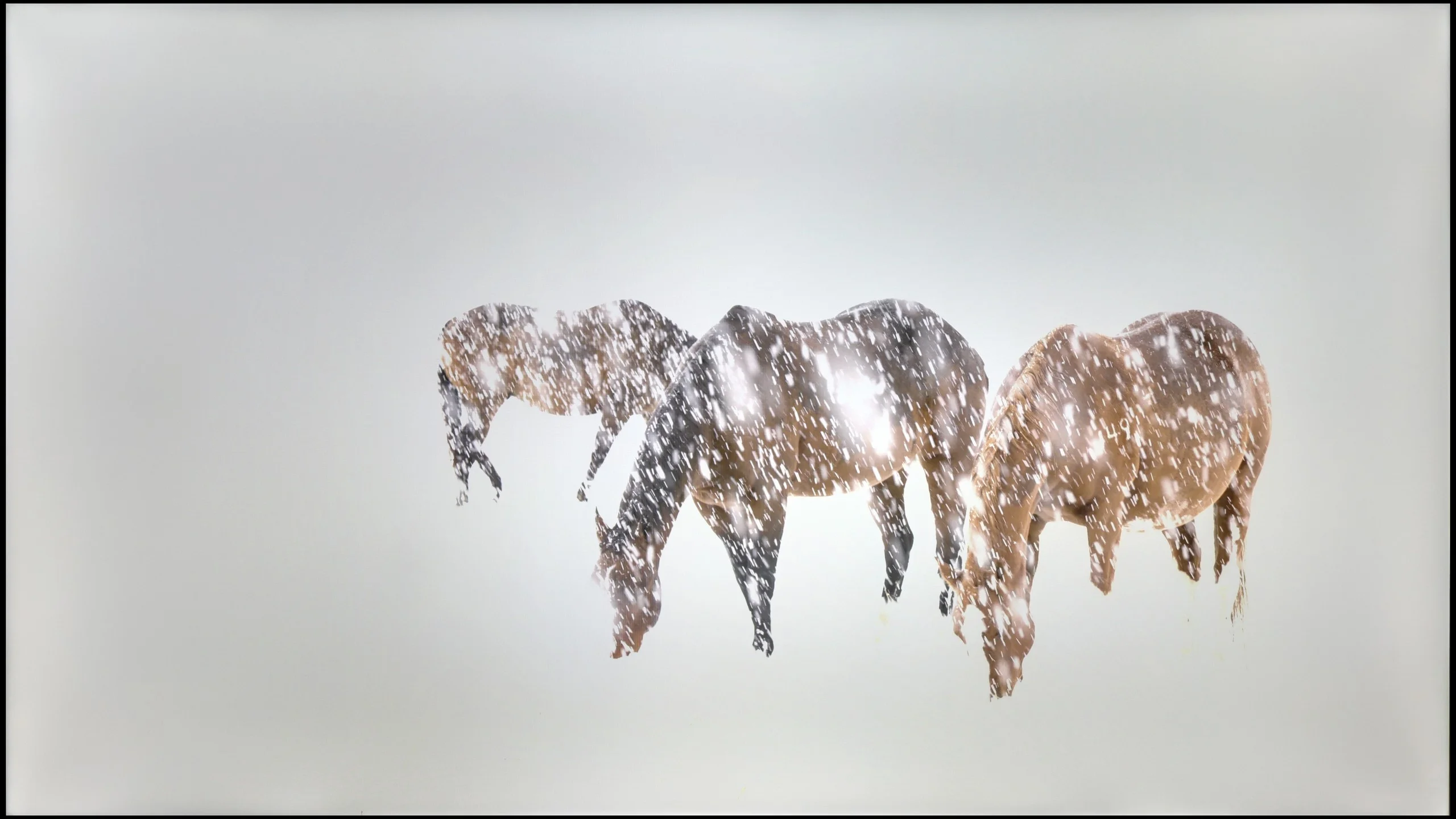
The photos present the visibility of white details in various HDR formats. They do not show brightness differences between TVs (these can be compared in the previous gallery).
HDR luminance chart:
Samsung U8000F (IPS)
Samsung S85D
Luminance of RGB colors
Brightness is a key parameter in televisions, and the S85D Samsung model offers levels comparable to other OLEDs from a few years ago. Although it does not impress in this regard, its enormous advantage is the very competitive price. A peak brightness of 600 nits ensures good image quality in HDR conditions, giving users a taste of cinematic experiences in the comfort of their home. However, as with many budget OLED models, the biggest issue is very bright, full-screen scenes – in such moments, like the final scene from the film “The Meg,” the television can lose even half of its brightness, which is noticeable compared to more expensive OLED models. Despite this, the television offers impressive coverage of the DCI-P3 colour palette at 99%, allowing for vibrant and accurate colours to be displayed.
Better does not mean good – and that is exactly how to summarise the capabilities of U8092F when it comes to displaying bright movie scenes in HDR mode. The brightness of the panel is just under 250 nits, which is definitely too little to enjoy any light effects. An interesting situation was observed during the measurement of the fourth scene from the film Sicario 2 – the television clearly dimmed the entire screen in an attempt to achieve better black levels (which remain weak anyway). One might even suggest that the device is using some form of 'global dimming', but unfortunately – the results are still very poor. To make matters worse, the television does not support a wide colour gamut – the coverage of the DCI-P3 space is around 80%, so one cannot expect truly vibrant colours. The HDR image here looks more like a slightly brightened SDR, and it is this form that we would suggest sticking to when it comes to this television.
Factory color reproduction
6.6/10
6.5/10


This gallery shows how colors change after professional TV calibration. If you notice the difference, we recommend ordering this service at SkalibrujTV.com.
Factory Mode
After calibration
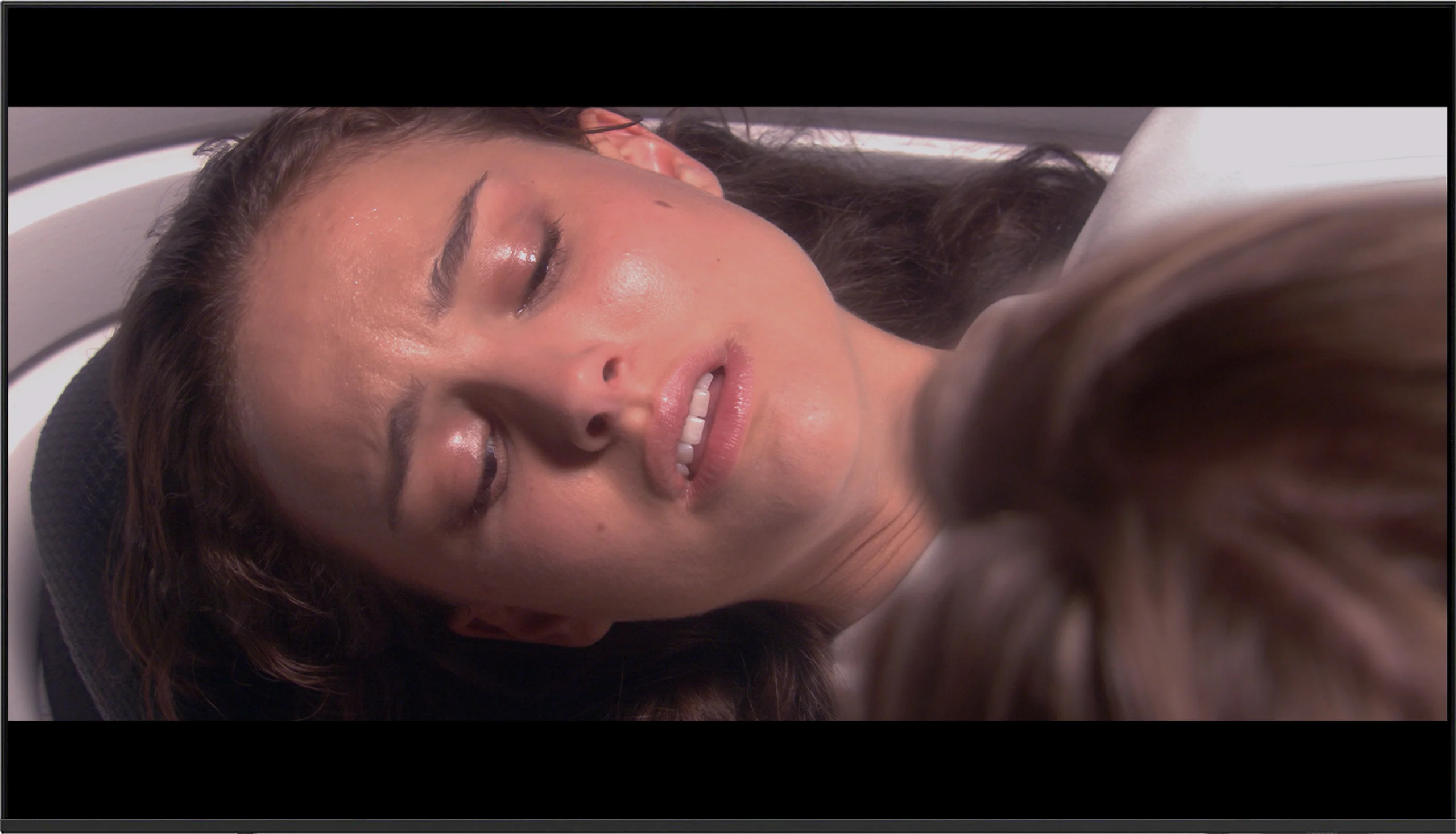
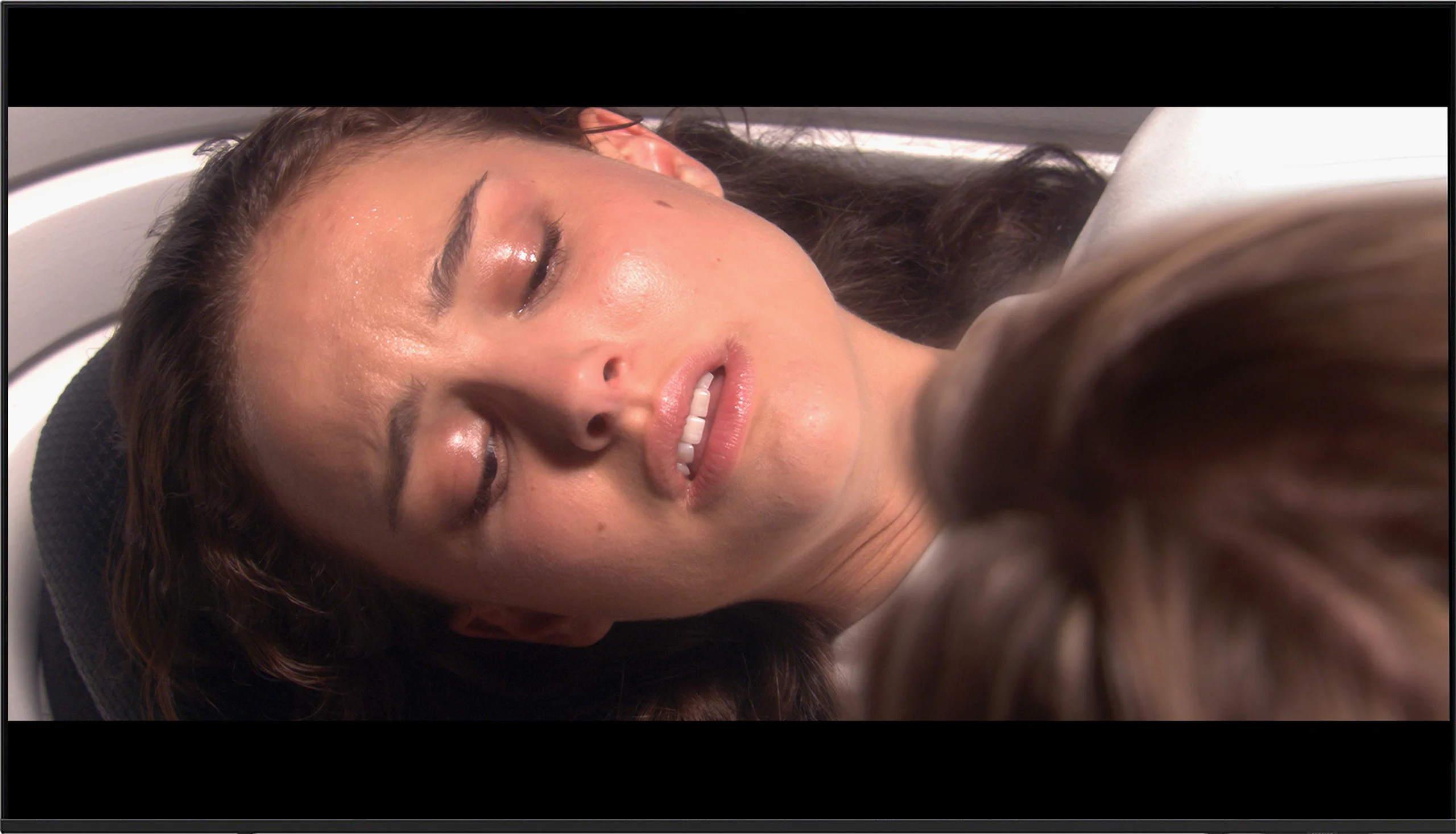
This gallery shows how colors change after professional TV calibration. If you notice the difference, we recommend ordering this service at SkalibrujTV.com.
Factory Mode
After calibration
The Filmmaker mode on the Samsung S85D does offer quite good factory settings, but it is not free from errors, particularly evident in colour reproduction. The white balance chart for HD and HDR content shows clear issues – both red and blue colours are significantly weakened, leading to a dominance of green. The result is an unnatural yellowish hue that can affect the perception of realistic scenes. The Color Checker test clearly shows that the colour samples deviate from expected values – for HD material, the colours can be overly saturated, with a noticeable shift towards green, which is also evident in the white balance chart. Conversely, for 4K HDR content, the colours appear too dull, lacking depth, making the image less appealing and natural. This effect is particularly noticeable in delicate scenes where colour precision plays a key role, which can be disappointing for discerning viewers who expect faithful reproduction of details and colour intensity.
As for brightness, the gamma chart for HD content looks quite good; however, there is a noticeable jump at the end, exceeding a value of 2.4. While this is not a major issue in most scenes, in more demanding sequences it may affect the clarity of bright details. For 4K content, the EOTF curve, responsible for delivering brightness, turns out to be problematic. The initial part of the chart shows a small jump. This phenomenon can result in excessive boosting of brightness in the brightest areas of the image, leading to loss of detail in very bright scenes.
Although Samsung S85D offers quite decent factory settings, especially in Filmmaker mode, it is worth considering manual adjustment of settings to improve some imperfections, particularly in colour reproduction.
The Samsung U8000F has been tested in the best possible picture mode built into the television, namely Filmmaker Mode. This mode should – at least in theory – offer a cinematic, reference picture without unnecessary enhancements. In the case of SDR content (mainly HD/SD), the television, out of the box, showed itself surprisingly well. Errors in white balance hovered around a value of 3, which is roughly on the edge of perceptibility. The only complaint could be about brightness management – the gamma graph showed a slight tendency to lighten or darken certain sections, but even so, the overall performance is quite good for this price segment.
Unfortunately, it looks much worse in HDR mode. Although the white balance was not terrible, the television had significant colour errors – particularly evident in the Color Checker graph, where almost every sample hit outside the target point. The picture in HDR simply looks unnatural, and the colours can be shifted, dull, or too cool. This largely stems from the fact that the U8000F does not support a wide colour gamut (DCI-P3). The television is physically unable to display correct colours in the HDR standard – and unfortunately, this is felt in every more demanding material.
Color reproduction after calibration
8.7/10
7.5/10
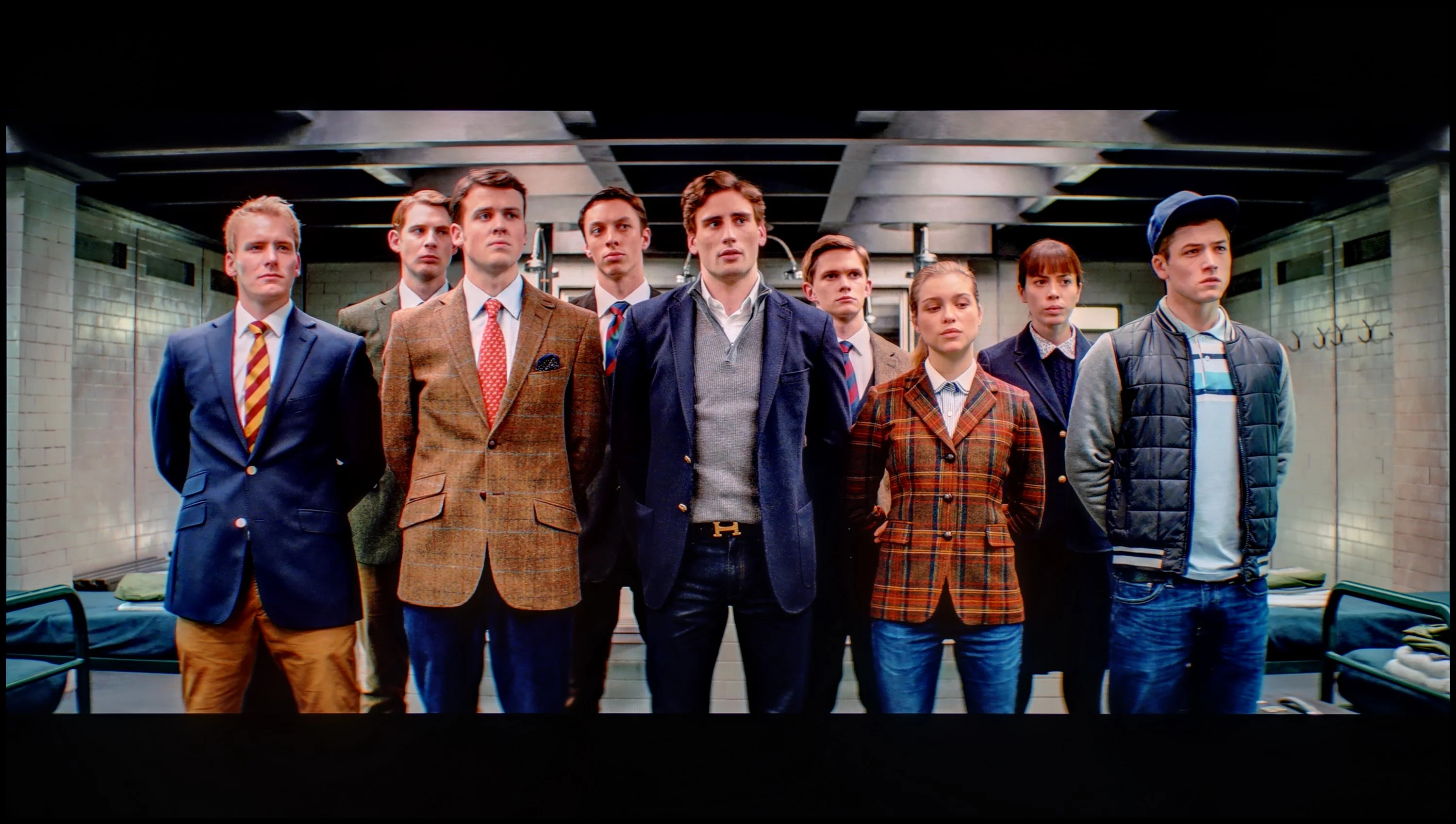
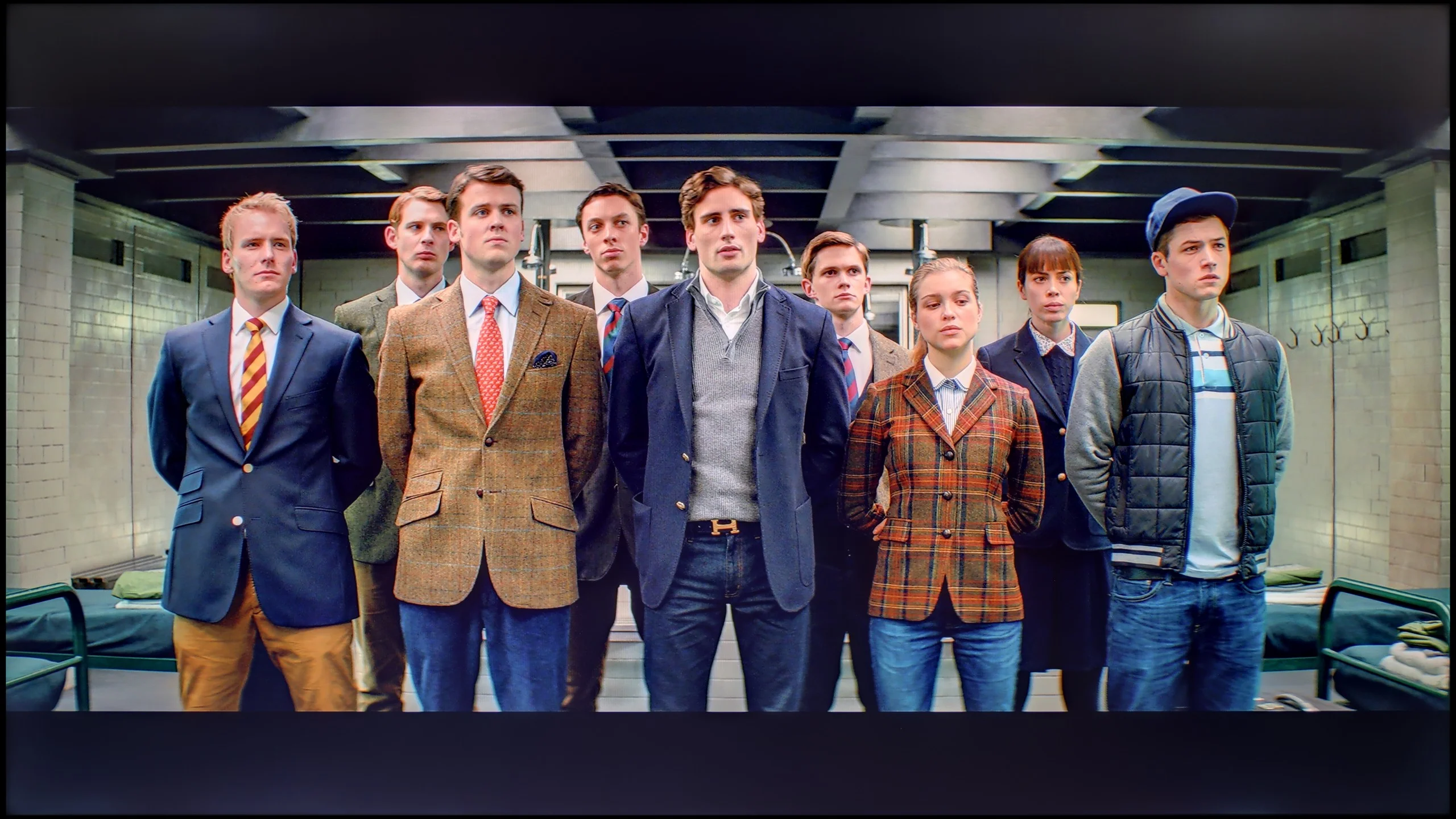
The photos show how movies look on the TV. Pay attention to black detail visibility, colors, and shadow tint.


The photos show how movies look on the TV. Pay attention to black detail visibility, colors, and shadow tint.
After calibration, the Filmmaker mode on the Samsung S85D truly impressed. The white balance, regardless of the type of content, has significantly improved, resulting in more natural colours. The Color Checker test shows that colour reproduction errors are now minimal and rarely exceed acceptable values, which indicates accurate colour rendering. The factory colour reproduction left much to be desired, but the situation has now significantly improved – the colours are natural, precise, and look as if they were rendered exactly according to the creators' intentions. This is a huge step forward compared to previous generations, where colours were often distorted or too intense.
The brightness characteristics also benefited from the calibration – it is now more vivid and precise. The gamma, although fairly good previously, has become even more stable, providing a deeper, more natural image. The EOTF curve has been aligned, allowing details in dark areas to be more visible and the contrast more balanced. With all these improvements, the television delivers an image close to reference quality, greatly enhancing the enjoyment of watching films and HDR content.
Although the U8000F already offered a fairly well-balanced image in SDR straight out of the box, we were able to refine it a bit further. We managed to eliminate a slight purple tint and adjust the gamma to a more sensible level. However, the television still has a tendency to overexpose the smallest and brightest parts of the image – the gamma chart shows a characteristic 'dip' that is difficult to completely straighten out.
Unfortunately, the situation is worse in HDR. It's hard to speak of any significant improvement here – the television is simply not designed for HDR content. We tried to correct the image in the advanced settings, but despite our efforts, the colour errors remained substantial – a delta E above 7 indicates very noticeable deviations. It's a bit disappointing, but that's the nature of budget construction. In SDR, the U8000F performs reasonably well, whereas HDR is just not its league.
Smoothness of tonal transitions
7.2/10
9/10
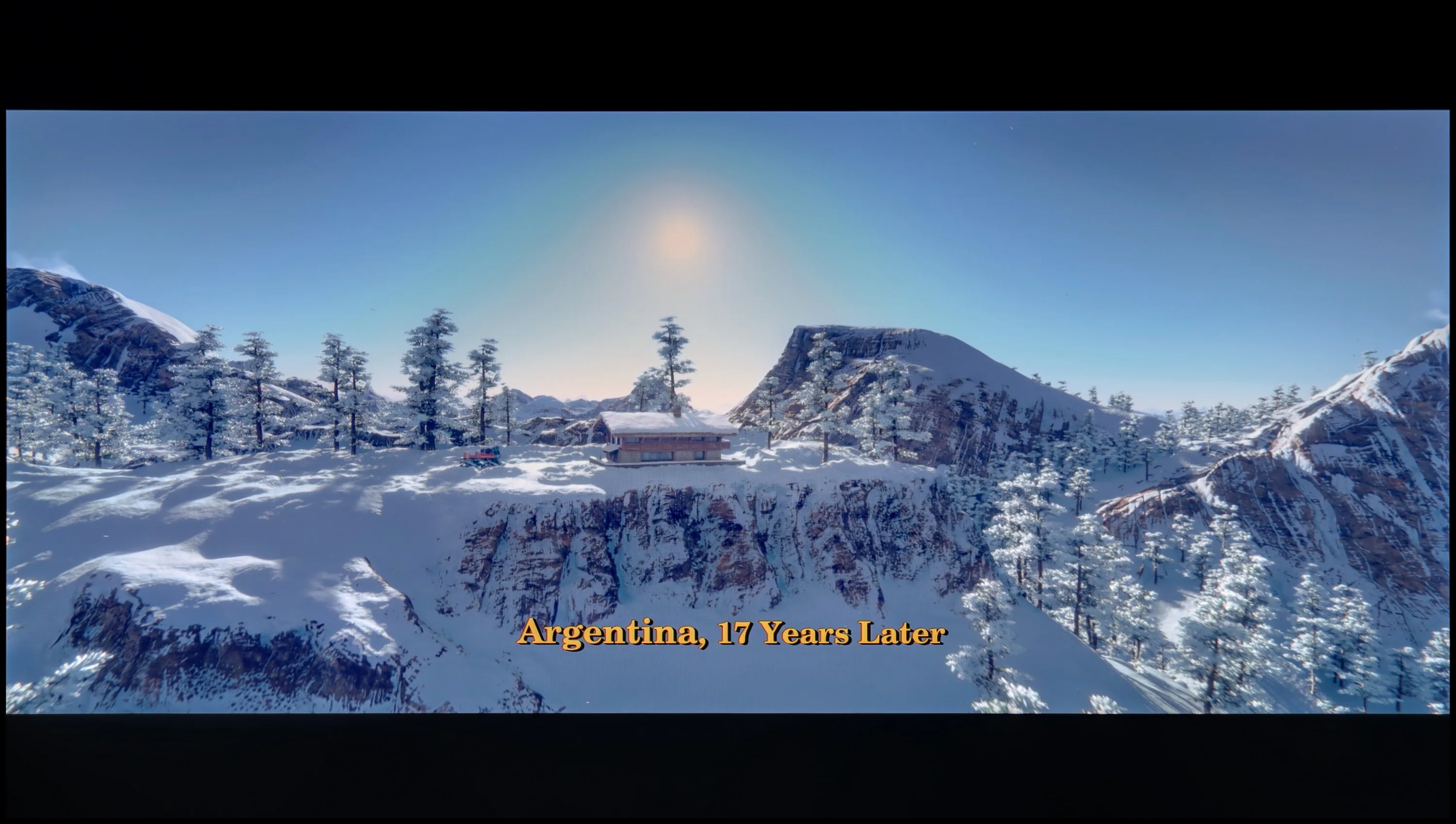

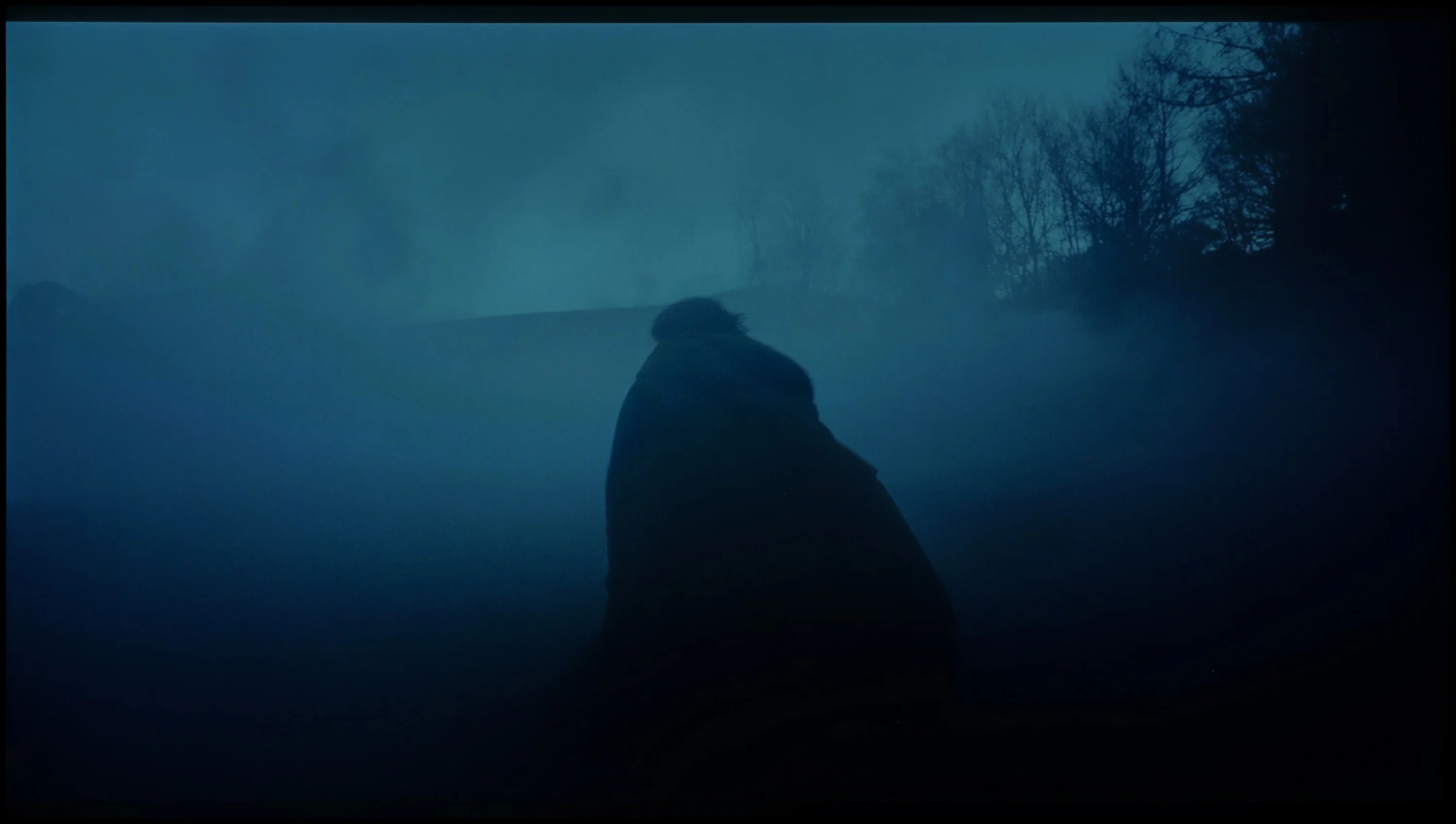
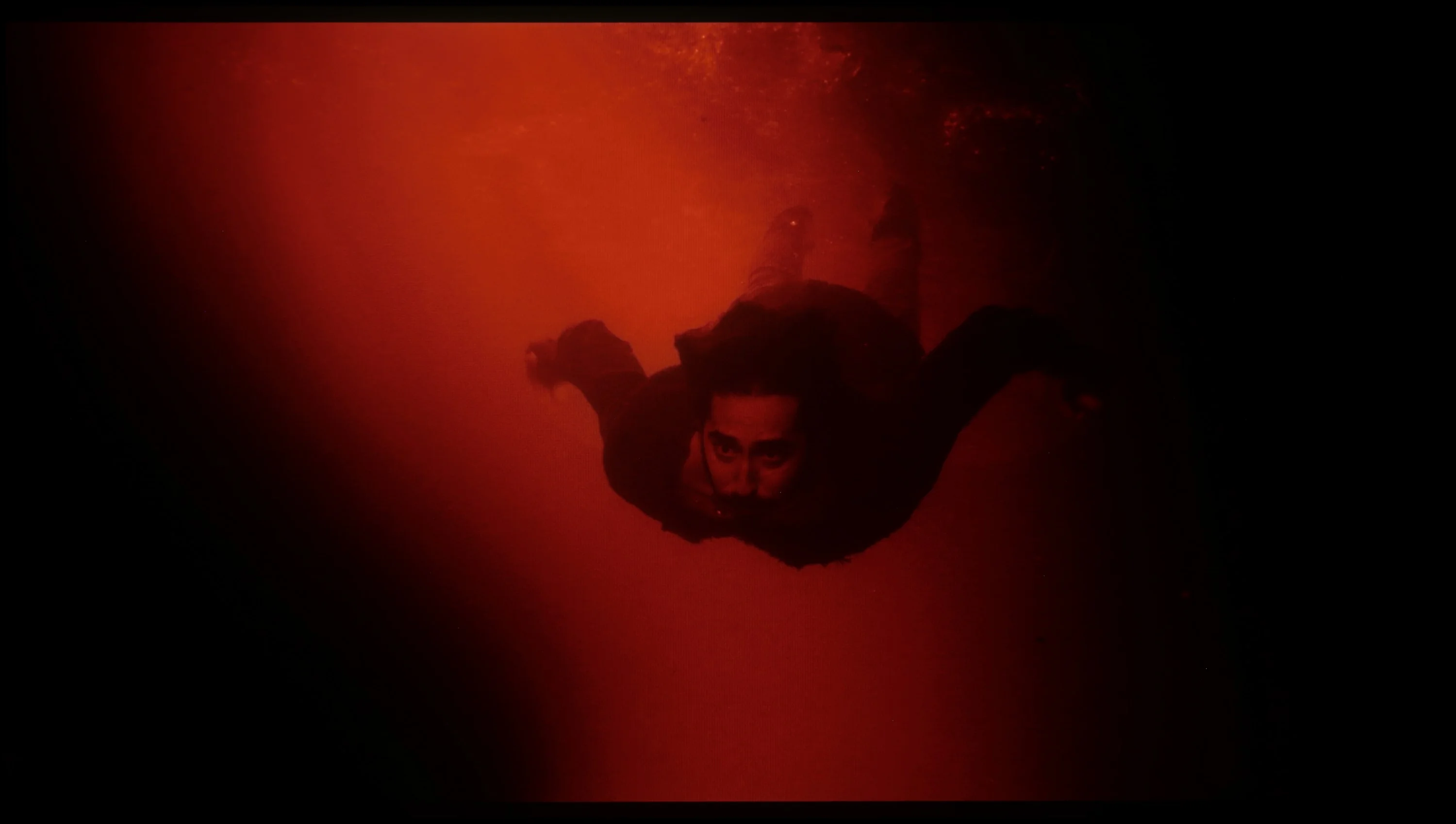
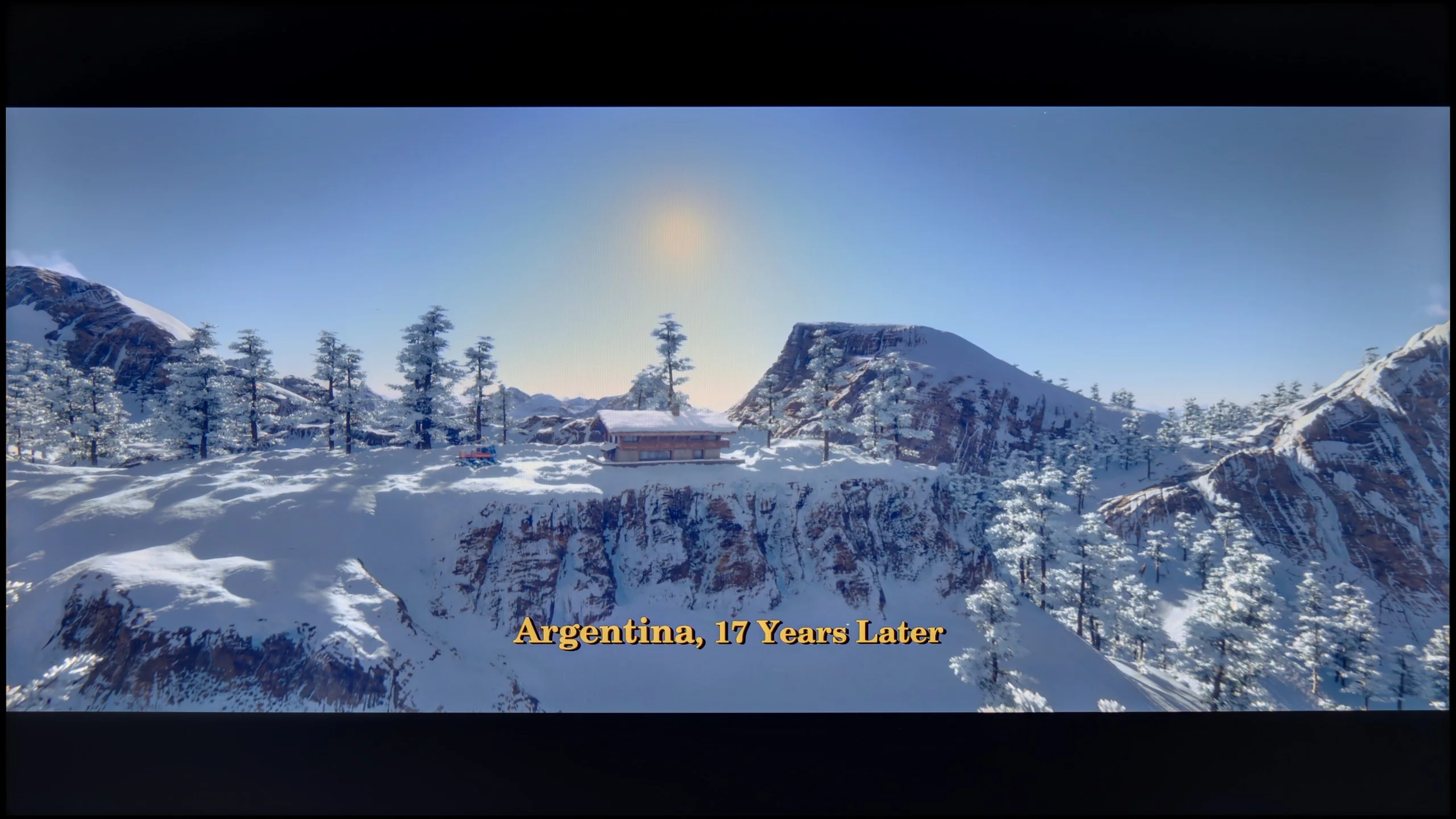
These are selected scenes that show smooth tonal transitions from one color to another. If you see distinct banding, it’s the TV panel’s fault.

These are selected scenes that show smooth tonal transitions from one color to another. If you see distinct banding, it’s the TV panel’s fault.
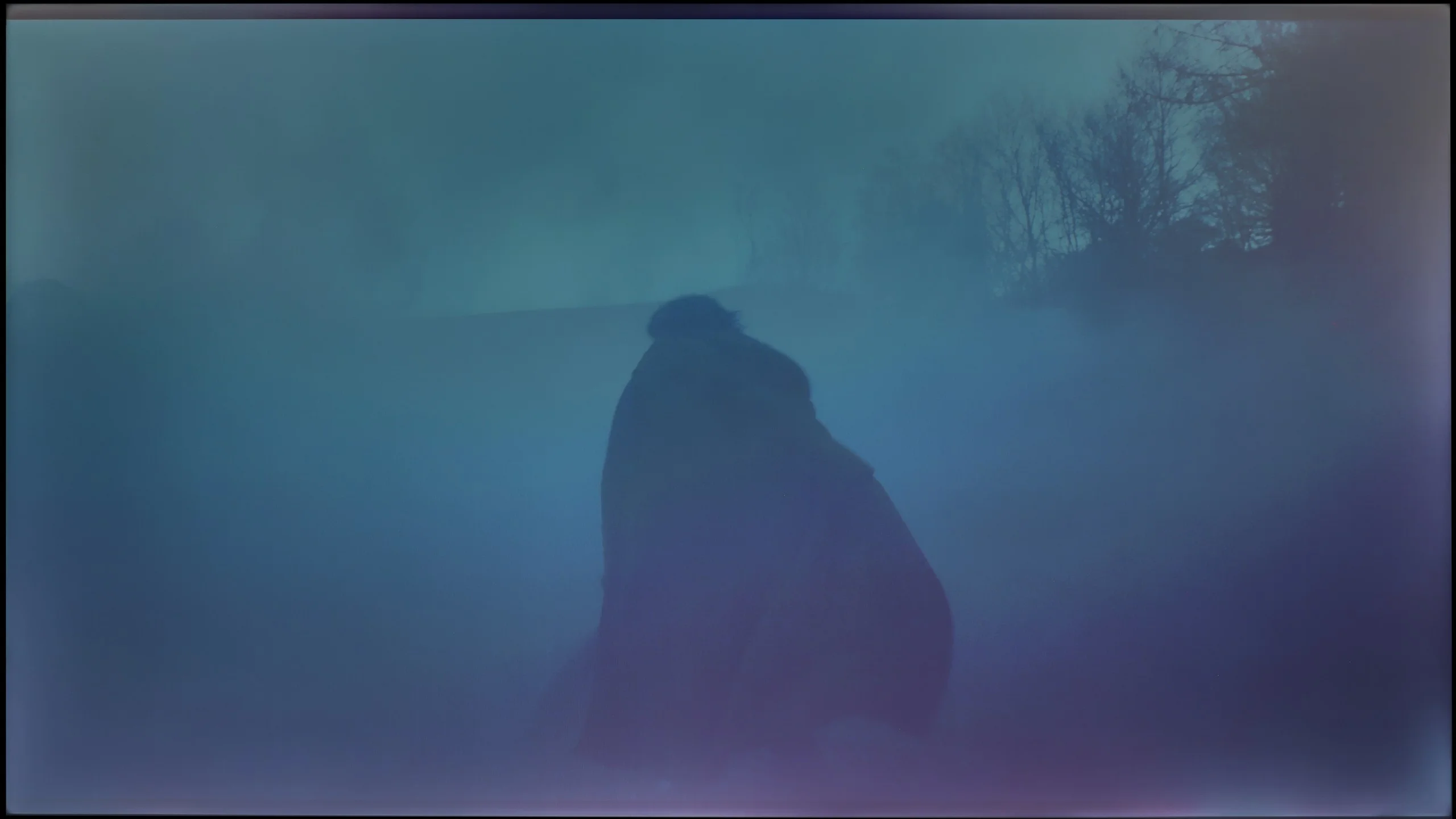
These are selected scenes that show smooth tonal transitions from one color to another. If you see distinct banding, it’s the TV panel’s fault.
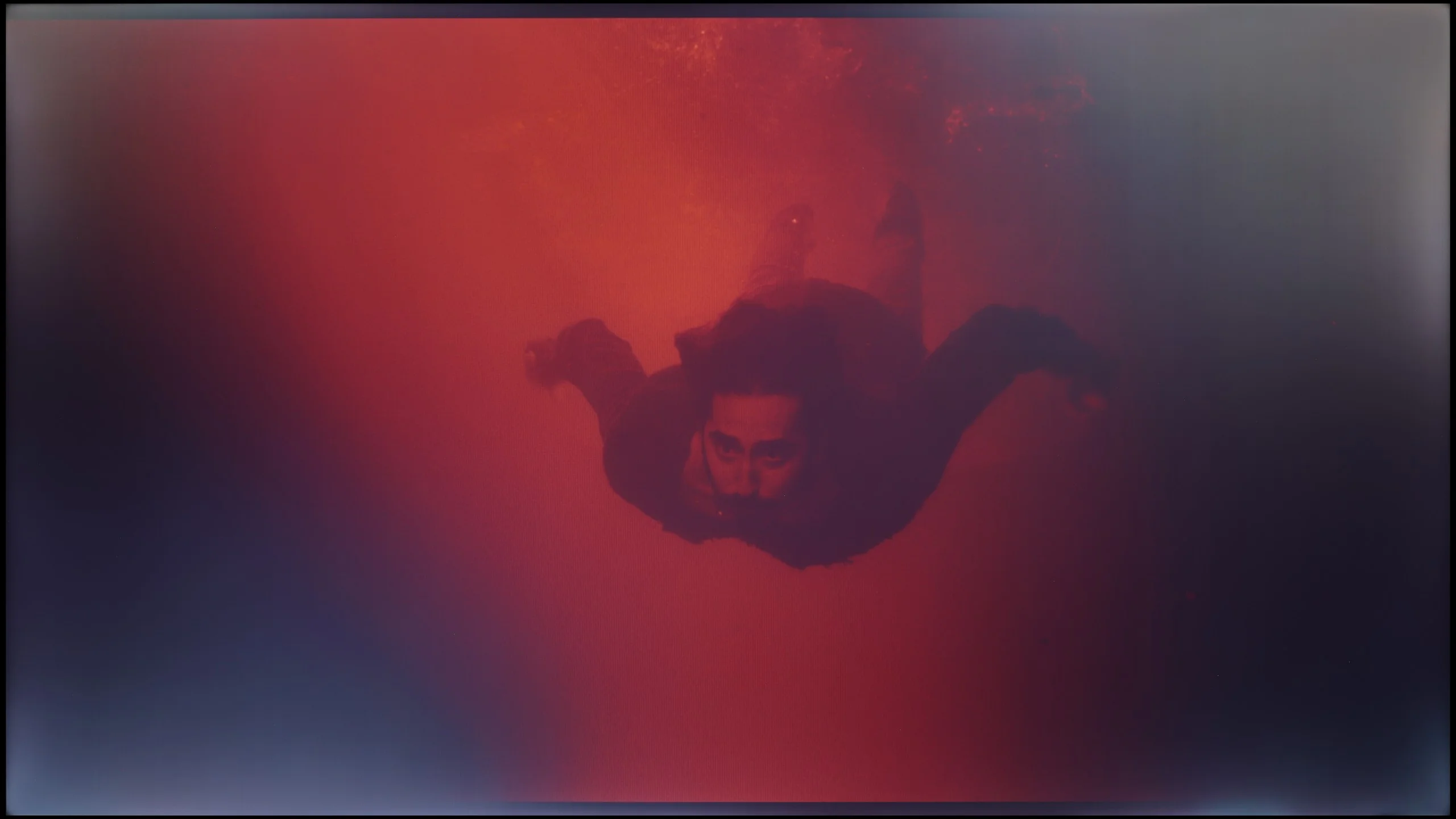
These are selected scenes that show smooth tonal transitions from one color to another. If you see distinct banding, it’s the TV panel’s fault.
Samsung OLED S85D performs very well with the smoothness of tonal transitions. There are no major issues, and the transitions between different colour levels are smooth and natural. The only minor drawback is slight issues around the reds, where in some scenes, subtle disturbances can be noticed. Nevertheless, the overall effect is very positive – the television handles most materials excellently.
Another important aspect to consider when assessing image quality is the smoothness of tonal transitions – that is, how well the television handles the blending of colours and shades. And here the Samsung U8092F performs... almost perfectly. On the test patterns, there are no noticeable stepping transitions, no issues with colour gradients, and the whole picture is not artificially sharpened, which unfortunately happens with many televisions in this class. The image appears natural and very clear. We noticed minimal issues with the brightest scenes, but that is more nitpicking, which only a very trained eye will catch.
Image scaling and smoothness of tonal transitions
7.4/10
5/10


Smooth transition function
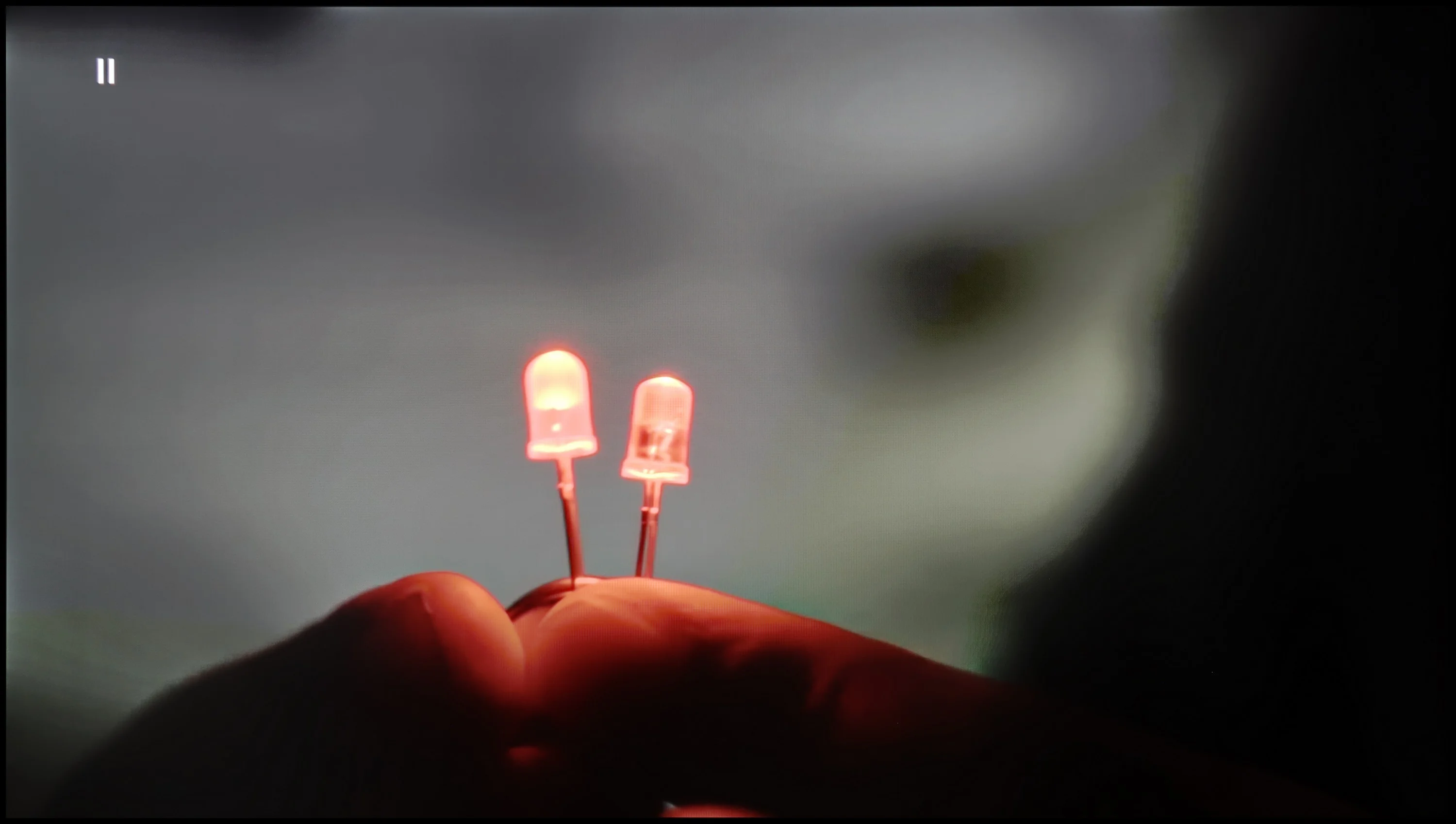
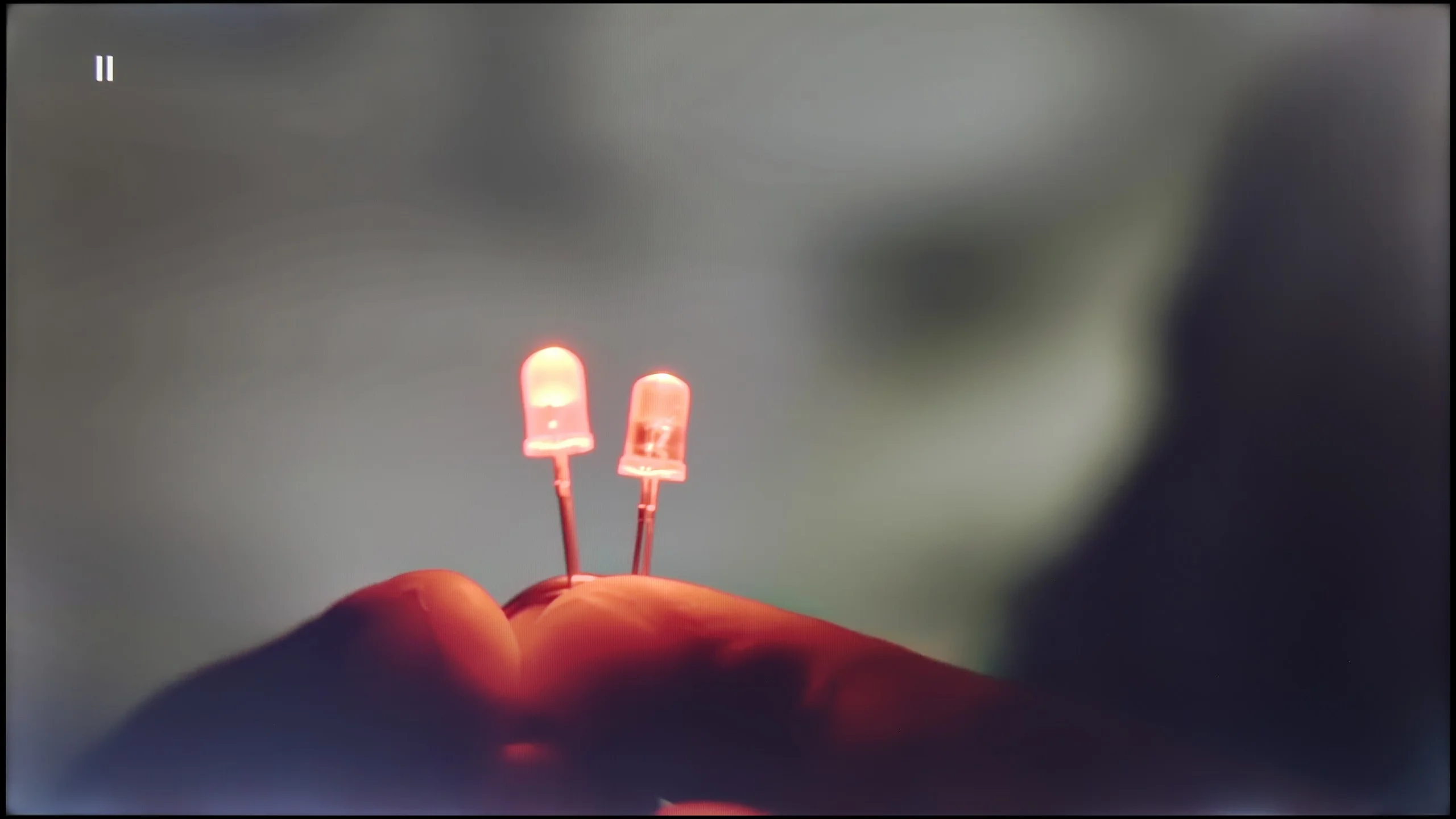
The match photo shows how the TV smooths weak tonal transitions in low-quality video.
Image scaling SD (576i)


The model photo shows how it handles upscaling of SD material.
Samsung S85D performs excellently in scaling images and smoothing tonal transitions. Like in other Samsung models, the television offers three noise reduction modes: off, standard, and high. Although it effectively improves gradations, it unfortunately also removes film grain, which many viewers desire to give the image a cinematic character. This grain often adds authenticity and a certain rawness to films, which is lost after smoothing. Removing the grain can make the image look too sterile and smooth, which detracts from the charm of the original film material. When it comes to scaling images, the Samsung S85D handles lower resolution content beautifully – the model in the picture and the branches in the background were displayed correctly, with no major issues with edge aliasing. The only noticeable drawback is the presence of overscan, which can sometimes cut off parts of the image, which may not please everyone.
When it comes to how the Samsung U8000F handles lower quality materials, we must admit that Samsung has made progress compared to its predecessor from last year – namely the DU7192 model, which theoretically occupies the same spot in the range.
This year's model has been equipped with a feature that enhances the fluidity of tonal transitions, which has been implemented much better than last year. Yes, the television still uses fairly strong algorithms that can distort details or remove film grain, but despite that – it can be confidently said that it works effectively.
However, not everything has gone perfectly. The U8000F has noticeable issues with slight image stuttering when watching very old content in very low resolution. If someone plans to play their old VHS tape, they must reckon with the fact that the image may appear slightly "choppy".
Blur and motion smoothness
8.5/10
4.5/10
Blur (native resolution, maximum refresh rate):


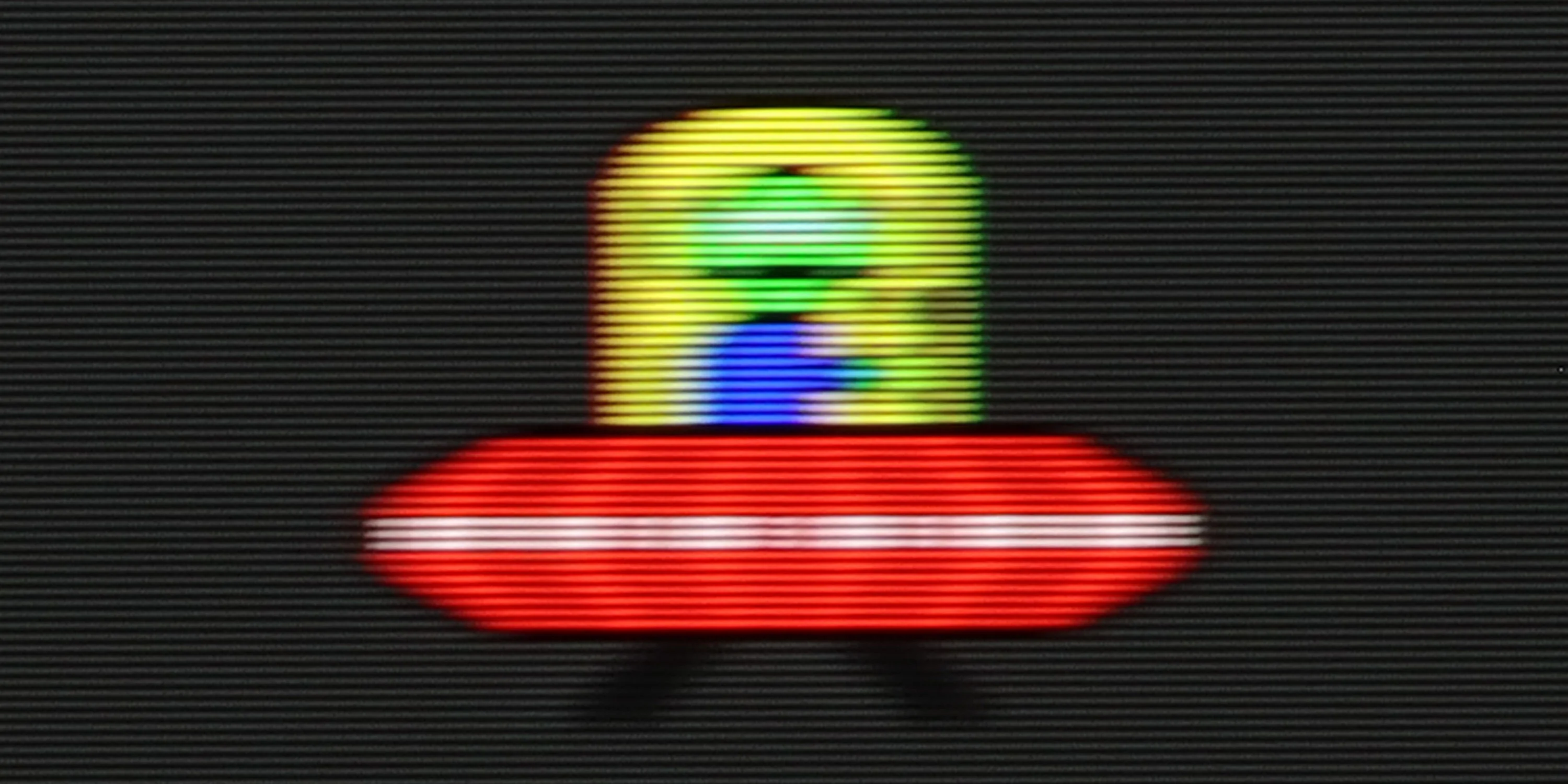
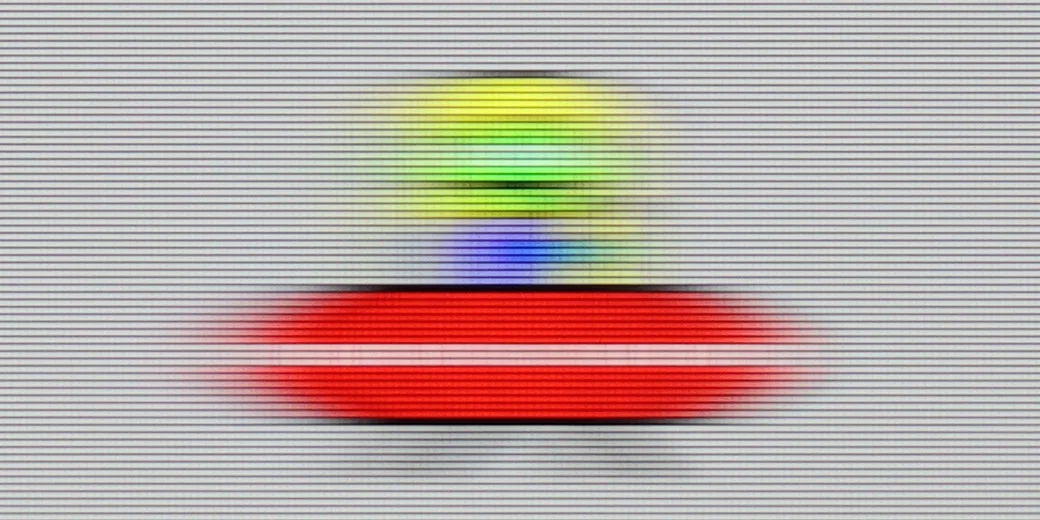
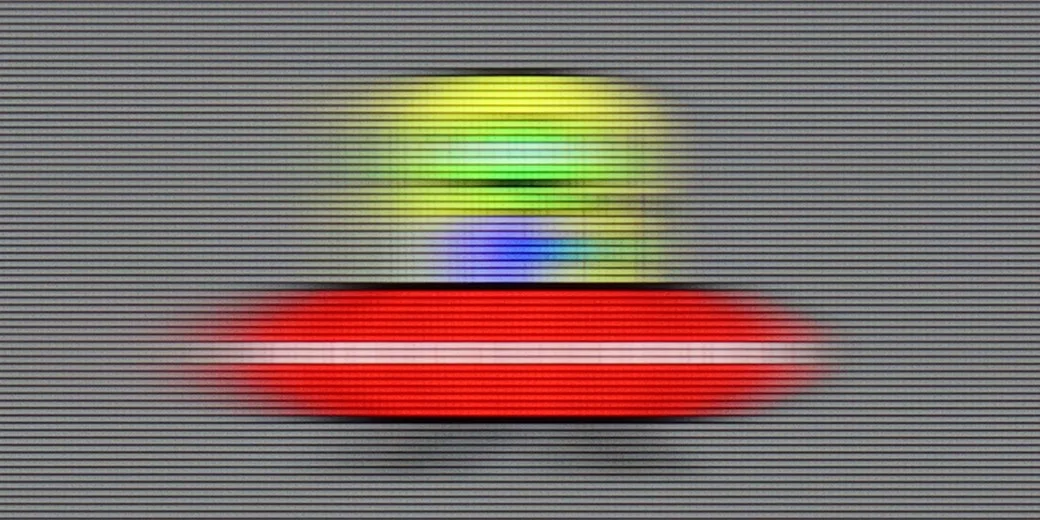
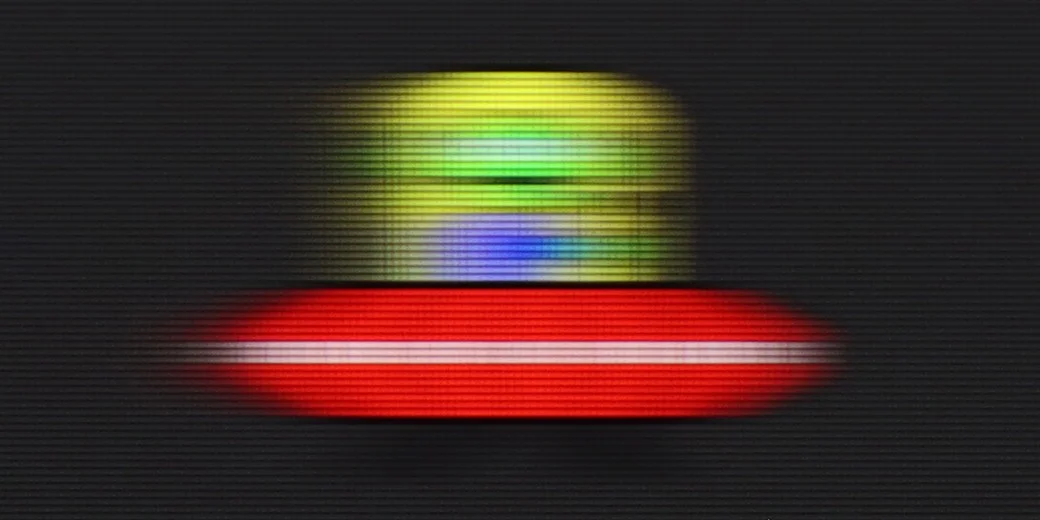
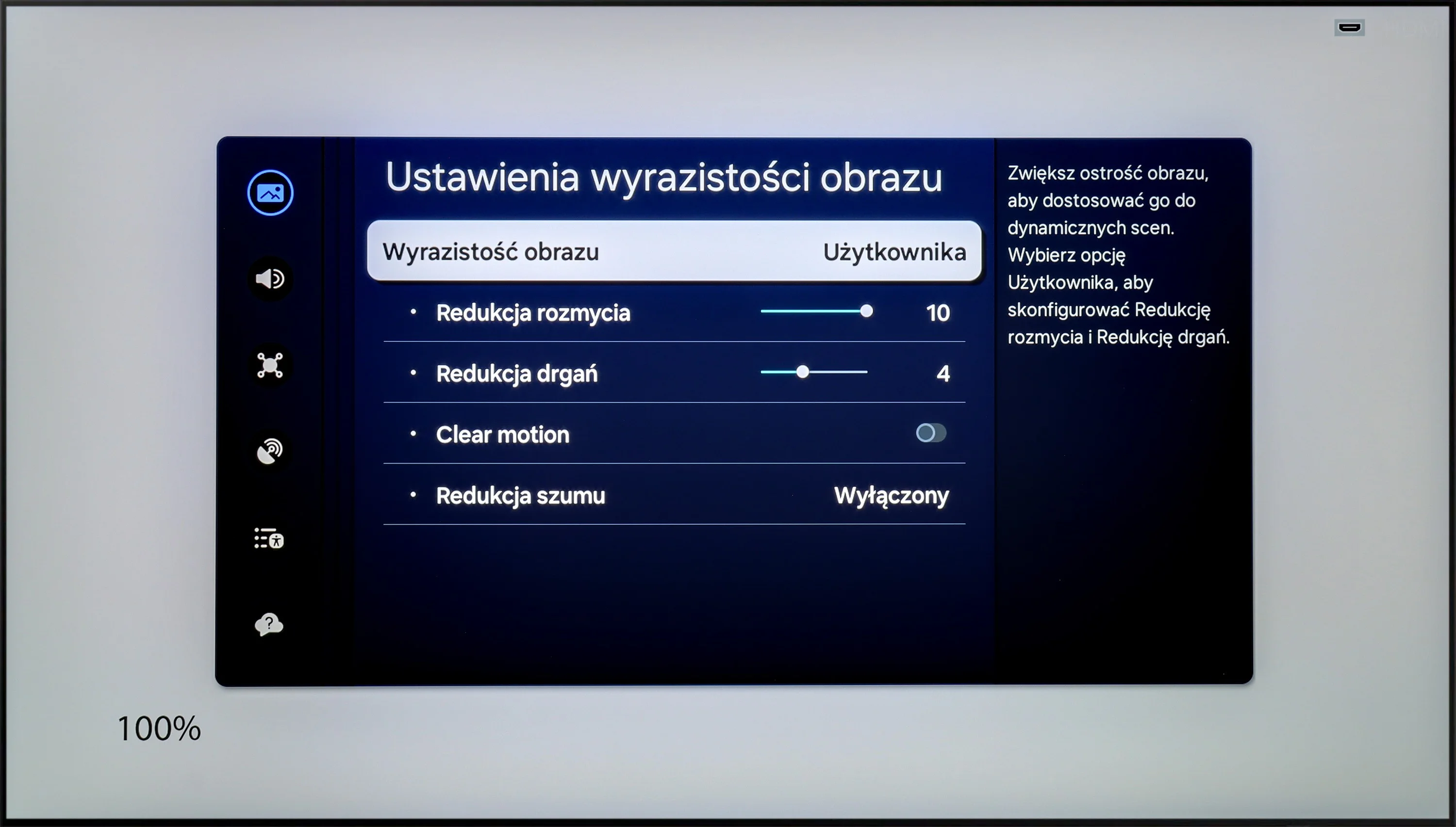
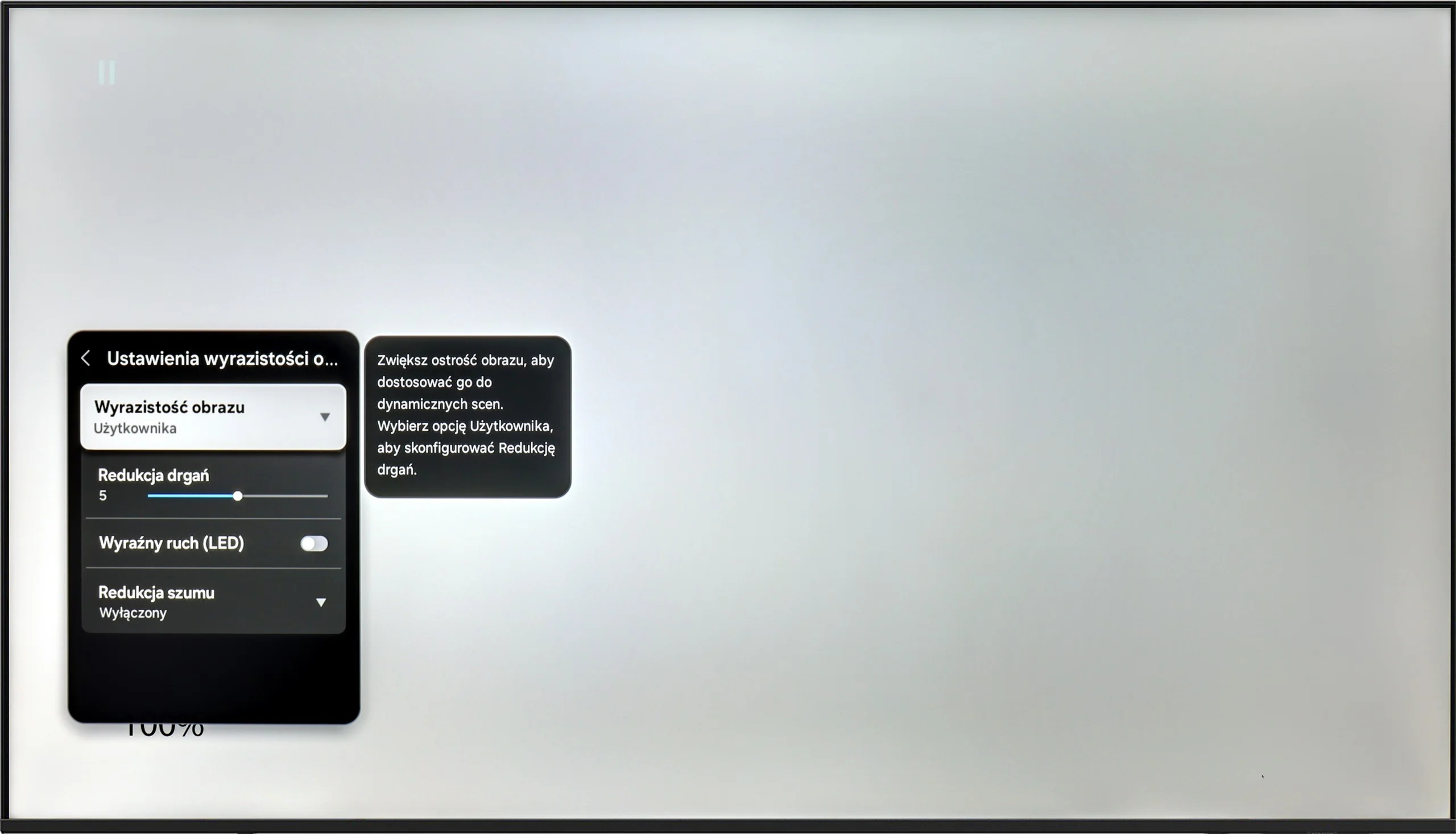
As befits an OLED television, Samsung S85D offers excellent motion fluidity. Equipped with a 120 Hz panel and fast response time, the television provides very smooth playback of dynamic scenes without visible ghosting. For movie enthusiasts, there is a feature called "Image Clarity Settings," which allows adjusting the fluidity of the image to individual preferences on a 10-point scale. Motion blur reduction enhances the sharpness of rapidly moving objects, while motion smoothing smooths out movement, eliminating the "judder" effect. This way, every user can set the appropriate level of clarity that best suits their taste, from a more cinematic effect to sharper, smoother movements.
The Samsung U8000F is equipped with a 60 Hz panel, so it's clear from the outset that we shouldn't expect miracles. It's simply the standard in this class – sufficient for everyday viewing but without any fireworks.
The television offers a single motion smoothing slider – a function called “Motion Blur Reduction”, which allows us to adjust the smoothness of the image in films. Higher settings provide a more “theatrical” and smoothed effect, while lower settings maintain the original character of the film with a slight 24p effect. An interesting feature is “LED Clear Motion”, which is a BFI mode – that inserts black frames between frames of the image to improve motion clarity. However, in practice, the screen flickers quite a bit when this feature is activated, and it should be regarded more as an experiment than something that genuinely enhances the comfort of gaming.
Console compatibility and gaming features
9.5/10
5.3/10
- ALLM
- VRR
- VRR range48 - 120Hz48 - 60Hz
- Dolby Vision Game Mode
- Correct implementation of HGIG
- 1080p@120Hz
- 1440p@120Hz
- 4K@120Hz
- Game bar
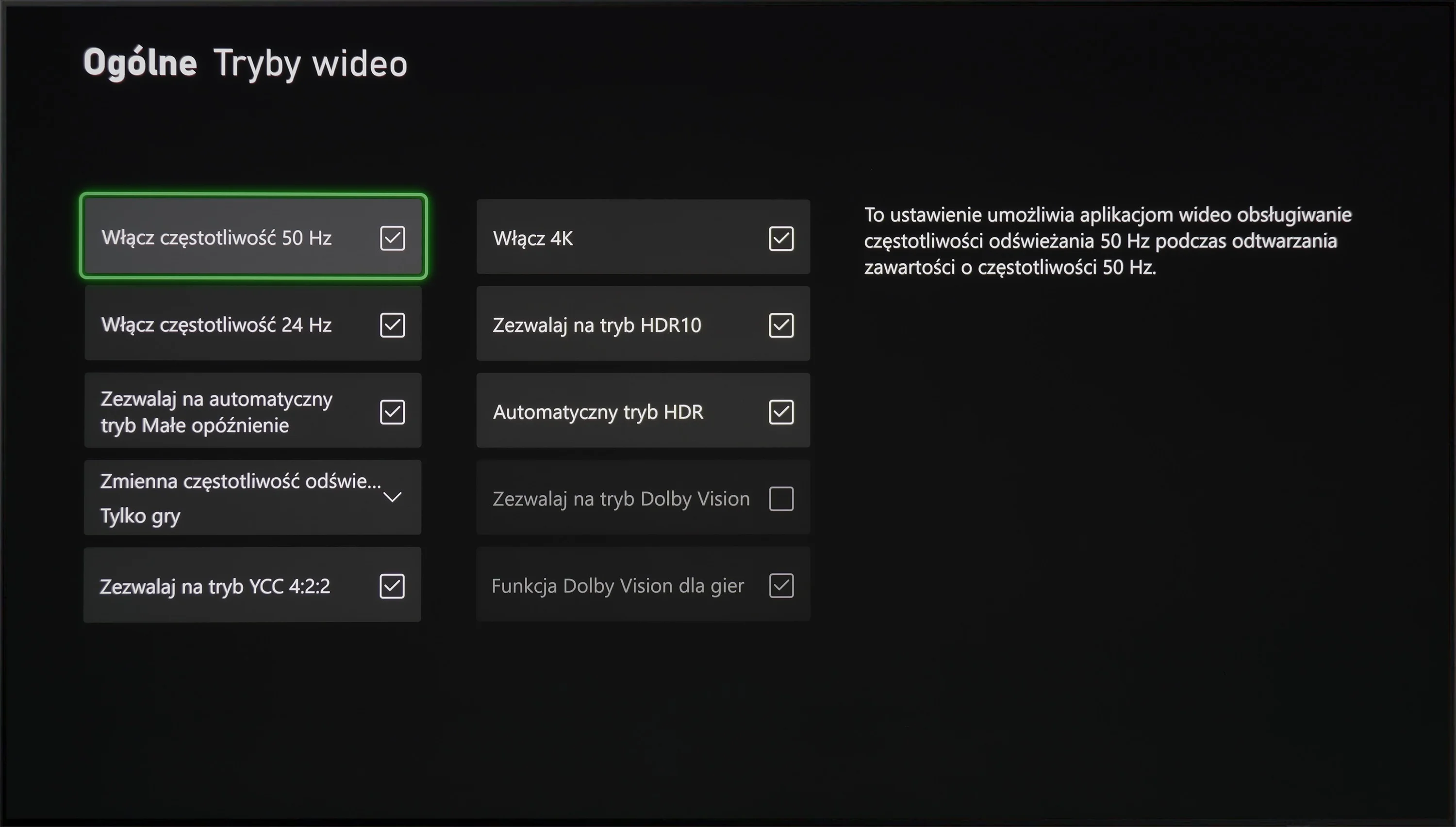
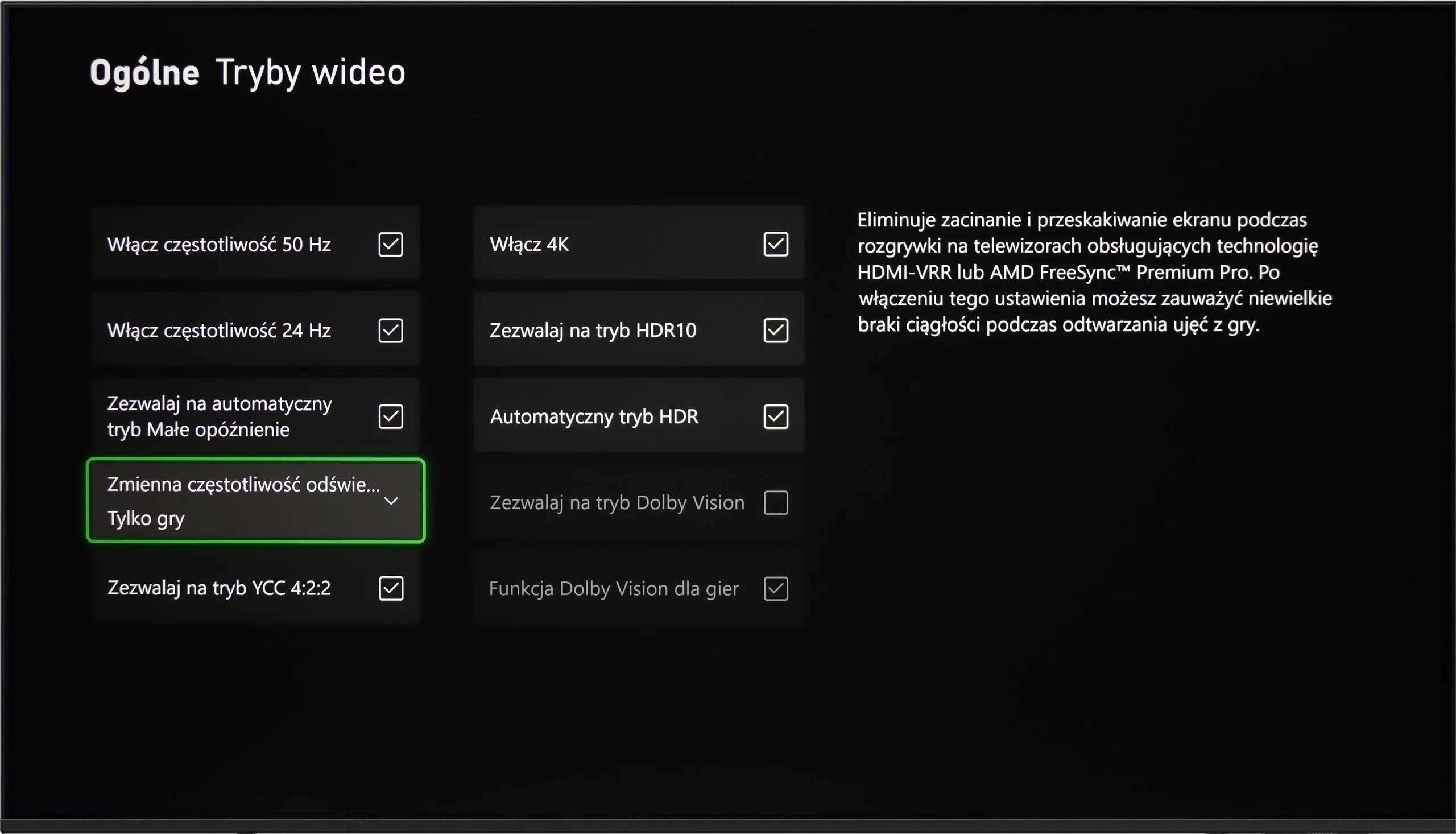
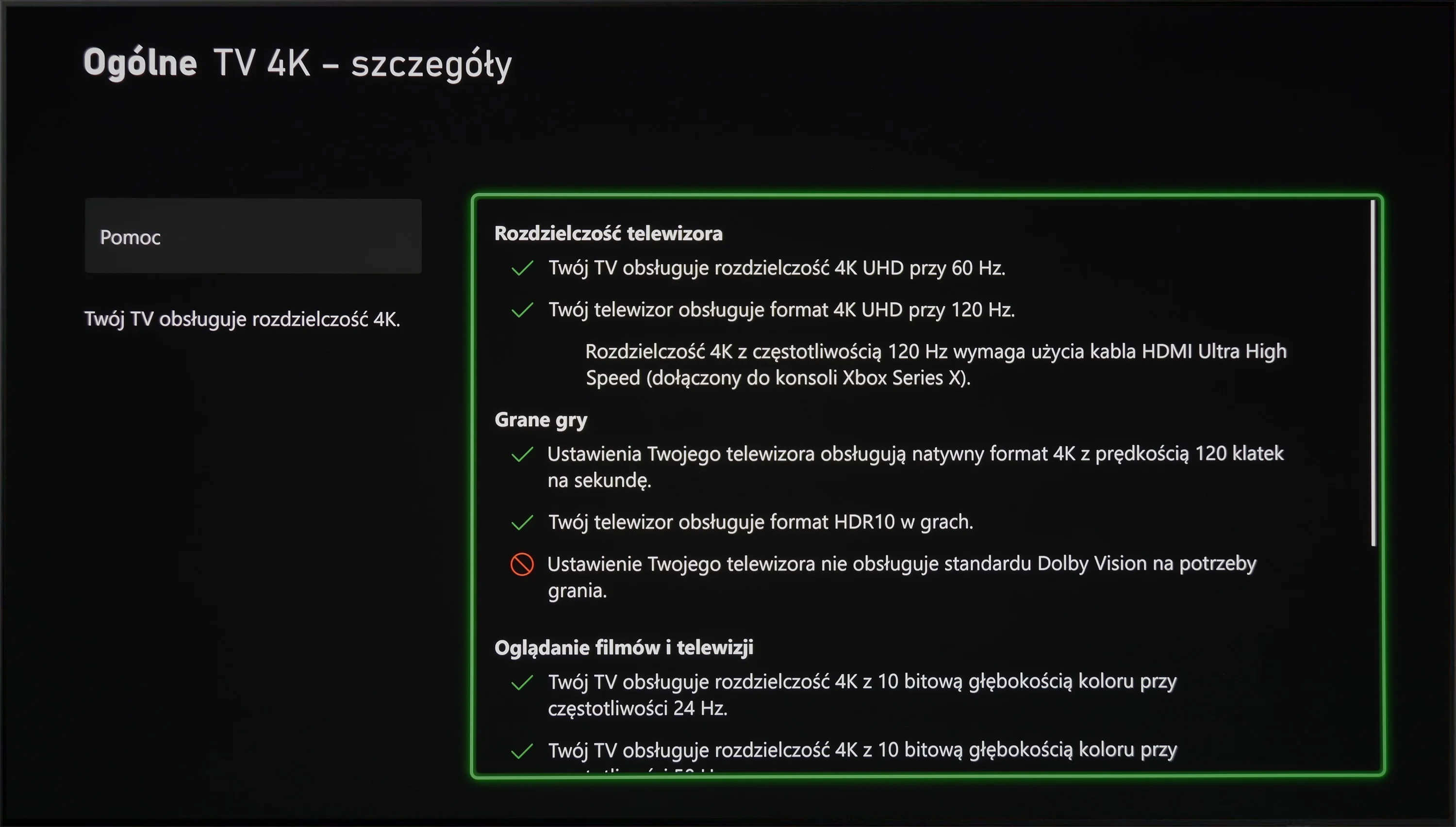
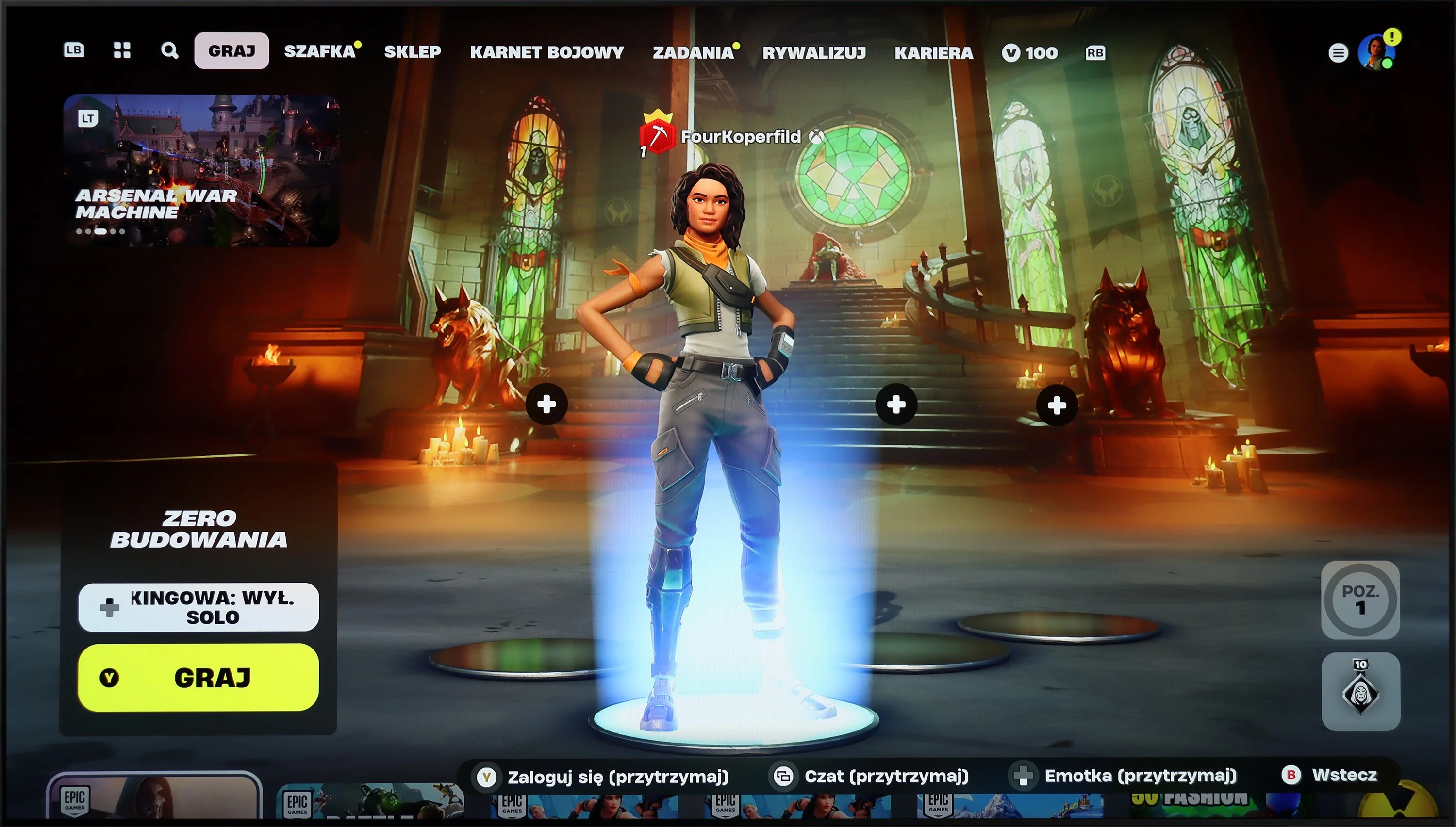
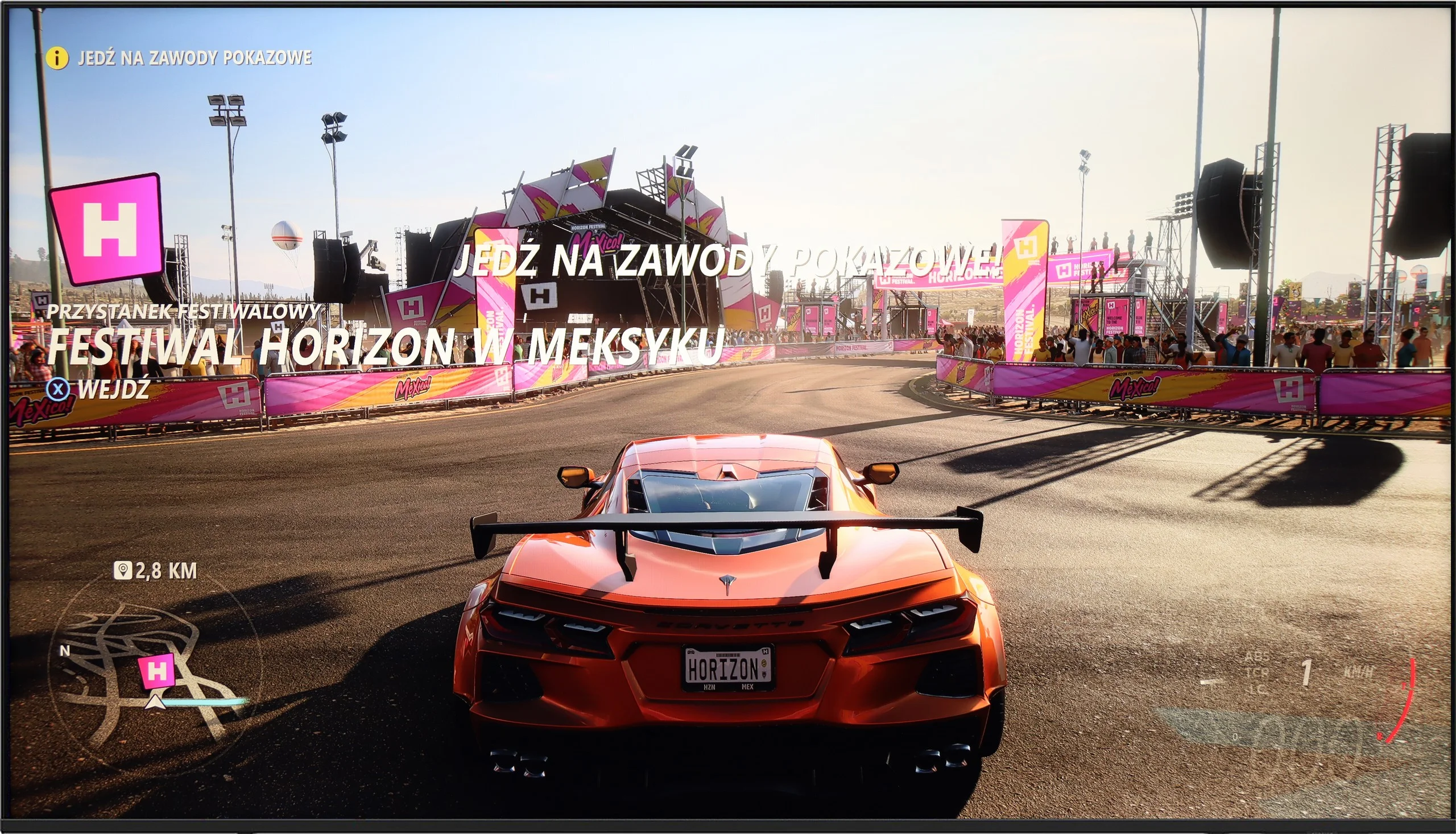
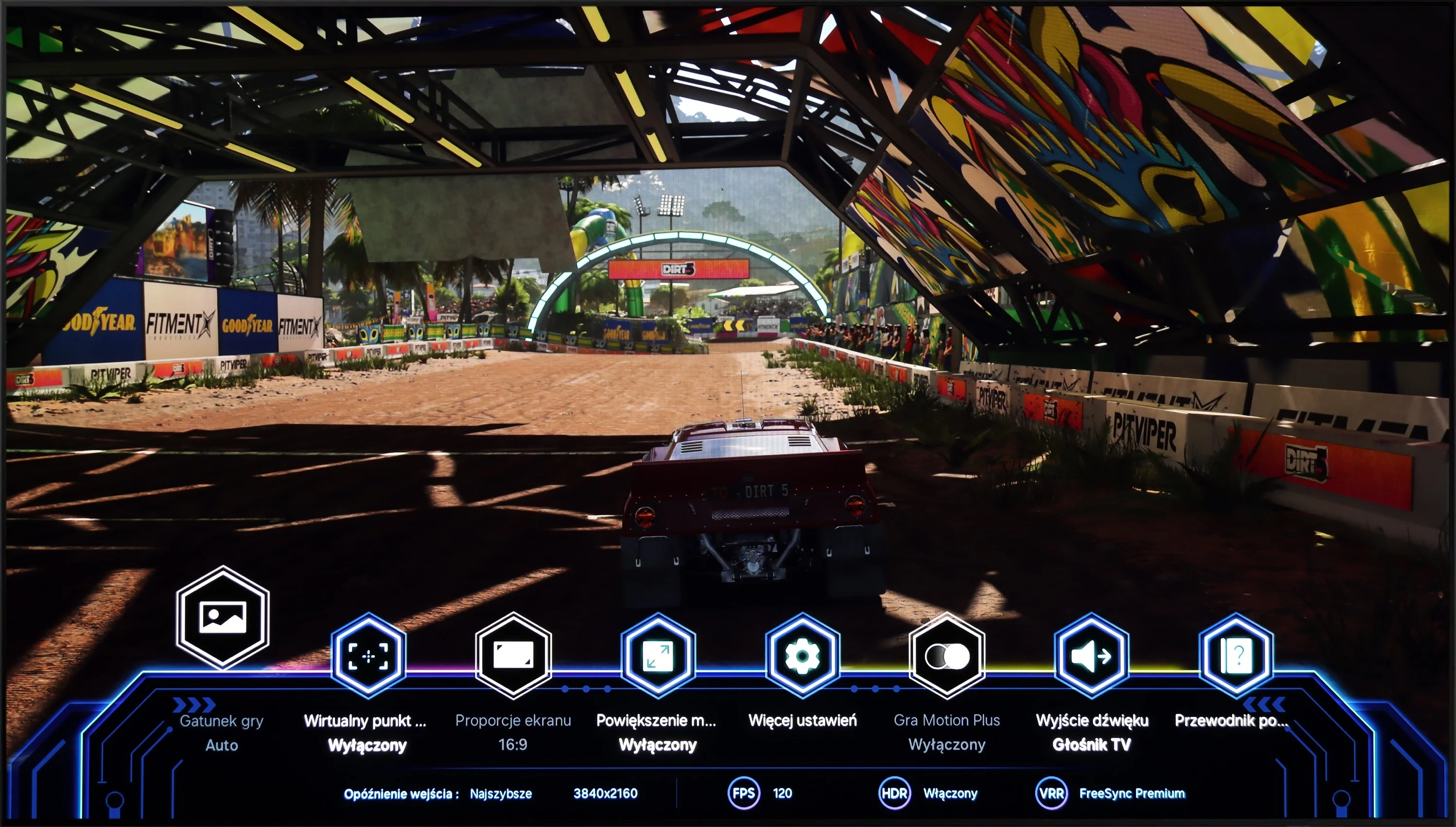
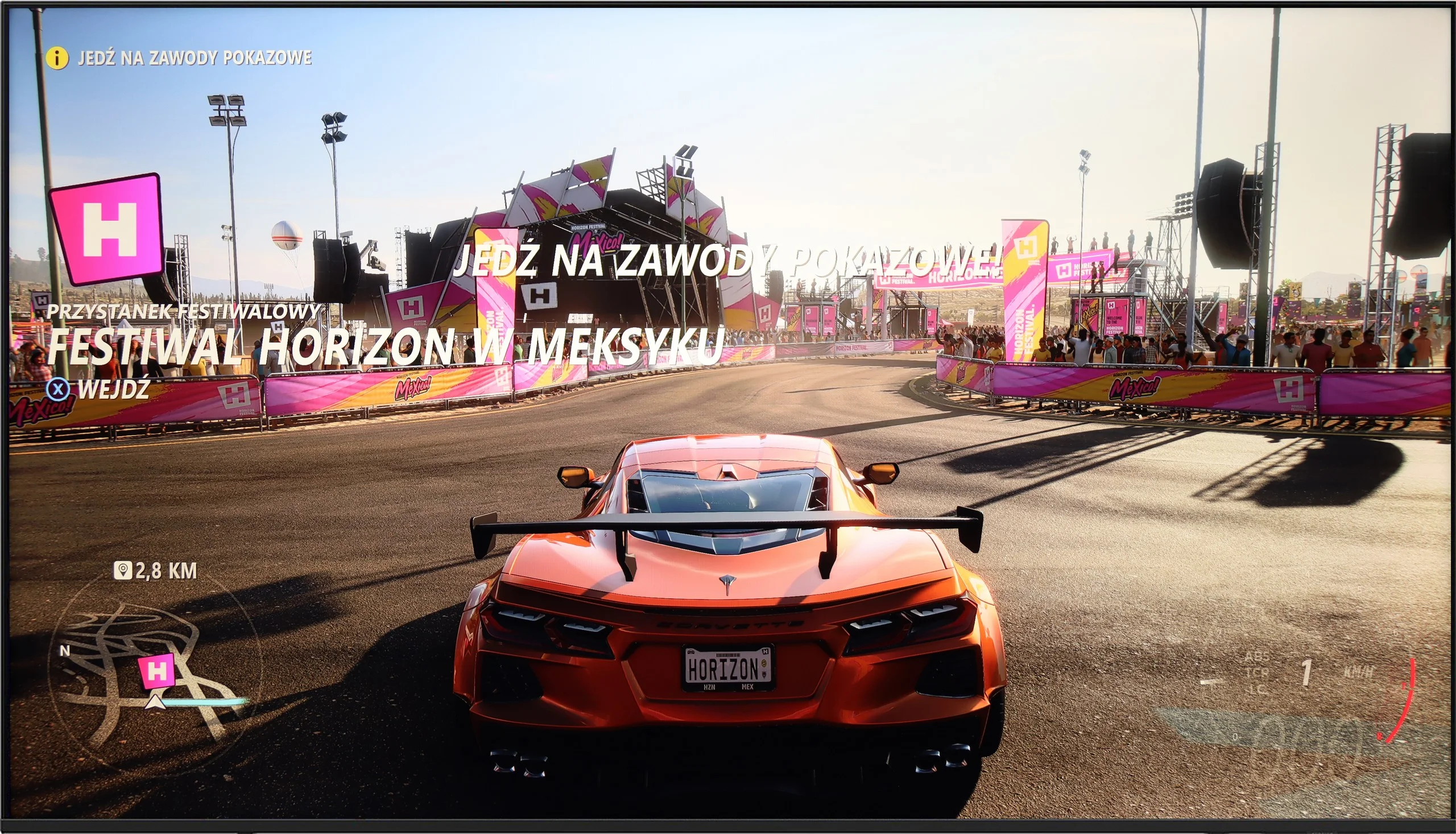
Samsung S85D OLED is an excellent choice for gamers, thanks to its many modern features that facilitate and enhance gameplay. The television has four full-bandwidth HDMI 2.1 ports, allowing you to connect the latest consoles without worrying about image quality or frame rate limitations. This means support for 4K resolution at 120 Hz, which is ideal for modern titles. Additionally, the Samsung S85D has an ALLM (Auto Low Latency Mode) feature that automatically activates low latency mode when it detects a gaming device. This means you don’t have to manually switch settings – the television takes care of ensuring a fast response time, which is crucial in games where every second counts.
The VRR (Variable Refresh Rate) feature and G-Sync support are additional elements that make gameplay smoother. VRR adjusts the refresh rate to the number of frames generated by the console or computer, eliminating screen tearing and stuttering. This is particularly useful in dynamic games where the frame rate can fluctuate. Auto Motion Plus Game is a feature that Samsung has introduced with gamers in mind, and it is worth appreciating. With it, the image in games becomes smoother – 30 frames per second look like 45, and 60 Hz gains in fluidity, creating an effect close to 90 Hz. At the same time, there is no significant increase in input lag, which remains below 25 ms, making this feature stand out among others available on the market. Gamers can enjoy a smoother image without worrying about a decline in responsiveness.
Samsung has also ensured something extra – the television has a built-in Xbox Game Pass app, which means you can play in the cloud without needing to own a console. This is a great solution for those who want to enjoy gaming without investing in additional hardware. All you need is internet access, and you have a huge library of games at your fingertips. This makes Samsung S85D a fantastic choice for both casual gamers and those who are more advanced.
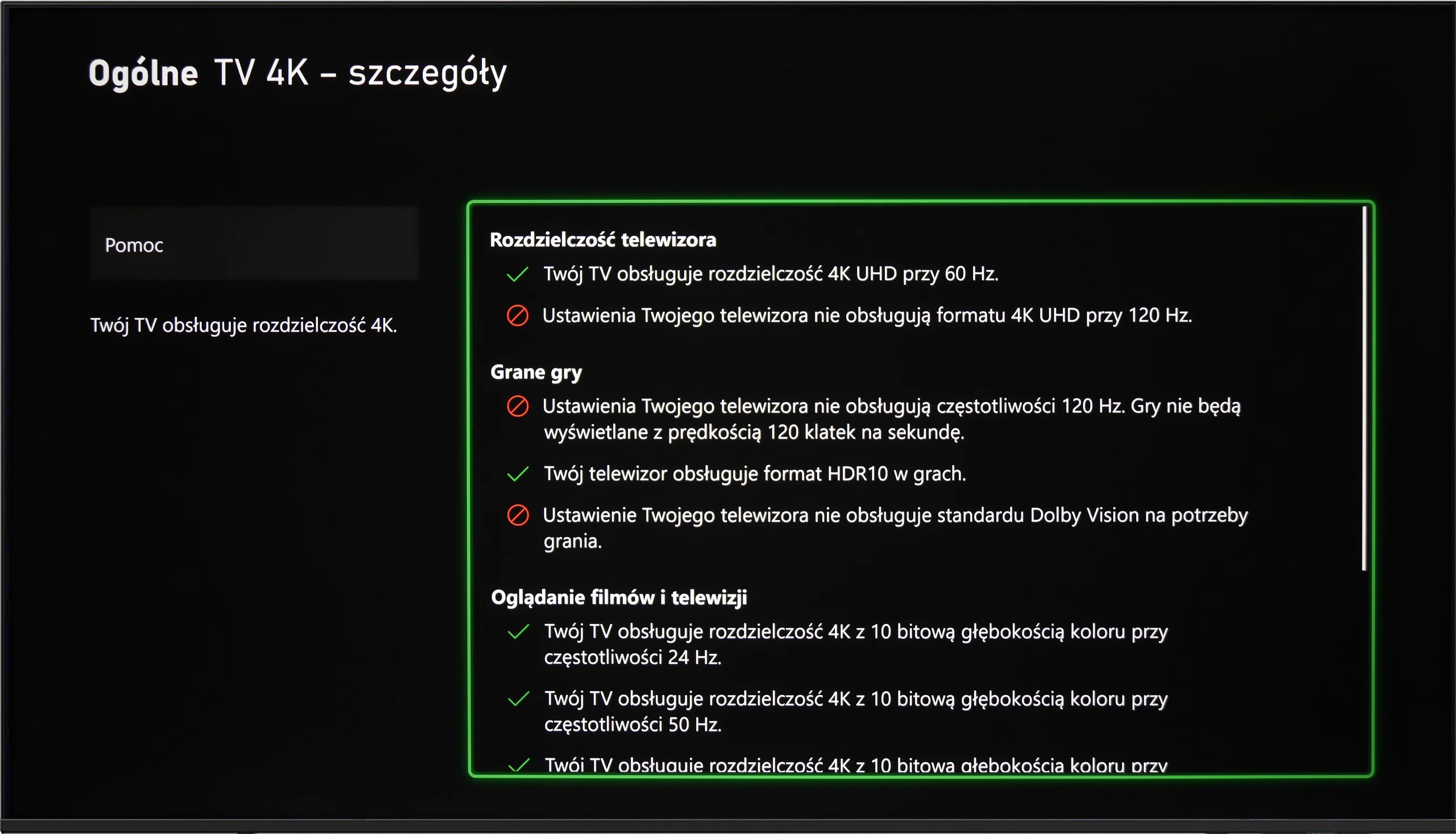
Samsung U8000F offers a basic set of features for gamers, which can still prove sufficient for less demanding users. We have an automatic game mode here – upon launching a game on the console, the television automatically switches to low latency mode, significantly improving response time. We also find a VRR feature, or variable refresh rate, which operates in the range from 48 to 60 Hz. This means that both Xbox and PS5 will not produce a tearing effect on the image – provided, of course, that we stay within this range.
[UPDATE] We have updated our tests of Samsung televisions from the 2025 model year due to the release of software version 1131, which restored the crucial gaming feature HGiG.
And unfortunately, that’s about it in terms of advantages. Additions like Game Bar or higher refresh rates are reserved for higher models of Samsung from the 2025 line. In theory, the television also supports the HGiG feature, which should adjust HDR image to the creators' intentions. Unfortunately – despite the fact that this feature appears in promotional brochures and retail materials – its configuration on the Xbox console has proven to be... impossible in practice.
Input lag
9.9/10
10/10
SDR
HDR
Dolby Vision
Samsung S85D achieves excellent results in terms of input lag, regardless of the refresh rate or resolution. This means that the screen responses are almost instantaneous, which is particularly important in fast-paced, dynamic games. Gamers can count on the television's lightning-fast response to controller movements, providing an advantage in competition and greater satisfaction from gameplay. Low input lag is a definite advantage of this model, making the Samsung S85D OLED the perfect choice for gaming enthusiasts.
The Samsung U8092F performed phenomenally in our input lag tests. Regardless of resolution or mode – the results were very low, which is truly impressive for this price segment. One can confidently say that playing on this television will not cause frustration due to large delays between what we do on the controller and what we see on the screen. For most gamers, even the more demanding ones, this result should be more than satisfactory.
Compatibility with PC
7.6/10
6/10
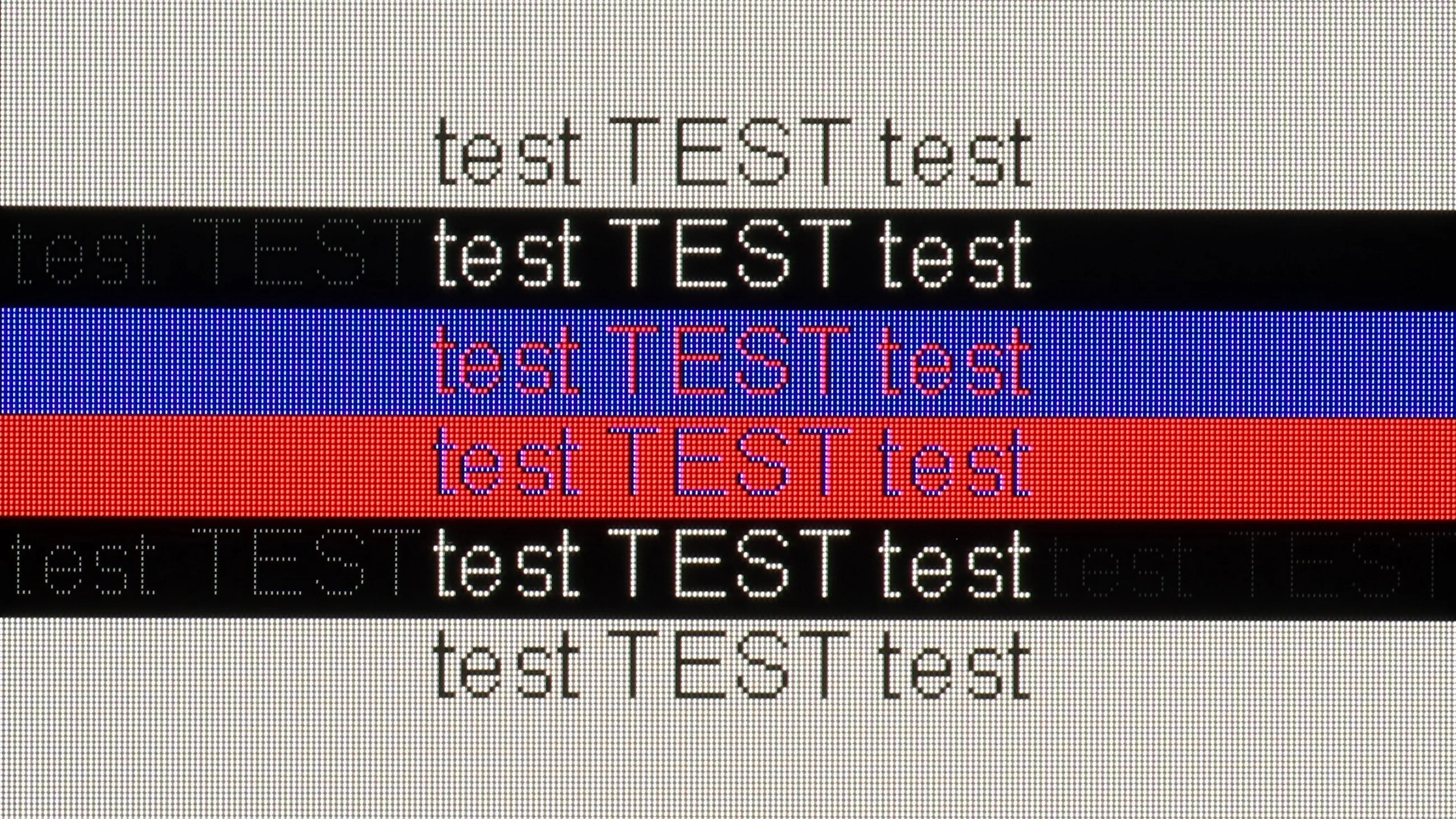
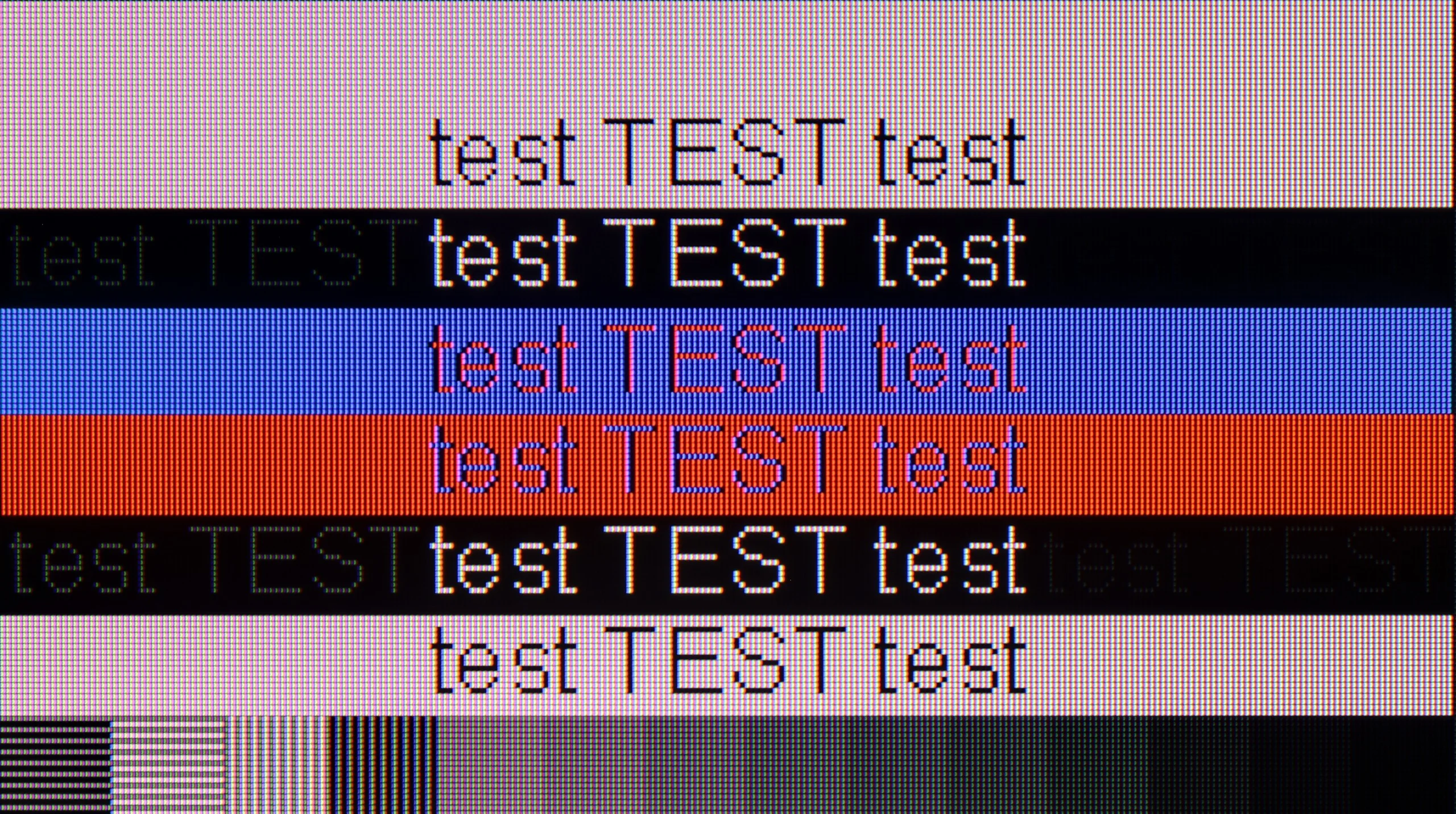
The photo shows the legibility of small fonts. Ideally, lines should be the same thickness on both light and dark text, with minimal pixel gaps.
Samsung S85D performs very well as a computer monitor. Thanks to the clear visibility of text, regardless of the type of background, using it is convenient and comfortable. The support for 4:4:4 chroma ensures precise rendering of text and graphics, which is important for office work, browsing the internet, or editing documents. Samsung S85D is a versatile television that also easily serves as a monitor for everyday use. We deducted 0.4 points for the WRGB layout, as is the case with any television with such a sub-pixel arrangement.
Working on a computer with this television is an absolute pleasure. The Samsung U8092F supports chroma 4:4:4, and thanks to the layout of the sub-pixels in the IPS panel, the readability of fonts – regardless of colour or size – is very, very good. The television is also suitable for occasional gaming on PC, primarily due to its low input lag. However, one must take into account that the G-Sync function does not work on this model, which is odd as VRR functioned without any issues when it came to the console.
Viewing angles
7.5/10
7/10
The viewing angles on the Samsung S85D are excellent, as is fitting for an OLED. The image remains sharp and does not lose quality even when viewed from a wide angle, making the television perfect for larger rooms and watching together with family or friends. The only televisions that offer better viewing angles are those with QD-OLED or MLA OLED panels.
The viewing angles on the Samsung U8092F are very good – as one would expect from an IPS panel. The image does not lose much in terms of brightness or colour saturation, even with a greater deviation from the axis. Of course, this is not at the level of organic screens – but it is more than sufficient to comfortably watch the image at an angle, for example, from the side of the sofa.
Daytime performance
5/10
3.4/10
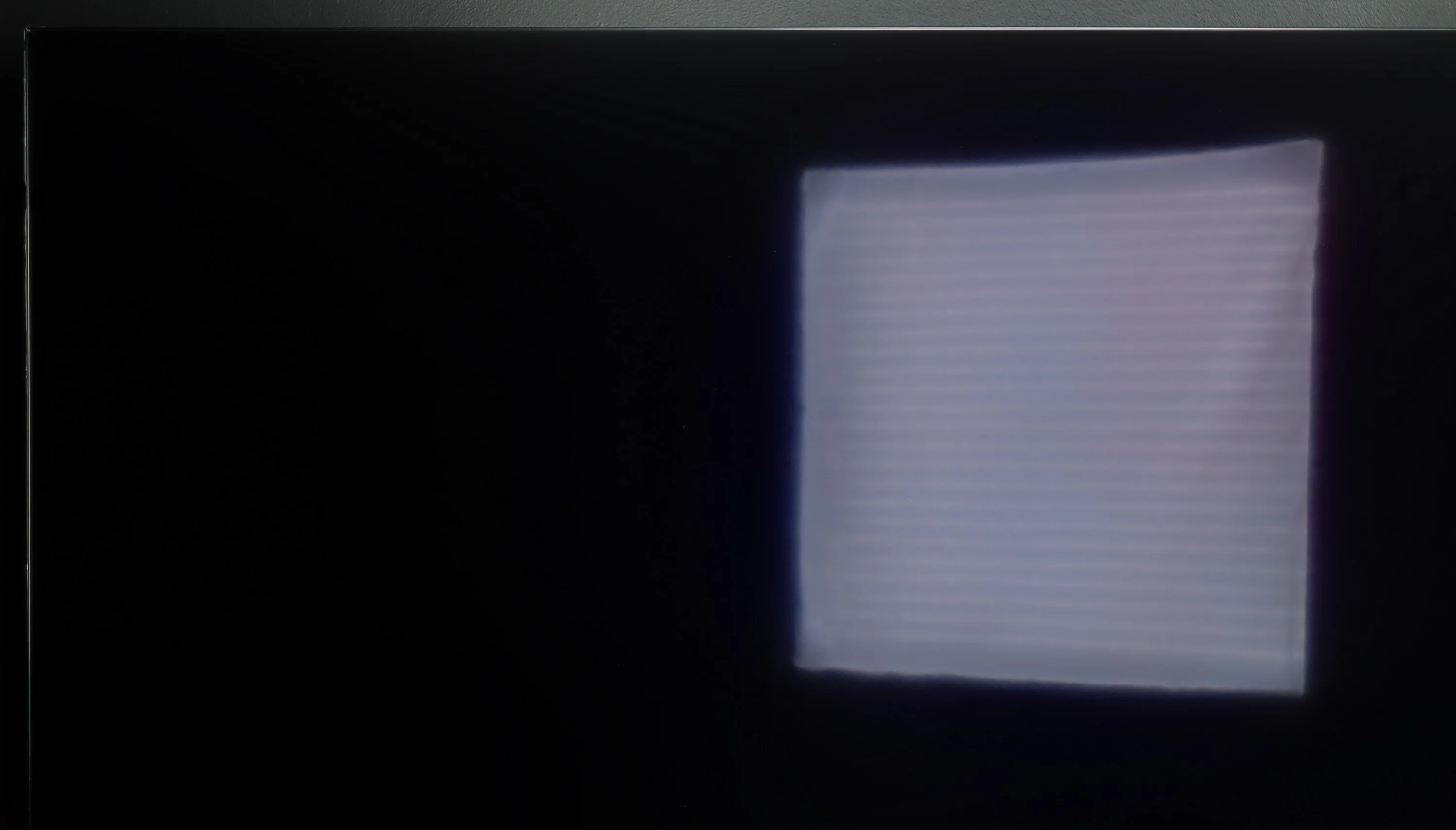
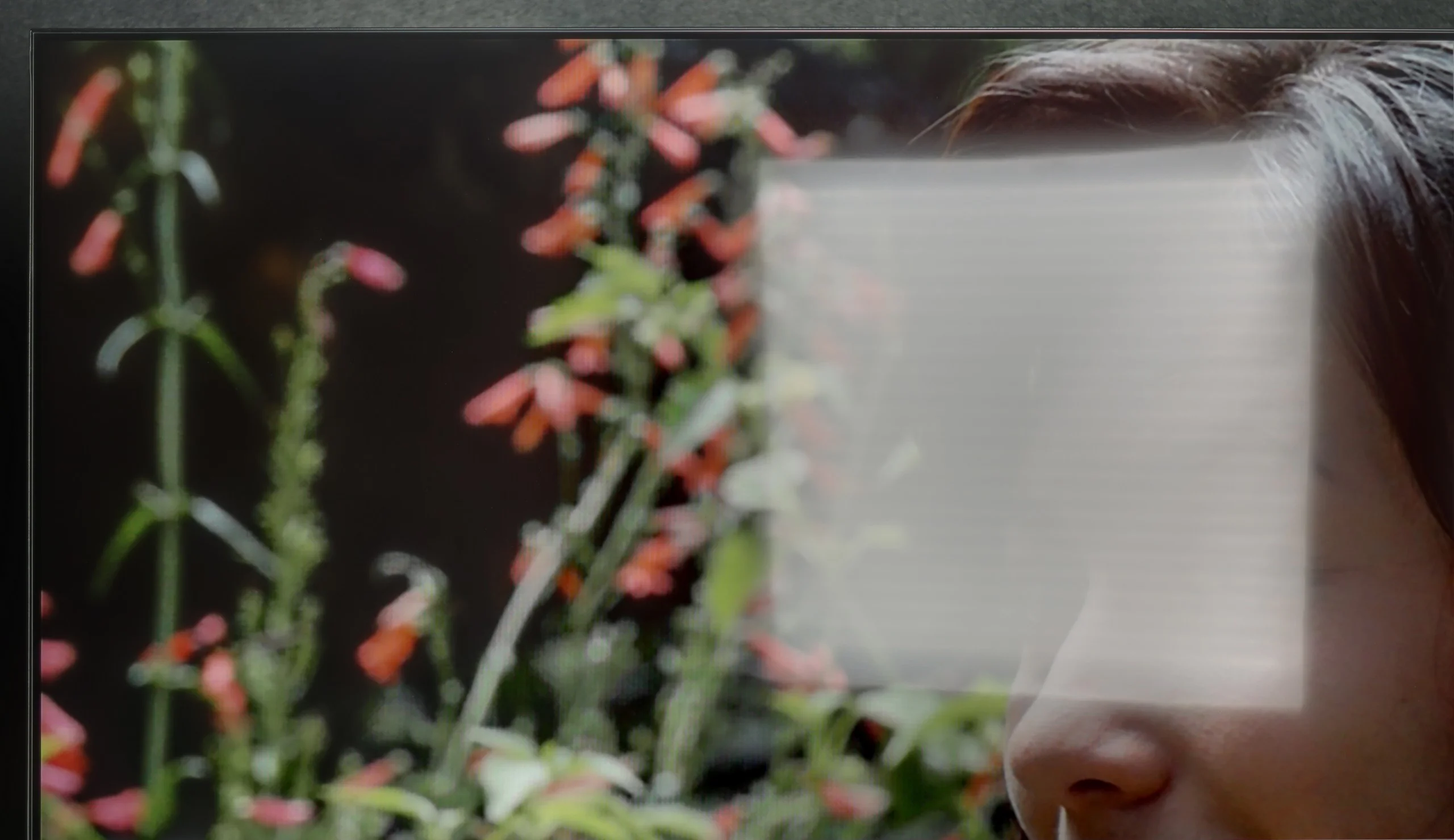
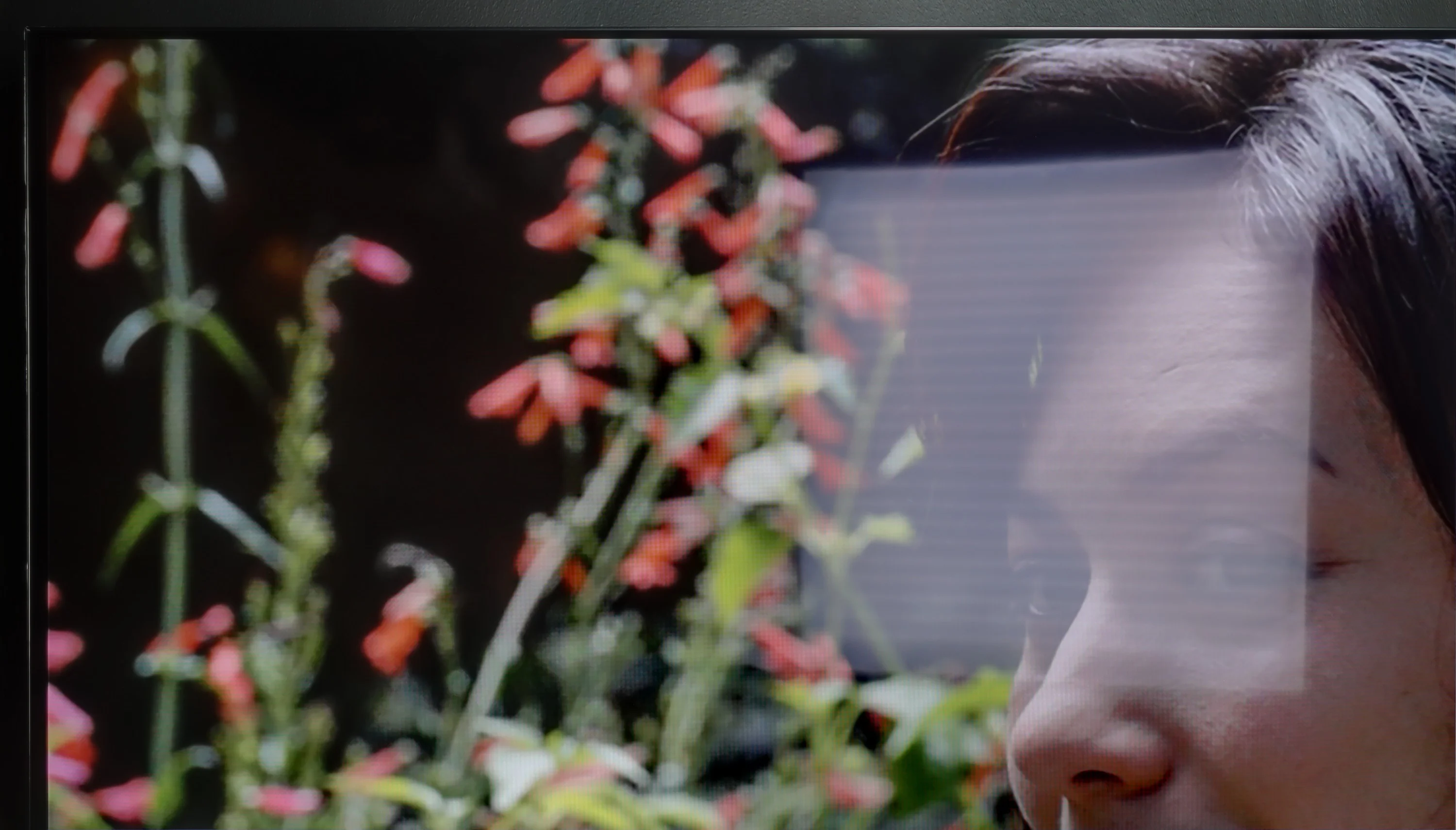
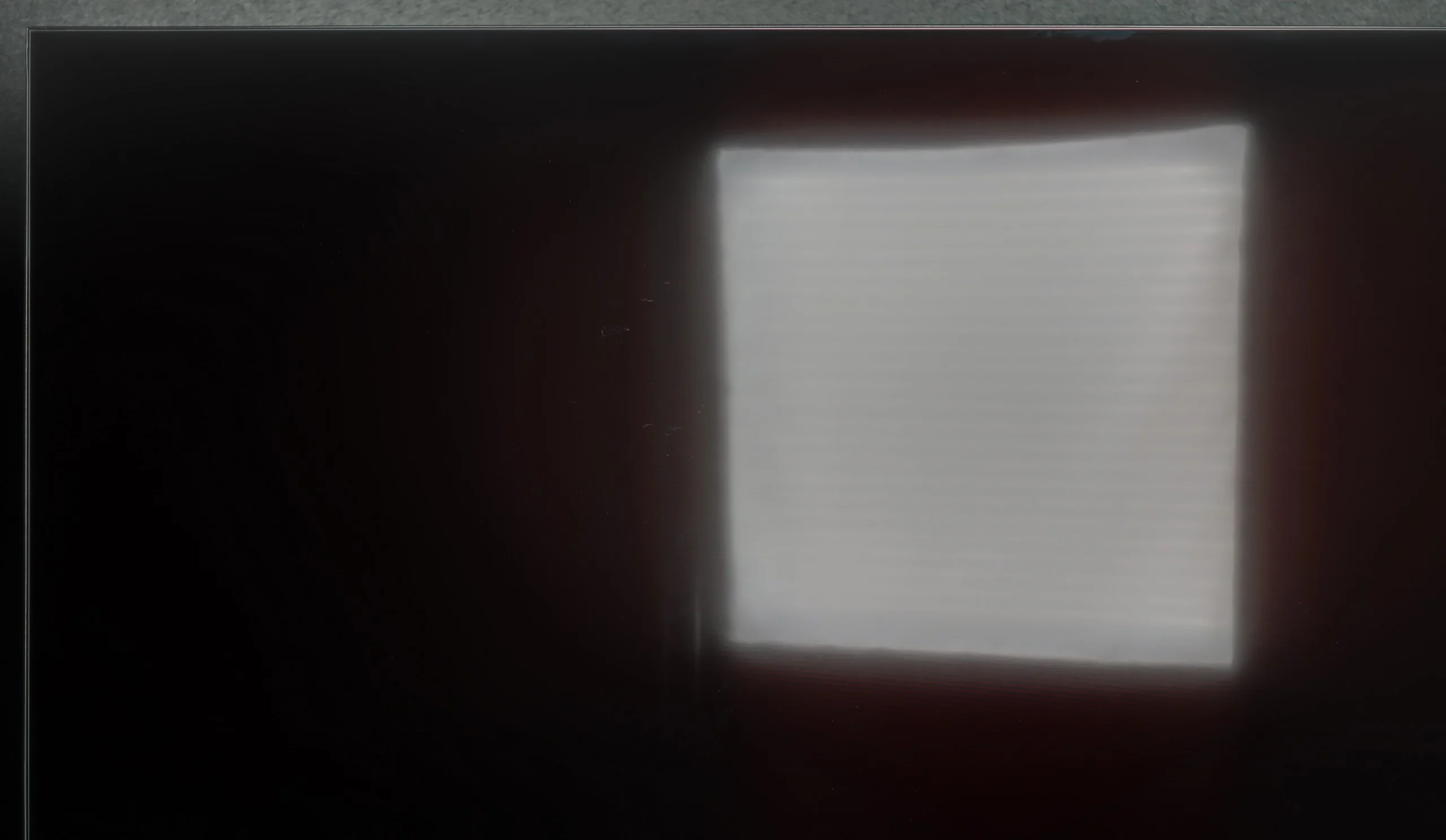
Panel brightness
Samsung U8000F (IPS): 218 cd/m2
Samsung S85D: 313 cd/m2
Samsung S85D handles reflections quite well thanks to the satin finish of the panel, which effectively dampens them. Unfortunately, the SDR brightness of 310 nits is rather average, meaning that in very bright rooms, the TV's performance may be limited. This is not an impressive result, so this model will definitely perform better during evening viewing, when such brightness will be sufficient. During the day, to achieve better comfort, it may be necessary to draw the blinds or curtains.
Thanks to the satin coating of the Samsung U8092F panel, it handles reflection suppression quite well. The screen does not function like a mirror, and the colours – considering the capabilities of this class of device – remain reasonably saturated, even in somewhat brighter conditions. Unfortunately, the coating alone cannot perform miracles. The television is simply too dim to effectively cut through very challenging lighting conditions. If we place it opposite a light source (e.g. a large window or a strong lamp) – unfortunately, one must reckon with the fact that not everything will be clearly visible on it.
Panel details
Subpixel Structure:
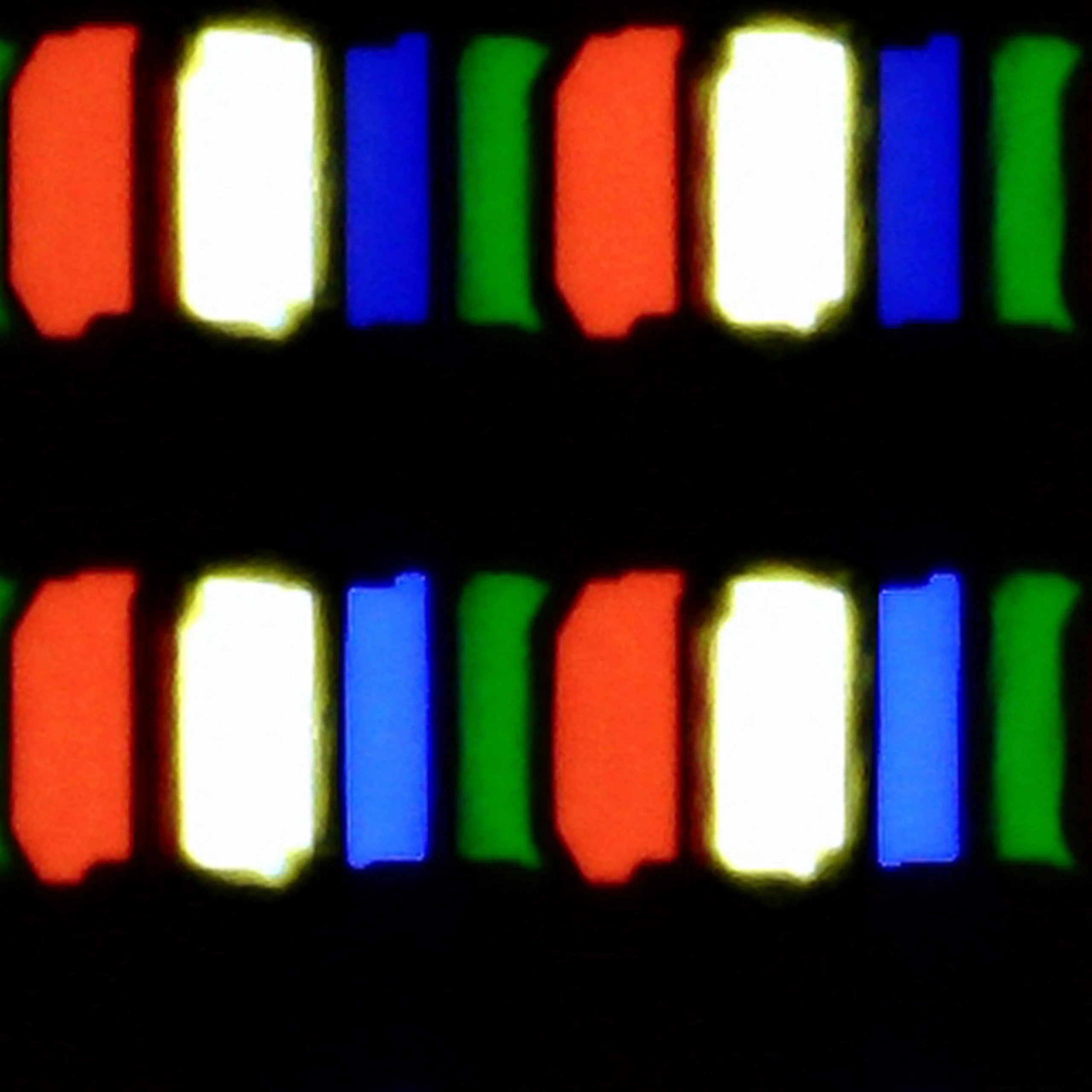
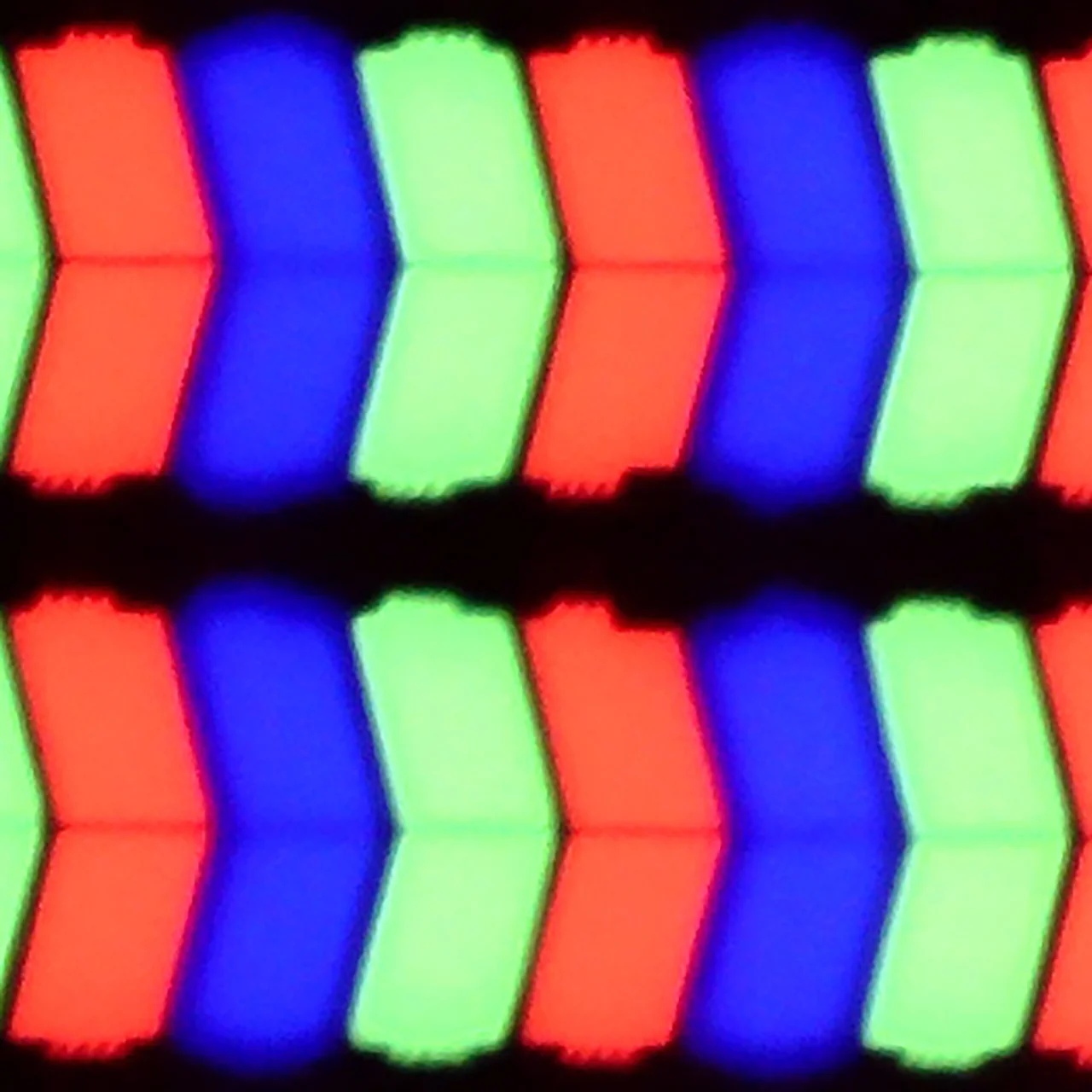
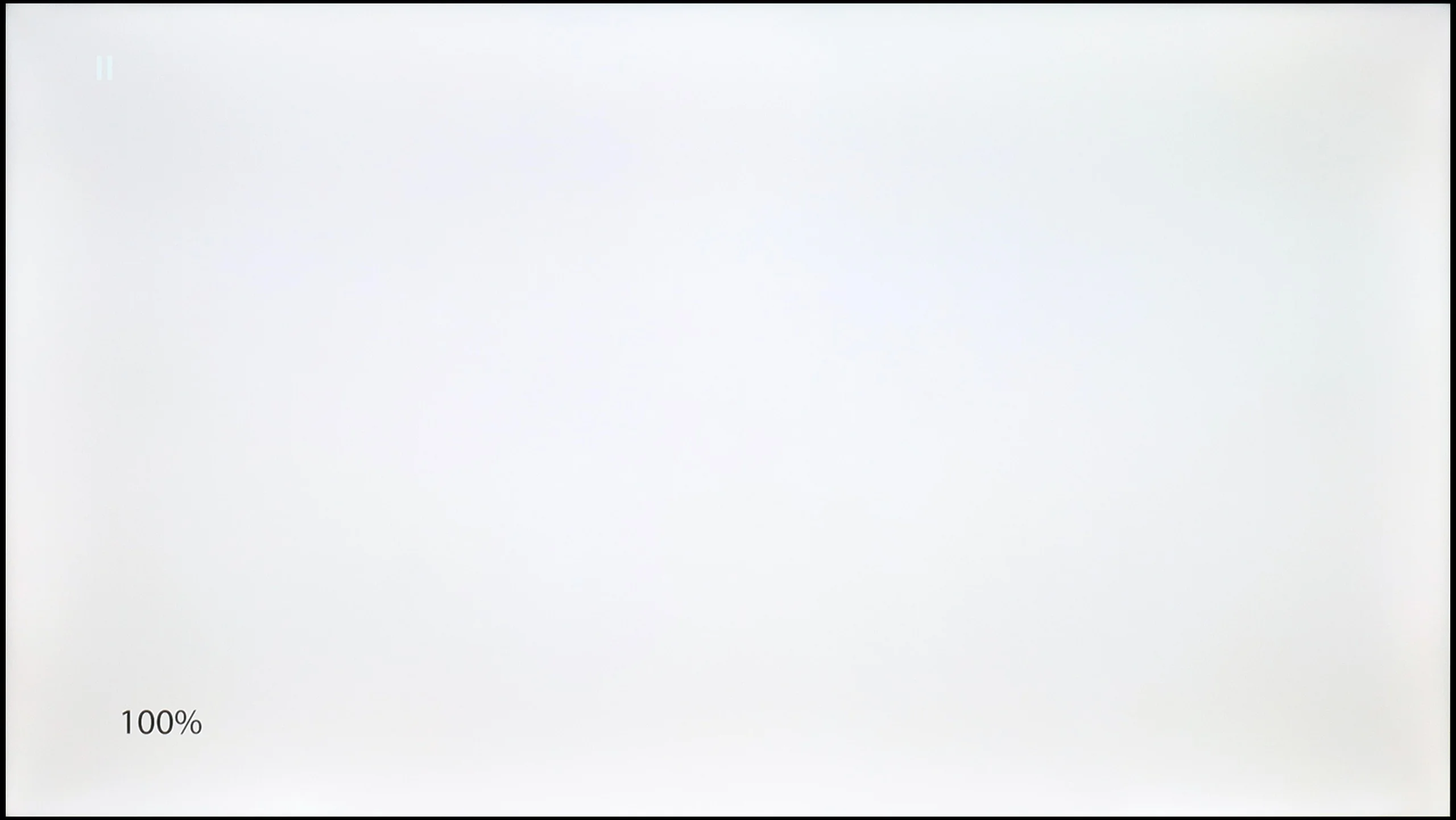
Panel uniformity and thermal imaging:

Samsung S85D
Samsung U8000F (IPS)
TV features
7.2/10
5.3/10
- SystemTizenTizen
- System performanceVery goodDecent
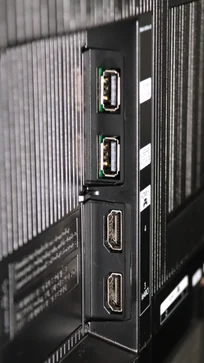
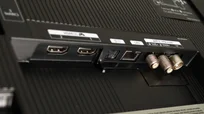
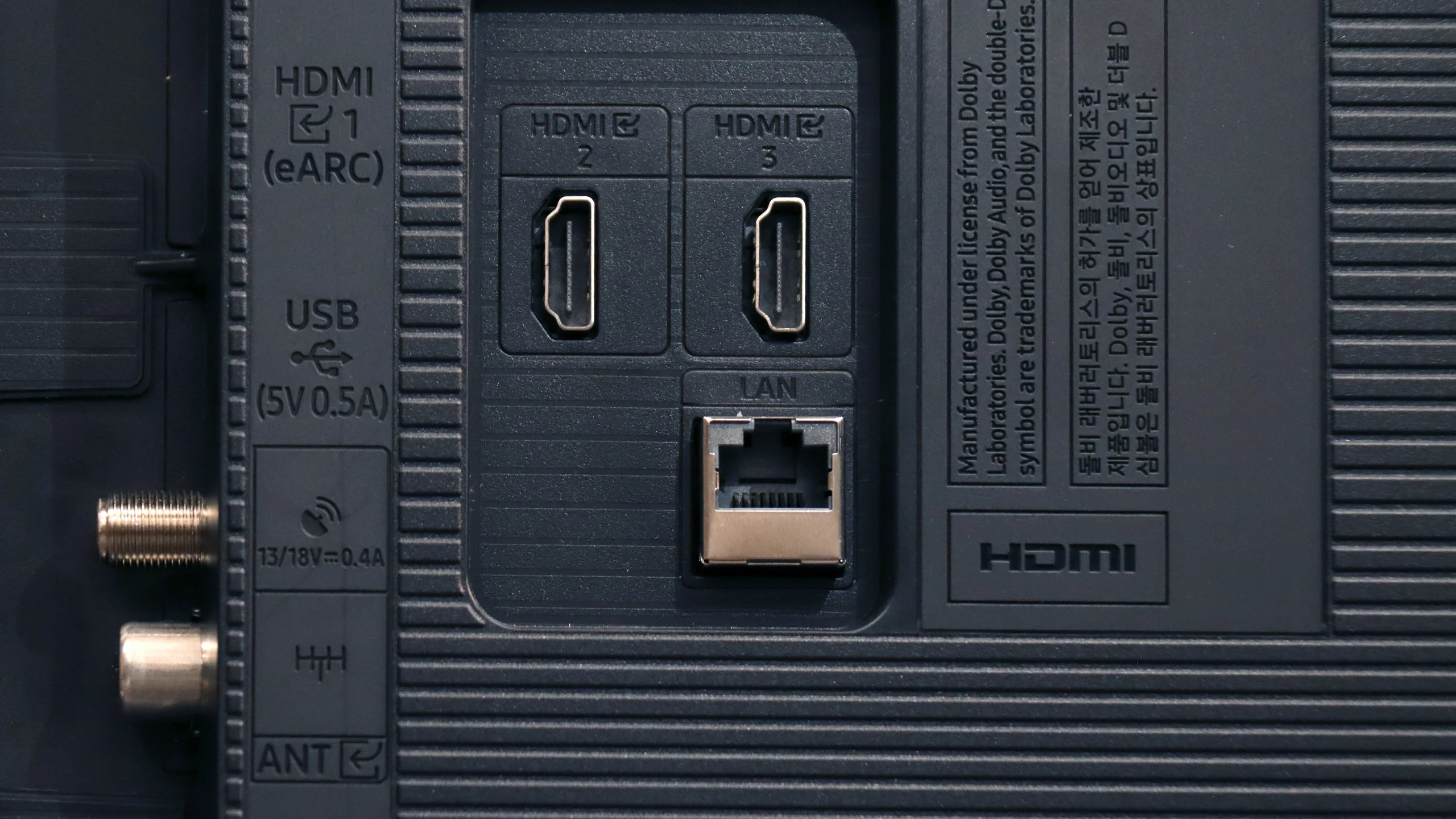
- HDMI inputs0 x HDMI 2.0, 4 x HDMI 2.1 48Gbps3 x HDMI 2.0, 0 x HDMI 2.1
- OutputsToslink (Optical audio), eARC (HDMI), ARC (HDMI)eARC (HDMI), ARC (HDMI)
- Network InterfacesWi-Fi 2.4GHz, Wi-Fi 5GHz, Ethernet (LAN) 100MbpsWi-Fi 2.4GHz, Wi-Fi 5GHz, Ethernet (LAN) 100Mbps
- TV receptionDVB-T, DVB-T2, DVB-S, DVB-S2, DVB-CDVB-T, DVB-T2, DVB-S, DVB-S2, DVB-C
Classic features:
- Recording to USB (terrestrial TV)
- Recording programming
- Picture in Picture (PiP)
- RF remote control (no need to aim)
- Backlit remote control
- Teletext
- Audio only mode
- Bluetooth headphones support
- Simultaneous Bluetooth headphones & TV audio
Smart features:
- AirPlay
- Screen mirroring (Windows Miracast)
- Voice search
- Voice search in native language
- Ability to connect a keyboard and mouse
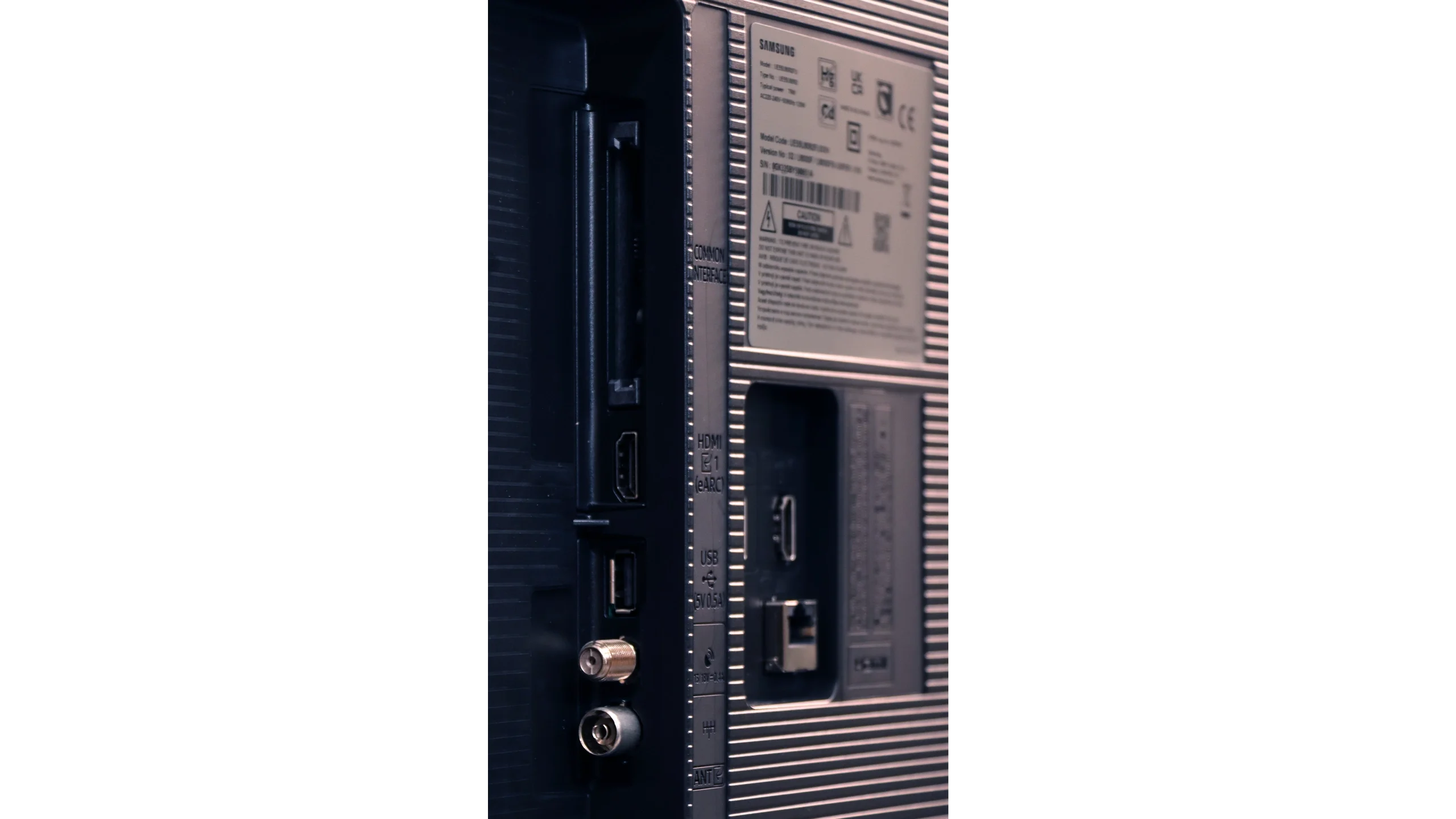
Sound connection options
- HDMI audioeARC (HDMI), ARC (HDMI)eARC (HDMI), ARC (HDMI)
- Other audio outputsToslink (Optical audio)
- Wireless audioBluetoothBluetooth
Supported audio formats (external HDMI eARC audio):
- Dolby Digital Plus 7.1
- Dolby True HD 7.1
- Dolby Atmos in Dolby Digital Plus (JOC)
- Dolby Atmos in Dolby True HD
- DTS:X in DTS-HD MA
- DTS-HD Master Audio
Senior accessibility
- Numeric keyboard on TV
- Font size adjustment
- Audio description
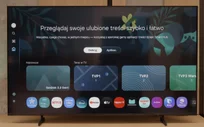
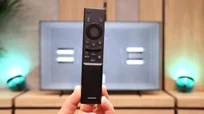
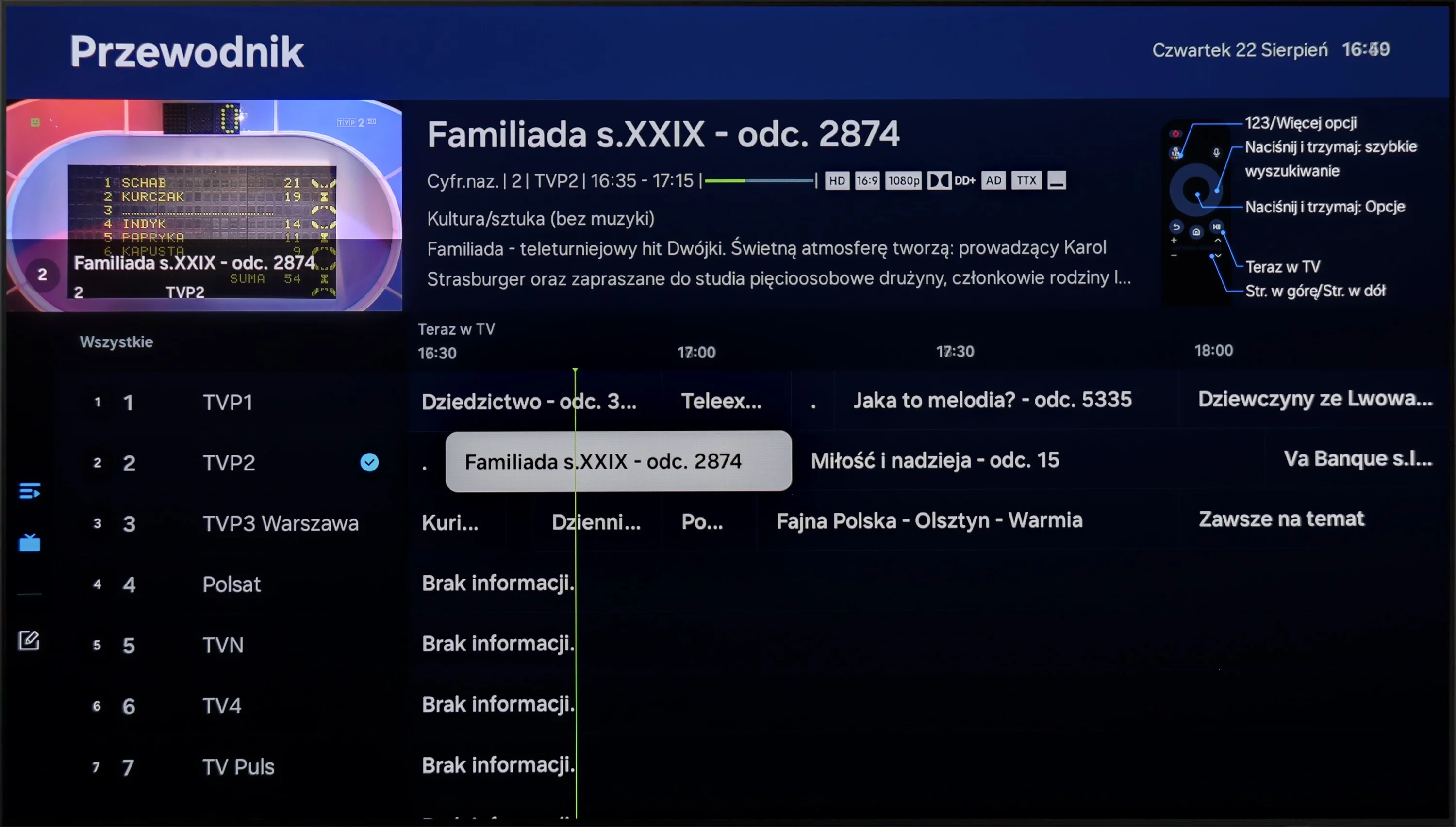
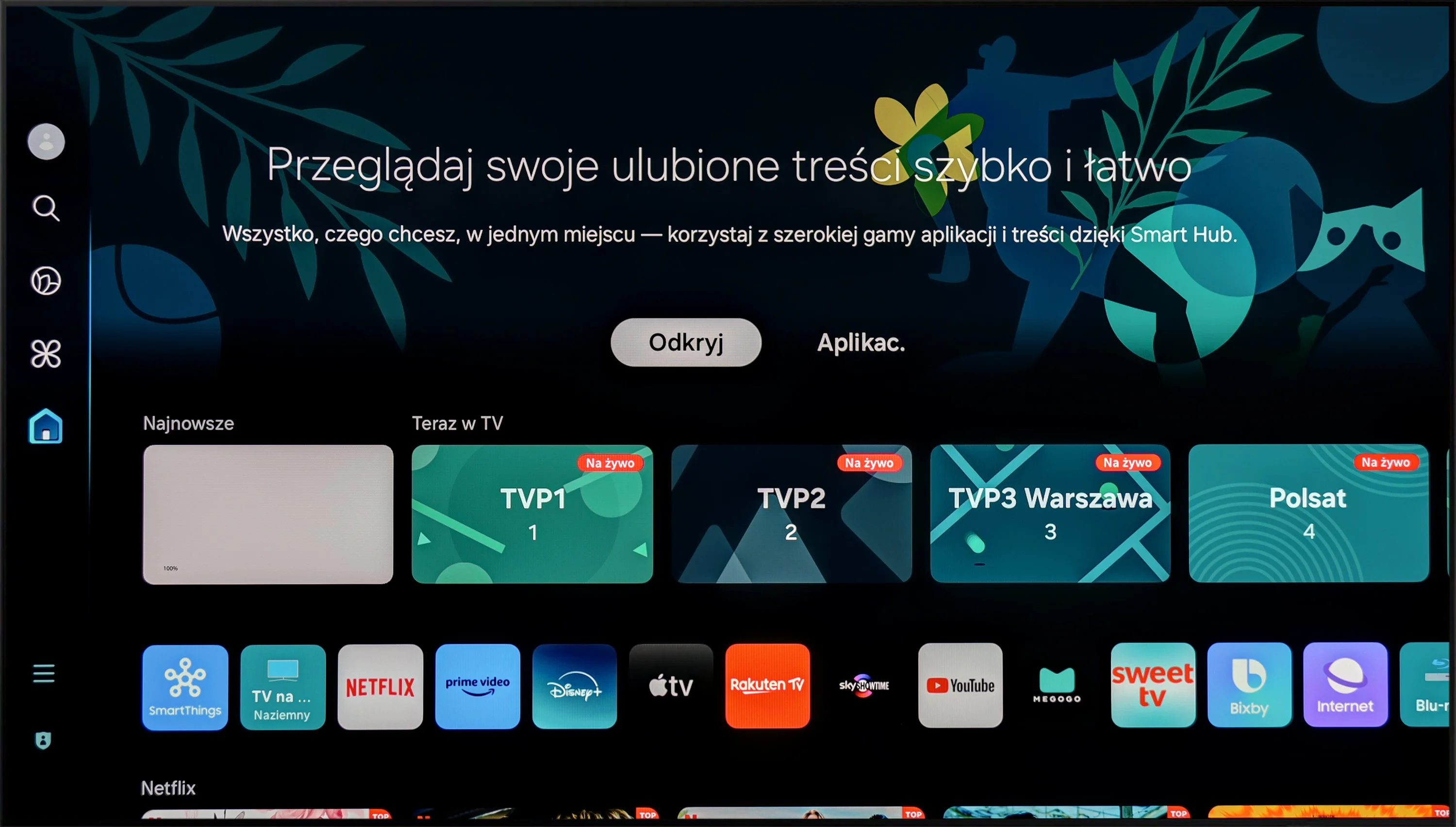
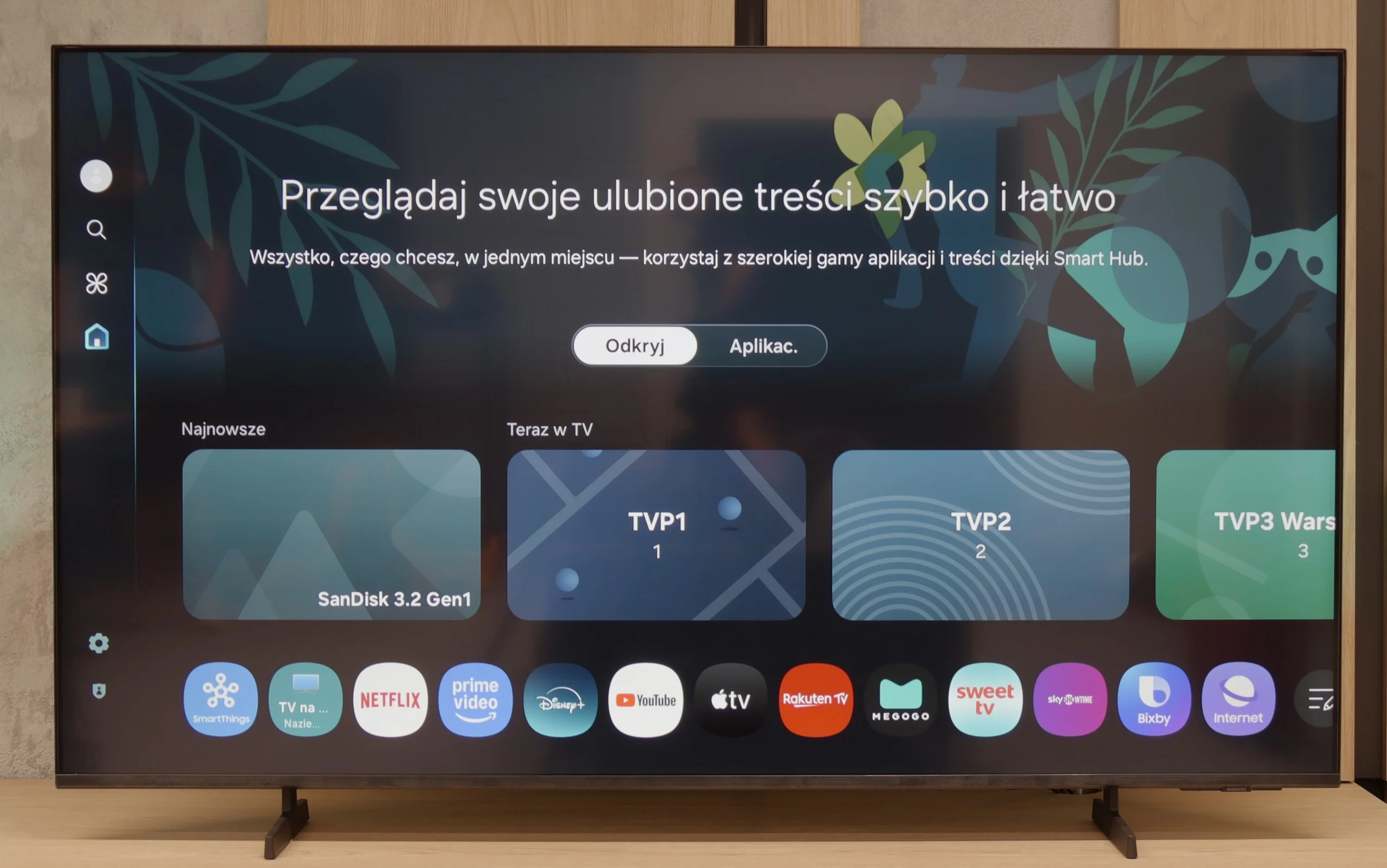
Samsung S85D operates on the Tizen operating system, which is intuitive and provides easy access to numerous applications and streaming services. The system offers smooth and quick navigation, significantly enhancing the comfort of using the television. The television is equipped with a solar remote control that allows the operation of other devices, such as set-top boxes or home theatre systems, enabling control of all home equipment with a single device. In terms of connectivity, the Samsung S85D supports AirPlay, facilitating content sharing from Apple devices, and includes a built-in Bluetooth module, allowing for the connection of peripheral devices such as keyboards, headphones, or speakers.
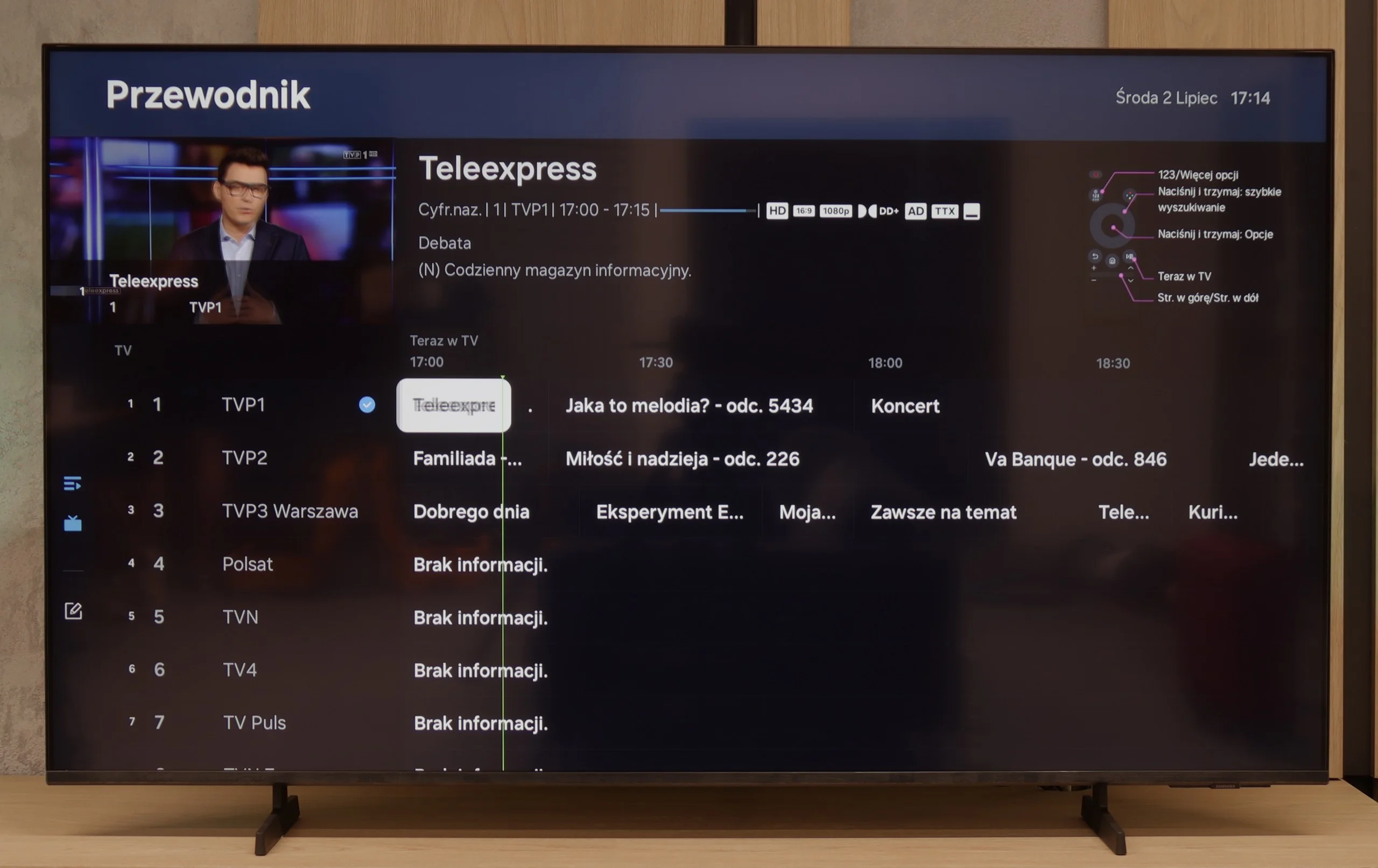
When it comes to everyday use of the television for regular TV, the S85D model offers several useful features but also has certain shortcomings. One of its advantages is the PIP (Picture-in-Picture) function, which allows simultaneous viewing of two content sources – for example, a match in a small window while the rest of the screen displays a favourite series. This is a convenient solution for those who want to stay updated with various programmes. However, the lack of recording capabilities from the built-in tuners is disappointing. This limitation means that favourite programmes or films cannot be saved for later, which may be an issue for those who wish to flexibly adjust their TV viewing to their schedule – however, we believe that the absence of this feature is becoming increasingly less burdensome, as users currently have wide access to various online content, making the need for recording less significant.
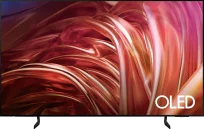
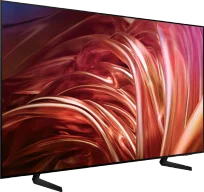
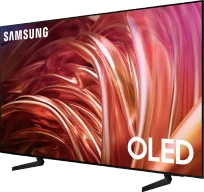
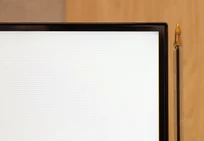
The design of the OLED Samsung S85D is distinguished by its characteristic rounded shape at the back, setting it apart from most OLED televisions, which typically have a flat rear. This unconventional design gives it a unique appearance and attracts attention, resulting in a television that looks modern and elegant. The package includes a remote control, a CI+ module, a stand in the form of two legs, and a power cable, allowing for a quick and convenient start to using the television without the need to purchase additional accessories.
Samsung U8092F – like all this year's models from this brand – runs on the Tizen operating system. The system itself is really well developed: we have access to many applications (though not all), a well-developed smart home support, and various add-ons, including exclusive Samsung applications. There are also features such as AirPlay and Chromecast, which allow us to easily connect our phone to the television and stream multimedia.
Unfortunately, as this is the cheapest series from Samsung in 2025, the manufacturer has not decided to include a solar remote. In the package, we find a classic infrared remote, which visually resembles the newer version, but unfortunately lacks voice functions. As for the typical "television" add-ons – the recording function and PiP (picture-in-picture) mode are missing. However, HDMI eARC works in its favour, allowing easy control of devices such as a decoder or soundbar with the remote included – and it truly works seamlessly.
Apps
9.3/10
9.3/10






















Playing files from USB
9.1/10
9.3/10
Supported photo formats:
Maximum photo resolution:
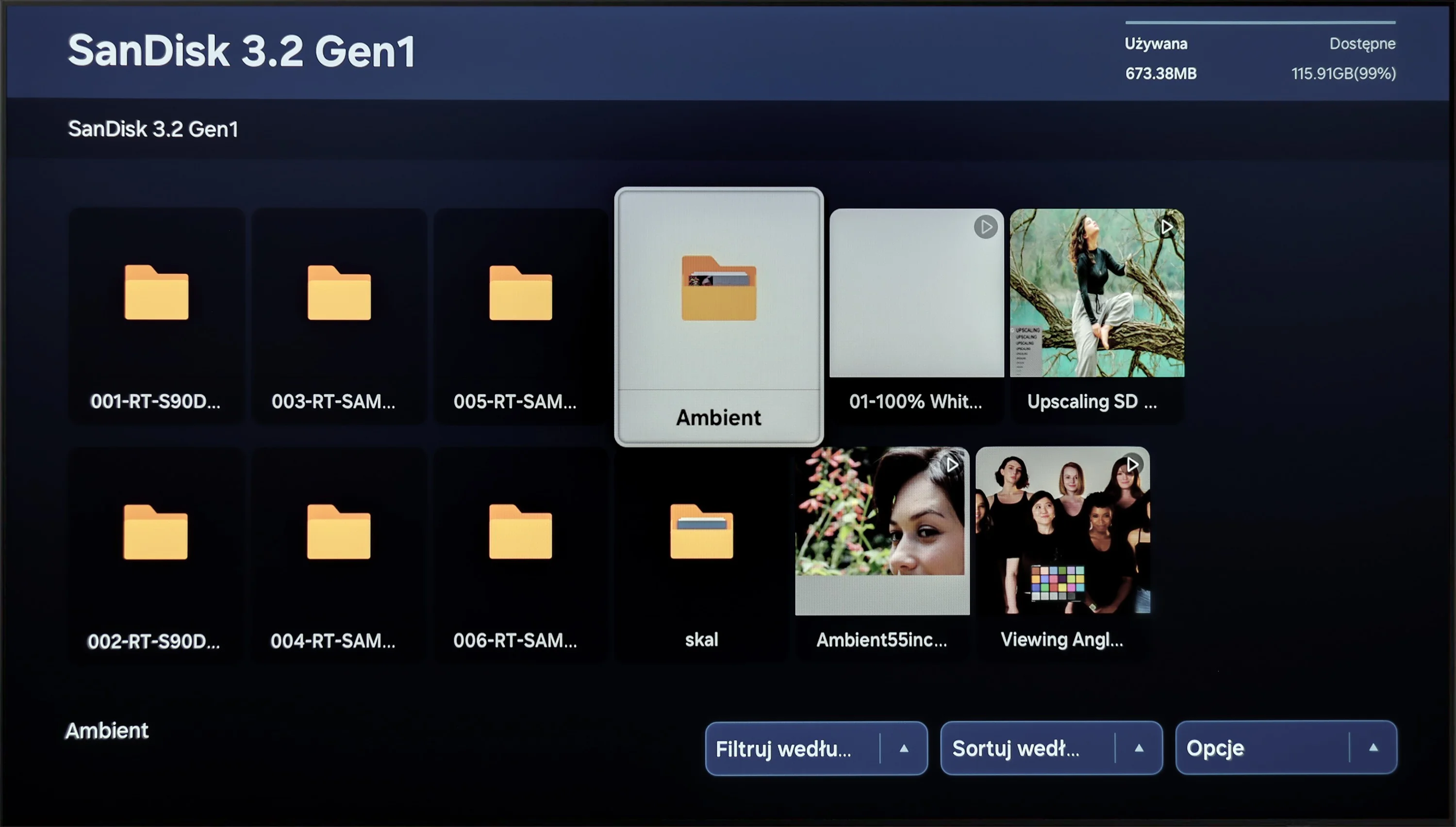
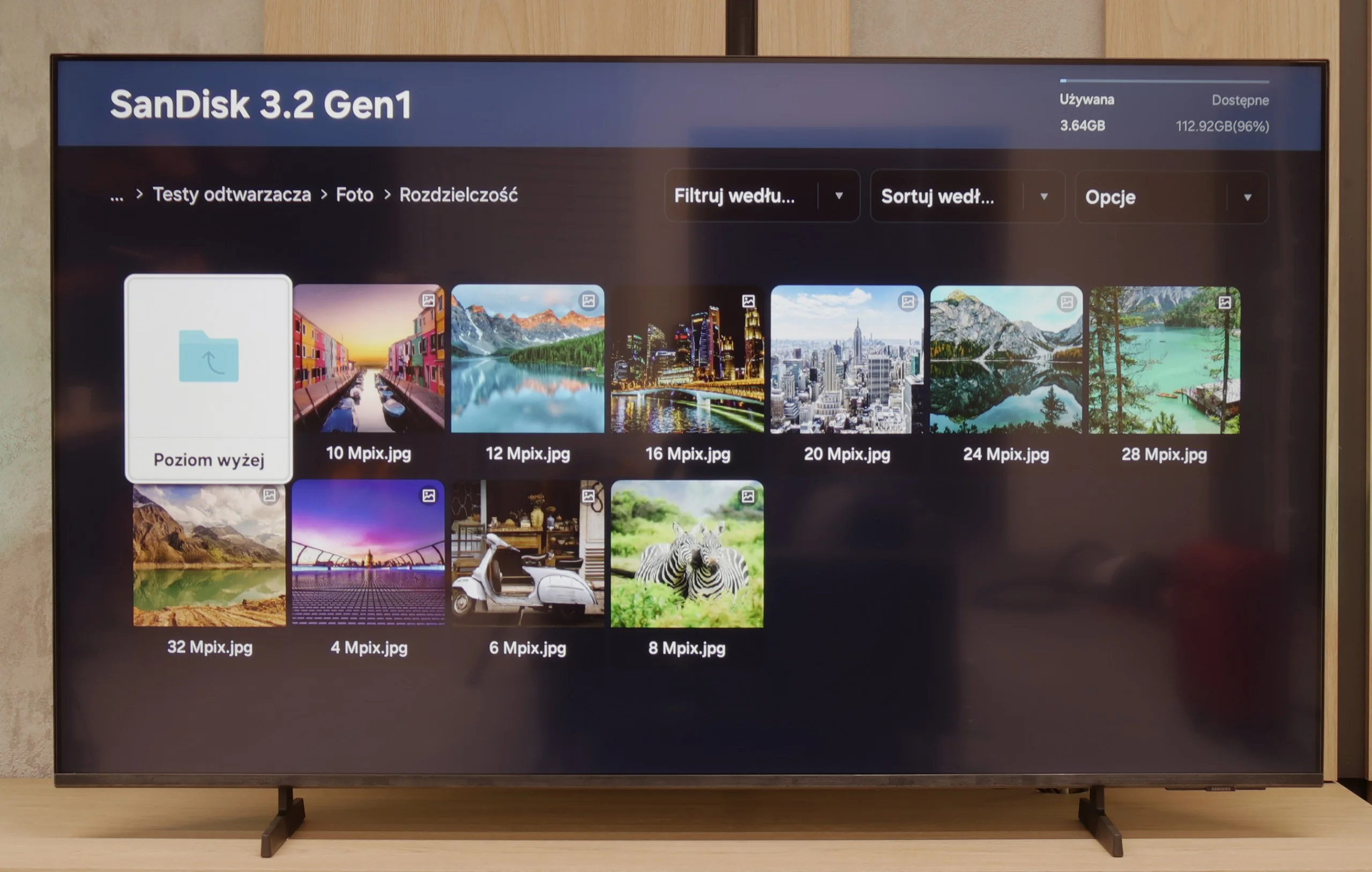
Playing multimedia files on the Samsung S85D will satisfy most users. The television offers wide compatibility with popular video, audio, and image file formats, ensuring smooth playback from both USB drives and the local network. The built-in media player operates efficiently and is user-friendly, although there may be issues with some less common formats.
Samsung U8092F handles file playback quite seamlessly – the television supports most popular audio and video formats. Of course, it does not support Dolby Vision, but that is simply not found in any Samsung model.
Some reservations can be made regarding the support for external text files – those that the user would like to add as subtitles to a film. During our tests, the television only played TXT files, while other extensions like SRT or SUB unfortunately did not work. This may not be a problem for everyone, but it's worth knowing. Perhaps it is an issue to be addressed in the future with an update to the television's operating system.
Sound
7/10
5.7/10
- Maximum volume--
- Dolby Digital Plus 7.1
- Dolby True HD 7.1
- Dolby Atmos in Dolby Digital Plus (JOC)
- Dolby Atmos in Dolby True HD
- DTS:X in DTS-HD MA
- DTS-HD Master Audio
Samsung S85D OLED offers quite decent sound, although the built-in speaker set is not particularly impressive (2x10W). The television supports Dolby Atmos technology, which provides spatial sound, however, it does not support the DTS format. The sound is clear and sufficient for everyday use, although for more demanding users, it may be advisable to connect an external audio system to achieve a fuller and more dynamic sound.
U8092F does not pretend to have a home cinema on board. We receive a standard set of 2 x 10 W, which sounds adequate, but without much excitement, although it does have a slight bass. For everyday viewing, such an audio setup is entirely sufficient. We were pleasantly surprised that it managed to play a film with the built-in Dolby Atmos (JOC) codec – though of course, we are not talking about real surround sound.
Sound Quality Test
No sound test video
Reader comments
Comments are provided by the external service Disqus (Zeta Global). Once loaded, Disqus may set cookies and process data about your activity.
We will remember your choice on this device. Provider's privacy policy