 Direct comparison
The Samsung QN80H is a genuinely successful mid-range television and, in our view, should be seen exactly that way. Not as a new Neo QLED flagship, but as the first model in Samsung's lineup to give a clear taste of better picture quality. Full Mini LED backlighting, high brightness and well-saturated colours mean that for someone upgrading from a standard LCD TV the difference can be substantial. A huge plus is that Samsung did not neglect it in terms of functionality. The QN80H received almost the same rich package of features as the flagships. So we have a complete gamers' setup led by four HDMI 2.1 ports and a blazingly fast Tizen system, which also comes with a guarantee of support and updates for the next seven years. Of course we must remember that this is not a top-tier model. The number of Mini-LED dimming zones does not break any records, so in demanding scenes you can see some compromises in image quality. There are also small decisions we simply don't like, such as abandoning the solar-powered remote in favour of a less elegant battery-powered version. Still, it's hard to fault the QN80H for performing poorly in any important area. This is a television that performs at least well on practically every front. Those are exactly the expectations one should have of it. It doesn't try to pass itself off as a flagship, but neither does it disappoint in any aspect. These are precisely the results we expected from the '80' series, and those expectations have been met. Is it worth buying? Yes, but much will depend on the price. At a suitably attractive price, the QN80H could once again become one of Samsung's most sensible models for people who want to step up to a higher level of picture quality but do not intend to pay extra for the brand's most expensive televisions.
- Matching (Score) |
- Our verdict |
- TV appearance |
- Where to buy |
- Contrast and black detail |
- HDR effect quality |
- Factory color reproduction |
- Color reproduction after calibration |
- Smoothness of tonal transitions |
- Image scaling and smoothness of tonal transitions |
- Blur and motion smoothness |
- Console compatibility and gaming features |
- Input lag |
- Compatibility with PC |
- Viewing angles |
- Daytime performance |
- Panel details |
- TV features |
- Apps |
- Playing files from USB |
- Sound

Check the best price offer:
Samsung QN80H(paid link)R85H / R86H / Micro RGB

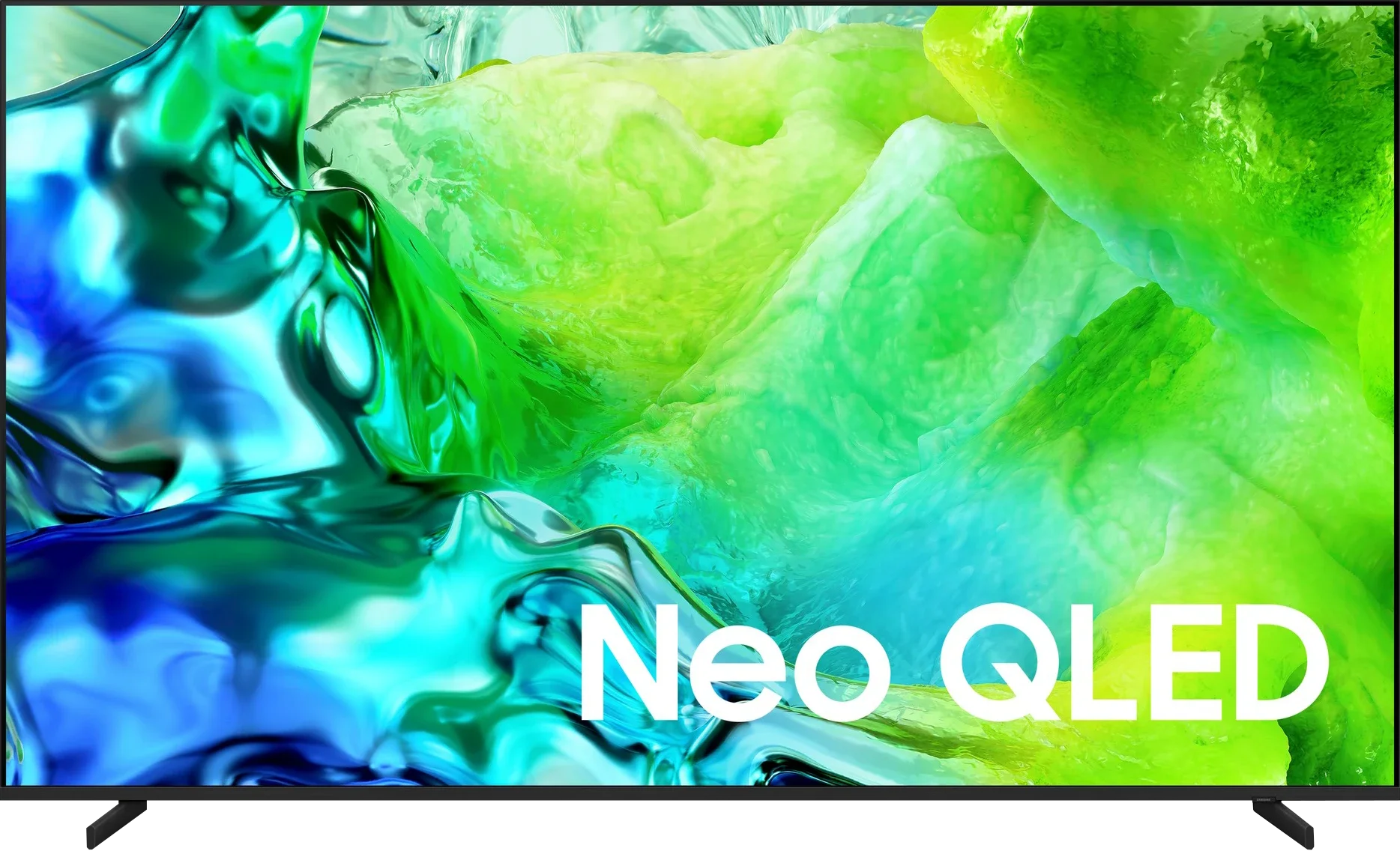
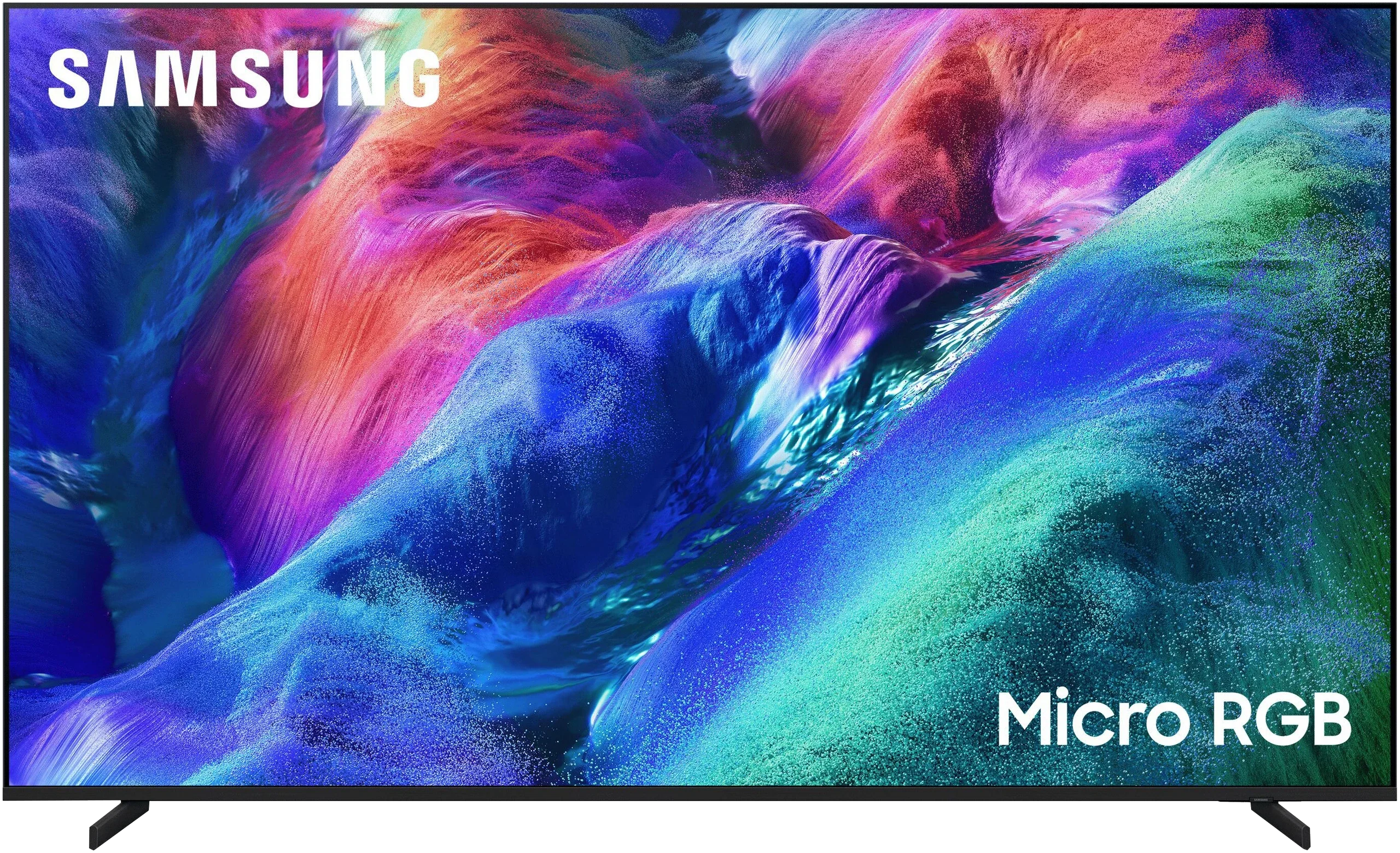
Panel type: LCD VA
Resolution: 3840x2160
System: Tizen
Model year: 2026
Complete the survey to find out the result
Panel type: LCD VA
Resolution: 3840x2160
System: Tizen
Model year: 2026
Complete the survey to find out the result
Overall rating
7.3
7.7
 Movies and series in UHD quality
7.0
7.3
 Classic TV, YouTube
6.8
7.6
 Sports broadcasts (TV and apps)
6.8
7.2
 Gaming on console
9.0
8.9
 TV as a computer monitor
8.9
8.0
 Watching in bright light
5.8
7.3
 Utility functions
7.3
7.3
 Apps
9.3
9.3
 Sound quality
7.1
7.1
Complete the survey to find out what fits your preferences
Advantages

Good blacks thanks to Mini LED backlighting
High brightness, exceeding 1,000 nits in HDR
Rich colours thanks to QLED quantum dots
High 144 Hz panel refresh rate
4x HDMI 2.1 ports
Very low input lag
Advanced gaming features
Fast Tizen OS
Seven years of system support
Excellent compatibility with PCs (240 Hz mode, excellent font readability)
Adjustable foot spacing and height
- Good black levels and contrast, VA panel with local dimming - High HDR brightness, approx. 1000 nits - Very wide colour gamut and colour volume - Matte anti-reflective coating - 144 Hz / 240 Hz panel (DLG) - 4x HDMI 2.1 - Extensive gaming features (ALLM, VRR, low input lag, G-Sync) - Fast and functional Tizen system (7 years of support) - Good viewing angles (for a VA panel) - Adjustable stand width and height
Disadvantages

Small number of local dimming zones, 110 in the 65-inch model
Average glare suppression
No USB recording or PiP function
Rather inelegant plastic feet
No solar-powered remote 😓
Limited number of local dimming zones
RGB backlighting isn't always able to realise its full potential
Visible smearing on the VA panel
No Dolby Vision / DTS:X
Our verdict
The Samsung R85H is, above all, a very versatile television that performs well in almost any use. You can place it in a bright living room, connect a console, watch a film or series in the evening, and use it for everyday broadcast TV, and each time you’ll get a picture of a good standard. It may not be a model that makes as strong an impression from the first minutes as Samsung’s best OLEDs, but it’s hard to point to a single feature that would significantly limit its use. That versatility is probably its greatest strength. Naturally, the most attention around the R85H goes to the new "Micro RGB" backlight. From our tests, we’d say it can indeed give some advantage over conventional Mini-LED, although not always in the areas the manufacturer emphasises most. On measurement charts its colour reproduction capabilities are impressive, but in real, more complex scenes the TV is not always able to exploit the full potential of the three-colour backlight. Its strength is most evident in simpler parts of the image, where intense reds, greens or blues can look really striking. Viewing angles are also a little better, as colours viewed at an angle retain their saturation longer than on classic LCD TVs. However, Micro RGB does not solve all the limitations of RGB technology. With very saturated elements you can sometimes notice slight colour bleeding onto neighbouring bright parts of the image, and a relatively small number of local dimming zones means the backlight cannot always operate as precisely as its on-paper capabilities would suggest. The R85H therefore shows that RGB genuinely has potential and could be the next step in the development of LCD televisions, but simply using coloured LEDs does not automatically deliver a huge jump in picture quality. For that reason we would treat the R85H primarily as a slightly better and more interesting alternative to the QN80H, rather than a TV you must buy at all costs just because it carries the Micro RGB badge. If the price difference between the models is reasonable, we would choose the R85H. We would not, however, pay a large premium solely for the new backlight, because its advantage in everyday viewing is not always as great as marketing materials might suggest. Regardless, the R85H is a successful all-purpose TV and that is probably the best way to view it.
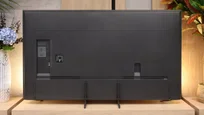
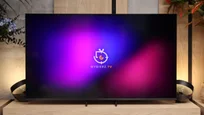
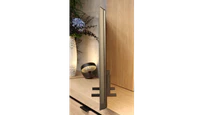
TV appearance
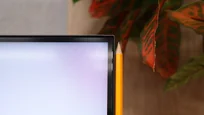
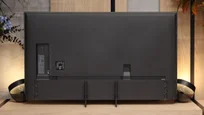

Contrast and black detail
6.7/10
7.9/10
Local dimming function: Yes, number of zones: 110 (10 x 11)
Local dimming function: Yes, number of zones: 150 (10 x 15)
Contrast:


Result
18,900:1

Result
7,100:1

Result
23,200:1

Result
7,750:1

Result
3,800:1
Result
182,800:1
Result
46,750:1
Result
22,450:1
Result
10,900:1
Result
9,050:1
Halo effect and black detail visibility:
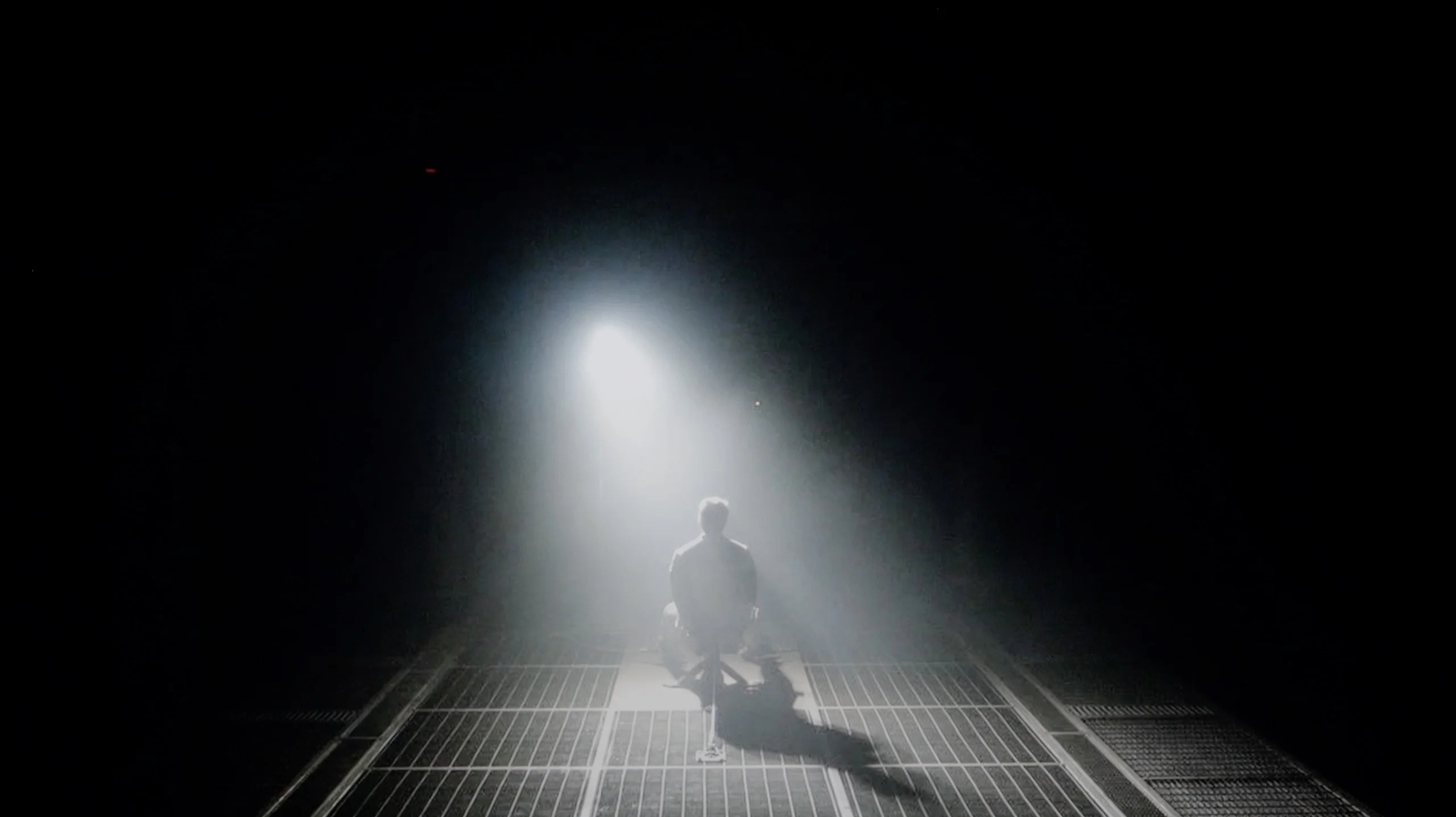
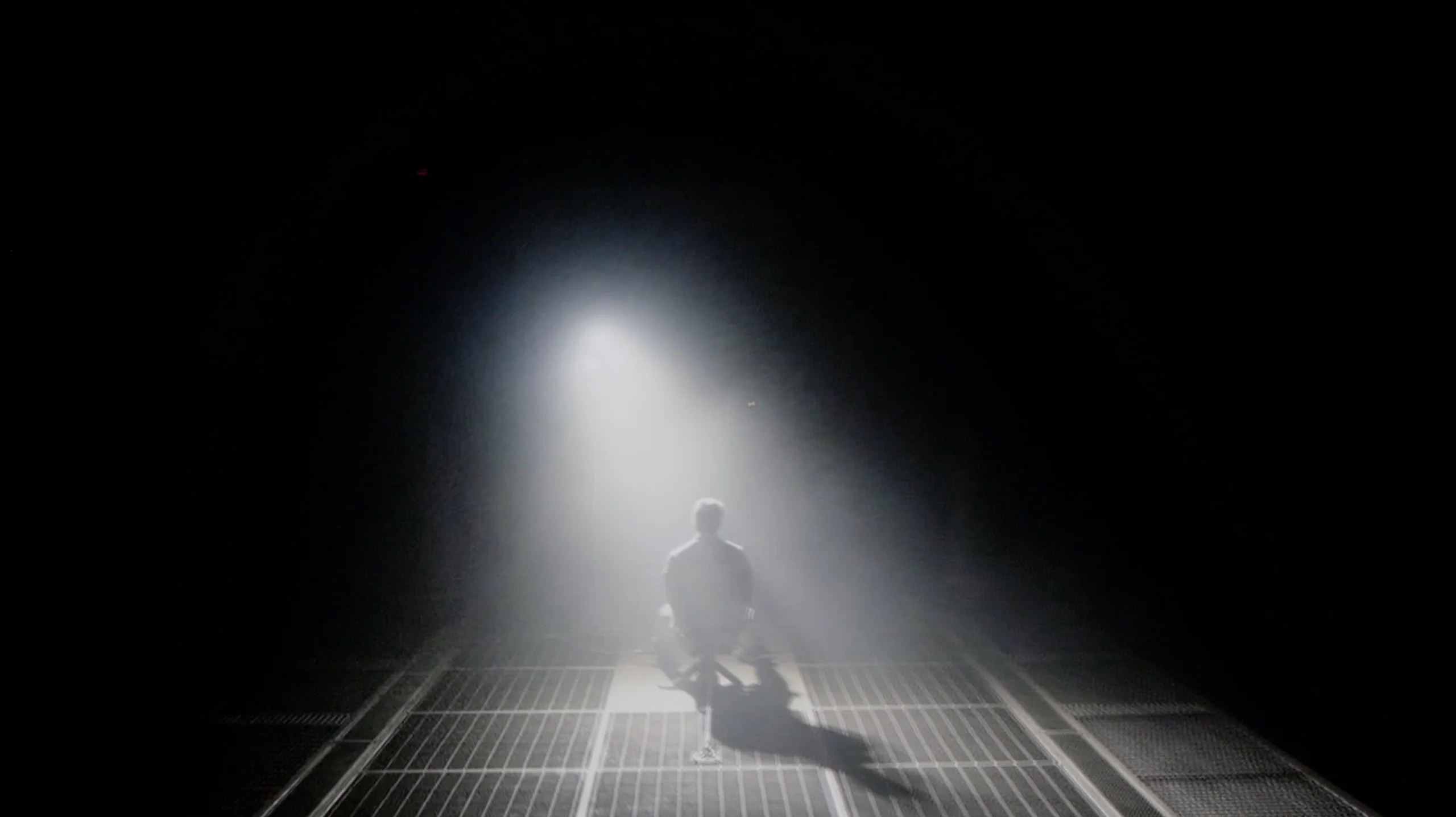
Check the visibility of bright lights on a dark background. Mini-LEDs often struggle with this. The photo does not compare black levels – that’s what the video below is for.
The video accurately shows differences in contrast and black levels between TVs, as well as potential issues: halo around bright objects or Mini-LED zone operation visible as brightness jumps.
The QN80H represents the Neo QLED line, which means it features Mini-LED direct full-array local dimming. In the 65-inch model we tested we counted exactly 110 local dimming zones. Against aggressively priced Chinese competition that number may not look particularly impressive, but it is still vastly better than having no dimming at all or the edge-dimming used in lower-tier models. Especially since Samsung has paired the QN80H with a high-contrast VA panel. As a result, even with a relatively modest number of zones the TV can achieve very good results. In our tests on film scenes the QN80H performed solidly, particularly where deep blacks dominated the screen. In films such as Oblivion the black we measured could be three to four times deeper than the panel’s native capability. That shows the TV can competently and precisely dim the appropriate areas to deliver an image with satisfying contrast.
However, things get tricky in more demanding moments. In scenes with a large number of fine details on a dark background (the helicopter shot at the bottom) the QN80H’s biggest weakness becomes apparent. When small but very bright points appear on screen the dimming algorithm clearly gets confused. Instead of precisely lighting only those details, the TV brightens almost the entire screen, causing the blacks around them to go noticeably grey. This is a direct consequence of the modest number of dimming zones. One can only hope Samsung will optimise the algorithm in future firmware updates. Despite this, we judge the overall contrast positively, particularly when comparing the QN80H with screens that lack local dimming altogether.
The Samsung R85H uses a Micro RGB backlight with local dimming and can perform very well in terms of blacks. In the 55-inch version we tested we counted about 150 zones, so it’s not on a par with the most advanced Mini-LEDs, where that number can run into the thousands. Even so, in many scenes the local dimming algorithm handles things quite effectively. With larger, clearly separated bright objects on a dark background the blacks are deep and the contrast can be very impressive. The halo effect is also reasonably well controlled, so during typical viewing the R85H does demonstrate the benefits of local dimming. The limitations of the small number of zones do show up with more demanding material, particularly when the screen contains many very small bright elements. A good example are scenes with starry skies. In such situations the TV can practically abandon local dimming, causing the black level to rise noticeably and the image to lose a large part of its contrast. Interestingly, we observed similar behaviour even when the bright points were already much fewer, so it appears to be more a quirk of how the algorithm works than solely a physical zone count. Overall, however, the R85H’s blacks are good. It’s not at the level of the most expensive Mini-LEDs with thousands of independently controlled zones, and in difficult scenes the difference is clear. In most material the local dimming nevertheless does its job and delivers significantly better blacks.
HDR effect quality
5.8/10
5.6/10
Luminance measurements in HDR:

Result
694 nit

Result
385 nit

Result
703 nit

Result
307 nit

Result
660 nit
Result
860 nit
Result
214 nit
Result
758 nit
Result
235 nit
Result
912 nit
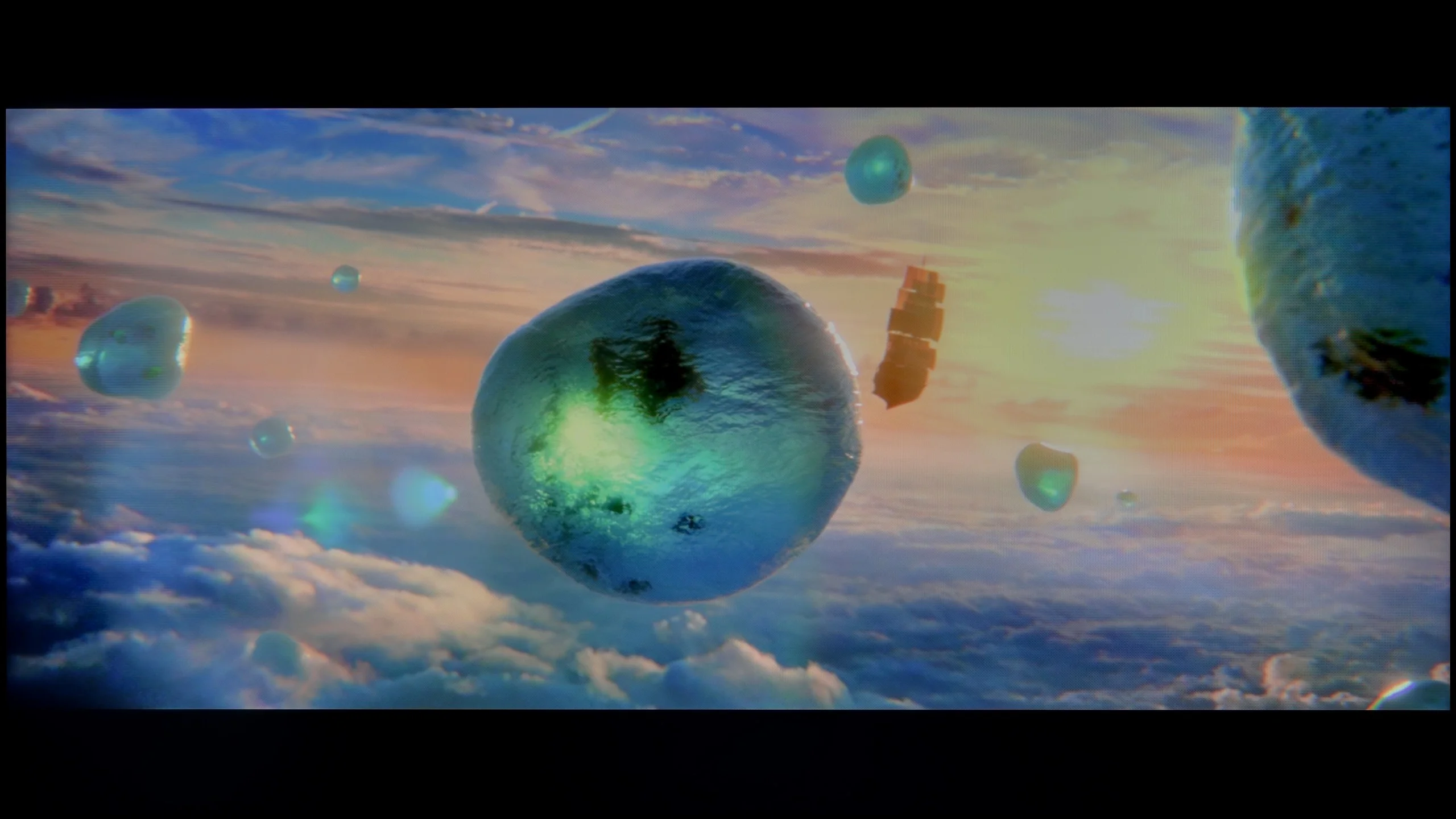
Scene from the movie “Pan” (about 2800 nits)

Scene from the movie “Billy Lynn” (about 1100 nits)
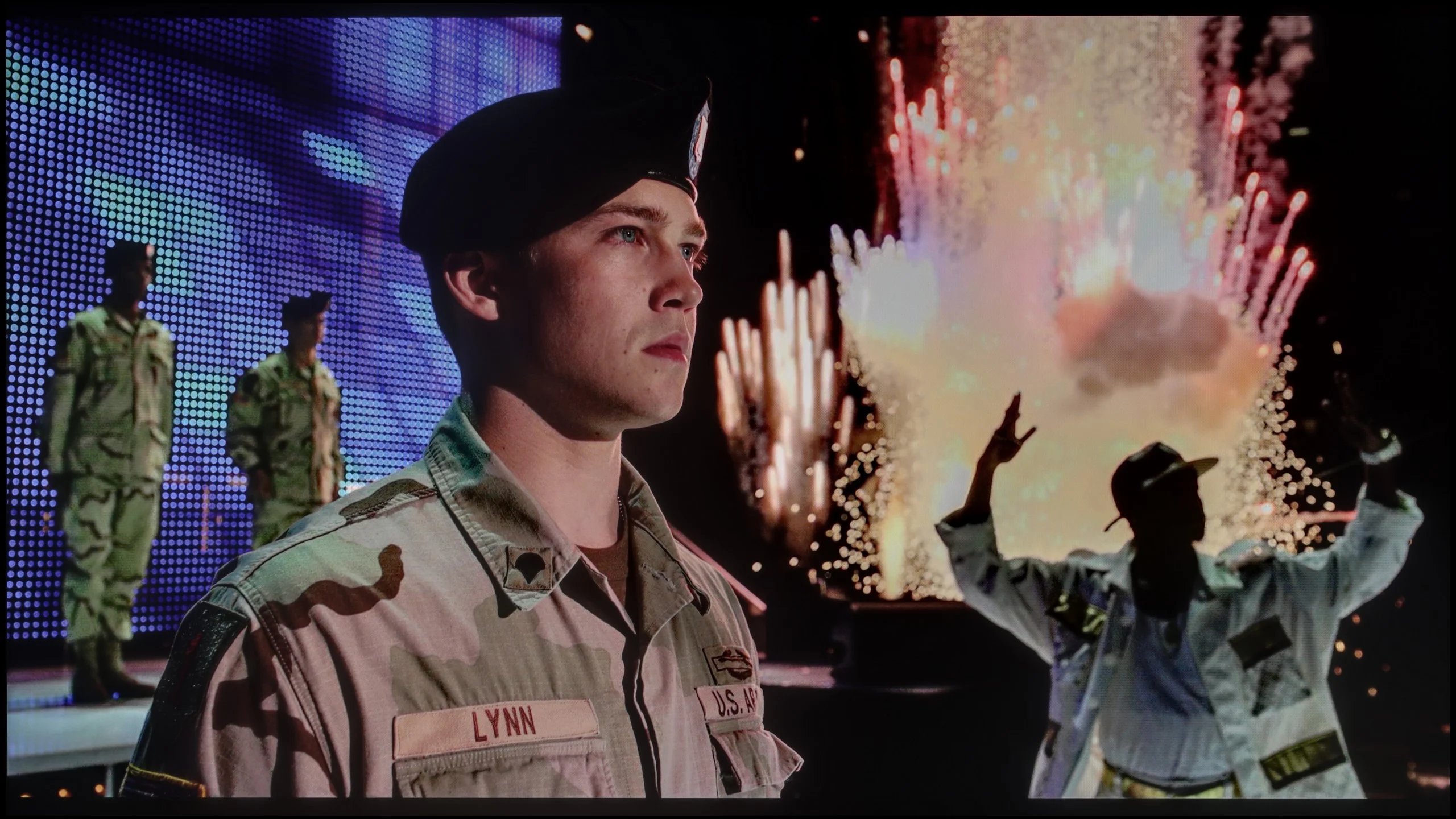
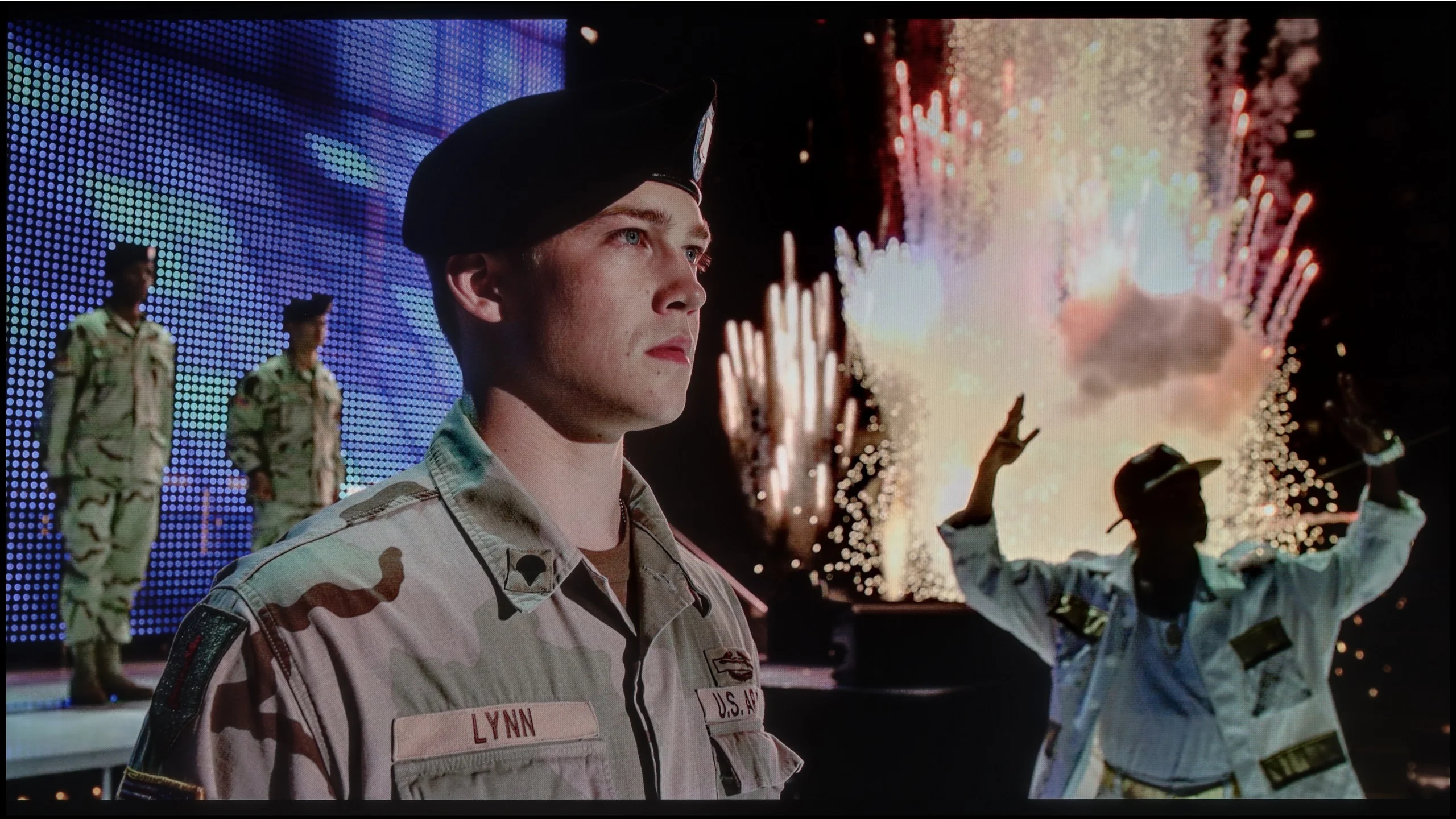
The photos show two HDR10 movies. 'Pan' is one of the brightest productions ever made, while 'Billy Lynn' (soldier) has brightness typical of streaming (Netflix, Prime, HBO MAX). Notice the intensity of effects and detail in whites.
Static HDR10


The photos present the visibility of white details in various HDR formats. They do not show brightness differences between TVs (these can be compared in the previous gallery).
Dynamic: HDR10+
Dynamic: HDR10+


The photos present the visibility of white details in various HDR formats. They do not show brightness differences between TVs (these can be compared in the previous gallery).
HDR luminance chart:
Samsung R85H / R86H
Samsung QN80H
The Samsung QN80H is undoubtedly a bright TV. In synthetic tests it exceeds the 1000-nit mark, which on paper promises a solid HDR effect. In practice the screen really shows its teeth, although it can't fully spread its wings (or its backlight, if you will 🤔) in every condition. Bright, wide scenes make the best impression. Well-lit outdoor shots and brightly lit scenes look really good on it. Brightness then stays around 700 nits, which provides a noticeable step up in quality compared with standard SDR. Problems start in dark scenes with small, pinpoint highlights. The QN80H tends to dim these strongly, in order to protect black depth at all costs. On the one hand this gives better contrast, on the other... you lose dynamics and the brilliance of fine HDR detail. So the TV has considerable potential, but the dimming algorithm can be too restrictive.
Colour gamut coverage
When it comes to colours it's good as well. The QN80H uses quantum dot technology, and in our measurements it covered 93% of the DCI-P3 colour space and about 70% of BT.2020. Today those results aren't exactly jaw-dropping, but in real-world use they're more than sufficient to deliver a vivid, natural image for most films and TV series. Colours are suitably saturated, and after proper calibration they don't look artificial or overly aggressive.
When it comes to brightness, the R85H performs really respectably. In most of our test scenes the TV reaches around 800 to 900 nits, and with larger bright elements it can exceed 1000 nits. These are not, of course, levels on a par with the pricier Mini-LEDs, but they are more than enough for watching films and TV shows in HDR, and the effect can already be quite noticeable. The problem reappears in more demanding scenes where there is a small bright element on a very dark background. Here the TV can significantly limit its brightness so as not to light up too large a portion of the screen. In our measurements such small highlights fell even to around 200 to 250 nits, so it is clear that a small number of zones combined with the particular behaviour of the algorithm has consequences here. Fortunately, this is not something that disturbs viewing all the time. In typical mixed HDR scenes the R85H looks good and can deliver appropriate image dynamics. It's just that with very small points of light you shouldn't expect an effect as strong as on TVs with many more zones or on OLEDs.
Factory color reproduction
6.1/10
5.4/10
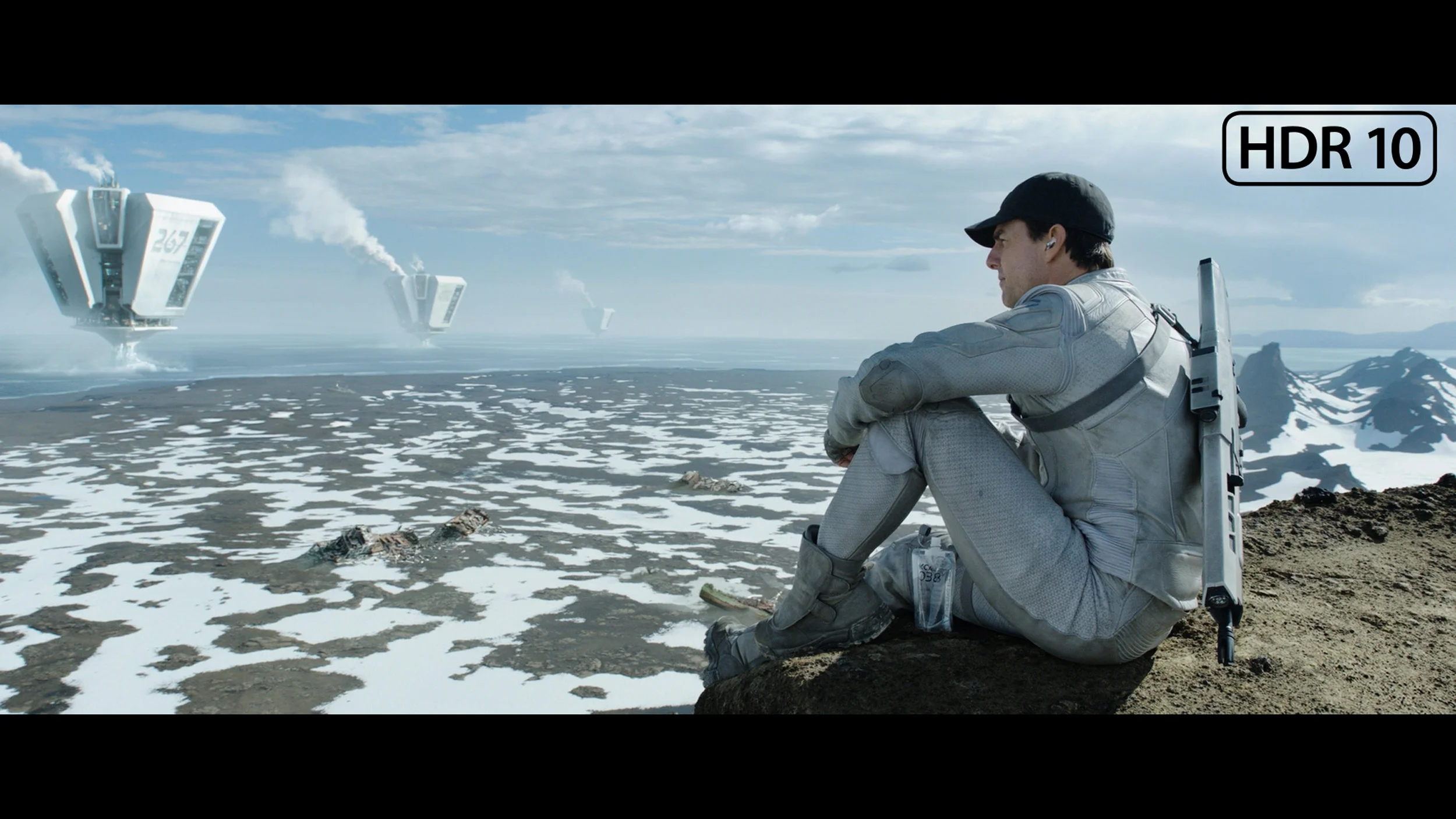
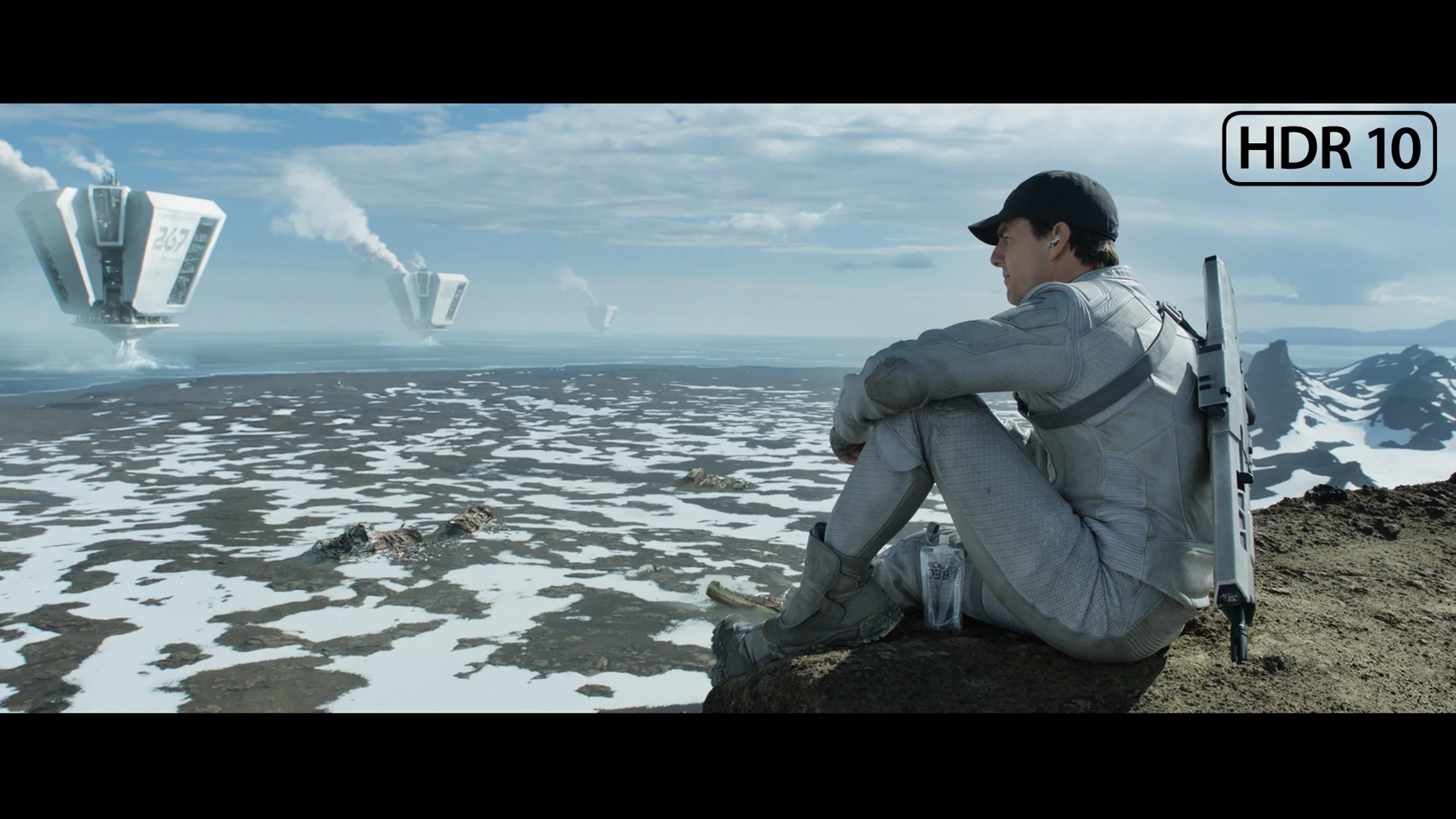
This gallery shows how colors change after professional TV calibration. If you notice the difference, we recommend ordering this service at SkalibrujTV.com.
Factory Mode
After calibration


This gallery shows how colors change after professional TV calibration. If you notice the difference, we recommend ordering this service at SkalibrujTV.com.
Factory Mode
After calibration
The factory settings of the QN80H performed really well, especially compared with the majority of TVs we receive for testing. Of course, our measurements were taken in Filmmaker Mode, and that's the mode we recommend turning on immediately after the initial setup. For SDR material, our sample was set up surprisingly well. The white balance was very even, colours looked natural, and errors were so small they were hard to notice without measurement equipment. The only weaker point was the gamma. In the brighter parts of the image the TV brightened them a little too much, which at times made the picture lose some depth. Still, we'd like most TVs to look this good straight out of the box.
It fared a little worse in HDR. The white balance was still set correctly, so the problem was not with the colours but with the way the QN80H managed image brightness. This was immediately visible on the EOTF chart. The TV brightened large parts of scenes too much, causing the brightest elements to clip. Interestingly, very small points were often dimmed too much at the same time. As a result, some fine details simply disappeared. So the factory Filmmaker mode in HDR is not bad, but it is definitely not as well calibrated as in SDR.
In Filmmaker mode our R85H sample performed acceptably in SDR, but a few things stood out immediately in the measurements. In the white balance red increased with rising brightness while blue decreased. As a result the brighter parts of the picture had a slightly too warm tint. Gamma only held to the target value at the start. It then gradually fell, which left most of the image a little too bright. The combination of these two effects also showed up in the colours, with errors growing particularly in the brighter and more saturated samples. It did not look bad, but for Filmmaker mode we had expected a bit more accuracy. Interestingly, in HDR our sample fared noticeably better. The white balance was much more even and, over most of the range, the individual components stayed close together. Only in the very brightest areas did red start to be lacking, causing white to shift subtly. The EOTF curve, by contrast, looked very good and followed the target luminance levels across almost the entire range. That does not mean HDR colours were perfect. The Colour Checker still showed some deviations, especially for some of the more saturated hues, but the errors were clearly smaller than in SDR.
Color reproduction after calibration
8.2/10
8.6/10
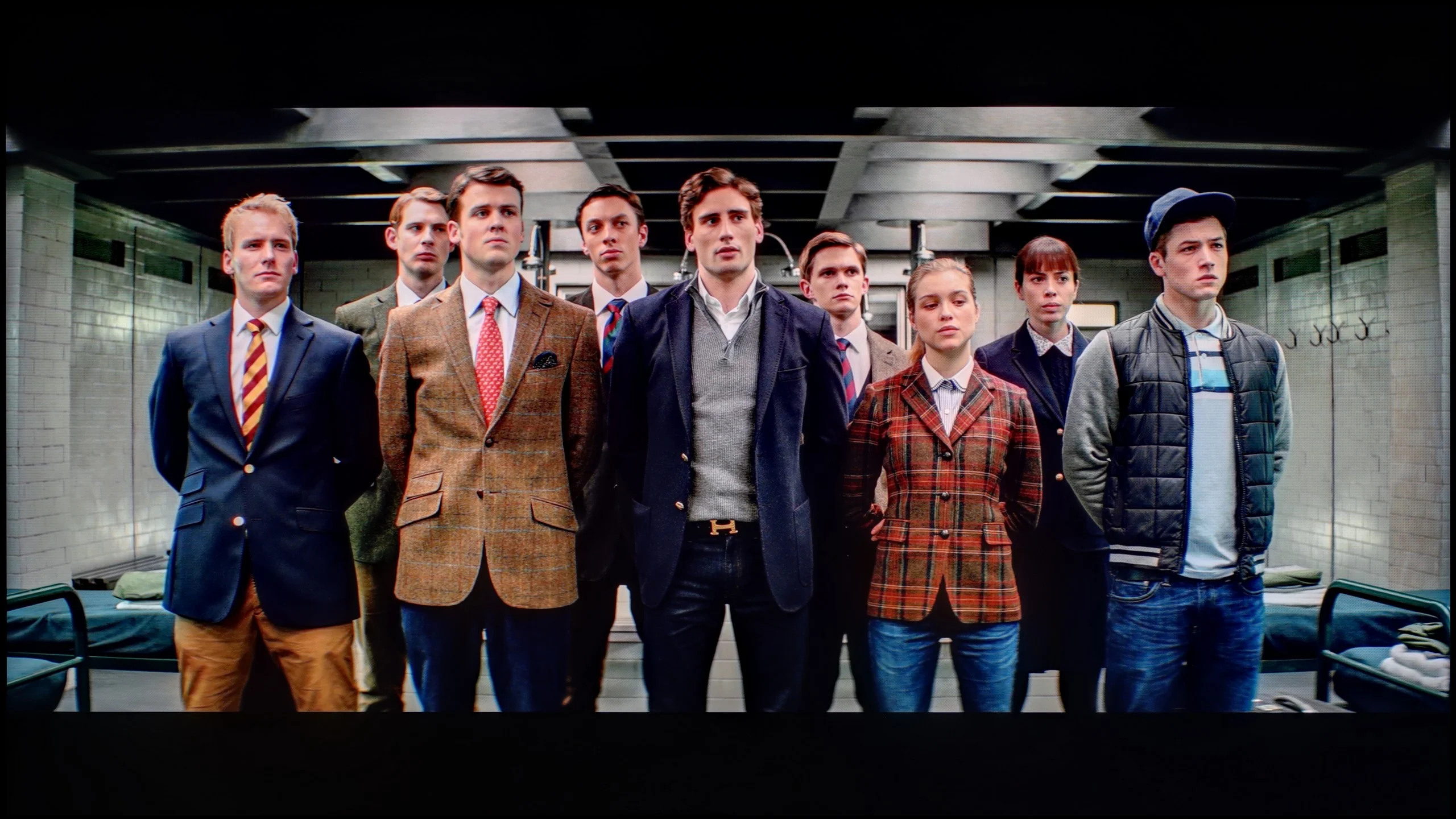
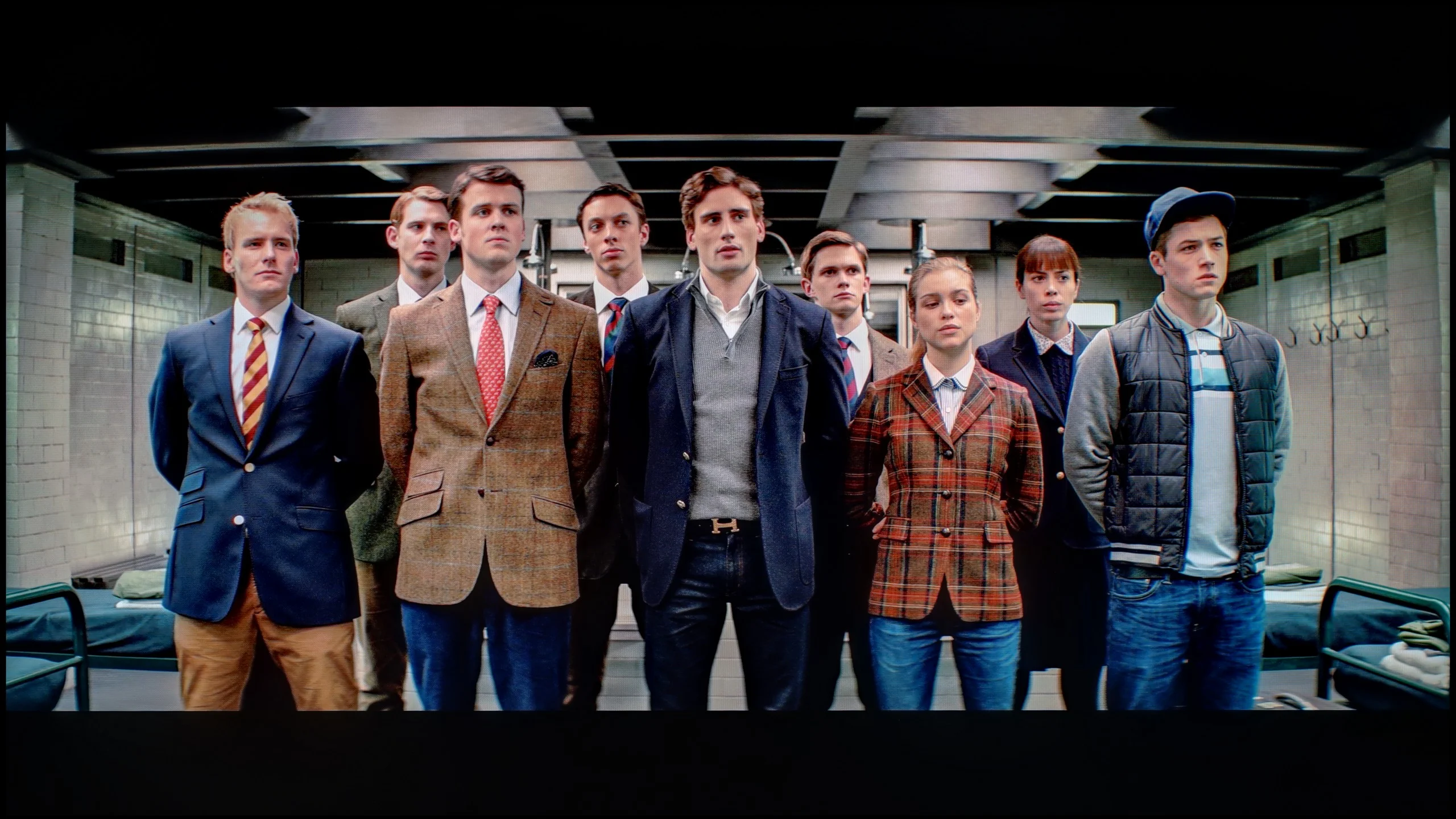
The photos show how movies look on the TV. Pay attention to black detail visibility, colors, and shadow tint.


The photos show how movies look on the TV. Pay attention to black detail visibility, colors, and shadow tint.
We saw the biggest difference after calibration in HDR Filmmaker mode. SDR was already very good out of the box, so we didn't have much work to do there. In HDR, however, we managed to get to grips with the way the QN80H handled brightness, as it had been over-brightening most scenes. After calibration the picture is calmer, more natural and much closer to how a faithful image should look.
After calibration the R85H shows it has genuinely substantial capabilities in colour reproduction. It performed best in SDR, where the white balance could be brought almost perfectly into line and the gamma stays very close to the target value across most of the range. This also translated into very low errors on the Colour Checker, so there is really little to pick fault with. HDR also shows a clear improvement, although some things can no longer be corrected as well. At the highest brightness levels the character of the backlight begins to make itself felt and the individual components of the white balance start to drift apart. The same applies to the most saturated colours, which do not always land exactly where they should. Despite these limitations the overall image is much more accurate than with the factory settings, and the biggest difference is definitely seen in SDR. There is, however, one thing calibration cannot fix. With heavily saturated elements the colour can slightly bleed onto adjacent bright areas of the image. It is easiest to notice this on white, which can pick up a faint tint of a neighbouring colour. It does not appear in every scene, but when the material is demanding the effect can be visible. This is more a characteristic of the way the RGB backlight works than a matter of picture settings.
Smoothness of tonal transitions
9.5/10
8.9/10
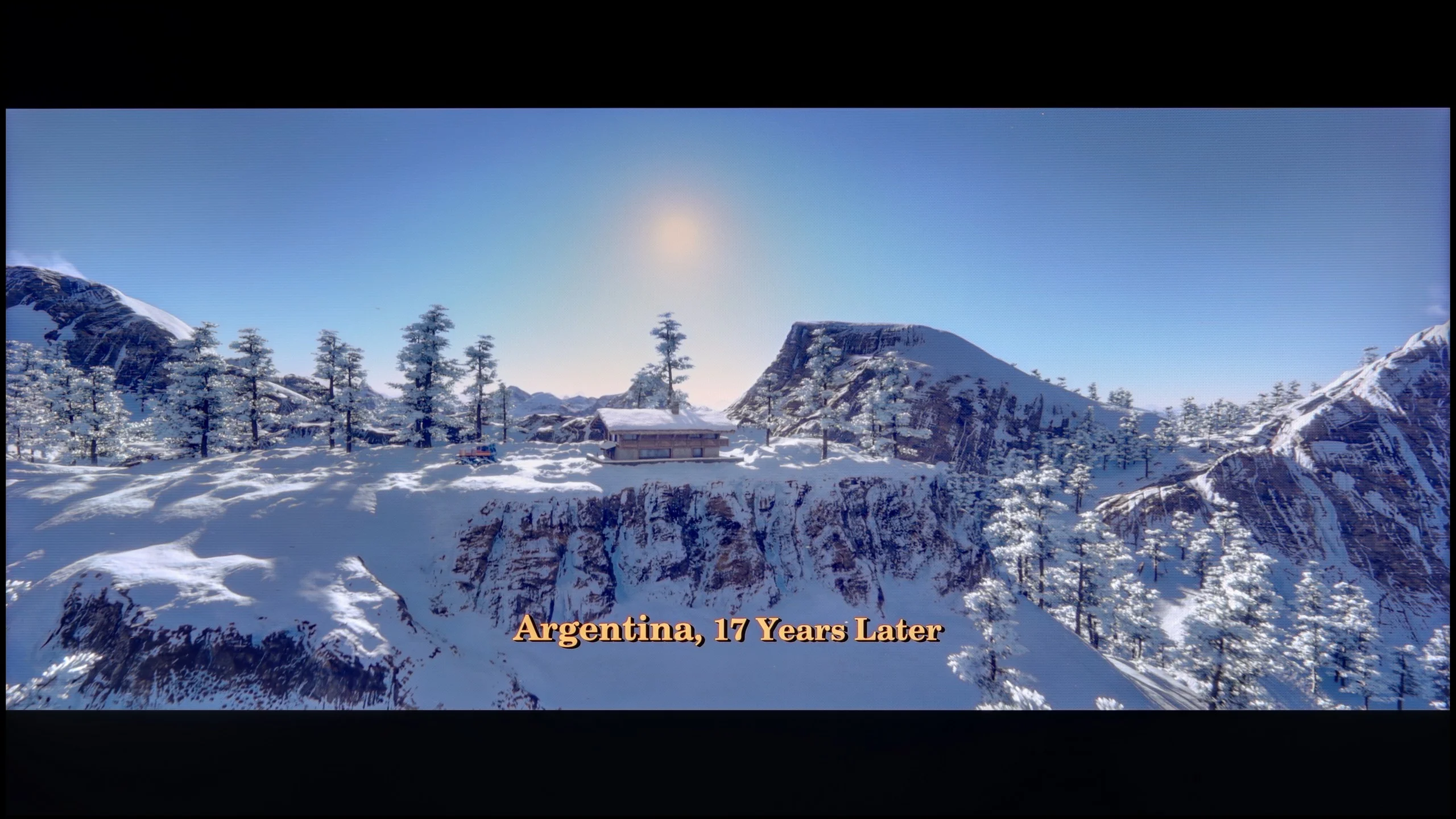

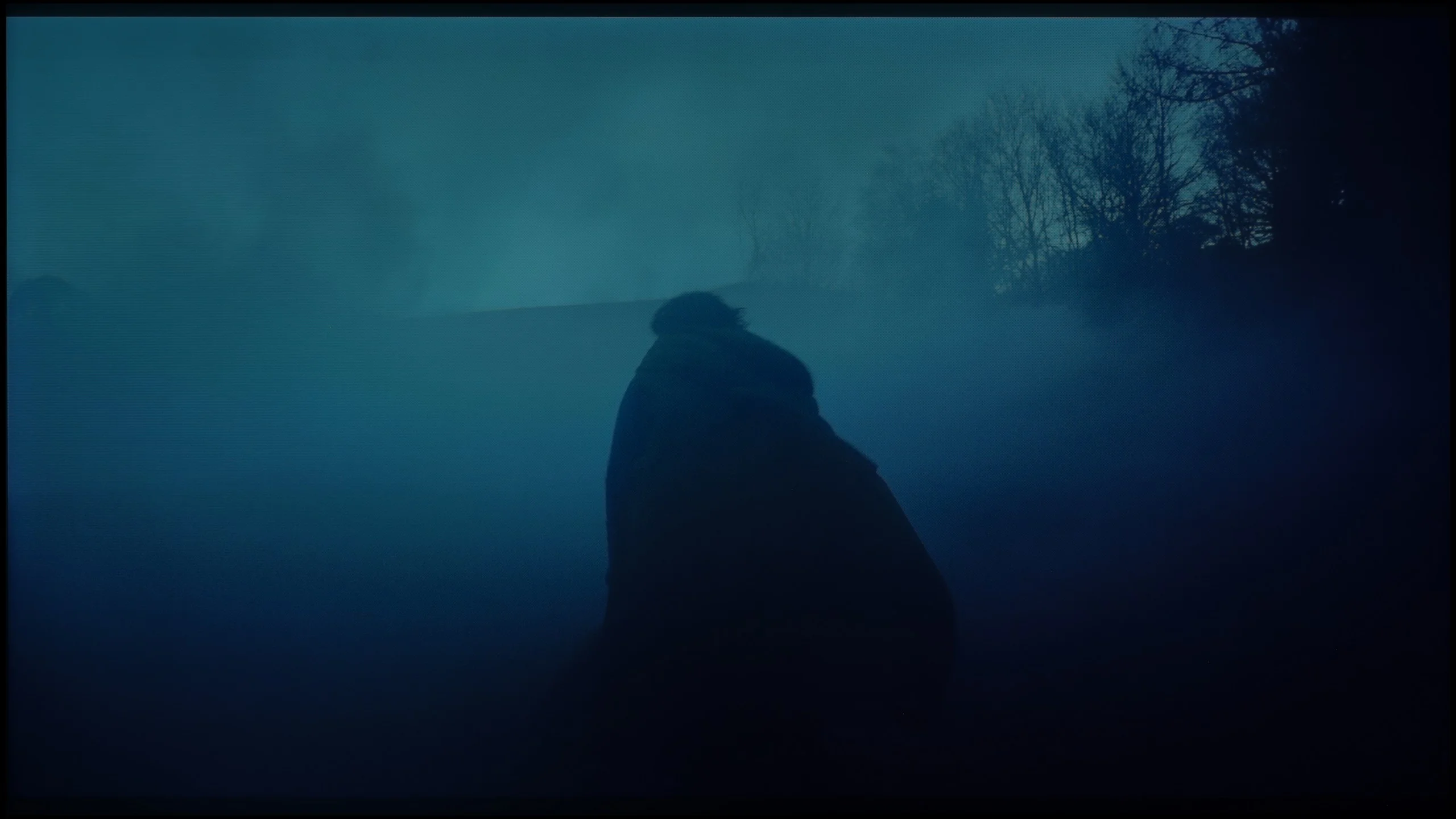
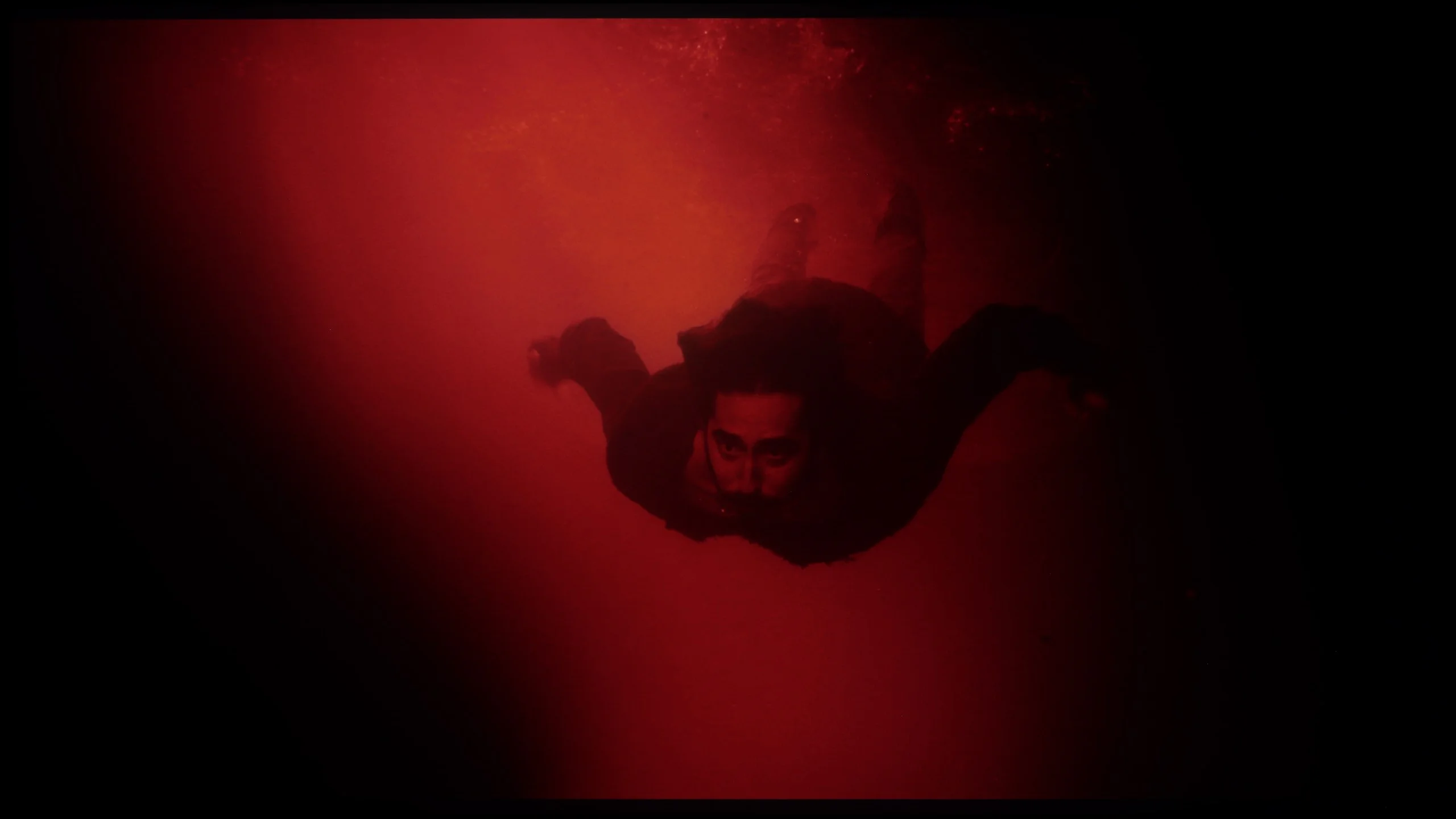
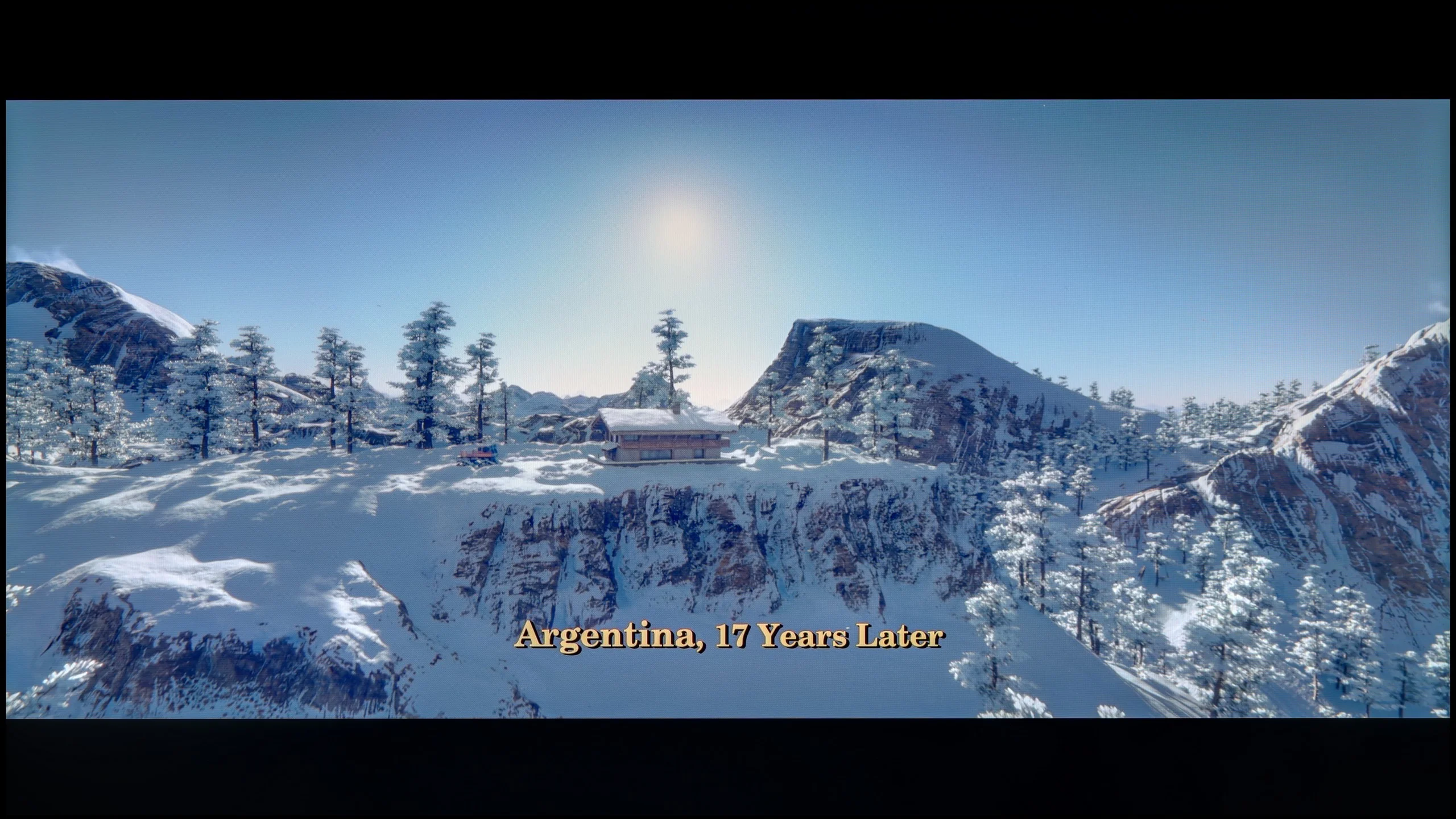
These are selected scenes that show smooth tonal transitions from one color to another. If you see distinct banding, it’s the TV panel’s fault.

These are selected scenes that show smooth tonal transitions from one color to another. If you see distinct banding, it’s the TV panel’s fault.
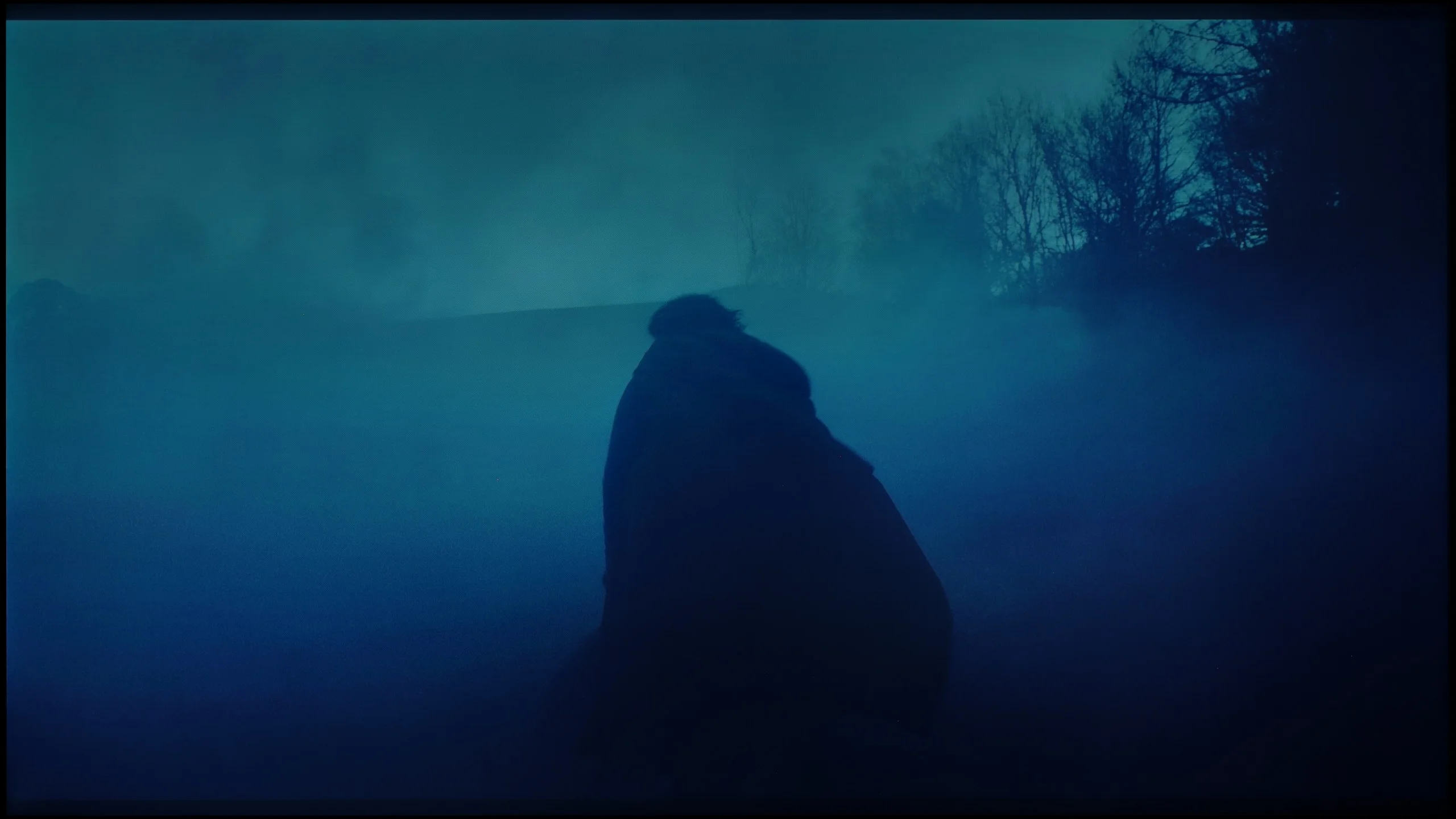
These are selected scenes that show smooth tonal transitions from one color to another. If you see distinct banding, it’s the TV panel’s fault.
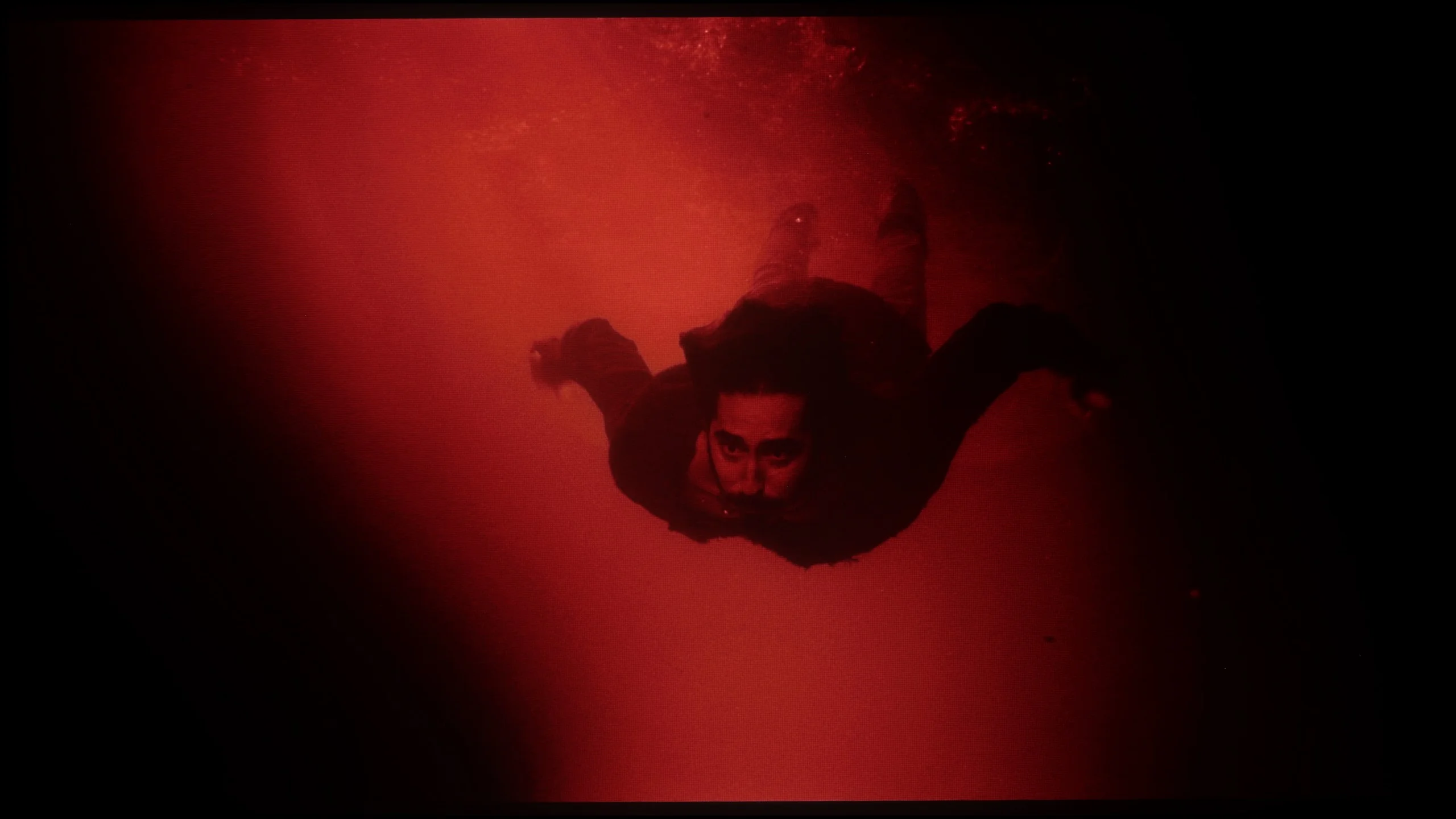
These are selected scenes that show smooth tonal transitions from one color to another. If you see distinct banding, it’s the TV panel’s fault.
The tonal transitions on the Samsung QN80H are very good. Colours of similar hues blend smoothly, without obvious banding, blotches or abrupt steps between successive gradations. Dark gradients look particularly good, for example shades of grey and transitions just above black. It’s in such areas that many televisions begin to show their weaknesses, whereas the QN80H handles them surprisingly well. Minor imperfections only appear in very bright scenes, where slight banding occasionally occurs. However, this is subtle enough that it shouldn’t bother anyone during normal viewing.
Samsung R85H handles tonal transitions quite well, and during normal viewing this is not something that particularly draws attention. On bright gradients the transitions are mostly smooth, and only on closer inspection can slight steps between some brightness levels be noticed. These are not pronounced and do not noticeably affect the viewing experience. It is very similar in darker areas. Here you can also sometimes pick up small steps between similar shades, but there is no issue with heavy banding or obvious breaking up of gradients. Bright skies, fog and darker shadows are all displayed smoothly and without major problems.
Image scaling and smoothness of tonal transitions
7/10
7.5/10


Smooth transition function
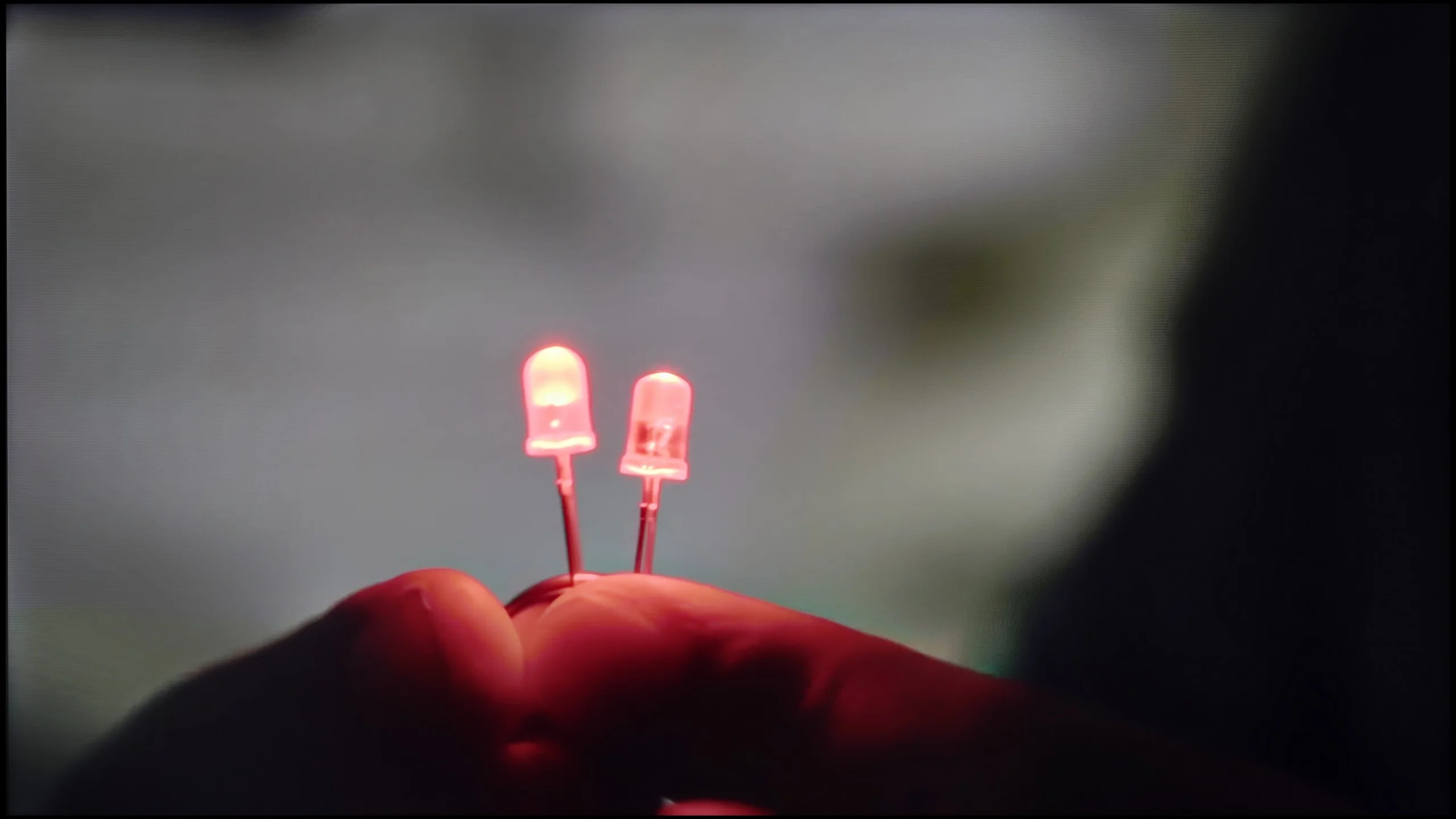
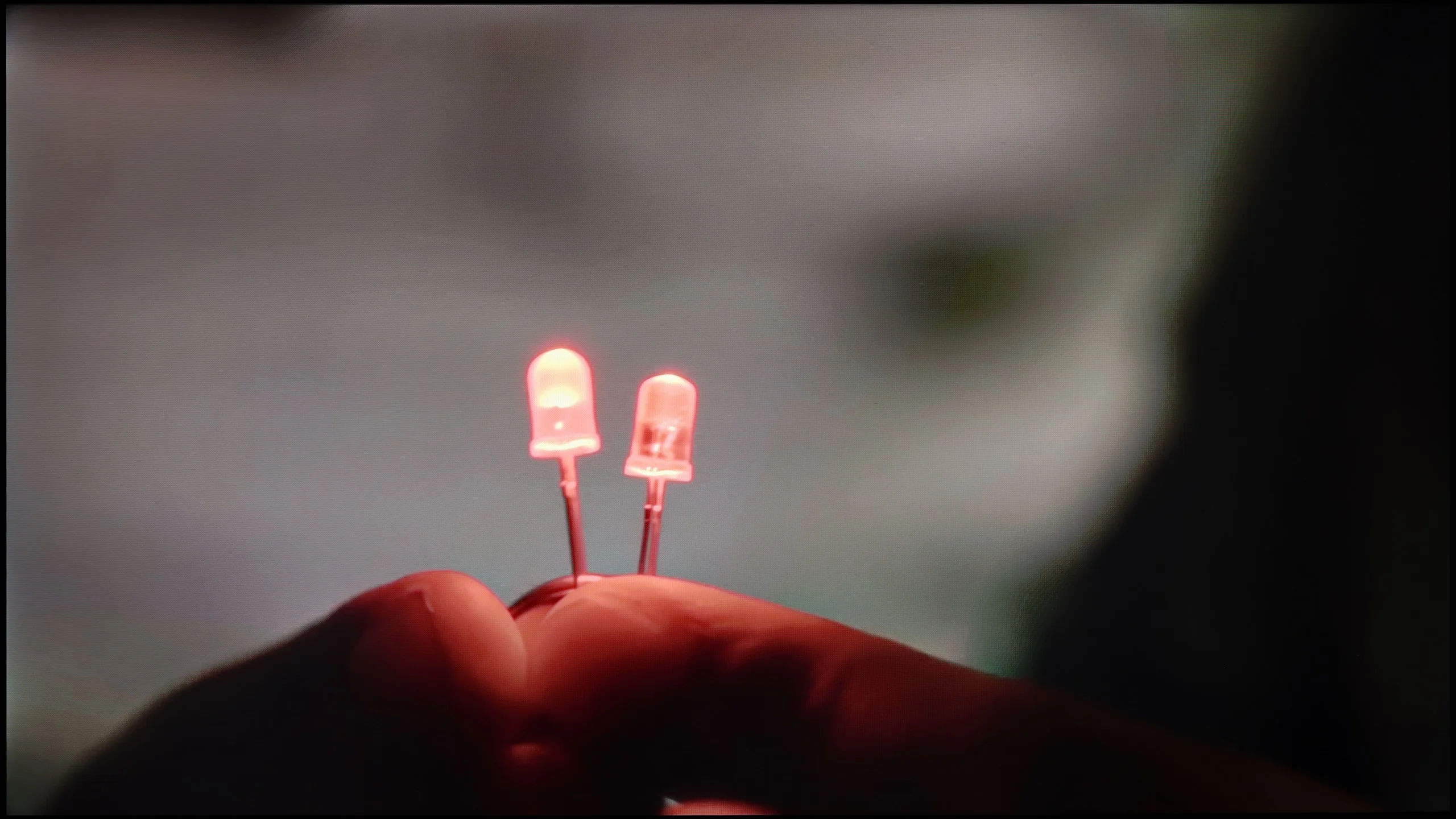
The match photo shows how the TV smooths weak tonal transitions in low-quality video.
Image scaling SD (576i)


The model photo shows how it handles upscaling of SD material.
Digital image processing in the Samsung QN80H is handled by the second-generation NQ4 AI processor. It's a chip we already know from the manufacturer's earlier models, and it still performs very well, especially with lower-resolution content. The image is effectively upscaled to 4K, but without excessive sharpening and without giving the impression the TV is aggressively trying to improve the source material.
The "Noise Reduction" function also proves useful. It can noticeably reduce posterisation and visible banding in lower-quality material, particularly in low-bitrate streaming. However, it's important to remember that it does not work without side effects. It can remove some film grain and slightly smooth the image. So with a high-quality source we'd leave this function switched off. If, however, someone is more bothered by banding and uneven tonal transitions than by the loss of some grain, "Noise Reduction" can be a really useful addition.
In the R85H image processing is handled by the Micro RGB AI Processor. The name is new, but when it comes to upscaling lower-quality material the TV’s behaviour is very similar to what Samsung has shown before. And that’s not a bad thing, because the manufacturer has dealt with this aspect quite well for years. Lower-resolution content is displayed cleanly, edges do not become excessively soft, and the TV does not try to artificially extract details at any cost. The result is simply well balanced, and with regular broadcasts or older recordings the R85H performs as you would expect from a Samsung in this class. There remains only a minor drawback in the form of overscan, which cannot be completely turned off at the lowest resolutions. A separate matter is the additional processing of weaker sources. The R85H can smooth posterisation and somewhat tidy up heavily compressed footage, but it is worth emphasising that it does this relatively aggressively. At stronger noise reduction settings it begins to remove not only compression artefacts but also fine details and the natural film grain. It is therefore best used only when the material truly needs it.
Blur and motion smoothness
7.8/10
7.4/10
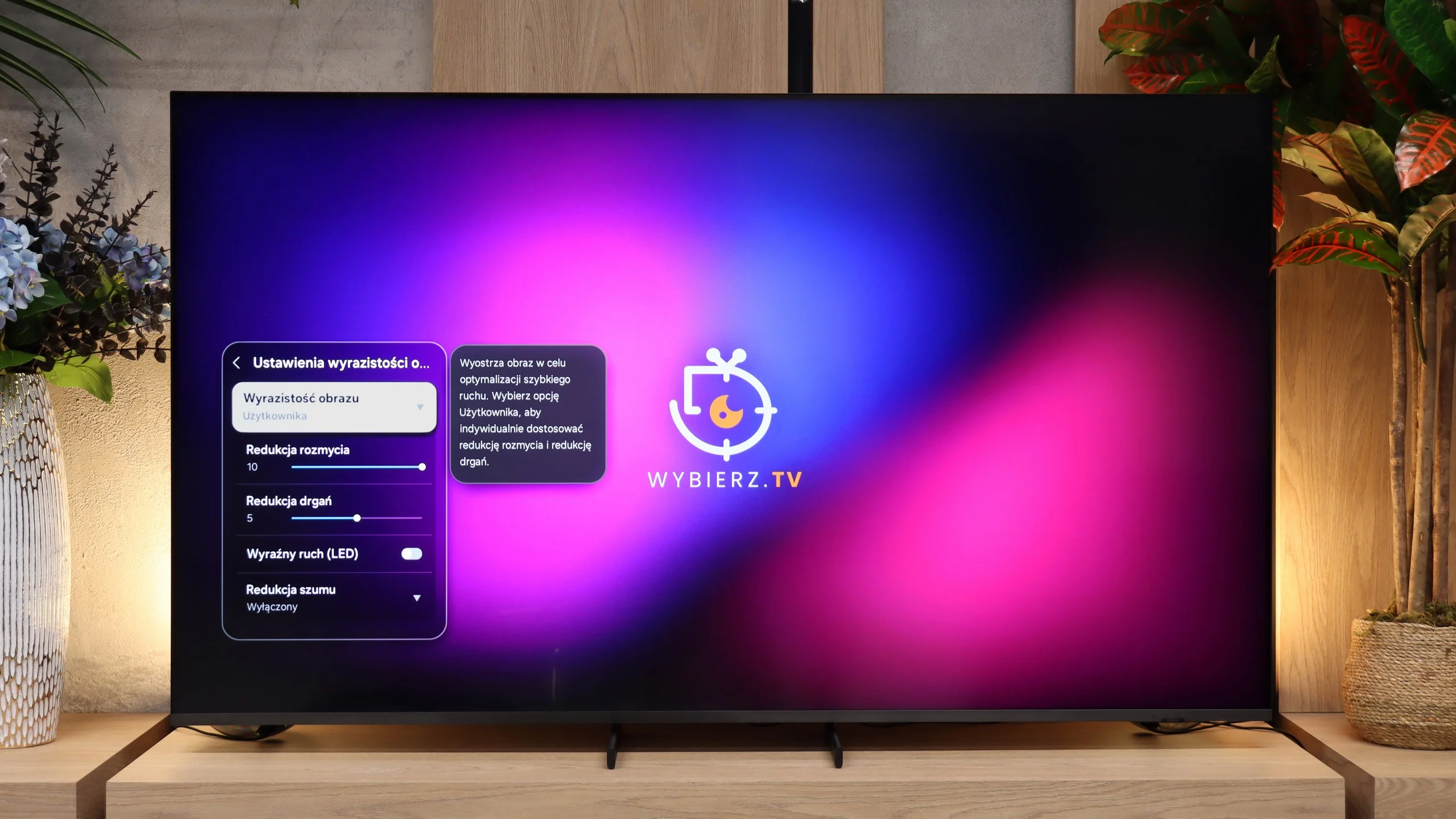
Blur (native resolution, maximum refresh rate):

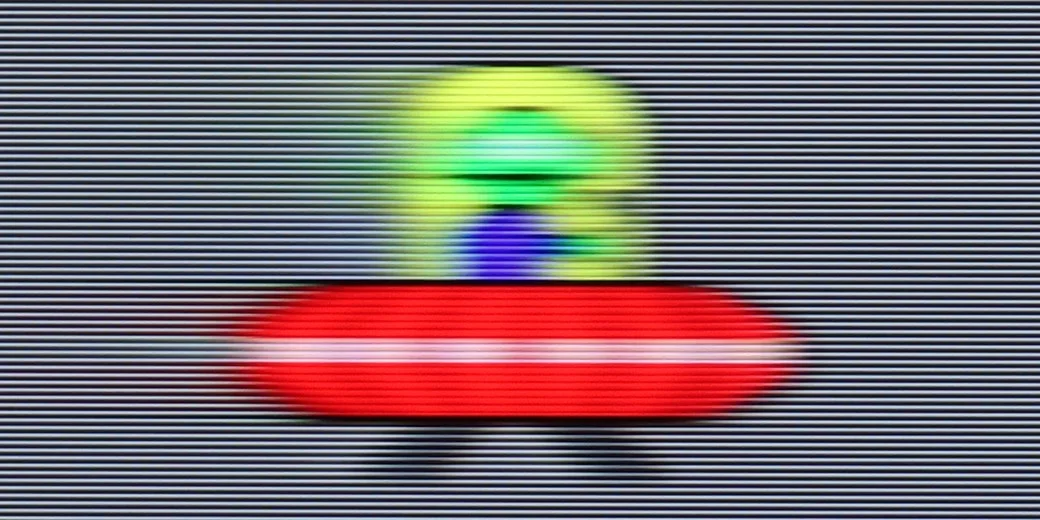




Blur (BFI function enabled):
Image flickers in this mode



Image flickers in this mode
Blur (4K@144Hz):



Blur (1080p@240Hz):


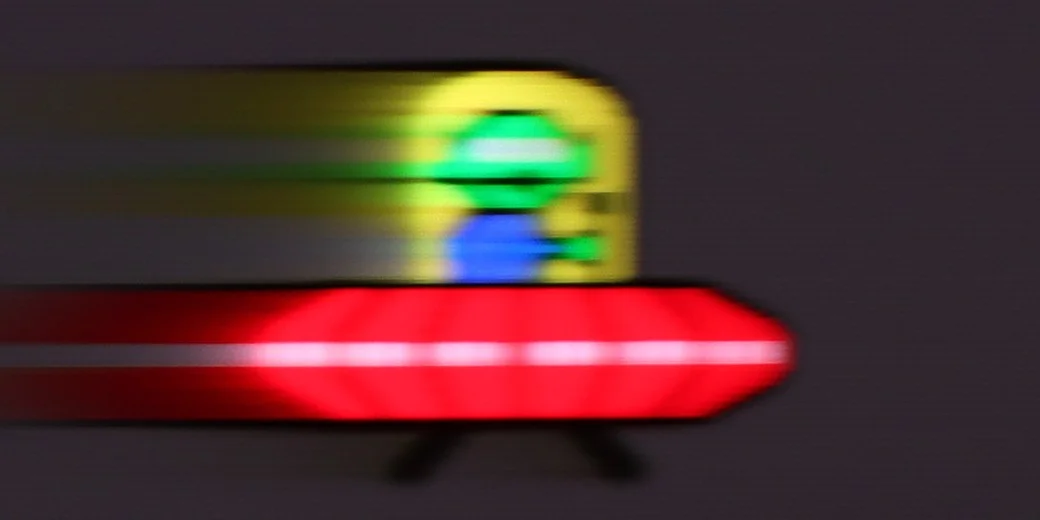
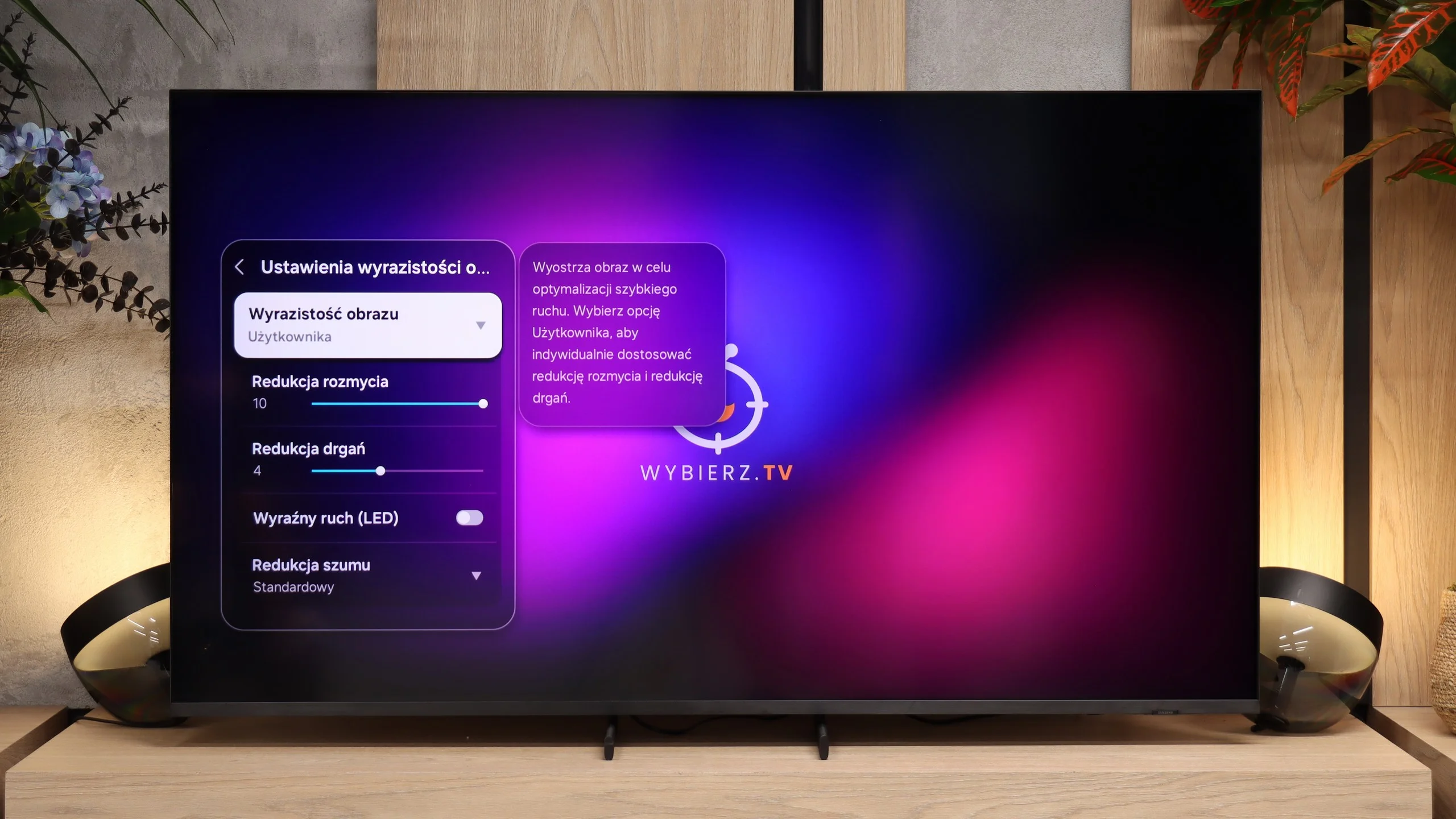
Motion handling and motion clarity on the QN80H are really good, mainly thanks to the fast panel. In 4K the screen refreshes at up to 144 Hz, and when switched to Full HD and connected to a PC it can reach as much as 240 Hz. That's new for Samsung TVs and a useful addition for people who want to use the TV for PC gaming as well. We were more interested, however, in how the QN80H performs at 120 Hz, because consoles use that refresh rate. Here it performs very well. The panel does not suffer greatly from the smearing typical of VA panels, and light trails behind moving objects are mainly visible on dark backgrounds. That said, it's nothing that would interfere with normal watching of sport or gaming. The TV also has a motion smoothing system that Samsung calls "Wyrazistością obrazu". You can adjust judder reduction and blur reduction separately, so it's easy to tailor its behaviour to films, sport or your own preferences.
The R85H has a 144 Hz panel, so motion is really smooth here. Just bear in mind that the extra hertz above 120 are mainly used when connected to a PC, so in this category we don't treat them as any particular advantage. For films and TV, what's more important is that the panel is fast enough to provide access to an advanced motion-smoothing feature, "Motion Clarity", which lets you set motion anywhere from more film-like to very smooth. The panel's response time is a bit worse. Because it's a VA panel, fast-moving objects can leave a slight trail. On bright backgrounds this isn't very noticeable, but the darker the scene, the more pronounced the smearing becomes. This is a typical trait of this type of panel and it's easiest to notice in dark shots.
Console compatibility and gaming features
9.6/10
9.6/10
- ALLM
- VRR
- VRR range48 - 240Hz48 - 240Hz
- Dolby Vision Game Mode
- Correct implementation of HGIG
- 1080p@120Hz
- 1440p@120Hz
- 4K@120Hz
- Game bar
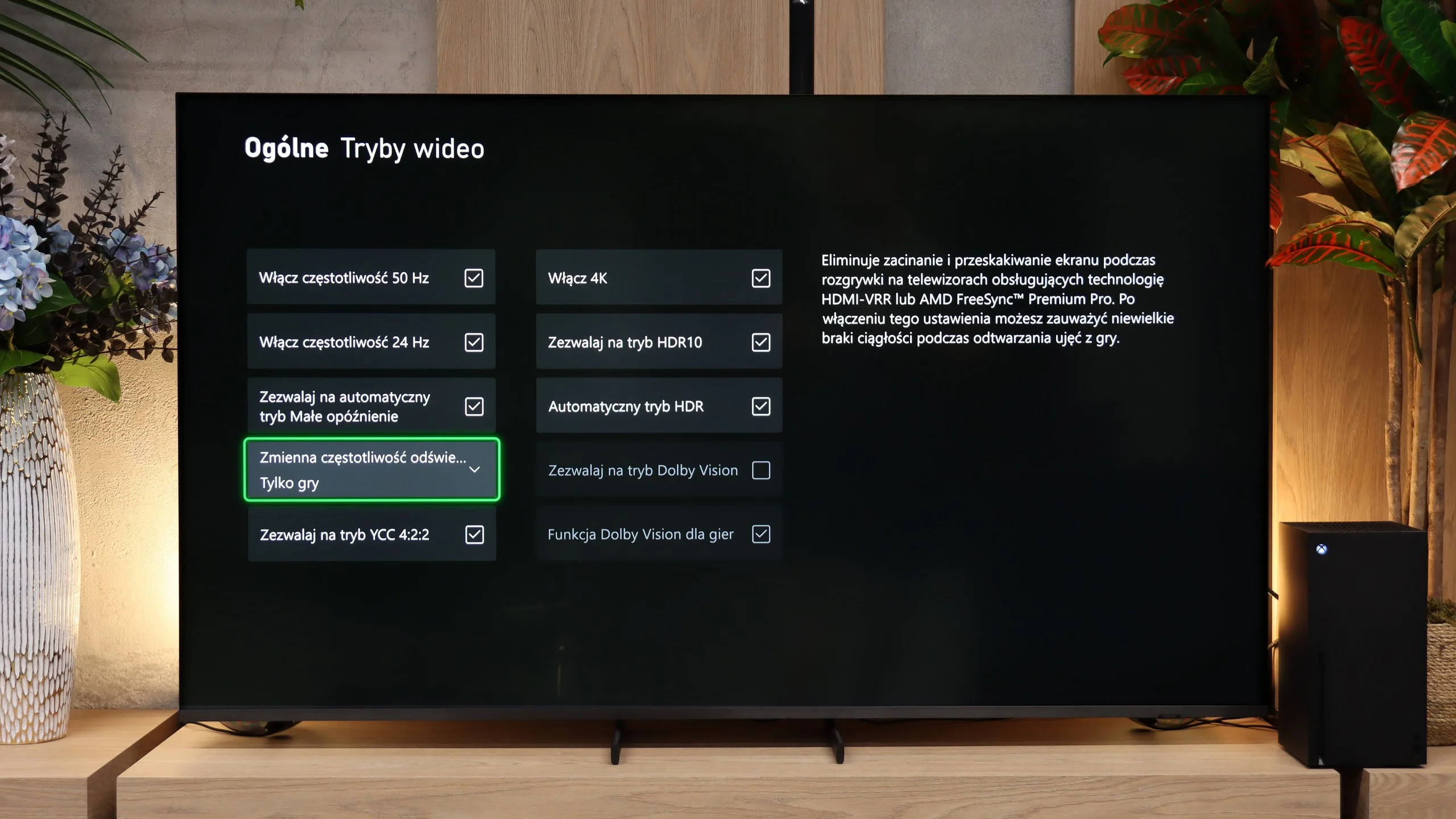
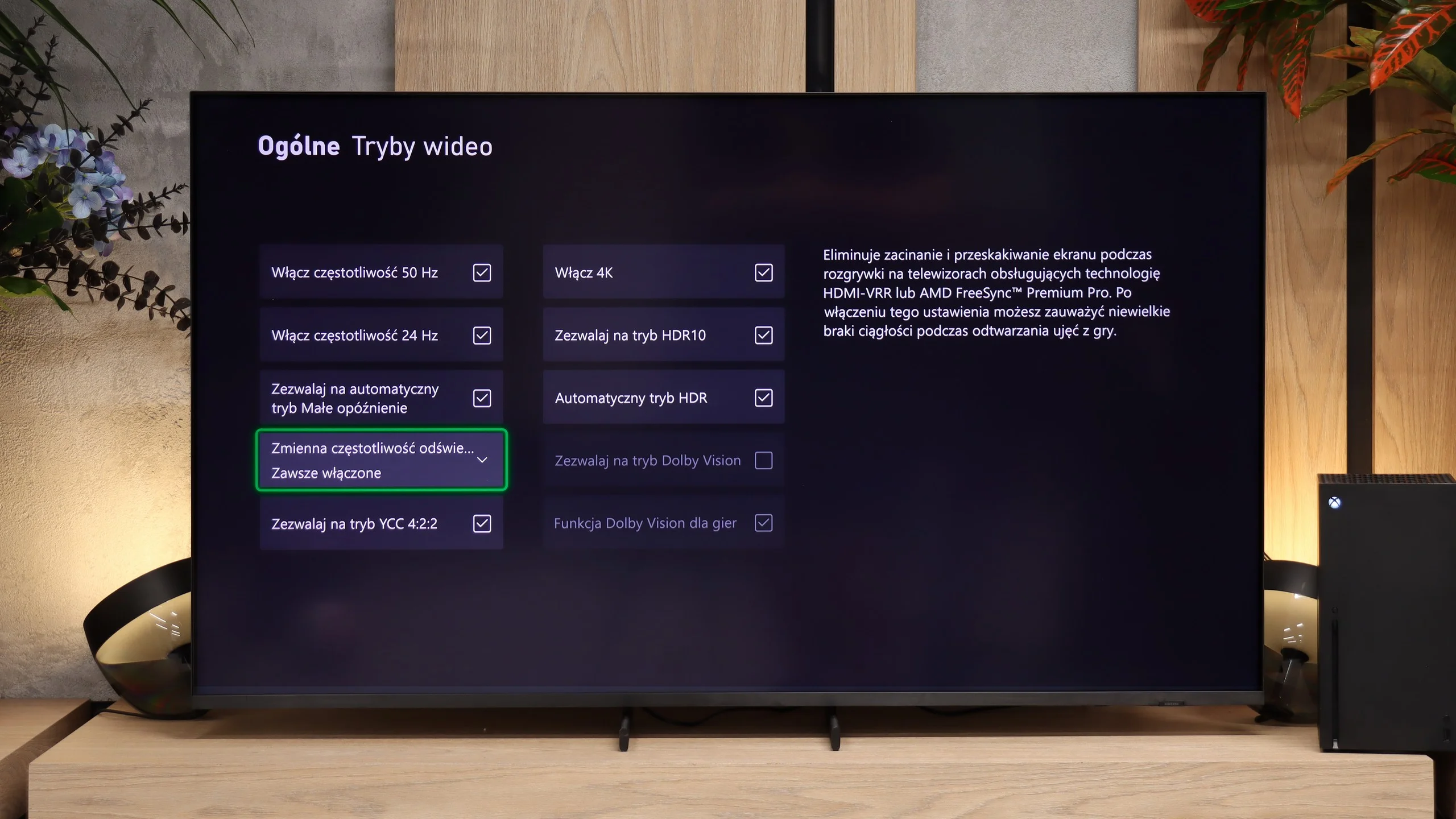
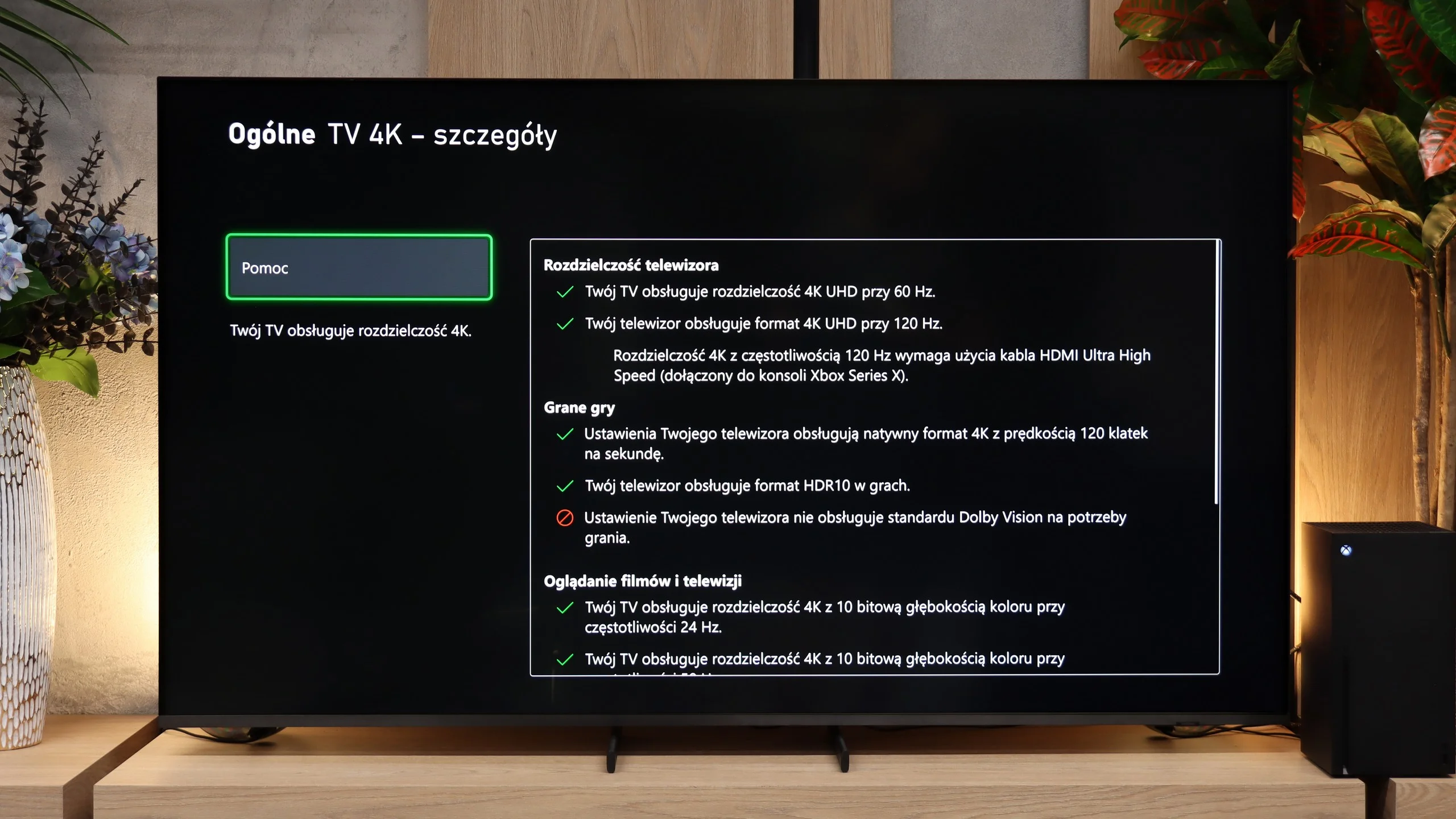
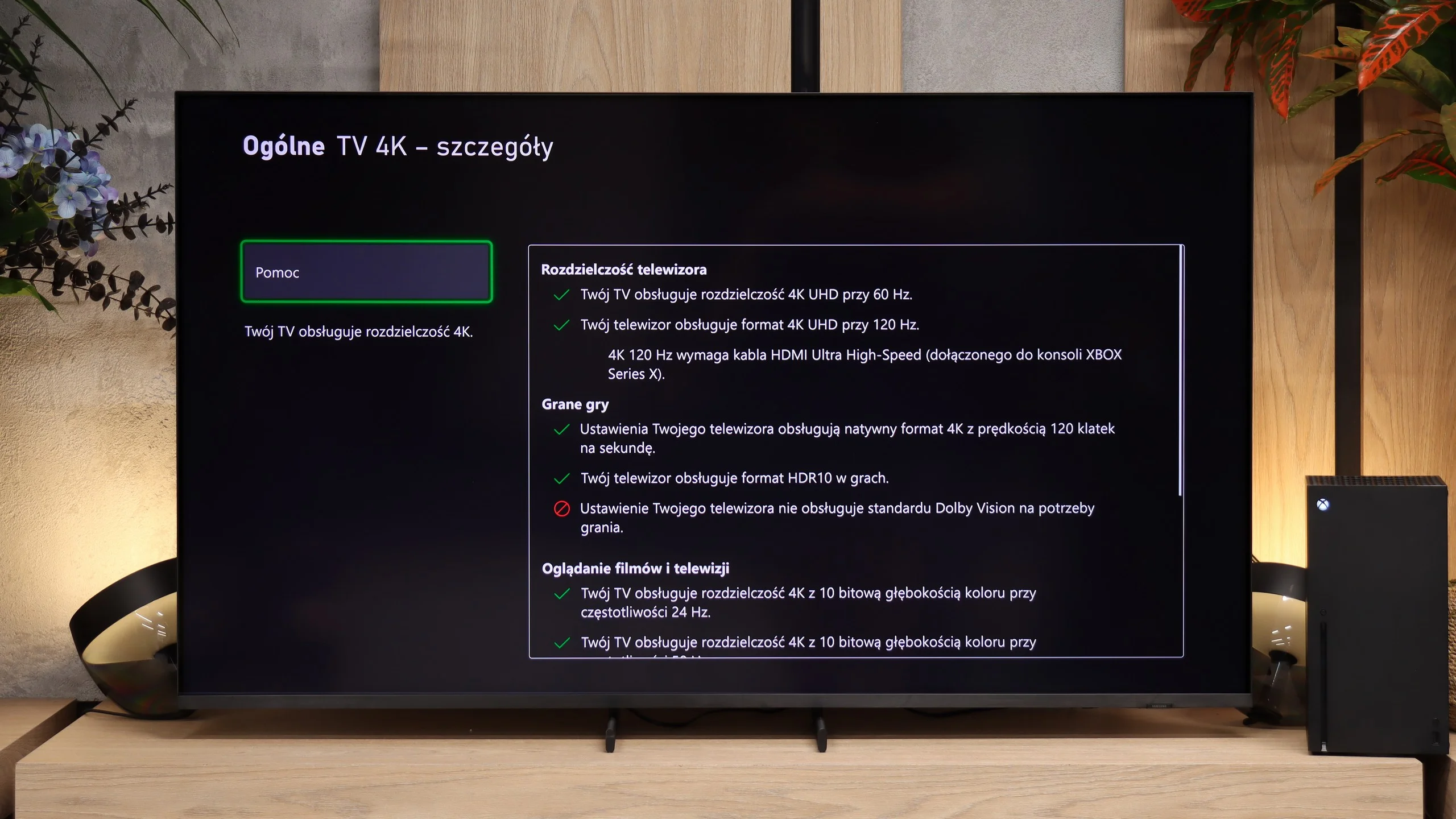
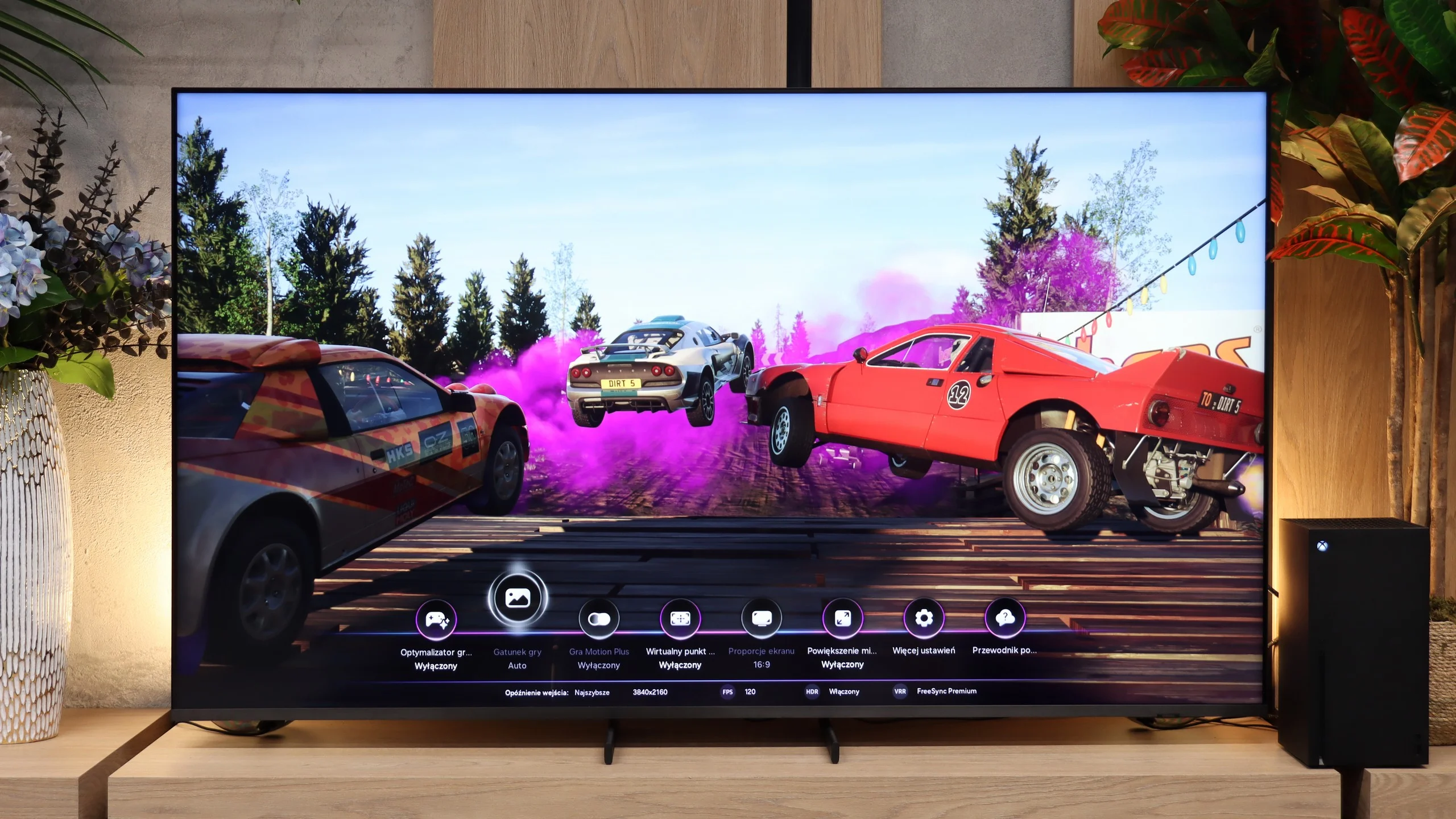
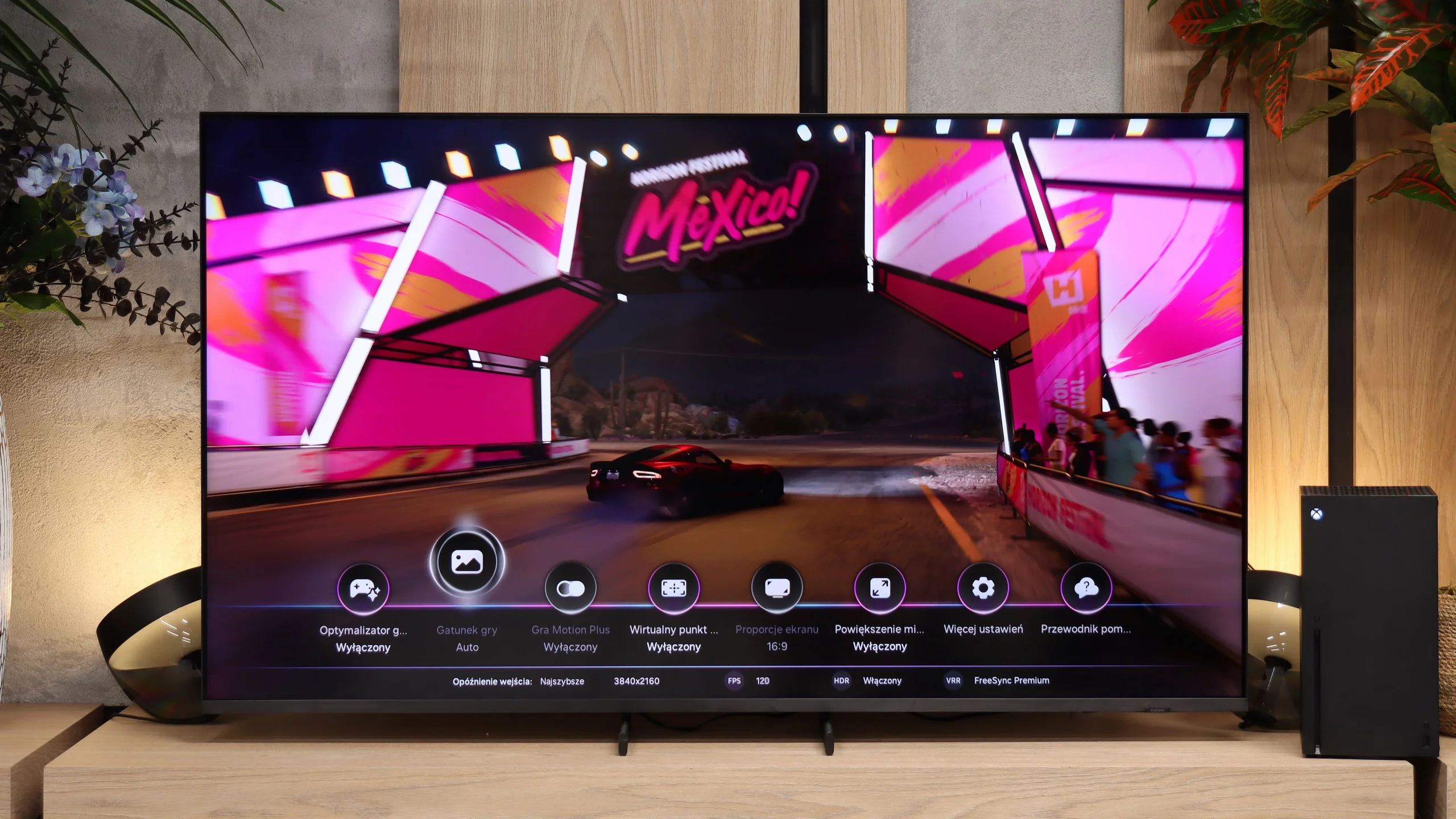
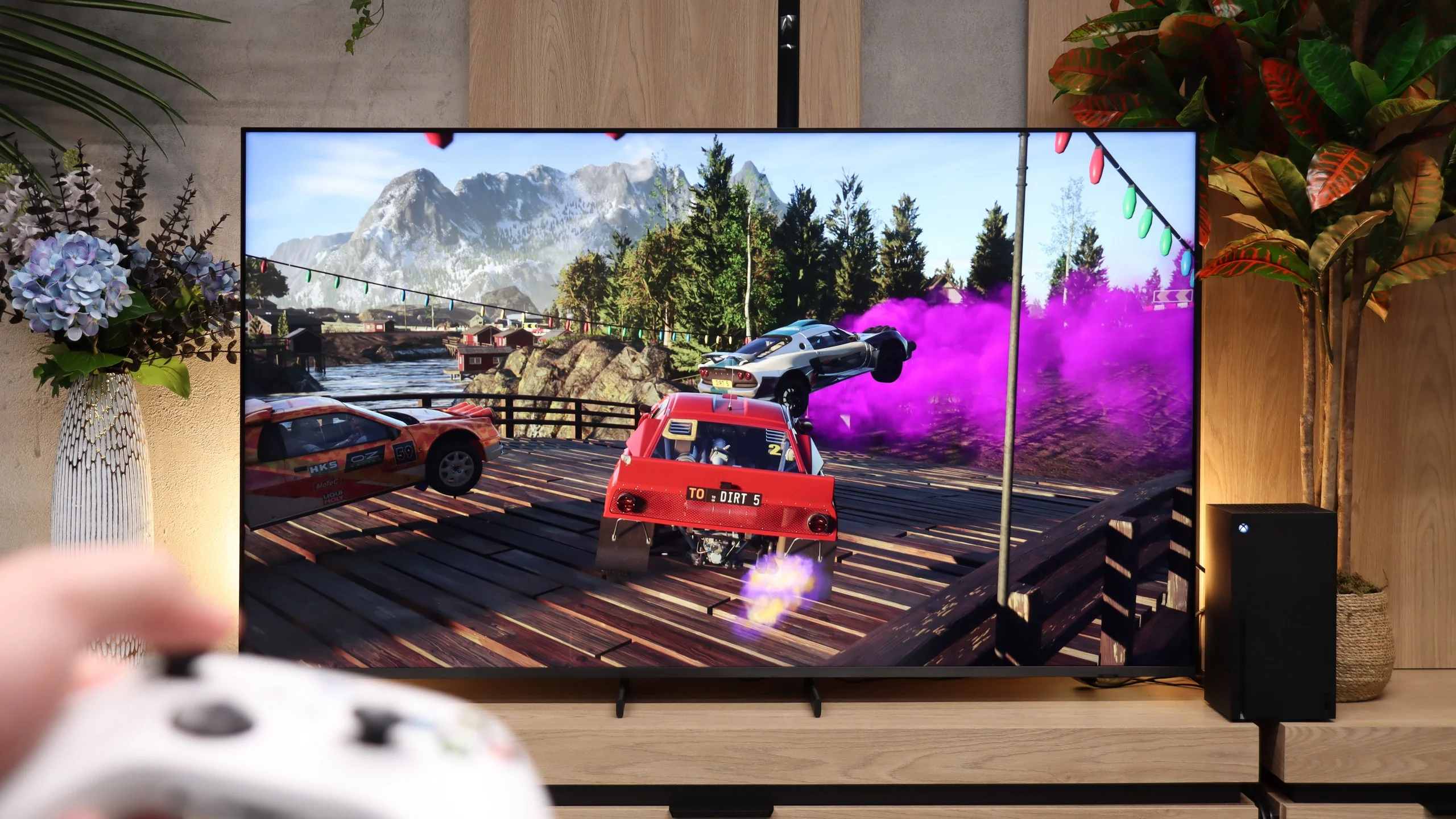
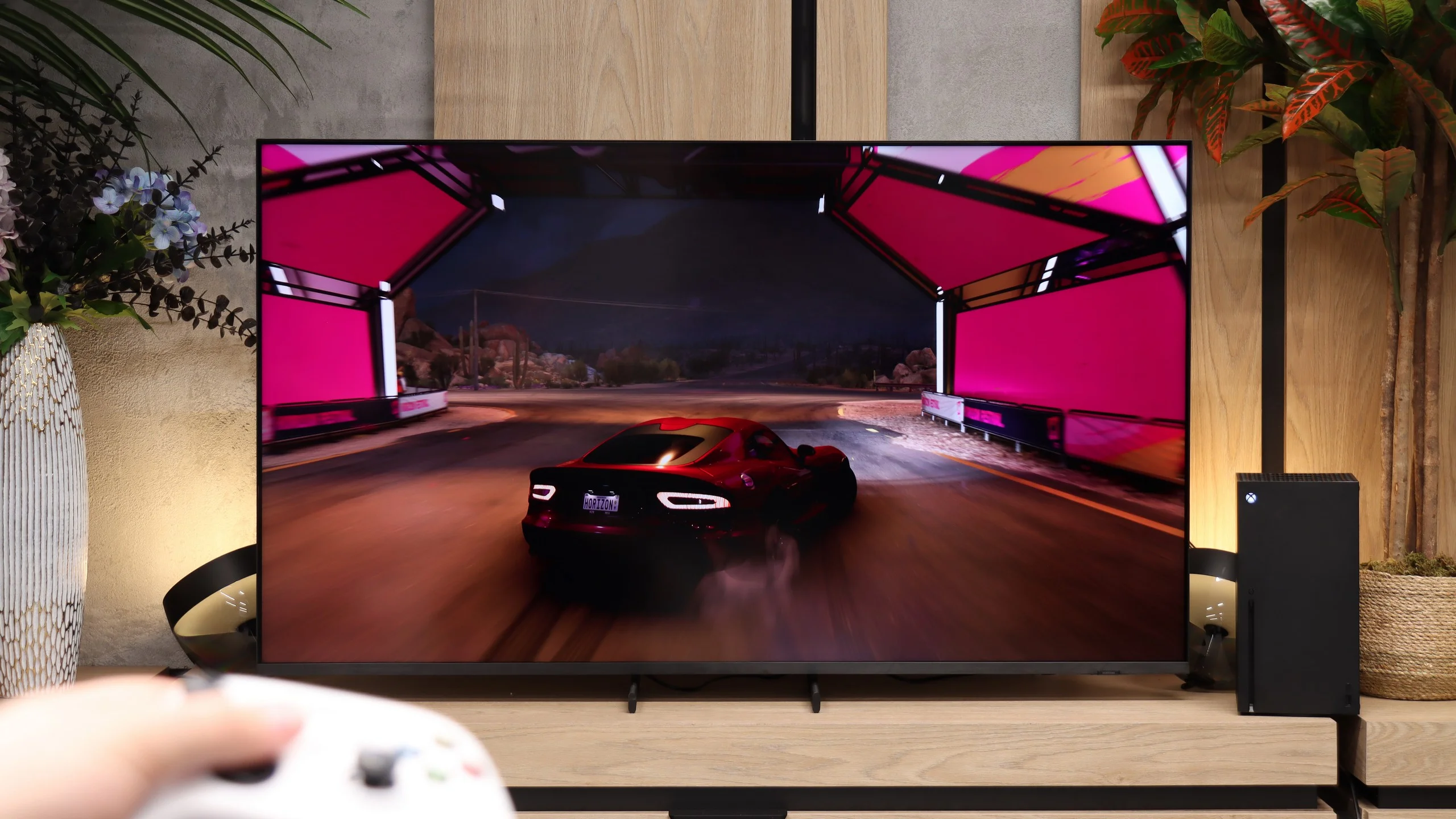
The Samsung QN80H is a TV that stands out when it comes to gaming features. The biggest new addition for 2026 is DLG mode, which allows refresh rates of up to 240 Hz when the image is switched to Full HD. It's an option aimed mainly at PC users, but it also shows that Samsung is still heavily developing the gaming side of its TVs. However, the list of advantages doesn't end there. The QN80H has four full-fledged HDMI 2.1 ports, which is still not standard at this price point. So you can connect several consoles, a PC or a soundbar at the same time without having to wonder which port supports the full video capabilities. The TV also supports VRR, ALLM and HGiG, so it's hard to fault its basic feature set.
A downside is the lack of Dolby Vision, which may matter primarily to Xbox Series X owners. However, this is not a flaw that disqualifies the QN80H as a gaming TV. Samsung has a feature most manufacturers still lack: its proprietary motion smoothing, Game Motion Plus. It's a motion smoothing system that works in game mode too, allowing you to improve the smoothness of titles running at 30 or 60 frames per second without a drastic increase in input lag. In practice, Game Motion Plus can make a much bigger difference than the Dolby codec, especially in more demanding games that don't offer a 60 FPS mode. The image becomes noticeably smoother, while controls remain sufficiently responsive. So despite the lack of Dolby Vision, the QN80H remains one of the best-equipped gaming TVs in its class.
Samsung has been steadily expanding its gaming features for several years, and the R85H really doesn't miss anything important here. The TV supports 4K at 120 Hz, VRR and ALLM, so we can easily take advantage of the PlayStation 5 or Xbox Series X. HGiG also works correctly, so with HDR properly set on the console, games retain the correct brightness and we don't unnecessarily lose detail in the brightest parts of the picture. The only major omission is Dolby Vision Gaming, which Samsung does not support on any of its TVs. The Game Bar is also very useful — a handy menu you can bring up without leaving the game. We can quickly check the frame rate, VRR status or change key picture settings. Samsung also adds a few less obvious features, such as the ability to change the aspect ratio and Game Motion Plus, which can further smooth games running at 30 or 60 frames per second. Of course this comes at the cost of higher input lag (around 55 ms), but for slower-paced titles it may be an interesting addition for some people.
Input lag
10/10
9.6/10
SDR
HDR
Dolby Vision
Input lag on the QN80H is at a very good level. In Game Mode the delay is around 10 ms, which is exactly what we expect nowadays from the best gaming TVs. In that respect it’s hard to fault Samsung. Controls are responsive, controller movement is instantaneous and even more demanding players should not experience any discomfort. With the aforementioned Game Motion Plus enabled, input lag increases to about 45 ms. Of course this is a higher value, but still small enough that in more relaxed role‑playing or adventure games the feature remains fully usable, especially since in return you get a much smoother picture.
Input lag on the R85H is low, though not record-breaking. At 120 Hz it is around 12–13 ms, and at 60 Hz around 17–18 ms. In practice this makes little difference; the controls are responsive and you won't notice any lag during normal gaming.
Compatibility with PC
8.9/10
8/10
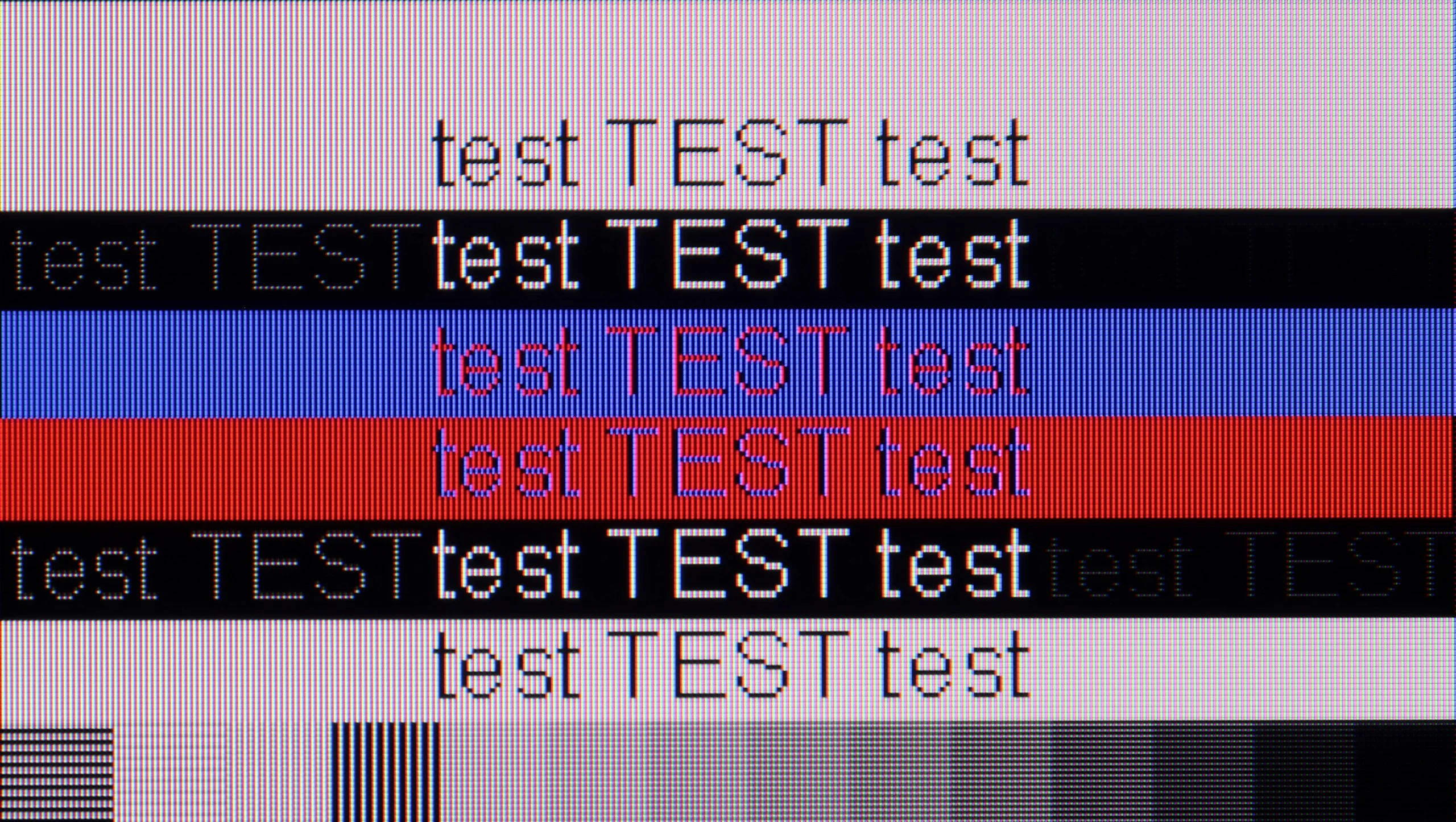
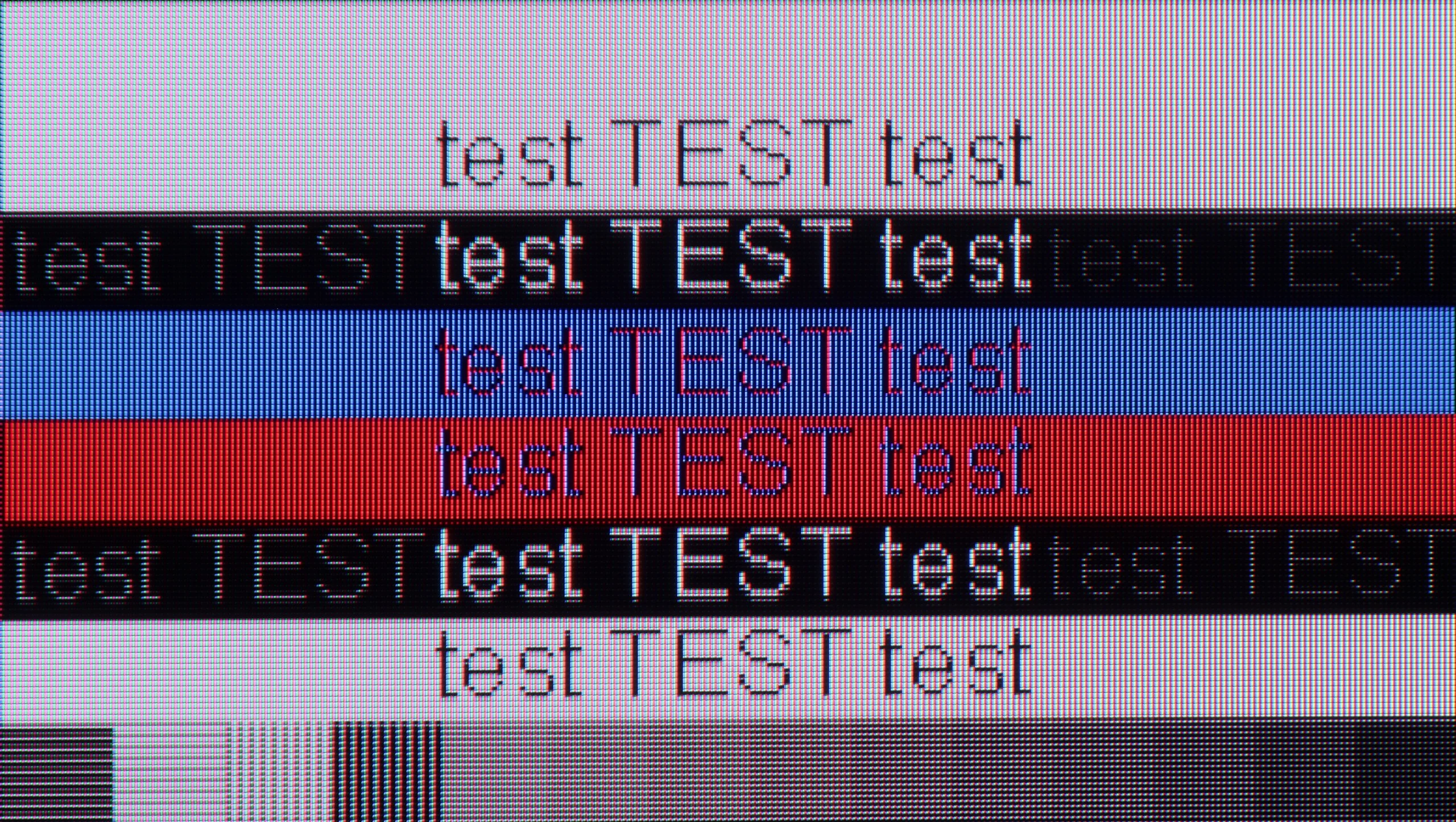
The photo shows the legibility of small fonts. Ideally, lines should be the same thickness on both light and dark text, with minimal pixel gaps.
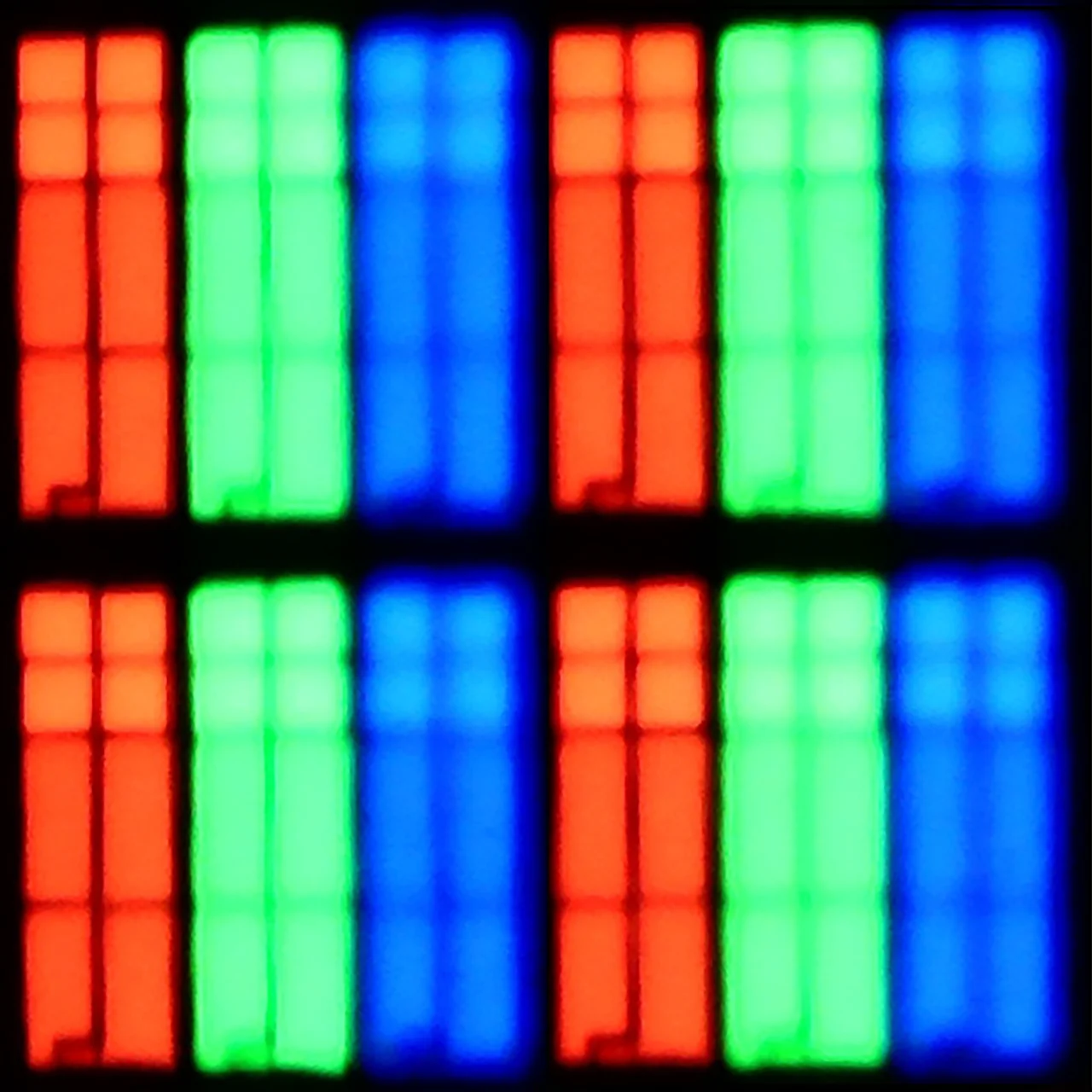
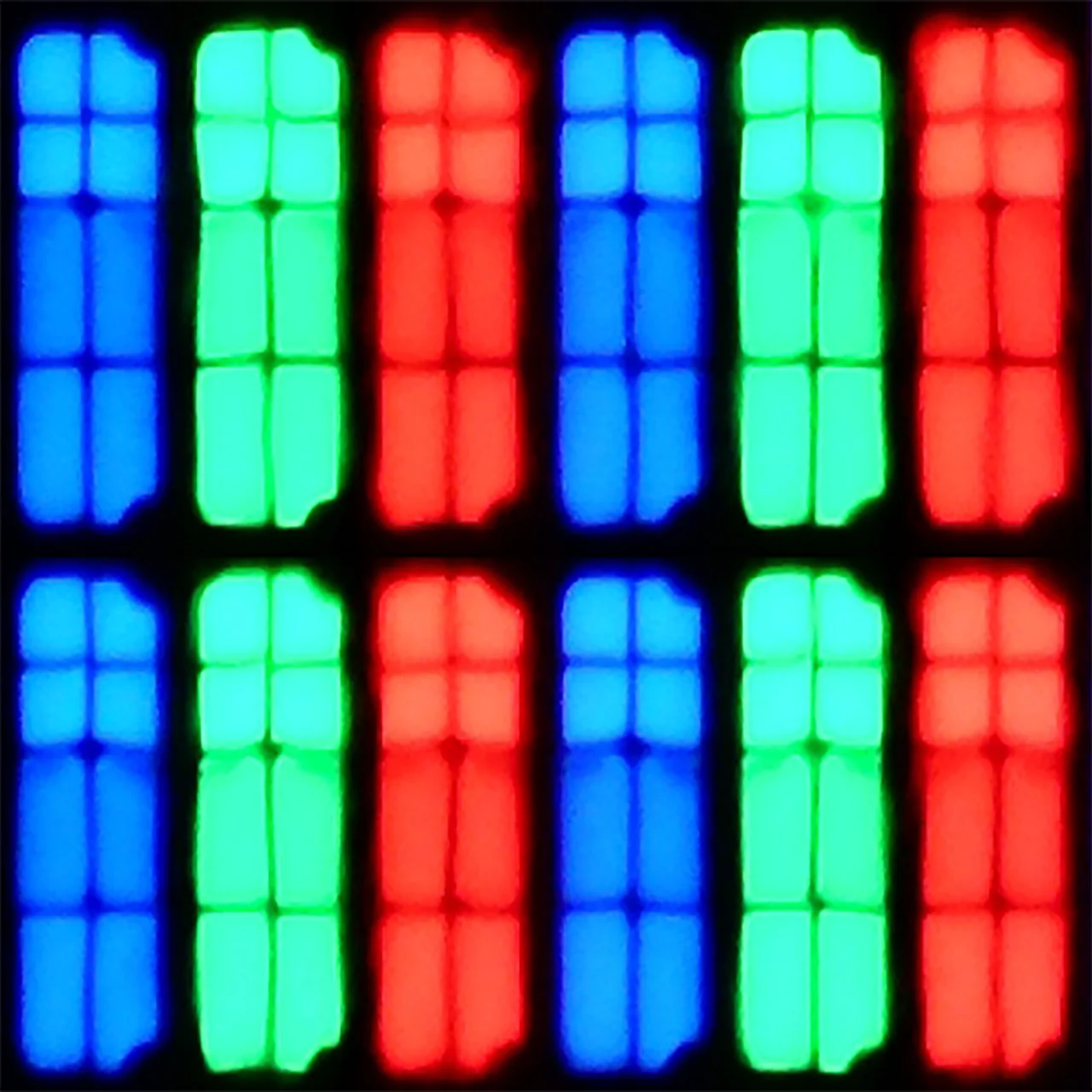
The Samsung QN80H will also easily serve as a large monitor. Aside from the already mentioned 144 Hz refresh rate in 4K (and as much as 240 Hz in Full HD!), the TV offers a full set of gaming features, which when connected to a computer provides plenty of scope. When used for text work, the QN80H also performs very well. The panel used here has a classic, standard RGB pixel layout. Fonts are sharp, clean and very legible. There is no sign of jagged letter edges or strange, coloured outlines around the text. Of course, few people will probably buy such a large TV solely for office work. It is worth knowing, however, that the QN80H will handle such tasks without the slightest hesitation.
The R85H has a lot to offer when connected to a PC as well. In 4K we can use the full 144 Hz, and if you prioritise frame rate above all else, dropping to Full HD lets the TV push the refresh rate up to 240 Hz. It also supports G-Sync and FreeSync and has low input lag, so the R85H can easily double as a large gaming monitor. Text legibility is somewhat weaker, though. The TV correctly supports 4:4:4 chroma subsampling, so in theory it has everything needed to render fonts sharply. In practice, however, some fonts show small colour artefacts, especially with dark text and high-contrast edges. It’s not a problem that prevents normal use, but if you plan to sit close to the screen and use the R85H mainly as a monitor for text, it’s worth bearing in mind. It is far better suited to PC gaming.
Viewing angles
3.2/10
4.8/10
Viewing angles are unfortunately the Achilles' heel of the VA panel used here. On the one hand this panel gives the QN80H higher contrast and better blacks, but on the other hand it produces a noticeably worse image when viewed off-axis than TVs with IPS or ADS panels. If you sit a little to the side, colours start to lose saturation and blacks become lighter. The picture remains readable, but it no longer looks as good as when viewed from straight on. Therefore the QN80H will perform best when most viewers sit as close to the centre of the screen as possible.
Viewing angles on the R85H are rather acceptable and that's basically all the praise they get. It's still a VA panel, and panels of this type are not the best choice if you often watch the television from a wide angle. As you move to the side the image loses contrast and blacks start to look increasingly grey. The R85H does, however, have an advantage over conventional VA TVs. Thanks to its tri-colour RGB backlight, colours viewed at an angle don't lose saturation as quickly and the 'washed-out' effect is somewhat less noticeable. If you often watch the television with a larger group and some people sit well to the side, there are screens on the market that handle this task much better.
Daytime performance
5.8/10
7.3/10
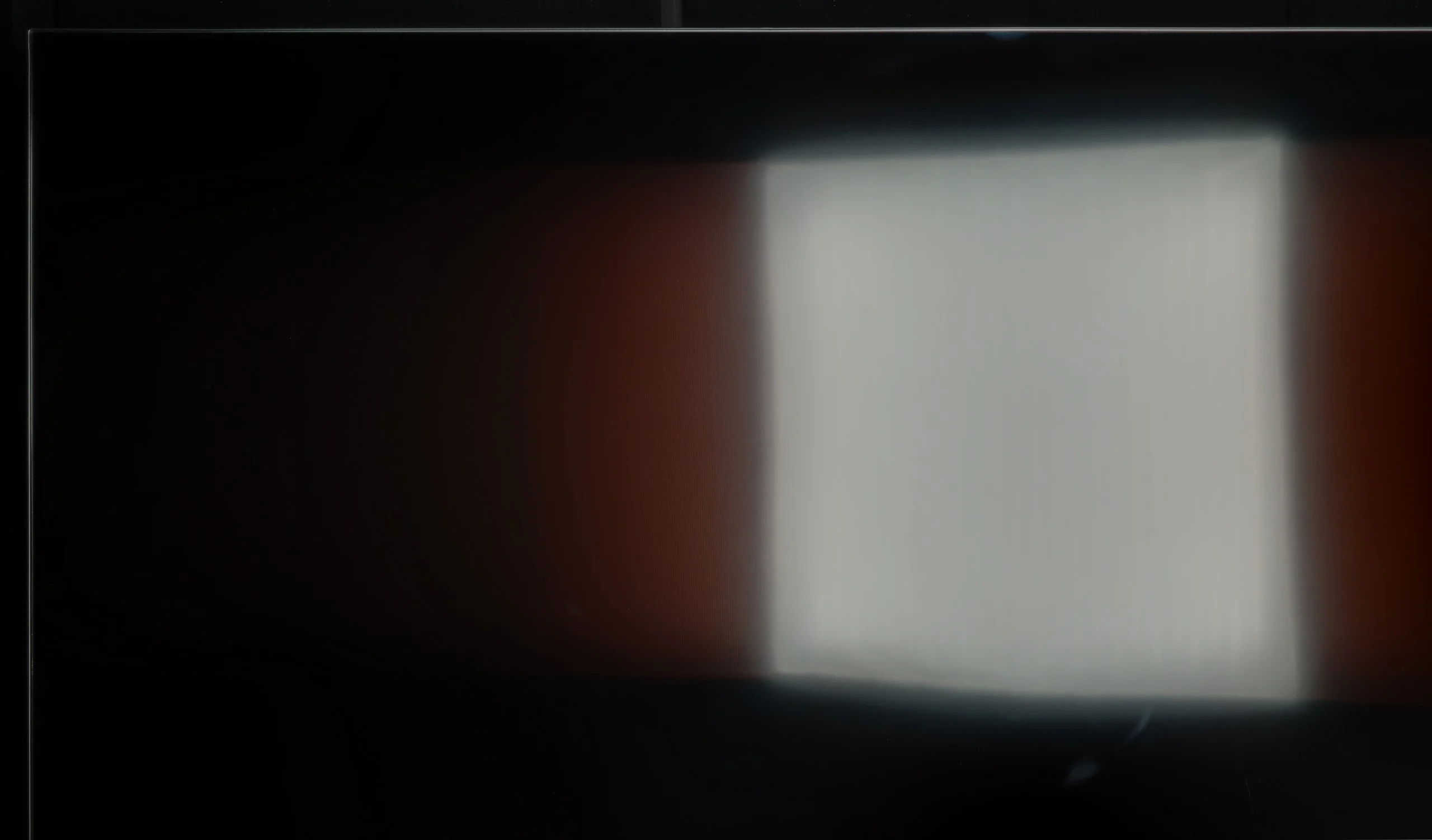
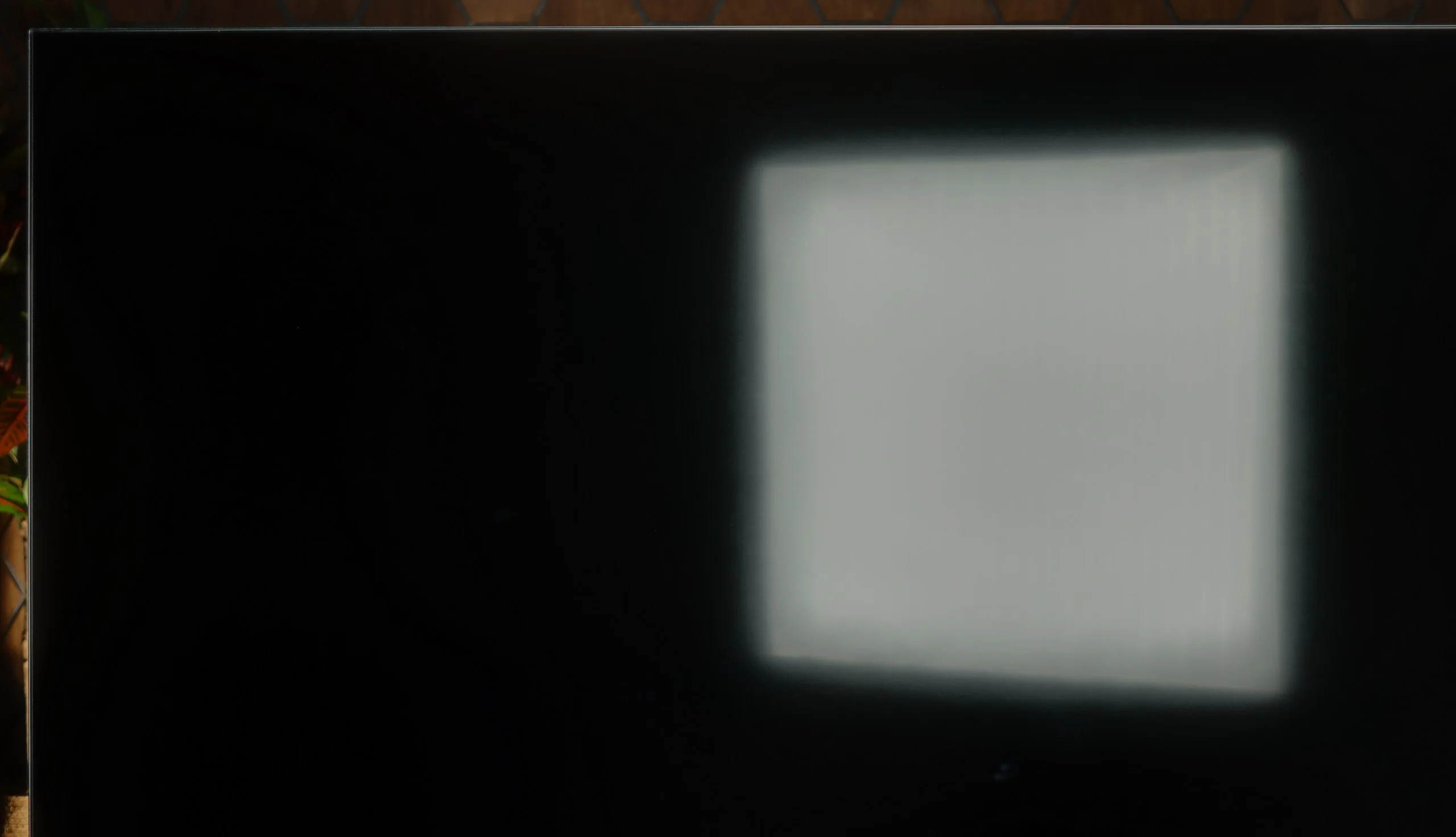
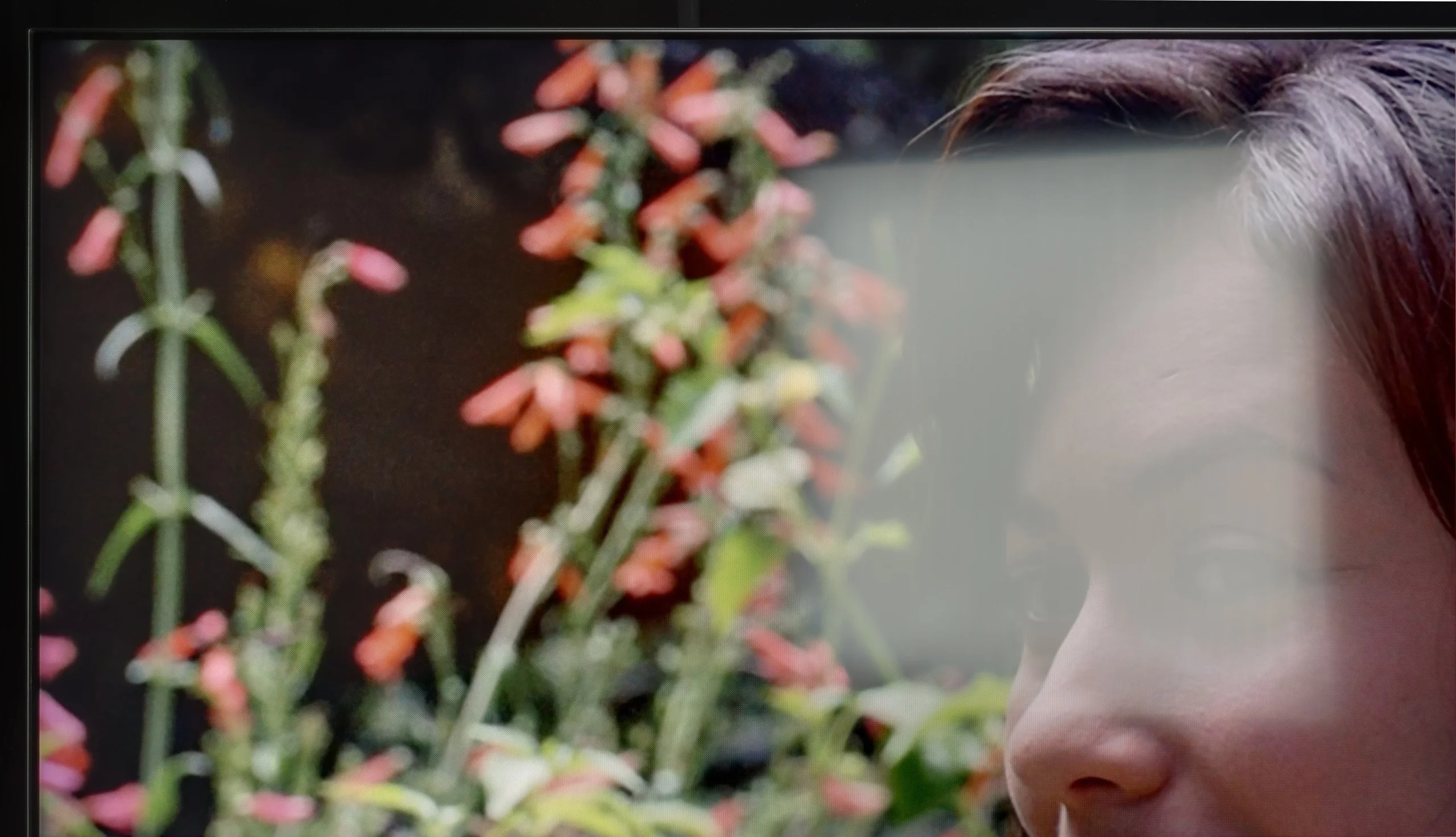
Panel brightness
Samsung R85H / R86H: 726 cd/m2
Samsung QN80H: 459 cd/m2
In terms of brightness for everyday SDR content the Samsung QN80H is a fairly modest television. In typical material it reaches around 460 nits. That may not be a record result, but it's easily enough for watching in a normally lit living room. However, the screen coating is less impressive. It's satin, so it copes with reflections better than a typical glossy panel, but it can still show them quite clearly. What is more, in this respect the QN80H performs a little worse than last year's QN80F. While there should be no problems in a moderately bright room, a large window (or a lamp) placed directly opposite the television can be highly distracting during viewing.
In a bright room the R85H performs quite well, although much depends on the local dimming setting. For daytime viewing we recommend setting it to High, because the TV noticeably increases its brightness then. On large bright areas it reaches around 600 nits, and on smaller sections it can approach 1000 nits, so the picture remains easy to see even with stronger light in the living room. The satin coating handles reflections reasonably well and in most cases does not turn the screen into a mirror, although strong light sources will of course still be visible.
However, bear in mind that the High setting means the local dimming algorithm works more aggressively. Therefore for evening viewing we recommend switching it to Low. The TV won't be as bright then, but it preserves details in the brightest parts of the image better, which at night we think is much more important than maximum brightness.
Local dimming | 5% | 10% | 20% | 30% | 40% | 50% | 60% | 70% | 80% | 90% | 100% |
|---|---|---|---|---|---|---|---|---|---|---|---|
Low | 445 | 485 | 517 | 532 | 537 | 542 | 551 | 556 | 556 | 573 | 556 |
Panel details
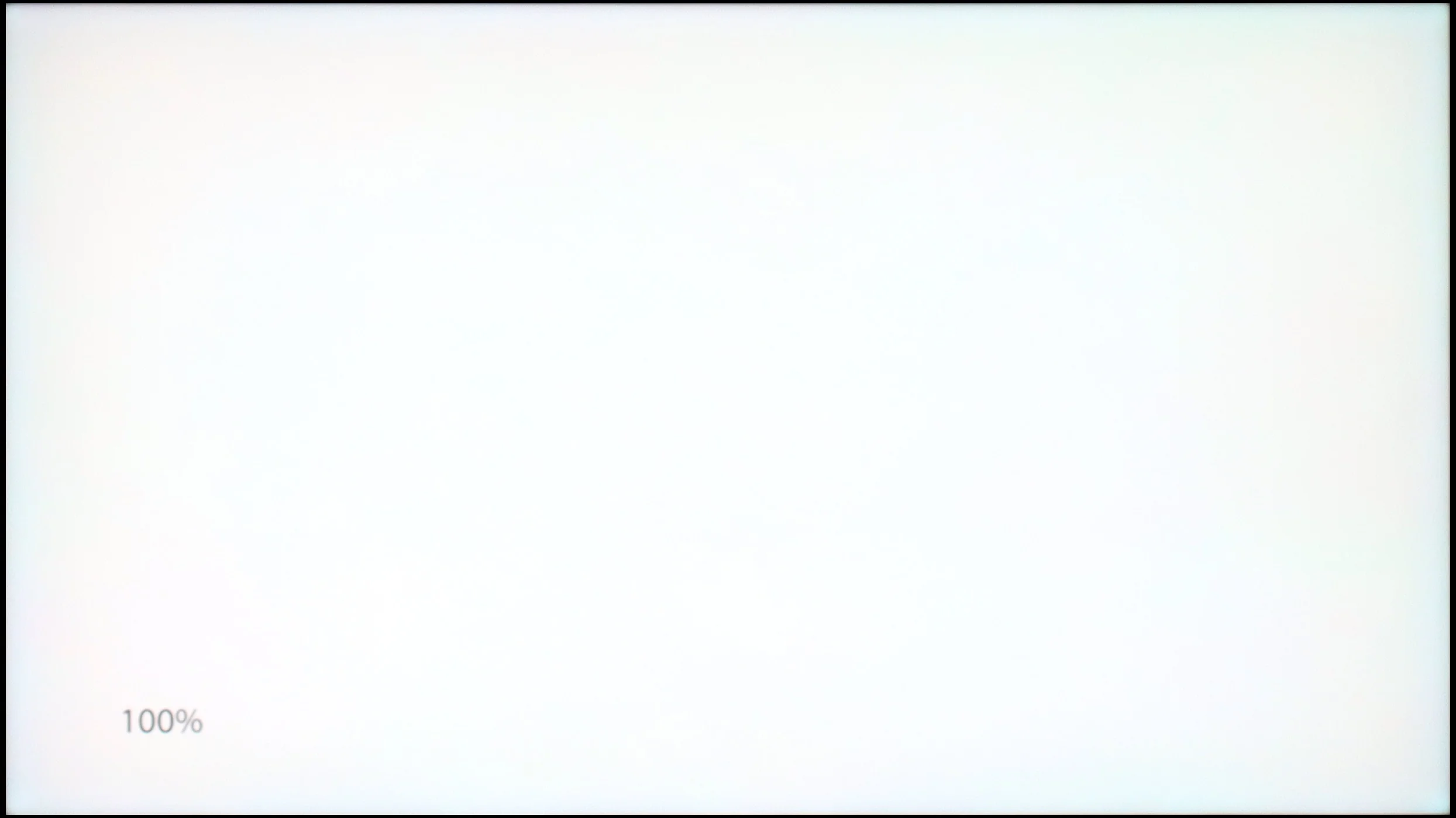
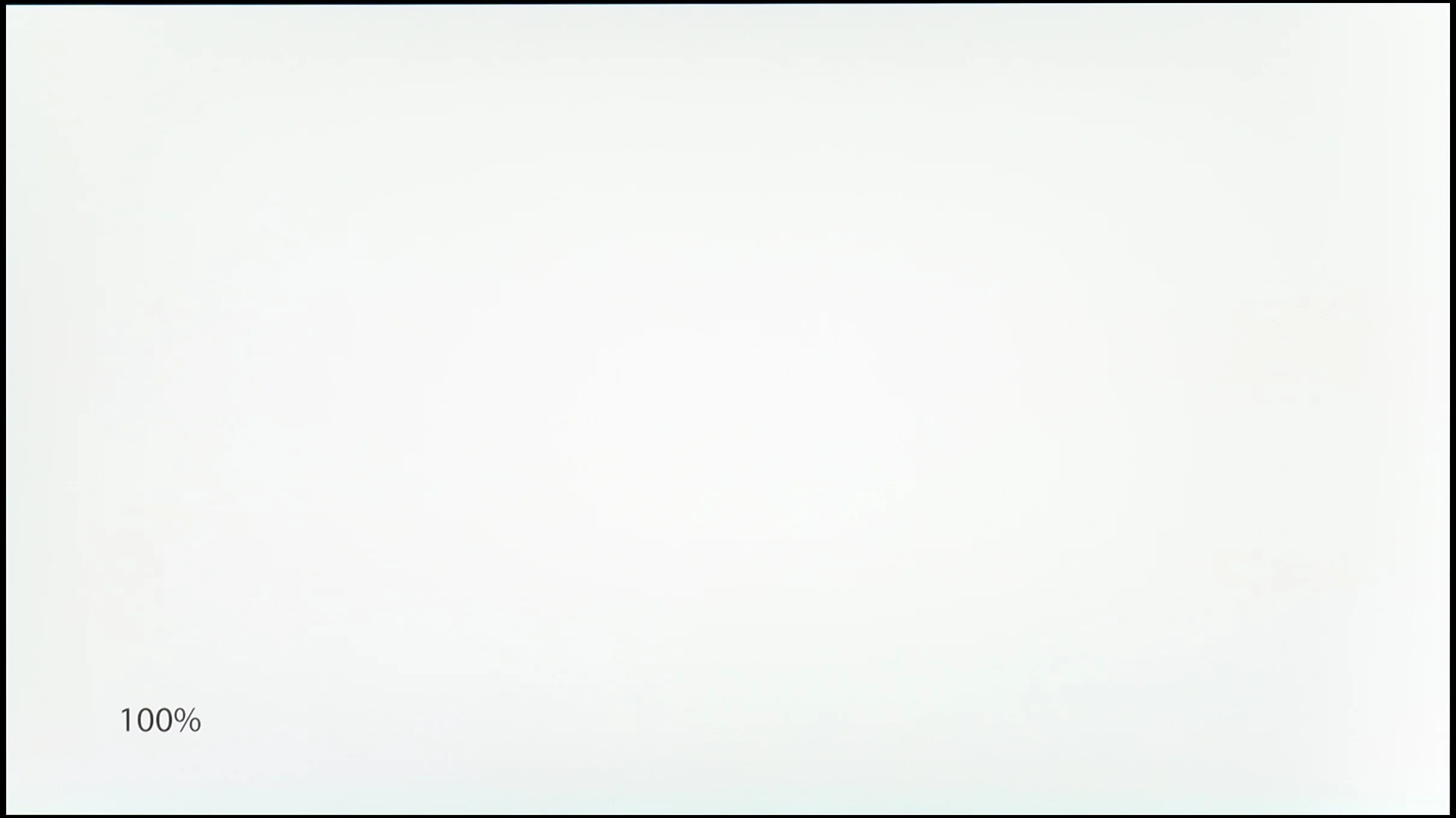
Subpixel Structure:
Panel uniformity and thermal imaging:

Samsung QN80H
Samsung R85H / R86H
TV features
7.3/10
7.3/10
- SystemTizenTizen
- System performanceVery goodVery good
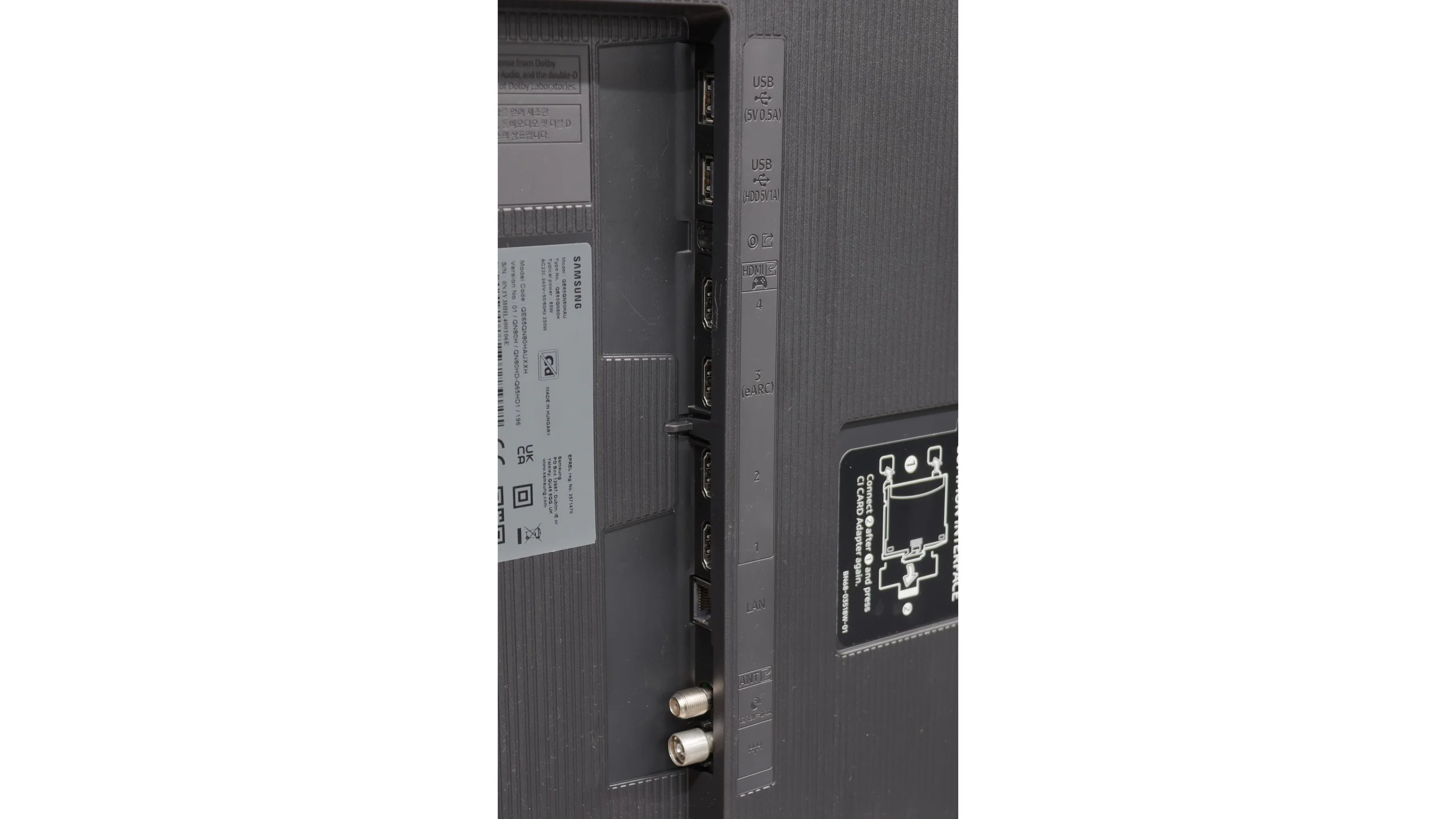
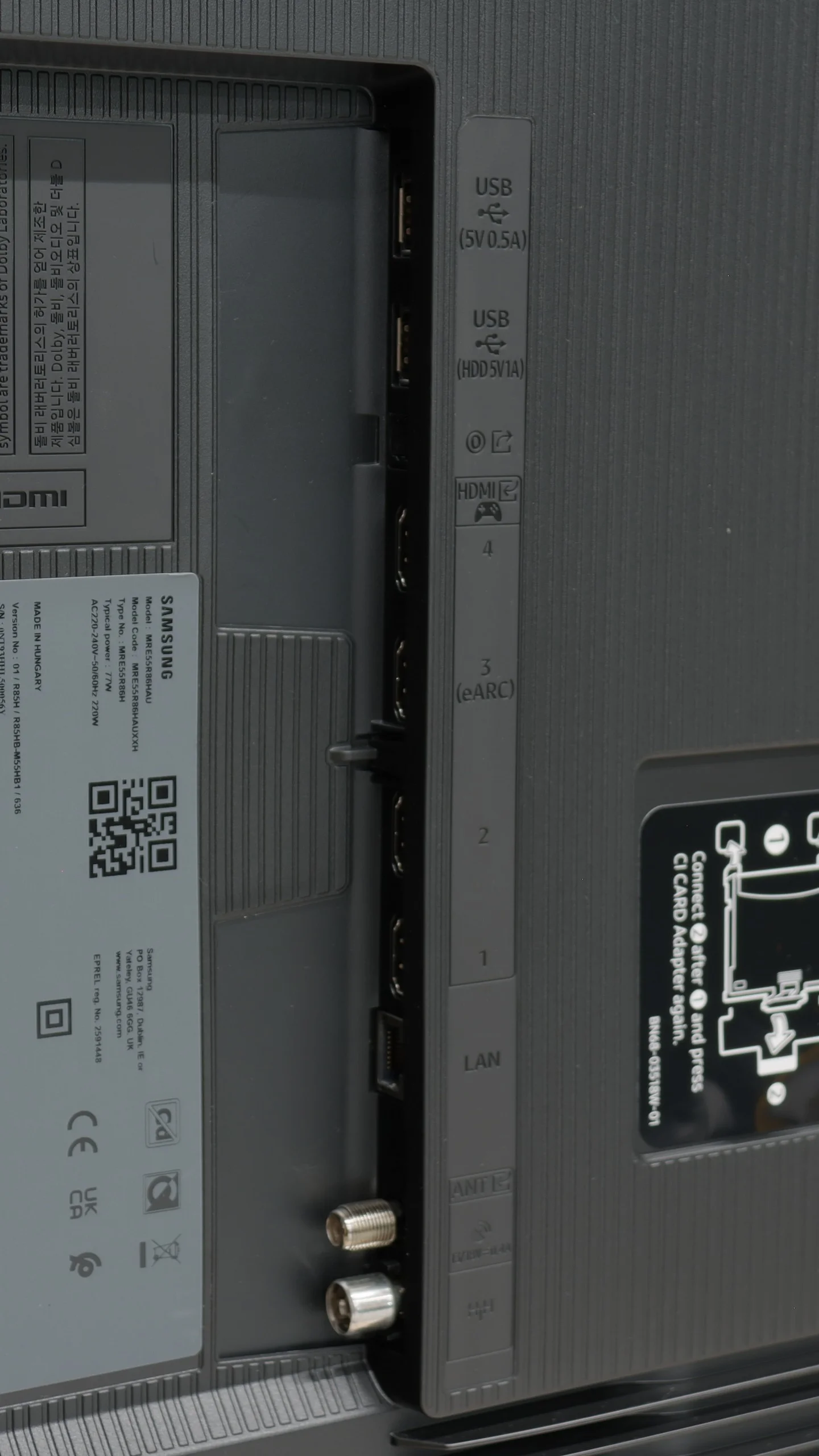
- HDMI inputs0 x HDMI 2.0, 4 x HDMI 2.1 48Gbps0 x HDMI 2.0, 4 x HDMI 2.1 48Gbps
- OutputsToslink (Optical audio), eARC (HDMI), ARC (HDMI)Toslink (Optical audio), eARC (HDMI), ARC (HDMI)
- Network InterfacesWi-Fi 2.4GHz, Wi-Fi 5GHz, Ethernet (LAN) 100MbpsWi-Fi 2.4GHz, Wi-Fi 5GHz, Ethernet (LAN) 100Mbps
- TV receptionDVB-T, DVB-T2, DVB-S, DVB-S2DVB-T, DVB-T2, DVB-S, DVB-S2, DVB-C
Classic features:
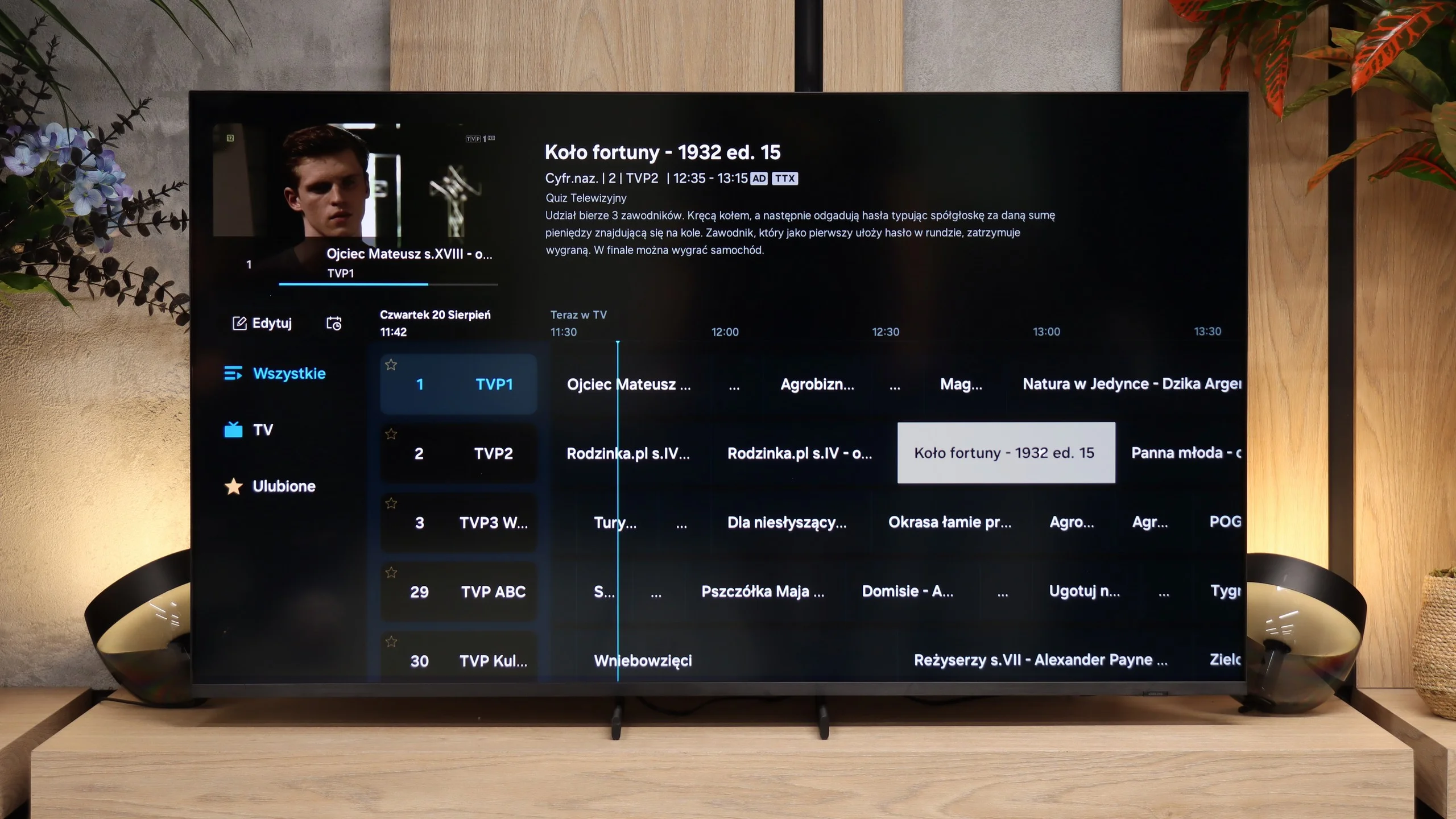
- Recording to USB (terrestrial TV)
- Recording programming
- Picture in Picture (PiP)
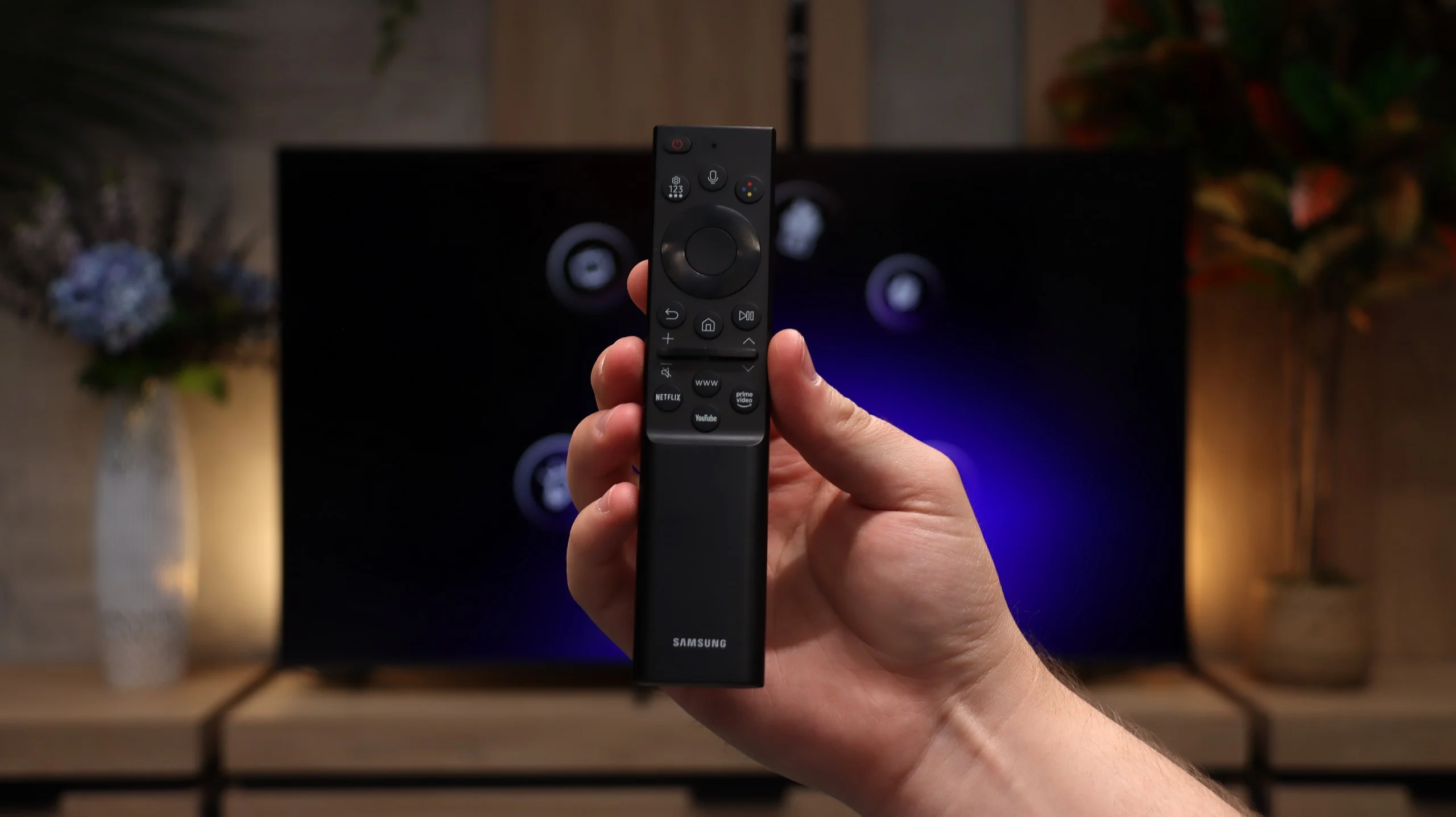
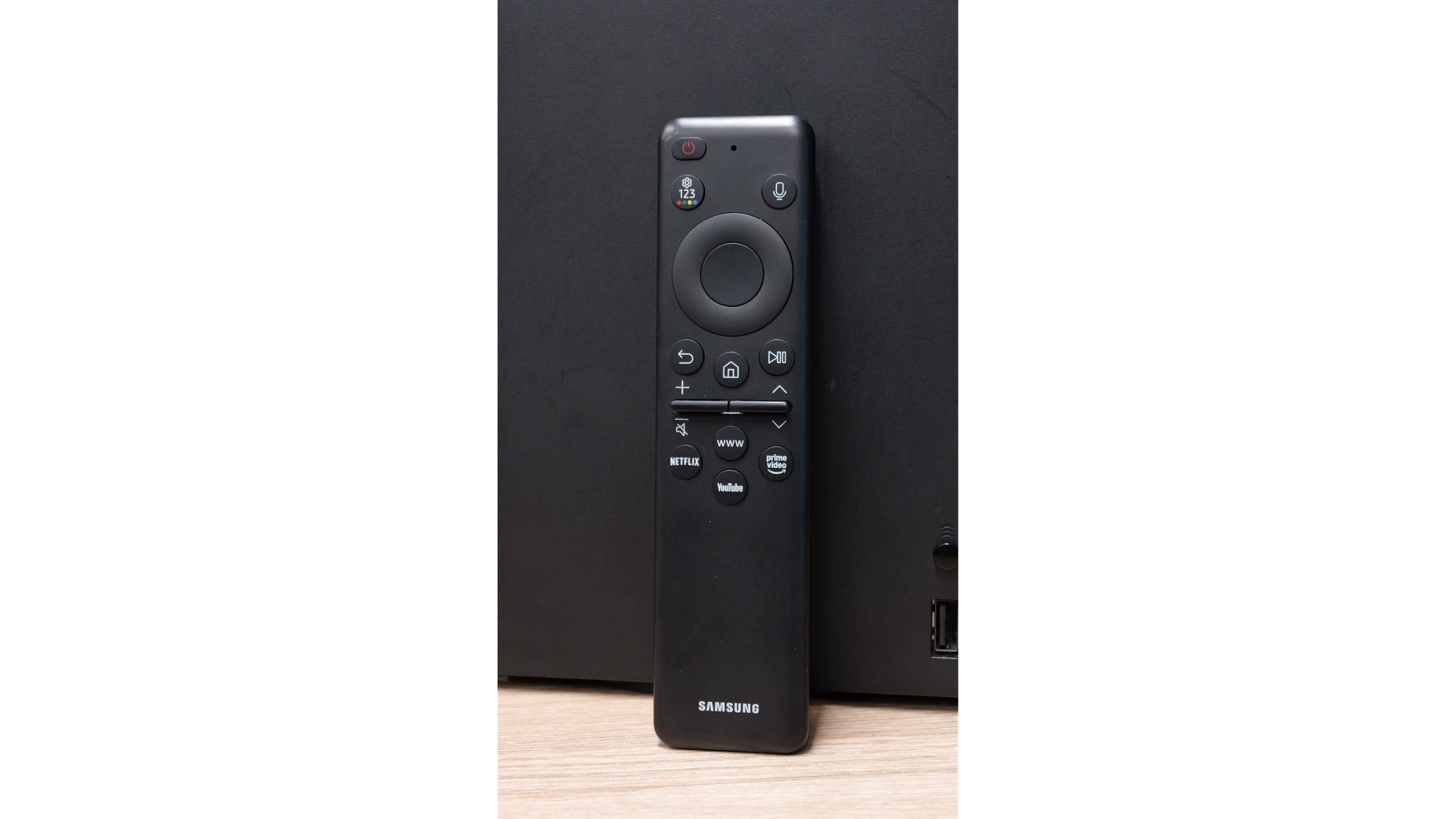
- RF remote control (no need to aim)
- Backlit remote control
- Teletext
- Audio only mode
- Bluetooth headphones support
- Simultaneous Bluetooth headphones & TV audio
Smart features:
- AirPlay
- Screen mirroring (Windows Miracast)
- Voice search
- Voice search in native language
- Ability to connect a keyboard and mouse
Sound connection options
- HDMI audioeARC (HDMI), ARC (HDMI)eARC (HDMI), ARC (HDMI)
- Other audio outputsToslink (Optical audio)Toslink (Optical audio)
- Wireless audioBluetooth, Samsung Q-Symphony (Speaker extension)Bluetooth, Samsung Q-Symphony (Speaker extension)
Supported audio formats (external HDMI eARC audio):
- Dolby Digital Plus 7.1
- Dolby True HD 7.1
- Dolby Atmos in Dolby Digital Plus (JOC)
- Dolby Atmos in Dolby True HD
- DTS:X in DTS-HD MA
- DTS-HD Master Audio
Senior accessibility
- Numeric keyboard on TV
- Font size adjustment
- Audio description
Smart TV: Tizen
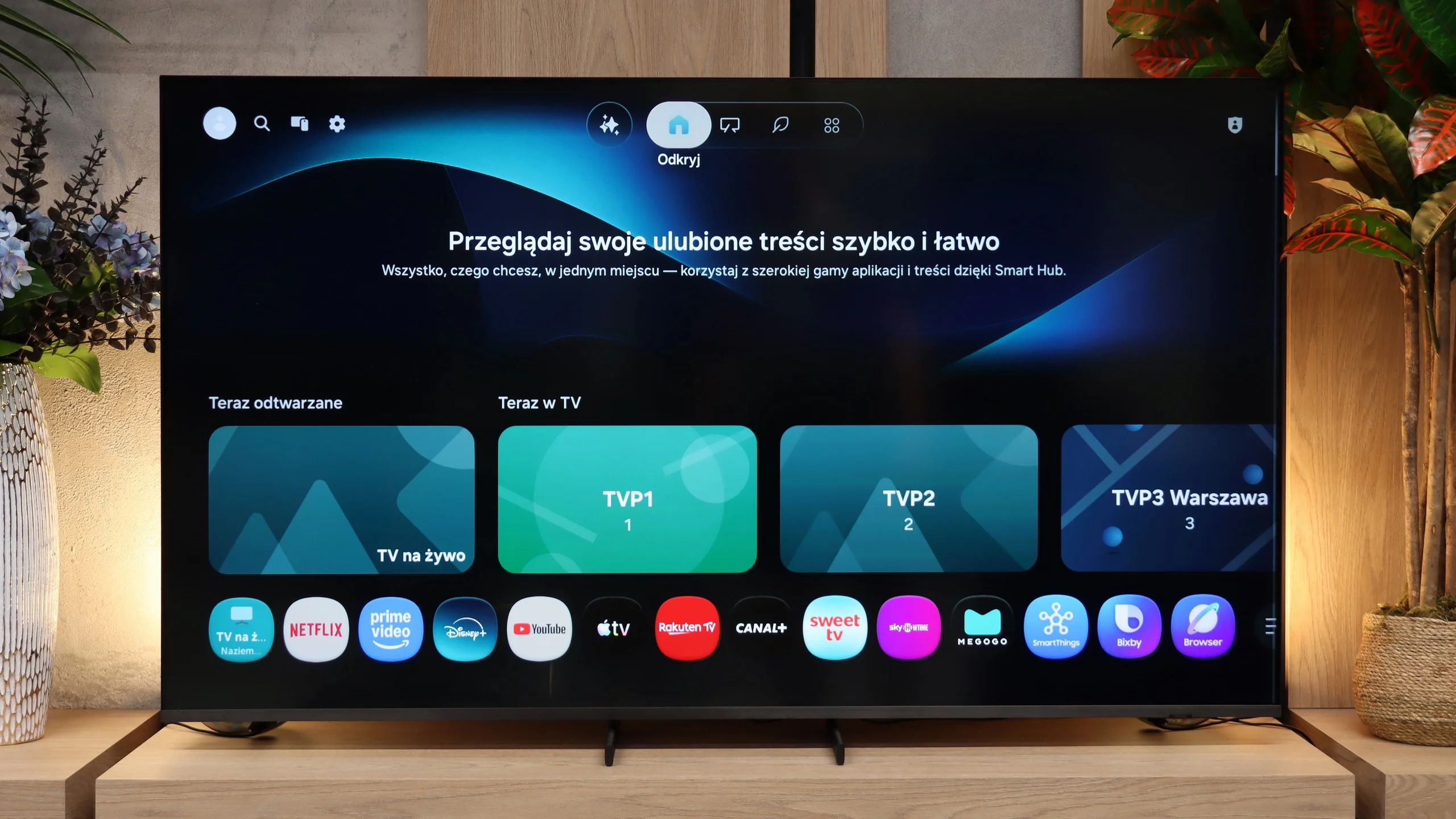
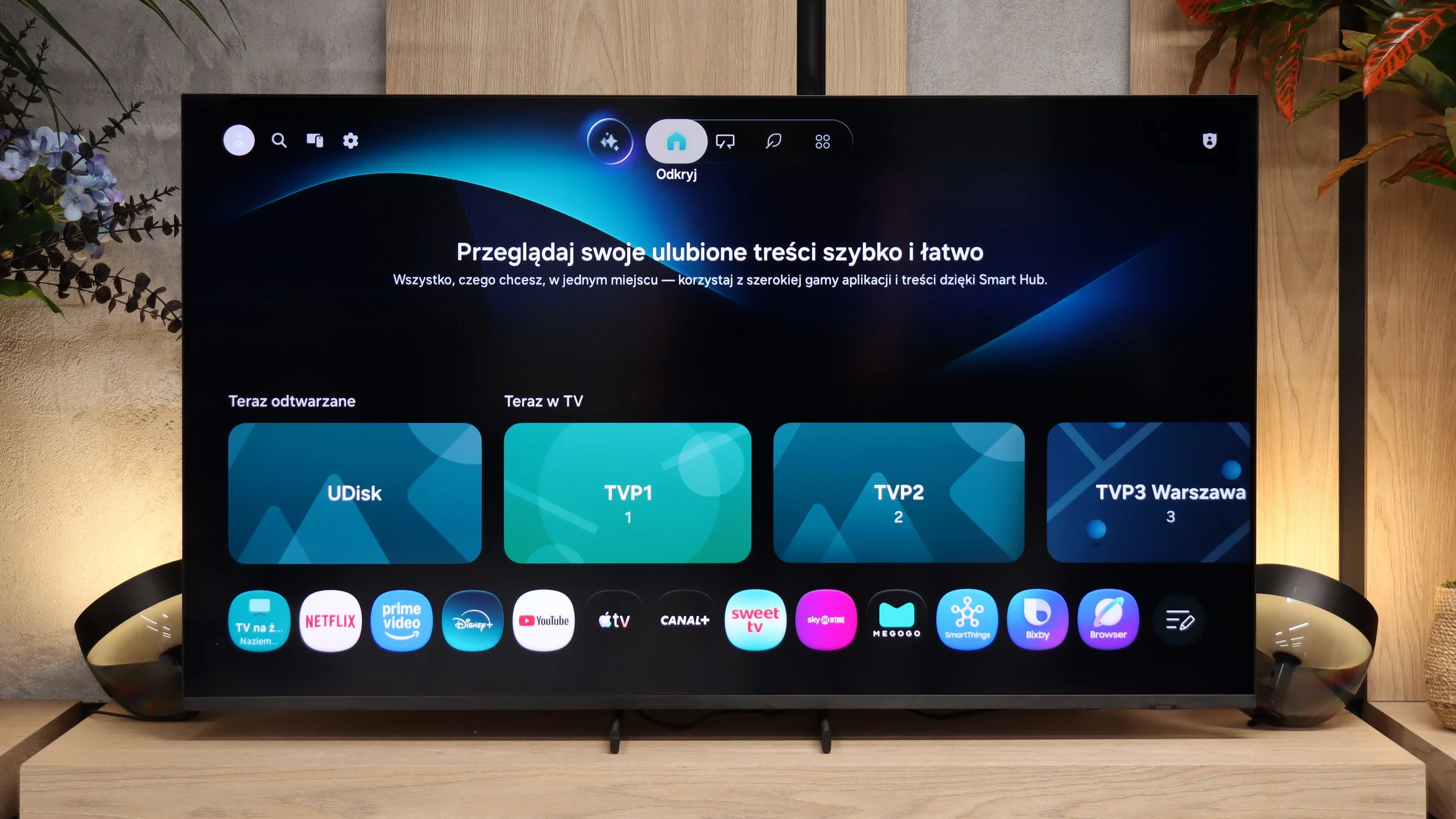
Samsung QN80H traditionally runs on Samsung's proprietary Tizen platform. This software is strongly focused on AI-based solutions and a whole range of other modern features. So things like AirPlay and phone screen mirroring (Screen Mirroring) work here without any problem. The system itself is fast, menu animations are smooth, and that's a clear plus. Tizen also includes many of Samsung's own solutions, led by the SmartThings app, which lets you conveniently manage smart devices throughout the home. Everything is controlled with a small, intuitive remote. Another major advantage is that Tizen is currently one of the longest-supported Smart TV platforms on the market. Samsung states it will support the device for up to 7 years from its launch.
Classic features
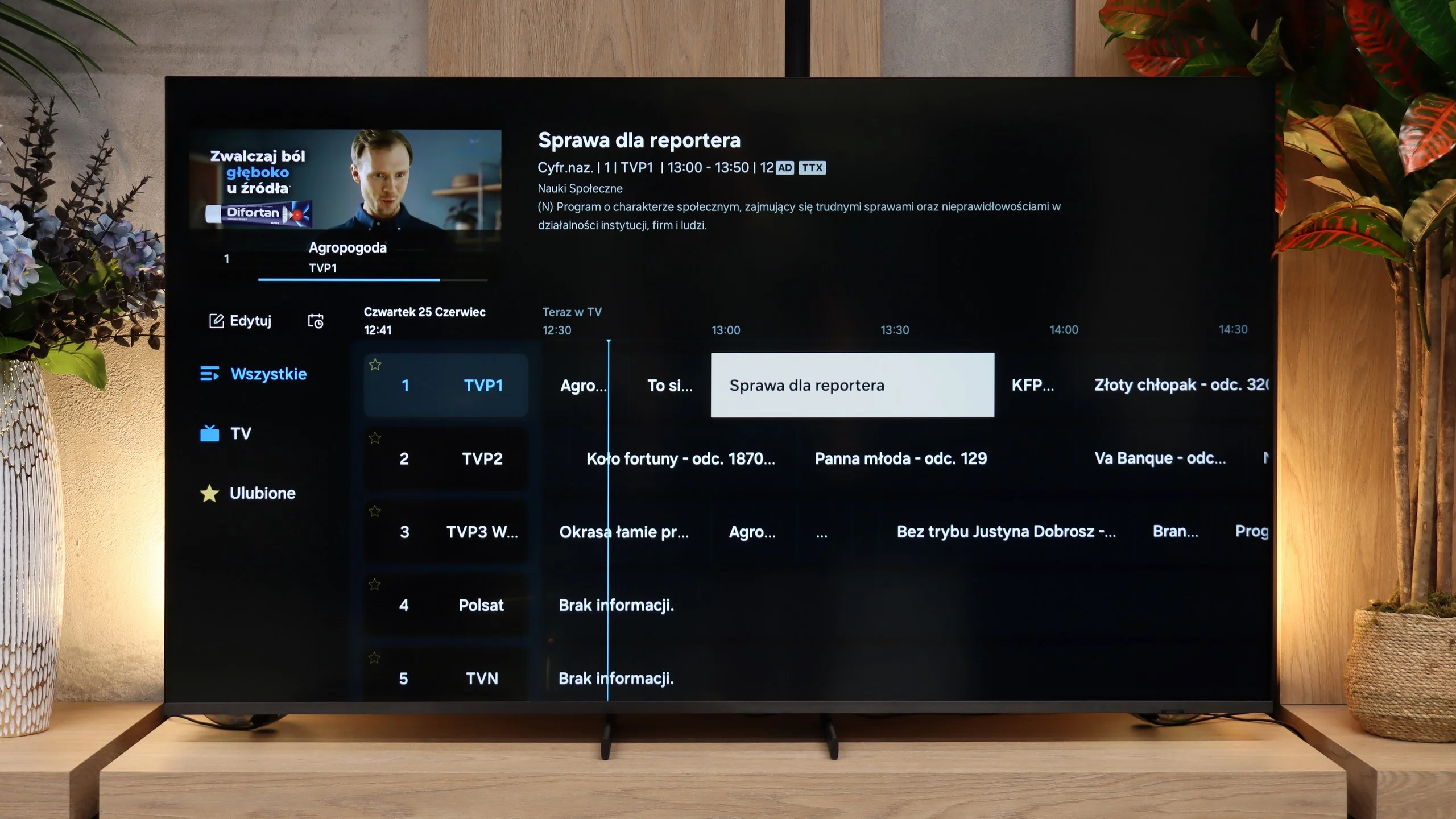
The situation is worse when it comes to more traditional TV features. What's missing? The QN80H doesn't allow recording TV programs to USB storage, so it lacks PVR functionality. There is also no classic remote with a numeric keypad, which may bother people who still like to change channels directly using numbers (without a set-top box). In this year's "80" series PIP is also missing, which was present in earlier models. So there's no way to display two images at once. It's clear that Samsung today is focusing more on online features than on solutions aimed at traditional TV users.
Television features
If the R85H is also to be used for watching traditional broadcast TV, Samsung offers pretty much everything you would expect from a modern model. Channel navigation is convenient, the programme guide is clear, and switching between channels doesn't take too long. There is also the standard set of tuners and support for CI+ modules. It's a pity, though, that Samsung has for some time been limiting some of the more traditional features that once distinguished feature-rich TVs. It's clear that streaming and the whole Smart TV ecosystem have become far more important to the manufacturer today. For example, you won't find the ability to record TV channels to USB storage or to split the screen using PiP.
Smart TV features
This is handled by the well-known Tizen. The system runs smoothly and provides access to virtually all popular VOD apps, so Netflix, Disney+, Max, Prime Video, YouTube and other local services are available without much trouble. The interface itself is fairly feature-rich and takes a moment to get used to, but afterwards navigating it is very straightforward. Samsung is also developing features that go beyond simply watching films and series. SmartThings lets you connect the R85H to smart home devices and control them directly from the screen. There is AirPlay, smartphone screen mirroring, and Multi View if you want to display two different sources side by side. So it's hard to fault the system in terms of capabilities.
Apps
9.3/10
9.3/10






















Playing files from USB
9.1/10
9.1/10
Supported photo formats:
Maximum photo resolution:
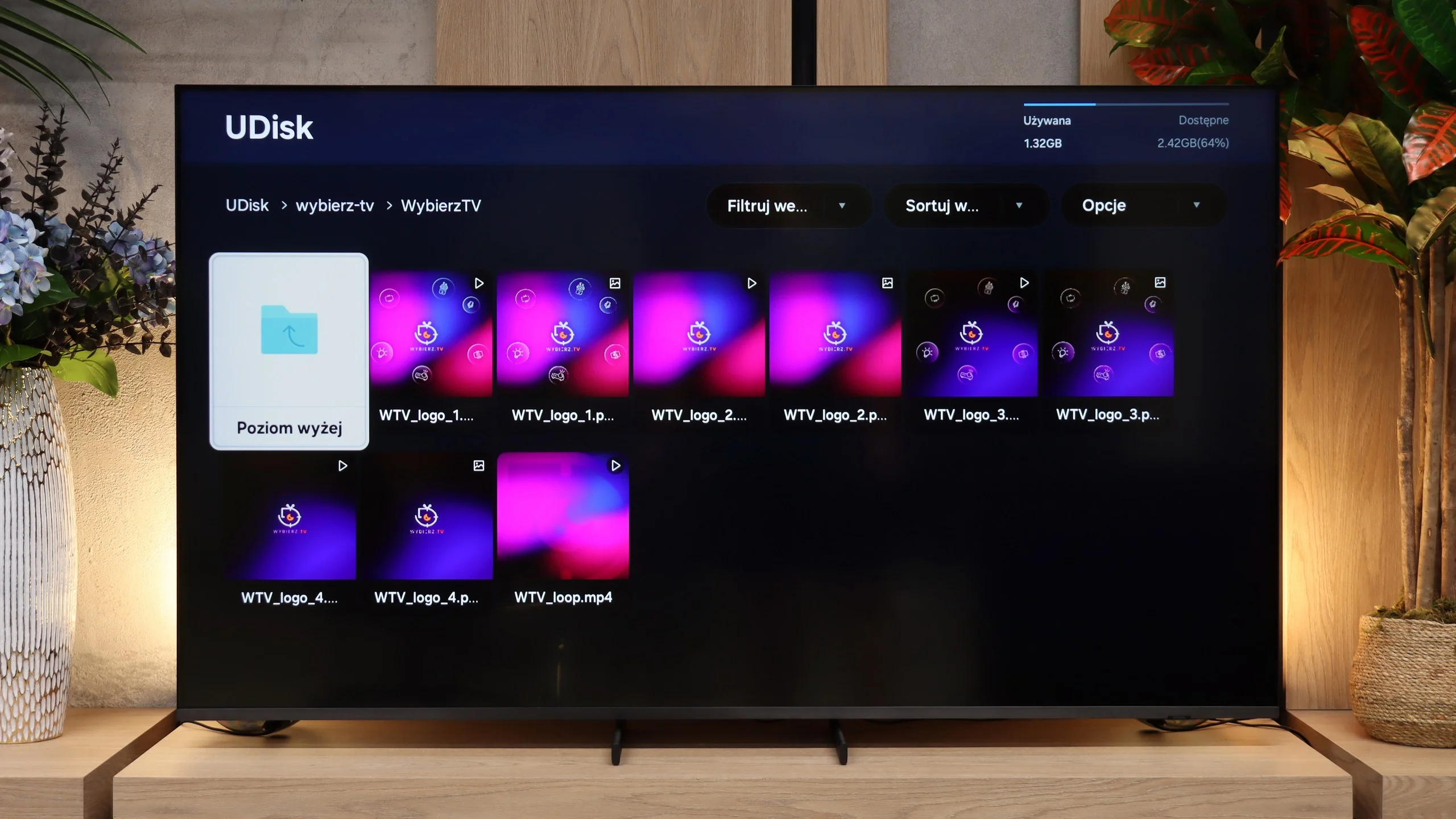
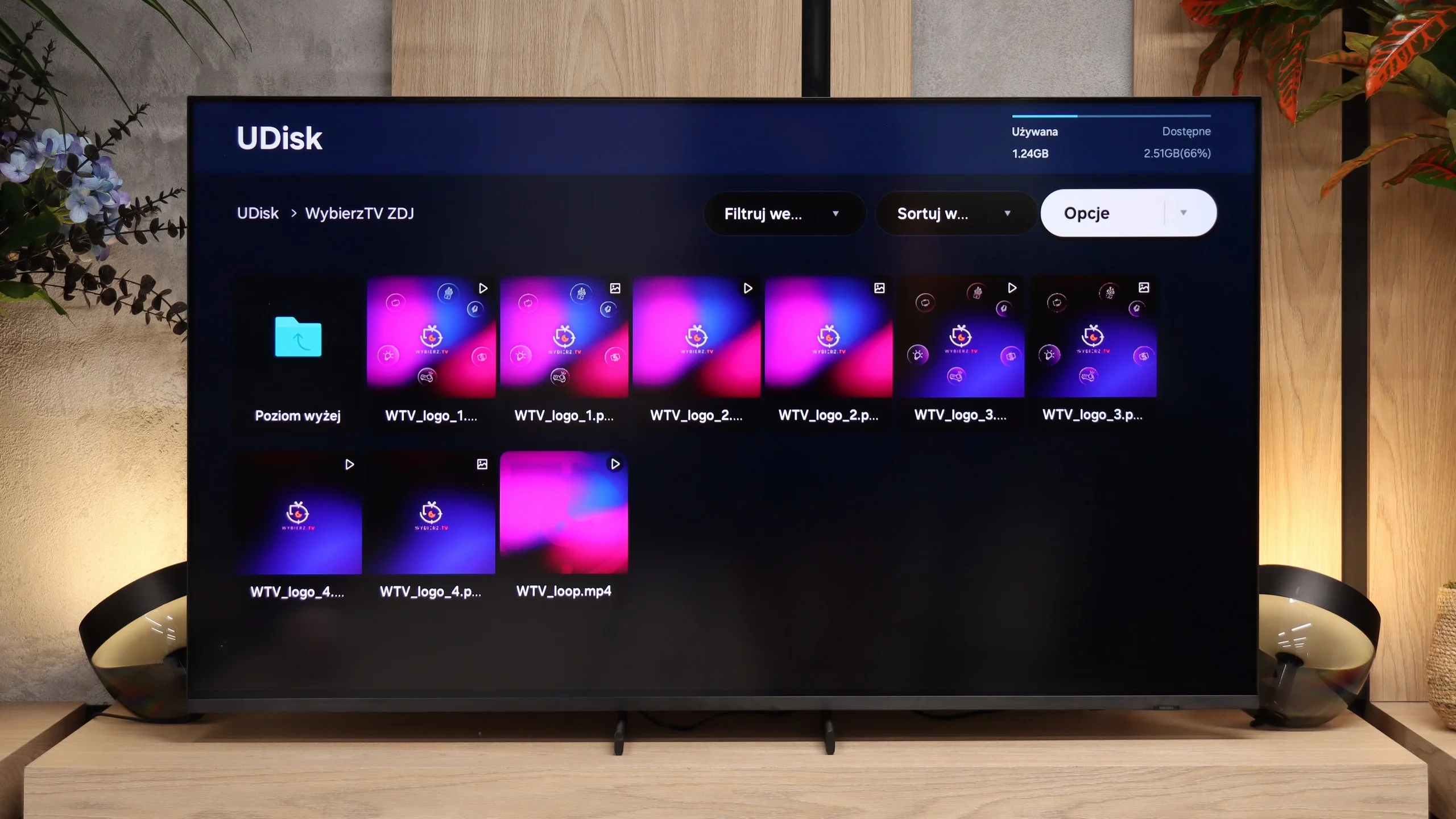
The built-in media player on the QN80H works very well. If you connect a USB stick or an external USB drive, you shouldn't have any major problems playing your own content. The TV supports most popular video, audio and photo formats. The only thing missing for it to be ideal is broader support for less common image formats. A good example is HEIC, which is often used by Apple devices. The QN80H may not be able to open such files.
The built-in media player handles most popular video, audio and photo formats. The on-screen menu runs smoothly, and thumbnails load without delay even in folders containing hundreds of files. For photos you can open JPEG, PNG or BMP files in high resolution without any problem, although the list of supported formats has gaps. The most noticeable omission is support for HEIC (iPhone photos) and some more niche formats such as WebP, GIF or TIFF. For a traditional holiday photo slideshow the player is entirely adequate.
Sound
7.1/10
7.1/10
- Maximum volume86dB89dB
- Dolby Digital Plus 7.1
- Dolby True HD 7.1
- Dolby Atmos in Dolby Digital Plus (JOC)
- Dolby Atmos in Dolby True HD
- DTS:X in DTS-HD MA
- DTS-HD Master Audio
In terms of audio the Samsung QN80H sounds relatively decent. The 2.0 speaker setup with a total power of 30 W isn't exactly spectacular compared with flagship models, but it's perfectly adequate for everyday TV watching, the news or basic TV series. If, however, you want a more cinematic experience, the set offers full support for Dolby Atmos. By connecting a suitable soundbar or speakers you can expect a more spacious sound. Additionally, Samsung supports Q-Symphony, which allows simultaneous playback from the TV's speakers and a compatible soundbar.
An interesting new feature is one based on artificial intelligence. It's a special sport-watching mode called "Football AI". It was created to use sliders to artificially boost the commentator's voice above the stadium noise or... quite the opposite: mute it and leave only the crowd. Although the algorithm can be a little "clumsy" at times, this feature can be a lifesaver. Especially if you happen to tune into a match with a commentator you particularly can't stand... 😉
The audio section of the R85H is a replica of the setup from the QN80H. It uses the same 2.0 stereo kit with 30 W of power, which easily handles dialogue clarity in news programmes and TV series, though for movie blockbusters it's definitely worth adding a soundbar. On board are support for Dolby Atmos, Q-Symphony technology (for pairing with Samsung soundbars) and an "AI Football" mode. The latter lets you use sliders to boost or almost completely remove the commentator's voice relative to the stadium crowd, and although the algorithm can sometimes hesitate, it can be a great addition for fans.
Sound Quality Test
Acoustic Measurements
86dBC (Max)
75dBC
89dBC (Max)
75dBC
Reader comments
Comments are provided by the external service Disqus (Zeta Global). Once loaded, Disqus may set cookies and process data about your activity.
We will remember your choice on this device. Provider's privacy policy