 Direct comparison
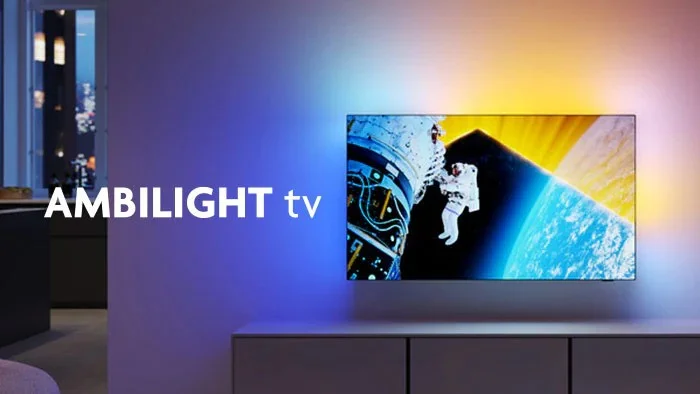
Philips PUS8959, also known by other designations under the abbreviation PUS89 (depending on the sales network), is a model from the popular series The One. Its biggest distinguishing feature is the Ambilight system, which continues to make a great impression. The three-sided lighting adapts to the picture on the screen, making films, series, or games literally spill over the edges of the television. The One is also a good option for gamers. The 120 Hz matrix and low input lag ensure that games run smoothly, and motion on the screen is clear. We tested several dynamic titles on the console, and the television handled them without any issues – no stutters or delays. Additionally, support for HGiG allows for better reproduction of HDR effects in games. This is an excellent solution if we care about consistency of the image with what the creators intended. The picture quality is at a good level, especially during the day. With a brightness of 550 nits, The One performs well even in well-lit rooms, and Dolby Vision in HDR films delivers vibrant colours and sharp details. However, the ADS matrix has its limitations – the black in dark scenes resembles a grey shade more, which can be noticeable when watching in a darkened room. When we watched films with the lights off, the lack of depth in the blacks was somewhat striking. The operating system Titan OS is something that still requires refinement. It is fast, but the limited number of applications can be frustrating for those accustomed to more robust platforms, such as GoogleTV. For daily use of Netflix or YouTube, it works flawlessly, but if we expect more advanced features, the system may not meet our expectations. Generally, Philips The One is a good choice in its price class. The Ambilight system impresses and significantly enhances the viewing experience, especially in the evening. It is also a solid option for gamers, thanks to the fluidity of the image and low input lag. While the black isn't perfect, and the operating system needs improvement, the television performs well in everyday use. For fans of unique solutions, such as Ambilight, it is a proposal that definitely deserves attention.
- Matching (Score) |
- Our verdict |
- TV appearance |
- Where to buy |
- Contrast and black detail |
- HDR effect quality |
- Factory color reproduction |
- Color reproduction after calibration |
- Smoothness of tonal transitions |
- Image scaling and smoothness of tonal transitions |
- Blur and motion smoothness |
- Console compatibility and gaming features |
- Input lag |
- Compatibility with PC |
- Viewing angles |
- Daytime performance |
- Panel details |
- TV features |
- Apps |
- Playing files from USB |
- Sound
PUS8959 / PUS8919 / The One / PUS8909 / PUS8949

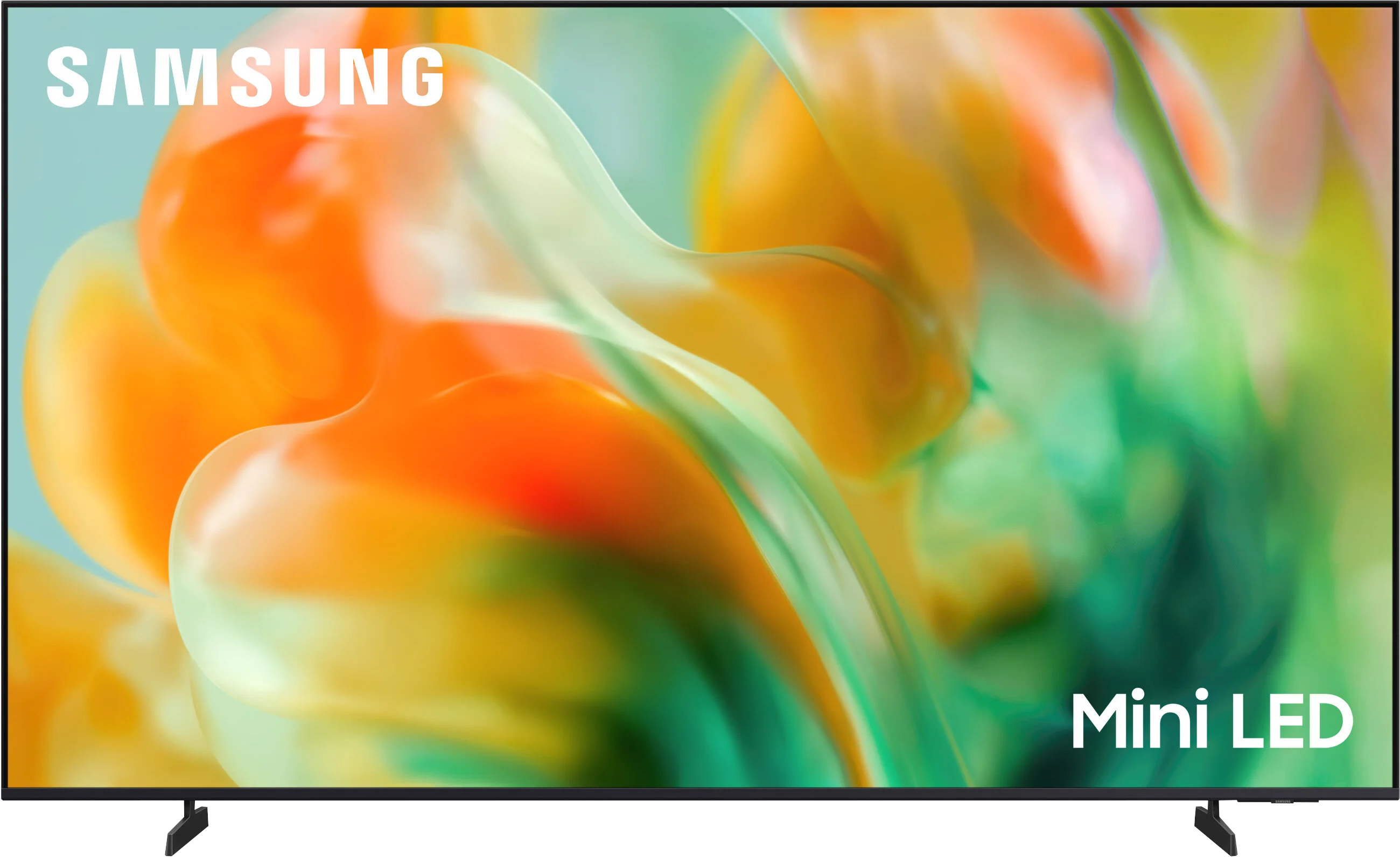
M80H / M86H
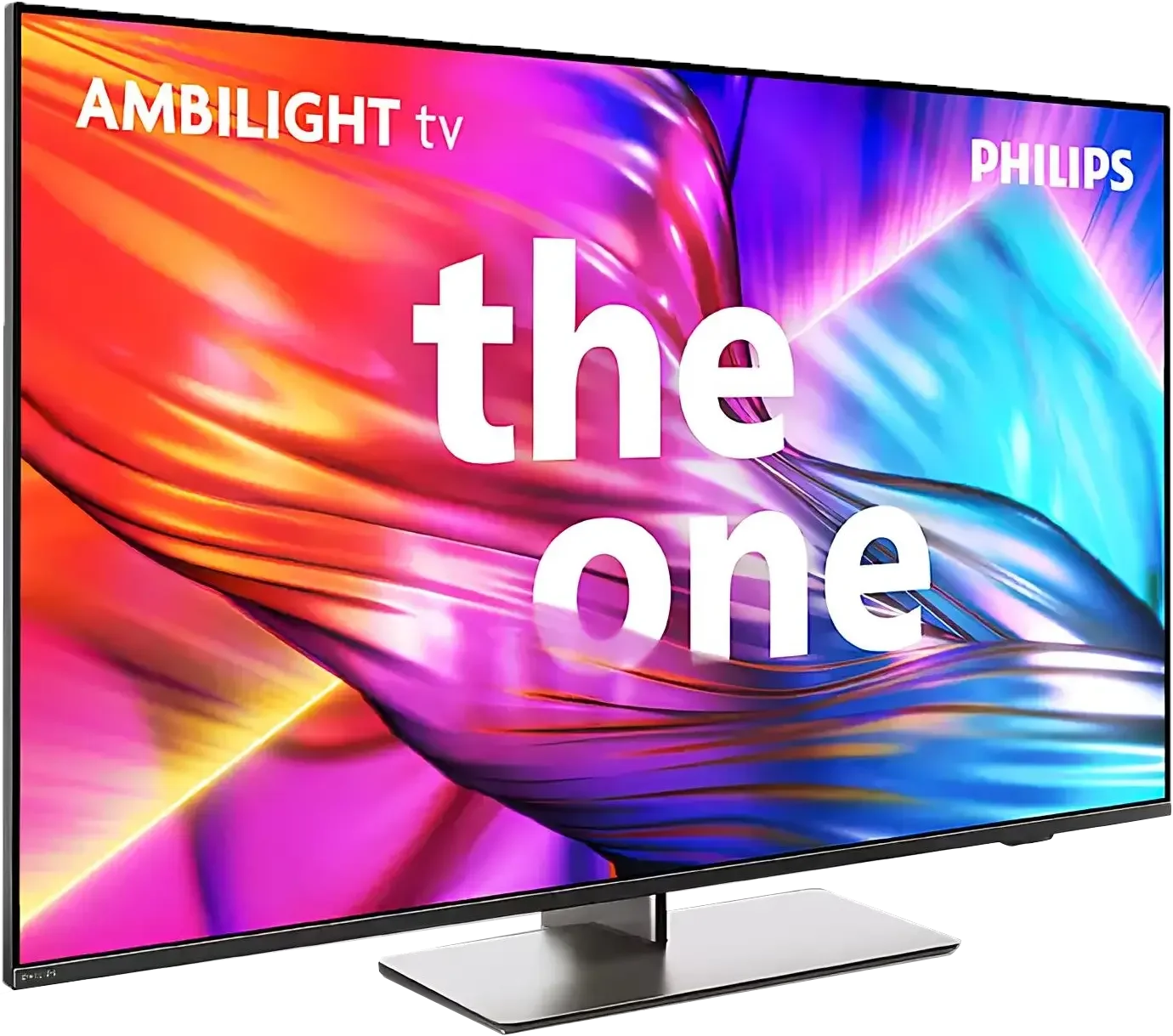
Panel type: LCD IPS
Resolution: 3840x2160
System: Titan OS
Model year: 2024
Complete the survey to find out the result
Panel type: LCD VA
Resolution: 3840x2160
System: Tizen
Model year: 2026
Complete the survey to find out the result
Overall rating
6.9
6.9
 Movies and series in UHD quality
6.6
6.5
 Classic TV, YouTube
6.3
6.6
 Sports broadcasts (TV and apps)
7.2
6.7
 Gaming on console
8.5
8.8
 TV as a computer monitor
8.0
8.9
 Watching in bright light
6.1
5.0
 Utility functions
6.1
7.3
 Apps
6.7
9.3
 Sound quality
6.4
6.0
Complete the survey to find out what fits your preferences
Advantages

Ambilight System: Three-sided backlighting
120Hz Panel - smooth image
Additional features for gamers
Satisfactory level of brightness that works well during the day
Wide viewing angles
Three HDMI 2.1 ports with VRR and ALLM support
Dedicated motion smoothing for gamers: Game Motion Plus
Low input lag
High refresh rates: 4K 144 Hz and Full HD 240 Hz
Decent contrast thanks to a VA panel
Relatively little smearing for a VA panel
Rich colours thanks to a PFS filter (a different QLED 😉)
Good digital image processing for this segment
Fast Tizen system with plenty of apps
Disadvantages

Poor black quality
Titan OS: Still in development, with a limited number of applications and less functional compared to more advanced platforms
No local dimming despite being labelled Mini-LED!
Low brightness: 350 nits
No support for Dolby Vision and DTS:X formats
No Toslink optical audio output
Our verdict
The M80H shows its strengths where motion matters most. A fast panel, refresh rate up to 144 Hz and relatively low motion blur mean sport and fast-paced games look really good on it. In this respect the TV can even outclass some much more expensive Samsung LCD models. Gamers also get low input lag, three full-bandwidth HDMI 2.1 ports and Game Motion Plus, which can improve the smoothness of games running at 30 or 60 frames per second. When connected to a PC you can also use a 240 Hz refresh rate, although only at Full HD. A considerable advantage of the M80H is the NQ4 AI Gen2 processor, until recently used in Samsung’s higher-tier ranges. It handles lower-resolution material well and can improve the appearance of weaker sports broadcasts or heavily compressed recordings. The additional picture-enhancing features do produce a noticeable effect, though at higher settings their action becomes too strong and starts to interfere with the natural look of the image. Even so, they are worth counting as positives, because in the cheapest TVs similar solutions often have far less impact.
The biggest objection, however, is calling the M80H a Mini-LED television. There is no local dimming here, the feature that usually accounts for this technology’s main advantage. A peak brightness of around 350 nits also does not allow for particularly impressive HDR. In terms of picture quality the M80H therefore sits much closer to basic LCD TVs than to more elaborate Neo QLED models such as the QN80H. That does not mean films look bad on it. The VA panel provides decent contrast and the PFS filter delivers attractive, saturated colours. One should be aware, however, that the lack of local dimming clearly limits the TV’s picture-quality capabilities. The M80H is therefore not a model that reveals the full potential of Mini-LED backlighting.
It will perform much better in the hands of a gamer or a sports fan for whom panel speed, low input lag and extensive gaming features are the priorities. If its price remains noticeably lower than models equipped with local dimming, that compromise could be a perfectly sensible choice for those users.
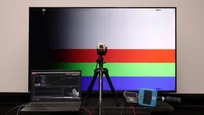
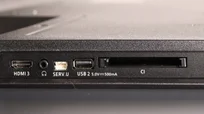
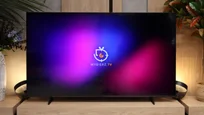
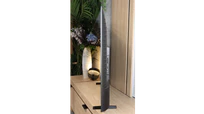
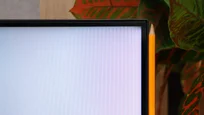
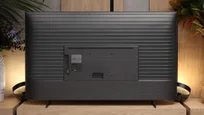
TV appearance

Contrast and black detail
4.3/10
6.3/10
Local dimming function: No
Local dimming function: No
Contrast:


Result
2,350:1

Result
2,400:1

Result
2,600:1

Result
2,550:1

Result
2,200:1
Result
5,950:1
Result
7,150:1
Result
8,150:1
Result
7,850:1
Result
5,550:1
Halo effect and black detail visibility:
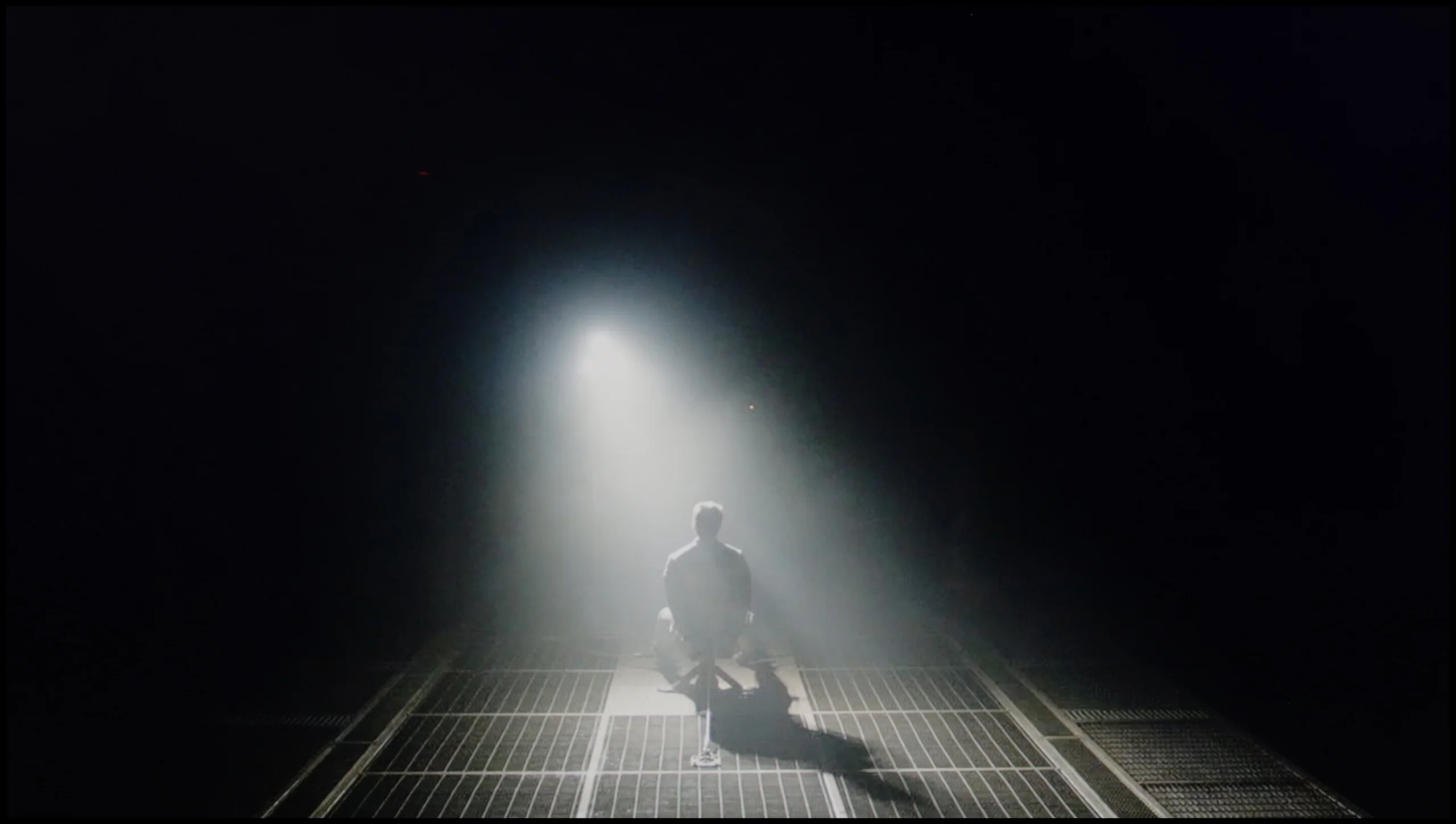
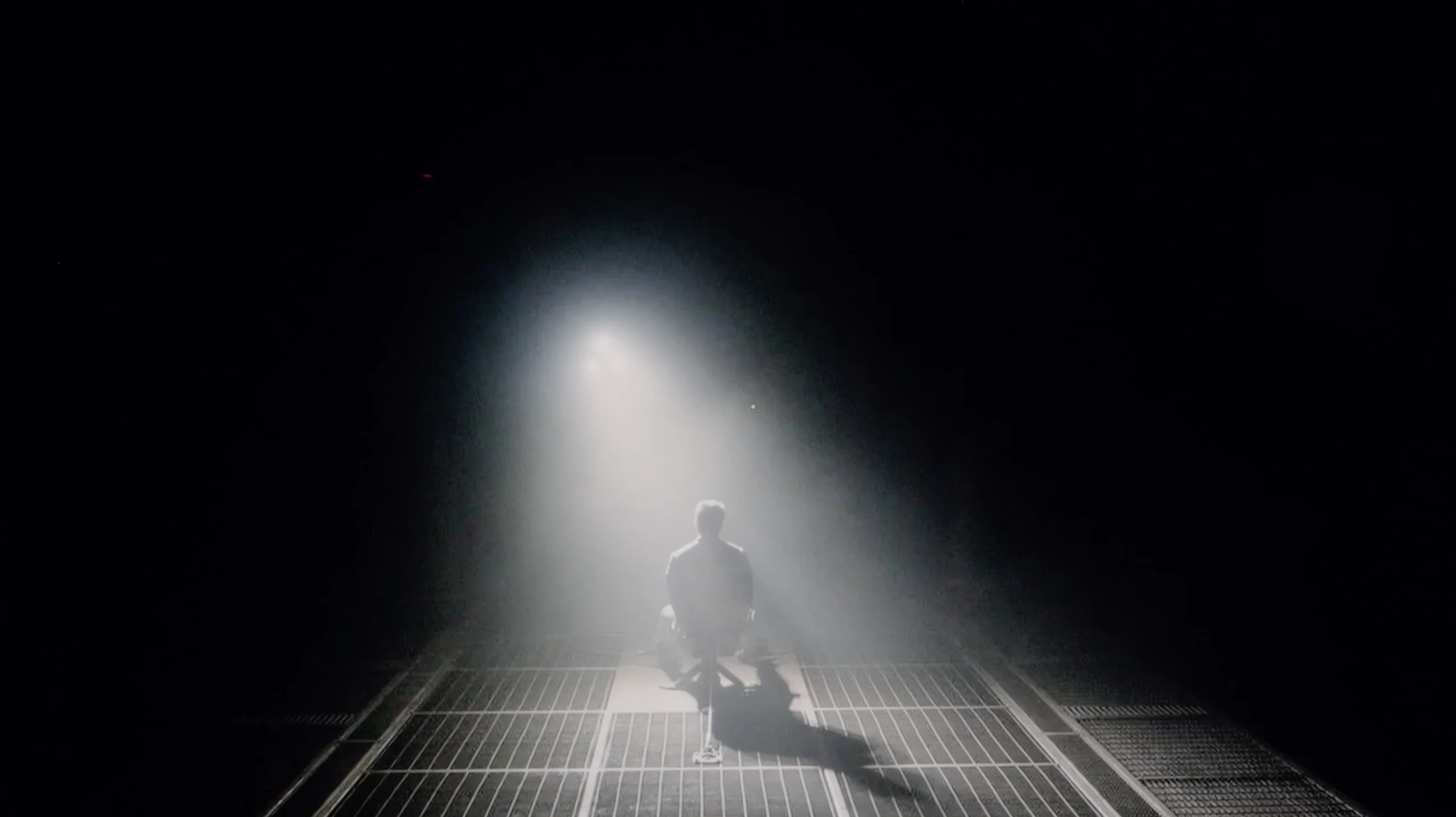
Check the visibility of bright lights on a dark background. Mini-LEDs often struggle with this. The photo does not compare black levels – that’s what the video below is for.
The video accurately shows differences in contrast and black levels between TVs, as well as potential issues: halo around bright objects or Mini-LED zone operation visible as brightness jumps.
The Philips PUS8959 television is based on ADS technology, which offers slightly different parameters compared to popular VA matrices. In the tested images, the contrast measured around 2000:1, making the black levels far from ideal. ADS panels are known for their weaker contrast compared to VA matrices, which in practice means that instead of deep blacks, we see more navy or grey shades. However, the ADS panel is still better than a standard IPS panel, which cannot achieve such a level of contrast. Additionally, the Philips PUS8959 is not equipped with local dimming technology, which could improve these parameters. The absence of this function exacerbates the effect of shallow blacks, particularly noticeable in dark scenes, like those in the film "Sicario 2". Instead of intense blacks, the screen produces a silvery glow, which can be bothersome, especially when watching in darker conditions. All of this causes the visual experience to lose depth, and details in dark scenes are not as well visible as one might expect from higher-end screens. Despite the lack of local dimming, the television is equipped with something called Global Dimming. The television is capable of completely dimming the panel to achieve higher contrast, but at the cost of details that may blend together, for example, lights in the test image from the film Oblivion. It is worth mentioning that the model we received for testing has quite significant patches resulting from uneven backlighting, although this is not a rule, one must consider that we may receive a unit like this when purchasing.
Samsung M80H is an LCD TV that, according to the manufacturer, uses a Mini-LED backlight. It may indeed use smaller LEDs placed directly behind the screen, but it is not the same type of Mini-LED found in more expensive TVs. The M80H does not have local dimming, so the backlight cannot independently control the brightness of individual parts of the image. Black levels are quite decent, mainly thanks to the VA panel used. Depending on the scene, the contrast we measured was roughly 5,500:1 to over 8,000:1. For a TV without local dimming these are good results, and it is precisely in such designs that VA panels have a considerable advantage over IPS/ADS panels. It is worth noting that some results exceed the panel’s native contrast, which is around 5,000:1. Samsung has implemented a global dimming function. When there is a lot of black on the screen, the TV dims the entire backlight, making dark areas appear deeper. However, this comes at the expense of the brightness of the rest of the image. So the M80H will not significantly brighten a small bright spot while maintaining deep blacks around it, as it dims or brightens the whole screen.
HDR effect quality
5.9/10
4.7/10
Luminance measurements in HDR:

Result
501 nit

Result
514 nit

Result
553 nit

Result
544 nit

Result
569 nit
Result
288 nit
Result
340 nit
Result
349 nit
Result
345 nit
Result
364 nit
Scene from the movie “Pan” (about 2800 nits)


Scene from the movie “Billy Lynn” (about 1100 nits)
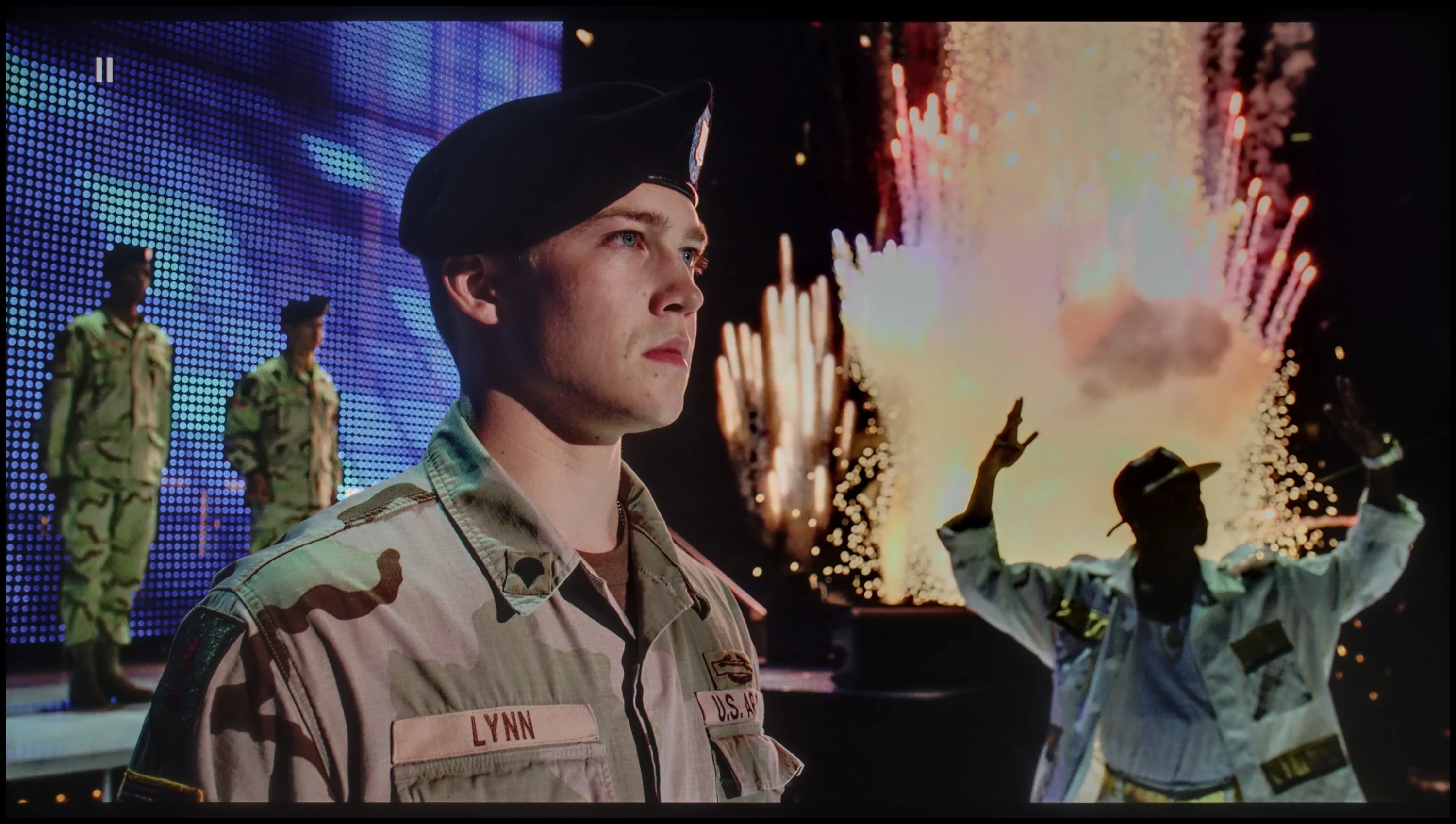
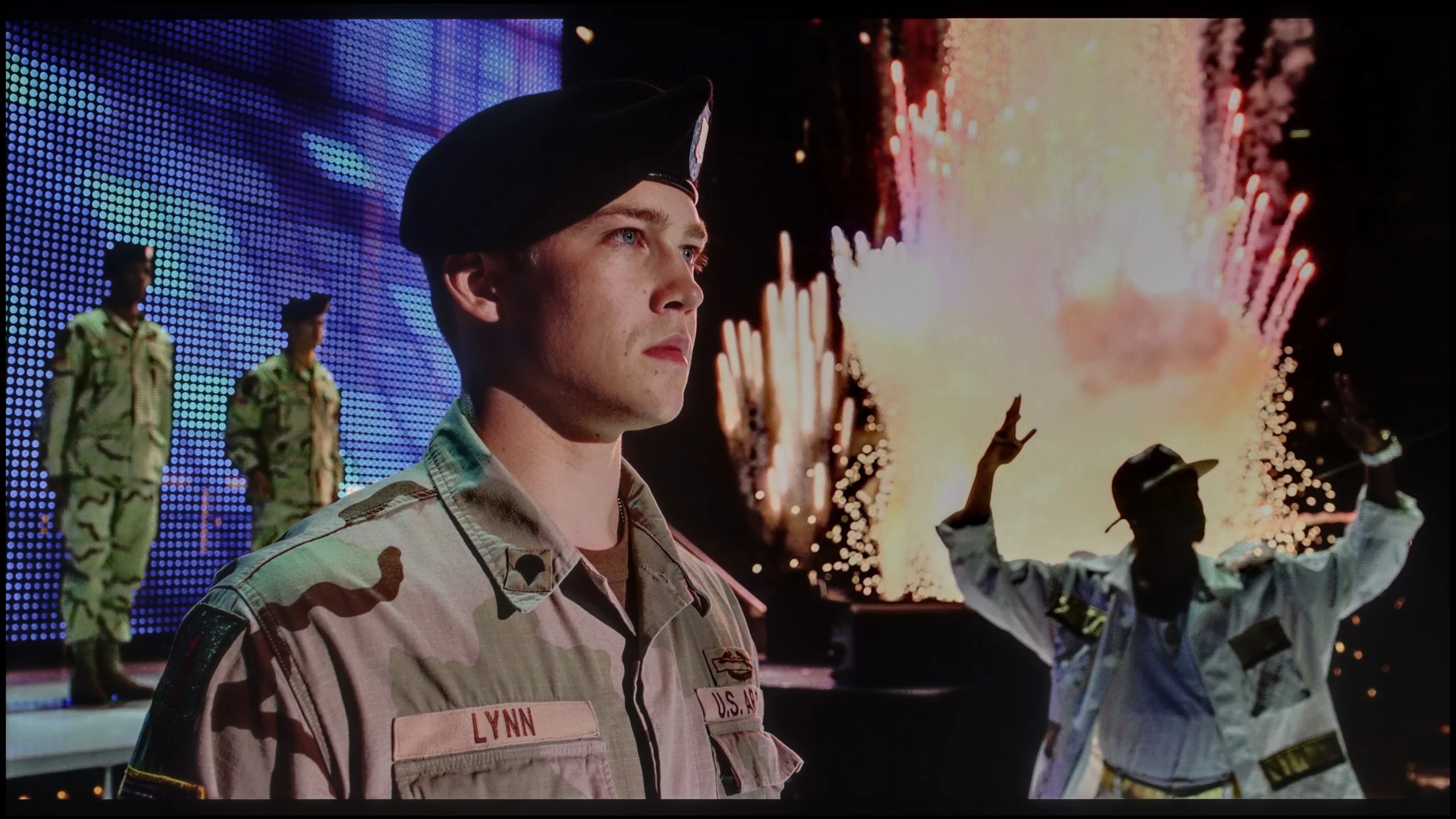
The photos show two HDR10 movies. 'Pan' is one of the brightest productions ever made, while 'Billy Lynn' (soldier) has brightness typical of streaming (Netflix, Prime, HBO MAX). Notice the intensity of effects and detail in whites.
Static HDR10


The photos present the visibility of white details in various HDR formats. They do not show brightness differences between TVs (these can be compared in the previous gallery).
Dynamic: Dolby Vision
Dynamic: HDR10+


The photos present the visibility of white details in various HDR formats. They do not show brightness differences between TVs (these can be compared in the previous gallery).
HDR luminance chart:
Samsung M80H
Philips The One (PUS8959 / PUS8919 / PUS8909 / PUS8949
The luminance chart for Philips PUS8959 shows that the television is capable of achieving around 550 nits of brightness, which can be considered a satisfactory level. This brightness allows for the effects of HDR to be experienced, particularly standing out in more demanding scenes. In the tested test patterns, the television performed quite well, even in challenging sequences such as those from "Sicario 2". Due to the lack of local dimming, the television does not dim small bright elements, and they shine with the full "power" of the television but at the expense of the silvery blacks mentioned in the paragraph about black levels. It is also worth praising Philips PUS8959 for its good coverage of the DCI-P3 colour palette, which amounts to approximately 94.5%. As a result, colours are vivid and close to the creators' intentions, which further enhances the quality of HDR effects and the experience of watching high dynamic range content.
The M80H is not among the brightest TVs. Its peak brightness is around 350 nits and we saw similar results in most of our test scenes. That is not enough to achieve truly striking HDR; bright highlights lack the necessary punch and the overall image is a bit too dark. In practice HDR on the M80H resembles a well-presented SDR image more than noticeably more dynamic material with a wide brightness range. The image can still look acceptable, but it is hard to speak of strong specular highlights, clearly glowing light sources or an effect that immediately distinguishes HDR from ordinary content.
Colours
One of the M80H's stronger points is its colours. The TV uses a filter based on PFS backlighting, which allows it to display a much wider colour gamut than a standard LCD screen without filters. Our measurements confirm this – the M80H covers around 96% of the DCI-P3 gamut and 72% of BT.2020. Those are really good figures, which allow colours to be deeply saturated. Samsung's approach here is interesting. The M80H is not part of the QLED family, even though in terms of colour it is practically indistinguishable from models carrying that badge. From an image-quality point of view it doesn't really matter though — the colours are simply good.
Factory color reproduction
4.1/10
6.1/10


This gallery shows how colors change after professional TV calibration. If you notice the difference, we recommend ordering this service at SkalibrujTV.com.
Factory Mode
After calibration


This gallery shows how colors change after professional TV calibration. If you notice the difference, we recommend ordering this service at SkalibrujTV.com.
Factory Mode
After calibration
The television Philips PUS8959 has been tested in the best, theoretically most precise picture mode – Filmmaker. Although the name suggests cinematic quality, it unfortunately falls short of perfection. The biggest problem in this mode is the white balance, both in HD and 4K content. It is characterised by a significant dominance of red colour and drops in green levels, resulting in unnatural colour reproduction. For example, white elements in the image have a noticeable pink hue, and the green is less vibrant, causing the overall image to lose its naturalness and colour balance. The ColorChecker test confirms these errors – it is clearly visible how the colour samples "deviate" from the correct values, which can be best observed on the sample squares that should accurately reproduce the colours. The lack of accuracy in this regard affects the realism and fidelity of the image, which is particularly undesirable in Filmmaker mode.
As for the brightness characteristics, the gamma chart resembles a true roller coaster – with small elements displayed on the screen, the brightness is excessive, causing details to become overly exposed. Conversely, at higher gamma values, the image loses contrast and becomes too dark, making the overall appearance lack dynamism. Similar problems can be observed in the EOTF characteristics – the television is unable to accurately reproduce brightness levels, negatively impacting the overall picture quality.
Filmmaker Mode is set fairly well out of the box, although it falls short of perfection. In SDR material the most noticeable issue is an excess of red in the white balance, which makes the image appear a little warmer than it should. HDR content has a similar character. As for the brightness response, in SDR the gamma stays close to the target value for most of the range. Small deviations are mainly visible in darker areas, which in places are a bit too crushed. In HDR the darkest details are slightly lifted, while from around 65% brightness the image begins to be slightly darkened. This is largely due to the way the TV controls its brightness. Overall, Filmmaker Mode looks pretty good straight out of the box, but the picture can still be improved.
Color reproduction after calibration
8.1/10
7.8/10
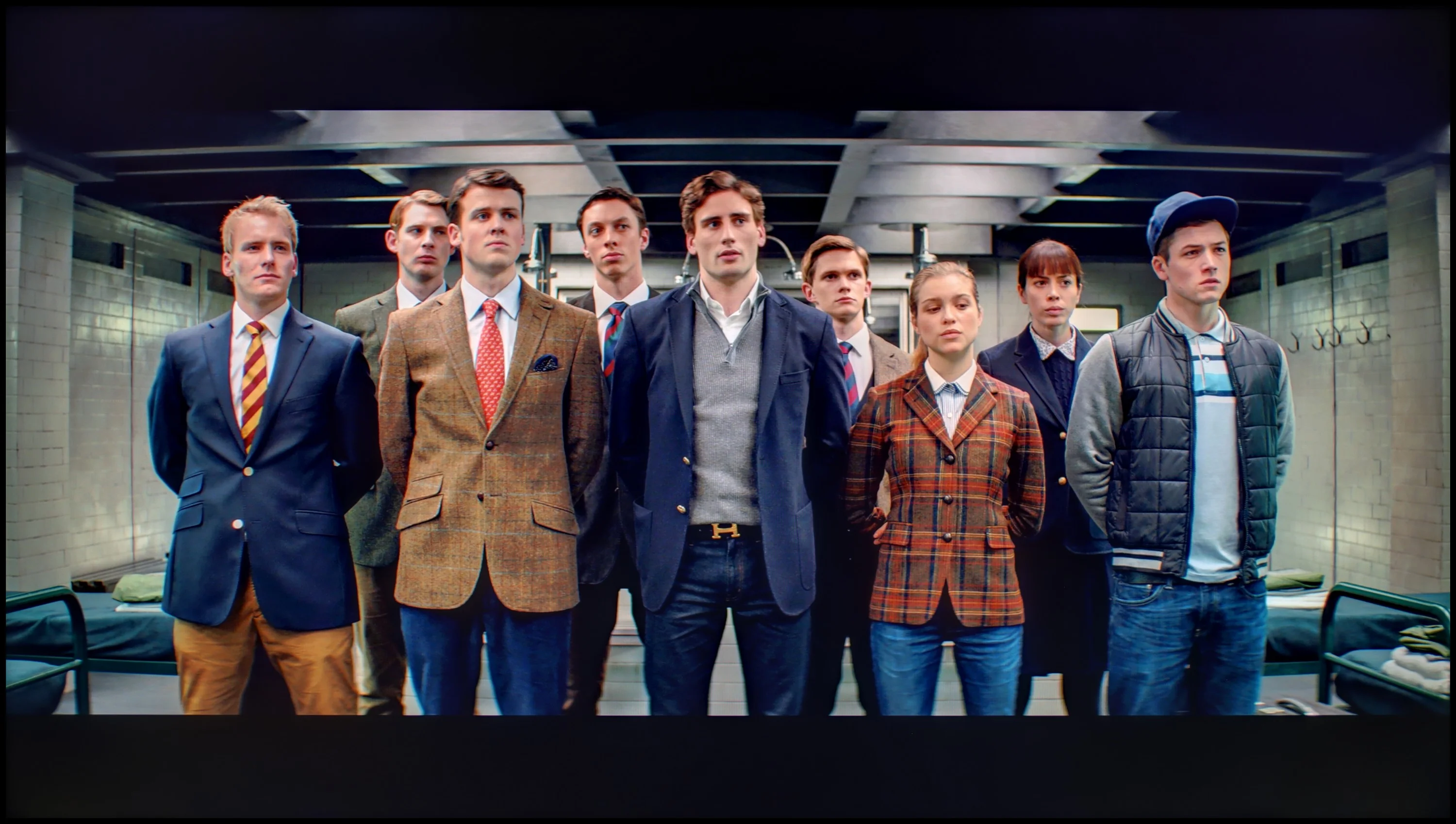
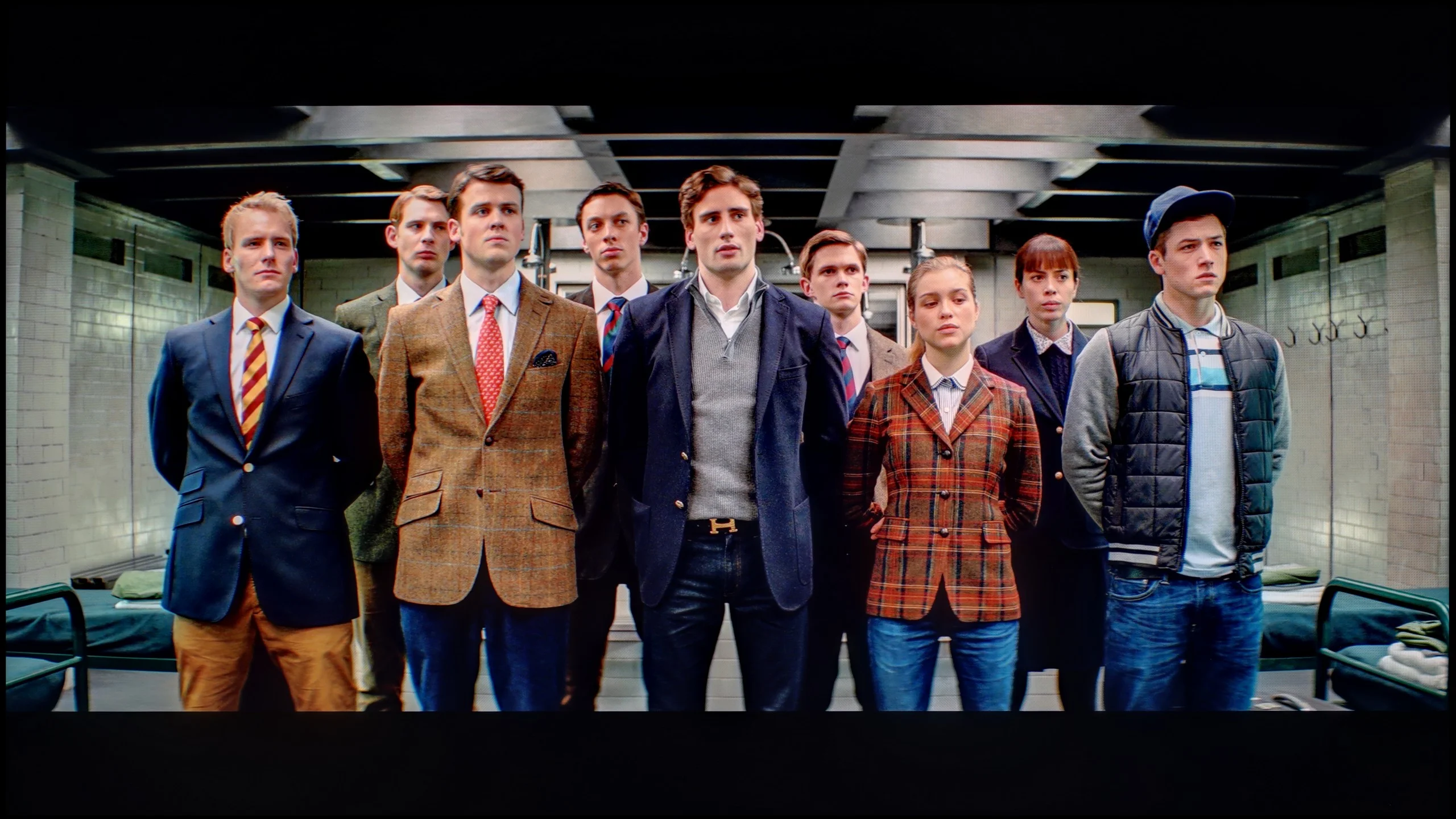
The photos show how movies look on the TV. Pay attention to black detail visibility, colors, and shadow tint.


The photos show how movies look on the TV. Pay attention to black detail visibility, colors, and shadow tint.
After calibration, the television Philips PUS8959 shows a significant improvement in colour reproduction, especially in HD content. The white balance is exceptionally even, and the Delta E error values are below 1, which can be considered a remarkable result. Additionally, the gamma, responsible for brightness in lower-quality materials, performs very well, maintaining a stable level at 2.4, leading to an appropriate balance between bright and dark areas of the image.
As for 4K HDR materials, a significant improvement is also visible. The white balance, although not as perfect as with HD content, no longer exhibits issues with excessive red exposure, resulting in a more natural and harmonious image. Unfortunately, regarding the EOTF characteristic, it is difficult to speak of any significant improvement, which stems from the structural limitations of the television that prevent any substantial enhancement in this aspect.
Nevertheless, the overall performance is significantly better after calibration, making the Philips PUS8959 one of those televisions where it is truly worth dedicating time to precise calibration to achieve satisfactory picture quality.
After calibration, the M80H fares very well, especially with the most ordinary SDR content. Regular broadcast TV, YouTube and films watched without HDR can look very good on it. After correcting the white balance the errors are small, although sometimes we can still see that the TV tends to overdo the most saturated reds. In HDR it is also possible to improve the picture and correct its main faults, but it is not at the level of pricier models. Samsung quite heavily restricts colour adjustment in HDR, so in many areas we have to accept what the TV offers out of the box. Calibration lets us improve some parameters, but we are no longer able to change the overall character of the M80H's image.
Smoothness of tonal transitions
8.9/10
9.8/10
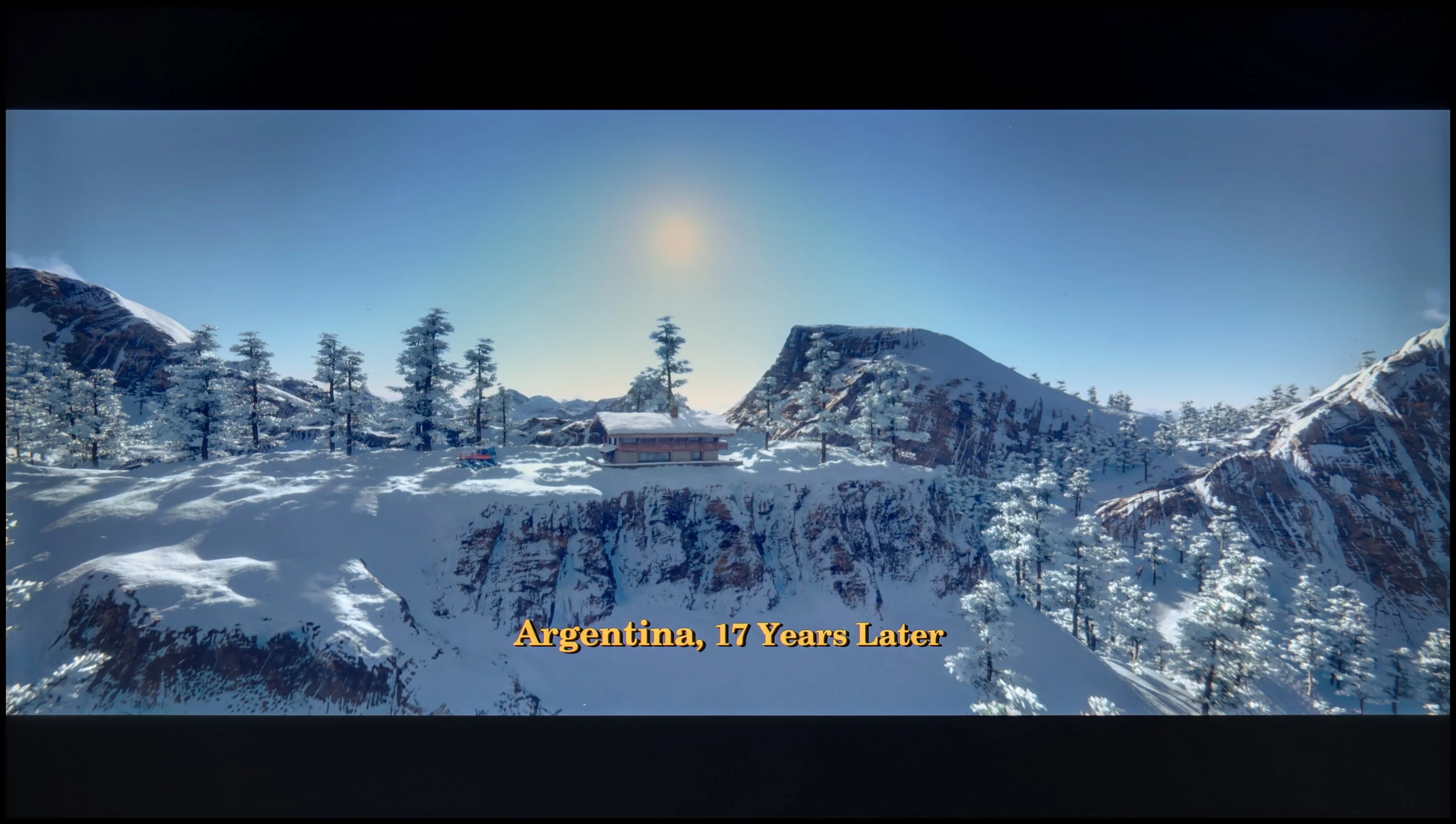

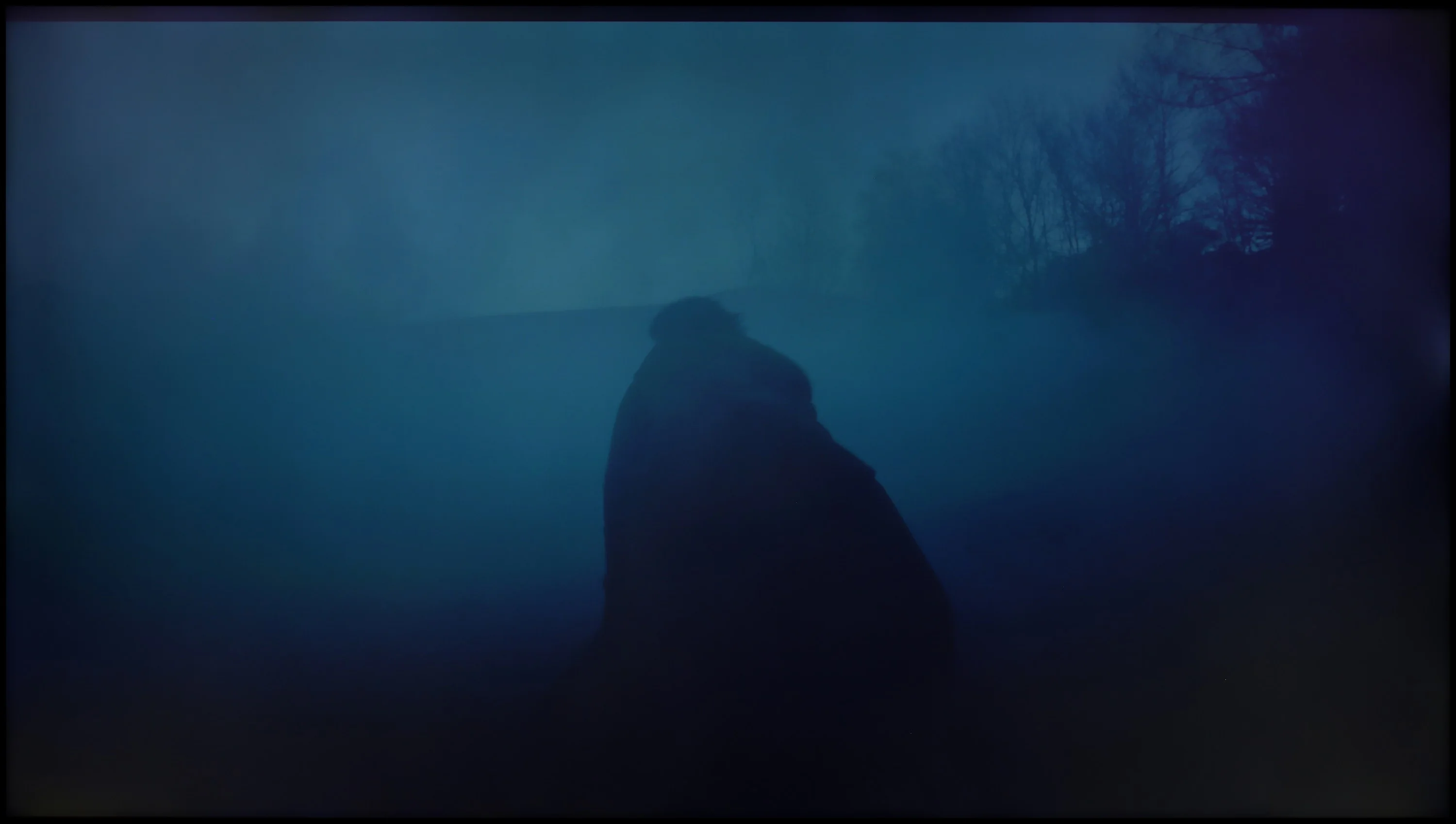
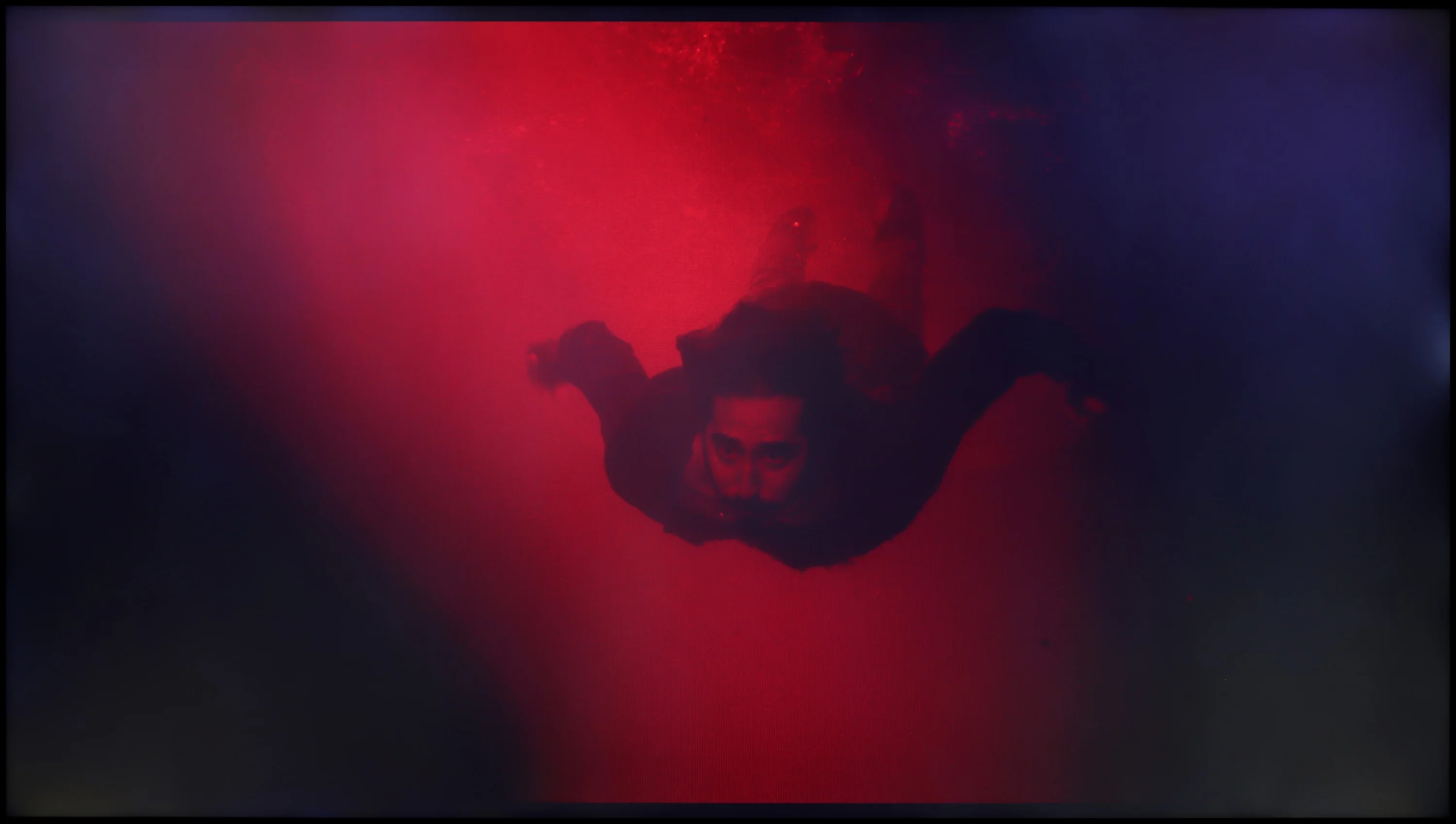
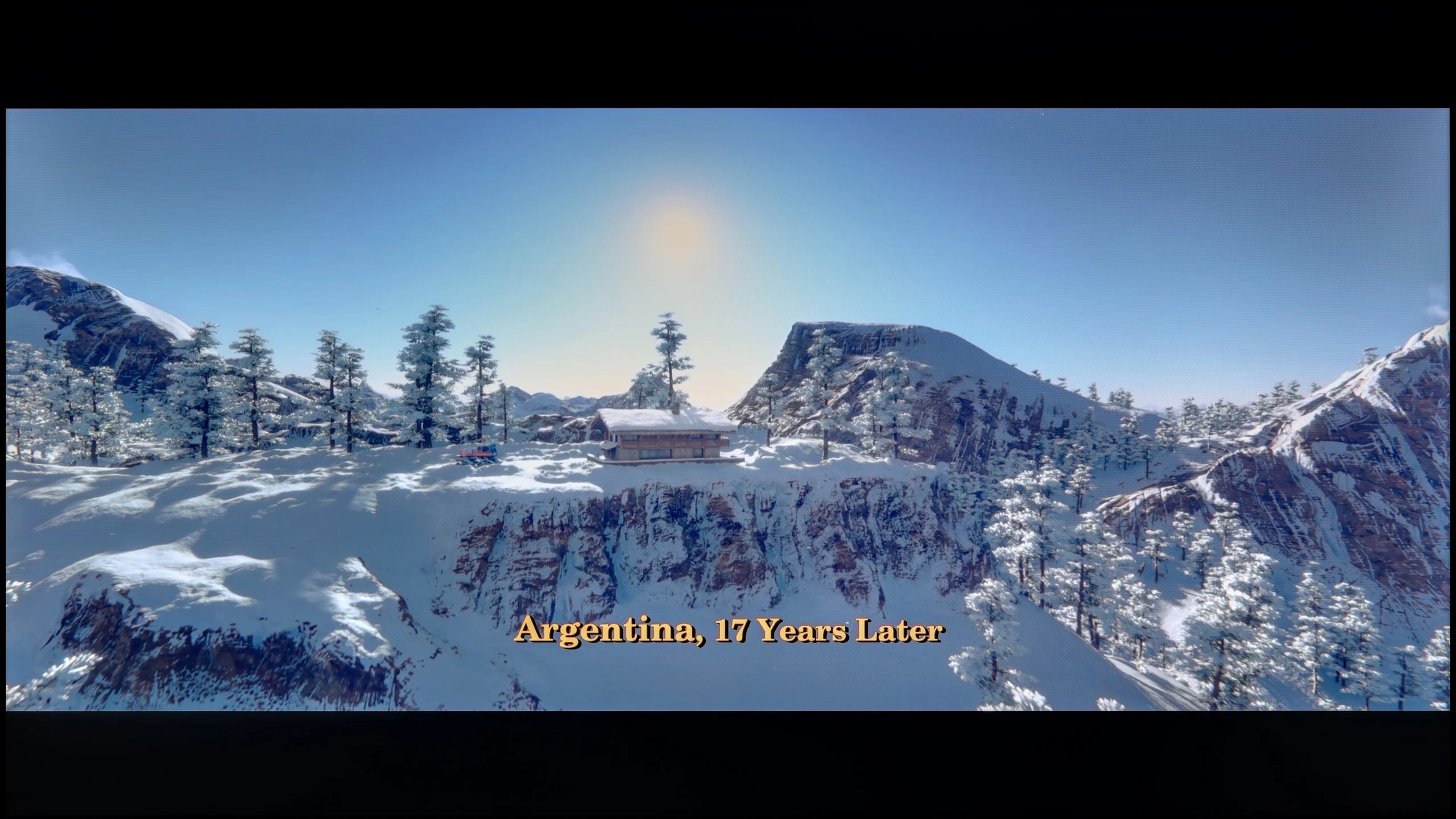
These are selected scenes that show smooth tonal transitions from one color to another. If you see distinct banding, it’s the TV panel’s fault.

These are selected scenes that show smooth tonal transitions from one color to another. If you see distinct banding, it’s the TV panel’s fault.
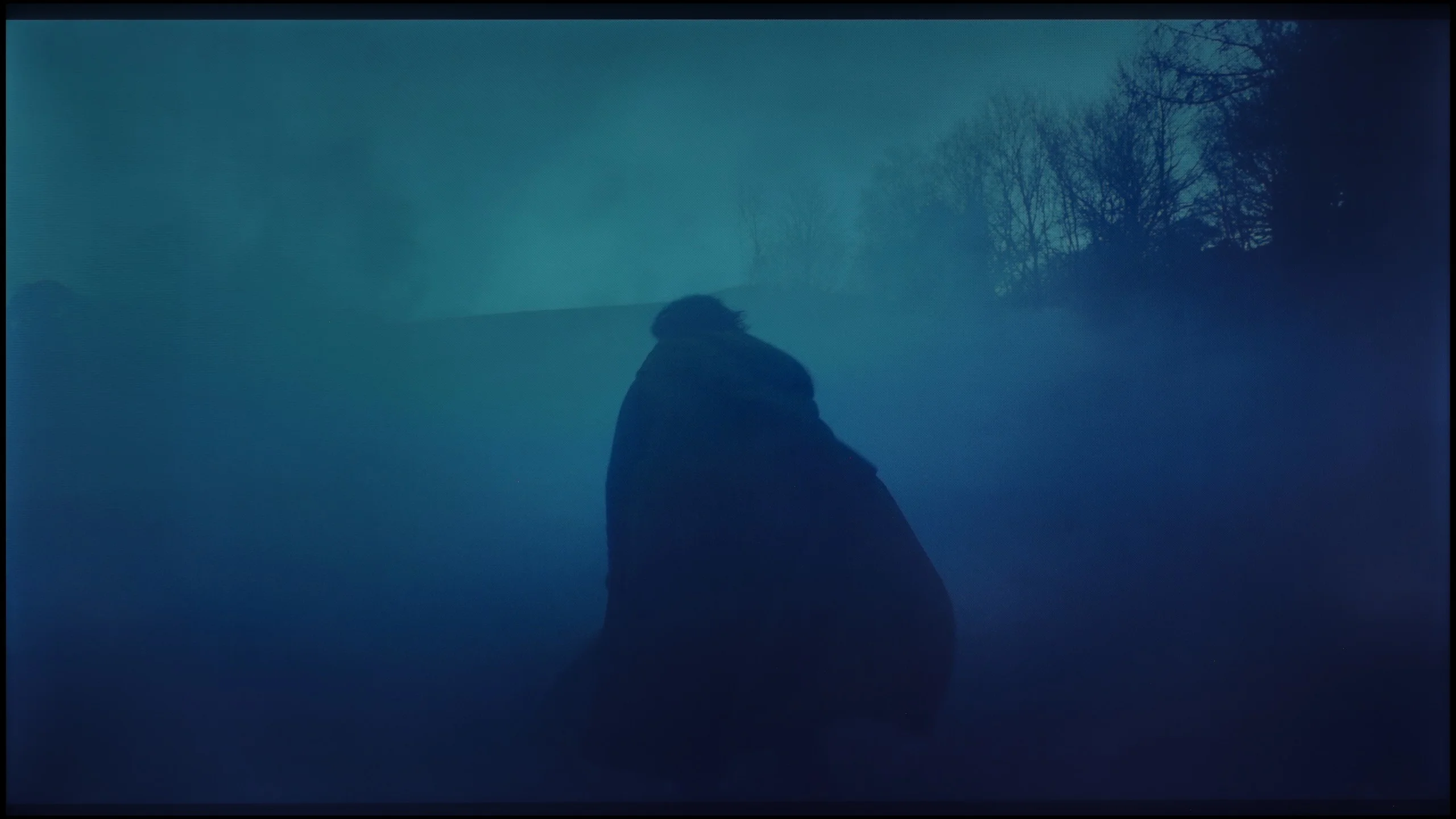
These are selected scenes that show smooth tonal transitions from one color to another. If you see distinct banding, it’s the TV panel’s fault.

These are selected scenes that show smooth tonal transitions from one color to another. If you see distinct banding, it’s the TV panel’s fault.
The gradation on the Philips PUS8959 television looks very good, offering smooth tonal transitions in most scenes. Sometimes minor issues can be observed, especially during transitions between certain colours, where slight unevenness is noticeable. However, these imperfections are subtle enough that they do not significantly impact the overall viewing experience and can be considered completely acceptable. In everyday use, the television provides sufficiently good gradation quality to satisfy even more demanding users, maintaining the naturalness of the image and a lack of glaring tonal distortions.
The M80H delivers almost perfect smoothness of tonal transitions. Posterisation is practically absent, and successive tones blend very smoothly in both bright and dark scenes. We didn’t notice any obvious colour banding, for example in skies or in scenes with smoke. If the image looks worse in dark shots, that isn’t due to gradation issues. Instead, the limitations of the backlight and the lack of local dimming become more apparent, causing blacks to lack sufficient depth.
Image scaling and smoothness of tonal transitions
6.5/10
7/10


Smooth transition function
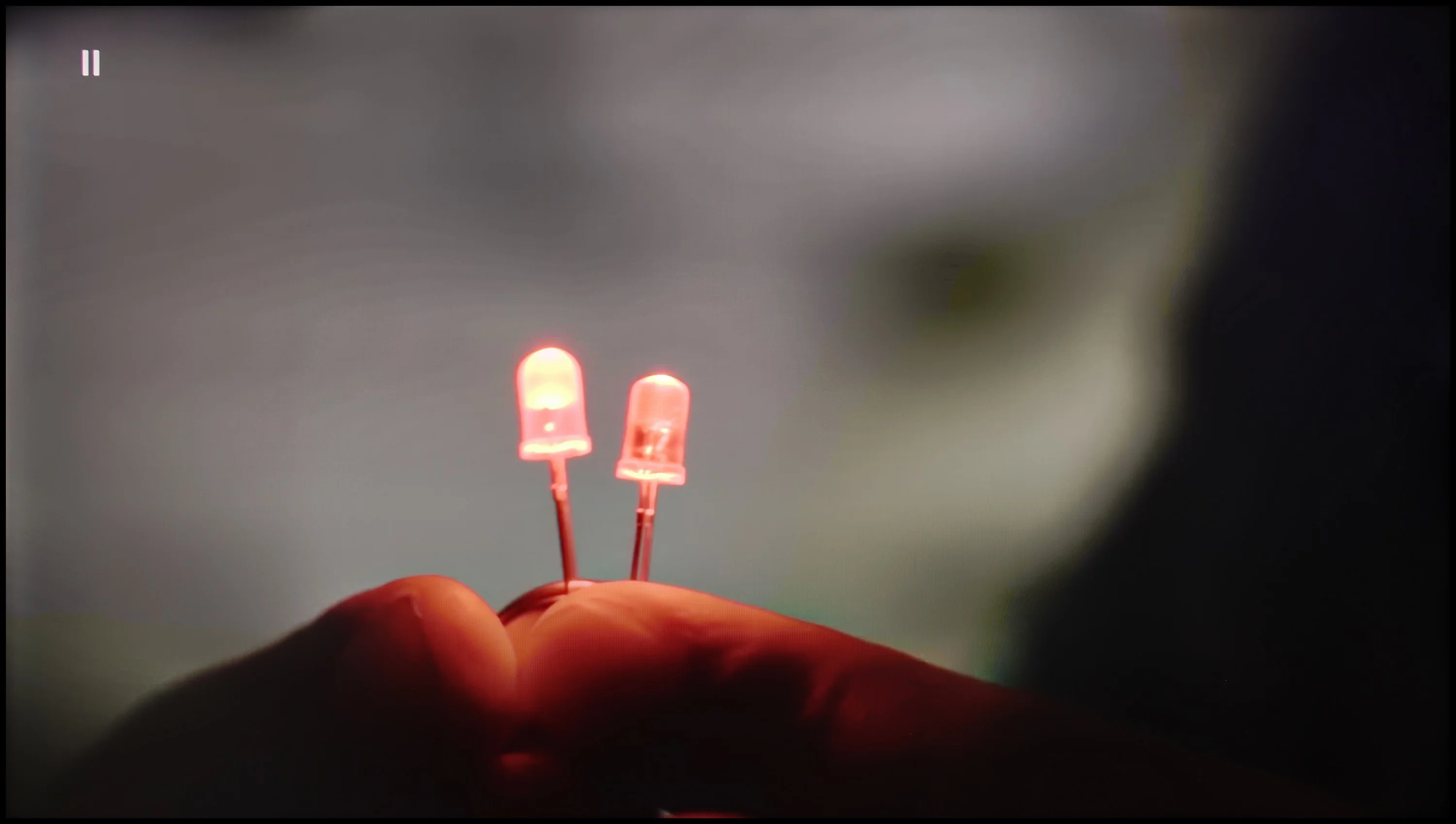
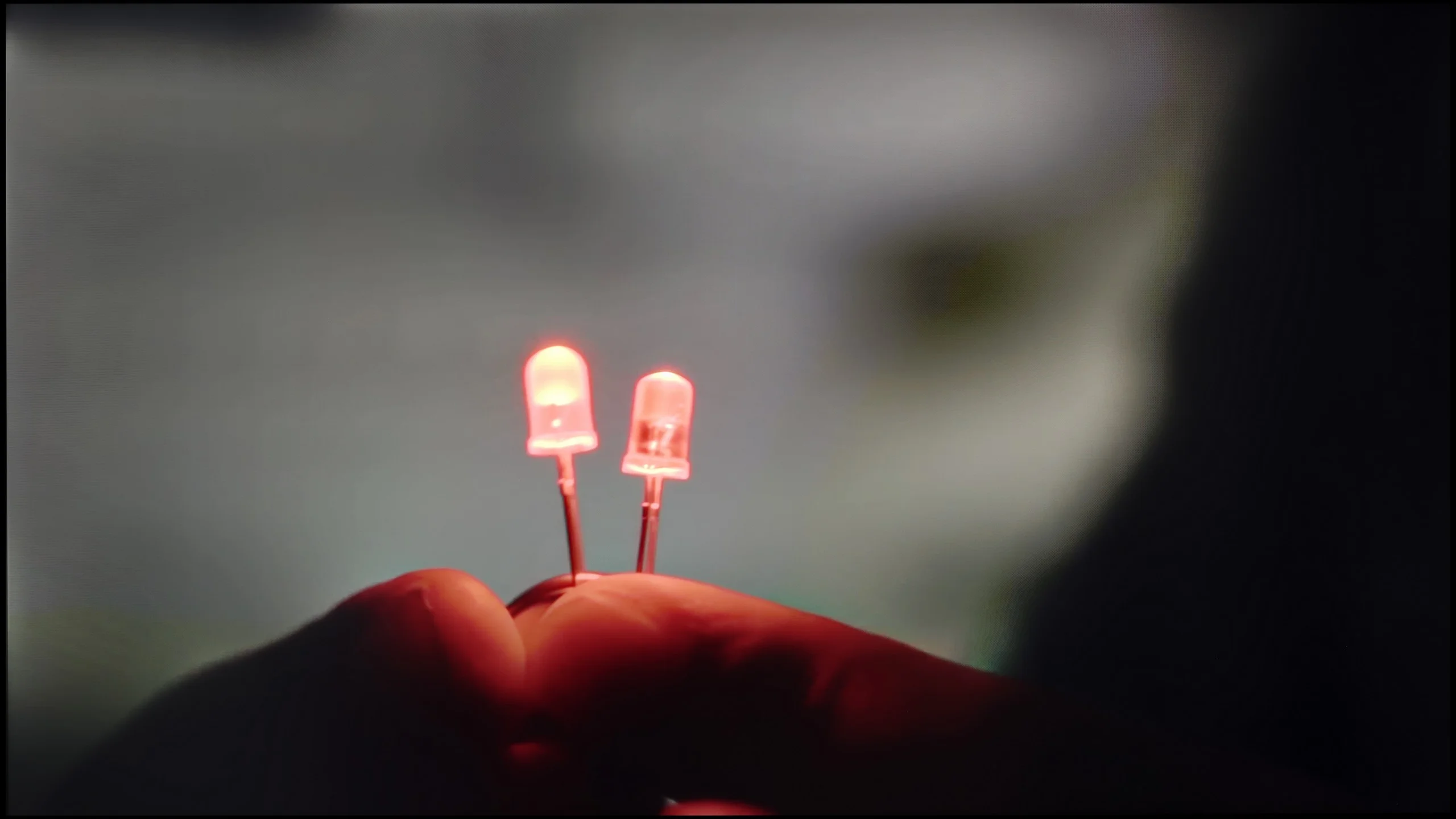
The match photo shows how the TV smooths weak tonal transitions in low-quality video.
Image scaling SD (576i)


The model photo shows how it handles upscaling of SD material.
When it comes to smoothing tonal transitions, the "Distortion Reduction" function at its minimum setting performs quite well, effectively smoothing tonal transitions without excessive impact on other elements of the image. In tests, I did not notice that the reduction negatively affected the image structure, such as film grain or object details – everything remains in its place, which is a significant plus for users who appreciate the natural look of film materials.
As for digital processing, the image looks quite good, although it features very softened contours, giving it an almost "misty" character. This effect can evoke mixed feelings – some users will appreciate the fluidity and delicacy of this type of presentation, while others may find it too gentle, losing detail. It is a matter of individual preference, but it must be said that the Philips PUS8959 provides fairly subtle yet effective tools for improving tonal transitions without excessive interference in the natural character of the image.
Although the M80H is positioned fairly low in Samsung's range, the manufacturer equipped it with one of its stronger processors, the NQ4 AI Gen2. The same chip can be found, for example, in Neo QLED TVs and the lower-tier S85H OLED. That is good news, because when it comes to improving weaker sources the processor performs really well. Upscaling is the strongest point. Low-resolution content is displayed correctly and edges do not look overly jagged. Of course the TV will not create details that are not present in the source, but regular broadcast TV and older recordings look decent on it. One drawback is the overscan effect, that is edge cropping, which cannot be completely turned off. The tonal transition smoothing function, the so-called noise reduction, also works well. The processor can effectively reduce visible traces of heavy compression, but it does not do this without side effects. At higher settings it may over-smooth the image, remove some fine detail and even eliminate film grain. For that reason we recommend using this function mainly for content that really suffers from strong compression and posterisation.
Blur and motion smoothness
8/10
7.9/10
Blur (native resolution, maximum refresh rate):





Blur (BFI function enabled):
Image flickers in this mode



Blur ():
Blur (4K@240Hz):



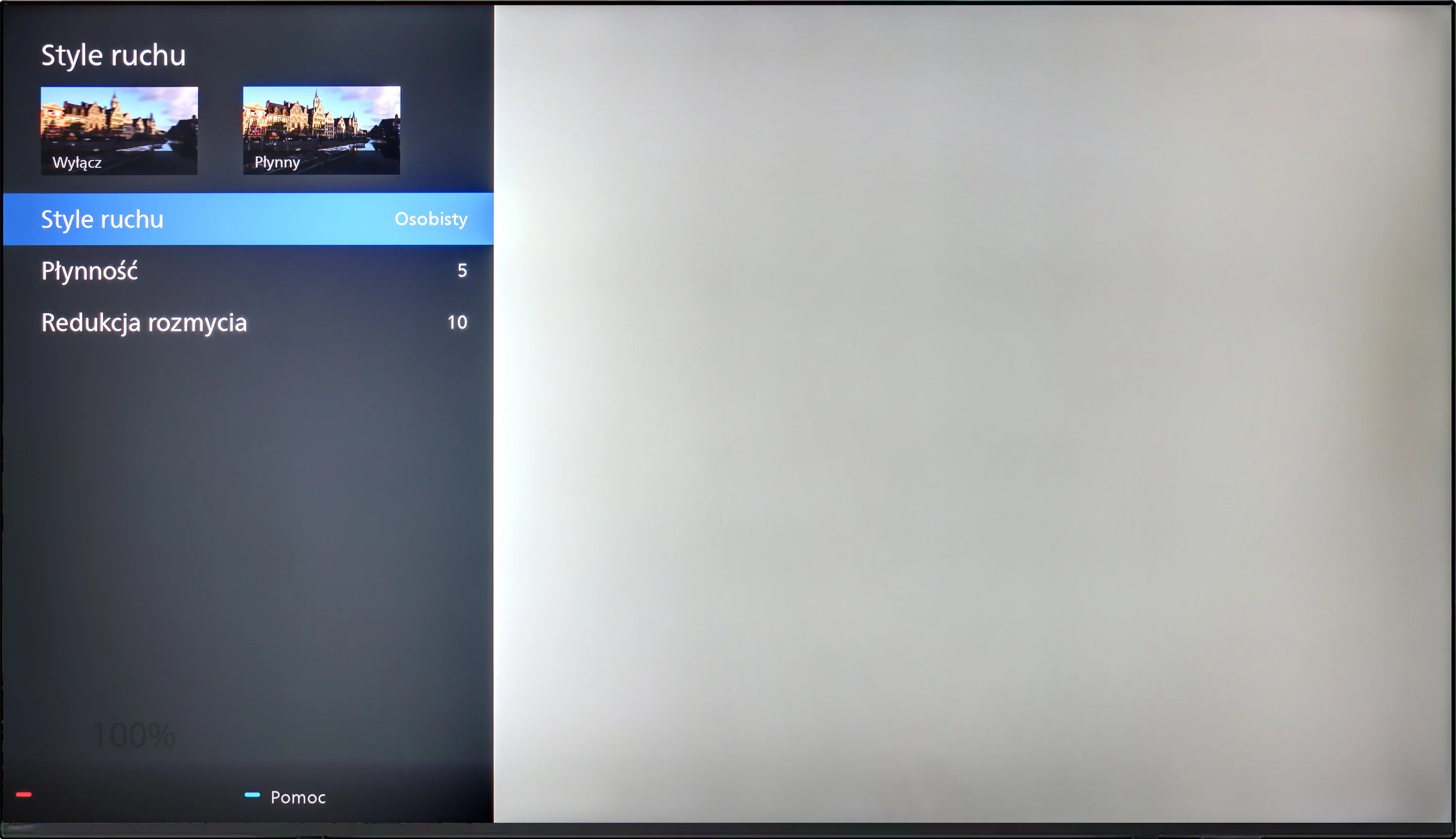
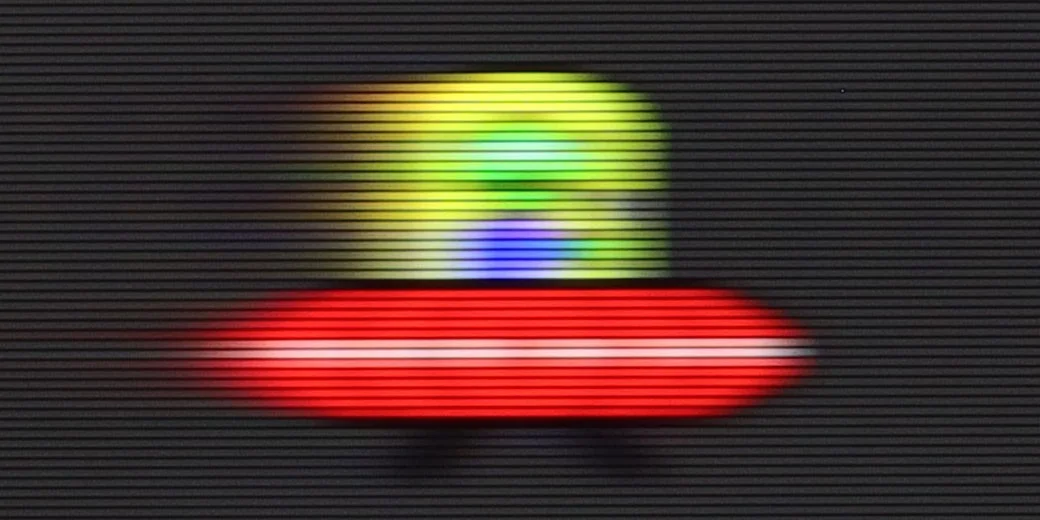
Philips PUS8959 TV is equipped with a 120 Hz panel, which should satisfy more demanding users, especially those who love watching dynamic sports broadcasts or playing games. Such a high refresh rate allows for significantly smoother images, being a key aspect during dynamic scenes and fast actions.
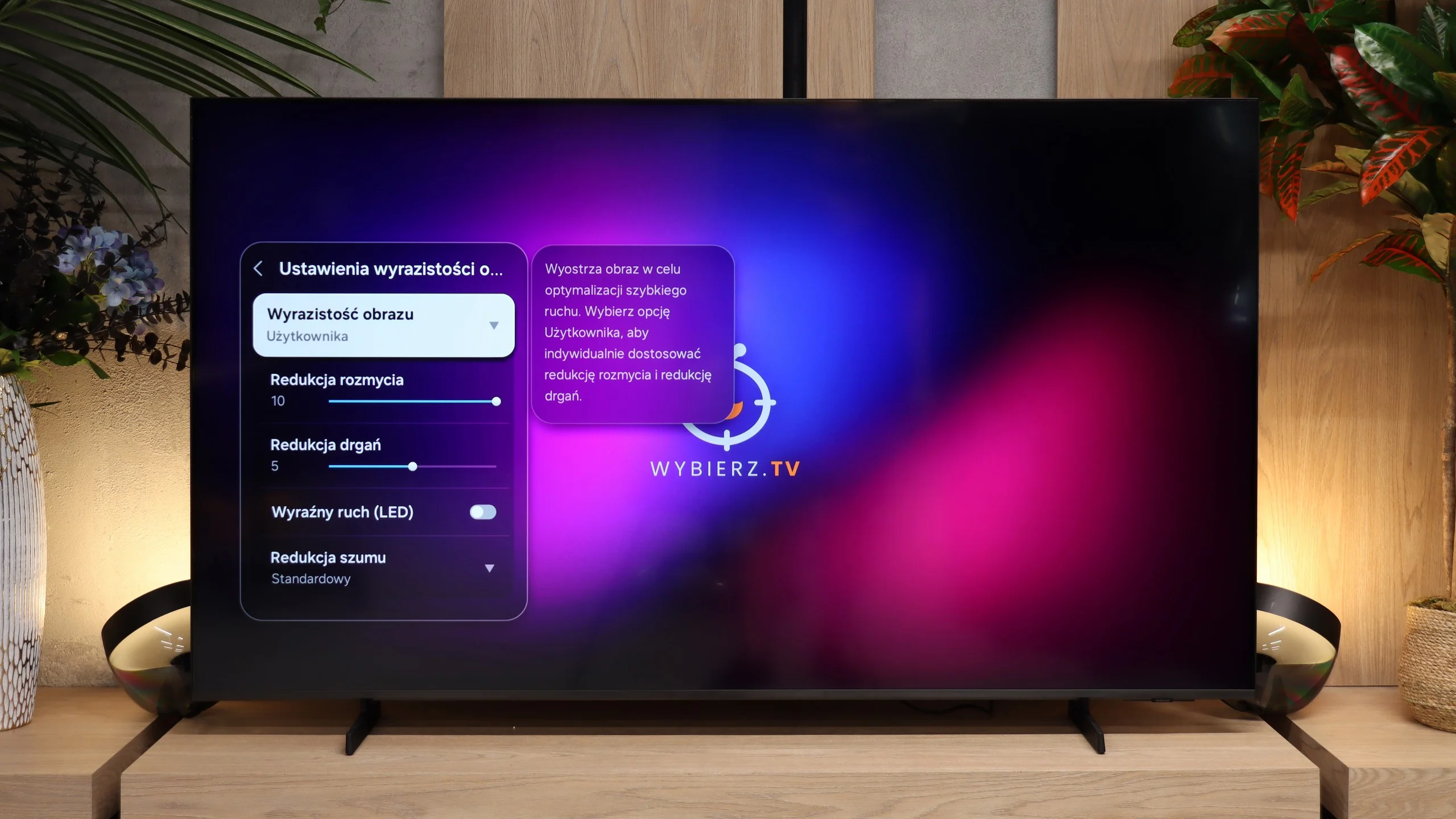
For those who prefer watching movies, the television offers an additional motion smoother that allows adjusting the film's frame rate according to personal preferences. The Philips PUS8959 features a 10-step adjustment for functions called "Smoothness" and "Motion Blur Reduction." The "Smoothness" function is responsible for increasing the number of frames through interpolation, making the motion on the screen smoother, resembling the effect of so-called "soap opera." Meanwhile, "Motion Blur Reduction" focuses on minimising ghosting and improving motion clarity, which is particularly noticeable in dynamic sequences, such as action scenes or fast-paced sports shots.
The M80H performs very well for watching sport and for gaming. The TV is fitted with a panel offering a refresh rate of up to 144 Hz at 4K, and when the resolution is lowered to Full HD it can even support 240 Hz. PC gamers will benefit most from the latter.
The panel also handles content displayed at 120 Hz well, which is particularly important for console gaming. The high refresh rate is also useful when watching sport, and motion blur is relatively limited. That matters because VA panels are not known for top results in this area. With the M80H, fast-moving objects do not show pronounced smearing.
Console compatibility and gaming features
9.8/10
9.6/10
- ALLM
- VRR
- VRR range48 - 144Hz48 - 240Hz
- Dolby Vision Game Mode
- Correct implementation of HGIG
- 1080p@120Hz
- 1440p@120Hz
- 4K@120Hz
- Game bar
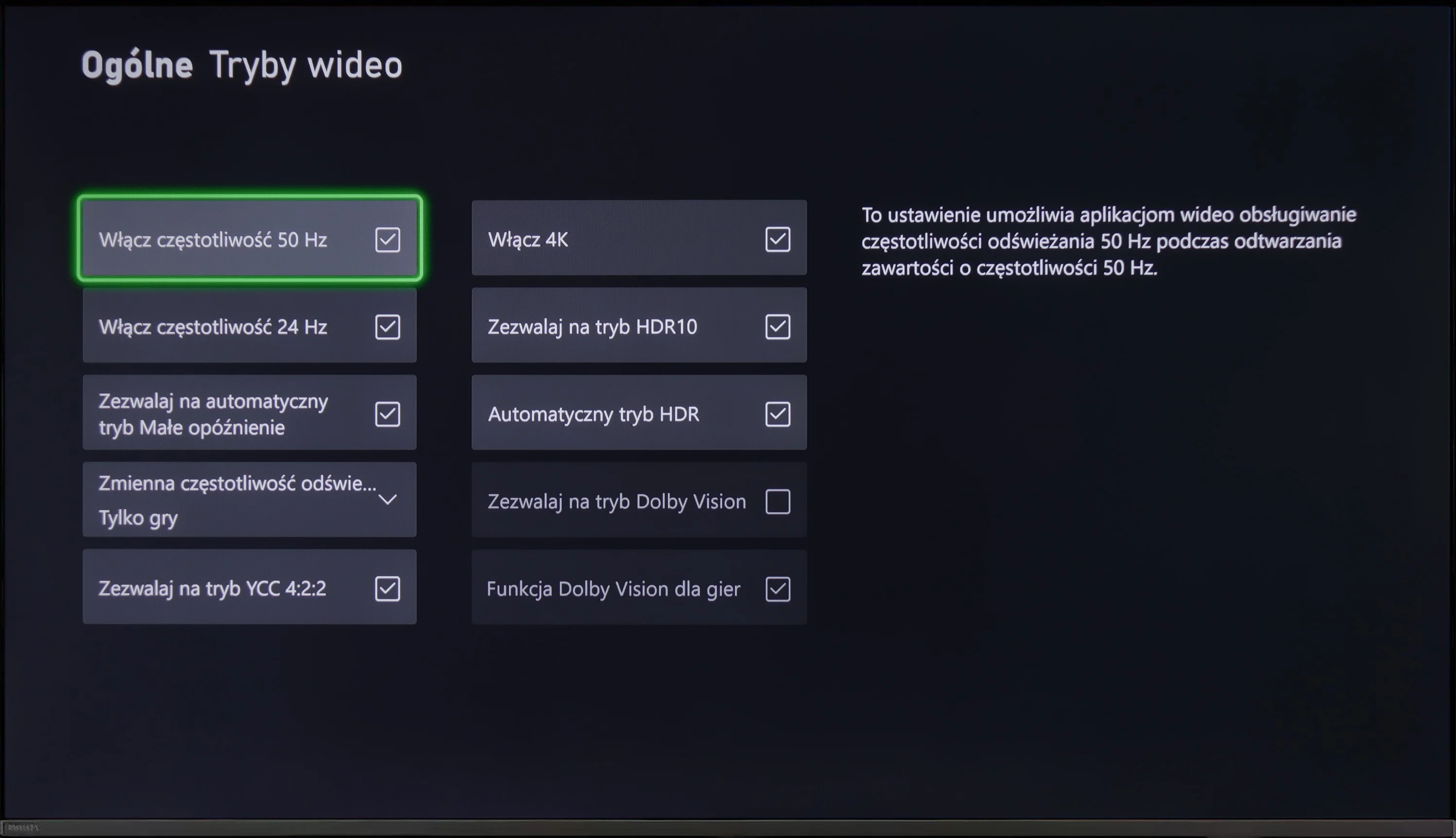
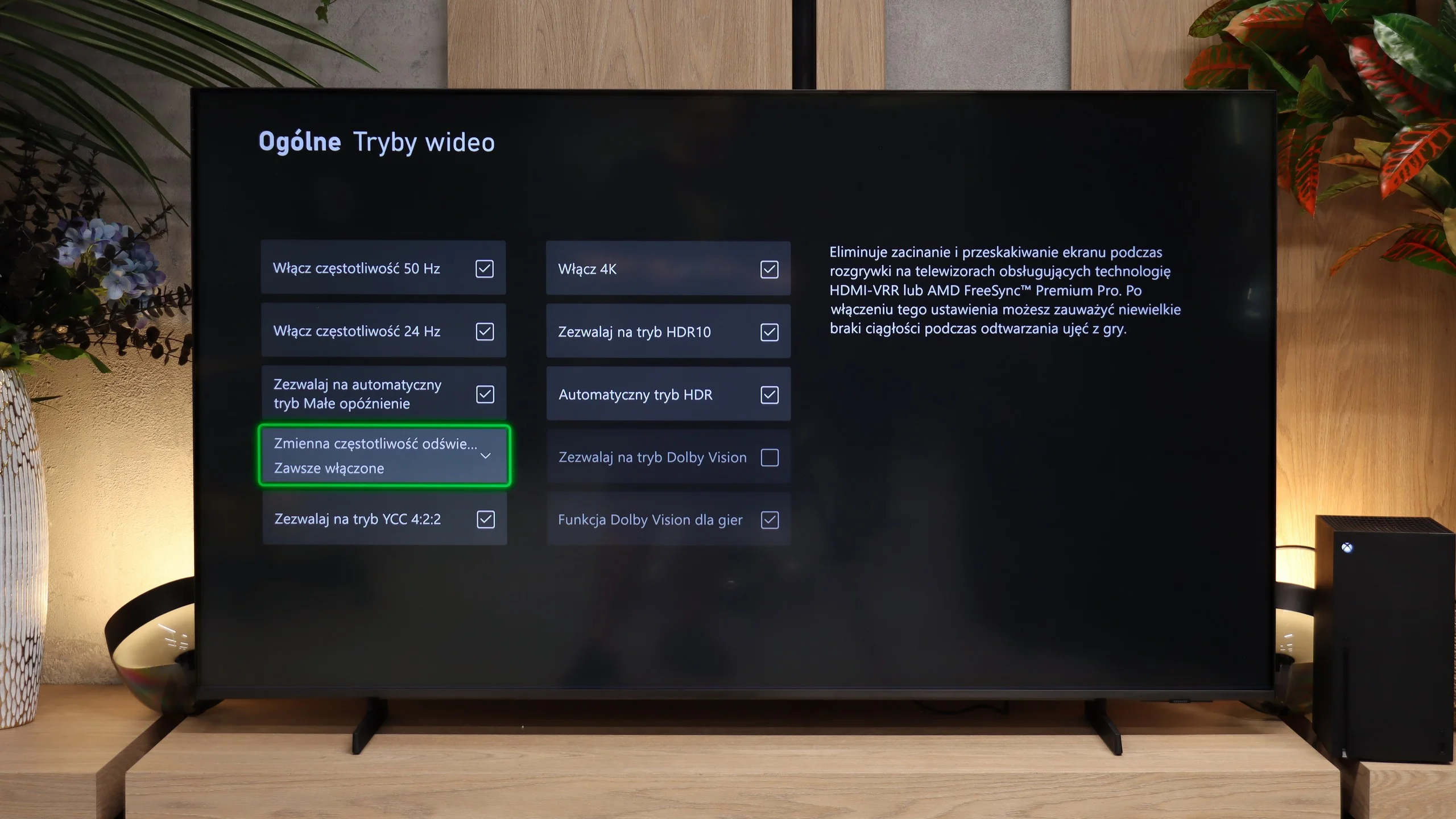
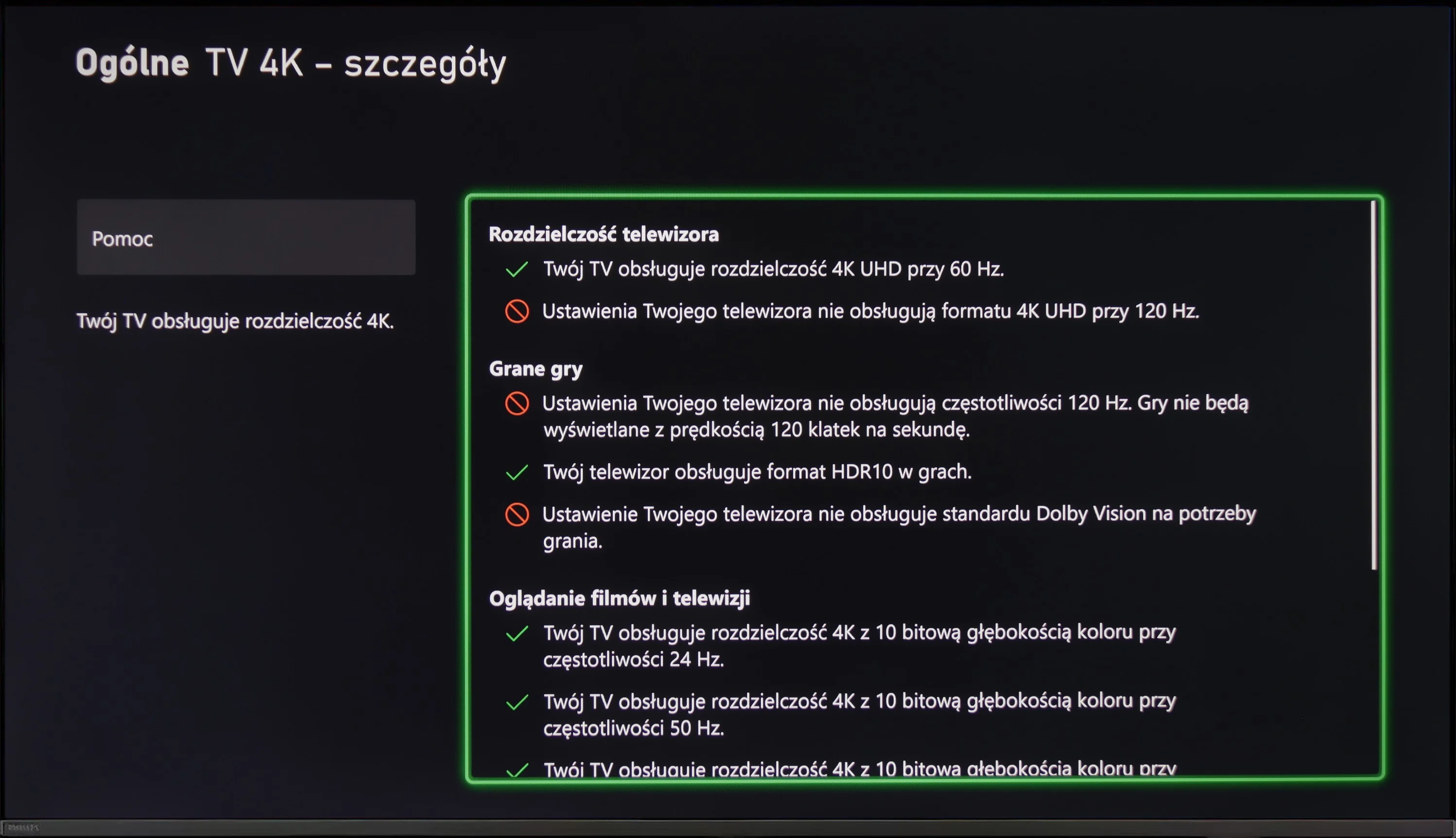
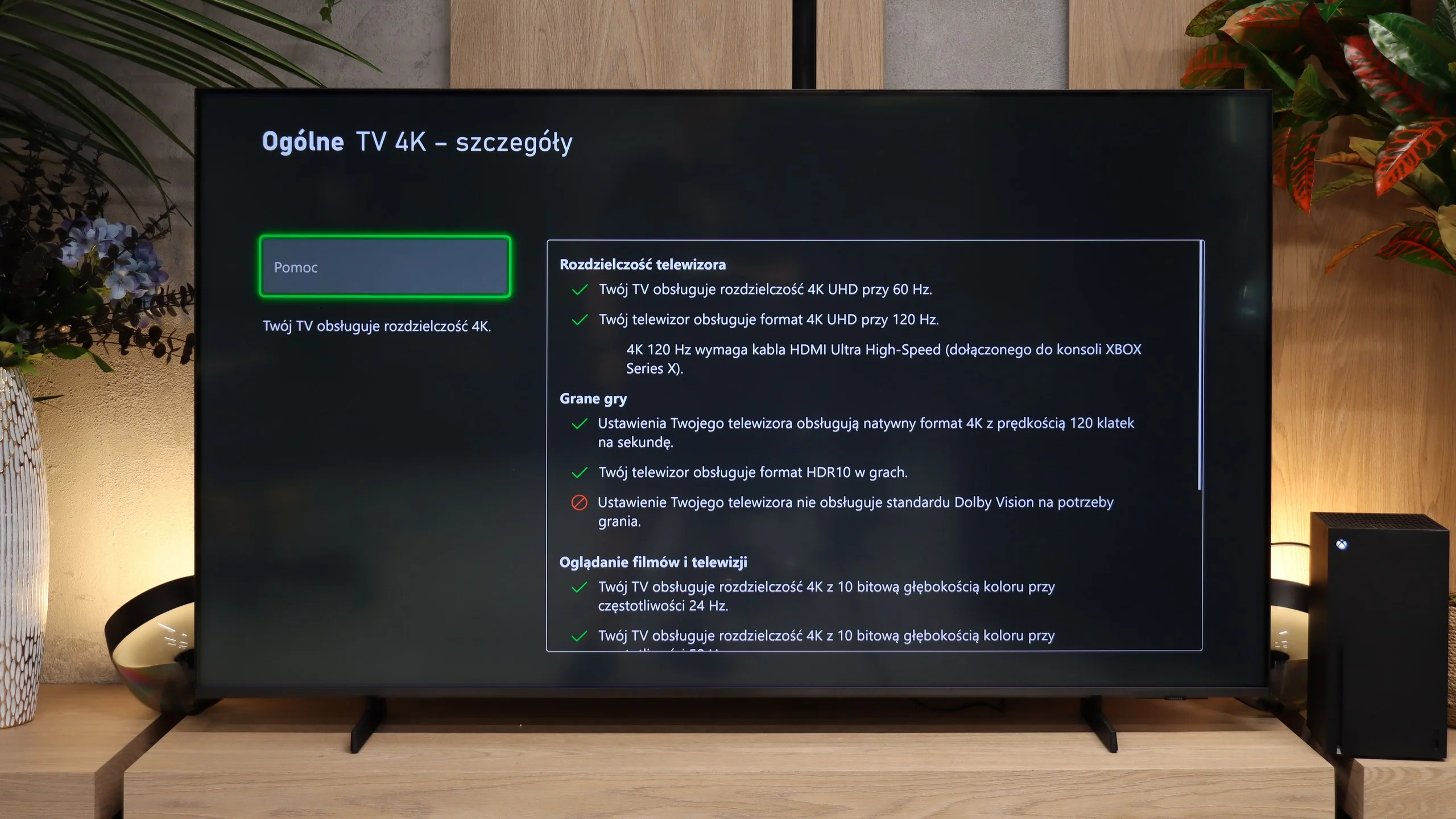
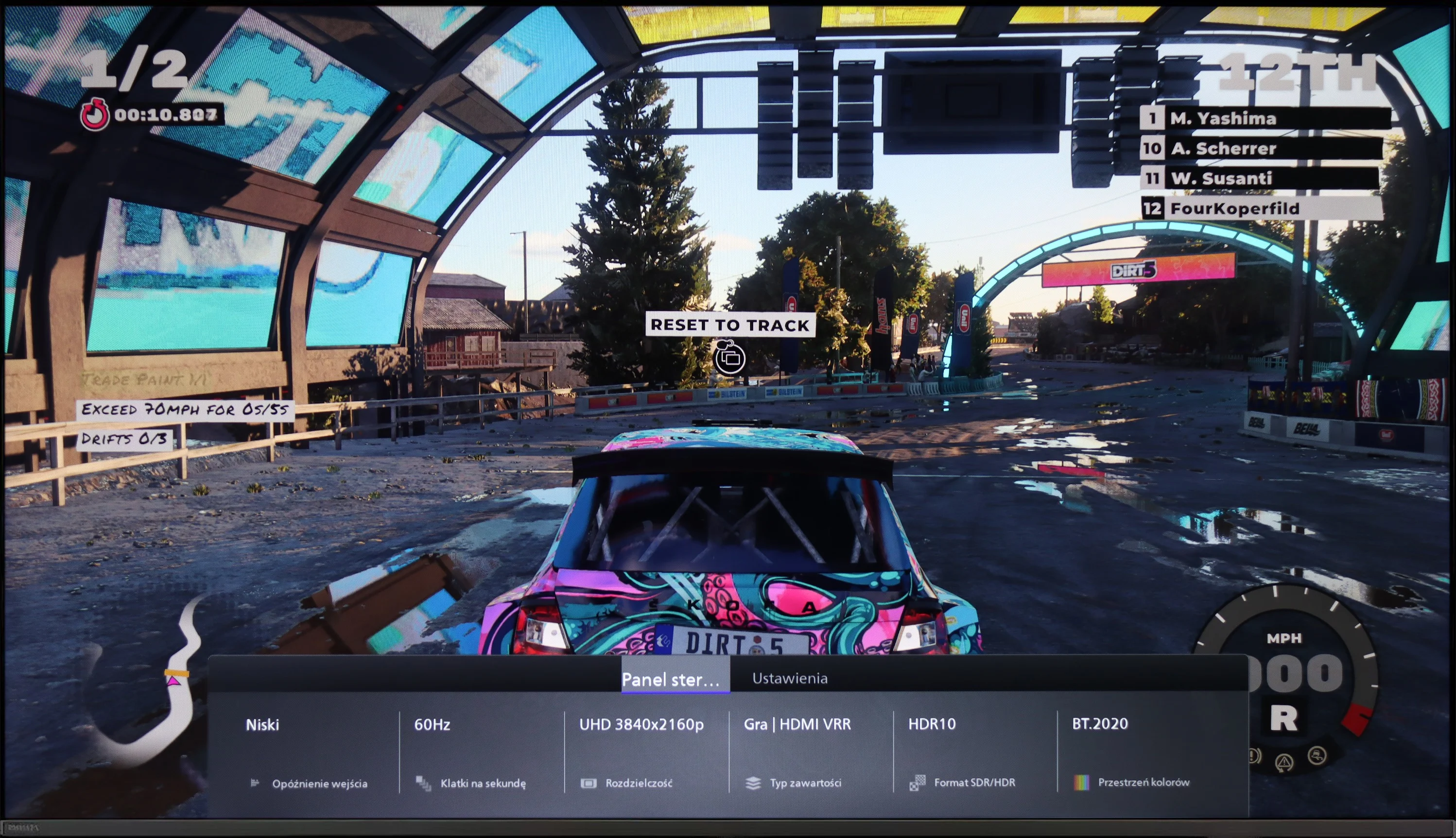
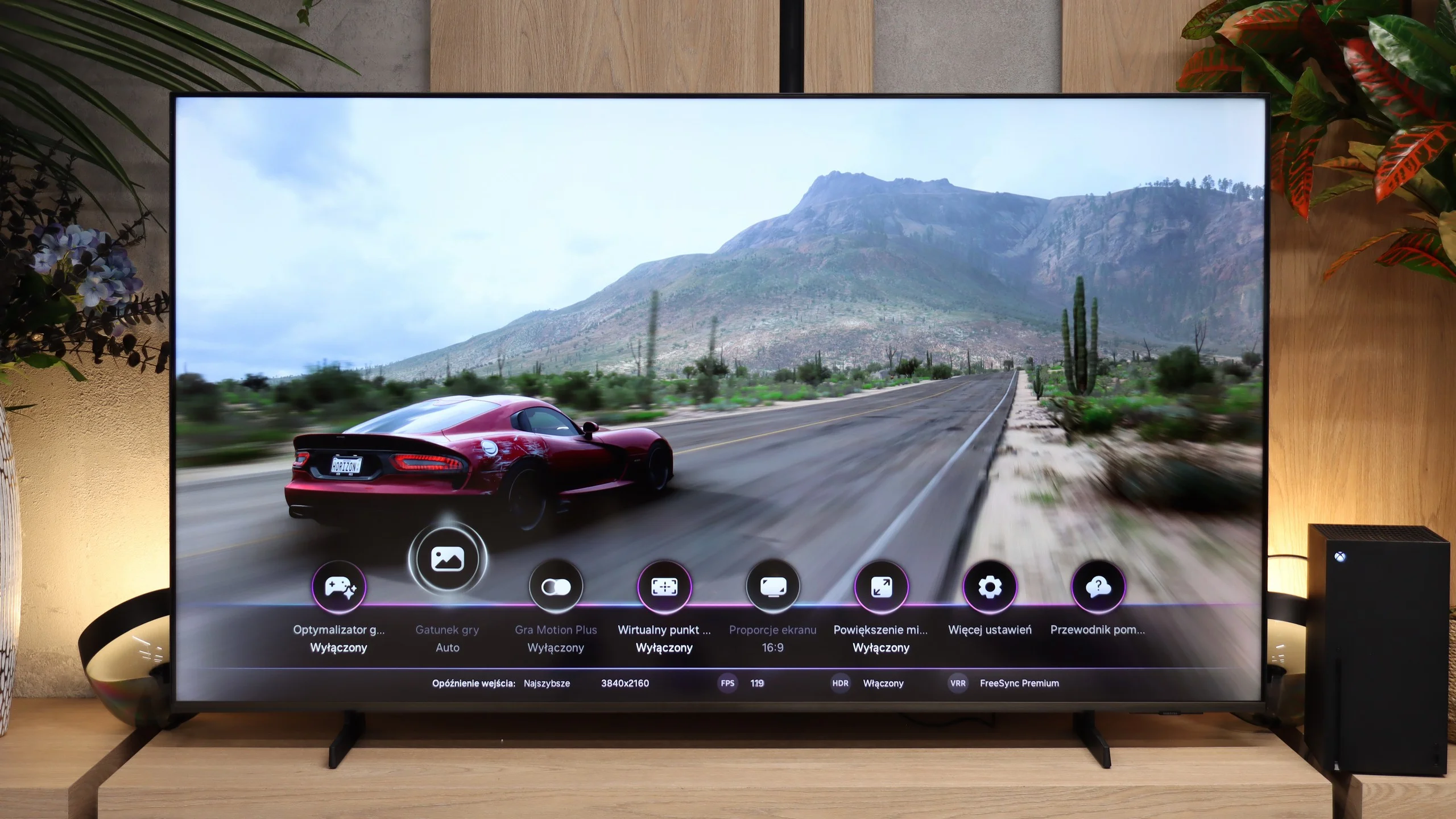
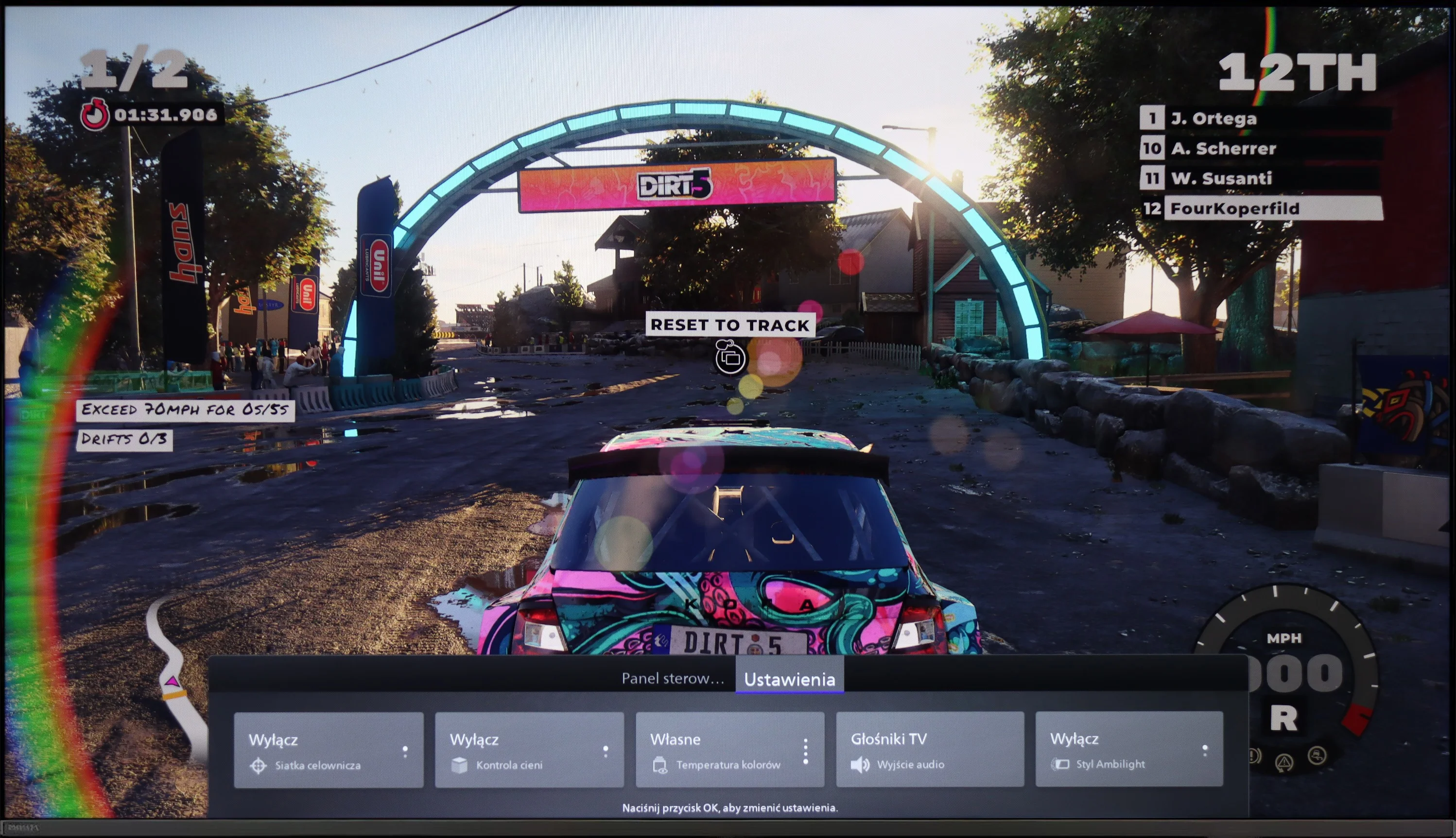
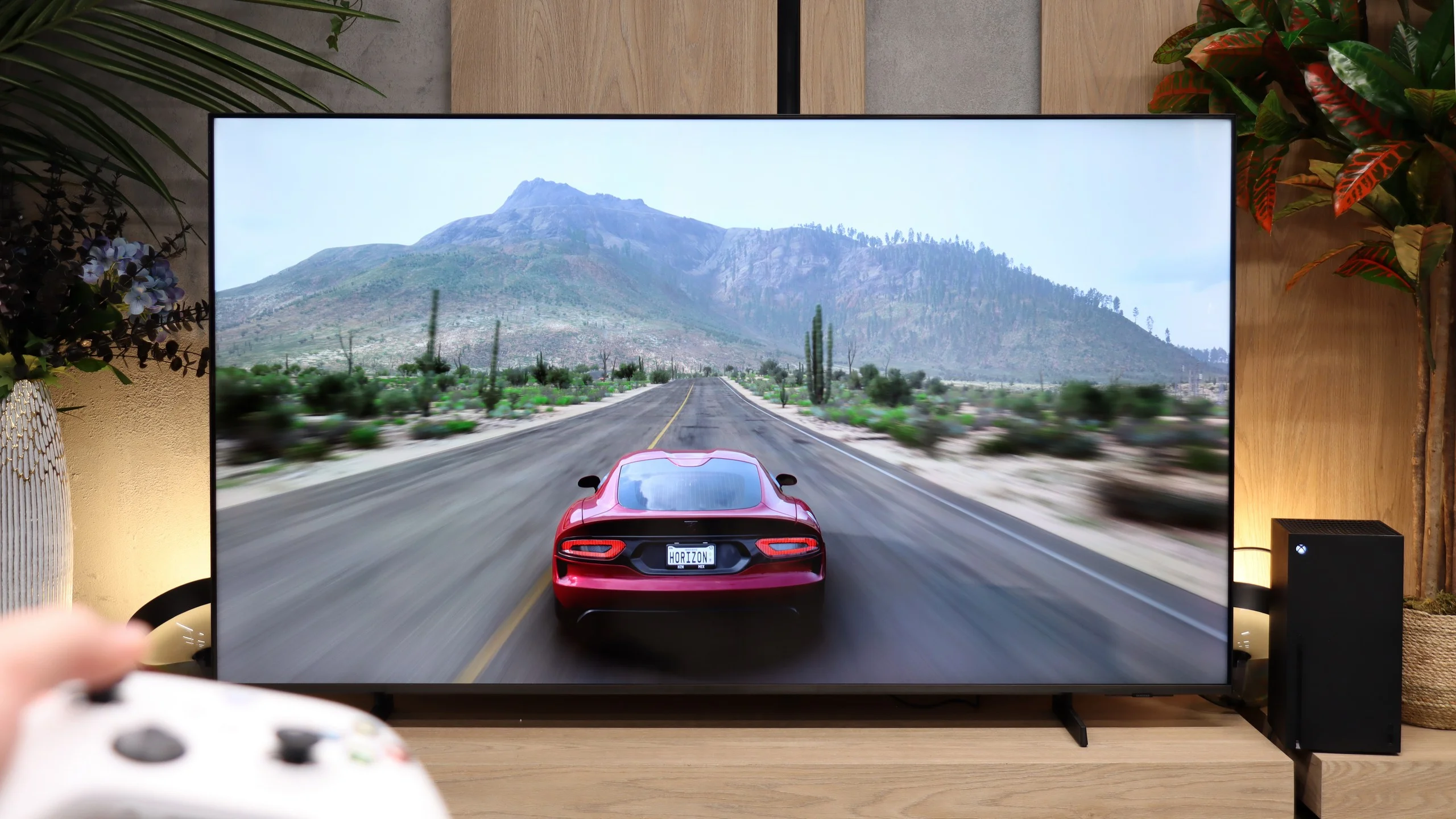
Philips PUS8959 is a television that will certainly satisfy gaming enthusiasts. It supports most modern technologies useful during gameplay, such as HGiG, allowing for better reproduction of HDR effects in games. As a result, the image is closer to what the game creators intended to achieve.
The television also supports displaying images at 120 Hz, ensuring smoothness and dynamism, which is especially important during action games and sports broadcasts. The Game Bar feature allows for quick access to game settings, making it easier to adjust the image according to user preferences without interrupting gameplay.
Unfortunately, the Dolby Vision mode does not offer low input lag, which may be noticeable during dynamic scenes. Nevertheless, thanks to the HGiG feature and high refresh rate, the Philips PUS8959 remains an attractive choice for gamers, providing good image quality and adequate smoothness during gameplay.
The M80H could be a very good choice for gamers on a slightly smaller budget. In terms of features it offers essentially the same as far more expensive Samsung TVs. All three HDMI ports support the 2.1 standard, so even if one is taken by a soundbar connected via eARC there is still room for a PC and consoles. There is also VRR that runs up to 144 Hz at 4K and up to 240 Hz at Full HD. Samsung has also correctly implemented HGiG, so after performing HDR calibration on a console games are properly matched to the screen’s capabilities. This won't make the M80H any brighter, but at least it won't unnecessarily crush the brightest parts of the image. There's also a Game Bar for quick access to key settings and a Gaming Hub that lets you play in the cloud without a console. The M80H also offers Game Motion Plus, which creates additional frames and improves the smoothness of games running at 30 or 60 fps. Input lag then rises to around 59 ms, but is still roughly three times lower than with ordinary motion smoothing on TVs from other manufacturers. We wouldn't really recommend it for online gaming, but in more relaxed titles it can perform very well.
Input lag
9.7/10
9.9/10
SDR
HDR
Dolby Vision
Philips PUS8959 TV offers impressive results in terms of input lag, making it an excellent choice for gamers. For content at 120 Hz, the lag is less than 6 ms, which is an absolutely outstanding result and allows for instantaneous reactions in games, especially in dynamic titles. For content at 60 Hz, the input lag is 15 ms, which is also an excellent result and ensures comfortable gameplay in most cases.
Unfortunately, the Dolby Vision mode does not perform as well, as the input lag increases to 31 ms. While this result may be acceptable for less dynamic content, it may be insufficient for demanding gamers, affecting precision and responsiveness. Nevertheless, in standard modes, Philips PUS8959 still offers remarkable performance, making it a competitive choice in the market for gaming TVs.
Input lag in the M80H is very low. With a 60 Hz signal it is about 14 ms, and at 120 Hz it drops to 9 to 10 ms. The delay is therefore practically imperceptible, whether we're gaming in SDR or HDR.
Compatibility with PC
8/10
8.9/10
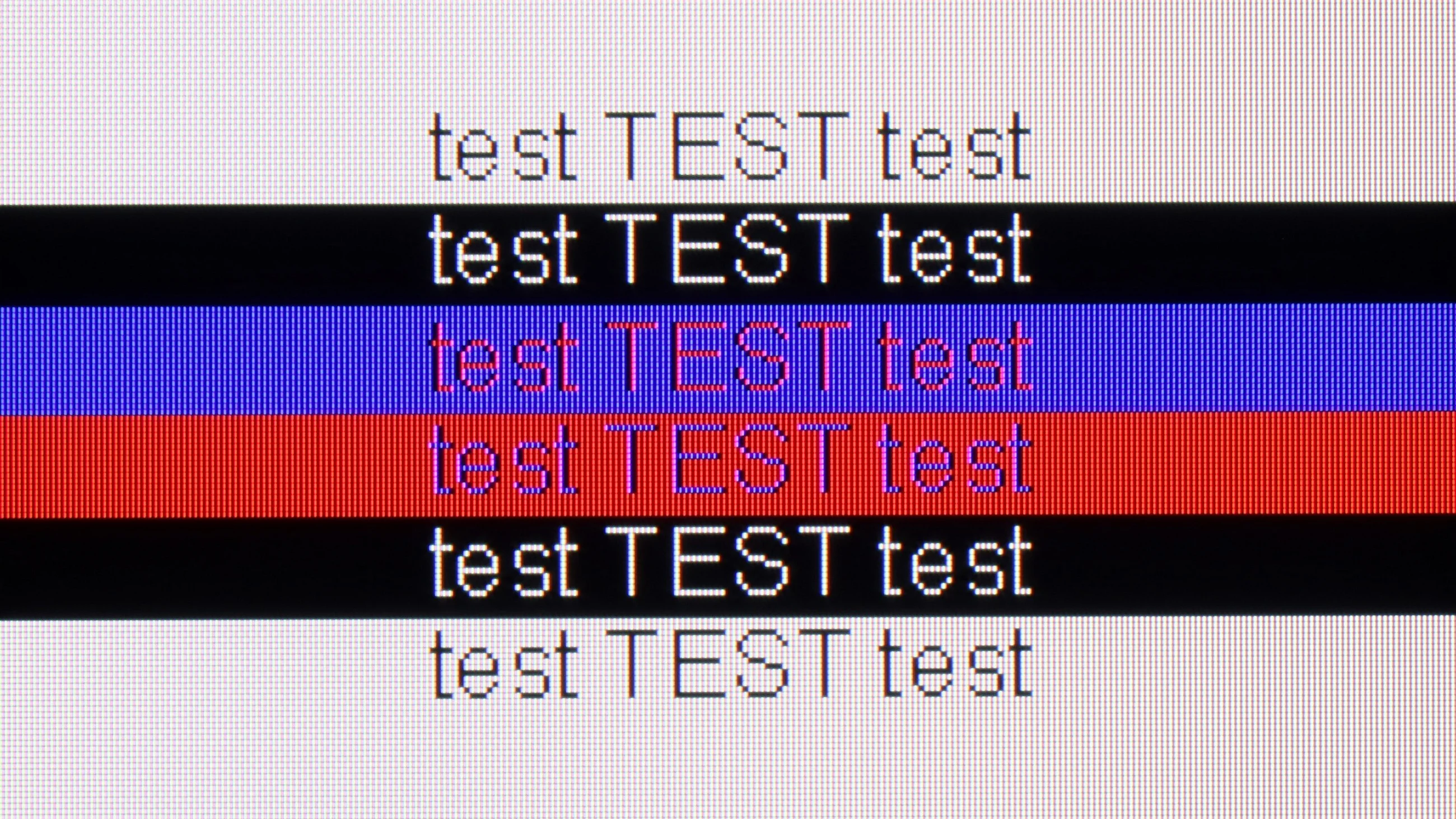
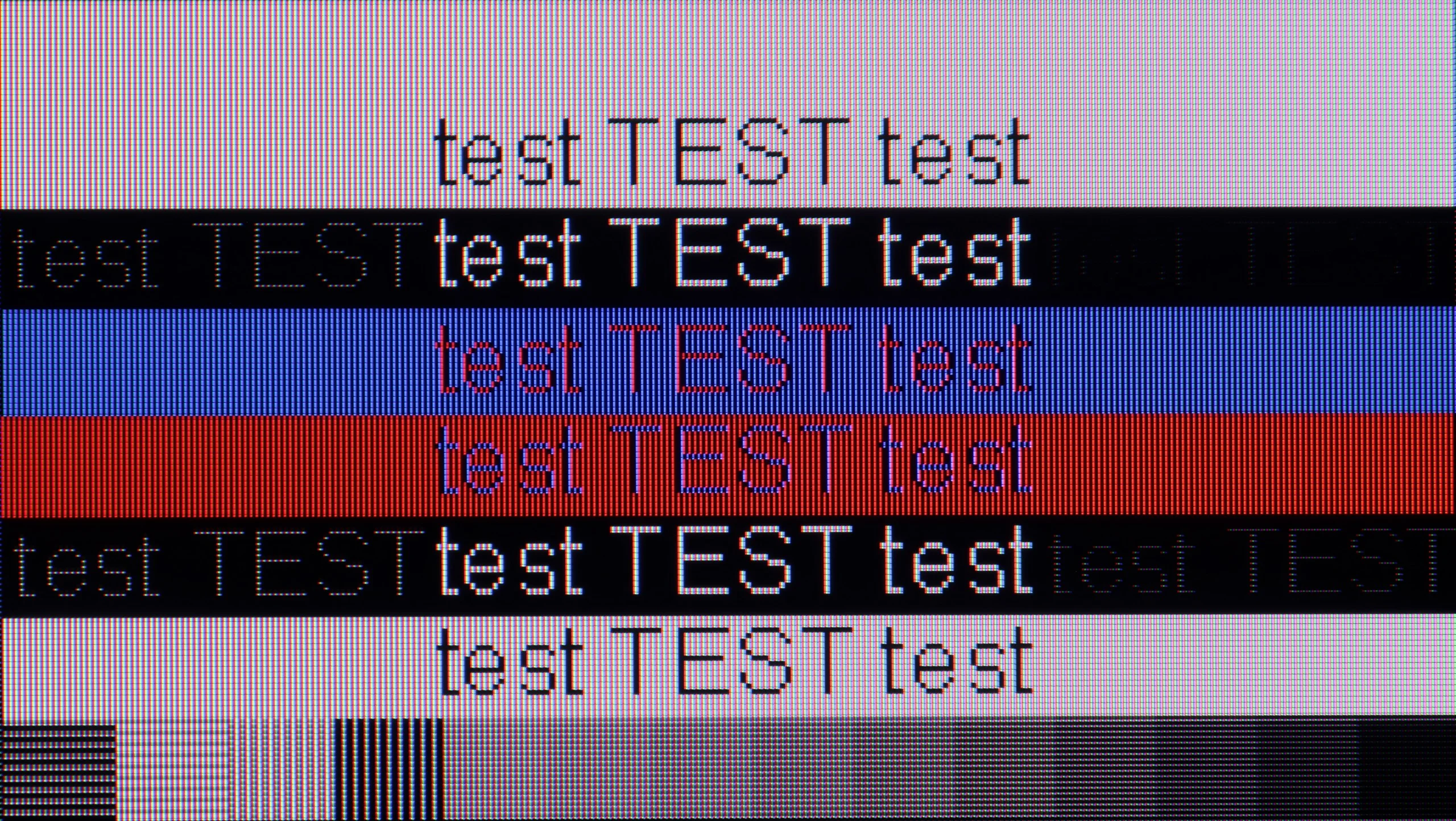
The photo shows the legibility of small fonts. Ideally, lines should be the same thickness on both light and dark text, with minimal pixel gaps.
Philips PUS8959 is excellent as a monitor for use with a PC. With support for chroma 4:4:4, it provides full colour clarity, which is crucial for working with text – fonts are sharp and legible, regardless of the background they are on. This makes using office applications, browsing the internet, and graphic editing comfortable and precise.
Additionally, the low input lag offered by the television ensures smooth and responsive operation, which is important both for everyday tasks and for more dynamic uses, such as gaming or media editing. Philips PUS8959 is an excellent choice for users looking for a television that will also serve as a PC monitor, offering high image quality and user comfort.
The M80H also works very well as a computer monitor. Gamers can use 4K at 144 Hz, with VRR and G-Sync, and input lag in PC mode is around 10 ms. There is also a Full HD mode at 240 Hz. The TV correctly displays 4:4:4 chroma at the maximum resolution and refresh rate. Combined with a classic RGB subpixel layout, this gives very good font legibility, for both light and dark text. The M80H is therefore suitable not only for gaming but also for everyday desk work.
Viewing angles
6.9/10
3.1/10
Philips PUS8959, equipped with an ADS panel, offers quite good viewing angles, definitely better than those found in VA panels. The image maintains its quality even when viewed from a greater angle – colours are clear, and the contrast does not deteriorate as much as with televisions featuring VA panels. As a result, watching the television from different spots in the room still allows you to enjoy well-saturated colours and overall image quality, making the Philips PUS8959 perfect for larger rooms and for watching together with family or friends.
Viewing angles are one of the weaker points of the M80H. The TV uses a VA panel, which provides deeper blacks and higher contrast than an IPS panel, but it looks worse when viewed from the side. Just sitting at a wider angle is enough for colours to start losing saturation, blacks to become noticeably lighter, and the whole image to look more washed out. This is a typical compromise associated with this type of panel. The M80H therefore performs best when watched straight on or from a minimal angle.
Daytime performance
6.1/10
5/10
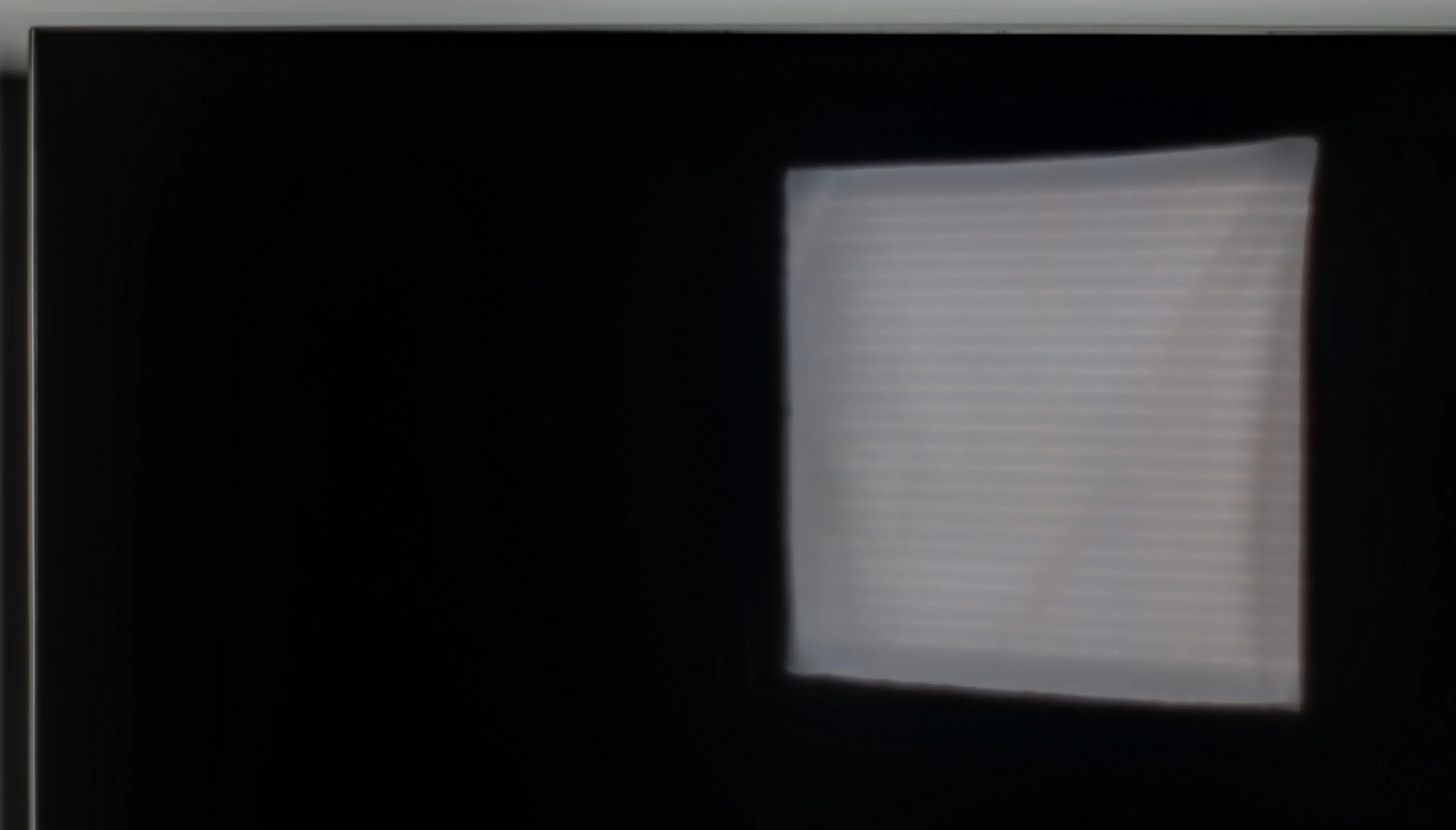
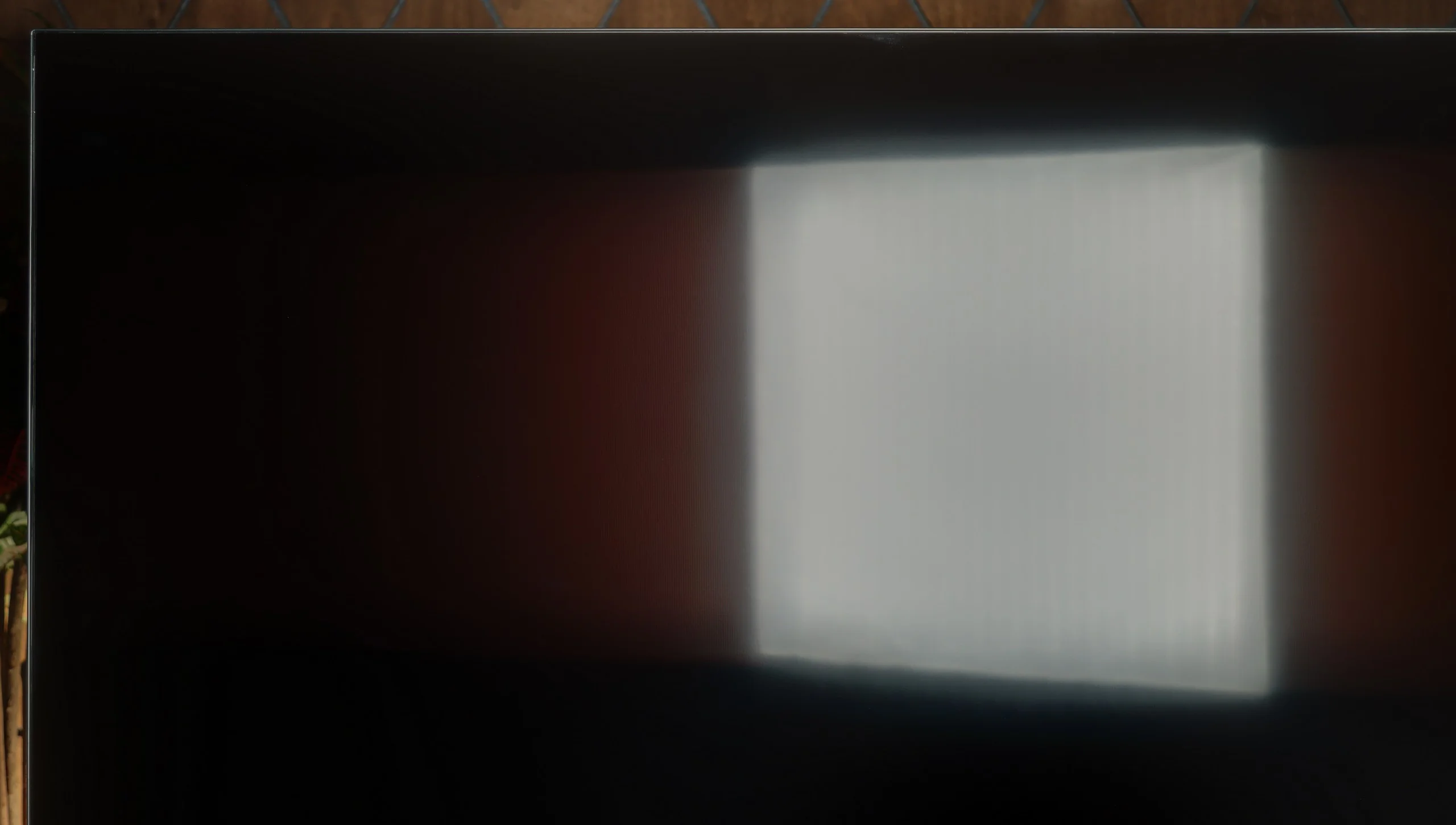
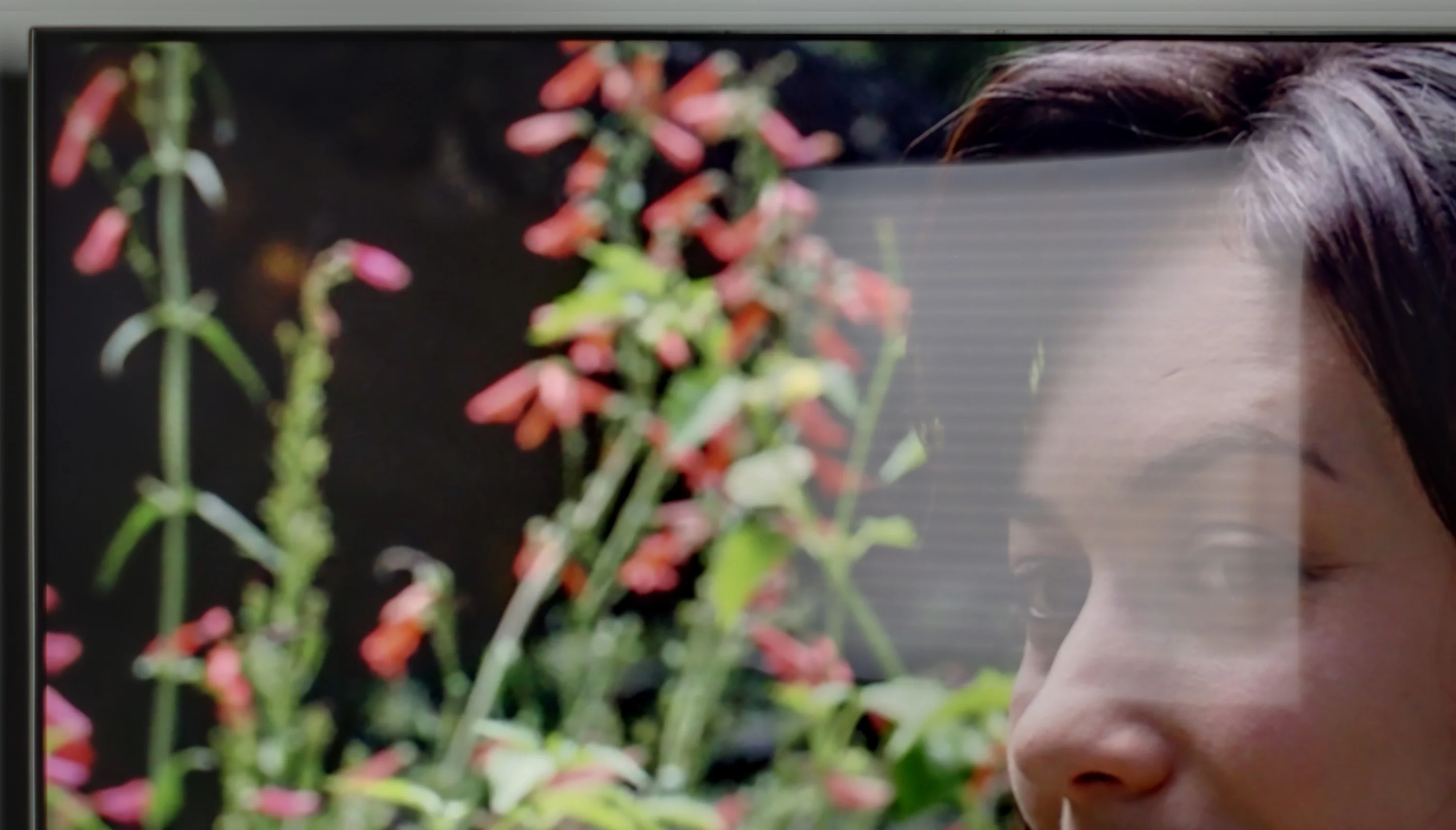
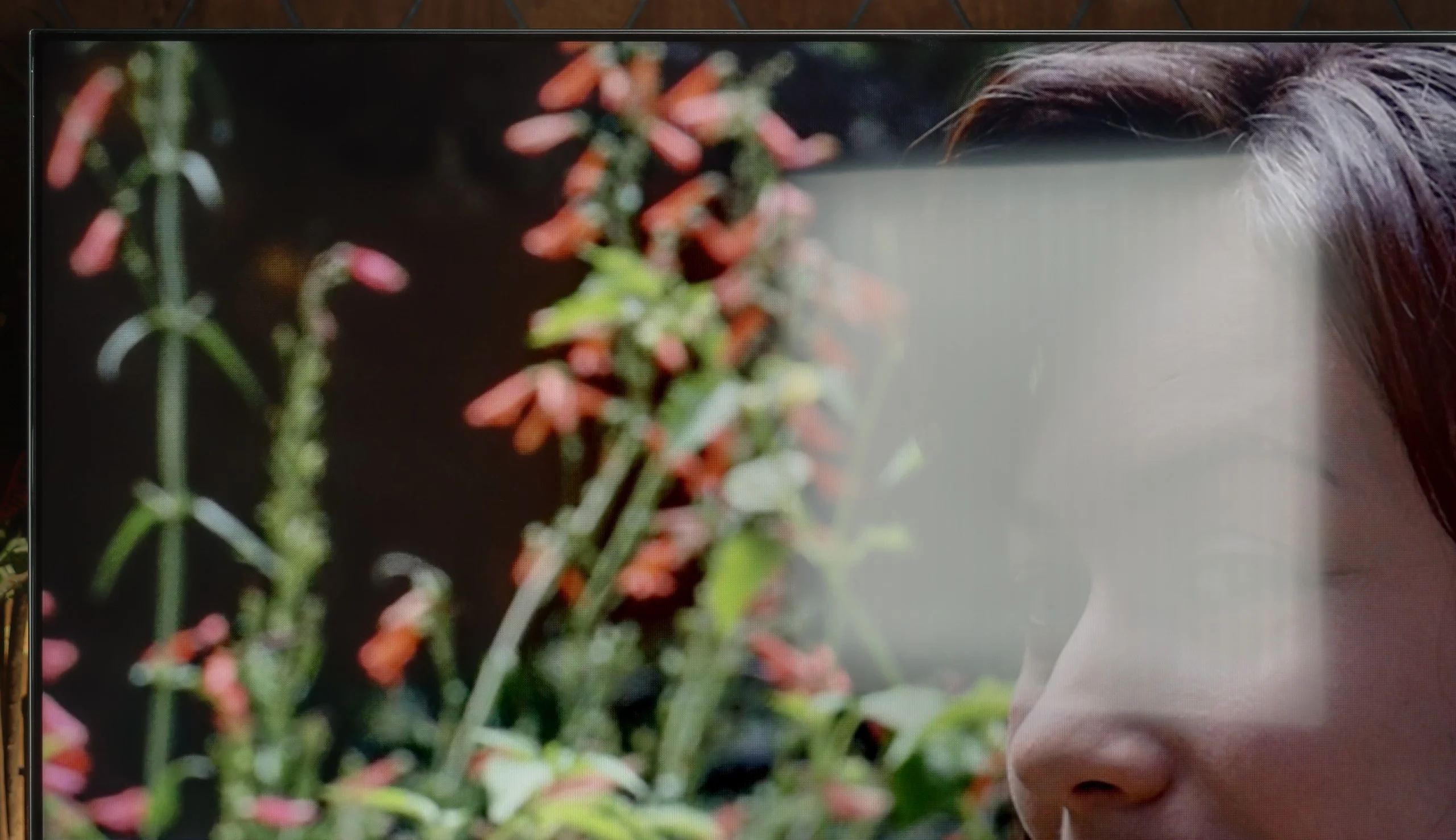
Panel brightness
Samsung M80H: 345 cd/m2
Philips The One (PUS8959 / PUS8919 / PUS8909 / PUS8949: 562 cd/m2
Philips PUS8959 features a satin finish on the screen that effectively reduces light reflections, which is beneficial when using the television in bright daytime conditions. However, such a finish causes blacks to take on shades of grey during the day, losing their depth and intensity, which affects the perception of image in darker scenes.
With a brightness level of 562 cd/m², it allows for comfortable viewing of the television during the day, even in well-lit rooms. The image is bright enough to cut through daylight, and the reduction of reflections provides decent visibility of content, making Philips PUS8959 a good choice for rooms where the lighting level cannot always be controlled.
In a bright room the M80H performs acceptably, but without any major surprises. The satin finish does a decent job of reducing reflections, although with large windows or lamps positioned opposite the screen they will still be visible. Black levels are a plus: with the lights on they do not become overly grey. SDR brightness is around 345 nits and remains stable regardless of the scene being shown. In a typical living room this should be enough for comfortable daytime viewing. However, in a very brightly sunlit room the image may look too washed out.
Panel details
Subpixel Structure:
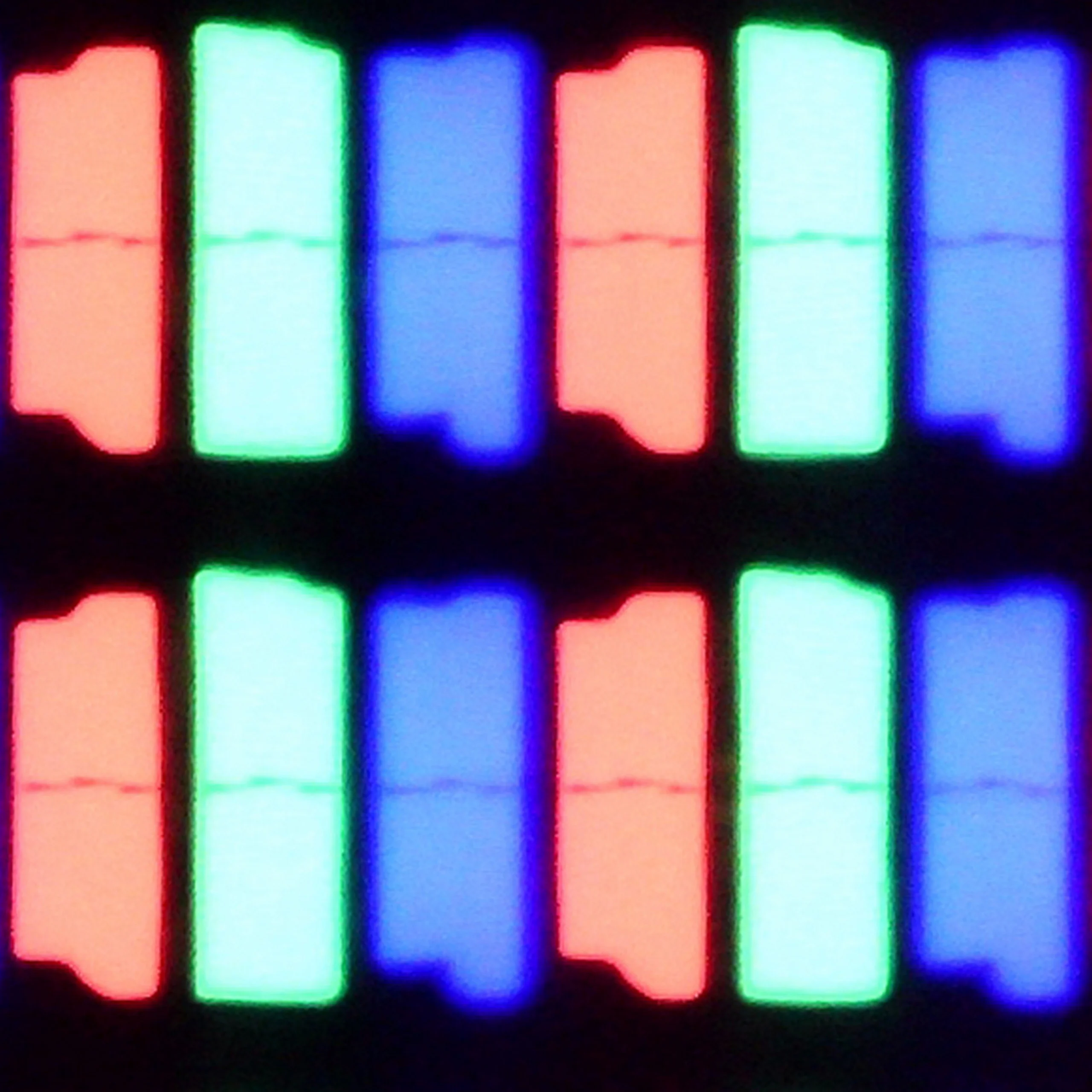
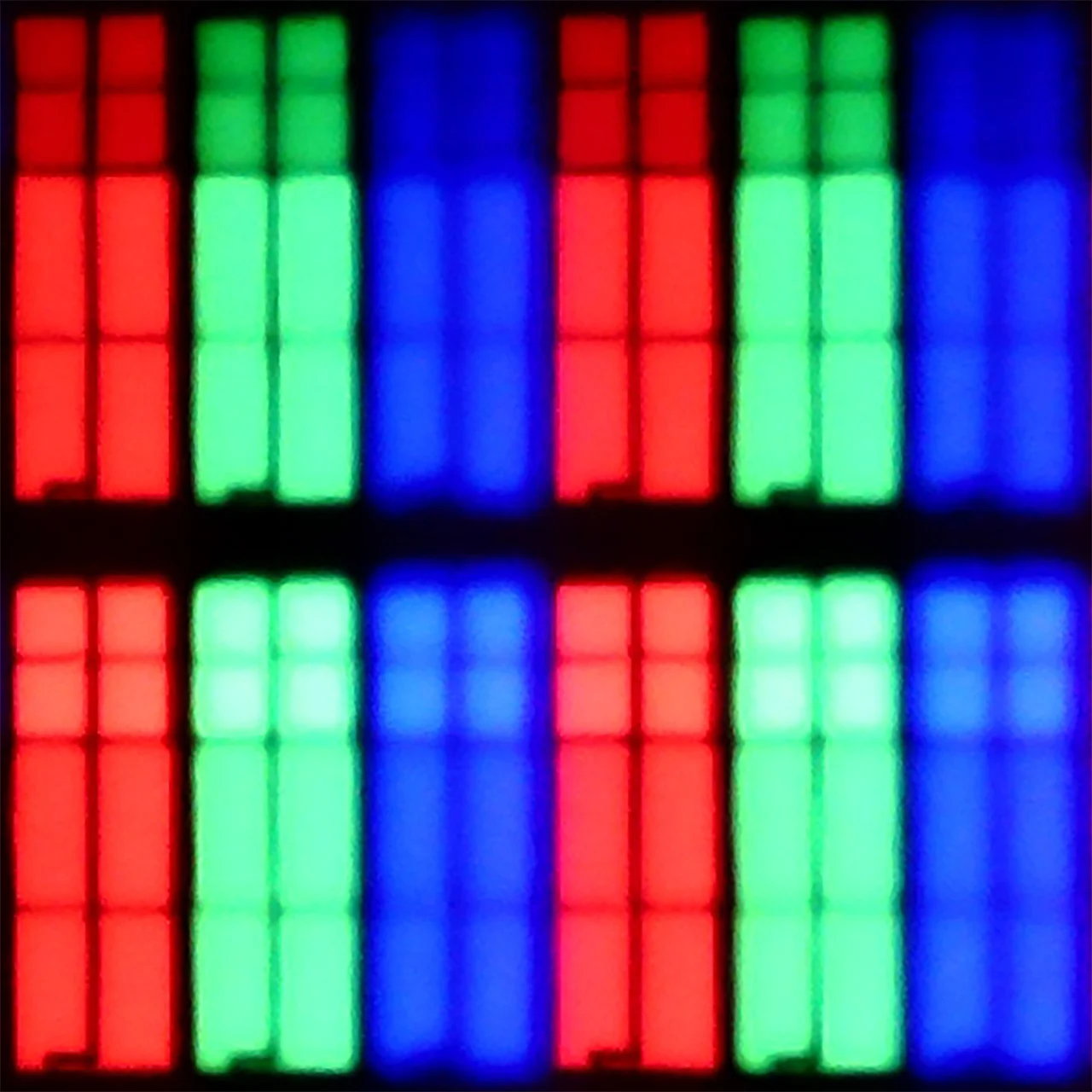
Panel uniformity and thermal imaging:


Philips The One (PUS8959 / PUS8919 / PUS8909 / PUS8949
Samsung M80H
TV features
6.1/10
7.3/10
- SystemTitan OSTizen
- System performanceDecentVery good
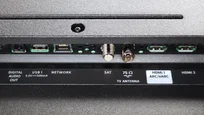
- HDMI inputs0 x HDMI 2.0, 0 x HDMI 2.1 48Gbps0 x HDMI 2.0, 3 x HDMI 2.1 48Gbps
- OutputsToslink (Optical audio), eARC (HDMI), ARC (HDMI), Mini-Jack (Headphones)eARC (HDMI), ARC (HDMI)
- Network InterfacesWi-Fi 2.4GHz, Wi-Fi 5GHz, Ethernet (LAN) 100MbpsWi-Fi 2.4GHz, Wi-Fi 5GHz, Ethernet (LAN) 100Mbps
- TV receptionDVB-T, DVB-T2, DVB-S, DVB-S2, DVB-CDVB-T, DVB-T2, DVB-S, DVB-S2, DVB-C
Classic features:
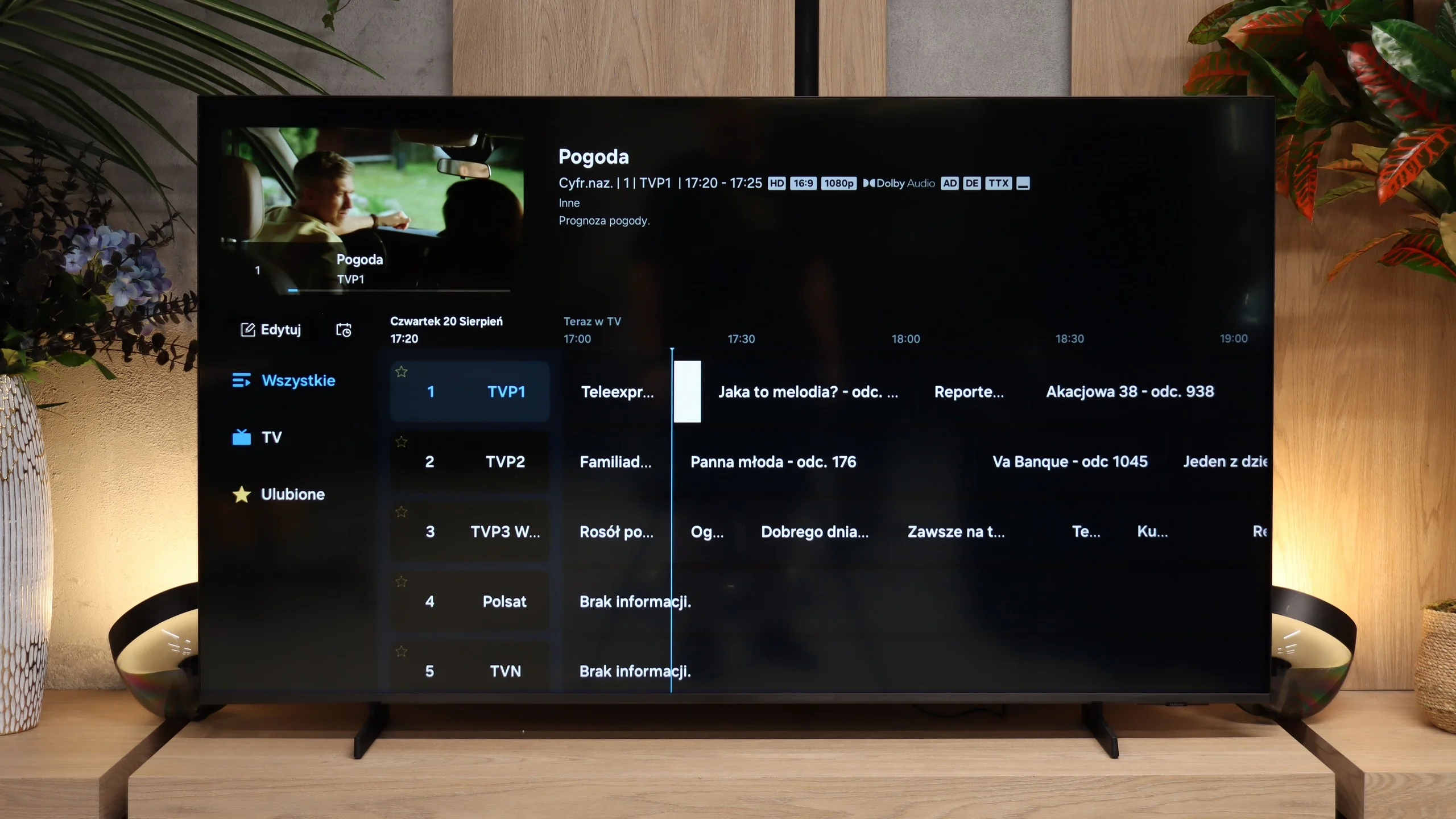
- Recording to USB (terrestrial TV)
- Recording programming
- Picture in Picture (PiP)
- RF remote control (no need to aim)
- Backlit remote control
- Teletext
- Audio only mode
- Bluetooth headphones support
- Simultaneous Bluetooth headphones & TV audio
Smart features:
- AirPlay
- Screen mirroring (Windows Miracast)
- Voice search
- Voice search in native language
- Ability to connect a keyboard and mouse
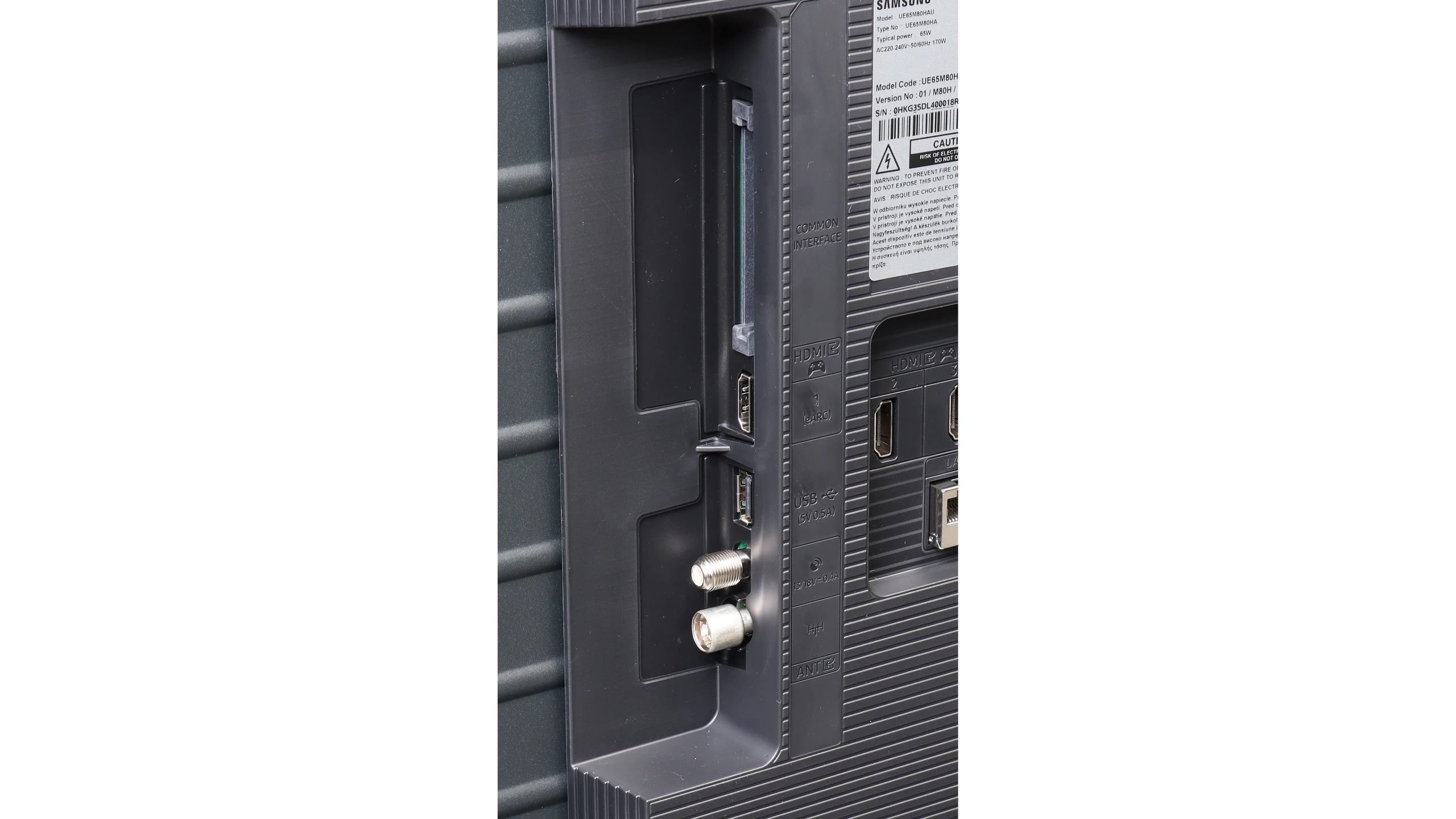
Sound connection options
- HDMI audioeARC (HDMI), ARC (HDMI)eARC (HDMI), ARC (HDMI)
- Other audio outputsToslink (Optical audio), Mini-Jack (Headphones)
- Wireless audioBluetoothBluetooth
Supported audio formats (external HDMI eARC audio):
- Dolby Digital Plus 7.1
- Dolby True HD 7.1
- Dolby Atmos in Dolby Digital Plus (JOC)
- Dolby Atmos in Dolby True HD
- DTS:X in DTS-HD MA
- DTS-HD Master Audio
Senior accessibility
- Numeric keyboard on TV
- Font size adjustment
- Audio description
Philips PUS8959 is equipped with a three-sided Ambilight system – the flagship patent of this brand, which has enjoyed a devoted fan base for years. Ambilight consists of dynamic backlighting of the wall behind the television, adapting to the content displayed on the screen, significantly enhancing the viewing experience, especially in a darkened room. This effect is unique and adds a certain kind of "magic" to watching, making many users choose Philips specifically for this feature.
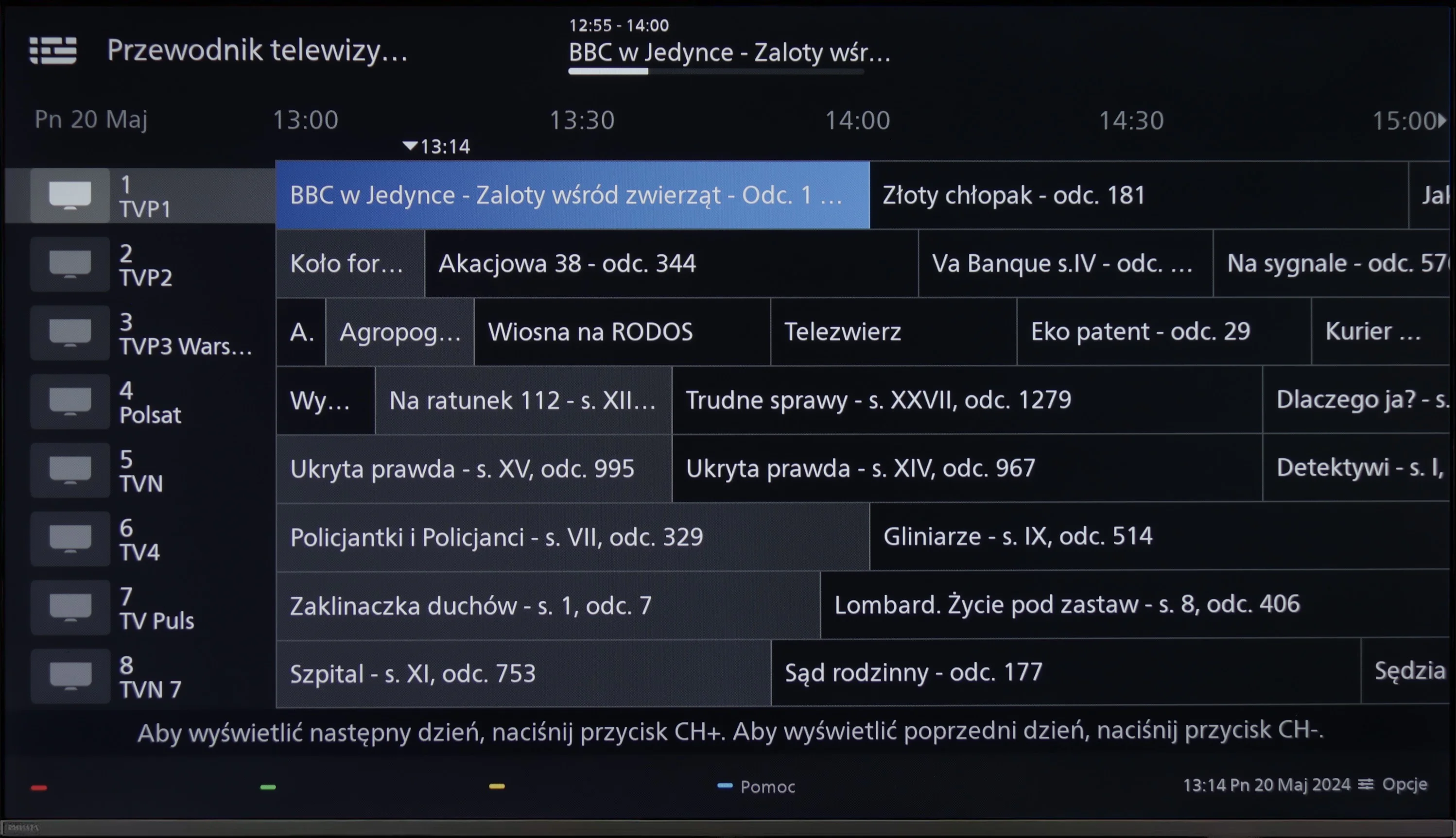
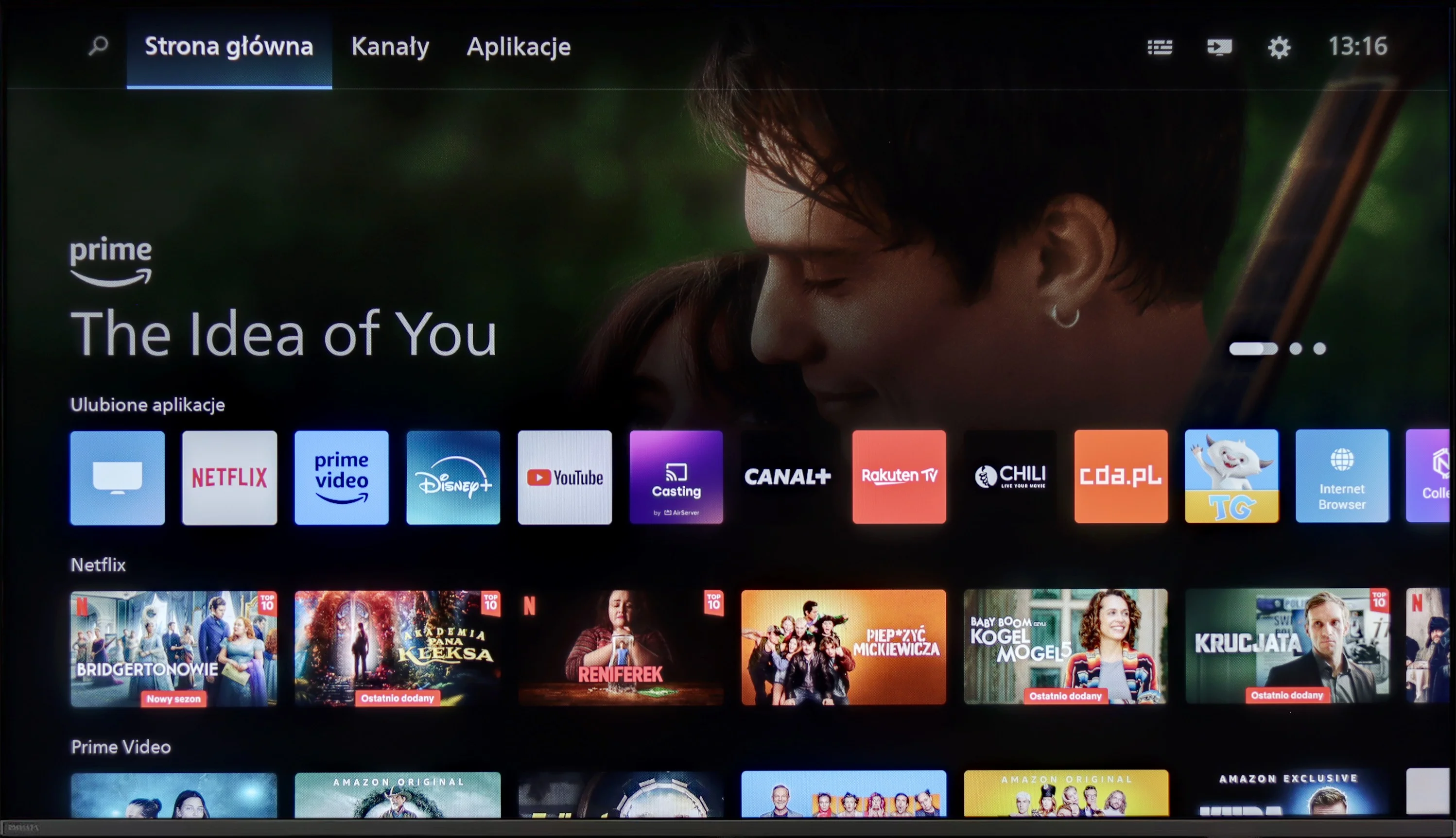
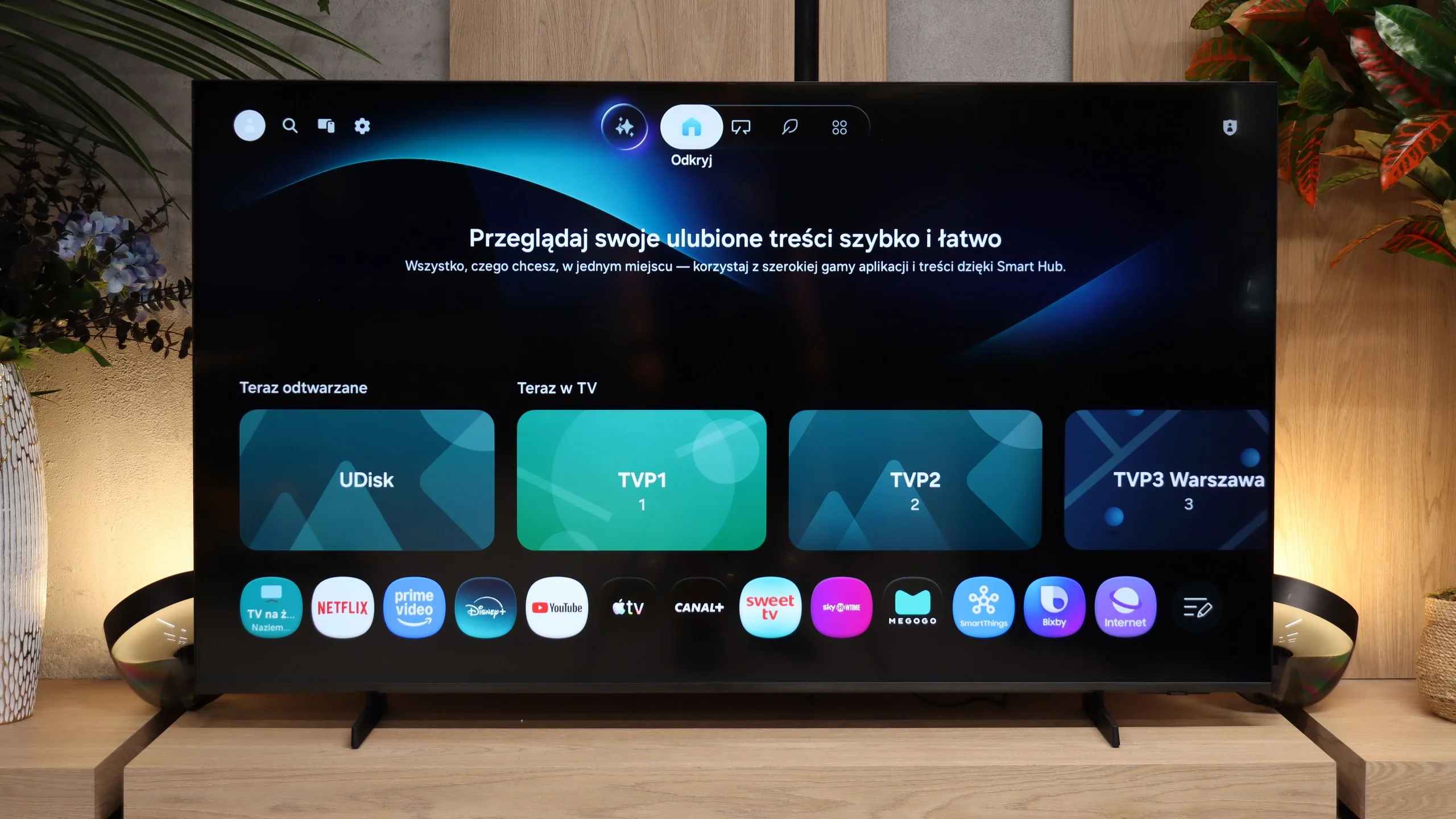
As for the operating system, Philips PUS8959 uses Titan OS – a system that is still in its early stages of development. Here, we can see the issues of growing pains, especially since Philips has moved away from Android in most of its models. Titan OS has a limited number of available applications. This is frustrating for those accustomed to a broader ecosystem like GoogleTV. Additionally, the television lacks AirPlay functionality, which limits its compatibility with Apple devices and may be a drawback for users seeking a flexible way to stream content.
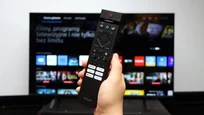
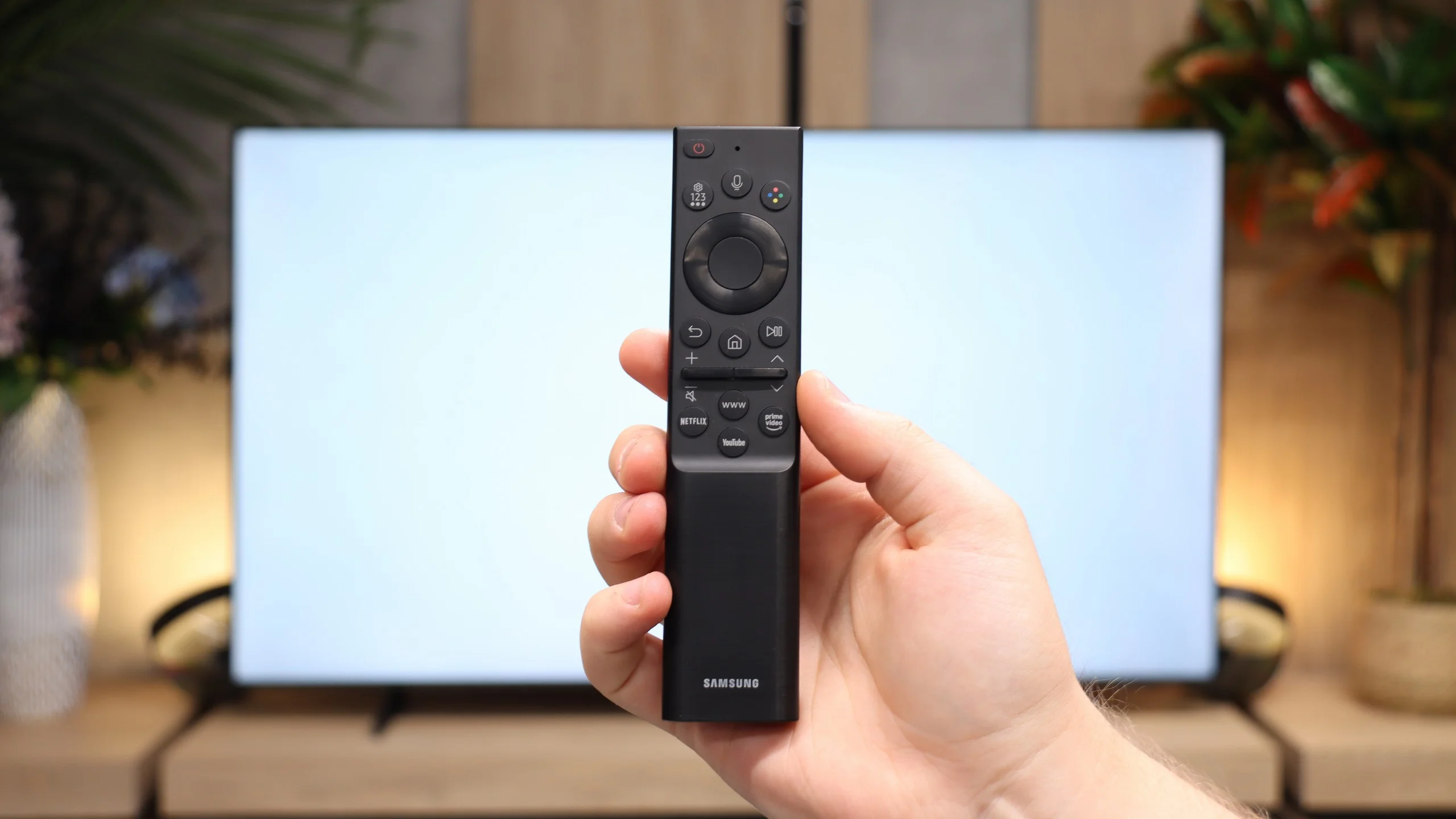
The usability features of Philips PUS8959 are a mix of advantages and disadvantages. The remote control that comes with the television is quite annoying – it requires aiming directly at the screen, which can be inconvenient. On the other hand, the voice function works without the need to aim, but it only supports the English language. On the plus side, the remote is backlit, making it easier to use in the dark. The television does not have Picture-in-Picture (PiP) functionality or the ability to record programmes, which is a significant drawback. However, the television is equipped with Bluetooth, allowing for the connection of headphones or a keyboard, which can be useful – especially due to the limited number of available applications, which may encourage use of the built-in web browser.
Smart TV system
The M80H runs on Tizen, the same system found in all Samsung TVs. The system is fast, stable and offers all the most popular streaming apps. There is therefore no need to worry that a lower-tier model would be missing any of the major services. It also supports AirPlay, Miracast and voice search. The TV works with the SmartThings system, so it can be used to control smart home devices.
Television features
Traditional television features are weaker. The M80H does not allow recording programmes to a USB drive or scheduling recordings. It also lacks picture-in-picture. What remains are the basics, such as teletext and the option to turn off the screen while keeping the sound on. You can connect Bluetooth headphones to the TV, and audio can be played through them and the built-in speakers at the same time. That’s useful if one viewer needs higher volume, for example seniors. The set comes with a simple Smart remote with a small number of buttons. Unfortunately it is not the solar-powered version known from other Samsung models, and the remote runs on standard batteries. Fortunately it connects to the TV via radio, so you do not have to point it directly at the screen.
Apps
6.7/10
9.3/10






















Playing files from USB
8.2/10
9.1/10
Supported photo formats:
Maximum photo resolution:
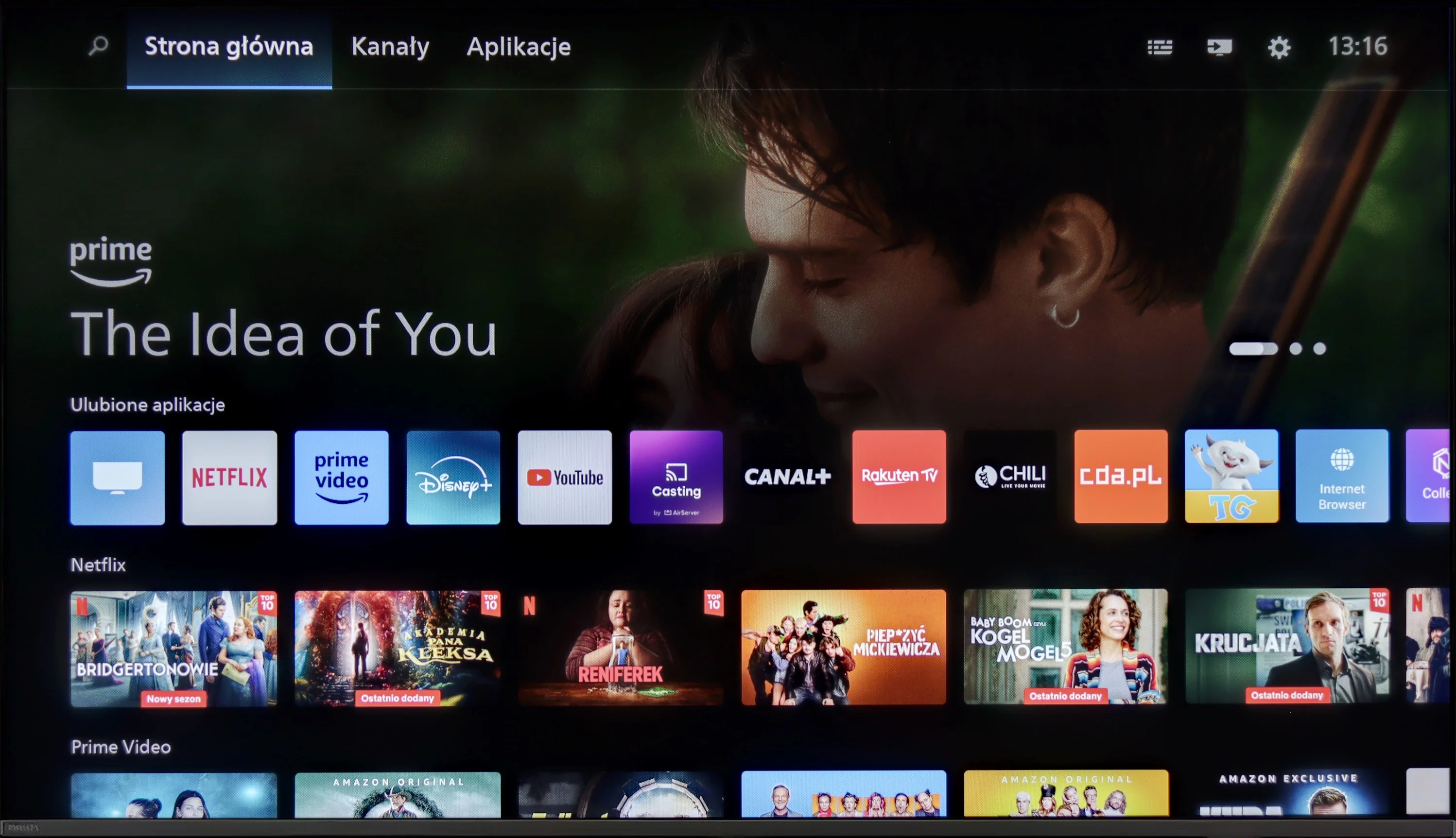
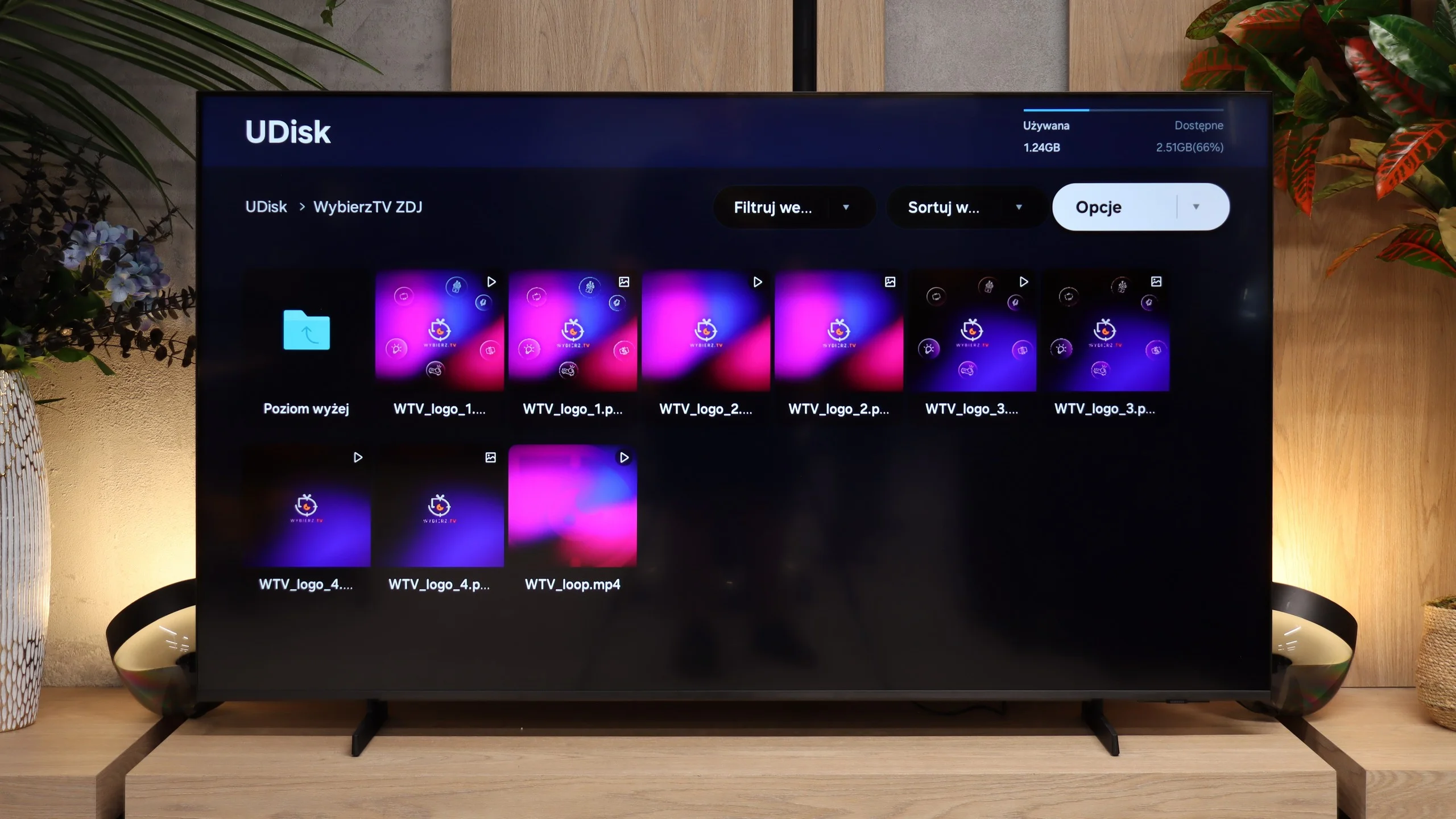
Despite the fact that the Titan OS system in the Philips PUS8959 television is still in its infancy, it deserves praise for supporting Polish subtitles embedded in films, which is a significant convenience for users relying on external files. If we want to play a film from a connected USB device, the television will do so without major issues, providing comfortable viewing without the need for additional subtitle configuration.
When it comes to photos, the television should have no major difficulties playing them. It supports most popular formats, although there is a lack of support for less common standards, such as HEIC used in Apple devices. This means that some photos, particularly from newer Apple devices, may require prior conversion to a more standard format for them to be played on the Philips screen.
The built-in USB player handles most common video and image formats. It easily displays JPEG, PNG and BMP files, even in high resolution. However, it lacks support for HEIC, the format used, among others, by iPhones. In practice this is unlikely to be a big problem, because the M80H supports AirPlay and most people will probably use that to show holiday photos on the TV. 😉
Sound
6.4/10
6/10
- Maximum volume-88dB
- Dolby Digital Plus 7.1
- Dolby True HD 7.1
- Dolby Atmos in Dolby Digital Plus (JOC)
- Dolby Atmos in Dolby True HD
- DTS:X in DTS-HD MA
- DTS-HD Master Audio
The sound in Philips PUS8959 unfortunately leaves much to be desired. Although low tones can be heard in the playback, the bass is very weak, which translates to an overall unsatisfactory sound quality. The television plays at an average level, especially when compared to more advanced sound systems available on the market.
Despite the average quality of the speakers, the television supports all essential audio codecs, which may please users using external home theatre systems. Thanks to compatibility with various audio formats, the Philips PUS8959 is able to provide good audio experiences if connected to the right external speakers or receiver, delivering a fuller, more cinematic sound.
The M80H is fitted with a 2.0 speaker set rated at 20 W. It performs adequately but does not stand out among TVs with similar audio systems. Dialogue is clearly audible and the speakers themselves do not introduce noticeable distortion. However, there is a definite lack of bass, so music in particular can sound flat. If you want a somewhat fuller sound, it's worth considering even a simple soundbar and connecting it via HDMI eARC. The TV can also pass Dolby Atmos audio that way. Bear in mind, however, that the M80H has no optical output, so older audio equipment cannot be connected to it in that way.
Sound Quality Test
No sound test video
Acoustic Measurements
No acoustic data
88dBC (Max)
75dBC
Reader comments
Comments are provided by the external service Disqus (Zeta Global). Once loaded, Disqus may set cookies and process data about your activity.
We will remember your choice on this device. Provider's privacy policy