 Direct comparison
Philips PUS8359 is a television that catches the eye mainly thanks to its three-sided Ambilight system. The backlighting that adapts to the image is impressive, especially in the evening – the light behind the screen adds atmosphere while watching films and makes the interior look more interesting. It's a really nice addition, especially if we enjoy unconventional solutions. For gamers, this model can be a good choice to start with. The low input lag, which is less than 10 ms, ensures quick reactions, and the Automatic Game Mode adjusts the settings to ensure smooth gameplay. If we play occasionally, the television performs well, but it is rather not equipment for those who seek top-notch experiences. In terms of everyday use, it is not perfect. The Titan OS looks simple, but it lacks many popular applications, which can be frustrating. Additionally, the interface can operate slower than we would like – switching applications or navigating between settings can sometimes require patience. If we have previously used more advanced systems like Android TV, Titan OS may disappoint us significantly. And what about picture quality? Here lies the problem. The panel offers average brightness and low contrast, so in bright rooms, the image can look washed out. In darker scenes, black becomes more grey, which diminishes details. HDR? One should not expect great effects – the lack of Dolby Vision and limited technical capabilities mean that HDR content does not make much of an impression. Philips PUS8359 is a television that will serve well for Ambilight fans and those looking for basic features. It performs well in games, and evening viewings with the impressive backlighting will gain an added atmosphere. However, if we care about high image quality or an advanced Smart TV system, it is worth looking for other models. This television is a proposition for those who do not expect too much and want something simple with an interesting visual effect.
- Matching (Score) |
- Our verdict |
- TV appearance |
- Where to buy |
- Contrast and black detail |
- HDR effect quality |
- Factory color reproduction |
- Color reproduction after calibration |
- Smoothness of tonal transitions |
- Image scaling and smoothness of tonal transitions |
- Blur and motion smoothness |
- Console compatibility and gaming features |
- Input lag |
- Compatibility with PC |
- Viewing angles |
- Daytime performance |
- Panel details |
- TV features |
- Apps |
- Playing files from USB |
- Sound
PUS8359 / PUS8349

Q100
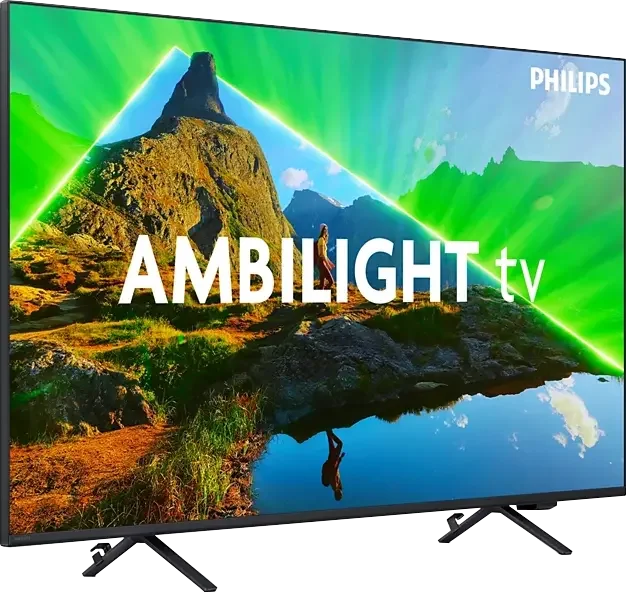
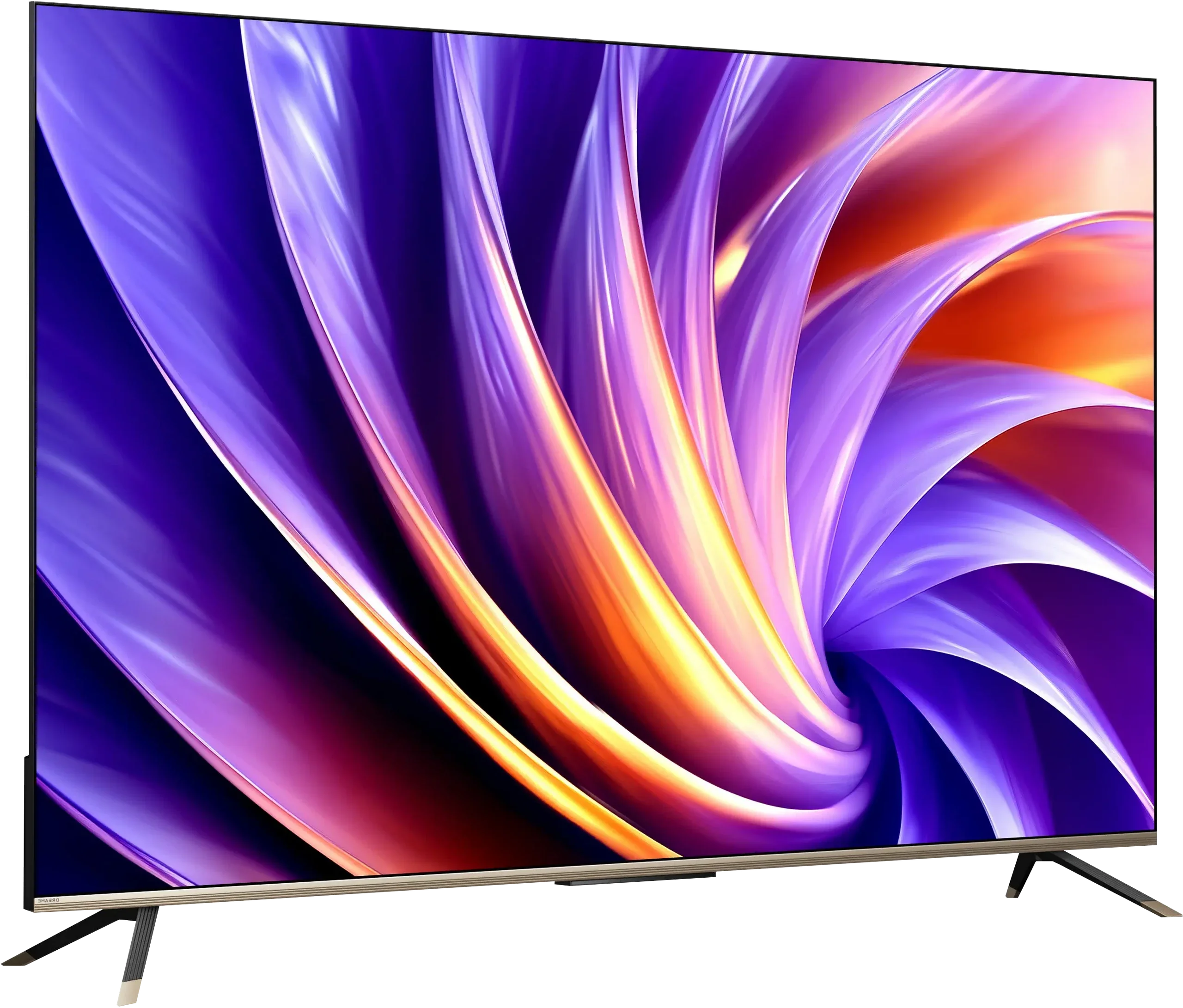
Panel type: LCD IPS
Resolution: 3840x2160
System: Titan OS
Model year: 2024
Panel type: LCD VA
Resolution: 3840x2160
System: Google TV
Model year: 2026
Check how well they match your needs
Take the surveyOverall rating
5.1
5.6
 Movies and series in UHD quality
4.4
5.8
 Classic TV, YouTube
4.5
5.4
 Sports broadcasts (TV and apps)
4.6
4.6
 Gaming on console
6.2
7.0
 TV as a computer monitor
6.0
4.0
 Watching in bright light
4.3
4.4
 Utility functions
5.3
5.2
 Apps
6.7
9.6
 Sound quality
6.1
5.0
Complete the survey to find out what fits your preferences
Advantages

Ambilight 3
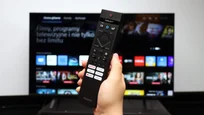
Illuminated remote control
Basic functions for gamers
Low input lag
Support for all audio formats (Dolby and DTS)
Google TV with a large selection of apps
Support for Dolby Vision
Wide colour gamut (QLED PFS filter)
Solid contrast from the VA panel
Smooth tonal transitions
Gaming features: VRR and ALLM
120 Hz in Full HD
Game Bar
Low input lag
Disadvantages

Poor black levels and contrast
Average brightness
Limited TitanOS system
Low brightness, around 300 nits
Poor HDR performance
Average image processing
No AirPlay
Average audio
Our verdict
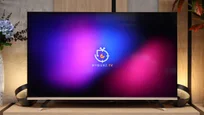
The Dreame Q100 is the manufacturer's entry-level model, and its price alone hints at what to expect. This is not a TV that tries to win on picture quality. Its strengths lie elsewhere: it has Google TV, surprisingly many features for gamers and costs relatively little. In terms of image, the Q100 performs similarly to many other sets in this segment. The VA panel provides decent contrast, colours are quite acceptable thanks to the QLED (PFS) filter, but around 300 nits of brightness soon becomes a limitation. That is especially true in HDR, where it simply lacks the necessary punch. It is good that Dreame has not abandoned Dolby Vision, because with a TV like this that format really comes in handy. Films and series from streaming platforms are better matched to the screen's capabilities and can look quite good as a result. The Q100 therefore makes most sense when you are looking for an inexpensive TV for casual viewing, Netflix, YouTube or the occasional console connection. There are no major surprises in terms of picture quality, but it would be unreasonable to expect them from one of the cheapest models in the line-up. For Dreame's first foray into this part of the market, the Q100 is a rather interesting start, all the more so given that until recently the brand name was more often associated with a vacuum cleaner than a television.
TV appearance
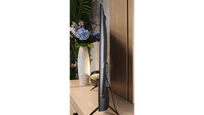

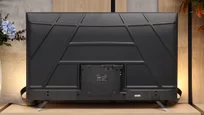

Contrast and black detail
1.9/10
5.3/10
Local dimming function: No
Local dimming function: No
Contrast:


Result
1,000:1

Result
1,050:1

Result
900:1

Result
1,050:1

Result
850:1
Result
4,350:1
Result
3,850:1
Result
4,100:1
Result
4,450:1
Result
3,400:1
Halo effect and black detail visibility:
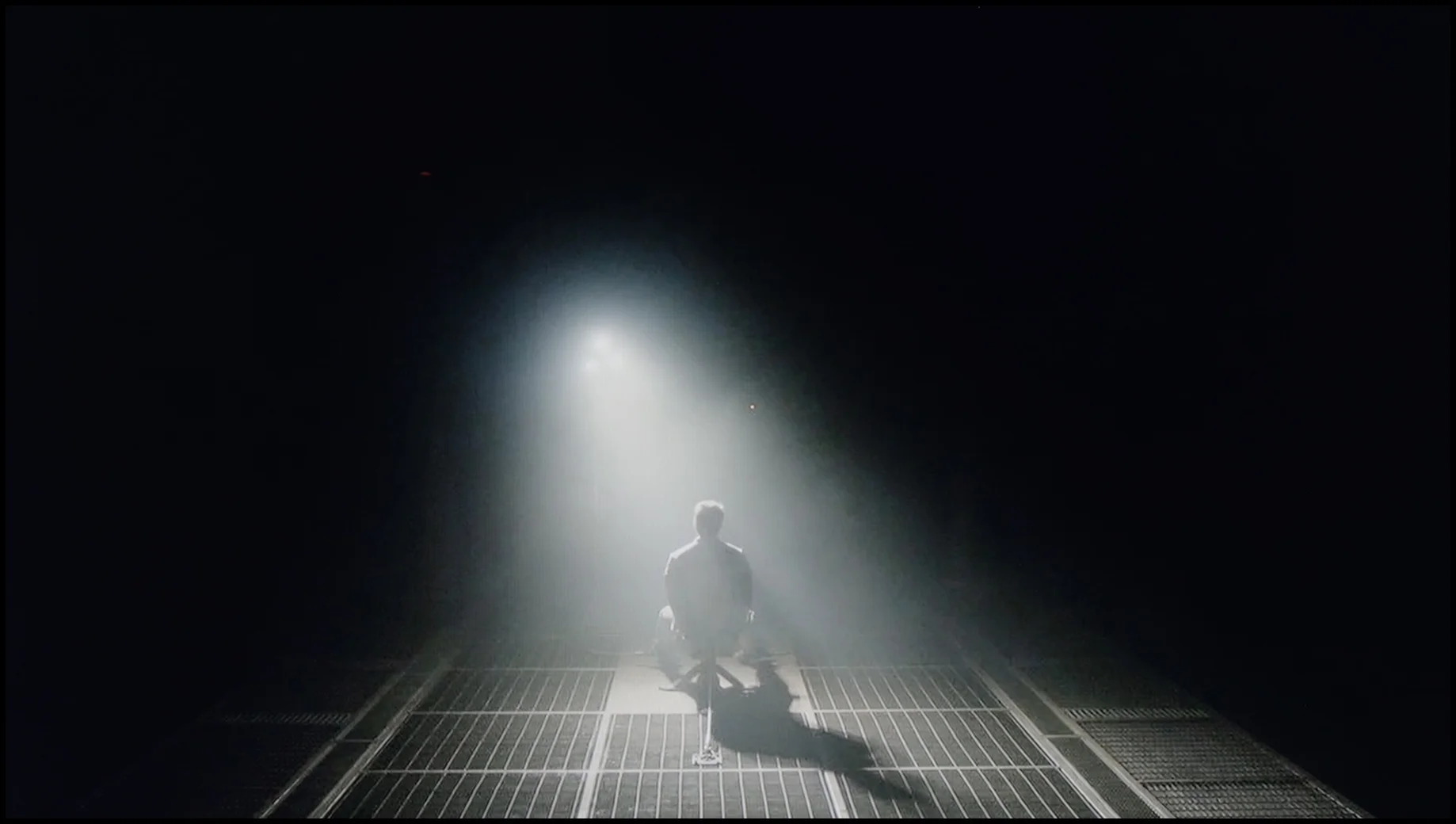
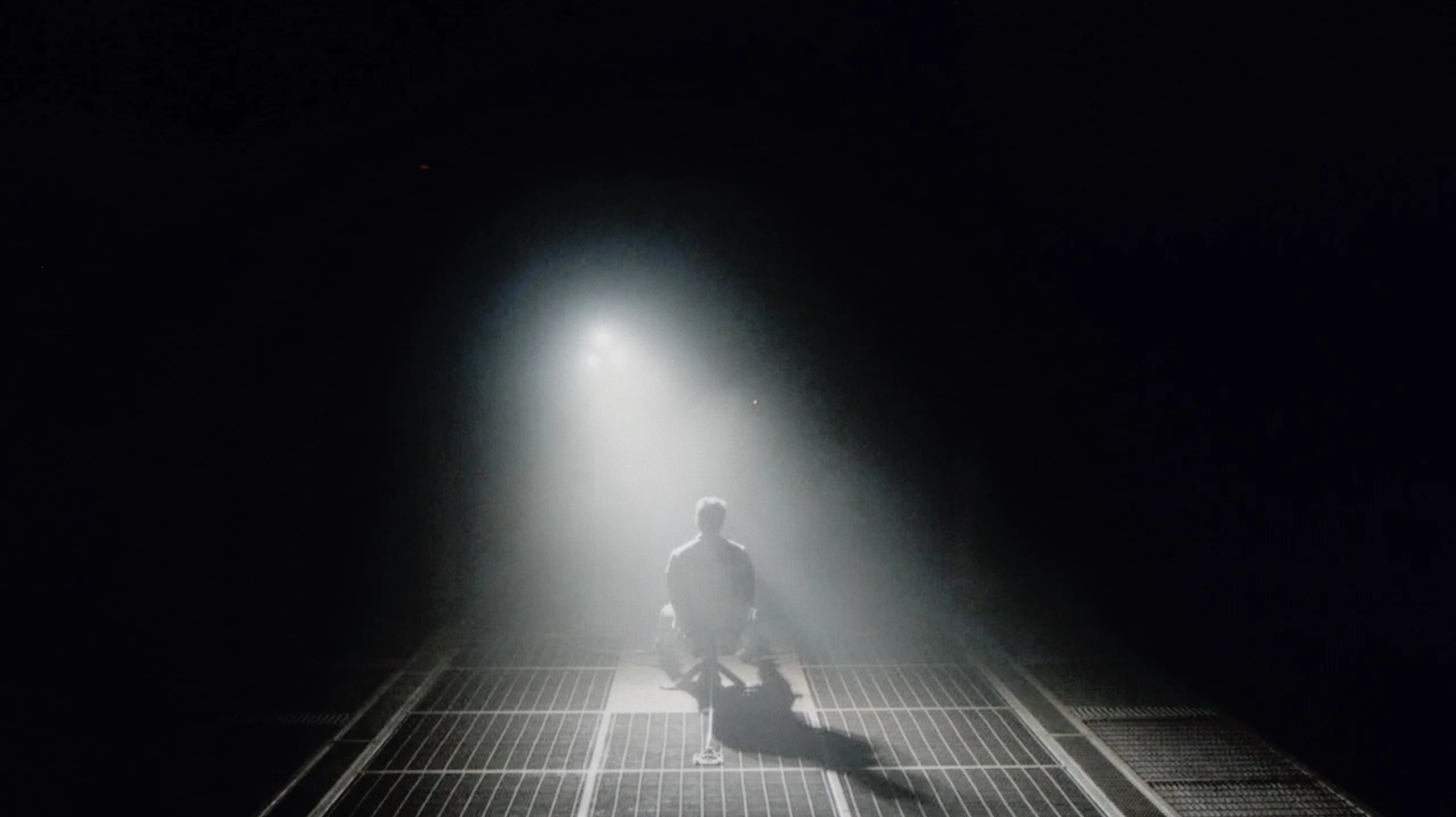
Check the visibility of bright lights on a dark background. Mini-LEDs often struggle with this. The photo does not compare black levels – that’s what the video below is for.
The video accurately shows differences in contrast and black levels between TVs, as well as potential issues: halo around bright objects or Mini-LED zone operation visible as brightness jumps.
Philips PUS8359/12 in the 55" and 43" versions is based on an IPS panel, which significantly affects the quality of contrast. Unfortunately, test results clearly show a very low level. The blacks, instead of resembling deep tar, appear more like silver ash, which is particularly noticeable when watching dark scenes. Such a level of contrast limits the ability to fully enjoy the picture, especially for those who prefer viewing in darkened rooms.
The Dreame Q100 is a simple LCD TV, so its black level and contrast performance depend mainly on the panel itself. It uses a VA panel that achieves a native contrast of about 4500:1. For this class of device that's a fairly good result. In practice this mainly means noticeably deeper blacks than similarly priced TVs with IPS or ADS panels. The difference is especially obvious in the evening, when dark scenes have more depth and do not look quite so grey.
However, bear in mind that the Q100 has no local dimming. The entire backlight therefore operates continuously, with no ability to dim specific parts of the image. In a very dark room the black thus begins to take on a navy tint and is a long way from what better Mini LEDs, and even more so OLEDs, can achieve in this respect. That said, this is not surprising, as a similar limitation affects most simple LCD TVs in this price bracket.
HDR effect quality
3.7/10
4.2/10
Luminance measurements in HDR:

Result
240 nit

Result
225 nit

Result
285 nit

Result
236 nit

Result
280 nit
Result
230 nit
Result
252 nit
Result
285 nit
Result
298 nit
Result
298 nit
Scene from the movie “Pan” (about 2800 nits)

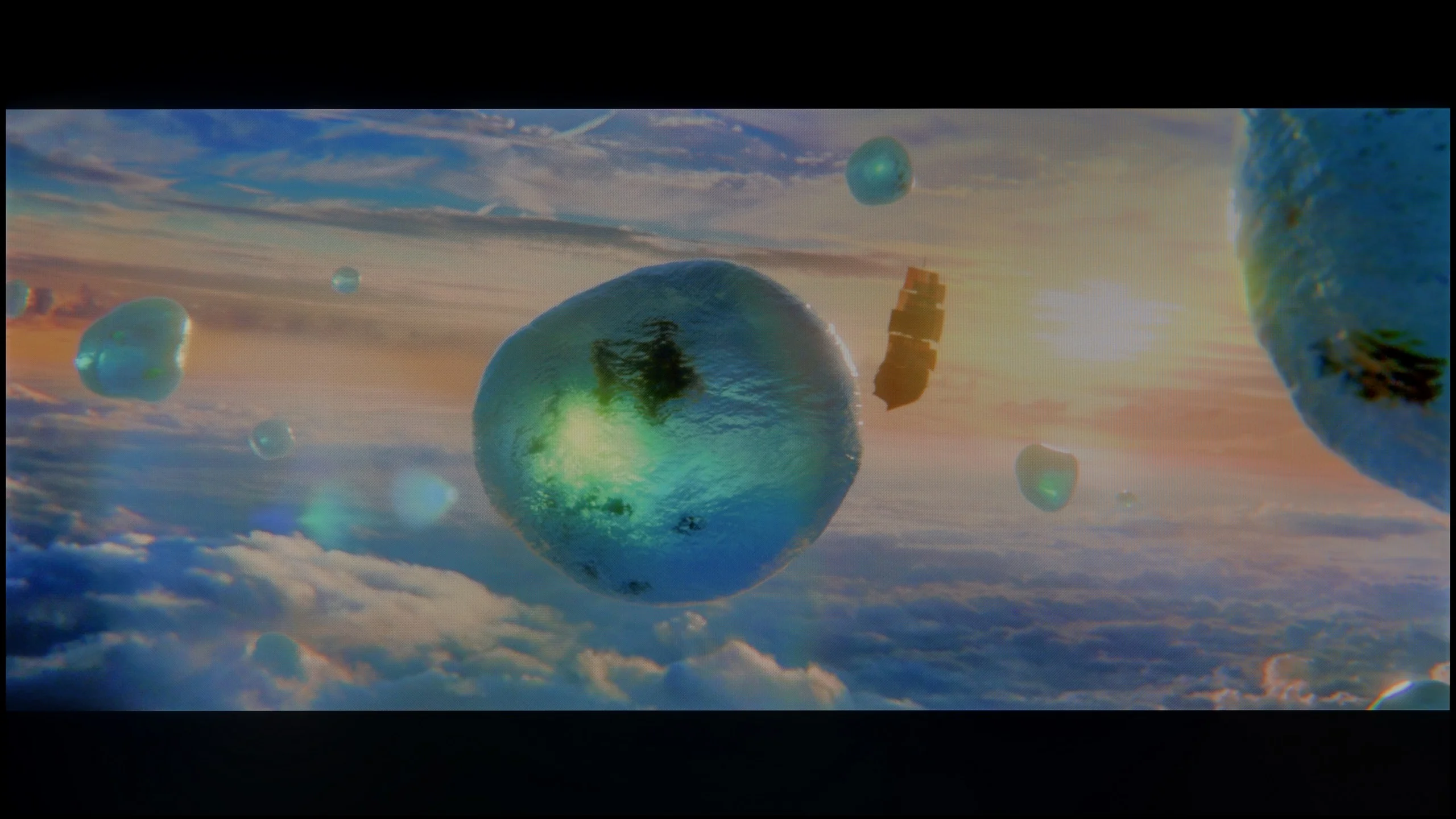
Scene from the movie “Billy Lynn” (about 1100 nits)


The photos show two HDR10 movies. 'Pan' is one of the brightest productions ever made, while 'Billy Lynn' (soldier) has brightness typical of streaming (Netflix, Prime, HBO MAX). Notice the intensity of effects and detail in whites.
Static HDR10


The photos present the visibility of white details in various HDR formats. They do not show brightness differences between TVs (these can be compared in the previous gallery).
Dynamic: HDR10+
Dynamic: Dolby Vision


The photos present the visibility of white details in various HDR formats. They do not show brightness differences between TVs (these can be compared in the previous gallery).
HDR luminance chart:
Dreame Q100
Philips PUS8359 (IPS)
The quality of the HDR effect on the Philips PUS8359/12 TV is also not impressive. The brightness level of 280 nits is too low, resembling standard SDR more than true HDR, which is clearly visible on the five tested test patterns. Additionally, the television does not excel in terms of colour gamut coverage – a mere 76% of DCI-P3 is a result that can be considered poor, especially compared to other models in a similar price range.
Unfortunately the Dreame Q100 is too simple, and above all too dim, a television to talk about a true HDR effect. The peak brightness we measured reaches at most about 300 nits, which is clearly too little for bright elements of the image to actually 'pop' with light. In fact, this is a level we more often associate with SDR material than with HDR. It therefore lacks the brightness headroom offered by more expensive televisions that makes highlights, reflections and the sun look noticeably more striking.
HDR colours
Fortunately the Q100 makes up for this a little elsewhere. The manufacturer markets it as a QLED television, although in practice a PFS filter is responsible for widening the colour palette. The DCI-P3 colour space we measured is covered at roughly 92%, and BT.2020 at about 67%. These are not top-tier figures, but still clearly better than simple LCD televisions without an additional gamut-expanding layer. As a result, HDR material can at least offer more saturated and varied colours, even if the brightness itself does not yet allow us to speak of a fully fledged HDR effect.
Factory color reproduction
4/10
6.5/10


This illustrative image shows how colors change after professional calibration. If you can see the difference, you can order it from SkalibrujTV – it's our own service.
Factory mode
After calibration


This illustrative image shows how colors change after professional calibration. If you can see the difference, you can order it from SkalibrujTV – it's our own service.
Factory mode
After calibration
The most faithful factory mode in terms of compliance with the source material turned out to be "Film", which was used in our tests. Nevertheless, like other factory modes, it also had its flaws. In both SDR and HDR materials, we noticed issues with white balance, where the dominance of green and red resulted in a yellowish tint. This effect was particularly noticeable in the form of yellowed whites and unnatural skin tones. The "ColourChecker" palette test showed that every colour had shifted to warmer tones, affecting colour reproduction accuracy. A key aspect of the image is also contrast and brightness, which can be assessed by analysing gamma charts and the EOTF curve. On the gamma chart, we noticed significant deviations – both excessively high values, which caused loss of detail in the shadows, and excessively low values, which led to a drastic drop in contrast. Compared to gamma, the EOTF curve performed better, only slightly brightening the image, which had a less negative impact on overall quality.
We chose the "Film" mode for testing and, in our opinion, it is by far the best of the available presets. There are none of the heavily boosted, unnatural colours you can see, for example, in the Vivid/Dynamic mode. The picture looks quite reasonable straight away, although it falls a little short of perfect. In SDR material the most noticeable issue was a slight warming of the image. The white balance had too much red, which made whites lean towards a warmer hue, and a similar tint was visible in shades of grey. In HDR the situation was a little different. Here blue had a slight advantage, making the picture a touch cooler. These are not major faults, though. For such an inexpensive TV, the factory settings on our unit were fairly decent, and the "Film" mode already delivers a relatively natural image without much fiddling with the settings.
Color reproduction after calibration
5/10
7/10


The photos show how movies look on the TV. Pay attention to black detail visibility, colors, and shadow tint.


The photos show how movies look on the TV. Pay attention to black detail visibility, colors, and shadow tint.
Philips, both in its cheaper and more expensive models, offers a wide range of tools for image calibration. We used them to improve the quality of the displayed image, although it was not as straightforward as it might seem. We managed to adjust the white balance, improve the gamma, and fine-tune the EOTF curve, but despite these efforts, the deltaE errors were still at a very high level. The main causes were limited coverage of the DCI-P3 palette and low maximum brightness, which significantly affected the final result. Although the overall presentation is much better, the design features of the television did not allow us to achieve spectacular results.
Contrary to appearances, the Dreame Q100 is quite well prepared for image calibration. The menu contains quite a few advanced picture settings that allow its characteristics to be adjusted fairly precisely. In our case the most work was required on the white balance, both in SDR and HDR. After correction SDR content looked very good. We managed to achieve a practically neutral white balance and natural colours, with the main remaining limitation being the black level itself, stemming from the panel construction and the lack of local dimming.
In HDR we also managed to improve white balance and colour reproduction, but here the limitations of the TV's electronics become apparent more quickly. Even after very precise adjustment of the EOTF curve, the Q100 does not always follow it correctly during actual scenes. In some content it can also brighten the image further, causing some parts to look brighter than they should, and in bright areas some details can be lost as a result.
Smoothness of tonal transitions
8.4/10
9/10
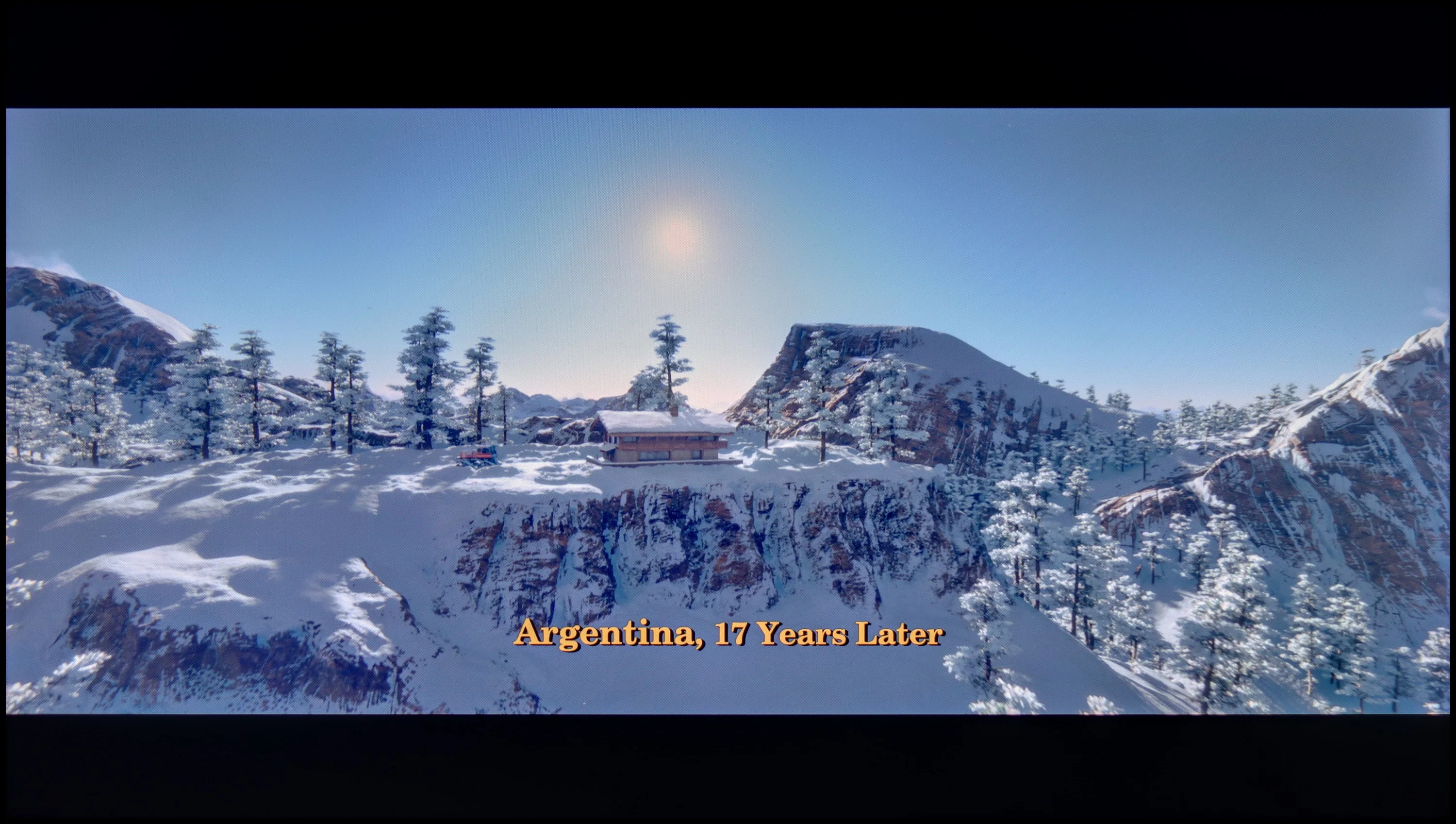

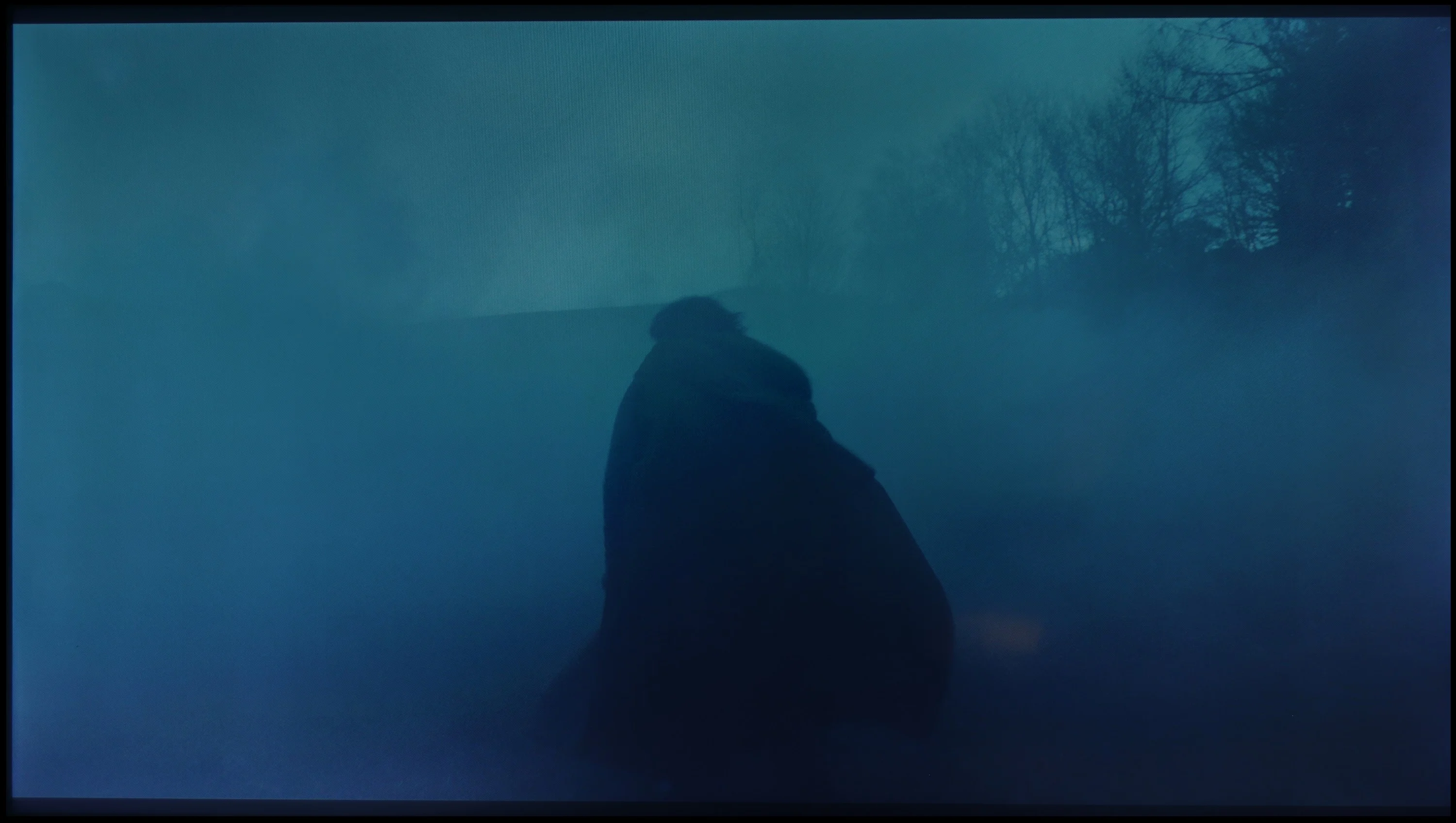
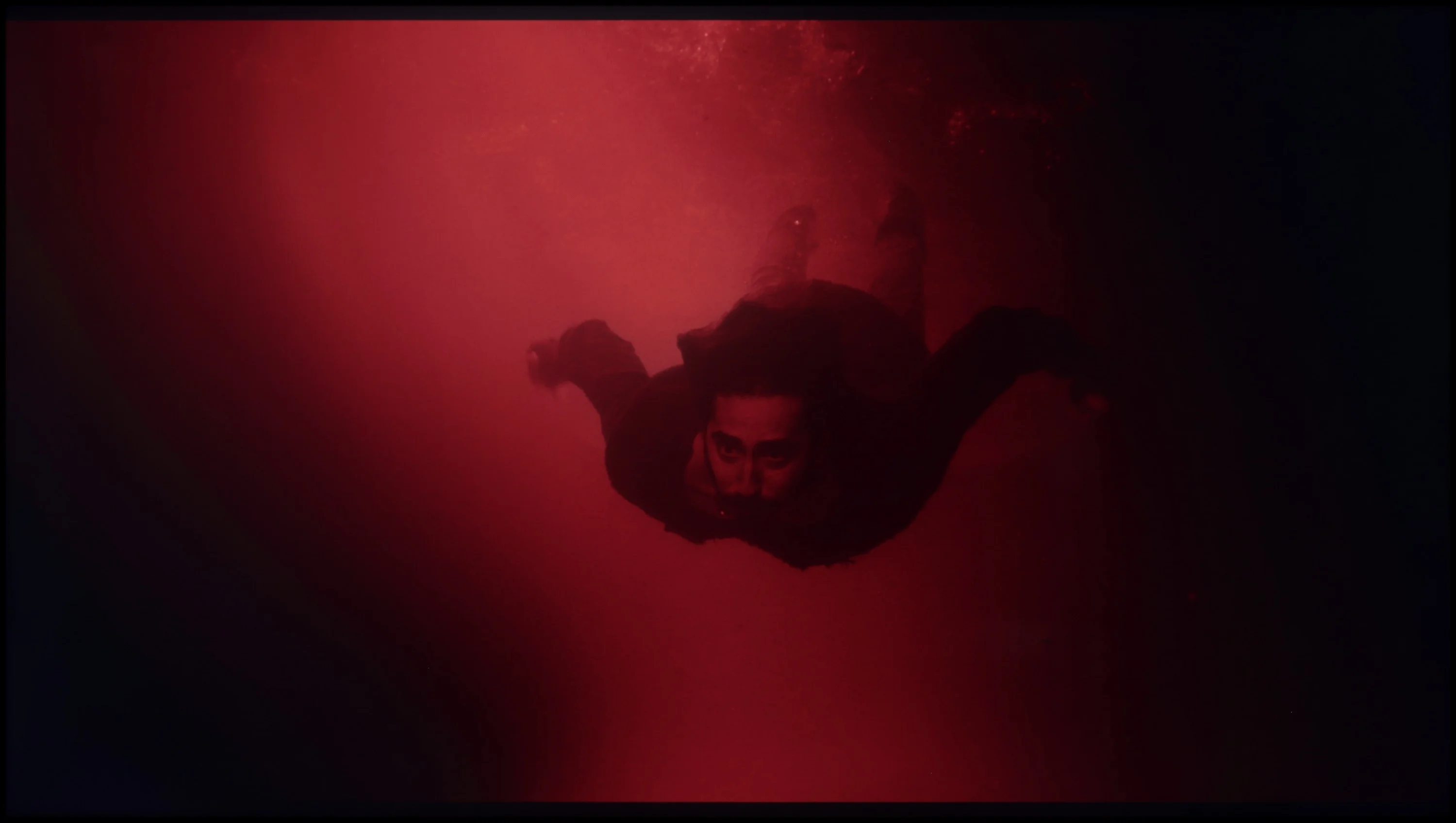
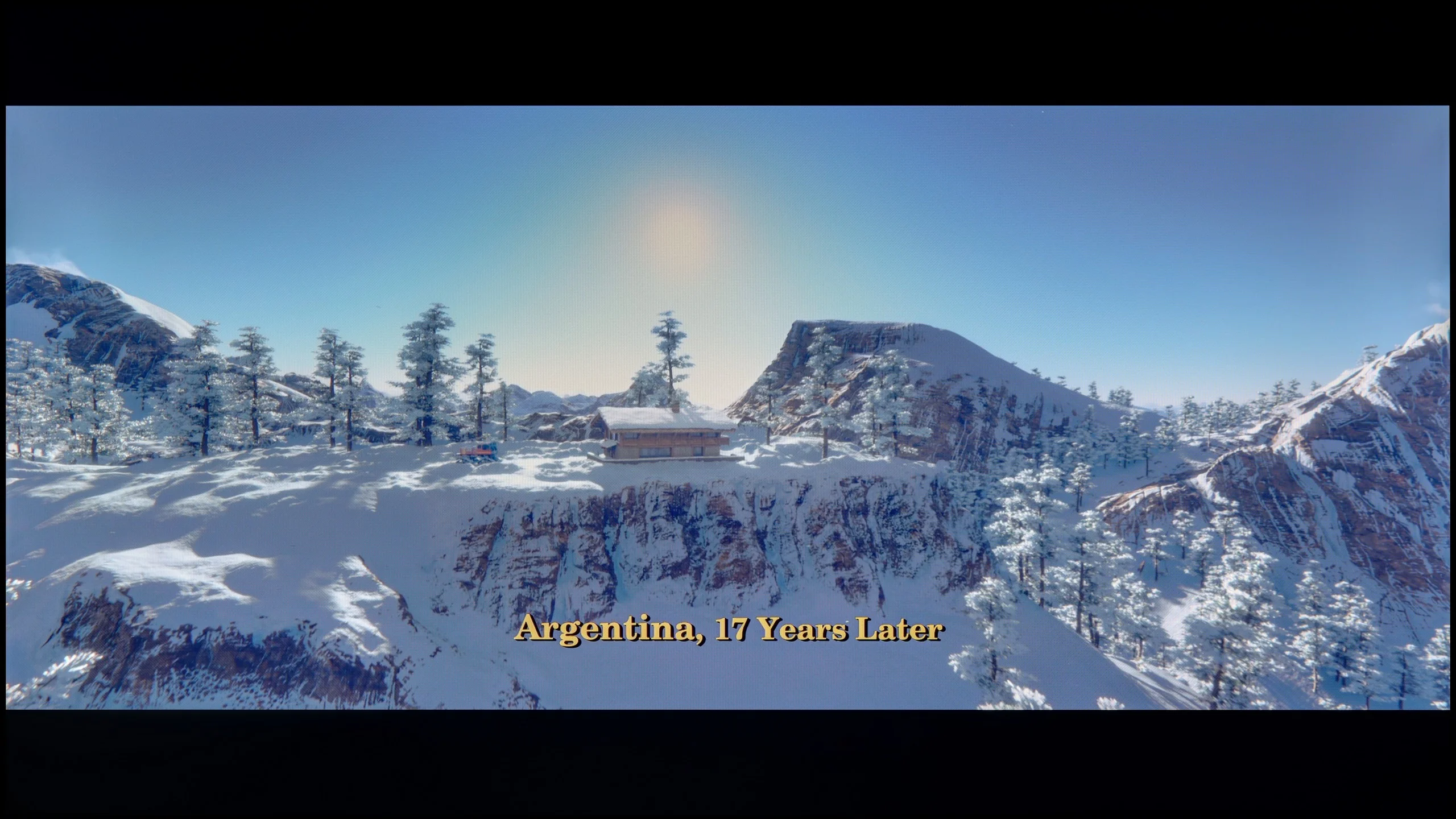
These are selected scenes that show smooth tonal transitions from one color to another. If you see distinct banding, it’s the TV panel’s fault.

These are selected scenes that show smooth tonal transitions from one color to another. If you see distinct banding, it’s the TV panel’s fault.
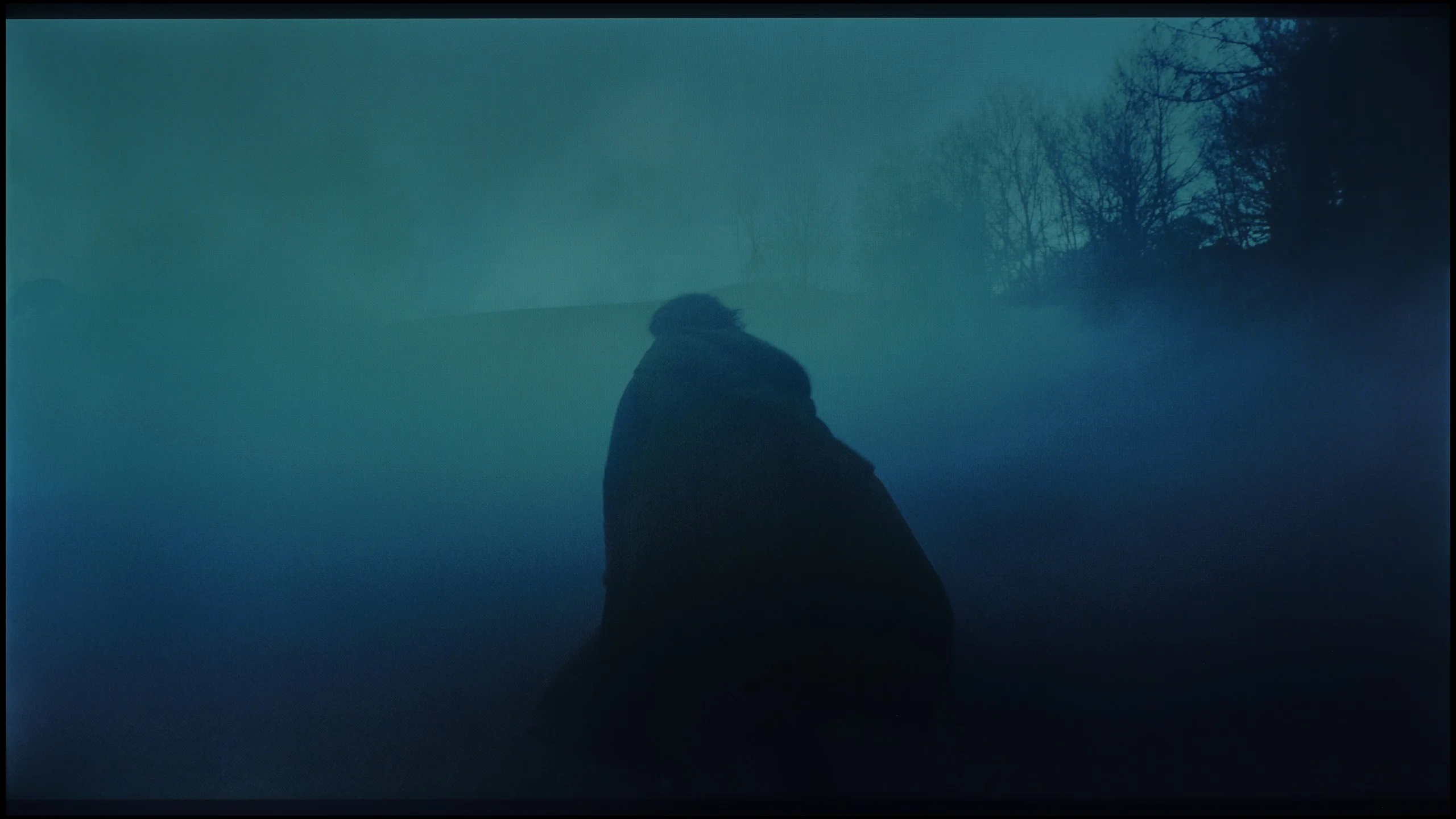
These are selected scenes that show smooth tonal transitions from one color to another. If you see distinct banding, it’s the TV panel’s fault.
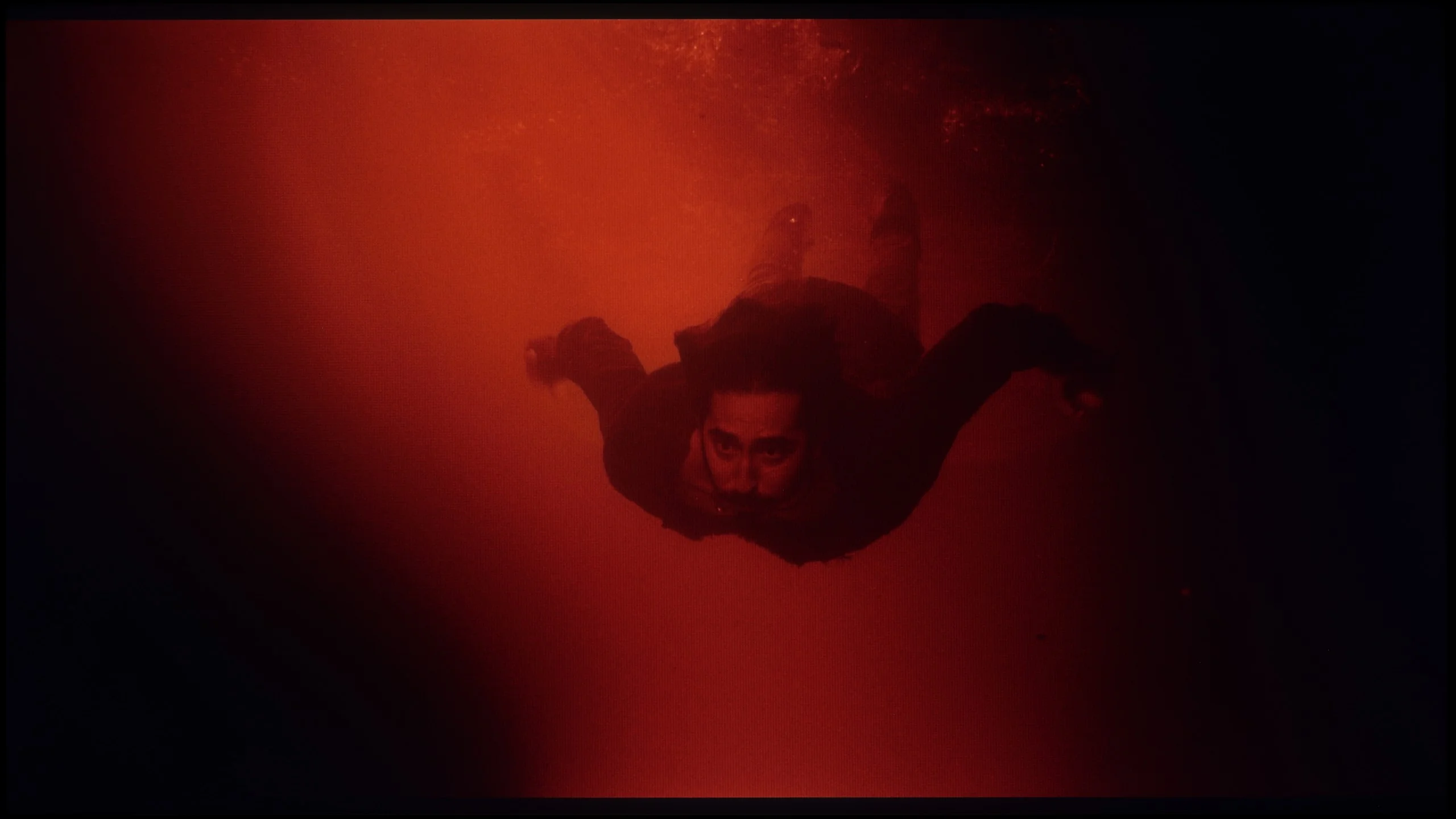
These are selected scenes that show smooth tonal transitions from one color to another. If you see distinct banding, it’s the TV panel’s fault.
The gradation of tonal transitions in the Philips PUS8359/12 television is at a good level, without any obvious issues that could negatively impact the quality of viewing content. Upon closer observation, one can notice slight imperfections in bright, colourful transitions, however, they are subtle enough that most users are unlikely to notice them or consider them a problem.
Dreame Q100 handles the smoothness of tonal transitions very well. In most scenes the gradients are smooth, and the transitions between lighter and darker tones look natural, without noticeable banding or posterization. Minor imperfections may only appear in particularly demanding scenes, but these are situations that even much more expensive televisions can struggle with. Overall, in this respect the Q100 performs very well.
Image scaling and smoothness of tonal transitions
6/10
3/10


Smooth transition function
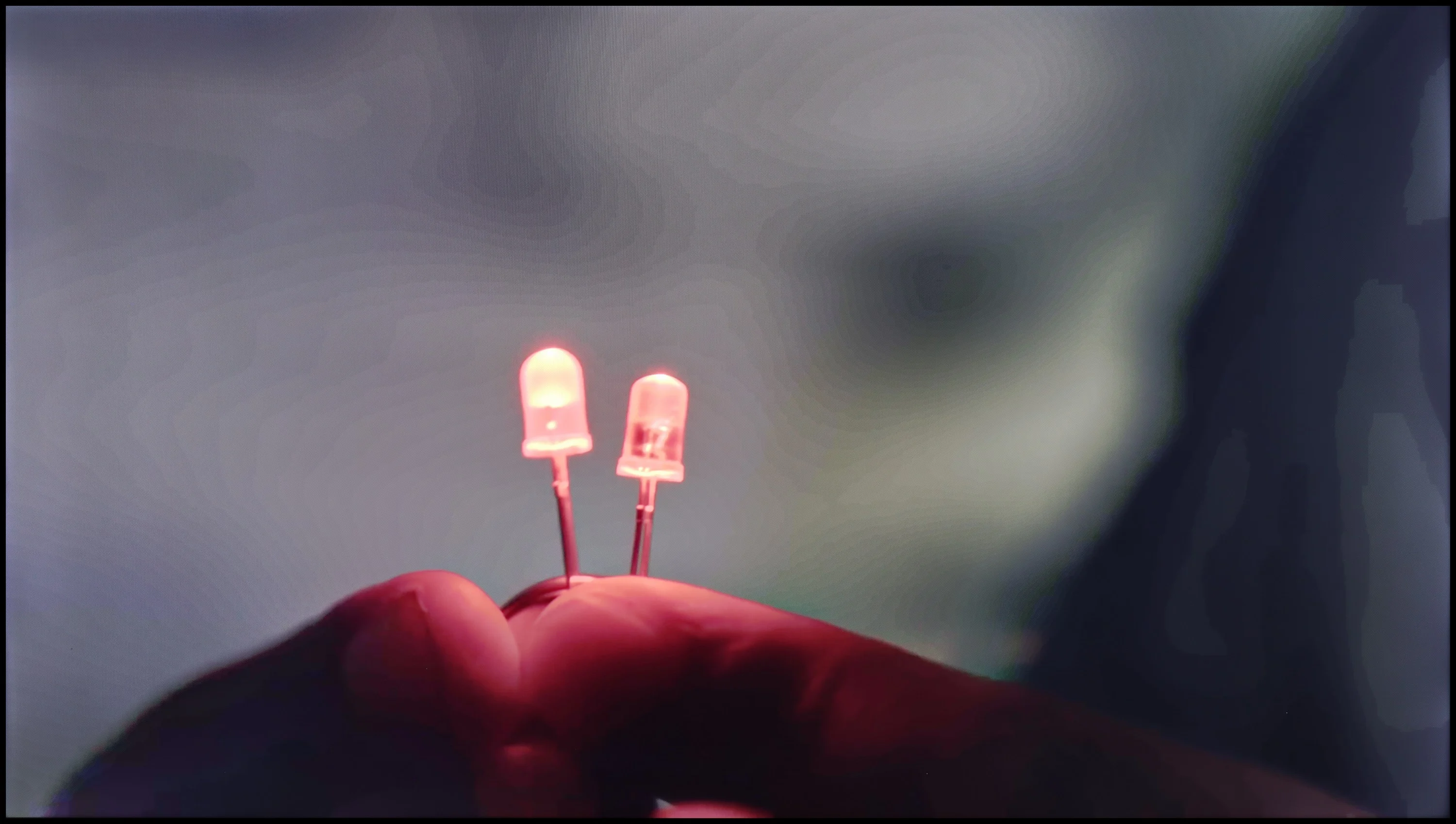
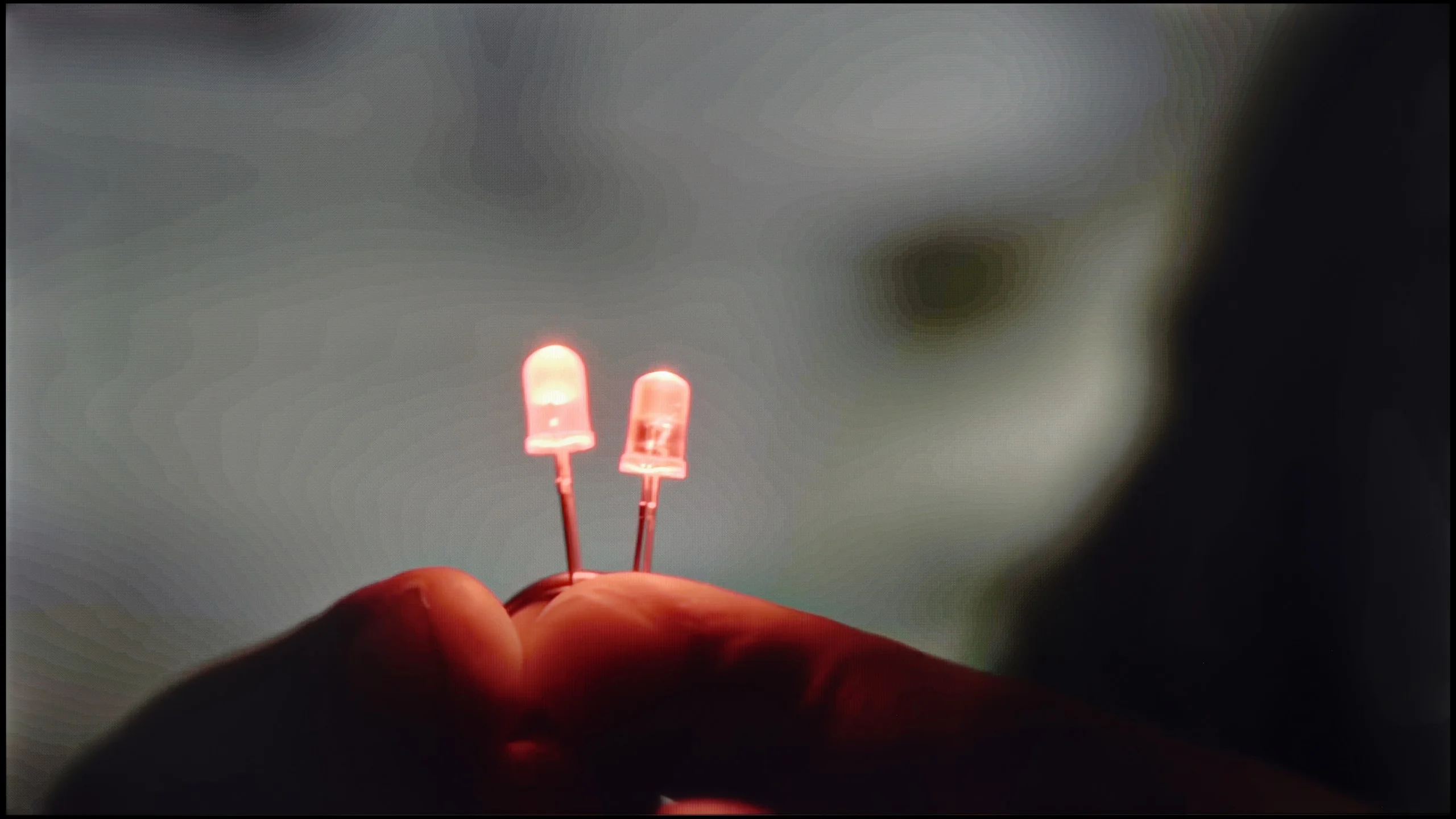
The match photo shows how the TV smooths weak tonal transitions in low-quality video.
Image scaling SD (576i)


The model photo shows how it handles upscaling of SD material.
In this paragraph, we will take a look at two functionalities. Once again, we will examine the feature responsible for tonal transitions, but we will also check how the television handles image scaling. The option responsible for smooth gradation is called "Distortion Reduction". As we have established, it quite effectively smooths out irregularities. However, we must point out two things: we are unable to enable it for HDR materials, and that it blurs details in films.
The tested television cannot boast the best image scaling. The overall blurriness of the image is quite noticeable, but worse still, it blurs details. This is particularly evident on the branches and the model's hair. A characteristic white halo around the figures is also visible.
The weakest point of the Dreame Q100 is its digital image processing capabilities. The processor used copes only moderately well with enhancing weaker sources, and the menu lacks any function that effectively smooths unsightly tonal transitions or reduces visible posterisation. Upscaling itself is also unimpressive. With low-resolution material the image is fairly soft and lacks faithful detail reproduction. Additionally, the Q100 tends to overscan, slightly cropping the edges of the image with very poor sources, such as 480p material. In everyday viewing of HD or 4K content this won't be a major problem, but with older recordings the processor's limitations become clearly visible.
Blur and motion smoothness
4/10
4.6/10
Blur (native resolution, maximum refresh rate):






Blur ():
Blur (1080p@120Hz):



Philips PUS8359 is not the best choice for watching sport. The lack of even basic motion smoothing functionality means that the image during fast-moving scenes is not adequately clear. Despite the use of an IPS panel (43 and 55'), which theoretically should offer better sharpness than VA panel variants, there is no noticeable improvement regarding blurring. In pictures with fast movement, the figure of the alien is clearly blurry, indicating that the television struggles to maintain sharpness in dynamic shots.
The VA panel used in the Dreame Q100 has a native 60 Hz refresh rate, so from the outset this is not a TV designed for the most demanding sports fans or gamers. The manufacturer does mention the ability to run at 120 Hz, and that option is indeed available, but it mainly applies to a mode intended for gamers. In everyday use the Q100 should therefore be treated as a conventional 60 Hz TV. For fast-paced sports broadcasts or rapid gameplay this means less smooth motion than in models with 120 Hz panels or higher. On the plus side, the panel’s response time is worth noting. The VA panel does not exhibit excessive smearing, so motion remains quite clear and does not leave strong, blurred trails behind moving objects. For films you can also use a simple motion-smoothing system. The manufacturer has prepared several ready-made presets that help reduce the characteristic judder in material shot at 24 frames per second.
Console compatibility and gaming features
4.7/10
6.3/10
- ALLM
- VRR
- VRR range48 - 60Hz48 - 120Hz
- Dolby Vision Game Mode
- Correct implementation of HGIG
- 1080p@120Hz
- 1440p@120Hz
- 4K@120Hz
- Game bar
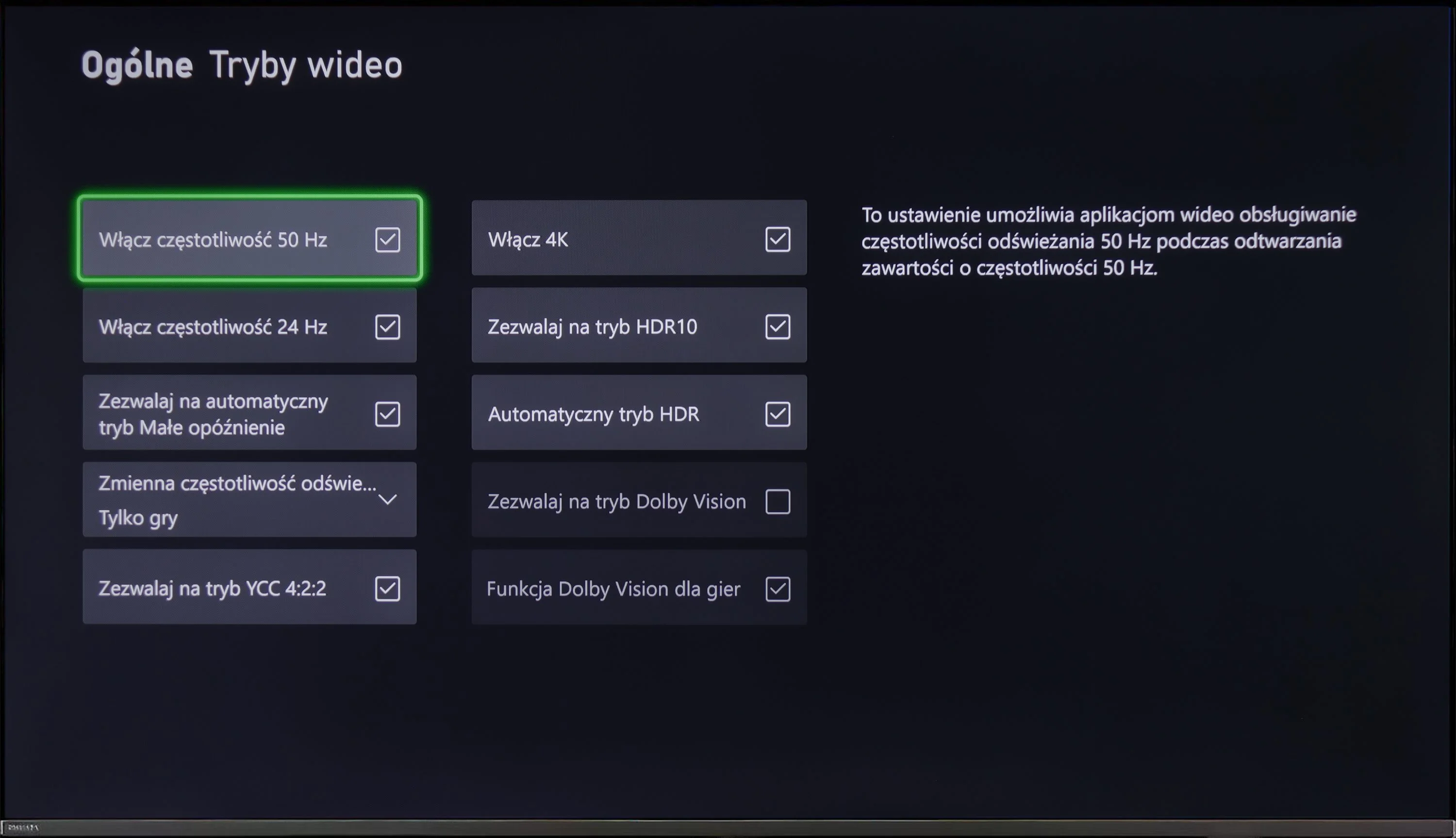
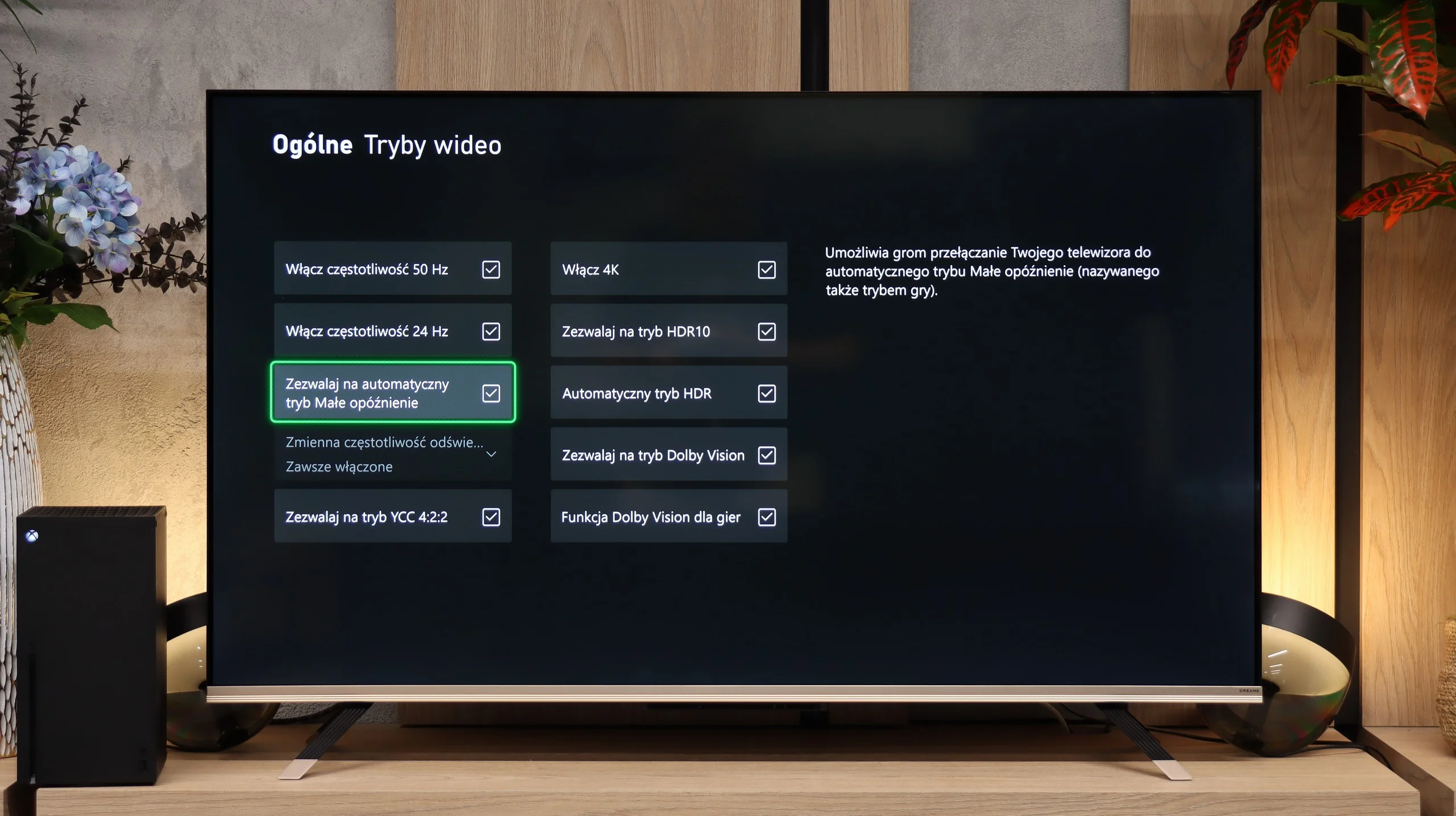
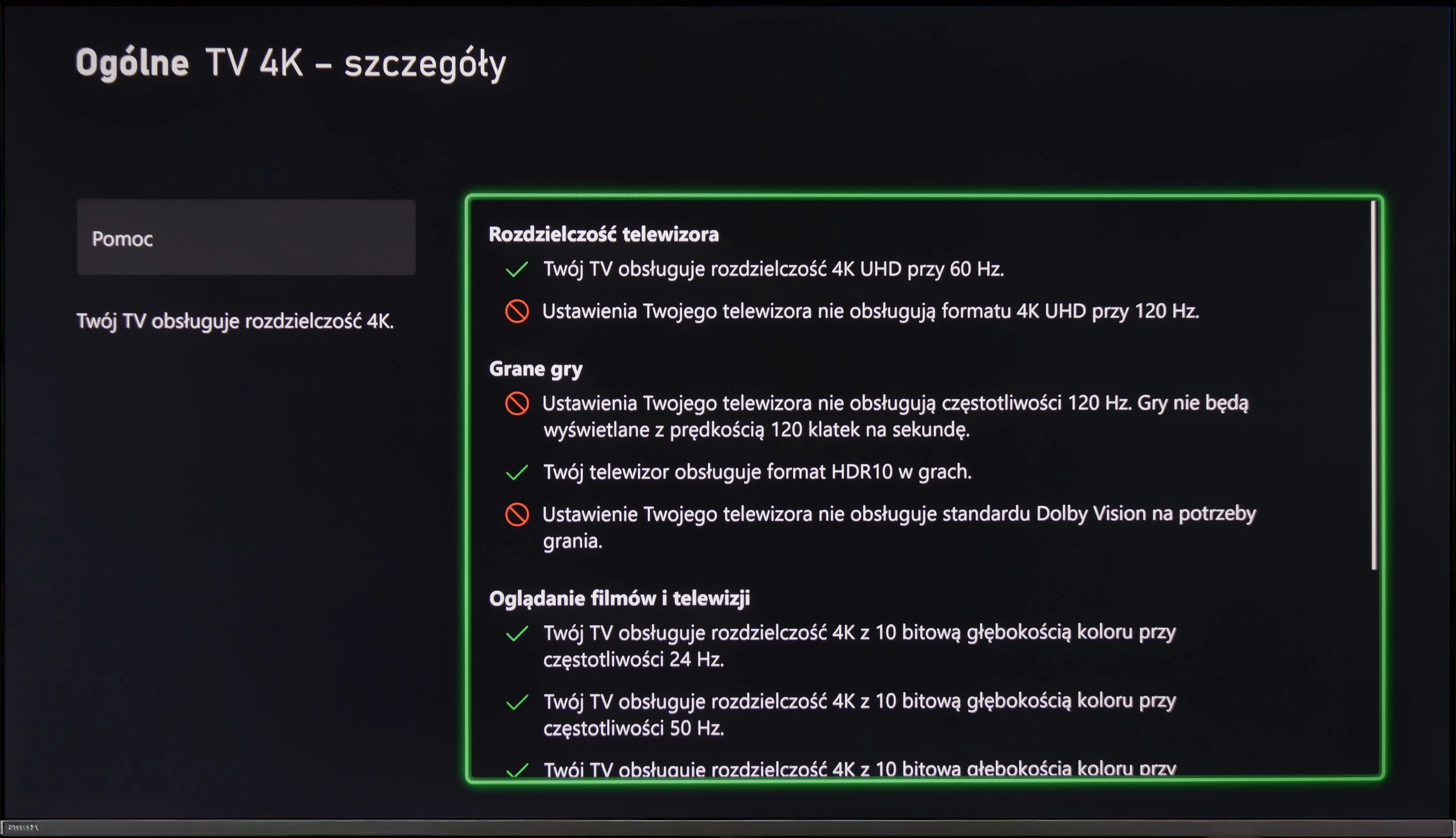
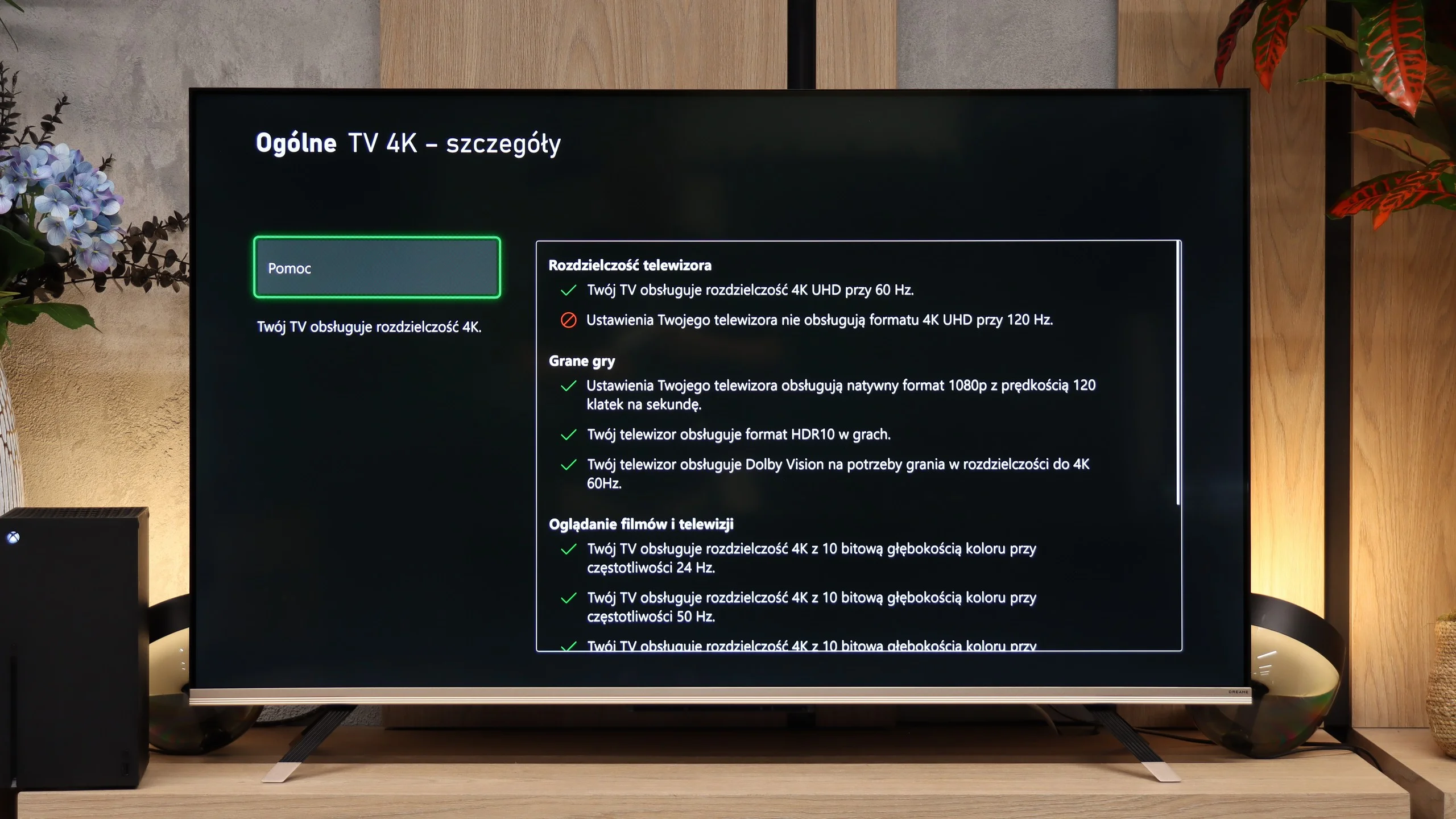
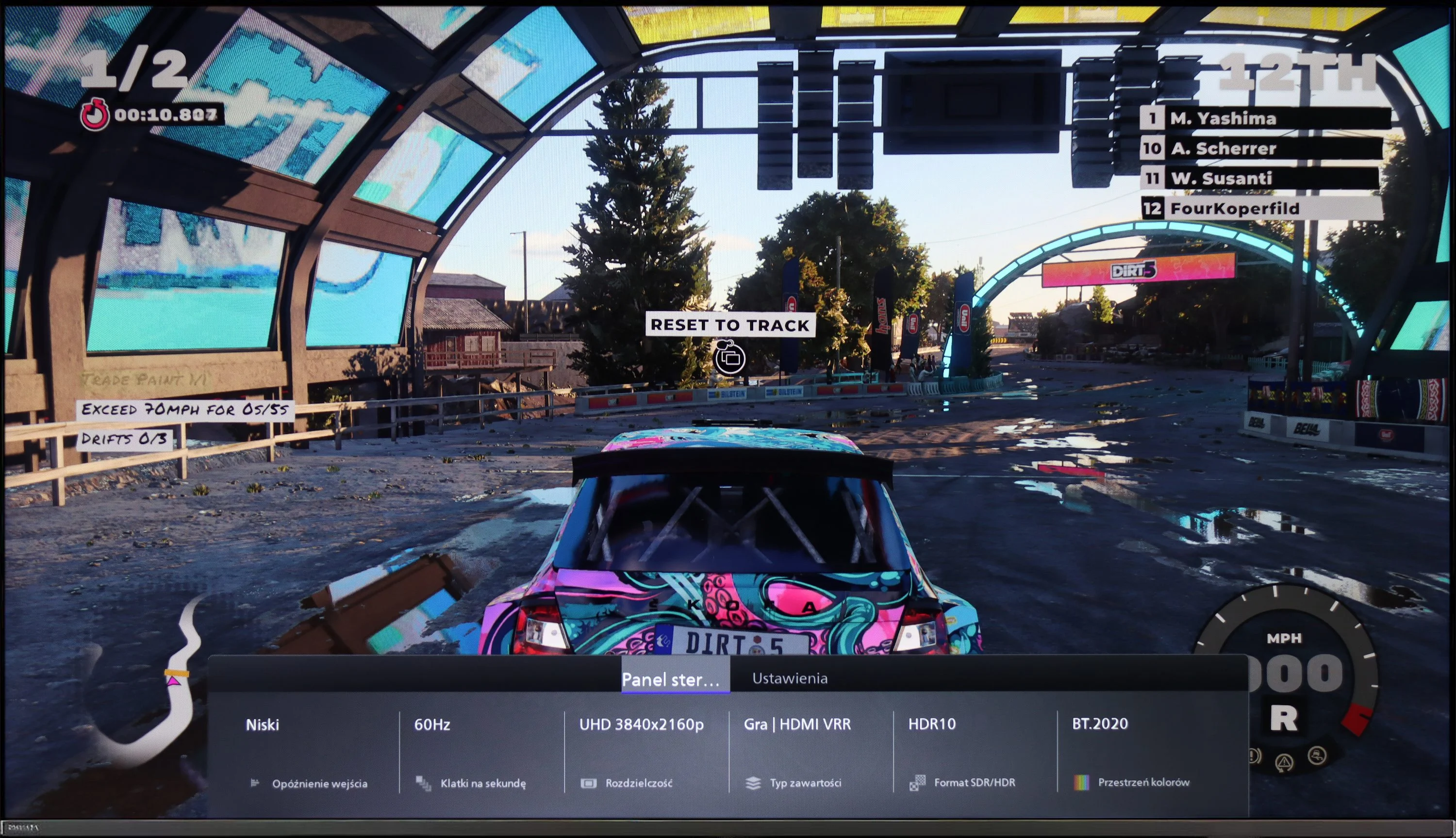
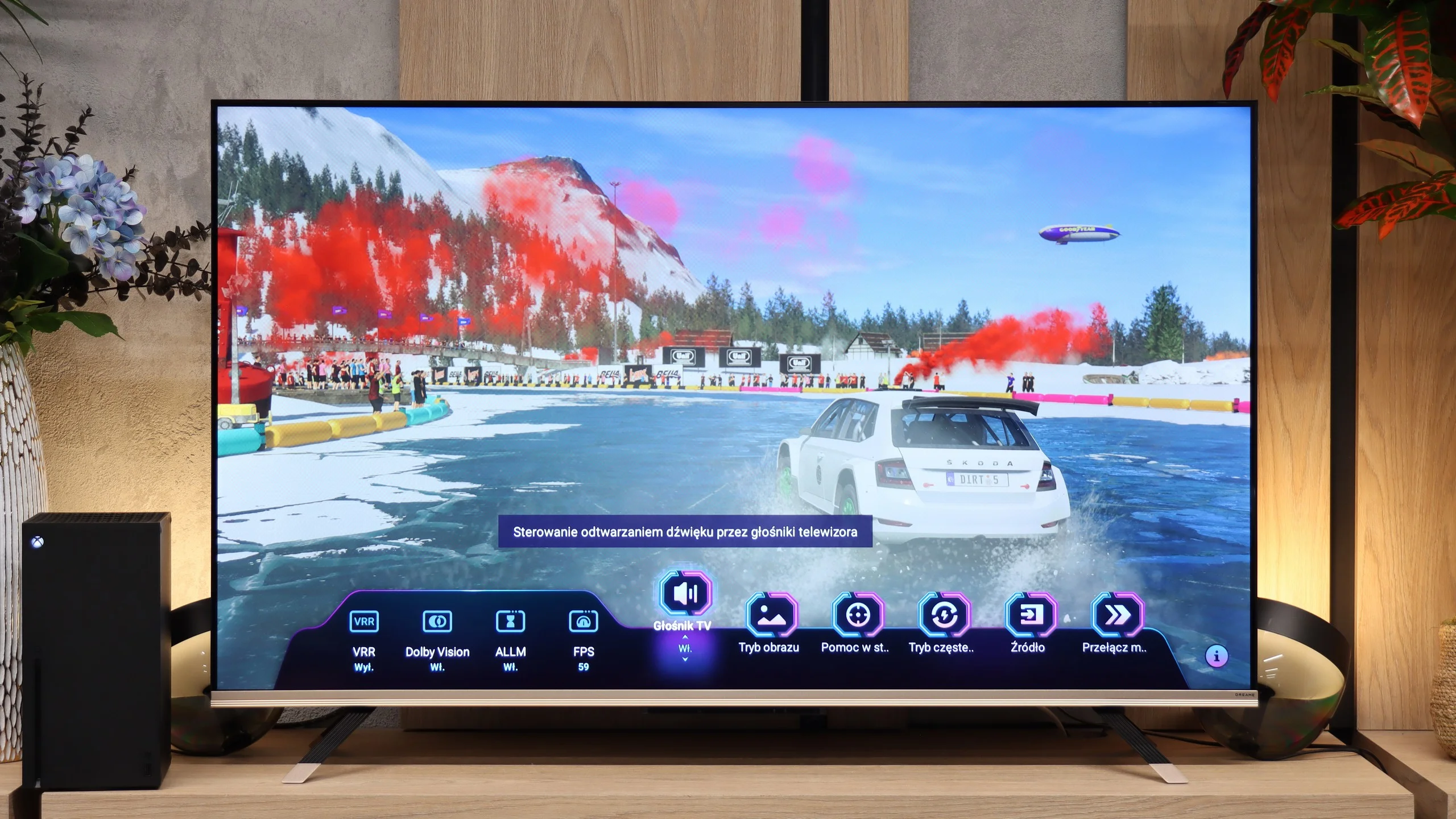
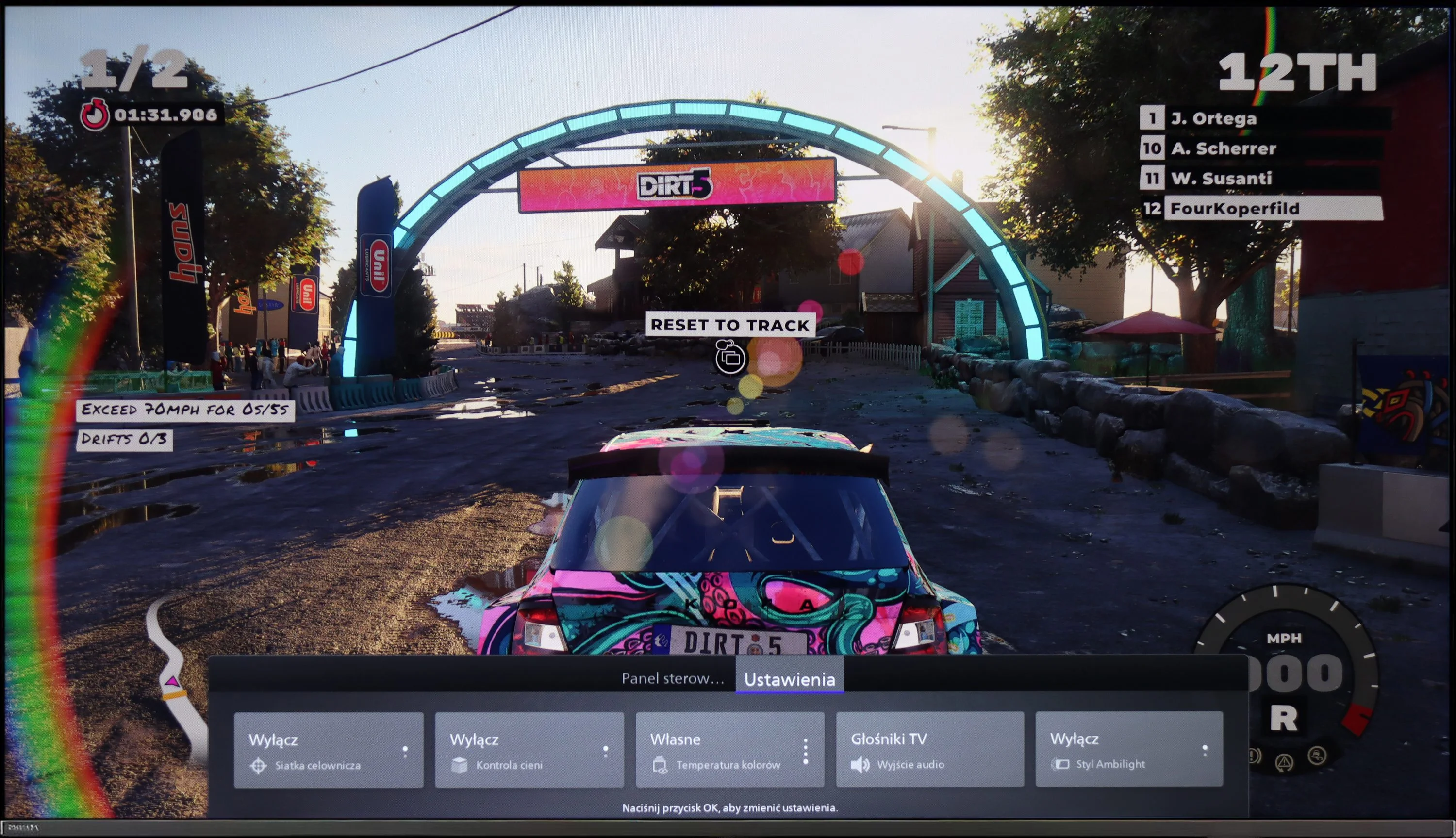
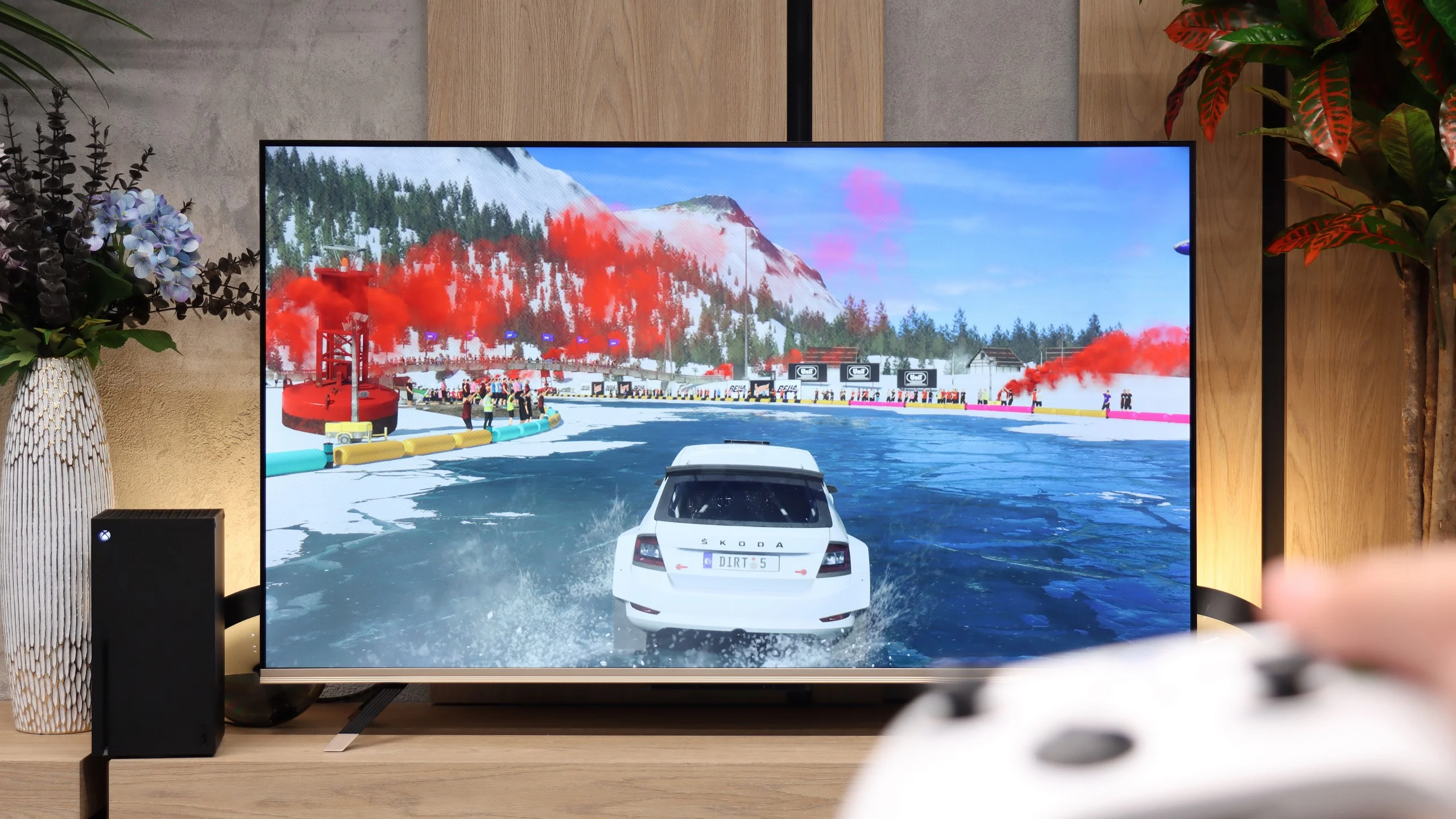
In terms of compatibility with consoles, Philips PUS8359 is mainly suited for occasional gamers. Although the television is equipped with an HDMI 2.0 port, it offers features such as Auto Low Latency Mode (ALLM), Variable Refresh Rate (VRR), and Game Bar. ALLM automatically switches the television to low latency mode, making quicker reactions easier during gameplay, while VRR smoothly adjusts the refresh rate, eliminating screen tearing issues. The Game Bar provides quick access to game settings and real-time monitoring of parameters; however, in our opinion, it performs worse compared to the competition's solutions.
However, more demanding gamers may feel unsatisfied. Philips PUS8359 does not support advanced HDR formats in games or higher refresh rates, which is due to the use of a 60 Hz panel. These shortcomings limit the television's capabilities in delivering smooth and detailed experiences during fast, dynamic gameplay.
The Dreame Q100 is not a strictly gaming device, but for console use it offers a reasonable package. It provides VRR to eliminate screen tearing and ALLM, which automatically switches the TV to a low-latency mode when it detects a console signal. An interesting compromise is support for a 120 Hz mode. The panel won’t achieve that refresh rate in 4K, but dropping to 1080p lets you play at 120 frames per second. If a given title prioritises smoothness over high resolution (and the game offers such a mode), it’s worth using this option. There’s also a handy Game Bar on board, allowing you to quickly change display settings, switch the refresh mode or add a virtual crosshair. Admittedly the HGiG implementation is weak here, but it earns points for supporting Dolby Vision Gaming on Xbox Series X and S. This is not a panel for technological purists, but for casual console gaming it performs flawlessly, especially when you opt to trade 4K for a smoother Full HD.
Input lag
10/10
10/10
SDR
HDR
Dolby Vision
Philips PUS8359 offers an exceptionally low input lag of below 10 ms, which is an excellent result. This makes the television perfect for dynamic games, providing quick responses and smooth gameplay, something that both casual and more demanding gamers will certainly appreciate.
The measured input lag is low enough that it should not be an issue when gaming. In 60 Hz mode the latency stays below 15 ms, while switching to 120 Hz reduces it to under 10 ms. These low values ensure highly responsive gameplay.
Compatibility with PC
6/10
4/10
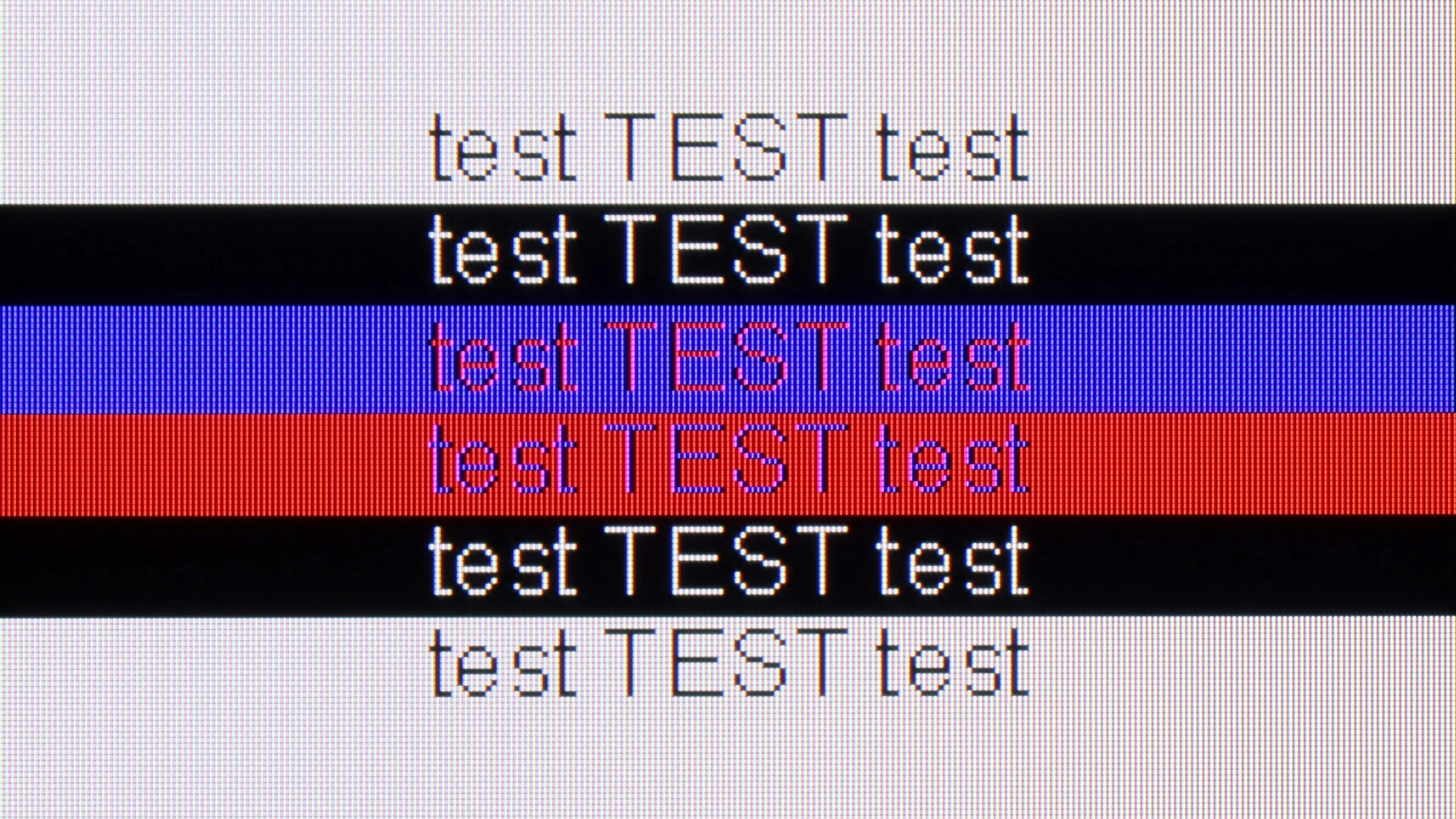
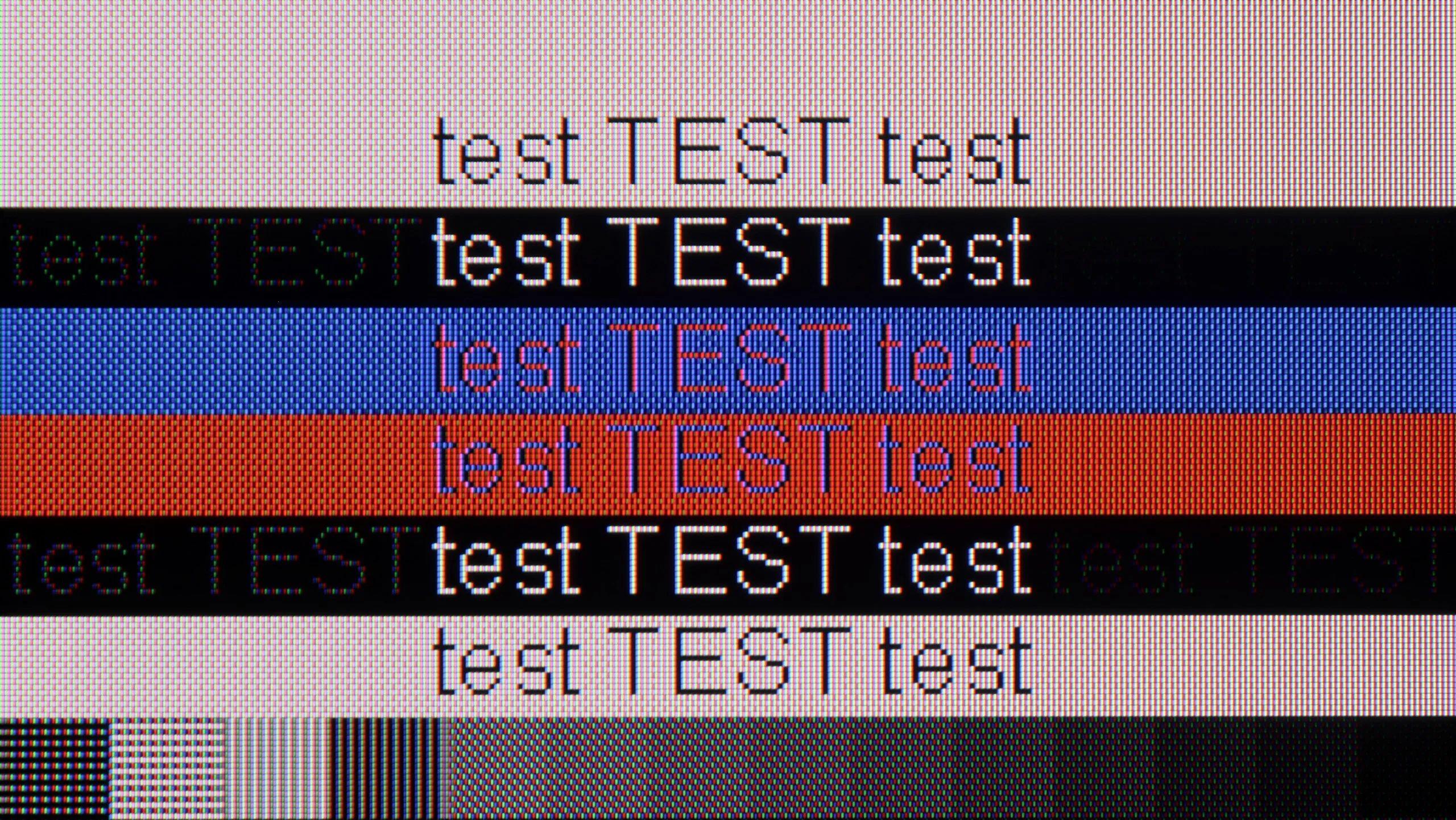
The photo shows the legibility of small fonts. Ideally, lines should be the same thickness on both light and dark text, with minimal pixel gaps.
The Philips PUS8359/12 television with an IPS panel offers quite good font readability thanks to its support for 4:4:4 chroma, making it suitable for office work and everyday computer use. Although its low input lag makes it friendly for gamers in terms of response time, the lack of G-Sync support and its 60 Hz panel may not meet the expectations of more demanding users. For those looking for a television for gaming, this might be a compromise – quick response is present, but the lack of higher refresh rate and adaptive image synchronisation affects its assessment in the gaming category.
The Dreame Q100 can occasionally serve as a large screen connected to a computer, but it fares much worse as a monitor. First of all, the TV does not display chroma 4:4:4 correctly, so coloured text and fine interface elements are not as sharp and legible as they should be. Black text on a light background looks much better, but during normal computer use this limitation quickly becomes apparent. There is also the matter of refresh rate. The Q100 can run at 120 Hz, but only after lowering the resolution to Full HD. At native 4K we remain at 60 Hz. It is fine for occasional connection of a laptop or PC, but we would not recommend it as a permanent monitor.
Viewing angles
6.3/10
2.9/10
The viewing angles on the Philips PUS8359 television are quite good, thanks to the IPS panel used (43" and 55"). The picture remains readable and clear even when viewing from a greater angle, which is beneficial when watching content with a larger group or in rooms with an unconventional layout.
One of the typical limitations of VA panels is viewing angles, and the Dreame Q100 is no exception. Sit noticeably to one side and the image will start to lose saturation and the colours will become paler. In that respect IPS or ADS panels perform considerably better. However, it is a compromise, and in return the VA panel offers much better contrast and deeper blacks when watching the TV straight on.
Daytime performance
4.3/10
4.4/10
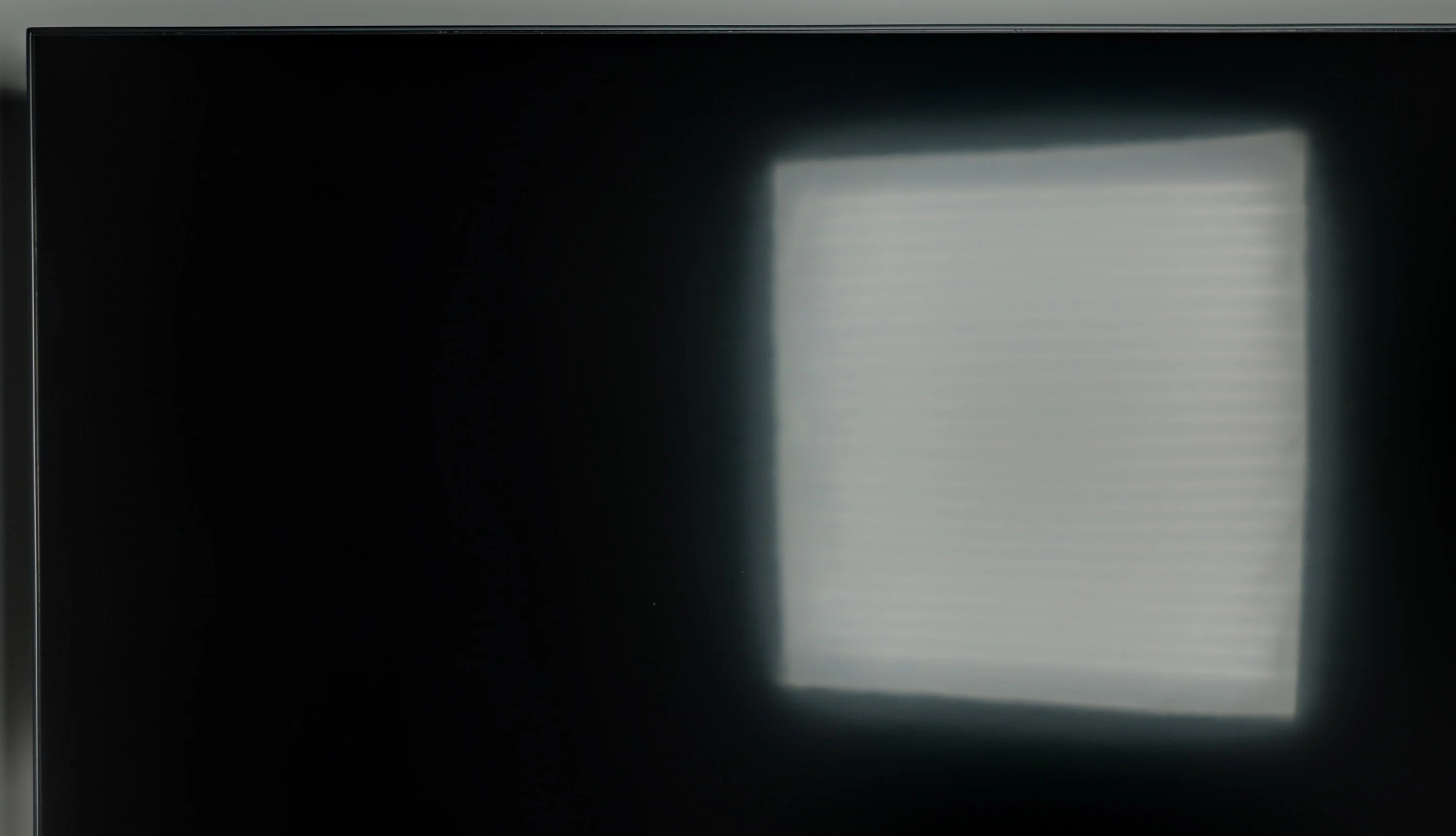
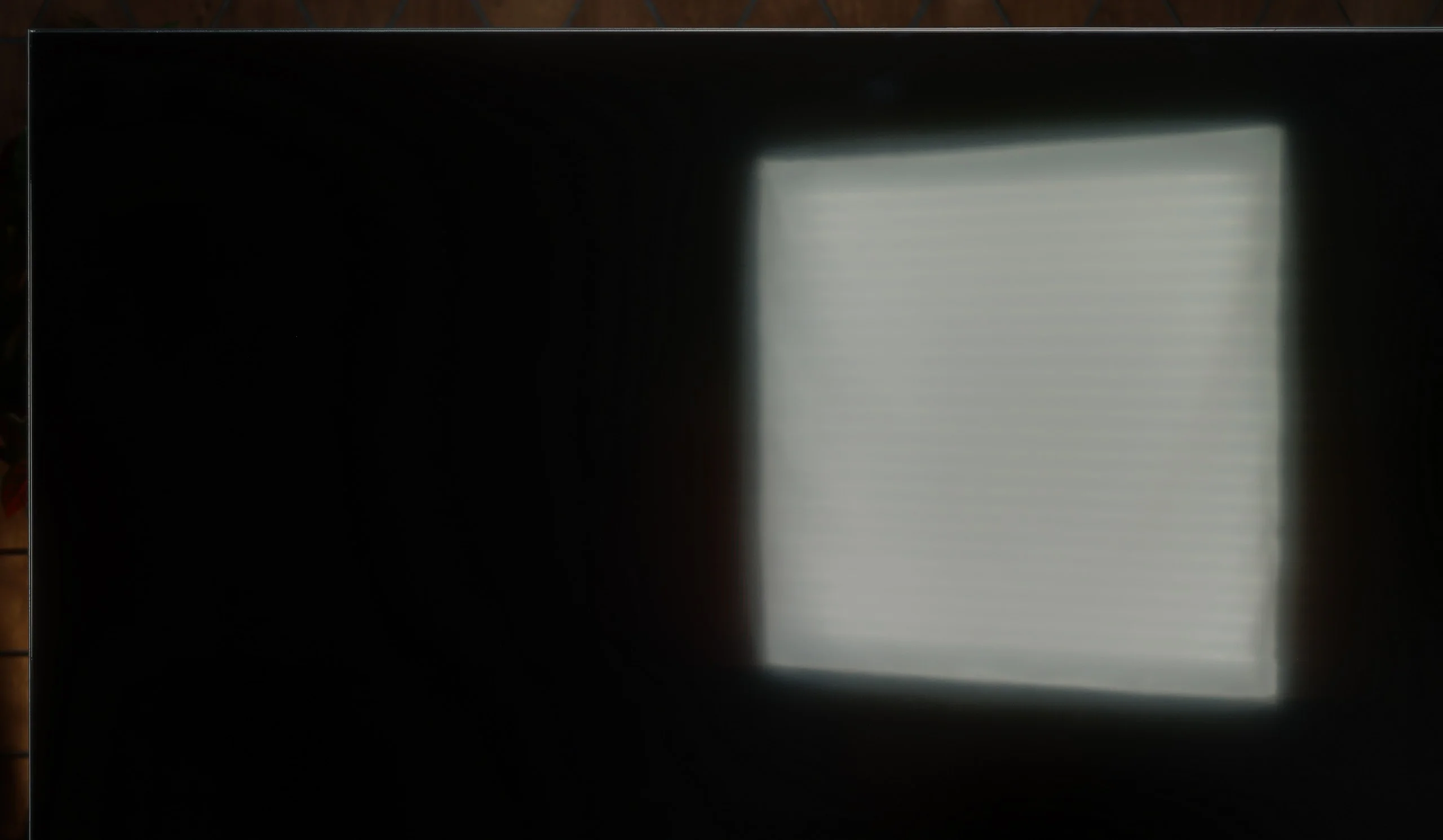
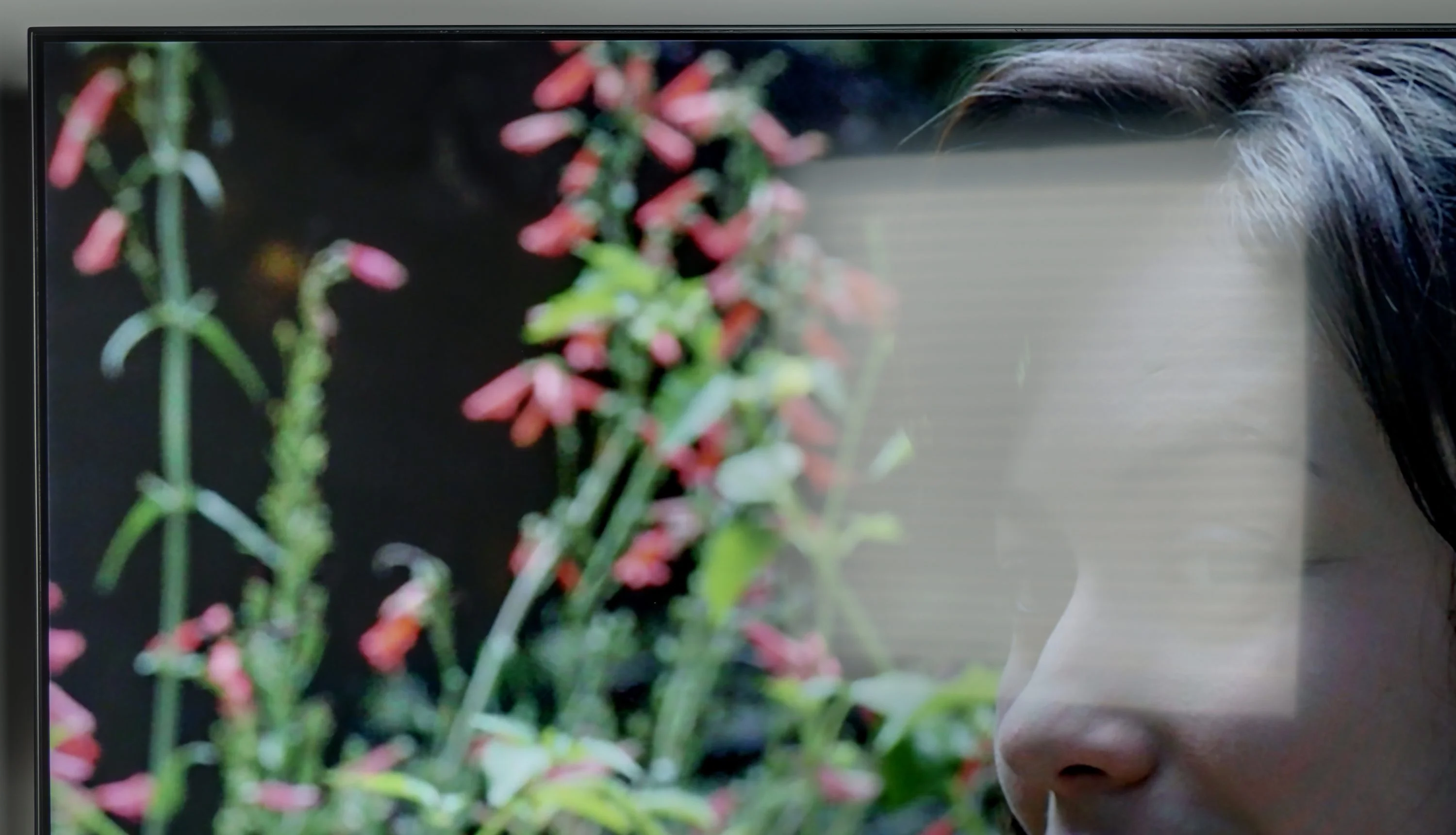
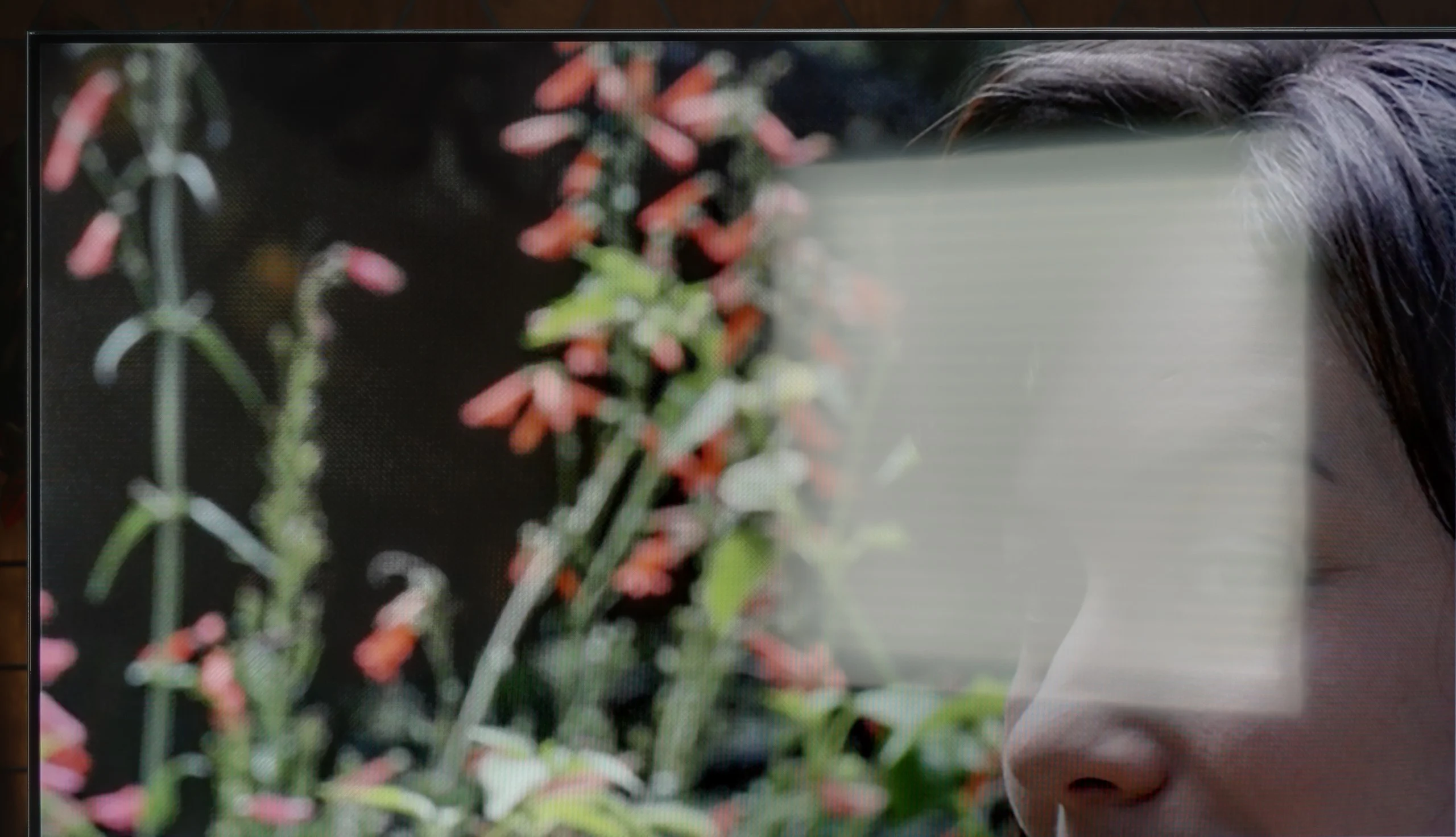
Panel brightness
Dreame Q100: 282 cd/m2
Philips PUS8359 (IPS): 305 cd/m2
In terms of performance during the day, Philips PUS8359 performs average. The satin finish of the panel moderately reduces reflections, which may be noticeable in bright rooms. A brightness level of 300 cd/m² is acceptable in this price range, but one should not expect exceptional results in more challenging lighting conditions.
The Dreame Q100 is not a TV designed for very bright rooms. About 300 nits of brightness is too little for the image to remain clearly visible in a strongly sunlit living room, especially during the day. The situation is not helped by the satin screen coating, which copes rather poorly with direct reflections. With a lamp or window opposite the TV, reflections can be clearly visible. In a typical, moderately lit room the Q100 will manage adequately, but for a really bright living room it's worth looking for something with higher brightness and a better anti-reflective coating.
Panel details
Subpixel Structure:
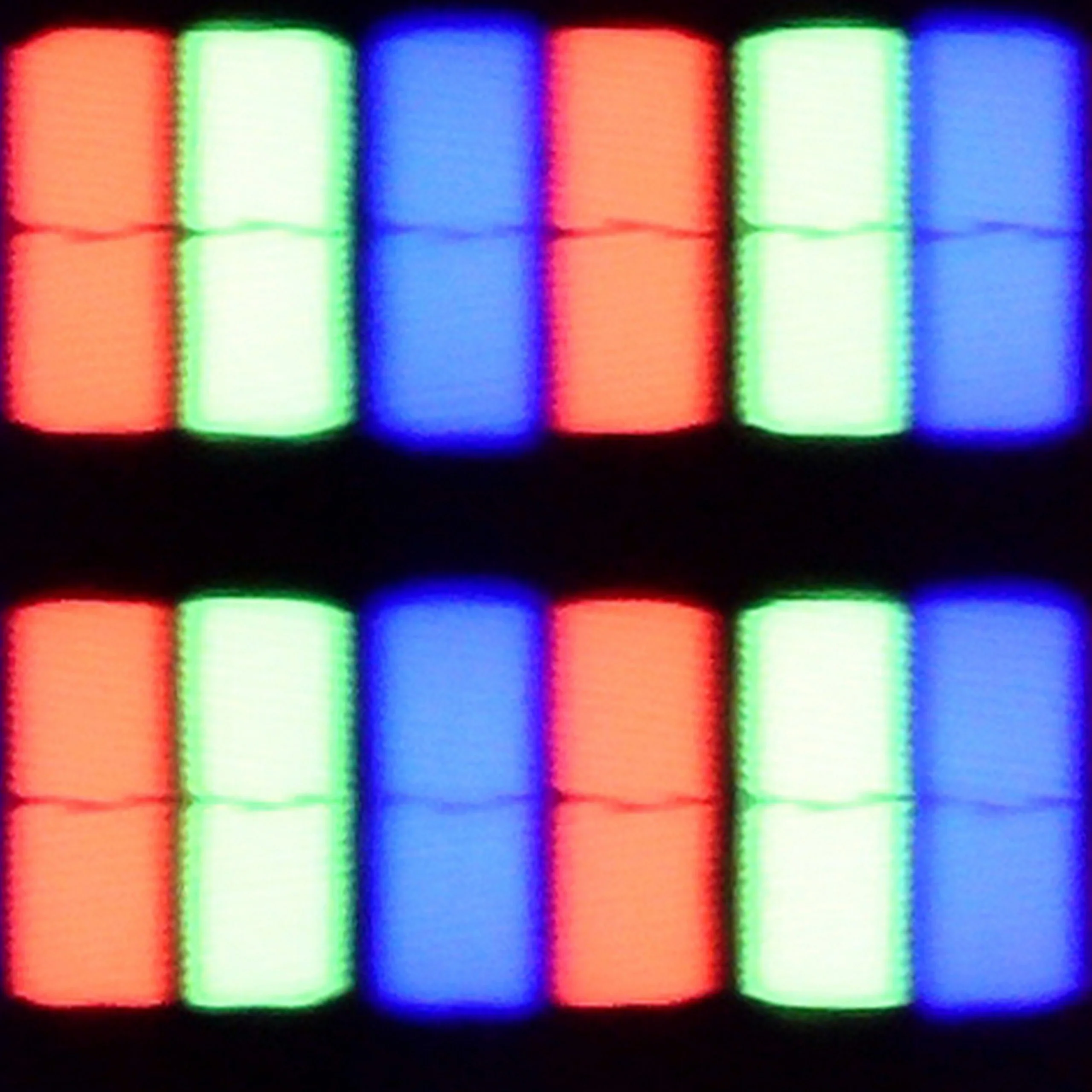
Panel uniformity and thermal imaging:
Philips PUS8359 (IPS)
Dreame Q100
TV features
5.3/10
5.2/10
- SystemTitan OSGoogle TV
- System performancePoorAverage
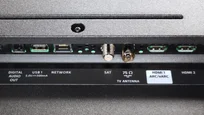
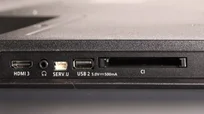
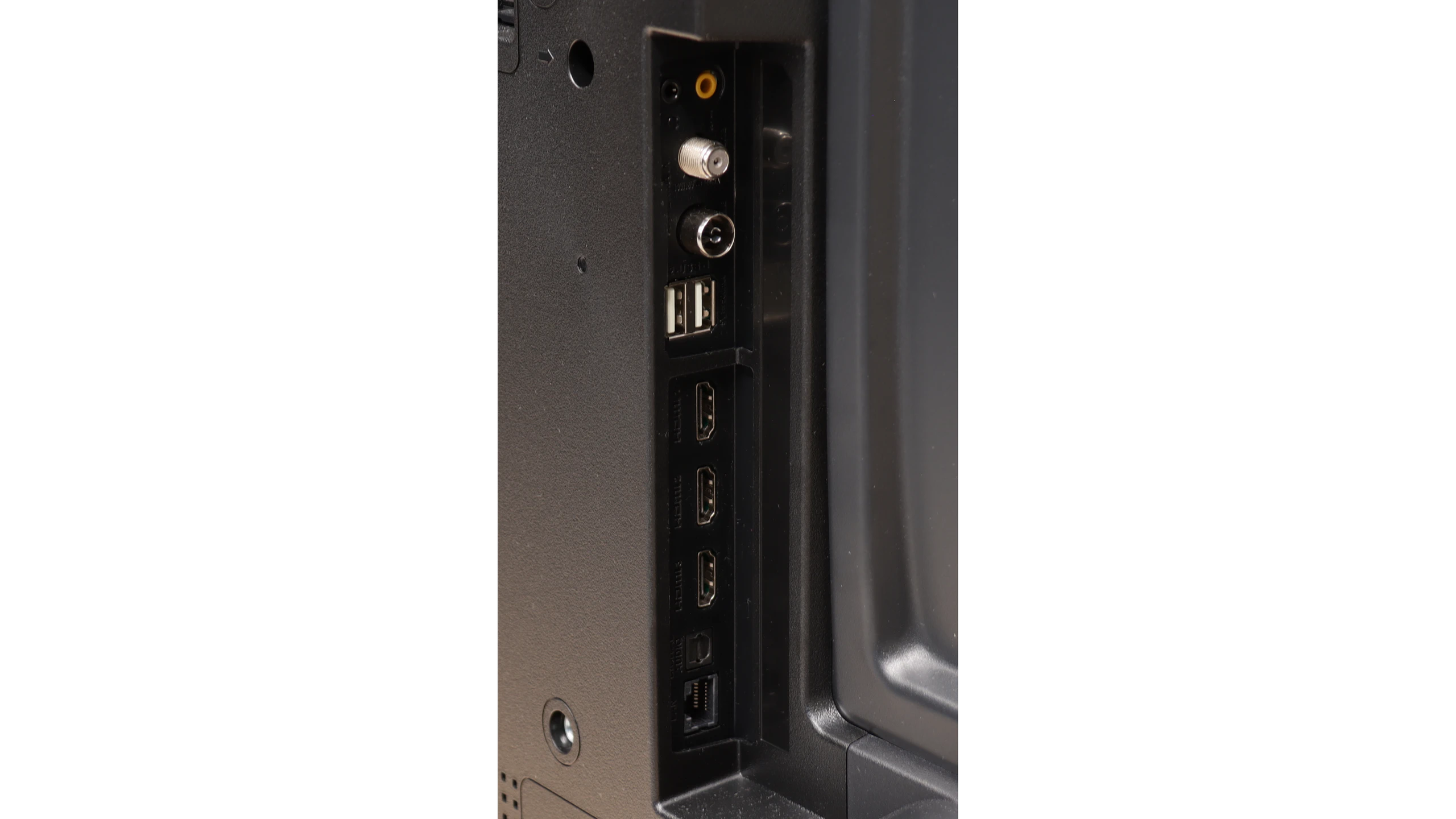
- HDMI inputs3 x HDMI 2.0, 0 x HDMI 2.13 x HDMI 2.0, 0 x HDMI 2.1
- Other inputsRCA (Chinch)
- OutputsToslink (Optical audio), eARC (HDMI), ARC (HDMI), Mini-Jack (Headphones)SPDIF (Coaxial audio), eARC (HDMI), ARC (HDMI), Mini-Jack (Headphones)
- Network InterfacesWi-Fi 2.4GHz, Wi-Fi 5GHz, Ethernet (LAN) 100MbpsWi-Fi 2.4GHz, Wi-Fi 5GHz, Ethernet (LAN) 100Mbps
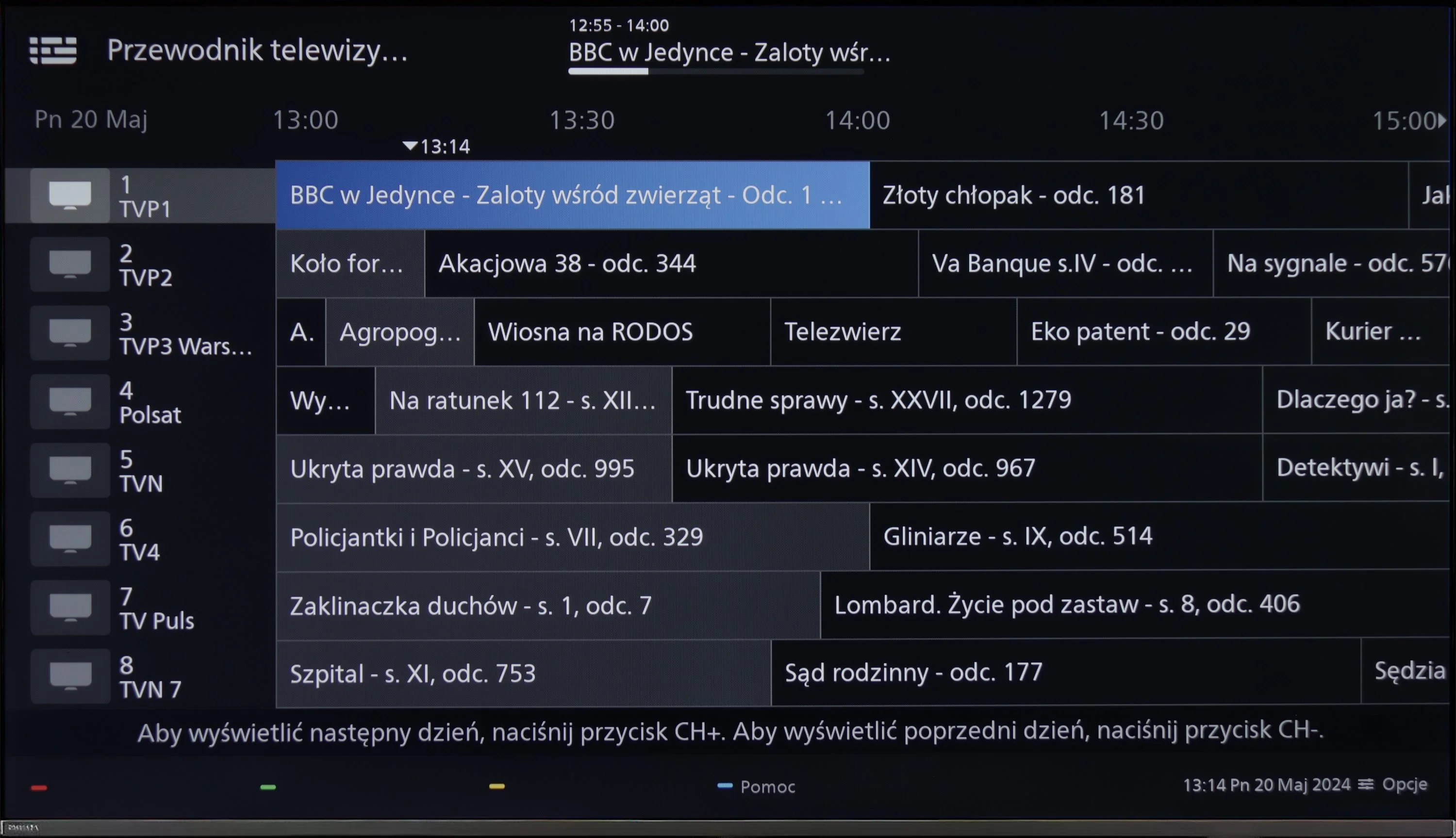
- TV receptionDVB-T, DVB-T2, DVB-S, DVB-S2, DVB-CDVB-T, DVB-T2, DVB-S, DVB-S2, DVB-C
Classic features:
- Recording to USB (terrestrial TV)
- Recording programming
- Picture in Picture (PiP)
- RF remote control (no need to aim)
- Backlit remote control
- Teletext
- Audio only mode
- Bluetooth headphones support
- Simultaneous Bluetooth headphones & TV audio
Smart features:
- AirPlay
- Screen mirroring (Windows Miracast)
- Voice search
- Voice search in native language
- Ability to connect a keyboard and mouse
Sound connection options
- HDMI audioeARC (HDMI), ARC (HDMI)eARC (HDMI), ARC (HDMI)
- Other audio outputsToslink (Optical audio), Mini-Jack (Headphones)AuxiliaryOutput-SPDIF (Coaxial audio), Mini-Jack (Headphones)
- Wireless audio
Supported audio formats (external HDMI eARC audio):
- Dolby Digital Plus 7.1
- Dolby True HD 7.1
- Dolby Atmos in Dolby Digital Plus (JOC)
- Dolby Atmos in Dolby True HD
- DTS:X in DTS-HD MA
- DTS-HD Master Audio
Senior accessibility
- Numeric keyboard on TV
- Font size adjustment
- Audio description
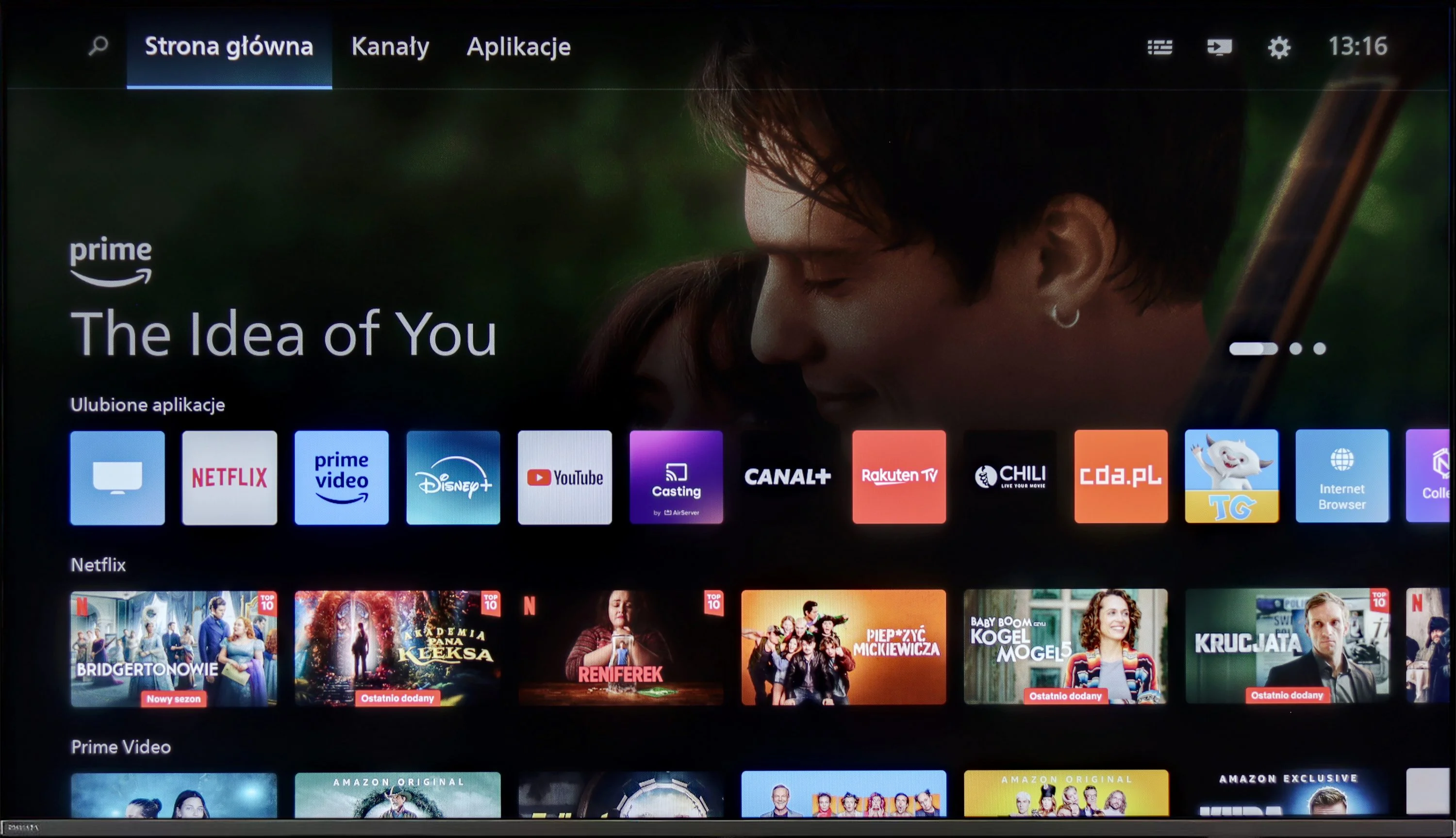
Philips has decided to change its approach to the operating system this year, replacing the previous open system GoogleTV with its proprietary TitanOS. As is often the case with new solutions, TitanOS faces typical growing pains. Currently, it only offers basic applications, and the app store leaves much to be desired, which may disappoint users expecting a rich selection of programmes. Additionally, the lack of support for AirPlay features and the inability to record to USB represent further limitations that could affect the overall user experience.
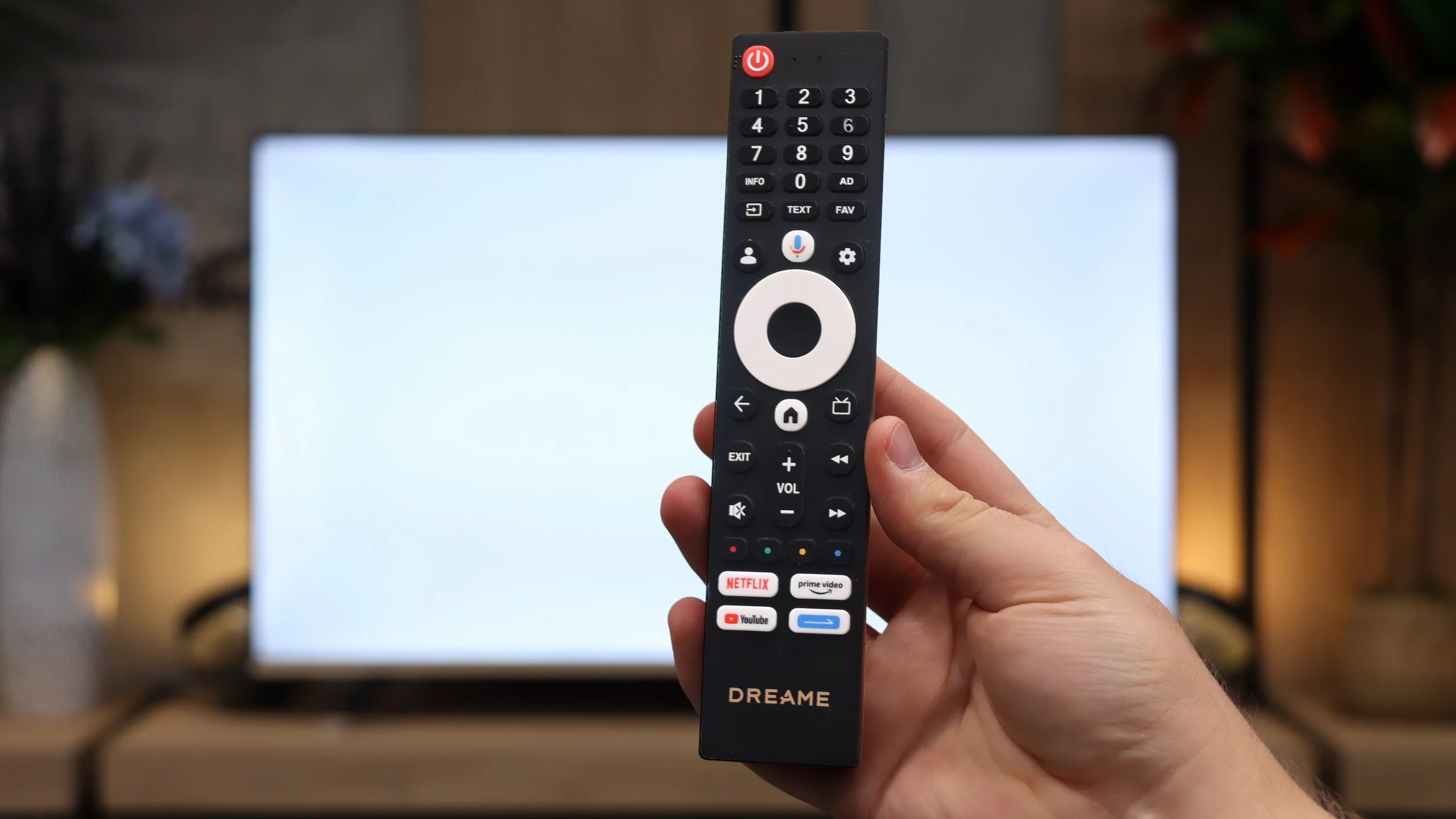
An interesting feature of the models with TitanOS is the new remote control, which is very convenient to use thanks to its backlighting. Unfortunately, its wireless functionality is not entirely consistent. The hybrid design means that sometimes you need to aim at the television, and other times you don’t—this depends on the buttons being used. It is simply frustrating.
The most important feature of the Philips PUS8359 television is the three-sided Ambilight system, which significantly enhances the viewing experience. The LED lighting placed on the sides and top of the television creates an immersive effect, extending the image beyond the screen and matching the colours to the displayed content. For many users, this is a key element that makes viewing more engaging and sets the television apart from the competition.
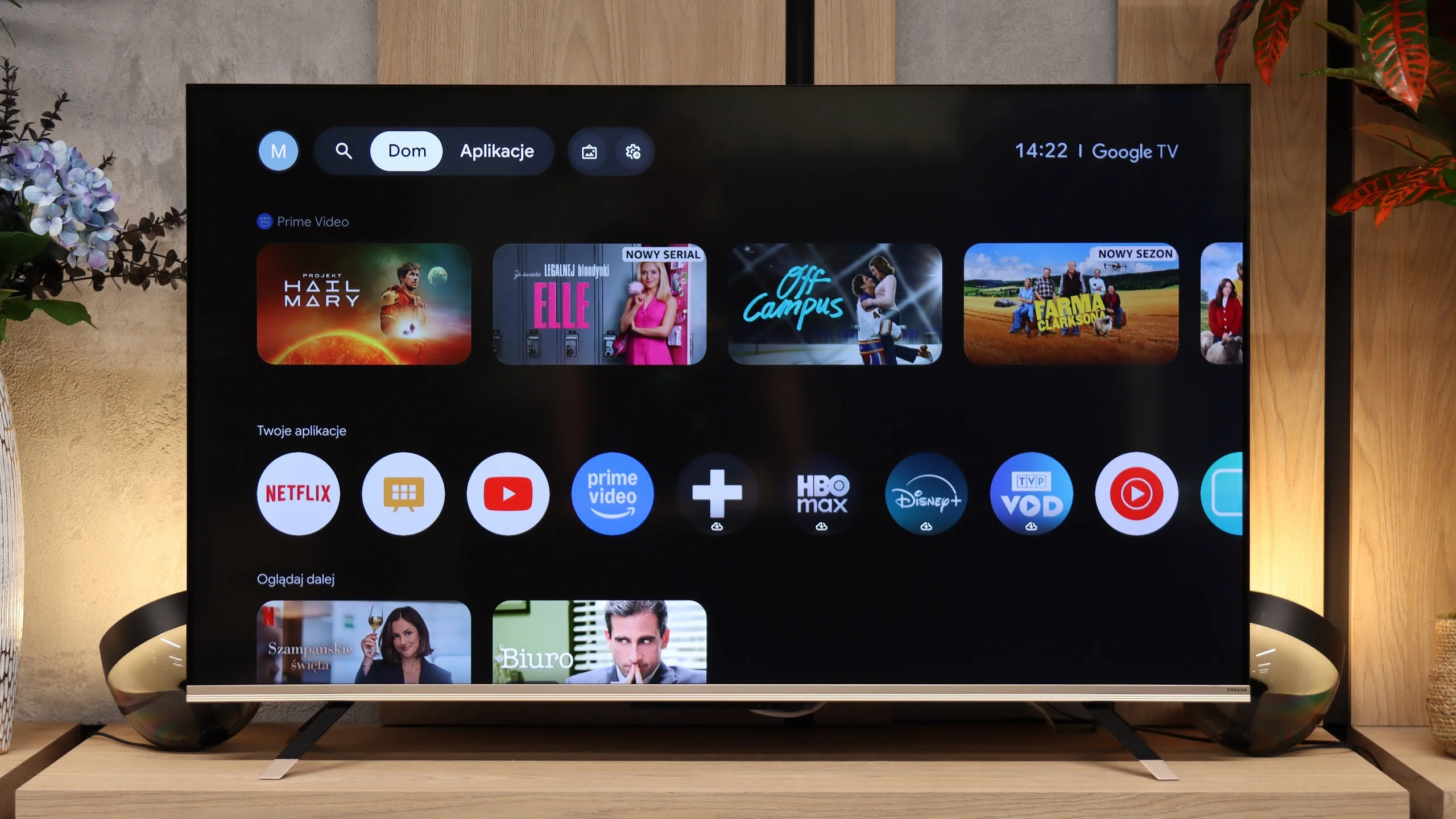
Google TV
The Dreame Q100 uses Google TV, so it is hard to fault when it comes to app access. You get all the most popular streaming services, the ability to install additional apps from the Google Play store and support for a Google account. The system therefore offers similar capabilities to many much more expensive televisions. During our tests we were unable to connect to the TV using an iPhone, so AirPlay is considered unavailable on this model.
Classic features
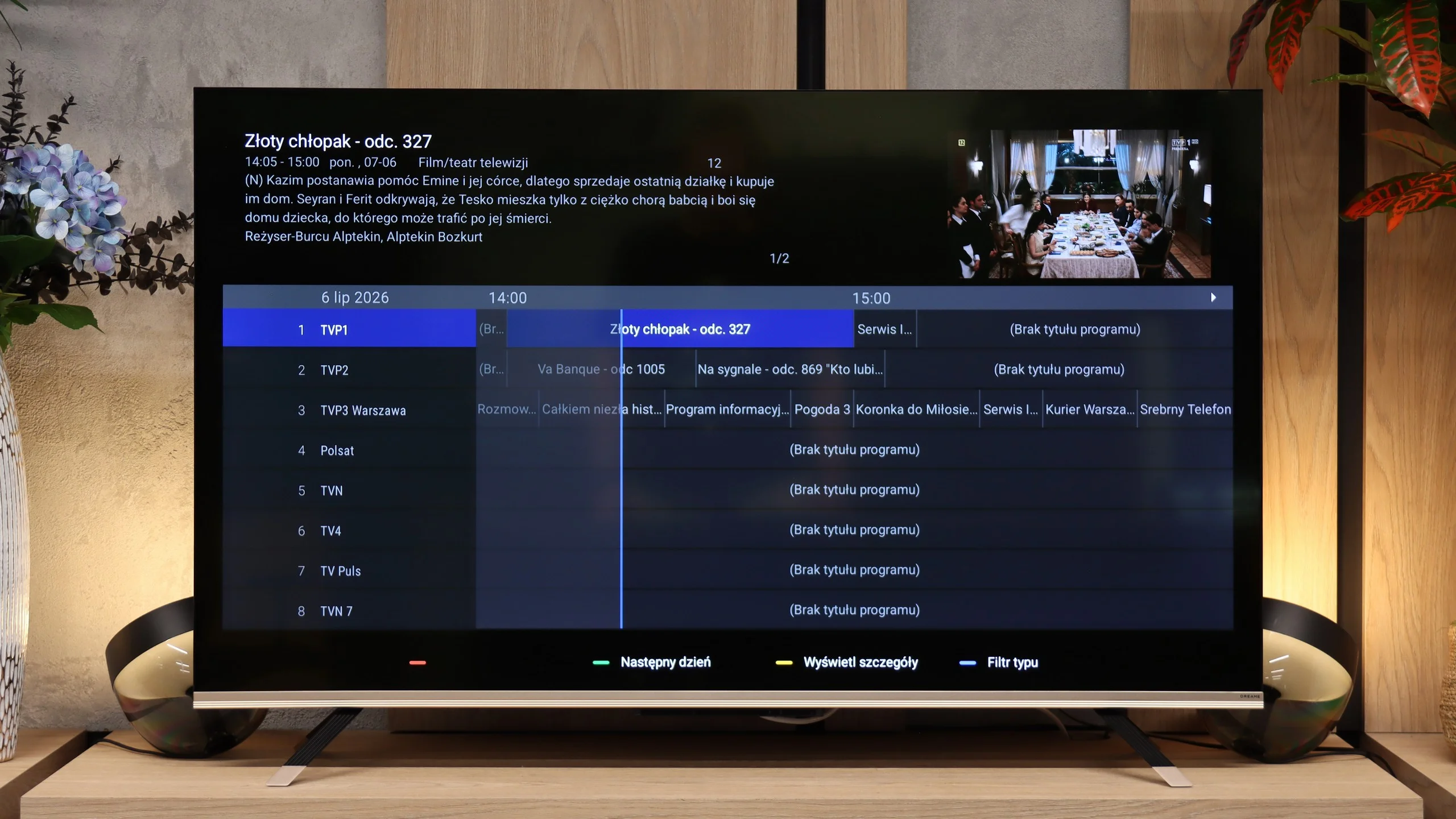
For regular TV viewing the Q100 performs without any major problems, but it is quite basic in terms of extra features. There is no option to record programmes to USB or to schedule such recordings. It also lacks more advanced functions found on pricier models, such as viewing from two tuners at once or PiP mode. Control is via a rather mediocre remote, but fortunately the manufacturer has kept a full numeric keypad on it, which is still very convenient for traditional television. On the plus side, the presence of analogue connectors is worth noting. The Q100 even has a classic mini-jack headphone socket, which we see less and less of in new TVs today.
Apps
6.7/10
9.6/10






















Playing files from USB
8/10
8.9/10
Supported photo formats:
Maximum photo resolution:
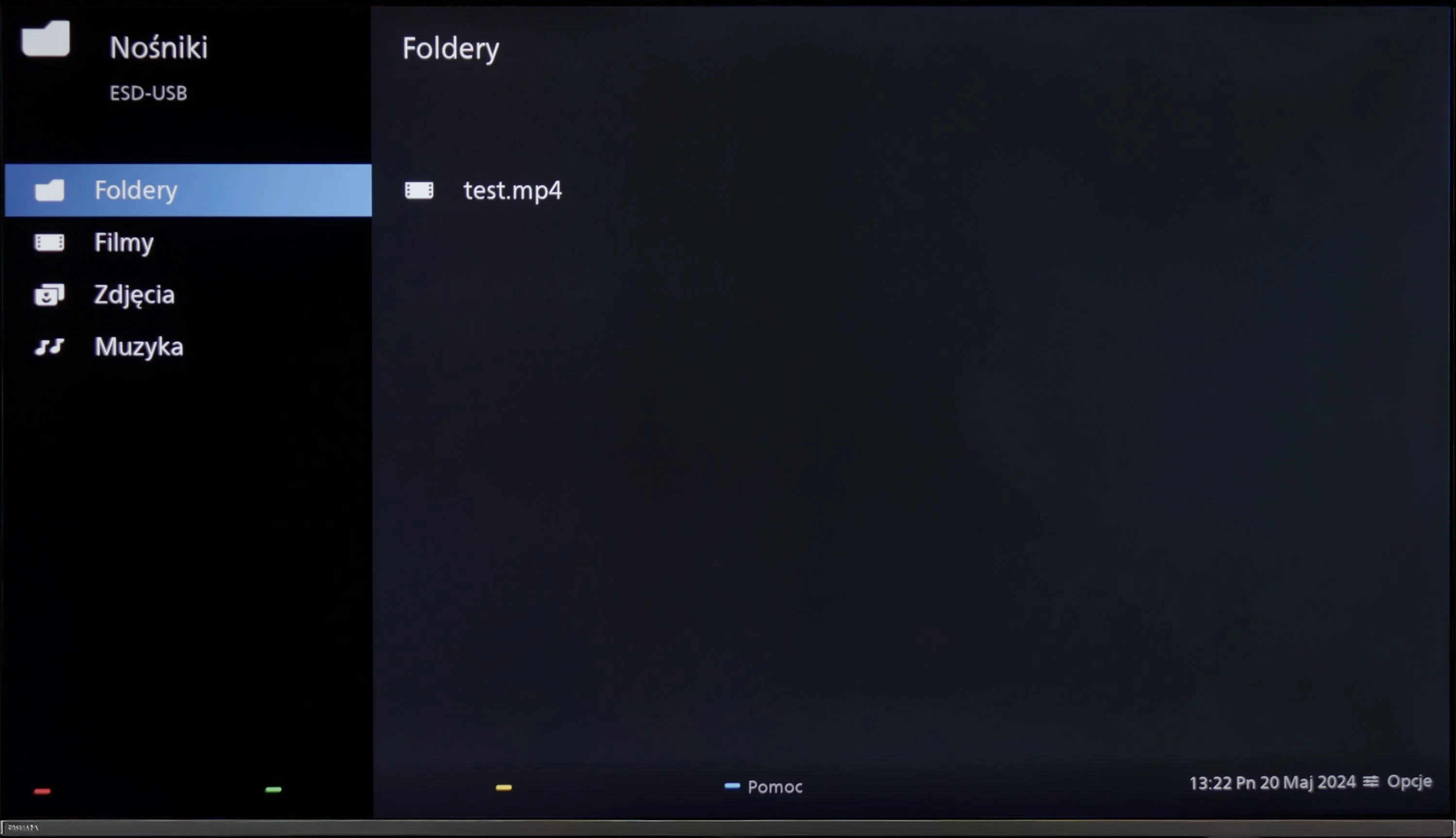
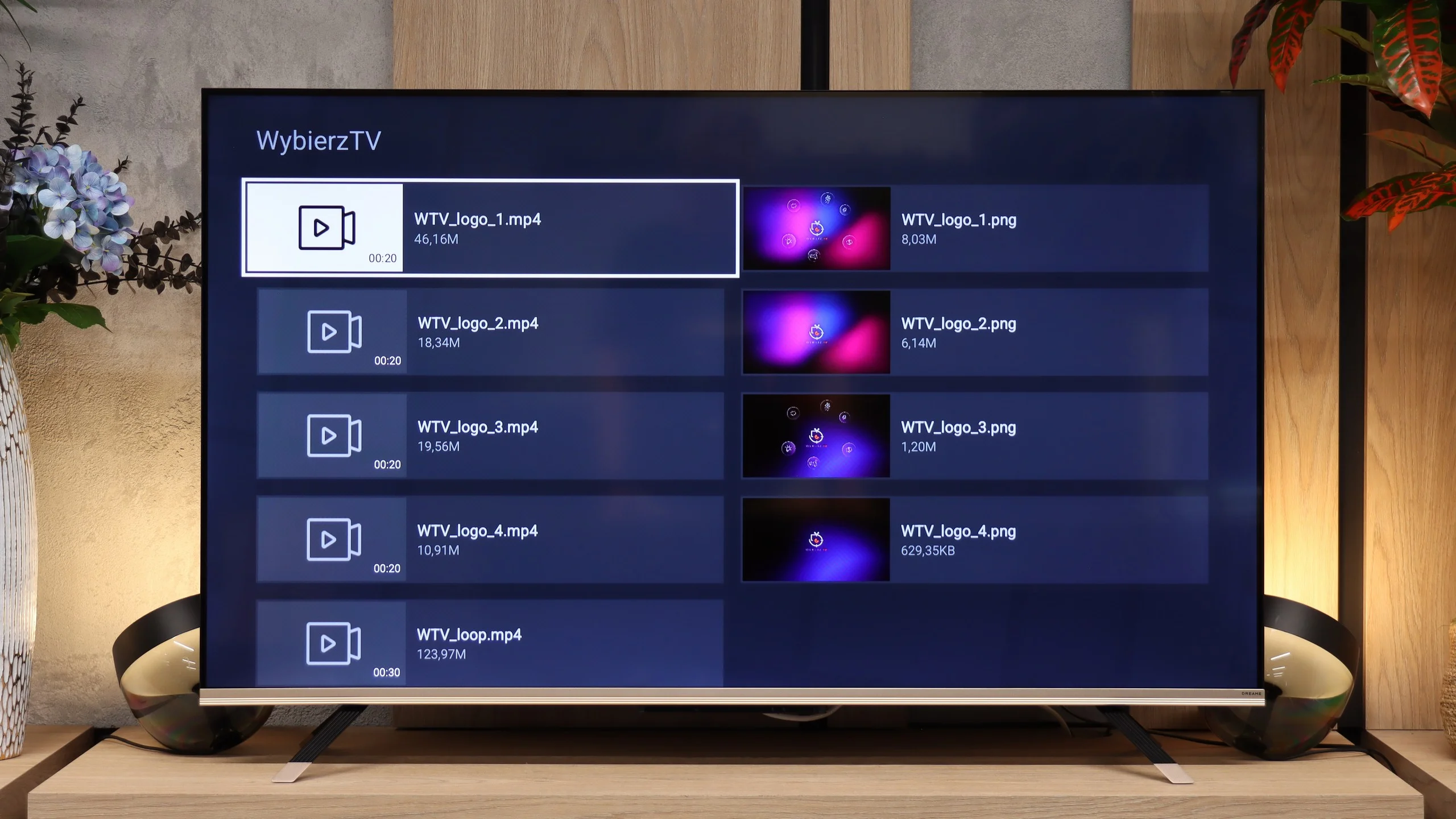
The default media player integrated into Philips PUS8359 offers quite a wide range of capabilities, but it also has its limitations. It can play almost all video formats, with the obvious exception of Dolby Vision and the less obvious .asf, which is not commonly found. However, the problem lies in the absence of the H.265 HEVC codec with high bitrate. When it comes to photos, the player performs adequately, but it lacks support for some popular resolutions and formats, such as HEIC, used on Apple devices. The player performs best with audio, where it cannot be faulted. Unfortunately, due to system limitations, there is no way to expand its features, which means we have to make do with what the manufacturer has provided.
The Dreame Q100 is very good at playing files from a USB drive. During testing it handled the majority of popular video and audio formats without major problems. The only limitations concerned subtitles. The TV would not play some formats, such as .SUB or .TXT.
Sound
6.1/10
5/10
- Maximum volume-87dB
- Dolby Digital Plus 7.1
- Dolby True HD 7.1
- Dolby Atmos in Dolby Digital Plus (JOC)
- Dolby Atmos in Dolby True HD
- DTS:X in DTS-HD MA
- DTS-HD Master Audio
The audio system in the Philips PUS8359 is a standard configuration of 2x10 W speakers, which is unlikely to impress high-quality audio enthusiasts. At moderate volumes (up to 50% of the maximum level), the sound remains bearable and does not cause major distortions. For better audio experiences, we definitely recommend connecting even a simpler soundbar. With support for Dolby Atmos and DTS, the television works well with external audio systems.
The sound in the Dreame Q100 is simply average. It most noticeably lacks bass, which makes the overall sound fairly flat and gives little sense of space. Fortunately, even at higher volumes there are no unpleasant crackles, squeaks or resonances from the TV's plastic housing. One positive is Dolby Atmos support, although the TV's built-in speakers cannot demonstrate what the format is capable of. If you want better spatial sound, you're unlikely to manage without a soundbar or a home cinema system.
Sound Quality Test
No sound test video
Acoustic Measurements
No acoustic data
87dBC (Max)
75dBC
Reader comments
Comments are provided by the external service Disqus (Zeta Global). Once loaded, Disqus may set cookies and process data about your activity.
We will remember your choice on this device. Provider's privacy policy