 Direct comparison
The Panasonic Z95B is a piece of equipment that makes it hard not to raise your eyebrows in delight. From the very first moments, it's clear that we are dealing with an absolutely exceptional screen, capable of bringing out everything that’s best in films and games. The black levels are perfect, brightness in HDR is stunning, and the colours – whether in film mode or games – show that Panasonic's factory calibration has reached a level that other manufacturers can only aspire to. Adding to this are the fantastic sound from the built-in soundbar and excellent viewing angles, giving us a television picture that, in terms of image quality and audio-visual immersion, seems to be complete. However, the longer we used it, the more it seemed we were dealing with a split device. On one hand, it acts like a reference monitor, ideal for evaluating video materials and indulging in the pure pleasure of films or series, even gaming; on the other hand, it is a television that can disappoint in its everyday functionality. FireTV in its current version can be frustrating, there are significantly fewer applications than the competition, some simply do not install at all, and the system can stutter quite a bit. Additionally, there are strange system issues, such as the lack of support for basic subtitles in films from USB – these may seem like trifles, but they contribute to the picture of a device that, in daily use, is far from perfect. And here lies the greatest paradox of the Z95B. It is a television that probably offers one of the best images currently available in showrooms, and at the same time, one that is difficult to recommend as a typical "television" without reservations. The competition, although often visually slightly weaker, is simply more user-friendly and costs significantly less. Therefore, the Z95B is a proposition for image purists, for those seeking a reference screen and who are willing to accept all the compromises associated with the other non-functioning features. For them, it will be a dream device. For the rest – a demonstration of Panasonic's power and rather a form of curiosity.
- Matching (Score) |
- Our verdict |
- TV appearance |
- Where to buy |
- Contrast and black detail |
- HDR effect quality |
- Factory color reproduction |
- Color reproduction after calibration |
- Smoothness of tonal transitions |
- Image scaling and smoothness of tonal transitions |
- Blur and motion smoothness |
- Console compatibility and gaming features |
- Input lag |
- Compatibility with PC |
- Viewing angles |
- Daytime performance |
- Panel details |
- TV features |
- Apps |
- Playing files from USB |
- Sound
S95H / S99H

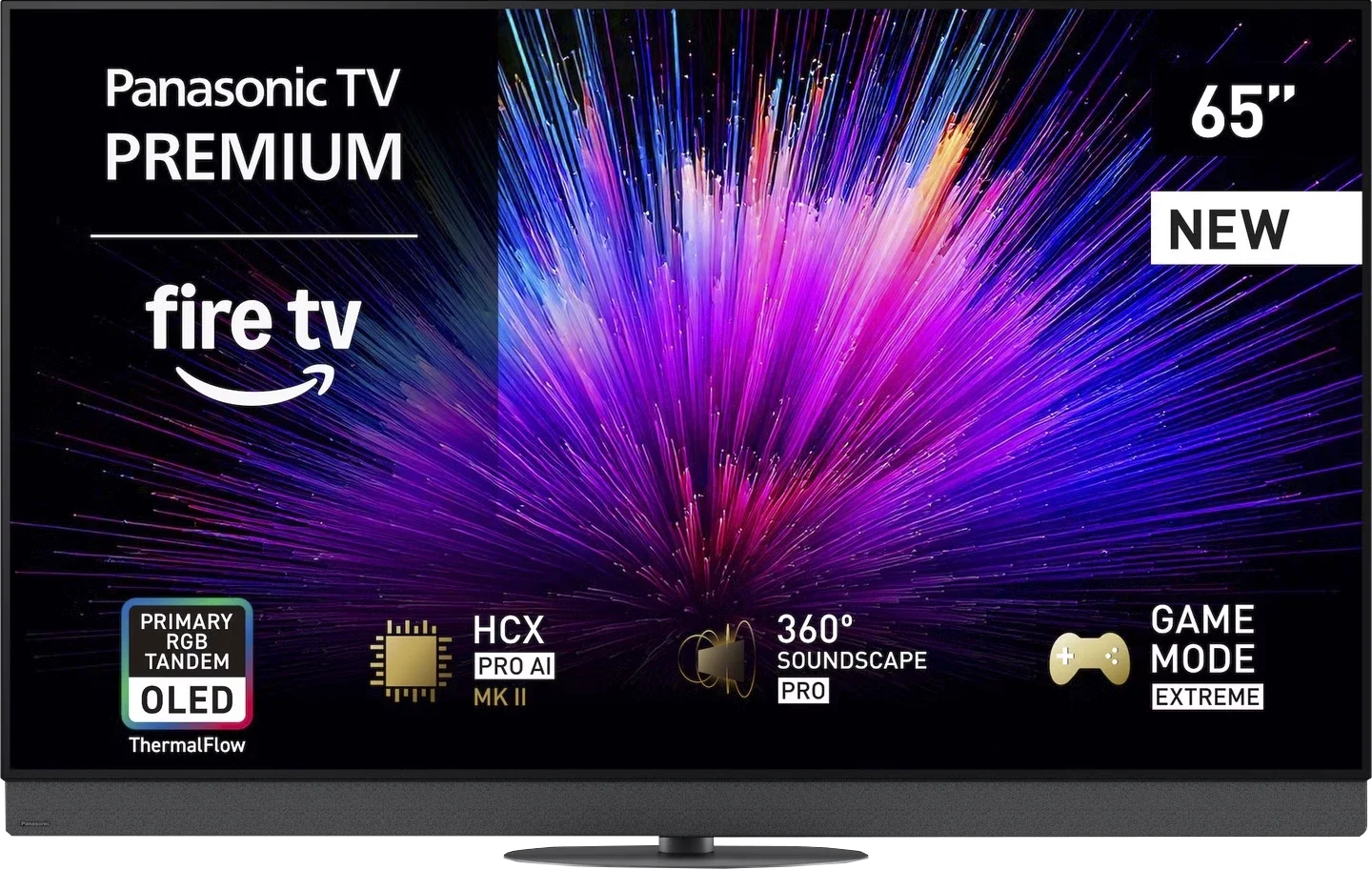
Panel type: WRGB OLED
Resolution: 3840x2160
System: Amazon FireTV
Model year: 2025
Complete the survey to find out the result
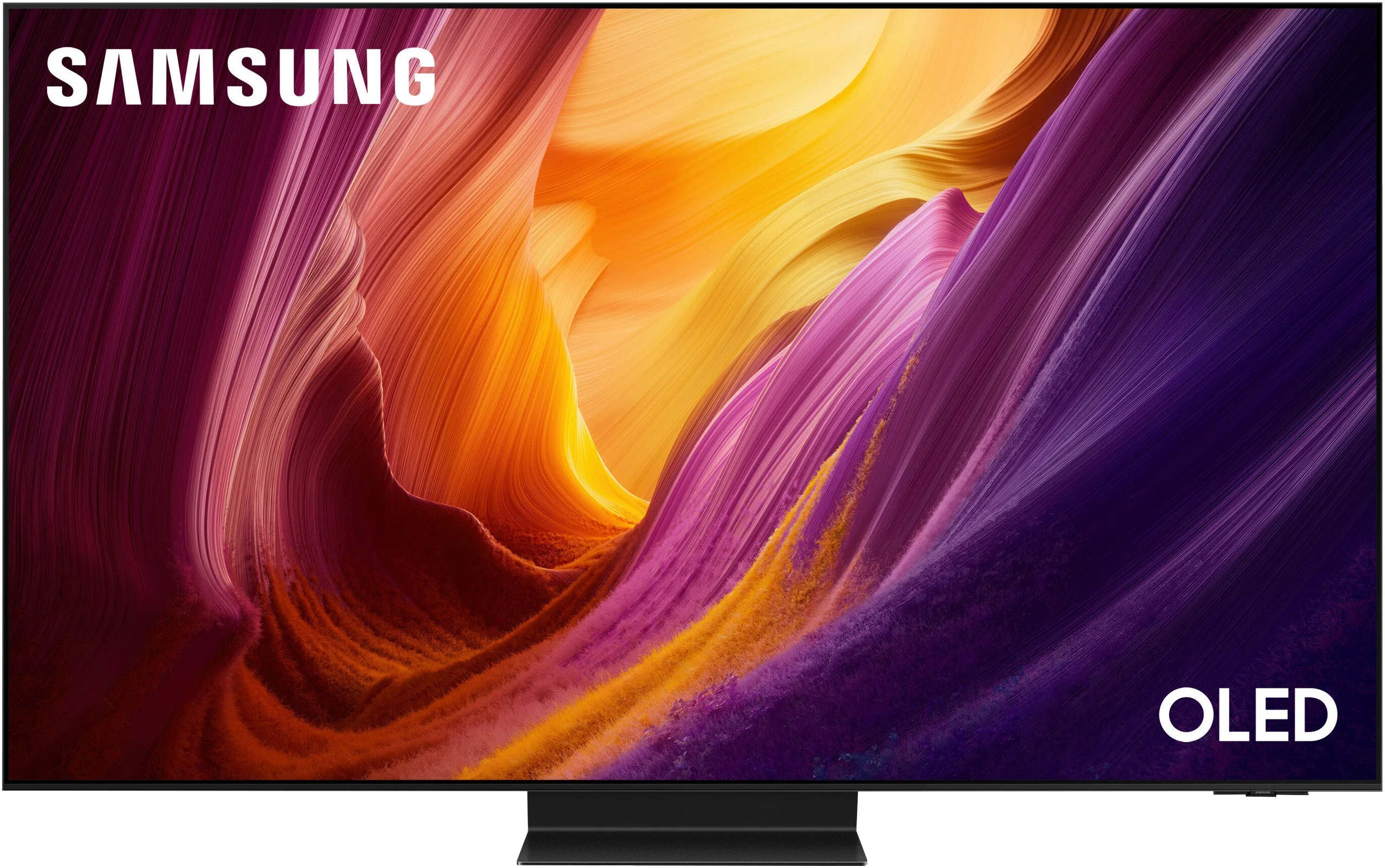
Panel type: QD-OLED
Resolution: 3840x2160
System: Tizen
Model year: 2026
Complete the survey to find out the result
Overall rating
8.5
8.8
 Movies and series in UHD quality
9.0
9.3
 Classic TV, YouTube
8.8
9.4
 Sports broadcasts (TV and apps)
8.5
9.0
 Gaming on console
9.6
9.9
 TV as a computer monitor
8.6
8.8
 Watching in bright light
7.4
7.3
 Utility functions
6.8
7.9
 Apps
7.2
9.3
 Sound quality
8.9
8.0
Complete the survey to find out what fits your preferences
Advantages

Amazing black
Incredible brightness - over 2000 nits in HDR
Factory colours almost reference-level
Support for multiple HDR formats including Dolby Vision and HDR10+
Phenomenal motion smoothness - OLED panel, 144Hz
Great choice for gamers, HDMI 2.1, VRR, ALLM, Dolby Vision Gaming and HGiG
Good compatibility with PC - 144 Hz, G-Sync and FreeSync
Very good sound from the built-in soundbar
Decent viewing angles
Perfect blacks and OLED contrast
Very high brightness
Rich, highly saturated QD-OLED colours
Natural picture after calibration
Excellent tone mapping (lots of detail in bright scenes)
Matte finish that effectively reduces reflections
Market-leading viewing angles (QD-OLED)
165 Hz refresh rate and lightning-fast panel response
Very low input lag and extensive gaming features
SENSATIONAL LOOK
One Connect module included
Disadvantages

Fire TV – no app, strange errors, untranslated menu
No support for DTS:X
No option to enable external subtitles from USB memory
Only two HDMI 2.1 ports, which is definitely too few in this class
Price clearly higher than the competition, which often lacks such system issues
Noticeable black level deterioration in bright light (a characteristic of QD-OLED panels)
Last year's version of Tizen
No DTS support (mainly relevant to Blu-ray fans)
Our verdict
The Samsung S95H is in almost every respect a continuation of the S95F. During testing we often felt like we were watching the same television. But... is that a bad thing? Not necessarily, because its predecessor set the bar very high. We still get a phenomenal picture and one of the best televisions we tested in 2026. HDR has enormous impact, and the colours and blacks mean a good film can really keep you glued to the screen. With a console or PC the S95H is just as enjoyable because it delivers what we expect from a flagship product.
The strongest argument for this model may, however, be its appearance. It's aimed at people who want the slimmest, most minimalist television possible. Especially on the wall the S95H looks excellent, and One Connect helps organise the whole setup. If the distinctive bezel of the S99H isn't to your taste, here you'll find a more discreet design. Brightness is admittedly lower than in the higher series, but it's still high enough that it's hard to call it a serious compromise for viewing.
Not everything deserves praise, though. We were most disappointed by the inclusion of last year's version of Tizen. The system itself runs quickly, but that detail only underlines how little has changed compared with the S95F. Perhaps Samsung will release a suitable update soon.
Ultimately the S95H is a great choice for someone seeking top-tier picture quality in an exceptionally slim chassis. The Samsung S95H doesn't bring a revolution, but it's still a television that, despite giving us a small déjà vu, made a big impression.
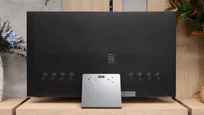
TV appearance






Contrast and black detail
10/10
10/10
Contrast:


Result
∞:1

Result
∞:1

Result
∞:1

Result
∞:1

Result
∞:1
Result
∞:1
Result
∞:1
Result
∞:1
Result
∞:1
Result
∞:1
Halo effect and black detail visibility:
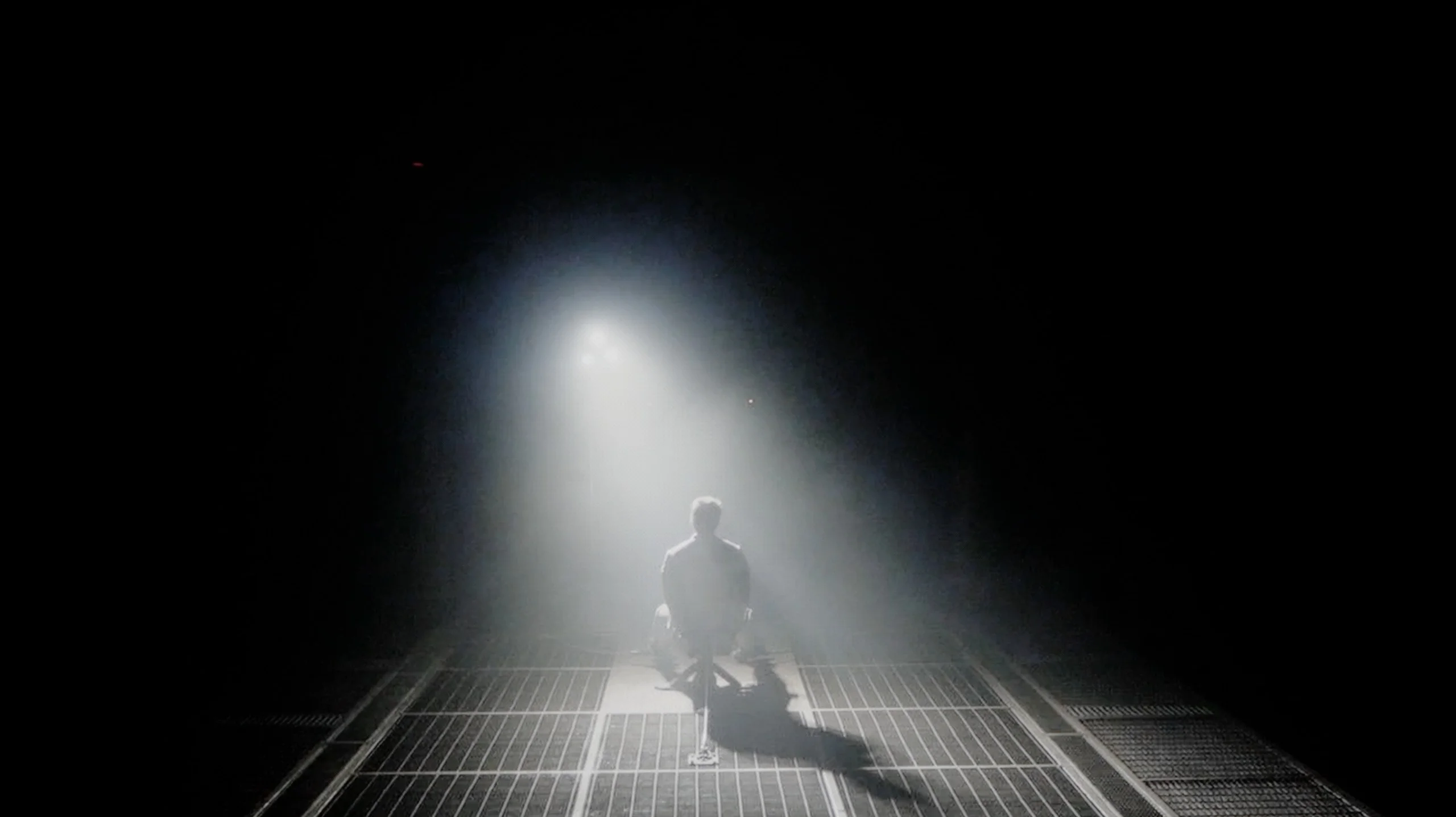
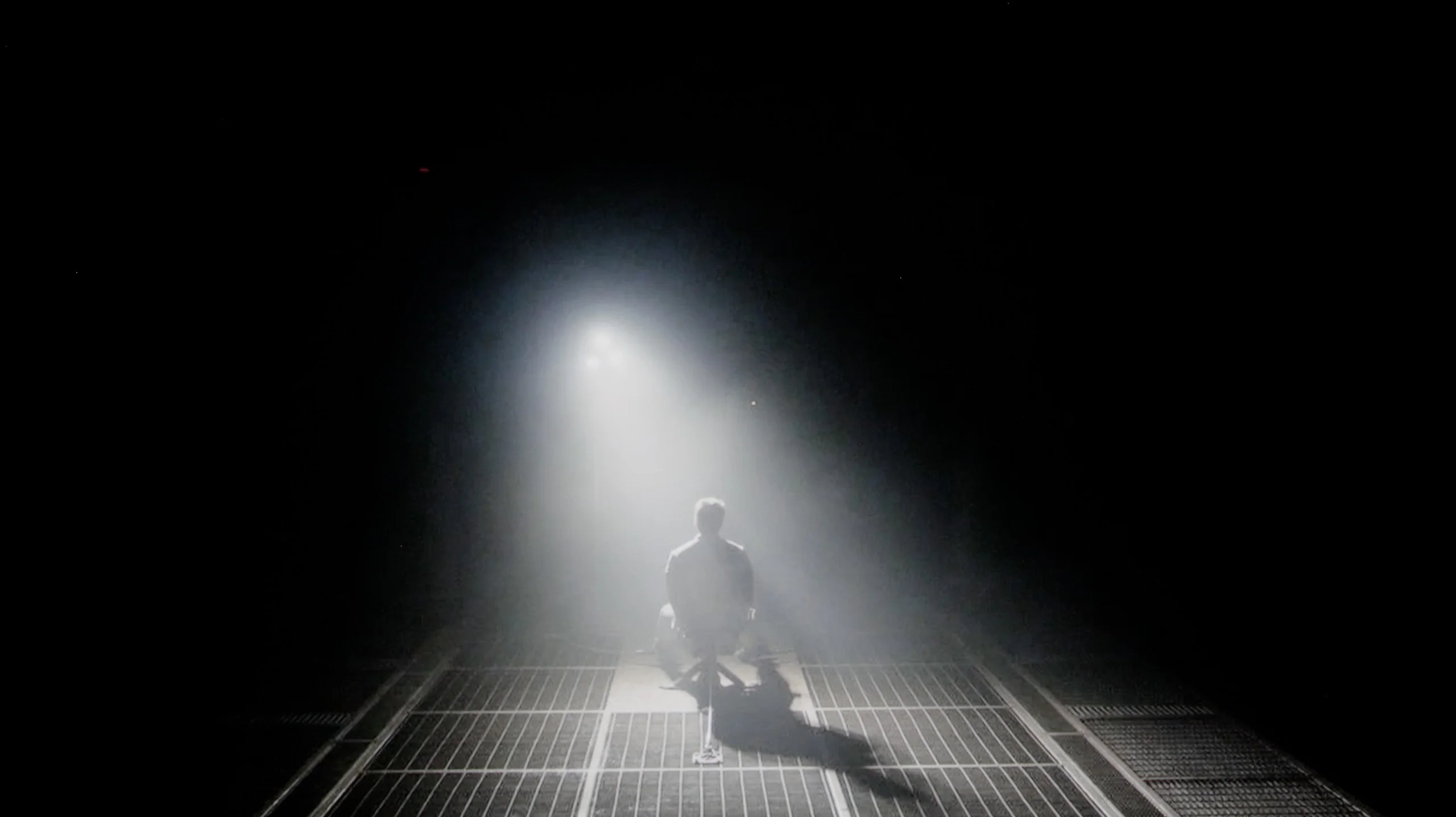
Check the visibility of bright lights on a dark background. Mini-LEDs often struggle with this. The photo does not compare black levels – that’s what the video below is for.
The black levels and contrast of the Panasonic Z95B can be summed up in one word – perfection. As is the case with any OLED television, the panel's ability to control individual pixels allows for complete dimming of sections of the image, resulting in absolute black. This enables the Z95B to offer ideal separation between bright and dark elements in a scene, with no visible blooming, lightening, or halo effects on the screen. Even in the most demanding sequences, where other LCD televisions reveal their limitations, the image here remains clear and readable. In practice, it is hard to imagine that OLEDs in this category could improve further, as the technology of self-dimming pixels simply has no weaknesses regarding contrast. The Panasonic Z95B does not deviate from this pattern and demonstrates that there is no room for significant improvements in terms of black levels – it sets a reference standard that is difficult to surpass.
The Samsung S95H we tested, with a 65-inch screen, uses a QD-OLED panel. The same type of panel is also found in the 55- and 77-inch models. A 48-inch size is new to the range, but note, it’s a completely different design. It does not have a QD-OLED panel or the One Connect module, so our review should not be applied directly to that variant. Returning to blacks, they are exactly what you would expect from any OLED. Each pixel lights independently and can switch off completely. As a result, black is truly inky, whether you are watching a broad shadow or a small dark area right next to a bright light. There are no bright banding artefacts or halos caused by local dimming zones. In our test scenes the S95H looked excellent in this regard. Bright elements stood out clearly from the dark background, and blacks retained their depth even in the most demanding shots. In the evening this creates a very pleasant effect, and it’s precisely this kind of picture we like OLEDs for. It is worth noting, however, that our unit had a minor issue with so-called black crush. The darkest greys sometimes merged into black, causing some shadow detail to disappear. The image then appeared even deeper and more contrasty, but that came at the cost of details that should have been visible. The black itself remained perfect, the TV simply did not always show what was just above it.
HDR effect quality
8.7/10
8.8/10
Luminance measurements in HDR:

Result
2069 nit

Result
2118 nit

Result
2131 nit

Result
2114 nit

Result
1442 nit
Result
2246 nit
Result
2236 nit
Result
2113 nit
Result
2230 nit
Result
1571 nit
Scene from the movie “Pan” (about 2800 nits)


Scene from the movie “Billy Lynn” (about 1100 nits)


The photos show two HDR10 movies. 'Pan' is one of the brightest productions ever made, while 'Billy Lynn' (soldier) has brightness typical of streaming (Netflix, Prime, HBO MAX). Notice the intensity of effects and detail in whites.
Static HDR10


The photos present the visibility of white details in various HDR formats. They do not show brightness differences between TVs (these can be compared in the previous gallery).
Dynamic: Dolby Vision
Dynamic: HDR10+


The photos present the visibility of white details in various HDR formats. They do not show brightness differences between TVs (these can be compared in the previous gallery).
HDR luminance chart:
Samsung S95H
Panasonic Z95B
Luminance of RGB colors
The quality of HDR on the Panasonic Z95B is among the absolute best. Thanks to the latest generation panel, referred to by the manufacturer as Primary RGB Tandem OLED, the television can achieve over 2000 nits of brightness in cinematic scenes. The effect is impressive and can amaze with the intensity of the light, providing a sense of connection with the screen that goes beyond previous experiences. Similar feelings accompanied us only during tests of the LG G5, Samsung S95F, or Philips OLED910. Of course, there are moments when the device's algorithms decide to limit luminance – this especially concerns full-screen bright sequences, such as the closing credits in the film The Meg. Even then, the Z95B maintains a level of around 1500 nits, which is still an incredibly impressive result. One can thus say that HDR in this model has reached masterful form. A significant step forward is also evident in colour reproduction. The new tandem OLED panel does not yet match the best QD-OLED screens in terms of full gamut coverage, but the gap between these solutions has significantly decreased. When watching films, the differences are subtle enough that under normal conditions they are hard to notice, and the colours remain vivid and saturated.
The Samsung S95H is an extraordinarily bright OLED TV. It does not quite reach the level of this year’s S99H, the one with a bezel, but a peak of around 2300 nits is still a phenomenal result. You can really feel it in films. Highlights, sun reflections or lights on a dark background have the punch we expect from a premium TV. Importantly, the S95H performs well across different scenes. It does not need a single small bright spot on a black screen to show what it can do. In the first four test shots we measured over 2100 nits, even though each of them places slightly different demands on the TV. That makes the HDR effect powerful both in night scenes and in more evenly lit frames.
Of course, the limitations typical of OLEDs remain. When a very bright image occupies a large part of the screen, ABL comes into play, the mechanism that limits panel brightness. With an almost white screen the drop can be much larger than with a short, point-like flare. That does not mean bright film scenes look weak. In a demanding shot from "The Meg" we recorded about 1600 nits. That is still a fantastic result, and the bright sky and reflections on the water retain very high intensity.
QD-OLED colours
Colours on the Samsung S95H are simply outstanding. It is one of the most 'colourful' OLEDs we have tested. Deeply saturated reds, greens and neons look great and complement the screen's high brightness. DCI-P3 coverage is as high as 99.9%, so the TV can reproduce practically the entire colour range used in that space for HDR films.
Interestingly, our measurements also show progress compared with the S95F. Coverage of the wider BT.2020 gamut rose from around 87% to 89.6%. That is a very similar result to what we obtained with this year’s S99H, which suggests very similar capabilities of both panels in terms of colour gamut. The difference from its predecessor is small but worth noting. The S95H remains at the very top among OLEDs in this regard and can confidently compete with new screens using SQD quantum dots.
Factory color reproduction
9.5/10
7.6/10


This gallery shows how colors change after professional TV calibration. If you notice the difference, we recommend ordering this service at SkalibrujTV.com.
Factory Mode
After calibration


This gallery shows how colors change after professional TV calibration. If you notice the difference, we recommend ordering this service at SkalibrujTV.com.
Factory Mode
After calibration
The factory colour reproduction of the Filmmaker mode, my dear friends, is truly remarkable in the case of the Panasonic Z95B. I'm referring to our test sample, but the result was so good that it’s hard to believe. The only detail one might nitpick about is a slight lack of blue in the white balance, but apart from that, the television straight out of the box presented an image unlike anything we have ever seen in factory mode. Tests of the colour palette, Color Checker – everything indicated values below Delta 2. That’s a much lower result than the threshold of human eye perception, which means, quite simply, that the viewer has no chance of noticing any serious deviations. It looks as though Panasonic has actually calibrated this model at the factory stage. Of course, we cannot rule out the possibility that we received an exceptionally well-set sample, but the result is still impressive. We are very strict when it comes to evaluating factory calibration, and here our jaws simply dropped.
Out of the box, the Samsung S95H performs quite well, although our sample had a few issues that needed correcting. In SDR material there is a red bias in the white balance. The image is therefore slightly warm, and whites and faces can take on a faint pinkish tint. It's not a large inaccuracy, but it can be noticed when compared with a reference image. More noticeable is the way dark scenes are shown. Gamma is above the target value of 2.4 across most of the scale, and the deviation is especially large at the darkest shades. The picture therefore looks darker and more contrasty than it should. This confirms the aforementioned issue with losing detail close to black. Dark clothing or background elements can blend into a single blot, even though they remain visible in the source material. In HDR, brightness control is significantly better. The EOTF curve tracks close to the reference, so the TV preserves the brightness of individual parts of the scene well. There remain, however, minor colour deviations. In the brighter areas the dominance of red and blue over green gives whites a slightly pinkish-violet tint. Overall the starting point is good, particularly in HDR, but calibration can still make some improvements.
Color reproduction after calibration
9.8/10
9.4/10


The photos show how movies look on the TV. Pay attention to black detail visibility, colors, and shadow tint.


The photos show how movies look on the TV. Pay attention to black detail visibility, colors, and shadow tint.
The colour representation after calibration in the Z95B is a topic that is difficult to elaborate on, as there was simply not much to be done here. A slight adjustment of the white balance was sufficient to eliminate the lack of blue, and at this point, the picture reached an almost reference level. It must be admitted that we haven't had such a small range of work in a while. If any of you are particularly observant, you may notice minimal deviations in the EOTF curve, but this is rather related to the operation of the dynamic tone mapping function we mentioned earlier. In fact, it is not a flaw, but a characteristic of this solution, which deliberately alters the brightness characteristics depending on the scene. In summary, we are extremely impressed. The Panasonic Z95B is a television that looks great straight out of the box, and after calibration, it reaches a level where it is truly difficult for us to find anything to improve.
After calibration the S95H looks truly excellent. The excess red was removed, so whites are neutral and faces have regained a natural tone. In SDR colour errors are now very small. The picture retains great saturation but no longer adds a colour cast that was previously visible in the factory settings. This is exactly how a properly set TV in this class should look. HDR also shows an improvement in white balance. In addition, the brightness in cinematic scenes adheres very well to the reference. Bright highlights have appropriate intensity, and the TV does not unnecessarily brighten the whole frame. Combining that level of control with the capabilities of the QD-OLED panel produces an image that is simply very pleasant to watch.
We are left with essentially two reservations. The first is the loss of the very darkest details. Our sample still tended to crush some shades near black, although this may be a trait of the particular unit under test. The second concerns the adjustment of the colour palette in HDR. The available settings do not allow perfect correction of every hue, so some minor inaccuracies remain. Nevertheless, this does not change the very good final result; after calibration the S95H delivers an image at a genuinely high level.
Smoothness of tonal transitions
7.8/10
9/10
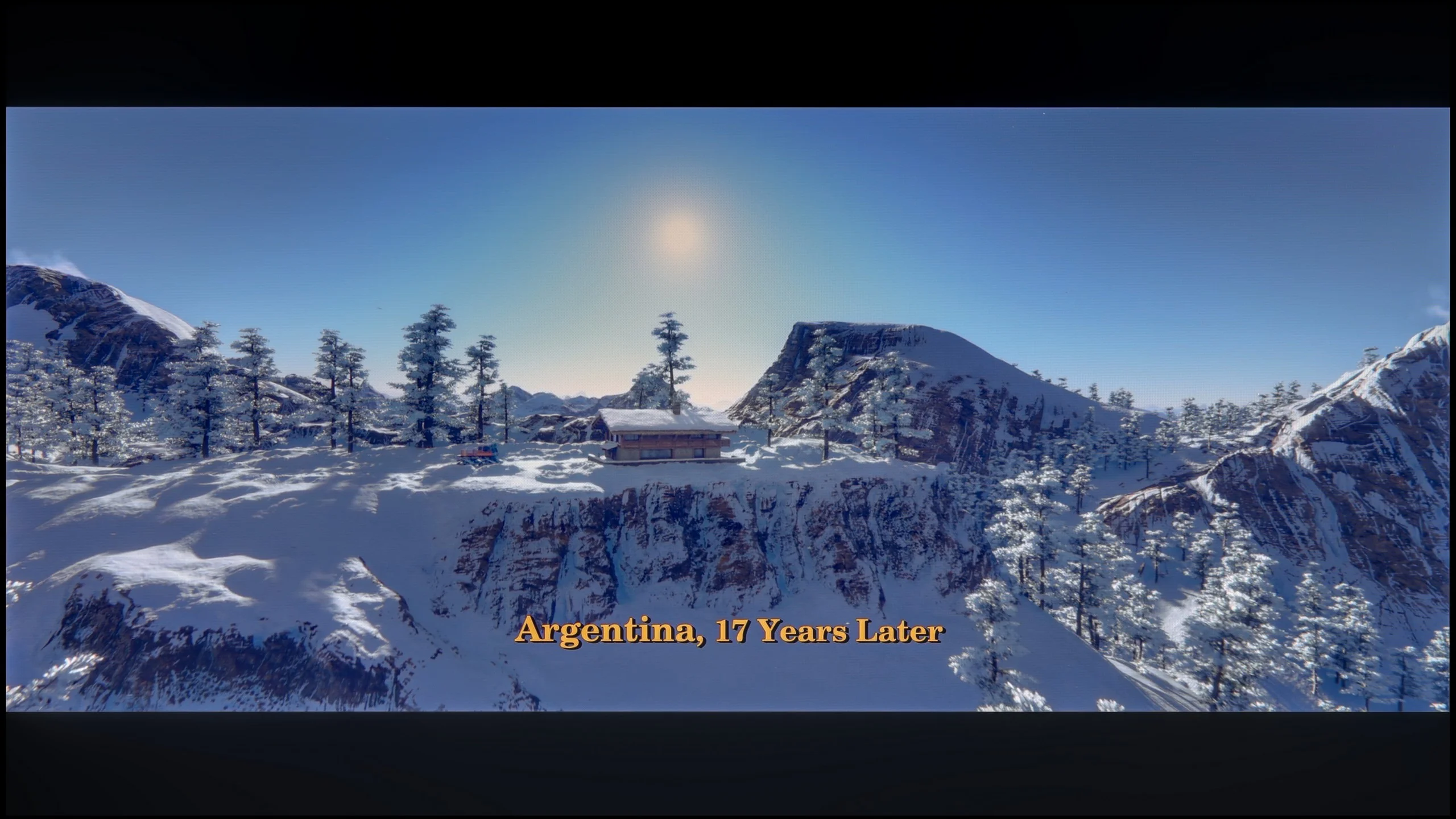



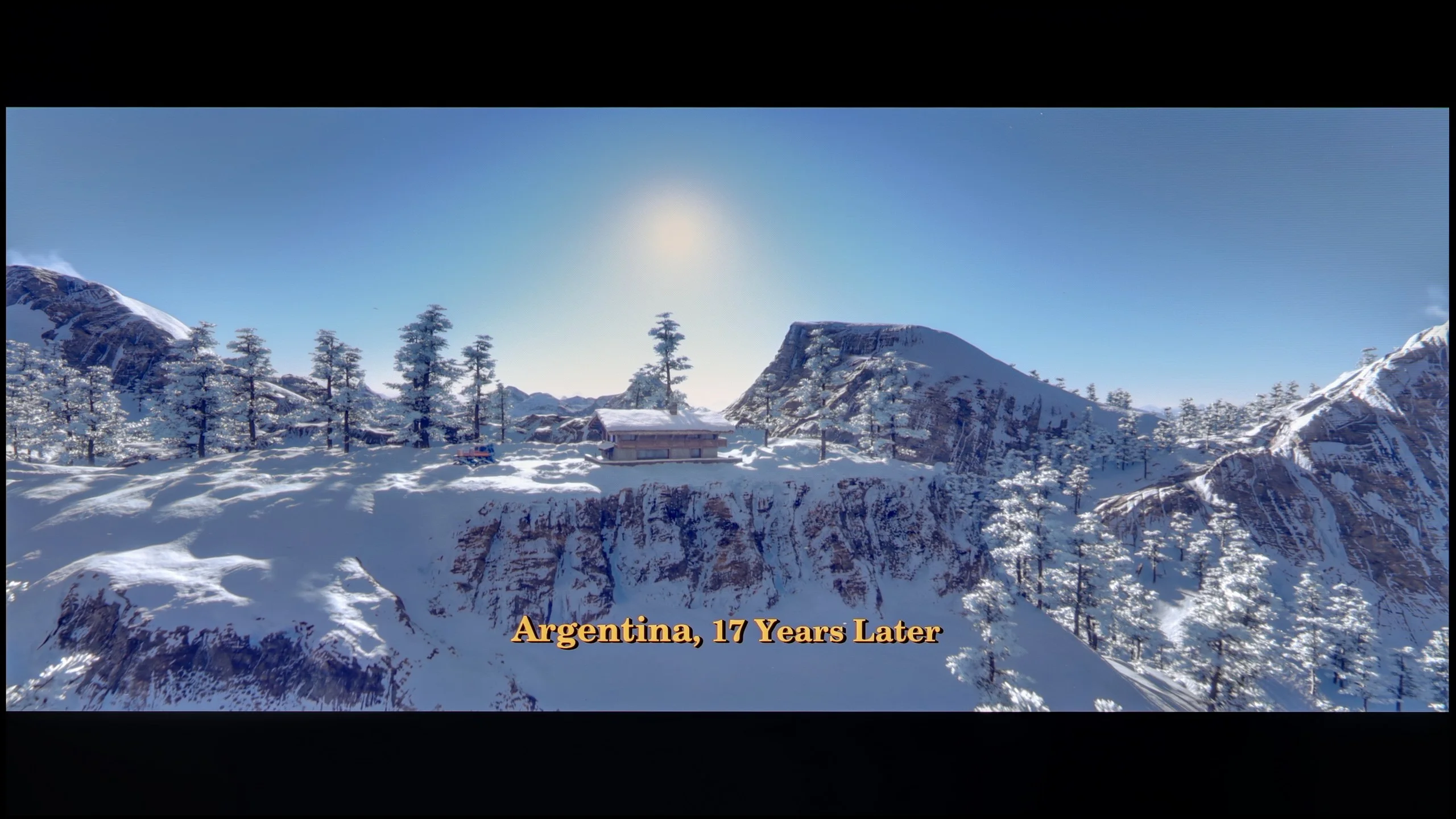
These are selected scenes that show smooth tonal transitions from one color to another. If you see distinct banding, it’s the TV panel’s fault.

These are selected scenes that show smooth tonal transitions from one color to another. If you see distinct banding, it’s the TV panel’s fault.
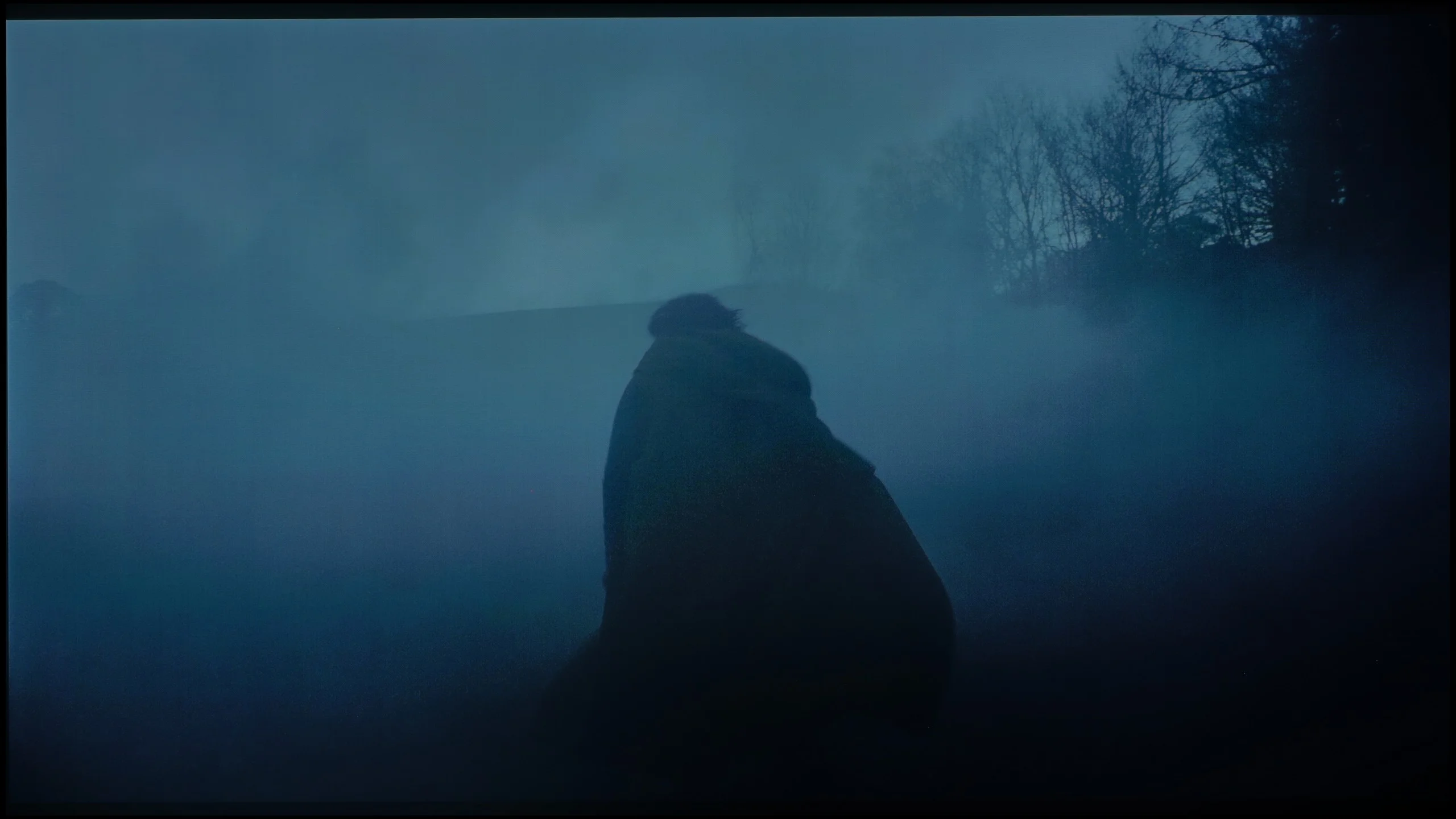
These are selected scenes that show smooth tonal transitions from one color to another. If you see distinct banding, it’s the TV panel’s fault.

These are selected scenes that show smooth tonal transitions from one color to another. If you see distinct banding, it’s the TV panel’s fault.
Posterisation, or the banding of colours, was the Achilles' heel of Panasonic's flagship model, the Z95A, last year. In the new Z95B, it is clear that the manufacturer has made an effort to improve the gradation issue, and the problem has been largely corrected. In most scenes, colour banding is no longer noticeable, and tonal transitions are smooth and look natural. However, this does not mean that the problem has completely disappeared. In extremely challenging sequences, especially in very dark scenes like those from the film Green Knight, certain imperfections can still be observed. Nevertheless, it is gratifying that Panasonic has approached the issue seriously and has made significant progress, as the difference compared to the previous model is truly noticeable.
The S95H handles tonal transitions very well. It's a strong suit of QD-OLED panels, which in our tests typically show visible banding between shades less often than WOLED panels with a white subpixel. In most scenes colours transition smoothly from one to another. This is especially apparent in dark scenes, where instead of the characteristic banding we see smooth transitions between shades of grey. It's not entirely perfect, though. In some brighter scenes you can notice slight irregularities, although you have to look closely to spot them. During normal viewing they are unlikely to distract from the film. Overall, the S95H performs very well in this category.
Image scaling and smoothness of tonal transitions
6/10
7.5/10


Smooth transition function
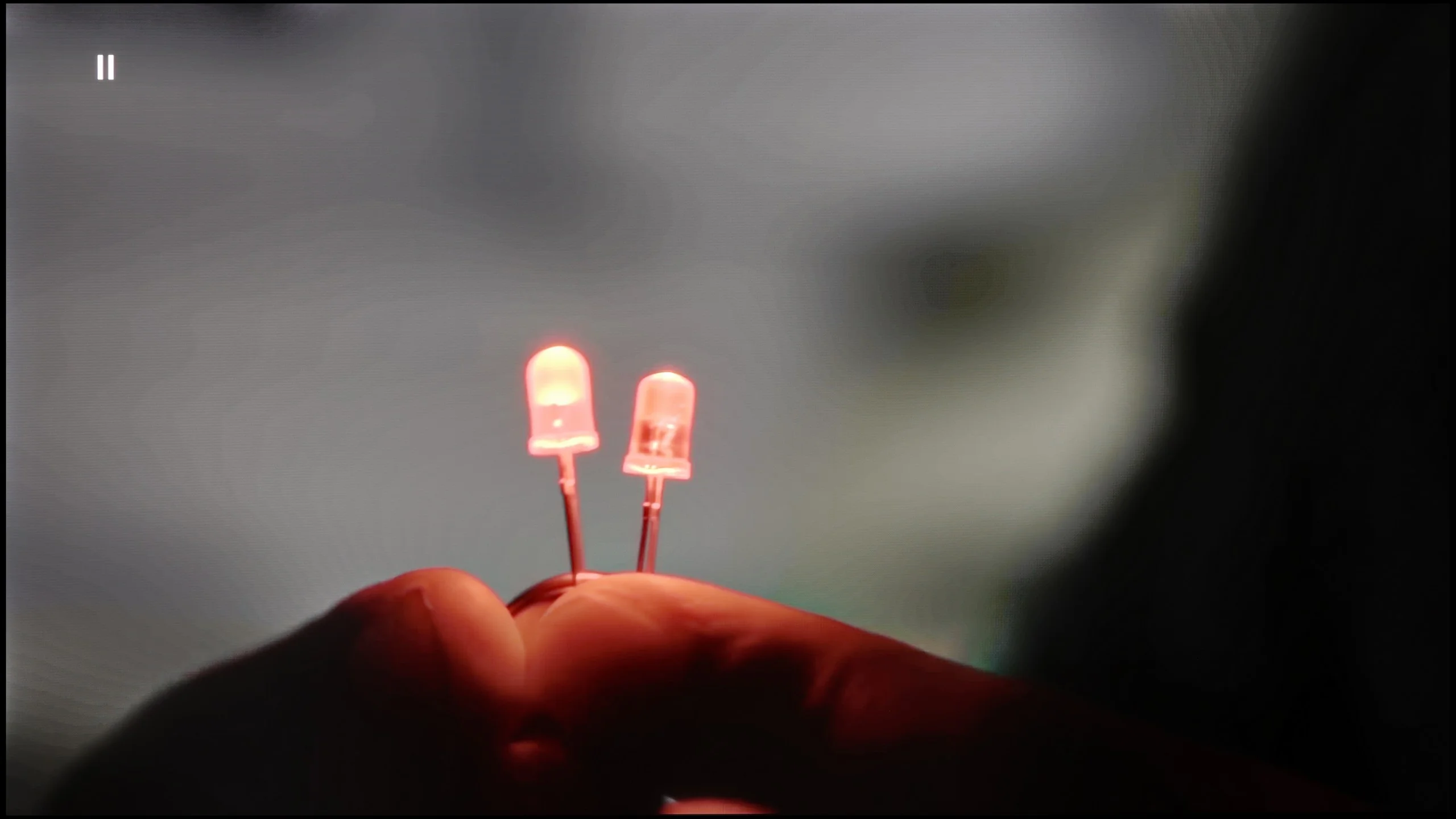

The match photo shows how the TV smooths weak tonal transitions in low-quality video.
Image scaling SD (576i)


The model photo shows how it handles upscaling of SD material.
Let’s start with what works well. The upscaling on the Z95B is at a very high level – the picture in lower resolutions is clear and sharp, and the only minor drawbacks are subtle aliasing in certain areas of the image. It’s also important that the television does not crop the material in any way and maintains its proportions, which is not always an obvious fact even in 2025.
The situation with digital processing is less impressive. Features such as “gradation smoothing” or “block noise reduction” practically do not work – the material tested looked identical regardless of the settings. We might as well state that this feature simply does not exist. This is somewhat disappointing, especially since Panasonic heavily promotes its HCX Pro AI II processor, boasting the presence of artificial intelligence to enhance picture quality. Meanwhile, in such a basic area, the television does not provide a real effect and it appears weaker than one might expect from high-end equipment.
The NQ4 Gen3 processor handles scaling and digital image processing, the same as in the S99H. Our test findings are very similar. Lower-resolution material looks really good when upscaled to 4K. The picture is clear but without artificial edge enhancement or excessive sharpness. A minor caveat applies to very old recordings at 480p or below. With such a signal the TV can slightly crop the edges of the frame.
The noise-reduction function is used to improve heavily compressed material. It smooths visible banding between tones and reduces other imperfections, such as in lower-quality recordings from YouTube. However, it does so quite aggressively. Along with the artefacts, fine detail and natural film grain can disappear. We left it turned off to preserve the original look of the material. If, however, someone is more bothered by artefacts than by the loss of some detail, it's worth trying it out.
Blur and motion smoothness
8.5/10
8.5/10
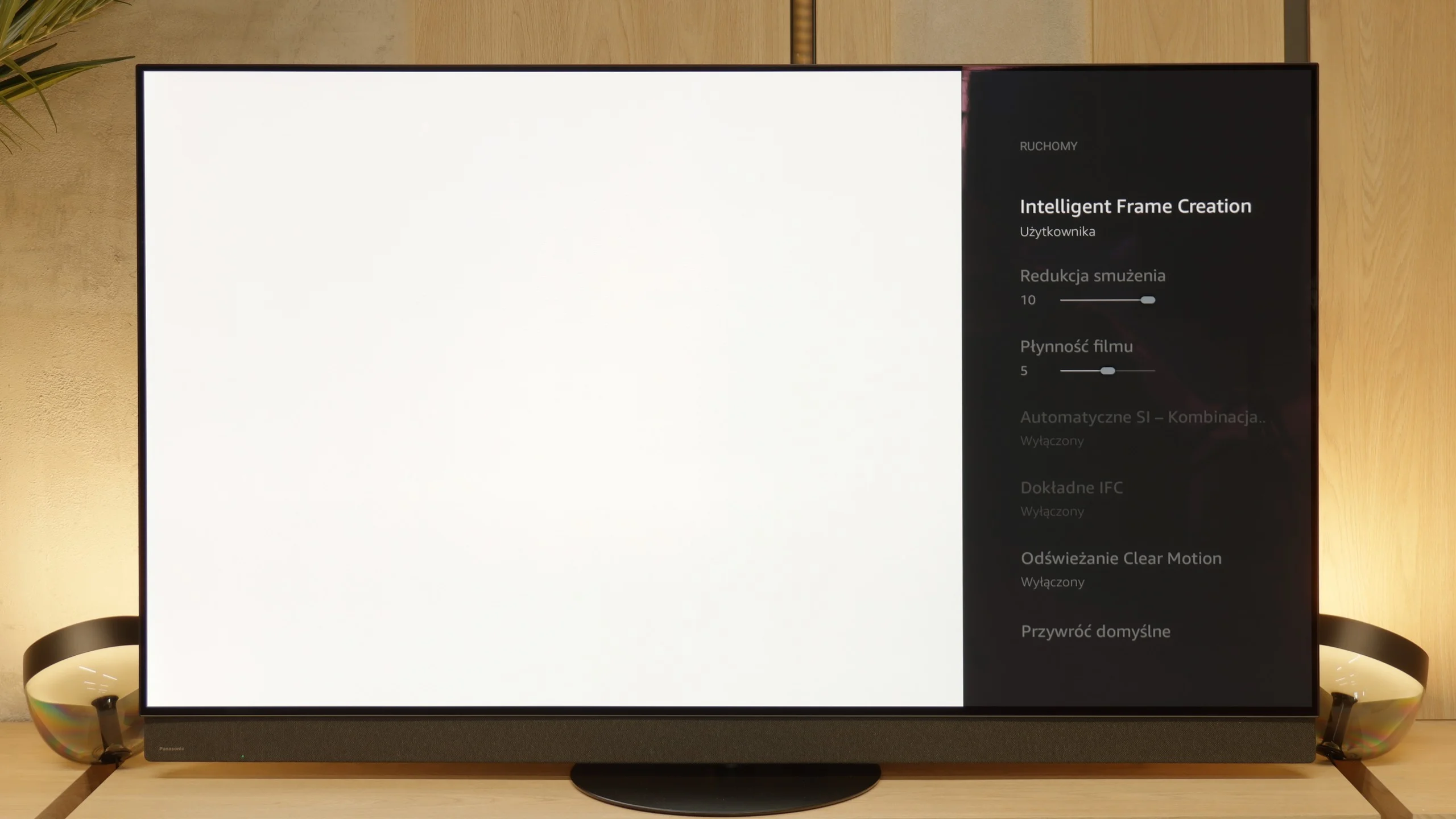
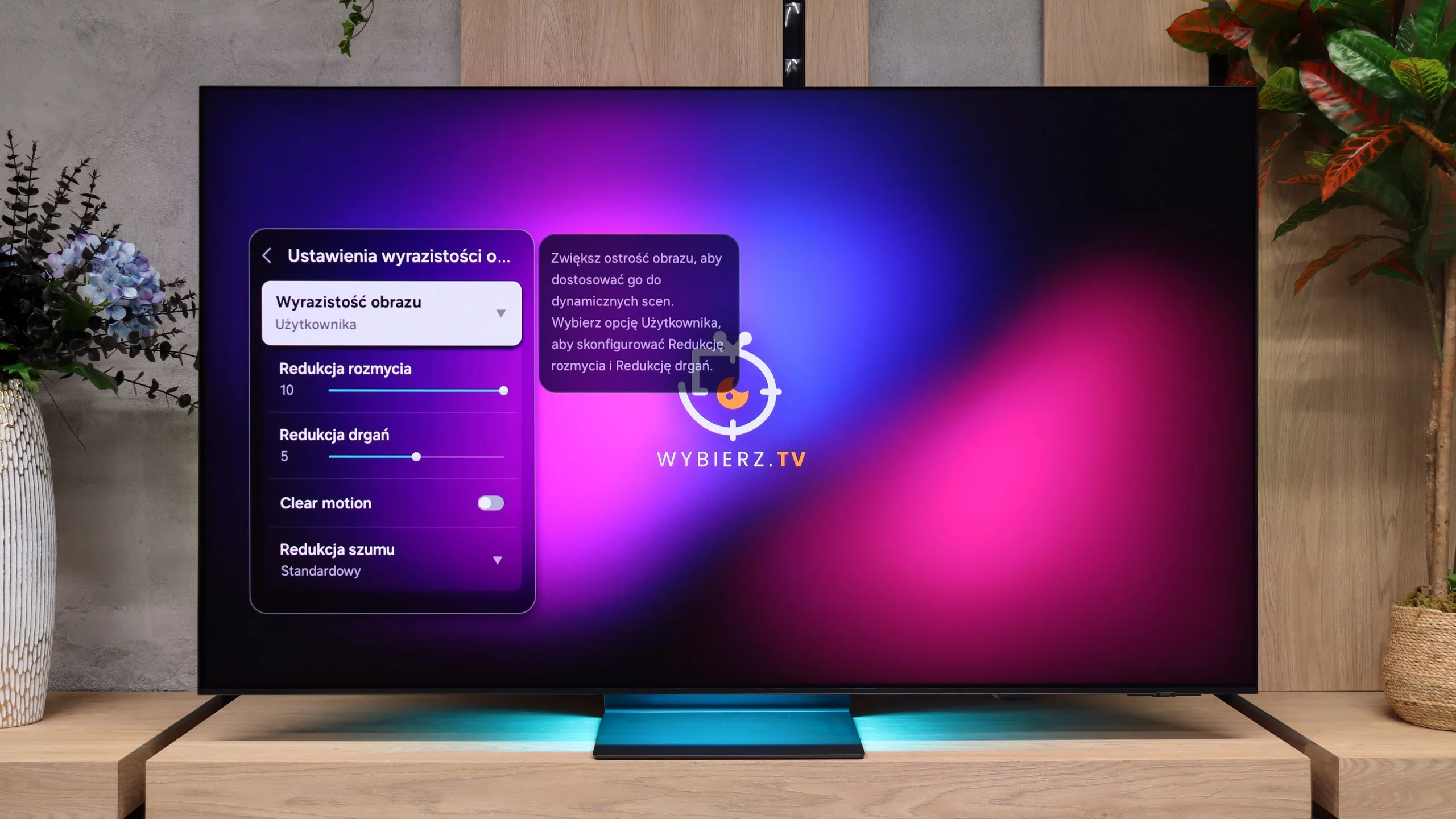
Blur (native resolution, maximum refresh rate):






Blur (BFI function enabled):
Image flickers in this mode



Image flickers in this mode



Blur (4K@144Hz):



Blur (4K@165Hz):



The OLED matrix with a very high refresh rate already provides an extremely sharp image even in dynamic sports scenes, such as football or basketball matches, and the Z95B is no exception. It is also very important that the television is equipped with an proprietary motion smoothing system called “Intelligent Frame Creation”. Among the available sliders, the most important one is the one named “film smoothness”, as it allows you to adjust motion to your own preferences when watching 24-frame materials, i.e. films – from a more “frame-like” appearance to a smooth, almost theatrical effect. It is somewhat disappointing that Panasonic did not choose to overclock the latest OLED matrix to 165 Hz, as Samsung did with the S95F or LG with the G5, because we know that the panel is technically capable of it. On the other hand, this is mainly an advantage for PC gamers, so in everyday viewing, it is not a significant drawback since we are limited to 120Hz.
Samsung S95H handles motion very well, which is what we expect from an OLED. The panel supports a refresh rate of up to 165 Hz, though that figure will be mainly useful to PC gamers. When watching sport, the lightning-fast pixel response time is more important. A fast-moving ball or player does not leave the characteristic trailing blur. This keeps motion clear, without the artefacts typical of slower LCD panels.
There is also a motion smoothing feature that lets you tailor motion to your preferences. In films you can subtly reduce judder during camera pans or opt for a stronger smoothness effect. A separate setting for faster-paced content is useful when watching sport.
Console compatibility and gaming features
10/10
9.6/10
- ALLM
- VRR
- VRR range40 - 144Hz48 - 165Hz
- Dolby Vision Game Mode
- Correct implementation of HGIG
- 1080p@120Hz
- 1440p@120Hz
- 4K@120Hz
- Game bar
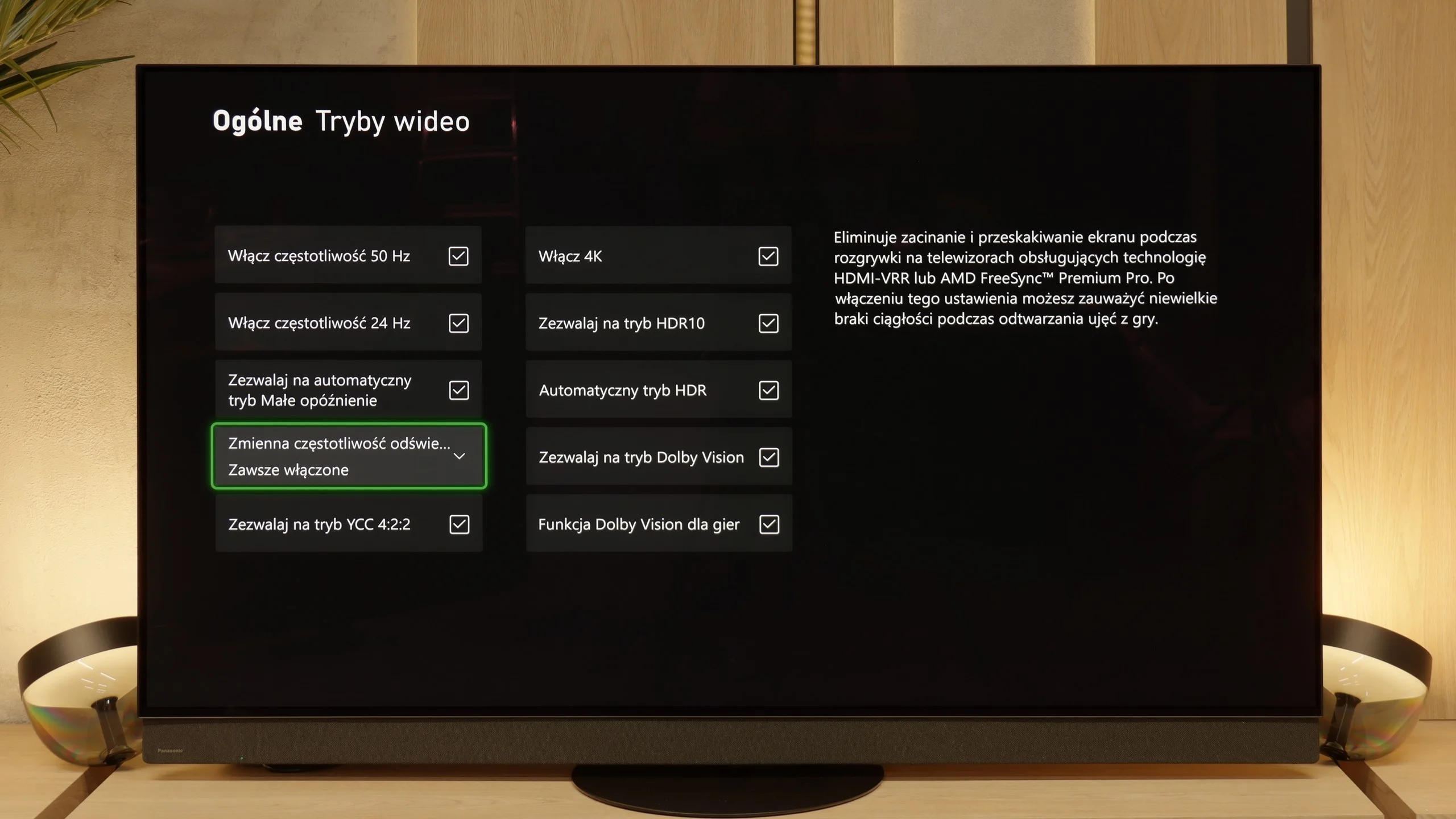
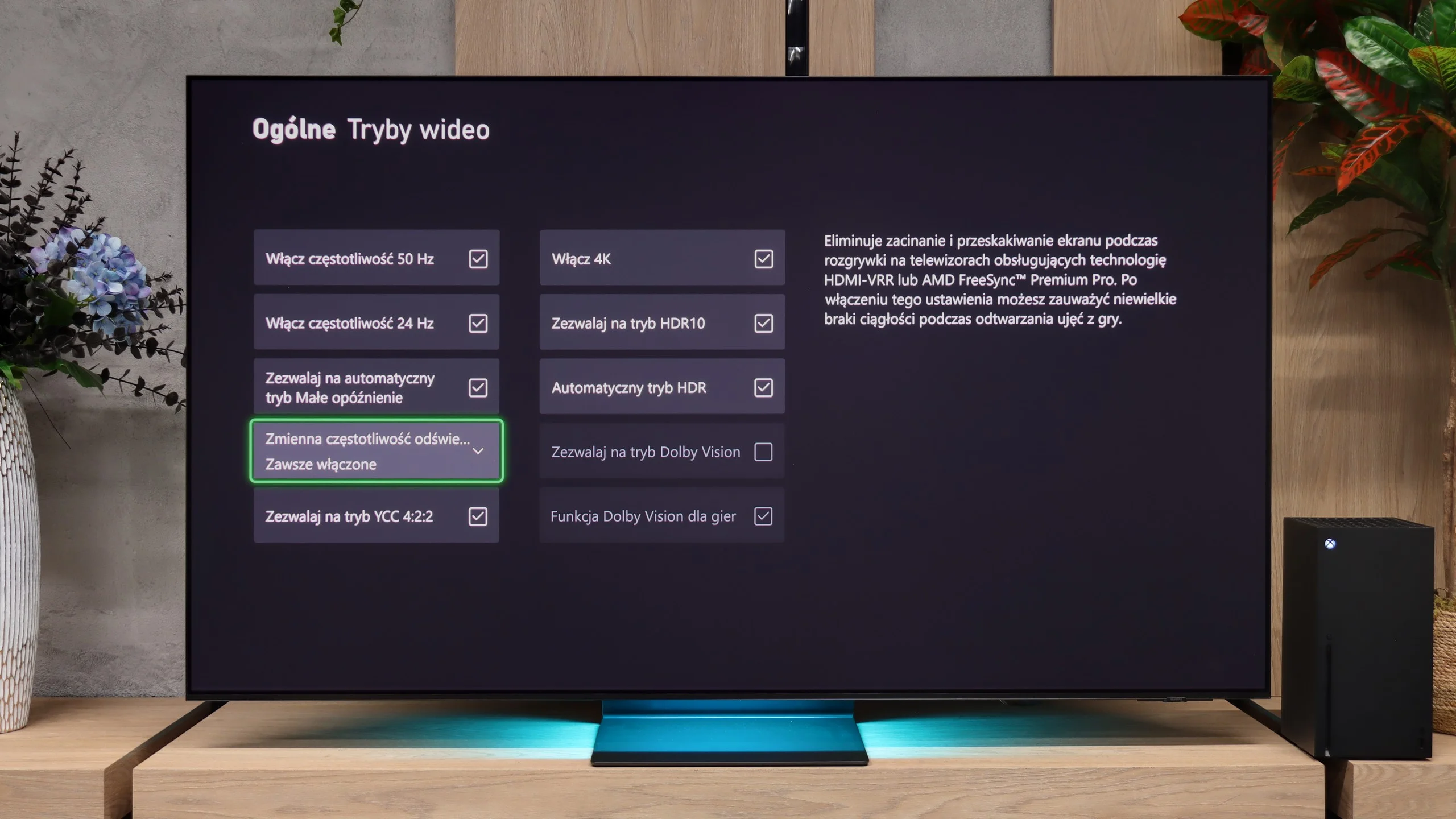
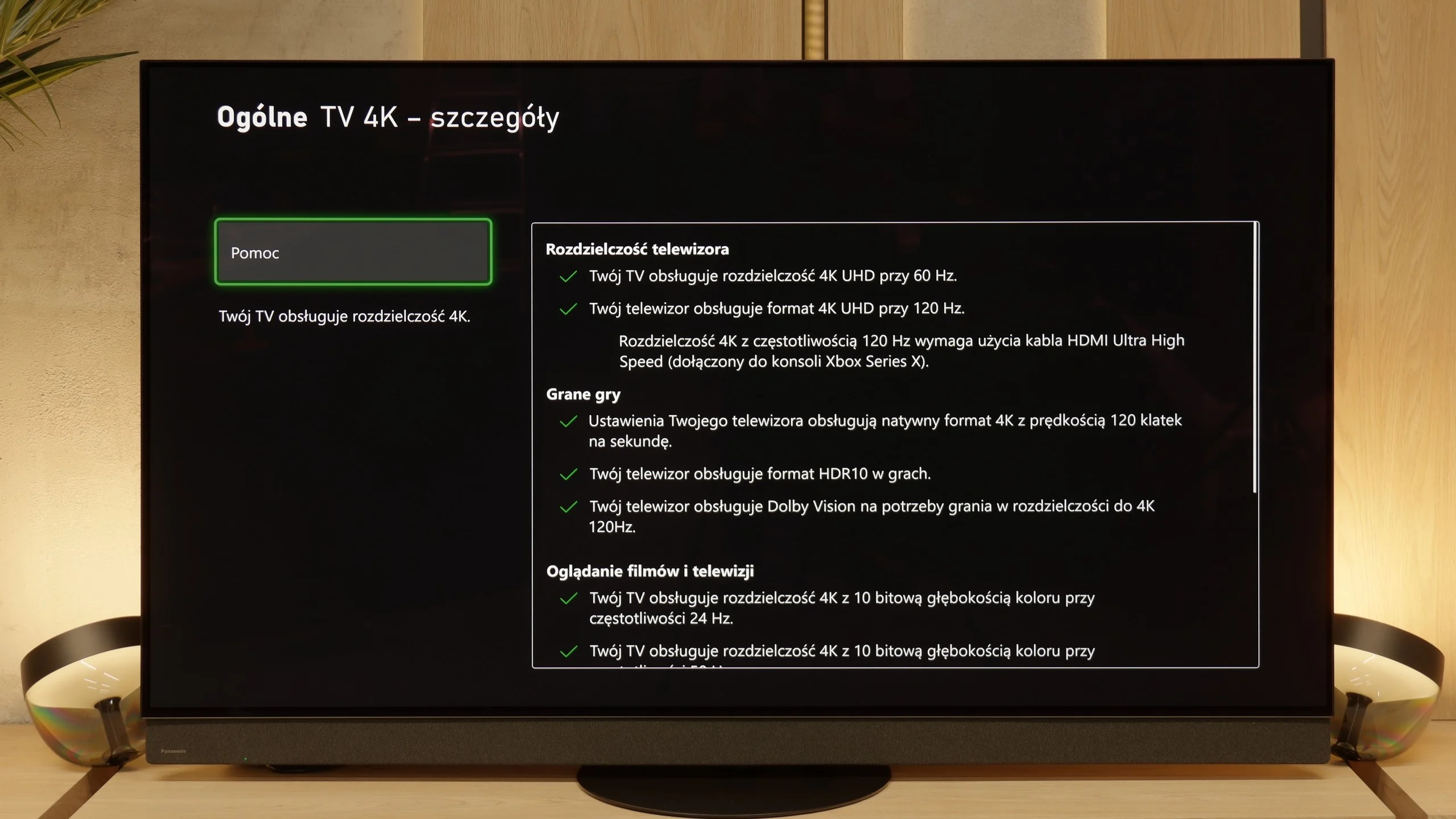
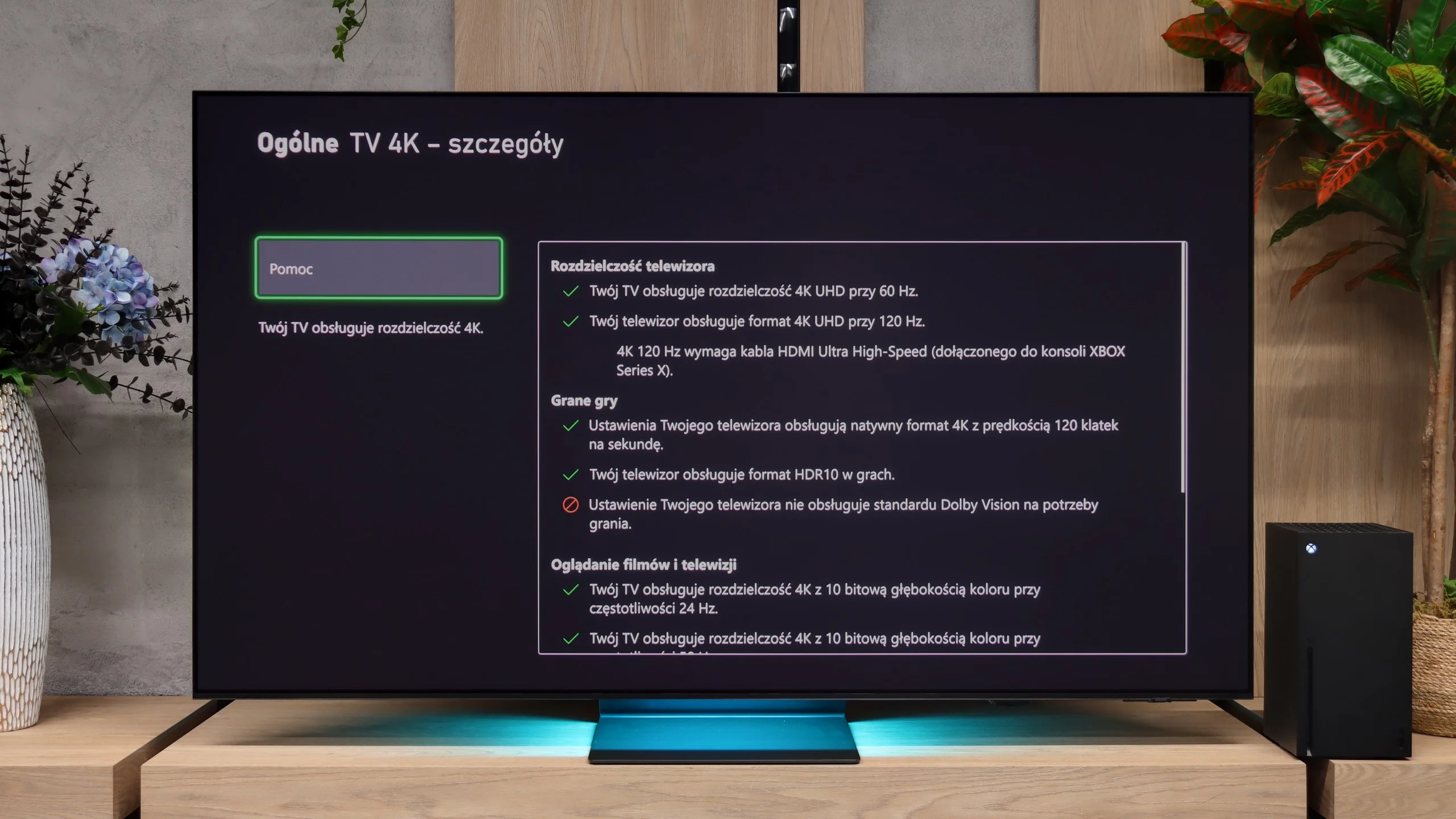
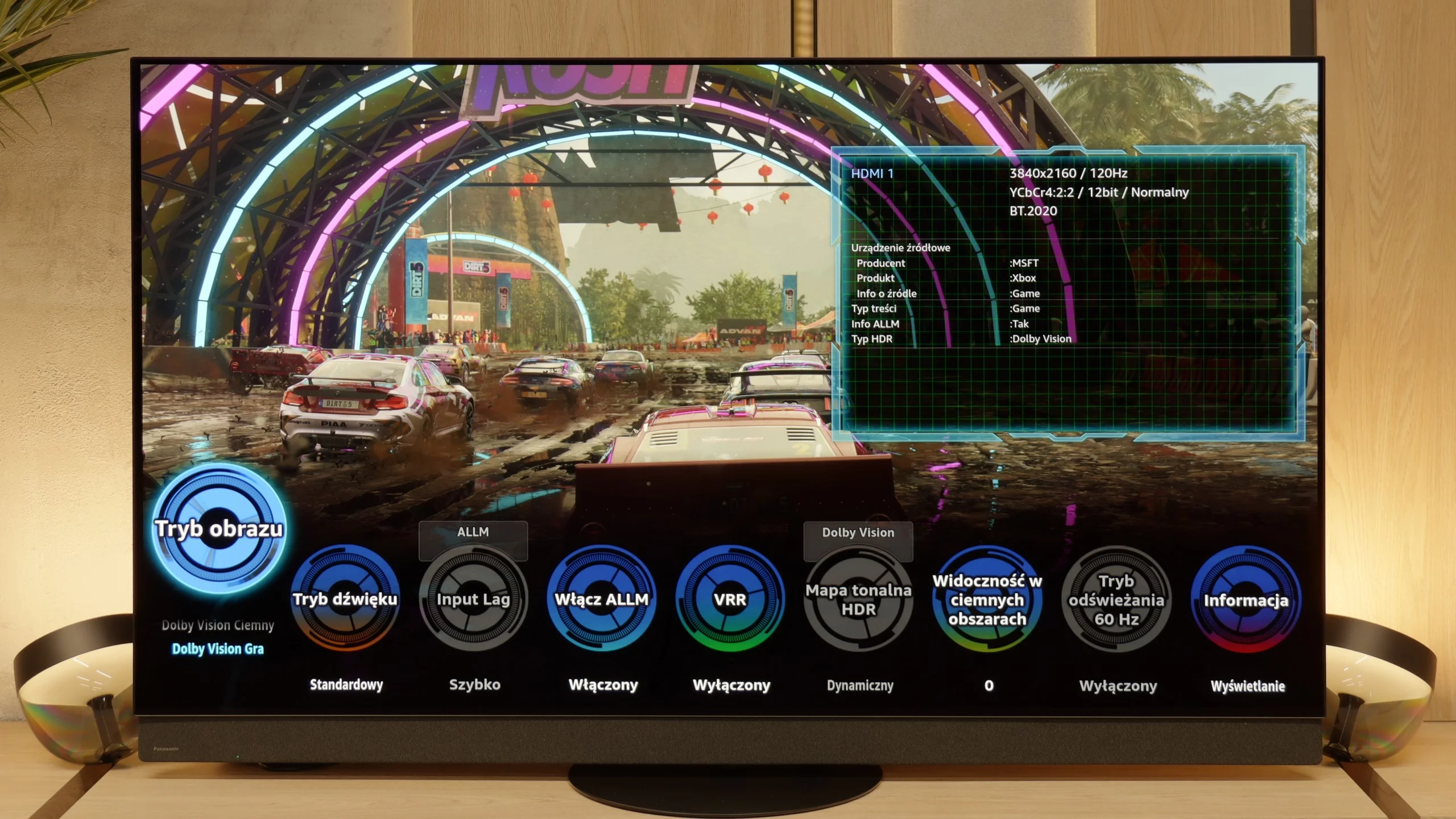
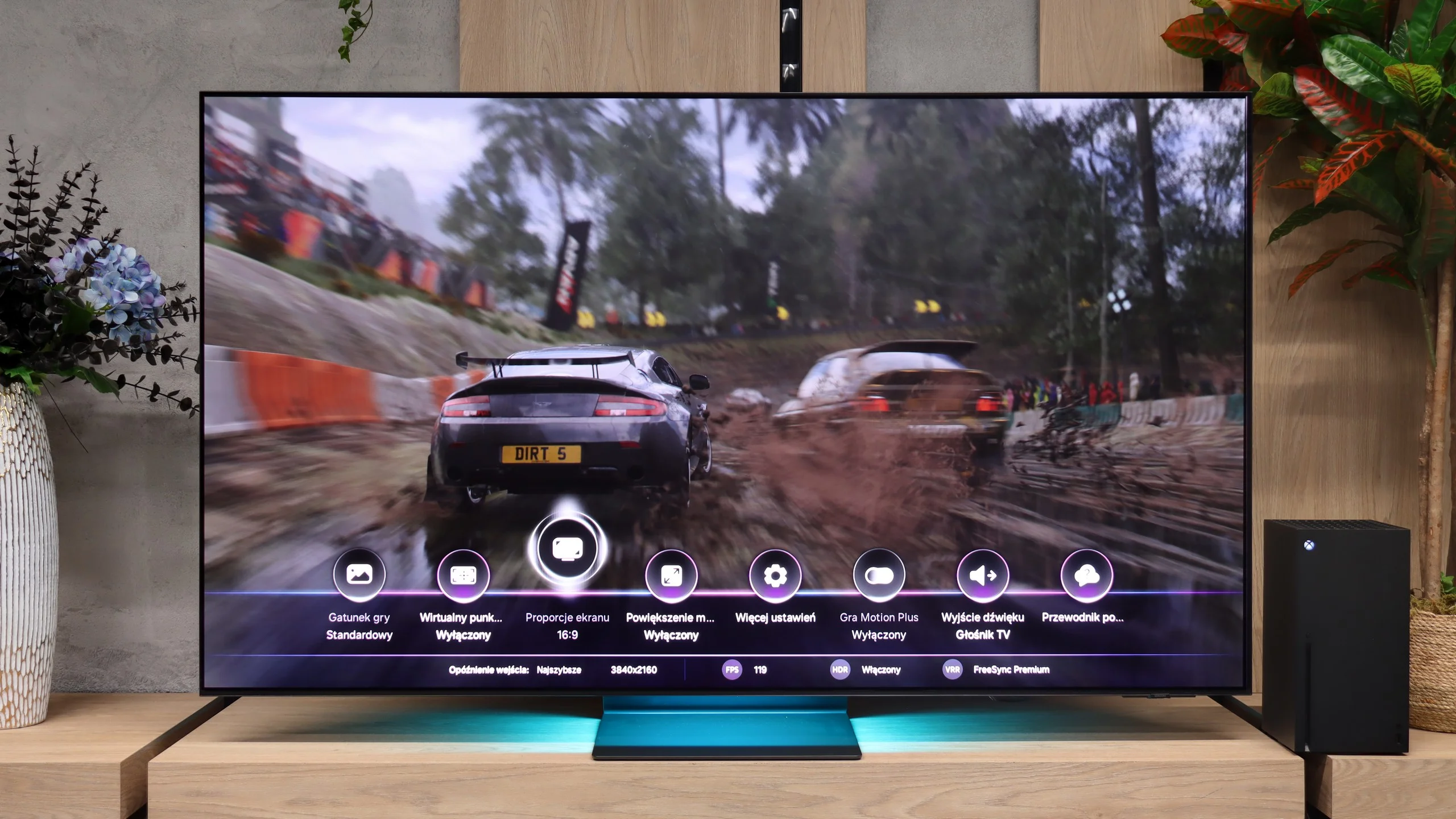
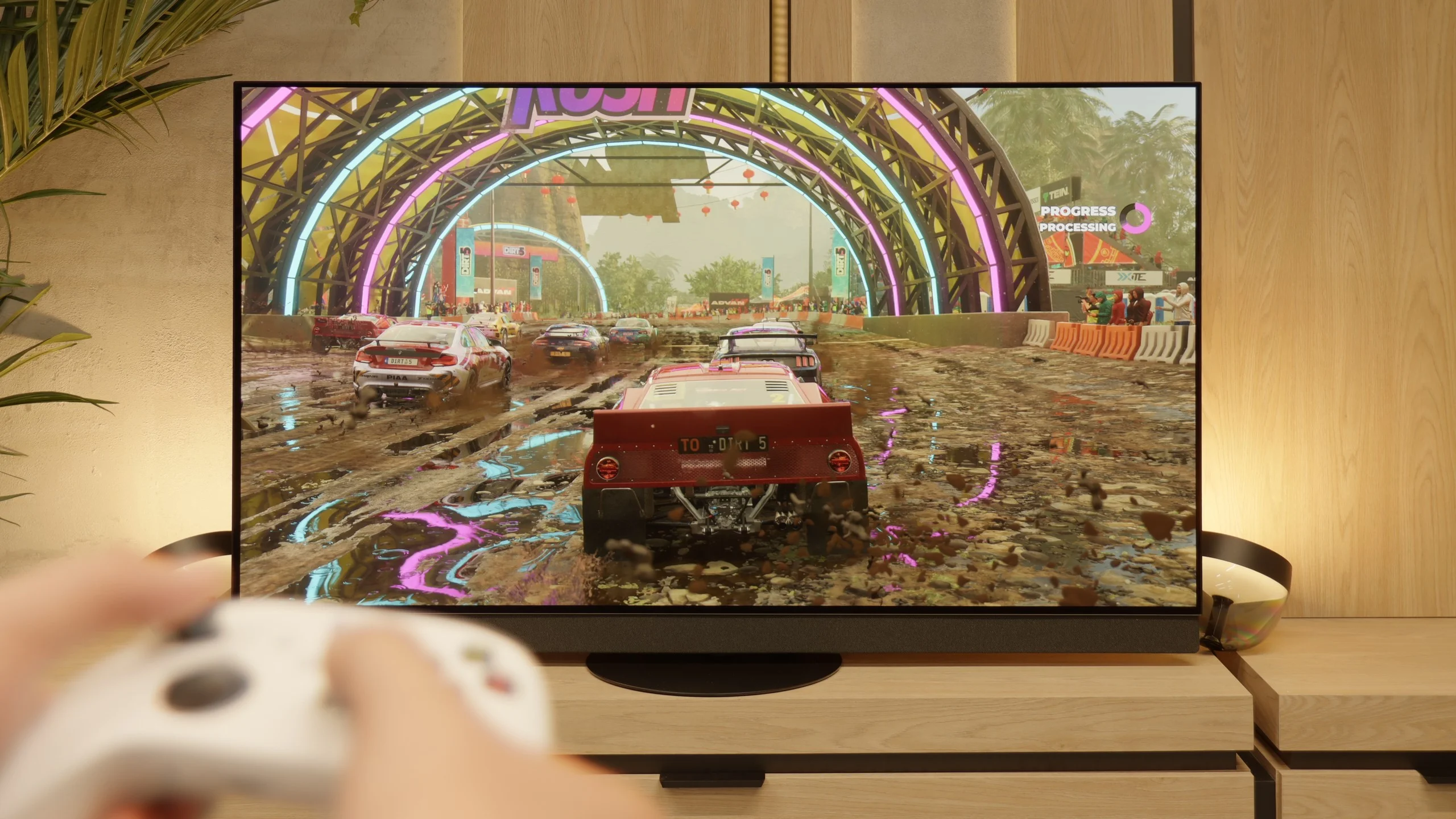
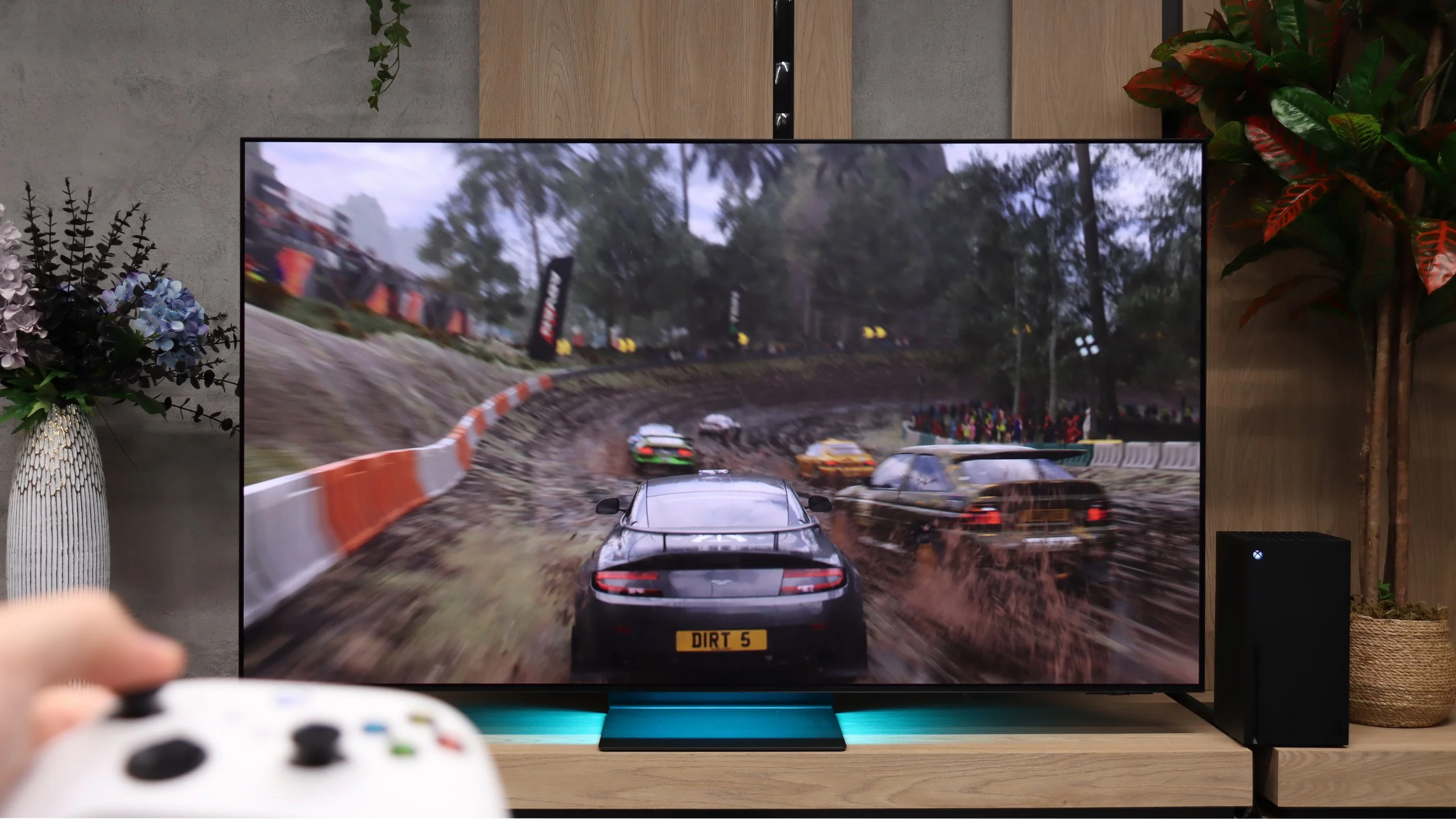
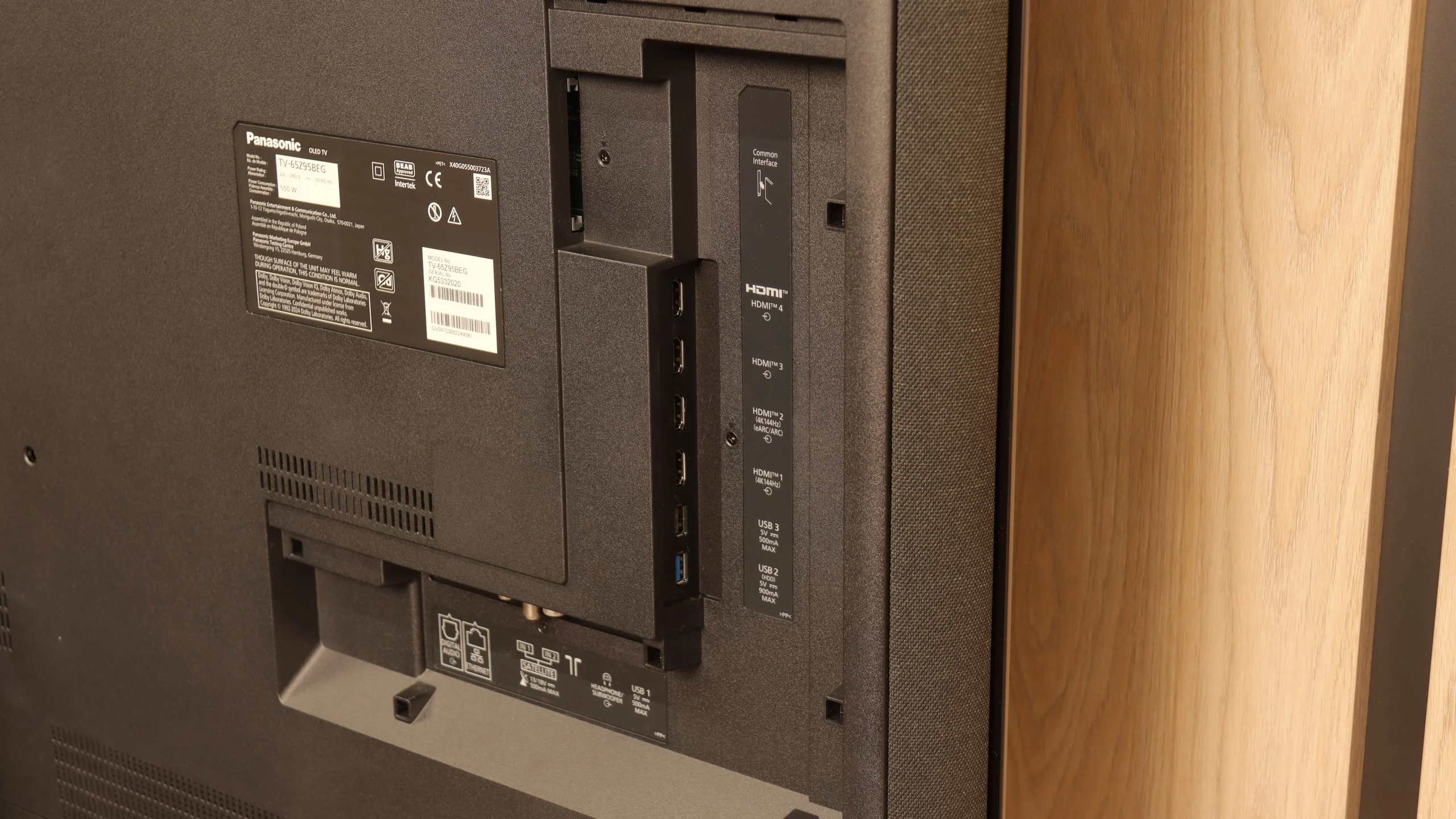
The Panasonic Z95B is fully equipped for gaming. Two HDMI 2.1 ports with full bandwidth of 48 Gb/s guarantee support for everything you would expect from a modern screen. There is VRR frame synchronization, an automatic ALLM game mode, and full compatibility with HDR formats used in games. The television supports both Dolby Vision for Xbox and the popular HGiG, which has been implemented correctly in this case, so it actually works as it should.
Although the brand is mainly associated with home cinema and equipment for filmmakers, there is also room here for features for gamers. On board, there is a Game Bar (or rather Game Circles) – visually, it looks a bit unusual, but it serves its purpose and allows you to quickly check the most important picture parameters. The only thing that is actually missing for complete happiness is having four HDMI 2.1 ports instead of two. It's a minor detail, but in a television of this class, one could expect a full set.
Samsung S95H is a phenomenal TV for gaming. Beyond excellent picture quality it offers a whole set of useful gaming features. VRR works from 48 to 165 Hz and helps keep things smooth when frame rates vary. ALLM automatically switches to a low-latency mode, and a properly working HGiG makes setting up HDR on the console easier. There are no issues handling console 120 Hz in Full HD, 1440p and 4K. A handy addition is the Game Bar, which gathers signal information and the most important settings in one place. Game Motion Plus deserves special praise. This motion smoothing can improve the fluidity of lower-frame-rate games, and the input lag in our measurements was about 20 ms with it enabled. For additional motion processing that’s a very good result. In slower-paced games you can therefore get a smoother image without noticeably sluggish controls. Among the limitations, it’s worth noting the lack of Dolby Vision in games, which mainly affects Xbox users. The HDMI 2.1 ports also have a bandwidth of 40 instead of 48 Gb/s, probably due to the One Connect module. For typical console gaming at 4K, 120 Hz and 10-bit HDR this isn’t a problem and does not force a reduction in picture quality. For most players this will therefore be a specification difference they simply won’t notice while playing.
Input lag
10/10
10/10
SDR
HDR
Dolby Vision
Regardless of the content being watched, the input lag on the Z95B is extraordinarily low – even in Dolby Vision, the television operates at 120 Hz with a delay of less than 5 ms. This is a result that places it among the very best screens for gaming. If we could, we would easily give it a rating of 11/10. 😉
In terms of input lag, the S95H performs exceptionally well. At 60 Hz we measured just 9–11 ms, and at 120 Hz the delay falls to 5–6 ms. The controls are very responsive, so even in fast-paced shooters or racing games it's hard to find any faults. Importantly, enabling HDR does not increase the input lag. You can therefore enjoy the full picture capabilities without sacrificing quick response to controller inputs.
Compatibility with PC
8.6/10
8.8/10
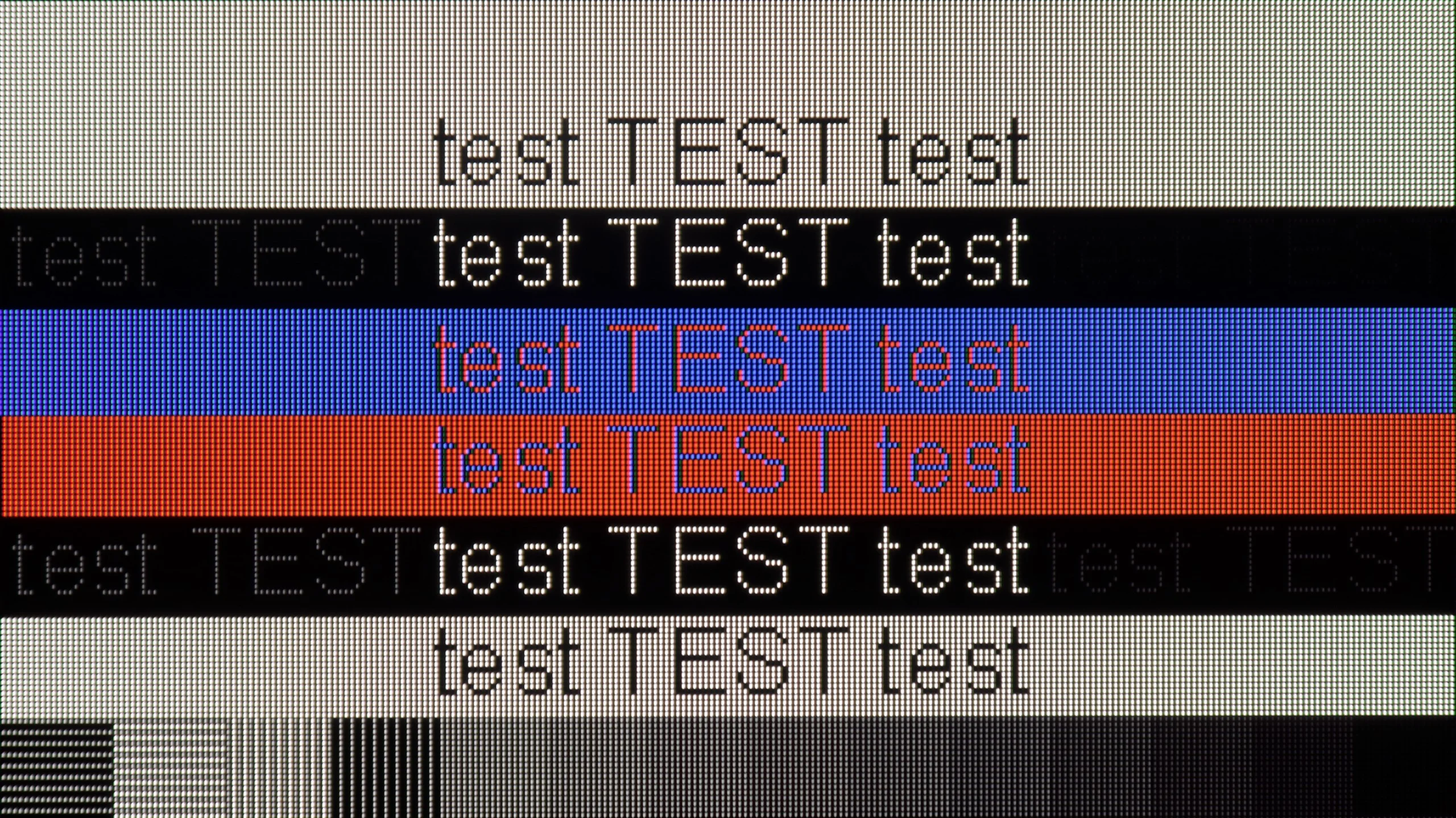
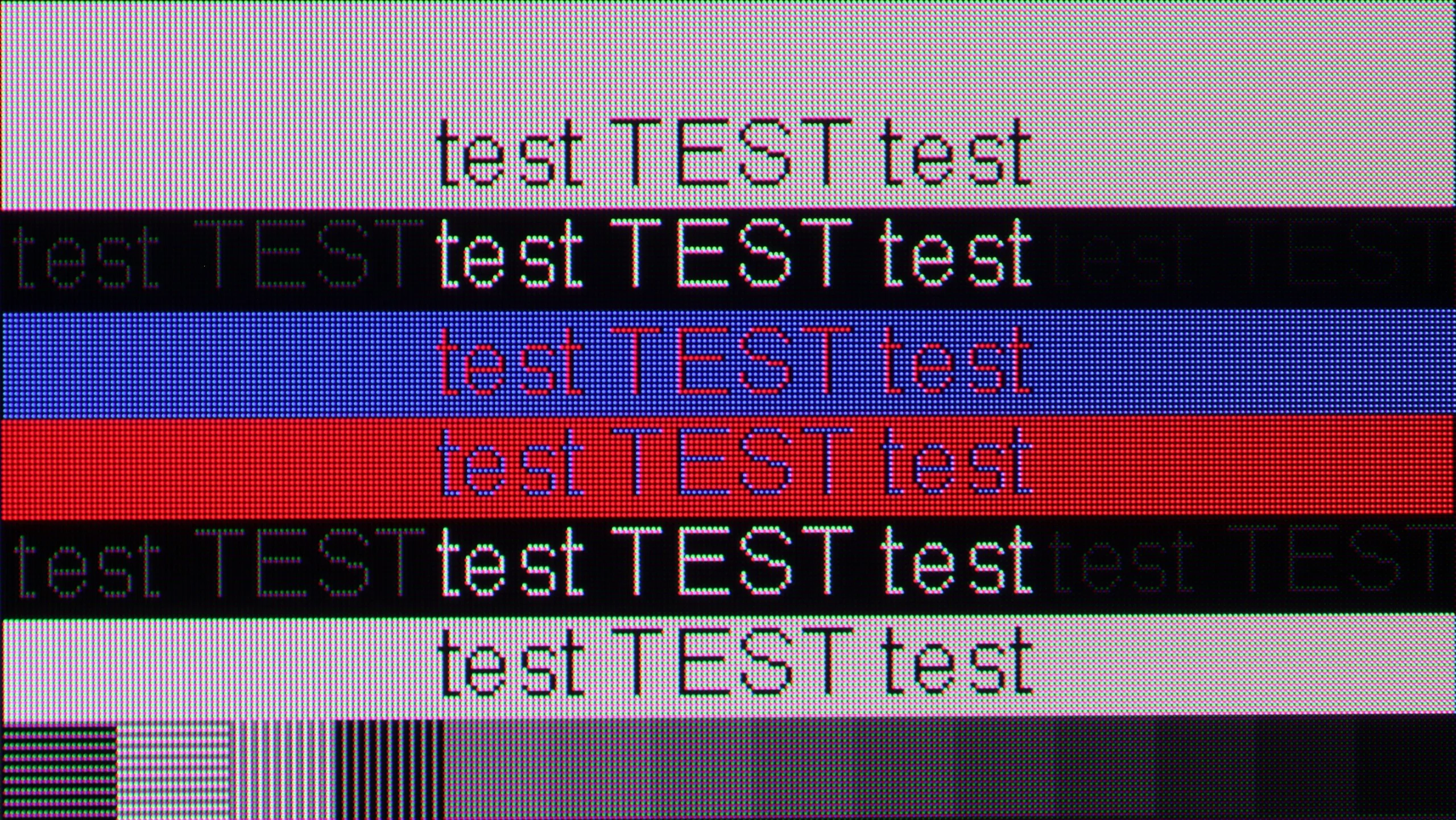
The photo shows the legibility of small fonts. Ideally, lines should be the same thickness on both light and dark text, with minimal pixel gaps.
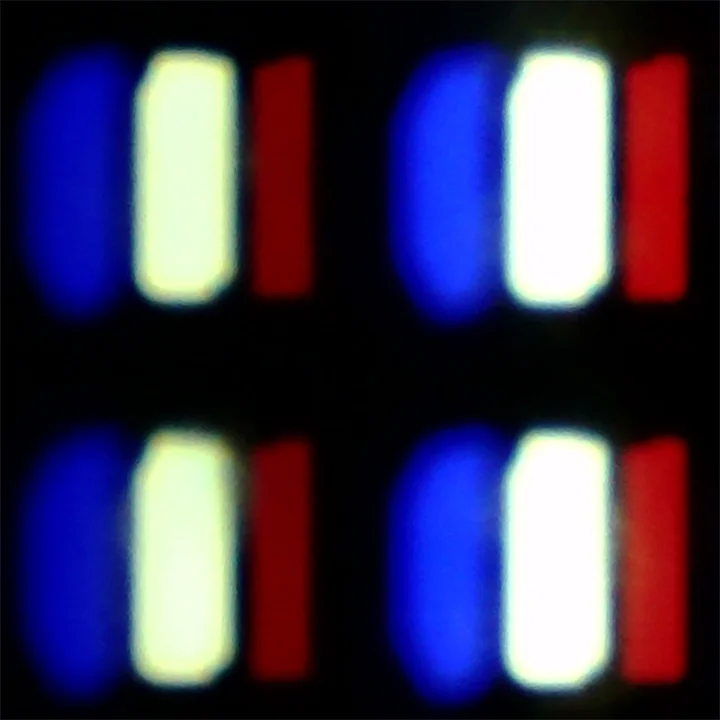
The Z95B can be easily connected to a computer and used as a large monitor. Indeed, the WOLED pixel arrangement means that text does not look as perfectly sharp as on typical monitors, such as those with IPS panels, and this can be noticeable during office work, but it's hard to consider it a serious issue. After all, not many people buy such a television for Excel. 😉 As for gaming on PC, there is nothing to complain about here. The 144 Hz mode works perfectly, and we also have full support for G-Sync and AMD FreeSync, so frame synchronization works flawlessly with any graphics card. Despite some minor issues with text display, it's hard to say that the Z95B can't handle this role – as a gaming screen, it performs simply phenomenally.
The Samsung S95H works great with a PC, especially when connected for gaming. You get 4K at 165 Hz, working G-Sync and an input lag of just 6 ms. Combined with the panel’s lightning-fast response this delivers a very smooth and responsive picture. The TV also correctly supports 4:4:4 chroma at the maximum refresh rate, so fine coloured elements remain legible.
It also handles text well, although it wouldn't be our first choice for all-day document work. First, the QD-OLED models discussed here start at 55 inches, so you really need a sizeable desk to work on 😉. Second, the triangular arrangement of subpixels means that on the smallest letters you can notice slight coloured fringing. They're mainly visible up close. From a normal TV viewing distance they shouldn't be distracting, so occasional browsing of websites or working with text isn't a problem.
Viewing angles
8/10
9.9/10
In this respect, the Z95B performs really well. The drop in brightness at an angle is only 11 percent, which is exactly the same as the best QD-OLED panels and the previous generation of MLA from LG Display. This means that even when watching the television from the side, there is no impression that the image becomes faded or difficult to read.
Colours do indeed slightly fade at extreme angles and are not as stable as in QD-OLEDs, but it's hard to consider this a serious issue. The image still looks great, and you can be confident that when watching the Z95B at a large angle, everything will remain clear. It's also worth mentioning the swivel base in terms of viewing angles, as it is a practical solution that allows you to easily position the screen so that everyone in the room has the best possible view.
The viewing angles on the S95H are excellent. It's one of the biggest advantages of the QD-OLED panel and, in this respect, the S95H ranks among the best TVs we've tested. Even at a steep side angle the colours retain their saturation and the picture doesn't noticeably lose brightness. With a wide viewing angle or when watching a match with a larger group you don't have to fight for the middle spot on the sofa, as the picture still looks great from the side seats. 🙂
Daytime performance
7.4/10
7.3/10
Panel brightness
Samsung S95H: 722 cd/m2
Panasonic Z95B: 623 cd/m2
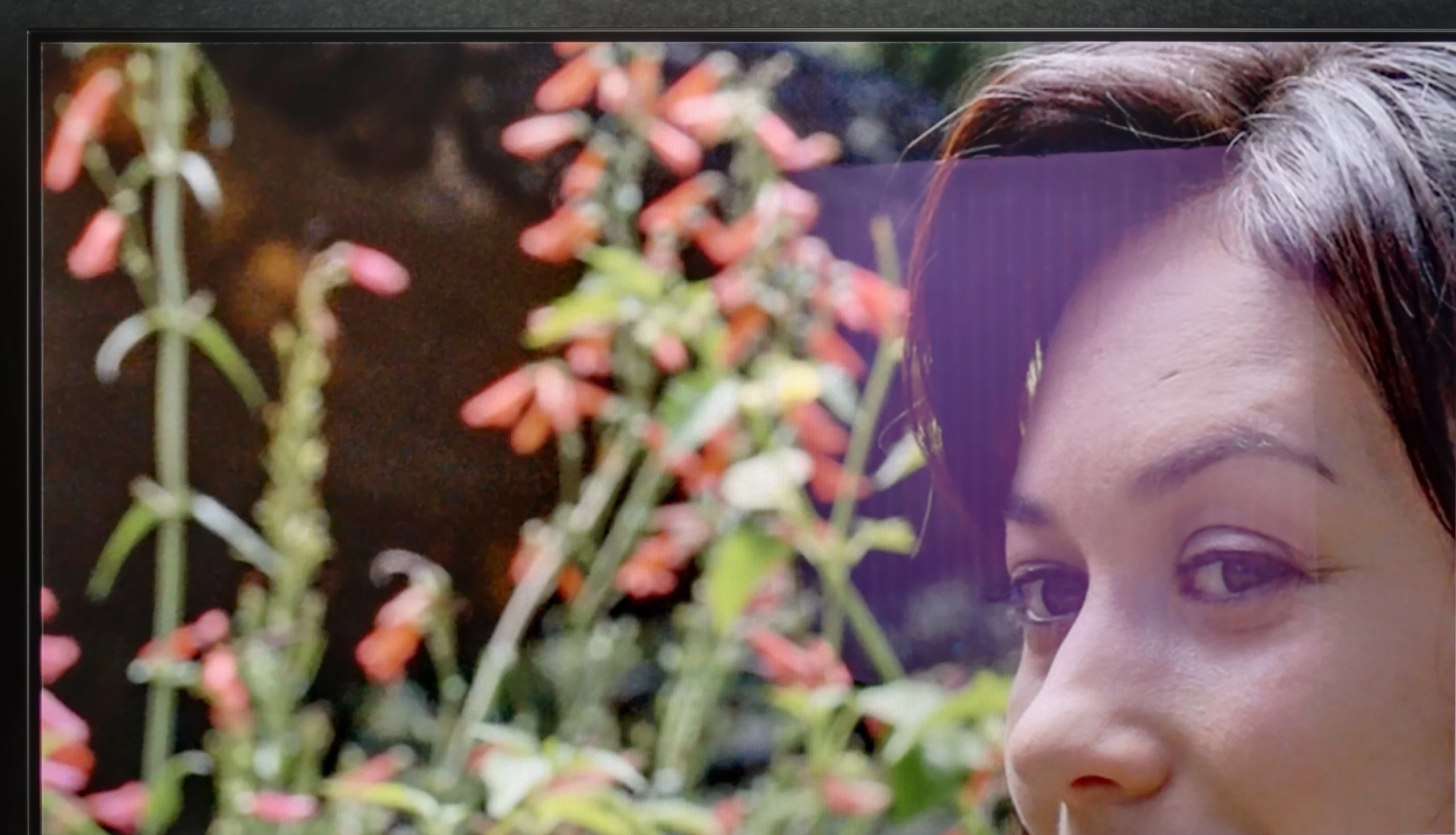
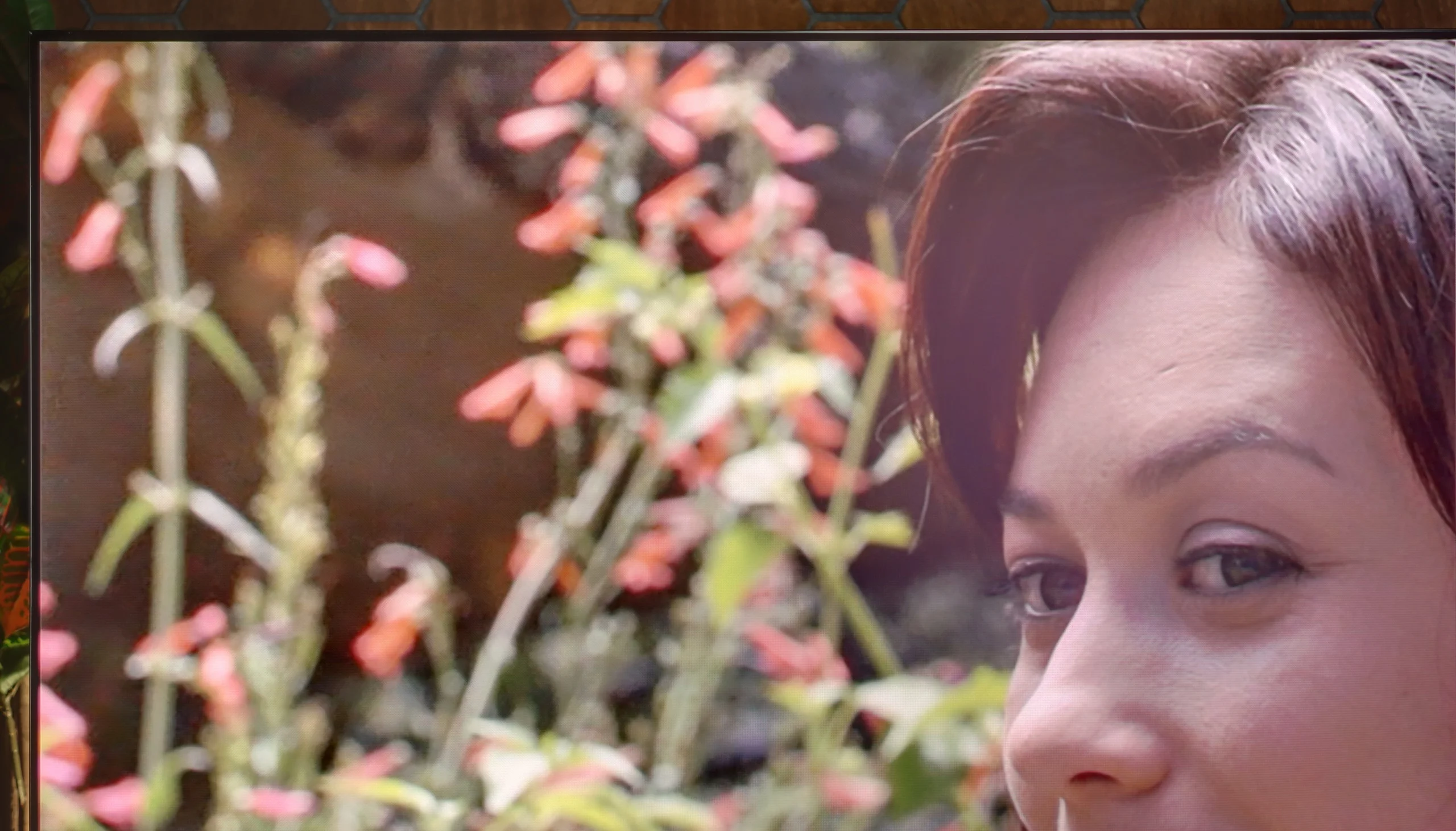
The year 2025 is the moment when it can confidently be said that OLEDs are suitable for viewing even in heavily sunlit rooms. The new generation of WOLED panels, used in the Z95B, can achieve truly high brightness – the average value for the Z95B in SDR mode is as much as 623 nits. This is a result that just a few years ago was beyond the reach of this technology. Of course, it is not at the level of the best LCD televisions designed for bright living rooms, and the matrix itself, glossy with a slight filter, struggles somewhat with suppressing reflections. Nevertheless, it is hard to have major objections. The Z95B can easily handle most daytime conditions, and you can comfortably watch television or films even when a lot of light is coming into the room.
The Samsung S95H performs very well for daytime viewing. Much of this is thanks to the matt finish, which effectively diffuses reflections. Instead of clearly seeing a window or lamp in the screen, you see a softer glow. Added to that is an average SDR brightness of around 750 nits. For an OLED that’s an excellent result, allowing comfortable viewing in a bright living room. You must remember, though, that brightness depends on what’s actually on the screen. With smaller bright areas the S95H tops 1000 nits, but with a full white screen it falls to about 400. So when watching winter sports or other very bright material, the image will not have the same impact as in mixed scenes.
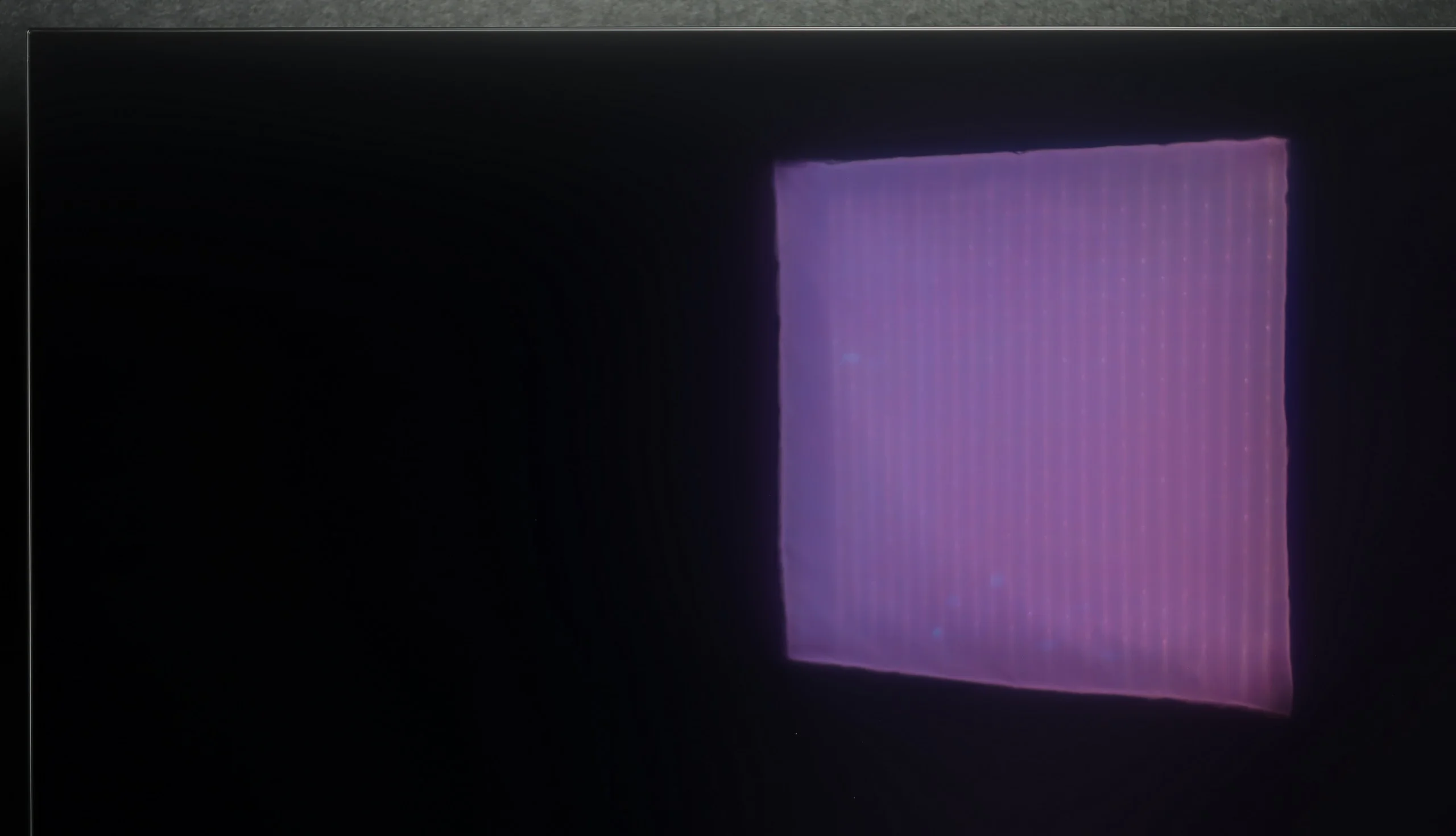
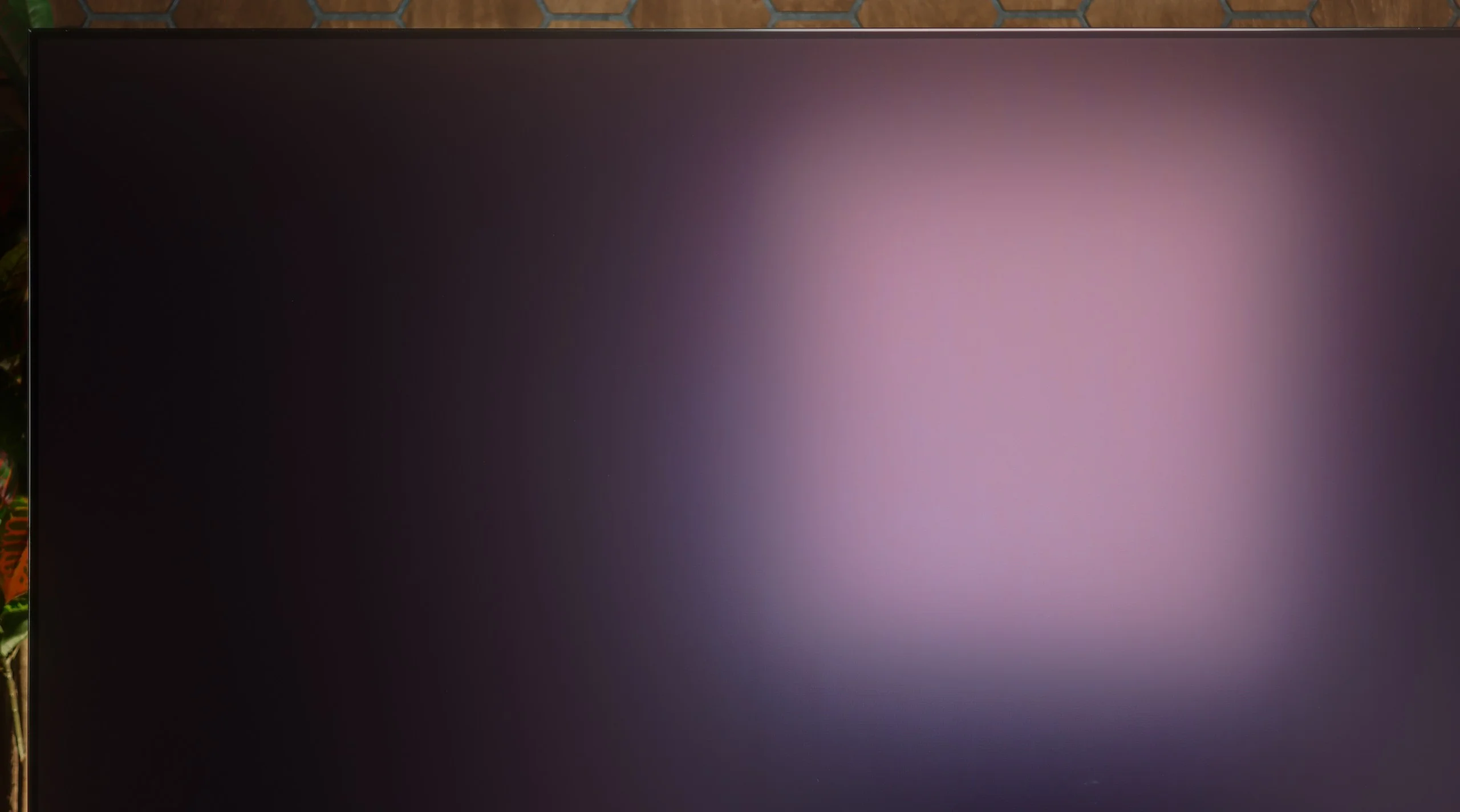
The biggest limitation remains black level in a brightly lit room. First, light falling on the QD-OLED panel noticeably brightens it and shifts it toward a cherry tint, which robs it of its night-time depth and makes the picture look less contrasty. The matt finish deals well with reflections, but it also scatters that light more. The S95H is still a very comfortable TV for daytime viewing. You’ll see the full potential of its blacks only in dimmer lighting.
Panel details
Subpixel Structure:
Panel uniformity and thermal imaging:


Panasonic Z95B
Samsung S95H
TV features
6.8/10
7.9/10
- SystemAmazon FireTVTizen
- System performanceAverageVery good
- HDMI inputs2 x HDMI 2.0, 2 x HDMI 2.1 48Gbps0 x HDMI 2.0, 4 x HDMI 2.1 40Gbps
- Other inputsUSB-C
- OutputsToslink (Optical audio), eARC (HDMI), ARC (HDMI), Mini-Jack (Headphones)Toslink (Optical audio), eARC (HDMI), ARC (HDMI)
- Network InterfacesWi-Fi 2.4GHz, Wi-Fi 5GHz, Ethernet (LAN) 100MbpsWi-Fi 2.4GHz, Wi-Fi 5GHz, Ethernet (LAN) 100Mbps
- TV receptionDVB-T, DVB-T2, DVB-S, DVB-S2, DVB-CDVB-T, DVB-T2, DVB-S, DVB-S2, DVB-C
Classic features:
- Recording to USB (terrestrial TV)
- Recording programming
- Picture in Picture (PiP)
- RF remote control (no need to aim)
- Backlit remote control
- Teletext
- Audio only mode
- Bluetooth headphones support
- Simultaneous Bluetooth headphones & TV audio
Smart features:
- AirPlay
- Screen mirroring (Windows Miracast)
- Voice search
- Voice search in native language
- Ability to connect a keyboard and mouse
Sound connection options
- HDMI audioeARC (HDMI), ARC (HDMI)eARC (HDMI), ARC (HDMI)
- Other audio outputsToslink (Optical audio), Mini-Jack (Headphones)Toslink (Optical audio)
- Wireless audioBluetoothBluetooth
Supported audio formats (external HDMI eARC audio):
- Dolby Digital Plus 7.1
- Dolby True HD 7.1
- Dolby Atmos in Dolby Digital Plus (JOC)
- Dolby Atmos in Dolby True HD
- DTS:X in DTS-HD MA
- DTS-HD Master Audio
Senior accessibility
- Numeric keyboard on TV
- Font size adjustment
- Audio description
Smart TV: Amazon FireTV
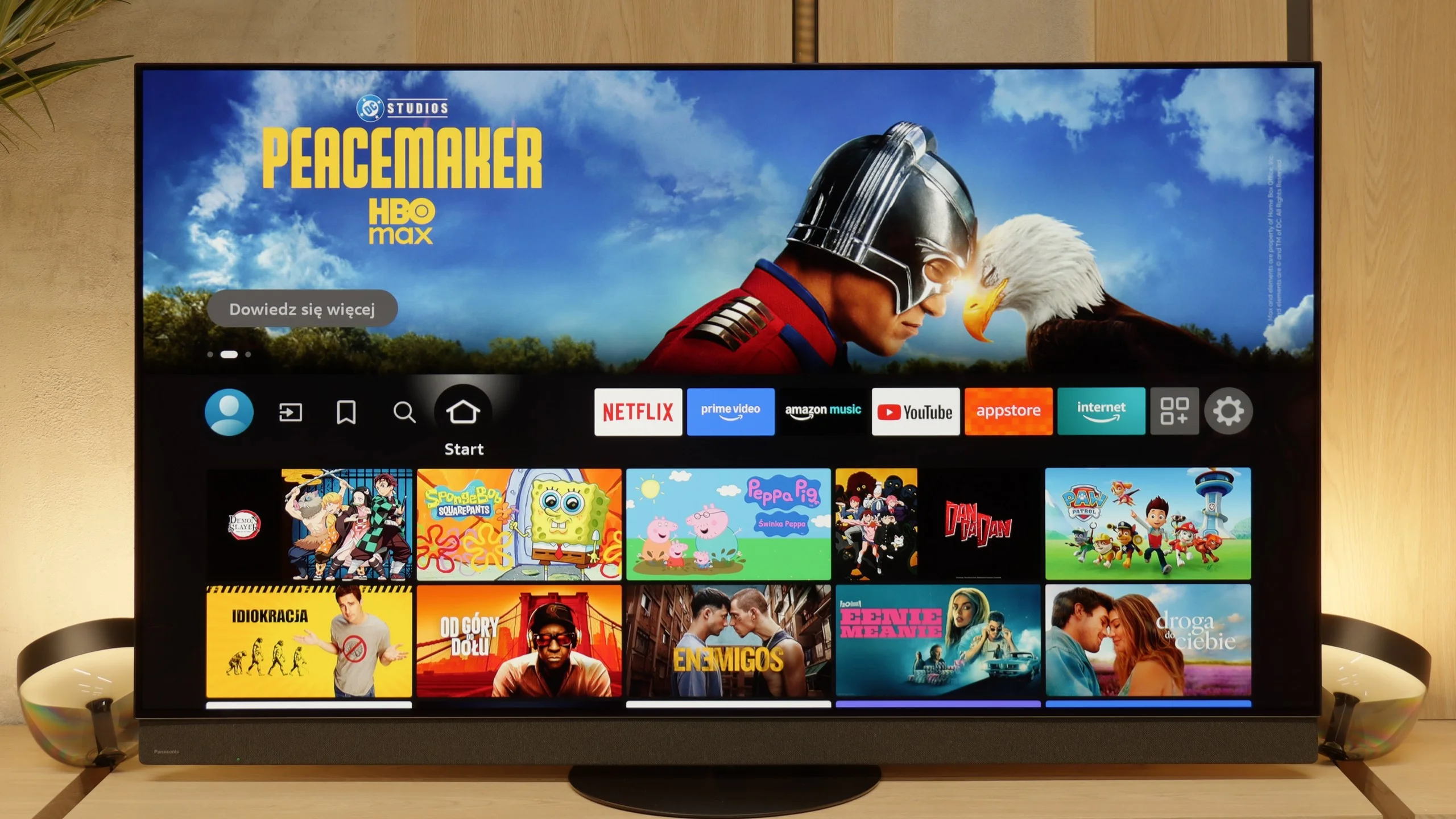
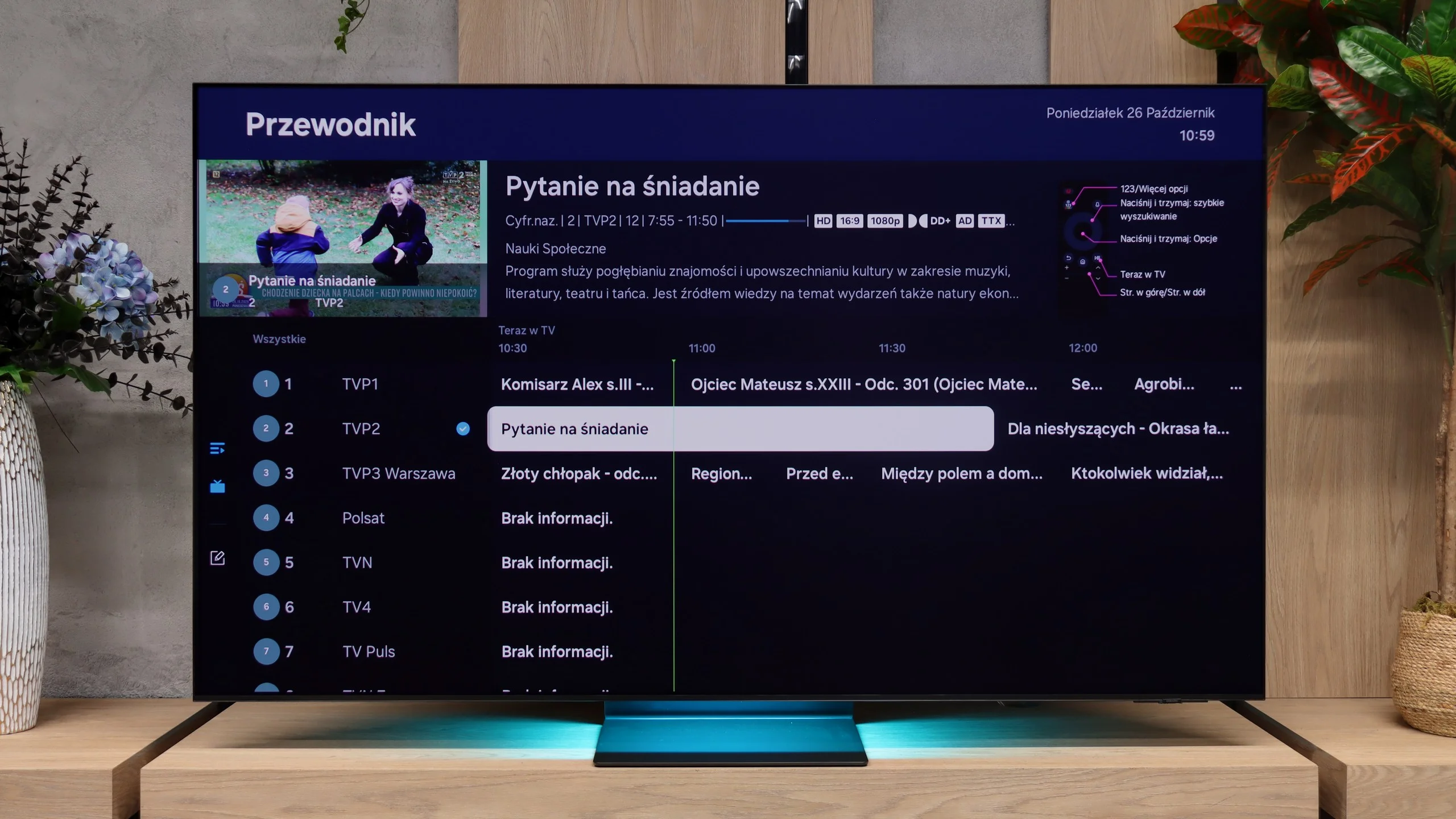
Panasonic in the Z95B uses the Fire TV system, which is a platform created by Amazon. This is quite a change, as just two years ago the company was relying on its own system based on Linux. At first glance, everything looks good – the interface is clear, and the operation is quite simple. Additionally, we have AirPlay, which allows you to stream photos or videos from an iPhone, as well as screen mirroring from both Windows and Android phones. The television also works with the Amazon Alexa voice assistant, but here a significant limitation quickly arises. In practice, only a few of the most popular languages work well, such as English, while Polish is still not available, and it is unclear when it will be.
Classic Features
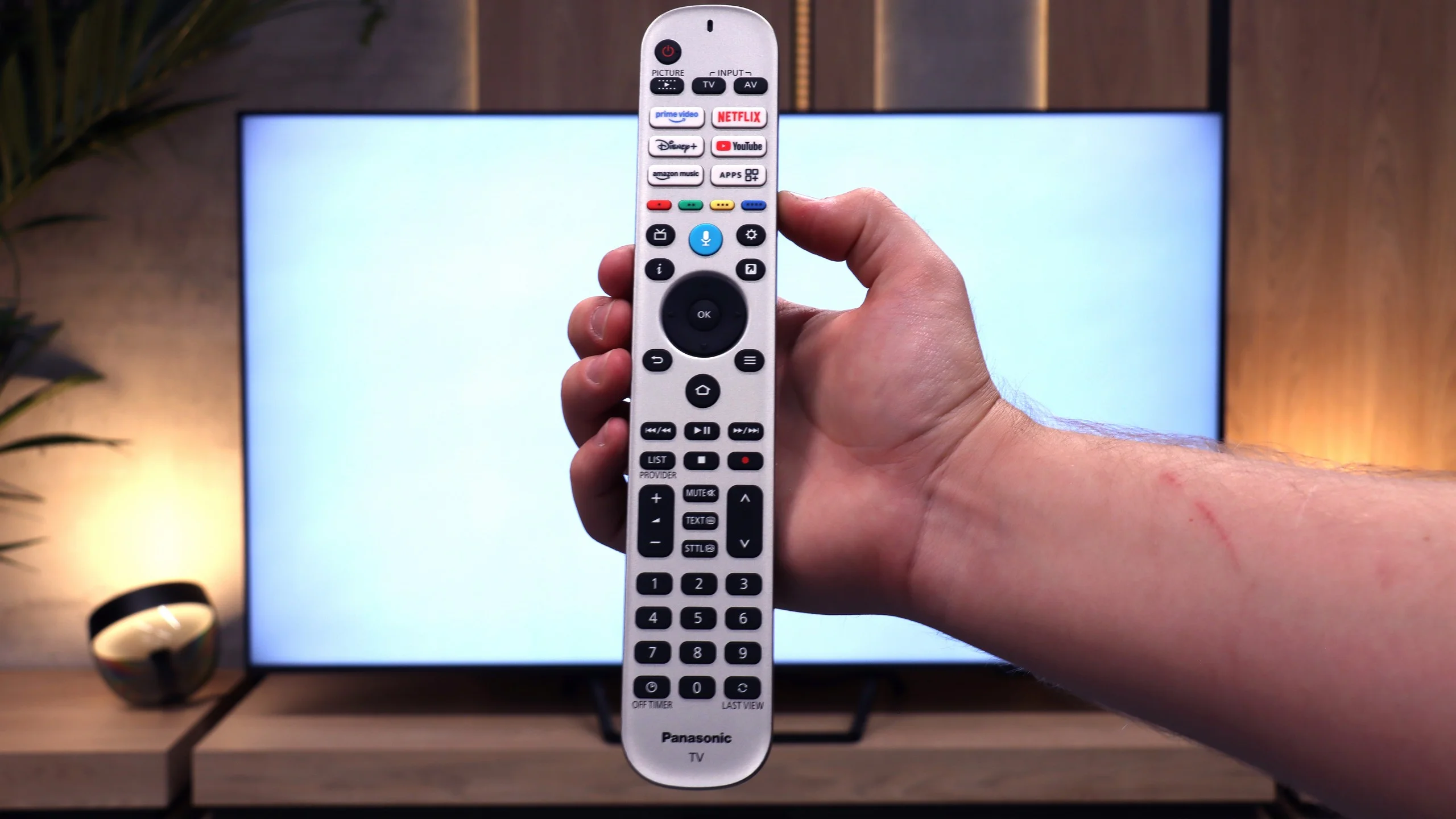
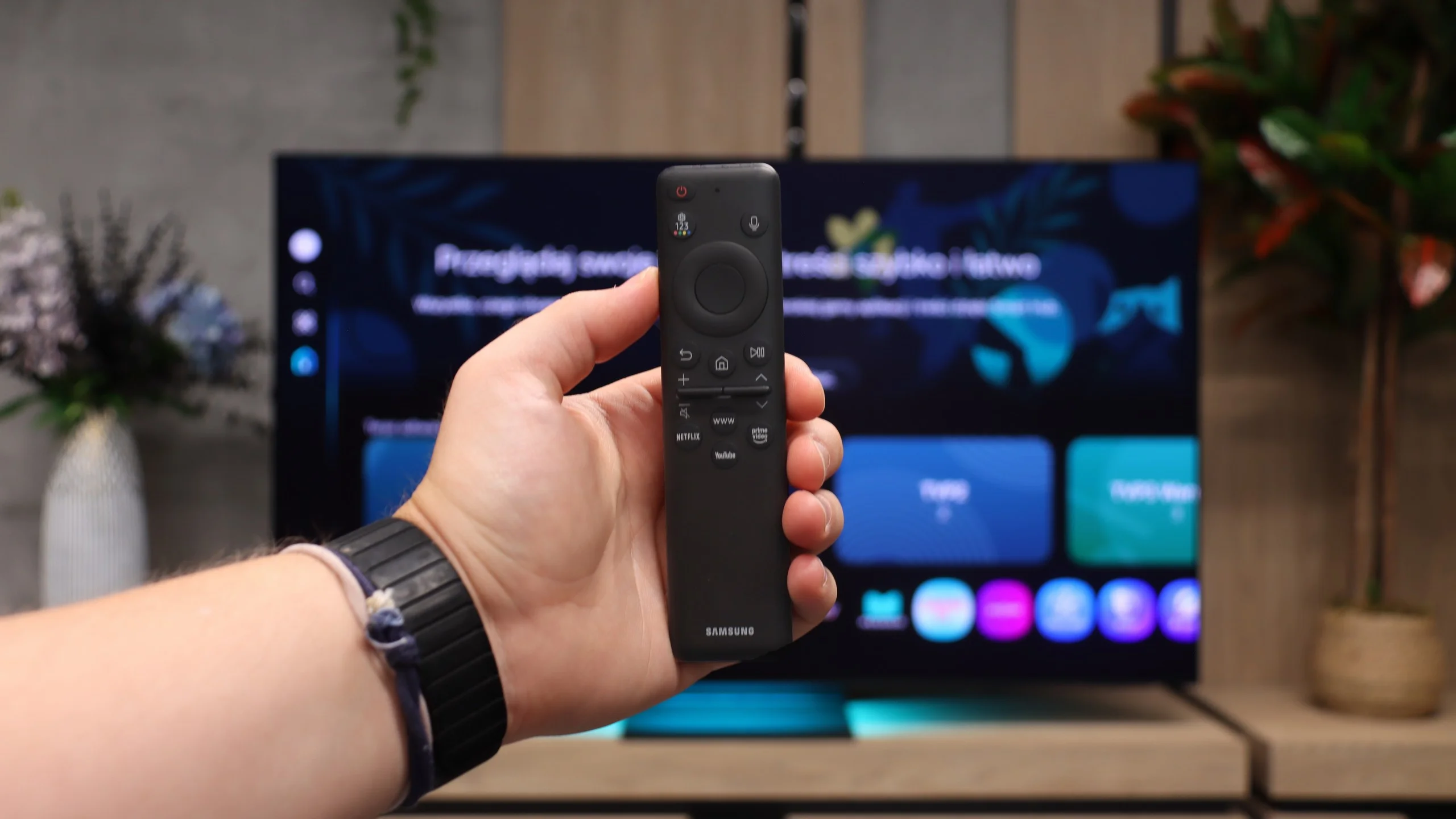
Here the situation becomes at least odd. During testing in the editorial office, the television would not search for any channels – neither satellite nor terrestrial. As a result, we could not check the operation of the PiP function or the tuner itself. The only certain thing is the recording to USB, as the television immediately asked if we wanted to format it for that purpose upon connecting the pendrive. The remote control looks fairly classic – it is large, with a full numeric keypad, and the advantage is that you do not have to aim at the screen, as it works on RF technology.
Problems in Daily Use
The biggest disappointment, however, arises with the apps and system stability. Some apps are not available at all in Poland, others can be found but cannot be downloaded as they are tied to a specific market. Additionally, there are odd bugs, untranslated menu elements, and occasional "hangs" that can effectively detract from the enjoyment of using such a good screen as the Z95B. One could say that while the Z95B impresses with image quality as a "monitor", as a smart television it can be simply frustrating and falls short in many aspects.
Tizen
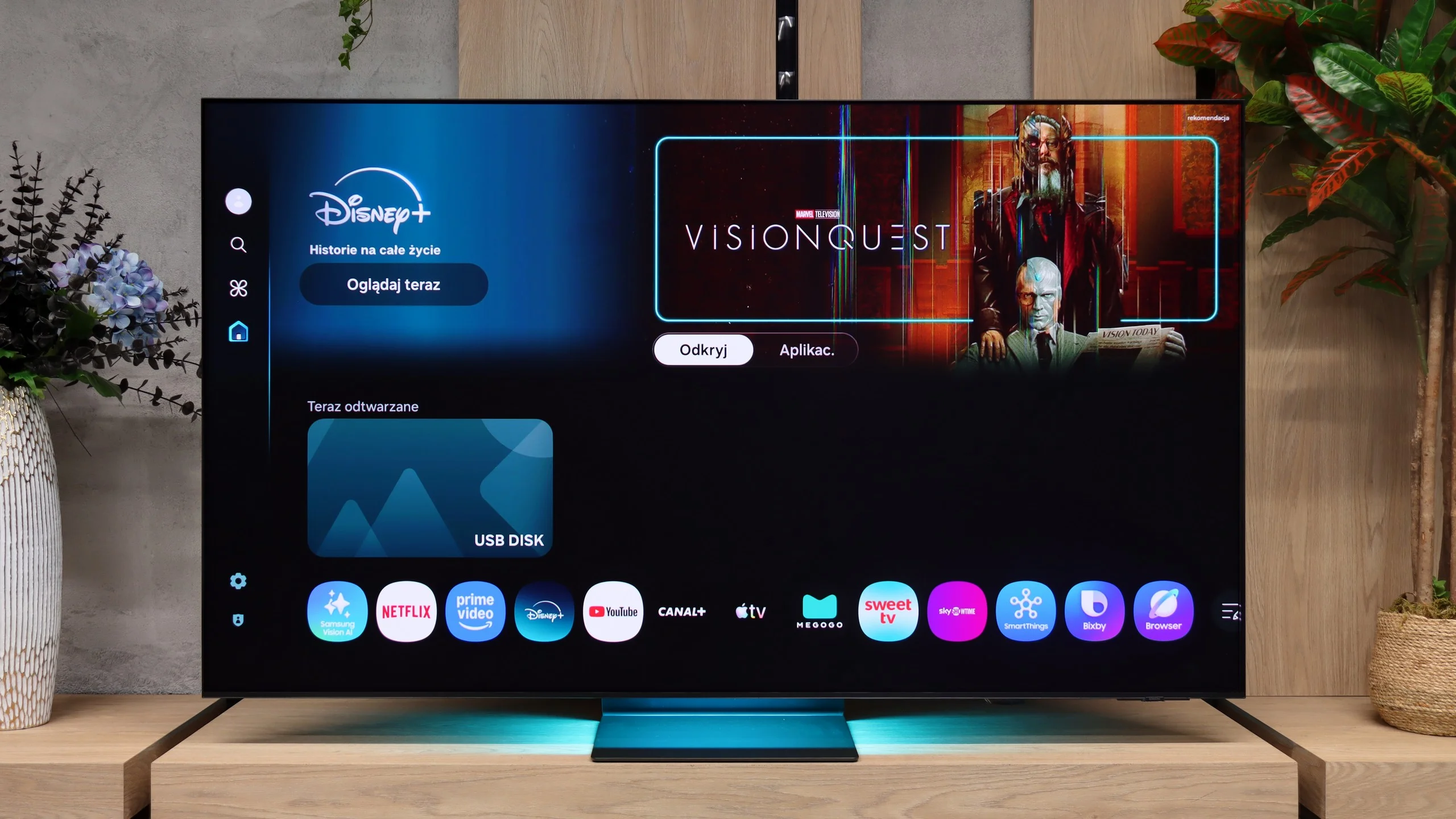
The S95H uses the Tizen system, which runs very quickly here. Switching between apps and settings is smooth, so day-to-day use doesn’t require patience. There’s a wide selection of streaming apps, voice search and AirPlay for streaming content from Apple devices. You can also mirror a computer screen wirelessly. It’s a well-equipped Smart TV where it’s easy to find something for yourself.
We did notice one odd thing, though. Our review unit had a 2025 software version, even though the S95H is a 2026 model. At the time of testing we also couldn’t find an update to this year’s system on the manufacturer’s website. That’s surprising, as other Samsung models have already received it. Tizen itself runs smoothly, but for a new TV of this class we would expect the operating system to be up to date.
TV features and remote
Among the classic features are teletext and picture-in-picture, but the ability to record programmes to USB is missing. It can also be useful to play audio simultaneously through the TV speakers and Bluetooth headphones. The remote is very minimalist and works without needing to be pointed at the screen, although it’s a shame there are no backlit buttons. A definite plus is that it doesn’t require battery replacement and can be charged using solar power.
One Connect
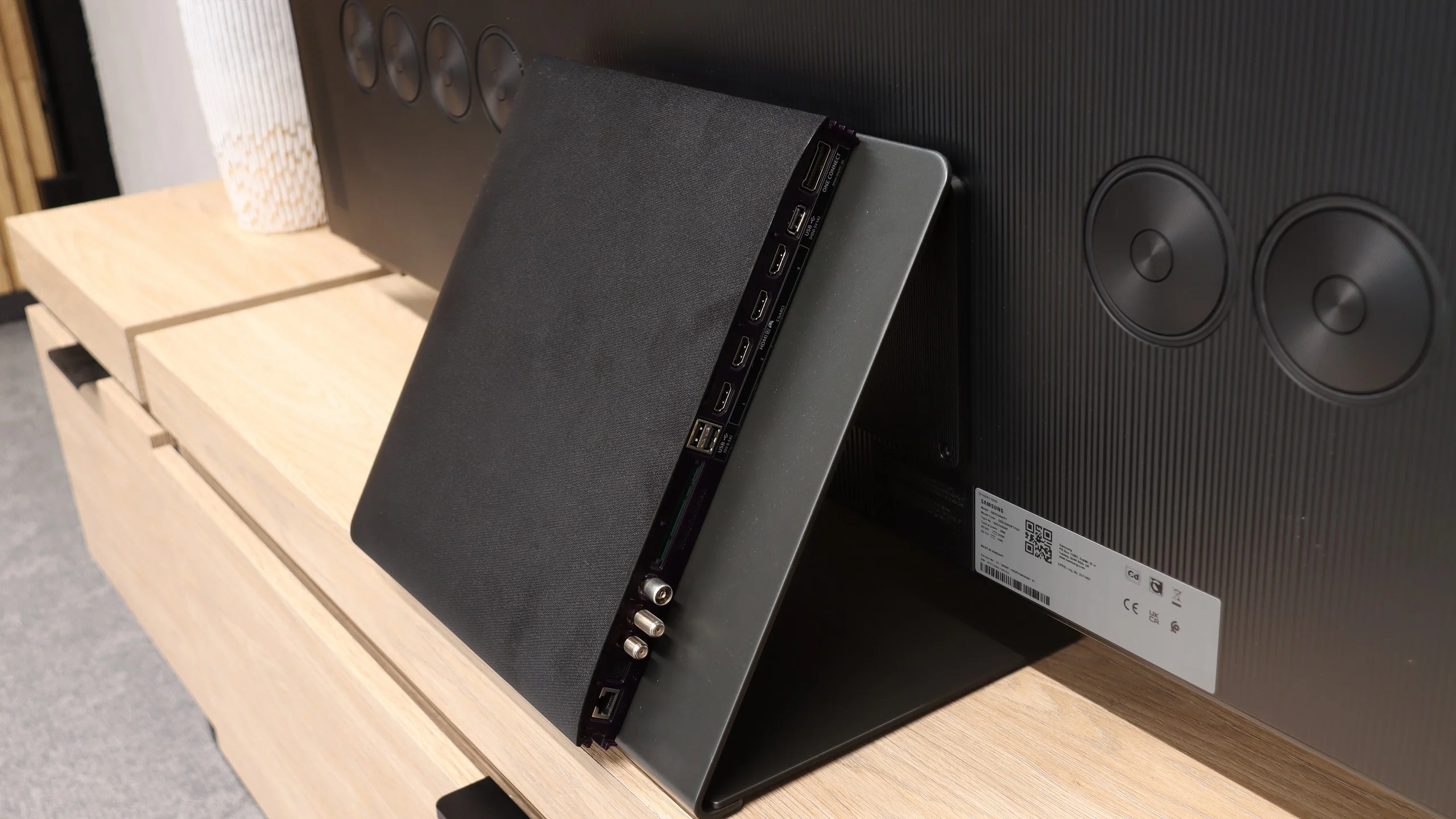
The One Connect module remains an important addition, and Samsung TVs earn a small extra point from us for it. It contains four HDMI 2.1 inputs with 40 Gb/s bandwidth, and a soundbar can be connected via eARC or the optical output. The biggest advantage of this solution is simple: only a single cable runs to the screen. It’s easier to hide the cables and to connect another device without having to reach behind the TV. Those planning to wall-mount the S95H will especially appreciate it.
Apps
7.2/10
9.3/10






















Playing files from USB
3.5/10
9.1/10
Supported photo formats:
Maximum photo resolution:
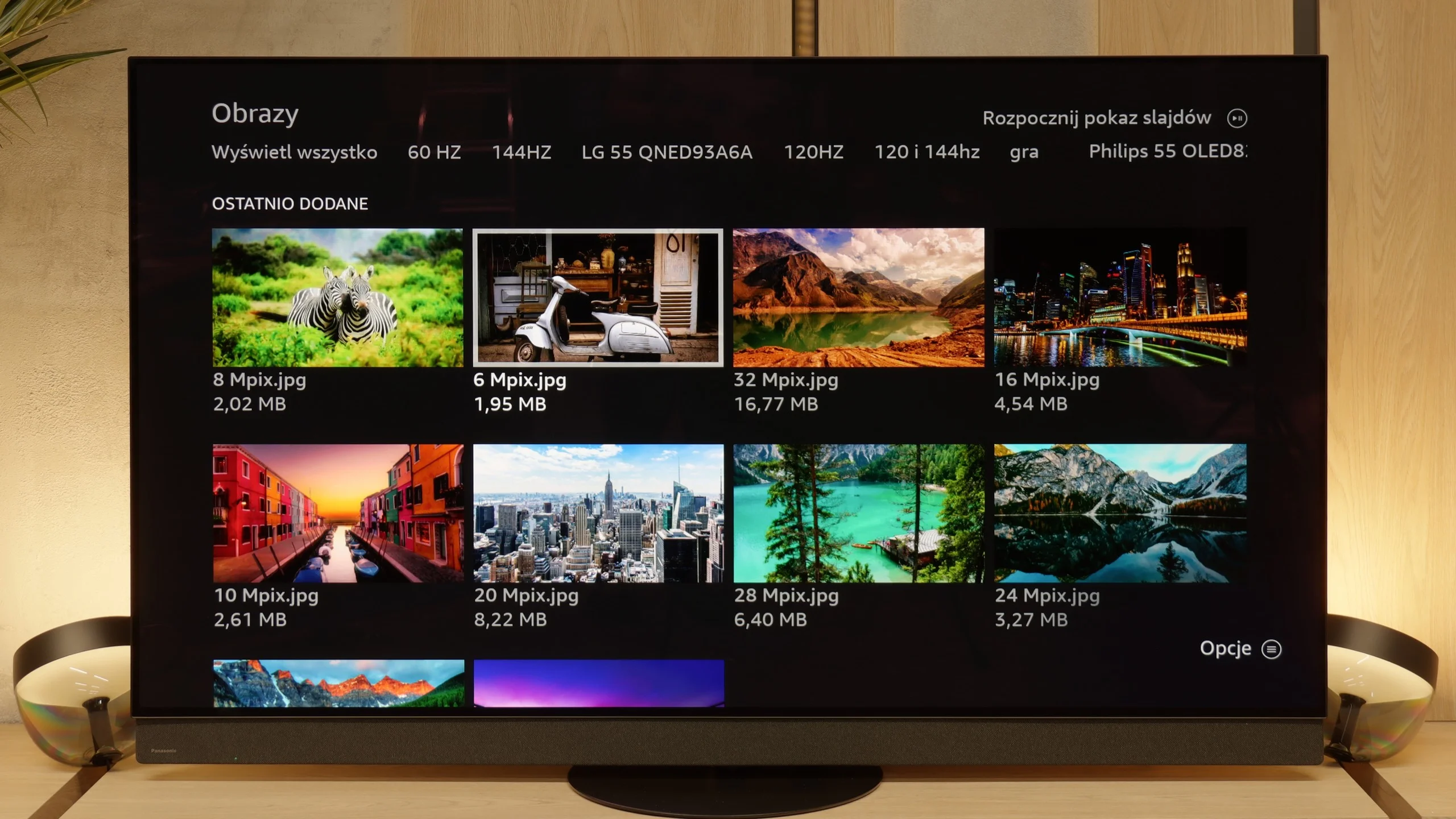
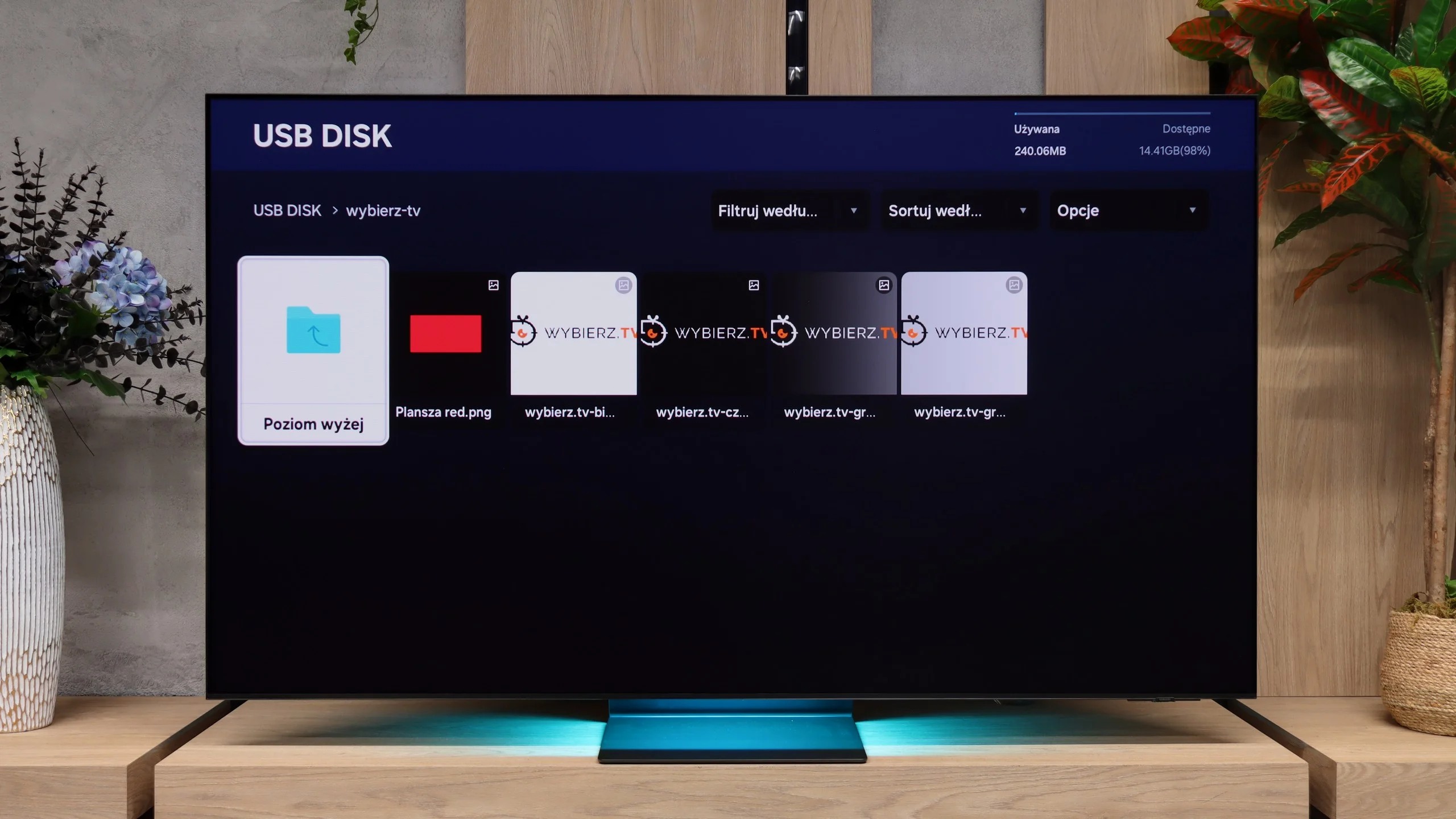
Here we also encountered another limitation of the Fire TV system. The built-in player handles popular audio and video files without any problems, so at first glance, everything seems fine. However, the problem arises when we want to enable subtitles in films. We were unable to activate any format – neither .srt, nor .sub, nor .txt. Regardless of the settings, the subtitles simply did not appear. So, if you have a film with a separate subtitle file, you are forced to watch it in the original language, unless the subtitles were permanently embedded in the picture. For a television of this class, it is quite a disappointment and further evidence that Fire TV still has a lot of shortcomings that can spoil the joy of use.
The built-in file player works quickly and smoothly. The S95H opened almost all of the audio and video files we prepared and expected it to support. You don't have to wait long for them to load, and browsing the contents of the storage device is convenient.
It's a pity, though, that there is no support for HEIC photos, the format used by default on many iPhones. So if you want to show photos from your phone directly from a USB stick, you need to convert them first, for example to JPEG.
Sound
8.9/10
8/10
- Maximum volume91dB86dB
- Dolby Digital Plus 7.1
- Dolby True HD 7.1
- Dolby Atmos in Dolby Digital Plus (JOC)
- Dolby Atmos in Dolby True HD
- DTS:X in DTS-HD MA
- DTS-HD Master Audio
The built-in audio system in the Panasonic Z95B really makes an impression. The manufacturer has added an additional soundbar here, which completely changes the sound experience of the television – this time it can confidently be said that there is no need for any external equipment to enjoy full and dynamic sound. The bass is clear and surprisingly powerful, dialogues remain intelligible even during louder action scenes, and the television itself can play quite loudly, reaching levels of up to 91 decibels. It should also be noted that it fully supports Dolby Atmos, so if you use films or streaming services that support this format, you can count on spacious and impressive sound. A certain limitation is the lack of support for DTS:X – if someone plans to connect a home cinema or Blu-ray player with this standard, they must take into account that the television will not play it, but this shouldn't be a major drawback considering how all manufacturers approach this standard. I suppose we have to come to terms with this.
In terms of sound the S95H is essentially a copy of last year’s model. Despite its very slim casing it delivers clean, pleasant audio, but the sound remains rather flat. It lacks depth and stronger bass, which, given such an impressive picture, leaves something to be desired. On the other hand, it is hard to expect large drivers in a TV about a centimetre thick. The beautiful appearance comes at a price.
It is therefore worth supplementing the S95H with a soundbar or a separate audio system so the audio better matches the picture. The TV supports Dolby Atmos, which makes it possible to expand the setup to surround sound. However, it lacks DTS support. This limitation may be an issue chiefly for viewers watching films from discs with soundtracks in that format.
Sound Quality Test
No sound test video
Acoustic Measurements
91dBC (Max)
75dBC
86dBC (Max)
75dBC
Reader comments
Comments are provided by the external service Disqus (Zeta Global). Once loaded, Disqus may set cookies and process data about your activity.
We will remember your choice on this device. Provider's privacy policy