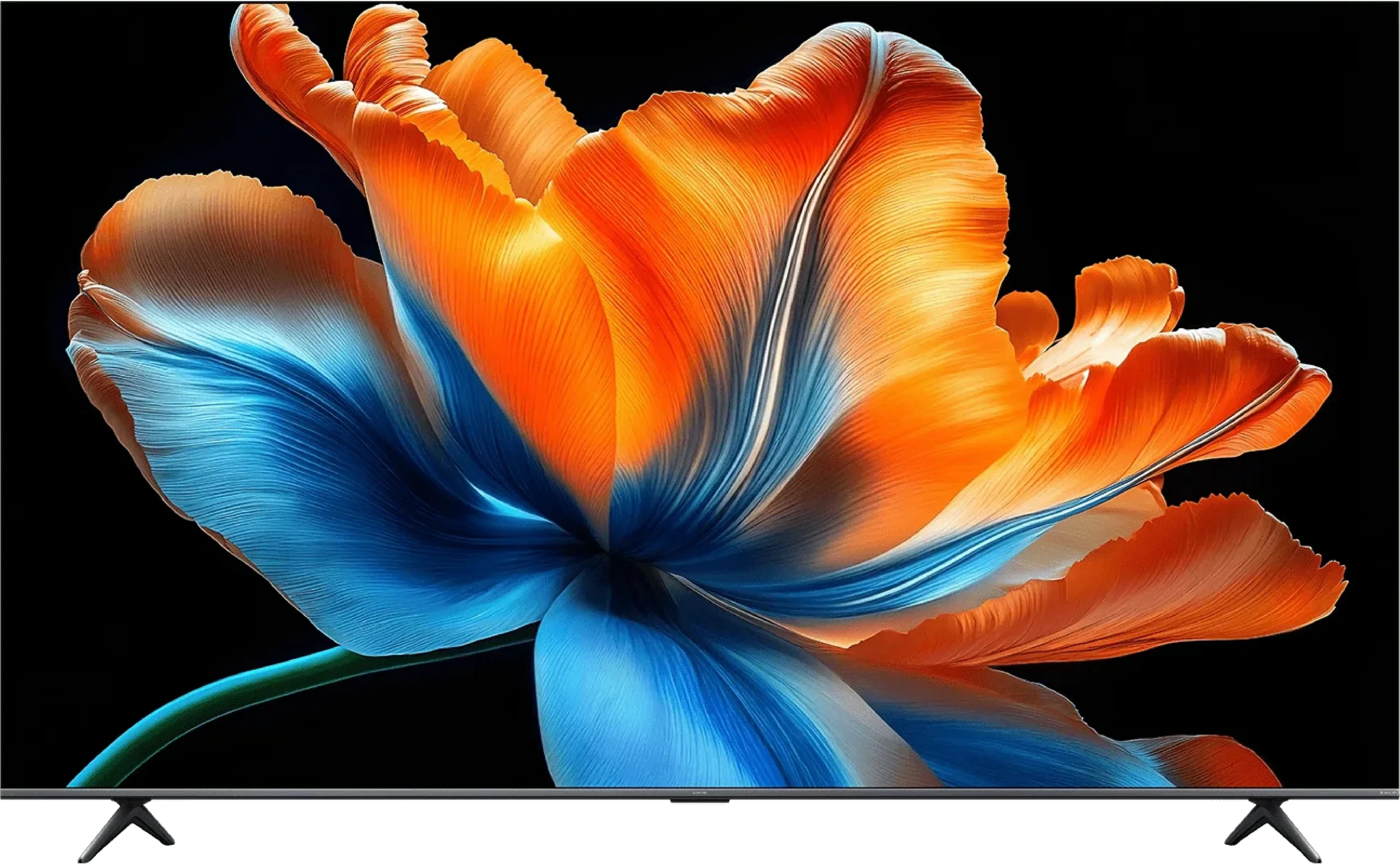
Panasonic W70A vs XIAOMI S Mini 2026 (55"-75") 60Hz

Direct comparison

S Mini 2026

Available screen sizes: 43”50”55”65”

Available screen sizes: 55”65”75”

Review Panasonic W70A Main photo
Review XIAOMI S Mini 2026 (55"-75") 60Hz  Main photo

Panel type: LCD IPS

Resolution: 3840x2160

System: Google TV

Model year: 2024

Complete the survey to find out the result

Panel type: LCD VA

Resolution: 3840x2160

System: Google TV

Model year: 2026

Complete the survey to find out the result

Overall rating

5.6

6.2

  • Movies and series in UHD quality

    5.2

    6.2

  • Classic TV, YouTube

    5.2

    6.0

  • Sports broadcasts (TV and apps)

    5.3

    5.0

  • Gaming on console

    6.8

    6.9

  • TV as a computer monitor

    6.0

    5.6

  • Watching in bright light

    4.0

    6.3

  • Utility functions

    5.2

    6.7

  • Apps

    8.3

    9.6

  • Sound quality

    6.6

    5.0

Advantages

  • Wide viewing angles thanks to the IPS panel

  • Efficient and intuitive Google TV system

  • Supports Dolby Vision

  • Suitable for occasional gaming - VRR, ALLM, low input lag of 12 ms

  • Readable fonts when working with PC thanks to chroma 4:4:4

  • Bluetooth and voice search on the remote

  • Decent sound quality for a television in this class

  • Very good contrast: MiniLED + VA

  • High brightness

  • Wide colour gamut

  • Low input lag

  • 120 Hz mode at 1080p/1440p

  • Google TV with a wide selection of apps

  • Good results after calibration

Disadvantages

No like
  • Poor blacks and low contrast - IPS panel

  • Brightness at 270 cd/m² too low for comfortable viewing in bright rooms

  • Software errors (features are either poorly translated or located where they shouldn't be)*

  • Missing AirPlay support

  • Missing USB recording feature and PIP mode

*This situation pertains to the time of publication of this review, which is December 2024. We hope that Panasonic will manage to rectify these significant shortcomings in future updates.

  • Panel limited to 60 Hz

  • Poor viewing angles

  • Poor image processing

  • Visible posterisation

  • Flat sound, little bass

Our verdict

The Panasonic W70A draws attention primarily due to its advanced Google TV operating system, which gives access to a plethora of popular applications (YouTube, Netflix, Disney+, HBO Max, etc.). As for the picture, the IPS panel offers wide viewing angles, so colours do not lose intensity even when watching a film from a slight angle. Gamers will also not be disappointed, as it features VRR and ALLM, along with low input lag (around 12 ms) – all of this contributes to a pleasant experience for occasional gaming, despite the standard 60 Hz refresh rate.

However, it is worth noting that this is rather a basic model and has its limitations. The contrast and black levels are simply weak, which is a typical phenomenon for IPS panels, especially in dark rooms. A brightness level of around 270 cd/m² is also insufficient in brightly lit rooms, making the picture appear washed out. Certain shortcomings in the software itself cannot be overlooked either. Google TV is a great basis, but sometimes it happens that some settings are scattered in surprising places, and the quality of translations leaves much to be desired.

One must consider that the competition is offering more and more in a similar (or slightly higher) price range. Can the Panasonic W70A hold its ground in such an environment? On one hand, it tempts with a rich application base and decent support for gamers, but on the other hand, the market is flooded with more refined televisions equipped with better parameters. However, if wide viewing angles and easy access to Google TV services are a priority, it might be worth giving it a chance. Otherwise, it is advisable to look among competing models that often offer better black levels, higher brightness, and fewer annoying issues in the menu at a similar price.
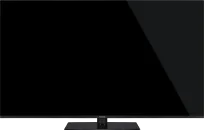
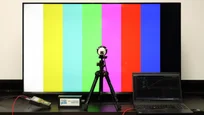
In the smaller screen sizes (55 to 75 inches) the Xiaomi S Mini 2026 makes a really good impression, provided you judge it from the outset in the context of its price. Mini LED technology does exactly what we expect from it: it delivers strong contrast and produces HDR brightness high enough that watching films feels much more dynamic than on conventional TVs in this price bracket. Add Google TV to that and you simply get a device that’s easy to use for everyday entertainment. The catch is that how you evaluate this model depends heavily on how you plan to use it. The 55-, 65- and 75-inch versions use a 60 Hz panel, which automatically puts them in a very different position compared with the larger variants. If you’re looking for a screen specifically for sport or want to get the most out of a new console in 4K at 120 frames per second, this TV will simply fall short of expectations. A separate issue is Xiaomi’s policy, because the naming confusion can be very misleading. The 85- and 98-inch variants are actually completely different TVs in terms of construction and capabilities. A buyer is perfectly entitled to assume that by choosing a smaller size they are only sacrificing inches and perhaps the number of local dimming zones, whereas in practice they end up with kit from a completely different technological tier. Looking at the 55 to 75-inch model itself, if your benchmark is obtaining the best possible picture quality on a very low budget, the S Mini 2026 can more than hold its own.

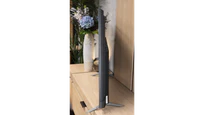
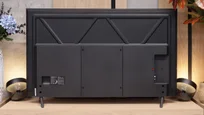
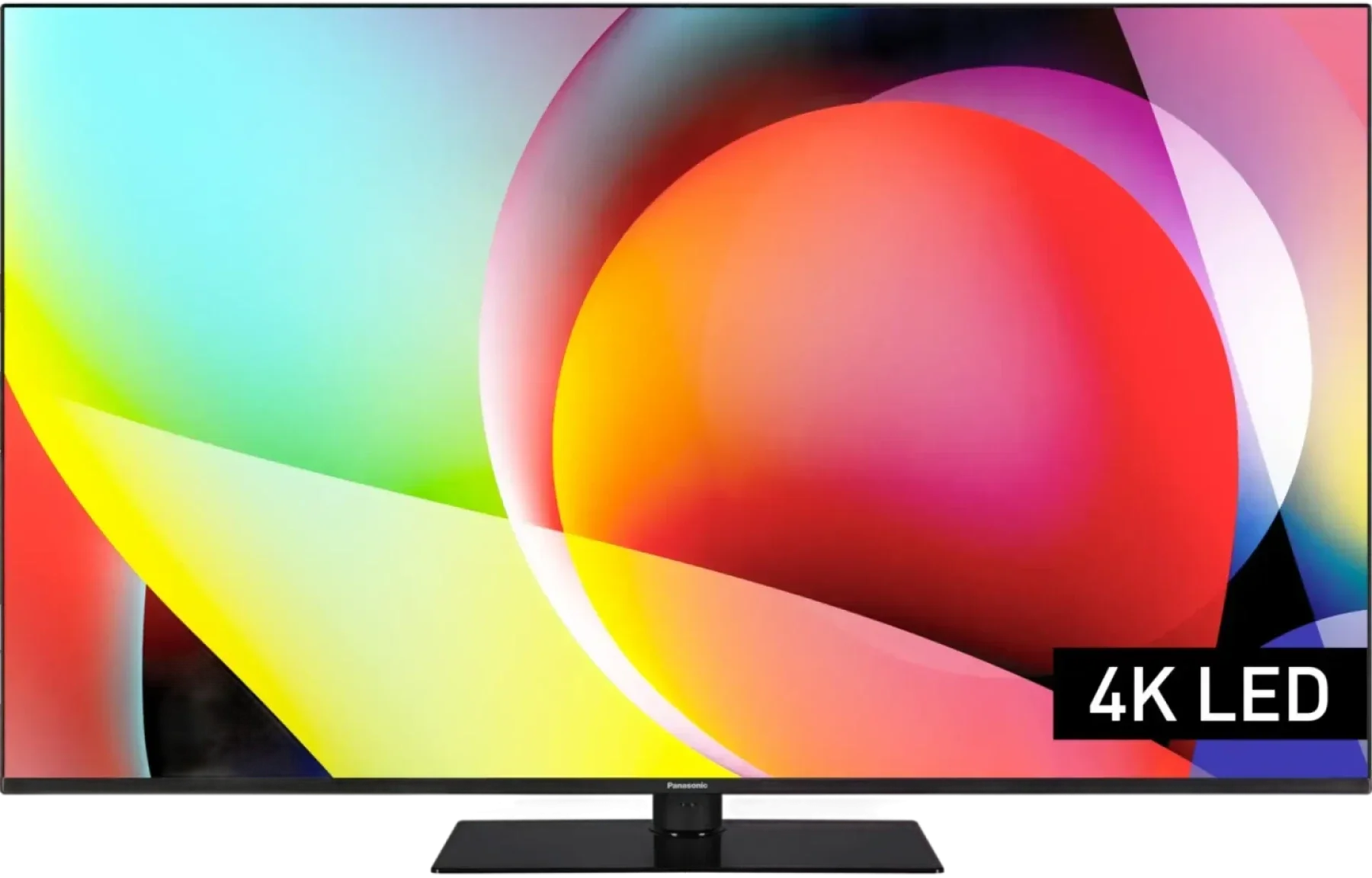
TV appearance

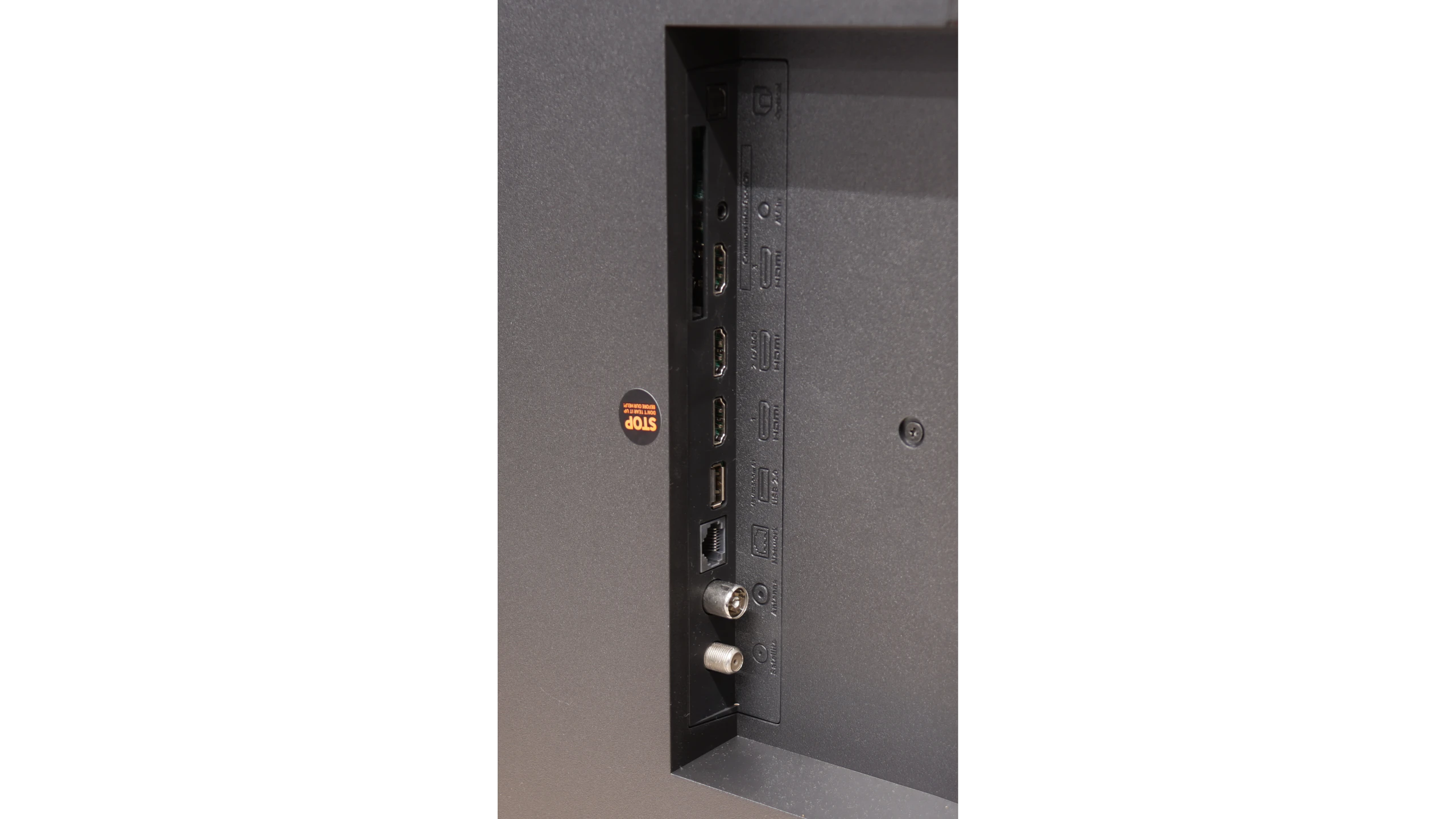
HDMI inputs
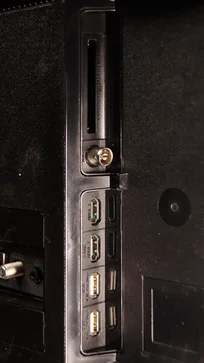
3 x HDMI 2.0, 0 x HDMI 2.1
Other inputs
Outputs
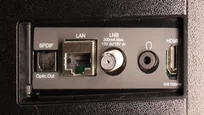
Toslink (Optical audio), eARC (HDMI), ARC (HDMI), Mini-Jack (Headphones)
Network Interfaces
Wi-Fi 2.4GHz, Wi-Fi 5GHz, Ethernet (LAN) 100Mbps
Build quality
Average
Average
Stand type
Central
Legs
Bezel color
Black
Graphite
Stand
Fixed
Fixed
Accessories
Stand
Stand

Contrast and black detail

2.5/10

7.8/10

Local dimming function: No

Local dimming function: Yes, number of zones: 308 (22 x 14)

Contrast:

Review Panasonic W70A Contrast and black detail

Result

1,100:1

Review Panasonic W70A Contrast and black detail

Result

1,250:1

Review Panasonic W70A Contrast and black detail

Result

1,300:1

Review Panasonic W70A Contrast and black detail

Result

1,250:1

Review Panasonic W70A Contrast and black detail

Result

1,050:1

Review XIAOMI S Mini 2026 (55"-75") 60Hz  Contrast and black detail

Result

458,550:1

Review XIAOMI S Mini 2026 (55"-75") 60Hz  Contrast and black detail

Result

27,450:1

Review XIAOMI S Mini 2026 (55"-75") 60Hz  Contrast and black detail

Result

25,200:1

Review XIAOMI S Mini 2026 (55"-75") 60Hz  Contrast and black detail

Result

10,950:1

Review XIAOMI S Mini 2026 (55"-75") 60Hz  Contrast and black detail

Result

6,650:1

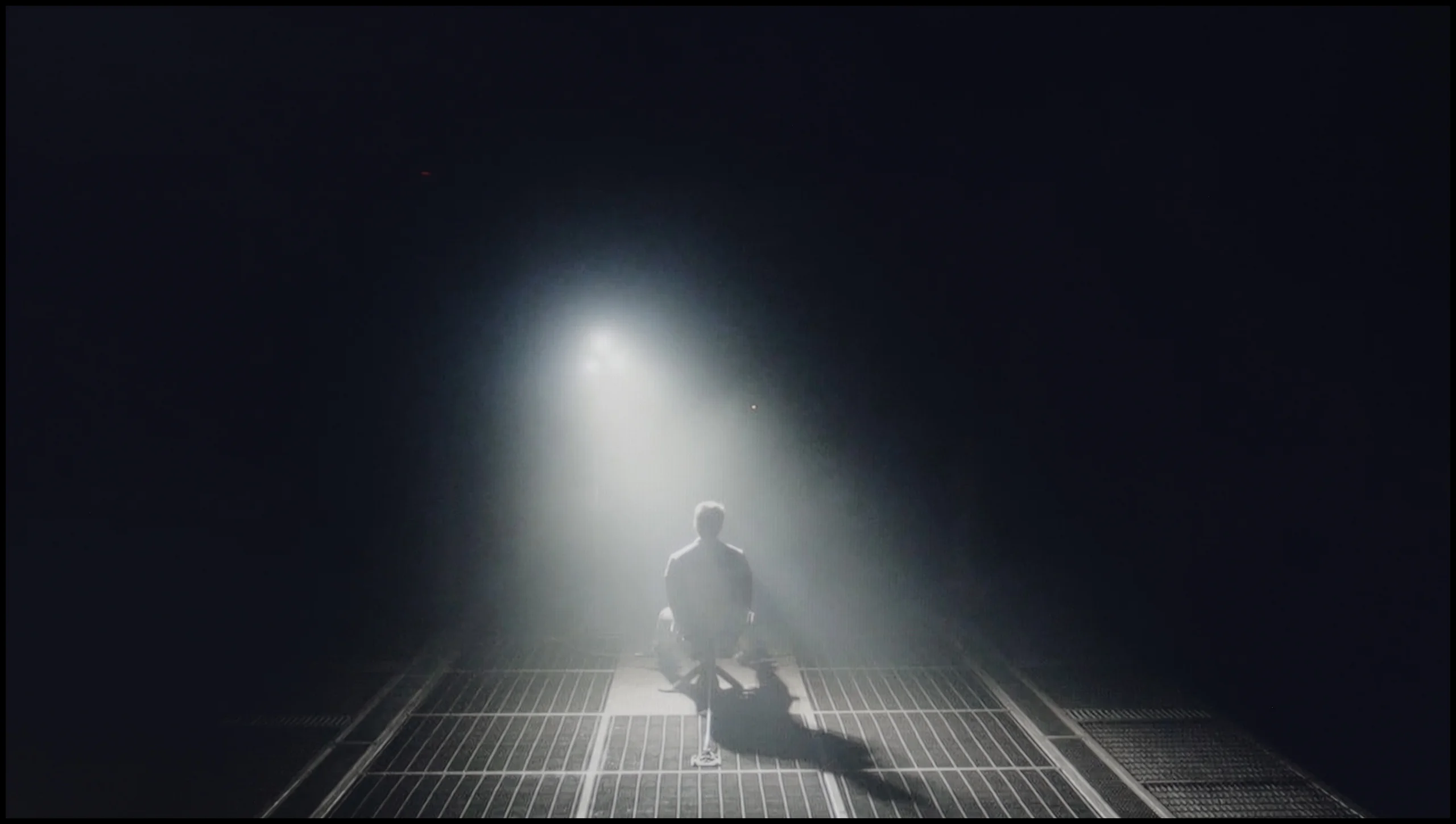
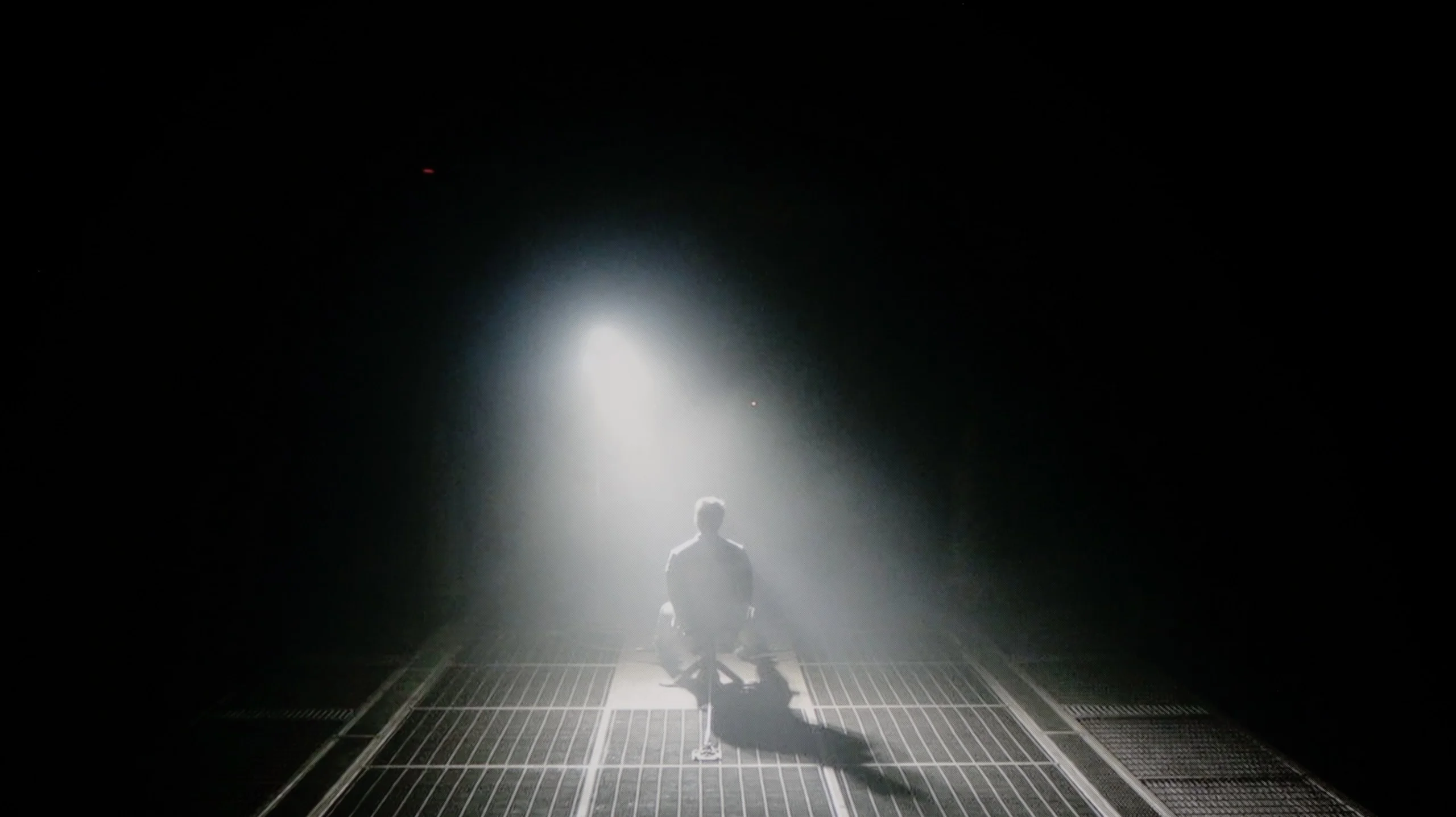
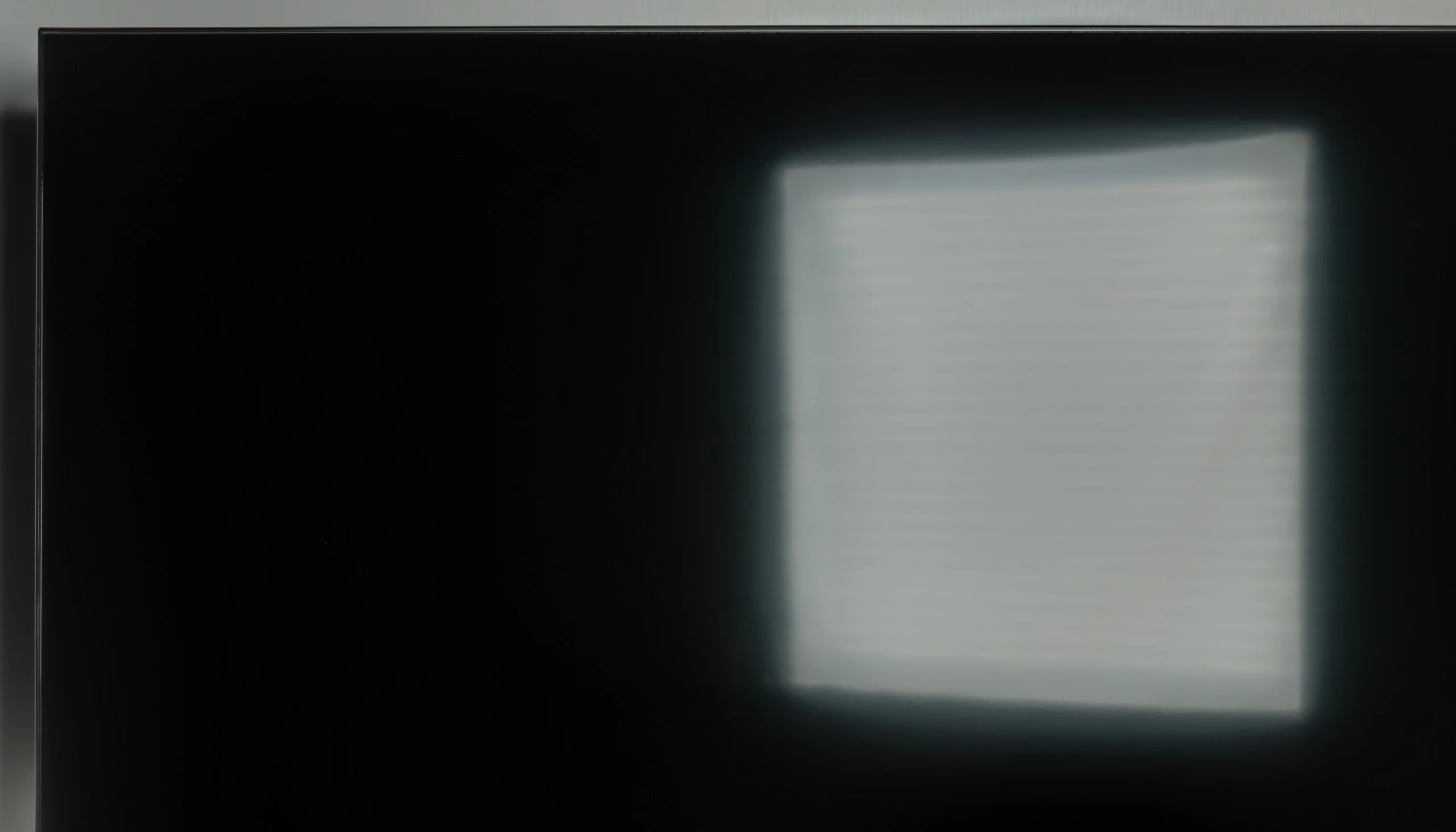
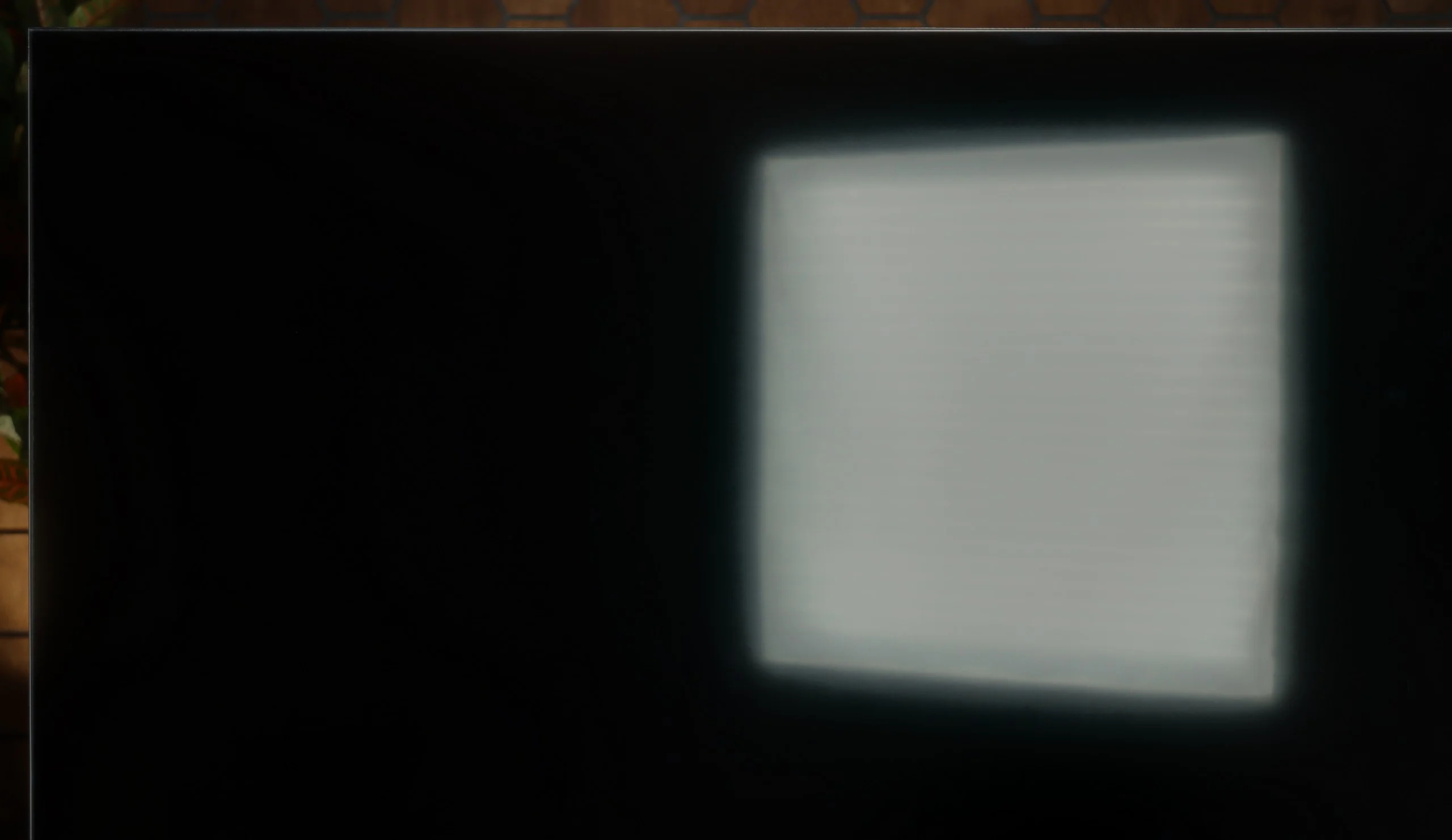
Halo effect and black detail visibility:

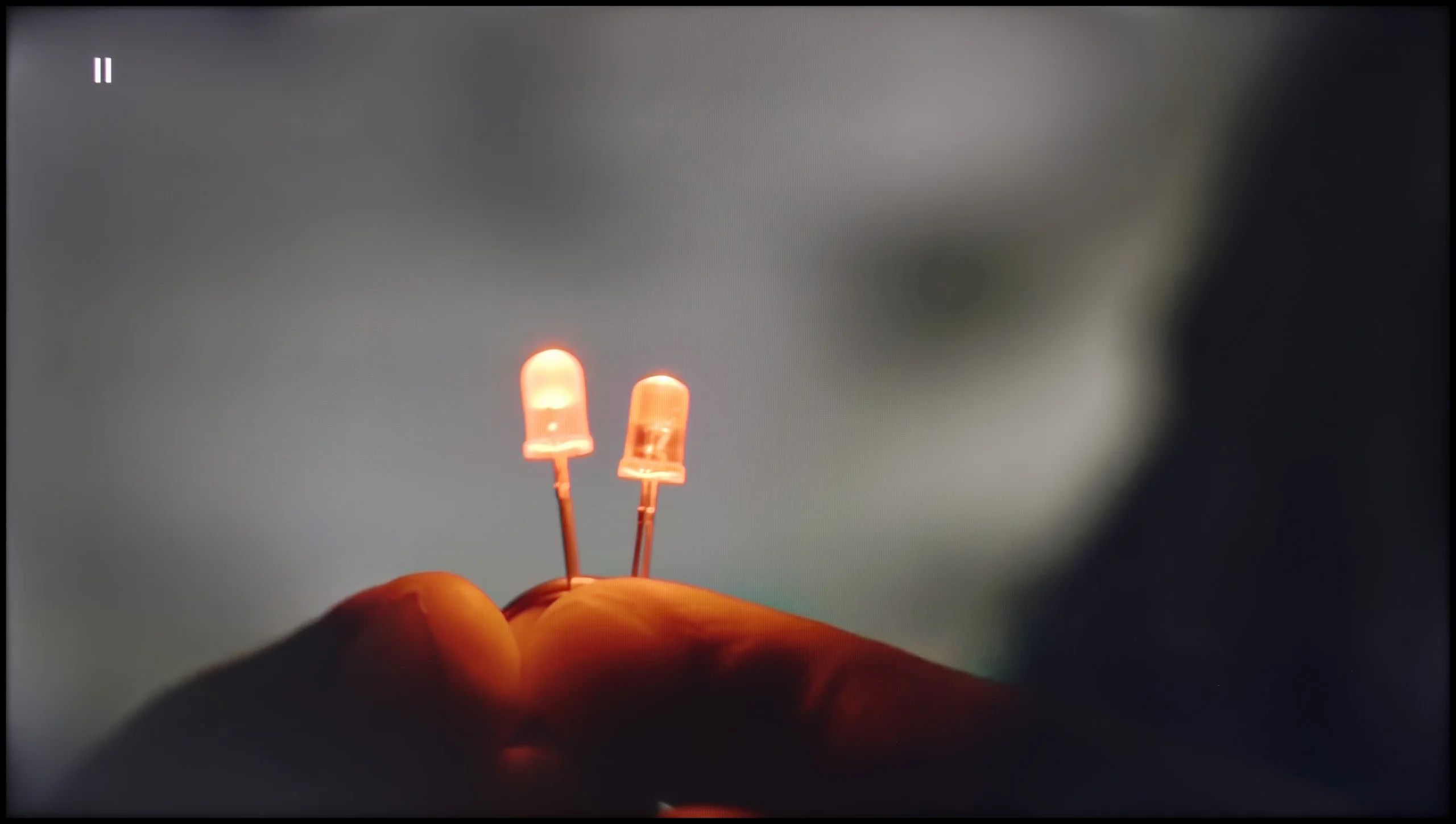
Check the visibility of bright lights on a dark background. Mini-LEDs often struggle with this. The photo does not compare black levels – that’s what the video below is for.

The video accurately shows differences in contrast and black levels between TVs, as well as potential issues: halo around bright objects or Mini-LED zone operation visible as brightness jumps.

The Panasonic W70A is equipped with an IPS panel, which unfortunately is not the best choice if we are looking for deep blacks and high contrast. Additionally, the lack of local dimming means that instead of pitch-black areas on the screen, we see rather silvery and navy-blue spots. In our tests, this was particularly evident on demanding dark scene test images. The contrast ratio, which hovers around 1000:1, is a result far from satisfactory – especially if we plan evening screenings in a darkened room. Scenes that should mesmerise with their depth of darkness instead look flat and lose their atmosphere.

In terms of contrast the Xiaomi S Mini 2026 performs really well. The TV uses a VA panel and Mini LED backlighting with 308 local dimming zones in the 55-inch model. Although on paper the number of zones is not as impressive as in more expensive models, in practice the set handles dark scenes very well. In shots where small bright objects appear against a black background, it can effectively dim the remaining parts of the image. As a result blacks are deep and the contrast in many films can resemble what we know from OLED TVs.

Of course not every scene is equally easy for the local dimming system. When there are more bright elements or they are positioned close together, a faint halo can appear around them. That is a typical limitation of Mini LED TVs and Xiaomi is no exception. The backlight control algorithm itself is commendable. Compared with the previous generation it operates much more stably, so while watching you won't see annoying flicker or sudden changes in brightness between consecutive shots.

HDR effect quality

4.5/10

5/10

Supported formats
HDR10, Dolby Vision, HLG
HDR10, HDR10+, HLG
Color gamut coverage
DCI P3: 78.0%, BT.2020: 57.0%
DCI P3: 93.3%, BT.2020: 72.0%

Luminance measurements in HDR:

Review Panasonic W70A Brightness measurement

Result

247 nit

Review Panasonic W70A Brightness measurement

Result

257 nit

Review Panasonic W70A Brightness measurement

Result

278 nit

Review Panasonic W70A Brightness measurement

Result

289 nit

Review Panasonic W70A Brightness measurement

Result

293 nit

Review XIAOMI S Mini 2026 (55"-75") 60Hz  Brightness measurement

Result

993 nit

Review XIAOMI S Mini 2026 (55"-75") 60Hz  Brightness measurement

Result

166 nit

Review XIAOMI S Mini 2026 (55"-75") 60Hz  Brightness measurement

Result

641 nit

Review XIAOMI S Mini 2026 (55"-75") 60Hz  Brightness measurement

Result

157 nit

Review XIAOMI S Mini 2026 (55"-75") 60Hz  Brightness measurement

Result

898 nit

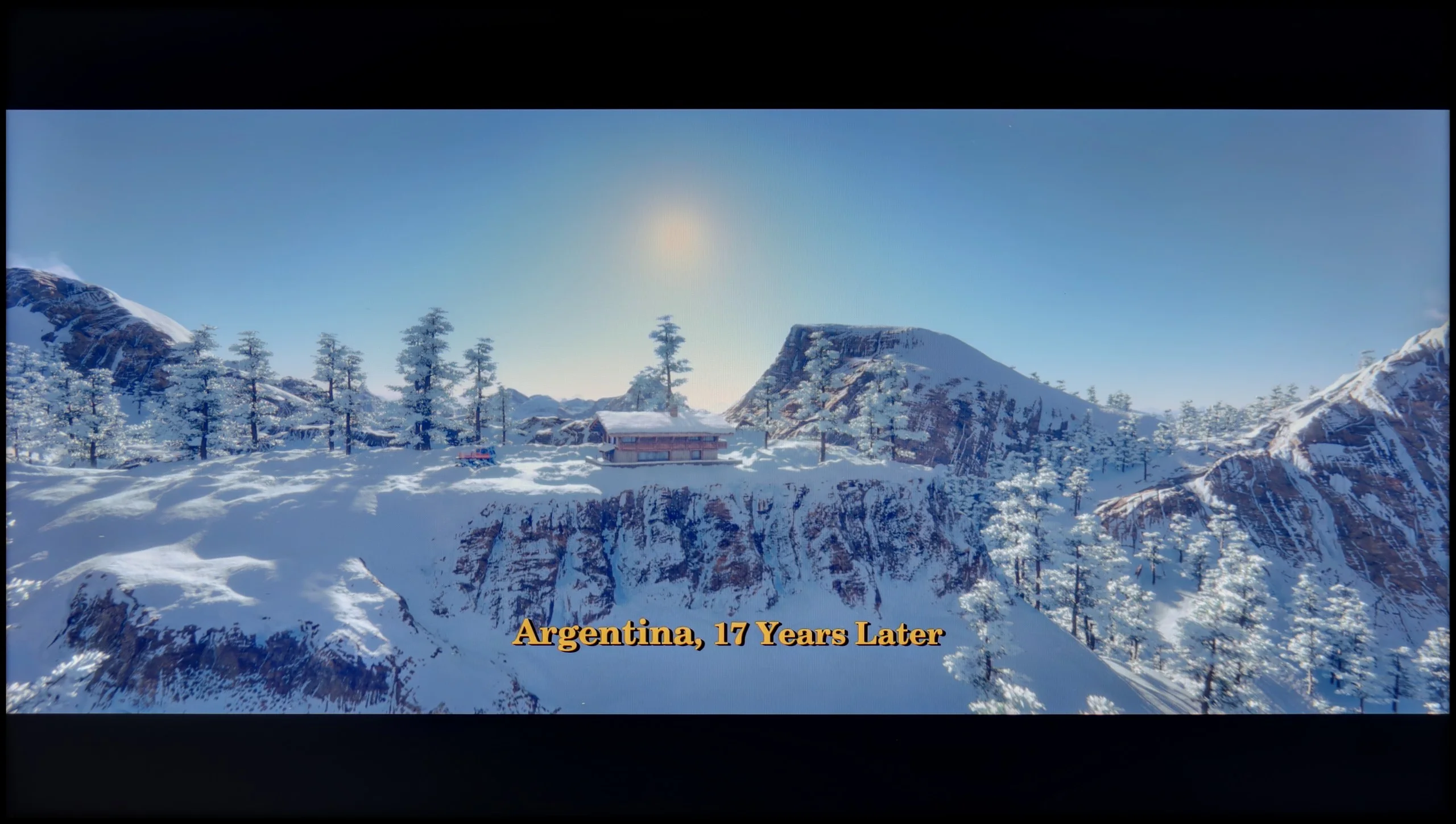
Scene from the movie “Pan” (about 2800 nits)

Scene from the movie “Billy Lynn” (about 1100 nits)

The photos show two HDR10 movies. 'Pan' is one of the brightest productions ever made, while 'Billy Lynn' (soldier) has brightness typical of streaming (Netflix, Prime, HBO MAX). Notice the intensity of effects and detail in whites.

Static HDR10

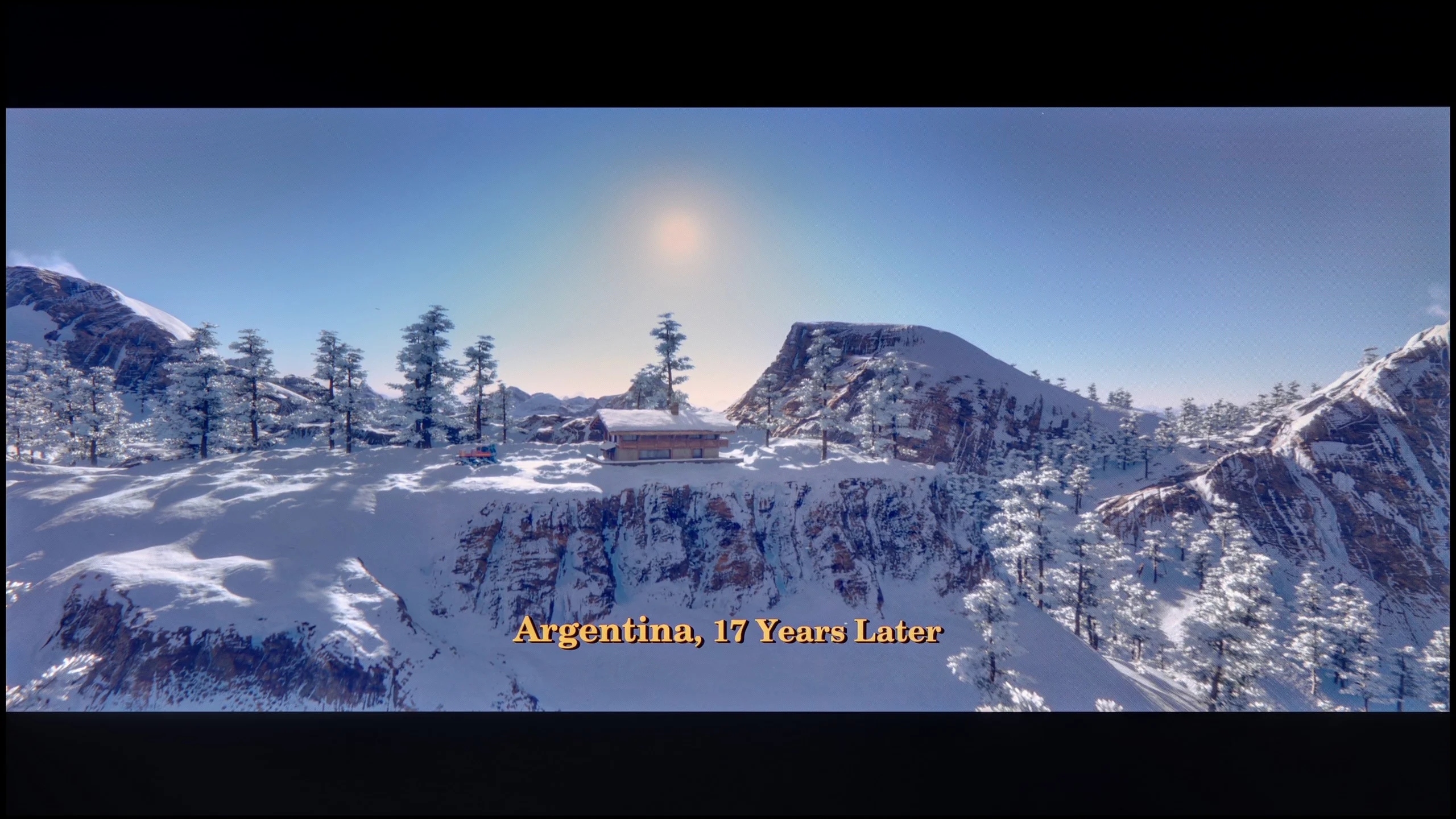
The photos present the visibility of white details in various HDR formats. They do not show brightness differences between TVs (these can be compared in the previous gallery).

Dynamic: Dolby Vision

Dynamic: HDR10+

The photos present the visibility of white details in various HDR formats. They do not show brightness differences between TVs (these can be compared in the previous gallery).

HDR luminance chart:

XIAOMI S Mini 2026 (55"-75") 60Hz

Panasonic W70A

HDR on the Panasonic W70A unfortunately does not impress. A brightness level of 250–300 nits is simply too low to feel the true magic of cinematic effects in dynamic, bright scenes. Images that should “burst” with light look rather flat, and fine details in bright areas often get lost in the average luminance of the panel. On the positive side, the HDR effect is at least stable. The television does not fall into excessive brightness or lose details during rapid scene changes. Everything is predictable and calm, although unfortunately rather unimpressive. Another issue is the colour gamut coverage. The W70A has not been equipped with an additional layer of quantum dots (often known as QLED), which means the colours appear rather mediocre. There is a lack of depth in reds, saturation in greens, and precision in reproducing subtle shades.

When it comes to HDR, the capabilities of the Xiaomi S Mini 2026 are really good, especially given the segment this model belongs to. The TV reaches around 1,000 nits of brightness without much trouble, allowing it to show a very pronounced HDR effect in bright scenes. The sun, reflections and brightly lit parts of the image can be really intense and at times almost striking in their brightness. It is a bit different in dark scenes, though. Very small light sources surrounded by black are displayed at much lower brightness, so they lack that pinpoint intensity seen on the best TVs. That said, this is not unusual for a Mini LED. The local dimming algorithm reduces the backlight to preserve the deepest possible blacks, which in such scenes matter more than a few extra nits.

HDR colours

Colour reproduction also performs well. Xiaomi markets the S Mini 2026 as a QLED TV, although the solution used here is effectively based on a PFS phosphor. The result is what matters, and it's quite good. Our measured coverage of the DCI-P3 gamut was about 94%, while in the much wider BT.2020 colour space it was about 74%. This means the TV can reproduce most colours used in HDR films with suitably high saturation. Its limitations are most visible with very intense shades of green, where the colour gamut starts to run out.

Factory color reproduction

3.9/10

5/10

This gallery shows how colors change after professional TV calibration. If you notice the difference, we recommend ordering this service at SkalibrujTV.com.

Factory Mode

After calibration

This gallery shows how colors change after professional TV calibration. If you notice the difference, we recommend ordering this service at SkalibrujTV.com.

Factory Mode

After calibration

The Panasonic W70A was tested by us in movie mode, which theoretically should guarantee the most natural image reproduction. Unfortunately, as is often the case with budget TVs, the reality proved far from ideal.

In HD (SDR) content, the white balance was severely disrupted by an excess of red and a noticeable drop in blue tones. The effect? The image had a distinctly warm, almost yellowish glow, which is clearly visible in the comparison photo. In the case of 4K HDR material, the situation reversed. Here, the image became excessively cold and bluish, causing scenes to lose their naturalness and depth. The differences are visible even to the naked eye, especially in the bright areas of the image. The Colour Checker palette test confirmed our observations. Most colour samples did not hit their intended points, "drifting" towards warmer shades in SDR and cooler ones in HDR. As for brightness characteristics, both gamma and the EOTF curve showed significant issues. The image tended to excessively brighten certain areas, disrupting balance and leading to a loss of detail in darker and lighter regions.

In summary – the factory colour reproduction settings in the Panasonic W70A leave much to be desired. The image is far from neutral, and errors in white balance and gamma mean that a solid calibration is needed to extract the TV's full potential.

We tested the Xiaomi S Mini 2026 in sizes from 55 to 75 inches in Film mode, which offered the most accurate colours compared with the other presets. That did not mean the picture was correctly set up straight away. In our sample the white balance was clearly shifted towards warmer tones. There was too little blue and too much red, so whites and greys had a slightly warm tint. The TV also tended to brighten darker parts of the image too much. This was due to the gamma, which instead of staying around 2.4 dropped in places to about 2.0. As a result there was more detail visible in the shadows, but the image lost some depth. The factory settings were therefore not bad, but there was still some way to go to achieve accurate image reproduction.

Color reproduction after calibration

5.7/10

7.5/10

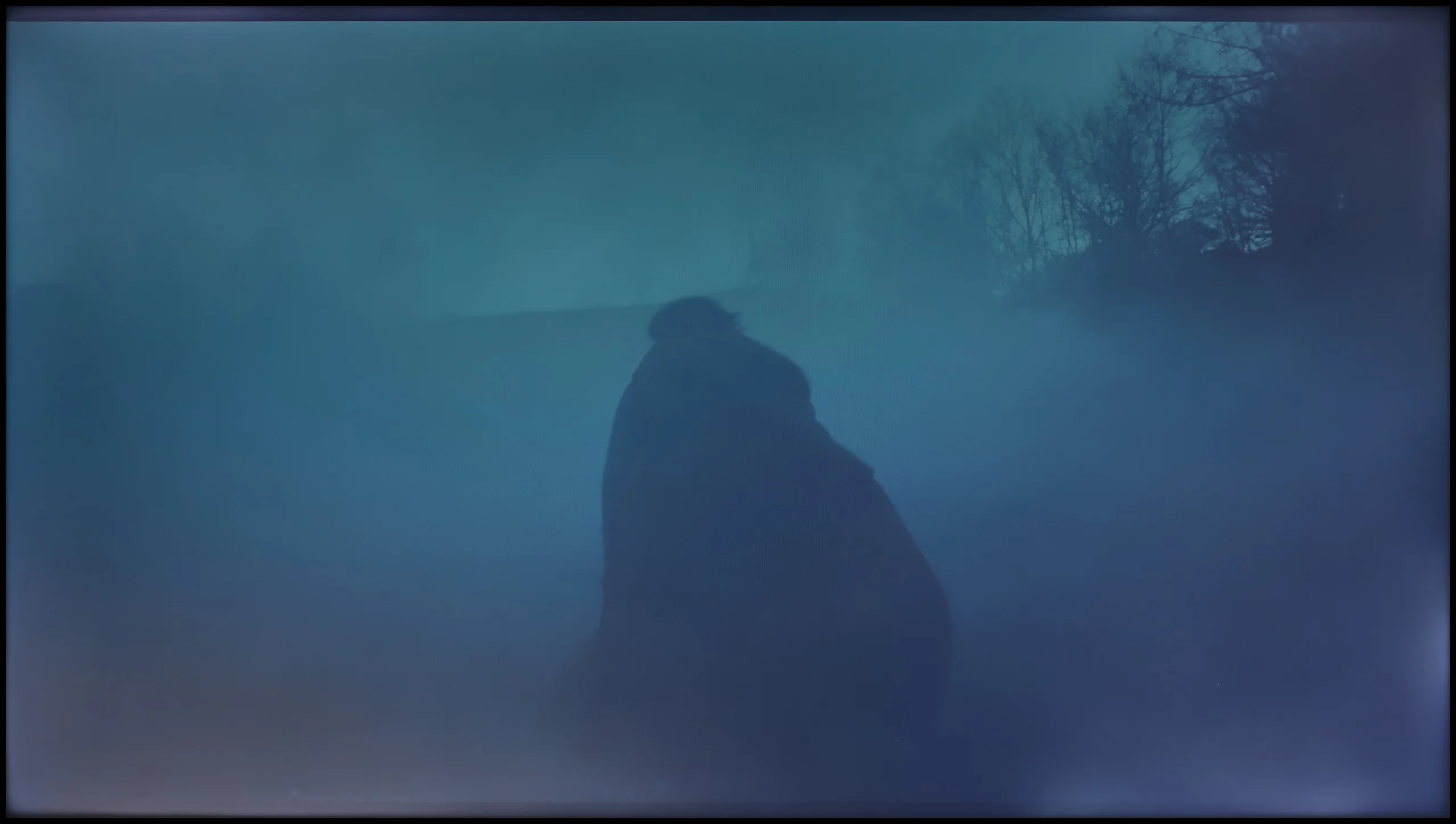
The photos show how movies look on the TV. Pay attention to black detail visibility, colors, and shadow tint.

The photos show how movies look on the TV. Pay attention to black detail visibility, colors, and shadow tint.

Panasonic W70A, despite its limitations, provided us with considerable scope during calibration. Thanks to well-developed tools, we managed to achieve a significantly better white balance in both HD (SDR) and 4K HDR content. The issues with excess red in SDR and overly cool images in HDR have disappeared. The gamma brightness characteristic has also improved, maintaining stability and preventing excessive brightening or loss of detail in darker areas.

So where is the problem? Unfortunately, there are barriers that even professional calibration cannot overcome. Poor coverage of a wide color gamut means that the television cannot fully reproduce colours in HDR material. There is a lack of saturation, and subtle colour transitions still appear somewhat "flattened." Another limitation is brightness management, which results from the applied IPS panel. In the comparative image with the actress's face in colourful clothing, it is clearly visible how some shades are noticeably muted, and colours lose their depth and vibrancy.

Calibration has extracted from the W70A as much as possible. The image is now significantly more natural, and the errors in the factory settings have been effectively corrected. Unfortunately, hardware limitations in the form of poor colour gamut coverage and an average panel mean that even after calibration, we are unable to achieve spectacular effects, especially in HDR content.

Contrary to appearances, the Xiaomi S Mini 2026 responds quite well to calibration. After our adjustments the white balance was noticeably improved and the picture stopped leaning towards overly warm tones. With SDR material the effect is really good, and the TV can render such content very accurately; it is hard to fault it on colour reproduction. We applied similar corrections for HDR, though not everything could be fixed there. Colours look better than on the factory settings, but the TV still tends to display the image a little brighter than it should. This is visible in the EOTF curve, which sits above the reference value. In practice this means some HDR scenes are brighter than the creators intended. It is a quirk of this TV and we have no influence over it.

Smoothness of tonal transitions

8.3/10

5.5/10

These are selected scenes that show smooth tonal transitions from one color to another. If you see distinct banding, it’s the TV panel’s fault.

These are selected scenes that show smooth tonal transitions from one color to another. If you see distinct banding, it’s the TV panel’s fault.

These are selected scenes that show smooth tonal transitions from one color to another. If you see distinct banding, it’s the TV panel’s fault.

These are selected scenes that show smooth tonal transitions from one color to another. If you see distinct banding, it’s the TV panel’s fault.

In terms of the smoothness of tonal transitions, the Panasonic W70A performs really well. Transitions between colours are smooth, without clear and annoying "bands" or sudden jumps in hue. Even more demanding scenes, where subtle gradients dominate, look surprisingly good. Of course, a trained eye will notice certain imperfections, especially in the lighter parts of the screen, where slight colour banding can be observed. However, this is not something that significantly impacts the perception of the image and will be practically unnoticed by most users.

Unfortunately, what spoils the overall effect is the unevenness of the backlighting of the panel, which is quite pronounced and can distract from the quality of the tonal transitions themselves. This is especially noticeable on uniform backgrounds, where the differences in brightness between particular areas of the screen become more apparent.

The smoothness of tonal transitions in the smaller variants of the Xiaomi S Mini 2026 is noticeably worse than in the larger versions. This is most apparent in dark scenes, where posterisation (visible bands between similar shades) appears quite often. In some shots this can be clearly distracting. Fortunately, the problem mainly affects the darker parts of the image. In bright scenes, colour transitions are usually smooth and there is little to criticise here.

Image scaling and smoothness of tonal transitions

7.8/10

3/10

Image without overscan on the SD signal
No
No
Smooth transition function
OK
No

Smooth transition function

The match photo shows how the TV smooths weak tonal transitions in low-quality video.

Image scaling SD (576i)

The model photo shows how it handles upscaling of SD material.

We checked how the Panasonic W70A performs when improving content of lower quality than 4K, and it must be said that in this regard, the television does quite respectably. The "Zeroing Counter" function is responsible for smoothing tonal transitions. The optimal setting turned out to be the Average option, which effectively smooths out issues with colour gradation while not ruining the film grain. This is the setting we recommend for most users, as it provides a balance between enhancing the smoothness of transitions and maintaining the naturalness of the image.

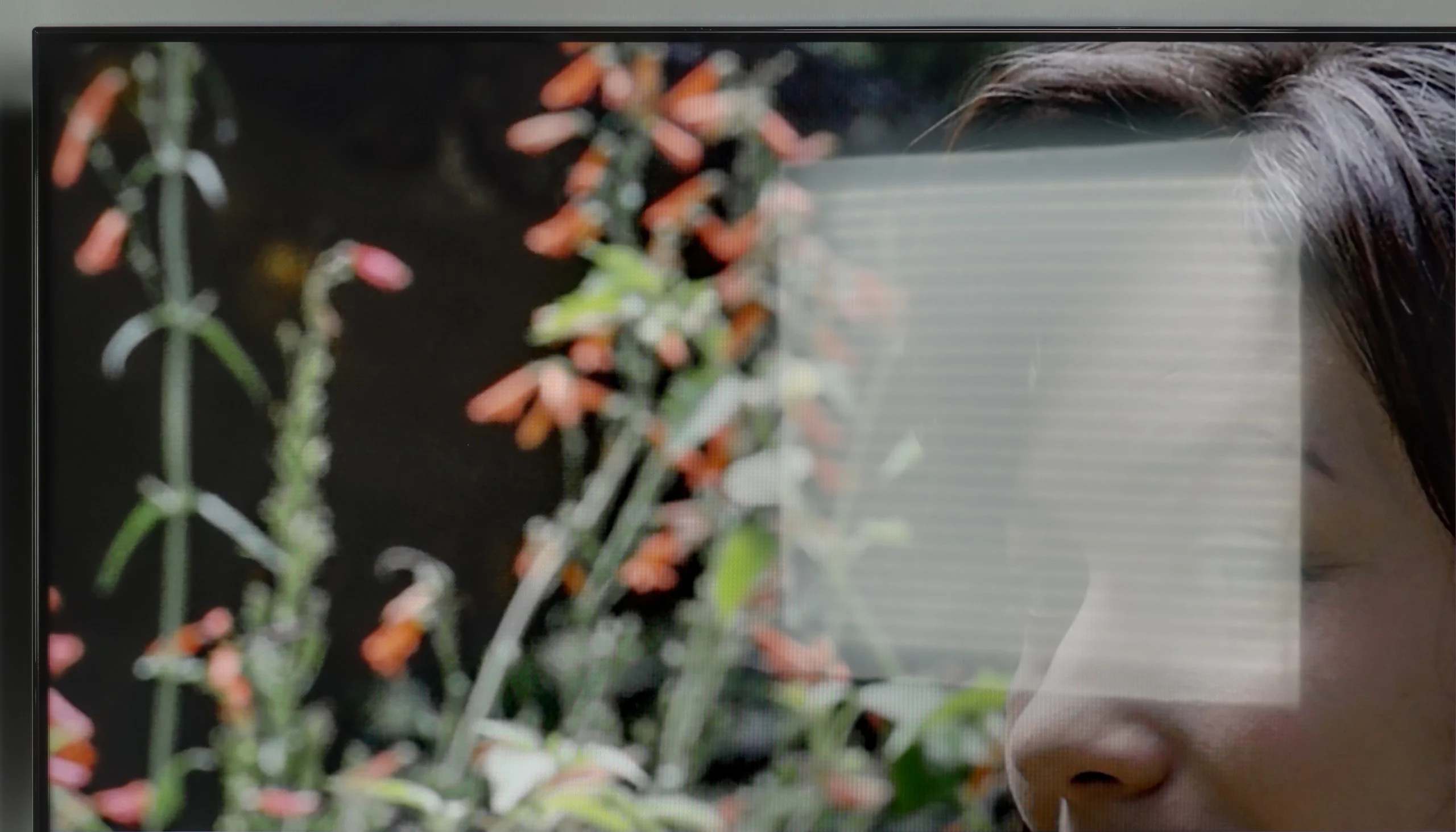
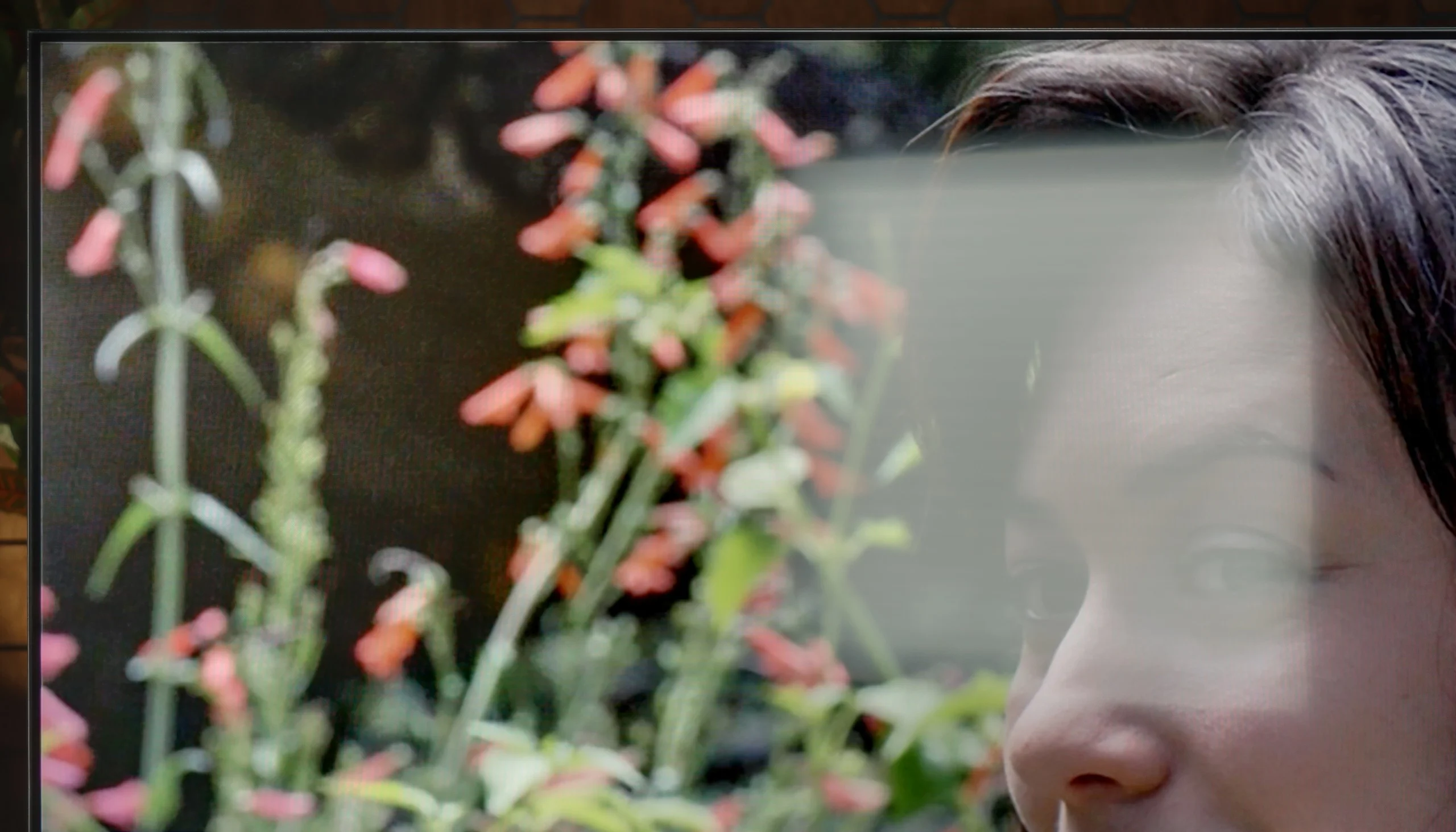
When it comes to image scaling, the Panasonic W70A performed really well. The test panel with a model was positively received – the details on her clothing were well reproduced, and the contours of her face retained clarity. In the background, we noticed slight "jaggies" on thin branches, but these are details that only a very keen eye would catch. However, it is worth noting a certain drawback of this model – the television tends to overscan, or slightly cropping the edges of the image. This is not a very intense phenomenon and will be practically unnoticeable for most users, but if we care about a perfect fit of the frame, it is worth keeping this in mind.

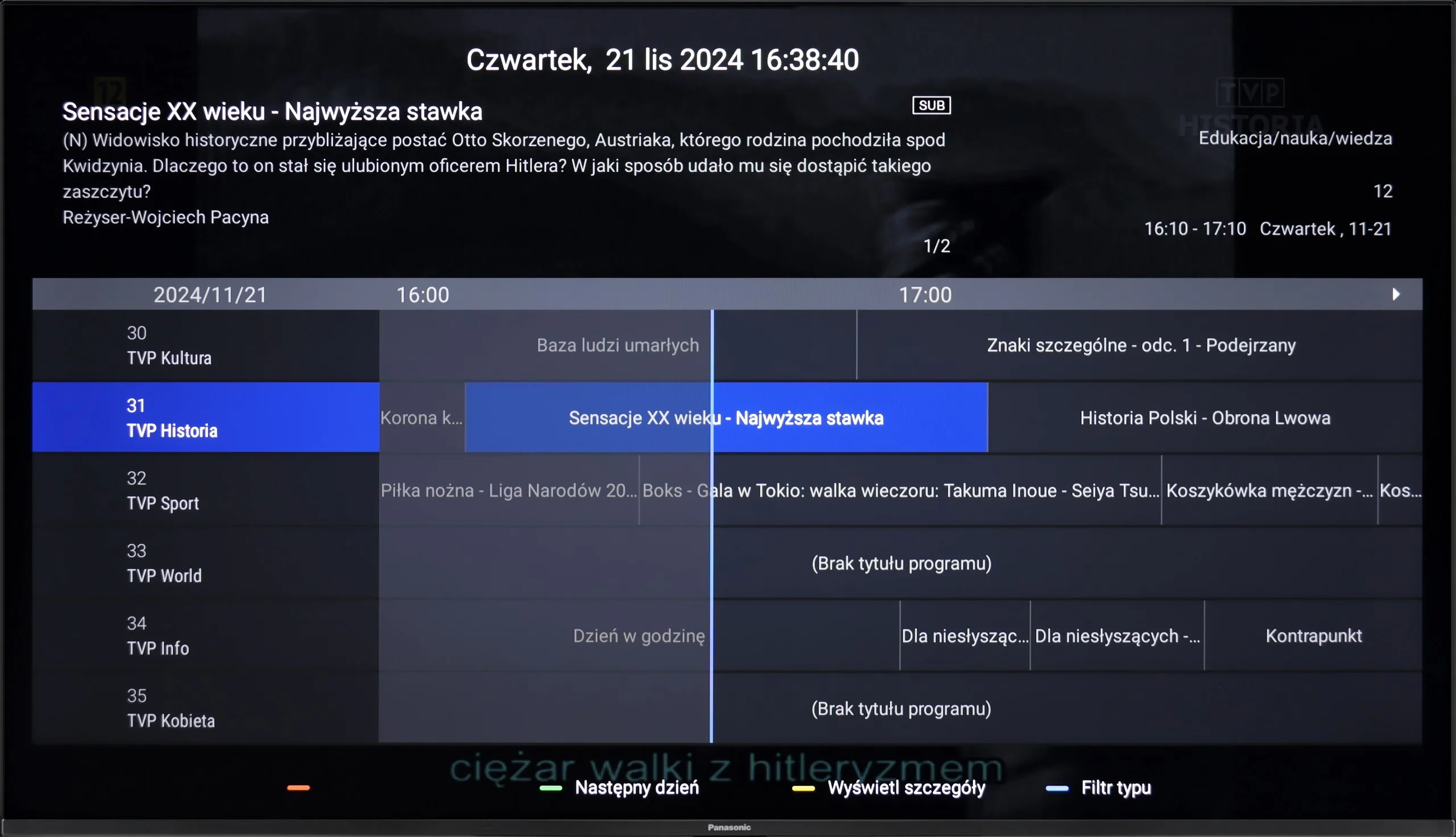
Digital image processing in the Xiaomi S Mini 2026 is handled by the MT5896 processor. Unfortunately, in this respect the TV is rather mediocre. Low-resolution content is not scaled very well, and its limitations quickly become apparent on a large screen. The picture looks quite digital, and the TV cannot bring out many extra details. Additionally, overscan cannot be turned off for low-resolution content. The situation is even worse when it comes to smoothing posterisation. On the smaller models there is not even a dedicated setting to reduce visible banding between similar shades. So if such imperfections are already present in the source material, Xiaomi essentially does not mask them.

Blur and motion smoothness

4.7/10

4.6/10

Maximum refresh rate of the panel
60Hz
60Hz
Film motion smoothing option
OK
OK
Blur reduction option
No
No
BFI function 60Hz
No
No
BFI function 120Hz
No
No
Brightness drop with BFI
-%
-%

Blur (native resolution, maximum refresh rate):

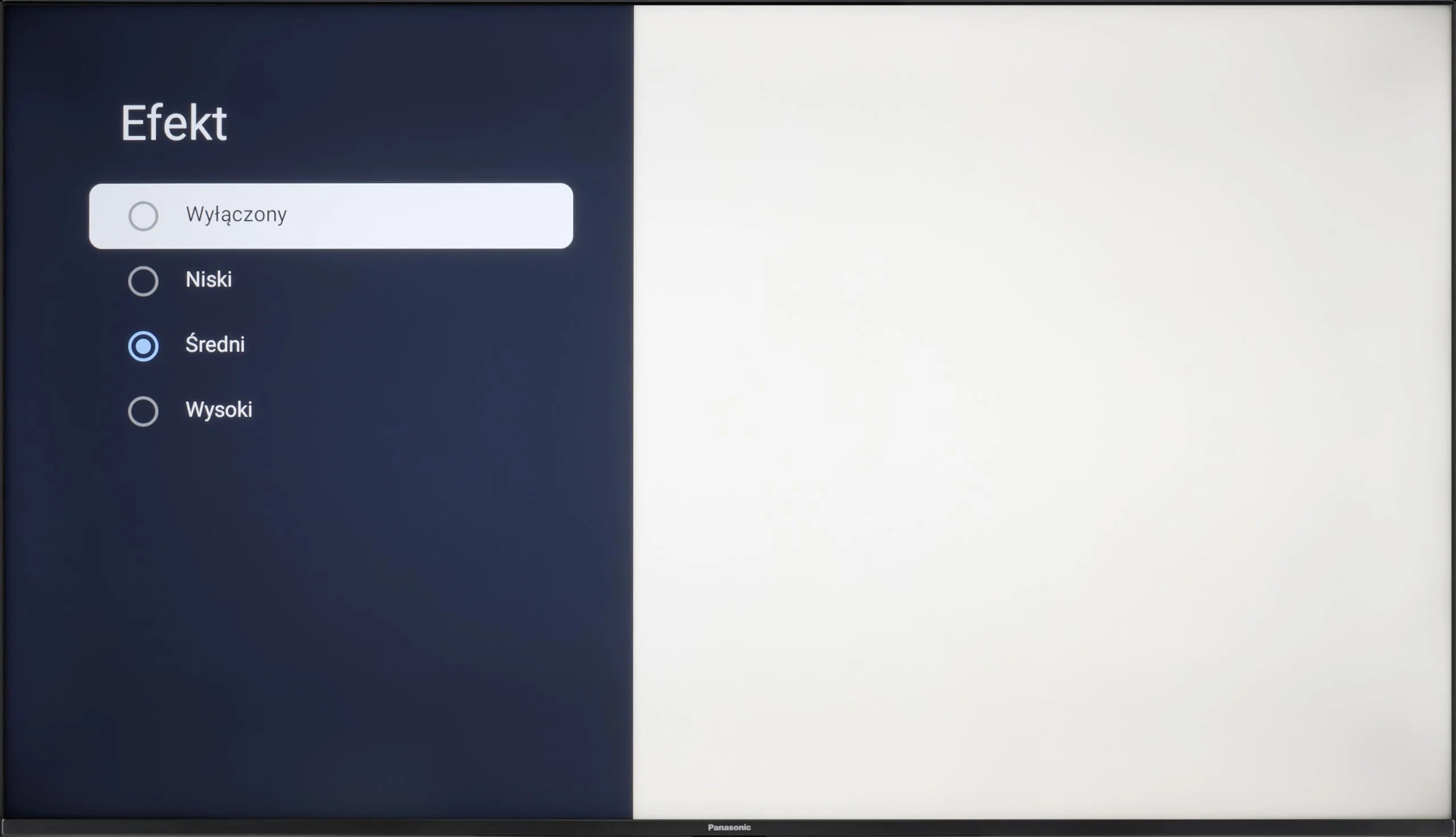
The Panasonic W70A is equipped with a 60 Hz panel, which immediately suggests that the television is best suited for watching films, series, or everyday TV content. In more dynamic scenes, such as sports broadcasts or games, the limitations of the panel become more noticeable. However, it is worth noting the presence of a motion smoother called "Effect", which offers three degrees of adjustment - low, medium, and high.

Each of the settings allows you to adjust the smoothness of motion to your own preferences, minimising motion blur and improving clarity in dynamic shots. In practice, the Medium setting seems to be the most versatile – it offers better fluidity without excessive "soap opera effect", which can look artificial in feature films. The High setting may work well for sports broadcasts, but in films, it can disrupt the natural character of motion.

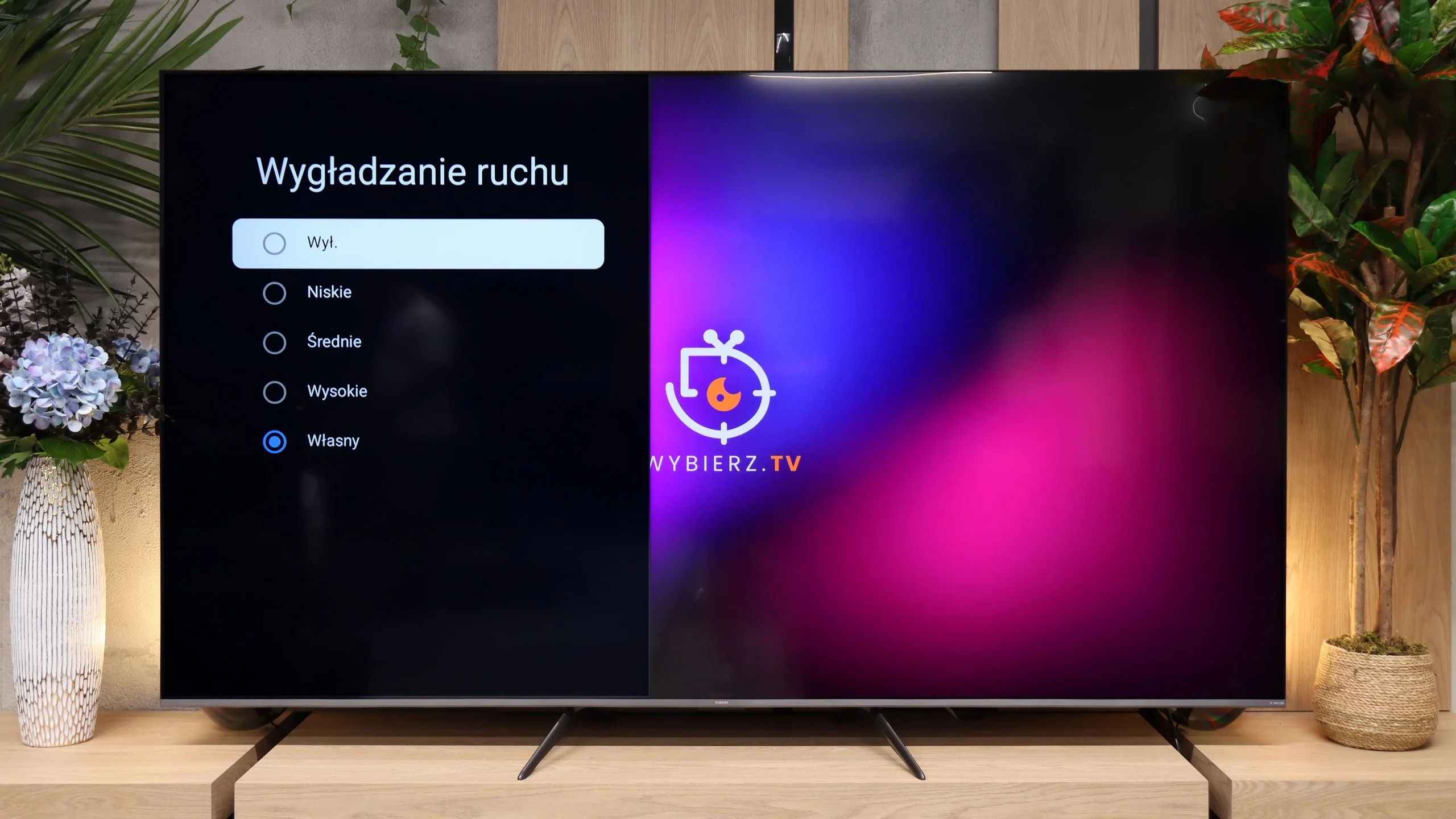
The smaller variants of the Xiaomi S Mini 2026 use a 60 Hz panel, and that is their biggest limitation when it comes to motion. For films and series this is not yet a major issue, because the TV has a classic motion interpolation for 24/30 fps material. So we can reduce the characteristic judder and adjust the motion settings to our own preferences. Sports and other 50/60 Hz content fare worse, because there is no additional function to improve smoothness. In such material we are therefore limited by the panel's capabilities.

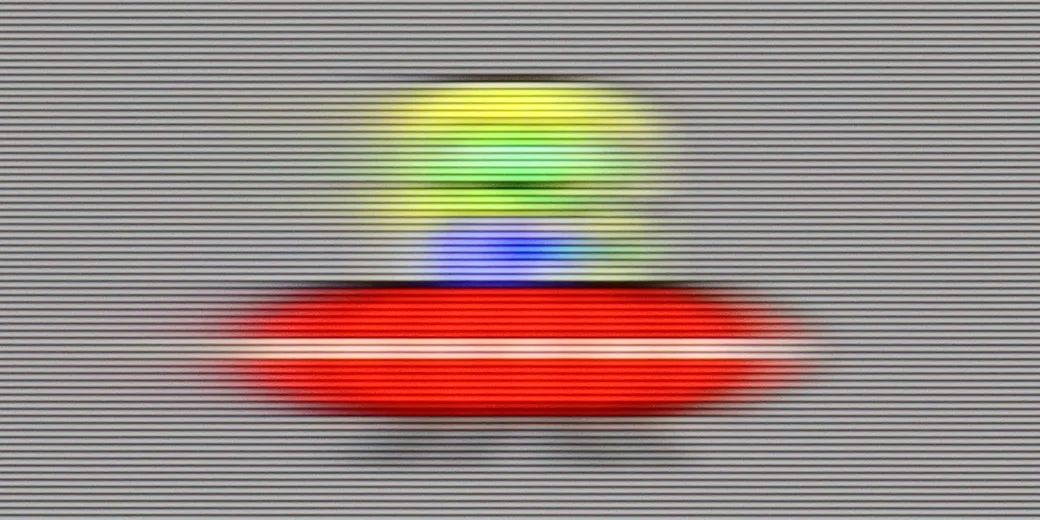
In terms of motion blur the TV performs quite typically for a VA panel. Most trailing is visible behind objects moving on a dark background, while in brighter scenes the effect is noticeably reduced. It is not at a level that completely ruins the perception of motion, but in dynamic scenes you can tell the panel is not among the fastest.

Console compatibility and gaming features

6.2/10

4.6/10

  • ALLM
    Yes
    Yes
  • VRR
    Yes
    No
  • VRR range
    47 - 60Hz
    No
  • Dolby Vision Game Mode
    Yes
    No
  • Correct implementation of HGIG
    Yes
    No
  • 1080p@120Hz
    No
    Yes
  • 1440p@120Hz
    No
    Yes
  • 4K@120Hz
    No
    No
  • Game bar
    No
    Yes

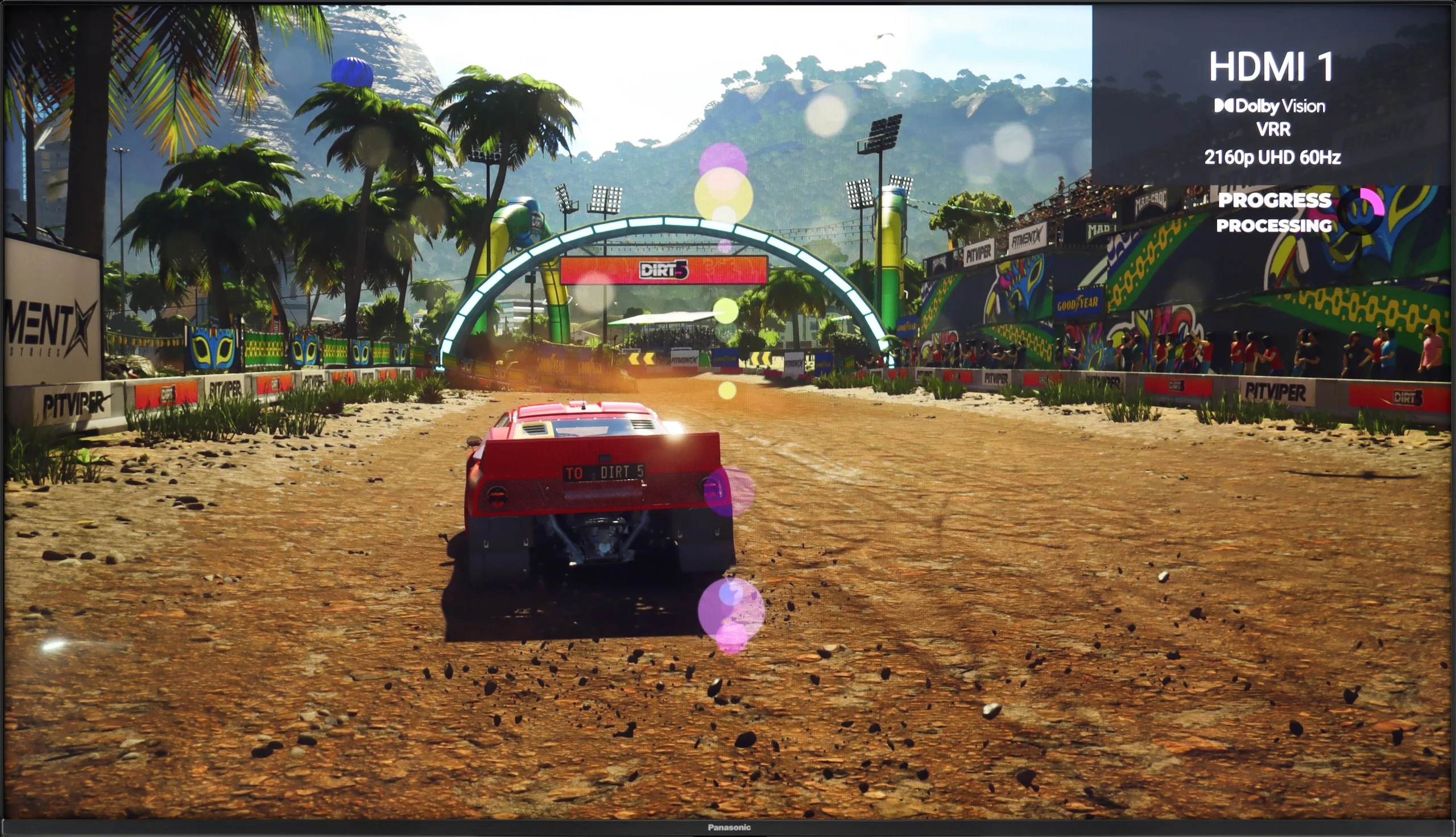
The Panasonic W70A is a television that is more suited to occasional gamers than to avid players. The 60 Hz panel does not allow for the full potential of next-generation consoles to be realised, especially in dynamic titles. The lack of HDMI 2.1 somewhat limits its capabilities, but fortunately, it features functions such as ALLM, which automatically switches to game mode, and VRR, which helps minimise screen tearing. It is worth noting the support for Dolby Vision in games and HGiG, which makes HDR more predictable and looks solid. It is just a shame that there is no Game Bar. This feature has become standard in many televisions and provides quick access to the most important settings for gamers. The W70A performs adequately for gaming, but it has its limitations. It will work well for calmer titles, but more demanding gamers may feel a lack of fulfilment.

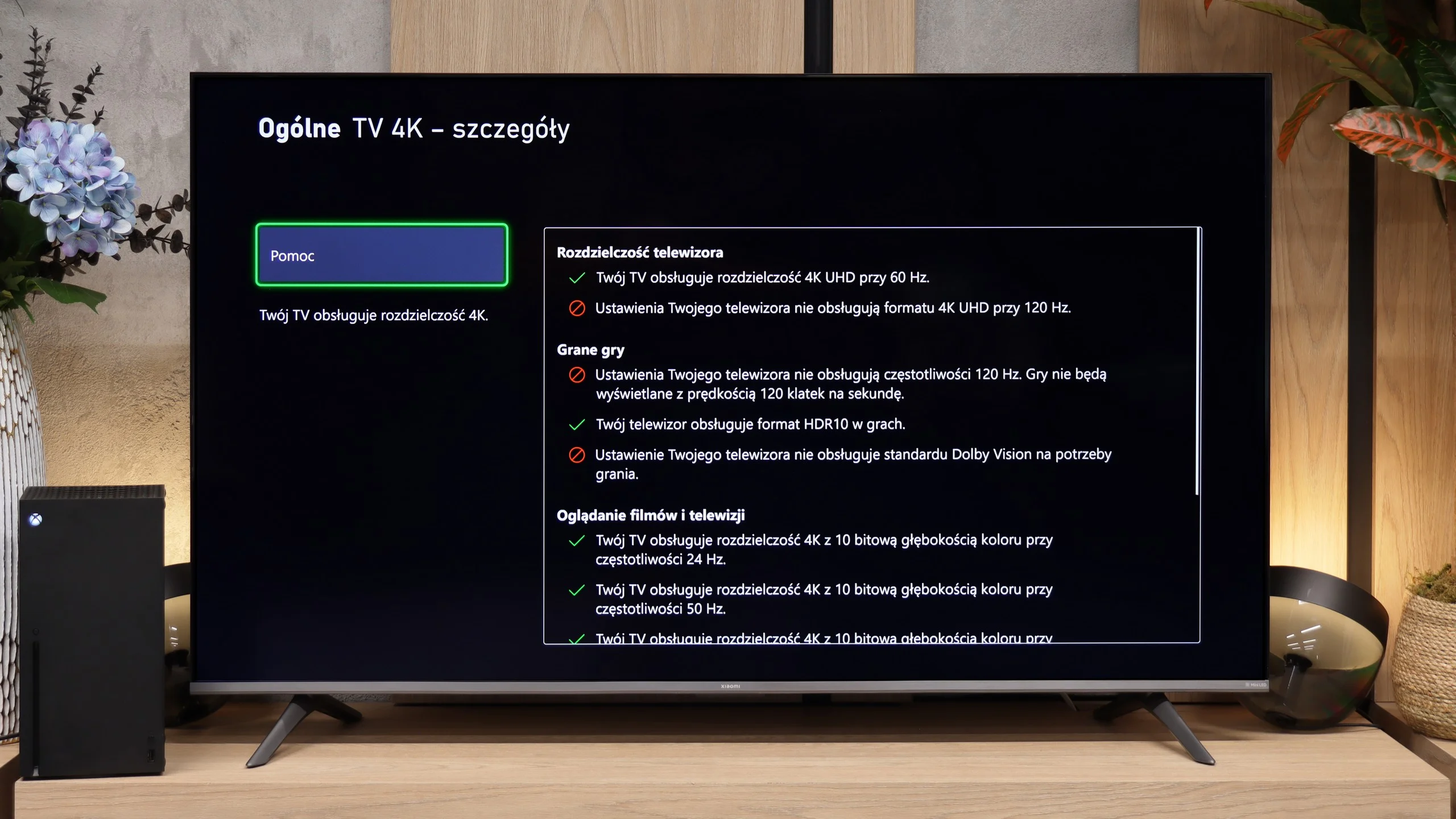
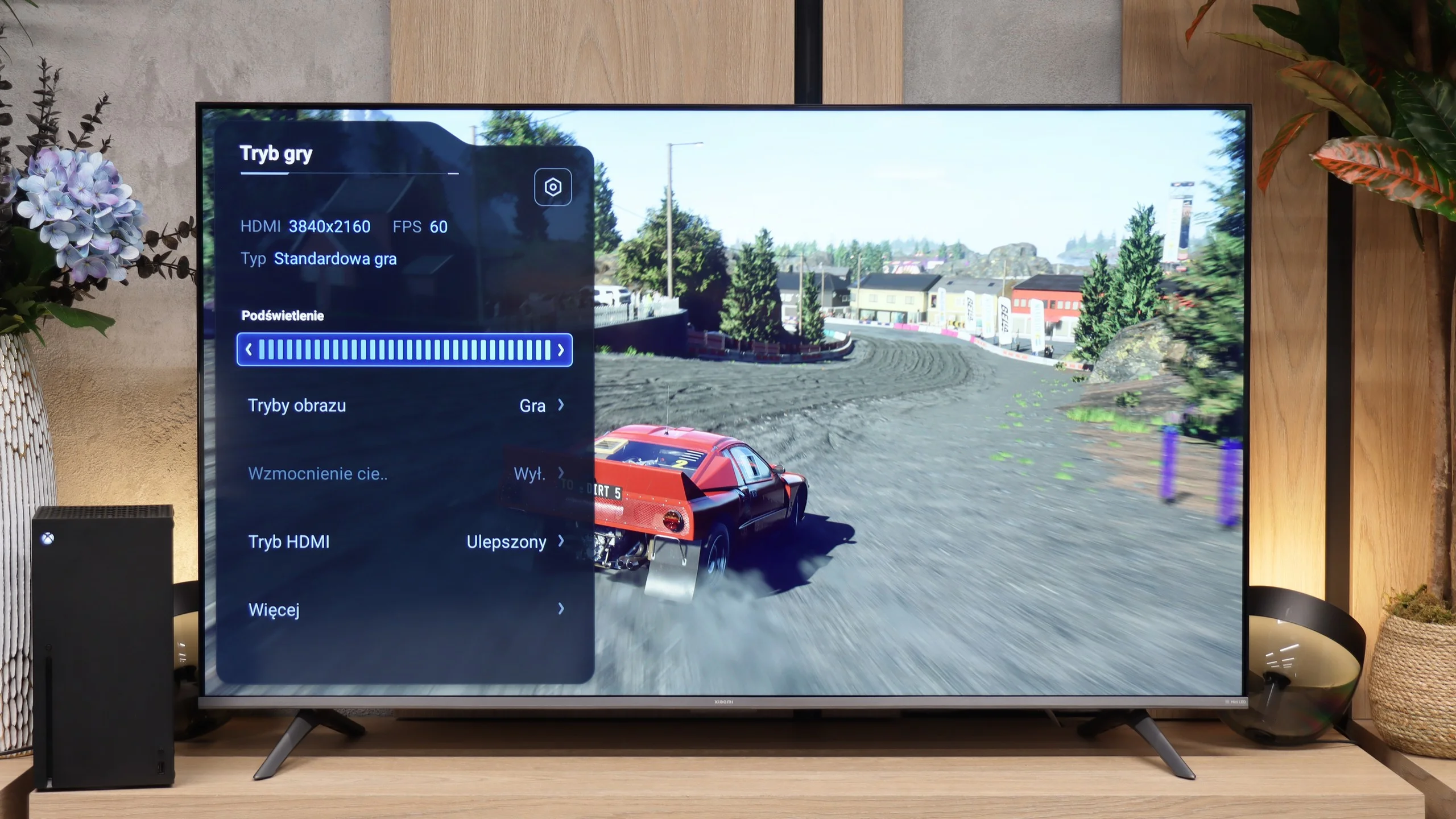
In larger sizes the Xiaomi S Mini 2026 is a much more interesting proposition for gamers. The panel natively runs at up to 144 Hz, so when connected to a PC you can use the high refresh rate even in 4K. At lower resolutions the TV can go even further, reaching up to 288 Hz. It also supports ALLM, automatic switching to game mode, and a Game Bar with the most important settings to hand. Of course, the TV has two full-bandwidth HDMI 2.1 ports. In terms of smoothness the difference compared with the 55 to 75-inch versions is therefore significant and especially noticeable with a PC or console. Not everything works perfectly, though. As with the smaller variants, we have reservations about the implementation of HGiG. The HDR setup screens on the PS5 and Xbox do not accurately match the TV's real capabilities, so if you set your console according to those prompts the brightest parts of the image can be blown out and lose some detail.

Input lag

10/10

9.9/10

SDR

1080p60
12 ms
14 ms
1080p120
8 ms
2160p60
12 ms
14 ms
2160p120

HDR

2160p60
12 ms
14 ms
2160p120
4320p60

Dolby Vision

2160p60 DV
12 ms
2160p120 DV

In terms of signal delay, the Panasonic W70A performs really well. A score of 12 ms is a value that is practically below the threshold where noticeable lag can be mentioned. Gaming on this television is responsive, and character movements or reactions in games are instantaneous. Interestingly, even in Dolby Vision mode, which often presents issues with input lag, the television performed very well. This is a pleasant surprise, as many manufacturers struggle with this, and HDR often increases lag to a level that is noticeable during dynamic games.

There is no major problem with input lag here. Around 10 ms at 120 Hz and 15 ms at 60 Hz are figures that easily suffice for console or PC gaming.

Compatibility with PC

6/10

5.6/10

Chroma 444 (max. resolution and refresh rate)
Yes
Yes
Font clarity
Very Good
Good
Readability of dark text and shapes
Very Good
Average
Input lag in PC mode (4K, max. refresh rate)
12ms
14ms
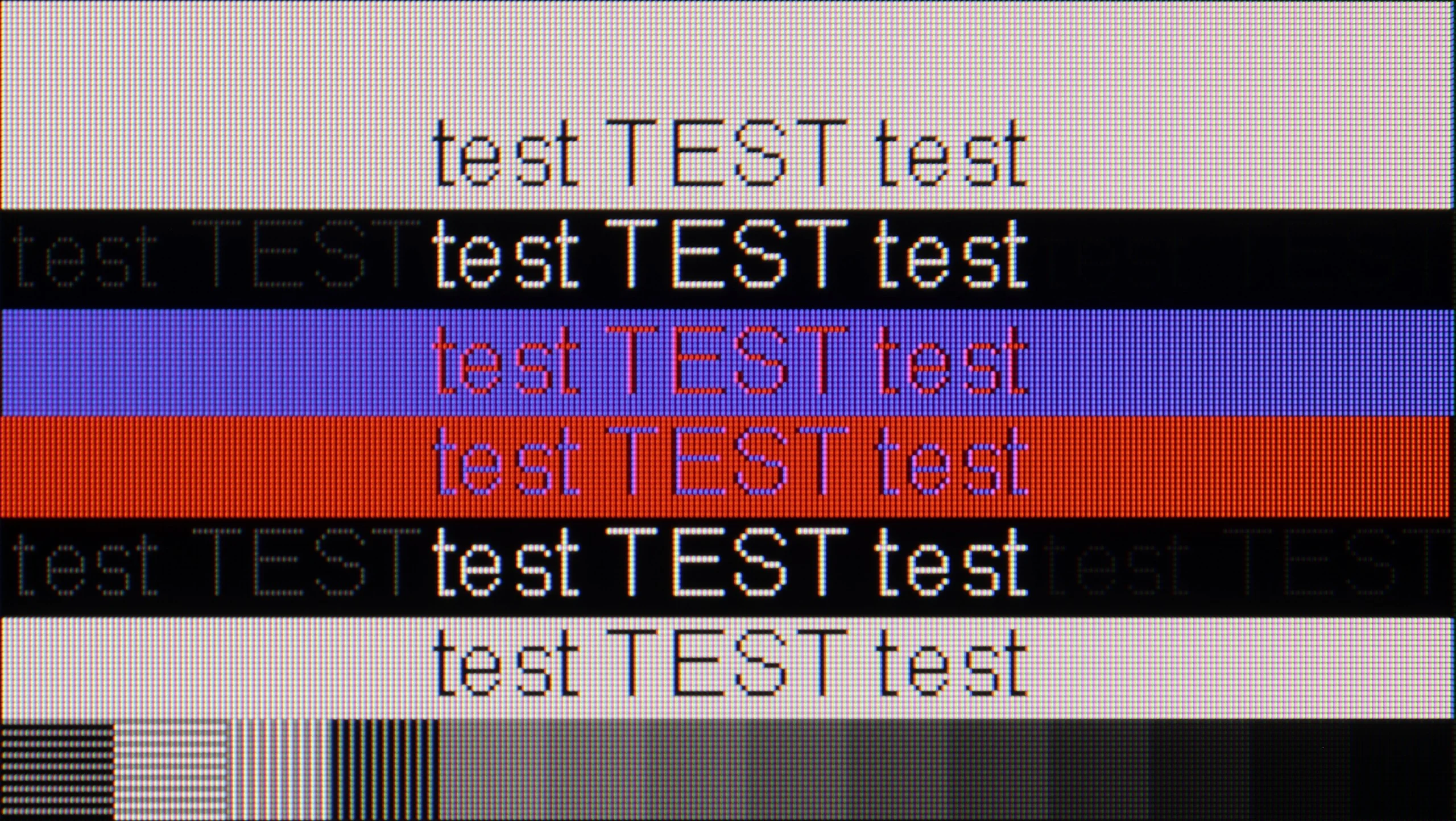
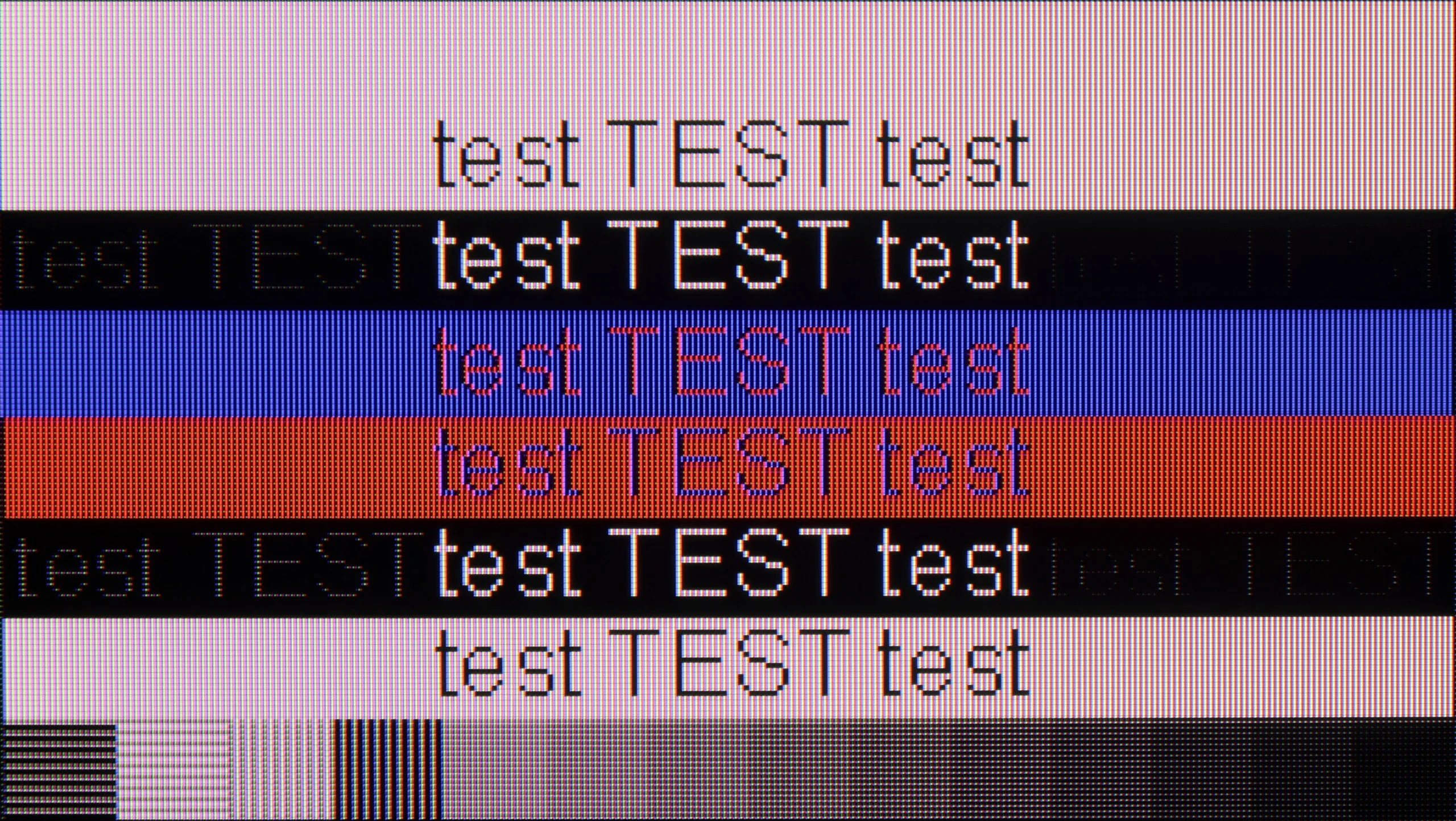
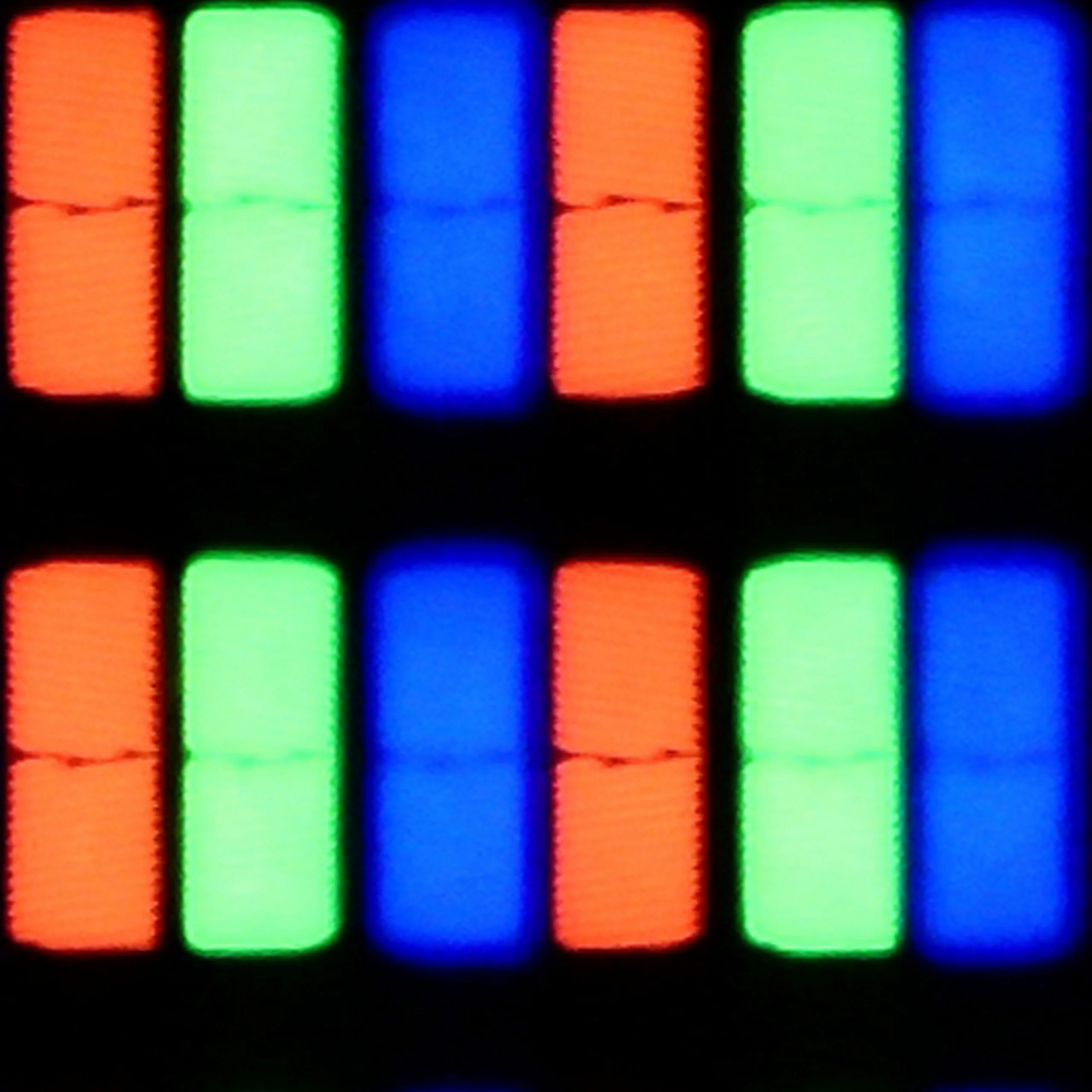
Matrix subpixel arrangement
RGB
BGR
Max refresh rate
60Hz
60Hz
G-Sync
No
No

The photo shows the legibility of small fonts. Ideally, lines should be the same thickness on both light and dark text, with minimal pixel gaps.

The Panasonic W70A performs quite well as a monitor for work. Thanks to its IPS panel and support for 4:4:4 chroma, the text is clear, sharp, and readable. Even small fonts look good, without any blurriness or jagged edges. This television is really suitable for office work, browsing the internet, or writing documents.

Gaming on PC is a somewhat different story. The 60 Hz panel means that more dynamic titles do not look as smooth as they could on a screen with a higher refresh rate. The lack of support for G-Sync or FreeSync also doesn't help, so there may be issues with screen tearing.

Working with a computer is not the strong suit of the smaller variants of the Xiaomi S Mini 2026. The TV does not display chroma 4:4:4 correctly, so some small interface elements, icons and coloured text may look worse than they should. Plain black text on a light background is still fairly readable, but it's hard to regard this model as a particularly good monitor for typical computer work. A plus is the ability to obtain a higher refresh rate by lowering the resolution. Instead of 4K at 60 Hz, you can switch to 1080p or 1440p and use 120 Hz, which for PC gaming can be far more useful than full resolution.

Viewing angles

6.2/10

3/10

Brightness drop at an angle of 45 degrees
69%
65%

As for a television with an IPS panel, the viewing angles on the Panasonic W70A are at a really good level. The image retains decent quality even when viewed at a greater angle. Colours do not significantly lose their saturation, and details remain well visible. Of course, everything comes at a price. In this case, it is the weaker blacks that become even more washed out when viewed at an angle. This is, however, a standard compromise in the case of IPS panels, and it is hard to consider this a surprise.

The viewing angles on the smaller variants of the Xiaomi S Mini 2026 are unfortunately poor. It's a typical trait of VA panels, but here the effect is quite pronounced. Simply move a little off centre and the image begins to noticeably fade and lose colour saturation. The brightness itself doesn't drop that much, but colours quickly become washed out. If the TV is to be watched by several people seated well to either side, this should be taken into account.

Daytime performance

4/10

6.3/10

Panel finish
Satin
Satin
Reflection suppression
Average
Decent
Black levels during daytime
Good
Good

Panel brightness

XIAOMI S Mini 2026 (55"-75") 60Hz : 569 cd/m2

Panasonic W70A: 272 cd/m2

The Panasonic W70A is equipped with a satin matrix that manages to reduce light reflections to an average degree. Glare is not excessively bothersome, but in bright rooms, especially with direct sunlight, it can be noticeable. The main issue, however, is the brightness level of 270 cd/m². That's simply not enough to comfortably watch television in full sun. The image becomes washed out, and darker scenes lose detail and depth.

The smaller variants of the Xiaomi S Mini 2026 handle daytime viewing well. In SDR the TV averages around 570 nits, so it has enough brightness that the picture doesn’t look washed out even in a fairly brightly lit living room. The screen coating performs worse. It has a satin finish, but it doesn’t suppress direct reflections particularly effectively. If there’s a large window or a strong lamp opposite the TV, the reflection will be clearly visible. The brightness helps to mitigate this somewhat, but in terms of reflection suppression this isn’t the model’s strongest suit.

Panel details

Backlight Type
White LED
Mini-LED PFS LED
Software version during testing
R3.1.1.0.0.V0.0.20.26
UKN1.240806.017.V816.0.25.10.15.2.URTMIXM
Image processor
m7632 2gb ram
mt5896 2GB

Subpixel Structure:

Panel uniformity and thermal imaging:

Review Panasonic W70A TV Panel details
Review XIAOMI S Mini 2026 (55"-75") 60Hz TV Panel details

Panasonic W70A

XIAOMI S Mini 2026 (55"-75") 60Hz

TV features

5.2/10

6.7/10

  • System
    Google TV
    Google TV
  • System performance
    Average
    Poor
  • HDMI inputs
    3 x HDMI 2.0, 0 x HDMI 2.1
    3 x HDMI 2.0, 0 x HDMI 2.1
  • Outputs
    Toslink (Optical audio), eARC (HDMI), ARC (HDMI), Mini-Jack (Headphones)
    Toslink (Optical audio), eARC (HDMI), ARC (HDMI), Mini-Jack (Headphones)
  • Network Interfaces
    Wi-Fi 2.4GHz, Wi-Fi 5GHz, Ethernet (LAN) 100Mbps
    Wi-Fi 2.4GHz, Wi-Fi 5GHz, Ethernet (LAN) 100Mbps
  • TV reception
    DVB-T, DVB-T2, DVB-S, DVB-S2, DVB-C
    DVB-T, DVB-T2, DVB-S, DVB-S2, DVB-C

Classic features:

  • Recording to USB (terrestrial TV)
    No
    No
  • Recording programming
    No
    No
  • Picture in Picture (PiP)
    No
    No
  • RF remote control (no need to aim)
    Yes
    Yes
  • Backlit remote control
    No
    No
  • Teletext
    Yes
    Yes
  • Audio only mode
    Yes
    Yes
  • Bluetooth headphones support
    Yes
    Yes
  • Simultaneous Bluetooth headphones & TV audio
    No
    No

Smart features:

  • AirPlay
    No
    Yes
  • Screen mirroring (Windows Miracast)
    Yes
    Yes
  • Voice search
    Yes
    Yes
  • Voice search in native language
    Yes
    Yes
  • Ability to connect a keyboard and mouse
    Yes
    Yes
Review Panasonic W70A TV features
Review XIAOMI S Mini 2026 (55"-75") 60Hz  TV features

Sound connection options

  • HDMI audio
    eARC (HDMI), ARC (HDMI)
    eARC (HDMI), ARC (HDMI)
  • Other audio outputs
    Toslink (Optical audio), Mini-Jack (Headphones)
    Toslink (Optical audio), Mini-Jack (Headphones)
  • Wireless audio
    Bluetooth
    Bluetooth

Supported audio formats (external HDMI eARC audio):

  • Dolby Digital Plus 7.1
    Yes
    Yes
  • Dolby True HD 7.1
    No
    Yes
  • Dolby Atmos in Dolby Digital Plus (JOC)
    Yes
    Yes
  • Dolby Atmos in Dolby True HD
    No
    Yes
  • DTS:X in DTS-HD MA
    No
    Yes
  • DTS-HD Master Audio
    No
    Yes

Senior accessibility

  • Numeric keyboard on TV
    Yes
    Yes
  • Font size adjustment
    No
    Yes
  • Audio description
    No
    Yes

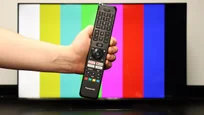
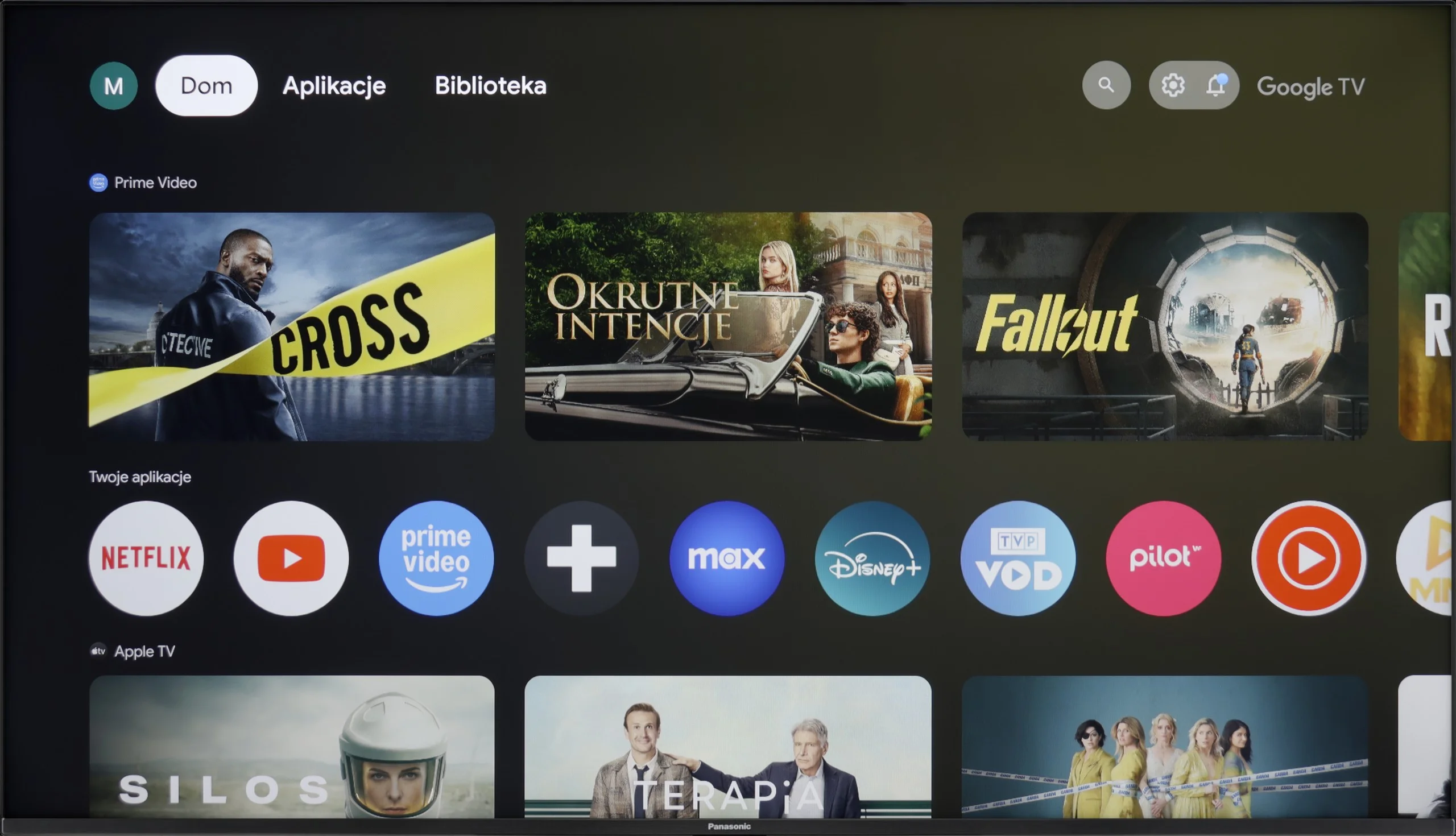
The Panasonic W70A operates on the Google TV system, and it must be admitted that this is one of its strong points. There are really many applications – all popular streaming services, YouTube, and even lesser-known platforms. The system runs smoothly, and navigating the menu is intuitive and hassle-free. The remote has a built-in microphone, so voice search can be used in Polish. This is a significant advantage, especially when you need to quickly find a film or an application. Additionally, there is Bluetooth, which allows you to connect headphones or other wireless devices. However, there are some shortcomings. There is no AirPlay, which may be a problem for users of Apple devices. There is also a lack of USB recording options and picture-in-picture (PIP) functionality.

The Panasonic W70A makes up for this with the functionality of Google TV and simple handling. It has everything needed to use a Smart TV, but if someone is counting on more advanced options related to traditional television, they may feel a bit unsatisfied.

Google TV

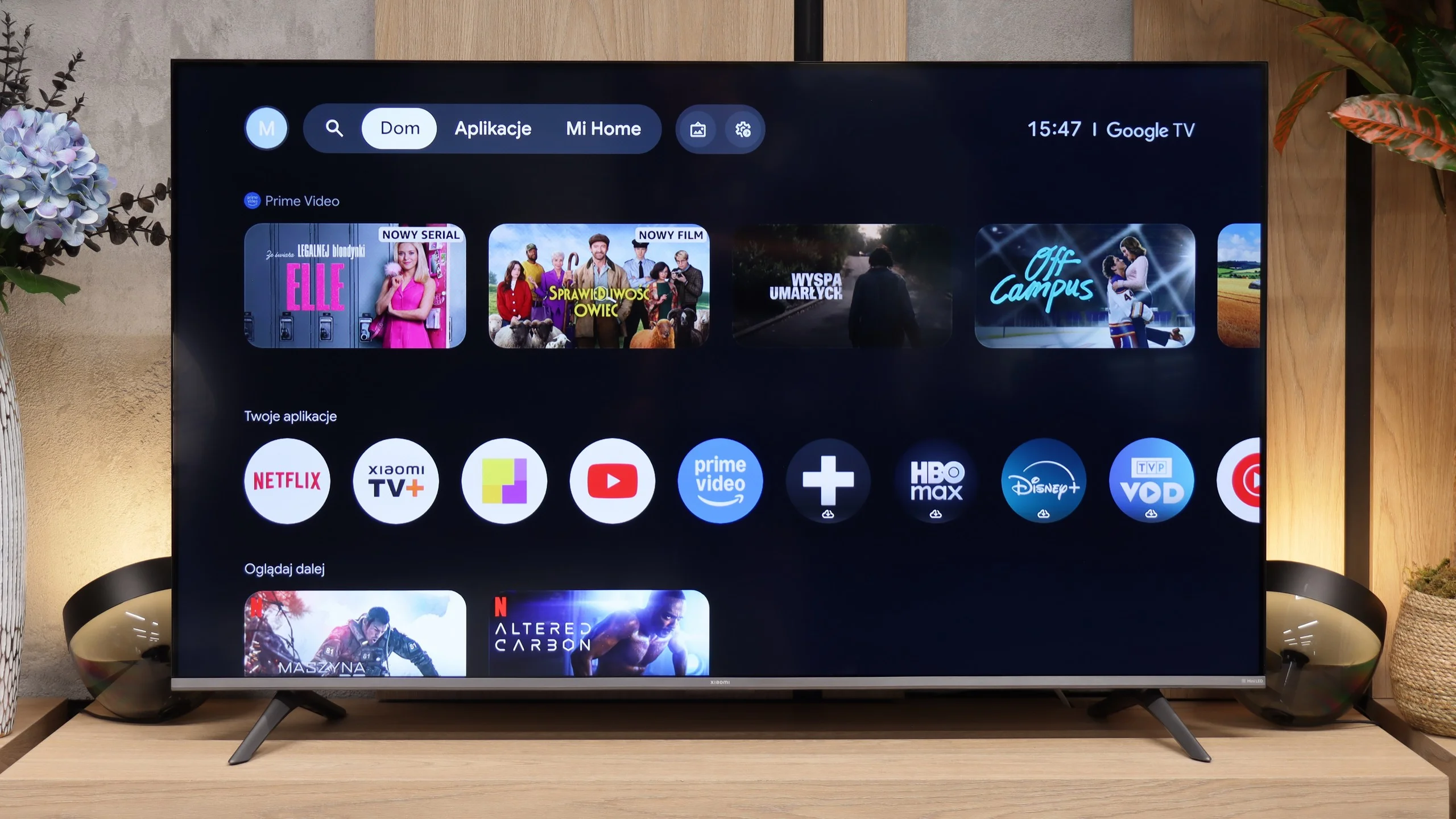
The Xiaomi S Mini 2026 runs on Google TV, which remains one of the most comprehensive Smart TV platforms. It includes virtually all the most popular apps, such as Netflix, YouTube, Prime Video, Disney+, HBO Max or Canal+, and thanks to the Google Play store you can install many other apps as well. It also supports Google Assistant, Chromecast and the ability to control the TV from your smartphone.

Unfortunately, on the smaller models the system does not run as smoothly as we would expect. Switching between apps or navigating the menu can take a moment, and the interface sometimes responds with a slight delay. It’s not to a degree that prevents using the TV, but compared with the competition it’s clear this isn’t the fastest Google TV release on the market.

Classic features

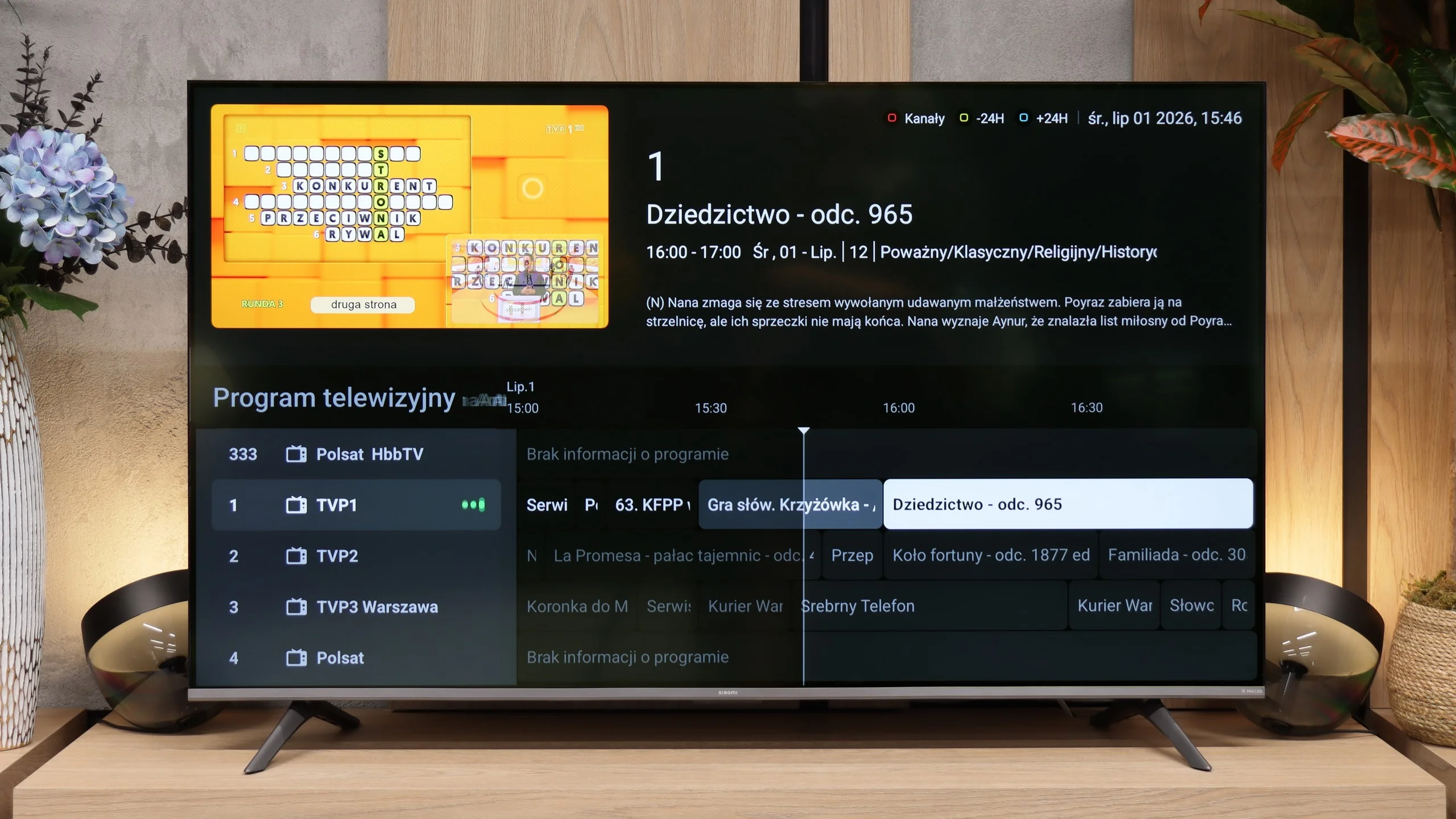
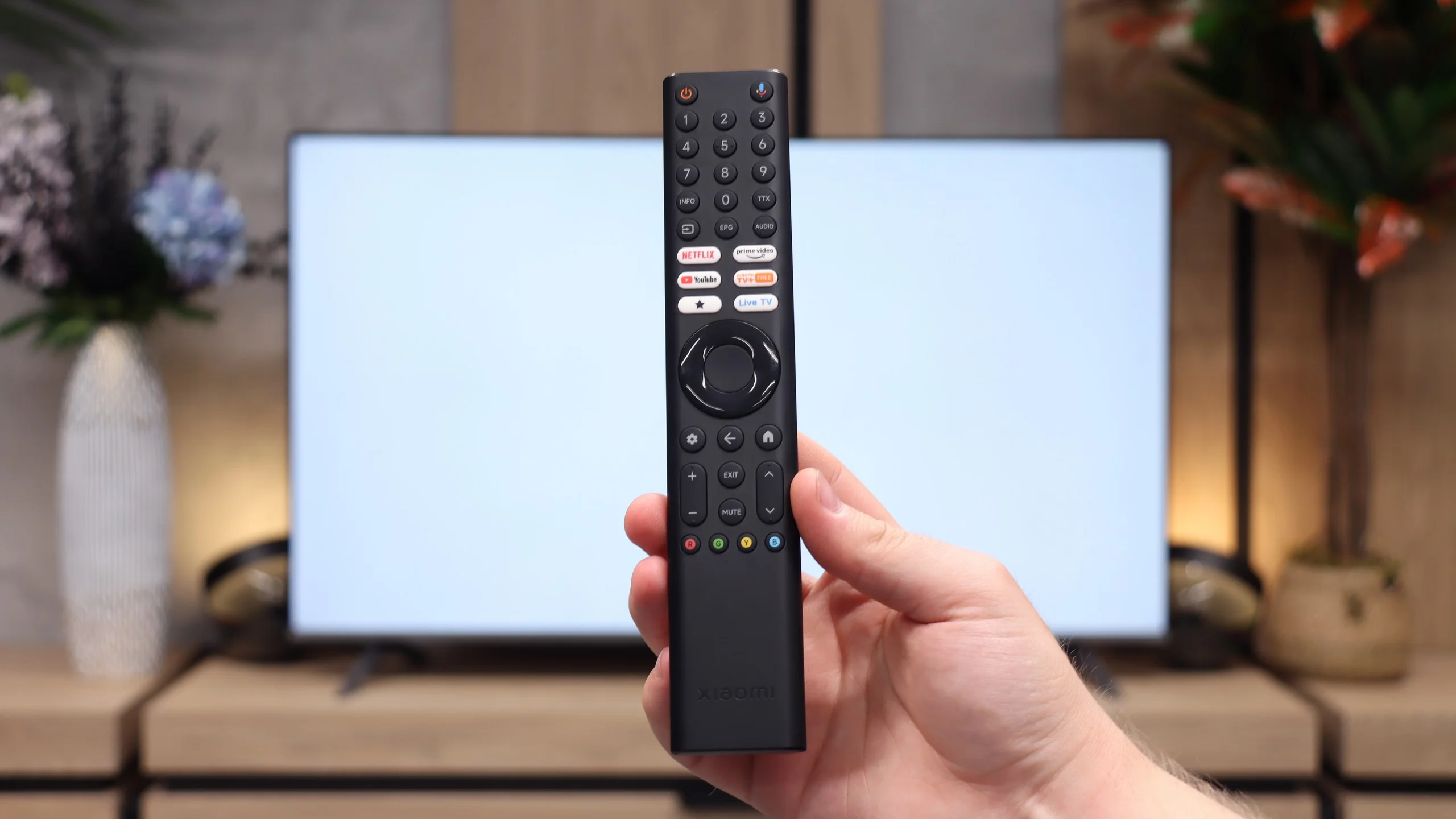
If you mainly use conventional television, Xiaomi doesn’t offer anything beyond what you’d expect from a modern TV. There is an electronic programme guide and teletext. The manufacturer also includes a remote with a traditional numeric keypad, which is increasingly rare these days, but for many people will still be a convenient way to change channels.

Worth noting is the presence of an analogue headphone output (mini-jack). This is an element that is disappearing from TVs year by year, giving way to exclusively digital audio outputs. Thanks to it you can easily connect older wired headphones or speakers without needing additional adapters.

Apps

8.3/10

9.6/10

OK
Disney_Plus
OK
Amazon_Prime_Video
OK
Player_TVN
OK
Polsat_Box_Go
OK
Canal_Plus_Online
OK
TVP_VOD
OK
Apple_TV_Plus
OK
SkyShowtime
OK
Rakuten
OK
CDA_Premium_Browser
OK
Spotify
OK
Tidal
OK
Netflix
OK
YouTube
No
HBO_MAX
OK
Kodi
No
Apple_music
No
Eleven_sports
No
Xbox Game Pass
No
GeForce NOW
OK
Amazon Luna
No
Boosteroid
No
Steam Link
OK
Disney_Plus
OK
Amazon_Prime_Video
OK
Player_TVN
OK
Polsat_Box_Go
OK
Canal_Plus_Online
OK
TVP_VOD
OK
Apple_TV_Plus
OK
SkyShowtime
OK
Rakuten
OK
CDA_Premium_Browser
OK
Spotify
OK
Tidal
OK
Netflix
OK
YouTube
OK
HBO_MAX
OK
Kodi
No
Apple_music
OK
Eleven_sports
No
Xbox Game Pass
OK
GeForce NOW
No
Amazon Luna
OK
Boosteroid
OK
Steam Link

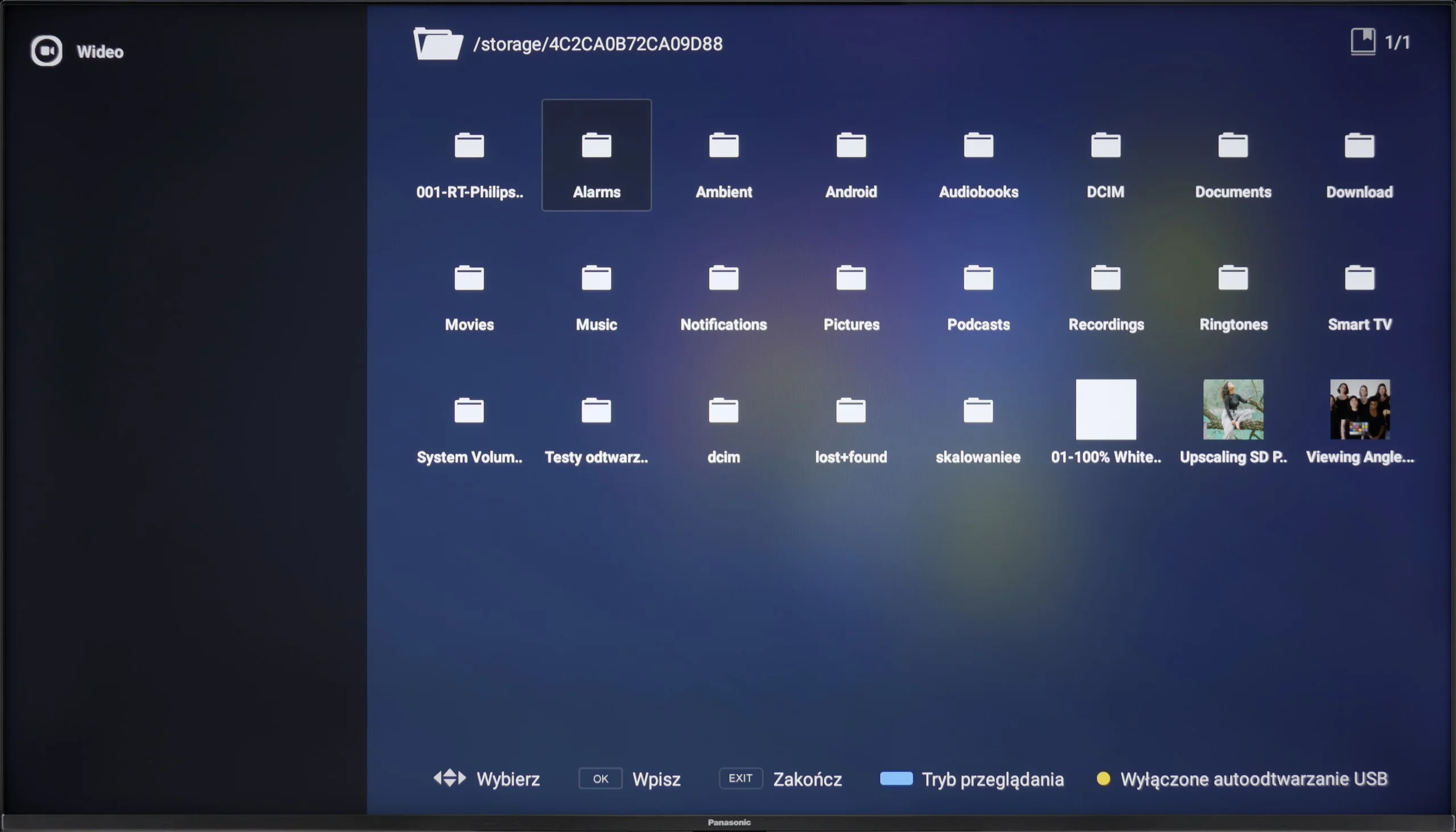
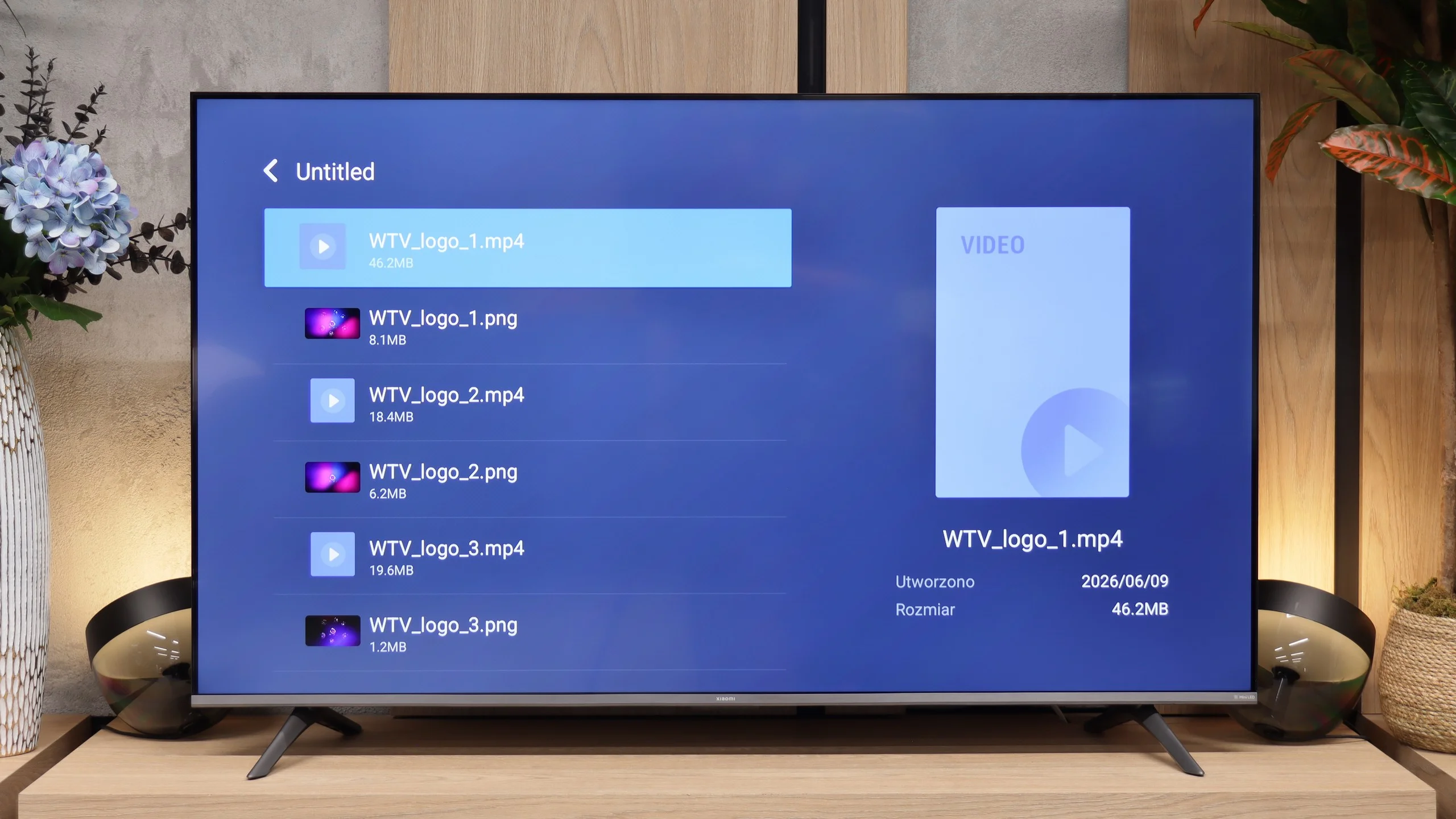
Playing files from USB

7.7/10

6.5/10

Supported photo formats:

JPEG
Yes
Yes
HEIC
Yes
No
PNG
Yes
Yes
GIF
Yes
Yes
WebP
Yes
No
TIFF
No
No
BMP
Yes
Yes
SVG
No
No

Maximum photo resolution:

4 Mpix
Yes
Yes
6 Mpix
Yes
Yes
8 Mpix
Yes
Yes
10 Mpix
Yes
Yes
12 Mpix
Yes
Yes
16 Mpix
Yes
Yes
20 Mpix
Yes
Yes
24 Mpix
Yes
Yes
28 Mpix
Yes
Yes
32 Mpix
Yes
Yes

The built-in media player in the Panasonic W70A unfortunately has its limitations. First of all, it does not support Polish subtitles, which can be a significant problem for many people. Additionally, there are difficulties with playing certain file formats, which sometimes results in an error message or no sound.

Fortunately, thanks to the Google TV system, it is easy to install alternative media players that handle these shortcomings. In the Google Play Store, we can find several reliable applications that support both Polish subtitles and less popular video formats.

The built-in USB media player performs quite well and opens most common formats without any problem. However, if you come across a file it doesn't support, Google TV makes it easy to install another player, e.g. VLC. Our main concern is subtitles. The stock app doesn't handle some characters outside the basic alphabet correctly, which can cause problems with Polish letters. If you frequently watch films from a USB drive, it's better to use an external app.

Sound

6.6/10

5/10

  • Maximum volume
    -
    89dB
  • Dolby Digital Plus 7.1
    Yes
    Yes
  • Dolby True HD 7.1
    No
    Yes
  • Dolby Atmos in Dolby Digital Plus (JOC)
    Yes
    Yes
  • Dolby Atmos in Dolby True HD
    No
    Yes
  • DTS:X in DTS-HD MA
    No
    Yes
  • DTS-HD Master Audio
    No
    Yes

The sound from the Panasonic W70A is surprisingly decent for a television in this class. It is quite well balanced, and the low tones are slightly perceptible, which adds some depth when watching films or listening to music. The dialogues are clear, and the overall sound perception is clean and pleasant. Of course, one cannot expect cinematic experiences or powerful bass – it is still a standard audio system in a television, and the physical limitations of the slim design take their toll.

In terms of sound, the Xiaomi S Mini 2026 doesn't stand out. The speakers are perfectly adequate for regular TV viewing, but during films or concerts their limitations quickly become apparent. They particularly lack bass, which makes the overall sound rather flat. If better sound matters to you, it's worth considering a soundbar.

Sound Quality Test

No sound test video

Acoustic Measurements

No acoustic data

89dBC (Max)

75dBC

Reader comments

Comments are provided by the external service Disqus (Zeta Global). Once loaded, Disqus may set cookies and process data about your activity.

We will remember your choice on this device. Provider's privacy policy