 Direct comparison
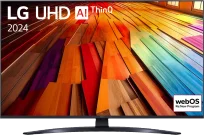
LG UT8100 is a model that does not try to pretend to be more than it is. Simple, functional, and performs well for everyday use. Its greatest asset is the WebOS system – intuitive, fast, and rich in applications. With such a background, using Netflix or YouTube is hassle-free, and navigating the menu is a matter of moments. The Magic Remote adds even more convenience, as it works somewhat like a mouse – just point at the screen and click what we want. Voice control in Polish? It works flawlessly and we can confidently say that it is the best when it comes to our native language. One of the more interesting features is the ability to record to USB. It may seem like a small thing, but it can be useful if we don't always have time to watch programmes live. Surprisingly, the television also handles scaling lower-quality content quite well – standard television channels look decent. It is also suitable for gaming, although rather for those who are not avid gamers. Thanks to the low input lag and ALLM and HGiG features, gaming is smooth, and the image is responsive enough. Sure, the 60 Hz panel doesn’t allow for miracles, but it is certainly sufficient for occasional sessions. Of course, UT8100 is not for demanding cinephiles. The lack of Dolby Vision and HDR10+ means that HDR content does not look as good as it could. Brightness and contrast are also rather average, which is particularly noticeable in the evenings, in dark scenes – blacks are not deep, causing details to easily get lost. LG UT8100 is a solid television for those looking for simple equipment for everyday use. It has a user-friendly system, a functional remote, and several useful options like recording to USB. If we do not care about the highest picture quality and are looking for something to watch television on, this model performs quite well.
- Matching (Score) |
- Our verdict |
- TV appearance |
- Where to buy |
- Contrast and black detail |
- HDR effect quality |
- Factory color reproduction |
- Color reproduction after calibration |
- Smoothness of tonal transitions |
- Image scaling and smoothness of tonal transitions |
- Blur and motion smoothness |
- Console compatibility and gaming features |
- Input lag |
- Compatibility with PC |
- Viewing angles |
- Daytime performance |
- Panel details |
- TV features |
- Apps |
- Playing files from USB |
- Sound
BRAVIA 6 / A65
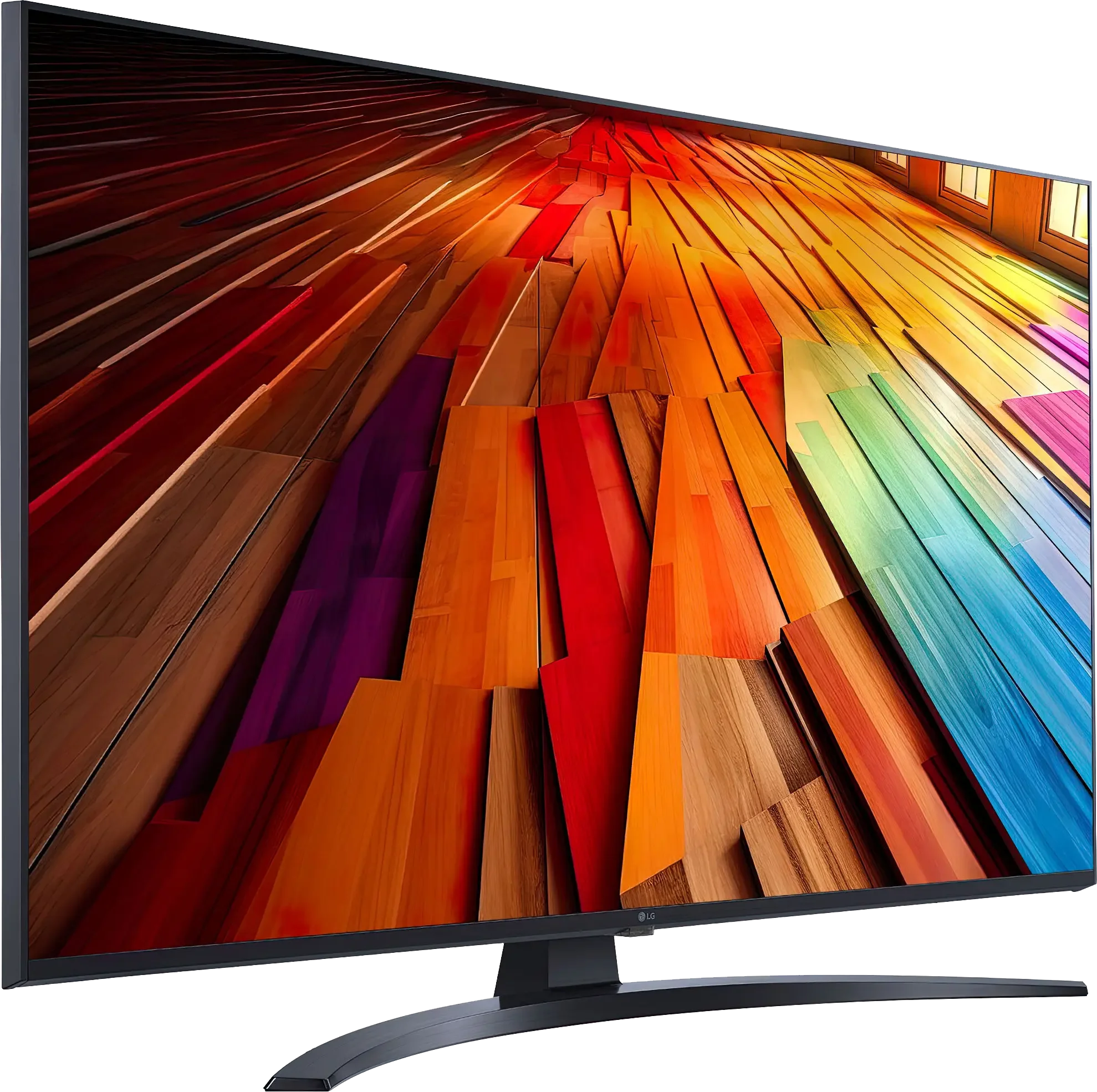
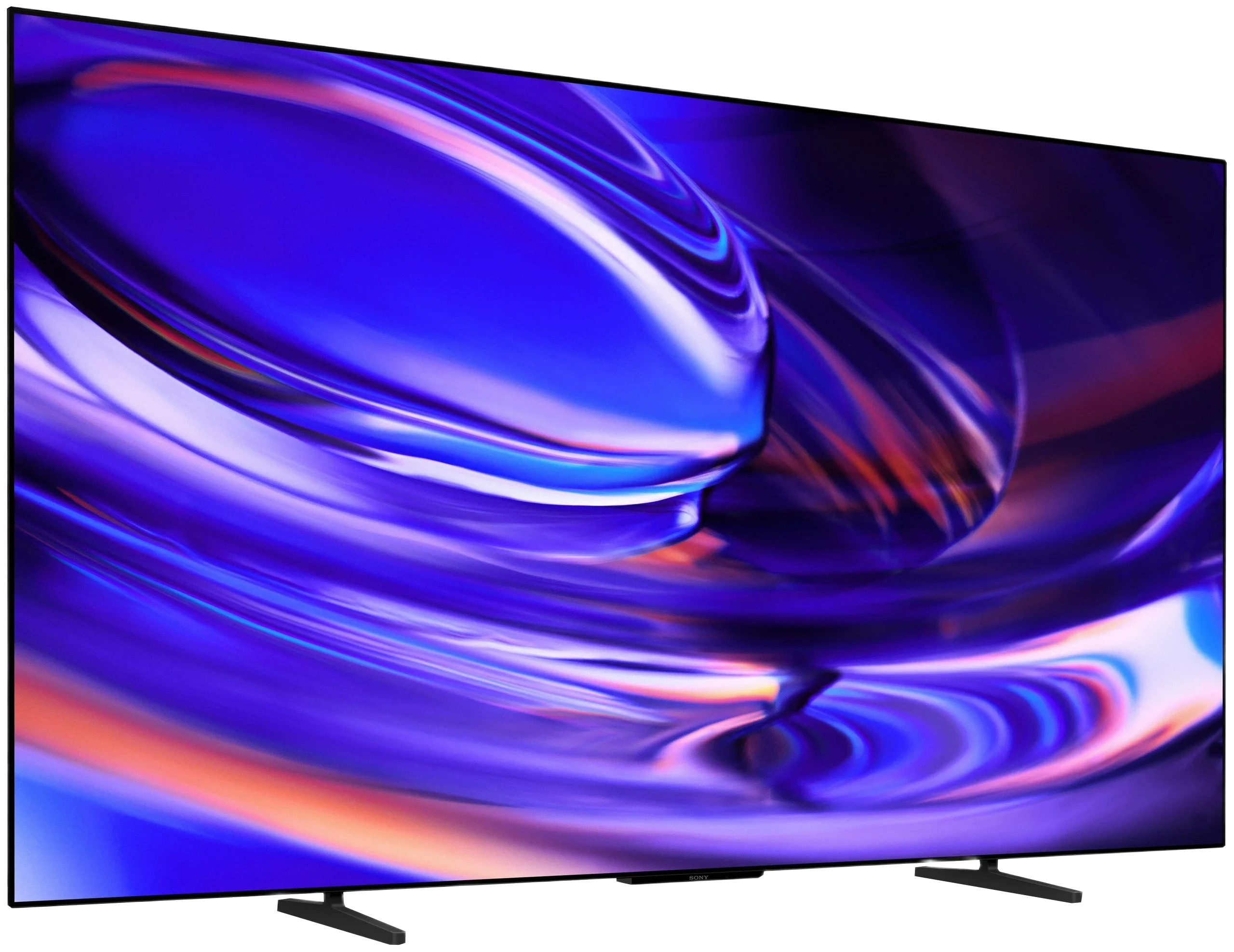
Panel type: LCD IPS
Resolution: 3840x2160
System: WebOS
Model year: 2024
Complete the survey to find out the result
Panel type: WRGB OLED
Resolution: 3840x2160
System: Google TV
Model year: 2026
Complete the survey to find out the result
Overall rating
6.0
7.4
 Movies and series in UHD quality
5.4
7.5
 Classic TV, YouTube
5.5
8.1
 Sports broadcasts (TV and apps)
5.7
8.1
 Gaming on console
6.5
8.5
 TV as a computer monitor
6.0
7.6
 Watching in bright light
4.6
4.6
 Utility functions
7.7
6.6
 Apps
9.1
9.6
 Sound quality
6.0
7.0
Complete the survey to find out what fits your preferences
Advantages

Good viewing angles
Intuitive WebOS system with broad access to applications
Magic Remote
Suitable for occasional gaming - low input lag, ALLM, HGiG
USB recording function from built-in tuners
Smooth image scaling – good reproduction of lower resolution materials
Perfect blacks and infinite contrast of the OLED panel
Natural colours after calibration, especially in SDR
120 Hz panel with near-instant pixel response
Four full HDMI 2.1 inputs with 48 Gb/s bandwidth
Very low input lag, including with Dolby Vision at 120 Hz
Support for premium formats: Dolby Vision, Dolby Atmos and DTS
Google TV with a wide selection of apps
Wide viewing angles
Solid build with a height-adjustable stand
Disadvantages

Average brightness - 350 nits
Tragic contrast
No Dolby Vision
Quite a few system errors
Low brightness and average reflection handling, making daytime viewing difficult (OLED SE)
Average tonal gradation and poor smoothing of tonal transitions
Limited calibration options
Missing several features for gamers: HGIG, Game Bar and support for 120Hz at 1440p
Our verdict
The BRAVIA 6 can provide a lot of viewing pleasure, especially in the evening when the strengths of the OLED panel are most apparent. Deep blacks, good contrast and natural colours after calibration mean that, with the right material, its picture is easy to appreciate. It also performs well with a console: it delivers smooth motion and responds quickly to controller inputs. It's pleasing to see four full HDMI 2.1 ports, which Sony has finally included. Thanks to them, connecting several devices is less of a problem than even with some more expensive models from the brand. The whole package is rounded off by solid build quality and an attractive design.
However, that's not enough to make it stand out among competing OLEDs. We've generally paid extra for Sony TVs, in part for better image processing, but it's hard to spot an advantage in that area with the BRAVIA 6. Weaker recordings look average, and in demanding HDR scenes details are lost in the bright parts of the picture. Dolby Vision helps a little, but it doesn't change the overall impression: you get an image that can be pleasing, yet it doesn't give a clear reason to choose Sony over another entry-level OLED.
While the lack of such an advantage can be tolerated with a suitably low price, it's much harder to overlook problems in everyday use. Google TV offers a wide range of apps, but during our tests using the TV too often ended with having to... unplug it. Even playing a film from a USB stick could be problematic. It was at moments like these that we felt there was little... Sony in this BRAVIA. It lacks the refinement that used to be one of the reasons to pay more for a Sony TV.
In the end the BRAVIA 6 leaves a fair amount of disappointment. The OLED panel gives it a solid foundation, but the pleasure of watching too often gives way to frustration with operation. For that reason, in its current state we find it hard to recommend, even though it's one of the cheapest OLEDs on the market. An attractive price can make up for some image limitations, but it's hard to see that as a sufficient argument when basic functions fail. So before we can consider whether it's worth buying the BRAVIA 6, Sony needs to deliver the level of polish we expect.
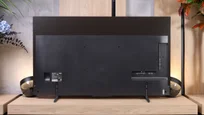
TV appearance


Contrast and black detail
1.9/10
10/10
Local dimming function: No
Contrast:


Result
900:1

Result
900:1

Result
1,100:1

Result
1,050:1

Result
900:1
Result
∞:1
Result
∞:1
Result
∞:1
Result
∞:1
Result
∞:1
Halo effect and black detail visibility:
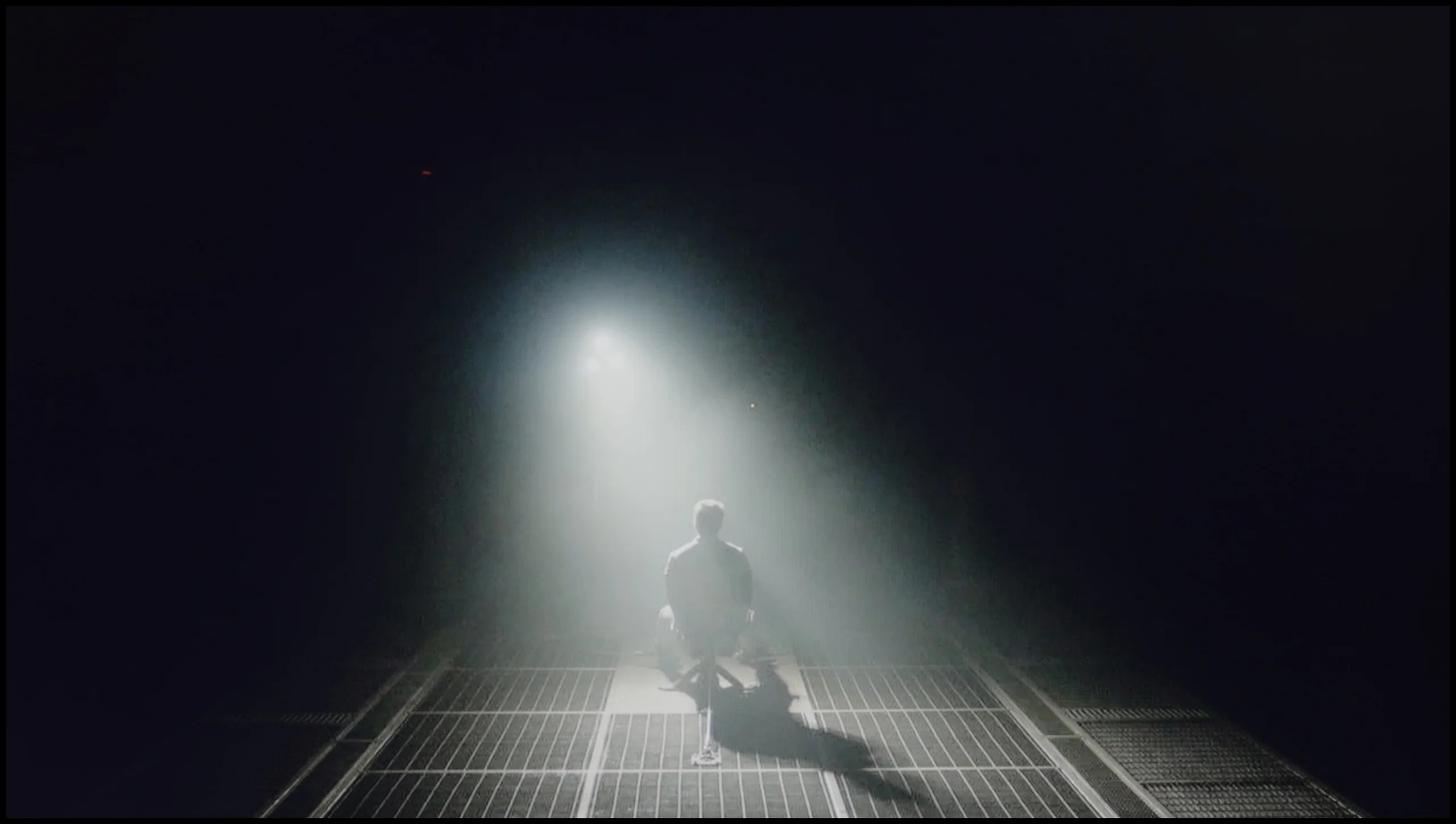
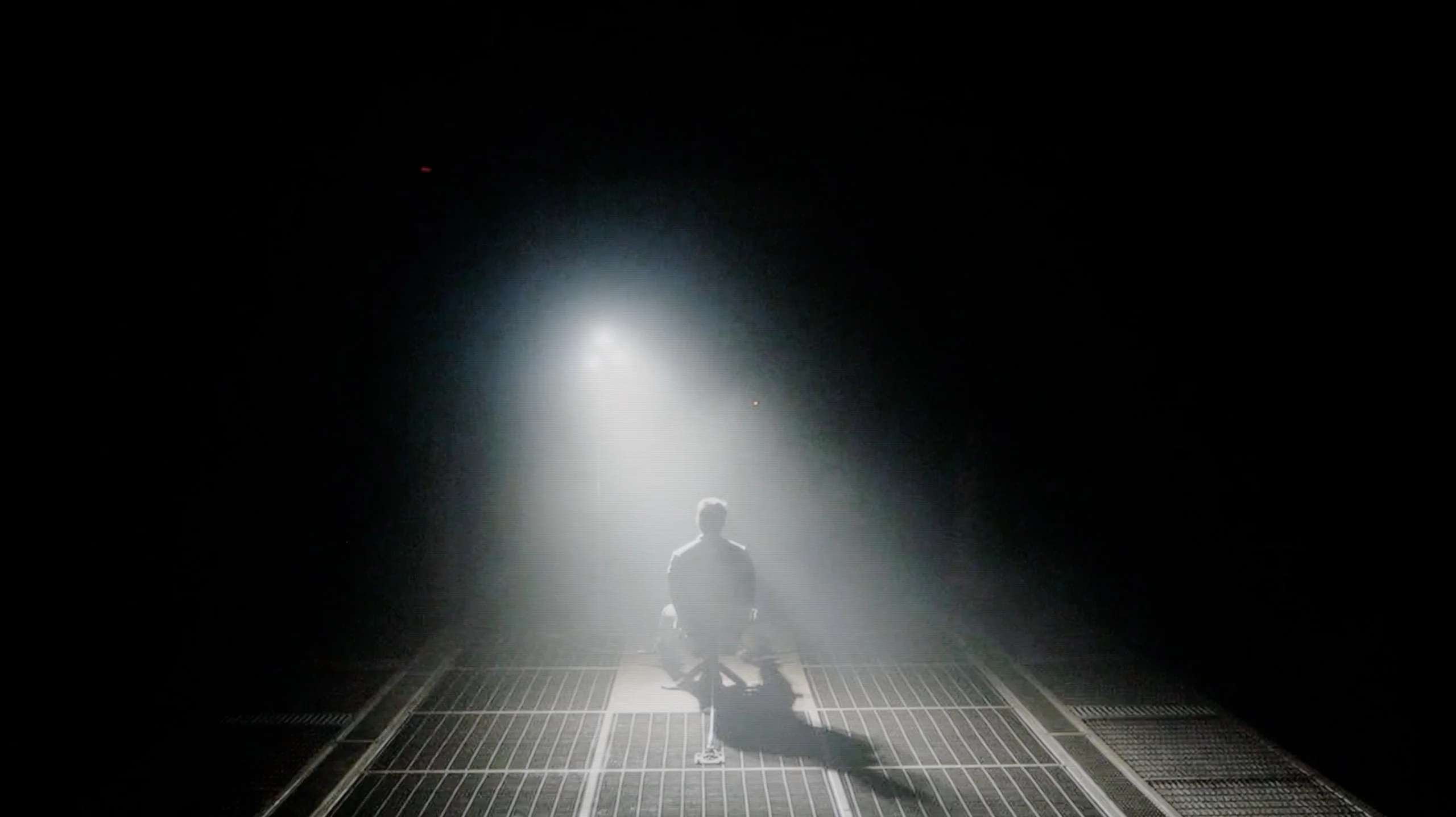
Check the visibility of bright lights on a dark background. Mini-LEDs often struggle with this. The photo does not compare black levels – that’s what the video below is for.
The video accurately shows differences in contrast and black levels between TVs, as well as potential issues: halo around bright objects or Mini-LED zone operation visible as brightness jumps.
The LG UT8100 television is equipped with an IPS panel, which unfortunately cannot provide satisfactory contrast and black levels. In the tested scenes, such as from the film Sicario 2, the black appears more like silvery ash than deep tar. The lack of local dimming causes details in the dark areas of the image to merge, and the screen looks quite dull in poorly lit rooms. For users seeking deep blacks and vivid contrast, the IPS panel in this model will be disappointing. In this category, the television performs very poorly.
The Sony BRAVIA 6, also known as the A65, uses an OLED panel, so in terms of black levels and contrast it deserves the highest marks. In all test scenes the black remained completely black, and the measured contrast was infinite. This is thanks to independent control of every pixel, which can be turned off entirely even if a very bright element is right next to it. In this respect the BRAVIA 6 even outperforms the best Mini LEDs. A few thousand backlight zones still do not provide the same precision as control over each of the more than 8 million pixels.
However, in the video below you can see that some dark parts of the image are slightly brightened. It is worth clarifying that this concerns the darkest shades of grey, not true black itself. The BRAVIA 6 tends to show them brighter than it should, so details in deep shadow can be overly emphasised. This does not change the panel’s ability to completely switch off black elements, so we do not lower the score in this category for that reason. We will return to this behaviour when assessing image reproduction and the effects of calibration.
HDR effect quality
4/10
5.7/10
Luminance measurements in HDR:

Result
285 nit

Result
238 nit

Result
326 nit

Result
205 nit

Result
319 nit
Result
483 nit
Result
616 nit
Result
697 nit
Result
680 nit
Result
276 nit
Scene from the movie “Pan” (about 2800 nits)


Scene from the movie “Billy Lynn” (about 1100 nits)
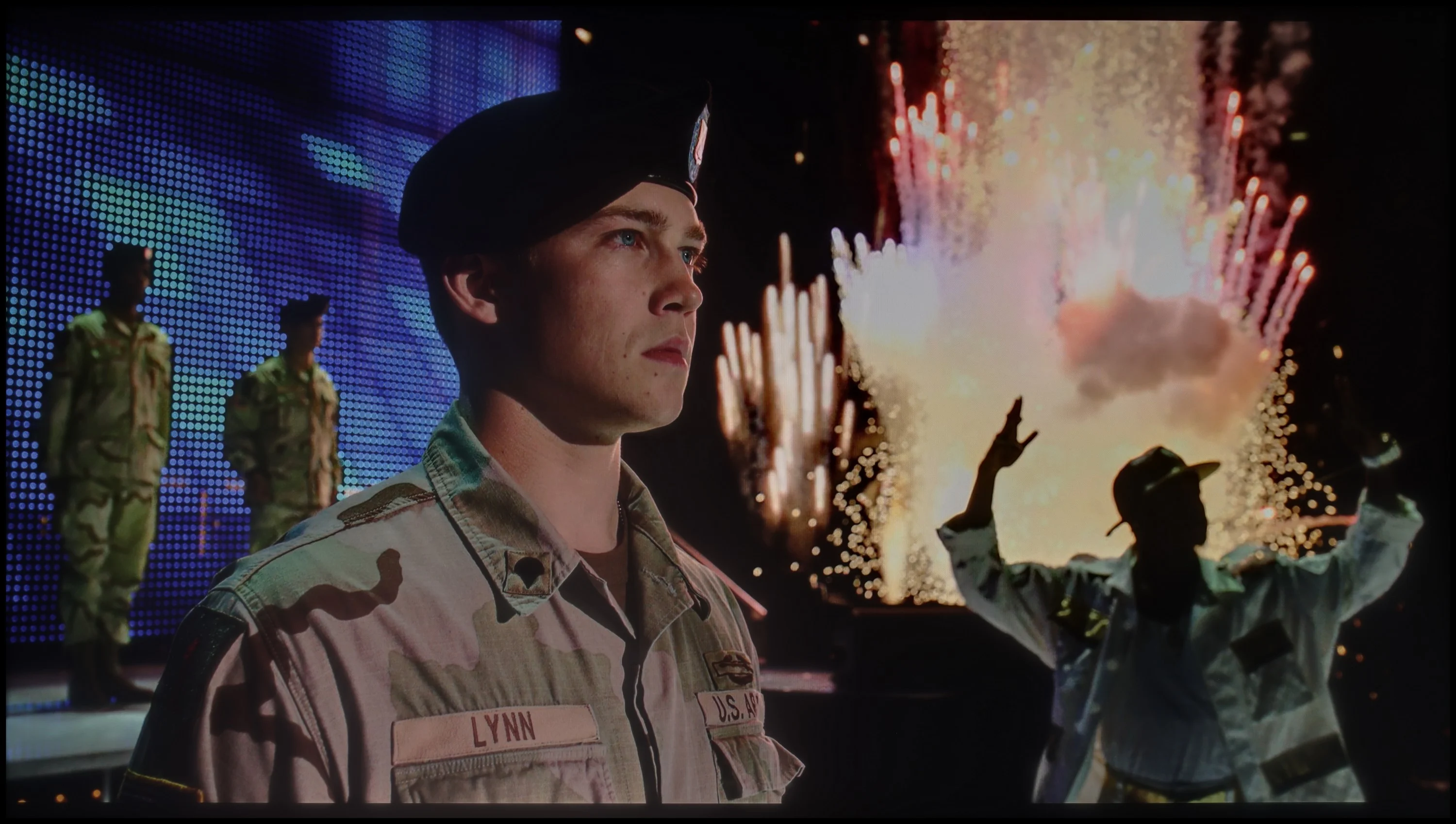
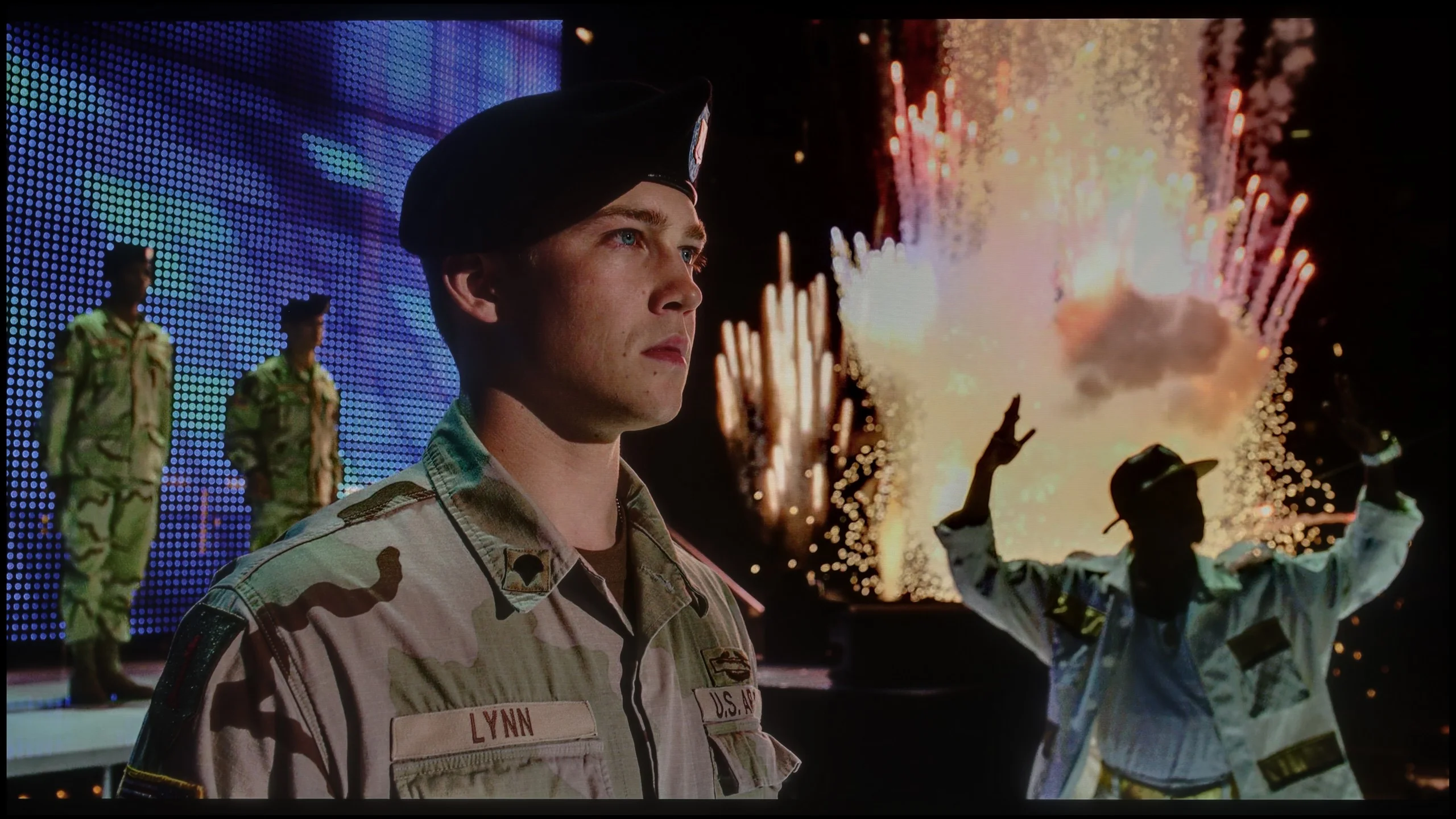
The photos show two HDR10 movies. 'Pan' is one of the brightest productions ever made, while 'Billy Lynn' (soldier) has brightness typical of streaming (Netflix, Prime, HBO MAX). Notice the intensity of effects and detail in whites.
Static HDR10


The photos present the visibility of white details in various HDR formats. They do not show brightness differences between TVs (these can be compared in the previous gallery).
HDR luminance chart:
Sony BRAVIA 6 (A65)
LG UT8100 (IPS)
Luminance of RGB colors
Unfortunately, the LG UT8100 television does not meet expectations in the HDR effect category. With a peak brightness of only 300 nits on the luminance chart, it is well below the required value to fully enjoy the HDR effects. In practice, the image resembles SDR quality more than true HDR, which is particularly evident in demanding high-contrast scenes. The coverage of the DCI-P3 colour palette is only 82%, further limiting the ability to present vibrant and rich colours. Instead of impressive visual experiences, we receive a muted and lacklustre image. For those looking for a television to fully utilise HDR content, the LG UT8100 model proves to be quite disappointing.
The Sony BRAVIA 6 is a moderately bright TV and, compared with today’s OLEDs, can even be classed among the darker models. It peaks at around 700 nits, but such values are seen mainly on small highlights set against a dark background. In brighter, mixed scenes the result is closer to 500 nits; for example, in the sunset shot from the film 'Life of Pi' we measured 483 nits. Combined with its perfect blacks, this delivers a pleasant HDR effect, especially in the evening, although it is hard to call the brightness spectacular. The limitations become even clearer when bright elements occupy most of the screen. That is when ABL comes into play, a mechanism that limits brightness under heavy OLED panel load. The BRAVIA 6 uses the panel’s capabilities fairly conservatively and in such shots brightness falls to about 250 to 280 nits. In the oil-rig scene we measured about 250 nits, so the bright sky no longer has the same punch as a single torch in darkness. It is in wide, sunlit landscapes or large flares that the lack of brightness headroom is most noticeable.
Colours
In terms of colours the BRAVIA 6 performs quite well. It covers around 95–96% of the DCI-P3 gamut, so it can reproduce most of the colours used in HDR films and series with appropriate saturation. It still trails the better WOLED panels, which approach full coverage of that gamut, but in day-to-day viewing this will not be a large difference. A larger gap separates it from QD-OLED screens when showing the most intense colours from the wider BT.2020 gamut. Sony covers about 71–72% of it, so exceptionally saturated reds or greens will not look as impressive as on organic panels with quantum dots or on SQD Mini-LED screens. Moreover, gamut coverage alone does not mean the TV can reproduce those colours at high brightness. On the BRAVIA 6 very bright, colourful effects have less punch, which further tones down the perceived HDR. In typical films colours still look good, but the greater limitation remains the screen’s brightness.
Factory color reproduction
5.5/10
6.9/10
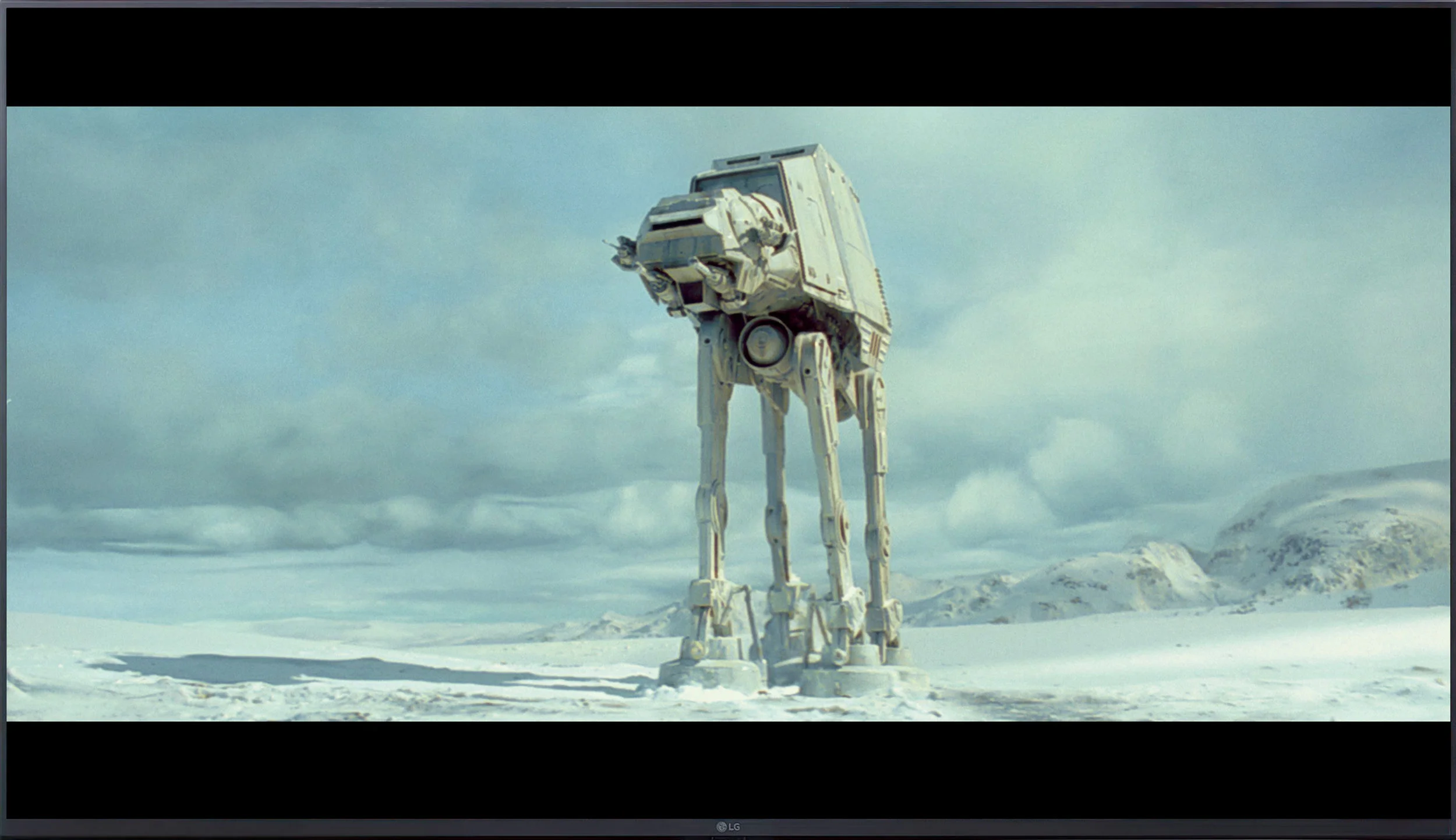
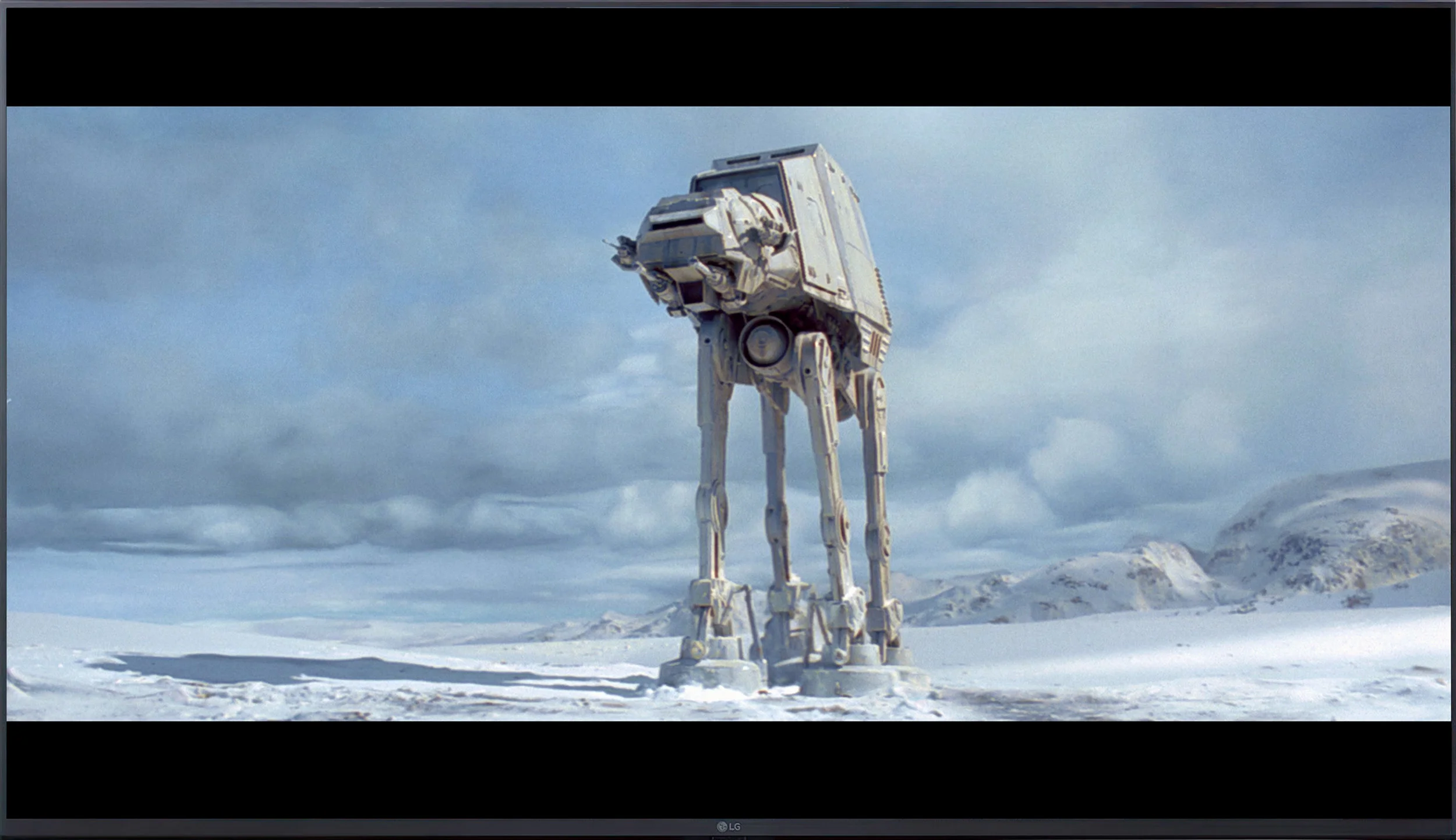
This gallery shows how colors change after professional TV calibration. If you notice the difference, we recommend ordering this service at SkalibrujTV.com.
Factory Mode
After calibration


This gallery shows how colors change after professional TV calibration. If you notice the difference, we recommend ordering this service at SkalibrujTV.com.
Factory Mode
After calibration
The Filmmaker Mode in LG UT8100, although theoretically the best for watching films, has significant flaws. The biggest problem is the white balance – drops in blue colour cause a noticeable yellowing of the image, evident in both HD and 4K content. These errors are confirmed by the measurement results in the Colour Checker test, which indicate significant deviations in colour reproduction.
Regarding brightness characteristics, both HD and 4K content feature a substantial tonal boost. The gamma curve in both cases remains significantly below the reference value of 2.4, leading to excessive brightening of darker elements of the image. A similar issue is noticeable in the EOTF curve – for 4K content, the television struggles with properly managing brightness, which results in problems with screen brightness. This means that the factory settings of this model require significant adjustments to achieve better image quality.
In Cinema mode the Sony BRAVIA 6 delivers a rather pleasant picture, although the factory settings give it a slightly too warm character. In SDR, that is when watching regular TV and older films, there is a dominance of red and a shortage of blue. The image can therefore take on a creamy, slightly pinkish tint, and faces look more flushed than they should. It is not a colour cast that completely changes the appearance of a film, but it is noticeable with neutral colours. On top of that there is a somewhat excessive darkening of the image in SDR. The gamma curve runs above the target value, which when watching results in darker elements of the scene. The picture may appear more contrasty, but subtle shadow detail becomes harder to distinguish.
In HDR the colours behave a little differently. The red dominance is smaller, but combined with a slight excess of blue and a lack of green it gives a delicate pink tint to bright, neutral surfaces. The luminance response remains close to the reference through much of the range, although the aforementioned brightening of tones just above black is visible. Because of this some background areas in night scenes are more visible than the filmmakers intended. Some midtones are also slightly lifted. Overall film mode provides a sensible starting point for viewing and is by far the best mode available, but the white balance and the way brightness is rendered still need fine-tuning.
Color reproduction after calibration
8/10
8/10
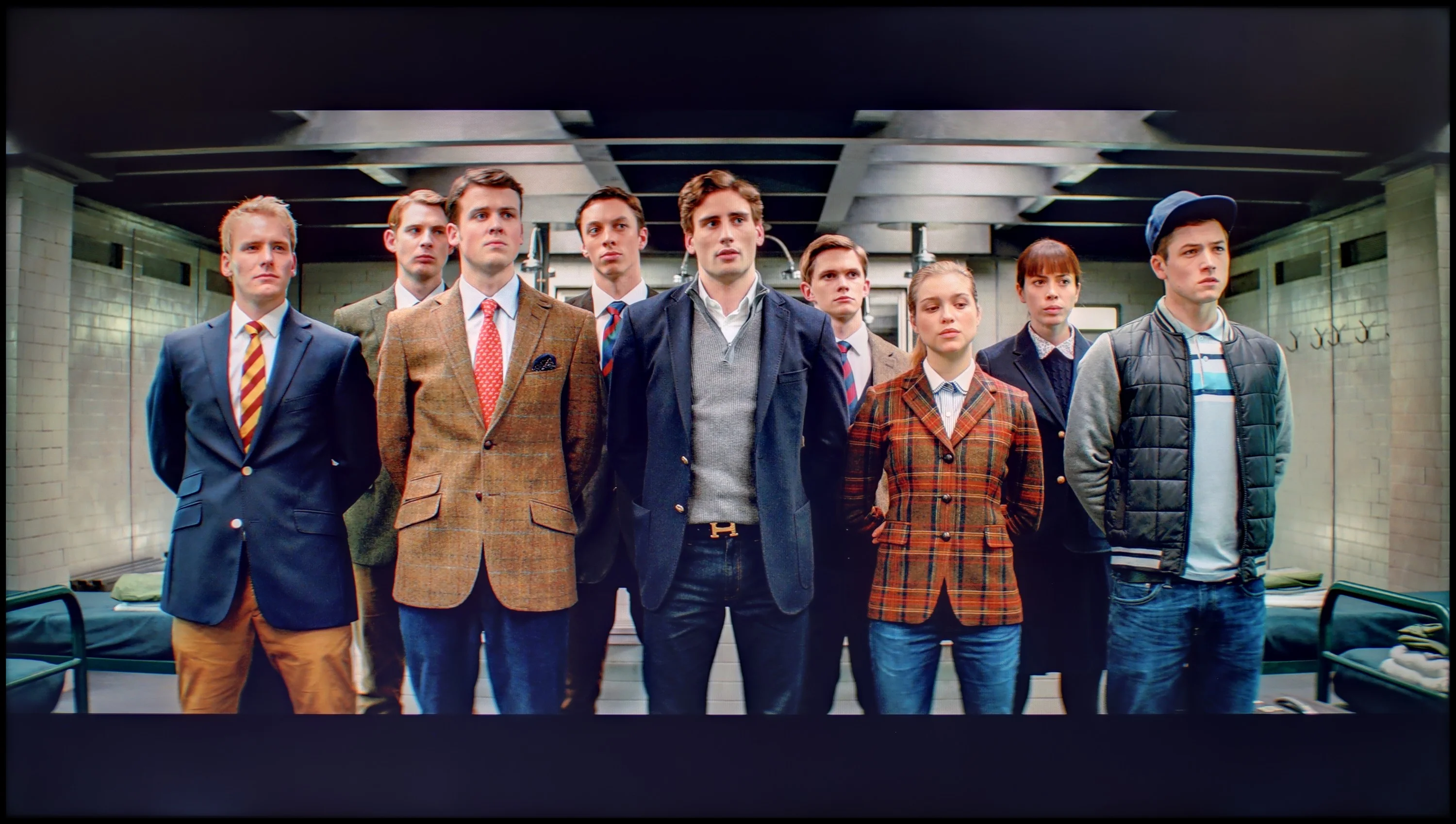
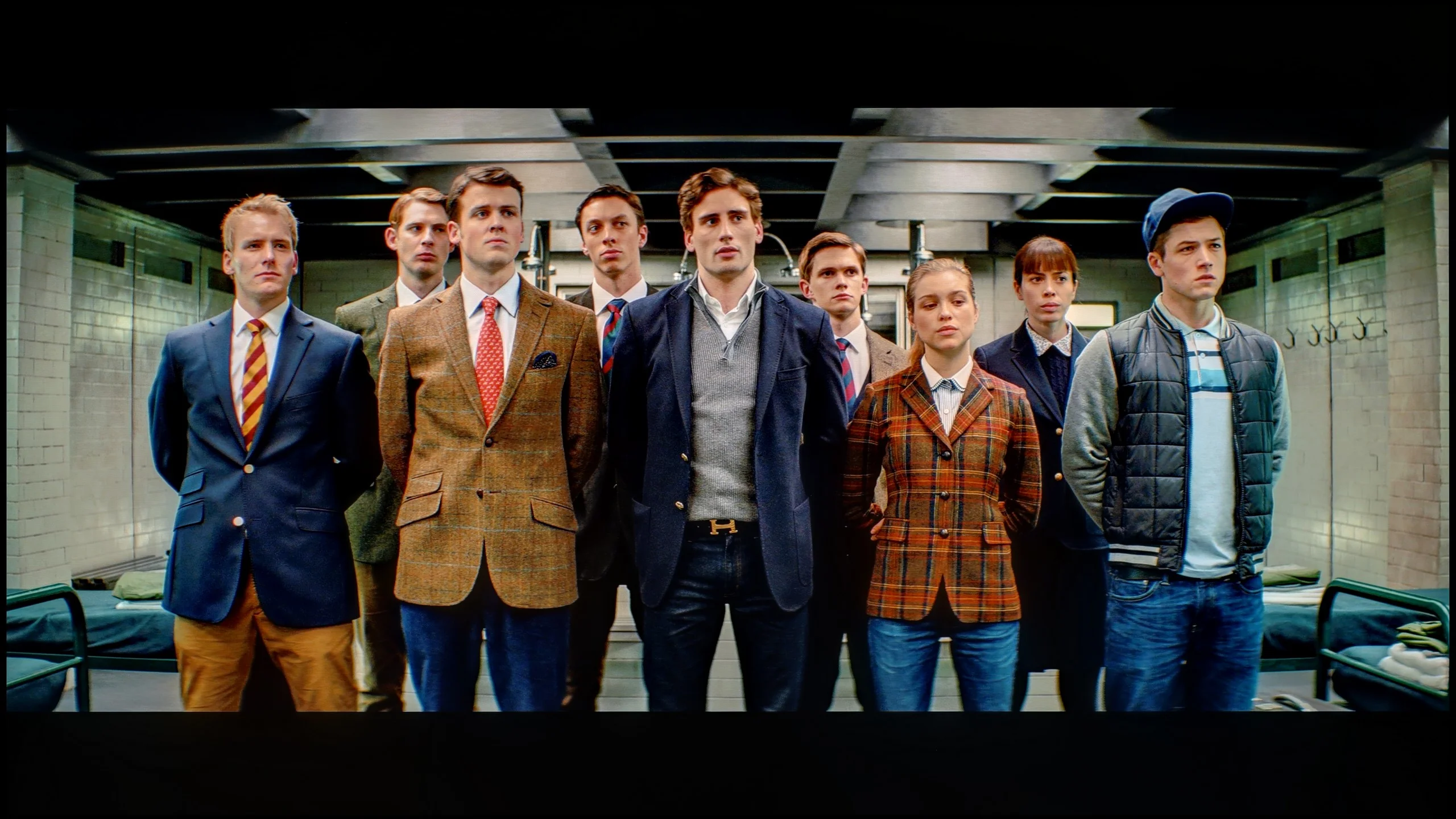
The photos show how movies look on the TV. Pay attention to black detail visibility, colors, and shadow tint.


The photos show how movies look on the TV. Pay attention to black detail visibility, colors, and shadow tint.
After calibrating the Filmmaker Mode, the gamma has been aligned to practically ideal, reference values, which has significantly improved the overall tonal characteristics of HD content. 4K HDR content also looks better, although certain issues are still visible at the extreme ends of the graph, where the curve deviates from perfection. The EOTF curve performs worse, as the television has difficulty maintaining appropriate brightness values. As a result, the image in some scenes may be overly bright or slightly dimmed, which is due to the very design of the device. Nevertheless, the calibration has brought considerable improvement, especially for HD content, where tonal balance and colour reproduction are now at a much higher level.
BRAVIA 6 responds well to picture calibration, although a large part of the user options is not available from the TV’s menu. In practice, apart from basic white balance and gamma adjustments in SDR it’s hard to get a grip on the other aspects of the image. Fortunately, those tweaks alone allow for significant improvement. In SDR it was possible to almost perfectly even out the white balance, removing the excessive warm tint and stopping faces from looking too ruddy. After correcting the gamma, darker details are also more visible. With regular broadcast TV or YouTube content the result is therefore noticeably better than the factory settings.
In HDR we also managed to reduce the tint, but a bigger problem here is the way the TV controls brightness. The BRAVIA 6 rather unusually varies it depending on the scene: it darkens some tones and brightens others, and the available settings do not allow this to be fully corrected. This is clear in measurements taken from film material, where the brightness trace shows how the EOTF curve differs between shots. The result is the previously mentioned lift of the deepest greys, which makes some night scenes look too bright. Calibration therefore makes sense and, especially in SDR, lets you achieve a natural, well-calibrated picture. Colour improvements are also visible in HDR, but they do not resolve the issues with brightness and the preservation of the brightest details. It’s a shame, because with greater control over what the TV does the panel’s capabilities could be put to better use.
Smoothness of tonal transitions
9/10
6.7/10
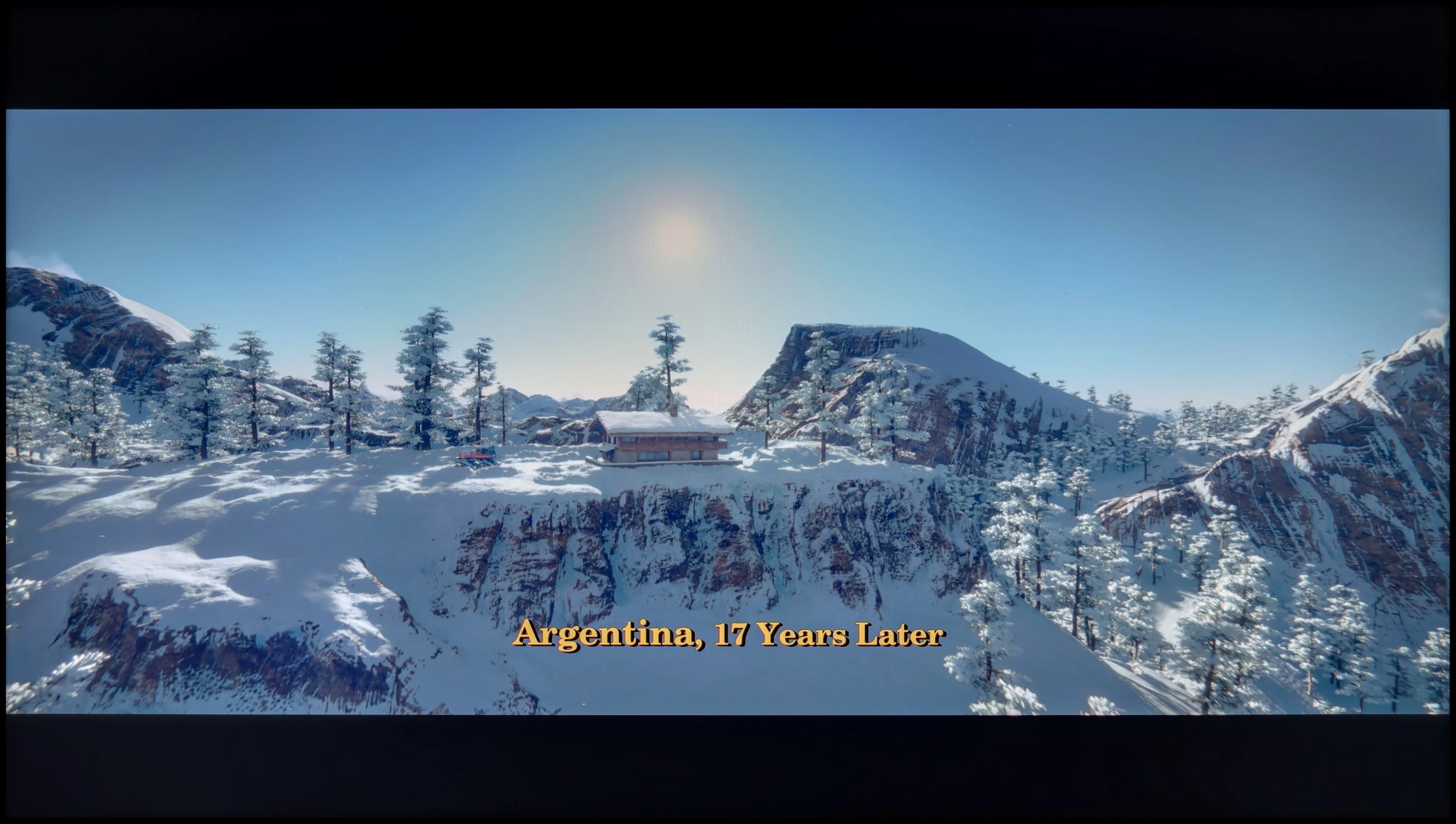

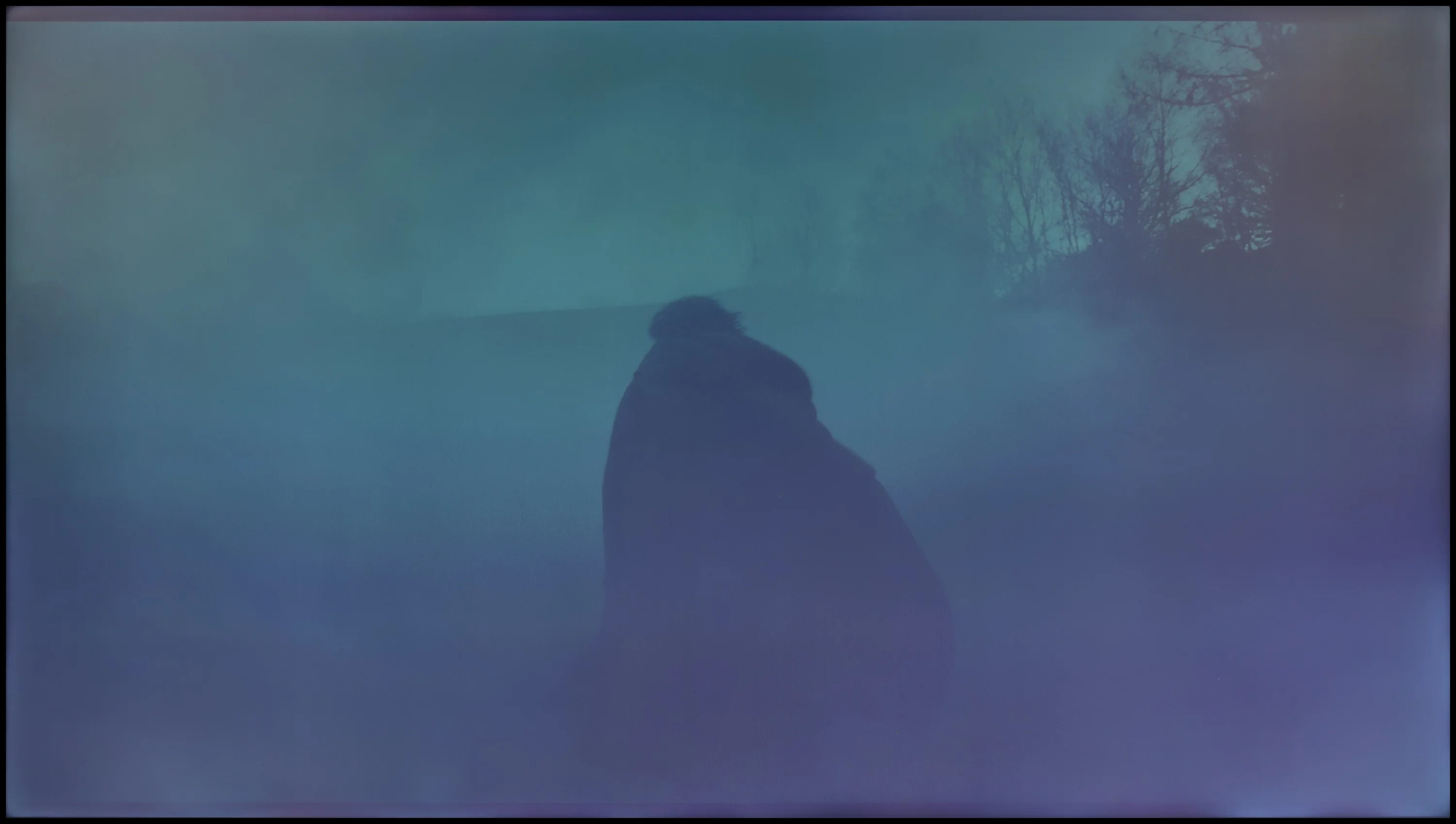
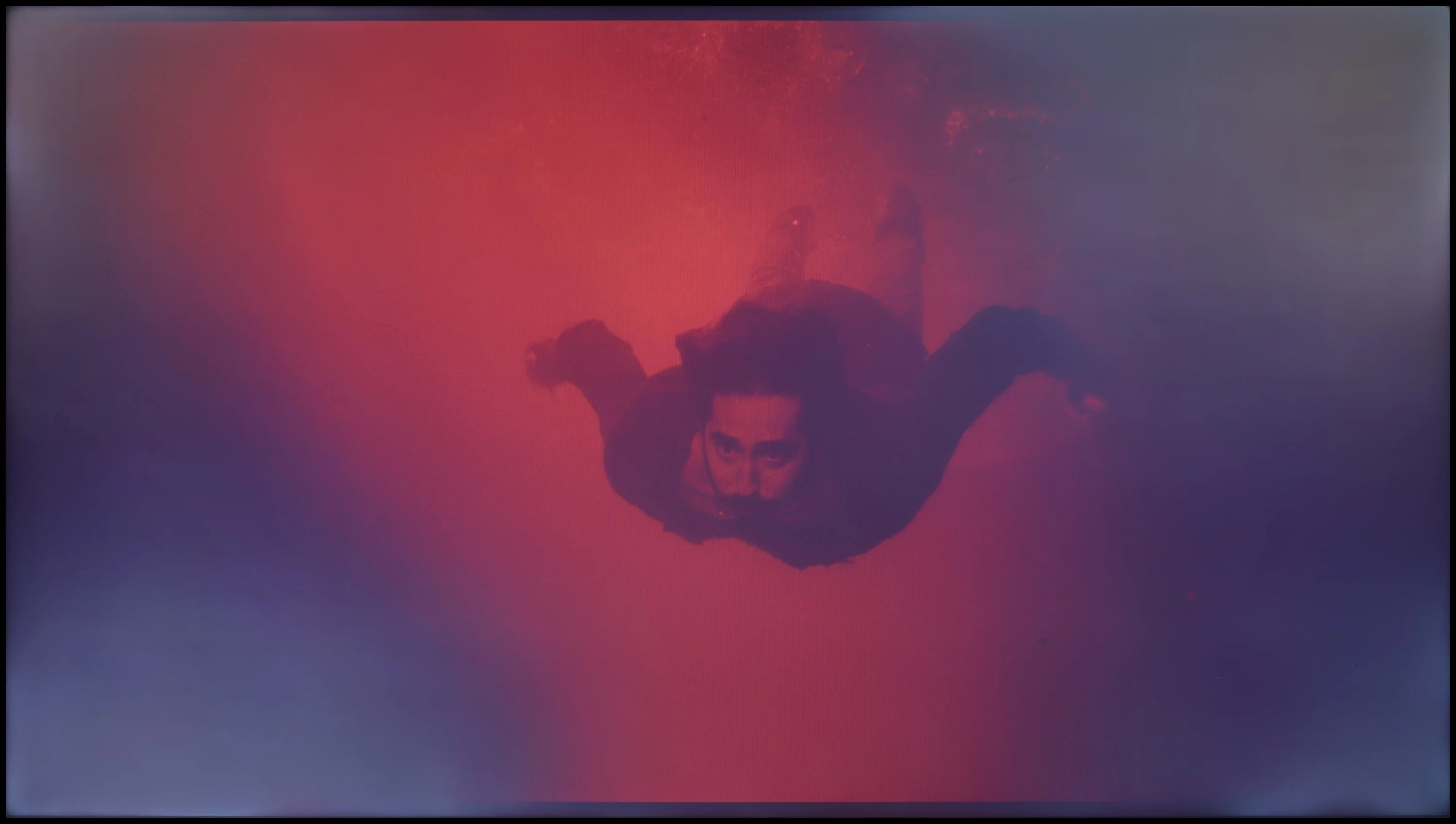
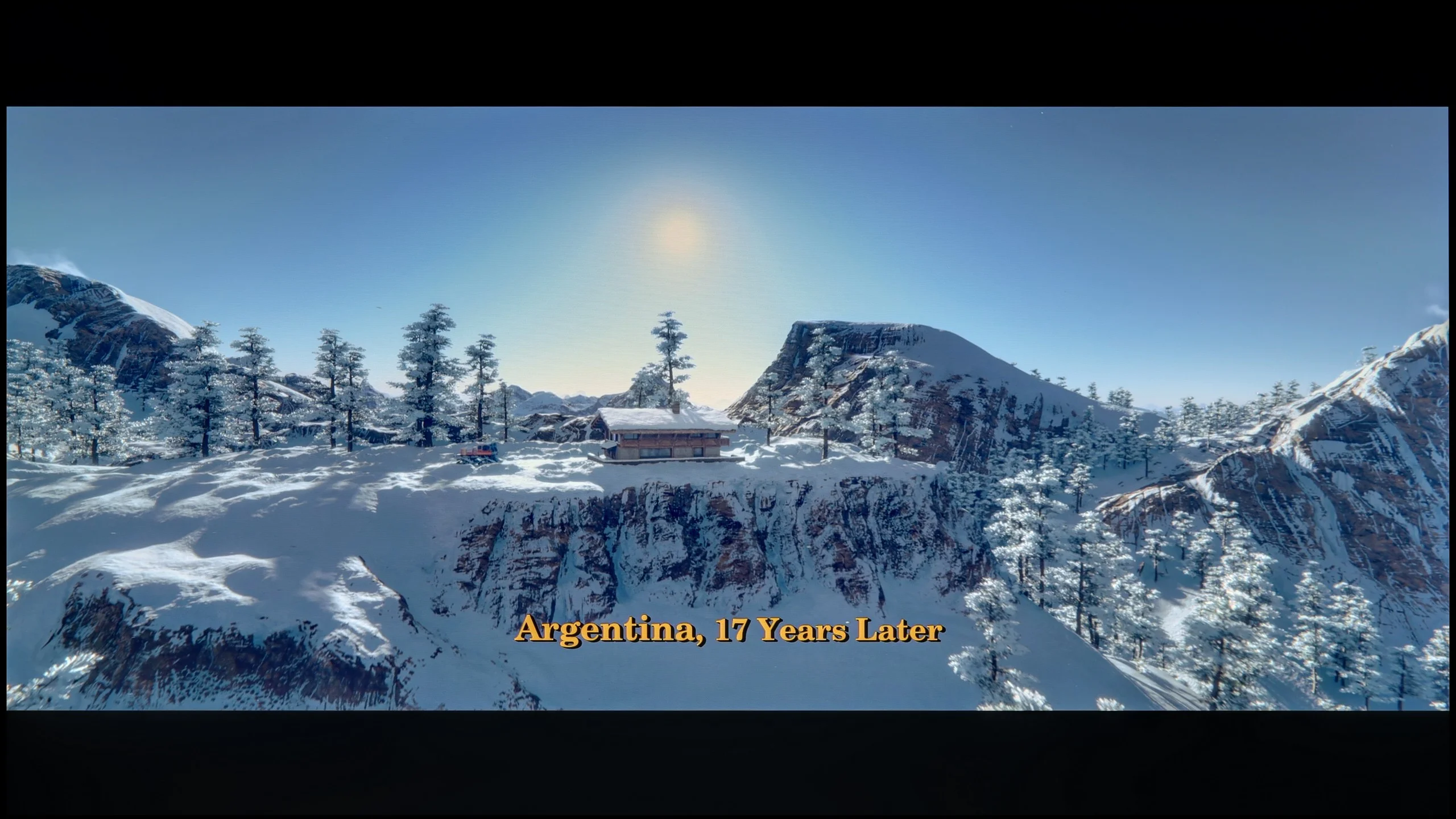
These are selected scenes that show smooth tonal transitions from one color to another. If you see distinct banding, it’s the TV panel’s fault.

These are selected scenes that show smooth tonal transitions from one color to another. If you see distinct banding, it’s the TV panel’s fault.
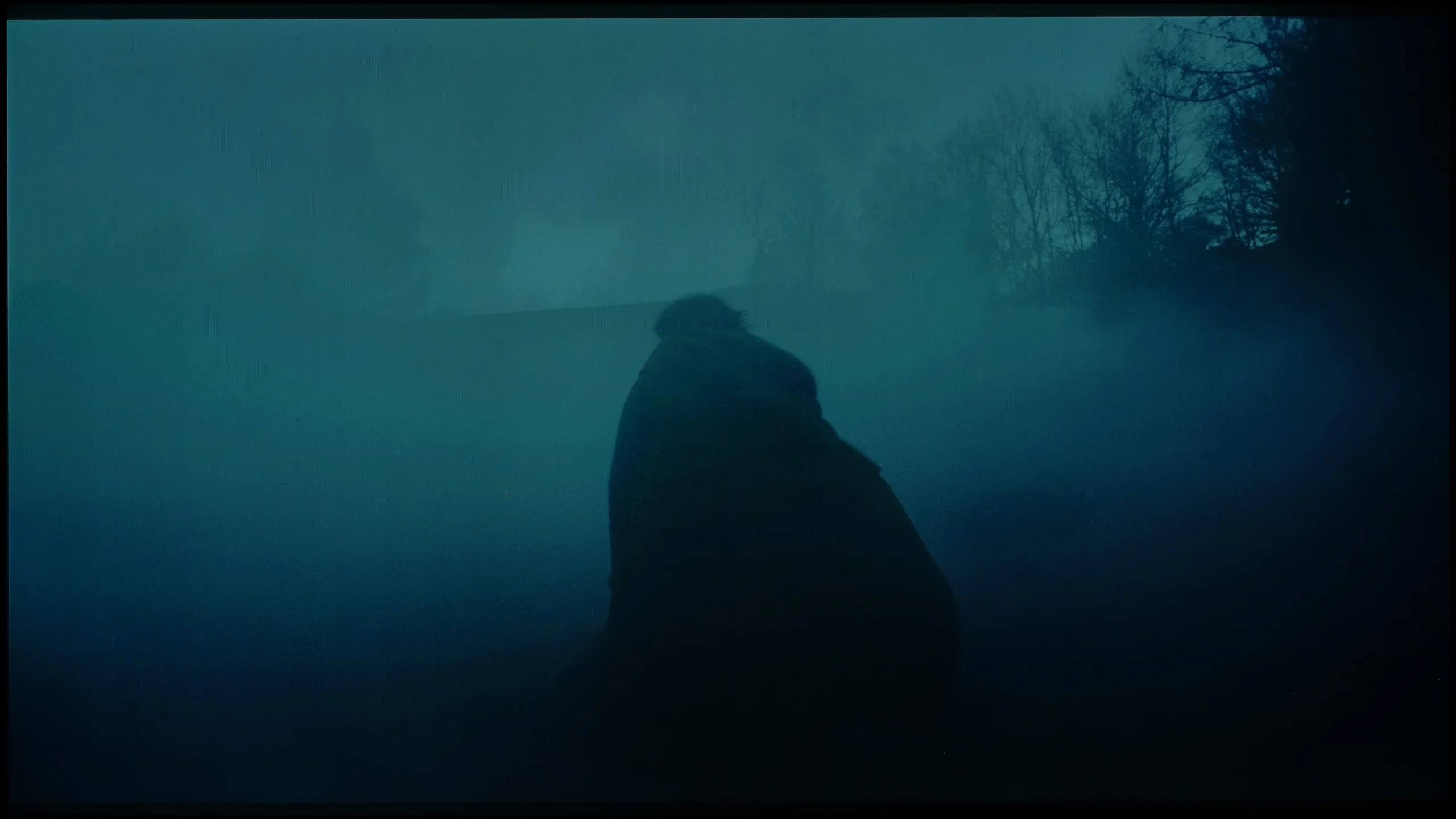
These are selected scenes that show smooth tonal transitions from one color to another. If you see distinct banding, it’s the TV panel’s fault.
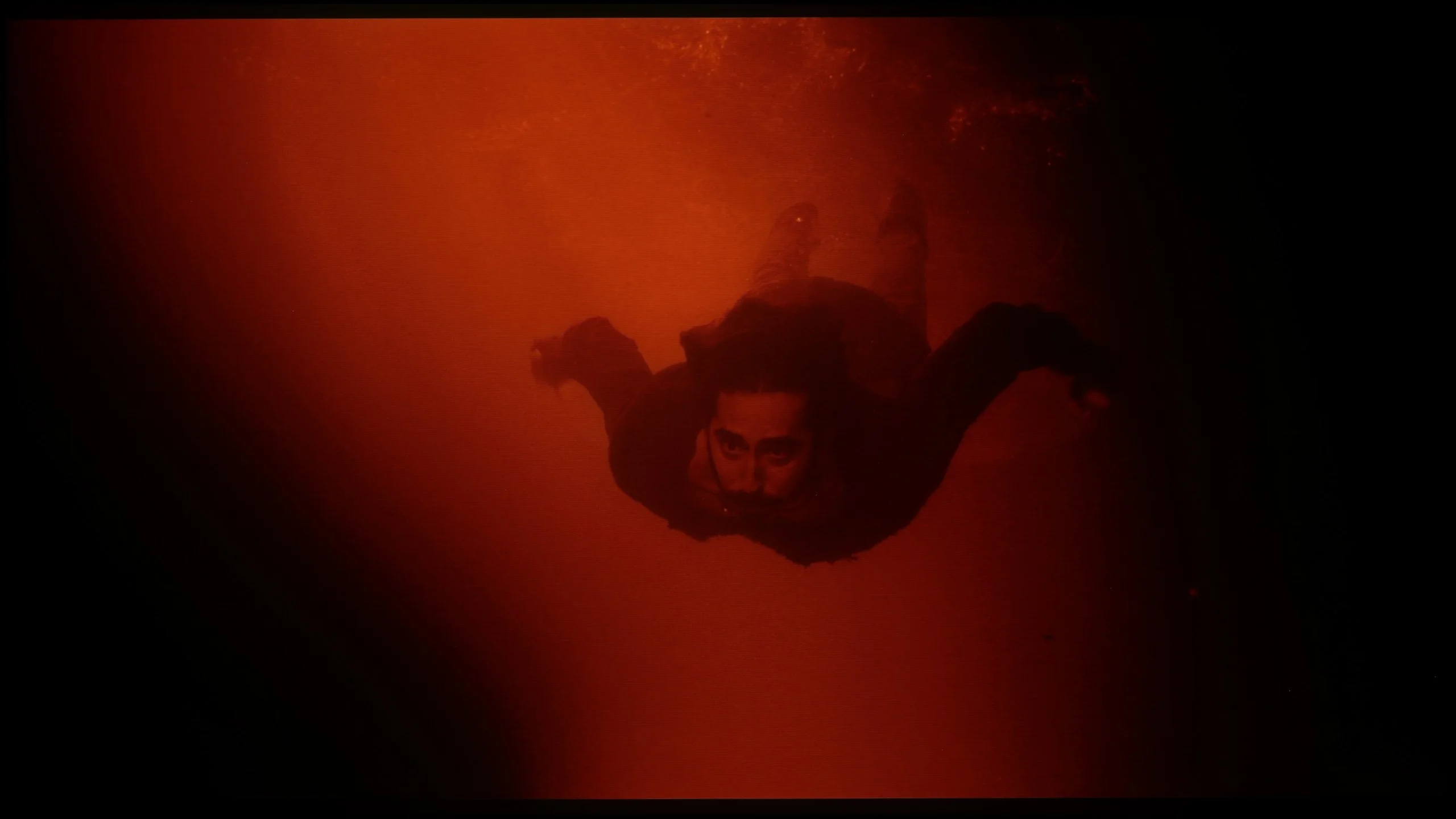
These are selected scenes that show smooth tonal transitions from one color to another. If you see distinct banding, it’s the TV panel’s fault.
The fluidity of tonal transitions in LG UT8100 is at a very high level. The colour gradation is almost perfect, and the transitions between shades are smooth and free of visible seams. This is definitely one of the model's stronger points. Unfortunately, the unevenness of the panel's backlighting draws attention, which can be noticeable in more homogeneous scenes, especially in the darker parts of the image. Although the gradation itself looks great, the unevenness of the panel slightly detracts from the overall impression of quality.
The smoothness of tonal transitions in the BRAVIA 6 is rather average. In every scene we checked you can notice small irregularities where one shade should gently blend into another. In bright shots they are subtle and easy to miss, while darker tones cause more issues. On a shadowed background the boundaries between them are more visible, so instead of a smooth transition you see distinct bands. We observed similar imperfections in other televisions we tested with an OLED SE panel. Interestingly, banding becomes slightly worse in Dolby Vision. These are not problems that spoil an entire viewing, but on uniform backgrounds and in darker scenes they can draw more attention to themselves.
Image scaling and smoothness of tonal transitions
7.3/10
6/10

Smooth transition function
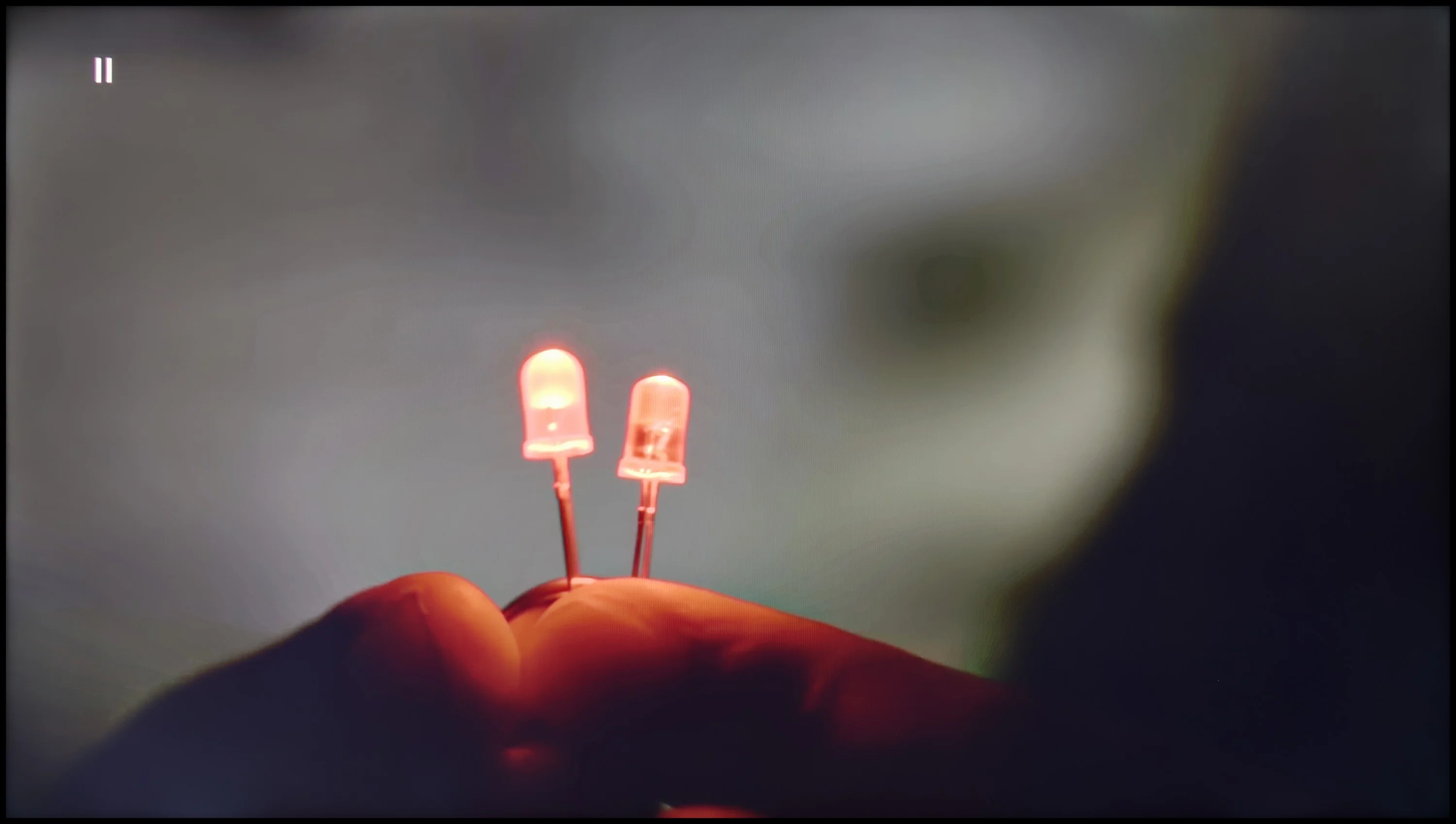
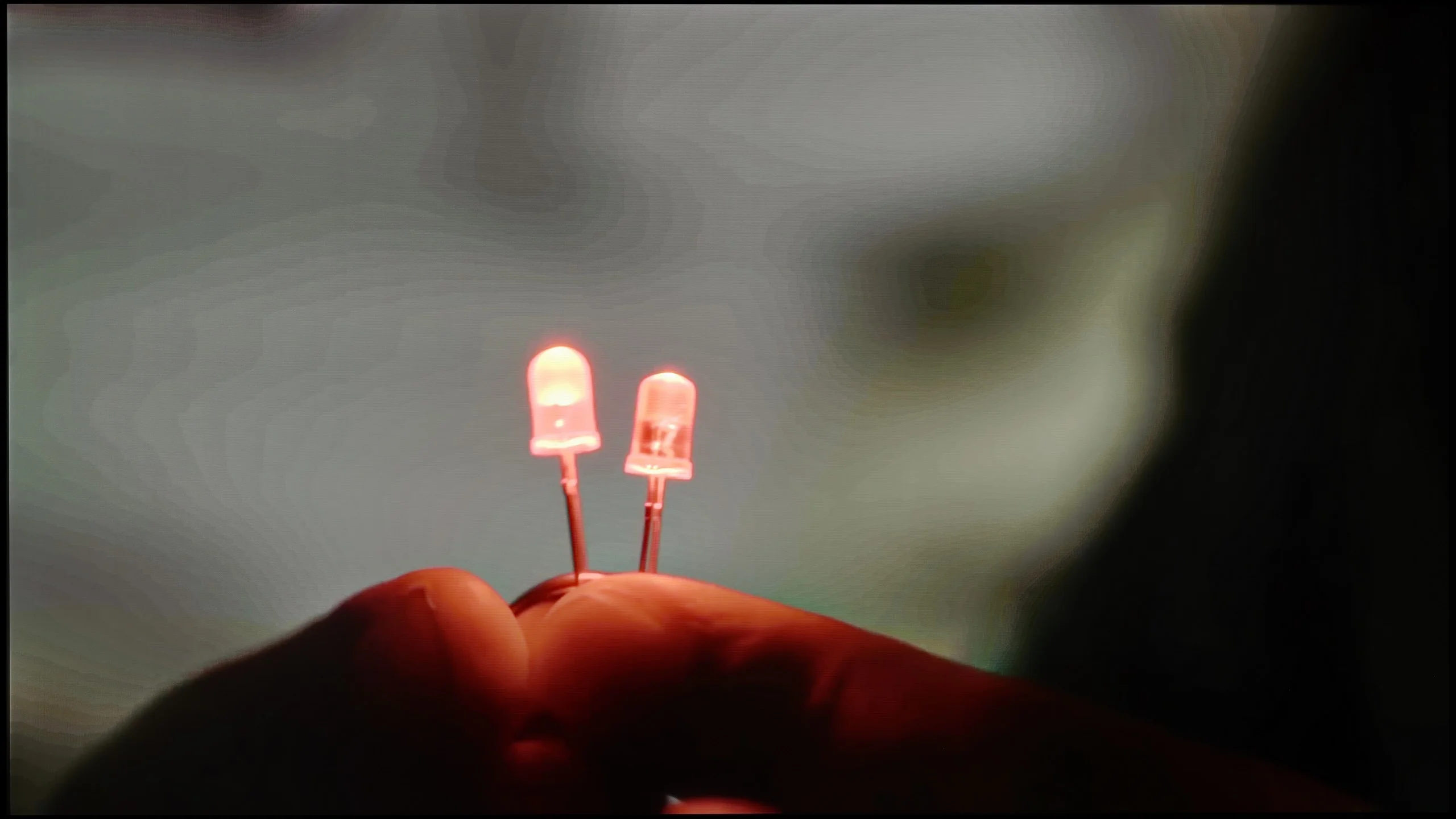
The match photo shows how the TV smooths weak tonal transitions in low-quality video.
Image scaling SD (576i)


The model photo shows how it handles upscaling of SD material.
The fluidity of tonal transitions is also correct, although the effect depends on the settings. The update has improved the performance of the smooth gradation function, smoothing transitions better than before, but it has introduced minor issues with detail loss, e.g. on textures.
The image scaling on LG UT8100 performs very well. The image looks decent, without significant issues with edge aliasing. Details are preserved at a satisfactory level, which makes lower resolution materials look truly solid on this television. This allows users to enjoy watching older content without noticeable flaws in quality.
The "magic" of image processing in Sony TVs has been talked about for years, and we've repeatedly confirmed its effectiveness in higher-end models. However, the BRAVIA 6 shows that the Japanese manufacturer's logo alone does not guarantee equally good results. Despite using the MediaTek Pentonic 800 processor, the TV does not handle smoothing of banding between tones in heavily compressed material particularly well. The available "De Contour" function set to medium helps a bit, but some uneven transitions remain visible. A positive is that we did not notice any significant blurring of details or additional artefacts. So it's worth using for lower-quality recordings, although its effectiveness is far from what we've come to expect from the manufacturer's TVs. Upscaling lower-resolution material performs better. The image is a little soft, but most fine detail remains clearly visible. In the scene with the model you can make out both the texture of the tree and the thin branches in the background, so this milder sharpening does not automatically mean a loss of detail. There is also no issue with overscan: the TV shows the entire frame, without cropping the edges even with an SD signal.
Blur and motion smoothness
4.9/10
8.5/10

Blur (native resolution, maximum refresh rate):




Blur ():
Blur (4K@60Hz):



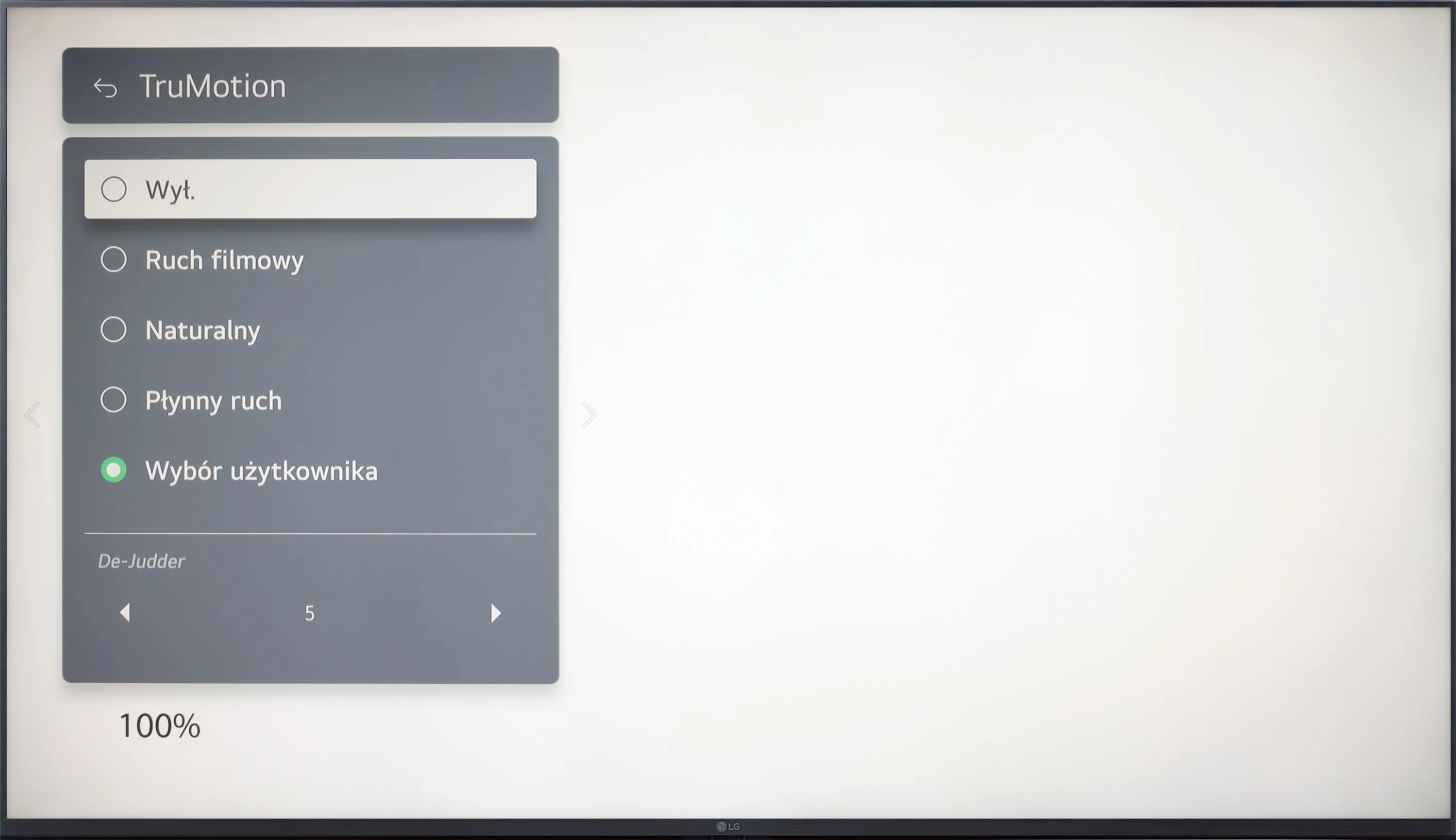
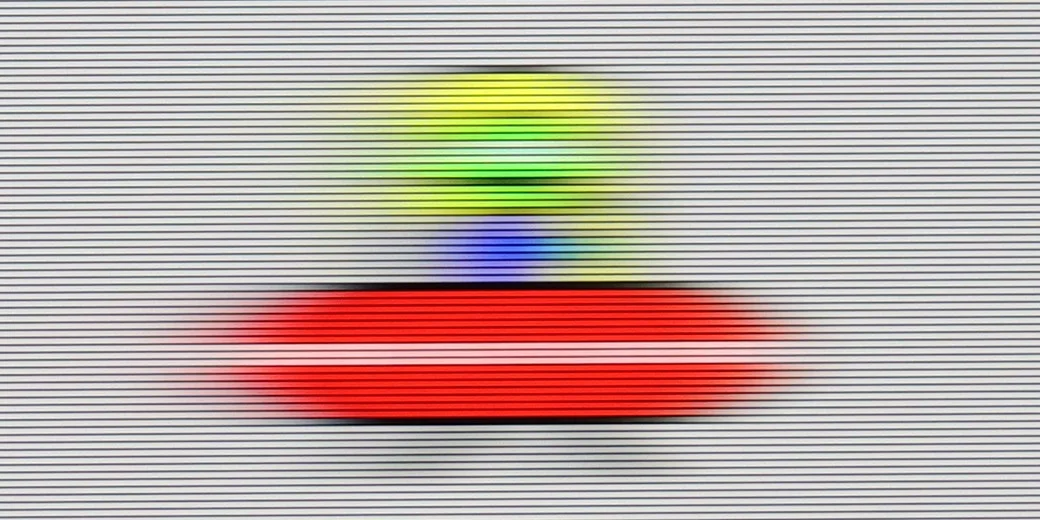
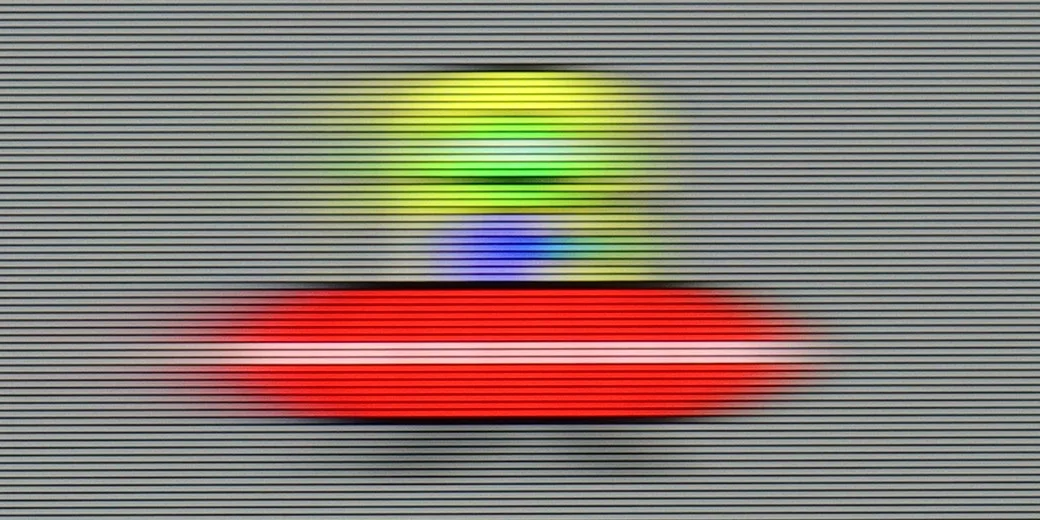
LG UT8100, equipped with a 60 Hz panel, is particularly suited for those watching films. The television offers the TruMotion system with de-judder effect adjustment, allowing you to customise the smoothness of the image – from more choppy to exceptionally smooth, resembling a soap opera effect, depending on the user's preferences.
In dynamic scenes the BRAVIA 6 performs very well. The OLED panel responds almost instantly, so there is virtually no trailing behind moving objects, even on dark backgrounds. Combined with a 120 Hz refresh rate, this produces a clear picture when watching sport and gaming. In this respect the TV delivers exactly what we expect from an OLED.
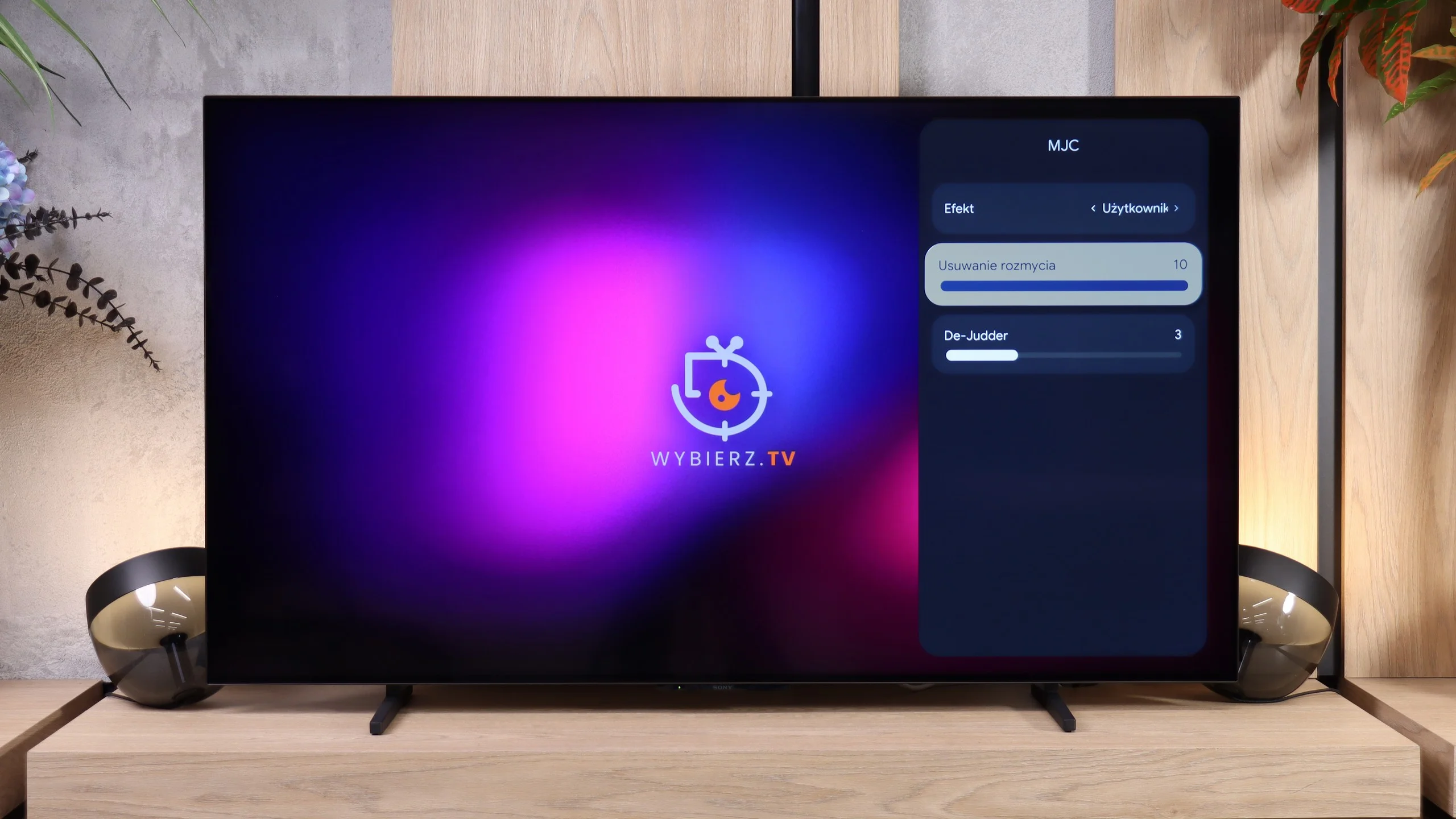
Far less typical for Sony is the motion-smoothing settings menu. Instead of the familiar Motionflow system, there is a feature called "MJC", which in both appearance and naming more closely resembles solutions found in budget TVs from other brands. Two sliders are available: "Blur Reduction", which here is the equivalent of the "Smoothness - Film" setting, and "De-Judder", corresponding to the "Smoothness - Camera" adjustment on other Sony models. The motion smoothing itself works well and allows you to tailor motion to your own preferences, although people switching from another BRAVIA will be surprised by the new menu on the TV.
Console compatibility and gaming features
4.7/10
7.5/10
- ALLM
- VRR
- VRR range 48 - 120Hz
- Dolby Vision Game Mode
- Correct implementation of HGIG
- 1080p@120Hz
- 1440p@120Hz
- 4K@120Hz
- Game bar
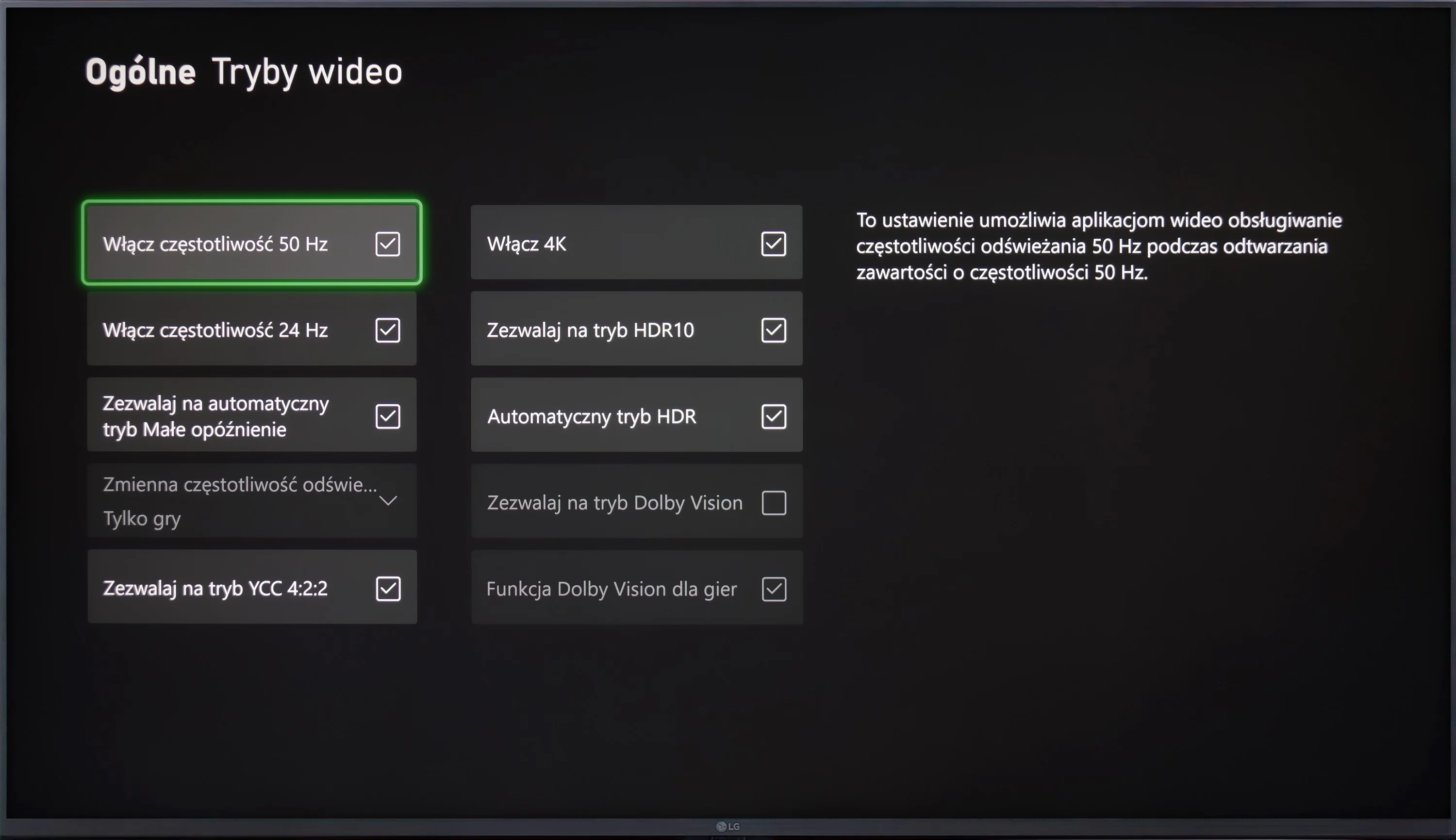
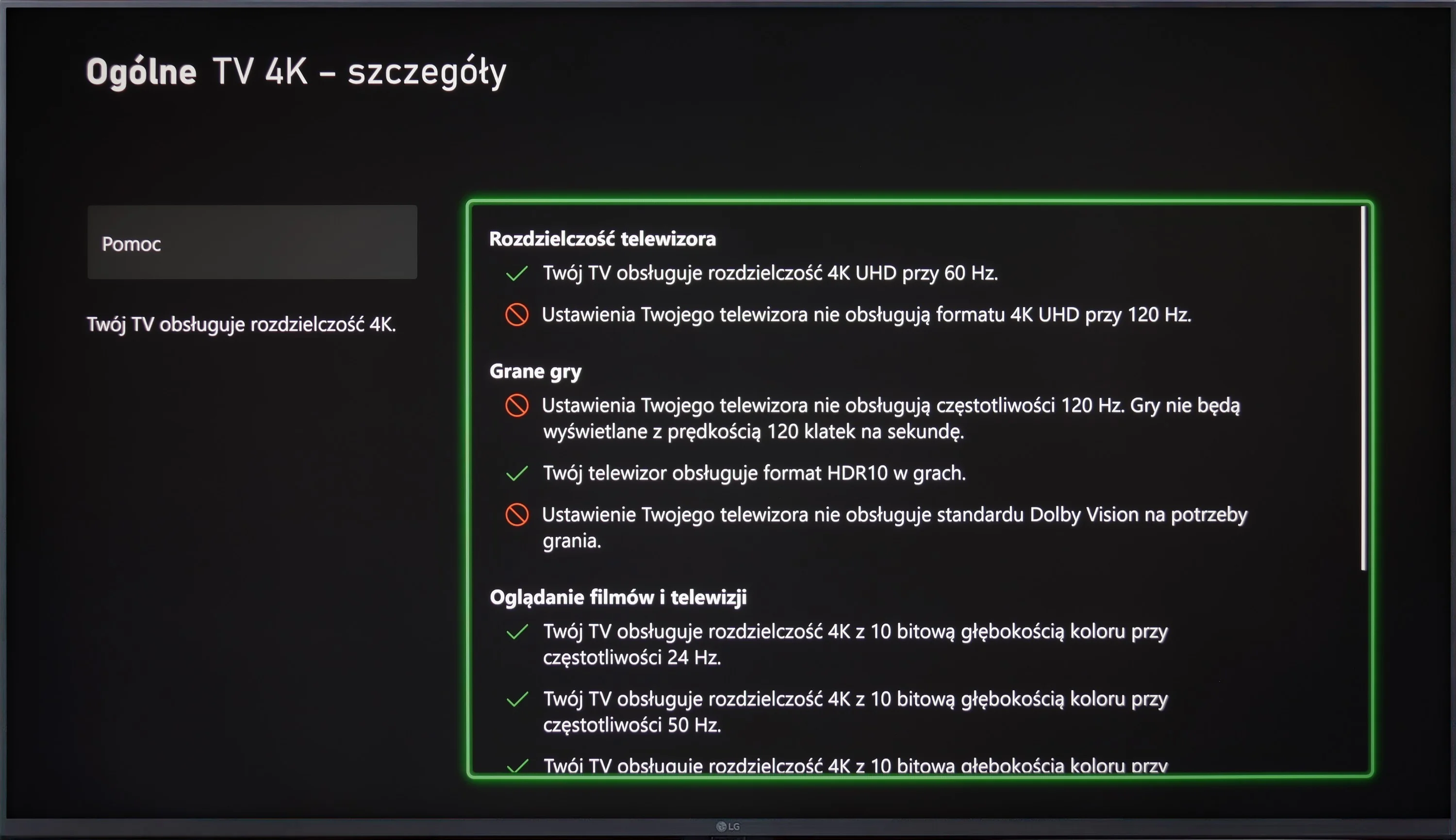
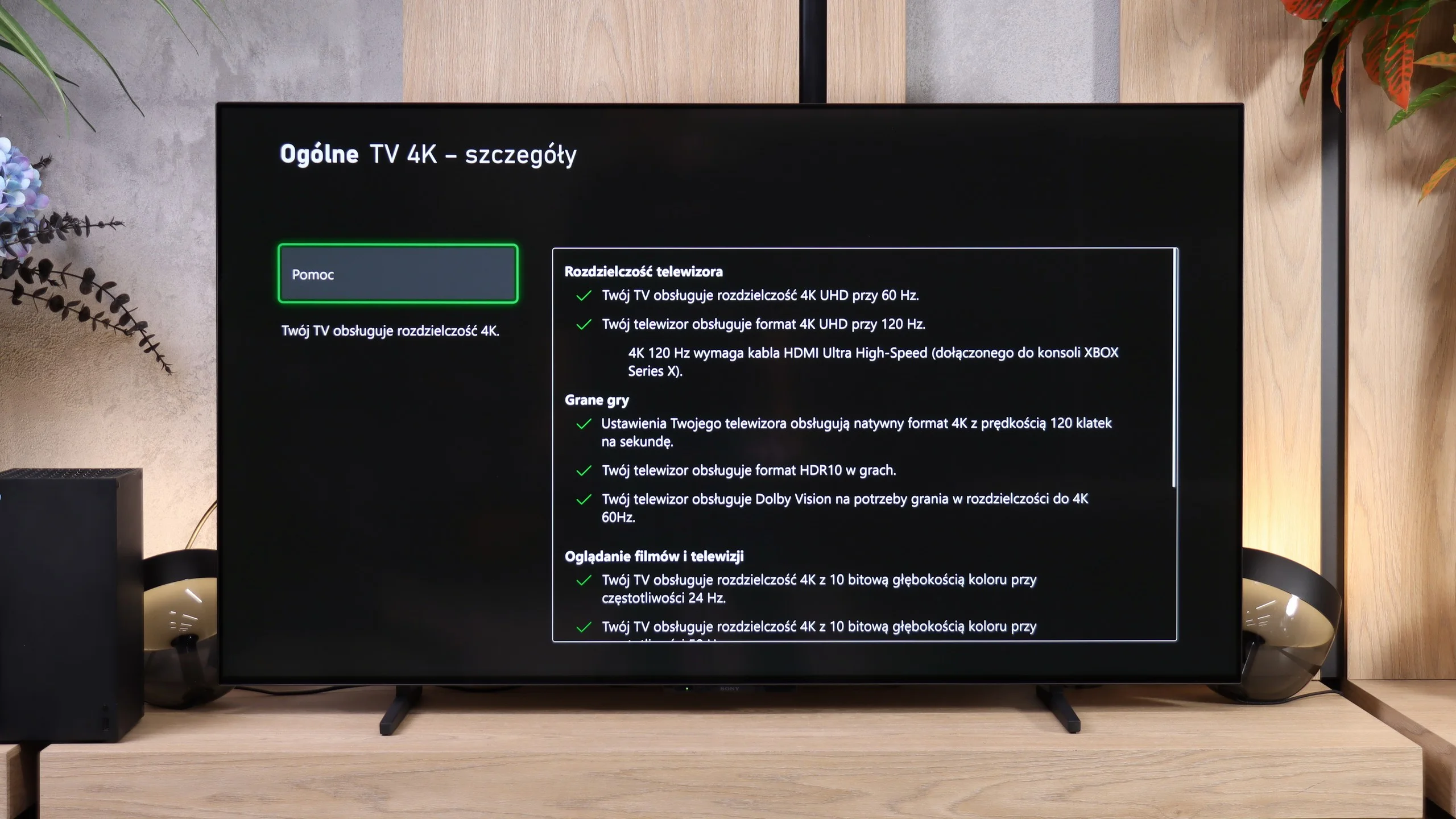
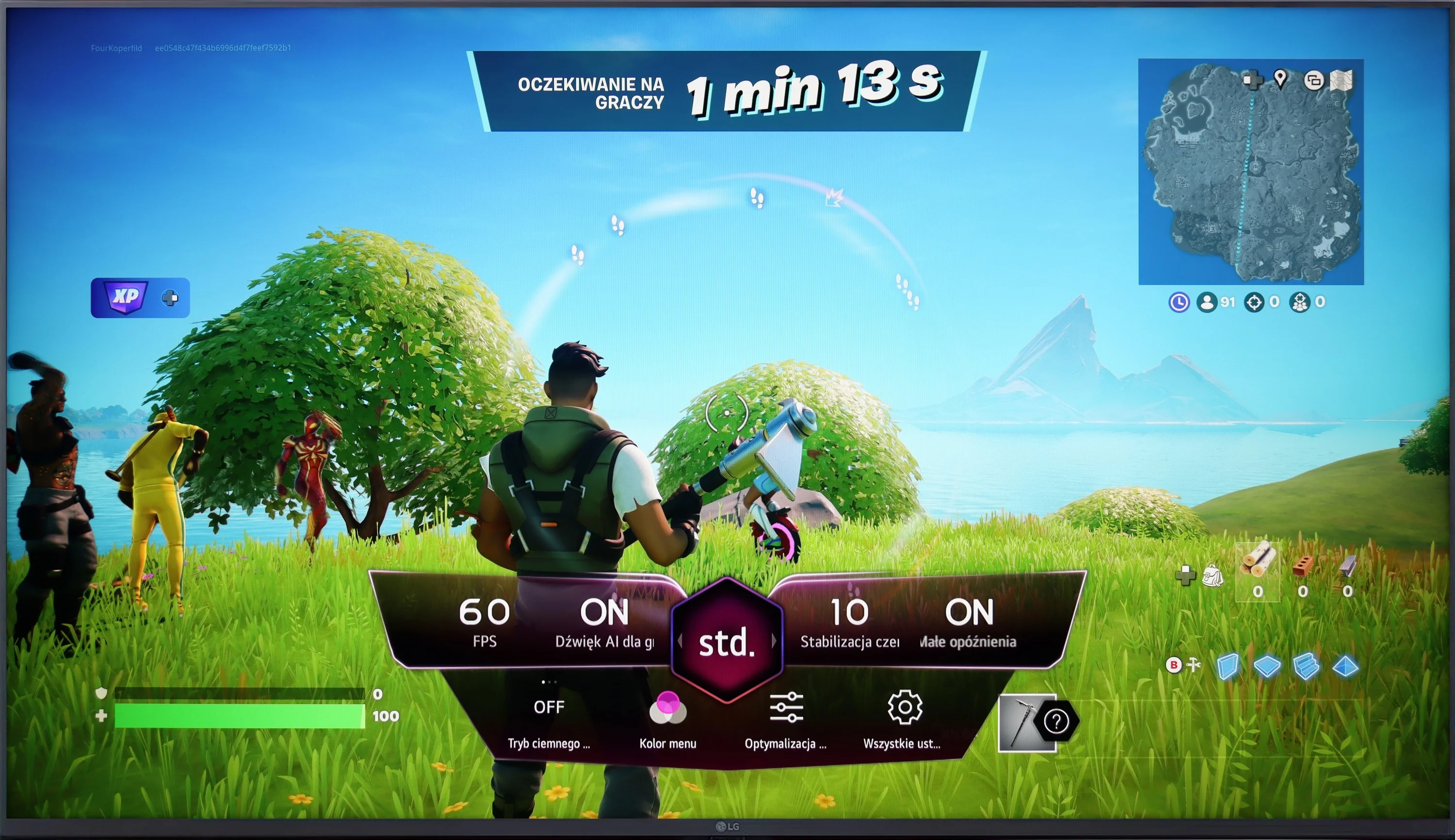
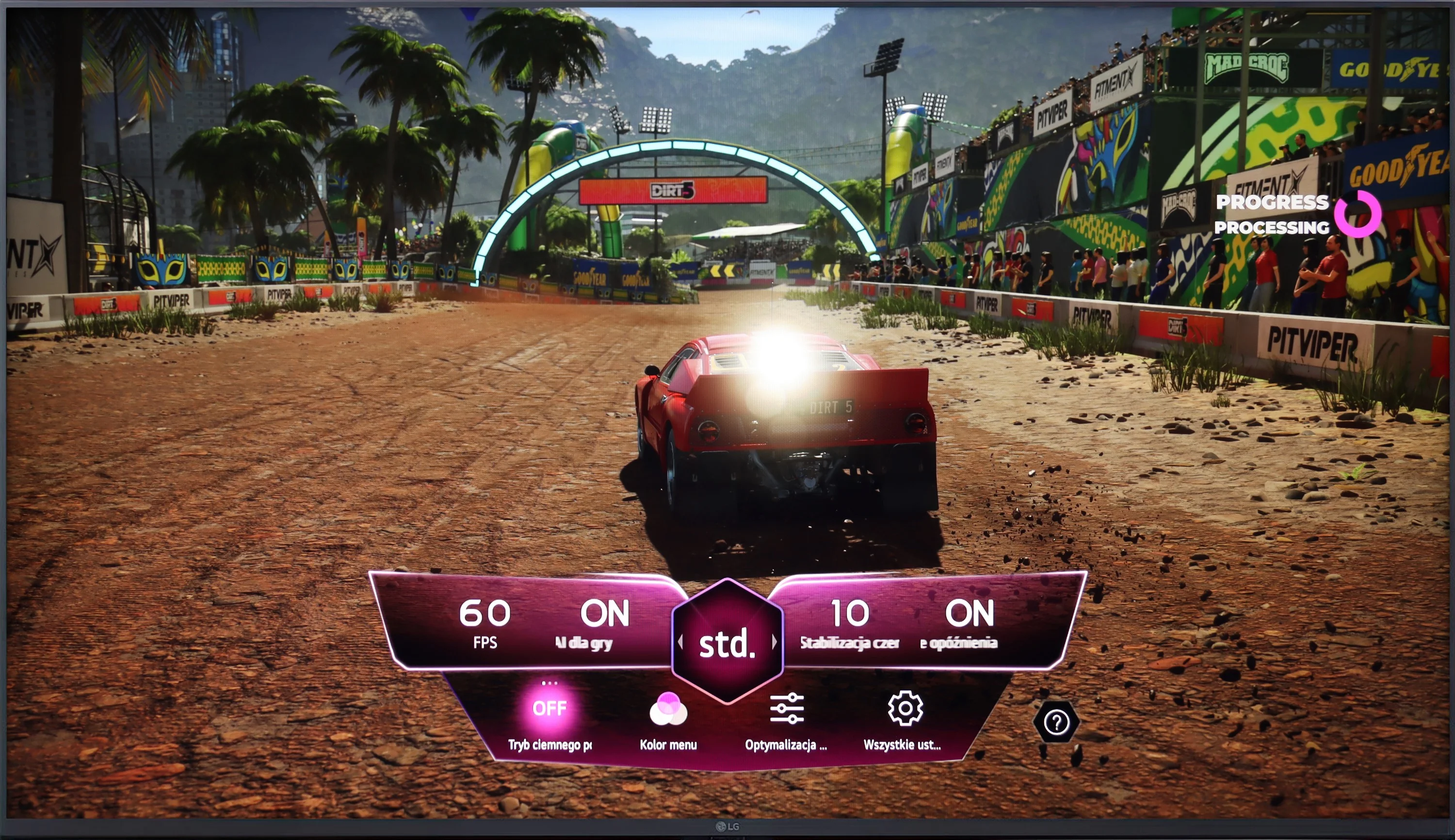
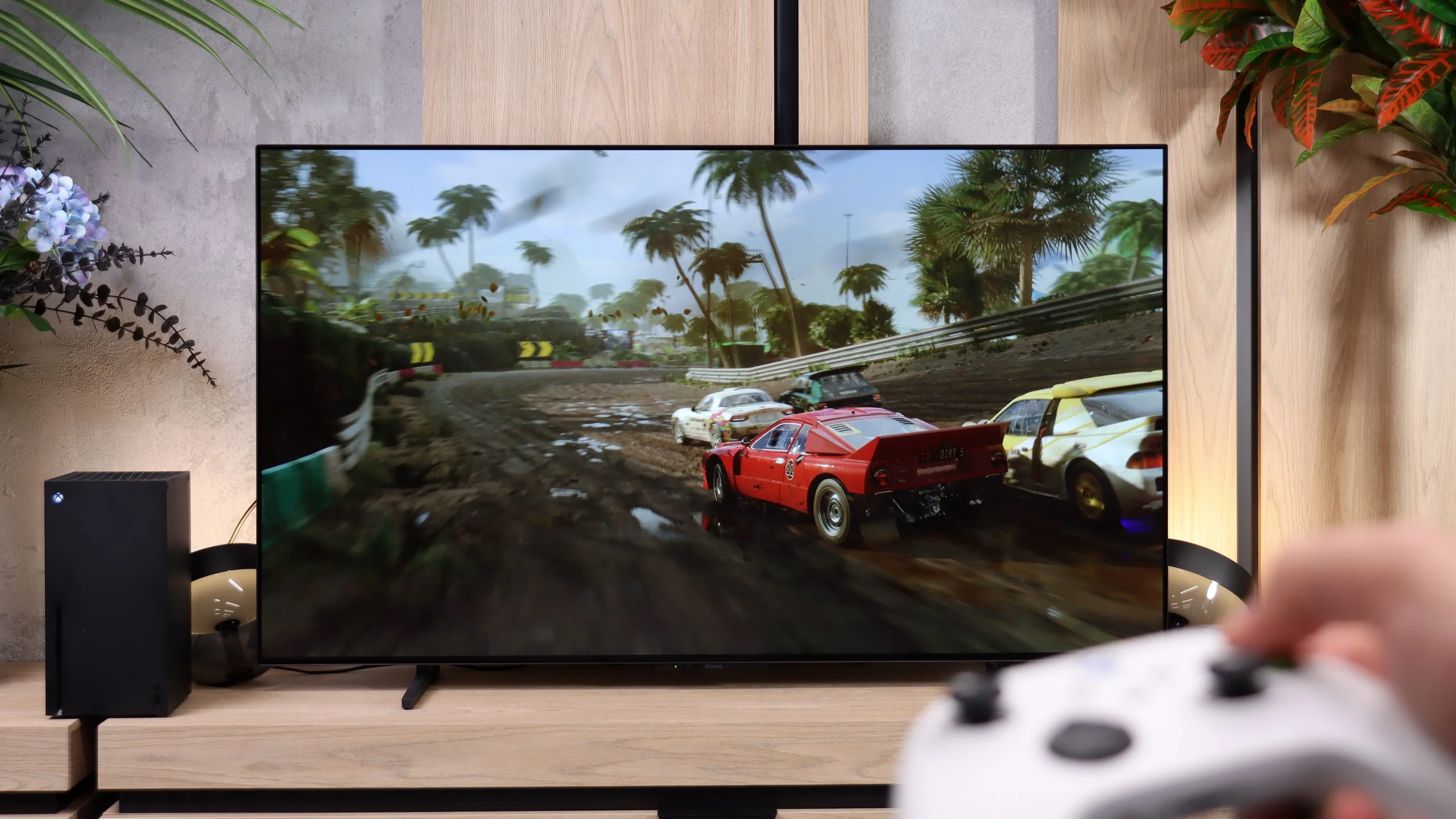
LG UT8100 offers basic features for gamers, such as ALLM and Game Bar, which makes access to settings easier. The television also supports HGiG, which improves image quality in HDR games. Unfortunately, the lack of support for Dolby Vision and VRR limits the capabilities of the device, as does the 60 Hz panel, which excludes support for 120 Hz resolution. This model is more suitable for less demanding gaming applications.
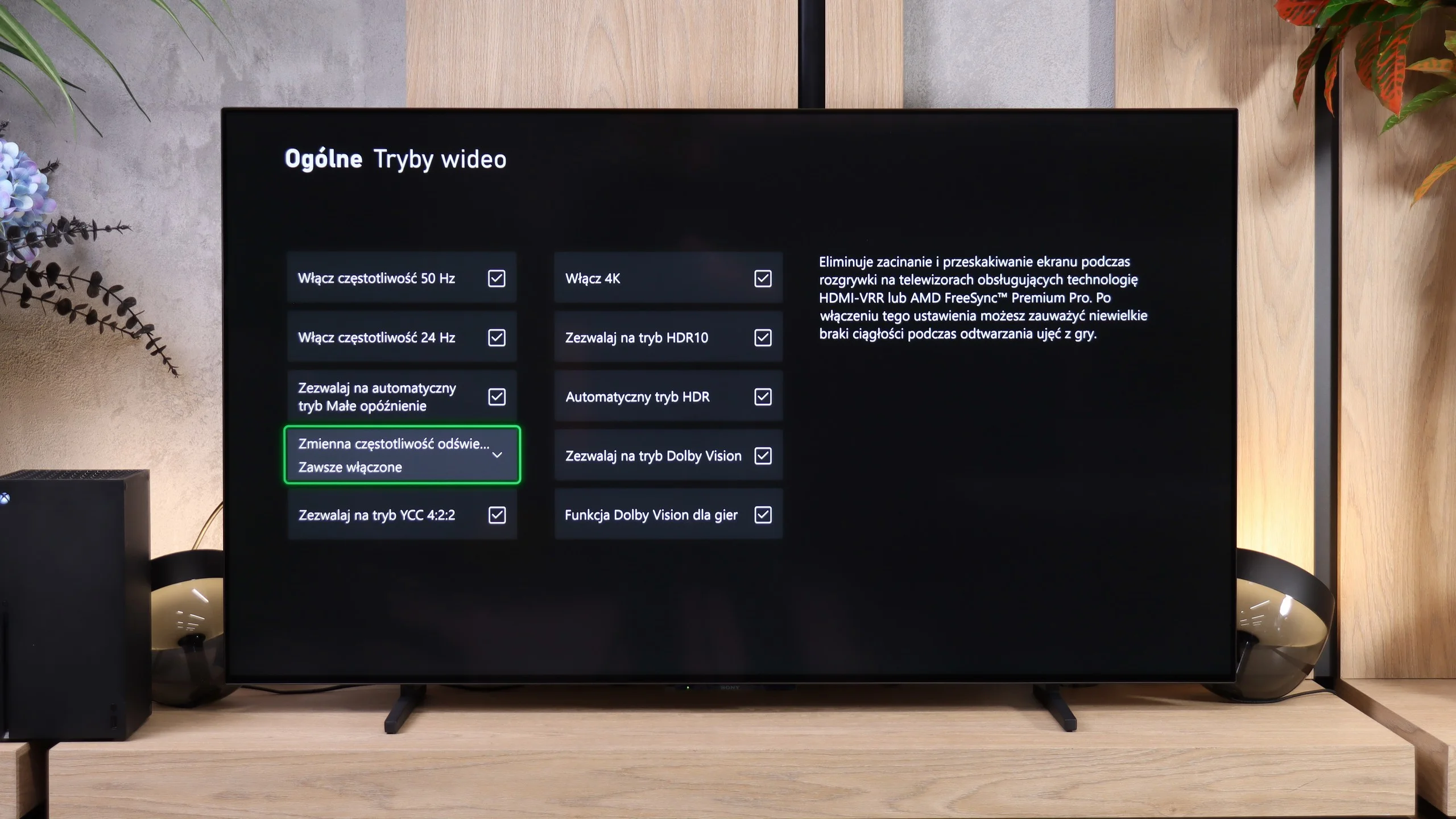
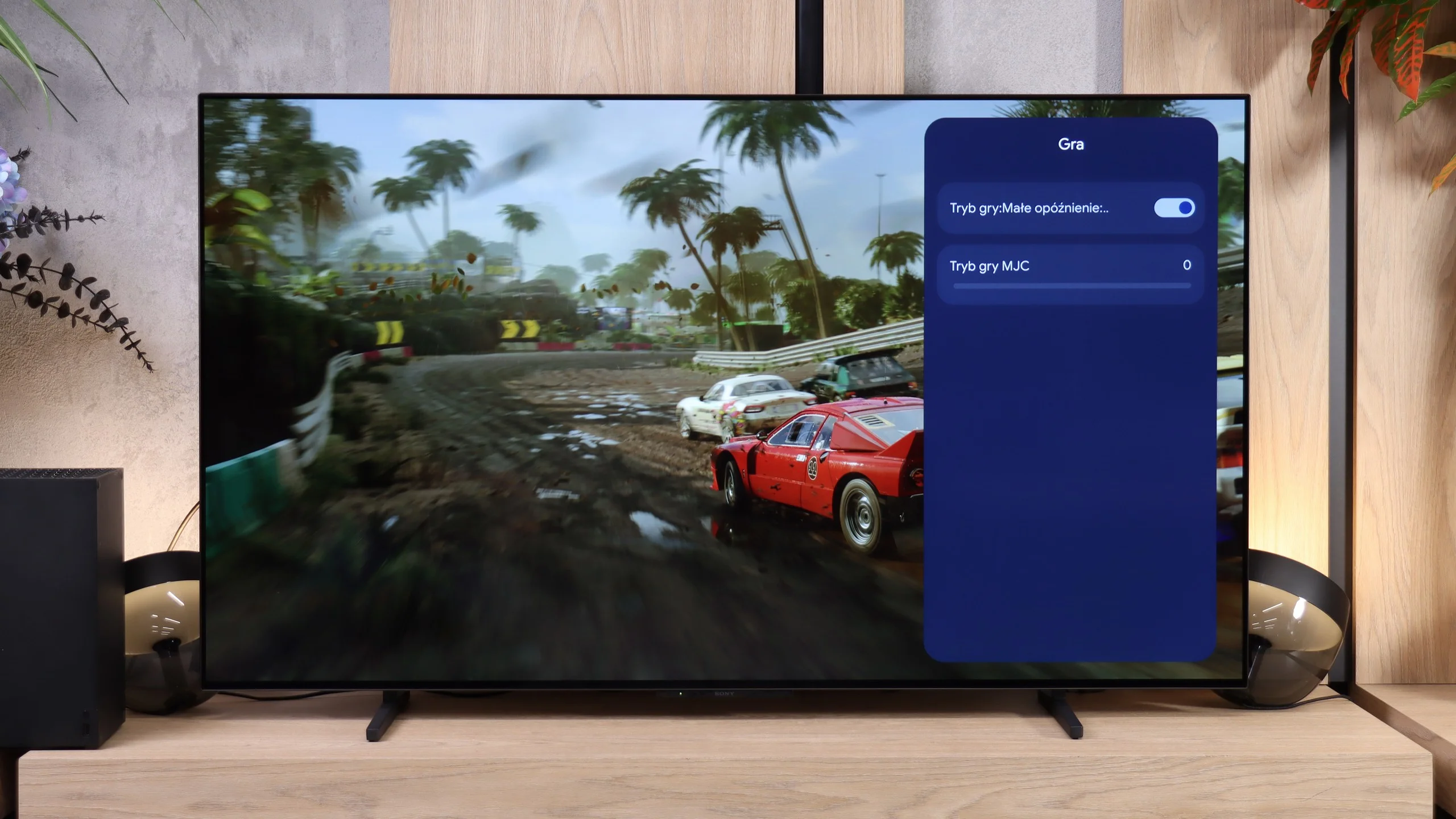
The Sony BRAVII 6 is very good for gaming. Good picture quality, fast OLED panel response and support for 4K at 120 Hz mean the TV also performs well with fast-paced titles. Gamers who expect more than just smooth performance will, however, quickly notice a few unusual omissions and shortcomings.
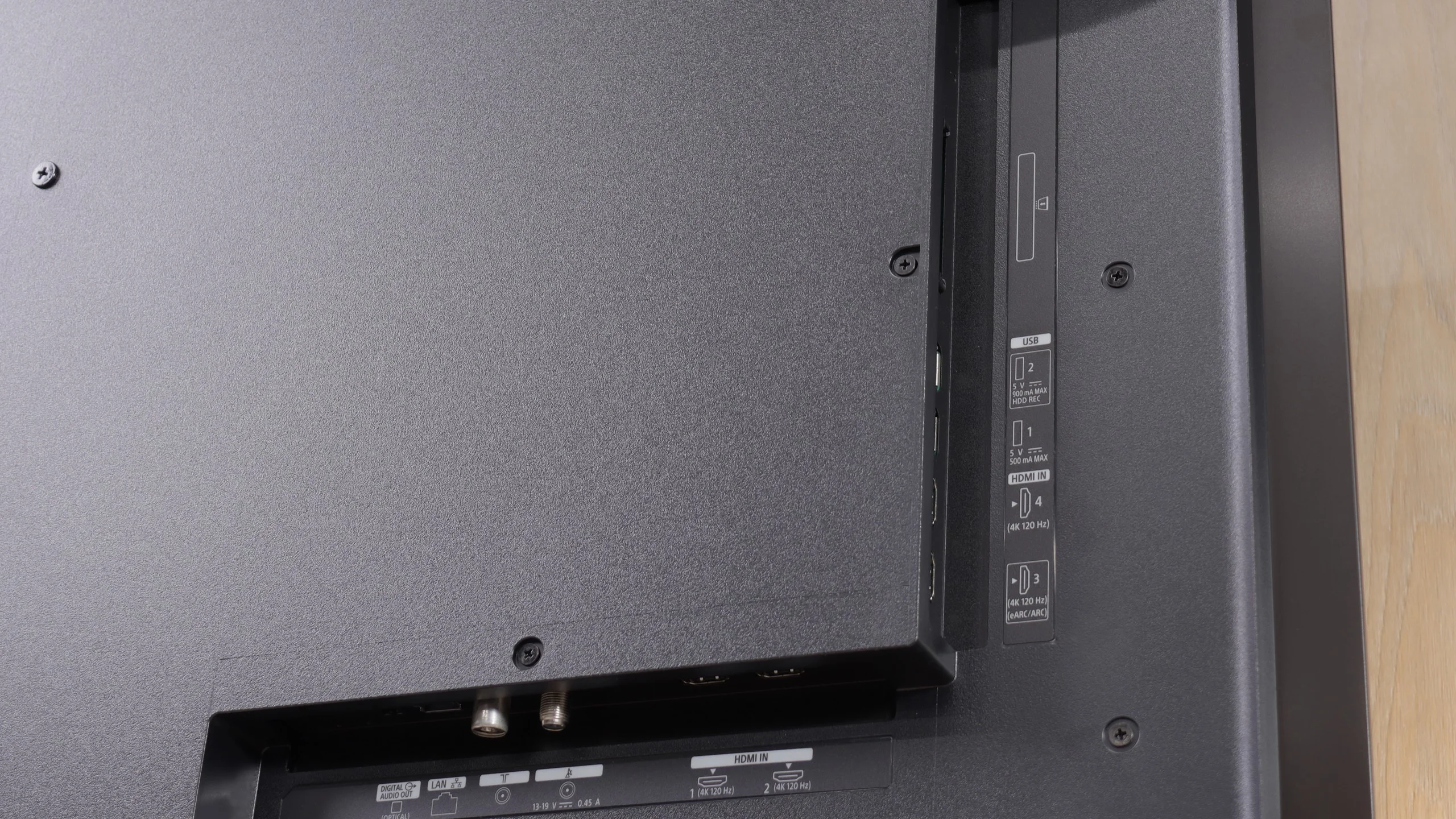
Let’s start with the biggest change compared with other SONY models: the BRAVIA 6 has four full HDMI 2.1 inputs with 48 Gb/s bandwidth, thanks to the new MediaTek Pentonic 800 platform. You can therefore connect several gaming devices and a soundbar without giving up high refresh on any source. Each port supports ALLM, which automatically enables low-latency mode, and VRR in the 48–120 Hz range, which synchronises the screen refresh with the game’s frame rate. Dolby Vision at 120 Hz also works with low input lag.
HDR setup is less convincing. There is no properly working HGiG, and the test checkerboard used during console calibration only disappears at around 1000 nits, even though the panel does not reach that brightness. Relying solely on that pattern can therefore lead to loss of detail in the brightest parts of a game. In the settings that let you specify brightness in nits it’s worth choosing about 700 nits, a value closer to the screen’s capabilities. We also couldn’t find a Game Bar, even though marketing materials suggest a basic version is present. On the unit we tested there was only a modest game settings menu. Added to that is the familiar lack of 1440p support at 120 Hz seen on other Sony sets. When gaming on a console in 4K this won’t be an issue. PC gamers, however, may feel the limitation if they want to use 1440p to get more frames than in 4K while retaining higher detail than Full HD.
Input lag
10/10
10/10
SDR
HDR
Dolby Vision
LG UT8100 achieves an impressively low input lag of 10 ms, which is an excellent result, especially for gamers. As a result, this television provides quick response times and smooth experiences during gameplay, even in fast-paced games.
Latency on the BRAVII 6 is very low. At 60 Hz we measured 13 to 14 ms, and switching to 120 Hz brings it down to just 5 ms. This means the TV responds quickly to controller movements and doesn't interfere with gaming.
Compatibility with PC
6/10
7.6/10
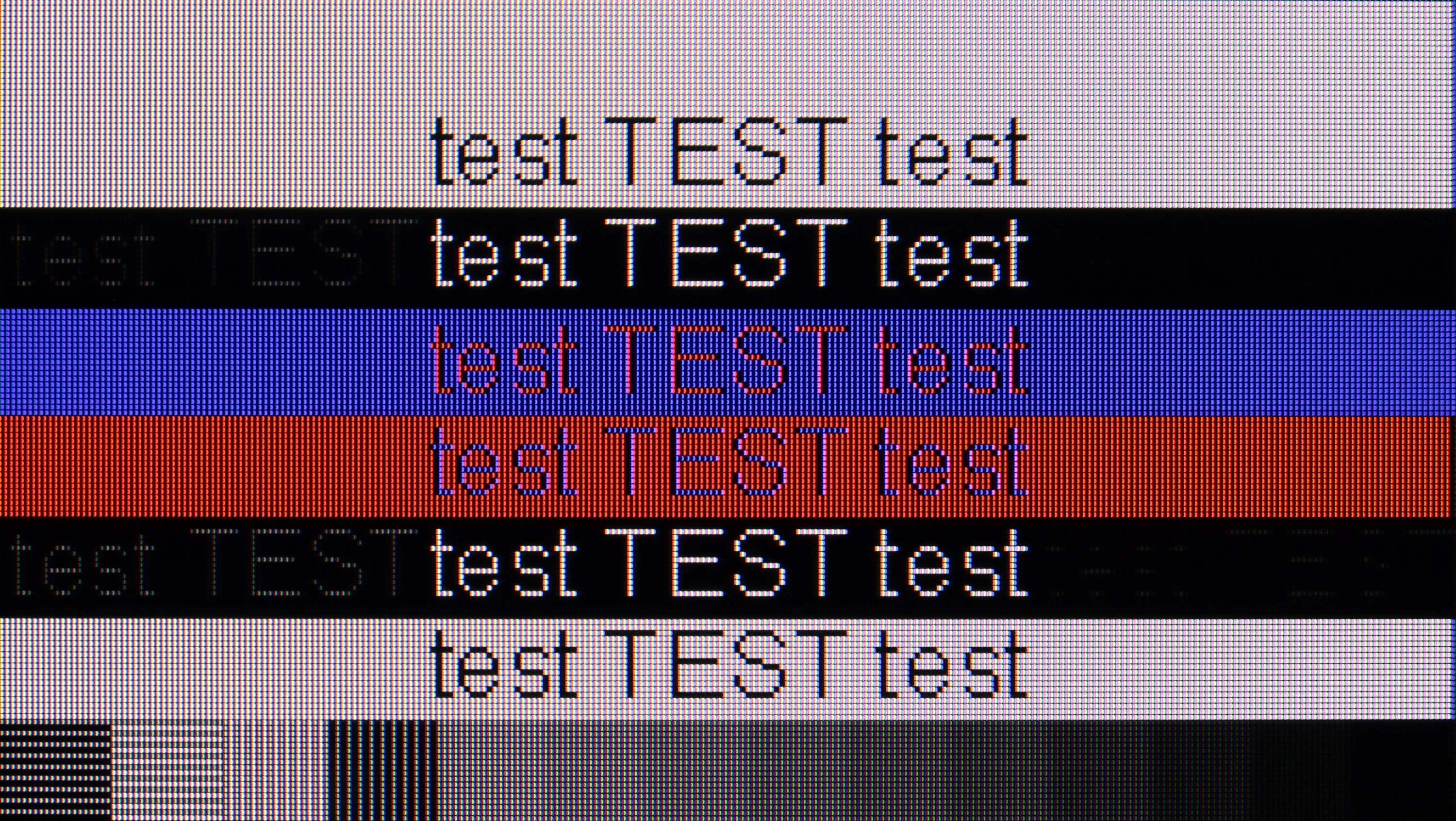
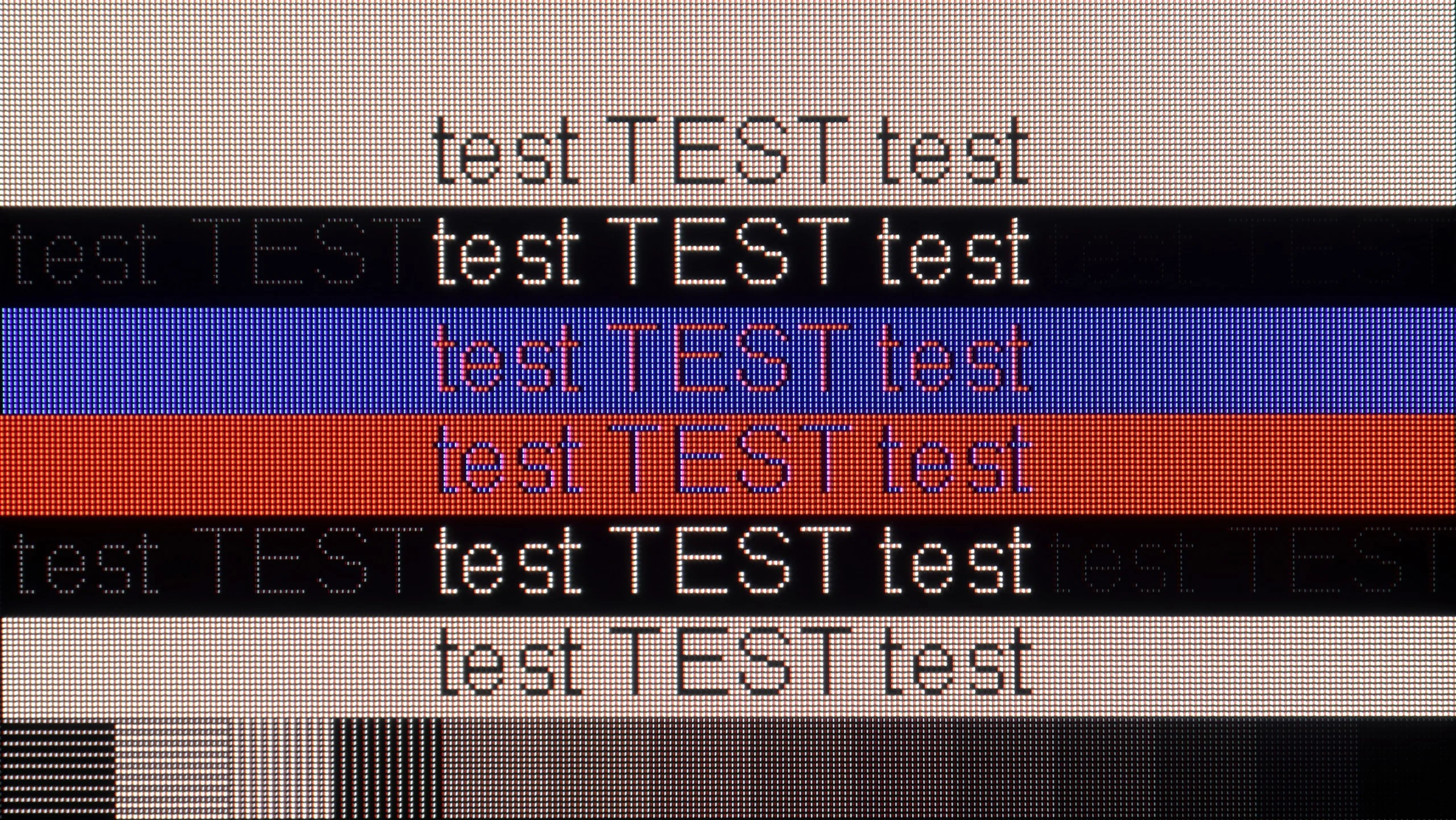
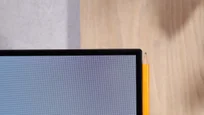
The photo shows the legibility of small fonts. Ideally, lines should be the same thickness on both light and dark text, with minimal pixel gaps.
LG UT8100 will serve well as a work monitor thanks to support for chroma 4:4:4, which ensures very good legibility of text, regardless of the background. In terms of gaming, the television offers a 60 Hz panel and low input lag, making it suitable for less demanding applications. Unfortunately, the lack of support for features such as G-Sync limits its capabilities in more advanced gaming scenarios.
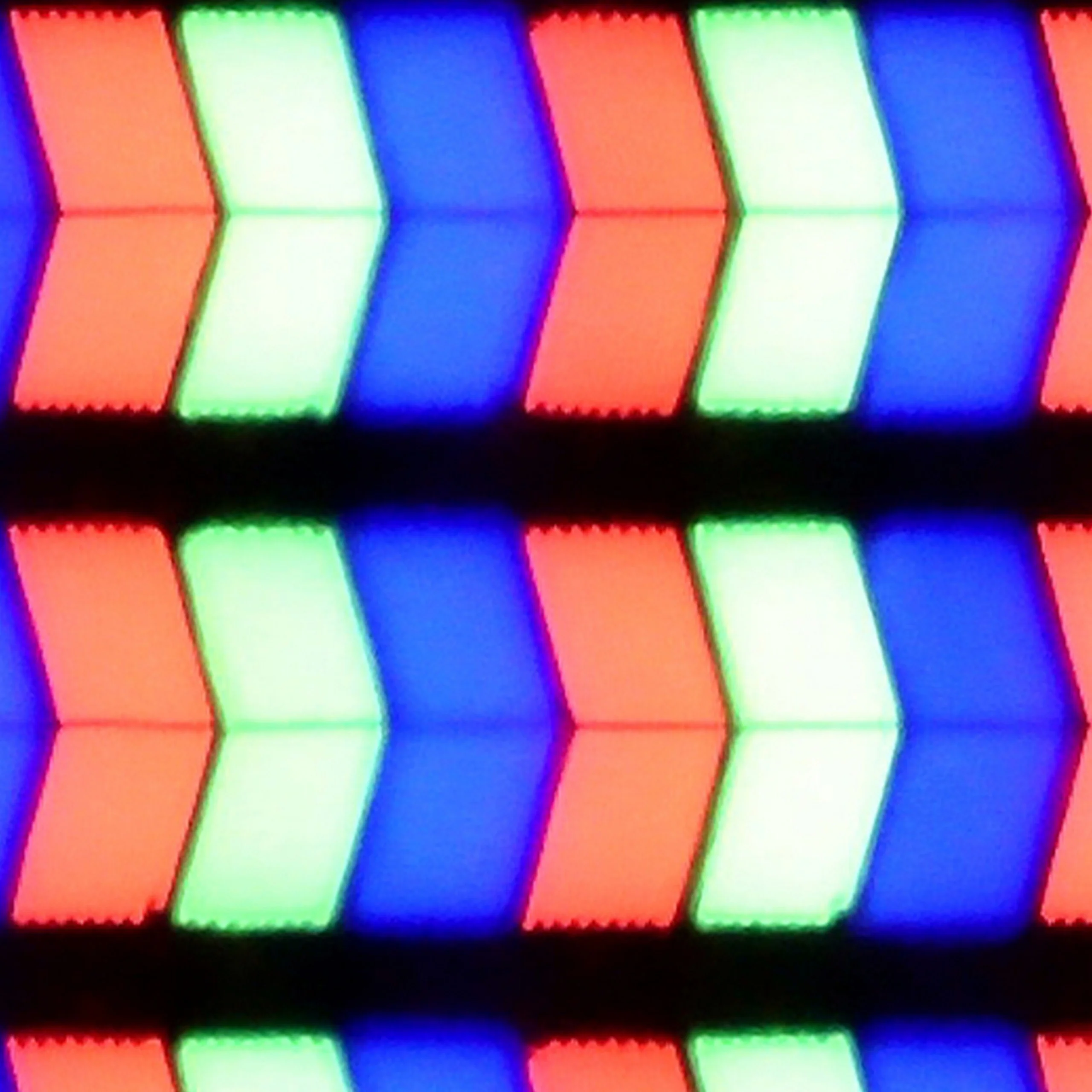
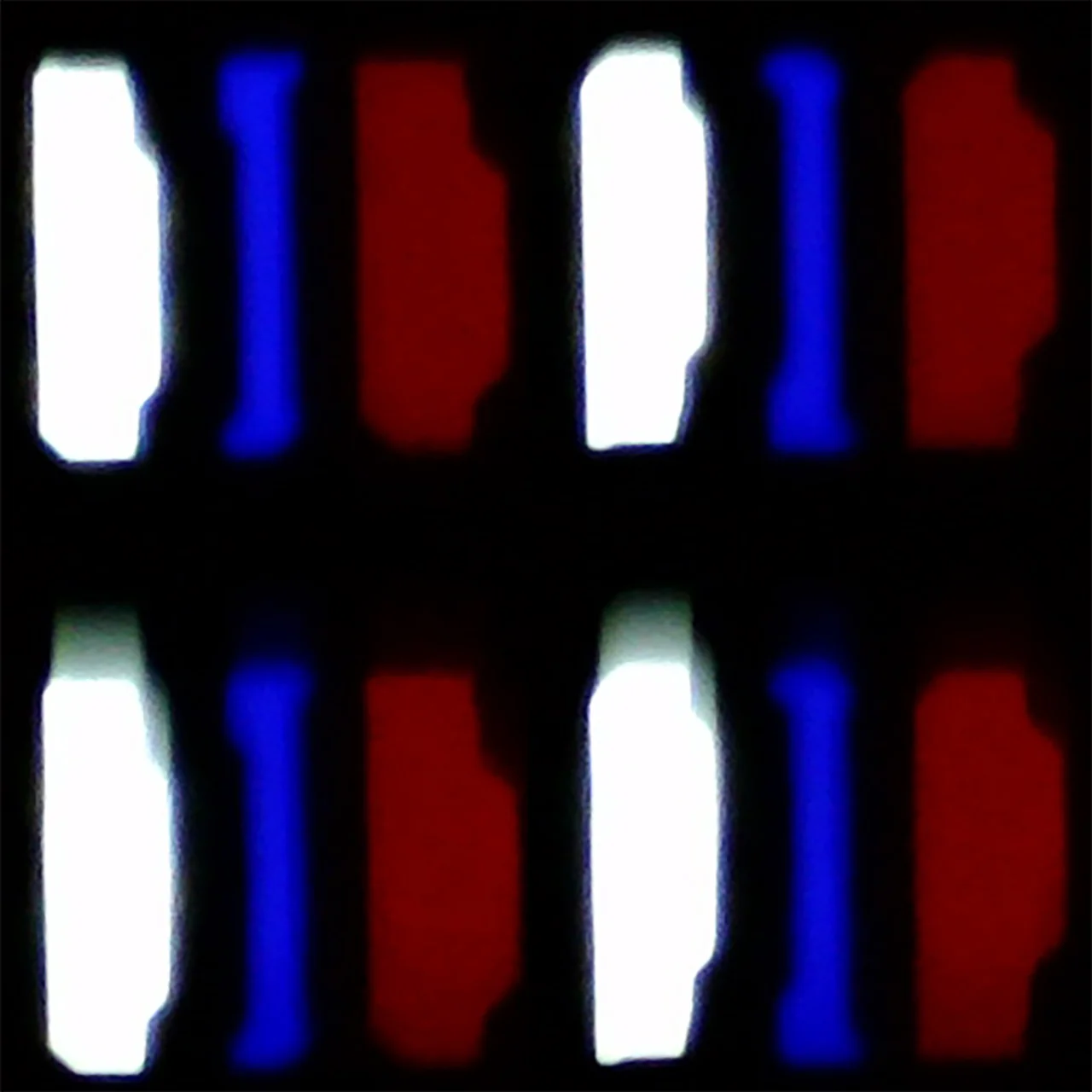
BRAVIA 6 performs well as a large screen for PC gaming. It supports 4K at 120 Hz, works with G-Sync and has an input lag of just 5 ms. Combined with a fast panel response this delivers very enjoyable gameplay with no annoying motion blur. The only thing missing is a higher refresh rate for those who want to use a powerful PC to game at more than 120 frames per second. As we mentioned earlier, you also can't use 1440p at 120 Hz. For text work it's good, though not perfect. The TV correctly handles 4:4:4 chroma even in 4K at the maximum refresh rate, so small letters remain legible and dark text doesn't lose parts of its edges. Up close you can, however, notice faint coloured fringing caused by the RGWB subpixel layout. They shouldn't be a major issue when browsing the web or doing occasional work, but if you plan to read documents for hours from a short distance, fonts won't look as clean as on a typical RGB-layout monitor.
Viewing angles
6.3/10
7.5/10
Thanks to the use of an IPS matrix, LG UT8100 offers quite good viewing angles. The picture remains sharp and doesn't lose too much quality, even when viewed from the side. Colours are well-preserved, and brightness and contrast decrease in a noticeable but moderate degree. This is particularly important in rooms where viewers sit at different angles to the screen. In this category, the television performs solidly, standing out compared to models with VA matrices.
The BRAVIA 6 can also be comfortably watched from the side. Blacks remain deep, and colours do not lose saturation as quickly as on LCD TVs with VA panels. At a 45-degree angle we measured a 31% drop in brightness, so the picture is a little darker than head-on but still looks good. With a wide sofa or when watching with a larger group you don't need to fight for a seat opposite the screen. 😉 In that respect, only QD-OLED screens are better.
Daytime performance
4.6/10
4.6/10
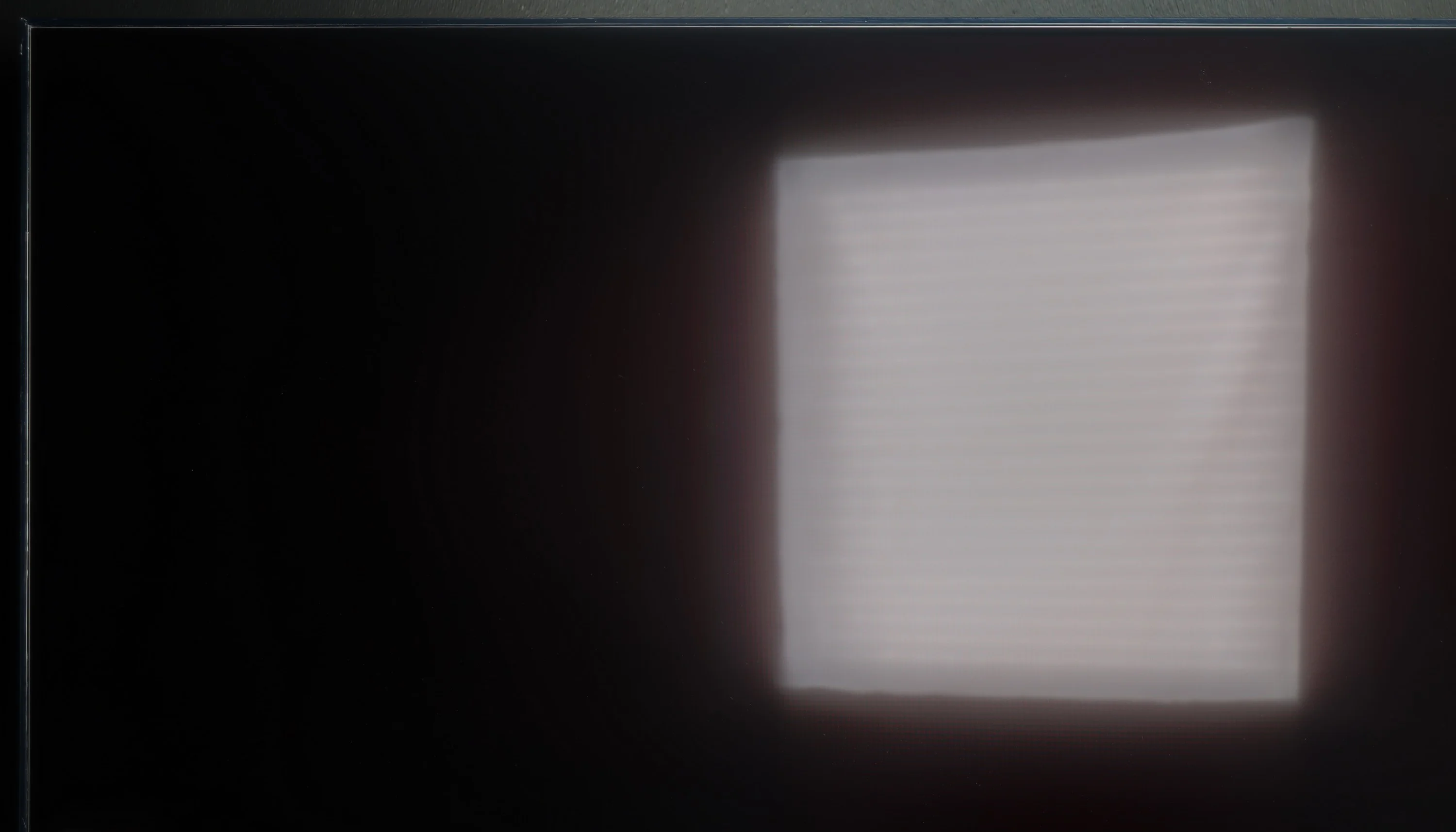
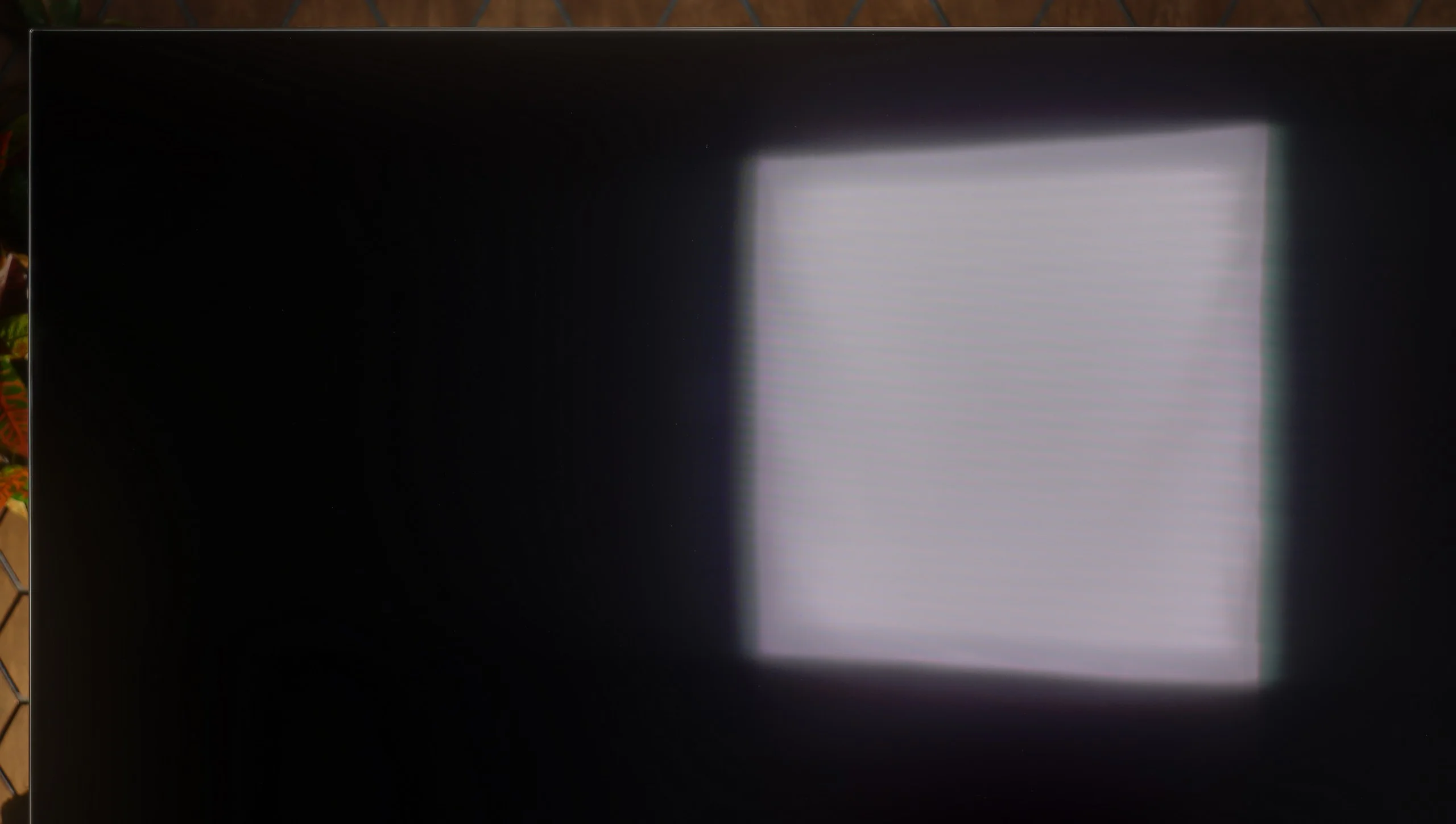
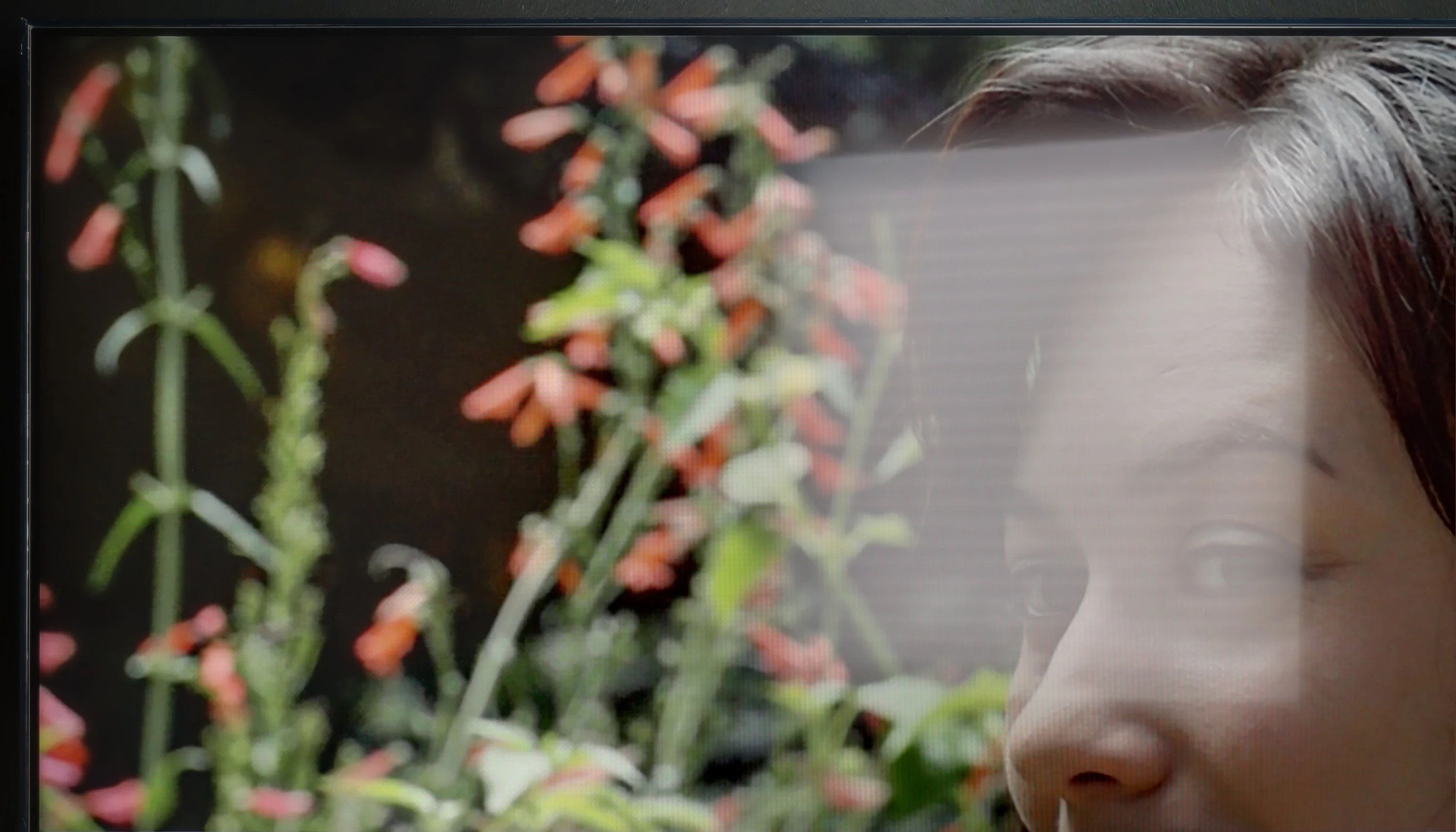
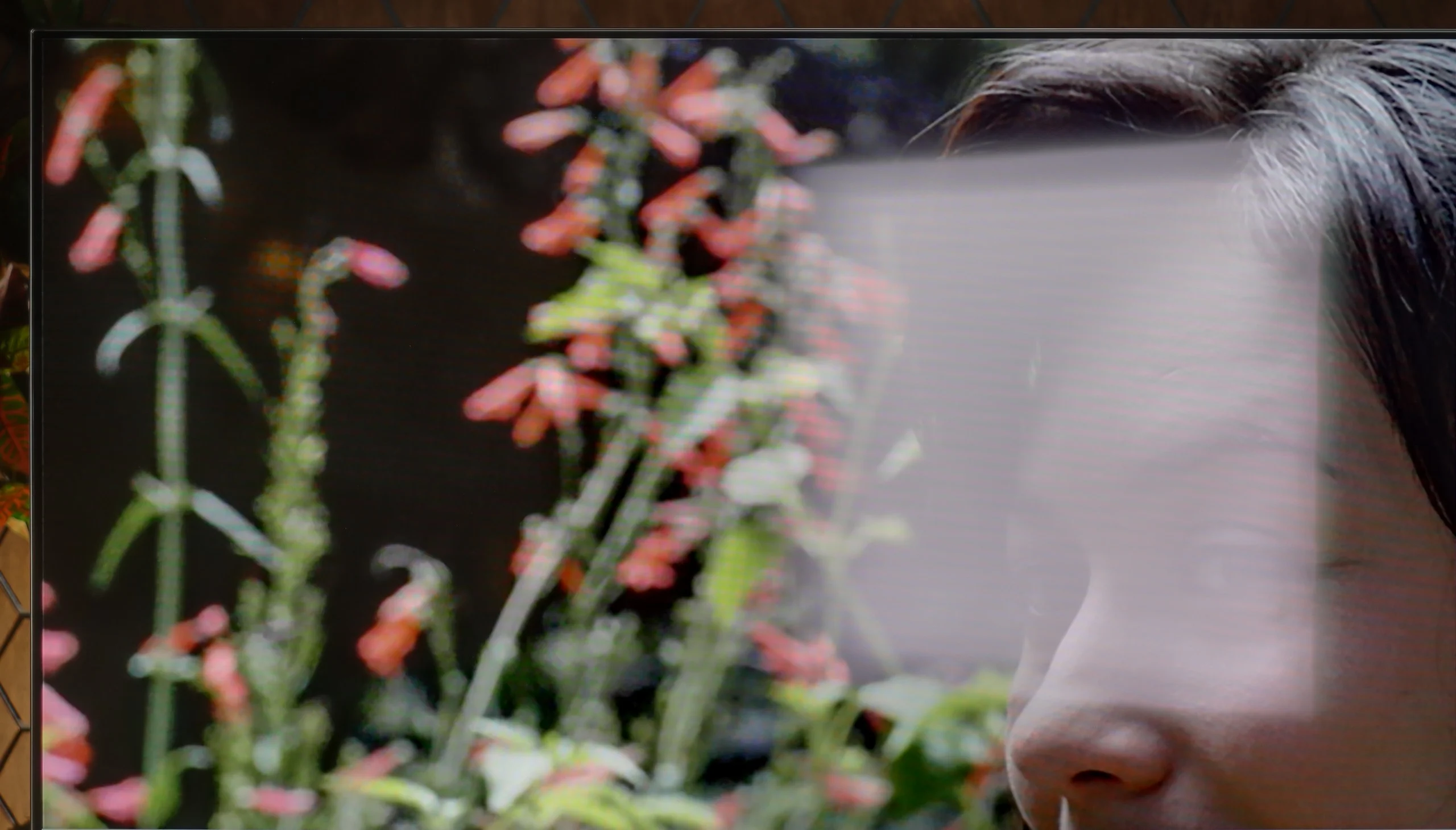
Panel brightness
Sony BRAVIA 6 (A65): 266 cd/m2
LG UT8100 (IPS): 345 cd/m2
LG UT8100 has been equipped with a satin coating on the panel, which performs moderately well in reducing reflections. A brightness level of 350 cd/m² is sufficient in moderate lighting conditions, such as a typical living room. However, in very bright rooms, the television may struggle to maintain image readability, particularly on sunny days. It will perform best in settings where the lighting can be partially controlled.
Watching it in a bright room is one of the BRAVIA 6's biggest weaknesses. The average brightness in SDR is only 266 nits, and with a lot of white on-screen it drops even lower. In a sunlit living room the image simply lacks the punch to cut through the ambient light. With darker films you may find that comfortable viewing is difficult unless you close the curtains.
The OLED SE panel used doesn't help either, as it lacks a conventional polariser. Its satin finish only moderately suppresses direct reflections, so a window or lamp opposite the television remains clearly visible even while an image is displayed. The blacks themselves perform very well in a lit room, but the combination of poor reflection control and low brightness severely limits its suitability for bright-room viewing. The BRAVIA 6 therefore works best in a room where you can control the amount of light, or simply for evening viewing.
Panel details
Subpixel Structure:
Panel uniformity and thermal imaging:


LG UT8100 (IPS)
Sony BRAVIA 6 (A65)
TV features
7.7/10
6.6/10
- SystemWebOSGoogle TV
- System performanceDecentAverage
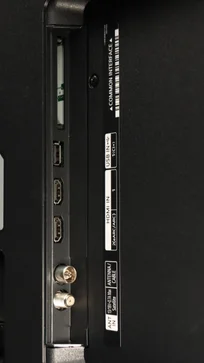
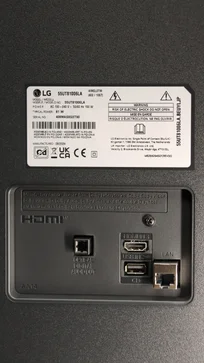
- HDMI inputs3 x HDMI 2.0, 0 x HDMI 2.10 x HDMI 2.0, 4 x HDMI 2.1 48Gbps
- OutputsToslink (Optical audio), eARC (HDMI), ARC (HDMI)Toslink (Optical audio), eARC (HDMI), ARC (HDMI)
- Network InterfacesWi-Fi 2.4GHz, Wi-Fi 5GHz, Ethernet (LAN) 100MbpsWi-Fi 2.4GHz, Wi-Fi 5GHz, Ethernet (LAN) 100Mbps
- TV receptionDVB-T, DVB-T2, DVB-S, DVB-S2, DVB-CDVB-T, DVB-T2, DVB-S, DVB-S2, DVB-C
Classic features:
- Recording to USB (terrestrial TV)
- Recording programming
- Picture in Picture (PiP)
- RF remote control (no need to aim)
- Backlit remote control
- Teletext
- Audio only mode
- Bluetooth headphones support
- Simultaneous Bluetooth headphones & TV audio
Smart features:
- AirPlay
- Screen mirroring (Windows Miracast)
- Voice search
- Voice search in native language
- Ability to connect a keyboard and mouse
Sound connection options
- HDMI audioeARC (HDMI), ARC (HDMI)eARC (HDMI), ARC (HDMI)
- Other audio outputsToslink (Optical audio)Toslink (Optical audio)
- Wireless audioBluetoothBluetooth
Supported audio formats (external HDMI eARC audio):
- Dolby Digital Plus 7.1
- Dolby True HD 7.1
- Dolby Atmos in Dolby Digital Plus (JOC)
- Dolby Atmos in Dolby True HD
- DTS:X in DTS-HD MA
- DTS-HD Master Audio
Senior accessibility
- Numeric keyboard on TV
- Font size adjustment
- Audio description
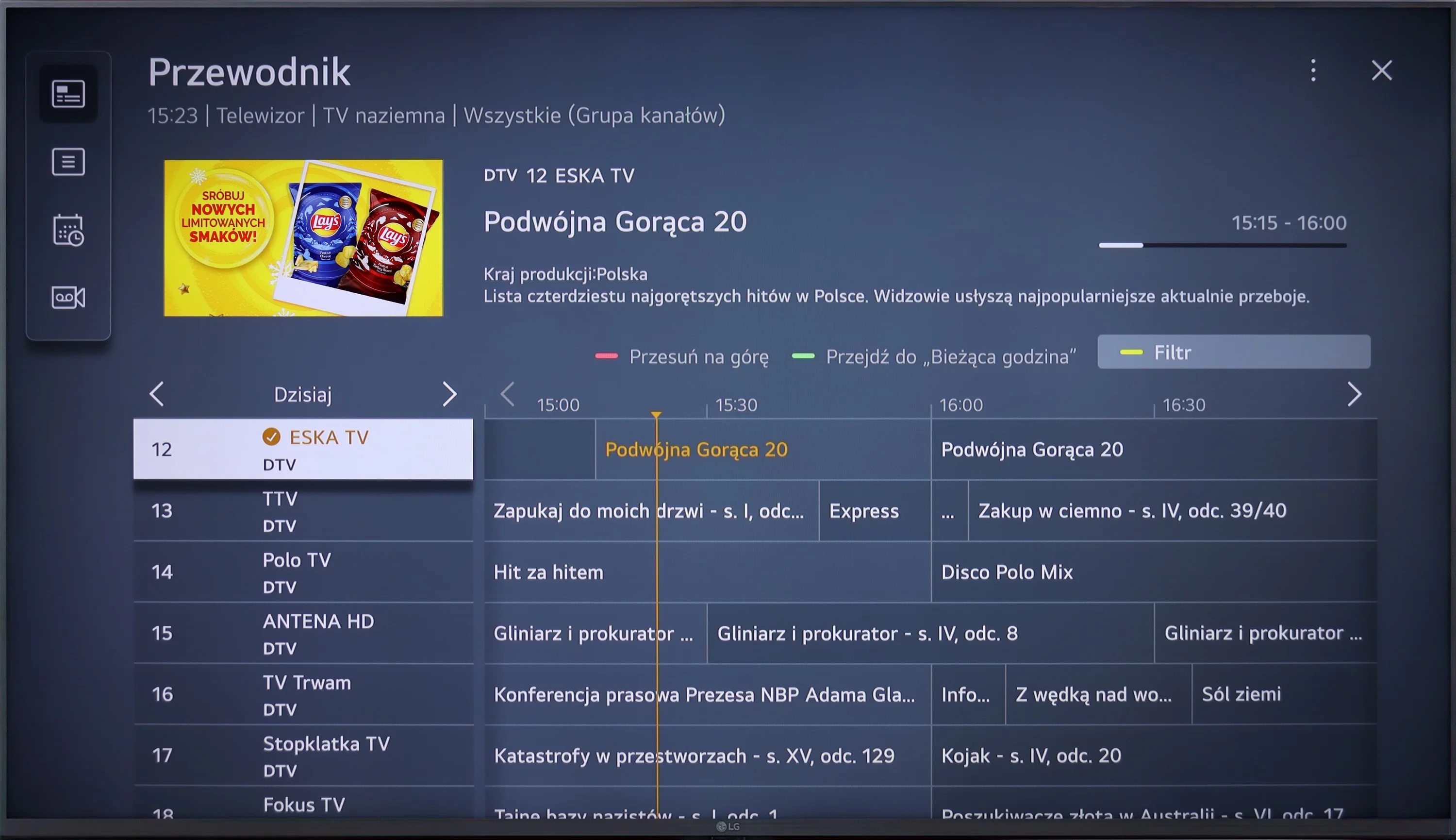
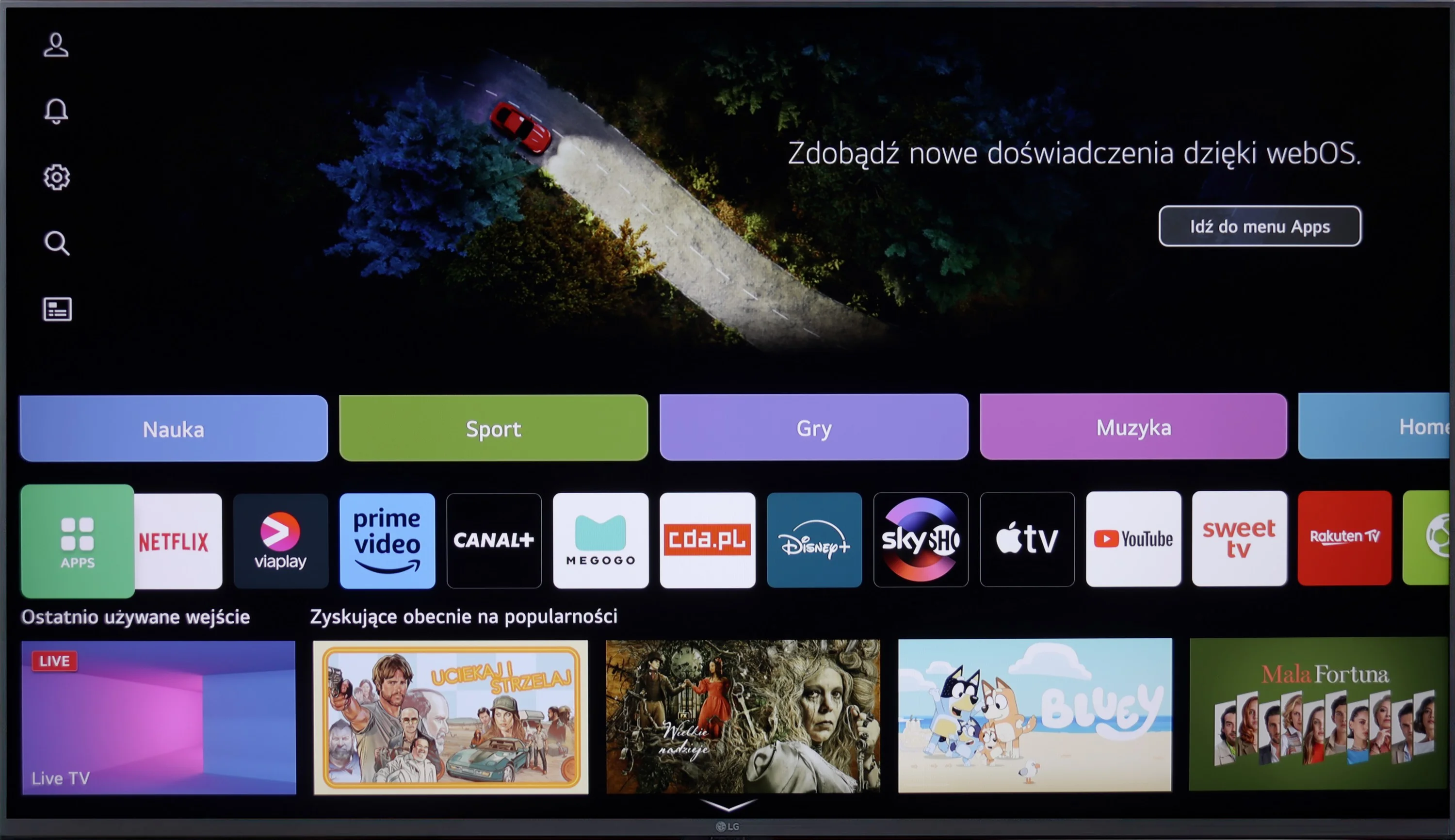
LG UT8100 operates on the WebOS system, which stands out for its intuitiveness and richness of features. The Magic Remote, with support for voice commands in Polish, further facilitates navigation. The television offers access to virtually all popular applications, such as Netflix, YouTube, Disney+, and Amazon Prime Video, making it an excellent multimedia centre.
In terms of user functions, the television meets most expectations. Here we find all the necessary TV tuners and the ability to record to USB, allowing for the saving of favourite programmes. It is easy to connect a keyboard, headphones or other devices via Bluetooth. Unfortunately, the lack of PiP (picture in picture) functionality may be a slight disappointment, although at this price, it is not a surprise.
Everyday use of LG UT8100 is pure pleasure – the simplicity of operation and versatility of features make it work excellently both as a home television and as a multimedia device.
Google TV
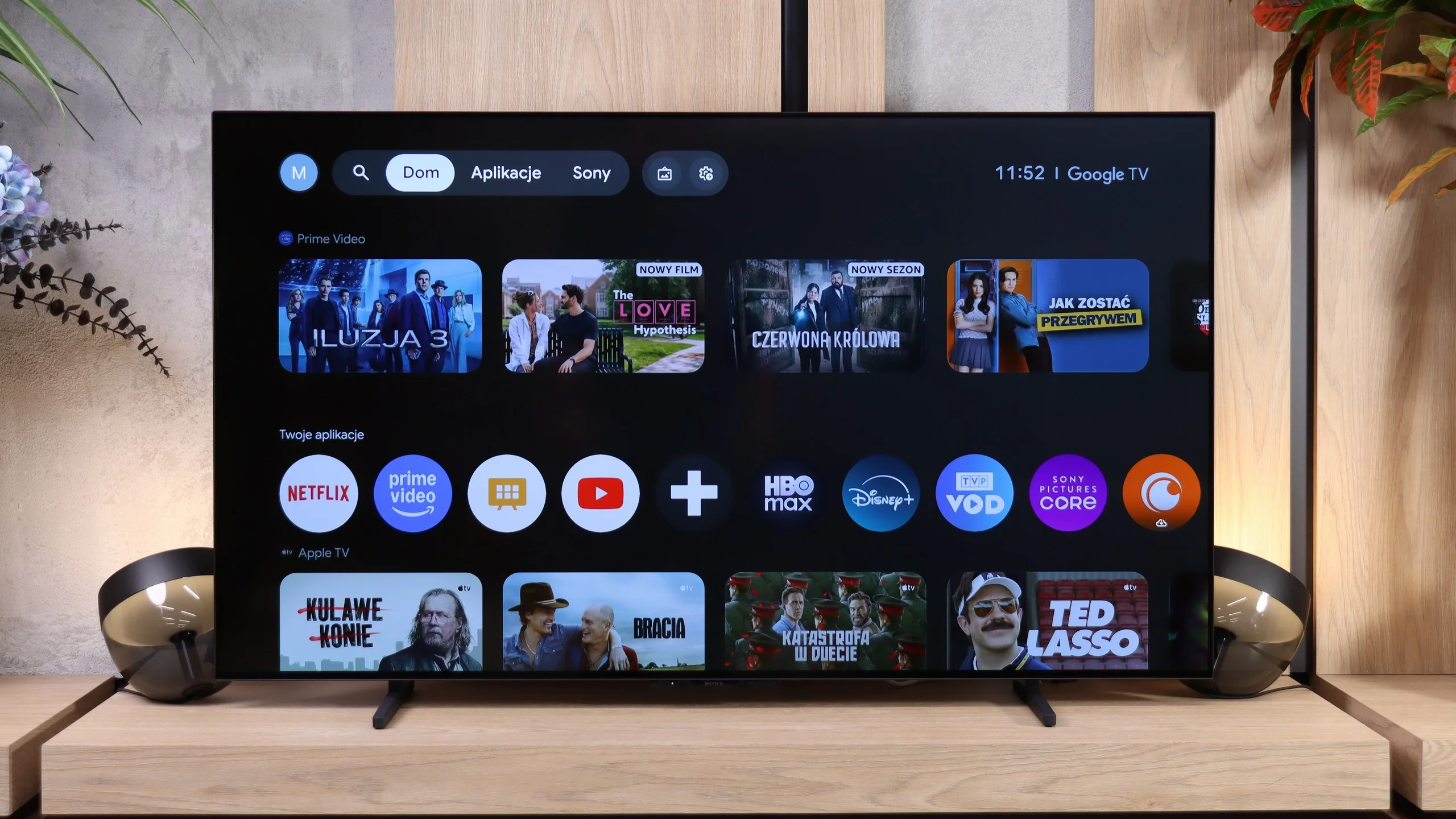
BRAVIA 6 is currently the cheapest OLED with Google TV. That's a big plus, as there are plenty of apps and the system lets you install extra apps and search for content by voice in Polish. The only omission is AirPlay, which may bother iPhone users.
Unfortunately, during our tests the system caused quite a few problems. Navigating the menu itself was fast, but we encountered translation errors and frequent freezing. Some settings did not save the first time. We had to change them several times, and sometimes only cutting the power helped. To play videos and photos from a USB stick, we had to unplug the TV from the mains four times. The tested software simply looked unfinished. In this class of device that is hard to accept...
Remote and conventional features
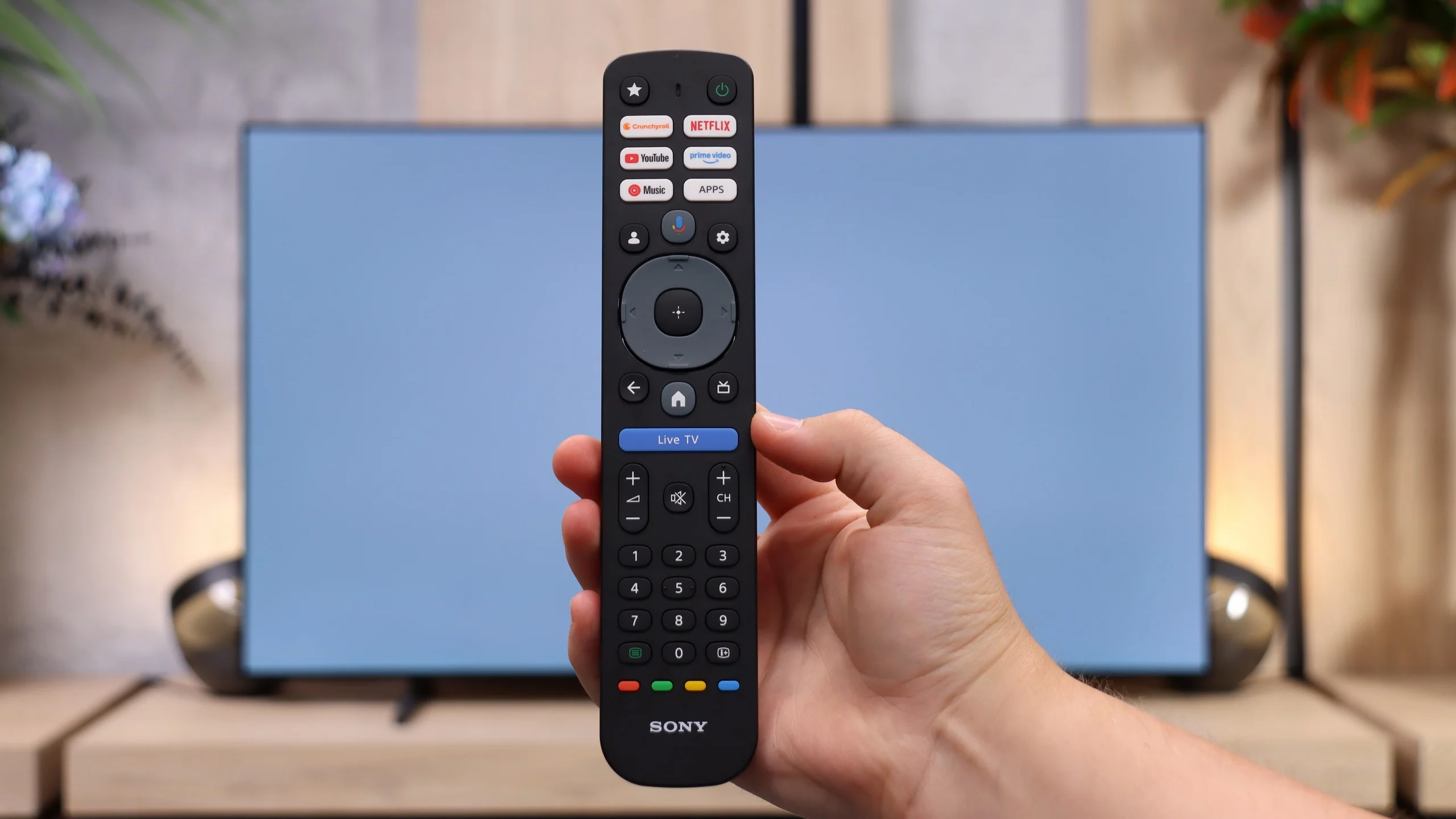
The set includes a brand-new remote with a large number of buttons and a full numeric keypad. This is a convenient solution for people who watch regular television, especially older users. The star button is programmable. The remote does not need to be pointed at the screen, but it lacks backlighting. Its build quality is fairly average, and the rubber buttons do not feel particularly robust.
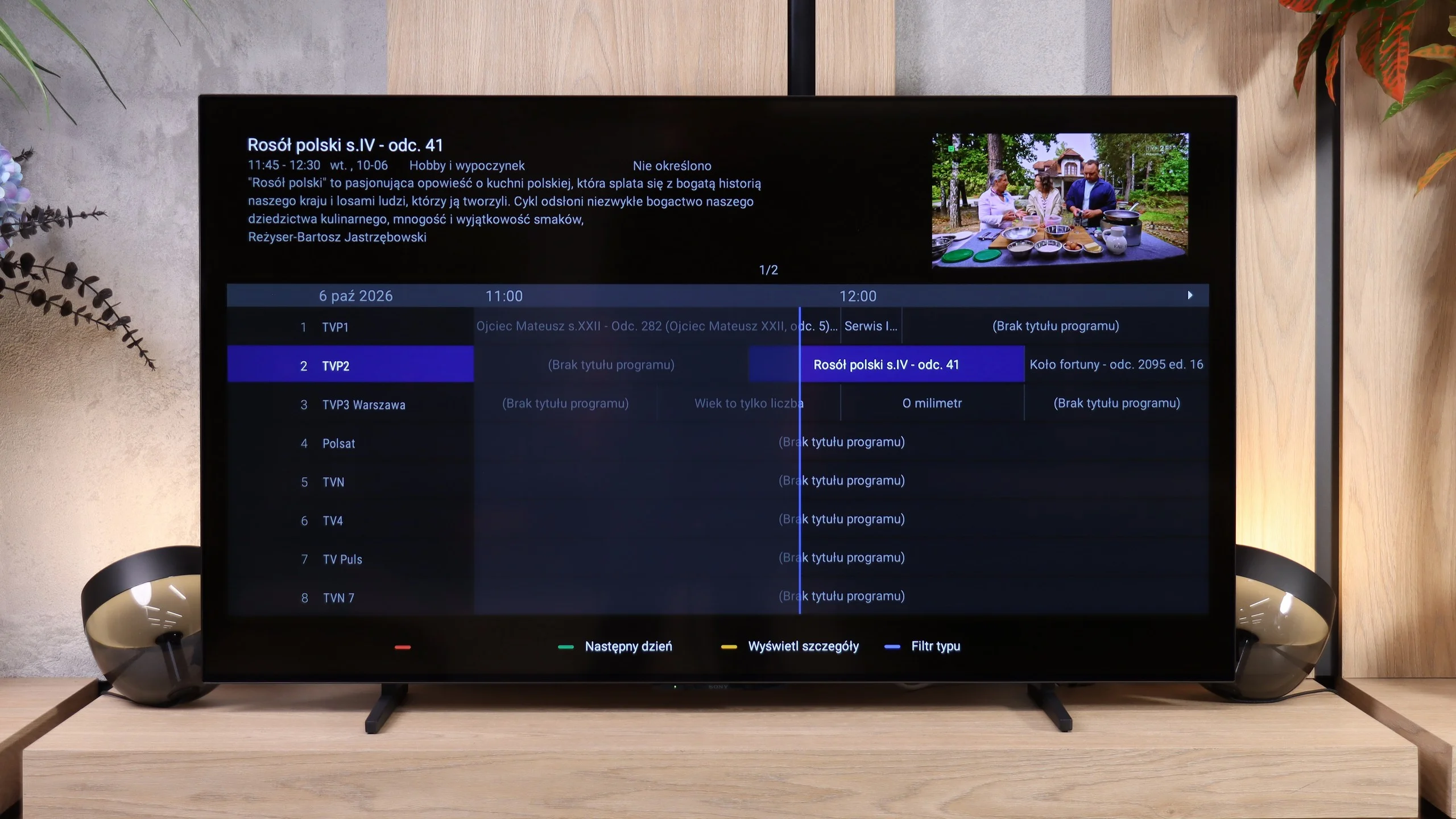
The TV features are basic. There is a clear programme guide (EPG) and teletext, but no USB recording or picture-in-picture. You can, however, use Bluetooth headphones and the TV's speakers at the same time. So the feature set is acceptable, but system problems significantly disrupt everyday use.
Apps
9.1/10
9.6/10






















Playing files from USB
8.2/10
9.5/10
Supported photo formats:
Maximum photo resolution:
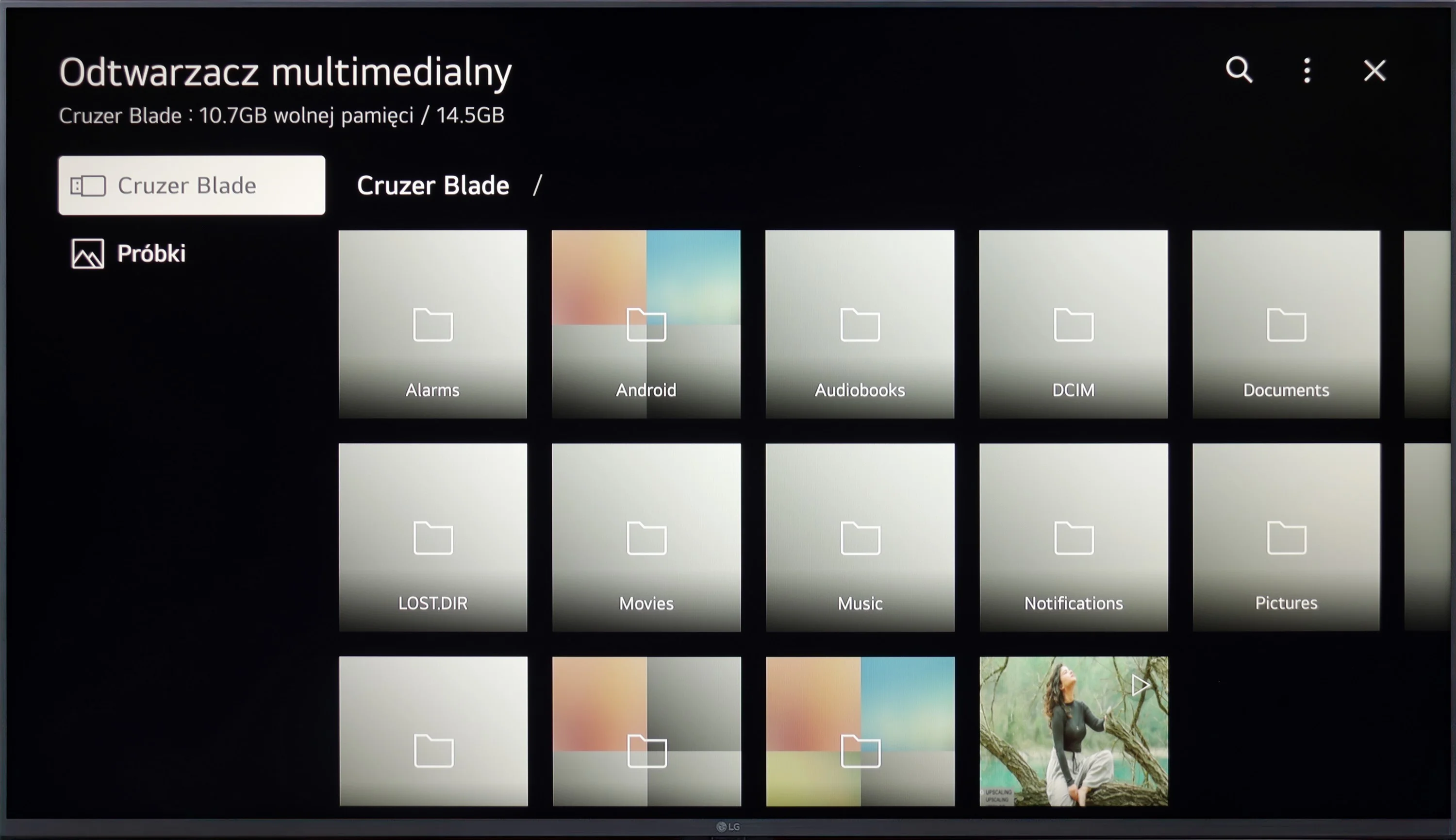
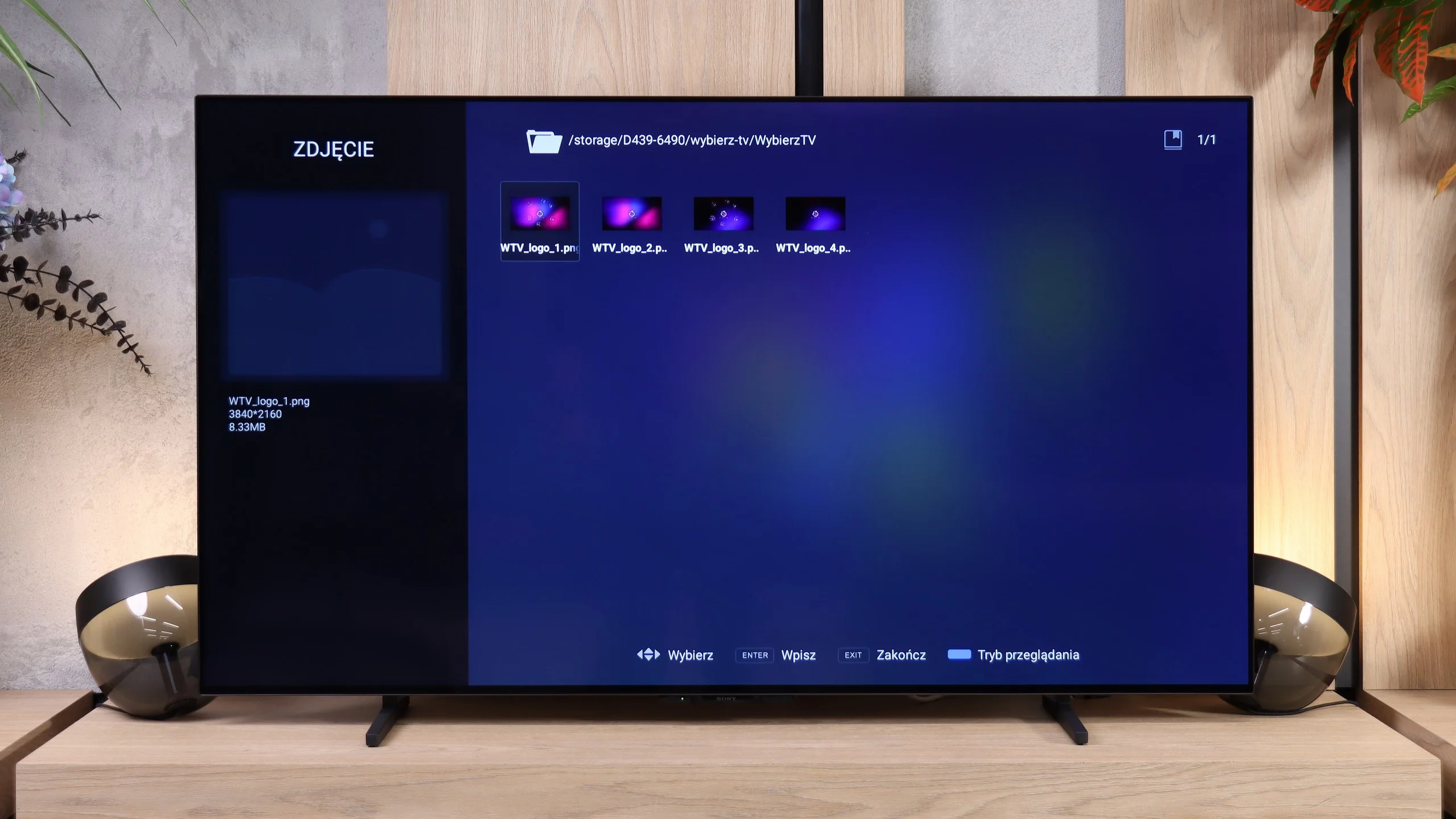
LG UT8100 handles the playback of most popular video and audio formats, making it a versatile multimedia device. Although it lacks support for Apple's HEIC photo format, it still offers satisfactory functionality in this regard. Special praise should be given to the support for Polish characters in subtitles and the ability to change the font colour, allowing users to customise the displayed text to their own preferences. In this category, the television performs really well.
BRAVIA 6 supports many popular video, music and photo formats. It also handled photographs with resolutions up to 32 MP, so in terms of file compatibility it performs very well. Unfortunately, there's a significant 'but' we mentioned when describing the system. Before the player began to correctly recognise videos and photos from a USB stick, we had to unplug the TV from the mains several times. In the end we managed to open most of the files, but it's hard to call that a convenient experience. The high rating in this category is due solely to the number of supported formats.
Sound
6/10
7/10
- Maximum volume-94dB
- Dolby Digital Plus 7.1
- Dolby True HD 7.1
- Dolby Atmos in Dolby Digital Plus (JOC)
- Dolby Atmos in Dolby True HD
- DTS:X in DTS-HD MA
- DTS-HD Master Audio
The sound in LG UT8100 is basic and does not stand out in any particular way. It is sufficient for everyday TV watching, but for more demanding content, such as films or concerts, it may lack depth and dynamism. If we care about better sound quality, it will be necessary to connect an external audio system, such as a soundbar or home cinema. The built-in speakers serve their purpose, but they will not impress more discerning users.
Despite its modest 2.0 speaker setup with a total power of 20 W, the BRAVIA 6 sounds quite pleasant. The sound is fairly balanced, dialogue is clear, and for everyday viewing there’s no need to reach for extra speakers straight away. The TV can also play loudly, as confirmed by a result of 94 dB. However, it shares a familiar issue with other TVs: a lack of deep bass. In quieter scenes this is not particularly bothersome, but in action films and music you can hear that the sound lacks a bit of "weight". Explosions lack a strong punch, and lower frequencies are more indicated than felt. Such a setup is fine for series and everyday programmes, but a soundbar with a subwoofer will give films more power and a stronger sense of surround sound. Especially since the TV supports Dolby Atmos and DTS:X.
Sound Quality Test
No sound test video
Acoustic Measurements
No acoustic data
94dBC (Max)
75dBC
Reader comments
Comments are provided by the external service Disqus (Zeta Global). Once loaded, Disqus may set cookies and process data about your activity.
We will remember your choice on this device. Provider's privacy policy