 Direct comparison
Kiano Elegance is primarily an option for people who want to spend as little as possible on a TV while still having convenient access to popular apps. The use of Tizen is a big plus here, because you get a system well known from Samsungs and you do not have to immediately buy a streaming stick to watch films or series. At a low enough price this could be a sufficient reason to consider this model. The digital video processing is also worthy of praise; in operation it resembles the solutions found in entry-level Samsungs. Kiano quite effectively smooths unwanted banding between colours in weaker sources, so heavily compressed footage looks better. It is, of course, not perfect, but remember the very low budget we are dealing with. The mere fact that this feature actually helps is commendable. Unfortunately the operating system does not make the Kiano run as smoothly as Samsung TVs. You sometimes have to wait for a response, and the USB player can take a long time to open files. The savings are also visible in the build quality and the screen’s capabilities. Low brightness makes viewing in a sunny room difficult and prevents it from delivering impressive HDR, while motion blur is noticeable during faster movement. Add weak sound to that, and buying separate speakers can quickly become another expense. That is why the Kiano Elegance really makes sense only if it is noticeably cheaper than the competition. It may be enough for everyday programmes or as a second TV in the home, but if you are only a small amount short of the price of a base model from a better-known manufacturer, we think it is worth paying the extra. Tizen and the decent video processing are strengths of this Kiano, but they do not compensate for all the cost-cutting. It is better to compare final prices than to assume that a TV with Samsung’s system will provide the same level of user comfort.
- Matching (Score) |
- Our verdict |
- TV appearance |
- Where to buy |
- Contrast and black detail |
- HDR effect quality |
- Factory color reproduction |
- Color reproduction after calibration |
- Smoothness of tonal transitions |
- Image scaling and smoothness of tonal transitions |
- Blur and motion smoothness |
- Console compatibility and gaming features |
- Input lag |
- Compatibility with PC |
- Viewing angles |
- Daytime performance |
- Panel details |
- TV features |
- Apps |
- Playing files from USB |
- Sound
BRAVIA 2 II / S25M2
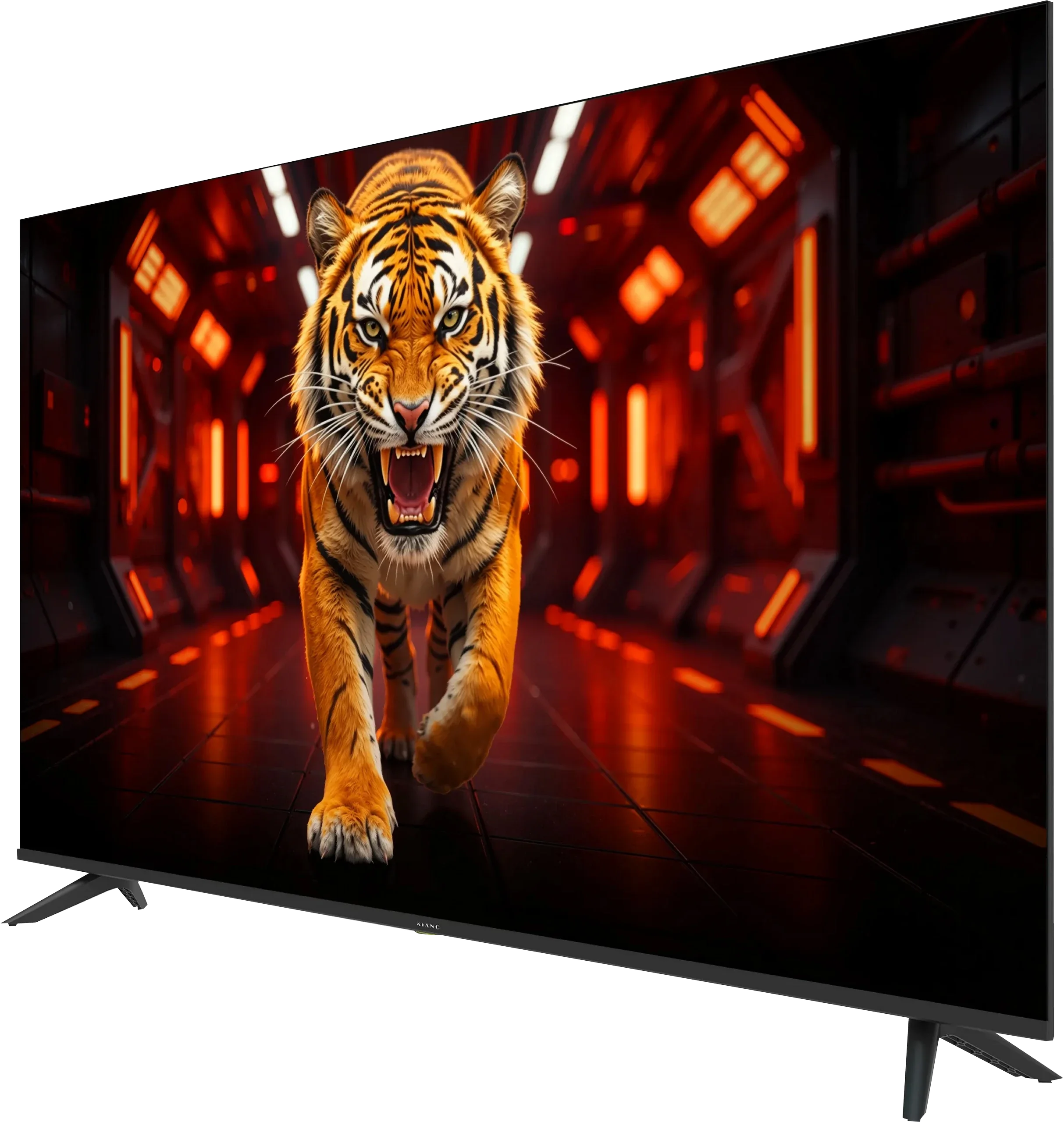
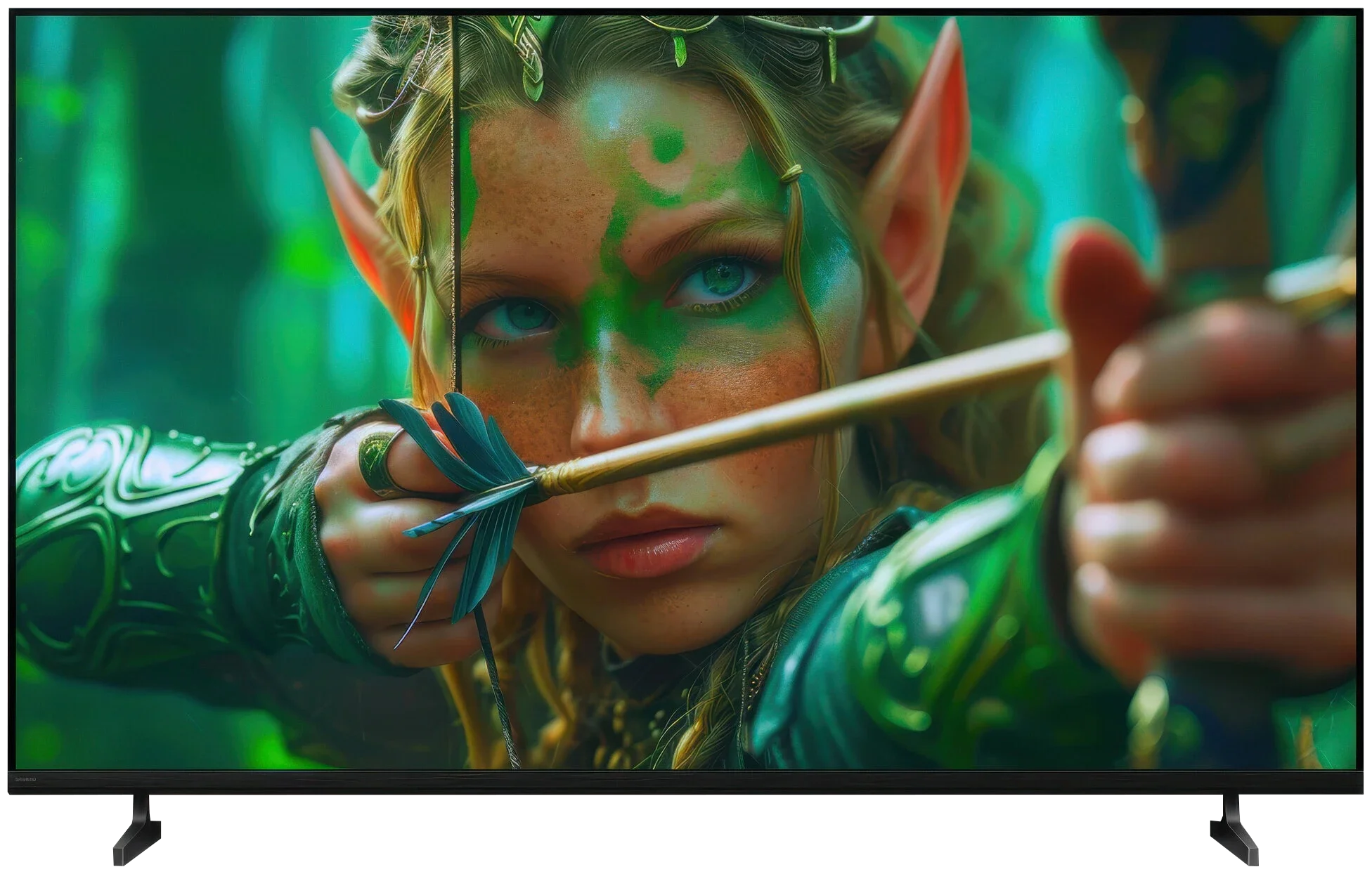
Panel type: LCD VA
Resolution: 3840x2160
System: Tizen
Model year: 2026
Complete the survey to find out the result
Panel type: LCD IPS
Resolution: 3840x2160
System: Google TV
Model year: 2026
Complete the survey to find out the result
Overall rating
4.9
5.8
 Movies and series in UHD quality
4.8
5.2
 Classic TV, YouTube
5.4
5.2
 Sports broadcasts (TV and apps)
3.9
5.5
 Gaming on console
5.3
6.2
 TV as a computer monitor
6.0
6.0
 Watching in bright light
3.7
4.8
 Utility functions
5.1
6.6
 Apps
8.8
9.6
 Sound quality
3.6
6.1
Complete the survey to find out what fits your preferences
Advantages

Low price
Tizen OS with a wide selection of popular apps
Decent contrast thanks to a VA panel
Effective digital image processing (rarely seen at this price)
Low input lag
Very good text readability when connected to a computer
Supports AirPlay and wireless screen mirroring
Very good viewing angles (IPS panel)
Google TV with a vast selection of apps
Chromecast and AirPlay
Low input lag
Very good USB media player
Supports audio formats: Dolby (Atmos, TrueHD, Digital), DTS (X, HD)
Two remotes included
Disadvantages

Low brightness
No wide colour gamut (no QLED / PFS)
Poor motion handling: noticeable smearing, a 60 Hz panel and no motion smoothing
No gaming features whatsoever
Slow operation
Very poor audio
Average build quality
Too high a price for what it offers!
Very poor blacks and low contrast (IPS panel)
Low brightness of around 320 nits
No support for dynamic HDR formats (Dolby Vision, HDR10+)
Only a 60 Hz panel
Very limited gaming capabilities
Our verdict
The Sony Bravia 2 II is a television that performs best in simple, everyday use. And we suspect many people will choose it mainly because of Google TV. The system provides access to a huge number of apps and streaming services, and it also includes Chromecast, AirPlay and convenient voice search. The set itself may not run as quickly as more expensive Sony models, but in terms of features there is little to complain about. Importantly, for ordinary viewing the picture quality is quite decent. The Bravia 2 II handles SDR material particularly well, meaning regular TV, YouTube and much of older films and series. The factory Cinema mode is already fairly well tuned, colours look natural and, without much fiddling with the settings, you can simply start watching. And in our view this is where the Bravia 2 II shows its best side, as a simple Smart TV for everyday use rather than a television that aims to impress with the panel's capabilities.
However, you should remember that the word "Bravia" on the casing does not automatically mean excellent picture quality. The Bravia 2 II uses an IPS panel with very low contrast, and that is its biggest problem. During the day this is not such a big issue, but switch the lights off in the evening and the blacks start to look more like dark grey. Of course, in return you get good viewing angles, so if the TV sits in a large living room and is watched by several people from different positions, IPS has its advantage. But that comes at the cost of weak blacks. This is also not a television made with HDR impact or more demanding gamers in mind. About 300 nits of brightness and a narrow colour gamut mean HDR material does not show much more than what we see in SDR. The 60 Hz panel and the lack of broader gaming features also clearly show that gaming is not a priority for this model.
And it wouldn't really be a big problem, because we expected exactly that from an entry-level Sony model. However, the biggest issue for the Bravia 2 II is its price. For similar money you can easily find competing TVs, especially from Korean and Chinese brands, that already offer much more, from 120 Hz panels to Mini-LED backlighting with local dimming. So the Bravia 2 II is not a bad television in itself. It's simply too expensive for what it offers. If its price were noticeably lower, as a simple TV for everyday viewing it would make much more sense.
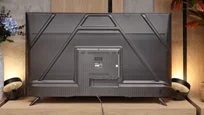
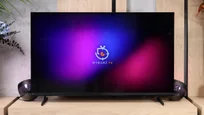
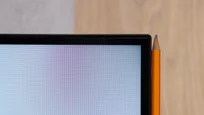
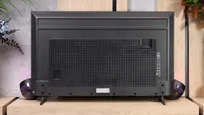
TV appearance

Contrast and black detail
4.8/10
2.7/10
Local dimming function: No
Local dimming function: No
Contrast:


Result
3,350:1

Result
3,350:1

Result
2,650:1

Result
3,650:1

Result
2,400:1
Result
1,150:1
Result
1,200:1
Result
1,450:1
Result
1,400:1
Result
1,100:1
Halo effect and black detail visibility:
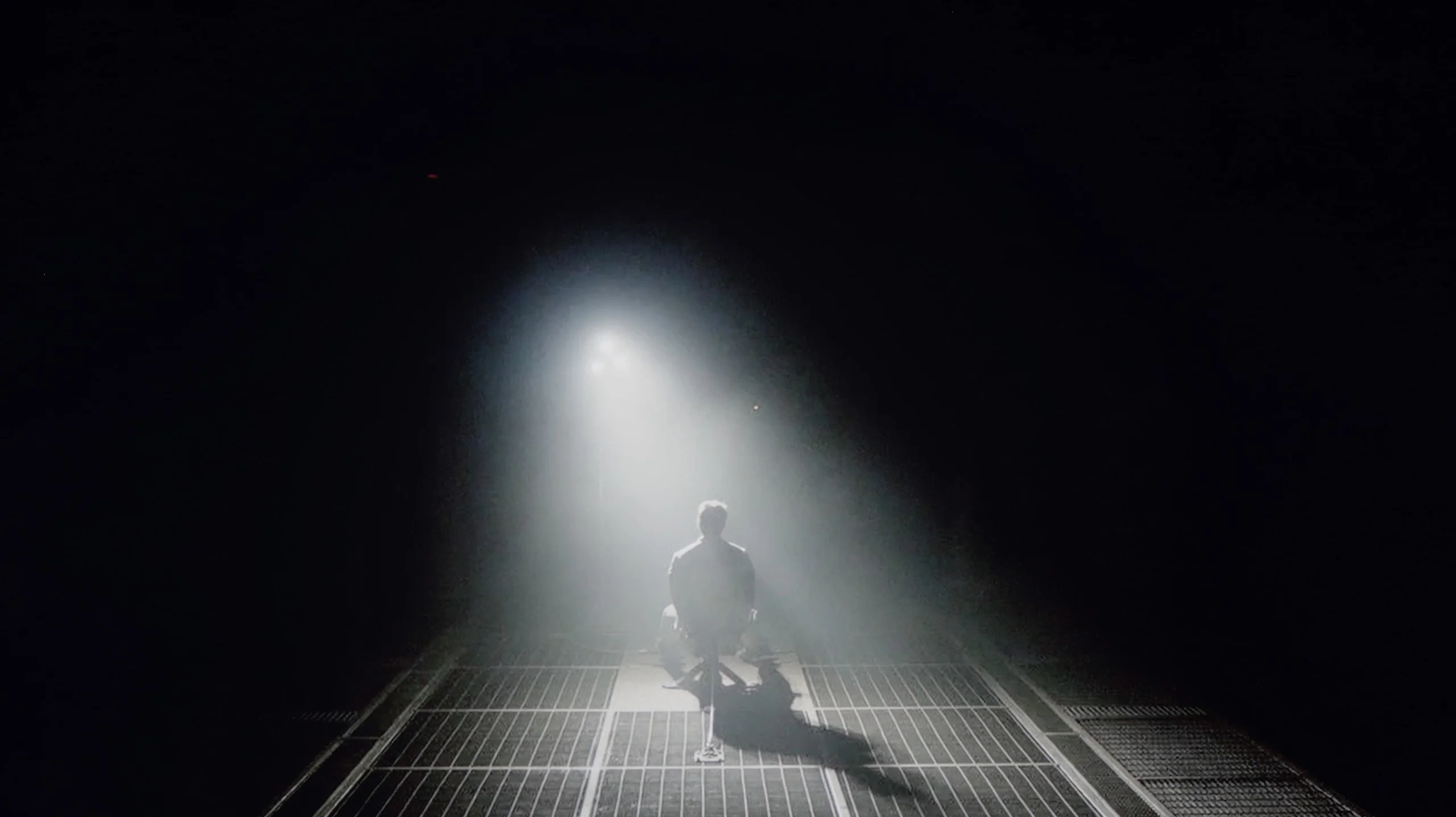
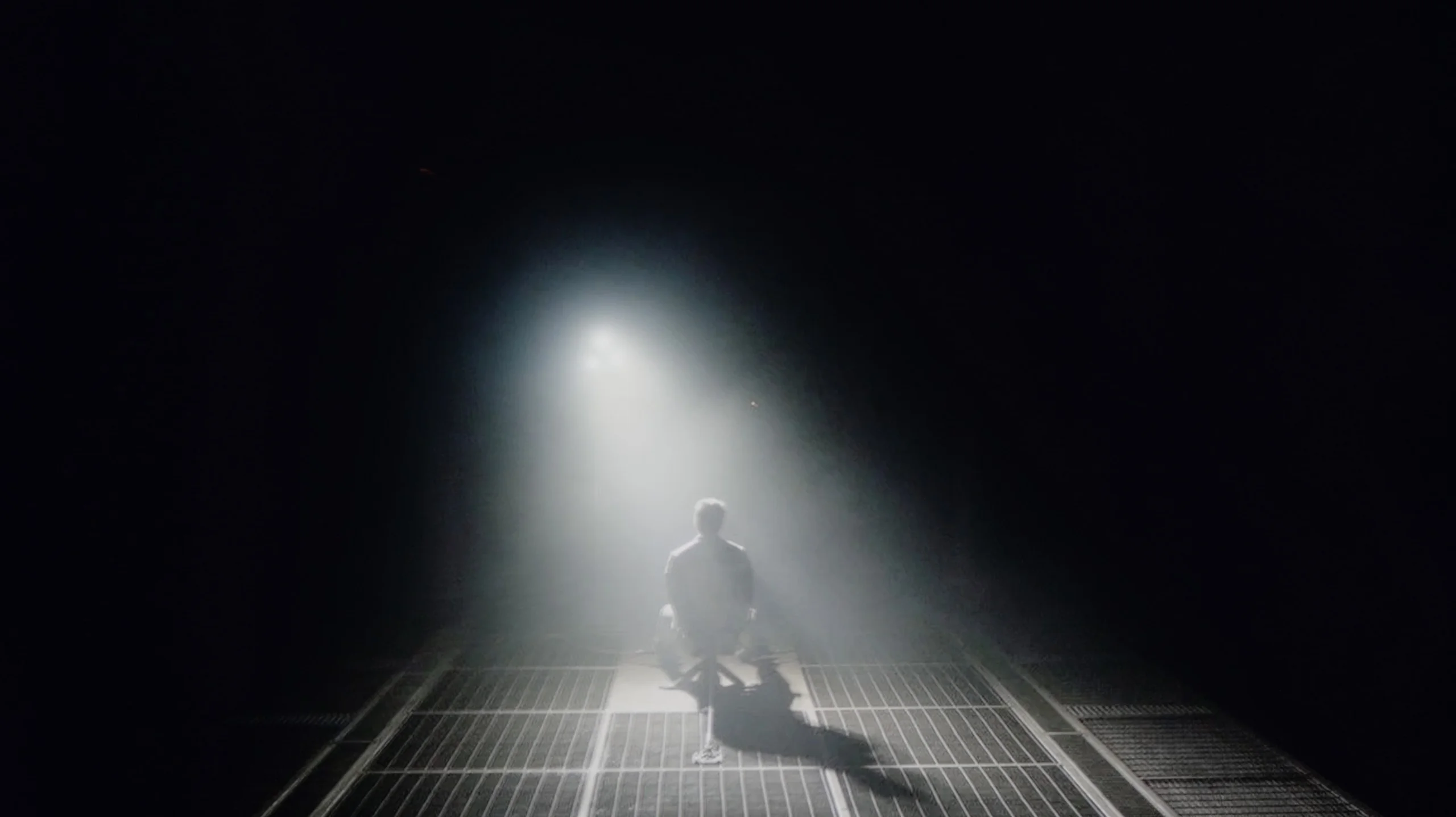
Check the visibility of bright lights on a dark background. Mini-LEDs often struggle with this. The photo does not compare black levels – that’s what the video below is for.
The video accurately shows differences in contrast and black levels between TVs, as well as potential issues: halo around bright objects or Mini-LED zone operation visible as brightness jumps.
In the 55-inch variant we tested, the Kiano Elegance uses a VA panel, which by itself already provides rather good black levels. The contrast we measured was around 4000:1, which is typical for this kind of panel and clearly better than in TVs using IPS or ADS panels. That gives the picture decent depth in the evening, and blacks are not so heavily brightened. You should bear in mind, however, that the Elegance uses a conventional backlight without local dimming. This means the backlight is on all the time and the TV cannot dim selected parts of the screen. In that respect the difference compared with even basic Mini LED models is obvious. There, individual backlight zones can dim independently, so in dark scenes blacks can be much deeper. Kiano does not have those capabilities, but for a simple LCD TV its native contrast is quite respectable.
When it comes to black levels, the Bravia 2 II unfortunately doesn't have much to offer. Sony has used an IPS panel here, a solution that delivers one of the lowest native contrast ratios among all LCD panels. In our measurements we recorded values of around 1100–1450:1, and unfortunately this becomes very noticeable when watching. Additionally, the TV has no local dimming system, so it cannot dim only those parts of the screen that really should remain dark. In practice this means that once the lights are turned off, blacks very quickly start to shift towards grey and dark blue. In scenes such as Oblivion or Sicario 2, instead of a deep backdrop we get a noticeably brightened image, which greatly undermines the atmosphere of evening viewings. Of course, the IPS panel also has the advantage of better viewing angles, but in this respect it's hard to see that as any real compensation. If you're looking for a television primarily for watching films in the evening, the Bravia 2 II simply isn't a model we could recommend.
HDR effect quality
3/10
4/10
Luminance measurements in HDR:

Result
158 nit

Result
172 nit

Result
193 nit

Result
180 nit

Result
205 nit
Result
294 nit
Result
307 nit
Result
329 nit
Result
330 nit
Result
325 nit
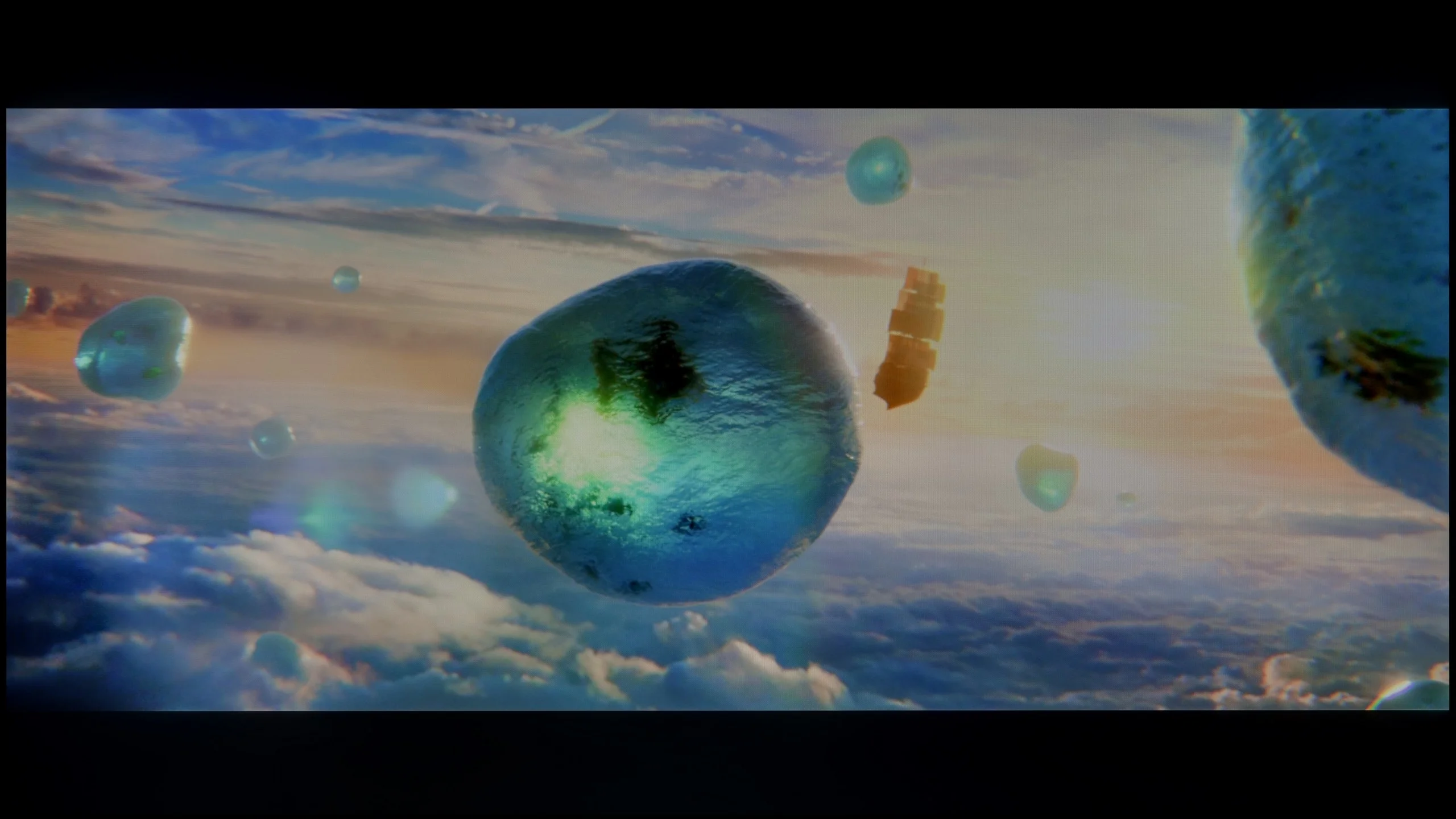
Scene from the movie “Pan” (about 2800 nits)

Scene from the movie “Billy Lynn” (about 1100 nits)
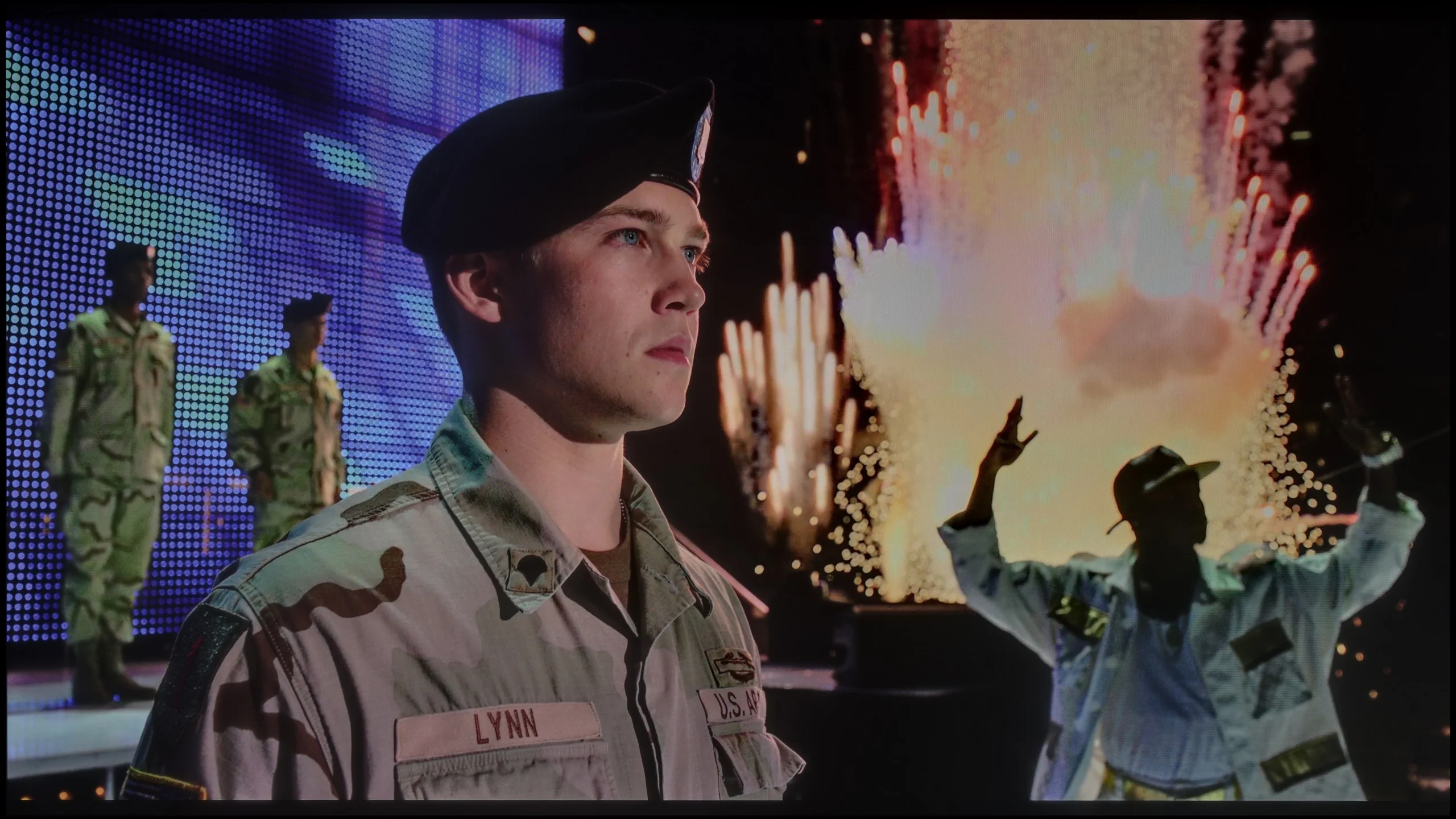
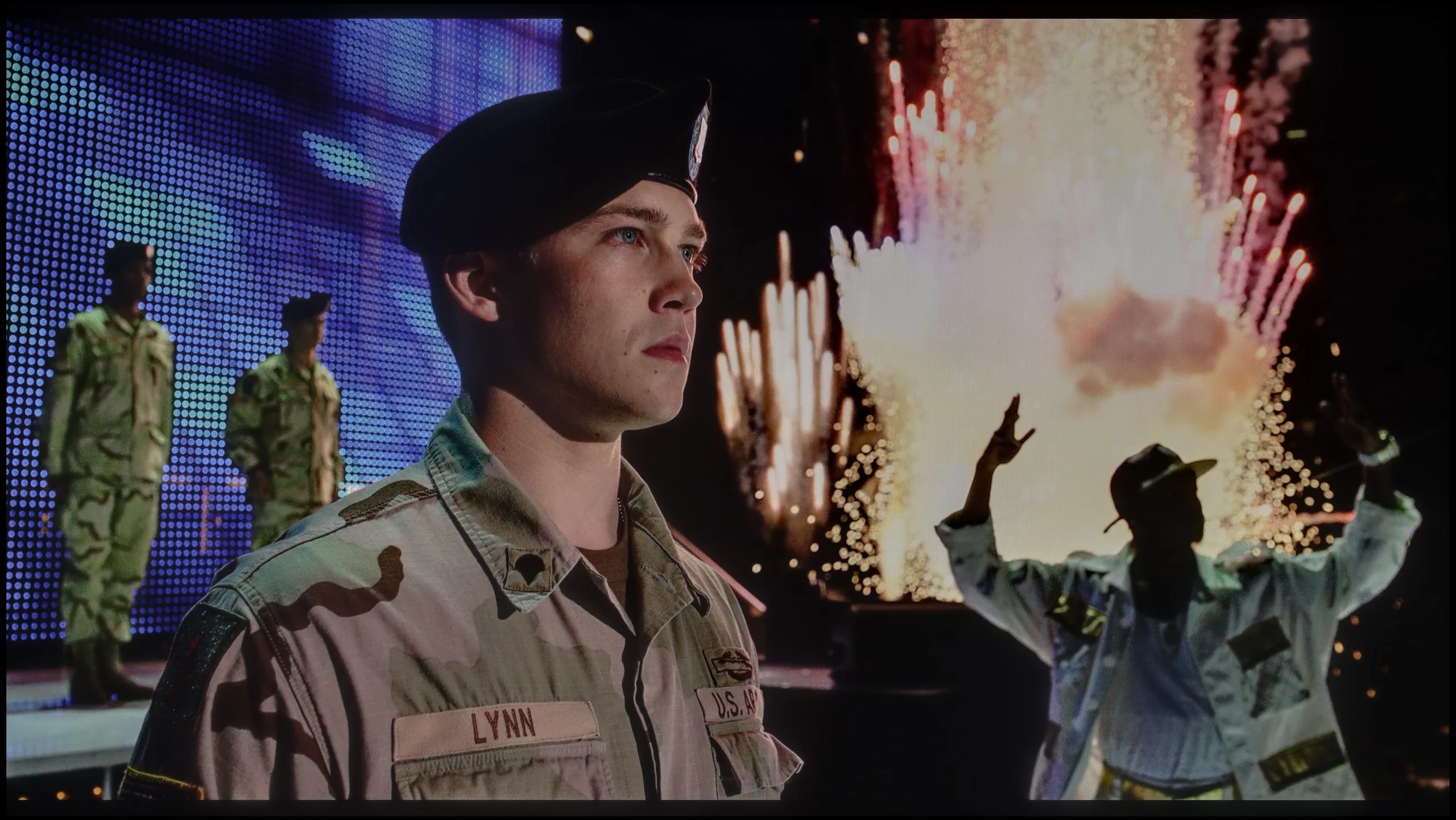
The photos show two HDR10 movies. 'Pan' is one of the brightest productions ever made, while 'Billy Lynn' (soldier) has brightness typical of streaming (Netflix, Prime, HBO MAX). Notice the intensity of effects and detail in whites.
Static HDR10


The photos present the visibility of white details in various HDR formats. They do not show brightness differences between TVs (these can be compared in the previous gallery).
HDR luminance chart:
Sony BRAVIA 2 II (S25M2)
Kiano Elegance Tizen
The HDR effect on the Kiano Elegance is practically non-existent. The TV is simply too dim to deliver any noticeable improvement over a standard SDR picture. Our measured peak brightness is around 200 nits, which is definitely too low for bright elements, such as various lighting effects, to actually stand out on screen. HDR content will be reproduced, but without the impact that the format is meant to provide. In addition, the Kiano Elegance does not use any extra wide colour gamut technologies, like quantum dots or even a PFS filter. As a result, some of the vivid colours encoded in HDR films cannot be shown with proper saturation. This is especially apparent in more colourful productions, where the picture simply looks poorer than on TVs with a wide colour gamut. The Kiano Elegance is therefore much better suited to standard SDR material: broadcast TV, YouTube or older films and series. Their demands are much lower and match this TV's capabilities far better.
The Sony Bravia 2 II is not a very bright TV and unfortunately that is immediately apparent in HDR. In our measurements brightness stayed around 300 to 330 nits, which is clearly too low for the brightest parts of the image to look truly impressive. In practice, HDR here does not differ that much from standard SDR. Bright highlights, the sun or lamps are of course visible, but they lack the intensity you would expect from HDR material. The Bravia 2 II therefore performs much better with standard SDR content, and in that use its limited brightness will be least noticeable.
Colour gamut coverage
The Sony Bravia 2 II is also not impressive in terms of colour. The TV does not use any additional gamut‑expanding filter, such as the quantum dots found in QLED TVs or a PFS phosphor layer. In our measurements coverage of the DCI‑P3 gamut was about 78%, and the very wide BT.2020 roughly 57%. That's definitely too little to talk about truly saturated colours in HDR material. More intense reds, greens or turquoises will simply be less striking than on TVs with an expanded colour gamut. The Bravia 2 II therefore performs much better in the Rec.709 standard, the gamut used for films, series and television in SDR.
Factory color reproduction
4.8/10
5.3/10
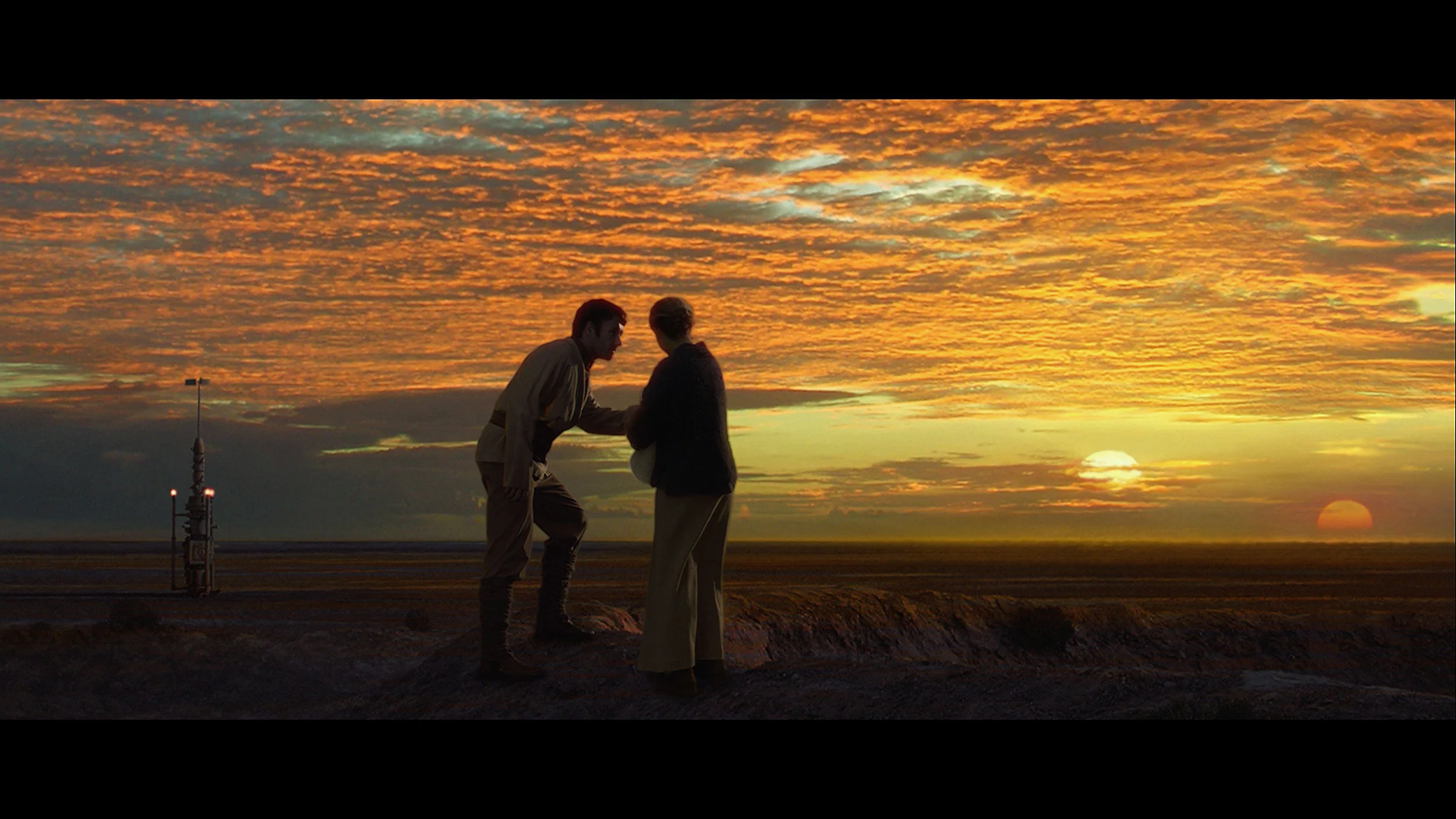
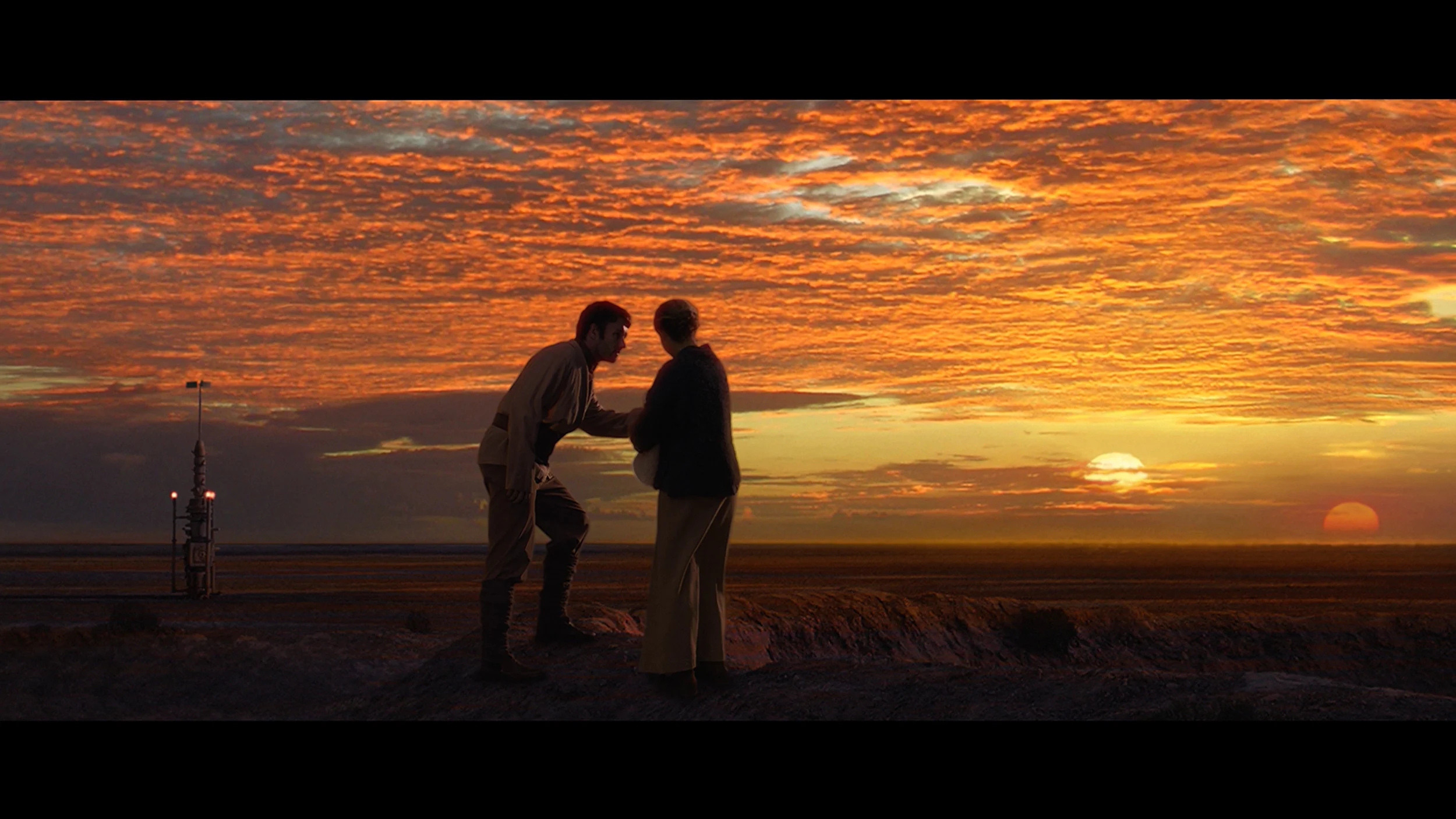
This gallery shows how colors change after professional TV calibration. If you notice the difference, we recommend ordering this service at SkalibrujTV.com.
Factory Mode
After calibration


This gallery shows how colors change after professional TV calibration. If you notice the difference, we recommend ordering this service at SkalibrujTV.com.
Factory Mode
After calibration
In Film mode the colours on the Kiano Elegance are quite decent, especially for a TV at this price point. However, that does not mean the picture is properly calibrated straight away. This is most apparent in the white balance, which lacked red. As a result the image had a slightly cooler character and some skin tones and warmer colours did not look as natural as they should. On top of that, both the SDR gamma and the EOTF curve in HDR were driven too high. Put simply, the TV brightened the image more than the source material intended. In SDR this produced a slightly brighter, more 'TV-like' image, but it also robbed it of some depth. In HDR this behaviour compounded the panel's limitations, because at such low brightness the TV had even less headroom to correctly render brighter parts of the image. The biggest limitations, however, appeared in HDR. The colour gamut encoded in such material often exceeds the Kiano Elegance's capabilities, which does not employ any gamut-expanding solution. More saturated reds, greens and blues are therefore rendered much more subdued than they should be. In less demanding scenes this is not yet very noticeable, but with more colourful films the difference compared with TVs that have a wide colour gamut becomes very clear.
The out-of-the-box colour reproduction in Cinema mode was actually quite good, at least for ordinary SDR material. The Bravia 2 II had a slight tendency to boost reds, so some colours shifted to slightly warmer, at times faintly pinkish, tones. However, this wasn’t a major fault and during normal viewing the picture still looked fairly natural. There was a bit more happening with image brightness. Looking at the gamma curve, you can see Sony doesn’t stick perfectly to the reference value. The darkest areas are slightly lifted, while as brightness increases the gamma gradually rises and a larger part of the picture becomes darker than it should. That said, it’s not such a large difference as to be very distracting in everyday viewing. Overall, SDR straight out of the box performs quite respectably.
The situation is considerably worse in HDR. We’ve already mentioned the limited colour gamut, but in addition the Bravia 2 II noticeably manipulates image brightness here. The EOTF curve sits below the reference value for a large part of its range, which means the TV renders most mid and brighter parts of a scene darker than the source material intends. Only towards the very end of the range does the curve flatten out, as the panel reaches the limits of its capabilities. Combined with a peak brightness of around 300 nits, this results in HDR that not only lacks much brightness, but can also simply look too dark.
Color reproduction after calibration
6.5/10
7/10


The photos show how movies look on the TV. Pay attention to black detail visibility, colors, and shadow tint.


The photos show how movies look on the TV. Pay attention to black detail visibility, colors, and shadow tint.
Contrary to appearances, even an inexpensive TV like the Kiano Elegance offers quite a lot of calibration options. We were particularly successful at improving the white balance. After correction the slightly cool cast of the image disappeared and the colours became noticeably more natural. We also managed to better set the gamma and the overall image characteristics in SDR. Despite our efforts, it quickly became clear that further limitations no longer stem from the settings but from the TV’s own capabilities. In SDR the Kiano can look genuinely good. Broadcast TV, YouTube, sport and older films can have natural colours and a pleasing image. It’s much worse in HDR. Here calibration alone cannot compensate for the lack of brightness and a wide colour gamut. The TV simply cannot reproduce some of the more saturated colours or sufficiently strong highlights. So while you can get a really decent picture from it in SDR, HDR remains clearly beyond its abilities.
Calibration did a lot for the Bravia 2 II, particularly with SDR content. Above all, we managed to even out the white balance and tidy up the gamma, which now follows the reference value much more closely. As a result, the image no longer has the previous pink cast, and the brightness across different areas is much better organised. You can also see this in the colour errors, which after calibration fell to a very low level (with slight issues in the most saturated reds). We also partially managed to rein in the Bravia 2 II in HDR, especially in the way the television handles image brightness. However, there is one thing no calibration can fix: the capabilities of the panel itself. A narrow colour gamut means the television is physically unable to reproduce the most saturated colours present in HDR material. On top of that, the low contrast of the IPS panel means darker scenes are veiled by a grey haze, which robs colours of some of their depth. So we can improve how the Bravia 2 II makes use of its capabilities, but unfortunately we cannot overcome the panel's inherent limitations.
Smoothness of tonal transitions
8.5/10
8/10
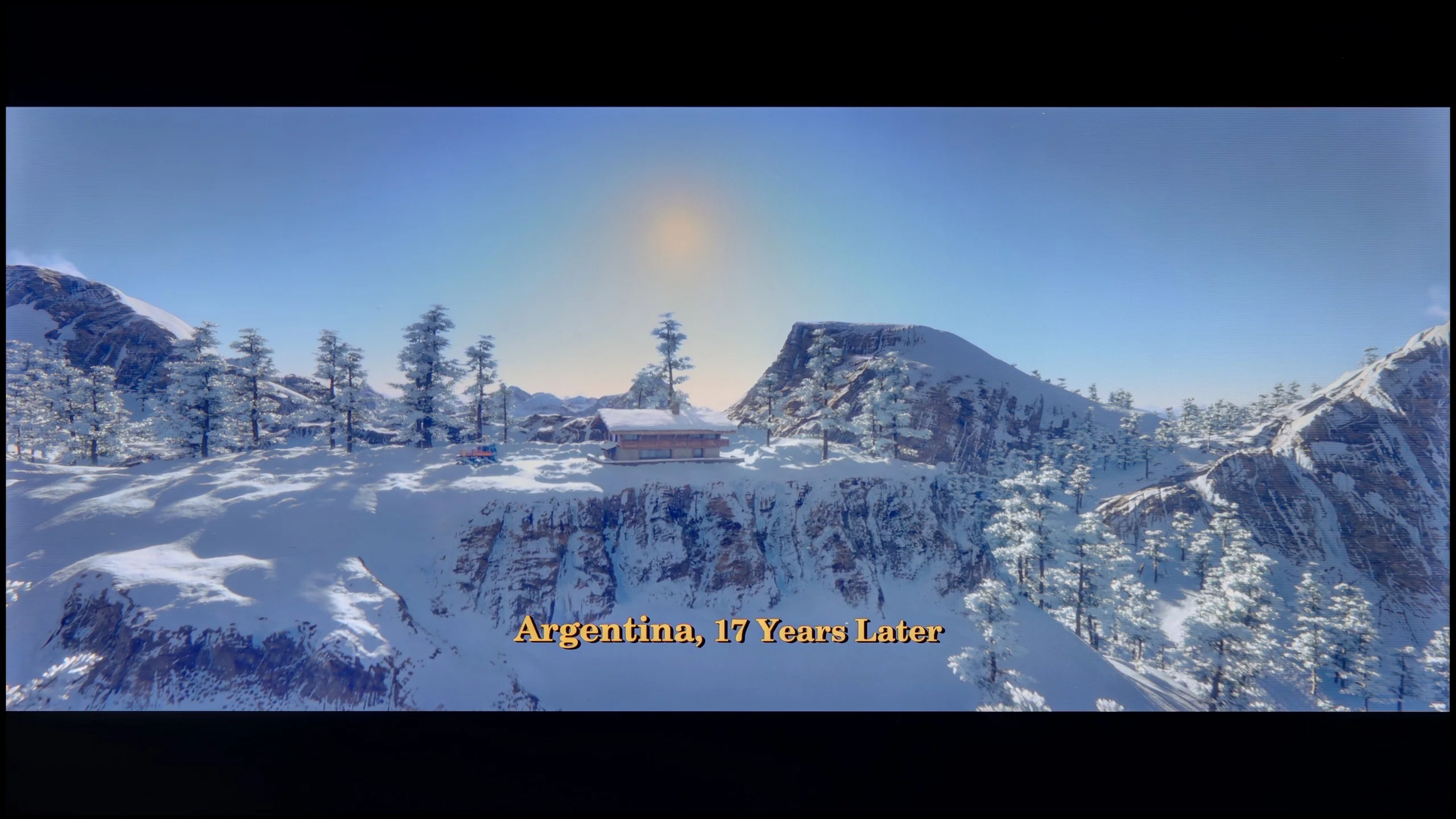
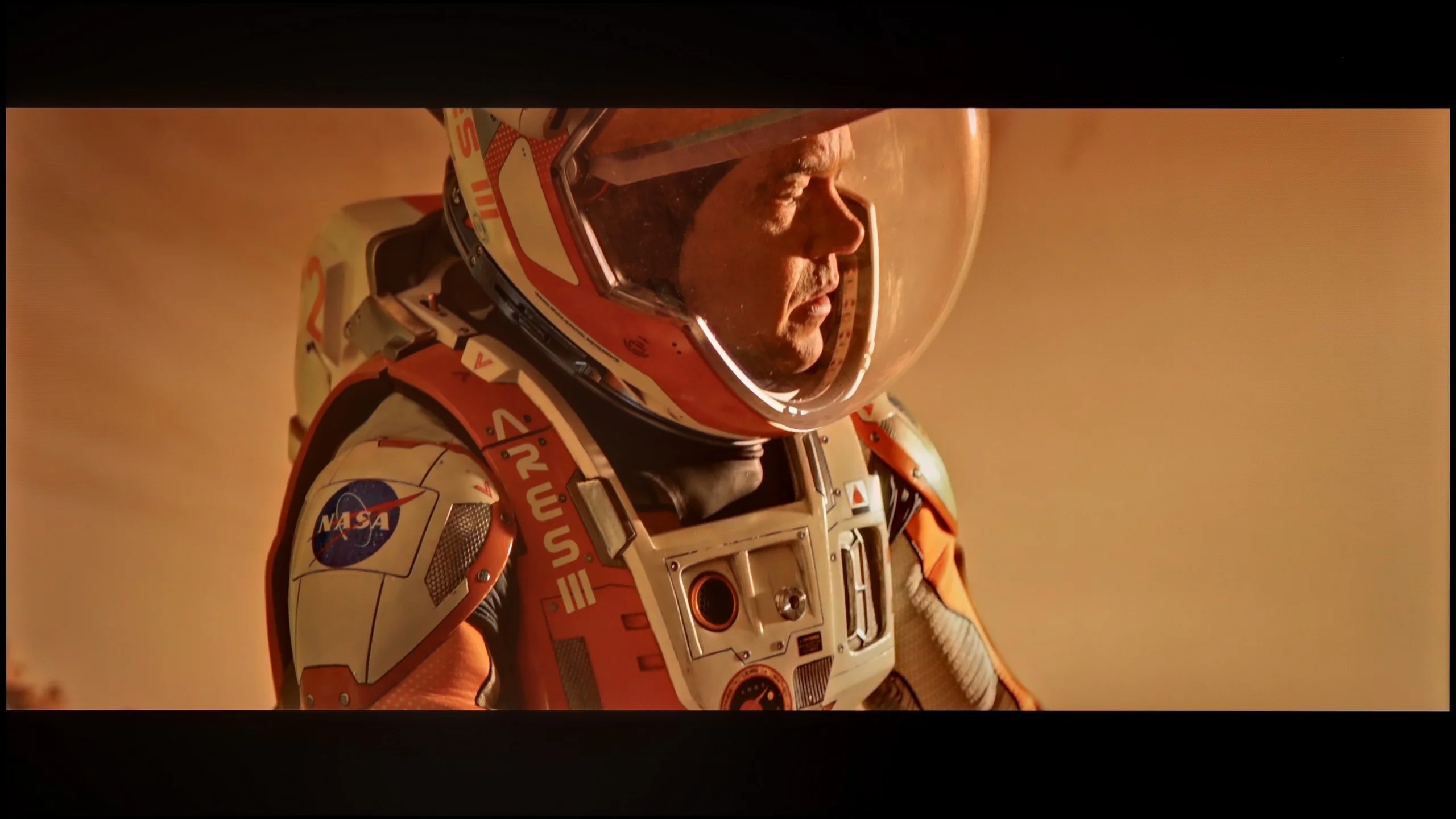
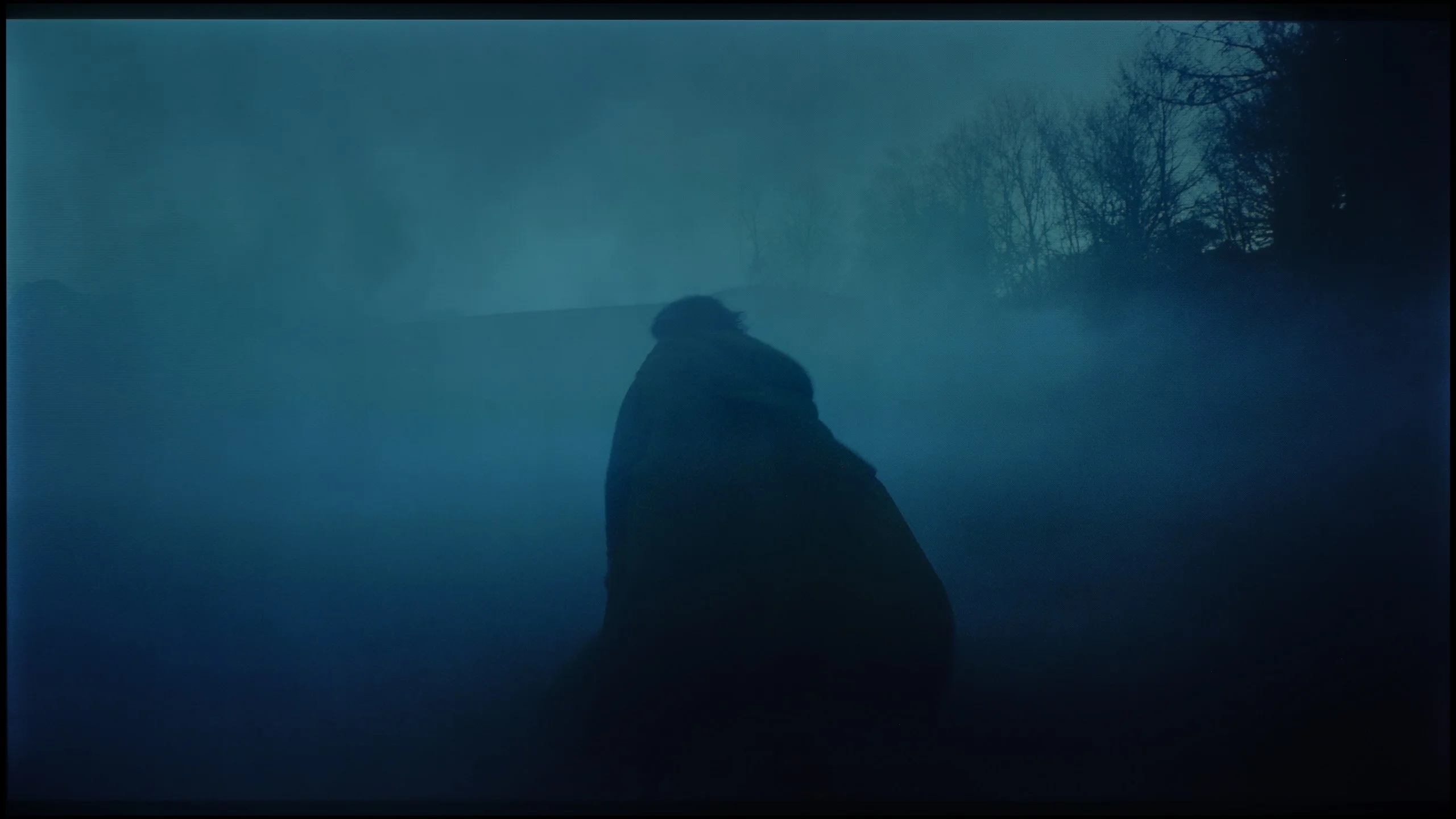
These are selected scenes that show smooth tonal transitions from one color to another. If you see distinct banding, it’s the TV panel’s fault.

These are selected scenes that show smooth tonal transitions from one color to another. If you see distinct banding, it’s the TV panel’s fault.
These are selected scenes that show smooth tonal transitions from one color to another. If you see distinct banding, it’s the TV panel’s fault.

These are selected scenes that show smooth tonal transitions from one color to another. If you see distinct banding, it’s the TV panel’s fault.
The Kiano Elegance handles colour gradation quite well. In most scenes the transitions between individual shades are smooth and there is no strong banding or distinct bands that can be a problem in the cheapest televisions. The biggest limitations only appear in darker scenes. With very subtle transitions in greys or shadows you can notice slight posterization and colour separation. However, this is not something that will be noticeable all the time. With typical content Kiano fares reasonably well in this respect, especially given its price.
The smoothness of tonal transitions on the Bravia 2 II is quite good, although it depends a lot on the scene. In bright parts of the image the gradation is smooth and it’s hard to spot any major issues. It gets worse in very dark shots. In scenes with many dark shades distinct banding between successive tones was already visible. So it’s not perfect, but for most everyday content the problem shouldn’t be particularly noticeable.
Image scaling and smoothness of tonal transitions
6.5/10
6/10


Smooth transition function
The match photo shows how the TV smooths weak tonal transitions in low-quality video.
Image scaling SD (576i)
For a relatively inexpensive TV, the upscaling and digital image processing in the Kiano Elegance perform really well. The scaling of lower-resolution content itself is decent. It is not, of course, at the level of the best TVs on the market, but ordinary broadcast television and Full HD content look quite good on a 4K screen. We were much more surprised by its ability to smooth unwanted tonal transitions. Many TVs in this price bracket either do not offer a similar function at all, or its effect is practically invisible. Kiano, using noise reduction known from Samsung TVs, can quite effectively mask heavy compression, colour banding and other imperfections of poorer sources. There is just one catch. The feature works fairly aggressively and, along with the imperfections, can also remove some fine detail or natural film grain. So with high-quality content we would probably leave it off. However, if you are watching older recordings, heavily compressed broadcasts or poor-quality material from the internet, it is worth experimenting with it. In such conditions it can actually improve perceived image quality.
The upscaling on the Bravii 2 II is quite good and, in that respect, the TV matches the standard Sony has set. Lower-resolution content is sensibly upscaled to 4K, and the image is slightly smoothed in the process without excessive edge sharpening. The situation is worse when it comes to improving footage with visible compression artefacts. This is handled by the "Digital Noise Reduction" function, which at the "High" setting can indeed smooth out some unpleasant tonal banding. The problem is that it does this rather aggressively and, along with the imperfections, it also removes a lot of fine detail, including natural film grain. What is more, when there is more motion on screen its effectiveness drops sharply and any improvement is then minimal. For everyday use we therefore tended not to use this function.
Blur and motion smoothness
2/10
5/10
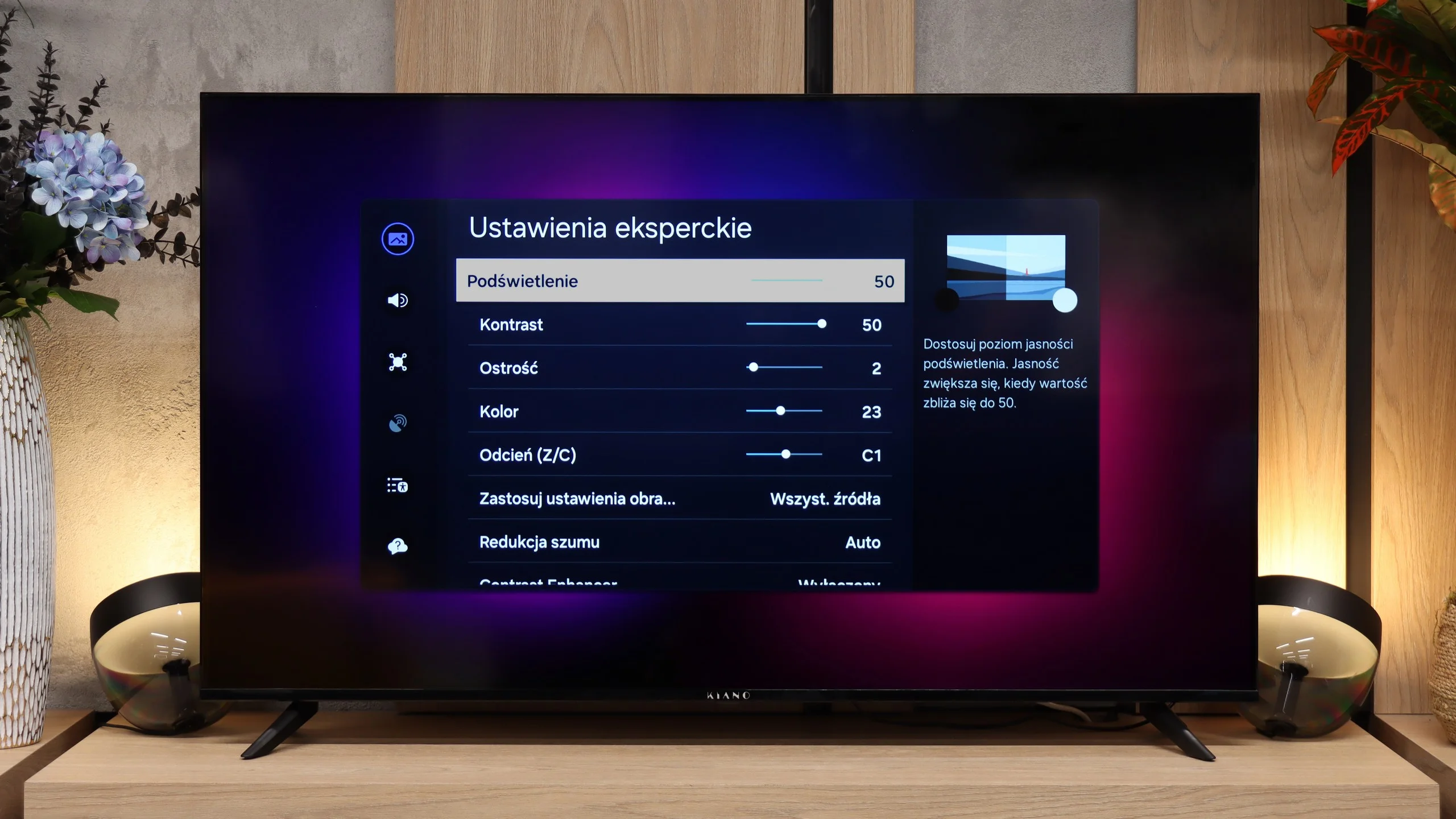
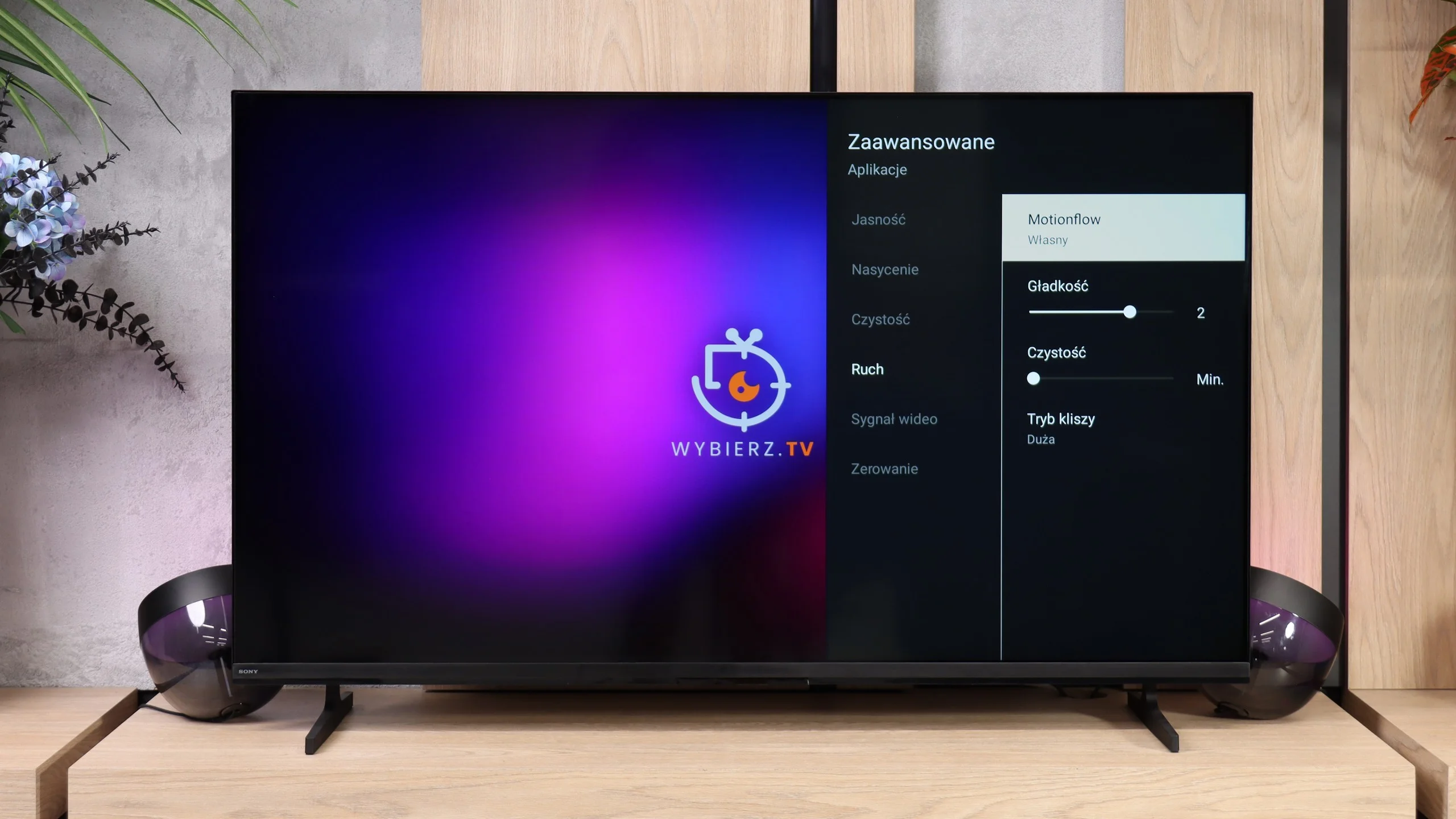
Blur (native resolution, maximum refresh rate):
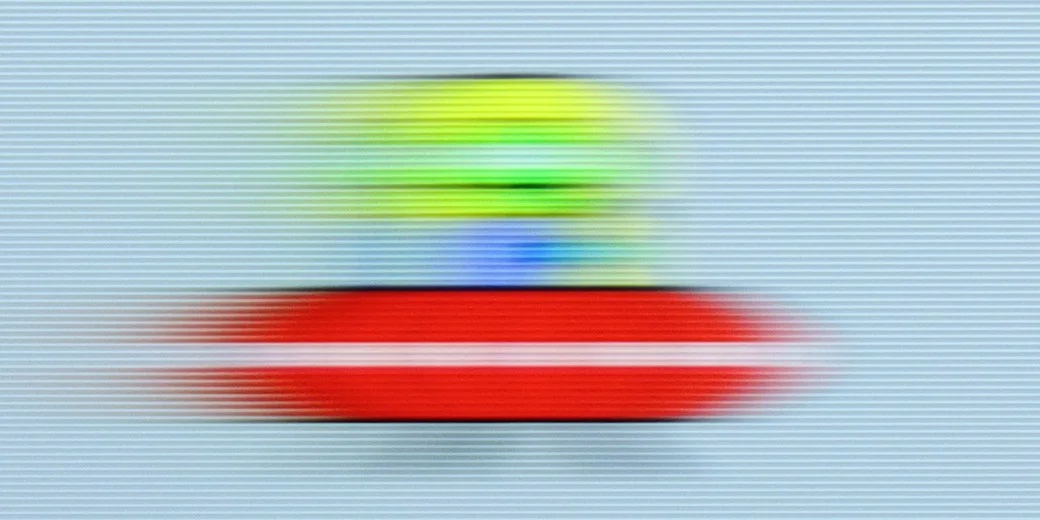

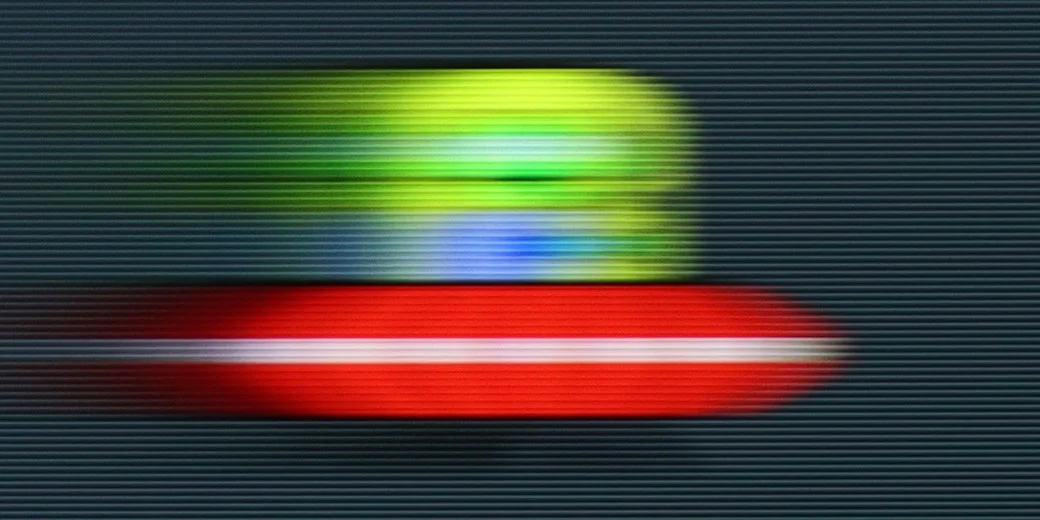


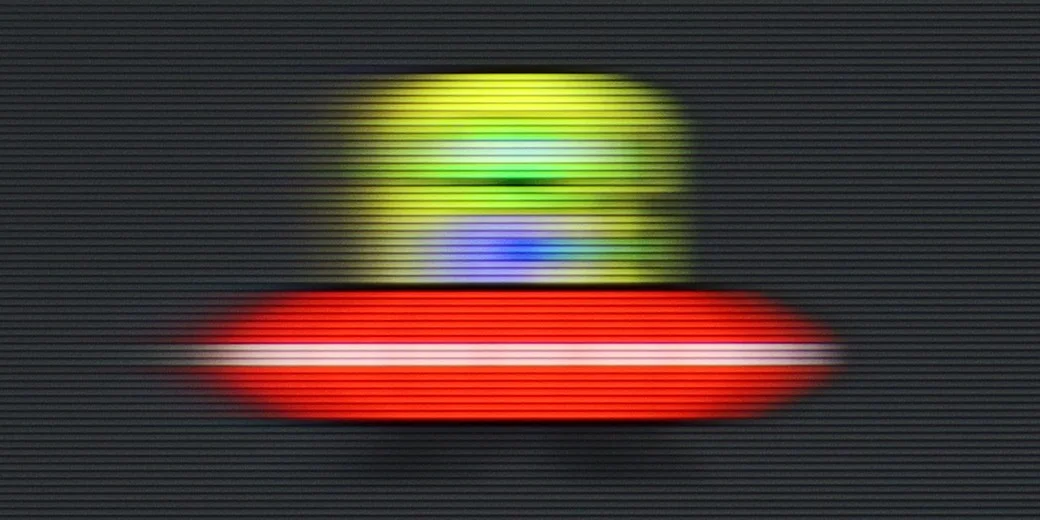
Blur (BFI function enabled):
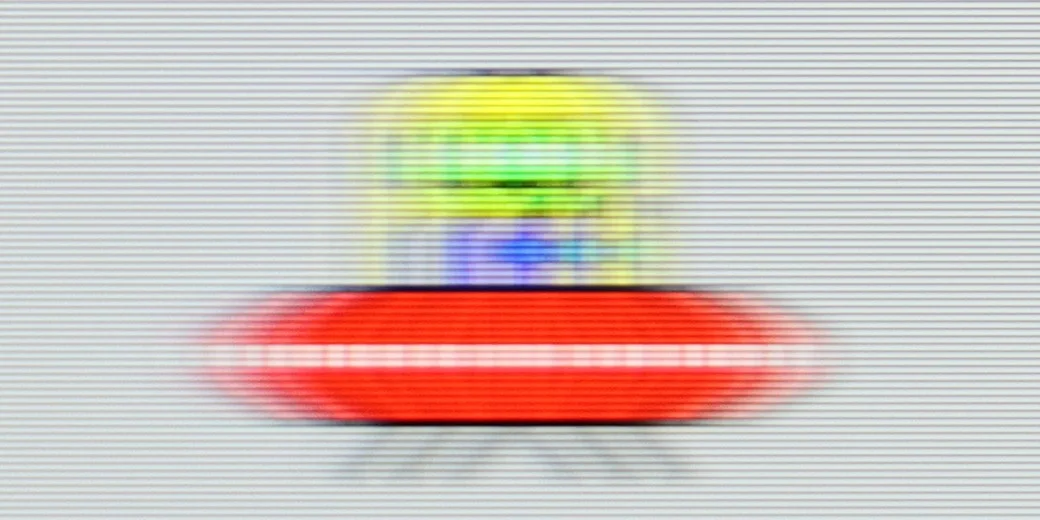

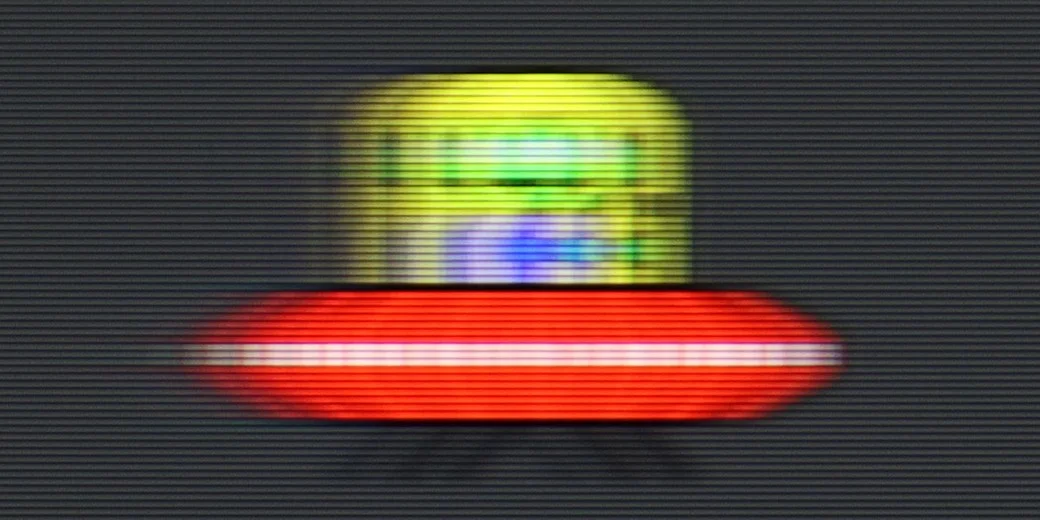
In terms of motion handling the Kiano Elegance performs rather poorly. The TV has a 60 Hz panel, but at this price point that's not surprising. What’s more problematic is the complete lack of any motion interpolation feature. In practice that means the TV displays content at exactly the frame rate at which it was recorded. That isn't a major issue for films, but with sport or fast panning shots you can clearly see that motion isn't particularly smooth.
Bravia 2 II uses a 60 Hz panel and, given its capabilities, handles motion quite well. However, bear in mind that it is a basic panel and its limitations are already clearly visible, especially during sports. The TV cannot interpolate 50/60 fps material to a higher refresh rate, so it cannot further improve the sharpness of fast-moving objects. For films and series, however, it offers a conventional motion smoothing feature that can reduce the characteristic judder of material shot at 24 fps.
Console compatibility and gaming features
1.6/10
3.3/10
- ALLM
- VRR
- VRR range
- Dolby Vision Game Mode
- Correct implementation of HGIG
- 1080p@120Hz
- 1440p@120Hz
- 4K@120Hz
- Game bar
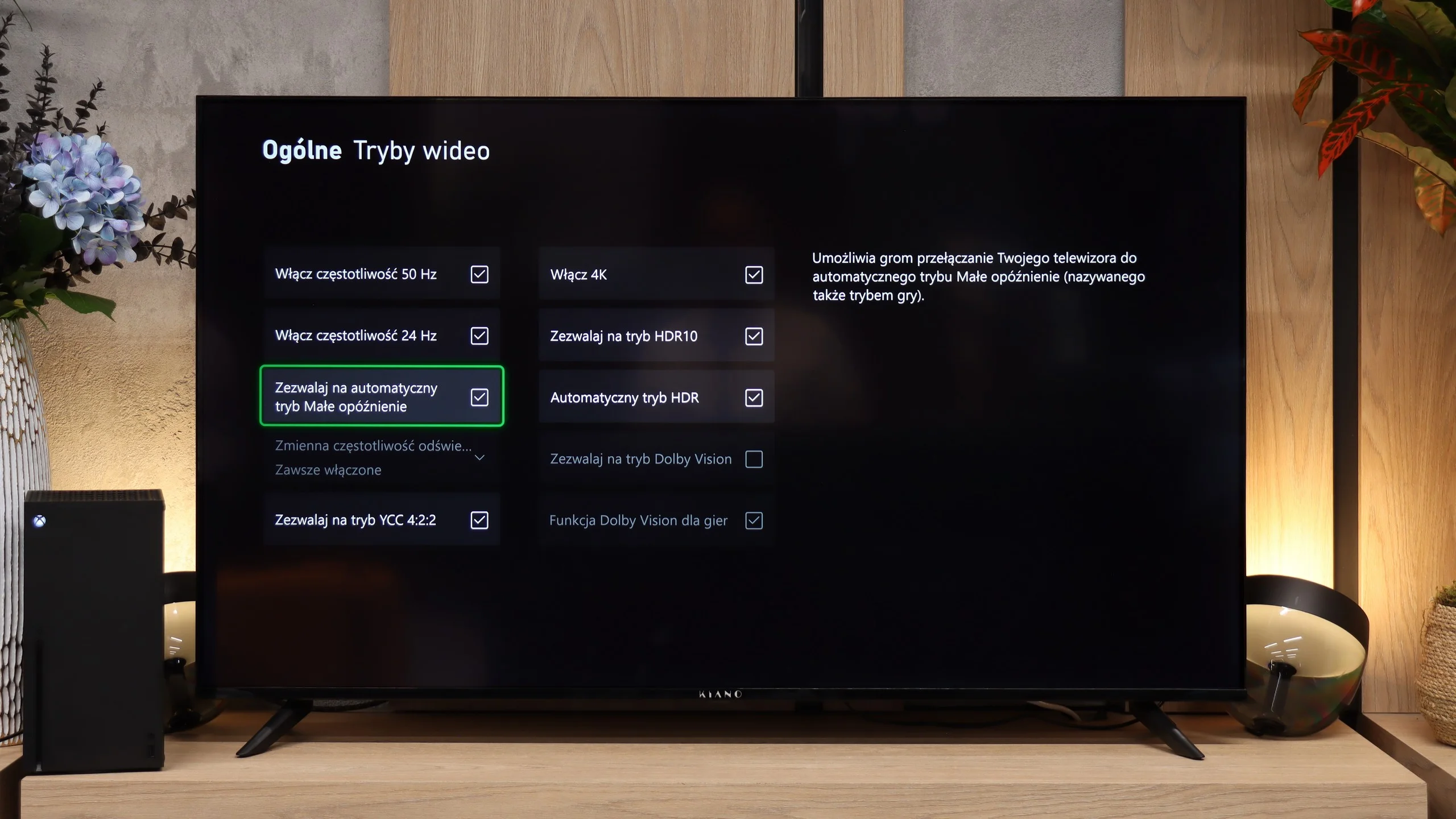
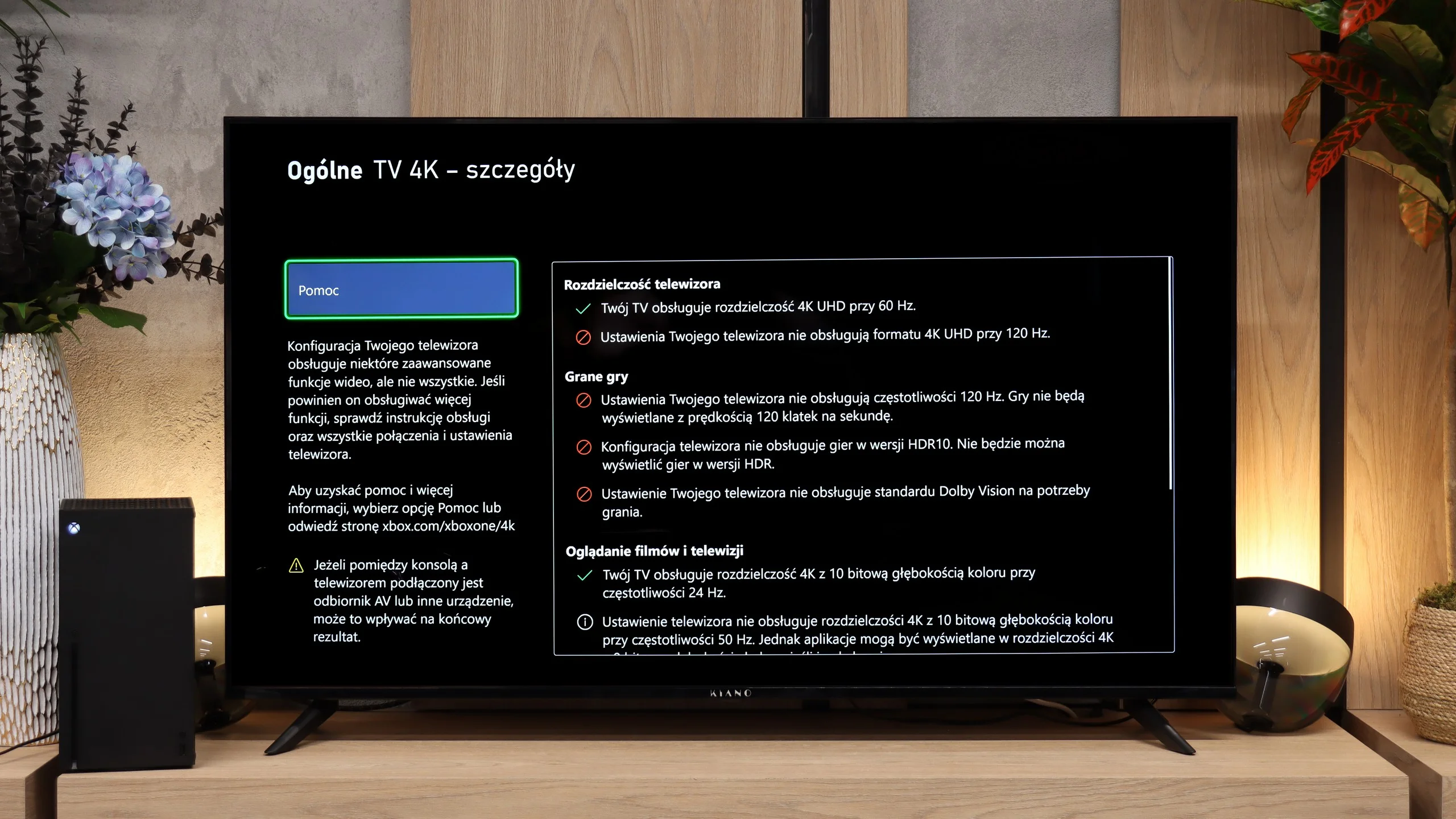
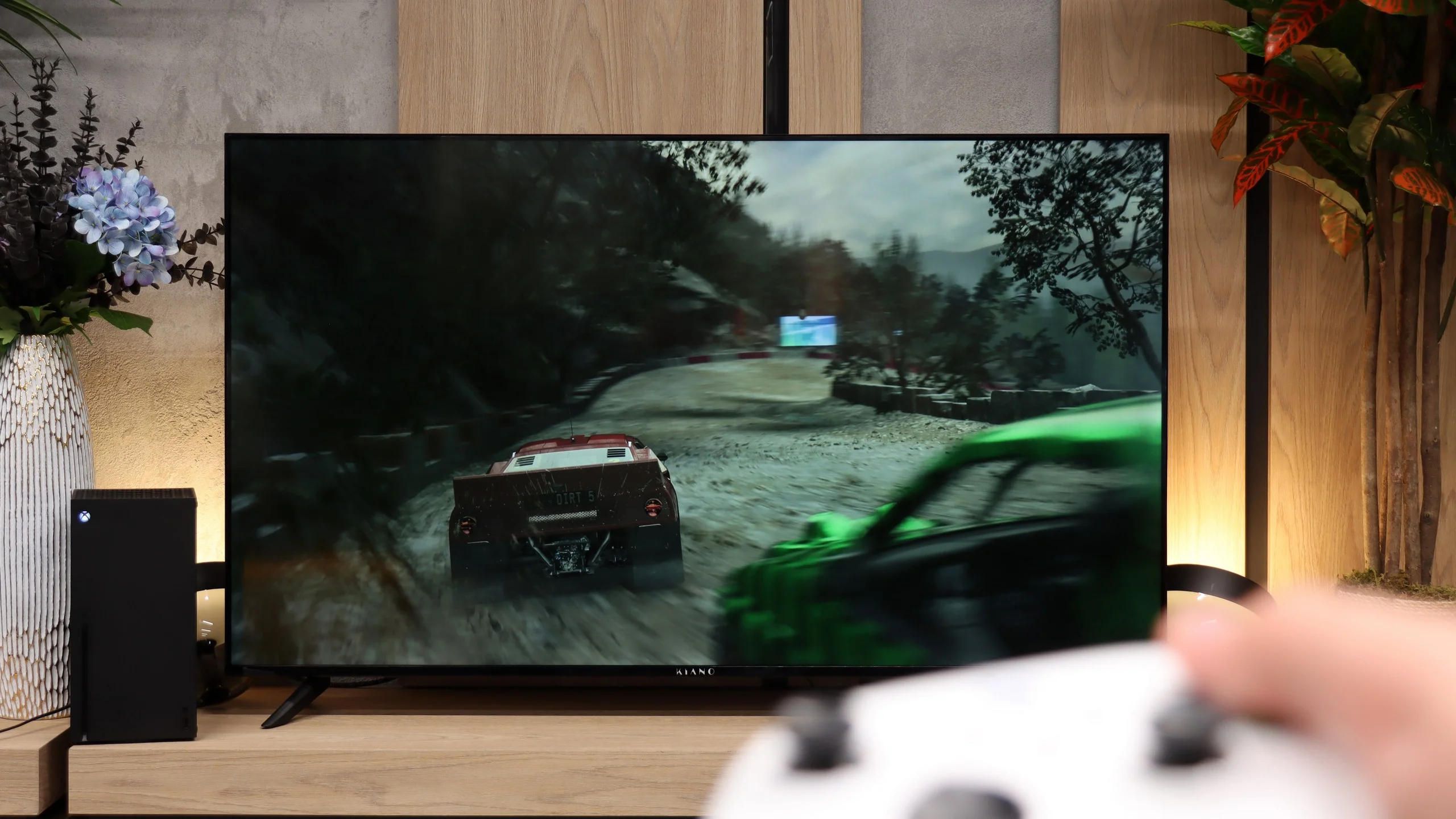
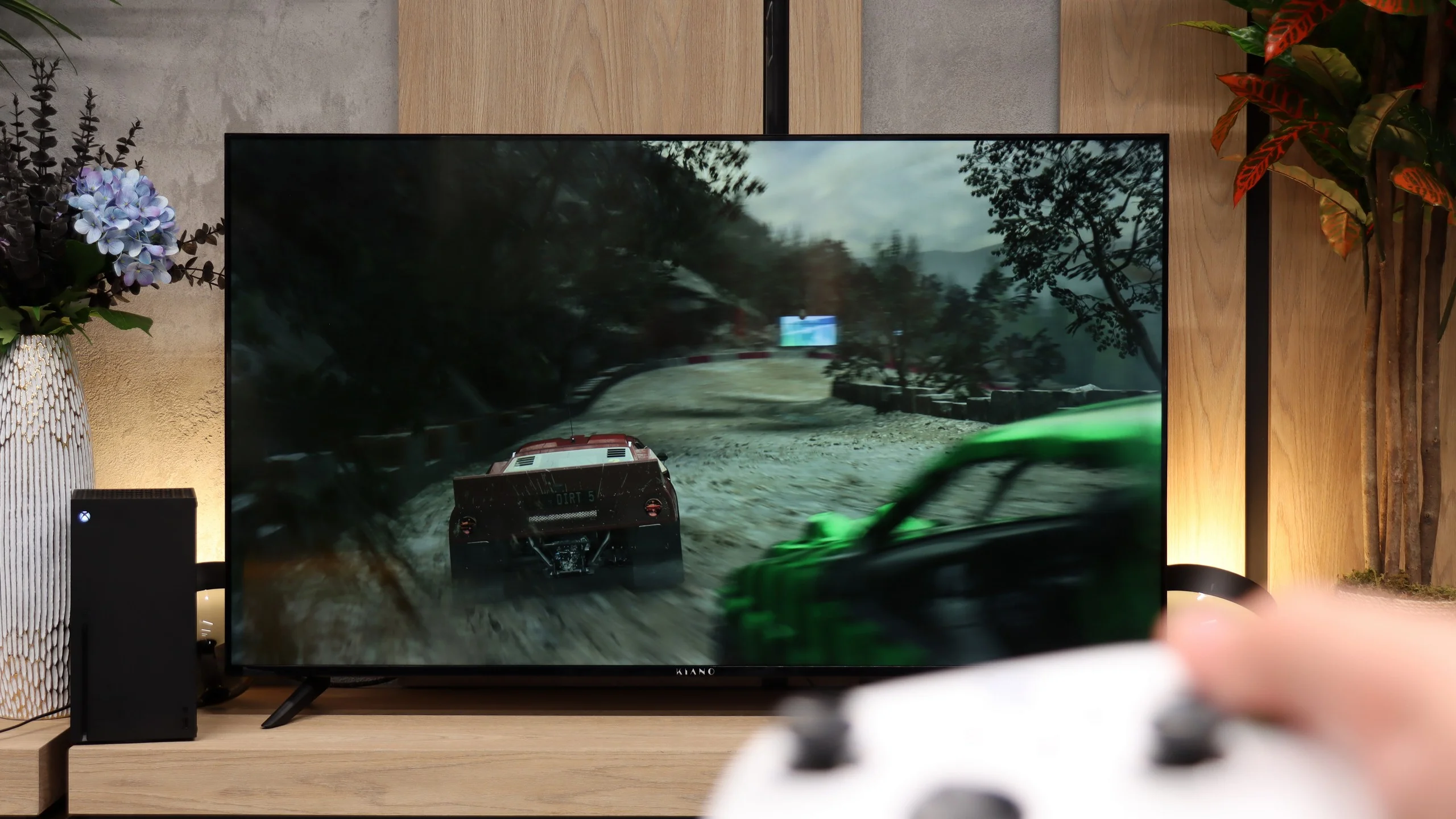
The Kiano Elegance lets you connect a console and play, but its ambitions basically stop there. The panel supports up to 60 Hz and there is no VRR, which helps when frame rates drop. It even lacks ALLM, i.e. automatic switching to a low-latency mode, so you have to take care of the TV’s settings yourself. That’s a pity, especially since input lag is low in the appropriate mode. However, if a console is one of the main reasons you’re buying a TV, it’s worth looking for something with greater capabilities.
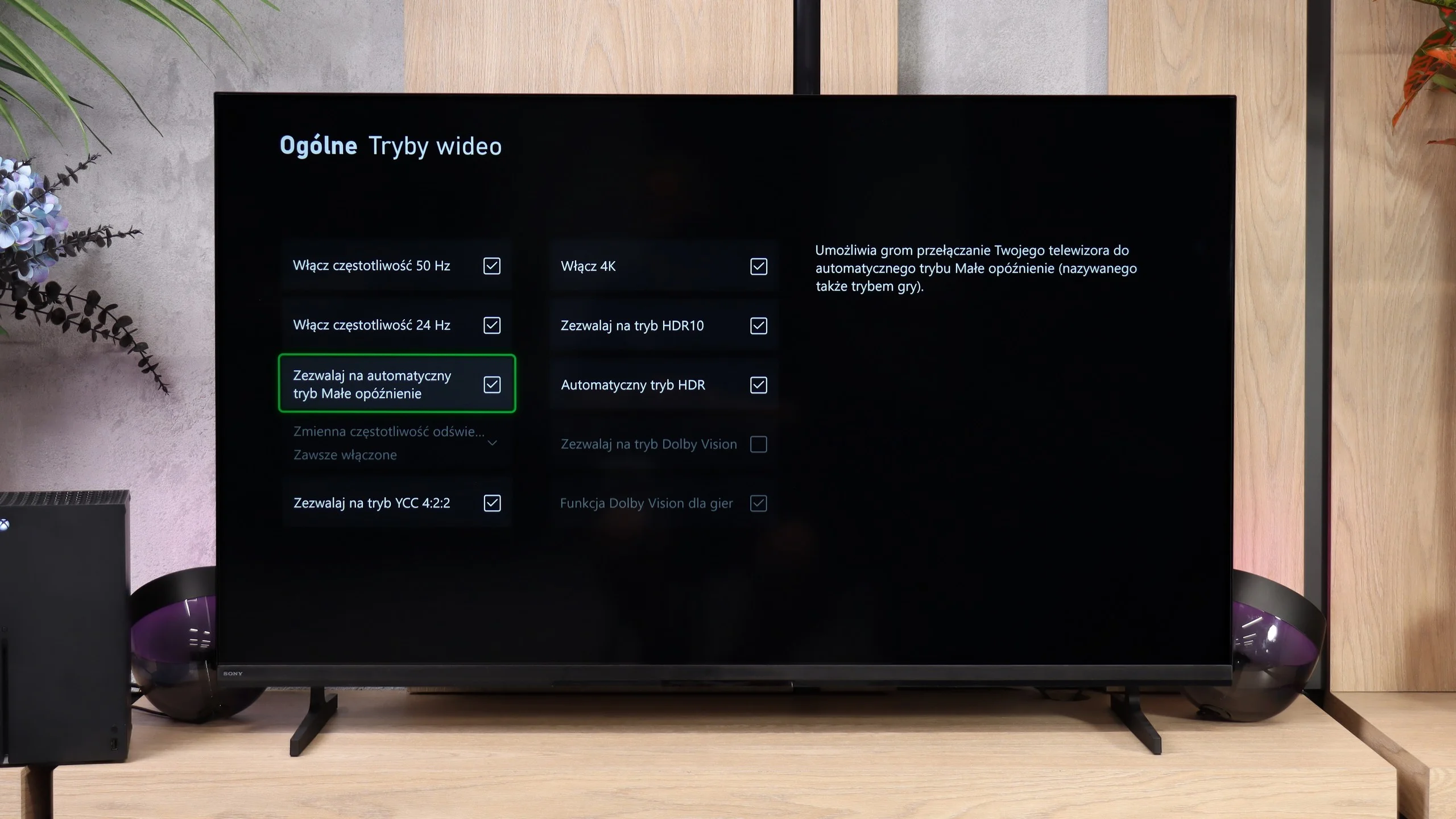
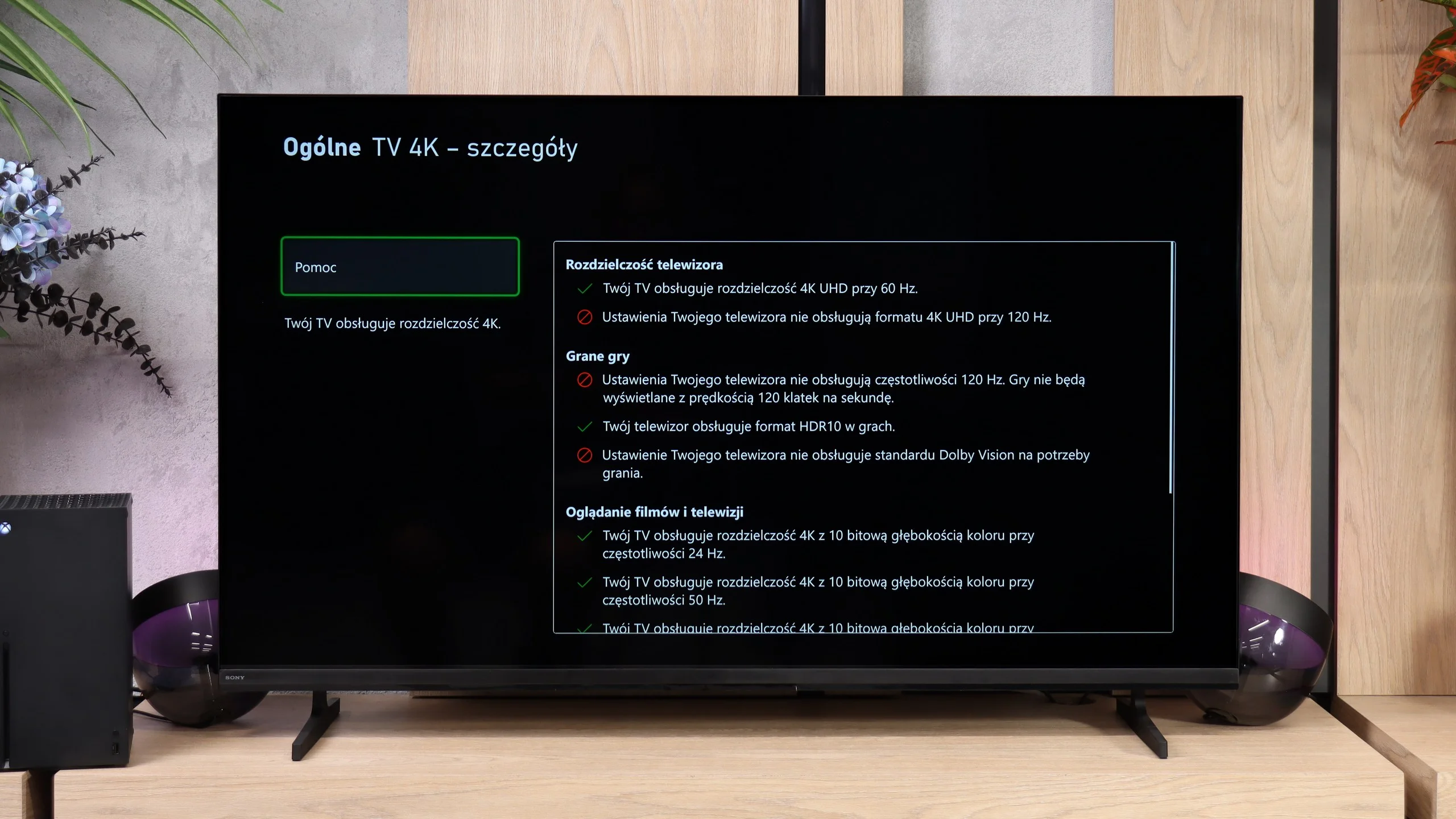
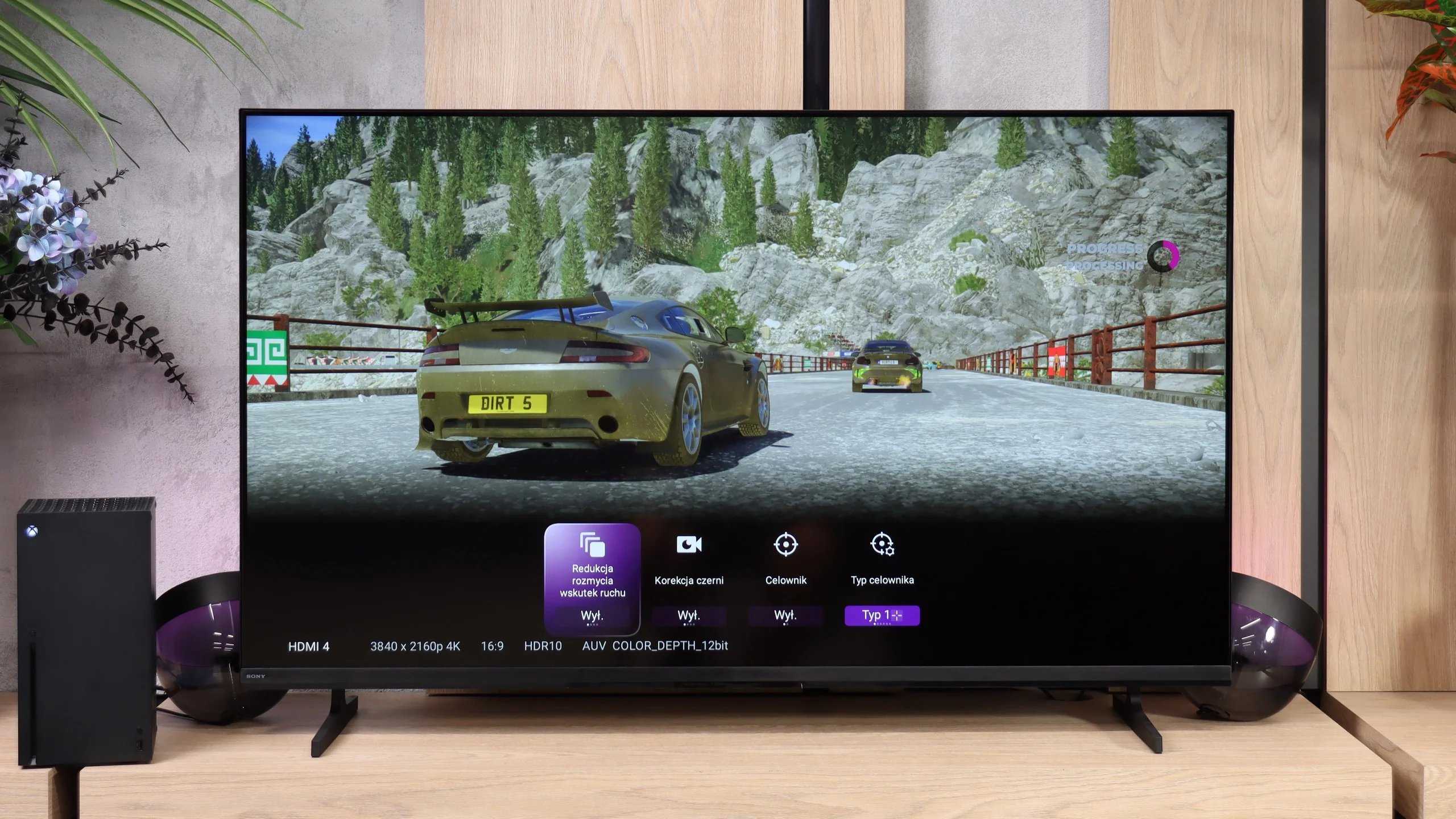
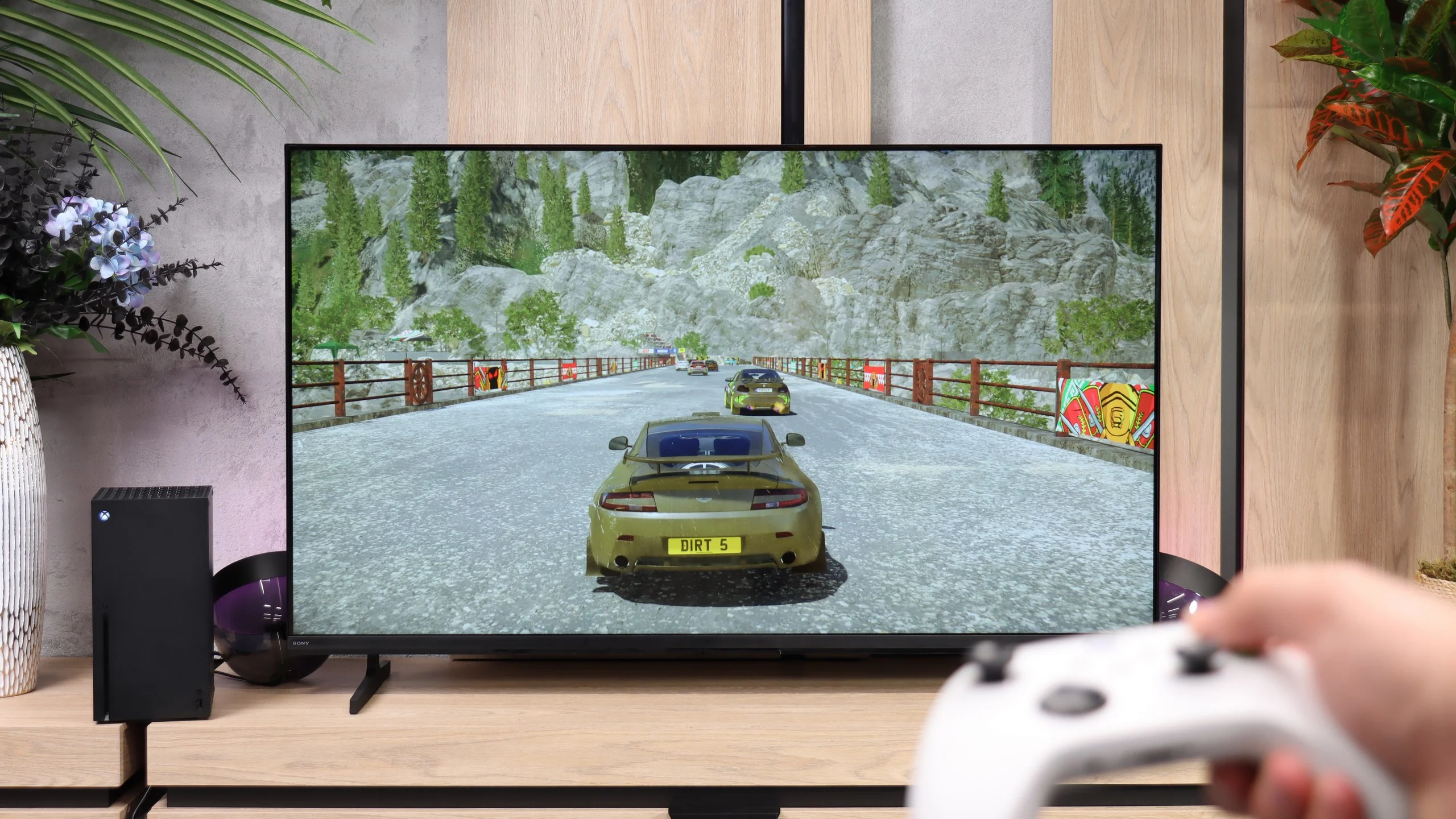
The Bravia 2 II is not a television that lends itself well to gaming, and the list of features shows that quite quickly. You essentially only get the automatic low-latency mode ALLM and a simple Game Bar that lets you view basic signal information and change a few settings. But that is where the list of strengths ends. The TV does not support VRR or 120 Hz (not even at lower resolutions), and on top of that it has problems with a proper implementation of the HDR HGIG format. It is suitable for occasional console gaming, and thanks to low input lag controls remain responsive, but if someone is looking for a TV primarily for games, the Bravia 2 II will simply be a rather limited choice.
Input lag
9.8/10
10/10
SDR
HDR
Dolby Vision
Although it has few features for gamers, the Kiano Elegance performs very well in terms of input lag. We measured around 14 to 15 ms at 60 Hz, both in Full HD and in 4K. Turning on HDR also doesn't increase input lag. Response to controller inputs is therefore quick, and while gaming you don't feel the TV noticeably delaying the controls. This is one of the model's strengths.
Here the Bravia 2 II performs markedly better. The input lag is only about 11 ms, which is low enough that delays are practically unnoticeable when gaming. Even with a modest set of gaming features, the TV will therefore handle regular console play without any major problems.
Compatibility with PC
6/10
6/10
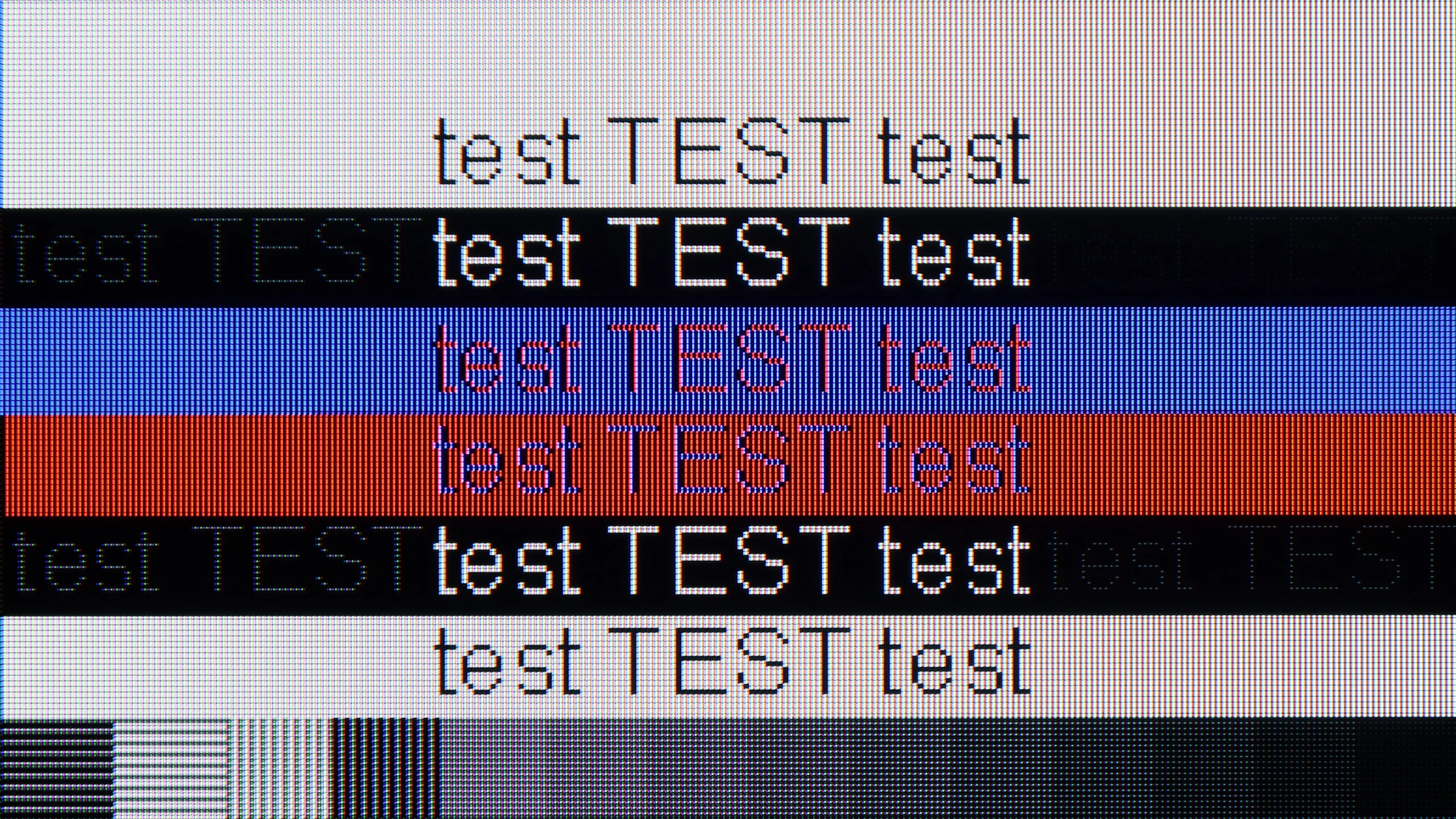
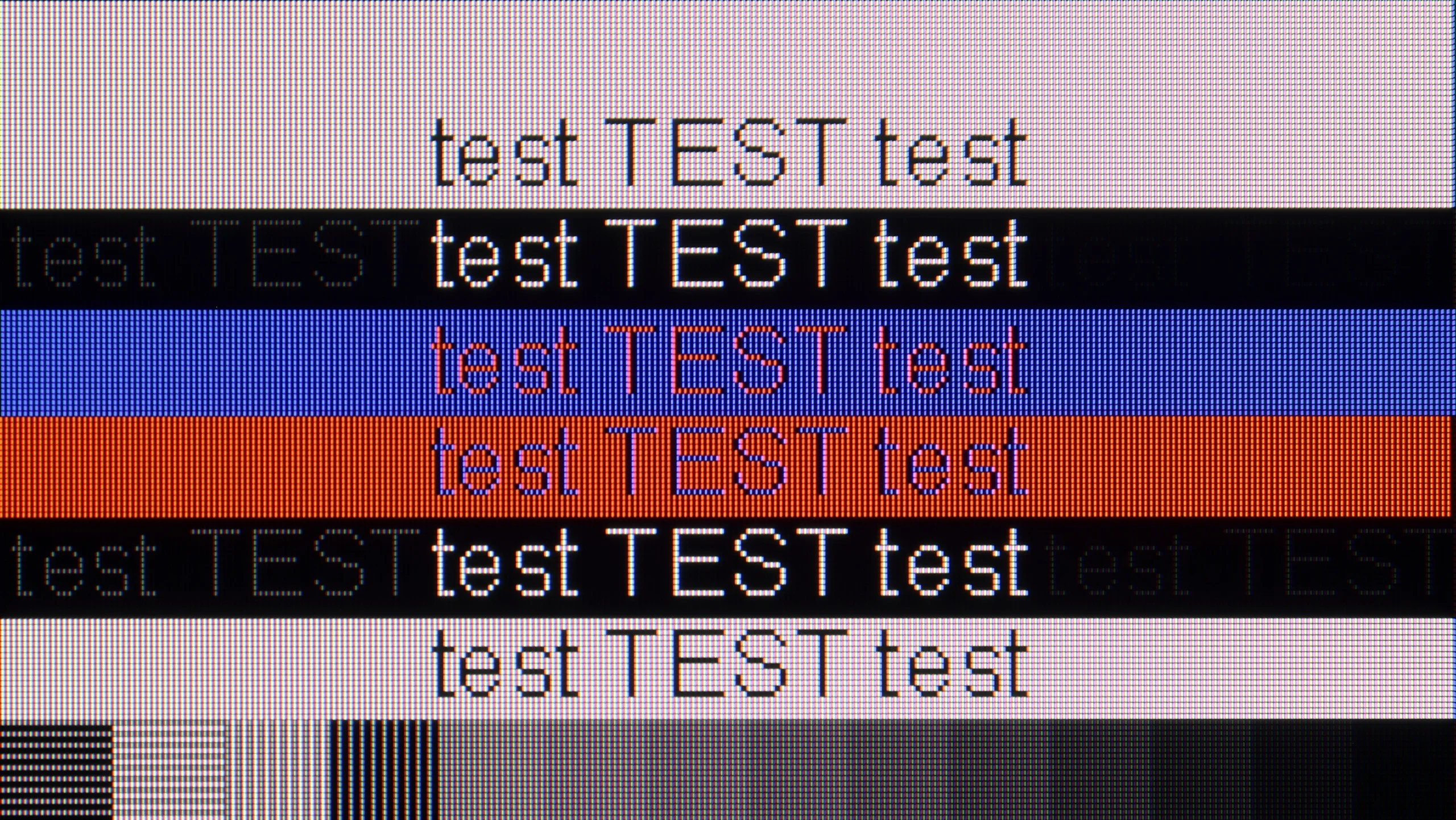
The photo shows the legibility of small fonts. Ideally, lines should be the same thickness on both light and dark text, with minimal pixel gaps.
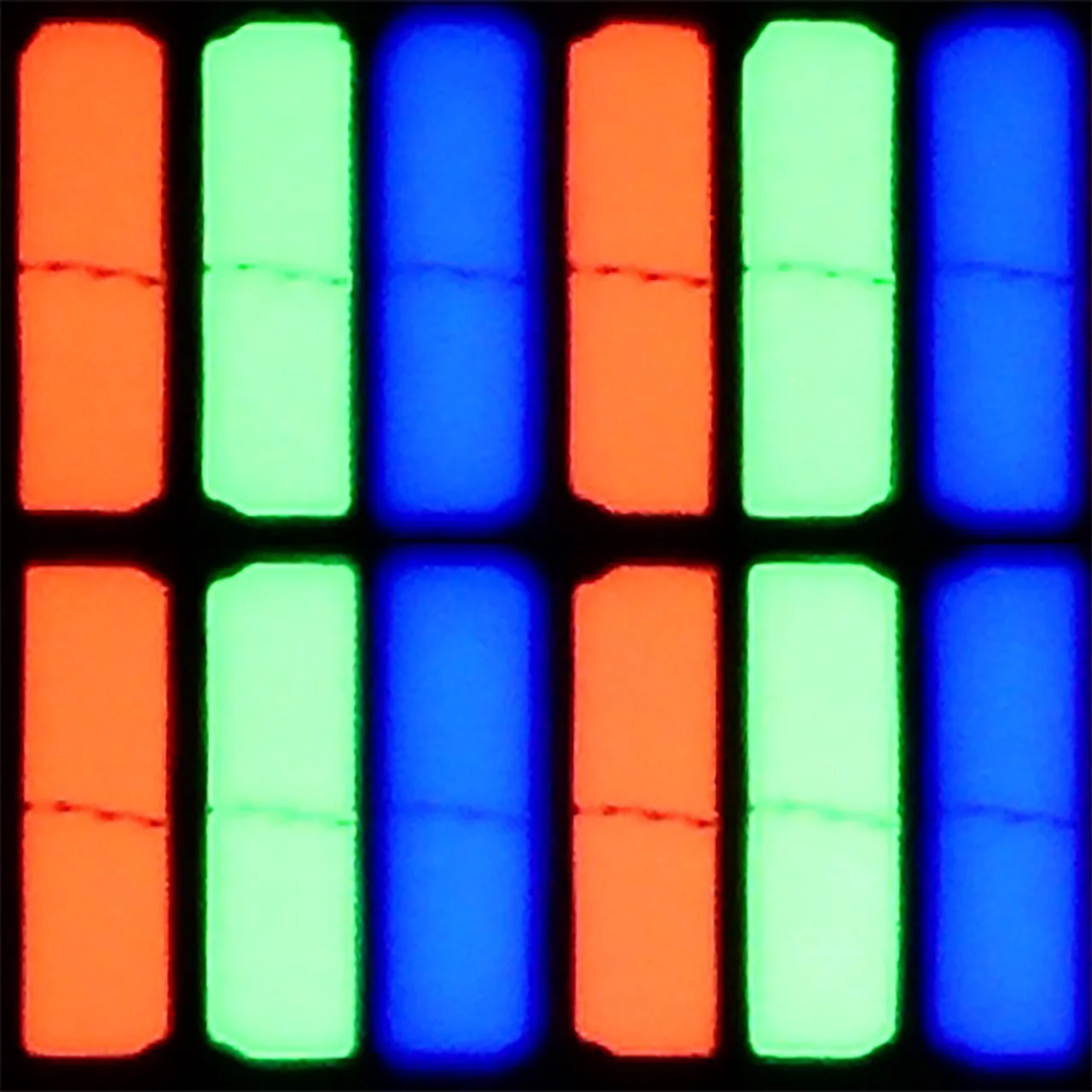
For browsing the internet, reading documents or displaying images from a laptop, the Kiano Elegance performs quite well. It supports 4:4:4 chroma subsampling, so small, colourful letters remain legible. There are also no major issues with rendering dark text. Despite using a BGR subpixel arrangement, font legibility in our tests was very good.
When gaming on a PC, however, the limitations described earlier reappear. The refresh rate maxes out at 60 Hz and G-Sync is not supported. A low input lag of around 15 ms provides responsive control, but it will not improve the clarity of moving objects. As a large screen for basic tasks the Kiano manages well, but there are better options for fast-paced games.
The Bravia 2 II handles a computer very well, at least if you think of it as a screen for work. Thanks to its IPS panel and correct 4:4:4 chroma reproduction, text is sharp and legible regardless of size, shape or colour. That's good news, especially for those considering buying the smaller model and placing it on their desk instead of a conventional monitor. It's much worse, however, when it comes to gaming. The TV does not offer 120 Hz, VRR or other features that might interest more demanding PC gamers. So it performs very well for office work or for watching content from a computer, but as a gaming display it has quite a few limitations.
Viewing angles
2.8/10
6.5/10
The Kiano Elegance is best watched sitting directly in front of the screen. Move to the side and the colours noticeably lose saturation, and the image becomes much less contrasty. At a 45-degree angle we measured a brightness drop of about 63%, so the difference is hard to miss. This is a typical weakness of VA panels and something to bear in mind if the TV will be placed opposite a wide sofa or viewed from different parts of the room.
Viewing angles are, in turn, one of the strengths of the Bravia 2 II. Thanks to the IPS panel, the picture retains accurate colours and brightness for quite a long time even when you are not sitting directly in front of the TV. In this respect Sony recoups some of the points it lost earlier on blacks and contrast. The Bravia 2 II can therefore be better suited to a larger living room or a room where some people watch the TV from the side, especially if it is mainly intended for everyday television viewing.
Daytime performance
3.7/10
4.8/10
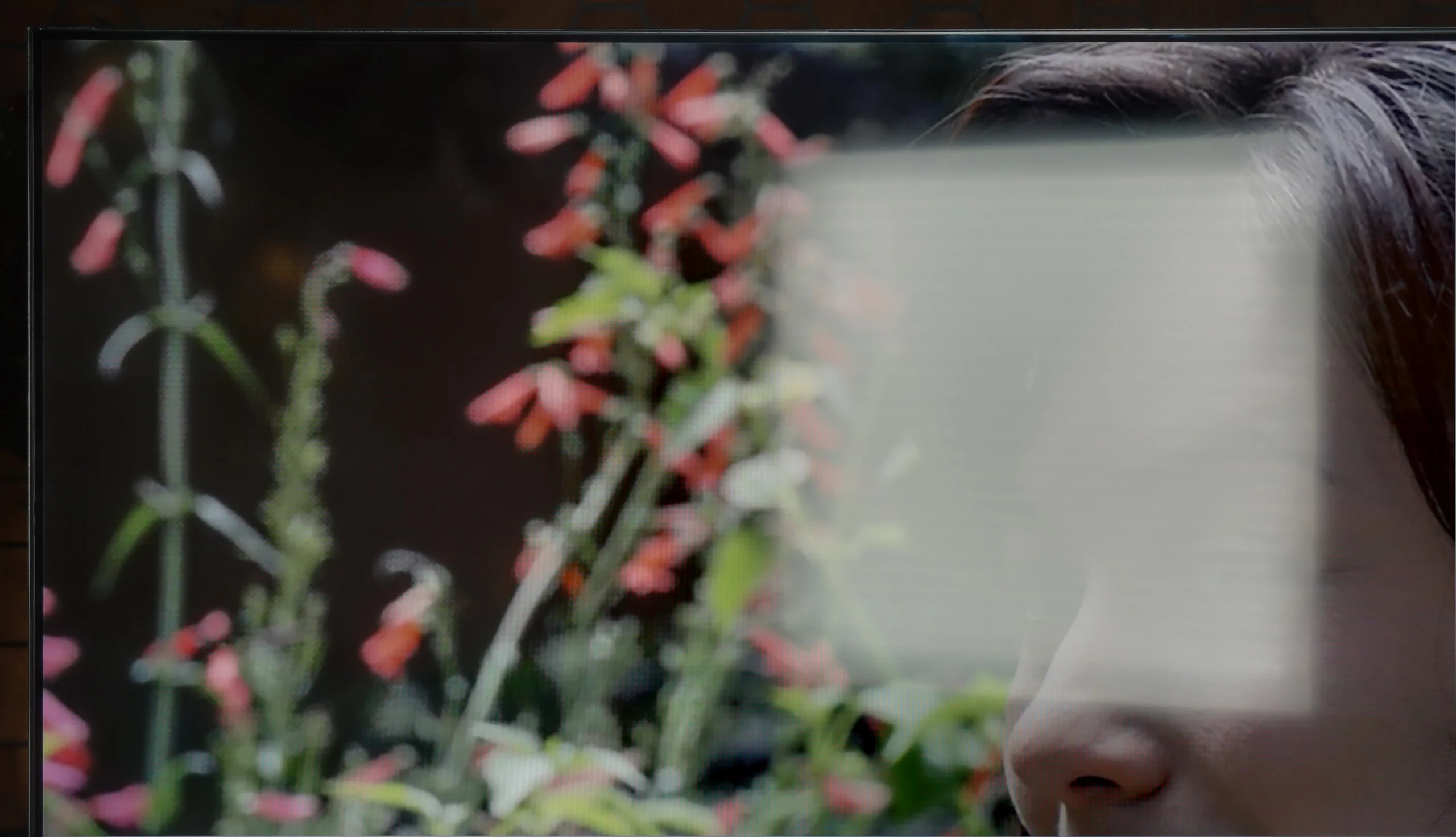
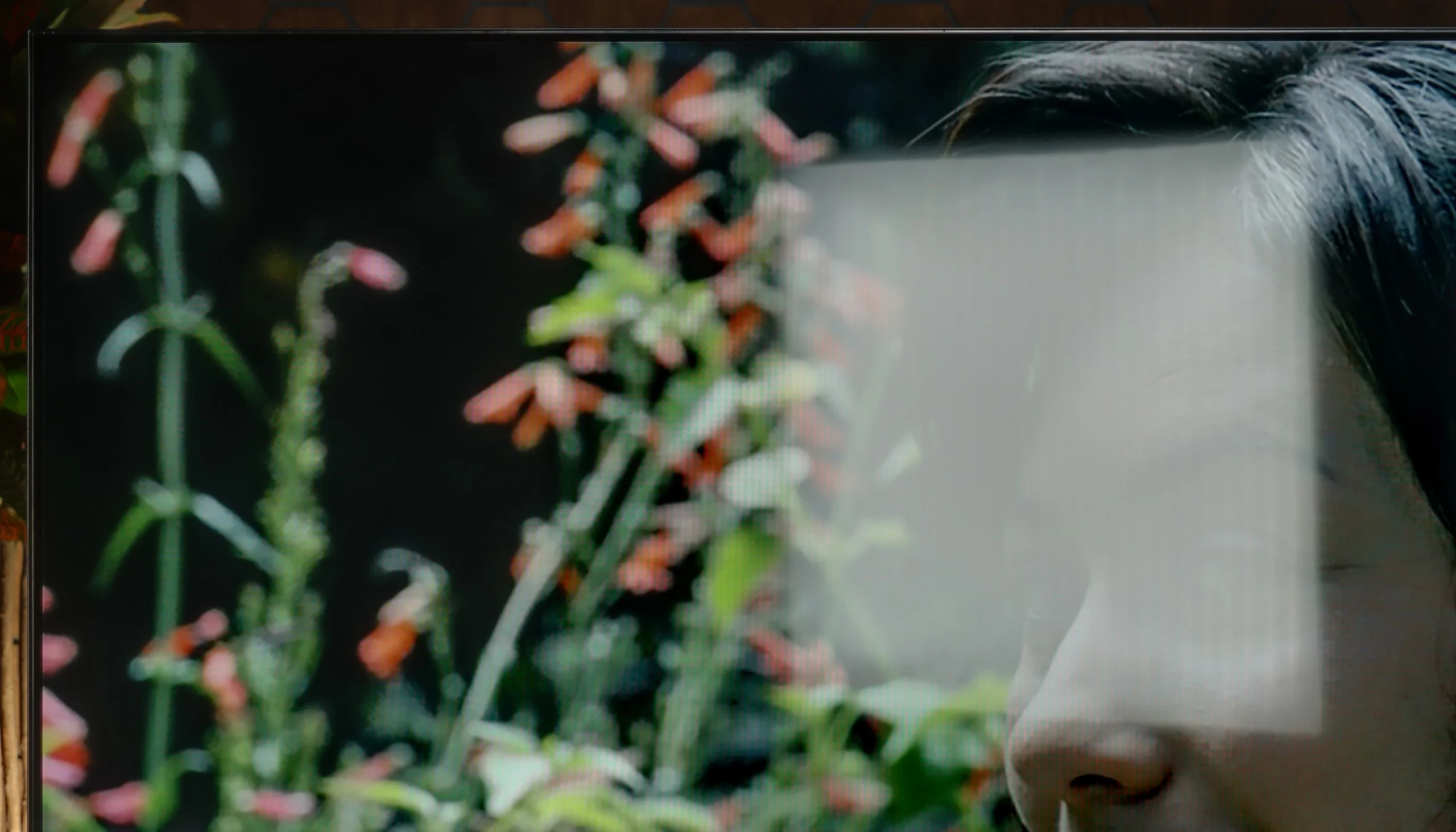
Panel brightness
Sony BRAVIA 2 II (S25M2): 319 cd/m2
Kiano Elegance Tizen: 215 cd/m2
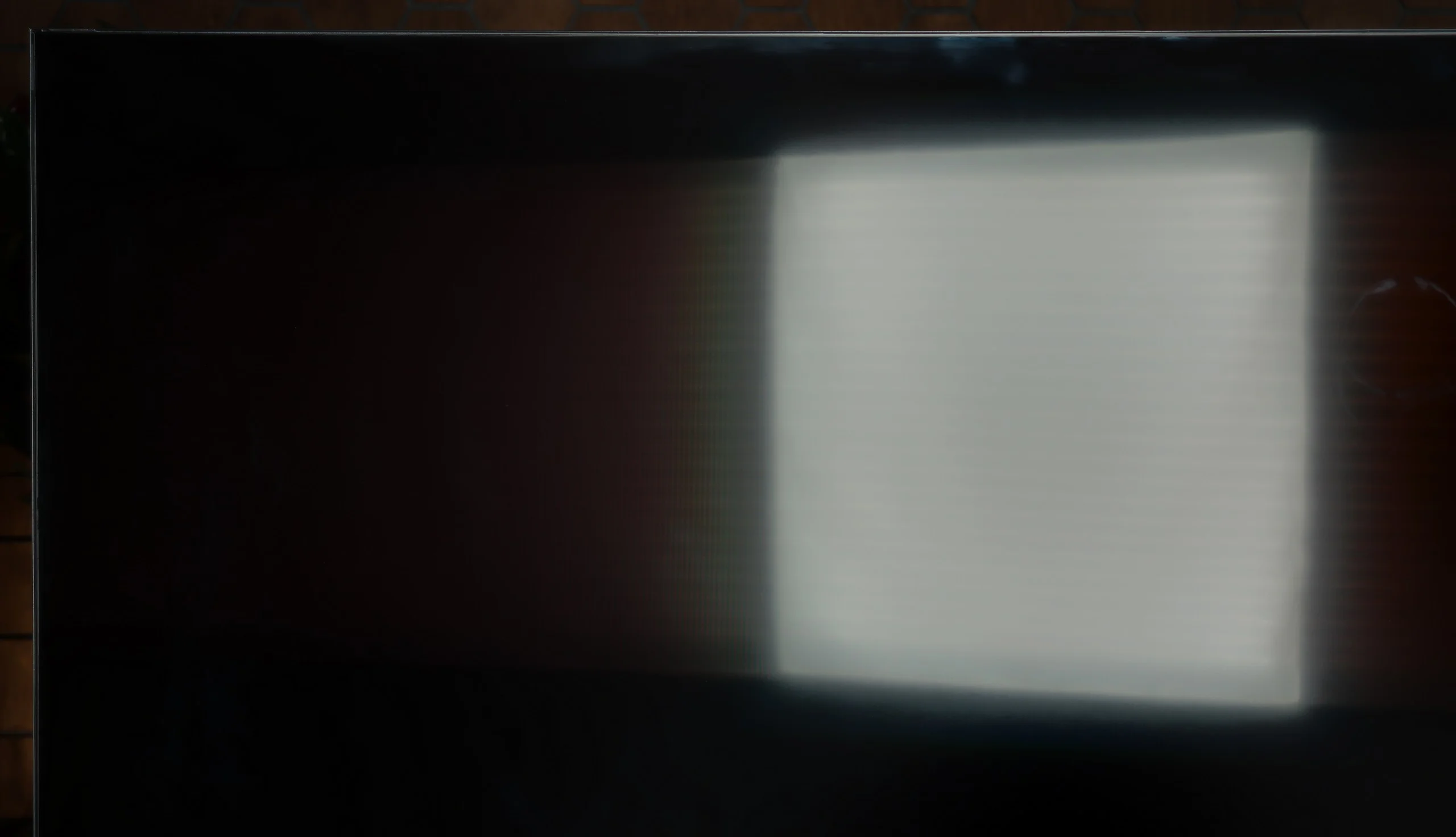
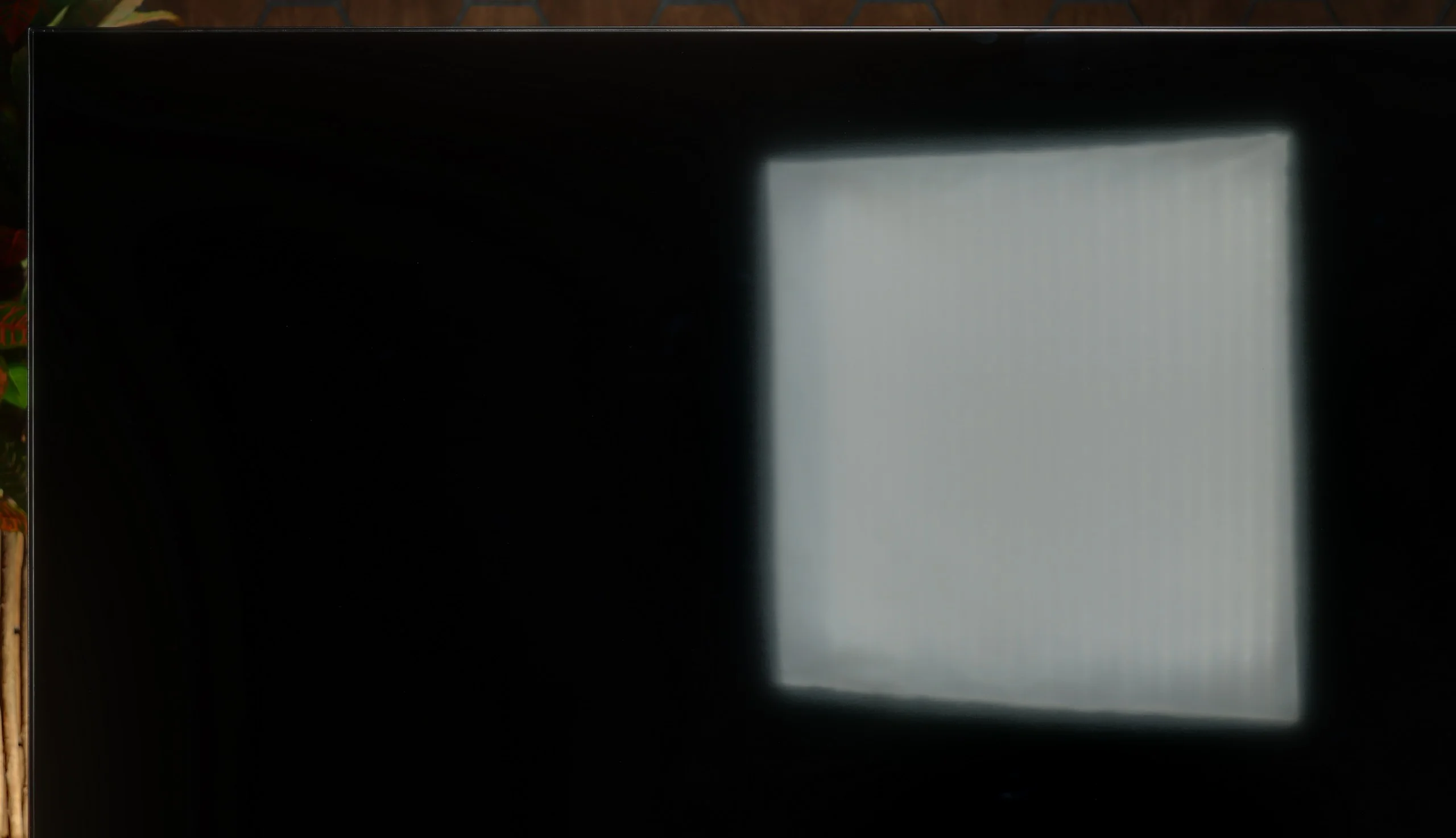
Kiano Elegance will simply be too dim for a very sunlit living room. Average brightness is about 215 nits, so during the day the picture is easily washed out by light coming through the windows. Especially with darker films, you may need to close the blinds. The satin coating does a decent job of reducing reflections, and blacks in a lit room do not look bad, but that is not enough to make up for the low brightness. The TV will be much better suited to a less sunlit room or to evening viewing.
By day the Bravia 2 II is rather average. Brightness of around 320 nits doesn't leave much headroom, but in a typical, moderately bright living room it's still enough to keep the picture readable. The matt screen coating does a decent job of limiting reflections, though it can't eliminate them completely. With strong light falling directly on the screen there's simply not enough brightness to effectively punch through the reflections. So it'll be fine for ordinary daytime viewing, but in a very bright room with lots of windows you may already notice the limitations of this model.
Panel details
Subpixel Structure:
Panel uniformity and thermal imaging:


Kiano Elegance Tizen
Sony BRAVIA 2 II (S25M2)
TV features
5.1/10
6.6/10
- SystemTizenGoogle TV
- System performanceAverageDecent
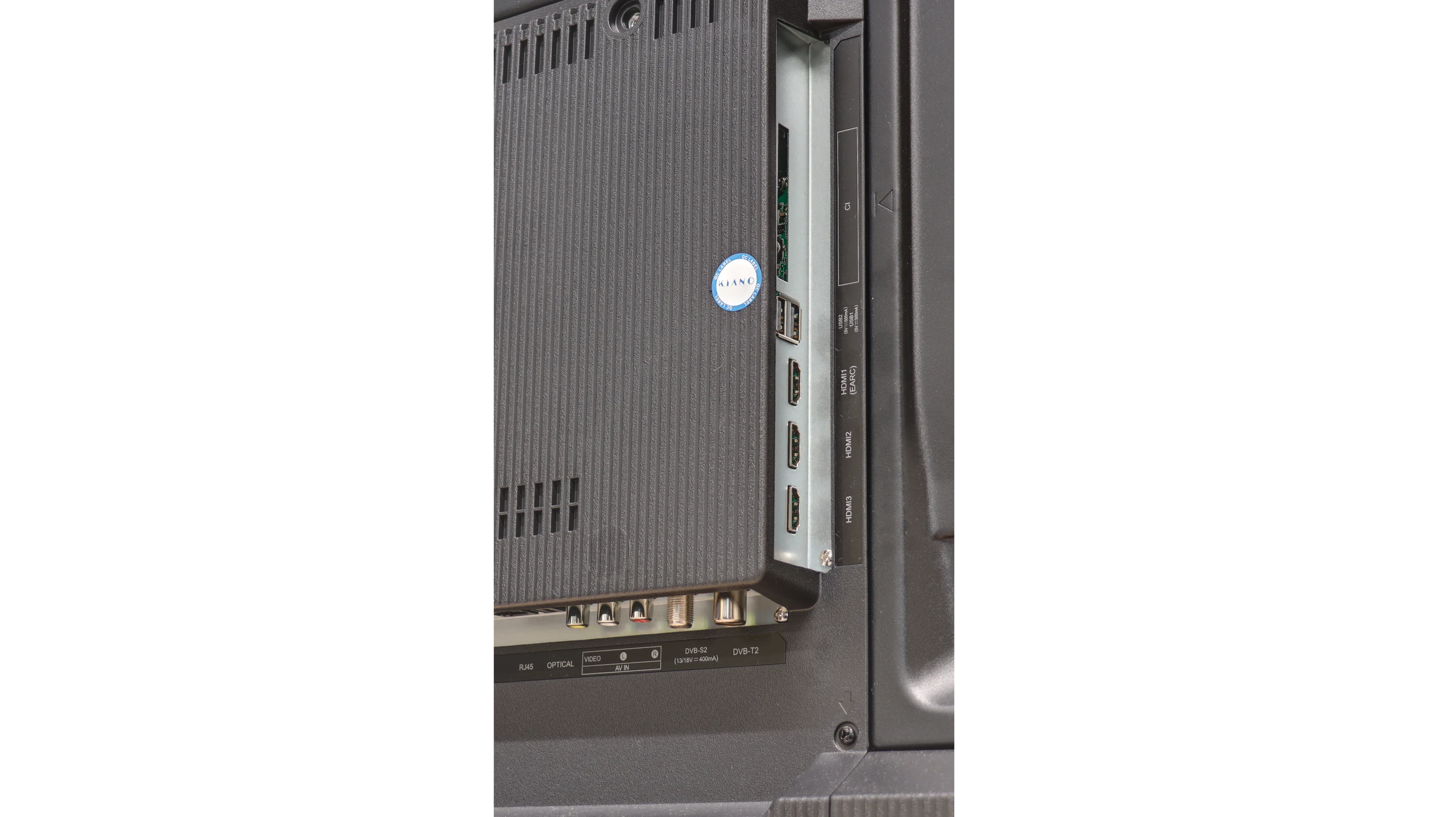
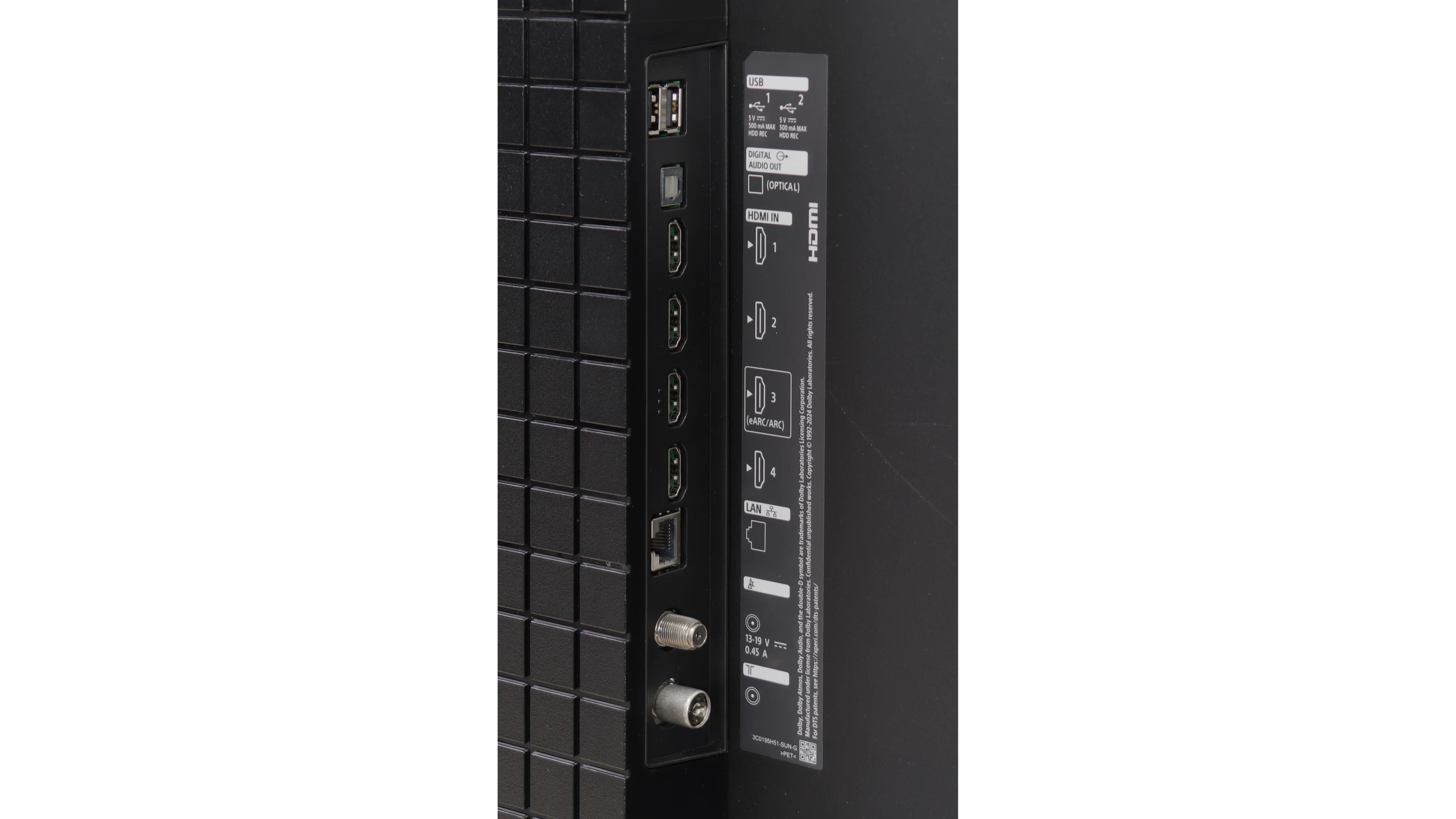
- HDMI inputs3 x HDMI 2.0, 0 x HDMI 2.14 x HDMI 2.0, 0 x HDMI 2.1
- Other inputsRCA (Chinch)
- OutputsSPDIF (Coaxial audio), eARC (HDMI), ARC (HDMI)Toslink (Optical audio), eARC (HDMI), ARC (HDMI)
- Network InterfacesWi-Fi 2.4GHz, Wi-Fi 5GHz, Ethernet (LAN) 100MbpsWi-Fi 2.4GHz, Wi-Fi 5GHz, Ethernet (LAN) 100Mbps
- TV receptionDVB-T, DVB-T2, DVB-S, DVB-S2, DVB-CDVB-T, DVB-T2, DVB-S, DVB-S2, DVB-C
Classic features:
- Recording to USB (terrestrial TV)
- Recording programming
- Picture in Picture (PiP)
- RF remote control (no need to aim)
- Backlit remote control
- Teletext
- Audio only mode
- Bluetooth headphones support
- Simultaneous Bluetooth headphones & TV audio
Smart features:
- AirPlay
- Screen mirroring (Windows Miracast)
- Voice search
- Voice search in native language
- Ability to connect a keyboard and mouse
Sound connection options
- HDMI audioeARC (HDMI), ARC (HDMI)eARC (HDMI), ARC (HDMI)
- Other audio outputsAuxiliaryOutput-SPDIF (Coaxial audio)Toslink (Optical audio)
- Wireless audioBluetoothBluetooth
Supported audio formats (external HDMI eARC audio):
- Dolby Digital Plus 7.1
- Dolby True HD 7.1
- Dolby Atmos in Dolby Digital Plus (JOC)
- Dolby Atmos in Dolby True HD
- DTS:X in DTS-HD MA
- DTS-HD Master Audio
Senior accessibility
- Numeric keyboard on TV
- Font size adjustment
- Audio description
Tizen in the Kiano TV
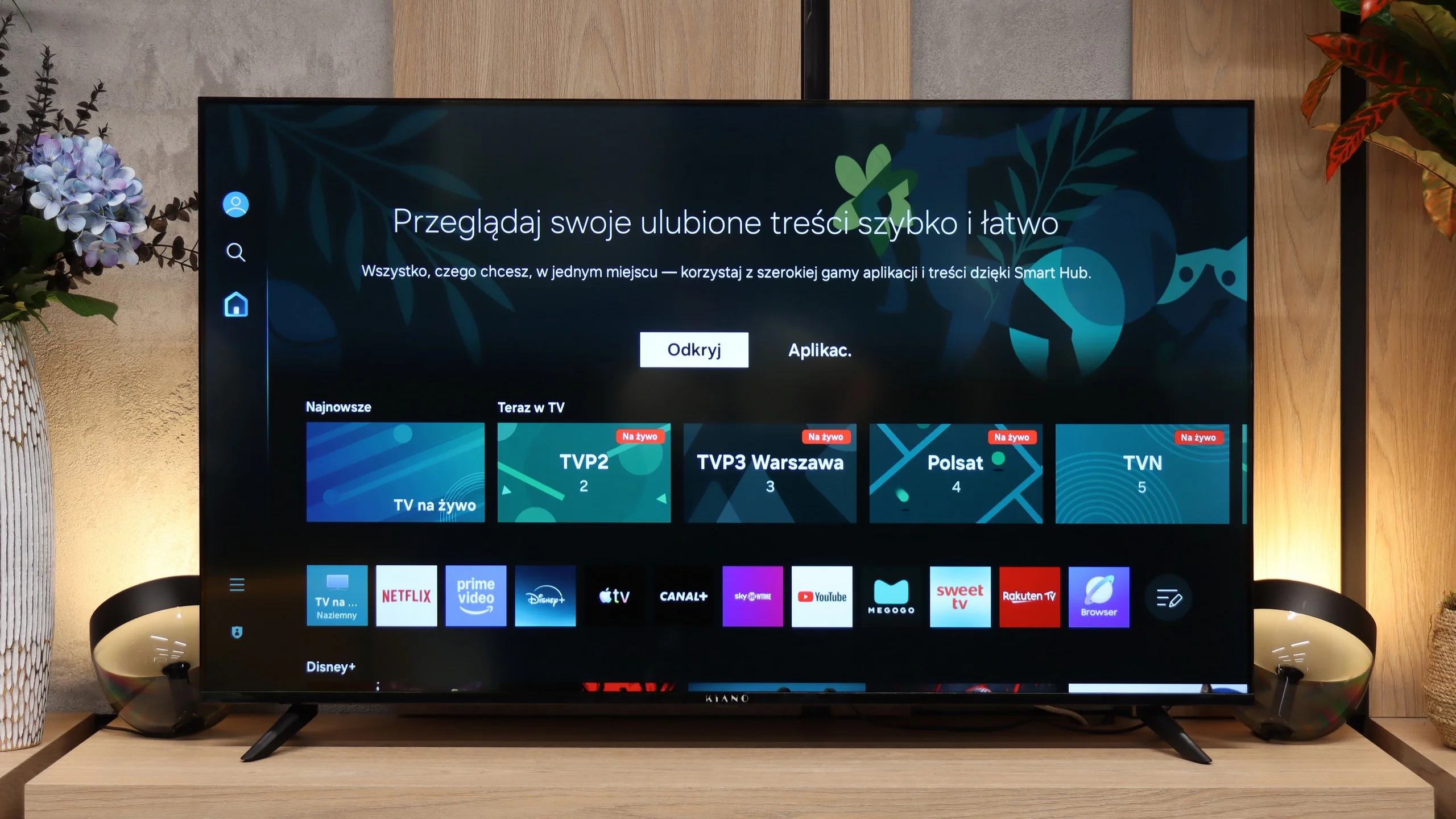
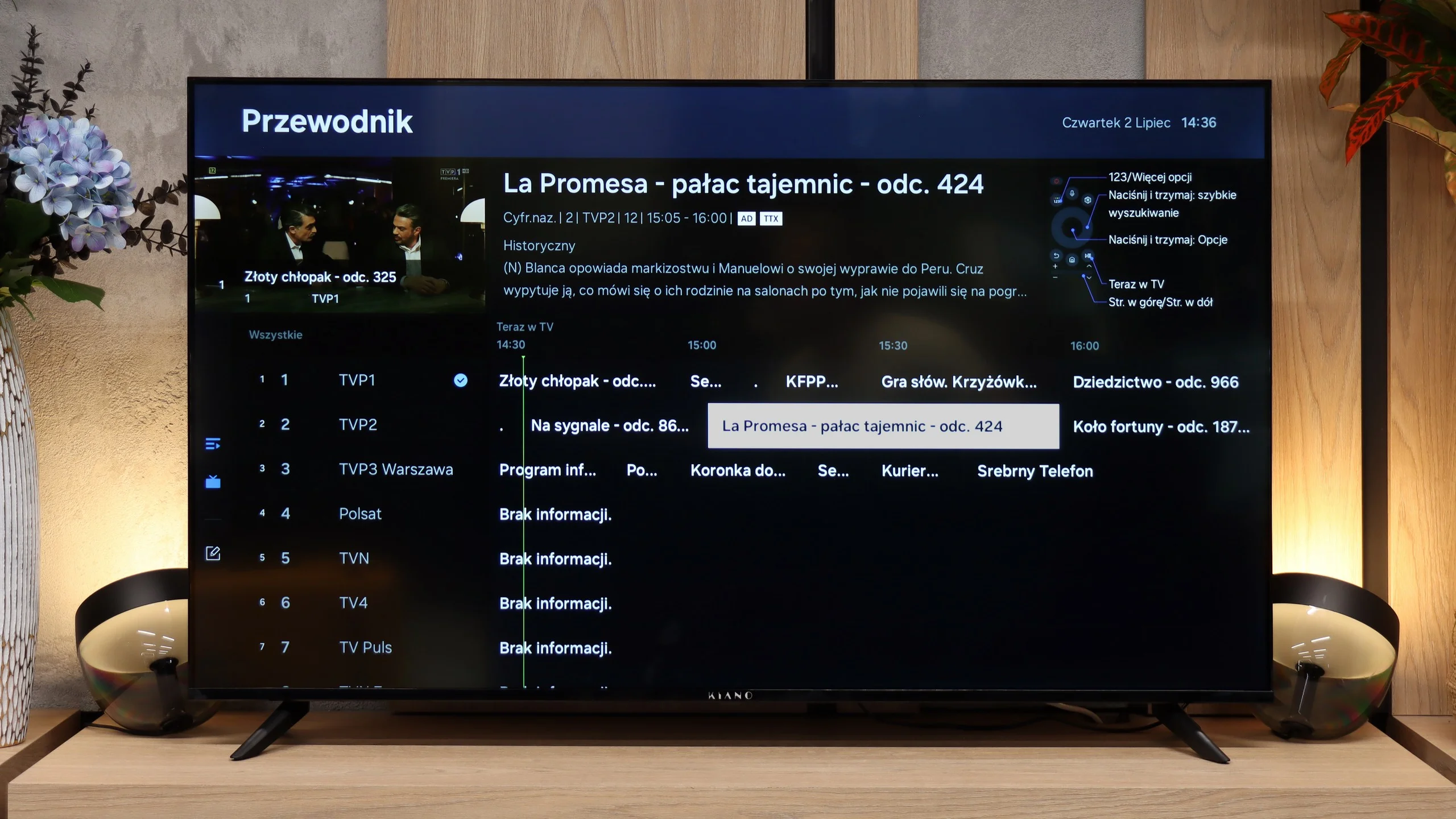
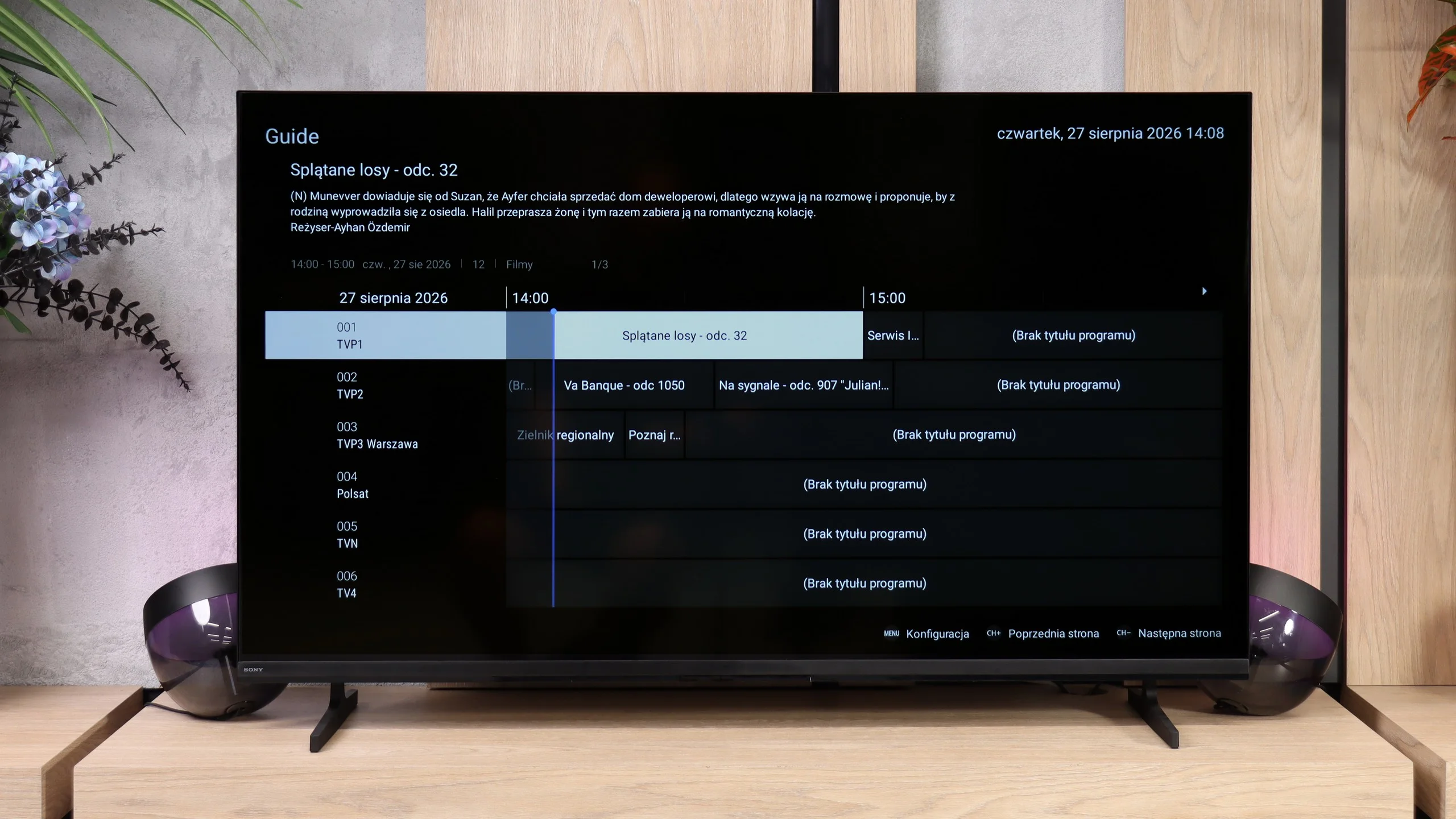
Tizen is one of the main reasons to consider this model. It gives access to many popular apps, so you don't necessarily need an external streaming device to watch series or YouTube. Bear in mind, however, that the same system does not guarantee the same ease of use as in more expensive Samsung models. On the Kiano the responsiveness is average, and you may sometimes have to wait a moment for the menu to react. There is no voice search, so titles must be entered with the remote control. A convenient addition is AirPlay and the ability to wirelessly stream the picture from a computer.
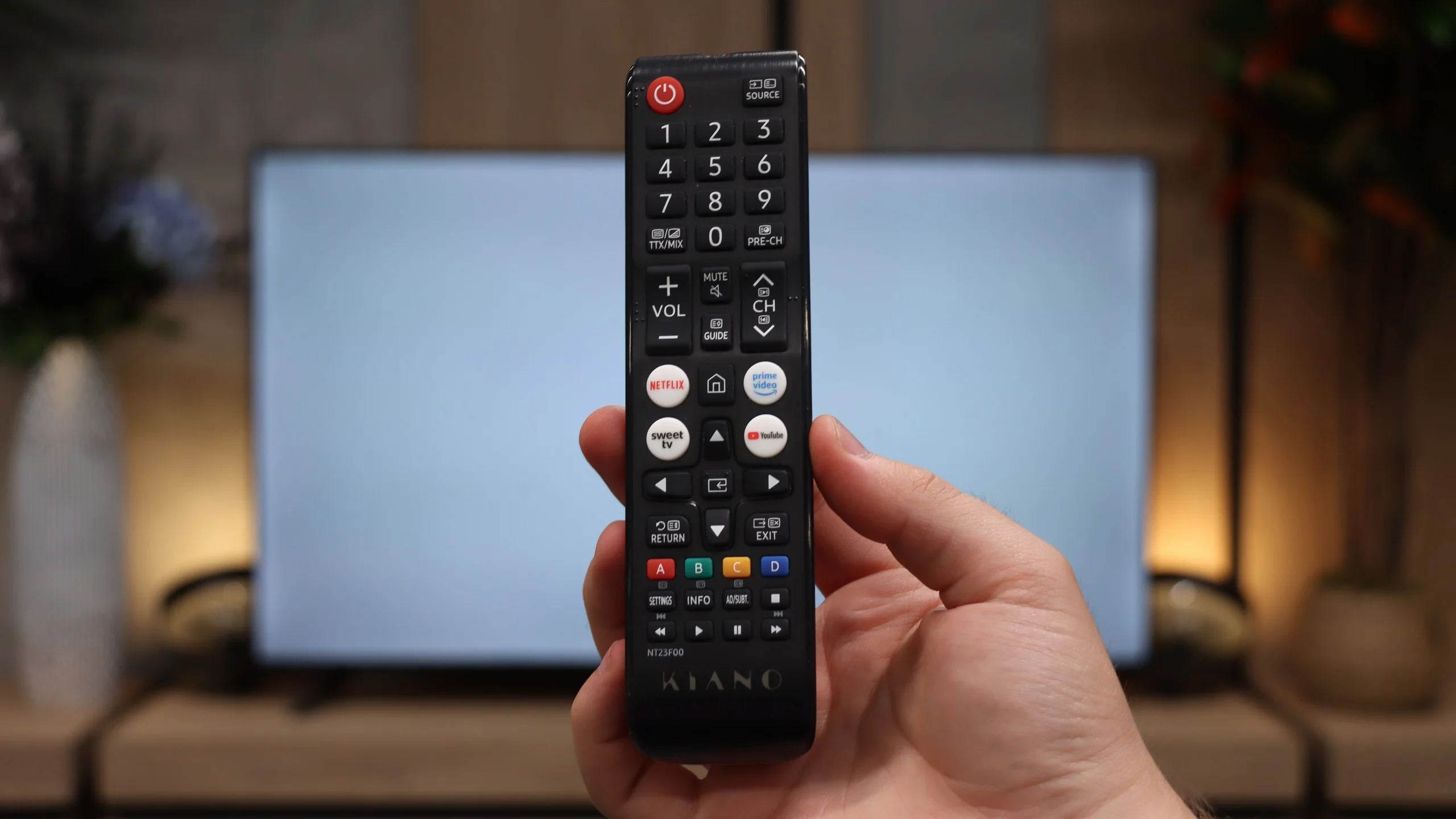
Everyday use
The basic TV functions are in place, but there is no USB programme recording or picture-in-picture. The remote uses infrared, so it must be pointed at the TV, and its buttons are not backlit. It is useful, however, that you can use Bluetooth headphones and the speakers at the same time. This allows one person to listen through headphones (for example an older person) without taking the sound away from others in the household. For connecting devices there are three HDMI 2.0 inputs, which are sufficient for 4K at 60 Hz. A soundbar can be connected via eARC, and an analogue RCA input is provided for older equipment.
Google TV
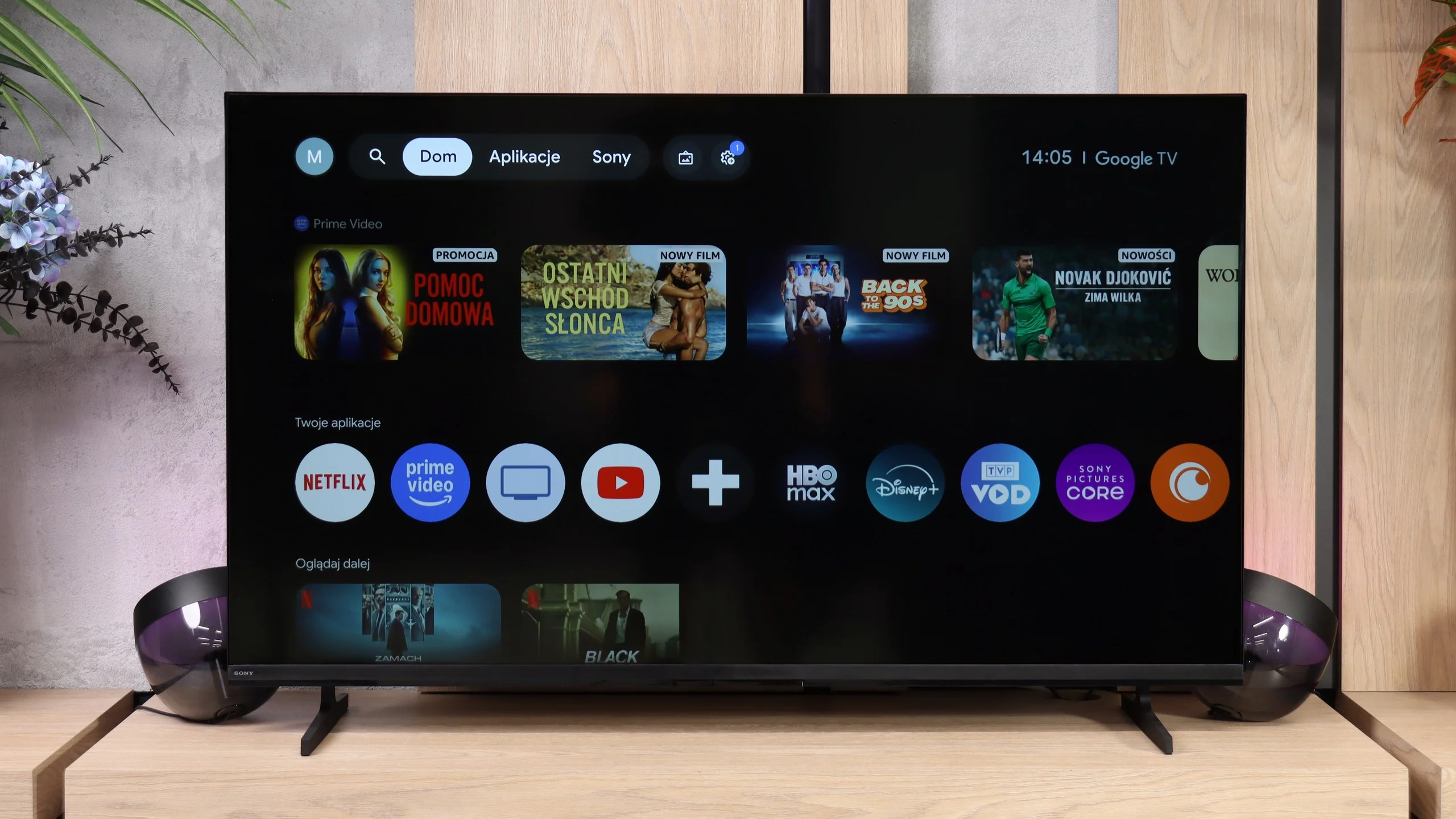
Bravia 2 II runs on Google TV, which is definitely one of this model's stronger points. First and foremost we get a huge selection of apps, so there’s no problem accessing popular streaming services. There’s also Chromecast and AirPlay, which make it easy to cast content from your phone or other devices. Voice search with Google Assistant/Gemini also works very well, including in Polish. The system itself is not, admittedly, one of the fastest versions of Google TV we’ve tried, and sometimes you have to wait a moment for a response, but overall it performs decently. In terms of capabilities there’s little to complain about, especially for one of Sony’s cheapest TVs.
TV features
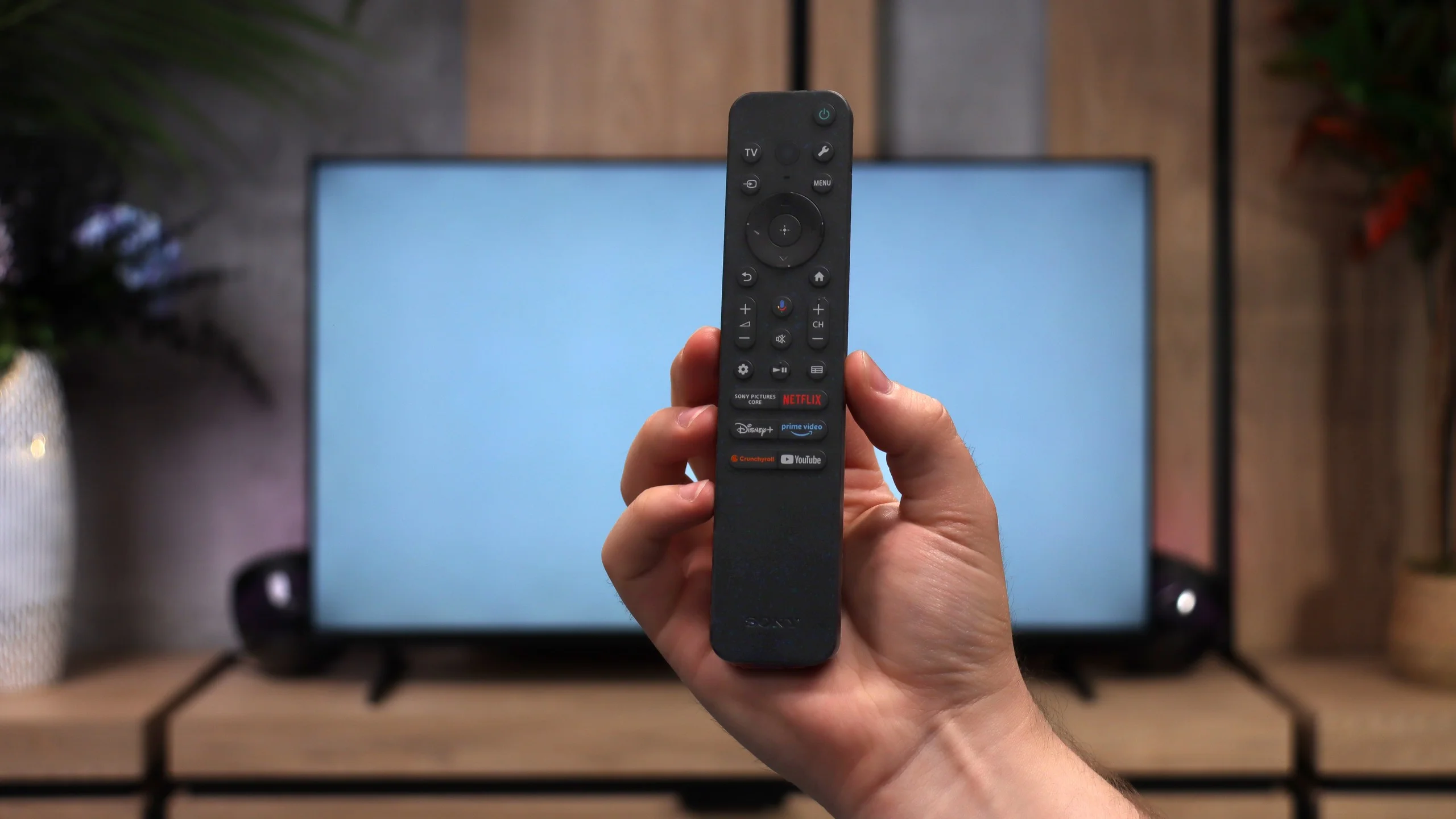
When it comes to conventional TV features, the Bravia 2 II is rather modest. You won't find, for example, USB programme recording or other more advanced extras here, so in that respect it's fairly basic. On the plus side, it does come with two remotes. One is a modern, simpler remote intended mainly for operating the Smart TV, and the other is a classic remote with more buttons, which may be more comfortable for people who frequently use traditional television. The smaller one operates via radio, so you don't have to point it directly at the screen, which is simply convenient in everyday use.
Apps
8.8/10
9.6/10






















Playing files from USB
8/10
9.4/10
Supported photo formats:
Maximum photo resolution:
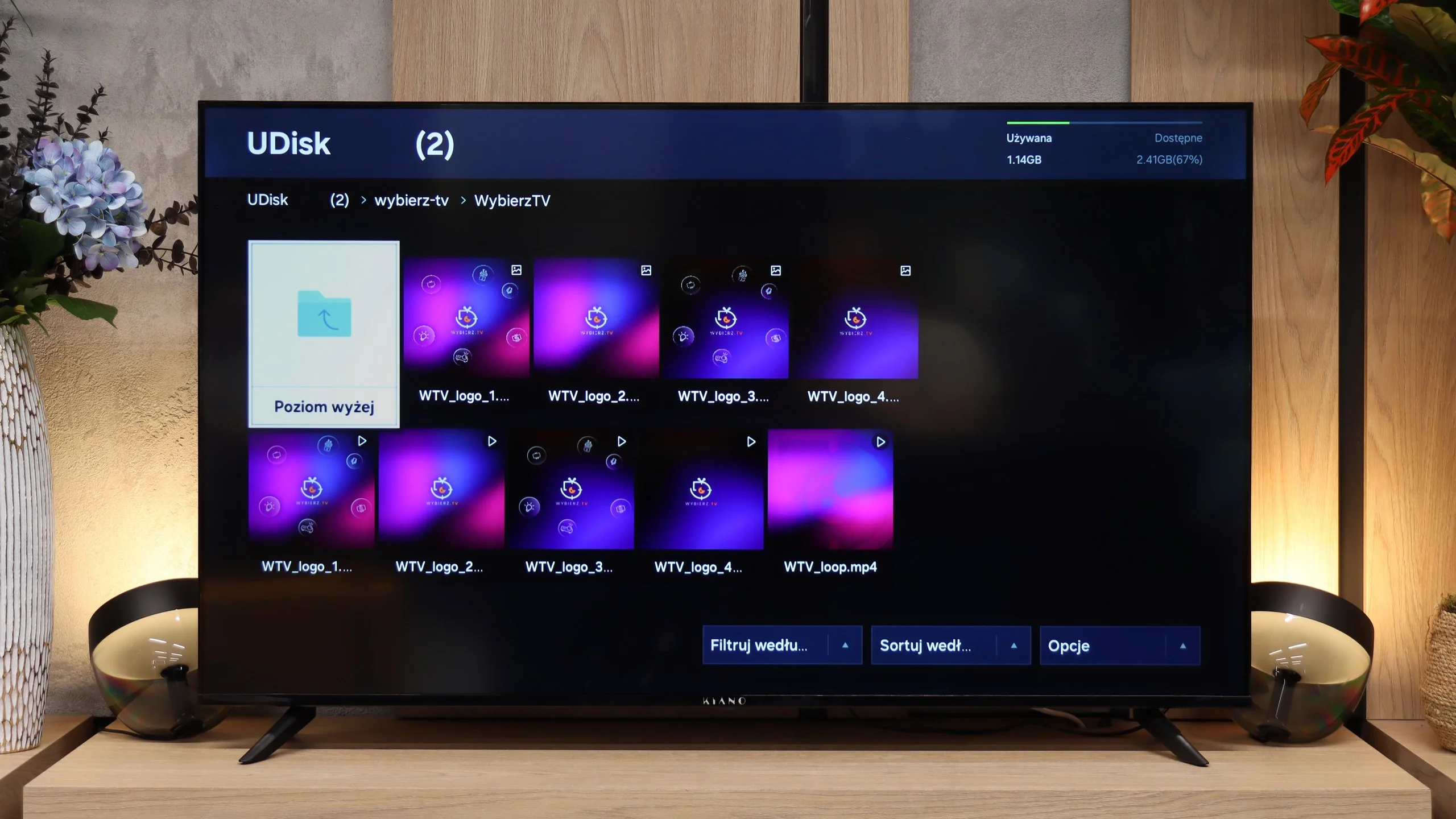
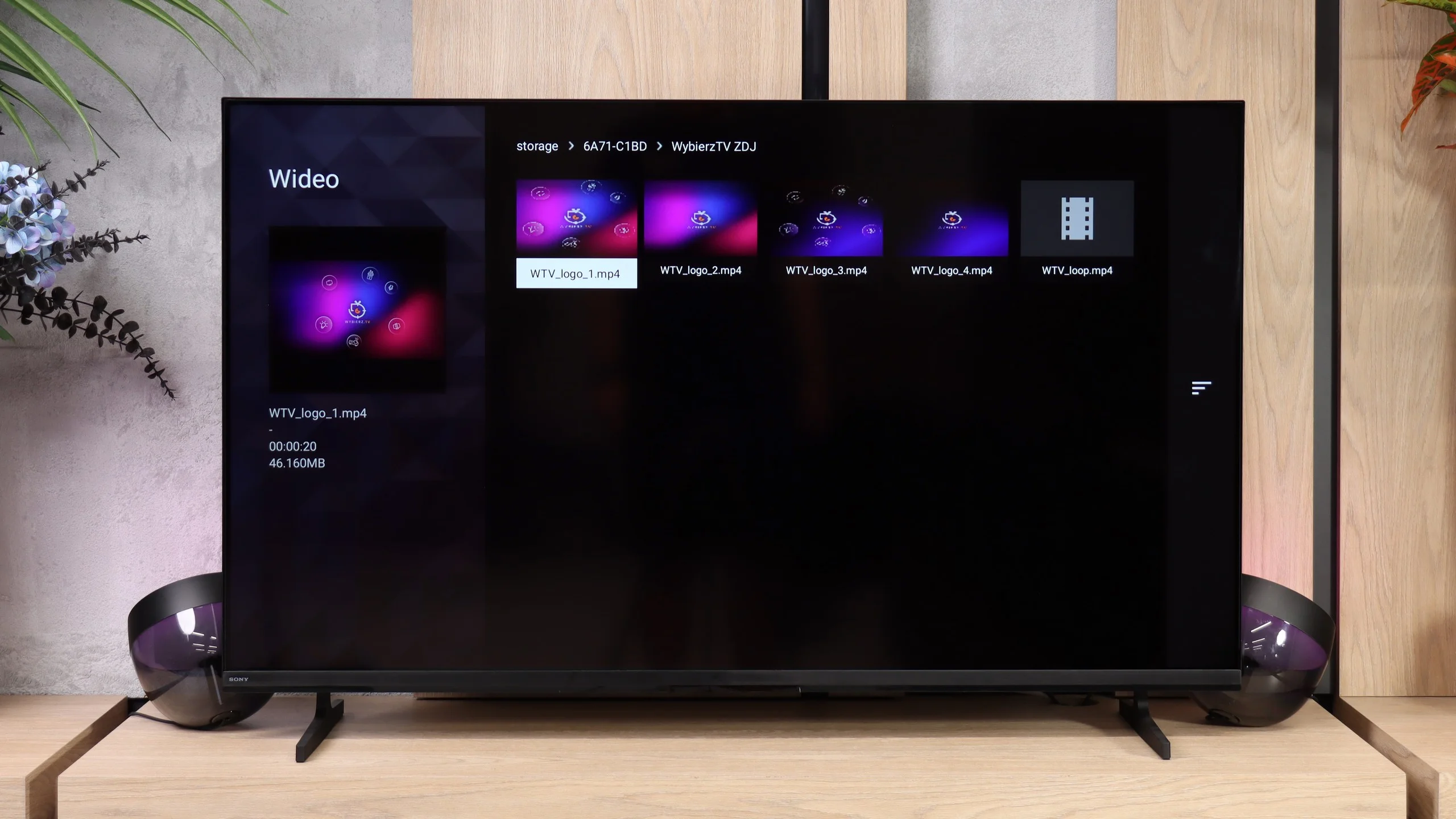
The USB player in the Kiano Elegance supports most popular formats, so opening typical films, photos or music should usually not be a problem. However, actually using it is less satisfactory. During testing it had its 'moments of weakness' and could take a very long time to open individual files. Sometimes it took so long that you could start to wonder whether the TV was still loading something or had already frozen. It's sufficient for occasionally playing something from a USB stick, but browsing a larger collection can require a great deal of patience.
The built-in file player performs very well. The Bravia 2 II opens almost anything you throw at it, from common video files and subtitles to photos and music. Importantly, it also has no trouble with more demanding 4K material encoded in HEVC or AV1. Of course, there are a few isolated formats the TV does not support, such as VVC or some less common audio and image files. These are mostly things few people will try to play directly on the TV.
Sound
3.6/10
6.1/10
- Maximum volume88dB92dB
- Dolby Digital Plus 7.1
- Dolby True HD 7.1
- Dolby Atmos in Dolby Digital Plus (JOC)
- Dolby Atmos in Dolby True HD
- DTS:X in DTS-HD MA
- DTS-HD Master Audio
Sound is one of the weaker aspects of the Kiano Elegance. The TV can get fairly loud, measuring 88 dB, but loudness alone does not translate to sound quality. For casual viewing you can stick with the built-in speakers, but for films or music it's worth budgeting for a separate sound system. Connecting a soundbar via HDMI eARC should not cause problems. The TV also supports Dolby Atmos over Dolby Digital Plus, but it does not play Dolby TrueHD or DTS-HD tracks.
The sound on the Bravia 2 II is simply adequate for an entry-level TV. It’s perfectly fine for watching regular television, such as the news, but as is common with this kind of design it mainly lacks bass. That becomes apparent quite quickly with music and even more so in action films, where explosions and other heavy effects lack weight. Sony does deserve praise for its support of audio formats. When you connect a soundbar or a home cinema system the TV will pass the main formats via eARC without issue, including Dolby Atmos, Dolby TrueHD, DTS-HD Master Audio and DTS:X. It’s particularly pleasing to see DTS included, which you cannot always take for granted on competitors’ TVs, even the most expensive models.
Sound Quality Test
Acoustic Measurements
88dBC (Max)
75dBC
92dBC (Max)
75dBC
Reader comments
Comments are provided by the external service Disqus (Zeta Global). Once loaded, Disqus may set cookies and process data about your activity.
We will remember your choice on this device. Provider's privacy policy