Classic features
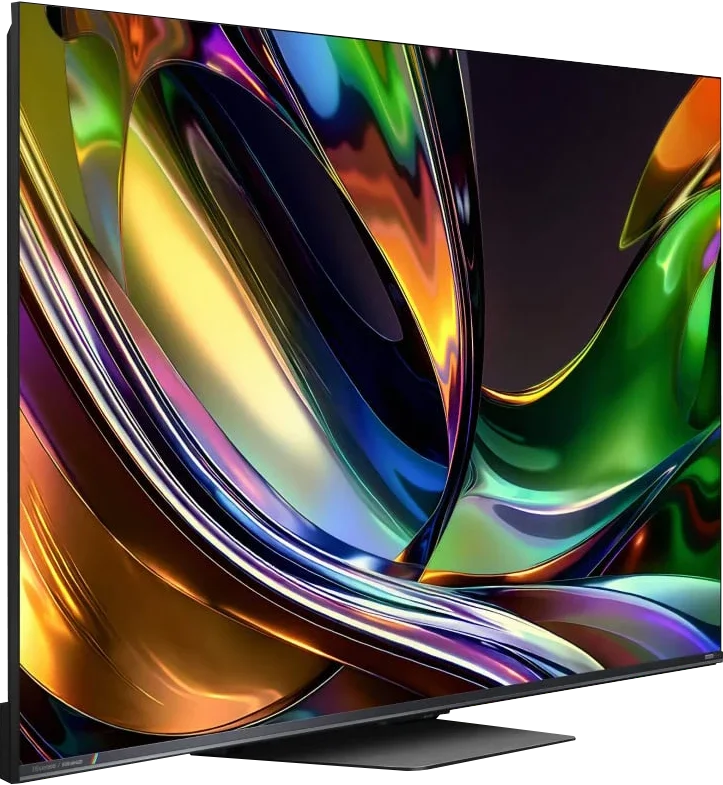
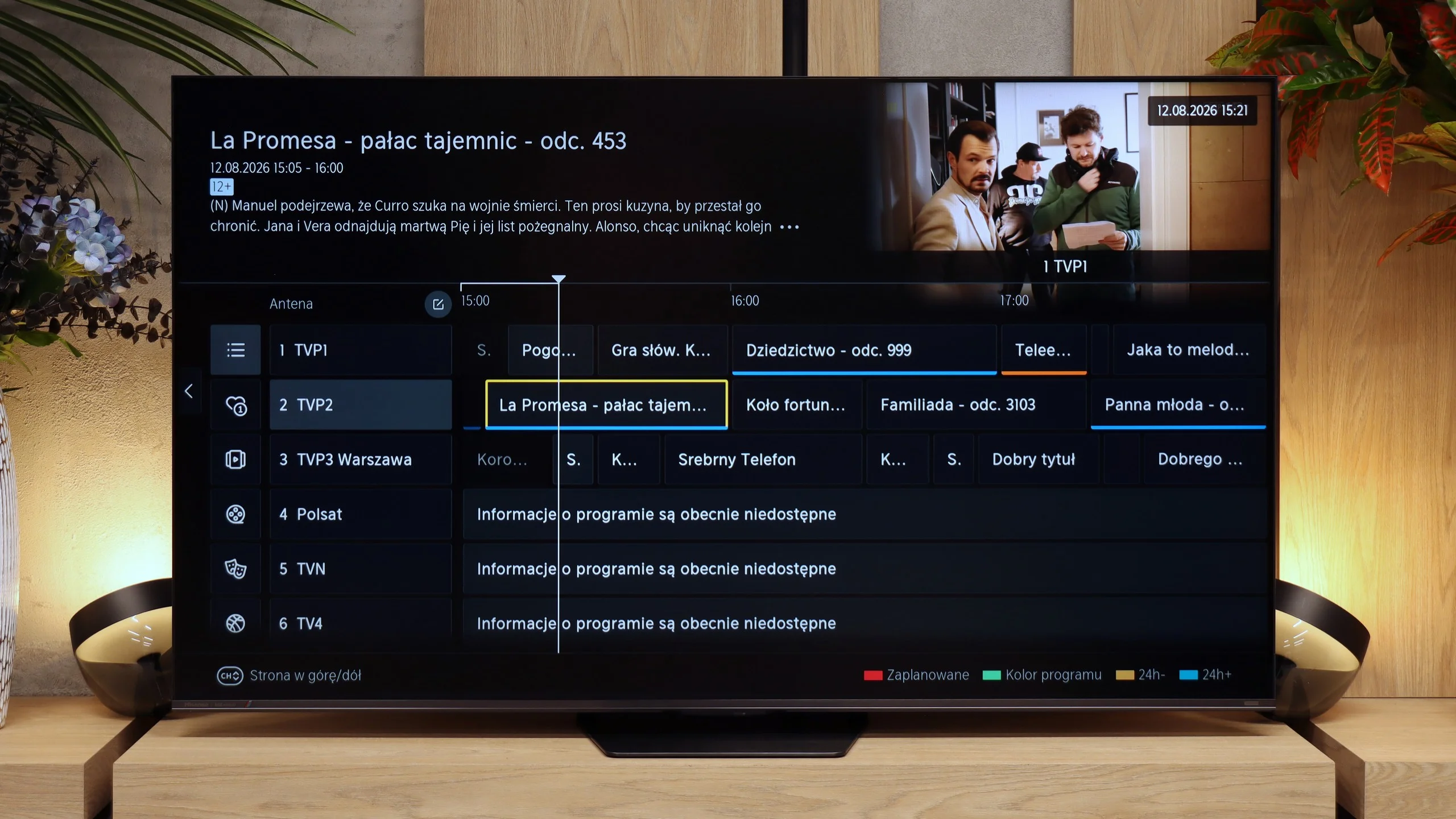
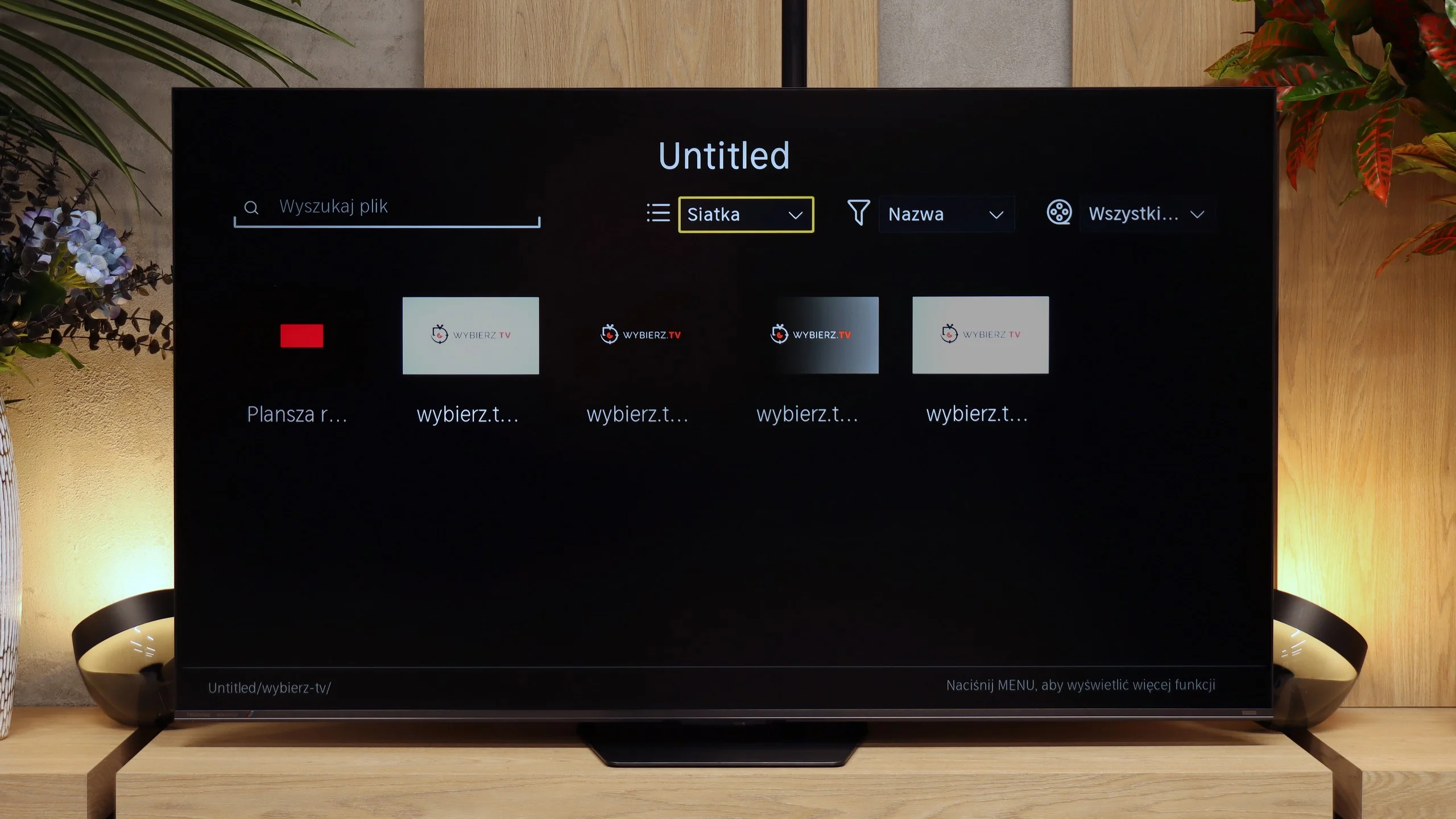
Hisense is one of those manufacturers that, fortunately, has not yet abandoned the classic functions of a television. The UR8S allows you to record programmes to USB, schedule recordings, has teletext and an audio-only mode. You can also use the TV’s speakers and Bluetooth headphones at the same time. The only thing missing is picture-in-picture (PiP). The remote deserves praise as well. It is well made, backlit and has plenty of buttons, so you can access most key functions without digging through menus. It communicates with the TV via radio, so you do not need to point it directly at the screen.
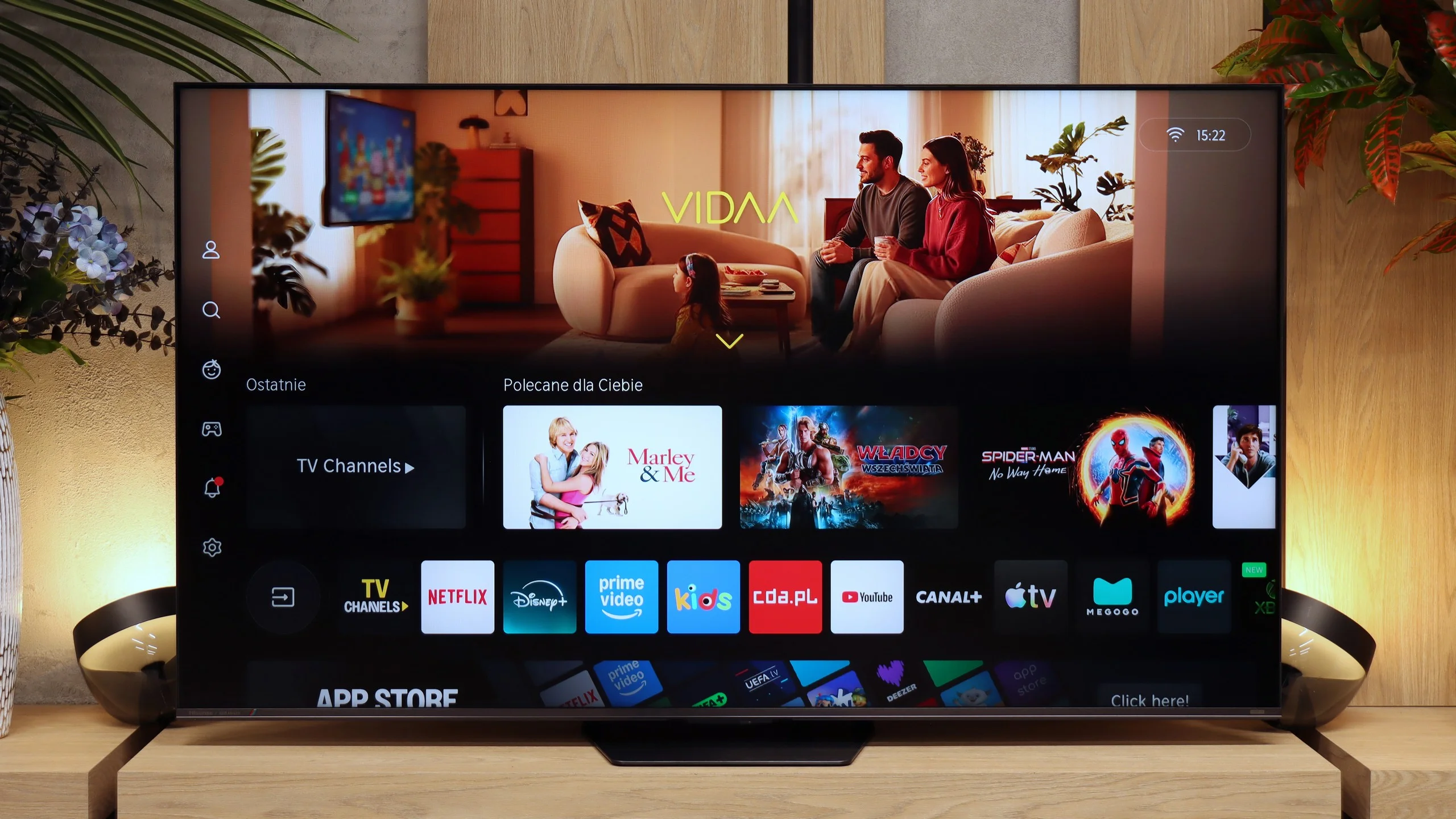
VIDAA system
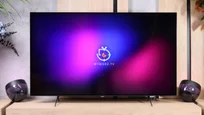
The VIDAA system itself runs very quickly and responsively on the UR8S. Apps launch smoothly, navigation is fluid and during our tests we had no major complaints about its performance. The app library is already large enough to include all the major streaming services. There are also extra Smart features. The UR8S supports AirPlay, Miracast, Polish voice search and the ability to connect a keyboard and mouse. VIDAA may not offer as much freedom as Google TV, but for everyday use it provides pretty much everything you need.
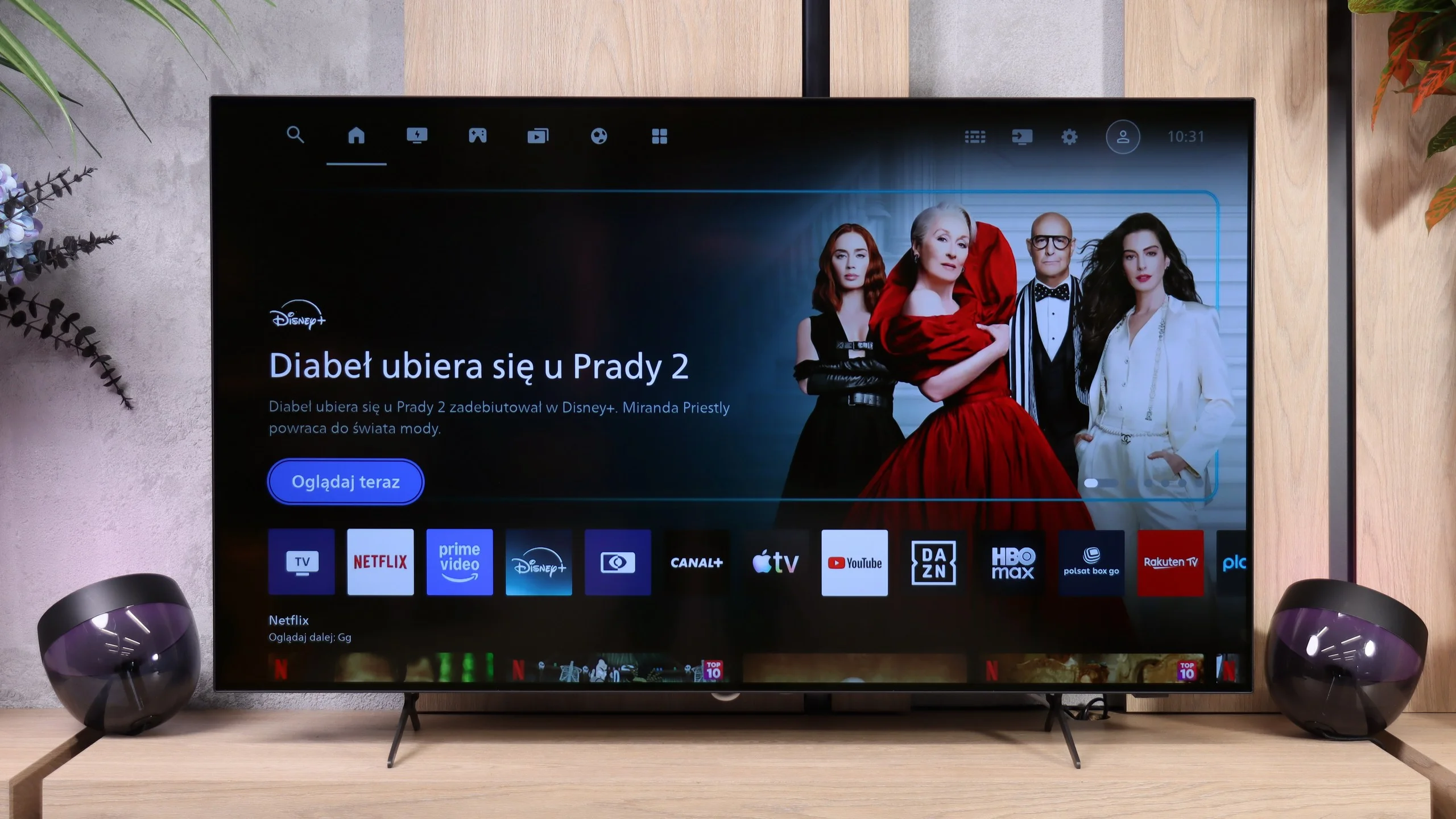
Titan OS
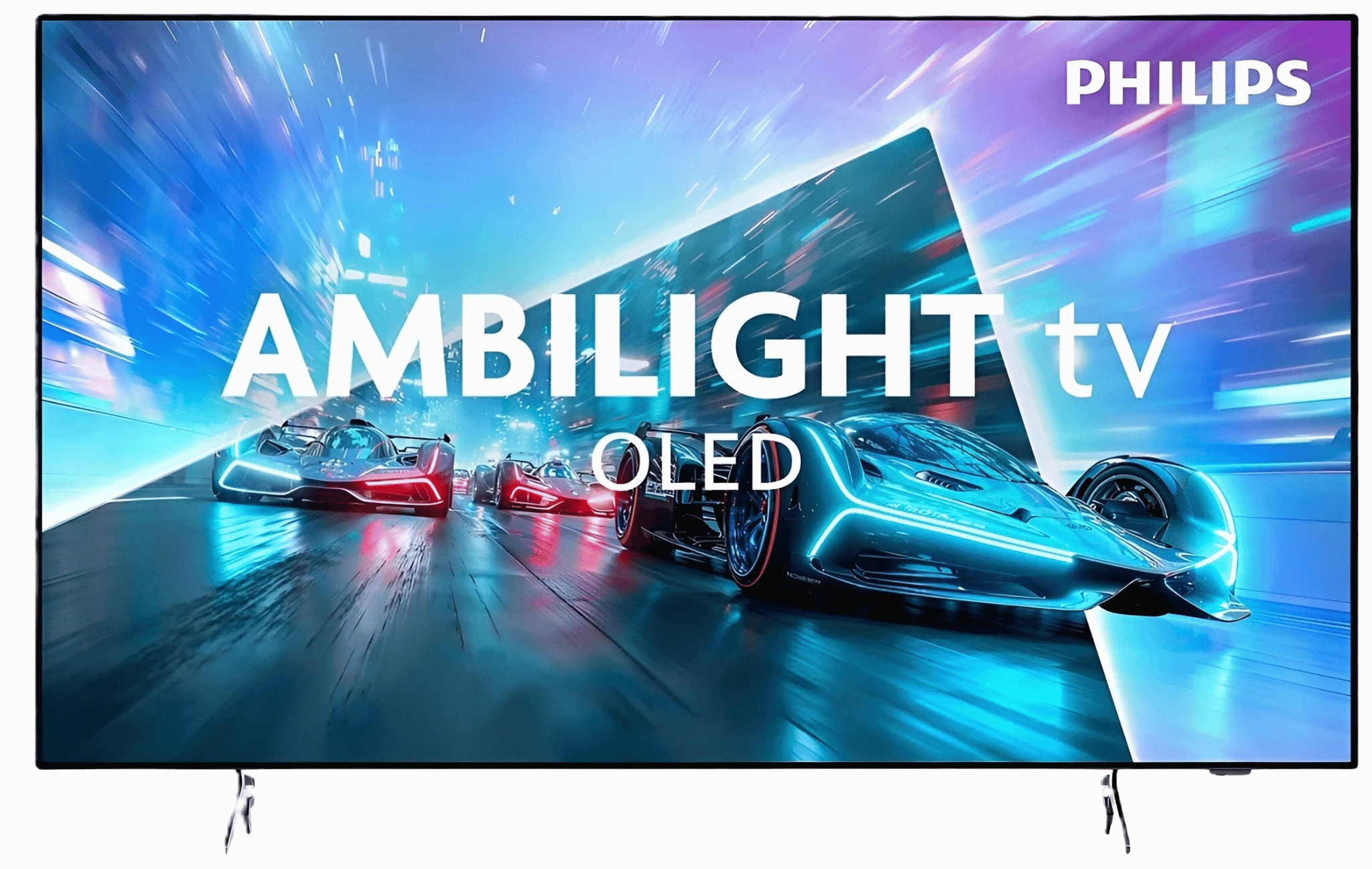
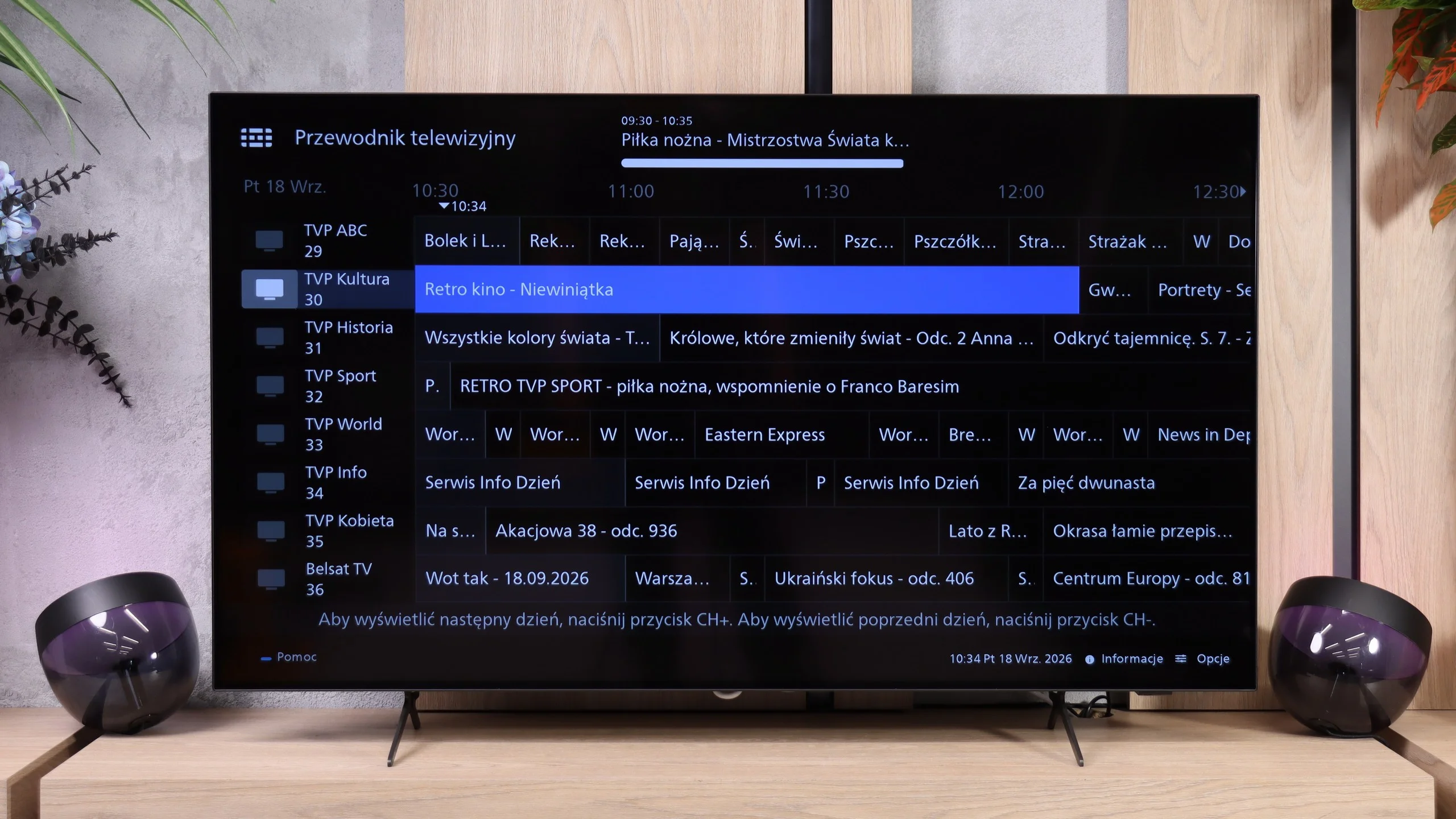
In the OLED761, rather than Google TV, we get Titan OS, which has been appearing more often on Philips TVs for several years. Over that time the system has clearly matured. It responds faster to commands, navigates menus more smoothly, and features that used to cause problems are finally beginning to work as they should. There is noticeable progress in everyday use, which is praise-worthy. It still does not match the level of refinement and capabilities of webOS or Tizen, and there is a considerable gap compared with the freedom and app selection offered by Google TV, but Titan OS is definitely heading in the right direction.
Practical features and ports
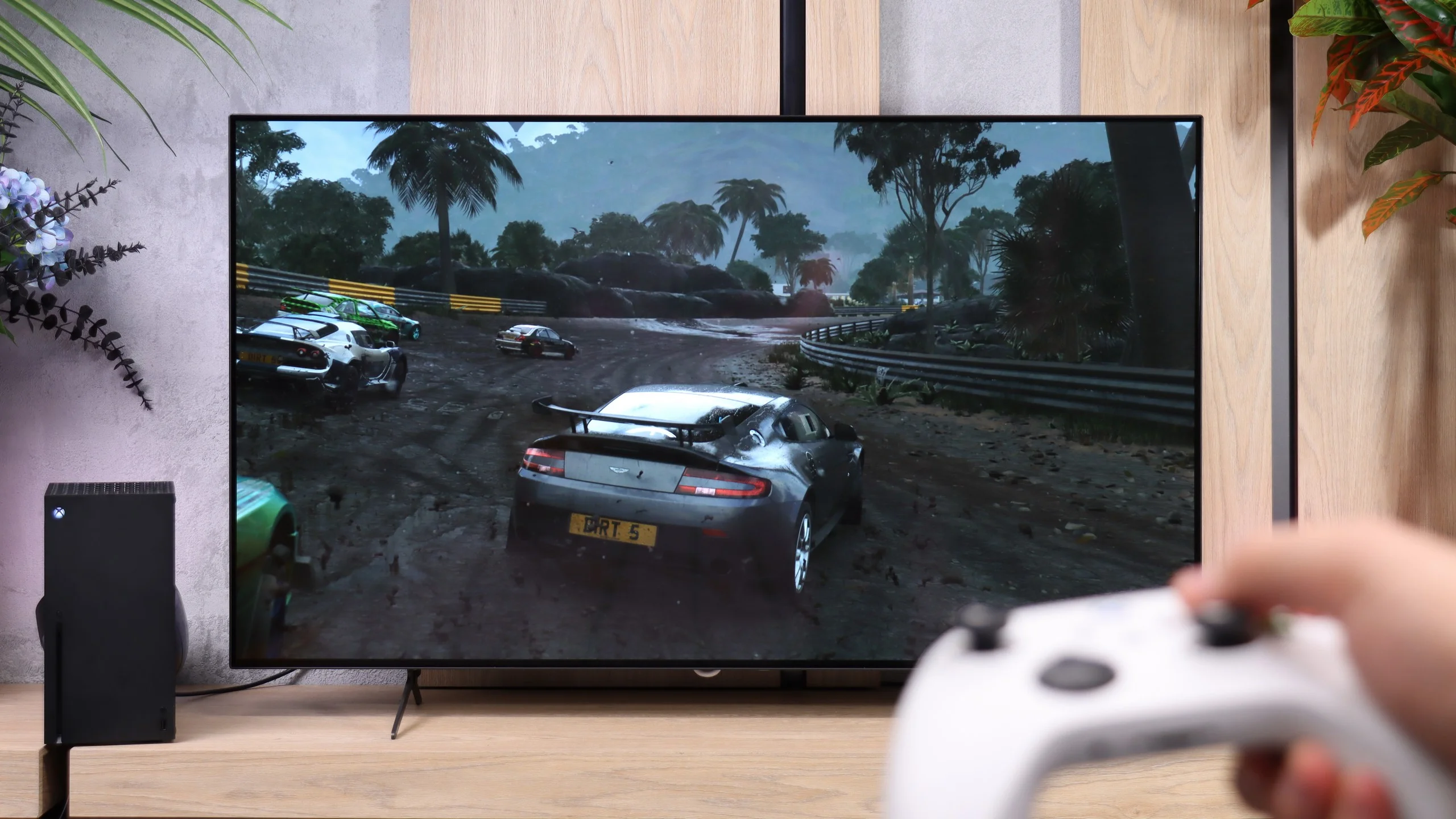
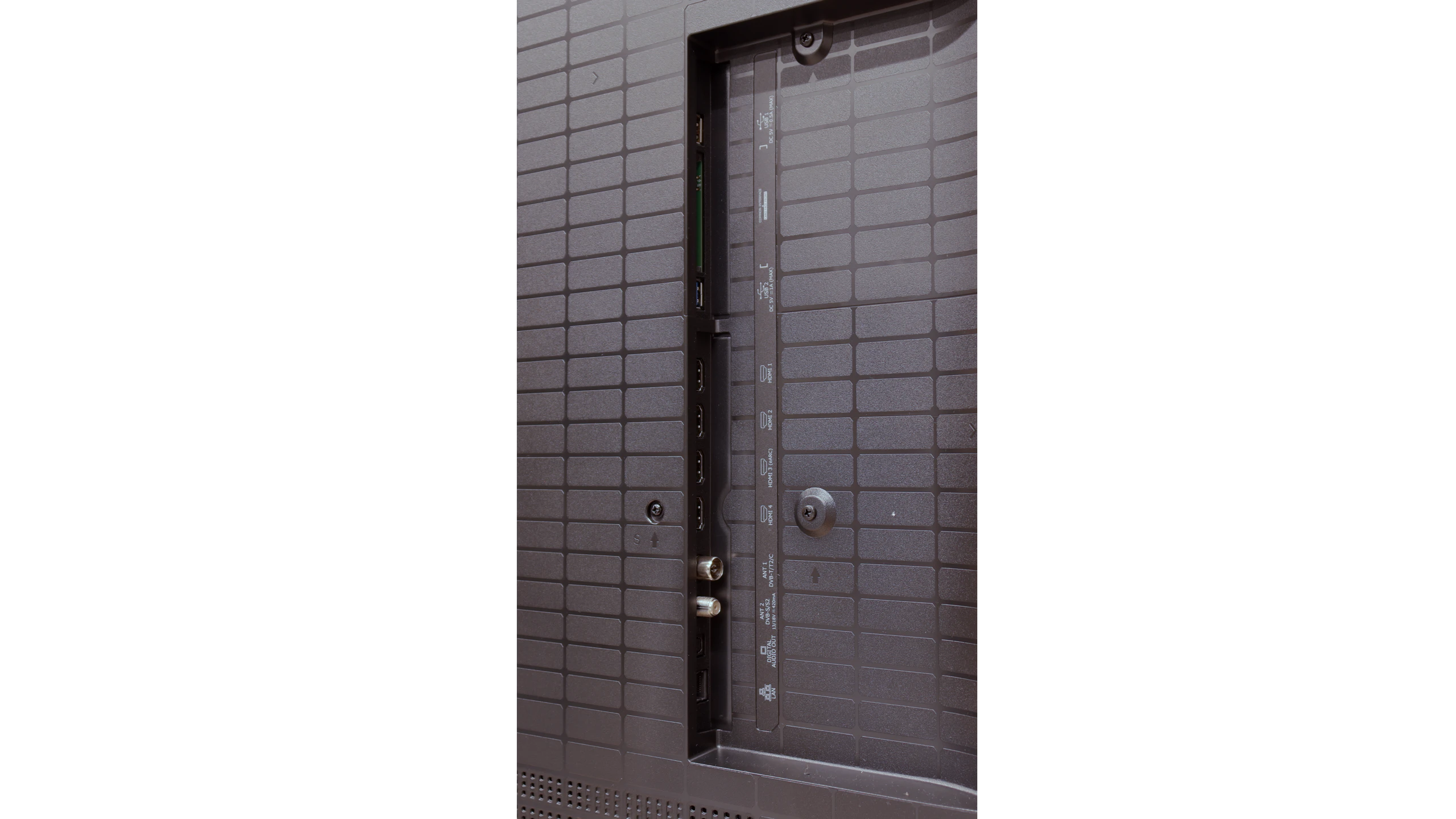
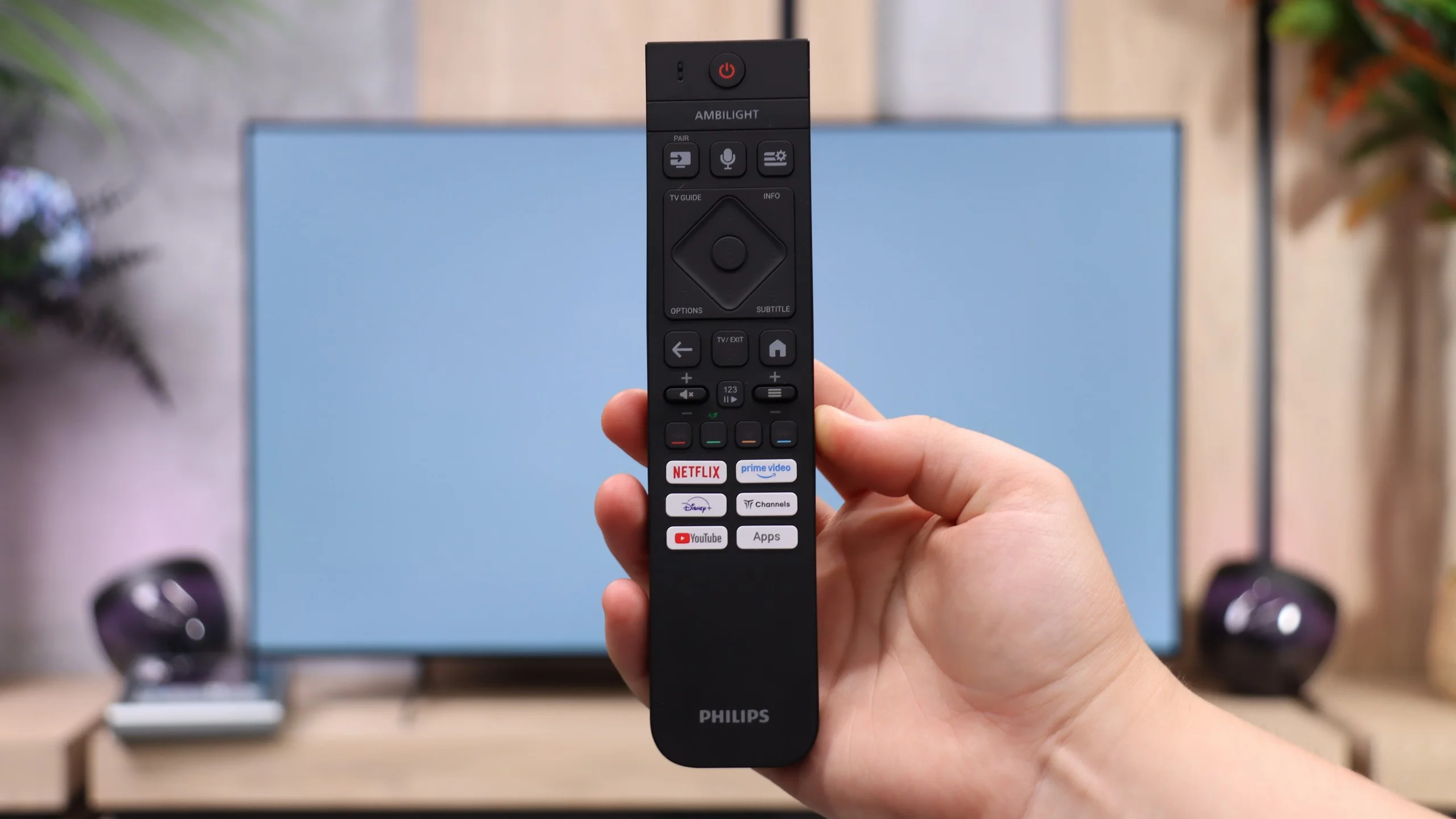
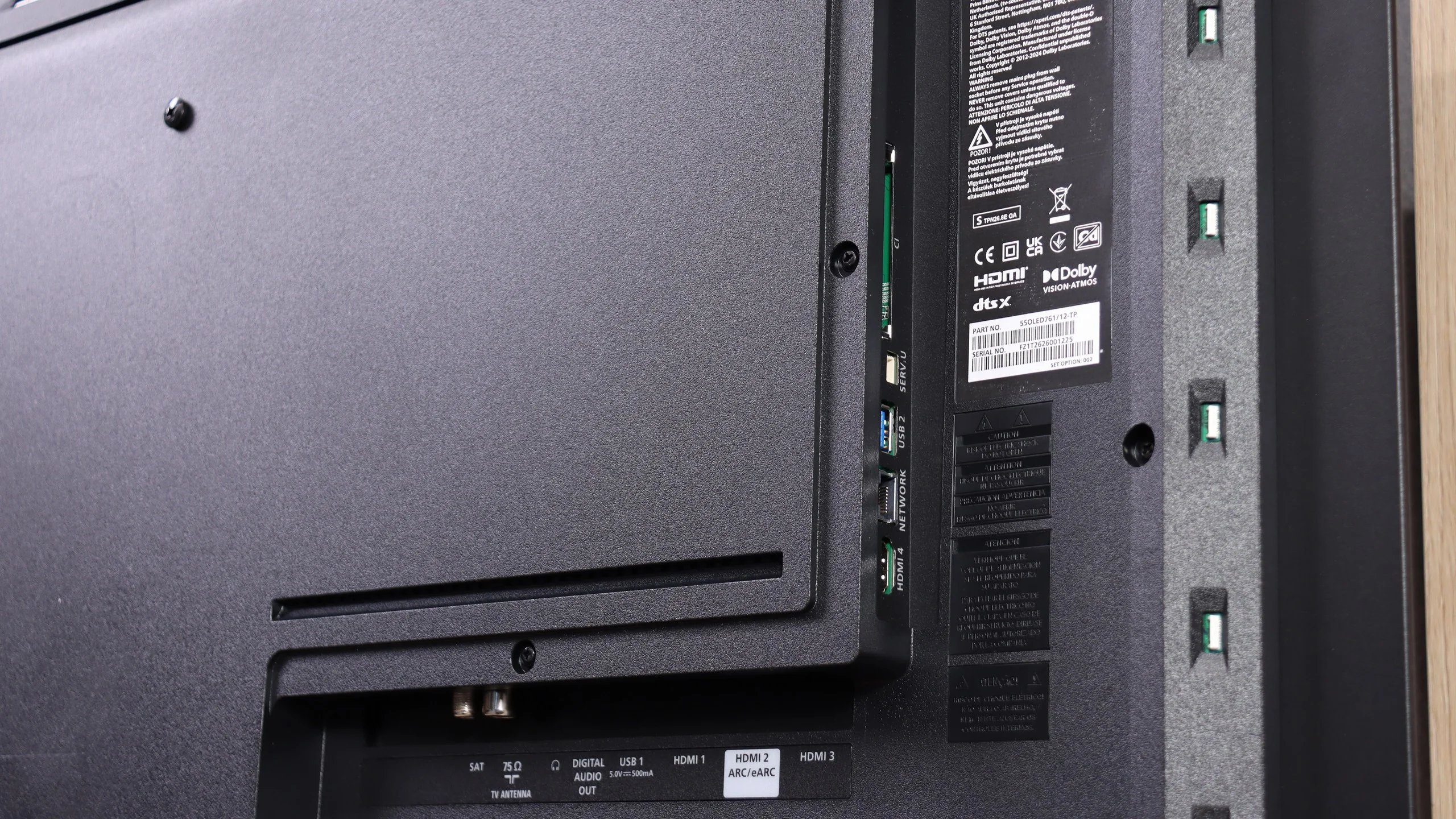
When watching standard broadcast TV you get the basic conveniences, including teletext and a remote with a numeric keypad. The buttons are backlit, which is very useful in the evening, but it is hard to understand why Philips stubbornly sticks with infrared control. Having to point the remote at the TV can be simply inconvenient (the only function that works wirelessly is voice control). There is no USB recording or picture in picture. The port selection, however, deserves praise: all four HDMI inputs support the 2.1 48Gbps standard, so after connecting a soundbar via eARC there are still three ports available to make full use of consoles and a PC. You do not need to worry about which device to connect at the cost of high refresh rates. There is even an analogue mini‑jack output, increasingly rare in new TVs but still useful for wired headphones or older audio equipment.
Ambilight
The most distinctive extra is, of course, Ambilight, for which Philips gets extra points from us. Lighting the wall with colours from the screen can add a lot of atmosphere to films and games, but it is also handy for relaxed evening viewing. The gentle glow means the bright screen is not the only light source in a completely dark room, which can improve viewing comfort. It is worth setting its intensity to suit the room instead of immediately turning it to maximum. For people who enjoy that style of viewing, Ambilight can be one of the strongest arguments for choosing the OLED761.
 Direct comparison