 Direct comparison
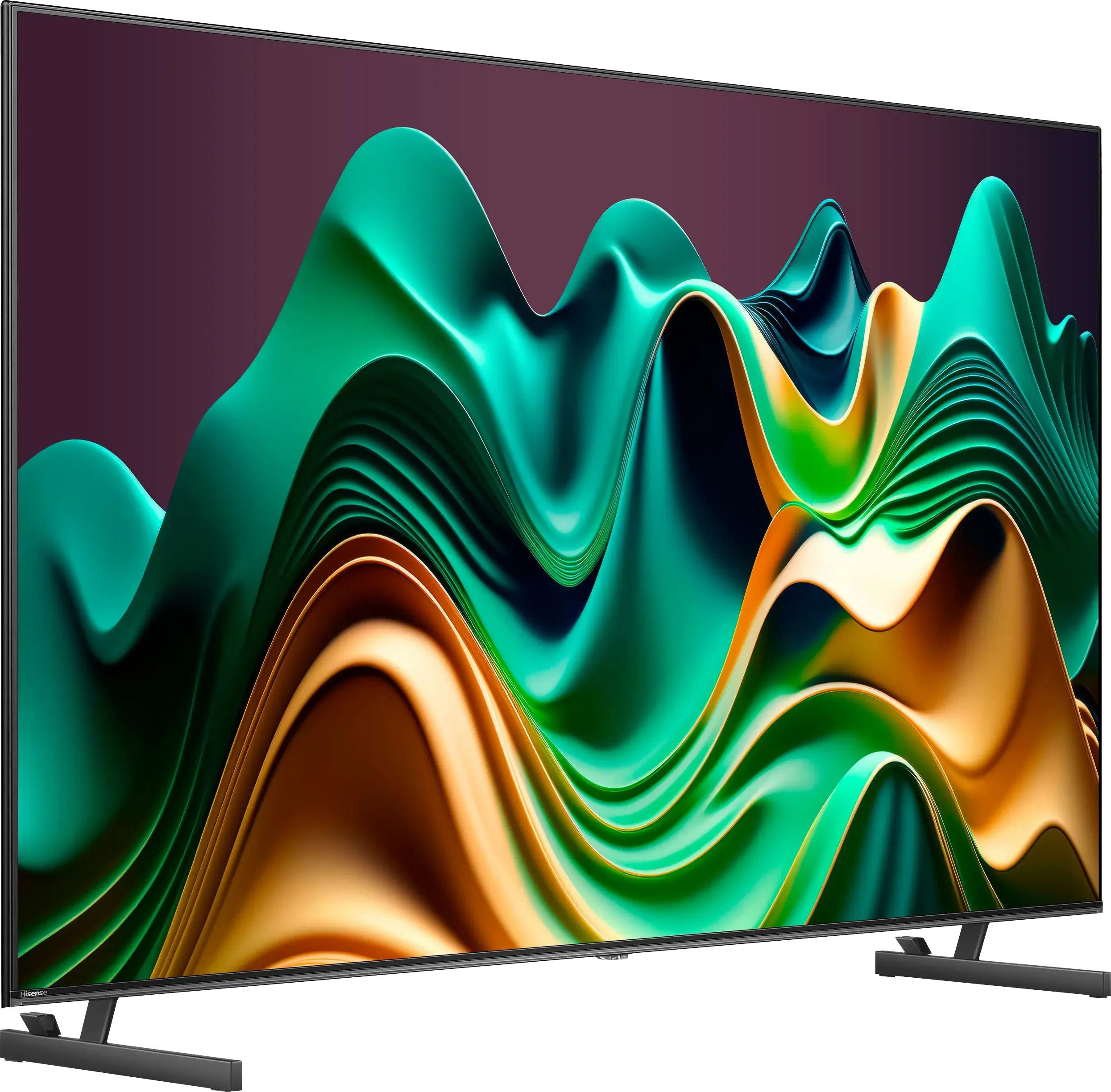
Hisense U6NQ is really an interesting model from the Chinese manufacturer. It is the first MiniLED from the series for 2024 and the only one with a refresh rate of 60 Hz. Starting with the picture quality, the MiniLED backlighting combined with the VA panel does its job – the contrast is good, and watching films in the evening is a pleasure. A stable HDR effect, support for Dolby Vision and HDR10+, as well as solid colours mean that the television handles most everyday tasks well. The Vidaa system works smoothly – it is fast and intuitive, without any annoying stutters. A few popular applications, such as Spotify or Tidal, are missing, but most users will find what they need here, including the option to record programmes to a USB stick or external drive. What about motion fluidity? It's quite decent. The ability to choose between 4K at 60 Hz and Full HD at 120 Hz is a nice addition, especially if we are gaming on consoles that often do not offer perfect 4K at 120 frames. Features like VRR and ALLM further enhance the comfort of occasional gaming. However, there are some drawbacks. Issues with motion blur are noticeable in dynamic scenes, and the lack of any feature reducing this effect does not help. In terms of picture quality, this television strongly prioritises brightness, which sometimes leads to situations where black gains a slightly bluish tint in difficult conditions. In short: Hisense U6NQ is a decent choice for those looking for a television offering good picture quality and a convenient operating system. It is not equipment without compromises, but it performs really solidly for its price.
- Matching (Score) |
- Our verdict |
- TV appearance |
- Where to buy |
- Contrast and black detail |
- HDR effect quality |
- Factory color reproduction |
- Color reproduction after calibration |
- Smoothness of tonal transitions |
- Image scaling and smoothness of tonal transitions |
- Blur and motion smoothness |
- Console compatibility and gaming features |
- Input lag |
- Compatibility with PC |
- Viewing angles |
- Daytime performance |
- Panel details |
- TV features |
- Apps |
- Playing files from USB |
- Sound
P7L / P79L

Panel type: LCD VA
Resolution: 3840x2160
System: VIDAA
Model year: 2024
Complete the survey to find out the result
Panel type: LCD VA
Resolution: 3840x2160
System: Google TV
Model year: 2026
Complete the survey to find out the result
Overall rating
6.5
6.3
 Movies and series in UHD quality
6.7
5.8
 Classic TV, YouTube
6.5
6.0
 Sports broadcasts (TV and apps)
5.0
5.7
 Gaming on console
7.1
7.3
 TV as a computer monitor
6.0
5.8
 Watching in bright light
6.1
5.2
 Utility functions
8.9
7.0
 Apps
7.7
9.6
 Sound quality
6.3
6.2
Complete the survey to find out what fits your preferences
Advantages

Good contrast and black levels for its price class
Support for multiple HDR formats - Dolby Vision, HDR 10+
Accurate colour reproduction out of the box
Flexible refresh rate - 4K@60Hz or FullHD@120Hz
Decent for occasional gaming - low input lag, ALLM, VRR
Recording to USB from built-in tuners
Good contrast thanks to the VA panel
Rich colours: QLED (PFS)
Supports Dolby Vision and HDR10+
Supports audio formats Dolby Atmos and DTS:X
Extensive gaming features: VRR and ALLM
Low input lag
120 Hz support at lower resolutions
Google TV with a wide selection of apps
Disadvantages

Missing several applications in the VIDAA system - Spotify or Tidal
Issues with motion blur
The dimming algorithms work moderately
Low brightness
Poor viewing angles
Average sound quality
Our verdict
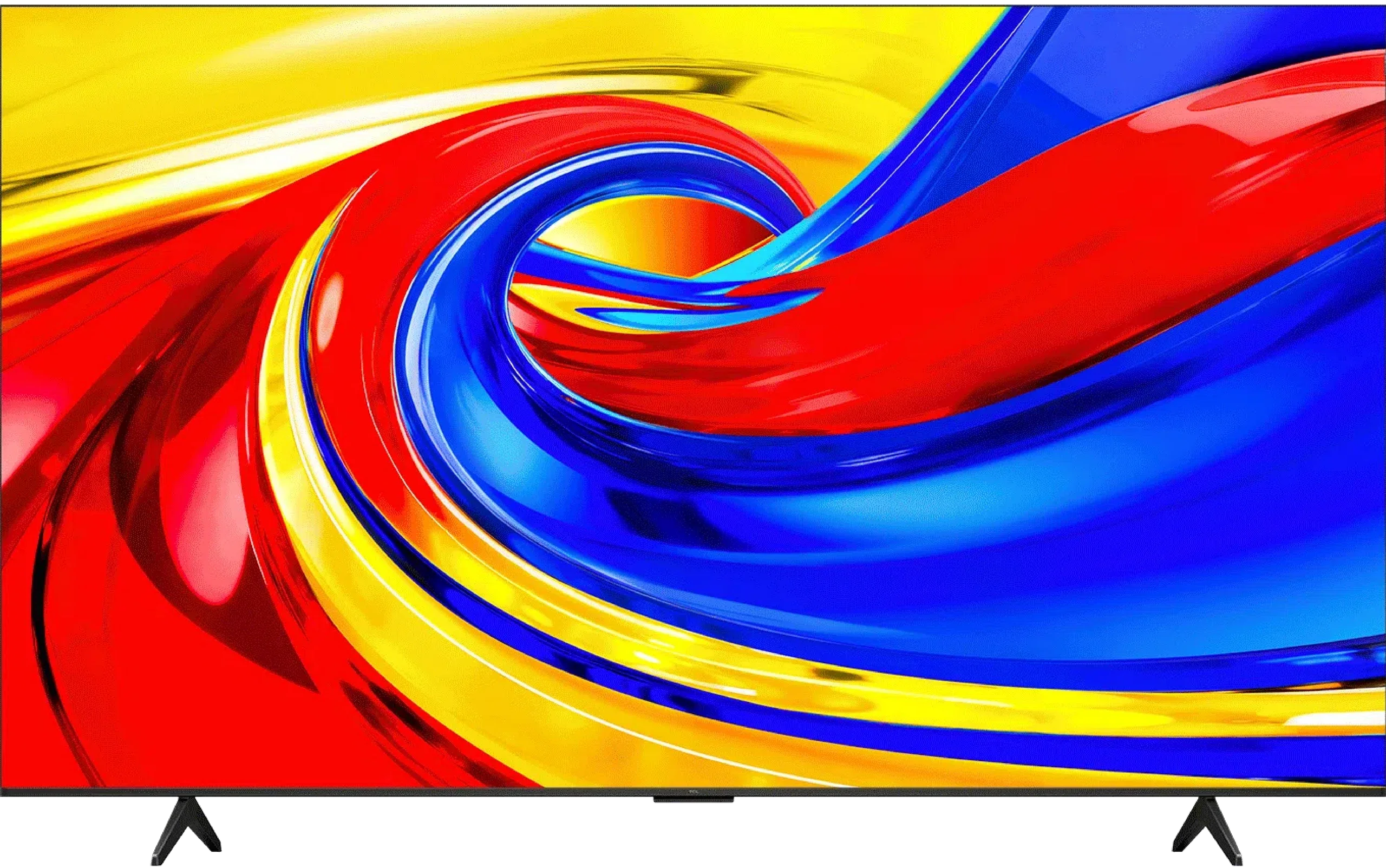
TCL P7L is a successful budget television that shows you can get more than just a screen for basic viewing for a modest sum. It does not match pricier Mini LED or OLED models, but in its class it has a lot to offer. The VA panel delivers decent blacks and contrast, so during an evening session the picture does not look as flat as on many cheap IPS models. After calibration the colours are also good. For watching films and series it is a solid base, and Google TV provides access to a wide range of apps and streaming services. The biggest surprise is its gaming capabilities. The P7L responds quickly to controller input, supports VRR and switches automatically to game mode. There is even Dolby Vision Gaming and a Game Bar with settings at your fingertips. What is more, reducing the resolution to 1080p or 1440p allows you to play at 120 Hz. In 4K you are limited to 60 Hz, so you must choose between greater detail and smoother motion, but it is good that at this price you have that choice. TCL also handles lower-quality sources well. Lower-resolution material looks acceptable, and the tonal transition smoothing actually helps reduce visible banding between shades. The way it presents HDR is also commendable. The TV sensibly adapts content to its capabilities and tries to preserve highlight detail instead of turning it into blown-out whites. Dolby Vision helps here too, often delivering noticeably better results than HDR10. That does not mean the HDR effect itself is awe-inspiring. The biggest limitation of the P7L is brightness. Small highlights and reflections do not have the punch you see on more expensive screens, even if their detail remains visible. For the same reason the TV is less well suited to a very sunlit living room. It performs much better in a moderately lit room. So the P7L has its limitations, but it is hard to deny its strong value for money. It is suitable for everyday viewing, does not restrict you in app choice and offers surprising freedom in games. If you are looking for an inexpensive television and can accept its flaws, the TCL P7L is a model worth considering.
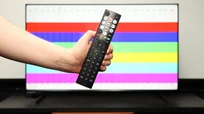
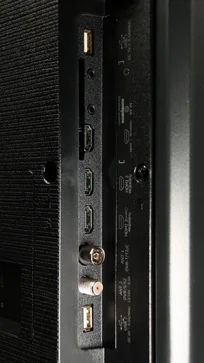
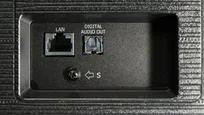
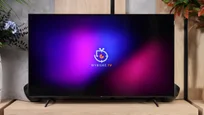
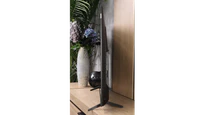
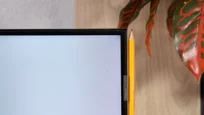
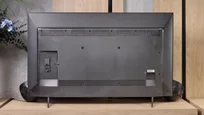
TV appearance

Contrast and black detail
7/10
6.1/10
Local dimming function: Yes, number of zones: 160 (20 x 8)
Local dimming function: No
Contrast:


Result
61,250:1

Result
13,650:1

Result
14,700:1

Result
11,150:1

Result
5,800:1
Result
7,550:1
Result
7,350:1
Result
5,150:1
Result
6,600:1
Result
4,250:1
Halo effect and black detail visibility:
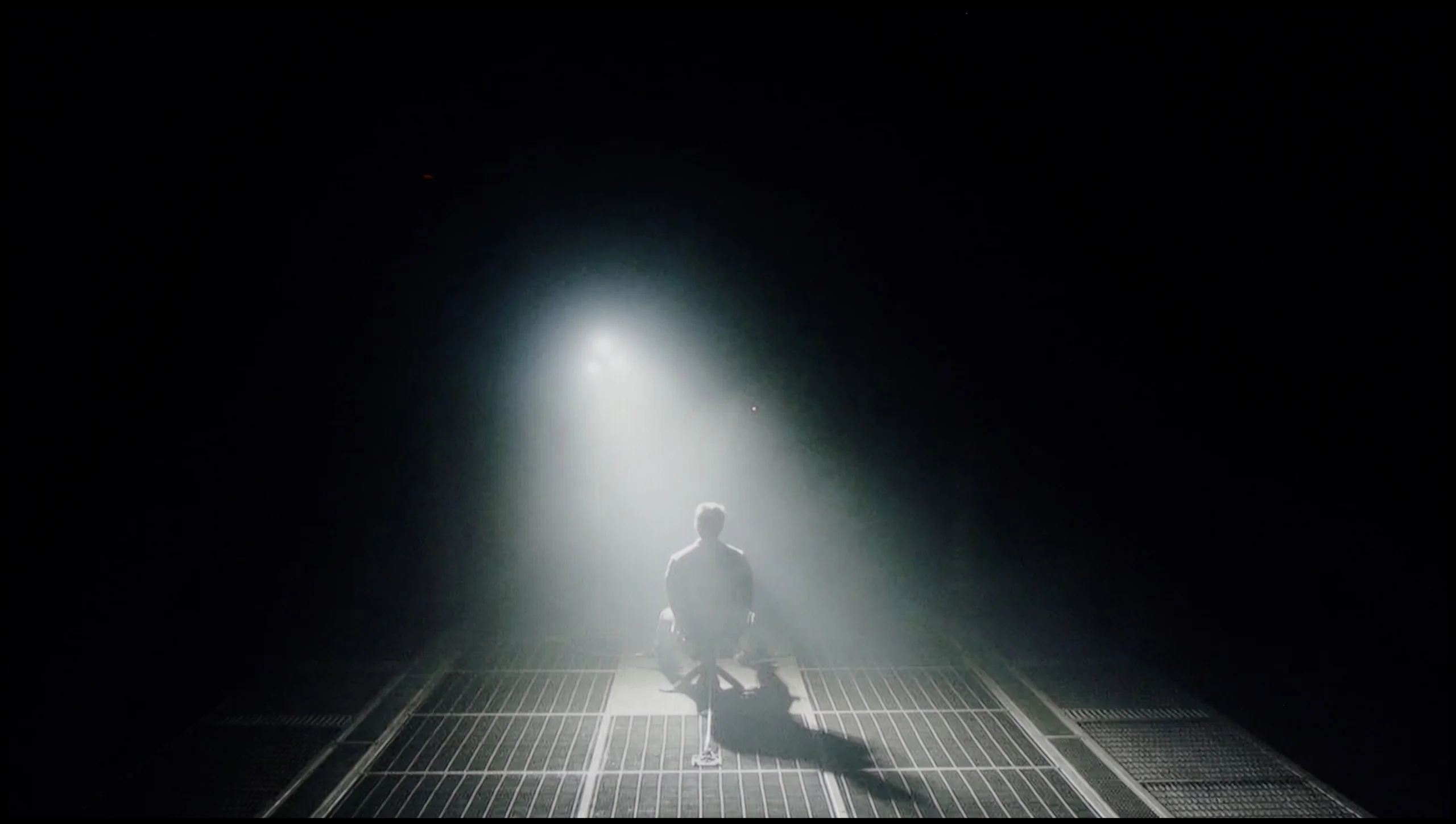
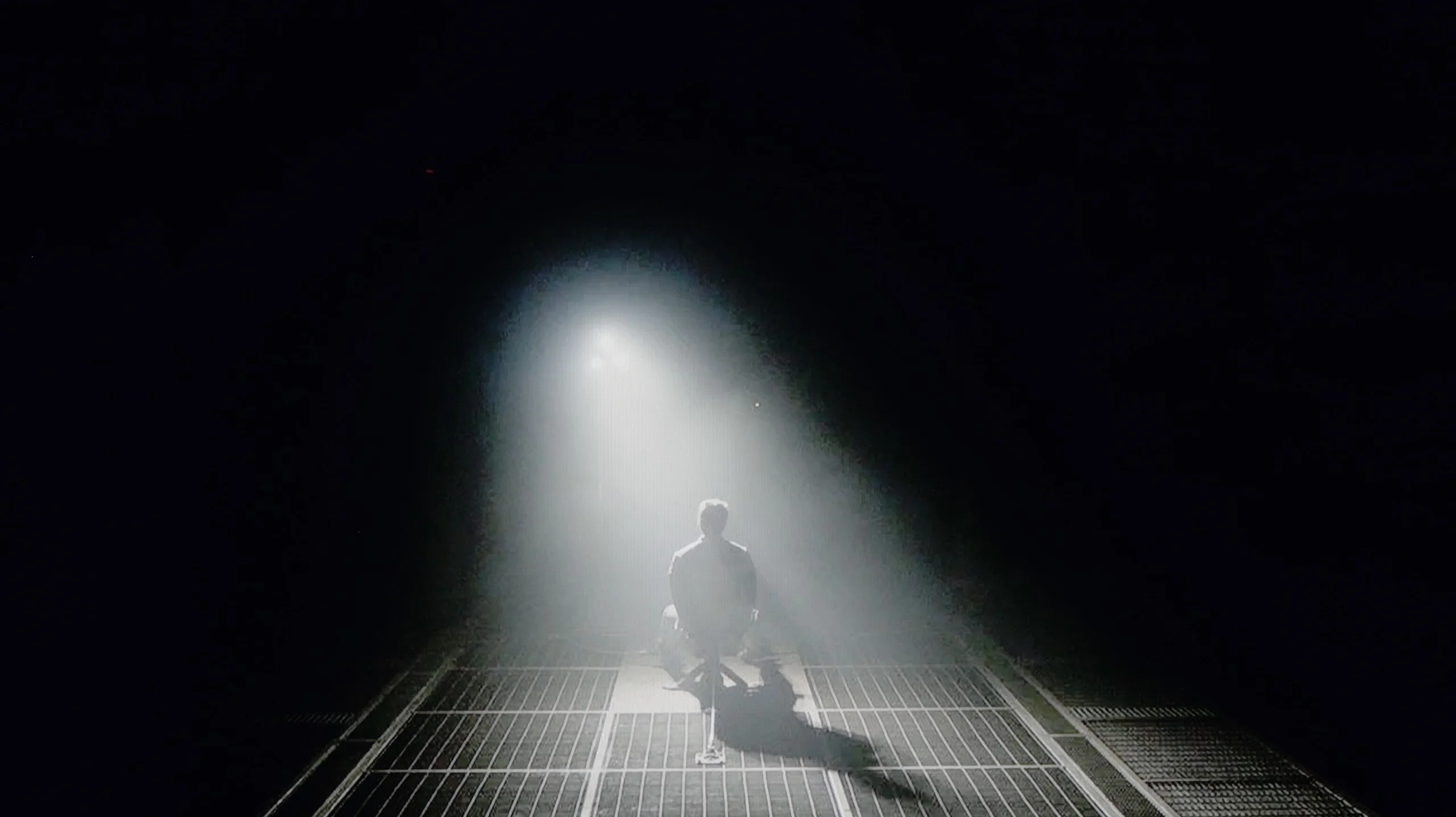
Check the visibility of bright lights on a dark background. Mini-LEDs often struggle with this. The photo does not compare black levels – that’s what the video below is for.
The tested 55-inch model is equipped with a VA panel, which provides deeper blacks compared to IPS/ADS panels. The very use of this technology makes the contrast reach quite a decent level. It is also worth highlighting that the Hisense U6NQ, as a television with MiniLED technology in this version, has 160 local dimming zones, which significantly improves picture quality in many scenes. During testing, for example, in the film Oblivion, the television demonstrated good separation of the hologram lights, and the contrast remained at a satisfactory level. Unfortunately, in more demanding materials, such as the Pioneer Kuro test pattern, a noticeable drop in quality was observed. In such scenes, the dimming zones did not operate correctly, leading to a significant decrease in contrast. Similar issues occurred in scenes from the film Sicario 2, where the blooming effect was clearly visible, suggesting the television's difficulties with precise local dimming management. Despite these shortcomings, the overall contrast level of U6NQ can be considered solid, especially in this price category. The television performs well in most standard scenes, and its capabilities in displaying blacks are better than those of models with other types of panels.
The TCL P7L can surprise with quite respectable black levels, mainly thanks to its VA panel. The panel itself offers contrast of around 4500:1, which is clearly better than in typical IPS screens. The TV also uses global backlight control, so in darker scenes it can push black levels even lower, and in our measurements it achieved results that exceeded the panel's own capabilities.
However, this is not the local dimming found on Mini LED TVs. The P7L cannot dim small parts of the image independently, so when a bright element appears on screen the entire backlight has to operate at a similar level. In more demanding scenes the difference compared with models that use zoned dimming becomes apparent quite quickly, and in a completely dark room blacks can tend towards navy tones. Despite these limitations, we assess the P7L's overall contrast positively, especially given the segment it occupies.
HDR effect quality
5.6/10
4.5/10
Luminance measurements in HDR:

Result
443 nit

Result
426 nit

Result
505 nit

Result
442 nit

Result
448 nit
Result
250 nit
Result
300 nit
Result
368 nit
Result
297 nit
Result
347 nit
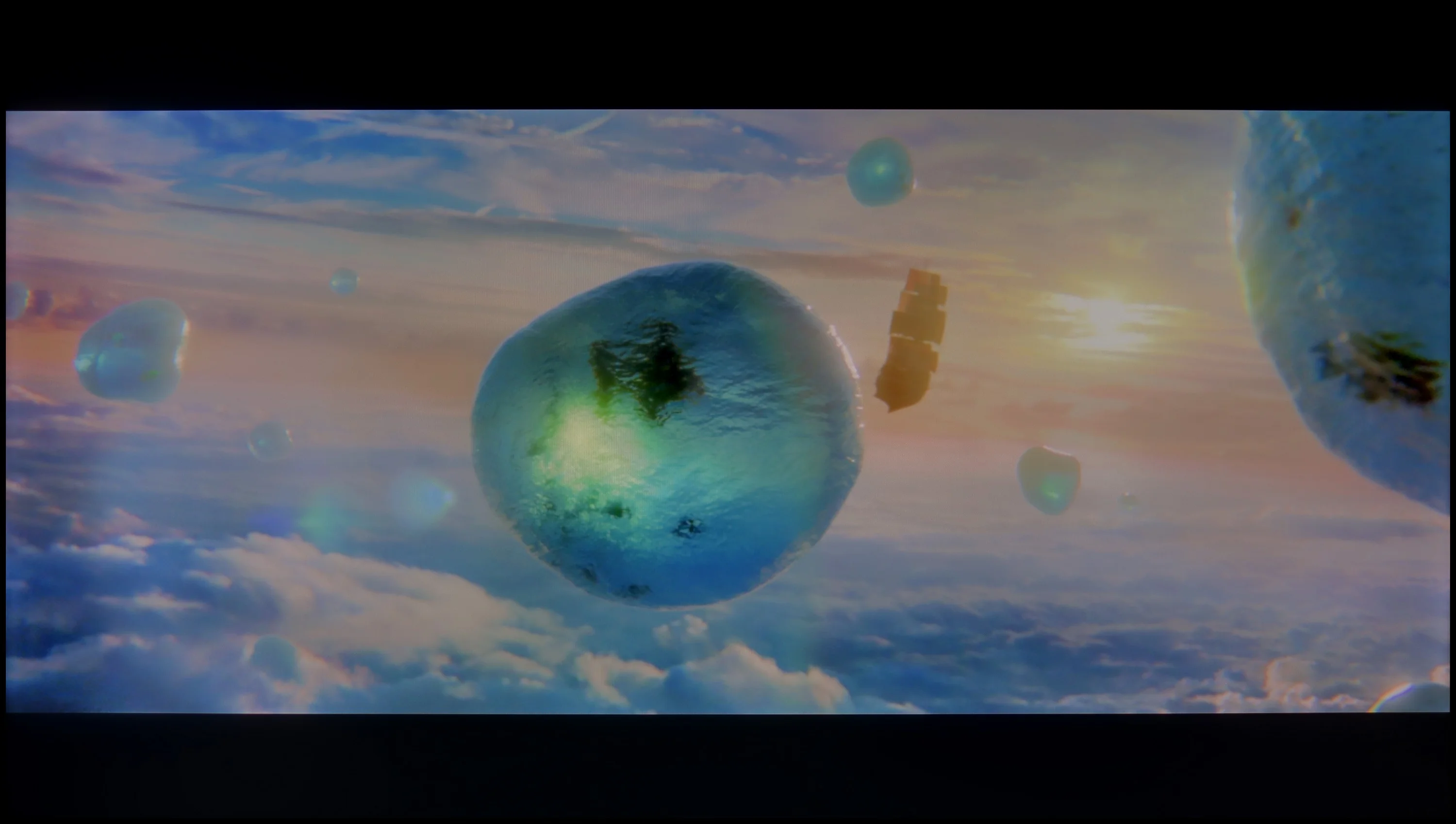
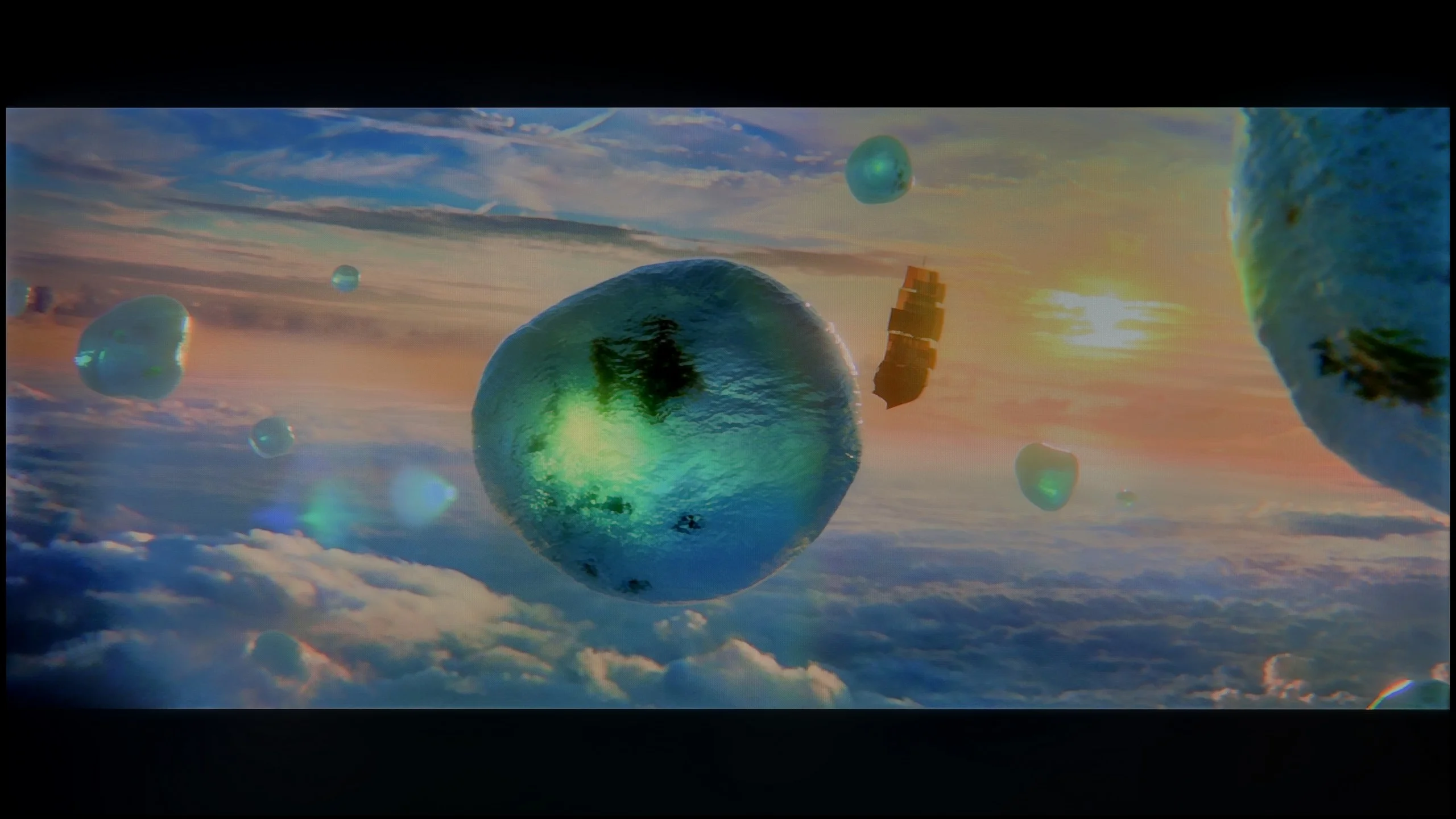
Scene from the movie “Pan” (about 2800 nits)
Scene from the movie “Billy Lynn” (about 1100 nits)
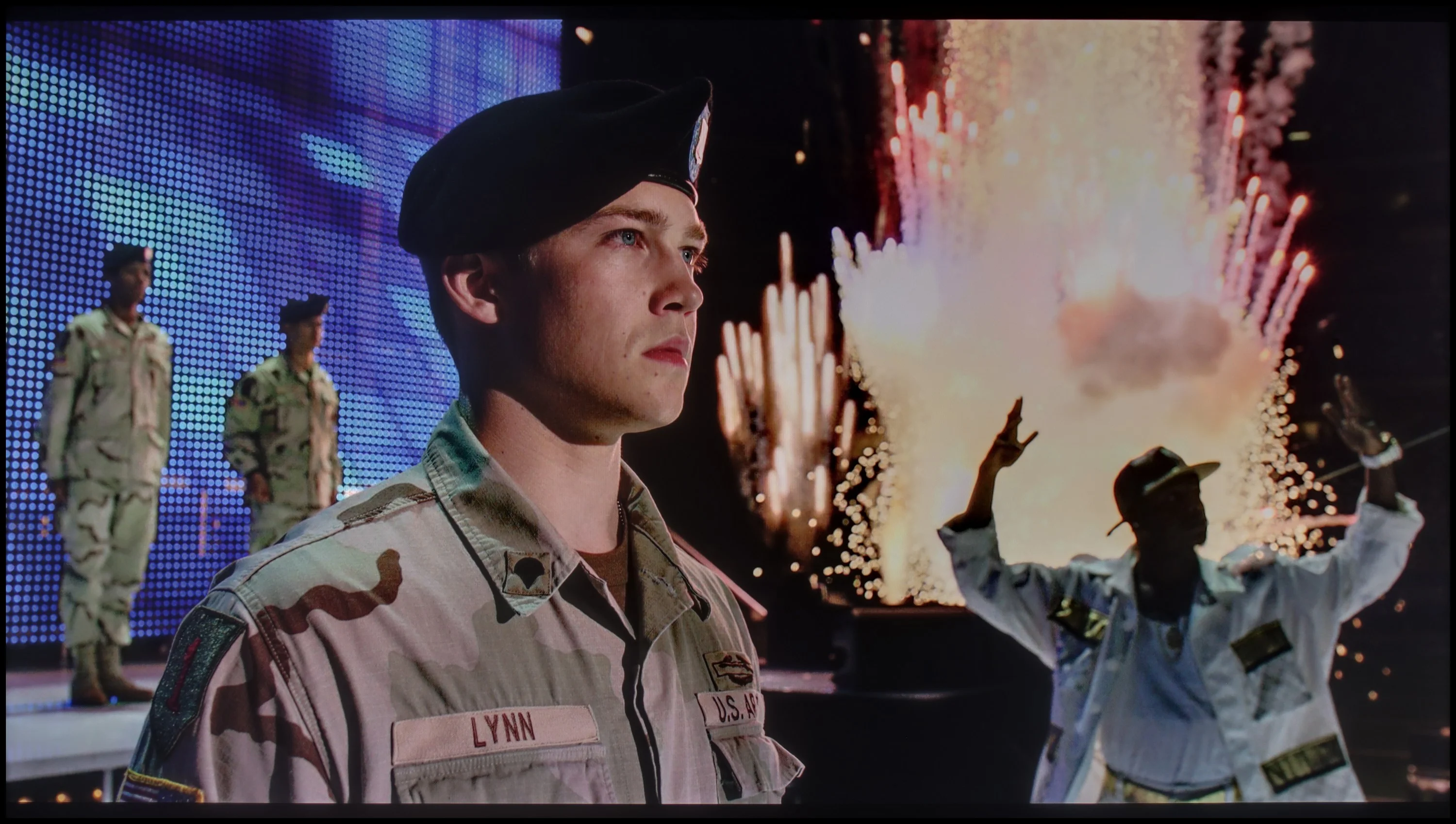
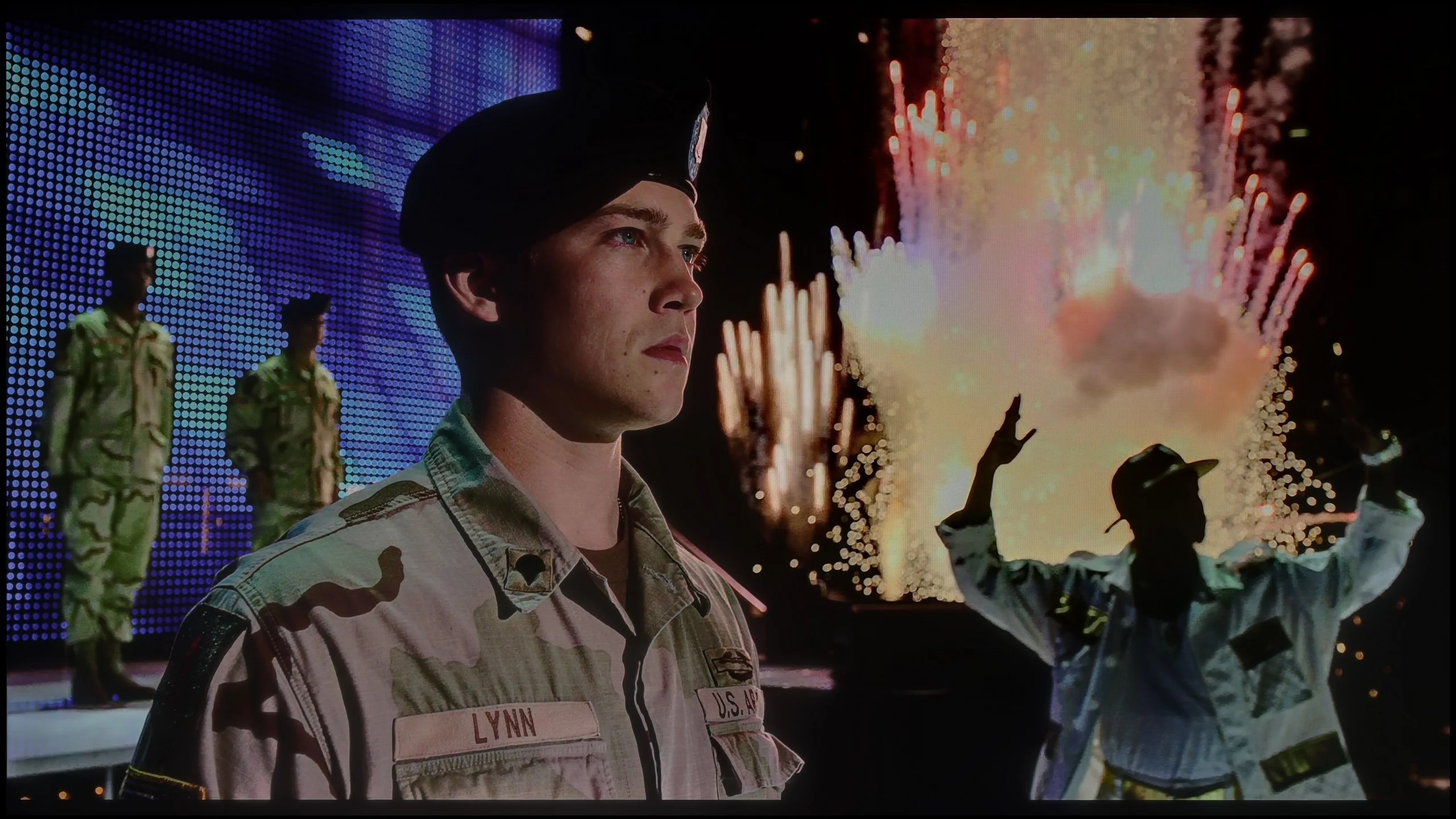
The photos show two HDR10 movies. 'Pan' is one of the brightest productions ever made, while 'Billy Lynn' (soldier) has brightness typical of streaming (Netflix, Prime, HBO MAX). Notice the intensity of effects and detail in whites.
Static HDR10


The photos present the visibility of white details in various HDR formats. They do not show brightness differences between TVs (these can be compared in the previous gallery).
Dynamic: Dolby Vision
Dynamic: Dolby Vision


The photos present the visibility of white details in various HDR formats. They do not show brightness differences between TVs (these can be compared in the previous gallery).
HDR luminance chart:
TCL P7L / P79L
Hisense U6NQ
Hisense U6NQ offers a stable HDR effect, which is a rarity in TVs with local dimming. On most streaming platforms, in films and series recorded in 4K, the television delivers consistent performance – in every tested scene, regardless of difficulty, the brightness is around 450 nits. This is a pleasant surprise, as in many models of this class, there are notable differences – some scenes are well-lit, while others are heavily dimmed by dimming algorithms. However, the Hisense U6NQ prioritises maintaining higher brightness, which comes at the expense of black levels, as mentioned in the contrast test paragraph.
The HDR effect on the U6NQ is satisfactory, offering a noticeable "burst" of light in bright moments, although it is worth noting the previously mentioned blooming, which may be visible in more challenging scenes. In terms of colours, the television also performs decently – the coverage of the DCI-P3 palette is 89%, and BT.2020 is 71%. Although these are not results that would impress more demanding users, for beginners in the world of high-quality materials, the U6NQ serves as a solid choice. Therefore, it presents an interesting proposition as an "entry-level" television for home cinema.
The biggest limitation of the TCL P7L in HDR is simply brightness. The TV does not have much luminance headroom, so strong highlights, the sun or small light sources can't clearly 'pop' out of the picture. As a result, even well-produced HDR material looks fairly restrained and, in terms of dynamics, is closer to good SDR than to what brighter models show. That does not mean the P7L completely fails at HDR. The issue is primarily a lack of backlight power.
Looking at colours, the situation is a little better. The TV covers around 91% of the DCI-P3 gamut and about 68% of the wide BT.2020 colour space, so for this price class the colour range is quite respectable. TCL markets this model as QLED, although the nature of the solution used is closer to backlighting that uses a PFS phosphor than to a classic quantum-dot layer. What matters most to the viewer, however, is the effect: more saturated colours are on offer.
Factory color reproduction
8/10
5.4/10
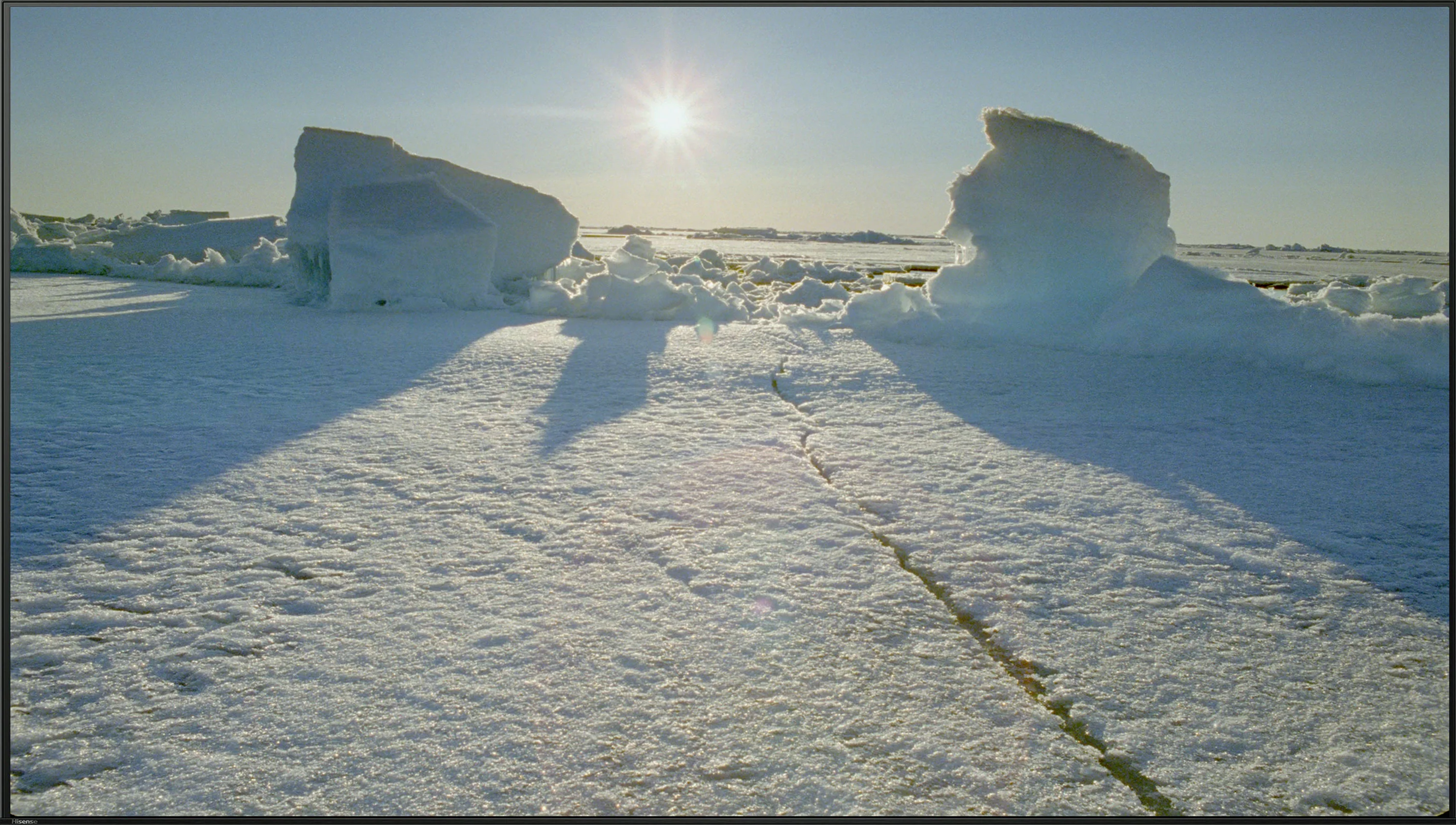
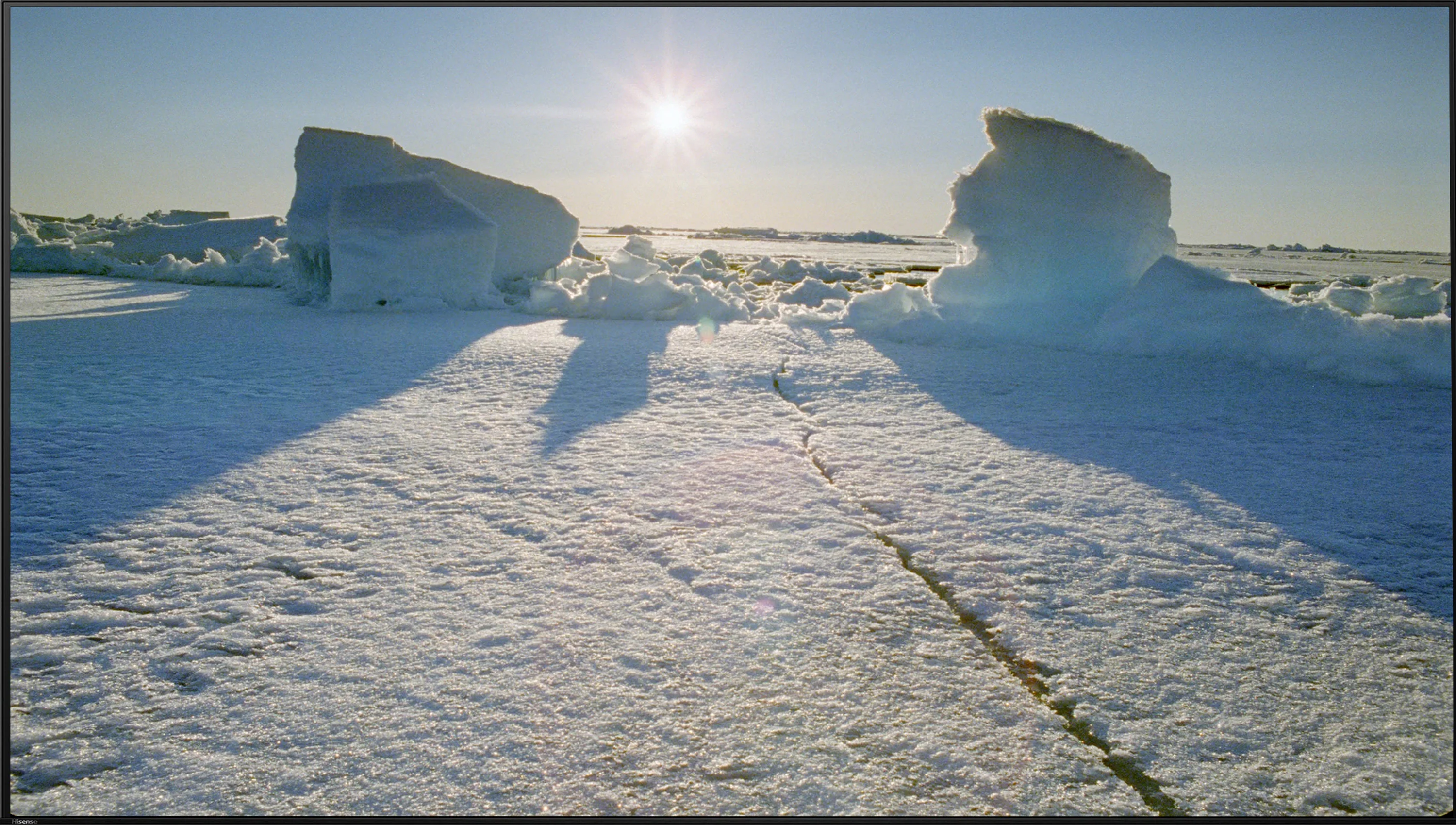
This gallery shows how colors change after professional TV calibration. If you notice the difference, we recommend ordering this service at SkalibrujTV.com.
Factory Mode
After calibration


This gallery shows how colors change after professional TV calibration. If you notice the difference, we recommend ordering this service at SkalibrujTV.com.
Factory Mode
After calibration
Hisense U6NQ in Filmmaker mode offers really decent colour reproduction, although it's worth noting that differences between individual units can be noticeable. The model we tested was pleasantly surprising, especially with HD content in SDR quality. The white balance was correct here, and errors around 3–4 ΔE should be acceptable for the average viewer. The television performed slightly worse with colour reproduction in 4K HDR materials. The dominance of blue shades led to unnatural cool tones on the Colour Checker chart, giving the image a "store-bought" character. Combined with issues in brightness characteristics – gamma and EOTF curve caused some parts of the image to be too dark – the Filmmaker mode loses some of its credibility in this case. Although the factory settings of the tested unit deserve praise, especially in SDR, there were still minor shortcomings that would require correction to fully exploit the capabilities of the television.
In Film mode the TCL P7L performs quite respectably without major changes to the settings, particularly with ordinary SDR material. White balance is relatively even, though as brightness increases there is a slight rise in red and blue and a touch too little green. This does not, however, produce a strongly visible tint and most colours remain close to their reference points. The Colour Checker confirms this, with a large portion of errors falling below the level that should be particularly noticeable during normal viewing. We have more reservations about the gamma response. In the darkest parts of the image the TV runs it noticeably above the reference value, so some shadow detail can be a little too subdued. The characteristic then calms down and across much of the range it is close to the intended behaviour. As a result SDR generally looks natural, but in dark scenes the P7L can lose some subtlety.
In HDR the factory calibration is less precise. As brightness increases the excess of blue becomes more pronounced, which can make the image look cooler than it should. The number of larger colour deviations also grows, particularly in brighter hues. As for the EOTF curve itself, it is handled fairly conservatively, with the TV showing the image darker than the reference across much of the range. For such an inexpensive model, the factory Film mode settings are not bad.
Color reproduction after calibration
8.3/10
7/10
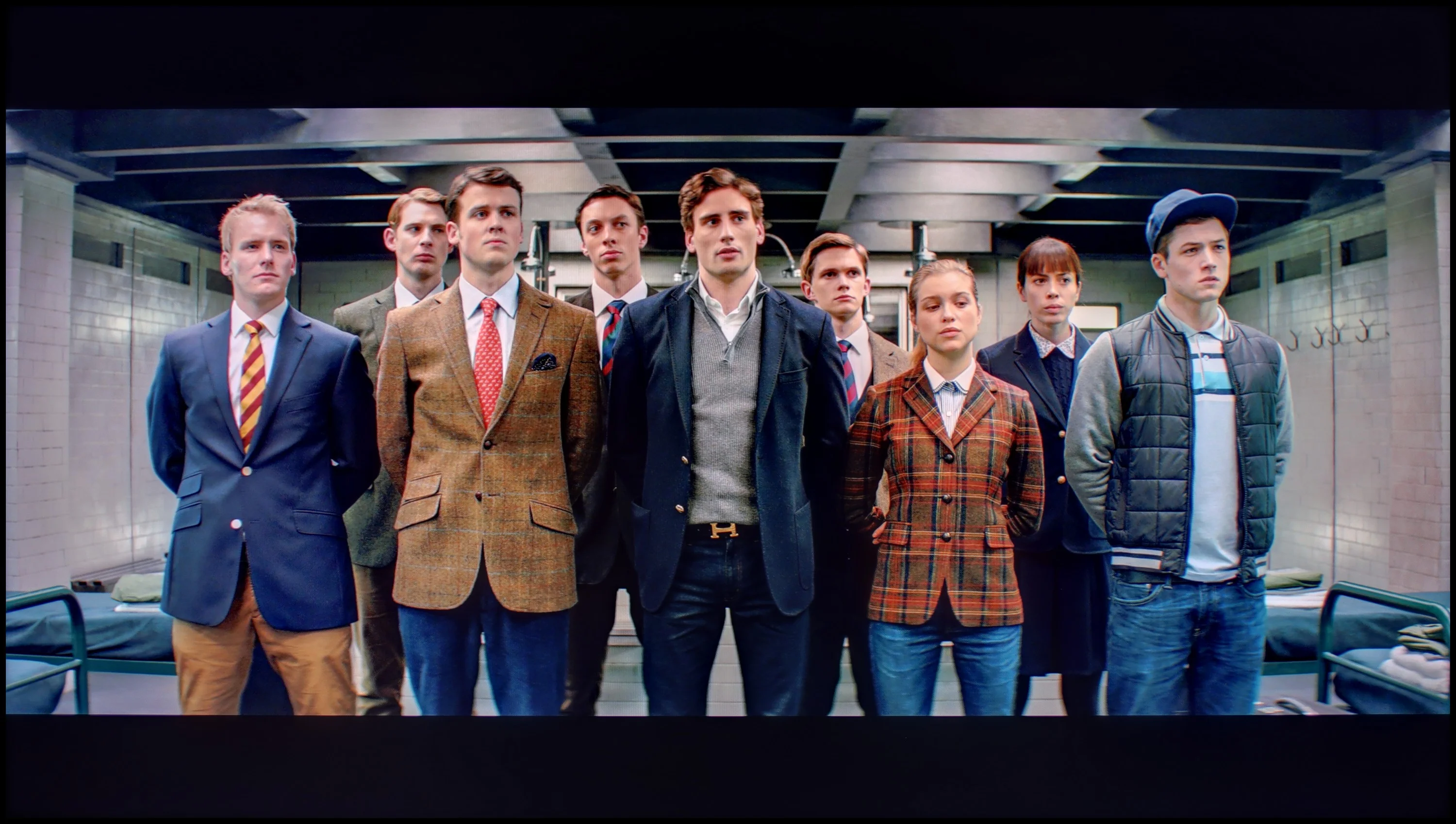
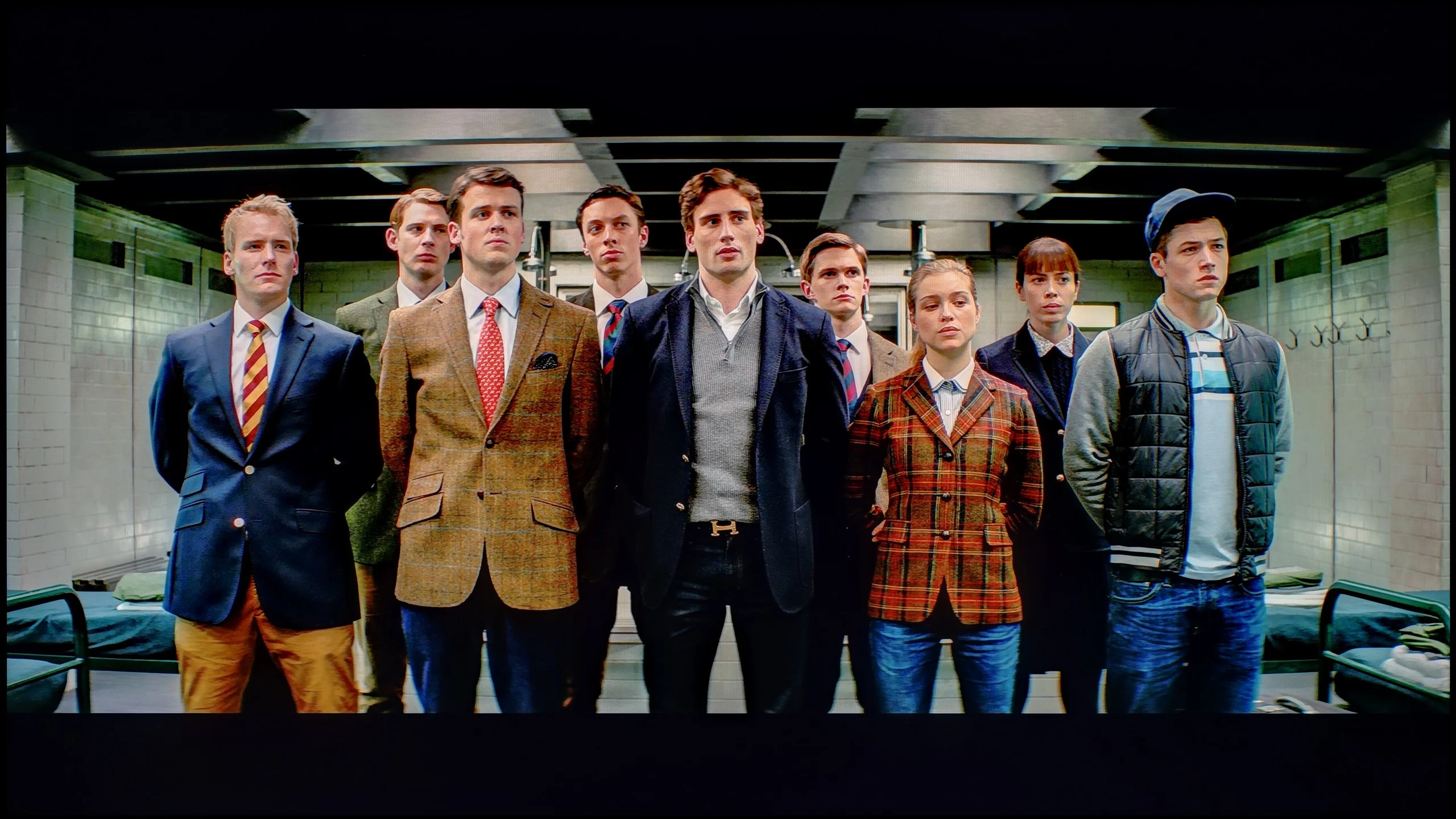
The photos show how movies look on the TV. Pay attention to black detail visibility, colors, and shadow tint.
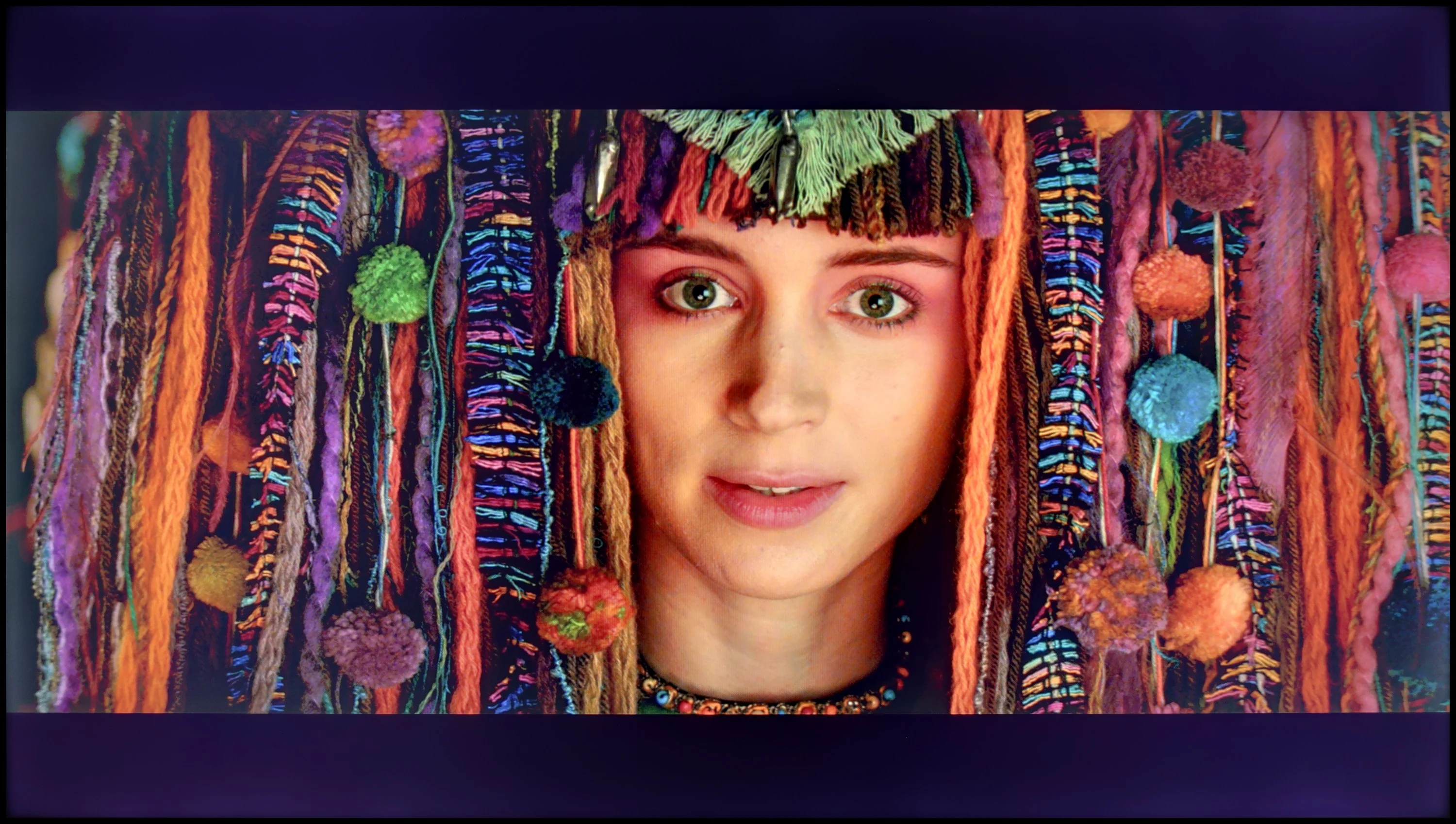
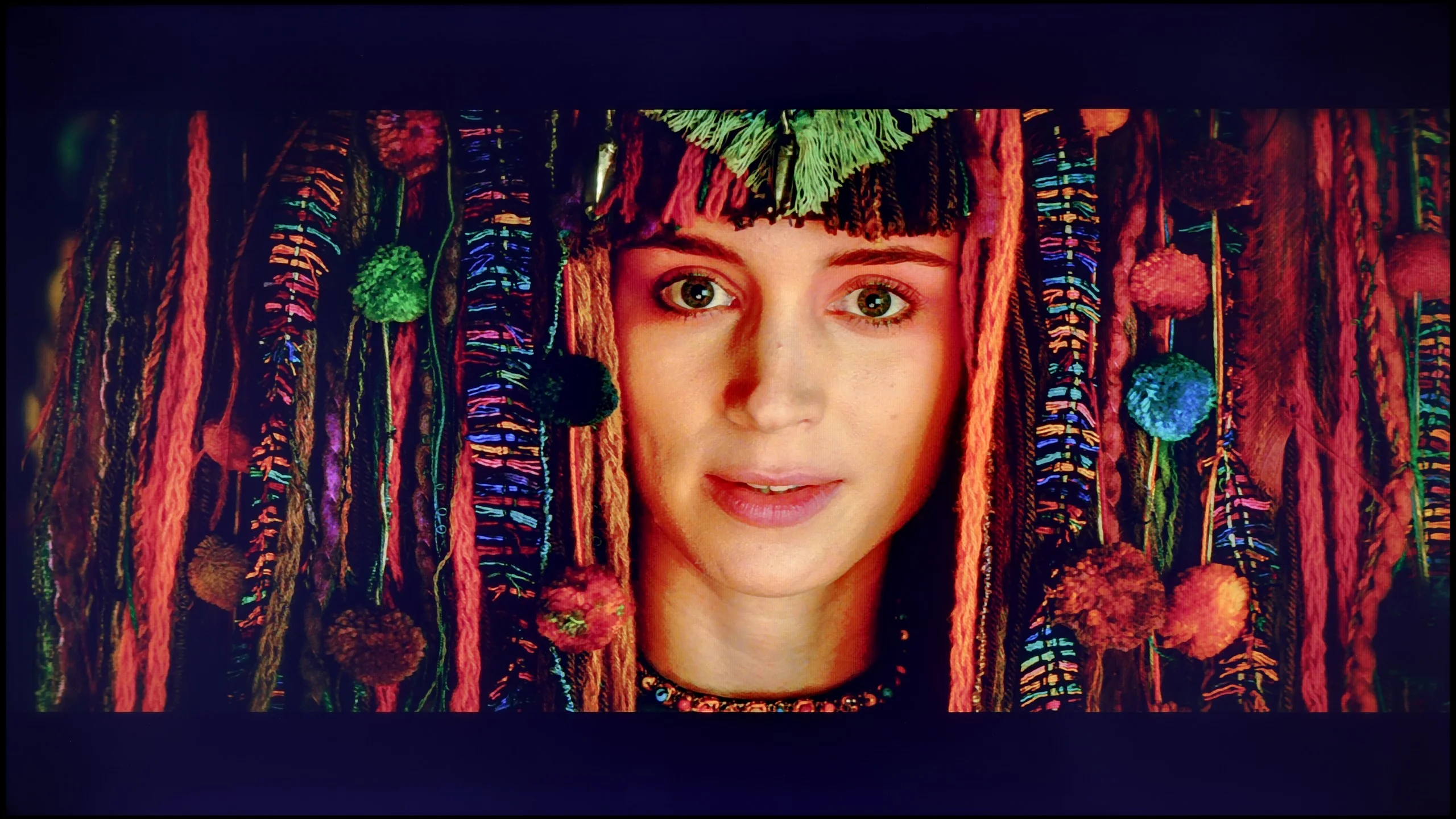
The photos show how movies look on the TV. Pay attention to black detail visibility, colors, and shadow tint.
Although the factory settings of the Filmmaker mode on the Hisense U6NQ were quite good, we decided to carry out a calibration to fully assess the capabilities of this model. Only after such an adjustment can one see how the television performs under ideal conditions. In the case of SDR content, which was already at a high level, we managed to further improve the white balance. However, the most significant change came from correcting the brightness characteristics – the gamma was optimised and no longer causes excessive dimming of the image, which improves its naturalness.
For 4K HDR content, the calibration also produced positive effects. We eliminated the blue dominance issue, resulting in a more balanced and natural image. However, managing brightness in HDR materials remains a more complex matter. The EOTF curve, while having problems with dimming the image in the 10–30% brightness range in laboratory conditions, reveals other shortcomings in real scenes. The television tends to excessively brighten the smallest elements on the screen. As a result, this leads to visible halo effects around bright objects. This phenomenon, which we mentioned earlier in the context of contrast and HDR, arises from the technological limitations of the particular model and is often difficult to eliminate.
In short: although the Filmmaker mode with factory settings performed decently, calibration allowed us to extract an even better effect – minor adjustments resulted in a more balanced image, especially in HDR content. For users seeking the highest quality picture, calibration will be a beneficial step.
After calibration the TCL P7L can deliver a genuinely pleasant picture, especially with conventional SDR material. We managed to even out the white balance very well, and the gamma curve now tracks close to the target value of 2.4. This is also reflected in the colour measurements: most errors have fallen noticeably, and in everyday viewing it is hard to point to any obvious inaccuracies. Films, series, YouTube and ordinary broadcast TV therefore look more natural, without unnecessary warmth or a cool tint. For a model in this price bracket the SDR performance is really very good.
With HDR the situation becomes more complicated. Calibration helped improve the white balance and tidy up some deviations, but here the panel's limitations become increasingly apparent. The P7L has relatively low brightness and cannot maintain adequate luminance for more saturated colours, so some errors remain even after careful tuning. In other words, settings can improve the way the TV interprets the signal, but they cannot overcome its physical limits. That is why calibration makes most sense for this model primarily in SDR.
Smoothness of tonal transitions
7.8/10
7/10
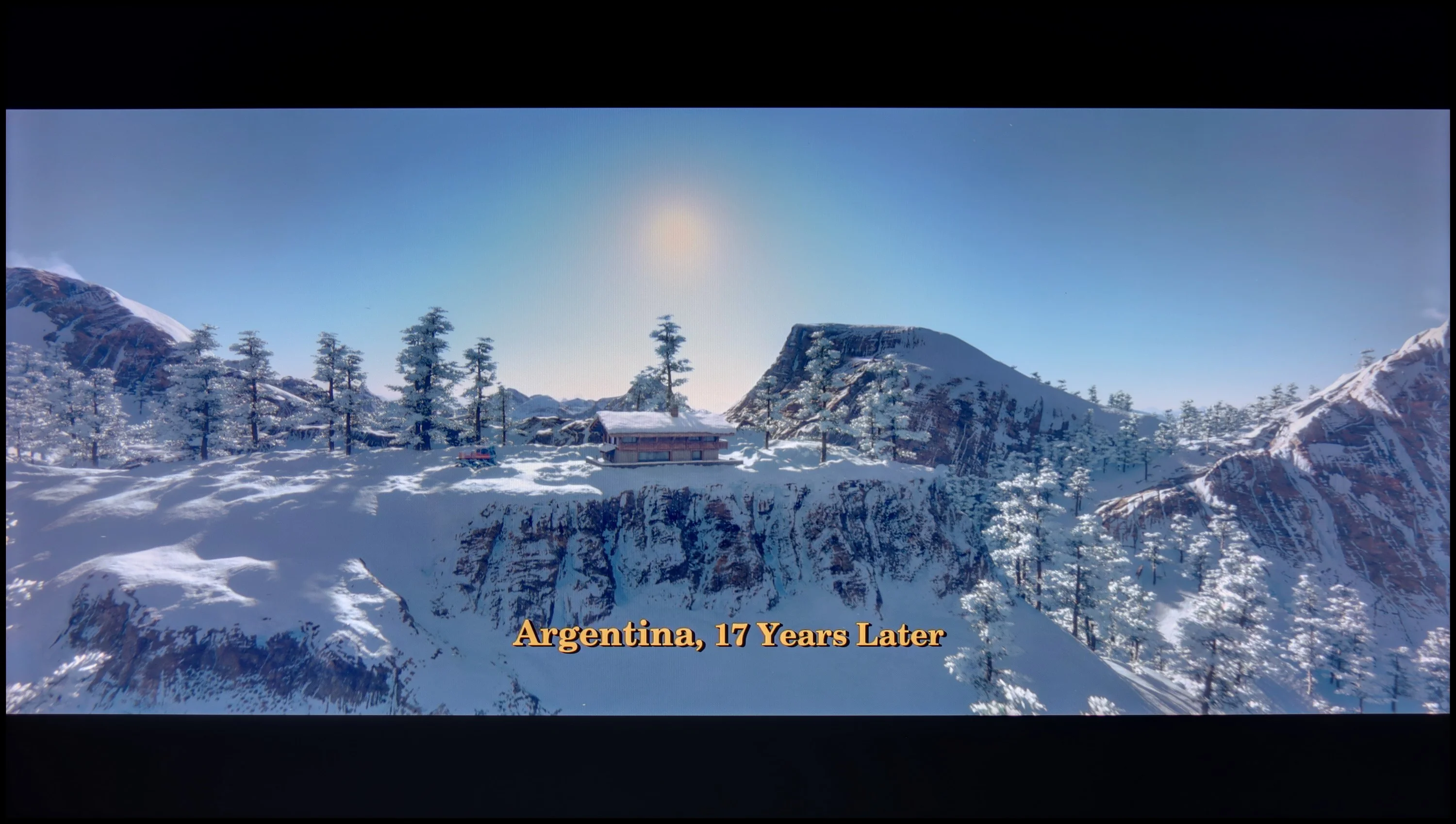
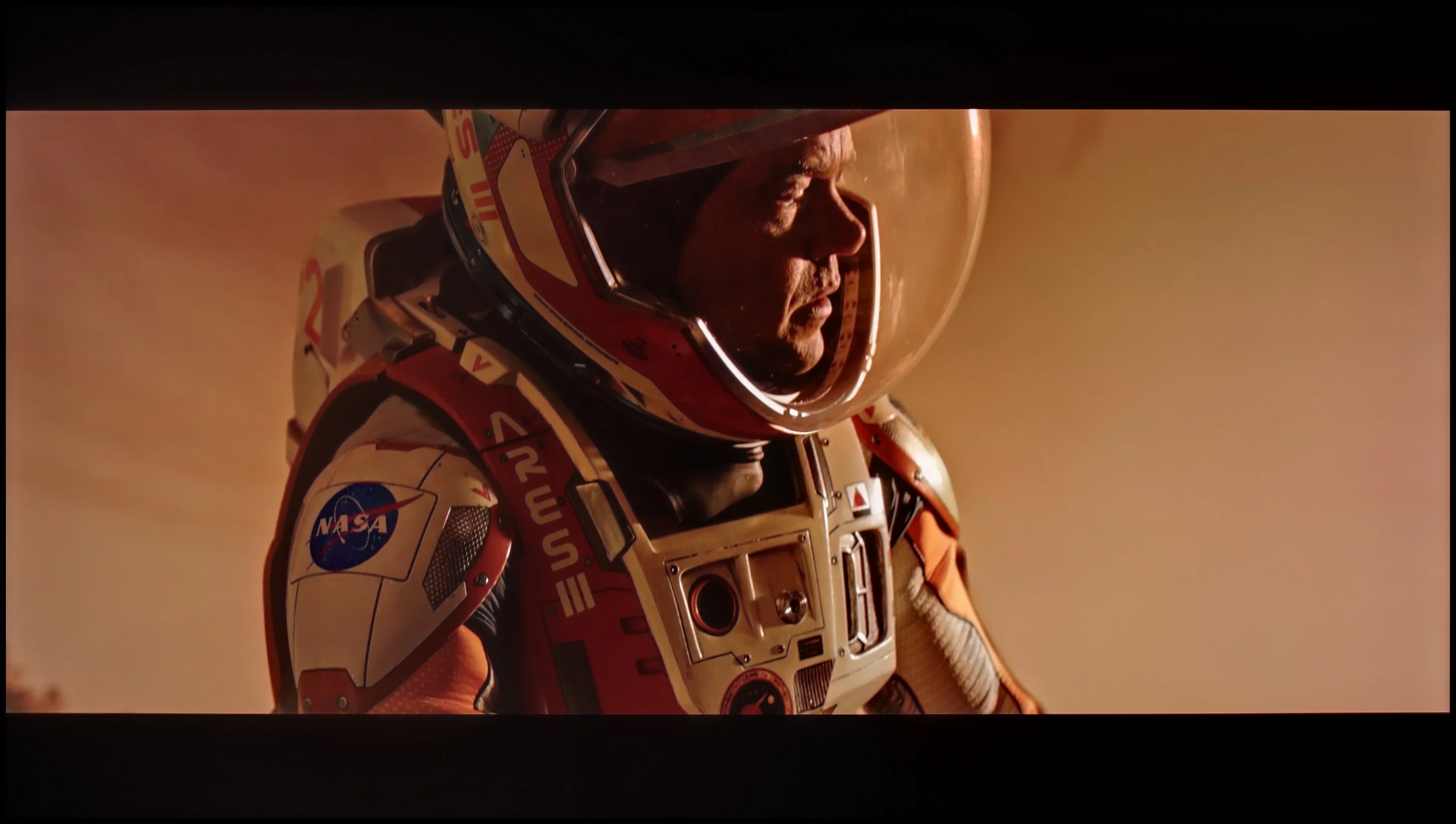
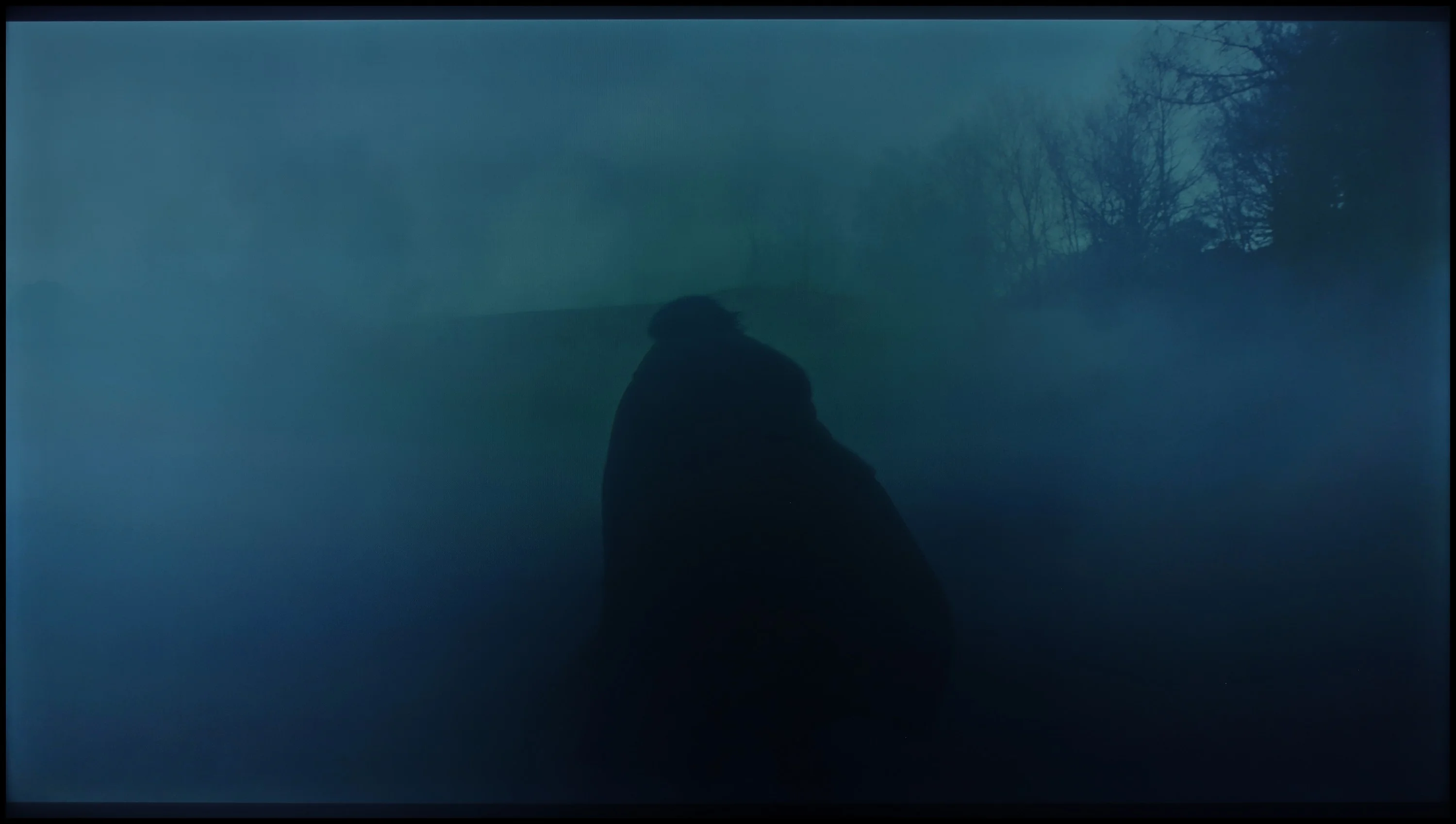
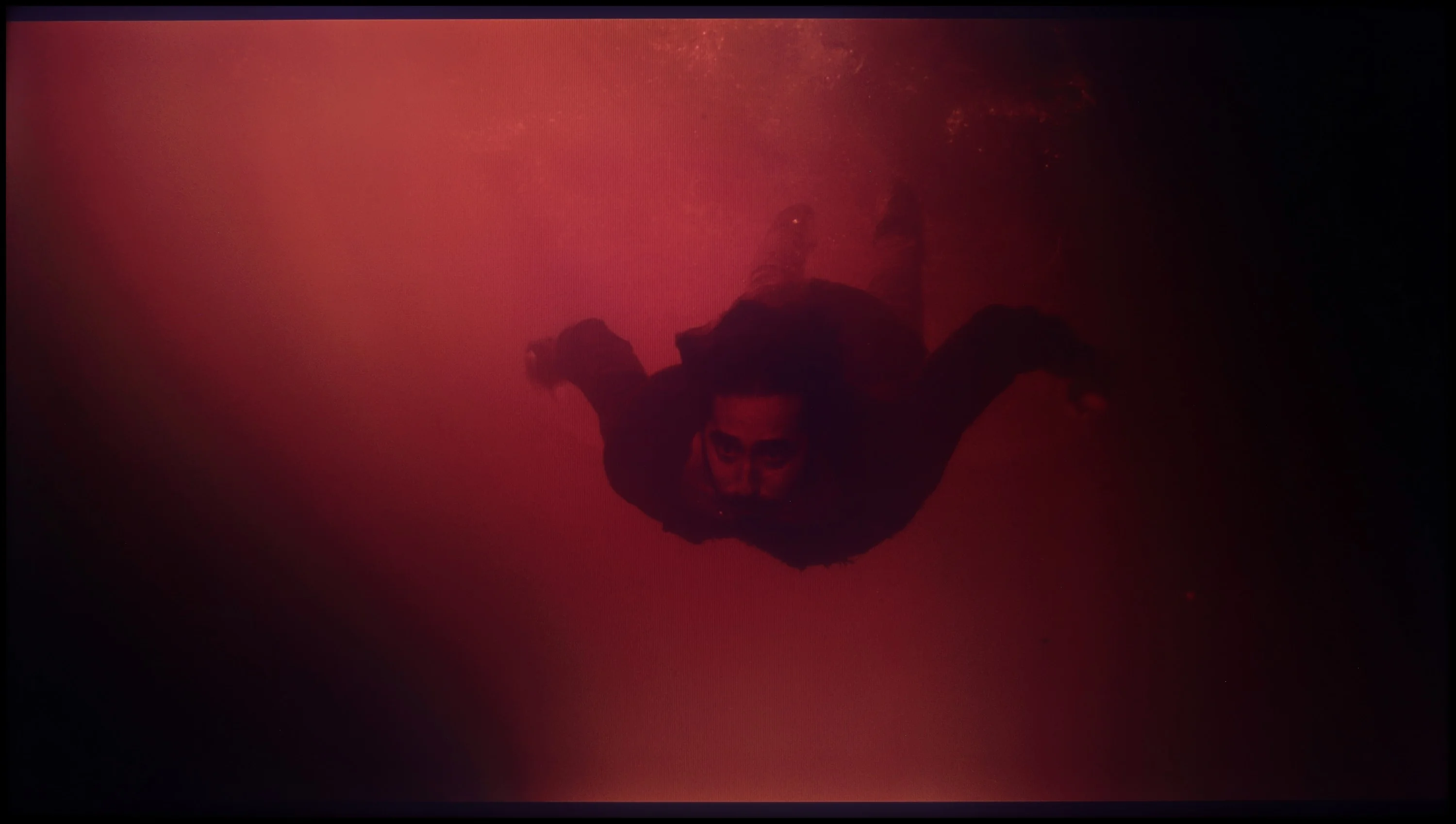
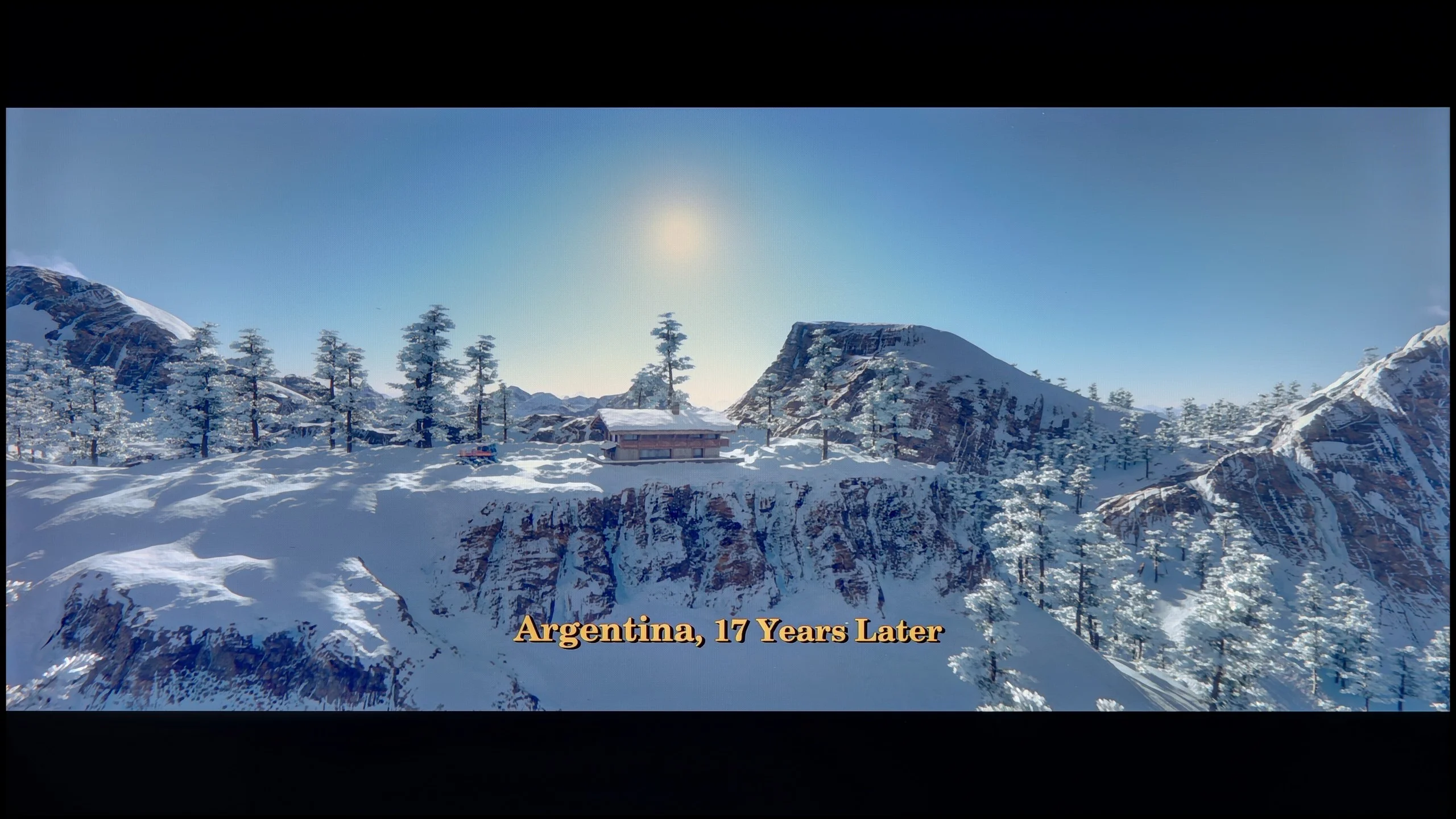
These are selected scenes that show smooth tonal transitions from one color to another. If you see distinct banding, it’s the TV panel’s fault.
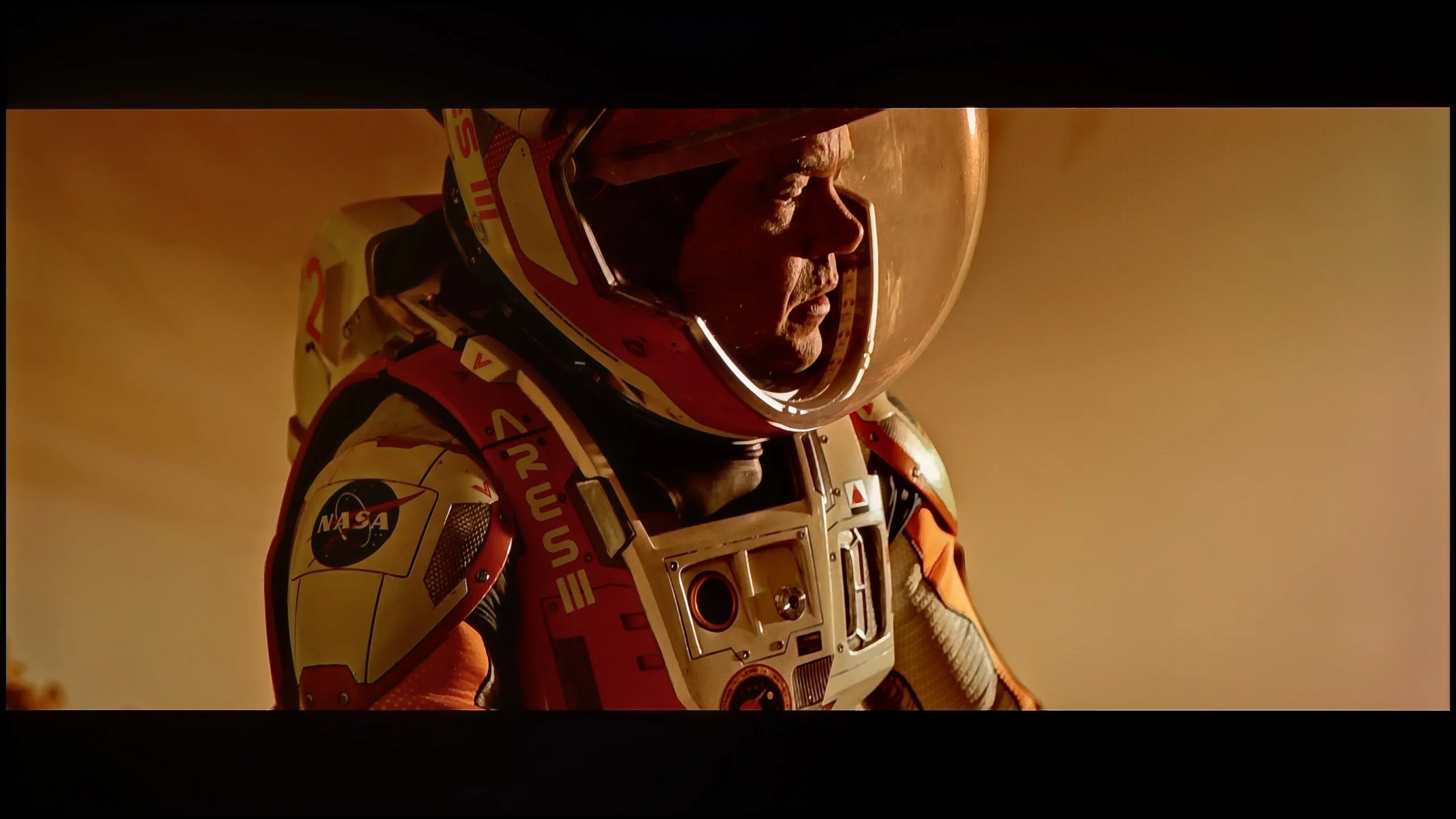
These are selected scenes that show smooth tonal transitions from one color to another. If you see distinct banding, it’s the TV panel’s fault.
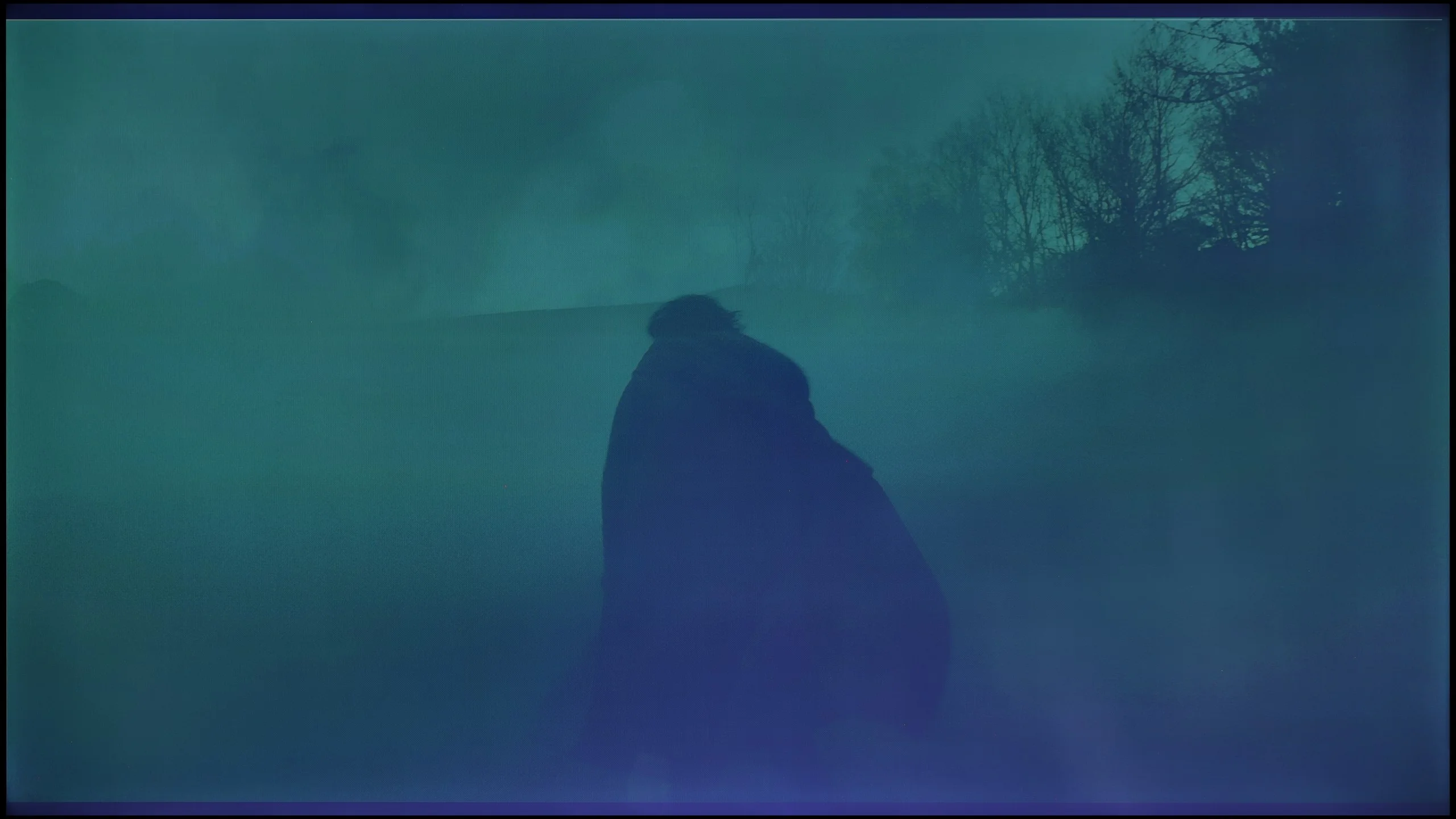
These are selected scenes that show smooth tonal transitions from one color to another. If you see distinct banding, it’s the TV panel’s fault.
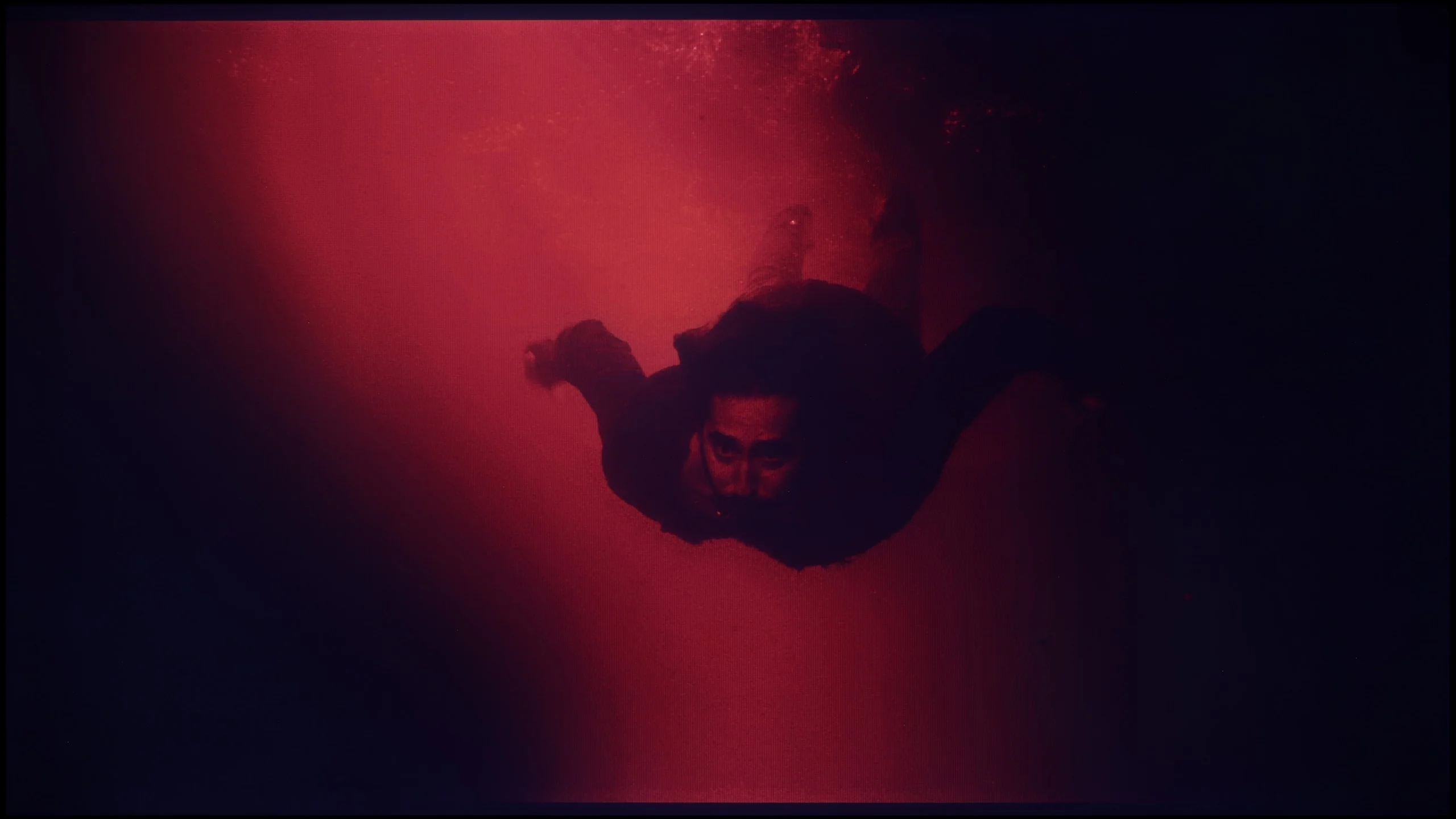
These are selected scenes that show smooth tonal transitions from one color to another. If you see distinct banding, it’s the TV panel’s fault.
The fluidity of tonal transitions in Hisense U6NQ is at a very good level. In most scenes, there are no visible issues with colour blending, which ensures a pleasant and cohesive visual experience. However, a more discerning eye may spot slight imperfections in specific instances, such as the scene with the blue sky in Kingsman or the final scene with the red background. These subtle shortcomings are, however, small enough not to affect the image perception for most users. Overall, the television performs very well in this category.
The smoothness of tonal transitions on the TCL P7L is quite good, but not in every scene. In brighter scenes the television performs very well, because changes between successive shades are gentle, and on the sky, bright walls or subtle gradients it's hard to spot anything that would noticeably disrupt viewing. It becomes worse in the darker areas of the image. It is there that visible joins between colours and successive grey levels appear more often. In dark scenes you can therefore notice characteristic banding or more pronounced 'steps' where the transition should be smoother. It's not an issue all the time, but with weaker source material or scenes with lots of mid-tones it can stand out.
Image scaling and smoothness of tonal transitions
5.6/10
7/10


Smooth transition function
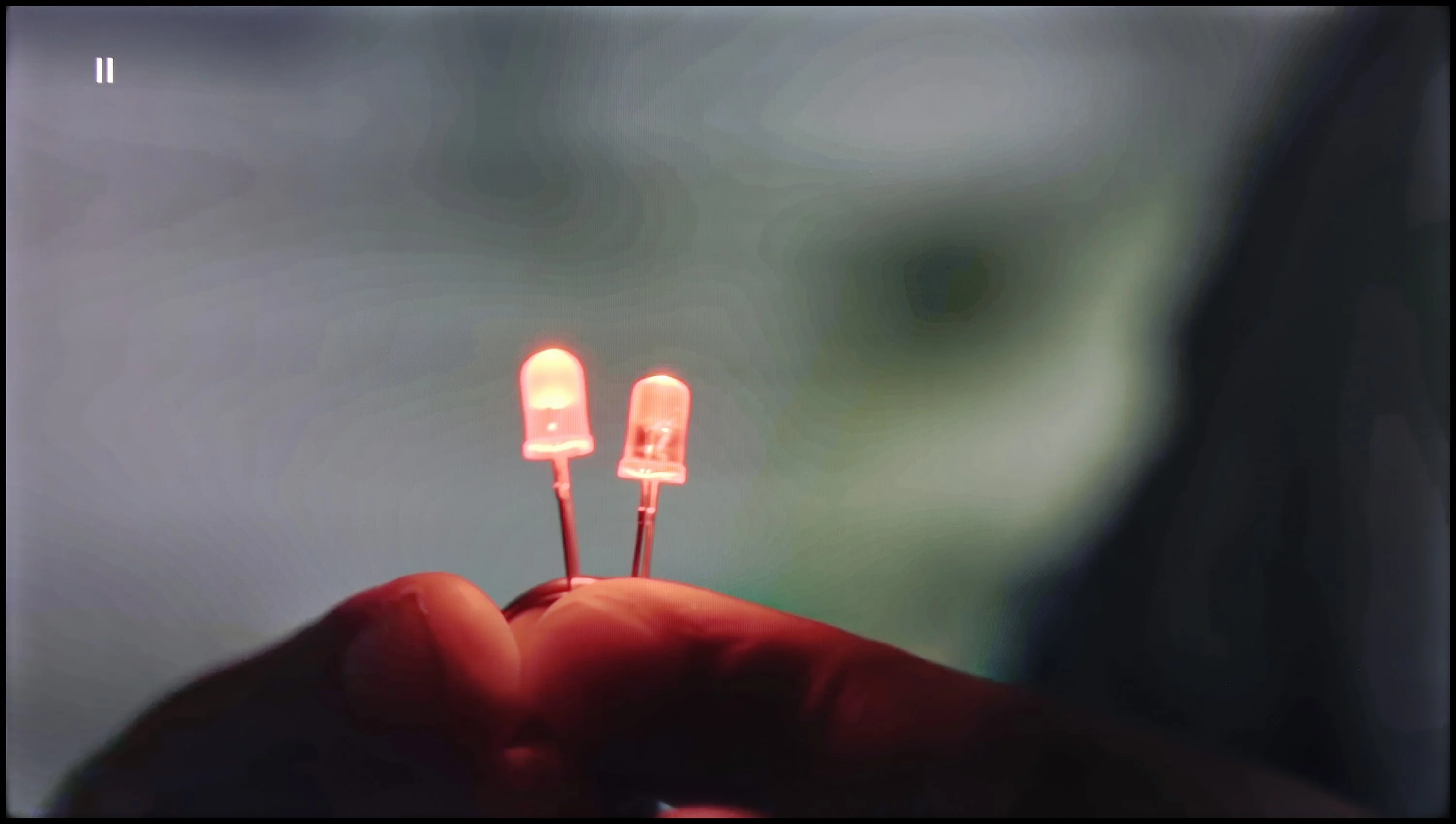
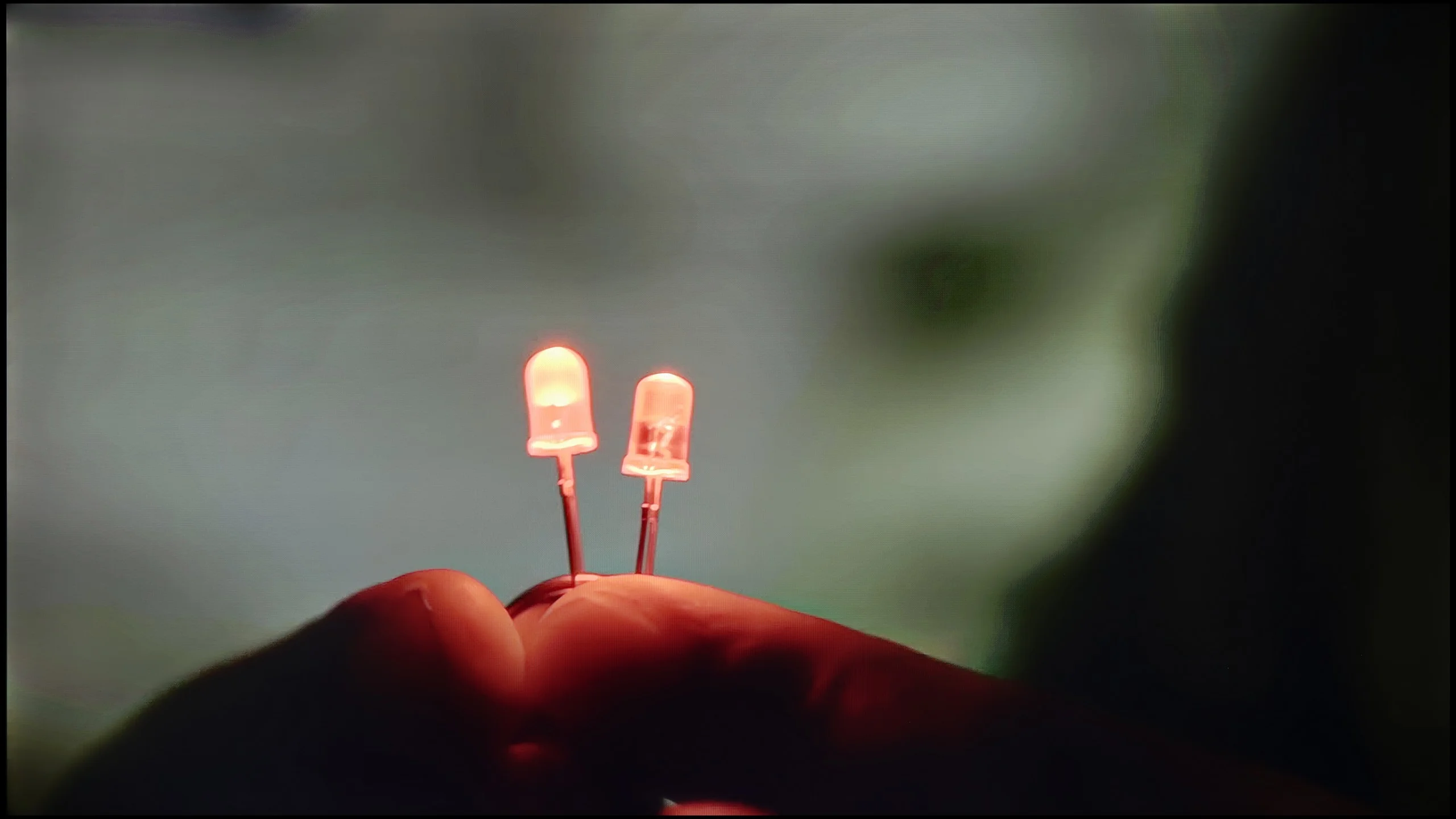
The match photo shows how the TV smooths weak tonal transitions in low-quality video.
Image scaling SD (576i)
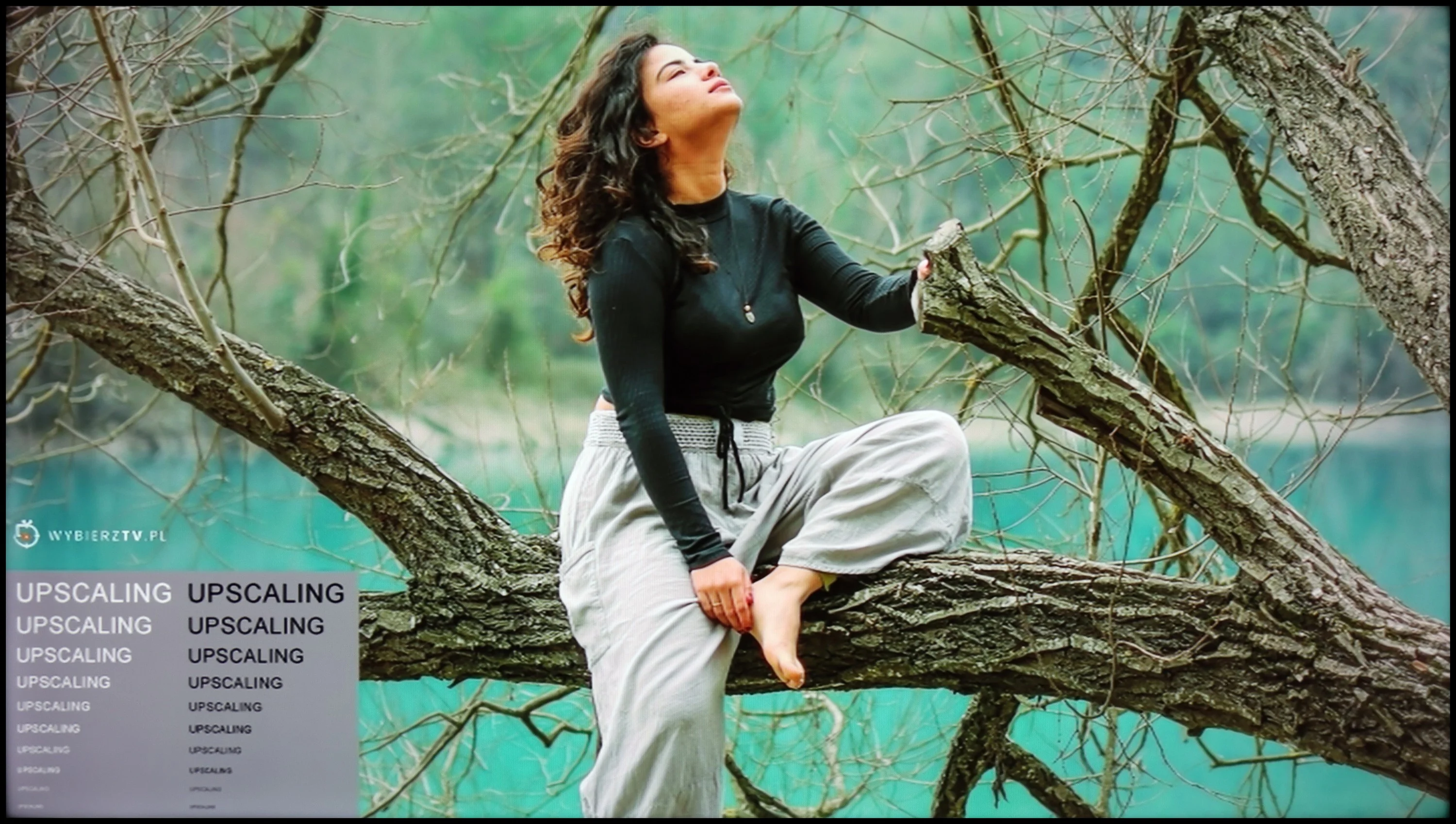
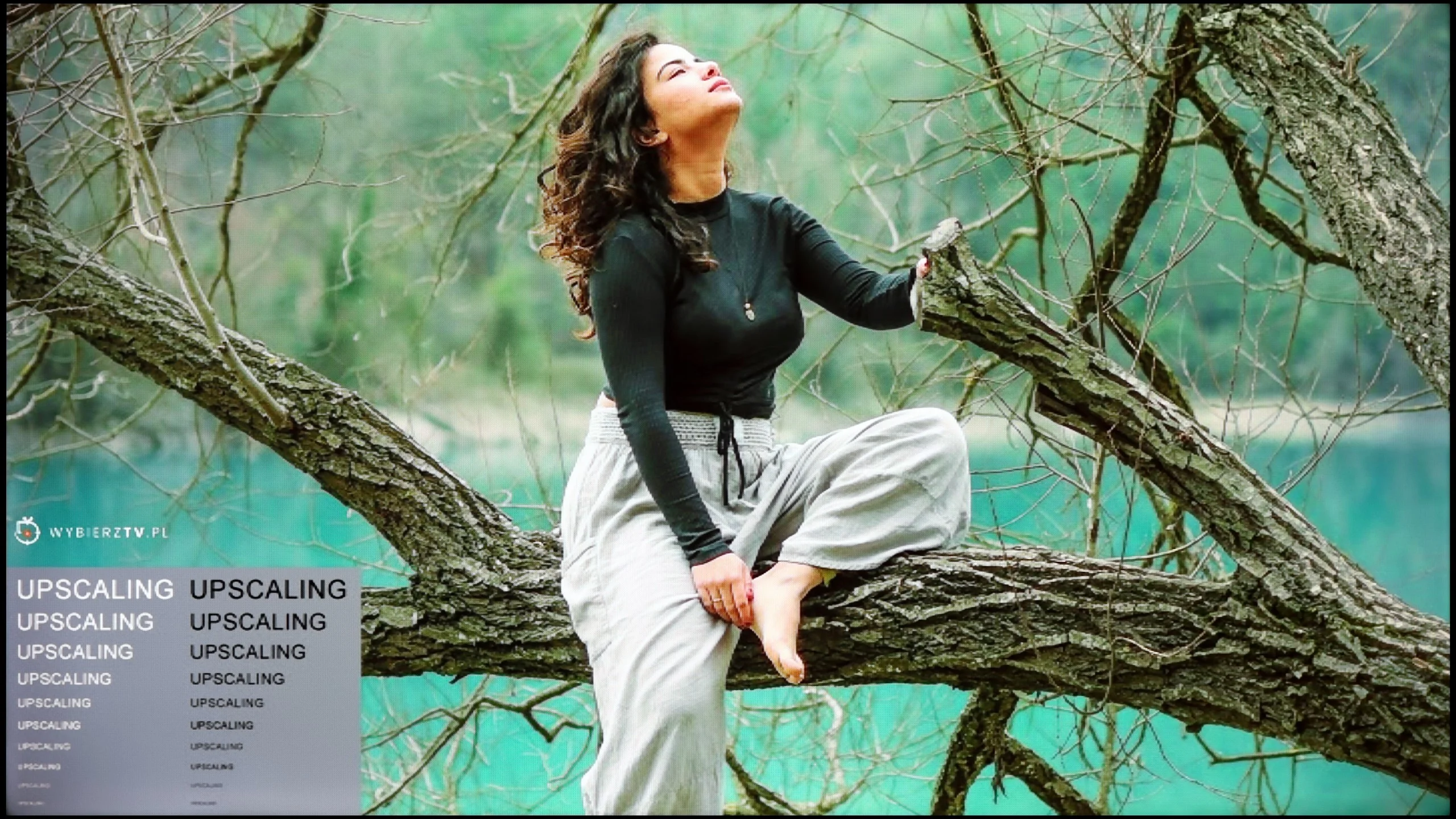
The model photo shows how it handles upscaling of SD material.
With high-quality materials, such as 4K, tonal transitions on U6NQ look really good – the colours blend nicely, and the image is coherent. Unfortunately, when we move to content in lower resolutions, the television does not offer any additional features that could improve this aspect. An example is the test with the light bulb, where it is clearly visible that the television has a problem with rendering subtle tonal transitions.
However, digital processing performs quite well. The image looks pliable, is pleasantly soft, and free from excessive banding. Moreover, thanks to the sharpness settings, it can be adjusted according to personal preferences – whether towards a softer or sharper image. Overall, although scaling lower quality materials could be better, the television handles image processing effectively.
In this respect the TCL P7L performs surprisingly well, especially for such an inexpensive TV. The banding-reduction feature, which in many budget models does little or nothing, actually manages to improve the picture here. It does not remove all banding entirely, but it can noticeably reduce posterisation and make more challenging gradients look more natural. At this price point that’s a genuinely pleasant surprise. Upscaling itself also performs well. Lower-resolution material is scaled correctly, without over-sharpening or adding artificial outlines around objects. Of course the P7L won’t turn a very poor source into a 4K-quality image, but for regular TV the result is simply solid. For a model in this class there is little to criticise.
Blur and motion smoothness
3.4/10
5.5/10
Blur (native resolution, maximum refresh rate):
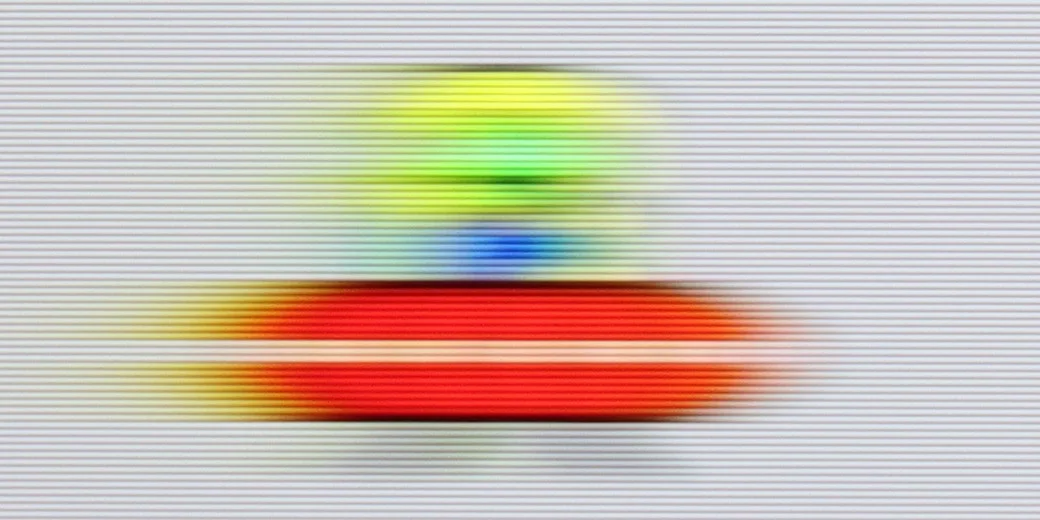
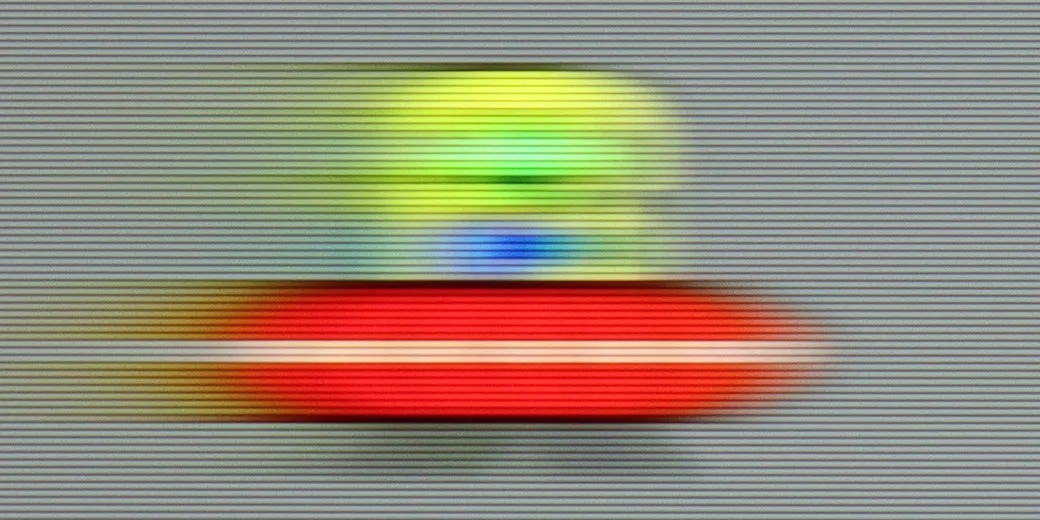
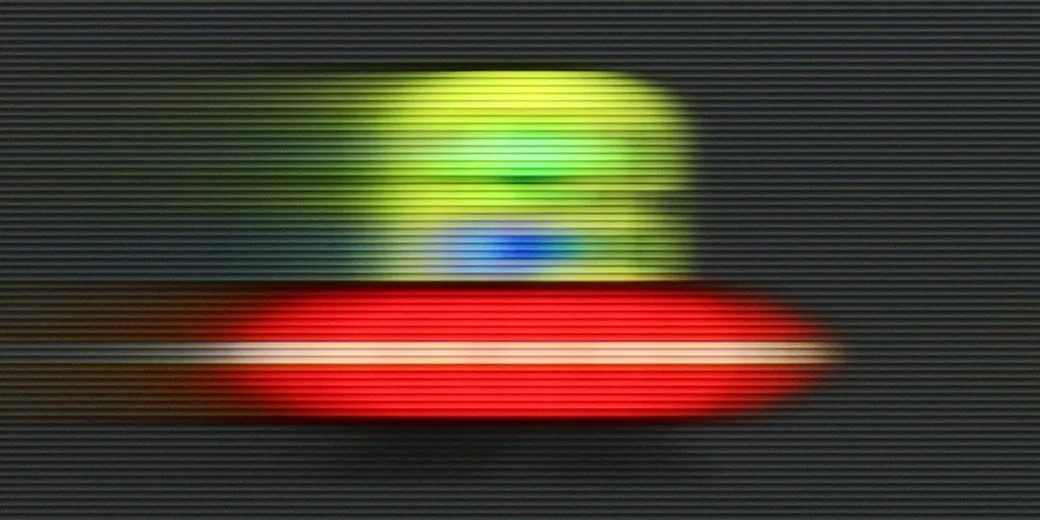
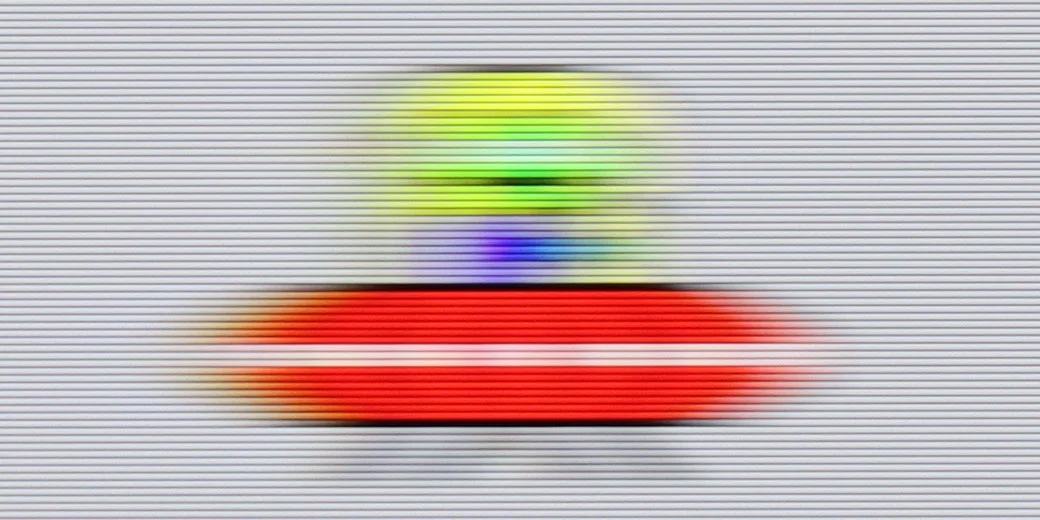
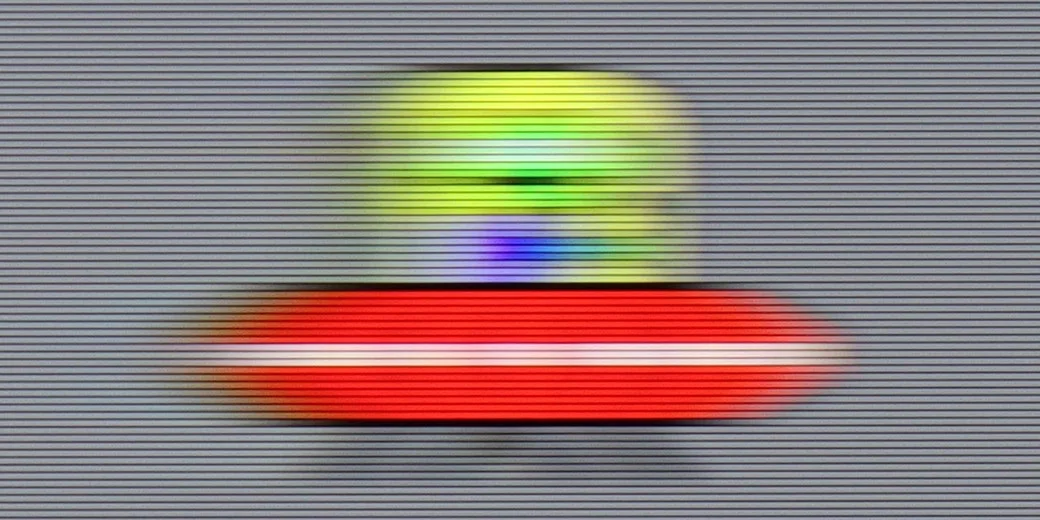
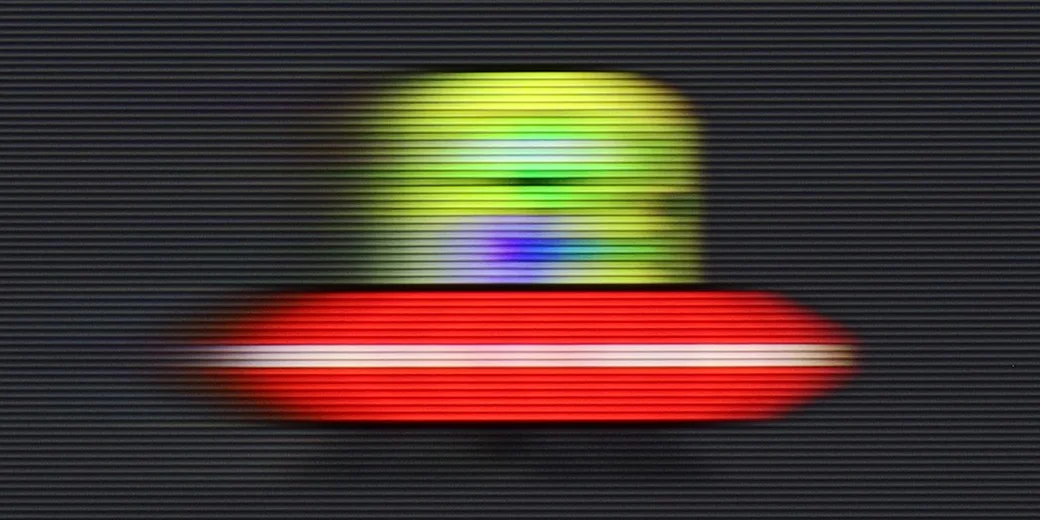
Blur ():
Blur (1440p@120Hz):
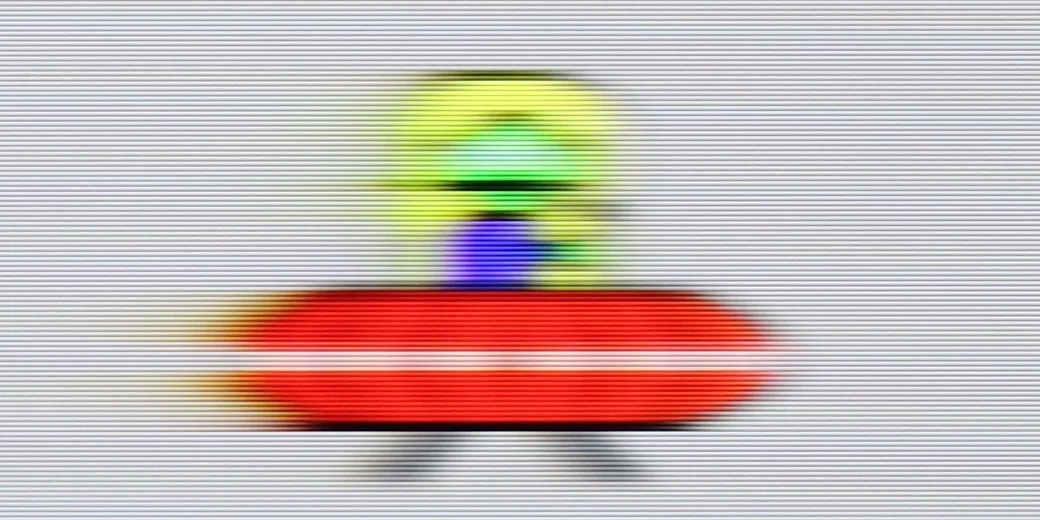
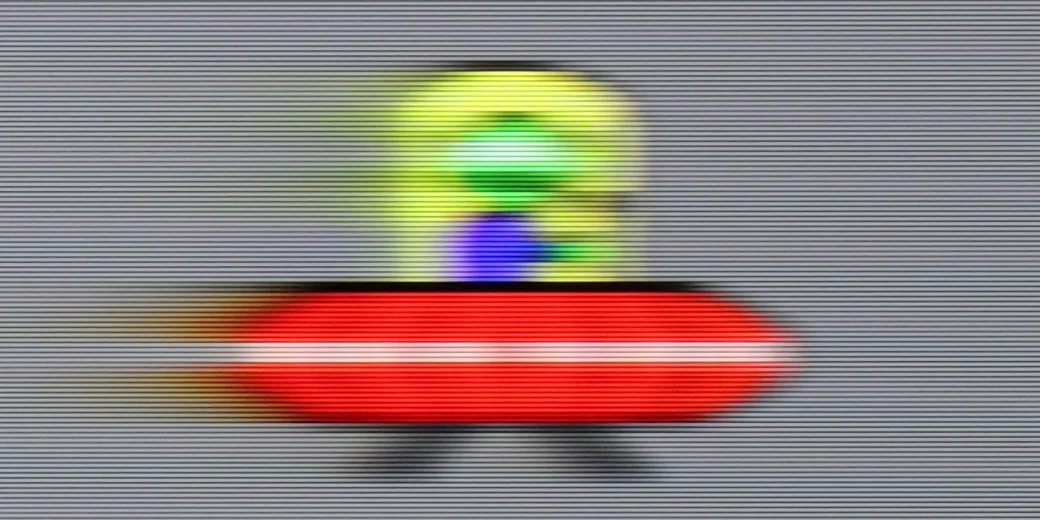
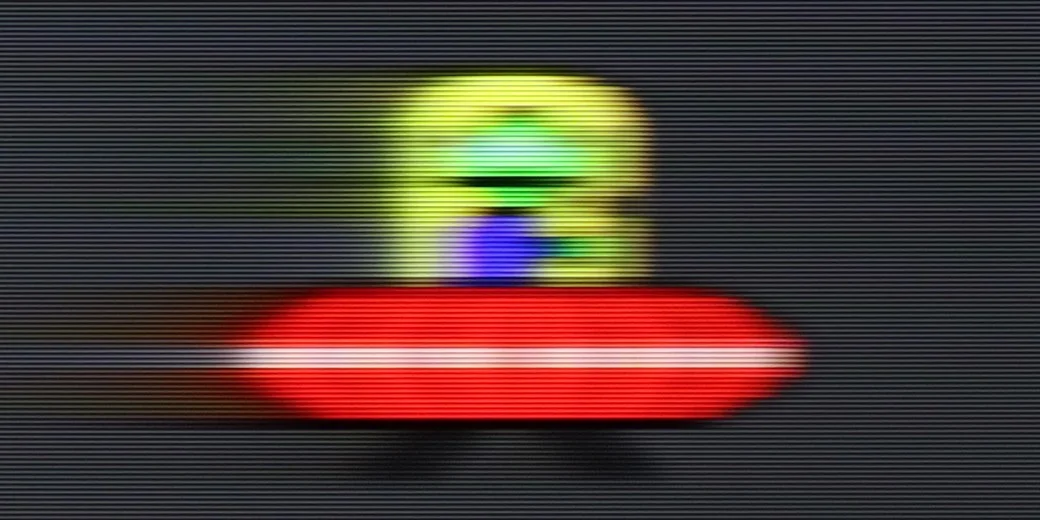
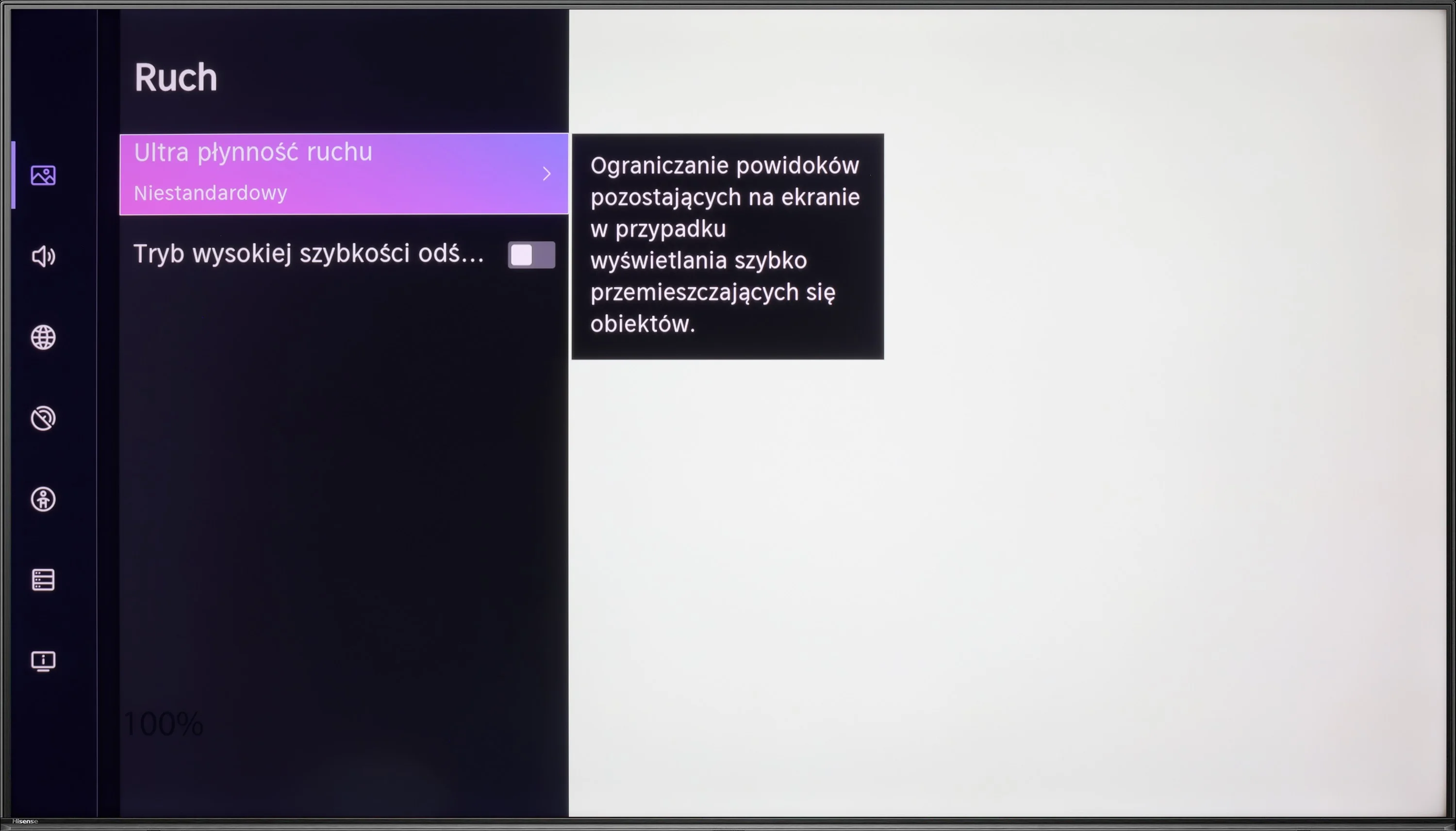
Hisense U6NQ offers native 60 Hz refresh rate at 4K resolution, but the manufacturer has added a feature that allows the refresh rate to be increased to 120 Hz, at the cost of reducing the resolution to Full HD. This solution, which we have seen before in TCL televisions, such as the C655 or C655 PRO. This gives the user the choice – higher motion fluidity or full resolution. This is a sensible approach, especially considering that many games on next-generation consoles do not achieve full performance in 4K at 120 Hz.
As for movies, the television is equipped with a motion smoothing feature that allows you to adjust the motion characteristics to your own preferences. This allows for a more cinematic effect or increased fluidity in dynamic scenes. Overall, Hisense U6NQ offers reasonable solutions in terms of motion fluidity that should satisfy both gamers and movie enthusiasts.
The TCL P7L uses a panel with a native 60 Hz refresh rate at 4K resolution, and that's how it should be regarded in everyday use. When watching films the TV mainly offers frame interpolation, so it can smooth motion and reduce the characteristic judder, but it does not deliver the fluidity typical of true 120 Hz panels.
Console compatibility and gaming features
6.3/10
6.7/10
- ALLM
- VRR
- VRR range48 - 60Hz48 - 120Hz
- Dolby Vision Game Mode
- Correct implementation of HGIG
- 1080p@120Hz
- 1440p@120Hz
- 4K@120Hz
- Game bar
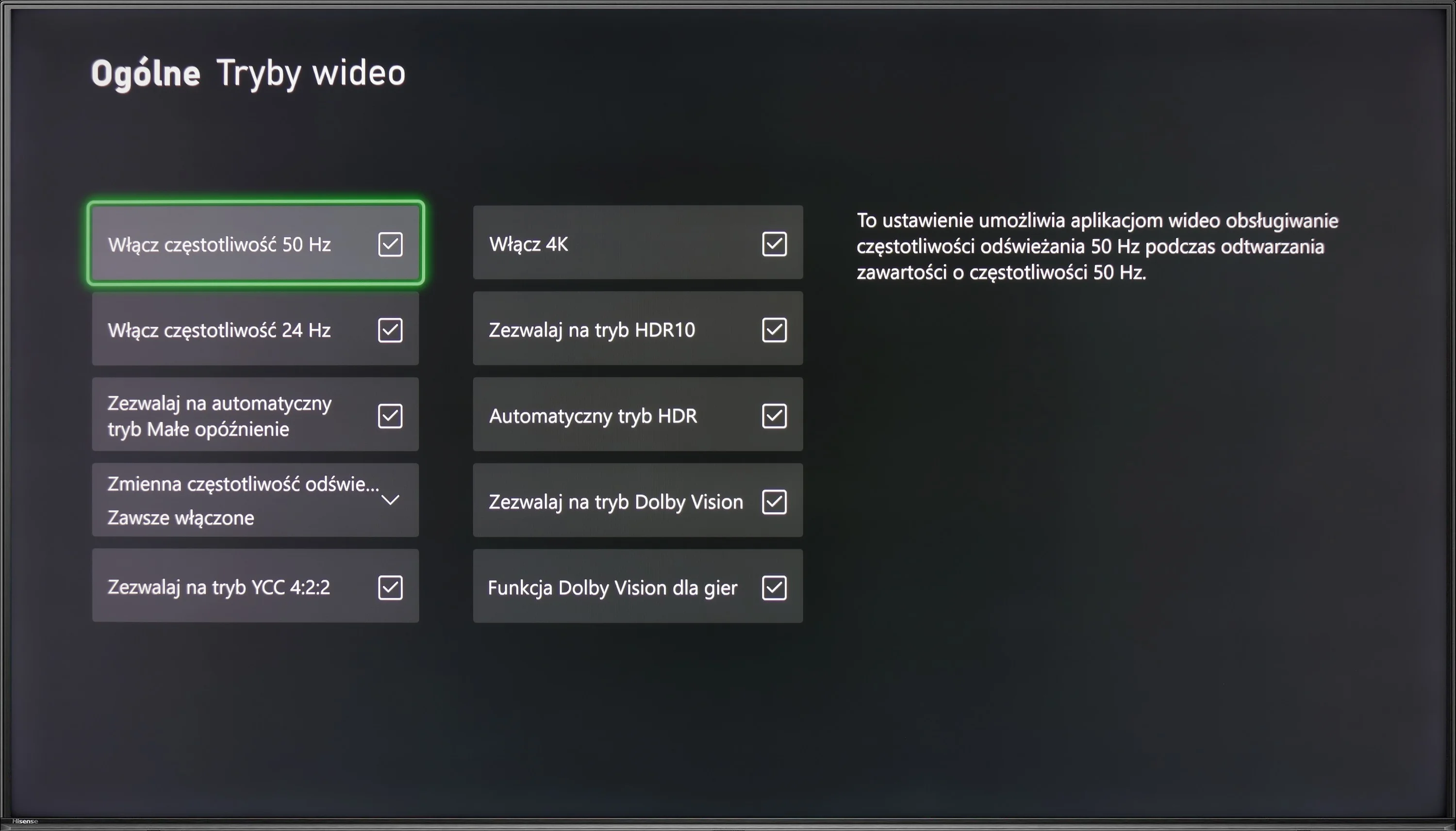
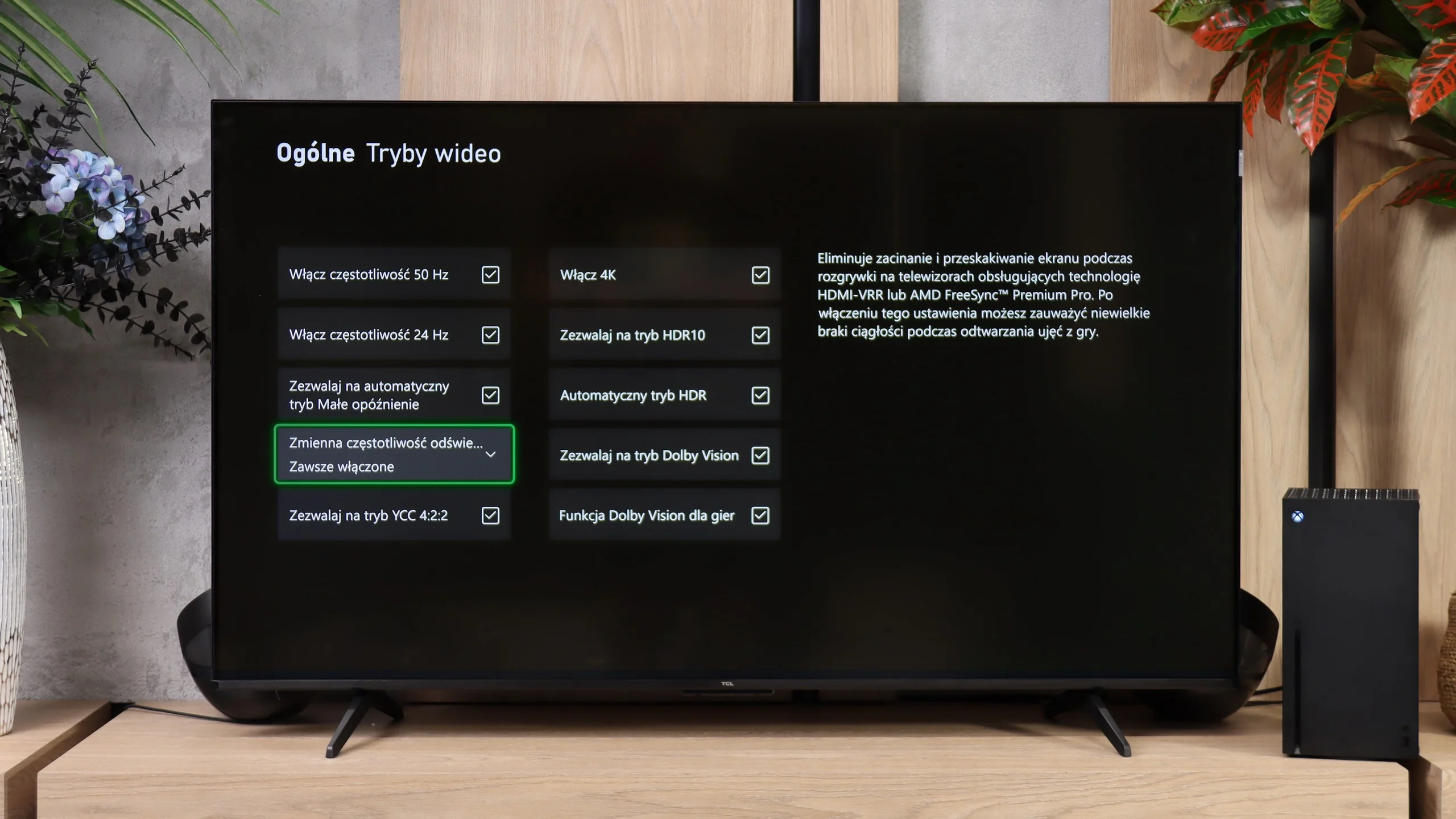
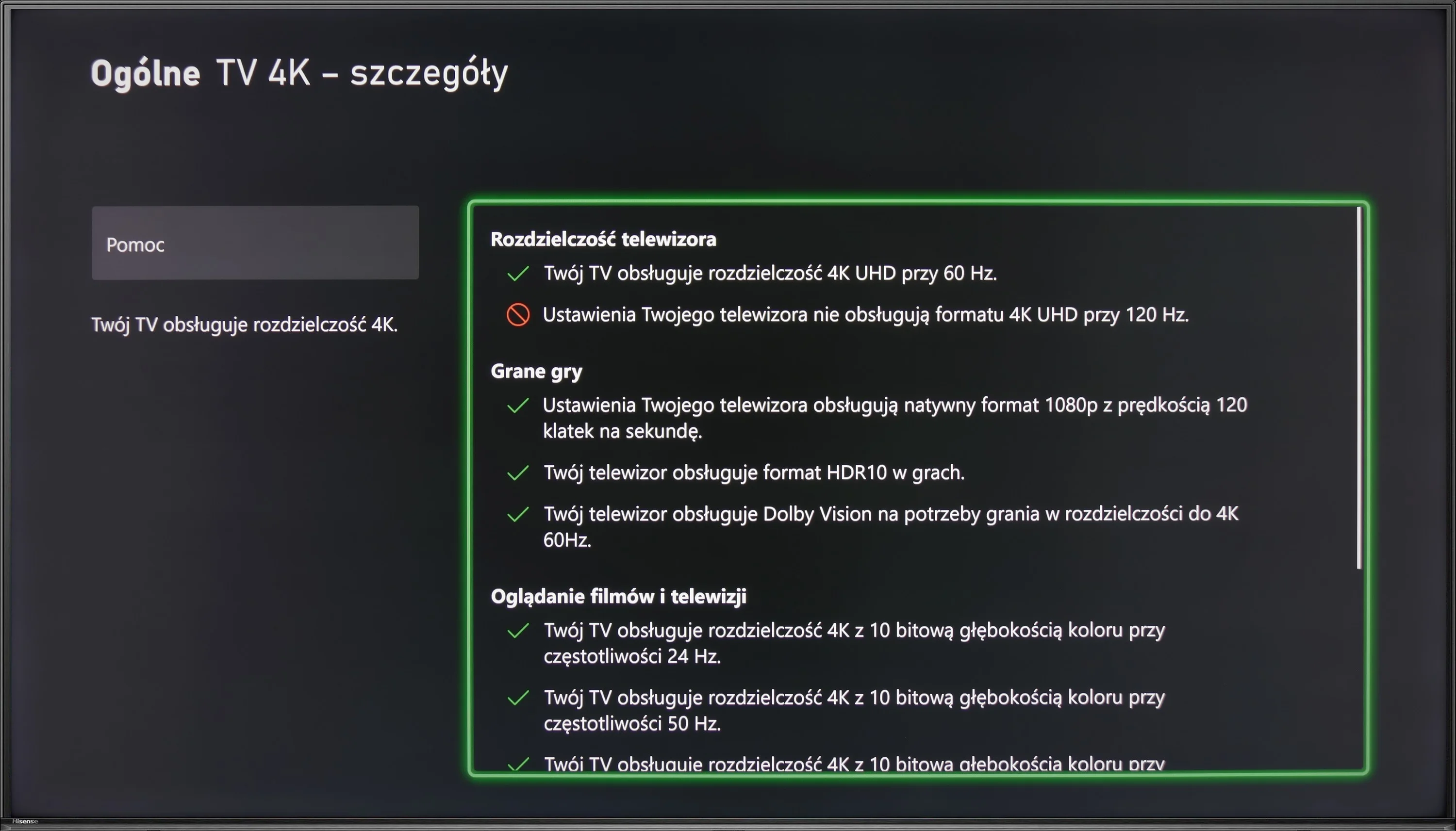
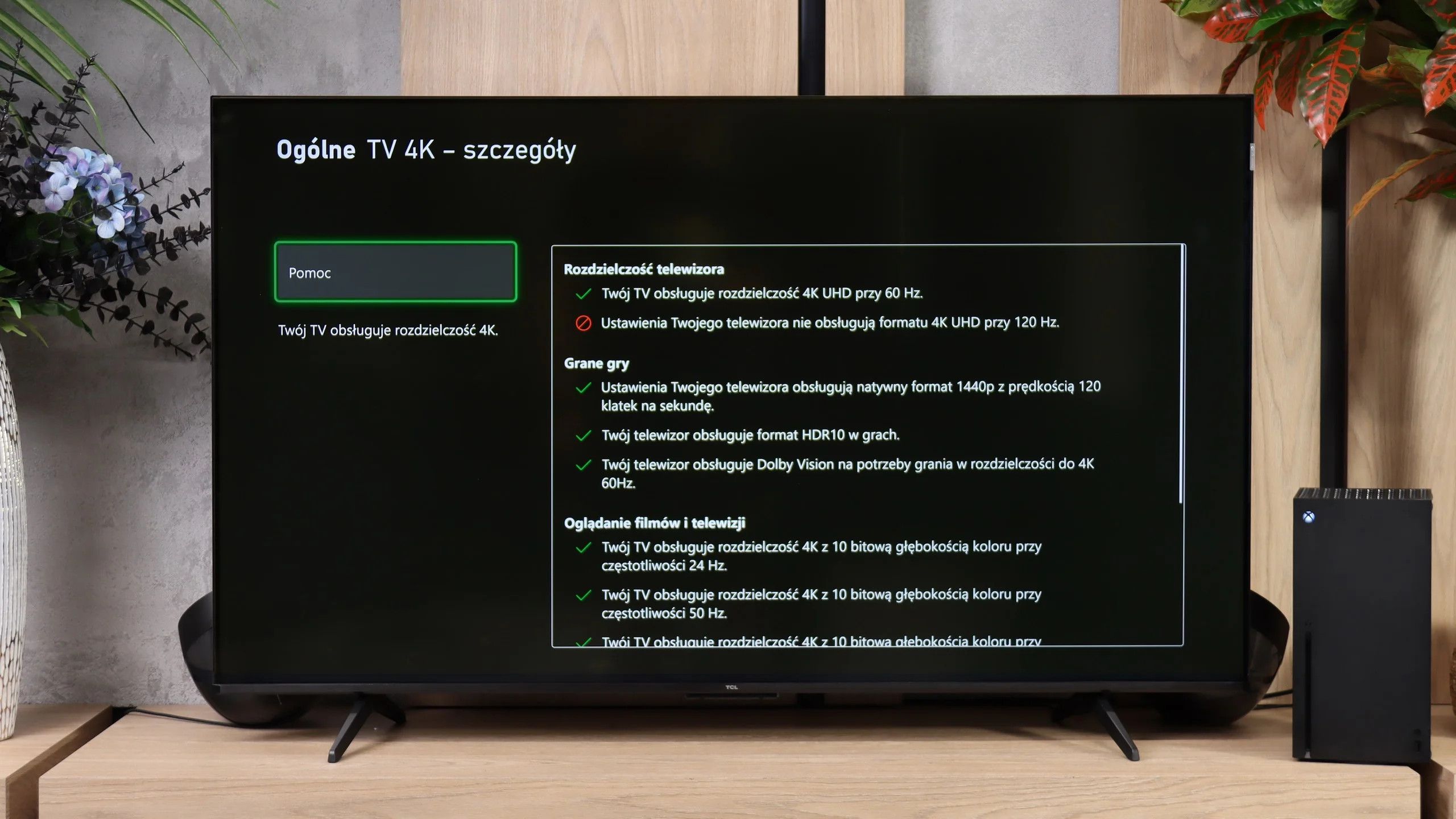
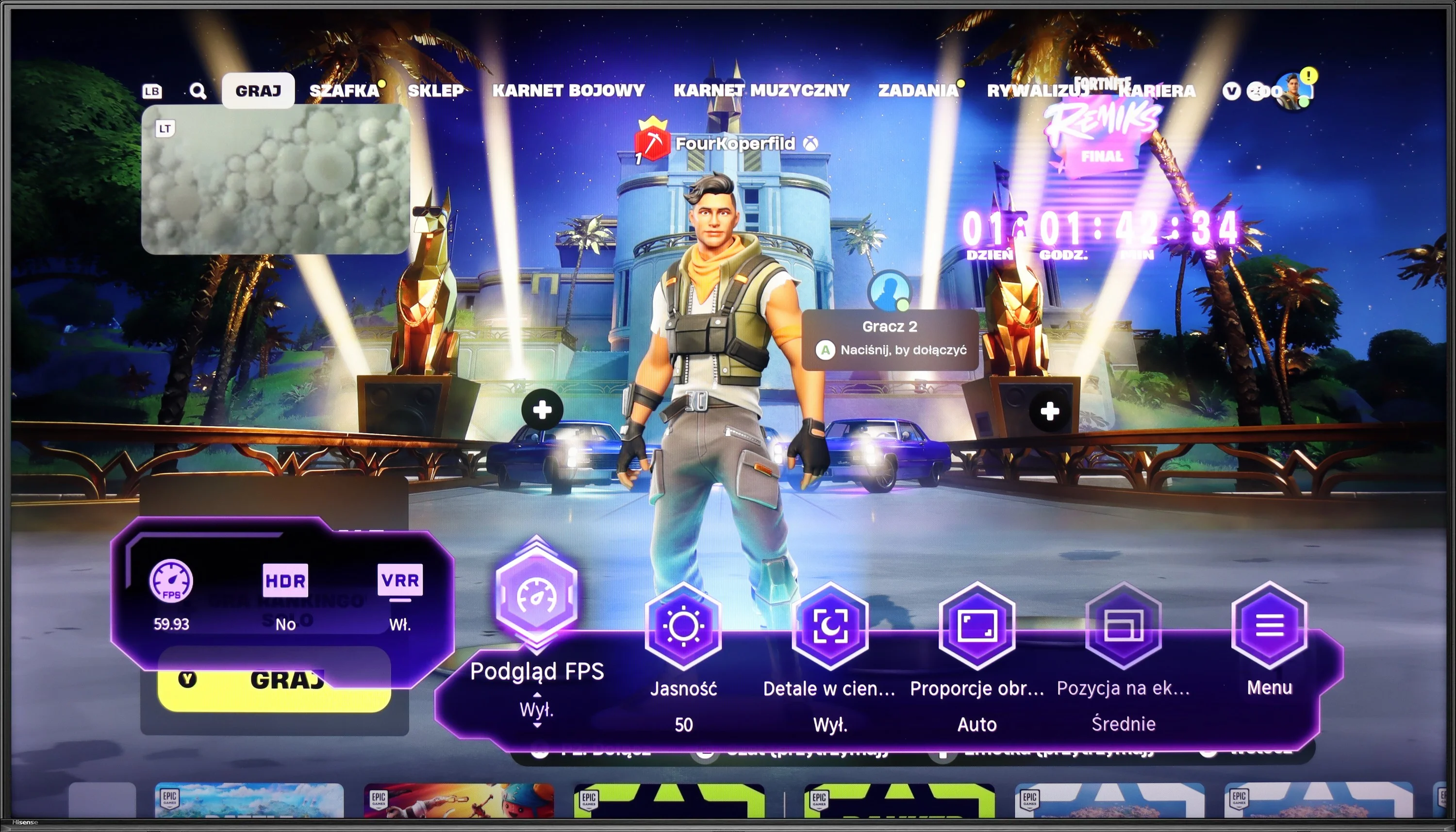
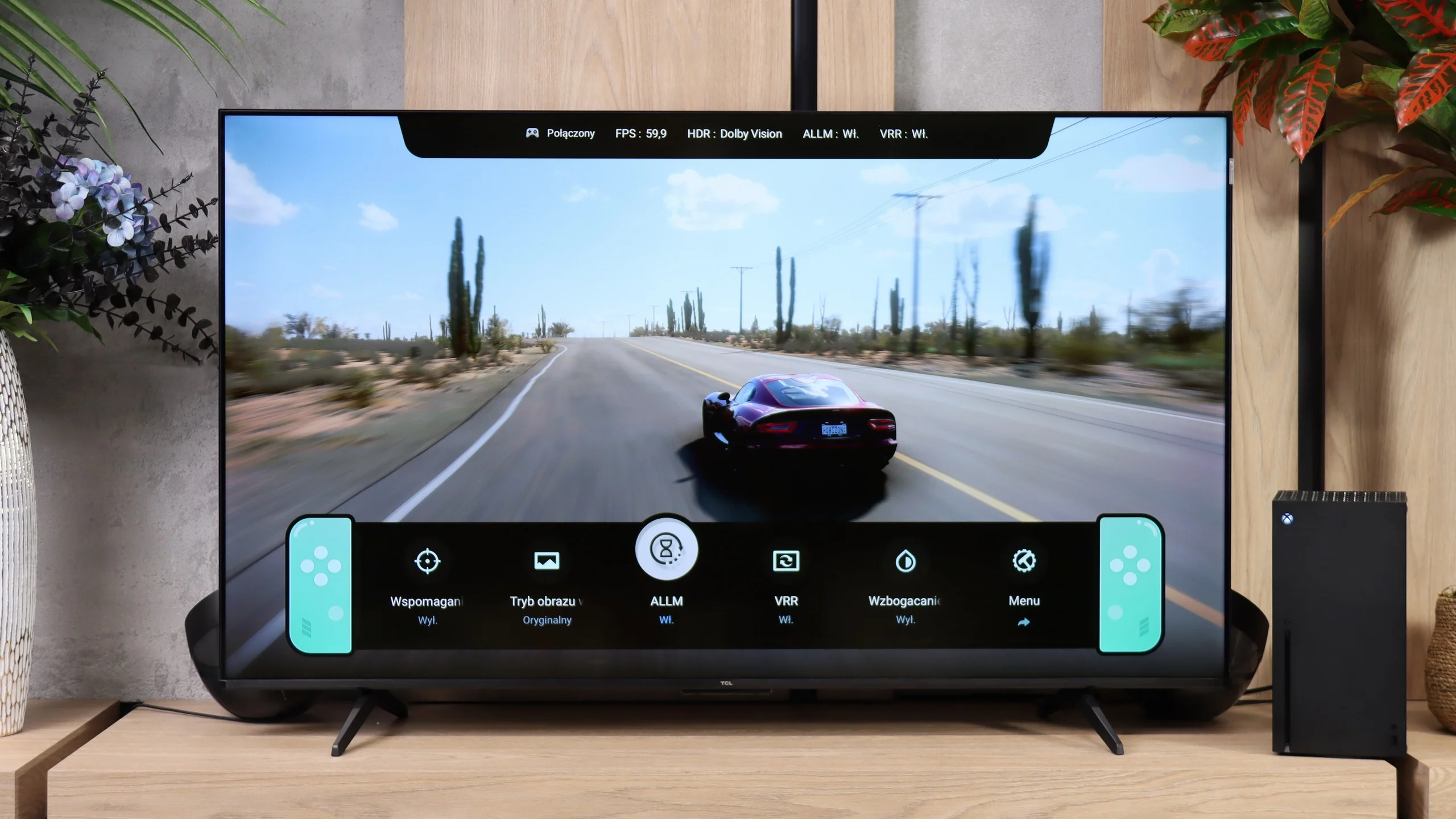
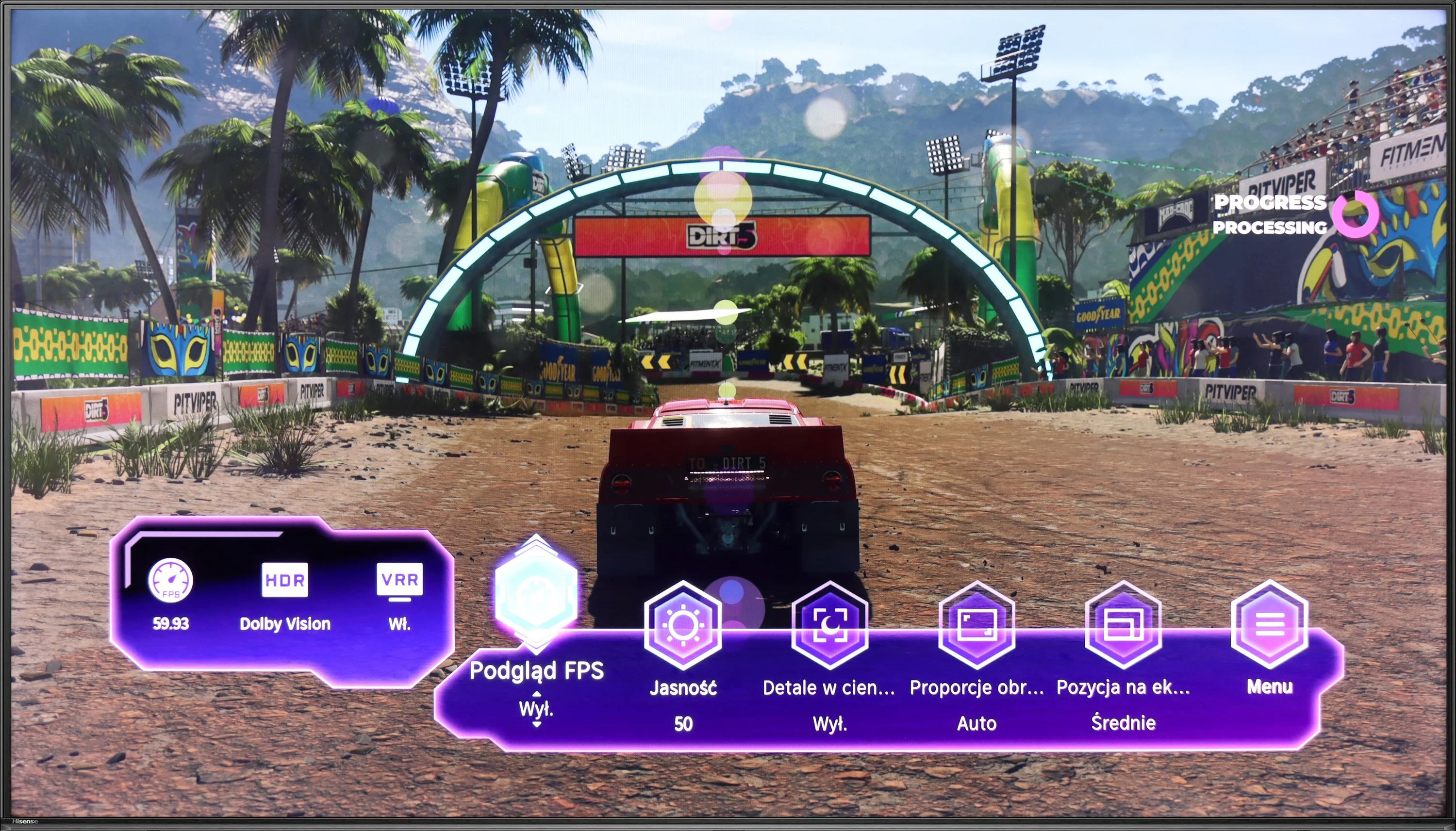
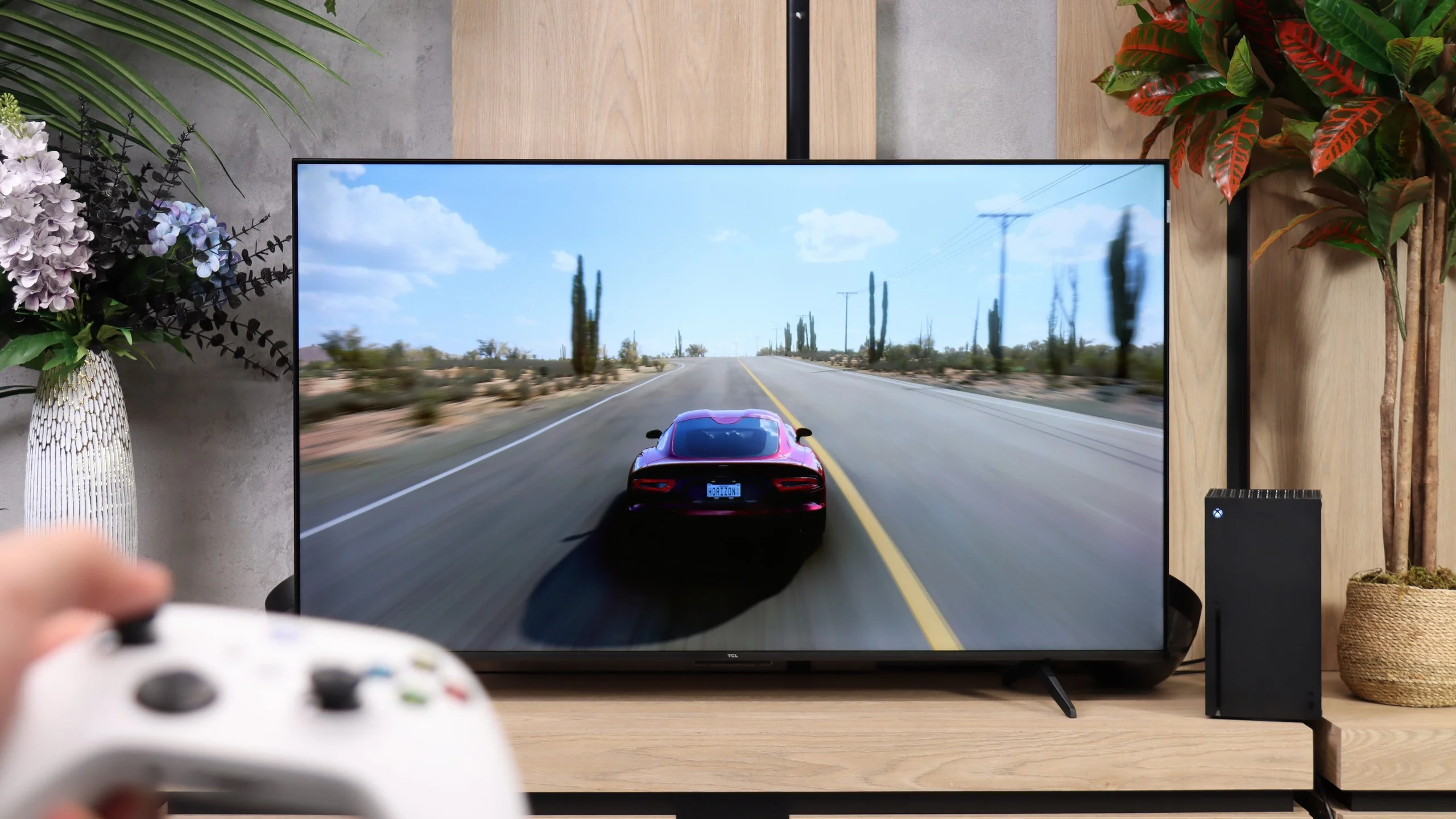
Hisense U6NQ offers the option to choose between 4K at 60 Hz and Full HD with a refresh rate of 120 Hz. This solution may appeal to gamers who want to decide what is more important to them – higher resolution or smoothness. The television supports features such as ALLM and VRR, which help in achieving smoother gameplay. A nice addition is the GameBar – an easy-to-use panel that allows you to quickly change picture settings and check statistics. There is also a Dolby Vision Game mode, which operates with low input lag, which is a big plus for console enthusiasts. Unfortunately, it lacks HGiG, which could further enhance HDR quality in games. Nevertheless, the Hisense U6NQ performs quite well as a gaming television, especially for those who play occasionally and do not require the highest refresh rates in 4K. It is a solid choice for less demanding users.
For such an inexpensive TV, the P7L has quite a lot to offer gamers. It has ALLM, VRR, Dolby Vision for gaming, and TCL also includes its Game Bar, which lets you quickly check the key information or change some settings without leaving the game. Not everything is perfect, though, because HGiG doesn’t work here as it should, but at this price point it’s hard to complain about the feature set. The most interesting part starts when you give up 4K. At that resolution the TV runs at up to 60 Hz, but at 1440p and 1080p it can display at 120 Hz. And that’s not just a line in the specs. In fast-paced games that support that frame rate you can really notice the improvement in smoothness, so if you value smoother motion more than maximum image detail, that mode can make a lot of sense. Of course, that doesn’t turn the P7L into a proper 120 Hz TV. Even so, those extra modes are exactly what make the P7L perform very well for gaming.
Input lag
9.9/10
10/10
SDR
HDR
Dolby Vision
The television Hisense U6NQ offers a very low input lag of 14 ms, making it a good choice for gamers, especially those who prefer fast-paced titles. It is also worth noting that the Dolby Vision mode in games works really well here. This is a pleasant surprise, as on many other televisions this HDR mode performs only averagely.
In terms of latency the TCL P7L performs very well. With a 60 Hz signal the input lag is about 13 ms, regardless of whether you’re playing in SDR, HDR or Dolby Vision. That’s already a level at which the delay should be practically imperceptible during normal gameplay. It gets even better when you switch the TV to 120 Hz mode at a lower resolution. Then the input lag falls to about 9 ms, which nicely complements the modes described earlier. For gamers, that’s another argument that, despite the P7L’s budget nature, it is fairly well prepared in this respect.
Compatibility with PC
6/10
5.8/10
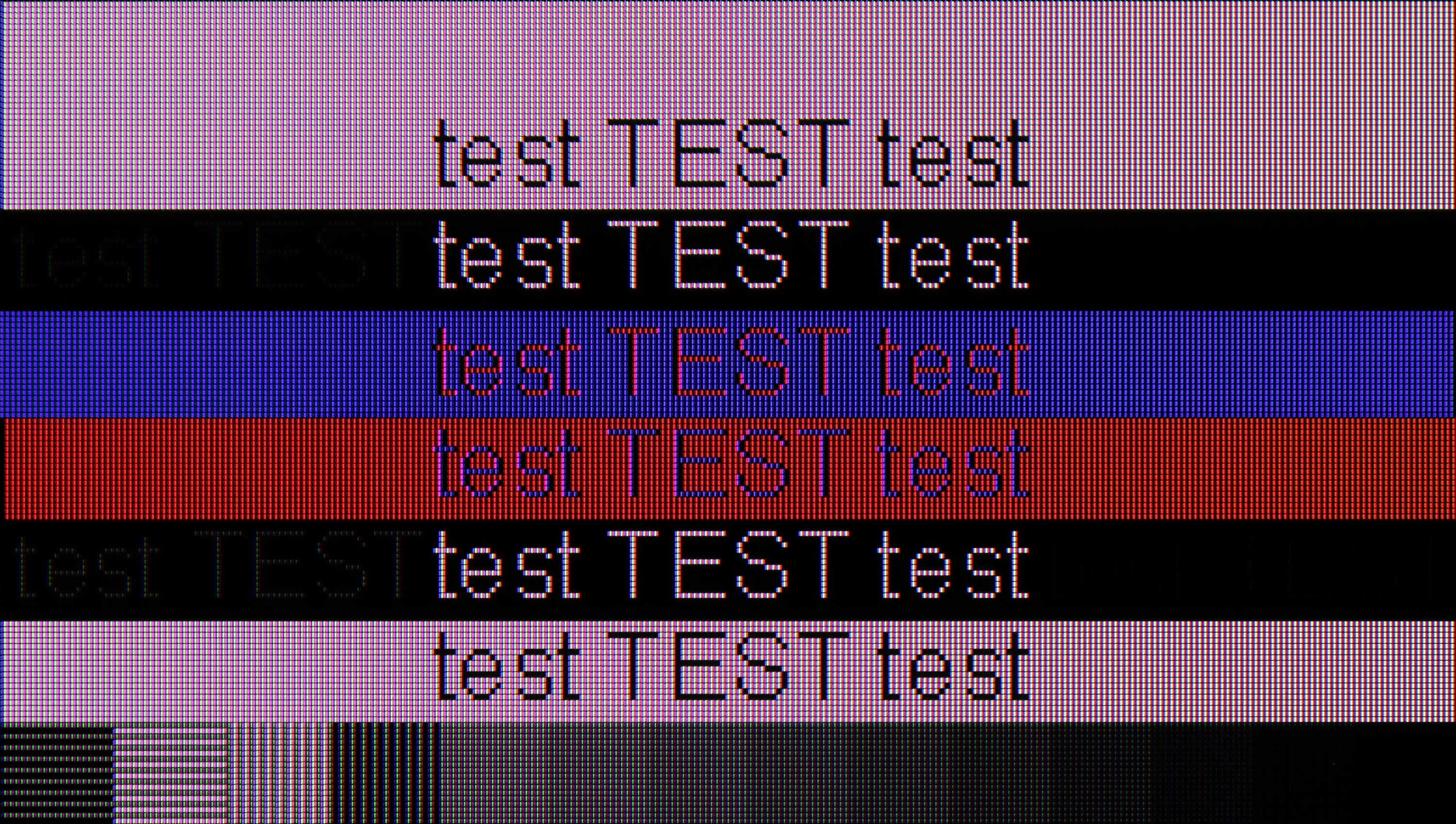
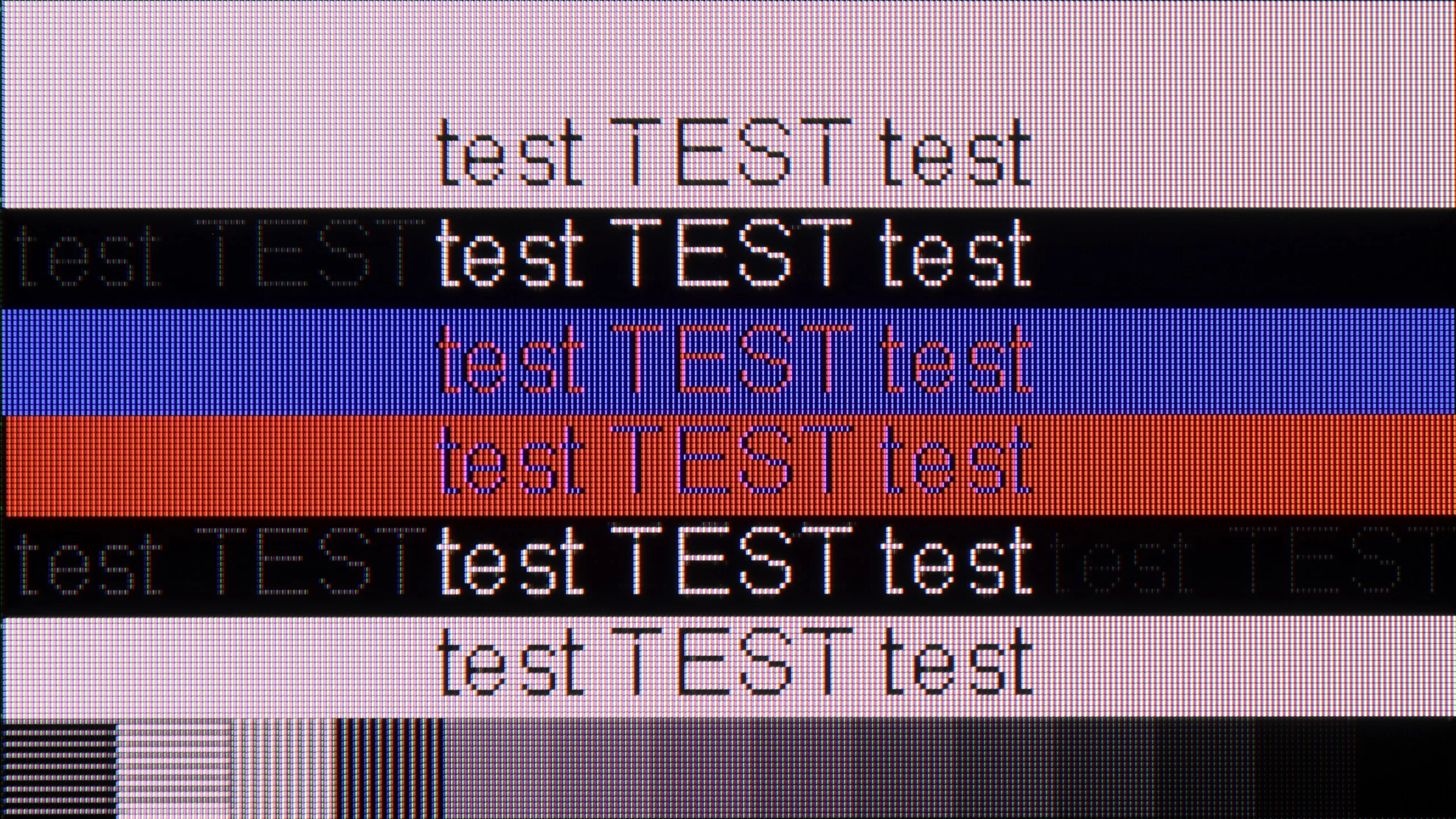
The photo shows the legibility of small fonts. Ideally, lines should be the same thickness on both light and dark text, with minimal pixel gaps.
As a screen for working with a computer, Hisense U6NQ performs quite well. The fonts are sufficiently clear, making it adequate for everyday writing or browsing the internet.
When it comes to gaming, the television supports G-Sync, but only at 4K resolution at 60 Hz. Unfortunately, if anyone was hoping for 120 Hz fluidity in 1080p with G-Sync enabled, they may be disappointed – this television does not offer that. It's somewhat unfortunate, as it could have been a decent solution for gamers who prefer smoothness over resolution.
The TCL P7L is probably not the first choice for office work. The TV correctly supports 4:4:4 chroma, so text itself remains fairly sharp, but the BGR subpixel layout causes some issues with its appearance. On the vertical edges of letters you can notice small artefacts and characteristic "dots" that can be distracting when sitting close to the screen. For occasional browsing or working with documents this isn't a major problem, but as a monitor for daily text work the P7L performs rather averagely.
It looks much better for PC gaming. Low input lag, support for G-Sync and VRR mean the TV works well with the graphics card, and at lower resolutions you can also make use of 120 Hz. In 4K we're still limited to 60 Hz, but if the computer is intended mainly for gaming the P7L makes much more sense in that role than as a typical work monitor.
Viewing angles
3/10
3.2/10
The viewing angles on the Hisense U6NQ are average, which is typical for VA panels. Thanks to this technology, we gain better contrast and deeper blacks, but at the cost of image visibility at wider angles. It's a classic compromise – in televisions with IPS panels, the situation is reversed, where viewing angles are wider, but contrast and blacks suffer in quality.
Viewing angles on the TCL P7L are rather poor, which is typical for a VA panel. It is precisely because of that panel that the TV offers higher contrast and better blacks, but the price for that is a noticeable fall in image quality when you view the screen from the side. You only have to move a little off axis for colours to start losing saturation and for blacks to turn greyer. For that reason the P7L performs best when you are sitting as directly in front of the screen as possible. On a larger sofa and when watching with several people, the seats at the sides will be noticeably less comfortable.
Daytime performance
6.1/10
5.2/10
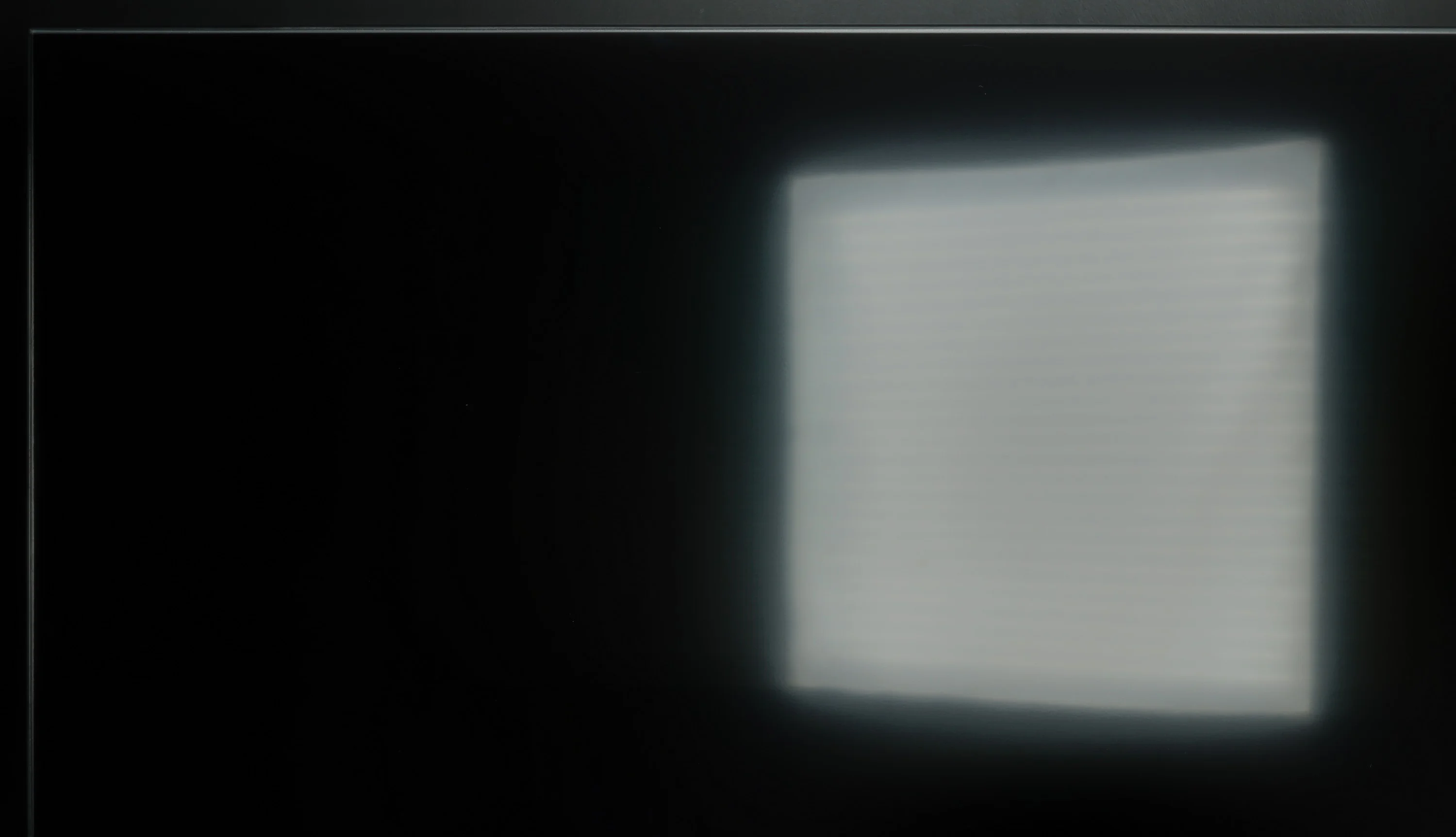
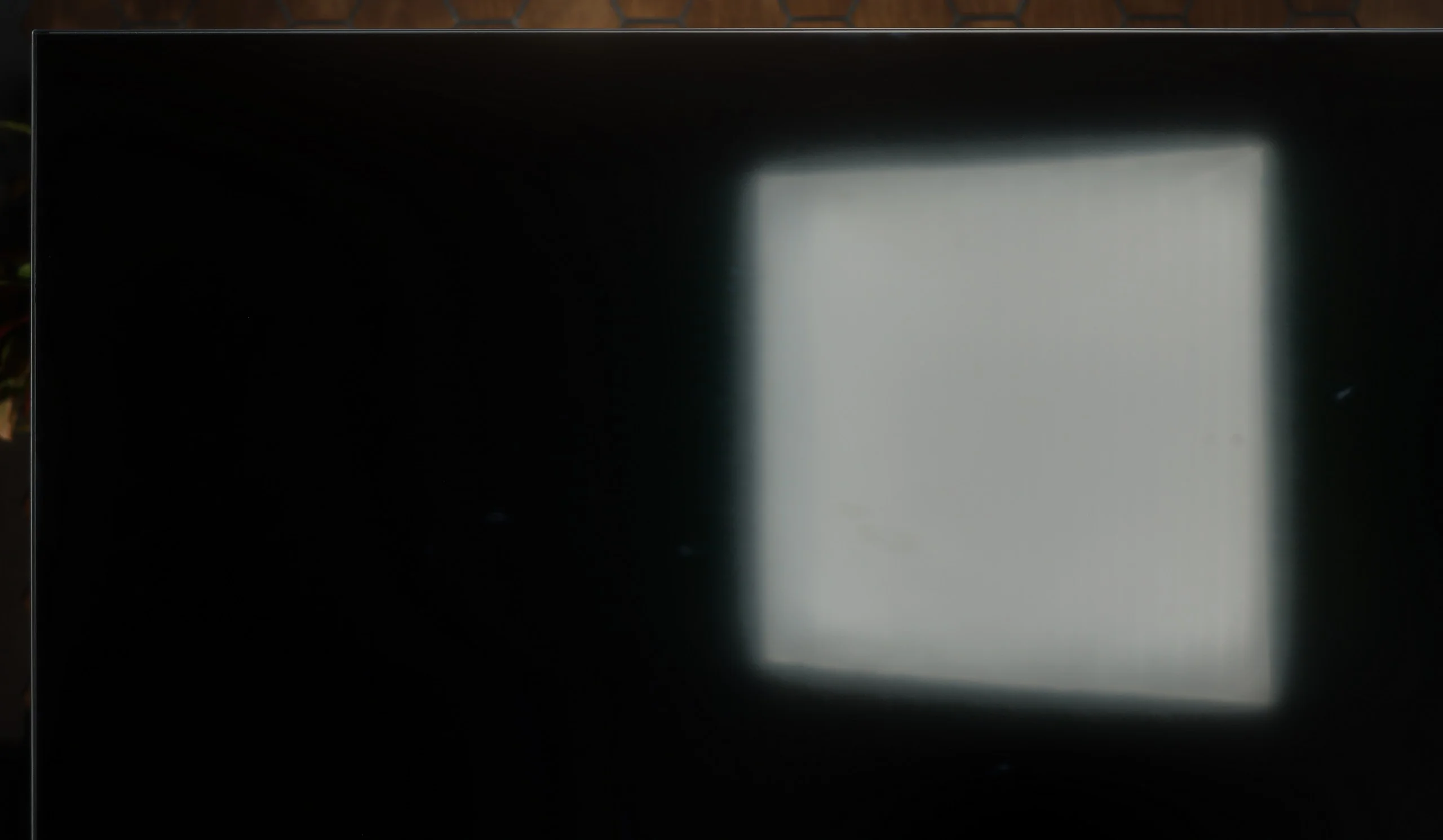
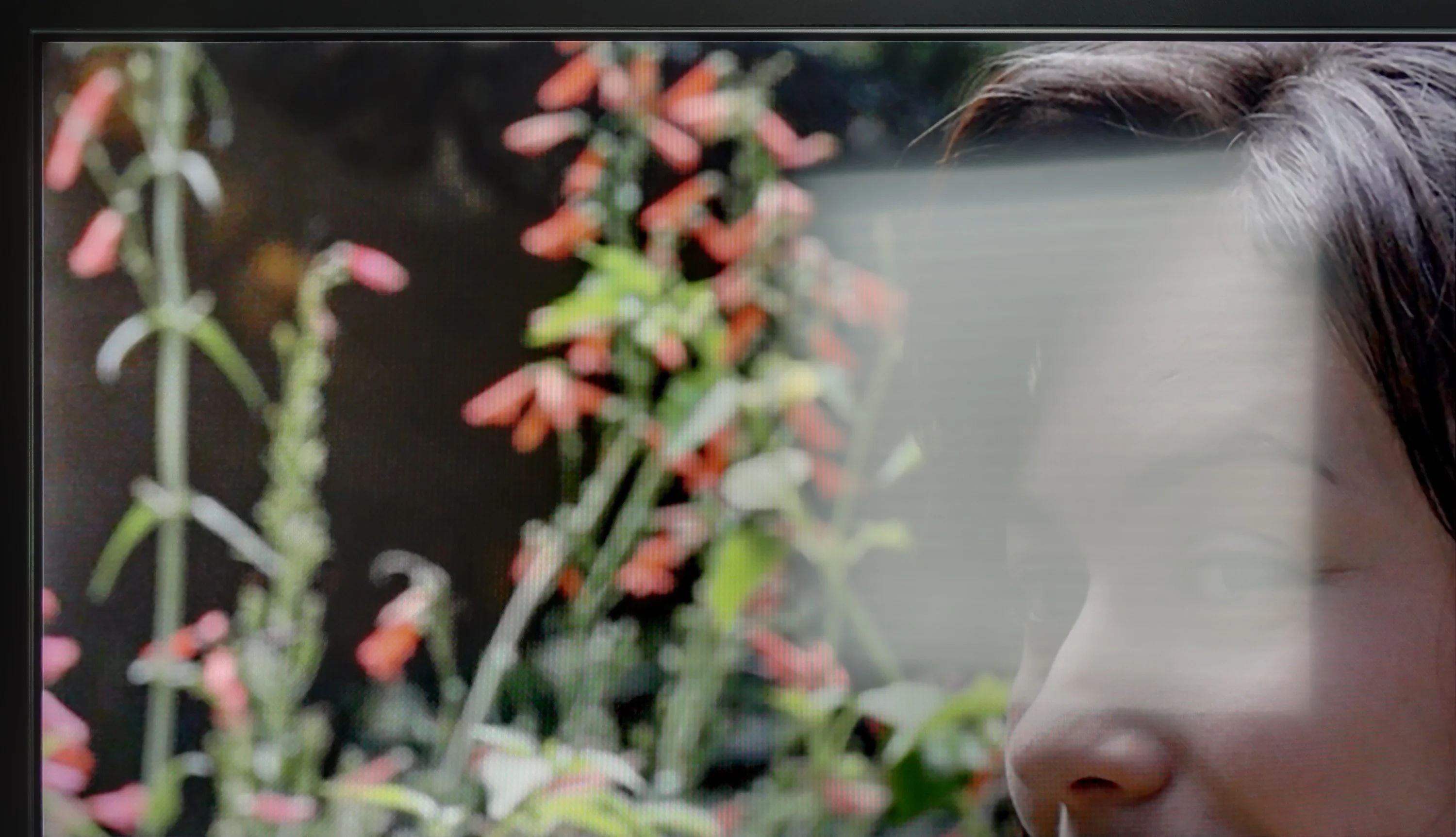
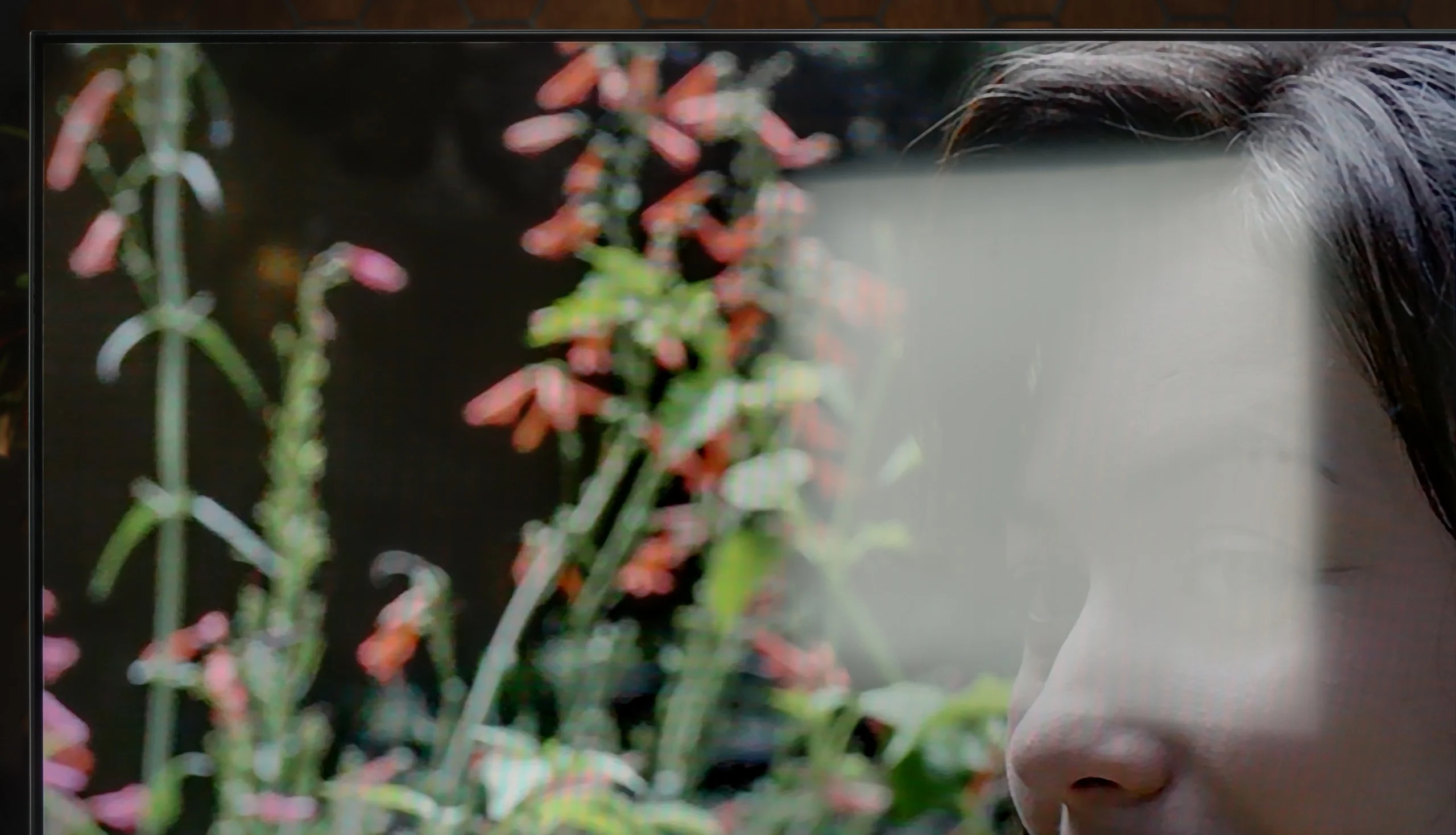
Panel brightness
TCL P7L / P79L: 364 cd/m2
Hisense U6NQ: 488 cd/m2
Hisense U6NQ performs well in bright rooms thanks to the satin finish on the panel, which effectively suppresses reflections. The average brightness on SDR content, such as standard television, is 488 cd/m², which is more than sufficient for comfortable viewing even under slightly challenging lighting conditions.
By day the TCL P7L copes quite well, although much depends on the TV’s position relative to windows. The screen’s satin coating disperses reflections fairly effectively, so under normal living-room lighting the picture stays readable and doesn’t immediately turn into a mirror. Black levels also look good, and in daylight the blacks don’t lose too much depth. The limitation, however, is brightness. Around 360 nits is enough for normal viewing in a moderately bright room, but with strong sunlight falling directly on the screen the P7L starts to lose out to its surroundings. It will therefore be fine for a typical living room, but if the TV is to sit opposite a large window or you mainly watch in a very bright room, it’s worth bearing that in mind.
Panel details
Subpixel Structure:
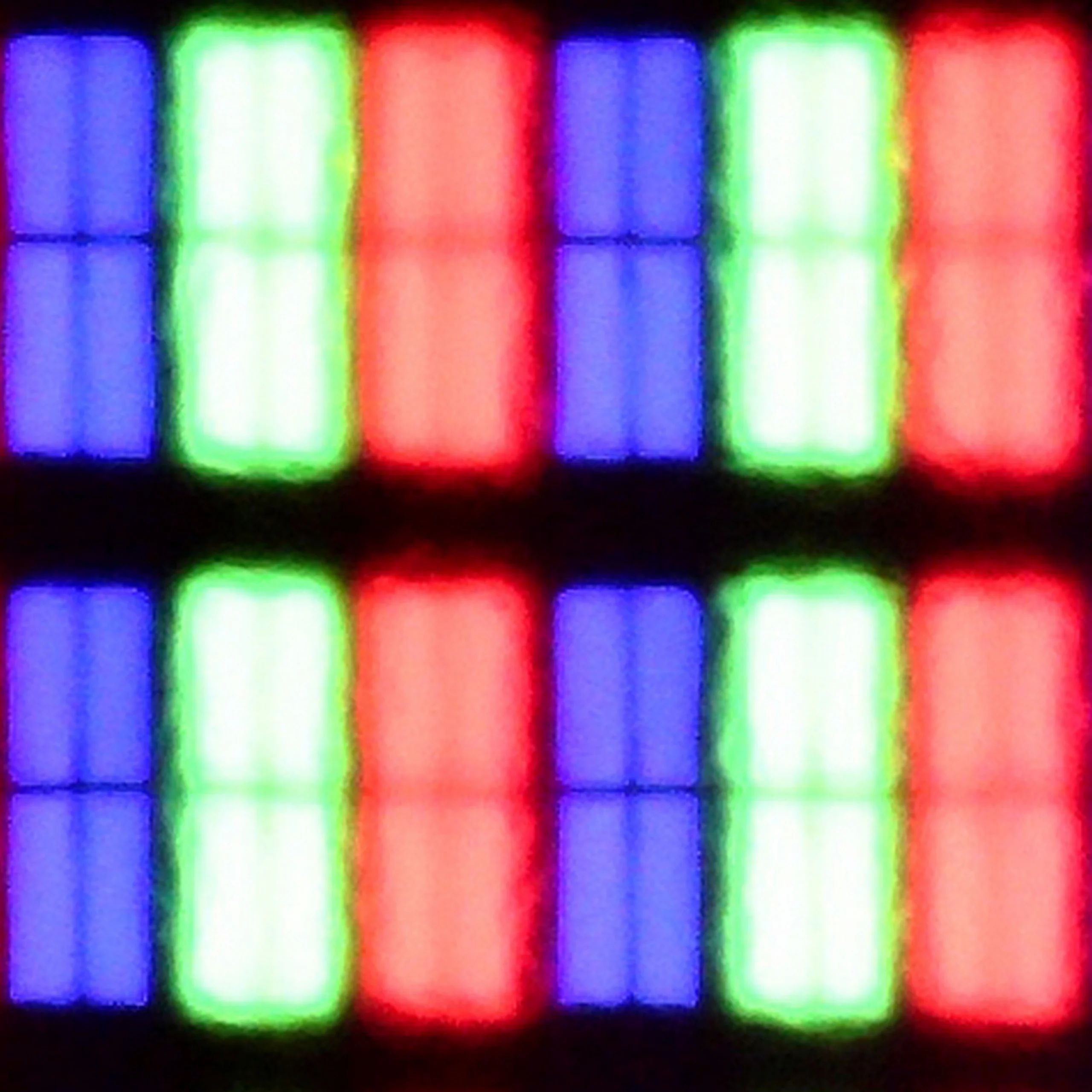
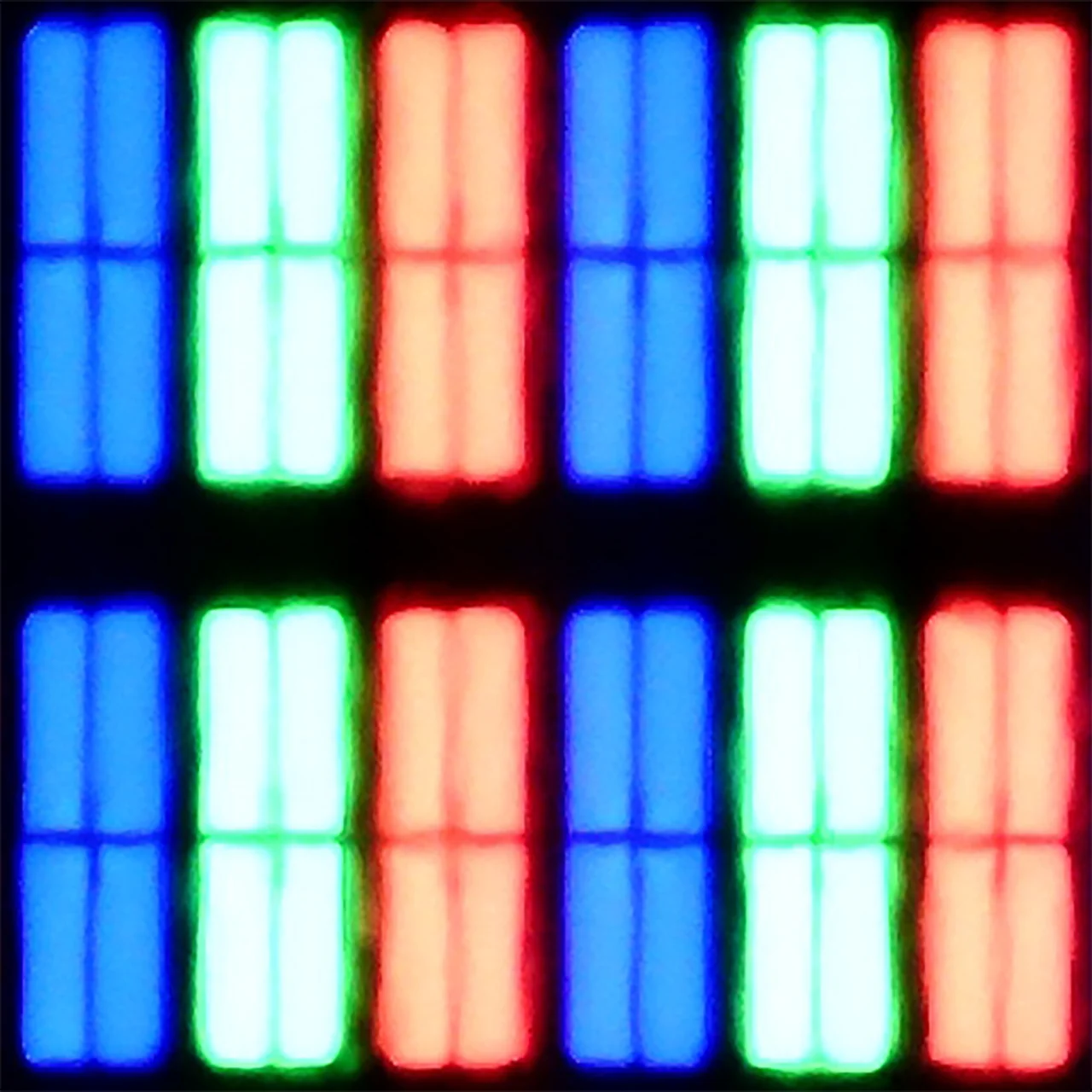
Panel uniformity and thermal imaging:


TV features
8.9/10
7/10
- SystemVIDAAGoogle TV
- System performanceGoodDecent
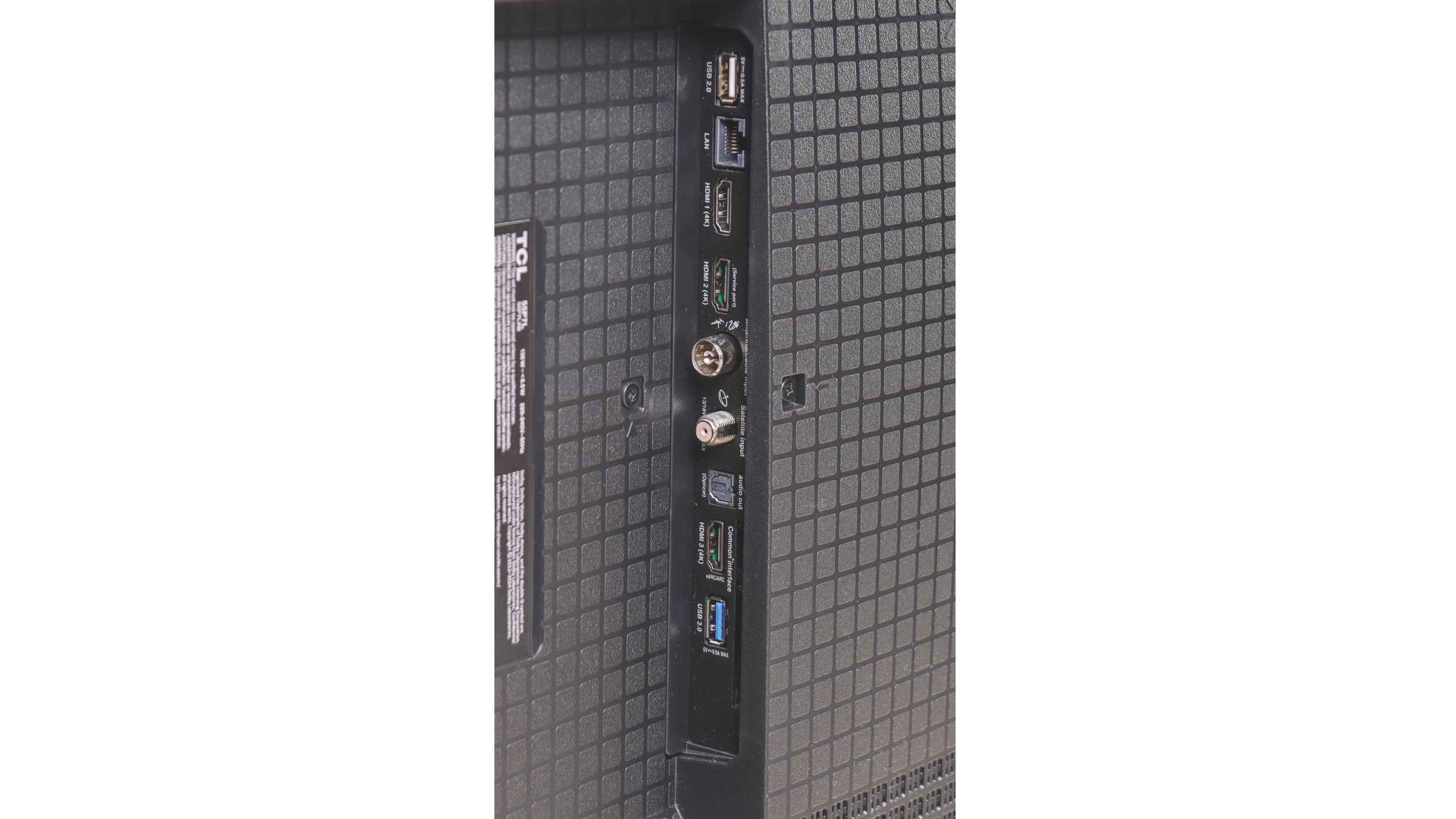
- HDMI inputs3 x HDMI 2.0, 0 x HDMI 2.13 x HDMI 2.0, 0 x HDMI 2.1
- Other inputsRCA (Chinch)
- OutputsToslink (Optical audio), eARC (HDMI), ARC (HDMI), Mini-Jack (Headphones)Toslink (Optical audio), eARC (HDMI), ARC (HDMI)
- Network InterfacesWi-Fi 2.4GHz, Wi-Fi 5GHz, Ethernet (LAN) 100MbpsWi-Fi 2.4GHz, Wi-Fi 5GHz, Ethernet (LAN) 100Mbps
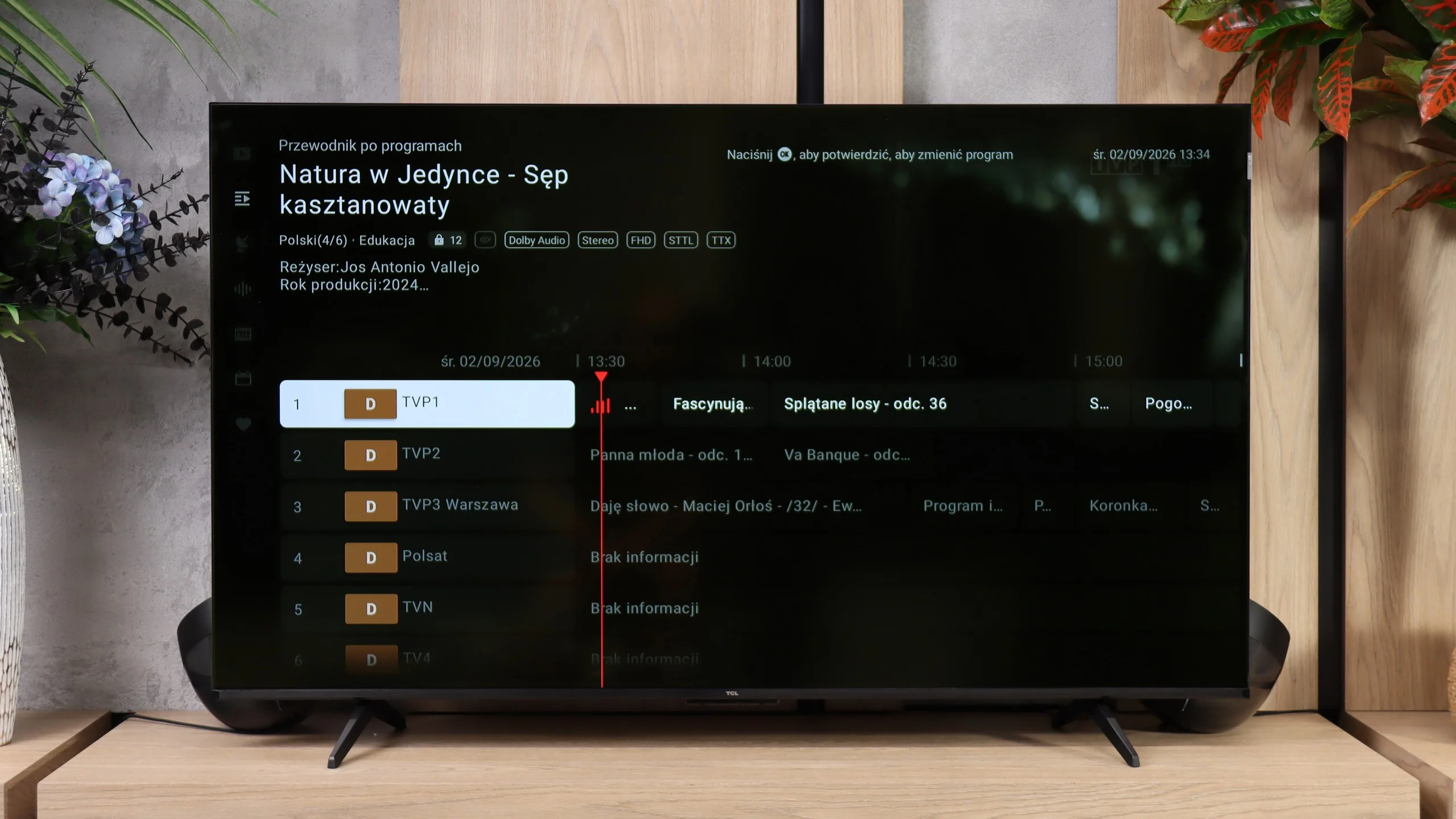
- TV receptionDVB-T, DVB-T2, DVB-S, DVB-S2, DVB-CDVB-T, DVB-T2, DVB-S, DVB-S2, DVB-C
Classic features:
- Recording to USB (terrestrial TV)
- Recording programming
- Picture in Picture (PiP)
- RF remote control (no need to aim)
- Backlit remote control
- Teletext
- Audio only mode
- Bluetooth headphones support
- Simultaneous Bluetooth headphones & TV audio
Smart features:
- AirPlay
- Screen mirroring (Windows Miracast)
- Voice search
- Voice search in native language
- Ability to connect a keyboard and mouse
Sound connection options
- HDMI audioeARC (HDMI), ARC (HDMI)eARC (HDMI), ARC (HDMI)
- Other audio outputsToslink (Optical audio), Mini-Jack (Headphones)Toslink (Optical audio)
- Wireless audioBluetoothBluetooth
Supported audio formats (external HDMI eARC audio):
- Dolby Digital Plus 7.1
- Dolby True HD 7.1
- Dolby Atmos in Dolby Digital Plus (JOC)
- Dolby Atmos in Dolby True HD
- DTS:X in DTS-HD MA
- DTS-HD Master Audio
Senior accessibility
- Numeric keyboard on TV
- Font size adjustment
- Audio description
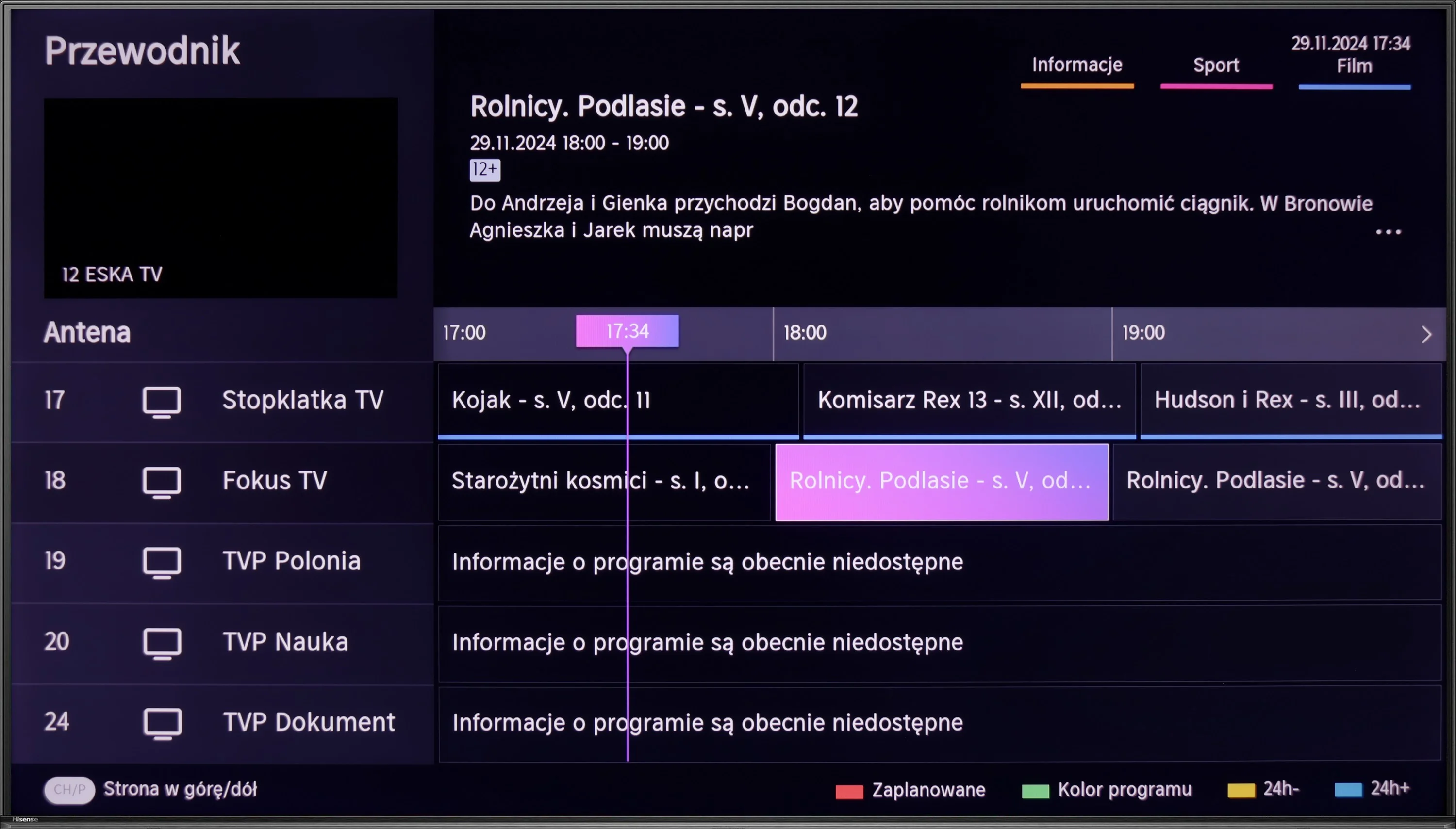
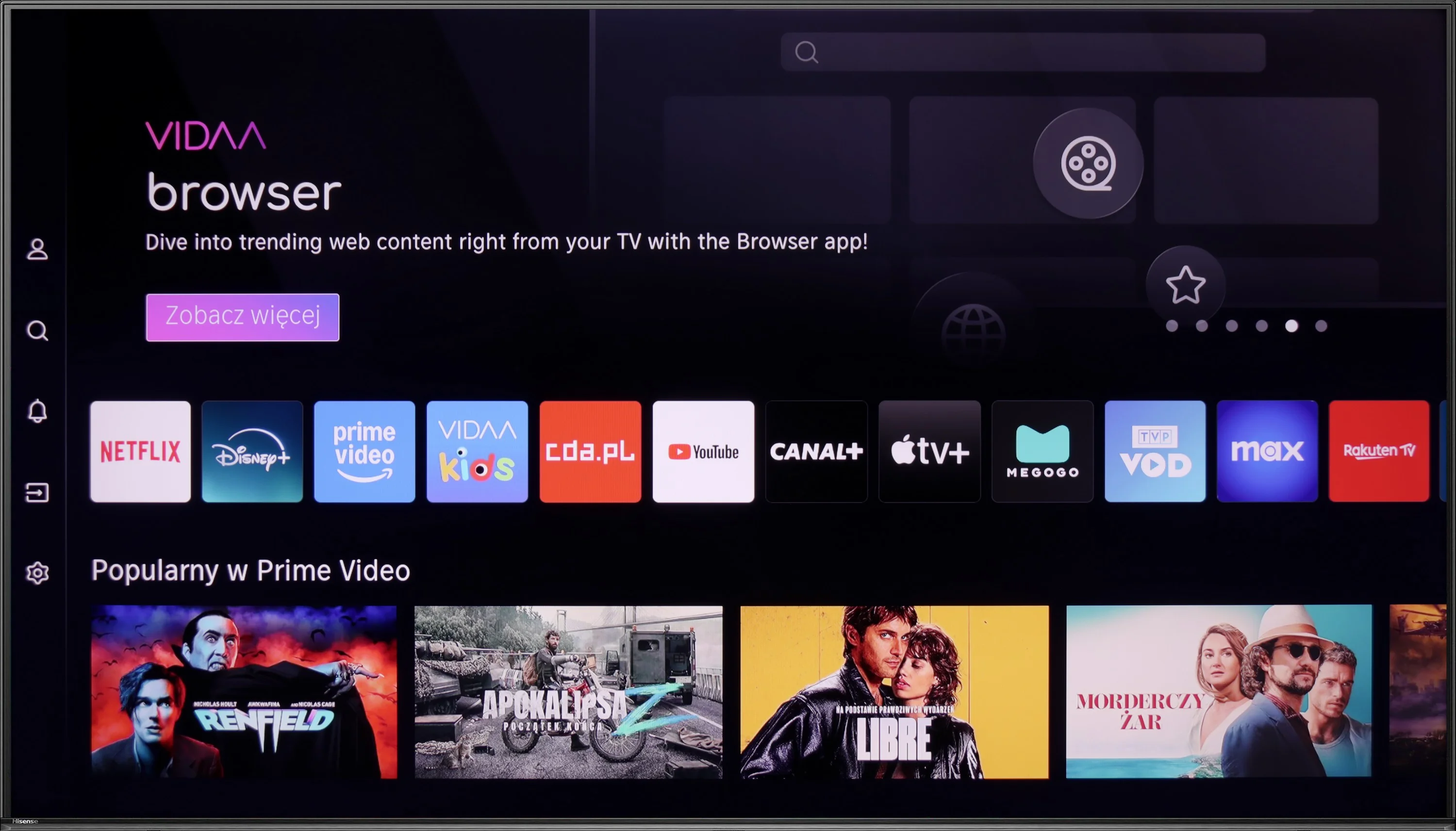
The Vidaa system, on which the Hisense U6NQ operates, is probably one of its stronger points. It is quick, runs smoothly, and most importantly – it doesn’t suffer from any stuttering that can be irritating in other televisions. It’s great that voice search is available in Polish, which makes operation significantly easier. There are plenty of apps here, but unfortunately, there is a lack of music apps such as Spotify or Tidal. It’s a shame because a television is not just for films and series – some would probably happily use it for listening to music as well.
Among the additional features, we have the option to record television programmes onto a USB drive or external hard disk. There is also AirPlay and Miracast, so it’s easy to stream images from a smartphone. The built-in Bluetooth is also useful, allowing you to connect headphones, a mouse, or a keyboard. The only thing that is really missing here is the PiP (picture-in-picture) feature. If it were added, the television would be complete in terms of functionality. Nonetheless, the Hisense U6NQ offers a lot and is more than sufficient for most users.
Smart TV
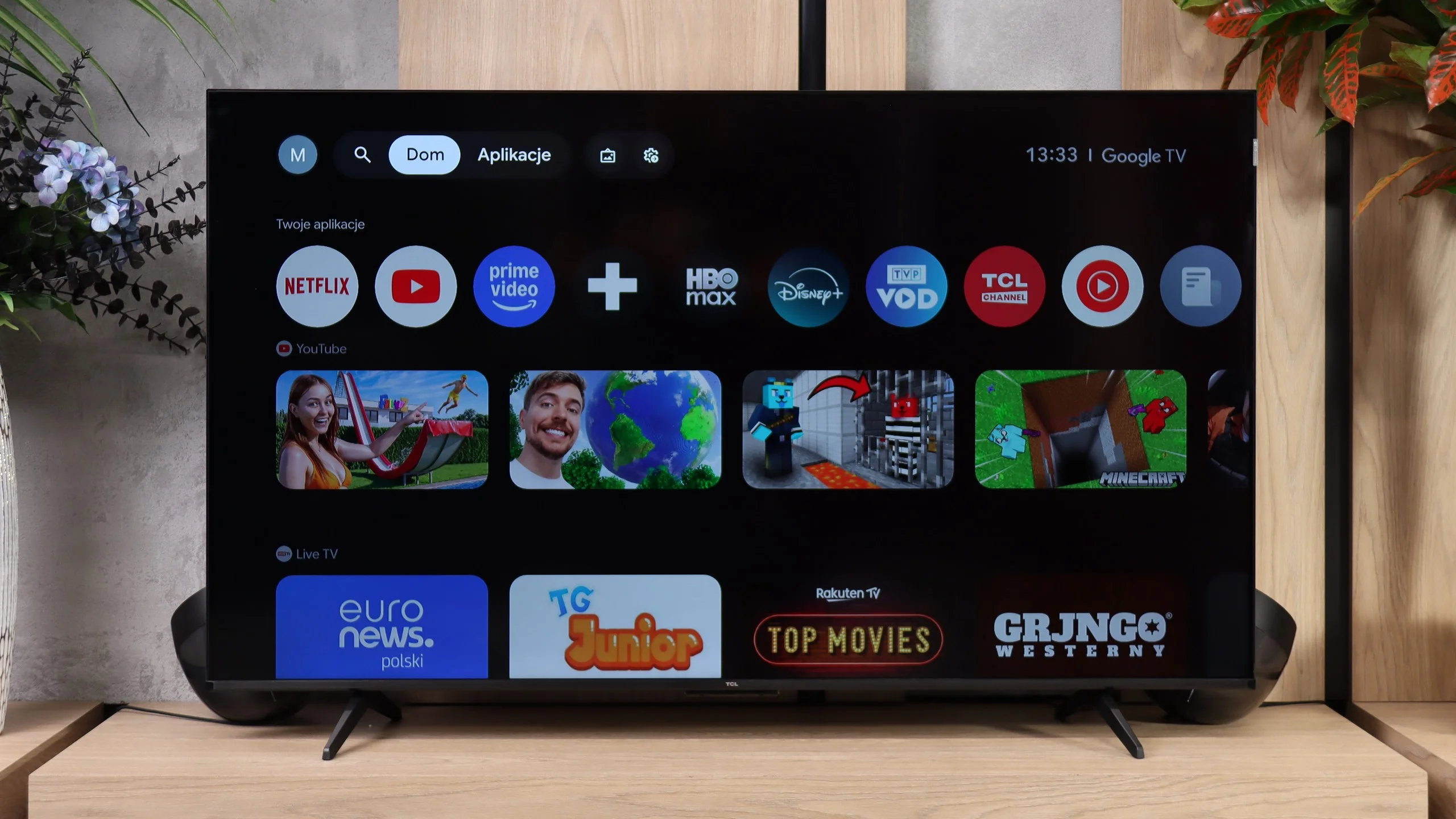
The TCL P7L runs on Google TV and that is definitely one of this model’s stronger points. The system provides access to virtually all popular streaming apps, and it also supports AirPlay, casting from other devices and voice search, including Polish. The interface itself performs decently, it isn’t as fast as on more expensive sets, but for everyday use it shouldn’t be particularly irritating.
TV features
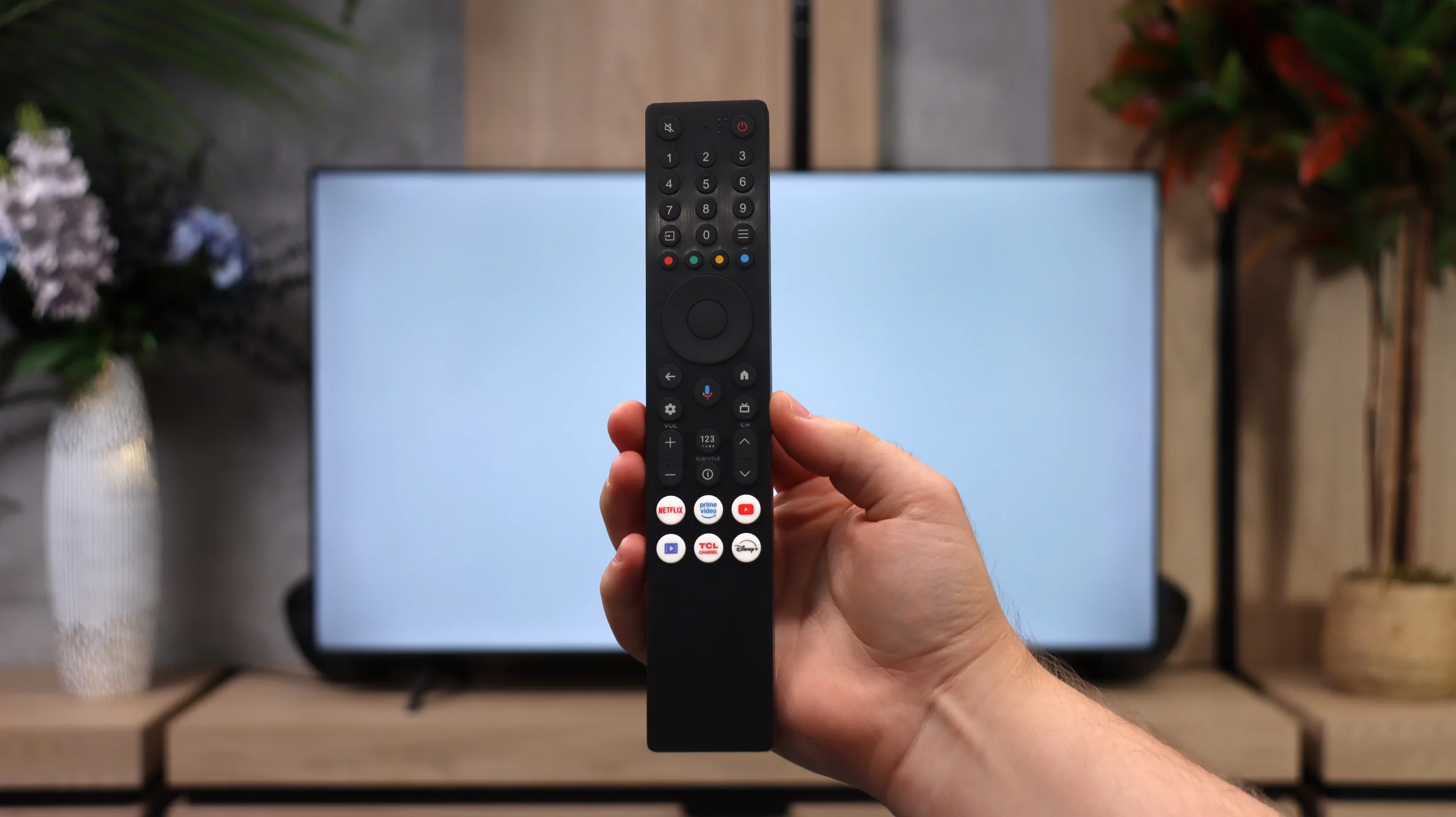
When it comes to more traditional features the P7L is clearly a simpler television. It lacks recording to USB, scheduling recordings and picture-in-picture, so people used to those extras on older TVs may miss them. What remains are the basics: such as teletext, an audio-only mode, Bluetooth headphone support and the option to play audio simultaneously through the TV speakers and headphones. The remote uses radio signals, so you don’t have to point it directly at the screen, which is simply handy in everyday use.
Apps
7.7/10
9.6/10






















Playing files from USB
8.5/10
8.7/10
Supported photo formats:
Maximum photo resolution:
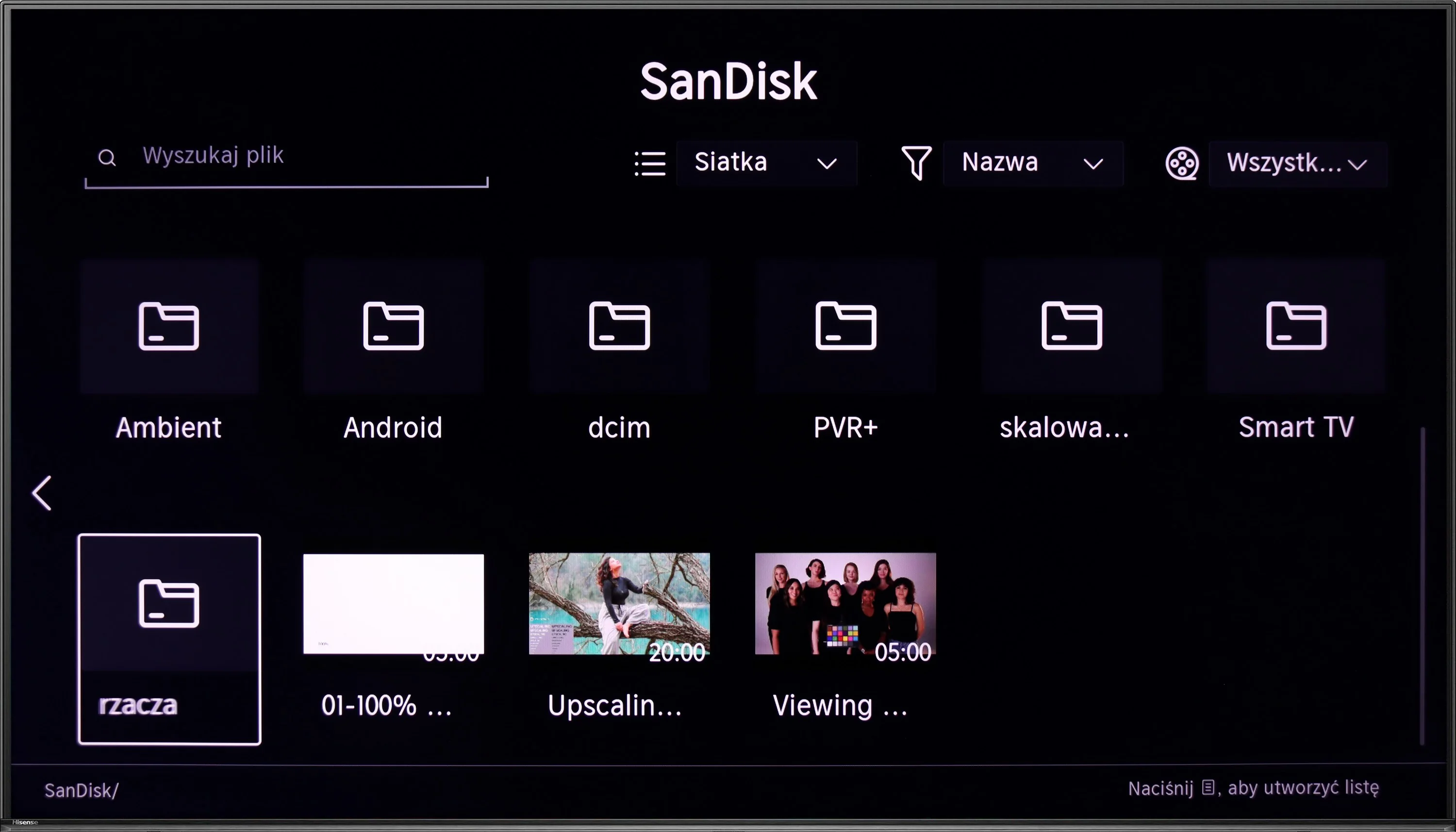
The built-in media player in Hisense U6NQ should satisfy most users. It supports Polish characters and allows for easy editing of displayed subtitles, which is a big plus. Unfortunately, it lacks support for the AV1 codec, which may be an issue for those looking to play newer video formats. However, for less demanding users, the features of the player will be fully adequate.
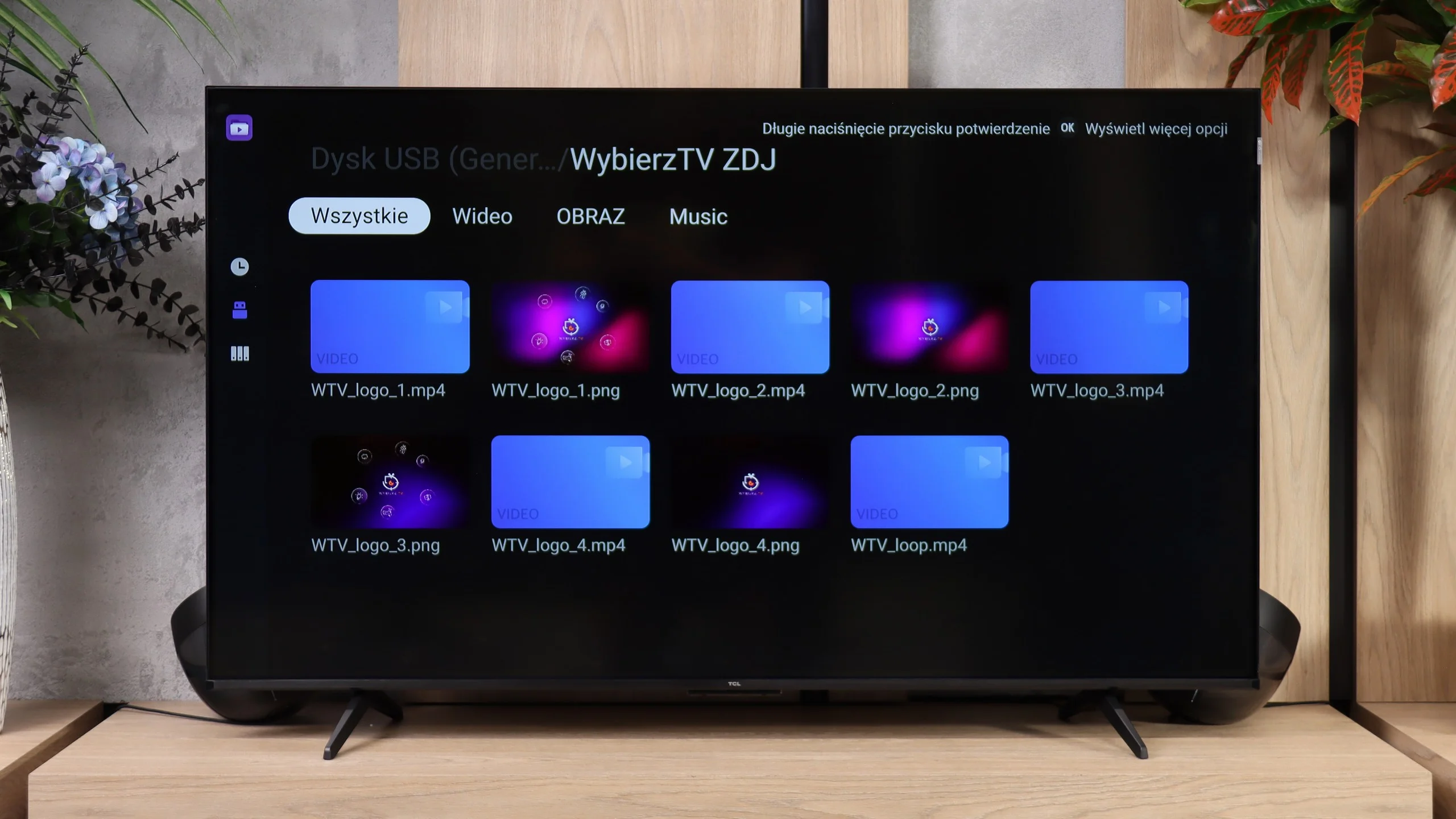
The built-in media player in the TCL P7L performs quite well. The TV handles most common video and subtitle formats and also easily plays 4K content encoded with newer codecs. It's perfectly adequate for occasional viewing of videos from a USB flash drive or external drive, and in that respect there's little to complain about. What proved most annoying, however, was displaying photos. The P7L did not always open higher-resolution files correctly and behaved somewhat selectively: some large photos worked, others did not. So if you plan to frequently browse photos on the TV straight from a camera or phone, it's worth bearing in mind.
Sound
6.3/10
6.2/10
- Maximum volume-89dB
- Dolby Digital Plus 7.1
- Dolby True HD 7.1
- Dolby Atmos in Dolby Digital Plus (JOC)
- Dolby Atmos in Dolby True HD
- DTS:X in DTS-HD MA
- DTS-HD Master Audio
Hisense U6NQ is equipped with a standard set of speakers with a power of 20 W, which is a typical solution in this class of televisions. The sound is adequate but does not stand out in any particular way. However, it is worth noting the support for all popular audio codecs, including DTS and Dolby Atmos. This allows us to easily connect a home cinema system or soundbar, achieving significantly better sound experiences than from the built-in speakers.
The sound on the TCL P7L is fairly conventional for a budget TV. The speakers can get quite loud and dialogue is clear, but they lack depth and, above all, bass. For regular TV, YouTube or news that setup is more than adequate, but in films and music you’ll quickly notice the sound is rather flat and thin. On the plus side, it supports a wide range of formats, including Dolby Atmos and DTS. However, the TV itself can’t turn those into a full surround effect, so if you want a more powerful sound, especially in the low end, a soundbar is definitely the better option.
Sound Quality Test
No sound test video
Acoustic Measurements
No acoustic data
89dBC (Max)
75dBC
Reader comments
Comments are provided by the external service Disqus (Zeta Global). Once loaded, Disqus may set cookies and process data about your activity.
We will remember your choice on this device. Provider's privacy policy