 Direct comparison
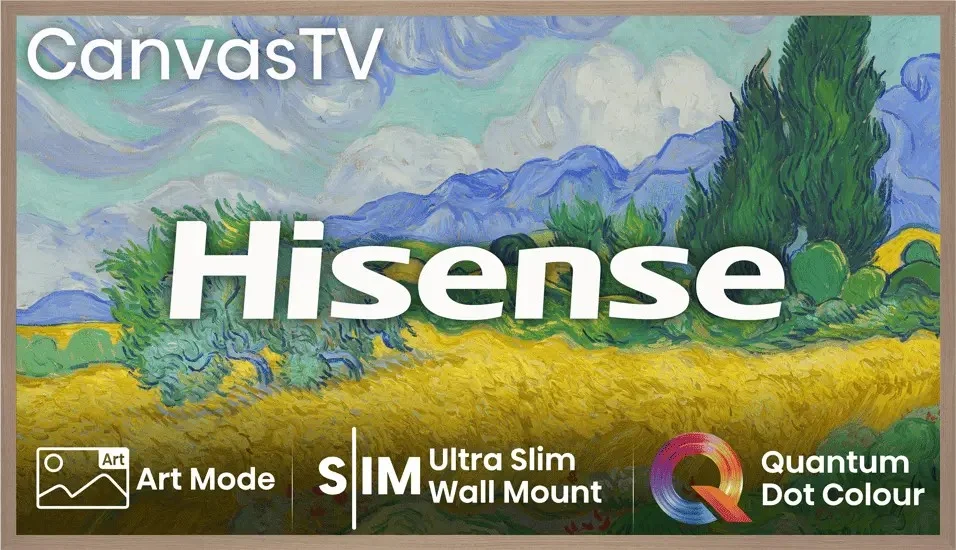
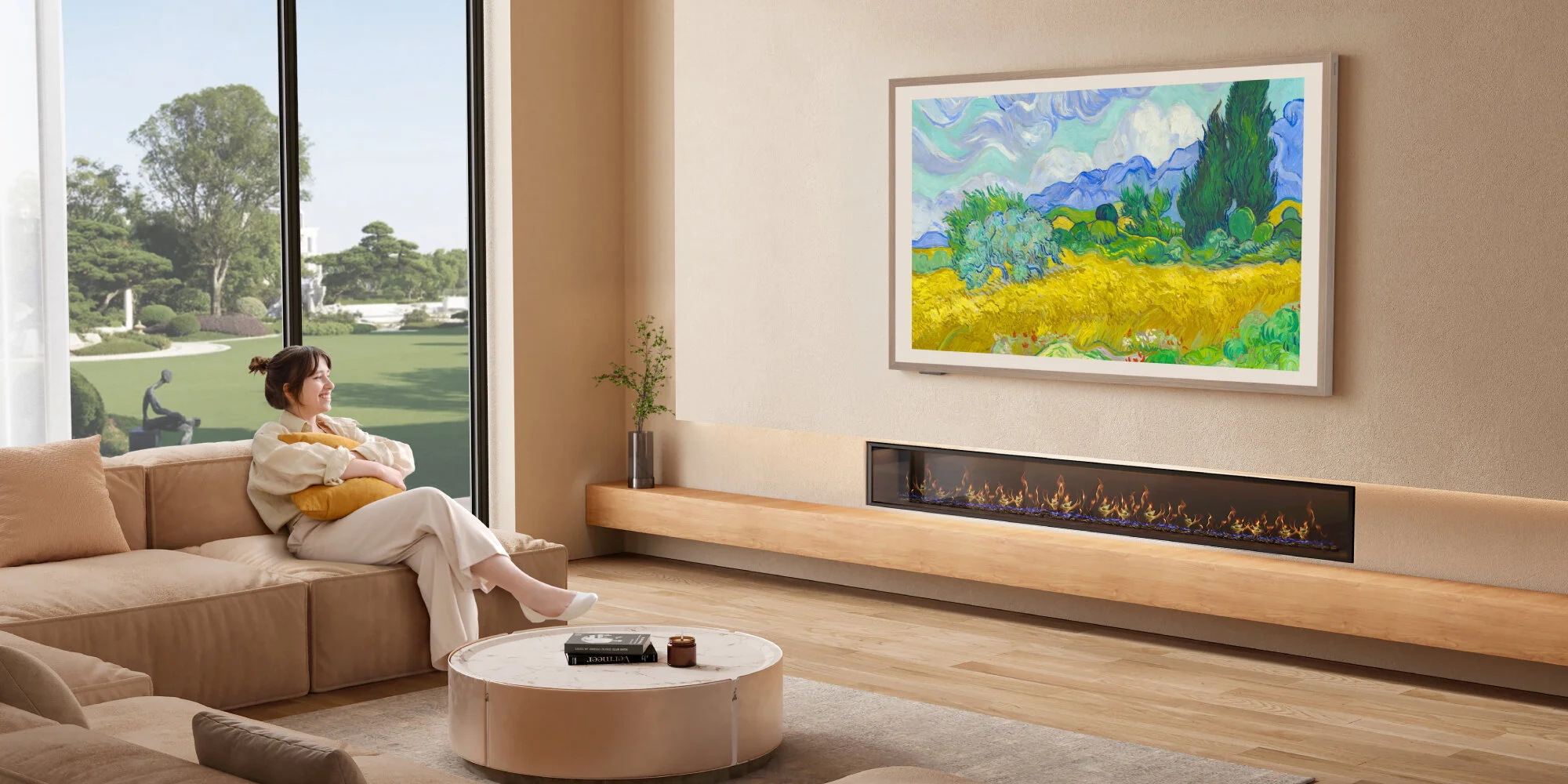
The Hisense S7NQ Canvas TV is a very interesting proposition, especially for those looking for something in the style of a picture-television but do not want to spend a fortune. At first glance, it stands out primarily because the gallery mode featuring works of art is completely free – there is no subscription to pay, as is the case with Samsung's The Frame. Moreover, in the box, we immediately get a light brown frame, which will be an additional bonus and saving for many people. Although it is essentially a TV for displaying art, surprisingly, it also performs quite well in other applications. The 144 Hz panel, full HDMI 2.1, support for VRR and ALLM – all this makes gaming on consoles quite possible and quite enjoyable. The Vidaa system operates smoothly, and we find all the most important apps and features here, such as AirPlay, USB recording, or screen mirroring from a phone. However, there are also things that fall a bit short. Above all – the images themselves. Compared to The Frame by Samsung, here they simply look more digital. It lacks the depth, texture of paint, and subtle details that really impress with the competitor. Although at first glance we are dealing with a similar matte panel, in practice, it performs significantly worse at suppressing reflections. Colours and blacks fade much quicker, especially in a bright room. This could also be the effect of lower brightness – Hisense is simply darker than its Korean rival. On top of that, there are minor software issues – for example, the inability to display external subtitles despite configuration options, or the not entirely effective image smoothing feature for lower quality materials. In short: the S7NQ is a good TV in the form of a "picture," which can be a great alternative for those who do not mind the lower quality of displayed works but appreciate the lack of subscription fees, an additional frame included in the package, and full functionality of a typical television. It is not an ideal product, but a reasonable compromise for Samsung's The Frame.
- Matching (Score) |
- Our verdict |
- TV appearance |
- Where to buy |
- Contrast and black detail |
- HDR effect quality |
- Factory color reproduction |
- Color reproduction after calibration |
- Smoothness of tonal transitions |
- Image scaling and smoothness of tonal transitions |
- Blur and motion smoothness |
- Console compatibility and gaming features |
- Input lag |
- Compatibility with PC |
- Viewing angles |
- Daytime performance |
- Panel details |
- TV features |
- Apps |
- Playing files from USB |
- Sound
S7NQ / CanvasTV

M80H / M86H
Available screen sizes: 55”
Panel type: LCD VA
Resolution: 3840x2160
System: VIDAA
Model year: 2024
Complete the survey to find out the result
Panel type: LCD VA
Resolution: 3840x2160
System: Tizen
Model year: 2026
Complete the survey to find out the result
Overall rating
6.7
6.9
 Movies and series in UHD quality
6.6
6.5
 Classic TV, YouTube
6.3
6.6
 Sports broadcasts (TV and apps)
6.3
6.7
 Gaming on console
7.6
8.8
 TV as a computer monitor
7.0
8.9
 Watching in bright light
5.4
5.0
 Utility functions
9.2
7.3
 Apps
7.7
9.3
 Sound quality
6.3
6.0
Complete the survey to find out what fits your preferences
Advantages

Free gallery without a subscription
Frame included
Good for gamers (144 Hz, HDMI 2.1, VRR, ALLM, Game Bar)
Supports Dolby Vision, HDR10 and HDR10+
Decent native contrast (VA Panel)
Works well with PC (chroma 4:4:4)
Fast Vidaa System
Straightforward connection to home cinemas: Supports Dolby and DTS codecs
Three HDMI 2.1 ports with VRR and ALLM support
Dedicated motion smoothing for gamers: Game Motion Plus
Low input lag
High refresh rates: 4K 144 Hz and Full HD 240 Hz
Decent contrast thanks to a VA panel
Relatively little smearing for a VA panel
Rich colours thanks to a PFS filter (a different QLED 😉)
Good digital image processing for this segment
Fast Tizen system with plenty of apps
Disadvantages

Worse quality of displayed images in gallery mode than in Samsung The Frame
Colours and black fade significantly in bright surroundings
Lack of HGiG mode (for gamers)
Software issues - no display of external subtitles in films
No local dimming despite being labelled Mini-LED!
Low brightness: 350 nits
No support for Dolby Vision and DTS:X formats
No Toslink optical audio output
Our verdict
The M80H shows its strengths where motion matters most. A fast panel, refresh rate up to 144 Hz and relatively low motion blur mean sport and fast-paced games look really good on it. In this respect the TV can even outclass some much more expensive Samsung LCD models. Gamers also get low input lag, three full-bandwidth HDMI 2.1 ports and Game Motion Plus, which can improve the smoothness of games running at 30 or 60 frames per second. When connected to a PC you can also use a 240 Hz refresh rate, although only at Full HD. A considerable advantage of the M80H is the NQ4 AI Gen2 processor, until recently used in Samsung’s higher-tier ranges. It handles lower-resolution material well and can improve the appearance of weaker sports broadcasts or heavily compressed recordings. The additional picture-enhancing features do produce a noticeable effect, though at higher settings their action becomes too strong and starts to interfere with the natural look of the image. Even so, they are worth counting as positives, because in the cheapest TVs similar solutions often have far less impact.
The biggest objection, however, is calling the M80H a Mini-LED television. There is no local dimming here, the feature that usually accounts for this technology’s main advantage. A peak brightness of around 350 nits also does not allow for particularly impressive HDR. In terms of picture quality the M80H therefore sits much closer to basic LCD TVs than to more elaborate Neo QLED models such as the QN80H. That does not mean films look bad on it. The VA panel provides decent contrast and the PFS filter delivers attractive, saturated colours. One should be aware, however, that the lack of local dimming clearly limits the TV’s picture-quality capabilities. The M80H is therefore not a model that reveals the full potential of Mini-LED backlighting.
It will perform much better in the hands of a gamer or a sports fan for whom panel speed, low input lag and extensive gaming features are the priorities. If its price remains noticeably lower than models equipped with local dimming, that compromise could be a perfectly sensible choice for those users.
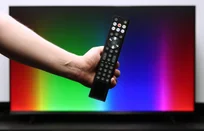
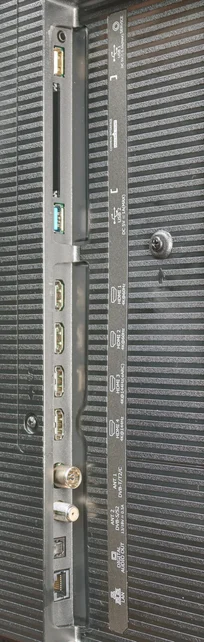
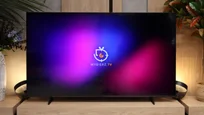
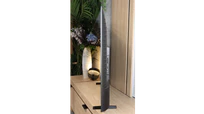
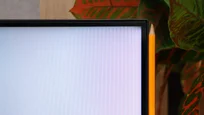
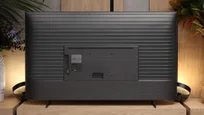
TV appearance

Contrast and black detail
5.6/10
6.3/10
Local dimming function: No
Local dimming function: No
Contrast:


Result
3,400:1

Result
4,200:1

Result
5,200:1

Result
5,050:1

Result
3,650:1
Result
5,950:1
Result
7,150:1
Result
8,150:1
Result
7,850:1
Result
5,550:1
Halo effect and black detail visibility:
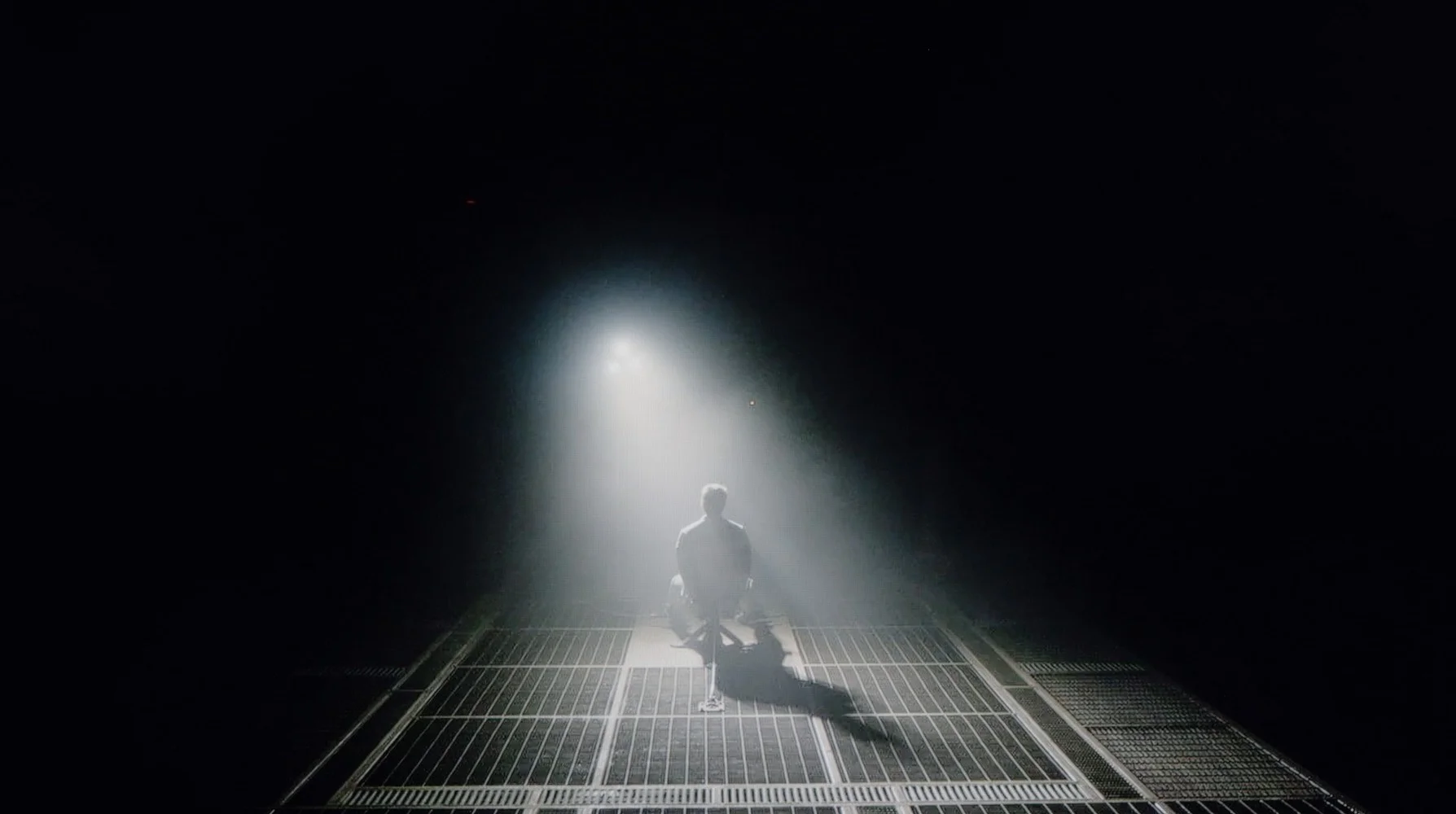
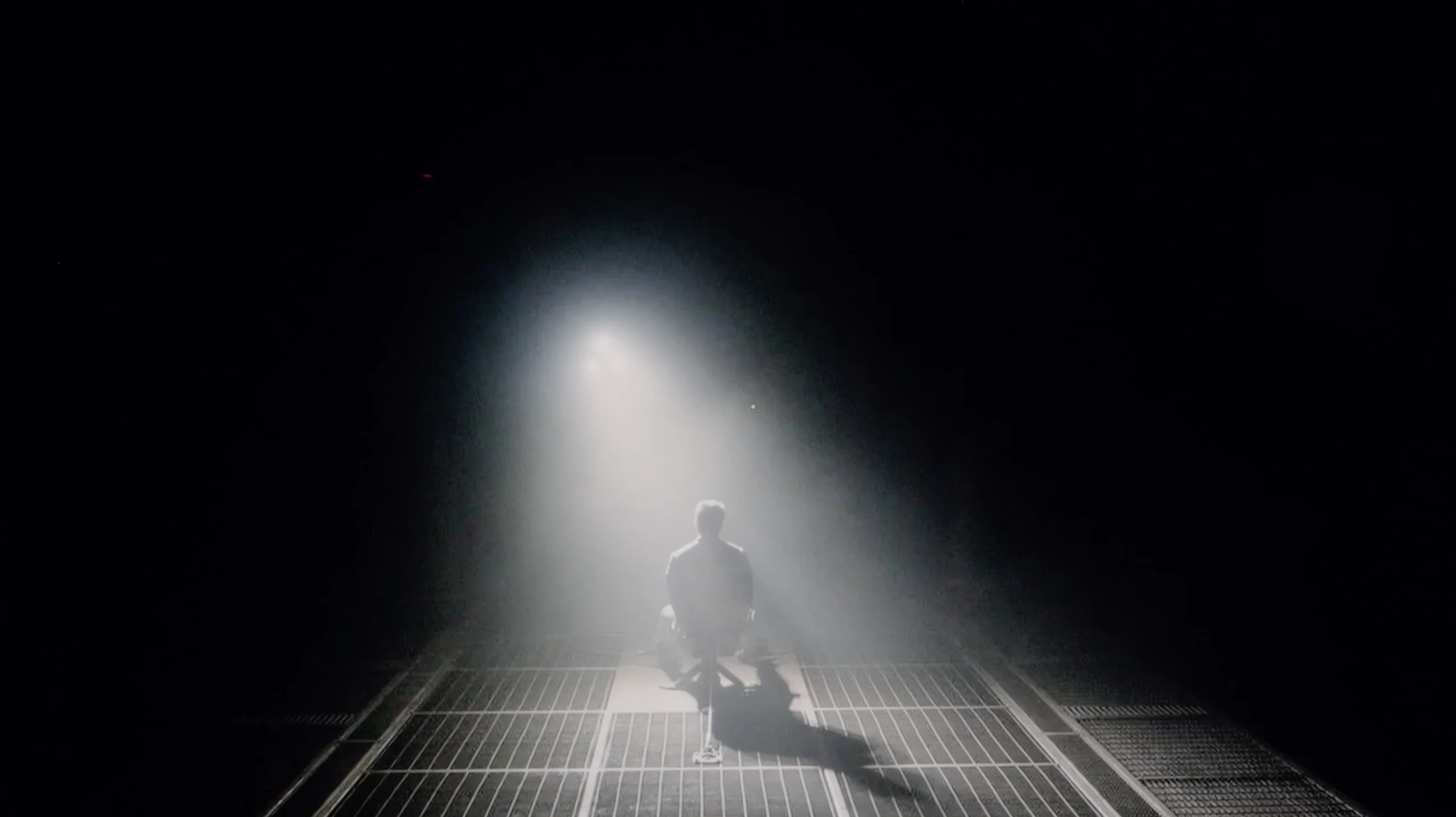
Check the visibility of bright lights on a dark background. Mini-LEDs often struggle with this. The photo does not compare black levels – that’s what the video below is for.
The video accurately shows differences in contrast and black levels between TVs, as well as potential issues: halo around bright objects or Mini-LED zone operation visible as brightness jumps.
The Hisense S7NQ CanvasTV is a television equipped with a VA panel, which in itself provides decent contrast. This is confirmed by our test charts – an average score of around 4000:1. It's not a stunning value, but for this class of device – quite decent. Perhaps the result would have been significantly better if the television had been equipped with local dimming technology, however, unfortunately, this model lacks it. As a result, blacks in a completely darkened room resemble shades of navy or grey rather than pitch black. This situation causes a slightly noticeable clouding effect. Generally, it's okay, but without much enthusiasm.
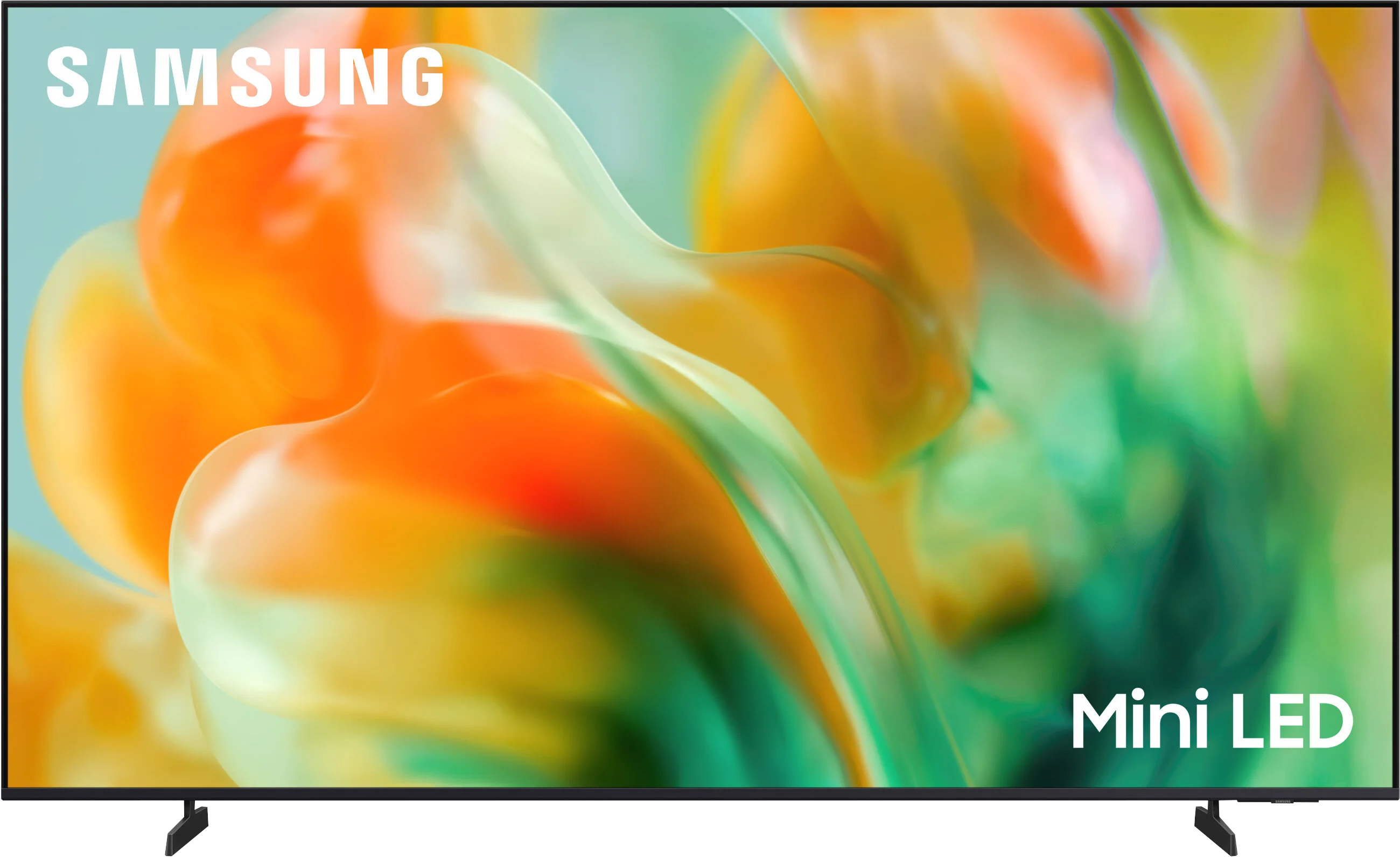
Samsung M80H is an LCD TV that, according to the manufacturer, uses a Mini-LED backlight. It may indeed use smaller LEDs placed directly behind the screen, but it is not the same type of Mini-LED found in more expensive TVs. The M80H does not have local dimming, so the backlight cannot independently control the brightness of individual parts of the image. Black levels are quite decent, mainly thanks to the VA panel used. Depending on the scene, the contrast we measured was roughly 5,500:1 to over 8,000:1. For a TV without local dimming these are good results, and it is precisely in such designs that VA panels have a considerable advantage over IPS/ADS panels. It is worth noting that some results exceed the panel’s native contrast, which is around 5,000:1. Samsung has implemented a global dimming function. When there is a lot of black on the screen, the TV dims the entire backlight, making dark areas appear deeper. However, this comes at the expense of the brightness of the rest of the image. So the M80H will not significantly brighten a small bright spot while maintaining deep blacks around it, as it dims or brightens the whole screen.
HDR effect quality
5.6/10
4.7/10
Luminance measurements in HDR:

Result
455 nit

Result
414 nit

Result
438 nit

Result
451 nit

Result
470 nit
Result
288 nit
Result
340 nit
Result
349 nit
Result
345 nit
Result
364 nit
Scene from the movie “Pan” (about 2800 nits)


Scene from the movie “Billy Lynn” (about 1100 nits)
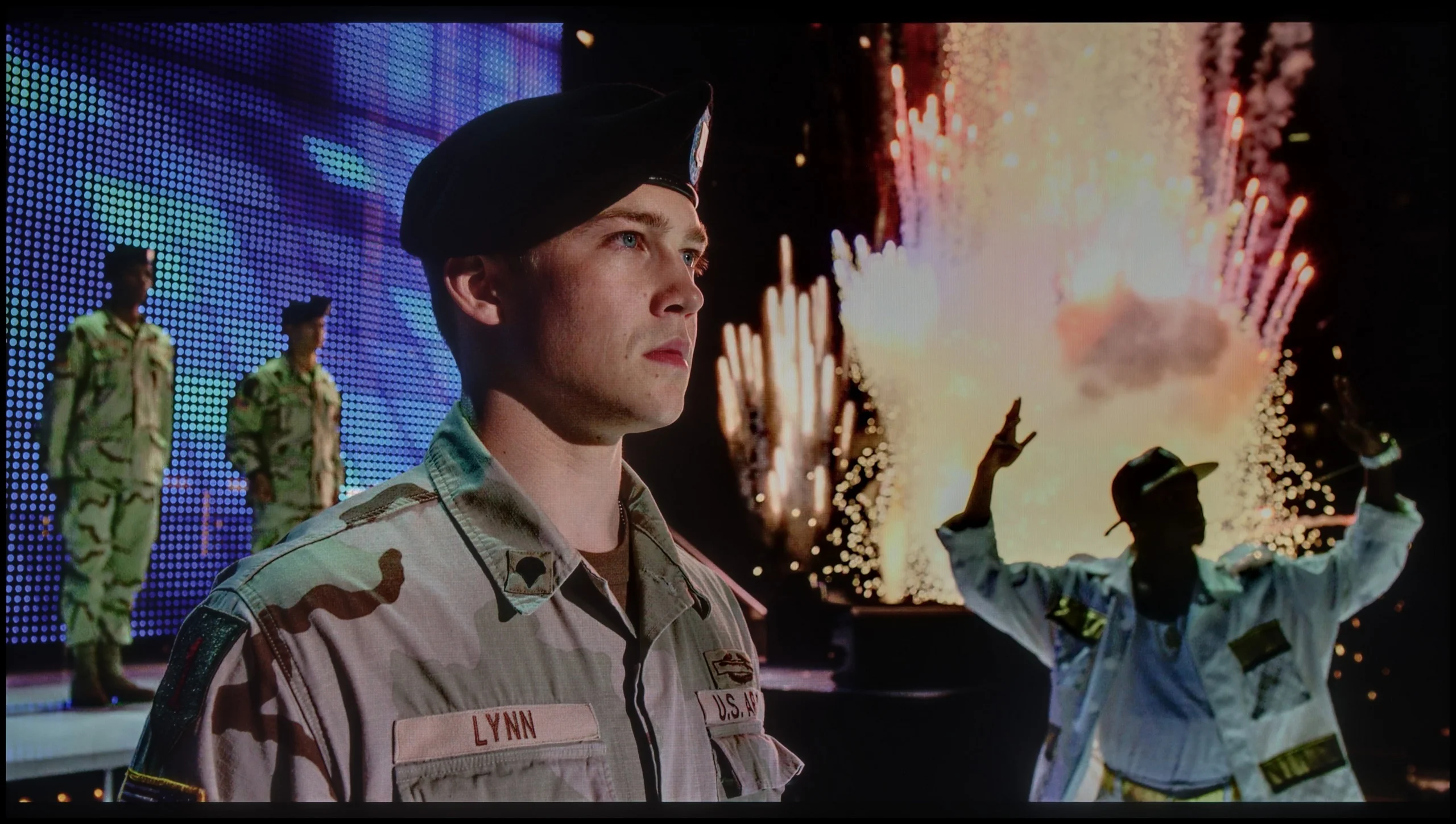
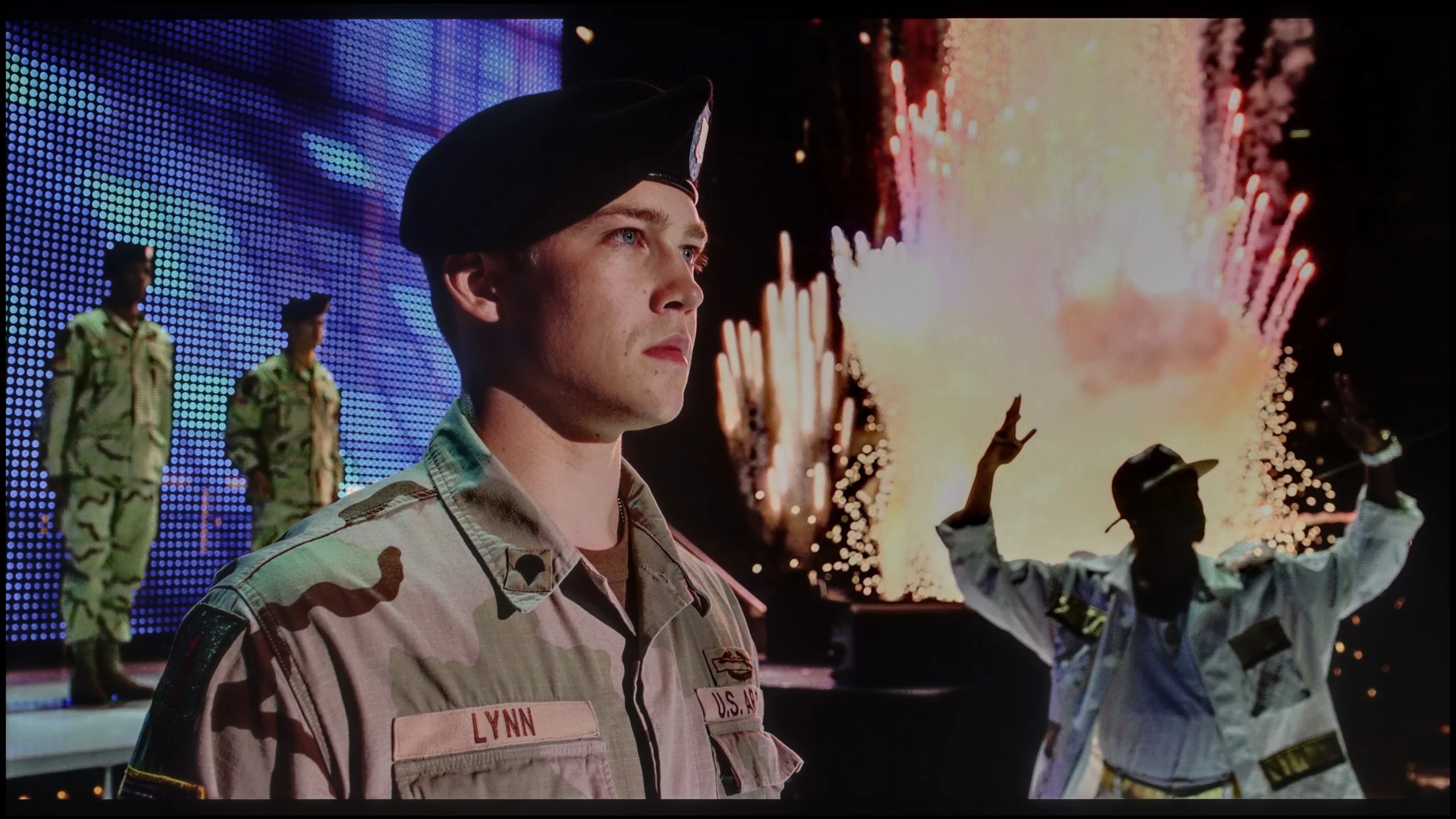
The photos show two HDR10 movies. 'Pan' is one of the brightest productions ever made, while 'Billy Lynn' (soldier) has brightness typical of streaming (Netflix, Prime, HBO MAX). Notice the intensity of effects and detail in whites.
Static HDR10


The photos present the visibility of white details in various HDR formats. They do not show brightness differences between TVs (these can be compared in the previous gallery).
Dynamic: Dolby Vision
Dynamic: HDR10+


The photos present the visibility of white details in various HDR formats. They do not show brightness differences between TVs (these can be compared in the previous gallery).
HDR luminance chart:
Samsung M80H
Hisense S7NQ CanvasTV
When it comes to the brightness of the television and how it handles bright elements while watching films, it is simply average – similar to the case with contrast. The average brightness level of the Hisense S7NQ is around 500 nits. This is a value that allows one to feel the beginnings of true HDR, but it is definitely too little to speak of remarkable effects. However, the television should be praised for its colour gamut coverage – films look very colourful and vibrant. Thanks to the use of PFS LED (QLED) coating, the device is capable of covering over 90% of the DCI-P3 colour palette and over 72% of the wider BT.2020 palette. For a television of this class – these are really very good results.
The M80H is not among the brightest TVs. Its peak brightness is around 350 nits and we saw similar results in most of our test scenes. That is not enough to achieve truly striking HDR; bright highlights lack the necessary punch and the overall image is a bit too dark. In practice HDR on the M80H resembles a well-presented SDR image more than noticeably more dynamic material with a wide brightness range. The image can still look acceptable, but it is hard to speak of strong specular highlights, clearly glowing light sources or an effect that immediately distinguishes HDR from ordinary content.
Colours
One of the M80H's stronger points is its colours. The TV uses a filter based on PFS backlighting, which allows it to display a much wider colour gamut than a standard LCD screen without filters. Our measurements confirm this – the M80H covers around 96% of the DCI-P3 gamut and 72% of BT.2020. Those are really good figures, which allow colours to be deeply saturated. Samsung's approach here is interesting. The M80H is not part of the QLED family, even though in terms of colour it is practically indistinguishable from models carrying that badge. From an image-quality point of view it doesn't really matter though — the colours are simply good.
Factory color reproduction
7.2/10
6.1/10


This gallery shows how colors change after professional TV calibration. If you notice the difference, we recommend ordering this service at SkalibrujTV.com.
Factory Mode
After calibration


This gallery shows how colors change after professional TV calibration. If you notice the difference, we recommend ordering this service at SkalibrujTV.com.
Factory Mode
After calibration
Let's now check how the Hisense S7NQ CanvasTV performs in colour reproduction in the best factory mode, which is Filmmaker. Right from the start, it is clear that it is decidedly better than in dynamic or standard modes, but there are still a few things to nitpick. Regarding image quality from an HD signal, the colours are slightly inaccurate – there is a dominance of cooler shades of blue and a lack of red. This makes the image appear somewhat too cool.
A similar effect can also be observed with 4K content, but there it is much more noticeable. The excessive exposure of blue tones and the lack of red result in the image appearing distinctly cold. However, the biggest problem with this television is not the colours themselves but the way brightness is managed. The tested unit slightly boosted brightness compared to the reference value. While this results in better visibility of details, it comes at the cost of significantly brightened blacks – causing the entire image to seem more "flat".
A similar phenomenon was noticed in the 4K signal – the slightly elevated curve at the beginning of the EOTF chart shows that the television has a tendency to overexpose certain scenes. Fortunately, this effect can be improved with professional calibration, which we will discuss in the next point.
Filmmaker Mode is set fairly well out of the box, although it falls short of perfection. In SDR material the most noticeable issue is an excess of red in the white balance, which makes the image appear a little warmer than it should. HDR content has a similar character. As for the brightness response, in SDR the gamma stays close to the target value for most of the range. Small deviations are mainly visible in darker areas, which in places are a bit too crushed. In HDR the darkest details are slightly lifted, while from around 65% brightness the image begins to be slightly darkened. This is largely due to the way the TV controls its brightness. Overall, Filmmaker Mode looks pretty good straight out of the box, but the picture can still be improved.
Color reproduction after calibration
8.3/10
7.8/10
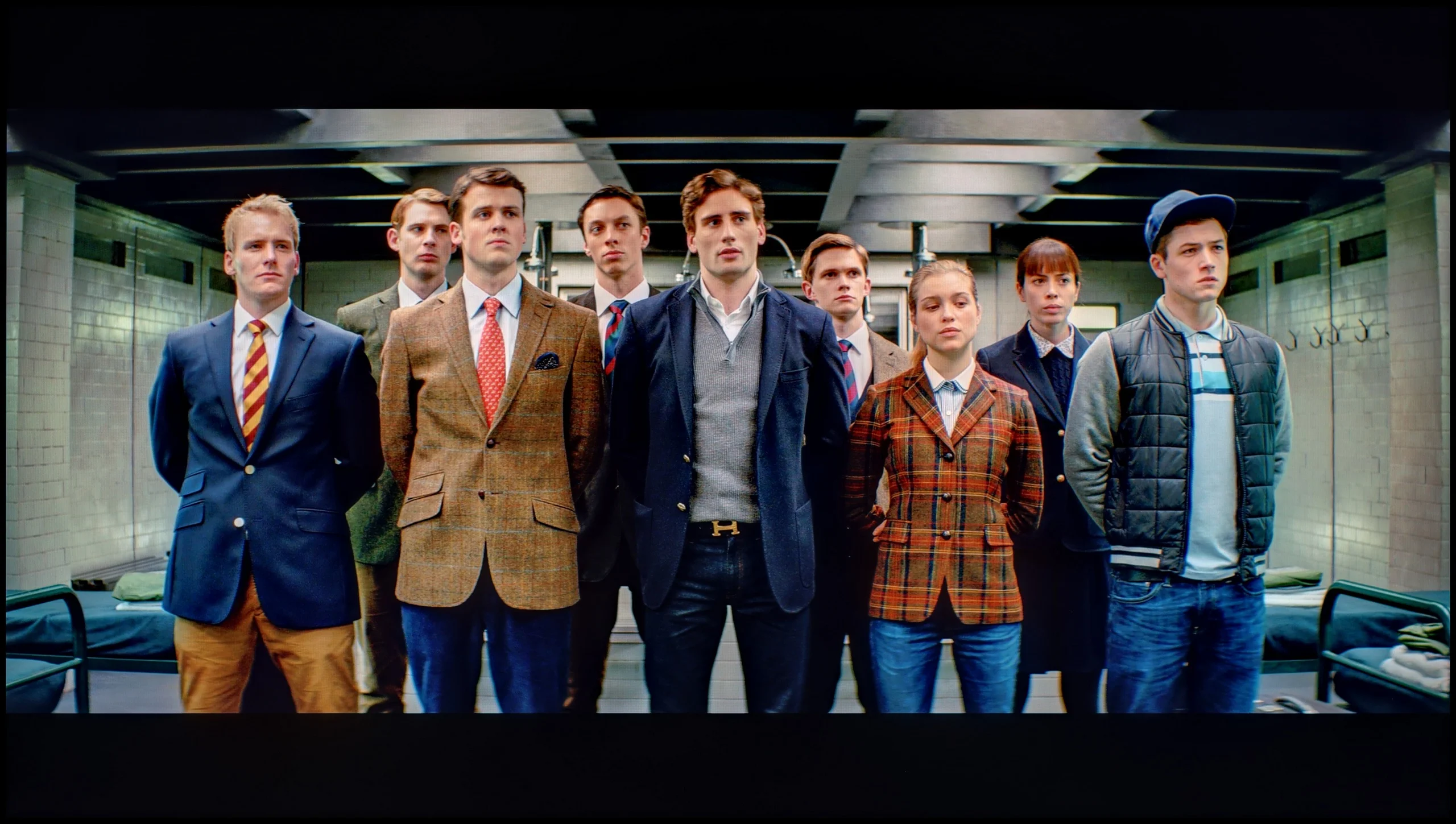
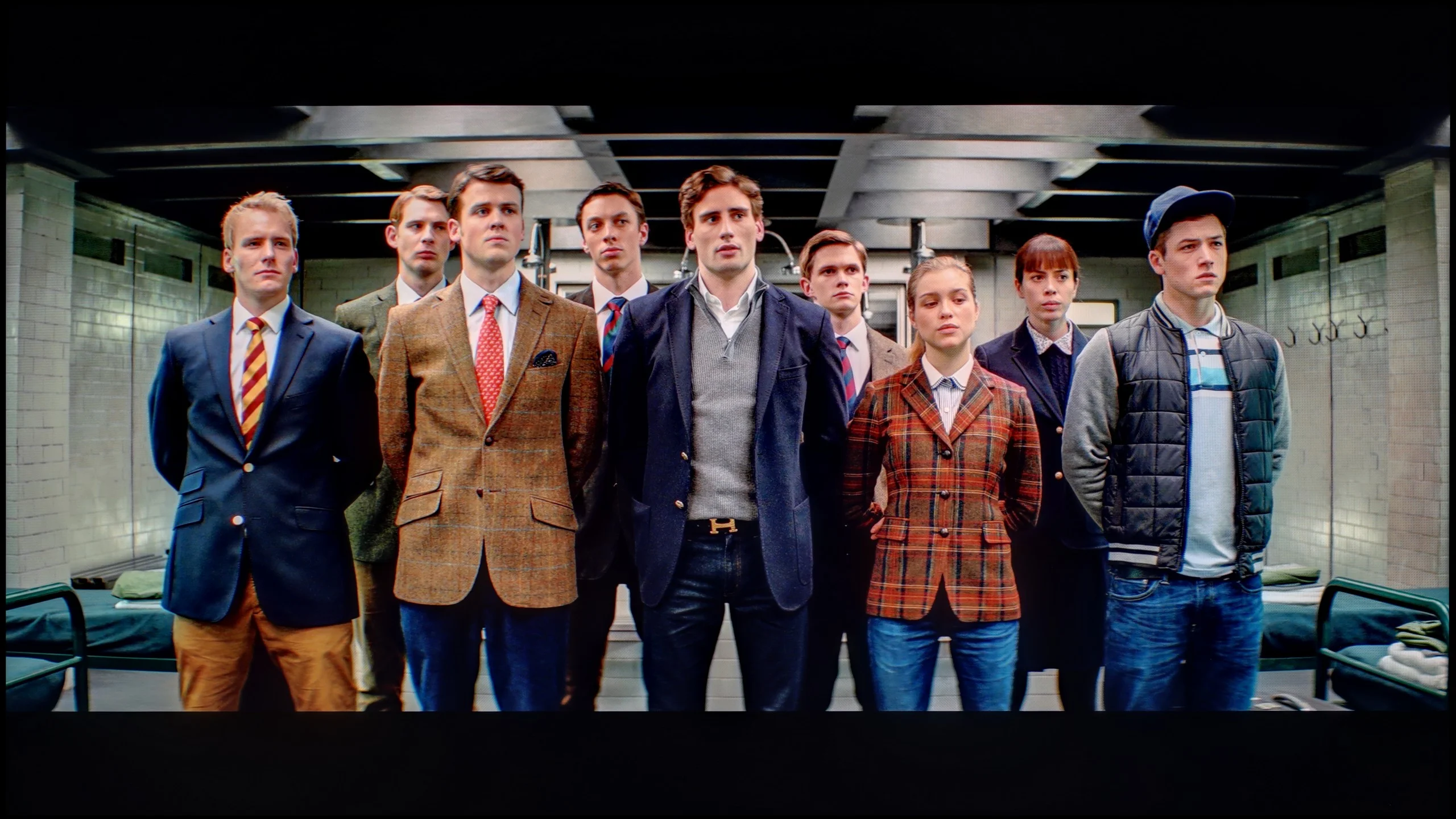
The photos show how movies look on the TV. Pay attention to black detail visibility, colors, and shadow tint.


The photos show how movies look on the TV. Pay attention to black detail visibility, colors, and shadow tint.
The results we achieved after calibrating the Hisense S7NQ are really very good. Thanks to the calibration, we managed to eliminate the excessive exposure of blue tones and deficiencies in red with HD signal. A similar, albeit slightly weaker effect was also achieved with 4K HDR content. Managing brightness in HD material has also been improved – the television no longer has issues with brightening the image "across the board."
However, there are things that cannot be bypassed. The characteristic of the EOTF curve has practically not changed, and the lack of local dimming means that the smallest elements on the screen will always be slightly overexposed. One simply has to come to terms with this when choosing a television with a similar type of backlighting. Despite this, the final effect is very good and should fully satisfy the vast majority of users.
After calibration, the M80H fares very well, especially with the most ordinary SDR content. Regular broadcast TV, YouTube and films watched without HDR can look very good on it. After correcting the white balance the errors are small, although sometimes we can still see that the TV tends to overdo the most saturated reds. In HDR it is also possible to improve the picture and correct its main faults, but it is not at the level of pricier models. Samsung quite heavily restricts colour adjustment in HDR, so in many areas we have to accept what the TV offers out of the box. Calibration lets us improve some parameters, but we are no longer able to change the overall character of the M80H's image.
Smoothness of tonal transitions
9.2/10
9.8/10
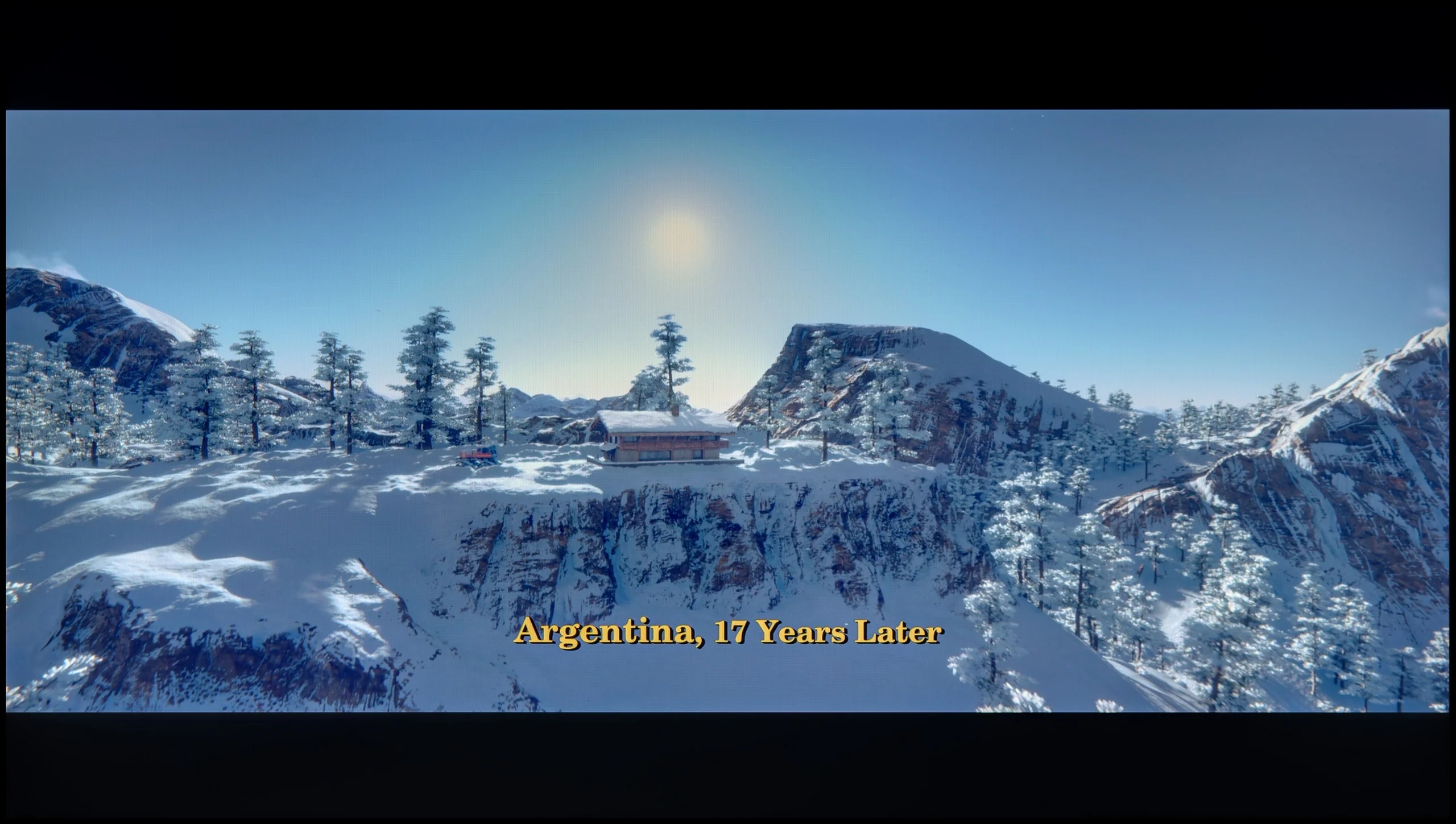

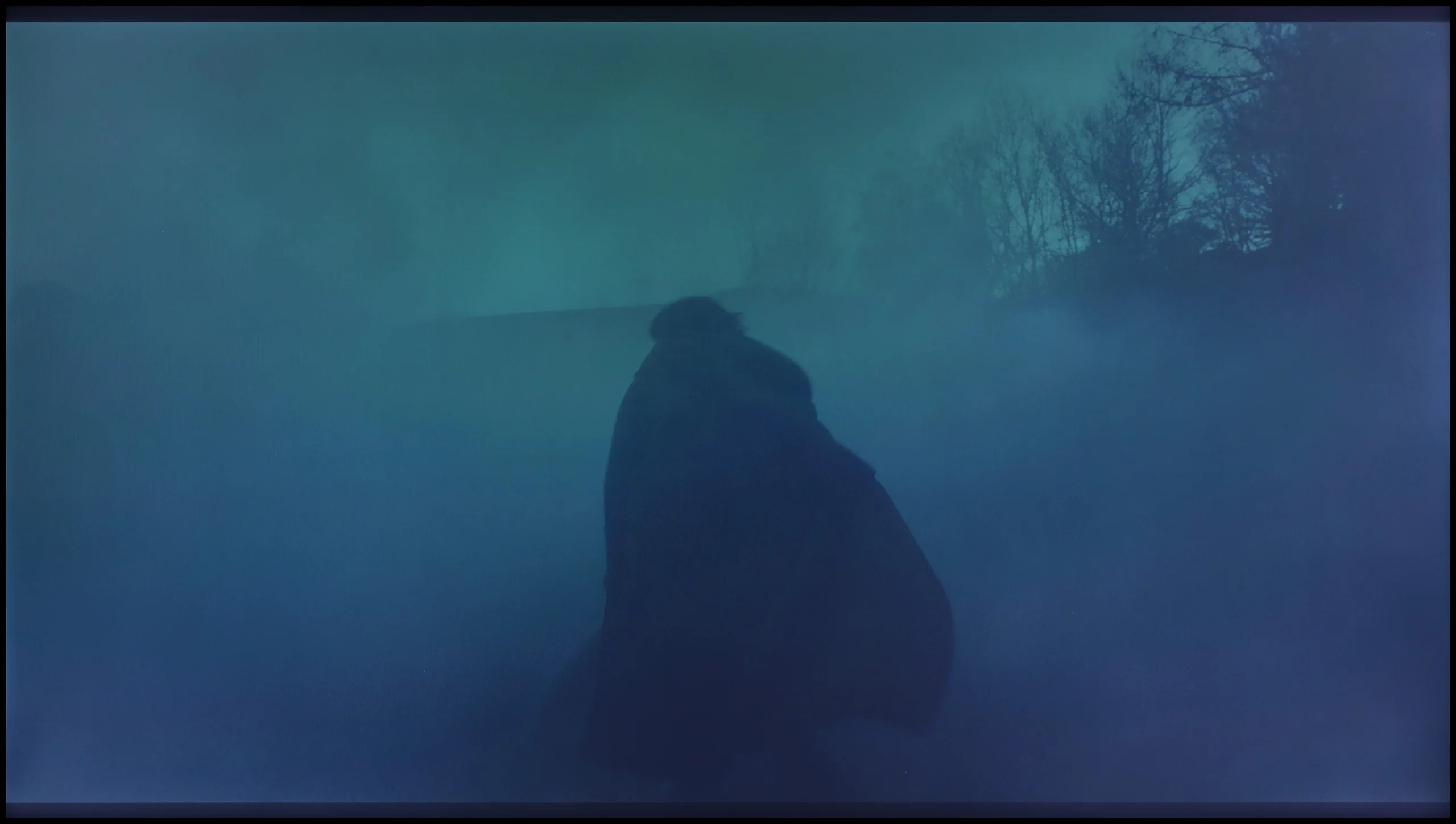
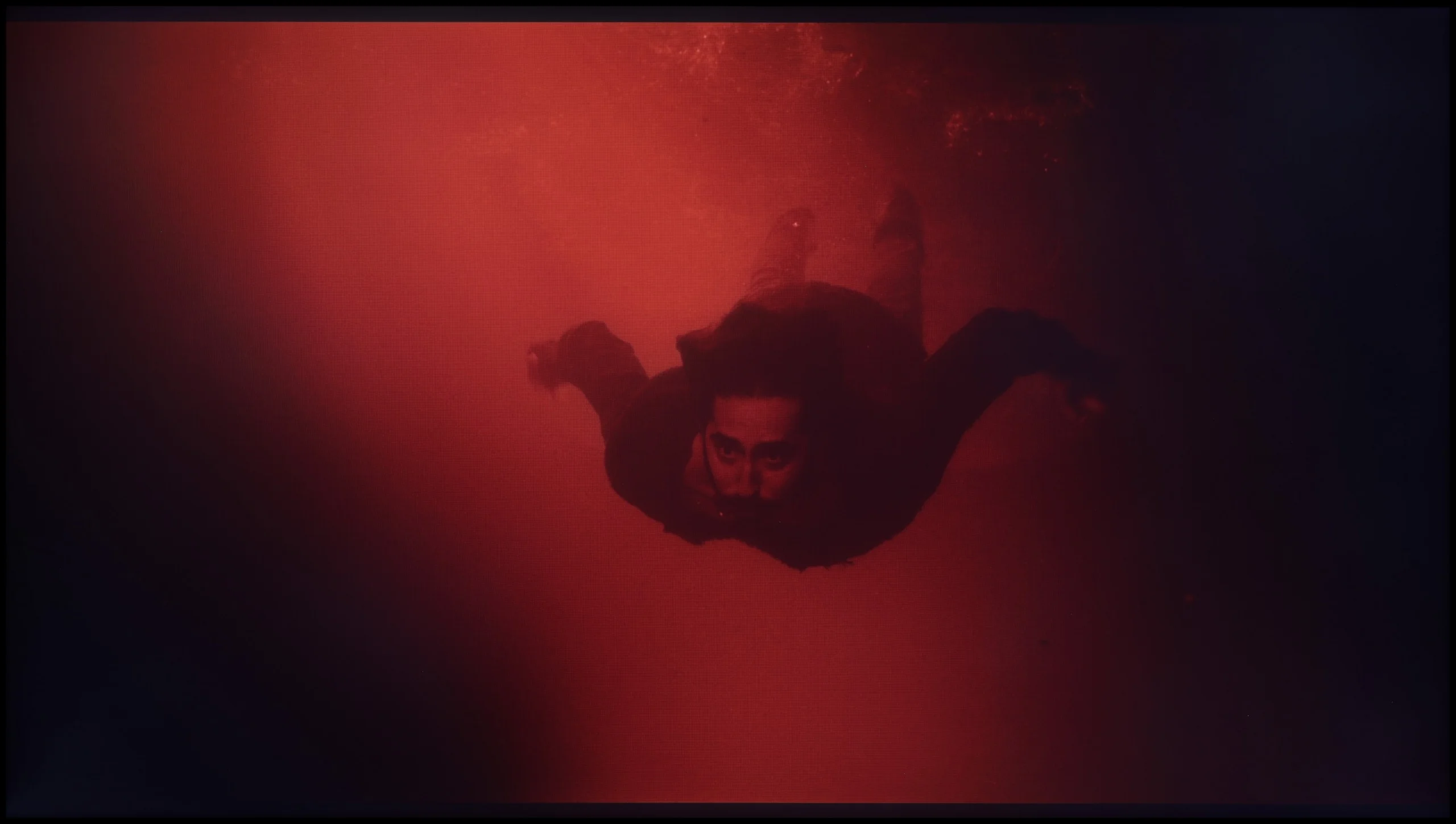
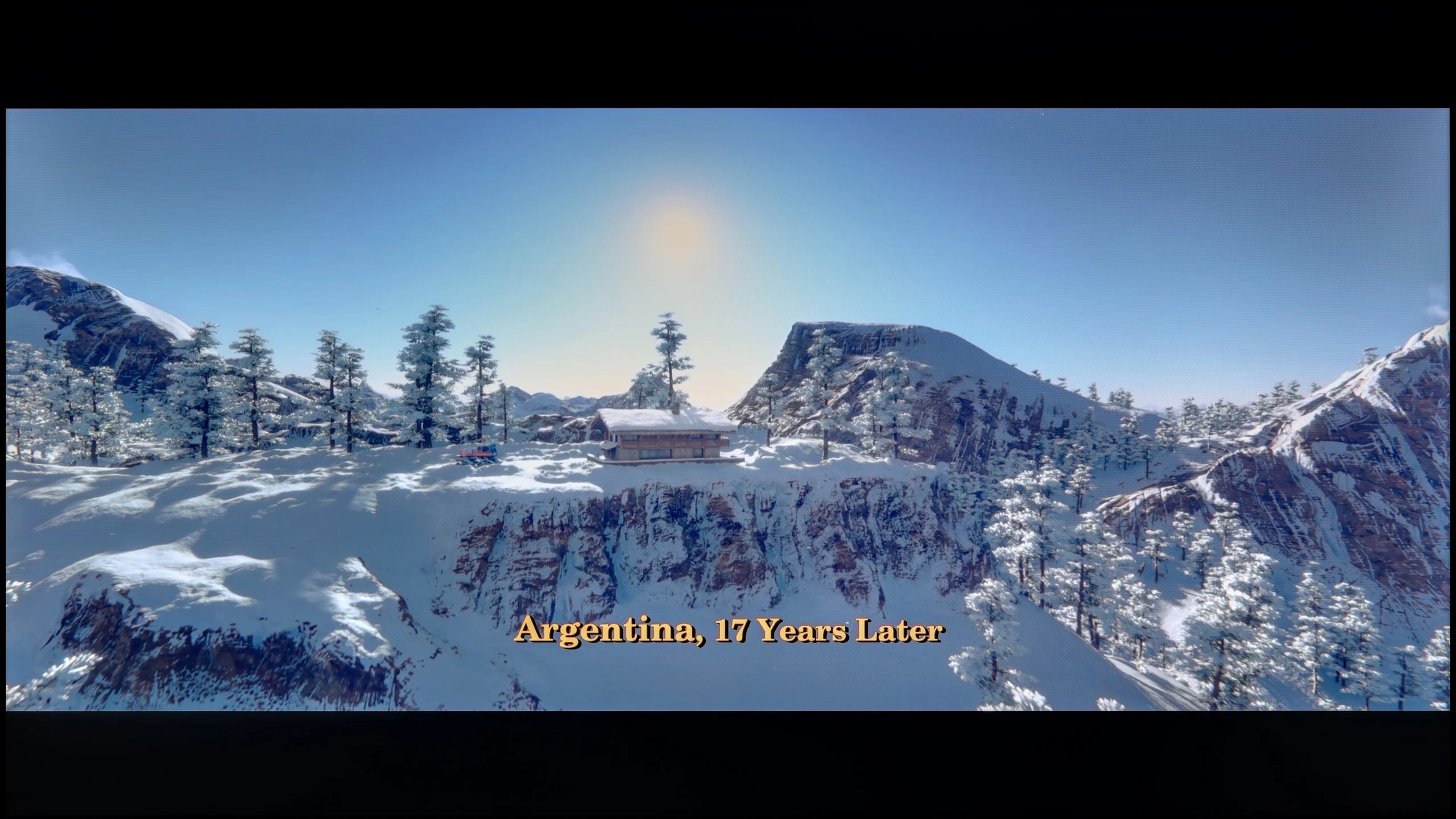
These are selected scenes that show smooth tonal transitions from one color to another. If you see distinct banding, it’s the TV panel’s fault.

These are selected scenes that show smooth tonal transitions from one color to another. If you see distinct banding, it’s the TV panel’s fault.
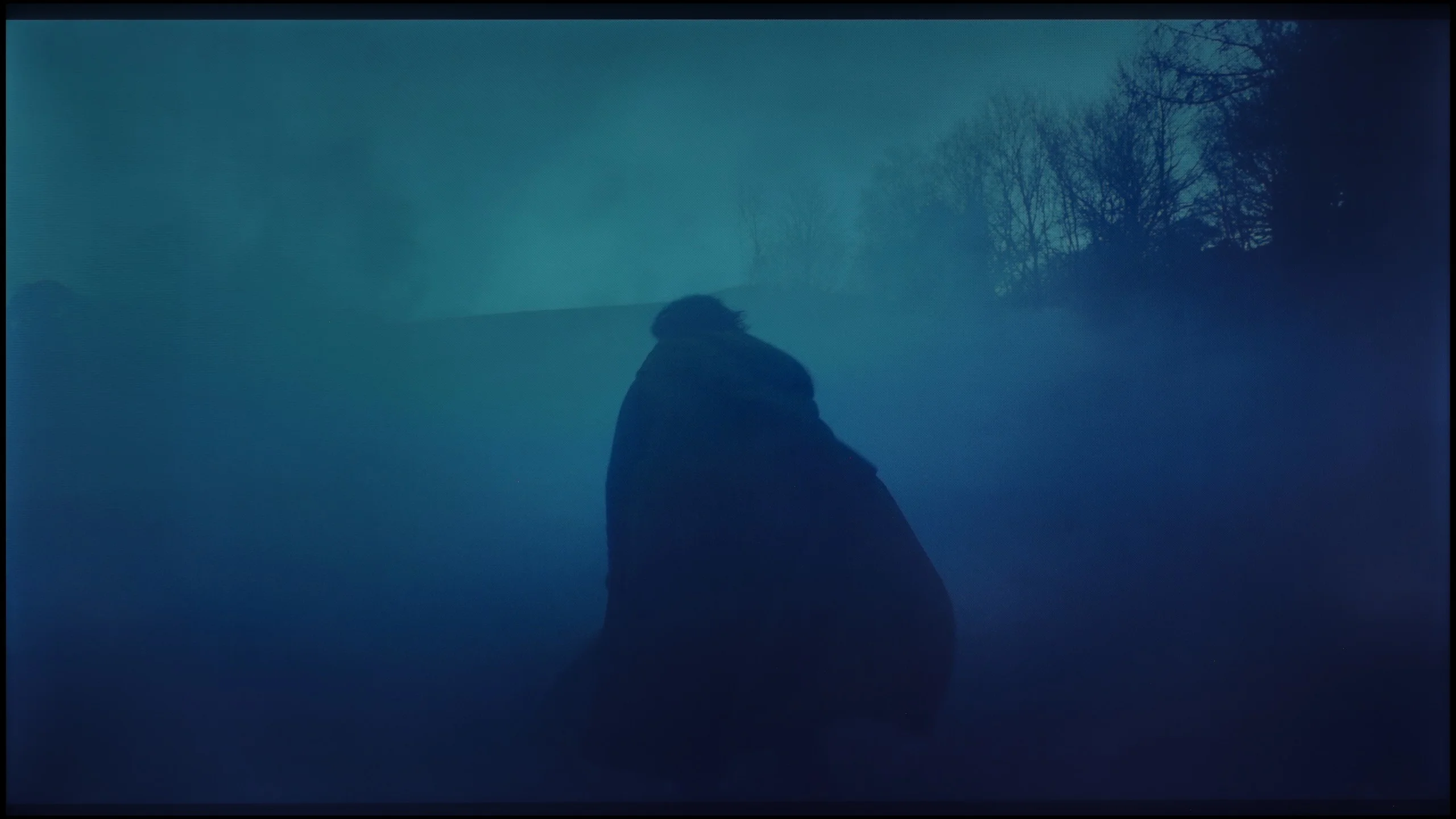
These are selected scenes that show smooth tonal transitions from one color to another. If you see distinct banding, it’s the TV panel’s fault.
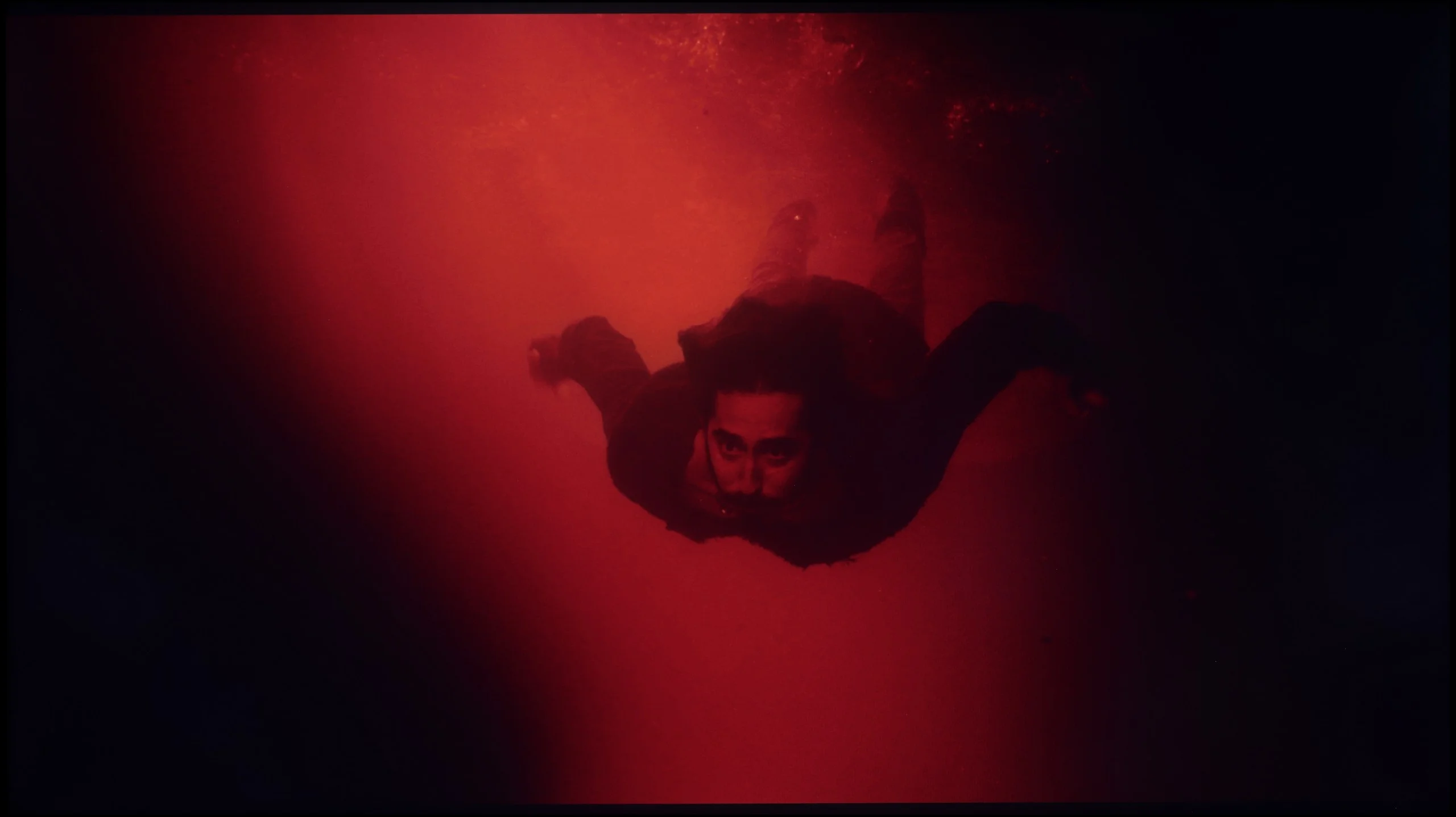
These are selected scenes that show smooth tonal transitions from one color to another. If you see distinct banding, it’s the TV panel’s fault.
The fluidity of tonal transitions is one of those categories that even less advanced users can notice. If someone doesn't understand what it means — we're explaining it now. It concerns whether the colours blend smoothly into one another or if their "gluing" is visible in the form of distinct bands. Good tonal transitions are those that are natural and smooth, without large jumps in colour.
The Hisense S7NQ performs very well in this category, although it must be admitted that it fares slightly worse than Samsung The Frame. In very bright scenes, slight imperfections can be noticed, but you really need a keen eye to catch them. Overall, as with most "frame" style televisions, it still performs excellently.
The M80H delivers almost perfect smoothness of tonal transitions. Posterisation is practically absent, and successive tones blend very smoothly in both bright and dark scenes. We didn’t notice any obvious colour banding, for example in skies or in scenes with smoke. If the image looks worse in dark shots, that isn’t due to gradation issues. Instead, the limitations of the backlight and the lack of local dimming become more apparent, causing blacks to lack sufficient depth.
Image scaling and smoothness of tonal transitions
5.5/10
7/10


Smooth transition function
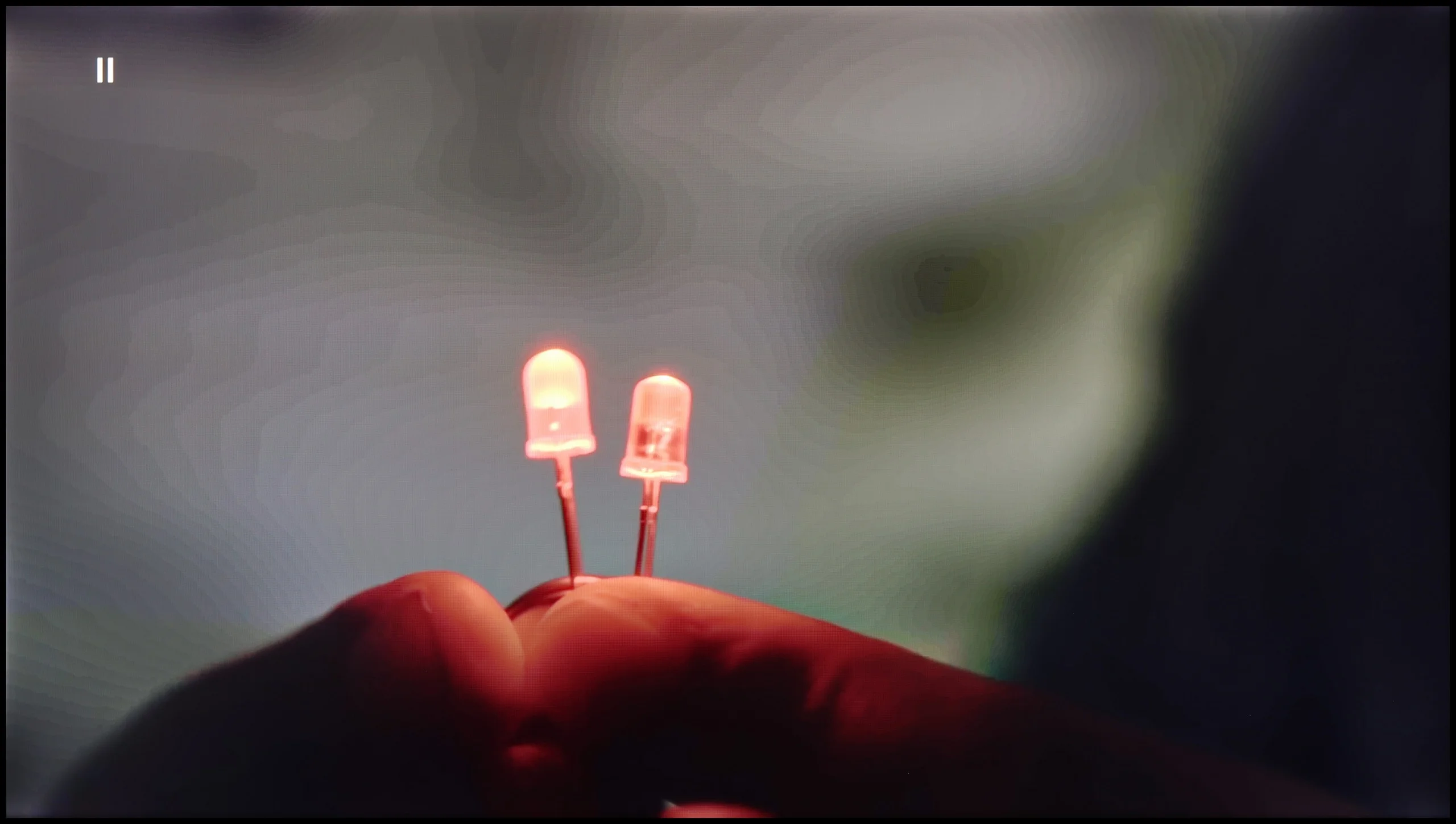
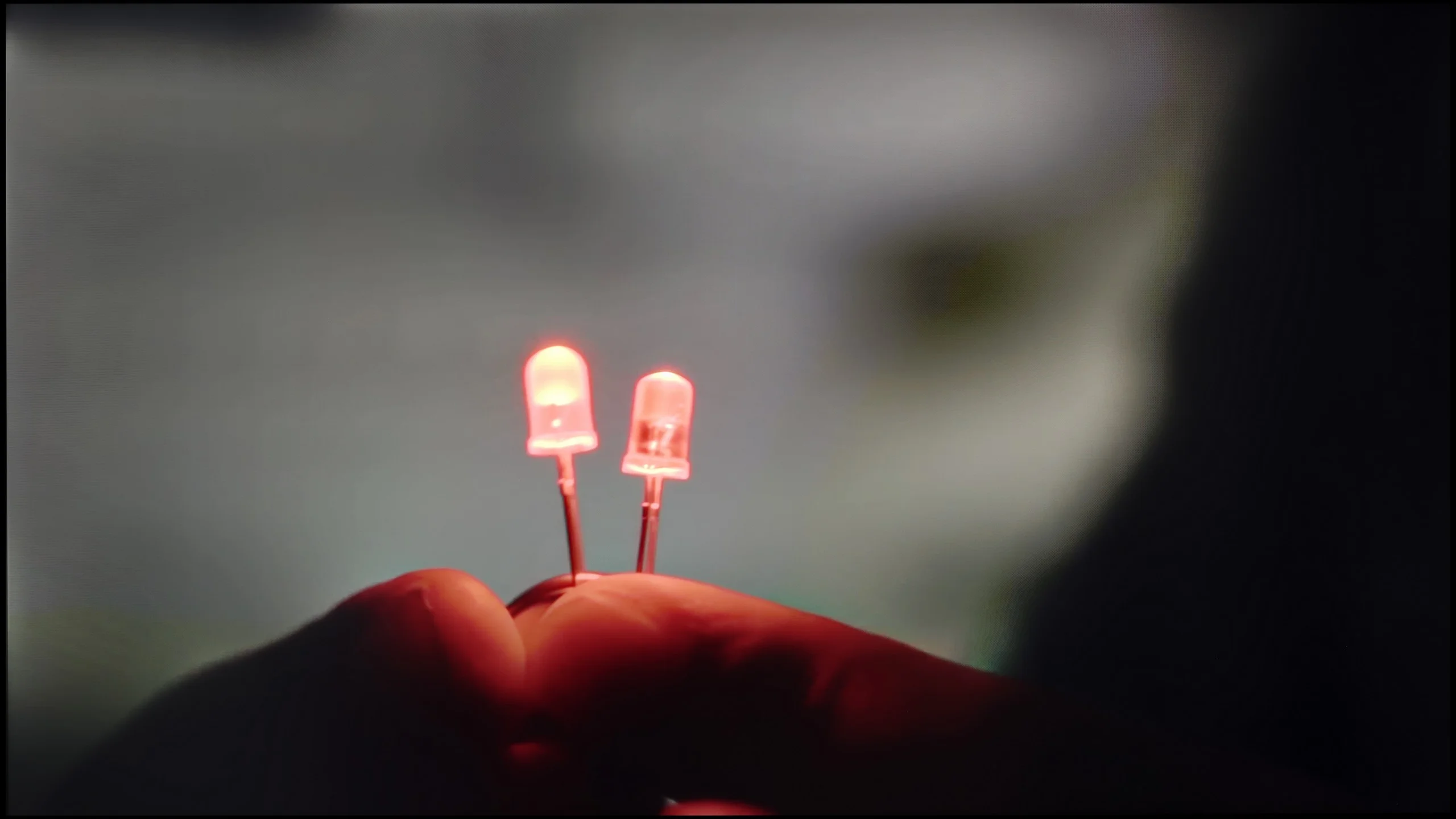
The match photo shows how the TV smooths weak tonal transitions in low-quality video.
Image scaling SD (576i)


The model photo shows how it handles upscaling of SD material.
Equally important is how the television handles tonal transitions on a poor signal – for example, in older films, television, or on YouTube. Unfortunately, despite the presence of the "Smooth and Gradient Picture" feature, which was supposedly meant to improve this aspect, its performance is truly poor. It's barely noticeable that it has any real impact on the visibility of colour transitions.
The image scaling is also lacking. Yes, it can be observed that the television tries to "enhance" the quality, but the end result is far from ideal. The image often appears slightly jagged, which is particularly noticeable in the example of tree branches in the background. Additionally, the Hisense S7NQ has a clear tendency to crop the image at lower resolutions, causing subtitles in news items or finer details in the image to be missed.
Although the M80H is positioned fairly low in Samsung's range, the manufacturer equipped it with one of its stronger processors, the NQ4 AI Gen2. The same chip can be found, for example, in Neo QLED TVs and the lower-tier S85H OLED. That is good news, because when it comes to improving weaker sources the processor performs really well. Upscaling is the strongest point. Low-resolution content is displayed correctly and edges do not look overly jagged. Of course the TV will not create details that are not present in the source, but regular broadcast TV and older recordings look decent on it. One drawback is the overscan effect, that is edge cropping, which cannot be completely turned off. The tonal transition smoothing function, the so-called noise reduction, also works well. The processor can effectively reduce visible traces of heavy compression, but it does not do this without side effects. At higher settings it may over-smooth the image, remove some fine detail and even eliminate film grain. For that reason we recommend using this function mainly for content that really suffers from strong compression and posterisation.
Blur and motion smoothness
7/10
7.9/10
Blur (native resolution, maximum refresh rate):






Blur (BFI function enabled):
Image flickers in this mode



Blur ():
Blur (4K@240Hz):



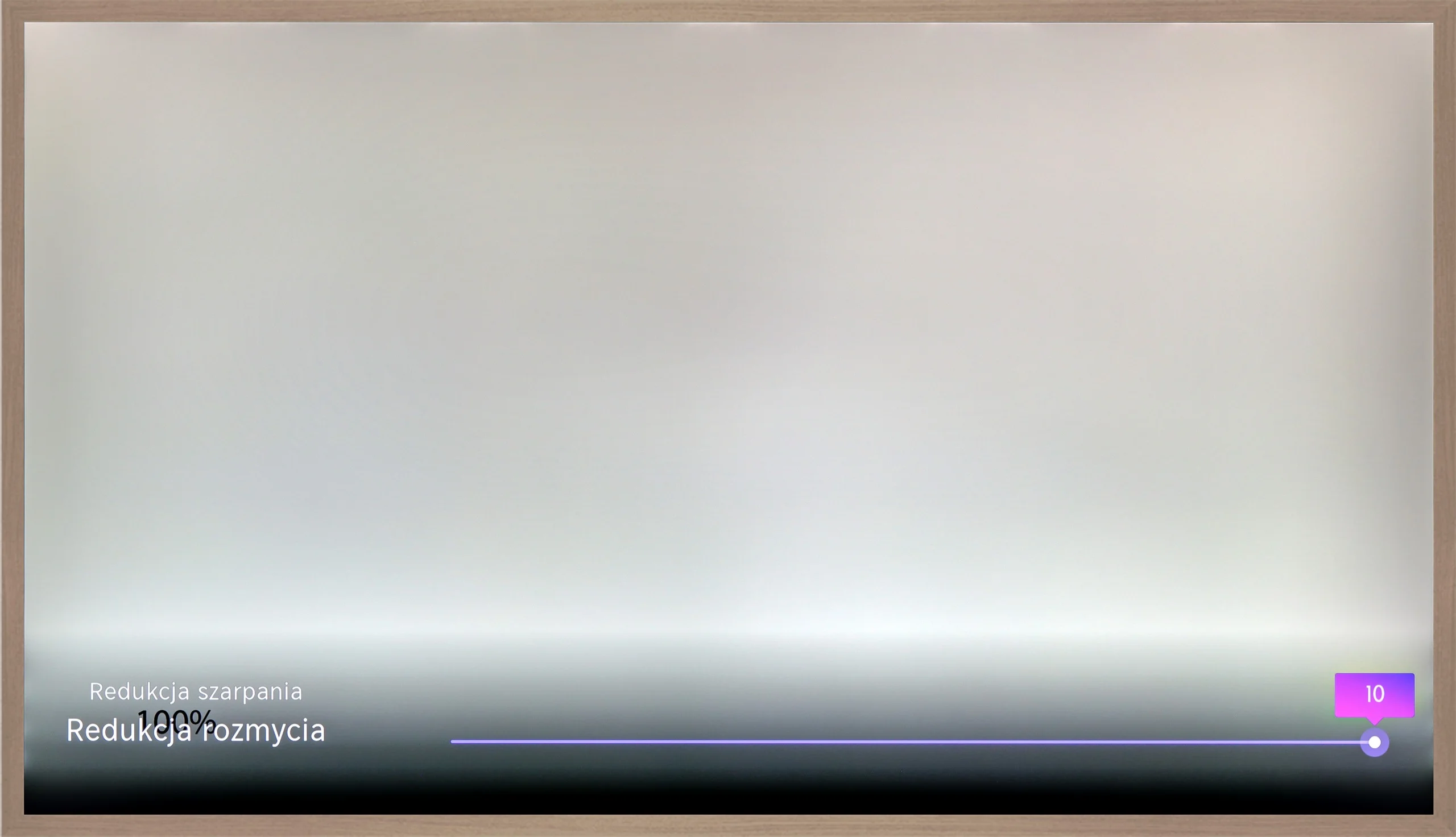
When it comes to motion fluidity, the television performs remarkably well. Although the S7NQ was designed primarily for displaying static elements – such as images – the manufacturer has implemented a 144 Hz refresh rate matrix. As a result, sports and games look really good on it.
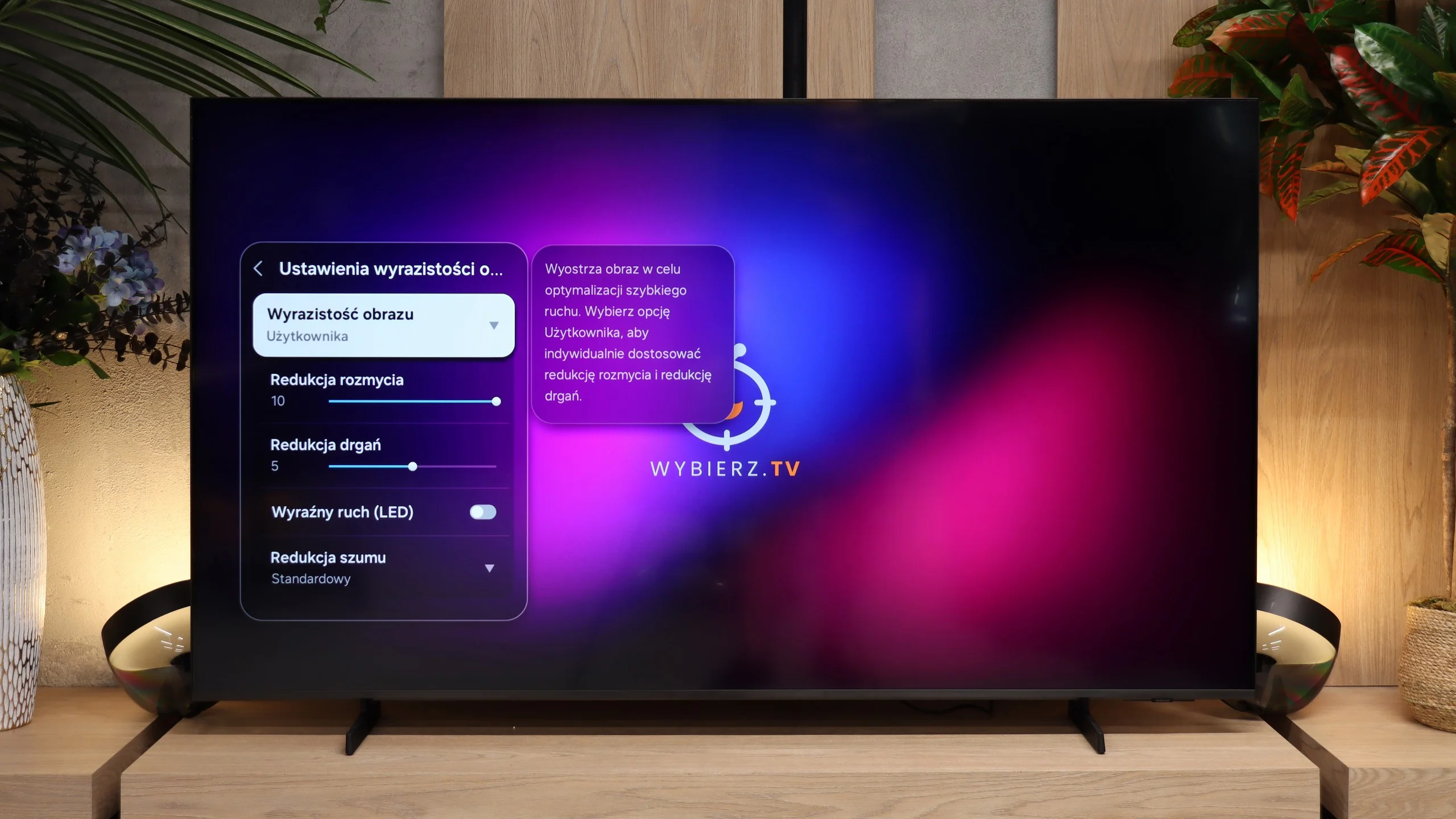
For materials that are not recorded at a high frame rate, the manufacturer has provided two features that allow you to adjust the picture to your own preferences. "Motion blur reduction" and "judder reduction" operate on a 10-point scale, allowing you to choose between a more cinematic image – with characteristic frame jumps – and a smooth effect reminiscent of a "soap opera". How to set this up? That’s a personal matter – we leave the decision to you.
The M80H performs very well for watching sport and for gaming. The TV is fitted with a panel offering a refresh rate of up to 144 Hz at 4K, and when the resolution is lowered to Full HD it can even support 240 Hz. PC gamers will benefit most from the latter.
The panel also handles content displayed at 120 Hz well, which is particularly important for console gaming. The high refresh rate is also useful when watching sport, and motion blur is relatively limited. That matters because VA panels are not known for top results in this area. With the M80H, fast-moving objects do not show pronounced smearing.
Console compatibility and gaming features
8.5/10
9.6/10
- ALLM
- VRR
- VRR range48 - 144Hz48 - 240Hz
- Dolby Vision Game Mode
- Correct implementation of HGIG
- 1080p@120Hz
- 1440p@120Hz
- 4K@120Hz
- Game bar
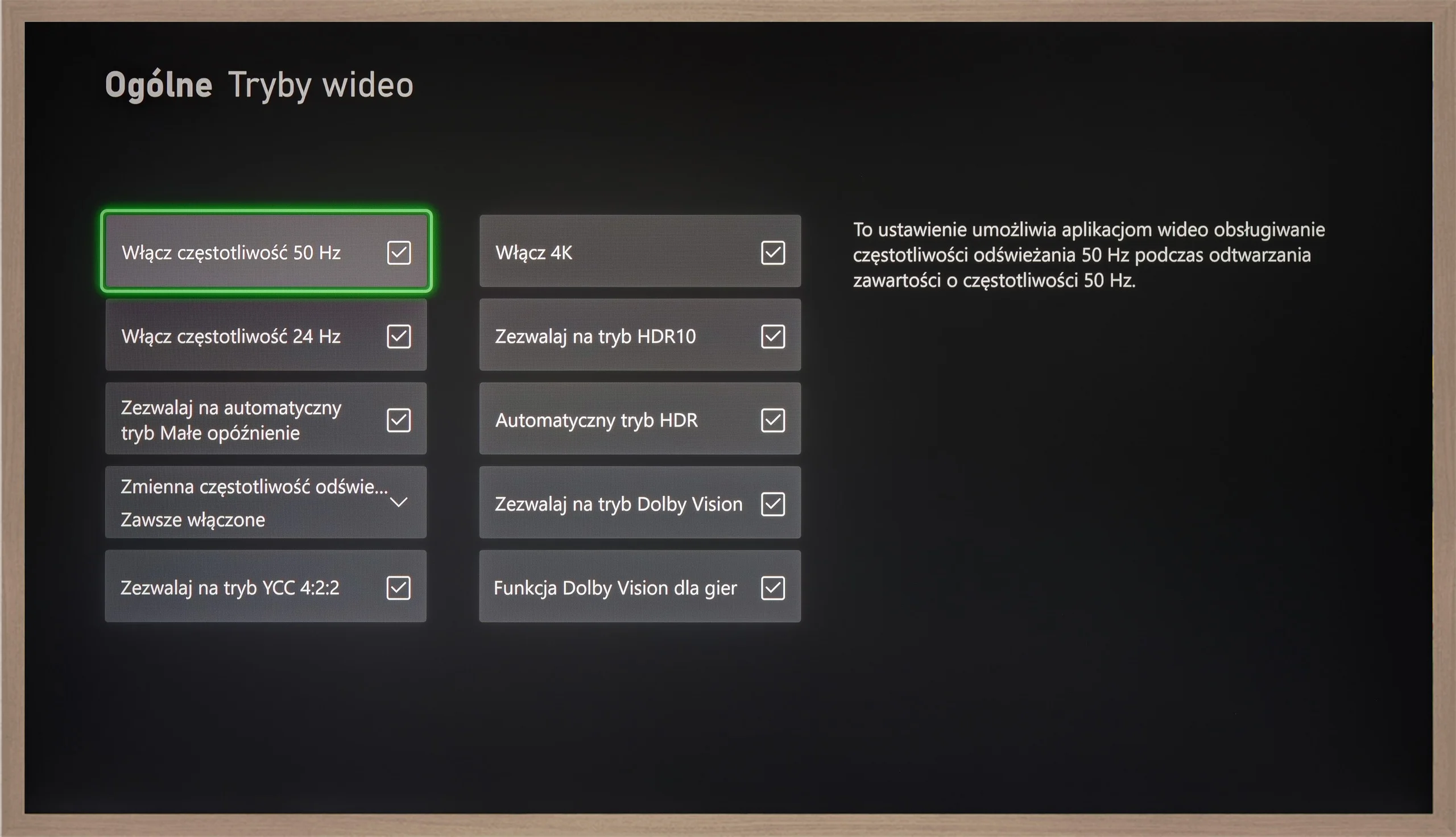
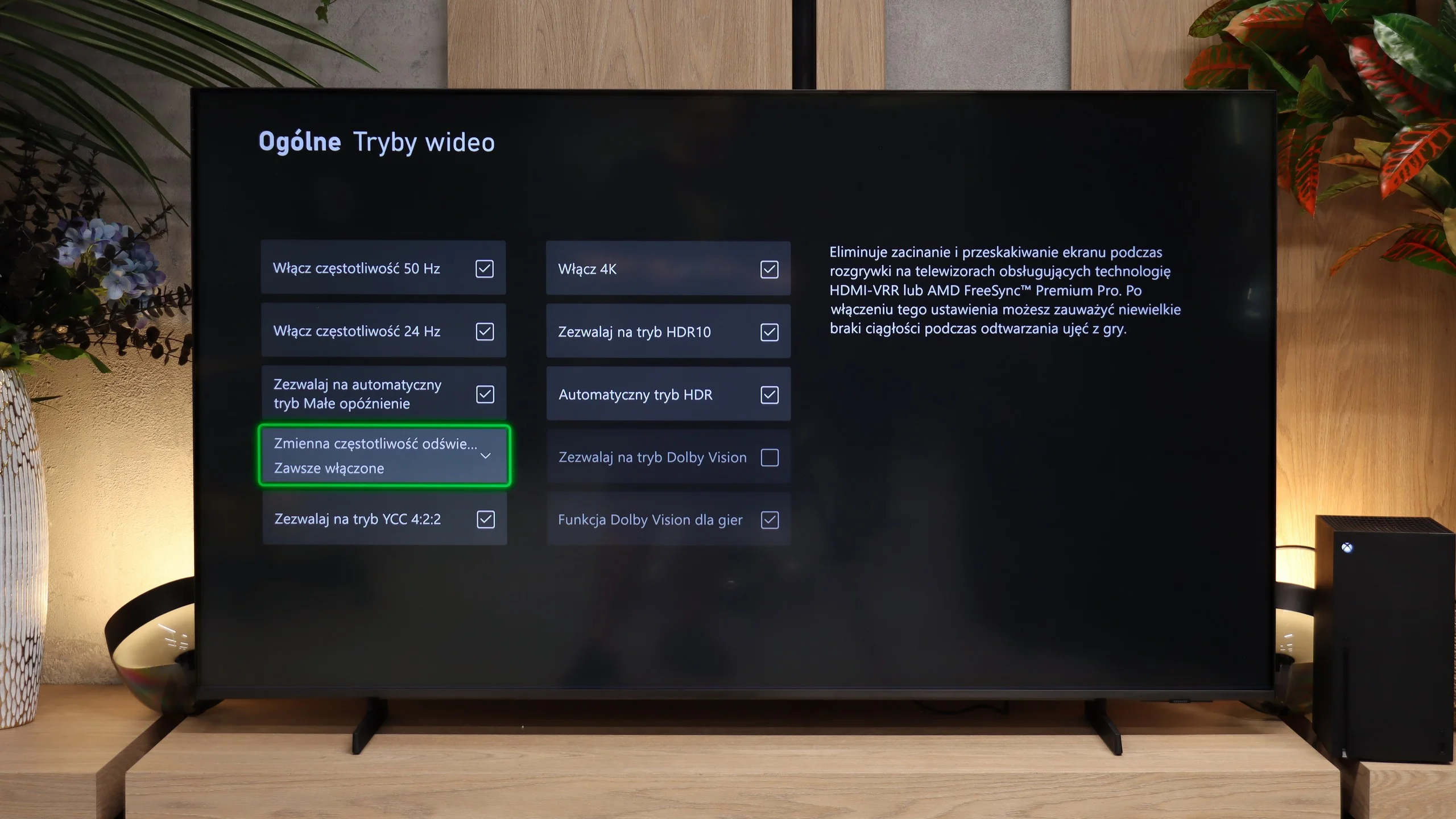
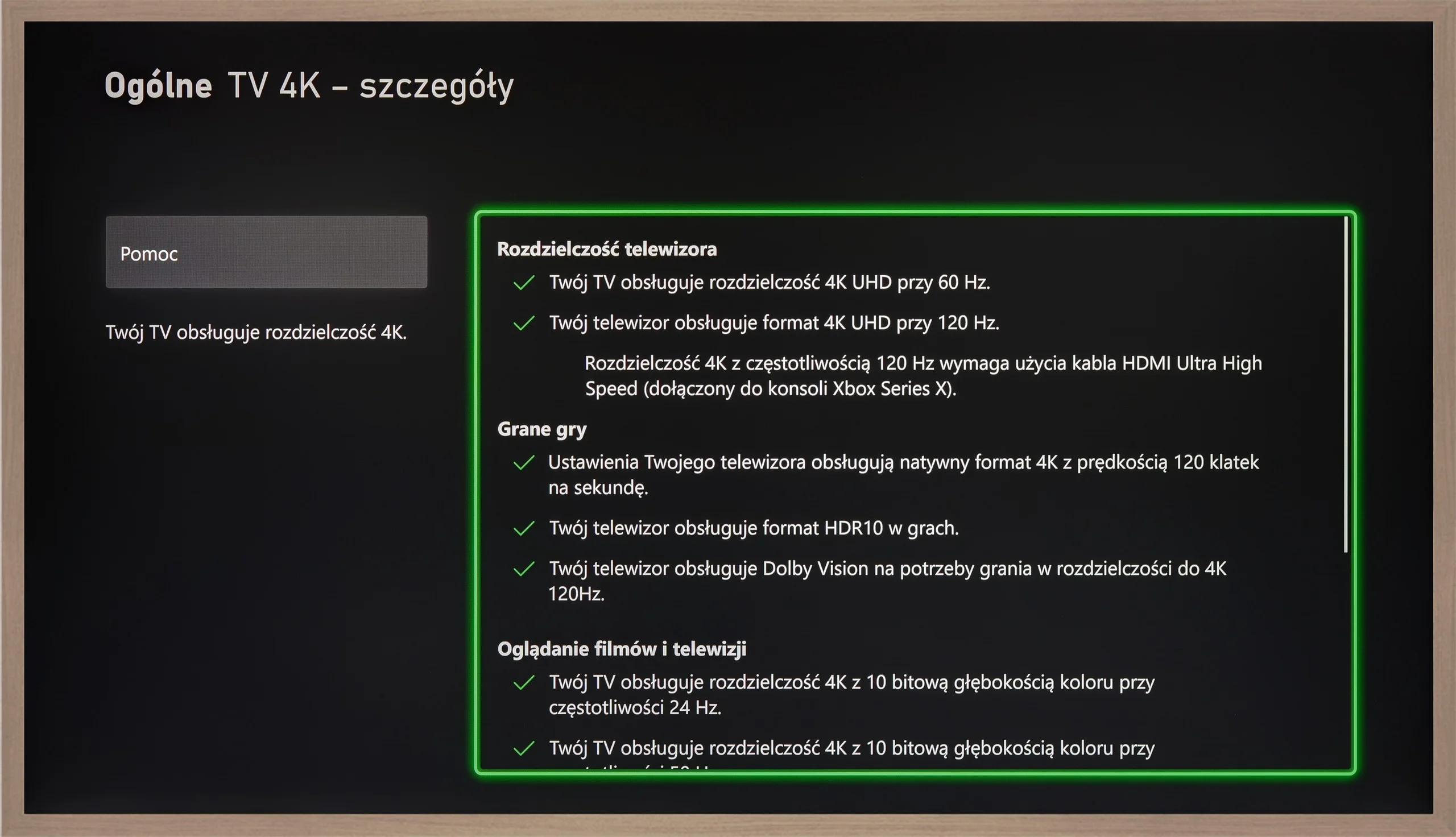
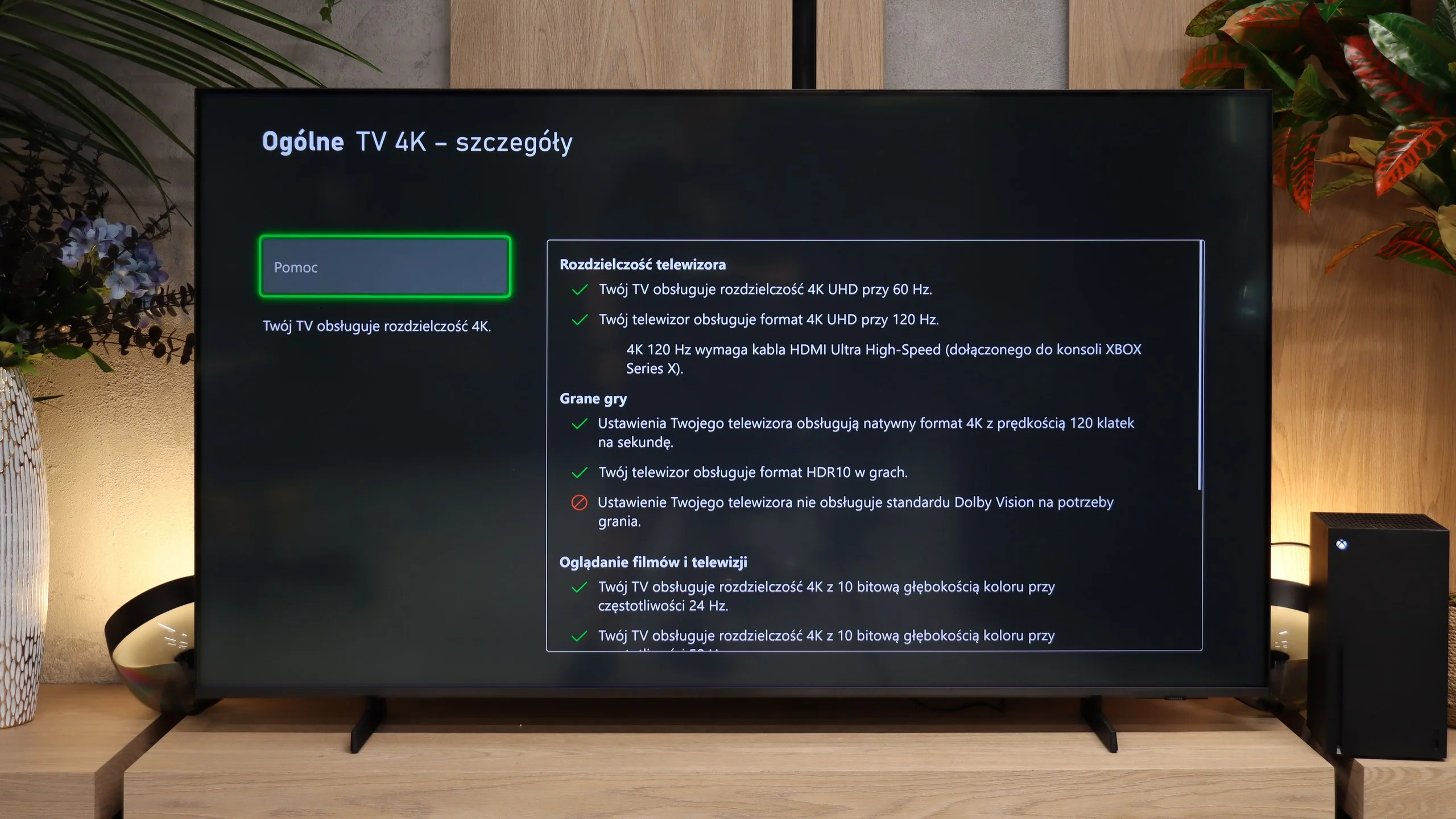

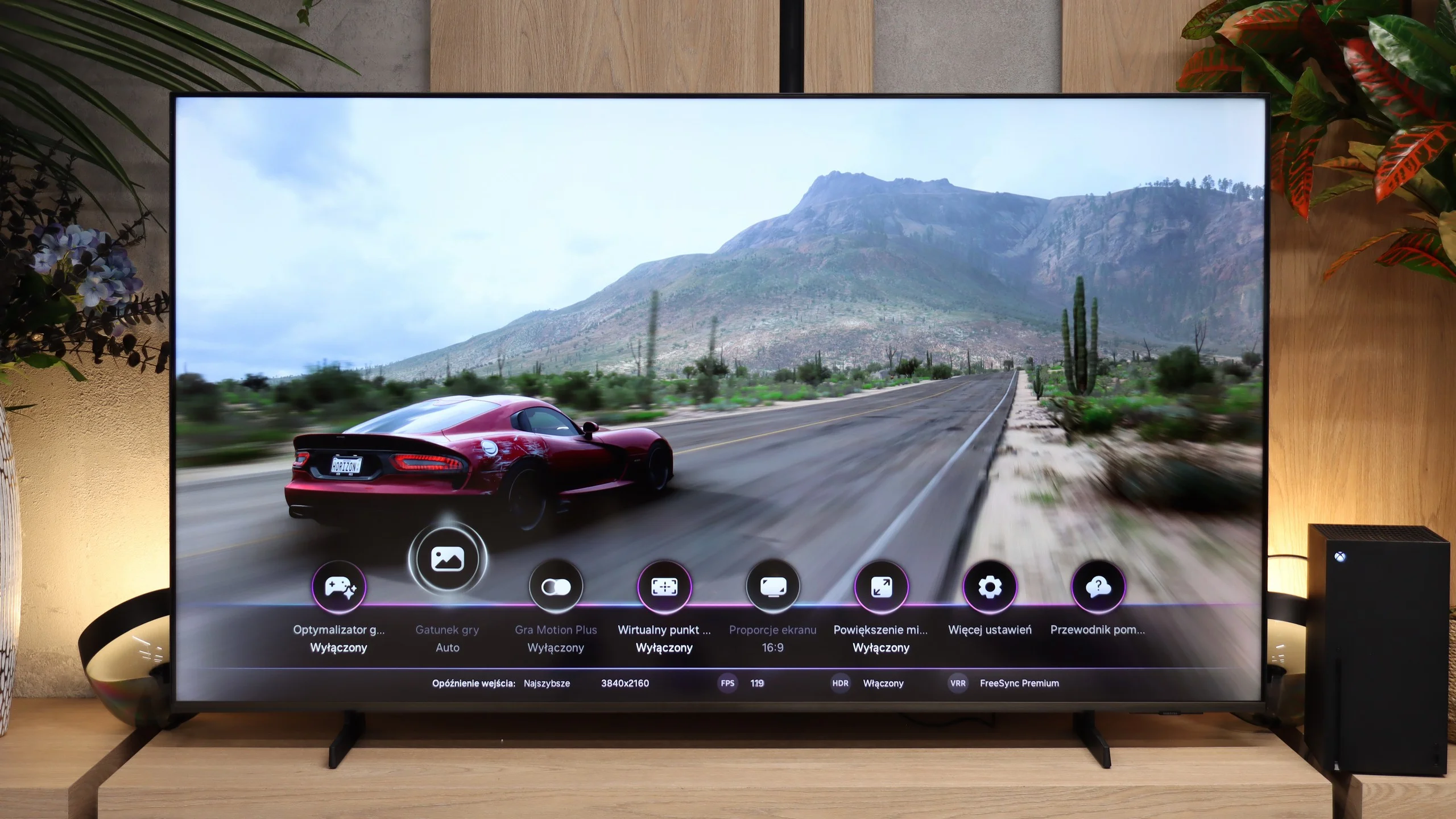
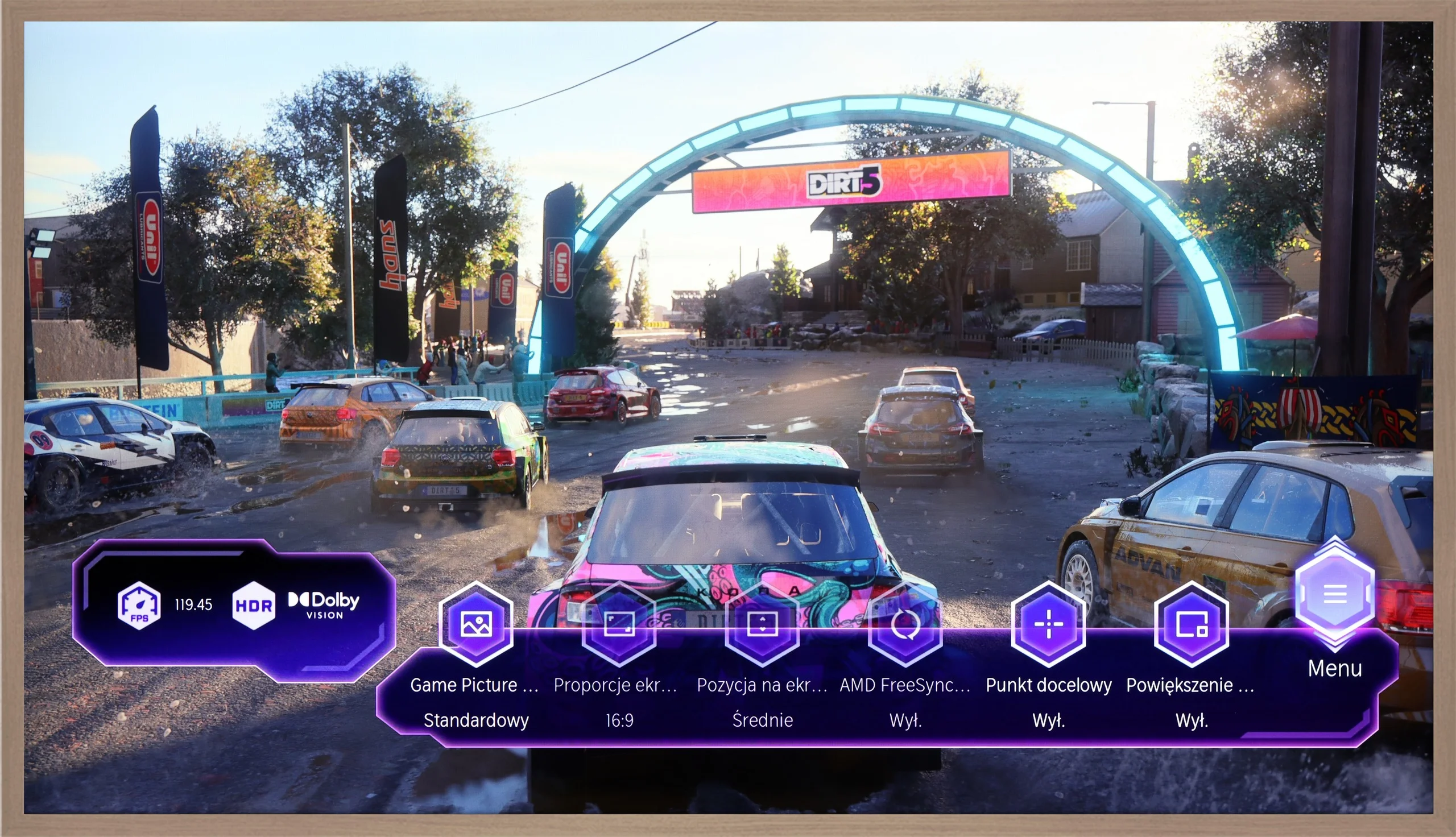
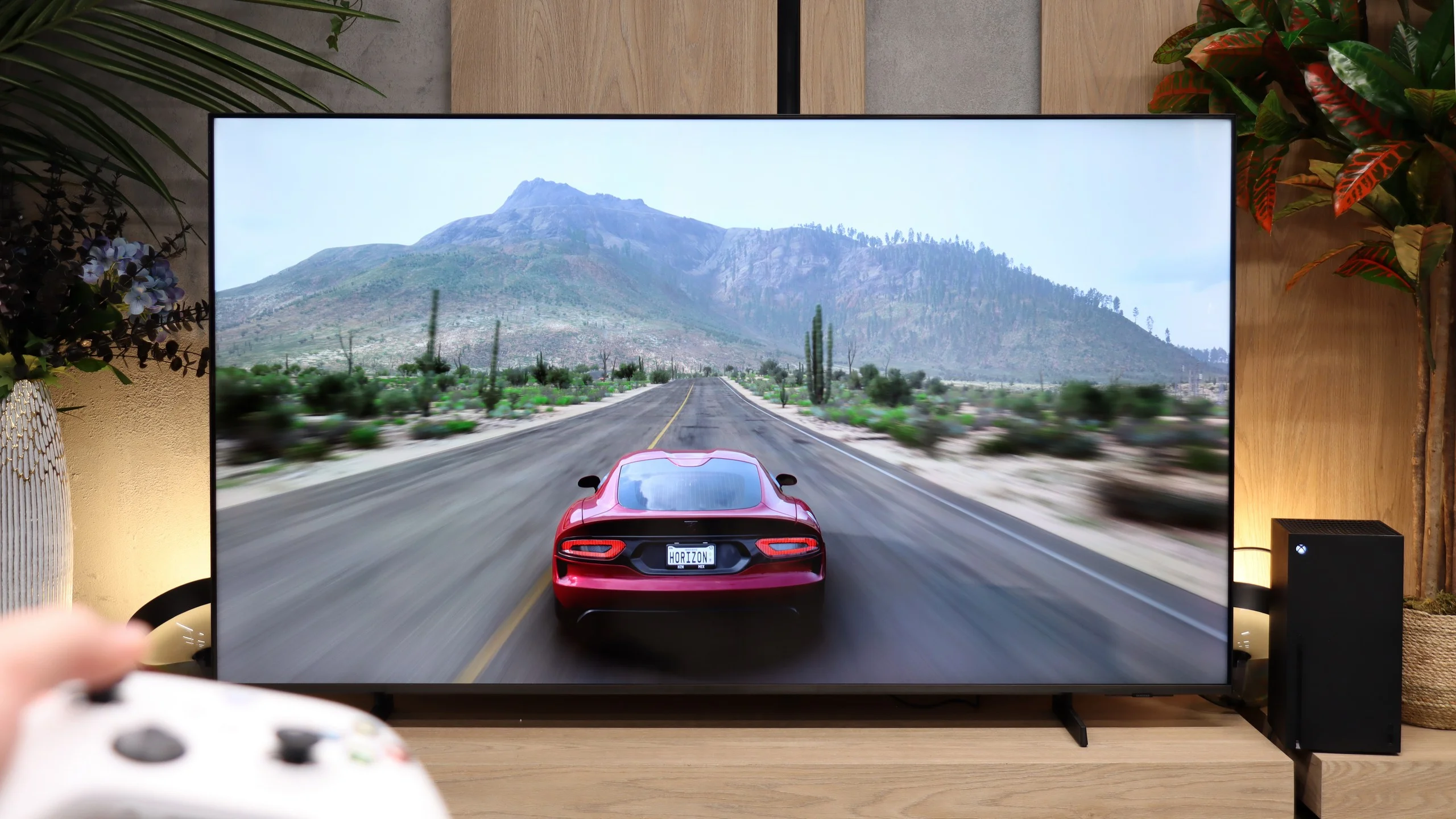
Although the S7NQ is a "picture" type television, it can indeed be used for gaming. Really. Here you can find almost everything (except for the HGiG mode) that a modern gaming television needs. The 144 Hz panel and two full-fledged HDMI 2.1 ports allow for the hassle-free connection of two consoles, such as the PlayStation 5 or Xbox Series X/S.
The television supports Automatic Low Latency Mode (ALLM) and Variable Refresh Rate (VRR), with no stuttering or issues. It also handles displaying high frame rates at lower resolutions without any trouble. Hisense deserves praise for a very attractive Game Bar – it displays all available picture options, and additionally, we have the ability to enlarge the minimap or turn on the crosshair (because sometimes someone might actually want to "aim" 😉).
The only missing element – as we mentioned earlier – is the lack of a proper implementation of the HGiG mode. It is specifically responsible for automatically adjusting the picture in games as the creators intended. It's a shame, because that’s the only thing preventing the Hisense S7NQ from being a full-fledged gaming "beast".
The M80H could be a very good choice for gamers on a slightly smaller budget. In terms of features it offers essentially the same as far more expensive Samsung TVs. All three HDMI ports support the 2.1 standard, so even if one is taken by a soundbar connected via eARC there is still room for a PC and consoles. There is also VRR that runs up to 144 Hz at 4K and up to 240 Hz at Full HD. Samsung has also correctly implemented HGiG, so after performing HDR calibration on a console games are properly matched to the screen’s capabilities. This won't make the M80H any brighter, but at least it won't unnecessarily crush the brightest parts of the image. There's also a Game Bar for quick access to key settings and a Gaming Hub that lets you play in the cloud without a console. The M80H also offers Game Motion Plus, which creates additional frames and improves the smoothness of games running at 30 or 60 fps. Input lag then rises to around 59 ms, but is still roughly three times lower than with ordinary motion smoothing on TVs from other manufacturers. We wouldn't really recommend it for online gaming, but in more relaxed titles it can perform very well.
Input lag
8.7/10
9.9/10
SDR
HDR
Dolby Vision
Input lag in the Hisense S7NQ is decent, though it cannot be said to be extraordinary – especially by the standards of 2024/25. Values around 30–20 ms may not be very high and the average player is unlikely to notice it, but those who spend a lot of time gaming may experience a slight discomfort.
The situation is definitely better when playing in Dolby Vision mode – then the latency is lower and the gameplay feels more pleasant. The problem is that there are still few games supporting this mode, and they are mainly available on the Xbox console.
Input lag in the M80H is very low. With a 60 Hz signal it is about 14 ms, and at 120 Hz it drops to 9 to 10 ms. The delay is therefore practically imperceptible, whether we're gaming in SDR or HDR.
Compatibility with PC
7/10
8.9/10
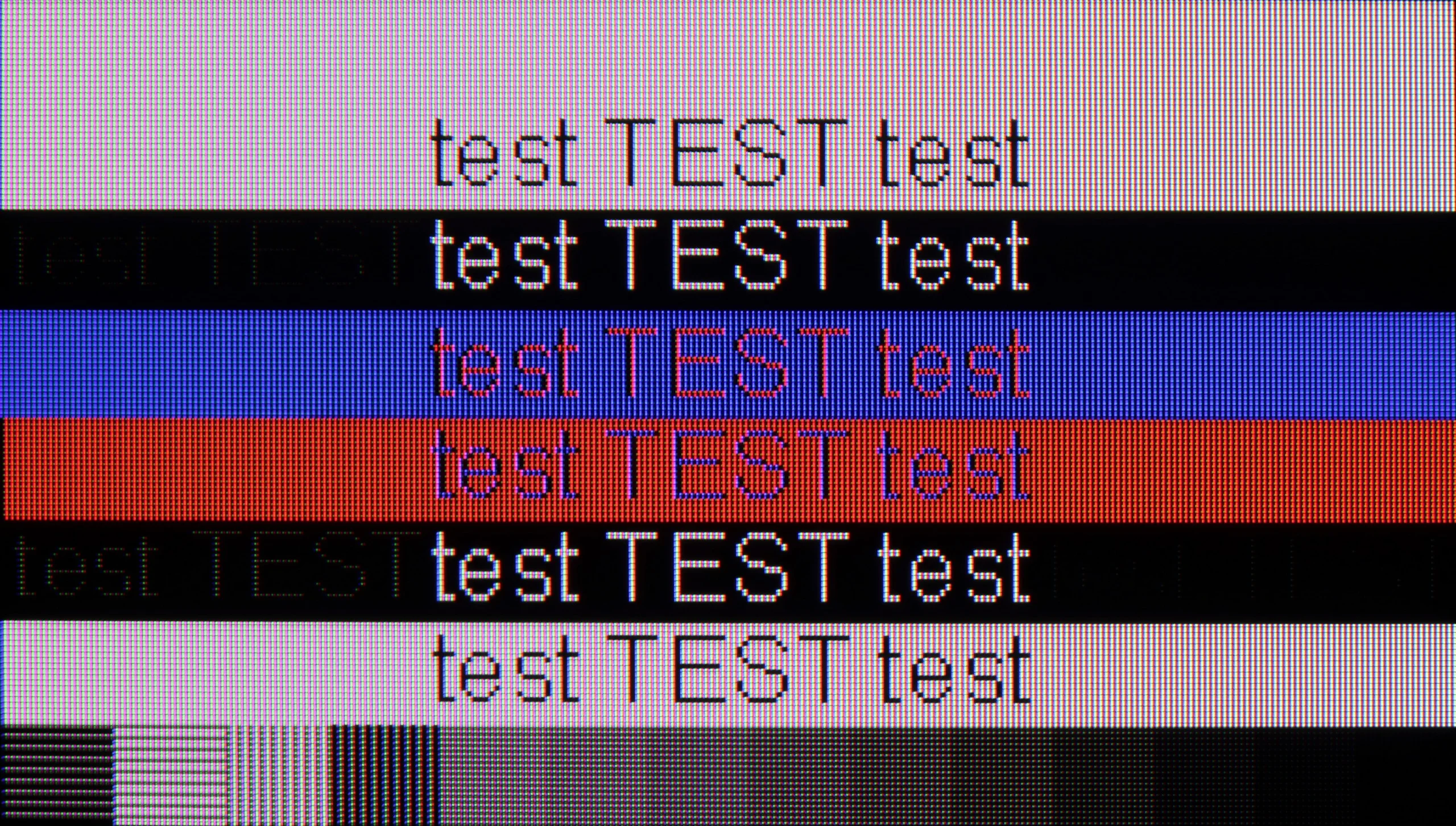
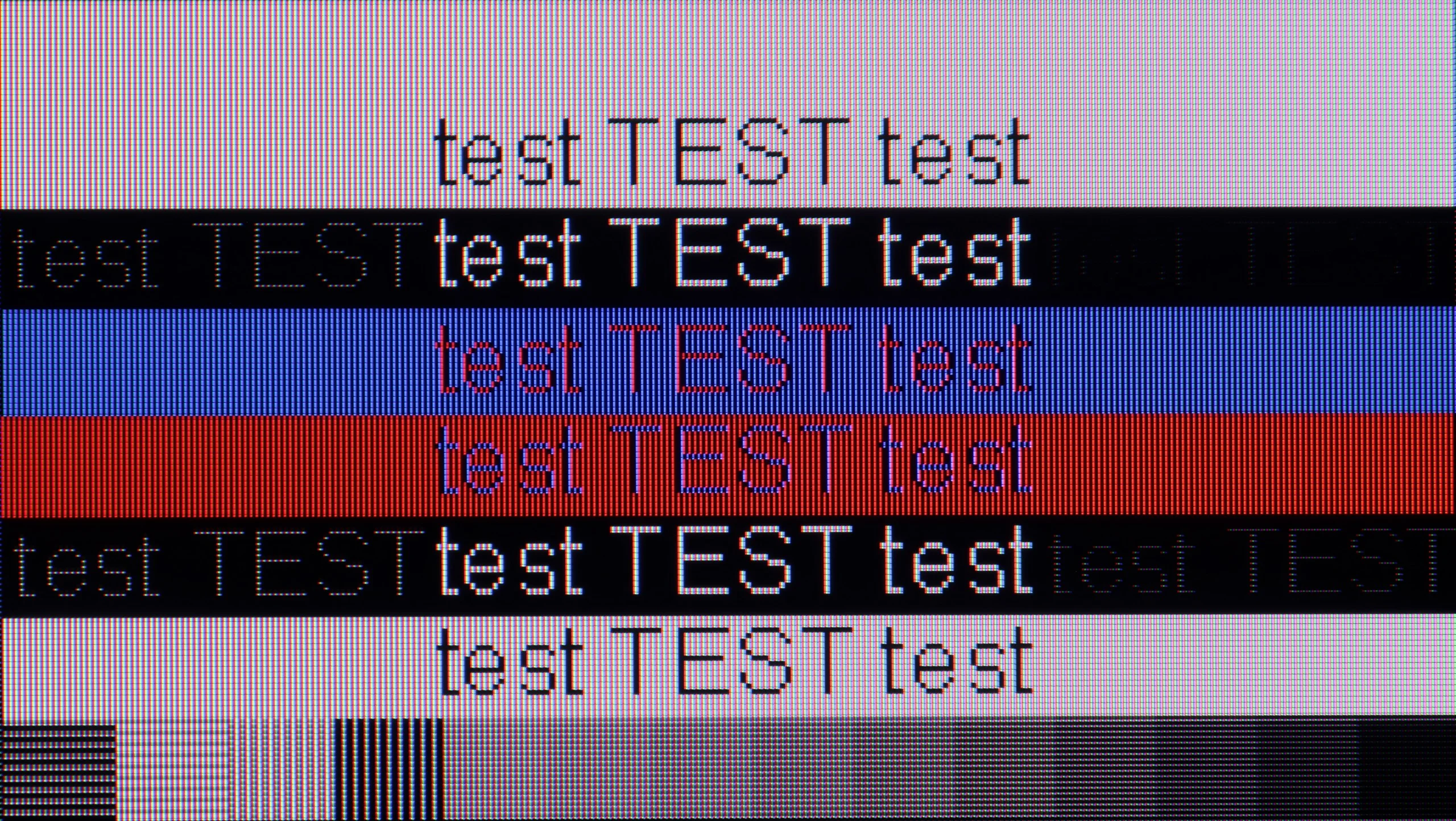
The photo shows the legibility of small fonts. Ideally, lines should be the same thickness on both light and dark text, with minimal pixel gaps.
When it comes to working with a computer, the S7NQ Canvas TV performs really well. Gaming on it is seamless thanks to the presence of a 144 Hz panel and support for G-Sync with Nvidia cards. Input lag – as we mentioned earlier – is good, though not exceptional.
And what about work? It’s doable. The television has a correct implementation of chroma 4:4:4, so fonts look quite clear. You might nitpick about some minor issues with the thinnest letters on a dark background, but let's be honest – rarely does anyone sit a metre away from a 55-inch screen reading small text.
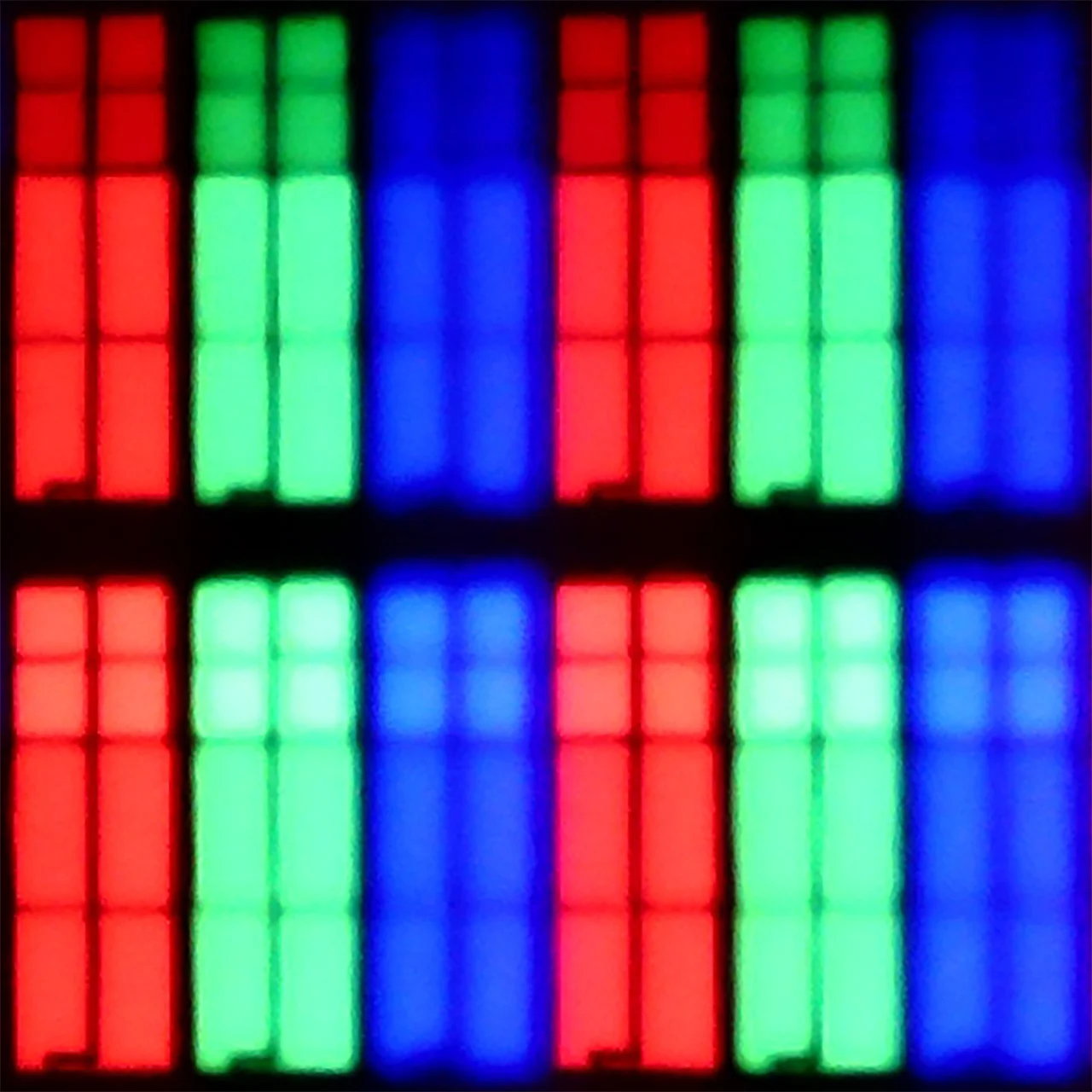
The M80H also works very well as a computer monitor. Gamers can use 4K at 144 Hz, with VRR and G-Sync, and input lag in PC mode is around 10 ms. There is also a Full HD mode at 240 Hz. The TV correctly displays 4:4:4 chroma at the maximum resolution and refresh rate. Combined with a classic RGB subpixel layout, this gives very good font legibility, for both light and dark text. The M80H is therefore suitable not only for gaming but also for everyday desk work.
Viewing angles
3.4/10
3.1/10
The viewing angles here are typical for a VA panel. The S7NQ loses quite a bit when viewed at around a 45-degree angle – the colours fade, and the brightness clearly drops. It’s a pity, because after all, this is a television that is meant to display works of art – it would be nice to be able to look at them from different places in the room, not just straight on.
Viewing angles are one of the weaker points of the M80H. The TV uses a VA panel, which provides deeper blacks and higher contrast than an IPS panel, but it looks worse when viewed from the side. Just sitting at a wider angle is enough for colours to start losing saturation, blacks to become noticeably lighter, and the whole image to look more washed out. This is a typical compromise associated with this type of panel. The M80H therefore performs best when watched straight on or from a minimal angle.
Daytime performance
5.4/10
5/10
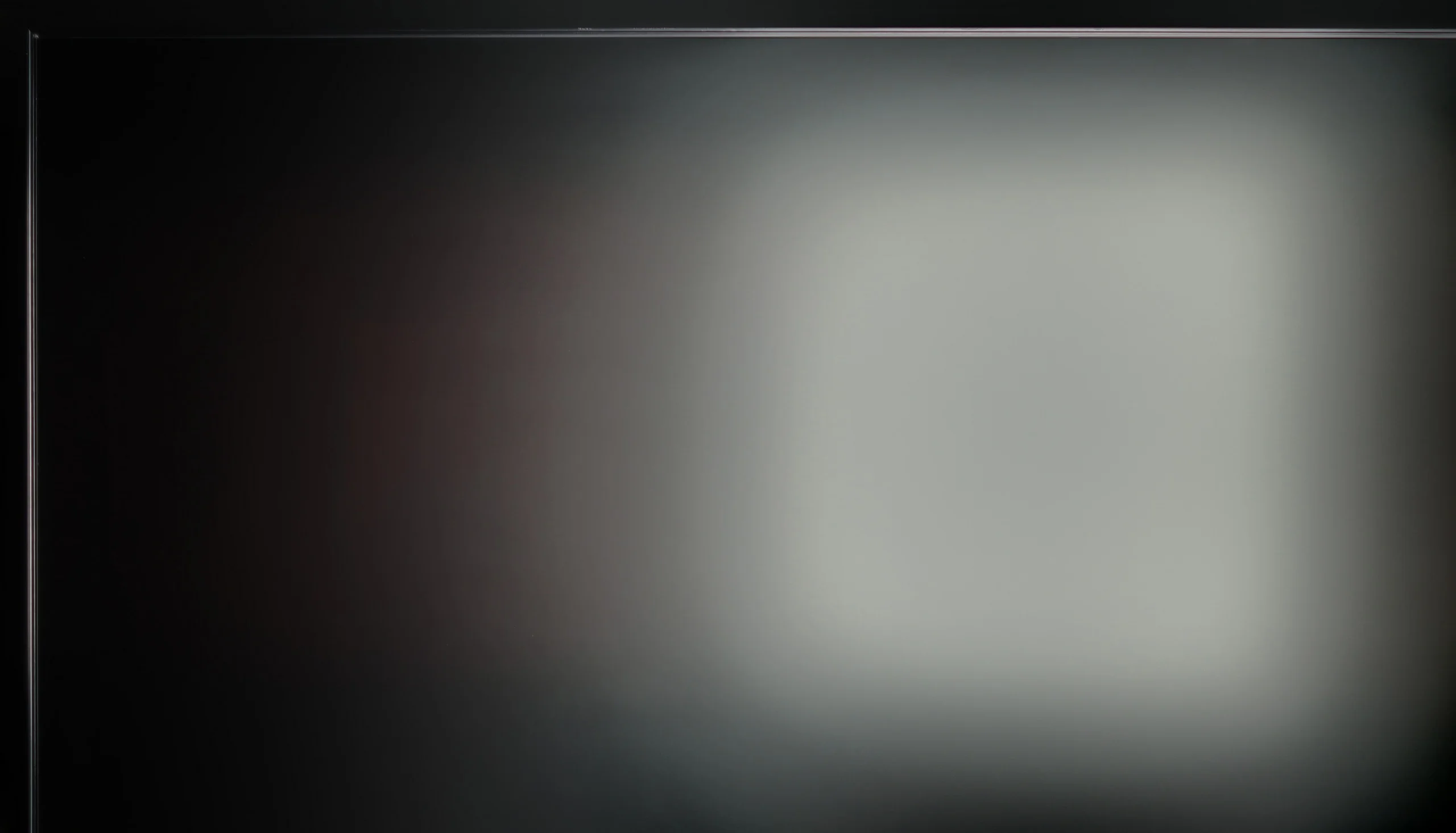
Panel brightness
Samsung M80H: 345 cd/m2
Hisense S7NQ CanvasTV: 497 cd/m2
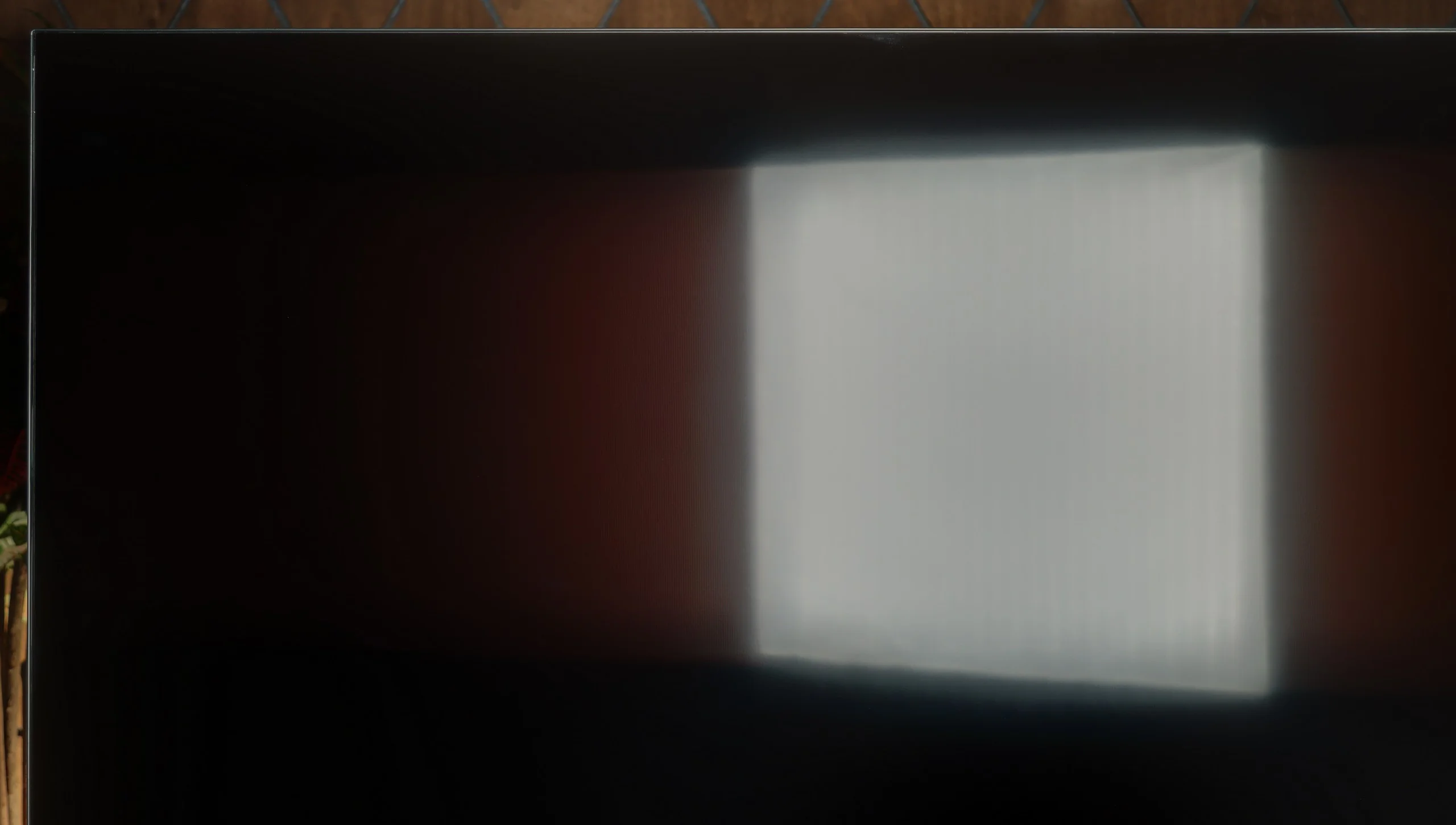
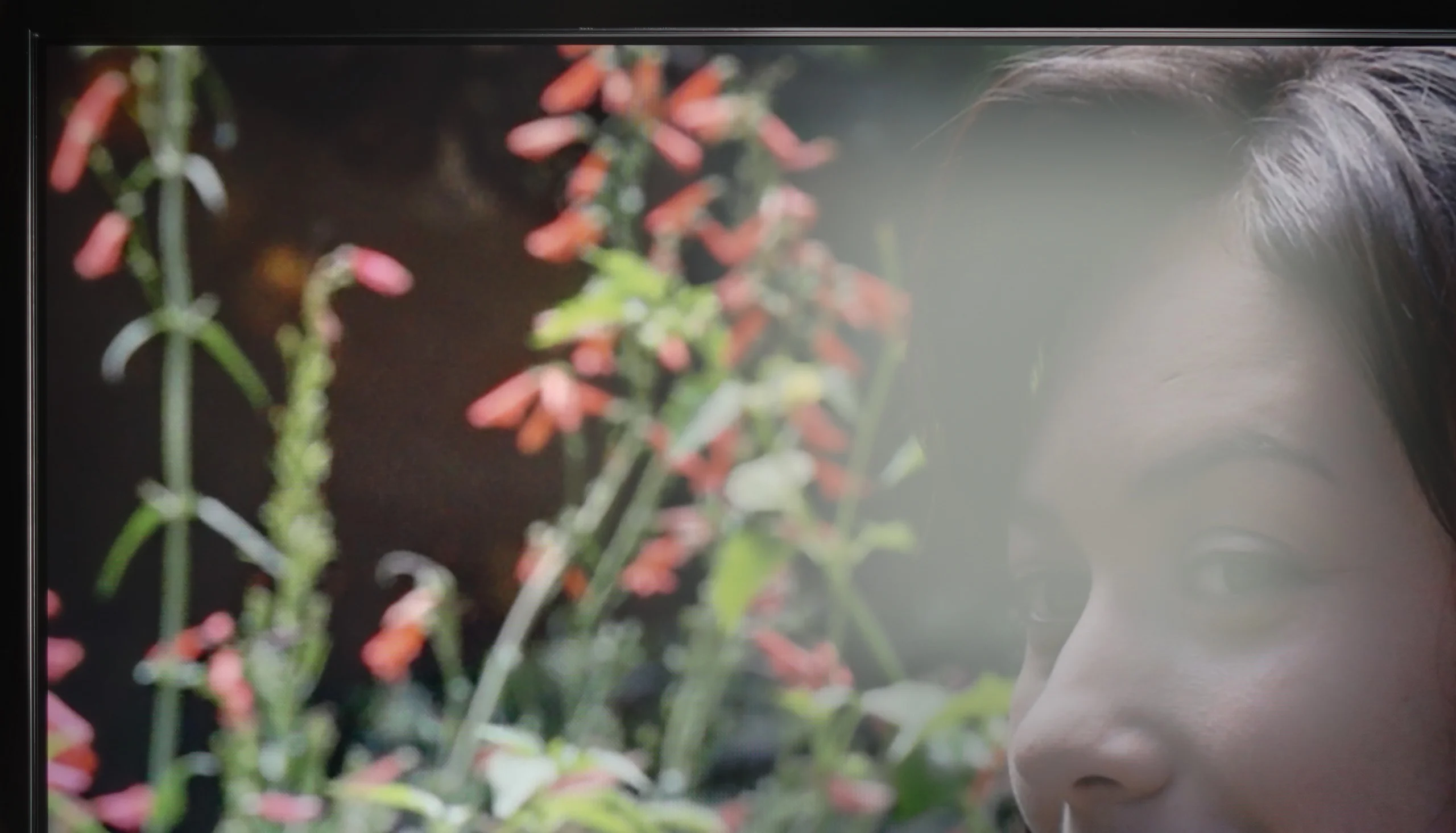
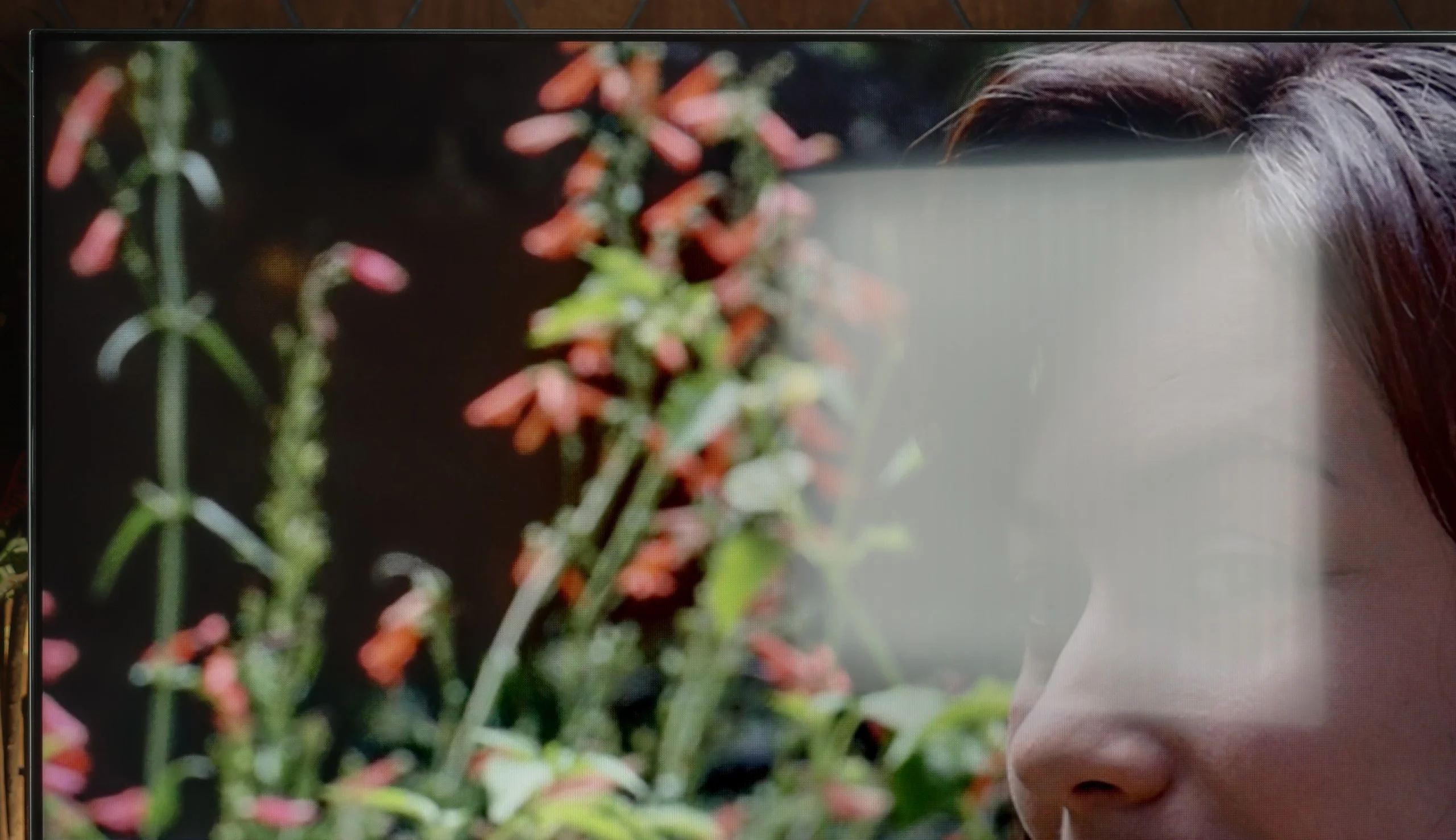
The Hisense S7NQ Canvas TV is equipped with a matte display, which quite effectively suppresses reflections – very similar to its Chinese rival, the TCL A300 NXTVision. Unfortunately, both designs fall short in this category compared to Samsung's The Frame, which offers a significantly better anti-reflective coating. In the case of the Chinese models, including the S7NQ, colours fade quite noticeably under light, and black performs poorly in such conditions. The brightness of the television reaches around 500 nits – a fairly decent value for a matte screen, but still lower than that of the aforementioned The Frame. Generally, if someone prefers matte displays, well... it looks like it looks – Samsung simply did it better.
In a bright room the M80H performs acceptably, but without any major surprises. The satin finish does a decent job of reducing reflections, although with large windows or lamps positioned opposite the screen they will still be visible. Black levels are a plus: with the lights on they do not become overly grey. SDR brightness is around 345 nits and remains stable regardless of the scene being shown. In a typical living room this should be enough for comfortable daytime viewing. However, in a very brightly sunlit room the image may look too washed out.
Panel details
Subpixel Structure:
Panel uniformity and thermal imaging:
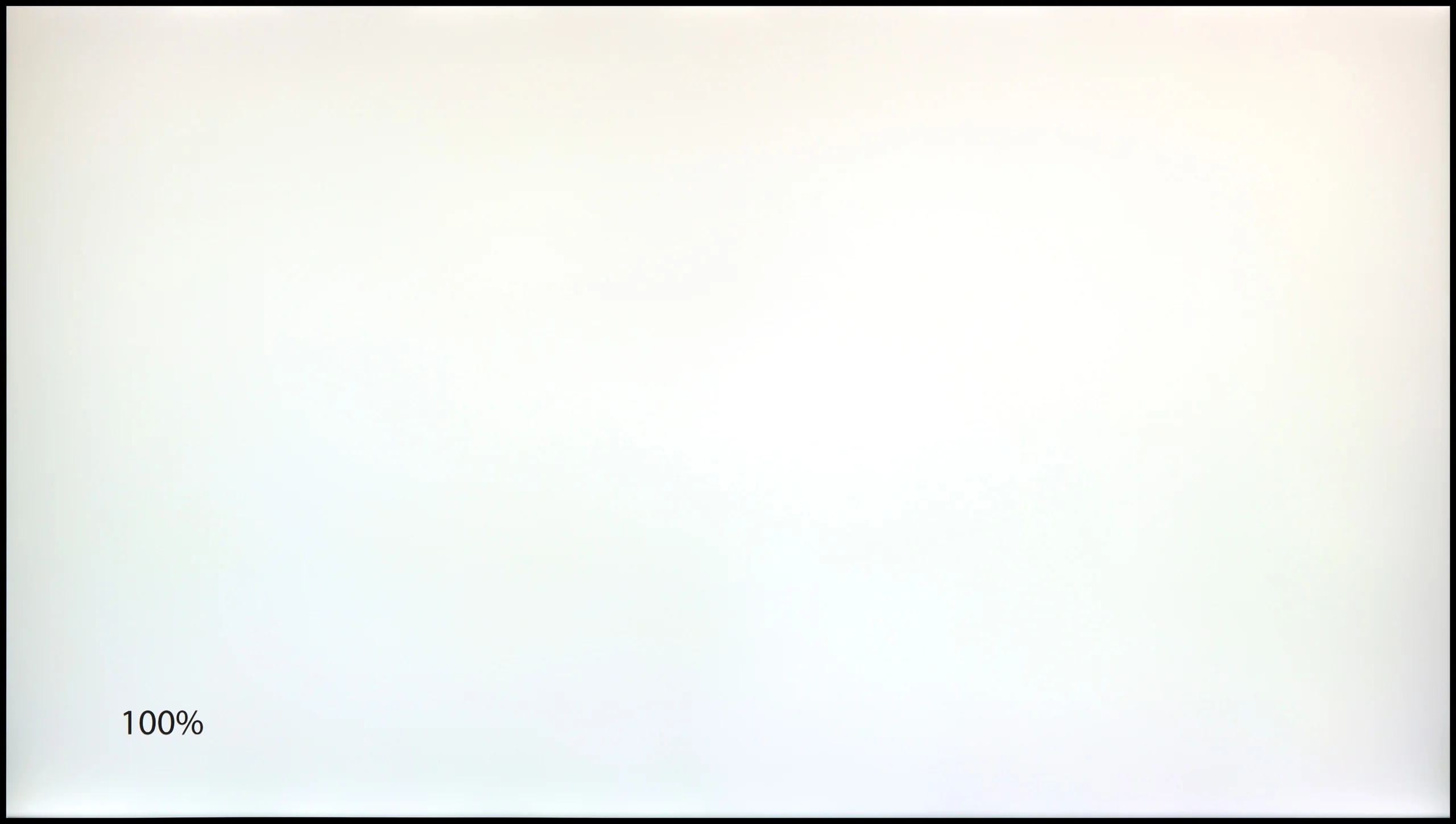
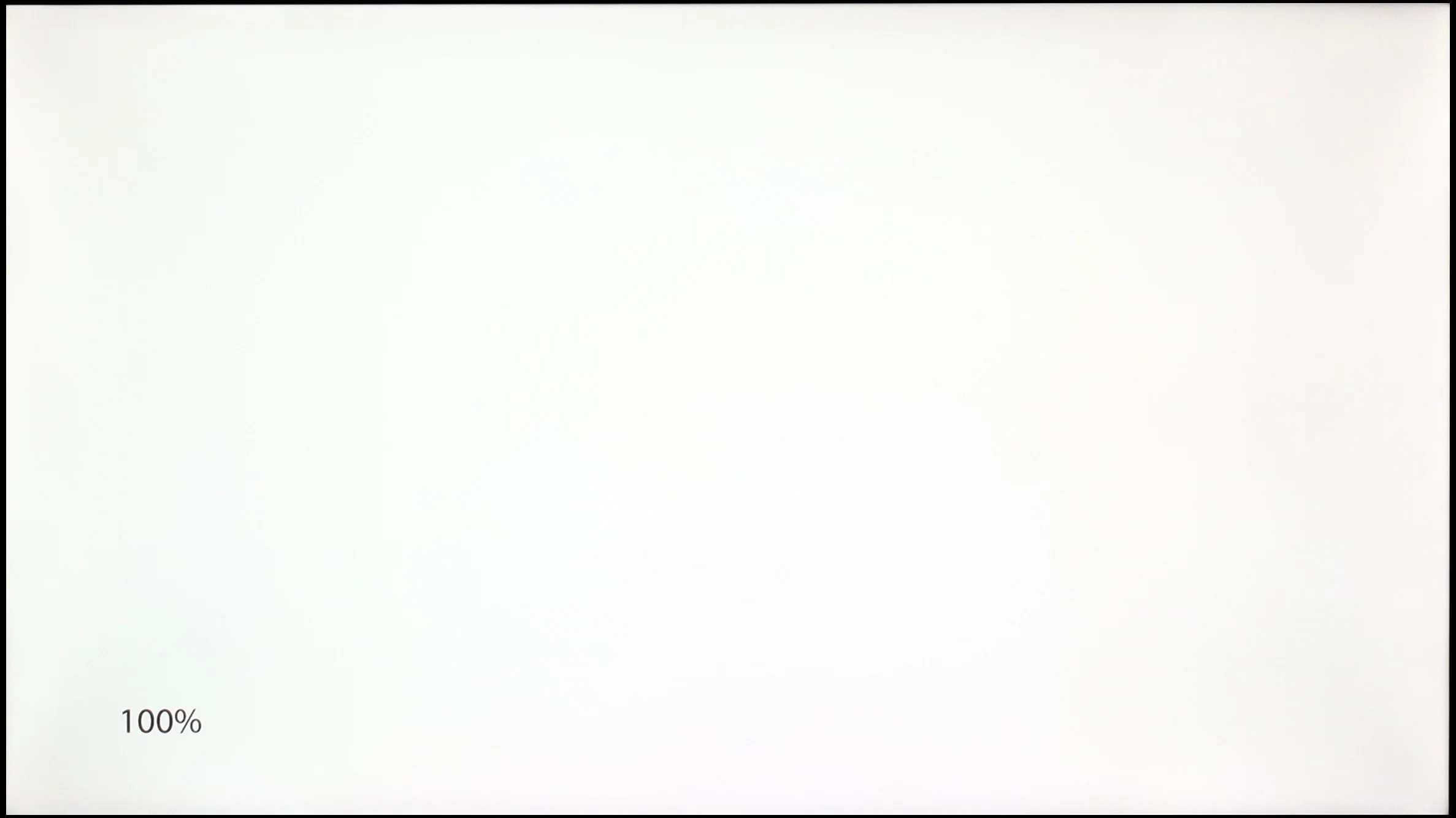
Hisense S7NQ CanvasTV
Samsung M80H
TV features
9.2/10
7.3/10
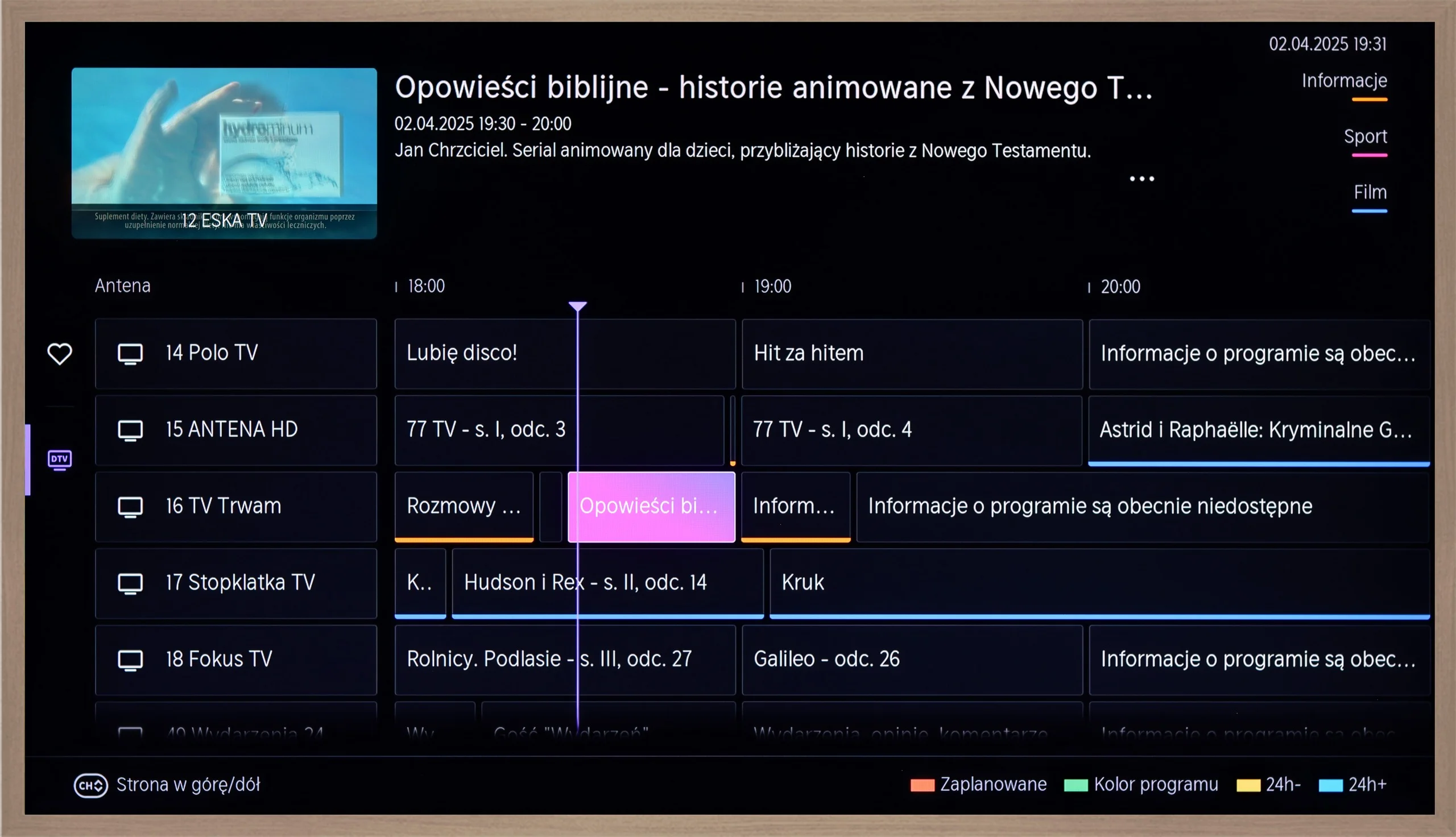
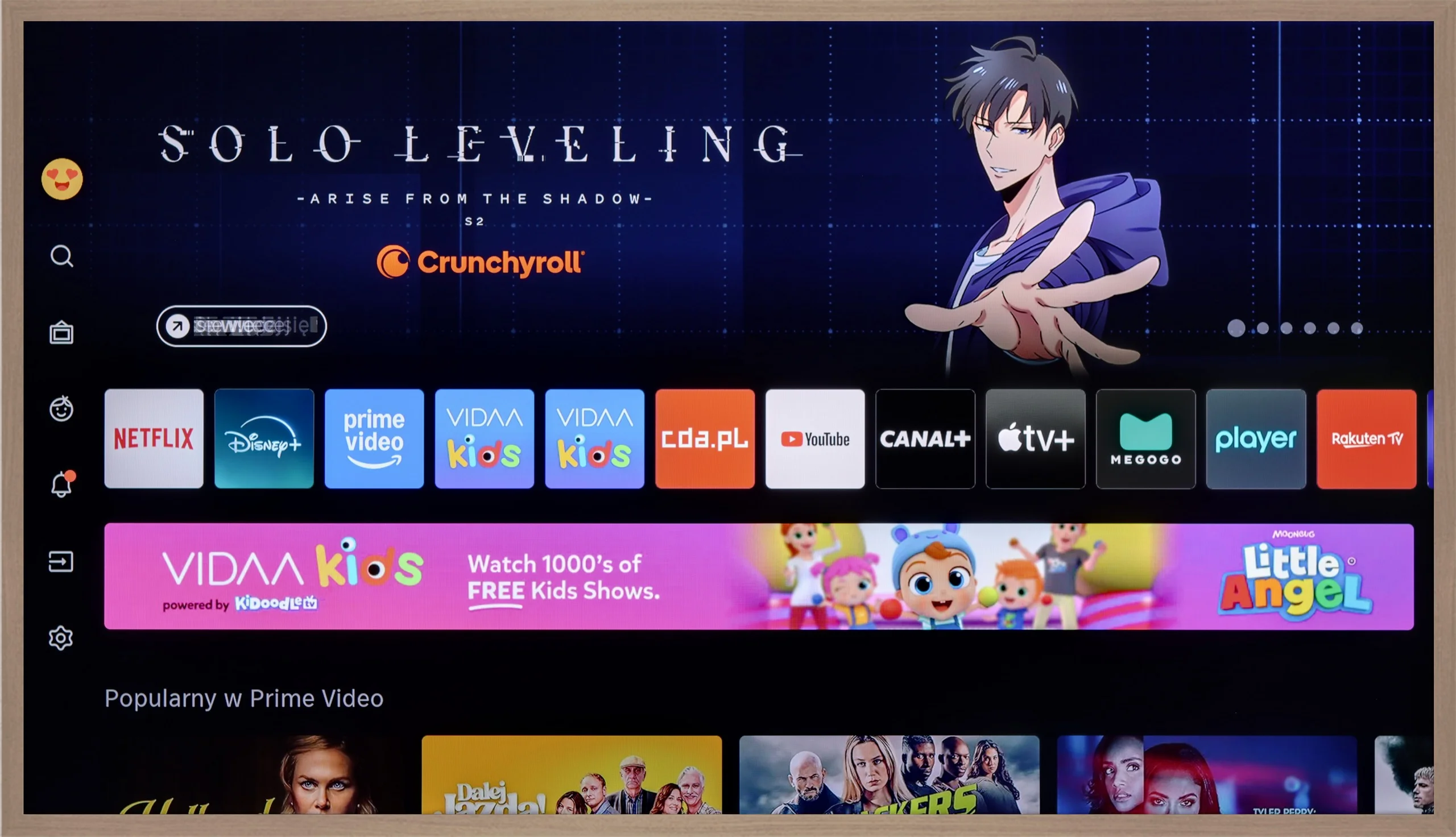
- SystemVIDAATizen
- System performanceGoodVery good
- HDMI inputs2 x HDMI 2.0, 2 x HDMI 2.1 48Gbps0 x HDMI 2.0, 3 x HDMI 2.1 48Gbps
- OutputsToslink (Optical audio), eARC (HDMI), ARC (HDMI)eARC (HDMI), ARC (HDMI)
- Network InterfacesWi-Fi 2.4GHz, Wi-Fi 5GHz, Ethernet (LAN) 100MbpsWi-Fi 2.4GHz, Wi-Fi 5GHz, Ethernet (LAN) 100Mbps
- TV receptionDVB-T, DVB-T2, DVB-S, DVB-S2, DVB-CDVB-T, DVB-T2, DVB-S, DVB-S2, DVB-C
Classic features:
- Recording to USB (terrestrial TV)
- Recording programming
- Picture in Picture (PiP)
- RF remote control (no need to aim)
- Backlit remote control
- Teletext
- Audio only mode
- Bluetooth headphones support
- Simultaneous Bluetooth headphones & TV audio
Smart features:
- AirPlay
- Screen mirroring (Windows Miracast)
- Voice search
- Voice search in native language
- Ability to connect a keyboard and mouse
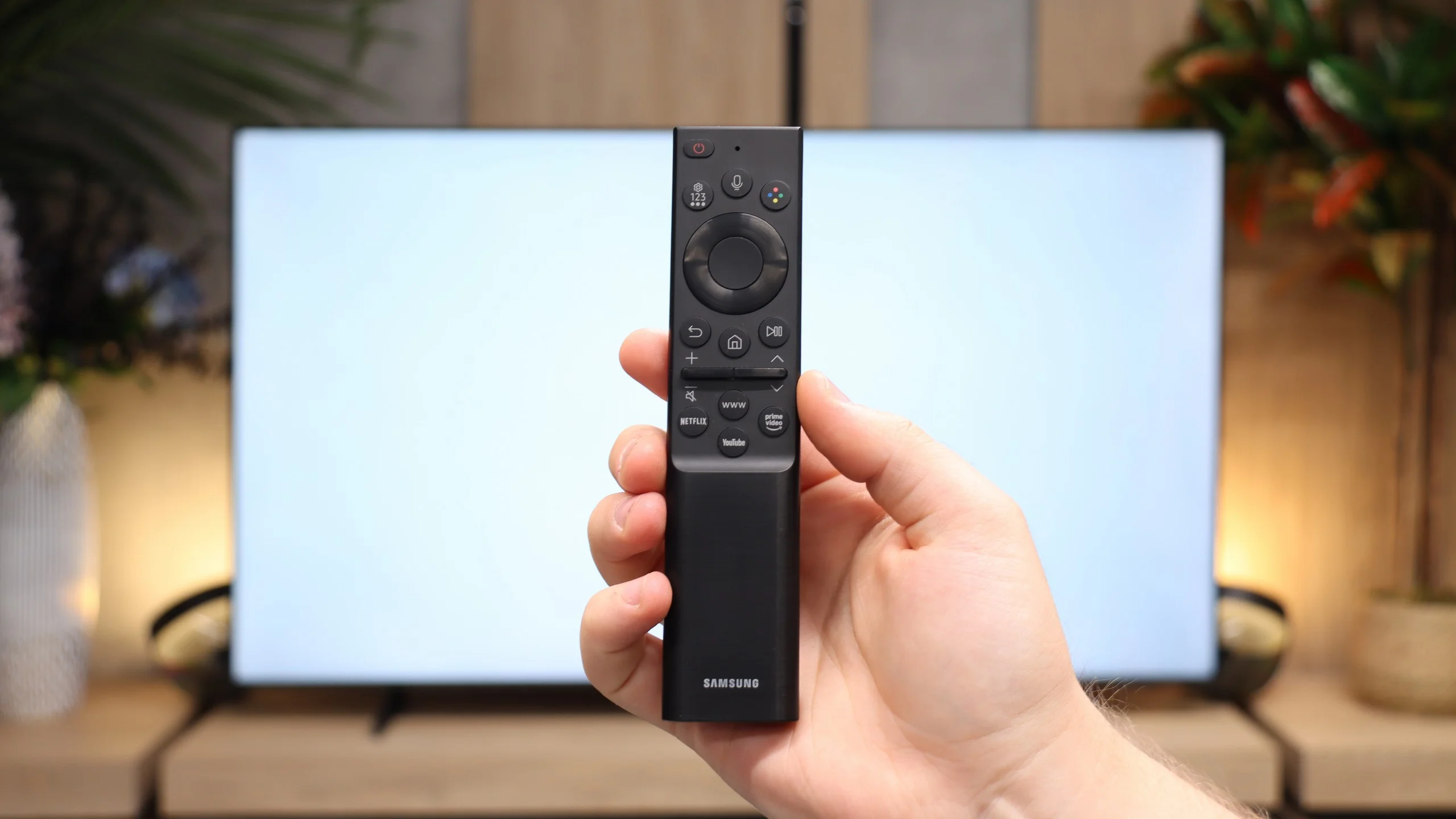
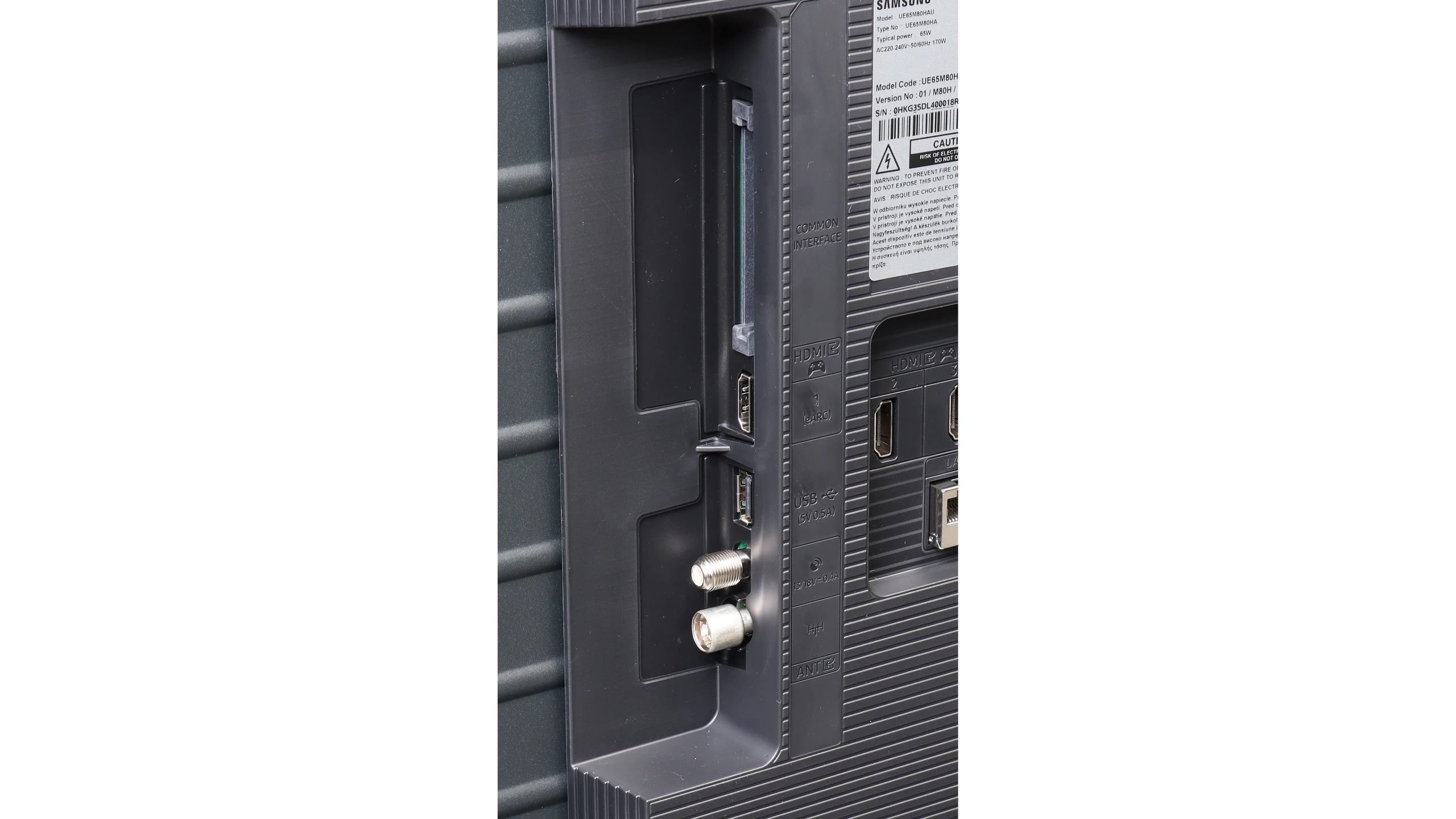
Sound connection options
- HDMI audioeARC (HDMI), ARC (HDMI)eARC (HDMI), ARC (HDMI)
- Other audio outputsToslink (Optical audio)
- Wireless audioBluetoothBluetooth
Supported audio formats (external HDMI eARC audio):
- Dolby Digital Plus 7.1
- Dolby True HD 7.1
- Dolby Atmos in Dolby Digital Plus (JOC)
- Dolby Atmos in Dolby True HD
- DTS:X in DTS-HD MA
- DTS-HD Master Audio
Senior accessibility
- Numeric keyboard on TV
- Font size adjustment
- Audio description
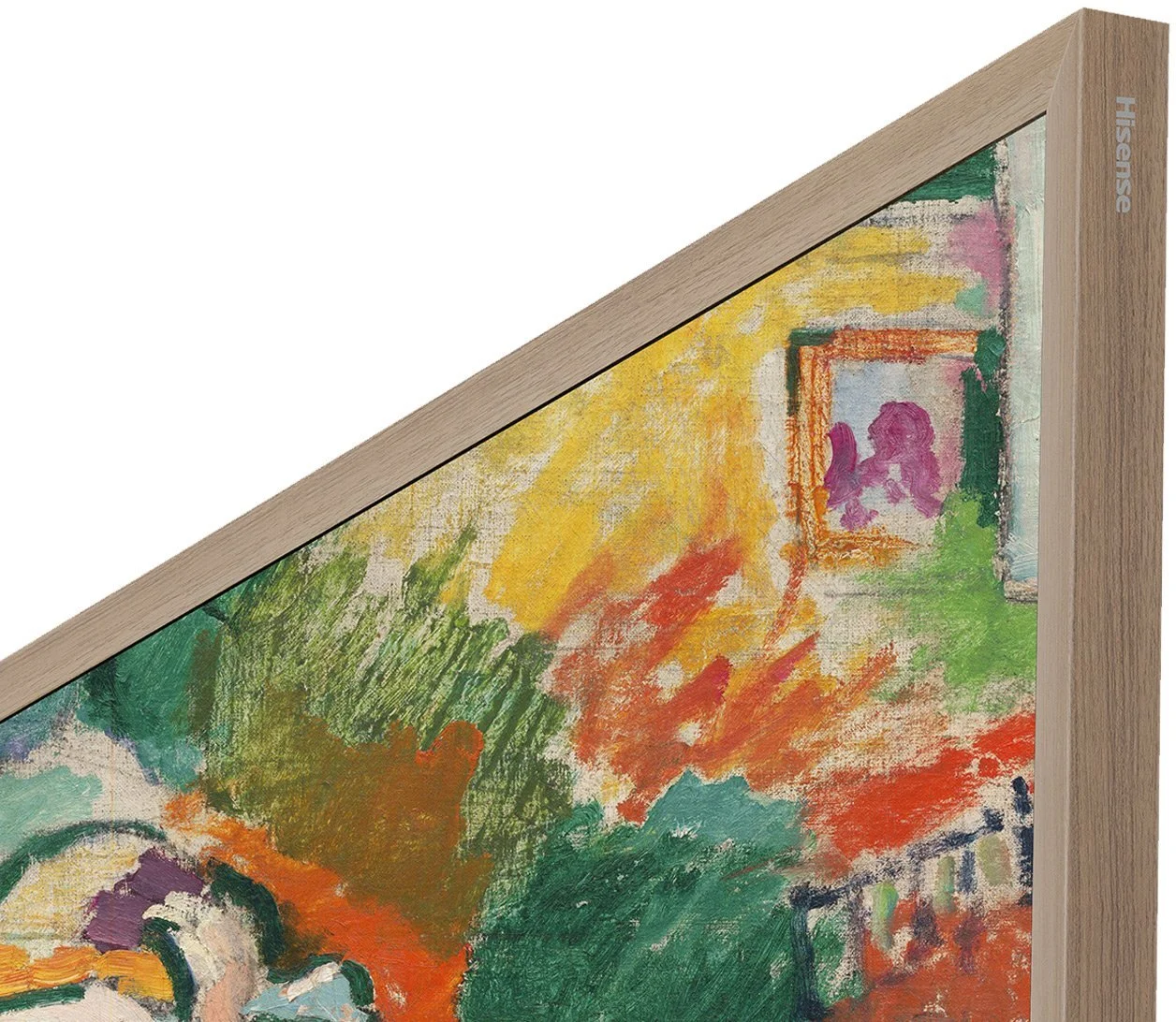
As the Hisense S7NQ is a television designed for a specific purpose, we will start the description a bit differently – from the most important aspect of such models, which is the display of artworks. Like all "art" televisions, it features a special mount, allowing the screen to be installed completely flat. The biggest advantage compared to the Korean Samsung The Frame is the fact that, despite the lesser availability of images in gallery mode, all of them are completely free – there is no need to pay any subscription fees. An additional bonus included with the S7NQ is the light brown frame. This is quite a plus, especially if someone was planning to choose that colour anyway – it can save a bit of money on both the frame and the subscription.
However, when it comes to the quality of the displayed images, unfortunately, it is evident that the Samsung The Frame performs significantly better in this regard. In the S7NQ, the images look more digital, while in The Frame, the Art Store mode offers real scans of artworks, where you can even see the texture of the paint or the brush strokes of the artist. And once again, we return to an old truth – for better quality, you simply have to pay.
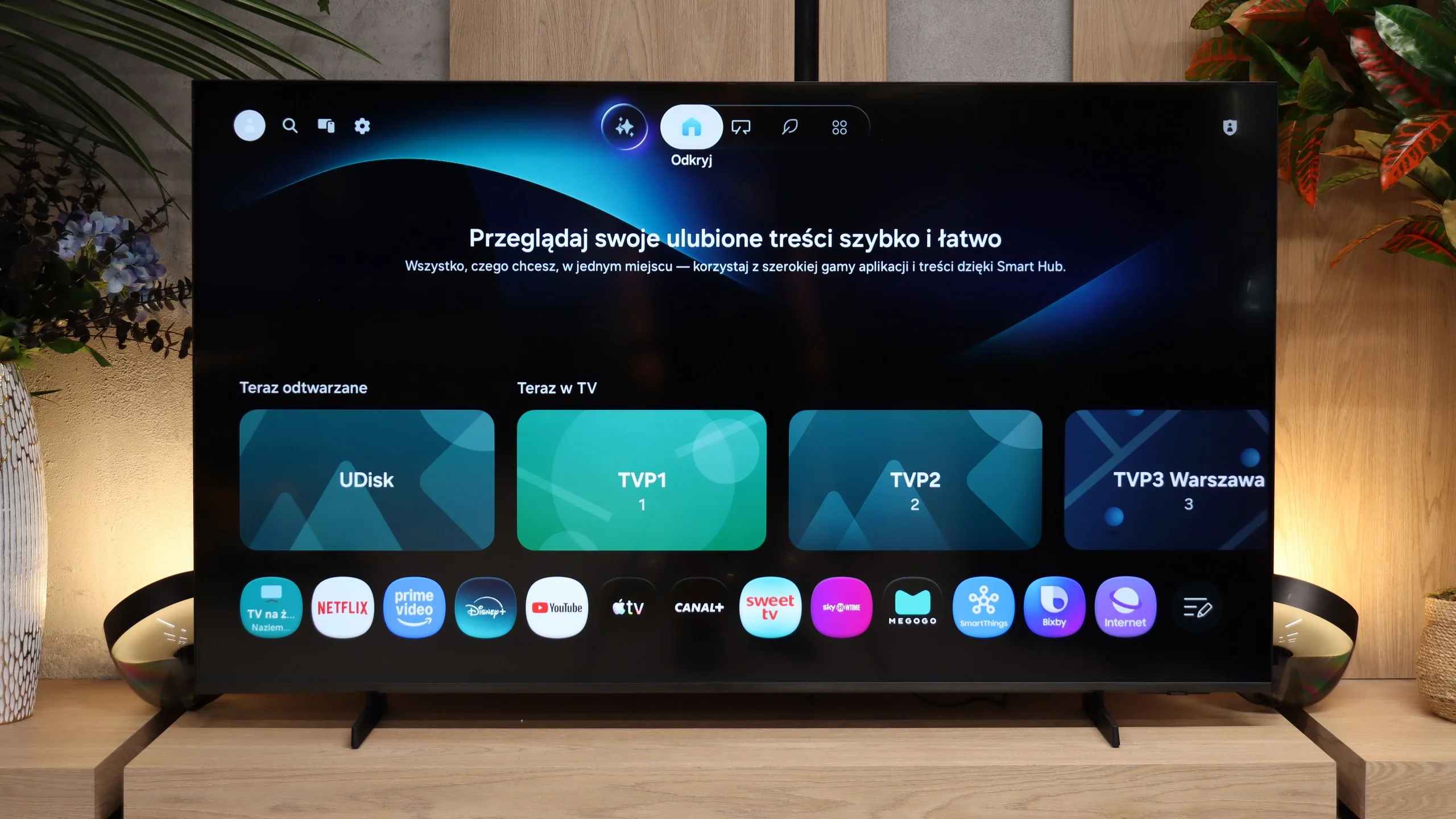
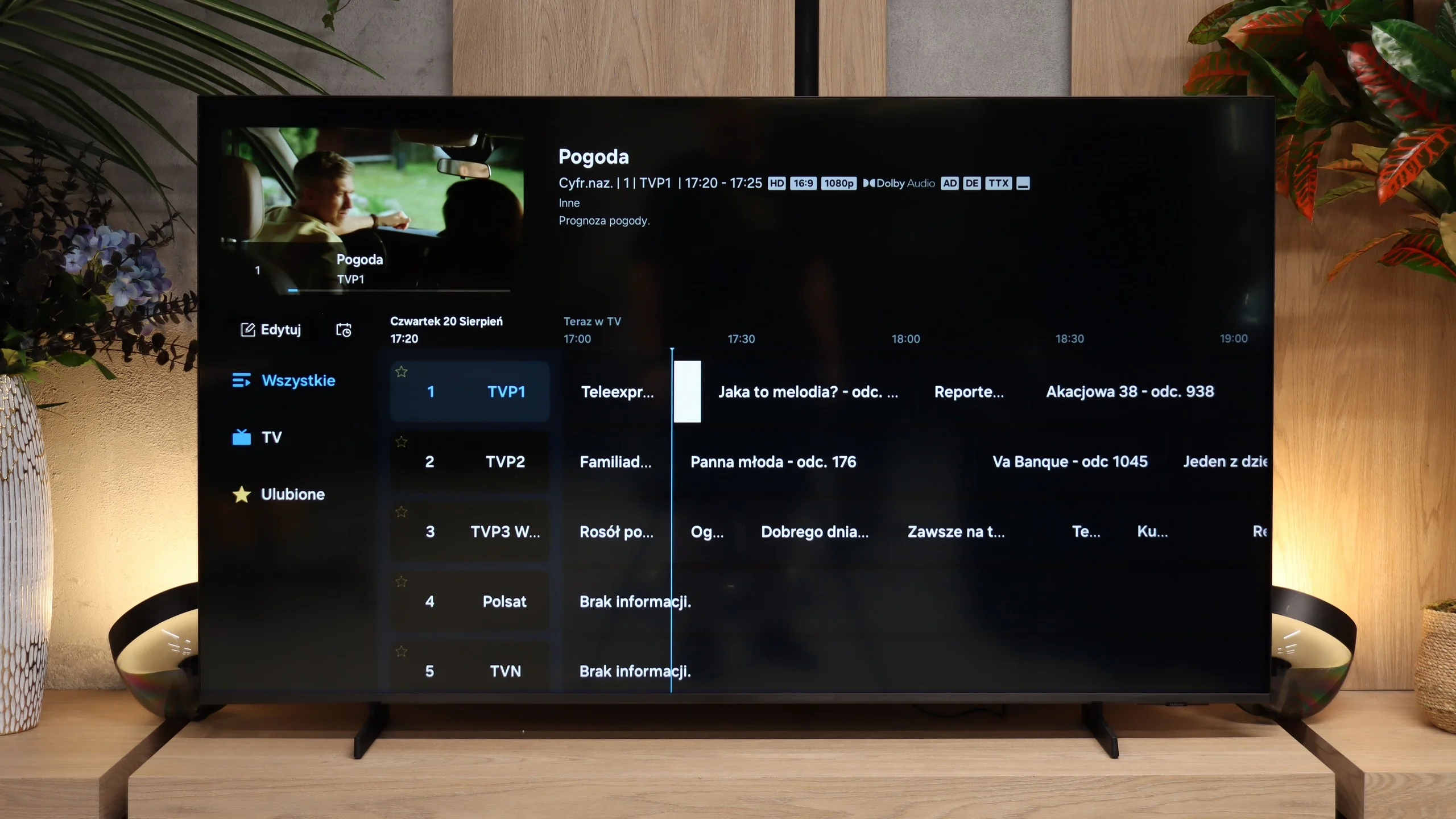
Fortunately, the S7NQ is not just an “art piece,” but also a regular television – and it performs really well in that role. Like most Hisense models with the VIDAA system, it has many basic functions such as USB recording, screen mirroring, and AirPlay support. As for applications – the most popular streaming services are present here, and you can find their full list below.
Smart TV system
The M80H runs on Tizen, the same system found in all Samsung TVs. The system is fast, stable and offers all the most popular streaming apps. There is therefore no need to worry that a lower-tier model would be missing any of the major services. It also supports AirPlay, Miracast and voice search. The TV works with the SmartThings system, so it can be used to control smart home devices.
Television features
Traditional television features are weaker. The M80H does not allow recording programmes to a USB drive or scheduling recordings. It also lacks picture-in-picture. What remains are the basics, such as teletext and the option to turn off the screen while keeping the sound on. You can connect Bluetooth headphones to the TV, and audio can be played through them and the built-in speakers at the same time. That’s useful if one viewer needs higher volume, for example seniors. The set comes with a simple Smart remote with a small number of buttons. Unfortunately it is not the solar-powered version known from other Samsung models, and the remote runs on standard batteries. Fortunately it connects to the TV via radio, so you do not have to point it directly at the screen.
Apps
7.7/10
9.3/10






















Playing files from USB
5.4/10
9.1/10
Supported photo formats:
Maximum photo resolution:
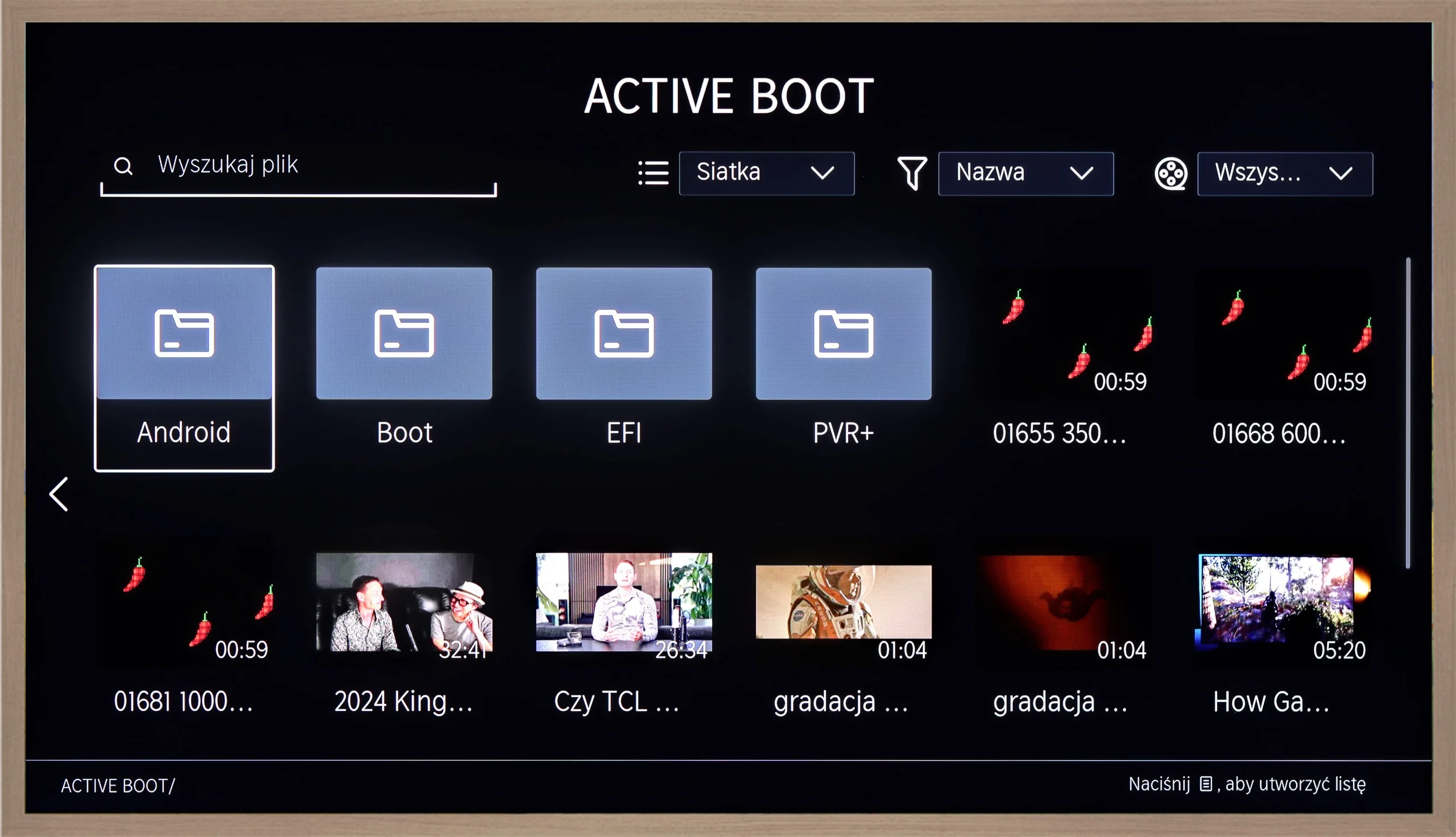
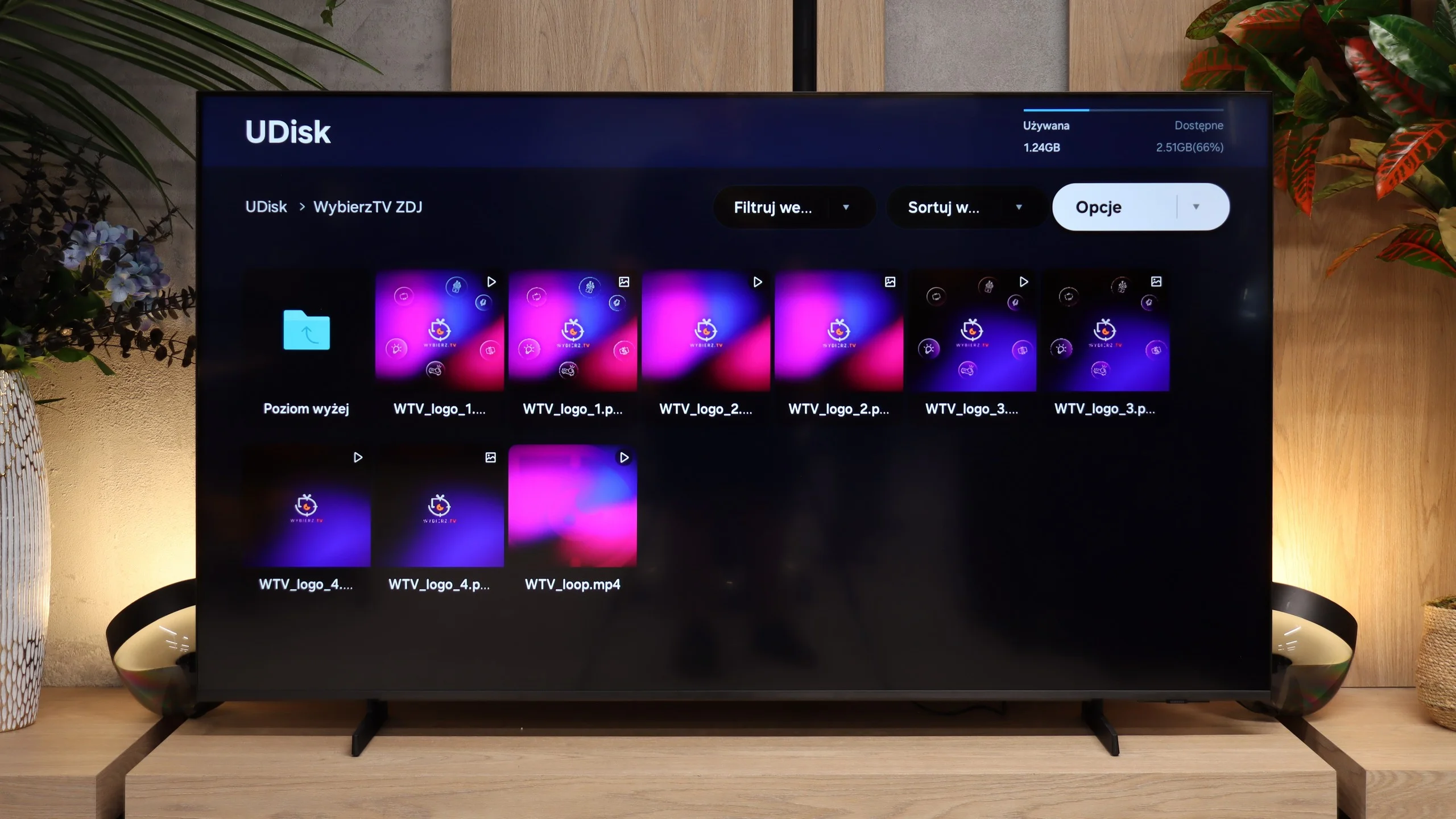
The Hisense S7NQ effortlessly plays the vast majority of popular audio, photo, and video formats. So why the relatively low rating in this category? Well – due to software issues. This is yet another Hisense television that did not allow us to open external subtitles in films. Regardless of whether we are talking about the .ass, .srt, .txt, or .sub format – the subtitles simply did not appear.
The most amusing (or rather the most frustrating) thing about all this is that in the menu, we find options to change the font colour, size, and background… The problem is that the subtitles themselves are not visible at all.
The built-in USB player handles most common video and image formats. It easily displays JPEG, PNG and BMP files, even in high resolution. However, it lacks support for HEIC, the format used, among others, by iPhones. In practice this is unlikely to be a big problem, because the M80H supports AirPlay and most people will probably use that to show holiday photos on the TV. 😉
Sound
6.3/10
6/10
- Maximum volume-88dB
- Dolby Digital Plus 7.1
- Dolby True HD 7.1
- Dolby Atmos in Dolby Digital Plus (JOC)
- Dolby Atmos in Dolby True HD
- DTS:X in DTS-HD MA
- DTS-HD Master Audio
When it comes to sound, it presents itself... much like a television on the wall – that is to say, rather flat. Despite the use of a 2.0.2 speaker set with a total power of 36 W, we cannot speak of any exceptional sound quality here. But as is the case in most instances – buying even the simplest soundbar can radically change the situation.
On the plus side, it is worth noting the support for practically all popular Dolby and DTS codecs. This means we can easily connect the television to a home cinema system without having to fiddle with settings or sound conversion.
The M80H is fitted with a 2.0 speaker set rated at 20 W. It performs adequately but does not stand out among TVs with similar audio systems. Dialogue is clearly audible and the speakers themselves do not introduce noticeable distortion. However, there is a definite lack of bass, so music in particular can sound flat. If you want a somewhat fuller sound, it's worth considering even a simple soundbar and connecting it via HDMI eARC. The TV can also pass Dolby Atmos audio that way. Bear in mind, however, that the M80H has no optical output, so older audio equipment cannot be connected to it in that way.
Sound Quality Test
No sound test video
Acoustic Measurements
No acoustic data
88dBC (Max)
75dBC
Reader comments
Comments are provided by the external service Disqus (Zeta Global). Once loaded, Disqus may set cookies and process data about your activity.
We will remember your choice on this device. Provider's privacy policy