Google TV
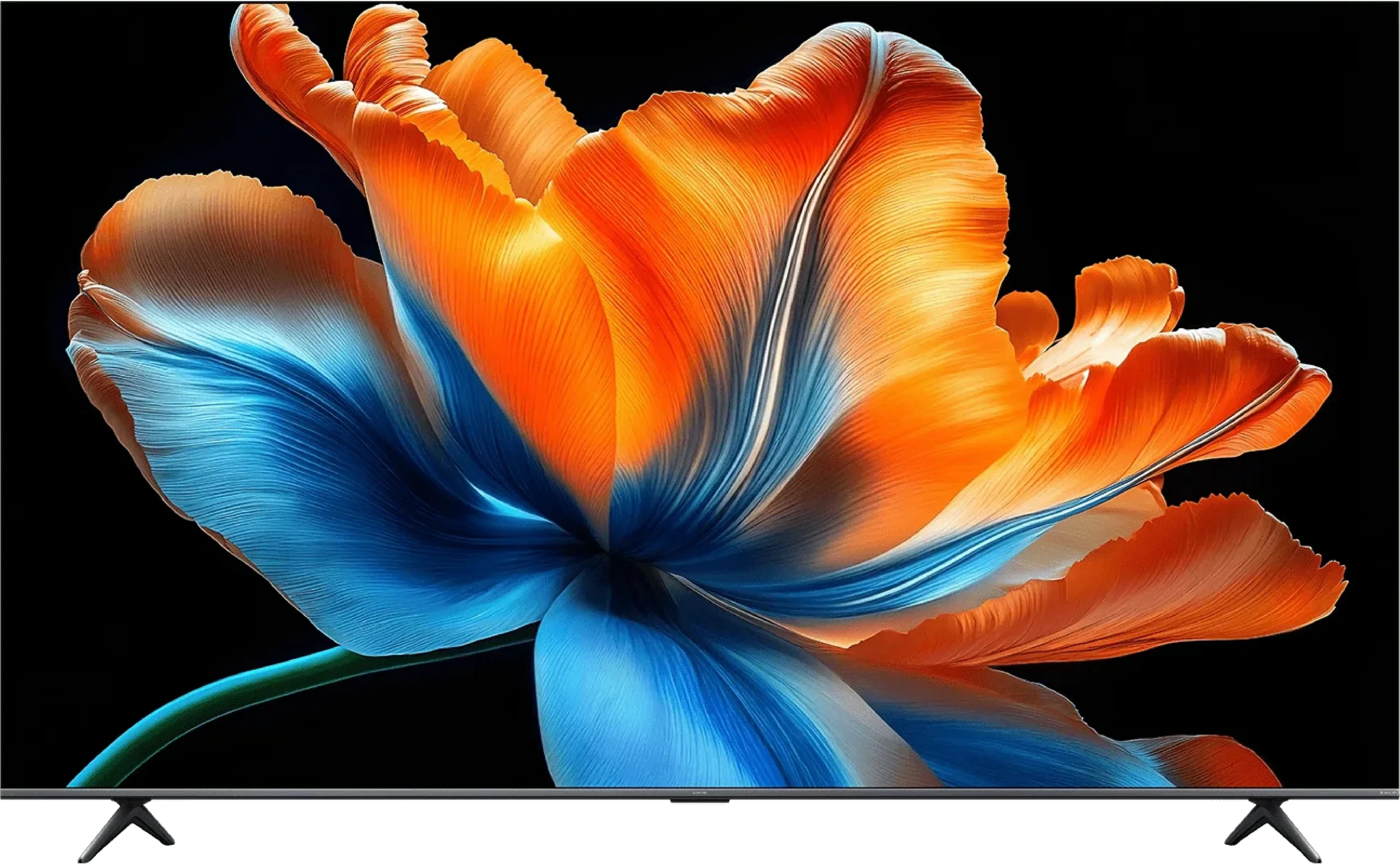
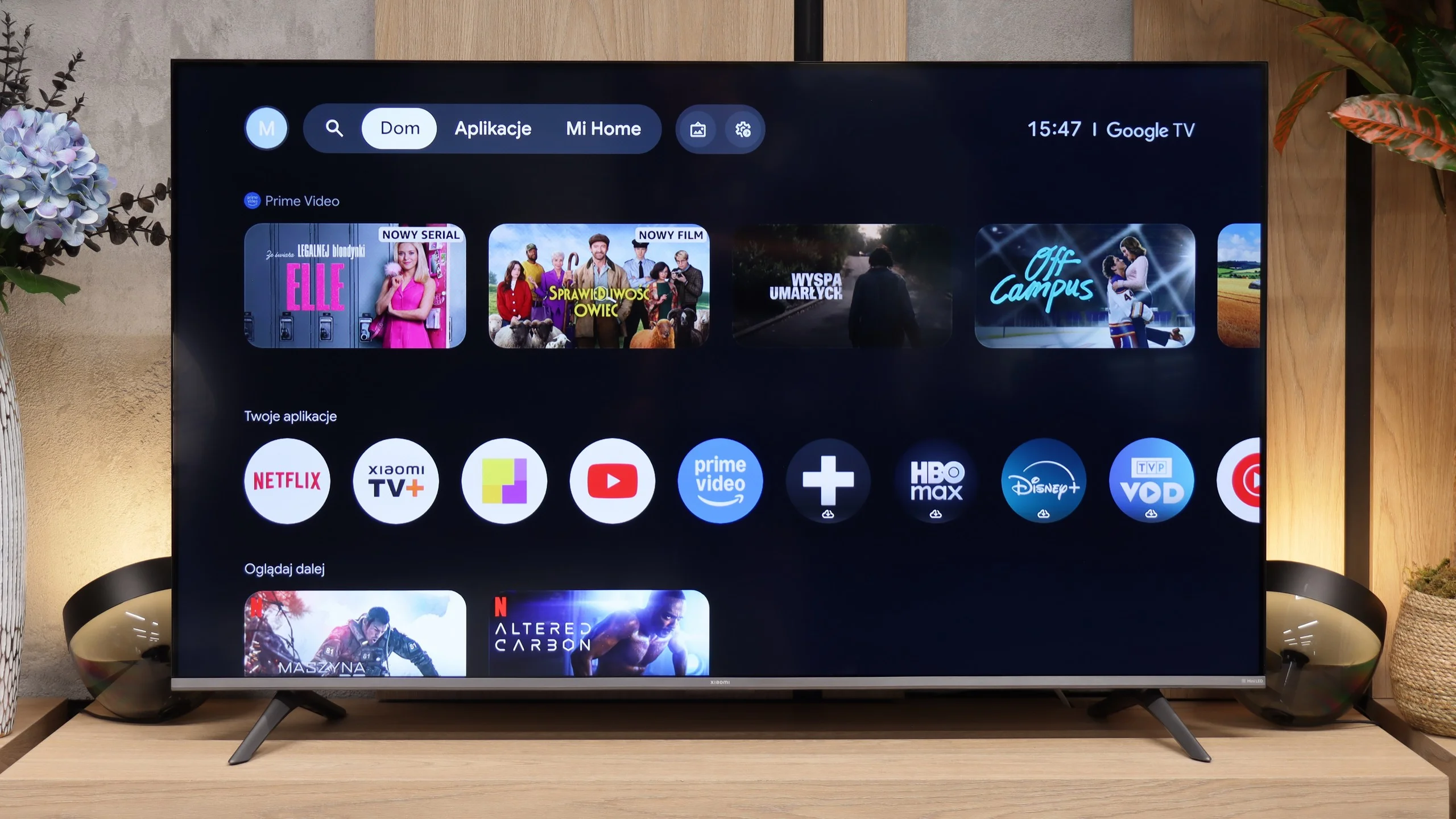
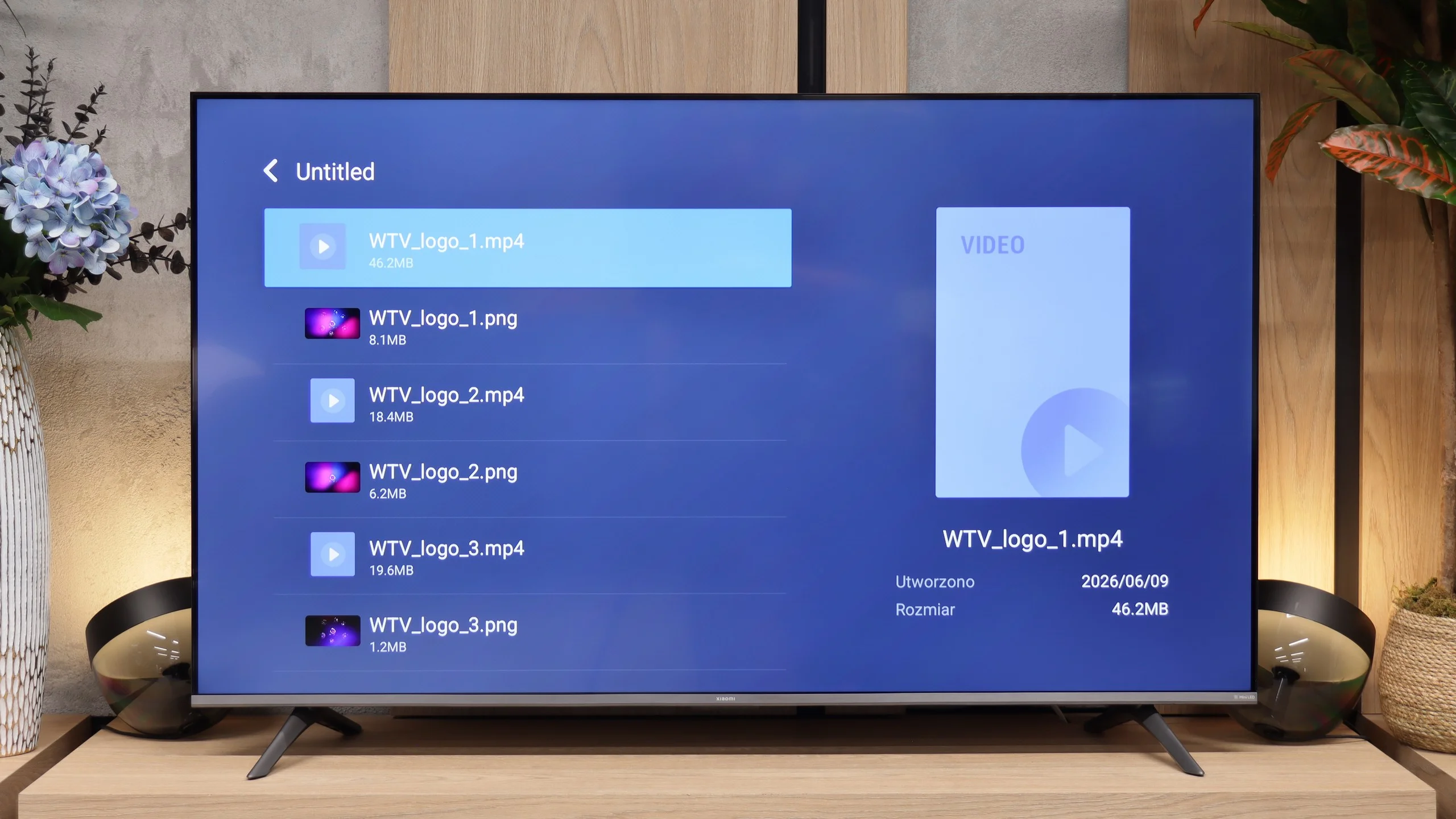
Xiaomi S Mini 2026 runs on Google TV, which remains one of the most comprehensive Smart TV platforms. You’ll find practically all the popular apps here, such as Netflix, YouTube, Prime Video, Disney+, HBO Max and Canal+, and thanks to the Google Play Store you can install many other programmes. It also supports Google Assistant, Chromecast and the ability to control the TV from your smartphone.
Unfortunately, on the smaller models the system doesn’t run as smoothly as we’d expect. Switching between apps or navigating the menu can take a moment, and the interface sometimes responds with a slight delay. It’s not a level that prevents using the TV, but compared with the competition it’s clear this isn’t the fastest version of Google TV on the market.
Classic features
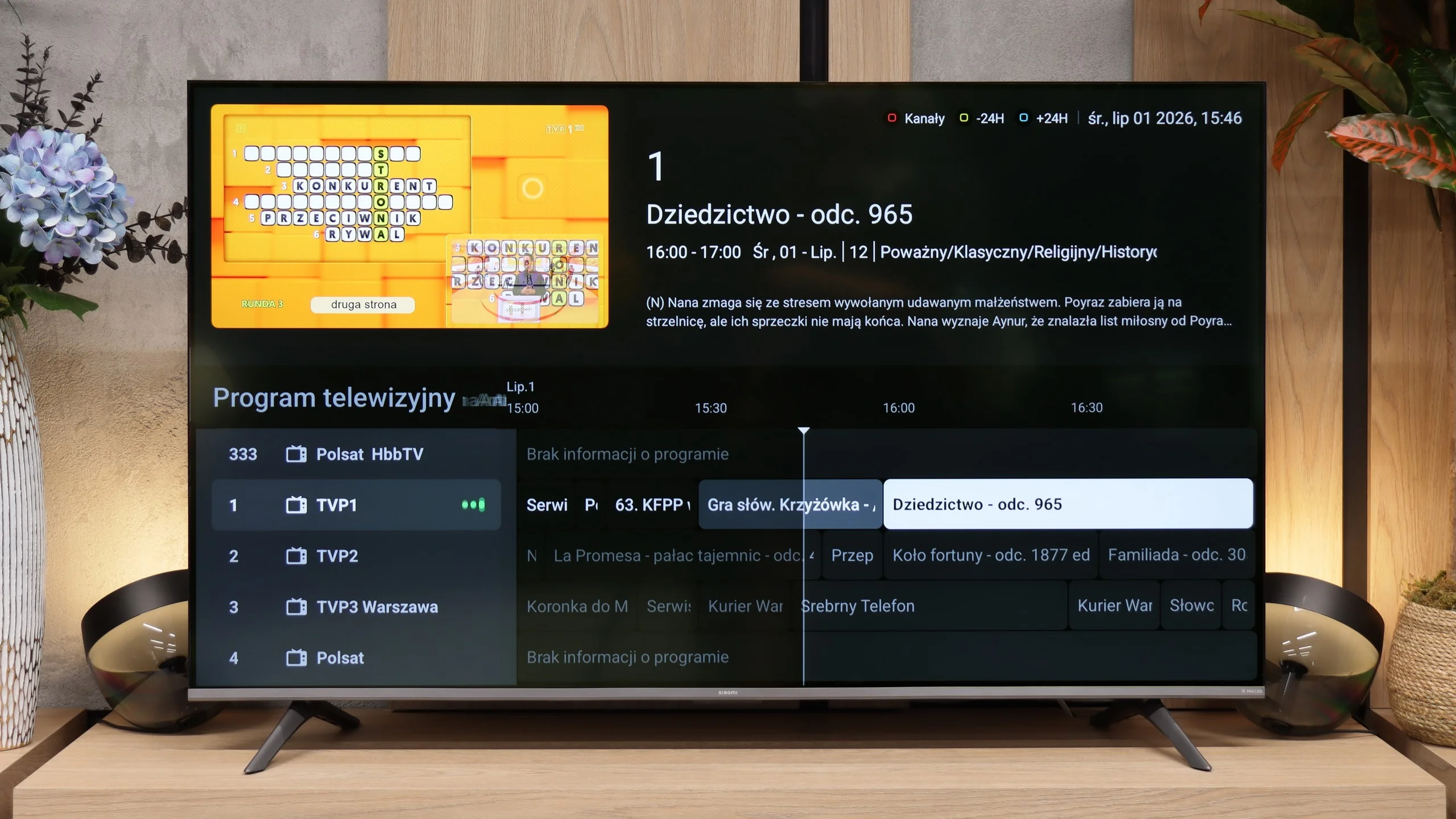
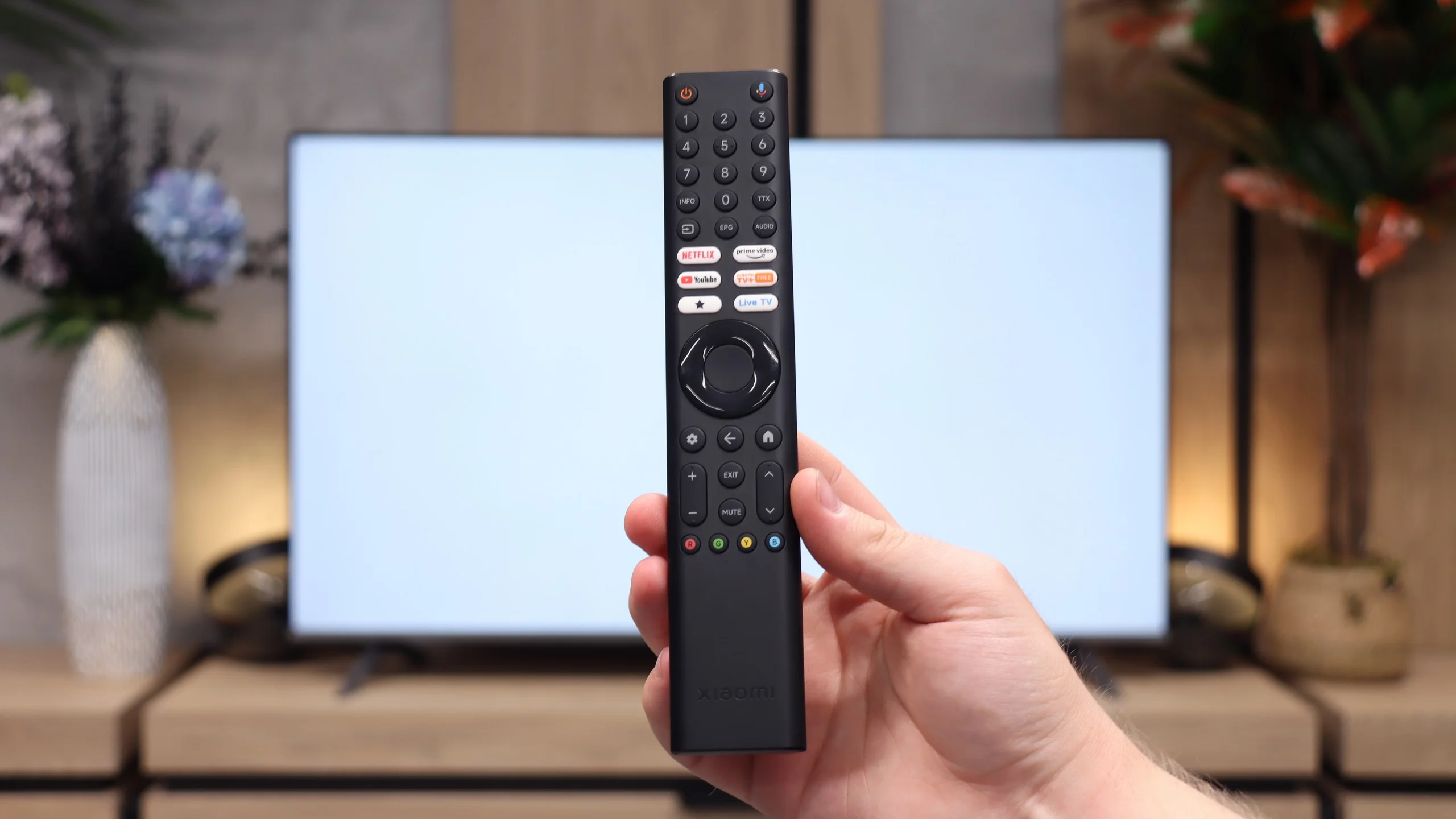
If you mainly use traditional broadcast TV, Xiaomi doesn’t offer anything beyond what you’d expect from a modern television. There’s an electronic programme guide and teletext. The manufacturer also includes a remote control with a classic numeric keypad, which is increasingly rare these days, but for many people will still be a convenient way to change channels.
Worth noting is the presence of an analogue 3.5mm headphone output. This is a feature that is disappearing from TVs year by year, giving way to only digital audio outputs. Thanks to it you can easily connect older wired headphones or speakers without needing extra adapters.
Titan OS
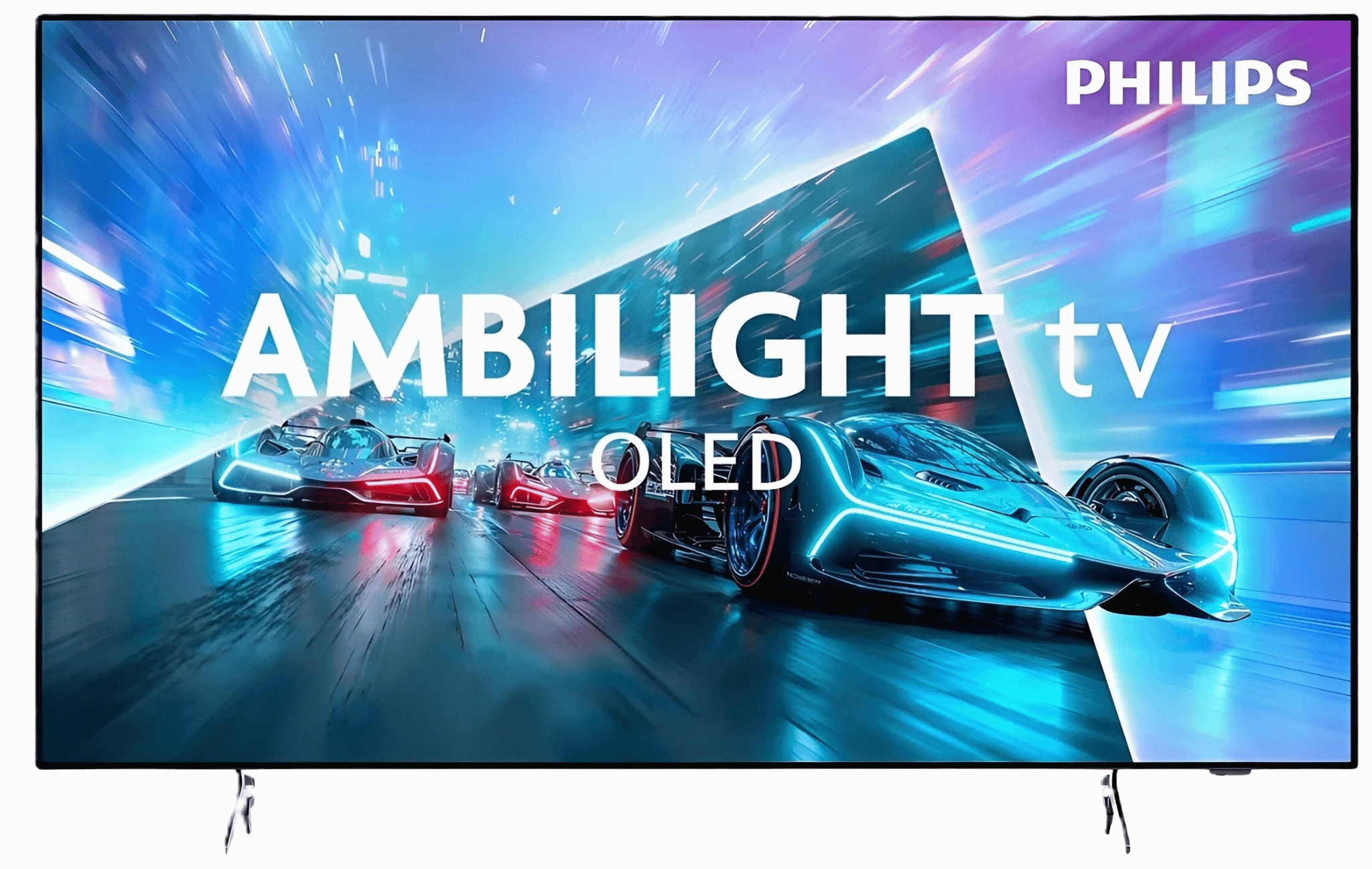
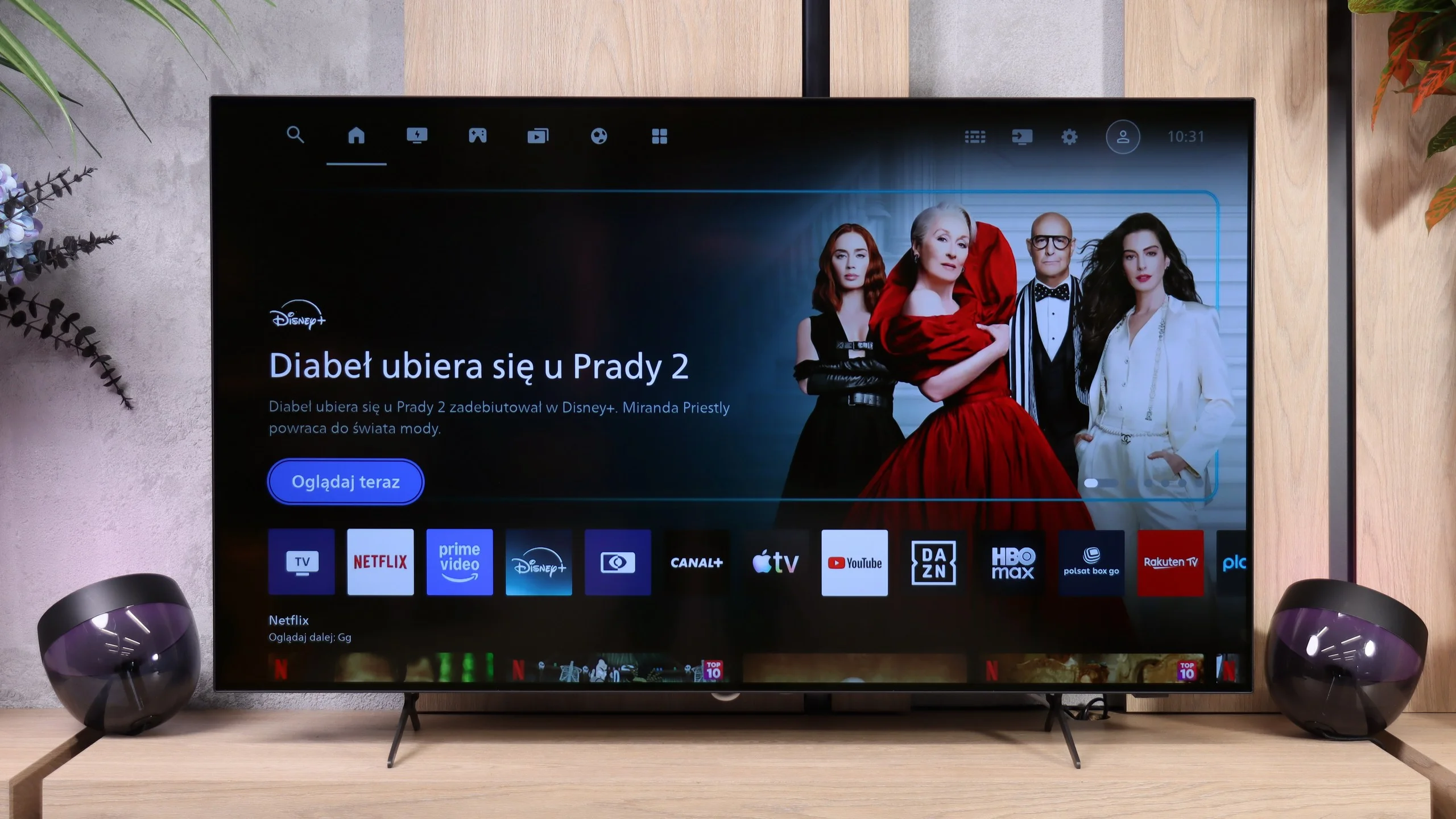
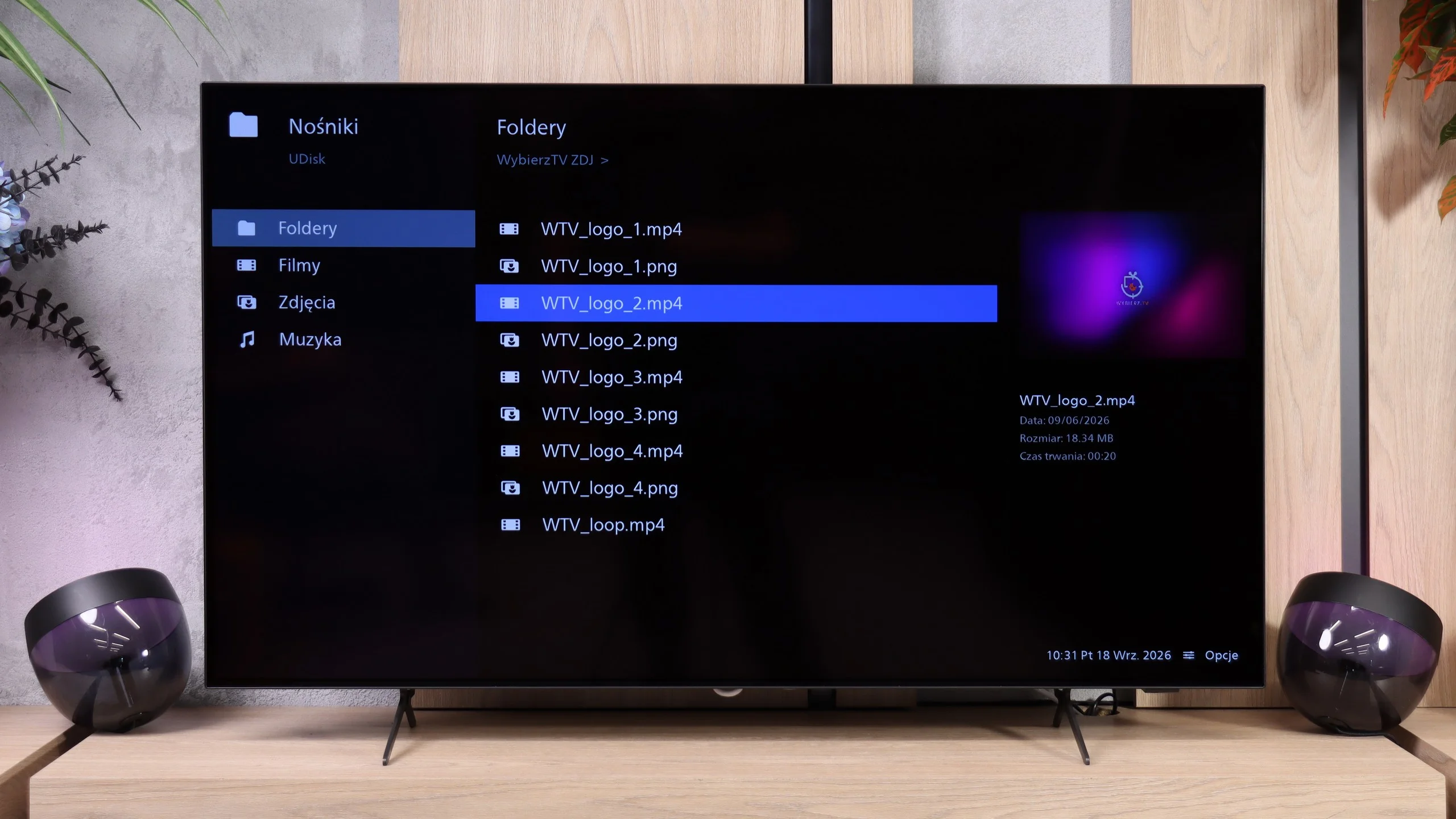
In the OLED761, instead of Google TV you'll find Titan OS, which has been appearing more and more often in Philips TVs for several years. Over that time the system has clearly matured. It responds faster to commands, navigates the menu more smoothly, and functions that used to cause problems are finally starting to work as they should. You can see progress in everyday use, and that deserves praise. It's still not at the level of refinement and features of webOS or Tizen, and there's still a considerable gap compared with the freedom and app selection offered by Google TV, but Titan OS is definitely heading in the right direction.
Practical features and ports
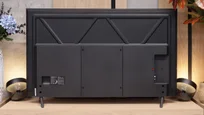
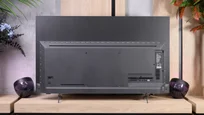
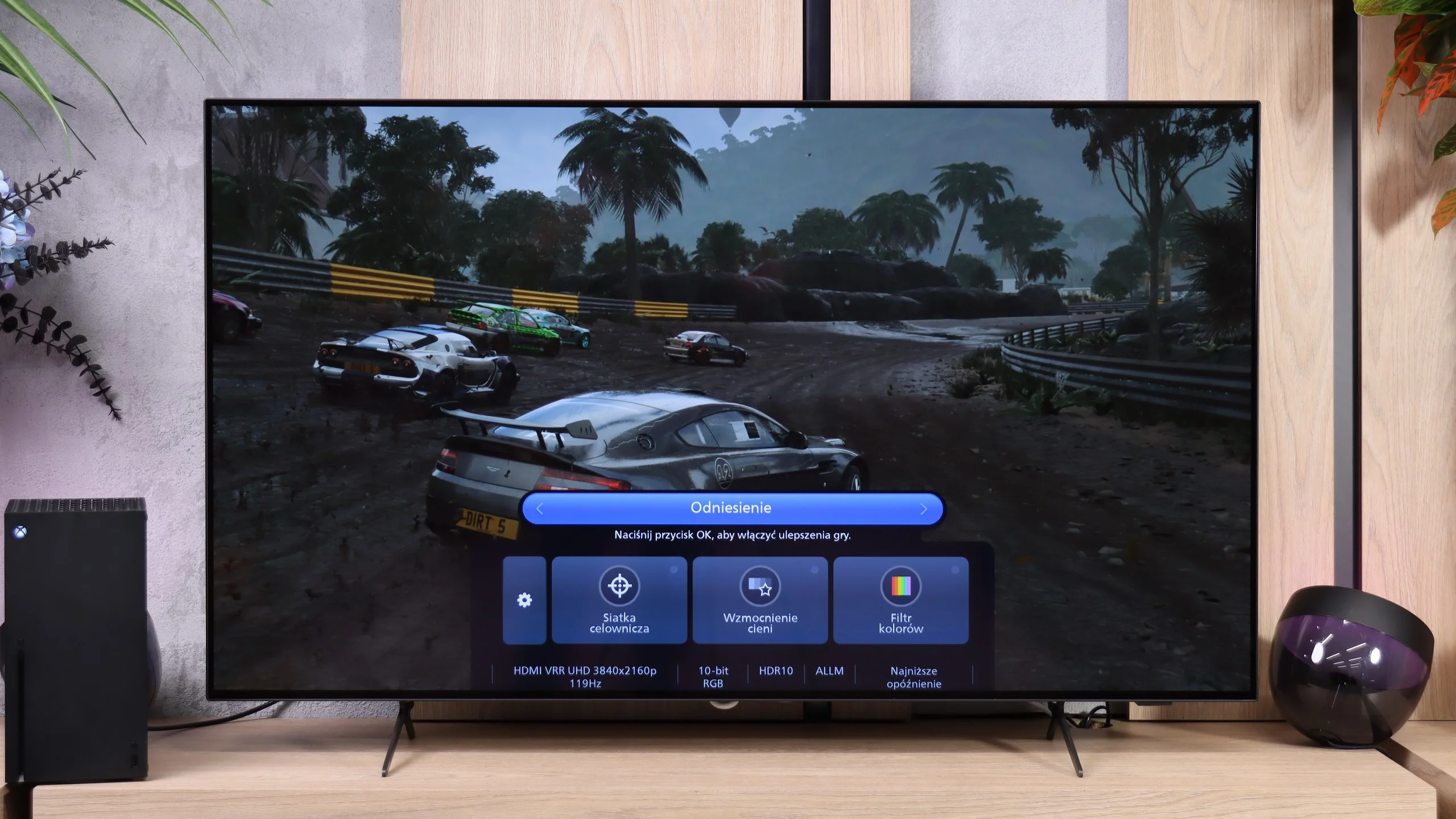
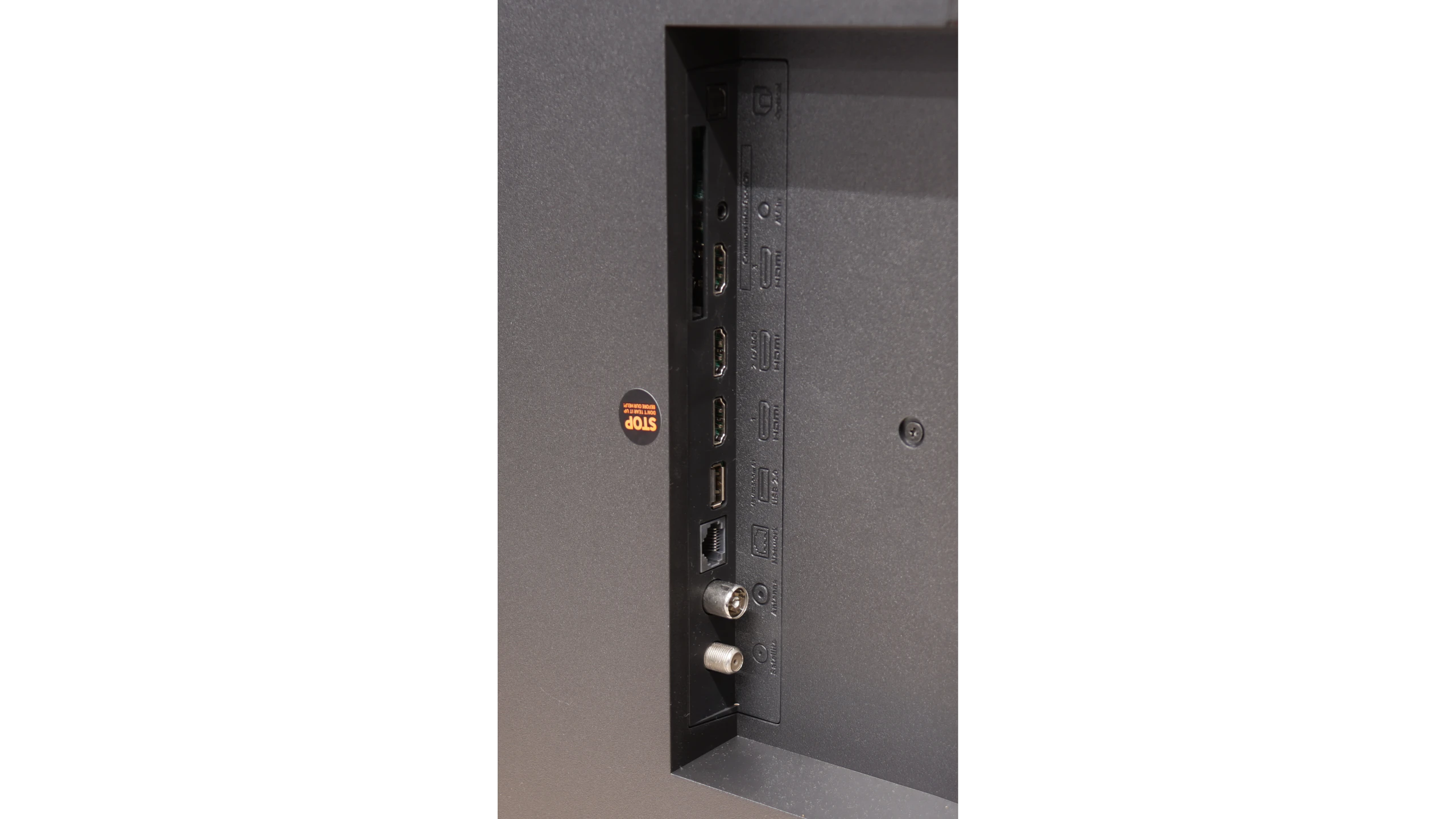
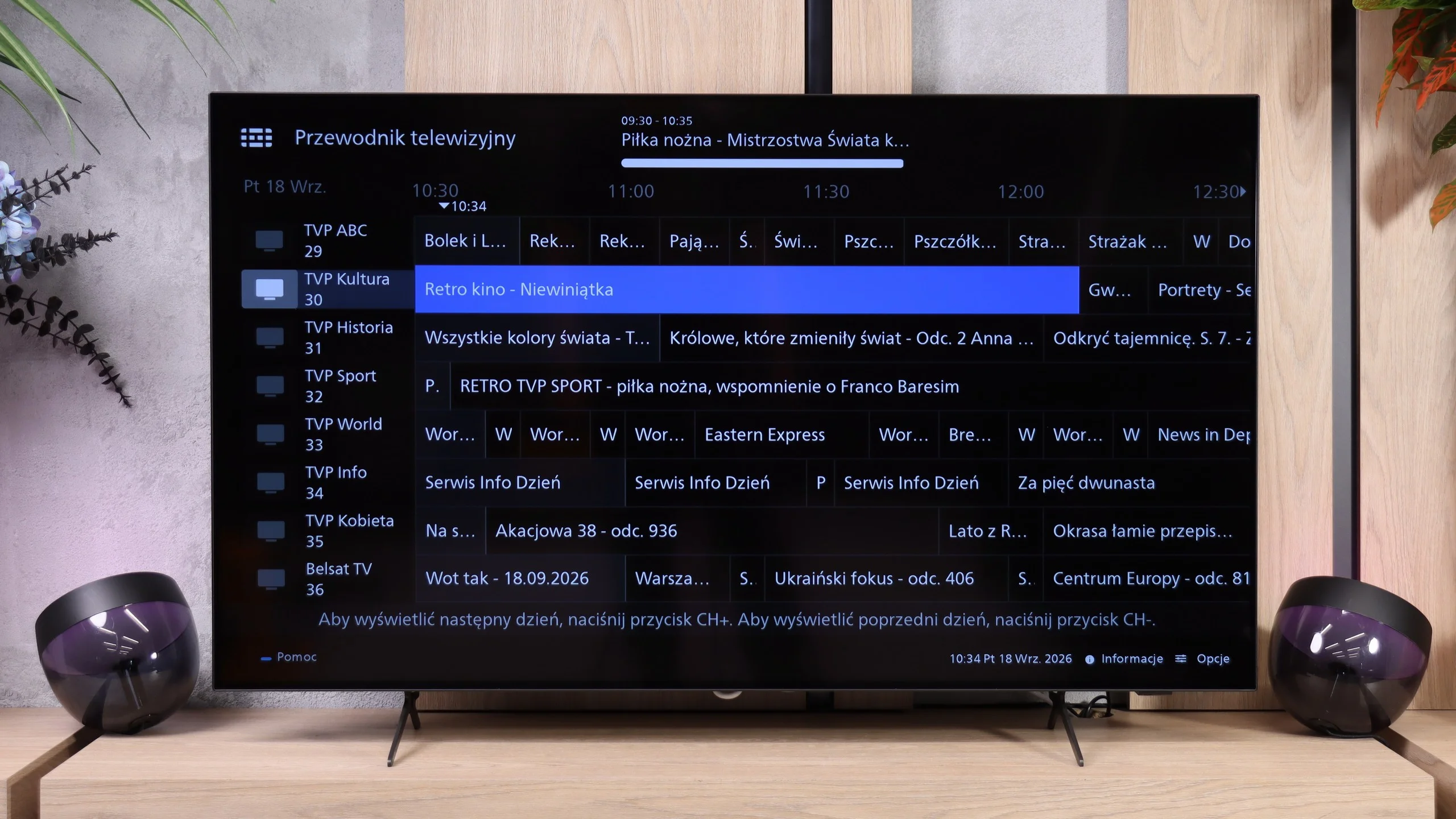
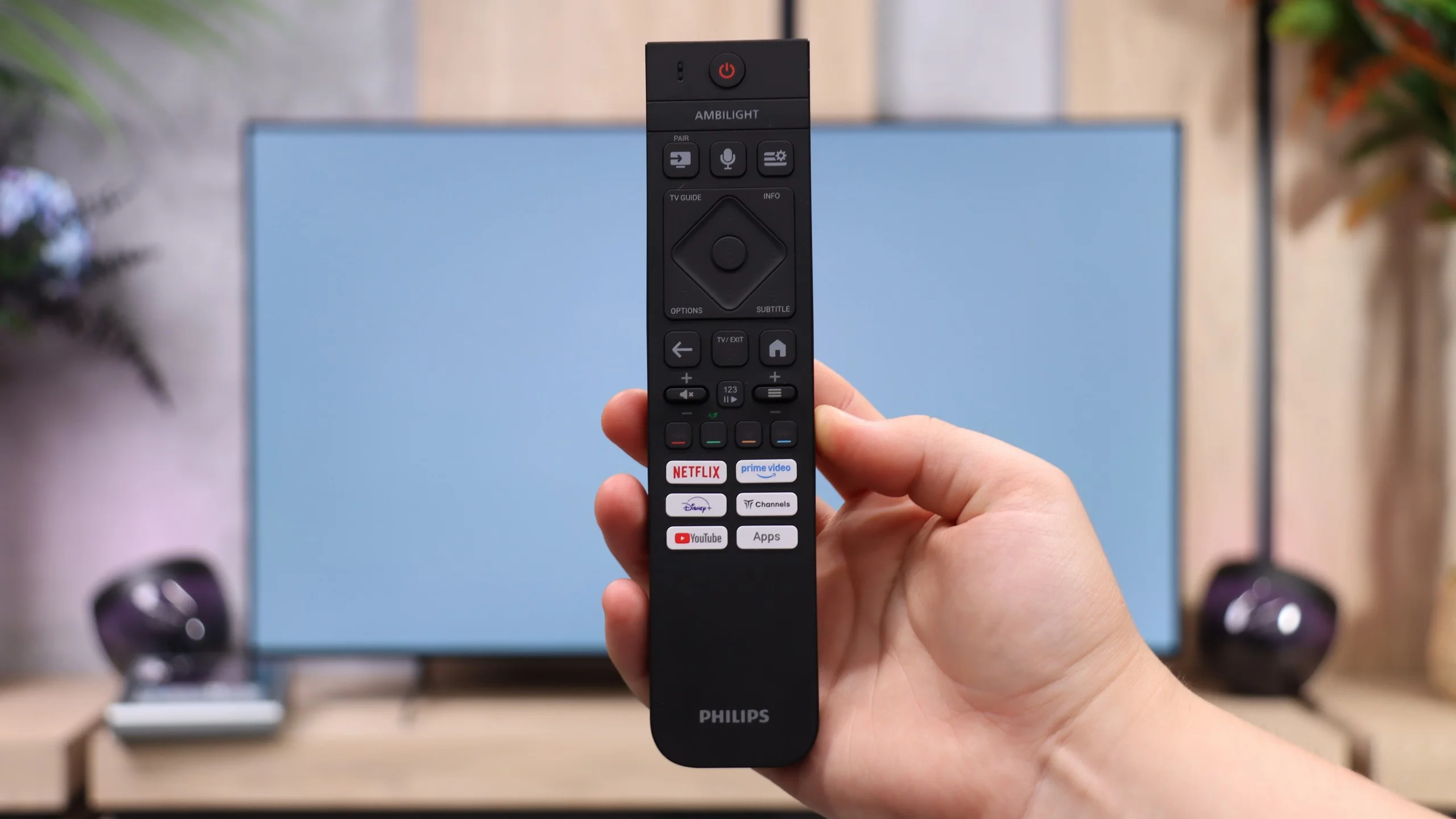
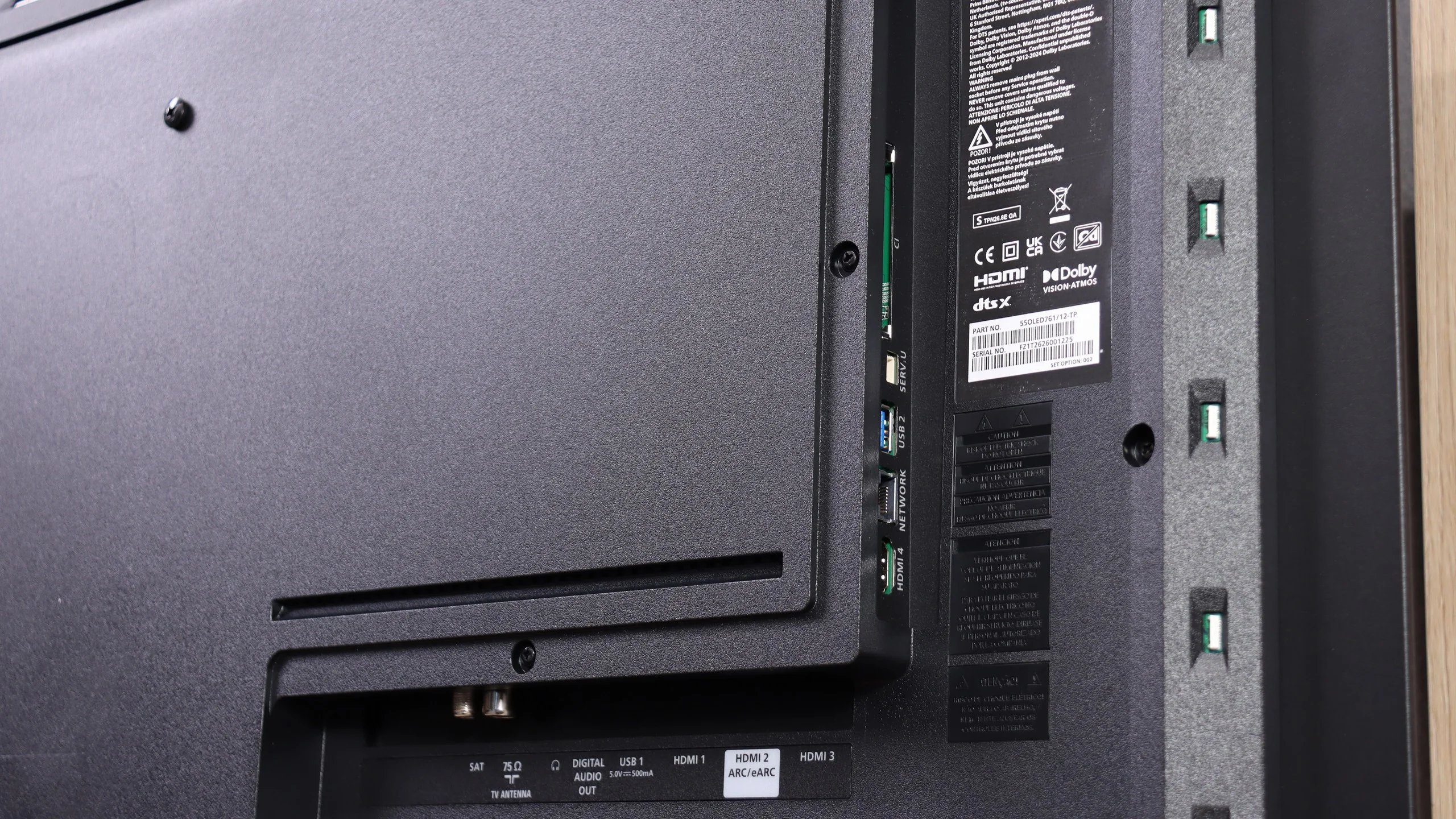
When watching regular broadcasts you get the basic conveniences, including teletext and a remote with a numeric keypad. The buttons are backlit, which is very handy in the evening, but it's hard to understand why Philips stubbornly sticks to infrared for the remote. Having to point the remote at the TV can be simply inconvenient (the only function that operates wirelessly is voice control). There's also no USB recording or picture-in-picture. On the plus side, the port layout is commendable: all four HDMI inputs support the 2.1 standard at 48 Gbps, so with a soundbar connected via eARC you still have three ports left to take full advantage of gaming consoles and a PC. You don't have to worry about which device to connect at the cost of high refresh rates. There's even an analogue mini-jack output, increasingly rare on new TVs but still useful for wired headphones or older audio kit.
Ambilight
The most distinctive extra is, of course, Ambilight, for which Philips gets extra points from us. Lighting the wall with colours from the screen can add a lot of atmosphere to films and games, but it's also useful for relaxed evening viewing. The subtle glow means the bright screen isn't the only light source in a completely dark room, which can improve viewing comfort. It's worth setting its intensity to suit the room rather than cranking it up to maximum straight away. For people who enjoy that kind of viewing, Ambilight can be one of the stronger reasons to choose the OLED761.
 Direct comparison