Smart TV features: Google TV
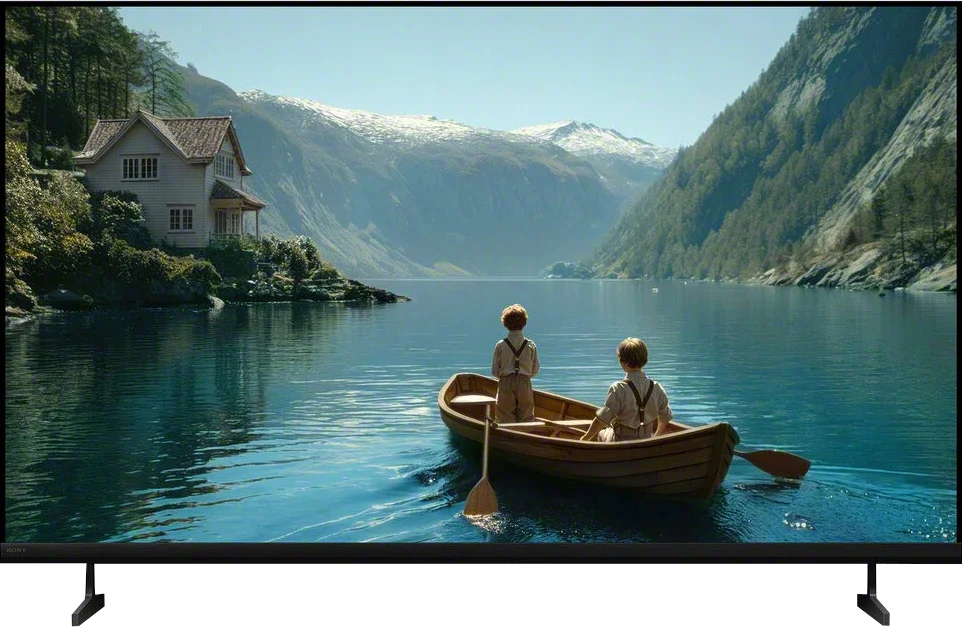
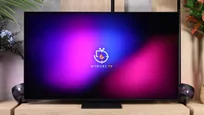
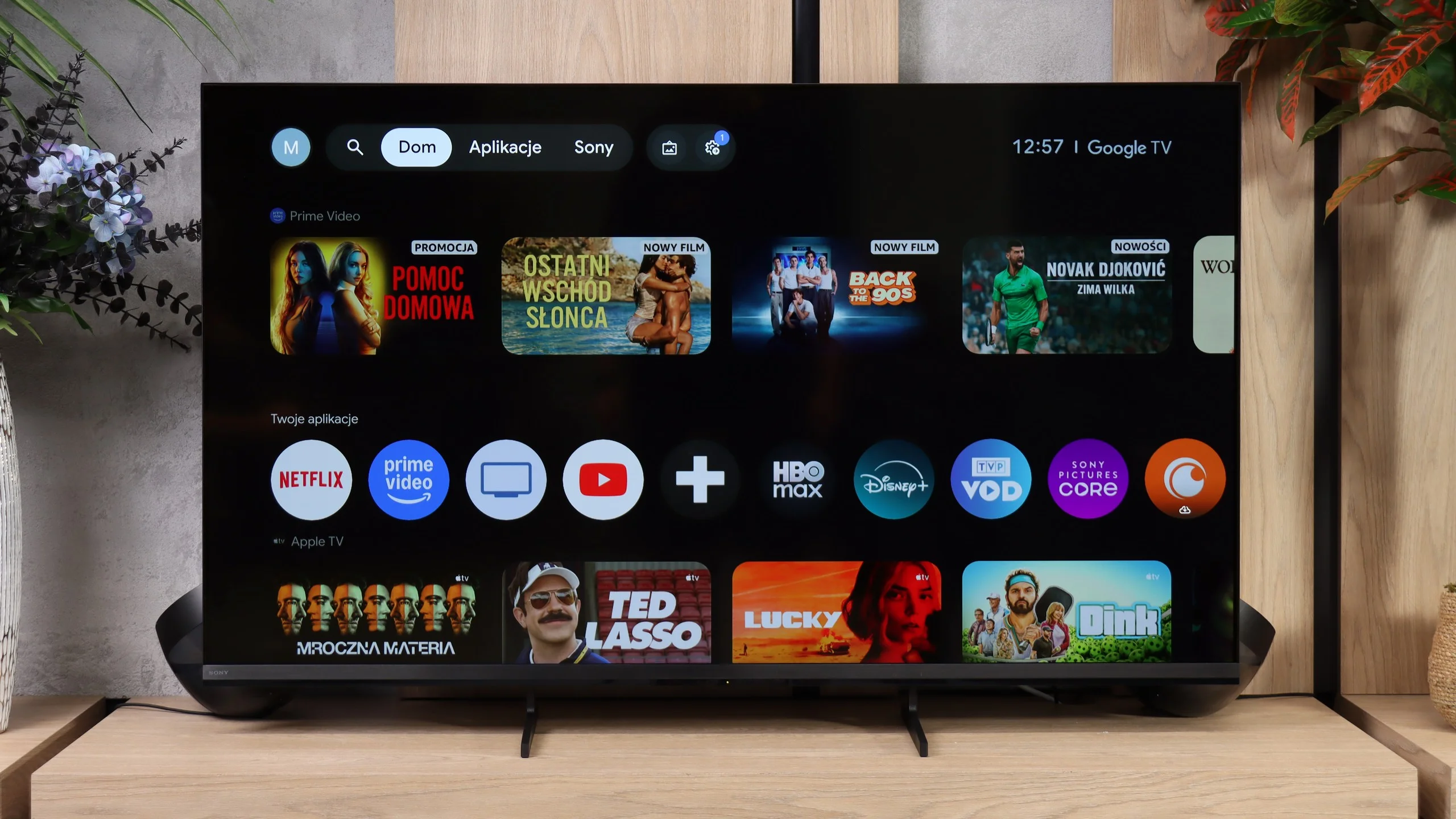
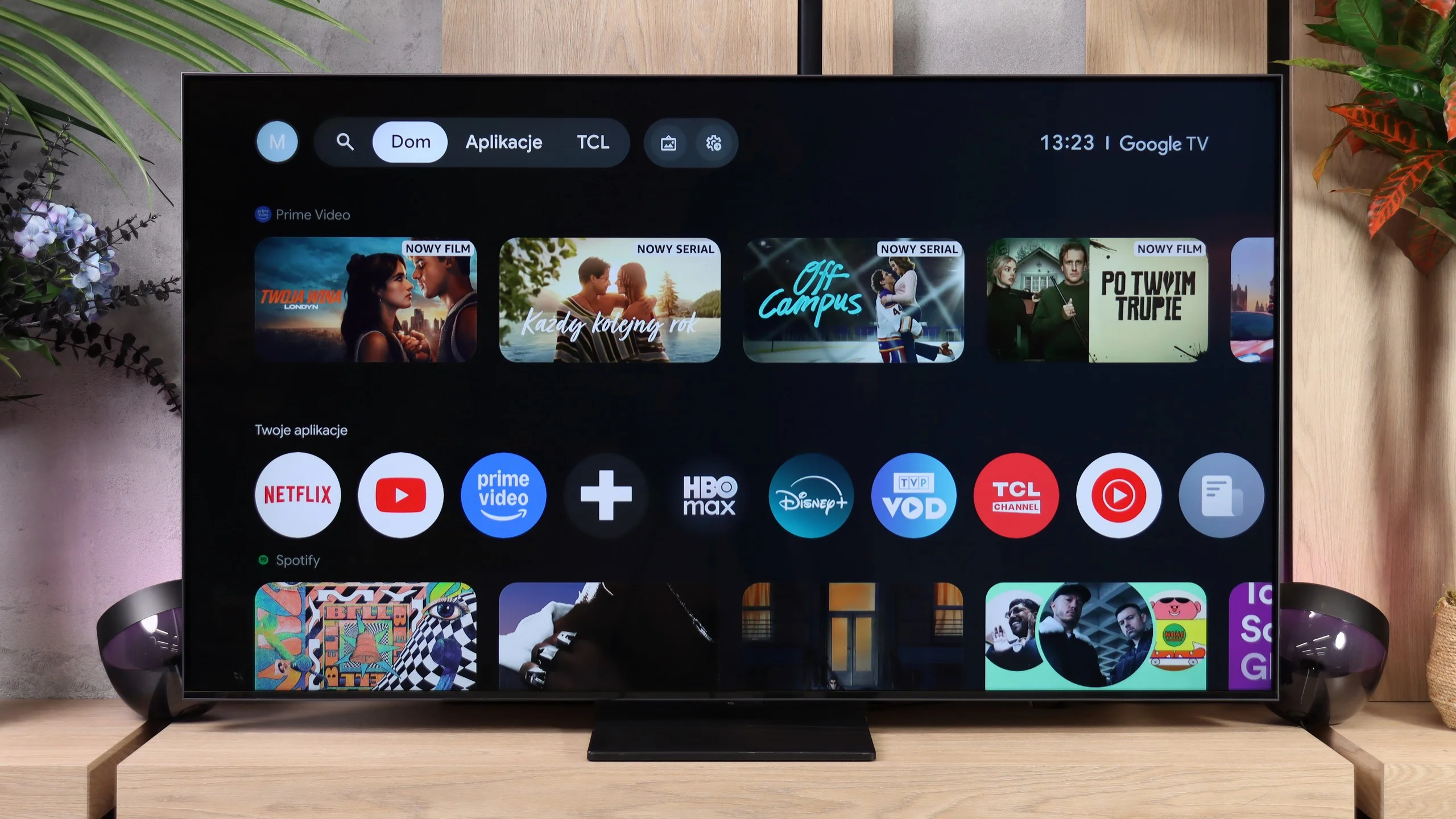
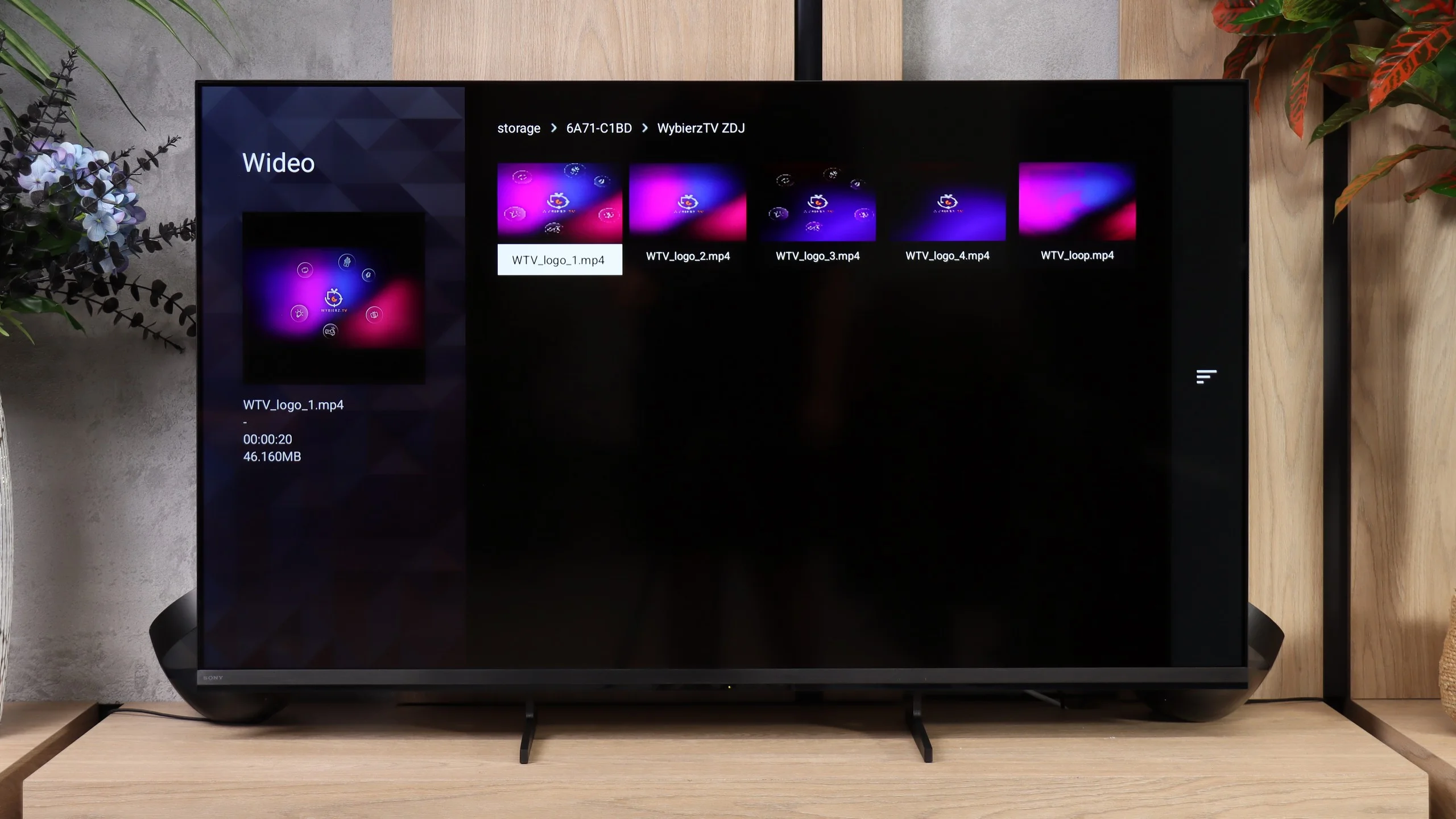
Bravia 3 II runs Google TV and, in terms of capabilities, it’s one of the more fully featured systems you’ll find in TVs today. First and foremost, you get access to a very large number of apps, so beyond the most popular streaming platforms you’ll also find plenty of less obvious services. Sony also supports AirPlay and Chromecast, making it very convenient to cast content from a smartphone. Voice search is good too, powered by Gemini, which handles commands in many languages and can genuinely make using the TV easier. During our tests we did encounter one issue: Bravia 3 II wouldn’t reliably receive a picture from a Windows 11 PC over Miracast. So if you want to use the TV as a secondary screen for a computer, the most reliable solution remains a connection via HDMI.
Traditional TV features
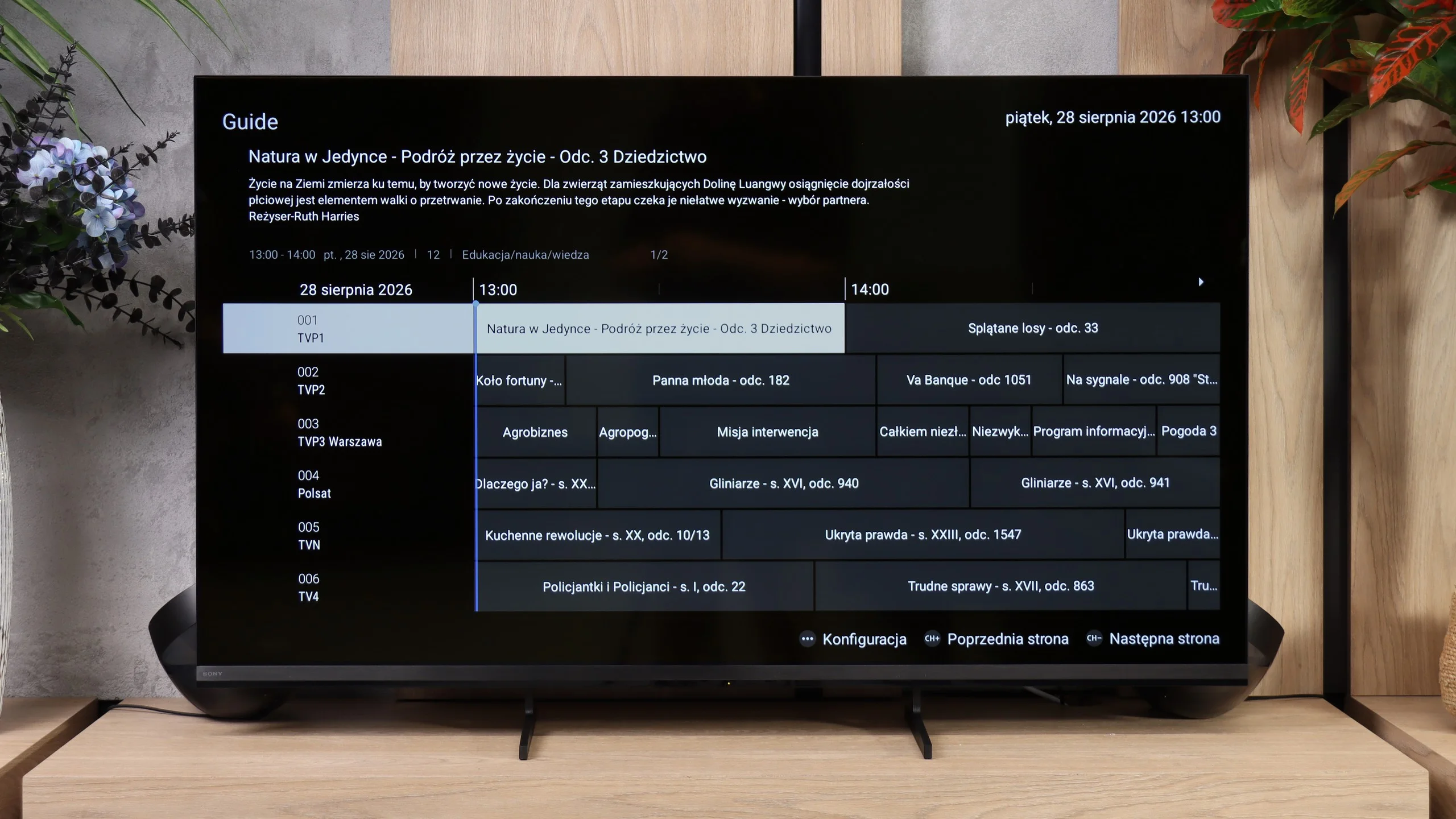
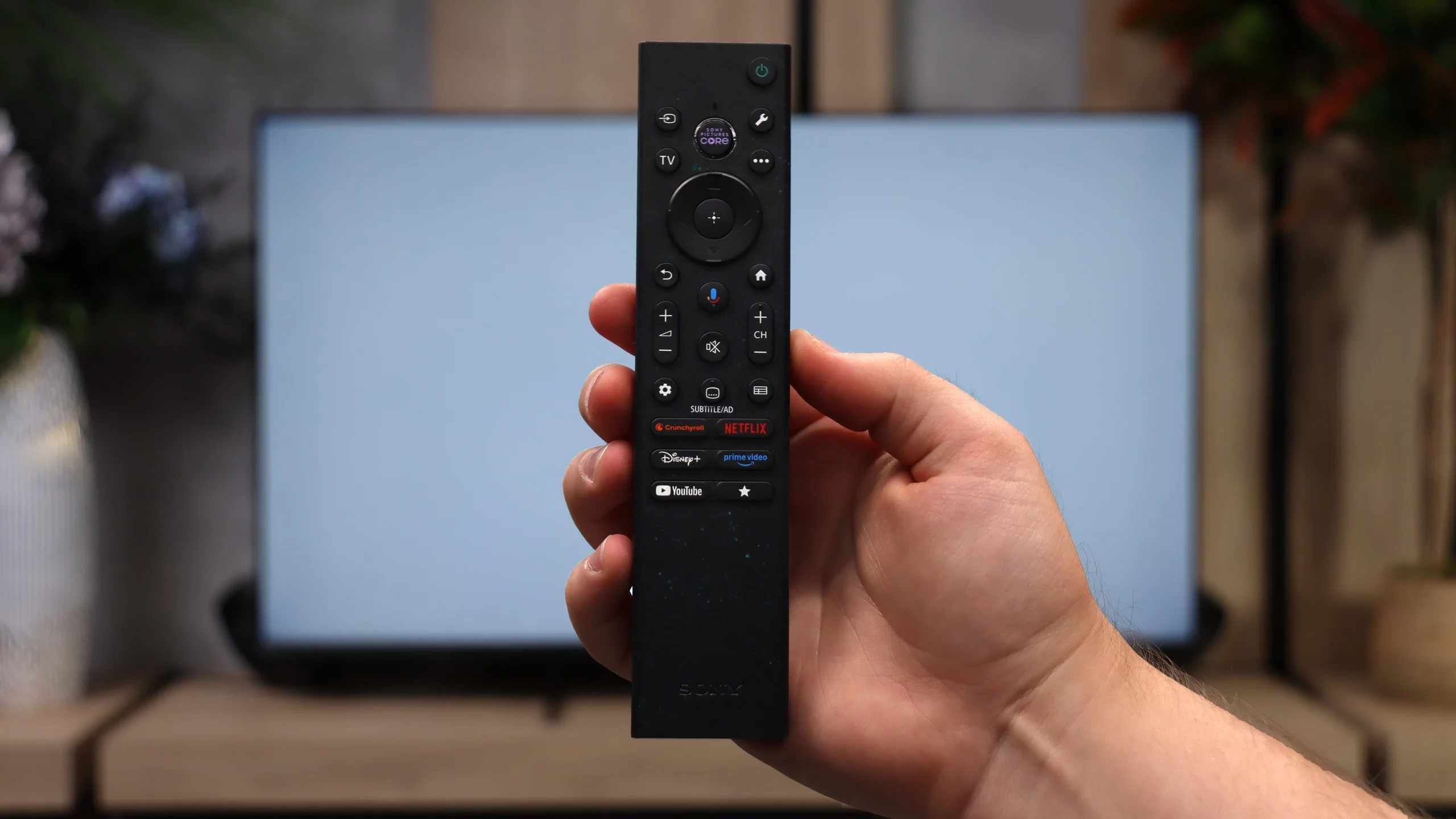
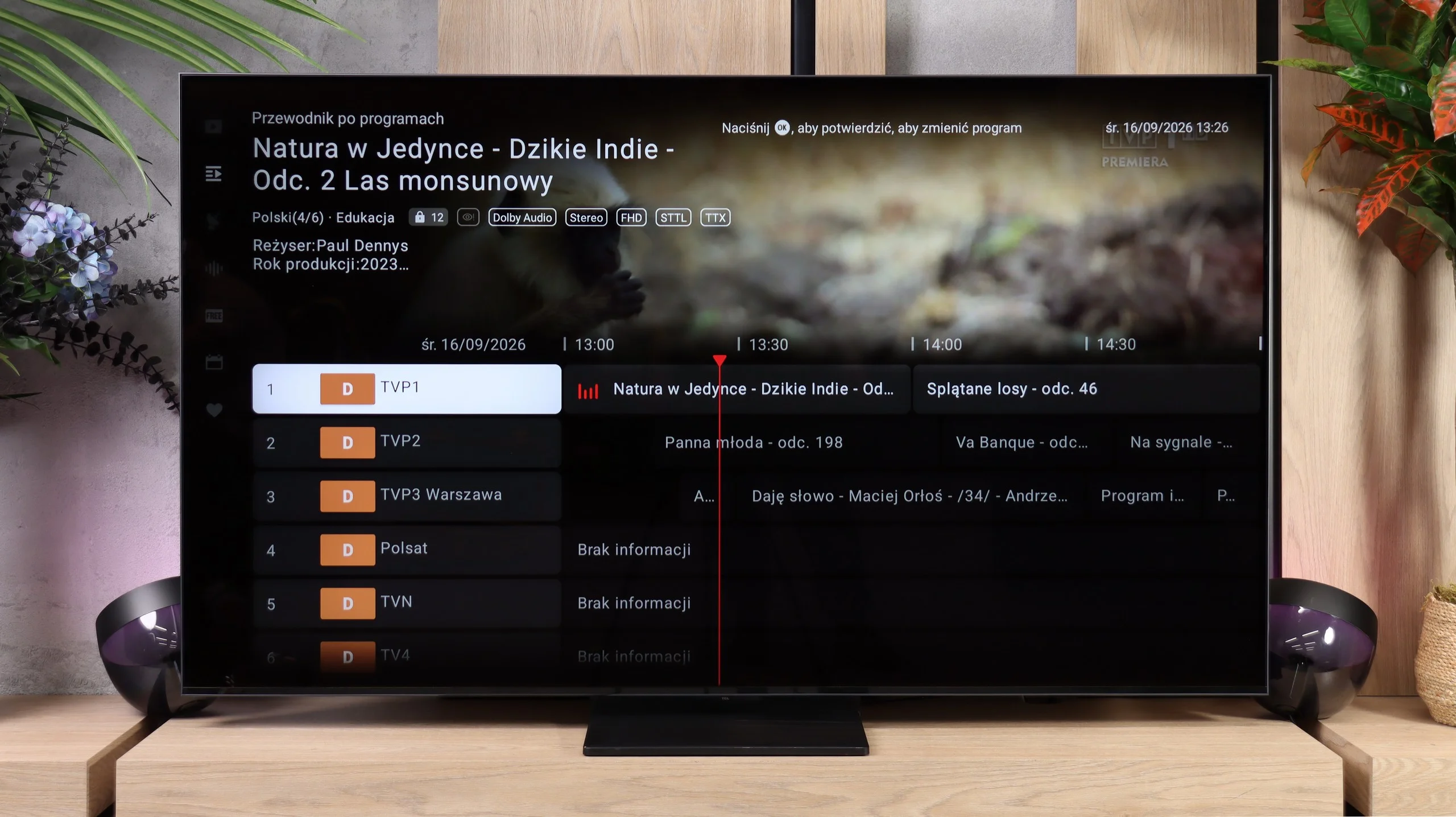
Sony hasn’t forgotten people who still mainly watch regular television. Bravia 3 II supports recording programmes to USB with the ability to schedule them in advance via PVR, which is rare nowadays, especially in cheaper models. There’s also teletext and a clear channel guide, so in terms of basic TV functions we weren’t really missing anything, maybe apart from picture-in-picture (PiP). A curiosity is the two remotes included in the set. The first is modern and pared-back (non-backlit), while the other is a classic design with a full numeric keypad. Although it may look a little old-fashioned, viewers who watch a lot of traditional TV might actually find it more convenient, for example when entering channel numbers.
Google TV
Google TV in the A400U runs smoothly and makes it easy to use the TV without plugging in an external set-top box. The app selection is wide, so it’s easy to find something to watch, and Polish voice search is handy when you’re looking for a specific film. Instead of tediously picking letters with the remote, just say the title. You can also cast content from your phone to the screen without much fuss. People watching traditional TV have slightly fewer options. The lack of USB recording means you can’t save your favourite programme for later without an external decoder.
Practical features
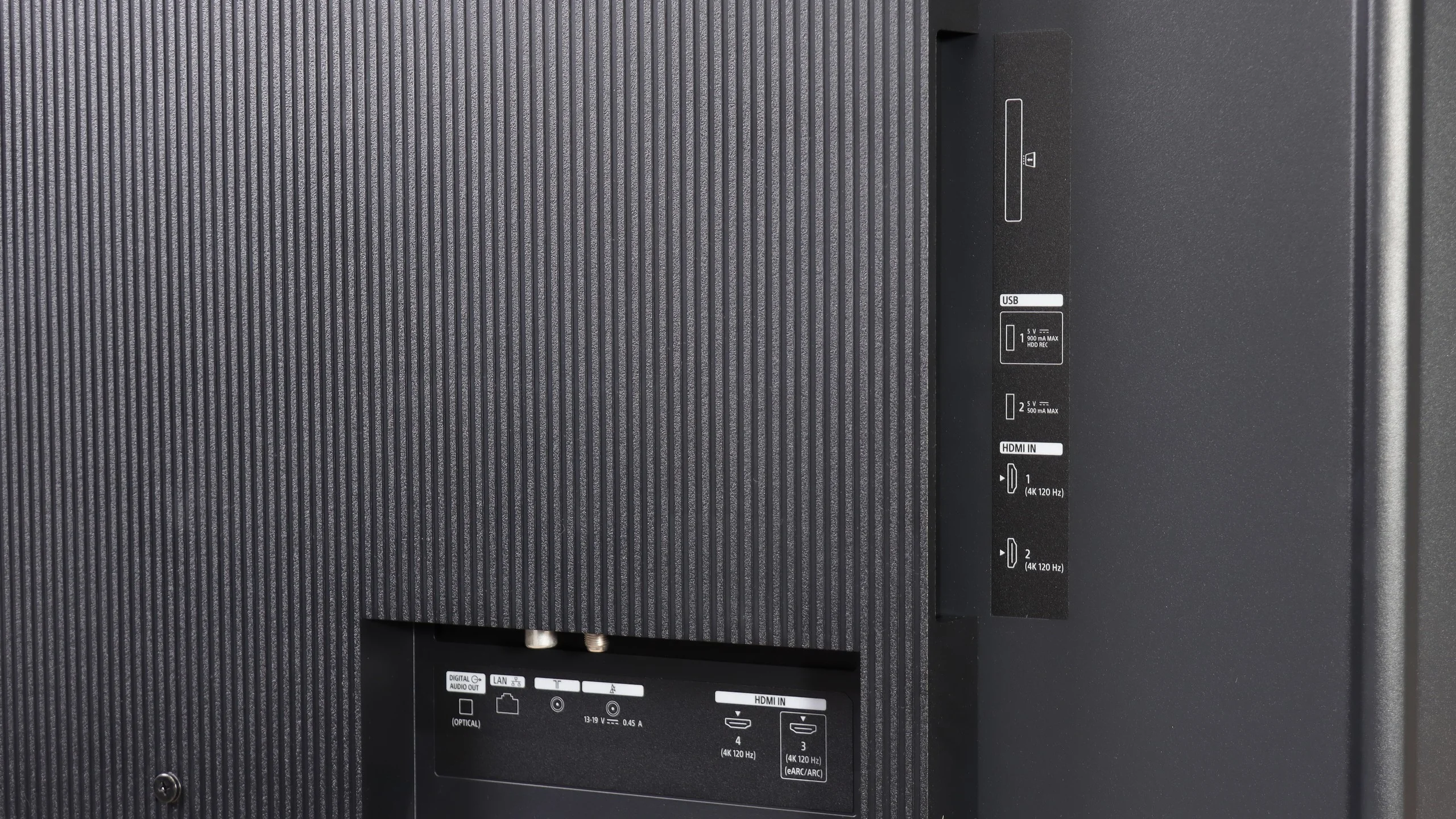
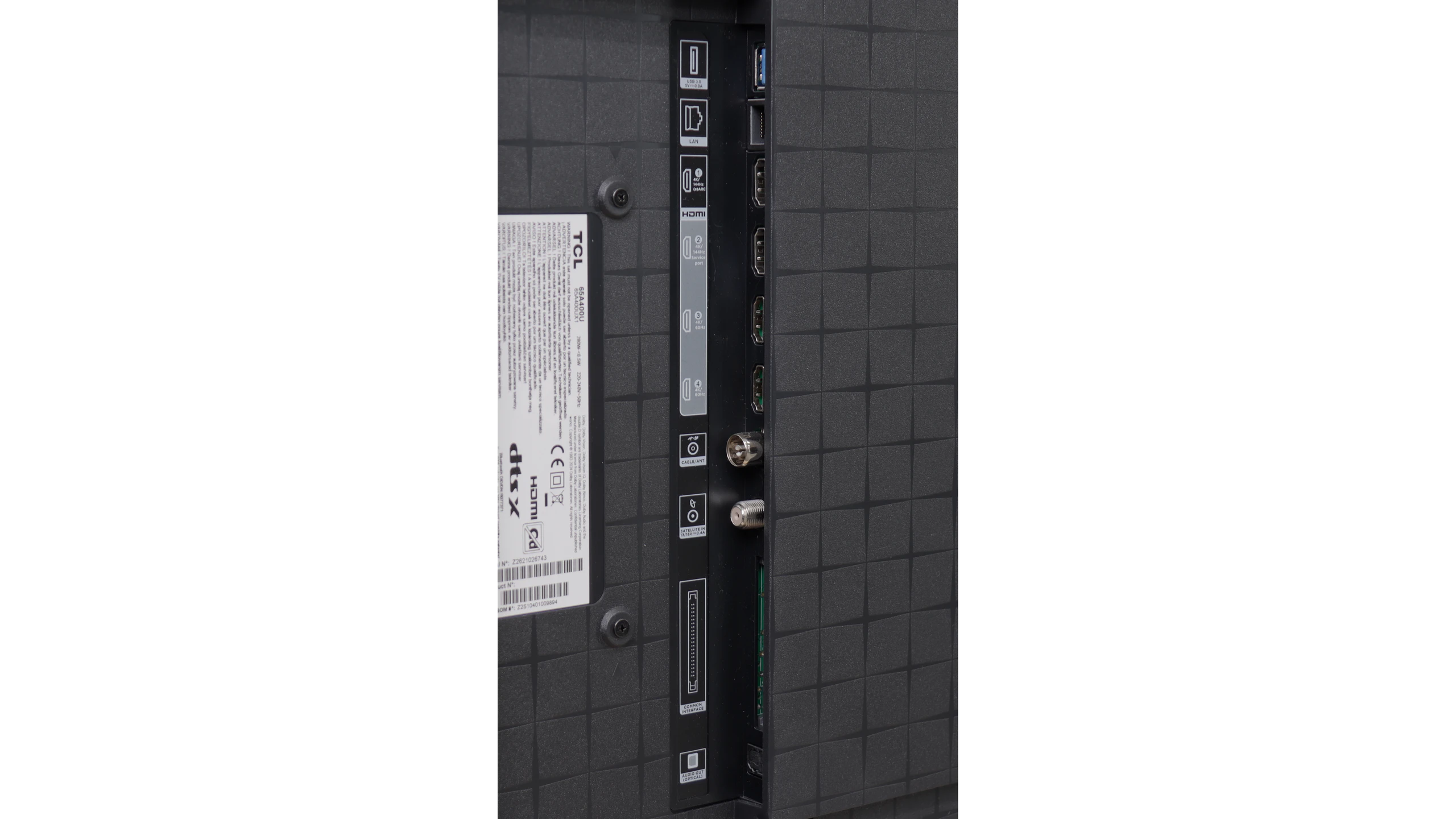
The A400U has a few handy features. For example, you can connect Bluetooth headphones while keeping the TV speakers on. There are, however, some shortcomings, especially for those using traditional TV. You can’t record programmes to USB, and there’s no picture-in-picture mode to show two sources at once. It’s also worth thinking about connecting extra equipment. Of the four HDMI inputs, only two support high refresh rates at 4K, and one of those is also used for audio via eARC. If a soundbar occupies that port, only one high-refresh 4K input will remain for a console or PC. With a single console that’s no problem, but a more elaborate setup may run out of ports.
Remote
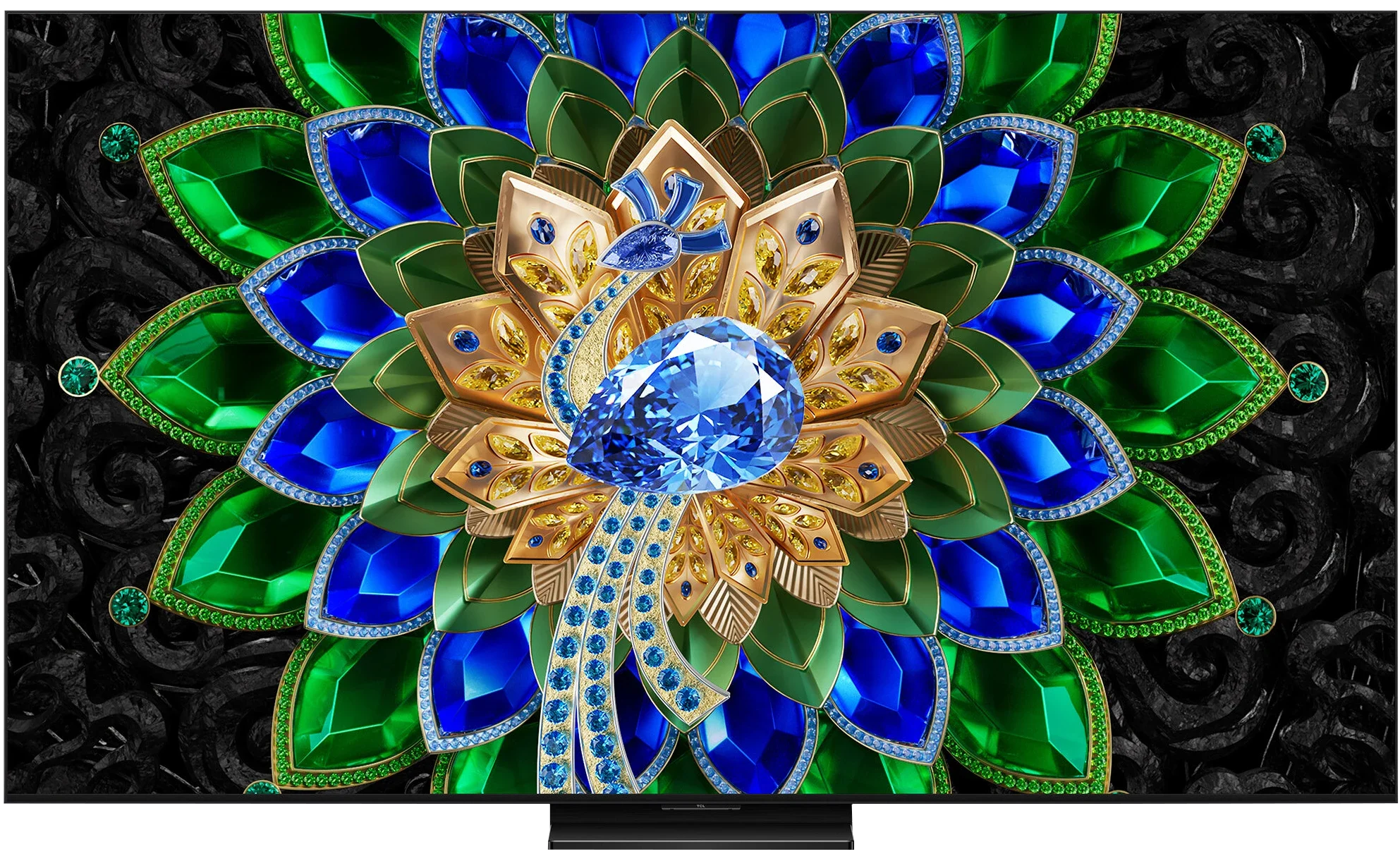
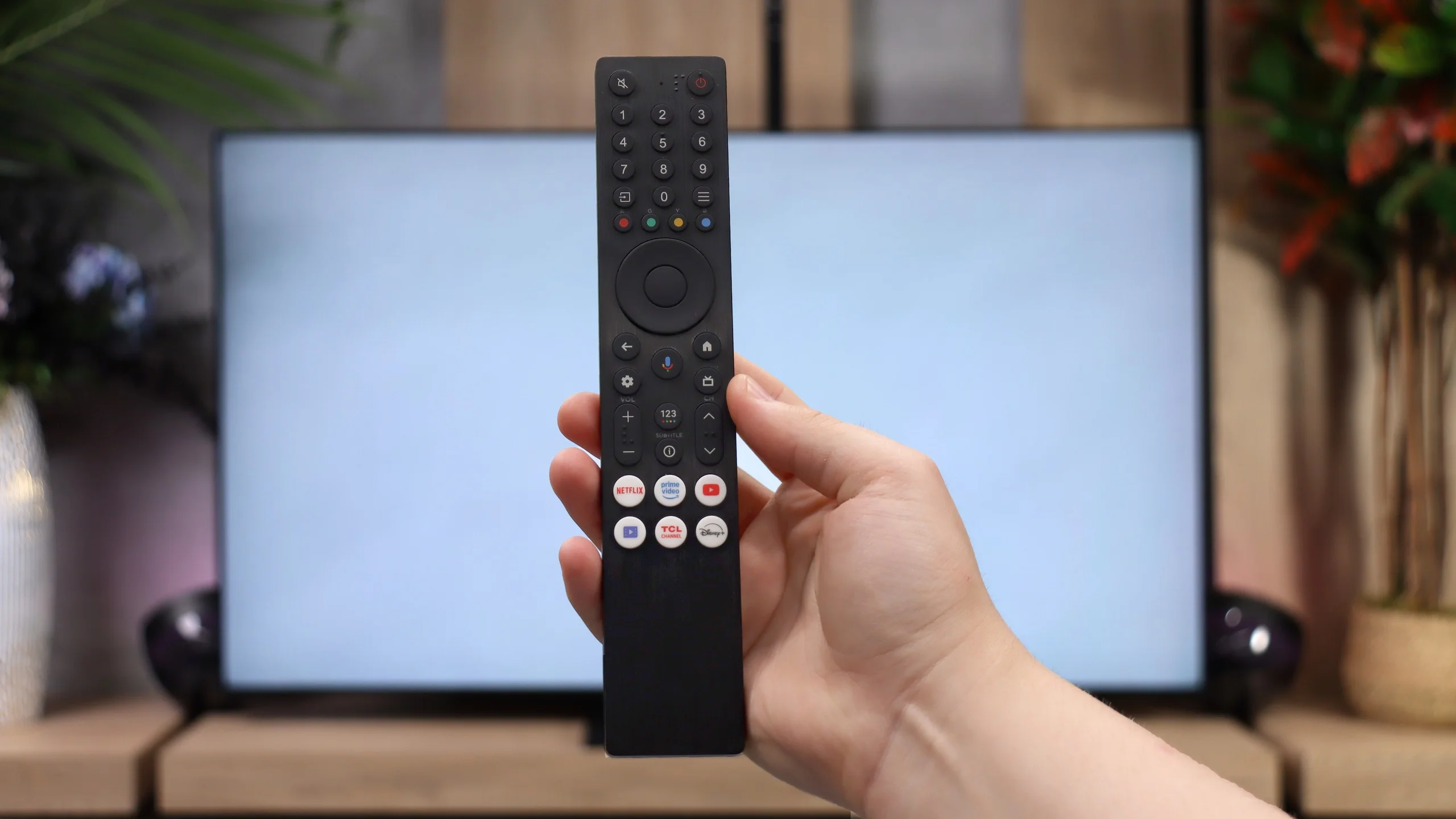
With the A400U’s refined looks, it’s a shame the remote didn’t get the same attention. A large plastic body with lots of buttons looks rather ordinary next to such a well-made TV. A more minimalist remote, like the one on the C8L, would suit this model’s character much better. The A400U is, of course, the cheaper device, but since looks are one of its main selling points, why not? 😉. In everyday use the remote works well and you don’t need to aim it at the screen, although backlit buttons would be useful in the evening.
 Direct comparison