 Direct comparison
Panasonic Z95B is equipment that makes it hard not to raise your eyebrows in delight. From the very first moments, it's clear that we're dealing with an absolutely exceptional screen, capable of bringing out the best in films and games. The black levels are perfect, brightness in HDR is stunning, and the colours – whether in movie mode or gaming – show that the factory calibration at Panasonic has reached a level that other manufacturers can only aspire to. Add to this the fantastic sound from the built-in soundbar and excellent viewing angles, and you have a television picture that, in terms of image quality and overall audiovisual immersion, seems to be complete. But the longer we used it, the more the impression grew that we were encountering a device that was somewhat split. On one hand, it acts like a reference monitor, perfect for assessing video material and enjoying films or series, and even for gaming; on the other hand, it's a television that can disappoint in its everyday functionality. FireTV in its current version can be frustrating, there are far fewer apps than competitors, some won't install at all, and the system can easily stumble. There are also strange system problems like the lack of support for basic subtitles in films from USB – these may seem like minor details, but they contribute to the overall impression of a device that is far from ideal in daily use. And this is where the biggest paradox of the Z95B appears. It's a television that probably offers one of the best images currently available in showrooms, while also being one that is hard to recommend as a typical "television" without reservations. The competition, although often visually slightly weaker, tends to be simply more user-friendly and costs significantly less. Therefore, the Z95B is a proposition for image purists, for those who seek a reference screen and are willing to accept all the compromises related to the non-functioning features. For them, it will be a dream device. For others – a demonstration of Panasonic's strength and more of a curiosity.
- Matching (Score) |
- Our verdict |
- TV appearance |
- Where to buy |
- Contrast and black detail |
- HDR effect quality |
- Factory color reproduction |
- Color reproduction after calibration |
- Smoothness of tonal transitions |
- Image scaling and smoothness of tonal transitions |
- Blur and motion smoothness |
- Console compatibility and gaming features |
- Input lag |
- Compatibility with PC |
- Viewing angles |
- Daytime performance |
- Panel details |
- TV features |
- Apps |
- Playing files from USB |
- Sound
U7S PRO / U77S PRO

Panel type: WRGB OLED
Resolution: 3840x2160
System: Amazon FireTV
Model year: 2025
Panel type: LCD VA
Resolution: 3840x2160
System: VIDAA
Model year: 2026
Check how well they match your needs
Take the surveyOverall rating
8.5
7.8
 Movies and series in UHD quality
9.0
7.3
 Classic TV, YouTube
8.8
7.1
 Sports broadcasts (TV and apps)
8.5
6.8
 Gaming on console
9.6
8.3
 TV as a computer monitor
8.6
8.4
 Watching in bright light
7.4
8.1
 Utility functions
6.8
9.4
 Apps
7.2
8.3
 Sound quality
8.9
7.8
Complete the survey to find out what fits your preferences
Advantages

Stunning black
Amazing brightness - over 2000 nits in HDR
Almost reference factory colours
Support for multiple HDR formats including Dolby Vision and HDR10+
Phenomenal motion smoothness - OLED panel, 144Hz
A brilliant choice for gamers, HDMI 2.1, VRR, ALLM, Dolby Vision Gaming and HGiG
Good compatibility with PC – 144 Hz, G-Sync and FreeSync
Very good sound from the built-in soundbar
Decent viewing angles
Very high brightness: Over 2200 nits in HDR
Good black levels and contrast: VA panel (65") + 960 Mini-LED zones
QLED: Wide colour gamut coverage
Excellent upscaling: Very good processing of lower-quality sources
Ideal for a bright living room: High brightness + matte panel
Extensive format support: Dolby Vision, HDR10+, Dolby Atmos, DTS:X
Powerful gaming features: 4x HDMI 2.1 (48 Gbps), up to 330 Hz, low input lag, Game Bar
Better-than-average sound: Built-in subwoofer + Devialet tuning
Remote: Solar panel, USB-C, backlight, numeric keypad
Recording TV programmes to USB
Disadvantages

Fire TV – no app, strange errors, untranslated menu
No support for DTS:X
No ability to enable external subtitles from USB memory
Only two HDMI 2.1 ports, which is definitely too few for this class
Price clearly higher than competitors, which often lack such system issues
No support for the HGiG format (consoles)
App limitations: Limited availability of some apps on HomeOS / VIDAA
Poor off-axis picture: the matte panel also loses its ability to suppress reflections
Our verdict
Hisense U7S Pro is without doubt a successful model, but one built for specific tasks. Its absolute domain is bright, sunlit living rooms. Thanks to its huge brightness (over 2200 nits in HDR) and a matte panel, you can expect a comfortable picture during the day — no squinting or fighting reflections. This great daytime performance comes with rich features. You get excellent upscaling of lower-quality sources (e.g. traditional broadcast TV), a brilliant remote and sound tuned by Devialet. Importantly, the bright screen also squeezes out the maximum for gamers. There are four HDMI 2.1 ports, VRR, ALLM and refresh rates up to 330 Hz. All of these features make it a real beast for consoles or PC, provided you can forgive the lack of HGiG support. While the TV shines by day (or should I say "mattes"? 😉), some compromises appear after dark. Although the panel received a sizeable upgrade over last year’s model in terms of the number of Mini-LED dimming zones, there isn’t a marked improvement in black level performance in this generation. Generally it’s good, but sometimes it feels the algorithms don’t quite handle such a large number of dimming points. It’s clear that, like any Mini-LED, the U7S Pro will lose out to OLEDs during night-time viewing. Overall, though, it’s still a very versatile, well-equipped TV for everyday use. So if you’re after a TV that gives a satisfying picture at any time of day, without paying top-tier prices, this model is an excellent choice.
TV appearance




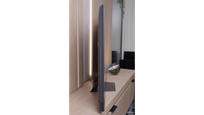
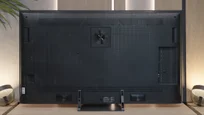

Contrast and black detail
10/10
7.5/10
Local dimming function: Yes, number of zones: 960 (24 x 40)
Contrast:


Result
∞:1

Result
∞:1

Result
∞:1

Result
∞:1

Result
∞:1
Result
346,350:1
Result
13,500:1
Result
19,050:1
Result
9,950:1
Result
6,450:1
Halo effect and black detail visibility:
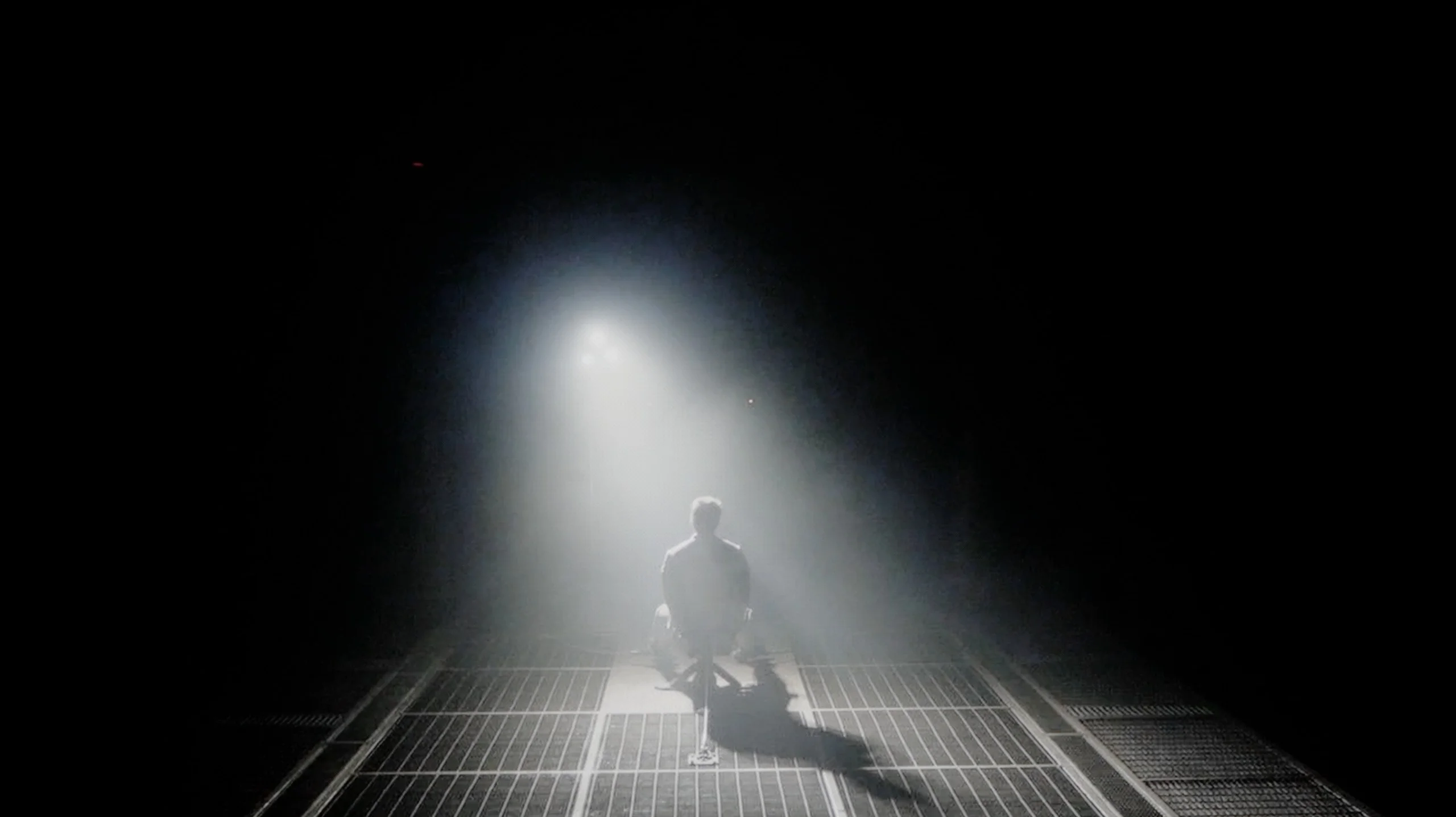
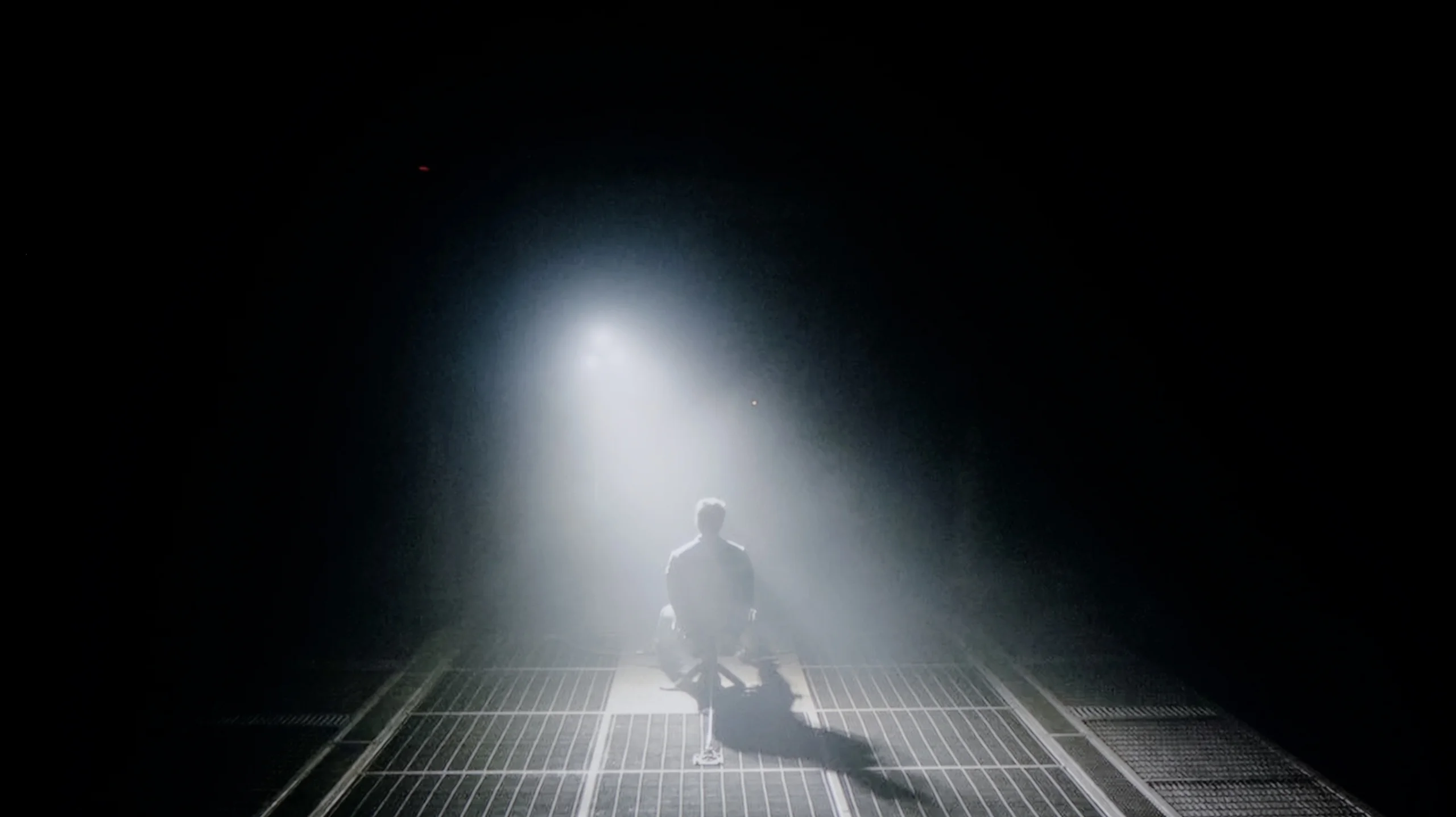
Check the visibility of bright lights on a dark background. Mini-LEDs often struggle with this. The photo does not compare black levels – that’s what the video below is for.
The black level and contrast in the Panasonic Z95B can be summed up in one word – perfection. As with every OLED TV, the panel controlling individual pixels allows for complete dimming of parts of the image, resulting in absolute black. This means the Z95B offers perfect separation between bright and dark elements of the scene, with no visible halos, brightenings or halo effects on the screen. Even in the most demanding sequences, where other LCD TVs reveal their limitations, the picture here remains clear and readable. In practice, it’s hard to imagine that in this category OLEDs could improve any further, as the technology of self-dimming pixels simply has no weak points when it comes to contrast. The Panasonic Z95B follows this trend and demonstrates that when it comes to black levels, there is no room for significant improvements – it sets a reference level that is hard to surpass.
The U7S Pro in the 65" variant we tested uses a VA panel and has as many as 960 local dimming zones. Thanks to the combination of such a panel (which has a high native contrast) and a large number of zones, blacks are really very good here. In dark scenes, watched with a slight light on, the effect can even resemble OLED TVs – as our first test scene from the movie Oblivion brilliantly demonstrated. Unfortunately, when more fine, bright elements appear on a dark background, the local dimming algorithm begins to show its weaknesses. The contrast can clearly drop then, and a "halo" effect, or characteristic glow (known as blooming), becomes noticeable around bright objects. However, this is a natural feature of Mini-LED TVs resulting from the physical limitations of this technology – while there are many dimming zones, there will always be fewer than independent pixels in an OLED, so it is physically impossible to completely avoid this. Interestingly, although the new U7S Pro model has almost twice as many local dimming zones as last year's U7Q Pro, it did not bring any significant improvement in this aspect in practice.
HDR effect quality
8.7/10
6.7/10
Luminance measurements in HDR:

Result
2069 nit

Result
2118 nit

Result
2131 nit

Result
2114 nit

Result
1442 nit
Result
1041 nit
Result
458 nit
Result
1104 nit
Result
528 nit
Result
897 nit
Scene from the movie “Pan” (about 2800 nits)
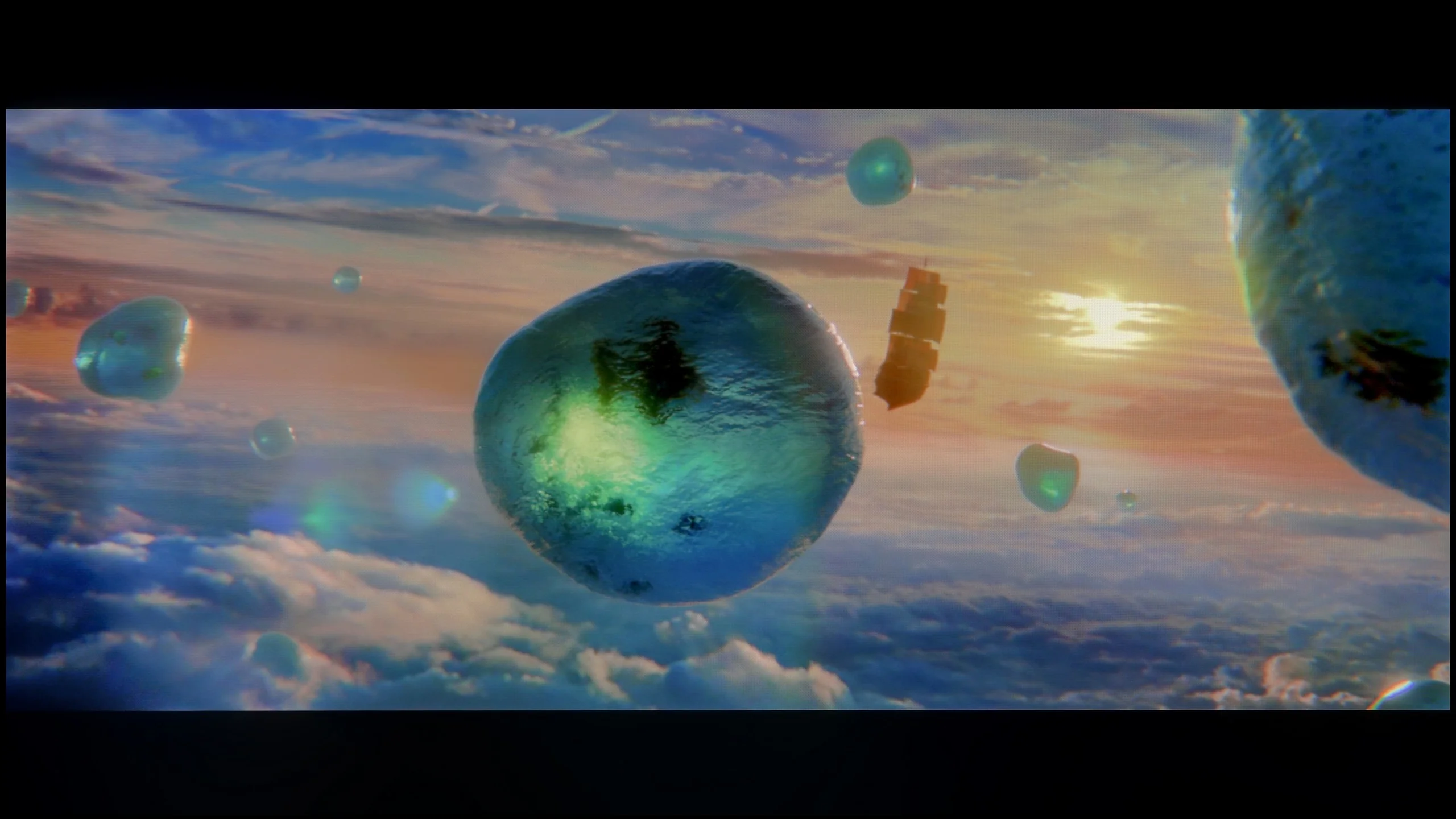
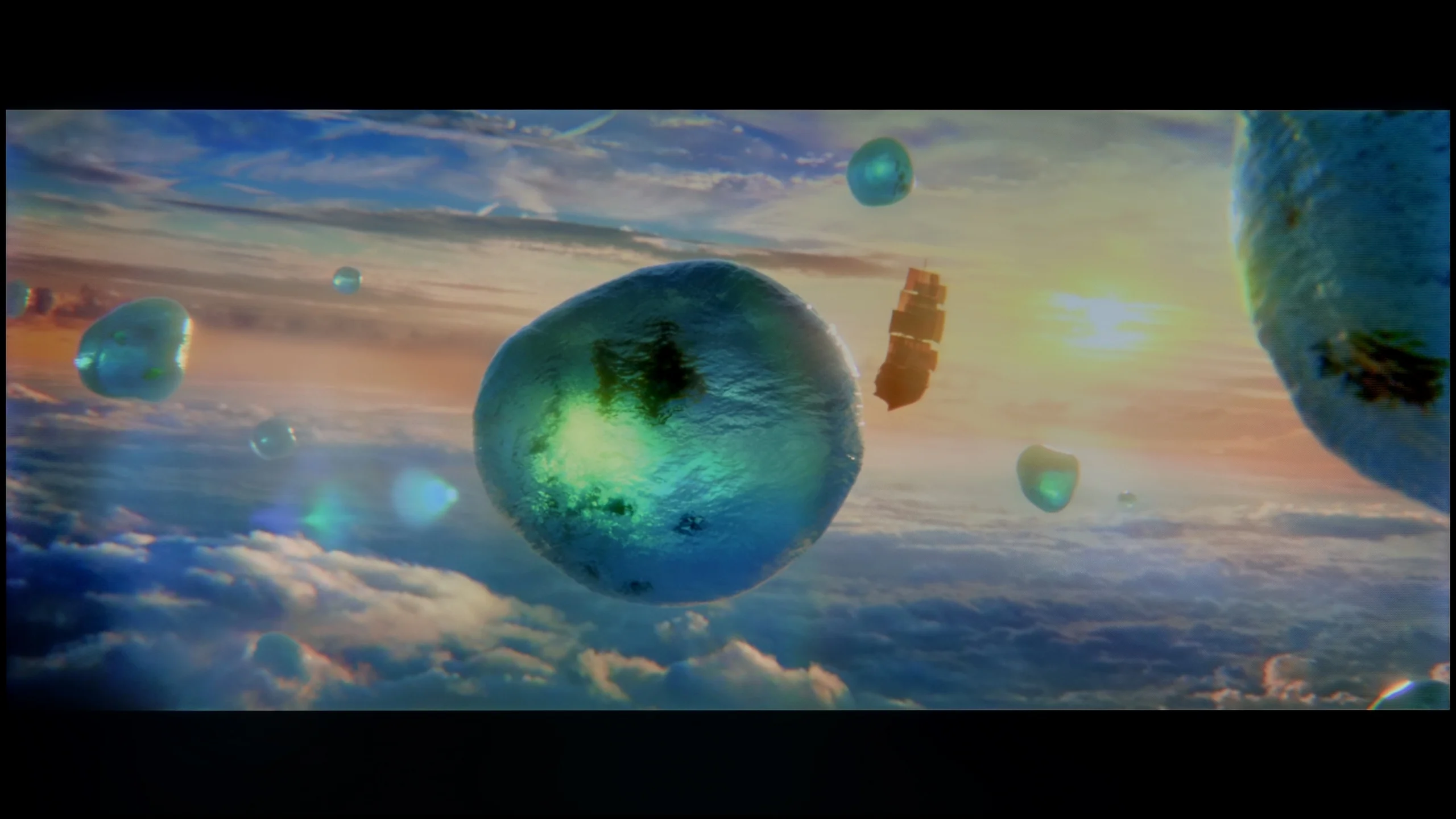
Scene from the movie “Billy Lynn” (about 1100 nits)
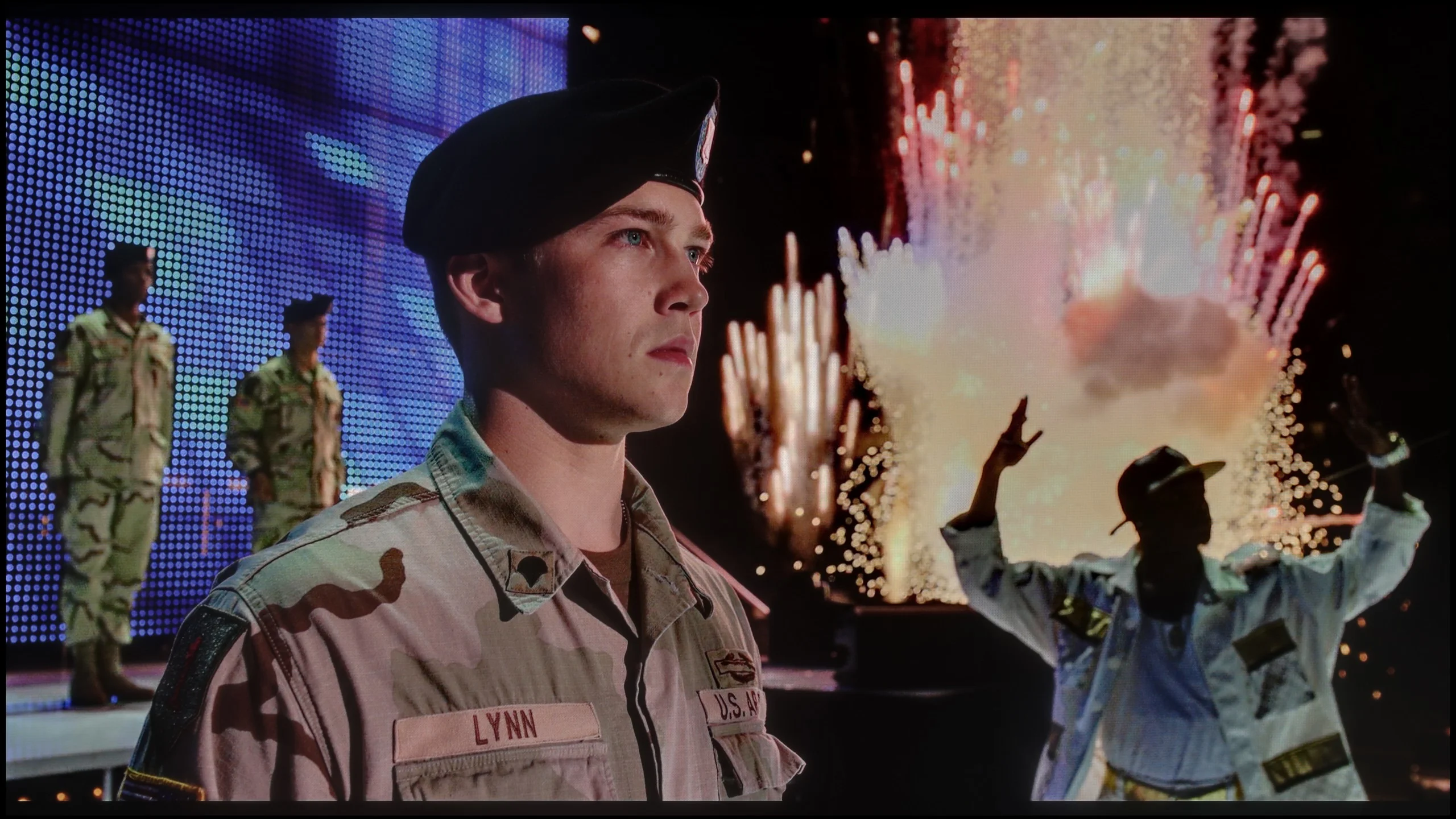

The photos show two HDR10 movies. 'Pan' is one of the brightest productions ever made, while 'Billy Lynn' (soldier) has brightness typical of streaming (Netflix, Prime, HBO MAX). Notice the intensity of effects and detail in whites.
Static HDR10


The photos present the visibility of white details in various HDR formats. They do not show brightness differences between TVs (these can be compared in the previous gallery).
Dynamic: Dolby Vision
Dynamic: Dolby Vision


The photos present the visibility of white details in various HDR formats. They do not show brightness differences between TVs (these can be compared in the previous gallery).
HDR luminance chart:
Hisense U7S Pro
Panasonic Z95B
Luminance of RGB colors
The HDR effect quality in the Panasonic Z95B is among the absolute best. Thanks to the latest generation panel, named Primary RGB Tandem OLED by the manufacturer, the television can achieve over 2000 nits of brightness in movie scenes. The effect is impressive and can amaze with its intensity of light, giving a sense of contact with the screen that goes beyond previous experiences. Similar feelings were only experienced during tests of the LG G5, Samsung S95F, or Philips OLED910. Of course, there are moments when the device's algorithms decide to limit luminance – this especially applies to full-screen bright sequences, such as the ending credits in the movie The Meg. Even then, the Z95B maintains a level of around 1500 nits, which is still an extremely impressive result. Thus, it can be said that HDR in this model has been brought to a masterful form. A significant step forward is also visible in the reproduction of the colour palette. The new tandem OLED panel does not yet match the best QD-OLED screens in terms of gamut coverage, but the gap between these solutions has significantly decreased. When watching films, the differences are subtle enough that under normal conditions it's hard to notice them, and the colours remain vibrant and saturated.
Let's start with the fact that the U7S Pro is an impressively bright TV. In calibrated mode our test equipment recorded a staggering 2200 nits of peak brightness. That's an excellent result, especially given that this model is positioned more as a mid-range set.
As we know, peak brightness on test patterns is one thing, and real film scenes are another. Unfortunately, in real-world footage the backlight output drops noticeably. In the most demanding moments the TV can still exceed 1000 nits, which is still a great result and sits well within the HDR mastering standards for most films, but the real challenge comes from aggressively tuned local dimming algorithms. Because of them, small bright details, like stars or the moon in a night sky, are noticeably dimmed. The TV seems determined to preserve deep blacks, which is understandable, but sadly this comes at the expense of dynamic range and the overall HDR punch.
Colour reproduction is worth praising. The new U7S Pro is a QLED design that provides very wide colour gamut coverage. Unlike last year's model (U7Q Pro), this year's variant is a genuine QLED rather than a solution based on a PFS filter. As a result, colour saturation has clearly increased, and coverage of the demanding BT.2020 colour space has exceeded 81%.
Factory color reproduction
9.5/10
4.7/10


This illustrative image shows how colors change after professional calibration. If you can see the difference, you can order it from SkalibrujTV – it's our own service.
Factory mode
After calibration


This illustrative image shows how colors change after professional calibration. If you can see the difference, you can order it from SkalibrujTV – it's our own service.
Factory mode
After calibration
The factory colour reproduction in Filmmaker mode, my dear friends, is a true phenomenon in the case of the Panasonic Z95B. I'm talking about our test sample, but the results were so good that it's hard to believe. The only detail that one could nitpick is a slight lack of blue in the white balance, but apart from that, the television straight out of the box presented an image like we have never seen in factory mode. Colour palette tests, Color Checker – everything indicated values below Delta 2. This is a much lower result than the threshold of human eye perception, which means, to put it simply, that the viewer has no chance of noticing serious deviations. It looks as if Panasonic actually calibrated this model at the factory stage. Of course, we cannot exclude the possibility that we got an exceptionally well-set specimen, but the result still makes a stunning impression. We are very strict when it comes to assessing factory calibration, and here our jaws simply dropped.
We tested the U7S Pro, as we always do, in the best factory-tuned picture mode, Filmmaker Mode. The displayed colours can be judged in two ways. The most disappointing was the profile intended for SDR viewing, i.e. classic TV, YouTube and other less demanding content. The image there had a distinct yellow cast, which proved to be a direct result of an incorrectly set white balance. As our charts show, this involved a huge deficiency of the blue component, which drastically affected the overall colour temperature. You can see this clearly on the ColorChecker charts and on the colour palette graphs themselves, where most samples drifted towards yellow. Fortunately, the factory HDR mode performed much better; there the colour errors hovered around a Delta E of 3, which is a really solid result.
Color reproduction after calibration
9.8/10
7.5/10
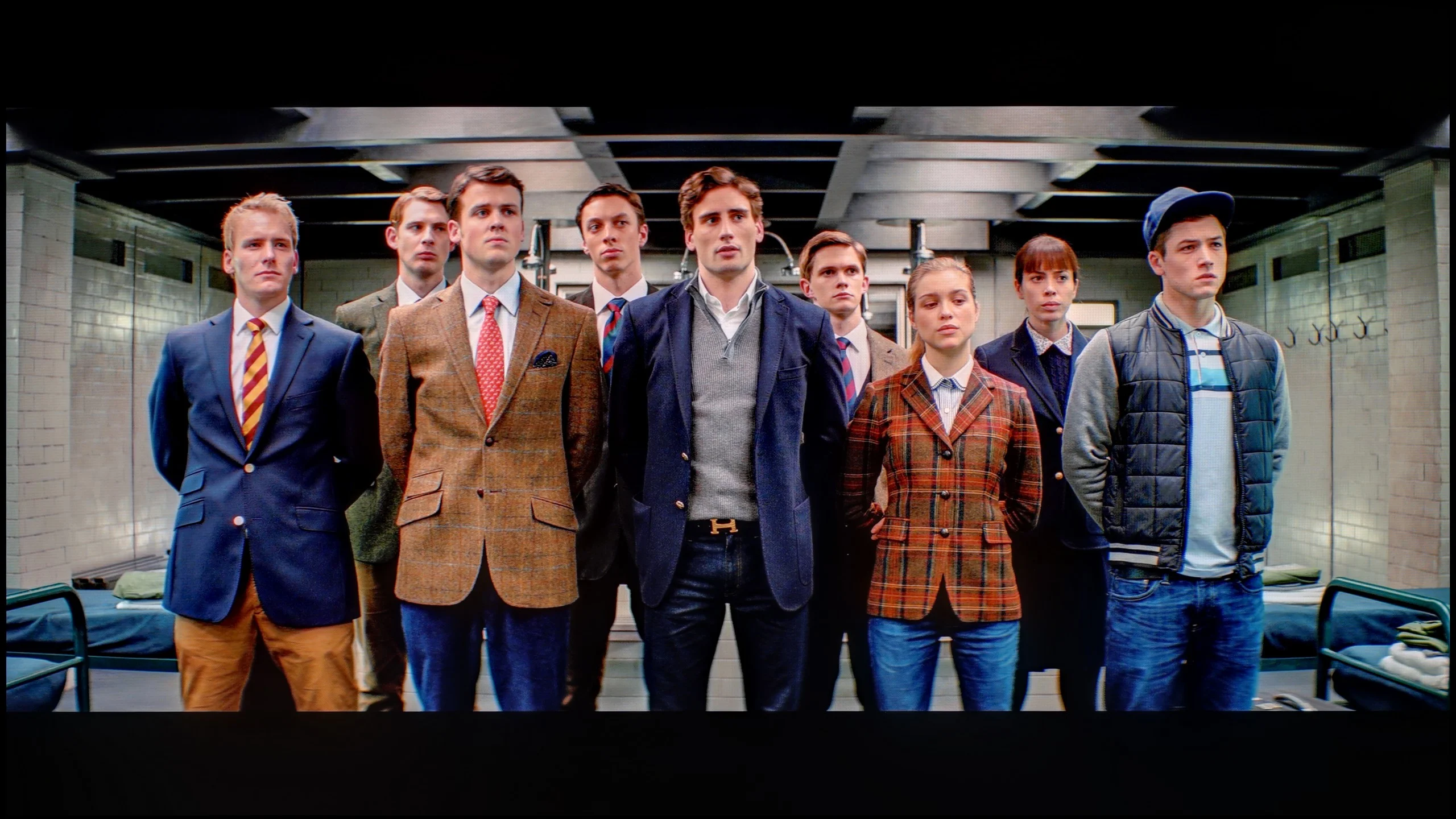
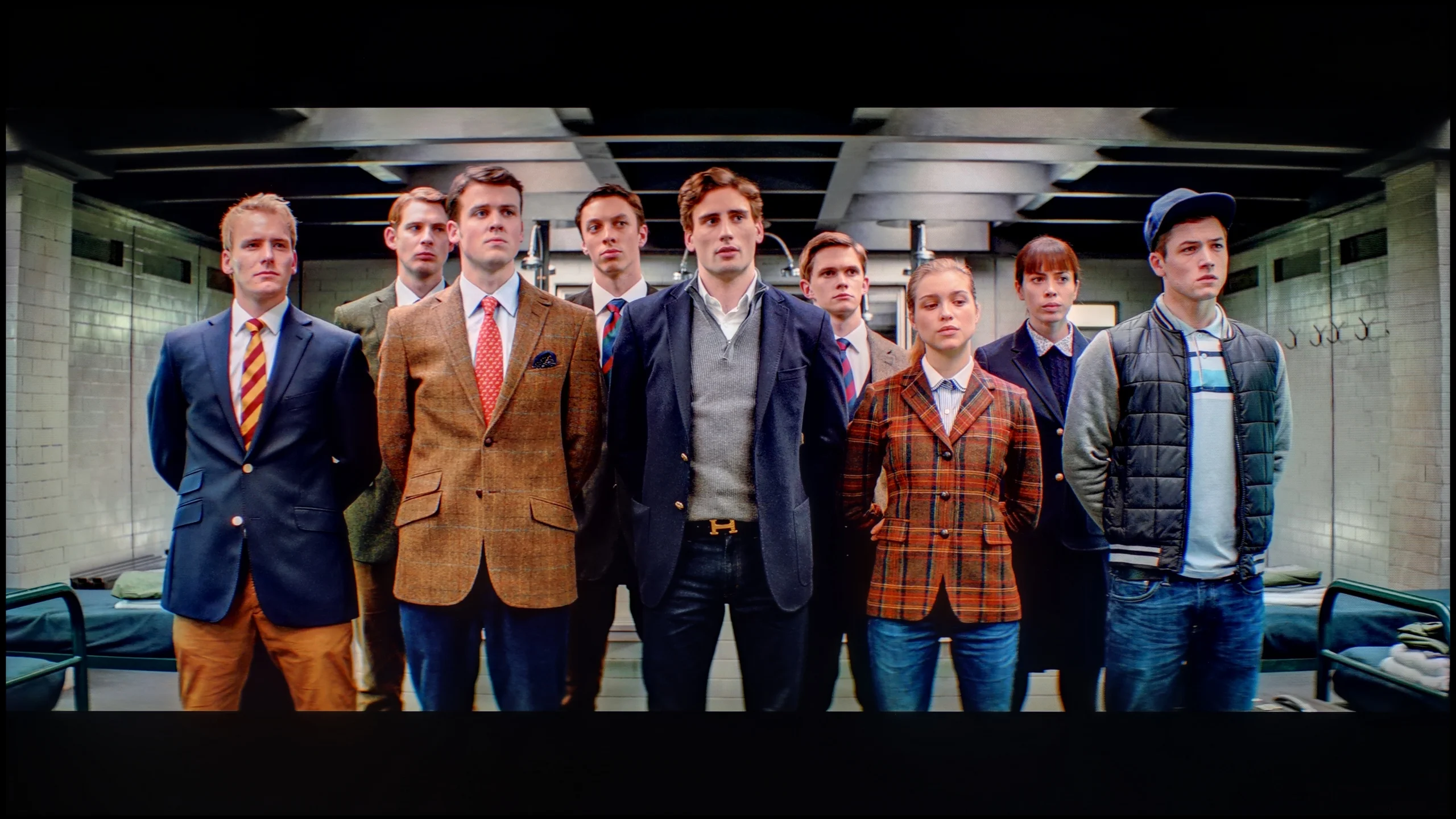
The photos show how movies look on the TV. Pay attention to black detail visibility, colors, and shadow tint.


The photos show how movies look on the TV. Pay attention to black detail visibility, colors, and shadow tint.
The colour reproduction after calibration on the Z95B is a topic that’s hard to elaborate on, as there wasn’t much to do here. A slight adjustment of the white balance was enough to eliminate the lack of blue, and at that moment, the picture jumped to an almost reference level. It must be said that we haven’t had such a small range of adjustments in a long time. If any of you are particularly perceptive, you might notice minimal deviations in the EOTF curve, but this is more related to the functioning of the dynamic tone mapping feature we mentioned earlier. In reality, this isn’t a flaw, but a characteristic of this solution, which intentionally alters the brightness profile depending on the scene. In summary, we are extremely impressed. The Panasonic Z95B is a television that looks great right out of the box, and after calibration, it reaches a level where we really struggle to find anything to improve.
We do know, however, that the company Hisense is capable of much more – as previous generations have proven – which is why we simply couldn’t leave the factory flaws of the U7S Pro model unaddressed in everyday content. As always in such cases, we had the television undergo professional calibration. The conclusions? This process brought about a colossal change. After manually adjusting the white balance and compensating for deficiencies in the blue component, the annoying yellow tint disappeared as if by magic. White became naturally clean, and skin tones gained the proper, healthy hue. Importantly, the calibration not only tamed the capricious SDR mode but also maximised the potential of the panel, reducing average colour reproduction errors to values nearly imperceptible to the human eye. The only thing we need to criticise after the whole process is the very nature of the Mini-LED backlighting and its specific interaction with the HDR signal. The aggressively tuned local dimming algorithms significantly interfere with the EOTF brightness curve. As a result, the backlighting doesn’t always work perfectly with the creator’s intent – depending on the scene being watched, the curve can noticeably run either above or below the reference, occasionally disrupting the ideal dynamic of HDR images.
Smoothness of tonal transitions
7.8/10
9.5/10
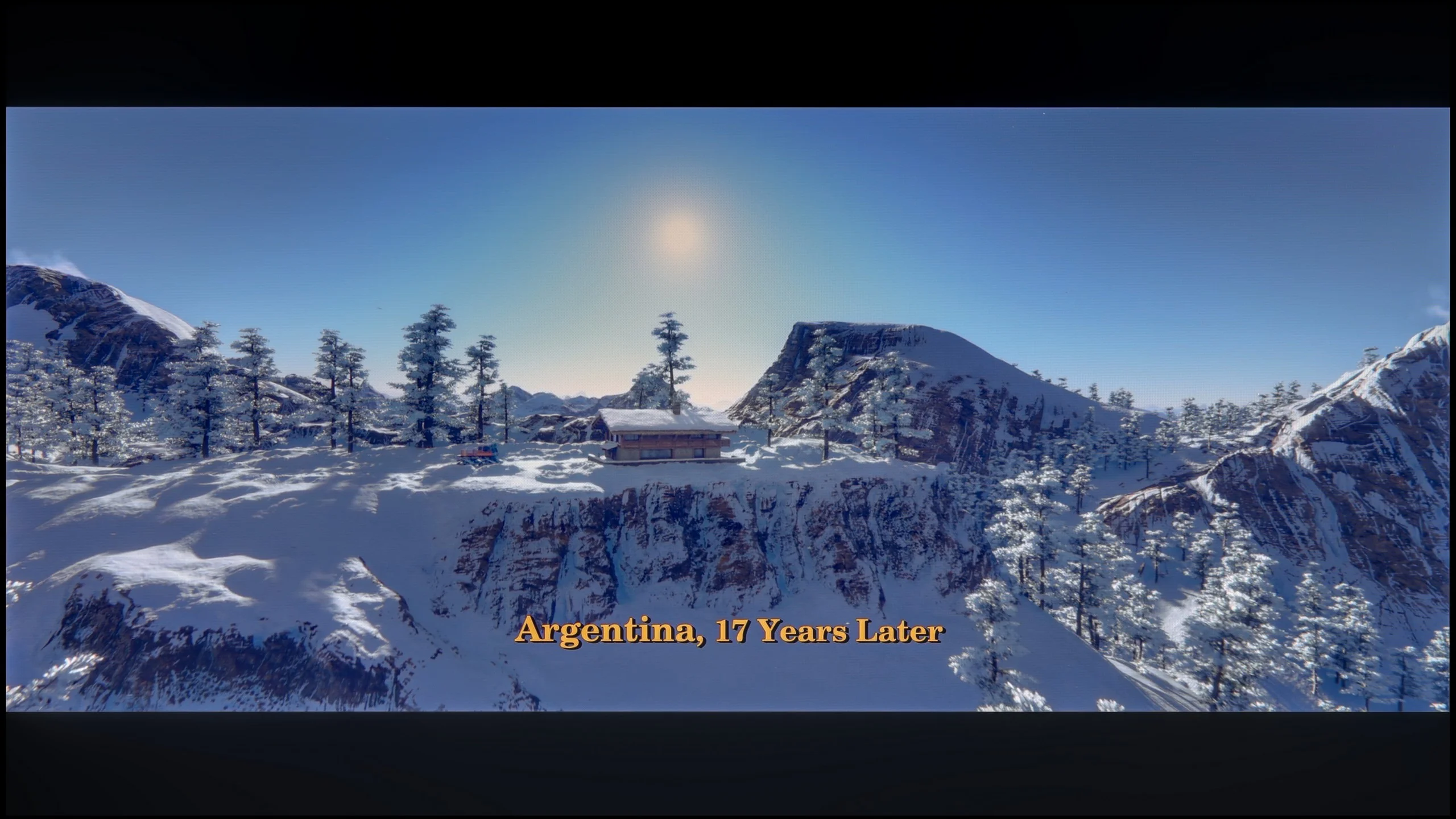

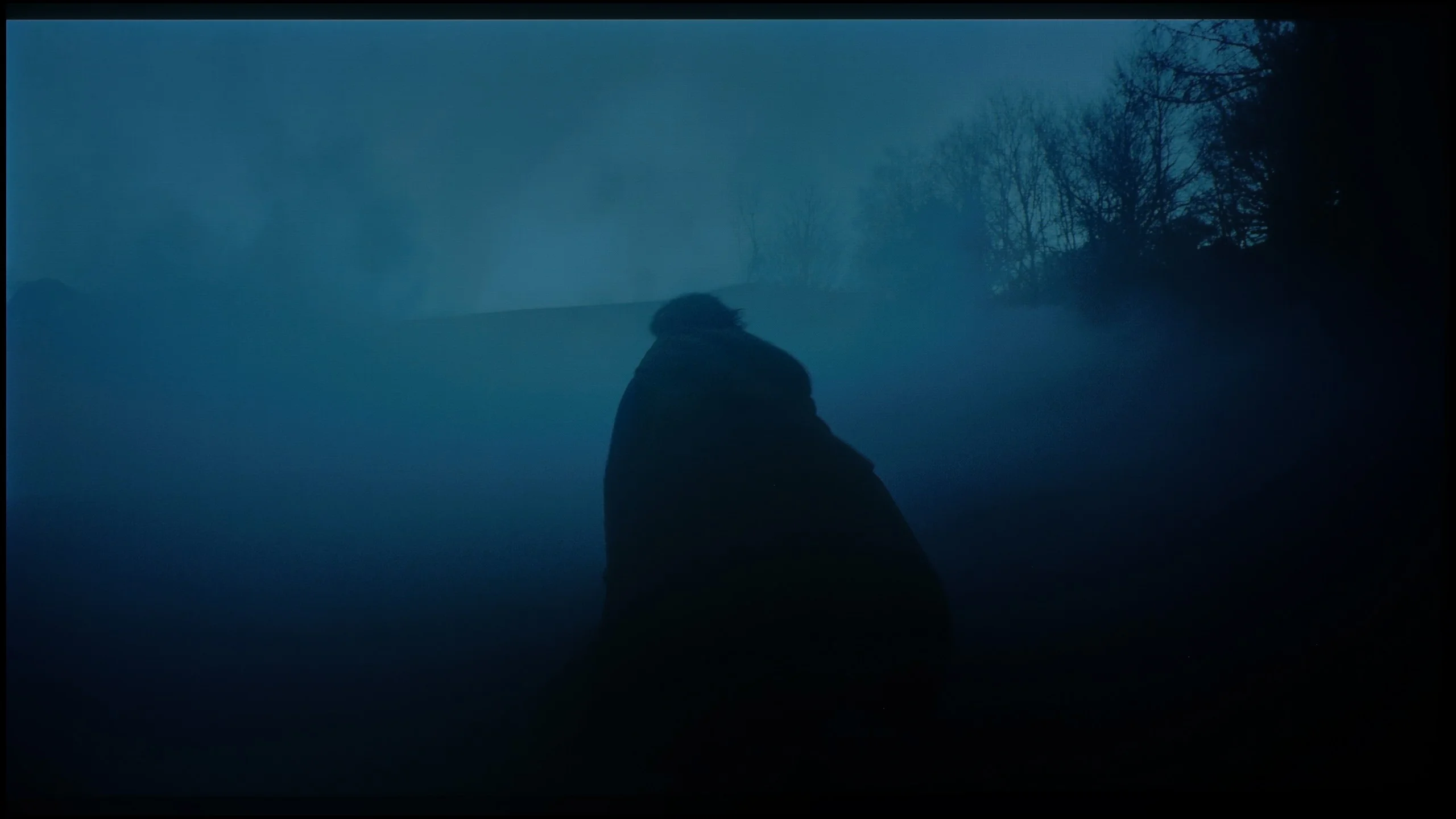
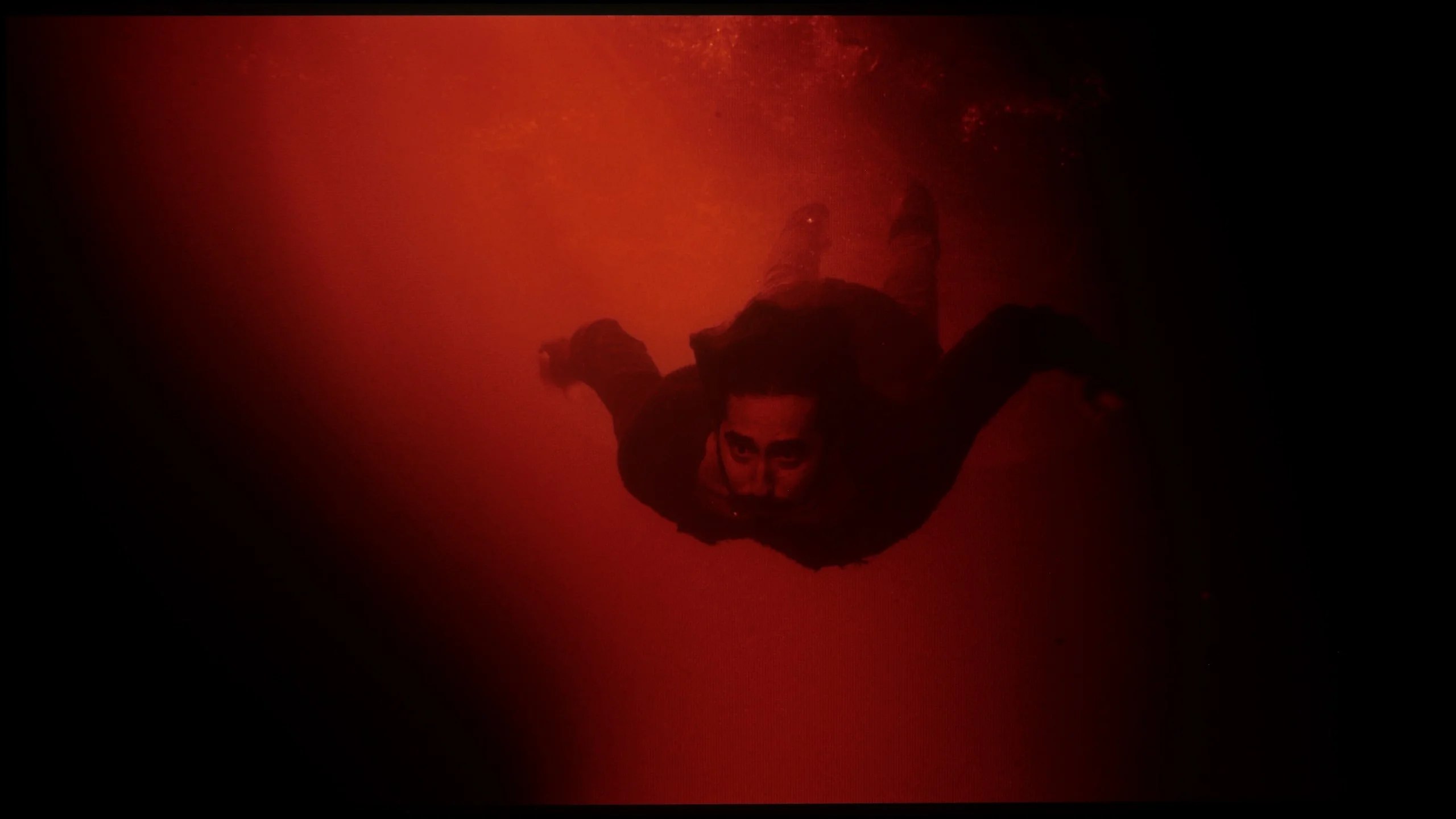
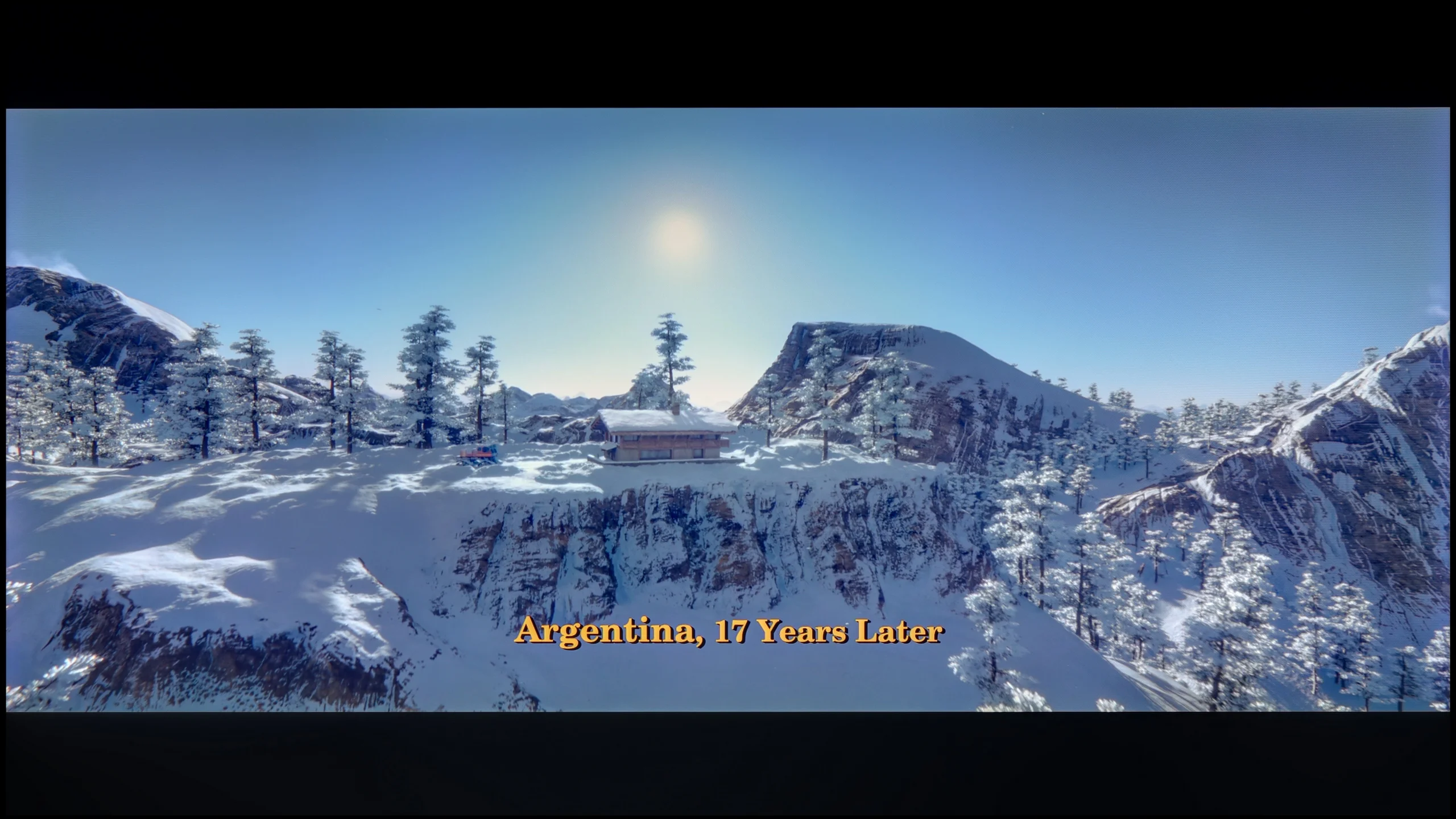
These are selected scenes that show smooth tonal transitions from one color to another. If you see distinct banding, it’s the TV panel’s fault.

These are selected scenes that show smooth tonal transitions from one color to another. If you see distinct banding, it’s the TV panel’s fault.
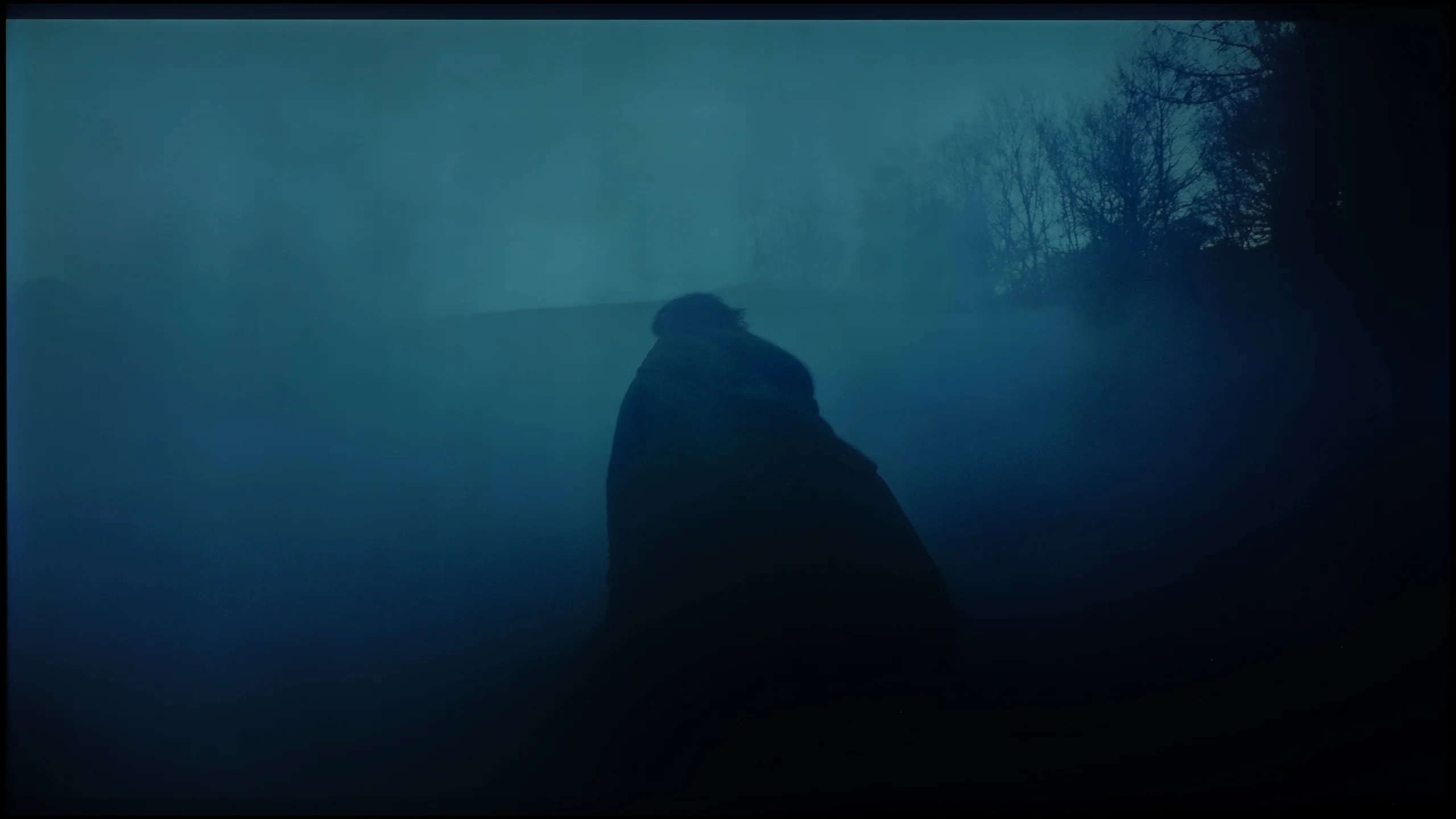
These are selected scenes that show smooth tonal transitions from one color to another. If you see distinct banding, it’s the TV panel’s fault.
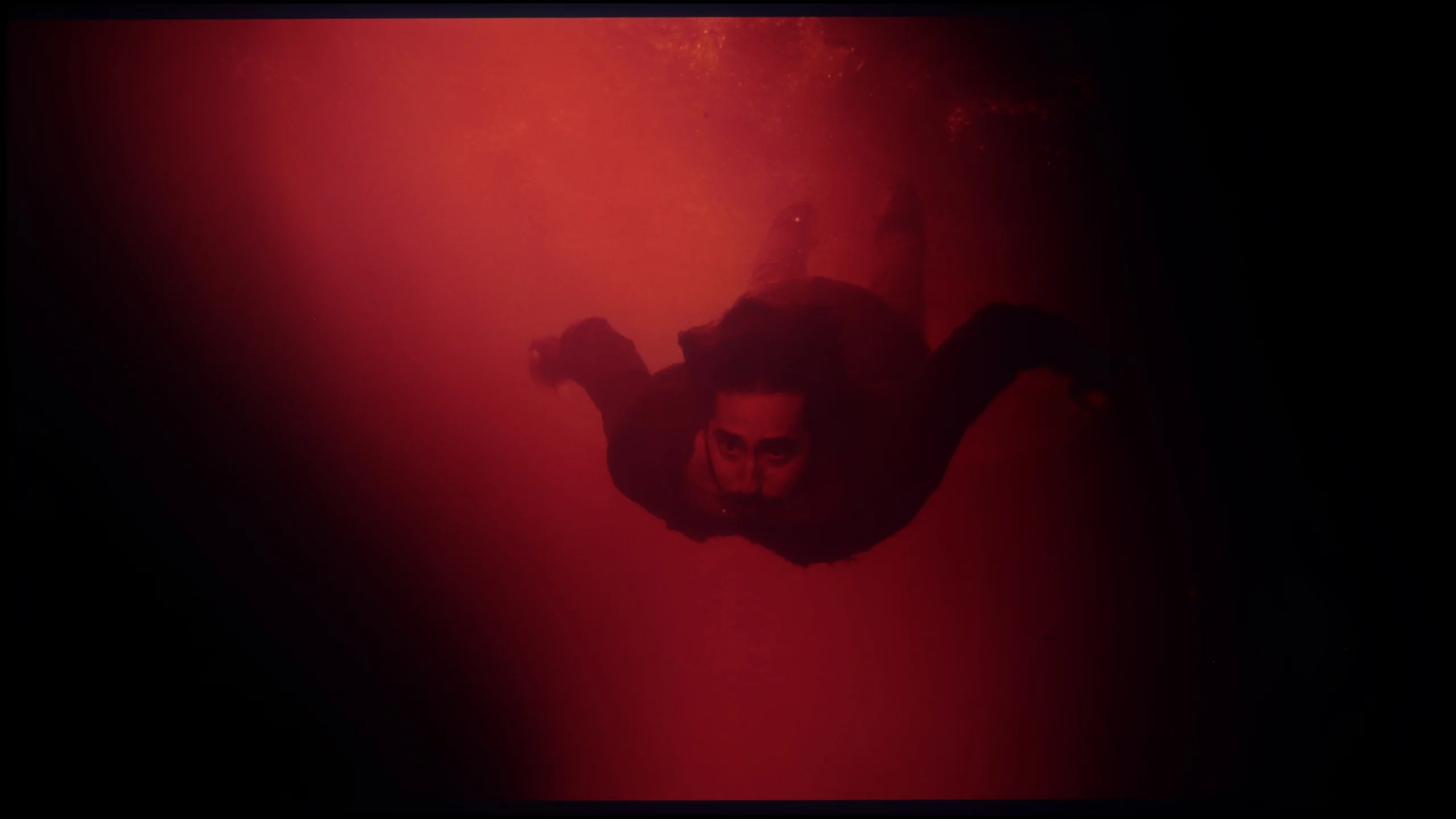
These are selected scenes that show smooth tonal transitions from one color to another. If you see distinct banding, it’s the TV panel’s fault.
Posterisation, or colour banding, was the Achilles' heel of Panasonic's flagship last year, the Z95A. In the new Z95B, it's clear that the manufacturer has made an effort to improve this issue related to gradation, and the problem has largely been corrected. In most scenes, colour banding is no longer visible, and tonal transitions are smooth and look natural. However, this doesn't mean that the problem has completely disappeared. In extremely challenging sections, especially in very dark scenes like those from the film Green Knight, some imperfections can still be detected. Nevertheless, it's gratifying that Panasonic approached the issue seriously and made a significant step forward, as the difference compared to the previous model is truly noticeable.
Digital image processing has for some time now been a genuine hallmark of Hisense. In the U7S Pro we didn't notice any serious problems with the so-called colour banding, that is, the posterisation effect. Individual shades transition almost perfectly and smoothly into one another, without the irritating effect of jagged edges or visible 'steps' in gradients.
Image scaling and smoothness of tonal transitions
6/10
7.8/10

Smooth transition function
The match photo shows how the TV smooths weak tonal transitions in low-quality video.
Image scaling SD (576i)


The model photo shows how it handles upscaling of SD material.
Let's start with what works well. The upscaling in the Z95B is at a very high level – the image in lower resolutions is clear and sharp, and the only minor shortcomings are slight banding in some areas of the picture. It's also important that the television doesn't crop the material in any way and maintains its proportions, which is not always an obvious fact even in 2025.
The situation looks worse when it comes to digital processing. Features like "gradation smoothing" or "block noise reduction" essentially do not work – the tested material looked identical regardless of the settings. We might as well say that this feature simply doesn't exist. It's a bit disappointing, especially since Panasonic heavily promotes its HCX Pro AI II processor, boasting the presence of artificial intelligence improving image quality. Meanwhile, in such a basic matter, the television does not deliver a real effect and it looks weaker than one would expect from top-tier equipment.
The digital processing of lower-quality signals is at a very high level here, and that's all thanks to the MediaTek Pentonic 800 processor used in the U7S Pro. The upscaling itself also performs well, meaning the TV's ability to upscale lower-resolution signals to 4K is impressive. We didn't notice any unnatural, overly sharp contours on the screen, and our test image of the model simply looked attractive.
Blur and motion smoothness
8.5/10
7.4/10
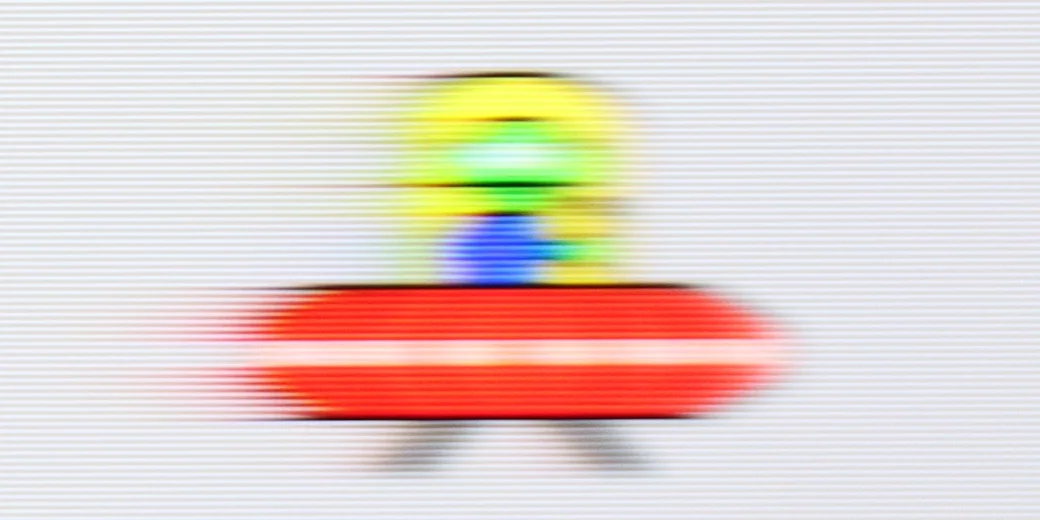
Blur (native resolution, maximum refresh rate):



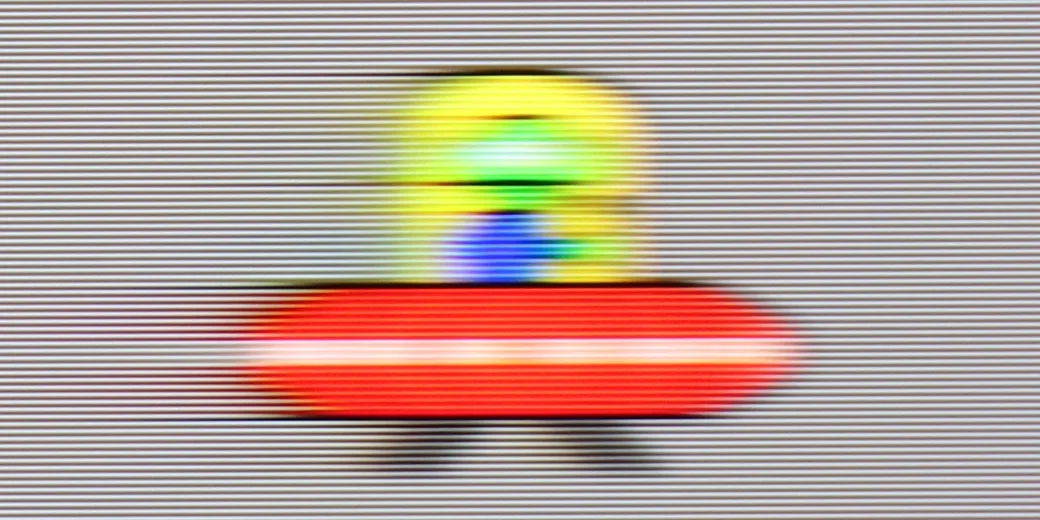
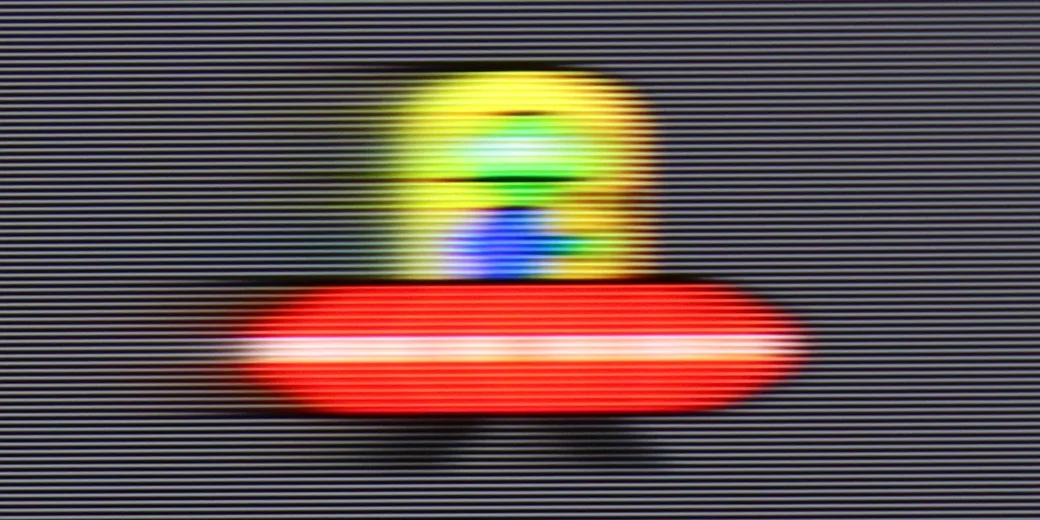
Blur (BFI function enabled):
Image flickers in this mode






Blur (4K@144Hz):



Blur (1080P@330Hz):
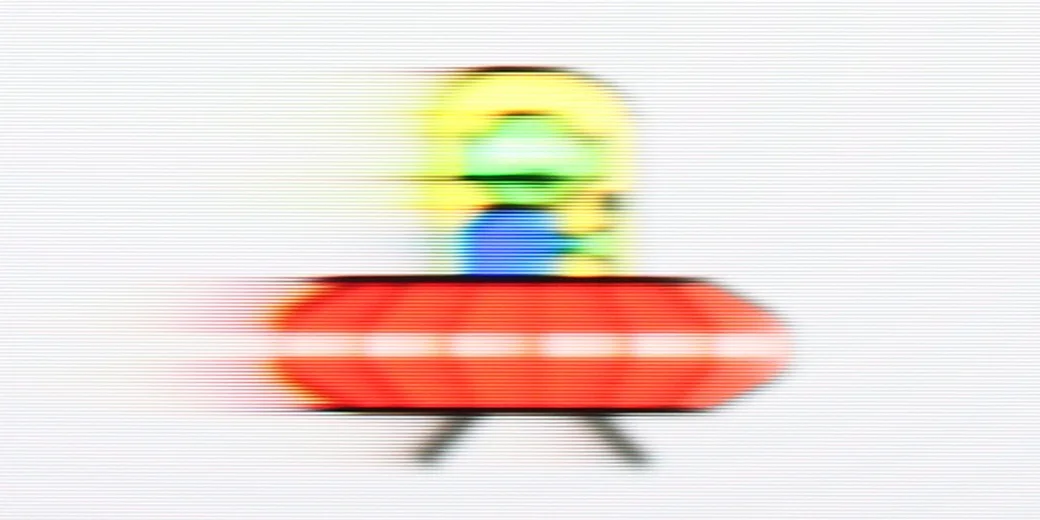


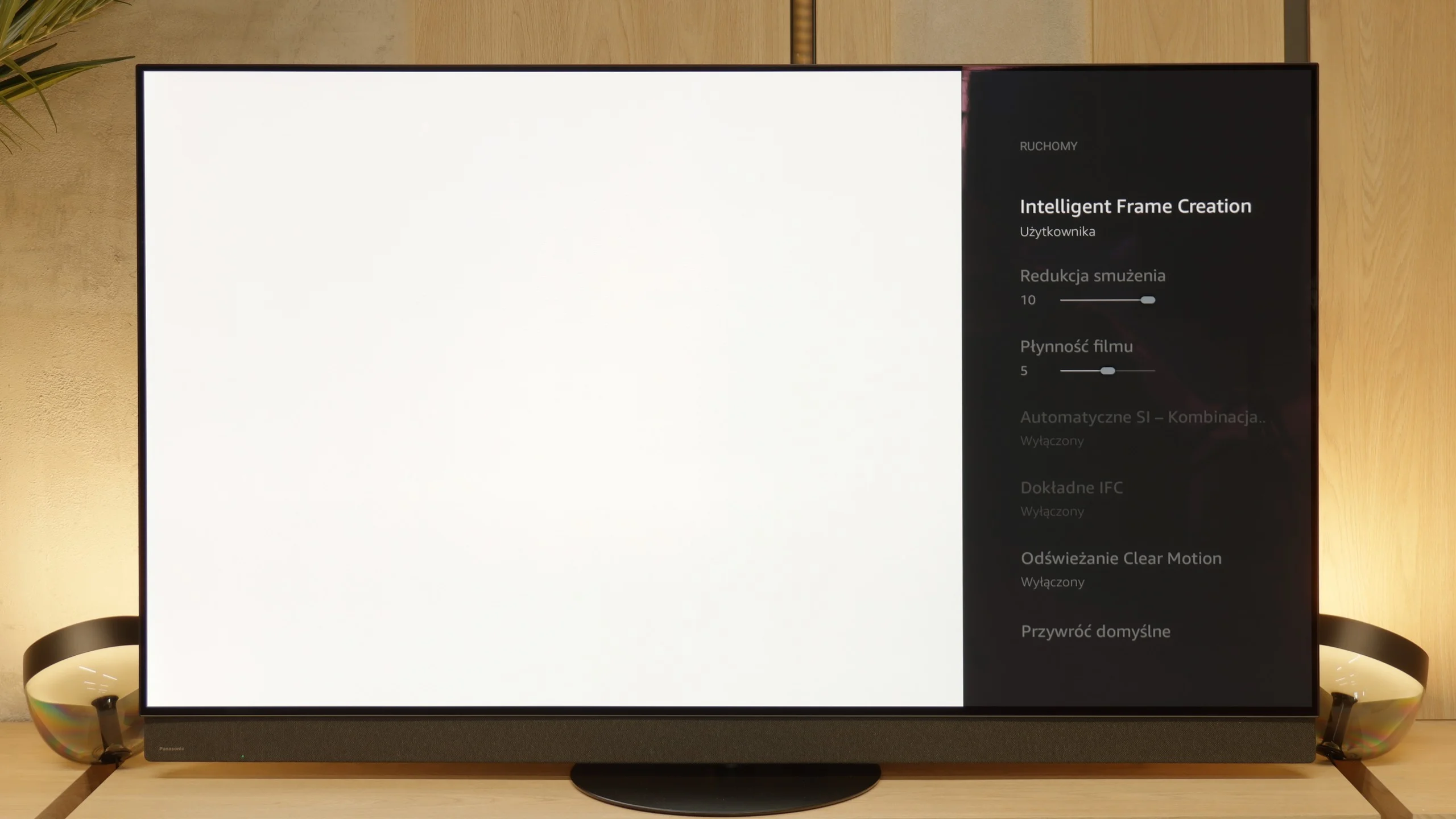
The OLED panel with very high refresh rates already provides an incredibly sharp image even in dynamic sports scenes, such as football or basketball matches, and the Z95B is no exception. It's also very important that the television is equipped with the proprietary motion smoothing system 'Intelligent Frame Creation'. Among the available sliders, the most crucial one turns out to be the one called 'film smoothness', as it allows for adjusting the motion to personal preferences with 24-frame content, meaning films – from a more 'choppy' appearance to a smooth, almost theatrical effect. It's a bit disappointing that Panasonic didn't opt to push the latest OLED panel to 165 Hz, as Samsung did with the S95F or LG with the G5, because we know that the panel is technically capable of it. On the other hand, it mainly benefits PC gamers, so in everyday viewing, it's not a significant drawback as we are limited to 120Hz.
The Hisense U7S Pro uses a panel with a maximum refresh rate of 165 Hz at 4K, and in gaming mode it can even hit 330 Hz at Full HD. However, it's worth remembering that these top figures don't mean much in everyday use, because most content still runs at a maximum of 120 Hz (for example when playing on a console). Even so, the TV handles motion quite well and performs respectably for an LCD design.
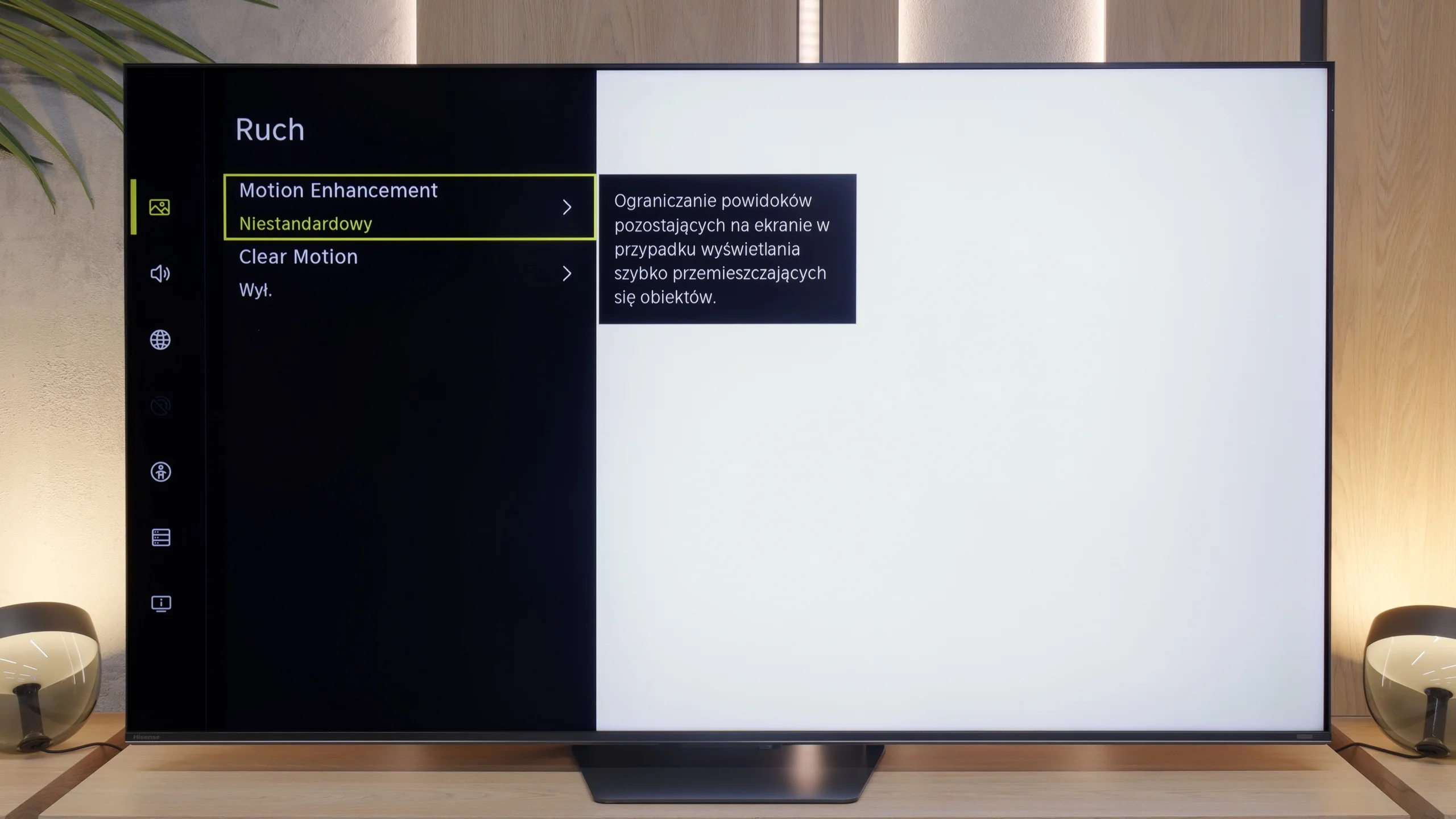
There isn't much to fault when it comes to smoothness. In the menu you'll find a motion smoothing feature called "Motion Enhancement", which hides two sliders: blur reduction and judder reduction. They let you manually tune the smoothing, which works well for both films and sport, effectively improving the raw TV signal.
Console compatibility and gaming features
10/10
8.5/10
- ALLM
- VRR
- VRR range40 - 144Hz48 - 330Hz
- Dolby Vision Game Mode
- Correct implementation of HGIG

- 1080p@120Hz
- 1440p@120Hz
- 4K@120Hz
- Game bar
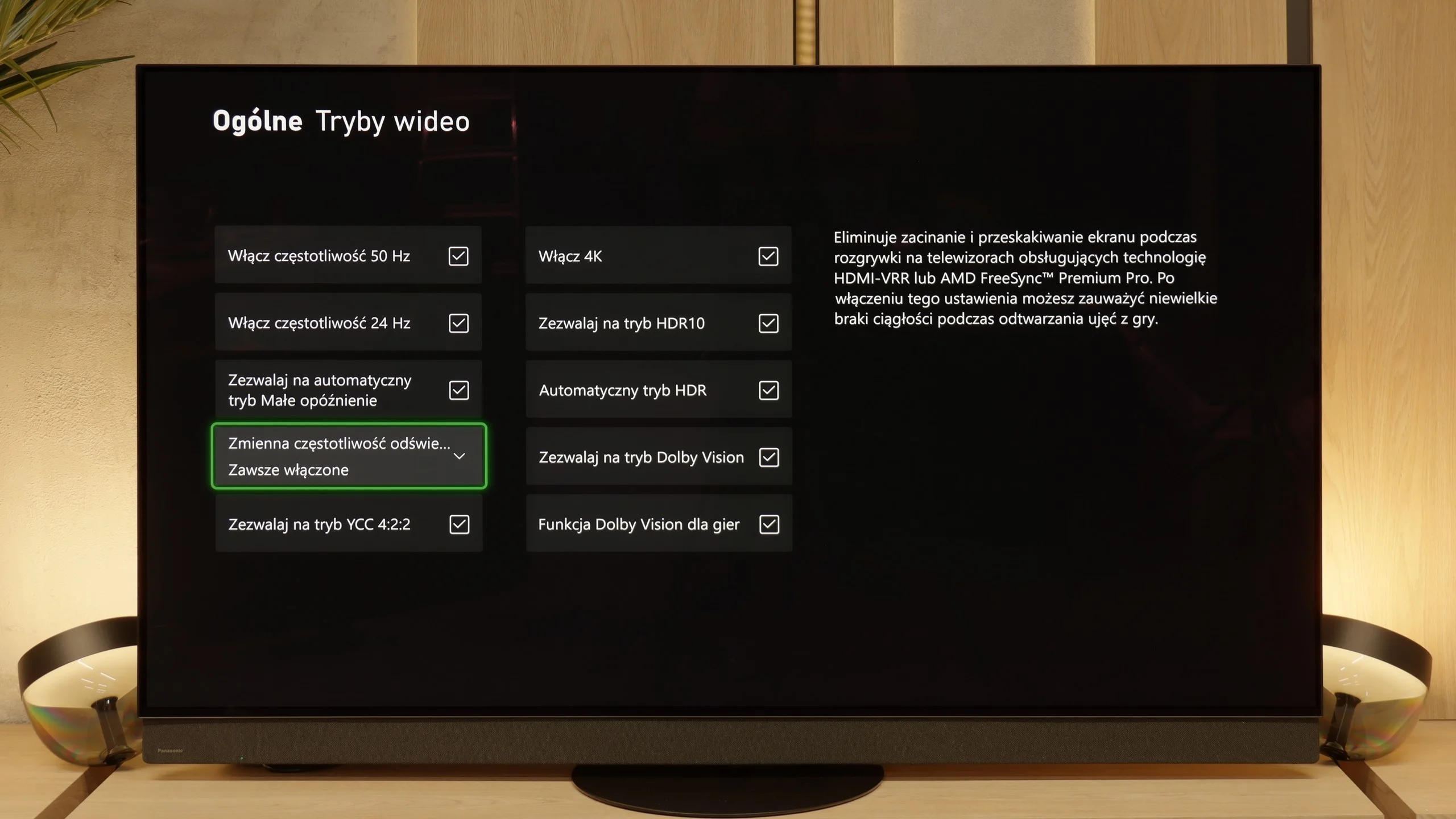
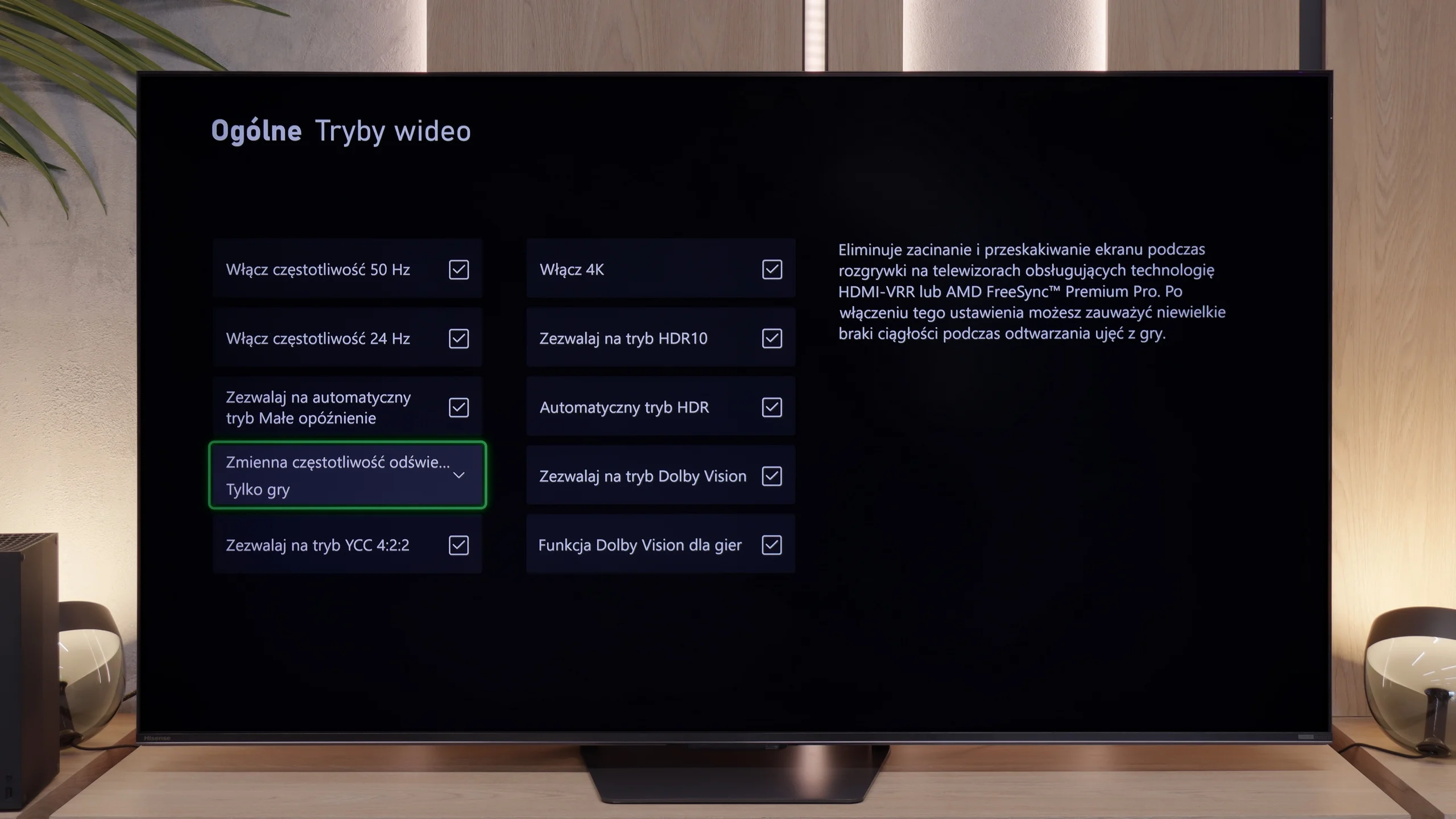
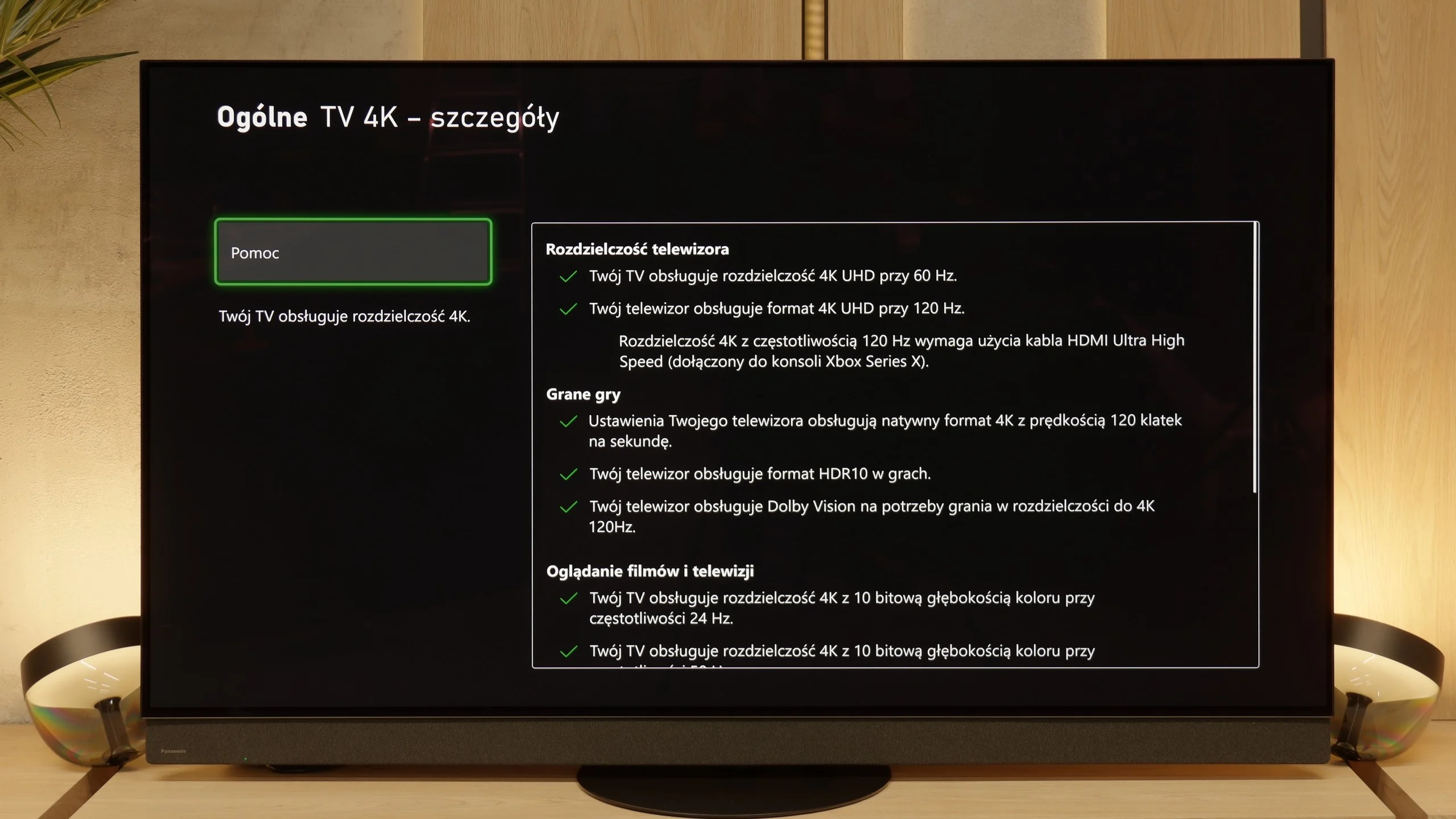
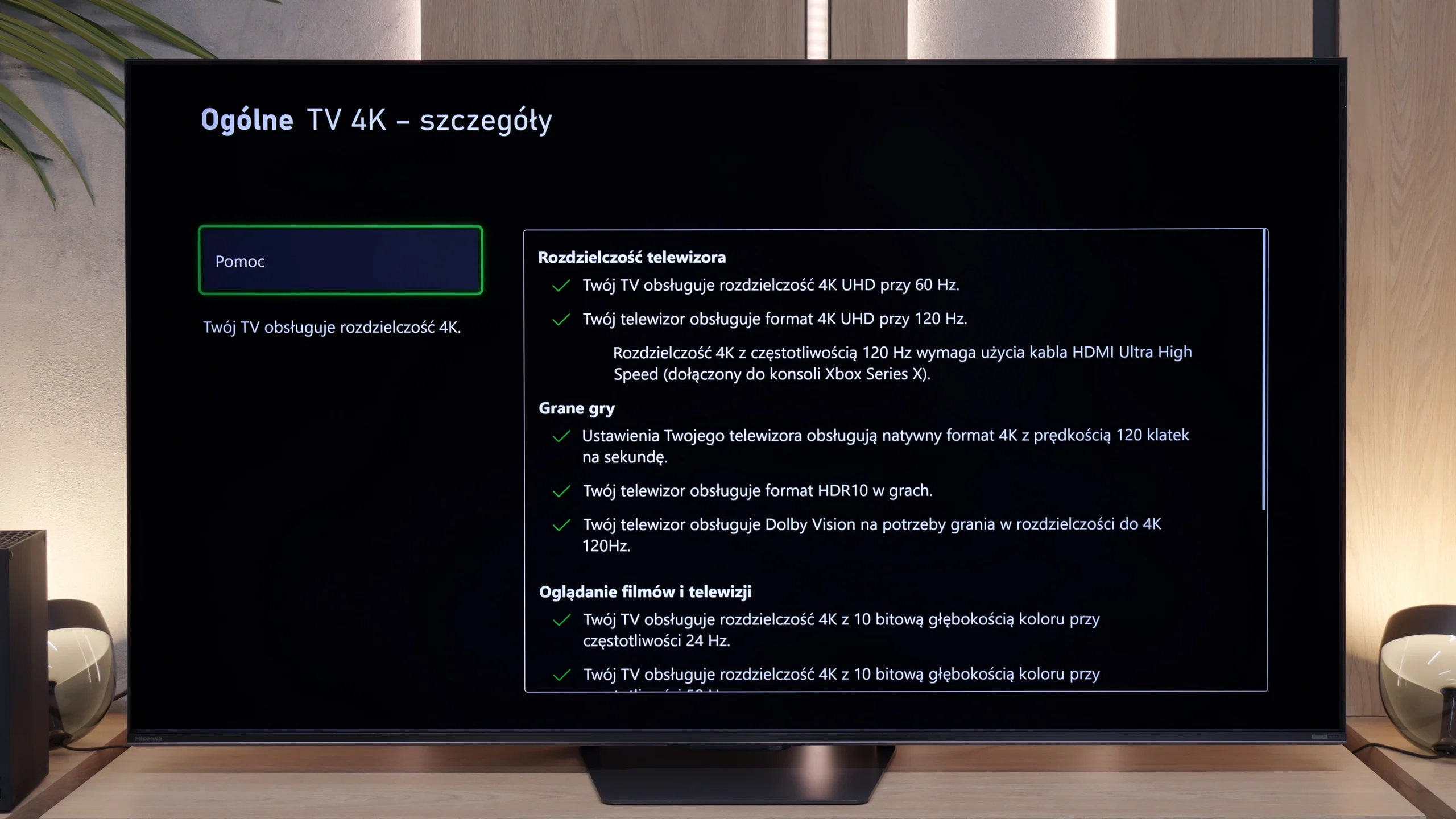
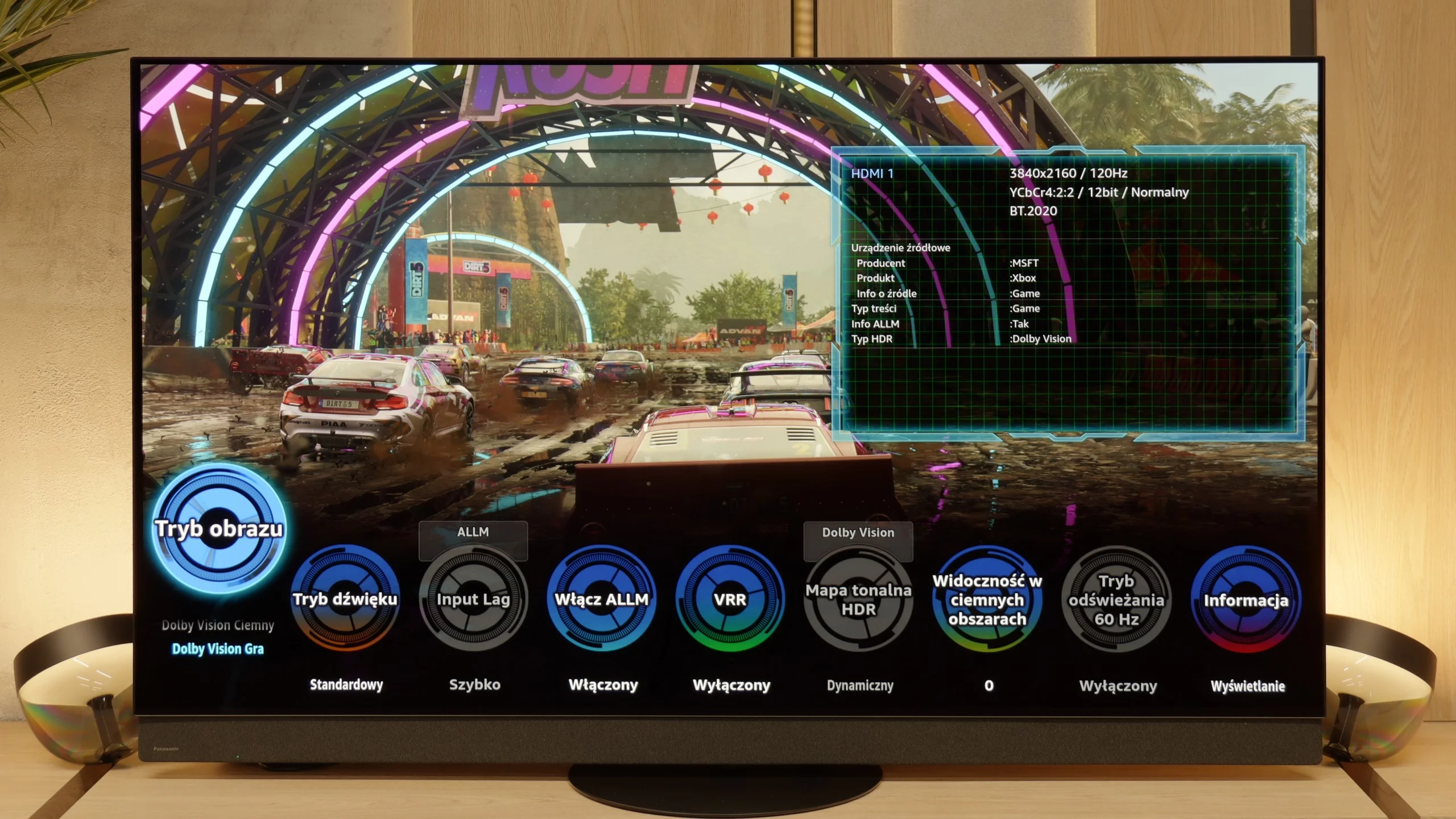
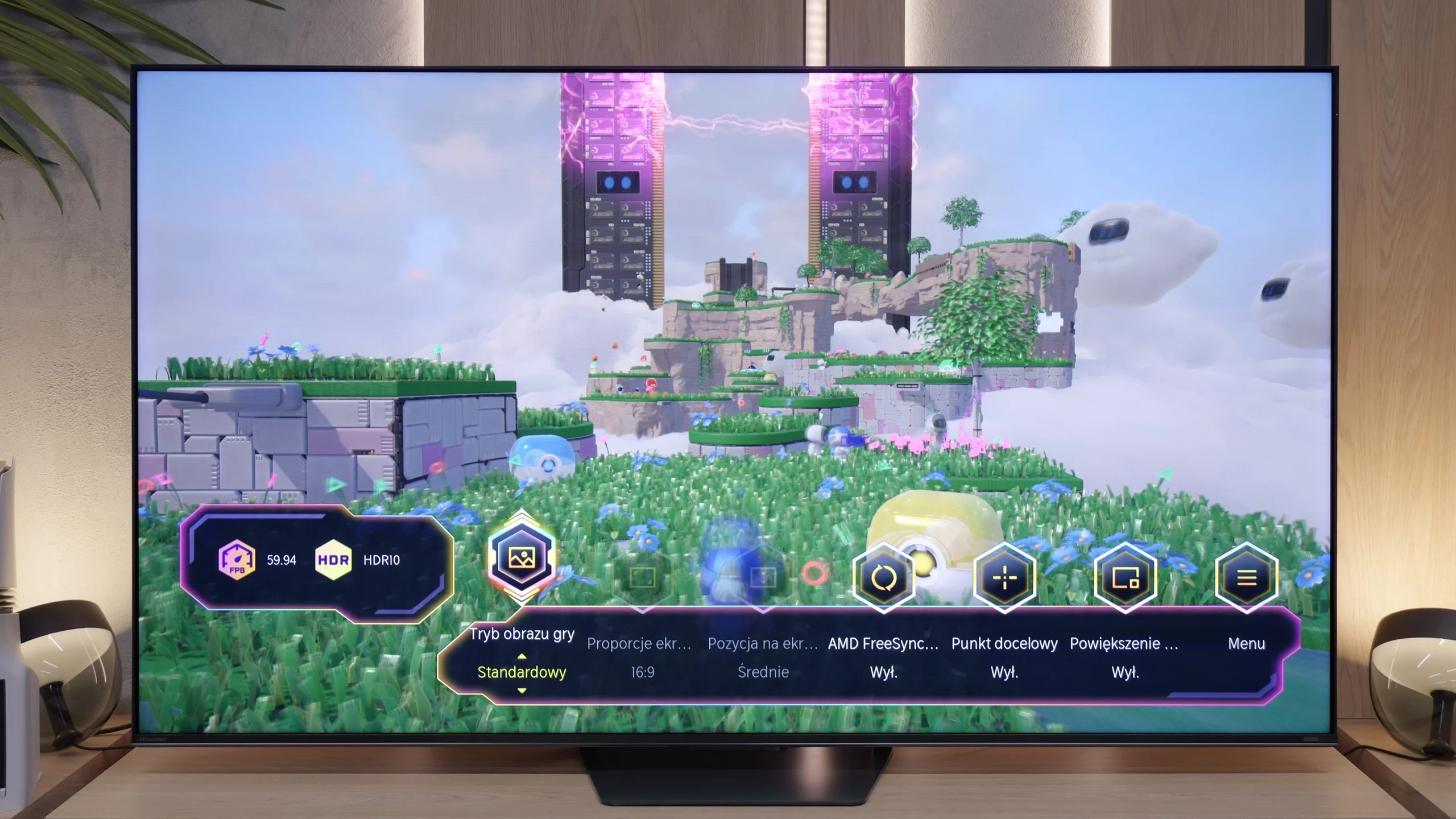
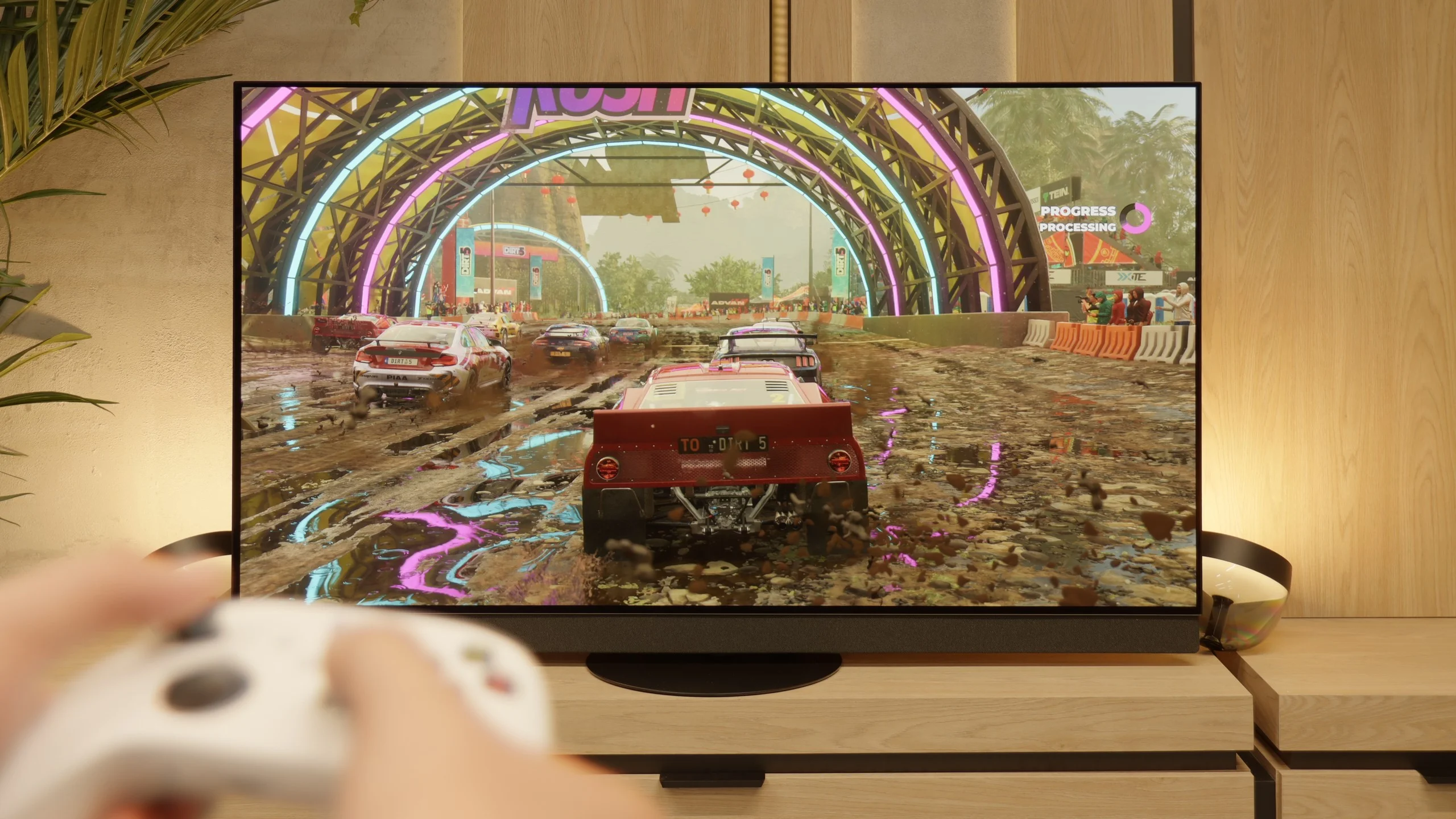
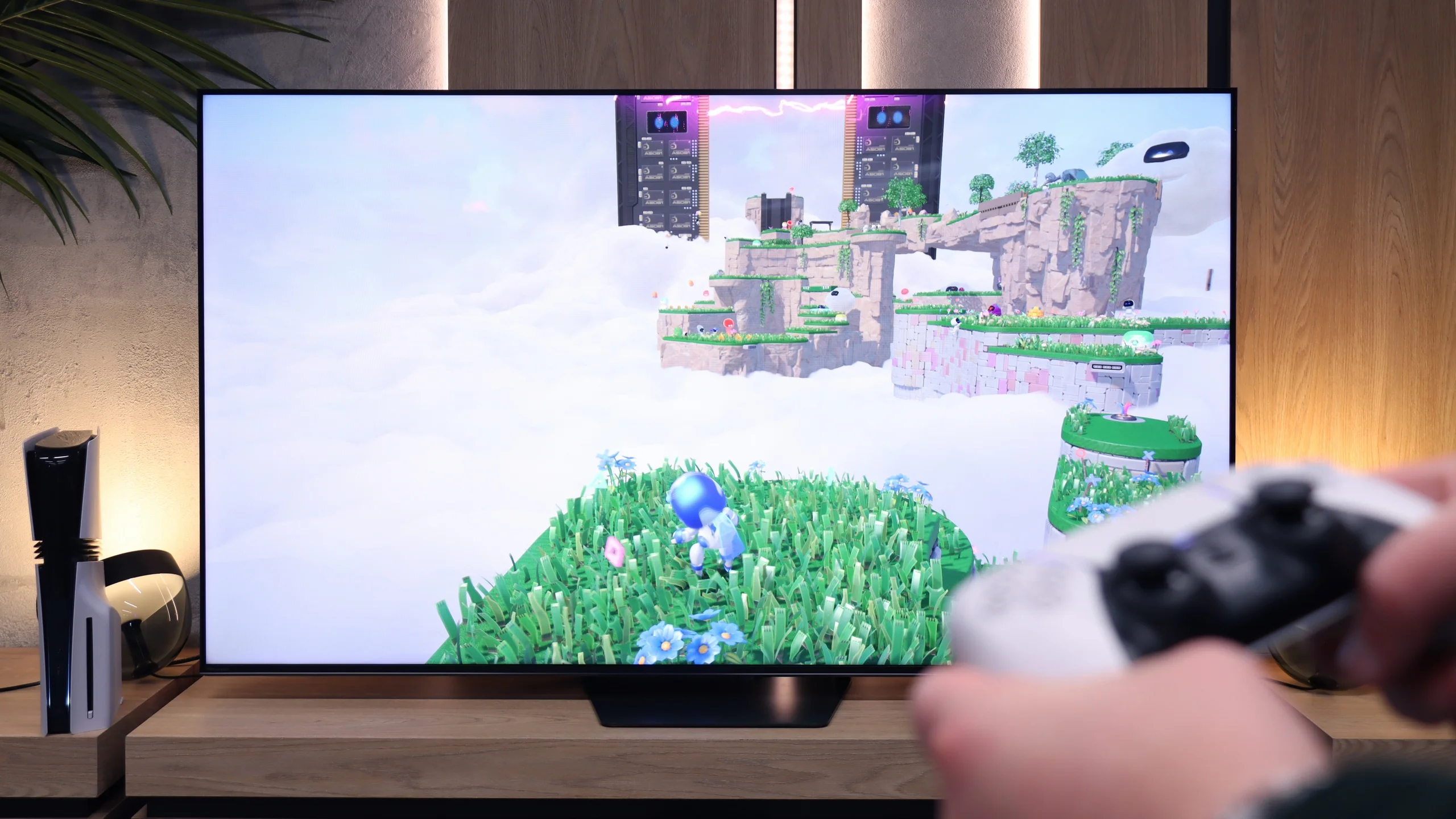
The Panasonic Z95B is fully equipped for gaming. Two HDMI 2.1 ports with a full bandwidth of 48 Gb/s guarantee support for everything you can expect from a modern screen. It features VRR frame syncing, an automatic game mode (ALLM), and full compatibility with HDR formats used in gaming. The TV supports both Dolby Vision for Xbox and the popular HGiG, which in this case has been implemented correctly, so it actually works as it should.
Although the brand is mainly associated with home cinema and equipment for filmmakers, there’s also space for gamer conveniences here. Onboard is the Game Bar (or rather Game Circles) – it looks a bit unusual visually, but it does its job and allows you to quickly check the most important image parameters. The only thing missing for complete satisfaction is actually having four HDMI 2.1 ports instead of two. It’s a minor detail, but with a TV of this class, one could expect a full set.
If you're planning to connect a console or PC to the U7S Pro, you'll be more than pleased – this TV is great gear for gamers. Hisense hasn't held back, featuring 4 HDMI 2.1 ports with full bandwidth of 48 Gbps. So you don't have to juggle cables, as each port will handle the full suite of features. We have an automatic game mode (ALLM) and VRR, which operates over a wide range from 48 Hz to a whopping 330 Hz. Of course, that 330 Hz is currently just a gimmick for owners of powerful PCs, as consoles will cap at 120 Hz, but it's good to have that headroom for the future. The Game Bar also works really well when gaming. It's a handy menu bar for gamers, where you can quickly change the picture mode, turn on a crosshair in the middle of the screen, and even switch the display aspect ratio to ultra-wide, which PC simulation fans will appreciate. The only downside worth noting is the incorrect implementation of the HGiG format in games. The issue is that the TV ignores instructions from the console regarding the image generated in HDR10 and constantly butts in, trying to "enhance" the image in its own way. This makes proper HDR configuration in the console menu (where brightness is set on the logo/checkerboard) a bit more challenging.
Input lag
10/10
9.7/10
SDR
HDR
Dolby Vision
Regardless of the content being watched, the input lag on the Z95B is exceptionally low – even in Dolby Vision the TV operates at 120 Hz with a delay of less than 5 ms. This result places it at the very top of the screens for gaming. If we could, we would comfortably give it a score of 11/10. 😉
If we talk about latency, it's really good. Results below 10 ms for content at 120 Hz are great news, because the response to movement of the analogue stick or pressing a button on the controller is instantaneous. At the standard 60 Hz the lag rises to about 18 ms, which is still low enough that even a keen gamer won't be able to notice it. The only thing you could pick at is playing with Dolby Vision enabled — then input lag can jump to around 30 ms. To be fair, that's still not something we'd call bad or that would prevent comfortable gaming.
Compatibility with PC
8.6/10
8.4/10
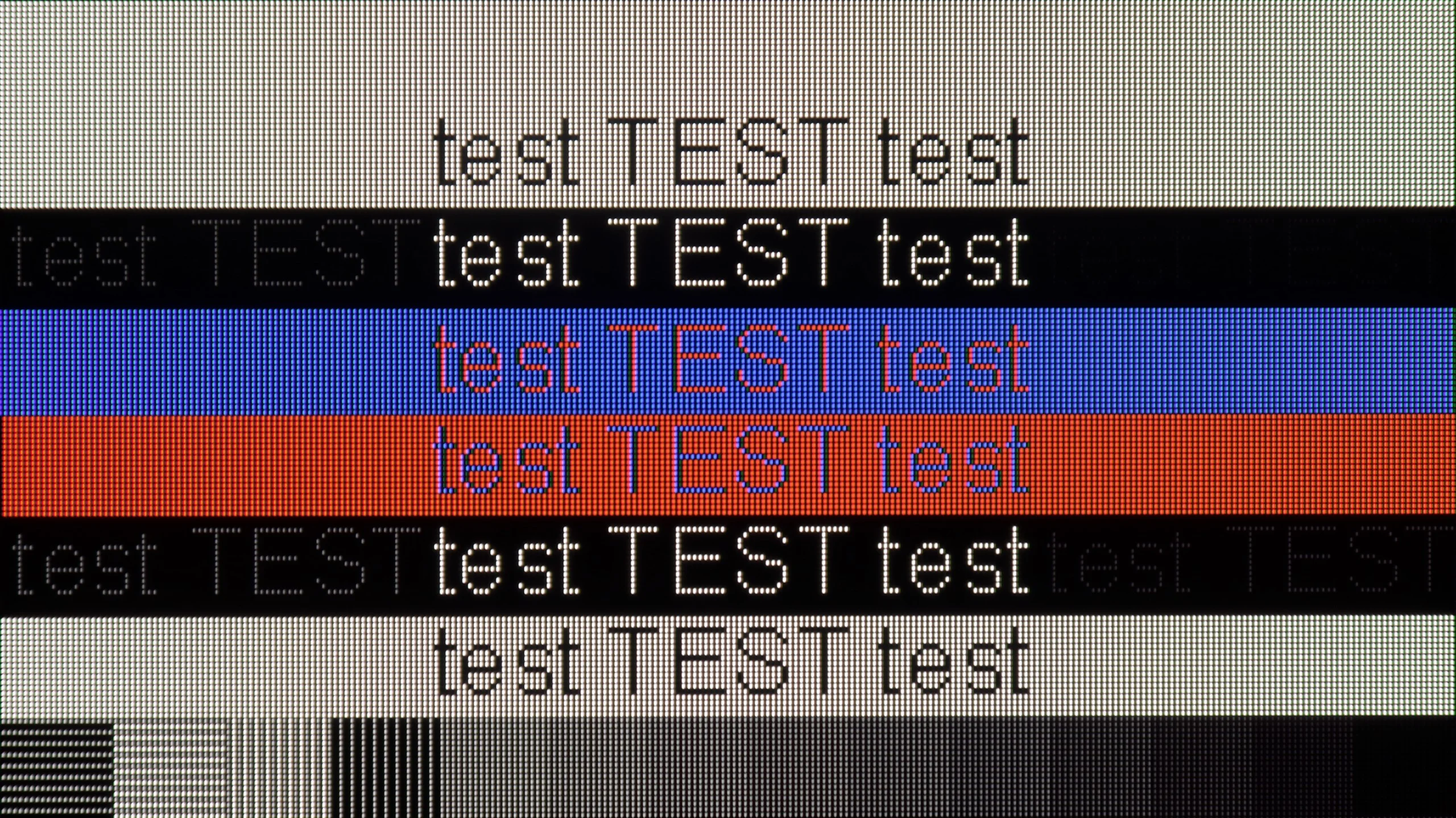
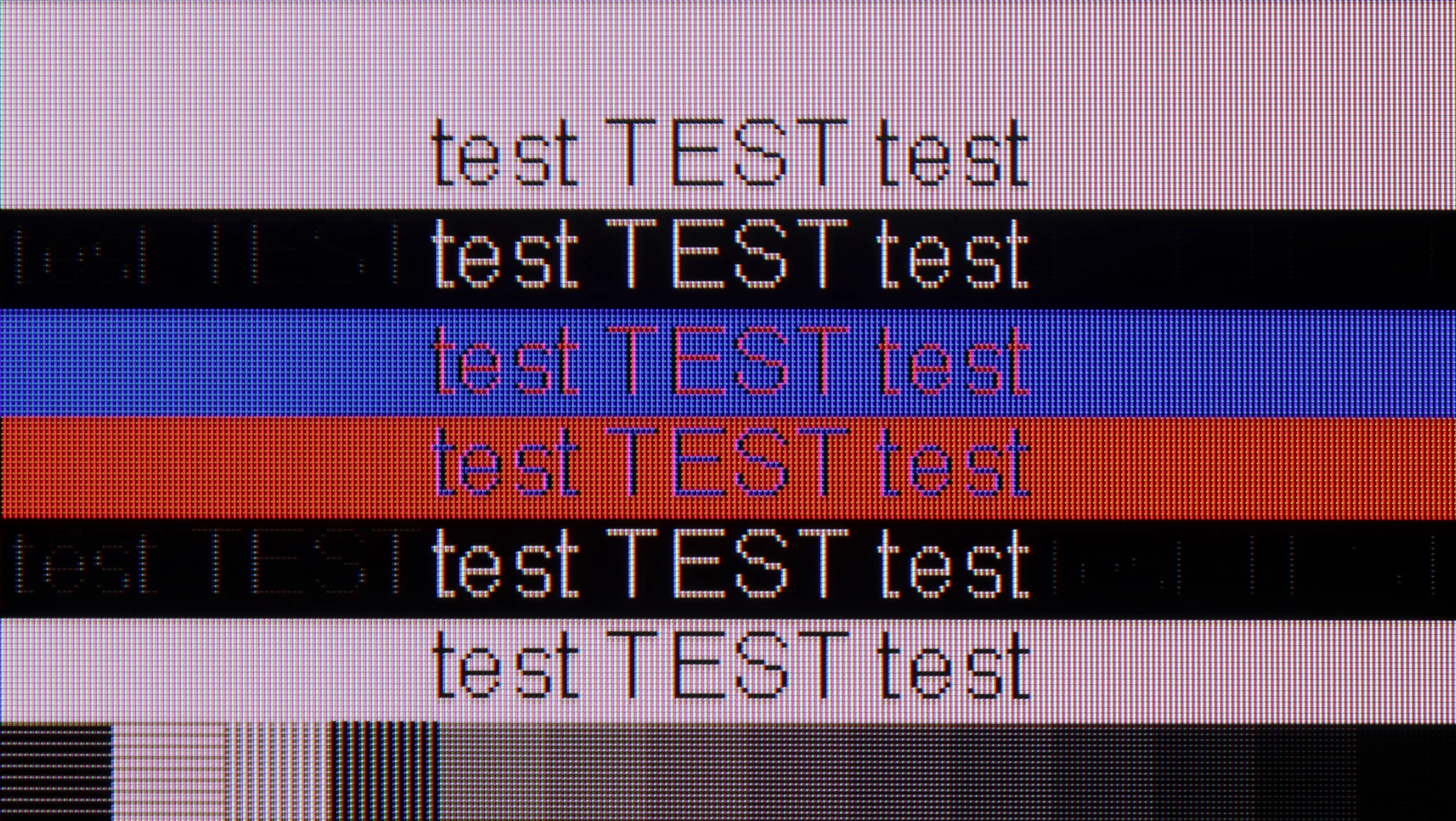
The photo shows the legibility of small fonts. Ideally, lines should be the same thickness on both light and dark text, with minimal pixel gaps.
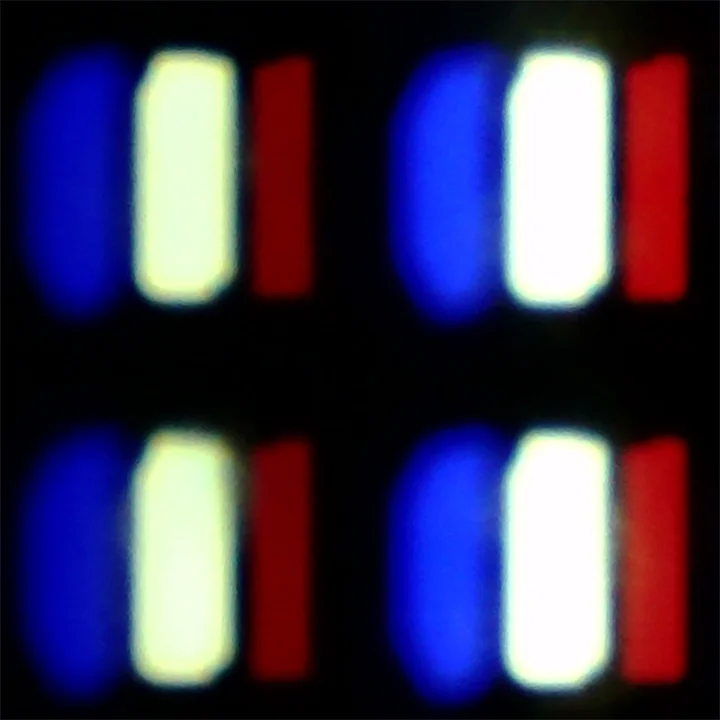
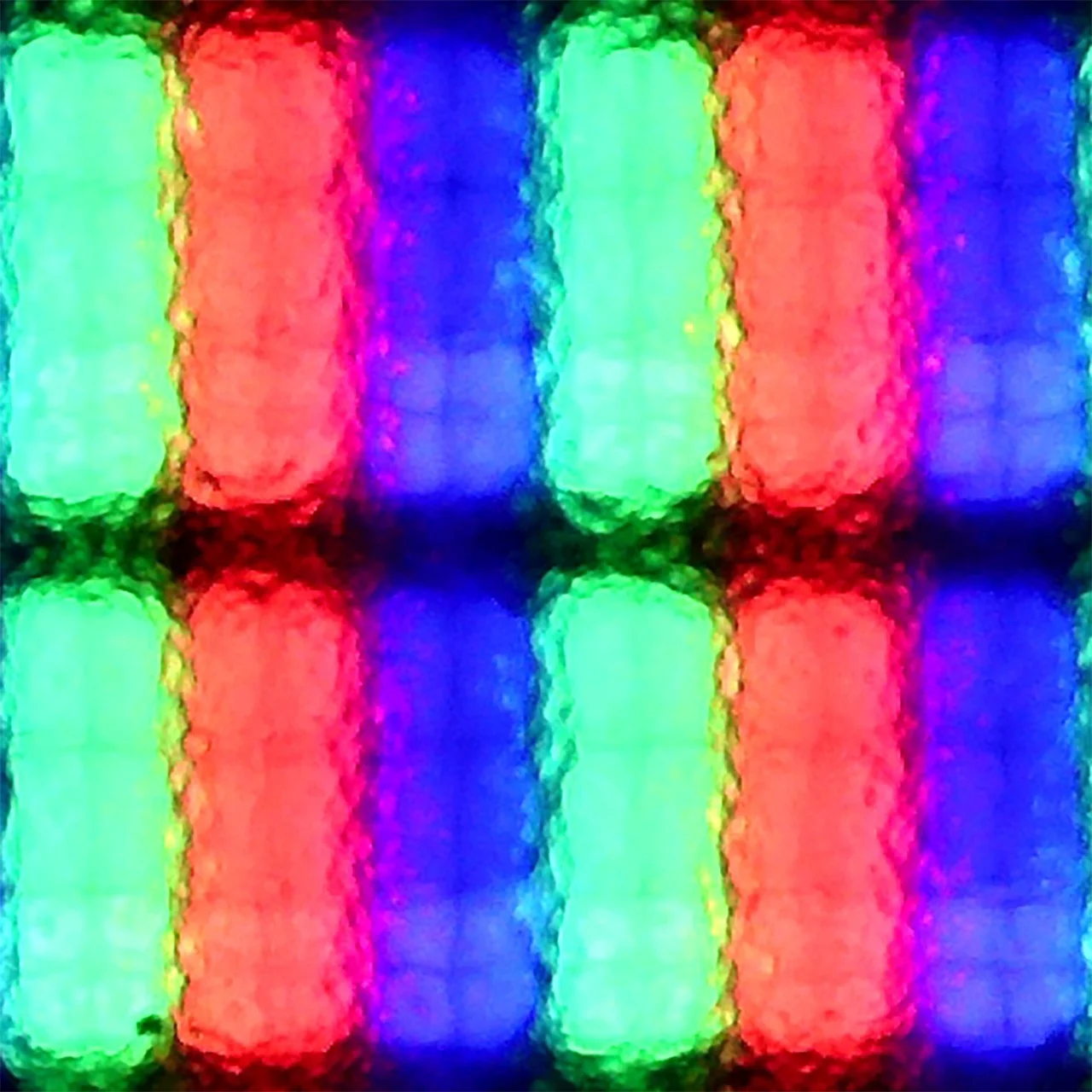
The Z95B can easily be connected to a computer and used as a large monitor. Sure, with the WOLED pixel arrangement, the fonts don't look as perfectly sharp as on typical monitors with IPS panels, and this can be noticed during office work, but it's hard to consider it a serious problem. Not many people buy such a TV for Excel. 😉 When it comes to gaming on PC, there’s nothing to complain about. The 144 Hz mode works brilliantly, and we have full support for G-Sync and AMD FreeSync, so frame synchronization works flawlessly with any graphics card. Despite minor issues with font display, it's hard for the Z95B to struggle in this role – it performs simply phenomenally as a gaming screen.
As we already mentioned, the U7S Pro is a great bit of kit for gamers, including PC players. The TV can reach a very high refresh rate — up to 165 Hz at 4K, and when you drop to Full HD it can hit as much as 330 Hz. Those are figures you typically see in monitors, not TVs. On top of that, the TV works well with NVIDIA and AMD graphics cards thanks to G-Sync and FreeSync.
When it comes to desktop text readability, it’s pretty good — the TV supports full colour sampling (Chroma 4:4:4), so fonts should be sharp and clear. There’s a small catch: text readability significantly worsens when the TV is running at 165 Hz or 144 Hz. To fix that and get much sharper fonts, it’s best to simply change the refresh rate in Windows settings to 120 Hz.
Viewing angles
8/10
3.2/10
In this respect, the Z95B performs really well. The drop in brightness at an angle is just 11 percent, which is exactly what the best QD-OLED panels and the previous generation MLA from LG Display are recording. This means that even when watching the TV from the side, there’s no impression that the image becomes washed out or difficult to read.
Colors do fade slightly at extreme angles and aren’t as stable as in QD-OLEDs, but it’s hard to consider that a serious issue. The picture still looks great, and you can be confident that when watching the Z95B from a large angle, everything remains clear. It's also worth noting the swivel stand in terms of viewing angles, as this practical solution allows you to easily adjust the screen so that everyone in the room has the best possible view.
Unfortunately, the U7S Pro doesn't offer the best viewing angles on the market. That's due to the VA panel used here, which, unlike IPS or ADS panels, shows much greater picture degradation when viewed from the side. Colours lose their saturation and contrast falls off noticeably. Interestingly, this applies not only to the panel itself but also to the screen's outer layer. The matte coating used here loses its matte qualities at steep angles and starts to behave more like a glossy screen. Instead of diffusing light, it begins to reflect it more strongly, which can increase discomfort when using the TV in a sunlit room. Therefore, to enjoy the best image quality and minimise reflections, it's best to sit directly in front of the U7S Pro wherever possible.
Daytime performance
7.4/10
8.1/10
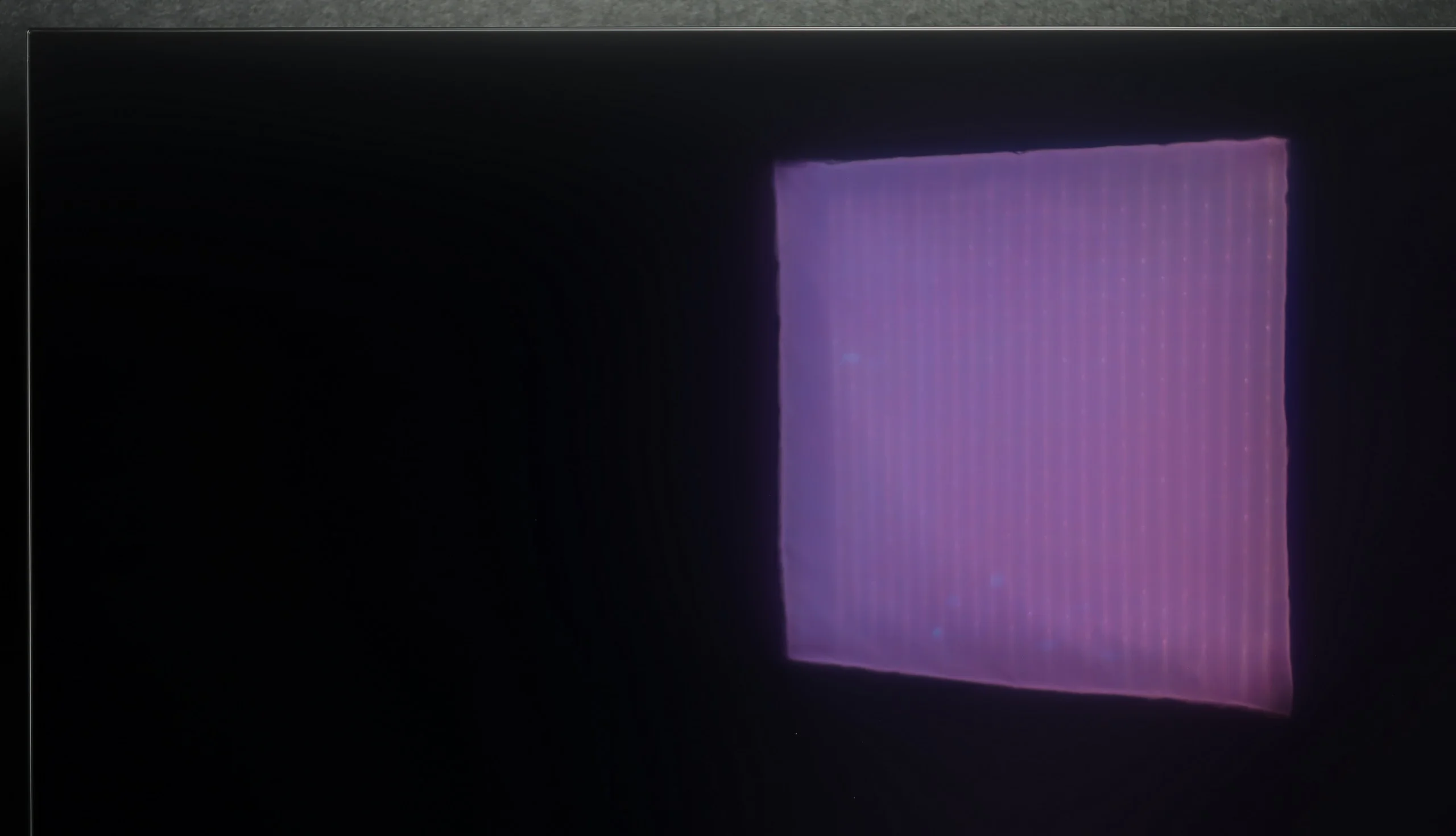
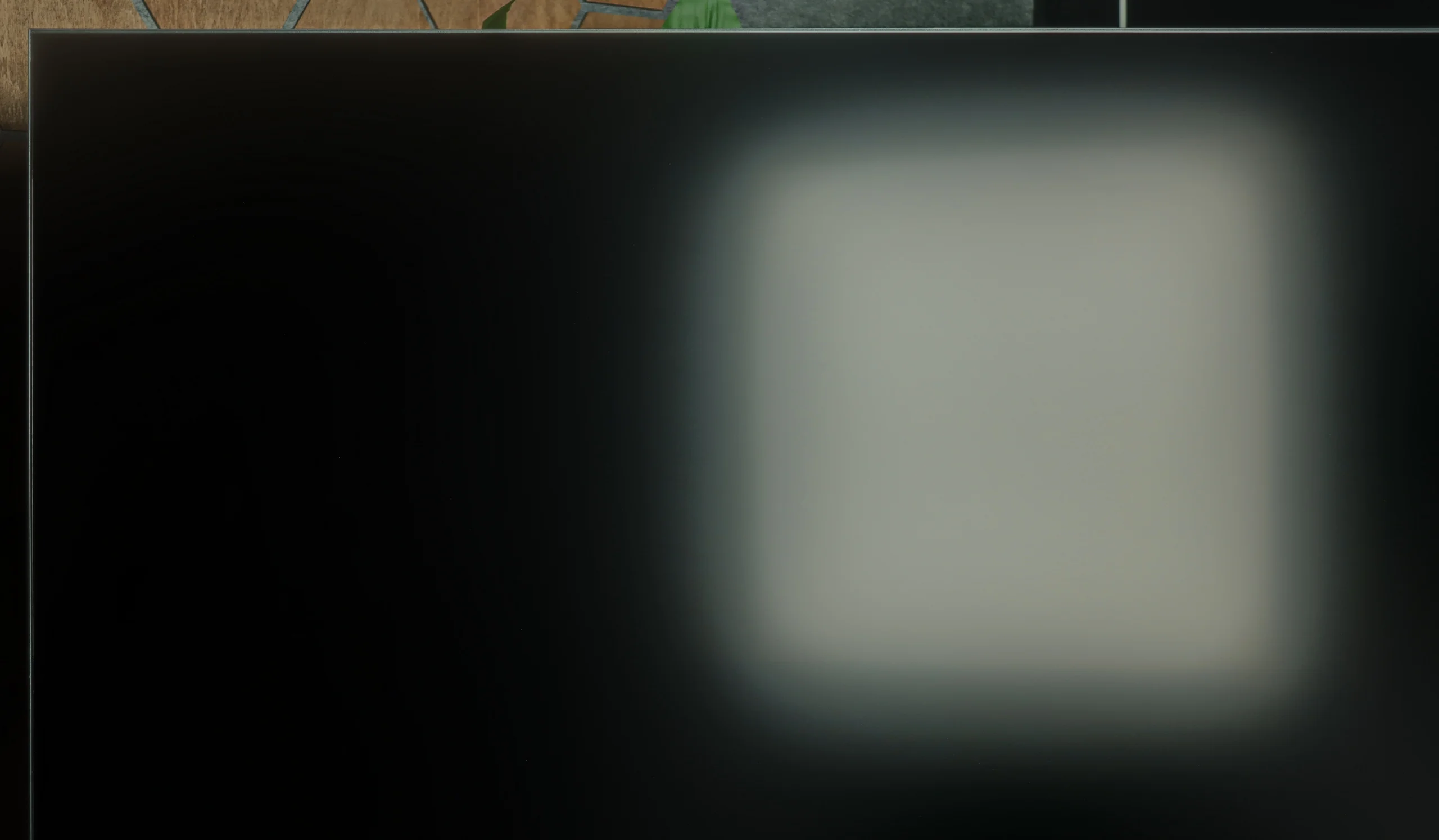
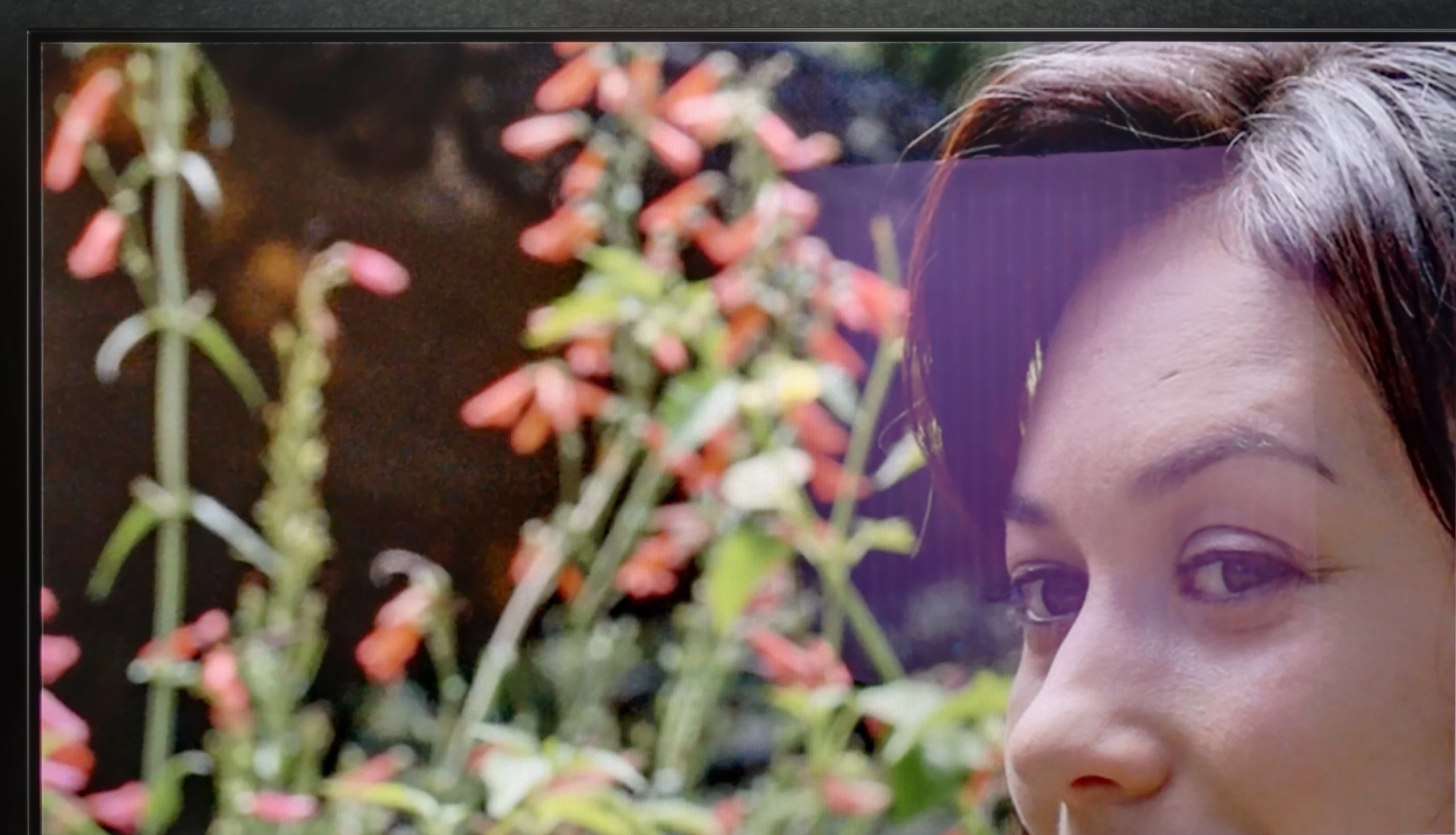
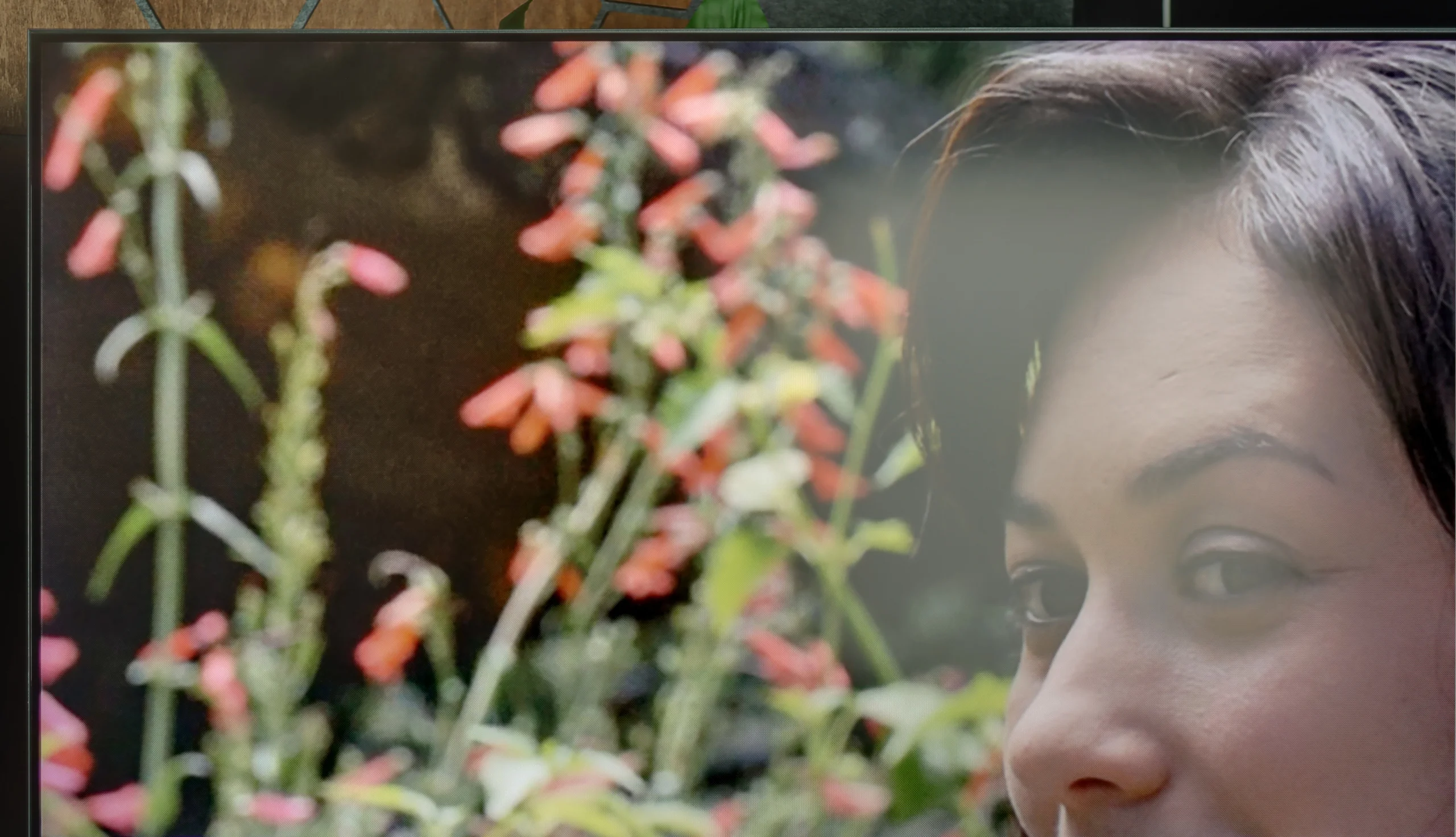
Panel brightness
Hisense U7S Pro: 903 cd/m2
Panasonic Z95B: 623 cd/m2
The year 2025 is the time when it can be confidently said that OLEDs are suitable for viewing even in brightly lit rooms. The new generation of WOLED panels, used in the Z95B, can achieve truly high brightness – the average value for the Z95B in SDR mode is as much as 623 nits. This is a result that just a few years ago was beyond the reach of this technology. Of course, it is not at the level of the best LCD televisions designed for bright lounges, and the panel itself, glossy with a gentle filter, handles glare suppression moderately well. Nevertheless, it’s hard to have major objections. The Z95B easily copes in most daylight conditions, and you can comfortably watch TV or movies even when a lot of light is coming into the room.
The U7S Pro works very well in brightly sunlit living rooms, thanks to its new matte screen coating. On this year’s model it does a good job of suppressing reflections from light hitting the screen head-on. It’s not the deepest matte you can find on the market, but in most scenarios it holds up. It’s worth remembering the mentioned quirk: when you sit at an angle the coating drastically loses its effectiveness and the screen starts to look satin-glossy. So if you have windows at an unlucky angle, people sitting at the side of the sofa may have to contend with noticeable reflections. Despite this minor drawback, the U7S Pro is still an excellent choice for a bright living room. Beyond the coating, its main weapon is extreme brightness. In typical TV content (SDR) the screen can reach around 900 nits on average. That’s an outstanding result that places this model among the market leaders.
Panel details
Subpixel Structure:
Panel uniformity and thermal imaging:


Panasonic Z95B
Hisense U7S Pro
TV features
6.8/10
9.4/10
- SystemAmazon FireTVVIDAA
- System performanceAverageGood
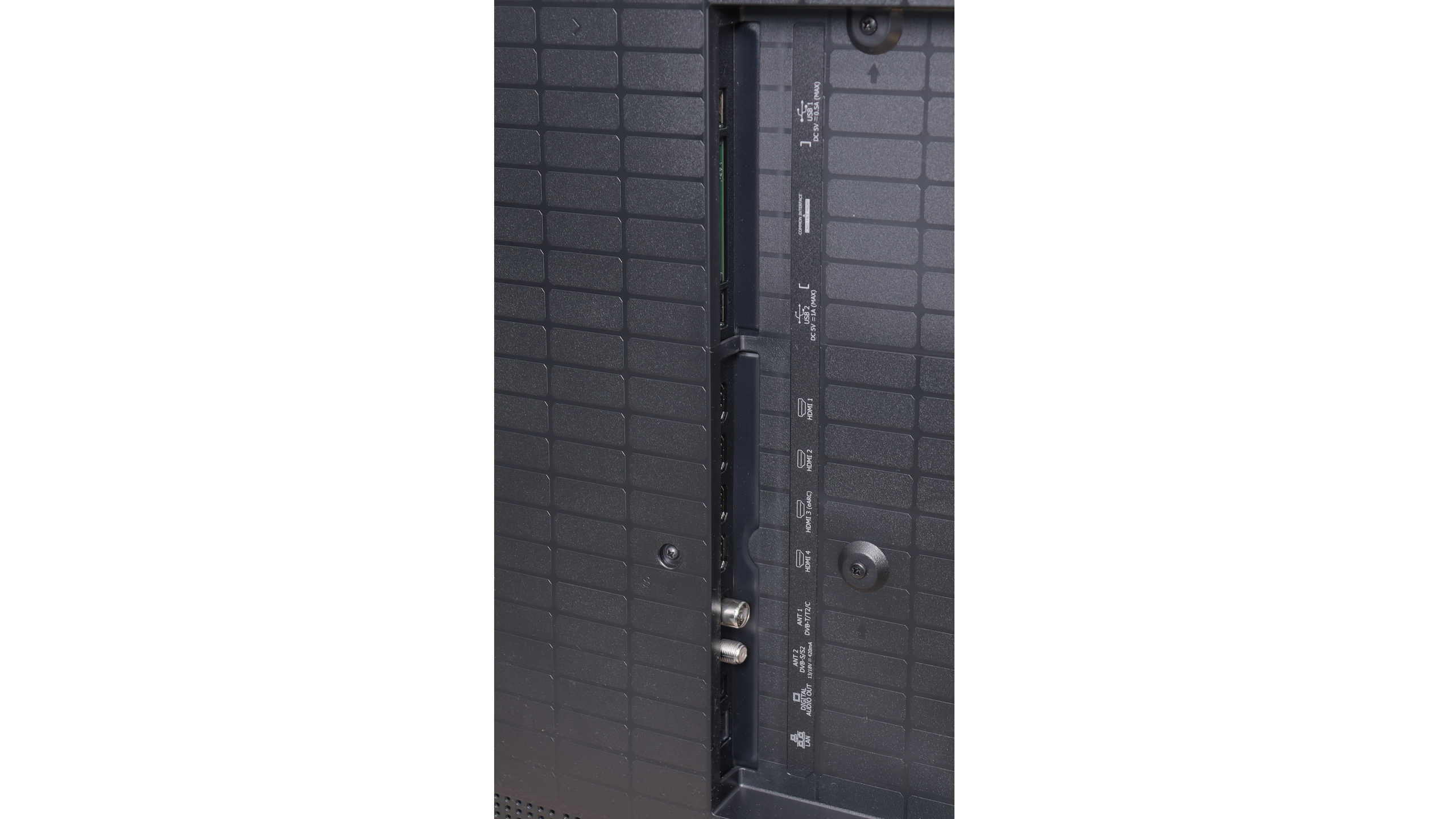
- HDMI inputs2 x HDMI 2.0, 2 x HDMI 2.1 48Gbps0 x HDMI 2.0, 4 x HDMI 2.1 48Gbps
- OutputsToslink (Optical audio), eARC (HDMI), ARC (HDMI), Mini-Jack (Headphones)Toslink (Optical audio), eARC (HDMI), ARC (HDMI)
- Network InterfacesWi-Fi 2.4GHz, Wi-Fi 5GHz, Ethernet (LAN) 100MbpsWi-Fi 2.4GHz, Wi-Fi 5GHz, Ethernet (LAN) 100Mbps
- TV receptionDVB-T, DVB-T2, DVB-S, DVB-S2, DVB-CDVB-T, DVB-T2, DVB-S, DVB-S2, DVB-C
Classic features:
- Recording to USB (terrestrial TV)
- Recording programming
- Picture in Picture (PiP)
- RF remote control (no need to aim)
- Backlit remote control
- Teletext
- Audio only mode
- Bluetooth headphones support
- Simultaneous Bluetooth headphones & TV audio
Smart features:
- AirPlay
- Screen mirroring (Windows Miracast)
- Voice search
- Voice search in native language
- Ability to connect a keyboard and mouse
Sound connection options
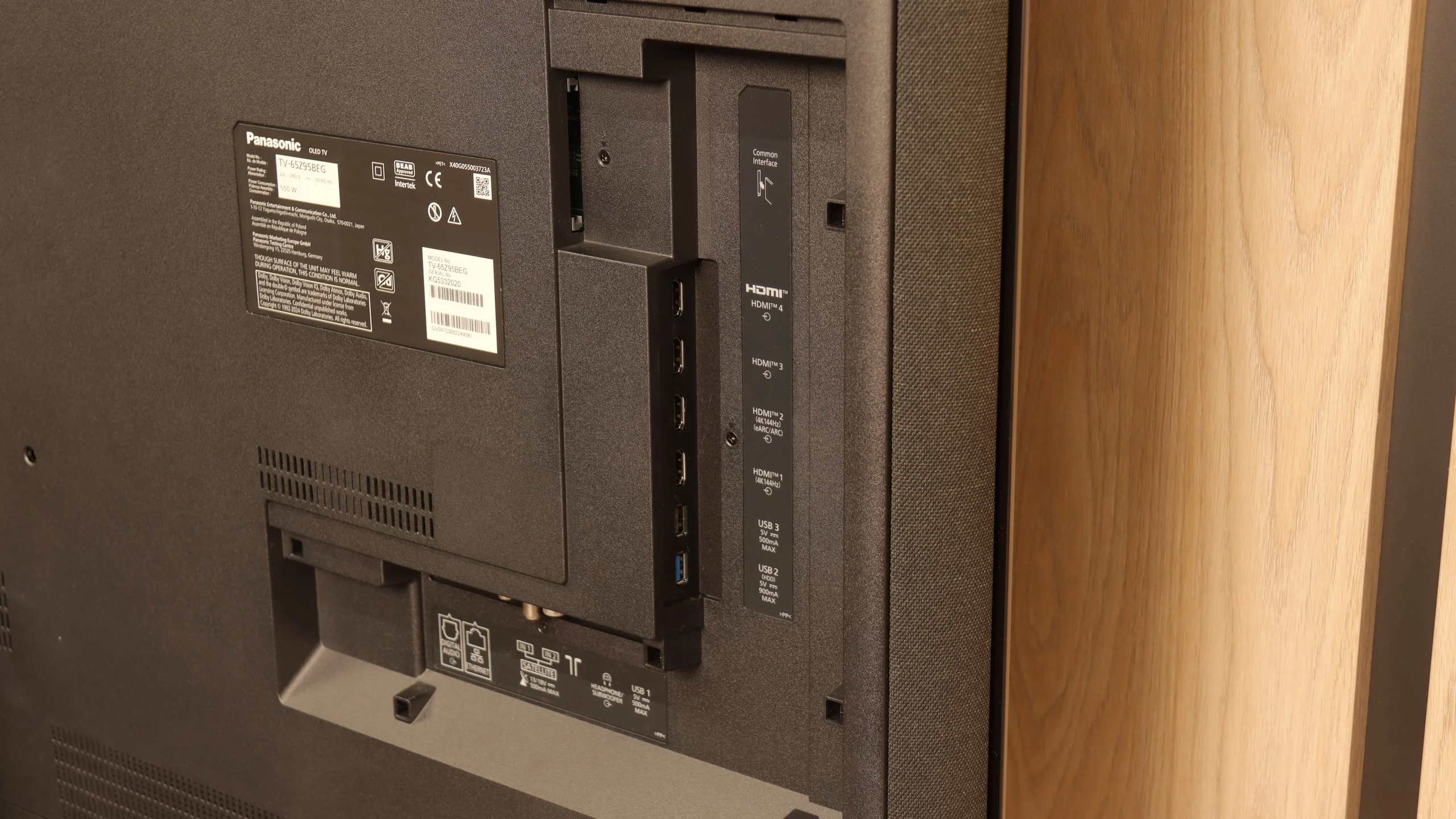
- HDMI audioeARC (HDMI), ARC (HDMI)eARC (HDMI), ARC (HDMI)
- Other audio outputsToslink (Optical audio), Mini-Jack (Headphones)Toslink (Optical audio)
- Wireless audioBluetoothBluetooth
Supported audio formats (external HDMI eARC audio):
- Dolby Digital Plus 7.1
- Dolby True HD 7.1
- Dolby Atmos in Dolby Digital Plus (JOC)
- Dolby Atmos in Dolby True HD
- DTS:X in DTS-HD MA
- DTS-HD Master Audio
Senior accessibility
- Numeric keyboard on TV
- Font size adjustment
- Audio description
Smart TV: Amazon FireTV
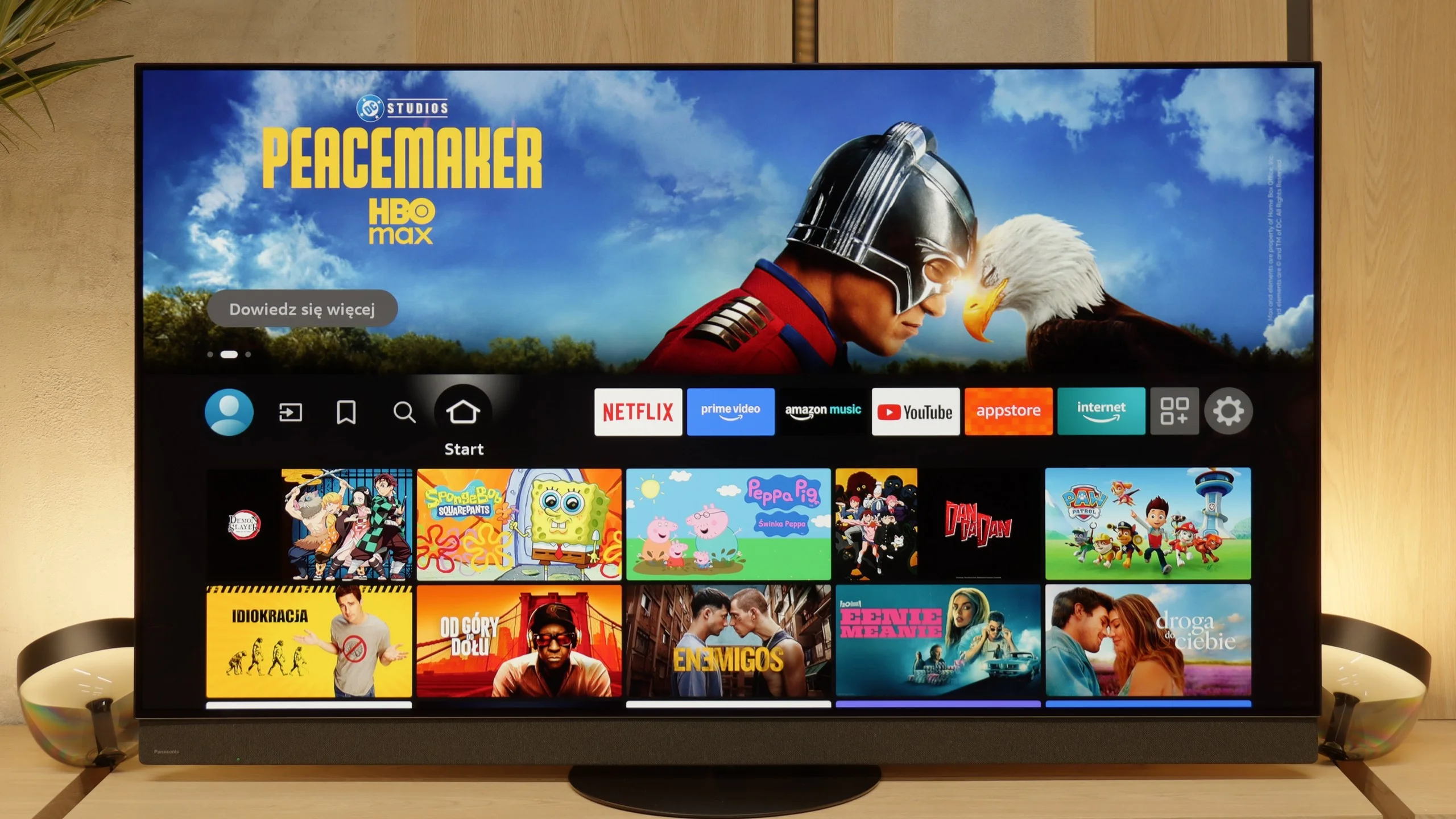
Panasonic's Z95B uses the Fire TV system, which is a platform created by Amazon. This is a significant change because just two years ago the company relied on its own Linux-based system. At first glance, everything looks good – the interface is clear, and the operation is quite simple. Additionally, we have AirPlay, which allows you to stream photos or videos from your iPhone, as well as screen mirroring from both Windows and Android phones. The TV also works with Amazon Alexa voice assistant, but here a rather strong limitation quickly arises. In practice, only a few of the most popular languages work well, such as English, while Polish is still not available, and there’s no indication of when it will be.
Classic Features
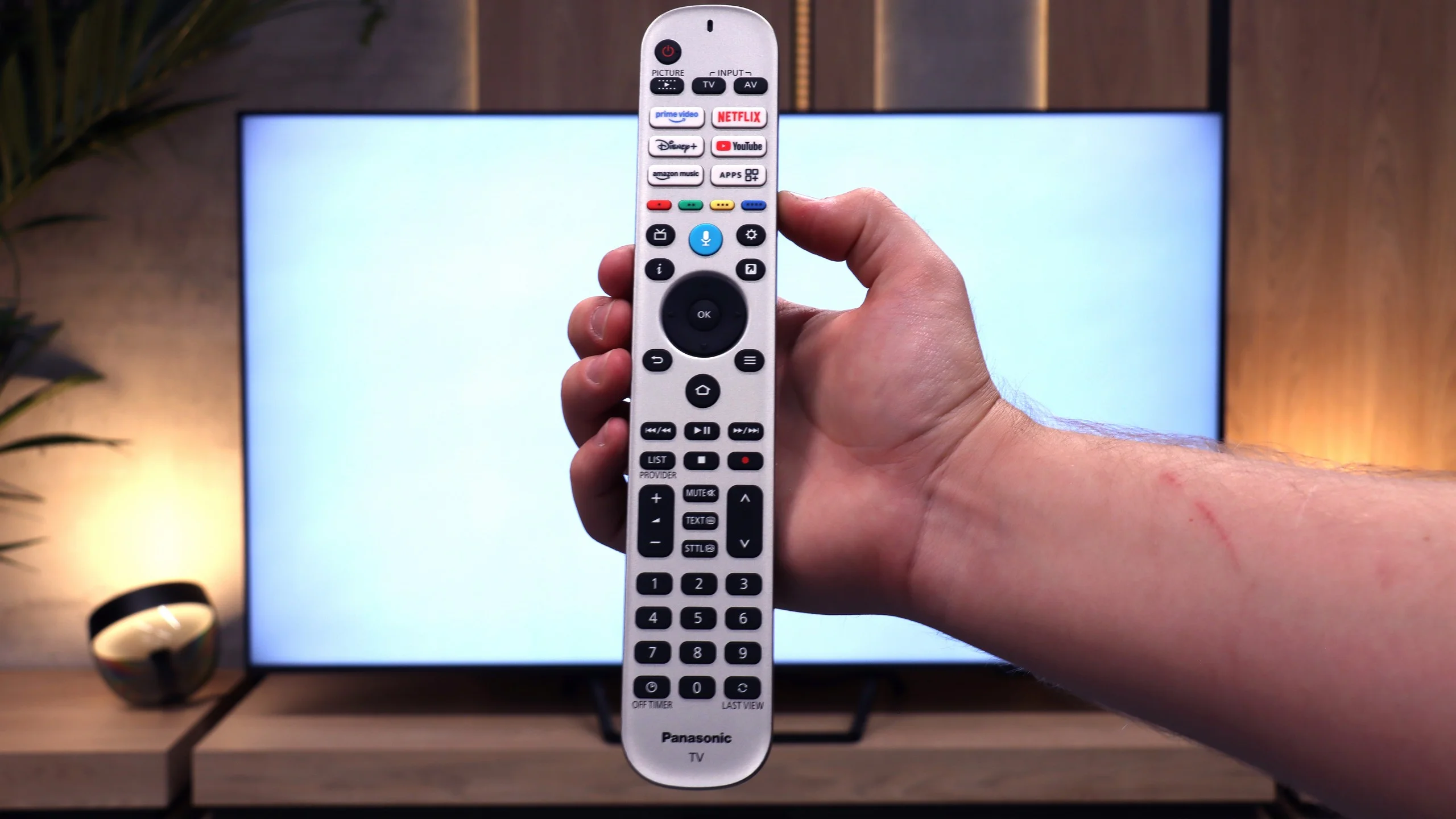
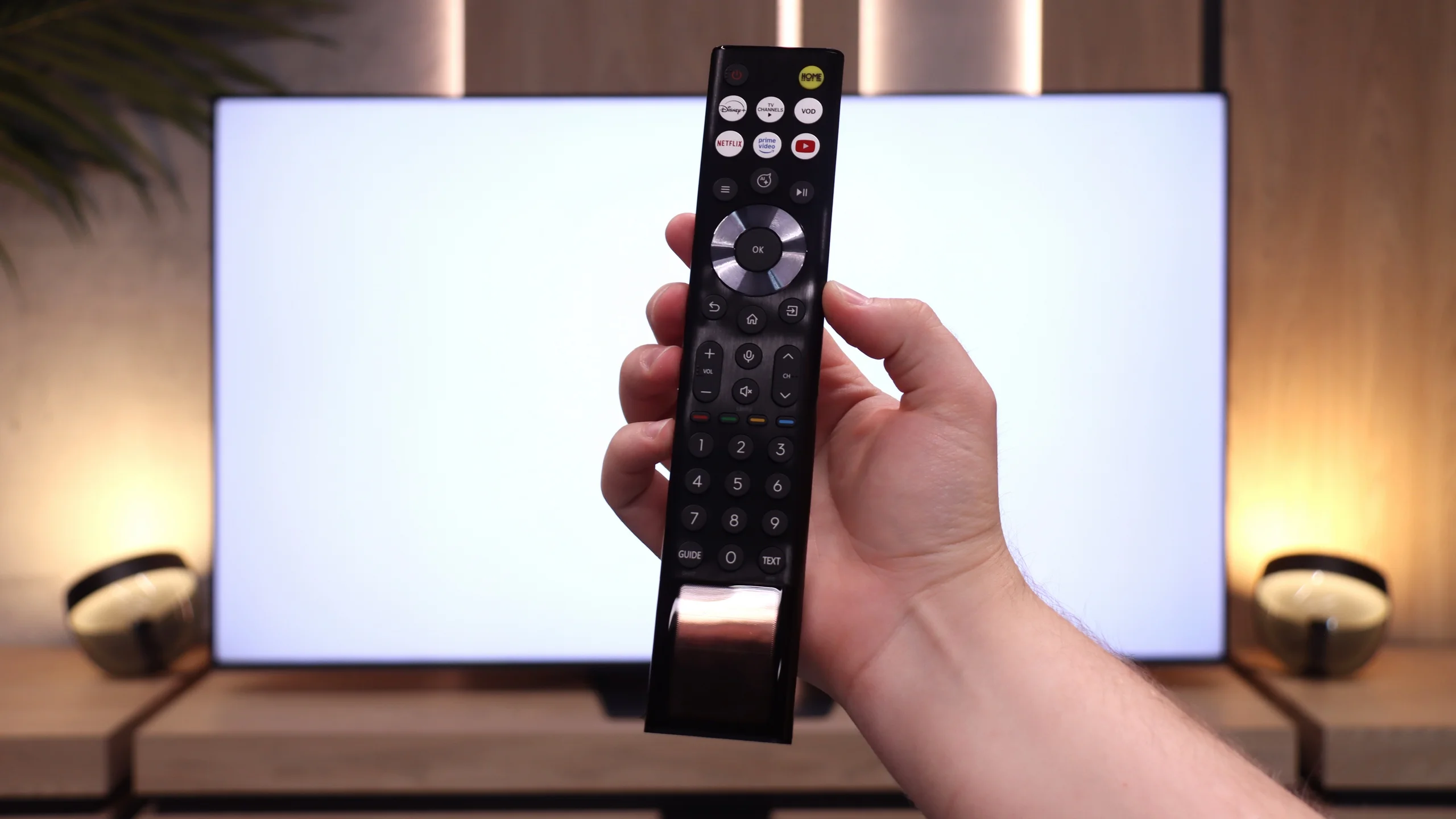
Here things become at least strange. During testing in the editorial office, the TV refused to find any channels – neither satellite nor terrestrial. As a result, we couldn’t check the functionality of PiP or the operation of the tuner itself. The only certain thing is USB recording, as right after connecting a USB drive, the TV immediately asked if we wanted to format it for this purpose. The remote looks quite classic – it’s large, with a full numeric keypad, and a plus is that you don’t have to aim at the screen since it operates with RF technology.
Everyday Usage Issues
The biggest disappointment, however, arises with the apps and system stability. Some apps are simply unavailable in Poland, others can be found but cannot be downloaded as they are tied to specific markets. On top of that, there are strange bugs, untranslated menu elements, and occasional "freezes," which can effectively diminish the enjoyment of using such a good screen as the Z95B. So, it can be said that while the Z95B impresses with its picture quality as a "monitor," as a smart TV it can be frustrating and disappointing across the board.
SmartTV: Vidaa / HomeOS
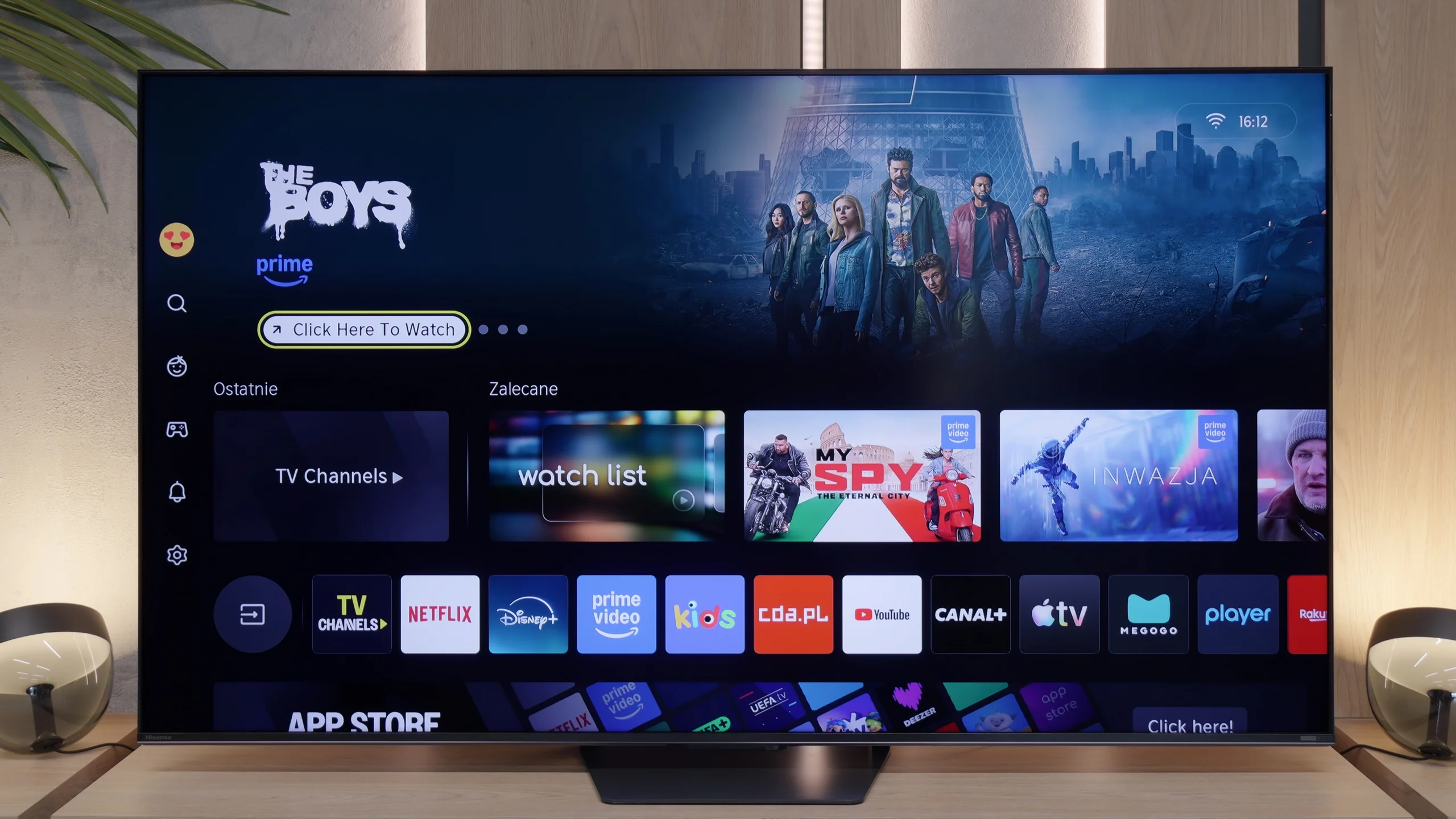
Hisense U7S Pro on our European market traditionally relies on its proprietary system. This year, Vidaa underwent rebranding and changed its name to "HomeOS". When it comes to the appearance of the system itself, there are no major revolutions – instead of purple accents, we simply have yellow. The system operates really smoothly and responsively. The television supports all typical Smart TV functions, such as AirPlay, screen mirroring, and voice search. Interestingly, the new voice assistant is based on artificial intelligence, so its responses are primarily driven by AI. The only criticism that can be levelled at the Vidaa system is that it does not offer the broadest library of applications. At least, this is the case at the time of writing this review, which is in May 2026. (Application list at the bottom).
TV Features
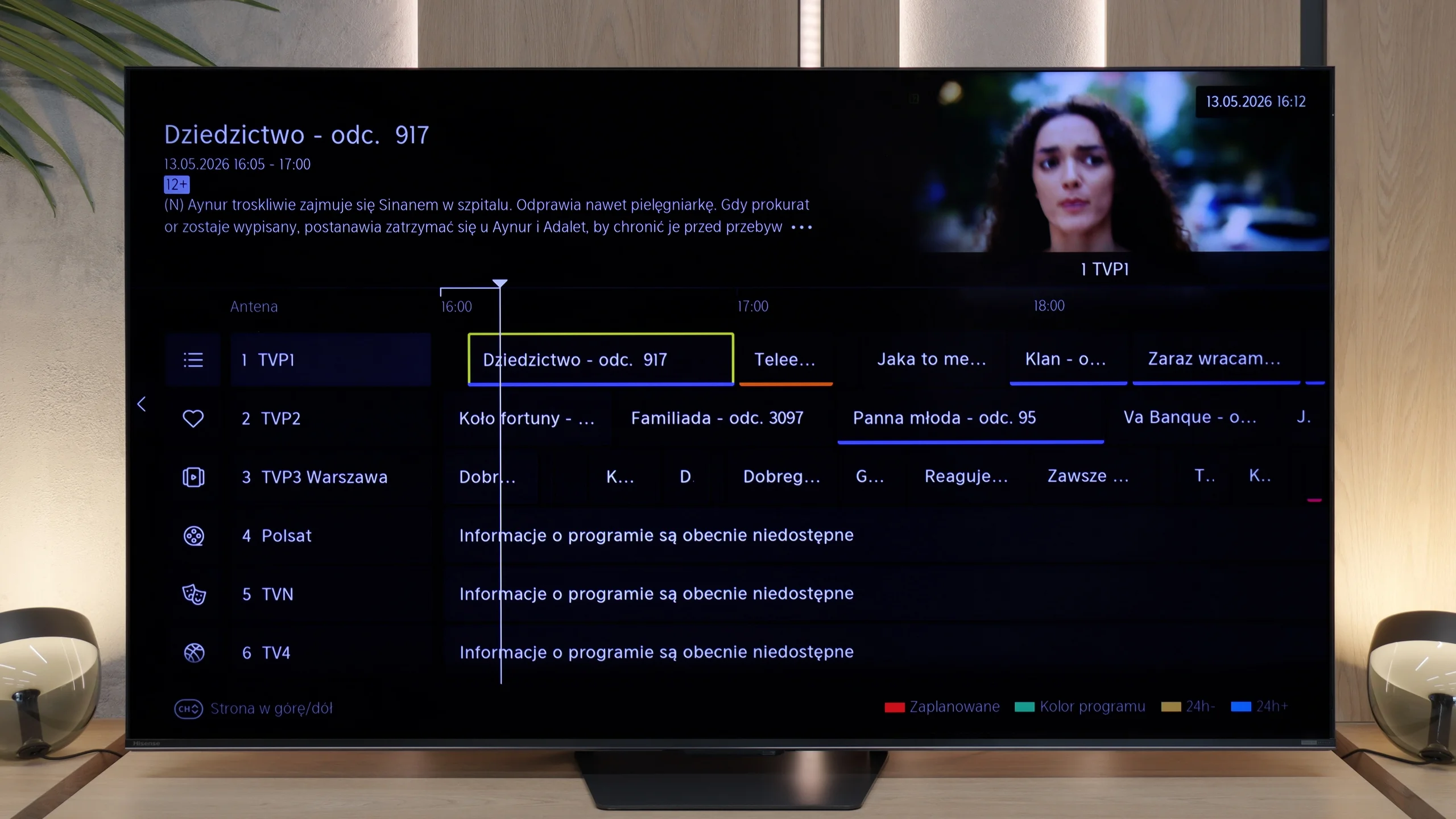
The U7S Pro also performs well as a traditional television for watching regular broadcasts, mainly thanks to the remote control with a physical numeric keypad that comes in the box. With this, you can easily and quickly enter the number of the station you’re interested in. In the evenings, there's no need to click blindly, as the operational part of the remote is backlit. Additionally, you don’t have to worry about batteries – the remote is equipped with a solar panel, and if necessary, it can simply be recharged using a USB-C port. It’s also worth mentioning that the HomeOS system (i.e. Vidaa) offers a program recording function from the built-in tuner directly onto a USB stick or drive, as well as the option to schedule recordings. This is a big plus, as such functionality is quite rare these days, and it will certainly please those who use antenna television.
Apps
7.2/10
8.3/10






















Playing files from USB
3.5/10
8.3/10
Supported photo formats:
Maximum photo resolution:
Here we also encountered another issue with the Fire TV system. The built-in player handles popular audio and video files without any problems, so at first glance, everything seems fine. However, the problem starts when we want to enable subtitles in movies. We were unable to launch any format – neither .srt, nor .sub, nor .txt. Regardless of the settings, the subtitles simply did not appear. So if you have a film with a separate subtitle file, you are forced to watch it in the original language unless the subtitles have been permanently embedded in the image. Considering the quality of this television, it's quite a disappointment and further proof that Fire TV still has plenty of shortcomings that can ruin the joy of use.
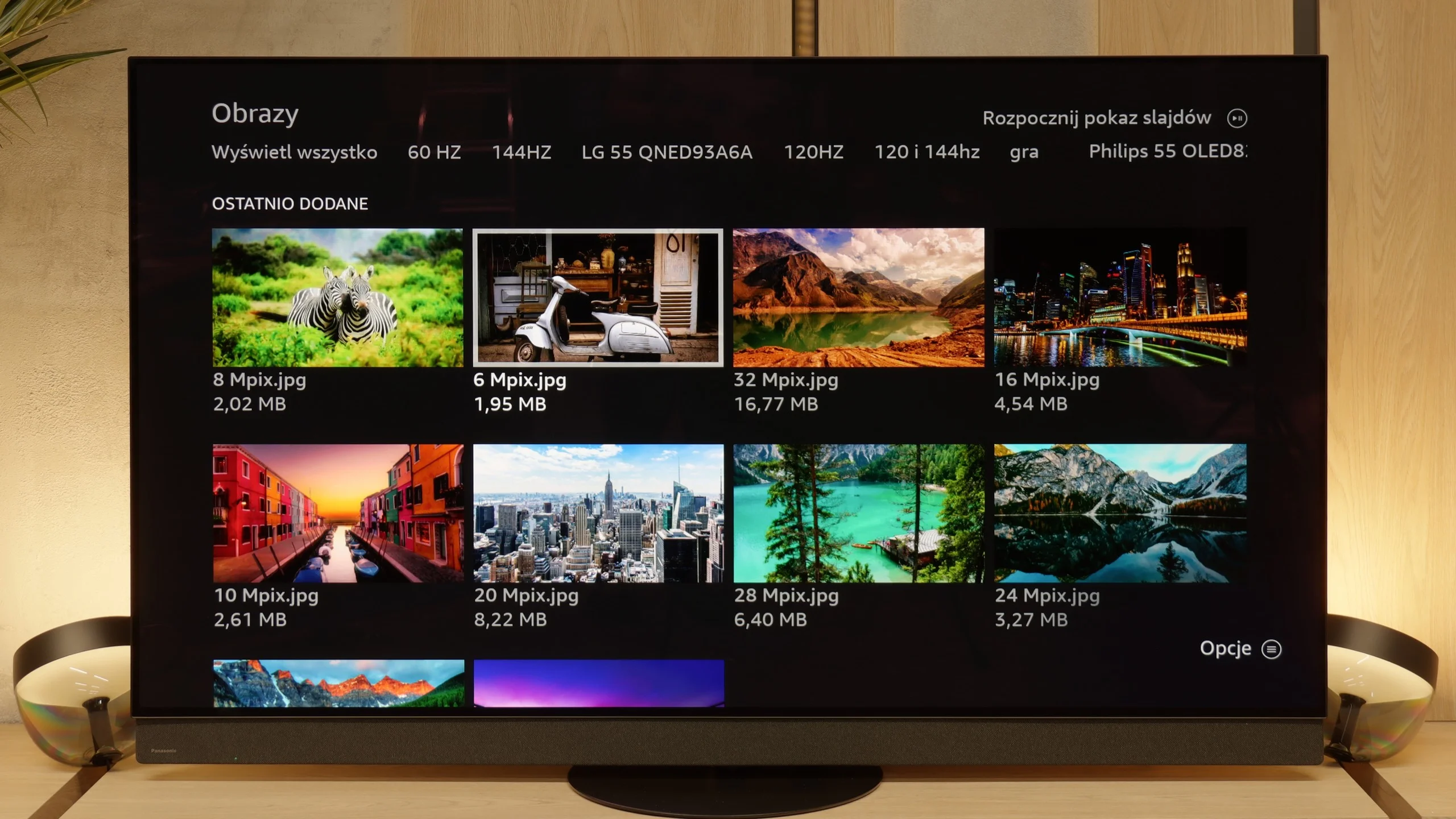
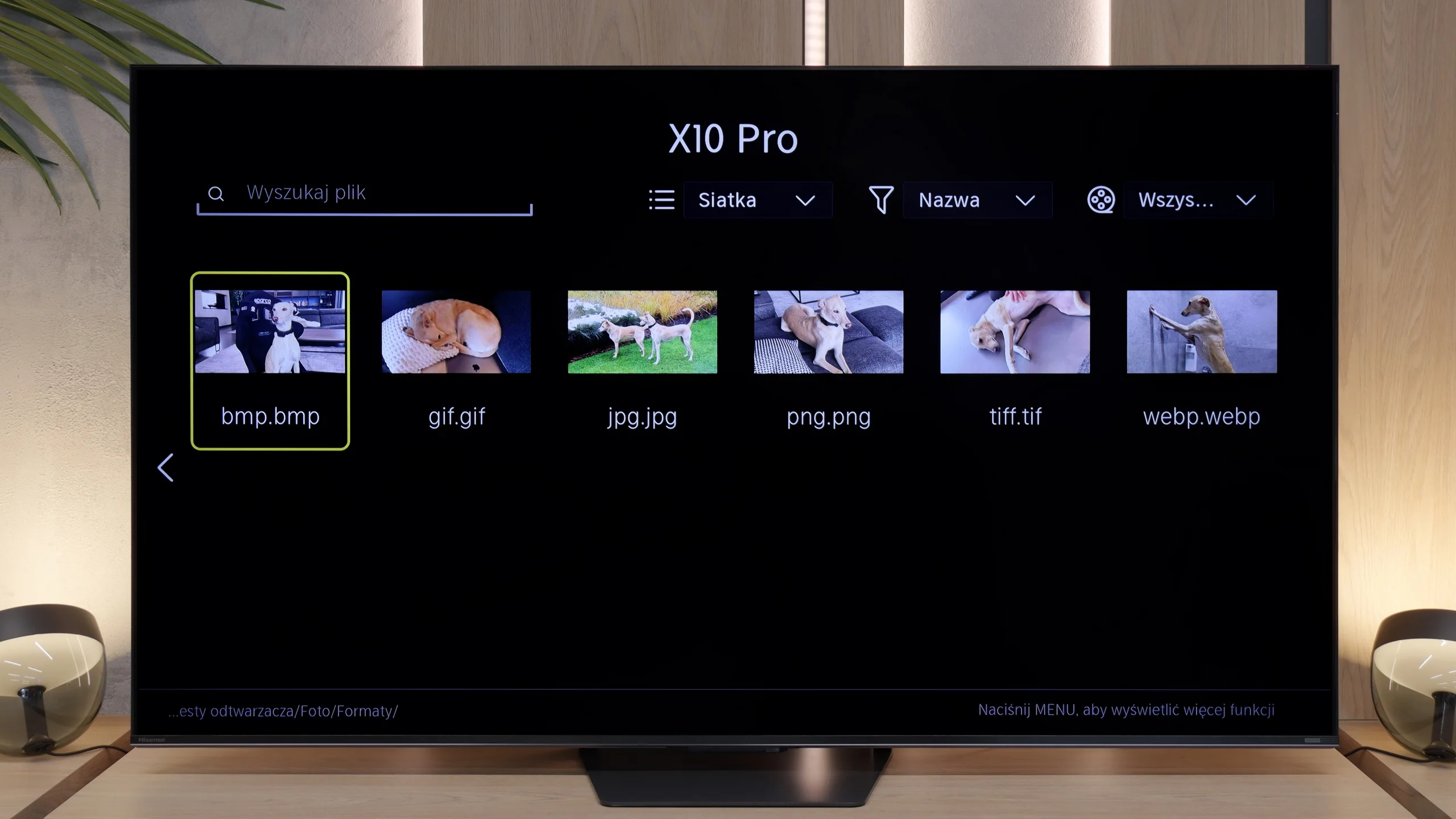
Playing files from a USB stick on the U7S Pro isn't a problem. The TV handles the vast majority of photo, audio and video file formats without complaint. However, we have reservations about the resolutions of supported photos, which are fairly limited. It's worth bearing in mind that during testing photos with resolutions such as 12, 20 or 24 MP simply wouldn't play from the built-in player.
Sound
8.9/10
7.8/10
- Maximum volume91dB85dB
- Dolby Digital Plus 7.1
- Dolby True HD 7.1
- Dolby Atmos in Dolby Digital Plus (JOC)
- Dolby Atmos in Dolby True HD
- DTS:X in DTS-HD MA
- DTS-HD Master Audio
The built-in audio system in the Panasonic Z95B is truly impressive. The manufacturer has added an extra soundbar that completely changes the audio experience of the television – this time, it can confidently be said that no external equipment is needed to enjoy full and dynamic sound. The bass is clear and surprisingly strong, dialogues remain intelligible even during louder action scenes, and the television can play quite loudly, reaching levels of up to 91 decibels. Another positive is the full support for Dolby Atmos, so if you’re using films or streaming services that support this format, you can expect spatial and impressive sound. A certain limitation is the lack of support for DTS:X – if someone plans to connect a home theatre or Blu-ray player with this standard, they must consider that the television will not play it, but this shouldn't be a major concern looking at how all manufacturers approach this standard. I suppose we have to come to terms with that.
The sound on the U7S Pro is really good, certainly above average. Hisense has changed the cabinet design compared with the U7Q Pro and now there’s a built-in subwoofer, a low-frequency speaker. That makes the bass clearly audible. This year the Chinese manufacturer is heavily promoting its collaboration with engineers from Devialet, who handled the audio tuning on this model. The logo on the cabinet mentioned earlier is proof of that. The only thing to criticise is the TV’s behaviour at full volume. At maximum volume (set to 100%) the cabinet vibrates unpleasantly and you can clearly hear irritating creaks in the plastic. Fortunately, reducing the volume to around 80% completely eliminates the problem.
Sound Quality Test
No sound test video
Acoustic Measurements
91dBC (Max)
75dBC
85dBC (Max)
75dBC
Reader comments
Comments are provided by the external service Disqus (Zeta Global). Once loaded, Disqus may set cookies and process data about your activity.
We will remember your choice on this device. Provider's privacy policy