 Direct comparison
QNED86A6A is a television that really does a great job in its price class when it comes to sports, gaming, and everyday TV viewing. The 120 Hz panel makes the image smooth, and the motion sharp, which will be appreciated by both fans and gamers. Additionally, it has low input lag along with a full suite of gaming features such as HGiG, VRR, and ALLM. The television works just as well with a computer as it does with a console, so in the office or on a desk in the 43” version, it will serve excellently as a work monitor. Another strong point is the webOS system. It’s a fast, stable, and app-rich operating system that paired with the Magic Remote provides very convenient operation. The new version of the remote is slimmer and fits better in the hand, and the on-screen cursor is a feature that many competitors lack. On top of that, there are classic features – USB recording, Bluetooth for headphones, and a full set of HDMI 2.1 with eARC and Dolby Atmos support. This makes the televisions from the QNED85 series some of the most "multimedia" televisions in their class. But there’s no point in sugar-coating it; this model also has some significant drawbacks. Its biggest disadvantage is undoubtedly the contrast, or rather the lack thereof. The IPS panel combined with the edge-lit “mini-LED” is just a very bad idea. The screen simply isn’t suitable for watching movies in a dark living room. Blacks are a greyish-blue, and local dimming can create strips of light reminiscent of lasers, which effectively ruins the viewing experience. For home cinema, it’s not a choice that can be recommended with full conviction. The second issue may not be directly related to the television itself but rather its sales. It concerns chaos in the naming conventions and differences in derivative versions. The same model, even with the same designation, can have a different colour frame or stand depending on the store. This can really be frustrating for the buyer and evoke a sense of confusion. To summarise briefly: LG QNED86A6A is a great television for sports, gaming, and everyday TV, with a convenient system and high functionality. But if you’re looking for a screen strictly for movies or series and require deep blacks, it’s better to look towards televisions that can actually be confidently referred to as Mini-LEDs.
- Matching (Score) |
- Our verdict |
- TV appearance |
- Where to buy |
- Contrast and black detail |
- HDR effect quality |
- Factory color reproduction |
- Color reproduction after calibration |
- Smoothness of tonal transitions |
- Image scaling and smoothness of tonal transitions |
- Blur and motion smoothness |
- Console compatibility and gaming features |
- Input lag |
- Compatibility with PC |
- Viewing angles |
- Daytime performance |
- Panel details |
- TV features |
- Apps |
- Playing files from USB |
- Sound
QNED85A / QNED86A / QNED87A / A6A / A6B / A6C

A400U / Premium Wallpaper
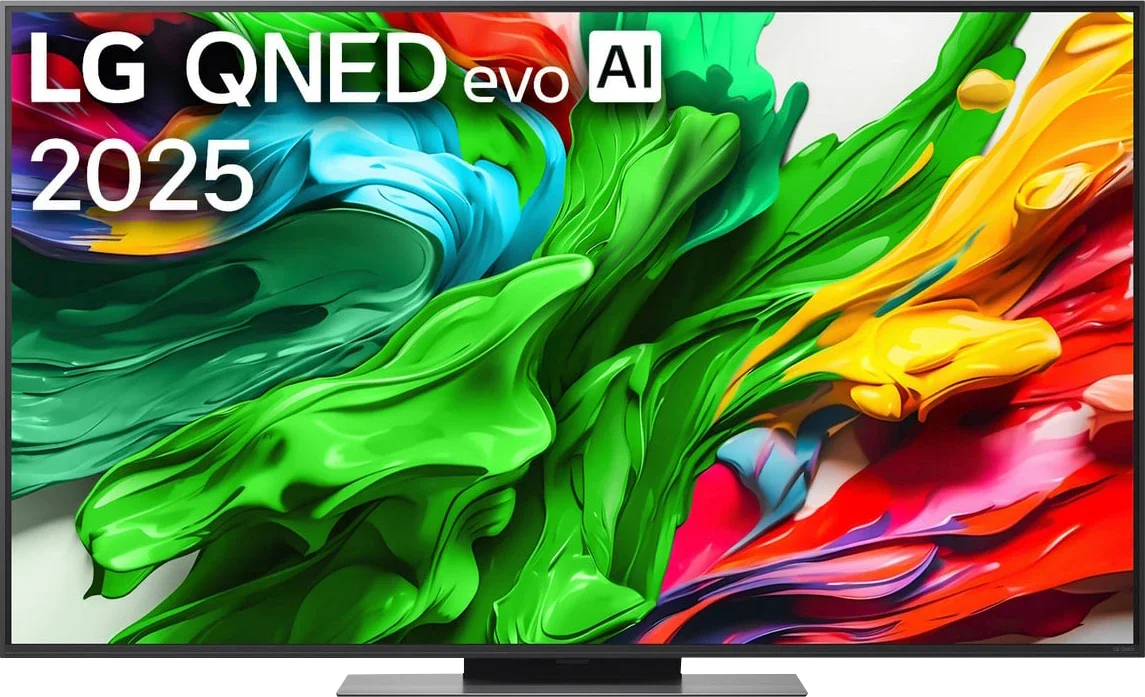
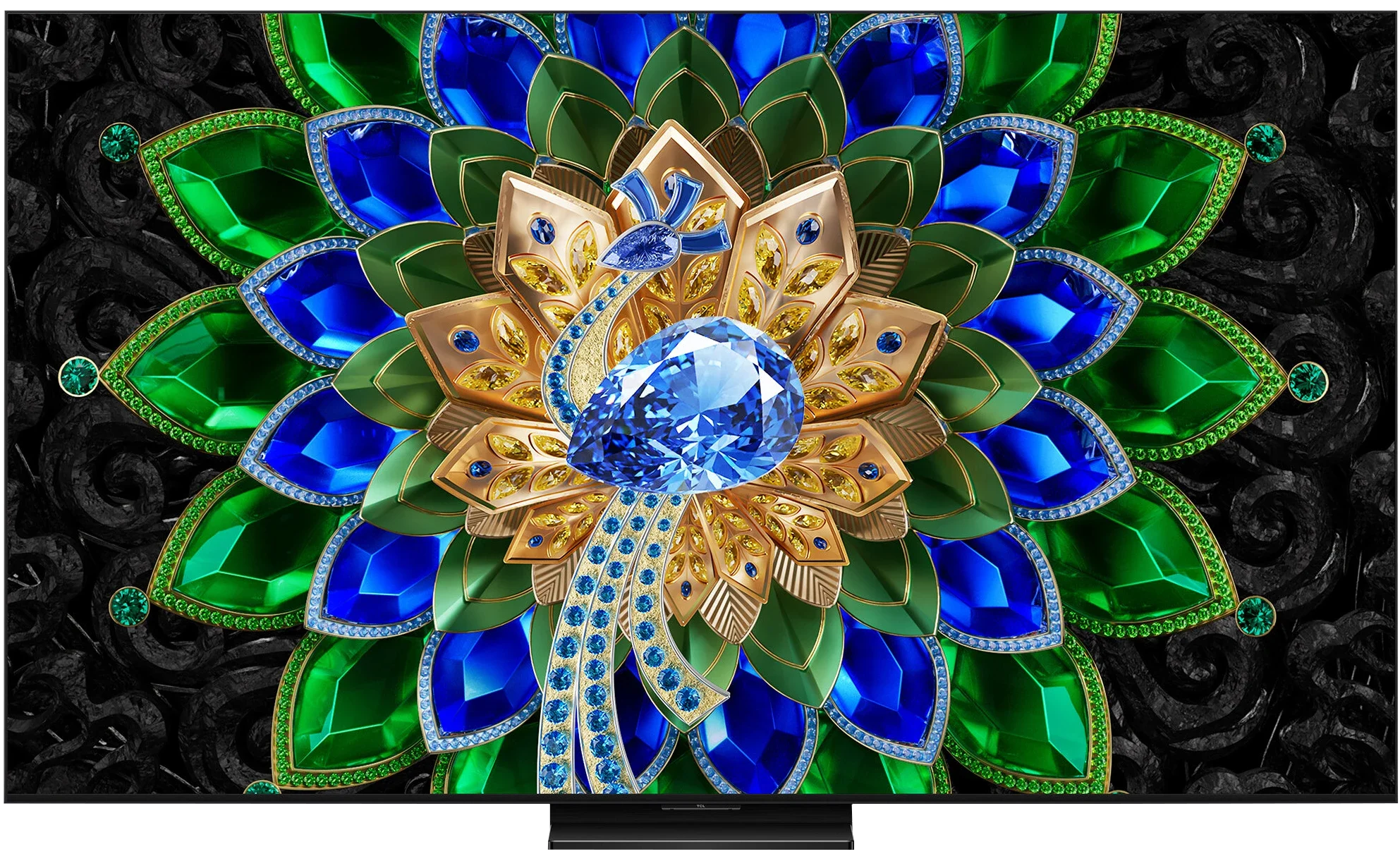
Panel type: LCD IPS
Resolution: 3840x2160
System: WebOS
Model year: 2025
Complete the survey to find out the result
Panel type: LCD VA
Resolution: 3840x2160
System: Google TV
Model year: 2026
Complete the survey to find out the result
Overall rating
7.0
7.8
 Movies and series in UHD quality
6.4
7.5
 Classic TV, YouTube
6.1
7.3
 Sports broadcasts (TV and apps)
7.1
7.0
 Gaming on console
8.3
8.8
 TV as a computer monitor
8.0
8.5
 Watching in bright light
5.8
8.5
 Utility functions
8.4
7.8
 Apps
9.1
9.6
 Sound quality
6.0
6.7
Complete the survey to find out what fits your preferences
Advantages

120 Hz panel, great for sports and gaming
Very low input lag
Excellent for gamers (VRR, ALLM, HGiG etc.)
Full set of HDMI 2.1 ports
Good compatibility with PC (great font readability)
Bright picture (about 700 nits in HDR), suitable for moderately bright rooms
Good viewing angles (IPS)
Support for Dolby Vision
User-friendly webOS operating system with Magic Remote control featuring voice assistant
Ability to record programs to USB
Great value for money
Very good black levels and high contrast thanks to a Mini LED backlight and a VA panel
High brightness for impressive HDR and comfortable daytime viewing
Accurate image reproduction after calibration
Extensive gaming features: VRR, ALLM and low input lag
High refresh rates up to 144 Hz at 4K and 288 Hz at Full HD when used with a PC
Google TV with a wide selection of apps
Slim, flat chassis and very good build quality
Disadvantages

Very poor black levels and contrast due to the IPS panel
Lack of the advertised 144 Hz in PC mode
Aggressive “light stripes” when local dimming is turned on (edge local dimming ruins evening movie sessions)
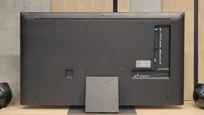
Confusion in model names and versions – even TVs with the same name in different stores can have different stands (central or two legs) or frame colours, which can be quite misleading when making a purchase.
Poor digital image processing due to the older MediaTek Pentonic 700 processor
Only two HDMI 2.1 inputs, one of which is shared with eARC
The glossy screen does a poor job of reducing reflections
Limited viewing angles
Flat sound
Our verdict
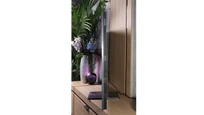
Is the TCL A400U worth buying? Yes, because it's one of those TVs where paying extra for a higher-tier model doesn't always make sense. In movies you get what you'd expect from a good TV: very good blacks, punchy HDR and a natural-looking picture, especially after calibration. There's enough brightness for daytime viewing, although because of the glossy panel it's best not to place it opposite a large window. The package is rounded off by a slim, well-made cabinet. The A400U doesn't fake a wall-mounted picture as convincingly as some "wallpaper" TVs, but as an elegant living-room set it looks very good. You also don't have to choose between a TV for films and a screen for gaming. The A400U supports 4K at 120 Hz, including Dolby Vision, and its low input lag keeps controls quick and responsive. From a PC you can even run 4K at 144 Hz or 288 Hz in Full HD. That's a level of capability that makes it hard to justify paying more for a pricier model purely for gamer features. Day-to-day the TV doesn't disappoint either. Google TV runs smoothly, apps launch without annoying delays, and using the set is simply convenient. That doesn't mean the A400U will suit every home. If you often watch regular broadcast TV or other low-quality sources, the Pentonic 700 processor won't always be able to clean them up as much as you might expect. The slightly pricier C7L has a similar limitation, so only stepping up to a clearly higher series, like the C8L, brings a noticeable improvement in that respect. Before buying, check how many devices you want to connect. Two HDMI 2.1 inputs, one of which is taken by eARC, may not be enough if you have two consoles and a soundbar. It's worth budgeting for a soundbar too, because the built-in speakers clearly don't match the picture's capabilities. If you're mainly after a TV for movies, streaming and gaming, the TCL A400U is one of the most convincing buys in the mid-range in 2026. Pricier models can do more, but not all of those advantages will matter during everyday viewing. Here you get very good picture quality, extensive features and excellent build, without having to pay for functions you might never see. That's why we consider the TCL A400U one of the best value TVs of 2026.
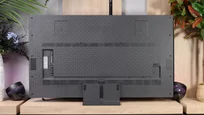
TV appearance

Contrast and black detail
3.5/10
8/10
Local dimming function: Yes, number of zones: 6 (1 x 6)
Local dimming function: Yes, number of zones: 576 (18 x 32)
Contrast:


Result
4,050:1

Result
1,750:1

Result
4,800:1

Result
1,850:1

Result
1,350:1
Result
170,250:1
Result
41,700:1
Result
24,500:1
Result
22,550:1
Result
8,550:1
Halo effect and black detail visibility:
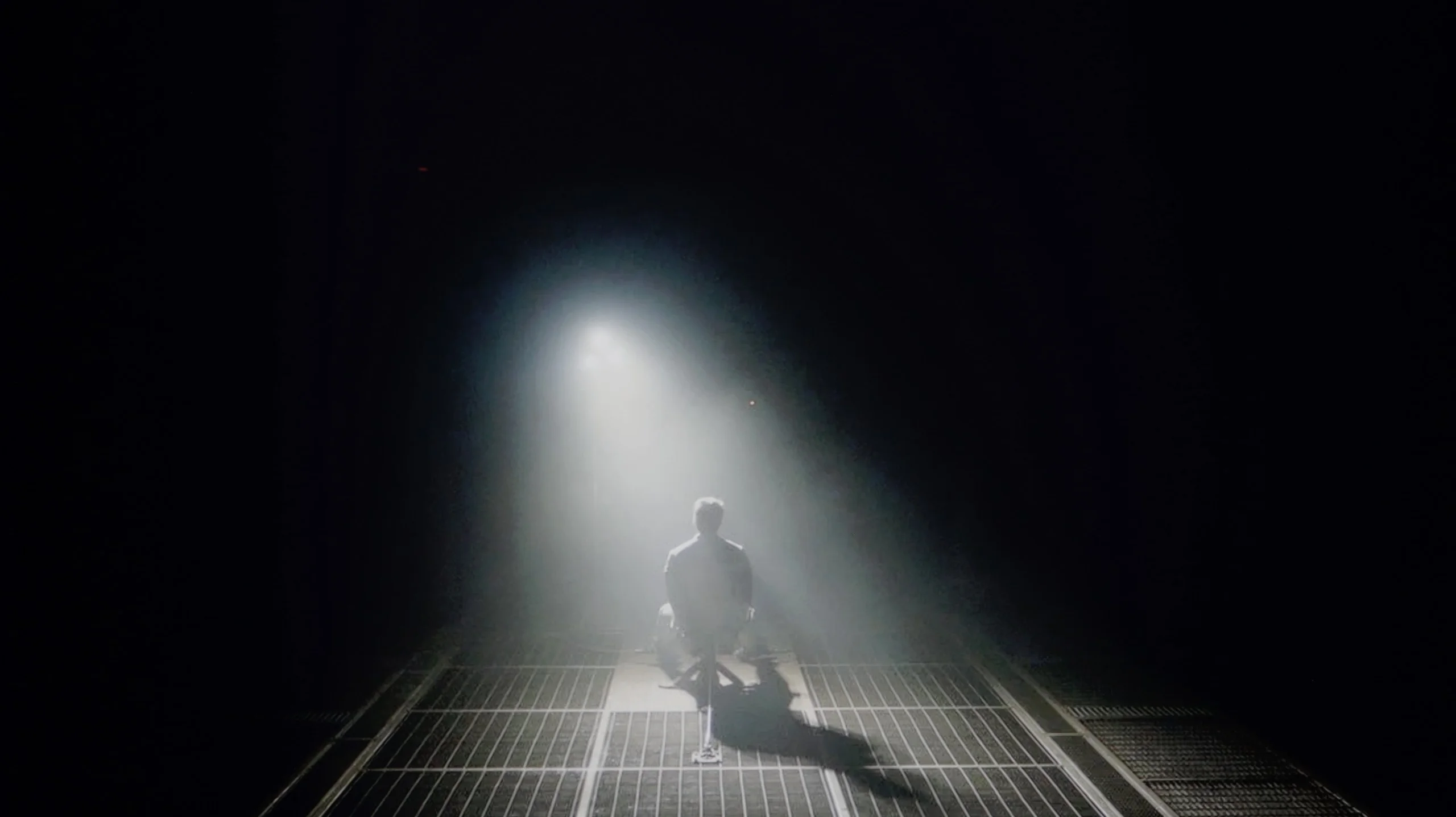
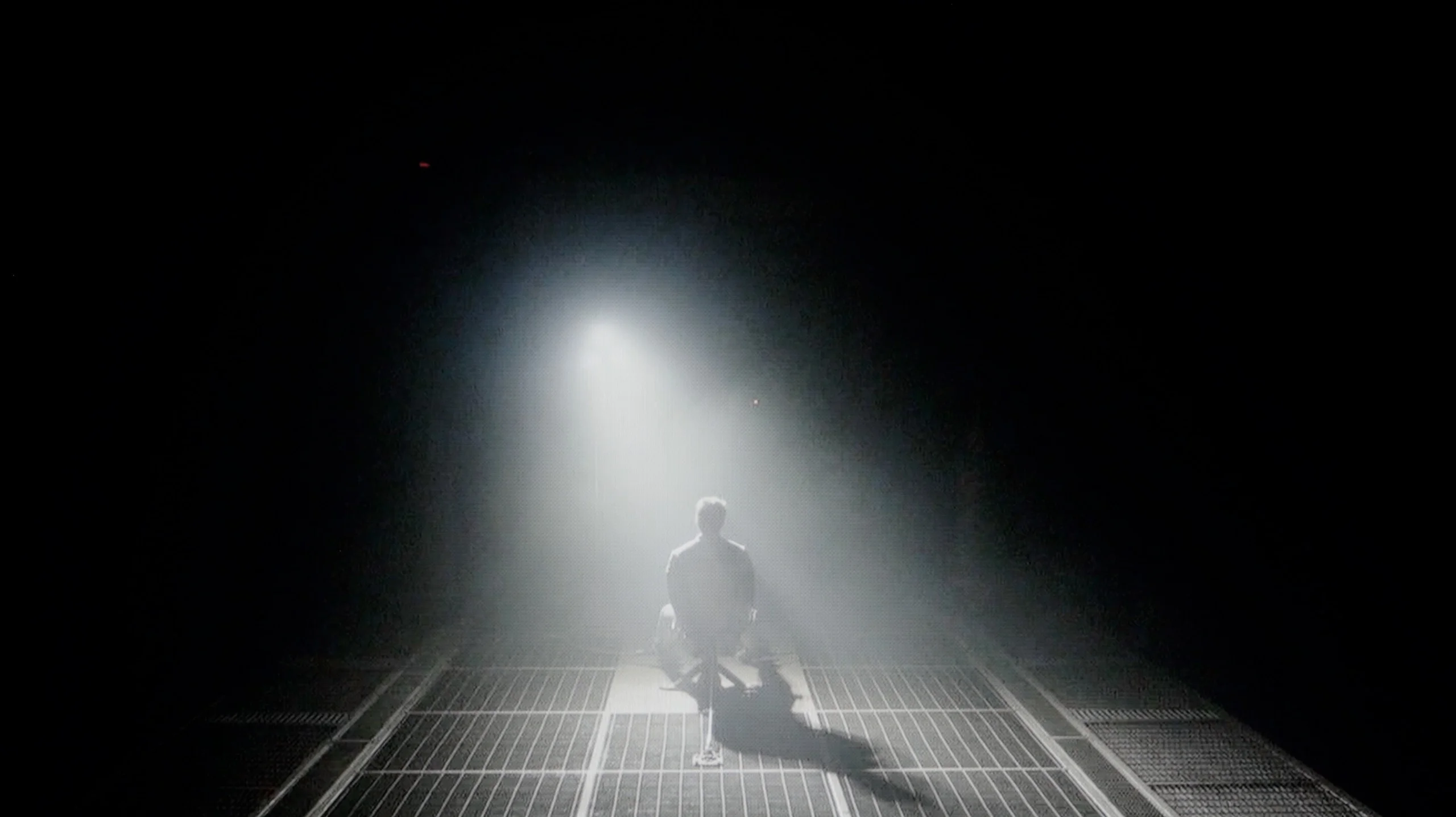
Check the visibility of bright lights on a dark background. Mini-LEDs often struggle with this. The photo does not compare black levels – that’s what the video below is for.
The video accurately shows differences in contrast and black levels between TVs, as well as potential issues: halo around bright objects or Mini-LED zone operation visible as brightness jumps.
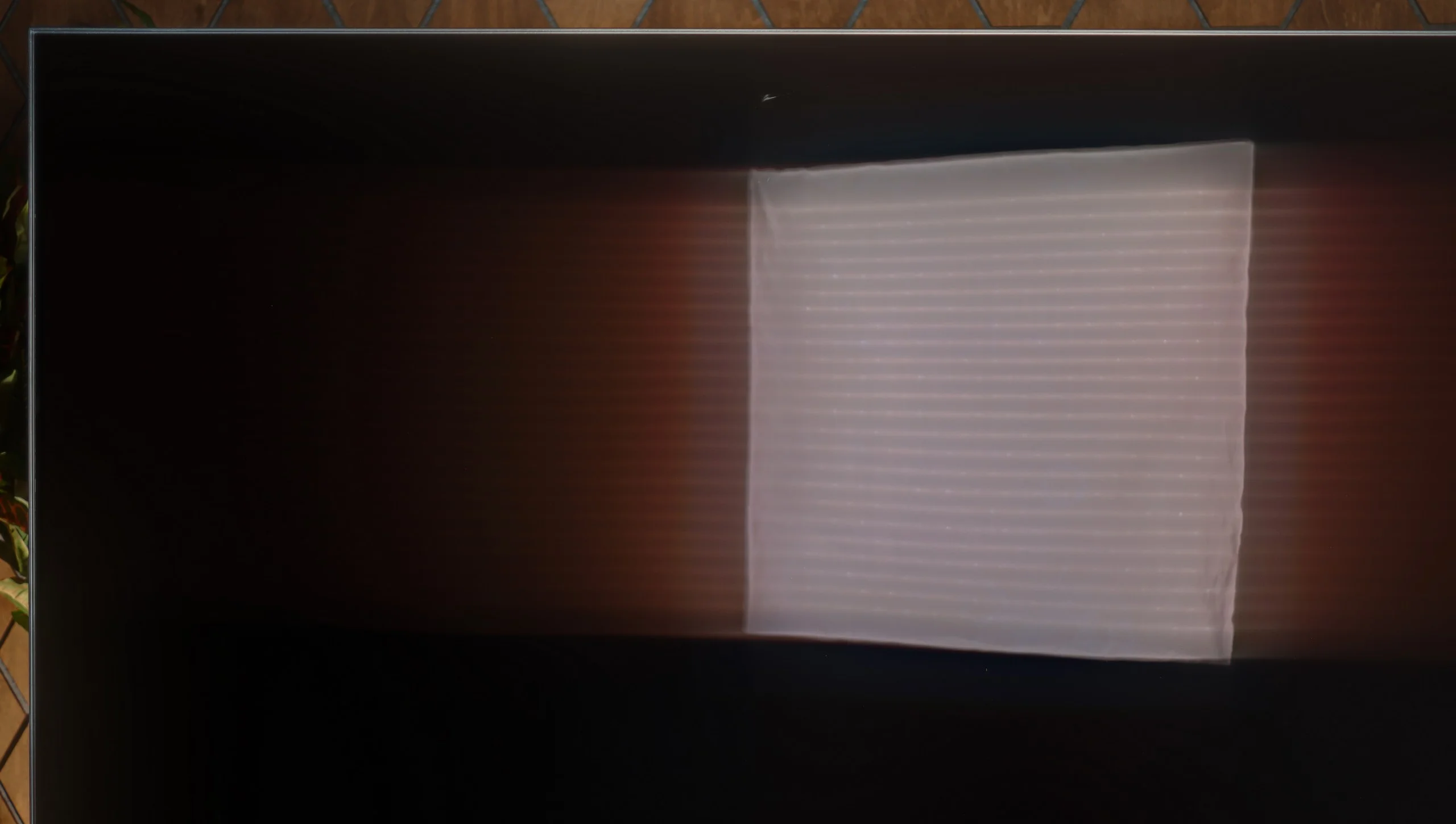
While the manufacturer describes the QNED86A as a Mini-LED television, there’s no sign of the multi-zone local dimming system known from pricier models. In practice, we have a classic edge lighting system, which only allows for dimming horizontal strips of the screen from top to bottom. Combined with a low-contrast IPS/ADS panel, the effect is simply poor. If we choose to leave local dimming on, a problem arises - the television can illuminate selected areas in such a way that it looks like “flying lasers” crossing the screen. This is very distracting and in such conditions, it’s hard to talk about truly cinematic experiences. Therefore, in our opinion, it's better to turn this function off. However, one must reckon with the fact that the contrast then drops to around 1500:1, but at least the image doesn’t irritate with artificial flashes.
Black levels on the TCL A400U are excellent, even surprisingly so. The 65-inch model we tested uses 576 local dimming zones that effectively separate bright objects from a dark background. In most of our scenes the contrast ranged from about 22,500:1 to 41,700:1, and in the most favourable shot it exceeded 170,000:1. That gives the picture very good depth in the evening, and the black doesn’t resemble the greyish glow you get from ordinary LCD screens without local dimming. Interestingly, the C7L we tested in the same size had over 1,000 zones, yet its contrast results were very similar and in places even worse. The A400U shows that the number of zones alone doesn’t determine the outcome. How the TV controls them is just as important, and here TCL has done a very good job. Of course, there are scenes where the backlight reaches its limits. When a lot of small bright elements appear on a black background, you can see a halo effect around them, a bright rim. The zones cover too large an area to light each small detail without brightening its surroundings. In our most challenging shot the contrast fell to around 9,000:1, but even then it didn’t look bad. It’s not perfect black in every situation, but for most of a viewing session the A400U gives plenty of reasons to be pleased in that regard.
HDR effect quality
6/10
6.1/10
Luminance measurements in HDR:

Result
602 nit

Result
524 nit

Result
690 nit

Result
512 nit

Result
500 nit
Result
1226 nit
Result
264 nit
Result
636 nit
Result
217 nit
Result
1434 nit
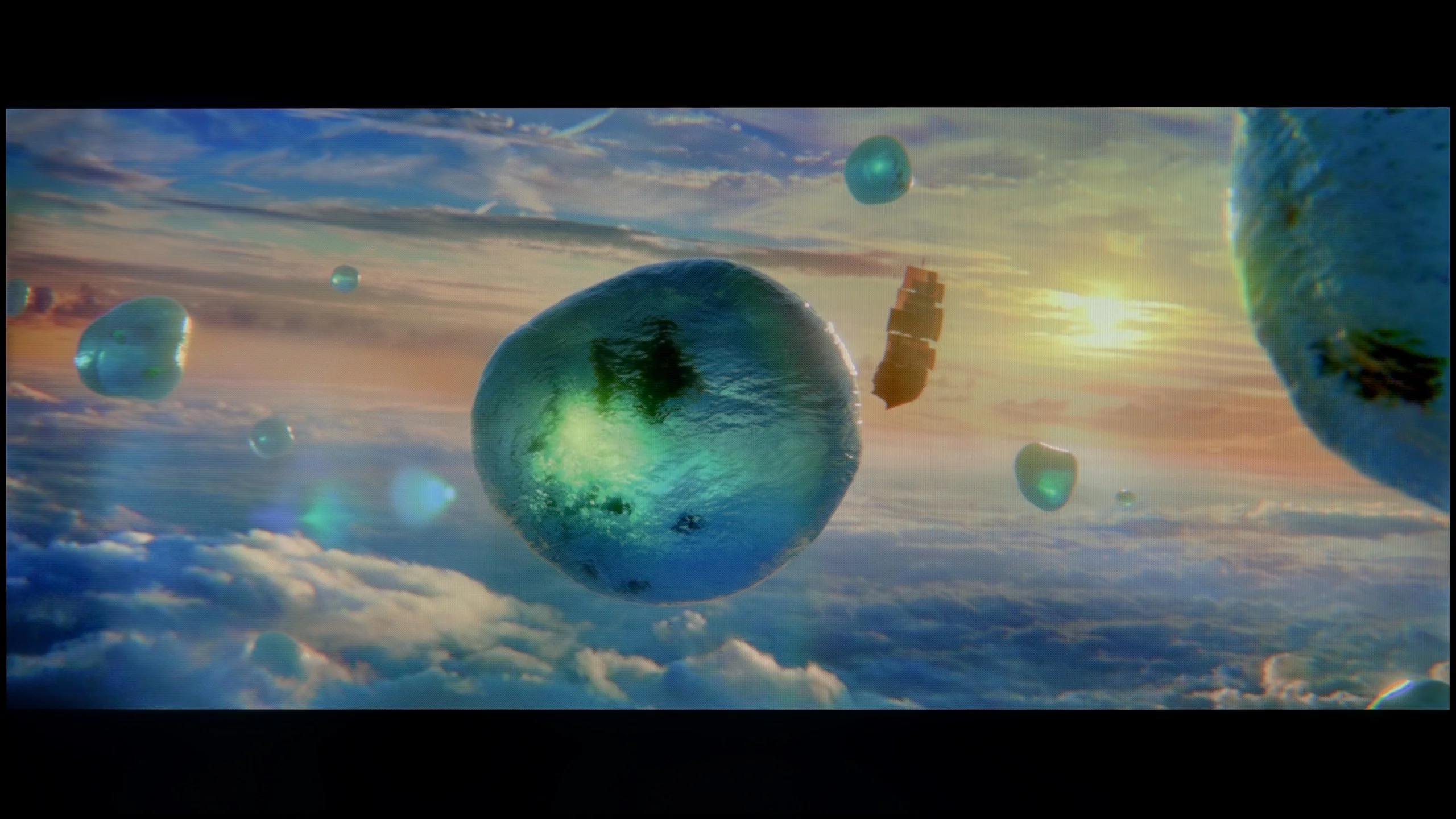
Scene from the movie “Pan” (about 2800 nits)
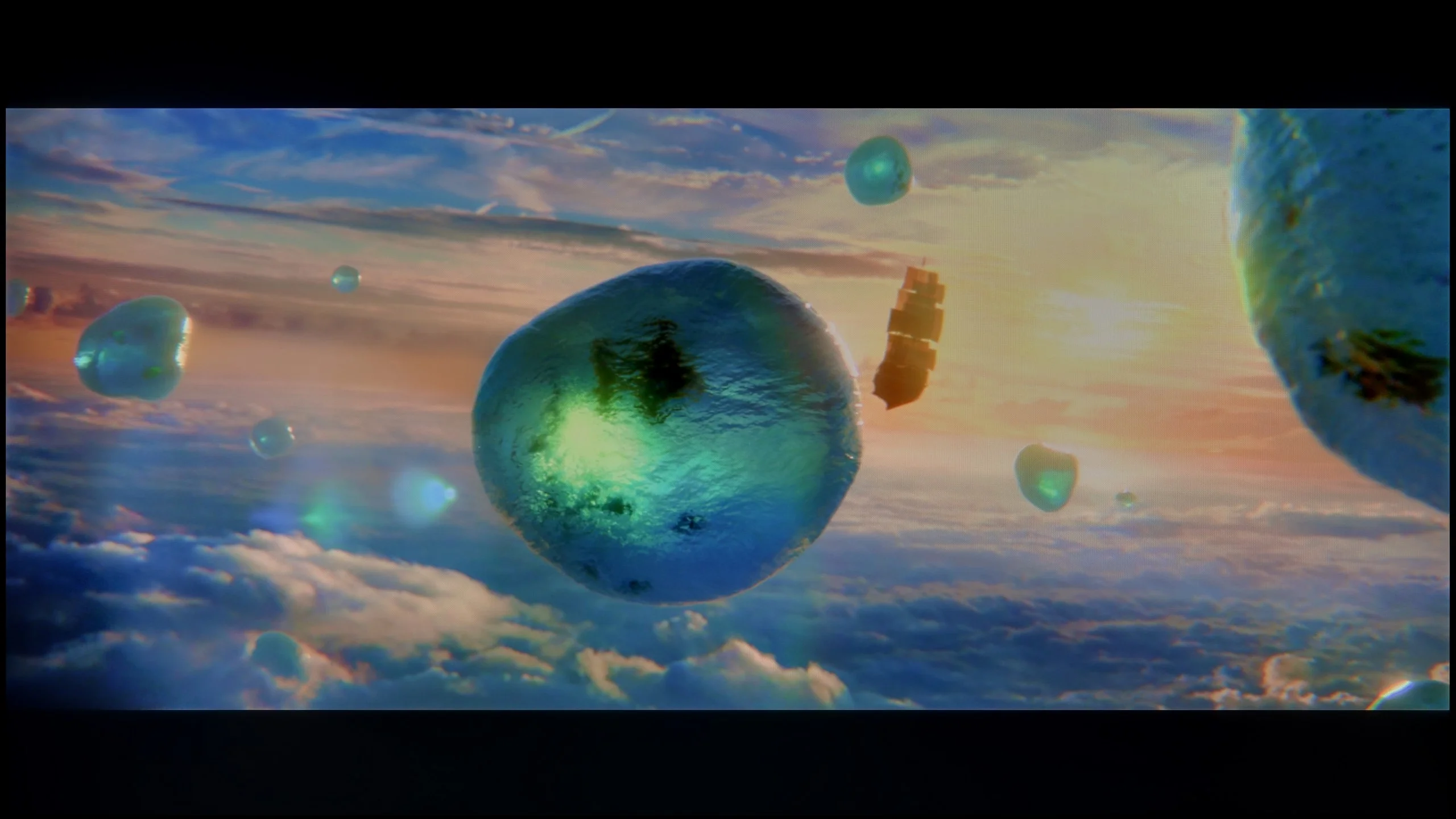
Scene from the movie “Billy Lynn” (about 1100 nits)
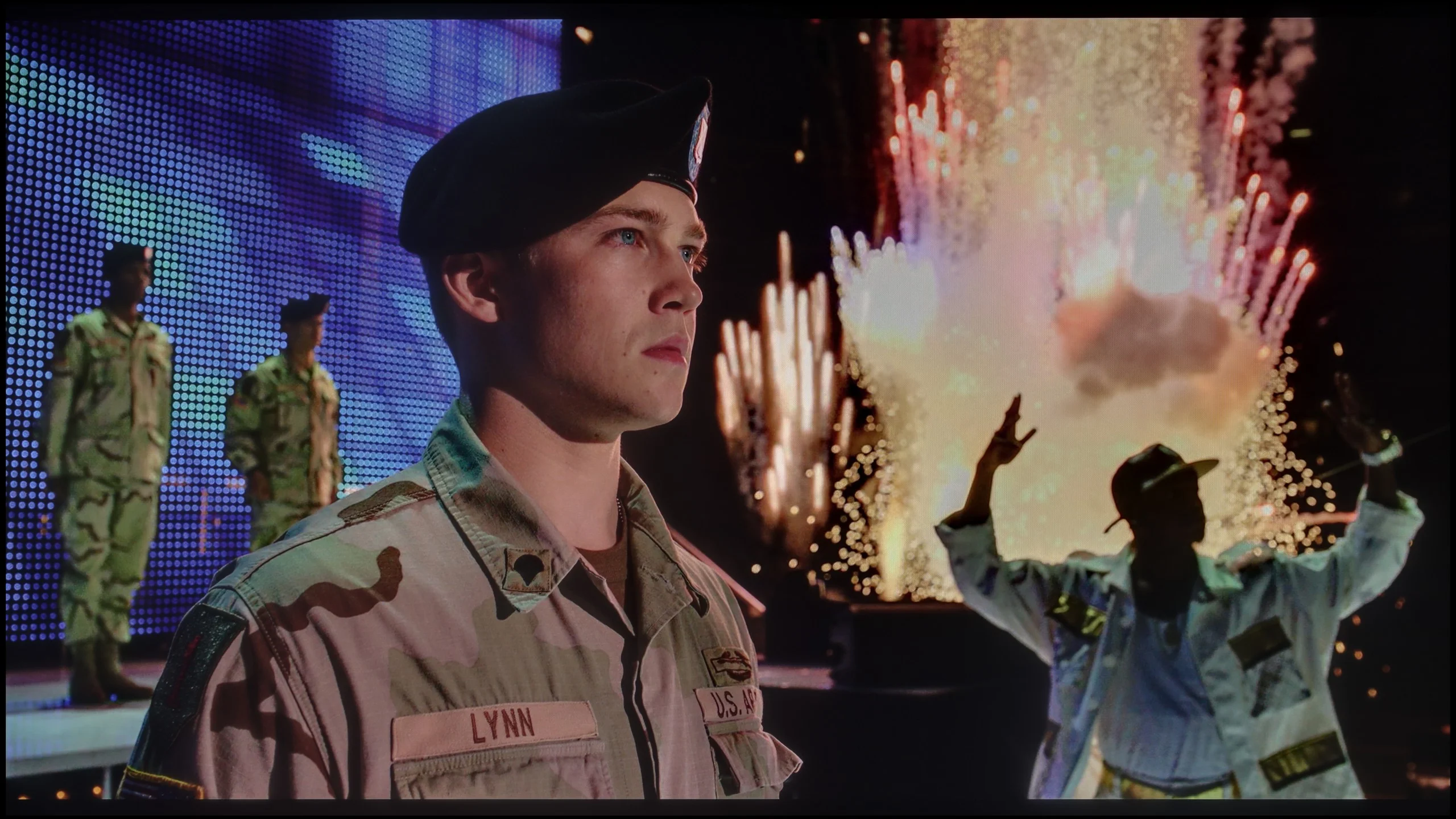
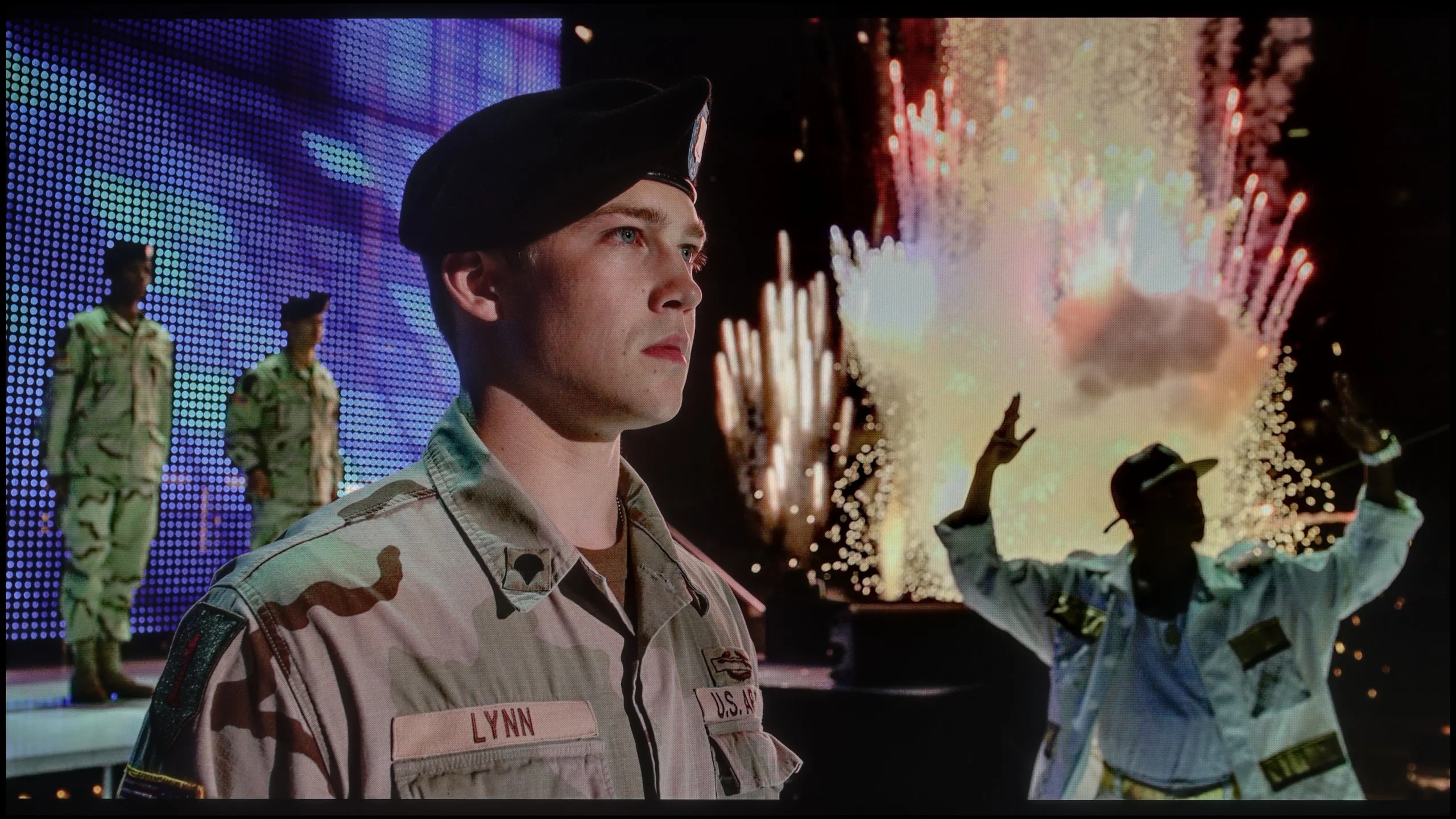
The photos show two HDR10 movies. 'Pan' is one of the brightest productions ever made, while 'Billy Lynn' (soldier) has brightness typical of streaming (Netflix, Prime, HBO MAX). Notice the intensity of effects and detail in whites.
Static HDR10
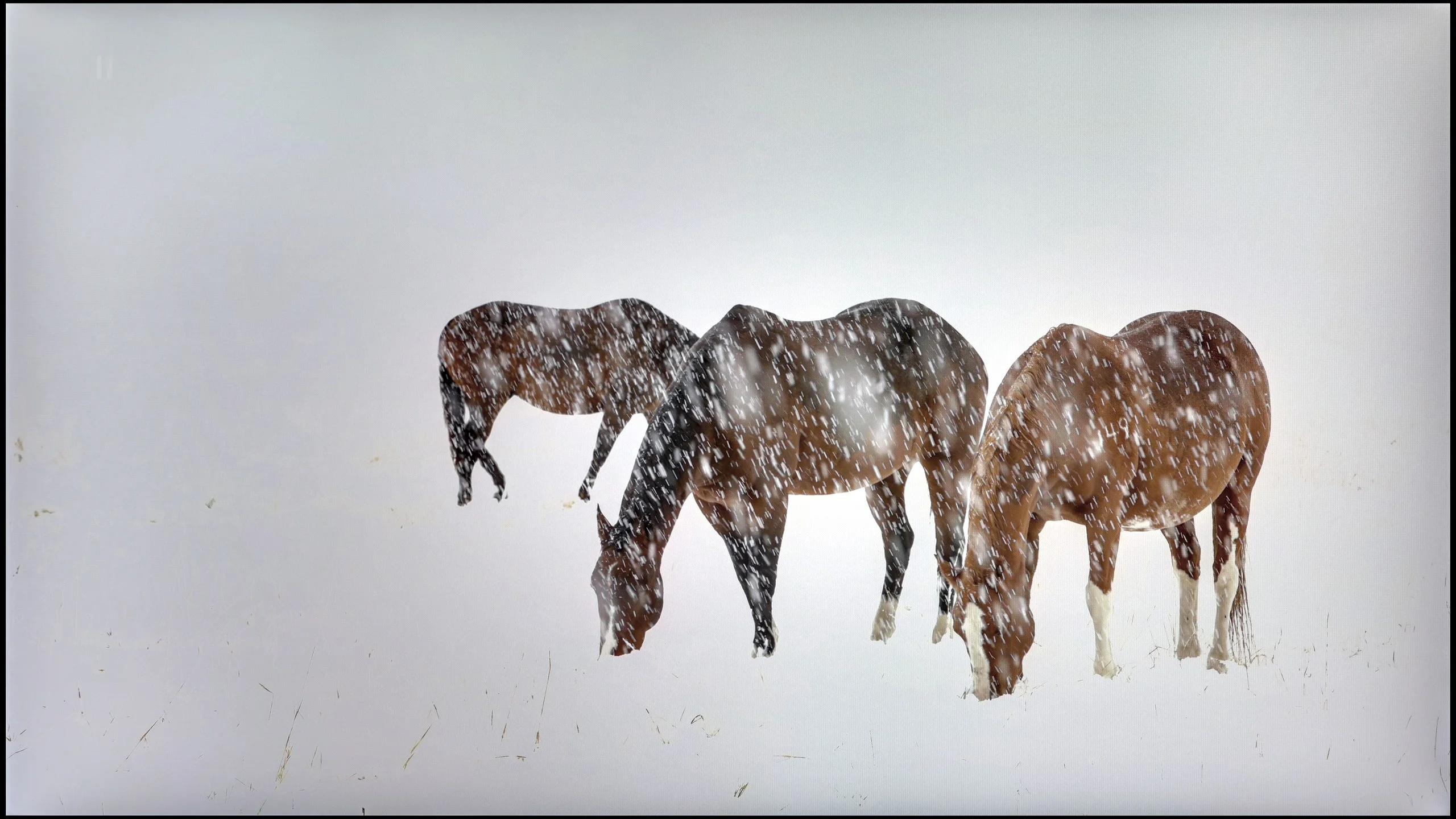

The photos present the visibility of white details in various HDR formats. They do not show brightness differences between TVs (these can be compared in the previous gallery).
Dynamic: Dolby Vision
Dynamic: Dolby Vision


The photos present the visibility of white details in various HDR formats. They do not show brightness differences between TVs (these can be compared in the previous gallery).
HDR luminance chart:
TCL A400U
LG QNED86A / QNED85A / QNED87A
Against the backdrop of contrast and black, the brightness of the QNED86A and the overall HDR effect fare much better. It's a television that can achieve around 700 nits under the best conditions, so in terms of luminance alone, there’s nothing to be ashamed of. As a result, scenes with strong lights, explosions, flashes, or bright parts of the landscape – look clear and can make an impression. Interestingly, even in tougher moments with small, contrasting elements on the screen, the television does well with backlighting and details are quite visible. The problem arises when there are many dark tones. The lack of effective local dimming means that black virtually disappears, and instead, we get a grey glow spreading across the entire screen. This kills the depth effect and causes the image to appear flat, as if it lacks cinematic character. In bright animations or family films with vibrant colours, this won't be an issue, as the colours and bright light dominate. But in horror films or productions set in darkness, these limitations are strongly felt. As a consolation, it’s worth noting that the QNED86A is essentially a QLED television with an LED PFS filter, which gives it very good coverage of wide colour gamuts. Both the DCI-P3 palette and the wider BT.2020 perform solidly here. This means that colours in HDR films are saturated, juicy, and have the right depth – even if the black itself is disappointing, the colours can save the viewing experience and make the image look appealing.
TCL A400U can deliver really punchy HDR. On test patterns peak brightness reaches around 2000 nits, and in brighter movie scenes we measured roughly 1200 to over 1400 nits. Those are very good figures, which translate into intense sun highlights and a clear glow on the bright parts of the image. In those shots it's hard to complain about a lack of punch. It's not always as dramatic, though. When small lights appear on a dark background the algorithm has to decide how strongly to light the zones covering them. Higher brightness would also mean a more visible halo around objects, so the A400U favours preserving deep blacks. In our toughest scenes small lights therefore only reached about 220 to 260 nits. They're still visible, but they lose the intensity you'd expect from such a bright TV. That's a compromise typical for many Mini LED sets in this price bracket. The backlight has plenty of power, but the number of zones limits how precisely it can be applied. You can also see the advantage of the C7L here, which, thanks to a larger number of zones, can render some of those elements brighter.
Colours
Colours hold up well, though they don't reach the saturation of the new SQD Mini LED models. The A400U uses a PFS phosphor and covers about 94% of DCI-P3 and 74% of BT.2020. In HDR films this produces juicy, well-saturated colours. DCI-P3, which contains most of the colours used in those films, is almost fully covered. Some shortfalls are visible mainly in the most saturated greens. They won't be as intense as on screens capable of reproducing a wider gamut, but in most films it's hard to notice. It's easier to spot the difference in games with heavily saturated, neon colours that often push beyond this panel's capabilities.
Factory color reproduction
5.6/10
6.2/10
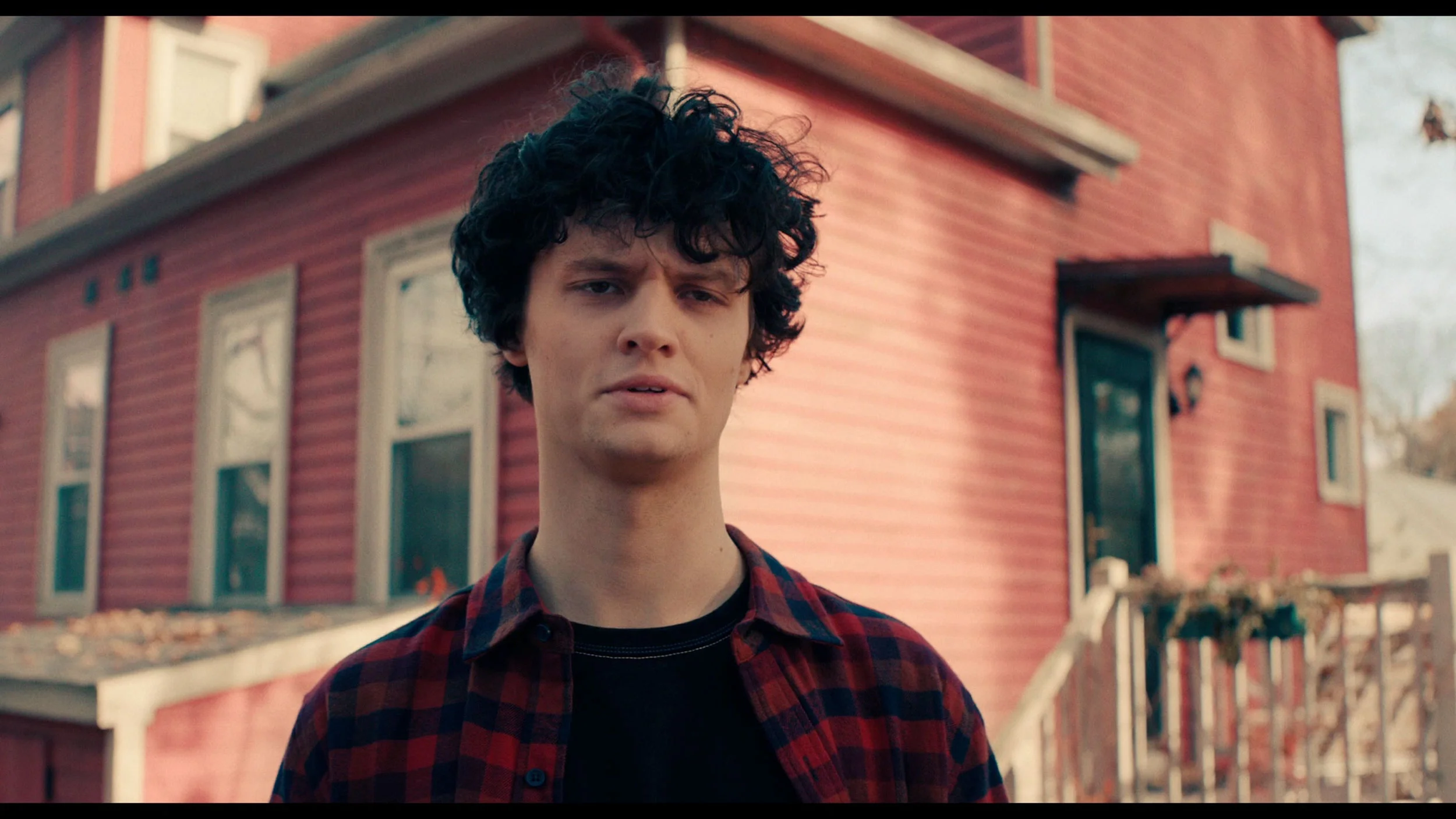
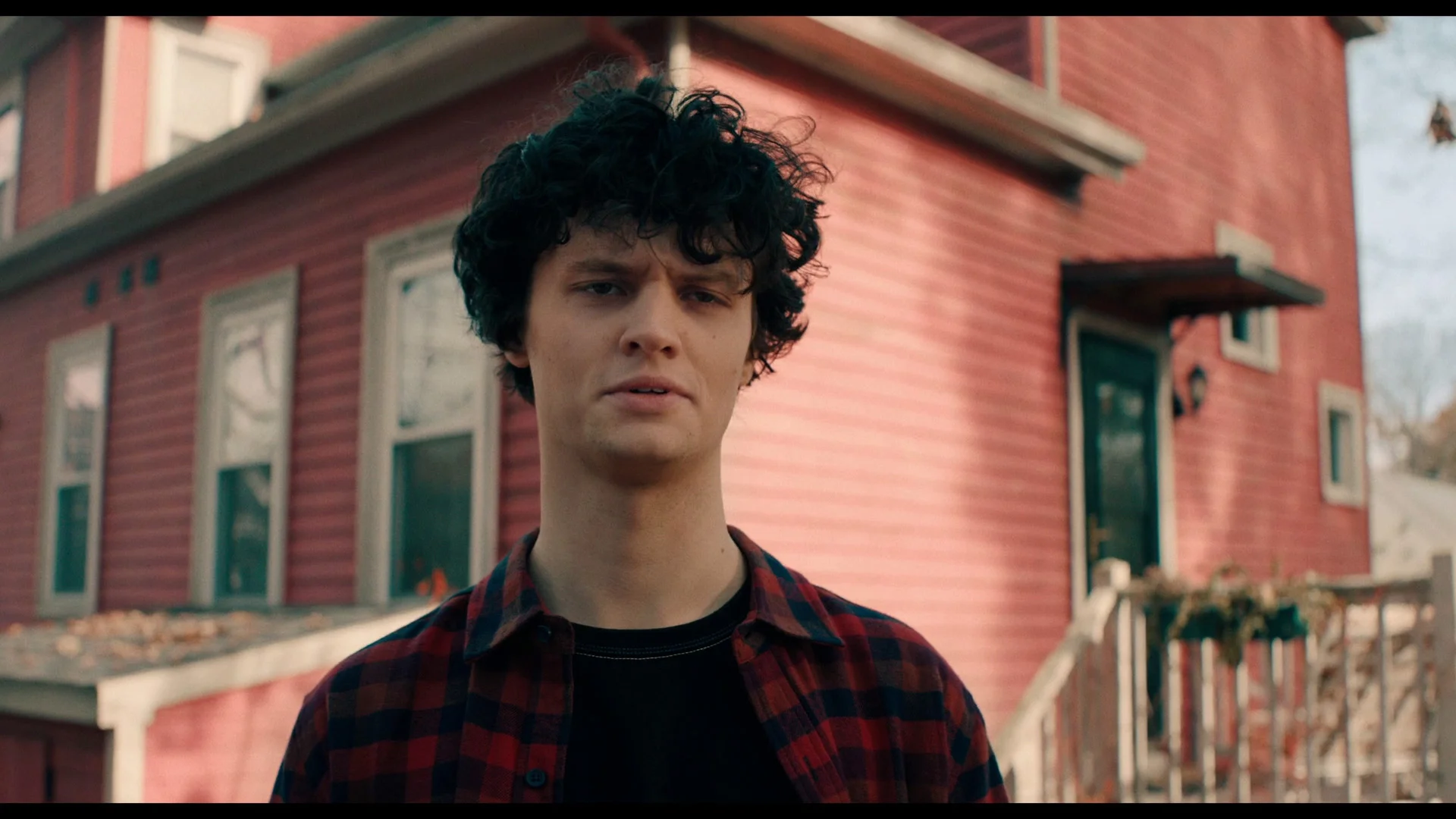
This gallery shows how colors change after professional TV calibration. If you notice the difference, we recommend ordering this service at SkalibrujTV.com.
Factory Mode
After calibration
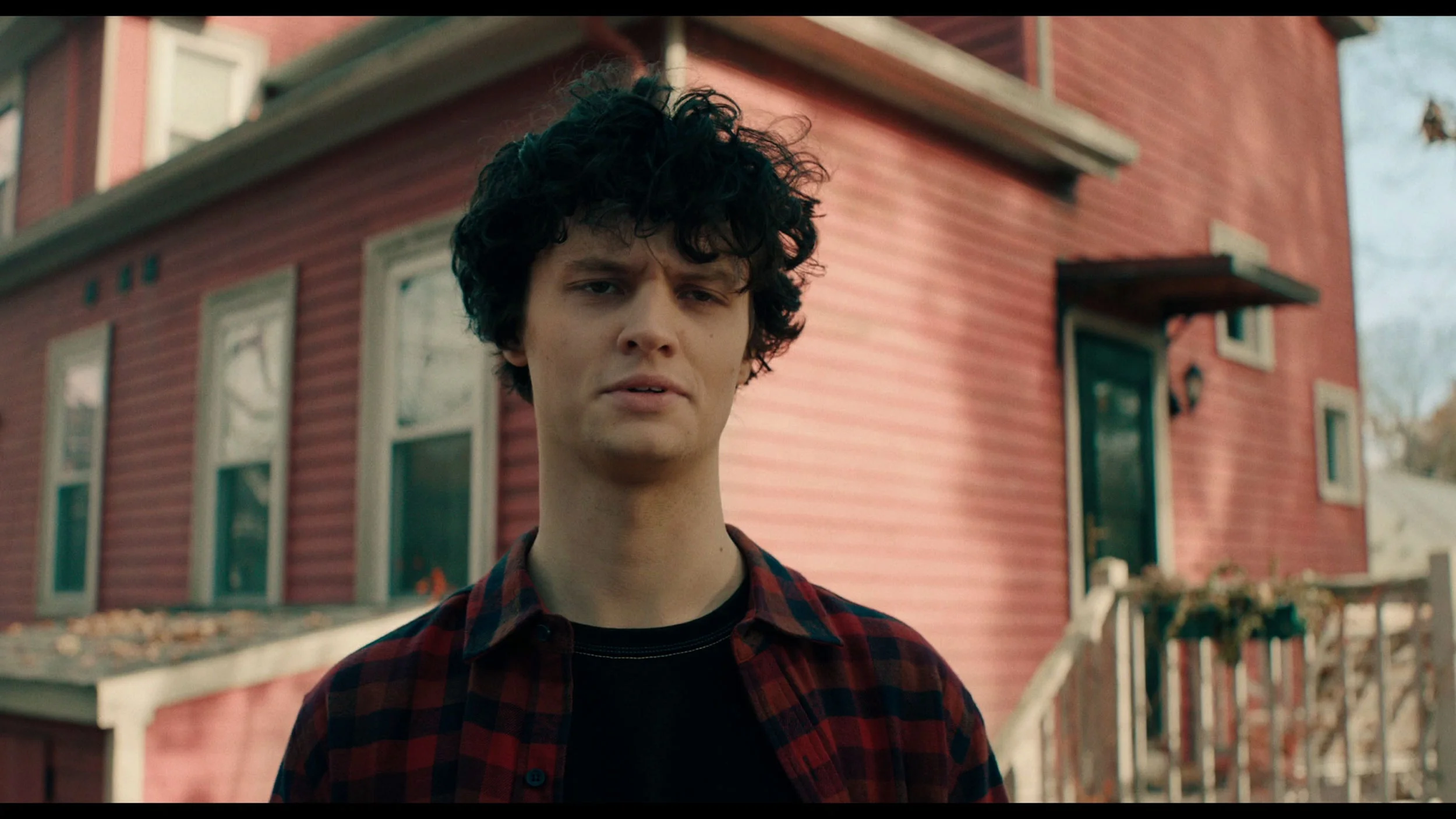
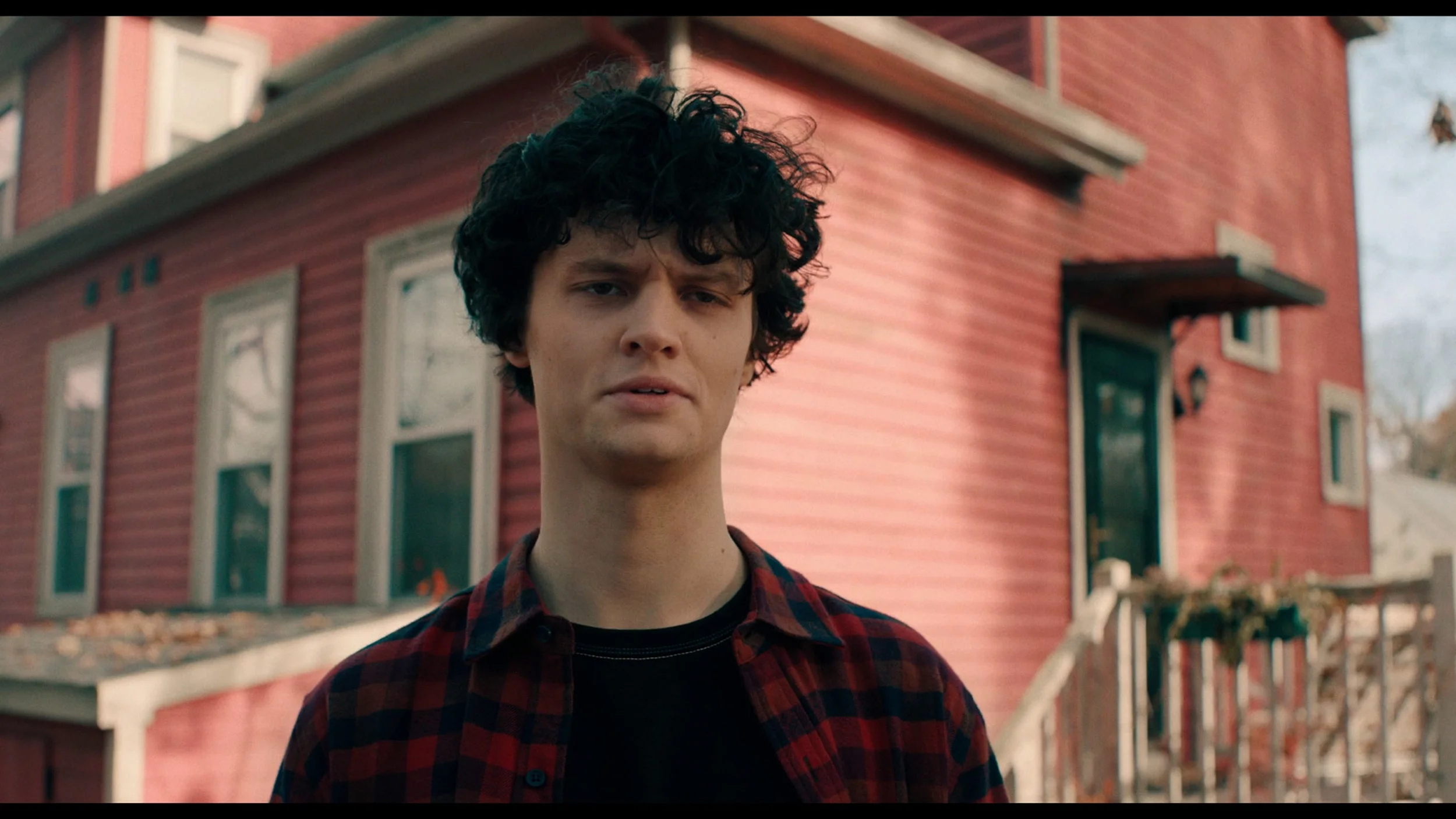
This gallery shows how colors change after professional TV calibration. If you notice the difference, we recommend ordering this service at SkalibrujTV.com.
Factory Mode
After calibration
We primarily tested the QNED86A in Filmmaker mode, which is designed to provide the most faithful picture. Unfortunately, right out of the box, there were quite a few shortcomings. The most glaring issue was the poorly calibrated white balance – there was a lack of blue, which caused the overall image to take on a slightly yellowish, and sometimes even an orange hue. An even bigger problem was the way the television manages brightness. Due to its technical limitations – that is, local dimming functioning only along the edges of the screen – the QNED86A has a tendency to oversaturate entire scenes. This is where the flattening of the image that we mentioned earlier comes from. Instead of clear depth and contrast, we get something akin to "boosted brightness," which, in the long run, can strain the eyes.
On factory settings, Filmmaker mode on the A400U performs quite well, especially for regular television and SDR films. There is, however, a slight shortage of red. Whites therefore have a faint greenish tint, and faces can look a bit too pale. It isn't hugely obvious in every scene, but in shots with a lot of white or red the tint is easier to spot. There are also minor inconsistencies in brightness. Dark areas are slightly lifted, while some brighter tones are overly dimmed. It's perfectly watchable, though there's room for improvement.
There are more issues with HDR. Out of the box the TV brightens the image too much, which is clearly visible on the EOTF graph. This isn't about specular highlights like the sun or lamps, since those should be intense. Faces and surroundings also become brighter, even when they were meant to look calmer in the film. As a result the scene loses some depth and looks as if someone has turned up the brightness. On top of that the brightest whites shift slightly cool. What needs sorting most is the HDR handling, because on its default settings the A400U adds "more" than it should in Filmmaker mode.
Color reproduction after calibration
7.6/10
8.9/10
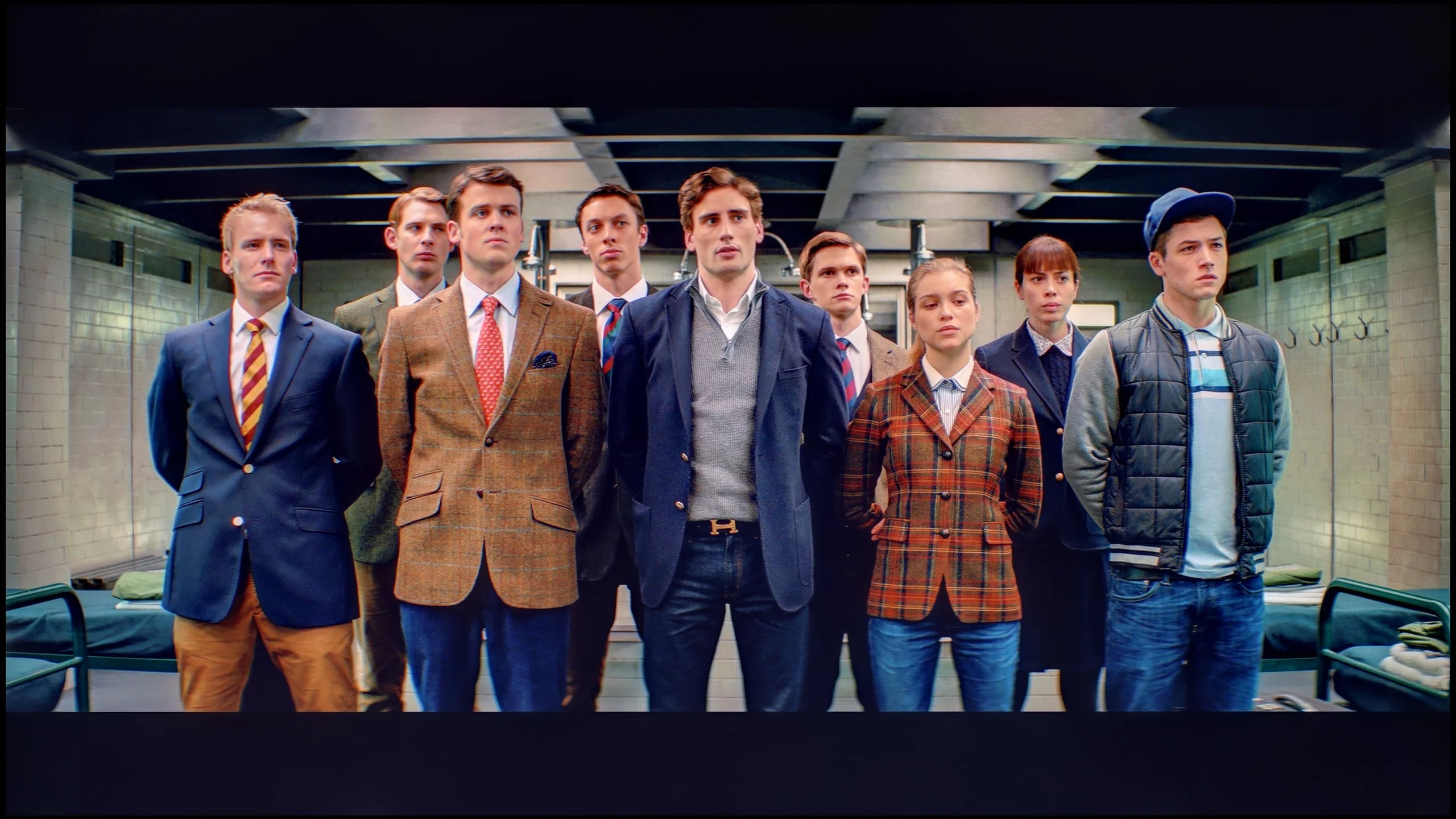
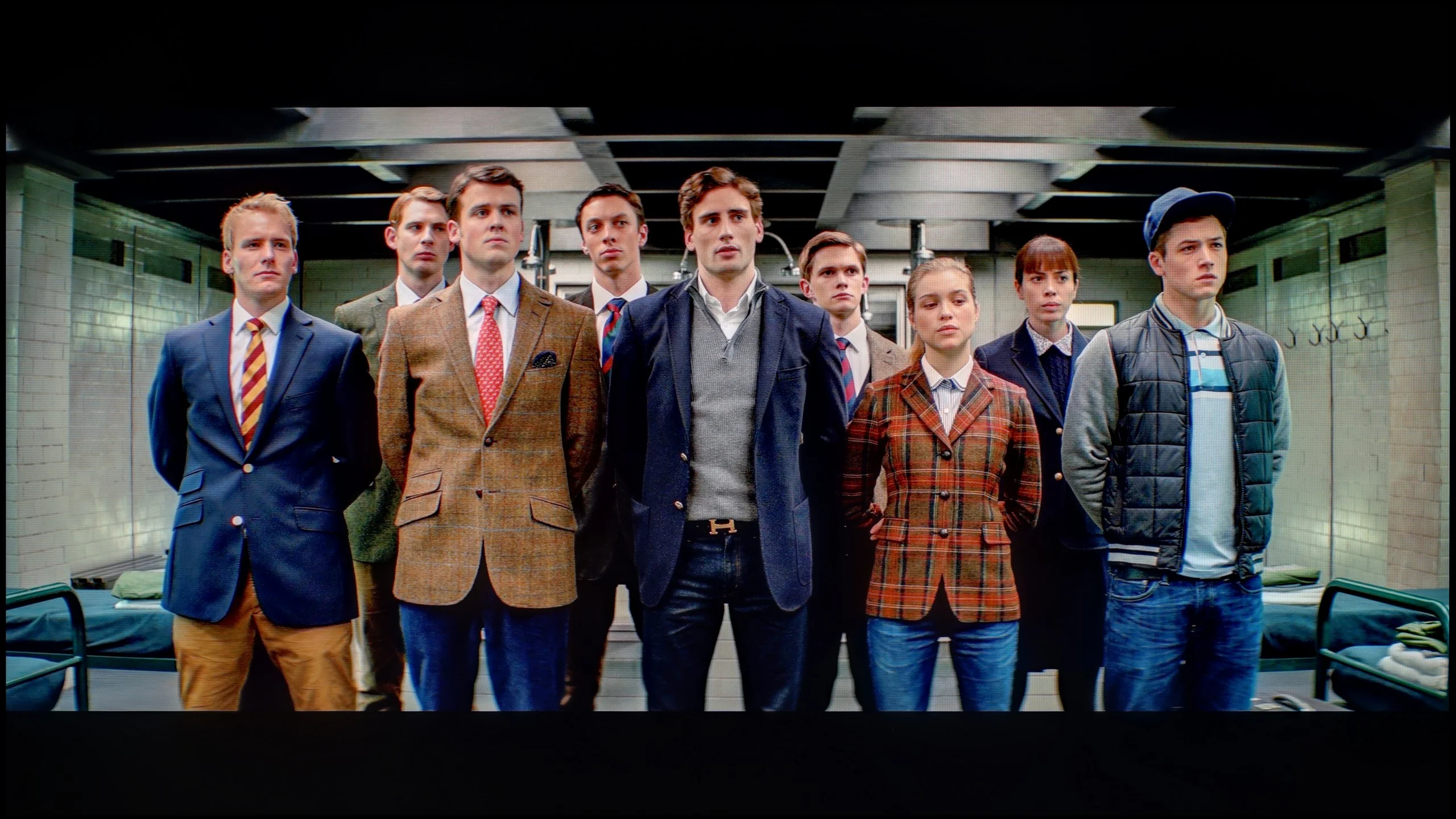
The photos show how movies look on the TV. Pay attention to black detail visibility, colors, and shadow tint.
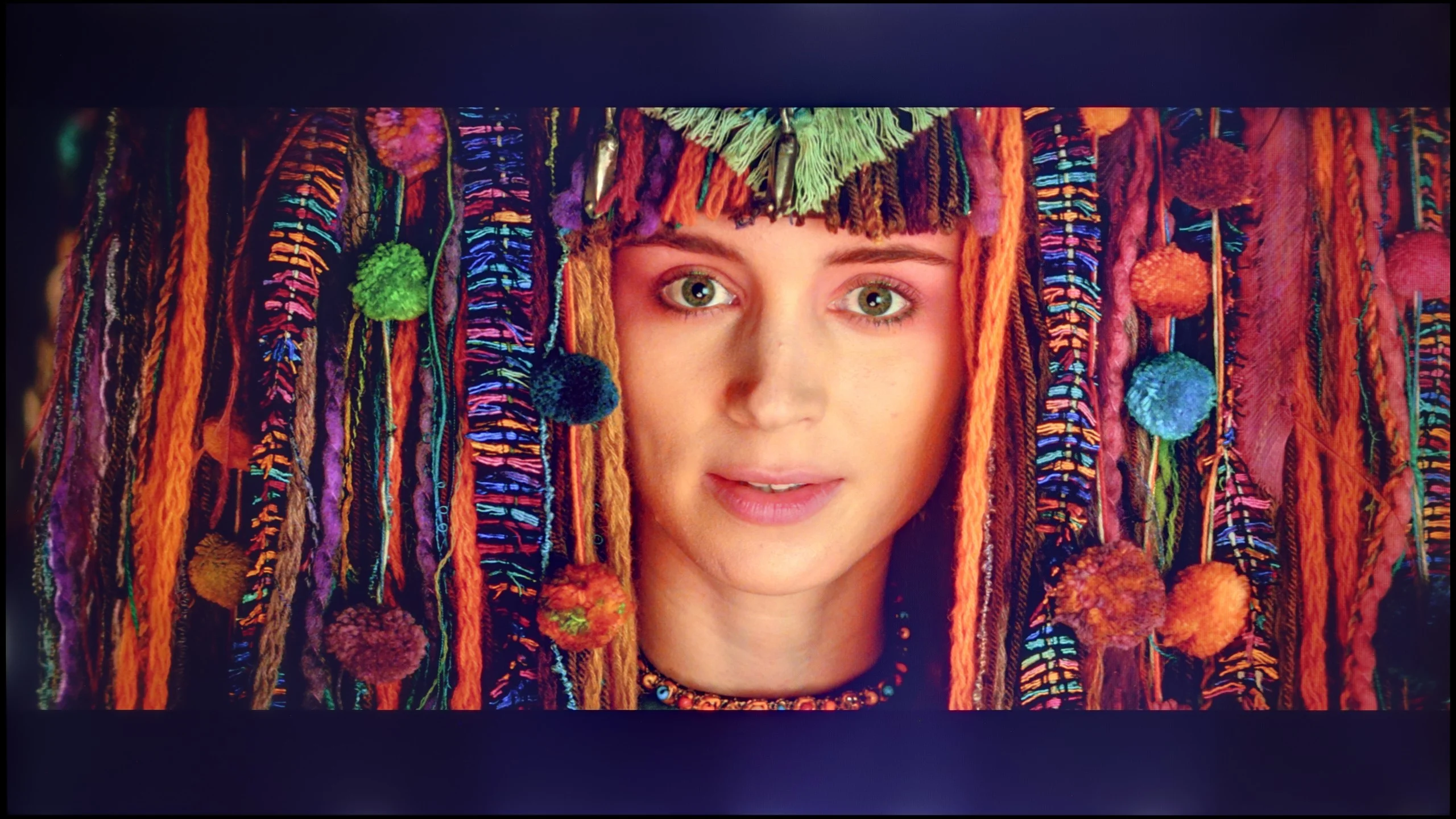
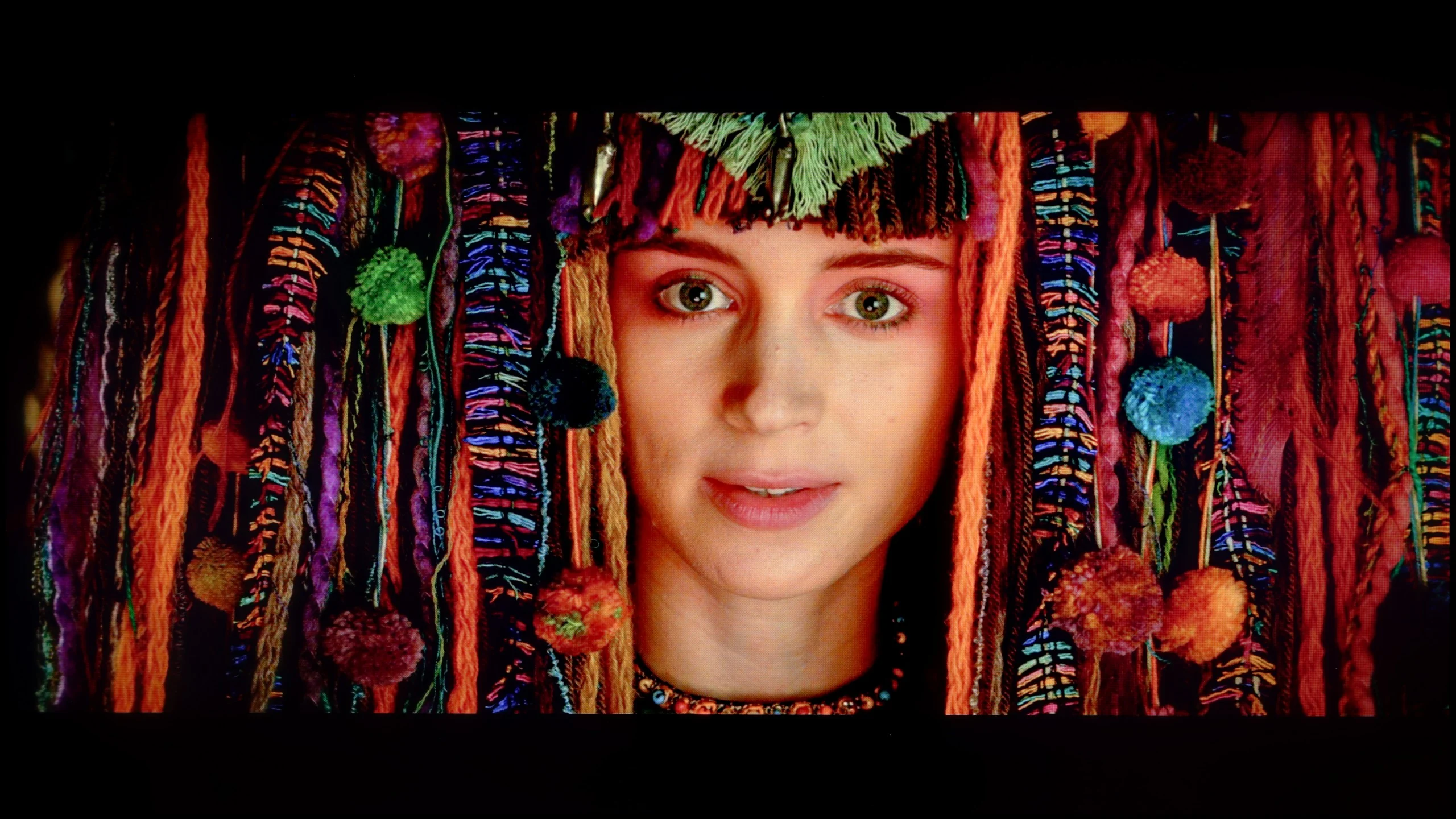
The photos show how movies look on the TV. Pay attention to black detail visibility, colors, and shadow tint.
What was saved in the QNED86A6A is undoubtedly the colours. After calibration, the white balance was set with great precision, ensuring that deviations on the Colour Checker palette mostly did not exceed the visibility threshold for the human eye. In other words – the colours finally looked natural, without strange yellow or orange tones that had previously marred the perception. Unfortunately, even the best calibration cannot overcome structural limitations. The already mentioned very modest number of local dimming zones and their unfortunate placement meant that the analysis of the EOTF curve in films still showed noticeable scene over-exposures. The image tended to flatten, lacking cinematic depth. Fortunately, this effect is not as visible in older productions or in SDR content. There, calibration really does its job and allows the QNED to be tamed so the image can be pleasing. However, the specifics of this construction – especially the contrast issues – cannot be completely bypassed.
The TCL A400U responds very well to calibration and lets you correct most of the shortcomings of the factory Filmmaker mode. In SDR it was possible to almost perfectly level the white balance. The lack of red has disappeared, so whites and greys no longer have a greenish tint and faces have regained a natural look. Brightness reproduction has also improved. Apart from small deviations in the darkest and brightest parts, the TV sticks to the reference without unnecessary brightening or dimming of the picture.
The most important change, however, concerns HDR. Thanks to the available peak brightness adjustment it was possible to tame the brightening seen in the factory settings. Measurements in film scenes, not just test patterns, confirm this. Faces and backgrounds are no longer artificially brightened, while bright elements still retain the right punch. Errors in the Color Checker test in HDR mostly fall below 2, which is a very good result. Not everything is perfect, as the very brightest whites retain a slightly cool tint, but overall the image is much more faithful. This is the improvement we described earlier when comparing scenes from "Pana" and "Billy Lynn". The A400U lets you fine-tune HDR to preserve both detail and the proper brightness of the whole scene. That option was missing from other TCL models, where peak brightness control was not possible. Here the manufacturer made it available to the user and it’s clear it was needed. After calibration the A400U presents a film without unnecessary picture boosting.
Smoothness of tonal transitions
8.9/10
9.4/10
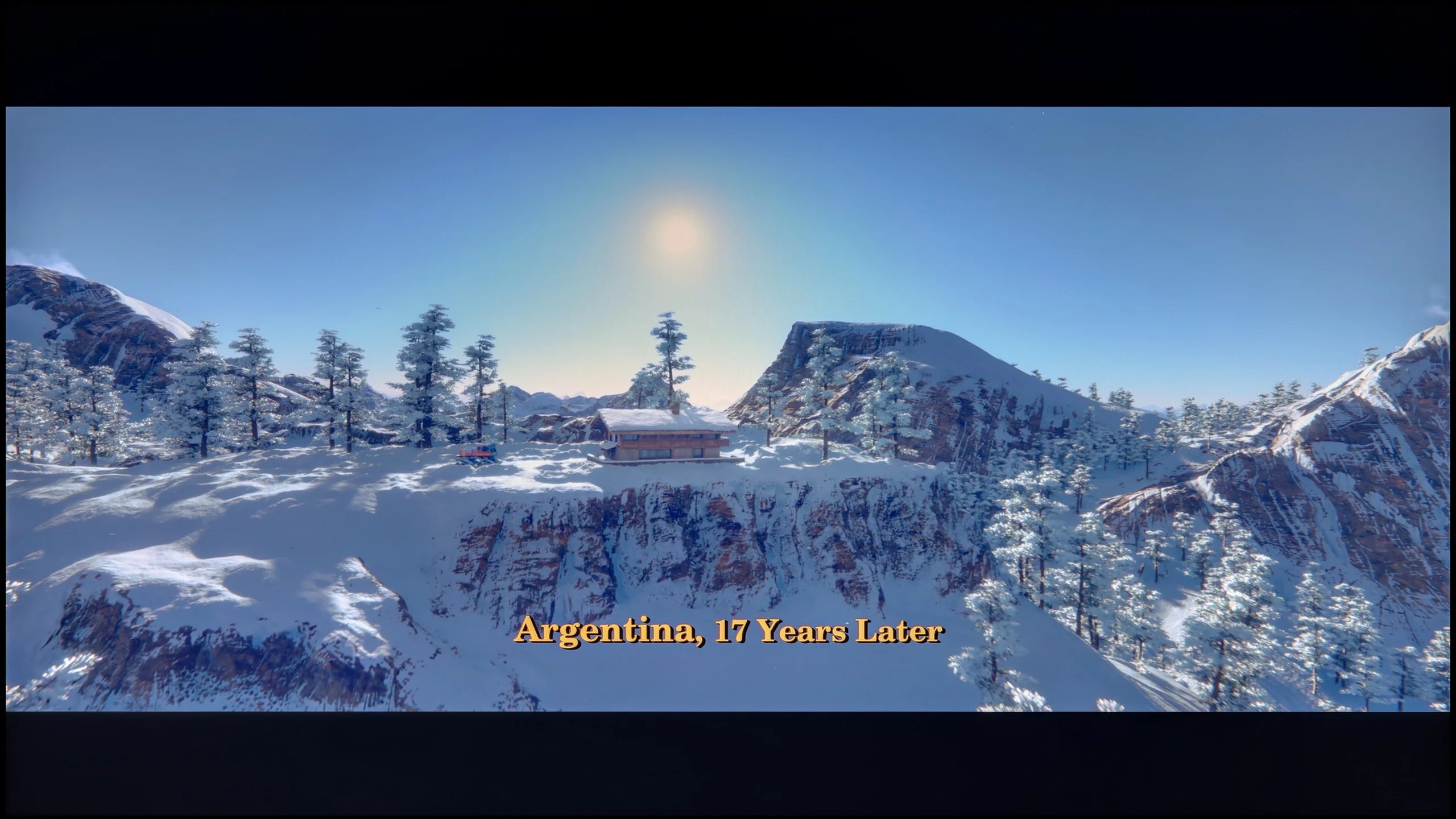
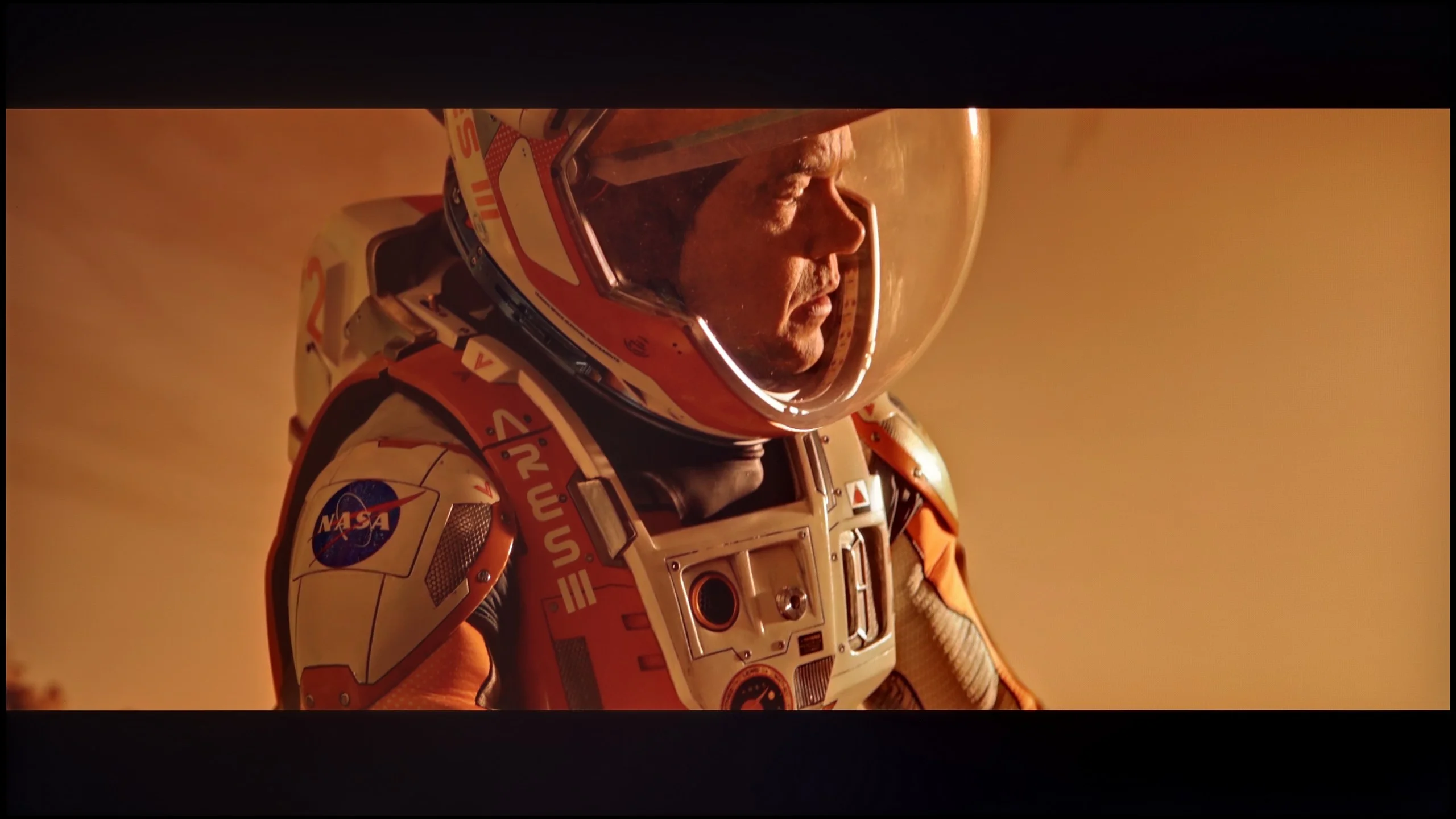
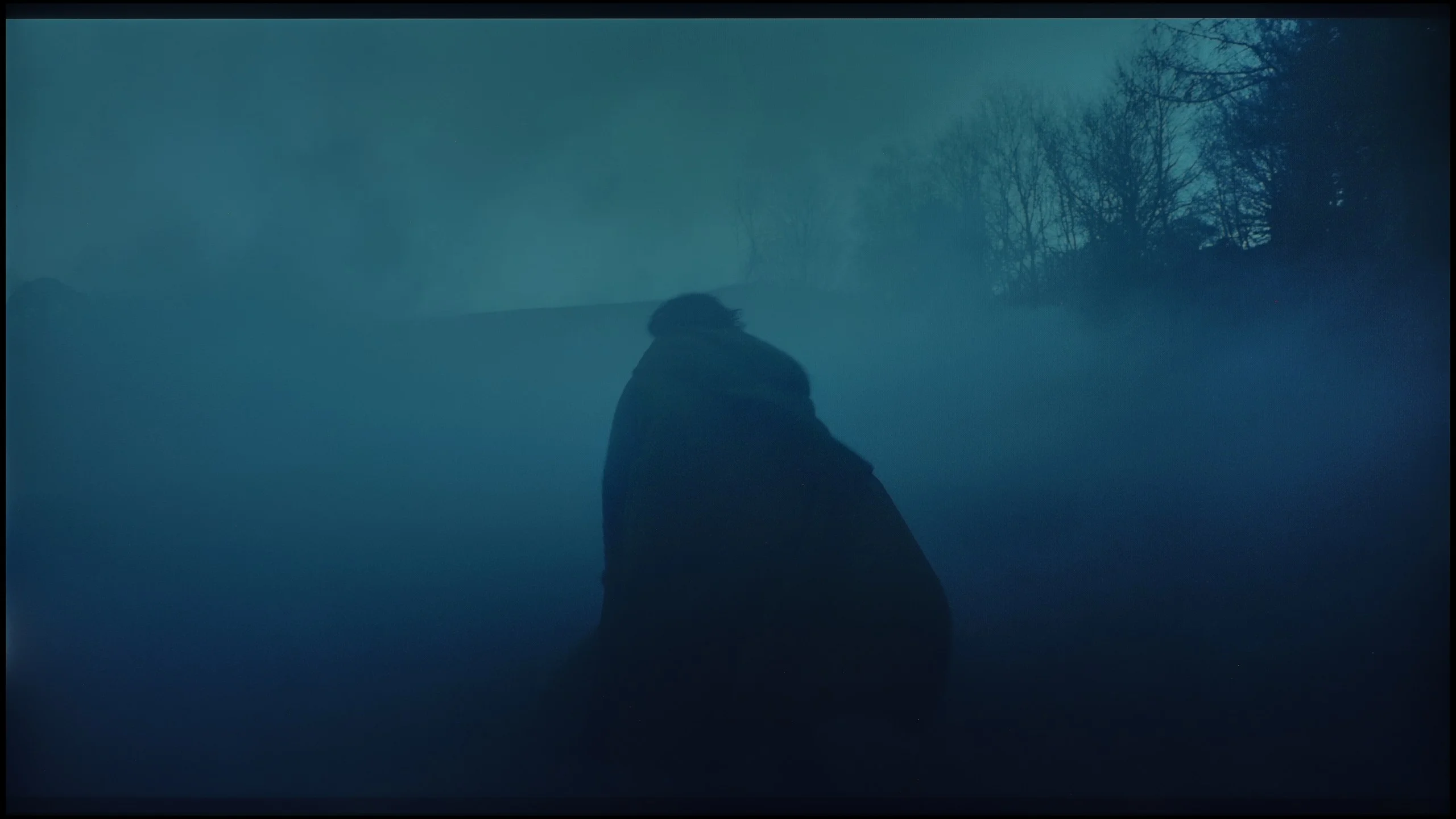
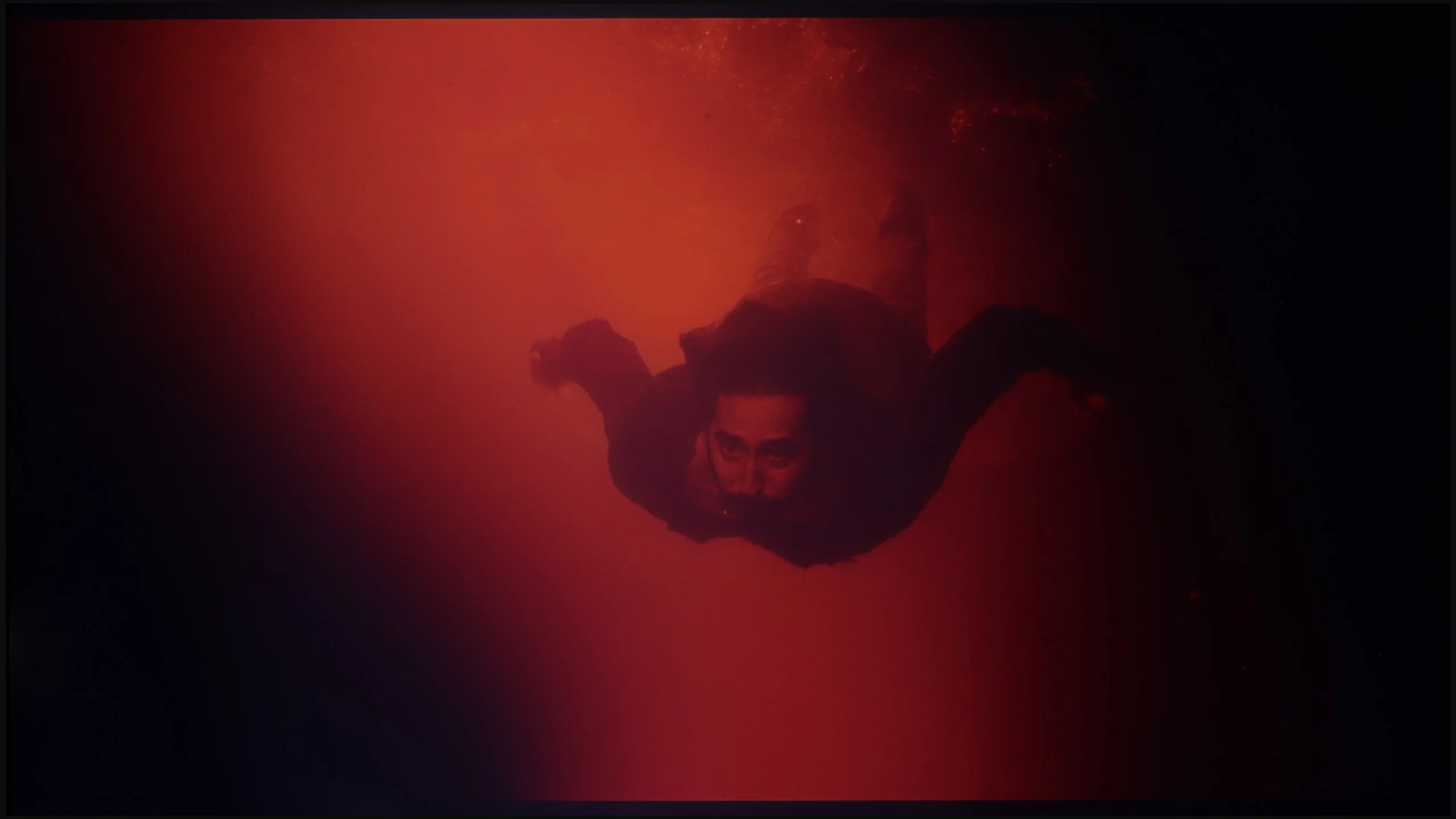
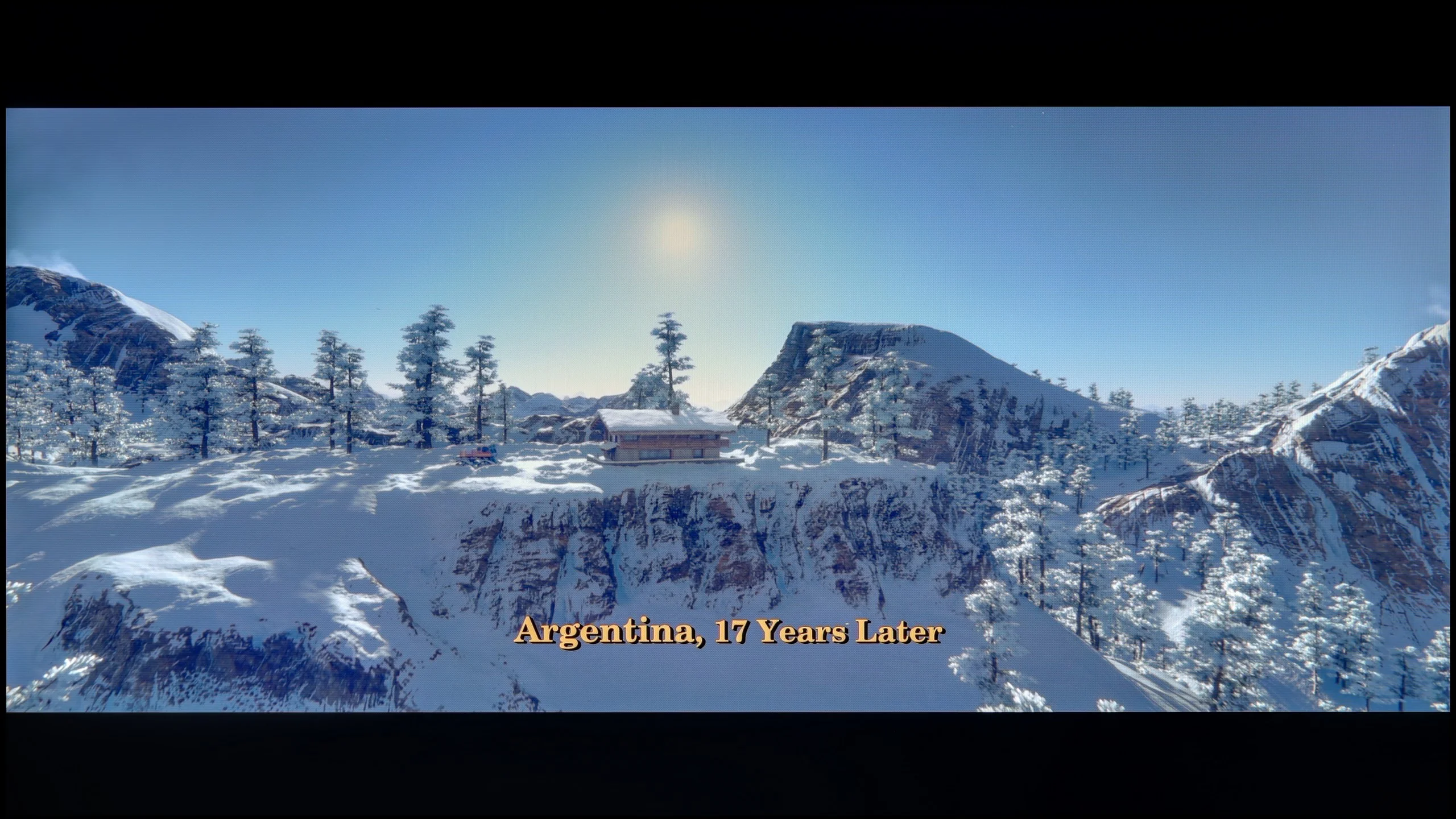
These are selected scenes that show smooth tonal transitions from one color to another. If you see distinct banding, it’s the TV panel’s fault.
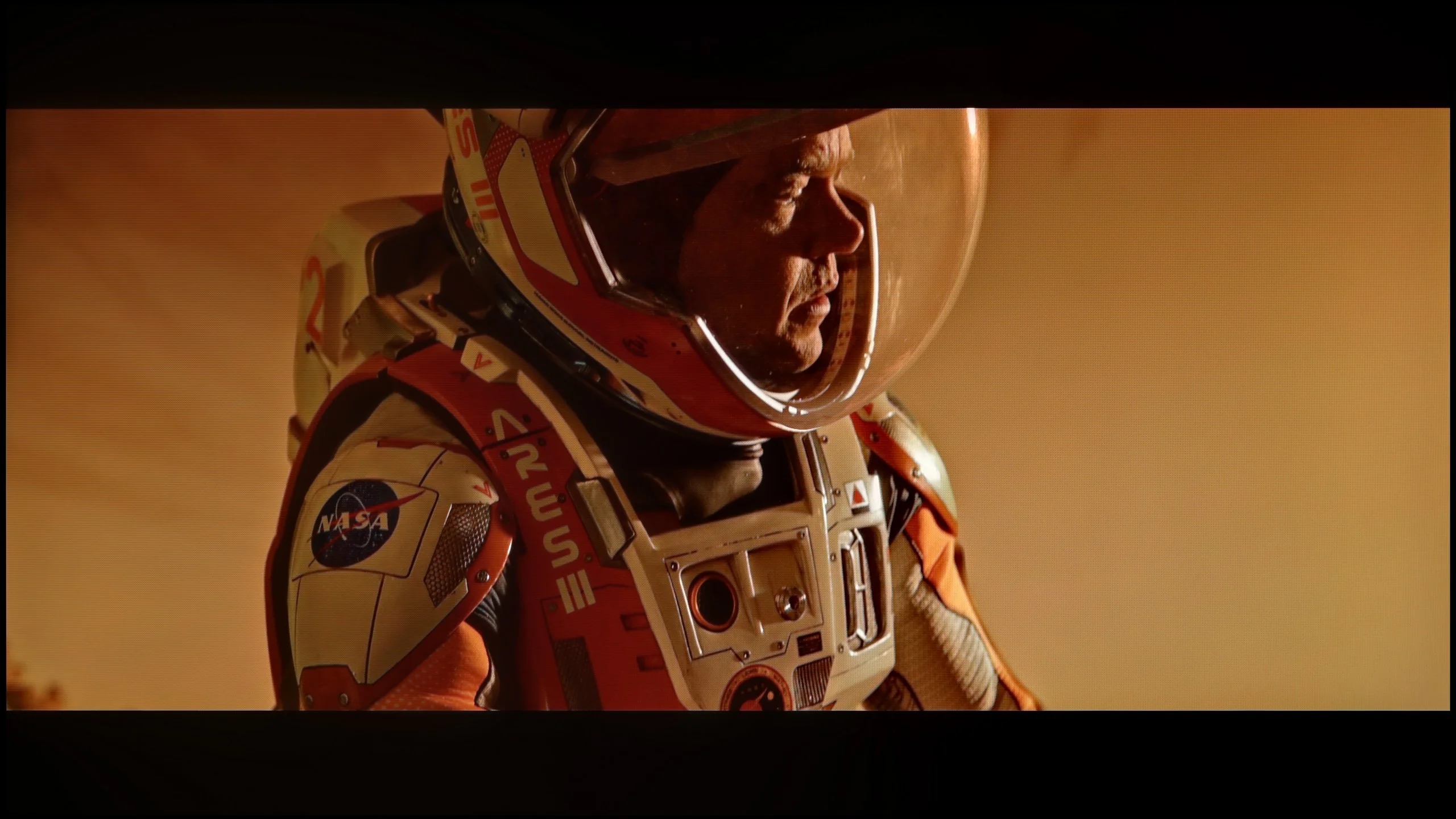
These are selected scenes that show smooth tonal transitions from one color to another. If you see distinct banding, it’s the TV panel’s fault.
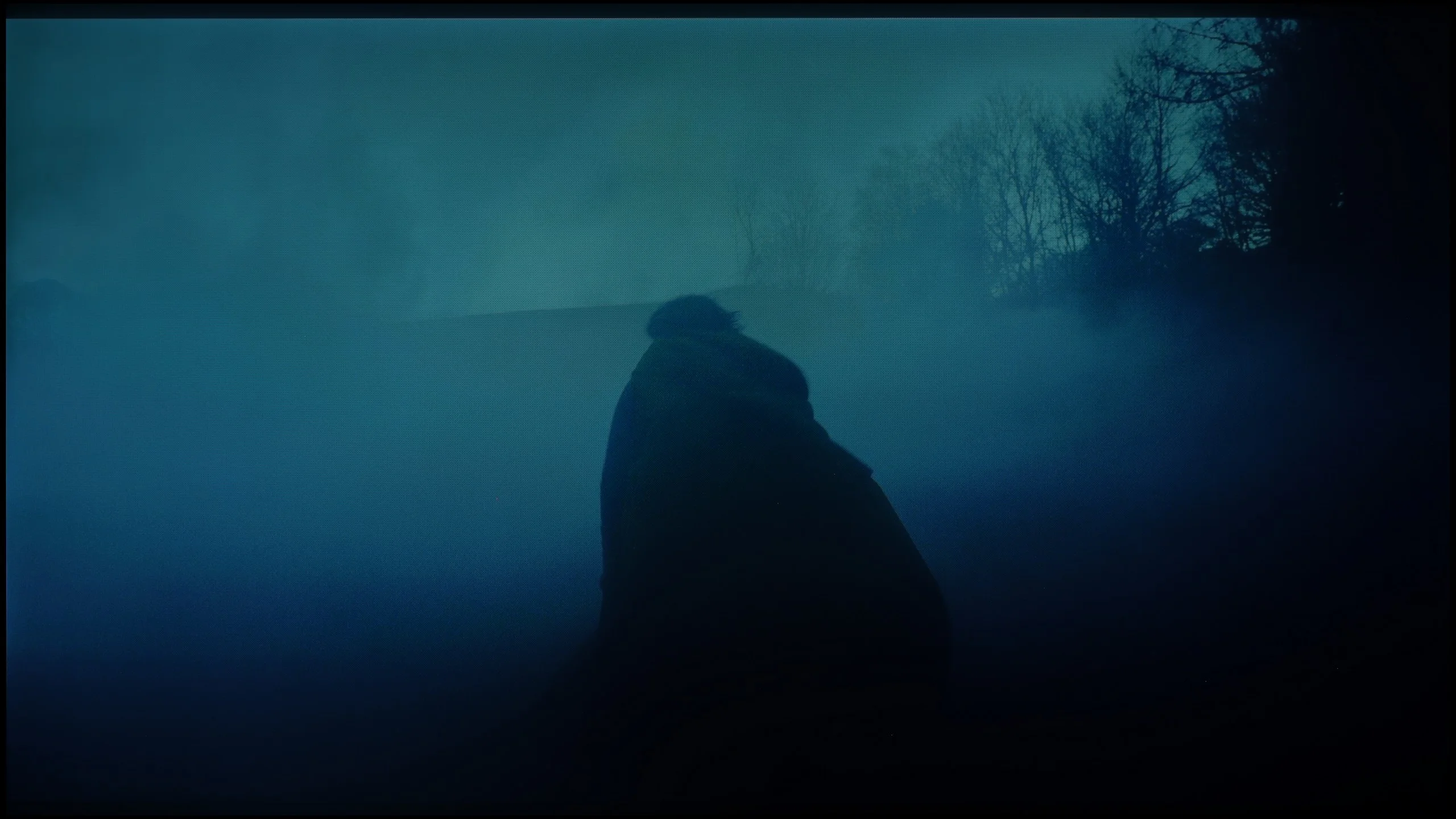
These are selected scenes that show smooth tonal transitions from one color to another. If you see distinct banding, it’s the TV panel’s fault.
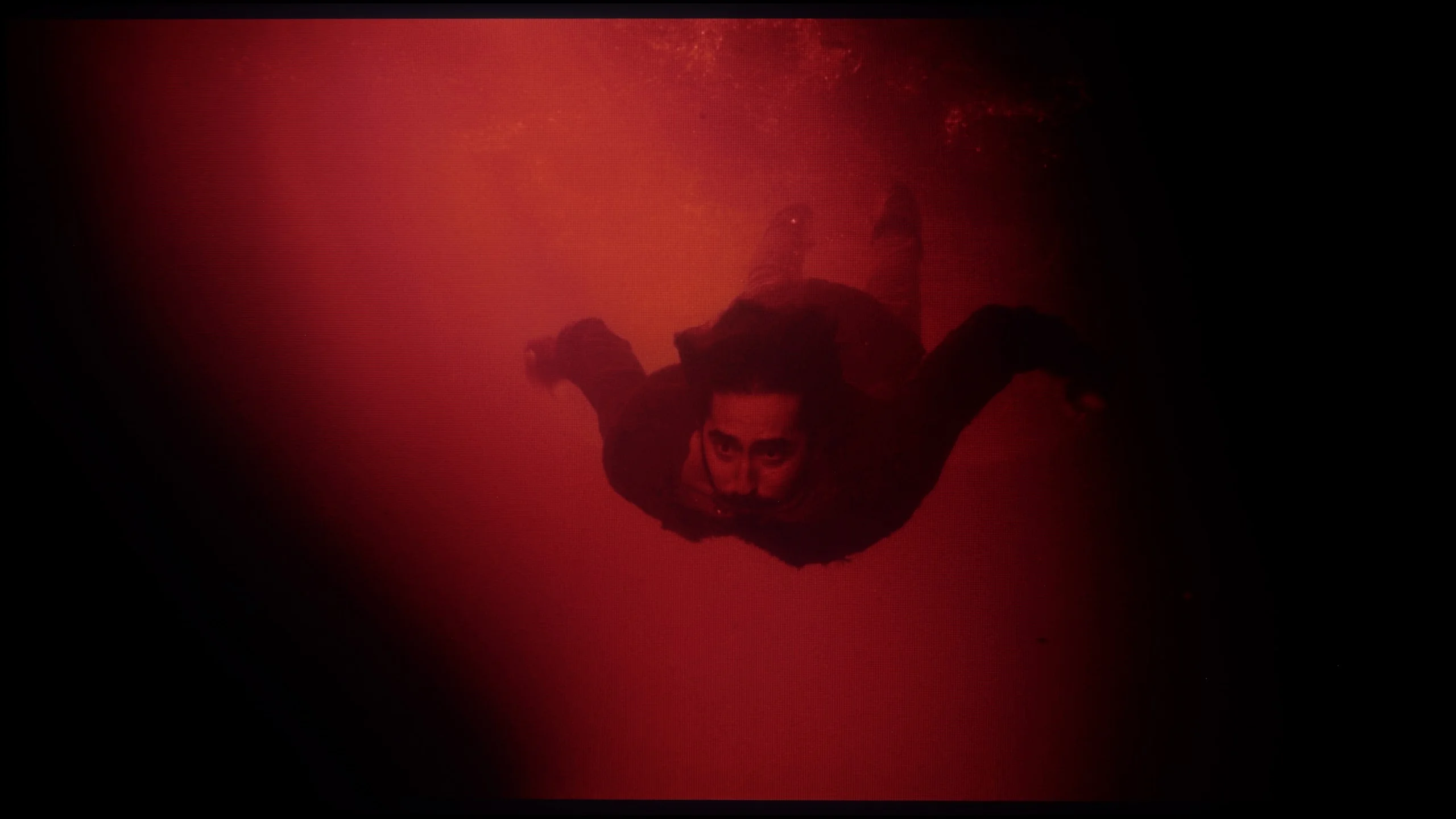
These are selected scenes that show smooth tonal transitions from one color to another. If you see distinct banding, it’s the TV panel’s fault.
Colour gradation is one of the strong points of the QNED86A. In everyday viewing, the picture looks really smooth, without noticeable "steps" or sudden transitions between colours. The TV handles colour blending quite naturally, so with most content, it’s hard to spot any issues with gradation. Any imperfections only appear in extreme conditions – for example, in the darkest parts of films, where even much more expensive TVs can have problems. There, you might notice slight banding or characteristic stripes, but these are marginal situations that shouldn’t be a bother during regular use. Overall, the QNED86A performs well in this category and has nothing to be ashamed of compared to the competition.
TCL A400U handles tonal transitions in 4K content very well. In bright scenes it's hard to find any issues. The sky and the faint halo around the sun look smooth, with no visible banding or boundaries between shades. Colours blend smoothly into one another, so nothing distracts from the film. Minor imperfections only appear in the darkest scenes, close to black. You can spot slight banding there, but you have to look closely to notice it. During normal viewing it’s unlikely to be distracting. That's a very good result and one of the A400U's strengths.
Image scaling and smoothness of tonal transitions
7.8/10
5.5/10

Smooth transition function
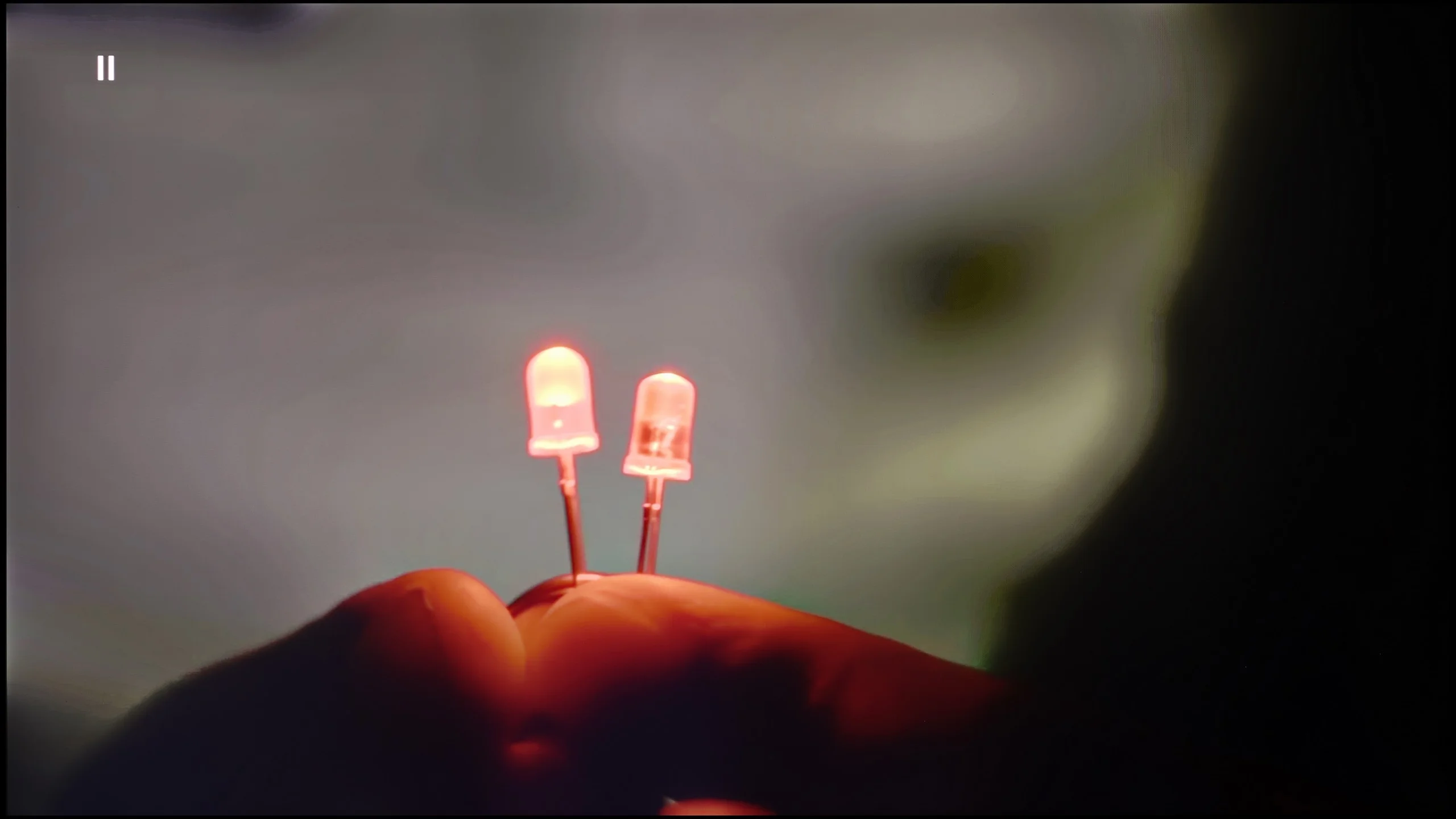
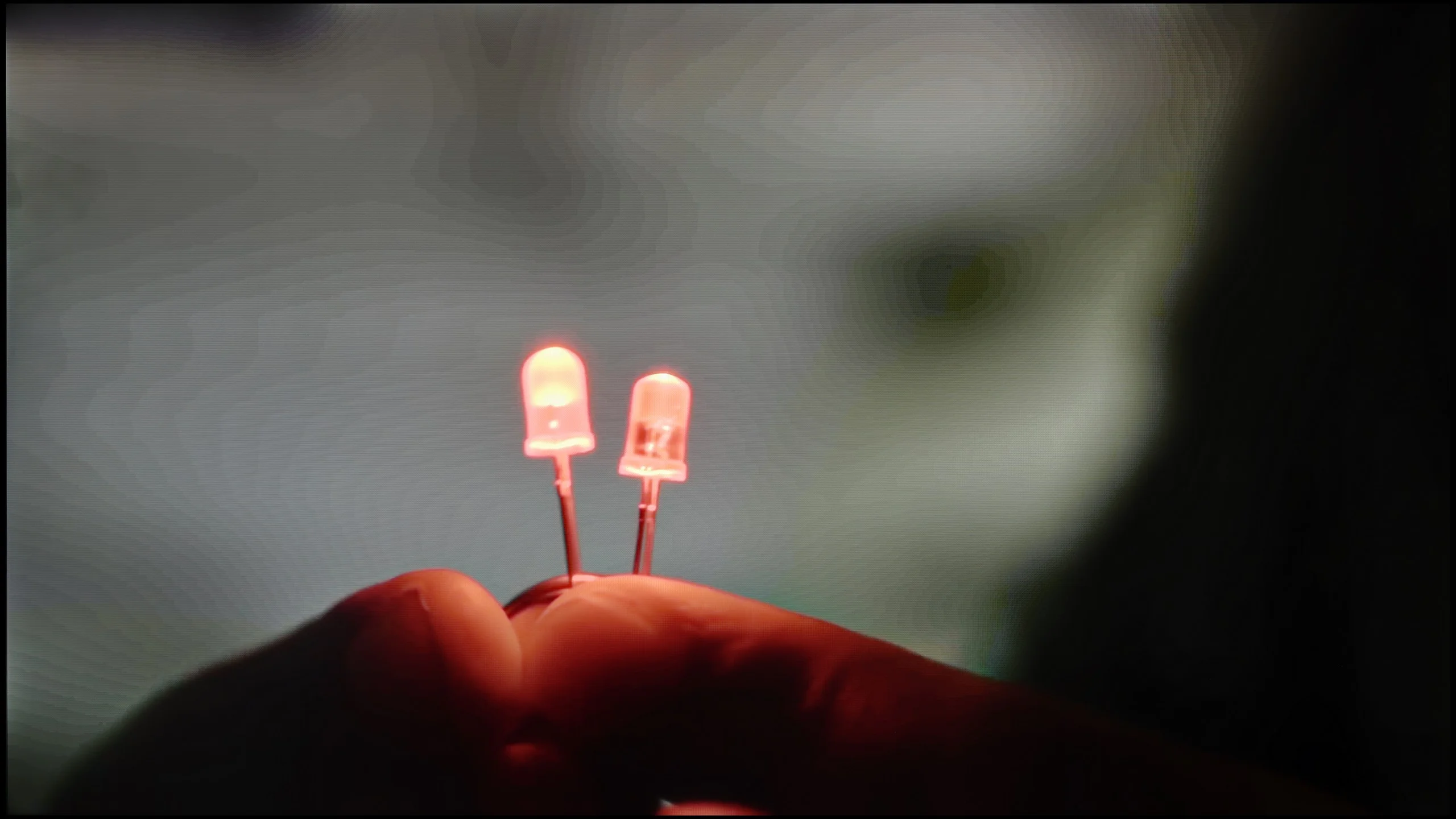
The match photo shows how the TV smooths weak tonal transitions in low-quality video.
Image scaling SD (576i)
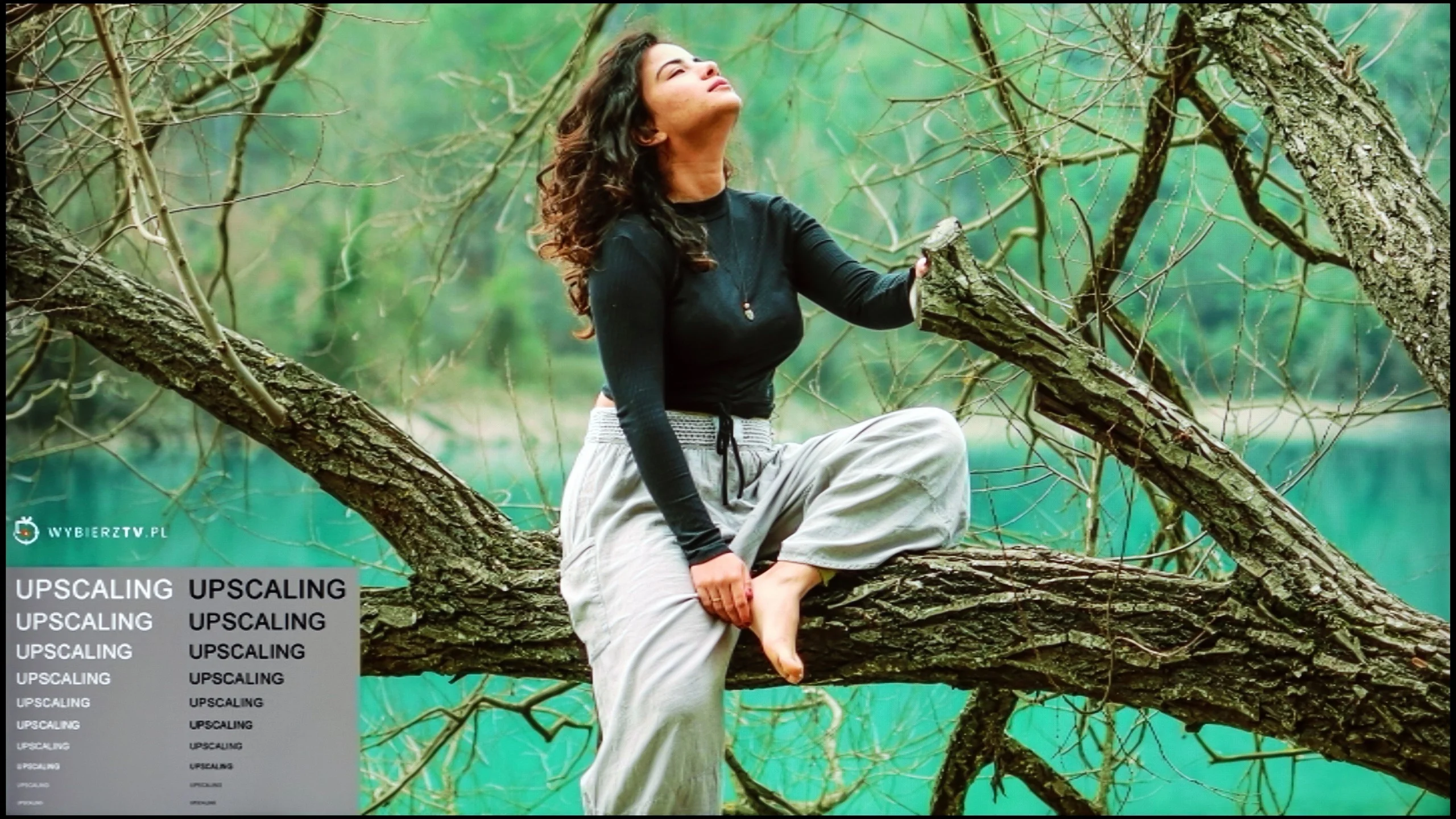
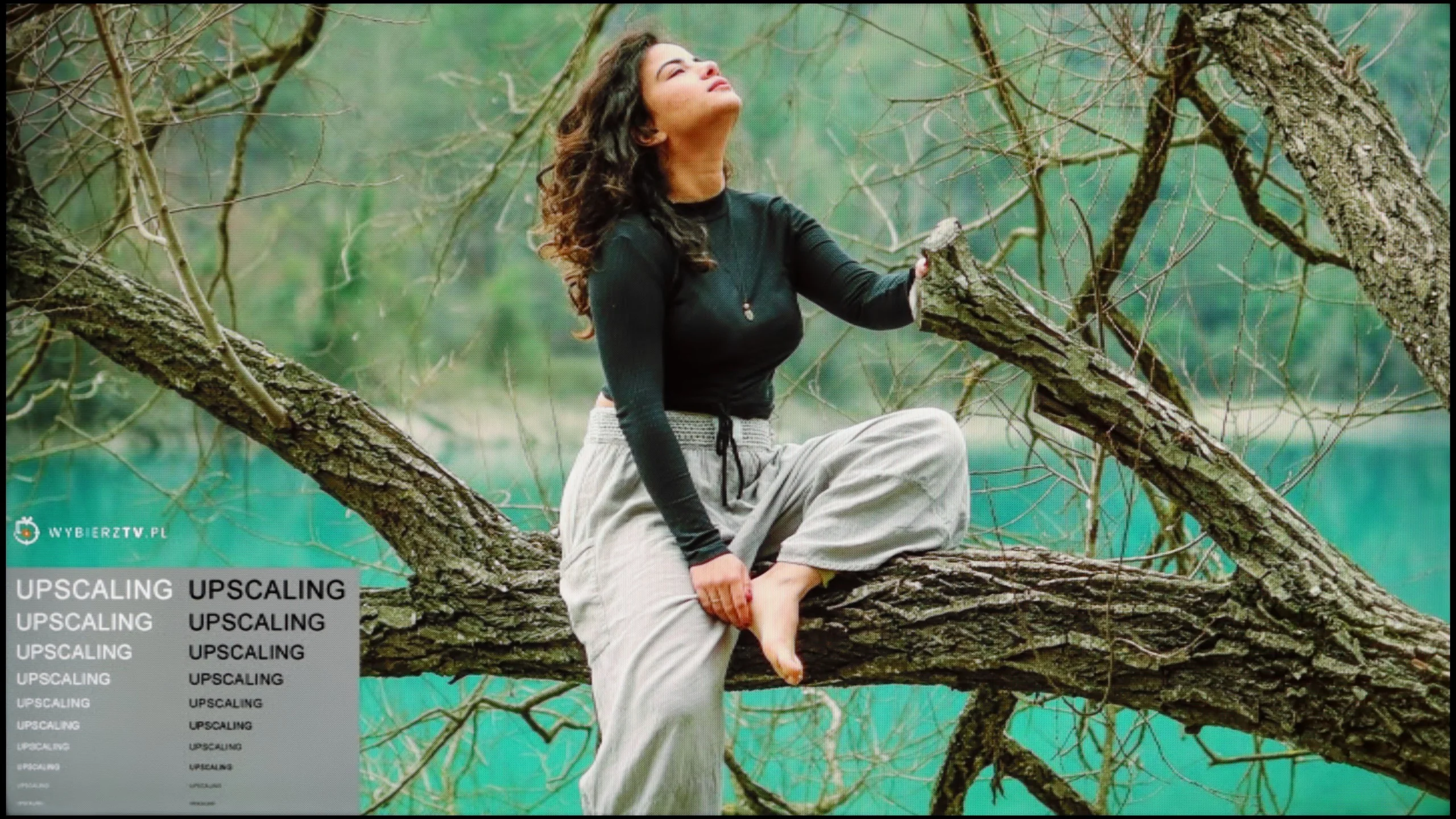
The model photo shows how it handles upscaling of SD material.
If someone is worried about potential "steps" when blending colours, the QNED86A has a simple solution for that. Just turn on the feature called Smooth Gradation and set it to the medium level. Then the TV really smooths out all those unwanted transitions – especially in older productions – and it does so in a way that the film grain doesn’t disappear, nor do any strange artefacts appear. In other words, you can use it without any worries.
The upscaling itself also turns out quite well. Of course, there are no miracles here – with poorer quality sources, you can notice characteristic jagged edges. Fortunately, there is a sharpness slider in the menu, and if someone prefers a more "soft" image, it can be quickly adjusted to their own taste.
The TCL A400U correctly upscales lower-resolution sources to 4K. Contours are clear and fine detail remains discernible, so older films and regular TV look fairly good. There's also no issue with overscan, meaning it doesn't crop the edges of the image. Even with very low-resolution material the TV shows the entire frame.
It performs much worse at removing imperfections from heavily compressed recordings. The A400U, like the C7L, uses the older Pentonic 700 chip. A tonal-smoothing function is available, but in practice it does very little. Visible banding between shades remains on screen, and turning it on can even introduce additional artefacts. That's one of the weaker aspects of this model. High-quality material looks smooth, as noted earlier, but if flaws are already encoded in the recording, the A400U can't do much about them.
Blur and motion smoothness
7.8/10
7.7/10
Blur (native resolution, maximum refresh rate):
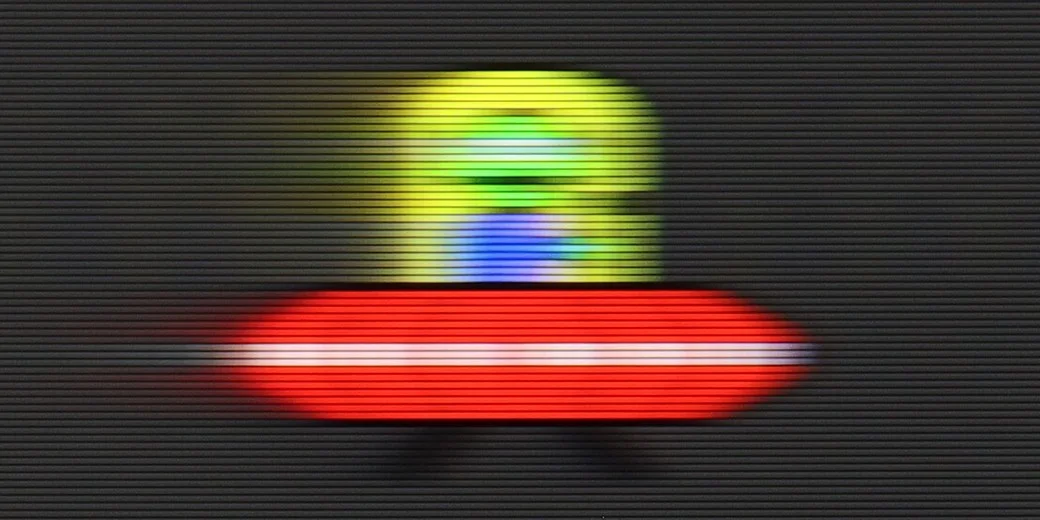
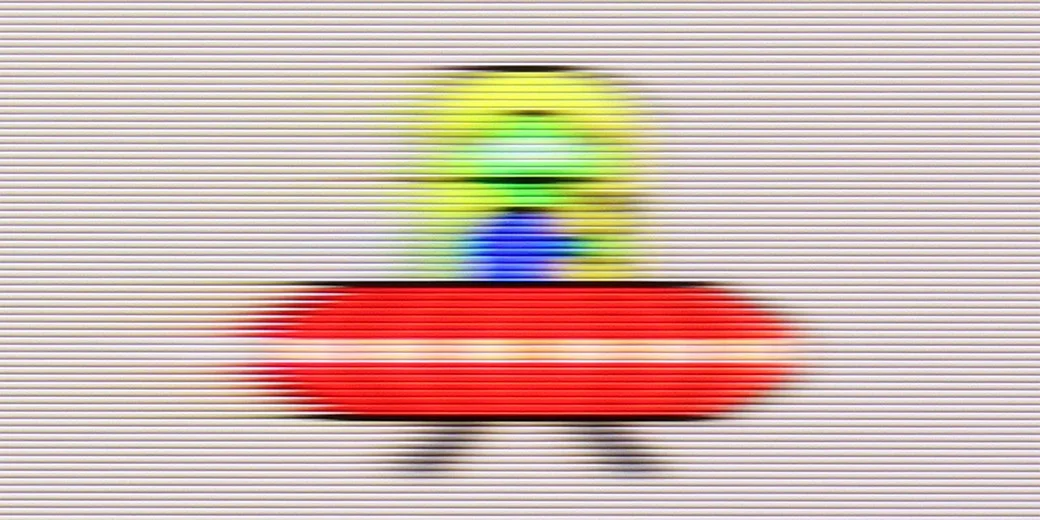
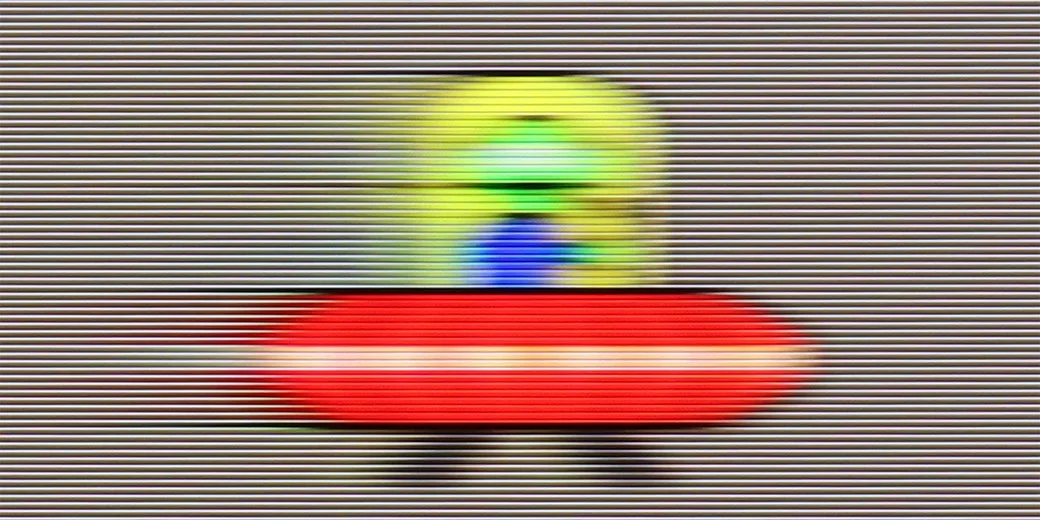
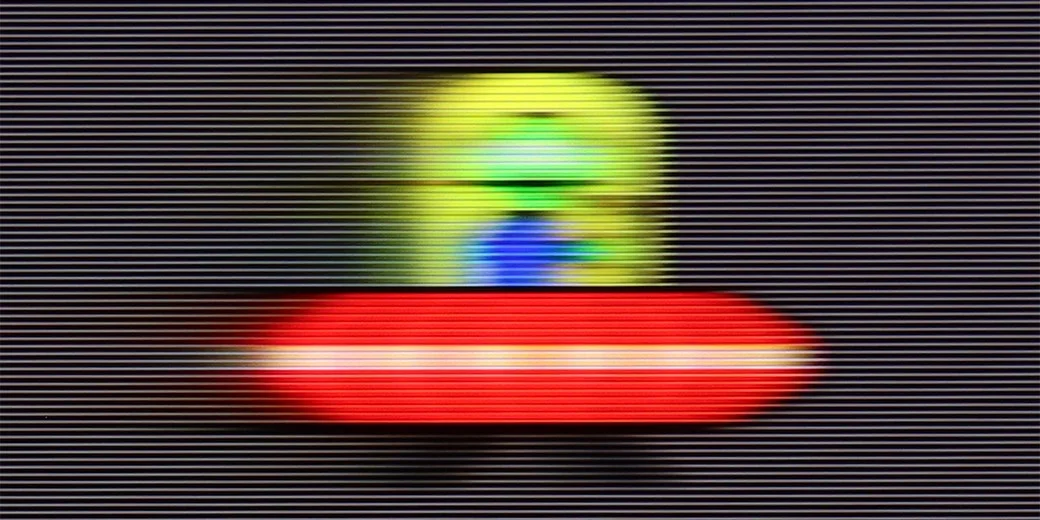
Blur (BFI function enabled):
Blur ():
Blur (1080p@288Hz):
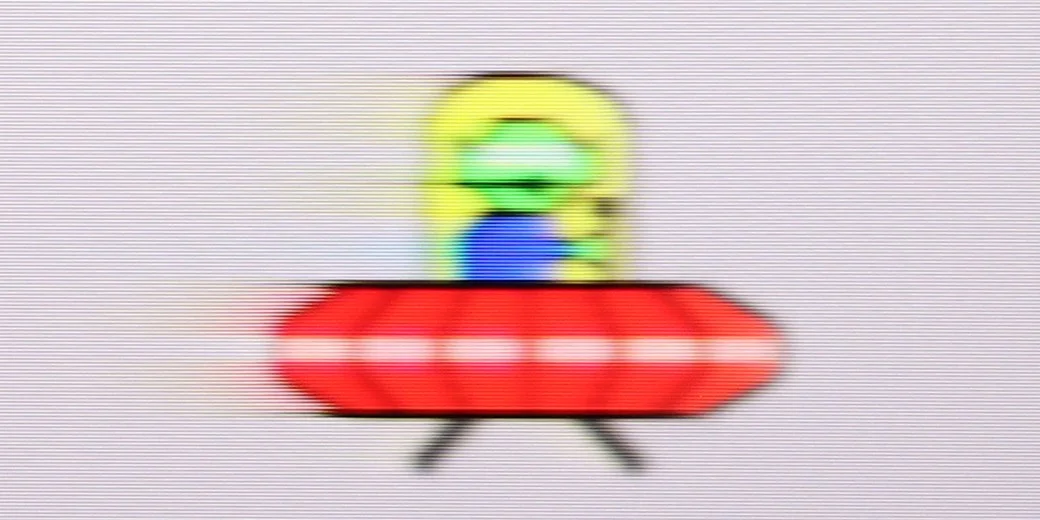
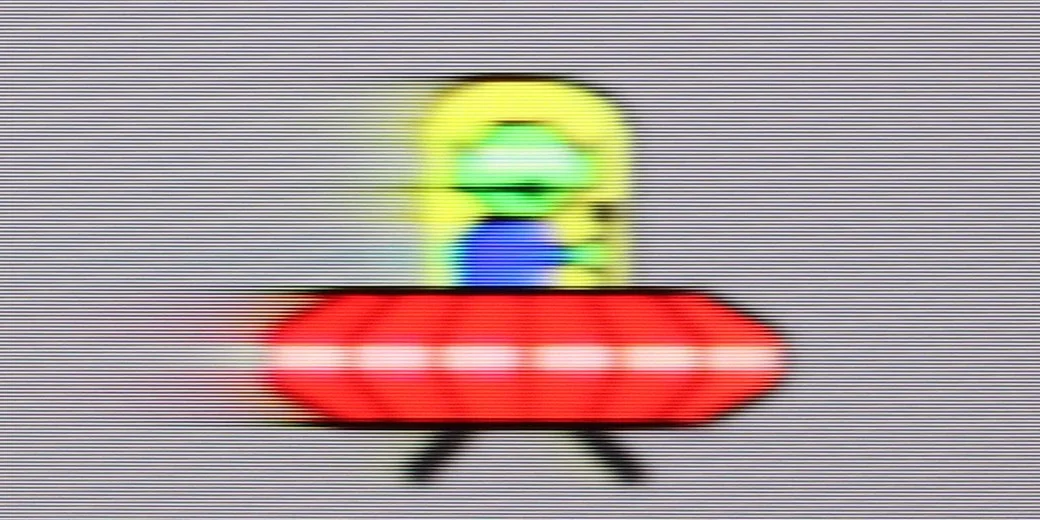
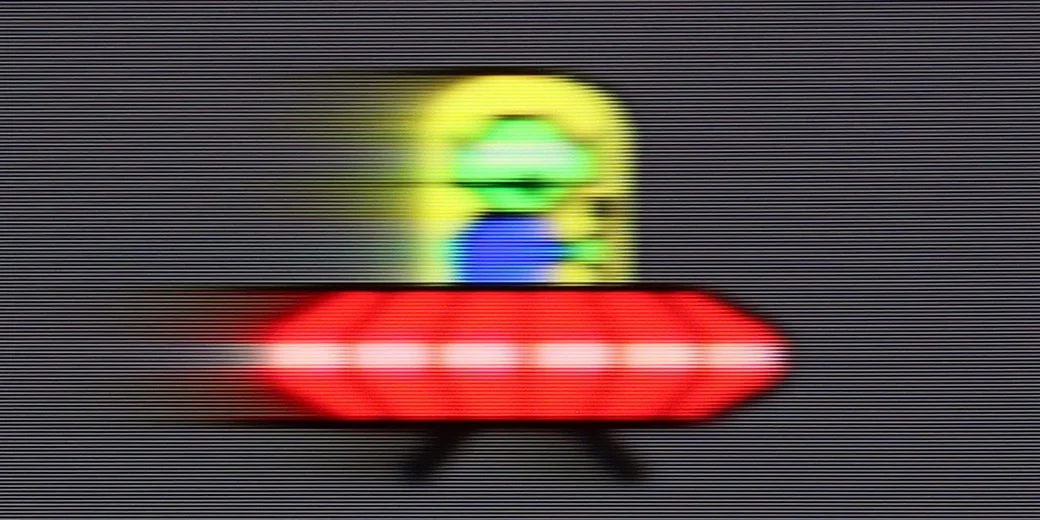
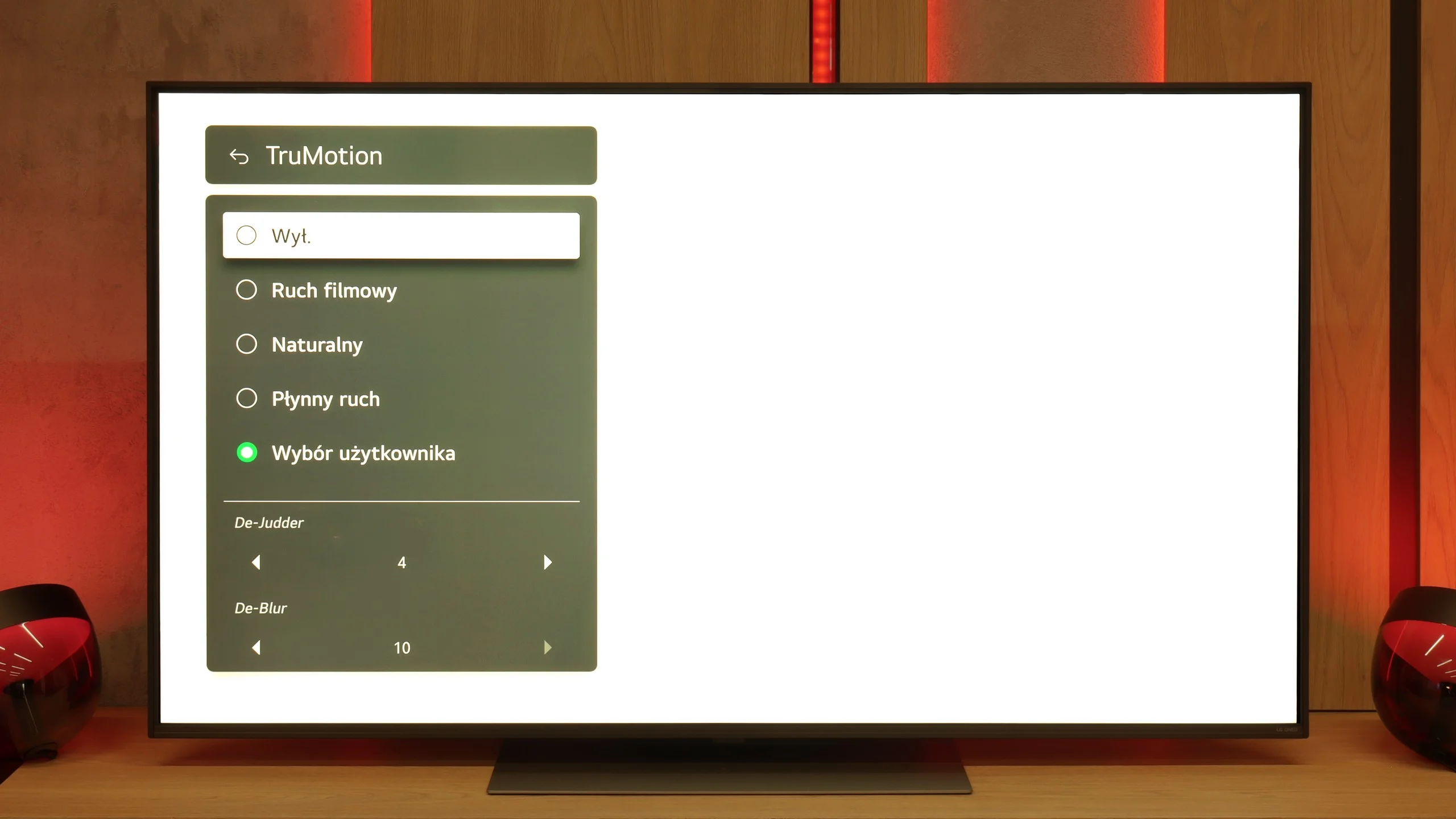
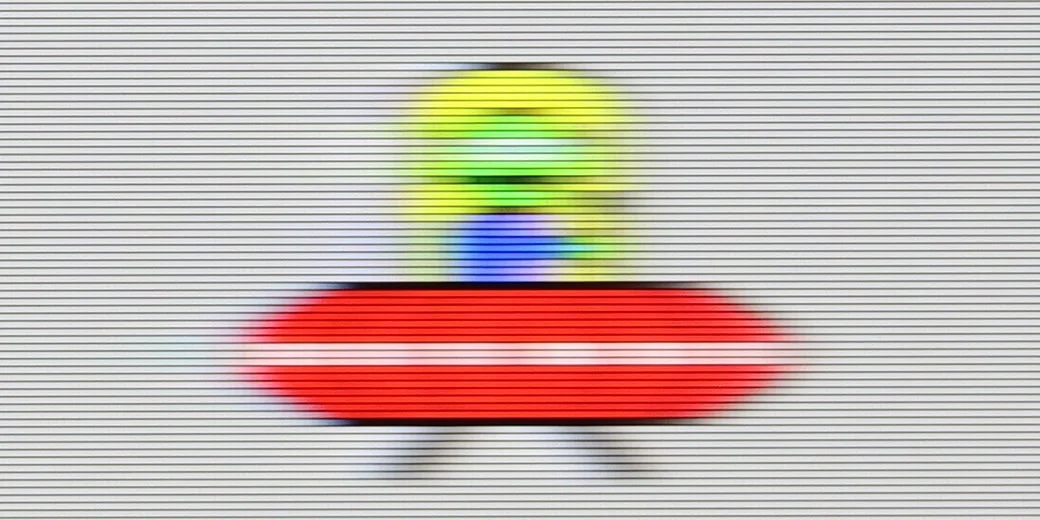
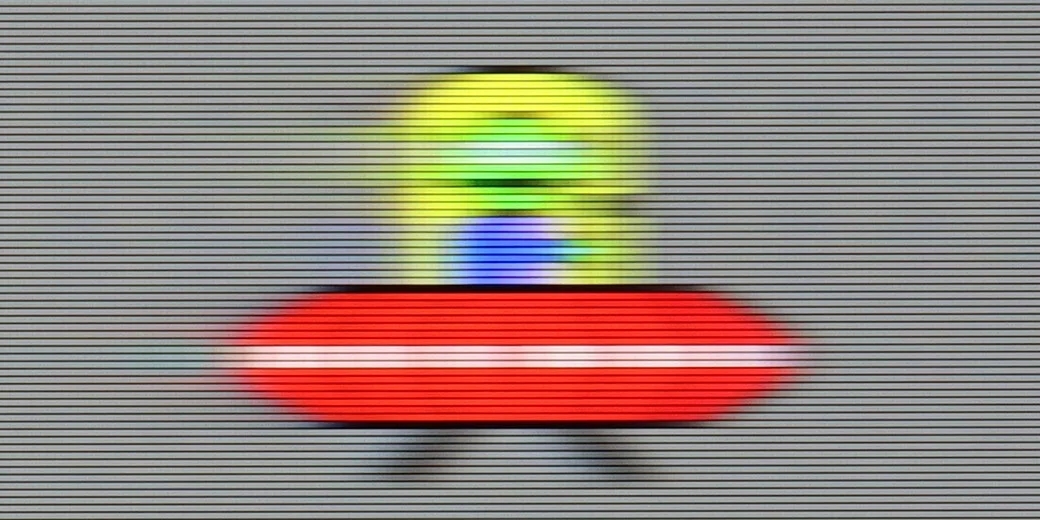
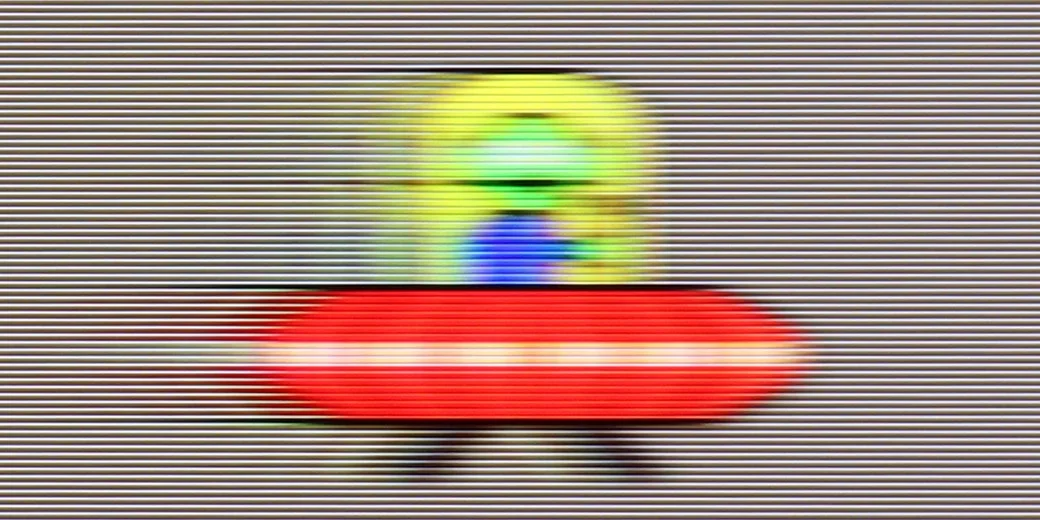
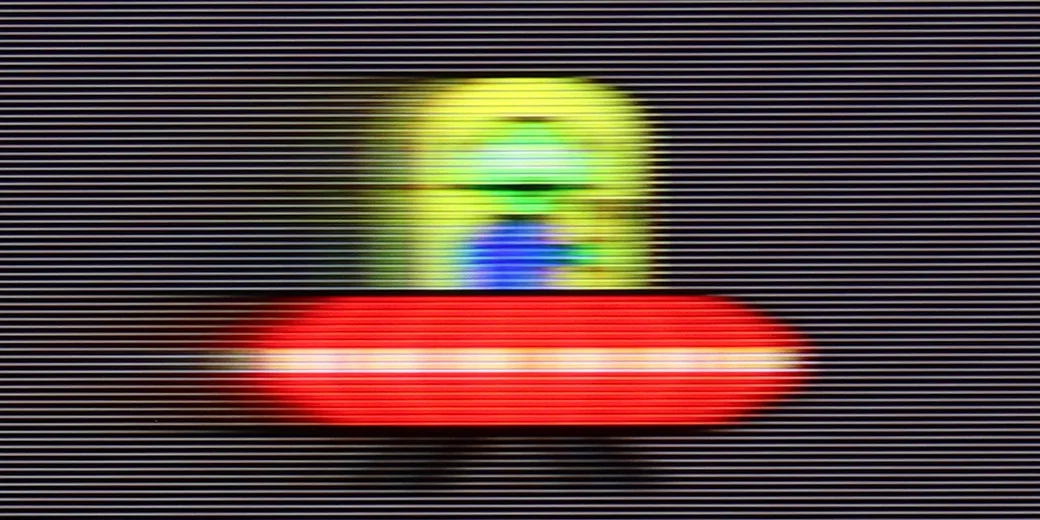
QNED86A has been equipped with a 120 Hz refresh rate panel, so right from the start, it can be said to be suitable for both sports and gaming. And indeed it is – the picture looks smooth, and motion blur isn’t too much of an issue. IPS panels have always had a bit of a problem with this, and here too you can sometimes notice slight blurring, especially in very dynamic scenes, but it’s not something that ruins watching a match or a fast-paced game. For cinema and sports fans, LG has included the traditional TruMotion smoothing feature. In the menu, we have two sliders – one for movies (De-Judder), and the other for sports (De-Blur). The first adds missing frames and allows you to adjust the character of motion – from raw, cinematic to a more fluid, “theatrical” feel. The second improves sharpness during dynamic actions, so it’s worth turning it up a bit if you watch a lot of sports.
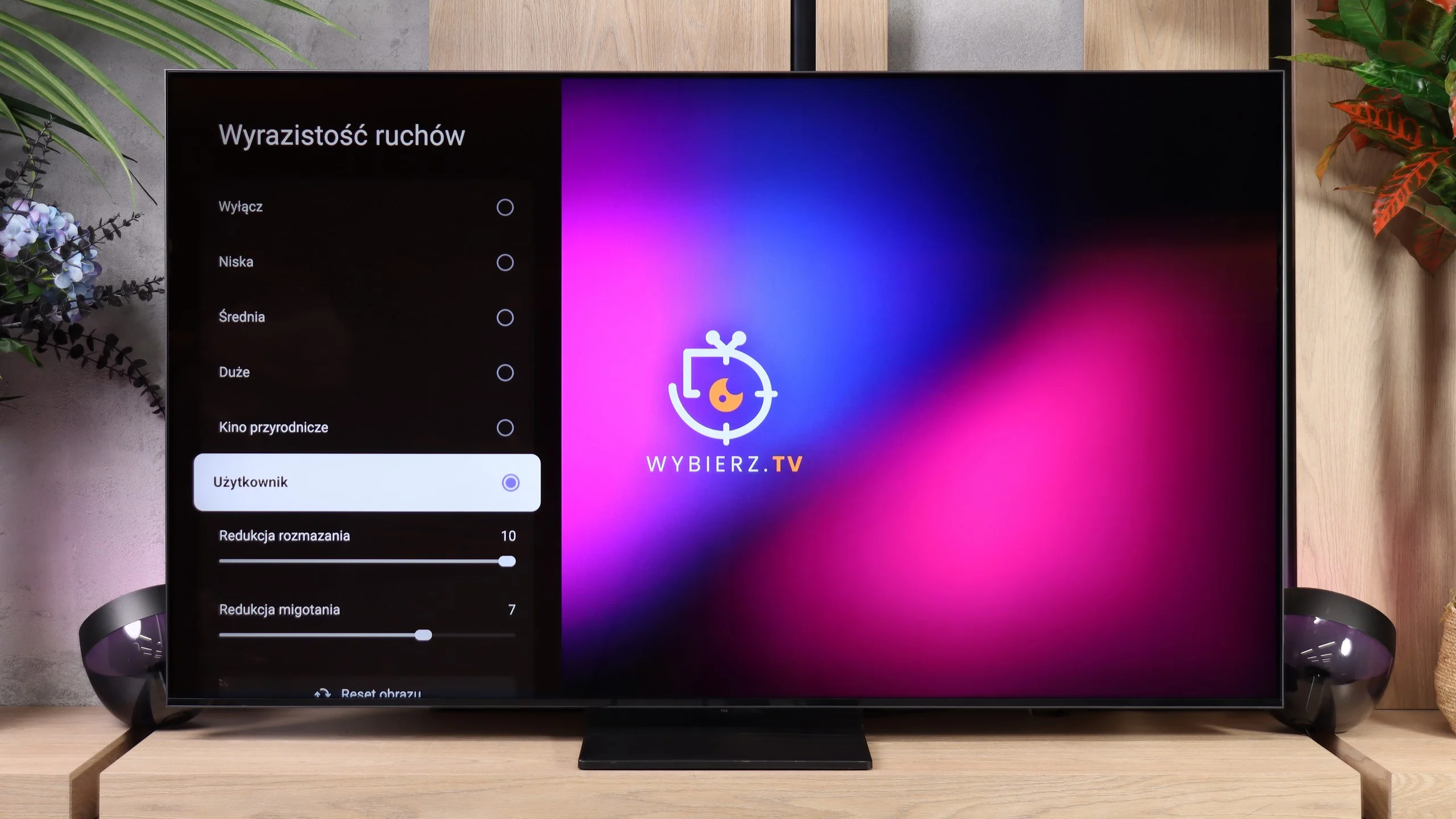
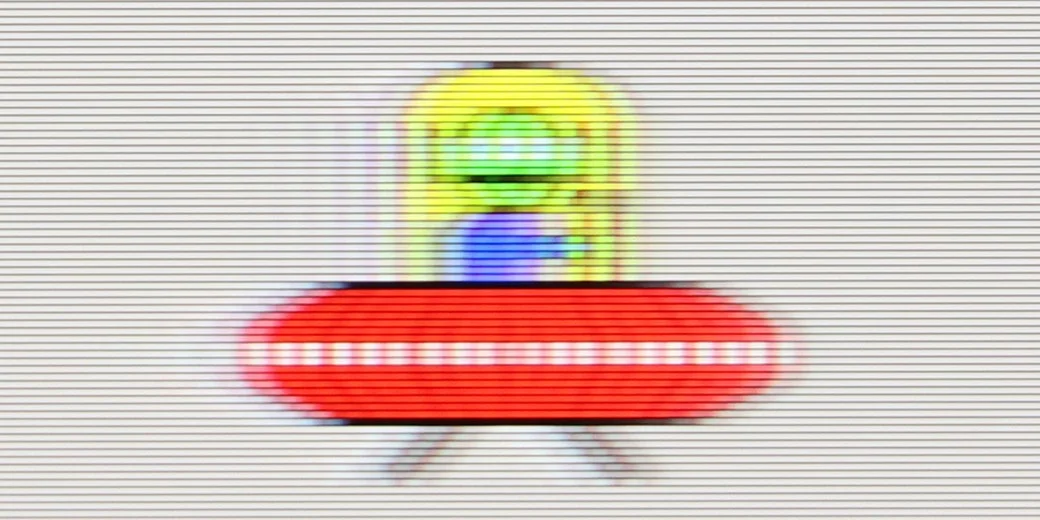
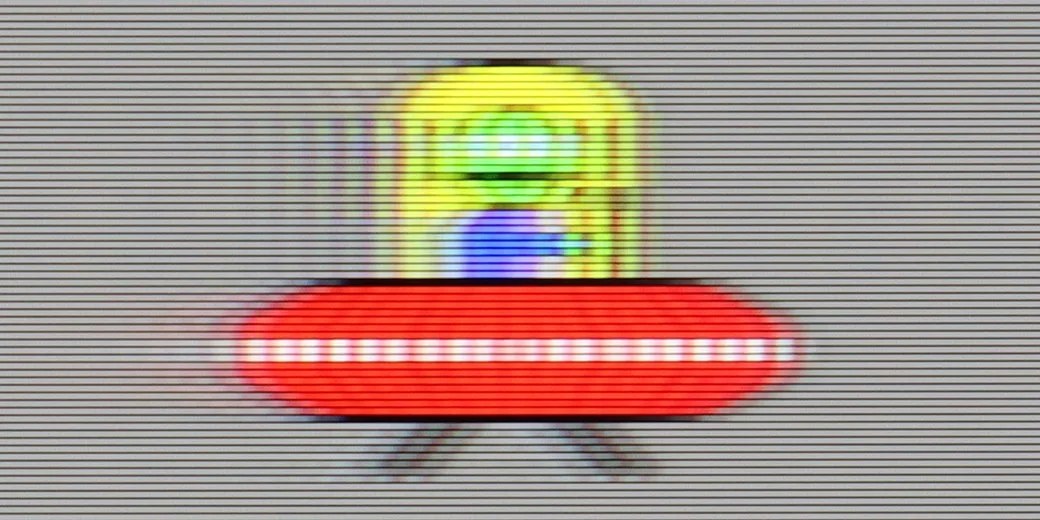
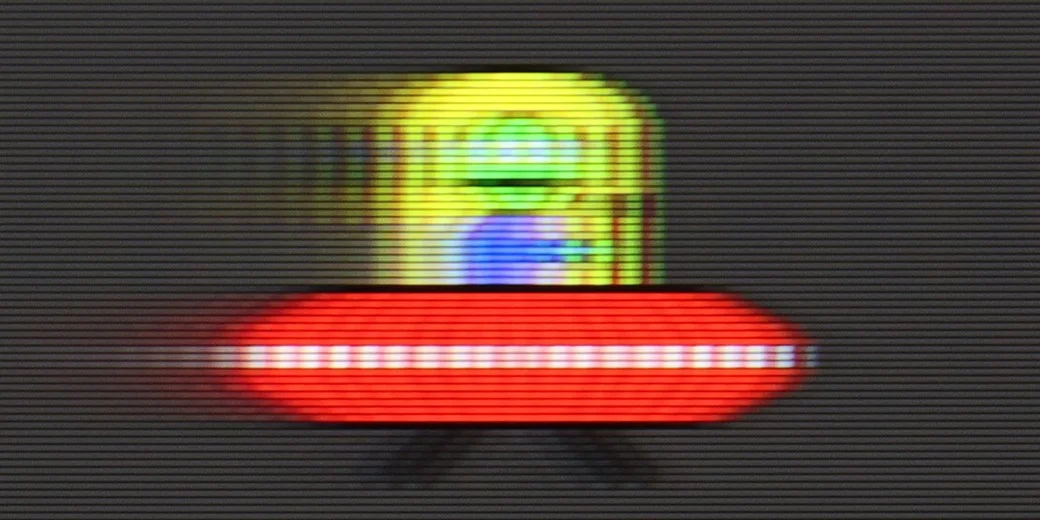
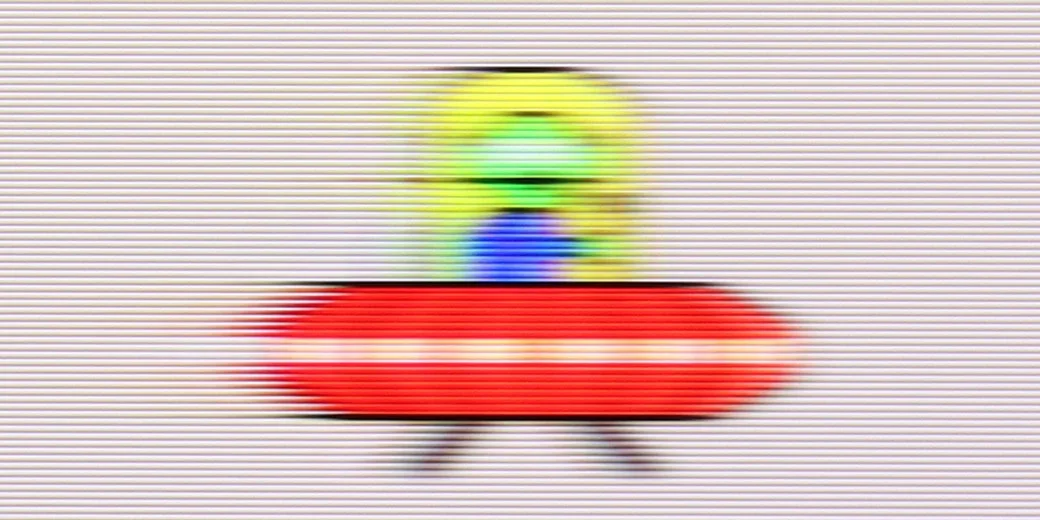
TCL A400U has a 144 Hz panel, so it's well suited to sports and gaming. In films you can further tune smoothness with the "Motion Clarity" settings. There are two sliders: "Blur Reduction" and "Flicker Reduction". They help improve readability of fast motion and soften abrupt camera shifts. You don't need to set them high straight away, especially if you want to preserve the cinematic look of a film. The panel's response time is decent, though some smearing typical of VA panels is visible. In the UFO test at 120 Hz a blurry trail remains behind the object and its fine details lose sharpness. They aren't very long smears, but it's certainly not the level of the best LCD panels on the market. The BFI feature, which briefly interrupts the image to improve perceived motion sharpness, doesn't change much here. Instead, it introduces double contours, so it's hard to call it particularly useful. The brightness drop when you enable it is small, about 14%, so it's worth experimenting with yourself.
Console compatibility and gaming features
9.8/10
9.8/10
- ALLM
- VRR
- VRR range48 - 120Hz48 - 288Hz
- Dolby Vision Game Mode
- Correct implementation of HGIG
- 1080p@120Hz
- 1440p@120Hz
- 4K@120Hz
- Game bar
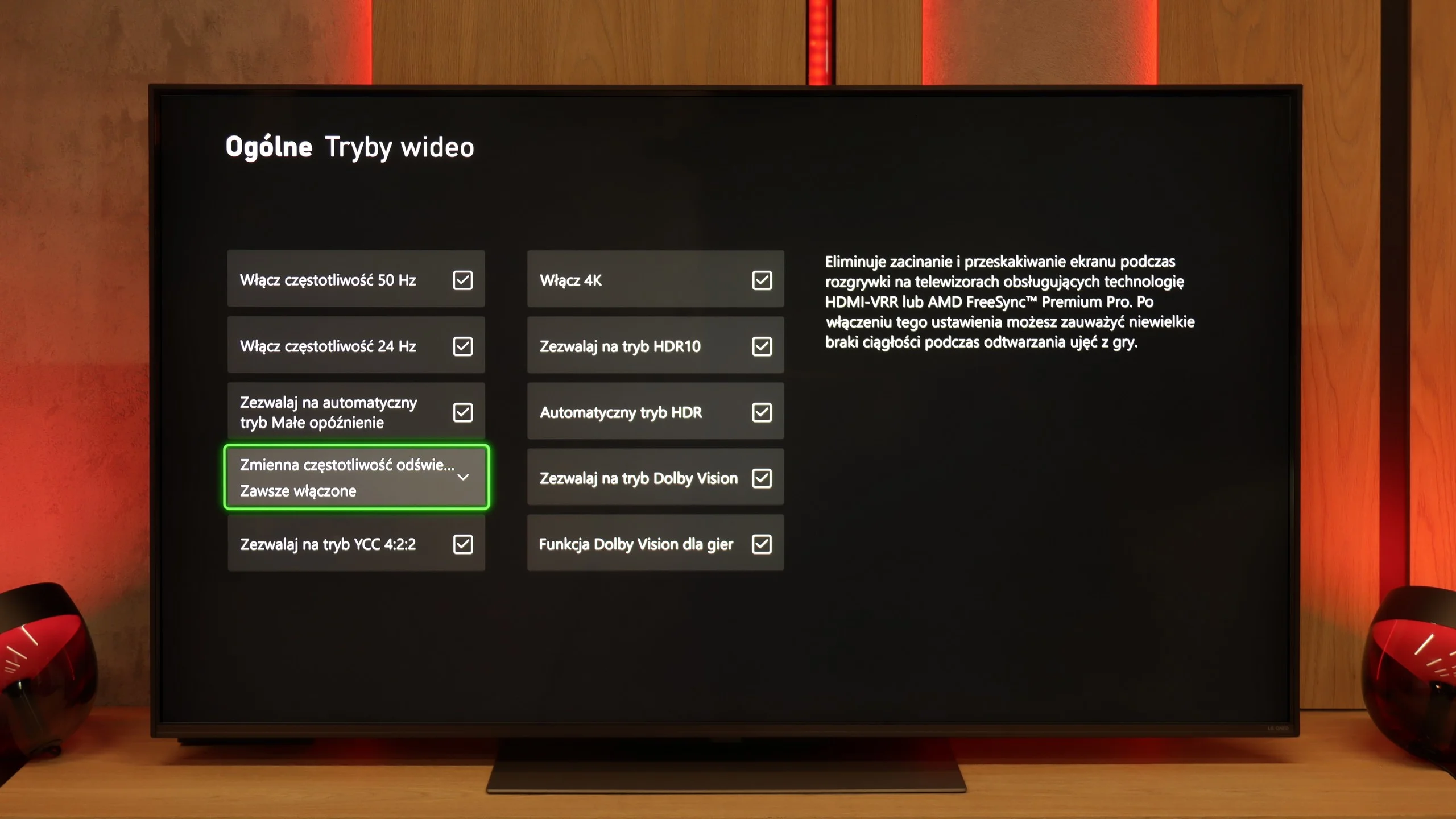
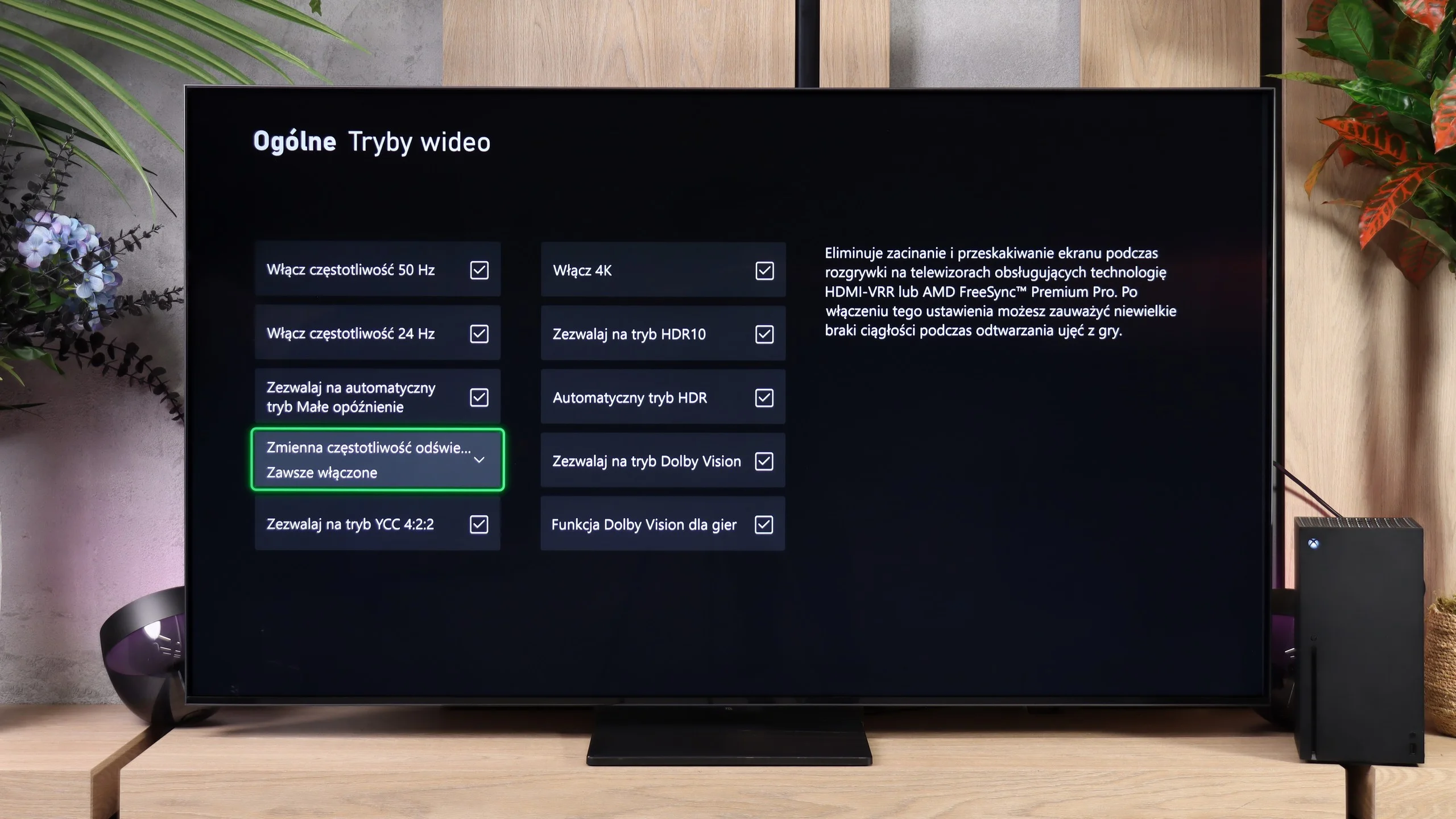
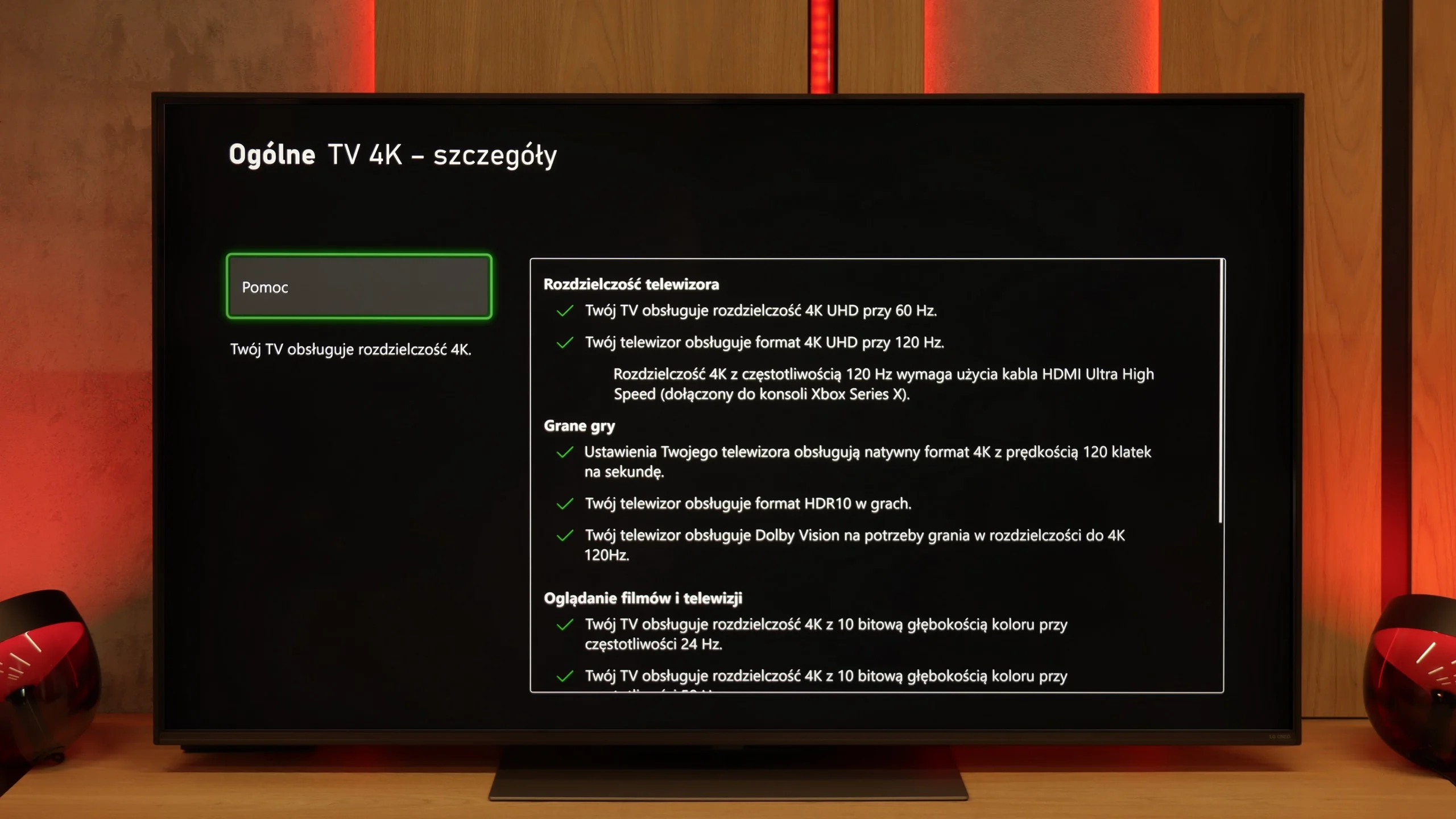
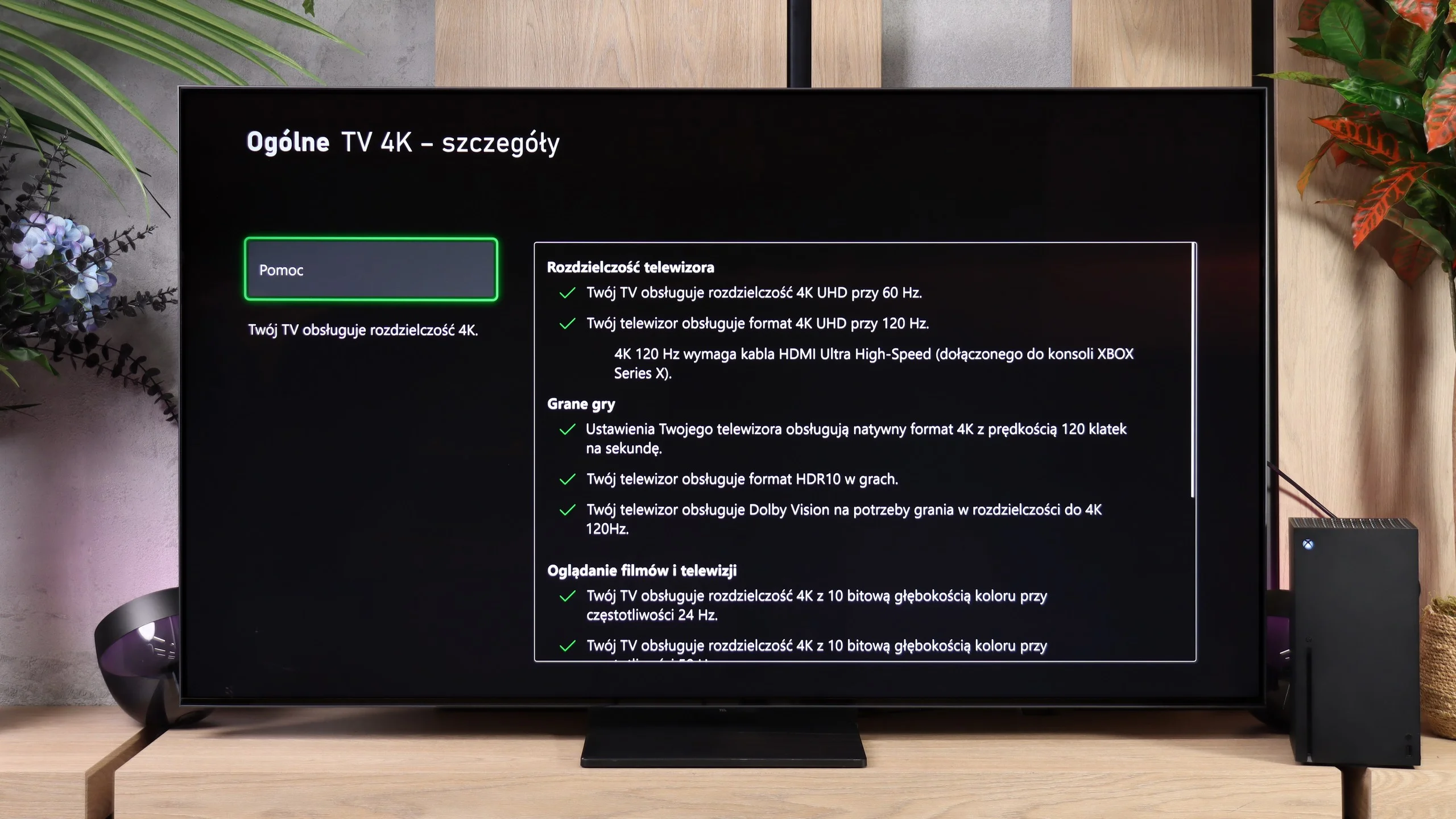
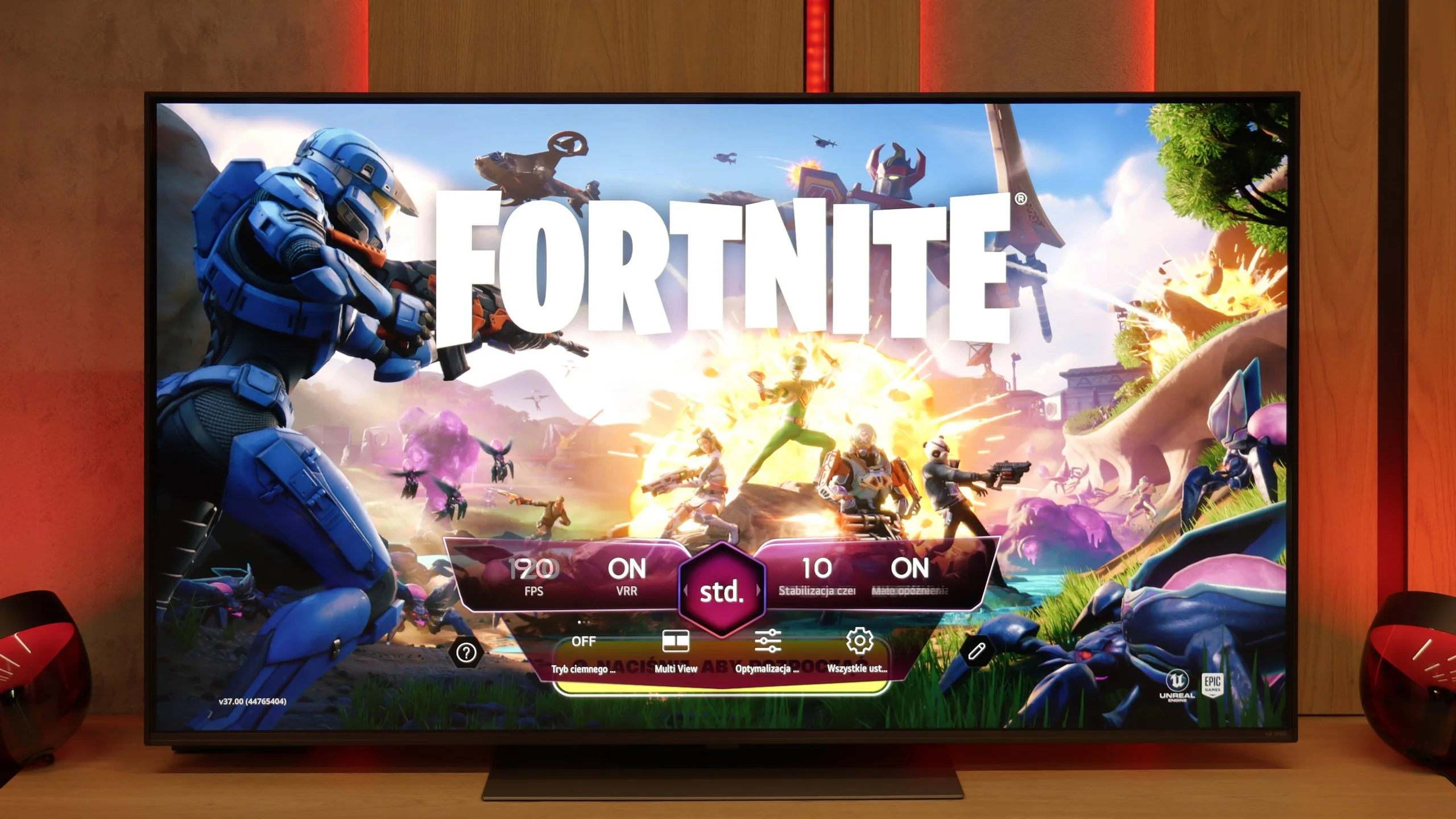
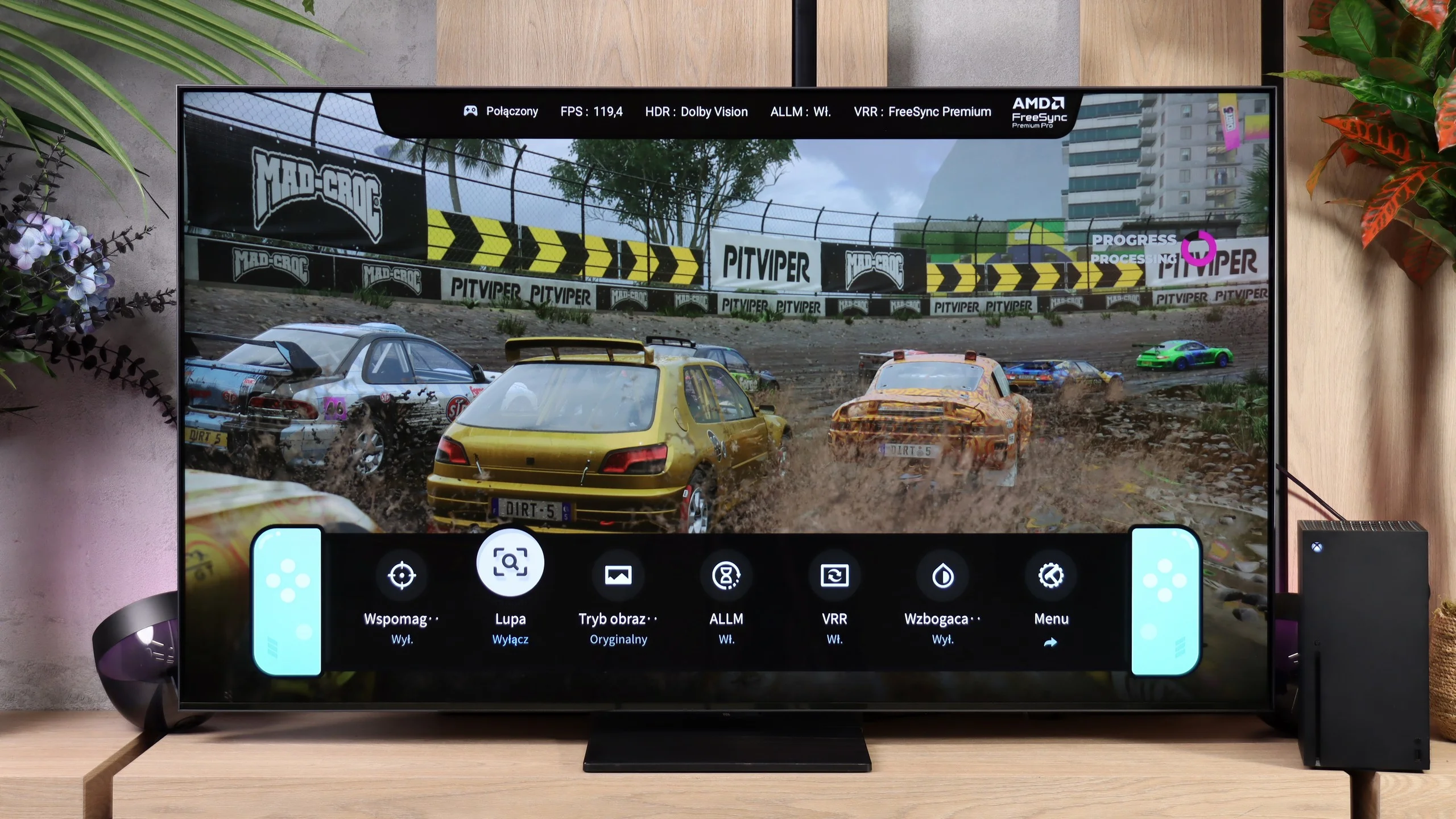
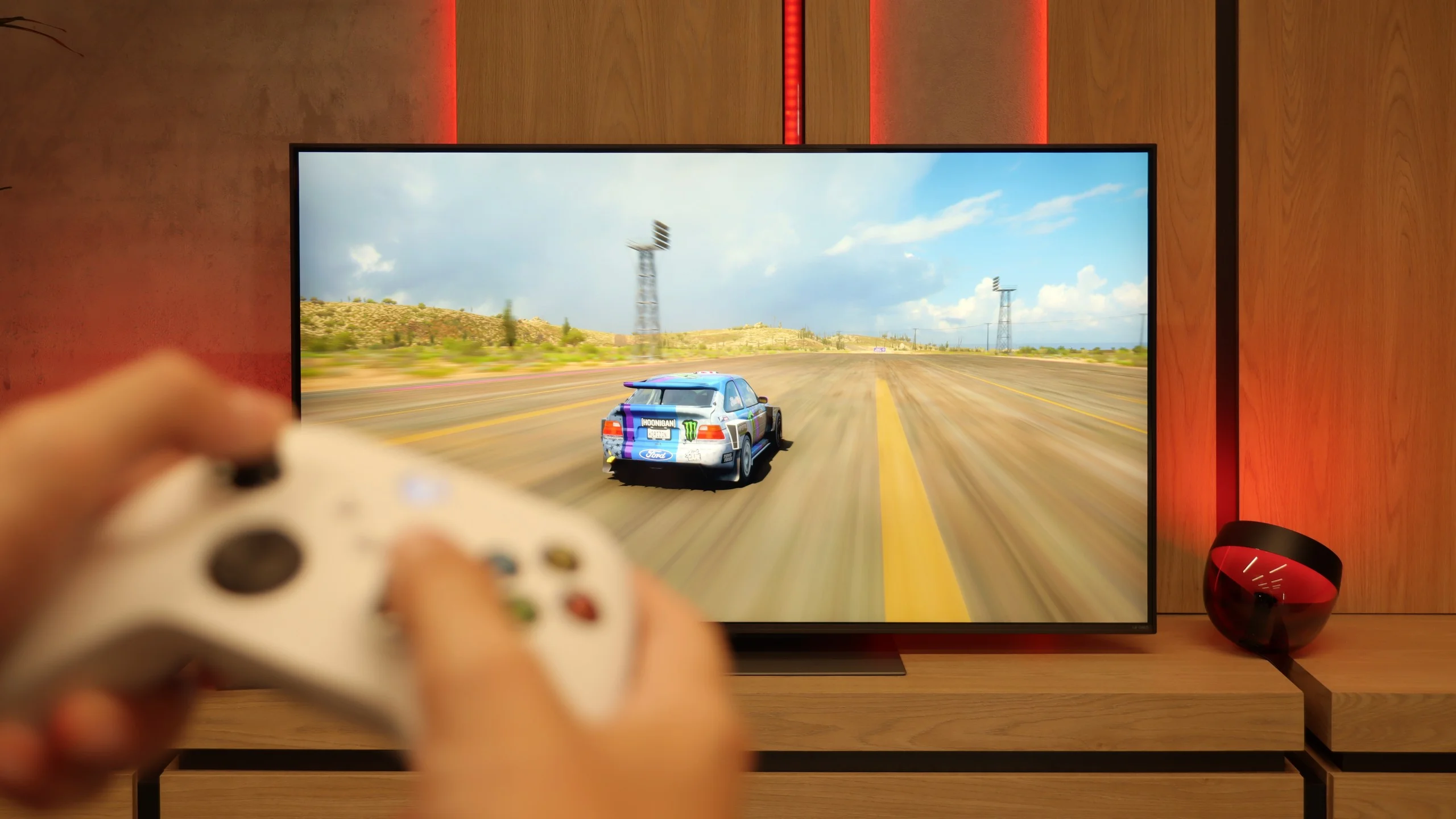
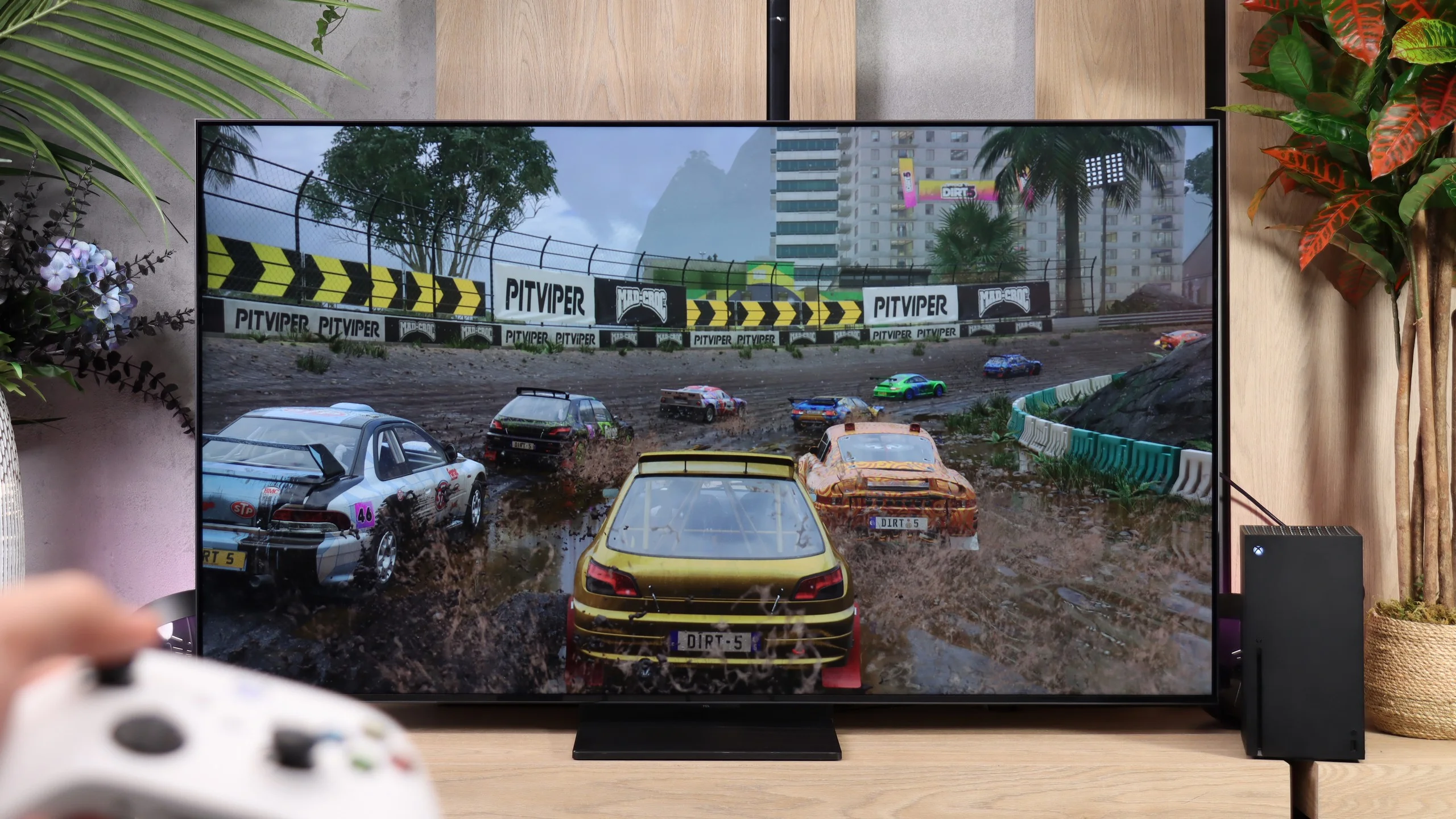
When it comes to gaming, the LG QNED86A6A is a complete tool. It features four HDMI 2.1 ports with a full bandwidth of 48 Gb/s, which means that whether you connect a PlayStation 5, an Xbox Series X, or a powerful PC – everything will work in full 4K at 120 Hz with support for all functions. This is a significant advantage, as some competitors still only feature two such ports, which can be troublesome when dealing with multiple devices. It also includes VRR, or variable refresh rate, which eliminates screen tearing, and ALLM, which automatically activates game mode when the console powers on. Dolby Vision Gaming is included as well, alongside proper implementation of the HGiG format, so titles that support these formats look livelier and more detailed. Additionally, there's the Game Optimizer – a kind of control centre for gamers. From this interface, you can view image parameters in real time, quickly switch modes, activate additional features, or adjust picture settings to your own preferences. The LG QNED86A6A has basically everything you would expect from a modern gaming television.
The TCL A400U offers extensive features for gamers, even though its looks suggest a TV for a stylish living room. It supports 120 Hz at Full HD, 1440p and 4K, so it can use the high-refresh modes available on consoles. When connected to a PC you can get 144 Hz at 4K or even 288 Hz at Full HD. For fast-paced games this gives plenty of flexibility between image detail and smoothness. It also has VRR, which adjusts the refresh rate to the frame rate and reduces screen tearing when a game can't hold steady performance. Its range is 48 to 288 Hz, with the highest value applying to Full HD. ALLM automatically switches the TV to game mode, and Xbox users can use Dolby Vision at 120 Hz as well.
The properly working HGiG is commendable. It lets you set up HDR on the console without the TV further altering the test pattern and making it hard to judge when the pattern should disappear. That doesn't mean the peak brightness in Game mode is perfect, as we noted during calibration, but the HDR setup proceeds correctly. The package is rounded out by a clear Game Bar. You can quickly check the frame rate, active HDR format or VRR status, and also access extra tools like a crosshair and a magnifier. The key options are at hand without having to go into the full settings menu.
Input lag
9.9/10
10/10
SDR
HDR
Dolby Vision
There’s really nothing to complain about here. The QNED86A6A achieves excellent results – around 5 ms with 120 Hz content and about 15 ms with 60 Hz. These values will comfortably satisfy both console gamers and those who connect a PC to the TV. The response to movements is instantaneous, so you can forget about delays between the image and the action on the pad.
The A400U responds to controller inputs very quickly. At 60 Hz the lag is 13 to 14 ms, and at 120 Hz it drops to 8 to 9 ms in SDR and HDR10. Those are excellent results, including for fast-paced shooters and online multiplayer. Dolby Vision performs just as well: 14 ms at 60 Hz and 10 ms at 120 Hz, so using that format doesn't cause any noticeable drop in control responsiveness. In terms of input lag it's hard to fault.
Compatibility with PC
8/10
8.5/10
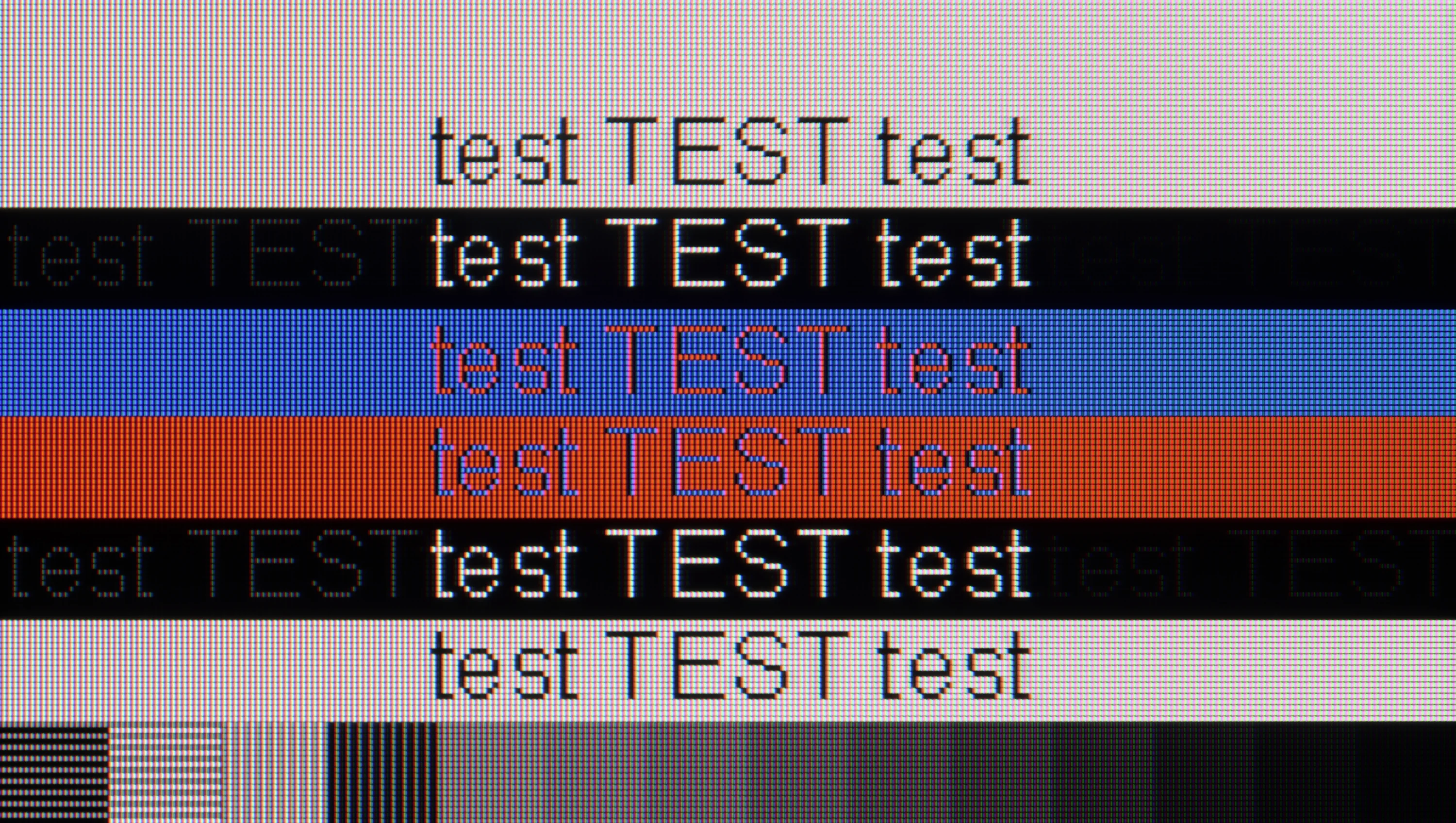
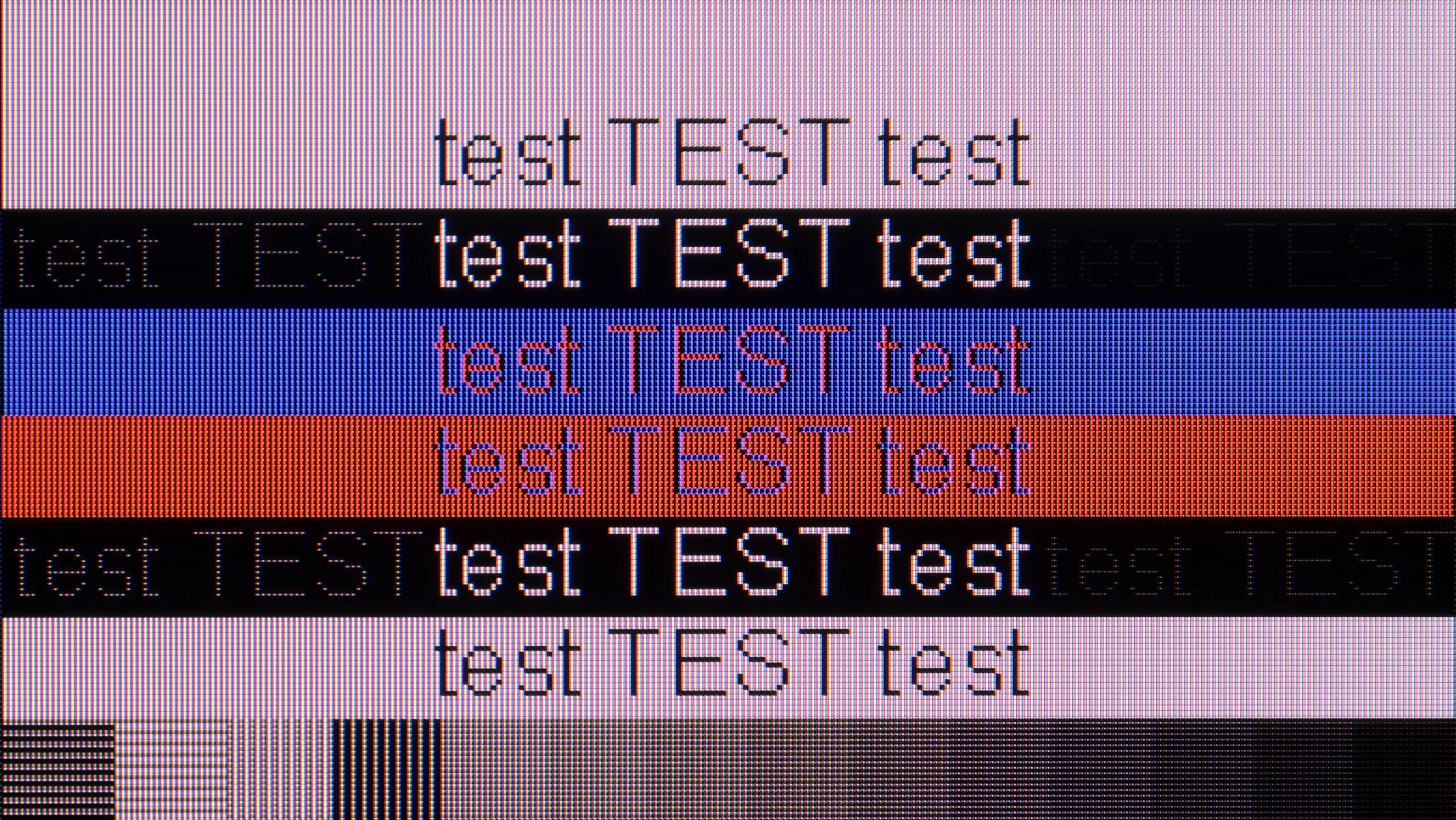
The photo shows the legibility of small fonts. Ideally, lines should be the same thickness on both light and dark text, with minimal pixel gaps.
LG QNED86A, with its IPS panel, full RGB subpixel layout, and proper implementation of chroma 4:4:4, makes text look fantastic on the QNED86A6A. The text is sharp, clear, and readable, making the TV ideal for office work. This is important as this year the model also debuts in a 43" size, which can easily sit on a desk and serve as a large monitor. Of course, some users opting for the 43" will be gamers, and here too there are no complaints. The TV supports 4K at 120 Hz, so gameplay is smooth and enjoyable. It's a bit of a shame that there wasn't a mode with a higher refresh rate, such as the 144Hz claimed by the manufacturer, as PC gamers would definitely appreciate that. Despite this, the QNED86A6A performs really well as a monitor for gaming and work.
The TCL A400U works very well with a PC, mainly thanks to its extensive gaming capabilities. Support for 4K at 144 Hz or 288 Hz in Full HD, a functioning G-Sync and input lag of around 9 ms let you comfortably play even fast-paced titles.
Text legibility, however, depends on the selected refresh rate. At 120 Hz fonts look nearly perfect, regardless of size and colour. Switching to 144 Hz introduces a problem with the horizontal strokes of letters, especially darker ones. They are noticeably dimmer than the vertical strokes, making small text appear uneven despite retaining 4:4:4 chroma. If the A400U is also to be used as a work monitor, it’s best to stick to 120 Hz and only enable higher refresh rates for gaming. It's an inconvenience, but it mainly affects people sitting close to the screen and working with small fonts. When gaming or using the PC from the couch it won’t be a big issue.
Viewing angles
6.9/10
3.6/10
QNED86A6A performs very well in this regard. The IPS panel used here ensures that the image retains its brightness and colour saturation even when viewed at an angle. There is no fading effect here, which often occurs in cheaper TVs with VA panels. Of course – it’s not worth comparing it to the level offered by organic panels, where colours and contrast hold perfectly at almost any angle. But as far as LCD TVs go, this is definitely one of the better results and is more than sufficient for watching movies or sports together on the couch with a larger group.
Viewing angles aren't the strongest suit of the TCL A400U. The VA panel handles blacks well when viewed straight on, but colours lose saturation from the side and the image becomes less contrasty. It's not the worst performance among TVs with this kind of panel, but with a wider seating arrangement the difference between the middle and the edge will be noticeable. It clearly falls short of IPS screens, and even more so of OLEDs. So it's best to watch the A400U as straight on as possible if you want to retain full colour saturation and good black levels.
Daytime performance
5.8/10
8.5/10
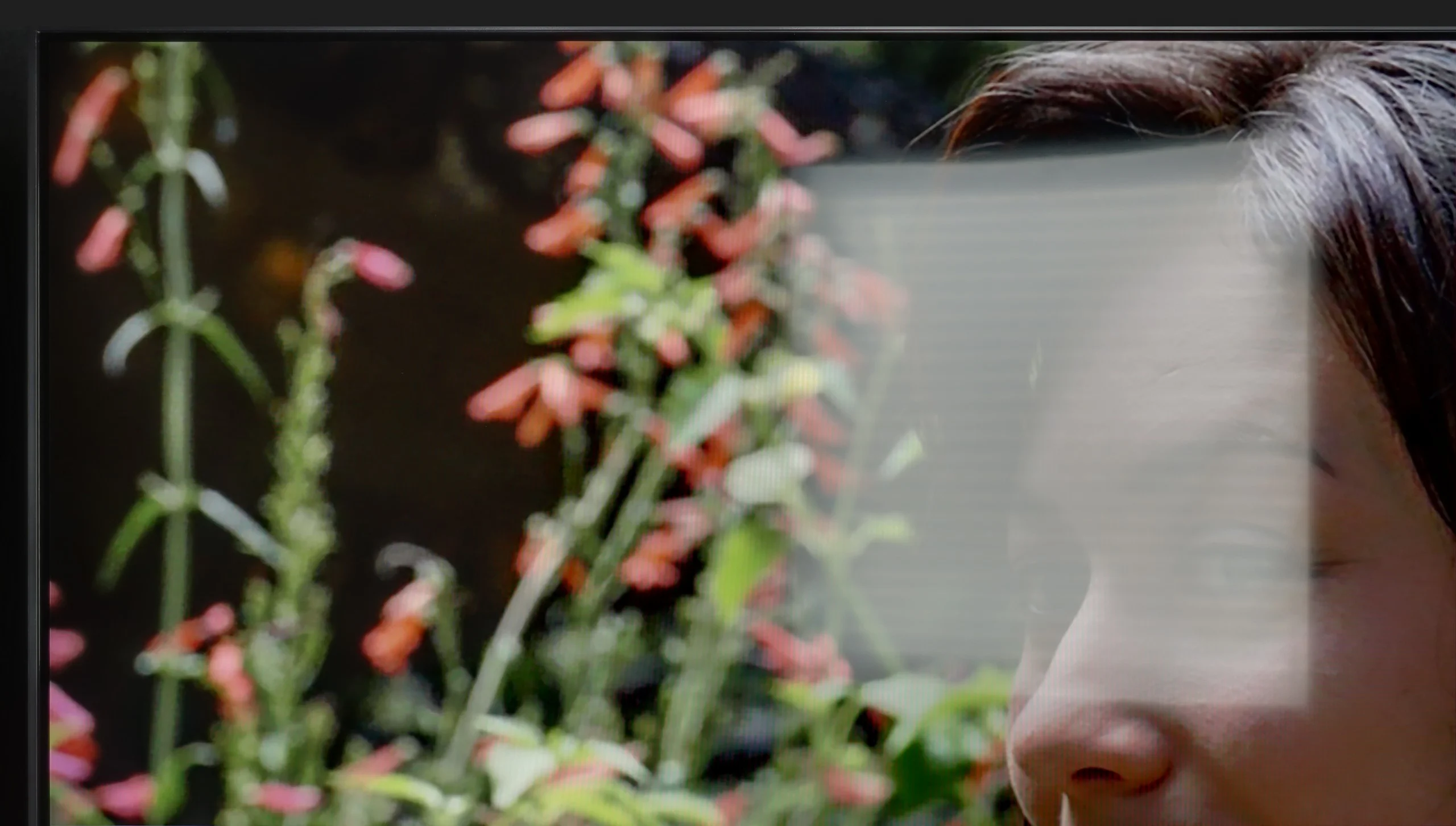
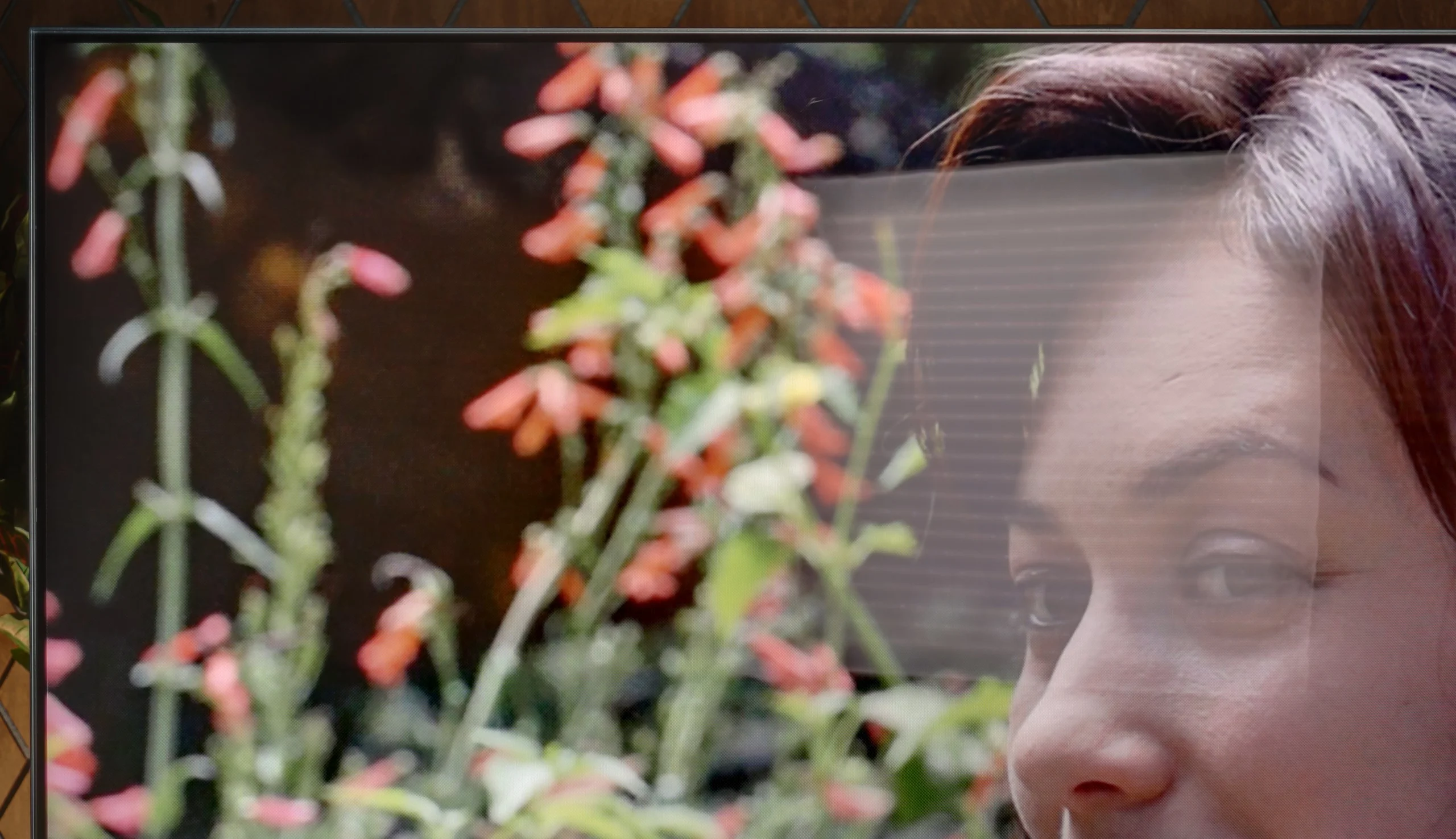
Panel brightness
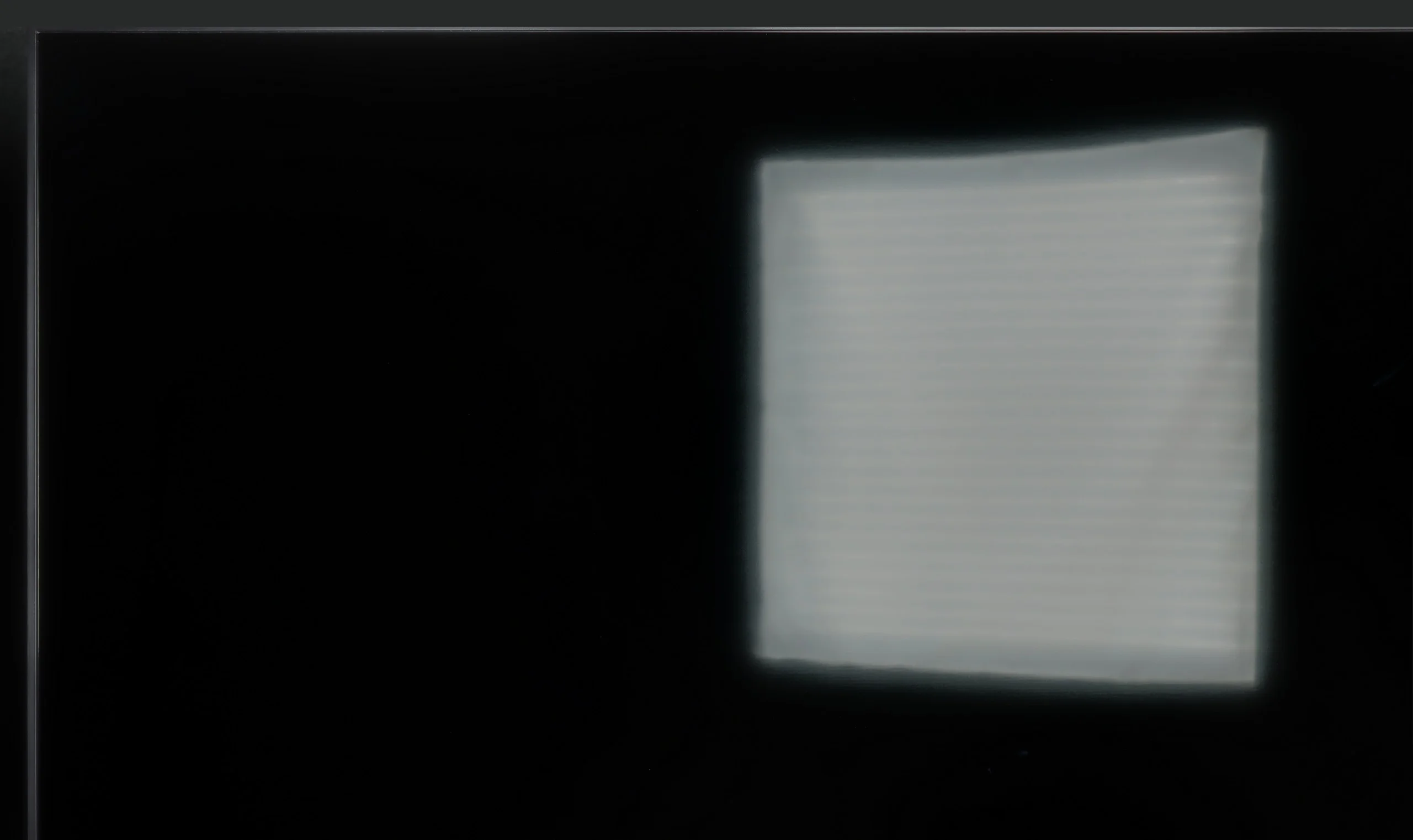
TCL A400U: 1227 cd/m2
LG QNED86A / QNED85A / QNED87A: 462 cd/m2
QNED86A6A is not a master of brightness, but it manages adequately. Thanks to the moderately high brightness of the panel and quite decent glare reduction, the TV performs well in typical, moderately lit living rooms. The picture remains clear, and the colours do not lose their intensity in daylight. However, let's not kid ourselves, this is not a screen that will handle extremely bright conditions, where sunlight floods in through large windows and strongly saturates the room.
TVs intended to act as interior decoration often use matte screens that reduce reflections and help achieve the look of a picture on the wall. The TCL A400U goes a different route. It has a fully glossy finish that, unfortunately, clearly reflects windows and lamps. You can also notice this while watching, especially when a bright reflection falls on a darker part of a film. On the plus side, it handles blacks and colours well in a lit room. The picture doesn't get washed out, and colours remain nicely saturated.
The A400U's biggest asset in daylight, however, is its brightness. The average from measurements was about 1300 nits, and even with the entire screen filled with white the TV held around 700 nits. That's a very good result, which allows comfortable viewing even in a brightly lit living room. You just need to choose the screen's placement sensibly. The A400U has enough power to cope with a bright environment, but it won't remove reflections from a large window positioned directly opposite it.
Panel details
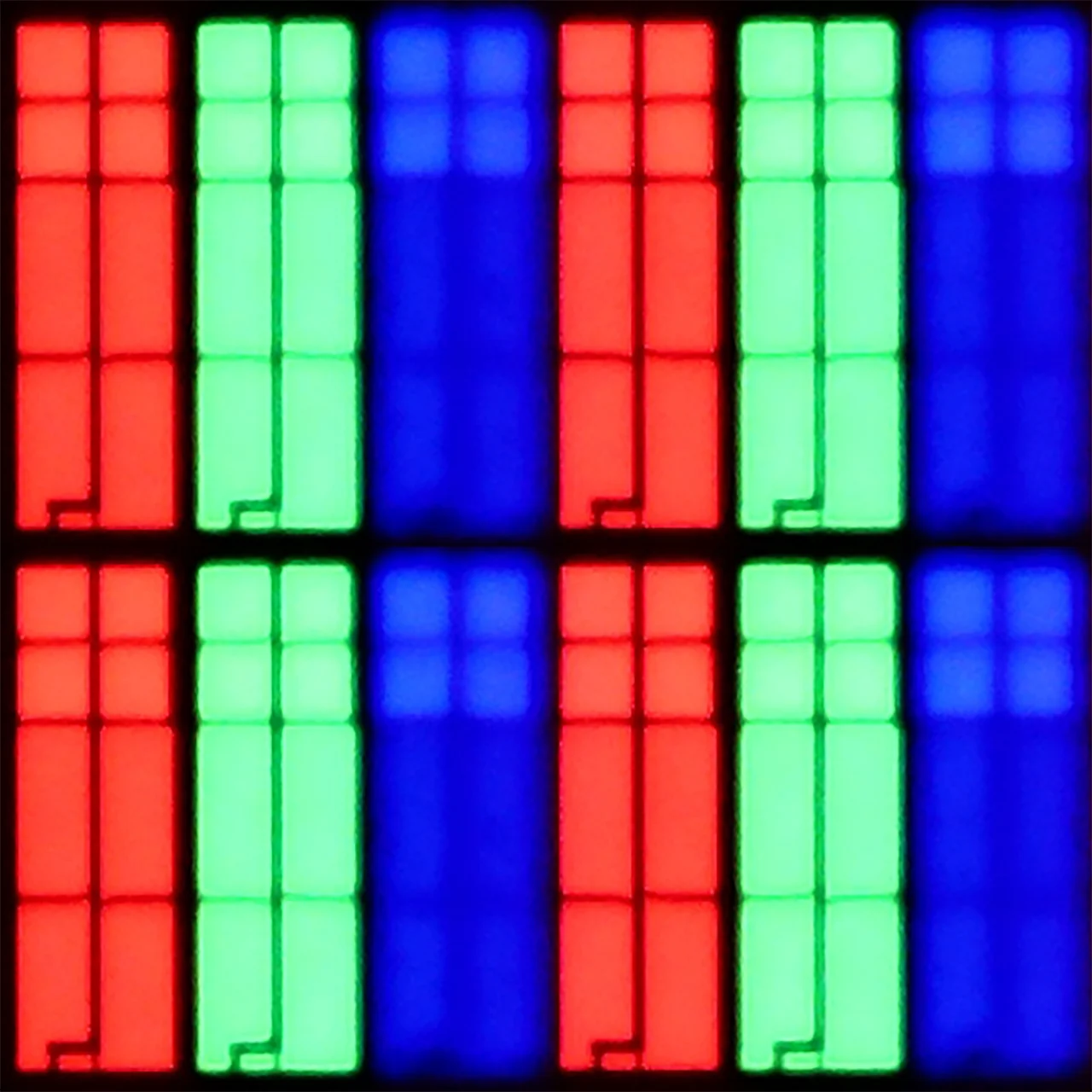
Subpixel Structure:
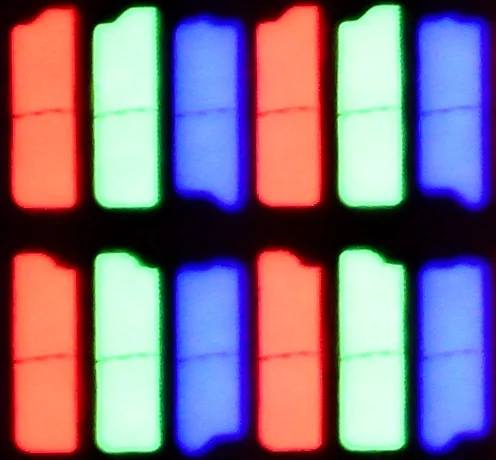
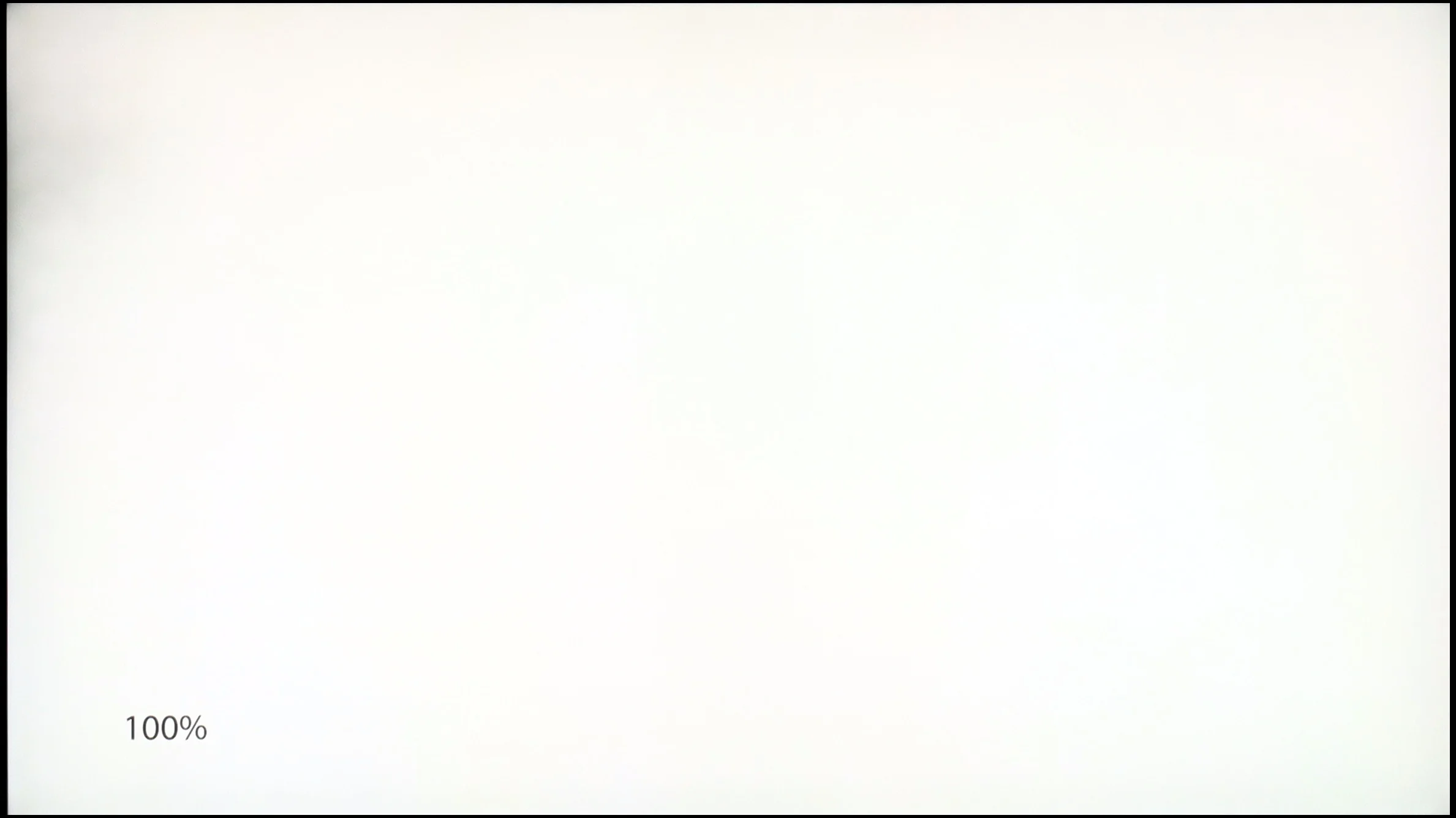
Panel uniformity and thermal imaging:
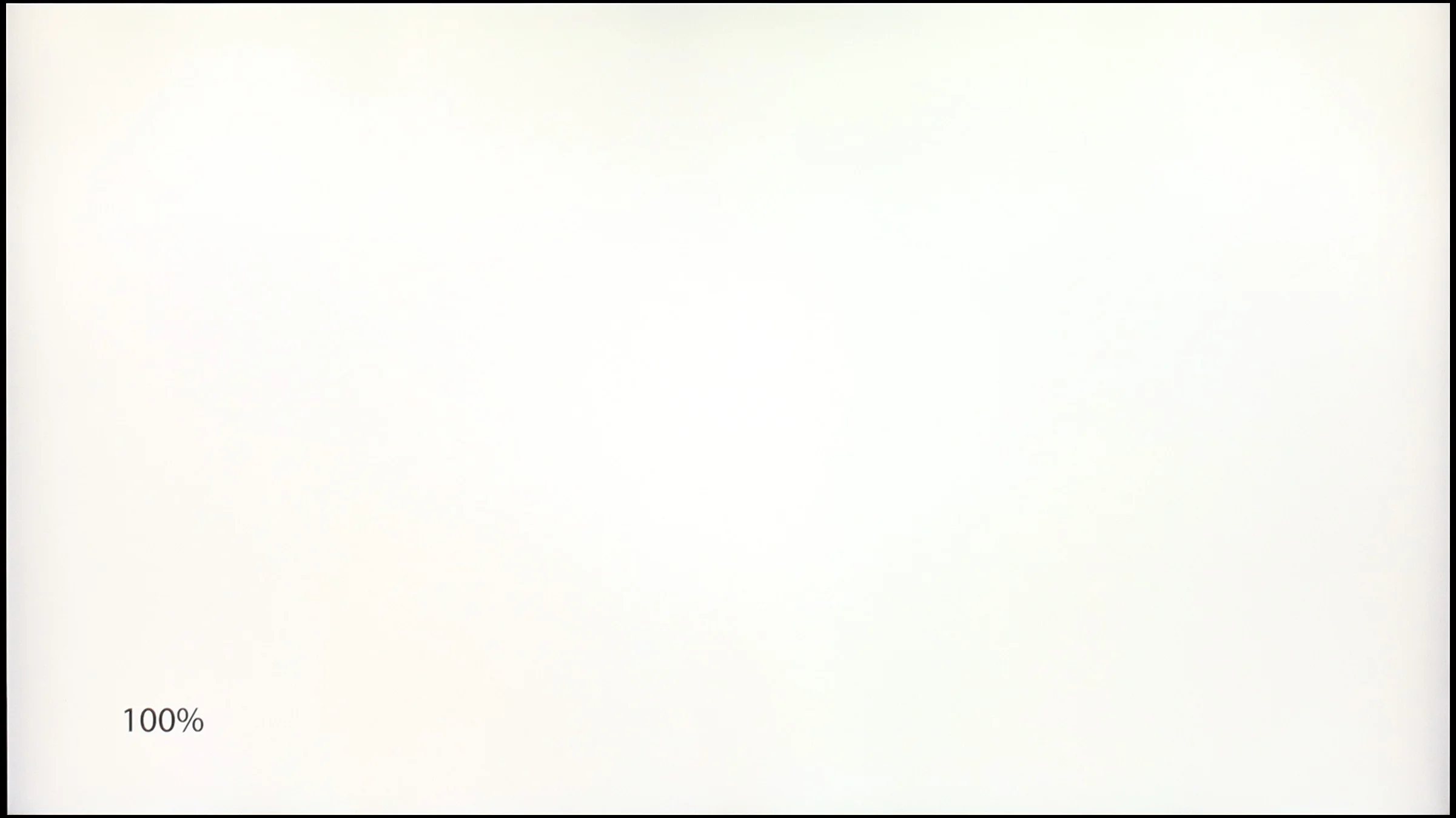
LG QNED86A / QNED85A / QNED87A
TCL A400U
TV features
8.4/10
7.8/10
- SystemWebOSGoogle TV
- System performanceGoodGood
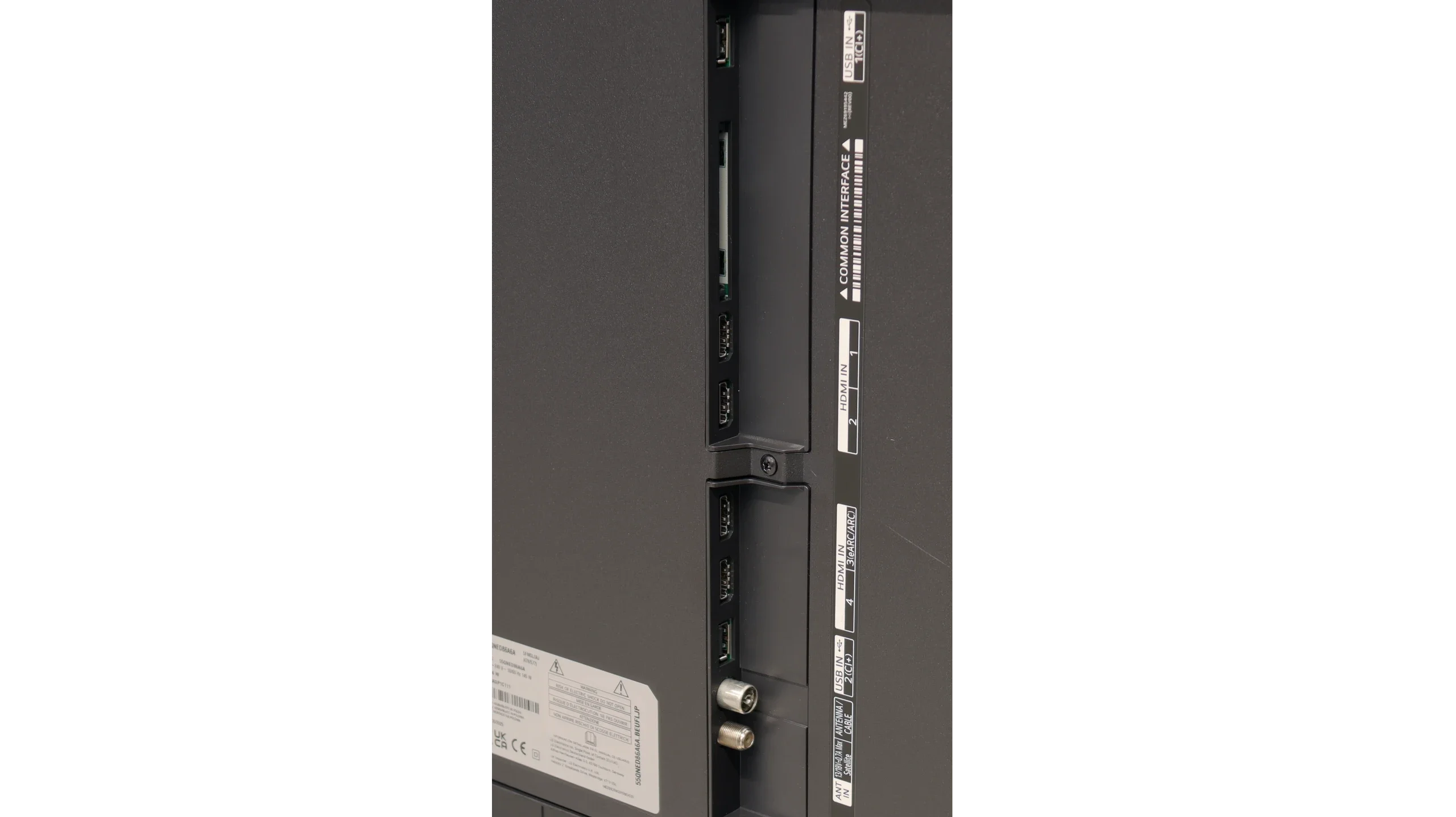
- HDMI inputs0 x HDMI 2.0, 4 x HDMI 2.1 48Gbps2 x HDMI 2.0, 2 x HDMI 2.1 48Gbps
- OutputsToslink (Optical audio), eARC (HDMI), ARC (HDMI)Toslink (Optical audio), eARC (HDMI), ARC (HDMI)
- Network InterfacesWi-Fi 2.4GHz, Wi-Fi 5GHz, Ethernet (LAN) 100MbpsWi-Fi 2.4GHz, Wi-Fi 5GHz, Ethernet (LAN) 100Mbps
- TV receptionDVB-T, DVB-T2, DVB-S, DVB-S2, DVB-CDVB-T, DVB-T2, DVB-S, DVB-S2, DVB-C
Classic features:
- Recording to USB (terrestrial TV)

- Recording programming
- Picture in Picture (PiP)
- RF remote control (no need to aim)
- Backlit remote control
- Teletext
- Audio only mode
- Bluetooth headphones support
- Simultaneous Bluetooth headphones & TV audio
Smart features:
- AirPlay
- Screen mirroring (Windows Miracast)
- Voice search
- Voice search in native language
- Ability to connect a keyboard and mouse
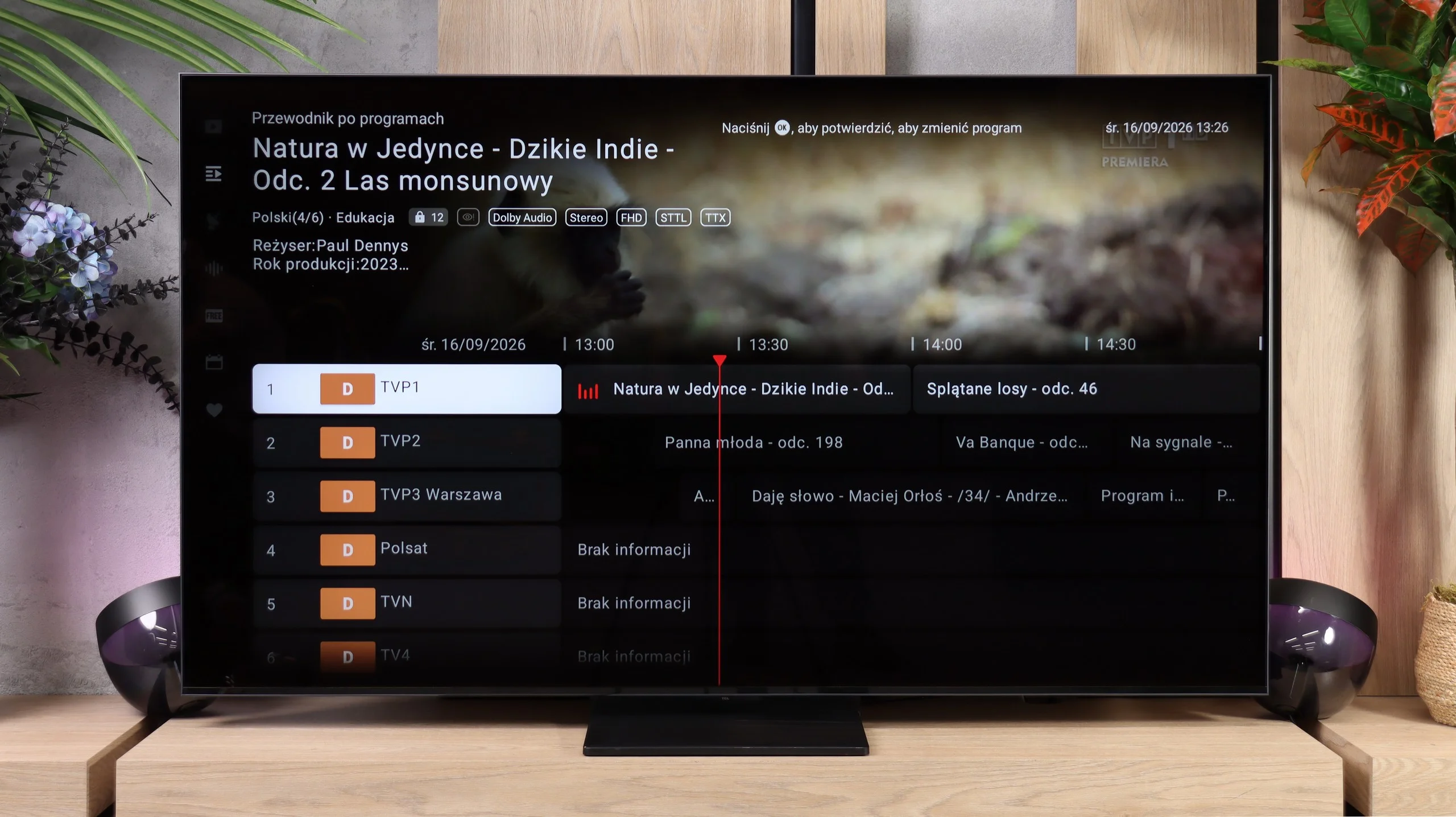
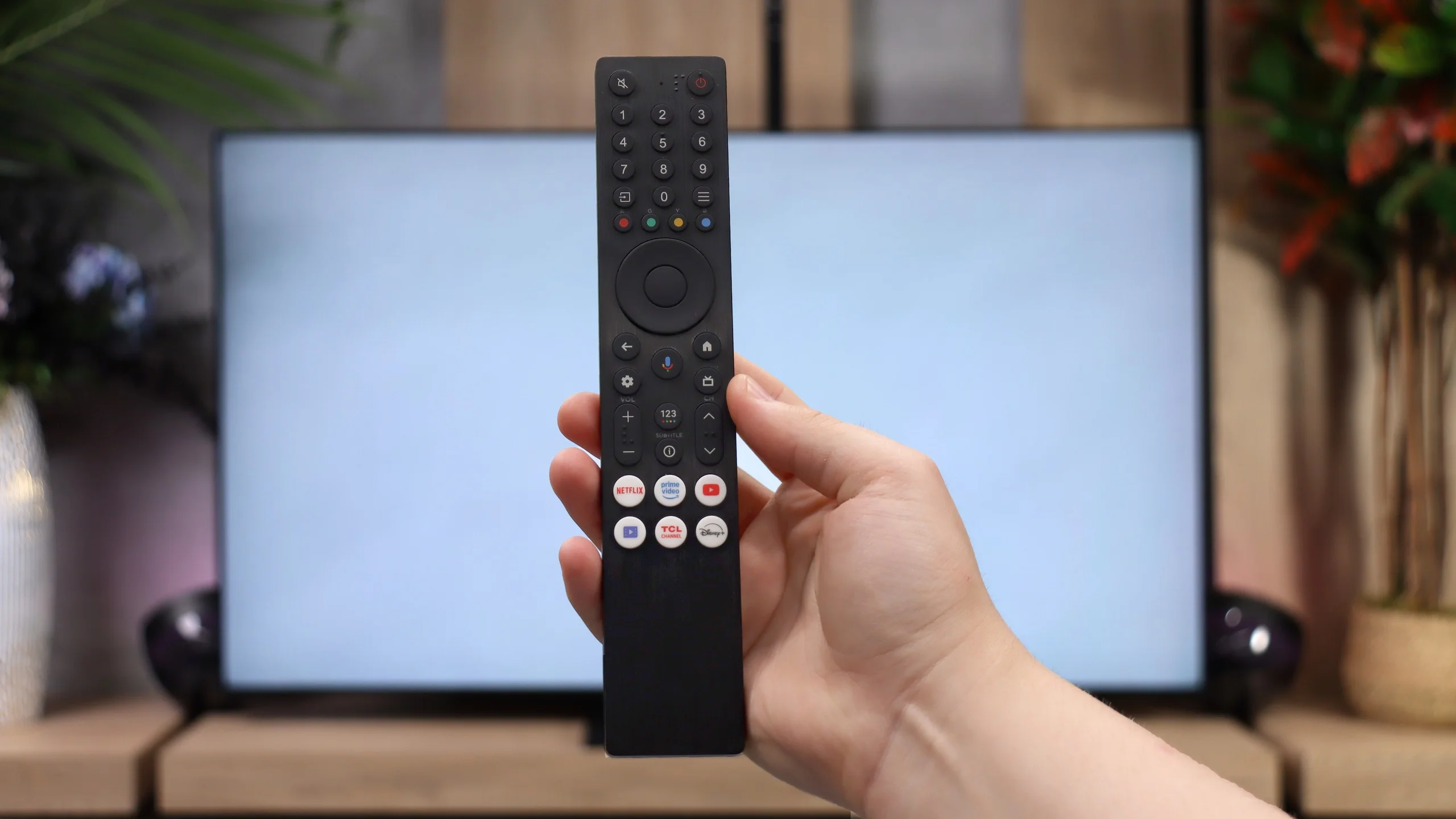
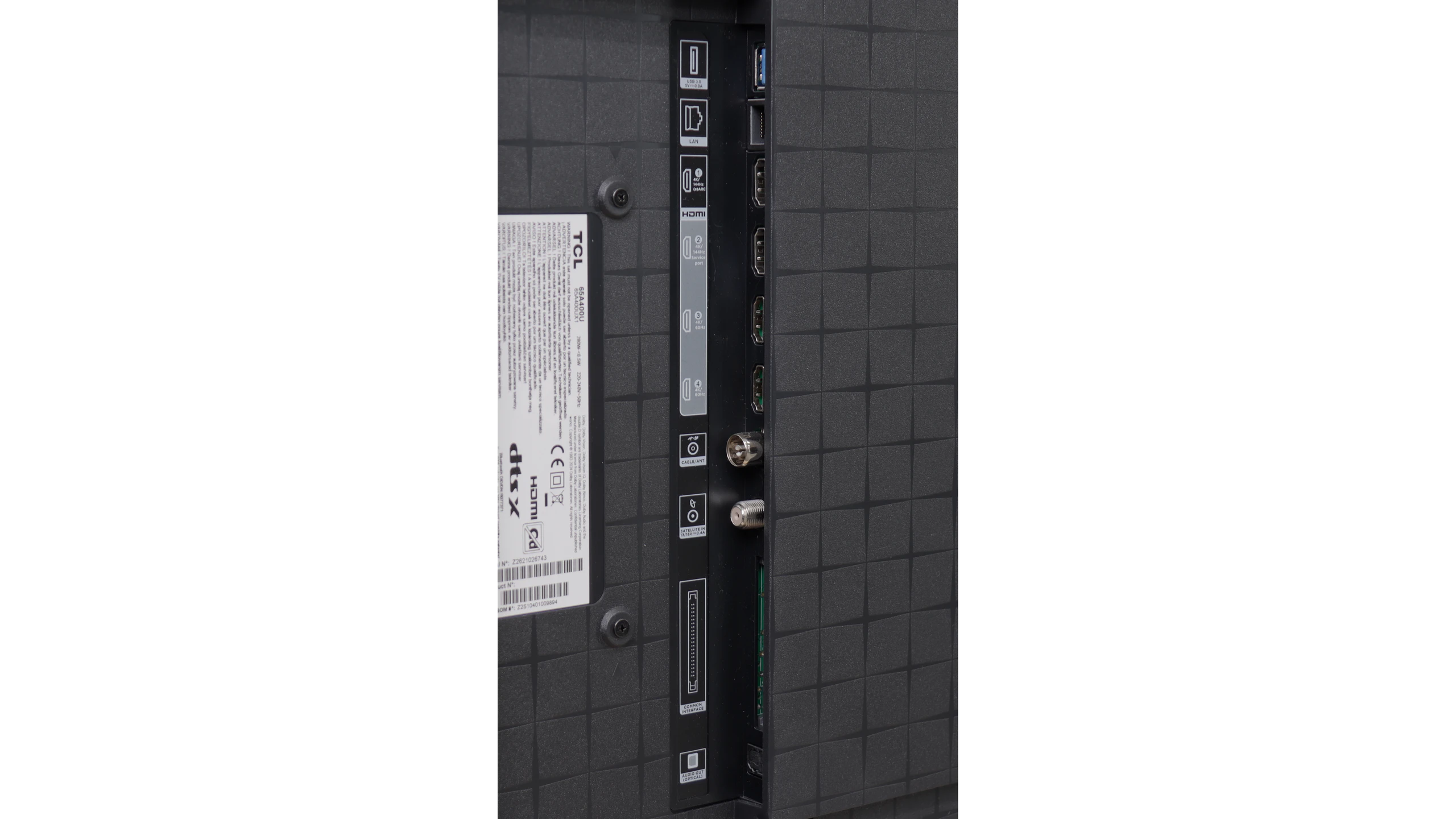
Sound connection options
- HDMI audioeARC (HDMI), ARC (HDMI)eARC (HDMI), ARC (HDMI)
- Other audio outputsToslink (Optical audio)Toslink (Optical audio)
- Wireless audioBluetooth, WiSABluetooth, WiSA
Supported audio formats (external HDMI eARC audio):
- Dolby Digital Plus 7.1
- Dolby True HD 7.1
- Dolby Atmos in Dolby Digital Plus (JOC)
- Dolby Atmos in Dolby True HD
- DTS:X in DTS-HD MA
- DTS-HD Master Audio
Senior accessibility
- Numeric keyboard on TV
- Font size adjustment
- Audio description
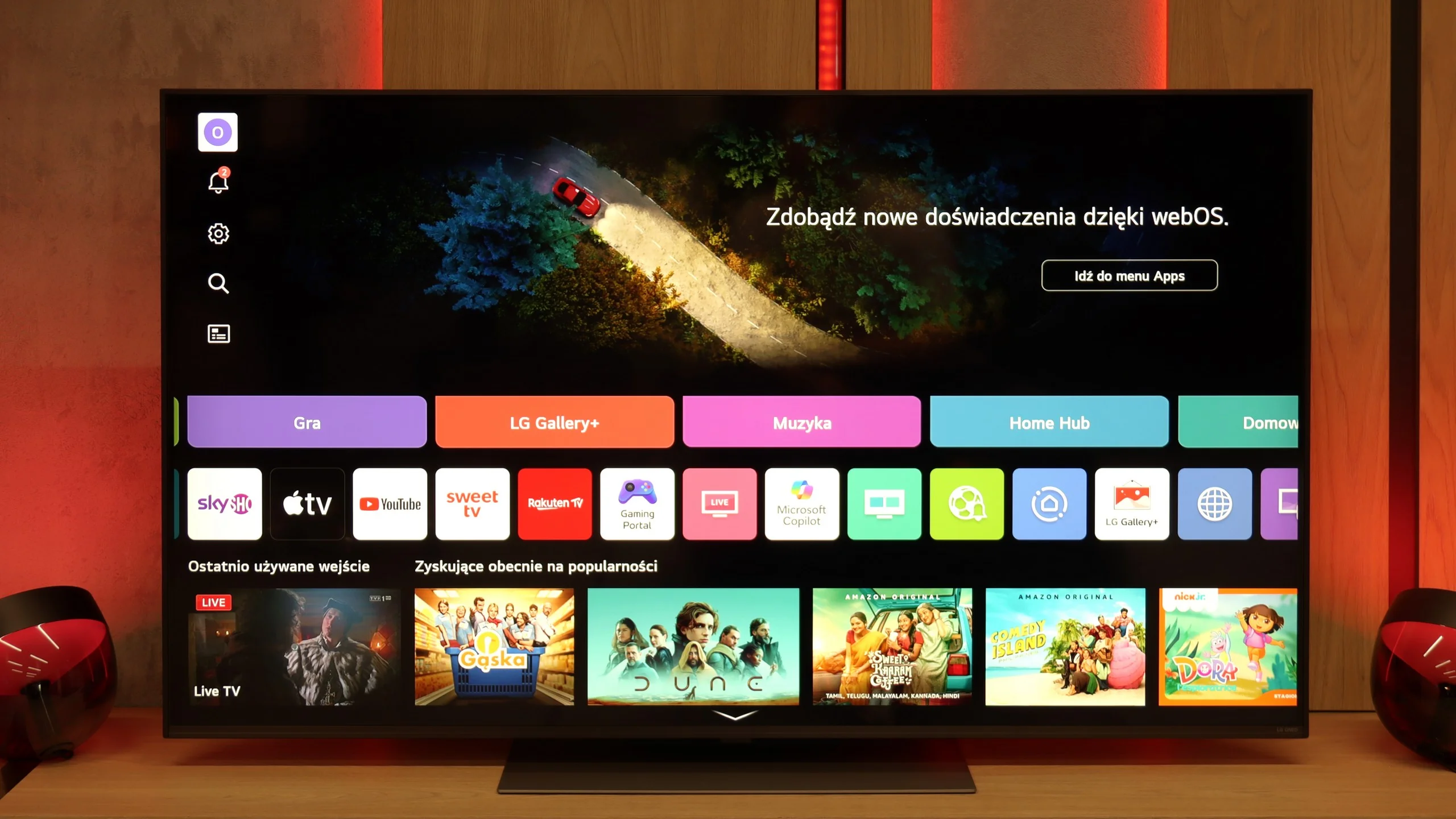
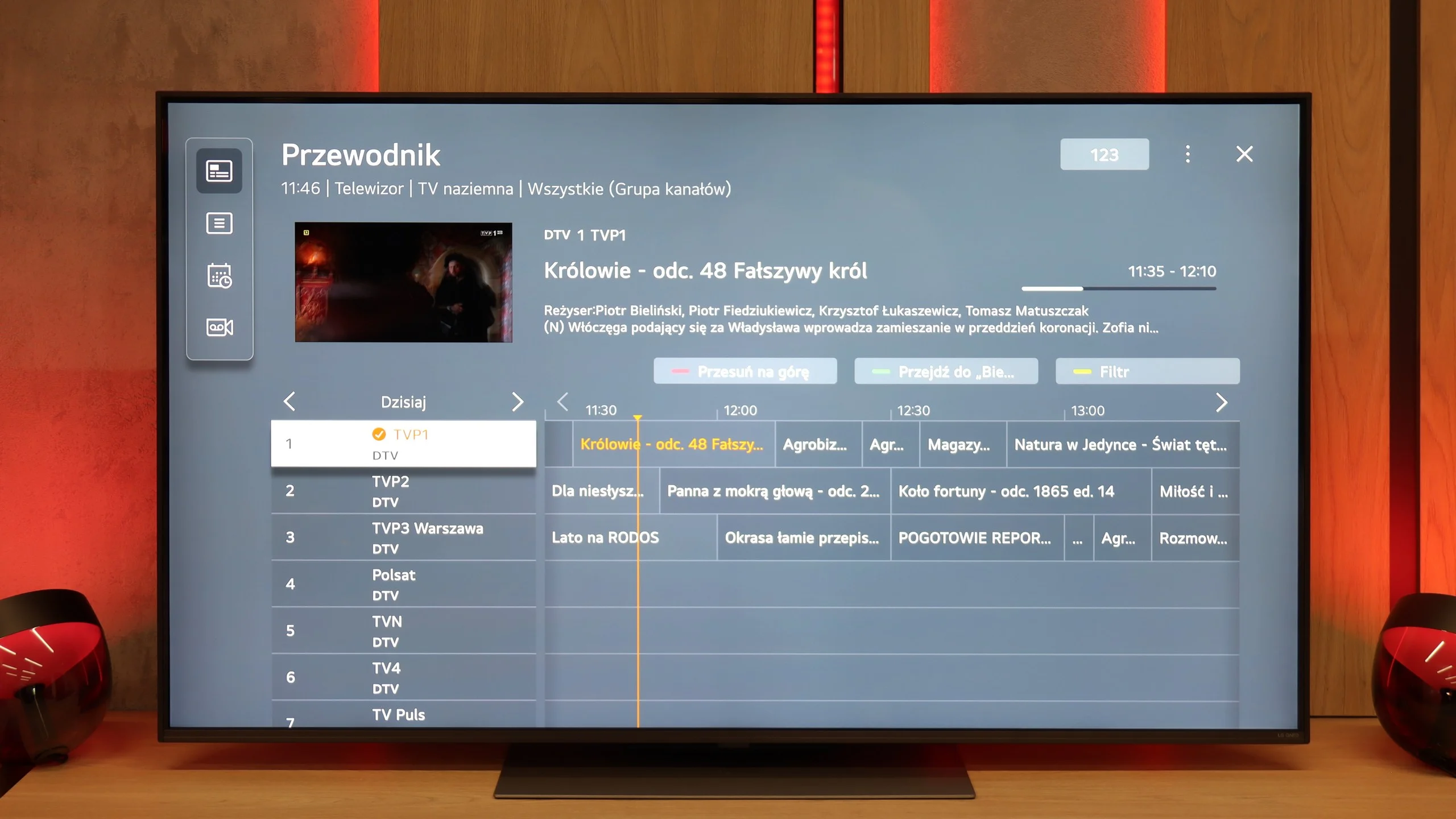
Smart Features: webOS
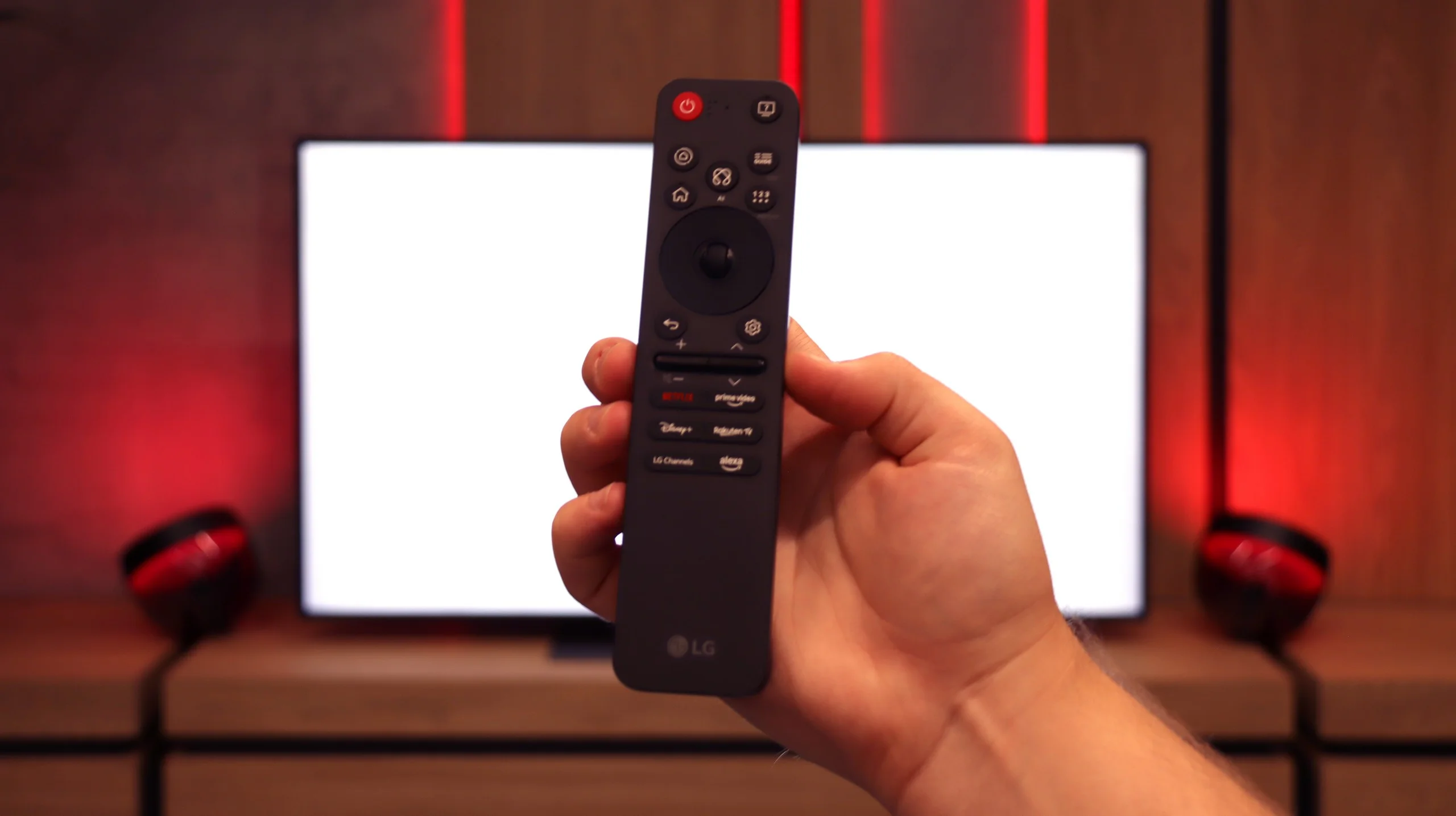
QNED86A6A runs on the well-known webOS – a system that has been a strong point of LG TVs for years. Everything operates quickly and smoothly, applications launch without significant delays, although the interface can sometimes feel a bit overloaded with ads. Fortunately, day to day, the convenience outweighs the shortcomings. A significant advantage is the Magic Remote, which allows you to control the cursor like a mouse – it's one of those solutions that you quickly get used to and later find hard to give up. In the new version, the remote is slimmer, as it has been stripped of the numeric keypad. Some will appreciate the simplicity, while others will miss the classic set of buttons; it’s more a matter of habit.
Classic Features
On board, we also find some solutions that in 2025 are not always obvious. There is the option to record programs from the built-in DVB-T2 tuners to USB, so you can easily return to a match or series at any time. In the evening, Bluetooth headphone support is handy – especially if someone in the house falls asleep quicker than we do. Additionally, there’s a full set of HDMI 2.1 ports with eARC support and audio formats such as Dolby Digital or Dolby Atmos.
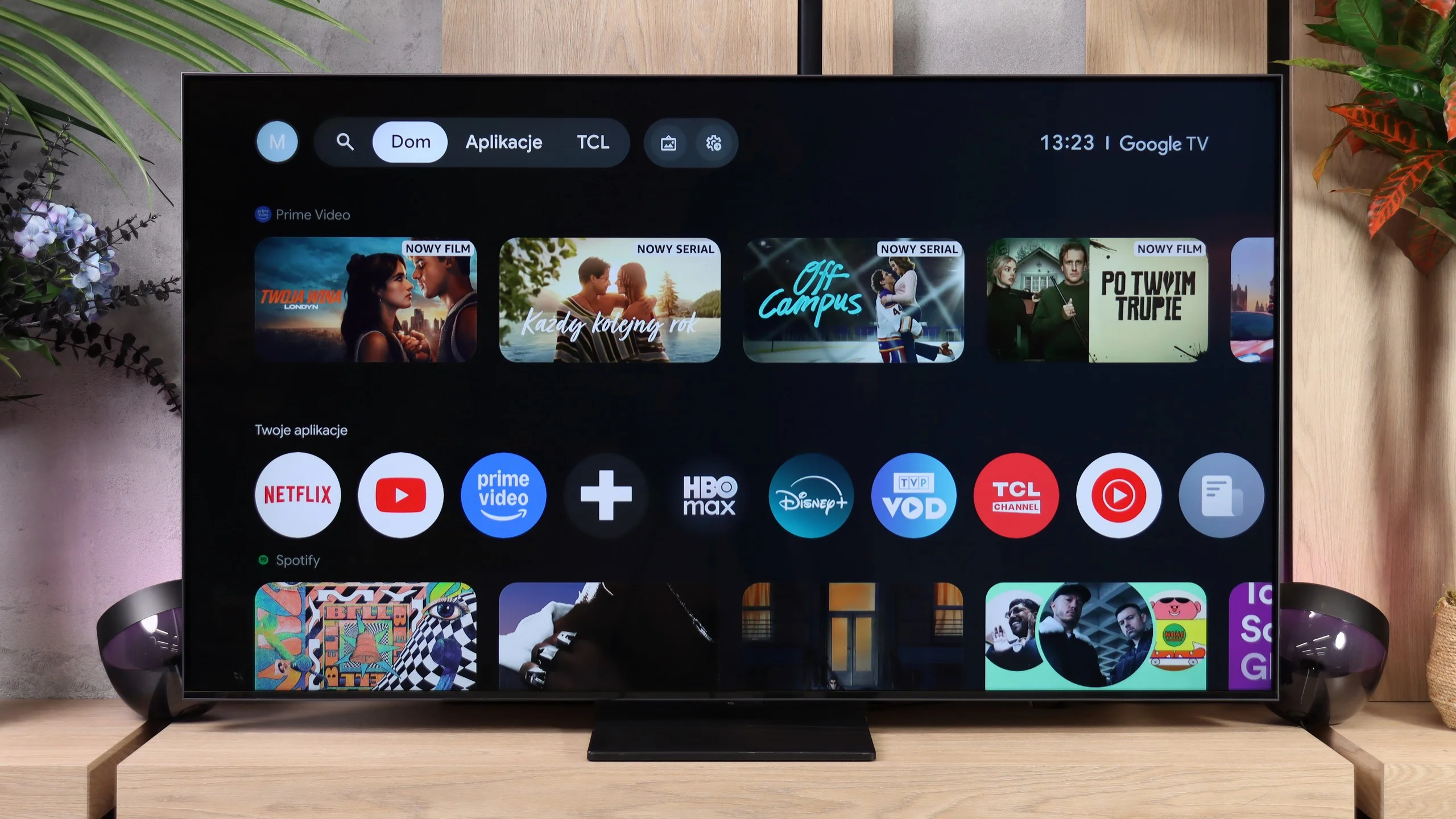
Google TV
Google TV in the A400U runs smoothly and makes it easy to use the TV without plugging in an external set-top box. The app selection is wide, so it’s easy to find something to watch, and Polish voice search is handy when you’re looking for a specific film. Instead of tediously picking letters with the remote, just say the title. You can also cast content from your phone to the screen without much fuss. People watching traditional TV have slightly fewer options. The lack of USB recording means you can’t save your favourite programme for later without an external decoder.
Practical features
The A400U has a few handy features. For example, you can connect Bluetooth headphones while keeping the TV speakers on. There are, however, some shortcomings, especially for those using traditional TV. You can’t record programmes to USB, and there’s no picture-in-picture mode to show two sources at once. It’s also worth thinking about connecting extra equipment. Of the four HDMI inputs, only two support high refresh rates at 4K, and one of those is also used for audio via eARC. If a soundbar occupies that port, only one high-refresh 4K input will remain for a console or PC. With a single console that’s no problem, but a more elaborate setup may run out of ports.
Remote
With the A400U’s refined looks, it’s a shame the remote didn’t get the same attention. A large plastic body with lots of buttons looks rather ordinary next to such a well-made TV. A more minimalist remote, like the one on the C8L, would suit this model’s character much better. The A400U is, of course, the cheaper device, but since looks are one of its main selling points, why not? 😉. In everyday use the remote works well and you don’t need to aim it at the screen, although backlit buttons would be useful in the evening.
Apps
9.1/10
9.6/10






















Playing files from USB
8.9/10
9.4/10
Supported photo formats:
Maximum photo resolution:
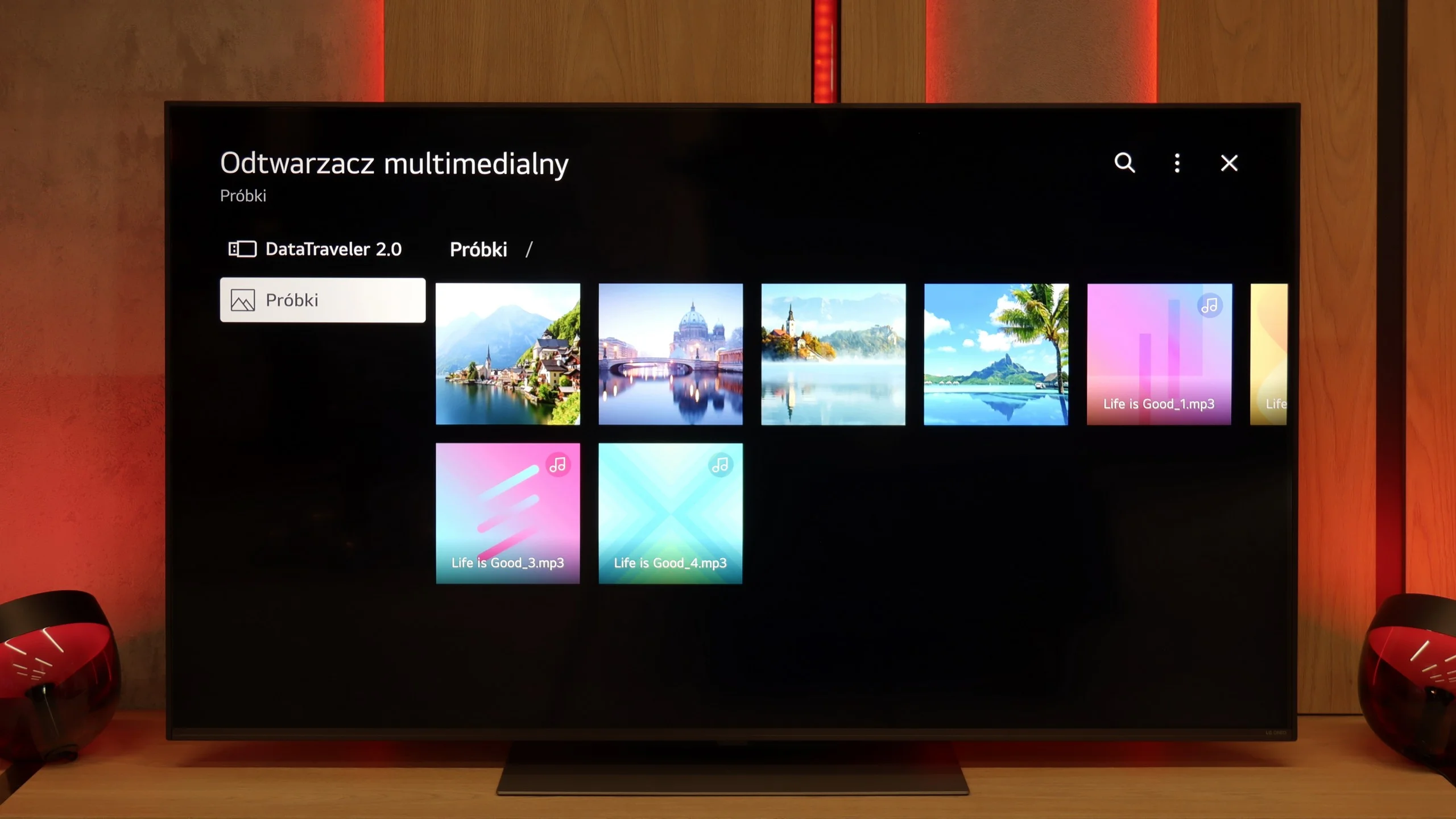
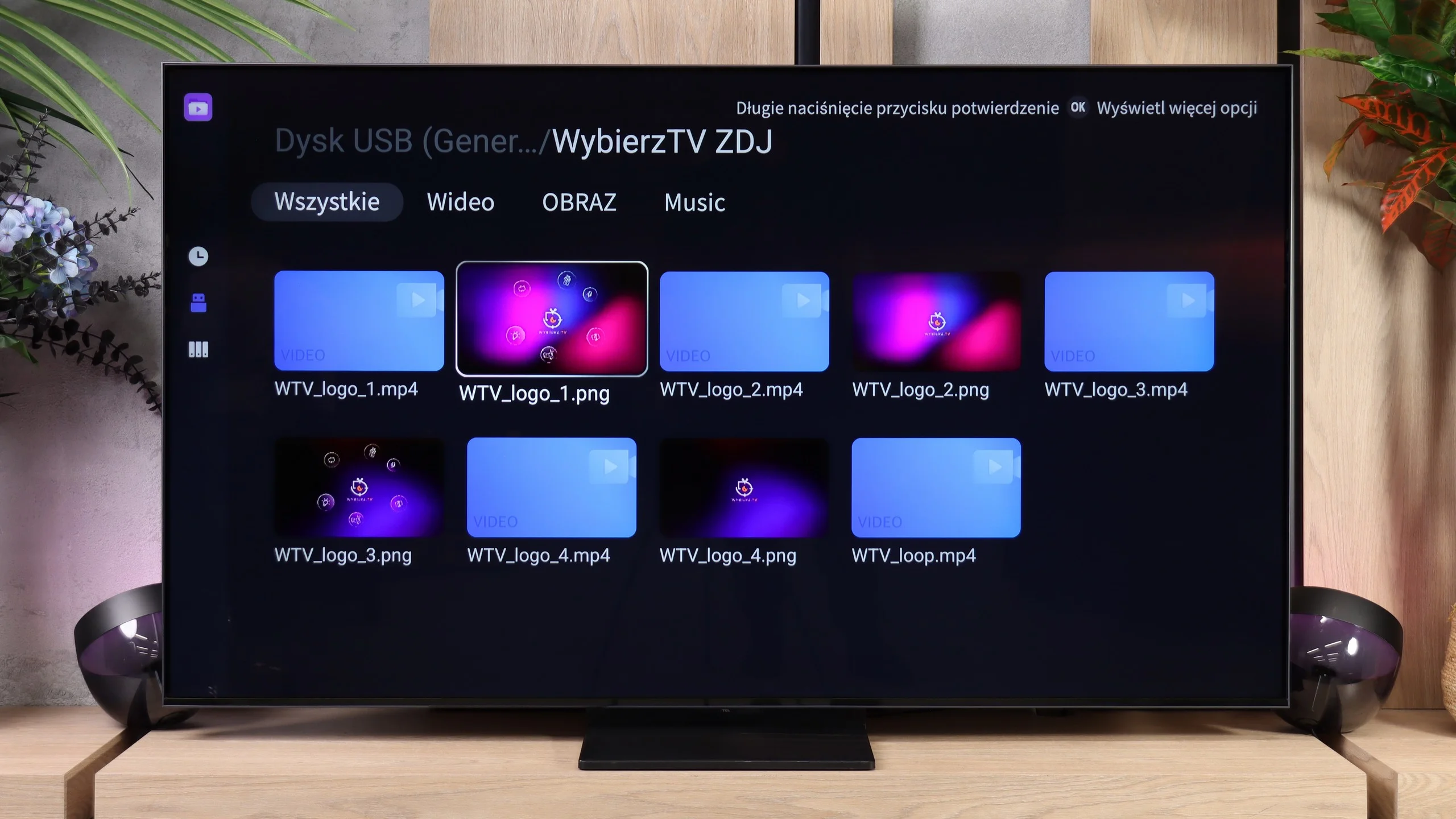
The built-in media player in the QNED86A6A handles the most popular audio and video formats quite well. During testing, we had no issues playing MP4, MKV, or MP3 files; everything played smoothly and without hiccups. The TV also managed most images, although here we encountered a common barrier for many manufacturers – the lack of full support for the HEIC format from Apple. So, if you regularly use an iPhone and store photos in this standard, you'll need to convert them beforehand or, better yet, transfer them using AirPlay. Other than that, it's hard to find fault; as far as built-in solutions go, it's really decent.
The built-in USB player in the TCL A400U performs very well. It opened almost all the video files, photos and music tracks we tested, so to play your own material from a USB stick the TV’s out-of-the-box capabilities are usually sufficient. One small caveat is the lack of support for subtitles in .txt format. If you have an older collection of films with such subtitles, you may need to convert them or install a different media player. There’s no issue with popular .srt and .sub formats.
Sound
6/10
6.7/10
- Maximum volume84dB82dB
- Dolby Digital Plus 7.1
- Dolby True HD 7.1
- Dolby Atmos in Dolby Digital Plus (JOC)
- Dolby Atmos in Dolby True HD
- DTS:X in DTS-HD MA
- DTS-HD Master Audio
In terms of sound, the QNED86A6A performs quite decently, but let's not kid ourselves – it’s not a level that will impress home cinema enthusiasts. The sound is clear and distinct, dialogues are easily heard, but overall it sounds rather flat and definitely lacks solid bass tones. For everyday TV watching, streaming services, or news, it’s an acceptable level, however, if you're planning to watch movies or play games more often, even a basic soundbar will make a significant difference.
The sound in the TCL A400U is unfortunately as flat as its casing. The built-in 2.0 system with 20 W output is enough for watching the news or everyday TV programmes, but it clearly lacks bass for films and music. Explosions lack punch and music sounds rather thin. The slim design comes at a cost, so for movie nights it's worth considering a soundbar, preferably with a separate subwoofer. The TV supports Dolby Atmos and DTS, so additional speakers will also make better use of the spatial audio tracks.
Sound Quality Test
No sound test video
Acoustic Measurements
84dBC (Max)
75dBC
82dBC (Max)
75dBC
Reader comments
Comments are provided by the external service Disqus (Zeta Global). Once loaded, Disqus may set cookies and process data about your activity.
We will remember your choice on this device. Provider's privacy policy