 Direct comparison
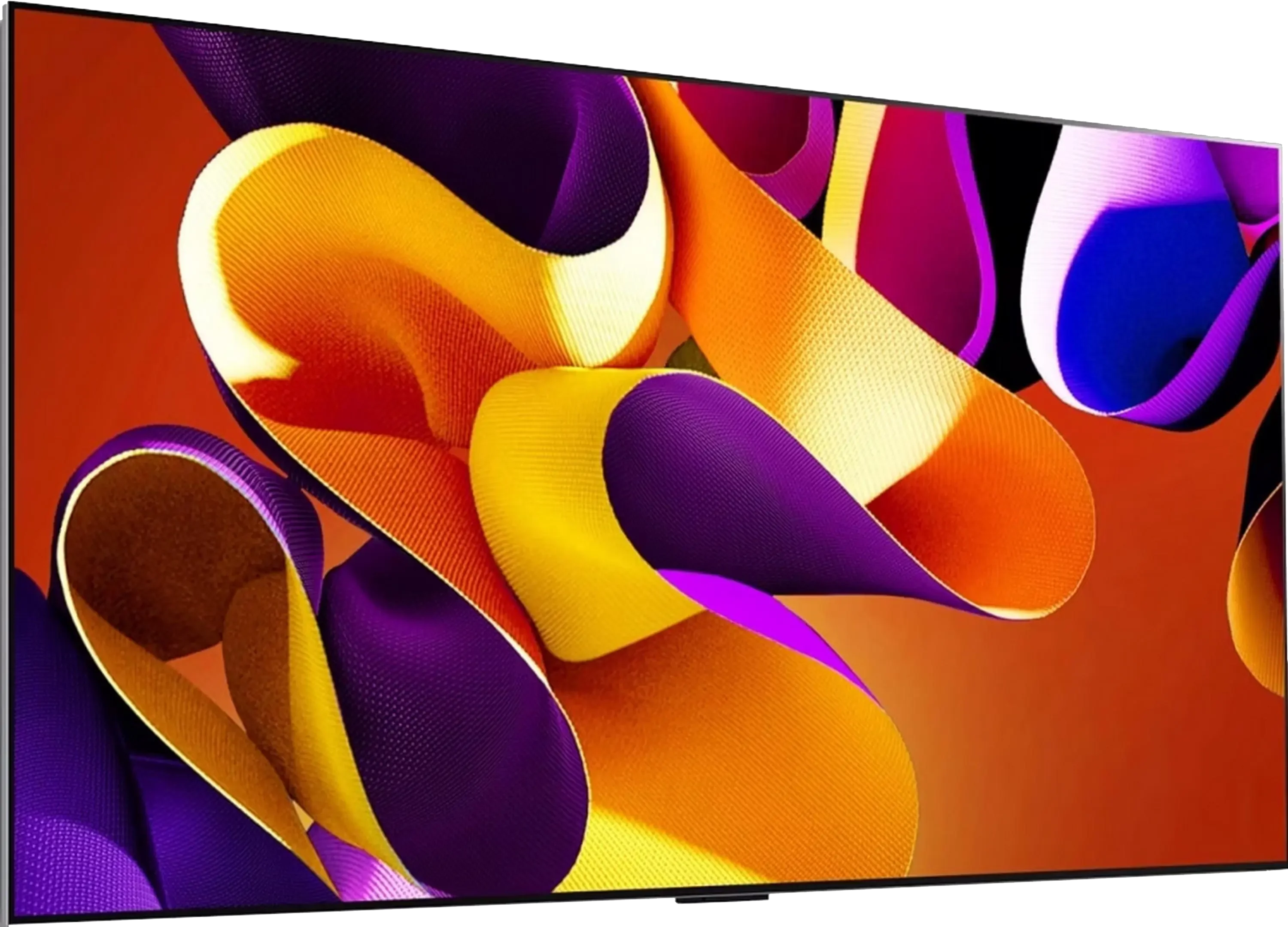
LG G4 is a strong contender for being the best television of 2024. Thanks to the combination of OLED black and MLA technology, we will get an incredibly dynamic and vibrant image that will surely captivate us completely. LG G4 is also proof that televisions equipped with an OLED panel supported by MLA technology are indeed suitable for viewing in bright rooms. The operating system, while not as open as the competition, allows for many possibilities. Its greatest advantage is the well-known remote with a cursor, which makes controlling the unit (in our opinion) one of the most convenient on the market. Factory colour reproduction, although not at a high level, after undergoing calibration, can be considered almost reference-quality, providing a truly cinematic image. No wonder post-production studios choose televisions from this manufacturer. They uniquely offer such a deep capability to adjust the image, thanks to 3D LUT calibration. It seems that the biggest (and perhaps only) drawback of this television is the tonal transitions, which, while far from perfect, cannot be said to detract from the viewing experience. The remedy is provided by the manufacturer themselves, and enabling the "Smooth Gradation" function will remove the vast majority of any choppiness. LG G4 also performs exceptionally well when watching all kinds of sports or other dynamic scenes. The motion smoother is incredibly advanced and allows for adjustment of smoothness to suit individual needs. Thanks to HDMI 2.1 ports with full functionality and the manufacturer's attention, the tested television will find its place in the homes of many passionate gamers. Each of the essential features works flawlessly, and the low input lag in every mode is very pleasing. In summary, LG G4 is an incredibly versatile television, allowing for entertainment in excellent quality both at night and during the day.
- Matching (Score) |
- Our verdict |
- TV appearance |
- Where to buy |
- Contrast and black detail |
- HDR effect quality |
- Factory color reproduction |
- Color reproduction after calibration |
- Smoothness of tonal transitions |
- Image scaling and smoothness of tonal transitions |
- Blur and motion smoothness |
- Console compatibility and gaming features |
- Input lag |
- Compatibility with PC |
- Viewing angles |
- Daytime performance |
- Panel details |
- TV features |
- Apps |
- Playing files from USB |
- Sound
G45 / G42

The Frame / LS03HAU
Panel type: WRGB OLED
Resolution: 3840x2160
System: WebOS
Model year: 2024
Complete the survey to find out the result
Panel type: LCD VA
Resolution: 3840x2160
System: Tizen
Model year: 2026
Complete the survey to find out the result
Overall rating
8.5
7.1
 Movies and series in UHD quality
8.6
6.7
 Classic TV, YouTube
9.1
6.4
 Sports broadcasts (TV and apps)
9.0
6.3
 Gaming on console
9.5
8.8
 TV as a computer monitor
8.6
8.0
 Watching in bright light
5.8
6.7
 Utility functions
9.0
7.7
 Apps
9.1
9.3
 Sound quality
8.6
6.0
Complete the survey to find out what fits your preferences
Advantages

Phenomenal image fidelity to the director's intent
Reference colour reproduction post-calibration
Very high brightness in HDR content
Outstanding compatibility with consoles and computers
The panel effectively suppresses light reflections
Perfect viewing angles
Matte screen finish – performs well in a bright living room
Unique art-on-the-wall design
One Connect module makes connecting devices easier
Wall mount included
Art mode with motion sensor
Changeable bezel colours
High brightness, about 650 nits
Rich colours, QLED
High refresh rates: 144 Hz at 4K and 240 Hz at Full HD
Extensive gaming features: VRR, ALLM, HGiG, FreeSync, G‑Sync and low input lag
Tizen with a large selection of apps, AirPlay and SmartThings
Disadvantages

Visible tonal transitions
Sound of the built-in audio system - it could be better in this class of television
No local dimming, average black levels and contrast
Smearing on the VA panel, especially in dark scenes
Only one HDMI 2.1 port
Full access to the Art Store requires an additional subscription
Average, fairly flat sound
Our verdict
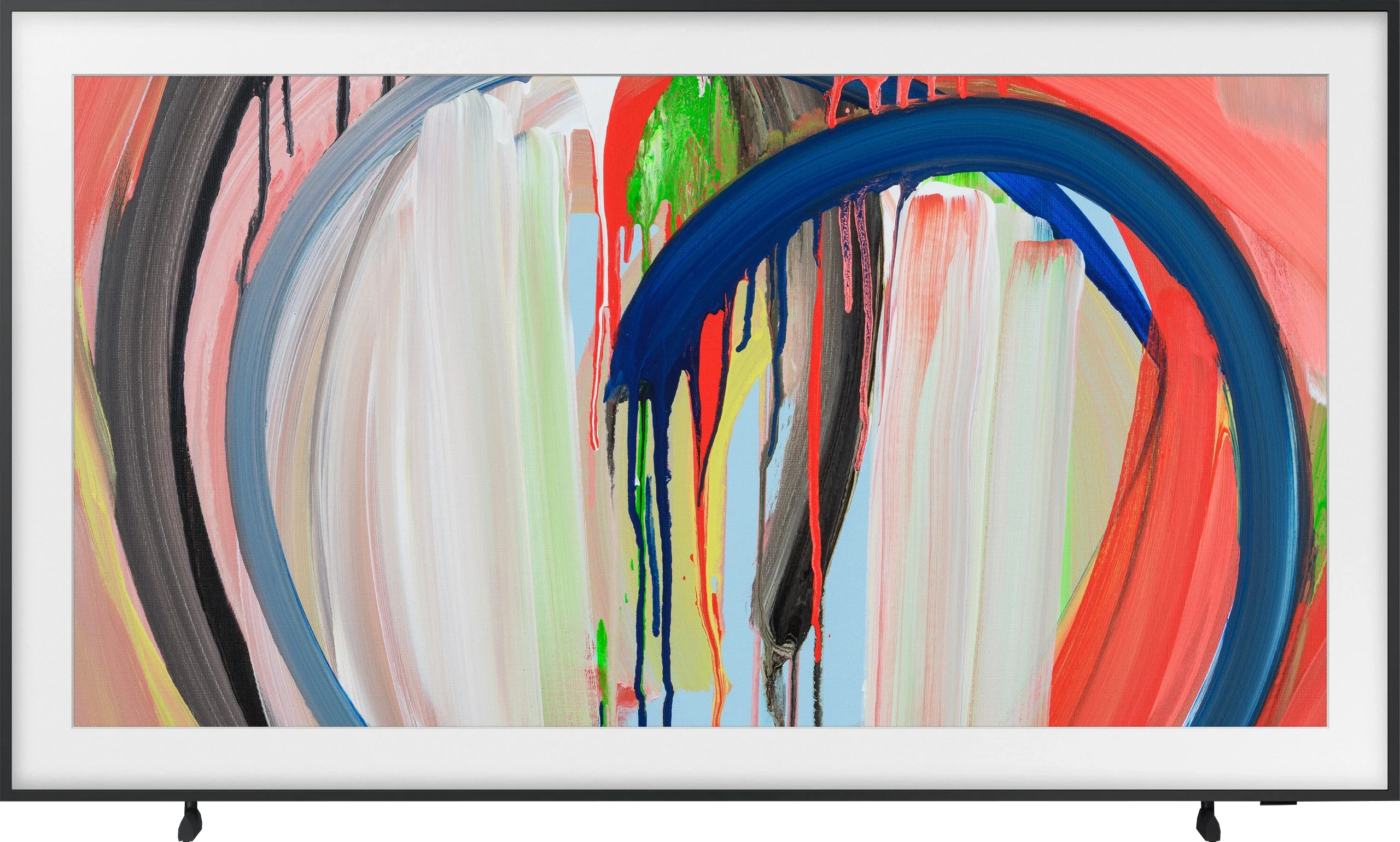
Samsung The Frame 2026 is still a TV aimed at a fairly specific type of buyer. If your main priority is having a screen that looks good in your interior, hangs almost flush against the wall, and doesn’t simply turn into a large black rectangle when switched off, there are very few TVs on the market that execute this idea quite as well. The matte screen, interchangeable bezels, external One Connect box, and extensive Art Mode allow The Frame to genuinely become part of the room rather than just another TV sitting in the living room. And that’s exactly where we see its biggest appeal.
Importantly, though, that doesn’t mean design is all you’re getting. The Frame performs really well in bright rooms. Its matte coating is very effective at reducing reflections, brightness reaching around 650 nits is enough for comfortable daytime viewing, and the wide colour gamut means colourful content, animation, and brighter HDR scenes can look very impressive. On top of that, there’s 144Hz support at 4K and, for the first time, up to 240Hz at Full HD. VRR, ALLM, FreeSync, G-Sync, HGiG, low input lag, and an extensive Game Bar make The Frame a much more capable gaming TV than its “artistic” character might suggest.
The biggest compromises become apparent when you look at it as a TV primarily intended for home cinema. The Frame has no local dimming, so blacks become noticeably raised in dark scenes, and this is where the difference compared with good Mini LED and OLED TVs is most obvious. HDR therefore looks best with bright and colourful content, while evening movie sessions in a dark room are definitely not its strongest suit. There is also noticeable motion blur and only one full-bandwidth HDMI 2.1 port on the One Connect box, which may be frustrating for some users, especially gamers.
The Frame 2026, then, isn’t a TV for someone looking for the absolute best picture quality in its price range. There are models that offer deeper blacks or a more impactful HDR experience. But if the TV is meant to become part of a well-designed living room, is often used during the day, displays artwork, and at the same time needs to perform well with a wide variety of content, The Frame still makes a lot of sense. Samsung has barely changed its formula here, but it’s easy to see why — the “picture on the wall” concept is still executed extremely well. Owners of the previous model have little reason to upgrade, but for new buyers looking for this particular combination of design and TV functionality, it remains one of the most interesting options on the market.
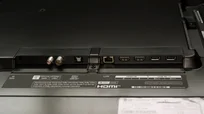
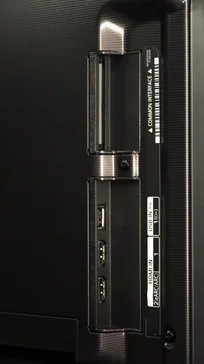
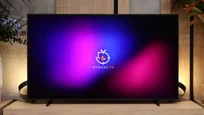
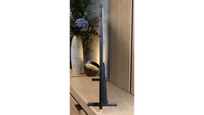
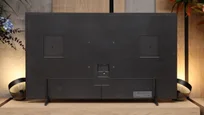
TV appearance

Contrast and black detail
10/10
6/10
Local dimming function: No
Contrast:


Result
∞:1

Result
∞:1

Result
∞:1

Result
∞:1

Result
∞:1
Result
6,300:1
Result
6,800:1
Result
5,500:1
Result
5,950:1
Result
4,050:1
Halo effect and black detail visibility:
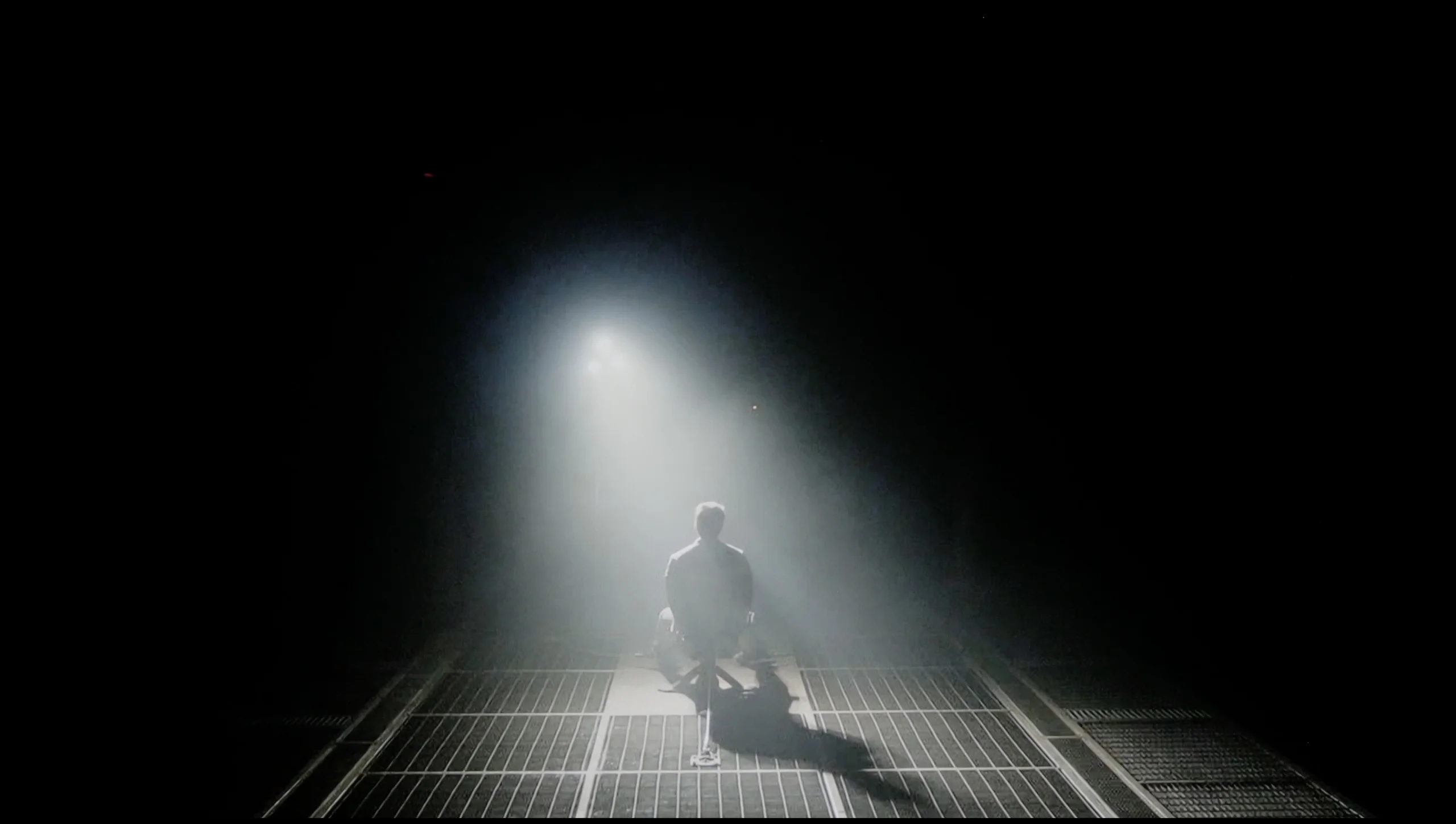
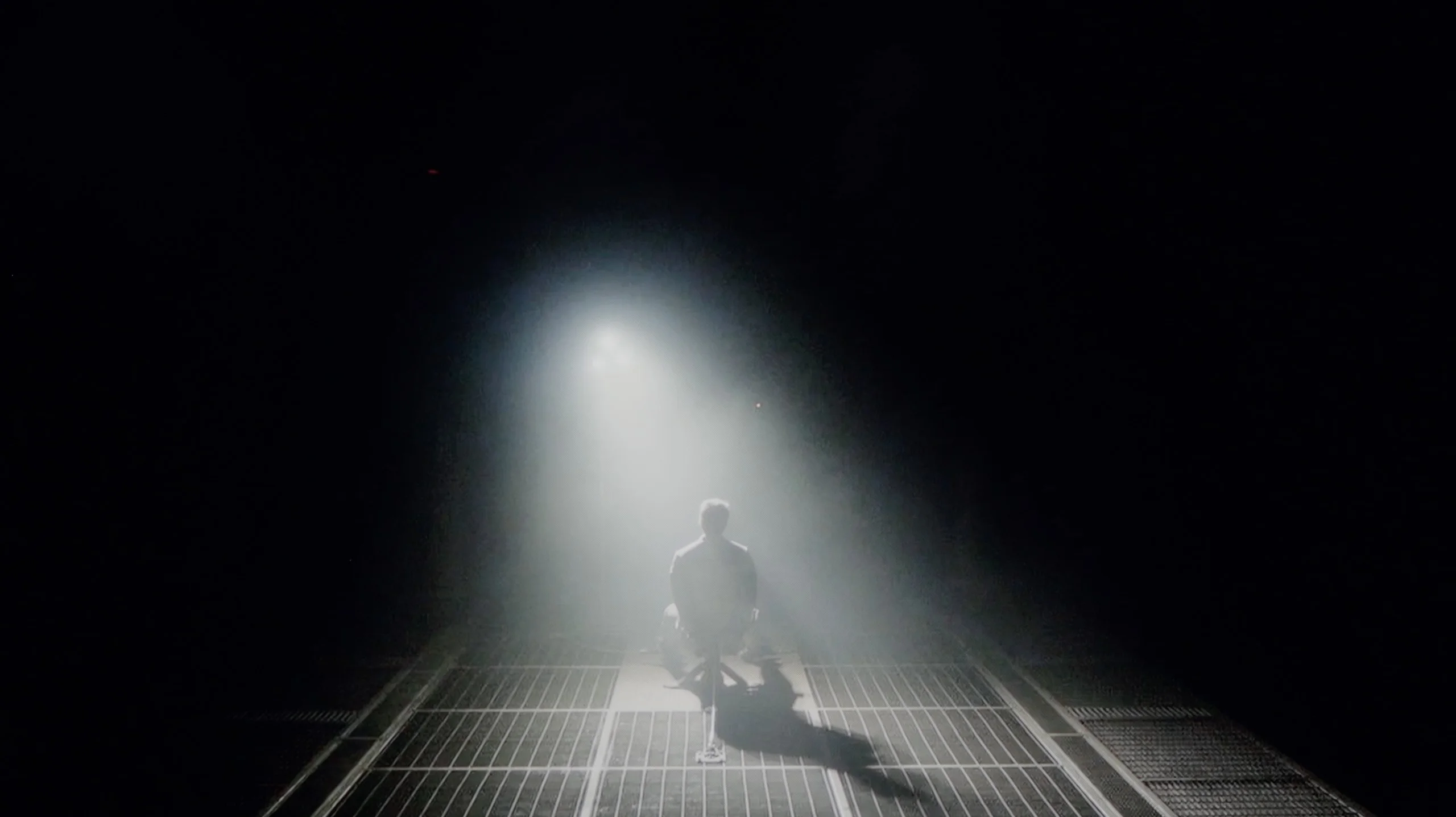
Check the visibility of bright lights on a dark background. Mini-LEDs often struggle with this. The photo does not compare black levels – that’s what the video below is for.
The video accurately shows differences in contrast and black levels between TVs, as well as potential issues: halo around bright objects or Mini-LED zone operation visible as brightness jumps.
LG G4, with its OLED panels produced for over 10 years, delivers perfect contrast, black levels, and detail reproduction in the darkest scenes. It's worth noting that the panel itself is equipped with MLA (Micro Lens Array) technology, which LG showcased just a year ago with the launch of its predecessor. The use of an organic panel not only allows for achieving pitch-black blacks but also provides extraordinary immersion and a three-dimensional effect in the image, which is hard to find even in the best Mini LED TVs. Such image quality is closely linked to OLED panel technology, as each pixel is controlled by an electrical impulse rather than shading filters on the panel. Therefore, if we want to achieve black, the pixel is simply turned off. This is very evident in test images, where the spotlight provides high brightness while being perfectly separated from each other. The situation remains unchanged in the challenging scene from "Sicario 2," where no imperfections from zone dimming can be seen, which we might encounter in LCD TVs.
Samsung The Frame 2026 uses a VA panel but doesn't have local dimming. That means the TV can't dim selected parts of the screen. The backlight therefore works fairly evenly across the whole panel. The VA panel itself gives some advantage over IPS or ADS screens. Blacks are noticeably better, and the picture doesn't look as washed out when watching in the evening. That doesn't change the fact that, in terms of contrast, The Frame performs fairly averagely. You can see this most clearly in dark scenes. If a bright object appears on a black background, the TV can't dim the area around it. The black then takes on a more navy tone and the image loses depth. It's similar with films that have black bars. With the lights off it's quite easy to notice that the bars aren't truly black. In simpler, brighter scenes the issue is much less noticeable. So during regular TV, sport or daytime viewing, contrast is unlikely to be a major problem. It looks worse for evening viewing sessions, especially if you've previously been using an OLED or a good Mini-LED. The difference in black levels to The Frame's disadvantage is then very noticeable.
HDR effect quality
7.9/10
6.1/10
Luminance measurements in HDR:

Result
1474 nit

Result
1467 nit

Result
1403 nit

Result
1441 nit

Result
850 nit
Result
587 nit
Result
609 nit
Result
599 nit
Result
648 nit
Result
663 nit
Scene from the movie “Pan” (about 2800 nits)

Scene from the movie “Billy Lynn” (about 1100 nits)


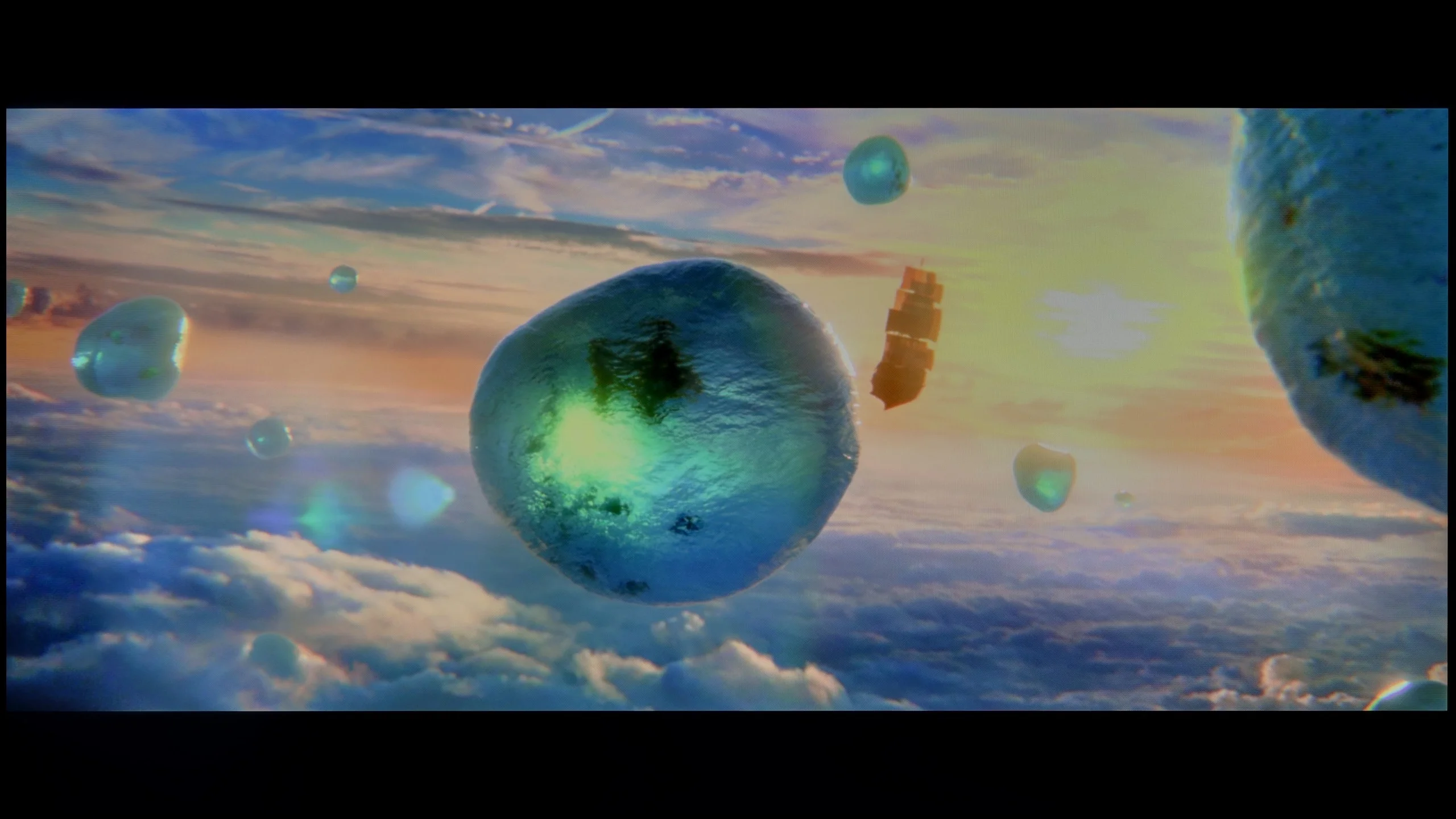
The photos show two HDR10 movies. 'Pan' is one of the brightest productions ever made, while 'Billy Lynn' (soldier) has brightness typical of streaming (Netflix, Prime, HBO MAX). Notice the intensity of effects and detail in whites.
Static HDR10


The photos present the visibility of white details in various HDR formats. They do not show brightness differences between TVs (these can be compared in the previous gallery).
Dynamic: Dolby Vision
Dynamic: HDR10+


The photos present the visibility of white details in various HDR formats. They do not show brightness differences between TVs (these can be compared in the previous gallery).
HDR luminance chart:
Samsung The Frame 2026 (LS03H)
LG OLED G4
Luminance of RGB colors
LG G4 guarantees an incredibly vibrant HDR effect, placing the television firmly at the top of the rankings. The highest model in the manufacturer's 2024 portfolio, equipped with the second generation of microlens technology (MLA), has achieved a maximum brightness level of 1474 nits in real scenes. The only area where the product of the Korean manufacturer may fall short compared to LCD televisions with Mini LED backlighting is during a full-screen scene featuring a lot of white. If we were to disregard the latter scene, the average result would be even higher. It's also worth mentioning scenes with very fine details, where each one shone at full intensity, which is not as evident in non-OLED televisions. The combination of such brightness and wide coverage of the DCI-P3 color space ensures that HDR materials are more engaging than ever before.
The Frame 2026 is a genuinely bright TV. Its peak brightness reaches around 650 nits and, importantly, it maintains similar levels regardless of the type of scene being displayed. It doesn’t really matter whether we’re watching a very bright full-screen image or just a small highlight occupying part of the screen. The backlight remains powerful, allowing bright parts of the image to stand out clearly.
This gives The Frame a solid foundation for HDR. Bright highlights can look impactful, and the picture doesn’t appear flat or overly dim. Unfortunately, there is a compromise. Without local dimming, the TV cannot darken the black areas surrounding very bright objects.
This is clearly visible in scenes 2 and 4 of our test procedure. Bright elements look impressive, but at the same time, the blacks around them become noticeably raised. As a result, the image loses some of its depth, especially when watching in a dark room. This is why The Frame performs best with HDR in bright and moderately bright scenes, where its high brightness works to its advantage. In darker scenes, the situation is quite the opposite.
Colours
The Frame also performs well when it comes to colour reproduction. As a QLED TV, it can display a wide colour gamut and produce rich, saturated colours. DCI-P3 coverage reaches around 94%, while BT.2020 comes in at around 72%. These are good results, and you can see the difference in actual content.
Colours look vivid without appearing washed out, particularly in bright and colourful scenes. Animations and other content with plenty of saturated colours can look really good on The Frame. With this type of material, the TV shows one of its stronger sides.
Factory color reproduction
8.4/10
7.1/10


This gallery shows how colors change after professional TV calibration. If you notice the difference, we recommend ordering this service at SkalibrujTV.com.
Factory Mode
After calibration


This gallery shows how colors change after professional TV calibration. If you notice the difference, we recommend ordering this service at SkalibrujTV.com.
Factory Mode
After calibration
The best factory mode in terms of colour reproduction was "Filmmaker". This is the one we used during our tests. Let's check how its characteristics looked before the calibration process. Taking a closer look at the white balance first, we can notice a significant dominance of red and green colour. As a result, the image had a warm yellow tint. This is the kind of characteristic we usually observe in "Cinema", "Filmmaker", or similarly named modes. The effect of such a colour balance was clearly visible in both SDR and HDR content, which, after switching from "Standard" mode, was distinctly yellowed. Now let's move on to two graphs that are responsible for brightness characteristics, and consequently, image contrast. The first one (Gamma), representing materials with a standard colour palette, performed decently. For most of the time, the midtones and bright whites were represented very accurately, however, it noticeably lost the darkest details which blended into a black patch. On the other hand, HDR materials, represented by the EOTF curve graph, exhibited a significant drop in contrast due to a strong boost in brightness. There was also an issue with the colours themselves as seen on the "ColorChecker" graph since they were noticeably undersaturated.
For assessing the factory colour setup we chose the Filmmaker Mode. If you’re encountering it for the first time, it’s a mode designed to reproduce films and TV shows as faithfully as possible. The TV then turns off most additional image enhancers, and the colours and luminance response are intended to be as close as possible to what the creators intended. And it must be said that The Frame 2026 performs quite well in this respect straight out of the box. The biggest deviation is seen in the white balance. As brightness increases, blue starts to fall short and there’s a slight increase in green. As a result, the image shifts towards warmer tones. So white isn’t perfectly neutral, and in some scenes you can notice a subtly warmer cast.
The luminance response, both gamma and EOTF, looks pretty good. Through most of the range they stay fairly close to the target, although larger deviations are visible in the darkest parts of the image. In practice, some shadow details emerging from black may therefore be a bit more pronounced. However, it’s not an error that jumps out during normal viewing. Overall, Filmmaker Mode is a good starting point here. However, the factory picture is a bit too warm and not all hues land exactly where they should.
Color reproduction after calibration
9.5/10
8/10
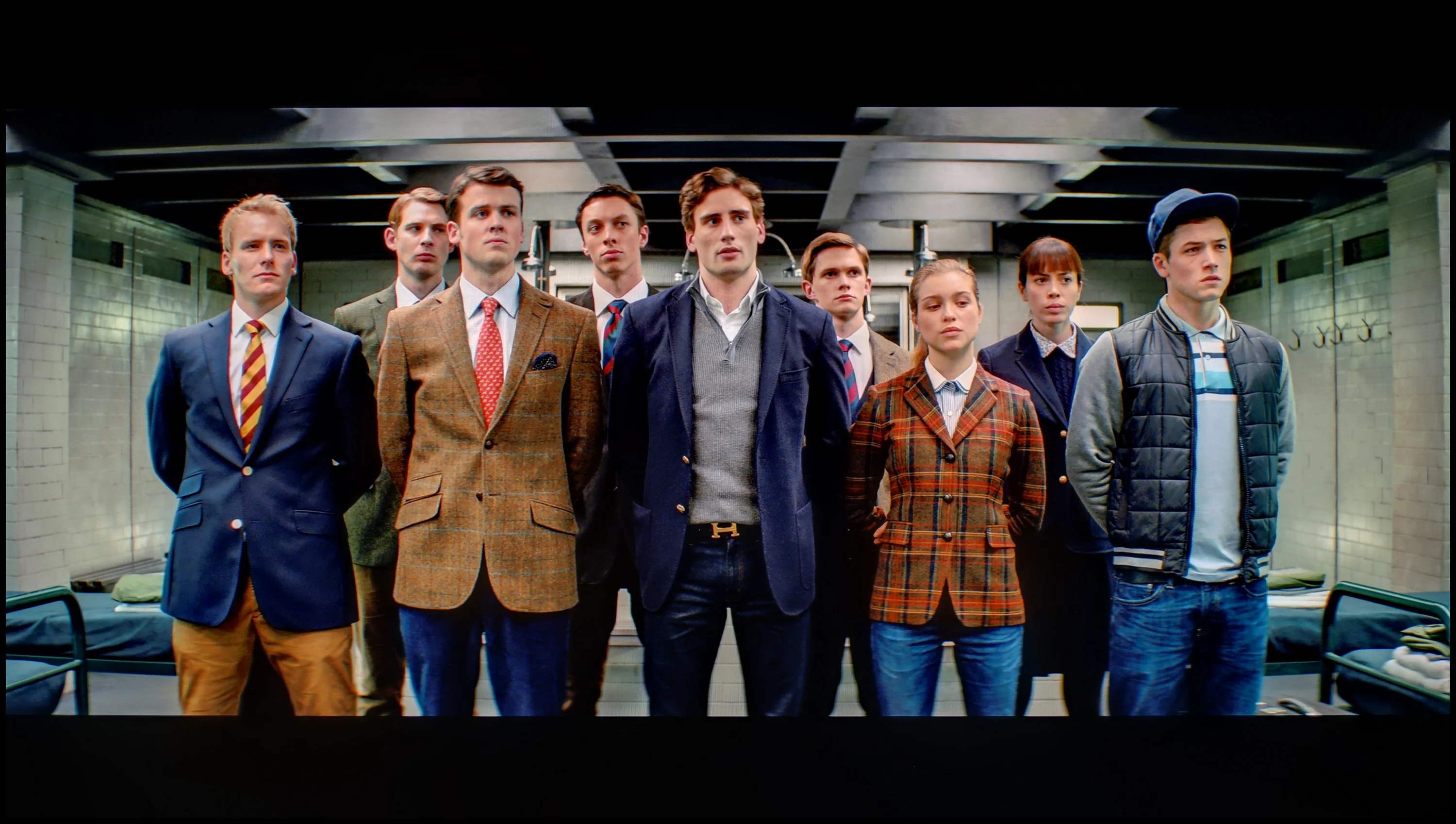
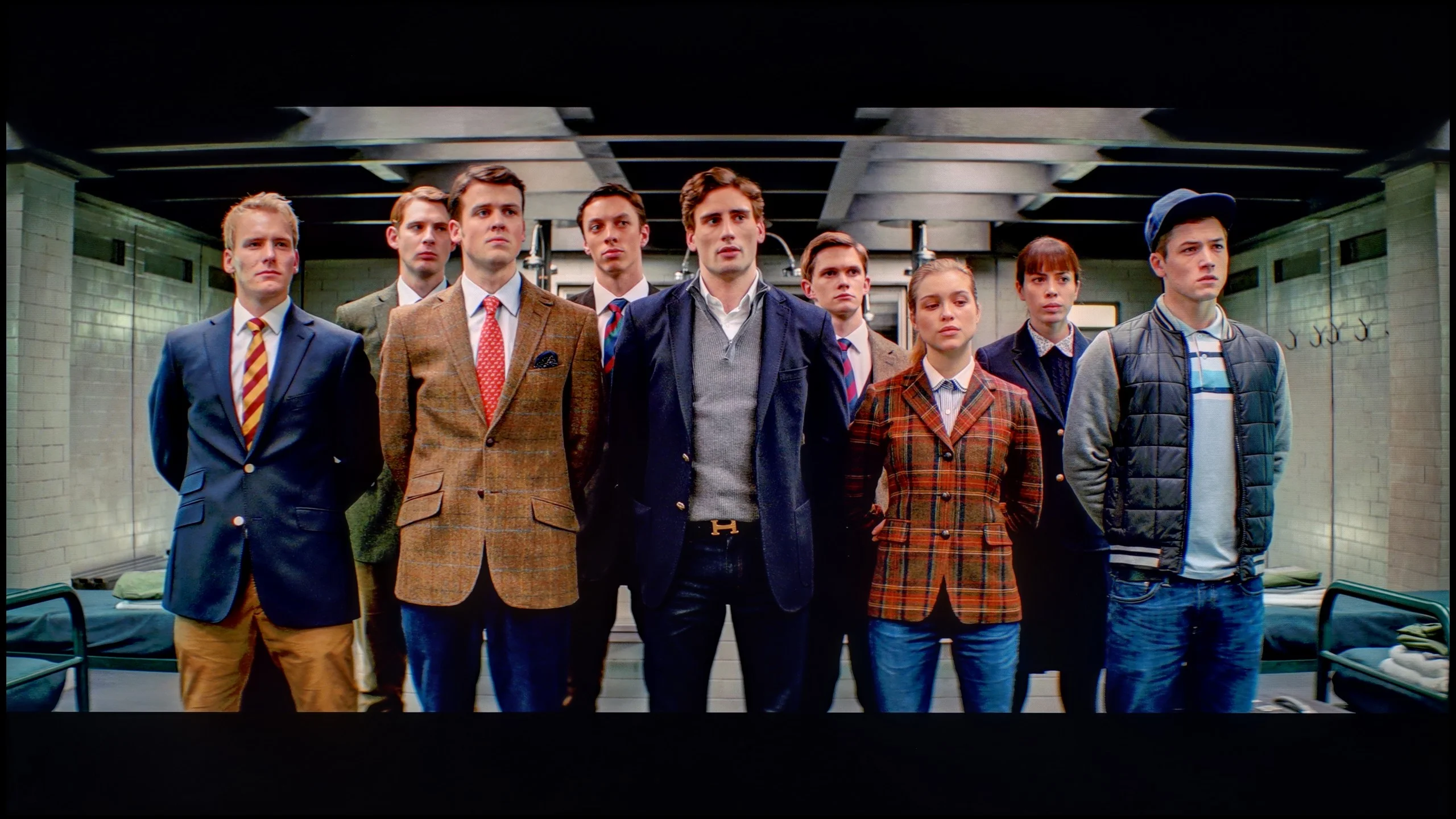
The photos show how movies look on the TV. Pay attention to black detail visibility, colors, and shadow tint.


The photos show how movies look on the TV. Pay attention to black detail visibility, colors, and shadow tint.
The manufacturer has been implementing extensive support for the calibration process in their LG televisions for many years. Therefore, we used 2- and 20-point grey scale adjustments along with an advanced CMS (Color Management System) and got to work. As you can see, thanks to the procedure carried out, each of the parameters has significantly improved. The use of tools has resulted in extremely beneficial effects, which include: studio colour reproduction, recovery of details in dark areas of the image, appropriate brightness characteristics, and proper colour saturation. Thus, we have maximised our approach to the reference image, or the one that the film director saw on the preview monitor. It is worth noting that the LG G4 televisions are the only ones that allow for even deeper intervention in image quality due to the capability to calibrate with 3D LUT matrices. However, this solution is recommended only for post-production or graphic studios.
After calibration we mainly managed to remove that warmer tint and better even out the white balance. We also smoothed the brightness response a bit, which made the picture more neutral and predictable. There are, however, things calibration won't fix. It's mainly the black performance, which comes from the backlight design and the lack of local dimming. In some scenes the blacks will therefore still be slightly lifted, and you just have to accept that. It's more a characteristic of this model than something you can fix with the settings. HDR is also somewhat limited. Samsung doesn't give full freedom to work across the widest colour gamut here, so not all colours can be reproduced perfectly. In normal viewing it will probably be hard to notice, but it's worth being aware of.
Smoothness of tonal transitions
6.2/10
8.5/10
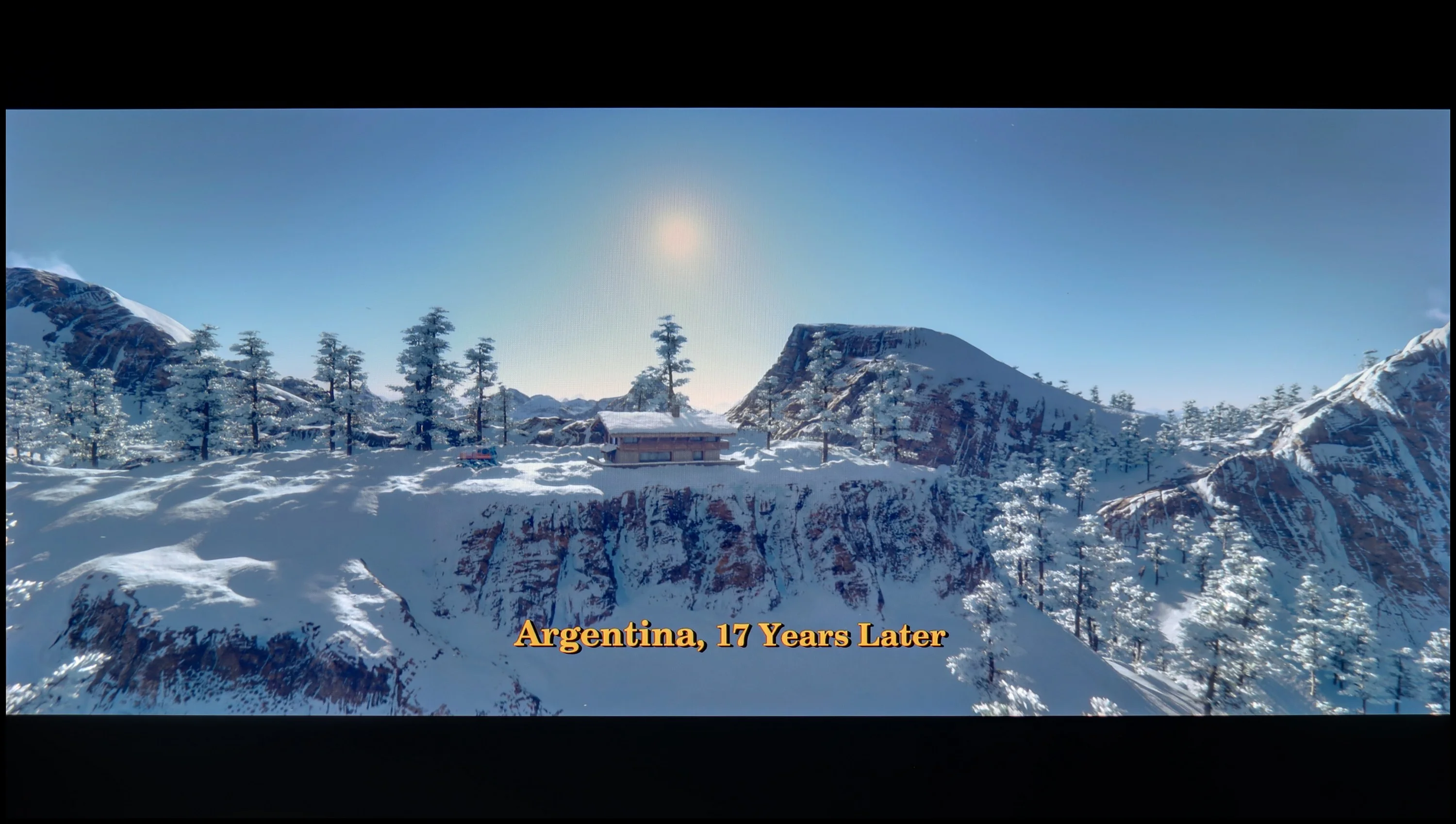

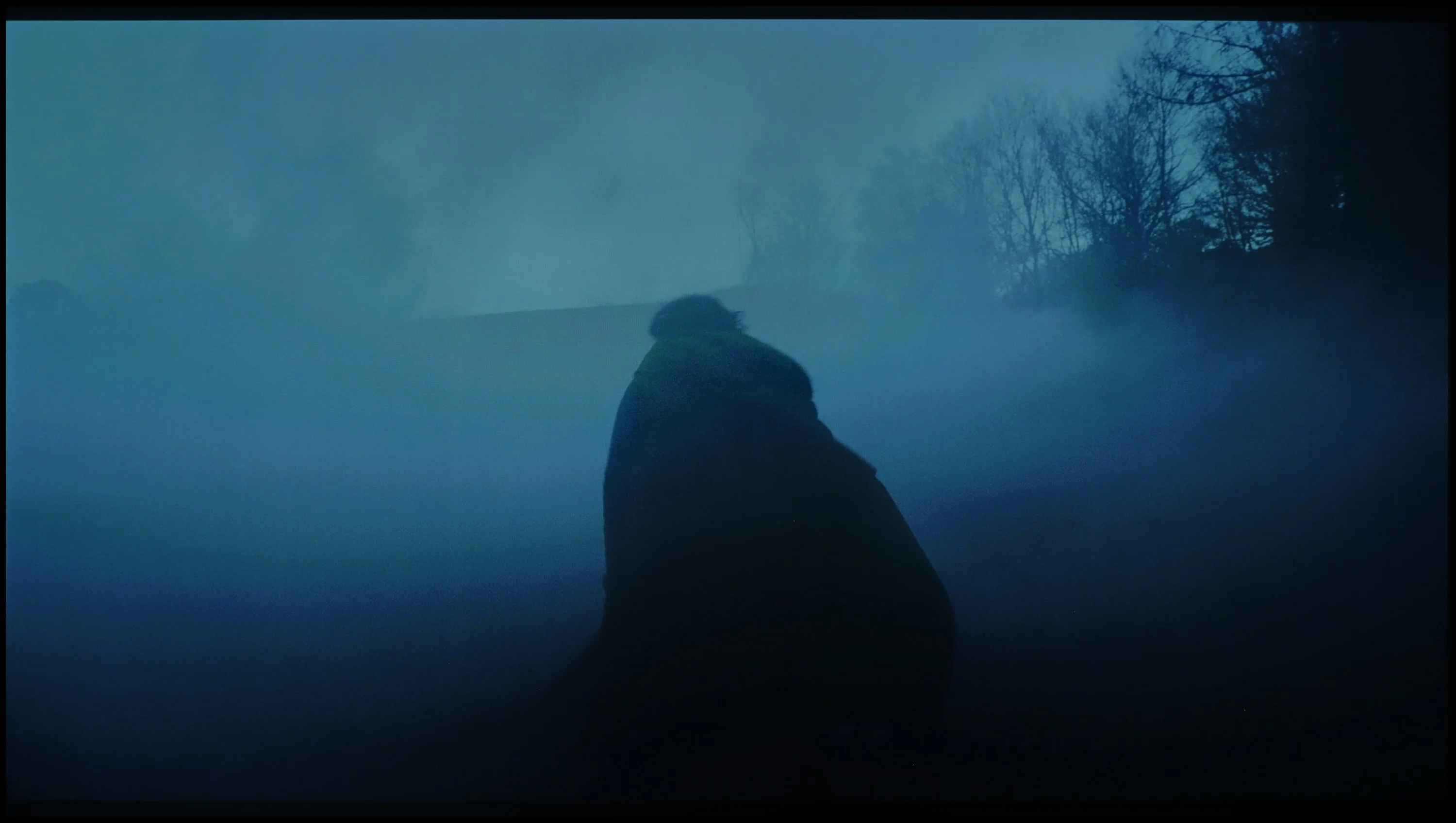
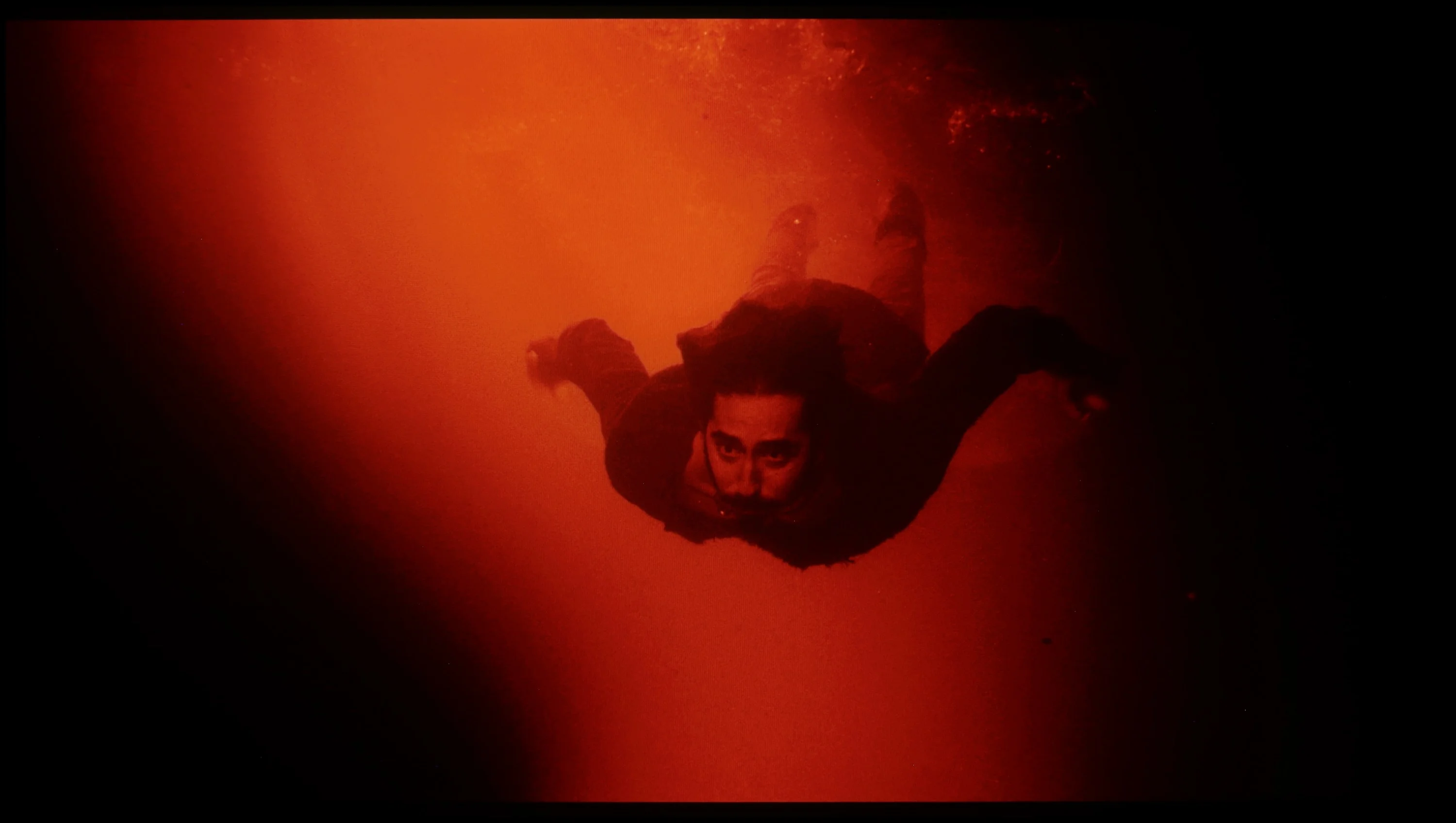
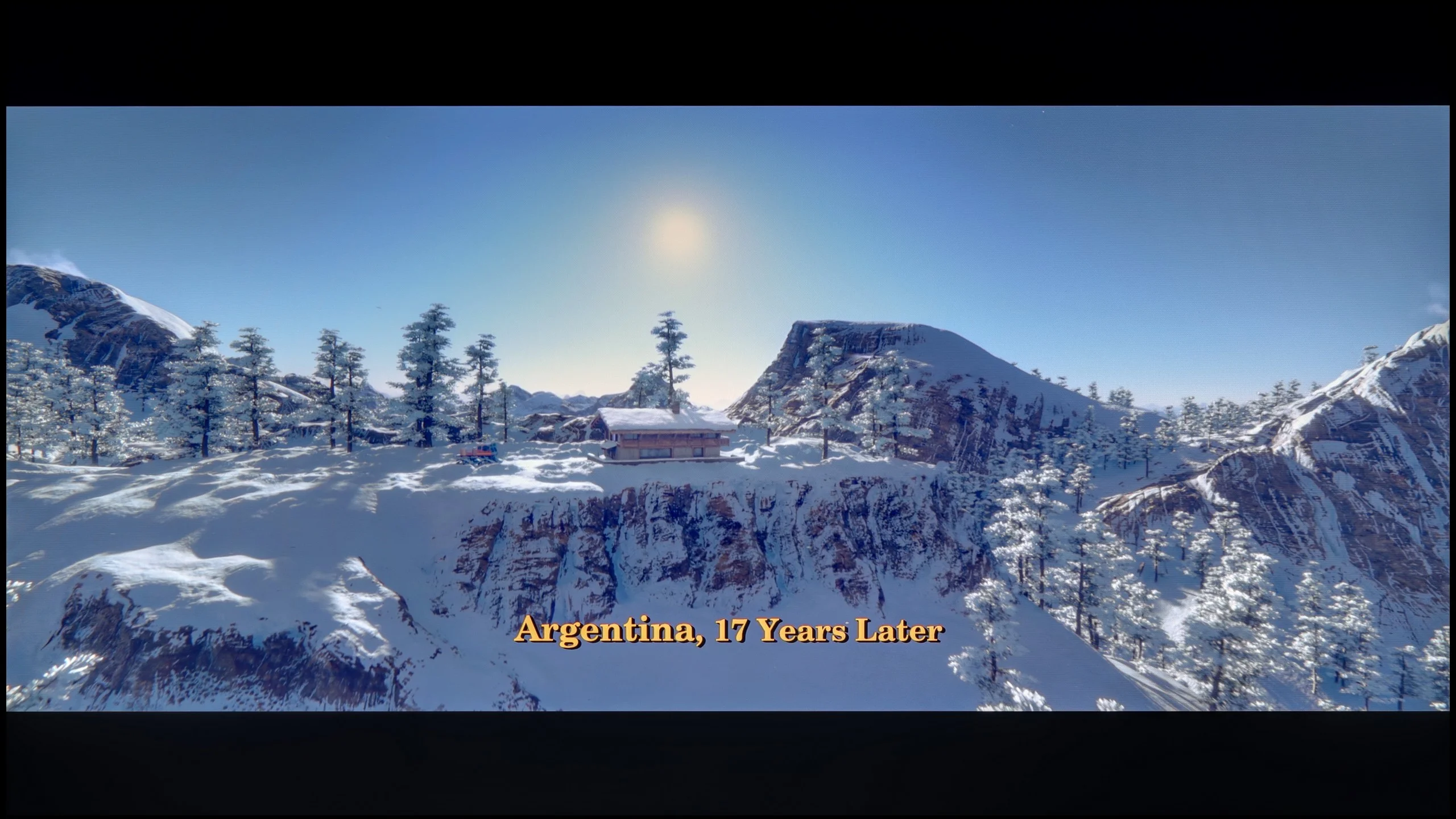
These are selected scenes that show smooth tonal transitions from one color to another. If you see distinct banding, it’s the TV panel’s fault.

These are selected scenes that show smooth tonal transitions from one color to another. If you see distinct banding, it’s the TV panel’s fault.
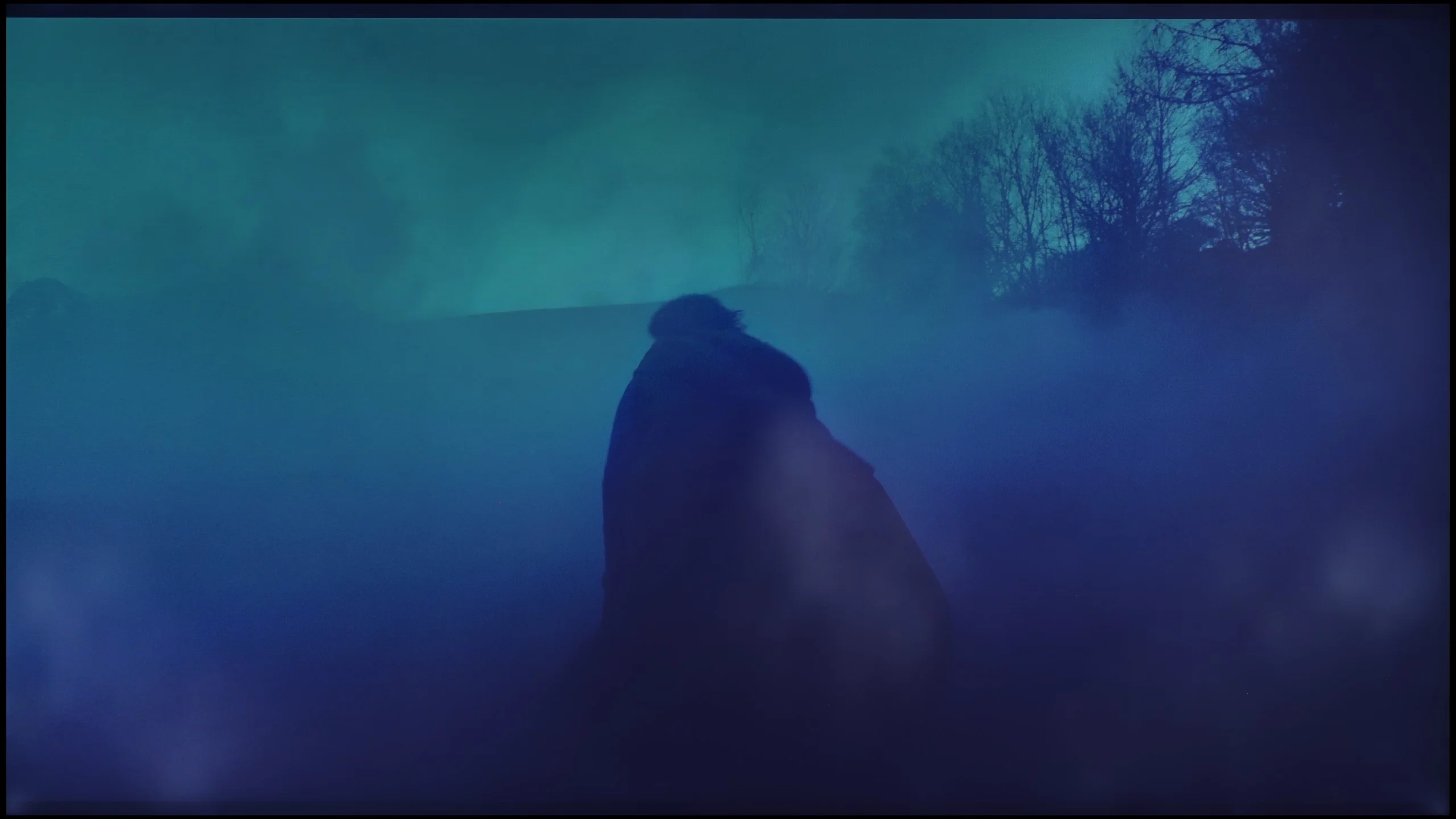
These are selected scenes that show smooth tonal transitions from one color to another. If you see distinct banding, it’s the TV panel’s fault.

These are selected scenes that show smooth tonal transitions from one color to another. If you see distinct banding, it’s the TV panel’s fault.
The tonal transitions presented on LG G4 are not among the top performers. Each scene played from a BluRay disc with 10-bit HDR exhibited noticeable choppiness in the colour transitions. This was particularly evident in the case of the film "The Green Knight," where issues related to posterisation were especially pronounced. This effect could also be observed in films with moderate to high brightness, such as "The Martian" or "Kingsman," which is rarely seen in televisions (especially of this class), which took us by surprise. Such results suggest that in scenes with low luminance and a lot of black, this issue will be troublesome, even for a layman.
Gradation in The Frame 2026 performs well, though not perfectly. In bright tonal transitions you can notice slight issues and occasional mild banding. These aren't faults that seriously affect normal viewing, but they can be picked up on our test patterns and in more demanding scenes. We'd rate the bright-tone gradation at roughly 7.5-8 out of 10.
Interestingly, gradation looks much better in the dark parts of the image. Here the transitions are very smooth and it's hard to find clear signs of posterization. That's the opposite of many LCD TVs, where the near-black areas usually cause more problems. In photos of dark scenes you can, however, spot some image irregularities. They don't come from the gradation itself but from panel uniformity and the backlight. Unfortunately, in that respect our sample of The Frame wasn't perfect, so in very dark shots you could see brighter and darker patches from the backlight.
Image scaling and smoothness of tonal transitions
8.2/10
7/10


Smooth transition function
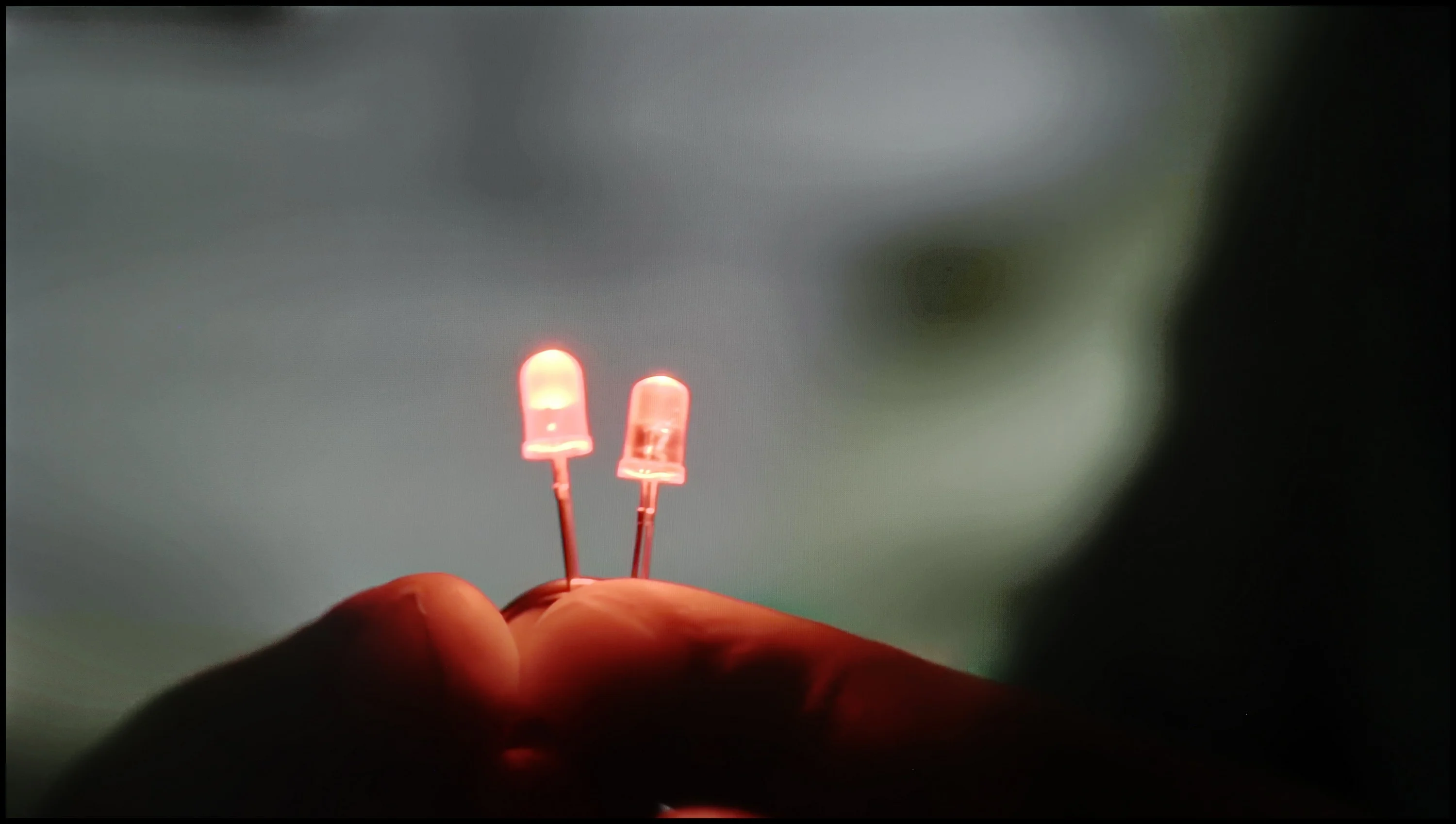
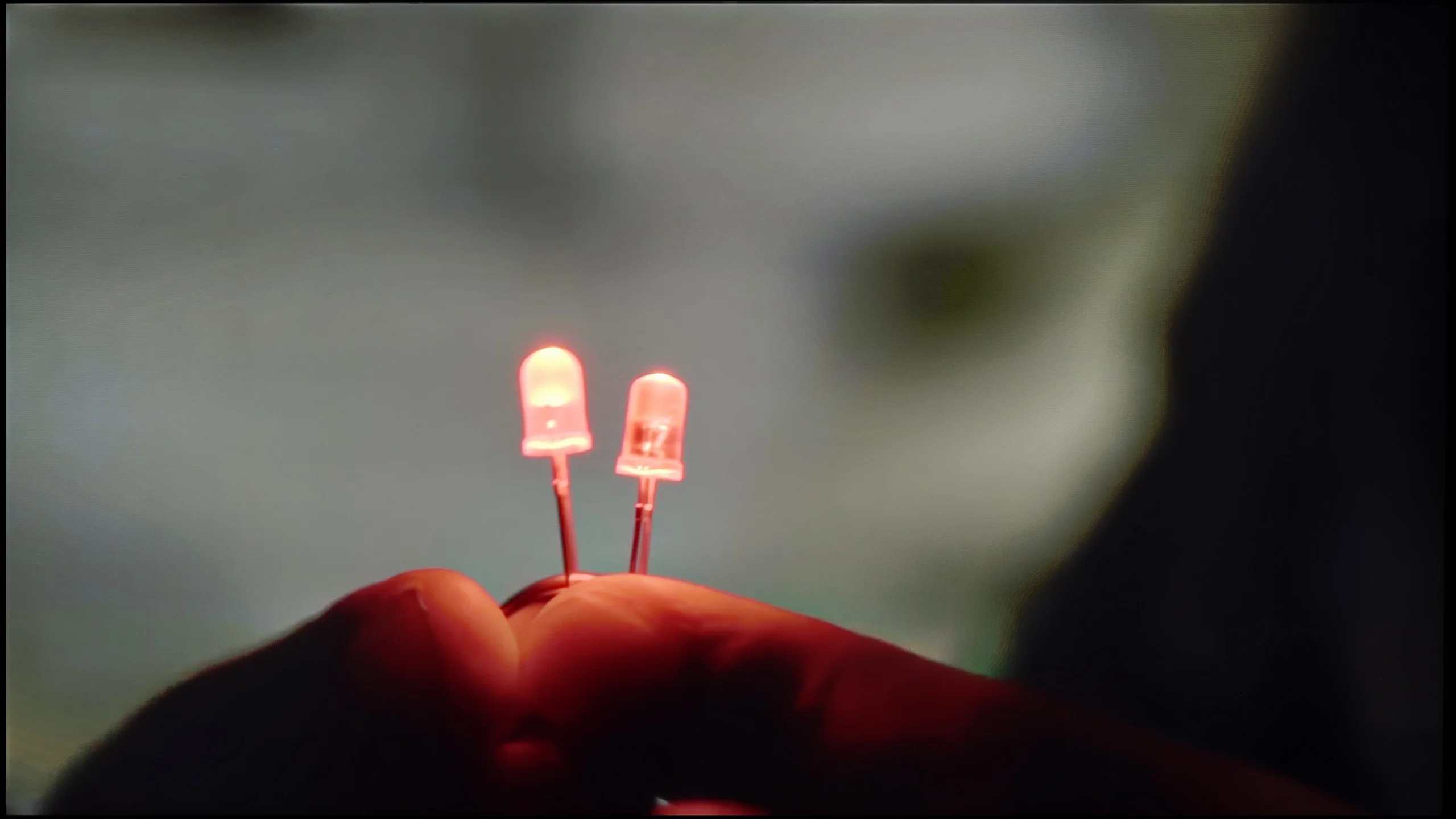
The match photo shows how the TV smooths weak tonal transitions in low-quality video.
Image scaling SD (576i)


The model photo shows how it handles upscaling of SD material.
The tested television did not perform well with content rich in tonal transitions, resulting in a strong posterisation effect. However, there is a partial remedy for this ailment. The manufacturer has equipped the LG G4 with a smoothing system called "Gentle Gradation," which we can apply at three levels: Low, Medium, and High. Each of these options guarantees quite high smoothing effectiveness on bright colours, though low on darker ones. We recommend primarily using the first one due to the fact that the other two interfere with directorial intentions, removing film grain.
When watching lower-quality content, the efficiency of the television during upscaling is extremely important. The image from the tested television is sharp and clear. However, attention should be paid to the jagged edges of fine details and minor issues around characters, such as the creation of a halo effect, which occurs due to the sharpening imposed by the LG G4 even when the slider is set to the lowest value, which is 0. It is worth noting that this is a change in relation to the LG G3, which did not impose such strong image sharpening, even when the appropriate slider was set to position 0.
As with many of Samsung’s newer TVs, this one also uses the NQ4 AI processor, albeit the older, second-generation version. I must admit it handles digital image processing quite well. Lower-resolution material is sharpened effectively, and when upscaled to 4K it still looks natural. The TV can also tidy up weaker sources a bit, such as older recordings or lower-quality broadcasts. That doesn’t, of course, mean it will suddenly turn poor footage into true 4K, but at close viewing distances the difference compared with simpler models with weaker processors is easy to spot. Edges are clearer and fine details aren’t lost as much to signal compression.
Samsung also provides a few extra picture-enhancing features, but as usual it’s best to use them sparingly. At stronger settings, noise reduction can very effectively reduce posterisation, but it also noticeably interferes with the image. The picture then starts to look quite artificial, for example by heavily smoothing faces. So these features make most sense with really poor sources when all the noise is very distracting.
Blur and motion smoothness
8.5/10
6.8/10
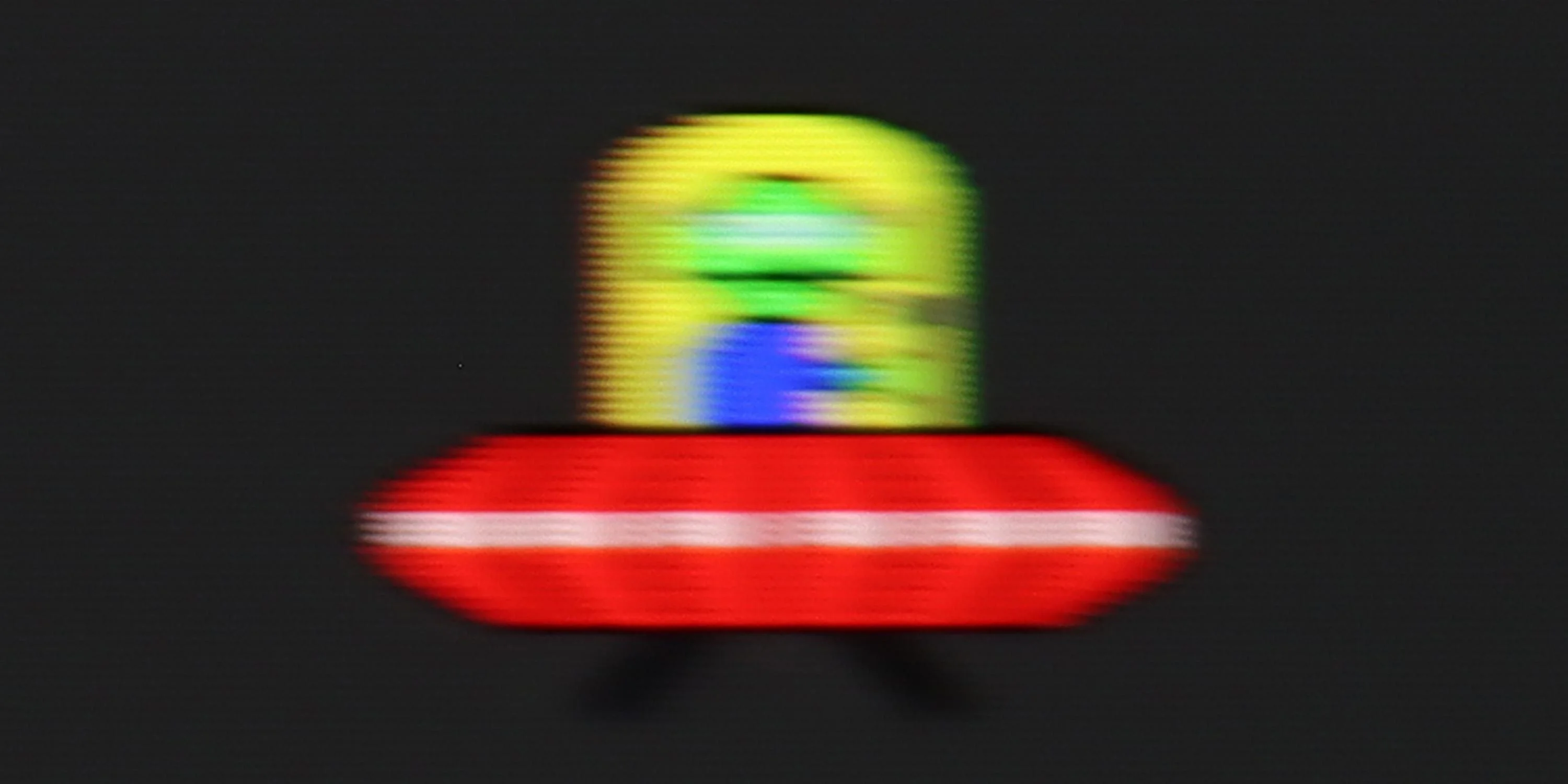
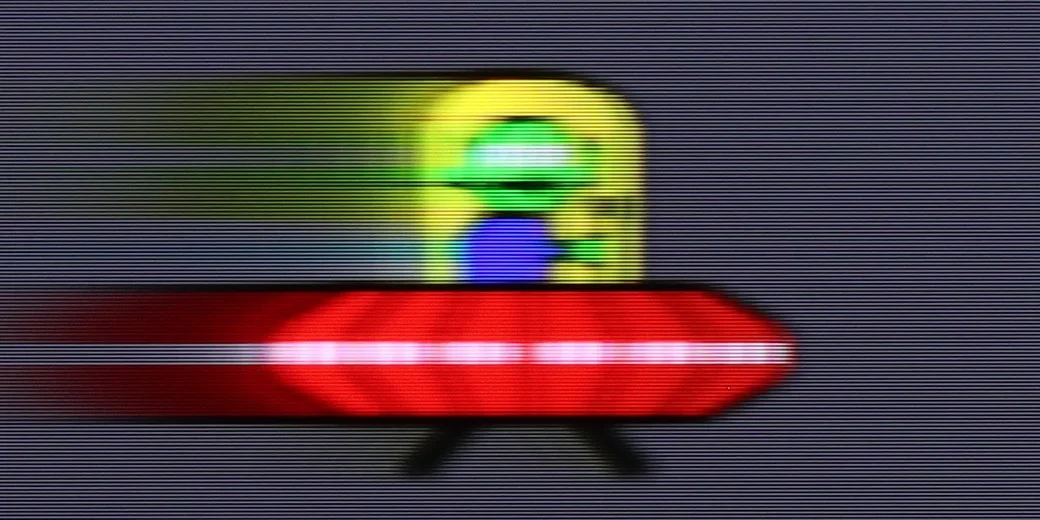
Blur (native resolution, maximum refresh rate):




Blur (BFI function enabled):
Image flickers in this mode

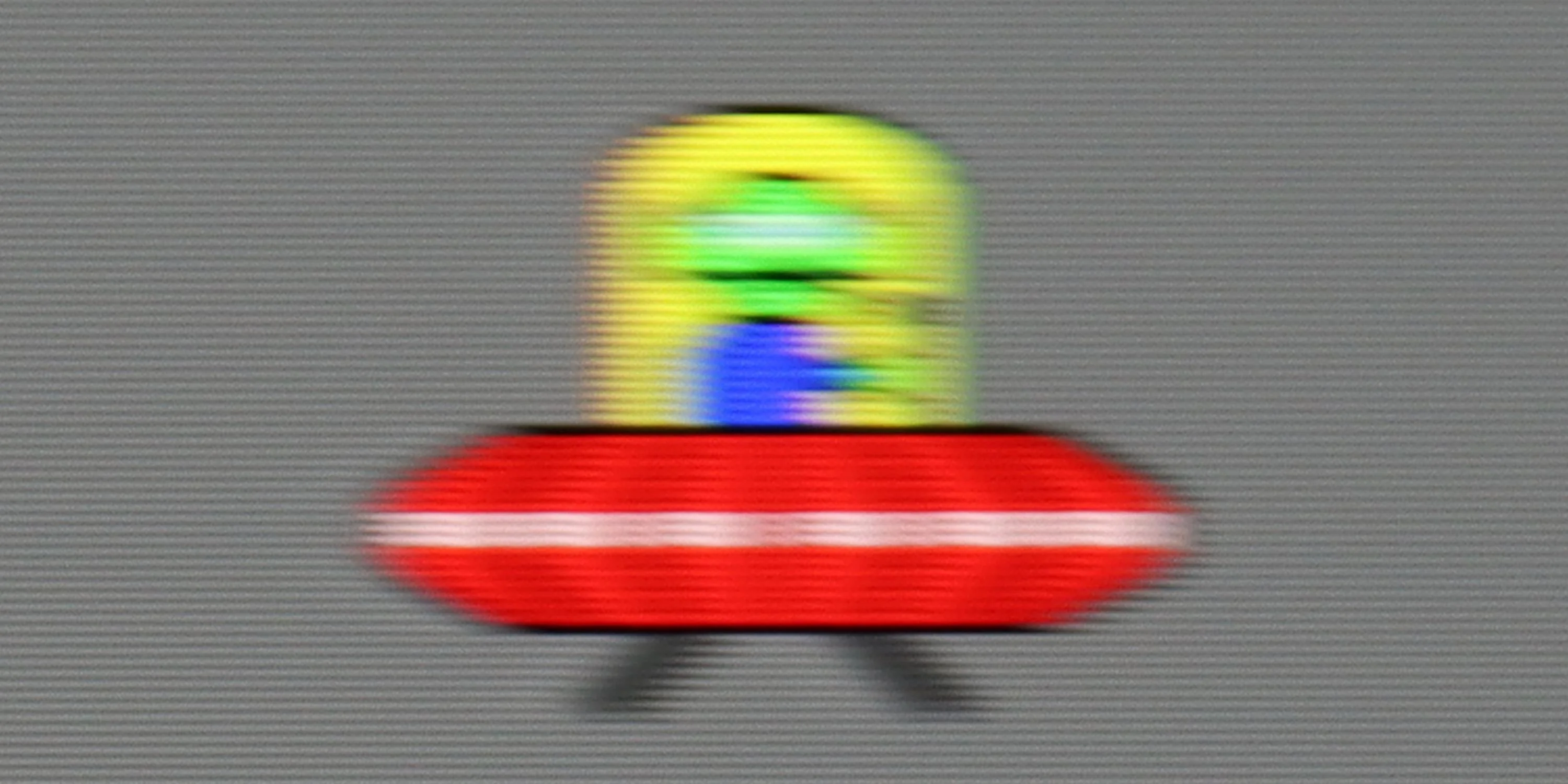
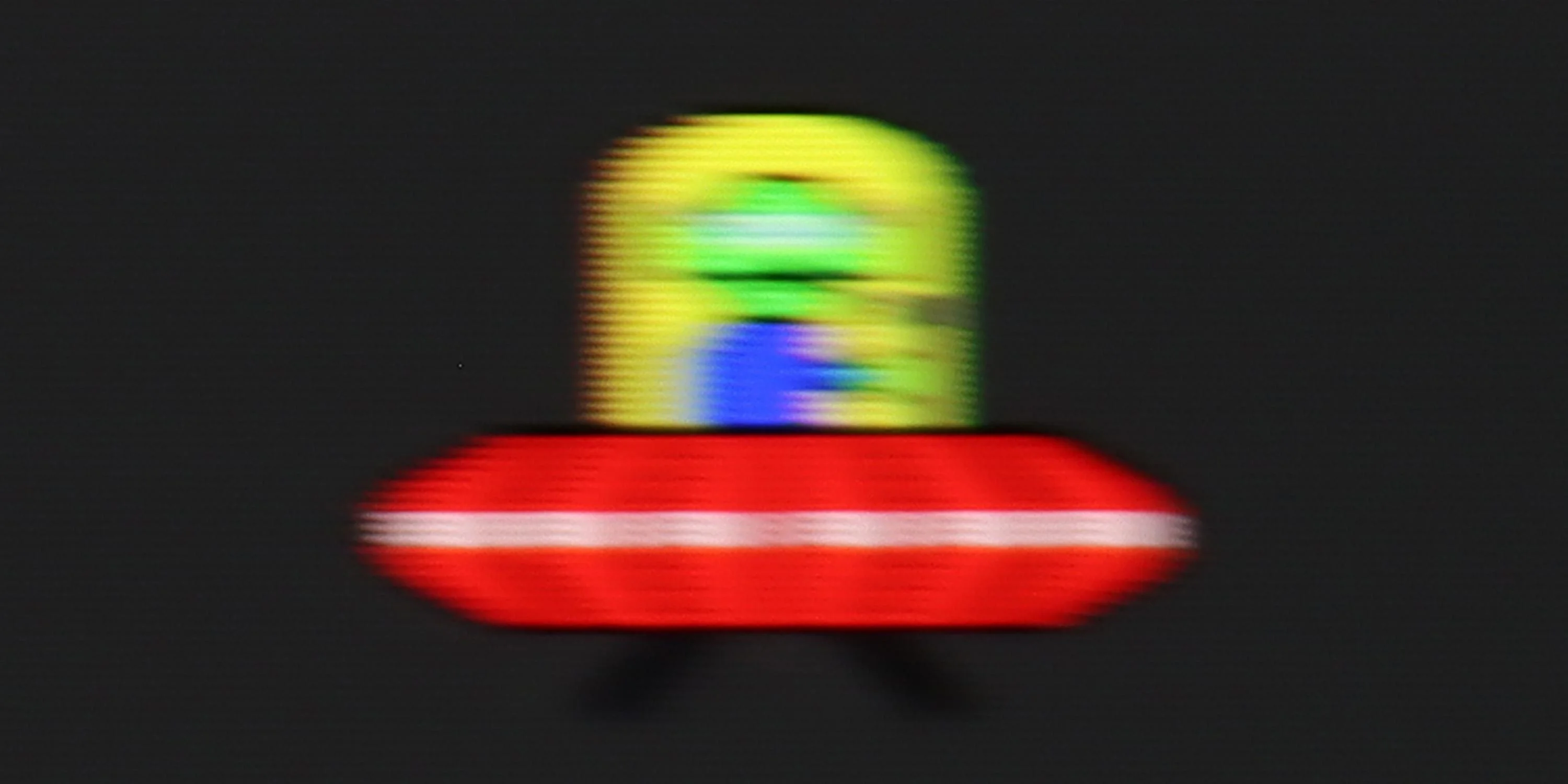
Image flickers in this mode



Blur ():
Blur (1080p@240Hz):


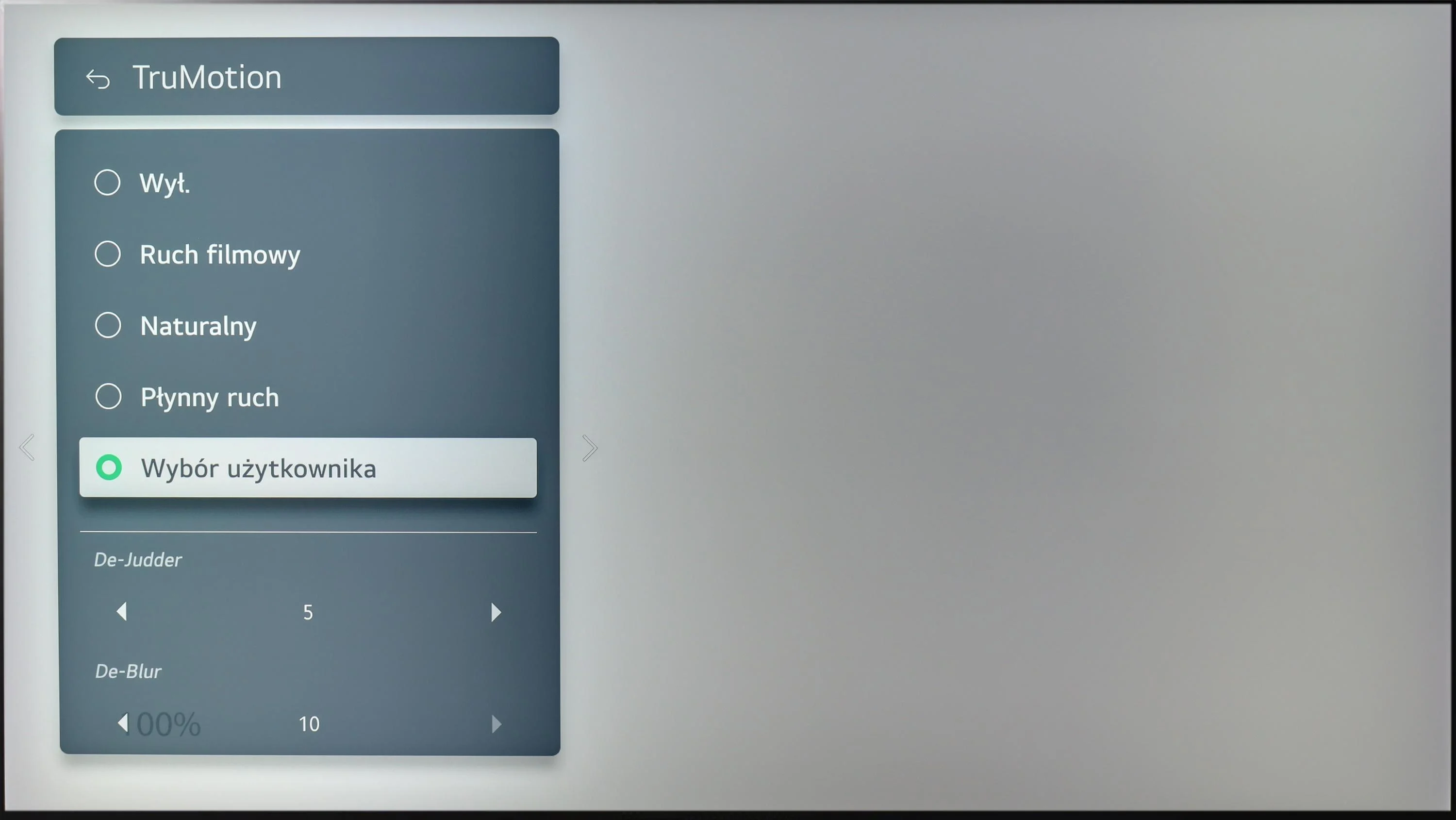
The maximum refresh rate that we can set on the LG G4 is 144 Hz. Naturally, this is only possible by connecting the LG G4 to a very powerful PC. Otherwise, we will be operating at a maximum refresh rate of 120 Hz, which is recommended if we primarily want to watch sports or content with high motion dynamics. For those who require high fluidity of image, the manufacturer has implemented a multi-level motion smoother called "TrueMotion". It has been divided into two separate sliders that adjust the sharpness of moving images (De-Blur) and judder (De-Judder). Both sliders can be set in the range from 0 to 10, with each increment affecting the degree of smoothing, so everyone can find their sweet spot.
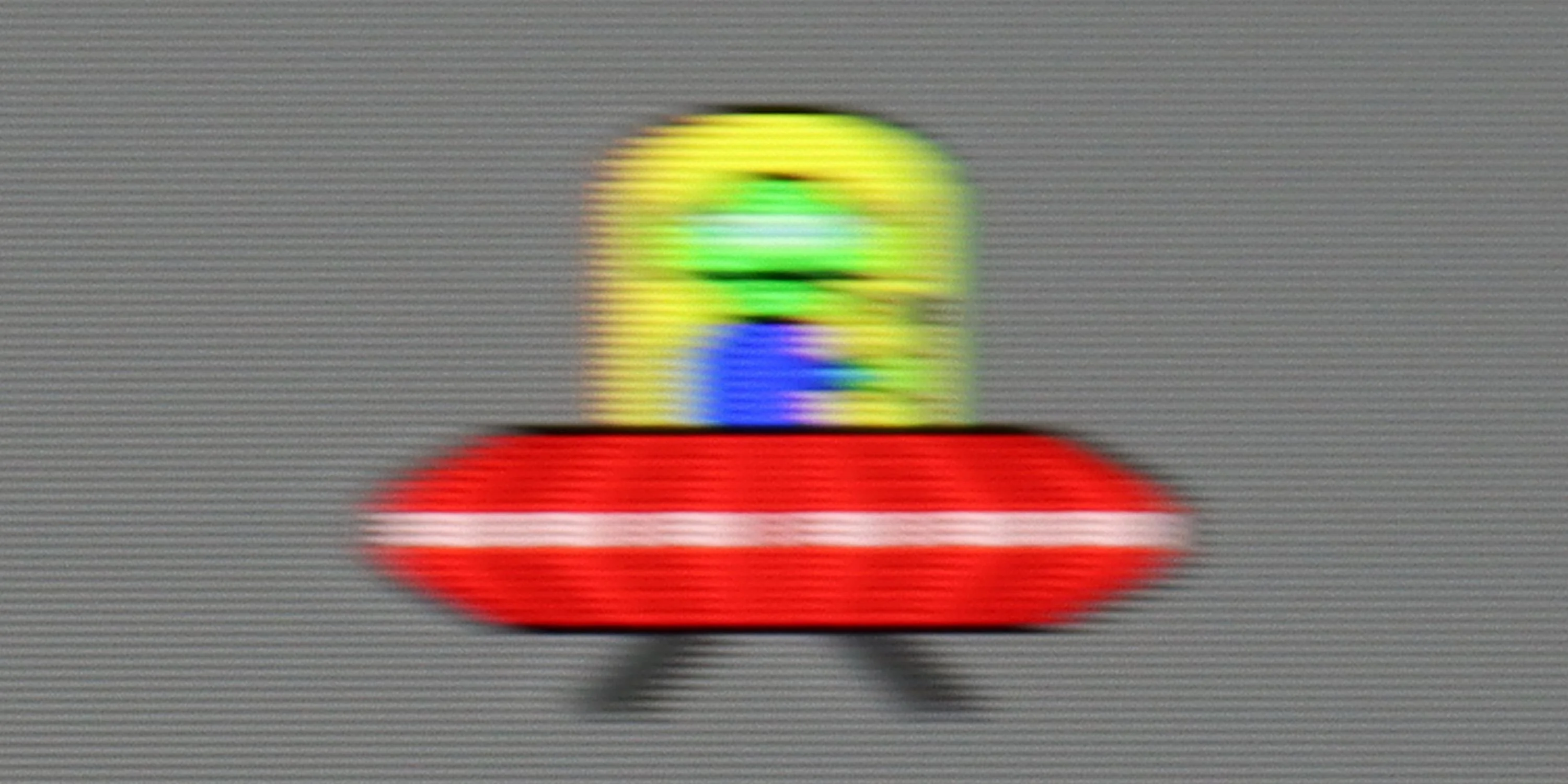
The LG OLED G4 panel features an average response time of 0.78 ms (which directly results from our measurements), allowing for an incredibly clear image, unattainable by LCD televisions, which have response times of even several milliseconds. This is clearly visible in the "UFO Test" images, showing the absence of any trailing blur behind the object. Furthermore, the LG OLED G4 test showed that the television offers the ability to precisely adjust motion smoothing functionality, allowing users to choose the ideal level of image interpolation. We particularly appreciated this during fast-paced action in video games, where the LG G4 performed exceptionally well, minimising any blurriness. Thanks to OLED technology, this model eliminates so-called ghosting, ensuring that the image remains sharp even in the most dynamic sports or movie scenes.
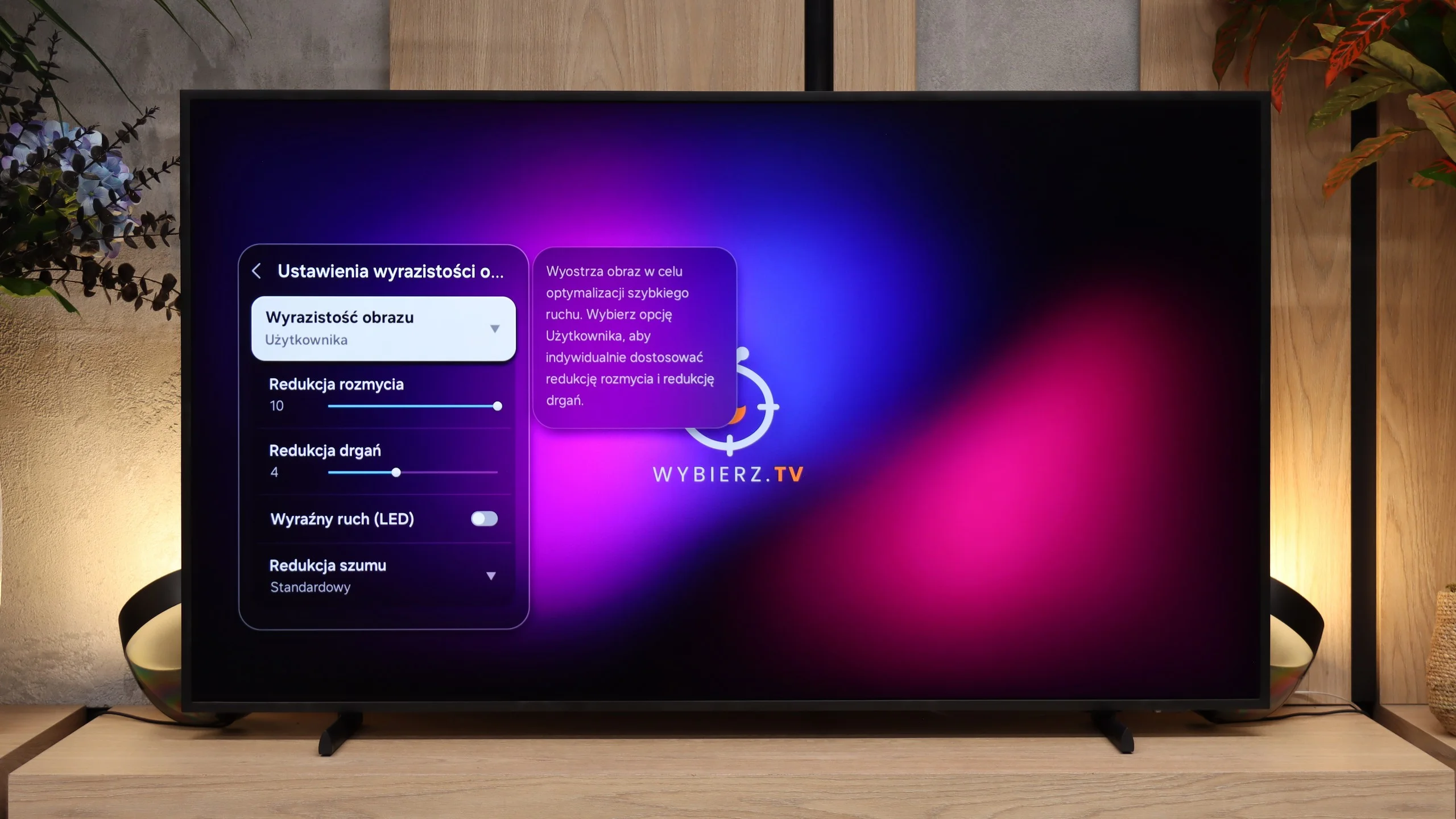
Samsung again used a panel here with a maximum refresh rate of 144 Hz. Refresh rates up to 120 Hz mainly offer greater flexibility with high-motion content. The TV can use additional motion smoothing systems that can improve smoothness in sports and other fast-paced content. However, a high refresh rate alone does not solve everything. The Frame still uses a VA panel, which has a fairly slow response time, resulting in quite pronounced motion blur. With fast-moving objects, especially against dark backgrounds, the trails are easy to notice. There's also a slight double-imaging of edges, which can be visible even after turning off additional motion enhancement systems. We already saw similar behaviour in last year's The Frame 2025, and it's a shame Samsung hasn't fixed this. The 144 Hz itself provides a good foundation, but the panel's response time still limits this TV.
Console compatibility and gaming features
10/10
9.6/10
- ALLM
- VRR
- VRR range40 - 144Hz48 - 240Hz
- Dolby Vision Game Mode
- Correct implementation of HGIG
- 1080p@120Hz
- 1440p@120Hz
- 4K@120Hz
- Game bar
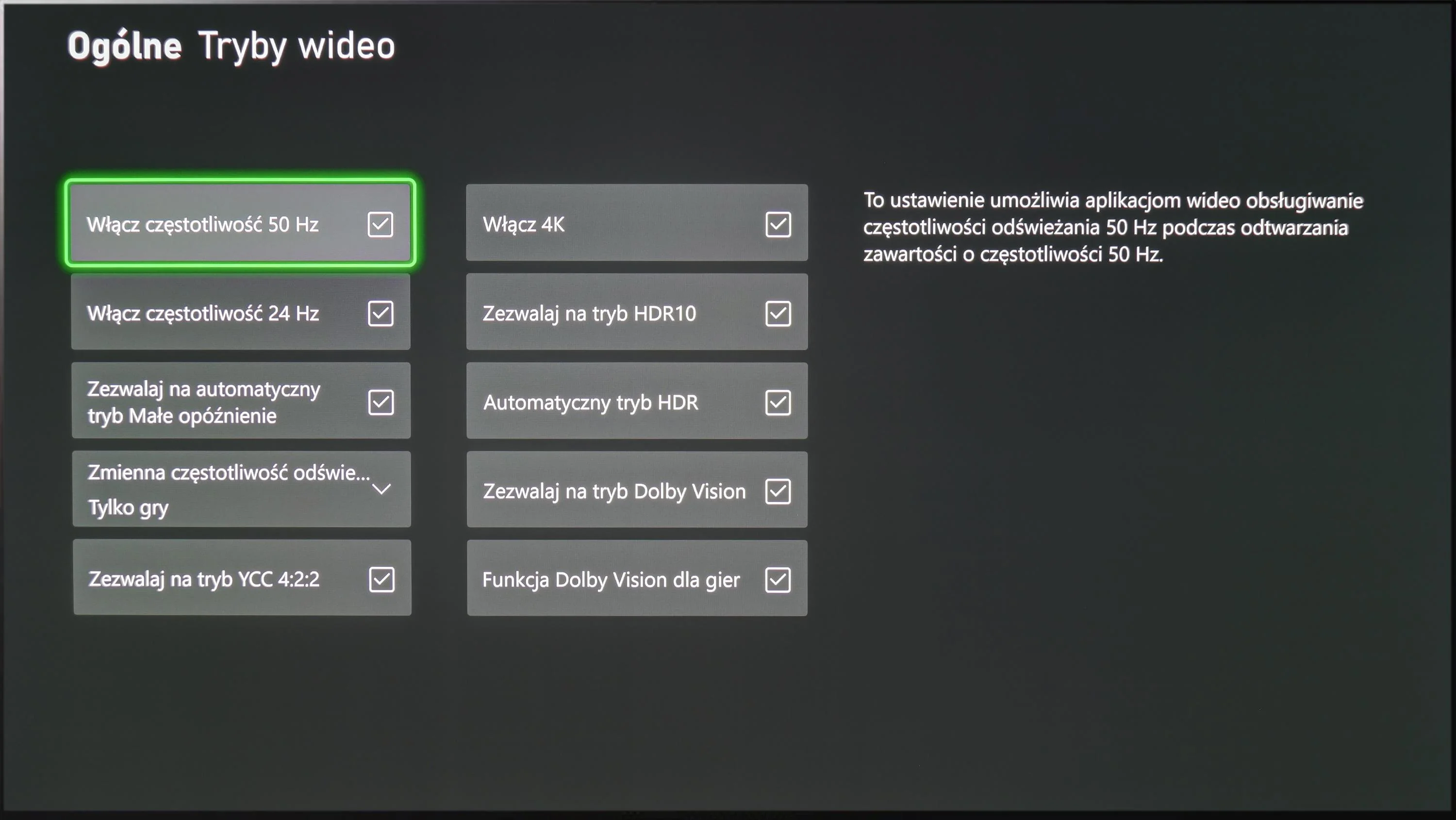
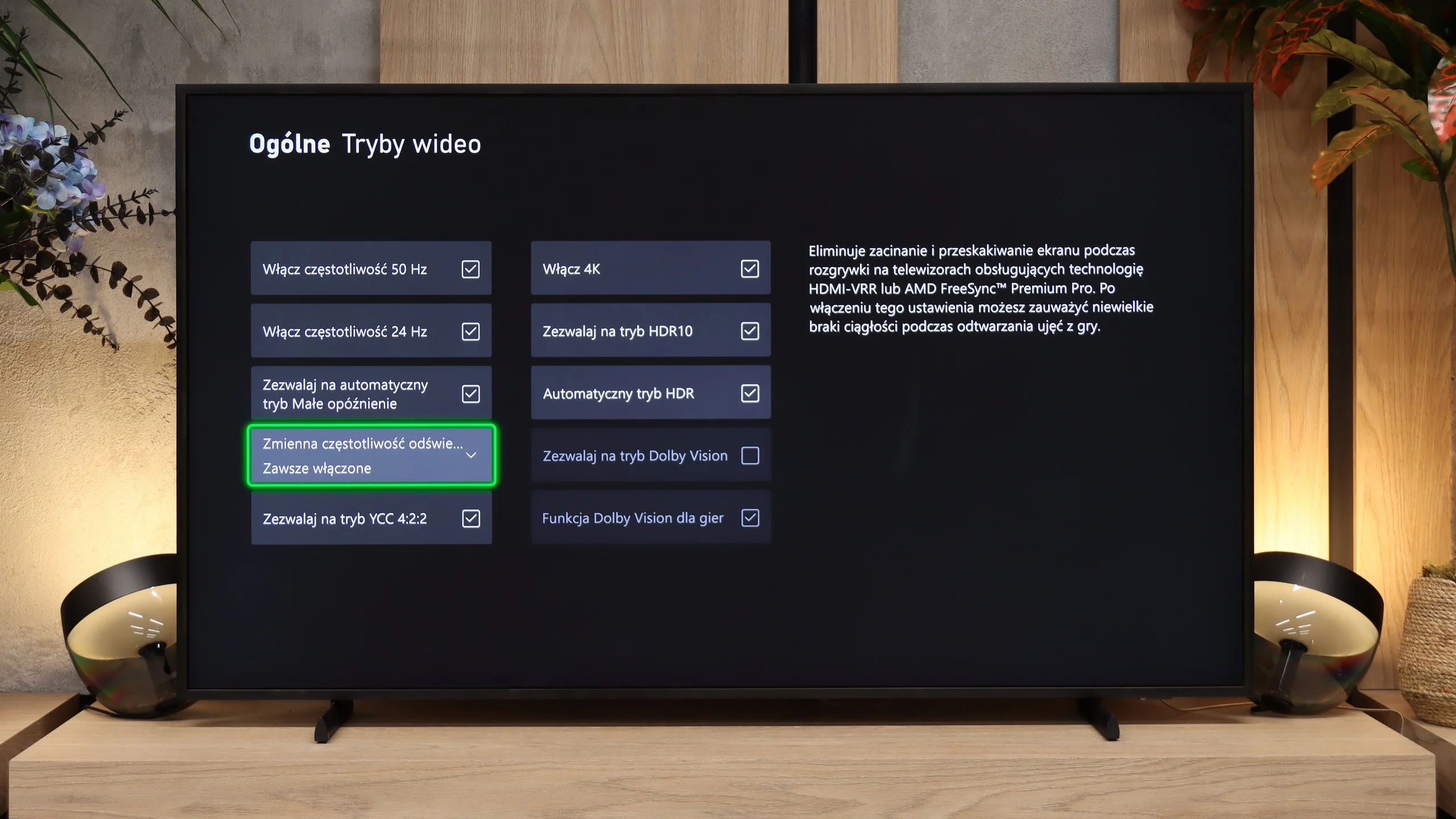
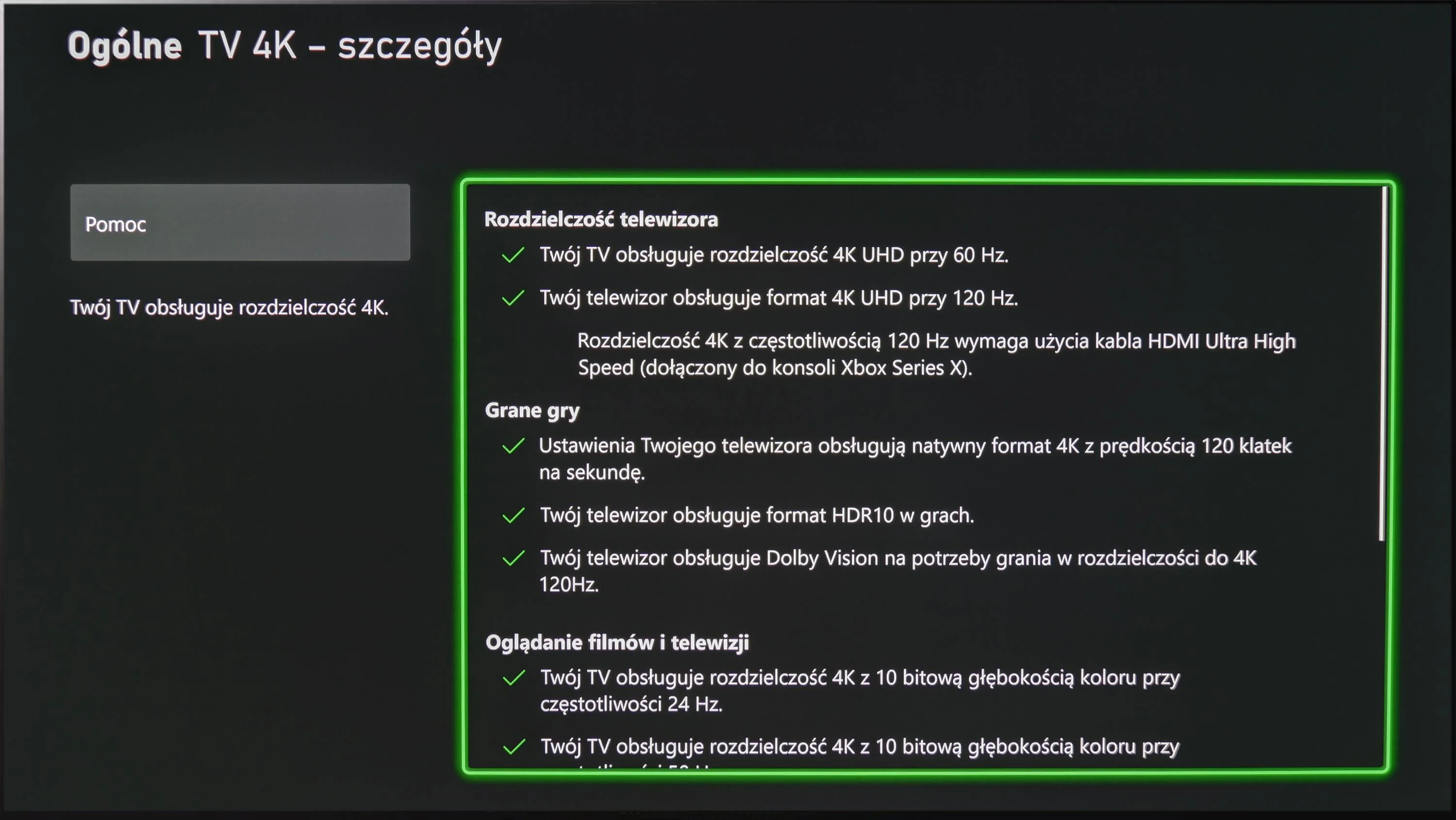
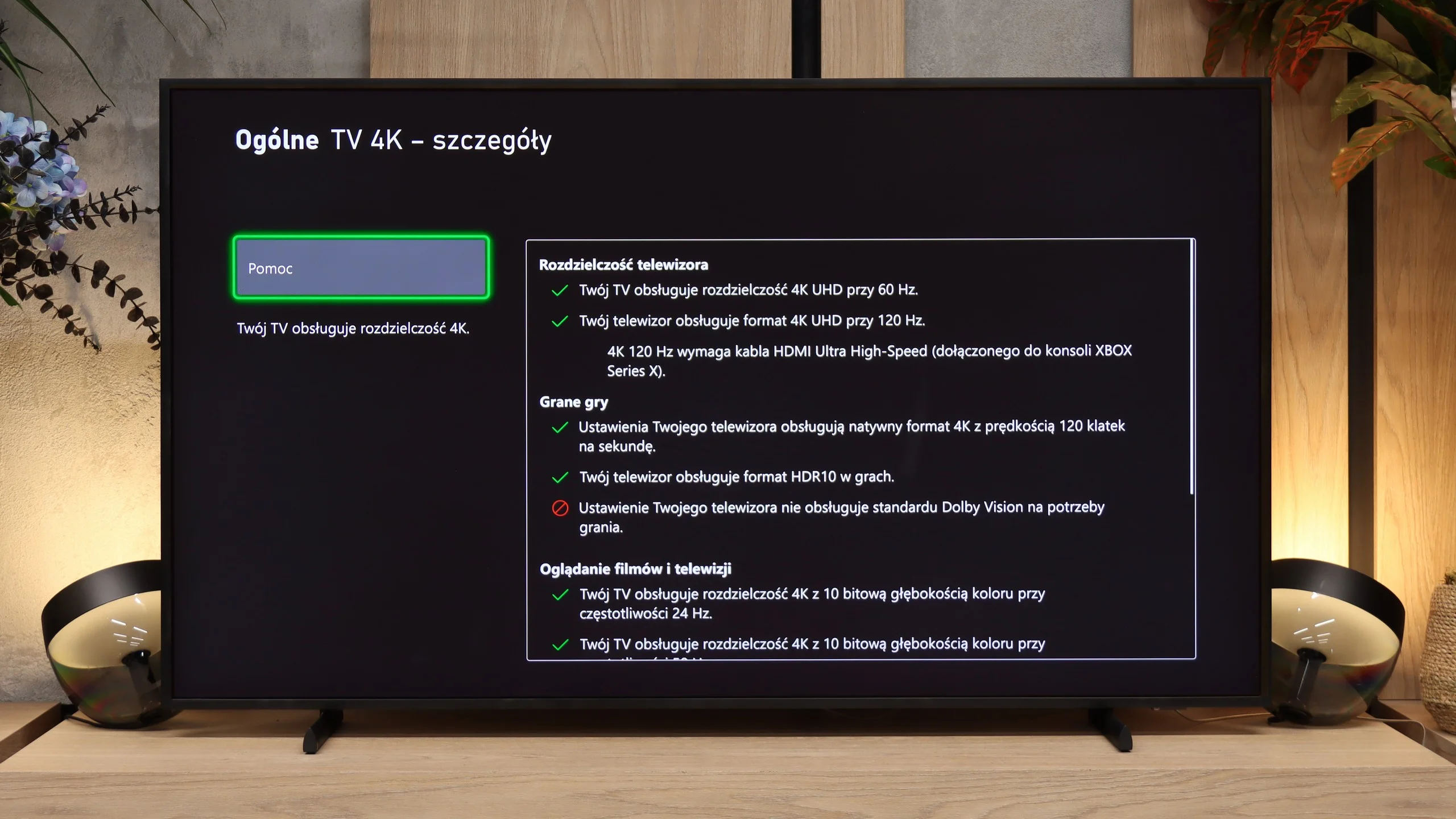
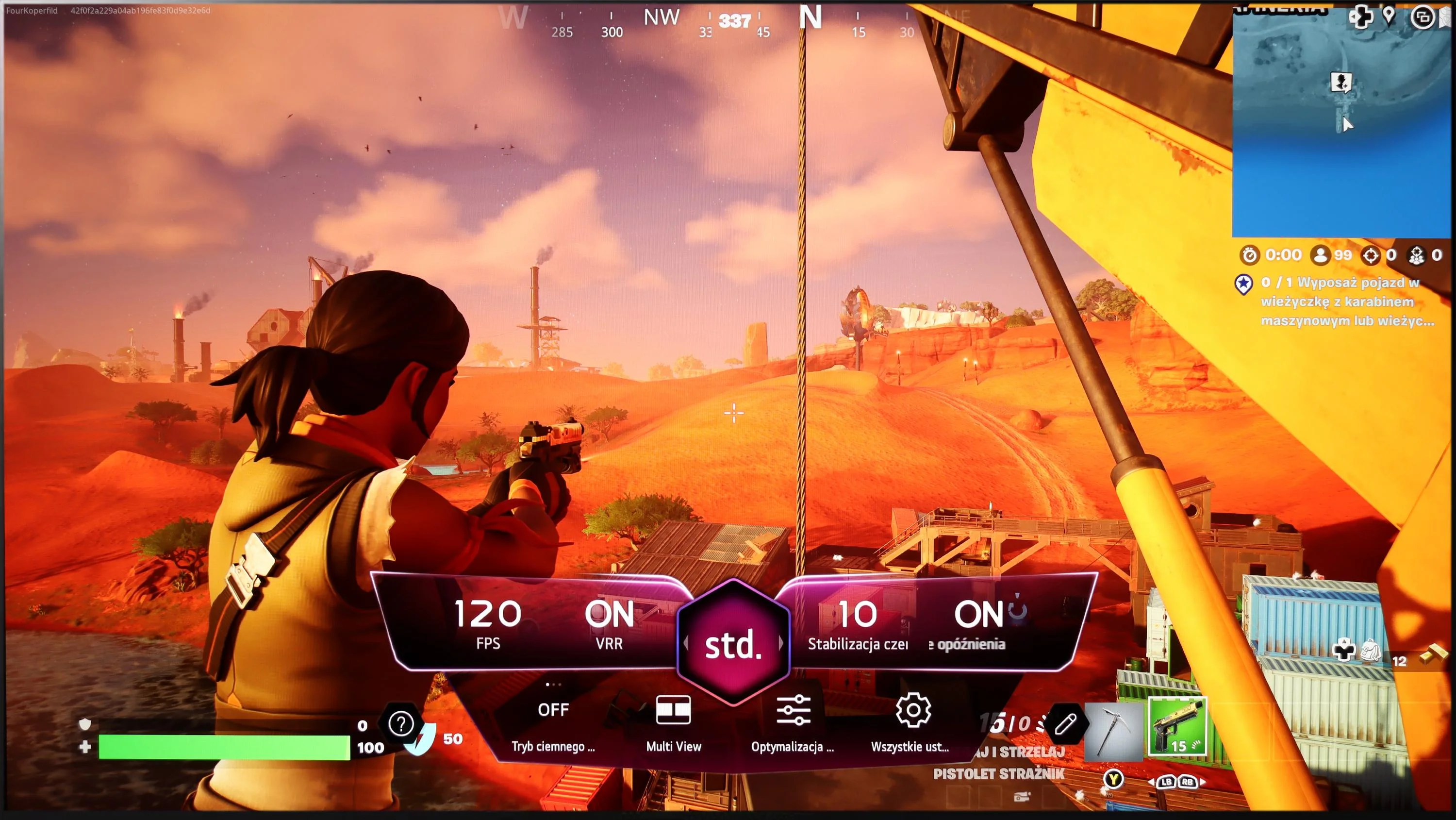
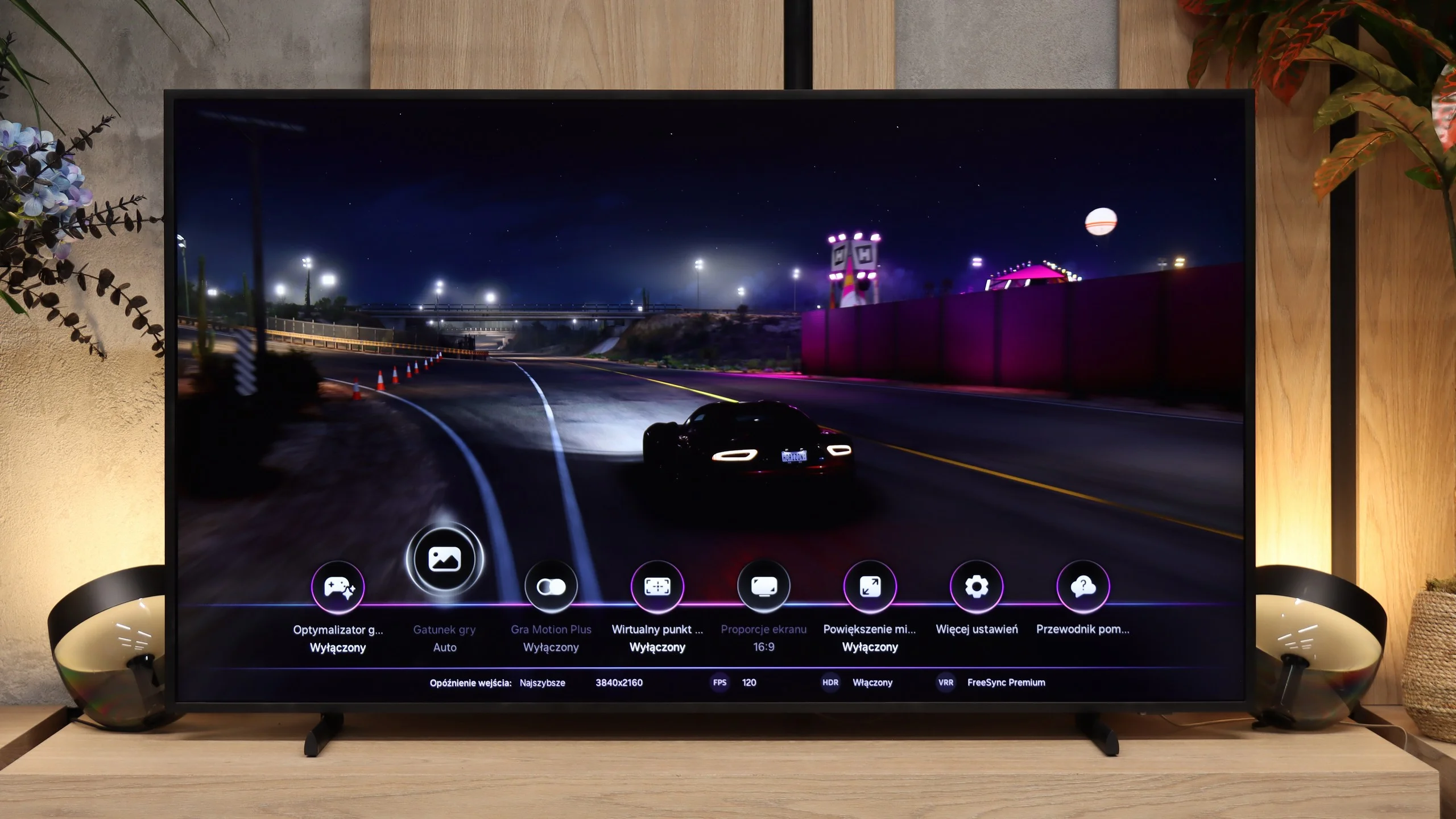
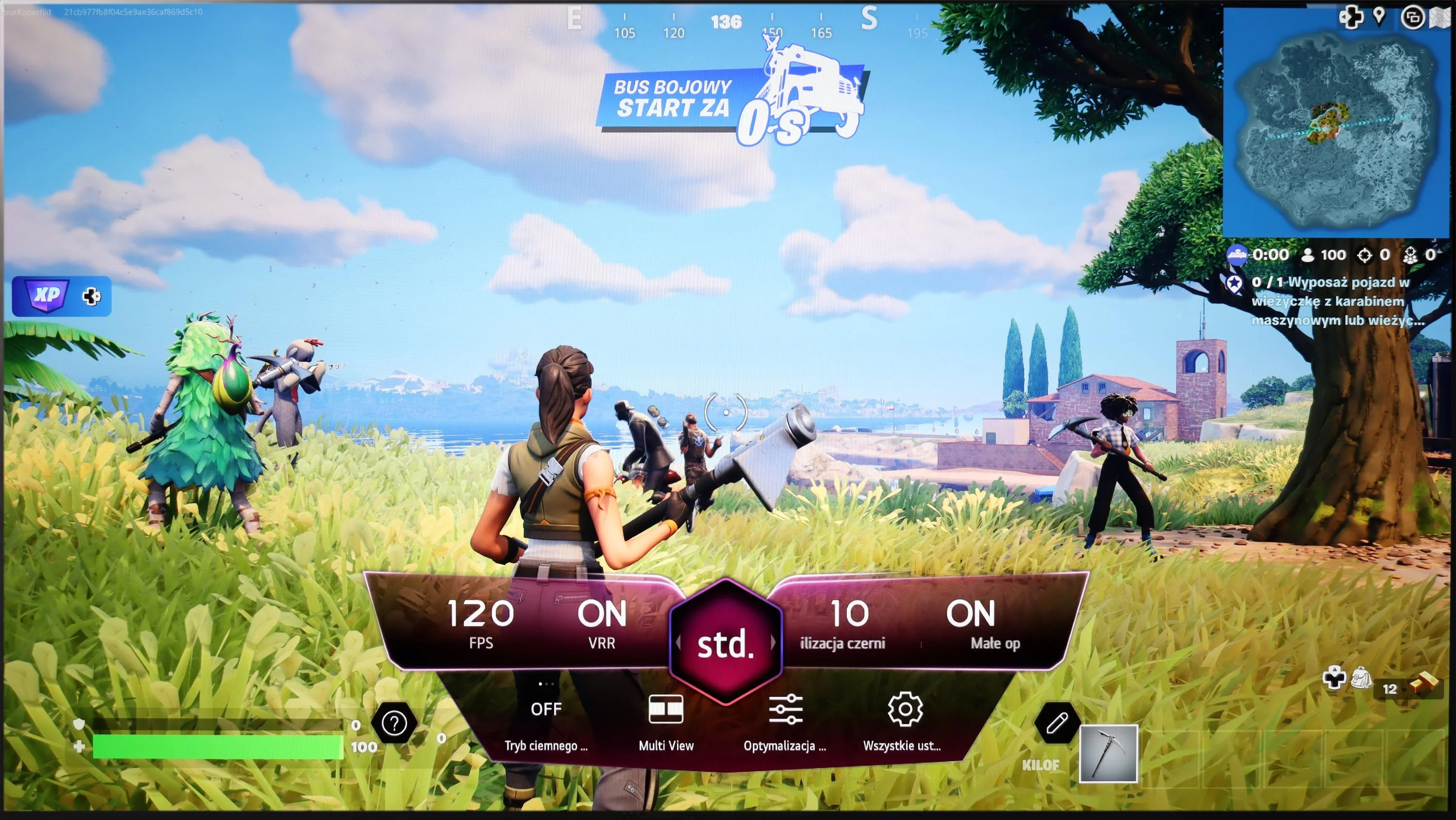
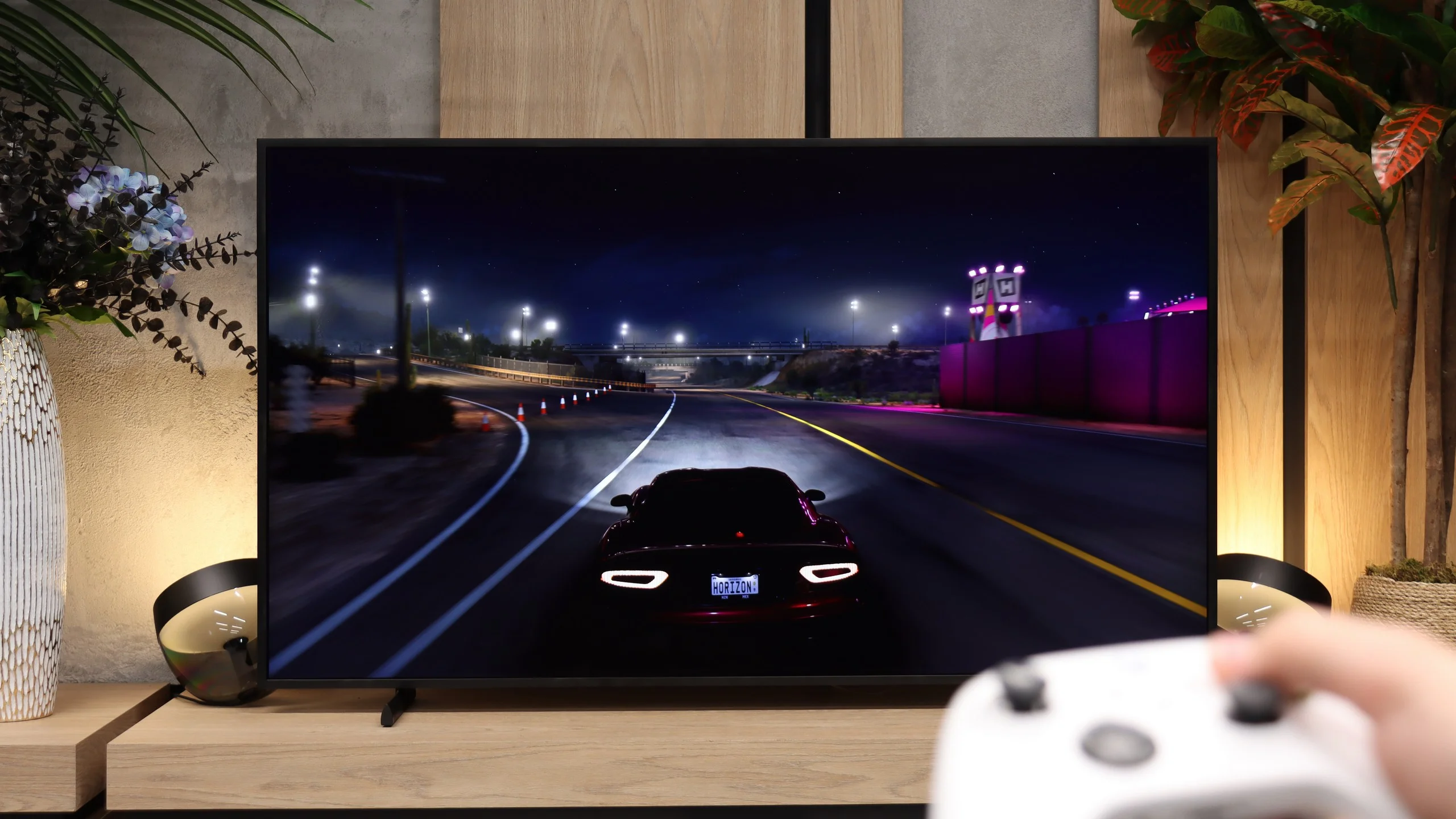
The LG G4 television supports all features that make up the HDMI 2.1 standard. During testing, each feature activated without any issues, which allows us to consider the television as designed for gaming. Its performance will certainly be appreciated by both console users and those connecting the LG G4 to a computer. It’s also worth mentioning the proper implementation of the HGIG (HDR Gaming Interest Group) mode, which ensures that games mastered to brightness levels beyond the maximum luminance of the LG G4 will correctly map tones, keeping the game image true to the original.
A nice touch is the presence of a special GameBar that we can bring up at any moment to check game parameters, but most importantly, to change them quickly. More importantly, turning on VRR technology does not degrade contrast, which is often a problem in televisions with local dimming or Mini LED backlighting. Of course, this is thanks to the OLED panel itself, characterised by pixel self-emissiveness. As a journalistic note, we will only mention a slight grey flicker, which, however, is somewhat normal when VRR is enabled.
In summary, the LG G4, like practically all OLED televisions, is an ideal product for all kinds of gaming and online competitions. With full HDMI 2.1 ports with a complete bandwidth of 48 Gbit, features such as VRR, ALLM, G-Sync, FreeSync, or HDR Dolby Vision gameplay will bring a lot of joy.
When it comes to gaming features, The Frame is practically on par with Samsung’s flagship TVs. Once a console is connected, the TV automatically switches to Game Mode thanks to ALLM, so there’s no need to change the settings manually every time. There’s also VRR, which matches the screen’s refresh rate to the frame rate generated by the console or PC. When the frame rate drops, this helps prevent the characteristic screen tearing that can otherwise occur.
The Frame naturally supports 4K at 120Hz, allowing you to take advantage of higher frame rates on the PlayStation 5 and Xbox Series X. HGiG also works correctly. Once HDR has been properly calibrated on the console, the TV doesn’t try to additionally brighten the image on its own, so bright highlights in games are displayed as they should be.
Samsung also includes its Game Bar. This quick-access menu can be opened without leaving the game and lets you check things like VRR operation or the current frame rate, while also giving you quick access to the most important gaming settings. PC users get even more flexibility, as the Full HD mode mentioned earlier allows the refresh rate to be increased all the way up to 240Hz.
There is really only one feature missing, and by now it’s something we’ve come to expect from Samsung TVs: Dolby Vision Gaming. Xbox owners will notice this the most, as Xbox consoles can actually use Dolby Vision in supported games.
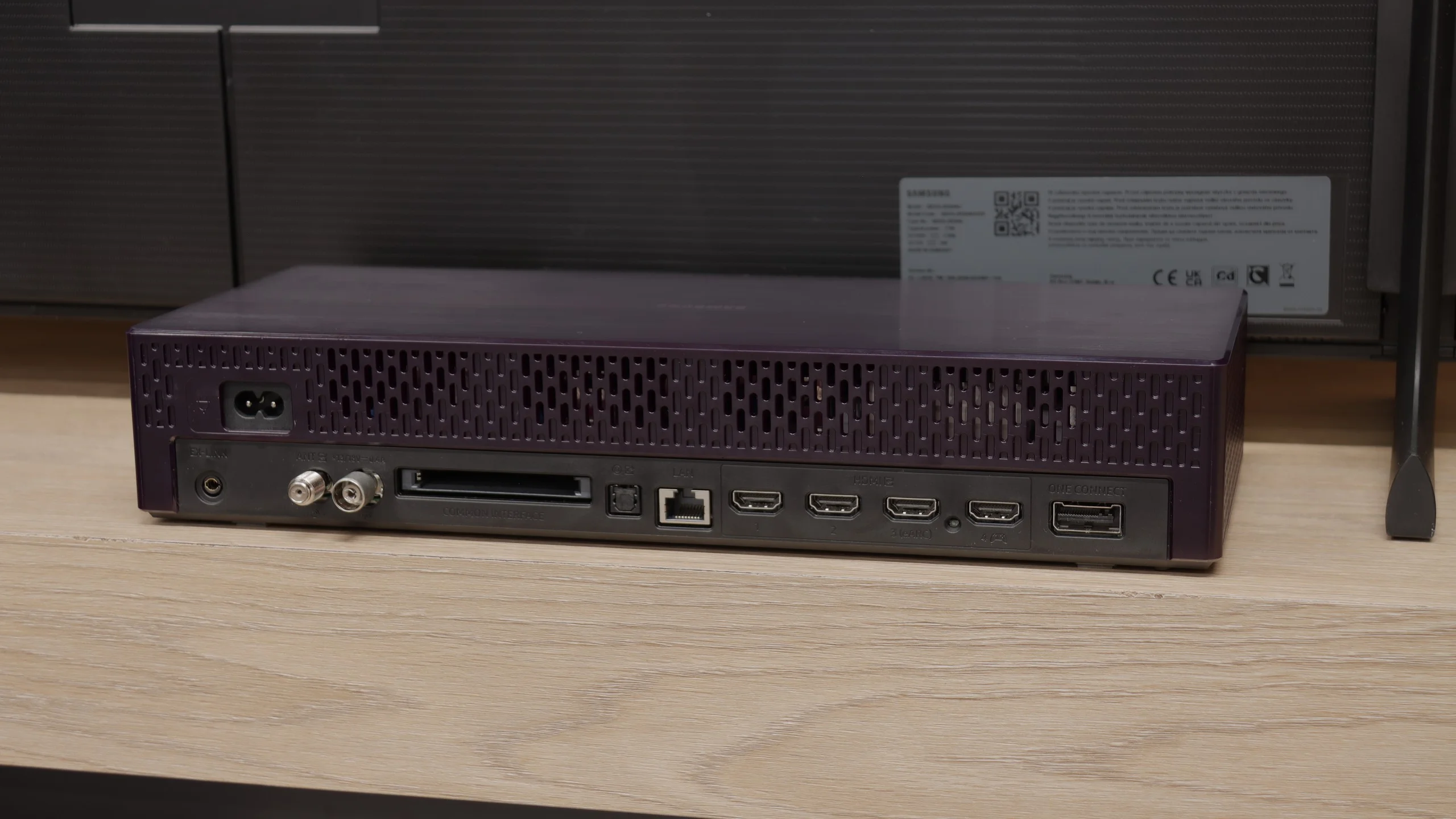
There is one more limitation worth mentioning that applies specifically to this model. The One Connect box has only one HDMI 2.1 port, so this is the only input you can use for a console or PC if you want to play at 4K 120Hz. Fortunately, Samsung hasn’t combined this port with eARC. This means you can connect a soundbar separately to HDMI 3 and still keep the full-bandwidth HDMI 2.1 port available for your console.
Input lag
10/10
9.9/10
SDR
HDR
Dolby Vision
The input lag of the LG G4 is impressively low in every scenario. Even the most dedicated gamers will surely appreciate the very low input lag at demanding 4K 120 Hz settings with HDR, which is just 5 ms. It's also worth noting that the lag at the same settings, but with Dolby Vision HDR enabled, remains unchanged, which is not as obvious with the competition. Therefore, it deserves the highest rating and recommendation.
Those who worried that the additional One Connect module might cause greater delay between our action on the controller and what happens on screen can rest easy. The input lag we measured is as low as in other Samsung TVs.
At a 60 Hz signal it's about 15 ms, and when switching to 120 Hz it drops to around 8 ms. Those are very good results, so the delay is hard to notice in practice, even in fast-paced games. The One Connect module itself doesn't introduce any noticeable issue.
Compatibility with PC
8.6/10
8/10
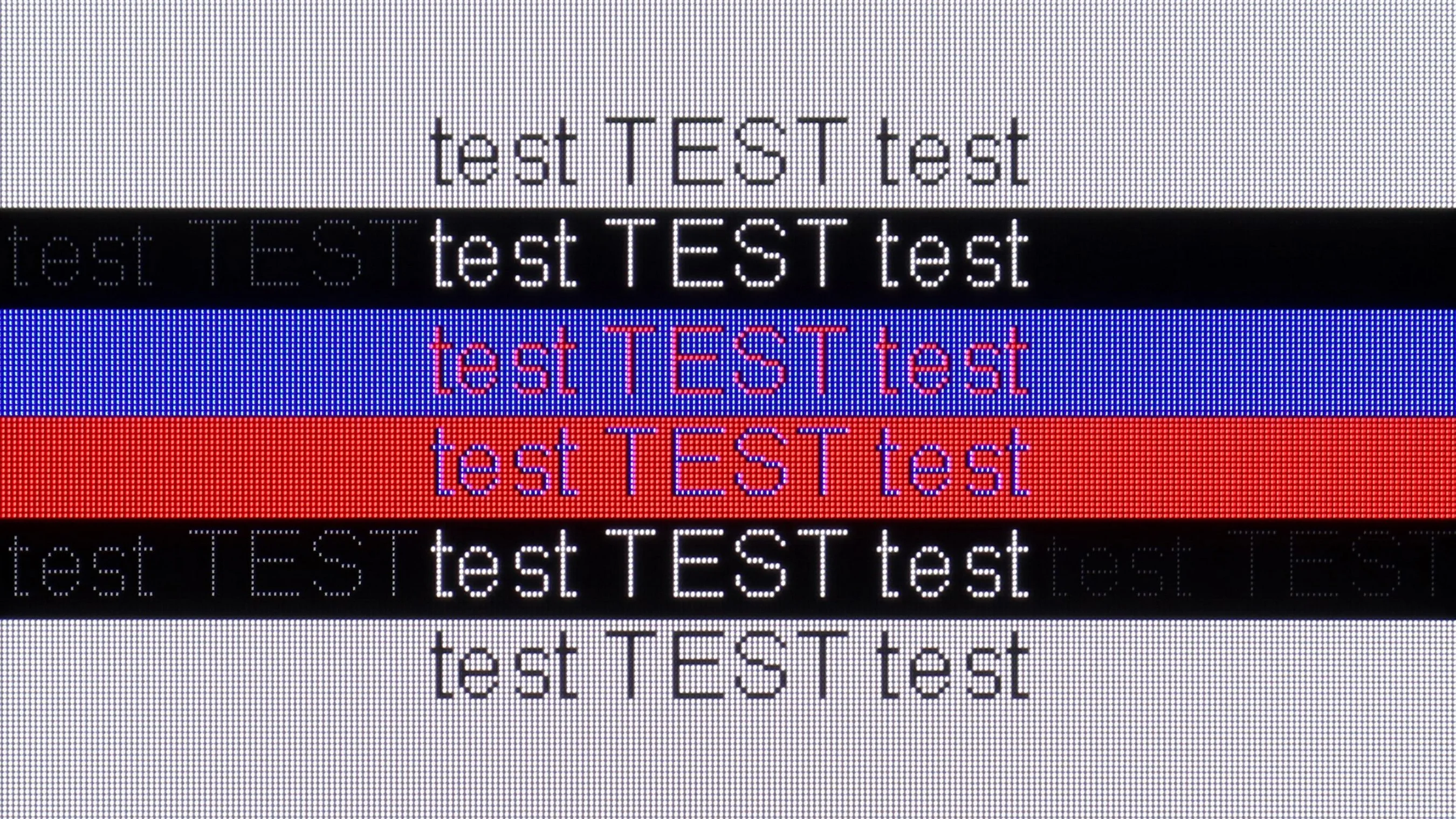
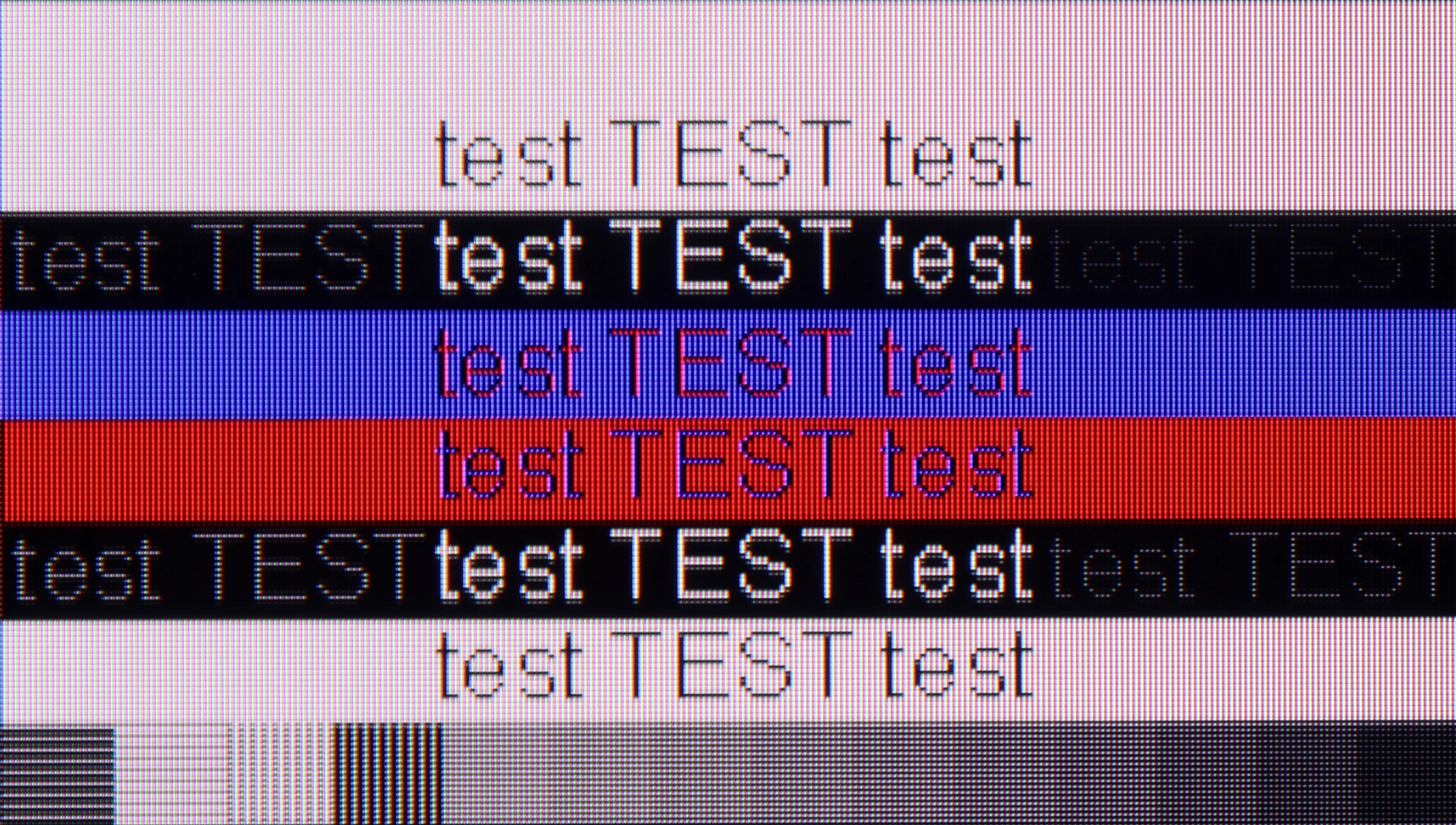
The photo shows the legibility of small fonts. Ideally, lines should be the same thickness on both light and dark text, with minimal pixel gaps.
LG G4 paired with a PC performs excellently, thanks to an incredibly low latency of just 5 ms, which is practically instantaneous response between the mouse, eye, and screen. A crucial aspect while working on the screen is the readability of text, which is very good in the case of the tested television.
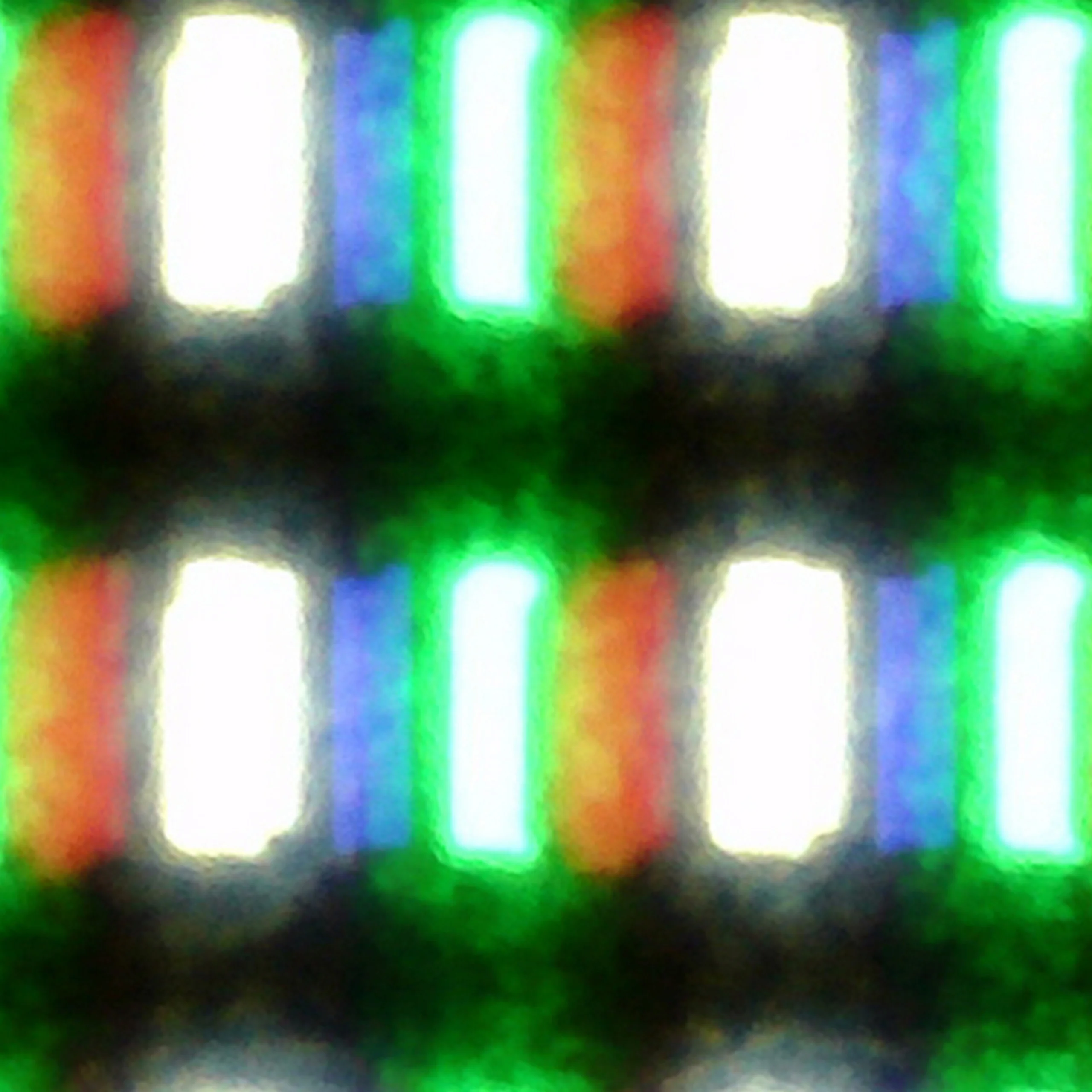
The RWBG pixel arrangement has no significant impact on the display of fonts or letters, which is a considerable advantage over Samsung's QD-OLED matrices. Users of both Windows-based PCs and macOS will surely be pleased with the performance on the tested LG G4 television.
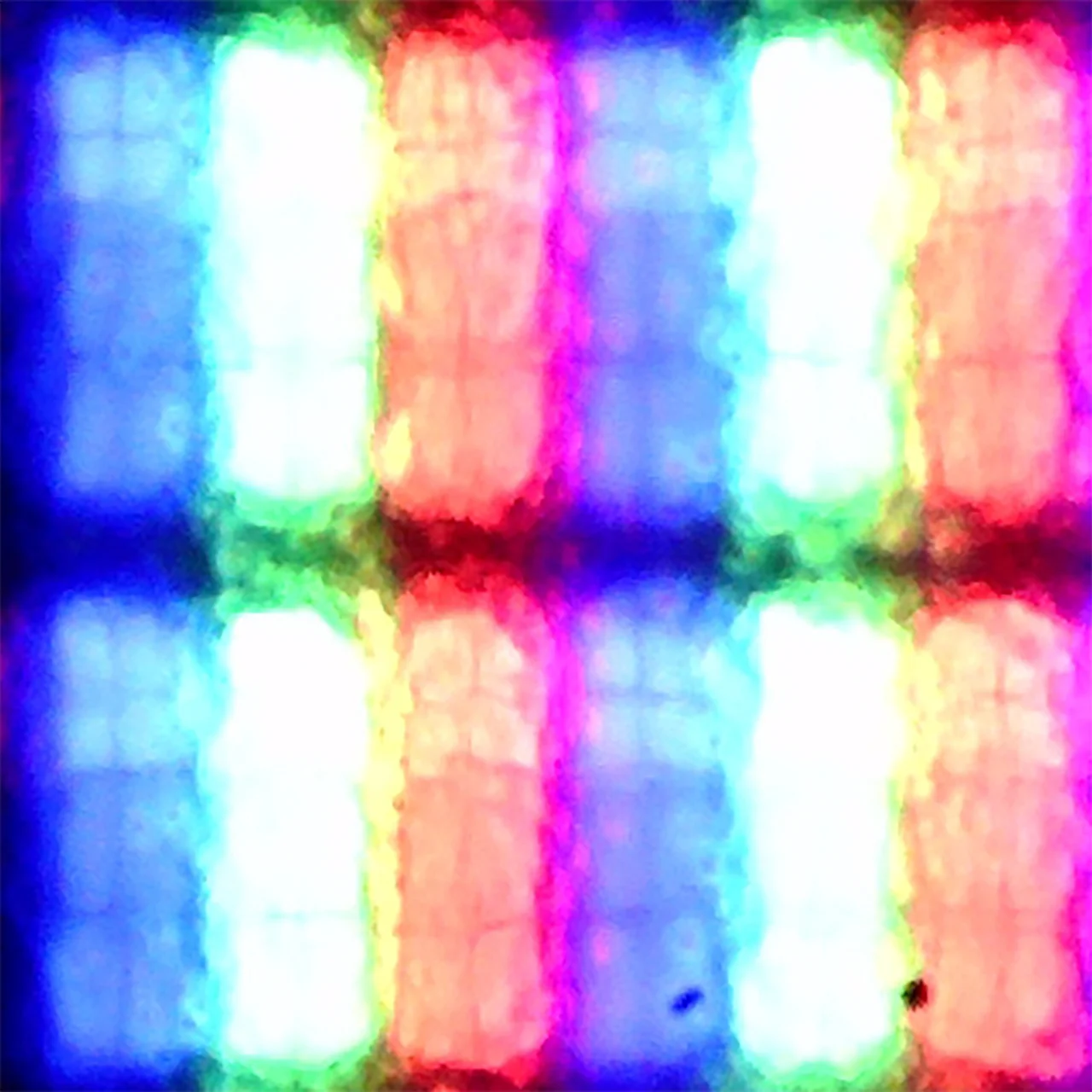
In this category you could jokingly say the new The Frame gives with one hand and takes with the other. If we look purely at PC gaming, it performs really well. It offers 144 Hz at 4K or even 240 Hz in Full HD, plus support for G-Sync and FreeSync and very low input lag. The Frame can easily serve as a large gaming monitor and there’s little to complain about. On the other hand, we got the impression that font readability in the new model has slightly worsened. When you look at text up close you can notice extra fringing along the bottom edges of letters caused by the behaviour of individual subpixels. This gives a slight impression of softened text. Of course this is mainly an issue for people who would actually want to use The Frame as a desktop monitor, for example for working with text. At a typical viewing distance the problem is practically impossible to notice. And let’s be honest, it’s hard to imagine anyone putting a 55- or 65-inch The Frame on their desk.
Viewing angles
9.7/10
3.1/10
The undisputed advantage of OLED screens equipped with MLA technology is their performance when viewing from various angles. To the naked eye, there are no noticeable changes, regardless of where we are watching from. This type of screen maintains consistent brightness, saturation, and white hue, unlike LCD matrices or OLEDs without micro-lens technology (MLA). The only matrices that can match them are those produced by Samsung Displays, using quantum dots, namely QD-OLED.
Viewing angles are not a strong point of this model. Compared with LCD TVs with IPS panels, and even more so with OLEDs, the picture degrades fairly quickly when viewed at an angle.
Daytime performance
5.8/10
6.7/10
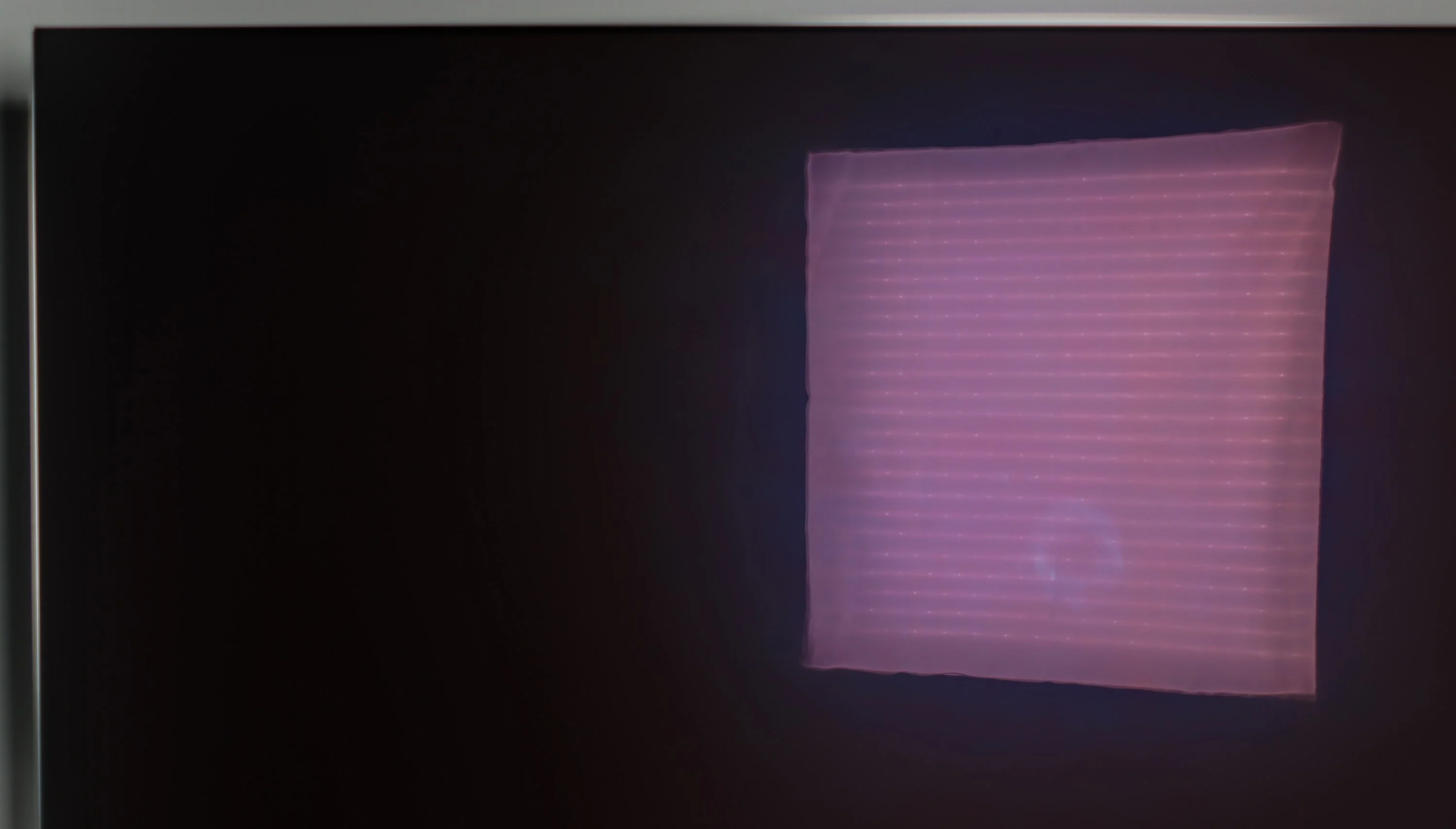
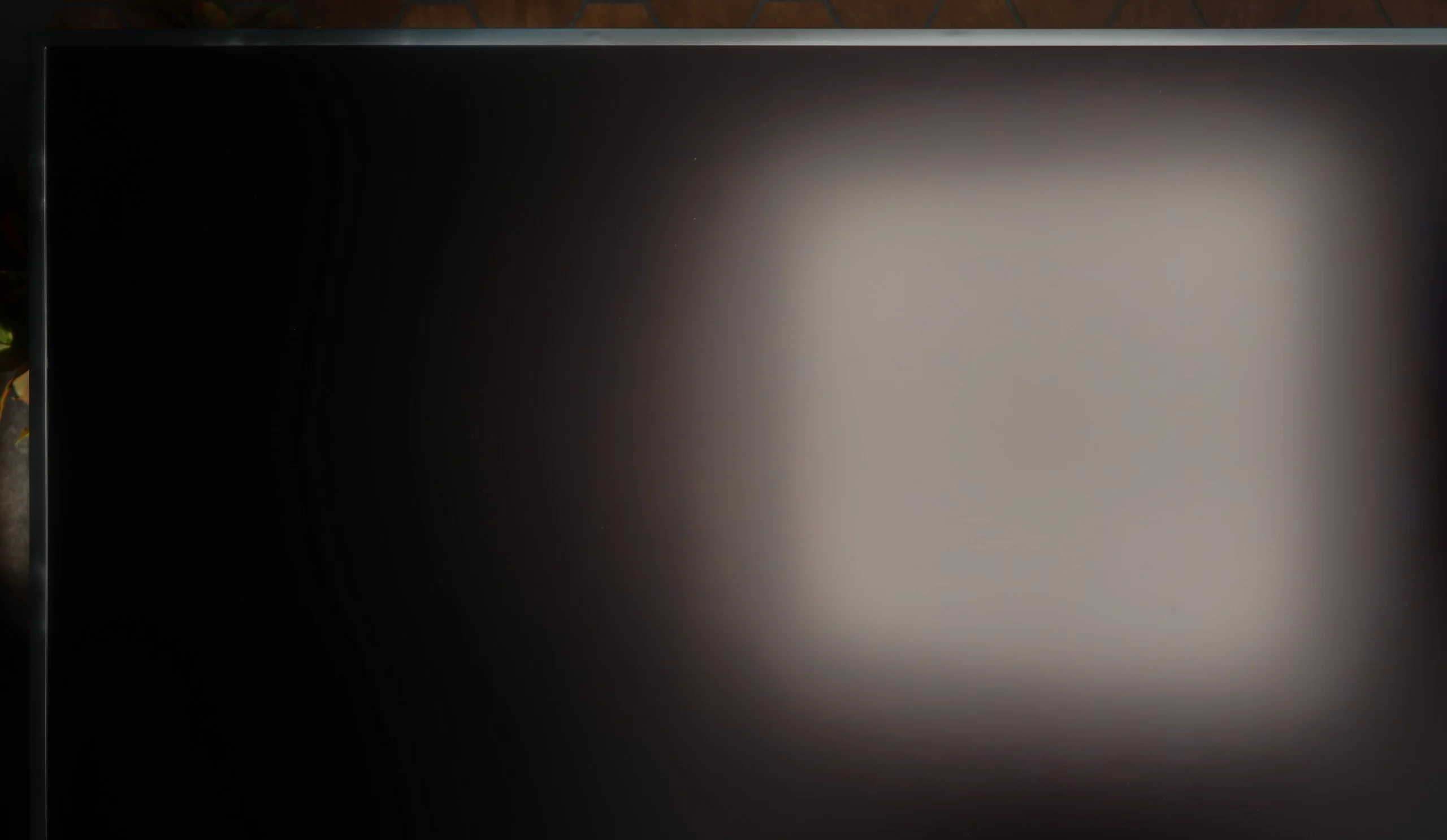
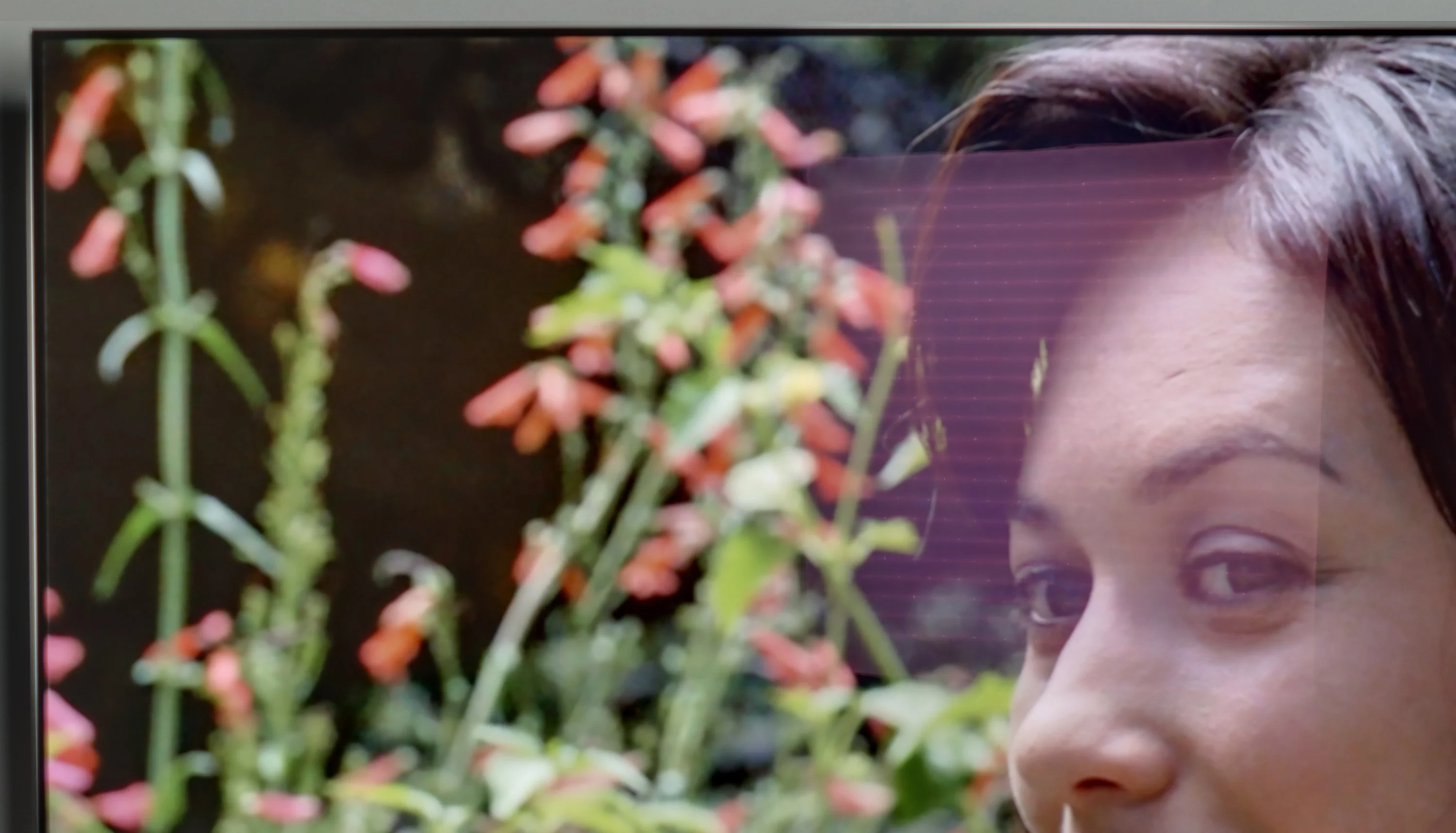
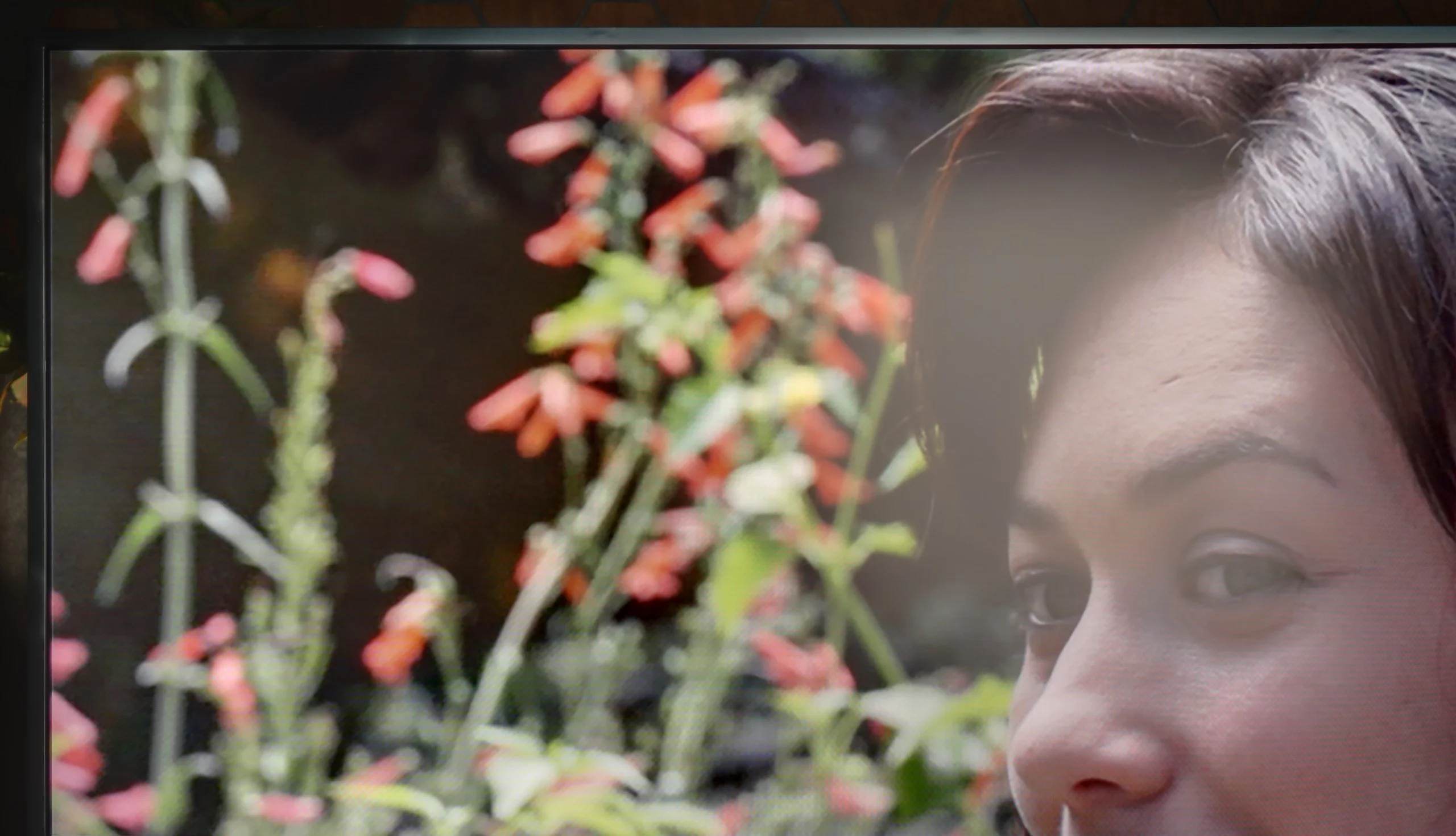
Panel brightness
Samsung The Frame 2026 (LS03H): 617 cd/m2
LG OLED G4: 482 cd/m2
The glossy coating of the display in LG G4, although it may sound like a downside, is actually quite the opposite. Thanks to it, the LG G4 television maintains very high efficiency and effectively suppresses all reflections, "holding" them only at their source. It's also worth mentioning the quality of black during the day, which in the case of WRGB displays produced by LG Displays is outstanding. OLED MLA displays, despite their many advantages, are somewhat inferior in this case, but still better in the context of competition from Samsung, whose QD-OLED displays fade under light. The combination of brightness at around 500 nits and the glossy coating allows for daytime viewing of the television, unless the user has a living room with large glazing.
The Frame is, by design, a TV that will often be used in a bright living room, and its matte finish suits that very well. The screen effectively diffuses reflections, so a window or a lit lamp doesn't turn into a clear mirror. In that respect it's really good and it's one of this model's stronger points. The matte finish does have a downside. Strong light falling directly on the screen scatters over a larger area and slightly raises the black level. During the day blacks therefore don't look as "deep" as at night, especially when the room is very bright. But we think that's a fair compromise. Working in The Frame's favour is its high brightness. The TV has enough brightness so the image doesn't wash out and remains clearly visible during the day. Overall, it's a good TV for a bright living room, especially if reflections bother you more.
Panel details
Subpixel Structure:
Panel uniformity and thermal imaging:
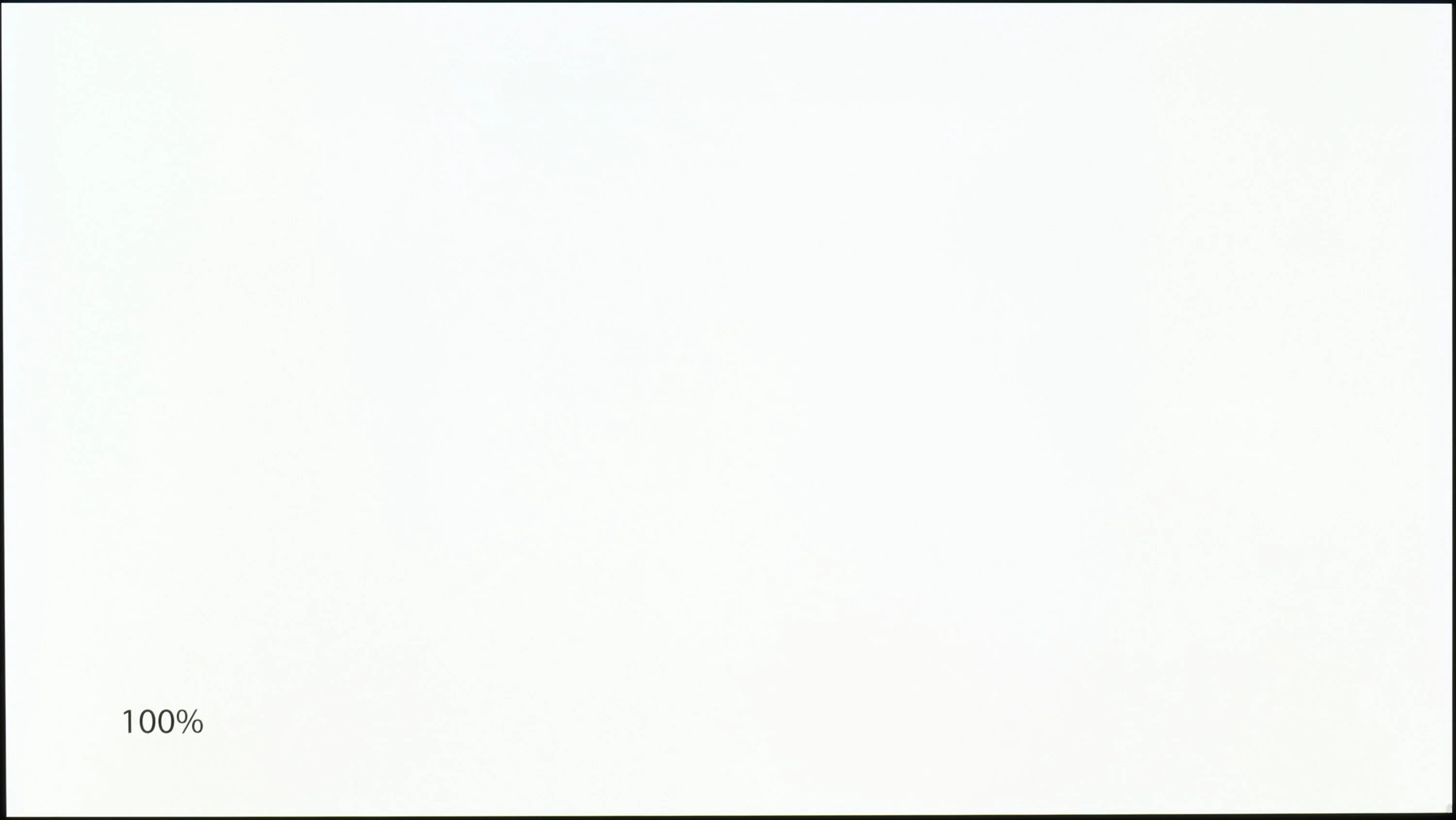
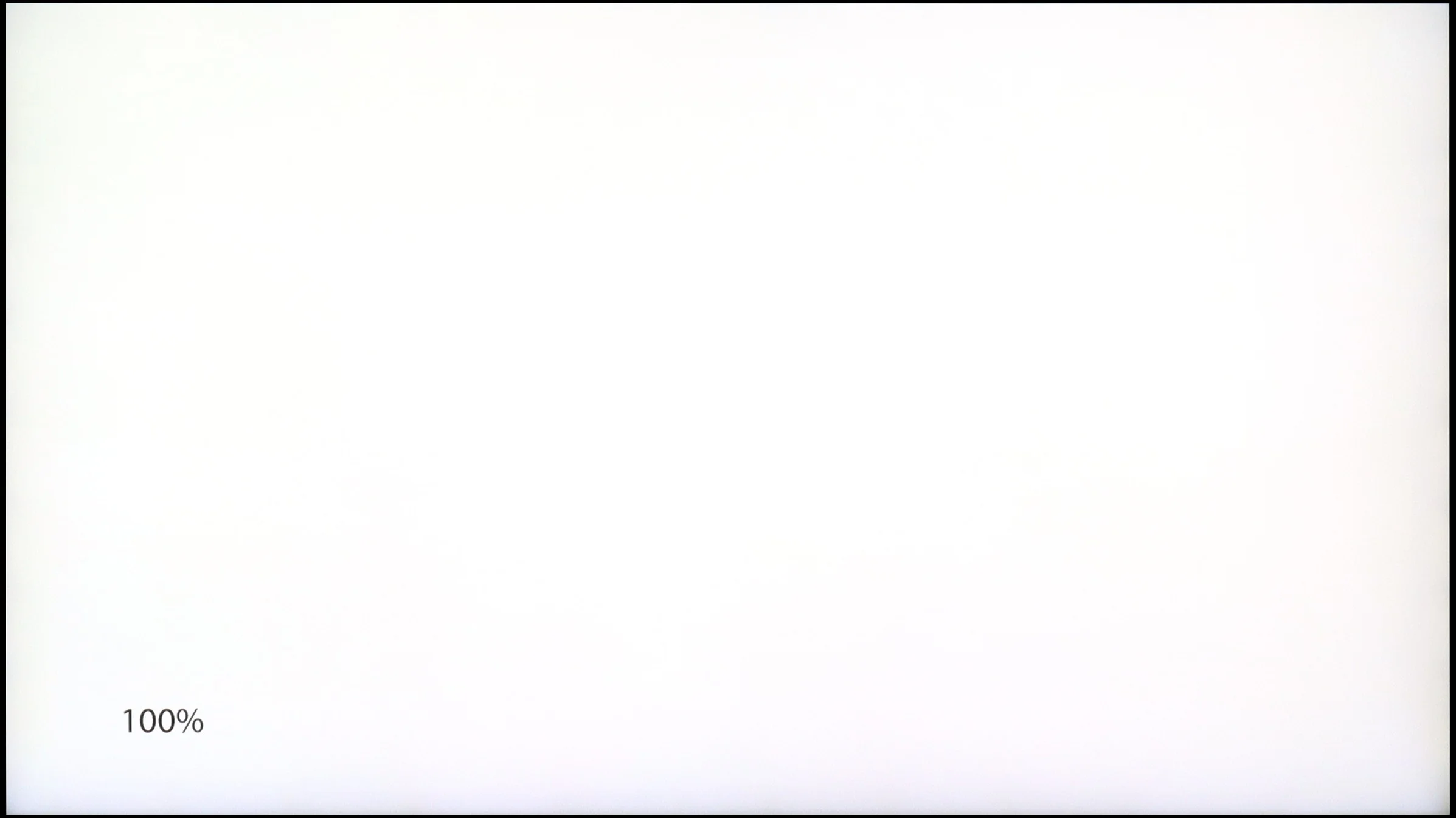
LG OLED G4
Samsung The Frame 2026 (LS03H)
TV features
9/10
7.7/10
- SystemWebOSTizen
- System performanceVery goodGood
- HDMI inputs0 x HDMI 2.0, 4 x HDMI 2.1 48Gbps3 x HDMI 2.0, 1 x HDMI 2.1 40Gbps
- Other inputsUSB-C
- OutputsToslink (Optical audio), eARC (HDMI), ARC (HDMI)Toslink (Optical audio), eARC (HDMI), ARC (HDMI)
- Network InterfacesWi-Fi 2.4GHz, Wi-Fi 5GHz, Ethernet (LAN) 100MbpsWi-Fi 2.4GHz, Wi-Fi 5GHz, Ethernet (LAN) 100Mbps
- TV receptionDVB-T, DVB-T2, DVB-S, DVB-S2, DVB-CDVB-T, DVB-T2, DVB-S, DVB-S2, DVB-C
Classic features:
- Recording to USB (terrestrial TV)
- Recording programming
- Picture in Picture (PiP)
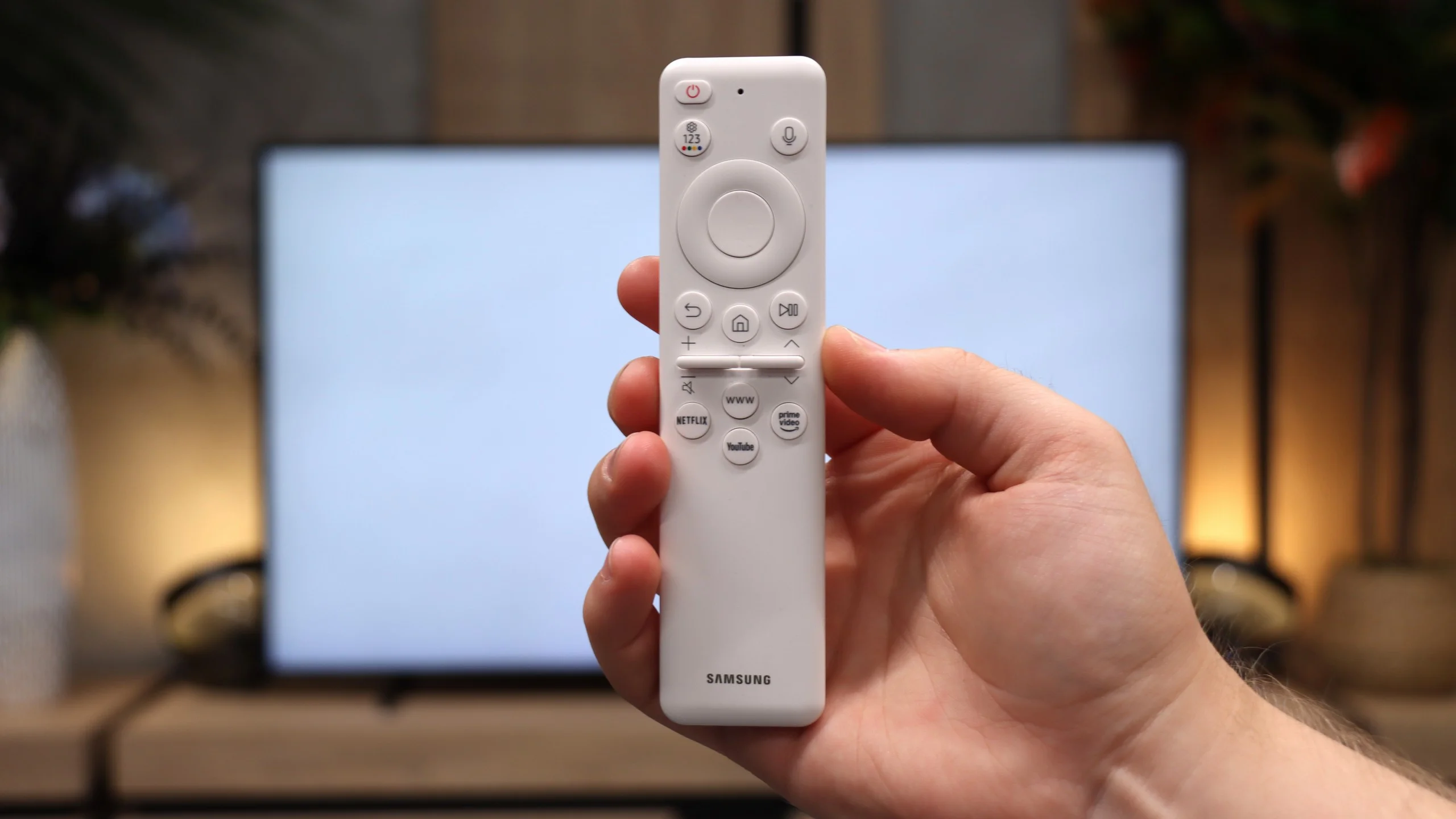
- RF remote control (no need to aim)
- Backlit remote control
- Teletext
- Audio only mode
- Bluetooth headphones support
- Simultaneous Bluetooth headphones & TV audio
Smart features:
- AirPlay
- Screen mirroring (Windows Miracast)
- Voice search
- Voice search in native language
- Ability to connect a keyboard and mouse
Sound connection options
- HDMI audioeARC (HDMI), ARC (HDMI)eARC (HDMI), ARC (HDMI)
- Other audio outputsToslink (Optical audio)Toslink (Optical audio)
- Wireless audioBluetoothBluetooth
Supported audio formats (external HDMI eARC audio):
- Dolby Digital Plus 7.1
- Dolby True HD 7.1
- Dolby Atmos in Dolby Digital Plus (JOC)
- Dolby Atmos in Dolby True HD
- DTS:X in DTS-HD MA
- DTS-HD Master Audio
Senior accessibility
- Numeric keyboard on TV
- Font size adjustment
- Audio description
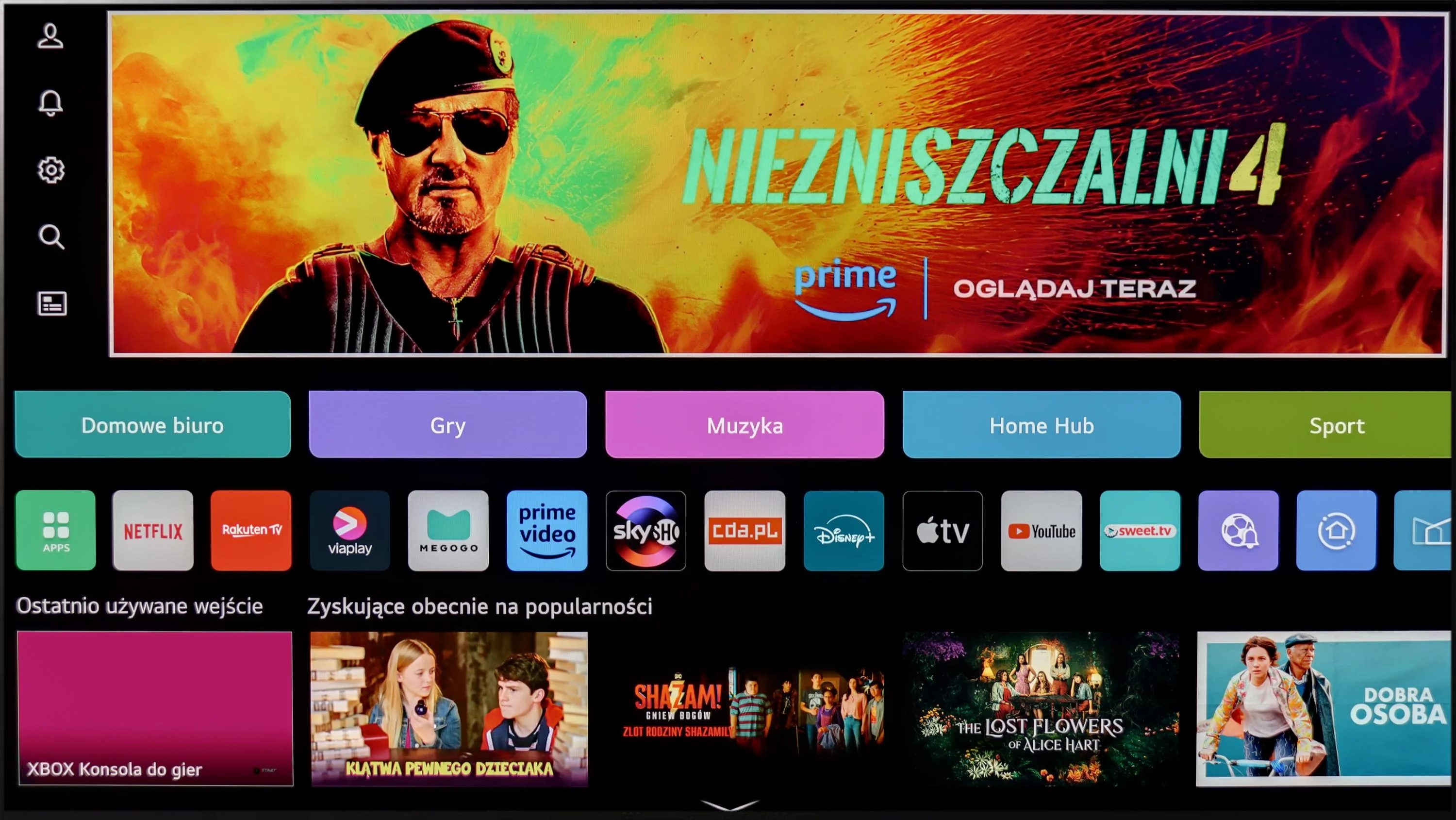
LG uses the well-known proprietary system WebOS, which has been around for many years. The system offers virtually all the essential applications, and those that are missing can be counted on one hand, such as CDA or KODI.
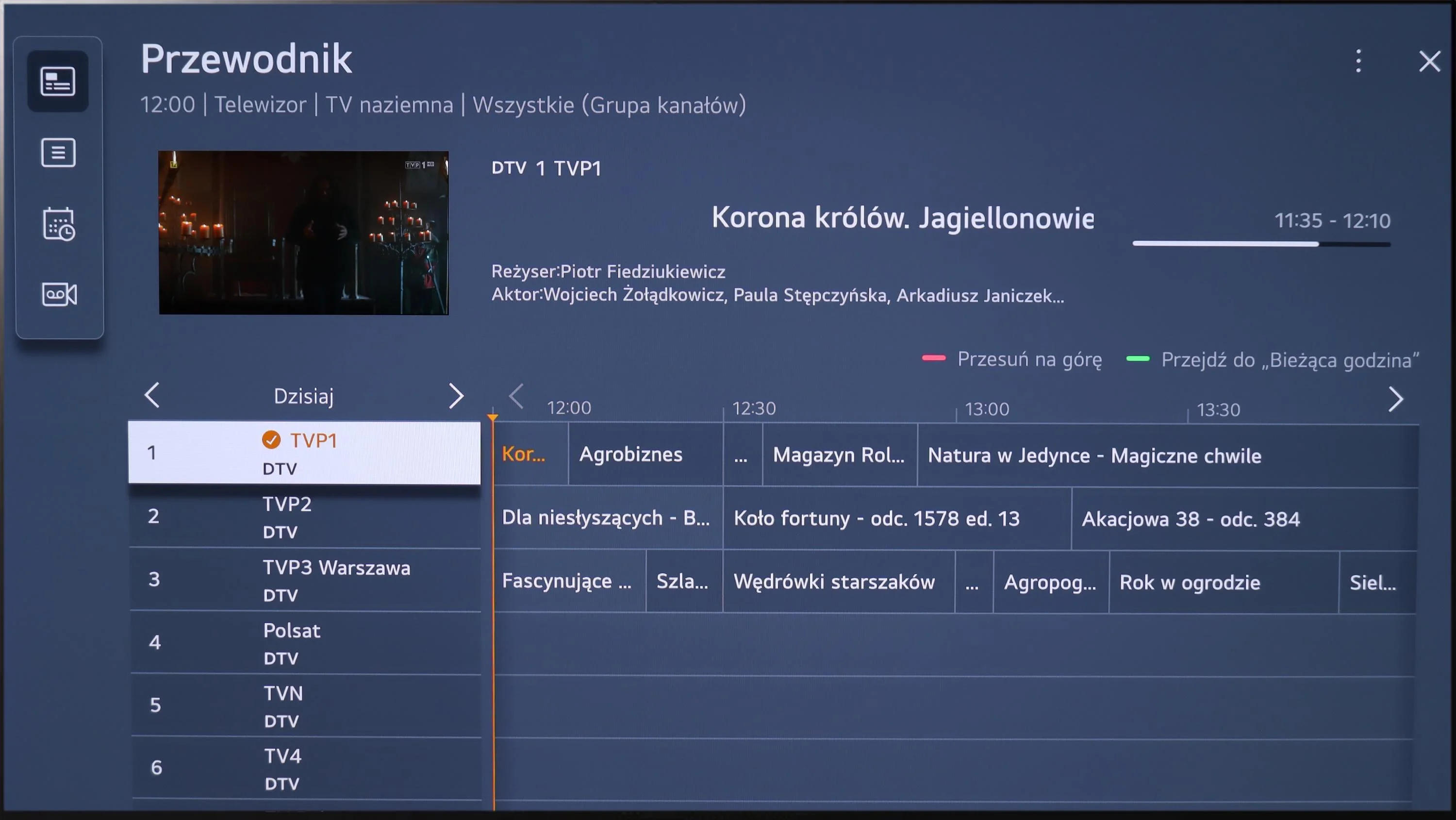
WebOS also provides the highly valued ability to perform operations using a cursor that appears when the remote control is moved. The convenience of such a feature is invaluable when entering queries or passwords for portals. WebOS, like most systems, also supports functions such as screen mirroring, AirPlay, voice search in Polish, and the ability to connect headphones via Bluetooth. On a more practical note, WebOS allows us to use both headphones and the TV speaker LG G4 simultaneously, which will certainly be a significant advantage for those with hearing disabilities. Among the more interesting features, particularly appreciated by sports fans, is the option to enable an alert for upcoming matches, ensuring that we never miss a broadcast. The home panel also deserves praise, allowing for control of all smart devices connected to the home network. For example, the end of a laundry cycle will be signalled by a notification in the top right corner.
In summary, the WebOS system, although less known and with some limitations compared to Android TV, offers stable and fast operation and supports most features that users might need. It is a solid solution for those looking for a simple and effective operating system in a television.
Operating System: Tizen
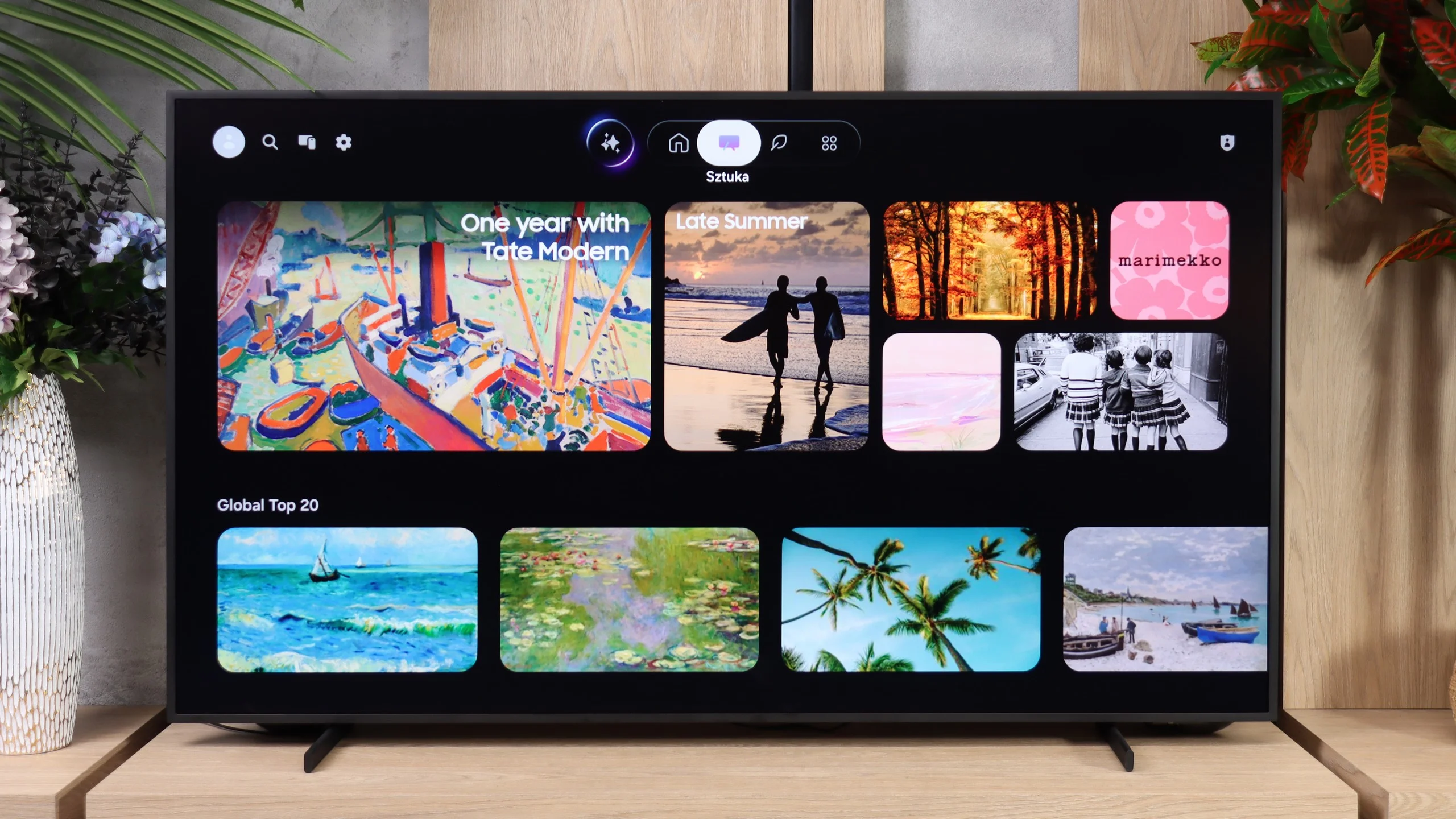
Samsung The Frame 2026 runs on the familiar Tizen operating system, so when it comes to Smart TV features, you get pretty much everything you would expect from a modern TV. There is a wide selection of streaming apps, AirPlay, SmartThings, and the ability to cast content from a smartphone. The system itself is fast and responsive, while the menu layout is very similar to what you’ll find on other Samsung TVs.
When it comes to traditional TV features, things are a little more basic. The Frame doesn’t really stand out in this area, focusing primarily on its online features and lifestyle-oriented functionality.
Art Mode
The key feature, of course, remains Art Mode. It allows The Frame to display artwork or your own photos when you’re not watching TV, effectively turning the screen into part of your interior. The matte screen coating plays an important role here, as it helps the displayed artwork look less like an image shown on a glowing TV screen.
Another interesting addition is the motion sensor, something you won’t normally find on other TVs. It’s worth pointing out that this is not the same thing as the ambient light sensor. The latter adjusts the screen brightness to match the conditions in the room, while the motion sensor detects whether someone is nearby. If the room is empty, the TV can automatically turn Art Mode off and then switch it back on when you return. This means the screen doesn’t have to stay on all the time.
Another feature that works particularly well with this model is One Connect. In our opinion, it makes a lot of sense on a TV like The Frame, which is designed to sit as close to the wall as possible. All the main cables are connected to a separate box, while only a single cable runs to the screen itself. It’s simply a very convenient solution.
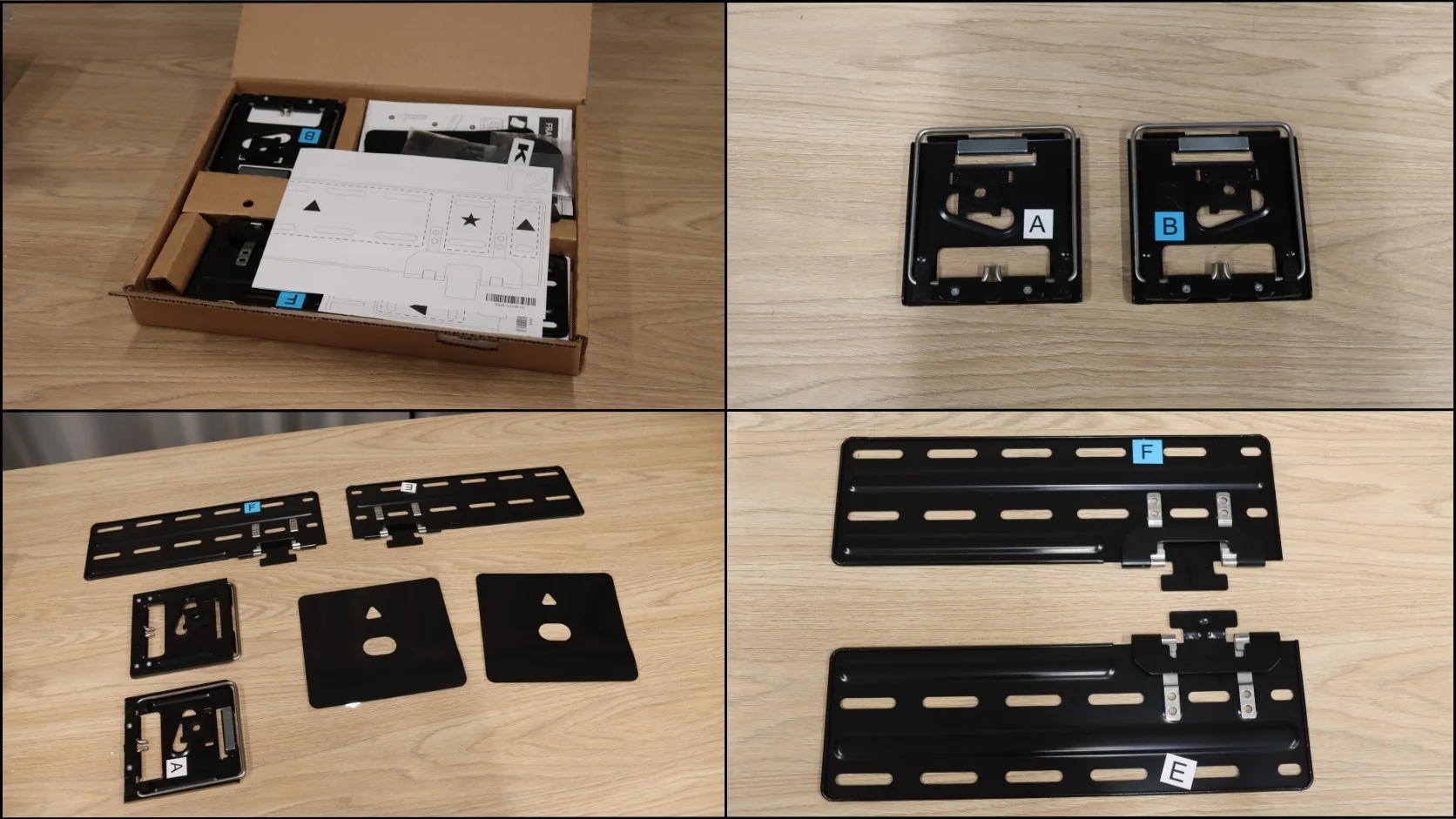
It’s also worth mentioning that Samsung includes a dedicated wall mount in the box. That might sound obvious, but it really isn’t. With the flagship S99H, for example, which also puts a strong emphasis on flush wall mounting and blending into the interior, the appropriate wall mount has to be purchased separately. With The Frame, it’s included, so you can save yourself a bit of extra money right from the start.
*The Art Mode photo was taken on The Frame Pro 2026. It looks identical on the standard The Frame — we have to admit that we simply forgot to take a photo of it during testing. 😉
Apps
9.1/10
9.3/10






















Playing files from USB
8.5/10
9.1/10
Supported photo formats:
Maximum photo resolution:
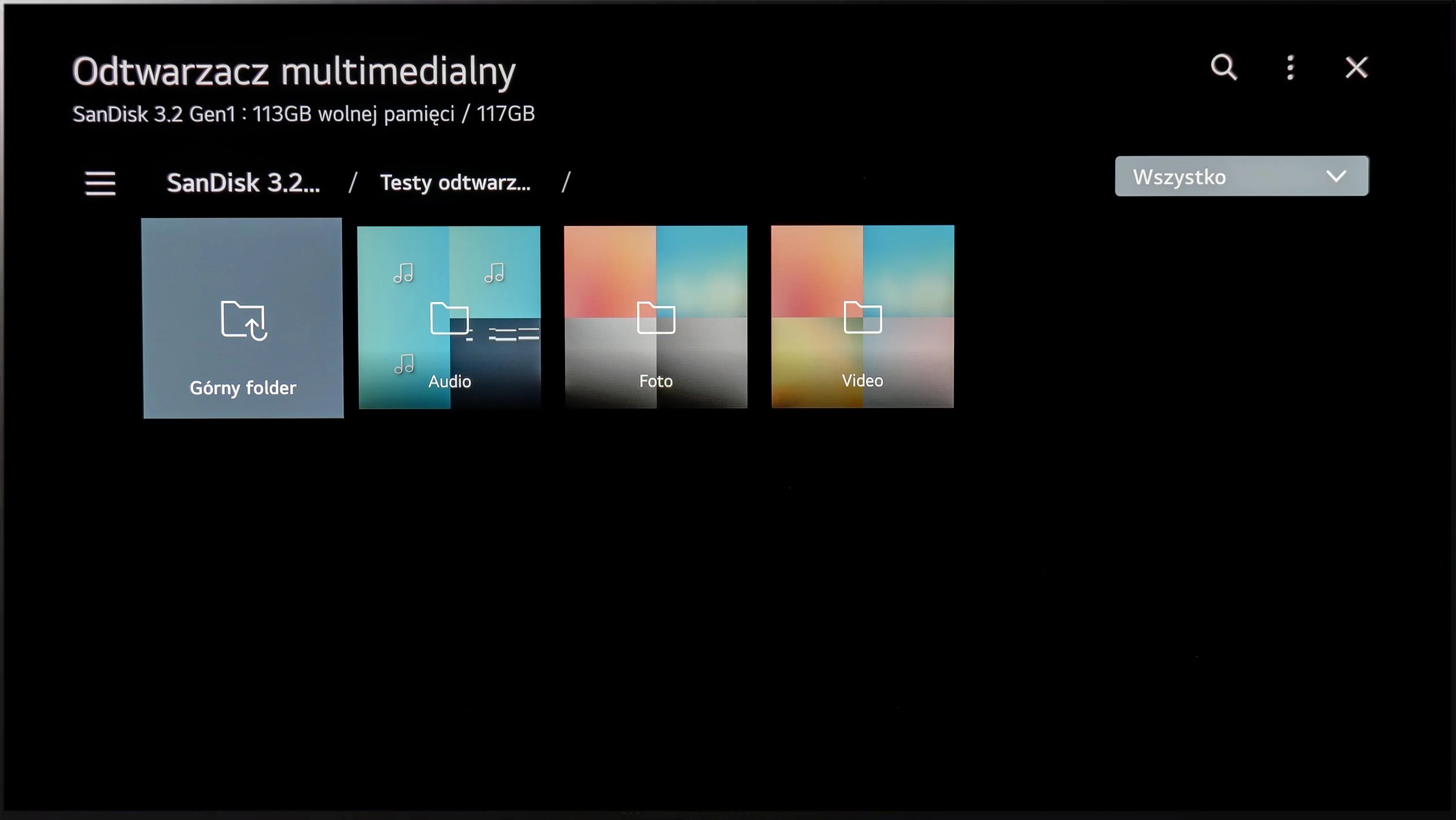
The default file player on the LG G4 performs quite well with most photos, although it's surprising to find a lack of several equally popular ones. It can successfully play videos recorded in virtually all the most popular formats, including Dolby Vision. The only codec that the G4 cannot play is H.266 VVC, although this is currently quite rarely used. However, it's important to note the supported photo formats, of which there are only two: JPEG and PNG. Users of Apple phones may feel disappointed by the lack of support for the HEIC format, which is the default format when taking photos. The remedy for this is to use the built-in AirPlay feature. Lastly, we should also mention the lack of support for TXT subtitles.
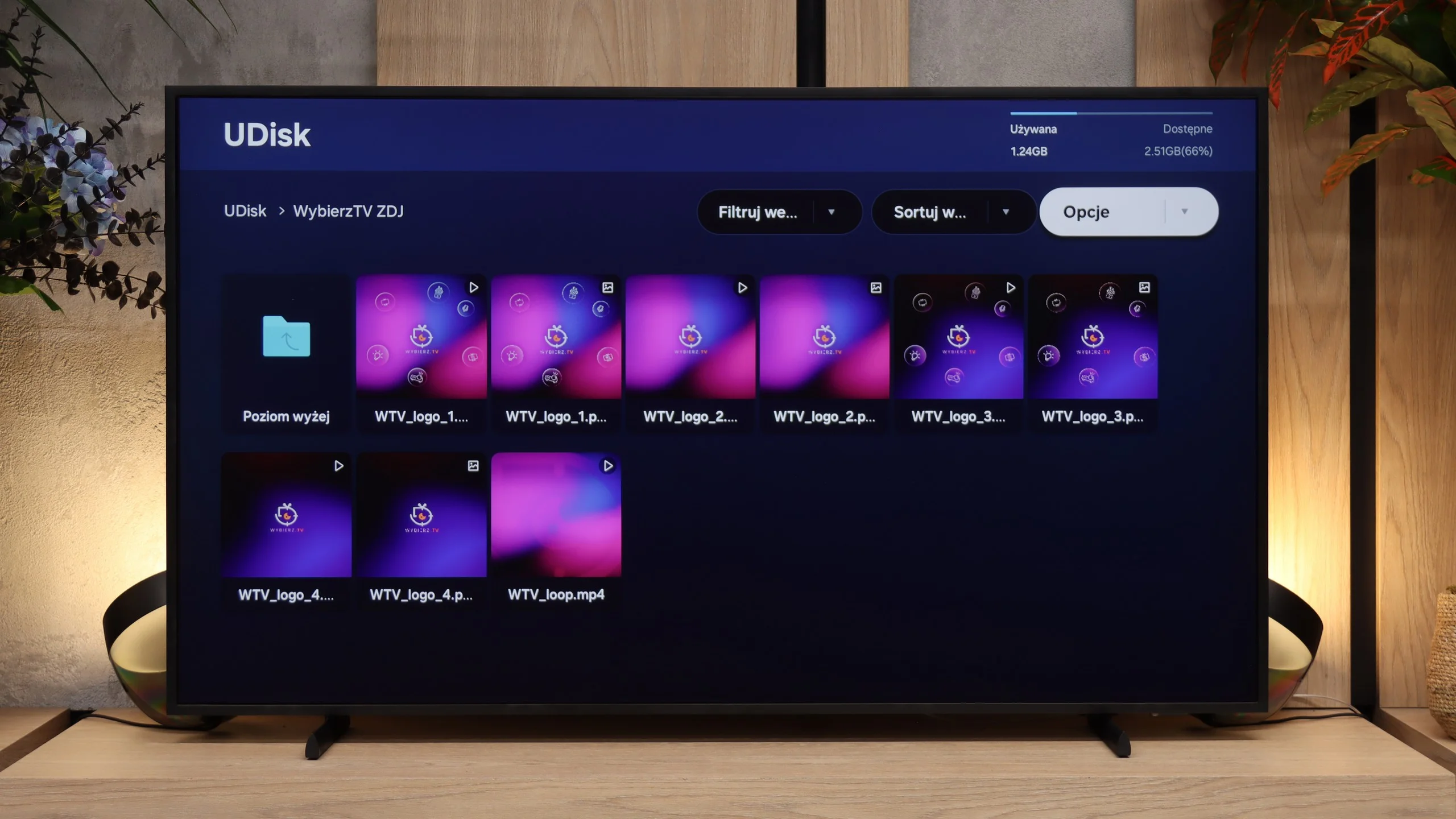
When it comes to playing files from USB, The Frame performs adequately. The TV handles the main video, photo and audio formats with no trouble, so in everyday use there shouldn't be many surprises. However, we again ran into problems with the HEIC format, which is common on Apple devices. Photos saved in that format couldn't be opened correctly, which can be annoying if you often transfer photos directly from an iPhone. Apart from that, the media player operated without any major issues.
Sound
8.6/10
6/10
- Maximum volume-90dB
- Dolby Digital Plus 7.1
- Dolby True HD 7.1
- Dolby Atmos in Dolby Digital Plus (JOC)
- Dolby Atmos in Dolby True HD
- DTS:X in DTS-HD MA
- DTS-HD Master Audio
The assessment of sound quality is always subjective. However, we must give credit to LG G4 for maintaining a fairly good level of sound clarity. The biggest drawback of the built-in audio system in the television is the low bass range. However, it’s important to look at this from a different perspective — anyone opting for this television will likely have a home theatre system. The key in this case will be broad support for audio codecs, including DTS-HD Master Audio and Dolby Atmos.
Despite using a 40W 2.0.2 speaker system, which on paper is slightly better than what you’ll find in many standard TVs, the sound quality is fairly average. Our biggest issue is that it simply sounds flat. As with most very slim TVs, there isn’t much bass or depth.
Fortunately, the midrange and treble are reproduced well enough. Dialogue is clear, and at normal listening volumes there are no major distortions. For watching the news or regular TV, the built-in speakers are perfectly adequate. With movies, music, or games, however, you’ll quickly start to miss a fuller and more powerful sound.
For that reason, we would definitely recommend pairing The Frame with a soundbar or external speakers. Samsung also offers an increasing number of audio products designed specifically with lifestyle TVs in mind, including the slim S800 series, as well as Music Frame and Music Studio speakers, which visually complement The Frame particularly well.
Sound Quality Test
No sound test video
Acoustic Measurements
No acoustic data
90dBC (Max)
75dBC
Reader comments
Comments are provided by the external service Disqus (Zeta Global). Once loaded, Disqus may set cookies and process data about your activity.
We will remember your choice on this device. Provider's privacy policy