 Direct comparison
The Kiano Elegance is primarily aimed at people who want to spend as little as possible on a TV while still having convenient access to popular apps. Using Tizen is a big plus here, because you get the system known from Samsung sets and don’t have to immediately buy a streaming stick or set-top box to watch movies or series. At a suitably low price, that could be reason enough to consider this model. The digital video processing also deserves praise; its behaviour is similar to the solutions in Samsung’s entry-level TVs. Kiano quite effectively smooths unwanted colour banding in lower-quality material, so heavily compressed footage looks better. It’s far from perfect, of course, but remember the very modest budget we’re dealing with. In this context, the fact that the feature actually helps is worth acknowledging. Unfortunately, the operating system itself doesn’t make the Kiano run as smoothly as Samsung TVs. Sometimes you have to wait for a response, and the USB media player can take ages to open files. Cost-cutting is also apparent in the build quality and the screen’s capabilities. Low brightness makes watching in a sunny room difficult and prevents the display from showing impressive HDR, while faster motion suffers from blur. Add weak sound to that, and buying separate speakers can quickly become another expense. So the Kiano Elegance only makes sense if it’s noticeably cheaper than the competition. It may be adequate for everyday TV or as a second set in the house, but if you’re only a small amount short of a base model from a better-known brand, we think it’s worth paying the extra. Tizen and the decent video processing are strengths of this Kiano, but they don’t make up for all the cost-cutting. It’s better to compare final prices than to assume a TV with Samsung’s system will offer the same user experience.
- Matching (Score) |
- Our verdict |
- TV appearance |
- Where to buy |
- Contrast and black detail |
- HDR effect quality |
- Factory color reproduction |
- Color reproduction after calibration |
- Smoothness of tonal transitions |
- Image scaling and smoothness of tonal transitions |
- Blur and motion smoothness |
- Console compatibility and gaming features |
- Input lag |
- Compatibility with PC |
- Viewing angles |
- Daytime performance |
- Panel details |
- TV features |
- Apps |
- Playing files from USB |
- Sound
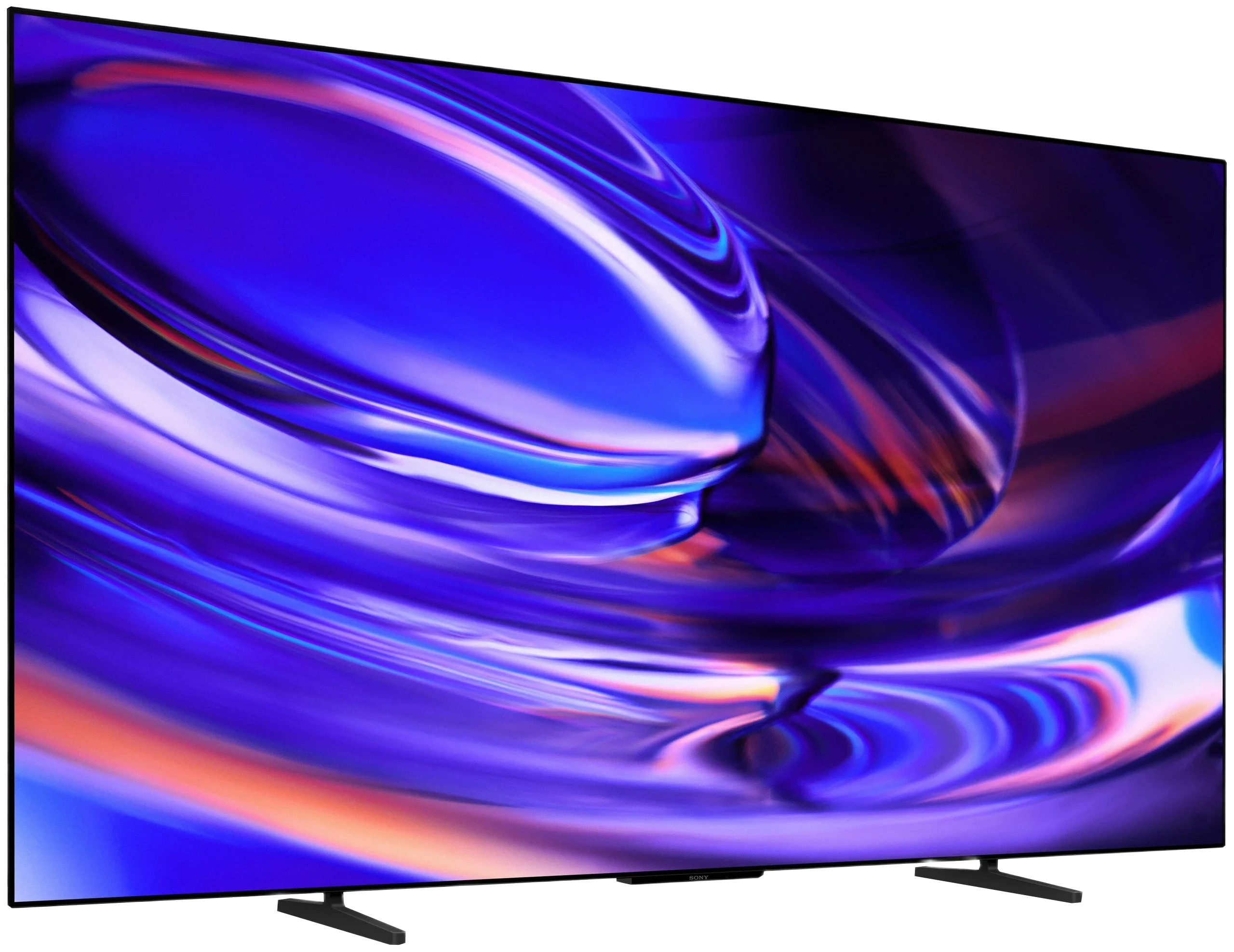
BRAVIA 6 / A65
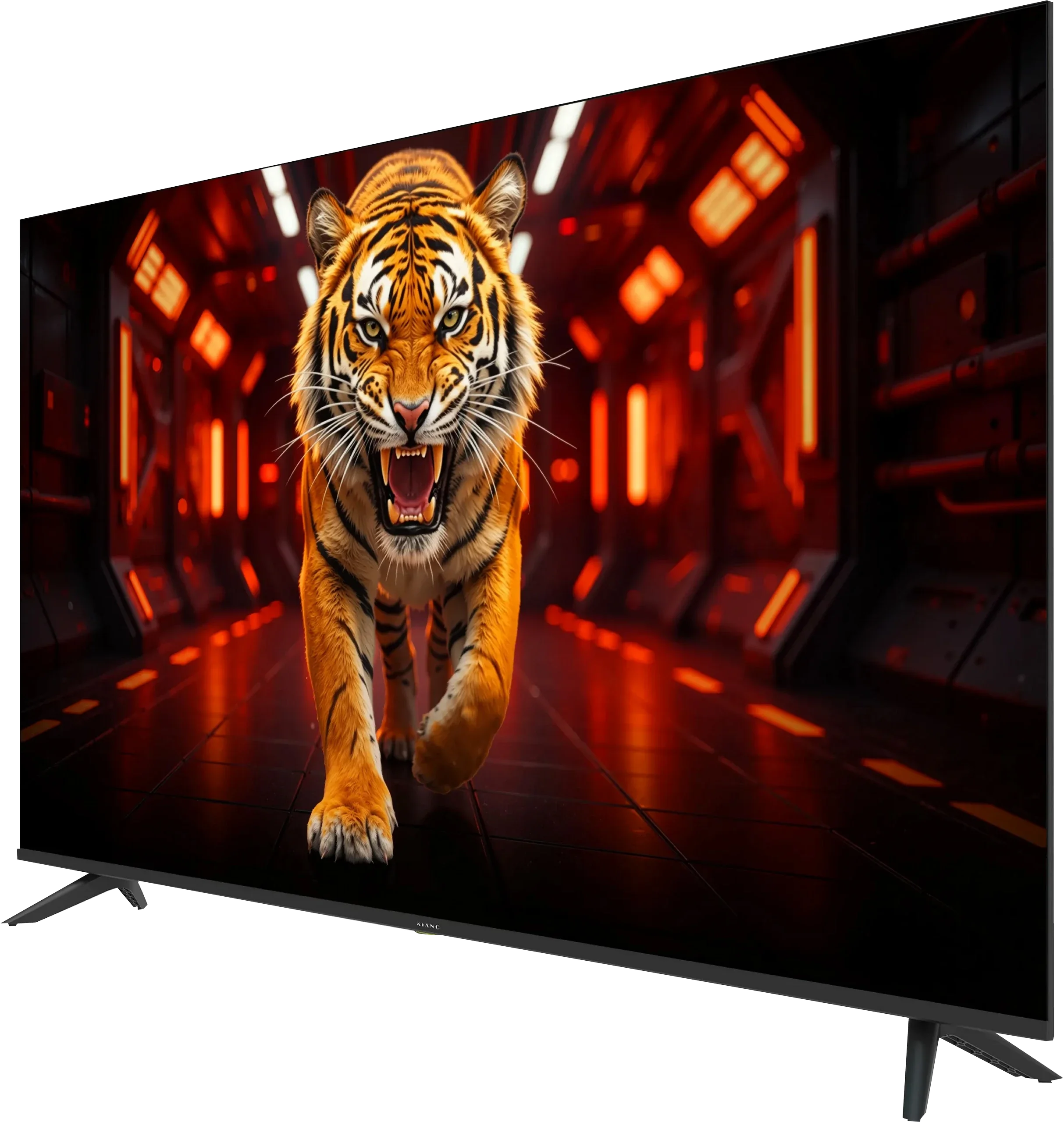
Panel type: LCD VA
Resolution: 3840x2160
System: Tizen
Model year: 2026
Complete the survey to find out the result
Panel type: WRGB OLED
Resolution: 3840x2160
System: Google TV
Model year: 2026
Complete the survey to find out the result
Overall rating
4.9
7.4
 Movies and series in UHD quality
4.8
7.5
 Classic TV, YouTube
5.4
8.1
 Sports broadcasts (TV and apps)
3.9
8.1
 Gaming on console
5.3
8.5
 TV as a computer monitor
6.0
7.6
 Watching in bright light
3.7
4.6
 Utility functions
5.1
6.6
 Apps
8.8
9.6
 Sound quality
3.6
7.0
Complete the survey to find out what fits your preferences
Advantages

Low price
Tizen system with a large selection of popular apps
Decent contrast thanks to a VA panel
Effective digital image processing (a feature rarely found at this price)
Low input lag
Very good text clarity when connected to a computer
Supports AirPlay and wireless screen mirroring
Perfect blacks and the infinite contrast of an OLED panel
Natural colours after calibration, especially in SDR
120 Hz panel with almost instantaneous pixel response
Four full HDMI 2.1 inputs with 48 Gb/s bandwidth
Very low input lag, also in Dolby Vision at 120 Hz
Support for premium formats: Dolby Vision, Dolby Atmos and DTS
Google TV with a wide selection of apps
Wide viewing angles
Solid construction with adjustable stand height
Disadvantages

Low brightness
No wide colour gamut (no QLED / PFS)
Poor motion handling: noticeable smearing, 60 Hz panel and no motion smoothing
No gaming features at all
Slow responsiveness
Very poor sound
Average build quality
Quite a few system bugs
Low brightness and mediocre glare suppression, making daytime viewing difficult (OLED SE)
Average gradation and poor smoothing of tonal transitions
Limited calibration options
Missing several gaming features: HGIG, Game Bar and support for 120Hz at 1440p
Our verdict
BRAVIA 6 can deliver a lot of viewing pleasure, especially in the evening when the advantages of the OLED panel are most visible. Deep blacks, good contrast and natural colours after calibration make it easy to appreciate its picture with the right material. It also performs well with consoles: it’s smooth and responds quickly to controller input. It’s nice to see four full HDMI 2.1 ports, a decision Sony has finally made. That makes connecting multiple devices less troublesome than even on some more expensive models from the brand. The whole package is rounded off by solid build quality and a pleasing design. But that’s not enough to stand out among competing OLEDs. We’ve typically paid extra for Sony TVs, among other things, for better image processing, and it’s hard to spot an advantage in that area with the BRAVIA 6. Lower-quality footage looks average, and in demanding HDR scenes details disappear in the bright parts of the picture. Dolby Vision helps a bit, but it doesn’t change the overall impression: you get a picture that can be enjoyable, but there’s no clear reason to pick Sony over another basic OLED. While the lack of such an advantage can be acceptable at a suitably low price, it’s much harder to overlook issues with everyday use. Google TV offers a large selection of apps, but during our tests using the TV too often ended with having to unplug it. It could even struggle to play a movie from a USB stick. It’s at moments like these that we felt there was little… Sony in this BRAVIA. It lacks the refinement that used to be one of the reasons to pay more for a Sony TV. Ultimately the BRAVIA 6 leaves a fair amount to be desired. The OLED panel gives it a good foundation, but viewing enjoyment too often gives way to frustration with the operation. For that reason, in its current state we find it hard to recommend, even though it’s one of the cheapest OLEDs on the market. An attractive price can compensate for some picture limitations, but it’s hard to see that as a sufficient argument when basic functions fail. So before we consider whether it’s worth buying the BRAVIA 6, Sony needs to provide the refinement we expect.
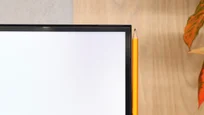
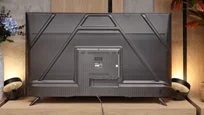
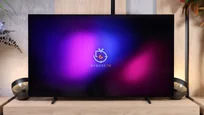
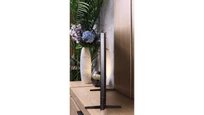
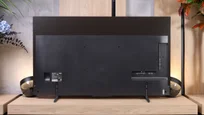
TV appearance

Contrast and black detail
4.8/10
10/10
Local dimming function: No
Contrast:


Result
3,350:1

Result
3,350:1

Result
2,650:1

Result
3,650:1

Result
2,400:1
Result
∞:1
Result
∞:1
Result
∞:1
Result
∞:1
Result
∞:1
Halo effect and black detail visibility:
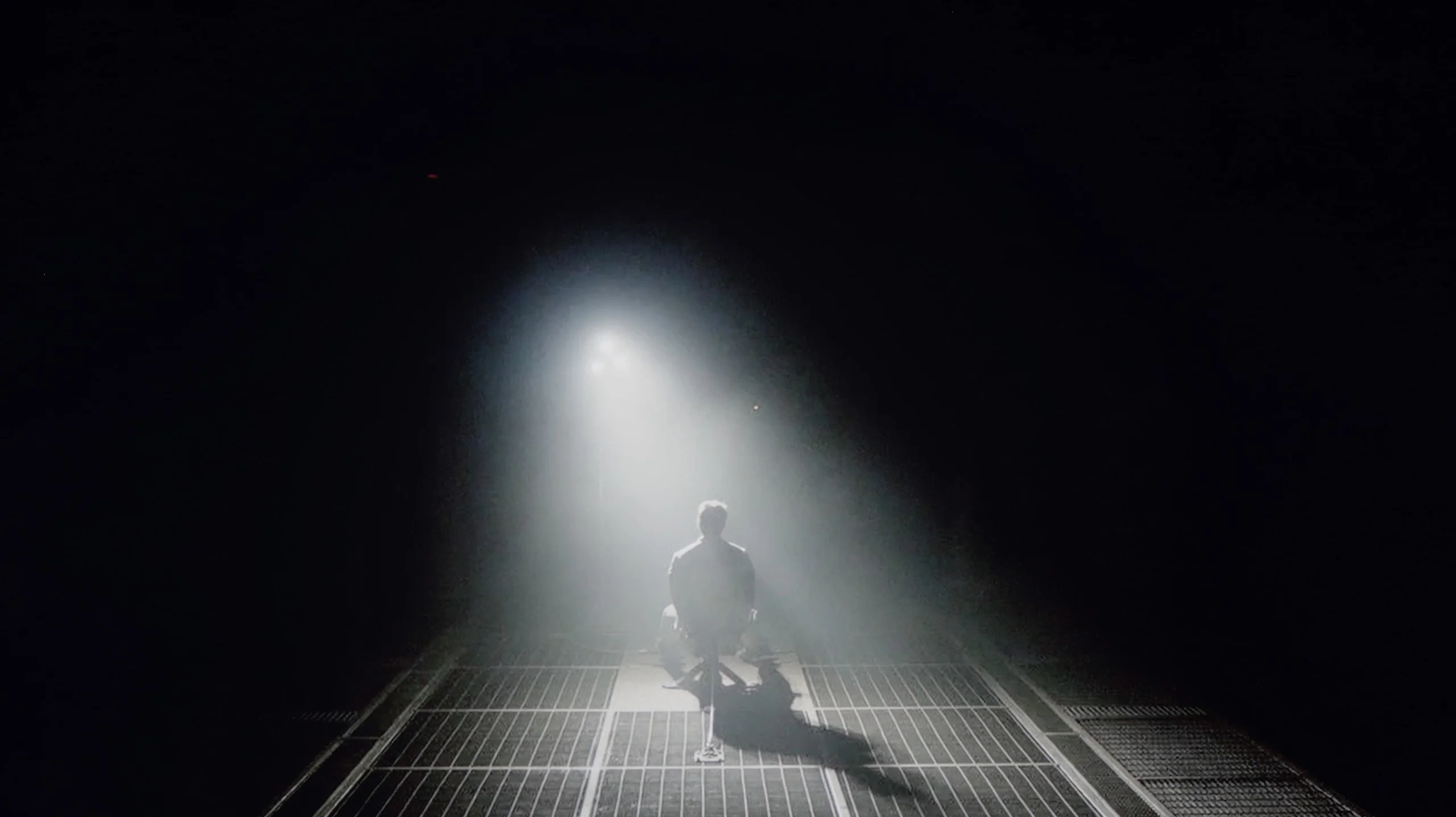
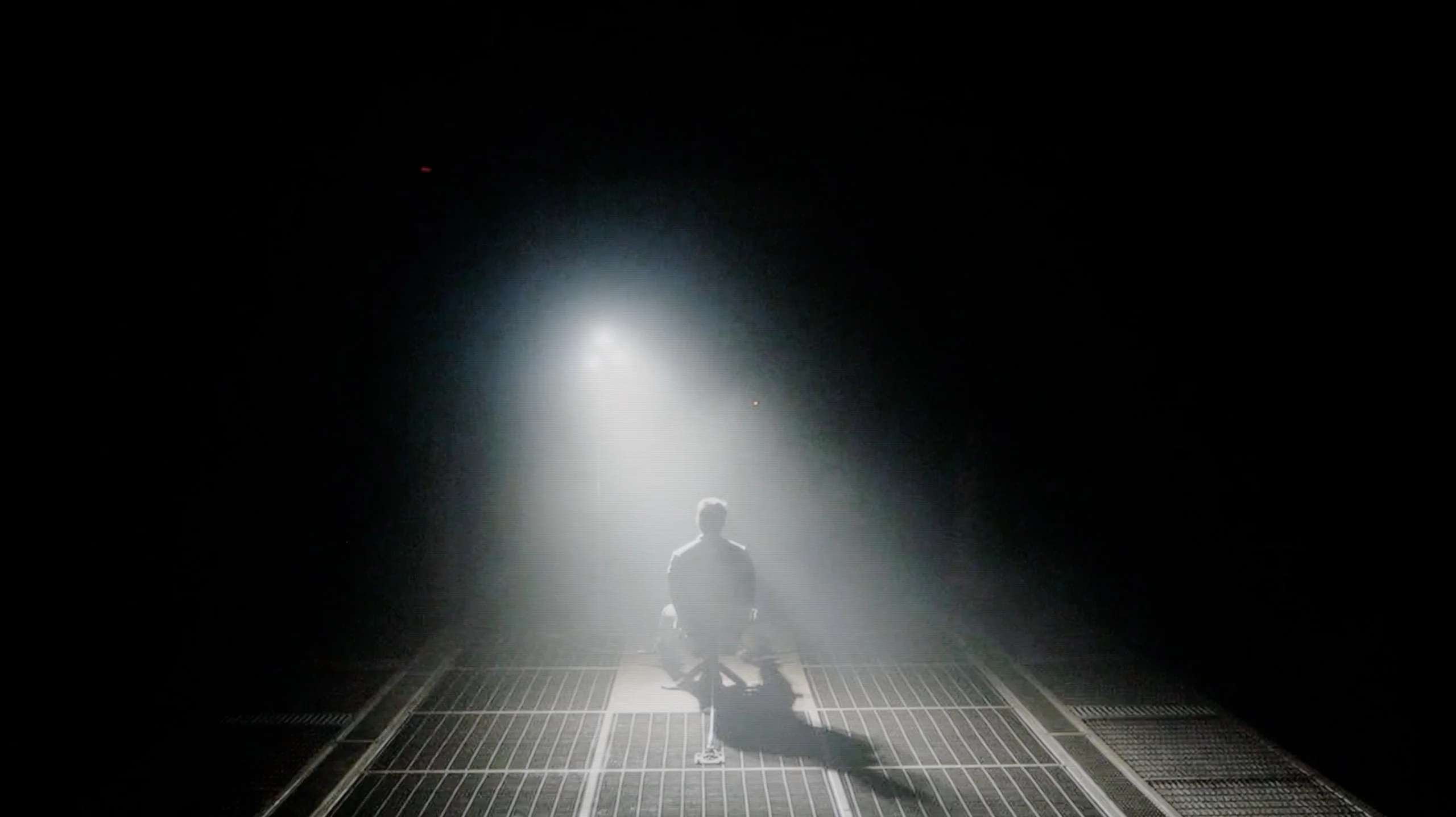
Check the visibility of bright lights on a dark background. Mini-LEDs often struggle with this. The photo does not compare black levels – that’s what the video below is for.
The video accurately shows differences in contrast and black levels between TVs, as well as potential issues: halo around bright objects or Mini-LED zone operation visible as brightness jumps.
The 55-inch Kiano Elegance we tested uses a VA panel, which by itself delivers fairly decent blacks. Our measured contrast was around 4000:1, a result typical for this type of panel and clearly better than in TVs using IPS or ADS matrices. In the evening the picture therefore has decent depth and the blacks are not as heavily lifted. However, it should be remembered that the Elegance uses a conventional backlight without local dimming. That means the backlight is on all the time and the TV cannot dim selected parts of the screen. In that respect the difference compared with even basic Mini LED models is already noticeable. There, individual backlight zones can dim independently, so blacks can be much deeper in dark scenes. Kiano does not have those capabilities, but for a simple LCD TV its native contrast is quite respectable.
Sony BRAVIA 6, also known as the A65, uses an OLED panel, so when it comes to black levels and contrast it deserves top marks. In all test scenes blacks remained completely black, and the measured contrast was infinite. That's thanks to independent control of each pixel, which can be turned off completely, even with a very bright element right next to it. In that respect the BRAVIA 6 even outperforms the best Mini LEDs. A few thousand local-dimming zones still don't offer the precision of control over each of the more than 8 million pixels.
However, in the video below you can see that some dark parts of the image are slightly brightened. It's worth clarifying that this concerns the very darkest shades of grey, not true black. The BRAVIA 6 tends to show them brighter than it should, so details in deep shadow can be overly emphasised. This doesn't change the panel's ability to completely turn off black elements, so we don't lower the rating in this category. We'll return to this behaviour when assessing image reproduction and the effects of calibration.
HDR effect quality
3/10
5.7/10
Luminance measurements in HDR:

Result
158 nit

Result
172 nit

Result
193 nit

Result
180 nit

Result
205 nit
Result
483 nit
Result
616 nit
Result
697 nit
Result
680 nit
Result
276 nit
Scene from the movie “Pan” (about 2800 nits)


Scene from the movie “Billy Lynn” (about 1100 nits)
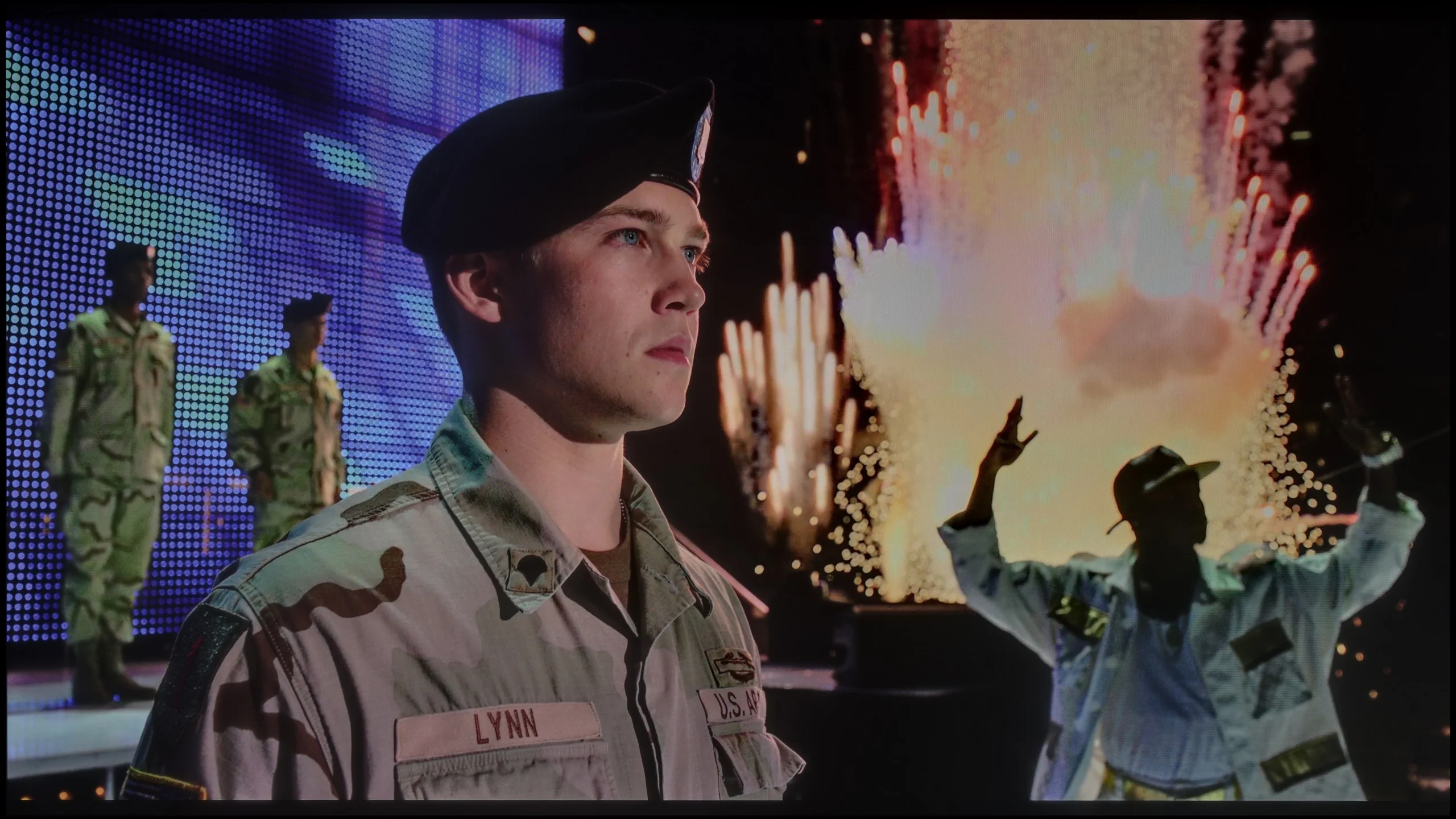
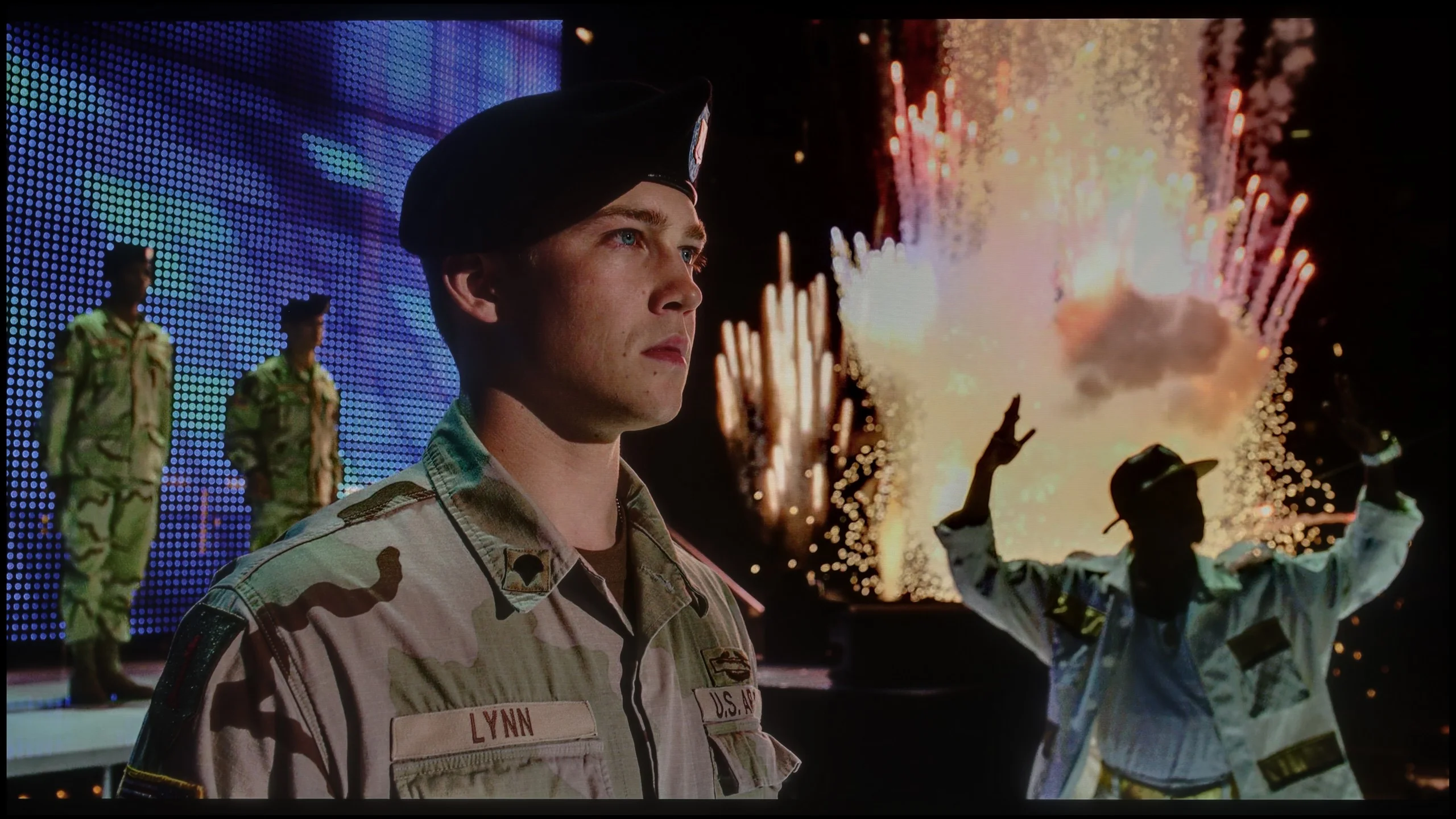
The photos show two HDR10 movies. 'Pan' is one of the brightest productions ever made, while 'Billy Lynn' (soldier) has brightness typical of streaming (Netflix, Prime, HBO MAX). Notice the intensity of effects and detail in whites.
Static HDR10


The photos present the visibility of white details in various HDR formats. They do not show brightness differences between TVs (these can be compared in the previous gallery).
Dynamic: HDR10+
Dynamic: Dolby Vision


The photos present the visibility of white details in various HDR formats. They do not show brightness differences between TVs (these can be compared in the previous gallery).
HDR luminance chart:
Sony BRAVIA 6 (A65)
Kiano Elegance Tizen
Luminance of RGB colors
The HDR effect on the Kiano Elegance is basically non-existent. The TV is simply too dim to deliver any noticeable quality jump over regular SDR. Measured brightness is around 200 nits, which is far too low for bright elements, like various lighting effects, to really stand out on screen. HDR material will be played back, but without the punch this format should be known for. On top of that, the Kiano Elegance doesn’t use any additional colour‑gamut enhancing technology, such as quantum dots or even a PFS filter. As a result, some of the intense colours encoded in HDR films can’t be shown with proper saturation. In more colourful productions it’s especially obvious that the picture is simply poorer than on TVs with a wide colour gamut. The Kiano Elegance is therefore much better suited to ordinary SDR content, like broadcast TV, YouTube or older films and series; their demands are much lower and match this TV’s capabilities far better.
The Sony BRAVIA 6 is a moderately bright TV, and compared with today's OLEDs it can even be classed among the darker models. It peaks at around 700 nits, but you'll see those values mainly on small highlights surrounded by a dark background. In brighter, mixed scenes the result is closer to 500 nits — for example, a sunset shot from the film "Life of Pi", where we measured 483 nits. Combined with perfect blacks this gives a pleasant HDR effect, especially in the evening, although it's hard to call the brightness spectacular. Limitations become even more noticeable when bright elements occupy most of the screen. Then ABL kicks in, the mechanism that limits brightness when the OLED panel is heavily loaded. The BRAVIA 6 uses the panel's capabilities fairly conservatively, and in such shots brightness falls to around 250–280 nits. In the scene with the oil rig we got about 250 nits, so a bright sky no longer has the same punch as a single torch in darkness. It's in wide, sunny landscapes or large flares that it most noticeably lacks brightness headroom.
Colours
In terms of colours the BRAVIA 6 does quite well. It covers about 95–96% of the DCI-P3 gamut, so it can reproduce most of the colours used in HDR films and series with proper saturation. It still trails higher-end WOLED panels a bit, which approach full coverage of that gamut, but in everyday viewing it won't be a big difference. A larger gap separates it from QD-OLED screens when rendering the most intense colours from the wider BT.2020 gamut. Sony covers that at roughly 71–72%, so exceptionally saturated reds or greens won't look as impressive as on organic panels with quantum dots or on SQD Mini-LED displays. Moreover, gamut coverage alone doesn't mean the TV can show those colours at high brightness. On the BRAVIA 6 very bright, colourful highlights have less punch, which further tames the HDR impact. In typical films the colours still look good, with screen brightness remaining the bigger limitation.
Factory color reproduction
4.8/10
6.9/10
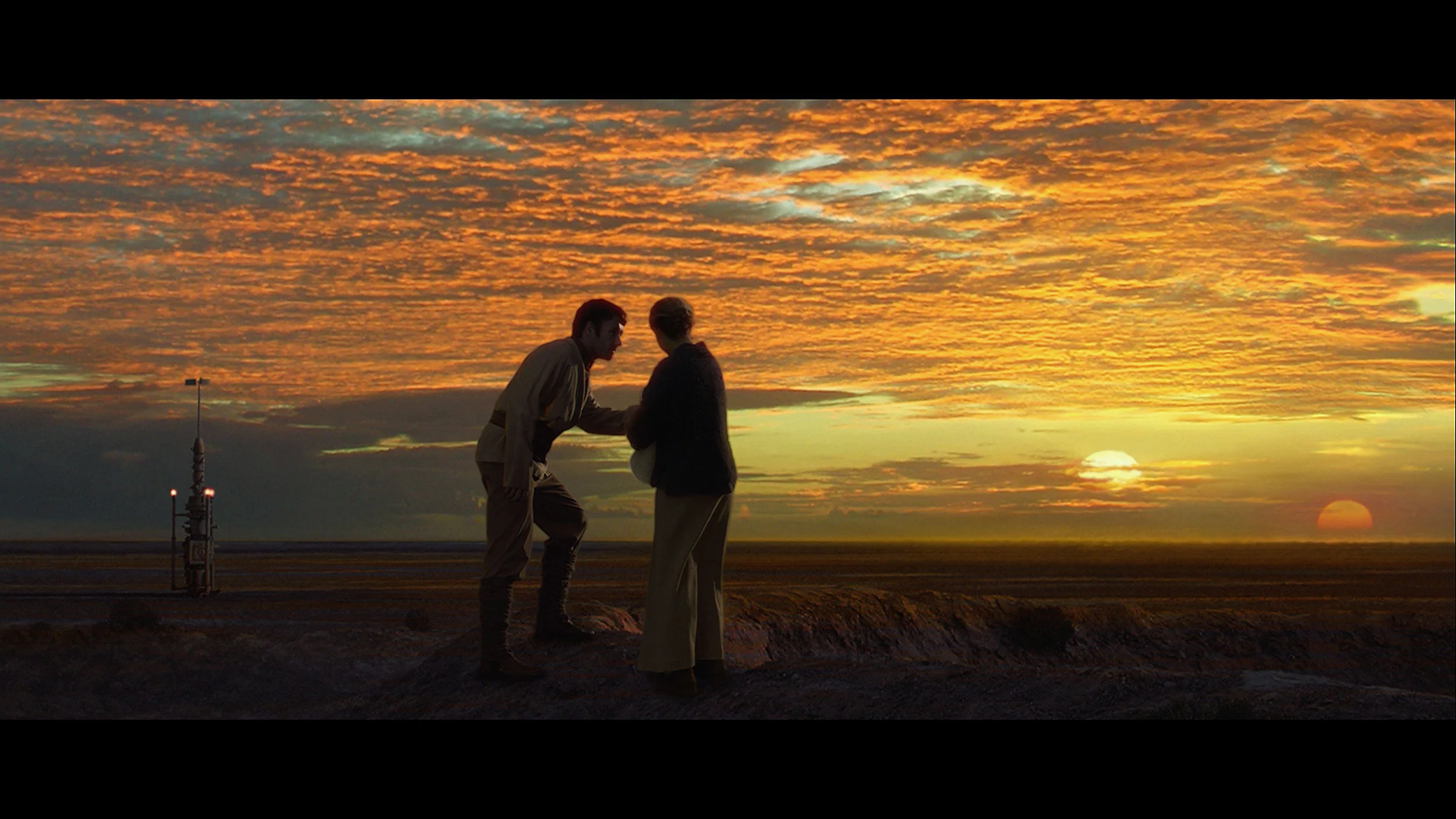
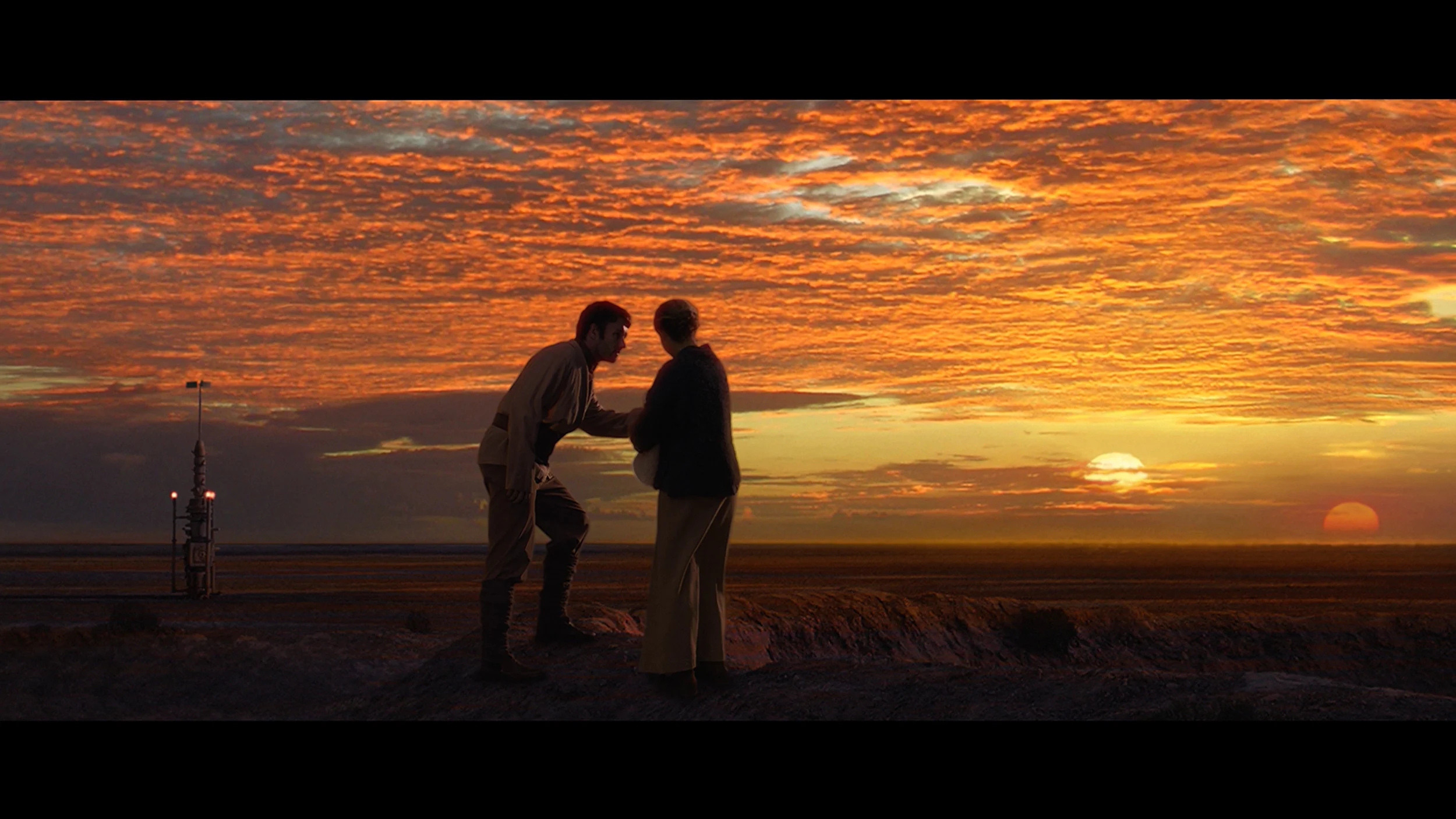
This gallery shows how colors change after professional TV calibration. If you notice the difference, we recommend ordering this service at SkalibrujTV.com.
Factory Mode
After calibration


This gallery shows how colors change after professional TV calibration. If you notice the difference, we recommend ordering this service at SkalibrujTV.com.
Factory Mode
After calibration
In Film mode the colours on the Kiano Elegance look quite respectable, especially for a TV in this price range. That said, the picture isn’t correctly set up straight away. It’s most noticeable in the white balance, which lacked red. As a result the image had a slightly cooler cast, and some skin tones and warmer colours didn’t look as natural as they should. On top of that, both the SDR gamma and the EOTF curve in HDR were set too high. Put simply, the TV brightened the picture more than the source material intended. In SDR that produced a slightly brighter, more TV-like image, but it also robbed the picture of some depth. In HDR the same behaviour amplified the panel’s limitations, because at such low brightness the TV had even less headroom to correctly show the brighter parts of the image. The biggest constraints therefore came in HDR. The colour palette encoded in that kind of material often exceeds the Kiano Elegance’s capabilities, since it doesn’t use any gamut-expanding solution. More saturated reds, greens and blues are displayed much more muted than they should be. In less demanding scenes this isn’t yet very obvious, but with more colourful films the difference compared with TVs that have a wide colour gamut becomes very noticeable.
In Cinema mode the Sony BRAVIA 6 delivers a rather pleasant picture, although the factory settings give it a slightly too warm character. In SDR, that is when watching regular TV and older films, there’s a dominance of red and a shortage of blue. The image can therefore take on a creamy, slightly pinkish tint, and faces look more flushed than they should. It’s not a cast that completely alters the look of a film, but it’s noticeable with neutral colours. On top of that there’s a bit too much darkening in SDR. The gamma curve sits above the target value, which during viewing means darker areas of the scene. The scene may appear more contrasty, but subtle shadow detail becomes harder to distinguish.
In HDR the colours behave a little differently. The red dominance is reduced, but together with a slight excess of blue and a lack of green it gives a faint pink cast to bright, neutral surfaces. The luminance response remains close to the reference across much of the range, although you can see the previously mentioned lift of tones just above black. Because of this, in night scenes some parts of the background are more visible than the filmmakers intended. Some midtones are also slightly brightened. Overall cinema mode is a sensible starting point for viewing and is definitely the best mode among the options, but the white balance and the way brightness is rendered still need refining.
Color reproduction after calibration
6.5/10
8/10
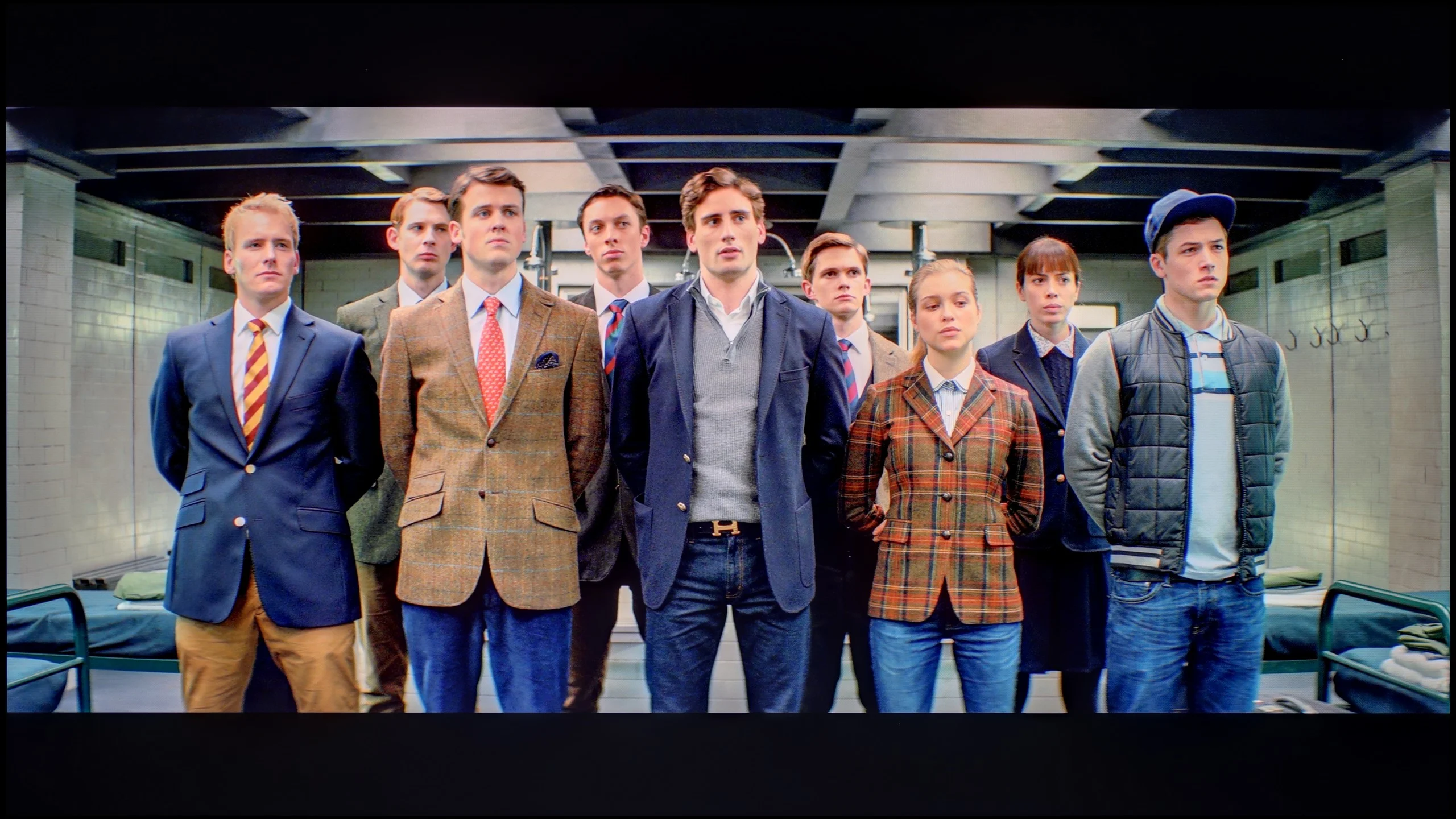
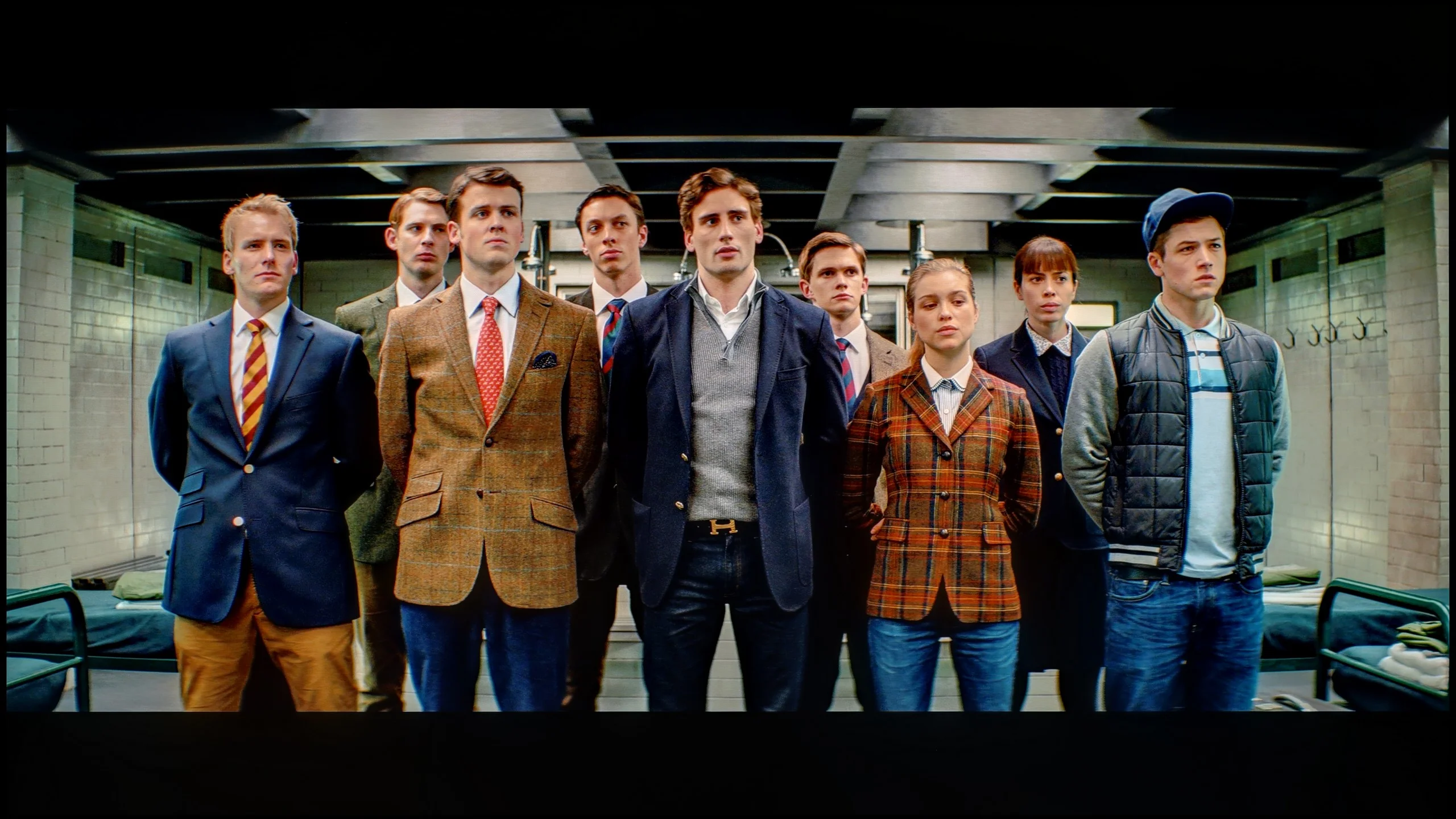
The photos show how movies look on the TV. Pay attention to black detail visibility, colors, and shadow tint.


The photos show how movies look on the TV. Pay attention to black detail visibility, colors, and shadow tint.
Surprisingly, even a budget TV like the Kiano Elegance offers quite a few calibration options. We managed particularly well with the white balance. After correction the cooler cast disappeared and the colours became noticeably more natural. We also managed to better set the gamma and the overall picture response in SDR. Despite our efforts, it soon became clear that further limits were no longer due to the settings but to the TV's capabilities. In SDR the Kiano can look quite decent. TV broadcasts, YouTube, sport or older films can display natural colours and a pleasing picture. It's a lot worse with HDR. Here calibration alone can't make up for the lack of brightness and a wide colour gamut. The TV simply can't reproduce some of the more saturated colours or adequately strong bright highlights. So while you can get a really decent picture in SDR, HDR still clearly remains beyond its capabilities.
BRAVIA 6 responds well to picture calibration, although many user options are unavailable from the TV’s menu. Apart from basic white balance and gamma adjustments in SDR, it’s hard to get the rest of the image under control. Fortunately, those adjustments alone allow a significant improvement. In SDR we were able to almost perfectly even out the white balance, which removed the excessive warm cast and stopped faces looking overly rosy. After correcting the gamma, darker areas are also better visible. For regular broadcast TV or YouTube content the result is noticeably better than the factory settings.
In HDR it was also possible to reduce the colour cast, but a bigger problem here is how the TV manages brightness. BRAVIA 6 unusually changes it depending on the scene: some tones are darkened, others brightened, and the available settings do not allow full correction. You can see this in measurements taken from films, where the brightness behaviour and the way the EOTF curve differs between shots are visible. That leads to the aforementioned emphasis of the darkest greys, which makes some night scenes too bright. Calibration therefore makes sense and especially in SDR allows a natural, well tuned image. In HDR the colour improvement is also noticeable, but it does not solve the issues with brightness and preserving the brightest details. It’s a shame, because with more control over what the TV does the panel’s capabilities could be put to better use.
Smoothness of tonal transitions
8.5/10
6.7/10
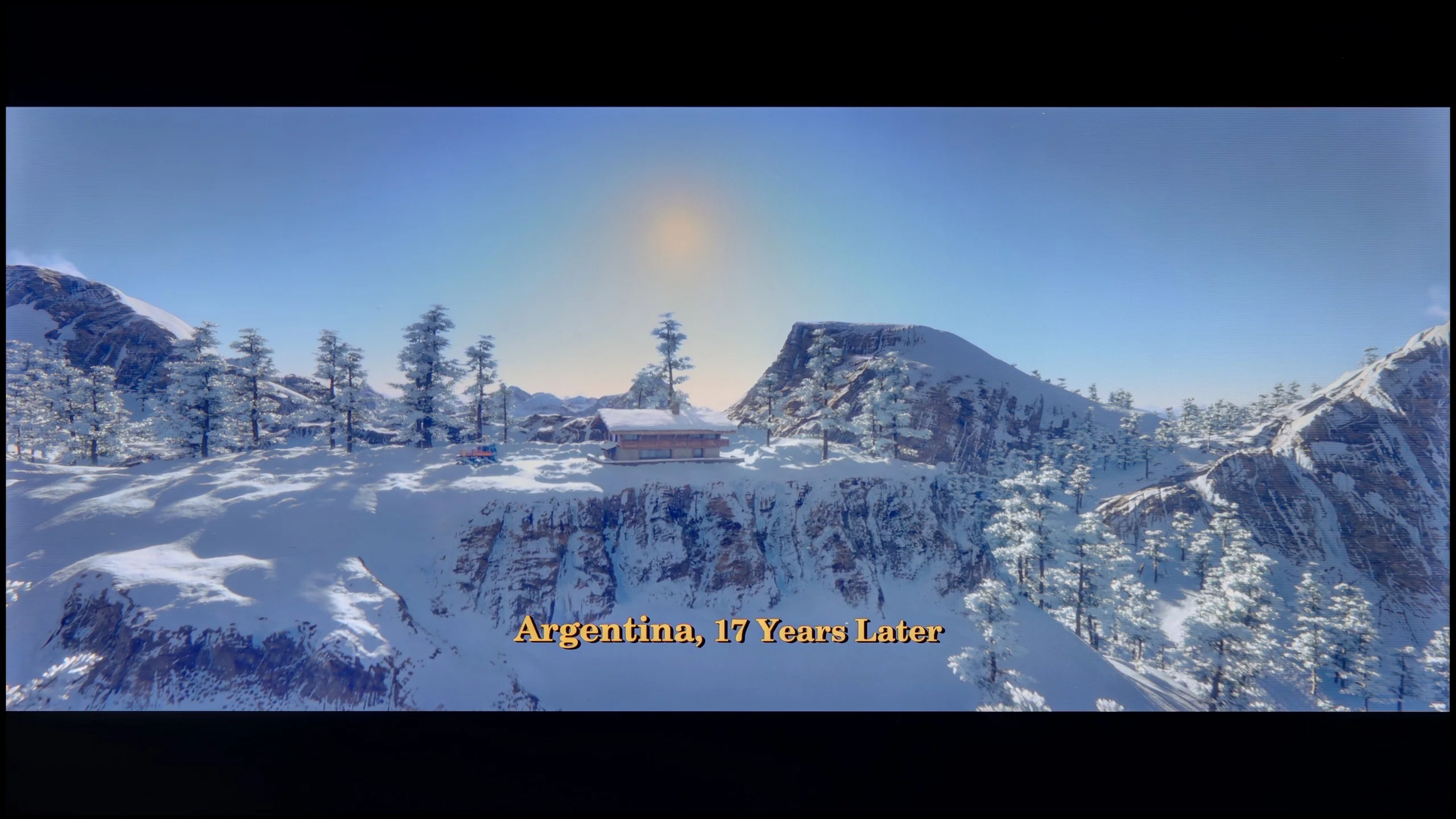

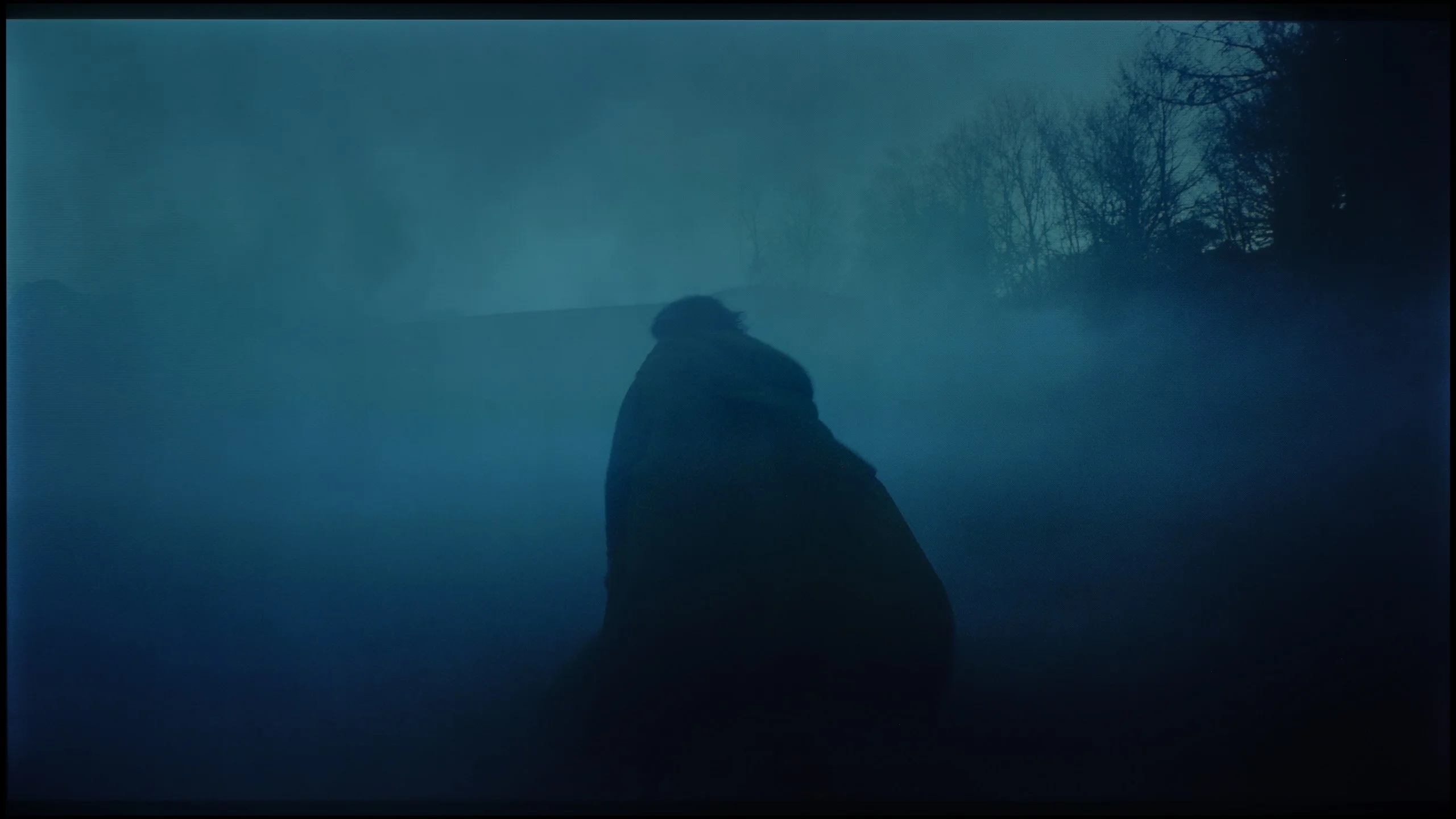
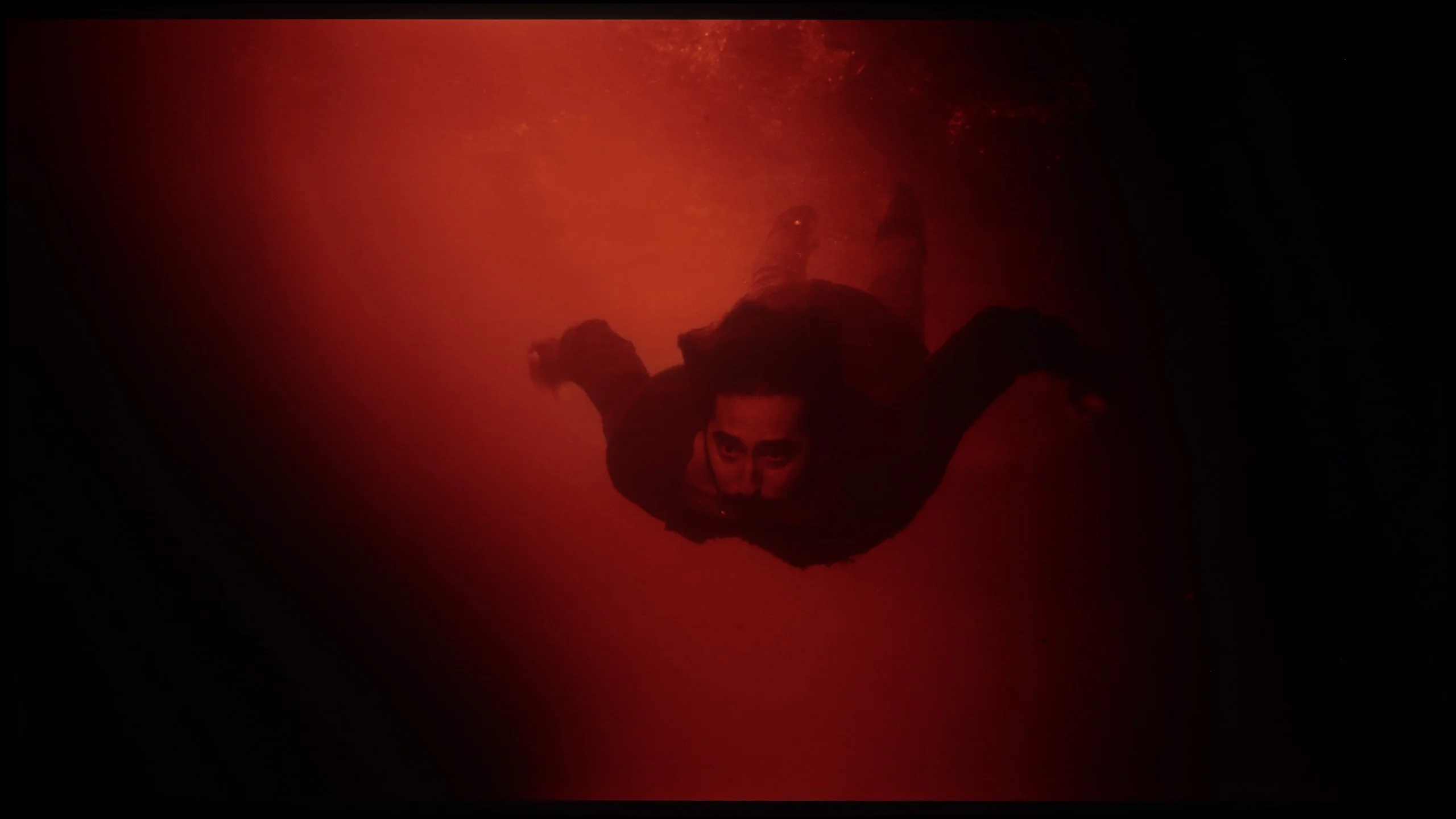
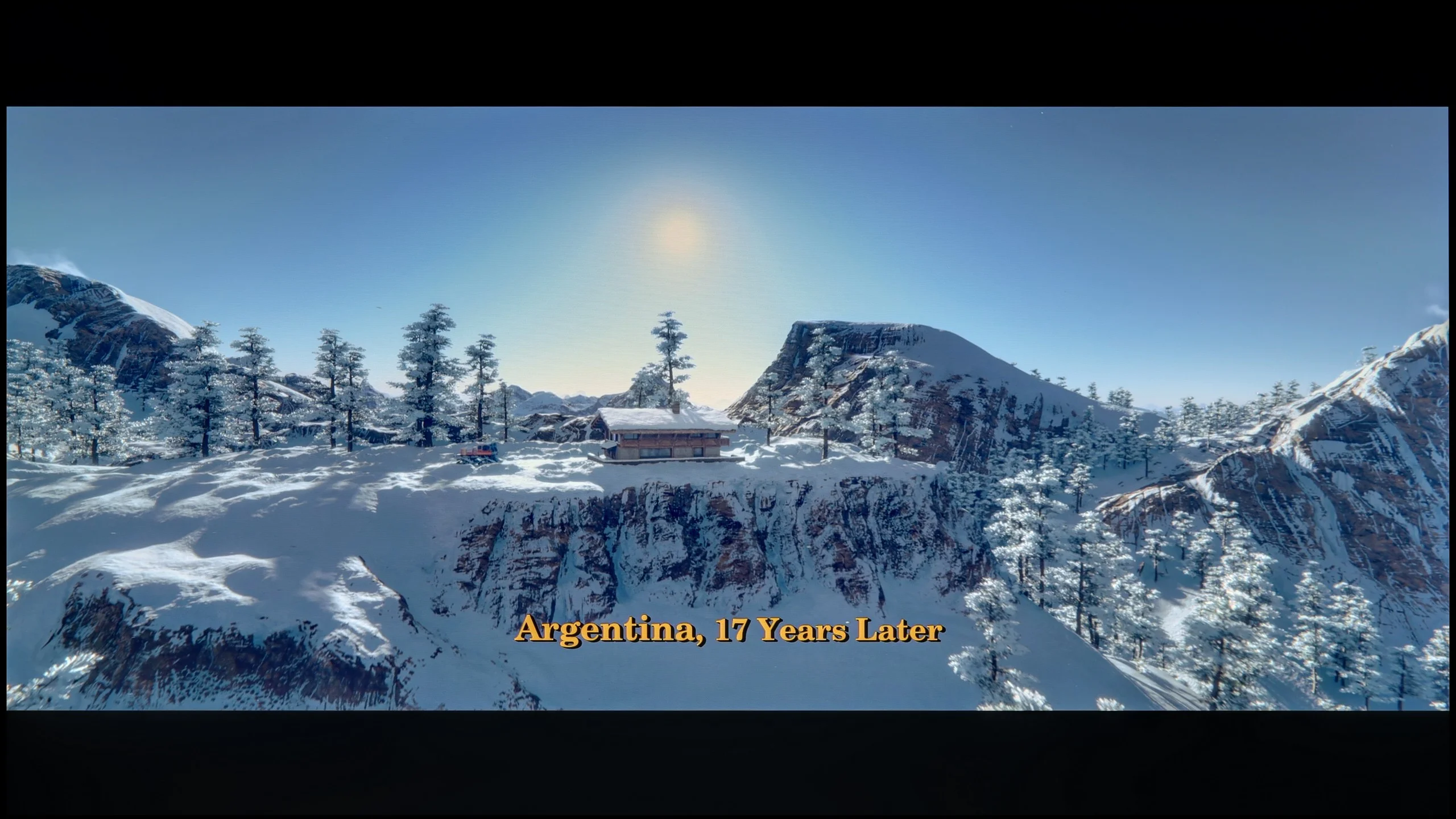
These are selected scenes that show smooth tonal transitions from one color to another. If you see distinct banding, it’s the TV panel’s fault.

These are selected scenes that show smooth tonal transitions from one color to another. If you see distinct banding, it’s the TV panel’s fault.
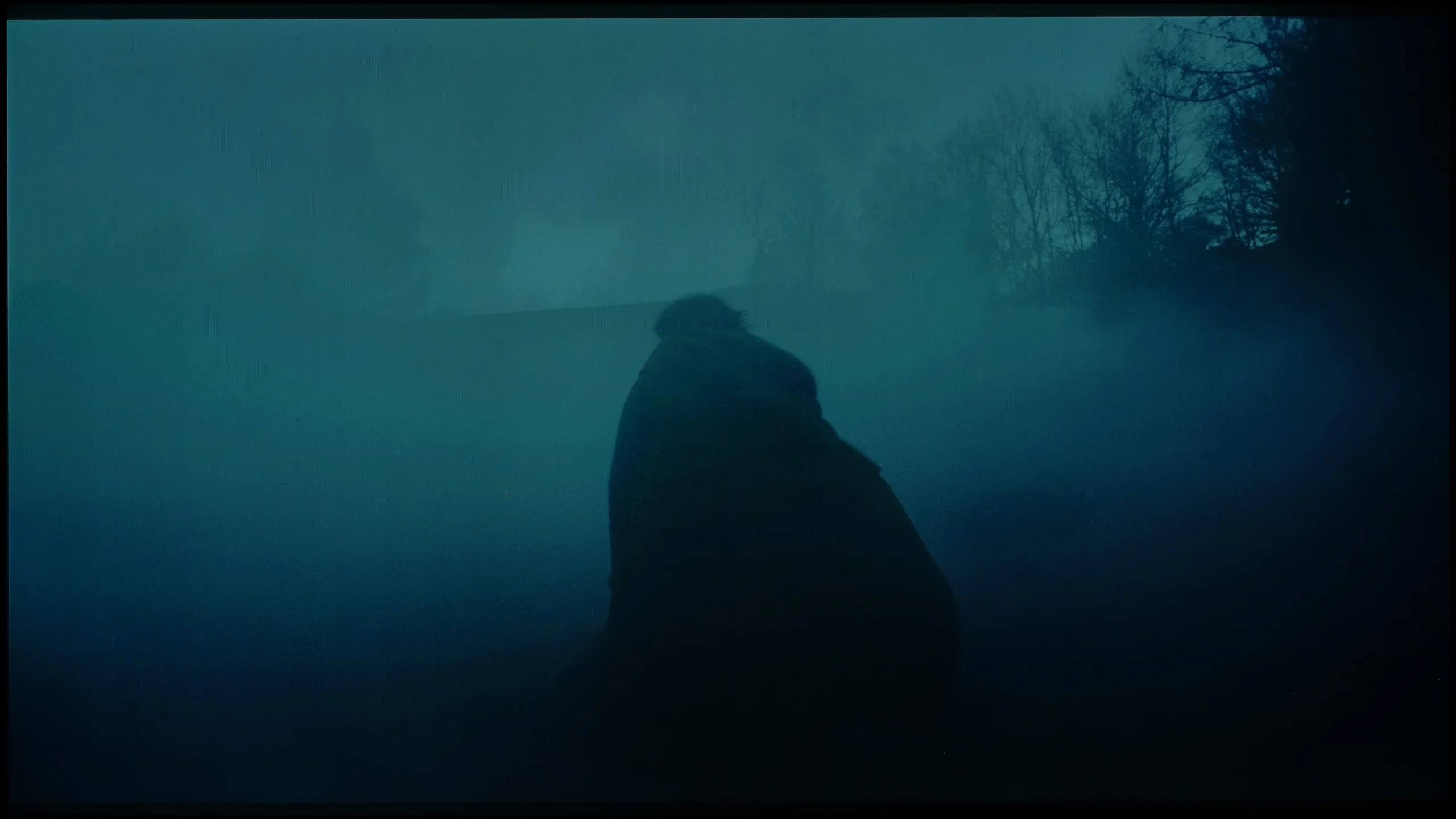
These are selected scenes that show smooth tonal transitions from one color to another. If you see distinct banding, it’s the TV panel’s fault.
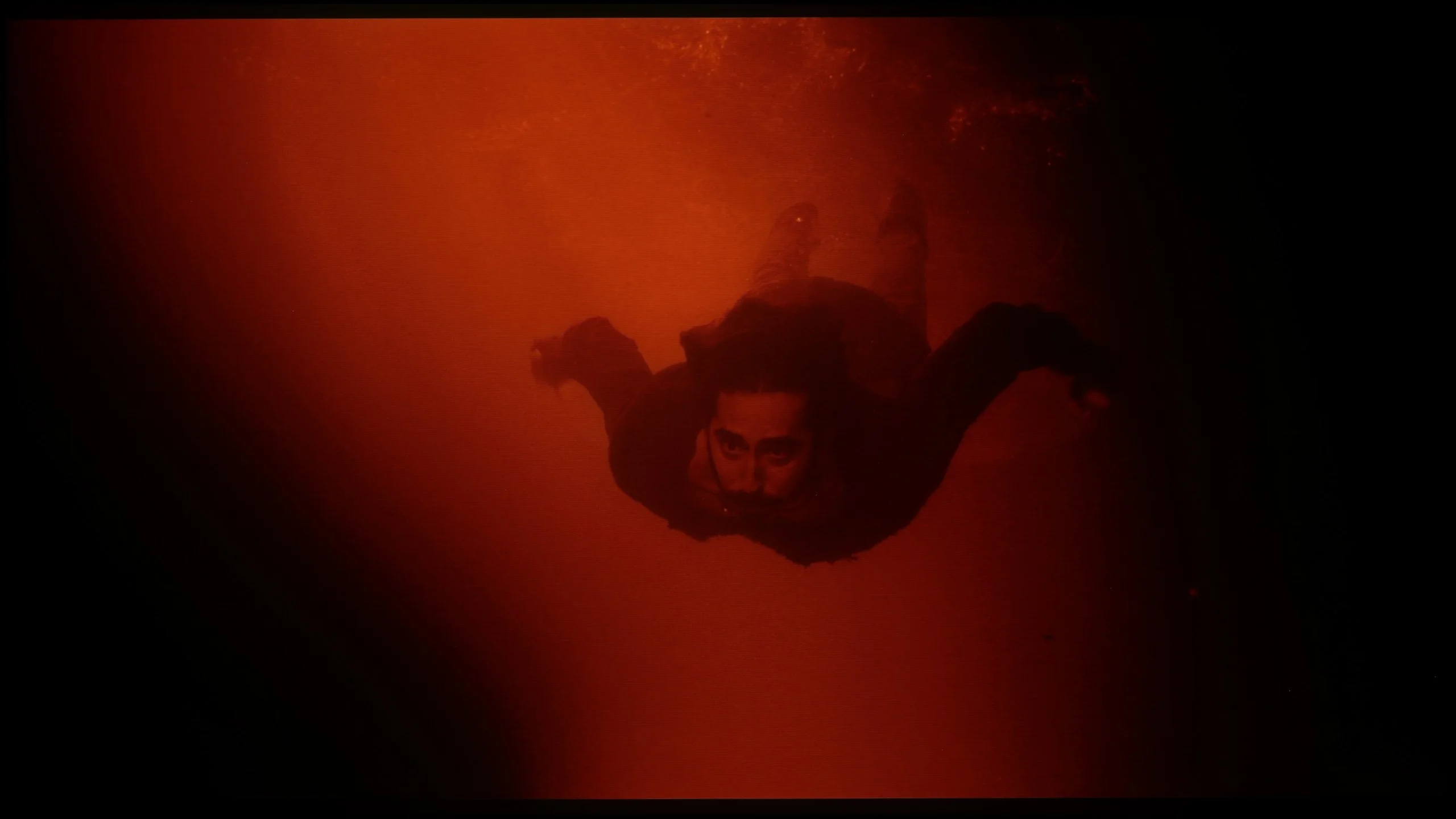
These are selected scenes that show smooth tonal transitions from one color to another. If you see distinct banding, it’s the TV panel’s fault.
Kiano Elegance handles colour gradation quite well. In most scenes the transitions between shades are smooth and there’s no strong banding or obvious stripes, which can be a problem in the cheapest televisions. The biggest limitations only appear in darker scenes. With very subtle transitions in greys or shadows you can notice slight posterisation and some colour separation. However, it’s not something that will be obvious all the time. In typical material Kiano performs reasonably well in this respect, especially given its price.
The smoothness of tonal transitions on the BRAVIA 6 is rather average. In every scene we checked you can spot small irregularities where one shade should blend into another. In bright shots they’re subtle and easy to miss, but darker tones cause more problems. On shaded backgrounds the boundaries between them are clearer, so instead of a smooth transition you see distinct bands. We observed similar imperfections in other TVs we tested with an OLED SE panel. Interestingly, when running the same scenes in Dolby Vision the tonal gradation gets a little worse. These aren’t issues that ruin an entire viewing session, but on uniform backgrounds and in darker shots they can draw more attention.
Image scaling and smoothness of tonal transitions
6.5/10
6/10


Smooth transition function
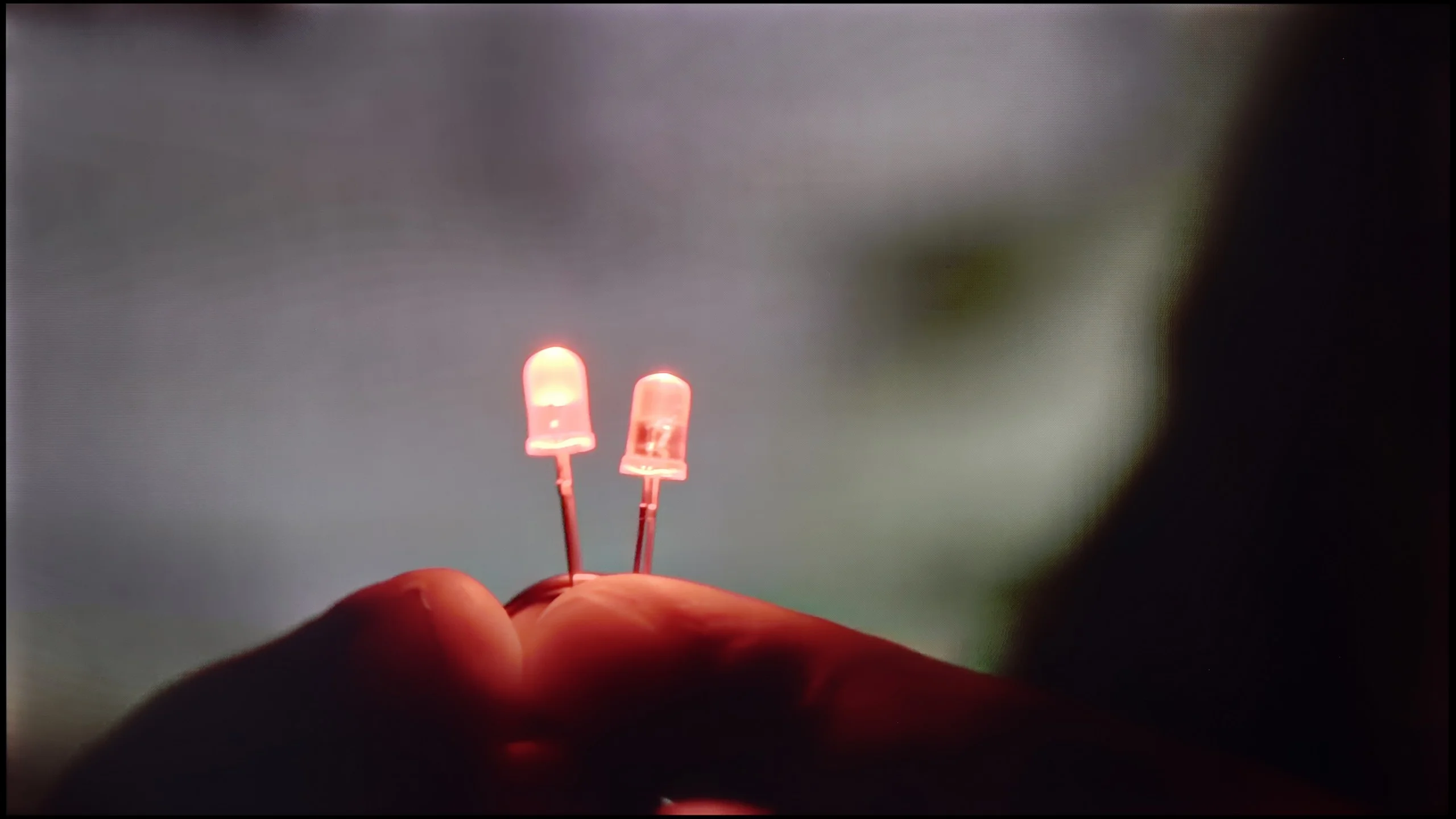
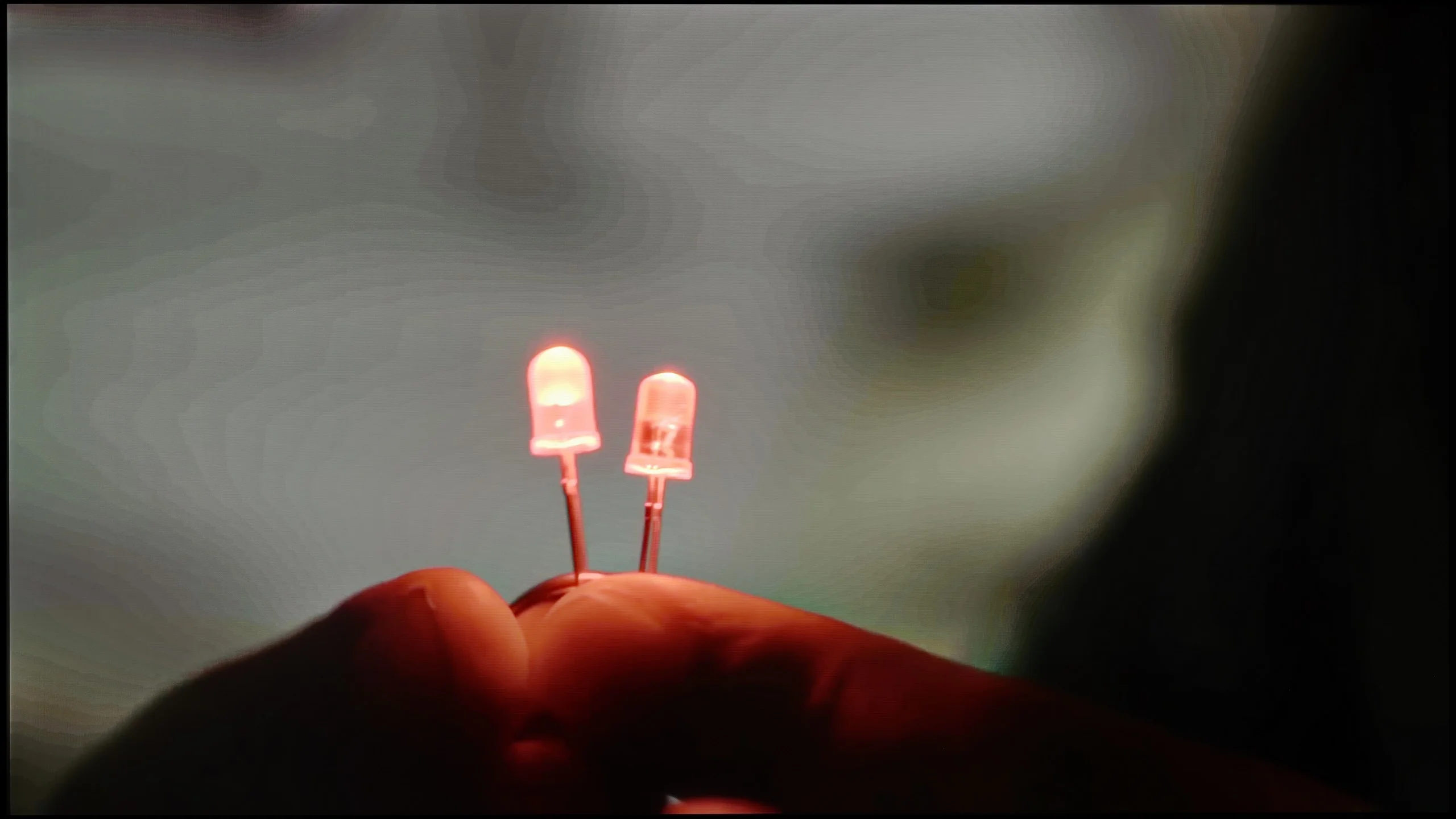
The match photo shows how the TV smooths weak tonal transitions in low-quality video.
Image scaling SD (576i)
For a relatively inexpensive television, the upscaling and digital image processing in the Kiano Elegance perform really well. The upscaling of lower-resolution content is decent. It's not, of course, at the level of the best TVs on the market, but regular broadcast TV and Full HD material look quite good on the 4K screen. We were even more surprised by its ability to smooth unwanted tonal transitions. Many TVs in this price range either don't offer a similar feature at all, or its effect is practically invisible. Kiano, using the noise reduction known from Samsung TVs, can quite effectively mask heavy compression, colour banding and other imperfections of weaker source material. There is only one catch. The feature works fairly aggressively and, along with imperfections, can also remove some fine detail and natural film grain. So with high-quality source material we'd probably leave it off. However, if you're watching older footage, heavily compressed broadcasts or poor-quality material from the internet, it's worth experimenting with it. In those conditions it can actually improve the viewing experience.
The "magic" of Sony's image processing has been talked about for years, and we've repeatedly confirmed its effectiveness in higher-end models. BRAVIA 6 shows, however, that the Japanese manufacturer's logo alone doesn't guarantee equally good results. Despite using a MediaTek Pentonic 800 processor, the TV handles smoothing of banding between shades in heavily compressed footage only rather averagely. The available "De Contour" function set to medium helps a little, but some uneven transitions remain visible. On the plus side, we didn't notice any obvious blurring of detail or extra artefacts. So it's worth using on weaker recordings, though its effectiveness is far from what we've become used to from the manufacturer's TVs. Upscaling of lower-resolution material performs better. The image is a little soft, but most fine detail stays clearly visible. In the scene with the model you can make out both the tree's texture and thin branches in the background, so this gentler sharpening doesn't automatically mean a loss of detail. There's also no issue with overscan: the TV shows the entire frame, without cropping the edges even with an SD signal.
Blur and motion smoothness
2/10
8.5/10
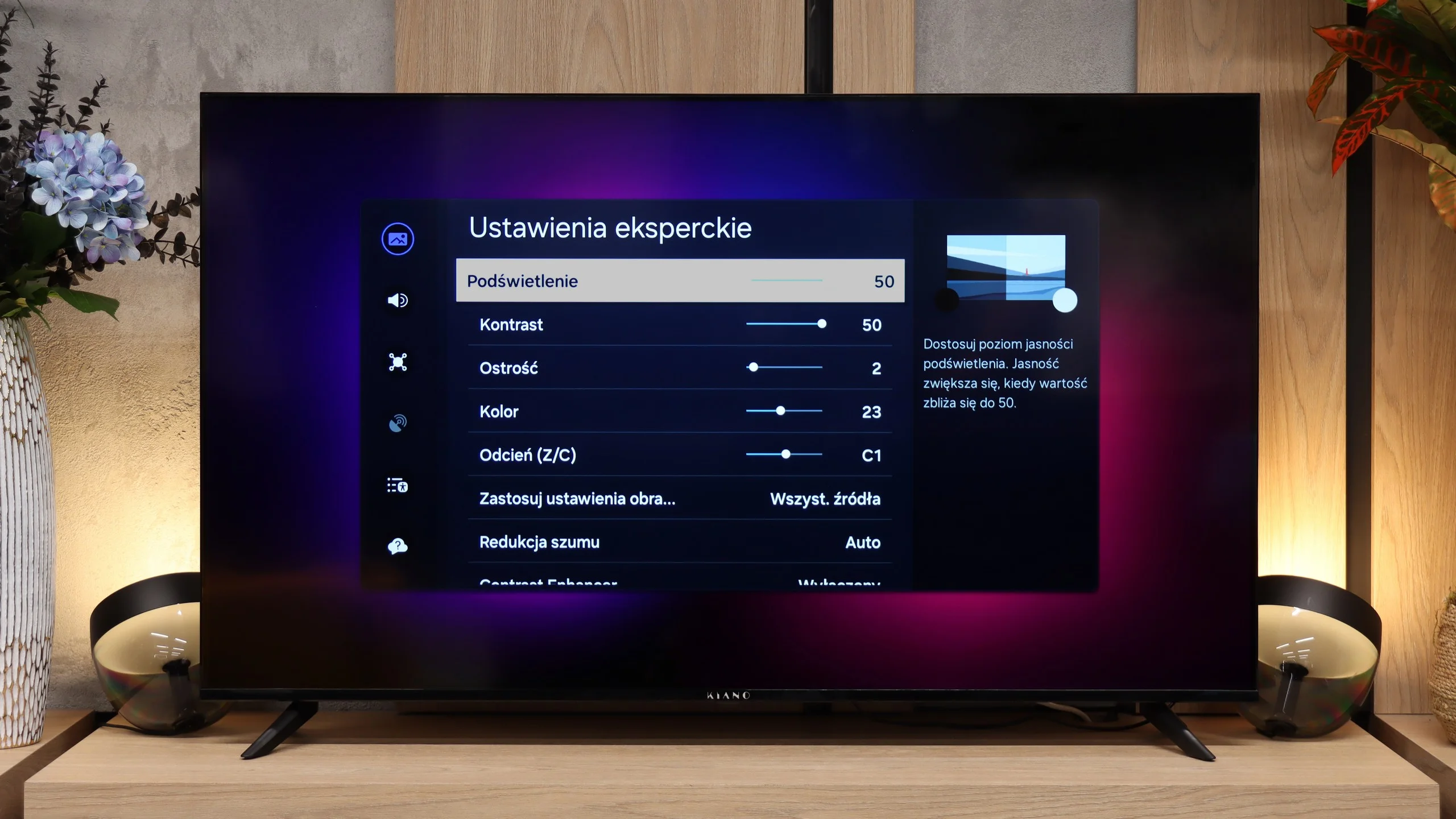
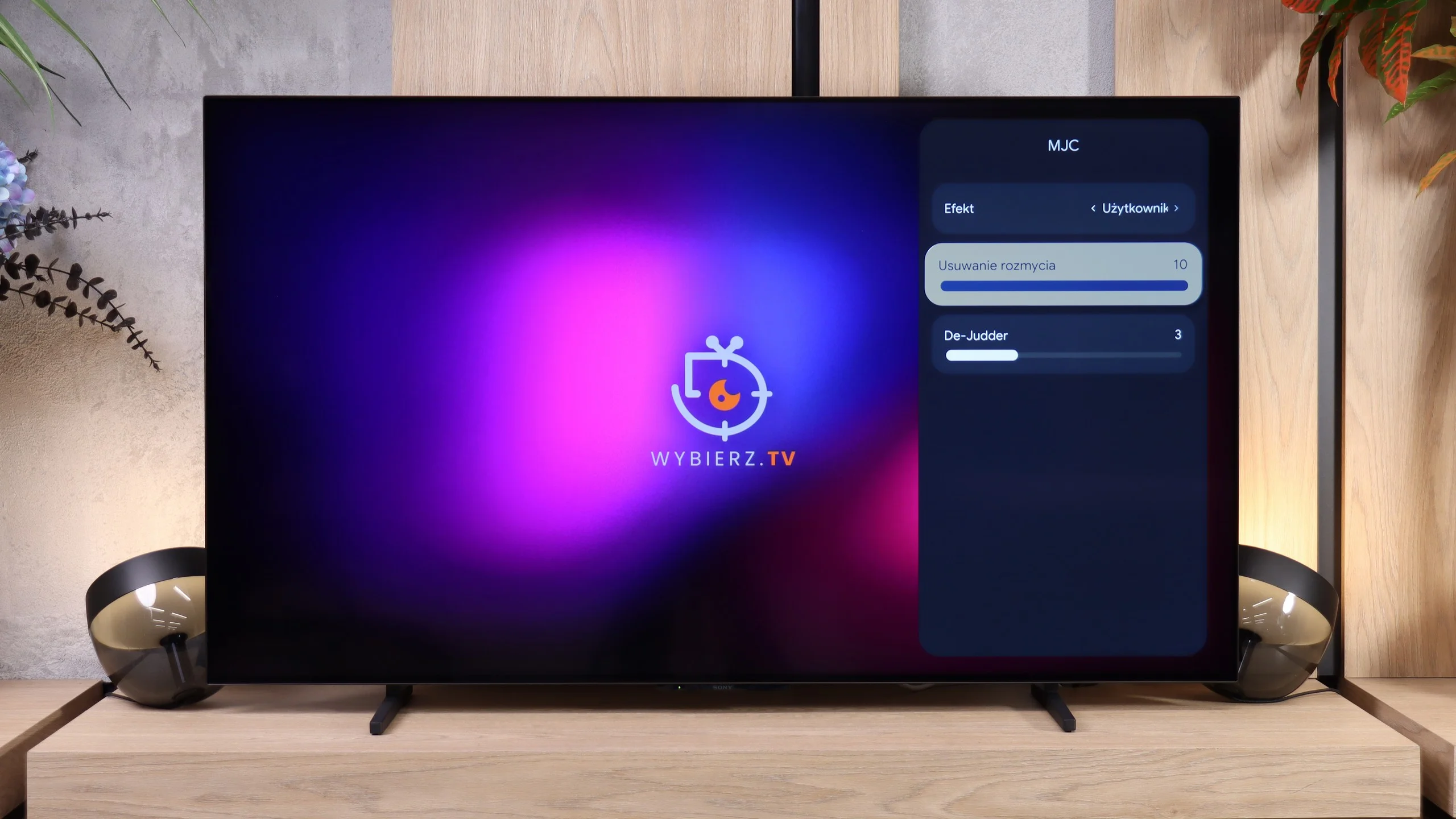
Blur (native resolution, maximum refresh rate):






Blur ():
Blur (4K@60Hz):



In terms of motion handling the Kiano Elegance performs rather poorly. The TV has a 60 Hz panel, but at this price point that's not surprising. What's far more bothersome is the lack of any motion-smoothing function. In practice this means the TV displays content at exactly the frame rate it was recorded in. In films this isn't yet a major issue, but with sport or fast panning shots it's clear that motion isn't particularly smooth.
In dynamic scenes the BRAVIA 6 performs very well. The OLED panel responds almost instantly, so moving objects show virtually no smearing, even on dark backgrounds. Combined with a 120 Hz refresh rate, this delivers a sharp picture for watching sport and gaming. In that respect the TV offers exactly what we'd expect from an OLED.
The motion settings menu is much less typical for Sony. Instead of the familiar Motionflow system there's a feature called "MJC", which in both appearance and naming more closely resembles solutions found on budget TVs from other brands. You get two sliders: "Blur Reduction", which here is equivalent to the "Smoothness (Film)" setting, and "De-Judder", which corresponds to the "Smoothness (Camera)" control on other Sony models. The motion smoothing itself works well and lets you adjust motion to your preferences, though users switching from another BRAVIA will be surprised by the new menu on the TV.
Console compatibility and gaming features
1.6/10
7.5/10
- ALLM
- VRR
- VRR range 48 - 120Hz
- Dolby Vision Game Mode
- Correct implementation of HGIG
- 1080p@120Hz
- 1440p@120Hz
- 4K@120Hz
- Game bar
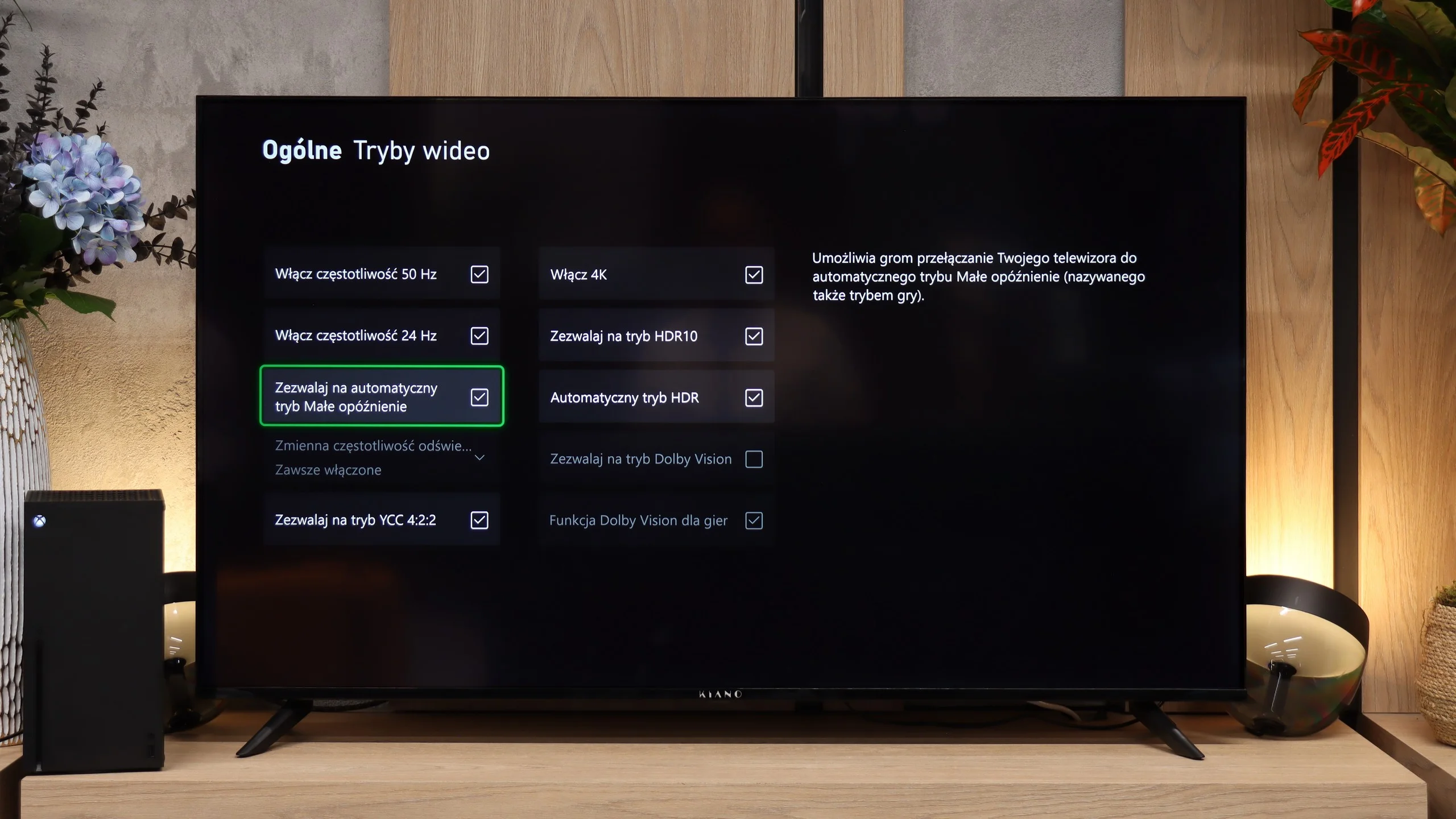
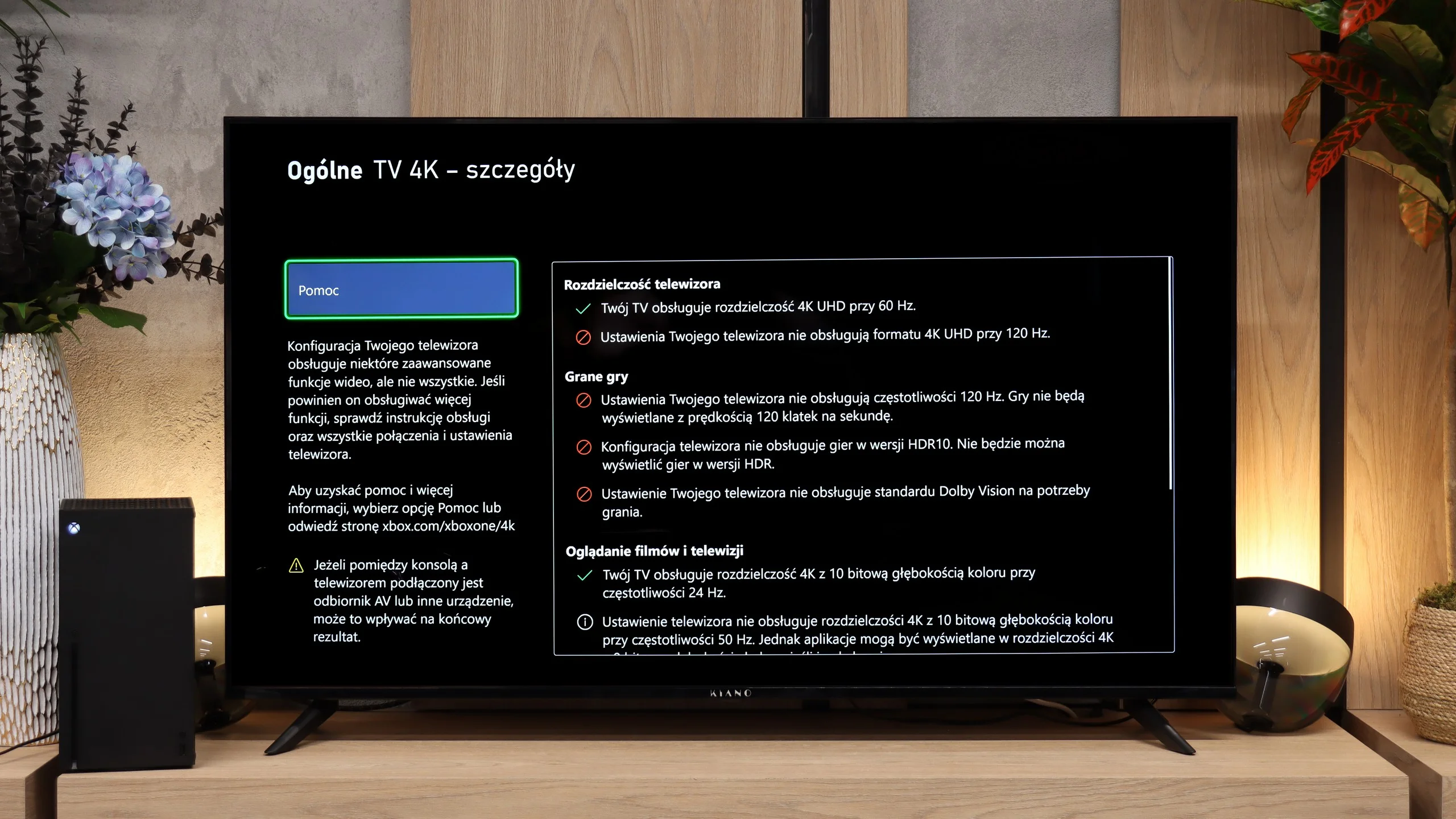
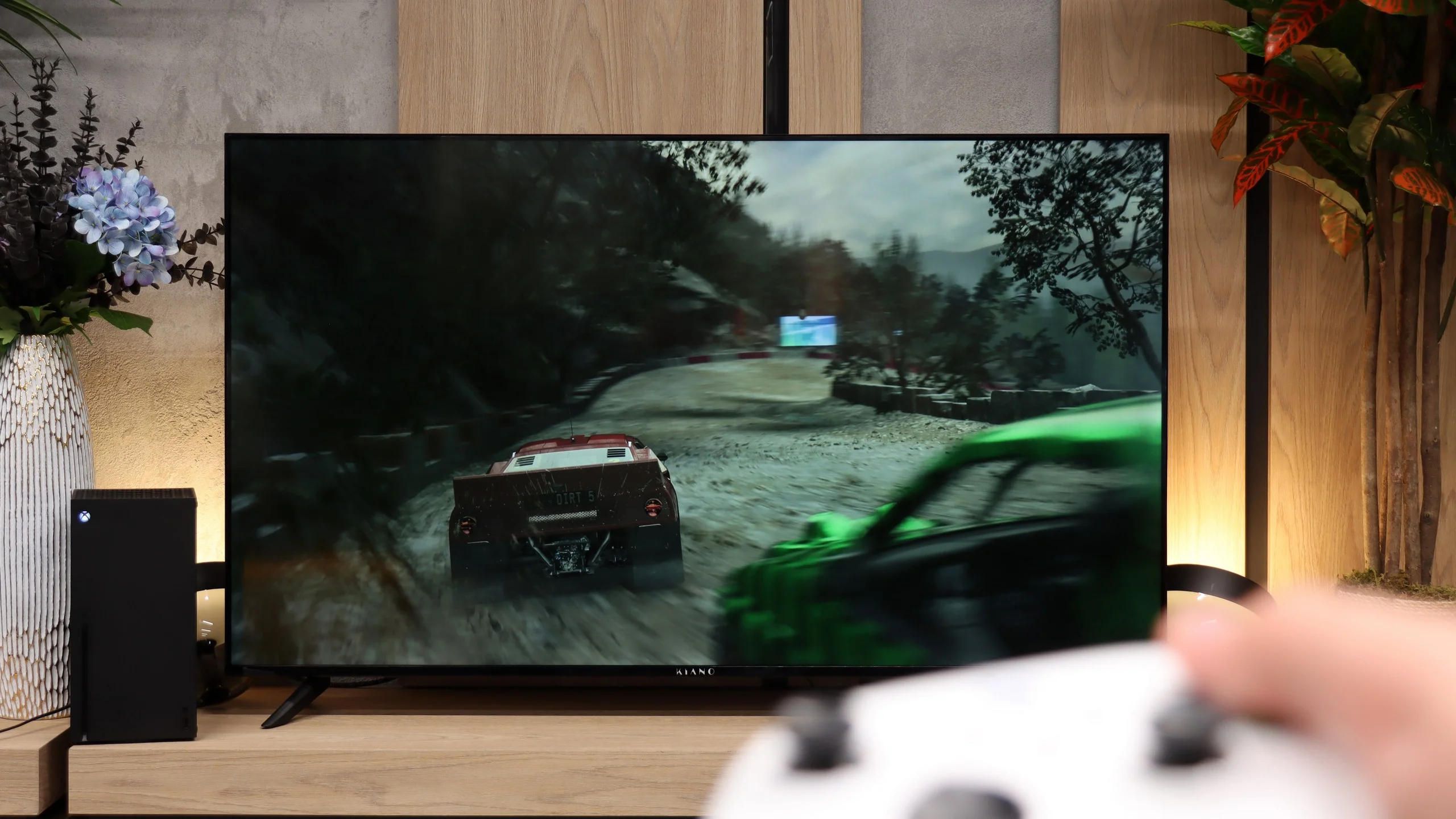
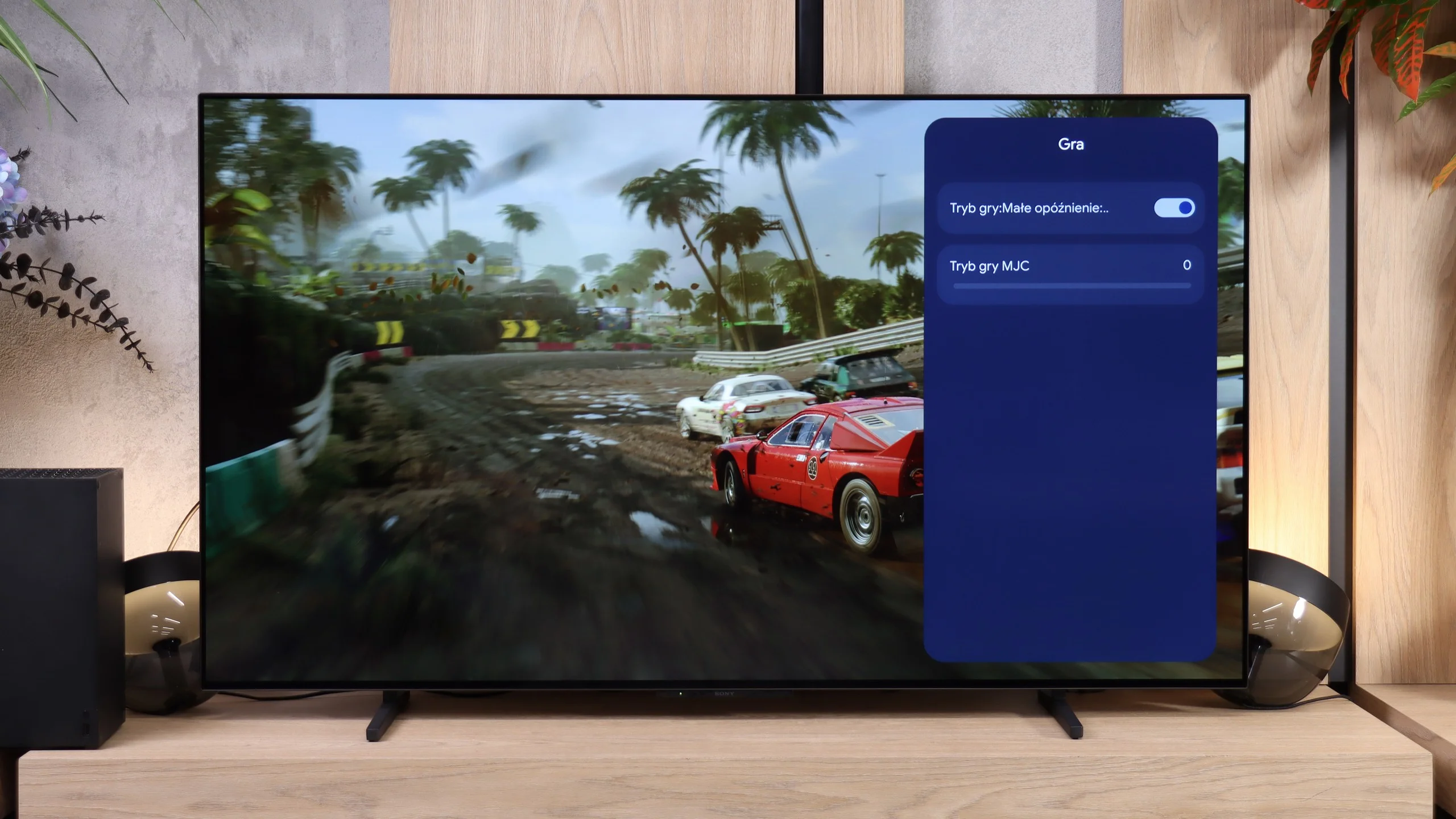
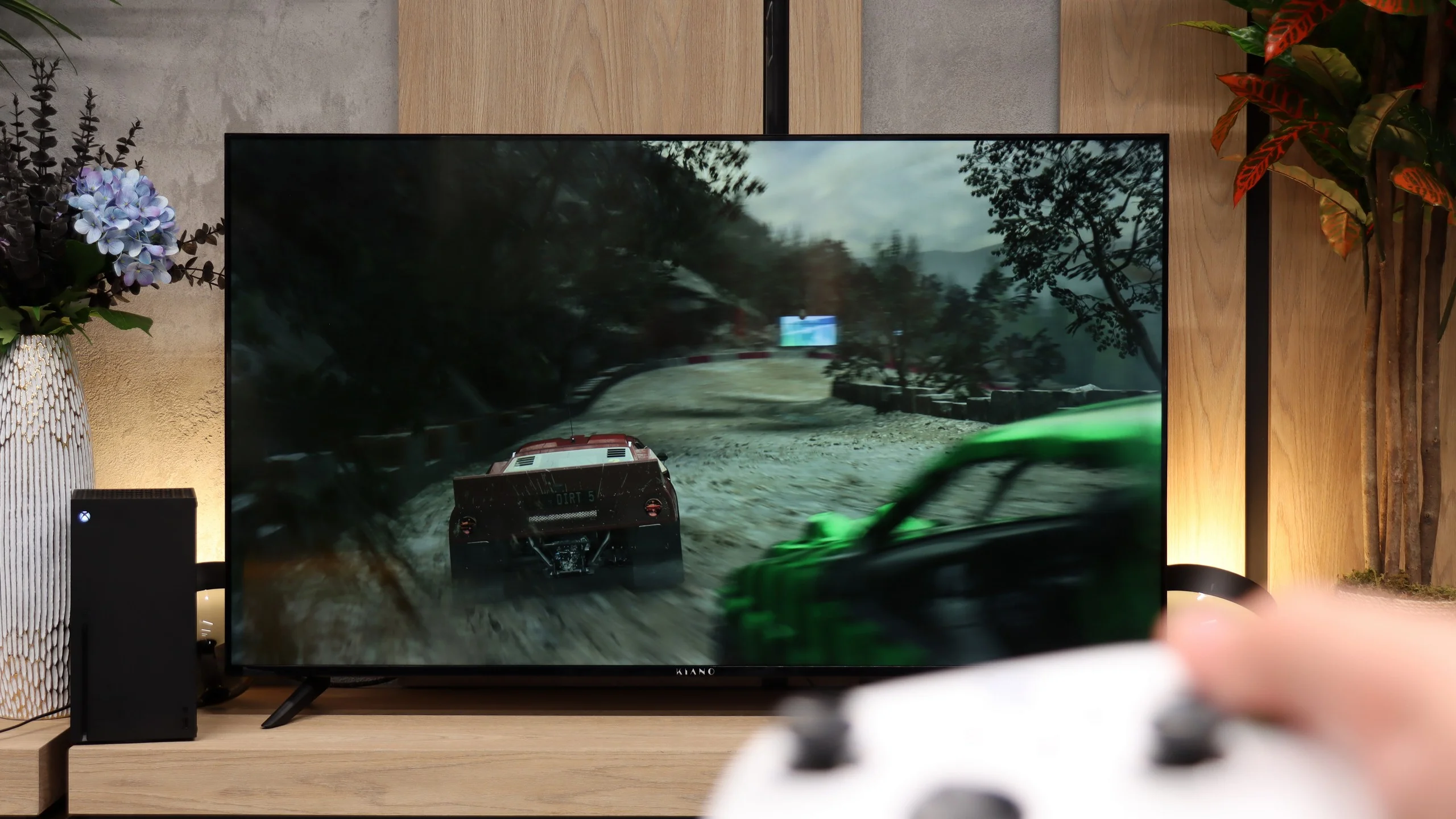
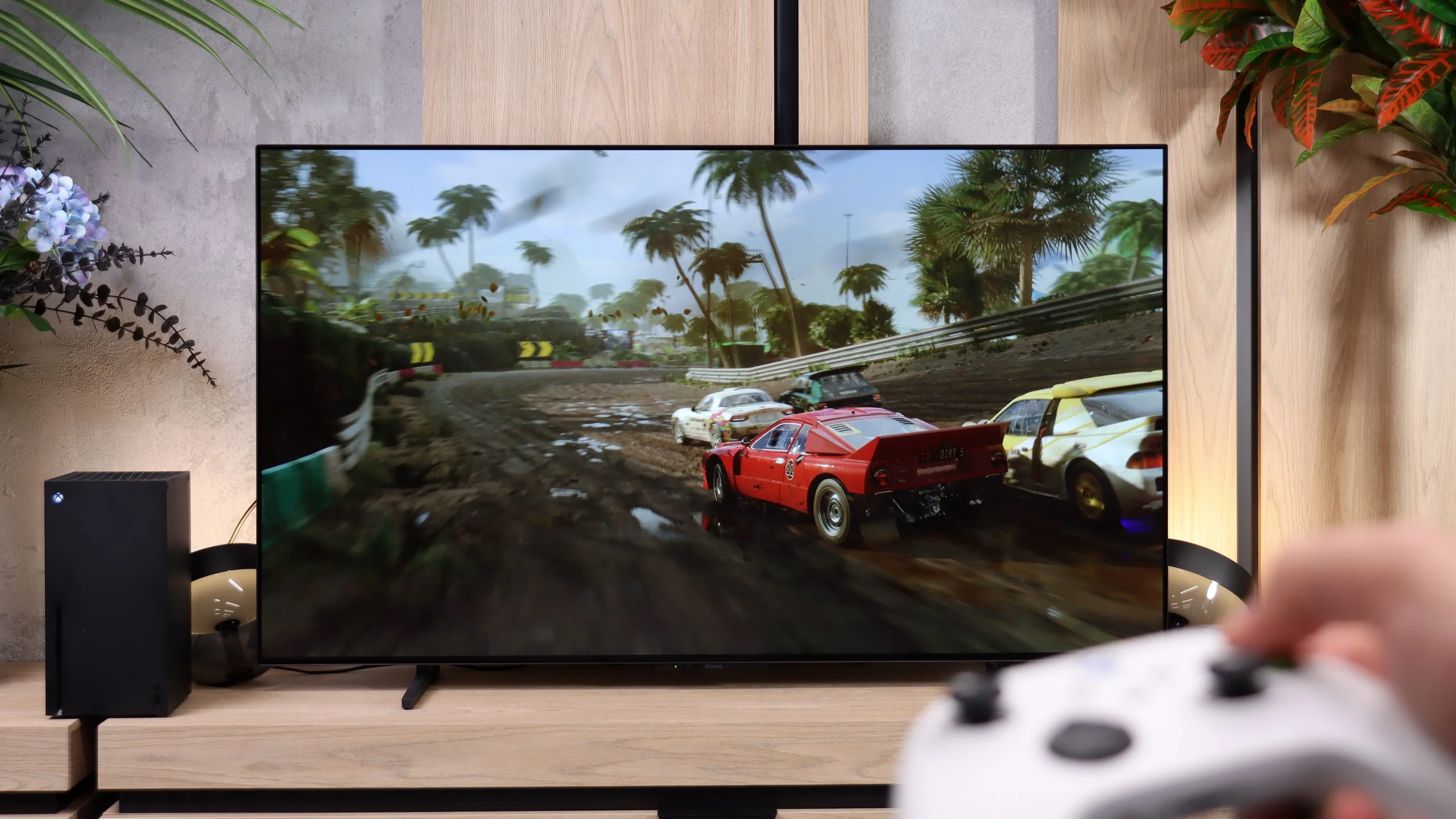
The Kiano Elegance will let you hook up a console and play, but its ambitions pretty much end there. The panel only supports up to 60 Hz, and there's no VRR to help with frame drops. It even lacks ALLM, the automatic switch to a low-latency mode, so you'll need to set up the TV yourself. That's a pity, especially since input lag is low in the right mode. If a console is one of the main reasons you're buying a TV, it's worth looking for something with greater capabilities.
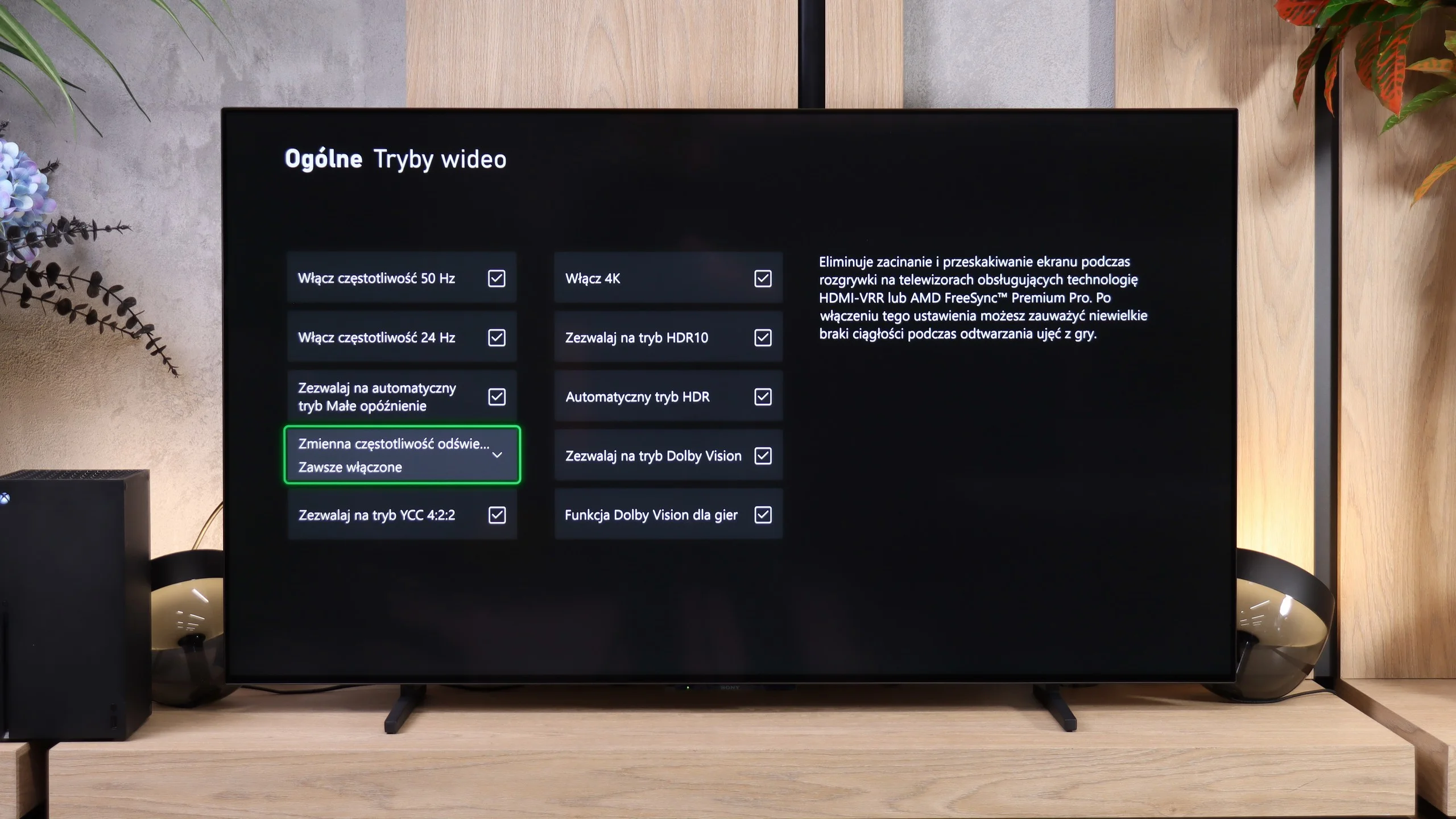
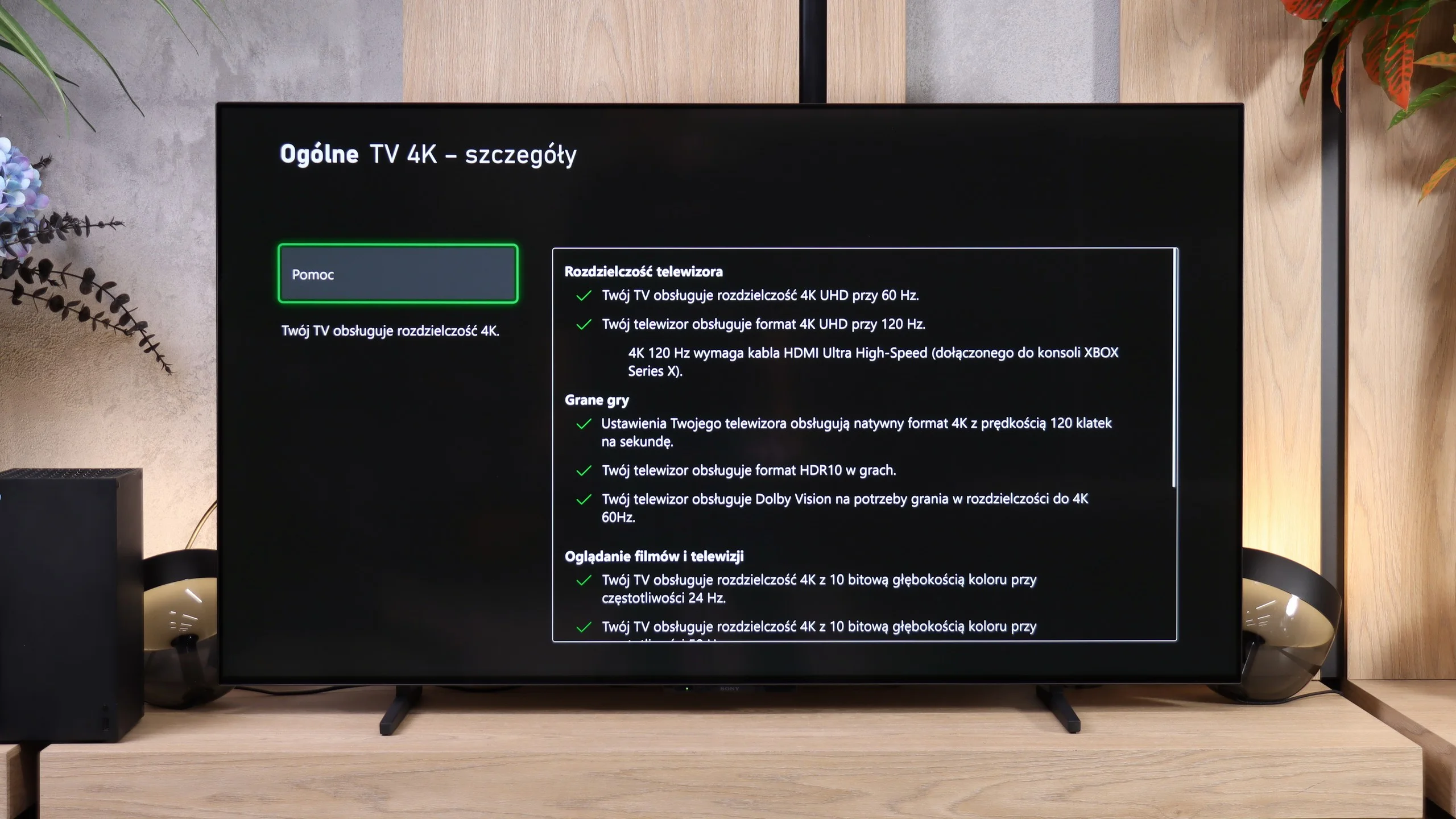
The Sony BRAVIA 6 is very good for gaming. Solid picture quality, fast OLED panel response and support for 4K at 120 Hz mean the TV handles fast-paced titles well. Players who expect more than just smooth gameplay will, however, quickly notice a few unusual omissions and shortcomings.
Start with the biggest change versus other Sony models: the BRAVIA 6 has four full-spec HDMI 2.1 inputs with 48 Gb/s bandwidth, thanks to the new MediaTek Pentonic 800 platform. That means you can connect several gaming devices and a soundbar without giving up a high refresh rate on any source. Each port supports ALLM, which automatically switches to low-latency mode, and VRR from 48 to 120 Hz, which synchronises the screen refresh with the game's frame rate. Dolby Vision at 120 Hz also works, with low input lag.
HDR setup is more problematic. There’s no correctly working HGiG, and the test checkerboard used for console calibration only disappears at around 1000 nits, even though the panel does not reach that brightness. Relying solely on that pattern can therefore lead to a loss of detail in the brightest parts of a game. In the settings that let you enter brightness in nits it’s better to choose roughly 700 nits, a value closer to the screen’s capabilities. We also couldn’t find a Game Bar, although retail materials suggest a basic version is included. The review unit only offered a sparse game settings menu. On top of that, there’s the familiar Sony limitation of no 1440p at 120 Hz. That won’t be a problem when playing on a console in 4K, but PC gamers may feel the restriction if they want 1440p to get more frames than 4K while retaining higher detail than Full HD.
Input lag
9.8/10
10/10
SDR
HDR
Dolby Vision
Although it has few features for gamers, the Kiano Elegance performs very well in terms of input lag. We measured around 14-15 ms at 60 Hz, both in Full HD and 4K. Turning on HDR also doesn't worsen the figure. Response to controller inputs is therefore quick, and while gaming you don't feel the TV noticeably delaying your inputs. It's one of the stronger points of this model.
Input lag on the BRAVIA 6 is very low. At 60 Hz we measured 13–14 ms, and switching to 120 Hz drops it to just 5 ms. That means the TV responds quickly to controller inputs and doesn't get in the way when gaming.
Compatibility with PC
6/10
7.6/10
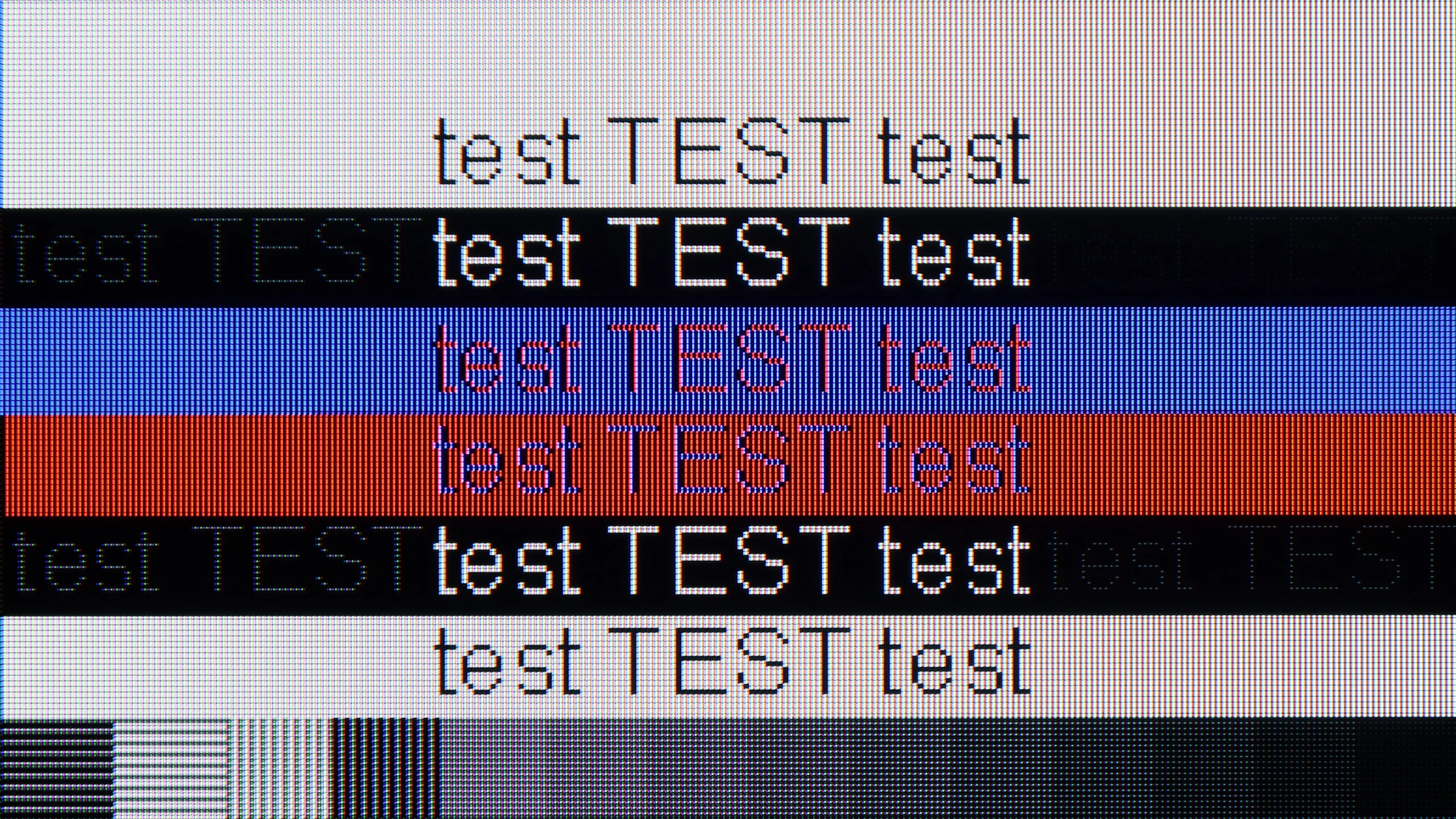
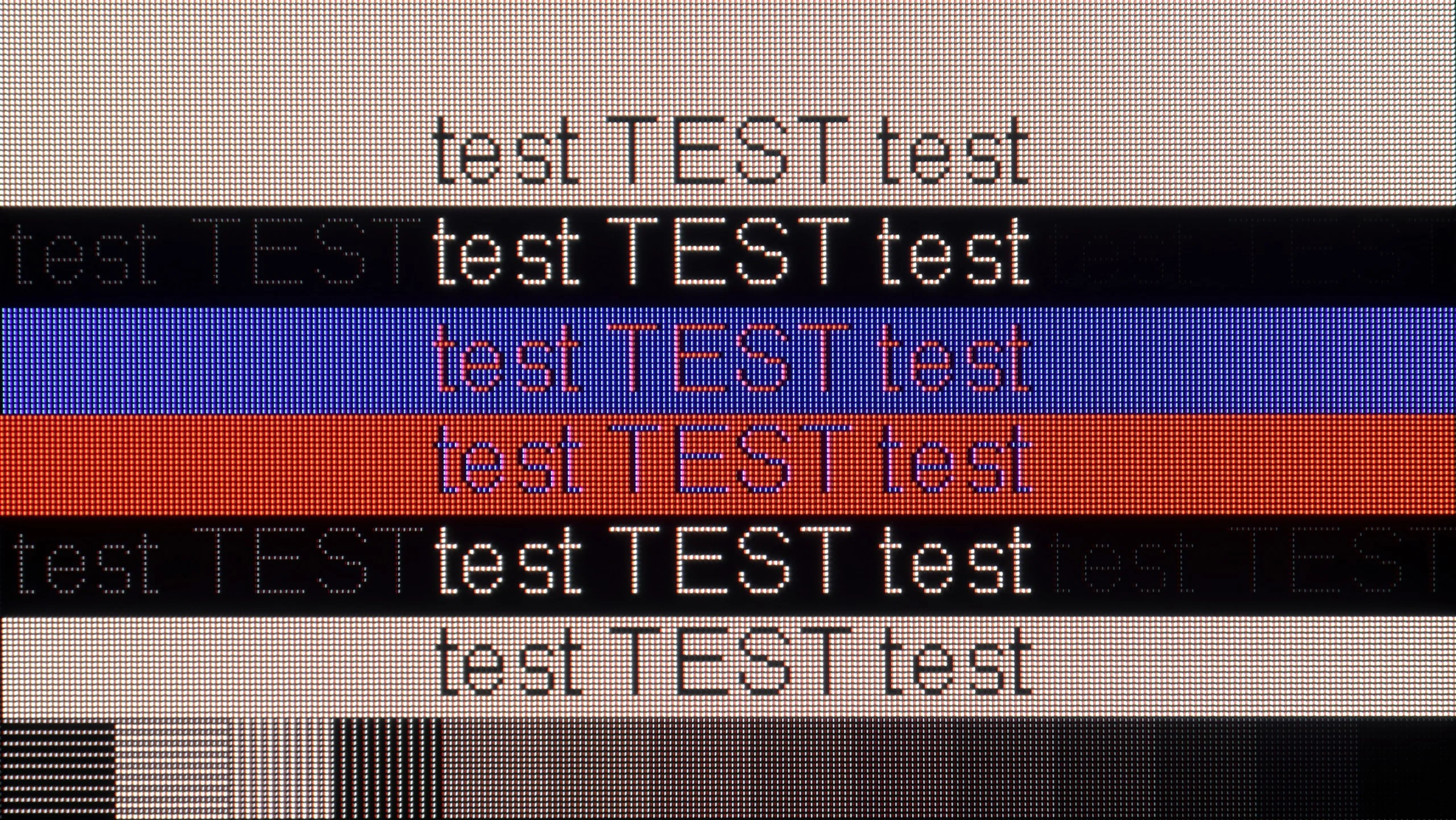
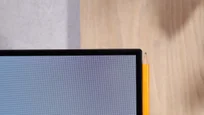
The photo shows the legibility of small fonts. Ideally, lines should be the same thickness on both light and dark text, with minimal pixel gaps.
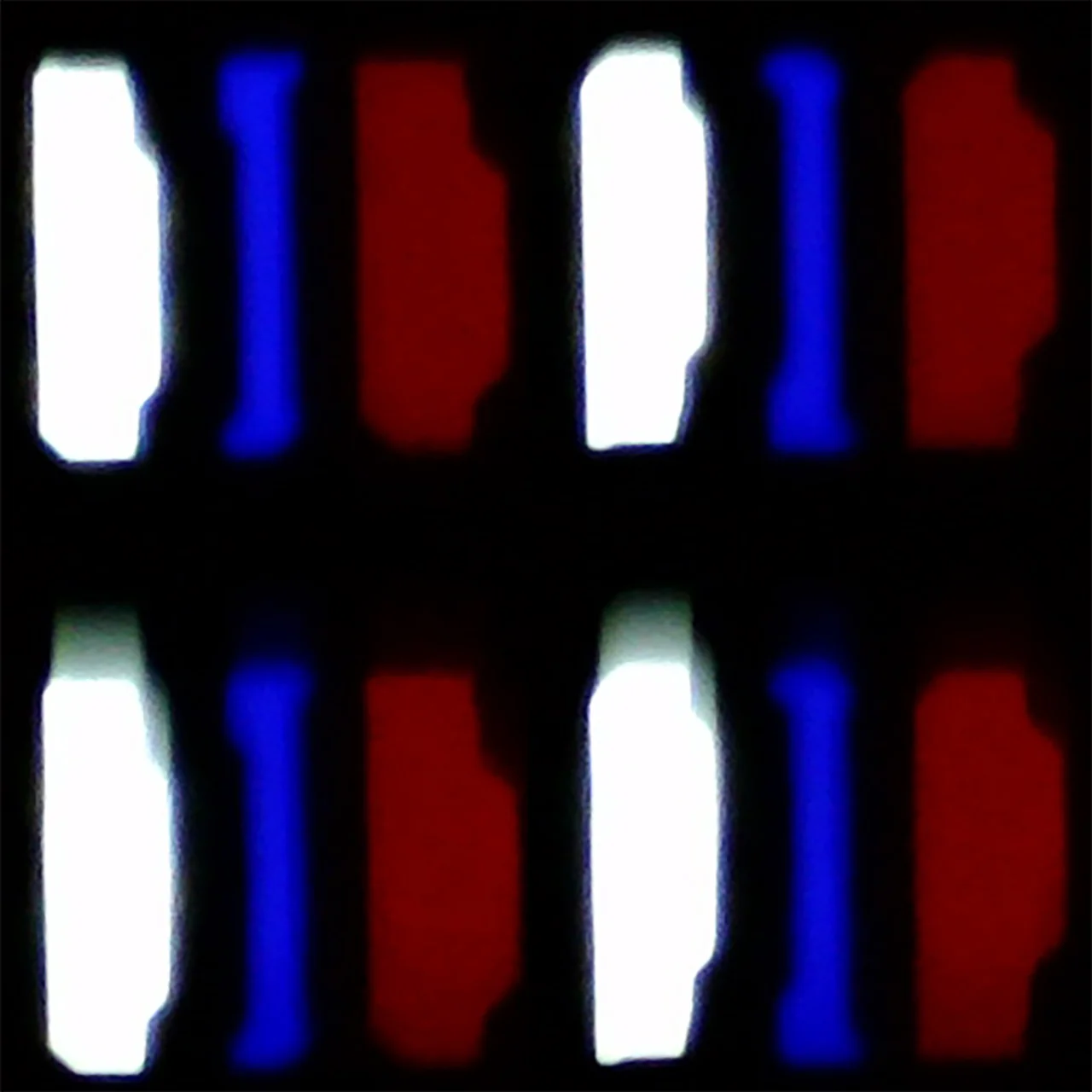
For browsing the internet, documents or showing an image from a laptop, the Kiano Elegance performs quite well. It supports chroma 4:4:4, so small, coloured letters remain legible. There are no major problems displaying dark text either. Despite using a BGR subpixel layout, font readability in our tests was very good.
When gaming on a computer, however, the earlier described limitations return. The refresh rate tops out at 60 Hz and G-Sync is not supported. A low input lag of around 15 ms provides responsive control, but it won't improve the sharpness of moving objects. As a large screen for basic tasks, the Kiano manages fine, but there are better options for fast-paced games.
The BRAVIA 6 works well as a large screen for PC gaming. It supports 4K at 120 Hz, works with G-Sync, and input lag is just 5 ms. Combined with the panel's fast response, that makes for very enjoyable gameplay without noticeable smearing. The only thing missing is a higher refresh rate for people who want to use a powerful PC to play at more than 120 frames per second. As we mentioned earlier, you also can't use 1440p at 120 Hz.
For text work it's good, though not perfect. The TV correctly handles 4:4:4 chroma subsampling even in 4K at the maximum refresh rate, so small letters remain legible and dark text doesn't lose parts of its outlines. Up close you can, however, see slight coloured fringing caused by the RGWB subpixel layout. That shouldn't be a major issue for web browsing or occasional work, but if you plan to read documents for hours from close up, fonts won't look as clean as on a typical RGB-layout monitor.
Viewing angles
2.8/10
7.5/10
The Kiano Elegance is best watched sitting directly in front of the screen. Move to the side and colours clearly lose saturation and the picture becomes much less contrasty. At a 45-degree angle we measured a brightness drop of about 63%, so the difference is hard to miss. It's a typical weakness of VA panels and worth keeping in mind if the TV will sit by a wide sofa or be viewed from different parts of the room.
The BRAVIA 6 can be comfortably watched from the side too. Blacks stay deep and colours don't lose saturation as quickly as on LCD TVs with VA panels. At a 45-degree angle we measured a 31% drop in brightness, so the picture is a bit dimmer than head-on but still looks good. With a wide sofa or when watching in a larger group you don't have to fight for a spot opposite the screen. 😉 In that respect, the only better technology is QD-OLED screens.
Daytime performance
3.7/10
4.6/10
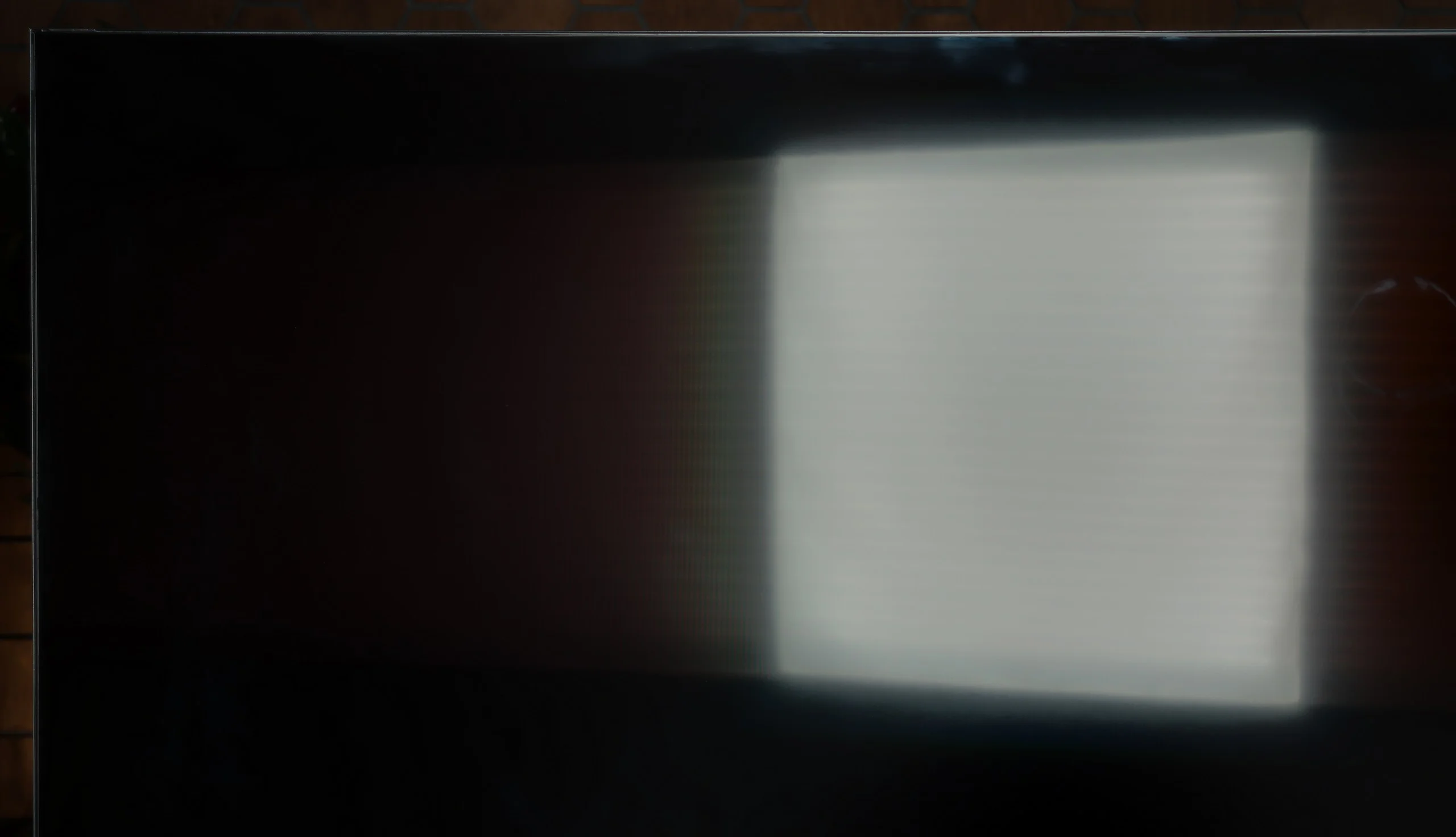
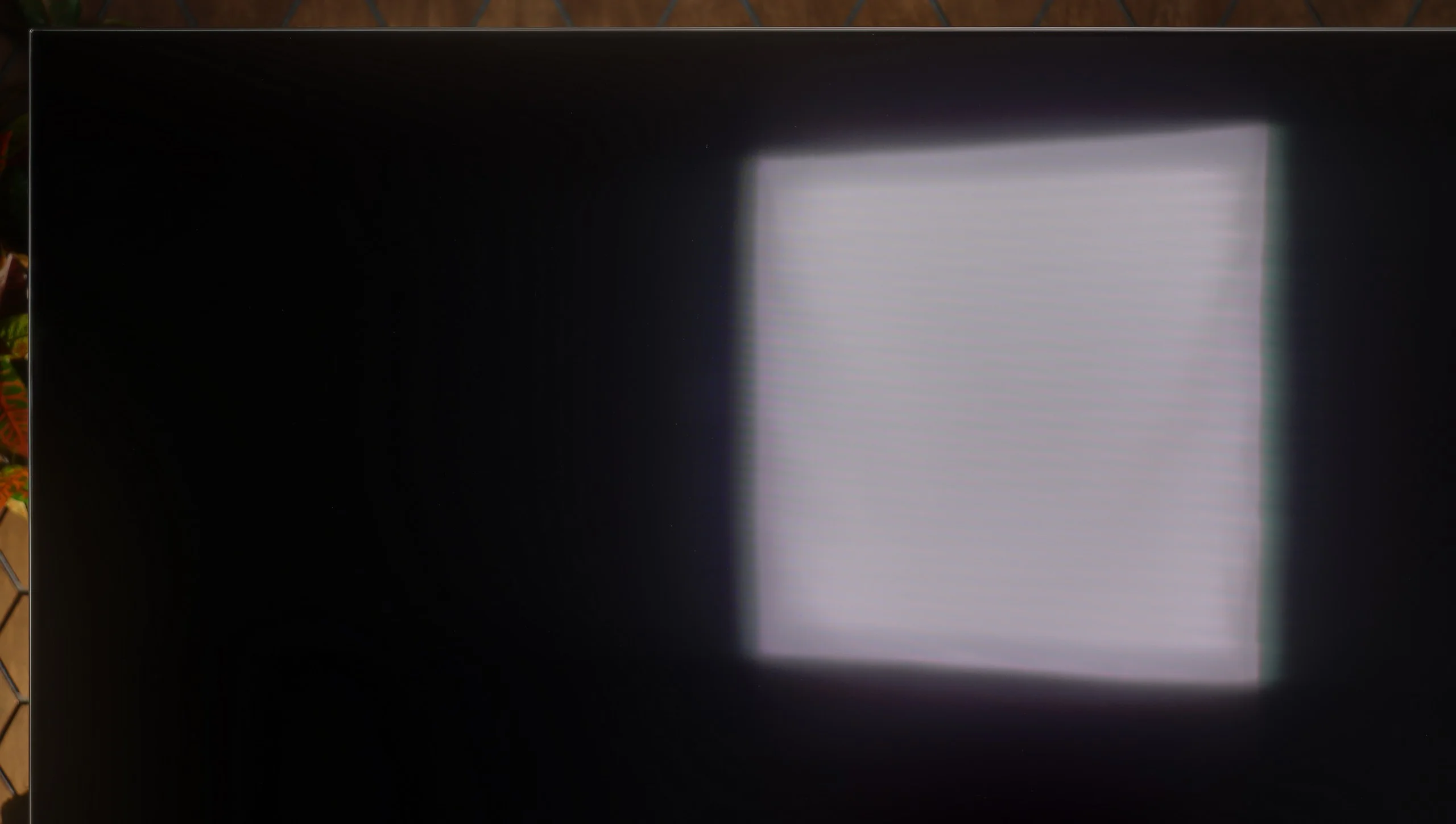
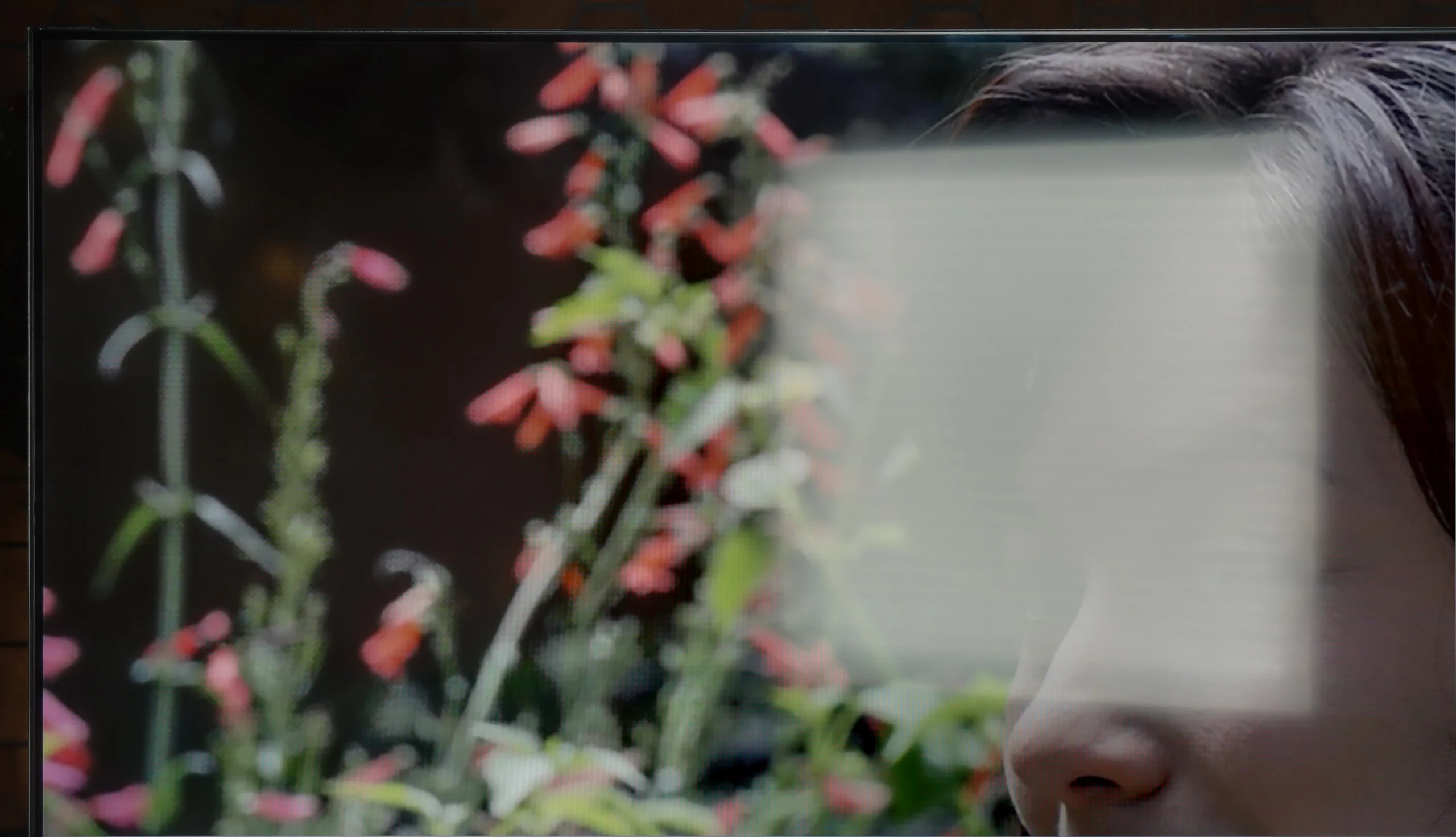
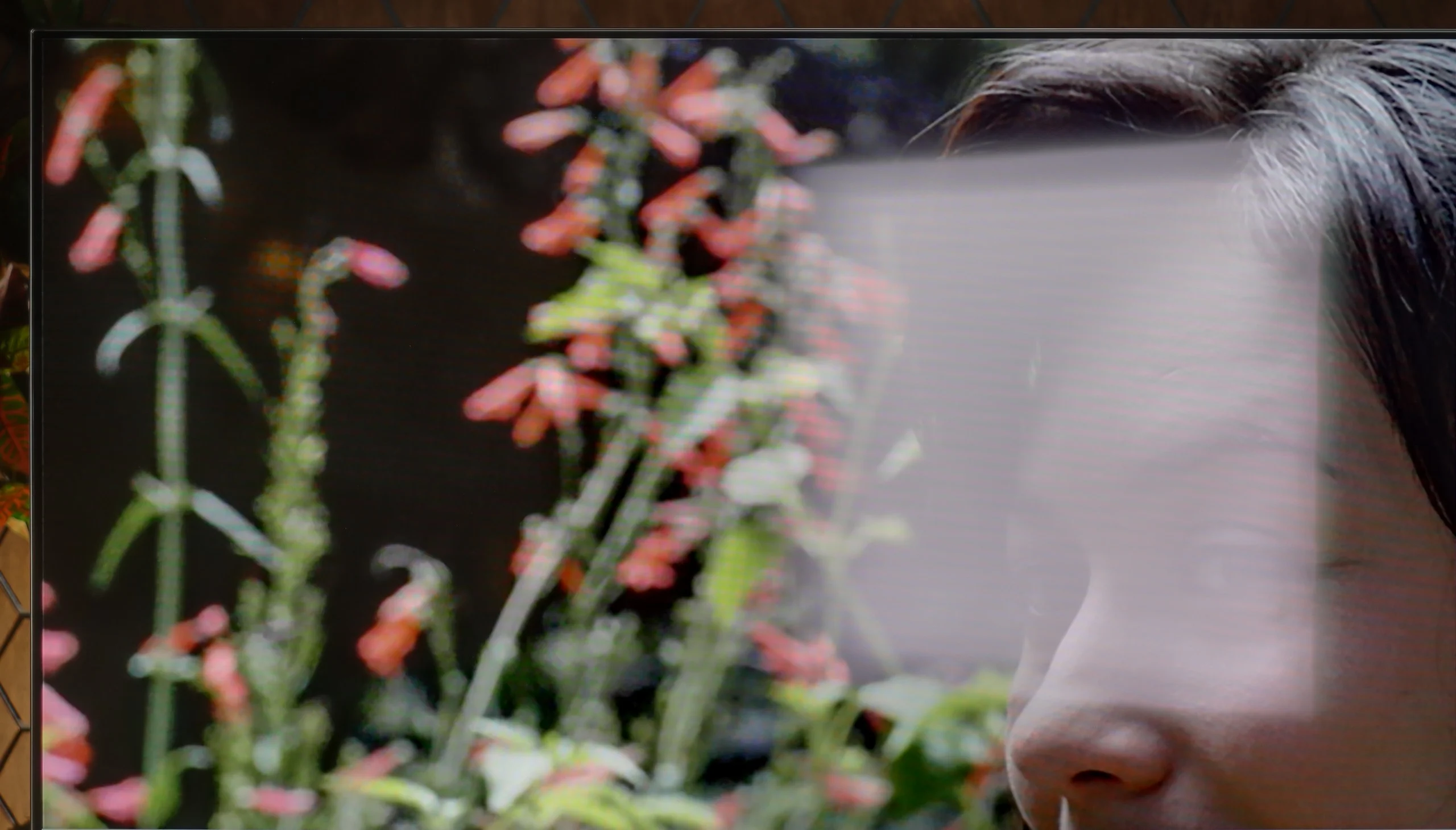
Panel brightness
Sony BRAVIA 6 (A65): 266 cd/m2
Kiano Elegance Tizen: 215 cd/m2
In a brightly sunlit living room the Kiano Elegance will simply be too dim. The average brightness is around 215 nits, so during the day the picture is easily overwhelmed by light coming in through the windows. Especially with darker films you may need to pull the blinds. The satin coating does a decent job of reducing reflections, and blacks in a lit room don't look bad, but that's not enough to make up for the low brightness. The TV will perform much better in a less sunlit room or for evening viewing.
Watching in a bright room is one of the BRAVIA 6’s biggest weaknesses. Average SDR brightness is just 266 nits, and with a lot of white on screen it drops even lower. In a sunny living room the picture simply lacks the punch to cut through ambient light. For darker films, you may find it hard to watch comfortably unless you close the curtains.
The OLED SE panel used here, which lacks a conventional polariser, doesn't help. Its satin coating only moderately suppresses direct reflections, so a window or lamp opposite the TV remain clearly visible even with an image on screen. Blacks themselves hold up very well in a lit room, but the combination of poor reflection suppression and low peak brightness severely limits viewing in bright environments. The BRAVIA 6 will therefore perform best in a room where you can control the light, or simply for evening viewing sessions.
Panel details
Subpixel Structure:
Panel uniformity and thermal imaging:


Kiano Elegance Tizen
Sony BRAVIA 6 (A65)
TV features
5.1/10
6.6/10
- SystemTizenGoogle TV
- System performanceAverageAverage
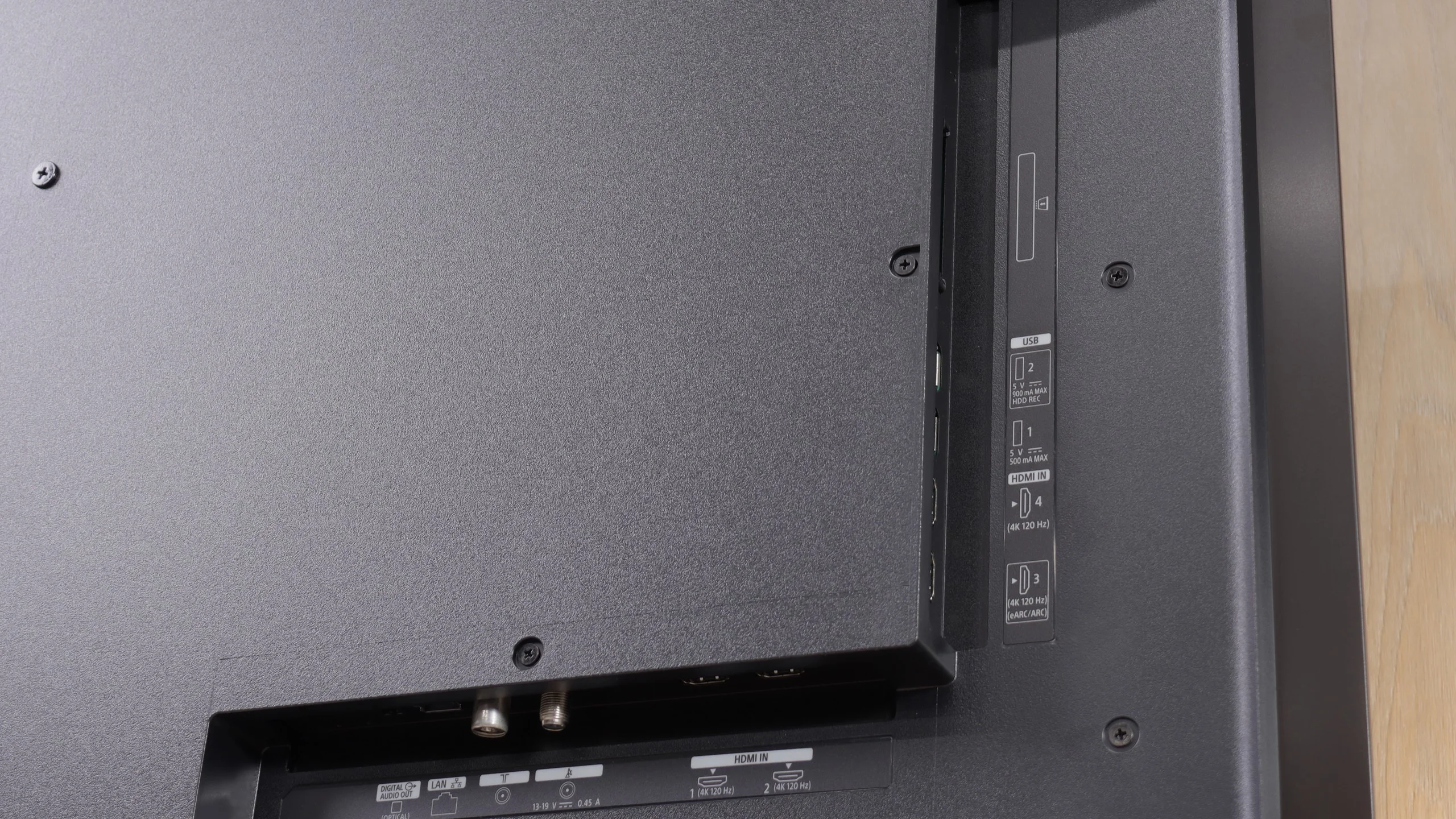
- HDMI inputs3 x HDMI 2.0, 0 x HDMI 2.10 x HDMI 2.0, 4 x HDMI 2.1 48Gbps
- Other inputsRCA (Chinch)
- OutputsSPDIF (Coaxial audio), eARC (HDMI), ARC (HDMI)Toslink (Optical audio), eARC (HDMI), ARC (HDMI)
- Network InterfacesWi-Fi 2.4GHz, Wi-Fi 5GHz, Ethernet (LAN) 100MbpsWi-Fi 2.4GHz, Wi-Fi 5GHz, Ethernet (LAN) 100Mbps
- TV receptionDVB-T, DVB-T2, DVB-S, DVB-S2, DVB-CDVB-T, DVB-T2, DVB-S, DVB-S2, DVB-C
Classic features:
- Recording to USB (terrestrial TV)
- Recording programming
- Picture in Picture (PiP)
- RF remote control (no need to aim)
- Backlit remote control
- Teletext
- Audio only mode
- Bluetooth headphones support
- Simultaneous Bluetooth headphones & TV audio
Smart features:
- AirPlay
- Screen mirroring (Windows Miracast)
- Voice search
- Voice search in native language
- Ability to connect a keyboard and mouse
Sound connection options
- HDMI audioeARC (HDMI), ARC (HDMI)eARC (HDMI), ARC (HDMI)
- Other audio outputsAuxiliaryOutput-SPDIF (Coaxial audio)Toslink (Optical audio)
- Wireless audioBluetoothBluetooth
Supported audio formats (external HDMI eARC audio):
- Dolby Digital Plus 7.1
- Dolby True HD 7.1
- Dolby Atmos in Dolby Digital Plus (JOC)
- Dolby Atmos in Dolby True HD
- DTS:X in DTS-HD MA
- DTS-HD Master Audio
Senior accessibility
- Numeric keyboard on TV
- Font size adjustment
- Audio description
Tizen on the Kiano TV
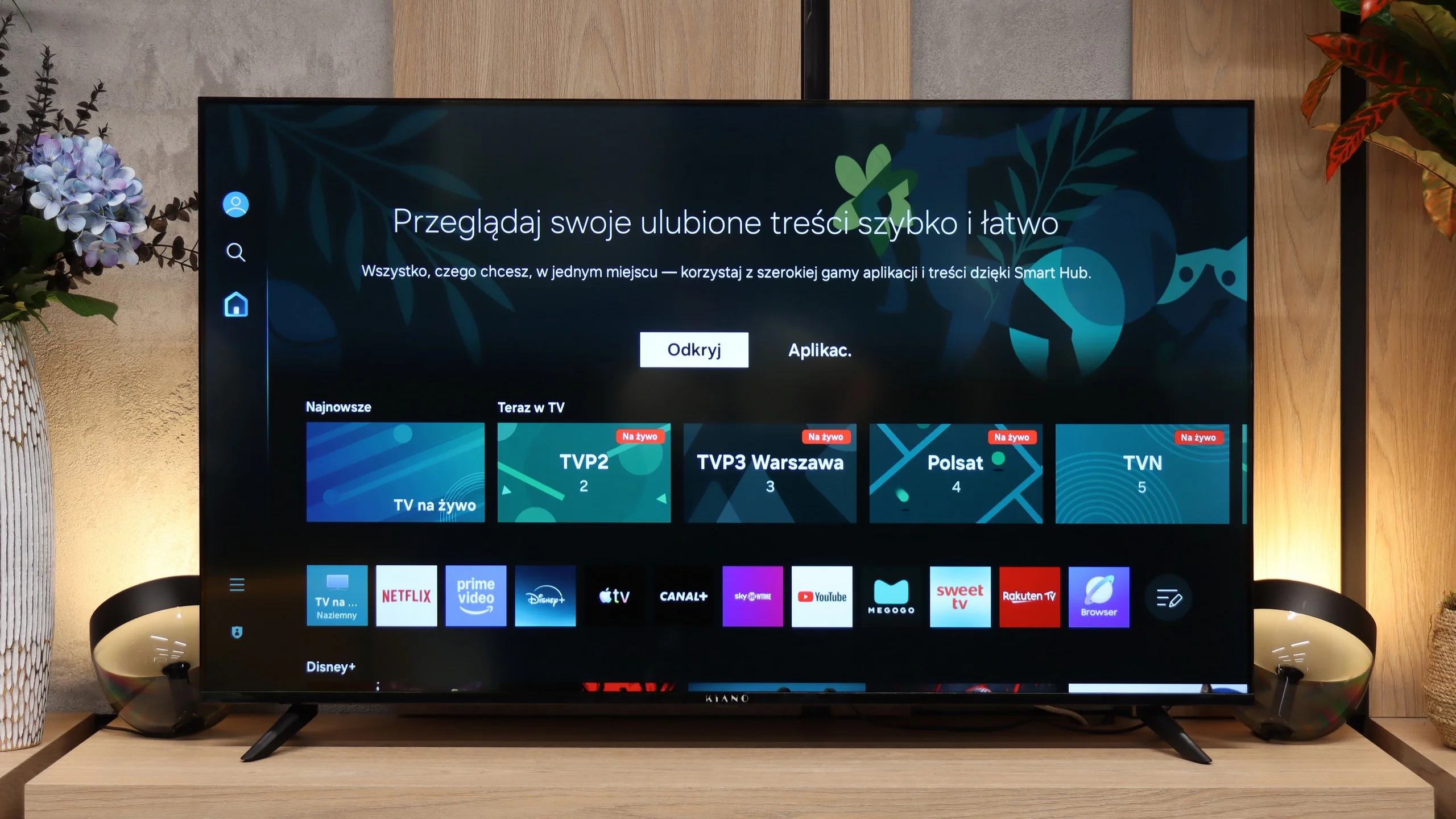
Tizen is one of the main reasons to consider this model. It gives access to many popular apps, so you don't need to buy a streaming stick just to watch series or YouTube. Bear in mind, though, that the same OS doesn't mean the same ease of use as on pricier Samsungs. On the Kiano responsiveness is average and you may have to wait a moment for the menu to react. There's also no voice search, so titles must be entered with the remote. A handy addition is AirPlay and the ability to wirelessly cast the screen from a computer.
Everyday use
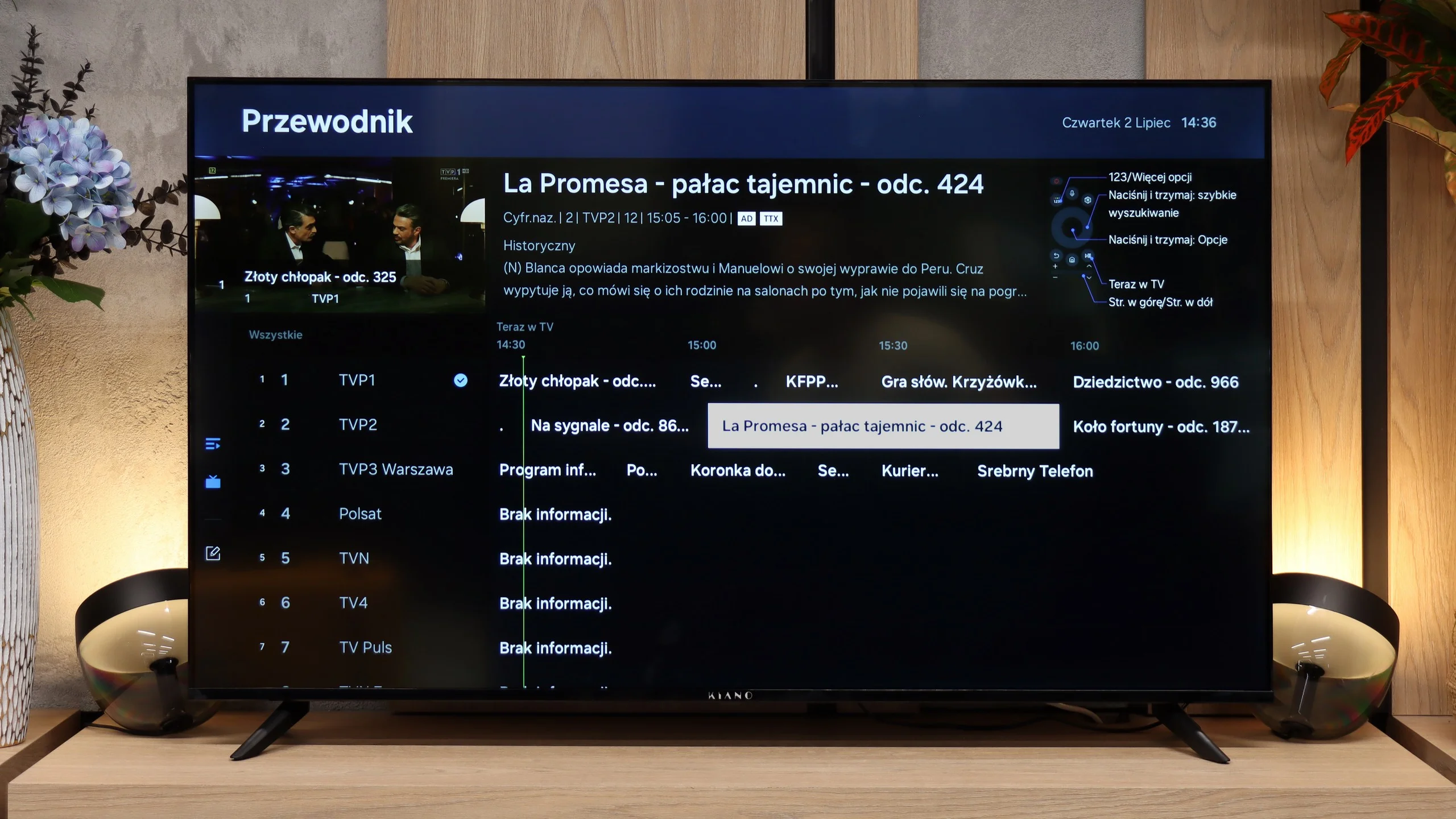
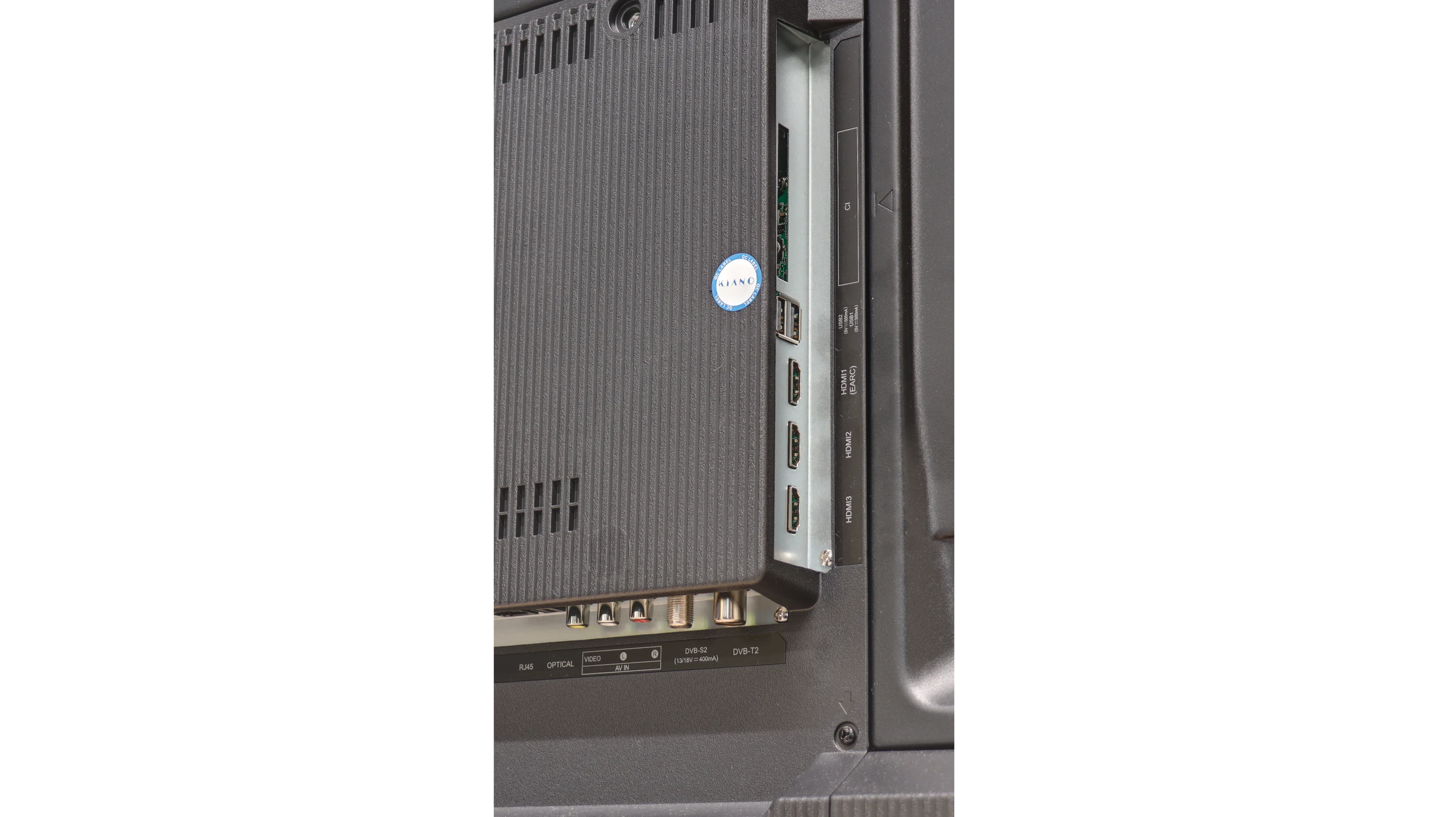
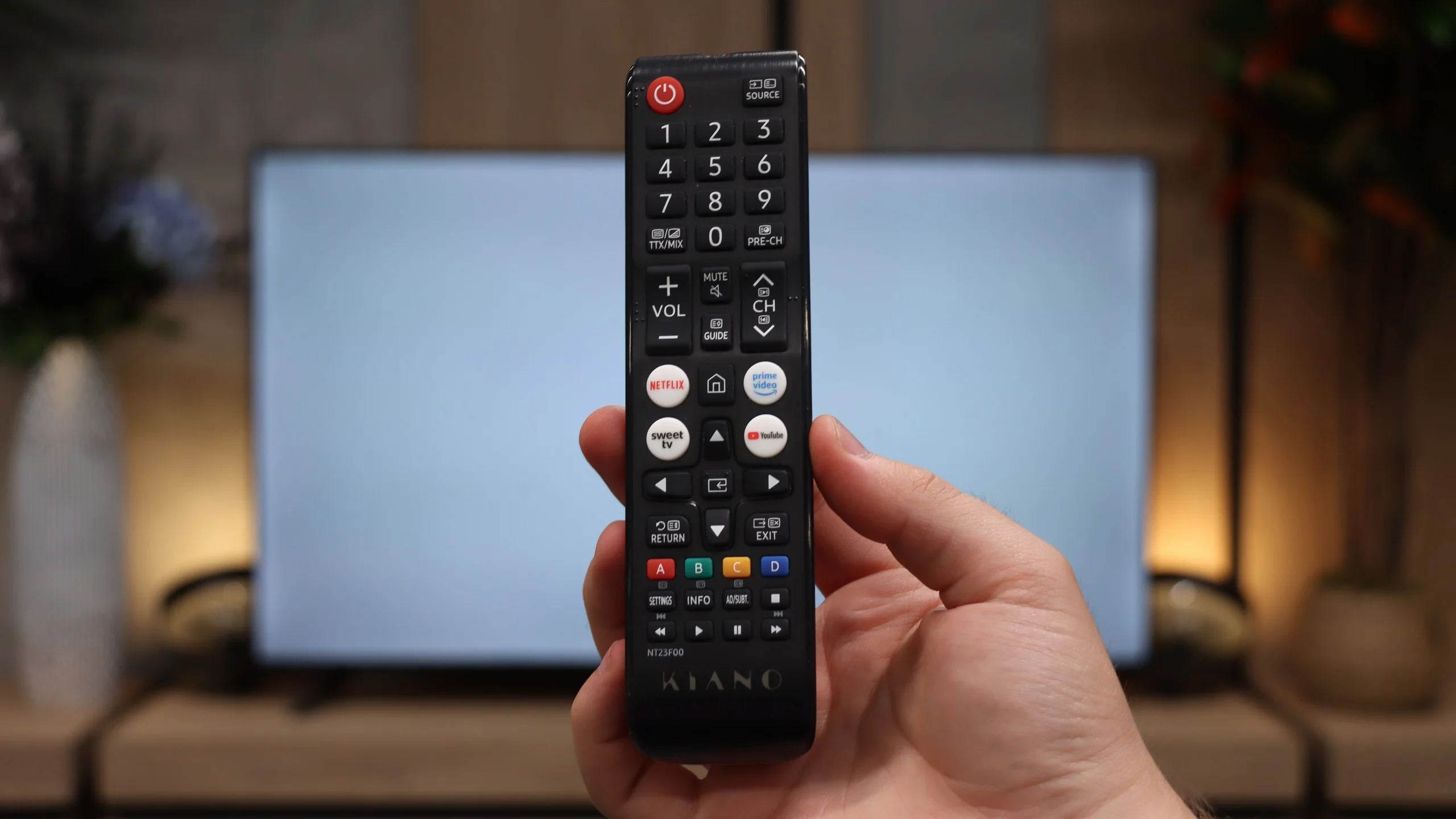
Basic TV functions are in place, but there’s no USB recording or picture-in-picture. The remote works over infrared, so you need to point it at the TV, and its buttons aren’t backlit. A useful feature is the ability to use Bluetooth headphones and the speakers simultaneously. That way one person can listen through headphones (for example a senior) without cutting sound for other household members. For connecting devices there are three HDMI 2.0 inputs, enough for 4K at 60 Hz. You can connect a soundbar via eARC, and an analogue RCA input is retained for older equipment.
Google TV
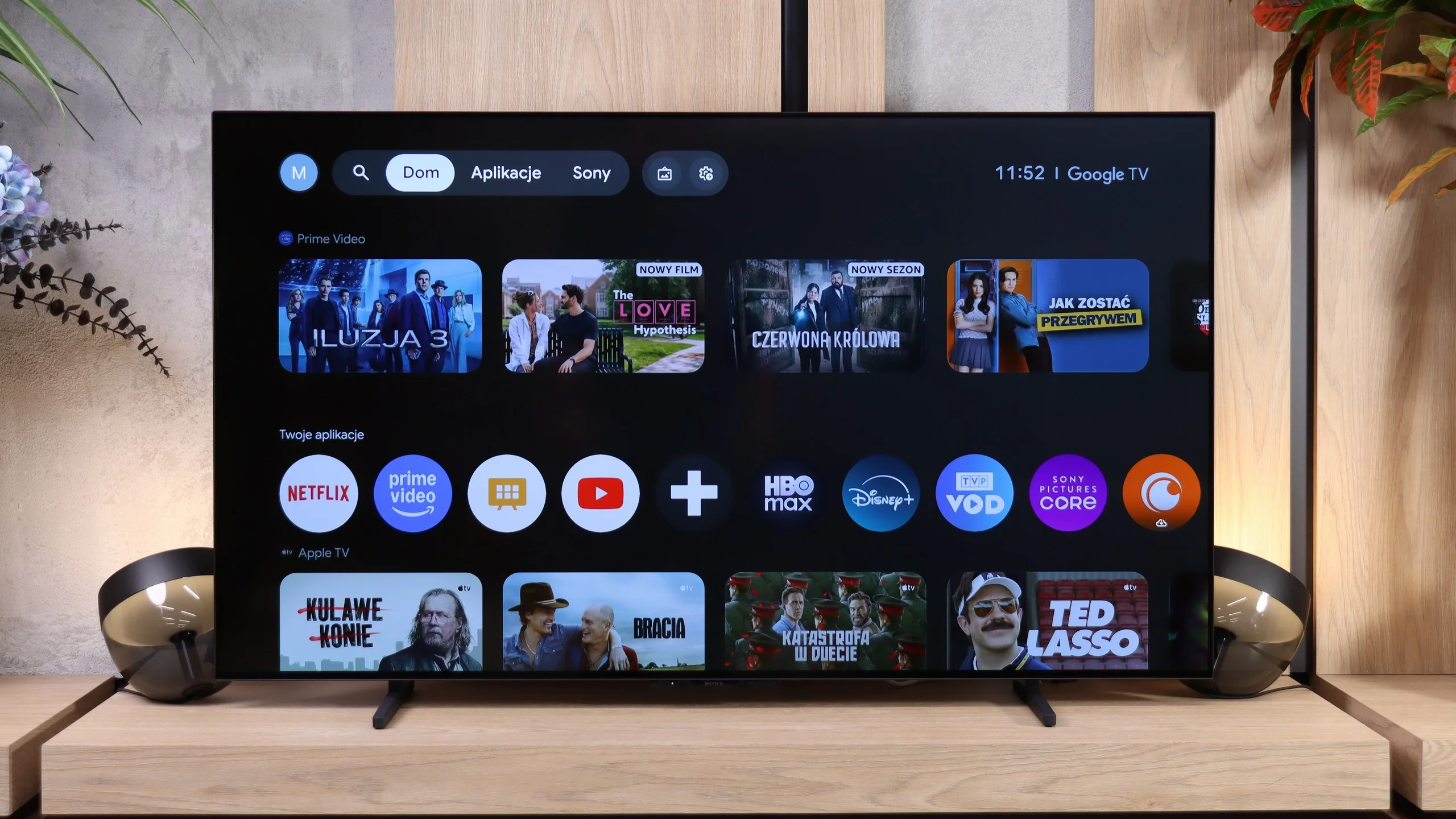
BRAVIA 6 is currently the most affordable OLED with Google TV. That's a big plus, because there are plenty of apps and the system lets you install additional apps and search for content by voice in Polish. The only omission is AirPlay, which may be a problem for iPhone users.
Unfortunately, during testing the system caused quite a few problems. Navigating the menu itself was fast, but we encountered translation errors and frequent TV freezes. Some settings didn't save first time. We had to change them several times, and sometimes only unplugging the TV from the mains helped. To play videos and photos from a USB stick, we had to unplug the TV from the mains four times. The software under test simply looked unfinished. That's hard to accept in this class of kit...
Remote and classic features
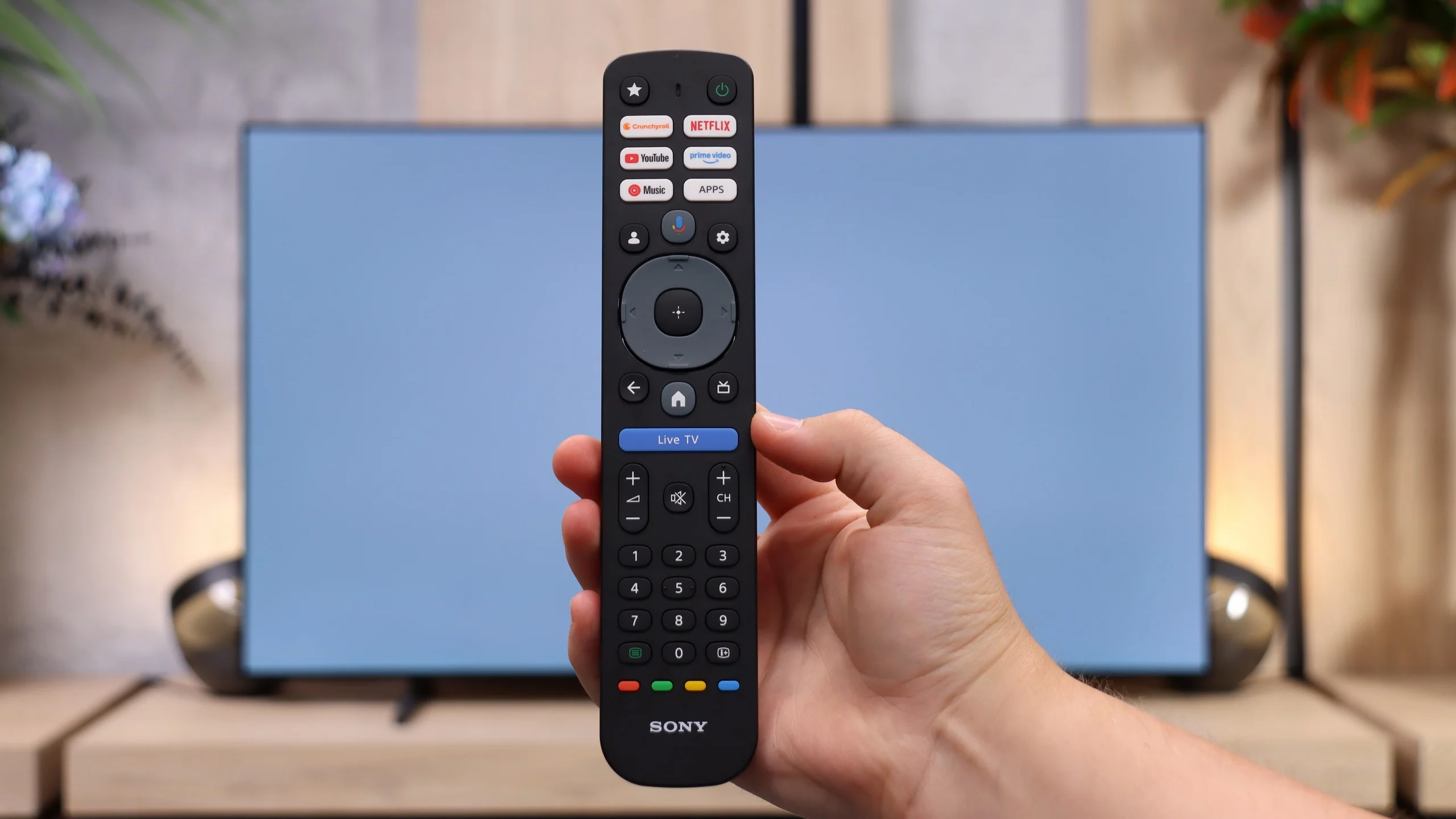
The package includes a completely new remote with a large number of buttons and a full numeric keypad. It's a convenient solution for people watching regular TV, especially older viewers. The star button can be programmed. The remote doesn't require aiming at the screen, but it isn't backlit. Build quality is fairly average, and the rubber buttons don't feel particularly solid.
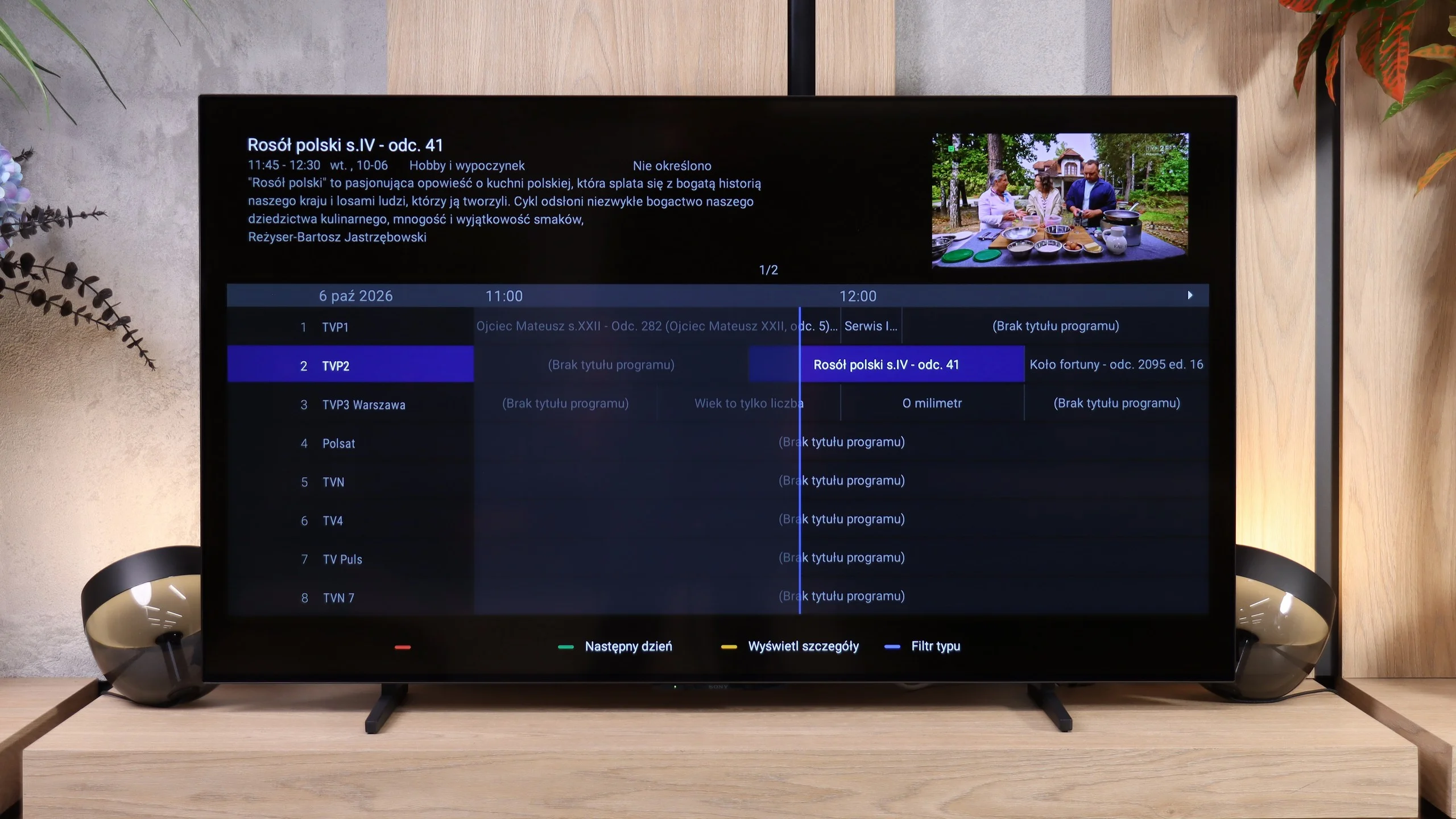
The TV features are basic. There's a clear EPG programme guide and teletext, but no USB recording or picture-in-picture. You can, however, use Bluetooth headphones and the TV speakers at the same time. So the feature set is OK, but the system problems seriously spoil everyday use.
Apps
8.8/10
9.6/10






















Playing files from USB
8/10
9.5/10
Supported photo formats:
Maximum photo resolution:
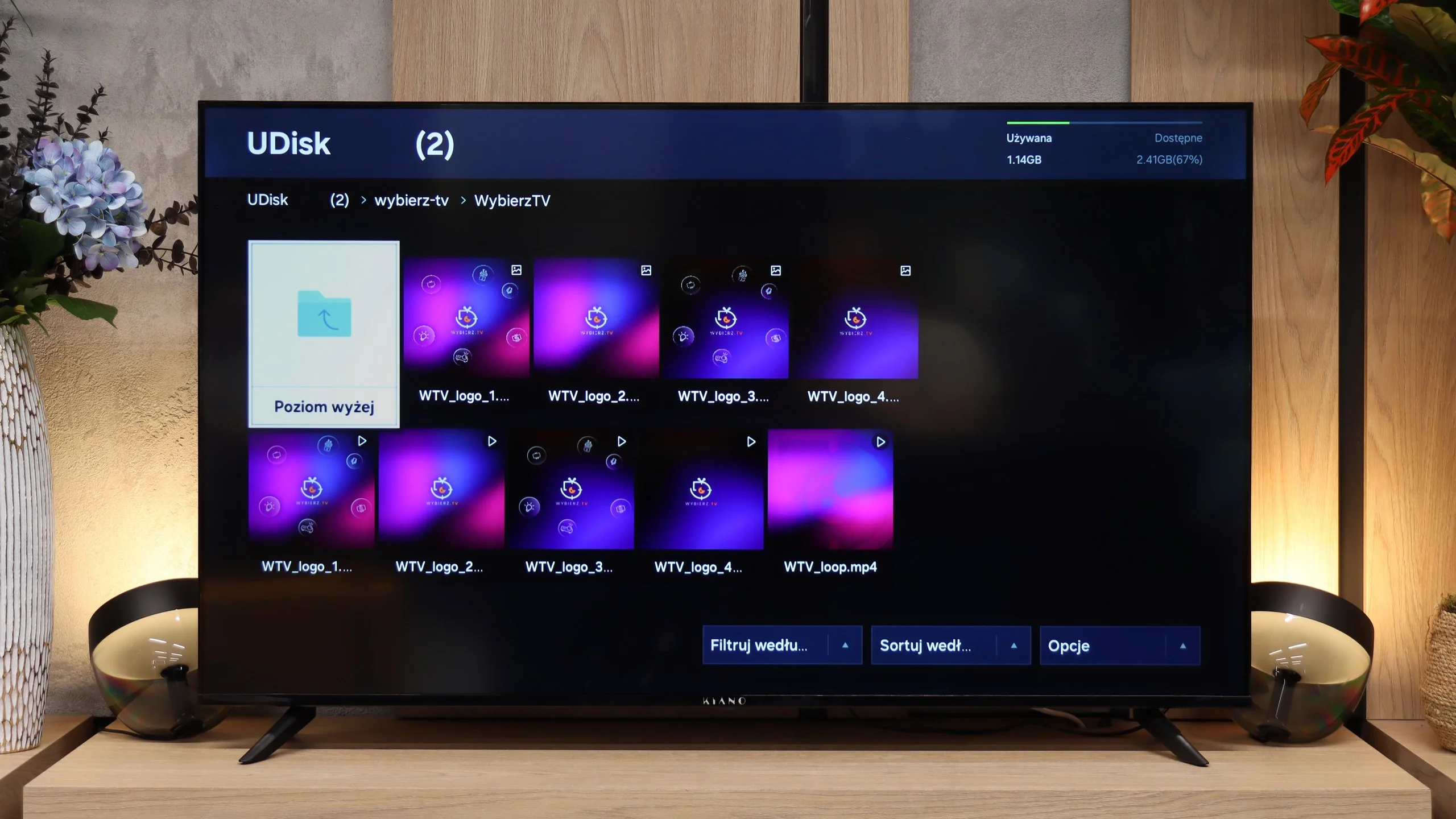
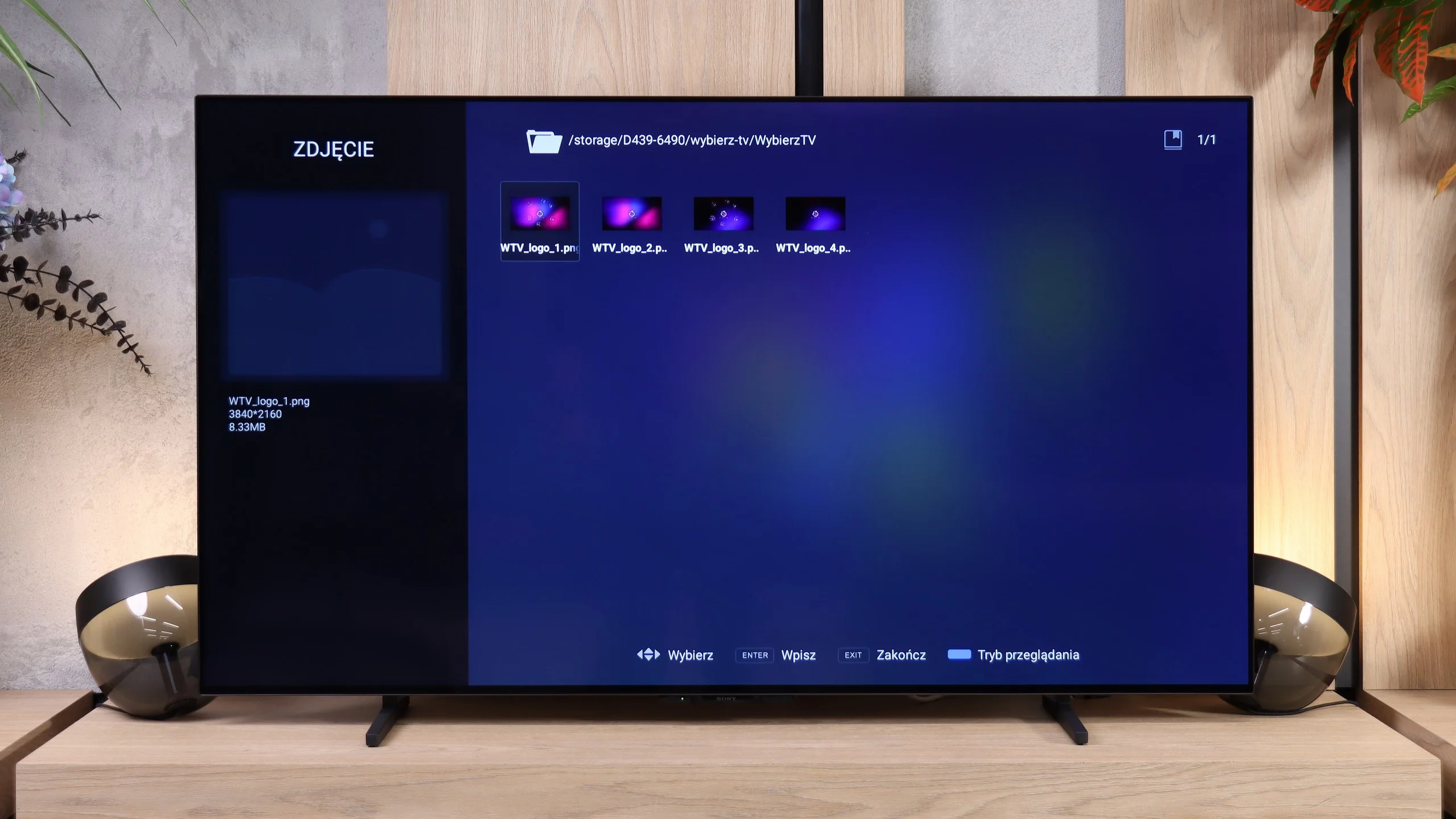
The USB media player in the Kiano Elegance supports most common formats, so playing typical movies, photos or music usually isn’t a problem. However, using it is another story. During testing it had its 'moments of weakness' and could take a very long time to open a single file. Sometimes it took so long you could start to wonder whether the TV was still loading or had frozen. It’s fine for the occasional playback from a USB stick, but browsing a larger collection can require a lot of patience.
BRAVIA 6 supports many popular video, music and photo formats. It also handled photographs with resolutions up to 32 megapixels, so in terms of file compatibility it performs very well. Unfortunately there’s a big 'but' here, which we mentioned in the system description. Before the media player started correctly recognising videos and photos from a USB flash drive, we had to unplug the TV from the mains several times. In the end we managed to open most of the files, but it’s hard to call that a convenient user experience. The high rating in this category is due solely to the number of supported formats.
Sound
3.6/10
7/10
- Maximum volume88dB94dB
- Dolby Digital Plus 7.1
- Dolby True HD 7.1
- Dolby Atmos in Dolby Digital Plus (JOC)
- Dolby Atmos in Dolby True HD
- DTS:X in DTS-HD MA
- DTS-HD Master Audio
Sound is one of the weaker points of the Kiano Elegance. The TV can play fairly loudly; we measured 88 dB, but volume doesn't translate into sound quality. For regular programme viewing you can stick with the built-in speakers, however for films or music it's worth budgeting for a separate sound system. Connecting a soundbar via HDMI eARC should not be a problem. The TV also supports Dolby Atmos via Dolby Digital Plus, but it won't play Dolby TrueHD or DTS-HD tracks.
Despite its modest 2.0 speaker setup with a total power of 20 W, the BRAVIA 6 sounds quite pleasant. The sound is fairly balanced, dialogue is clear, and for regular viewing there's no need to immediately reach for extra audio. The TV can also get loud, as confirmed by a 94 dB measurement. However, the familiar issue with other TVs remains: a lack of deep bass. In quieter scenes this isn't particularly bothersome, but in action films and music you can hear the sound lacks a bit of 'weight'. Explosions don't have a strong punch, and the low end is more hinted at than felt. For series and everyday programmes that setup is sufficient, whereas a soundbar with a subwoofer will give movie sessions more punch and a more immersive sound. Especially since the TV supports Dolby Atmos and DTS:X.
Sound Quality Test
Acoustic Measurements
88dBC (Max)
75dBC
94dBC (Max)
75dBC
Reader comments
Comments are provided by the external service Disqus (Zeta Global). Once loaded, Disqus may set cookies and process data about your activity.
We will remember your choice on this device. Provider's privacy policy