 Direct comparison
Hisense E8Q is a television that clearly draws heavily from the U7Q model – and that’s a great thing. After all, this is its European version, not another “slimmed down” mutation. After just a few moments with this screen, it’s clear that the E8Q is putting up a fight. And in many areas, it really succeeds. To start with – what impresses is that the blacks are deep, the contrast is high, and the brightness exceeds the threshold that we can simply call satisfactory. Add to that nearly perfect fluidity of tonal transitions, and we have an image that looks very mature, especially for this price segment. In gaming? Just as good. VRR, ALLM support, 144 Hz in 4K, and even 240 Hz in Full HD – it’s hard to find fault here. Well… almost. Because the E8Q has one additional flaw compared to the U7Q – the sound. In our unit, at moderate volume levels, the back of the cabinet began to resonate, producing rather unpleasant crackling noises. This might be a flaw of the test unit, but since the U7Q simply performed better – it’s worth noting. Especially if you find both models at a similar price. We can confidently state that the E8Q is a television that can confidently fight for the attention of those looking for a quality Mini-LED at reasonable prices. If a good price opportunity arises, it’s definitely worth it – because we receive almost the same as in the U7Q. And that means a really solid picture, excellent gaming features, and overall very good equipment that you can stick with for a while.
- Matching (Score) |
- Our verdict |
- TV appearance |
- Where to buy |
- Contrast and black detail |
- HDR effect quality |
- Factory color reproduction |
- Color reproduction after calibration |
- Smoothness of tonal transitions |
- Image scaling and smoothness of tonal transitions |
- Blur and motion smoothness |
- Console compatibility and gaming features |
- Input lag |
- Compatibility with PC |
- Viewing angles |
- Daytime performance |
- Panel details |
- TV features |
- Apps |
- Playing files from USB |
- Sound
E8Q

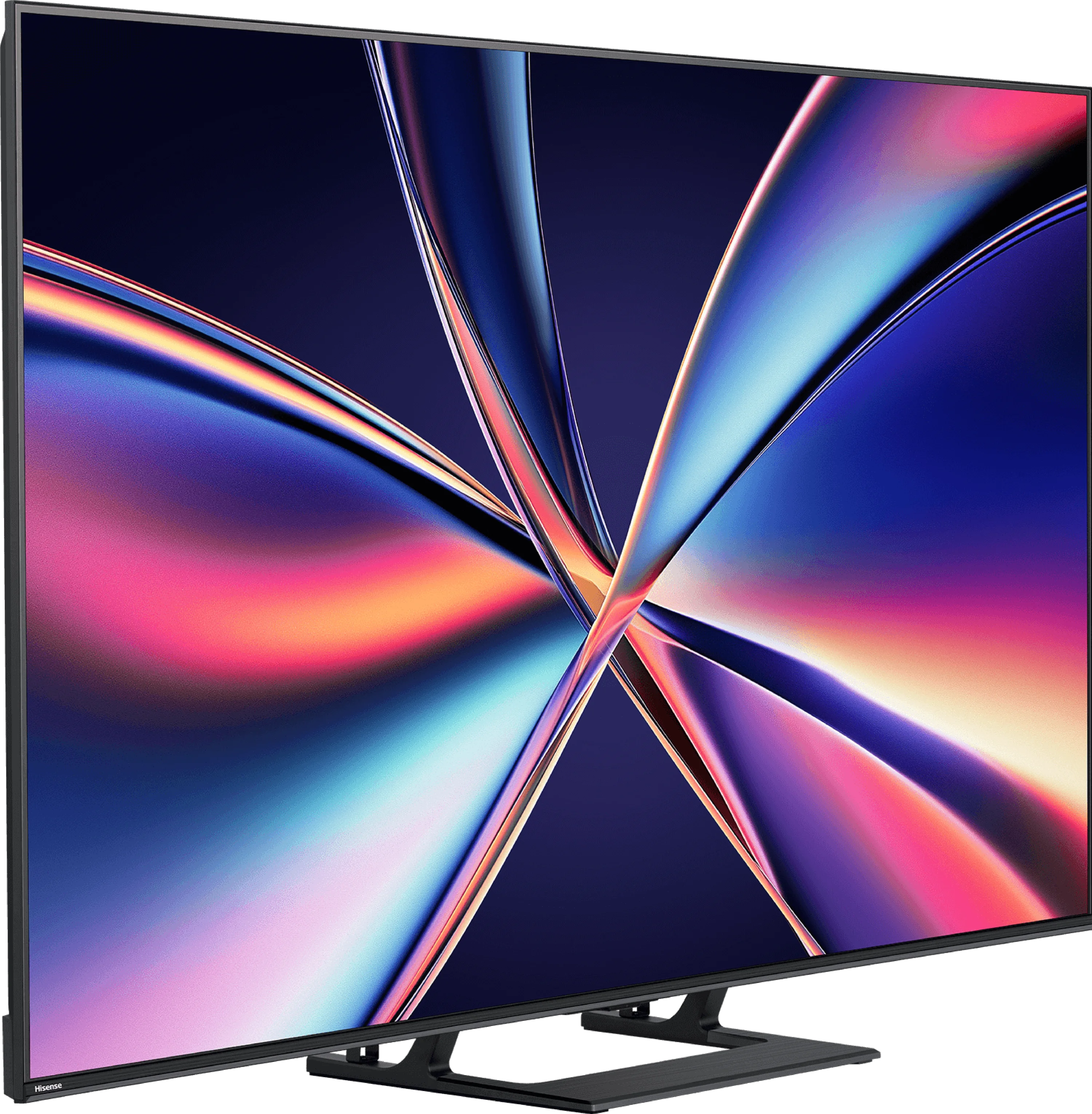
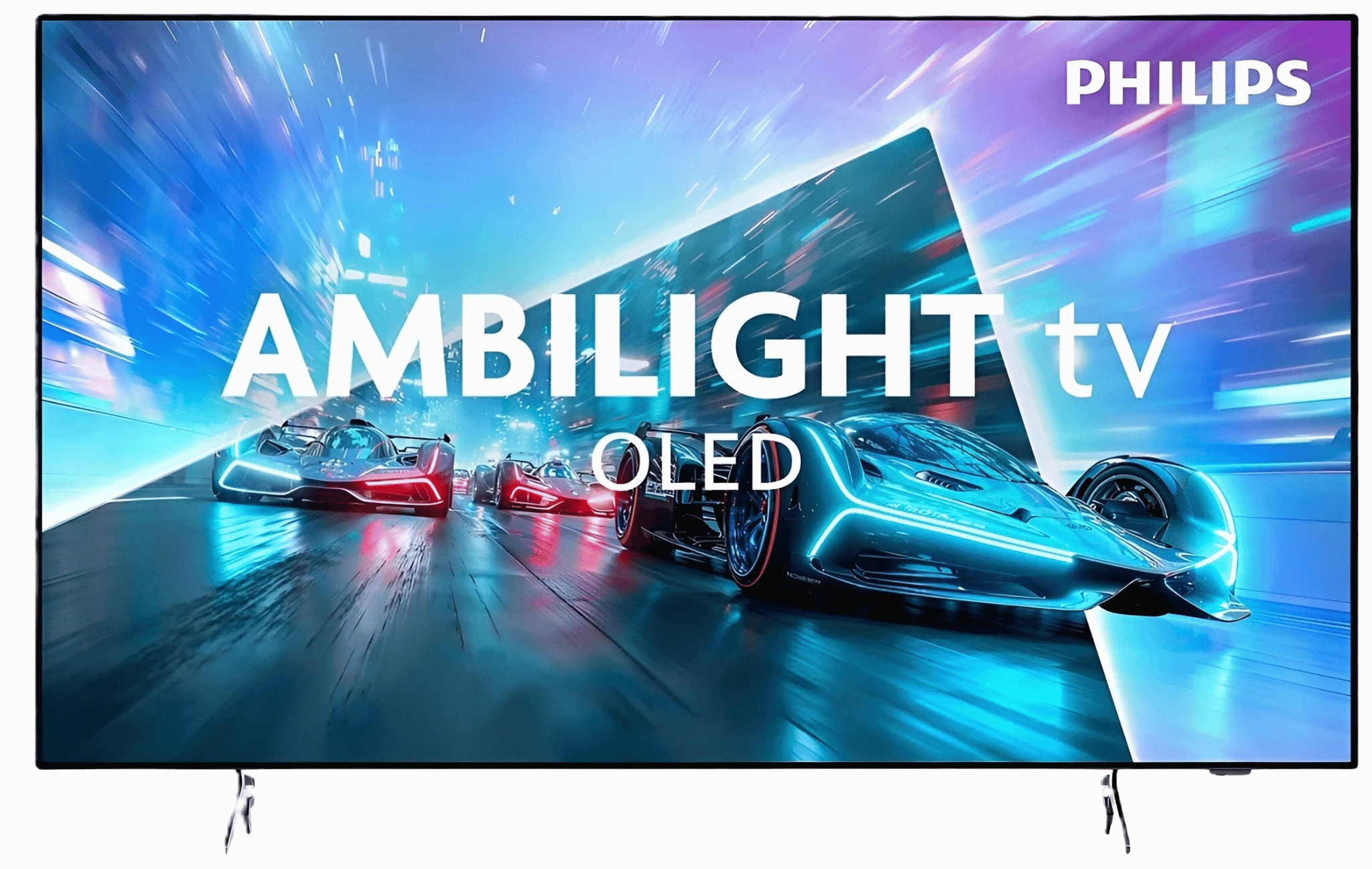
Panel type: LCD VA
Resolution: 3840x2160
System: VIDAA
Model year: 2025
Complete the survey to find out the result
Panel type: WRGB OLED
Resolution: 3840x2160
System: Titan OS
Model year: 2026
Complete the survey to find out the result
Overall rating
7.1
7.7
 Movies and series in UHD quality
6.7
8.0
 Classic TV, YouTube
6.8
8.7
 Sports broadcasts (TV and apps)
6.4
8.5
 Gaming on console
8.0
9.0
 TV as a computer monitor
8.6
7.6
 Watching in bright light
6.2
4.5
 Utility functions
8.9
7.9
 Apps
7.7
7.7
 Sound quality
7.2
7.0
Complete the survey to find out what fits your preferences
Advantages

Great contrast and deep blacks
Very good smoothness of tonal transitions (close to reference level)
High brightness
Supports 4K 144 Hz and even 240 Hz in Full HD
VRR, ALLM, G-SYNC – a full package for gamers
Low input lag
Many classic TV features built into the VIDAA system
Perfect blacks and very high contrast
Impressive HDR for evening viewing sessions
Very good colour reproduction after calibration
Wide viewing angles
Ambilight enhances viewing enjoyment 🙂
120 Hz panel useful for gaming and sports
Four HDMI 2.1 inputs
Dolby Vision support (improves the picture in many HDR scenes)
Disadvantages

No support for HGiG (makes setting HDR on consoles difficult)
Poor viewing angles – typical for VA panels
Closed VIDAA system – lack of some applications
Inferior sound quality compared to the twin model U7Q
Limited app selection on Titan OS
Lower SDR brightness than competitors
Screen reflections that are distracting in a bright living room
Infrared remote control requires aiming at the TV (sometimes slow to respond)
Visible posterisation
Our verdict
Philips OLED761 shows that the brand’s entry-level OLED can be a successful choice for watching films. It performs best in the evening, when perfect blacks and impressive HDR let you appreciate the strengths of this panel. After calibration, colour reproduction is very good, so it's hard to fault the picture during normal viewing. It doesn't always handle the brightest highlights in demanding HDR10 films as well, but Dolby Vision helps in those scenes. This is a TV that can make an evening screening with the lights off genuinely impressive. A big part of that experience is Ambilight. If you like lighting the wall behind the screen, the OLED761 gives you a solid reason to consider Philips. You don't have to pay extra for higher-end ranges to combine that feature with a good OLED picture. This model also works well for gaming: a 120 Hz panel and four HDMI 2.1 inputs let it serve as a screen for movies as well as consoles or a computer. That's important, because even the cheapest OLED in a range should be a versatile purchase, not a TV that's only good for night-time viewing.
Before buying, though, it's worth looking at two limitations. The first is watching in a bright room. The OLED761 is a little dimmer than rivals using a similar panel, and the lack of a polariser in the OLED SE panel further reduces its performance in bright rooms. The second is Titan OS. The system runs more smoothly than in earlier versions, but still offers a smaller selection of apps than the competition. Improved responsiveness is welcome, but it won't replace access to the services you use every day, so check availability before purchasing. We also didn't like the remote. Although it's backlit and has a full set of useful keys, it requires precise aiming at the screen.
Ultimately the Philips OLED761 makes most sense for people who mainly watch in the evenings and want Ambilight. In those conditions it can confidently compete with the Samsung S85H and LG B6 in terms of picture quality, and the choice between them will depend more on price, the operating system and personal habits. Philips doesn't have a clear advantage in every use case, but that doesn't mean it should be treated as an inferior alternative just because it opens the brand's OLED range. At the right price it's a good purchase, but only if the available apps are enough for you.
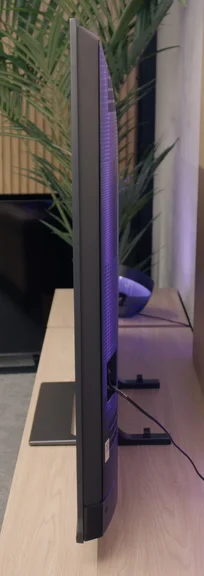
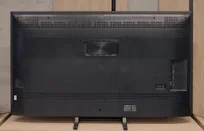
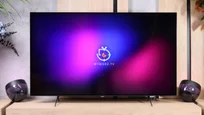
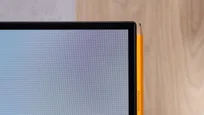
TV appearance


Contrast and black detail
7.6/10
10/10
Local dimming function: Yes, number of zones: 220 (10 x 22)
Contrast:


Result
277,000:1

Result
43,700:1

Result
15,750:1

Result
8,850:1

Result
6,350:1
Result
∞:1
Result
∞:1
Result
∞:1
Result
∞:1
Result
∞:1
Halo effect and black detail visibility:
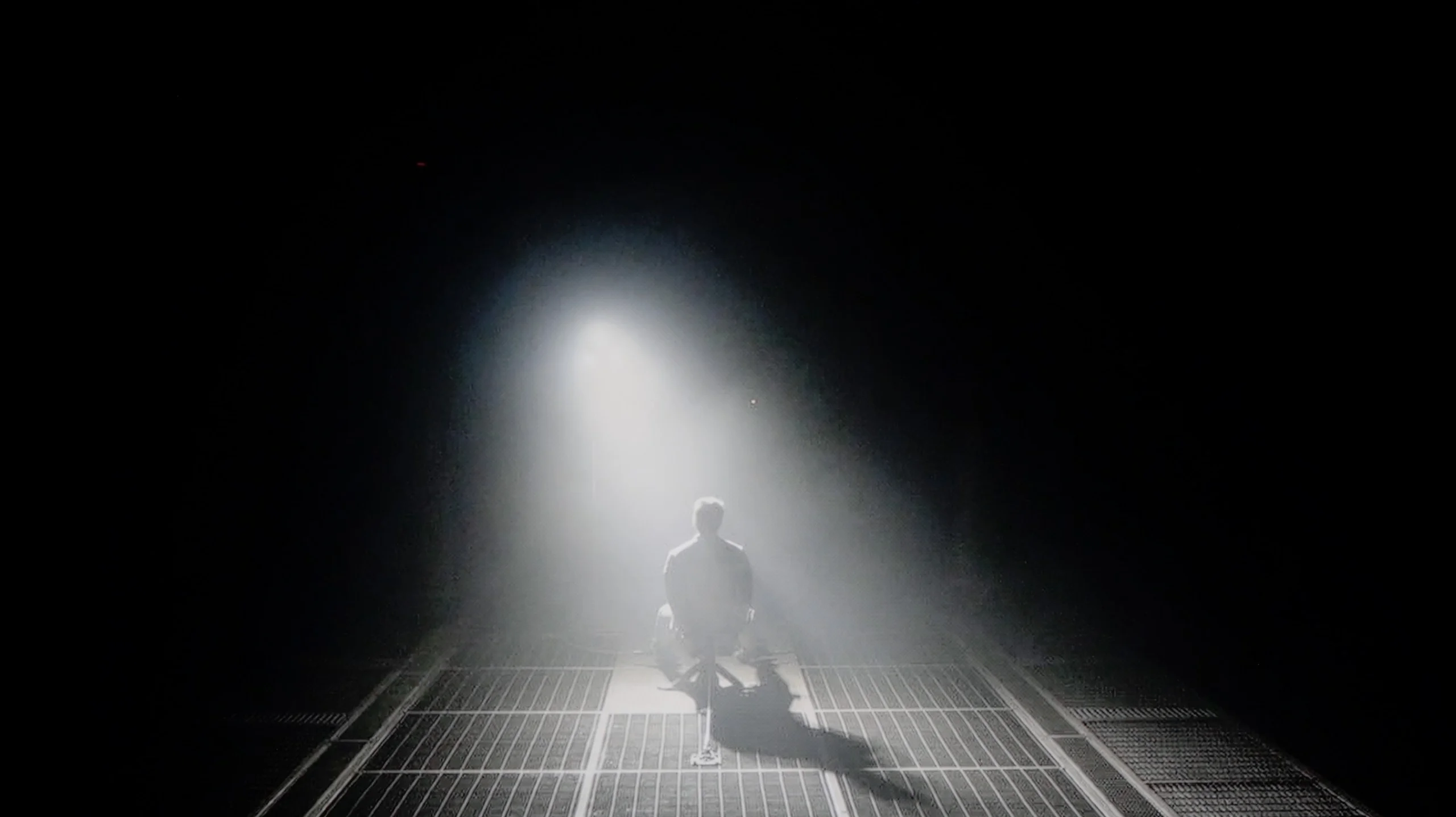
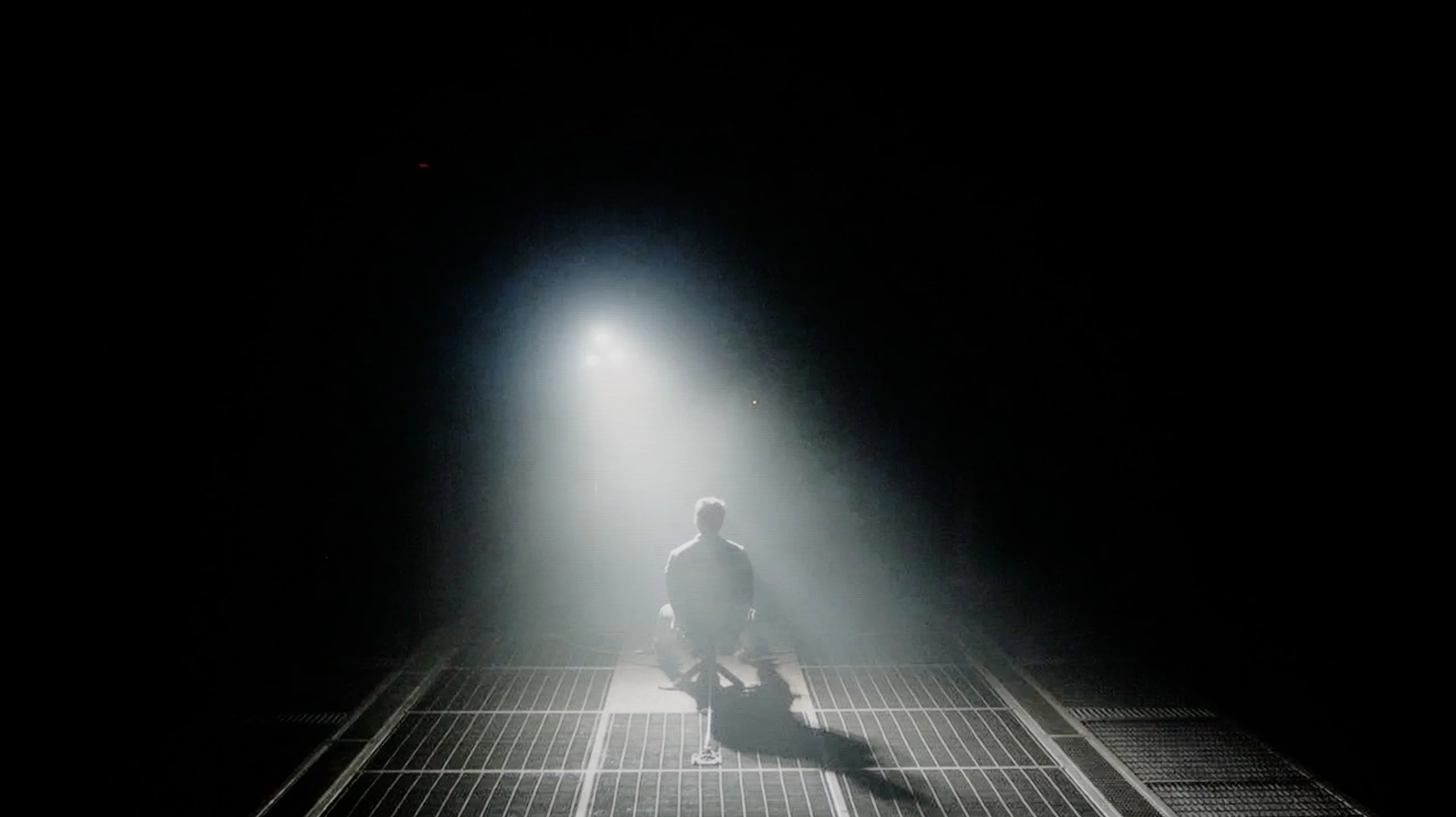
Check the visibility of bright lights on a dark background. Mini-LEDs often struggle with this. The photo does not compare black levels – that’s what the video below is for.
The video accurately shows differences in contrast and black levels between TVs, as well as potential issues: halo around bright objects or Mini-LED zone operation visible as brightness jumps.
Similar to the U7Q, the E8Q model uses a VA panel and Mini-LED backlighting. The number of dimming zones also remains at a very similar level – in the 65-inch variant we tested, we counted 220 zones, which is exactly the same as in the U7Q. On paper, it looks really good for this price segment, and even better – in practice. The contrast is high, and the black can be really deep. In many scenes, the lights are clearly separated, and the image gains a sense of space. This is one of those cases where Mini-LED shows it can come close to OLED quality – of course, assuming we understand the limitations we have to consider. In very challenging scenes, there may be slight brightening or a minor halo effect around bright objects, but these are phenomena typical of this technology and are not very noticeable. Ultimately – the contrast and blacks in the E8Q are really solid, nearly identical to the U7Q model. It's hard to nitpick, especially when we look at the price of the television.
In this category the Philips OLED761 receives the highest rating. The OLED panel used allows each pixel to be controlled independently, and where the image should be completely black it can simply be switched off. As a result we achieved infinite contrast in all test scenes. When watching, this translates to deep blacks and a very clear separation of bright elements from the dark background. Even a small lamp or a star does not cause the surrounding area to be lit up by the screen's backlight, something Mini LEDs still struggle with in demanding scenes. That's an advantage of the technology itself, which is why even Philips' cheapest OLED can match much more expensive models in this respect. In a dark room it's especially obvious how much precision like this delivers. Black doesn't turn grey just because a bright object appears right next to it, and the TV doesn't have to choose between dimming the light and keeping the dark background.
Certain reservations, however, concern how it displays tones just above black. In cinematic scenes the OLED761 can slightly brighten those tones, so the darkest parts of the picture can be a little brighter than they should be. The start of the luminance curve also confirms this. That doesn't mean the panel can't show perfect black, because completely black elements still remain switched off. The imperfection affects reproduction of the very darkest greys and, although it doesn't negate the excellent contrast, you can notice it in some night shots.
HDR effect quality
4.5/10
6.1/10
Luminance measurements in HDR:

Result
531 nit

Result
148 nit

Result
320 nit

Result
100 nit

Result
625 nit
Result
538 nit
Result
702 nit
Result
784 nit
Result
740 nit
Result
289 nit
Scene from the movie “Pan” (about 2800 nits)


Scene from the movie “Billy Lynn” (about 1100 nits)


The photos show two HDR10 movies. 'Pan' is one of the brightest productions ever made, while 'Billy Lynn' (soldier) has brightness typical of streaming (Netflix, Prime, HBO MAX). Notice the intensity of effects and detail in whites.
Static HDR10


The photos present the visibility of white details in various HDR formats. They do not show brightness differences between TVs (these can be compared in the previous gallery).
Dynamic: Dolby Vision
Dynamic: Dolby Vision


The photos present the visibility of white details in various HDR formats. They do not show brightness differences between TVs (these can be compared in the previous gallery).
HDR luminance chart:
Philips OLED761
Hisense E8Q
Luminance of RGB colors
Since the E8Q is a twin of the U7Q, it’s no surprise that the HDR effect quality is almost identical. On paper, it looks promising – a peak brightness of 800 nits can impress in many scenes. Moments like light flashes in “The Meg” or shots of the sun in “Life of Pi” can indeed create a “wow” effect. But the longer we watch, the more we notice the limitations. The problem arises when small, bright details need to be shown against a dark background. In such situations, the dimming algorithms try to protect the contrast, but in the process, they also dim what should shine the brightest. Instead of dazzling details, we get almost invisible points of light. This is typical for Mini-LED in this price segment and is not surprising – but it’s worth knowing that the HDR effect will not always be fully preserved. Fortunately, the colour reproduction provides reasons to be pleased. A coverage of the DCI-P3 palette of about 94% is a very good result, and the quantum dot layer used (more precisely, PFS) does its job – colours are saturated and vibrant, especially with 4K content.
Philips OLED761 uses the new-generation WOLED SE panels from LG Display, and in terms of HDR brightness it achieves results close to its nearest rivals, the Samsung S85H and LG B6. Peak brightness is around 800 nits, which for an entry-level OLED is a solid result. Importantly, similar values also appear in films. In scenes with small bright elements on a dark background we measured around 700–780 nits, so a torch, spotlight or lamp can really stand out. Combined with perfect black, this delivers a convincing HDR effect, especially during evening viewing. The panel’s capabilities do fall off as the bright area increases. When single highlights are replaced by a wide sunlit landscape, the TV can no longer maintain such high brightness. In an oil-rig scene we recorded 289 nits, and with an even larger bright-area fill the result can drop to around 200 nits. In practice this means a sun-drenched shot will look less punchy than small lights in a night scene. Despite this limitation, the OLED761’s HDR performance deserves praise. It’s not a TV that will light up a room with every bright scene, but it can clearly show the difference between standard footage and HDR content. It performs best where bright accents appear against a darker background, because that’s when high peak brightness on individual elements and deep blacks combine for the best effect.
Colour
The Philips OLED761 also handles colour well, as its panel covers the vast majority of the DCI-P3 gamut, which contains most of the colours seen in HDR films and series. As a result, in everyday viewing colours have proper saturation and the picture doesn’t look washed out. Limitations only appear in more demanding material that uses shades beyond DCI-P3 and in the wider BT.2020 gamut. In such shots the most intense reds and greens may look less striking than on QD-OLED, SQD-Mini LED or RGB Mini LED screens. A separate issue is saturation retention at high brightness. The WOLED panel uses an additional white subpixel to help boost brightness, but that doesn’t increase the brightness of the colours in the same way. Therefore very bright colours can look a little washed out, most noticeable on vivid neons or colourful light effects. These are limitations mainly visible in specific, demanding scenes. In most films and series watched day-to-day the OLED761 has enough capability to show well-saturated, attractive colours.
Factory color reproduction
6.5/10
6.5/10


This gallery shows how colors change after professional TV calibration. If you notice the difference, we recommend ordering this service at SkalibrujTV.com.
Factory Mode
After calibration
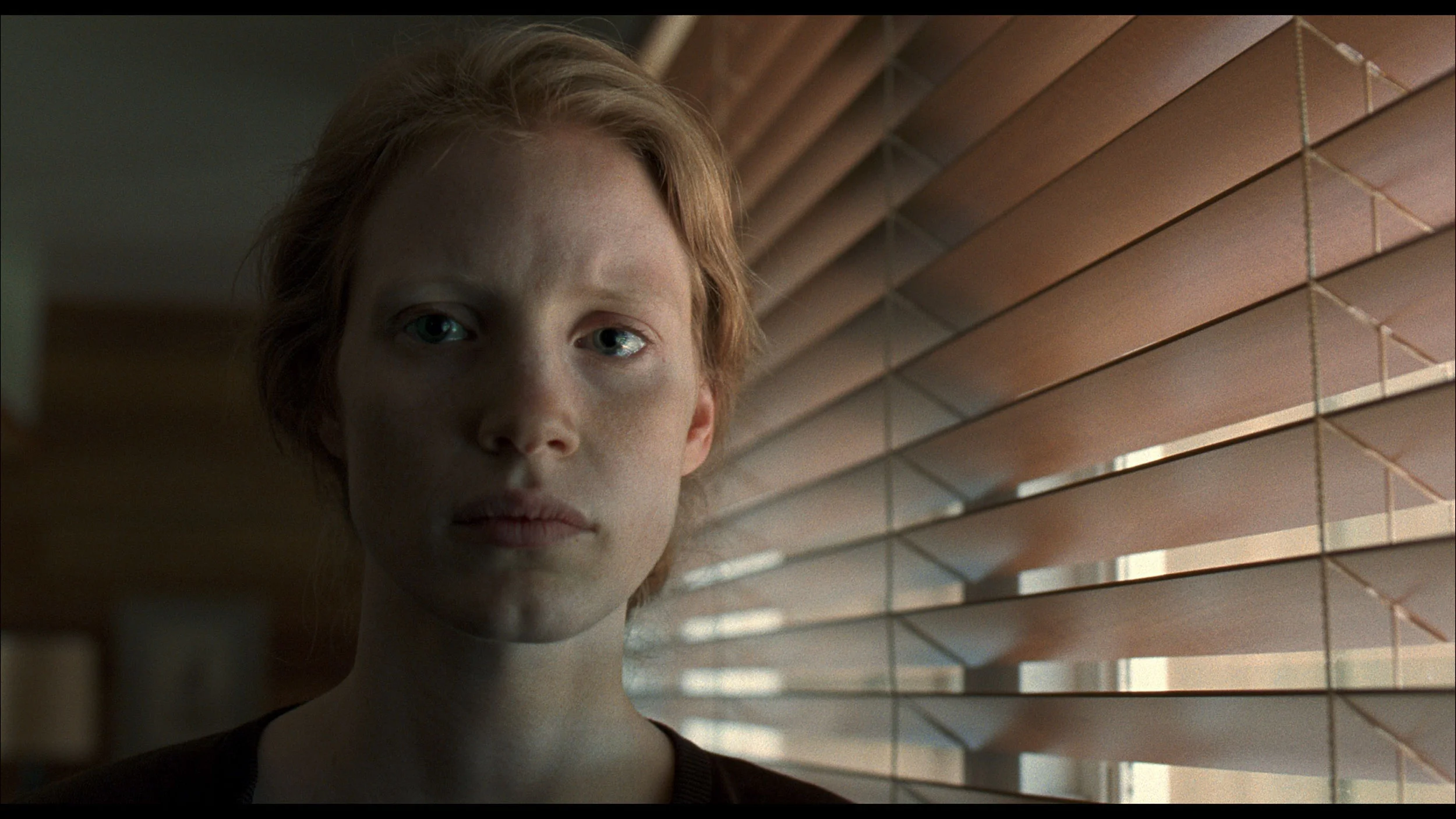
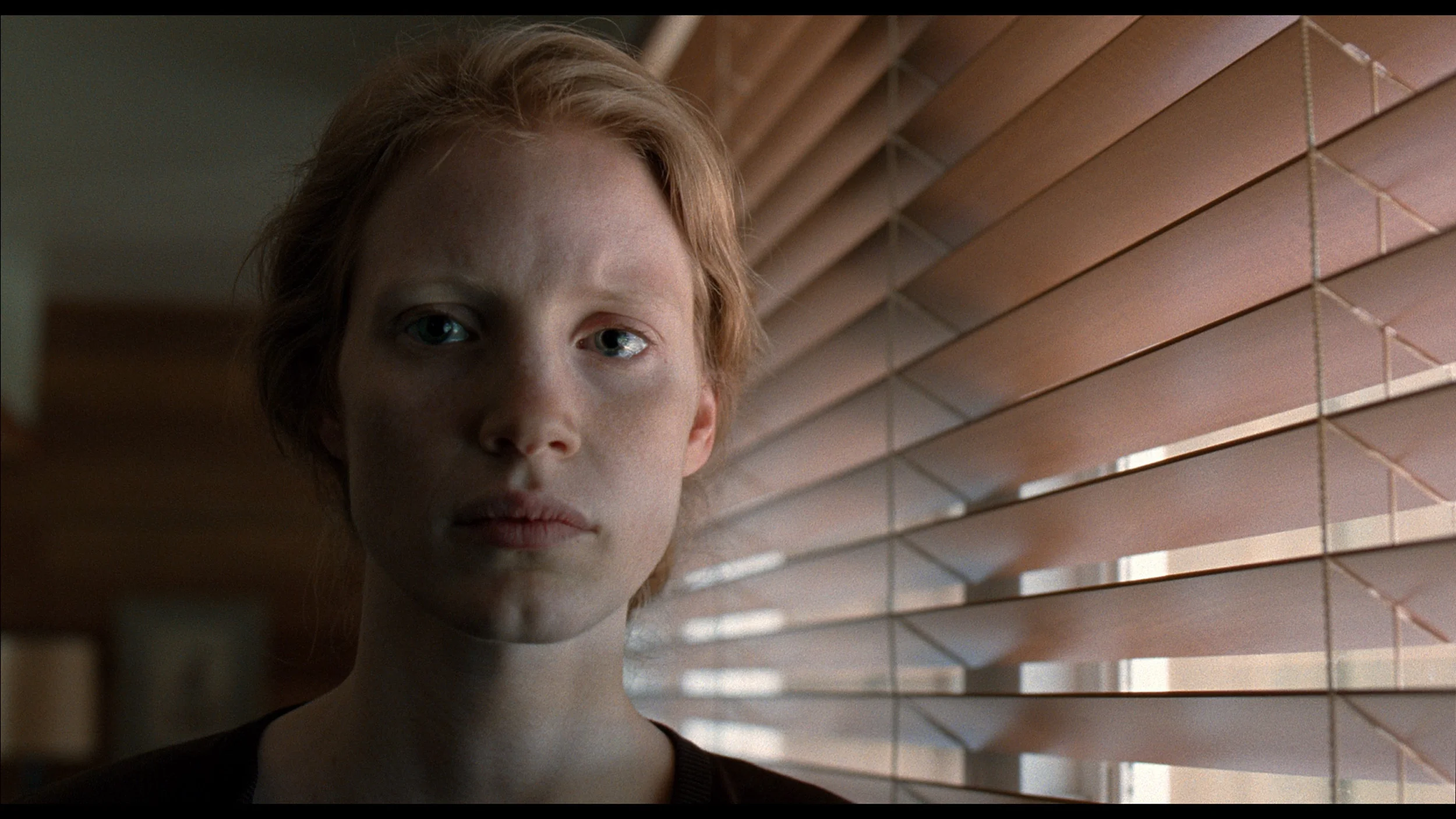
This gallery shows how colors change after professional TV calibration. If you notice the difference, we recommend ordering this service at SkalibrujTV.com.
Factory Mode
After calibration
Testing the Hisense E8Q in Filmmaker mode, we were hoping for a potentially neutral picture resembling the director's vision. Unfortunately – although it doesn't look too bad on paper (the colour reproduction errors aren't significant), in practice the image feels somewhat unnatural. The reason? The blue colour is boosted too strongly and there is a deficiency of red in the white balance. The effect? Scenes appear cool, and the white seems slightly bluish. Alongside the U7Q model, we also noticed a specific approach to brightness management here. The brightness reproduction curve for HDR content (EOTF) shows that the TV can significantly dim small, bright elements on the screen to maintain contrast – but sometimes it goes too far. On the other hand, it can excessively brighten larger, very bright areas, which disrupts tonal balance. It's a compromise that may not suit everyone – especially if you want a potentially faithful picture straight out of the box.
The factory film mode settings on the OLED761 deliver a fairly pleasant picture, though the colours are not completely neutral. In SDR material there is primarily a lack of blue, and in parts of the range also red, which can make whites and greys take on a slightly yellow‑green tint. You’ll notice this most easily on neutral surfaces, which look warmer than they should. The colours themselves perform quite well, and most of the test samples do not show large errors. So this is not a case where a tint completely changes the look of the film. The way brightness is set in SDR needs more attention. Over most of the range the TV slightly darkens the image, which can make faces and background elements look heavier and details in darker areas less readable. At the same time, tones just above black are brightened. These two traits can occur together: the deepest shadows become too obvious while the rest of the scene is a little too dark. In HDR you can also see a shortage of blue, especially in the brighter parts of the image. Whites therefore take on a warm, yellowish cast, which can be noticeable on clouds or snow. Darker tones are set much better in terms of white balance, so the extent of this tint changes with scene brightness. Out of the box the OLED761 performs decently, but measurements show that, above all, white neutrality and the rendering of brightness still need refining through calibration.
Color reproduction after calibration
7.4/10
9/10


The photos show how movies look on the TV. Pay attention to black detail visibility, colors, and shadow tint.


The photos show how movies look on the TV. Pay attention to black detail visibility, colors, and shadow tint.
Calibration of the Movie mode yielded really good results, especially regarding SDR content. The white balance was successfully adjusted, giving the image a natural look – it appeared almost reference-level. The colours were well-saturated, and the overall experience of the content improved significantly. Unfortunately, when we switched to HDR materials, the familiar issues from the U7Q model returned. The TV still likes to "do its own thing," as seen from the analysis of the EOTF brightness characteristics – despite calibration, the E8Q still darkened small details in the shadows, while brighter parts of the screen were sometimes excessively boosted. In practice, this means that in darker scenes, some of the smallest details could simply disappear. Although it's worth noting that the entire calibration process brought a lot of good, not everything can be bypassed – even with the use of professional tools. The E8Q can impress with its picture, but in HDR content, its construction limitations become apparent, and it's worth keeping this in mind.
After calibration the Philips OLED761 performs very well. The white balance was set almost perfectly, removing the earlier colour cast so faces, whites and greys look more natural. The improved gamma means the picture is no longer unnecessarily dark and it's easier to pick out detail in darker areas. Colours are reproduced with high accuracy, which, combined with deep blacks, produces a very pleasing image for evening movie viewing. It's clear that even Philips's entry-level OLED has considerable potential that's worth realising by refining the settings. In HDR the luminance response tracks the reference across most of the range, so most scenes retain the correct appearance. There remains a slight lift in tones just above black and a tendency to render the very brightest highlights a little too strongly. However, these are issues limited to specific parts of the image. In the most demanding shots some bright detail may still be lacking, but the overall result after calibration is definitely successful. The OLED761 can deliver a natural, well-balanced picture that lets you focus on the film.
Smoothness of tonal transitions
9.9/10
7.4/10
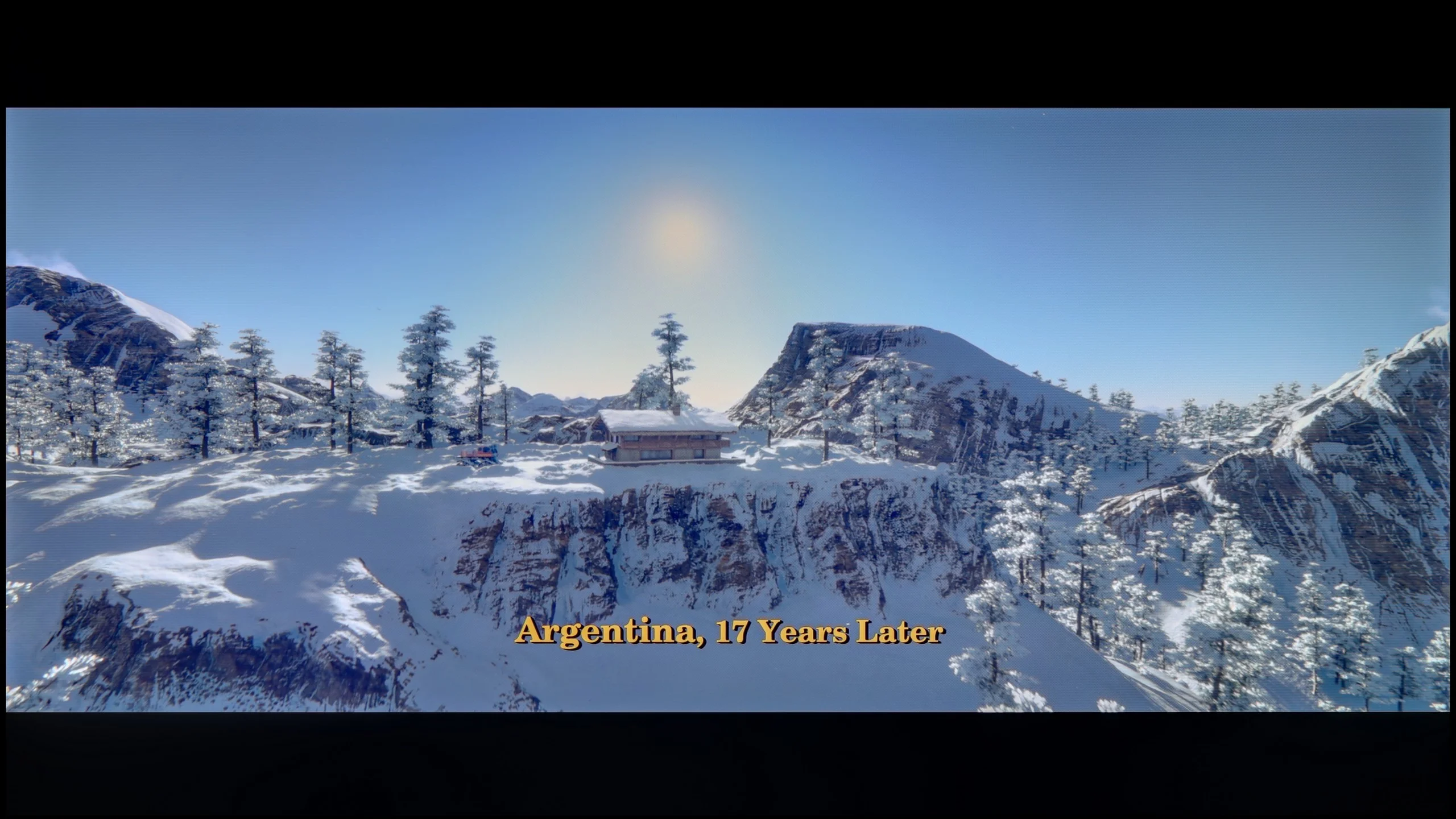

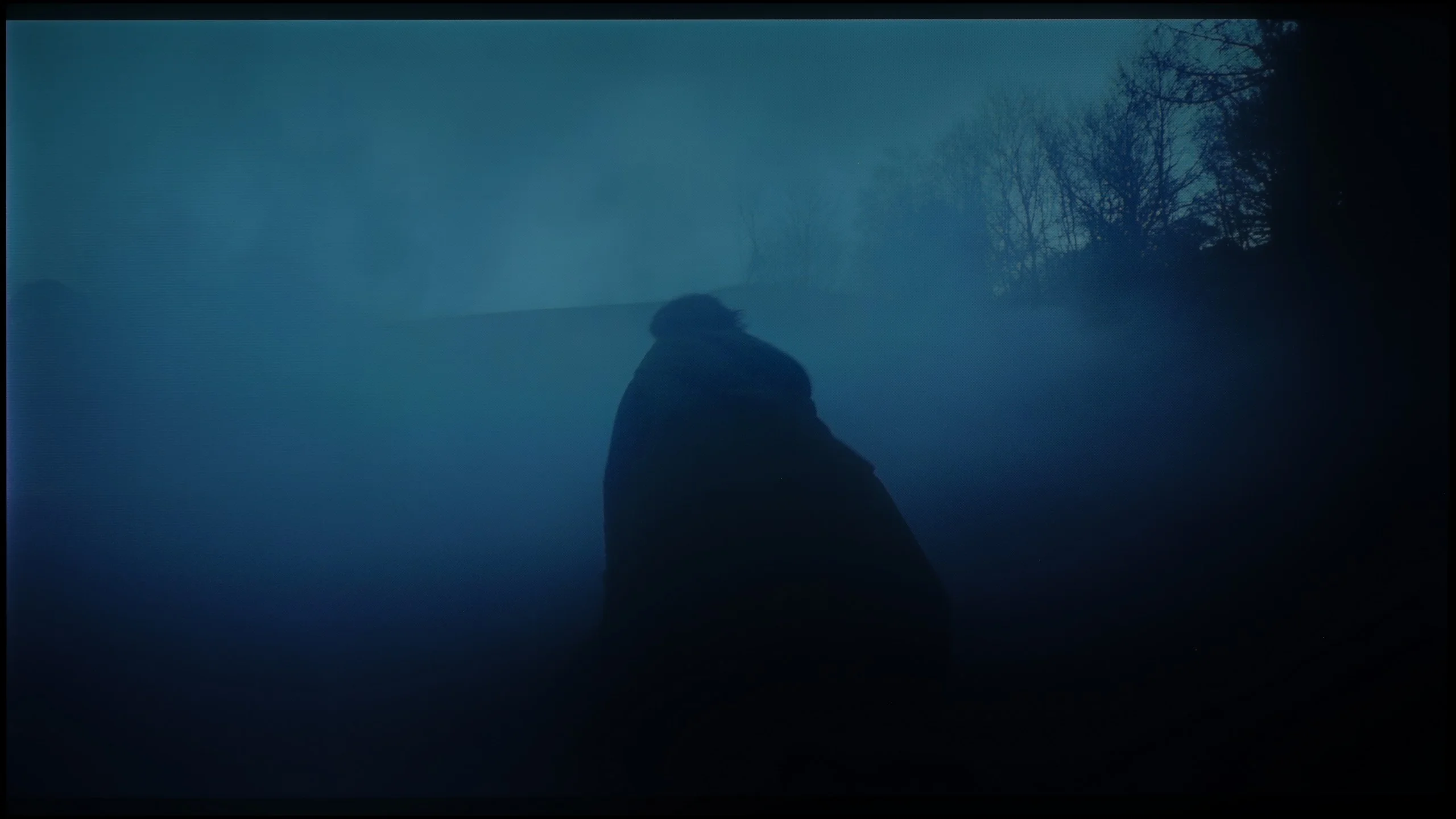
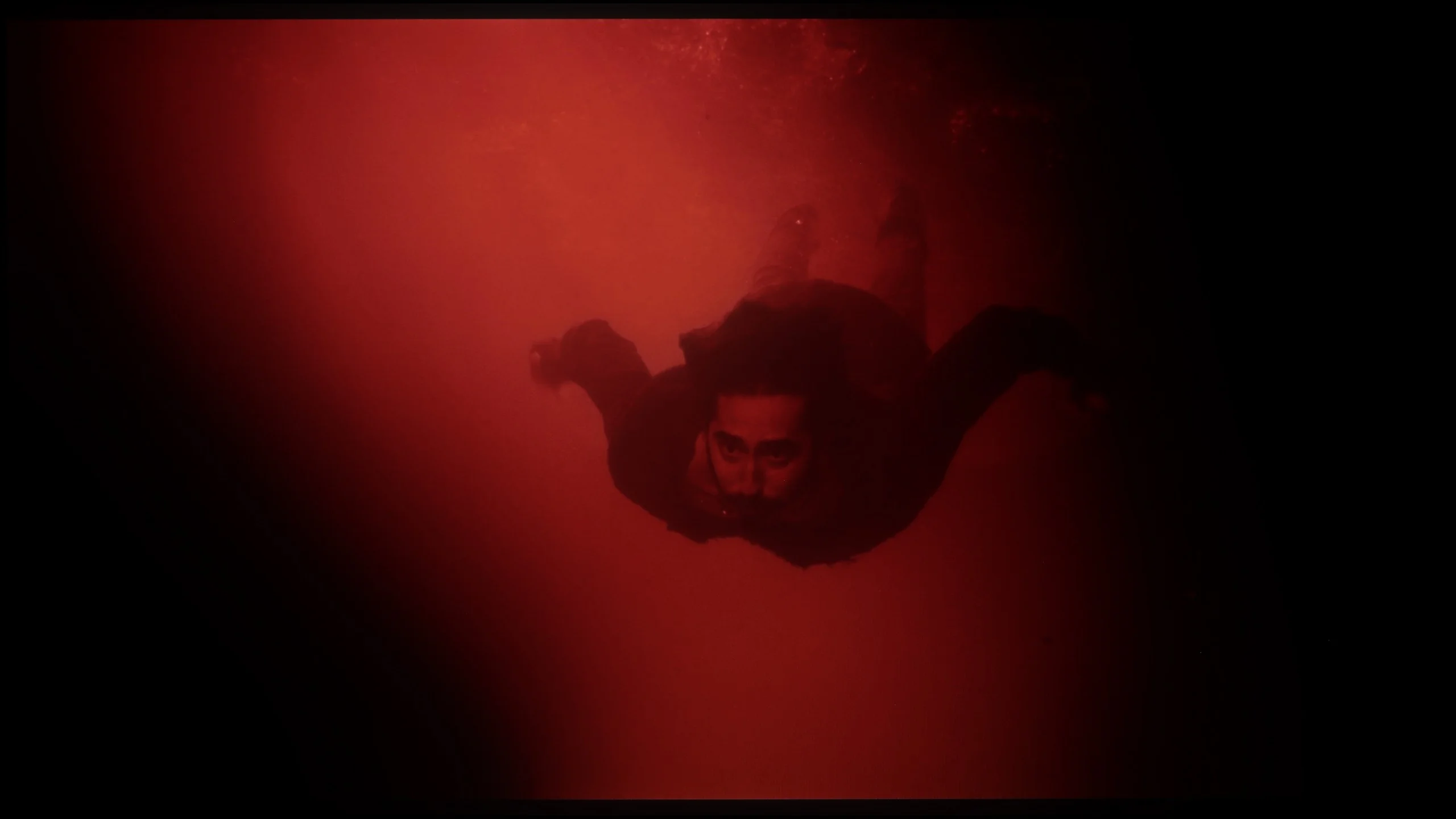
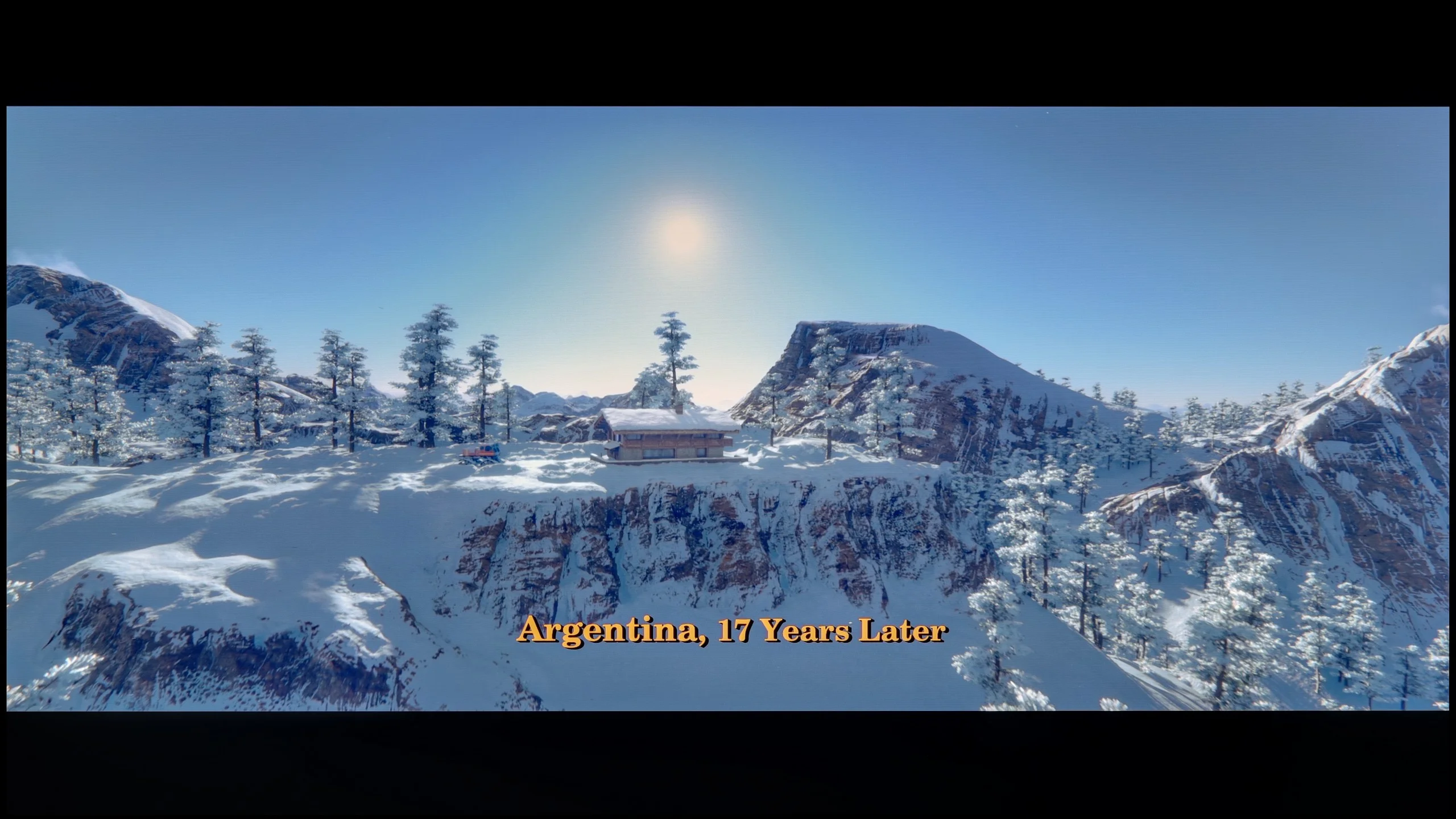
These are selected scenes that show smooth tonal transitions from one color to another. If you see distinct banding, it’s the TV panel’s fault.

These are selected scenes that show smooth tonal transitions from one color to another. If you see distinct banding, it’s the TV panel’s fault.
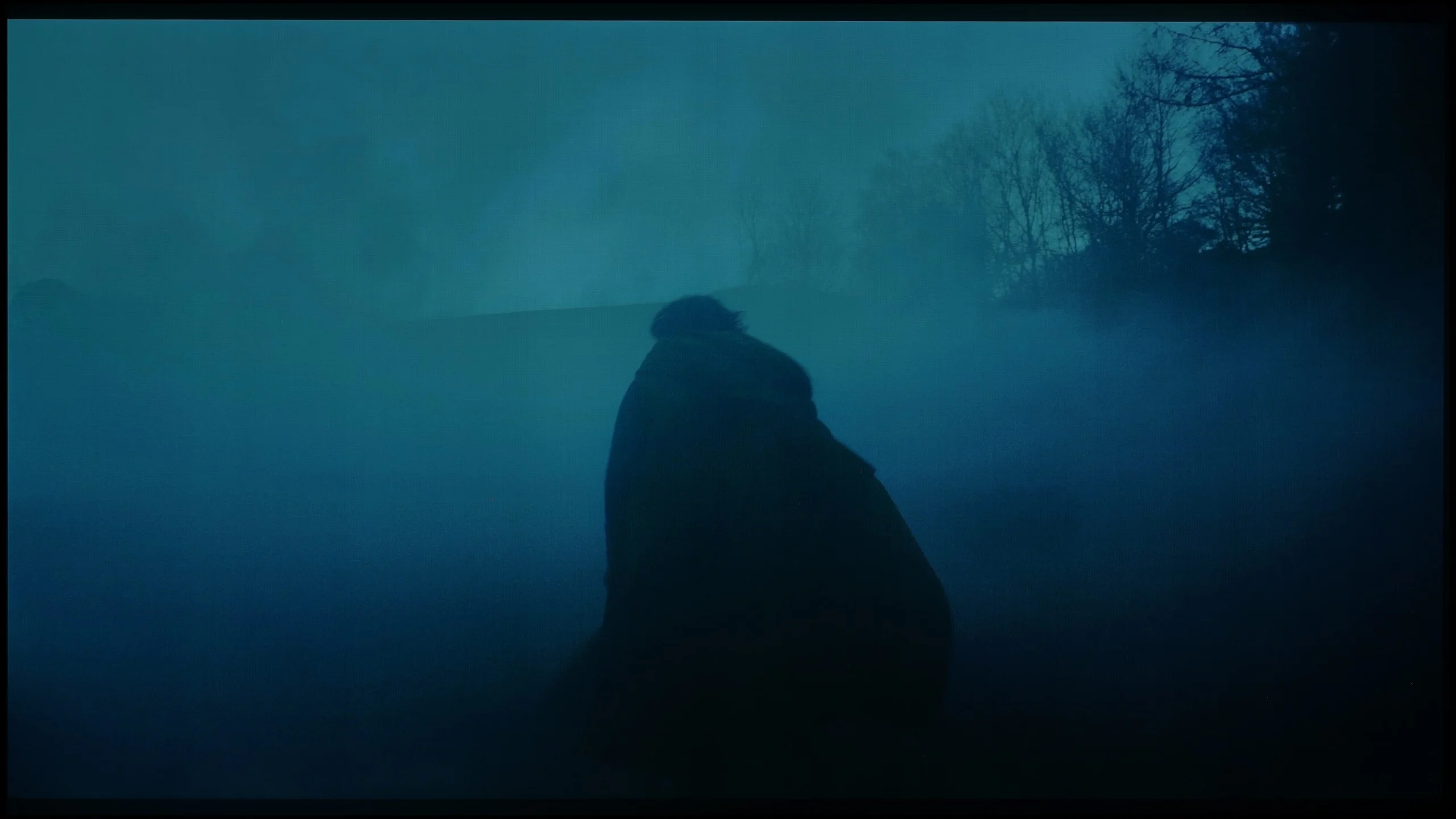
These are selected scenes that show smooth tonal transitions from one color to another. If you see distinct banding, it’s the TV panel’s fault.
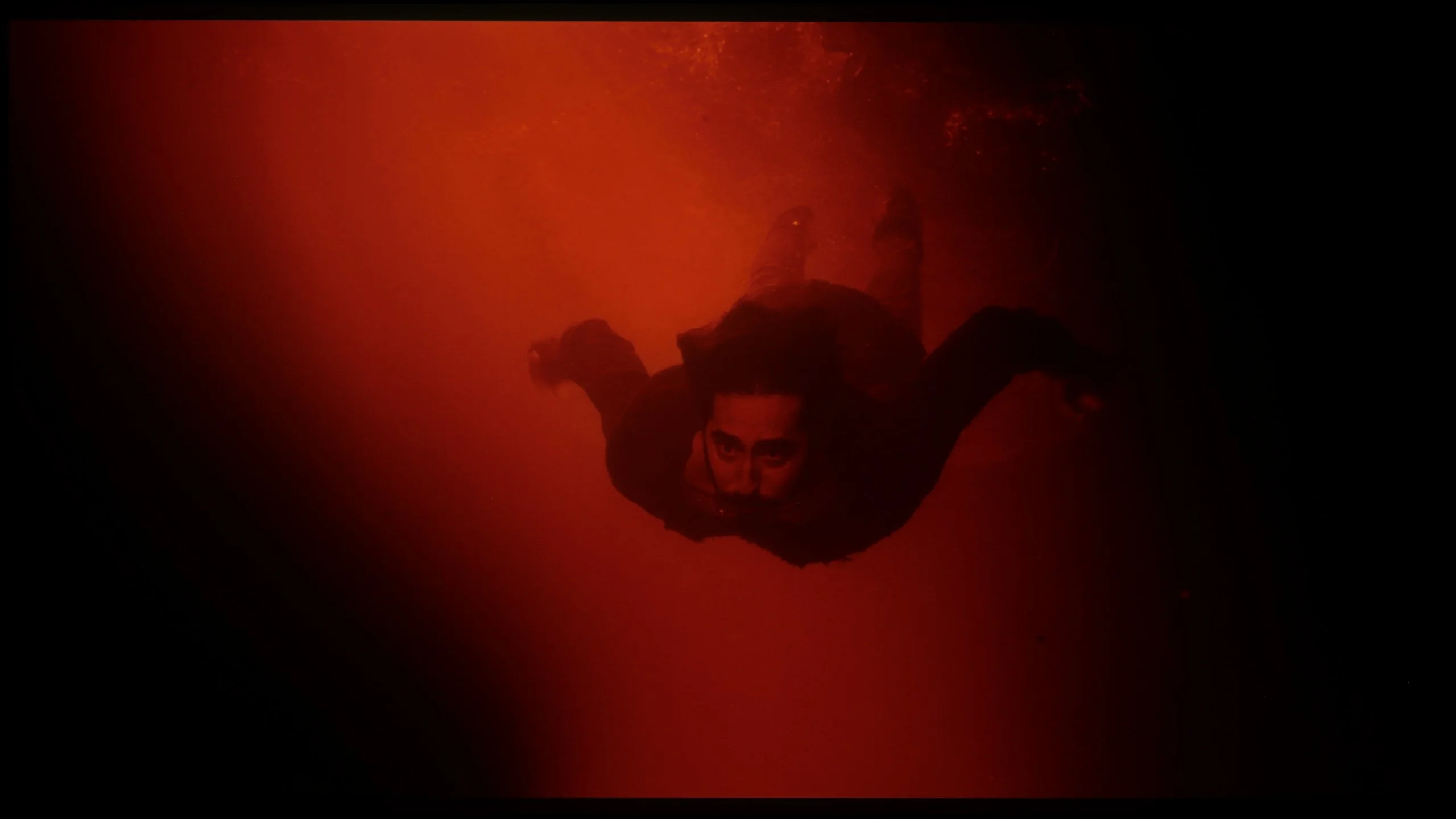
These are selected scenes that show smooth tonal transitions from one color to another. If you see distinct banding, it’s the TV panel’s fault.
In this category, the Hisense E8Q really demonstrates its quality. The transitions between colours are very smooth, without any "steppings" or clear boundaries between tones. The image looks natural, and the colour gradation performs exceptionally well – even in more challenging scenes. If there are any minor imperfections, they are subtle enough not to be noticeable. It's hard to find fault here – it looks almost perfect.
Philips OLED761 handles tonal transitions quite well, although on bright gradients you can see slight banding between shades. They appear in most of the bright shots we tested, but are subtle enough that during normal viewing they shouldn't draw too much attention away from the film. In darker scenes the imperfections are most noticeable when the image fades to black and in the shot with red water, where colour transitions could be smoother. More than the gradation itself, panel uniformity can be more distracting. In dark scenes it shows up as fairly distinct bands that make a uniform background look less even than it should. This is a separate issue from the visible boundaries between shades, although both phenomena can overlap during viewing. We've seen similar bands so far in every OLED we've tested with the new WOLED SE panel, so this is not a problem exclusive to the OLED761. However, their severity can vary between units.
Image scaling and smoothness of tonal transitions
6/10
7.5/10

Smooth transition function
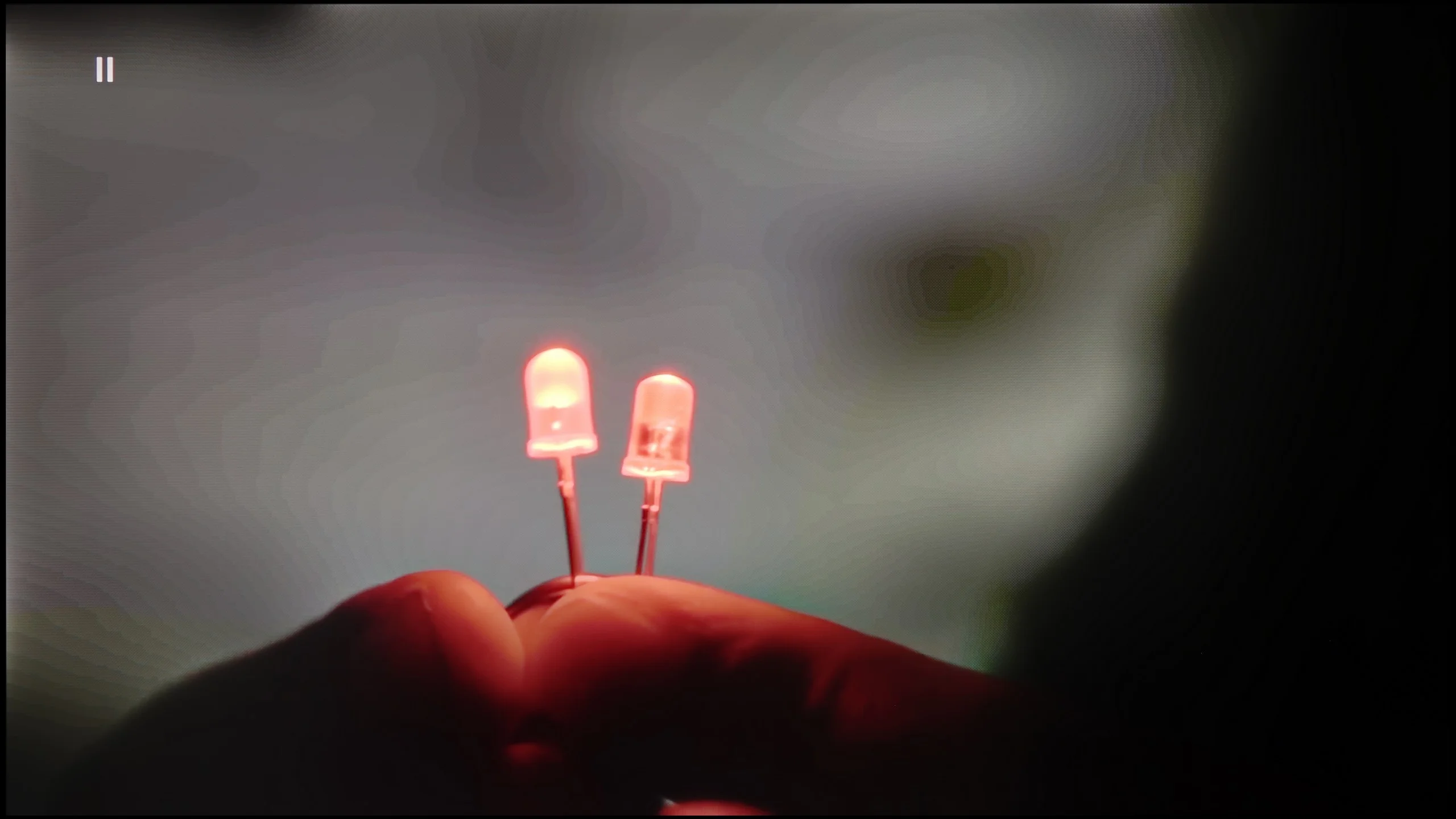
The match photo shows how the TV smooths weak tonal transitions in low-quality video.
Image scaling SD (576i)


The model photo shows how it handles upscaling of SD material.
In the case of older materials of lower quality, gentle smoothing of tonal transitions often comes in handy. The Hisense E8Q, like the U7Q, has a "Smooth and Gradient Picture" feature, but unfortunately, its effectiveness leaves much to be desired. The "Low" setting is nearly invisible in operation, while higher settings blur details instead of improving transitions. The good news is that the feature does not compromise film grain, which means it does not degrade the structure of the image. On the positive side, scaling is commendable. The TV can reasonably convert older content to a higher resolution – without artificially accentuating contours or excessive sharpening. Although it doesn't match the best models in this category, it performs quite well for its class.
Philips OLED761 does a pretty good job of improving lower-quality source material. Its Pentonic 800 processor effectively smooths visible transitions between shades that often appear in heavily compressed footage. This is handled by the "Artefact Reduction" setting. When enabled, banding on uniform backgrounds becomes less noticeable, and importantly this isn't achieved at the cost of noticeably smearing detail. It's a feature worth using when the quality of the material you're watching leaves a bit to be desired. The upscaling itself, however, has Philips' characteristic softness. Lower-resolution content looks fairly soft, and fine details and outlines lack some sharpness. You can see this in the shot of a model, for example in the hair and thin branches, which could be more clearly defined. A plus is the lack of overscan, meaning the edges of the picture aren't cropped. Even with a low-resolution signal the TV displays the entire frame.
Blur and motion smoothness
7.1/10
8.5/10
Blur (native resolution, maximum refresh rate):






Blur (BFI function enabled):



Blur (4K 120Hz):



Blur (4K@60Hz):



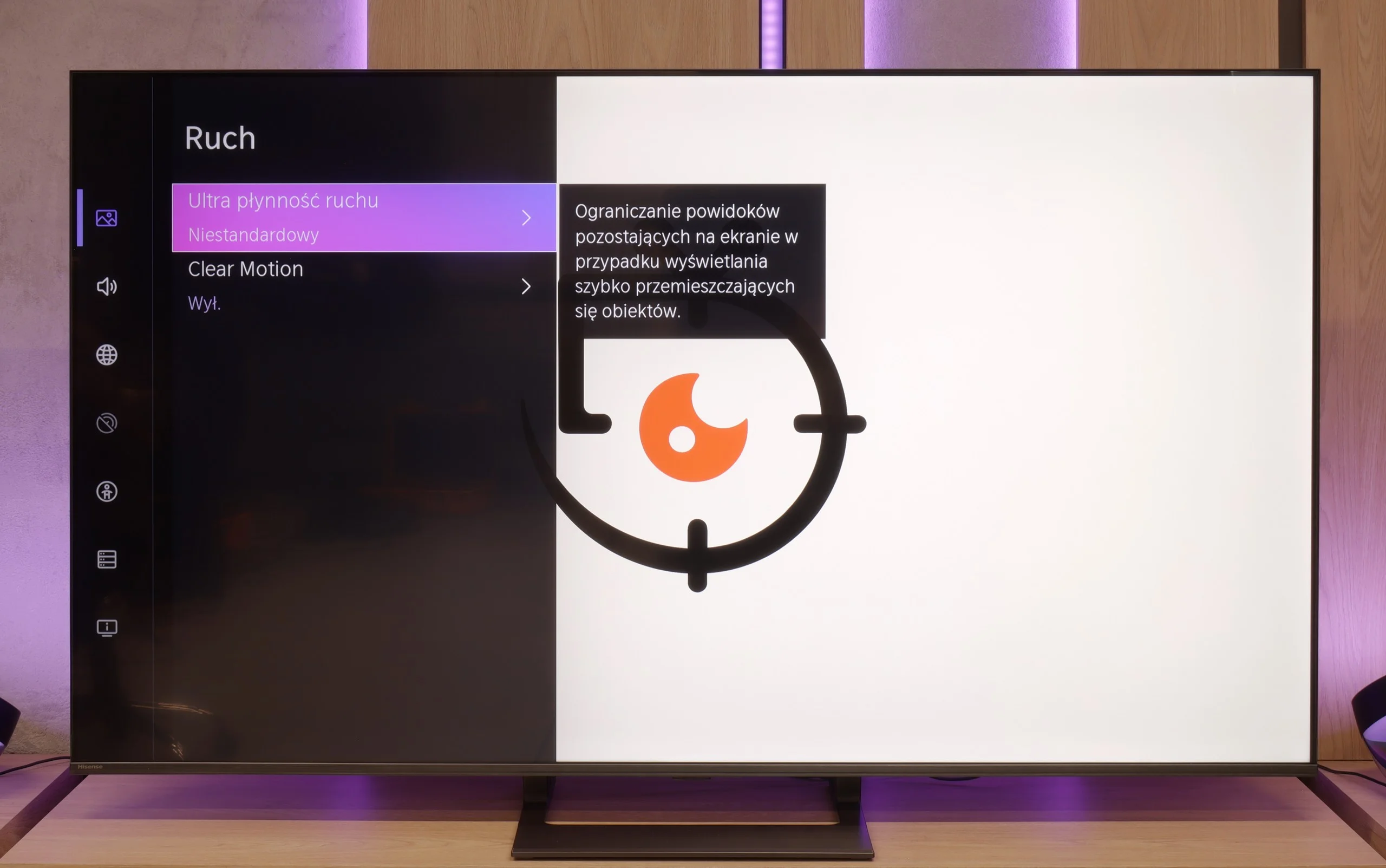
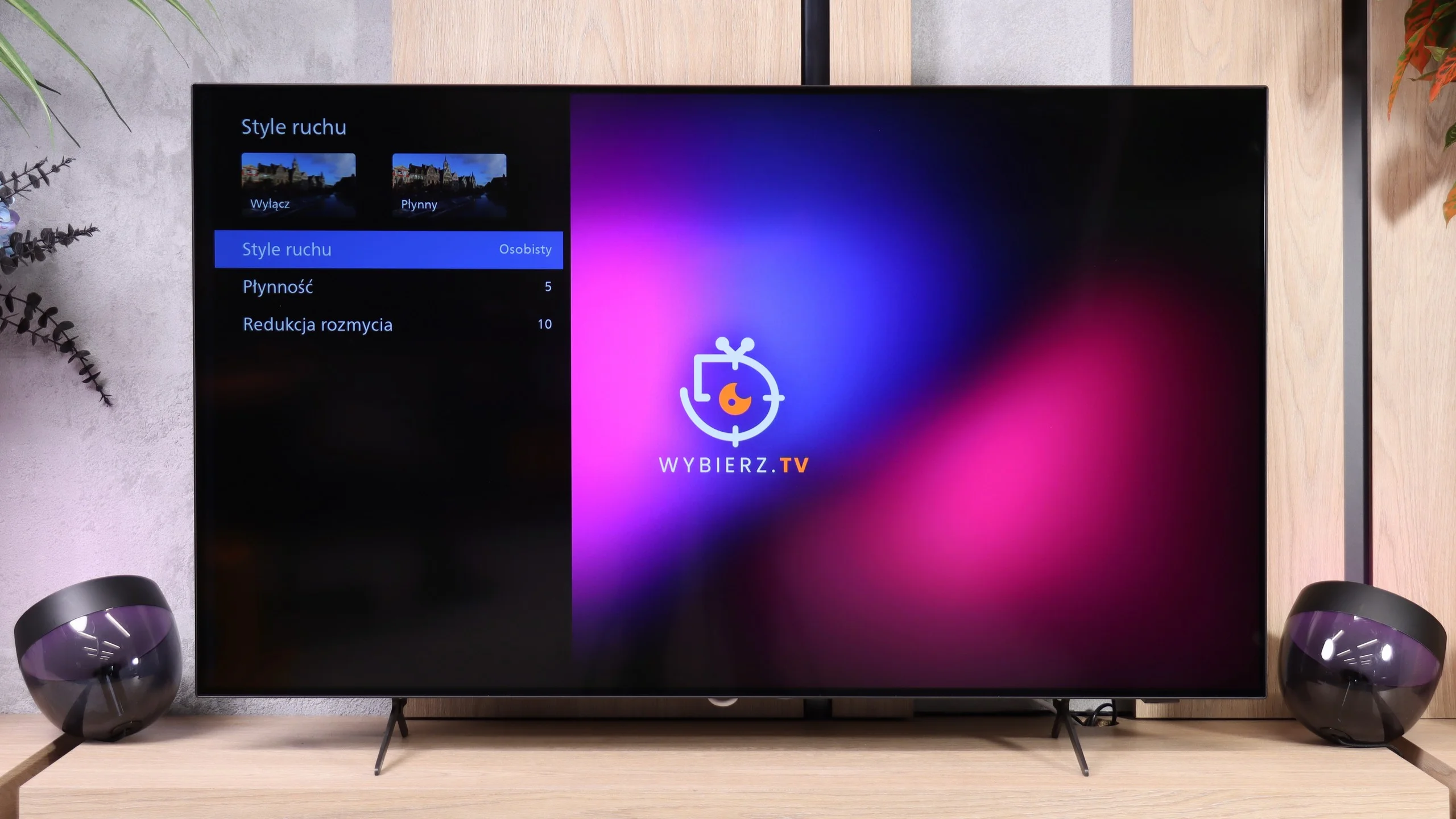
Similar to the U7Q, the E8Q model is a fast television designed with dynamic content in mind. It supports a 144 Hz refresh rate at 4K resolution, and if for some reason someone is still gaming in Full HD – it can even reach 240 Hz. This is a significant advantage, especially for PC users looking for maximum smoothness. In everyday use, the television performs very well. The “Ultra Motion Smoothness” mode gives us two sliders, allowing you to set the picture to your preference – whether it's more cinematic with the film frame preserved or highly smoothed, almost “TV show-like.” It's good that the manufacturer provides a choice here, instead of imposing one style. On sports material, live broadcasts, or in games – motion looks clean and stable. Sure, it’s not at the OLED level, but for this price range, the E8Q does a really good job.
The Philips OLED761 performs very well in fast-moving scenes. Thanks to extremely fast pixel response, moving objects leave virtually no trails, which will be appreciated by both people watching sport and gamers. The 120 Hz panel also helps maintain good motion clarity, as seen in the UFO test: edges remain clear whether the object moves against a bright or dark background. With a 60 Hz signal there is more blur, but that mainly results from the way motion is presented at the lower refresh rate rather than slow pixel response.
When watching films you can use the 'Motion Style' settings, which include 'Smoothness' and 'Blur Reduction' sliders. They let you tailor the image to your preferences, from preserving the characteristic cinematic motion to heavily smoothing it. A slight increase in smoothness is especially useful for slow camera moves, which on a fast reacting OLED can sometimes look jerky. There is no BFI, i.e. black frame insertion to improve motion clarity, but even without it the OLED761 performs very well in this category.
Console compatibility and gaming features
8.5/10
10/10
- ALLM
- VRR
- VRR range48 - 240Hz40 - 120Hz
- Dolby Vision Game Mode
- Correct implementation of HGIG

- 1080p@120Hz
- 1440p@120Hz
- 4K@120Hz
- Game bar
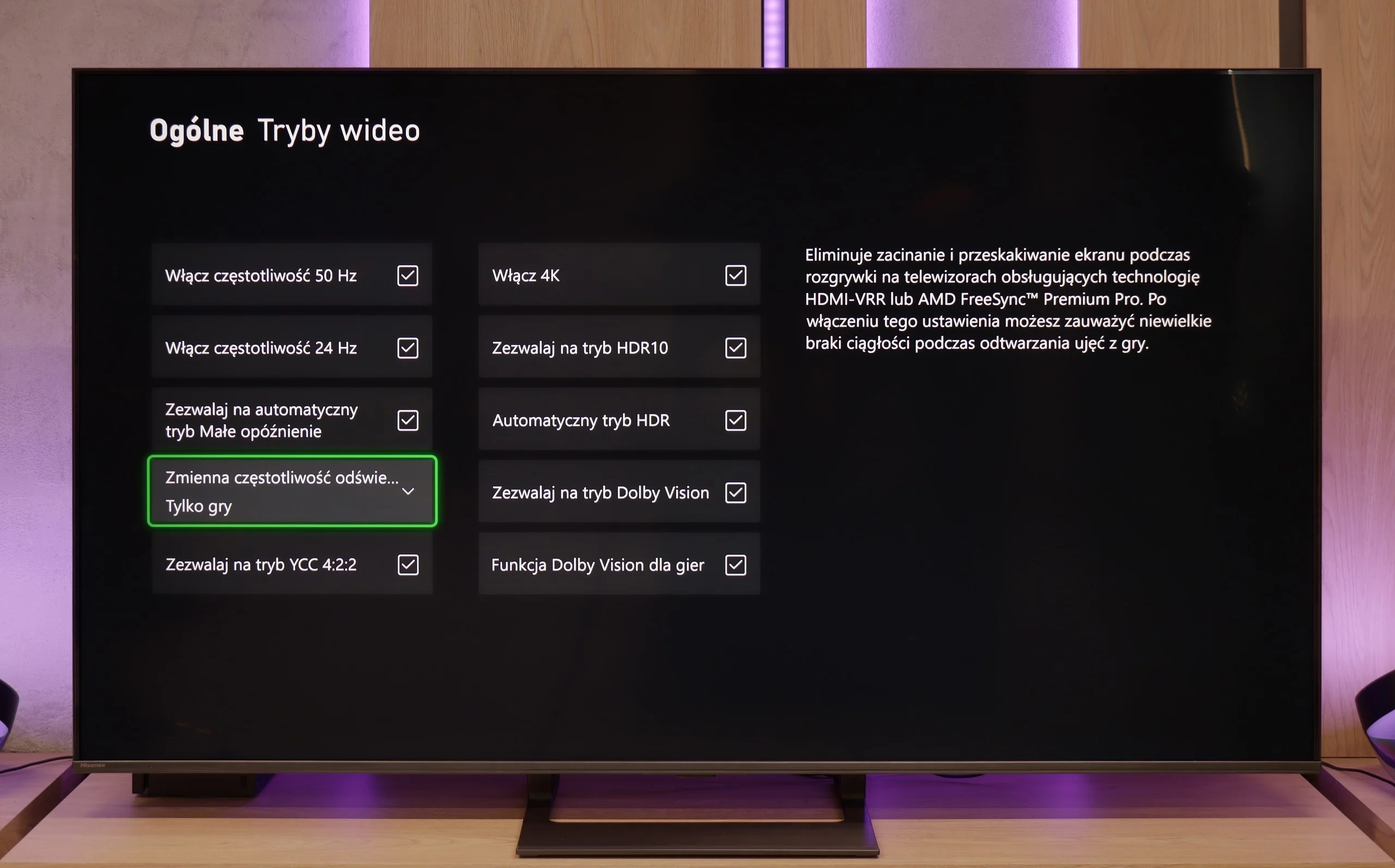
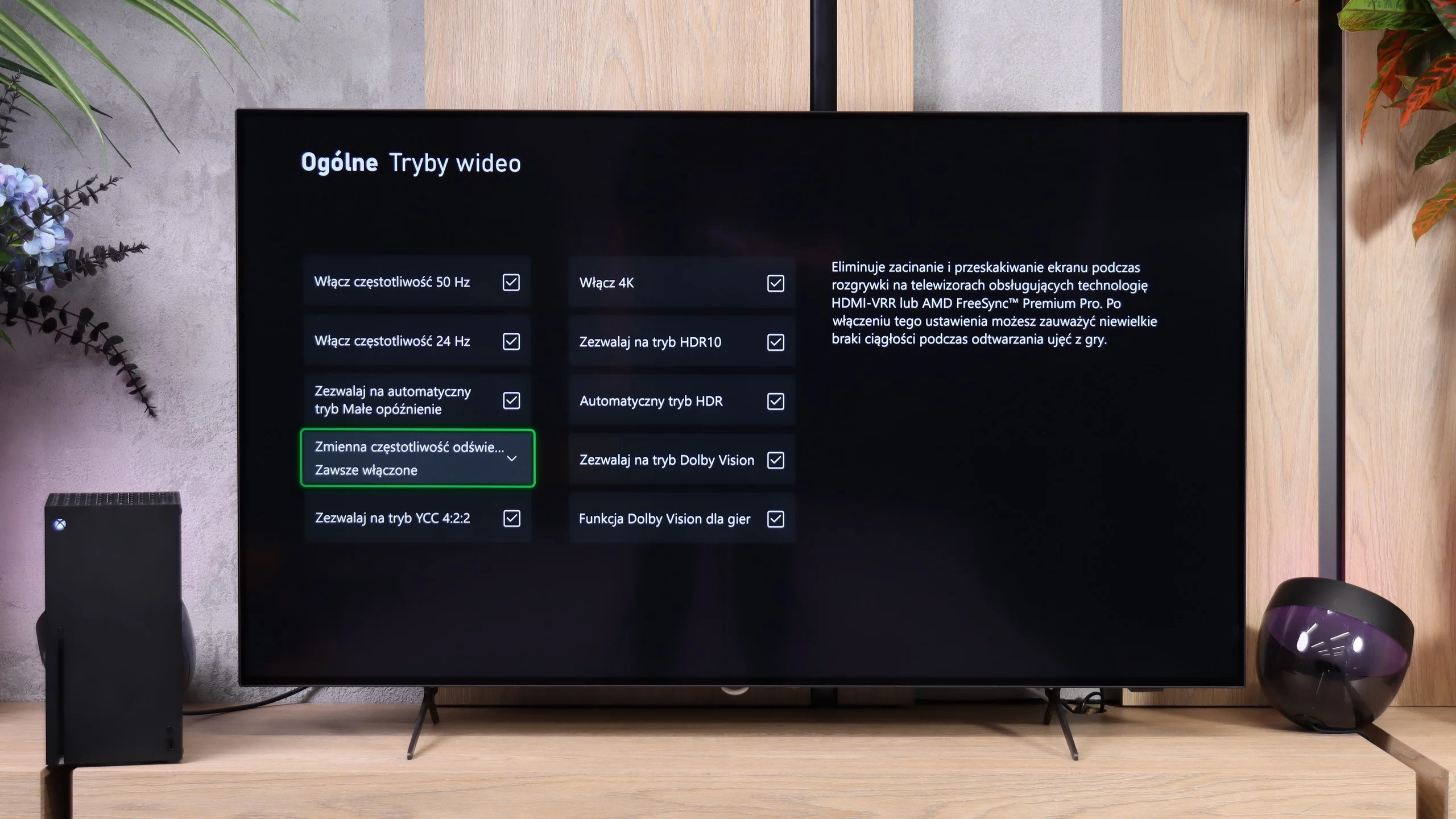
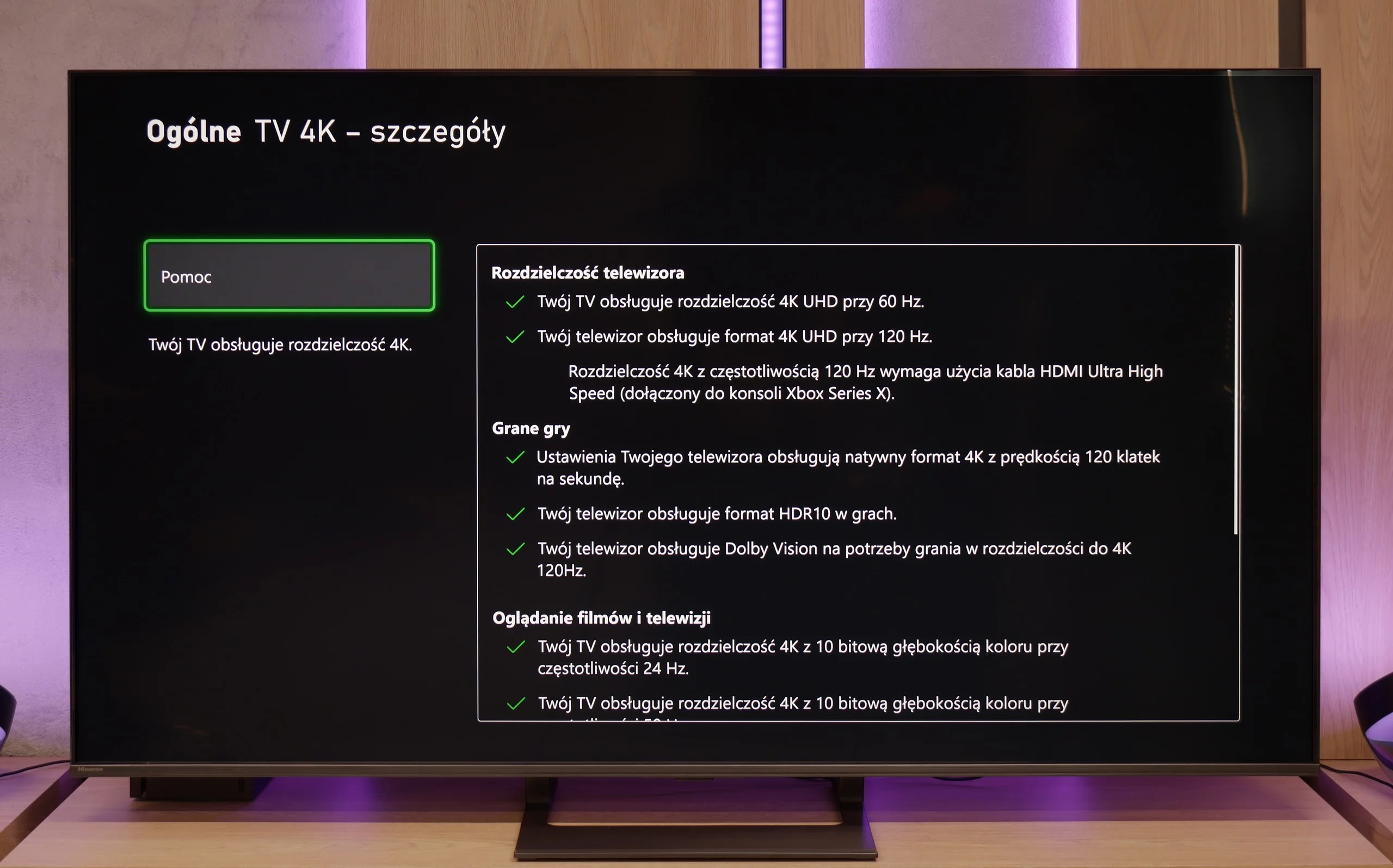
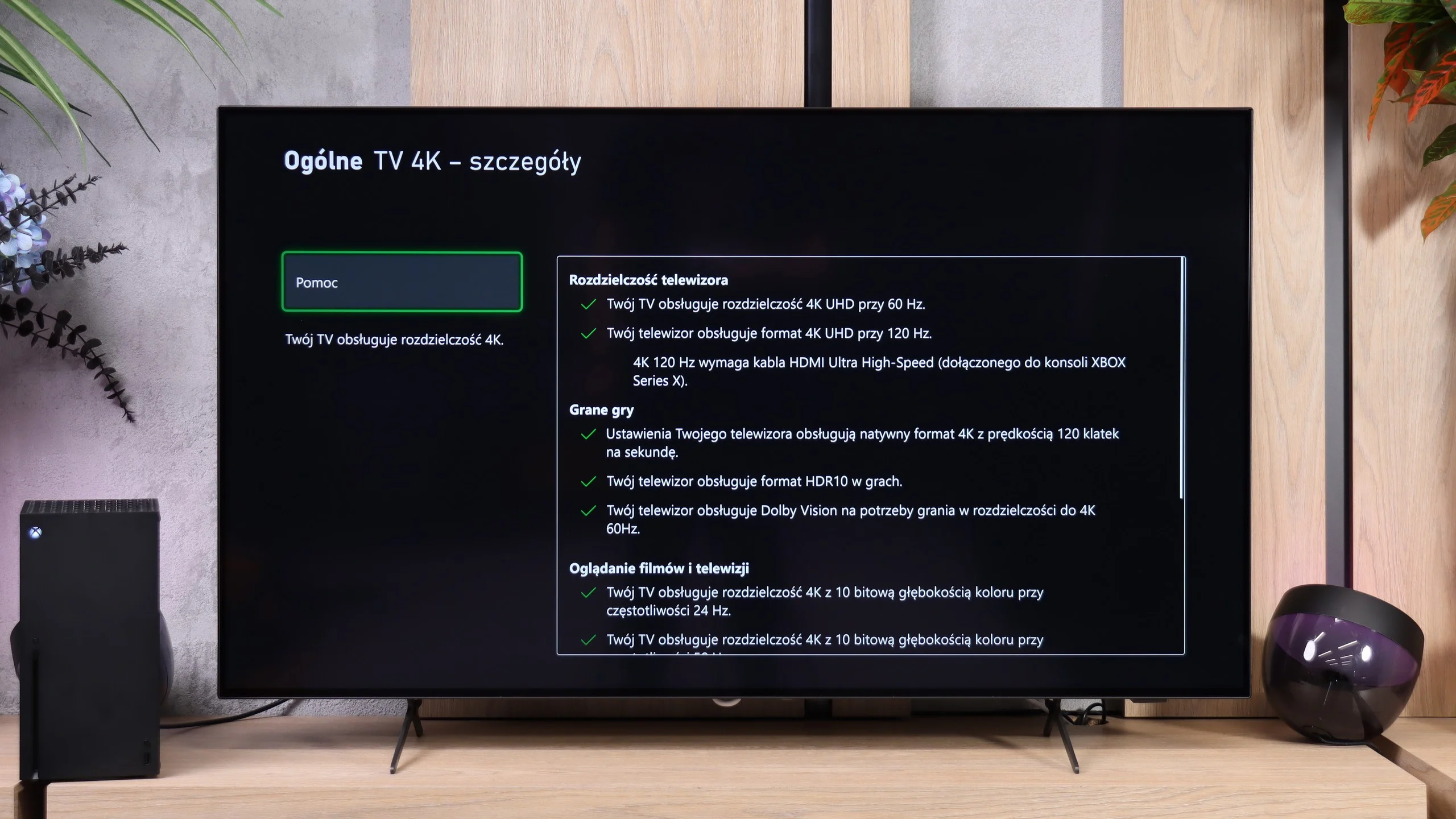
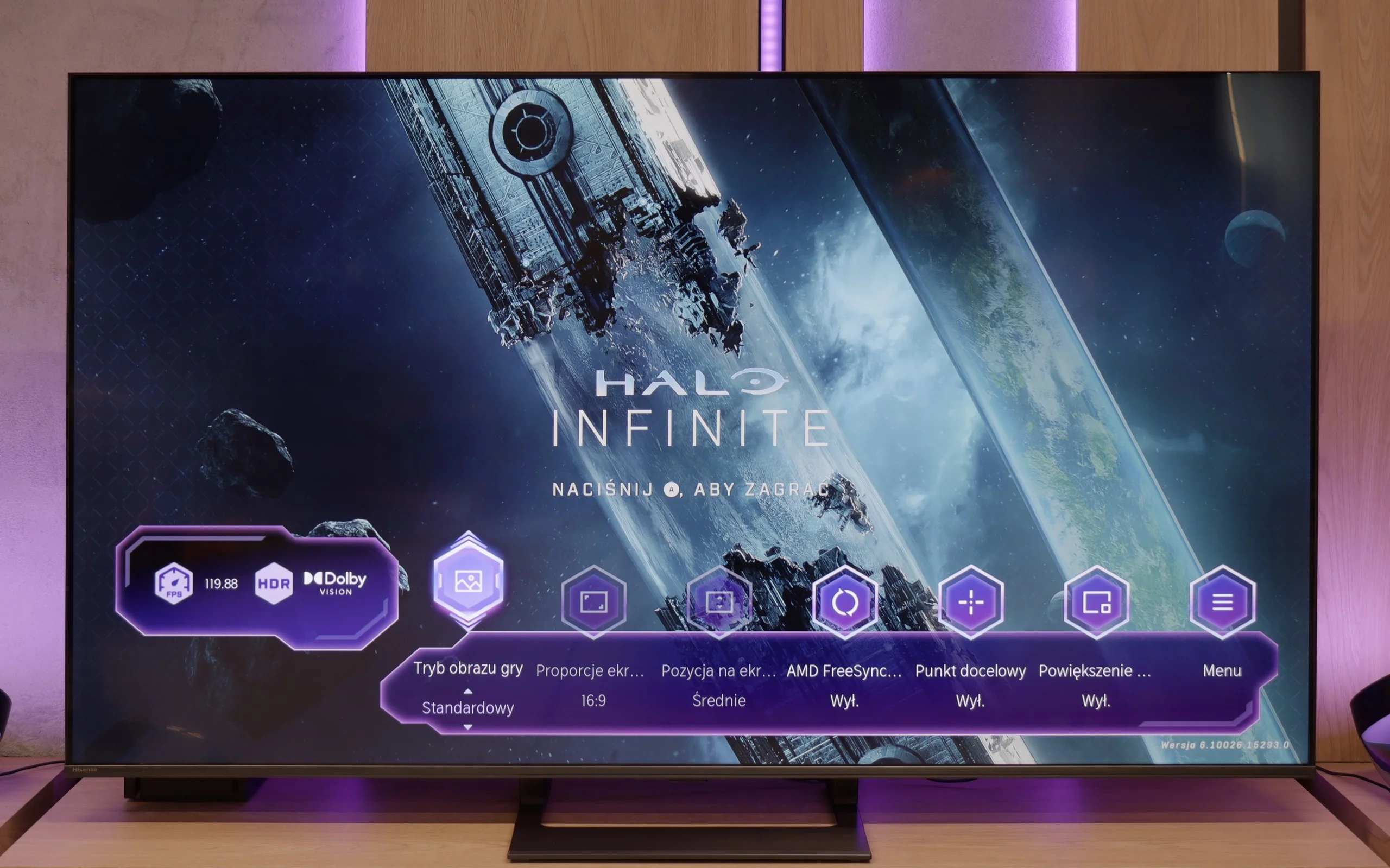
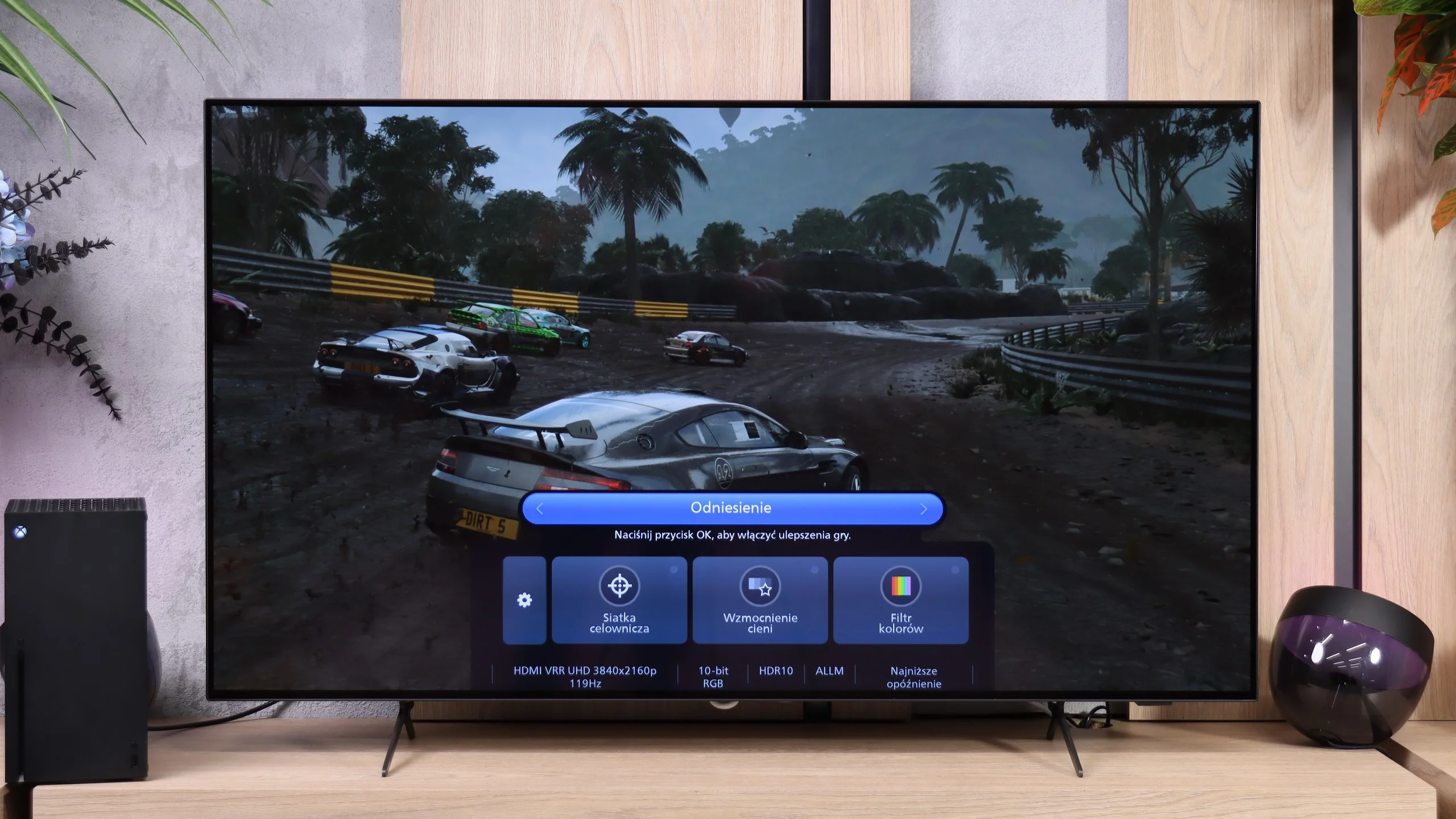
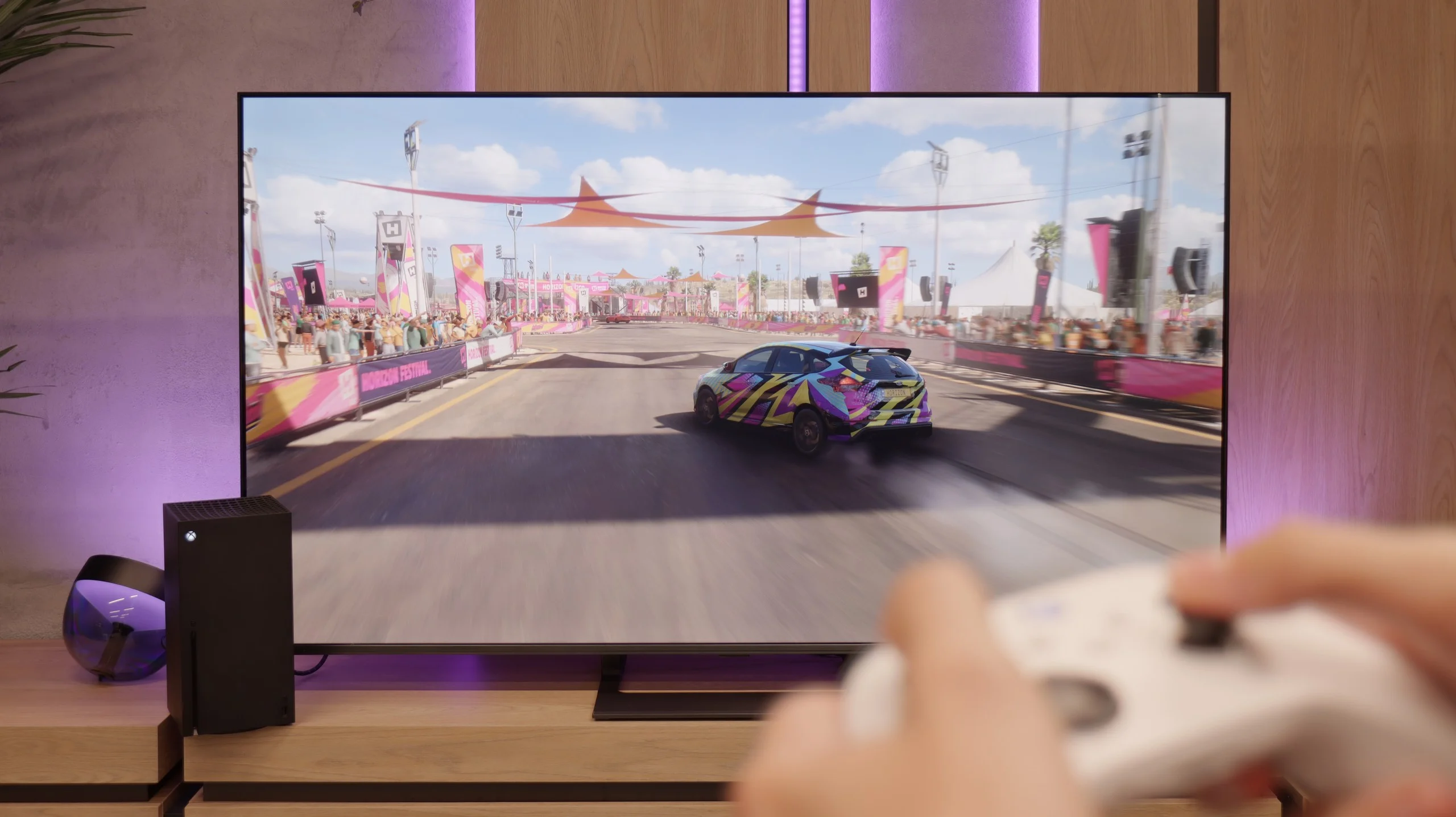
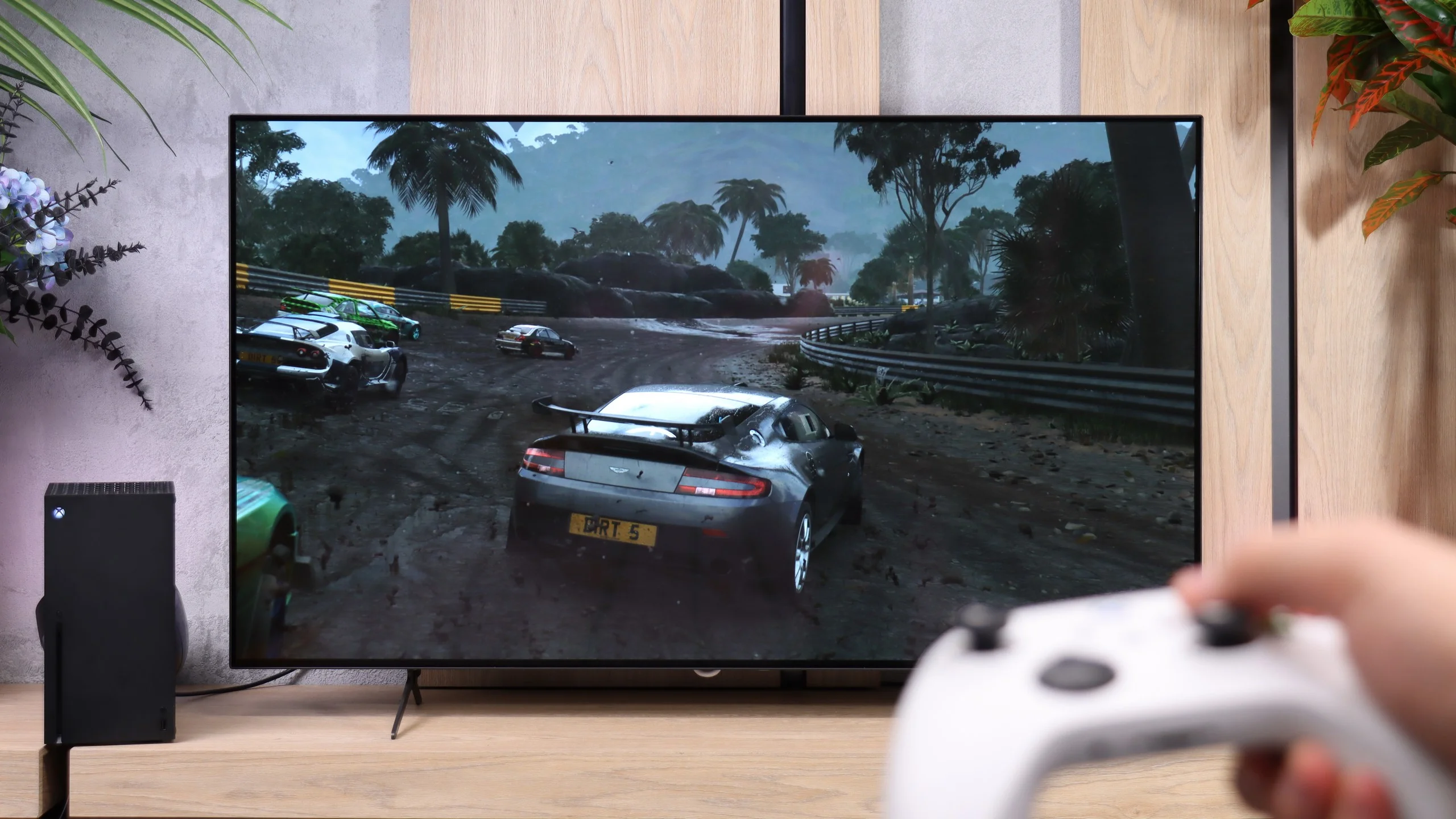
Hisense E8Q does not hide its gaming pedigree. Just the specifications reveal that we are dealing with a television that will perform excellently as a gaming screen. Variable Refresh Rate (VRR)? It's there. Automatic Game Mode switching (ALLM)? That's there too. Additionally, there's impressive refreshment – 120 Hz in 4K or even 240 Hz in Full HD. Such a set is rare in this price segment. Everything runs smoothly and without major surprises. The only missing element – similar to the U7Q – remains support for HGiG. It's a shame because this feature facilitates adjusting the brightness curve to the capabilities of the specific television, enhancing visual fidelity with the intentions of HDR game developers. Without it, manual tweaking of the settings is necessary, which does not always yield a satisfying result.
Although the OLED761 is Philips' cheapest OLED this year, it's hard to spot any major cutbacks in its gamer-focused features. The TV supports 120 Hz gaming in Full HD and 1440p as well as 4K, so it can make use of the high-frame-rate modes available on consoles. That pairs well with the fast OLED panel, which prevents trailing or smearing behind objects even during fast-paced gameplay. When a console can't keep a steady frame rate, VRR operating between 40 and 120 Hz helps. The image doesn't tear during quick camera pans, and frame-rate fluctuations are less noticeable. Philips has also thought about convenience. When you start a game the TV can automatically switch to a low-latency mode, and the most important settings are available in a handy Game Bar. You can check image parameters there, enable an on-screen crosshair, or brighten shadows if it's hard to spot an enemy in a dark area. The panel itself may not be the flashiest game bar on the market, but it does the job. There's also support for Dolby Vision for gaming and a properly working HGiG, which makes it easier to match the console's HDR settings to the screen's capabilities. So in terms of features alone, the OLED761 offers a lot.
Input lag
9.7/10
9.4/10
SDR
HDR
Dolby Vision
The E8Q handles delays very well. For 120 Hz content, the input lag is super low – practically imperceptible even for more demanding players. At 60 Hz, the values are slightly higher, but still comfortably within the "placebo" range – there's nothing to complain about. The biggest increase in latency was noted in Dolby Vision Gaming mode. The TV needs more time to process the signal then, but even in this scenario, it doesn't exceed 30 ms. These may not be ideal values, but for most players – especially console gamers – it won't be a problem.
Latency on the OLED761 depends not only on refresh rate but also on whether you’re playing in SDR or HDR. SDR performs best — we measured 14 ms at 60 Hz and just 5 ms at 120 Hz, both in Full HD and 4K. Those are excellent results, letting you enjoy quick response to controller inputs even in fast-paced games.
With HDR enabled, latency rises to 31 ms at 60 Hz and 13 ms at 120 Hz. Dolby Vision at 60 Hz gives a similar result of 30 ms. You can still play comfortably, especially in calmer titles, but it’s a shame that turning on HDR brings this drawback.
Compatibility with PC
8.6/10
7.6/10
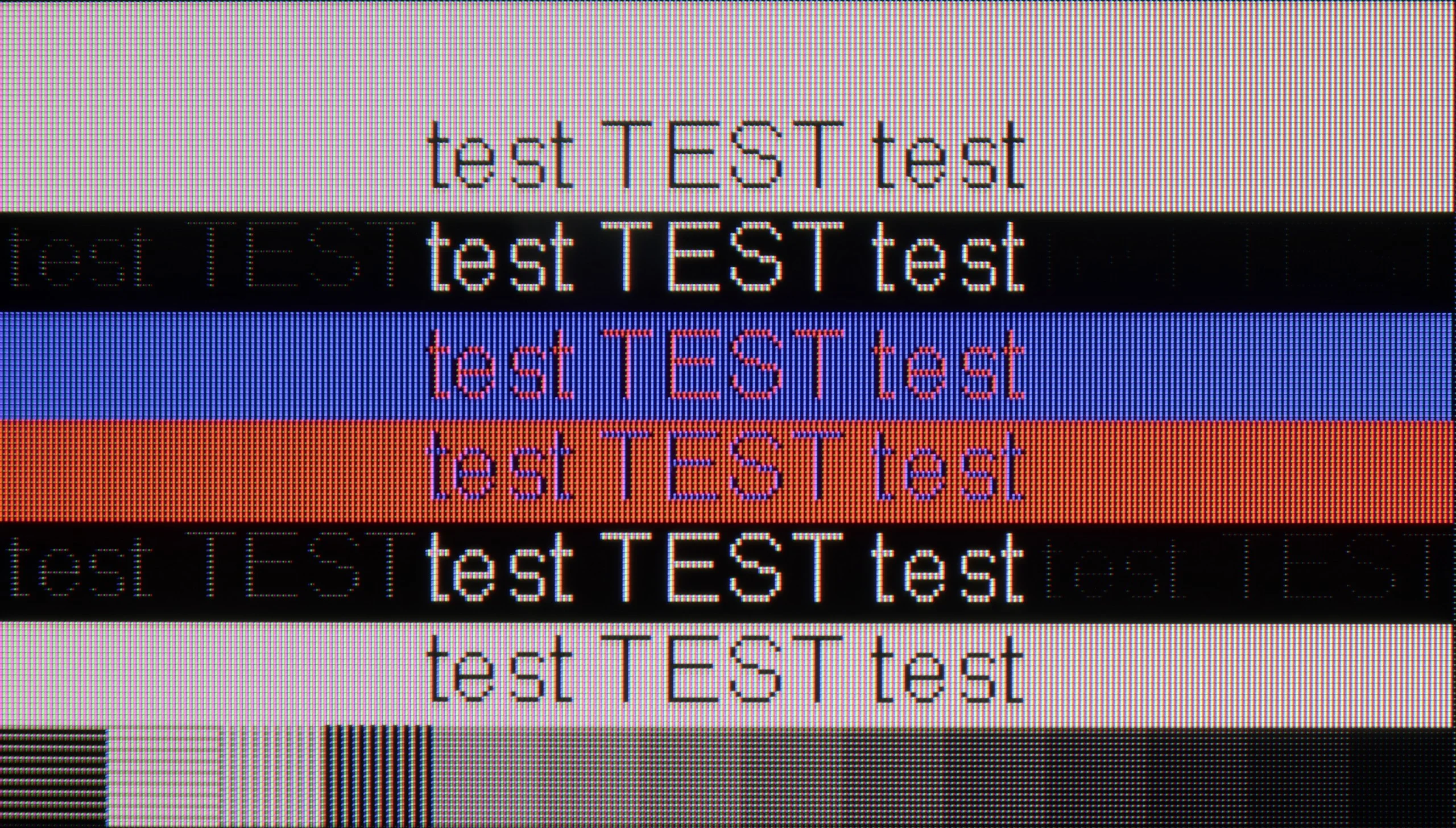
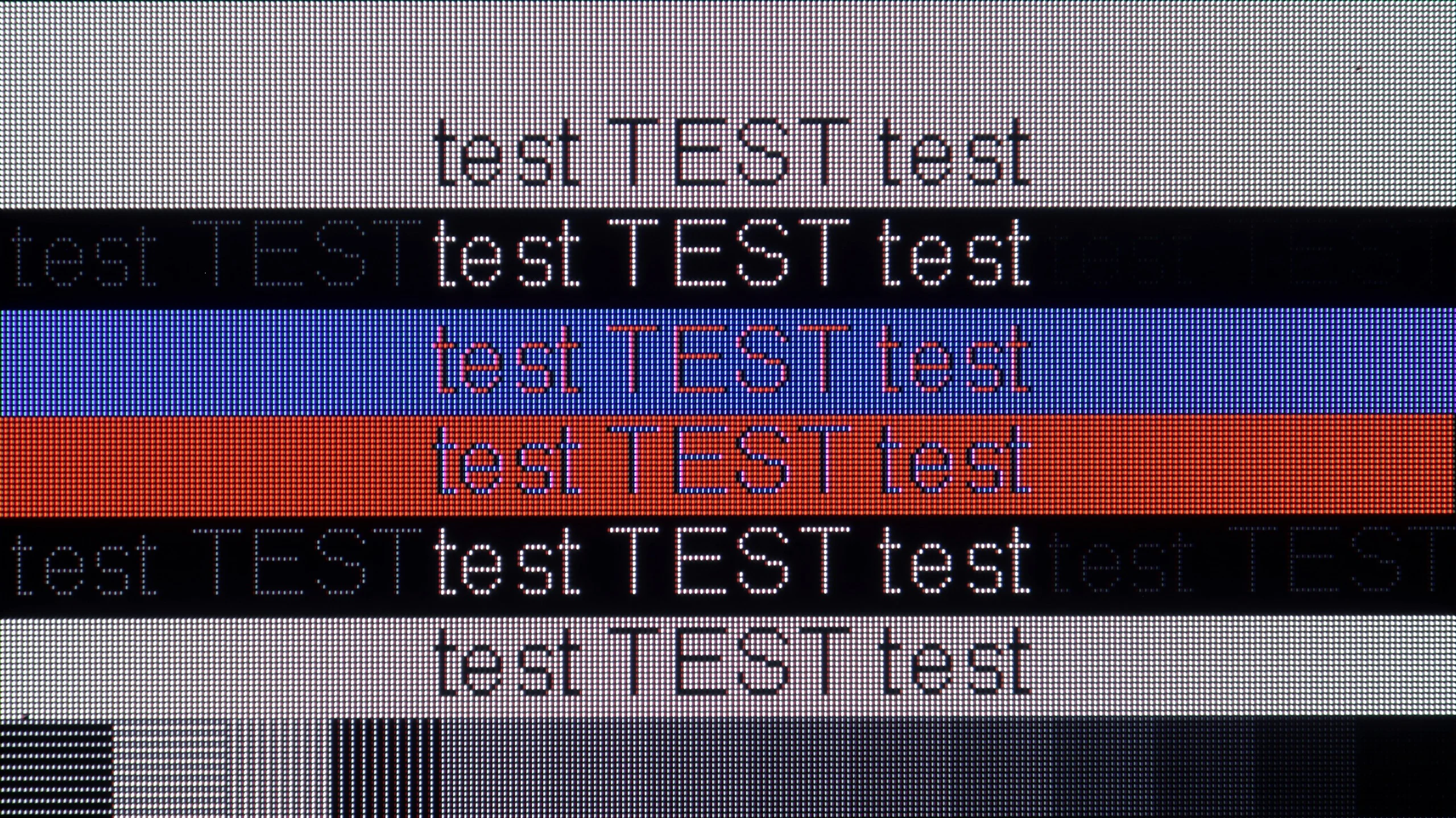
The photo shows the legibility of small fonts. Ideally, lines should be the same thickness on both light and dark text, with minimal pixel gaps.
In terms of collaboration with the computer, the E8Q performs really well. It supports chroma 4:4:4 at full 4K resolution and the highest refresh rates, so the readability of fonts – even the smallest ones – is at a very good level. There are slight blurriness issues with exceptionally thin fonts, but in everyday use, it's hard to consider this a serious problem. A nice addition for PC gamers is the ability to achieve up to 288 Hz at lower resolutions. The E8Q communicates effortlessly with powerful graphics cards, making it an interesting choice not only for movies or consoles but also for gaming on the computer.
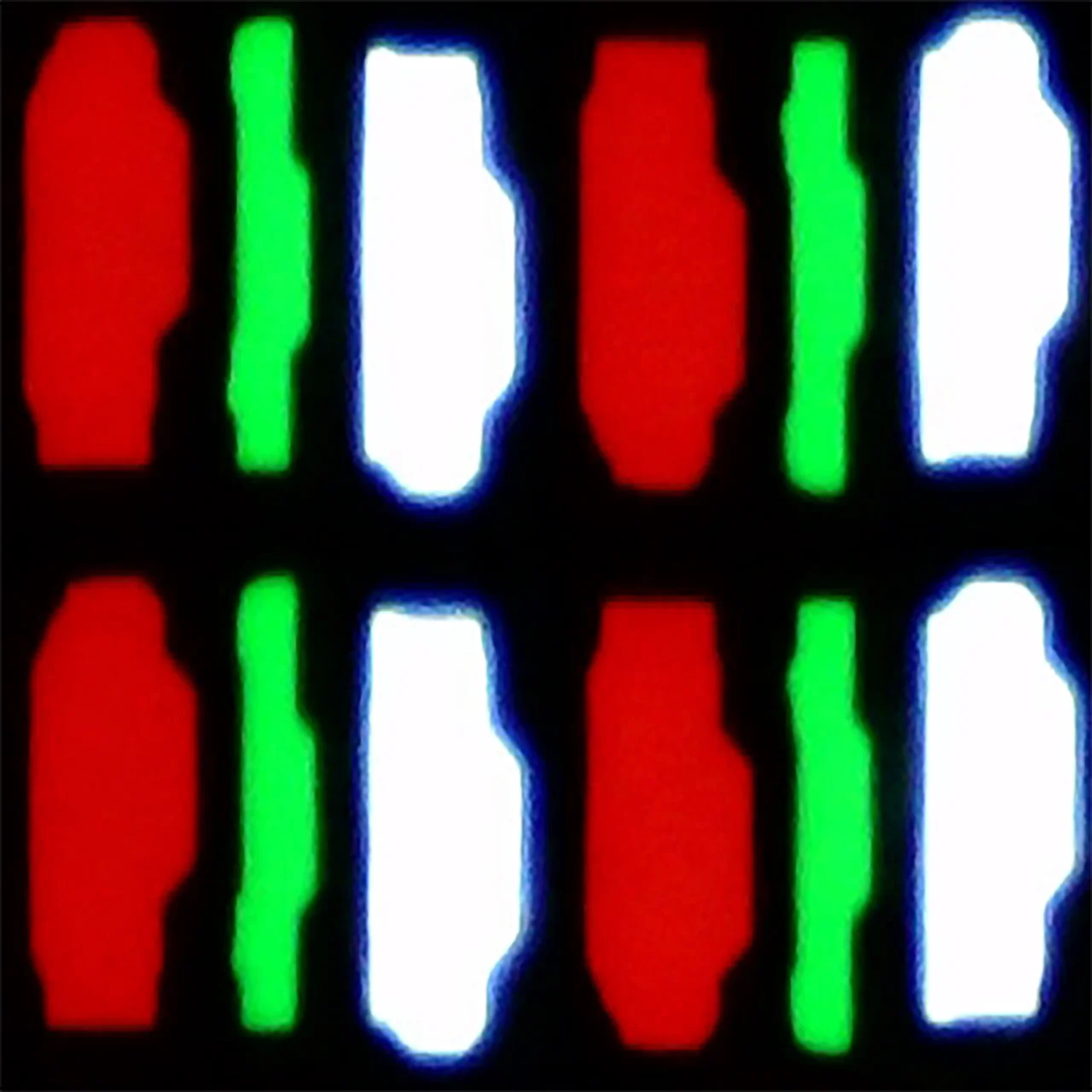
Philips OLED761 performs well when connected to a computer. It correctly handles 4:4:4 chroma, so small text is readable and coloured letters retain their sharpness. When viewed up close you can, however, notice faint red fringes on character edges. These come from the RGWB subpixel arrangement used in the WOLED panel, which typical font smoothing methods aren’t tuned for. While browsing the web this may not be bothersome, but if the TV is to be used mainly for working with text, it’s worth taking into account.
In games the OLED761 feels much better. The panel’s fast response and support for G-Sync and FreeSync let you enjoy smooth motion without troublesome smearing or frame tearing. At 4K and 120 Hz in SDR we measured just 5 ms input lag, so control is very responsive. Bear in mind that input lag increases when HDR is enabled, as noted earlier. The main limitation is the refresh rate being capped at 120 Hz. The OLED761, like other tested models with the WOLED SE panel, doesn’t offer an extra 144 Hz mode or higher refresh rates at reduced resolution. For most people that won’t be a serious issue, since 120 Hz already delivers very good fluidity. Only gamers with a powerful PC aiming for the highest possible frame counts might feel slightly short-changed.
Viewing angles
3/10
7.5/10
E8Q, like most TVs with a VA panel, looks best when we're sitting directly in front of the screen. In this position, you can expect deep blacks, good colour saturation, and high contrast. Unfortunately, just shifting a little to the side causes the picture quality to drop – colours start to fade, and blacks become more grey than black. It's not surprising, but it's worth keeping in mind, especially if we plan to watch with a larger group from different spots in the lounge. On the bright side – in return, we get significantly better black levels than in IPS panels.
When it comes to OLED performance, the OLED761 looks very good. You can sit off to the side and still watch an image with deep blacks and well-saturated colours, without the noticeable degradation associated with VA panels. That's one of the advantages of OLED that’s easy to appreciate when watching with others: you don't have to sit in the middle of the sofa for a film to look as it should. Only QD-OLED panels remain better in that respect.
Daytime performance
6.2/10
4.5/10
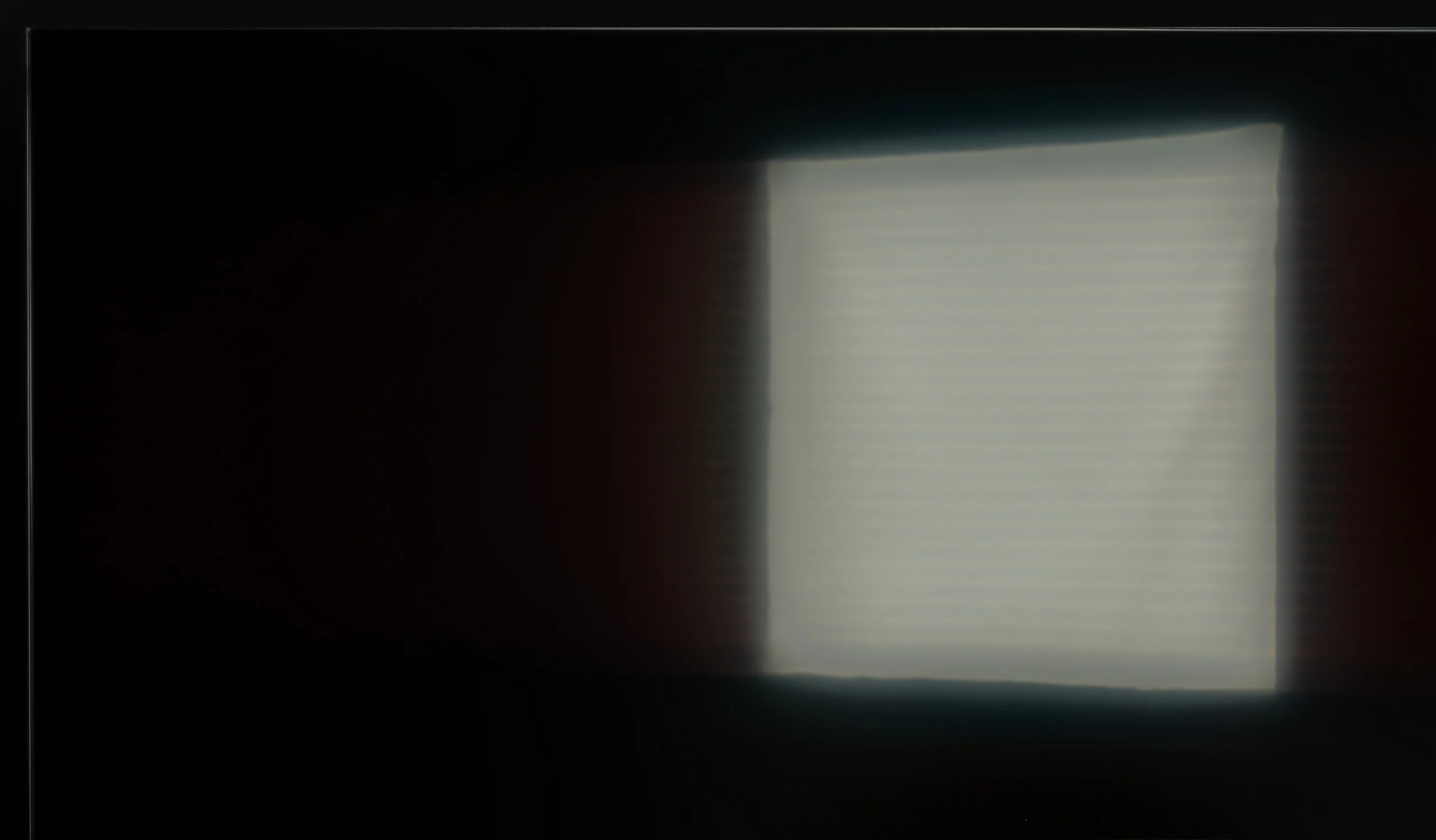
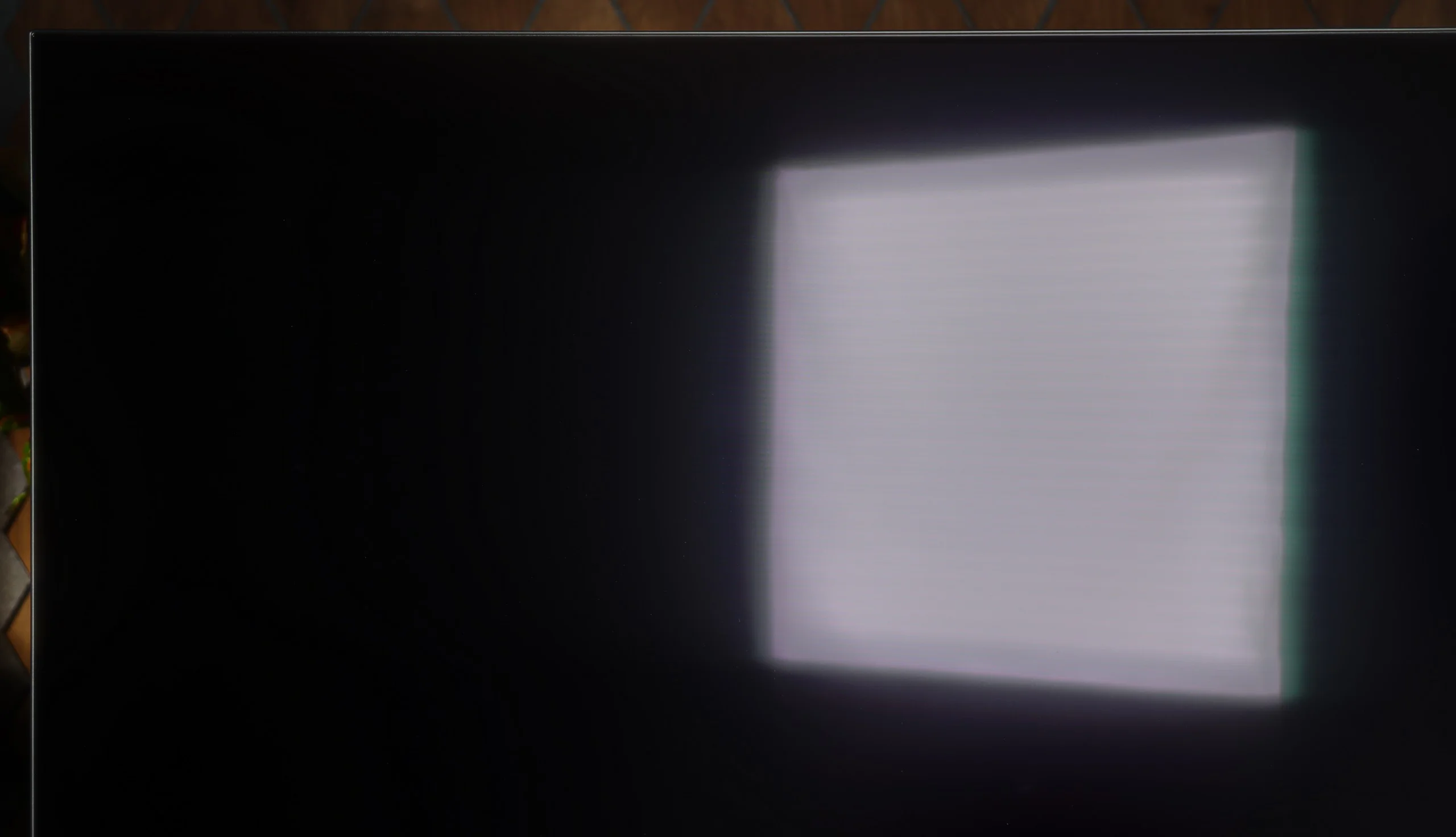
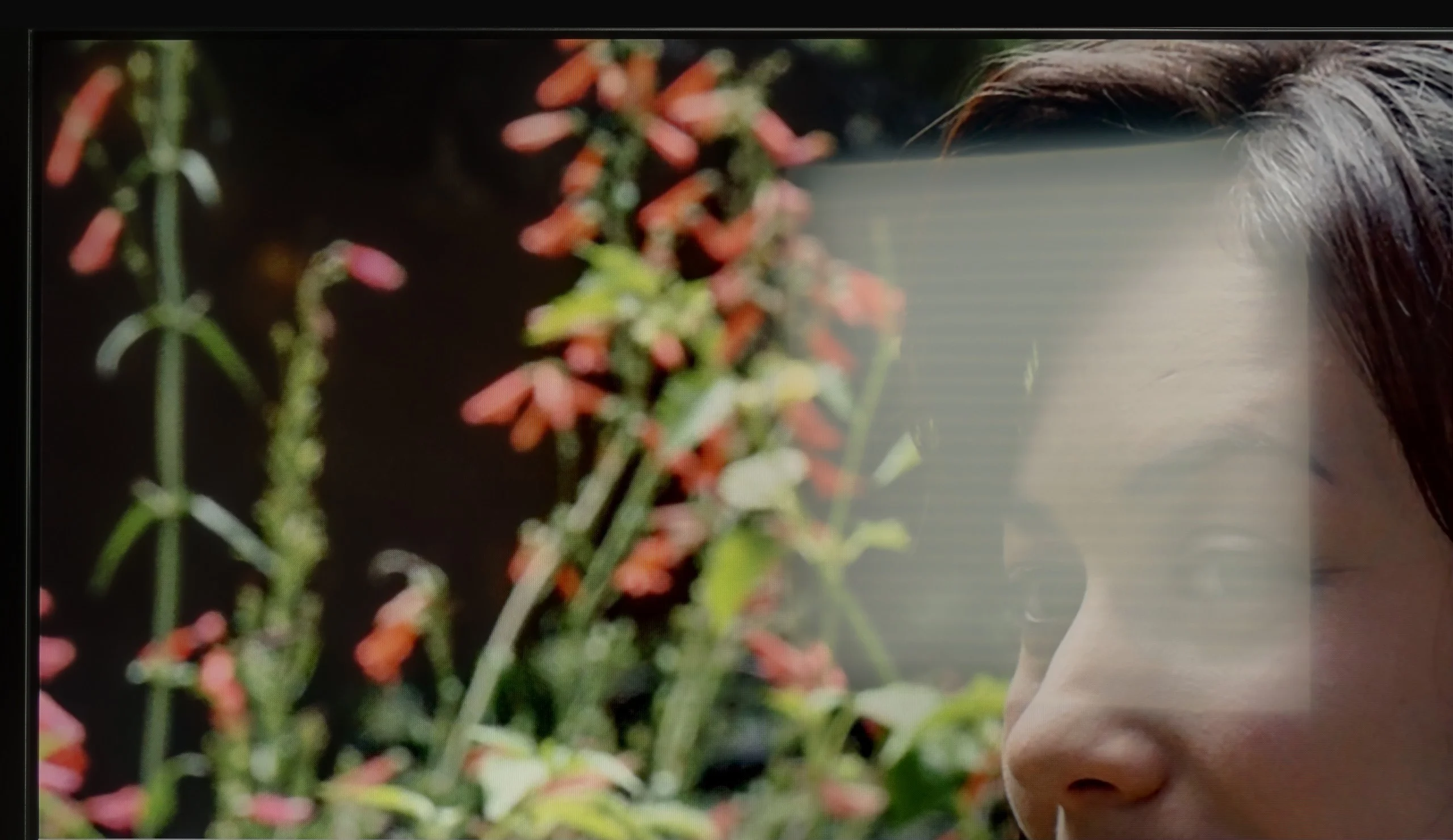
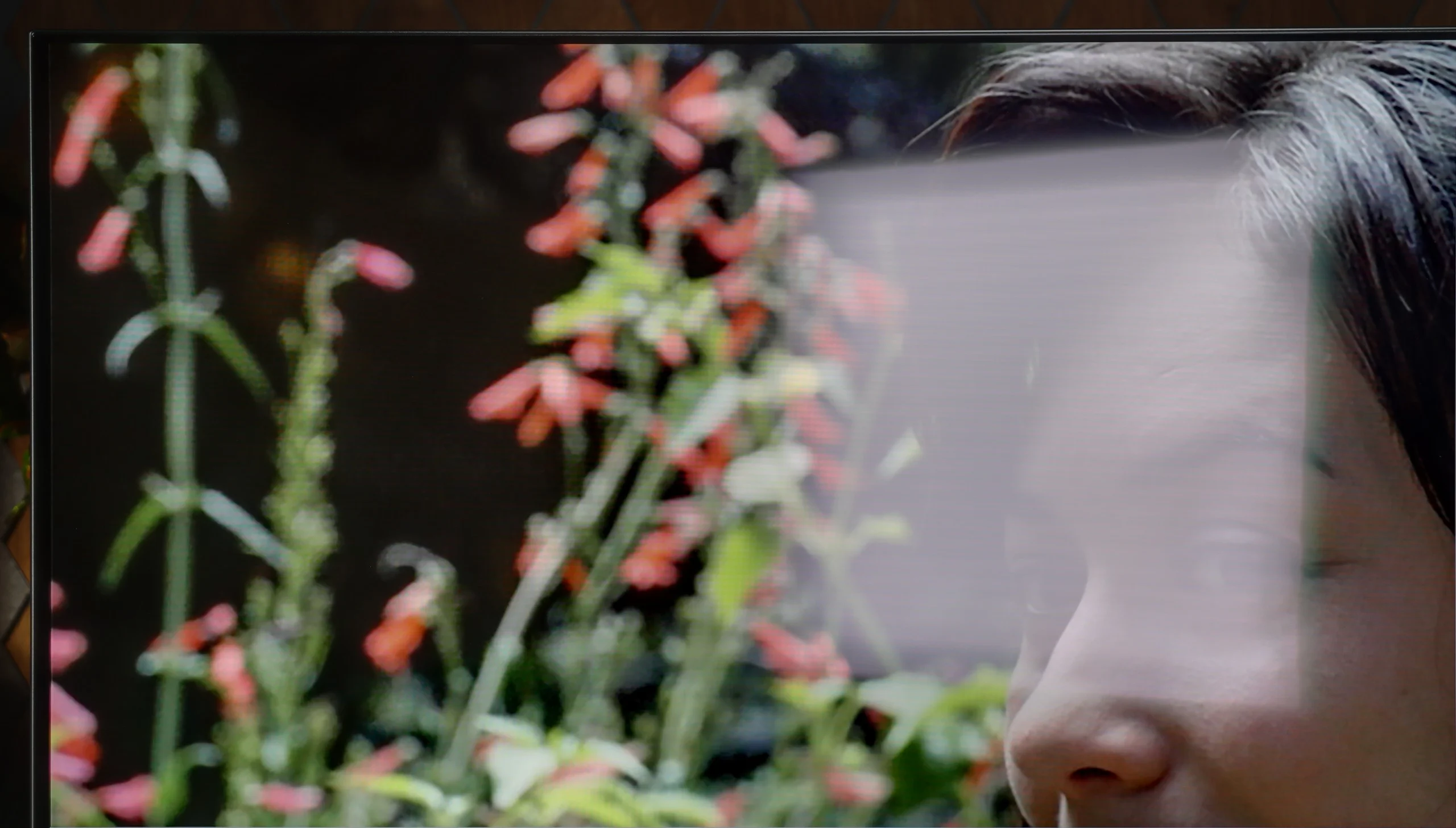
Panel brightness
Philips OLED761: 284 cd/m2
Hisense E8Q: 504 cd/m2
Hisense E8Q isn't afraid of bright interiors. Even when the sun is shining outside, the television can maintain good image readability. With a brightness level of around 500 nits, you can comfortably watch content during the day without feeling like everything is drowning in glare. The satin screen coating also helps to nicely minimise reflections – it doesn't completely eliminate them, but reduces them enough that they don't interfere with everyday viewing.
Philips OLED761 is not the best choice for a very bright living room. Average brightness in SDR is about 280 nits, so it performs a little worse even than rivals using the same panel. In a strongly sunlit room the image simply lacks the punch to remain clearly visible, especially when watching darker scenes. In such conditions you may need to cover the windows.
It also doesn’t help how the WOLED SE panel’s satin finish handles direct reflections. A window or lamp opposite the screen is fairly clearly visible, and around their reflections you get noticeable doubling and coloured fringing. On the plus side, blacks still look good in a lit room, but at low TV brightness the reflections can be distracting. The OLED761 therefore works best where you can block out the windows and prevent strong light from reflecting straight onto the screen.
Panel details
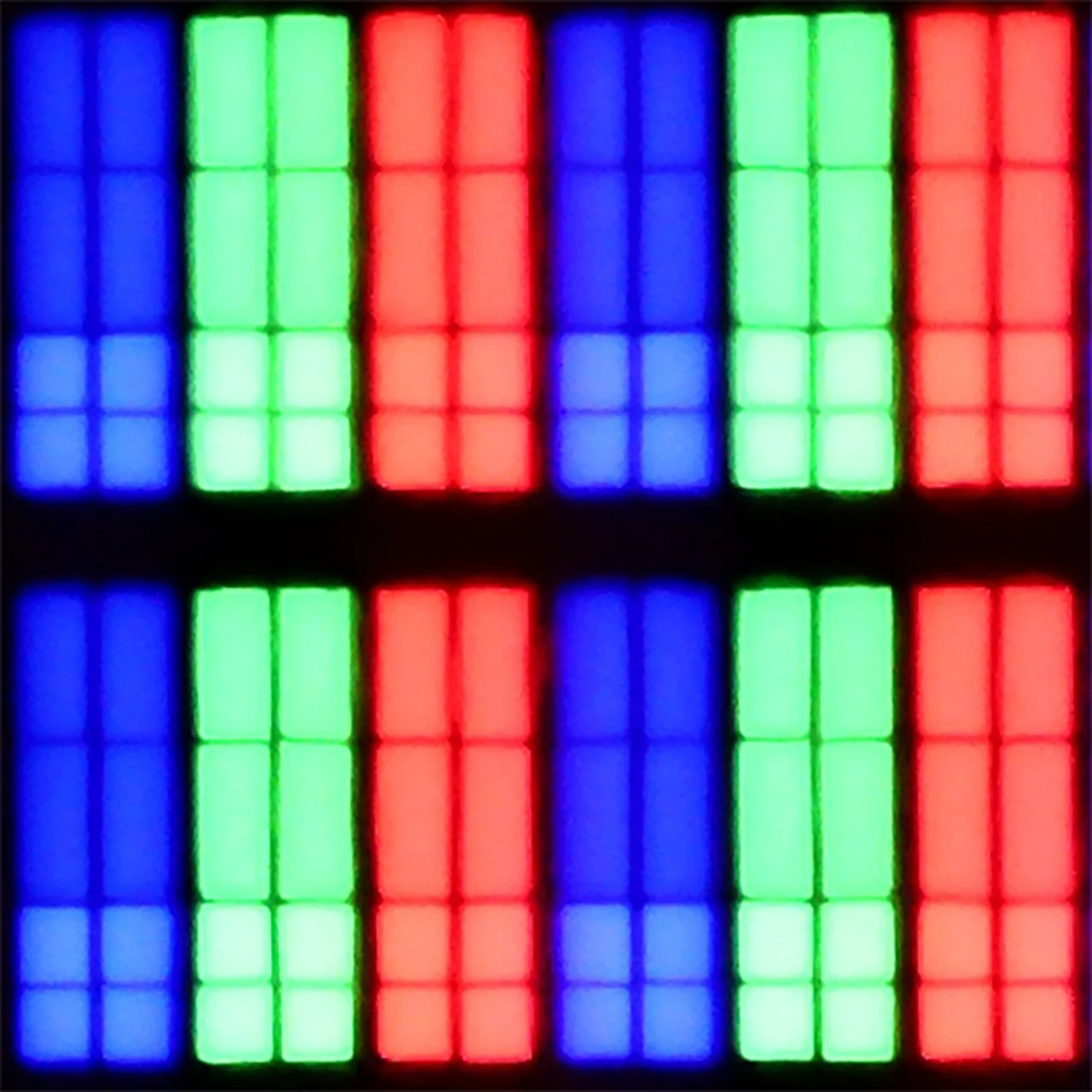
Subpixel Structure:
Panel uniformity and thermal imaging:


Hisense E8Q
Philips OLED761
TV features
8.9/10
7.9/10
- SystemVIDAATitan OS
- System performanceGoodGood
- HDMI inputs2 x HDMI 2.0, 2 x HDMI 2.1 48Gbps0 x HDMI 2.0, 4 x HDMI 2.1 48Gbps
- Other inputsRCA (Chinch)
- OutputsToslink (Optical audio), eARC (HDMI), ARC (HDMI), Mini-Jack (Headphones)Toslink (Optical audio), eARC (HDMI), ARC (HDMI), Mini-Jack (Headphones)
- Network InterfacesWi-Fi 2.4GHz, Wi-Fi 5GHz, Ethernet (LAN) 100MbpsWi-Fi 2.4GHz, Wi-Fi 5GHz, Ethernet (LAN) 100Mbps
- TV receptionDVB-T, DVB-T2, DVB-S, DVB-S2, DVB-CDVB-T, DVB-T2, DVB-S, DVB-S2, DVB-C
Classic features:
- Recording to USB (terrestrial TV)
- Recording programming
- Picture in Picture (PiP)
- RF remote control (no need to aim)
- Backlit remote control
- Teletext
- Audio only mode
- Bluetooth headphones support
- Simultaneous Bluetooth headphones & TV audio
Smart features:
- AirPlay
- Screen mirroring (Windows Miracast)
- Voice search
- Voice search in native language
- Ability to connect a keyboard and mouse
Sound connection options
- HDMI audioeARC (HDMI), ARC (HDMI)eARC (HDMI), ARC (HDMI)
- Other audio outputsToslink (Optical audio), Mini-Jack (Headphones)Toslink (Optical audio), Mini-Jack (Headphones)
- Wireless audioBluetoothBluetooth
Supported audio formats (external HDMI eARC audio):
- Dolby Digital Plus 7.1
- Dolby True HD 7.1
- Dolby Atmos in Dolby Digital Plus (JOC)
- Dolby Atmos in Dolby True HD
- DTS:X in DTS-HD MA
- DTS-HD Master Audio
Senior accessibility
- Numeric keyboard on TV
- Font size adjustment
- Audio description
Classic Features – E8Q
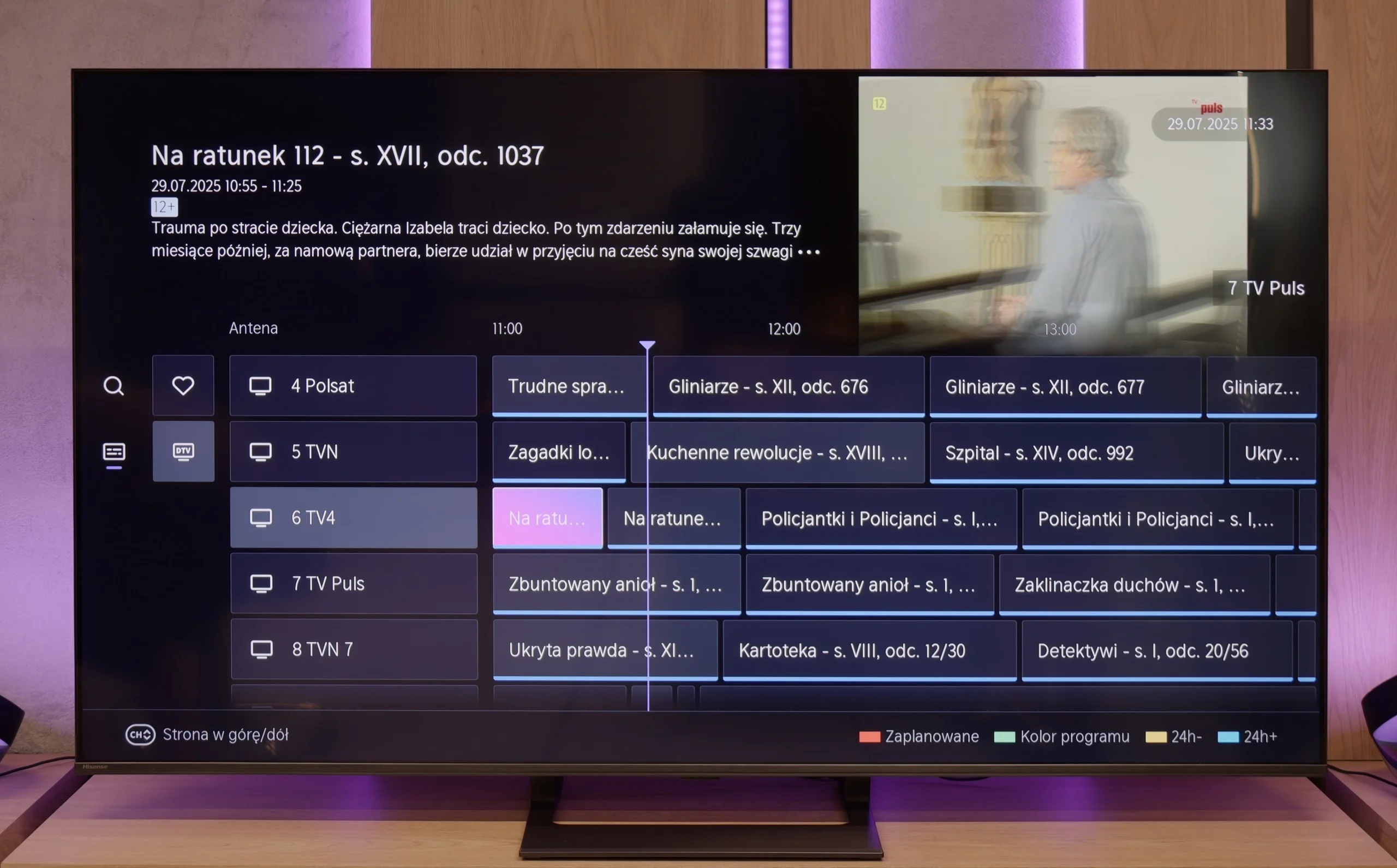
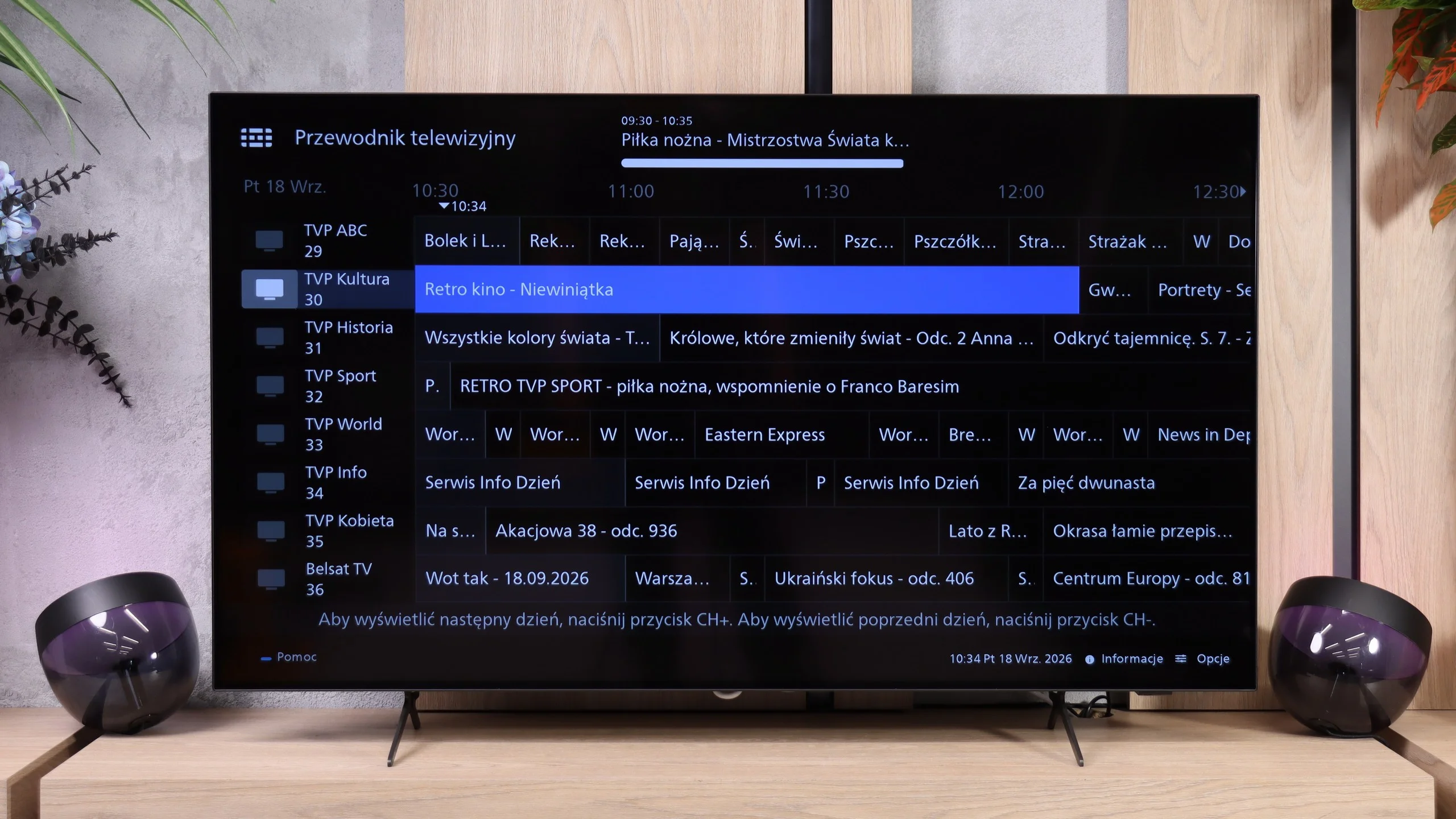
The Hisense E8Q is not just equipment for gamers or movie enthusiasts – it can also serve as an everyday TV for the whole family. We can record programs to USB, connect headphones or speakers via Bluetooth, and the entire interface – including the channel guide – is clear and easy to use. It only lacks a PiP function, but besides that, the set of classic features is really complete.
Smart TV – VIDAA System
The E8Q runs on the VIDAA system, which is becoming more refined every year. Voice search in Polish works flawlessly, and it's easy to stream content from a phone (AirPlay and screen mirroring). The system itself operates smoothly, without hiccups, although – as is often the case with closed platforms – there may be one or two less popular apps missing. It’s worth checking before purchase whether it has everything we use daily.
Titan OS
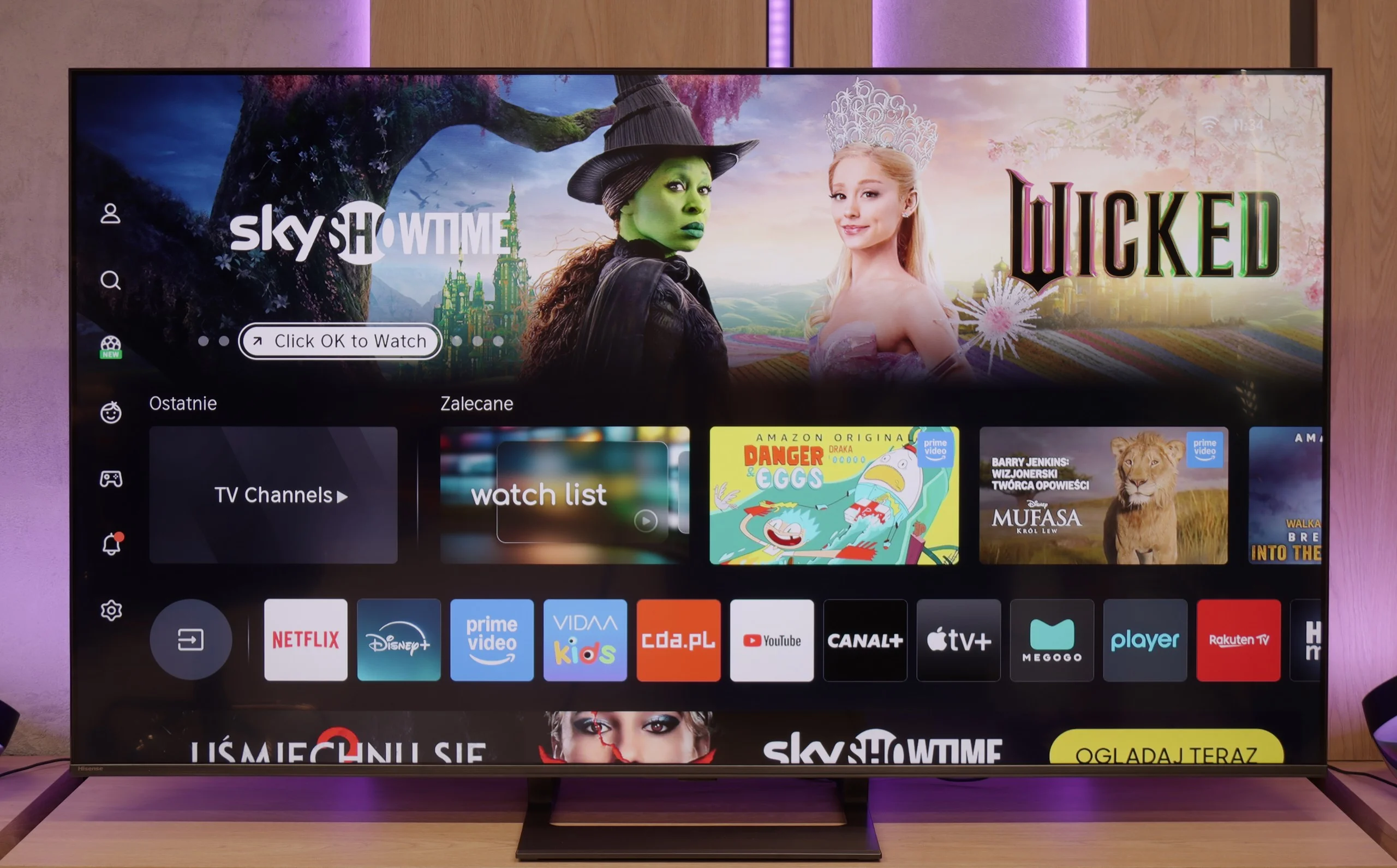
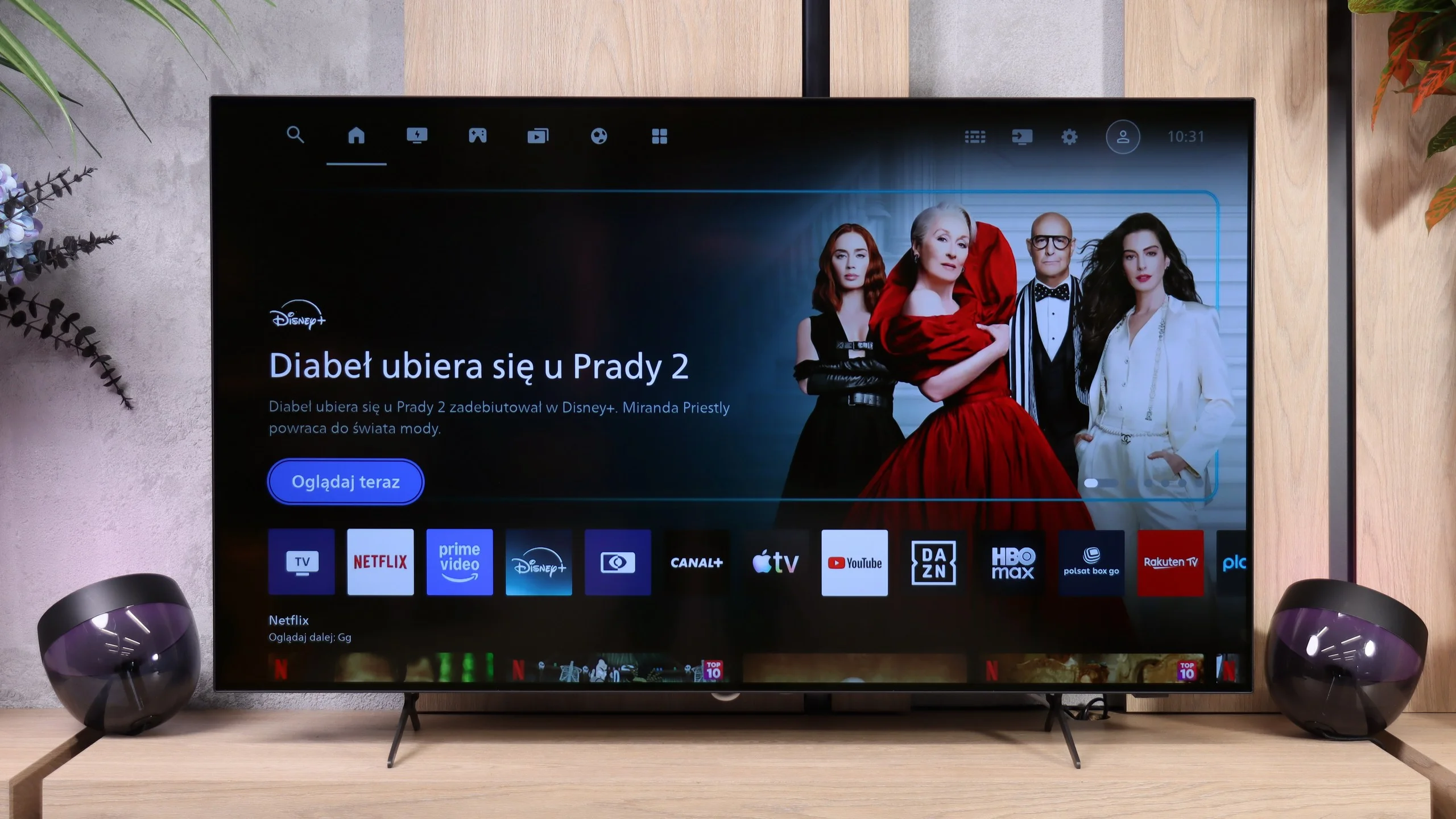
In the OLED761, instead of Google TV you'll find Titan OS, which has been appearing more and more often in Philips TVs for several years. Over that time the system has clearly matured. It responds faster to commands, navigates the menu more smoothly, and functions that used to cause problems are finally starting to work as they should. You can see progress in everyday use, and that deserves praise. It's still not at the level of refinement and features of webOS or Tizen, and there's still a considerable gap compared with the freedom and app selection offered by Google TV, but Titan OS is definitely heading in the right direction.
Practical features and ports
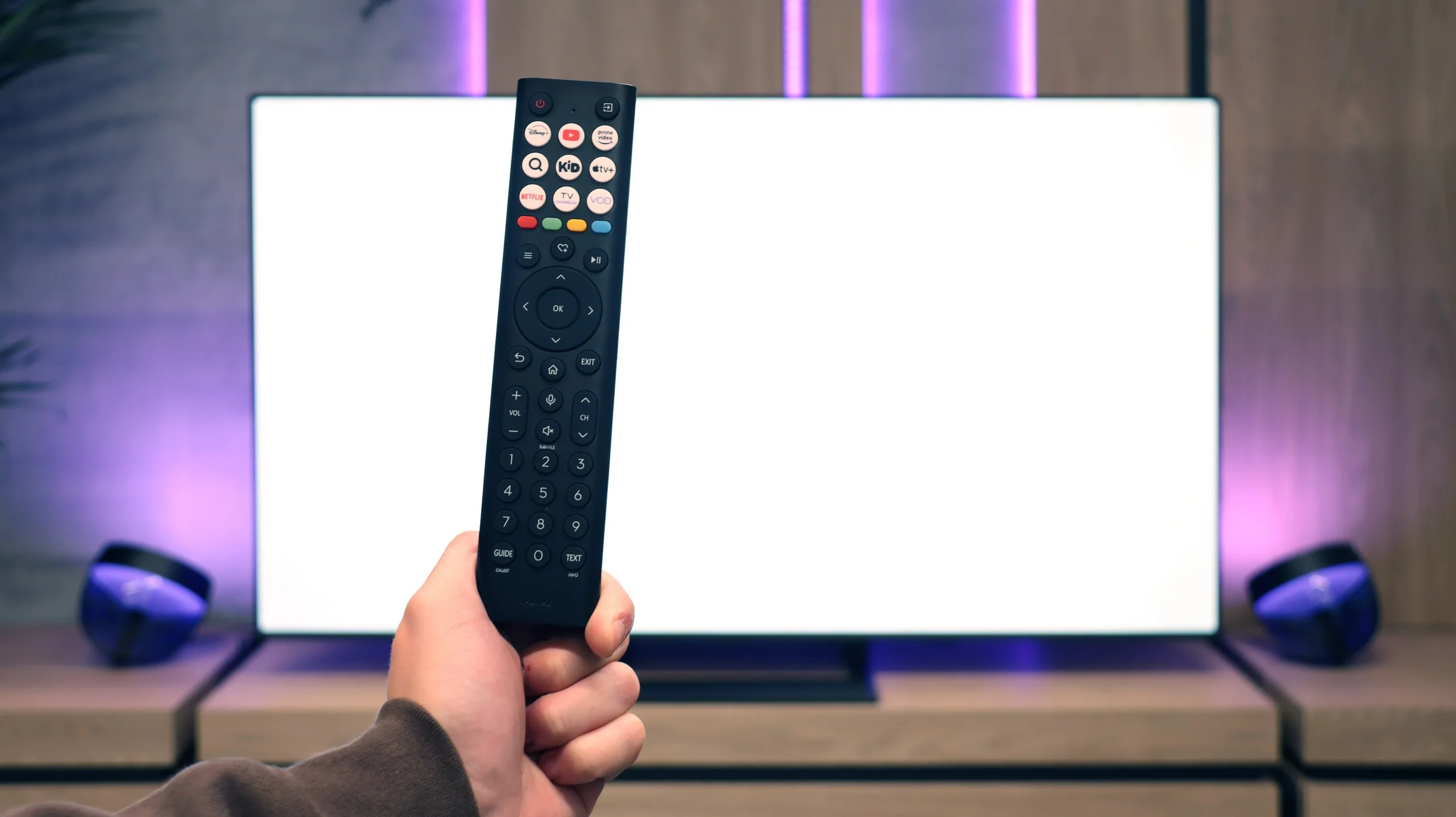
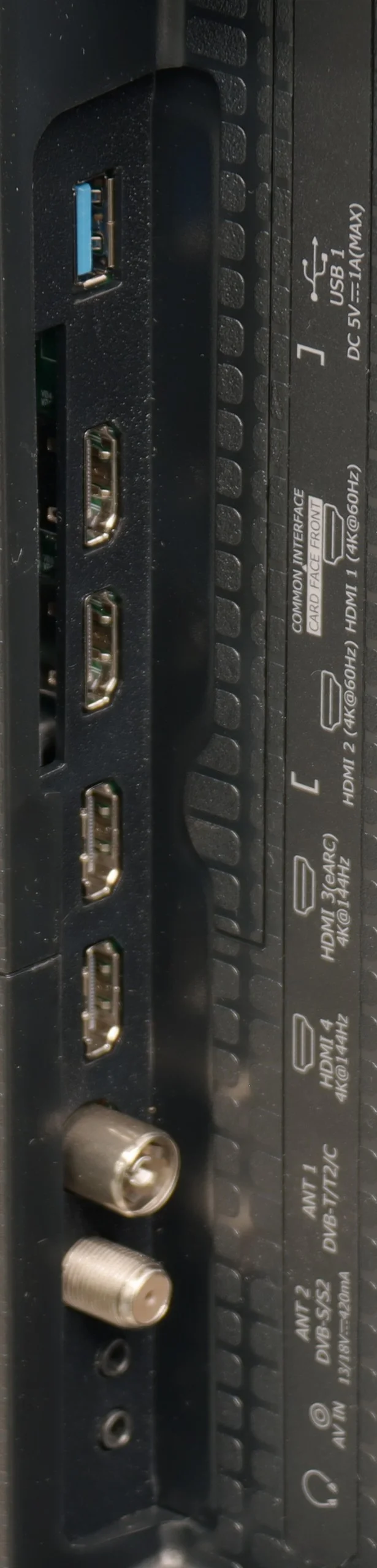
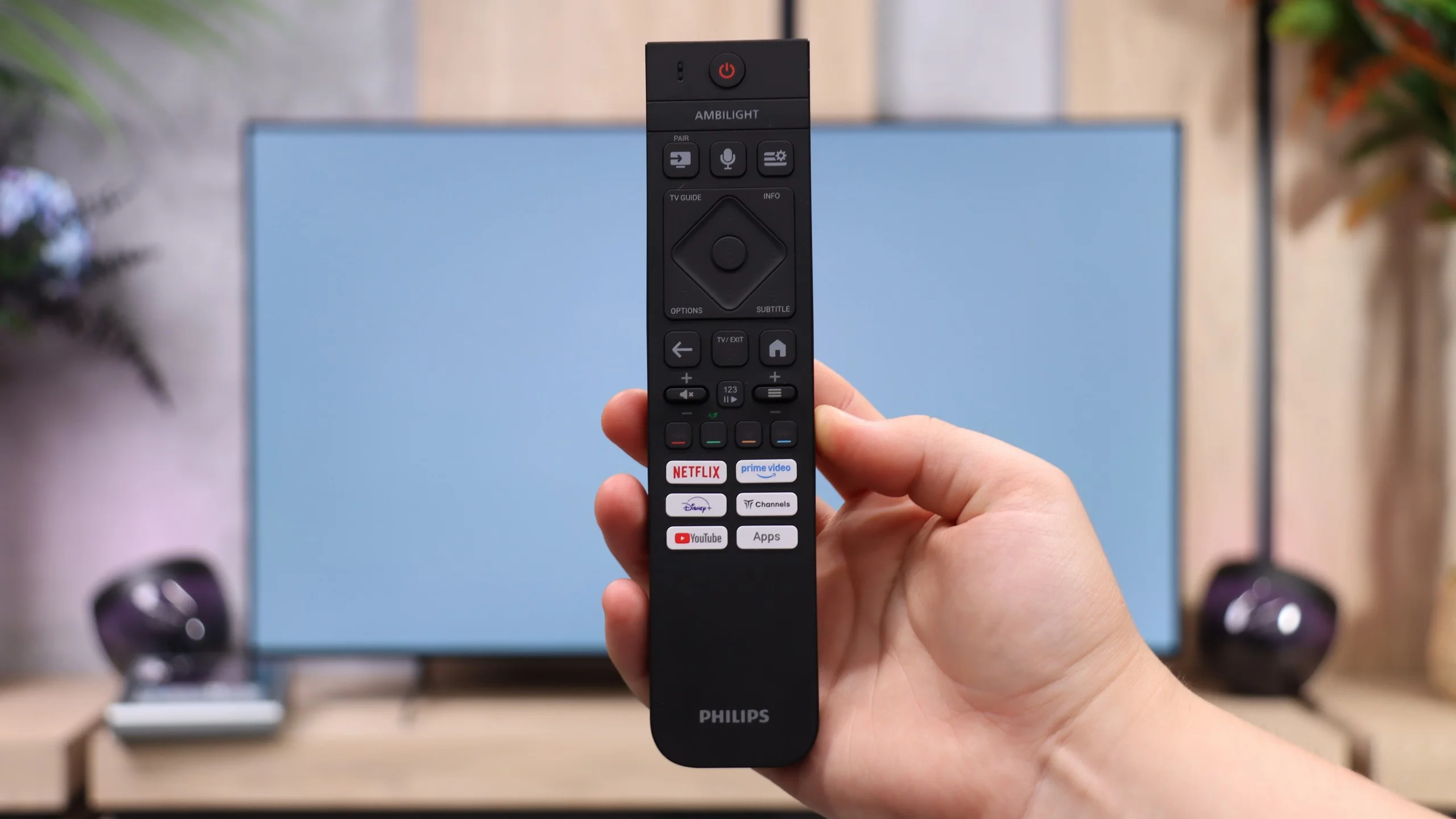
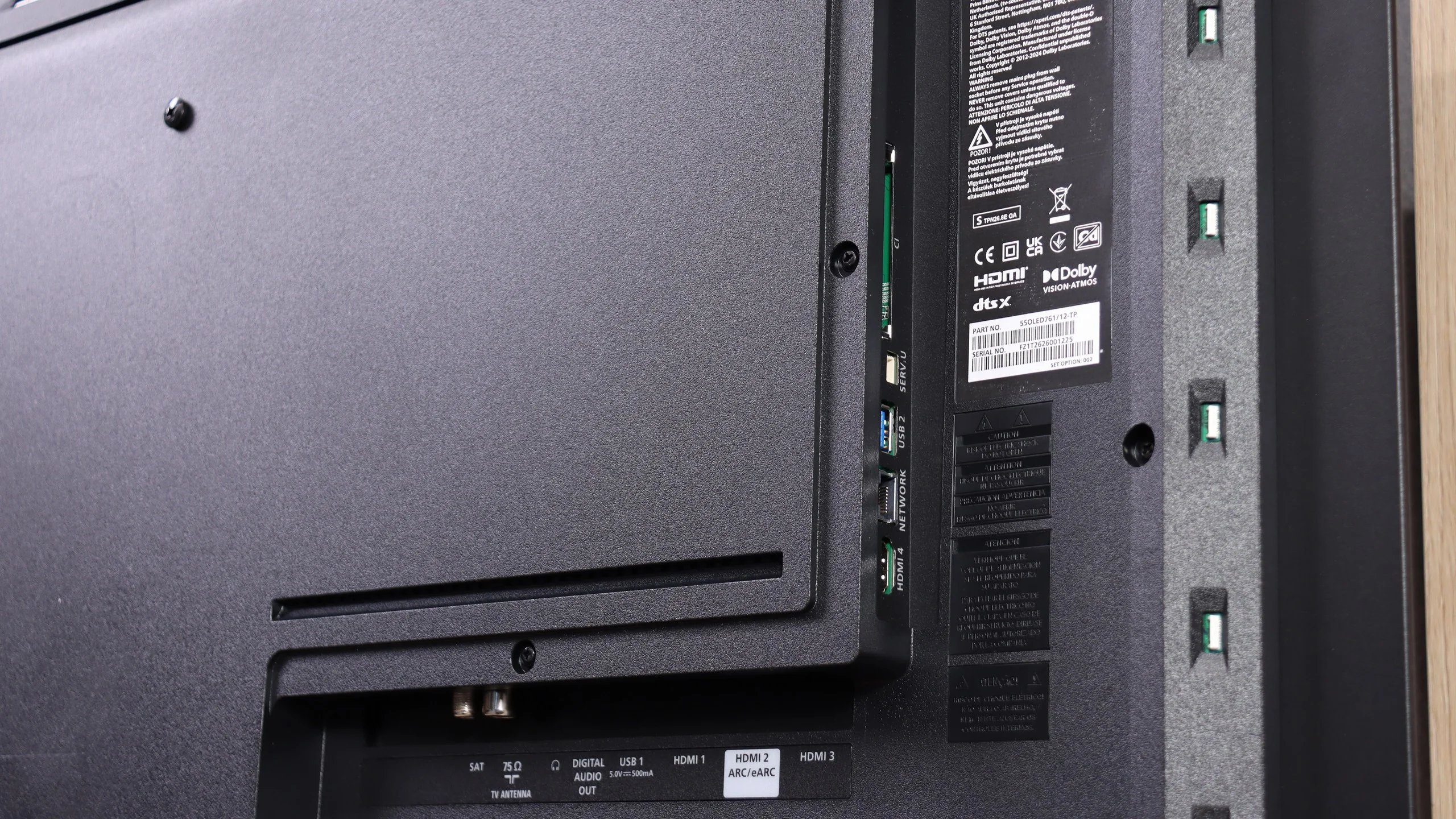
When watching regular broadcasts you get the basic conveniences, including teletext and a remote with a numeric keypad. The buttons are backlit, which is very handy in the evening, but it's hard to understand why Philips stubbornly sticks to infrared for the remote. Having to point the remote at the TV can be simply inconvenient (the only function that operates wirelessly is voice control). There's also no USB recording or picture-in-picture. On the plus side, the port layout is commendable: all four HDMI inputs support the 2.1 standard at 48 Gbps, so with a soundbar connected via eARC you still have three ports left to take full advantage of gaming consoles and a PC. You don't have to worry about which device to connect at the cost of high refresh rates. There's even an analogue mini-jack output, increasingly rare on new TVs but still useful for wired headphones or older audio kit.
Ambilight
The most distinctive extra is, of course, Ambilight, for which Philips gets extra points from us. Lighting the wall with colours from the screen can add a lot of atmosphere to films and games, but it's also useful for relaxed evening viewing. The subtle glow means the bright screen isn't the only light source in a completely dark room, which can improve viewing comfort. It's worth setting its intensity to suit the room rather than cranking it up to maximum straight away. For people who enjoy that kind of viewing, Ambilight can be one of the stronger reasons to choose the OLED761.
Apps
7.7/10
7.7/10






















Playing files from USB
8.2/10
8.6/10
Supported photo formats:
Maximum photo resolution:
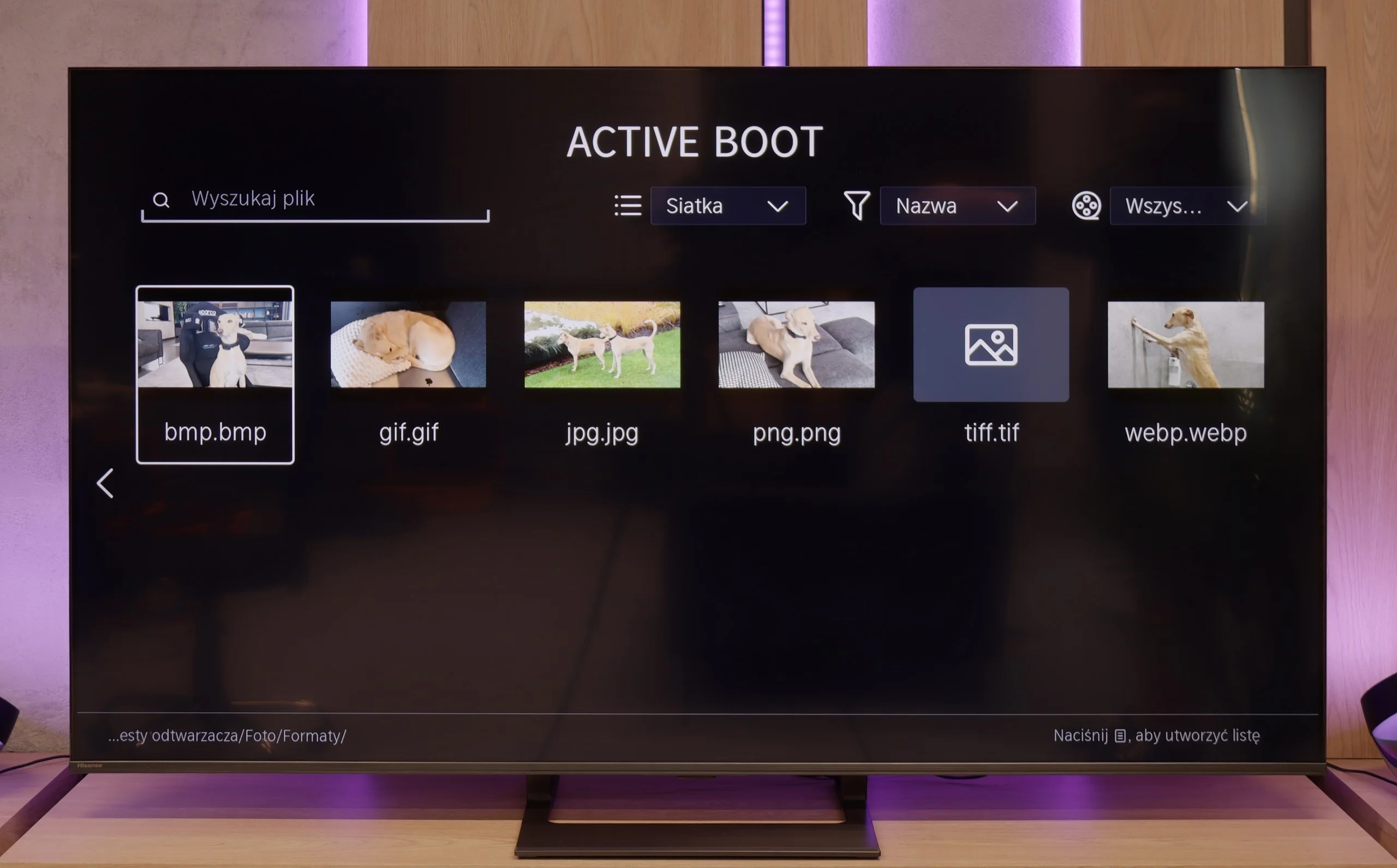
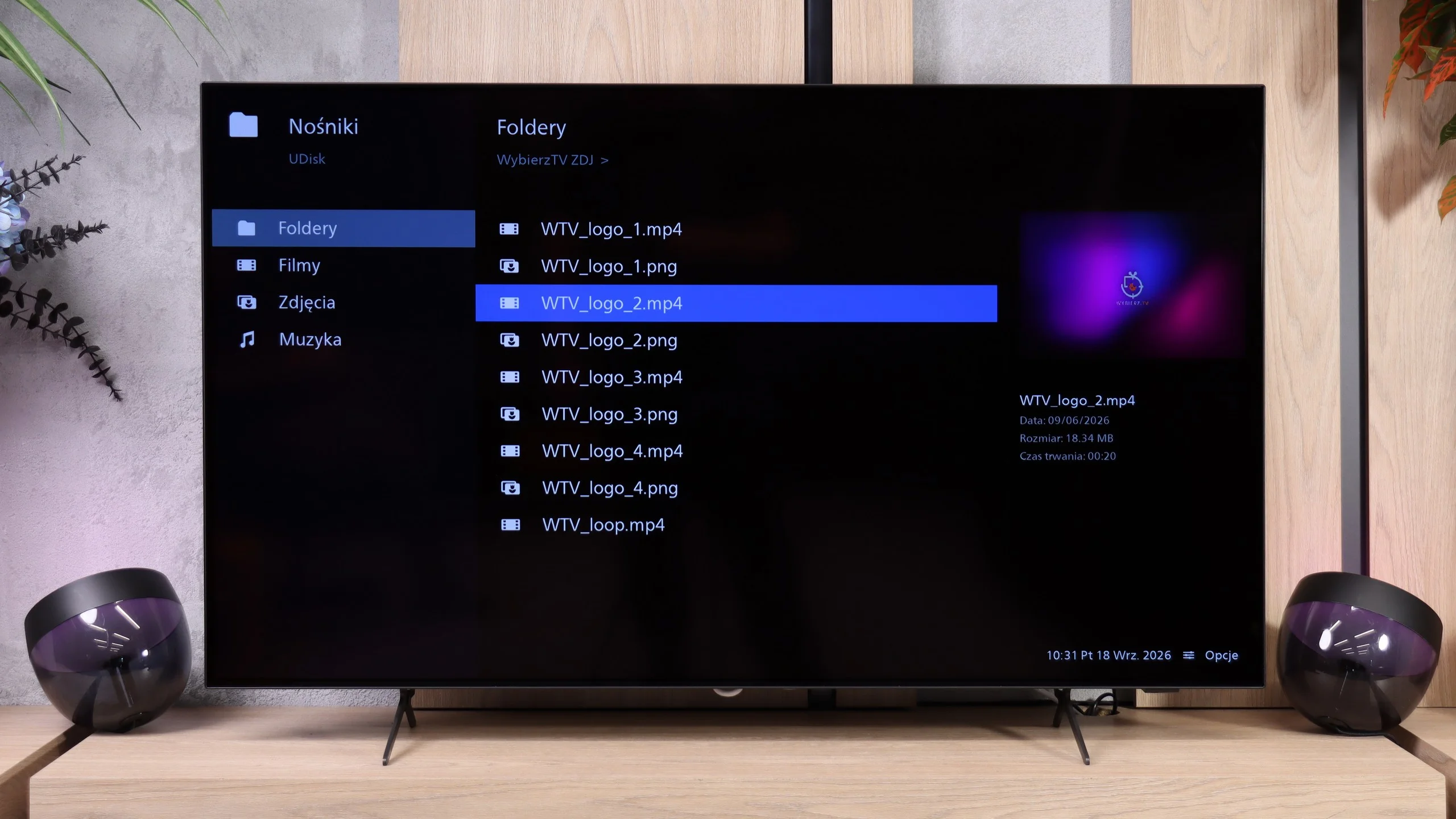
The built-in media player in the E8Q performs quite well. It supports most popular video and audio formats, and files from USB drives or external disks play without major issues. Polish characters? They're supported. Subtitles? They work. The only minor drawback is the occasional problem with displaying high-resolution images – especially those from cameras or smartphones. So if you're planning to show holiday photos on the big screen, it’s worth checking beforehand that they all load correctly from the memory of the disk or USB drive.
The USB player in the Philips OLED761 behaves rather oddly, and this shows Titan OS still needs refinement. Test videos and music files opened correctly, but photos caused the most problems. Interestingly, it wasn't just lack of support for some formats, but also the photos' resolution. The TV opened 16 and 32 MP photos, yet failed to handle some smaller ones, including 10 and 12 MP. So it's hard to give a simple rule for preparing photos so that they'll all display. If you plan to show holiday photos on the big screen, it's worth checking the files beforehand or using screen mirroring.
Sound
7.2/10
7/10
- Maximum volume85dB90dB
- Dolby Digital Plus 7.1
- Dolby True HD 7.1
- Dolby Atmos in Dolby Digital Plus (JOC)
- Dolby Atmos in Dolby True HD
- DTS:X in DTS-HD MA
- DTS-HD Master Audio
Here unfortunately, the Hisense E8Q didn’t make the best impression on us. Although on paper it has speakers with a power of 40 W (which is just a bit less than 50 W in the U7Q), in practice the difference is significant – and unfortunately not in favour of the E8Q. During testing, it quickly became clear that something wasn’t right. When the volume was turned up above 40–50%, the entire back casing began to resonate, and unpleasant crackling sounds emitted from the TV. Even during regular viewing, it was hard not to notice this, and definitely hard not to hear. In this form, it’s difficult to talk about listening comfort. We don’t rule out that it was a problem with a specific test unit, but still – it’s worth keeping this in mind. If you care about good sound, consider connecting a soundbar or… go for the U7Q, which definitely performs better.
Philips OLED761 sounds pretty good for a slim TV. The midrange is the strongest, so dialogue is clear and it's easy to hear what the characters are saying. For watching series, the news or everyday programmes, the built-in speakers are perfectly adequate. What’s missing, though, is deeper bass, which is most noticeable in music and action films. Explosions lack punch and tracks don't have the same fullness. So if you want a more cinematic sound, a soundbar with a separate subwoofer will be a noticeable addition to the setup. Especially as the OLED761 has no trouble handling surround formats like Dolby Atmos and DTS:X.
Sound Quality Test
Acoustic Measurements
85dBC (Max)
75dBC
90dBC (Max)
75dBC
Reader comments
Comments are provided by the external service Disqus (Zeta Global). Once loaded, Disqus may set cookies and process data about your activity.
We will remember your choice on this device. Provider's privacy policy