TCL X11L vs Hisense U7S / U77SE

Direct comparison

U7S / U77S

Info

Available screen sizes: 75”85”98”

Available screen sizes: 50”55”65”75”85”100”

Panel type: LCD VA

Resolution: 3840x2160

System: Google TV

Model year: 2026

Complete the survey to find out the result

Panel type: LCD VA

Resolution: 3840x2160

System: VIDAA

Model year: 2026

Complete the survey to find out the result

Overall rating

8.6

7.3

  • Movies and series in UHD quality

    8.5

    6.9

  • Classic TV, YouTube

    7.9

    6.9

  • Sports broadcasts (TV and apps)

    7.3

    6.4

  • Gaming on console

    9.1

    8.2

  • TV as a computer monitor

    8.6

    8.2

  • Watching in bright light

    10.0

    7.0

  • Utility functions

    8.3

    8.9

  • Apps

    9.6

    8.3

  • Sound quality

    8.2

    7.2

Advantages

  • Best black level on the market in a MINI-LED display

  • Extremely high HDR and SDR brightness

  • Excellent color saturation thanks to the SQD (Super QLED) filter

  • Very good image processing (MediaTek Pentonic 800)

  • Loads of features for gamers: 4x HDMI 2.1, VRR, ALLM, refresh rate up to 288Hz (PC)

  • Good motion handling

  • Open operating system: Google TV

  • Outstanding design and build quality

  • Backlit metal remote

  • Built-in audio system tuned by Bang & Olufsen

  • Deep blacks, ideal for evening viewing

  • Bright, clear picture even during the day

  • Natural colors after calibration when watching regular TV and SDR movies

  • Plenty of options for console and PC gamers

  • Low input lag

  • Feature-rich VIDAA system

  • Recording programs to USB and a convenient remote that you don't have to point at the screen

  • Pleasant sound with light bass

Disadvantages

No like
  • Artificial image brightening: the TV brightens the entire HDR image on its own

  • Glossy panel does a poor job of suppressing reflections

  • Missing "TV" features, e.g., USB recording (PVR), PiP

  • High price

  • Pronounced smearing on the VA panel

  • HDR image is overly bright, clearly at odds with the creators' intent

  • Incorrect HGiG behavior that makes HDR setup in games difficult

  • Poor viewing angles\

  • Some apps missing from the VIDAA system

Our verdict

The TCL X11L is, without a doubt, a powerful demonstration of the manufacturer's capabilities and a TV that impresses in many areas. You can see the engineers focused on what matters most: peak brightness, black levels and contrast. The new quantum dots with an SQD filter do such a job that color saturation is on par with the top new RGB panels. And the blacks? The X11L can easily be placed next to an OLED and it doesn't lose that battle by much, which is a real achievement in the Mini-LED world. On top of that comes a whole bunch of things surrounding the panel. The new MediaTek Pentonic 800 processor has completely eliminated TCL's old issues; digital processing, upscaling and the smoothness of tonal transitions finally look as good as those from competitors in Korea or Japan. There is nothing to be ashamed of anymore. Gamers will be thrilled too: four full HDMI 2.1 ports, refresh rates up to 288 Hz, a console-inspired Game Bar and Dolby Vision without any noticeable input lag. All of this is tied together by a very smooth Google TV system. Sounds like a recipe for the best Mini-LED of 2026, right? And it would be perfect if not for one annoying quirk that stems directly from TCL's stubborn "philosophy" of image tuning. This TV can simply ignore the director's intent and, in HDR formats, arbitrarily and artificially brighten entire scenes. What’s the effect? The picture can be too bright at times, sometimes even blown out. The worst part is that the software offers no way to fix it; even during professional calibration we weren't able to fully correct this flaw. For a screen at this price that aspires to be "the best of the best," such willful behavior is simply unacceptable, especially in the "Filmmaker" mode.

Still, if you don't care about perfect, studio-accurate fidelity and you want a picture that is above all maximally striking, spectacular and extremely bright in daylight, the X11L is a true beast. It's the first Mini-LED to come so close to OLED black levels, and in brightness it simply crushes OLED. The only real brake here is the price. The amount you'll have to pay for this model (regardless of size) is a serious outlay. Is it worth spending that money? We'll leave that up to you. One thing you have to give it: it's currently one of the best Mini-LEDs we've tested so far.
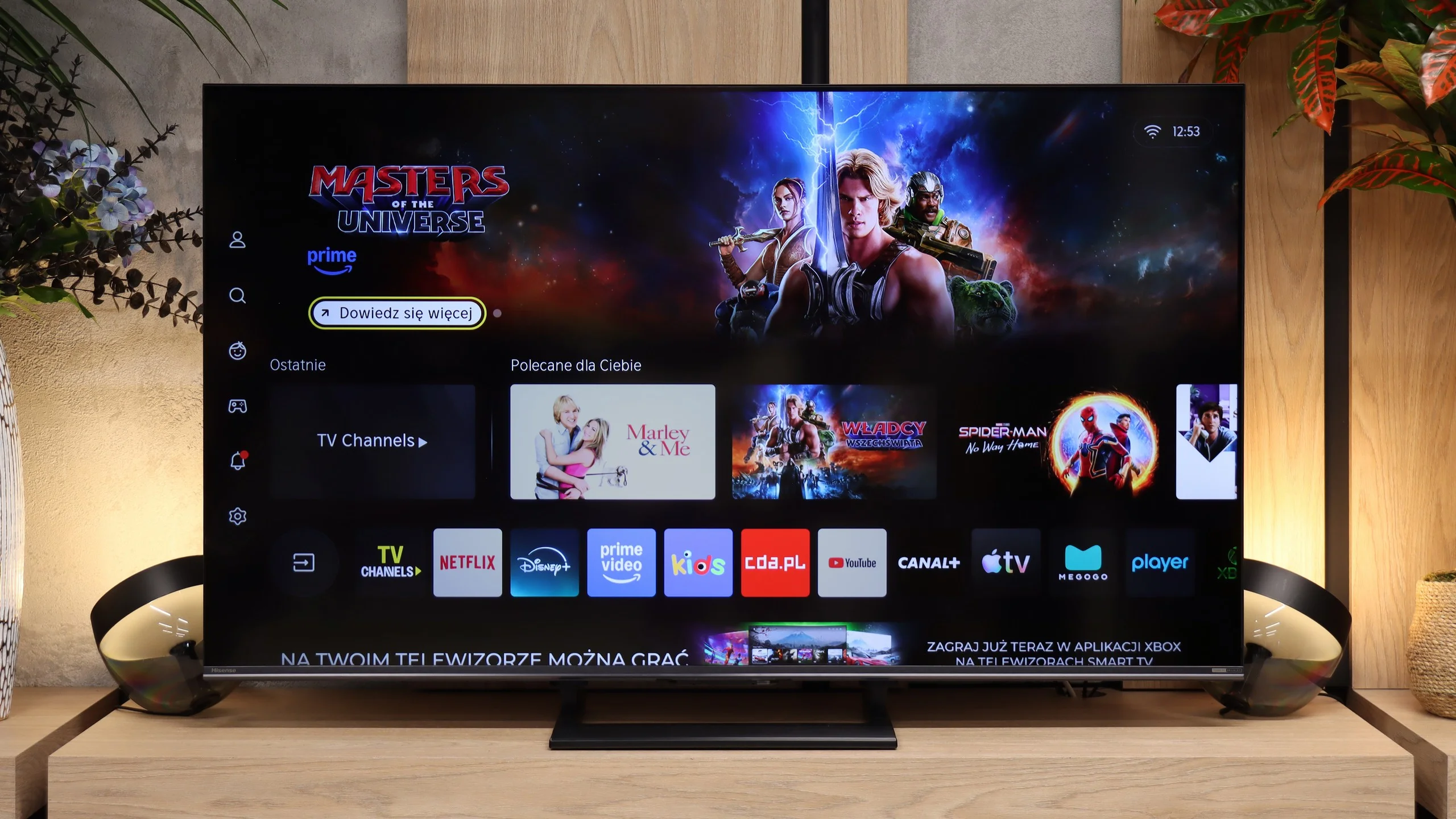
Hisense U7S is the latest iteration of the U7 series, whose biggest advantage remains its price-to-quality ratio. You get a Mini LED TV with local dimming, which really improves black levels and gives the picture depth for evening viewing. During the day, the generous brightness headroom is useful, so you don't have to immediately cover the windows. It's not a device without compromises, but as an everyday TV it makes a lot of sense. Gamers benefit a lot as well. The U7S supports high refresh rates from consoles and PCs, has an extensive set of gaming features, and responds very quickly to controller input. Pleasingly, the low input lag is preserved in Dolby Vision too. Add in the smoothly running VIDAA, which offers both Smart features and handy extras for regular TV, and the package is fairly versatile, though compared with last year's U7Q it's hard to call it a big step forward. Unfortunately there are also things that clearly bother us. The first is motion blur. The panel has a high refresh rate, but its pixels don't always keep up, so visible trails follow moving objects. Fans of sports and fast-paced games will notice this especially. The second issue is HDR, which the TV shows somewhat "its own way." Instead of sticking to the brightness encoded in the content, it strongly brightens parts of the image. That was probably meant to look more impressive, but it often has the opposite effect: the scene becomes over-bright, loses depth, and clearly departs from the creators' intent. It's a shame this behavior can't be effectively corrected even during calibration. Despite these remarks, the U7S remains an interesting choice if you're looking to get as much as possible for a reasonable price. Compared with basic LCDs without local dimming, which you can still find at a similar price, it primarily offers much better blacks. And that's exactly its greatest strength. You don't have to reach for an expensive model to get a Mini LED whose advantages are actually noticeable when watching. If you accept its flaws, the Hisense U7S can above all be a cost-effective purchase.

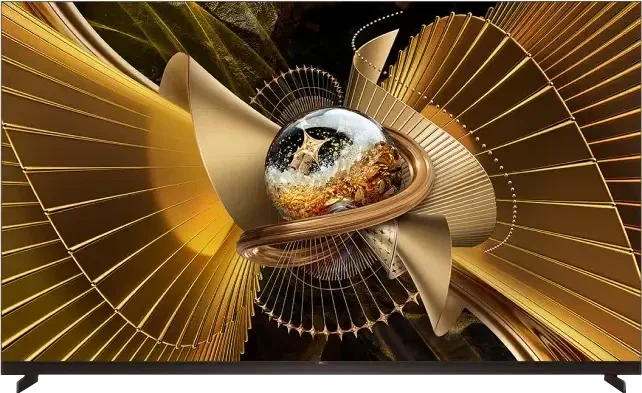
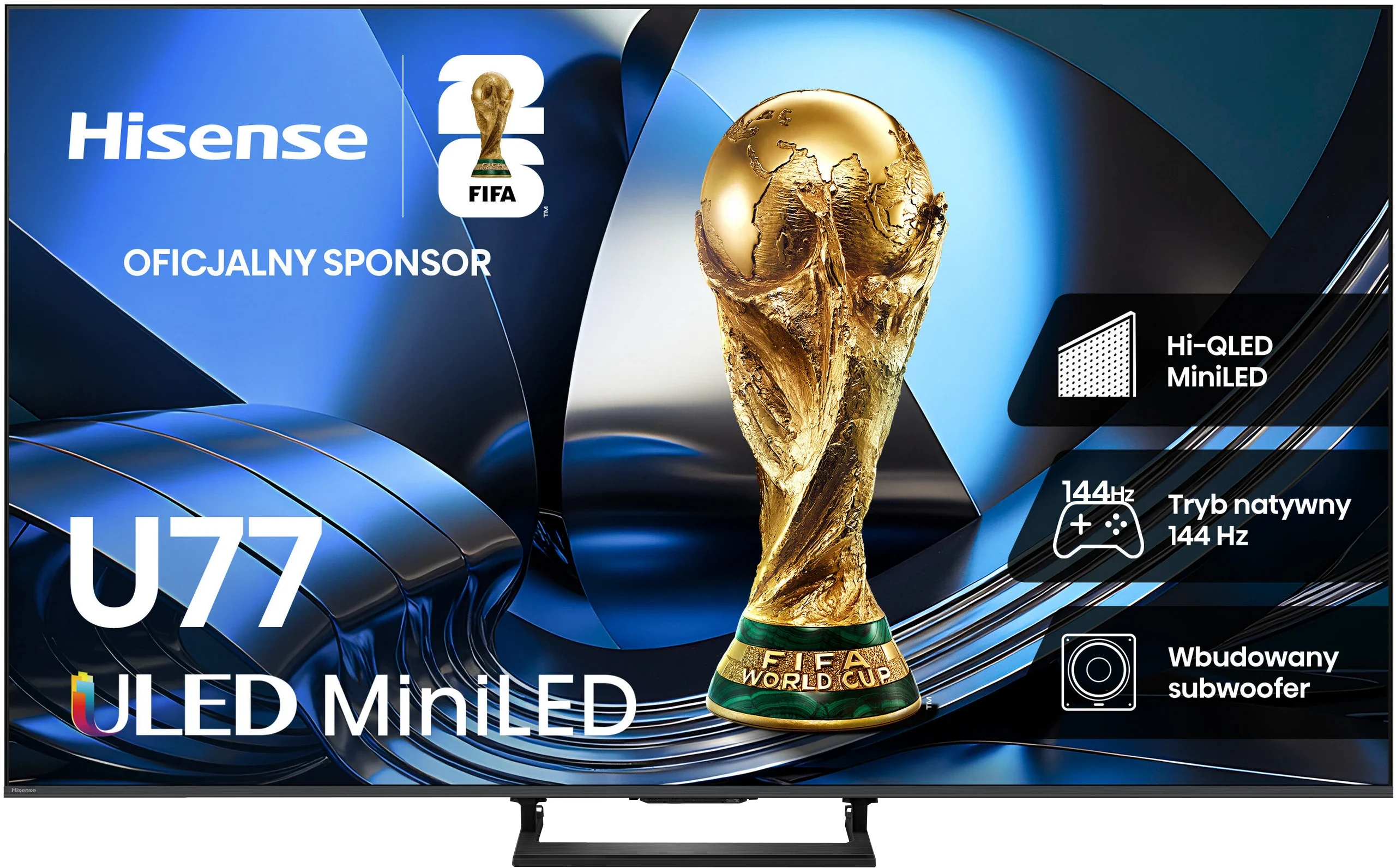
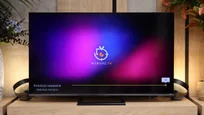
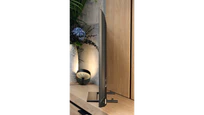
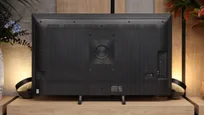
TV appearance

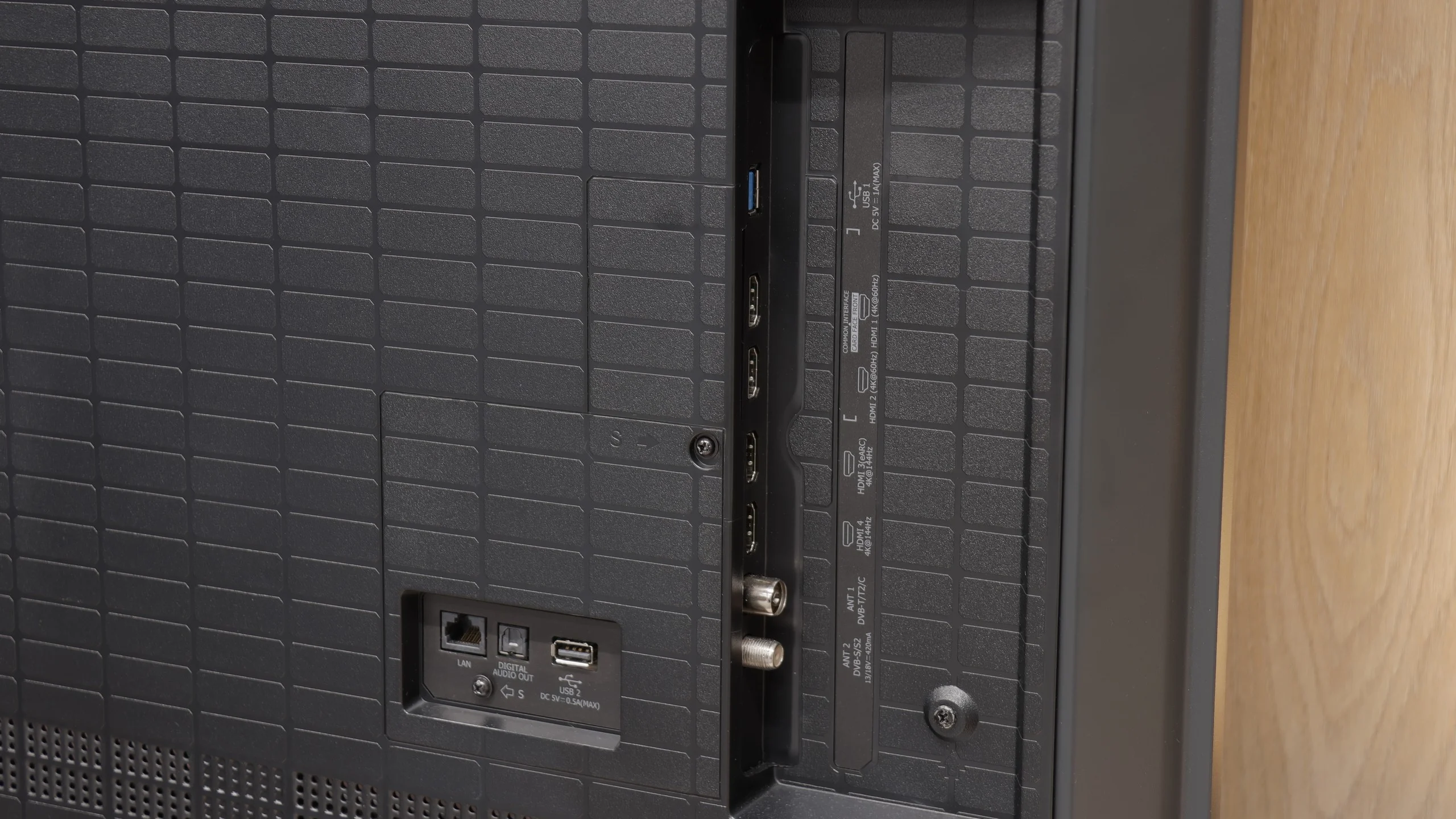
HDMI inputs
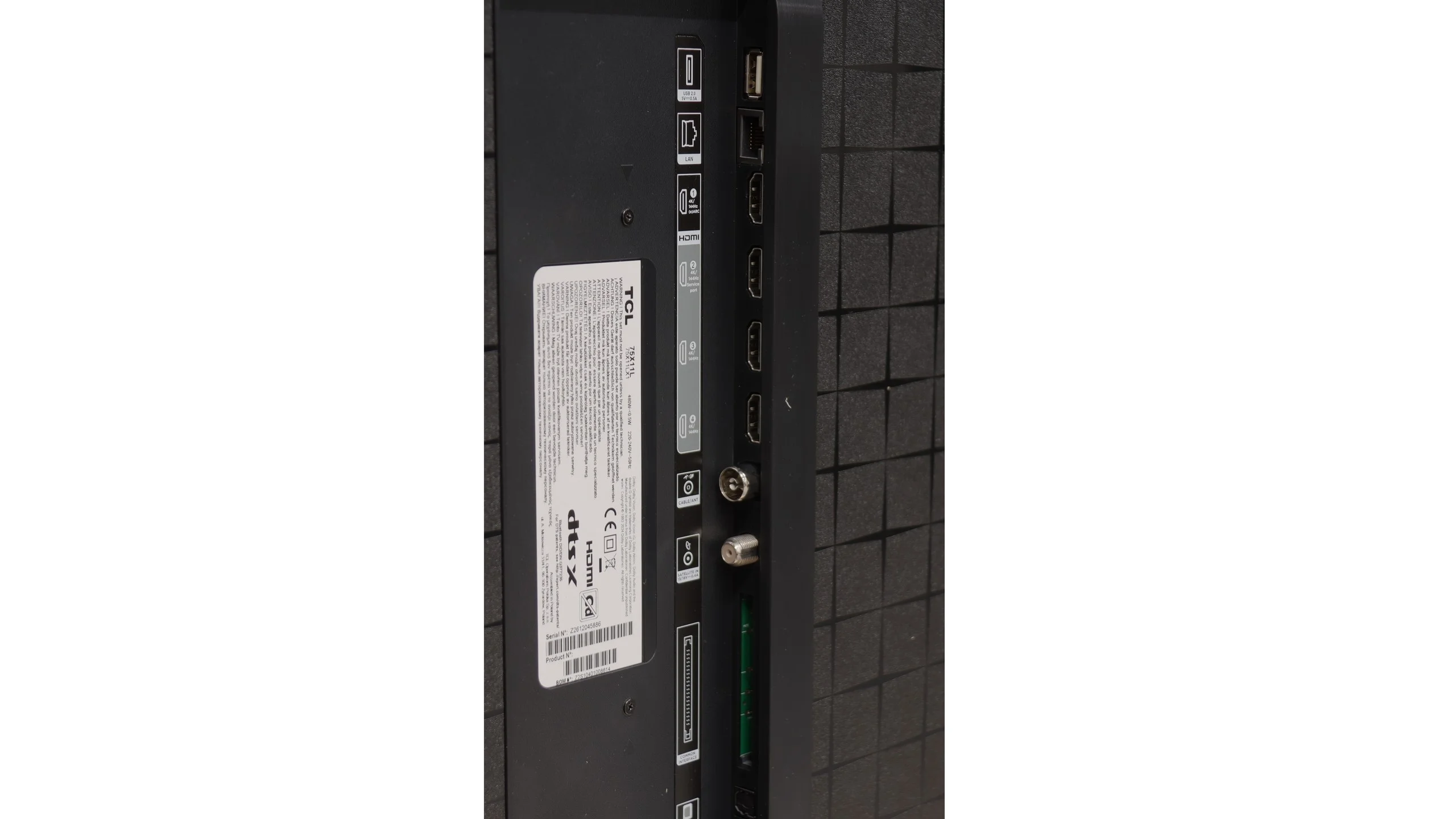
0 x HDMI 2.0, 4 x HDMI 2.1 (48Gbps)
2 x HDMI 2.0, 2 x HDMI 2.1 (48Gbps)
Other inputs
Outputs
Toslink (Optical audio), eARC (HDMI), ARC (HDMI)
Network Interfaces
Wi-Fi 2.4GHz, Wi-Fi 5GHz, Ethernet (LAN) 100Mbps
Build quality
Super Premium
Good
Stand type
Legs
Central
Bezel color
Graphite
Graphite
Stand
Height adjustment
Fixed
Flat design
Yes
No
Accessories
Stand
Stand

Contrast and black detail

9.1/10

8/10

Local dimming function: Yes, number of zones: 11520 (80 x 144)

Local dimming function: Yes, number of zones: 192 (8 x 24)

Contrast:

Review TCL X11L Contrast and black detail

Result

1,842,100:1

Review TCL X11L Contrast and black detail

Result

942,400:1

Review TCL X11L Contrast and black detail

Result

93,700:1

Review TCL X11L Contrast and black detail

Result

91,450:1

Review TCL X11L Contrast and black detail

Result

27,550:1

Review Hisense U7S / U77SE Contrast and black detail

Result

507,800:1

Review Hisense U7S / U77SE Contrast and black detail

Result

51,250:1

Review Hisense U7S / U77SE Contrast and black detail

Result

30,900:1

Review Hisense U7S / U77SE Contrast and black detail

Result

21,250:1

Review Hisense U7S / U77SE Contrast and black detail

Result

5,650:1

Halo effect and black detail visibility:

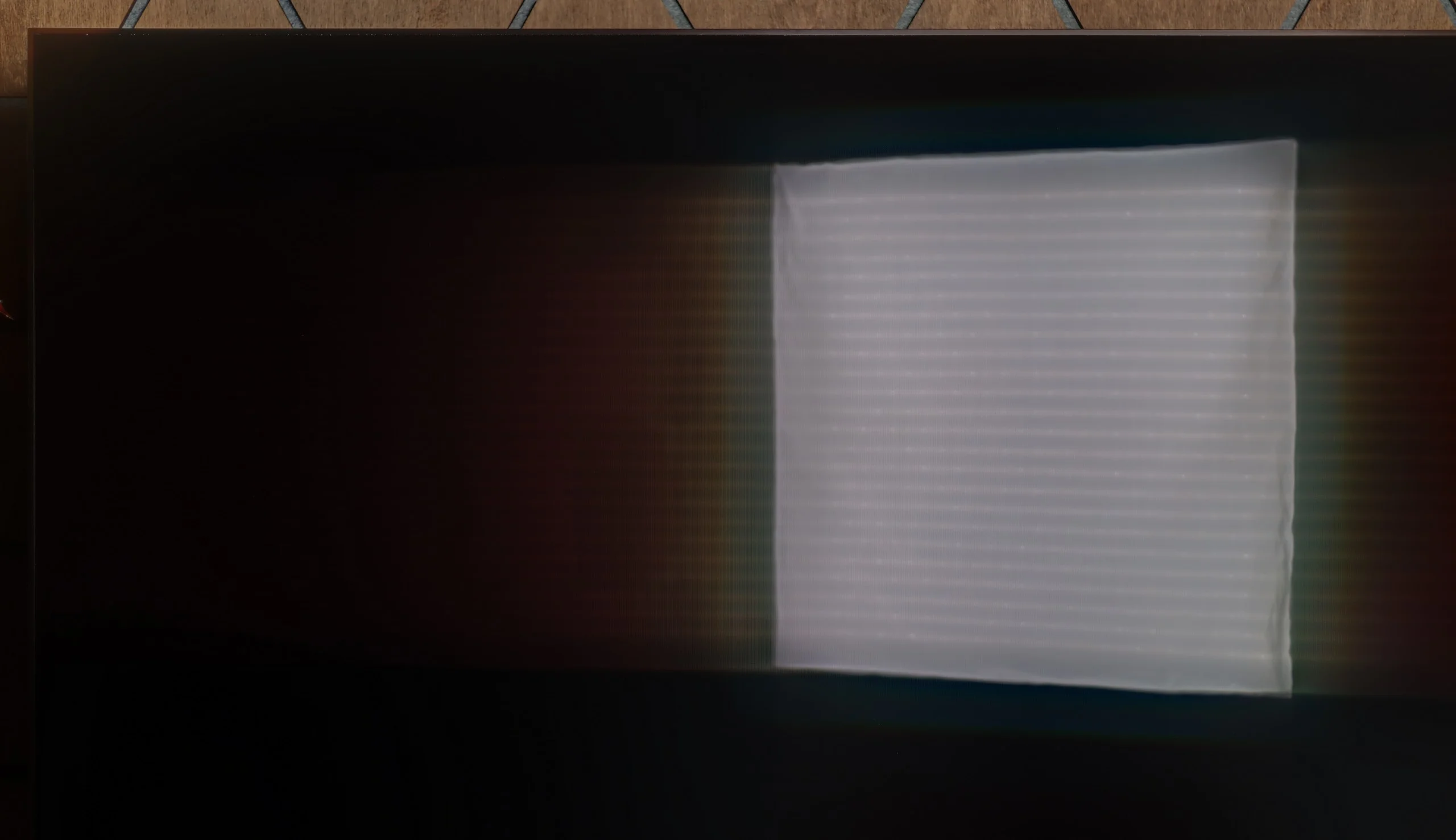
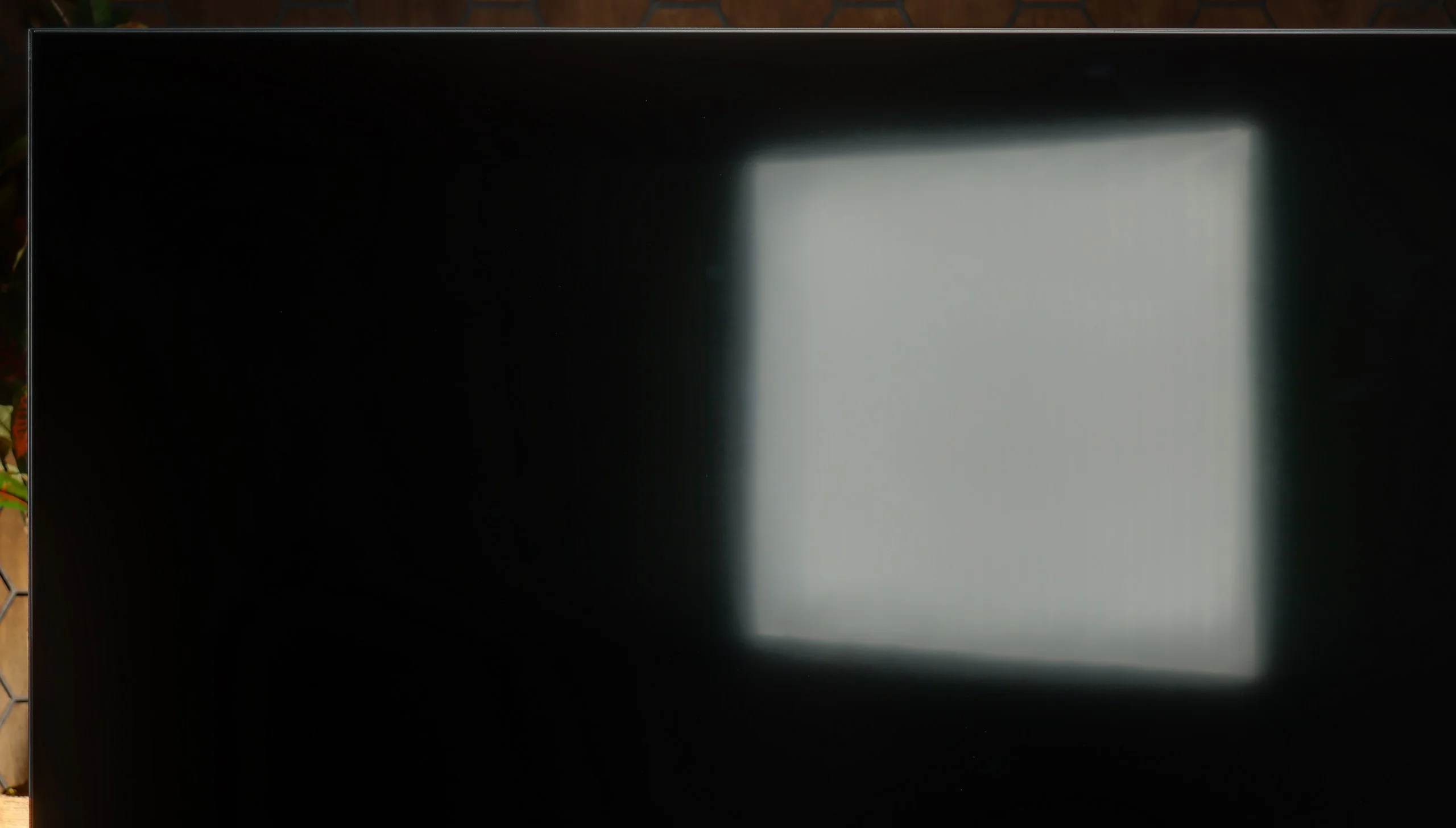
Check the visibility of bright lights on a dark background. Mini-LEDs often struggle with this. The photo does not compare black levels – that’s what the video below is for.

The video accurately shows differences in contrast and black levels between TVs, as well as potential issues: halo around bright objects or Mini-LED zone operation visible as brightness jumps.

Black levels and contrast on the X11L are simply A M A Z I N G. The main credit goes to the astronomical number of local dimming zones combined with the proprietary WHVA 2.0 VA panel. In the 75-inch model we tested, we counted exactly 11,520 of them. Yes, you read that right, over 11 thousand local dimming zones in a Mini-LED screen! That translated into outstanding results in our tests: most scenes, especially the less complex ones, had blacks uncannily similar to those on OLEDs. Even in total darkness, when the screen displayed deep, almost pitch-black parts of the image, you could mistake it for an OLED panel. This is currently the best Mini-LED if you care about the deepest possible blacks.

That said, remember this is still an LCD TV. Even with such an astronomical number of zones, very complex sequences with lots of small elements against a black background (like a starfield or our demanding test pattern no. 5 from the Pioneer Kuro) can reveal some haloing, a faint glow around bright objects. Undoubtedly, however, the effect is not as noticeable as on other screens of this type we've tested so far. The algorithm does a great job.

Naturally, the number of zones increases with the screen diagonal. Below you can see the number of zones for each size:

X11L screen size

Number of local dimming zones

75"

11,520 zones

85"

14,400 zones

98"

20,736 zones

The Hisense U7S shows good black levels, especially for one of the entry-level Mini LED models. The 55-inch unit we tested uses 192 local dimming zones that work well with the VA panel. In most of our scenes contrast ranged from about 21,000:1 to over 51,000:1, and in one it even exceeded 500,000:1. In many films you can see it — dark scenes have depth, and blacks don't glow gray like on many cheaper LCDs without local dimming.

It gets worse when the screen contains a lot of small bright objects on a dark background (for example, in the scene shown below). There aren't enough zones to illuminate each one separately, so you can see a bright halo around the small objects. This so-called halo effect is easiest to notice when watching in a dark room. In the most demanding shot contrast fell to about 5,650:1, and here the backlight limitations are clearly visible. Even so, given the TV's class, it's hard to call this a fault, because many Mini LED TVs in a similar price range will have similar problems.

HDR effect quality

9.2/10

5.5/10

Supported formats
HDR10, HDR10+, Dolby Vision, Dolby Vision IQ, HLG
Color gamut coverage
DCI P3: 97.9%, Bt.2020: 89.5%
DCI P3: 91.5%, Bt.2020: 70.4%

Luminance measurements in HDR:

Review TCL X11L Brightness measurement

Result

2934 nit

Review TCL X11L Brightness measurement

Result

2105 nit

Review TCL X11L Brightness measurement

Result

2809 nit

Review TCL X11L Brightness measurement

Result

1782 nit

Review TCL X11L Brightness measurement

Result

2841 nit

Review Hisense U7S / U77SE Brightness measurement

Result

700 nit

Review Hisense U7S / U77SE Brightness measurement

Result

297 nit

Review Hisense U7S / U77SE Brightness measurement

Result

640 nit

Review Hisense U7S / U77SE Brightness measurement

Result

154 nit

Review Hisense U7S / U77SE Brightness measurement

Result

745 nit

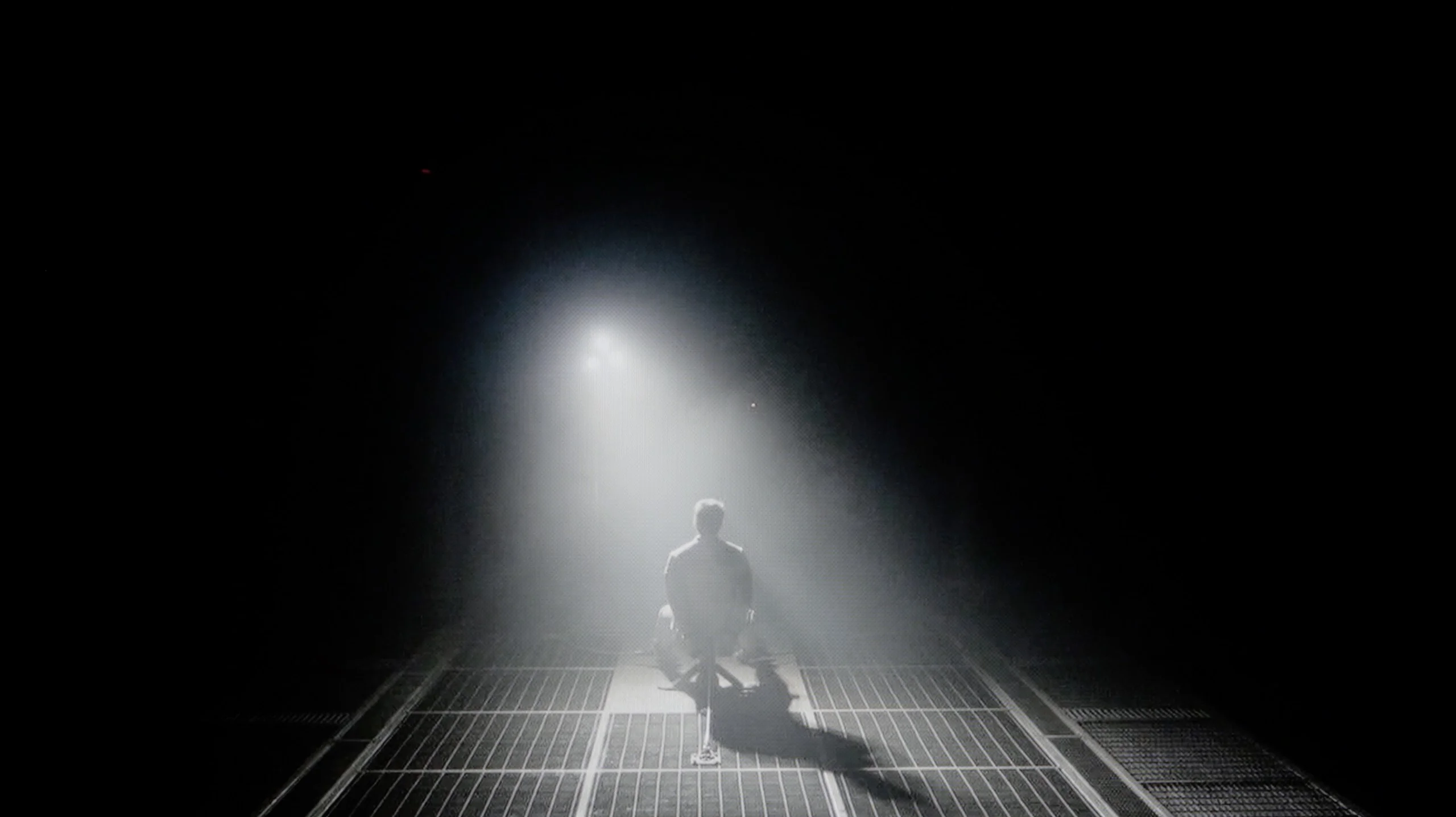
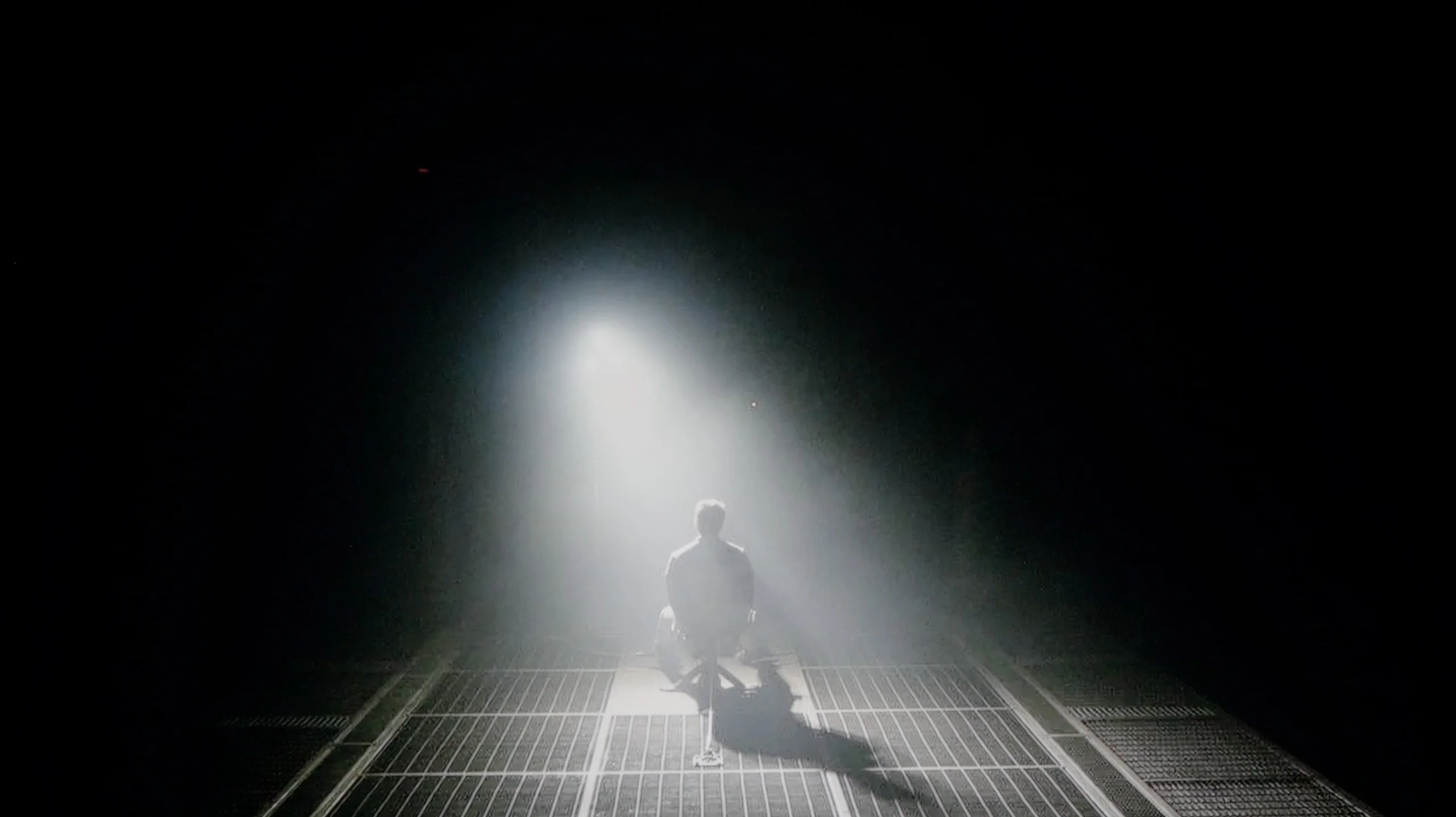
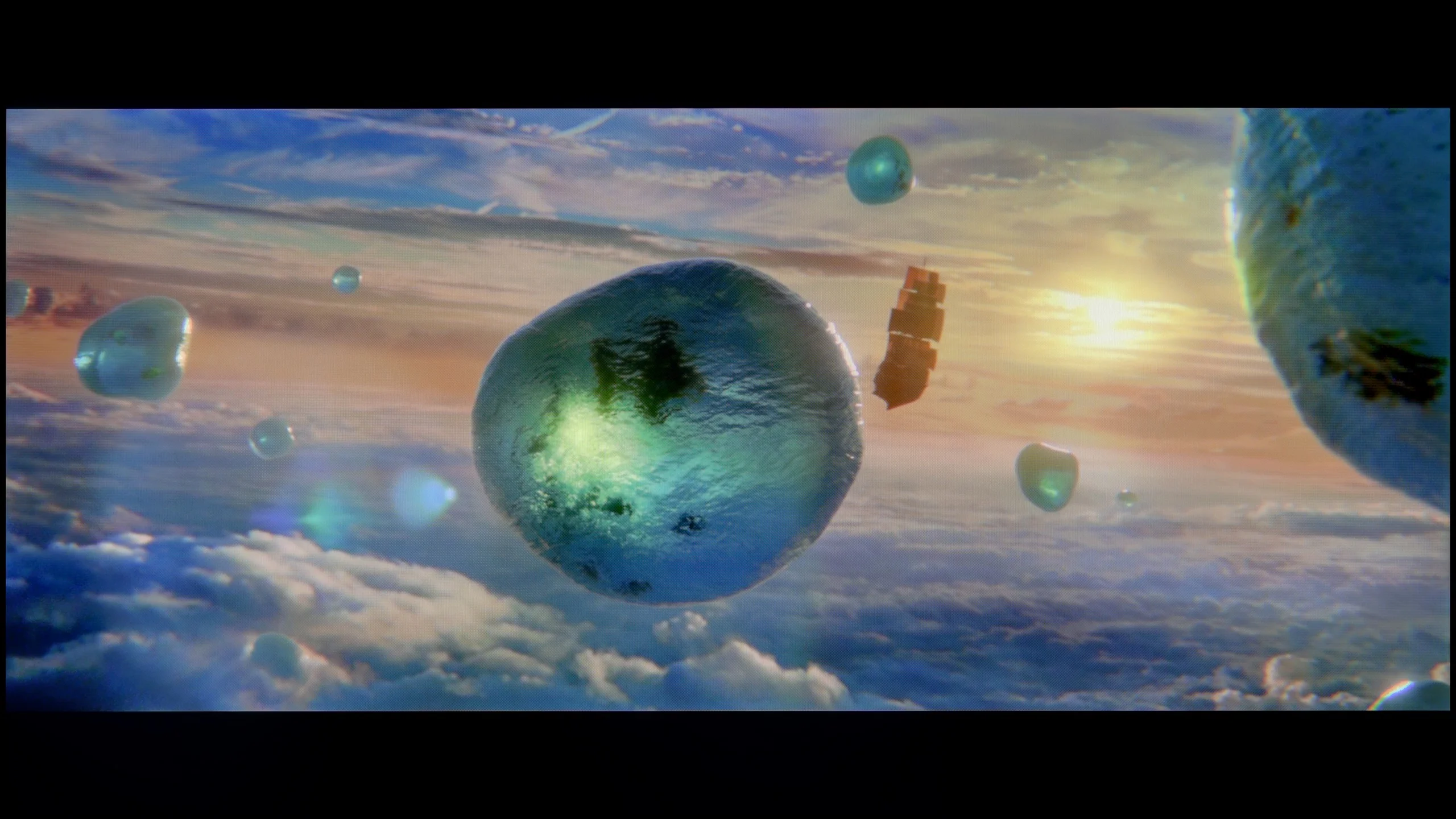
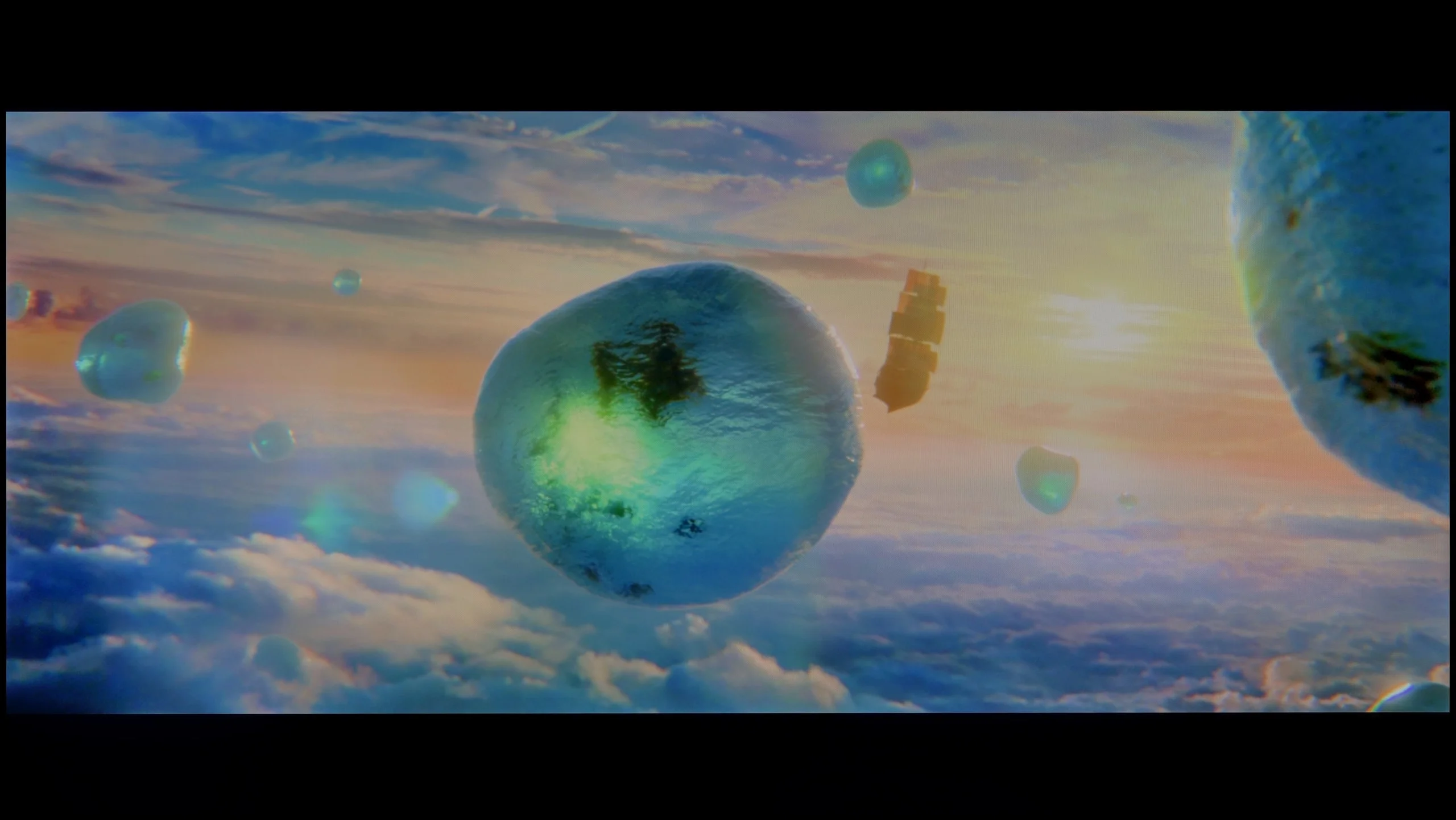
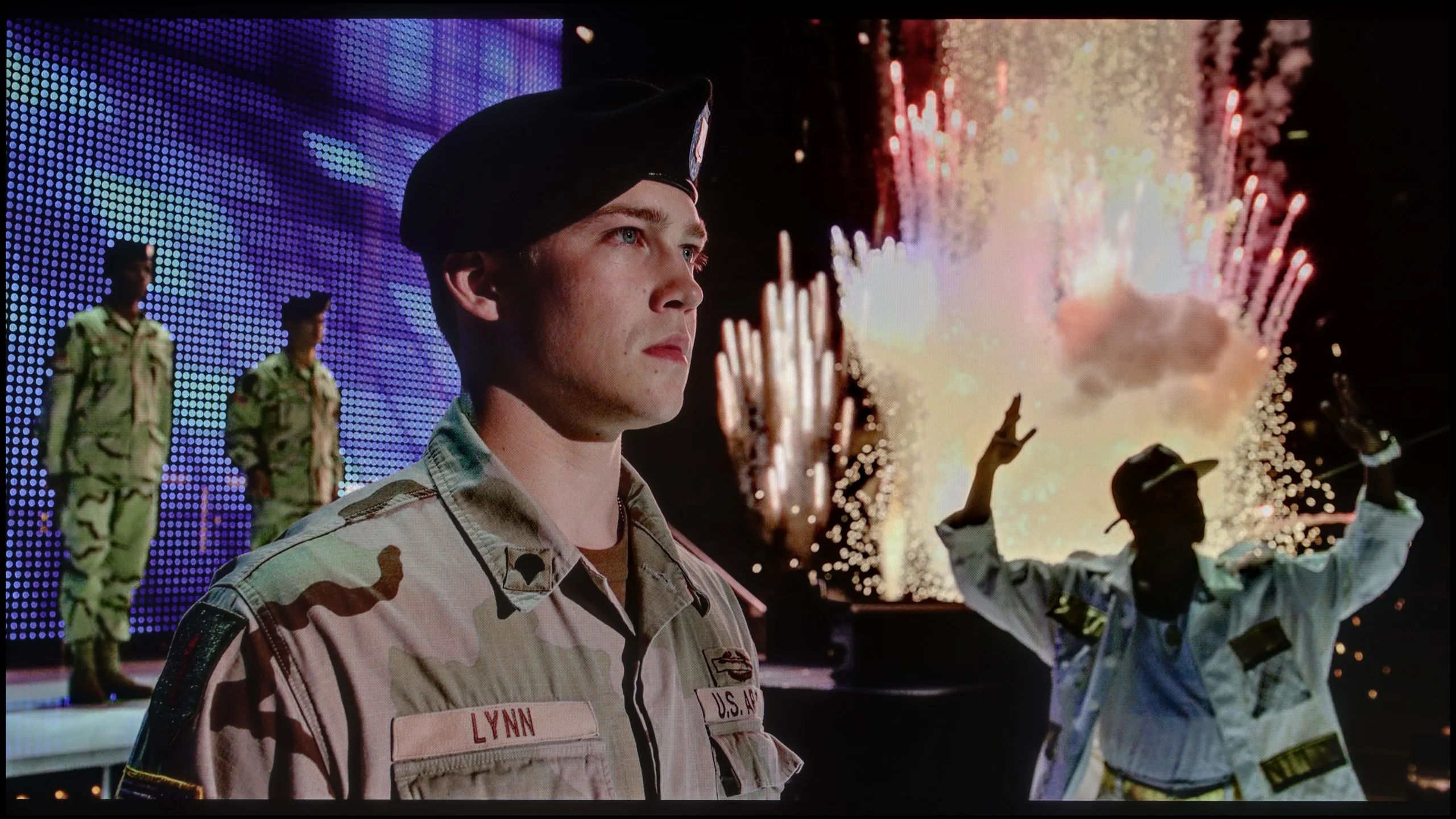
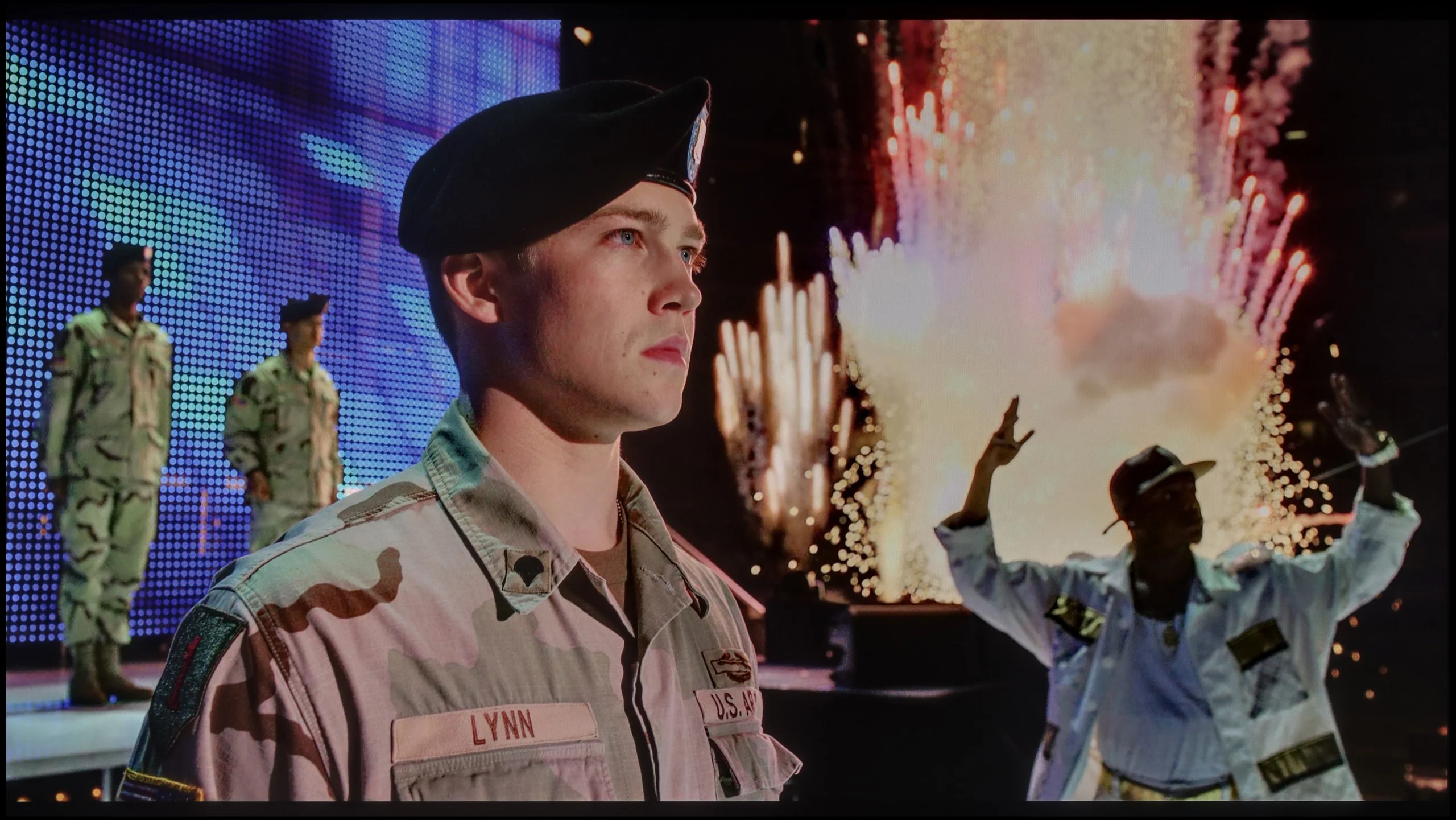
Scene from the movie “Pan” (about 2800 nits)

Scene from the movie “Billy Lynn” (about 1100 nits)

The photos show two HDR10 movies. 'Pan' is one of the brightest productions ever made, while 'Billy Lynn' (soldier) has brightness typical of streaming (Netflix, Prime, HBO MAX). Notice the intensity of effects and detail in whites.

Static HDR10

The photos present the visibility of white details in various HDR formats. They do not show brightness differences between TVs (these can be compared in the previous gallery).

Dynamic: Dolby Vision

Dynamic: Dolby Vision

The photos present the visibility of white details in various HDR formats. They do not show brightness differences between TVs (these can be compared in the previous gallery).

HDR luminance chart:

Hisense U7S / U77SE

TCL X11L

Such a large number of zones translated not only into deep, inky blacks but also into the panel’s brightness. The X11L is an extremely bright TV. Peak brightness can easily exceed 4000 nits, and with the special "Boost" mode enabled, under specific conditions that brightness can even hover around the marketing figures of 9000–10,000 nits. This is undoubtedly one of the brightest, if not the brightest, screens on the market. But how do those numbers translate to real-world movie measurements? The results are very good, though of course far from the marketing promises. Our measured brightness in actual movie scenes hovered around 2000–3000 nits. That’s an outstanding result, considering that the vast majority of content is produced to those brightness levels, including the rarer material mastered to 4000 nits. But it also shows that the numbers the manufacturer brags about don’t always translate directly to the video content available at home. The only "quirk" (if you can call it that) is that when very small, bright elements appear on the screen, their brightness drops below 2000 nits. The dimming algorithm does this deliberately to preserve deep blacks and minimize halo. This is entirely understandable and the effect remains very strong, but it also demonstrates that even with such powerful hardware, Mini-LED technology has its limits and does not always work without compromise. In HDR, brightness isn’t the only thing that matters; color saturation and color accuracy do as well. On the X11L these are very good thanks to the new Super QLED quantum dots (SQD). The addition of a newly applied filter delivered excellent coverage of the P3 color gamut and the ultra-wide BT.2020. Although it doesn’t reach the advertised 100% of BT.2020, values around 89–90% can be called excellent. Colors are not far off those of RGB Mini-LED panels. We can even say they’re more stable because they use a less demanding algorithm than the one RGB screens often have to deal with.

The Hisense U7S has considerable HDR potential, but it can't use it in every scene. On a test pattern it reaches around 1,100 nits, so the backlight itself is very strong. In our brighter film scenes we measured about 640 to 745 nits. That's still enough for the sun or bright highlights to have a noticeable glow and to show an advantage over SDR material. When the TV needs to illuminate a larger portion of the image, it does quite well.

The problem appears with small lights on a dark background. Each of the 192 zones covers an area much larger than a tiny point on the screen. If the TV were to strongly light such a zone, it would also brighten the surrounding area along with the light. Hisense tries to avoid that and dims the entire zone. Black levels therefore look better, but a small bright object that should draw the eye also loses intensity. That's why in two tougher scenes we recorded only 297 and 154 nits. The difference is large: in one shot HDR can impress, and in the next small lights are noticeably muted. The U7S therefore prioritizes maintaining deep blacks, even at the expense of bright details. With this number of zones that's an understandable compromise, but it's worth remembering — the 1,100-nit peak tells us about the backlight's capability, not how brightly the TV will render every element of a film.

Colors

Hisense calls the U7S ULED, but that's a marketing name; the wider color gamut here comes from a PFS phosphor backlight. In our measurements the TV covered about 91% of DCI-P3 and 71% of BT.2020. Those are good results, although it falls short of the best screens on the market. The biggest shortfall is in green — the TV doesn't even reach the DCI-P3 target there, so the most saturated shades will be less intense than they should be. Most colors in HDR films and series, however, still look suitably rich. A positive is the repeatability of the results. Gamut coverage on test patterns and in film scenes is practically identical.

Factory color reproduction

5.2/10

5.8/10

This gallery shows how colors change after professional TV calibration. If you notice the difference, we recommend ordering this service at SkalibrujTV.com.

Factory Mode

After calibration

This gallery shows how colors change after professional TV calibration. If you notice the difference, we recommend ordering this service at SkalibrujTV.com.

Factory Mode

After calibration

When you enable the supposedly best Filmmaker Mode, you expect a one-to-one image of what the director saw. On the X11L it's pretty good, but the mode has obvious flaws that our measurements immediately exposed. Let's start with SDR. Both the white balance and the gamma are simply misaligned here. The whites have too much blue and red, giving a faint pink tint. That also hurt the gamma, which instead of holding the cinematic 2.4 runs closer to 2.2. What did that result in? The whole image ends up pushed and artificially brightened. The worst is saved for last: the HDR measurements. Apart from that slight white balance drift, the X11L fails on the brightness management curve called the EOTF. What we saw in the measurements instantly explains what we noticed earlier in the films. The image is unnaturally bright because the curve is massively overshot above the reference. The TV simply and ruthlessly lifts the dark parts of the image to create a "wow" effect, completely ignoring the director's intent.

The out-of-the-box colors on the Hisense U7S are decent, but there are a few things to improve. In SDR there's a red bias in the white balance, which makes the image too warm and in places slightly pink. You can notice this on faces and on bright, neutral surfaces. Gamma also runs below the reference, so the TV brightens the image, especially in darker areas. That makes shadow details easier to see, but the scene loses some of its depth.

In HDR the white balance is a bit more even, but not completely neutral; midtones lack blue, and the brightest areas lack red. A bigger problem is how brightness is reproduced. The EOTF curve shows that a large portion of midtones is being brightened, so the image looks brighter than the source material intends. Color Checker measurements also perform worse than in SDR: many errors are around 3 to 4, and individual ones reach as high as 8. Colors can therefore look attractive, but they are not always faithful to what we should be seeing. There's room for improvement, and we'll check how much can be corrected with calibration.

Color reproduction after calibration

7/10

7.5/10

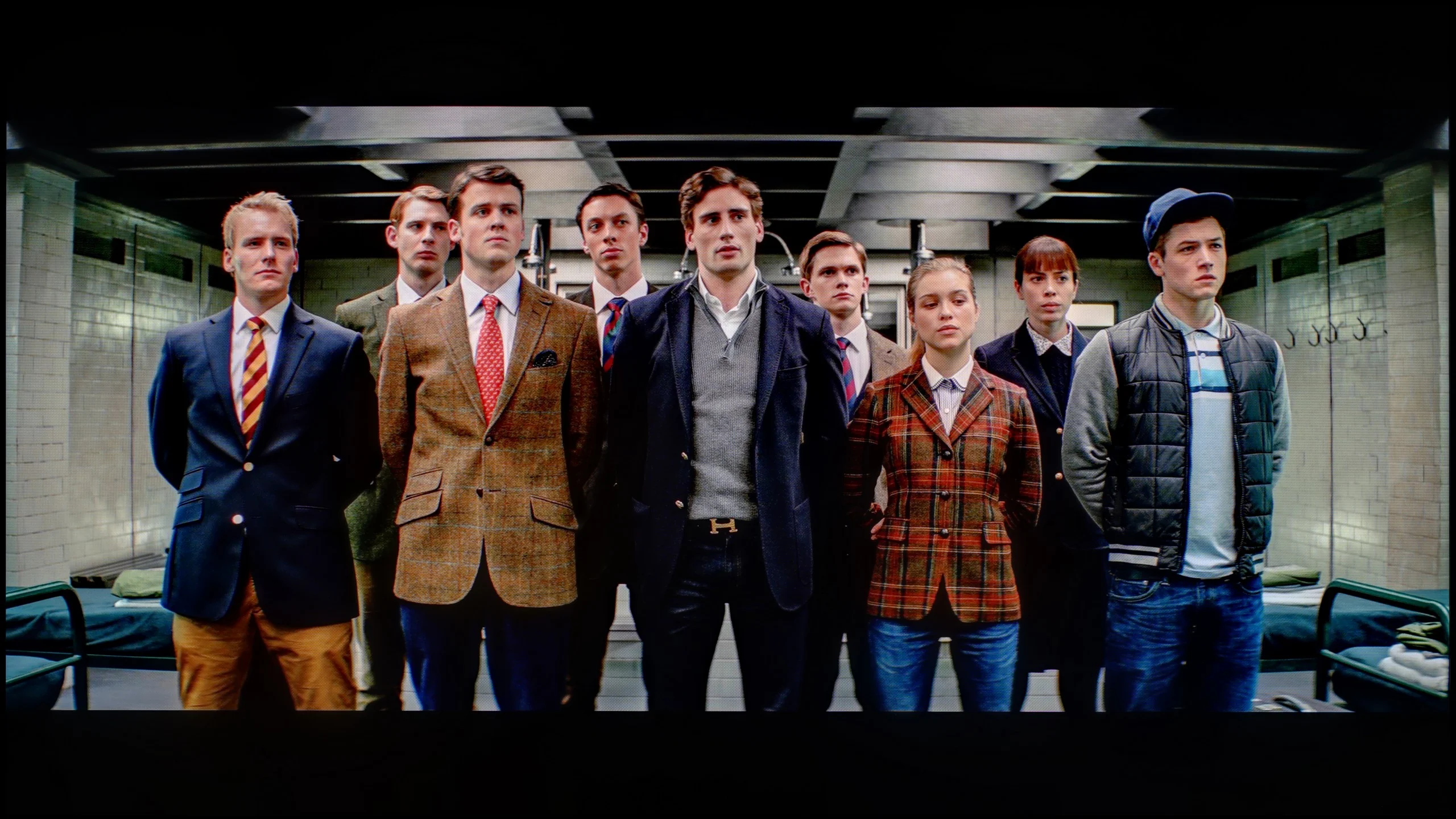
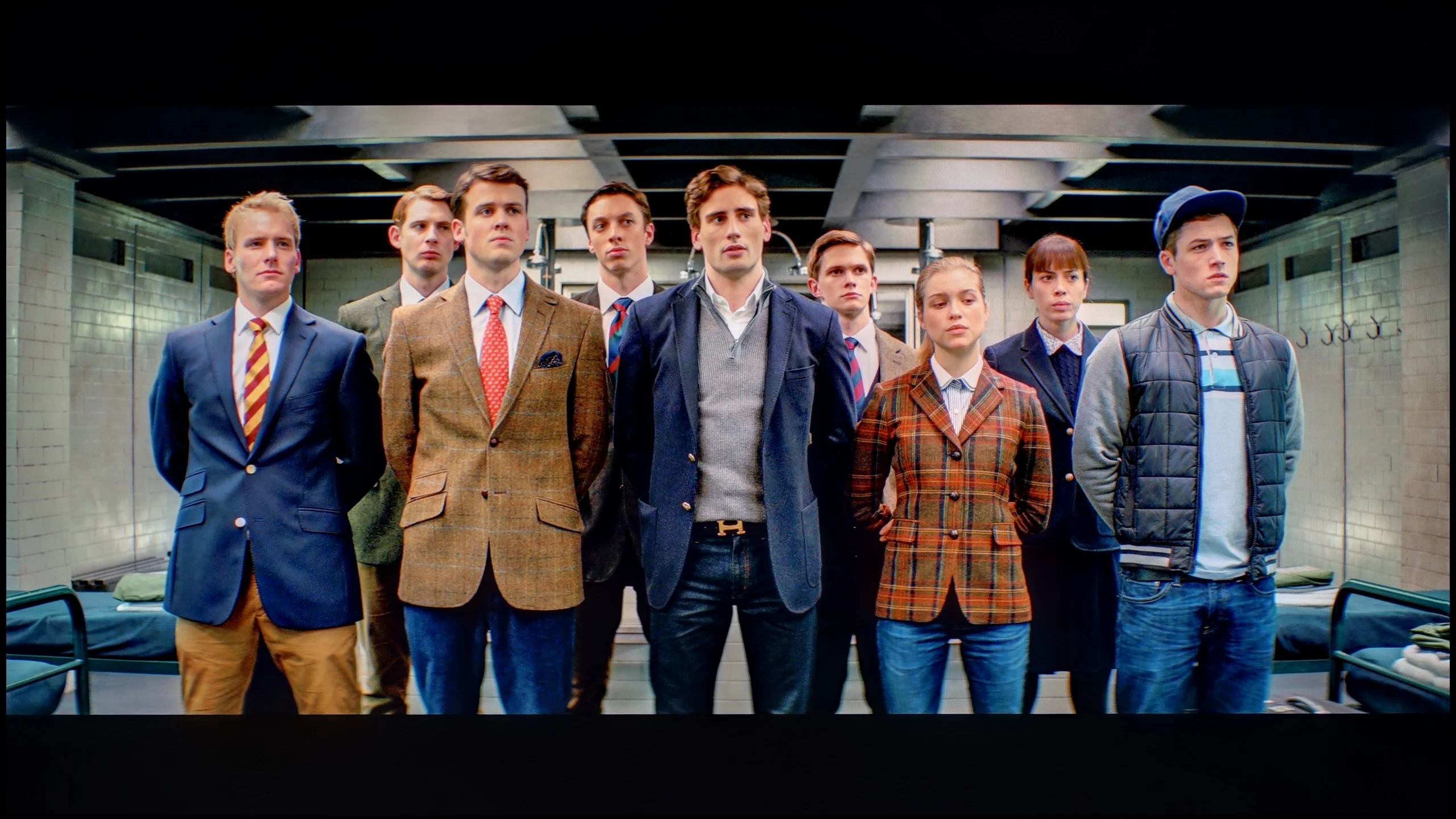
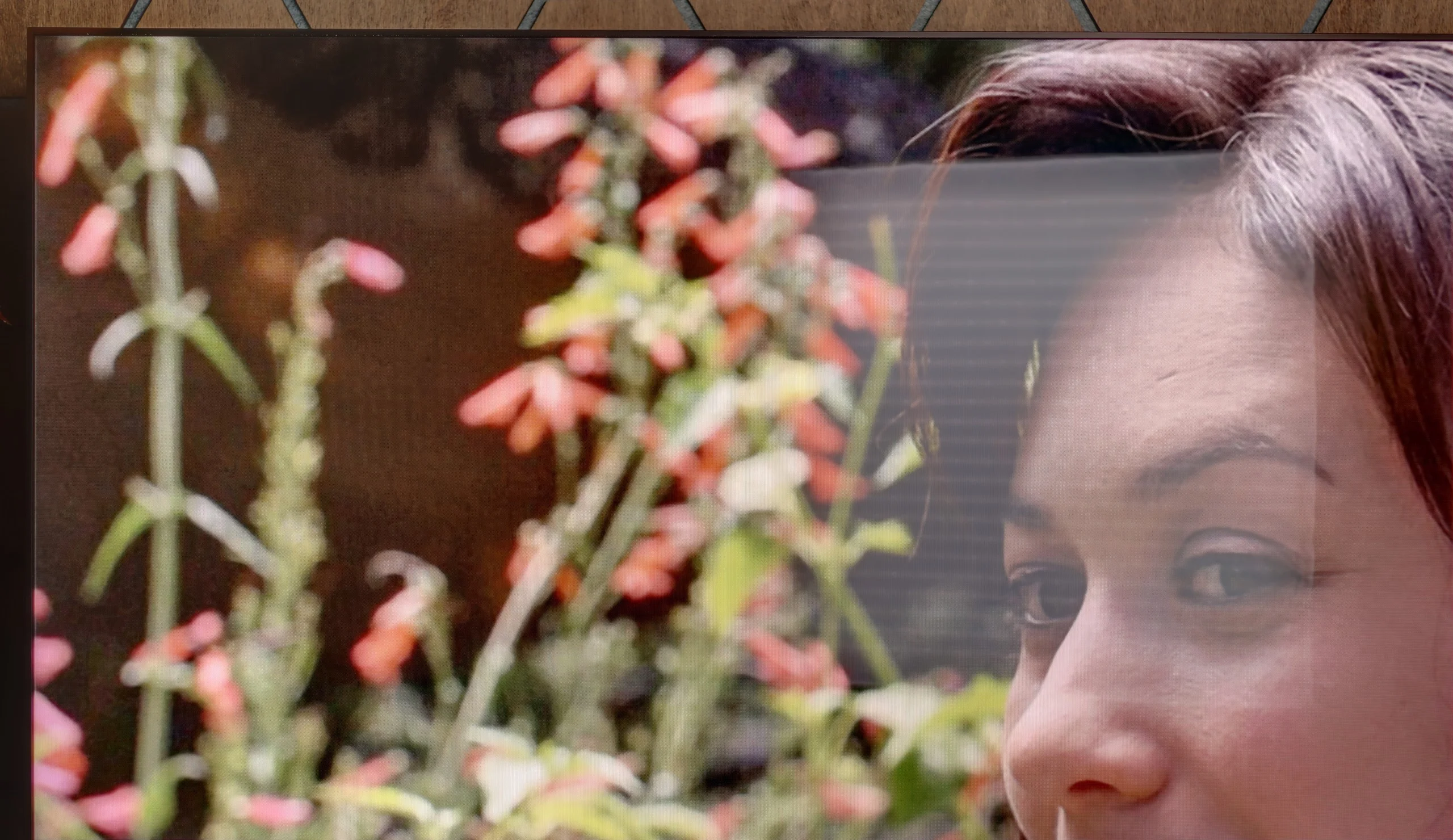
The photos show how movies look on the TV. Pay attention to black detail visibility, colors, and shadow tint.

The photos show how movies look on the TV. Pay attention to black detail visibility, colors, and shadow tint.

After a professional calibration we were above all able to fully tame the SDR signal. The X11L responded perfectly to our adjustments. We were able to completely straighten the white balance, eliminate that pink tint, and set gamma to a stable 2.4. After that treatment the picture finally became consistent with the director’s intent, natural and free of artificial boosts. For HDR we also managed to make minor corrections, but the TV’s biggest flaw remained unchanged. I’m talking, of course, about how the X11L manages its brightness and how badly it overshoots the EOTF curve. Unfortunately, TCL provides virtually no tools to manipulate this parameter. Even during professional calibration the software offers no way to tame that curve, so the TV will always tend to brighten the image in HDR.

Calibration of the Hisense U7S helped most with SDR content. We managed to even out the white balance, so the previous warm cast is gone and whites and grays look neutral. Gamma is also now very close to the reference, and the TV no longer brightens the image unnecessarily, so darker scenes have regained depth. Color Checker measurements confirm the improvement: most errors fall below 2. That yields a really well-calibrated picture for regular TV and SDR movies. It didn't go as smoothly in HDR. The TV lacks an effective way to correct the EOTF curve, so Hisense still interprets the content's brightness a bit on its own. It brightens parts of the image and can dim the brightest elements depending on the scene and the local dimming behavior. Calibration couldn't eliminate this. It shows up in the Color Checker results as well, where many errors remain around 3–4 and individual ones exceed 7. So in SDR the result is very good, but in HDR we have to accept that the TV adds its own interpretation of brightness to the image.

Smoothness of tonal transitions

9.5/10

8.5/10

These are selected scenes that show smooth tonal transitions from one color to another. If you see distinct banding, it’s the TV panel’s fault.

These are selected scenes that show smooth tonal transitions from one color to another. If you see distinct banding, it’s the TV panel’s fault.

These are selected scenes that show smooth tonal transitions from one color to another. If you see distinct banding, it’s the TV panel’s fault.

These are selected scenes that show smooth tonal transitions from one color to another. If you see distinct banding, it’s the TV panel’s fault.

Praise is due for the smoothness of tonal transitions. In both bright and dark areas the image simply looks smooth and is free of annoying banding or contouring. Importantly, with Dolby Vision content this issue is also not pronounced, which is something that happens quite often on other TVs. Minor gradation errors are visible only on specific shades of gray, but they’re small enough that in everyday use they will bother virtually no one. In that respect the X11L is almost flawless.

The smoothness of tonal transitions is one of the Hisense U7S’s stronger points. HDR10 material performs especially well, with colors blending gently into one another without noticeable banding. Even in dark scenes it’s hard to find major issues. Minor color stepping is visible only in brighter shots, but during typical viewing it usually doesn’t attract attention. It looks a bit worse in Dolby Vision, where boundaries between shades can be more apparent. That’s why Hisense loses some points from us, although overall this is still a very good result and one of the better performers in its class.

Image scaling and smoothness of tonal transitions

8/10

6/10

Image without overscan on the SD signal
OK
OK
Smooth transition function
OK
OK

Smooth transition function

The match photo shows how the TV smooths weak tonal transitions in low-quality video.

Image scaling SD (576i)

The model photo shows how it handles upscaling of SD material.

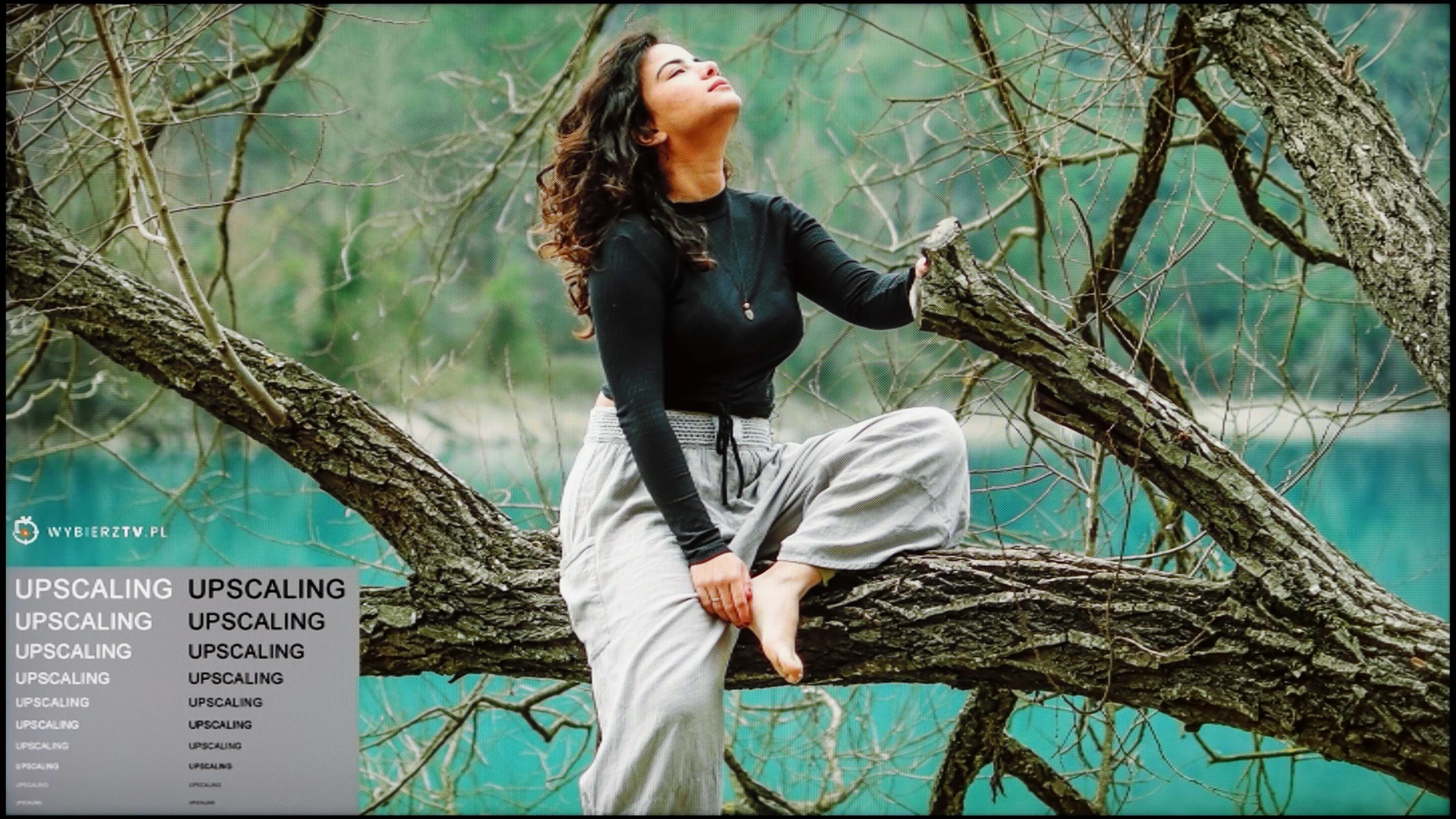
Like in the C8L model we tested earlier, TCL has delivered a substantial upgrade in its flagship X series in this area. It's all thanks to the MediaTek Pentonic 800 processor used in this model. Thanks to it, features that smooth tonal transitions or even upscale content to higher resolutions finally look the way they should. The biggest Achilles' heel of previous TCL models has finally been addressed. The processor excels at digital processing, and in this respect the TV no longer lags behind flagship models from Korea or even the most refined ones from Japan.

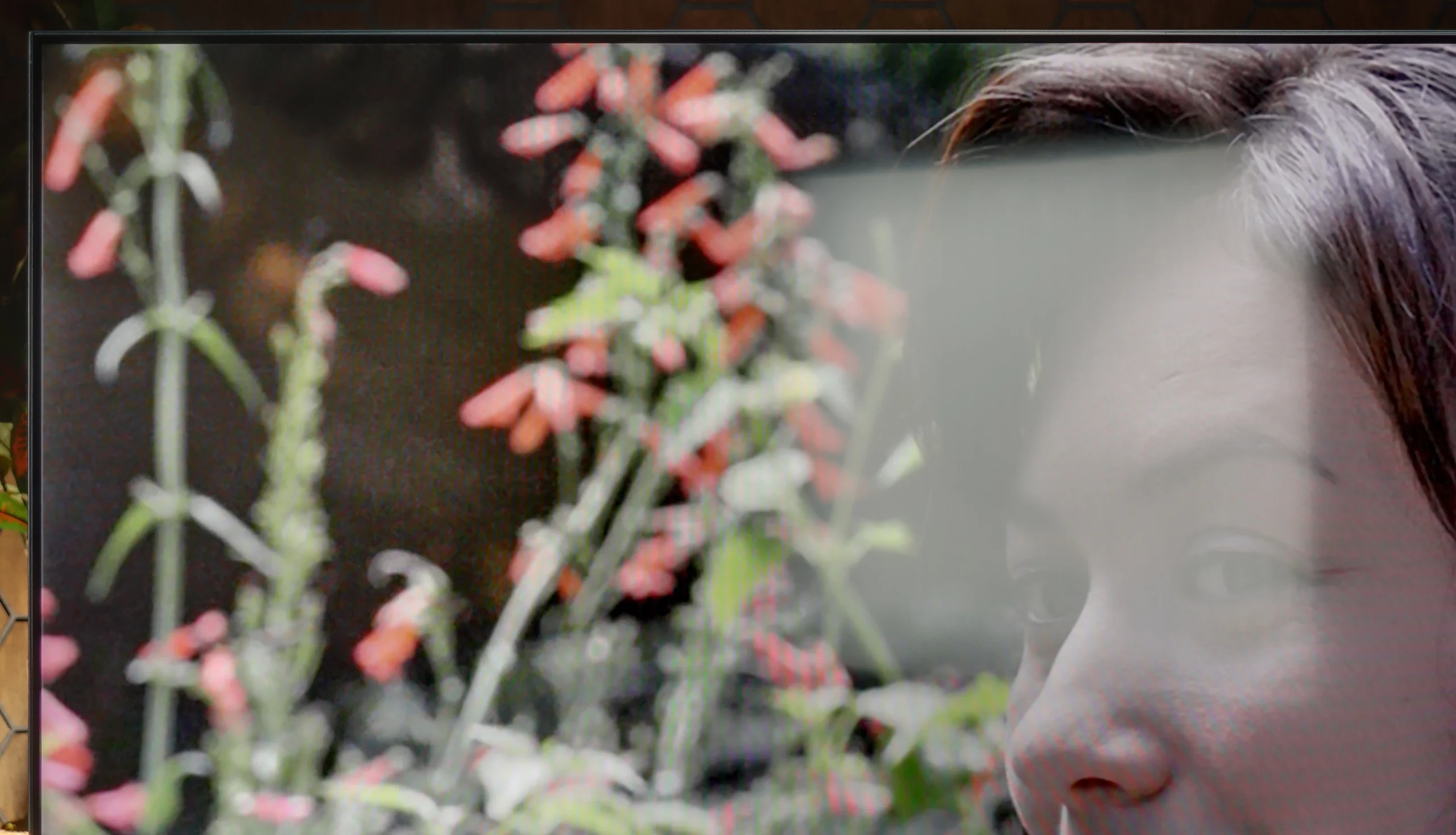
The handling of lower-quality material on the Hisense U7S is fairly mediocre. The Pentonic 700 chipset used here doesn't cope well with the effects of heavy compression. The menu includes a "Smooth & Gradient" picture option, but its performance leaves much to be desired. At the low setting it's hard to notice any improvement in tonal transitions, although at least the image isn't degraded. The medium and high settings still don't remove visible banding between shades and begin to smear details; in our test clips even parts of characters' faces disappeared. Interestingly, film grain remains untouched at every level. If you use this feature, we'd stick with the low setting. Its current behavior needs refinement, but that's mainly down to the processor used. Upscaling to 4K performs much better. Lower-resolution footage gains clarity, edges are well reconstructed, and fine elements look crisp. That doesn't mean it can recover details that weren't in the recording, but the TV makes good use of what it gets from the source. Another plus is that it doesn't crop the image edges, even with an SD signal.

Blur and motion smoothness

7.9/10

7/10

Maximum refresh rate of the panel
144Hz
144Hz
Film motion smoothing option
OK
OK
Blur reduction option
OK
OK
BFI function 60Hz
Yes, 120Hz (double contours)
BFI function 120Hz
Yes, 240Hz (double contours)
Brightness drop with BFI
50%
55%

Blur (native resolution, maximum refresh rate):

Blur (BFI function enabled):

Blur (1080p@288Hz):

Blur (1080p@240Hz):

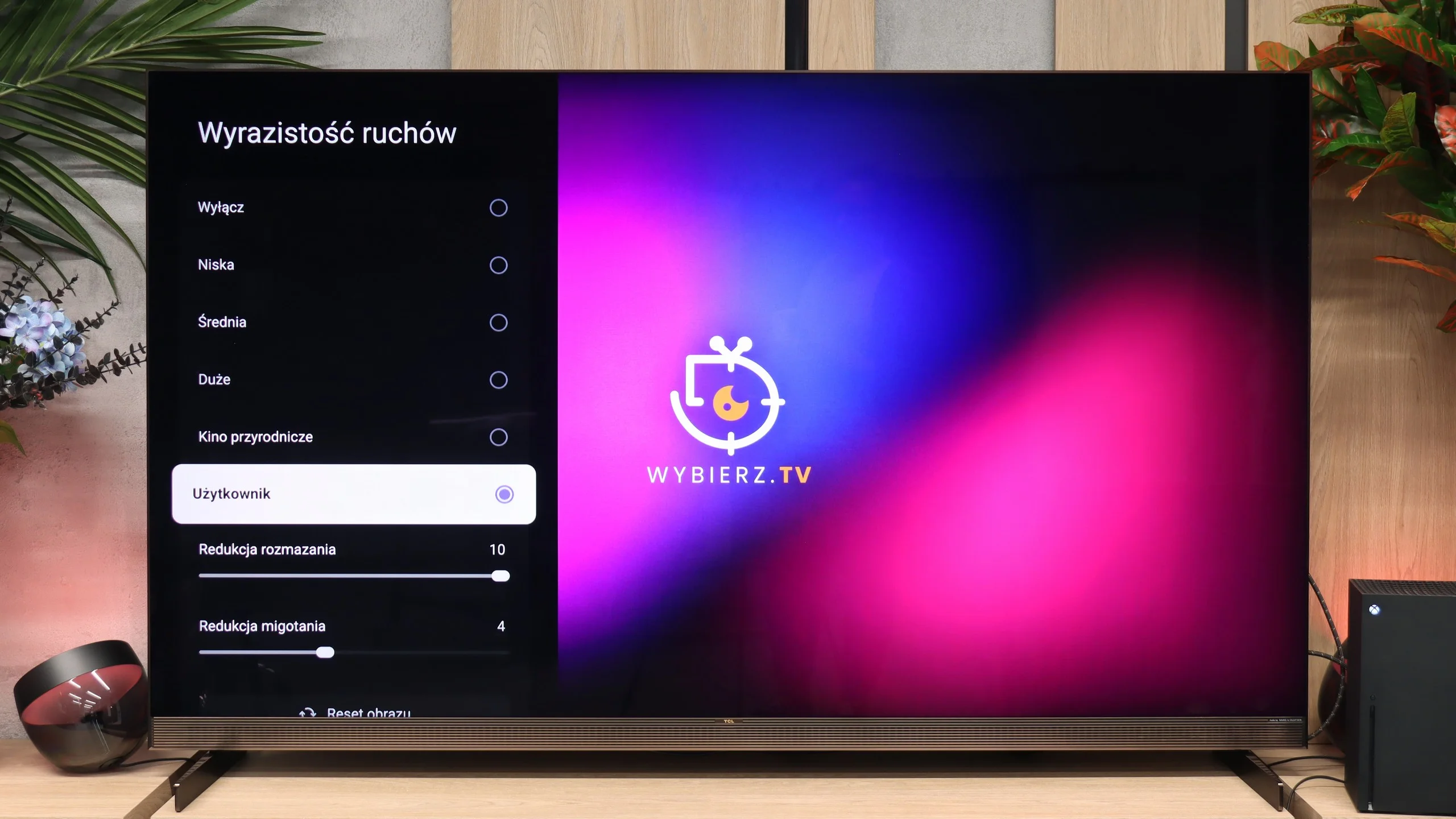
In terms of specs, the X11L can impress: it supports refresh rates up to 144 Hz at 4K, and at Full HD it can be pushed to 288 Hz. But from a real-world perspective, we were most interested in how the screen handles 120 Hz. After all, modern hardware is limited to that rate, led by current-generation consoles. How does it perform in practice? Although it uses a VA panel, the screen doesn't exhibit heavy ghosting. With very fast-moving objects you can notice a slight smear, but it's subtle enough that it doesn't stand out when gaming or watching sports. The motion smoothing feature called "Motion Clarity" is also very helpful; it lets you adjust motion smoothness to your liking. Recommended settings are shown in the photo.

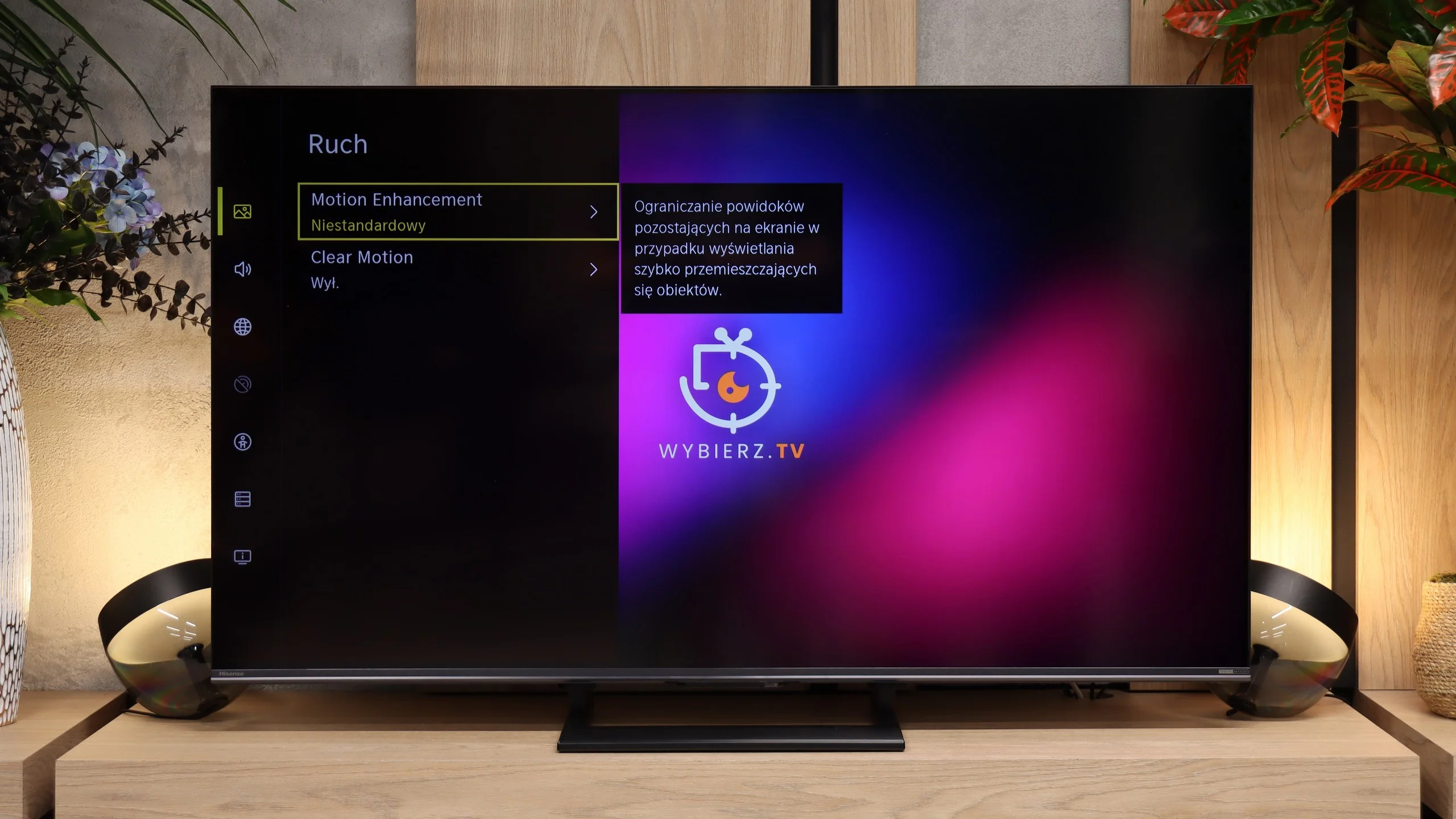
Motion handling on the Hisense U7S is pretty good thanks to the 144 Hz refresh rate. For movies we also have a motion smoothing feature that lets you adjust judder and blur reduction. You can therefore keep a more cinematic motion or increase smoothness if abrupt camera shifts bother you. In sports and games the high refresh rate is also useful, but unfortunately it doesn't solve this panel's biggest problem.

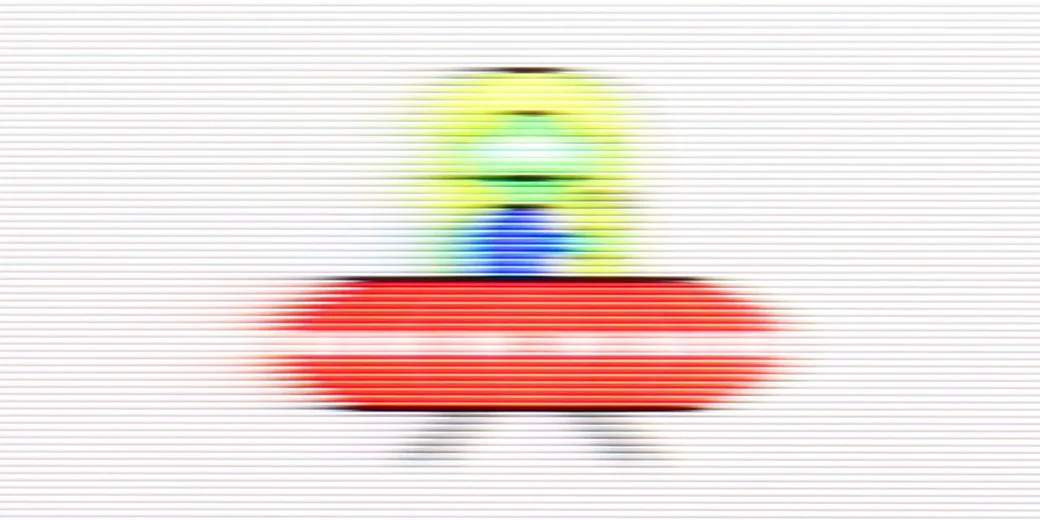
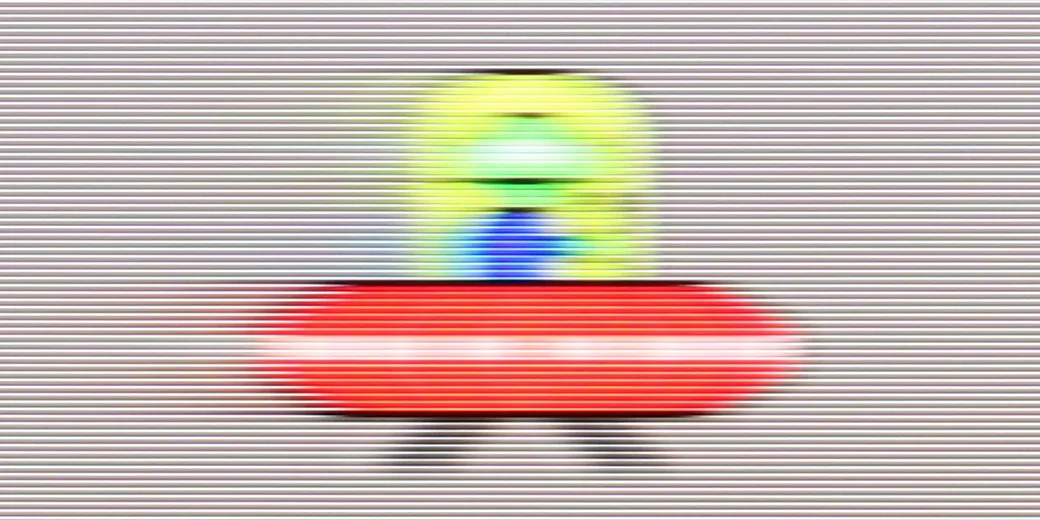
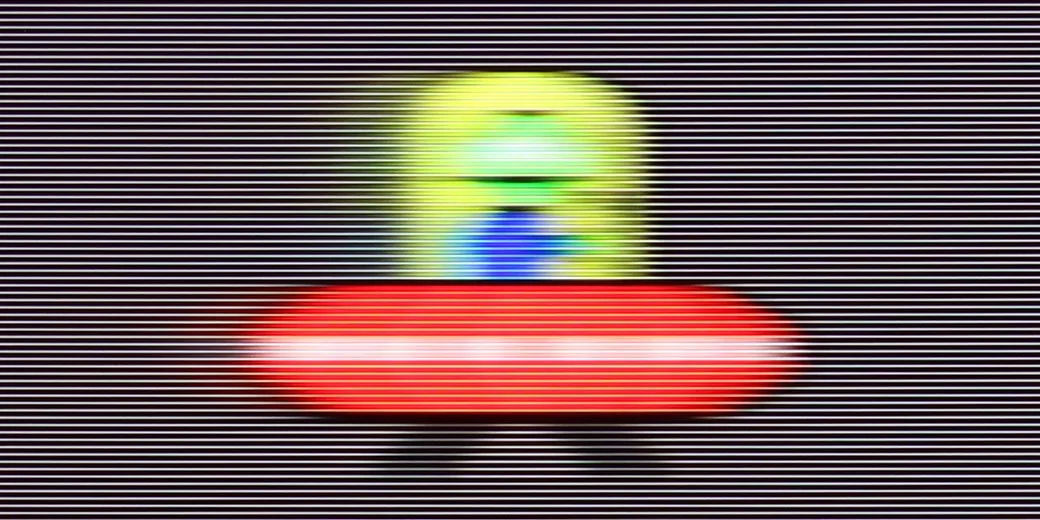
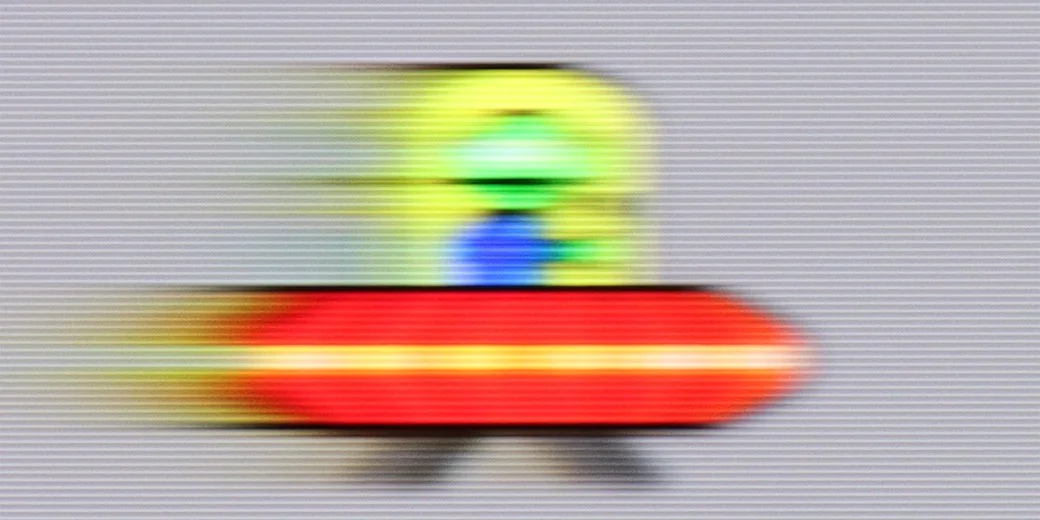
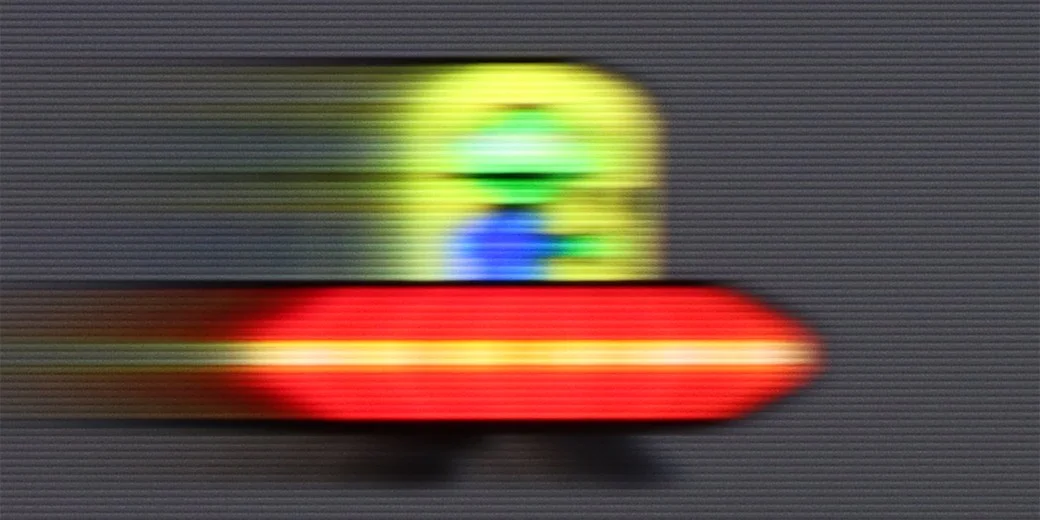
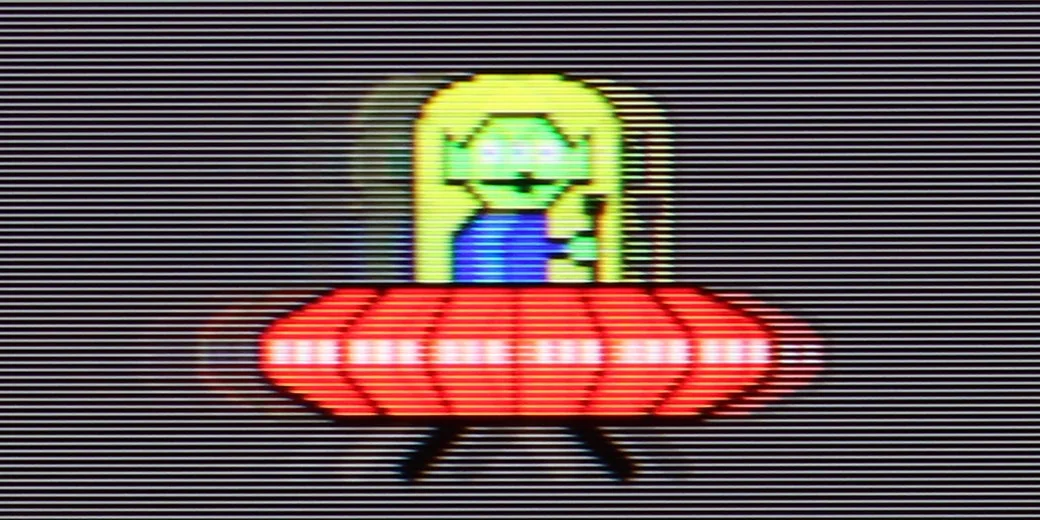
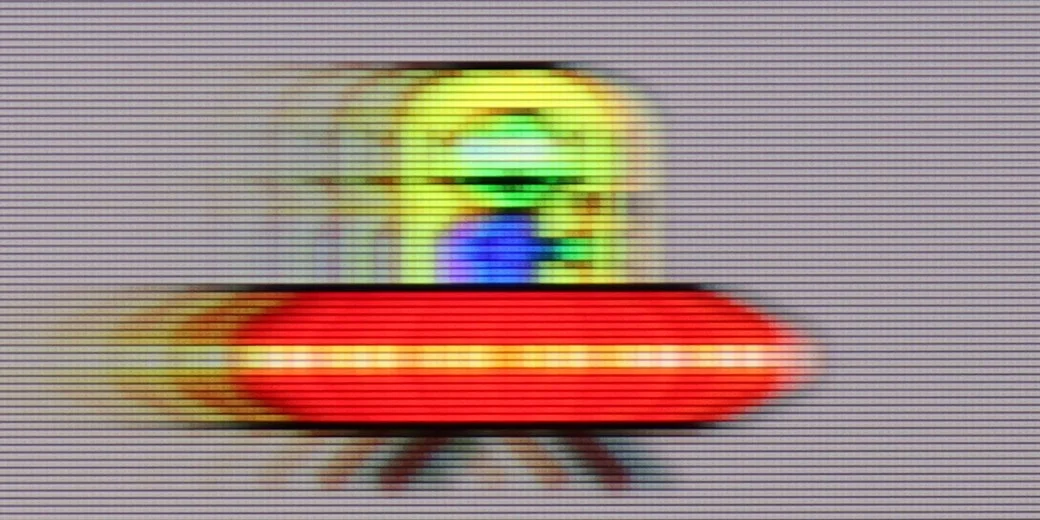
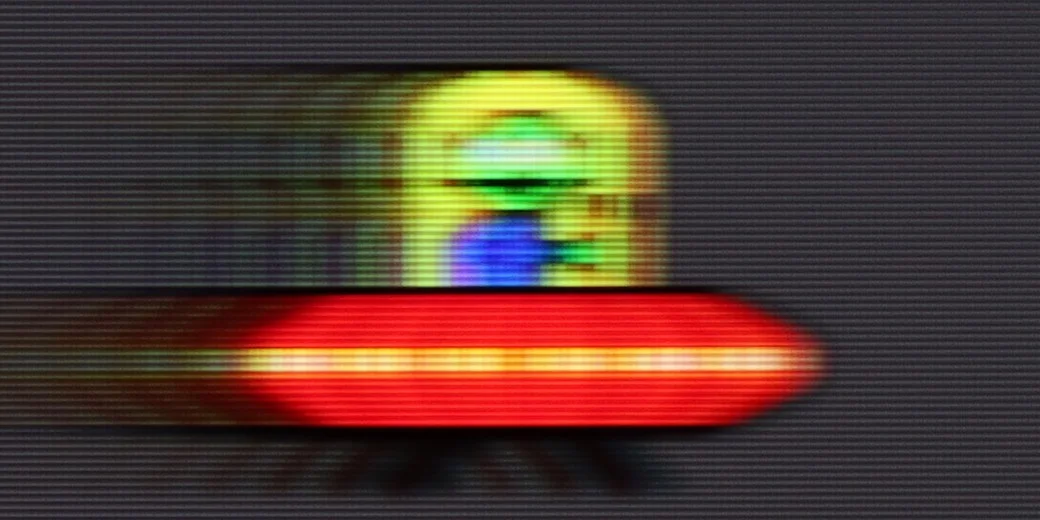
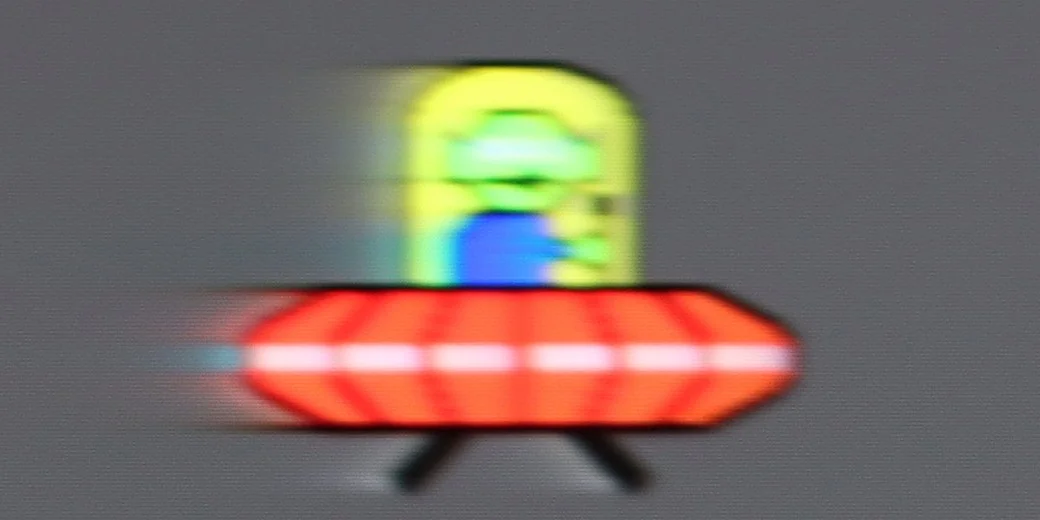
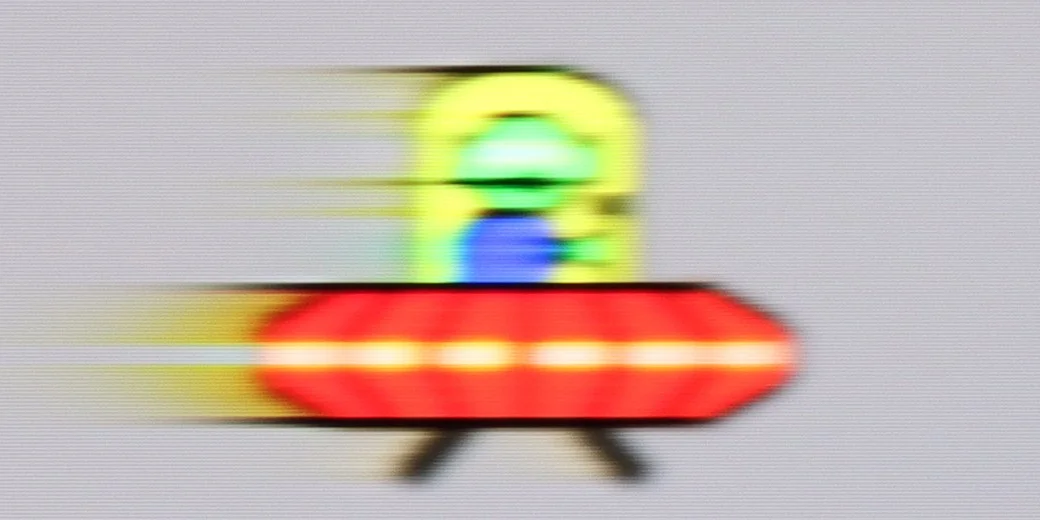
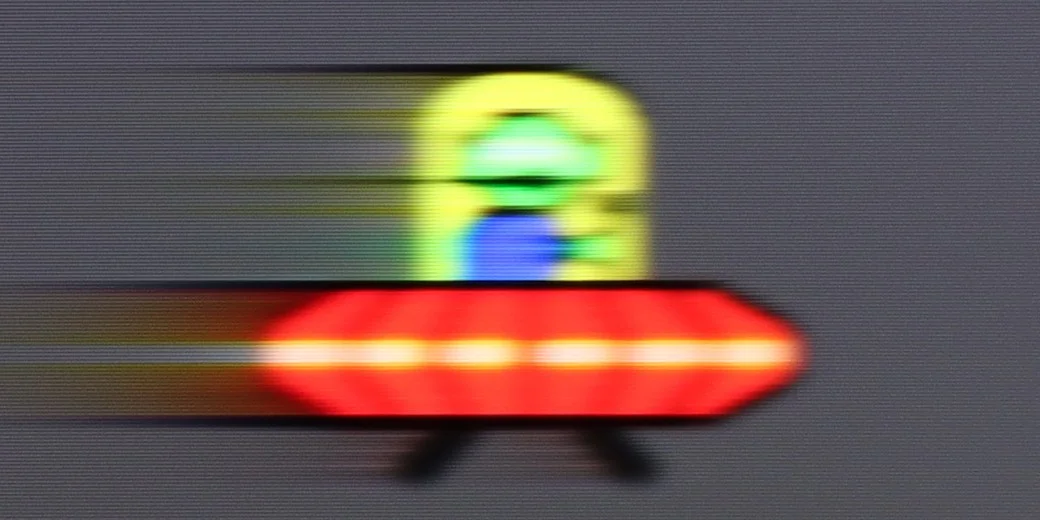
The culprit is pixel response time. Fast-moving objects leave long, noticeable trails, as our UFO test shows. It's worst on dark backgrounds, where the trail behind the object is especially pronounced. So motion can be smooth, but the moving object itself loses sharpness, and that difference on the U7S is fairly easy to notice.

Console compatibility and gaming features

9.8/10

8.5/10

  • ALLM
    Yes
    Yes
  • VRR
    Yes
    Yes
  • VRR range
    48 - 288Hz
    48 - 240Hz
  • Dolby Vision Game Mode
    Yes
    Yes
  • Correct implementation of HGIG
    Yes
    No
  • 1080p@120Hz
    Yes
    Yes
  • 1440p@120Hz
    Yes
    Yes
  • 4K@120Hz
    Yes
    Yes
  • Game bar
    Yes
    Yes

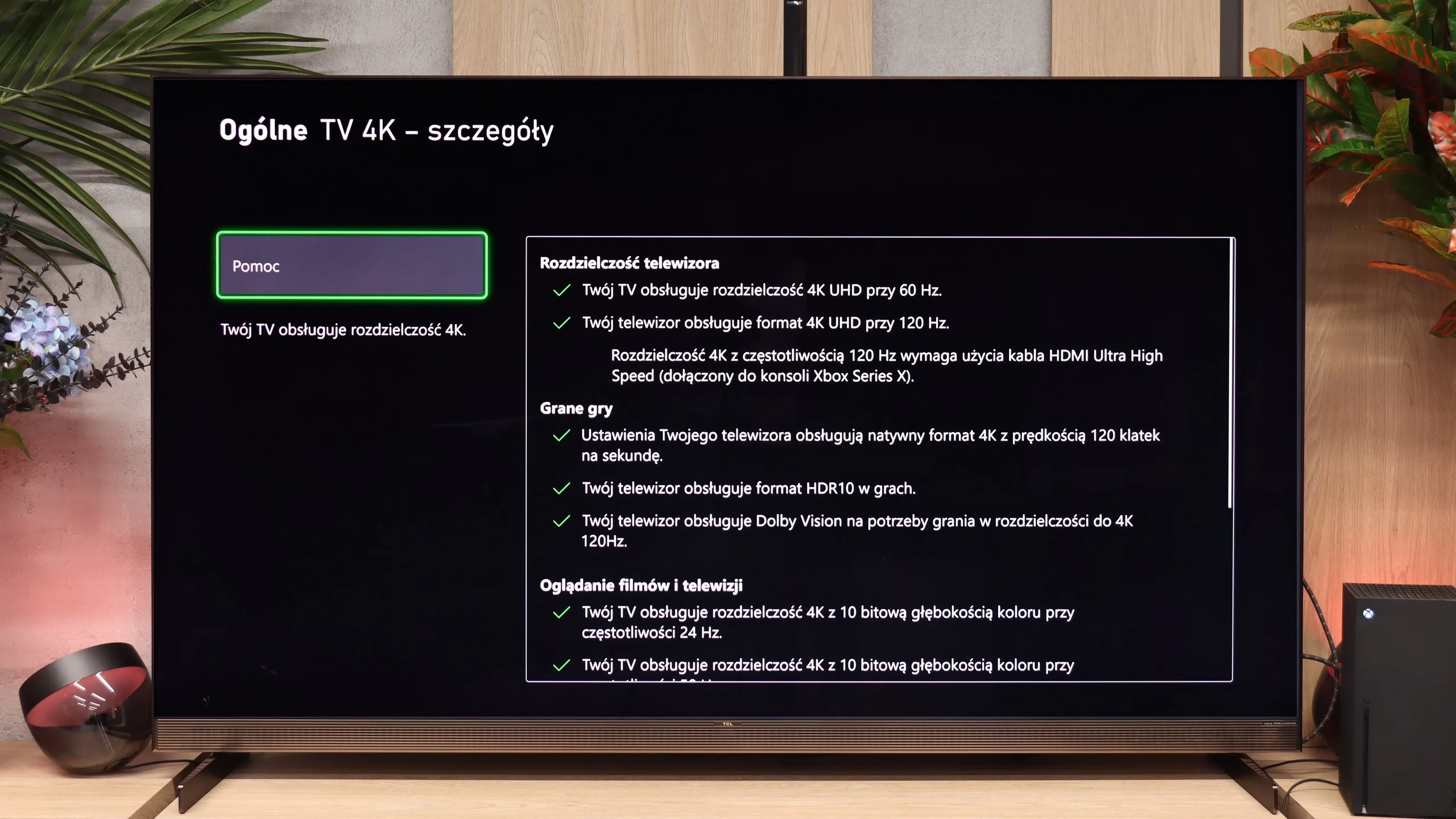
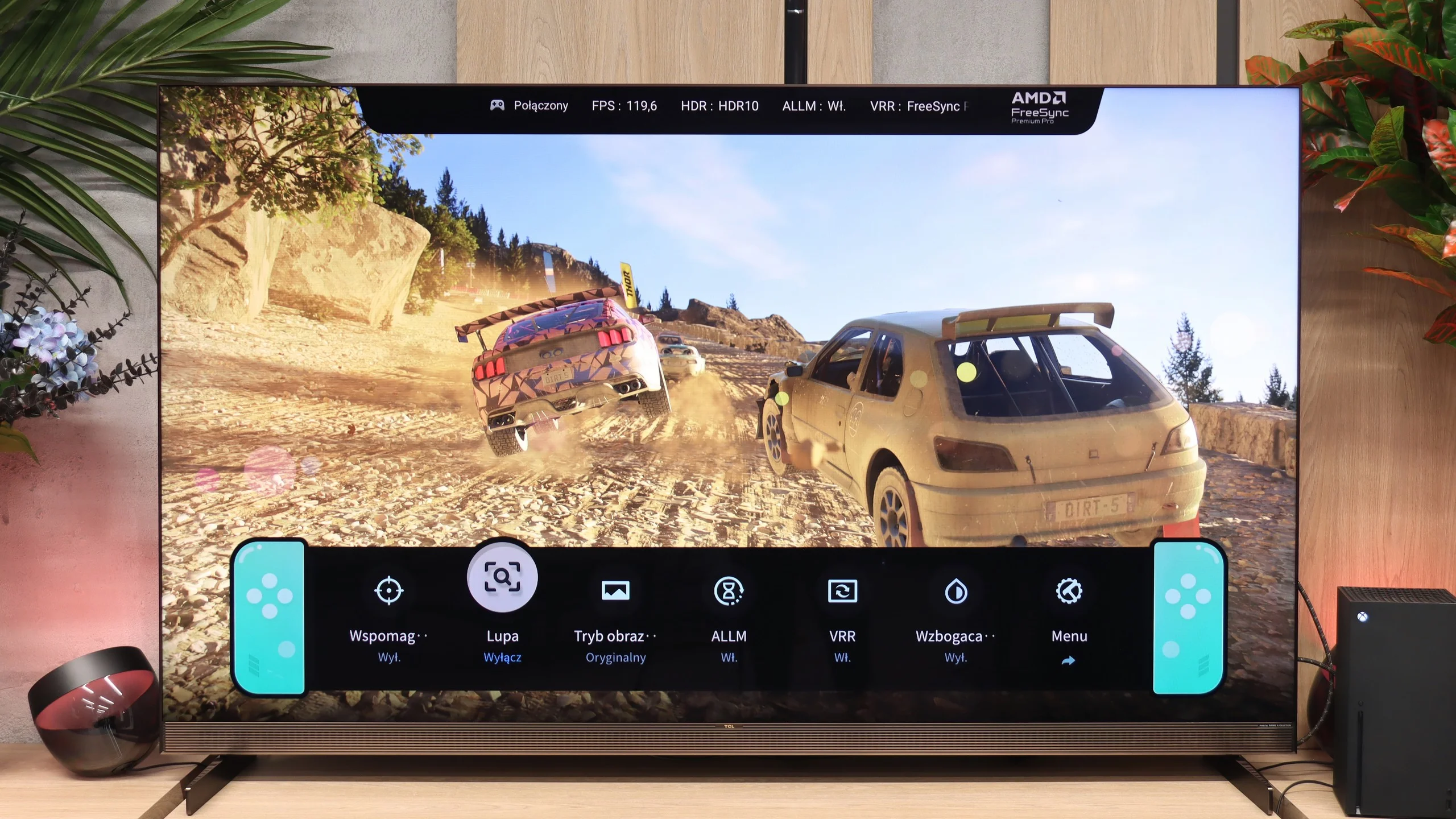
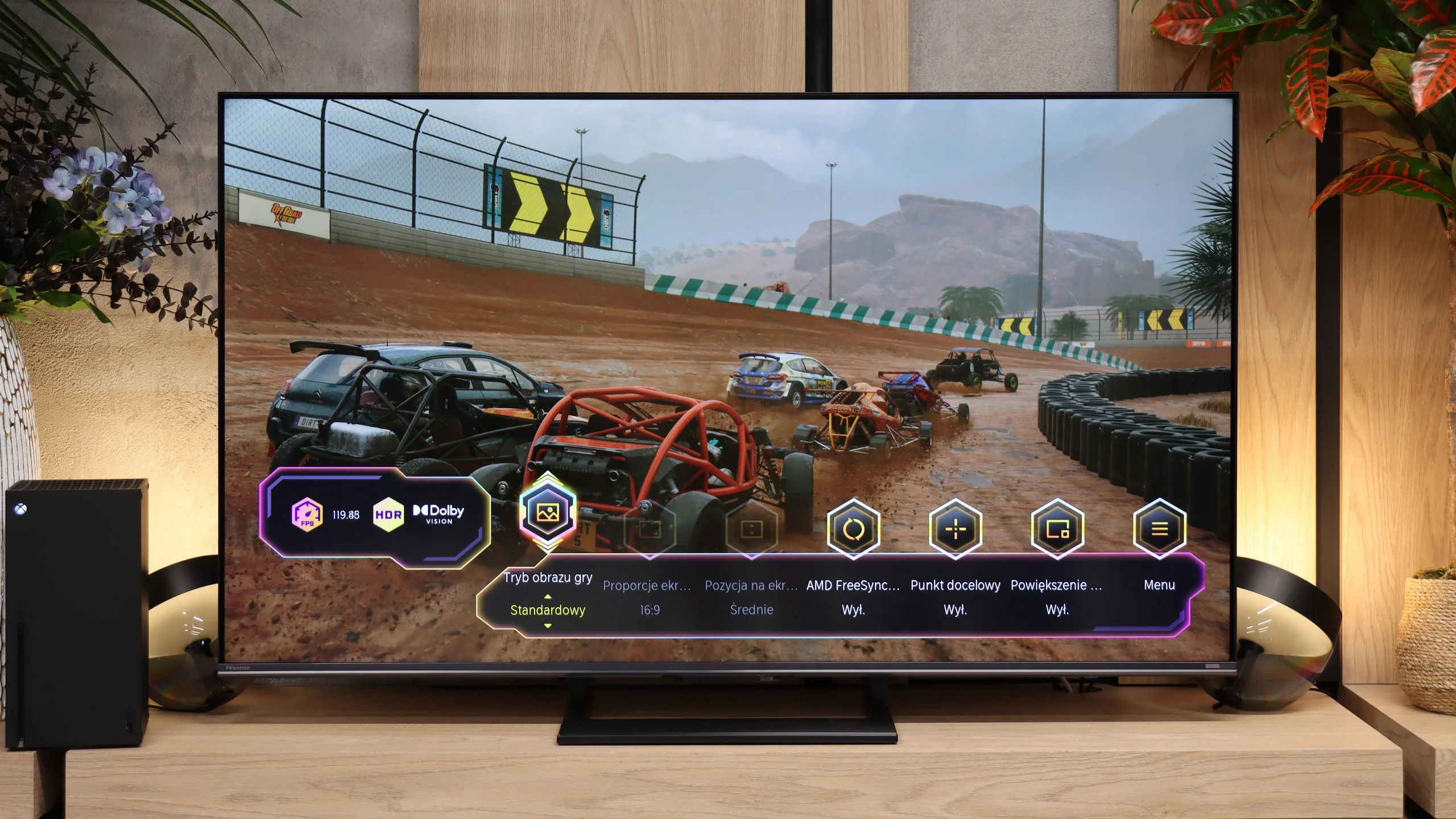
For gamers the X11L is simply a superb screen. TCL has already gotten us used to the fact that its products deliver practically every feature available on the market, and it's exactly the same with the flagship from the X series. Thanks to the new processor, the X11L offers four HDMI 2.1 ports with the full 48 Gbps bandwidth. Naturally, the 2.1 standard brings a set of extremely useful options, such as Auto Low Latency Mode (ALLM) and VRR frame synchronization, working across the full refresh range up to 288 Hz. All of these features can be conveniently controlled from a dedicated Game Bar. Interestingly, its appearance can be customized to your taste, with three ready-made themes referencing Nintendo, PlayStation, and Xbox consoles. And speaking of Xbox: Dolby Vision Gaming also works on the X11L without any problems.

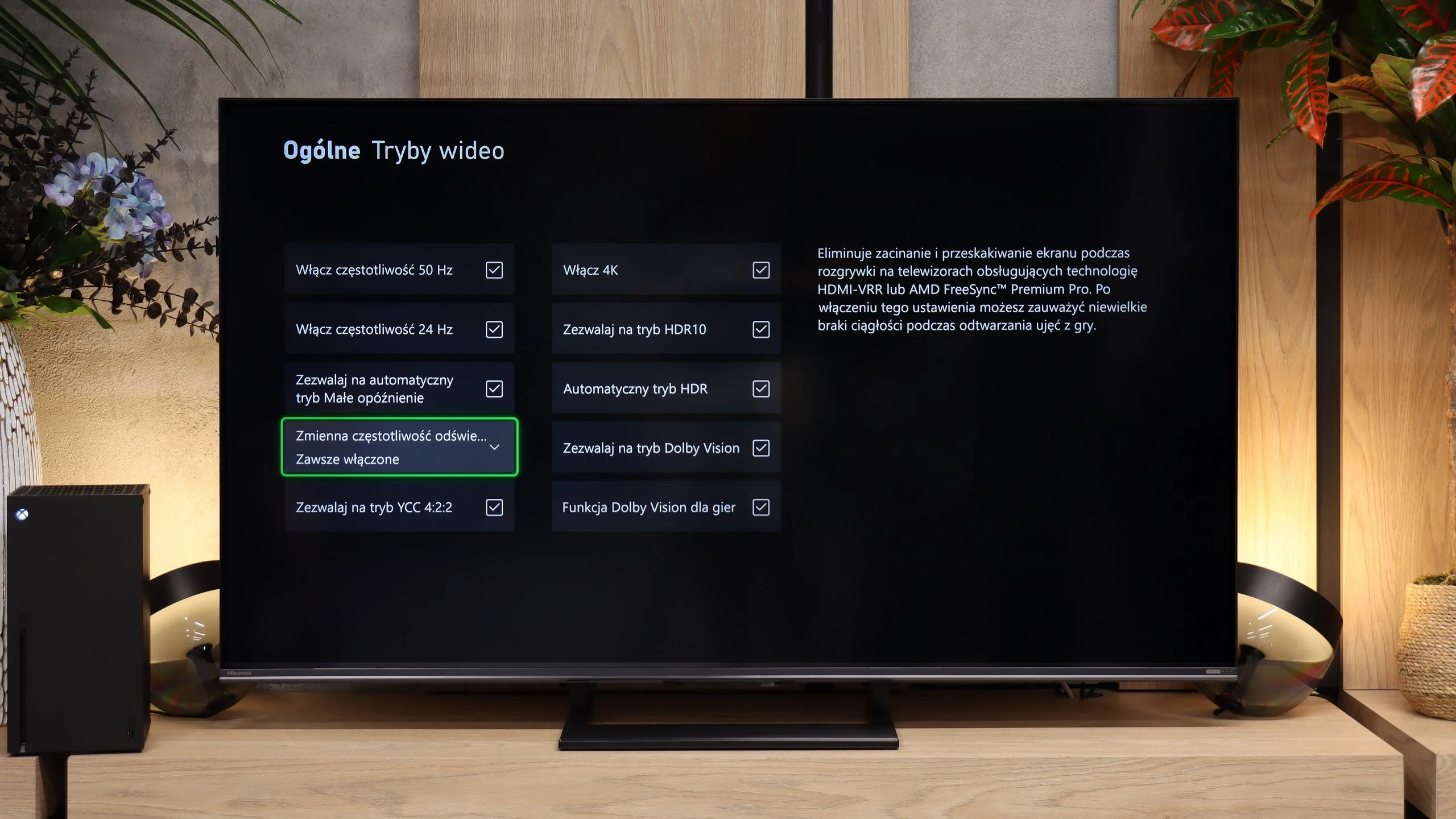
When gaming in the standard HDR10 format, however, you should be aware of the specific tuning of the brightness curve, which can cause problems during initial setup. Although the TV supports HGiG, configuring everything through the PlayStation or Xbox system menus can be tricky. The screen's algorithms tend to artificially brighten the test checkerboard pattern, making it really hard to hit the correct white clipping point by eye. For HDR10 content to look right, we recommend manually setting the brightness in the console menu to around 2500–3000 nits.

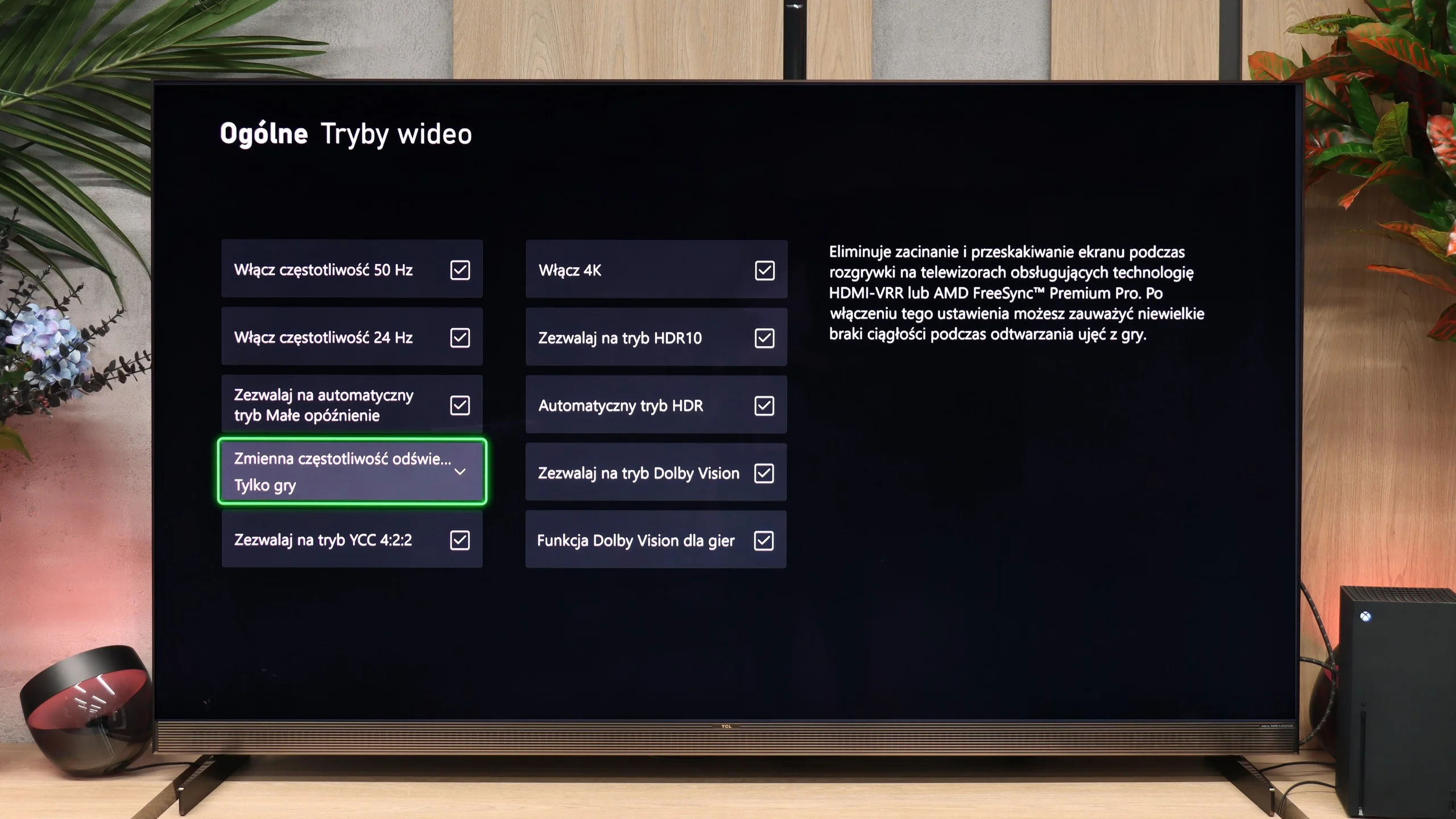
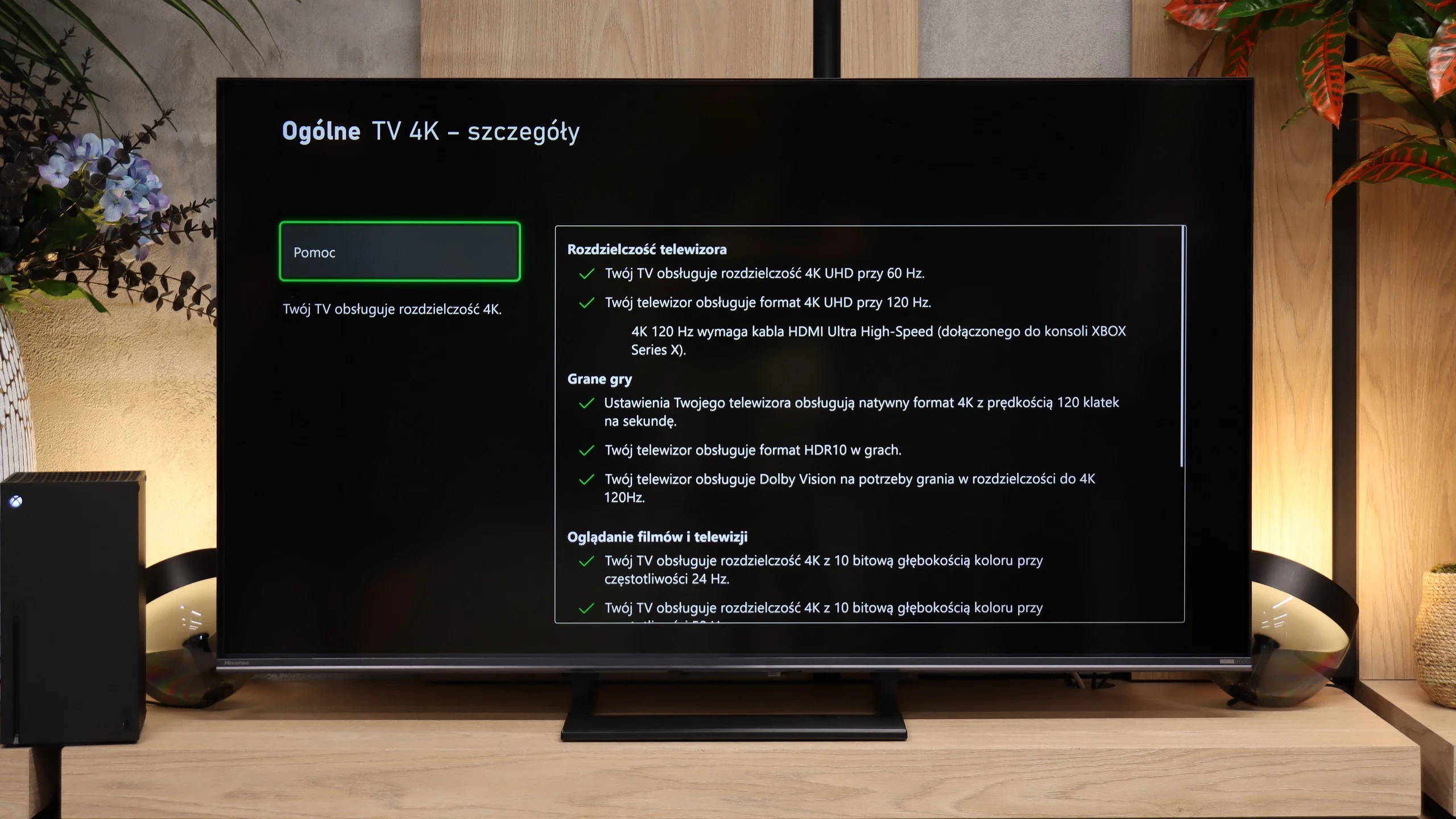
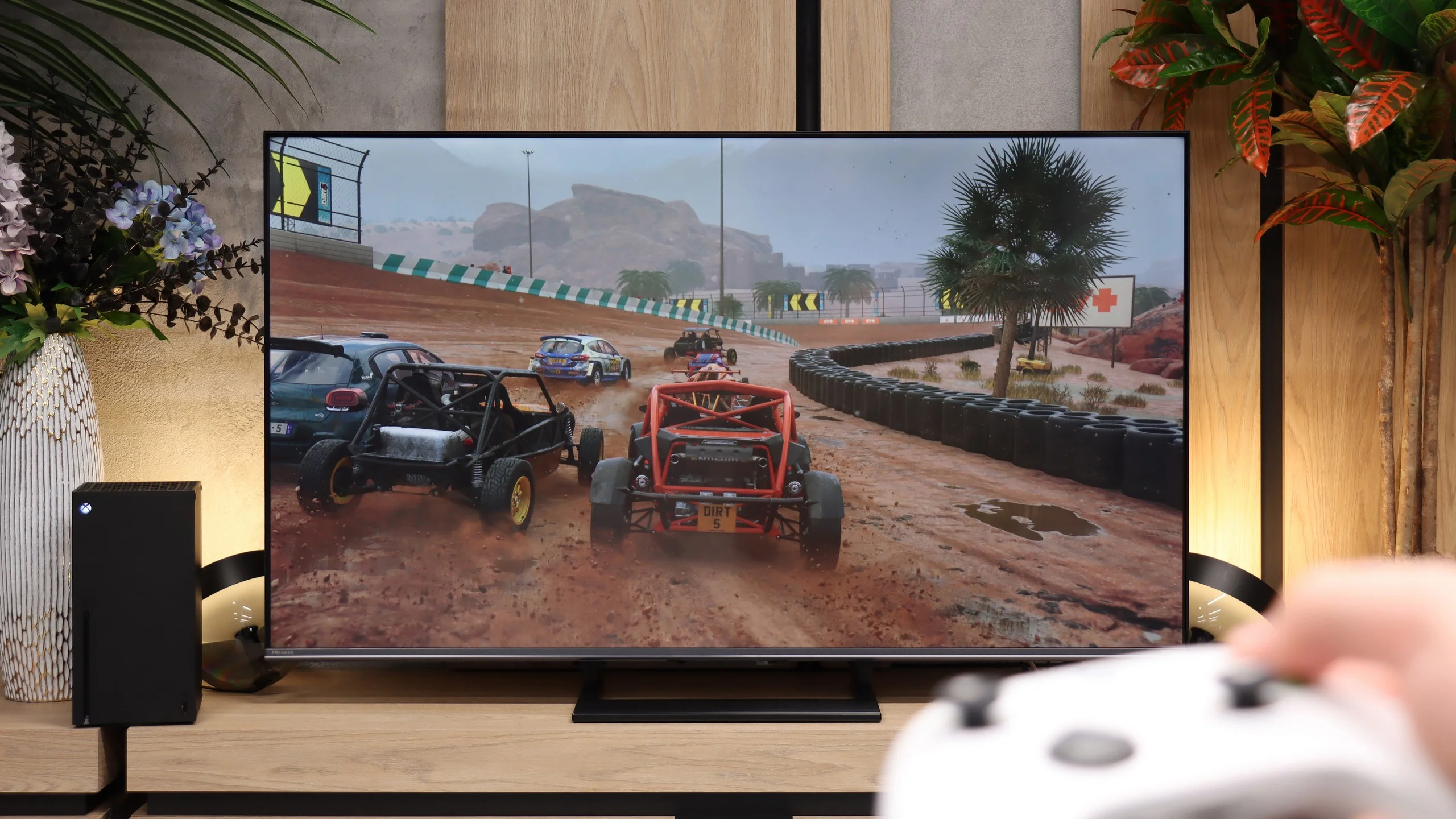
The Hisense U7S has a lot to offer gamers. You get two HDMI 2.1 ports and support for 120 Hz at Full HD, 1440p, and 4K, so modern consoles’ capabilities are well used. When connected to a PC you can use 144 Hz at 4K or switch the resolution to Full HD and run 240 Hz. So there’s a wide choice, although it’s worth remembering the motion smearing mentioned earlier, which the high refresh rate does not eliminate. VRR and ALLM are also present. The first helps prevent tearing when frame rates in a game change. The second automatically switches the TV into game mode, so you don’t have to dig through the menu each time. VRR works from 48 to 240 Hz, with the highest refresh rate available in Full HD. Xbox users can also play in Dolby Vision, including at 120 Hz. Importantly, this format does not introduce significant input lag here. The Game Bar also looks very good. It’s easy to read, visually appealing, and lets you quickly check what signal the TV is receiving. There are also handy gaming settings at your fingertips, including shadow brightening. If it’s hard to spot an opponent in a dark game, you can improve visibility without digging through the entire menu.

Our biggest complaints concern HGiG. Hisense continues to do its own tone mapping, which makes setting HDR on the console confusing. You adjust a checkerboard test pattern and the TV continuously adapts how it looks. As a result, the moment the pattern disappears does not correctly indicate the screen’s brightness limit, and it’s easy to set the value too high. For this model it’s better to set the target HDR peak brightness on the console to about 900 to 1000 nits, rather than relying on the configurator.

Input lag

9.8/10

9.9/10

SDR

1080p60
17 ms
16 ms
1080p120
10 ms
10 ms
2160p60
16 ms
16 ms
2160p120
10 ms
10 ms

HDR

2160p60
16 ms
14 ms
2160p120
9 ms
9 ms
4320p60

Dolby Vision

2160p60 DV
16 ms
14 ms
2160p120 DV
10 ms
9 ms

Input lag is very good. Figures around 10–15 ms don't exactly break market records, but in practice they deliver the same level of comfort as the top 5 ms. At values this low the difference is purely theoretical. During gameplay no one can sense any delay.
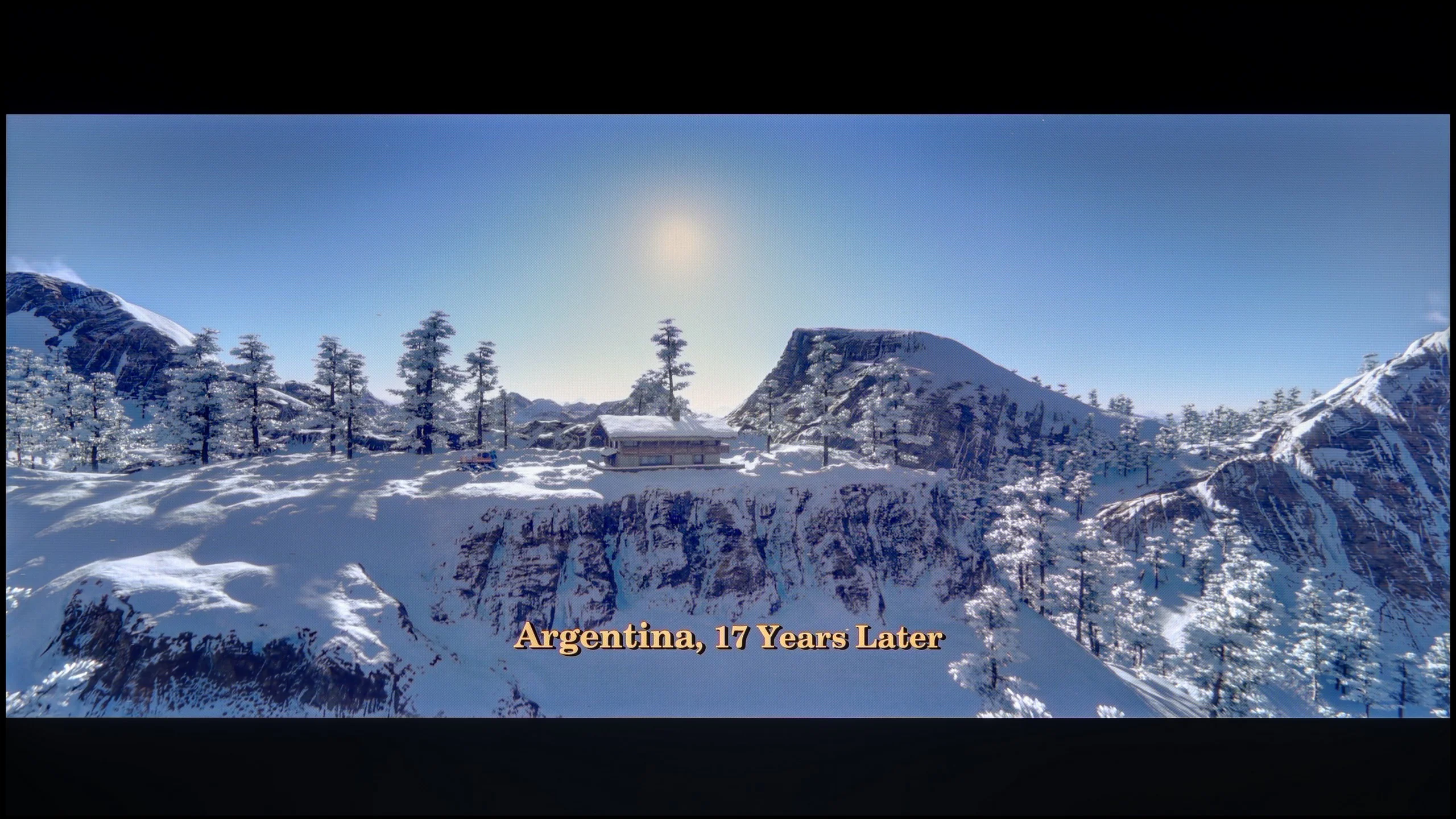
In terms of input lag the Hisense U7S performs excellently. At 60 Hz we measured 14–16 ms, and at 120 Hz just 9–10 ms. Input is responsive, and even in fast-paced games the TV doesn't introduce any noticeable delay. Importantly, Dolby Vision performs just as well, with 14 ms at 60 Hz and 9 ms at 120 Hz, so you don't have to give up that format for fear of added latency. The motion smearing described earlier is a separate issue: the panel responds quickly to input, but the pixels don't always keep up with color changes.

Compatibility with PC

8.6/10

8.2/10

Chroma 444 (max. resolution and refresh rate)
Yes
Yes
Font clarity
Very Good
Good
Readability of dark text and shapes
Average
Average
Input lag in PC mode (4K, max. refresh rate)
9ms
10ms
Matrix subpixel arrangement
RGB
BGR
Max refresh rate
144Hz
144Hz
G-Sync
Yes
Yes

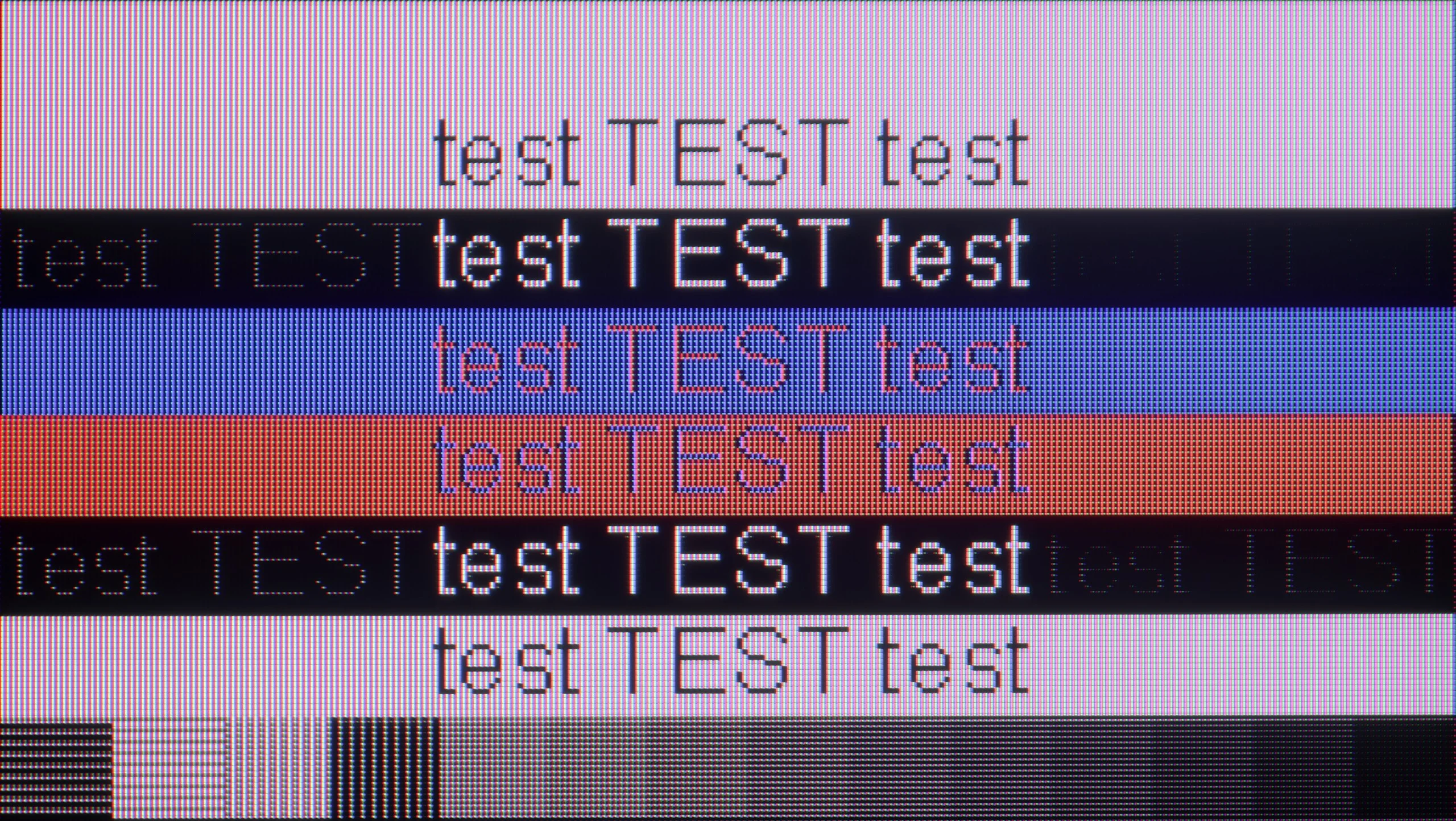
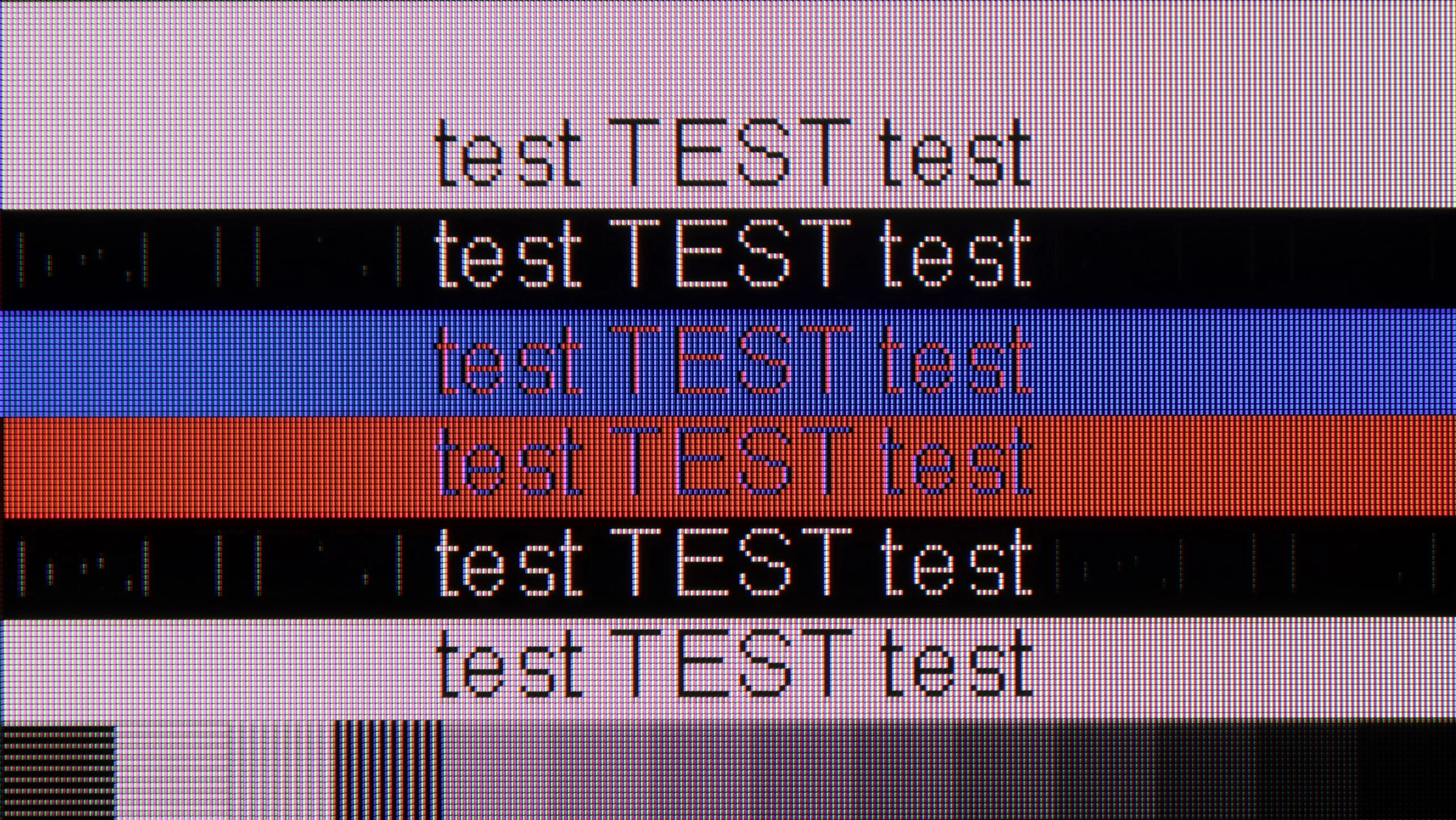
The photo shows the legibility of small fonts. Ideally, lines should be the same thickness on both light and dark text, with minimal pixel gaps.

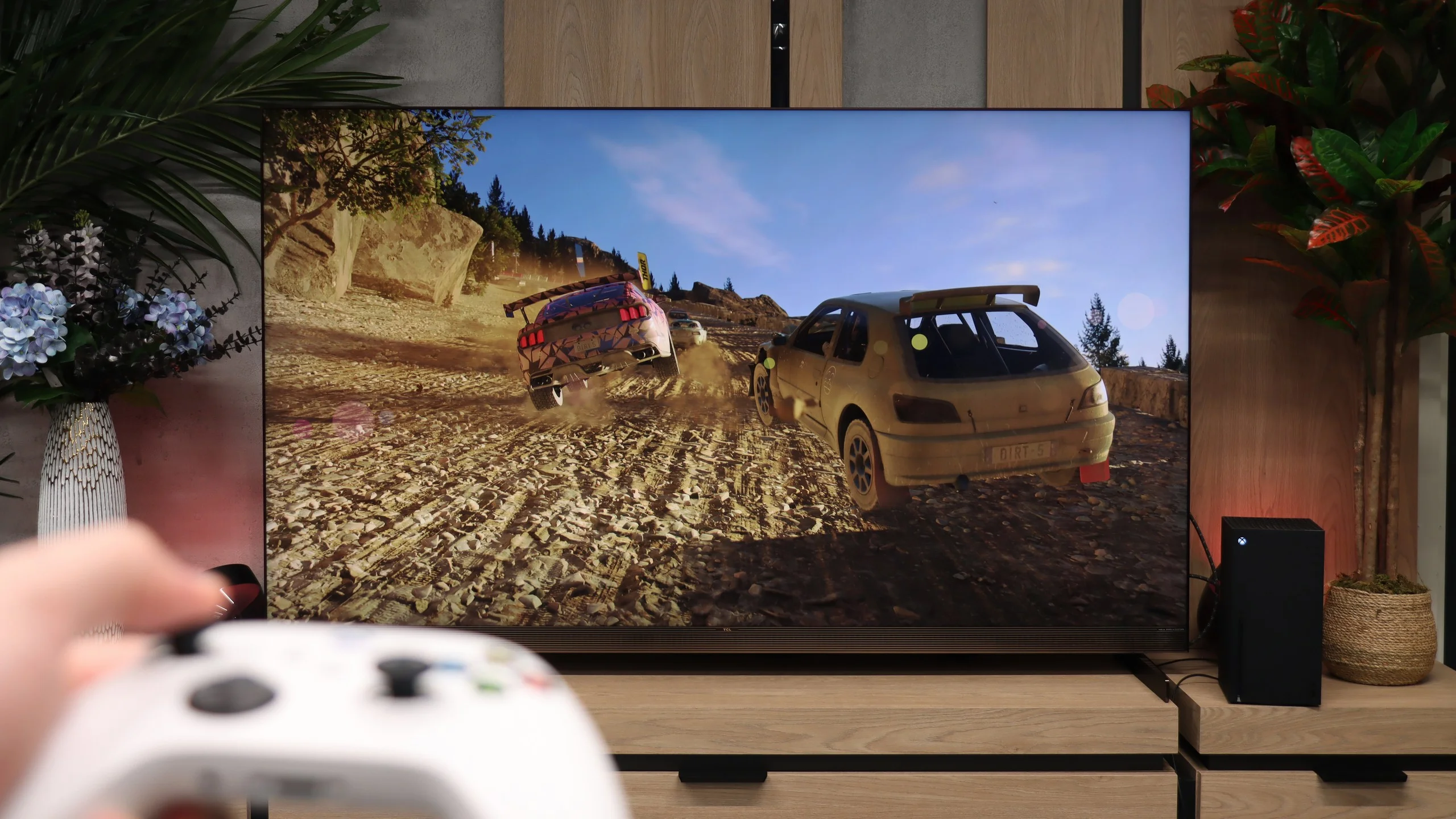
Cooperation with a PC is excellent on the X11L, mainly thanks to a powerful suite of gaming features. Besides the console-like benefits and a very high refresh rate, you also get support for PC frame‑synchronization technologies (G-Sync Compatible and AMD FreeSync Premium PRO), matched to specific graphics cards. In short: for gaming, even from a PC source, this panel is simply outstanding. Working with text is a bit worse, though, because of the fonts' particular legibility. Up close you can notice that horizontal strokes are slightly darker than vertical ones, and there are faint artifacts around the edges. The truth is, however, that from a meter or two away this is completely unnoticeable. And given the size of the X11L series, nobody is likely to put this "beast" on their desk. 😉

When connected to a PC, you can use 4K at 144 Hz with G-Sync enabled and about 10 ms of input lag. It's a good setup for gaming, although panel smearing is still noticeable in fast-moving scenes. Chroma 4:4:4 also works correctly, even at the maximum refresh rate, so colorful on-screen text and small desktop elements remain legible.

The U7S is quite suitable for web browsing or occasional work, but not all fonts look equally sharp. Our main issue is with small, dark text: thin parts of letters can disappear and characters look uneven. It's hard to notice from the couch, but when working up close, especially with text or spreadsheets, it can be distracting.

Viewing angles

4.5/10

3.1/10

Brightness drop at an angle of 45 degrees
69%
74%

Thanks to its proprietary WHVA 2.0 panel, the viewing angles (for an LCD TV with this type of panel) are really decent. Colors don't wash out as much as with classic VA panels found in lower-end models. It's not, admittedly, on par with good IPS/ADS panels, and certainly not with any OLED, but it's still not a weak point of this model.

Viewing angles are unfortunately a weak point of the Hisense U7S. As soon as you move to the side, colors lose saturation, blacks become lighter, and the picture looks washed out. At a 45-degree angle we measured a 74% drop in brightness, so the difference compared with watching head-on is really large. That's a typical limitation of VA panels. When sitting centrally you can appreciate its strong contrast, but people seated at the far ends of a wide couch will see a noticeably weaker picture. The U7S is therefore best suited to setups where viewing positions are as close to directly in front of the screen as possible.

Daytime performance

10/10

7/10

Panel finish
Glare
Satin
Reflection suppression
Average
Decent
Black levels during daytime
Very Good
Good

Panel brightness

Hisense U7S / U77SE: 664 cd/m2

TCL X11L: 1949 cd/m2

X11L delivers outstanding daytime viewing performance, mainly thanks to its extremely high brightness. In SDR content the TV can, on average, "crank out" roughly 2000 nits of brightness! The screen is so bright that in typical home conditions it easily cuts through any sunlight entering the room. In that respect a bright day is no challenge for it. The only drawback for the X11L in this area is its fairly glossy panel. Unfortunately the screen doesn't suppress reflections very well, so it behaves a bit like a mirror. For that reason, when watching in the evening it's best not to turn on lights directly opposite the screen, because lamps and bright elements of the surroundings will be quite visible on the panel surface.
The Hisense U7S performs well for daytime viewing. In SDR we measured an average of about 664 nits, and depending on the screen content the brightness ranged roughly from 500 to 800 nits. Even with an all-white image it stays above 500 nits, so a sports broadcast or a bright TV program won't suddenly look dim. That's enough headroom for comfortable viewing in most living rooms. The satin finish does a decent job of reducing reflections, but a window opposite the TV will still be visible. In the photo you can clearly see that its reflection can obscure part of the picture, so high brightness alone doesn't solve everything. On the plus side, blacks and colors hold up in daylight and don't become excessively gray. Overall the U7S works well in a bright room, though you should position it to avoid direct window reflections.

Panel details

Backlight Type
Mini-LED QLED
Mini-LED PFS LED
Software version during testing
v8-0015T01-LF1V080.000644
v01.09.60c.q0516
Image processor

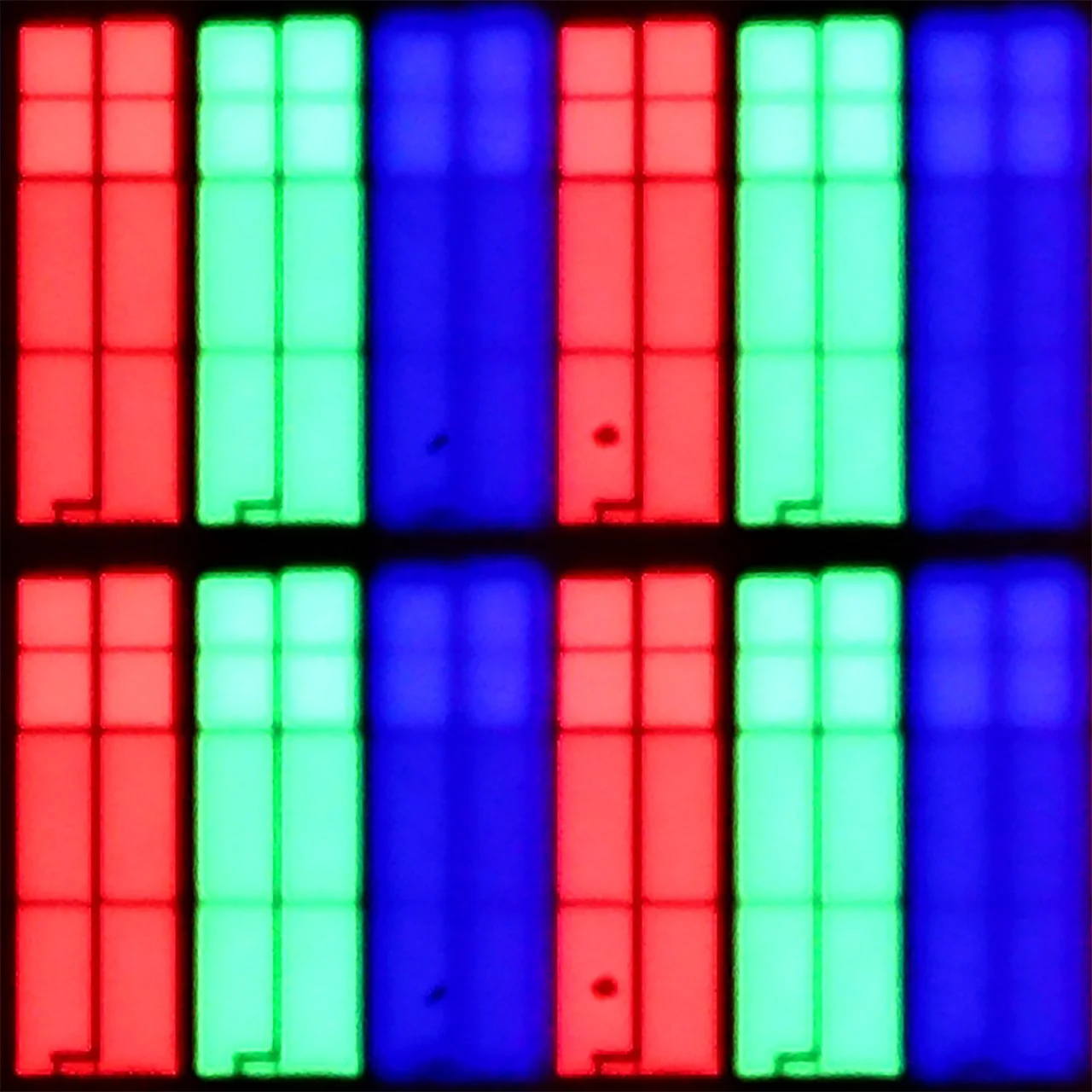
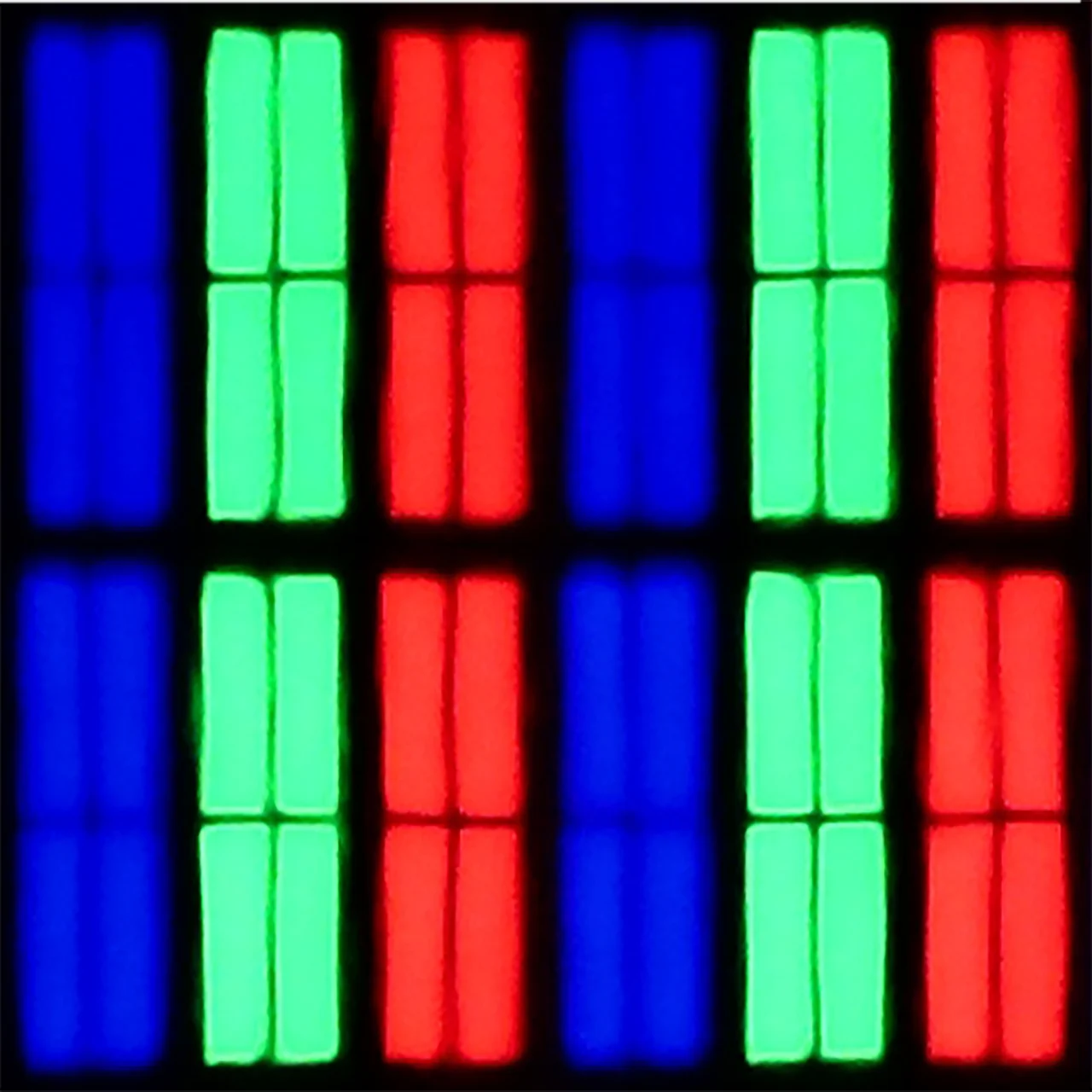
Subpixel Structure:

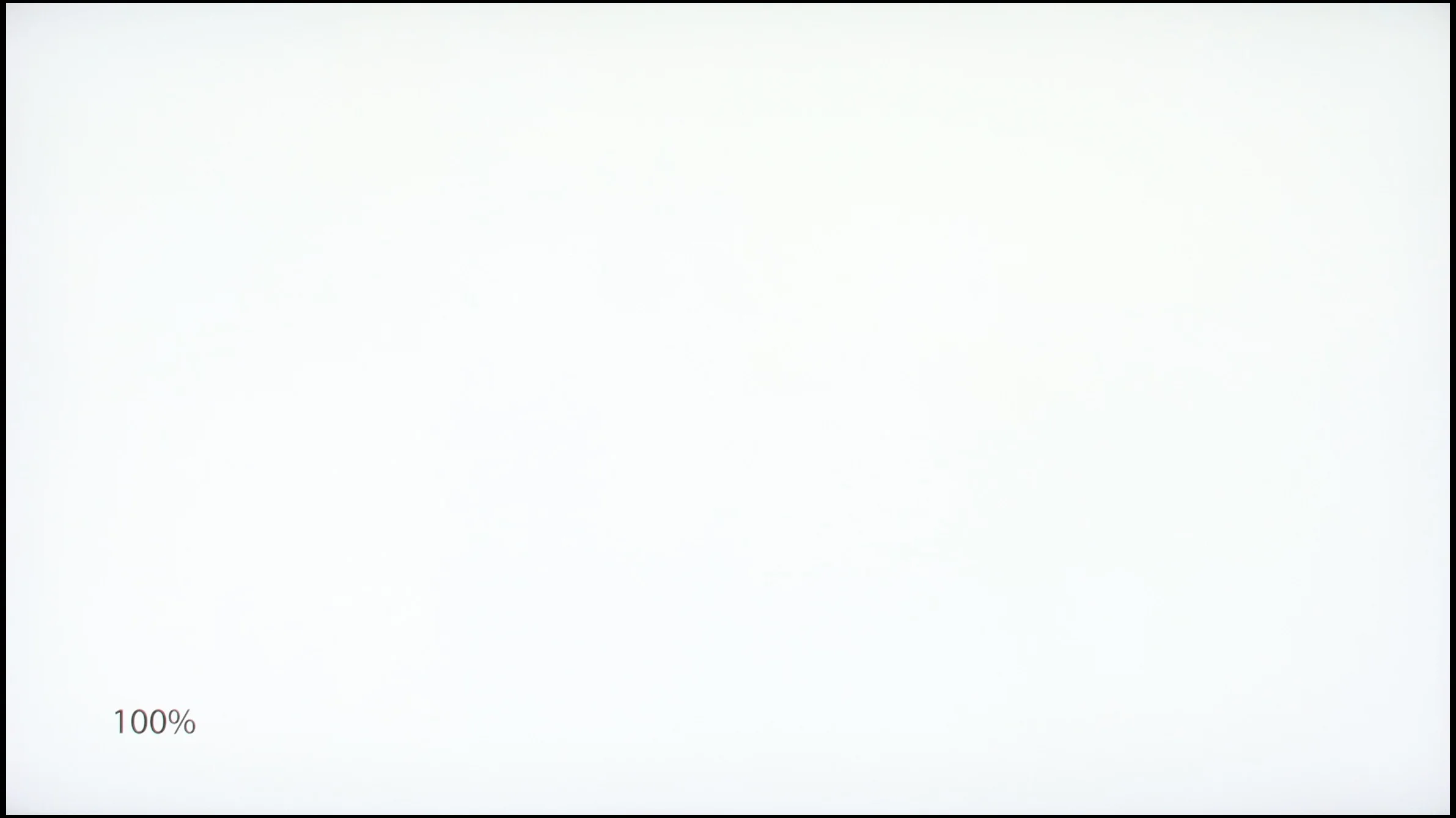
Panel uniformity and thermal imaging:

Review TCL X11L TV Panel details
Review Hisense U7S / U77SE TV Panel details

TCL X11L

Hisense U7S / U77SE

TV features

8.3/10

8.9/10

  • System
    Google TV
    VIDAA
  • System performance
    Very good
    Good
  • HDMI inputs
    0 x HDMI 2.0, 4 x HDMI 2.1 48Gbps
    2 x HDMI 2.0, 2 x HDMI 2.1 48Gbps
  • Outputs
    Toslink (Optical audio), eARC (HDMI), ARC (HDMI)
    Toslink (Optical audio), eARC (HDMI), ARC (HDMI)
  • Network Interfaces
    Wi-Fi 2.4GHz, Wi-Fi 5GHz, Ethernet (LAN) 100Mbps
    Wi-Fi 2.4GHz, Wi-Fi 5GHz, Ethernet (LAN) 100Mbps
  • TV reception
    DVB-T, DVB-T2, DVB-S, DVB-S2, DVB-C
    DVB-T, DVB-T2, DVB-S, DVB-S2, DVB-C

Classic features:

  • Recording to USB (terrestrial TV)
    No
    Yes
  • Recording programming
    No
    Yes
  • Picture in Picture (PiP)
    No
    No
  • RF remote control (no need to aim)
    Yes
    Yes
  • Backlit remote control
    Yes
    No
  • Teletext
    Yes
    Yes
  • Audio only mode
    Yes
    Yes
  • Bluetooth headphones support
    Yes
    Yes
  • Simultaneous Bluetooth headphones & TV audio
    Yes
    Yes

Smart features:

  • AirPlay
    Yes
    Yes
  • Screen mirroring (Windows Miracast)
    Yes
    Yes
  • Voice search
    Yes
    Yes
  • Voice search in native language
    Yes
    Yes
  • Ability to connect a keyboard and mouse
    Yes
    Yes
Review TCL X11L TV features
Review Hisense U7S / U77SE TV features

Sound connection options

  • HDMI audio
    eARC (HDMI), ARC (HDMI)
    eARC (HDMI), ARC (HDMI)
  • Other audio outputs
    Toslink (Optical audio)
    Toslink (Optical audio)
  • Wireless audio
    Bluetooth
    Bluetooth

Supported audio formats (external HDMI eARC audio):

  • Dolby Digital Plus 7.1
    Yes
    Yes
  • Dolby True HD 7.1
    Yes
    Yes
  • Dolby Atmos in Dolby Digital Plus (JOC)
    Yes
    Yes
  • Dolby Atmos in Dolby True HD
    Yes
    Yes
  • DTS:X in DTS-HD MA
    Yes
    Yes
  • DTS-HD Master Audio
    Yes
    Yes

Senior accessibility

  • Numeric keyboard on TV
    No
    Yes
  • Font size adjustment
    Yes
    Yes
  • Audio description
    Yes
    Yes

Smart TV: Google TV

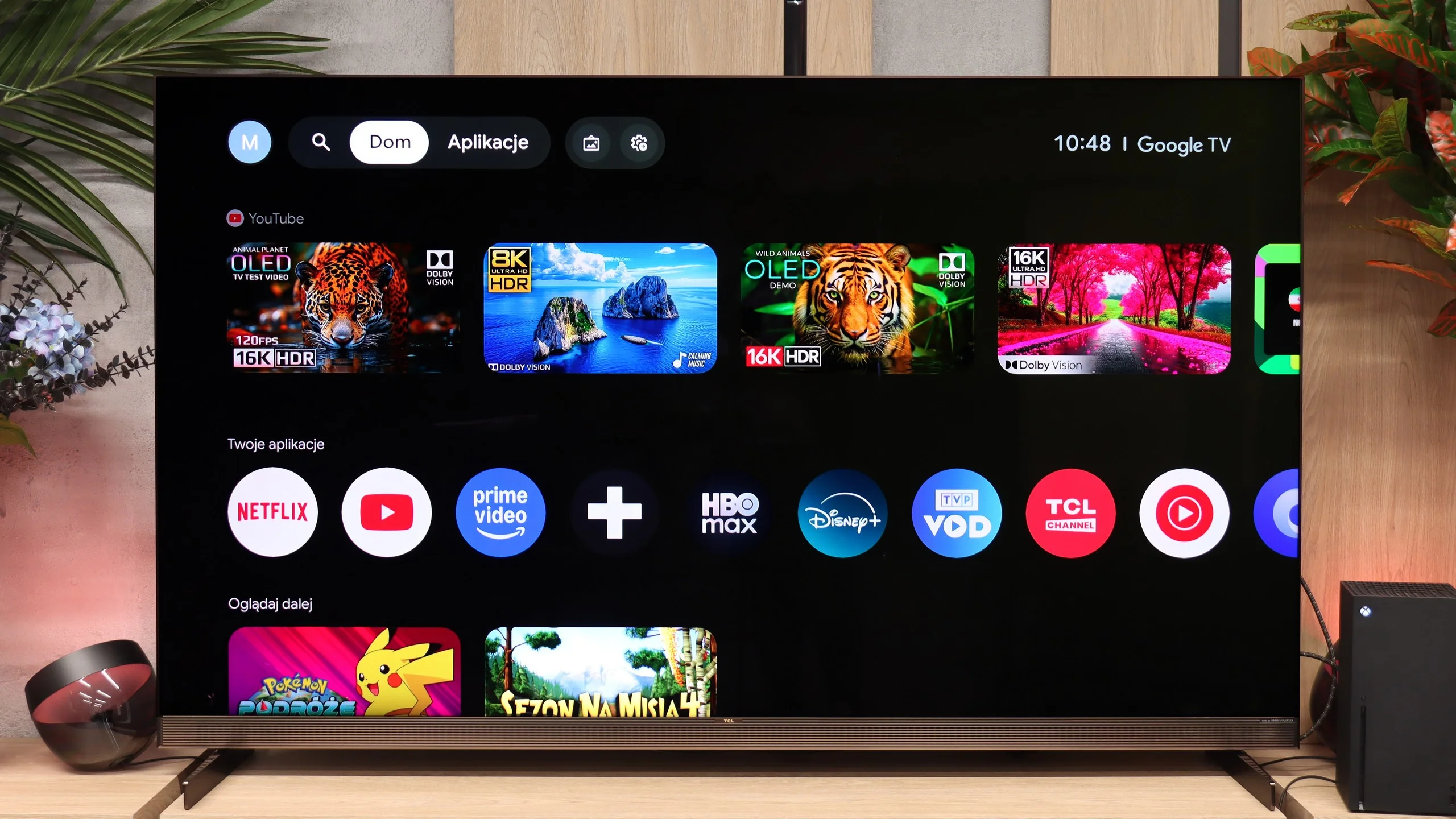
When it comes to Smart TV, the flagship TCL runs on Google TV, and it's simply a great piece of software. The platform offers a huge app library that includes virtually every major video-on-demand service today. Everything runs very smoothly, and the intuitive interface makes daily content browsing easy. A big plus is the responsive voice assistant, which, combined with Gemini AI support, can accurately suggest movies or series based on our previous choices.

Classic features and the remote

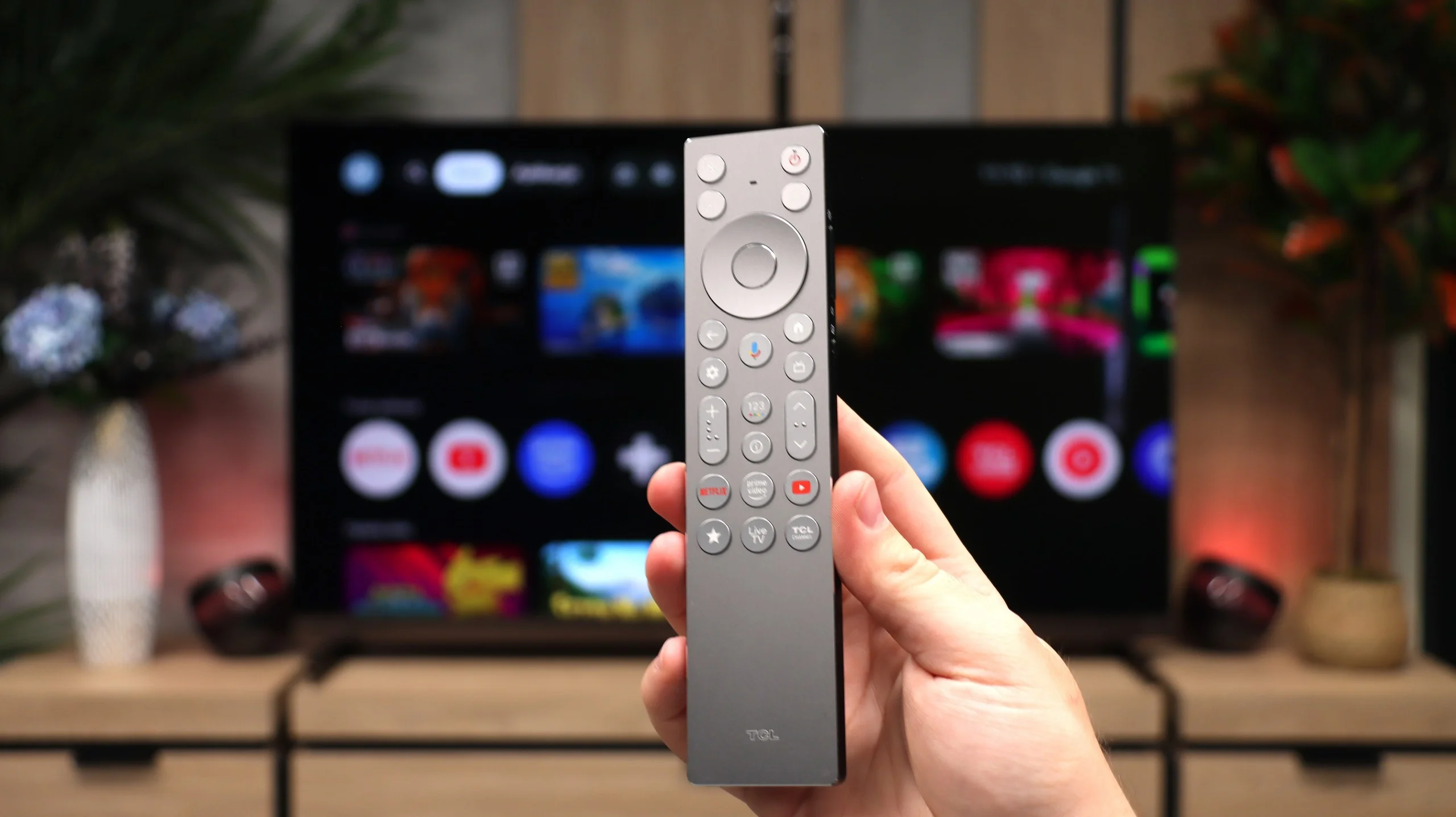
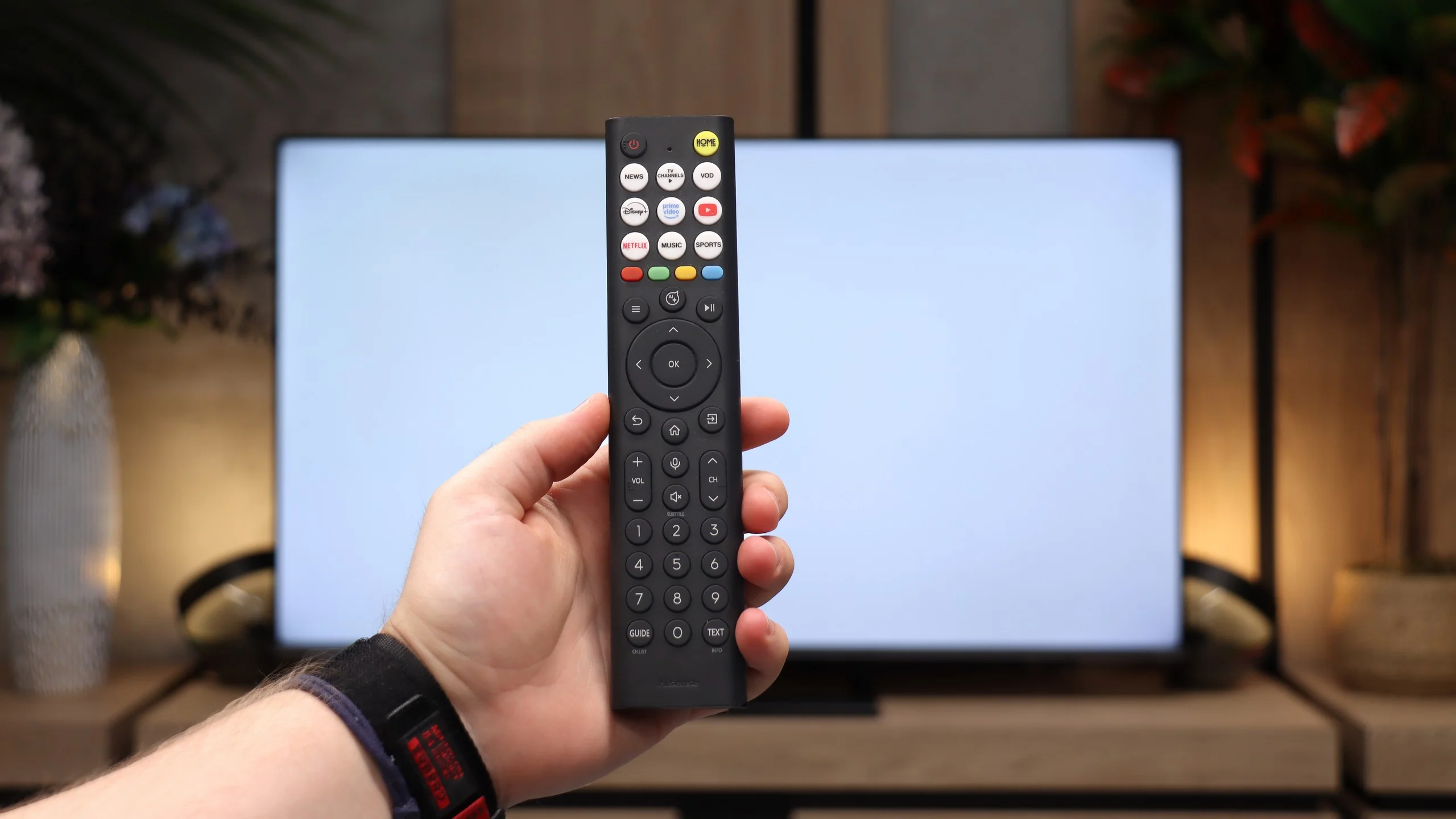
While the Smart TV system is top-tier, when it comes to traditional features... there really isn't much to write about. The TV offers a smoothly working teletext, and that's basically all you can expect in terms of traditional TV. TCL skimped on basic features here. On board, there is no USB program recording (PVR) and it doesn't even offer a Picture-in-Picture (PiP) split-screen mode. As for the remote, it's very well made, feels great in the hand, and even has backlit buttons that make nighttime use easier. Unfortunately, the manufacturer chose not to include numeric buttons. That may not sit well with older viewers or those who prefer to flip through channels the old-fashioned way by entering channel numbers.

Smart TV: VIDAA

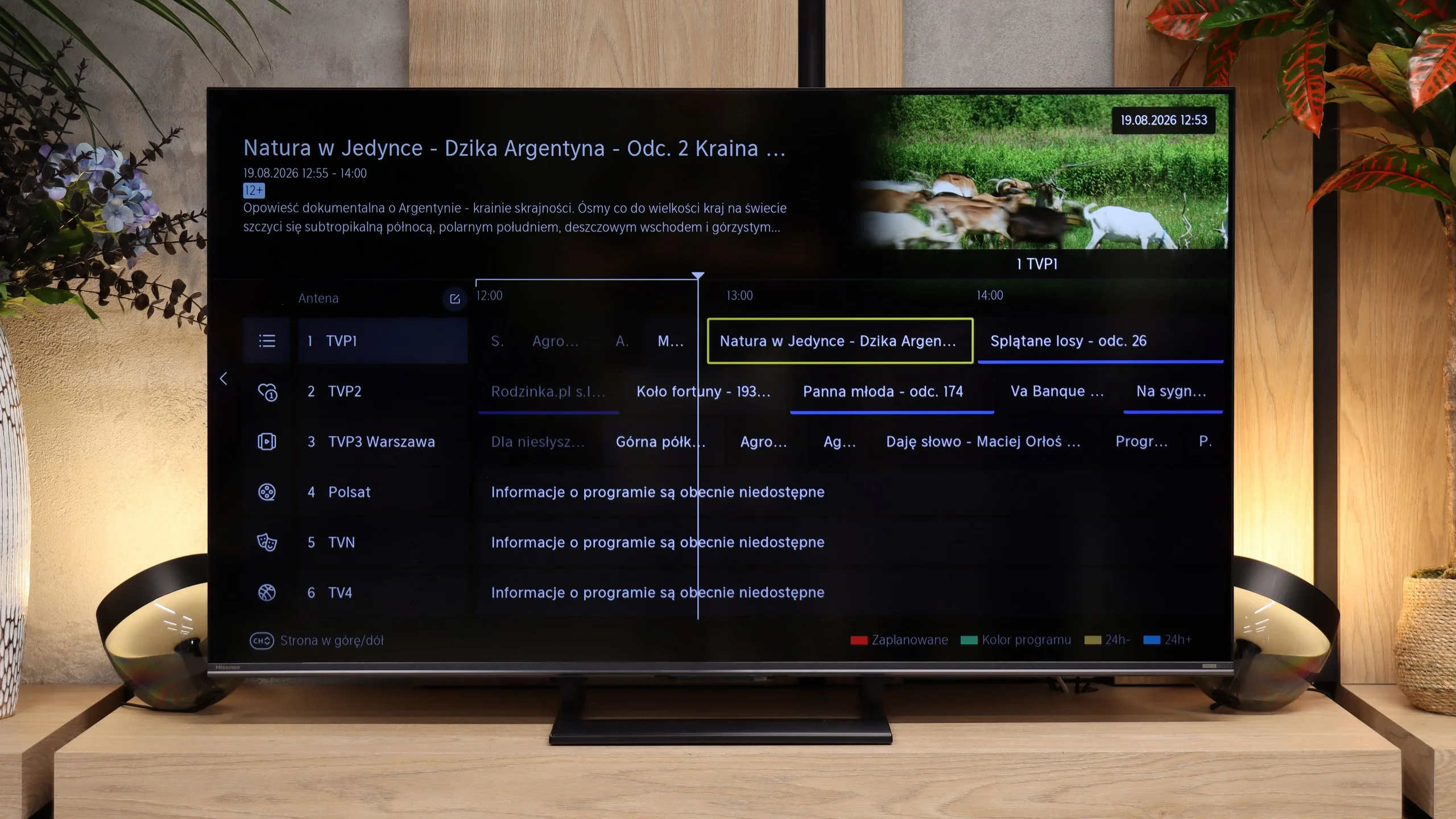
VIDAA HOME OS on the Hisense U7S is feature-rich, runs quickly, and doesn’t complicate everyday use. In addition to apps, it supports AirPlay for streaming from Apple devices and Miracast for mirroring a computer display. Voice search in Polish also works, so instead of typing a movie title with the remote you can just say it. You can also connect a keyboard and mouse. In terms of smart features there’s little to complain about, though before buying it’s worth checking the availability of specific apps you use, as it isn’t as extensive as competing systems.

Classic features and the remote

Hisense hasn’t forgotten viewers who watch regular TV. The U7S lets you record over-the-air programs to a USB drive and schedule recordings for later. There’s teletext, the option to listen to audio with the screen off, and support for Bluetooth headphones. Conveniently, headphones can operate at the same time as the TV speakers, so one person, for example a senior, can use them while others still listen normally. The main notable missing feature is picture-in-picture, or PiP.

We weren’t fond of the remote itself. It’s very plastic and looks rather "cheap", but it does its job well. It has a full numeric keypad, plenty of shortcuts, and controls the TV via radio, so you don’t have to point it at the screen. It’s only a shame the buttons aren’t backlit. Hisense reserves more elegant remote versions for higher-end models, such as the U7S Pro.

Apps

9.6/10

8.3/10

OK
Disney_Plus
OK
Amazon_Prime_Video
OK
Player_TVN
OK
Polsat_Box_Go
OK
Canal_Plus_Online
OK
TVP_VOD
OK
Apple_TV_Plus
OK
SkyShowtime
OK
Rakuten
OK
CDA_Premium_Browser
OK
Spotify
OK
Tidal
OK
Netflix
OK
YouTube
OK
HBO_MAX
OK
Kodi
No
Apple_music
OK
Eleven_sports
No
Xbox Game Pass
OK
GeForce NOW
No
Amazon Luna
OK
Boosteroid
OK
Steam Link
OK
Disney_Plus
OK
Amazon_Prime_Video
OK
Player_TVN
OK
Polsat_Box_Go
OK
Canal_Plus_Online
OK
TVP_VOD
OK
Apple_TV_Plus
OK
SkyShowtime
OK
Rakuten
OK
CDA_Premium_Browser
OK
Spotify
No
Tidal
OK
Netflix
OK
YouTube
OK
HBO_MAX
No
Kodi
No
Apple_music
No
Eleven_sports
OK
Xbox Game Pass
No
GeForce NOW
No
Amazon Luna
OK
Boosteroid
No
Steam Link

Playing files from USB

9.4/10

8.4/10

Supported photo formats:

JPEG
Yes
Yes
HEIC
Yes
No
PNG
Yes
Yes
GIF
Yes
Yes
WebP
Yes
Yes
TIFF
No
Yes
BMP
Yes
Yes
SVG
No
No

Maximum photo resolution:

4 Mpix
Yes
Yes
6 Mpix
Yes
Yes
8 Mpix
Yes
Yes
10 Mpix
Yes
No
12 Mpix
Yes
No
16 Mpix
Yes
Yes
20 Mpix
Yes
No
24 Mpix
Yes
No
28 Mpix
Yes
No
32 Mpix
Yes
Yes

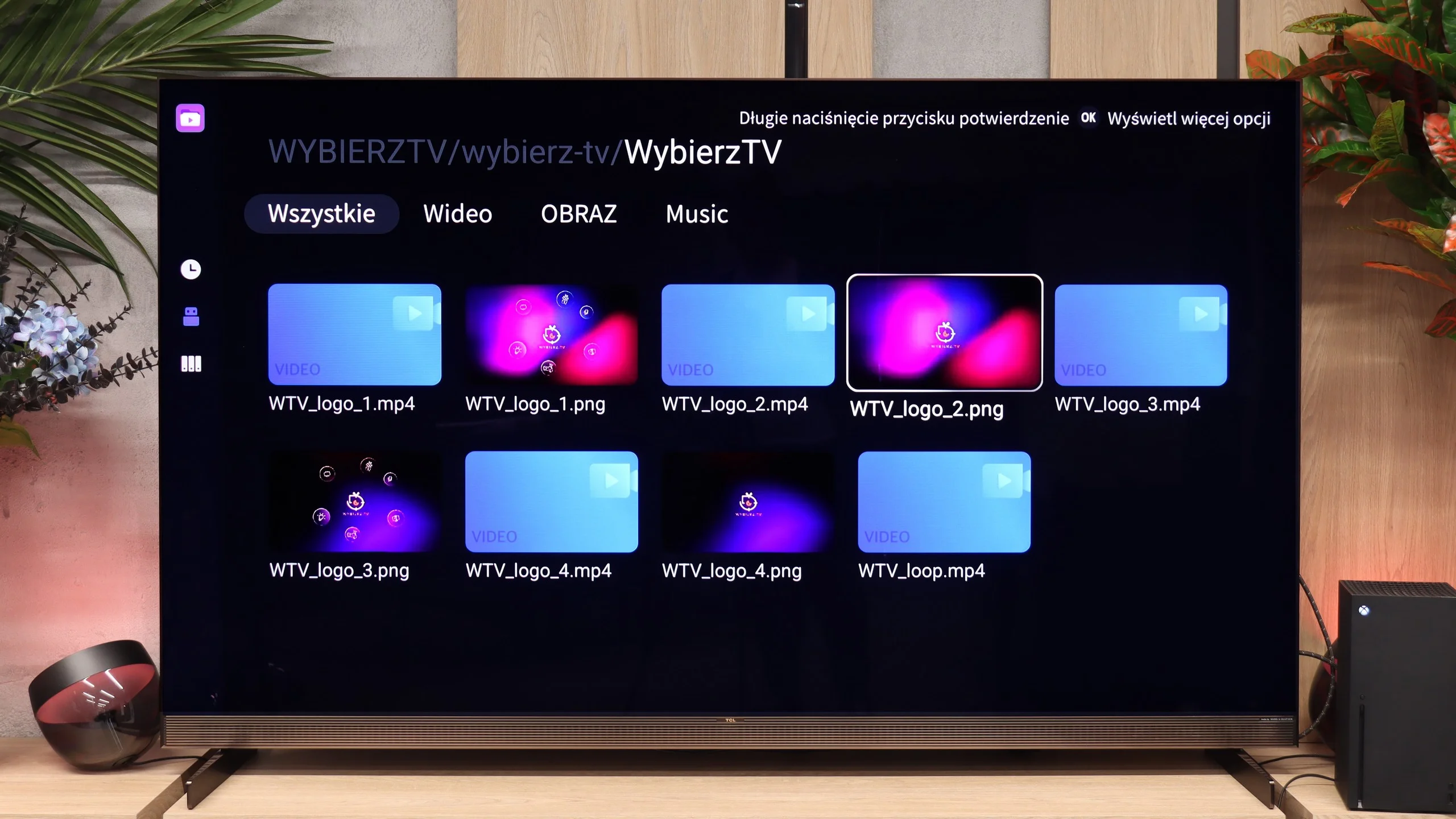
The built-in player works very well. During our tests we examined it from every angle and it played virtually every video file and audio format we threw at it without a hitch. The only minor quirk is that the player wouldn’t work with external text files in .txt format. If that’s a big problem for you, the operating system comes to the rescue. In the app store you can always install a third-party player, like the reliable VLC, which will handle any type of subtitles. In most cases you won’t need to, though, because TCL’s stock app is top-notch when it comes to file compatibility.

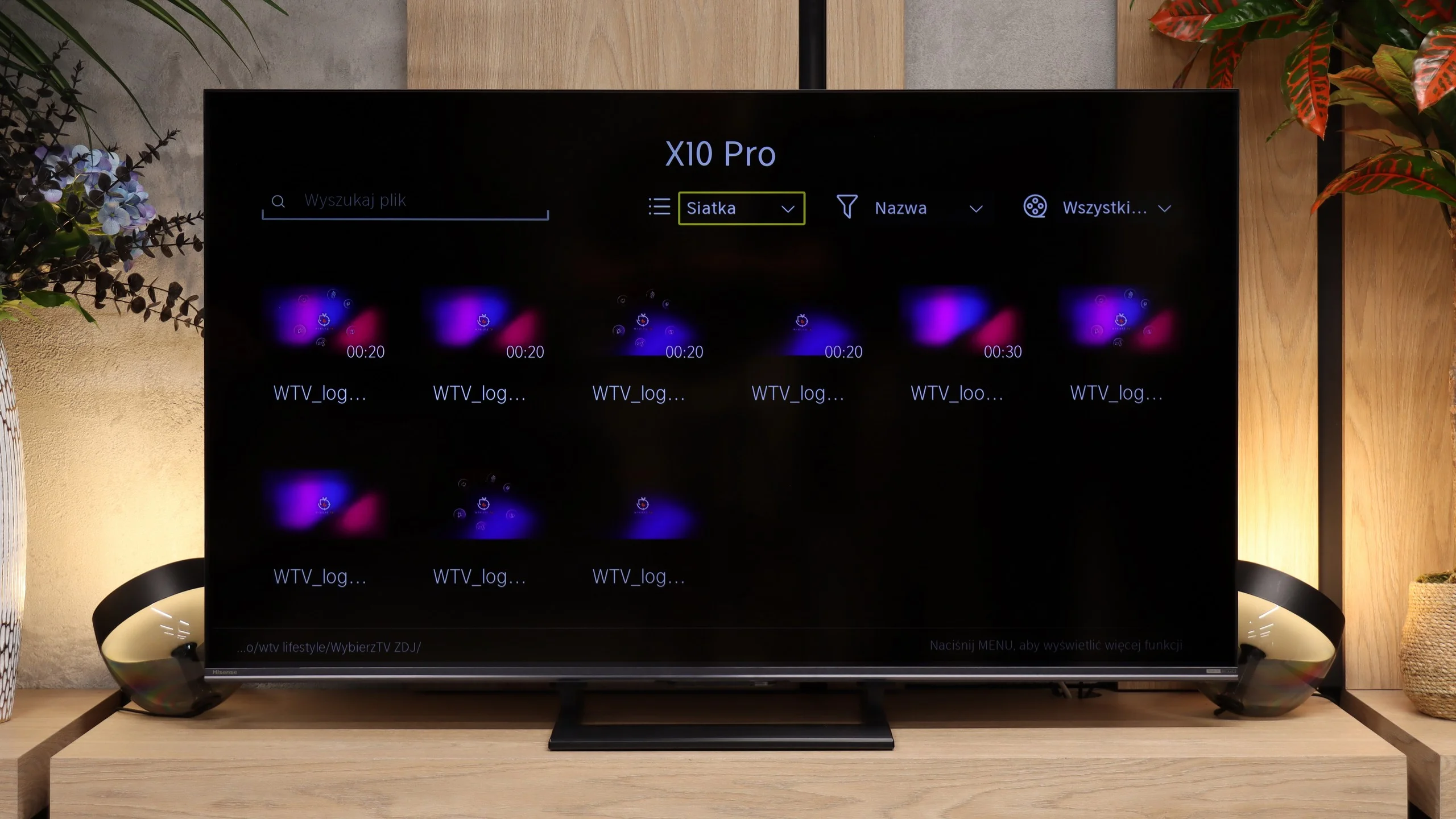
The USB player in the Hisense U7S handles most common files. It played our H.264 and H.265 material without issues, including high-bitrate 4K recordings and the test Dolby Vision file. SRT and SUB subtitles work, including Polish characters and font color changes. Not everything worked, however. AV1 and H.266/VVC files did not play, nor did ASS and TXT subtitles. Audio is good, from basic MP3s to FLAC 96 kHz/24-bit, though AIFF and DSD are not supported.

Our biggest issues are with photos. Supported formats are extensive: in addition to JPEG and PNG, WebP and TIFF work as well, but HEIC won't open. Resolution handling is also odd. The TV displayed 4, 6, 8, 16 and 32 MP images, but couldn't handle 10, 12 or 24 MP files. So it's not a straightforward size limit. The player is perfectly fine for videos and music, but when showing vacation photos you may find that some files need to be converted beforehand.

Sound

8.2/10

7.2/10

  • Maximum volume
    84dB
    88dB
  • Dolby Digital Plus 7.1
    Yes
    Yes
  • Dolby True HD 7.1
    No
    Yes
  • Dolby Atmos in Dolby Digital Plus (JOC)
    Yes
    Yes
  • Dolby Atmos in Dolby True HD
    No
    No
  • DTS:X in DTS-HD MA
    Yes
    Yes
  • DTS-HD Master Audio
    Yes
    Yes

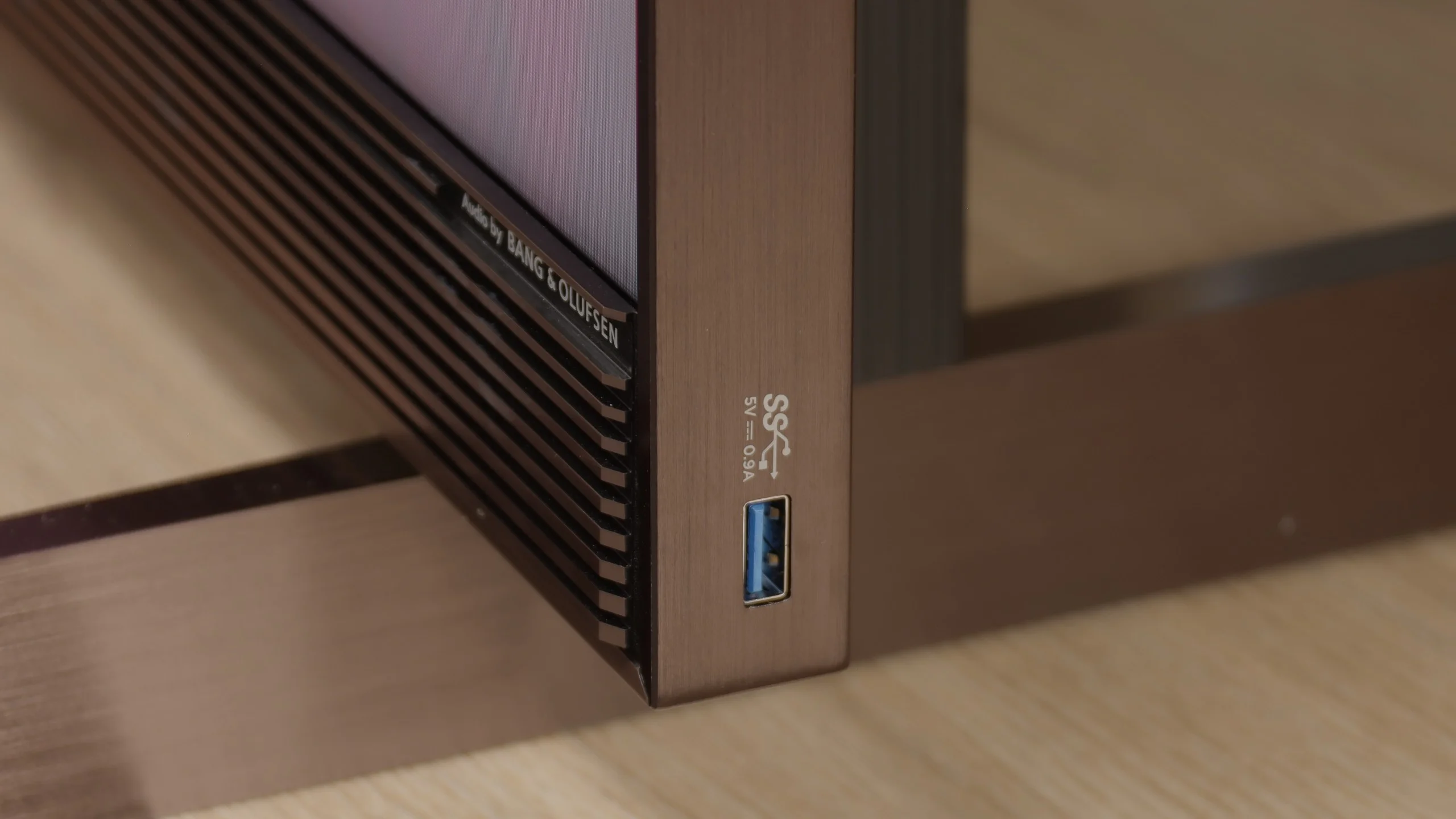
The X11L's sound is really good, thanks to a very comprehensive audio system. The Bang & Olufsen-branded speakers used here perform reliably, and the sound is fairly spacious, clean, and free of any odd distortions or cabinet resonances even at higher volumes. In that respect the X11L delivers. Still, we're left slightly wanting. Given that there's an integrated soundbar at the front of the cabinet, we expected a bit better sound. We certainly wouldn't compare this to the similar solutions used by direct competitors. Despite our minor reservations, the sound is definitely above average and accurate. It's ideal for everyday viewing, and buying a basic soundbar without a subwoofer for this model makes no sense.

The USB player in the Hisense U7S handles most common movies and music well. It supports 4K content, including a Dolby Vision file we tested, and it correctly displays Polish characters in subtitles. It should be sufficient for everyday use with a USB flash drive, although it can have problems with less common formats. Our biggest issue is with photos. The TV handles their resolution rather selectively: it may open a larger photo but refuse to display a smaller one. When browsing a vacation album this can be annoying, because we can't be sure all the photos will display. Some of them will need to be prepared on a computer beforehand.

Sound Quality Test

Acoustic Measurements

84dBC (Max)

75dBC

88dBC (Max)

75dBC

Reader comments

Comments are provided by the external service Disqus (Zeta Global). Once loaded, Disqus may set cookies and process data about your activity.

We will remember your choice on this device. Provider's privacy policy