TCL P755 vs Haier K85F

Direct comparison

P755

K85F / K85FUX

Available screen sizes: 43”50”55”65”75”

Available screen sizes: 55”65”75”

Panel type: LCD VA

Resolution: 3840x2160

System: Google TV

Model year: 2024

Complete the survey to find out the result

Panel type: LCD VA

Resolution: 3840x2160

System: Google TV

Model year: 2025

Complete the survey to find out the result

Overall rating

5.8

5.4

  • Movies and series in UHD quality

    5.9

    5.2

  • Classic TV, YouTube

    6.0

    5.2

  • Sports broadcasts (TV and apps)

    5.1

    4.6

  • Gaming on console

    6.8

    6.4

  • TV as a computer monitor

    2.5

    6.0

  • Watching in bright light

    3.8

    4.1

  • Utility functions

    7.3

    5.5

  • Apps

    9.6

    9.6

  • Sound quality

    5.8

    4.8

Advantages

  • High native contrast

  • Support for advanced gaming features

  • Google TV

  • Low input lag

  • Support for all HDR formats

  • Support for all Dolby and DTS audio formats

  • Low input lag, great for gaming

  • Surprisingly good file player via USB

  • High contrast and decent blacks (VA panel)

  • Good text readability in PC monitor mode

  • Presence of gaming features: ALLM and VRR

  • Access to many applications thanks to GoogleTV

Disadvantages

No like
  • Low brightness

  • Average viewing angles

  • Incorrectly functioning HGiG mode

  • Poor font readability

  • Catastrophic picture quality in HDR mode

  • Poor quality of workmanship and fit of materials

  • Slow, glitchy, and poorly translated Google TV system

  • Very poor sound quality from built-in speakers

  • Problematic remote (and no batteries included)

  • Poor viewing angles

  • Low brightness and weak anti-reflective coating

  • Low color gamut coverage

Our verdict

The TCL P755 stands out with its integration of Google TV, providing a smooth, user-friendly experience and access to thousands of apps and streaming services like Netflix, HBO Max, YouTube, and Disney+. The system personalises content recommendations based on the user’s viewing habits, adding a customised touch. Support for AirPlay and Windows Miracast further enhances its appeal, allowing the P755 to act as a central entertainment hub with both convenience and functionality.

In terms of picture quality, the P755 impresses within its price range, with Dolby Vision support for an enriched HDR experience that features deeper colours and enhanced contrast. Its wide colour gamut coverage ensures vibrant and lifelike visuals, making movies and series more immersive. The high native contrast is also notable and rare among similarly priced competitors, offering an attractive viewing experience.

For gamers, the TCL P755 has benefits like low input lag, making it responsive enough for fast-paced games. While the TV’s 60 Hz panel and HGiG limitations may pose minor challenges, it remains a good choice for casual gaming.

However, the P755 has some limitations. Low brightness and narrow viewing angles may impact viewing in brightly lit spaces, and dithering can introduce artefacts in darker scenes and reduce font clarity on a PC.

Overall, the TCL P755 offers premium features like Dolby Vision, a wide colour gamut, and low input lag at an affordable price, with the trade-offs being reasonable given its price bracket.

The debut of the Haier brand in the European TV market with the K85F model gives the impression of being rushed, and after thorough testing, it feels almost unfinished. Analyzing this product, we come to a fundamental conclusion: its biggest problem is not the quality of the panel used. Given its price segment, this is simply average, with the typical advantages of VA technology in the form of high contrast and equally typical disadvantages such as poor viewing angles. What actually disqualifies this model as a home entertainment center is the glaring lack of engineering and, above all, software refinement. The list of shortcomings is long and starts from the first contact with the device. Careless assembly, which could have been avoided at the quality control stage, a poorly optimized and poorly translated Google TV system, and annoying issues with such basic functions as pairing the remote—these all contribute to the picture of a product that seems to have been released to market without due diligence. The catastrophic picture quality in HDR mode, resulting not only from low brightness but also from a complete lack of intelligent adaptation to the signal, only adds to this disappointing image. However, it turns out that this model has its second, surprising face. It is enough to look at it not through the prism of a home TV, but rather as a large and cheap display for special tasks. Then its shortcomings take a backseat, and unexpected advantages come to the forefront: an exceptionally well-functioning media player with USB, outstanding font readability from a PC, and access to a huge database of applications. In such a role—as a screen in a conference room, hotel lobby, or simple advertising player—the Haier K85F performs surprisingly well. For the typical user seeking a reliable and simply well-functioning TV for the living room in 2025, however, the Haier K85F is a proposition that is extremely difficult to recommend with a clear conscience. It is a product full of contradictions that fails in its primary function intended by the manufacturer on too many fronts.

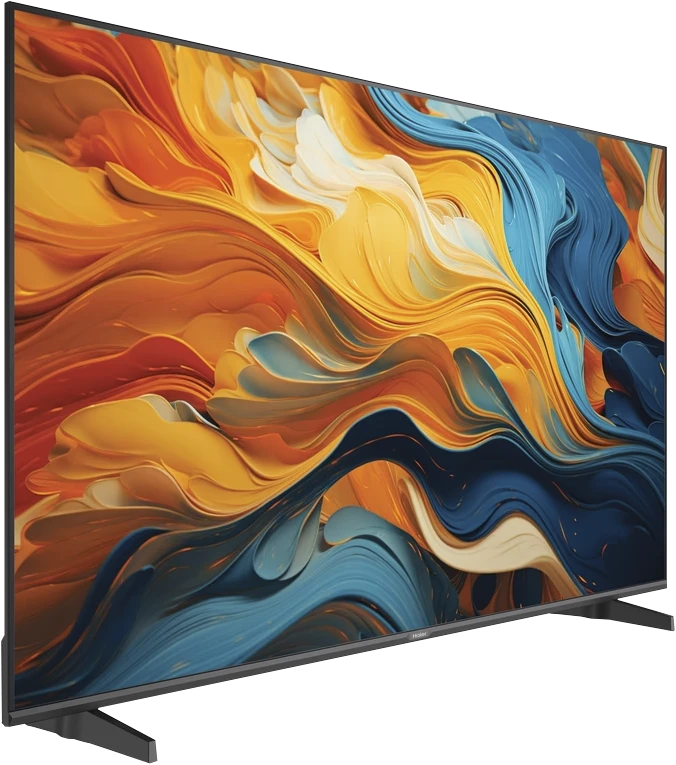
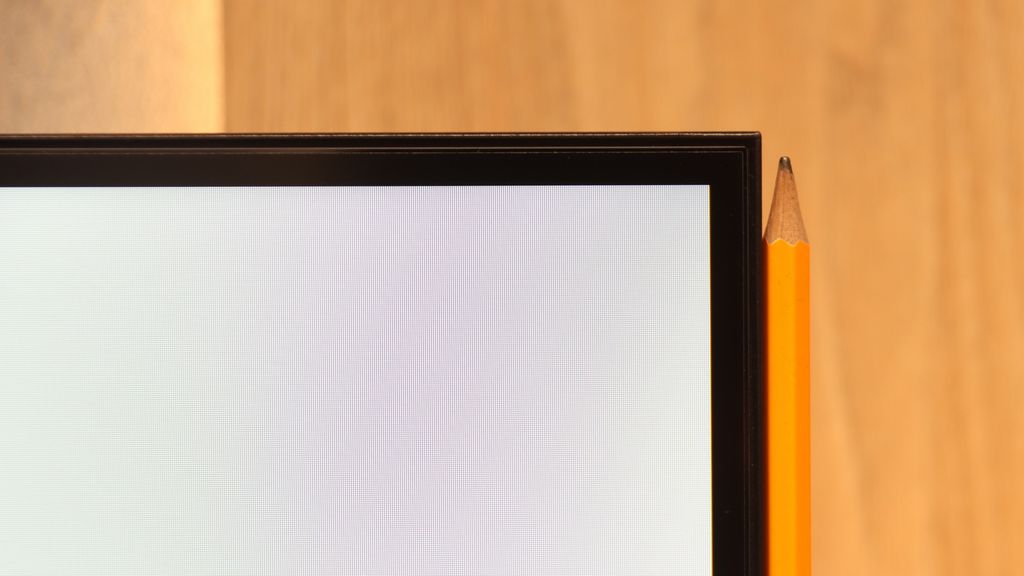
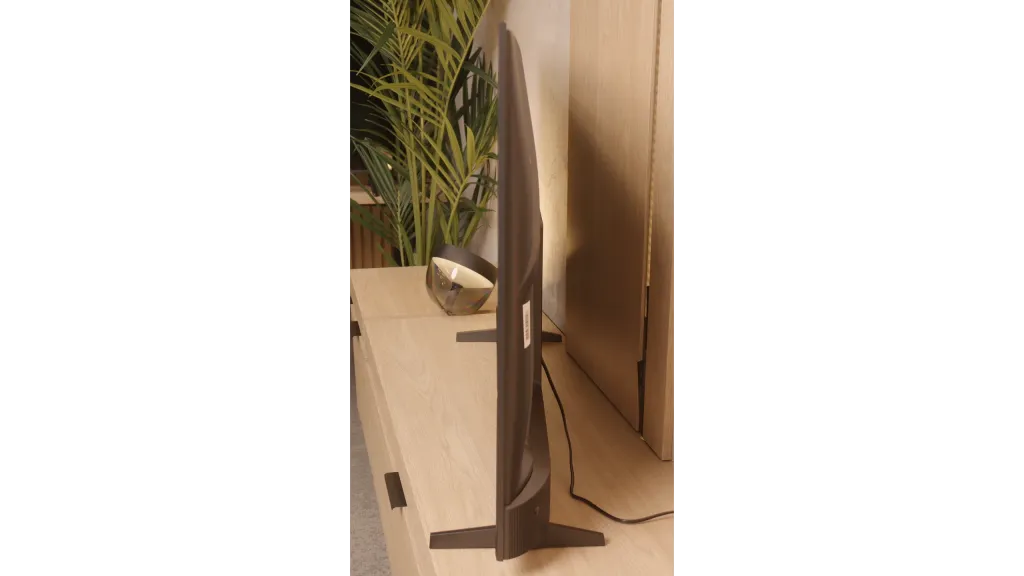
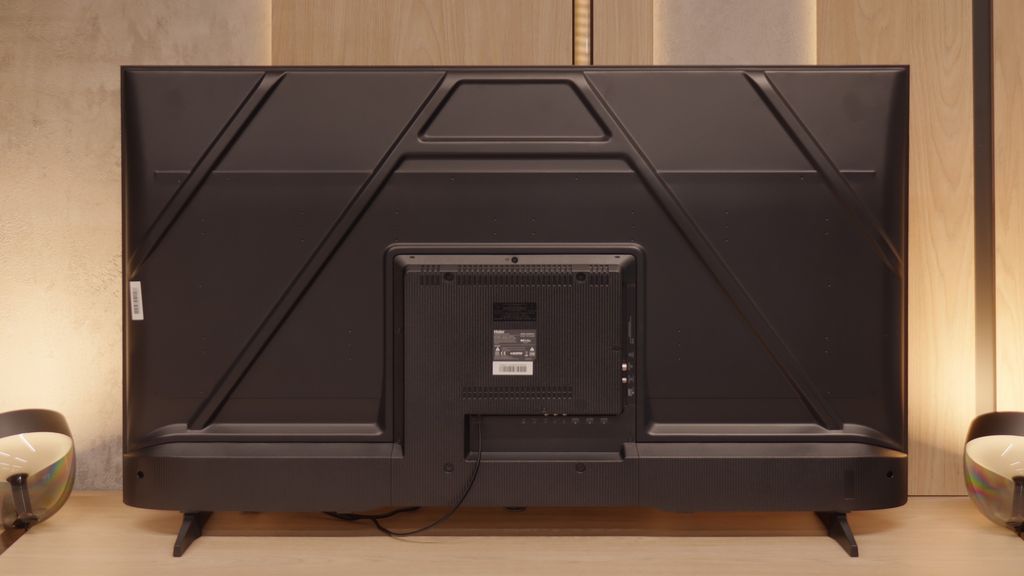
TV appearance

HDMI inputs
3 x HDMI 2.0, 0 x HDMI 2.1
4 x HDMI 2.0, 0 x HDMI 2.1
Other inputs
RCA (Chinch)
RCA (Chinch)
Outputs
Toslink (Optical audio), eARC (HDMI), ARC (HDMI)
Toslink (Optical audio), eARC (HDMI), ARC (HDMI), Mini-Jack (Headphones)
Network Interfaces
Wi-Fi 2.4GHz, Wi-Fi 5GHz, Ethernet (LAN) 100Mbps
Build quality
Average
BuildQuality-Budget
Stand type
Legs
Legs
Bezel color
Graphite
Black
Stand
Fixed
Fixed
Accessories
Stand
Stand

Contrast and black detail

6.1/10

5.6/10

Local dimming function: No

Local dimming function: No

Contrast:

Review TCL P755 Contrast and black detail

Result

5,650:1

Review TCL P755 Contrast and black detail

Result

6,750:1

Review TCL P755 Contrast and black detail

Result

5,850:1

Review TCL P755 Contrast and black detail

Result

6,550:1

Review TCL P755 Contrast and black detail

Result

6,100:1

Review Haier K85F Contrast and black detail

Result

3,550:1

Review Haier K85F Contrast and black detail

Result

5,200:1

Review Haier K85F Contrast and black detail

Result

5,350:1

Review Haier K85F Contrast and black detail

Result

5,400:1

Review Haier K85F Contrast and black detail

Result

3,500:1

Halo effect and black detail visibility:

Review TCL P755 Contrast and black detail
Review Haier K85F Contrast and black detail
Review TCL P755 Contrast and black detail
Review Haier K85F Contrast and black detail

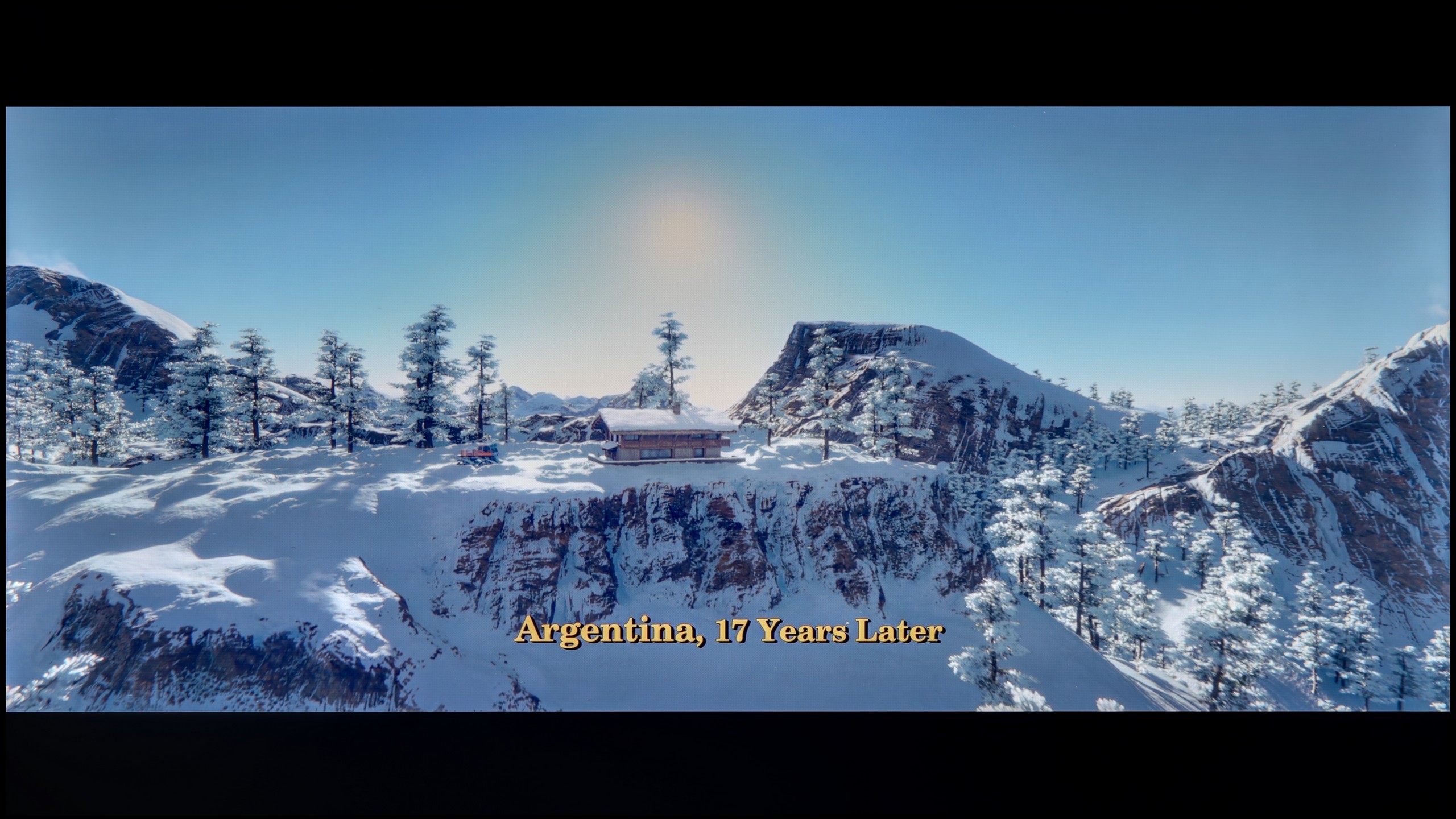
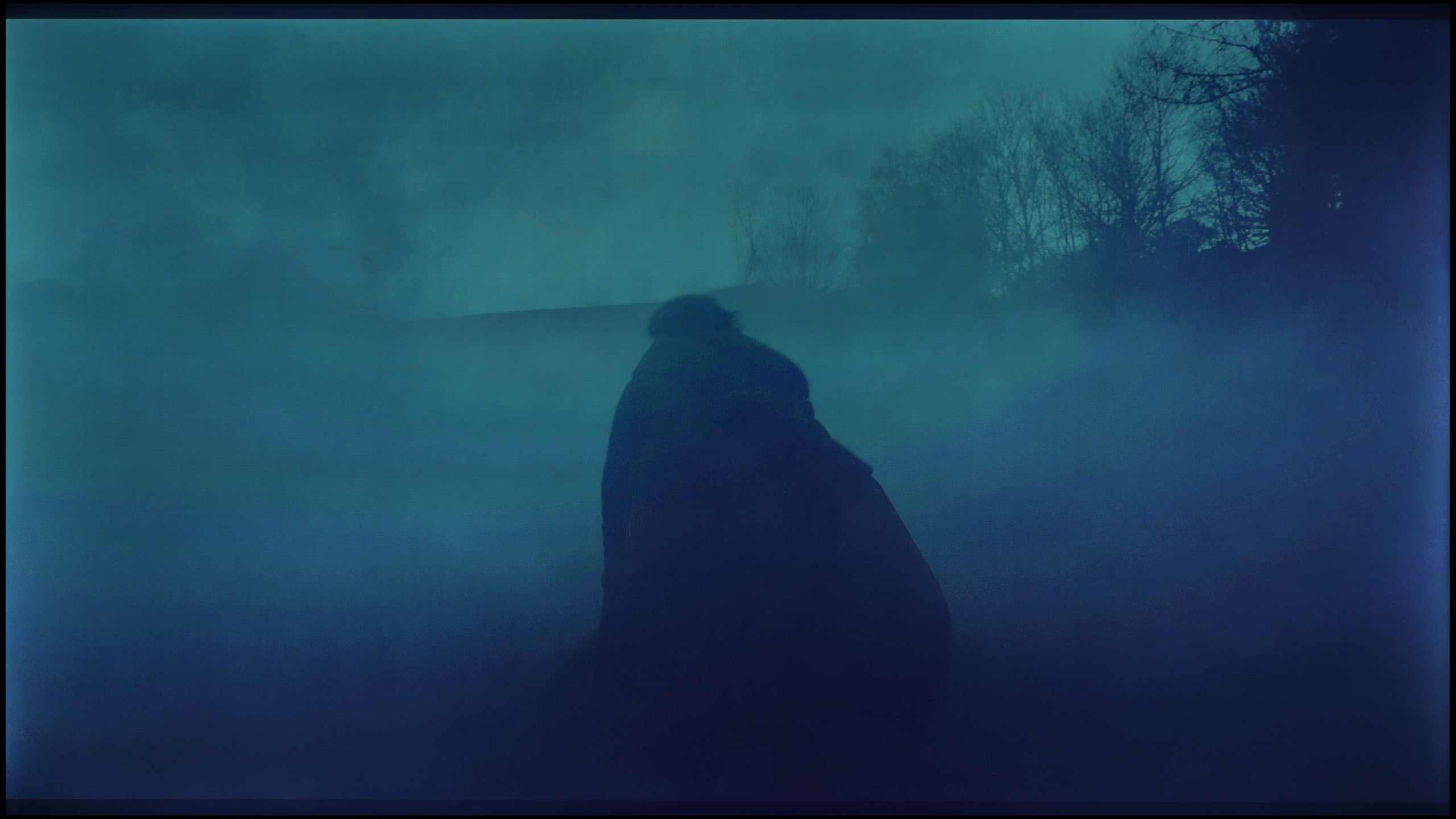
The TCL P755, with its VA matrix, provides impressive native contrast, resulting in deeper blacks and enhanced detail in darker scenes compared to IPS/ADS panels. This contrast is a standout feature in movie mode, delivering a more immersive experience. However, the lack of local dimming prevents the blacks from reaching true depth, occasionally giving them a navy blue hue that can be noticeable during darker movie scenes. For example, while watching The Revenant, slight overexposure in the lower corners was observed, potentially diverting attention from key details in shadowed areas and slightly reducing the scene's overall impact.
Well, let's get to the meat of the matter, which is how the Haier K85F handles black levels and contrast. The key information is that the television uses a VA panel, which is crucial for picture quality in dark scenes. Thanks to this, the contrast is really solid – our measurements showed values around 5000:1, which is much better than those of popular IPS panels.

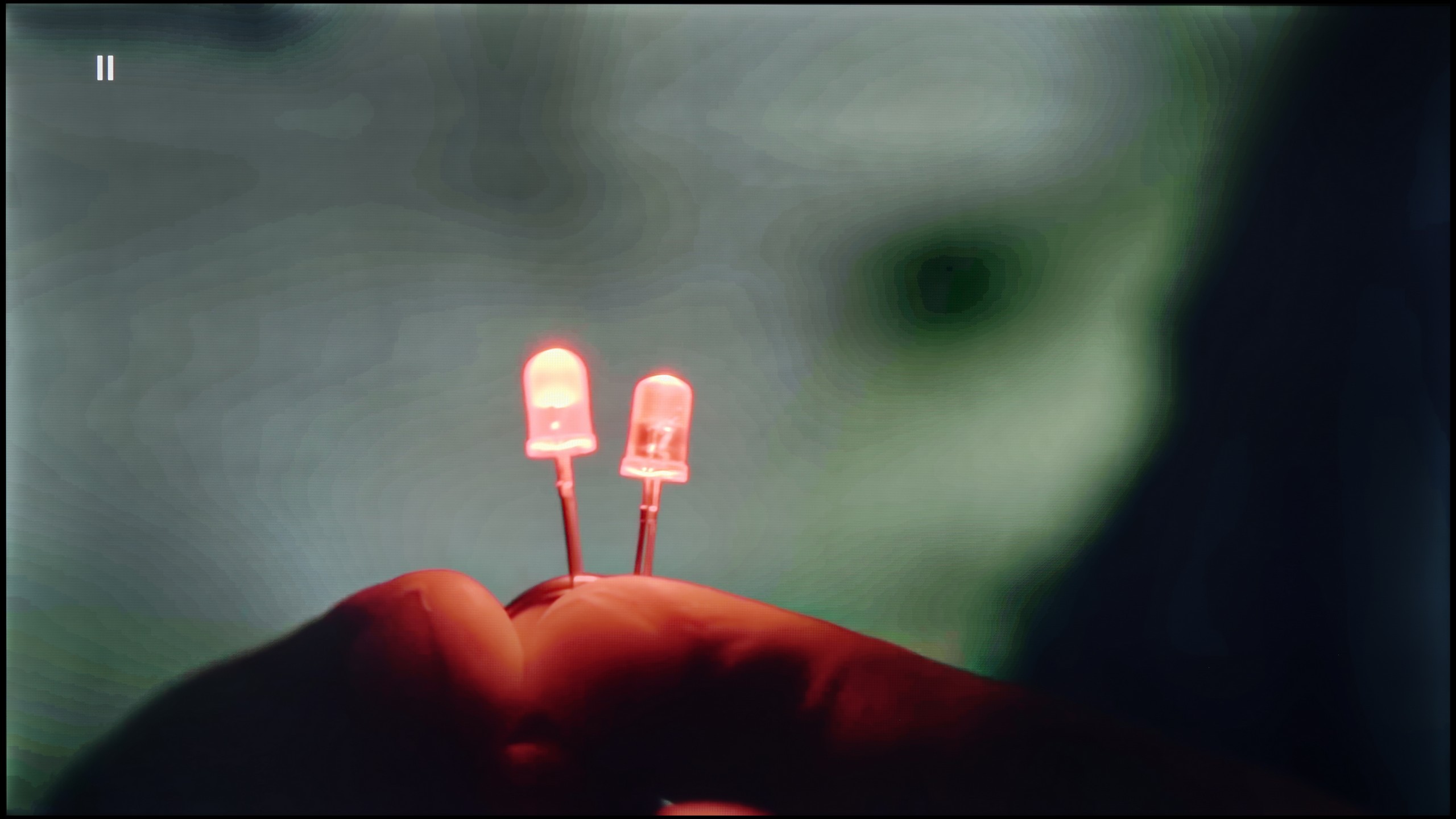
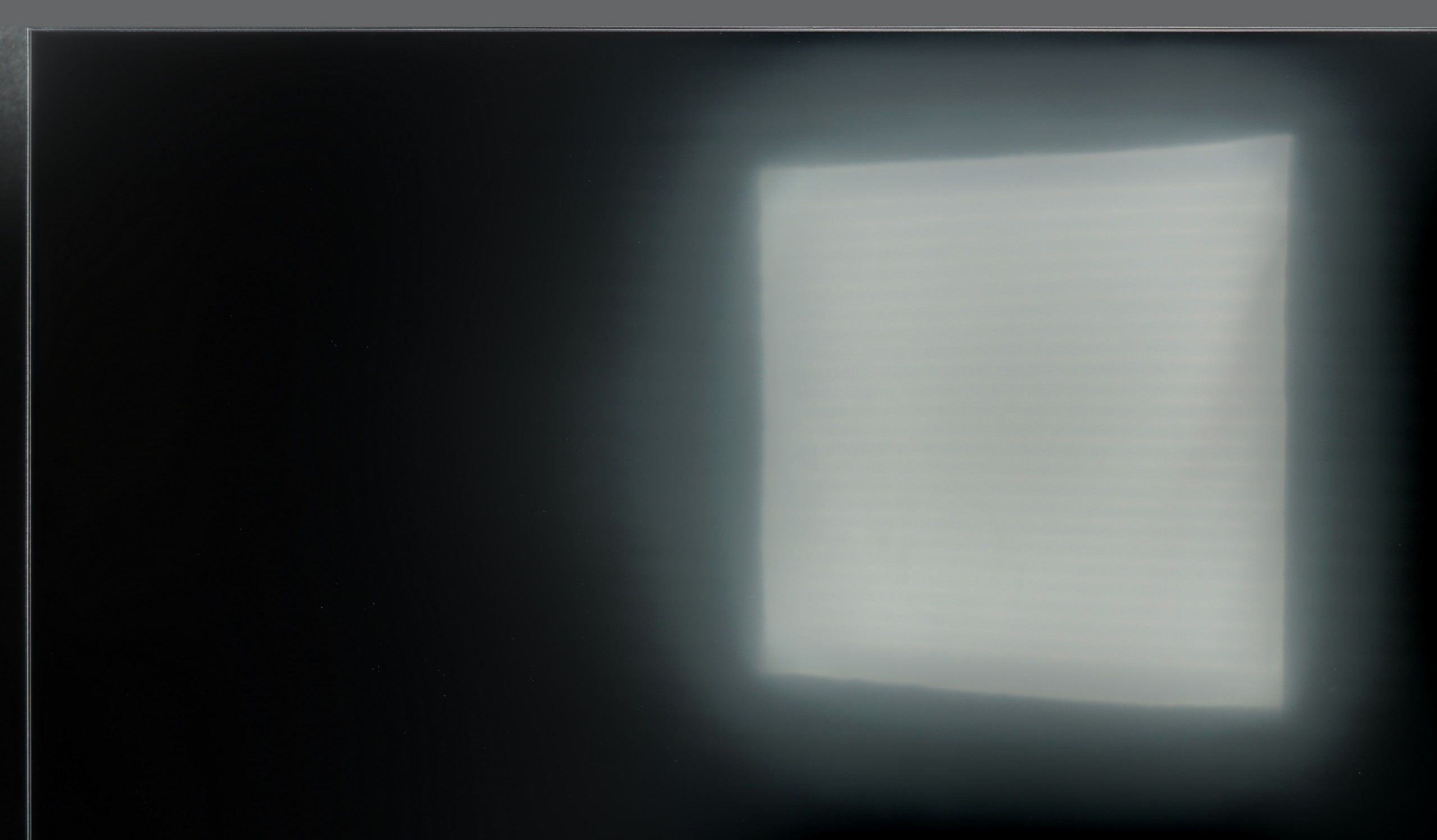
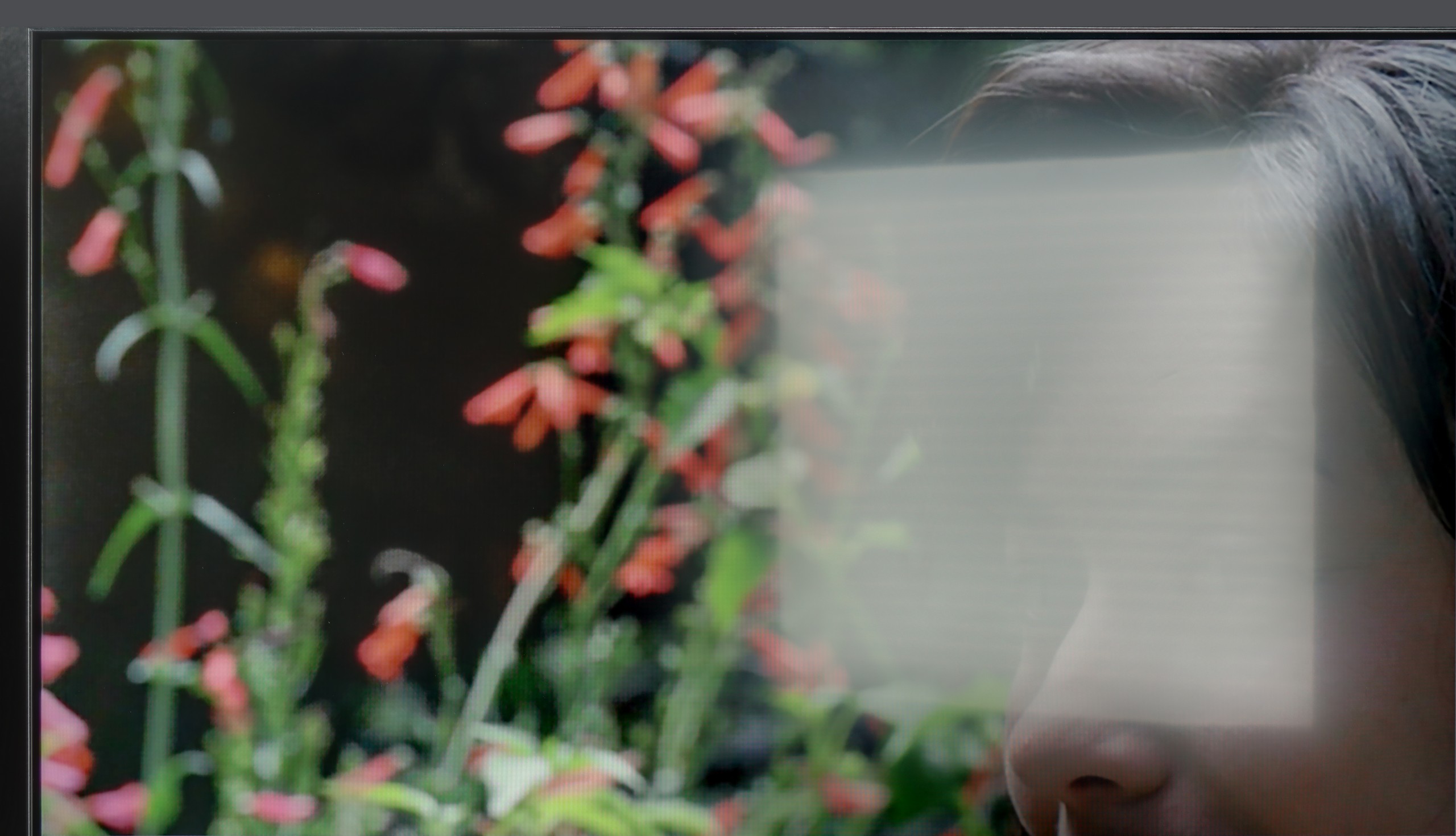
However, it's important to remember that we are talking about budget equipment. So, we should not expect any advanced technologies, such as local dimming. The backlighting works across the entire screen at all times. How did it look during viewing? We took the movie “Oblivion” with its cosmic landscapes for a test, and we also checked classic black bars in other productions. The effect was quite decent. The blacks had a good depth, but they weren't perfectly inky – a slight, bluish glow could be seen, revealing that the backlighting of the panel was still active.

HDR effect quality

4.2/10

3.4/10

Supported formats
HDR10, HDR10+, Dolby Vision, HLG
HDR10
Color gamut coverage
DCI P3: 93.5%, Bt.2020: 69.5%
DCI P3: 81.8%, Bt.2020: 61.4%

Luminance measurements in HDR:

Review TCL P755 Brightness measurement

Result

190 nit

Review TCL P755 Brightness measurement

Result

238 nit

Review TCL P755 Brightness measurement

Result

272 nit

Review TCL P755 Brightness measurement

Result

248 nit

Review TCL P755 Brightness measurement

Result

283 nit

Review Haier K85F Brightness measurement

Result

217 nit

Review Haier K85F Brightness measurement

Result

212 nit

Review Haier K85F Brightness measurement

Result

278 nit

Review Haier K85F Brightness measurement

Result

250 nit

Review Haier K85F Brightness measurement

Result

273 nit

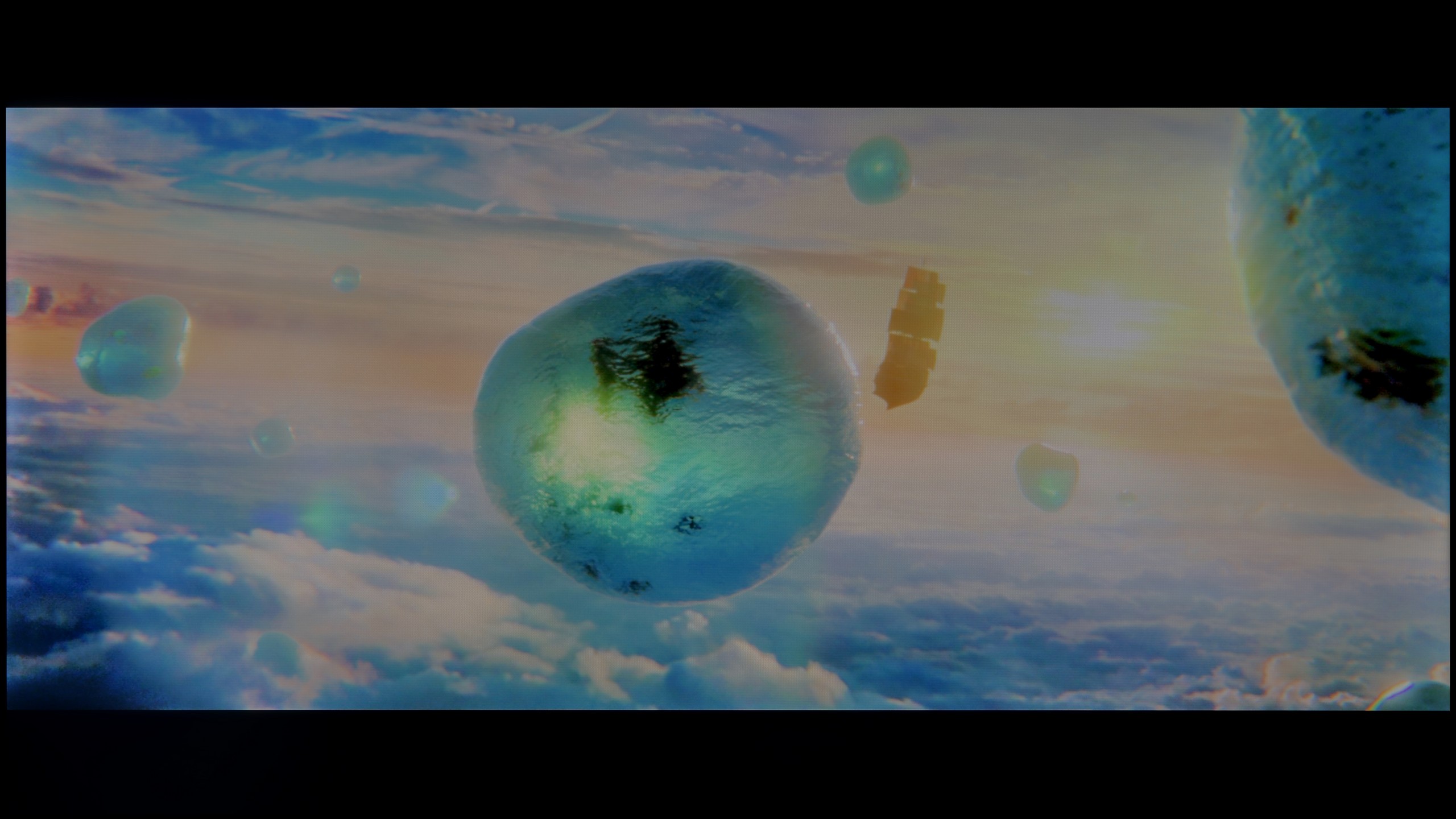
Scene from the movie “Pan” (about 2800 nits)

Review TCL P755 HDR effect quality
Review Haier K85F HDR effect quality

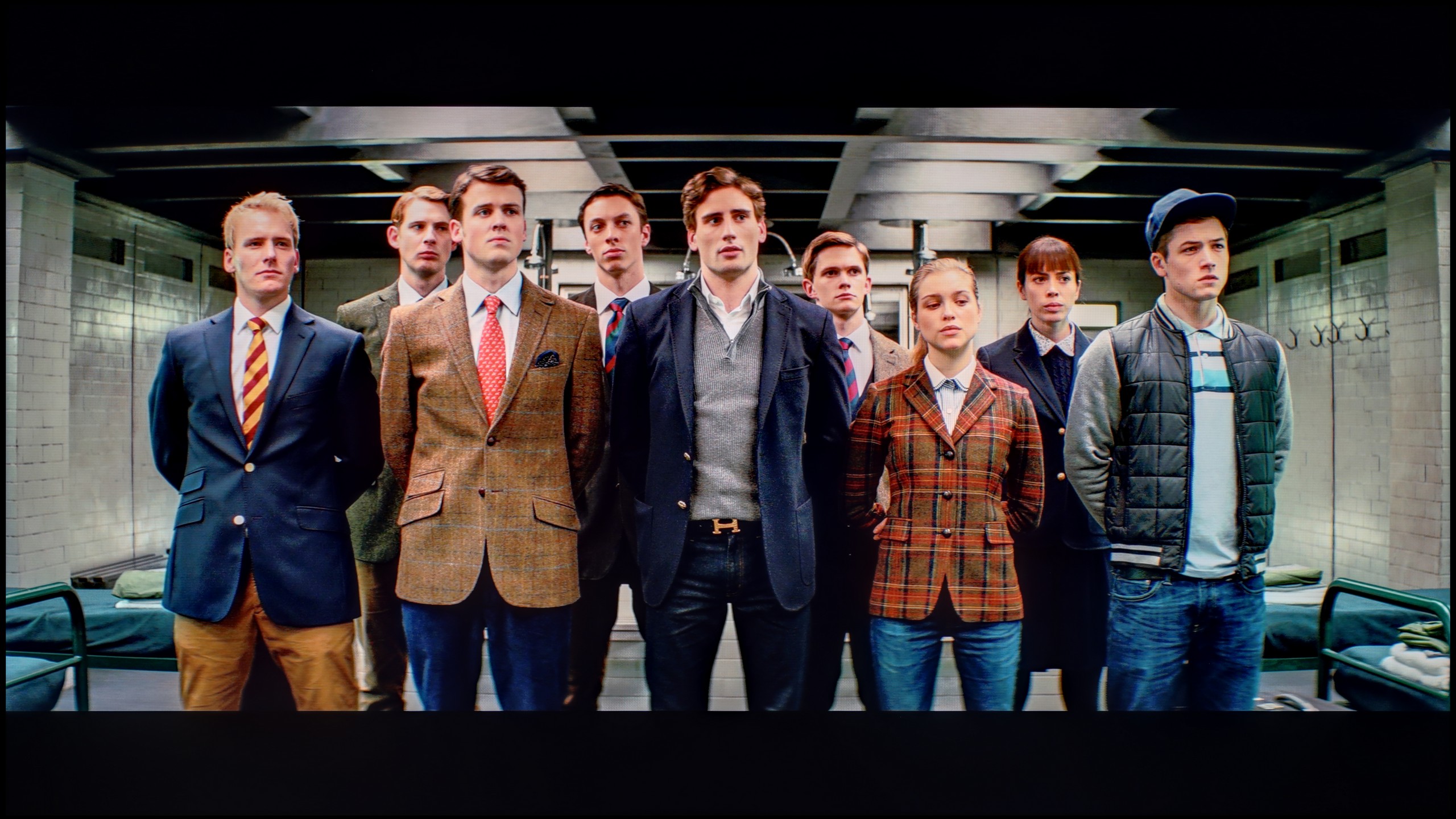
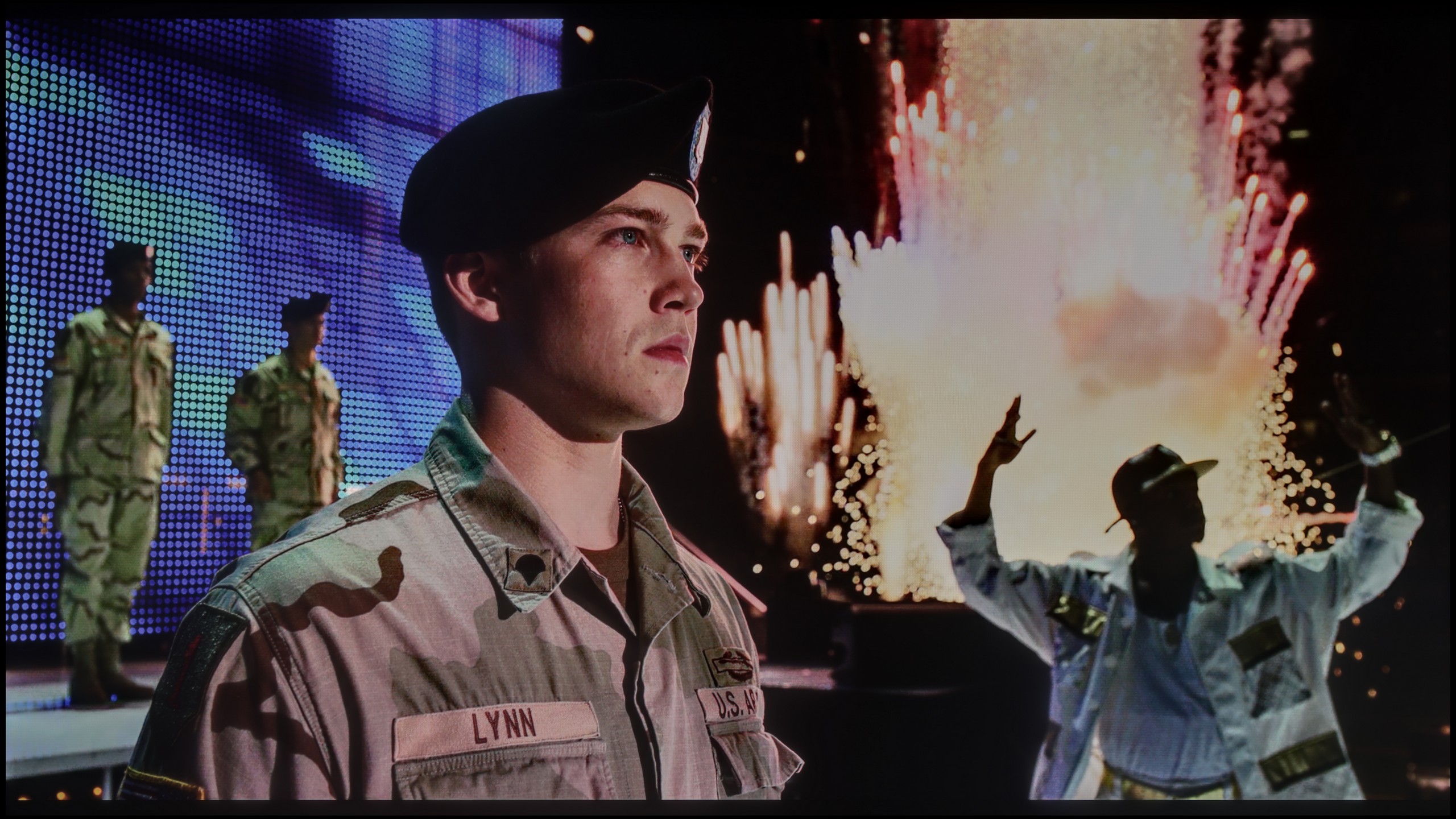
Scene from the movie “Billy Lynn” (about 1100 nits)

Review TCL P755 HDR effect quality
Review Haier K85F HDR effect quality

Static HDR10

Review TCL P755 HDR effect quality
Review Haier K85F HDR effect quality

HDR luminance chart:

Haier K85F

HDR luminance

TCL P755

HDR luminance

The TCL P755 delivers an average HDR experience, with a maximum brightness of just under 300 nits. This limitation affects the intensity of bright areas in HDR content, reducing the contrast impact, as bright elements may appear less pronounced. However, the TV compensates with an impressive 93% coverage of the DCI-P3 colour gamut, which brings vibrant, saturated colours that enhance the quality of HDR content. Despite the brightness cap, the extensive colour range enriches hues, providing a more lifelike and visually engaging viewing experience.

Now let's move on to one of the hottest topics in the world of televisions, which is the quality of HDR effect. In the case of the Haier K85F model, we must unfortunately make it clear: if you are looking for equipment to watch content in a wide dynamic range, you should steer clear of this model. The main issue is its very low peak brightness, which during our tests barely reached 250 nits. To give you a better idea of what this means – such a value is okay for watching standard SDR materials, but it is absolutely insufficient to show any real benefits of HDR. The image simply lacks the "power" to generate bright, striking bursts. All our measurements and tests on specialist patterns only confirmed this. As if that weren't enough, the television also struggles with color reproduction. In this budget model, we won't find any technologies that expand the color palette, such as quantum dot layers (known in marketing as "QLED"). As a result, the coverage of the DCI-P3 color space, which is crucial for HDR materials, is only about 80%. In practice, this means that the image will not only be dark but also devoid of vibrant, saturated colors that the director wanted to show us.

Factory color reproduction

6.2/10

3.8/10

Review TCL P755 Factory color reproduction
Review Haier K85F Factory color reproduction

Factory Mode

After calibration

Review TCL P755 Factory color reproduction
Review Haier K85F Factory color reproduction

Factory Mode

After calibration

In Cinema mode, the colour reproduction on the TCL P755, while set to the best factory configuration, falls short of ideal accuracy. The primary issue is the white balance, where the red component is notably elevated and the green is reduced. This imbalance shifts colours towards red, making them appear unnatural, particularly in scenes featuring white or neutral tones. This issue is highlighted in the Colour Checker test, which shows a discernible red bias affecting the realism of the image and diminishing the perception of colour depth.

Examining contrast performance, the gamma graph analysis reveals notable inconsistencies, especially in darker areas, where values dip below the target level of 2.4. Consequently, shadows and darker sections are displayed brighter than intended, impacting overall contrast. Furthermore, the EOTF (Electro-Optical Transfer Function) curve, essential for accurate brightness representation, veers slightly above the reference curve. The data shows a boost in brightness up to around 50% before a gradual levelling off. This creates excessive mid-tone brightness, which can lead to loss of detail and some distortion in brighter scenes, ultimately affecting the clarity and immersion of the viewing experience.

Well, how does the television perform with colors straight from the factory, without any intervention from our side? The Haier K85F offers a full range of picture modes, such as Dynamic or Eco, but for anyone who wants to watch movies according to the creators' intentions, only one really matters: Film mode. This is the mode we focused our tests on, and unfortunately, its name has little to do with reality. The picture in the factory settings is far from what we could call cinematic fidelity and requires many adjustments. Let's start with the white balance, which has a clear lack of red color. In practice, this means that the whole picture has a cool, bluish tint. The situation is even worse when it comes to brightness management, specifically gamma curves (for SDR) and EOTF (for HDR). Their graph resembles a real rollercoaster, which has a disastrous effect on the viewing experience. This results in unnatural dimming of SDR content, causing details in the shadows to get lost, and in the case of HDR – excessive brightness, which further exacerbates the issue of highlights. This combination, meaning too cool white combined with chaotic brightness and excessive blue color saturation, causes enormous errors in color reproduction. Our measurements on a specialized ColorChecker chart showed errors (Delta E) regularly reaching and exceeding values of 8-9. In simpler terms: errors above the threshold of 3 are easily noticeable to the naked eye, so such a result means that the colors on the screen are simply heavily distorted.

Color reproduction after calibration

7.6/10

6.2/10

Review TCL P755 Color reproduction after calibration
Review Haier K85F Color reproduction after calibration
Review TCL P755 Color reproduction after calibration
Review Haier K85F Color reproduction after calibration

Post-calibration, the TCL P755 delivers a markedly improved colour performance for SDR content. The colour curves now align closely with ideal values, with a more consistent gamma stability across the range. While a slight drop at the beginning of the gamma curve persists, the accuracy in colour reproduction is significantly enhanced. The Colour Checker test reveals most colour samples are now under an error threshold of 2, showcasing much-improved colour fidelity with only minimal deviations, resulting in colours that feel notably more authentic to life.

HDR content benefits from these calibration adjustments as well. White balance corrections lend a more natural tone, with colours appearing more balanced overall. The EOTF curve, while nearer to the ideal reference line, still features a mild brightness elevation at the start, which can cause minor distortions in exceptionally bright scenes. However, overall tonal quality and detail resolution have both improved. Tone mapping also performs more effectively, enhancing detail in bright regions while maintaining better image accuracy.

In summary, while calibration does not bring flawless performance, it makes a substantial difference in the P755’s visual quality. Following these adjustments, the television provides a more accurate, realistic viewing experience in both SDR and HDR content, smoothing out many of the previous colour inconsistencies for a more visually engaging result.

Well, is there anything we can do about this image? Can professional calibration save the situation? The answer is: both yes and no. It must be clearly stated that there are certain things we cannot overcome. The limitations of the construction itself, namely a poor panel and its narrow color coverage, mean that you can forget about achieving meaningful HDR – we won’t sugarcoat it for you. The biggest beneficiary of our adjustments is undoubtedly the SDR mode, and it is precisely for watching such content, after calibration, that this television begins to make sense. We managed to tame the white balance in our own way. Although the TV only offers basic 2-point adjustment (instead of precise 20-point), it’s not perfect, but we successfully eliminated that unpleasant, cold "chill" in the image. Above all, however, we recorded a significant improvement in brightness management. The gamma curve, which previously resembled a rollercoaster, looks like an almost perfectly straight line after calibration. This is a sign that the TV can finally display images without artificially dimming or brightening them. The conclusion is simple: even in the case of such a cheap television, professional adjustment of the settings can achieve a lot and draw out its maximum potential.

Smoothness of tonal transitions

7.5/10

7.6/10

Review TCL P755 Smoothness of tonal transitions
Review Haier K85F Smoothness of tonal transitions
Review TCL P755 Smoothness of tonal transitions
Review Haier K85F Smoothness of tonal transitions
Review TCL P755 Smoothness of tonal transitions
Review Haier K85F Smoothness of tonal transitions
Review TCL P755 Smoothness of tonal transitions
Review Haier K85F Smoothness of tonal transitions

For high-quality content, the TCL P755 provides respectable smoothness in tonal transitions. While there are minor imperfections in colour blending, particularly in complex gradients, these are generally expected at this price point. Testing with film scenes revealed that these issues may occasionally become visible, but in most situations, one would need to observe closely to detect them. These subtle flaws are unlikely to detract from everyday viewing experience.

It's time to address an issue that many may overlook, but to the trained (and not only) eye, it can be quite irritating. We're talking about the smoothness of tonal transitions, or how smoothly the screen displays transitions between very similar shades of one color – for example, on a clear blue sky. We must admit that in this category, the Haier K85F, considering its price, performs quite decently. In bright scenes, such as the aforementioned sky or expansive landscapes in the movie "The Martian," there are no harsh, contrasting bands visible. Indeed, if we look closely, we can spot minimal imperfections, but generally, the effect is more than satisfactory. However, the situation changes when darker scenes are on the screen, such as gloomy corridors in games or nighttime landscapes. Here, banding, or the posterization effect, becomes much more noticeable. Transitions in shadows and shades of gray are no longer as smooth and can irritate the more sensitive eye. This is not a level that would completely disqualify the television, but it is evident that this is an area where costs were cut.

Image scaling and smoothness of tonal transitions

5.5/10

4/10

Image without overscan on the SD signal
No
OK
Smooth transition function
OK
No

Smooth transition function

Review TCL P755 Image scaling and smoothness of tonal transitions
Review Haier K85F Image scaling and smoothness of tonal transitions

Image without overscan on the SD signal

Review TCL P755 Image scaling and smoothness of tonal transitions
Review Haier K85F Image scaling and smoothness of tonal transitions

The "Gradual Smoothing" function on the TCL P755 performs effectively, reducing visible boundaries between shades of the same colour and creating smoother tonal transitions. Unfortunately, this feature is unavailable in HDR mode, which can impact the quality of tonal gradations in high dynamic range content.

In terms of image scaling, the television shows some limitations. There are visible edge cut-offs, especially noticeable around figures and tree branches, which result in some detail blurring and a reduction in overall image sharpness. This is particularly noticeable when viewing lower-resolution content. Additionally, SD-quality images display a slight crop at the top and bottom, which may further impact viewing for standard-definition content.

Let's move on to digital processing and image scaling, that is, how the Haier K85F handles lower resolution signals, for example, from standard television. Right from the start, we encounter an extremely annoying and completely incomprehensible issue – the overscan feature is enabled by default. This means that the television artificially enlarges the image, cropping its edges, and this occurs on every source, even 1080p. To see the full frame, you have to dig into the screen settings every time and manually switch the format to "stretch to 16:9." It's a detail, but incredibly frustrating. The scaling of content to 4K resolution can be described in one word: acceptable. And that's basically it. The image processor does not strip the image of details, nor does it generate jagged edges or other artifacts. It simply does its job, without any fireworks. It's fine, but nothing more. The biggest and most noticeable shortcoming in the digital processing section is the absence of a banding smoothing function. This is an algorithm that could significantly reduce the annoying banding effect we mentioned earlier. Unfortunately, the manufacturer did not implement such a solution, condemning us to watch the imperfections of the panel and low-quality materials in all their glory.

Blur and motion smoothness

4.3/10

4.5/10

Maximum refresh rate of the panel
60Hz
60Hz
Film motion smoothing option
OK
OK
Blur reduction option
No
No
BFI function 60Hz
No
-
BFI function 120Hz
No
-
Brightness drop with BFI
-%
-%

Blur (native resolution, maximum refresh rate):

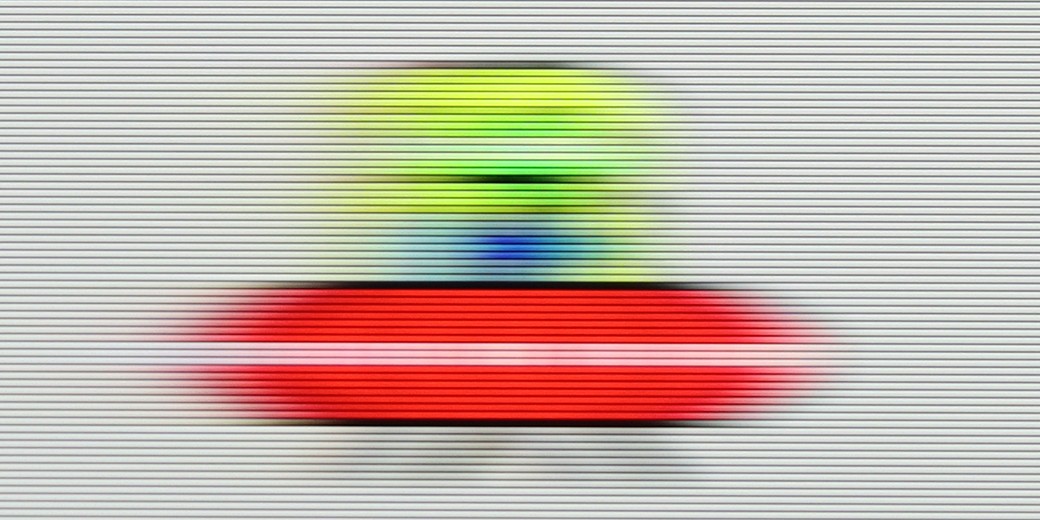
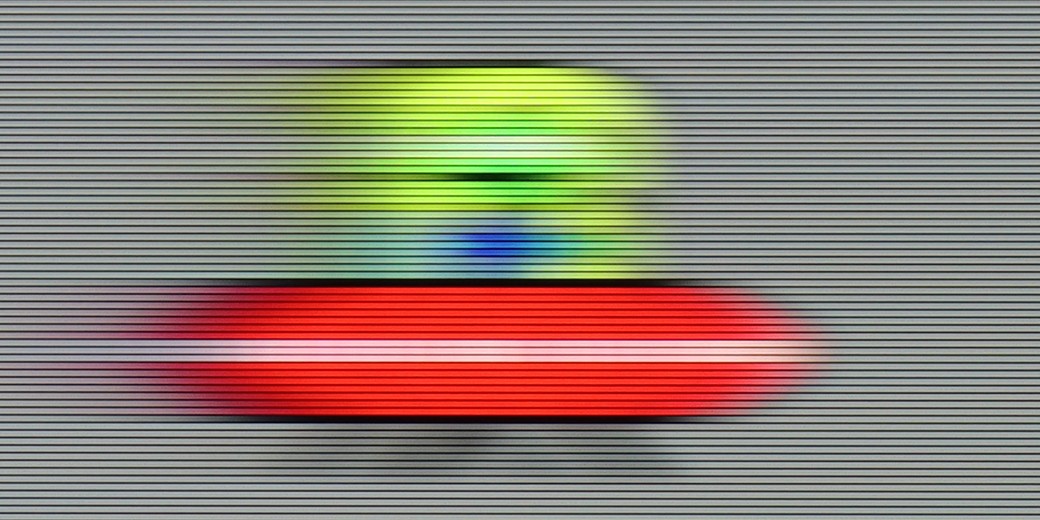
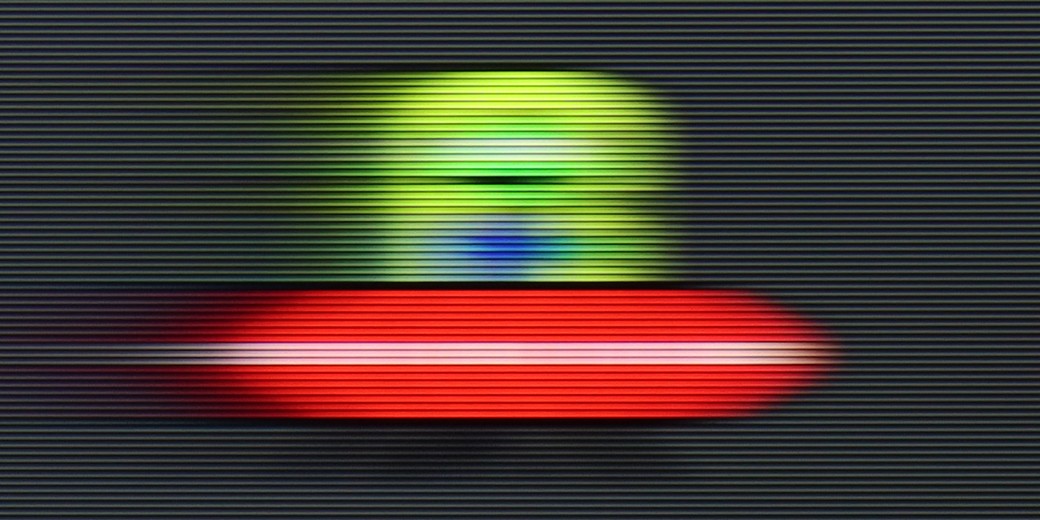
The TCL P755 delivers satisfactory, though not flawless, motion smoothness. It includes a "Flicker Reduction" feature for films, allowing users to fine-tune motion smoothness on a scale from 1 to 10. This setting offers flexibility in tailoring the image to cinematic or more theatrical preferences, adjusting for a slower or faster appearance according to personal viewing taste.

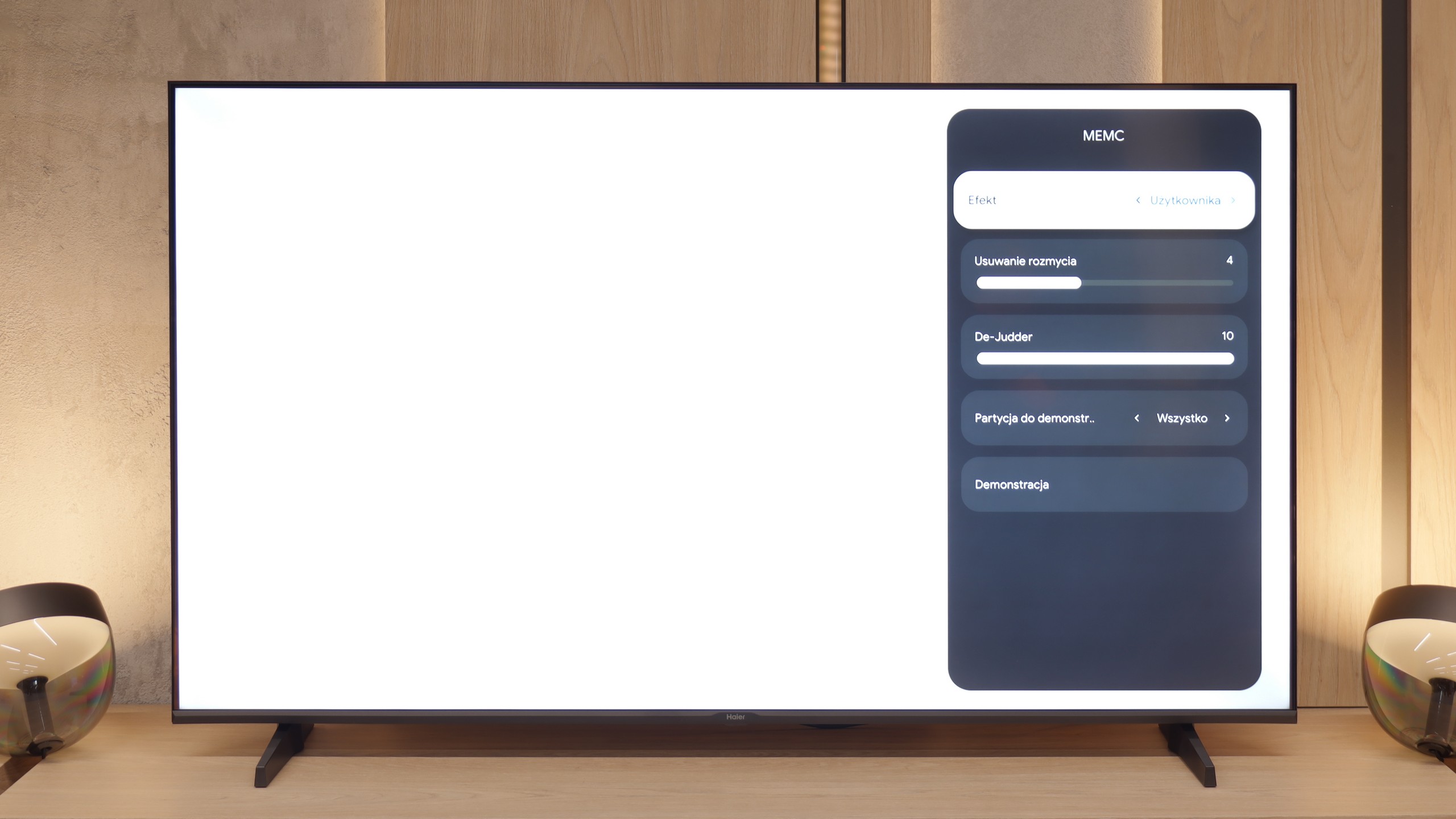
The panel in the K85F model operates at a native refresh rate of 60 Hz, which already sets certain expectations for smoothness of the image right from the start. However, we must admit that we were very positively surprised when we found not one, but two separate sliders for motion control in the settings menu: one labeled "Blur Reduction" and the other "De-Judder." Such generosity in this price segment is an absolute rarity, as usually manufacturers offer at most one common option. Unfortunately, our enthusiasm quickly dwindled as fast as it appeared. It soon became clear why Haier was so "generous" – the slider responsible for blur reduction is simply a dummy. Moving it does not produce any visible effect on the screen; thus, only one of the two options actually works.

Console compatibility and gaming features

5.3/10

4/10

  • ALLM
    Yes
    Yes
  • VRR
    Yes
    Yes
  • VRR range
    48 - 60Hz
    48 - 60Hz
  • Dolby Vision Game Mode
    Yes
    No
  • Correct implementation of HGIG
    No
    No
  • 1080p@120Hz
    No
    No
  • 1440p@120Hz
    No
    No
  • 4K@120Hz
    No
    No
  • Game bar
    Yes
    No

The TCL P755 comes equipped with gamer-oriented features like ALLM (Auto Low Latency Mode), VRR (Variable Refresh Rate), Dolby Vision for gaming, and a Game Bar. ALLM automatically activates low latency mode to enhance response times and reduce input lag, while VRR syncs the screen refresh rate with the console's frame output, minimising screen tearing for a smoother gaming experience. Dolby Vision for gamers brings improved colour and contrast for compatible games, and the Game Bar allows easy access to essential settings like response time.

However, the 60 Hz panel limits the display to this refresh rate across resolutions, which may impact the fluidity in high-motion games. The absence of G-Sync also affects PC gamers, as gameplay on computers lacks this technology's extra smoothing. Notably, HGiG mode, meant to optimise HDR game visuals, is not fully functional on this model, which slightly detracts from the HDR gaming experience.

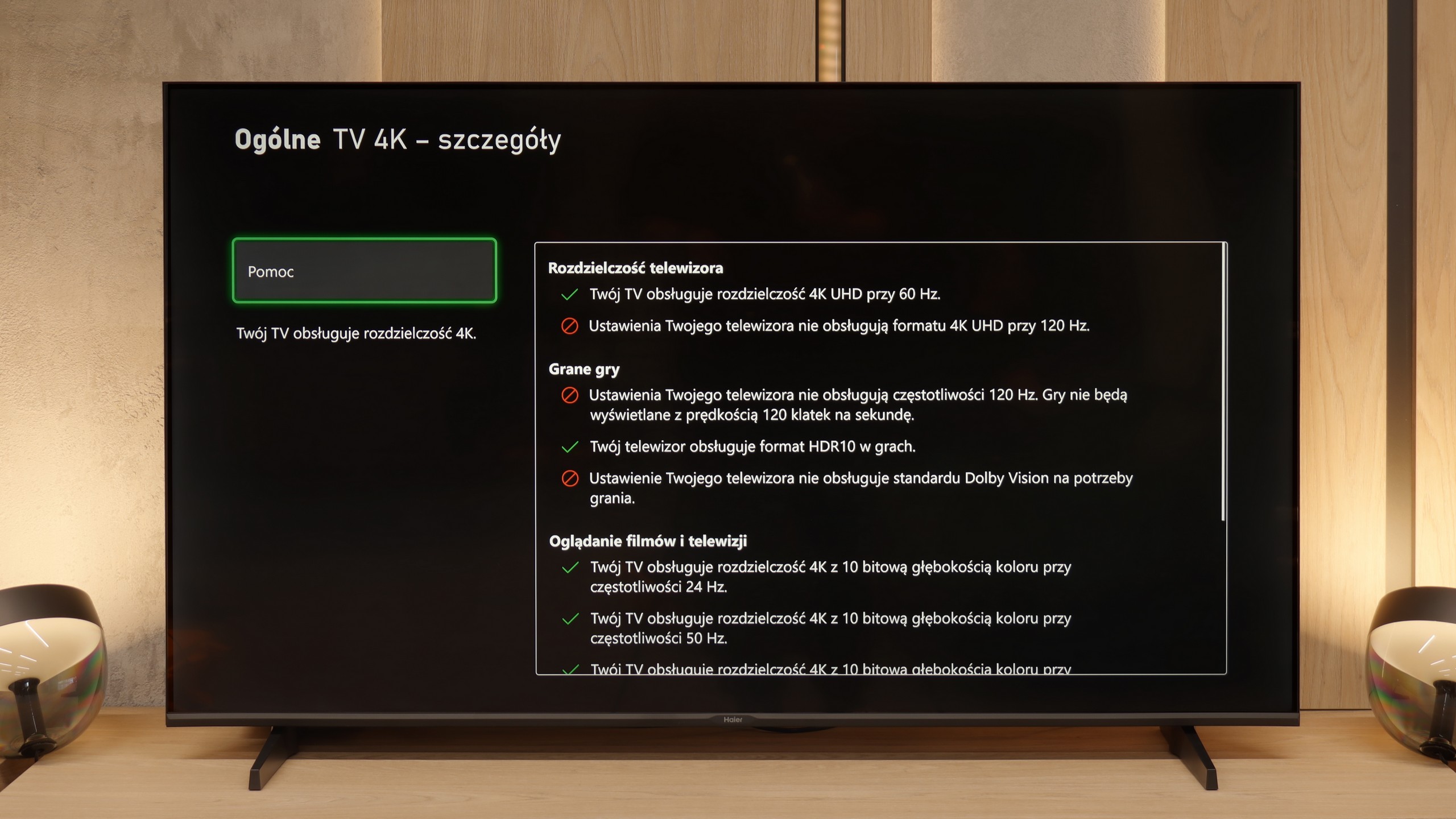
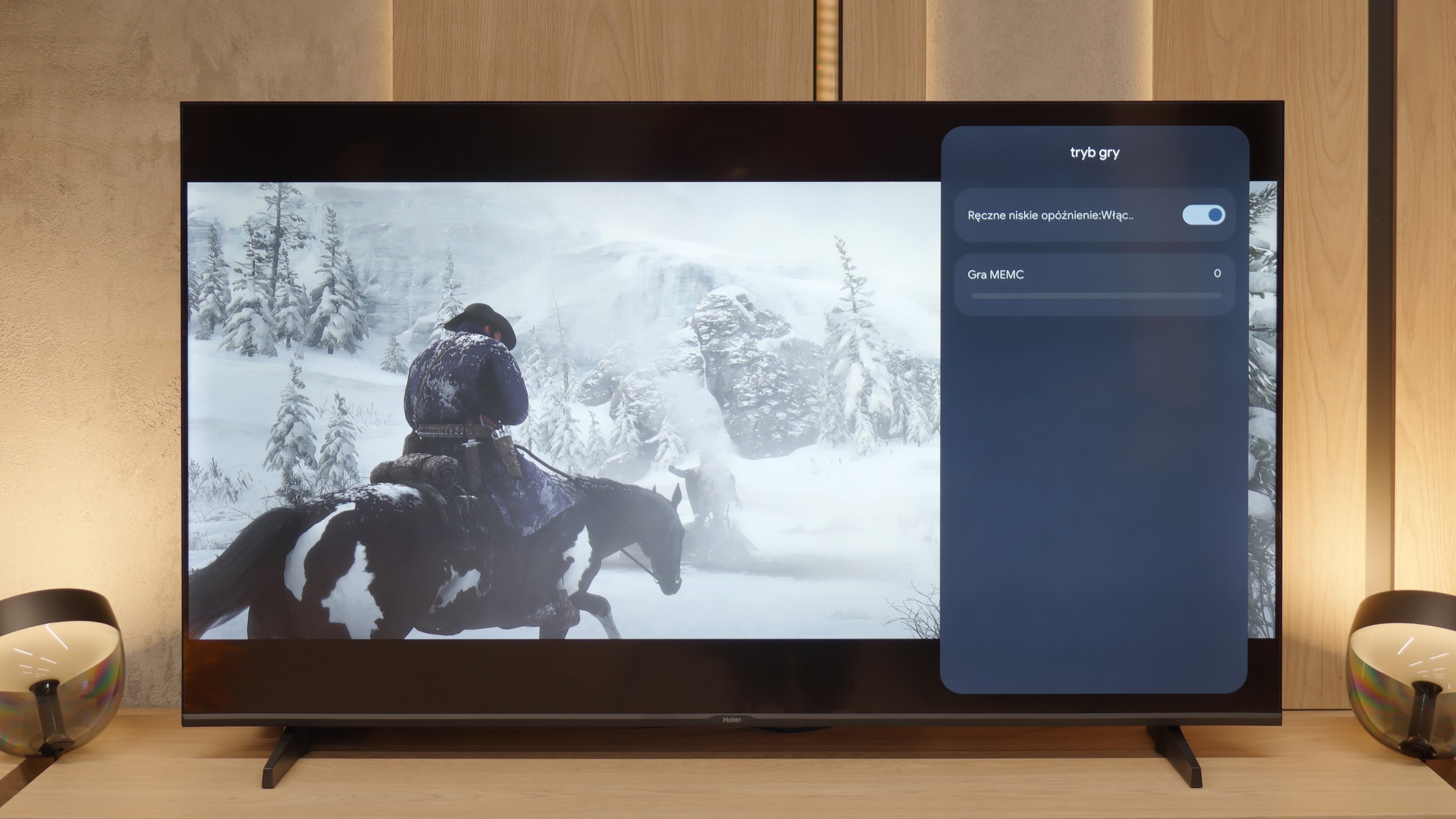
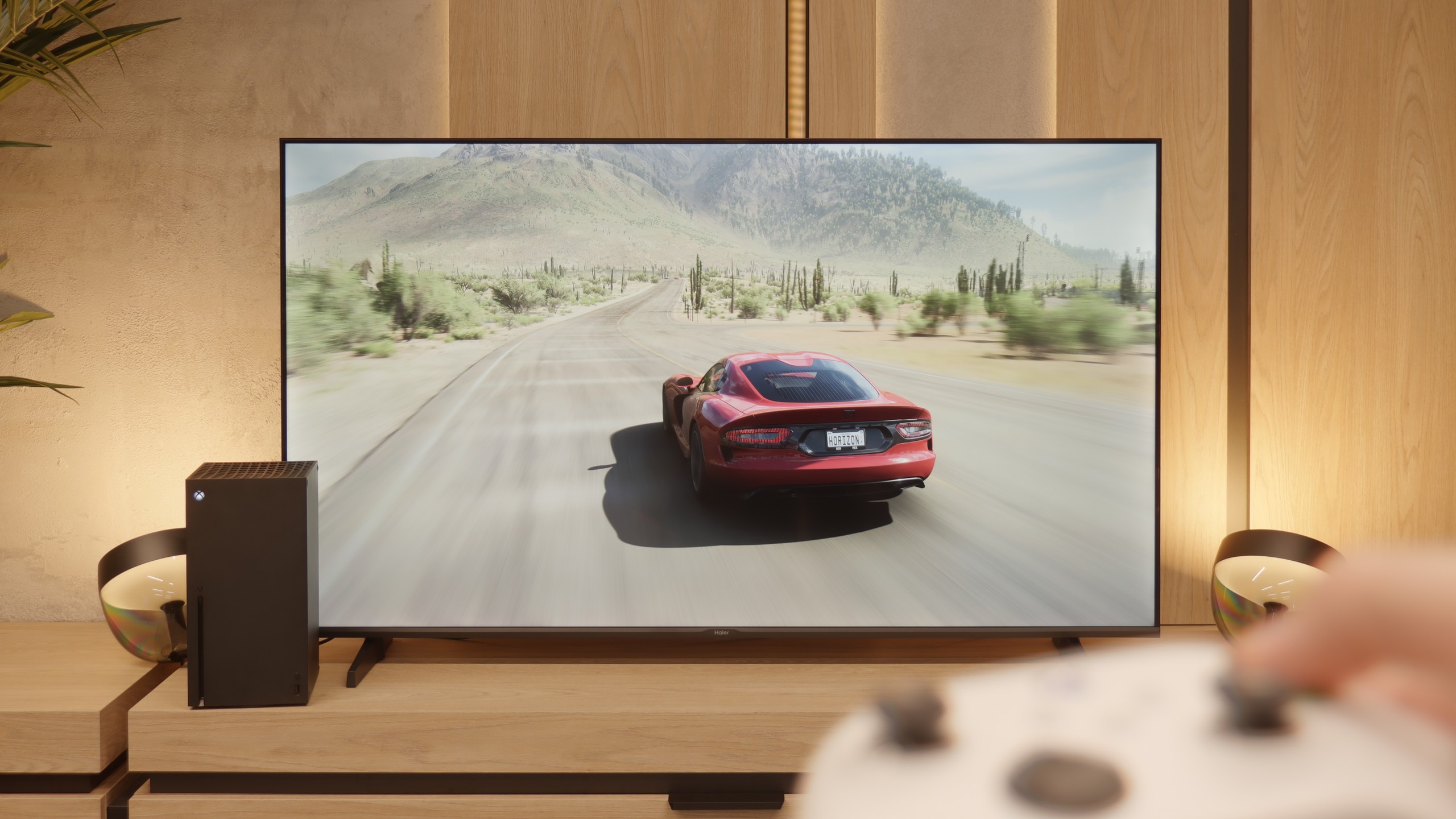
Let's move on to the features for gamers, although we must point out right away that this is more of a proposal for "casual" players. The manufacturer boasts in the specifications about the presence of HDMI 2.1 ports, which looks impressive on paper, but in reality, it is largely a marketing gimmick. What good is a modern port when the heart of the television is a panel with a refresh rate of 60 Hz? It physically cannot display a signal at 120 frames per second, even at lower resolutions, which takes away HDMI 2.1's most important advantage. That's a shame. (That’s why we mark it as HDMI 2.0 ports in our tests). Another oddity is the television's response to attempts to calibrate HDR from the console. Changes in brightness settings cause very unnatural behavior of the image, which might suggest an incorrect implementation of the HGiG standard. To be honest, however, you shouldn't worry too much about this, because as we have mentioned multiple times, we simply do not recommend using any HDR content on this screen. However, to make it not so bitter, the Haier K85F also has two significant and unexpected advantages. The first is the presence of ALLM, or Auto Low Latency Mode, which switches the television to low latency mode as soon as it detects a connected console. The second, even bigger surprise is support for VRR, or Variable Refresh Rate. Although it works in a very modest range of 48-60 Hz, its very presence is commendable. Thanks to this, the image in games can stutter less, which truly improves the gaming experience.

Input lag

10/10

10/10

SDR

1080p60
11 ms
13 ms
1080p120
2160p60
11 ms
13 ms
2160p120

HDR

2160p60
11 ms
13 ms
2160p120
4320p60

Dolby Vision

2160p60 DV
11 ms
13 ms
2160p120 DV

The TCL P755 impresses with its exceptionally low input lag, making it a great choice for gamers. Regardless of mode—SDR, HDR, or Dolby Vision—the input lag remains consistently low at just 11 ms across all resolutions. This outstanding latency performance ensures highly responsive gameplay without noticeable delays, even in the demanding Dolby Vision mode. With this level of responsiveness, the P755 delivers smooth, immersive gaming experiences, ideal for those seeking precision and speed in their gameplay.

However, we have to give credit to Haier – there is one parameter where this television absolutely shines and embarrasses many more expensive models. We are talking about input lag, or signal delay. Our measurements showed a remarkably low result of only 13 ms. This is a huge advantage that makes controlling games instantaneous and extremely responsive. In this regard, the K85F performs excellently.

Compatibility with PC

2.5/10

6/10

Chroma 444 (maximum resolution and refresh rate)
Yes
Yes
Font clarity
Average
Very Good
Readability of dark text and shapes
Poor
Very Good
Input lag in PC mode (4K, maximum refresh rate)
12ms
13ms
Matrix subpixel arrangement
BGR
BGR
Max refresh rate
60Hz
60Hz
G-Sync
No
No
Review TCL P755 Compatibility with PC
Review Haier K85F Compatibility with PC

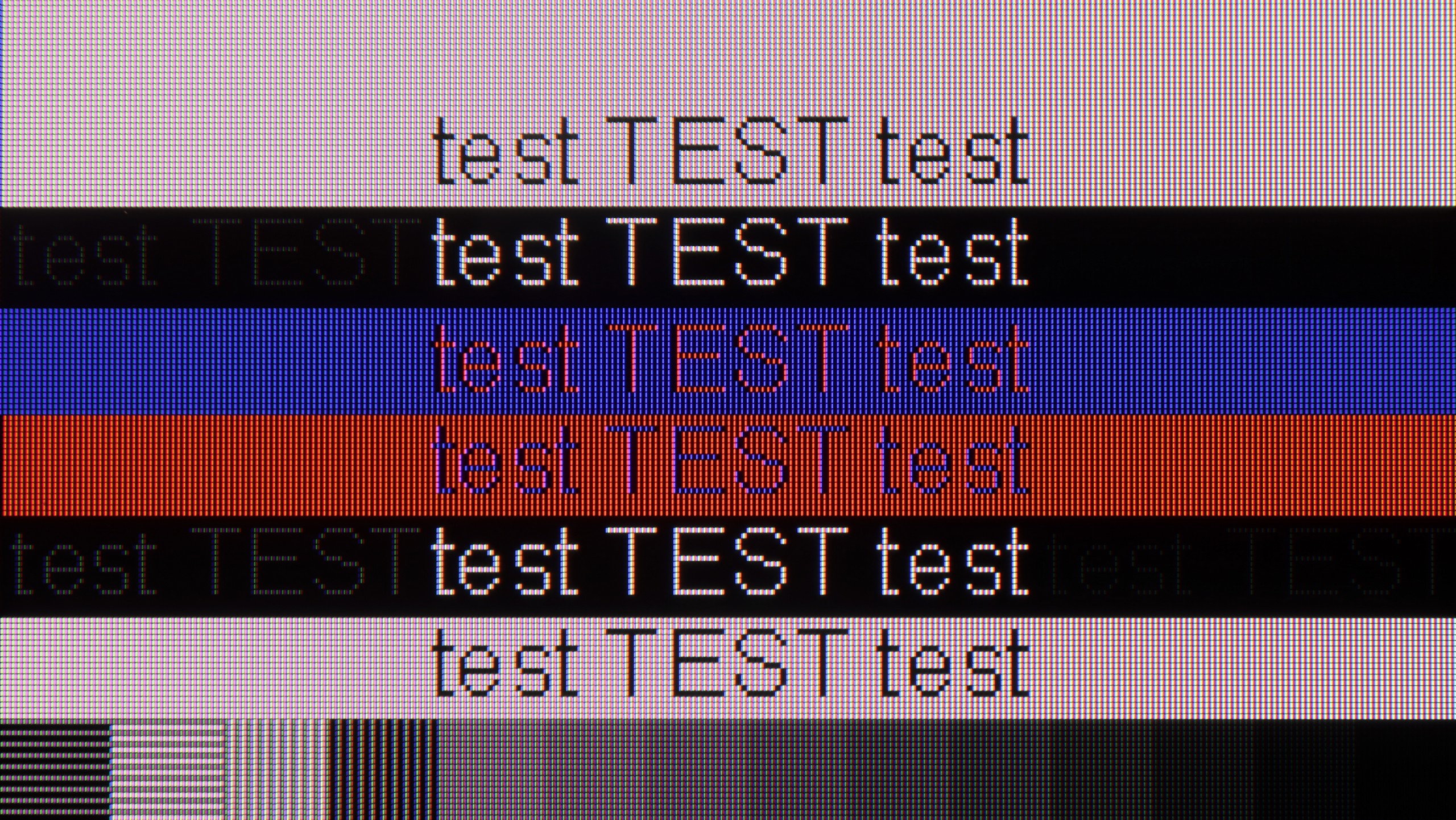
When connected to a computer, the TCL P755 initially impresses with its support for chroma 4:4:4, ensuring accurate colour reproduction, which is essential for text and graphic work. However, font readability leaves room for improvement, especially with dark text or shapes against dark backgrounds. This limitation stems from reduced resolution in darker shades due to applied dithering, causing pixels to resemble a Full HD display, which can be particularly bothersome with smaller fonts, making office work on a large screen less comfortable.

On the positive side, the TV offers a very low input lag of 12 ms, making it a viable option for occasional PC gaming, especially in fast-paced games. Ultimately, while the TCL P755 can serve well for gaming purposes, users who need sharp text readability for work might find it lacking in this area.

And what if we try to use this Haier as a computer monitor? Here, what was a big surprise for us, the TV performs exceptionally well. For office work – it’s perfect. All thanks to the fact that it properly supports the so-called chroma sampling 4:4:4. To put it simply: every single letter on the screen is sharp, without annoying colored halos or blurriness. Sure, let’s be straightforward – this is not equipment for PC gamers. 60 Hz is too low for them. But if you just need a big screen for text work, browsing the internet, coding, or displaying presentations, then the K85F will perform excellently in this role. It’s one of its strongest and, to be honest, most unexpected applications.

Viewing angles

3.2/10

2.8/10

Brightness drop at an angle of 45 degrees
76%
67%

The P755, equipped with a VA panel, offers average viewing angles. In practice, this means that the image brightness significantly decreases when viewing the screen at an angle. VA panels, although they provide better contrast and deeper blacks compared to IPS panels, have worse properties in terms of viewing angles. IPS panels, known for their wider viewing angles, offer a more stable image from various angles, but usually at the cost of slightly lower contrast and black depth. Although the VA panel contributes to better contrast, the drop in brightness at an angle is noticeable and can affect viewing comfort in larger groups or from different positions in the room.

At almost the very end of the evaluation of the panel itself, we left the viewing angles, which unfortunately are one of its biggest weaknesses. However, we must honestly admit that this is no surprise – it is simply a natural and widely known characteristic of VA-type panels. In the unit we tested, interestingly, the brightness of the image did not drop drastically when we moved away from the center of the screen. The real problem, however, is the colors, which instantly begin to fade. A slight change in position on the sofa is enough for the hues to lose their saturation and become washed out. In this regard, the Haier K85F presents a very average level, typical for this technology.

Daytime performance

3.8/10

4.1/10

Panel finish
Satin
Satin
Reflection suppression
Poor
Average
Black levels during daytime
Good
Good
Review TCL P755 Daytime performance
Review Haier K85F Daytime performance
Review TCL P755 Daytime performance
Review Haier K85F Daytime performance

Panel brightness

Average luminance SDR

Haier K85F: 276 cd/m2

TCL P755: 290 cd/m2

The TCL P755, featuring a satin finish, performs reasonably well in moderately lit daytime settings. Its SDR brightness of approximately 290 nits is average, but the TV’s reflection suppression is limited, making light reflections quite noticeable in brighter environments. Despite this drawback, the VA panel provides good black levels and improved contrast compared to IPS alternatives, helping to maintain picture quality. In practical terms, while reflections can be distracting, the P755 delivers satisfactory performance during daytime viewing, with decent contrast and black depth to enhance overall image quality.

And how does the television perform in confrontation with daylight, for example in a heavily sunlit living room? Unfortunately, we don't have good news here. As we've established, this is a television with relatively low brightness, which becomes a serious drawback in the face of sunlight. The situation is further worsened by the applied screen coating. Instead of effectively suppressing reflections, its satin structure tends to unfavorably scatter them. In practice, this means that the reflection of a window or lamp turns into a large, blurred, milky halo, which degrades contrast and effectively hinders viewing. The conclusion is therefore clear: if the television is to be placed in a bright room, the K85F model will not be a good choice.

Panel details

Backlight Type
PFS LED
White LED
Software version during testing
UKN2.241219.053
Image processor
rtd6748 2gb ram
mt5896

Subpixel Structure:

Panel uniformity and thermal imaging:

Review TCL P755 TV Panel details
Review Haier K85F TV Panel details

TCL P755

Haier K85F

TV features

7.3/10

5.5/10

  • HDMI inputs
    3 x HDMI 2.0, 0 x HDMI 2.1
    4 x HDMI 2.0, 0 x HDMI 2.1
  • Other inputs
    RCA (Chinch)
    RCA (Chinch)
  • Outputs
    Toslink (Optical audio), eARC (HDMI), ARC (HDMI)
    Toslink (Optical audio), eARC (HDMI), ARC (HDMI), Mini-Jack (Headphones)
  • Network Interfaces
    Wi-Fi 2.4GHz, Wi-Fi 5GHz, Ethernet (LAN) 100Mbps
    Wi-Fi 2.4GHz, Wi-Fi 5GHz, Ethernet (LAN) 100Mbps
  • TV reception
    DVB-T, DVB-T2, DVB-S, DVB-S2, DVB-C
    DVB-T, DVB-T2, DVB-S, DVB-S2, DVB-C

Classic features:

  • Recording to USB (terrestrial TV)
    No
    No
  • Recording programming
    No
    No
  • Picture in Picture (PiP)
    No
    No
  • RF remote control (no need to aim at the screen)
    Yes
    Yes
  • Backlit remote control
    No
    No
  • Teletext
    Yes
    Yes
  • Audio only mode
    Yes
    Yes
  • Bluetooth headphones support
    Yes
    Yes
  • Simultaneous Bluetooth headphones & TV audio
    Yes
    No

Smart features:

  • AirPlay
    Yes
    No
  • Screen mirroring (Windows Miracast)
    Yes
    Yes
  • Voice search
    No
    Yes
  • Voice search in native language
    Yes
    Yes
  • Ability to connect a keyboard and mouse
    Yes
    Yes
Review TCL P755 TV features
Review Haier K85F TV features

The TCL P755 operates on the Google TV platform, enhancing user comfort with a variety of features. This extension of Android TV offers personalized content recommendations tailored to viewing habits and preferences, making it easier to discover new shows and movies. Users can effortlessly access popular streaming applications like Netflix, YouTube, and Prime Video, while the integration with the Google Play Store allows for additional app downloads. Furthermore, the system seamlessly connects with other Google devices, enabling control through Google Assistant and integration into a smart home setup.

For connectivity, the TV supports screen mirroring via Windows Miracast and AirPlay, facilitating easy sharing of content from other devices. It also accommodates keyboard and mouse connections, and Bluetooth headphones, allowing for versatile audio options. Users can enjoy simultaneous audio from headphones and the built-in speakers, each with separate volume controls. The TV remote operates on an RF basis, eliminating the need to point it directly at the screen, although it lacks backlighting. Additionally, the P755 features an audio-only mode and Teletext functionality, but it does not offer a picture-in-picture (PiP) option.

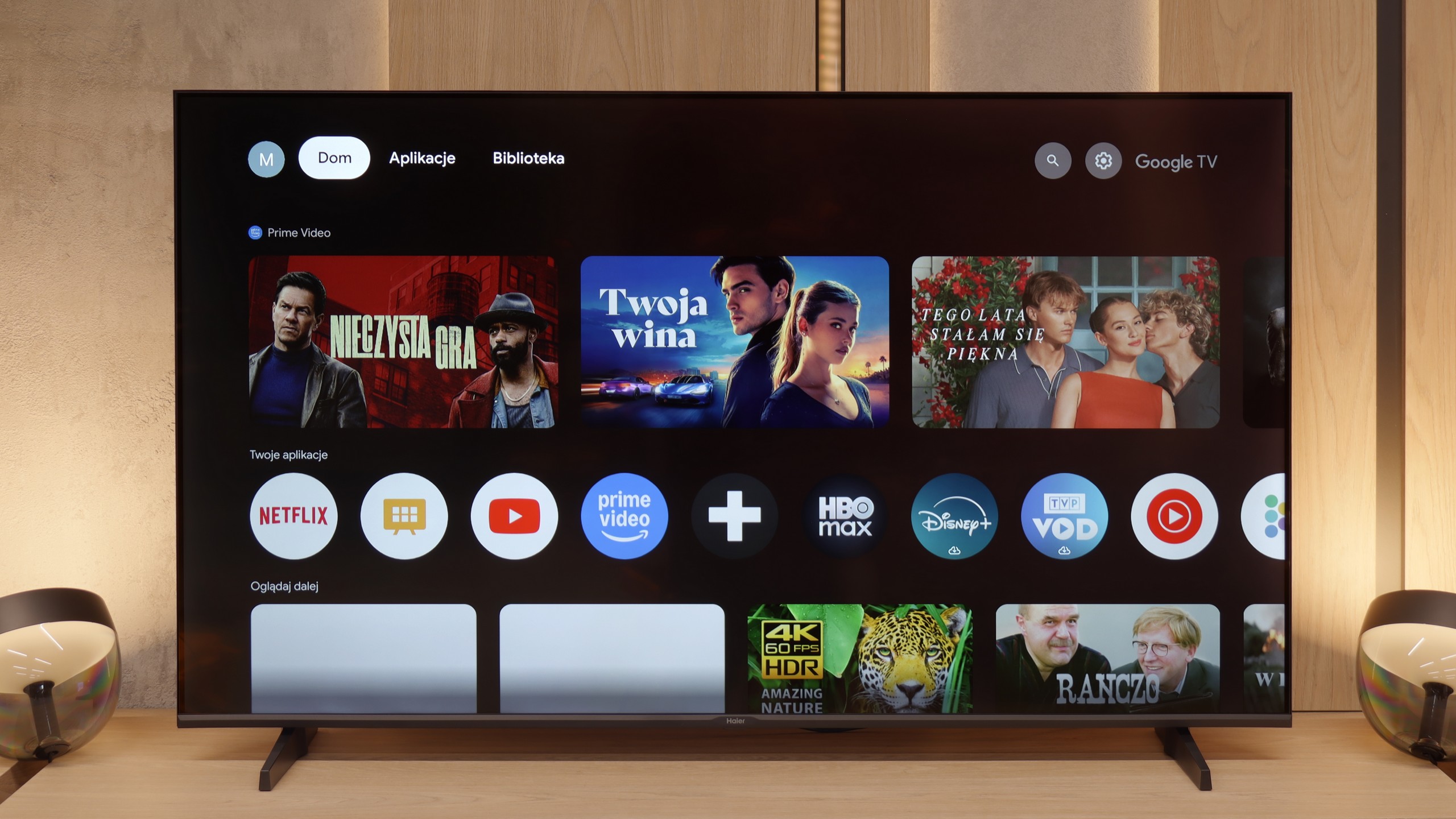
GoogleTV on Haier K85F

The heart of the television is the Google TV system, which in theory should be its huge advantage. Access to thousands of applications and a wealth of features are promises we are familiar with. Unfortunately, in Haier's execution, this is one of the worst implementations of this software we have encountered. The system operates painfully slowly, and the interface notoriously freezes. However, the real nightmare is the incorrect and often downright comical translations of some menu options, making it at times difficult to figure out what is being referred to. To make matters worse, during our tests, we were unable to launch the AirPlay function, which simply did not work.

Classic features on Haier K85F

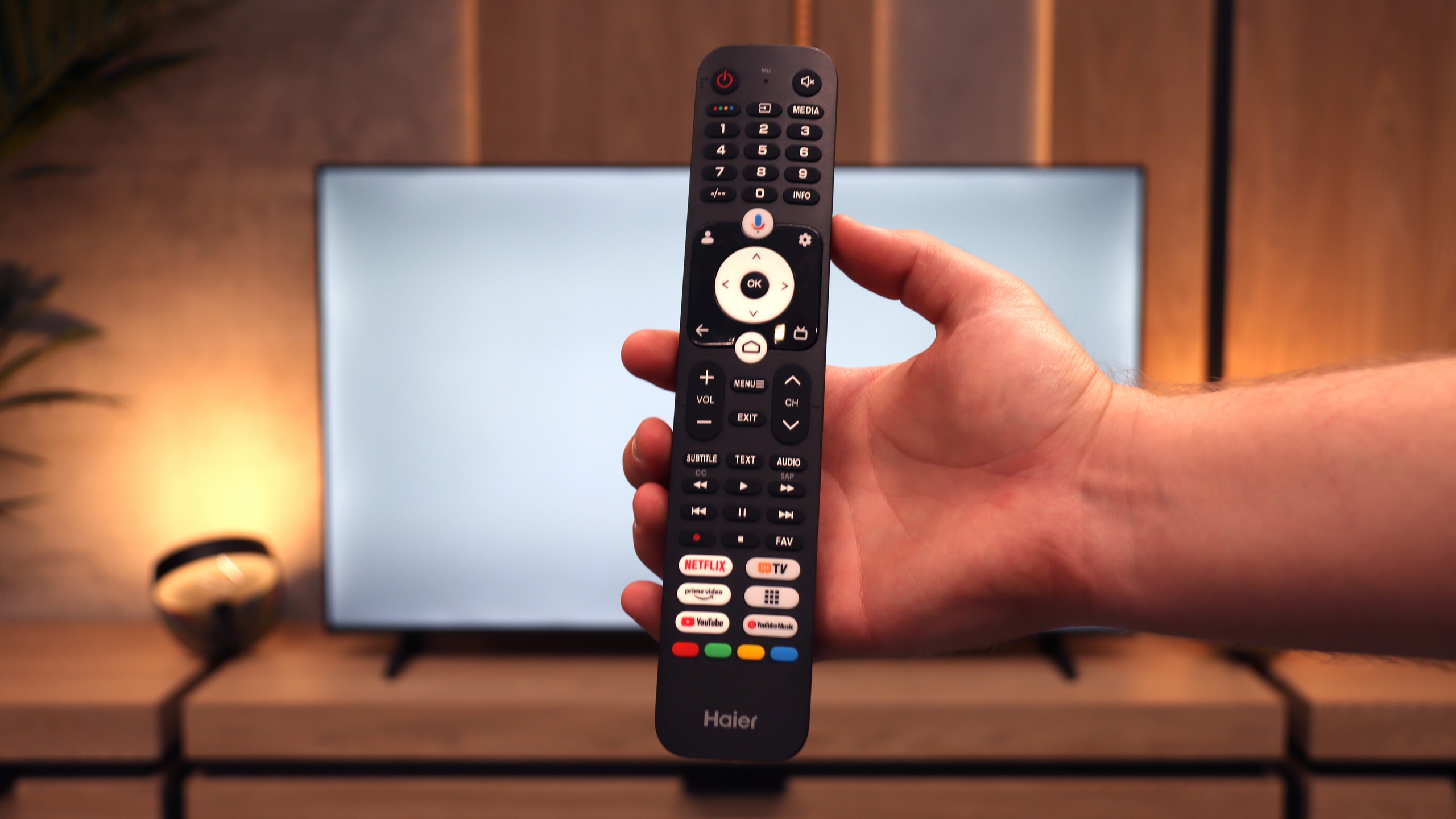
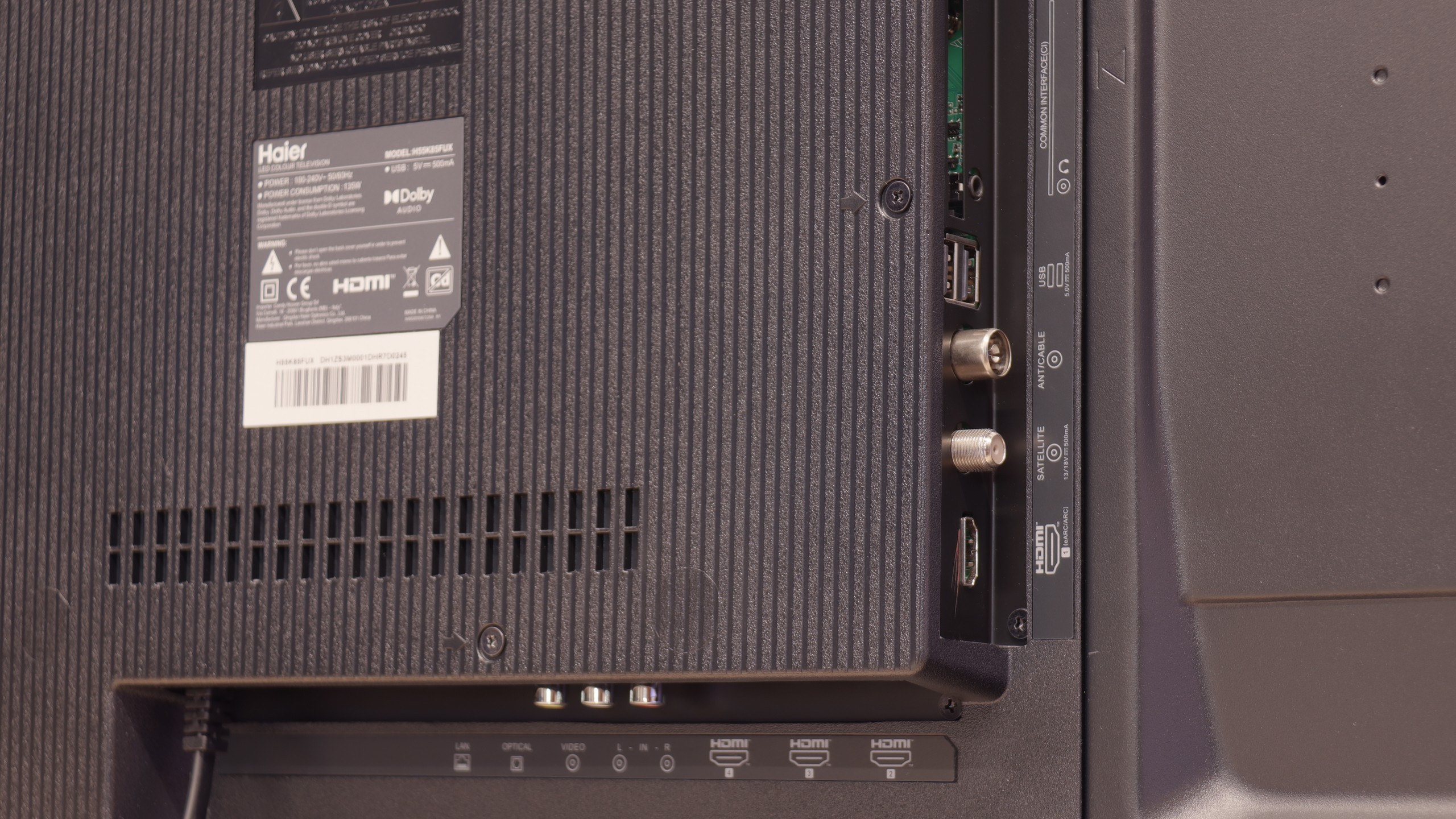
Let's move on to the classic features and ports, because this story is even more interesting. A plus is certainly the rich set of ports, including four HDMI inputs and a rarely found mini-jack headphone output. Unfortunately, the television does not offer either USB recording or PiP mode. However, the real ordeal begins with the remote. Our first attempts to pair it via Bluetooth to activate radio frequency (RF) control and voice functions ended in total failure. After several dozen attempts, we were sure it was simply a manufacturing defect. And here's the surprise: after a long struggle, we discovered that the remote can be paired, but it needs to be done from the native Google TV settings, completely bypassing Haier's non-functioning system overlay. This is a perfect example of how terrible software can ruin basic functionality. Oh, and one more thing. In the box... there weren’t even any batteries for the remote.

Playing files from USB

9.1/10

9.4/10

Supported photo formats:

JPEG
Yes
Yes
HEIC
No
Yes
PNG
No
Yes
GIF
No
Yes
WebP
No
Yes
TIFF
No
No
BMP
Yes
Yes
SVG
No
No

Maximum photo resolution:

4 Mpix
Yes
Yes
6 Mpix
Yes
Yes
8 Mpix
Yes
Yes
10 Mpix
Yes
Yes
12 Mpix
Yes
Yes
16 Mpix
Yes
Yes
20 Mpix
Yes
Yes
24 Mpix
Yes
Yes
28 Mpix
Yes
Yes
32 Mpix
Yes
Yes

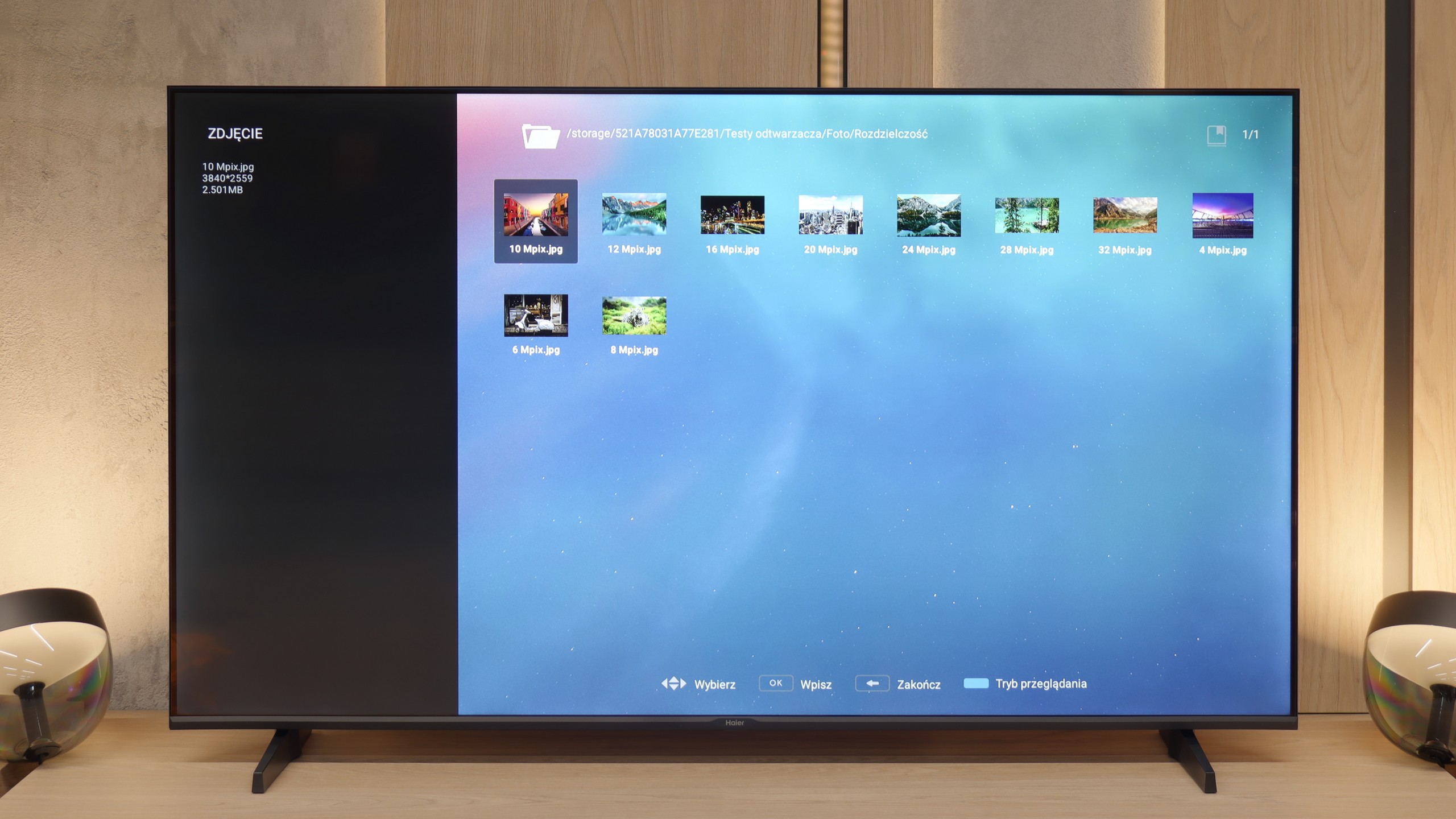
The television will play most files and video codecs, and the font size for loaded subtitles can be adjusted. The biggest downside here is the lack of support for less popular image formats.

After all our complaints about the unfinished software, the moment came when we experienced absolute shock. It turns out that within this error-prone and slow system, there is a function that works almost perfectly and puts industry veterans to shame. We are talking about the built-in media player for USB drives. It is a true multimedia powerhouse that played virtually every video format we threw at it without the slightest hesitation – from the most popular to the completely niche. Haier, a newcomer to the TV market, has achieved something that many manufacturers with decades of experience have struggled with for years. Who knows, perhaps it was intended to be a reliable player for conference rooms? Regardless of its origin, the result is outstanding!

Apps

9.6/10

9.6/10

OK
Disney_Plus
OK
Amazon_Prime_Video
OK
Player_TVN
OK
Polsat_Box_Go
OK
Canal_Plus_Online
OK
TVP_VOD
OK
Apple_TV_Plus
OK
SkyShowtime
OK
Rakuten
OK
CDA_Premium_Browser
OK
Spotify
OK
Tidal
OK
Netflix
OK
YouTube
OK
HBO_MAX
OK
Kodi
No
Apple_music
OK
Eleven_sports
No
Xbox Game Pass
OK
GeForce Now!
No
Amazon Luna
OK
Boosteroid
OK
Steam Link
OK
Disney_Plus
OK
Amazon_Prime_Video
OK
Player_TVN
OK
Polsat_Box_Go
OK
Canal_Plus_Online
OK
TVP_VOD
OK
Apple_TV_Plus
OK
SkyShowtime
OK
Rakuten
OK
CDA_Premium_Browser
OK
Spotify
OK
Tidal
OK
Netflix
OK
YouTube
OK
HBO_MAX
OK
Kodi
No
Apple_music
OK
Eleven_sports
No
Xbox Game Pass
OK
GeForce Now!
No
Amazon Luna
OK
Boosteroid
OK
Steam Link

Sound

5.8/10

4.8/10

  • Maximum volume
    -
    83dB
  • Dolby Digital Plus 7.1
    Yes
    Yes
  • Dolby True HD 7.1
    Yes
    Yes
  • Dolby Atmos in Dolby Digital Plus (JOC)
    Yes
    Yes
  • Dolby Atmos in Dolby True HD
    Yes
    No
  • DTS:X in DTS-HD MA
    Yes
    No
  • DTS-HD Master Audio
    Yes
    No

The sound quality on the TCL P755 is rather average. The high tones can be somewhat distorted and unclear, while the bass is nearly non-existent. The overall sound experience is dominated by mid-tones, which creates a balanced but somewhat hollow audio profile. On a positive note, the TV supports advanced audio codecs such as Dolby and DTS, enhancing compatibility with various sound sources and audio formats. While it may not deliver an immersive audio experience, these features help improve flexibility in connecting to external sound systems.

Unfortunately, the review regarding the sound will be very short. The biggest advantage of the built-in speakers of the K85F is actually that they are simply there and produce sound. Aside from that, the sound is completely flat, lacking any bass tones and just anemic. Yes, the TV box features a Dolby Atmos logo, but in light of the physical capabilities of these drivers, it is a function that exists only on paper. Therefore, the verdict can only be one: when planning to purchase this TV, one should immediately add a soundbar to the budget.

Sound Quality Test

No sound test video

Acoustic Measurements

No acoustic data

83dBC (Max)

75dBC