SmartTV: GoogleTV
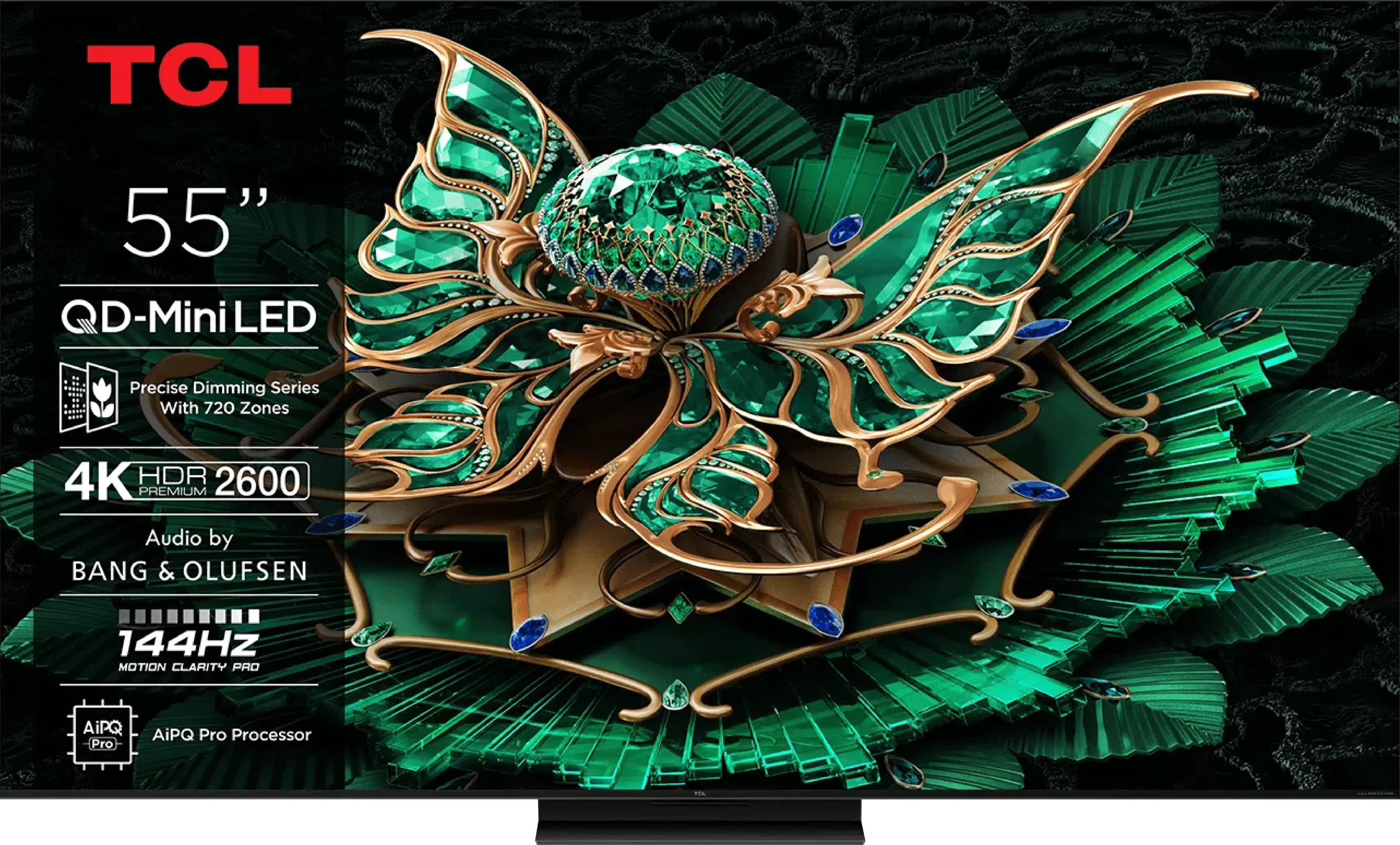
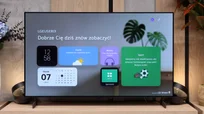
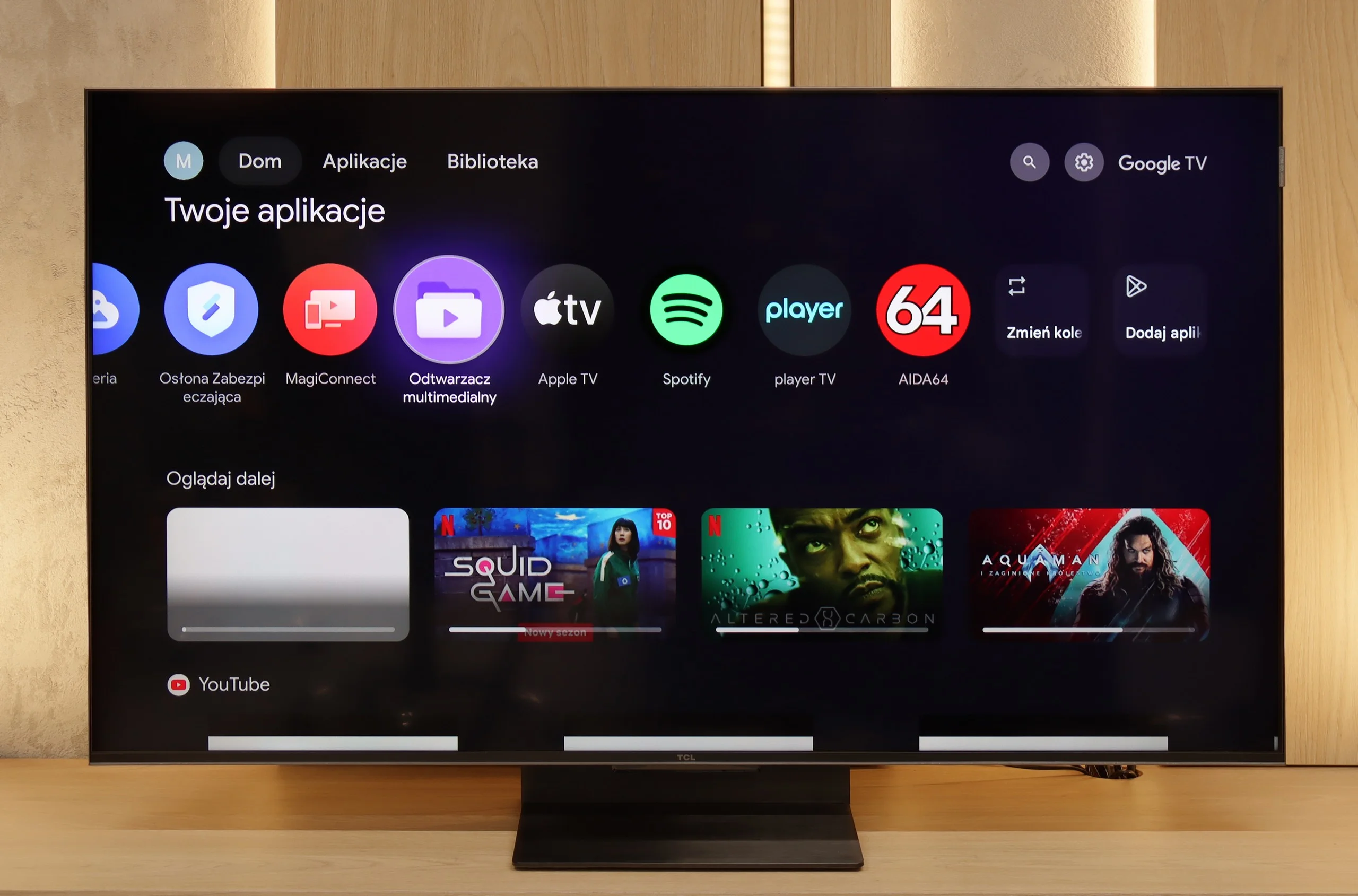
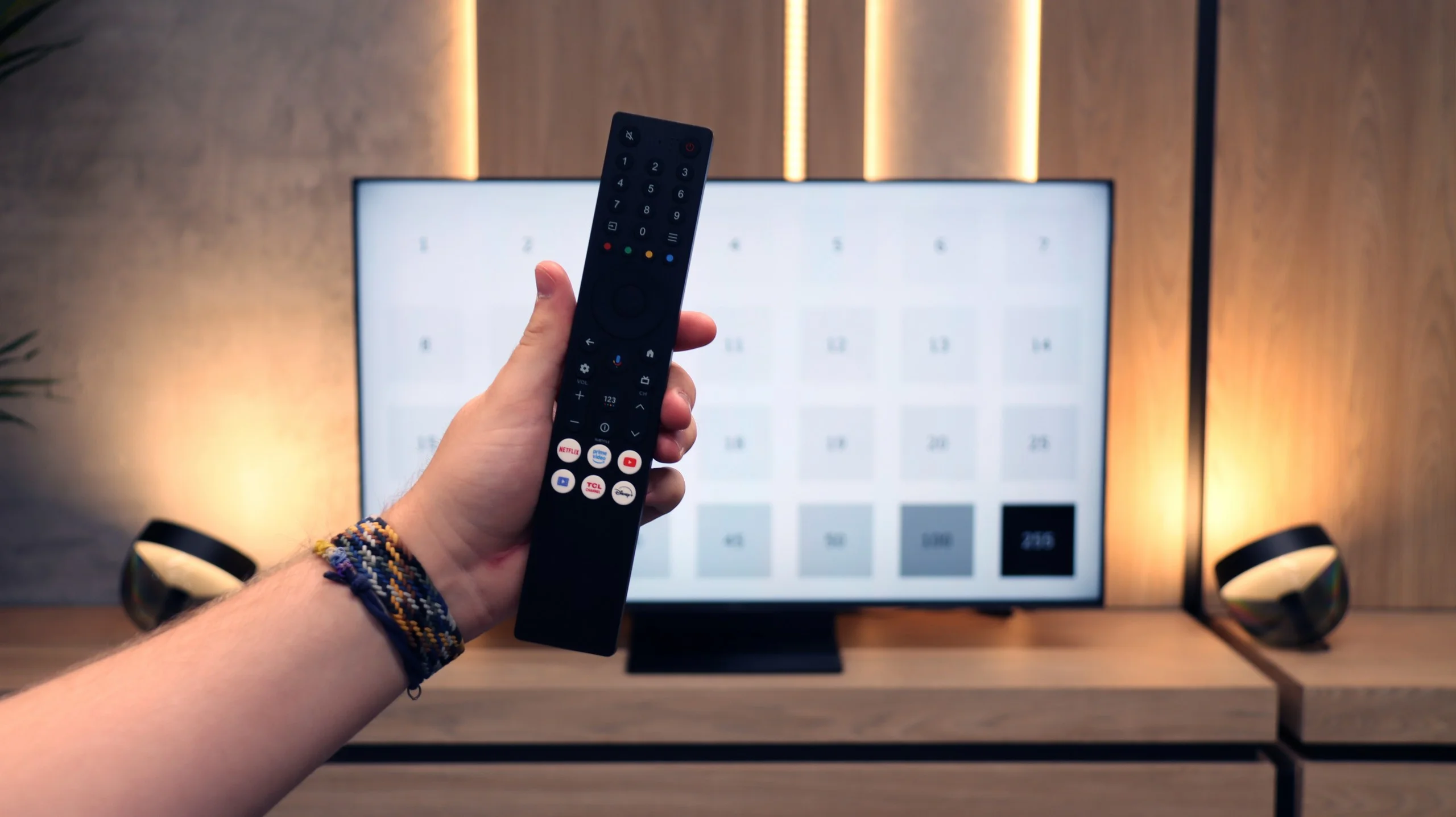
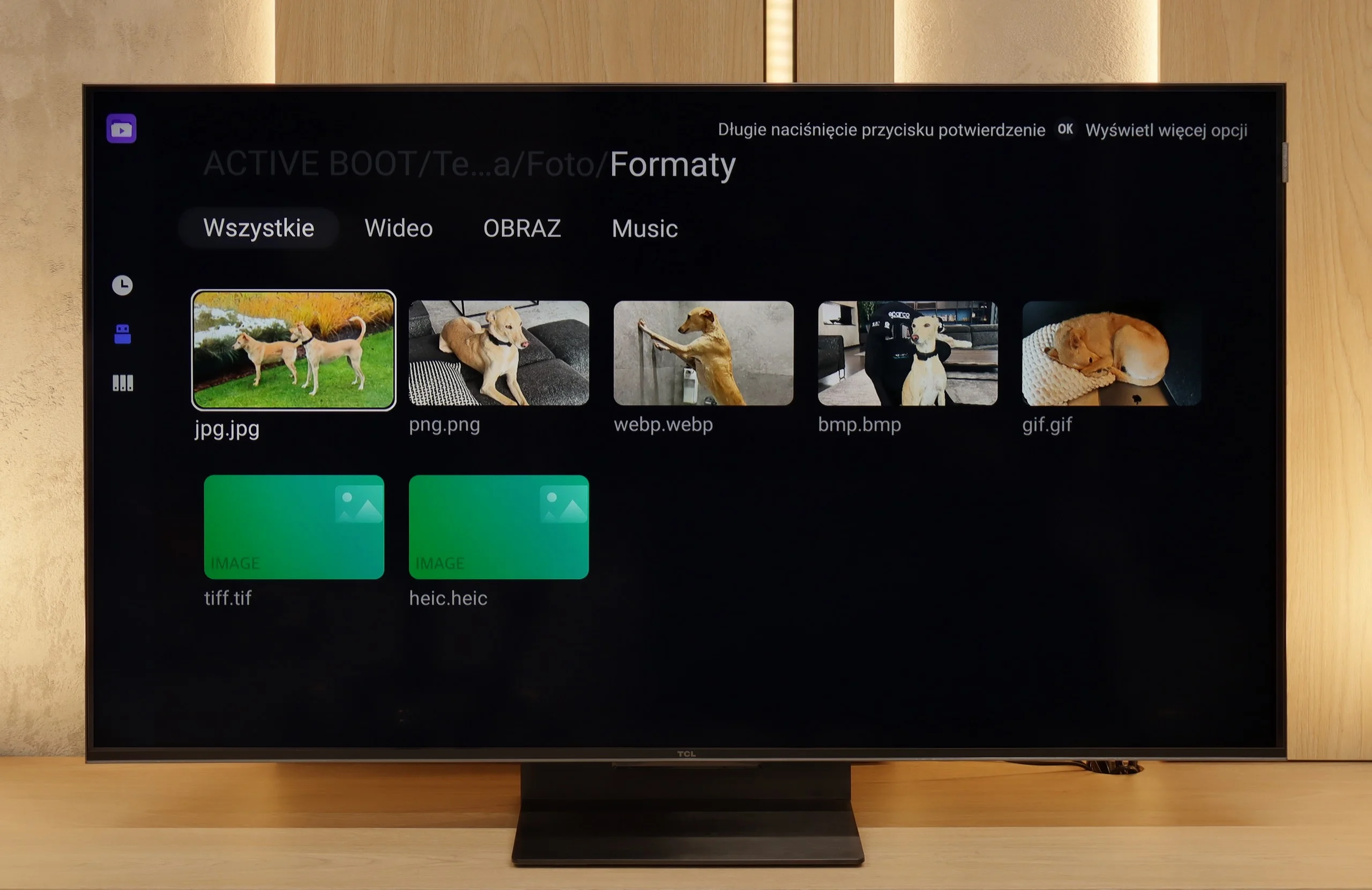
The biggest strength of the TCL C7K in everyday use is undoubtedly the Google TV system. Thanks to it, we have access to an almost endless library of applications, including those more niche ones that are often unavailable on other platforms. The built-in Google Assistant understands Polish, so we can easily ask what is on TV, what the weather is like, and even issue a few voice commands to control the television. We also have to appreciate the presence of Chromecast and AirPlay, which work smoothly and make life easier.
Usability Features
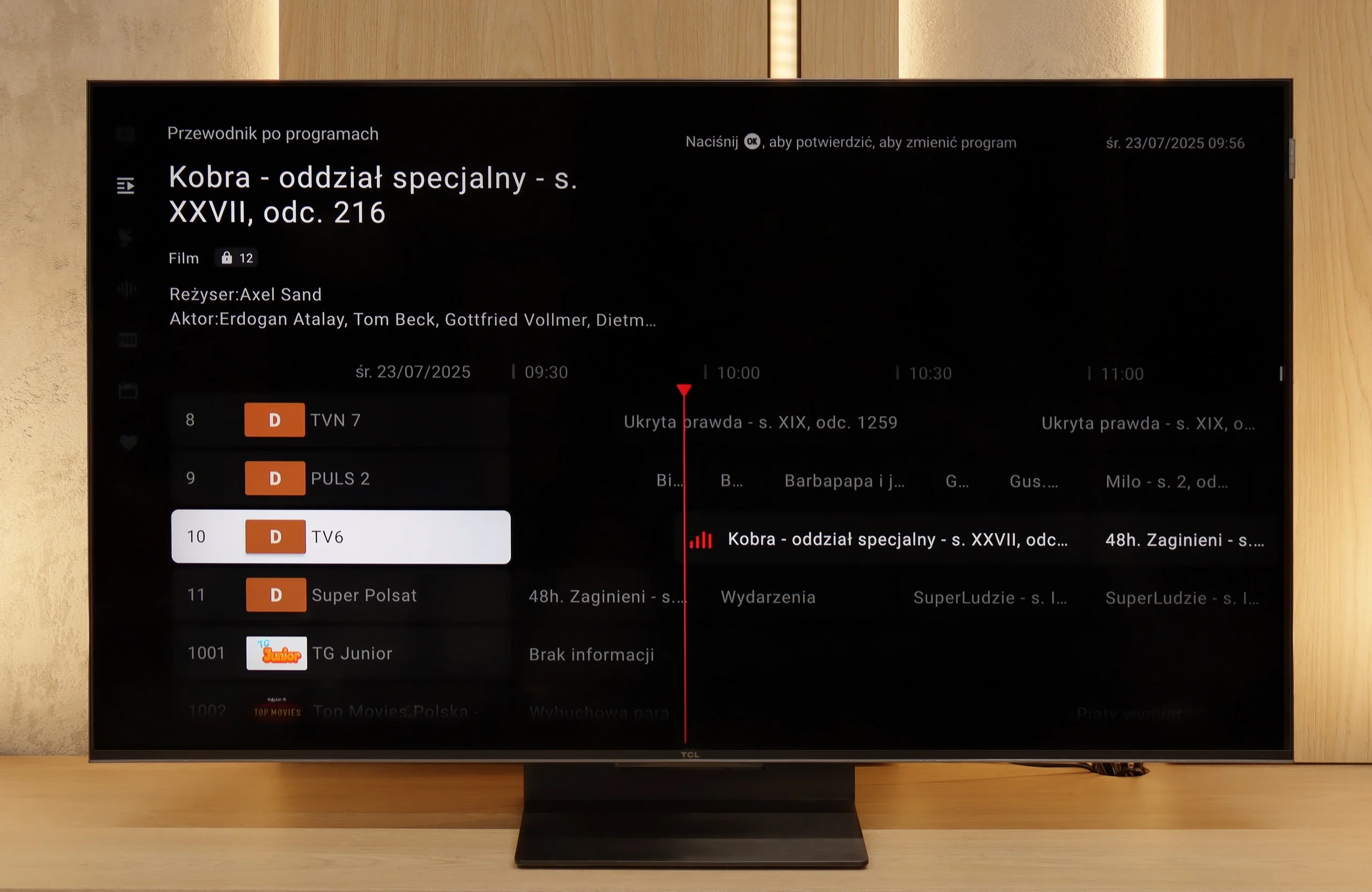
On the downside, the classic features perform a bit worse. Of course, we will find the basics here – teletext, EPG, or the ability to connect headphones – but that's basically it. There is a lack of USB recording functionality and picture-in-picture (PiP) mode, which can still be found with the competition at times. It is also worth noting that Google TV in the TCL version can sometimes have oddly translated fragments of the menu or minor interface bugs. These are not things that hinder everyday use, but detail-oriented people might notice them.
Smart TV: webOS
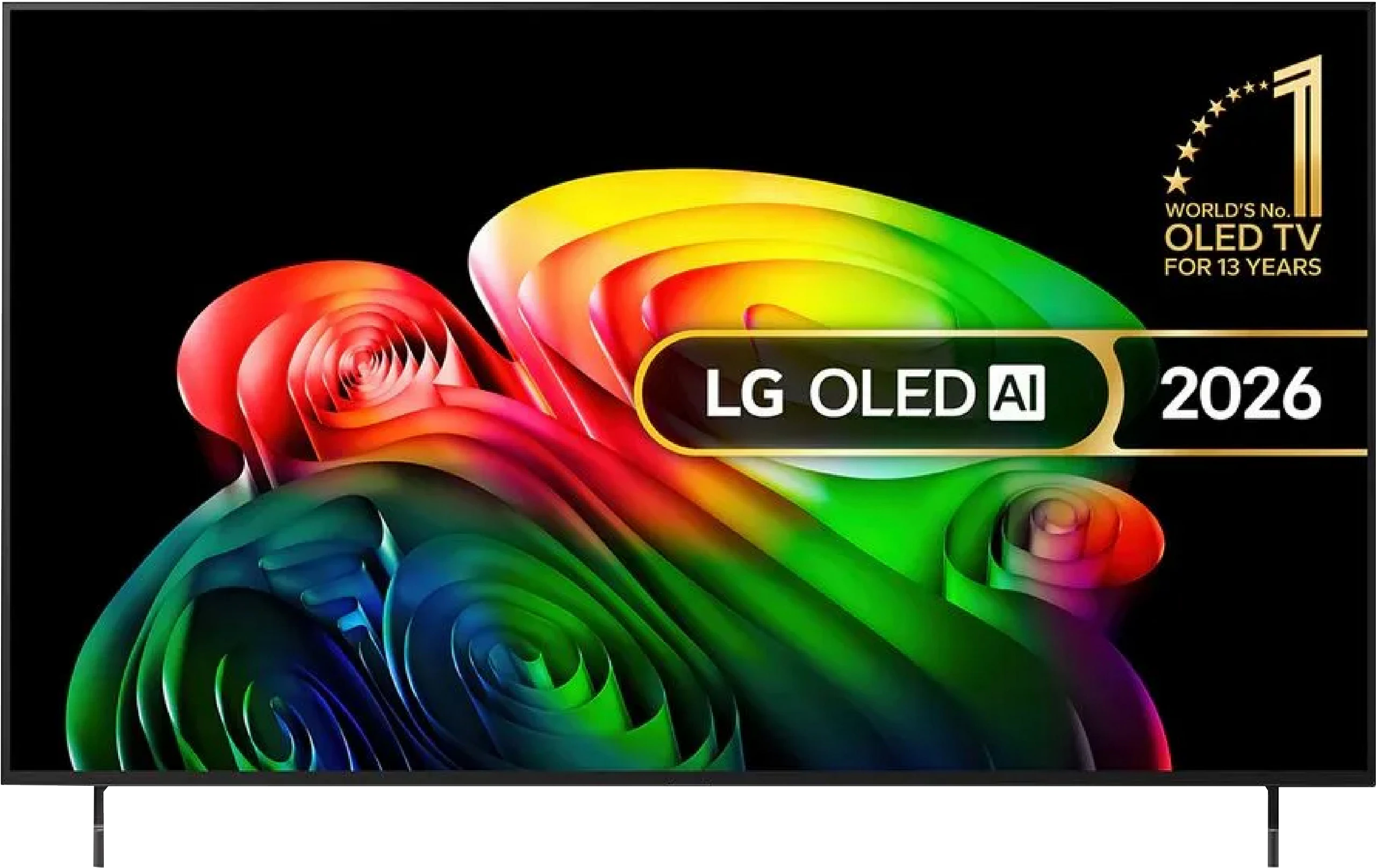
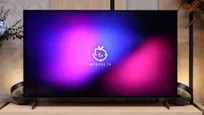
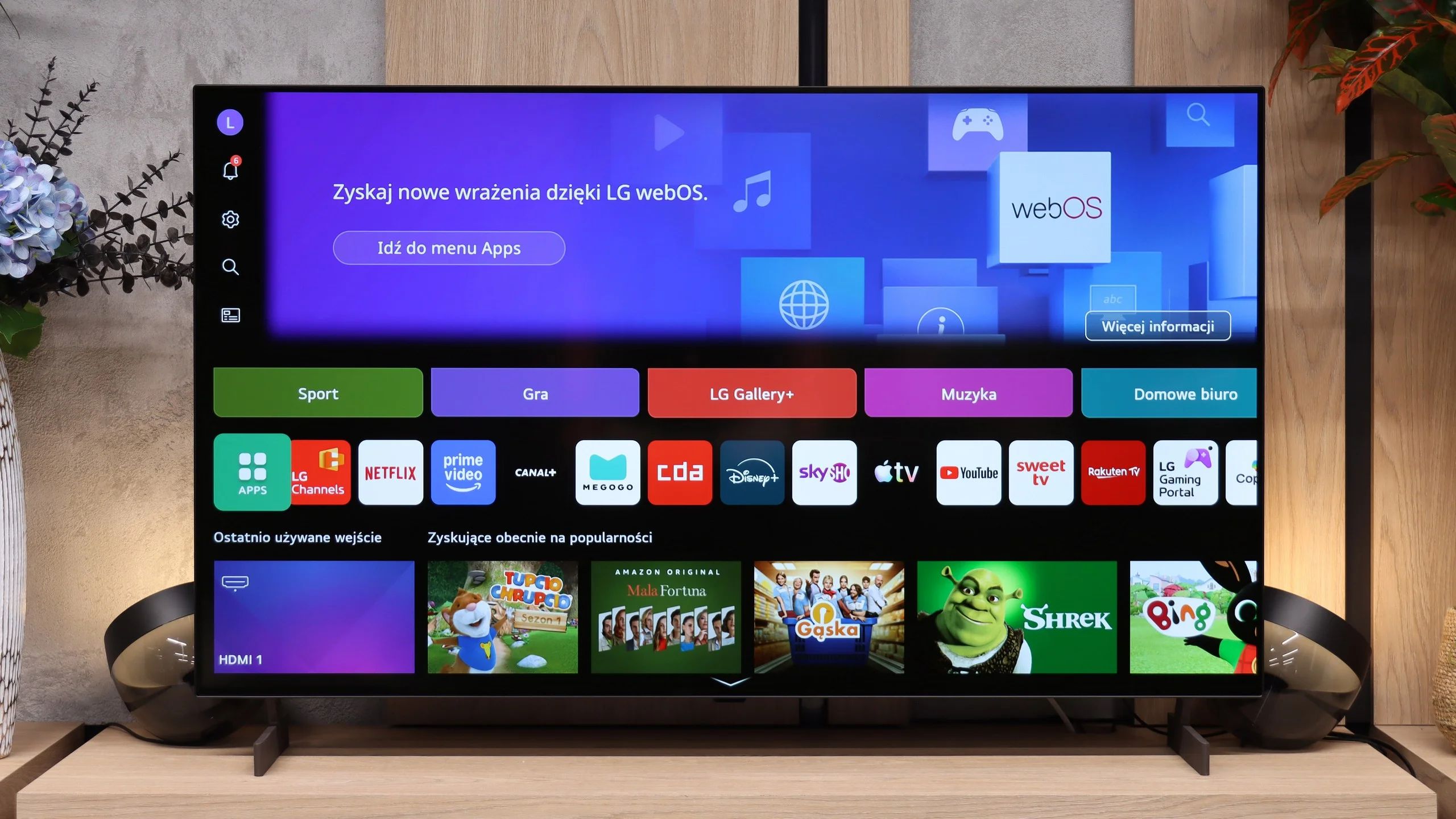
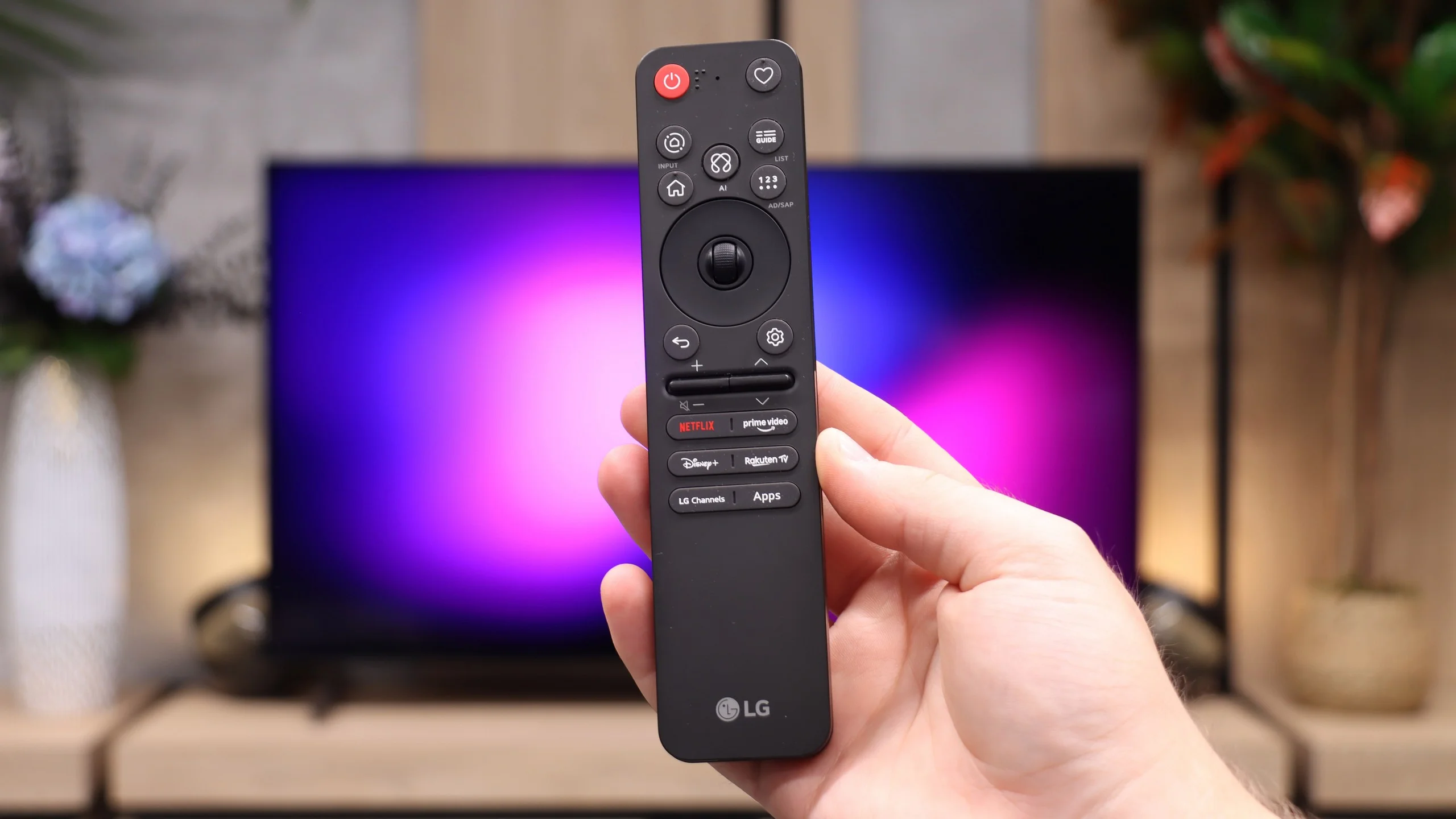
LG B6 runs webOS, LG’s proprietary platform. Its biggest strength remains the way it’s controlled. The included Magic Remote works like a mouse; just move your wrist to move the cursor across the screen and point at the items you want. It may feel unusual at first, but it quickly proves very convenient, especially when typing text, selecting apps, or navigating a complex menu. The remote itself is fairly minimalist and doesn’t offer many traditional buttons, but the cursor control largely makes up for that. On the other hand, if you don’t want to wave your hand to type letters, you can always speak the desired phrase into the remote and the AI voice assistant will suggest appropriate recommendations.
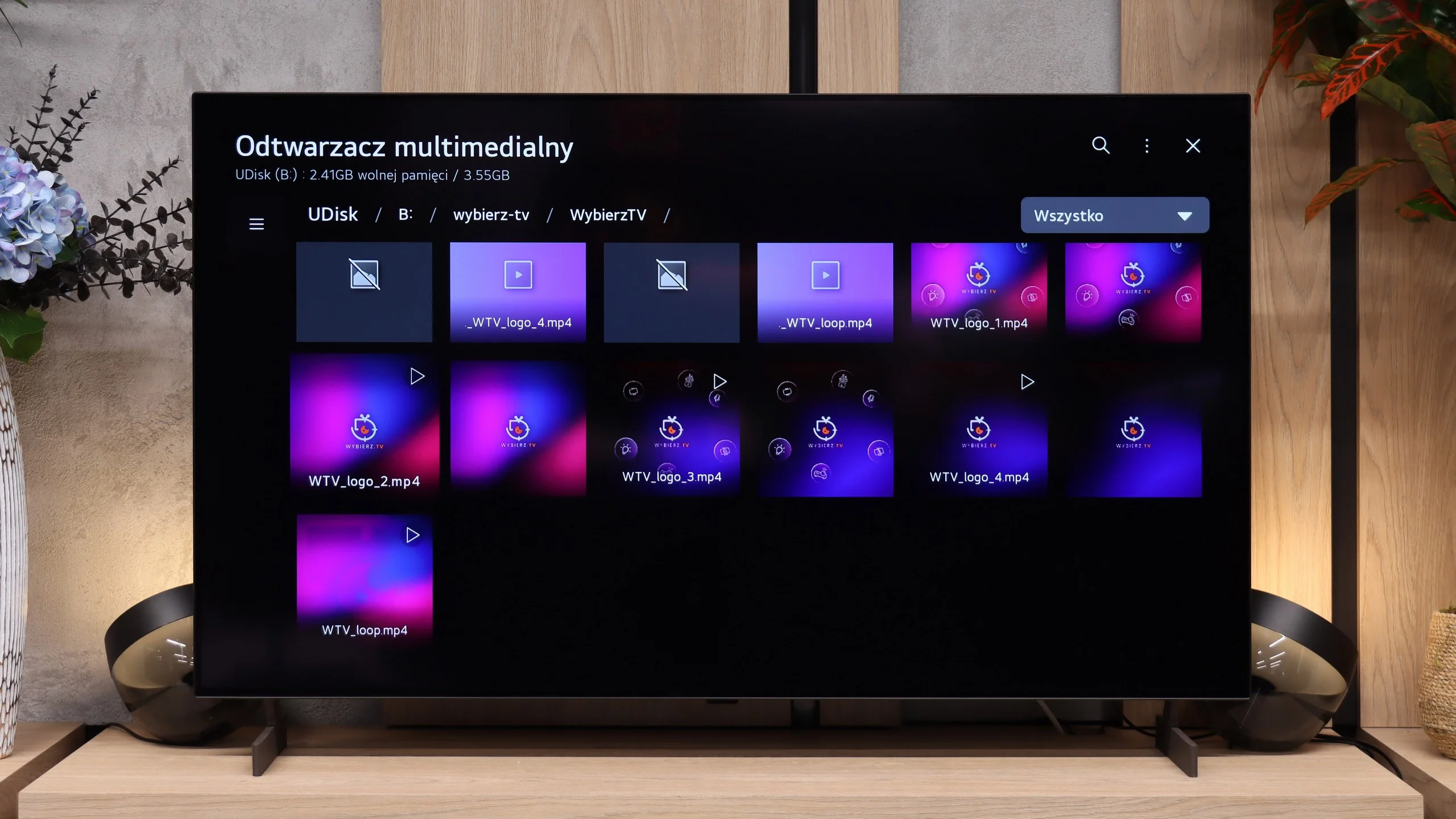
In terms of available apps, it’s hard to fault webOS. You’ll find practically all the major streaming services here, as well as extra features like AirPlay, screen mirroring, and Chromecast. The TV therefore works well with both Apple phones and Android devices. It’s just a pity that the system on the B6 doesn’t run as smoothly as on higher-end models. At times it can respond with a slight delay, and the home screen is heavily loaded with recommendations, tiles, and ads. That doesn’t make webOS unusable, but it could certainly be more organized.
Classic features
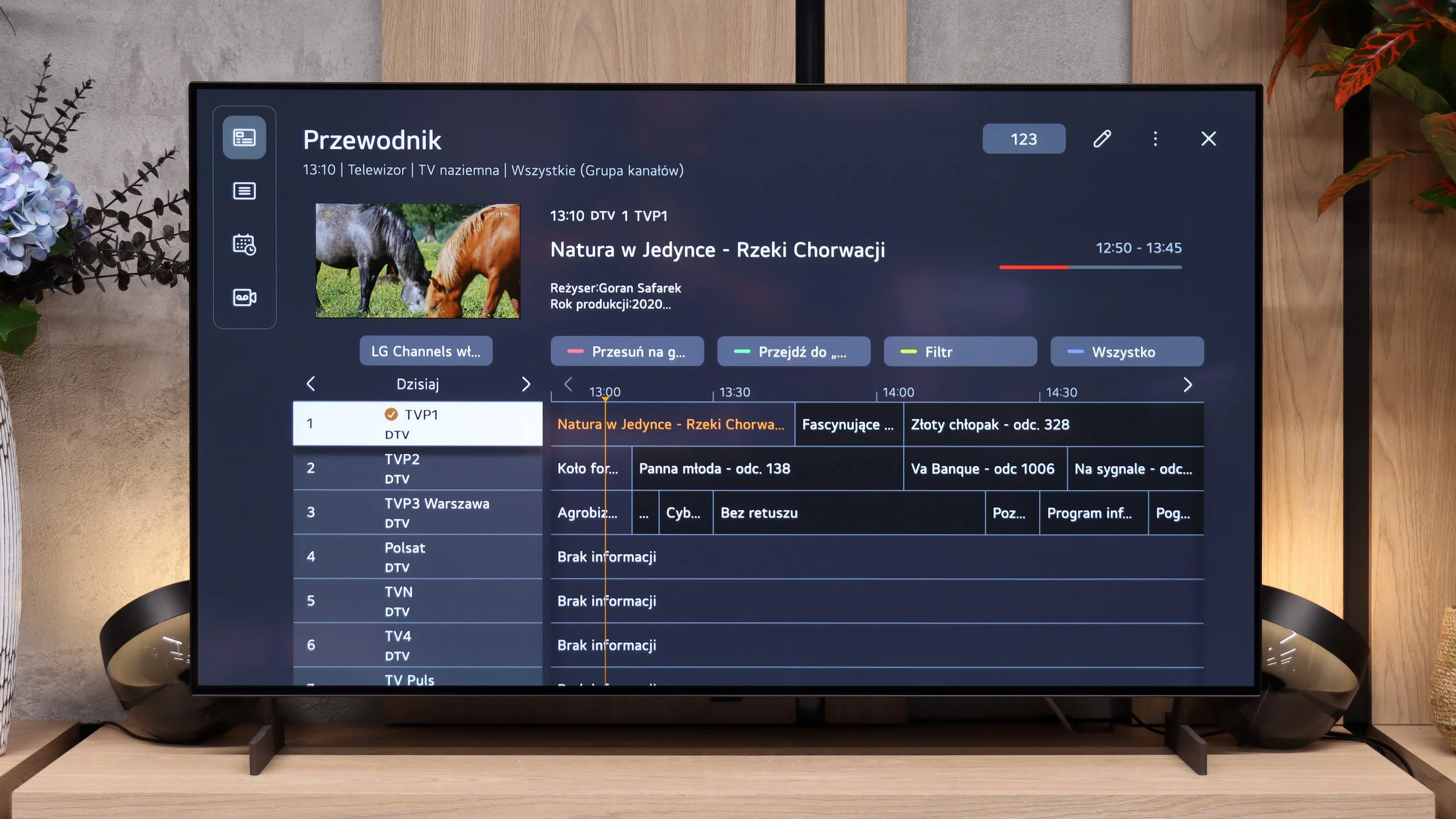
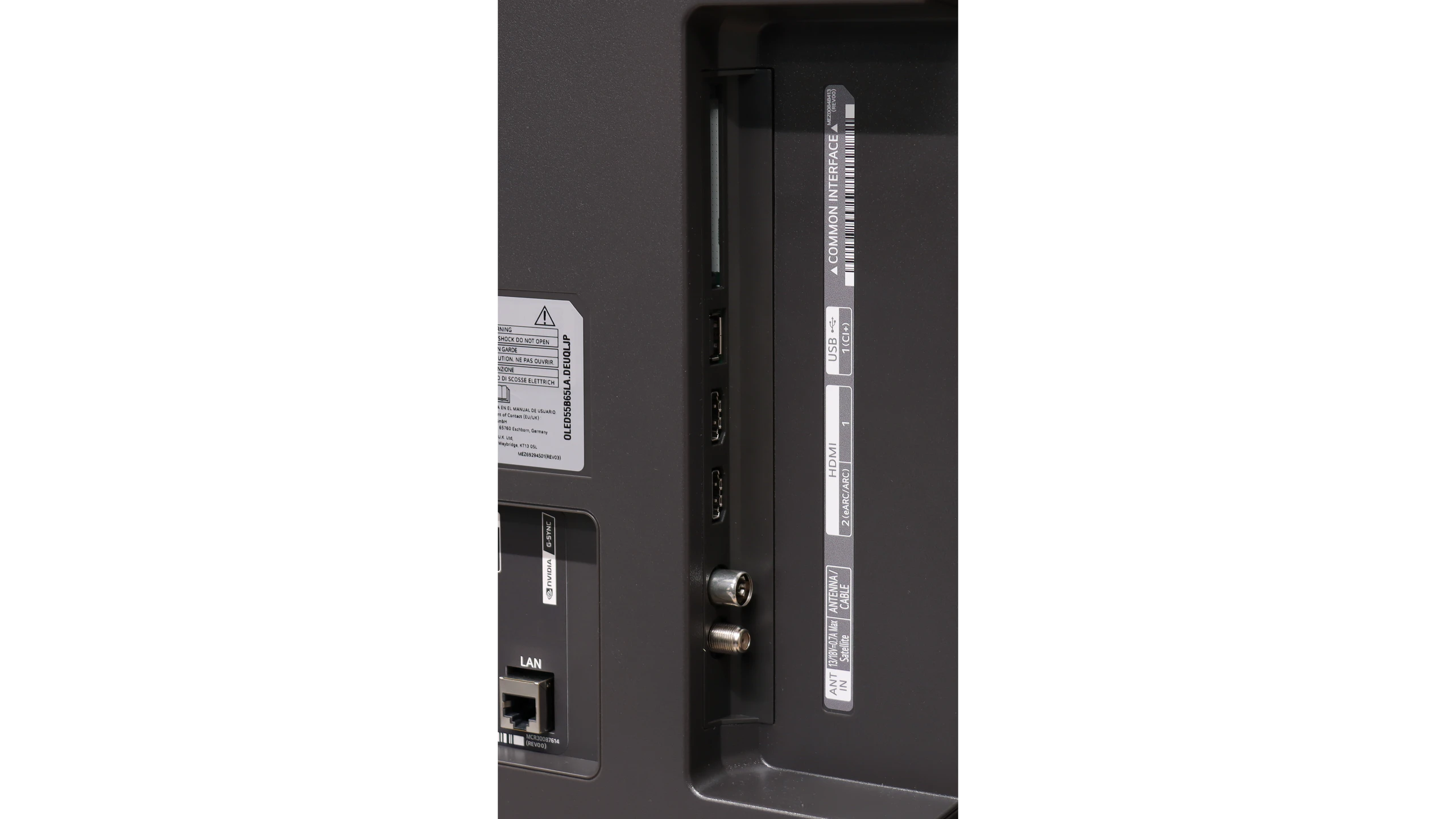
By contrast, the traditional TV features perform very well—features many manufacturers are starting to forget. The LG B6 lets you record programs to an attached hard drive or USB storage. The PVR function also supports scheduling, so you can program recordings in advance from the TV guide. This comes in handy when you want to save an episode, a match, or another event broadcast while you’re away. There’s also a clear channel guide and solid support for terrestrial, cable, and satellite TV. For people who still regularly use traditional television, the B6 is therefore a relatively complete device, provided the lack of teletext doesn’t bother you.
 Direct comparison