Samsung The Frame 2025 (LS03F) vs Hisense U7S / U77SE

Direct comparison

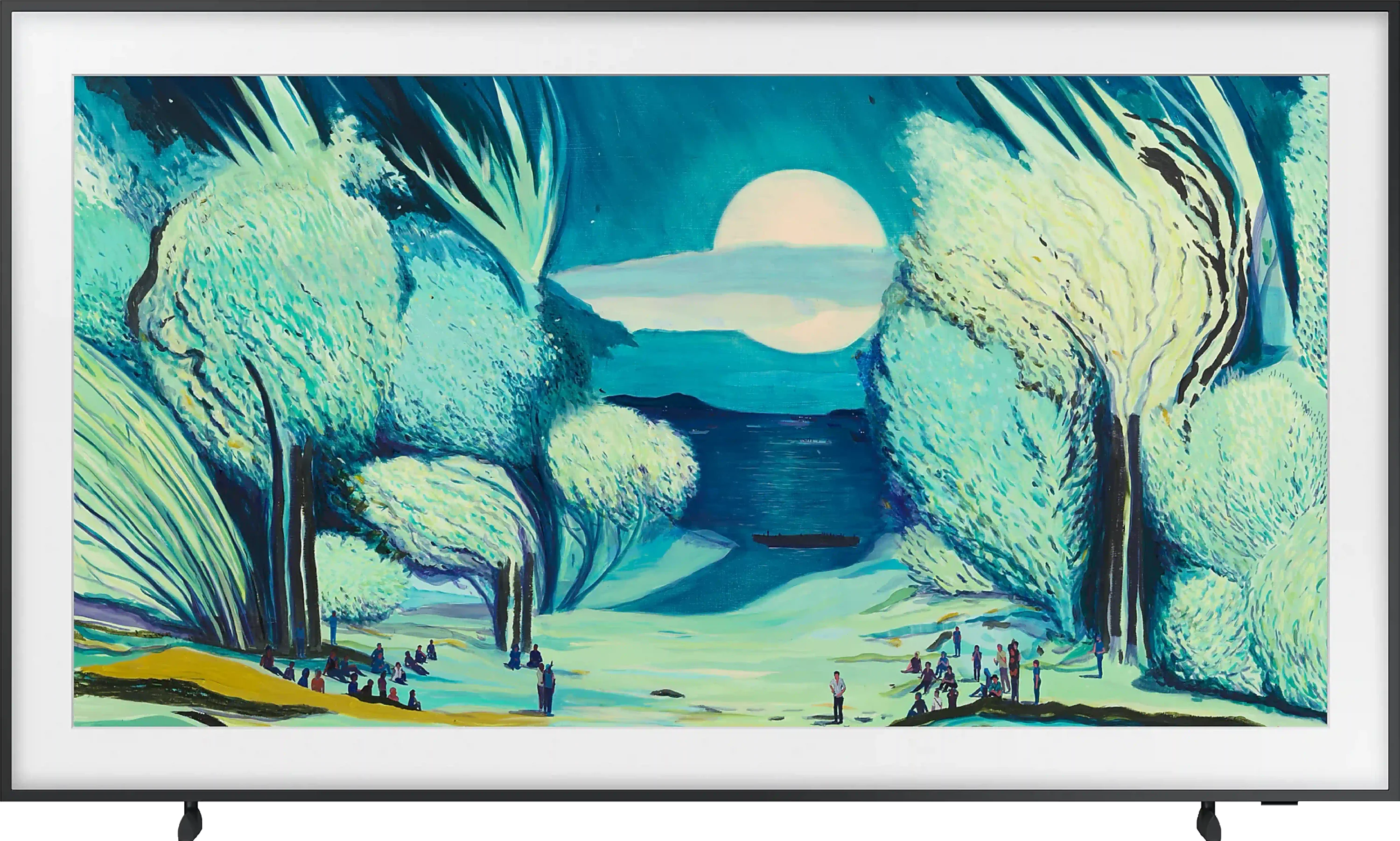
The Frame / LS03FAU

Info

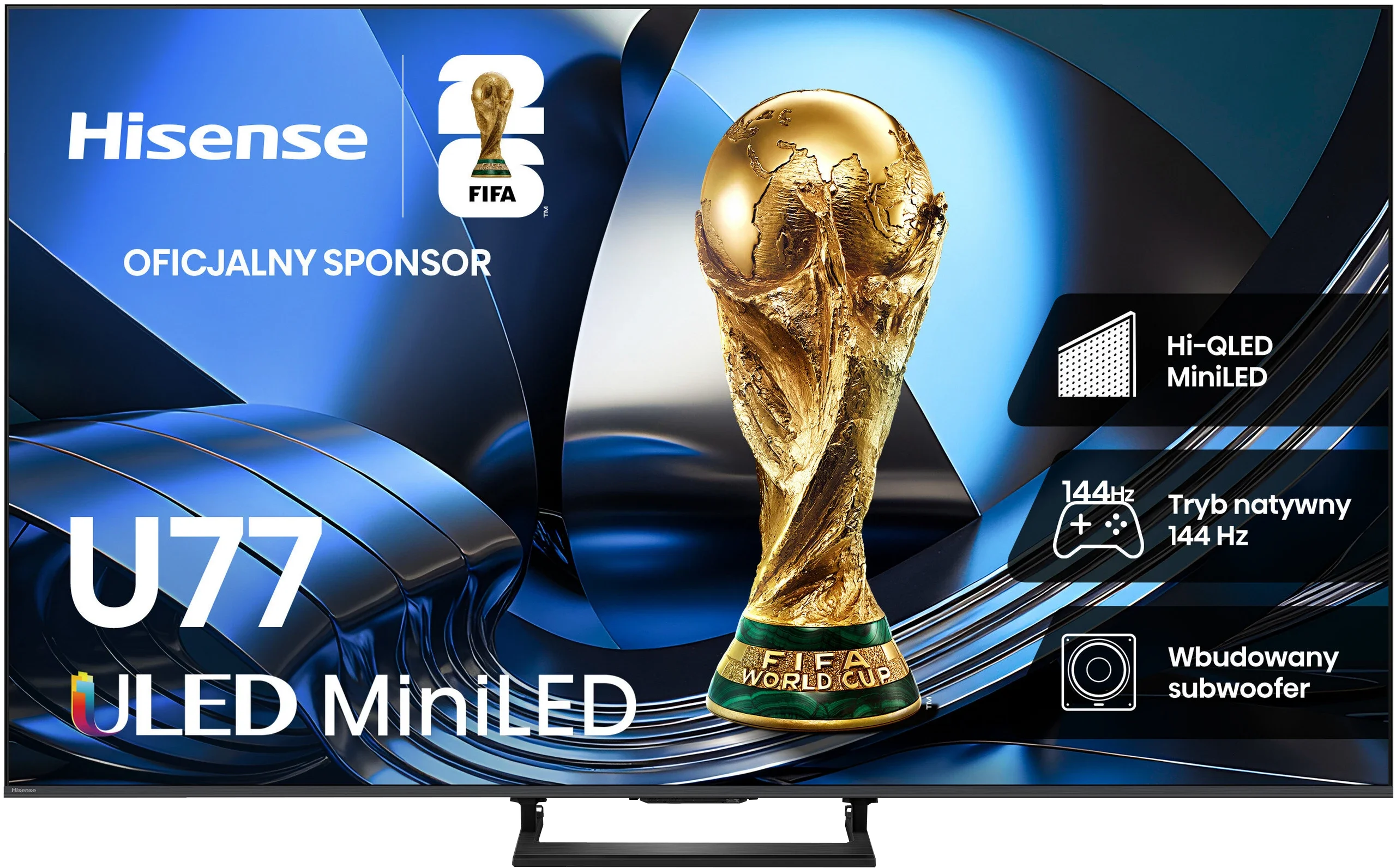
U7S / U77S

Info

Available screen sizes: 43”50”55”65”

Available screen sizes: 50”55”65”75”85”100”

Review Samsung The Frame 2025 (LS03F) Main photo
Review Hisense U7S / U77SE Main photo

Panel type: LCD VA

Resolution: 3840x2160

System: Tizen

Model year: 2025

Complete the survey to find out the result

Panel type: LCD VA

Resolution: 3840x2160

System: VIDAA

Model year: 2026

Complete the survey to find out the result

Overall rating

7.0

7.3

  • Movies and series in UHD quality

    6.8

    6.9

  • Classic TV, YouTube

    6.5

    6.9

  • Sports broadcasts (TV and apps)

    6.4

    6.4

  • Gaming on console

    8.8

    8.2

  • TV as a computer monitor

    8.2

    8.2

  • Watching in bright light

    6.3

    7.0

  • Utility functions

    7.2

    8.9

  • Apps

    8.7

    8.3

  • Sound quality

    6.0

    7.2

Advantages

  • The matte display effectively reduces reflections

  • Customization options for the screen with interchangeable frames + art mode

  • Free accessories in the form of a wall mount + OneConnect module

  • High native contrast

  • Decent brightness

  • High refresh rate - 120/144Hz

  • Lots of features for gamers - VRR, ALLM, Gamebar, proprietary motion smoother working in games

  • Deep blacks, ideal for evening viewing

  • Bright, clear picture even during the day

  • Natural colors after calibration when watching regular TV and SDR movies

  • Plenty of options for console and PC gamers

  • Low input lag

  • Feature-rich VIDAA system

  • Recording programs to USB and a convenient remote that you don't have to point at the screen

  • Pleasant sound with light bass

Disadvantages

No like
  • No DTS support – requires additional equipment for certain films from Blu-ray discs.

  • Paid image mode

  • Pronounced smearing on the VA panel

  • HDR image is overly bright, clearly at odds with the creators' intent

  • Incorrect HGiG behavior that makes HDR setup in games difficult

  • Poor viewing angles\

  • Some apps missing from the VIDAA system

Our verdict

Samsung The Frame 2025 is a TV unlike any other – and even though competition has emerged for it, it still does it best. The matte screen, flush mount to the wall, and one thin cable thanks to the One Connect module make the device resemble a painting more than any other screen. The Art Store app still offers the best art scans on the market (even if they are on a subscription), and thanks to interchangeable frames, we can match the TV to the interior almost like a piece of furniture. As for the picture itself, since we are also talking about an ordinary TV, there are no major changes, but no disappointments compared to last year's LS03D model. The Frame still offers high native contrast and solid brightness at 600 nits, which, combined with the matte finish, provides very comfortable daytime use. The colors are not as vibrant as those on glossy screens, but against the backdrop of competing matte constructions, they stand out the best. A novelty is the 144 Hz refresh rate, although in practice it will mainly benefit PC gamers. And indeed – in terms of gaming features, The Frame has almost everything: low input lag, variable refresh rate (VRR) support, automatic game mode (ALLM), Game Bar, and a unique motion smoother designed for games. Unfortunately, not everything is as perfect as it might seem. Why? Because the HGiG mode is missing, which suddenly disappeared from the latest version of the Tizen system. Samsung really should respond to this, as it is a key element for many gamers' choice of screen. And we fully understand that. Even though the LS03F The Frame 2025 does not bring major revolutions, it is still a unique TV that, apart from its appearance, offers quite solid picture quality and advanced gaming functions. It's just a pity that year after year we also receive new compromises.

[UPDATE] We have updated our Samsung TV tests for the 2025 model year due to the release of software version 1131, which has restored the HGiG feature that is crucial for gamers.

Hisense U7S is the latest iteration of the U7 series, whose biggest advantage remains its price-to-quality ratio. You get a Mini LED TV with local dimming, which really improves black levels and gives the picture depth for evening viewing. During the day, the generous brightness headroom is useful, so you don't have to immediately cover the windows. It's not a device without compromises, but as an everyday TV it makes a lot of sense. Gamers benefit a lot as well. The U7S supports high refresh rates from consoles and PCs, has an extensive set of gaming features, and responds very quickly to controller input. Pleasingly, the low input lag is preserved in Dolby Vision too. Add in the smoothly running VIDAA, which offers both Smart features and handy extras for regular TV, and the package is fairly versatile, though compared with last year's U7Q it's hard to call it a big step forward. Unfortunately there are also things that clearly bother us. The first is motion blur. The panel has a high refresh rate, but its pixels don't always keep up, so visible trails follow moving objects. Fans of sports and fast-paced games will notice this especially. The second issue is HDR, which the TV shows somewhat "its own way." Instead of sticking to the brightness encoded in the content, it strongly brightens parts of the image. That was probably meant to look more impressive, but it often has the opposite effect: the scene becomes over-bright, loses depth, and clearly departs from the creators' intent. It's a shame this behavior can't be effectively corrected even during calibration. Despite these remarks, the U7S remains an interesting choice if you're looking to get as much as possible for a reasonable price. Compared with basic LCDs without local dimming, which you can still find at a similar price, it primarily offers much better blacks. And that's exactly its greatest strength. You don't have to reach for an expensive model to get a Mini LED whose advantages are actually noticeable when watching. If you accept its flaws, the Hisense U7S can above all be a cost-effective purchase.

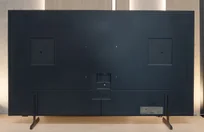
TV appearance

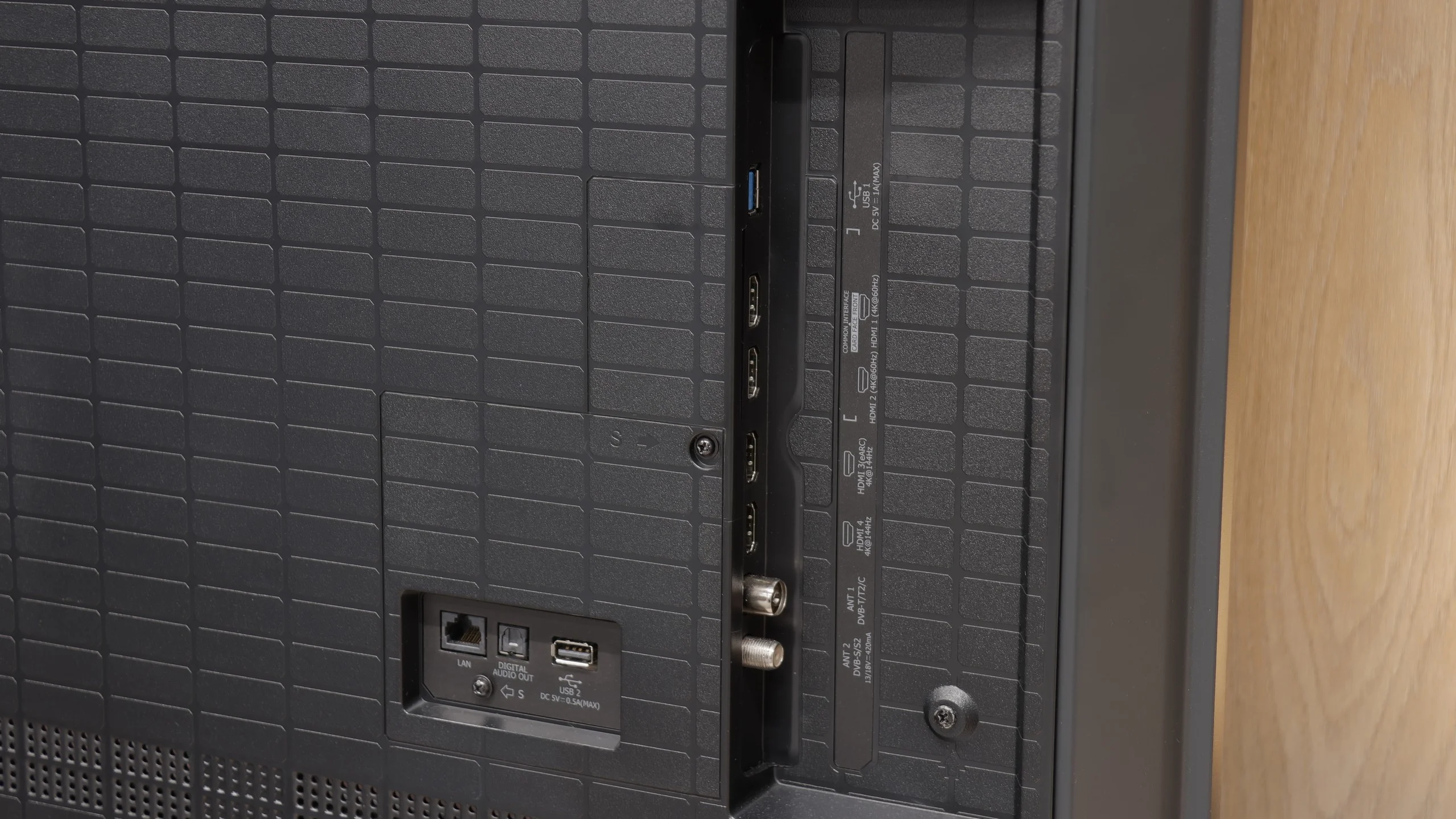
HDMI inputs
3 x HDMI 2.0, 1 x HDMI 2.1 (40Gbps)
2 x HDMI 2.0, 2 x HDMI 2.1 (48Gbps)
Other inputs
Outputs
Toslink (Optical audio), eARC (HDMI), ARC (HDMI)
Network Interfaces
Wi-Fi 2.4GHz, Wi-Fi 5GHz
Wi-Fi 2.4GHz, Wi-Fi 5GHz, Ethernet (LAN) 100Mbps
Build quality
Premium
Good
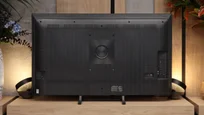
Stand type
Legs
Central
Bezel color
Changeable Frame
Graphite
Stand
Height adjustment
Fixed
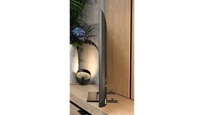
Flat design
Yes
No
Accessories
Stand, Wall bracket, One Connect Box
Stand

Contrast and black detail

6/10

8/10

Local dimming function: No

Local dimming function: Yes, number of zones: 192 (8 x 24)

Contrast:

Review Samsung The Frame 2025 (LS03F) Contrast and black detail

Result

4,800:1

Review Samsung The Frame 2025 (LS03F) Contrast and black detail

Result

4,750:1

Review Samsung The Frame 2025 (LS03F) Contrast and black detail

Result

14,900:1

Review Samsung The Frame 2025 (LS03F) Contrast and black detail

Result

4,500:1

Review Samsung The Frame 2025 (LS03F) Contrast and black detail

Result

4,300:1

Review Hisense U7S / U77SE Contrast and black detail

Result

507,800:1

Review Hisense U7S / U77SE Contrast and black detail

Result

51,250:1

Review Hisense U7S / U77SE Contrast and black detail

Result

30,900:1

Review Hisense U7S / U77SE Contrast and black detail

Result

21,250:1

Review Hisense U7S / U77SE Contrast and black detail

Result

5,650:1

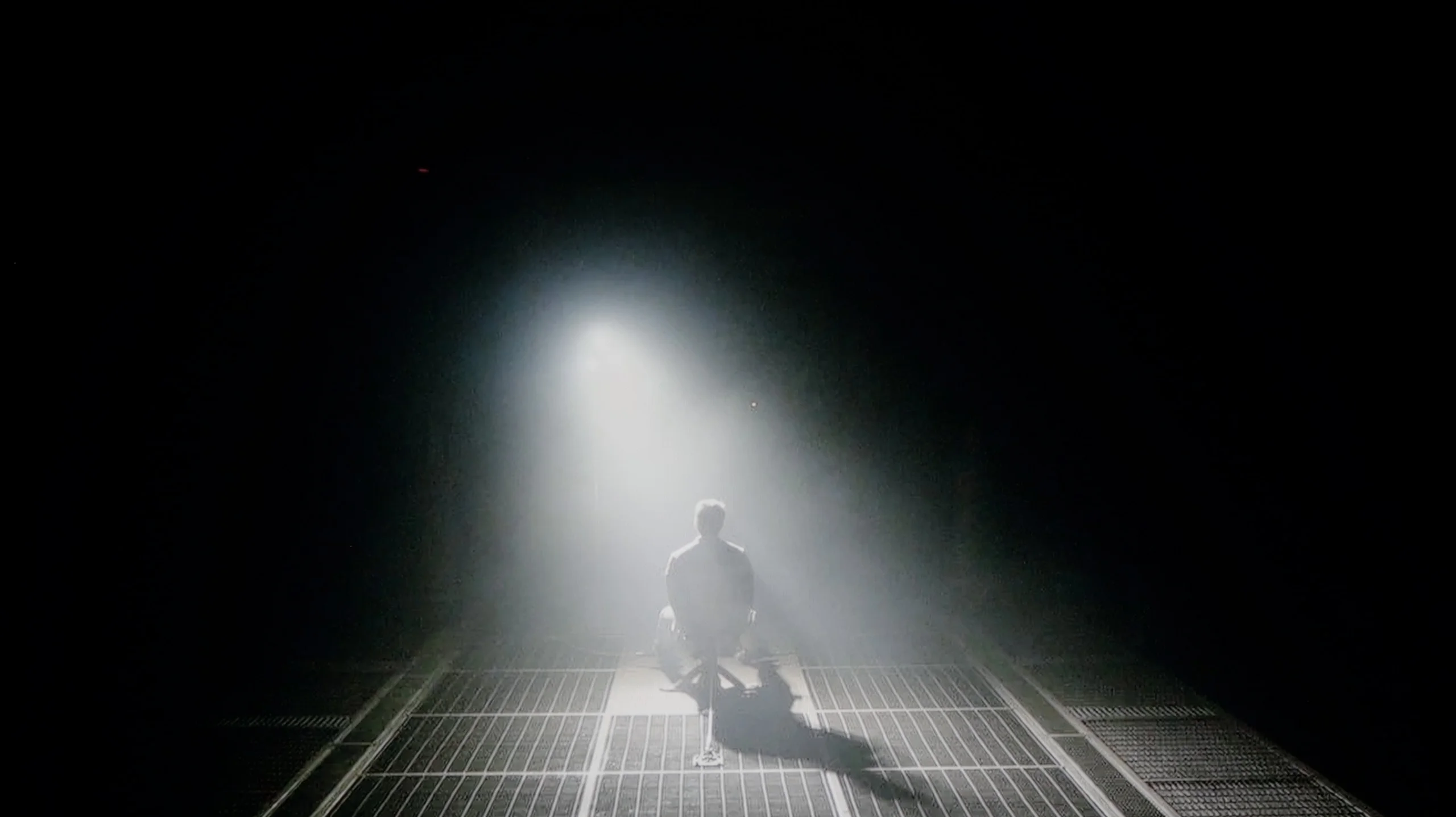
Halo effect and black detail visibility:

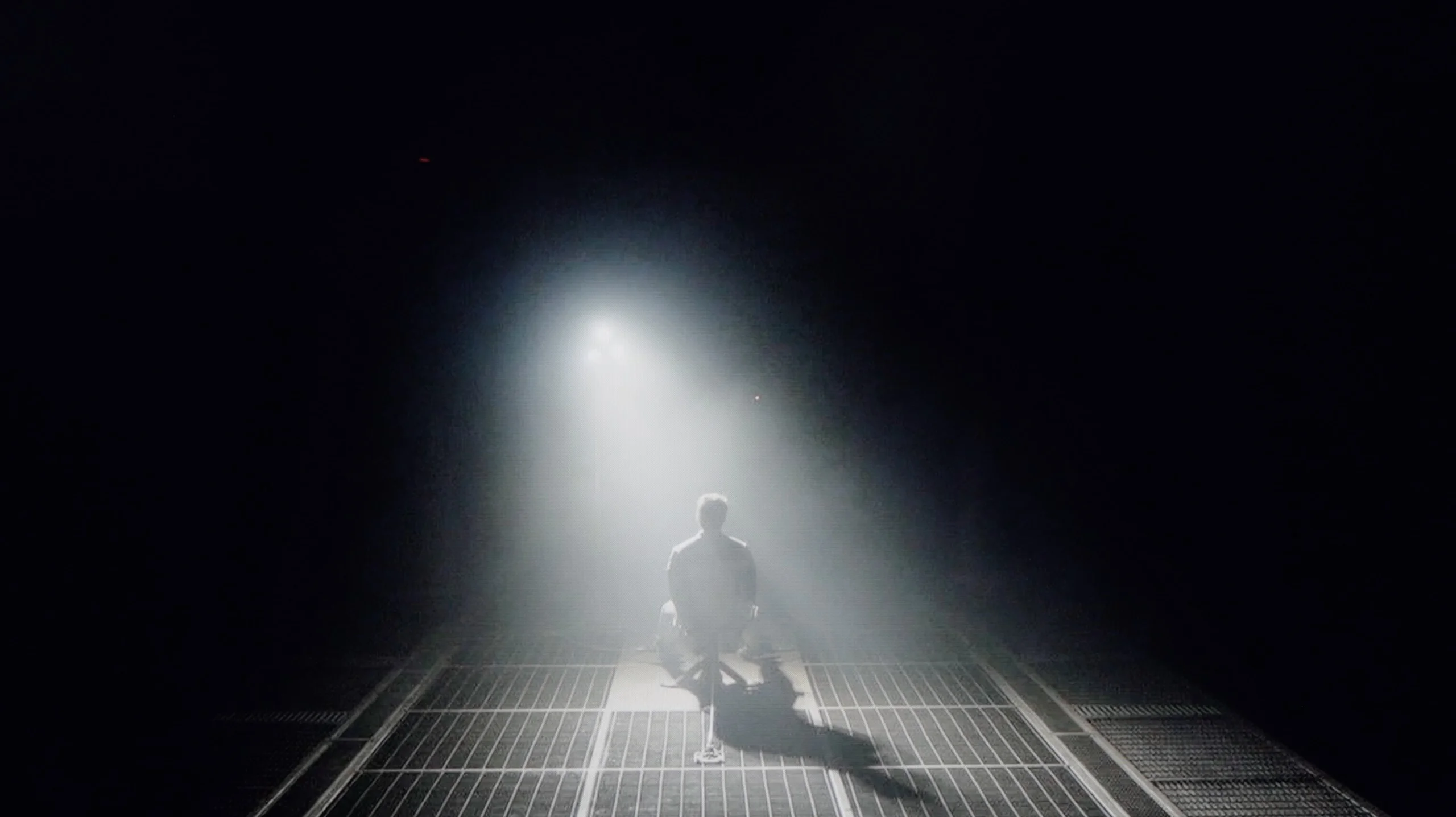
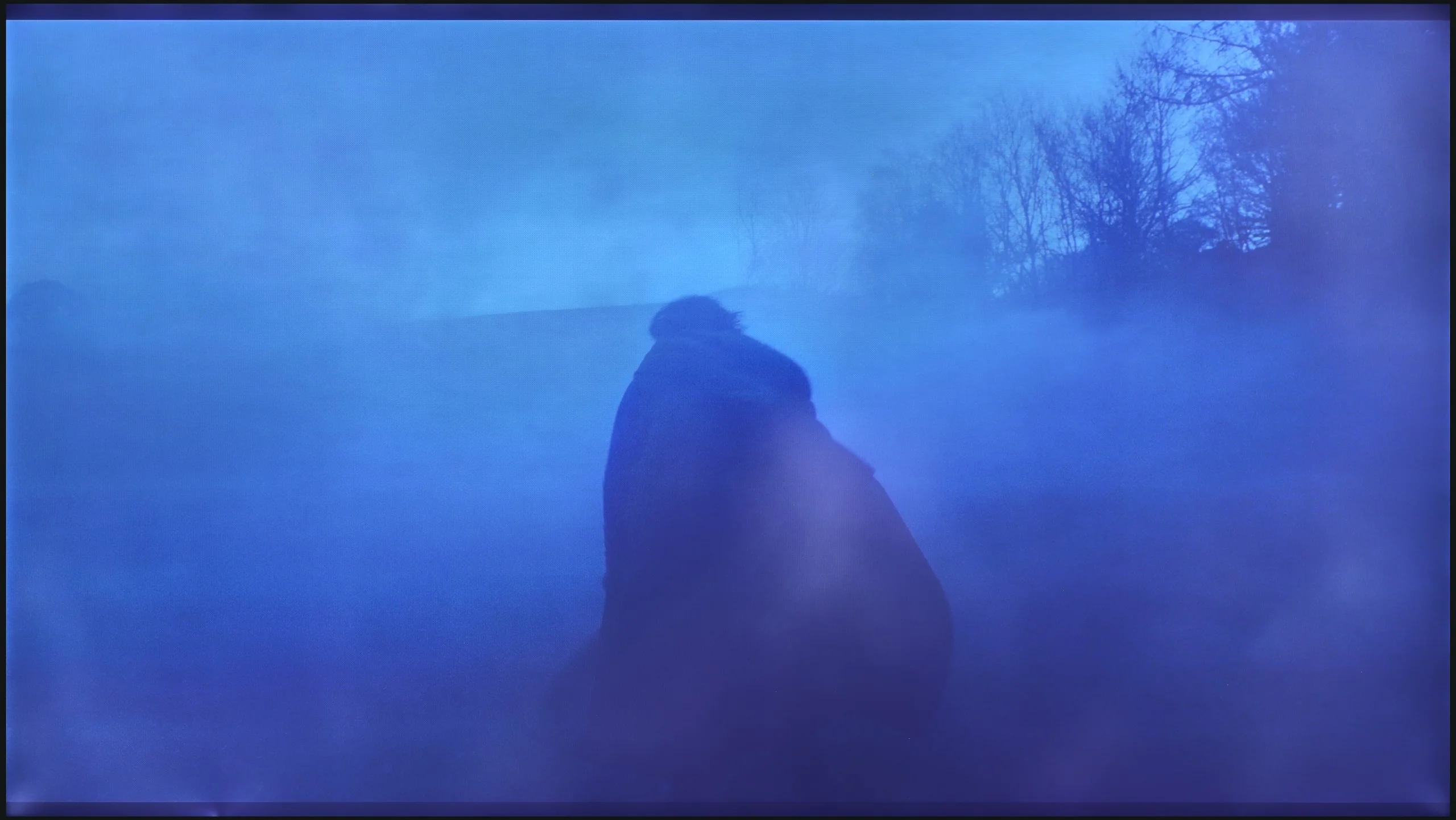
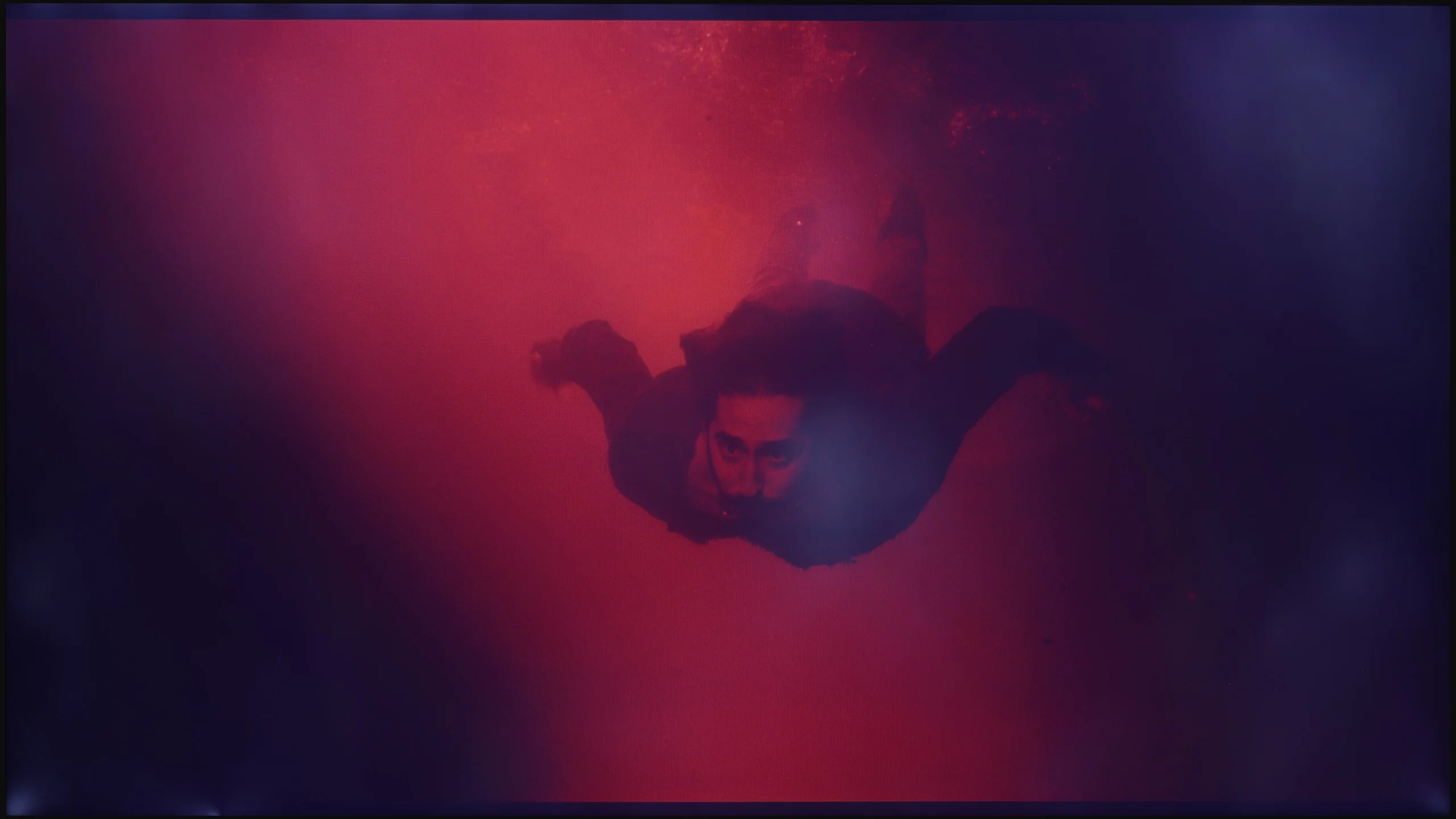
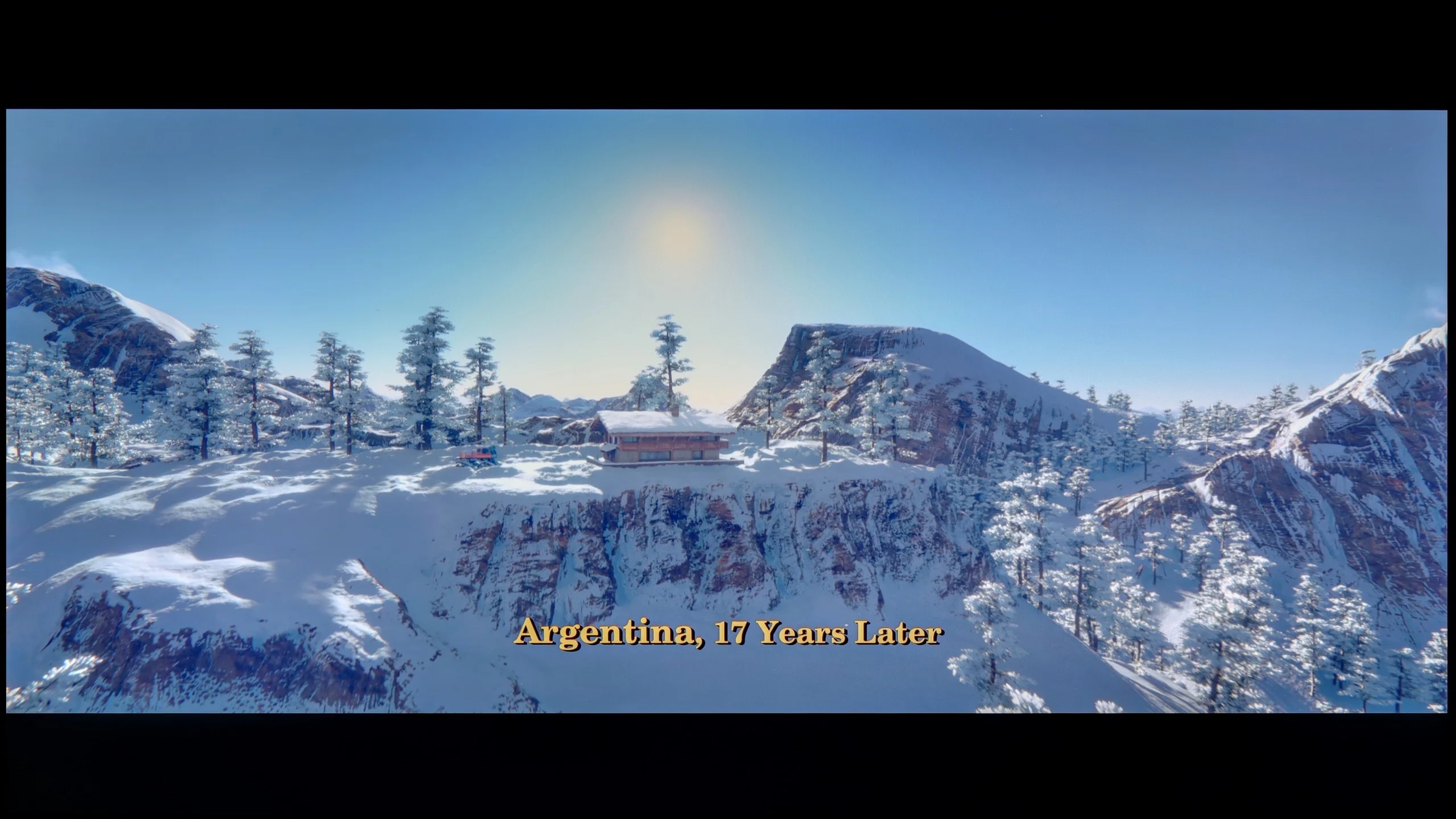
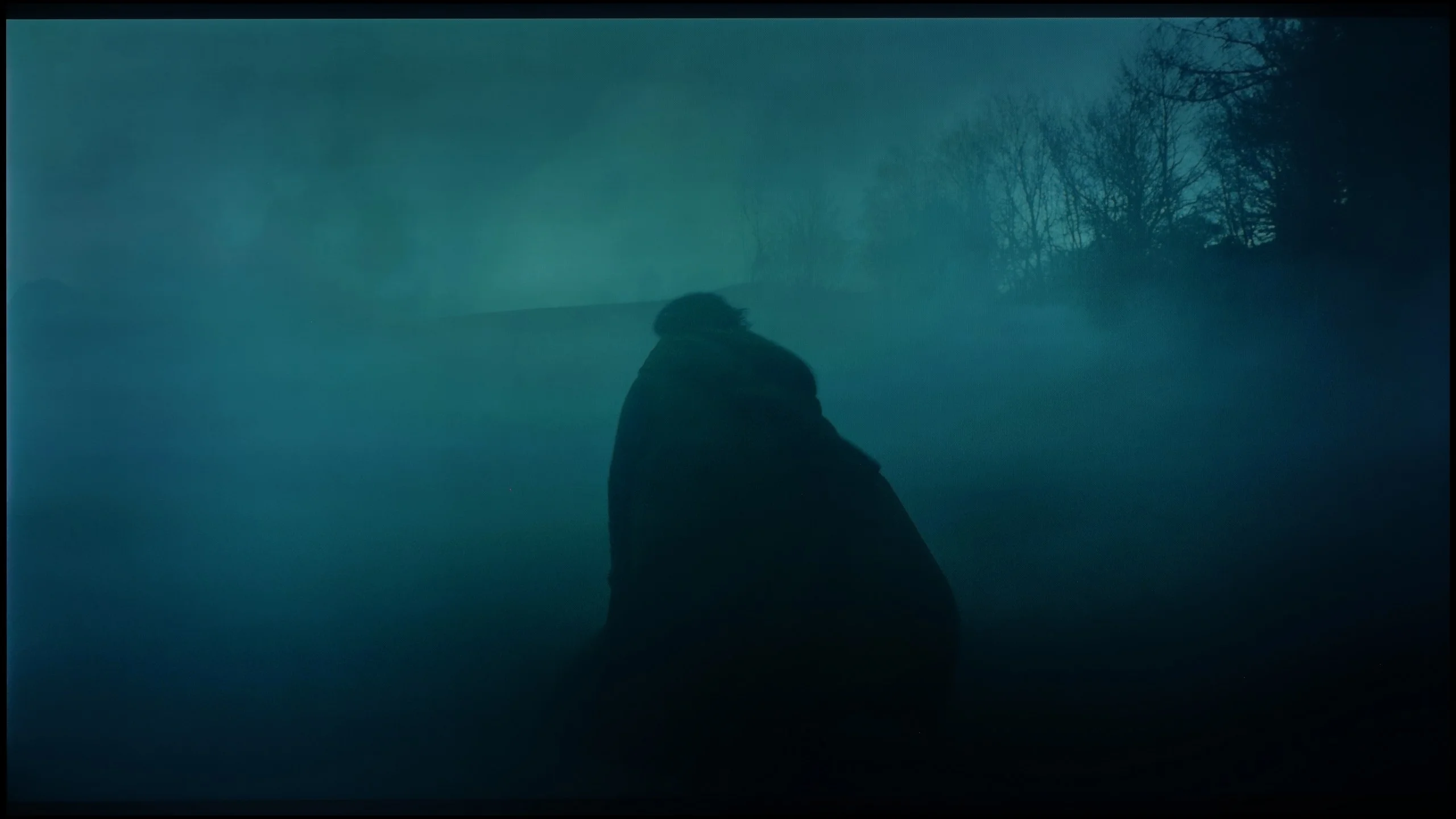
Check the visibility of bright lights on a dark background. Mini-LEDs often struggle with this. The photo does not compare black levels – that’s what the video below is for.

The video accurately shows differences in contrast and black levels between TVs, as well as potential issues: halo around bright objects or Mini-LED zone operation visible as brightness jumps.

The year 2025 looks quite interesting when it comes to lifestyle TVs. Why? Because Samsung has prepared two versions of the iconic model The Frame – one regular and another with the "Pro" label. In this review, we take a look at the version without "Pro," which – as will soon become evident – is quite significant. The regular model LS03F does not feature any local dimming technology, unlike its more expensive sibling. This is important because it affects not only the overall picture quality but primarily how this TV handles black levels.

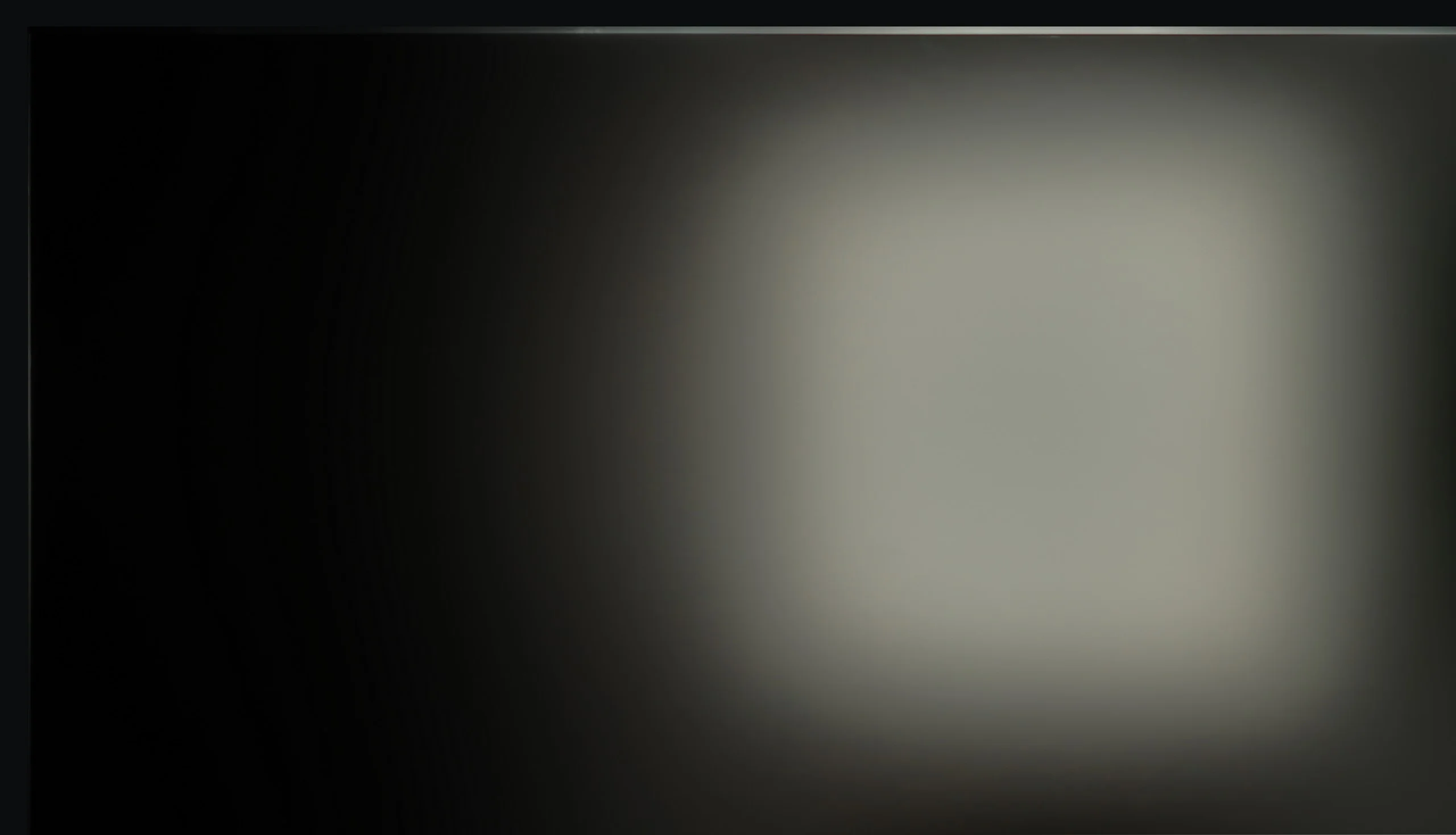
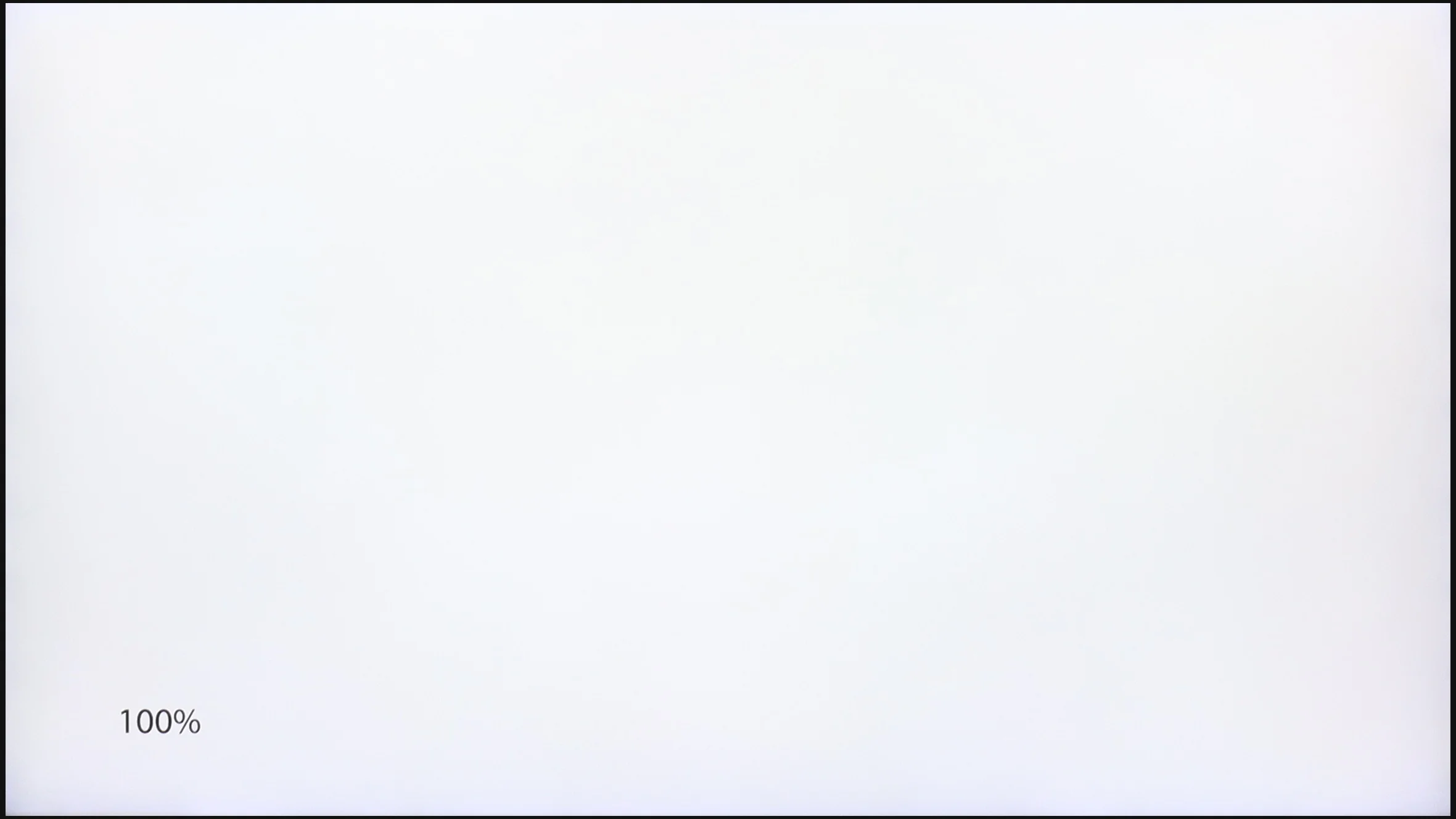
The VA panel used in The Frame 2025 has a high native contrast – and this obviously works to its advantage. In the tested movie scenes, details in the dark parts of the image were clearly visible; nothing blended together, and it didn’t create a uniform black/bright spot. For the average viewer, this will be more than sufficient. But of course, not everything is perfect. The lack of local dimming causes the black levels on this TV not to be perfectly deep – it resembles a dark navy more than pitch black. Additionally, in our tested unit, we noticed slight backlighting in the right part of the screen, but this may just be the "beauty of the specimen" rather than a rule. Theoretically, one could try to improve the perception of blacks by backlighting the screen – for example, with an LED strip – but in the case of The Frame, this is rather impossible because this TV is meant to sit flush against the wall like a painting. So to achieve better blacks visible to our eyes, we are forced to watch the LS03F with the lights on. Such is the charm of this technology.

The Hisense U7S shows good black levels, especially for one of the entry-level Mini LED models. The 55-inch unit we tested uses 192 local dimming zones that work well with the VA panel. In most of our scenes contrast ranged from about 21,000:1 to over 51,000:1, and in one it even exceeded 500,000:1. In many films you can see it — dark scenes have depth, and blacks don't glow gray like on many cheaper LCDs without local dimming.

It gets worse when the screen contains a lot of small bright objects on a dark background (for example, in the scene shown below). There aren't enough zones to illuminate each one separately, so you can see a bright halo around the small objects. This so-called halo effect is easiest to notice when watching in a dark room. In the most demanding shot contrast fell to about 5,650:1, and here the backlight limitations are clearly visible. Even so, given the TV's class, it's hard to call this a fault, because many Mini LED TVs in a similar price range will have similar problems.

HDR effect quality

6/10

5.5/10

Supported formats
HDR10, HDR10+, HLG
HDR10, HDR10+, Dolby Vision, Dolby Vision IQ, HLG
Color gamut coverage
DCI P3: 91.5%, BT.2020: 72.2%
DCI P3: 91.5%, BT.2020: 70.4%

Luminance measurements in HDR:

Review Samsung The Frame 2025 (LS03F) Brightness measurement

Result

642 nit

Review Samsung The Frame 2025 (LS03F) Brightness measurement

Result

589 nit

Review Samsung The Frame 2025 (LS03F) Brightness measurement

Result

574 nit

Review Samsung The Frame 2025 (LS03F) Brightness measurement

Result

584 nit

Review Samsung The Frame 2025 (LS03F) Brightness measurement

Result

631 nit

Review Hisense U7S / U77SE Brightness measurement

Result

700 nit

Review Hisense U7S / U77SE Brightness measurement

Result

297 nit

Review Hisense U7S / U77SE Brightness measurement

Result

640 nit

Review Hisense U7S / U77SE Brightness measurement

Result

154 nit

Review Hisense U7S / U77SE Brightness measurement

Result

745 nit

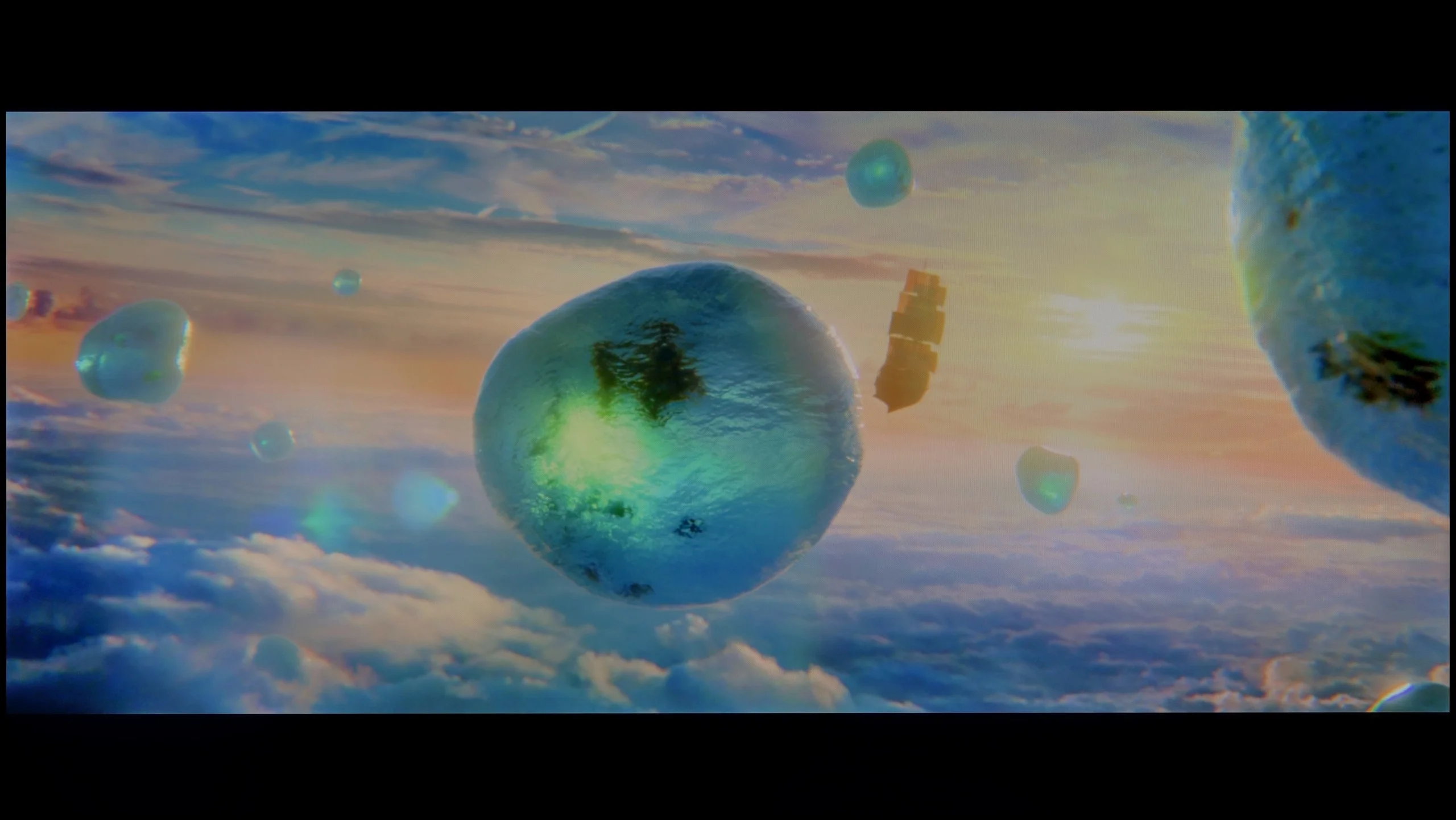
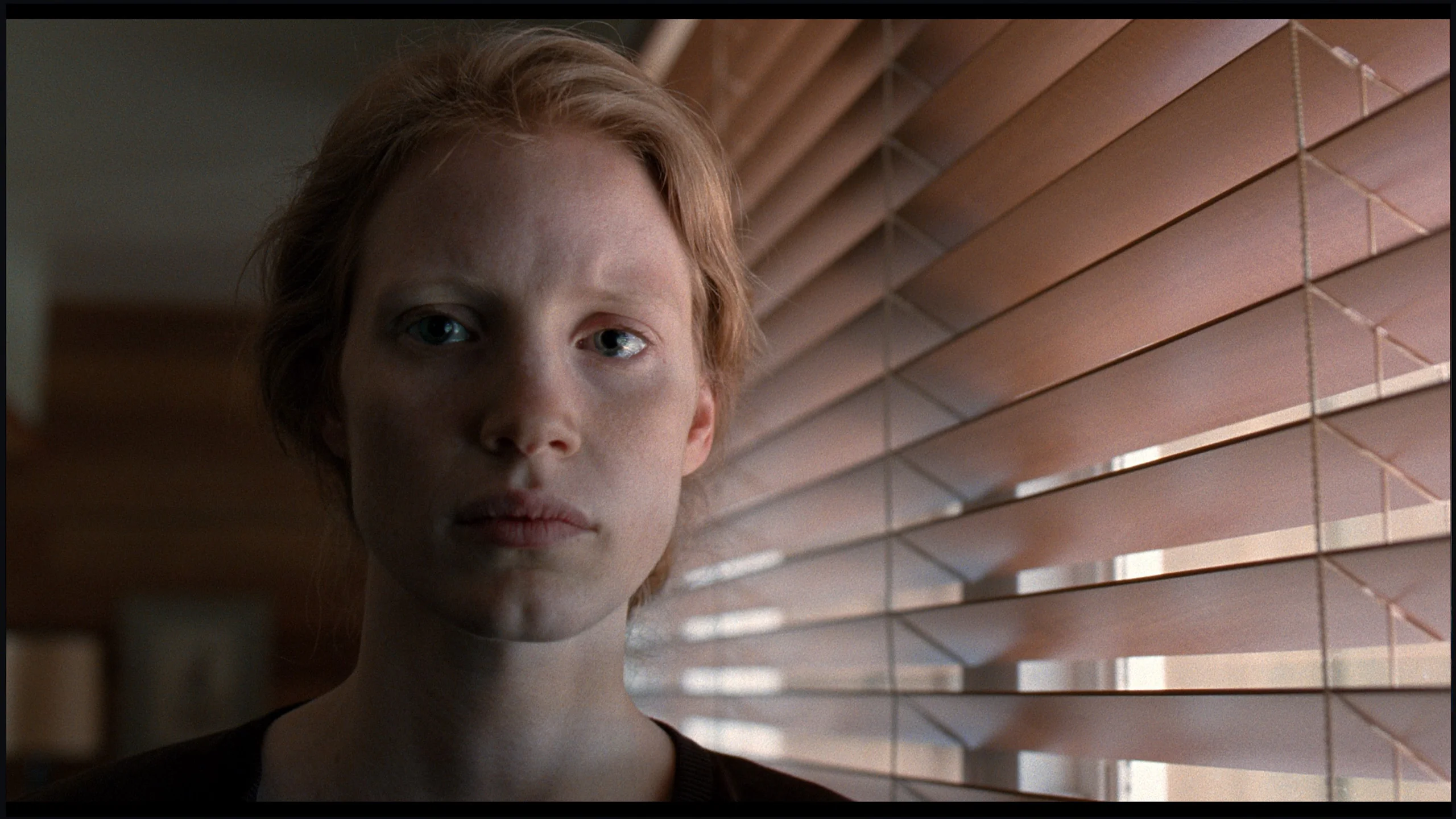
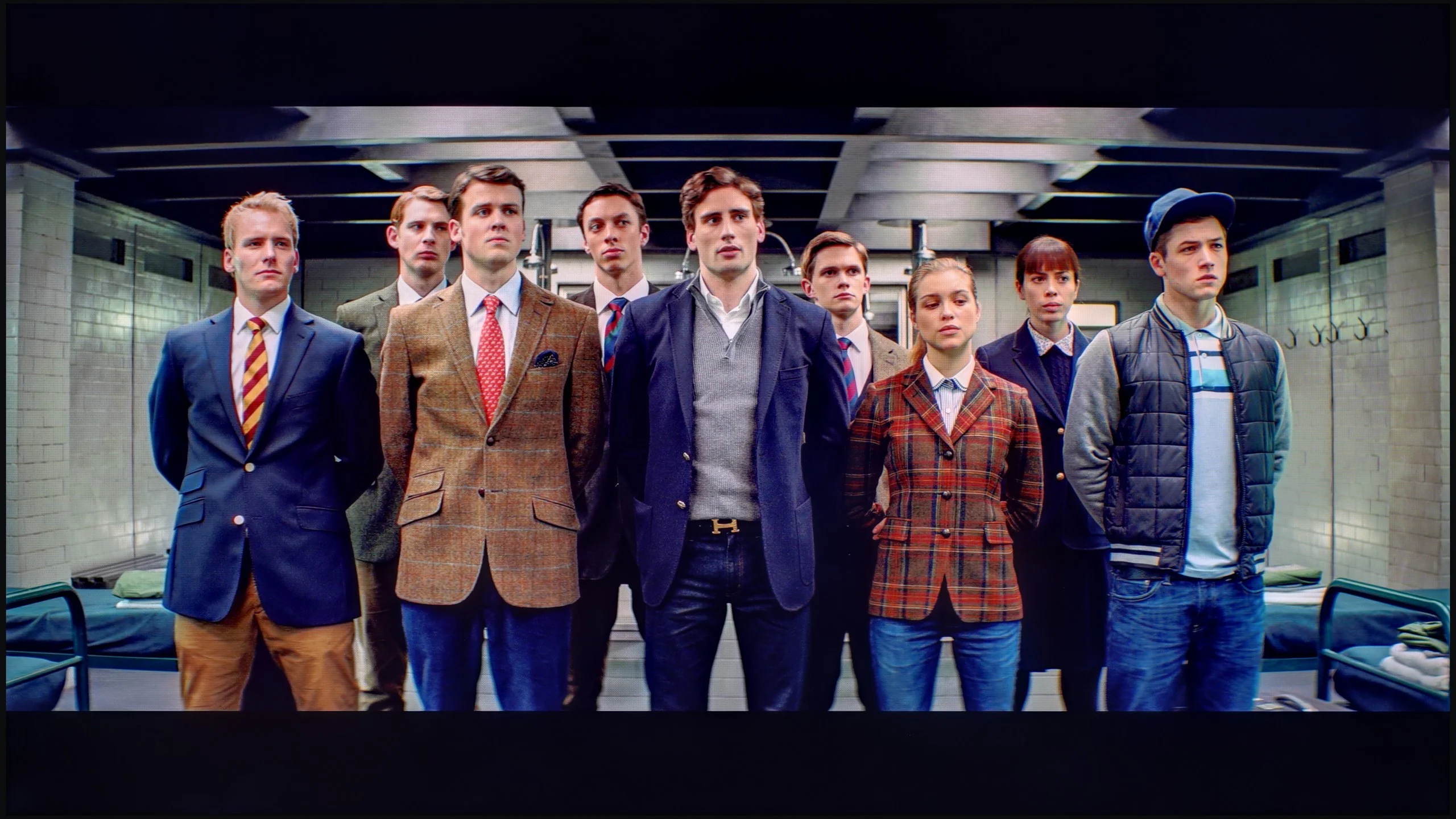
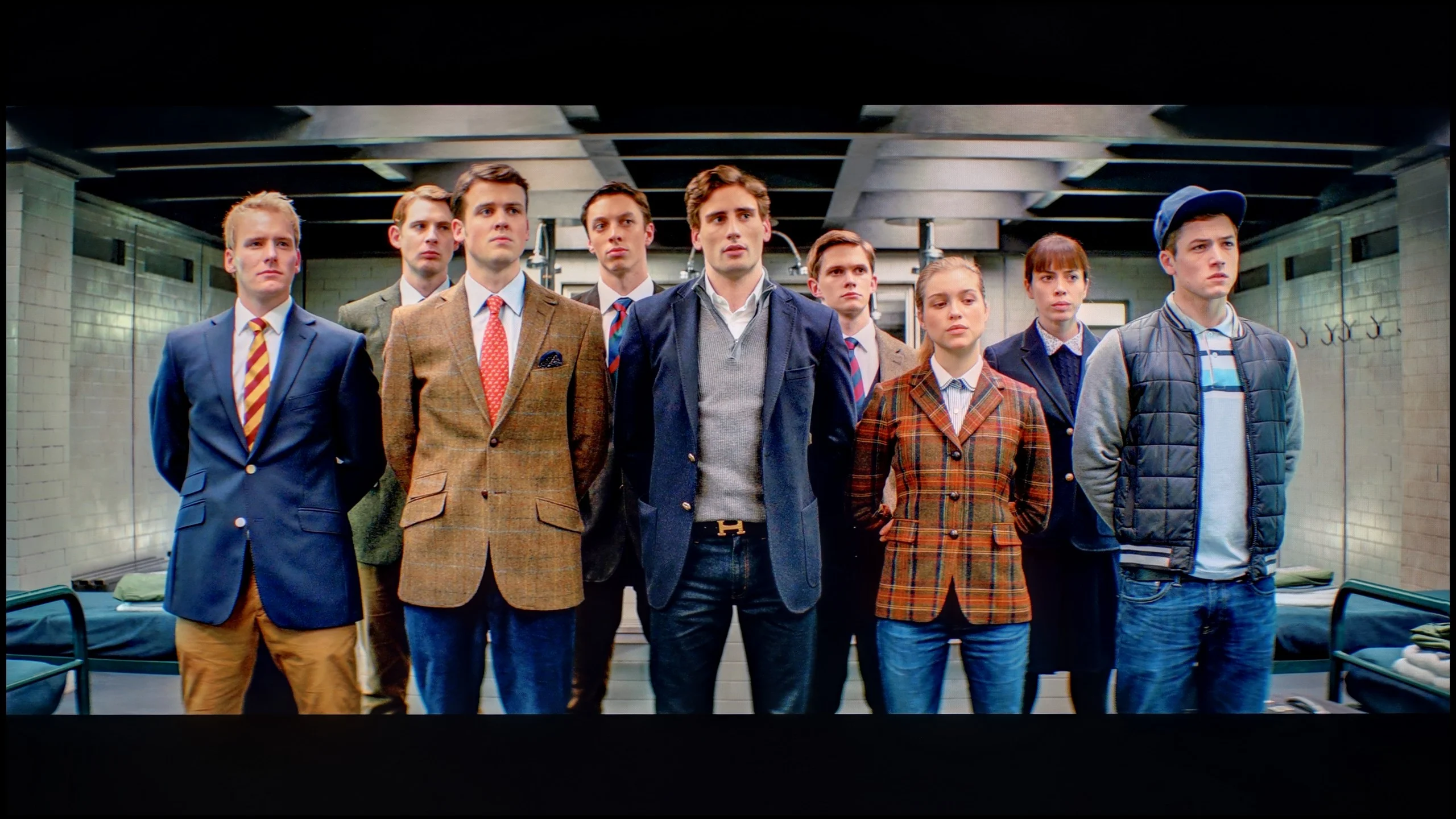
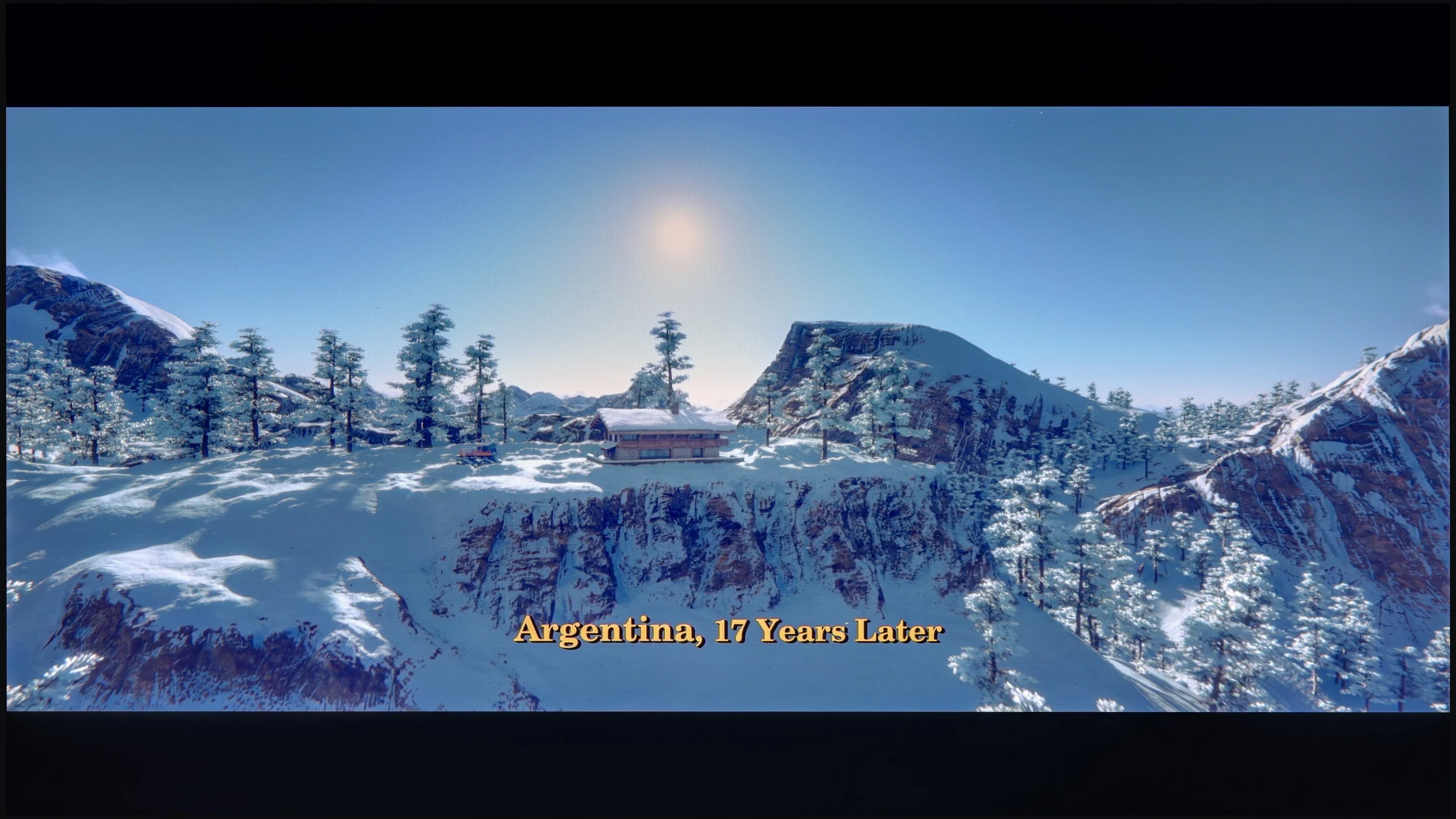
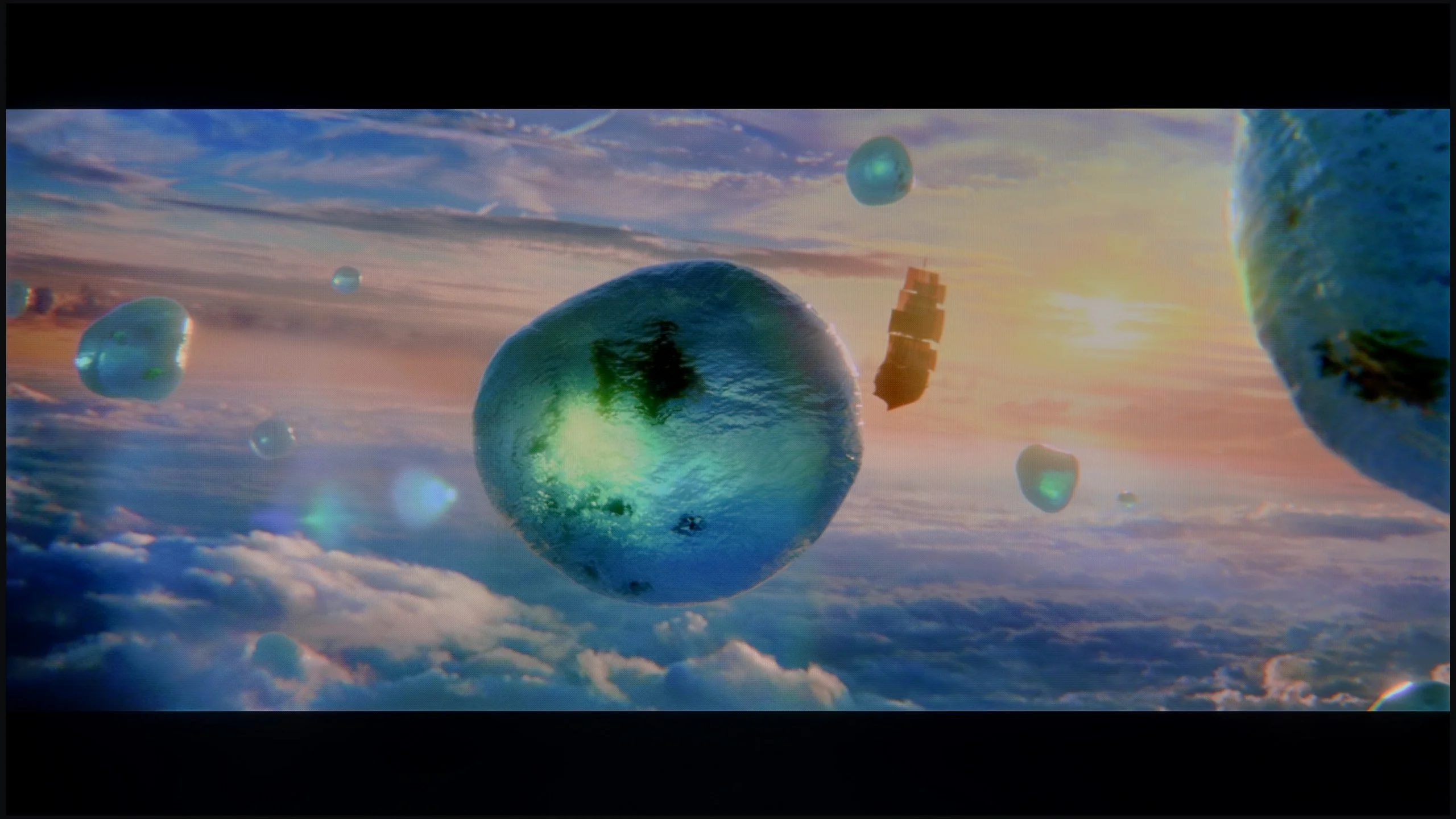
Scene from the movie “Pan” (about 2800 nits)

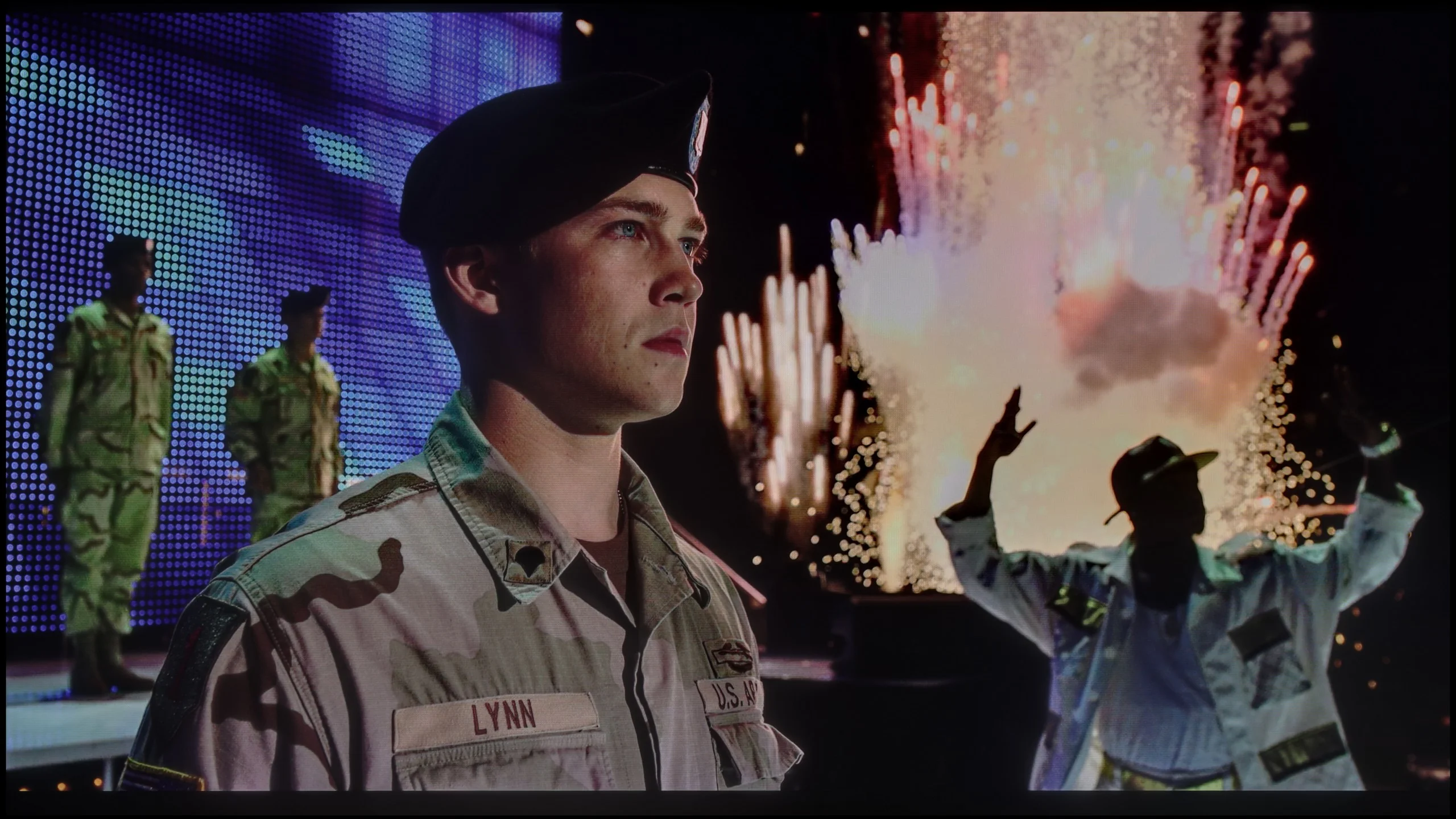
Scene from the movie “Billy Lynn” (about 1100 nits)

The photos show two HDR10 movies. 'Pan' is one of the brightest productions ever made, while 'Billy Lynn' (soldier) has brightness typical of streaming (Netflix, Prime, HBO MAX). Notice the intensity of effects and detail in whites.

Static HDR10

The photos present the visibility of white details in various HDR formats. They do not show brightness differences between TVs (these can be compared in the previous gallery).

Dynamic: HDR10+

Dynamic: Dolby Vision

The photos present the visibility of white details in various HDR formats. They do not show brightness differences between TVs (these can be compared in the previous gallery).

HDR luminance chart:

Hisense U7S / U77SE

Samsung The Frame 2025 (LS03F)

The Frame LS03F is a television that can surprise with its brightness. The maximum luminance reaches around 650 nits, which already looks solid on paper. But as we know, lab tests are one thing, and real movie scenes tell a completely different story. When watching HDR content in natural conditions, The Frame 2025 maintains very good results. In most film scenes, peak brightness remained at levels of 550–650 nits. This is enough to feel the difference between standard image quality and that of HDR – bright highlights, reflections on water, and moonlight appear clear and impressive.

It’s also worth noting that the LS03F is a QLED television, which translates to solid color saturation. The coverage of the DCI-P3 color space reaches about 92%, allowing for vibrant, intense colors in HDR content. It may not be at the level of top premium models, but for a lifestyle screen, the result truly deserves recognition.

The Hisense U7S has considerable HDR potential, but it can't use it in every scene. On a test pattern it reaches around 1,100 nits, so the backlight itself is very strong. In our brighter film scenes we measured about 640 to 745 nits. That's still enough for the sun or bright highlights to have a noticeable glow and to show an advantage over SDR material. When the TV needs to illuminate a larger portion of the image, it does quite well.

The problem appears with small lights on a dark background. Each of the 192 zones covers an area much larger than a tiny point on the screen. If the TV were to strongly light such a zone, it would also brighten the surrounding area along with the light. Hisense tries to avoid that and dims the entire zone. Black levels therefore look better, but a small bright object that should draw the eye also loses intensity. That's why in two tougher scenes we recorded only 297 and 154 nits. The difference is large: in one shot HDR can impress, and in the next small lights are noticeably muted. The U7S therefore prioritizes maintaining deep blacks, even at the expense of bright details. With this number of zones that's an understandable compromise, but it's worth remembering — the 1,100-nit peak tells us about the backlight's capability, not how brightly the TV will render every element of a film.

Colors

Hisense calls the U7S ULED, but that's a marketing name; the wider color gamut here comes from a PFS phosphor backlight. In our measurements the TV covered about 91% of DCI-P3 and 71% of BT.2020. Those are good results, although it falls short of the best screens on the market. The biggest shortfall is in green — the TV doesn't even reach the DCI-P3 target there, so the most saturated shades will be less intense than they should be. Most colors in HDR films and series, however, still look suitably rich. A positive is the repeatability of the results. Gamut coverage on test patterns and in film scenes is practically identical.

Factory color reproduction

7.1/10

5.8/10

This gallery shows how colors change after professional TV calibration. If you notice the difference, we recommend ordering this service at SkalibrujTV.com.

Factory Mode

After calibration

This gallery shows how colors change after professional TV calibration. If you notice the difference, we recommend ordering this service at SkalibrujTV.com.

Factory Mode

After calibration

When it comes to image quality right out of the box, even in Filmmaker mode, which is supposed to be the closest to reference, there were issues. In both HD and 4K HDR content, we noticed noticeable deviations in white balance. The image was heavily skewed towards red and blue, giving the screen a characteristic rosy tint. This effect was most visible in bright scenes – for example, in shots with a lot of white, where neutral light should naturally dominate. In such moments, the screen clearly leaned towards pink tones, which can also be seen in the attached comparison photo. As for brightness characteristics – it wasn't as bad as one might expect given such color inaccuracies. Analysis of the gamma curve and EOTF showed a slight brightening of the image compared to the reference, but not enough to drastically affect the perception of the material.


The out-of-the-box colors on the Hisense U7S are decent, but there are a few things to improve. In SDR there's a red bias in the white balance, which makes the image too warm and in places slightly pink. You can notice this on faces and on bright, neutral surfaces. Gamma also runs below the reference, so the TV brightens the image, especially in darker areas. That makes shadow details easier to see, but the scene loses some of its depth.
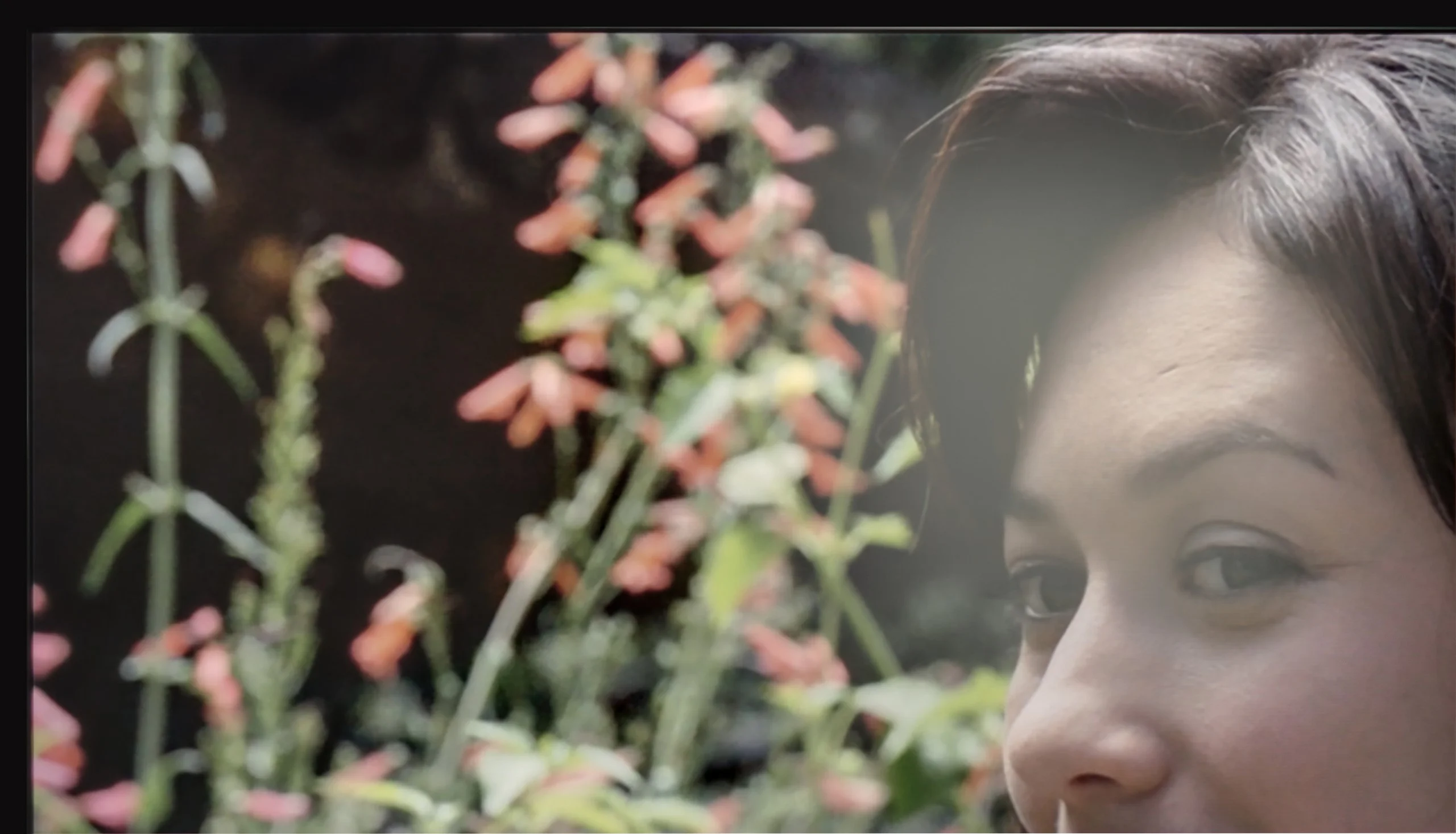
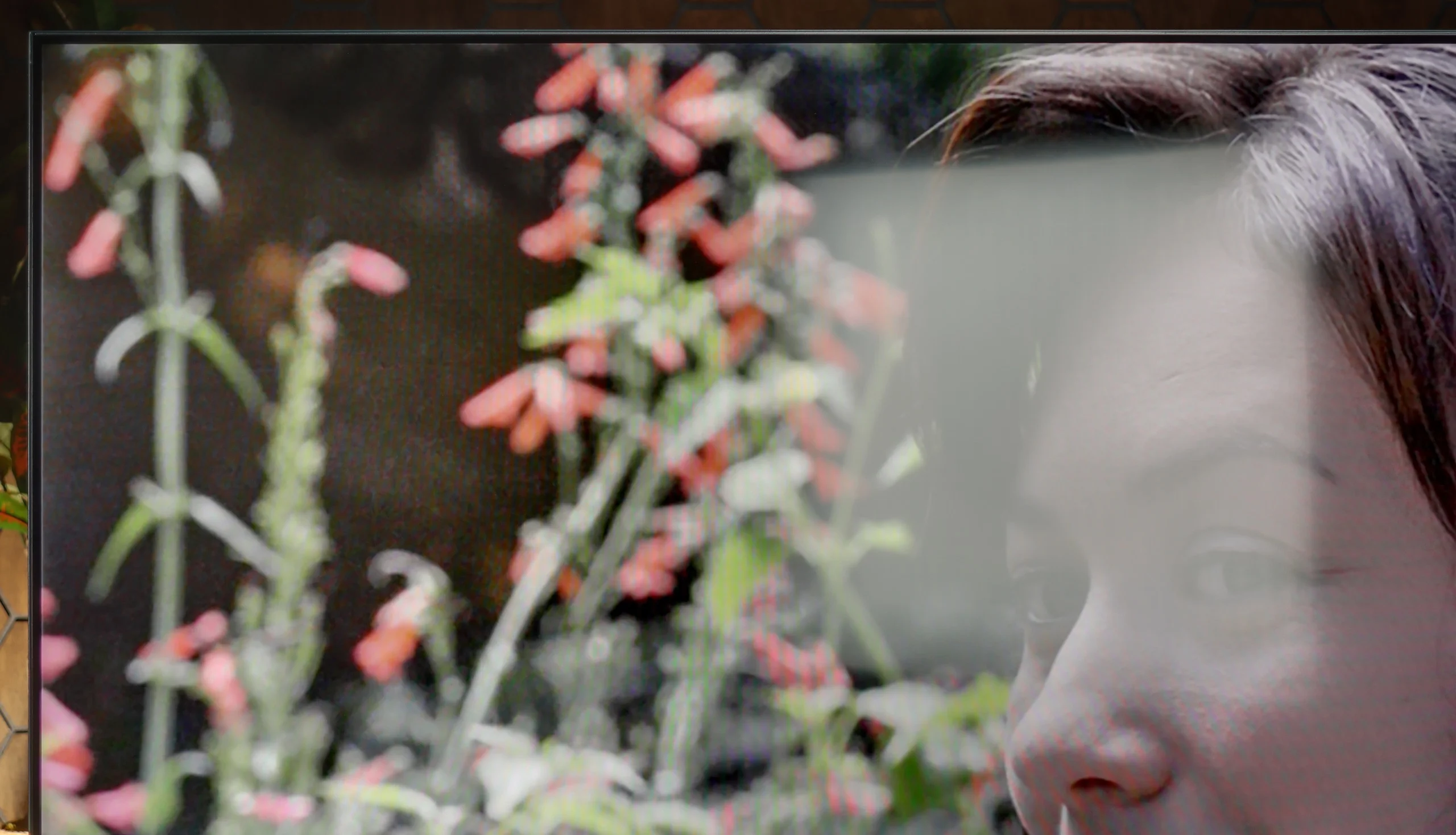
In HDR the white balance is a bit more even, but not completely neutral; midtones lack blue, and the brightest areas lack red. A bigger problem is how brightness is reproduced. The EOTF curve shows that a large portion of midtones is being brightened, so the image looks brighter than the source material intends. Color Checker measurements also perform worse than in SDR: many errors are around 3 to 4, and individual ones reach as high as 8. Colors can therefore look attractive, but they are not always faithful to what we should be seeing. There's room for improvement, and we'll check how much can be corrected with calibration.

Color reproduction after calibration

8/10

7.5/10

The photos show how movies look on the TV. Pay attention to black detail visibility, colors, and shadow tint.

The photos show how movies look on the TV. Pay attention to black detail visibility, colors, and shadow tint.

After calibration, the movie mode gained a completely new quality. The issue of pink tint, which had previously been clearly visible, especially in bright scenes, was effectively eliminated. Colors began to look much more natural, and the white balance no longer dominated the rest of the image. It was no longer the same exaggerated “box picture” – everything gained coherence and a cinematic character. Additionally, the tendency of the television to slightly brighten scenes, previously visible in the EOTF curve analysis, was partially corrected. Of course, this was within the limits of what the design allows without local dimming – it’s hard to speak of perfect brightness management here. Nevertheless, the final effect was definitely closer to what one would expect from a mode called Filmmaker.

Calibration of the Hisense U7S helped most with SDR content. We managed to even out the white balance, so the previous warm cast is gone and whites and grays look neutral. Gamma is also now very close to the reference, and the TV no longer brightens the image unnecessarily, so darker scenes have regained depth. Color Checker measurements confirm the improvement: most errors fall below 2. That yields a really well-calibrated picture for regular TV and SDR movies. It didn't go as smoothly in HDR. The TV lacks an effective way to correct the EOTF curve, so Hisense still interprets the content's brightness a bit on its own. It brightens parts of the image and can dim the brightest elements depending on the scene and the local dimming behavior. Calibration couldn't eliminate this. It shows up in the Color Checker results as well, where many errors remain around 3–4 and individual ones exceed 7. So in SDR the result is very good, but in HDR we have to accept that the TV adds its own interpretation of brightness to the image.

Smoothness of tonal transitions

9/10

8.5/10

These are selected scenes that show smooth tonal transitions from one color to another. If you see distinct banding, it’s the TV panel’s fault.

These are selected scenes that show smooth tonal transitions from one color to another. If you see distinct banding, it’s the TV panel’s fault.

These are selected scenes that show smooth tonal transitions from one color to another. If you see distinct banding, it’s the TV panel’s fault.

These are selected scenes that show smooth tonal transitions from one color to another. If you see distinct banding, it’s the TV panel’s fault.

In terms of the fluidity of tonal transitions, the LS03F maintains a high level – just like last year’s models. The television had no issues during the testing of more challenging movie scenes, where visible transitions between color shades can easily occur. The color grading is very good here – both in the lighter and darker parts of the image. We did not observe the typical banding effect or other disturbances that could stand out while watching movies. If we had to nitpick, in the most demanding scenes – with subtle transitions and delicate gradients – small imperfections can be noticed. But only when one gets really close to the screen and begins to analyze the image from a distance not intended by the manufacturer.

The smoothness of tonal transitions is one of the Hisense U7S’s stronger points. HDR10 material performs especially well, with colors blending gently into one another without noticeable banding. Even in dark scenes it’s hard to find major issues. Minor color stepping is visible only in brighter shots, but during typical viewing it usually doesn’t attract attention. It looks a bit worse in Dolby Vision, where boundaries between shades can be more apparent. That’s why Hisense loses some points from us, although overall this is still a very good result and one of the better performers in its class.

Image scaling and smoothness of tonal transitions

6.7/10

6/10

Image without overscan on the SD signal
No
OK
Smooth transition function
OK
OK

Smooth transition function

The match photo shows how the TV smooths weak tonal transitions in low-quality video.

Image scaling SD (576i)

The model photo shows how it handles upscaling of SD material.

The LS03F is equipped with the NQ4 processor, which is responsible for improving image quality—especially in lower-quality materials. In practice, it works surprisingly well, particularly with older content and recordings with lower resolution. Activating the "noise reduction" feature yields noticeable effects. The television effectively smooths tonal transitions and removes digital noise that can appear in darker areas of the image. Compared to previous generations, there is a clear improvement—previously, this feature often smoothed everything too much, including details that it shouldn't have removed. In this year's model, the smoothing still occurs, but it is done in a much more acceptable manner. Textures of materials, skin, or fabric details are no longer so heavily muted as before—the image retains more naturalness. However, this does not change the fact that film grain is still removed by the television, which may not be to everyone's liking. On the other hand, it is no longer as aggressive an intervention as in previous models. It is also worth mentioning that the LS03F may struggle with very weak signals—such as recordings from VHS tapes or video in low resolution. In such cases, we noticed slight clipping of the image at the edges—so-called overscan. This can lead to situations where a small part of the image (e.g., subtitles at the bottom edge) gets cut off.

The handling of lower-quality material on the Hisense U7S is fairly mediocre. The Pentonic 700 chipset used here doesn't cope well with the effects of heavy compression. The menu includes a "Smooth & Gradient" picture option, but its performance leaves much to be desired. At the low setting it's hard to notice any improvement in tonal transitions, although at least the image isn't degraded. The medium and high settings still don't remove visible banding between shades and begin to smear details; in our test clips even parts of characters' faces disappeared. Interestingly, film grain remains untouched at every level. If you use this feature, we'd stick with the low setting. Its current behavior needs refinement, but that's mainly down to the processor used. Upscaling to 4K performs much better. Lower-resolution footage gains clarity, edges are well reconstructed, and fine elements look crisp. That doesn't mean it can recover details that weren't in the recording, but the TV makes good use of what it gets from the source. Another plus is that it doesn't crop the image edges, even with an SD signal.

Blur and motion smoothness

6.9/10

7/10

Maximum refresh rate of the panel
144Hz
144Hz
Film motion smoothing option
OK
OK
Blur reduction option
OK
OK
BFI function 60Hz
Yes, 60Hz (image flickers)
Yes, 120Hz (double contours)
BFI function 120Hz
No
Yes, 240Hz (double contours)
Brightness drop with BFI
43%
55%

Blur (native resolution, maximum refresh rate):

Blur (BFI function enabled):

Image flickers in this mode

Blur ():

Blur (1080p@240Hz):

A novelty in The Frame for 2025 is the panel with a refresh rate of 144 Hz. Yes – in a television primarily associated with displaying artwork, you can now not only watch Van Gogh but also comfortably play on a console or follow dynamic sports action. This is a definite step towards greater versatility. In the case of Samsung films, as usual in models with a 120 Hz panel and above, it allows you to adjust motion smoothness according to your own preferences. You can set a more cinematic representation while maintaining frame rate or opt for full motion smoothing. The range of options is wide, allowing you to tailor the effect to your taste – whether the viewing experience is meant to resemble classic cinema or a presentation on a modern theater panel.

*this part of the test refers to the model LS03FAU in sizes 55 and 65 inches, which is equipped with a 144Hz panel; the 43 and 50-inch sizes have 60Hz panels, and therefore perform much worse in terms of motion smoothness.

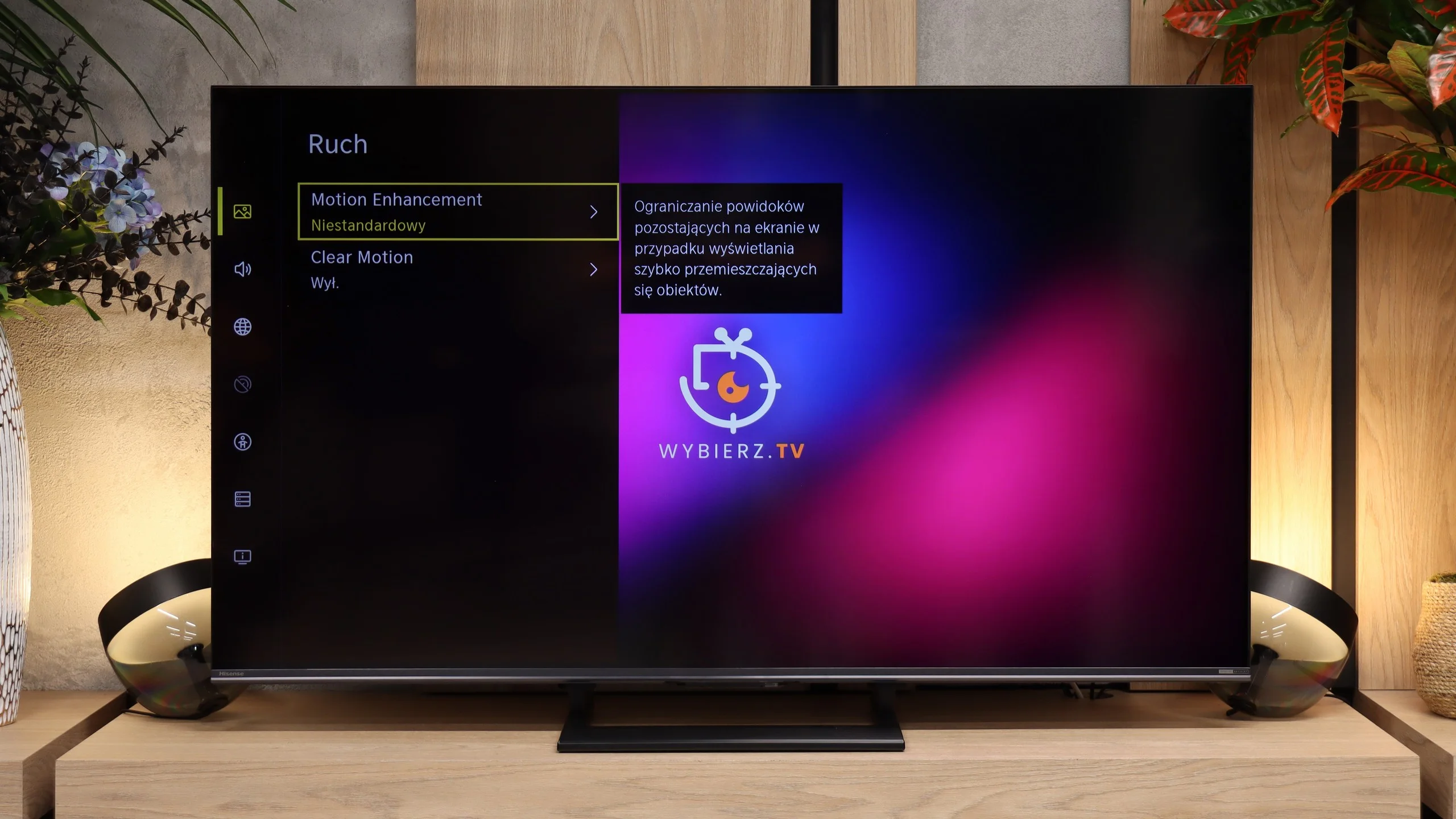
Motion handling on the Hisense U7S is pretty good thanks to the 144 Hz refresh rate. For movies we also have a motion smoothing feature that lets you adjust judder and blur reduction. You can therefore keep a more cinematic motion or increase smoothness if abrupt camera shifts bother you. In sports and games the high refresh rate is also useful, but unfortunately it doesn't solve this panel's biggest problem.

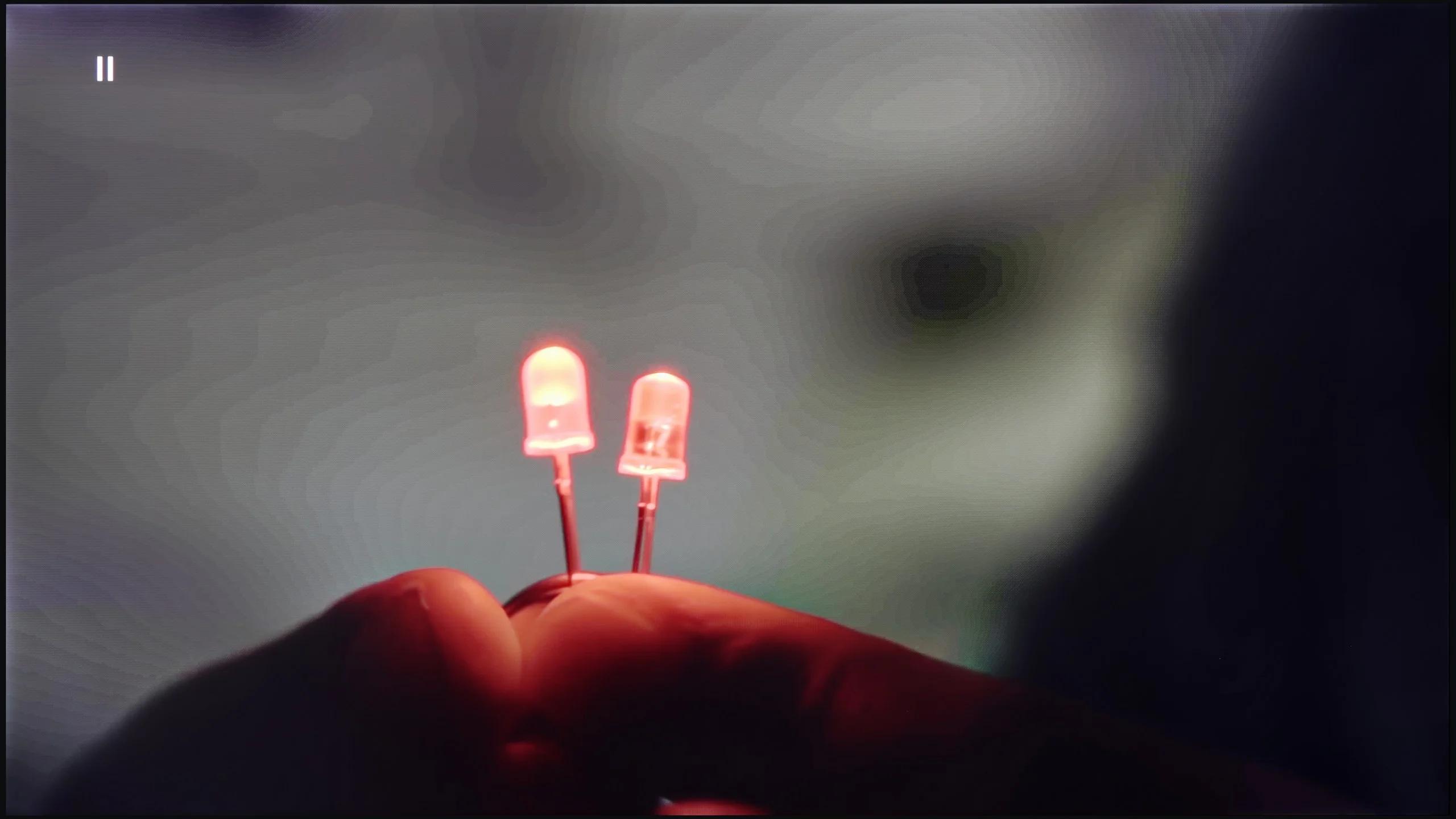
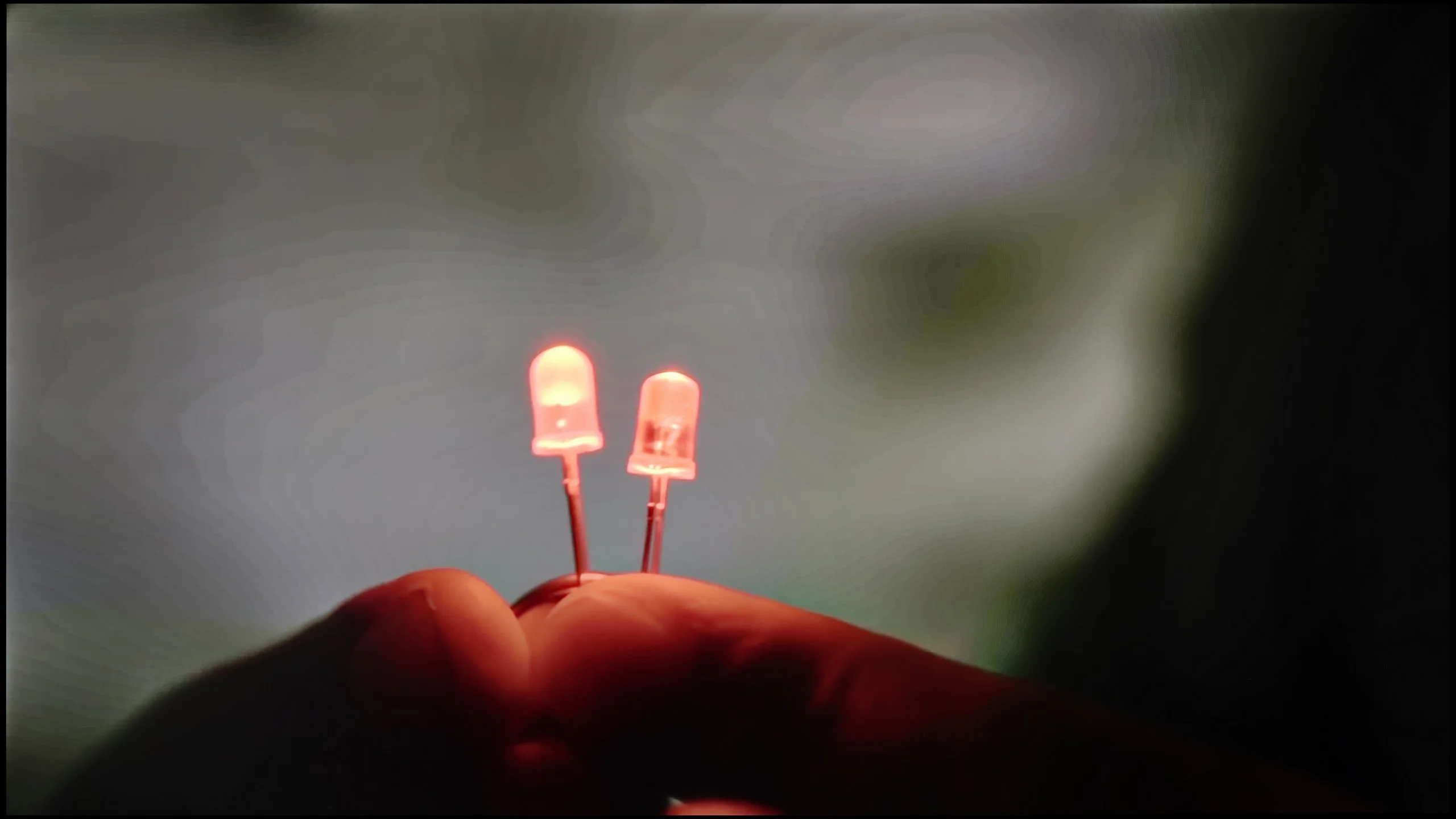
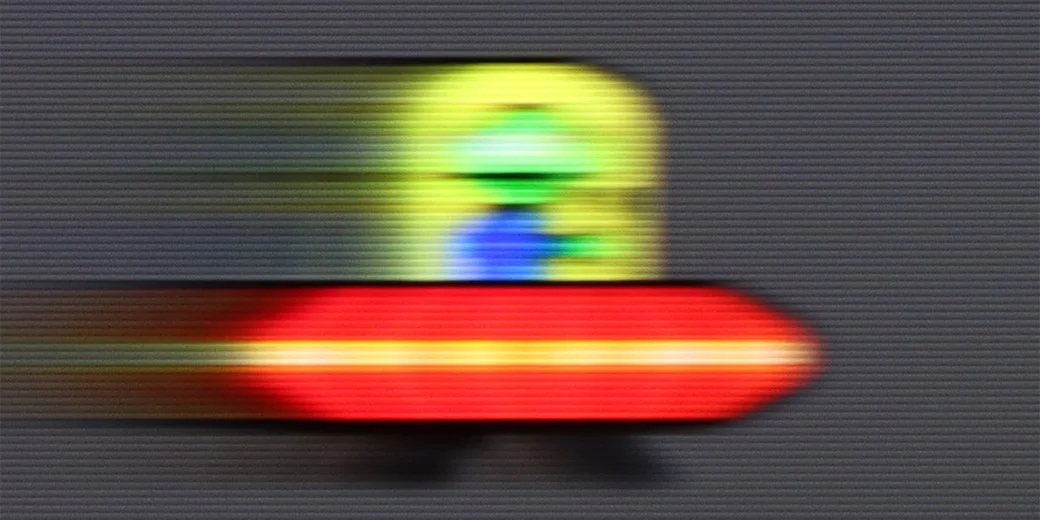
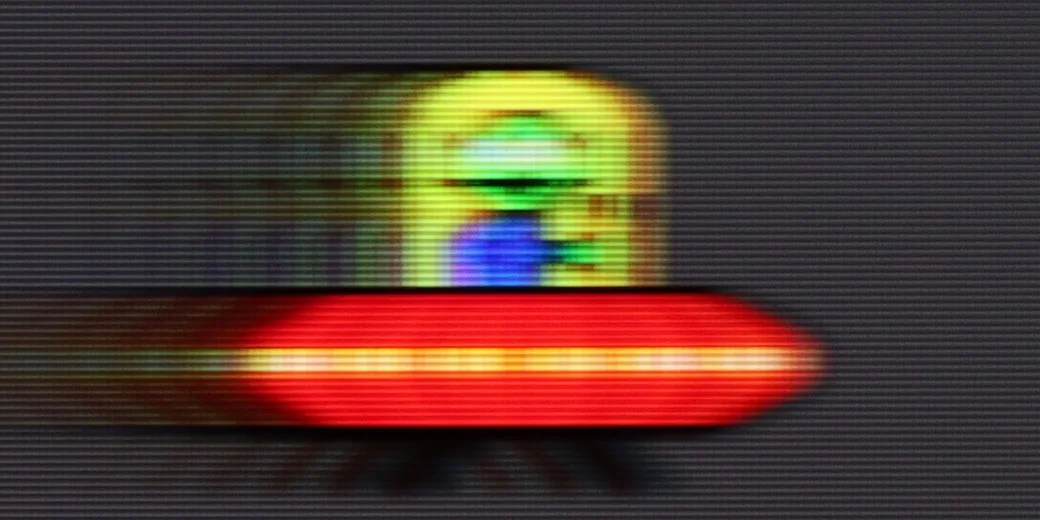
The culprit is pixel response time. Fast-moving objects leave long, noticeable trails, as our UFO test shows. It's worst on dark backgrounds, where the trail behind the object is especially pronounced. So motion can be smooth, but the moving object itself loses sharpness, and that difference on the U7S is fairly easy to notice.

Console compatibility and gaming features

9.6/10

8.5/10

  • ALLM
    Yes
    Yes
  • VRR
    Yes
    Yes
  • VRR range
    48 - 144Hz
    48 - 240Hz
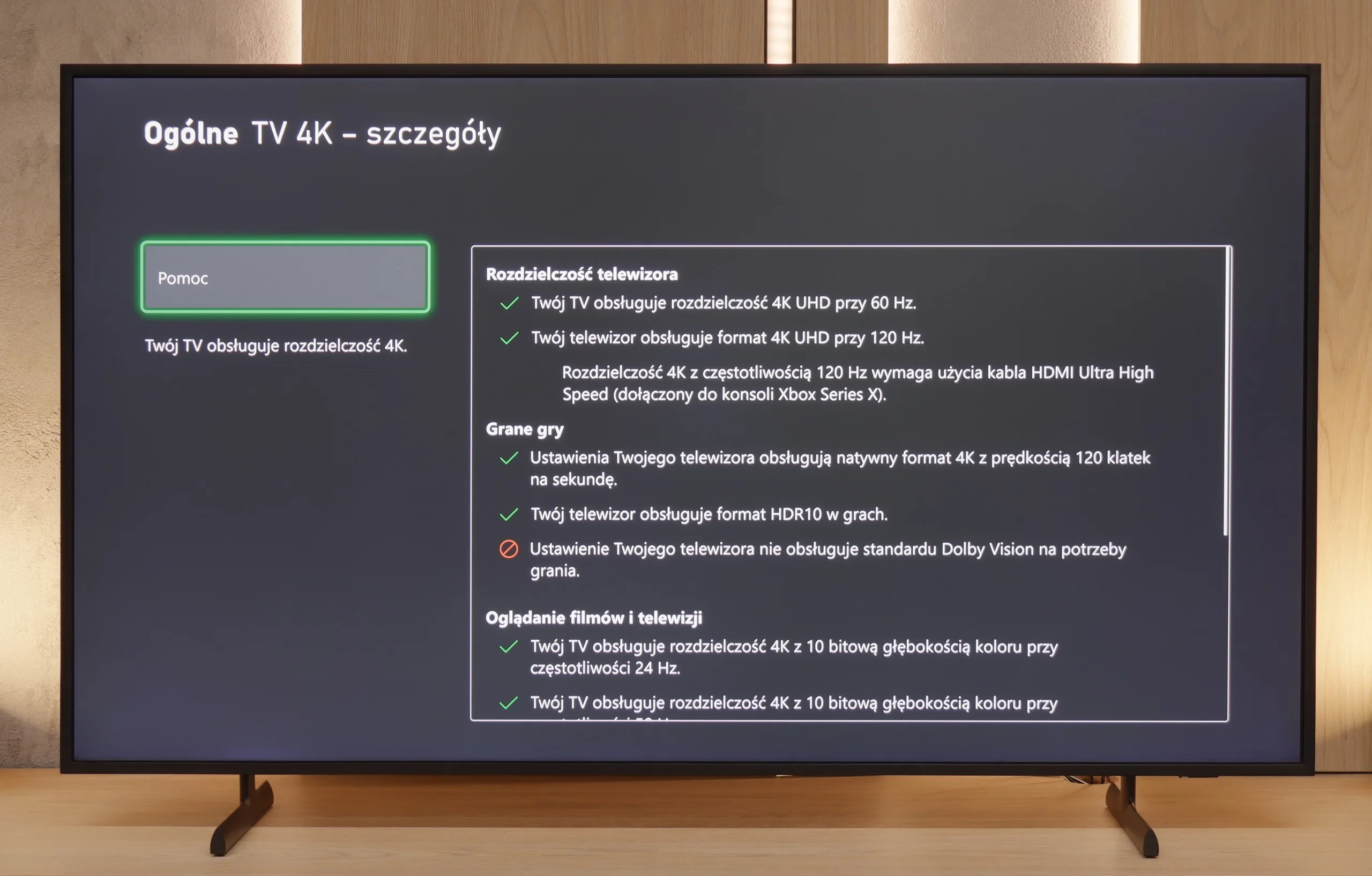
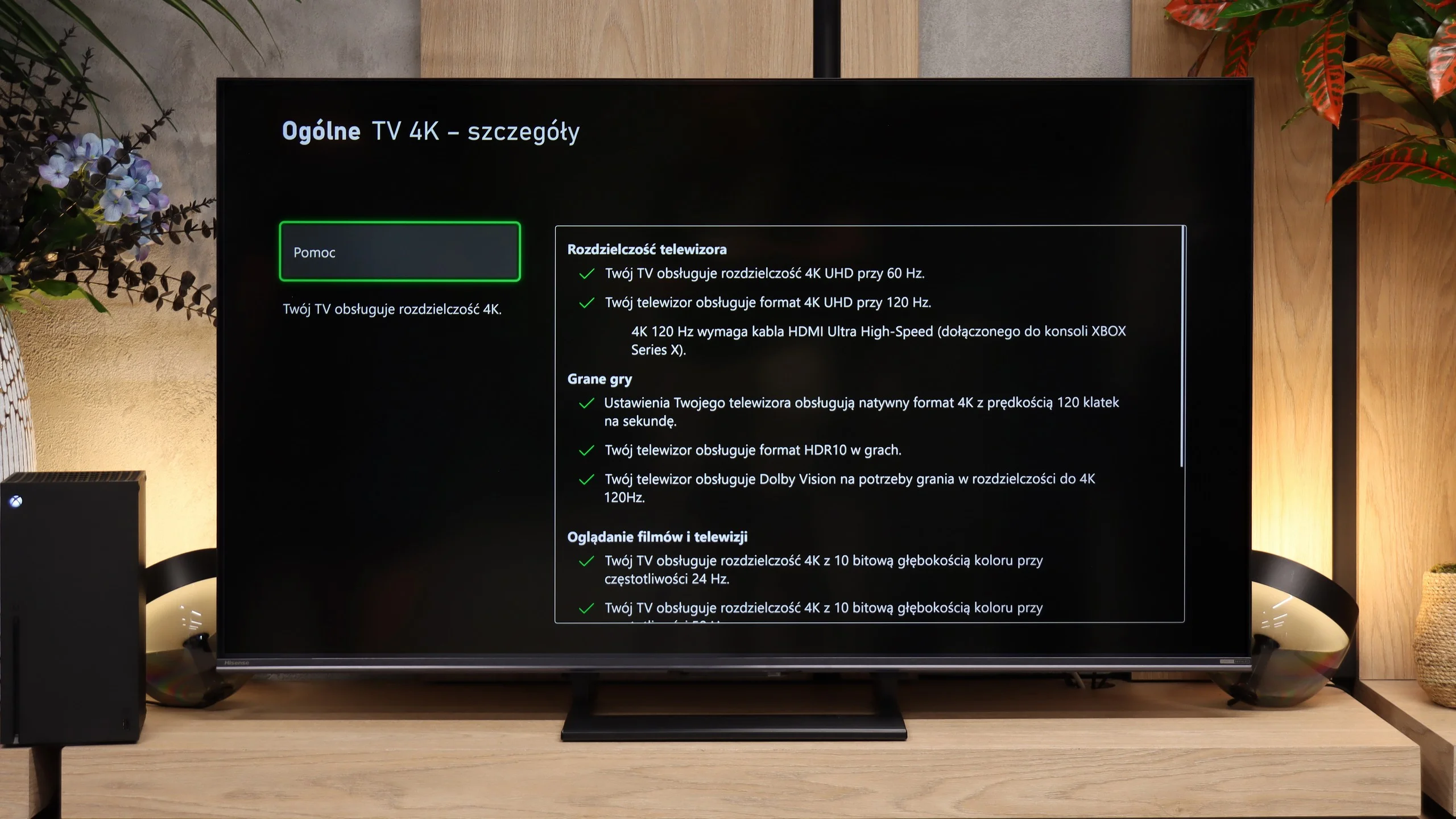
  • Dolby Vision Game Mode
    No
    Yes
  • Correct implementation of HGIG
    Yes
    No
  • 1080p@120Hz
    Yes
    Yes
  • 1440p@120Hz
    Yes
    Yes
  • 4K@120Hz
    Yes
    Yes
  • Game bar
    Yes
    Yes

As we mentioned earlier – although The Frame is likely displaying images and artwork most of the time, Samsung recognized that a Van Gogh enthusiast could just as well be an avid gamer. And it must be admitted that The Frame 2025 has almost everything it needs to become a full-fledged gaming TV.

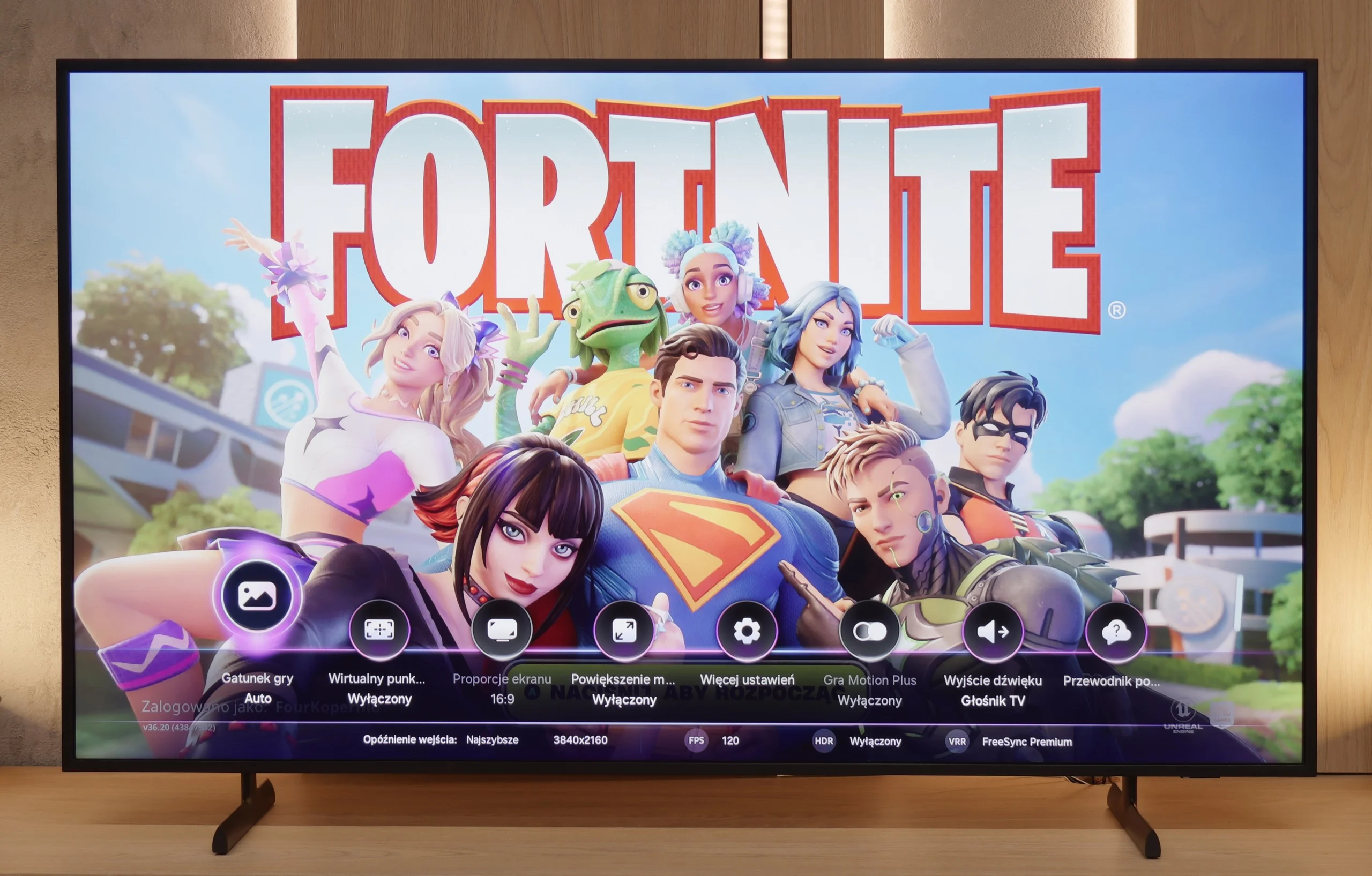
On board, we find support for ALLM (Auto Low Latency Mode) and variable refresh rate (VRR) thanks to the implementation of one HDMI 2.1 port. The TV handles lower resolutions at higher refresh rates with ease and features an advanced Game Bar – already known from other Samsung models – which allows for a quick overview and change of the most important gaming-related settings. And for that, it earns extra points from us. The proprietary motion smoothing feature, Auto Motion Plus Game, also deserves a mention, which – and it’s worth emphasizing – works without boosting input lag. Samsung remains the only manufacturer that has managed to implement this feature in a practically unnoticeable way in terms of delays. The result? Much better fluidity in games, especially those that struggle to maintain a steady 60 frames. This solution can genuinely improve gameplay comfort in more demanding titles – especially on consoles that don’t always manage full fluidity, particularly in AAA games.

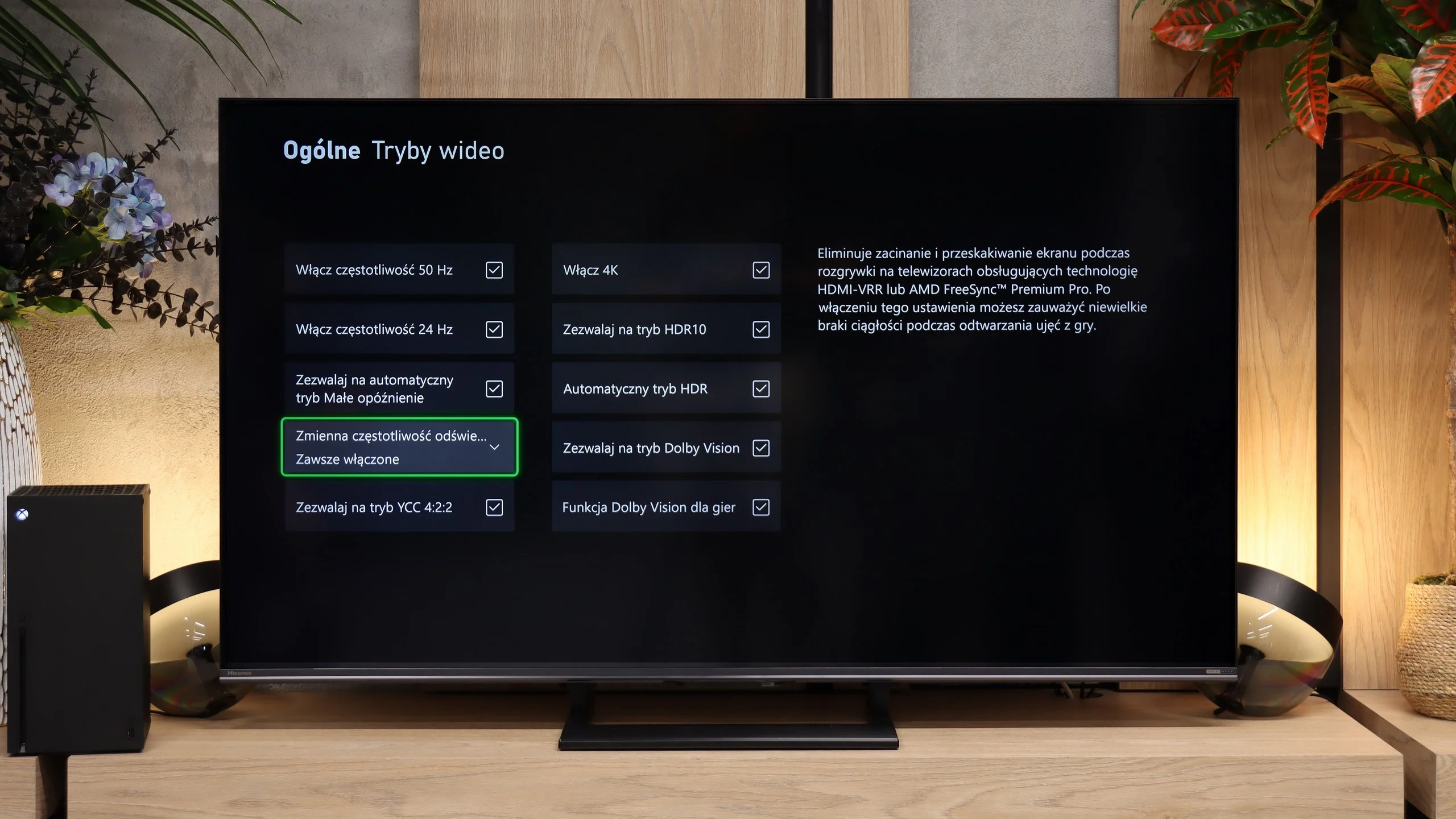
As for the downsides – the absence of Dolby Vision we already treat as a standard in Samsung TVs, so there’s not much to complain about here. The problem, however, is something completely different. In the latest version of the Tizen system, the HGiG option has disappeared. Literally – it’s gone. This is a significant hindrance when configuring the console for proper HDR content display in games. It’s hard to understand why such a decision was made, but one thing is for sure – it should be fixed as soon as possible. We are talking about a brand that has set standards in gaming on TVs for years. If HGiG returns – and we hope that it will – The Frame LS03F can confidently aspire to the title of a true gaming TV. Not only as a wall decoration but as a device that really provides enjoyment in gaming.

[UPDATE] We have updated our tests of Samsung TVs from the 2025 lineup due to the release of software version 1131, which has restored the critical gaming feature HGiG.

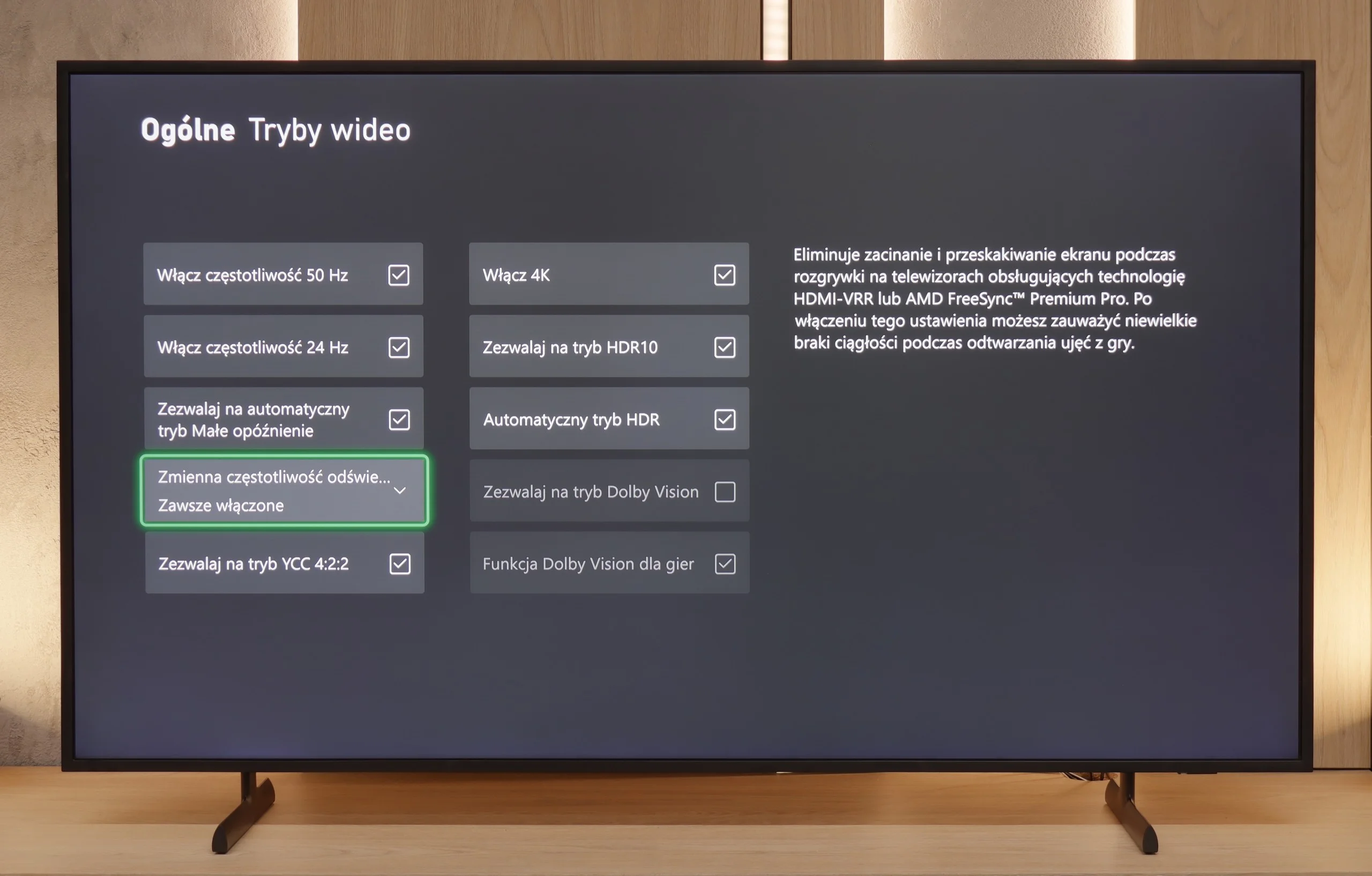
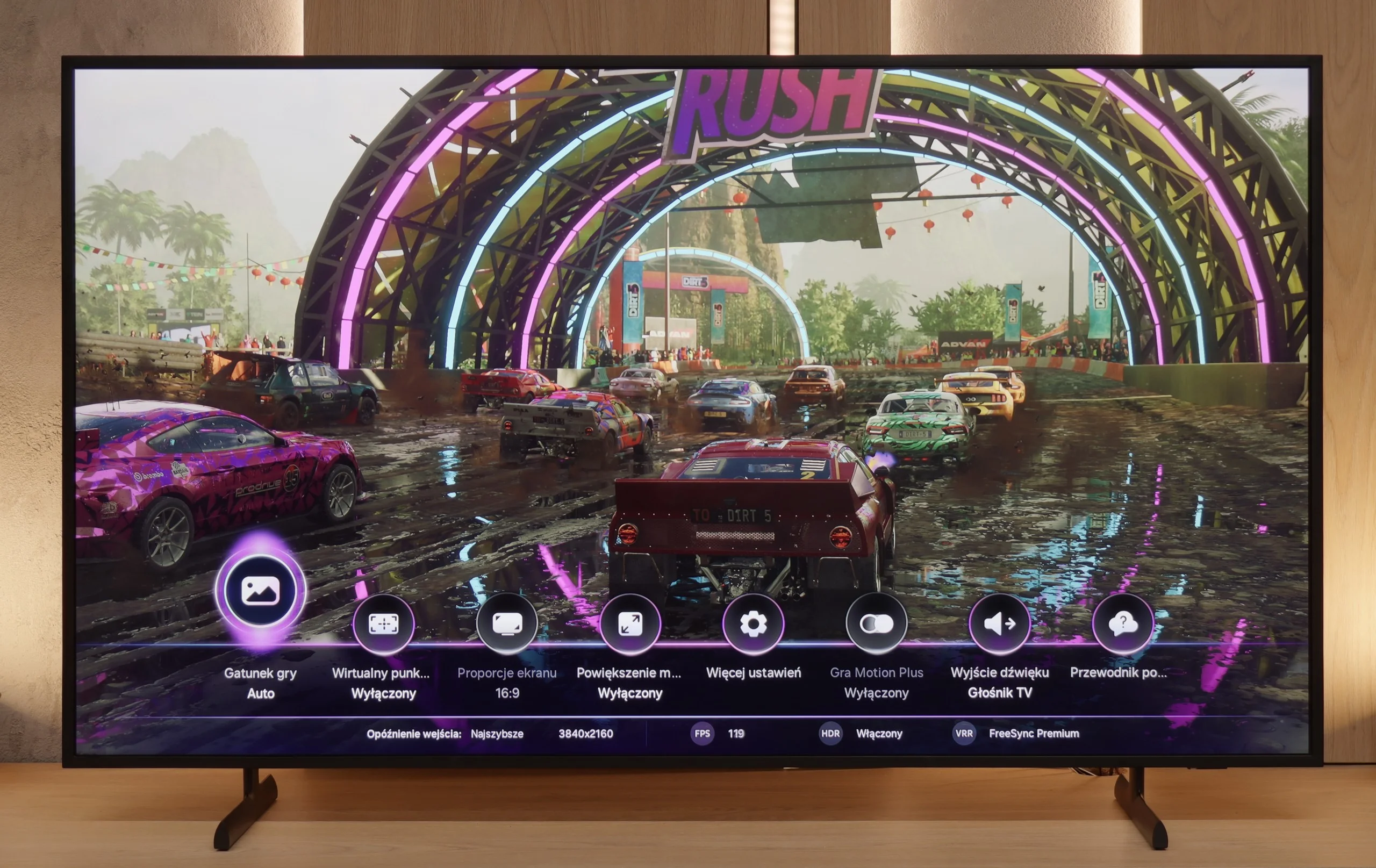
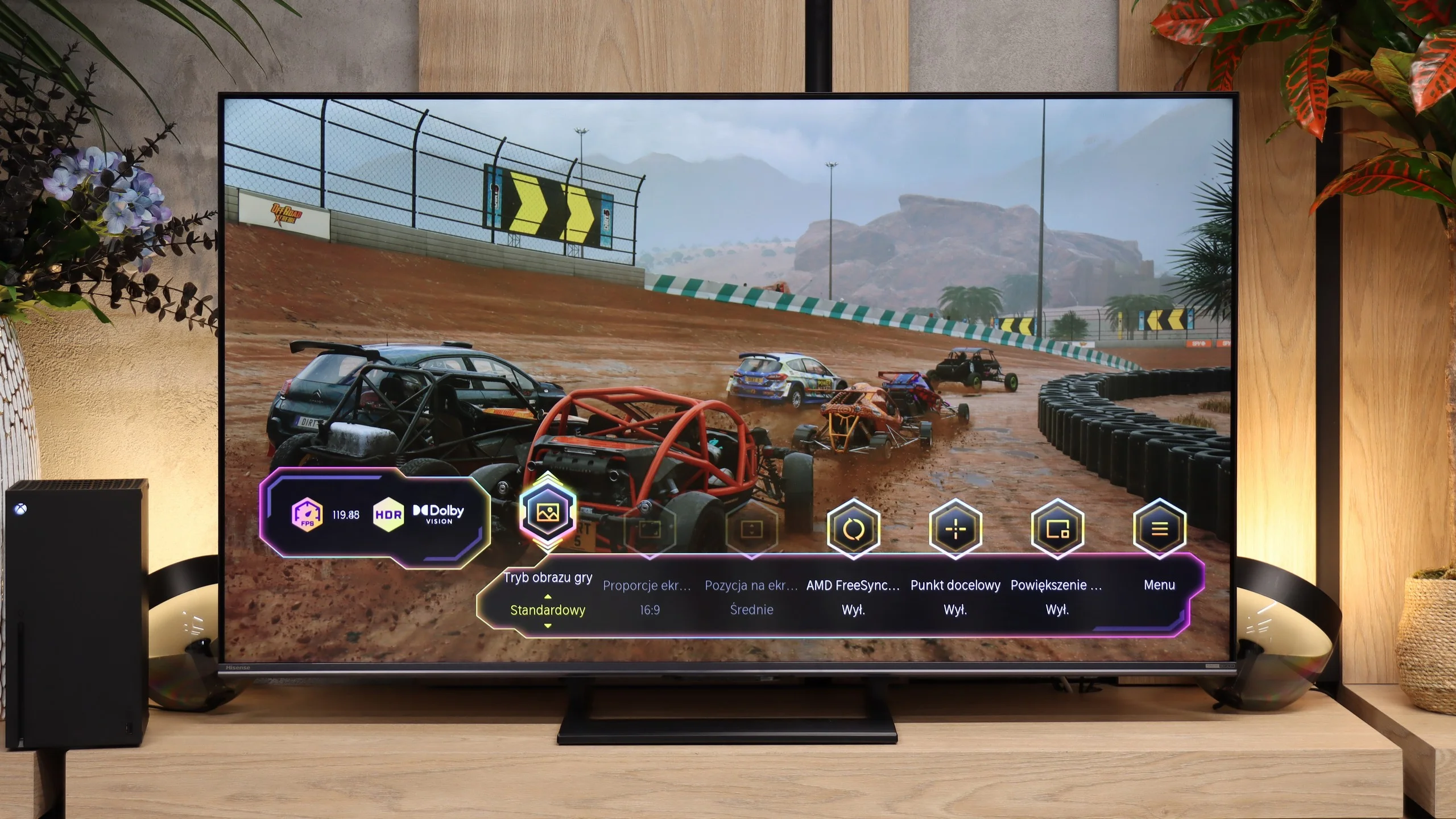
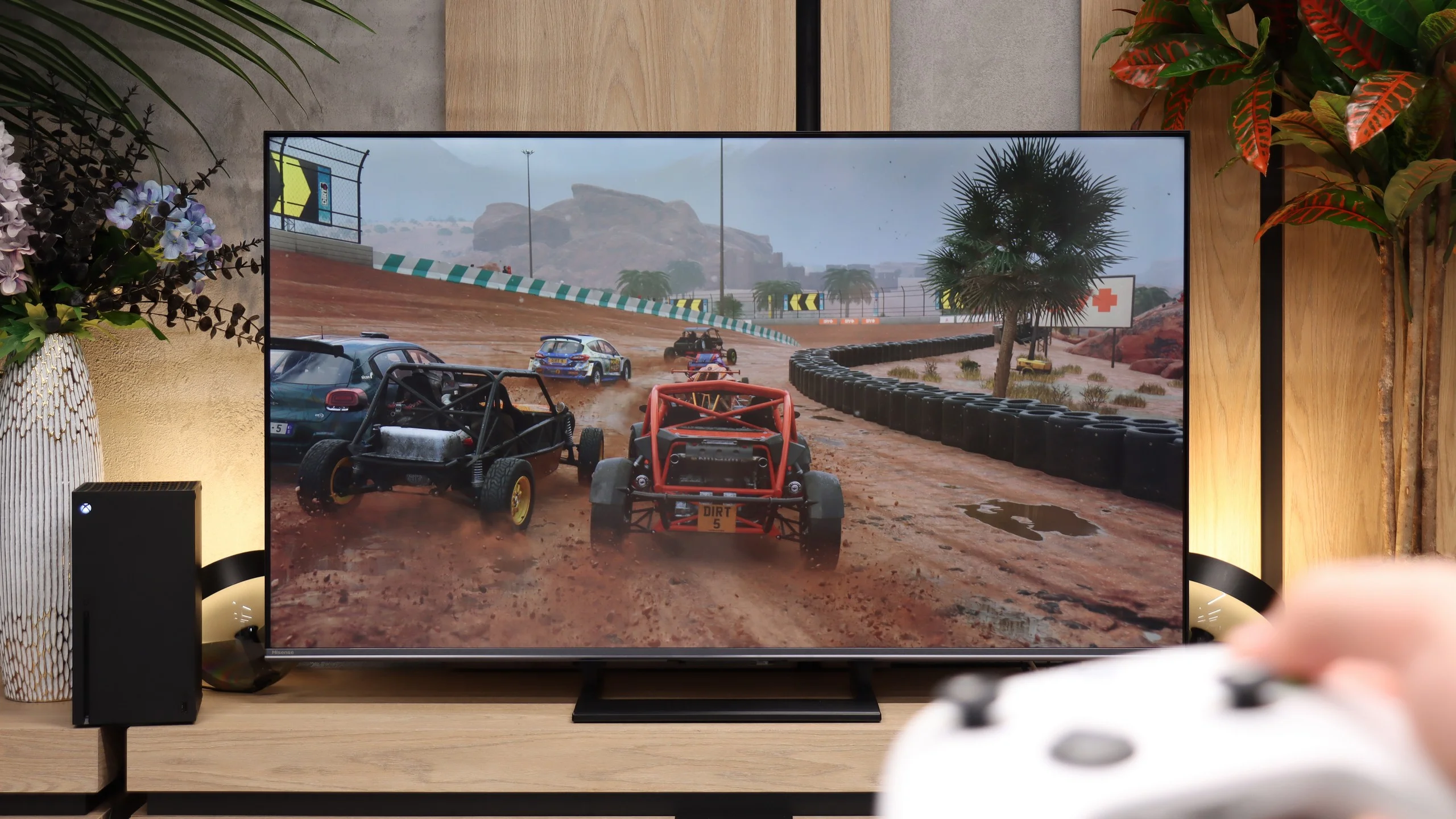
The Hisense U7S has a lot to offer gamers. You get two HDMI 2.1 ports and support for 120 Hz at Full HD, 1440p, and 4K, so modern consoles’ capabilities are well used. When connected to a PC you can use 144 Hz at 4K or switch the resolution to Full HD and run 240 Hz. So there’s a wide choice, although it’s worth remembering the motion smearing mentioned earlier, which the high refresh rate does not eliminate. VRR and ALLM are also present. The first helps prevent tearing when frame rates in a game change. The second automatically switches the TV into game mode, so you don’t have to dig through the menu each time. VRR works from 48 to 240 Hz, with the highest refresh rate available in Full HD. Xbox users can also play in Dolby Vision, including at 120 Hz. Importantly, this format does not introduce significant input lag here. The Game Bar also looks very good. It’s easy to read, visually appealing, and lets you quickly check what signal the TV is receiving. There are also handy gaming settings at your fingertips, including shadow brightening. If it’s hard to spot an opponent in a dark game, you can improve visibility without digging through the entire menu.

Our biggest complaints concern HGiG. Hisense continues to do its own tone mapping, which makes setting HDR on the console confusing. You adjust a checkerboard test pattern and the TV continuously adapts how it looks. As a result, the moment the pattern disappears does not correctly indicate the screen’s brightness limit, and it’s easy to set the value too high. For this model it’s better to set the target HDR peak brightness on the console to about 900 to 1000 nits, rather than relying on the configurator.

Input lag

10/10

9.9/10

SDR

1080p60
13 ms
16 ms
1080p120
8 ms
10 ms
2160p60
13 ms
16 ms
2160p120
8 ms
10 ms

HDR

2160p60
13 ms
14 ms
2160p120
8 ms
9 ms
4320p60

Dolby Vision

2160p60 DV
14 ms
2160p120 DV
9 ms

In terms of input lag, Samsung maintains a high standard – and it's a very high one. The LS03F, like most of this year's models from this brand, achieves a score of 8 ms for 4K content, which is almost a reference value. This result allows you to play even the most dynamic titles without delays and with full responsiveness. Well done!

In terms of input lag the Hisense U7S performs excellently. At 60 Hz we measured 14–16 ms, and at 120 Hz just 9–10 ms. Input is responsive, and even in fast-paced games the TV doesn't introduce any noticeable delay. Importantly, Dolby Vision performs just as well, with 14 ms at 60 Hz and 9 ms at 120 Hz, so you don't have to give up that format for fear of added latency. The motion smearing described earlier is a separate issue: the panel responds quickly to input, but the pixels don't always keep up with color changes.

Compatibility with PC

8.2/10

8.2/10

Chroma 444 (max. resolution and refresh rate)
Yes
Yes
Font clarity
Good
Good
Readability of dark text and shapes
Average
Average
Input lag in PC mode (4K, max. refresh rate)
8ms
10ms
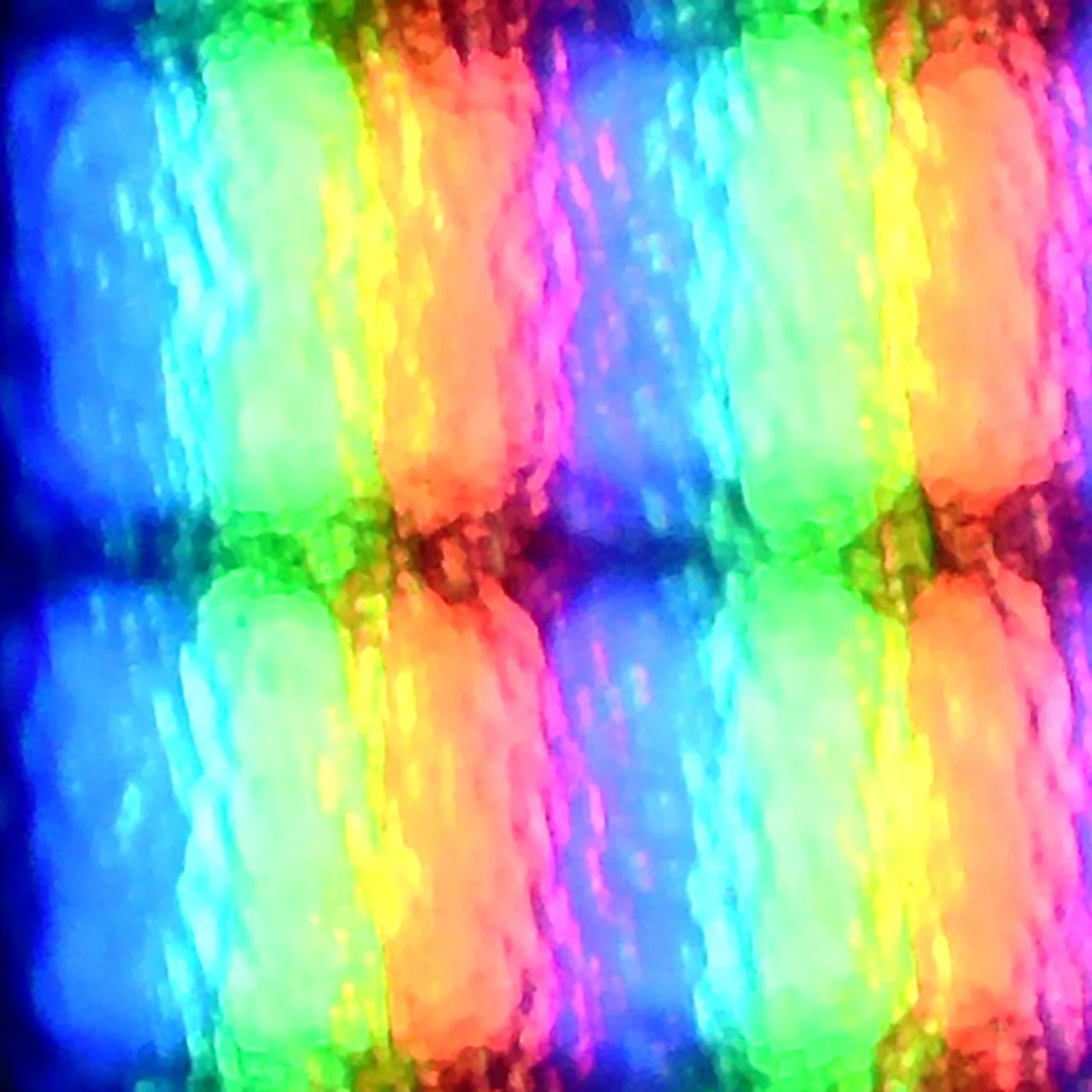
Matrix subpixel arrangement
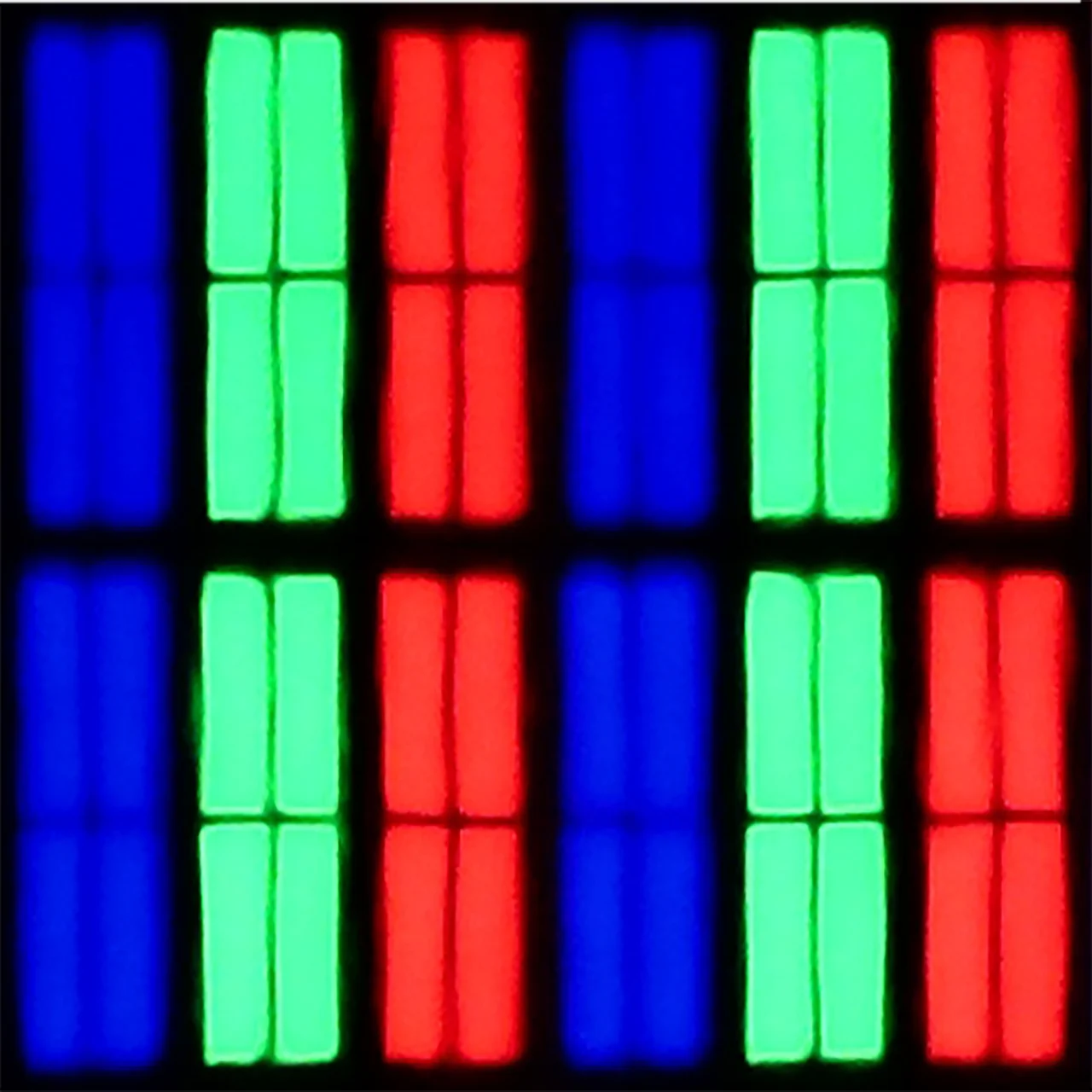
BGR
BGR
Max refresh rate
144Hz
144Hz
G-Sync
Yes
Yes

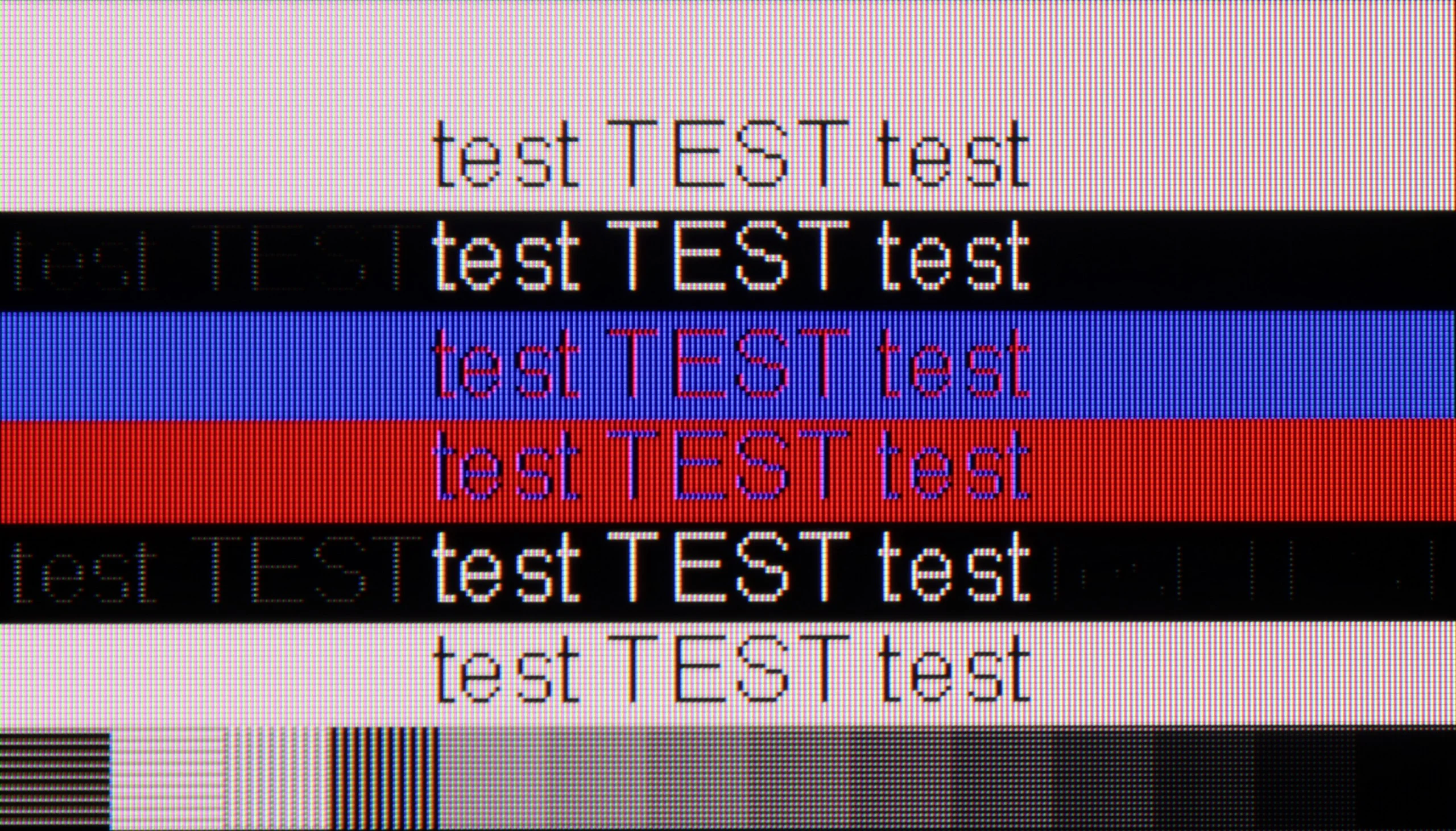
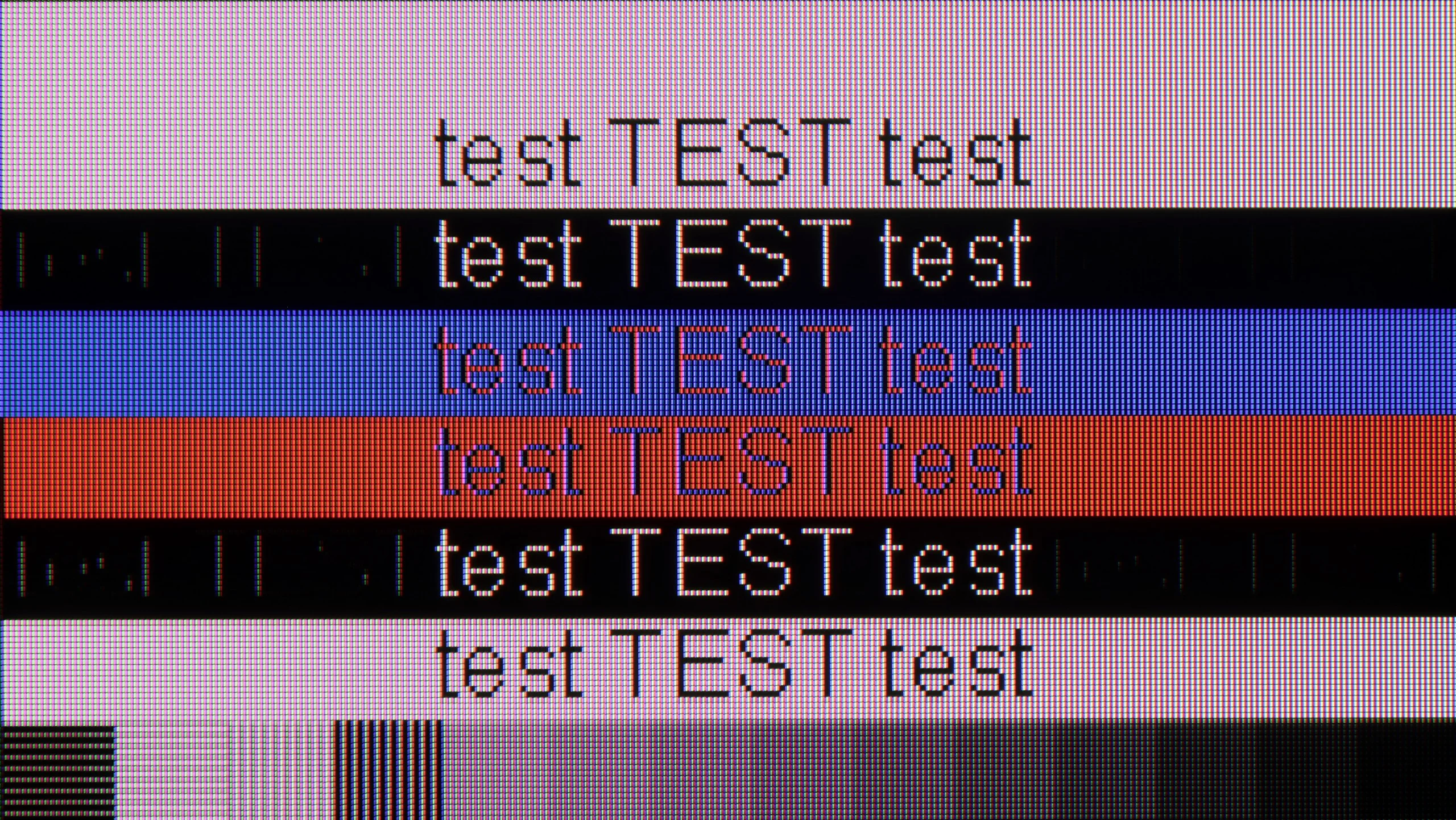
The photo shows the legibility of small fonts. Ideally, lines should be the same thickness on both light and dark text, with minimal pixel gaps.

The collaboration of The Frame 2025 with a computer poses no major issues. Let's start with gaming, as this is where this model shows its strengths – support for a 144 Hz signal, low input lag, and compatibility with G-Sync technology (for NVIDIA cards) make it hard not to consider it a fully-fledged gaming monitor. It is one of the more interesting "PC gaming" TVs available on the market in this class.

When it comes to daily work, the situation looks just as good. The Frame easily handles chroma 4:4:4, which translates to good font readability and overall user comfort. We only noticed minor issues with dimming very thin lines and dark details on a bright background – this effect may occur particularly when working with small interface elements. However, in practice, with a 55-inch screen and standard office working distance, it will be difficult to notice this problem realistically. Nonetheless, it's worth keeping this in mind if the television is to serve as a monitor not only for entertainment but also for precise work with graphics or text.

When connected to a PC, you can use 4K at 144 Hz with G-Sync enabled and about 10 ms of input lag. It's a good setup for gaming, although panel smearing is still noticeable in fast-moving scenes. Chroma 4:4:4 also works correctly, even at the maximum refresh rate, so colorful on-screen text and small desktop elements remain legible.

The U7S is quite suitable for web browsing or occasional work, but not all fonts look equally sharp. Our main issue is with small, dark text: thin parts of letters can disappear and characters look uneven. It's hard to notice from the couch, but when working up close, especially with text or spreadsheets, it can be distracting.

Viewing angles

3.5/10

3.1/10

Brightness drop at an angle of 45 degrees
70%
74%

As one could expect from a VA panel, the viewing angles on The Frame 2025 are at best average. The image loses saturation and contrast when viewed off-angle. It’s a pity, because we are talking about a model that displays digital artworks while in standby mode—and it is precisely in such moments that wide viewing angles would make the most sense, enhancing the feeling of being in the presence of a real image, rather than just its screen imitation.

Perhaps in the future, manufacturers will decide to introduce special coatings or modified versions of VA panels that will improve this aspect—because in the case of lifestyle televisions, it would have real significance not only in terms of usability but also aesthetics.

Viewing angles are unfortunately a weak point of the Hisense U7S. As soon as you move to the side, colors lose saturation, blacks become lighter, and the picture looks washed out. At a 45-degree angle we measured a 74% drop in brightness, so the difference compared with watching head-on is really large. That's a typical limitation of VA panels. When sitting centrally you can appreciate its strong contrast, but people seated at the far ends of a wide couch will see a noticeably weaker picture. The U7S is therefore best suited to setups where viewing positions are as close to directly in front of the screen as possible.

Daytime performance

6.3/10

7/10

Panel finish
Matte
Satin
Reflection suppression
Very Good
Decent
Black levels during daytime
Poor
Good

Panel brightness

Hisense U7S / U77SE: 664 cd/m2

Samsung The Frame 2025 (LS03F): 596 cd/m2

One of the most characteristic features of The Frame is its matte display – and it must be admitted that Samsung has really refined this aspect. From our experience, this is one of the best solutions for reducing reflections, especially direct ones. If reflections on the screen can be irritating, it will be hard to find a better display in this budget than the matte panel used in Samsung TVs. Of course, this comes with a certain compromise. In very strong sunlight, colors may appear slightly washed out, and the image loses some depth. However, this is something we consciously accept when choosing a matte screen – something for something. In practice, the colors and contrast on Samsung's matte screen still perform better than on Chinese models like TCL NXT Vision or Hisense Canvas TV. If effectively reducing reflections and the desire to use the TV also as a 'digital picture' in bright rooms are priorities, it’s hard to find a better choice.

The Frame achieves about 600 nits of brightness, which, combined with the matte coating, allows the TV to handle well-lit daytime conditions without any issues. It may not reach the level of flagship models, but in everyday use – in a living room with plenty of light – it performs seamlessly.

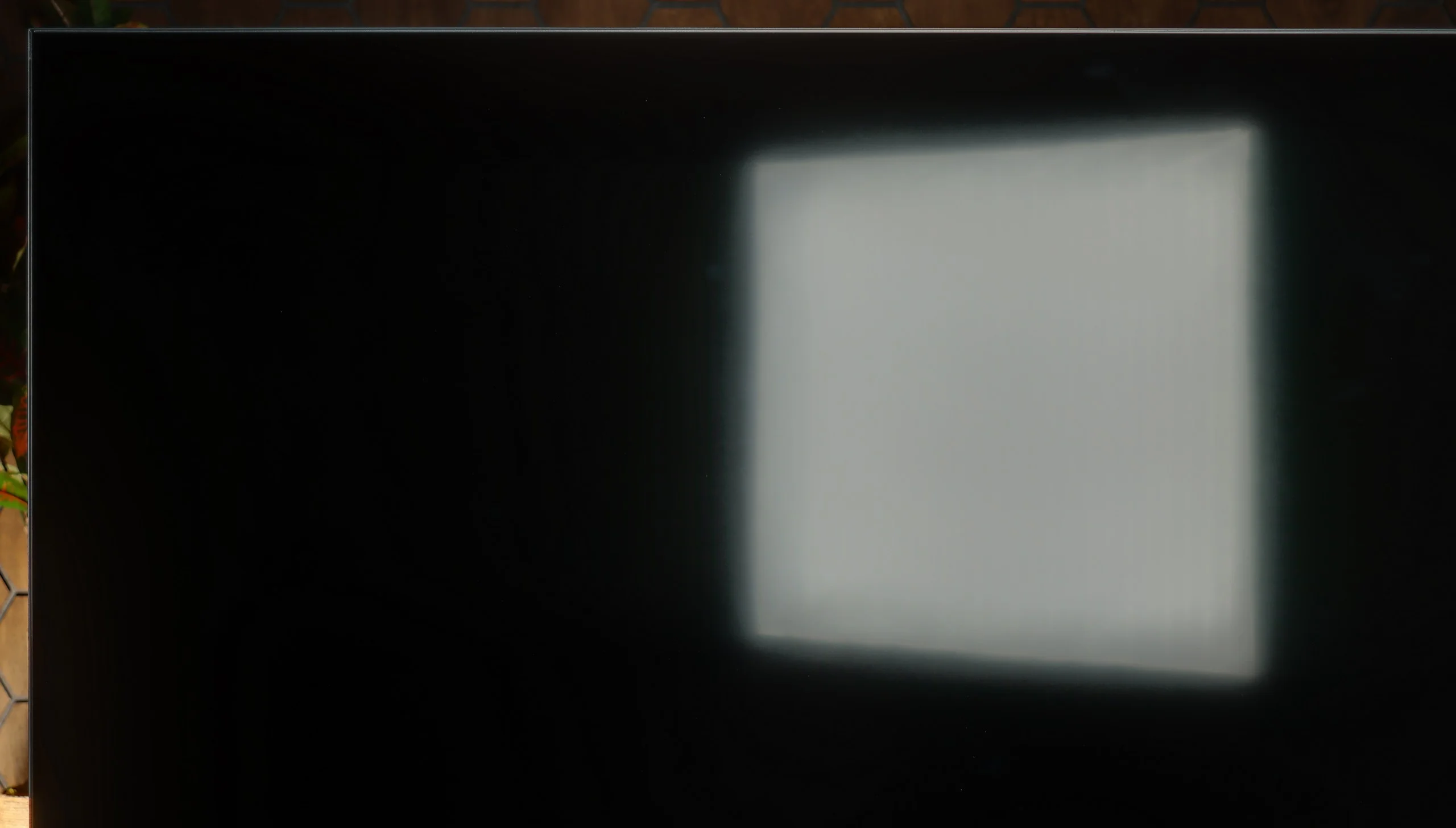
The Hisense U7S performs well for daytime viewing. In SDR we measured an average of about 664 nits, and depending on the screen content the brightness ranged roughly from 500 to 800 nits. Even with an all-white image it stays above 500 nits, so a sports broadcast or a bright TV program won't suddenly look dim. That's enough headroom for comfortable viewing in most living rooms. The satin finish does a decent job of reducing reflections, but a window opposite the TV will still be visible. In the photo you can clearly see that its reflection can obscure part of the picture, so high brightness alone doesn't solve everything. On the plus side, blacks and colors hold up in daylight and don't become excessively gray. Overall the U7S works well in a bright room, though you should position it to avoid direct window reflections.

Panel details

Backlight Type
QLED
Mini-LED PFS LED
Software version during testing
T-PTMFDEUC-0090-1110.7, E2500007, BT-S
v01.09.60c.q0516
Image processor

Subpixel Structure:

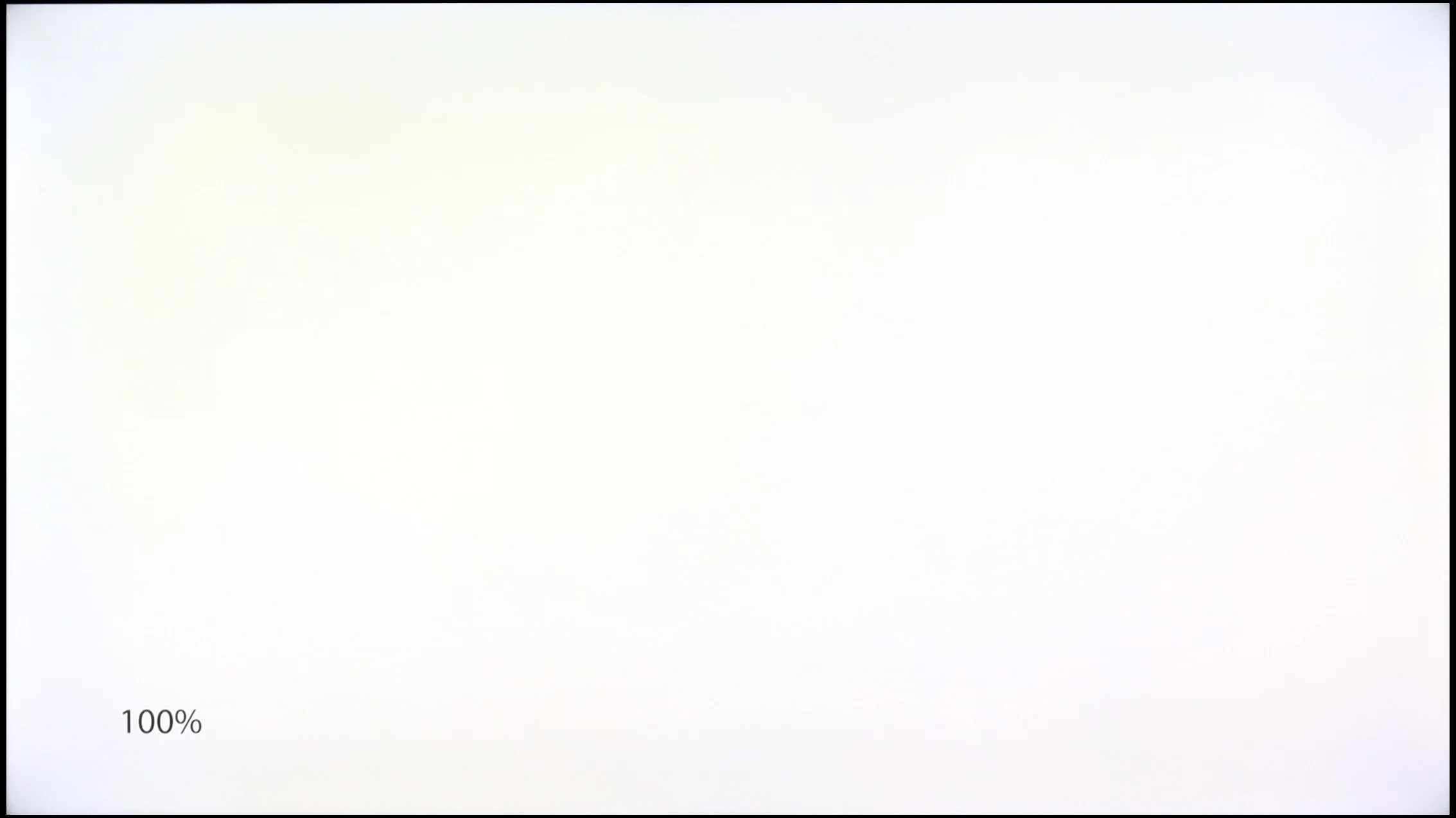
Panel uniformity and thermal imaging:

Review Samsung The Frame 2025 (LS03F) TV Panel details
Review Hisense U7S / U77SE TV Panel details

Samsung The Frame 2025 (LS03F)

Hisense U7S / U77SE

TV features

7.2/10

8.9/10

  • System
    Tizen
    VIDAA
  • System performance
    Good
    Good
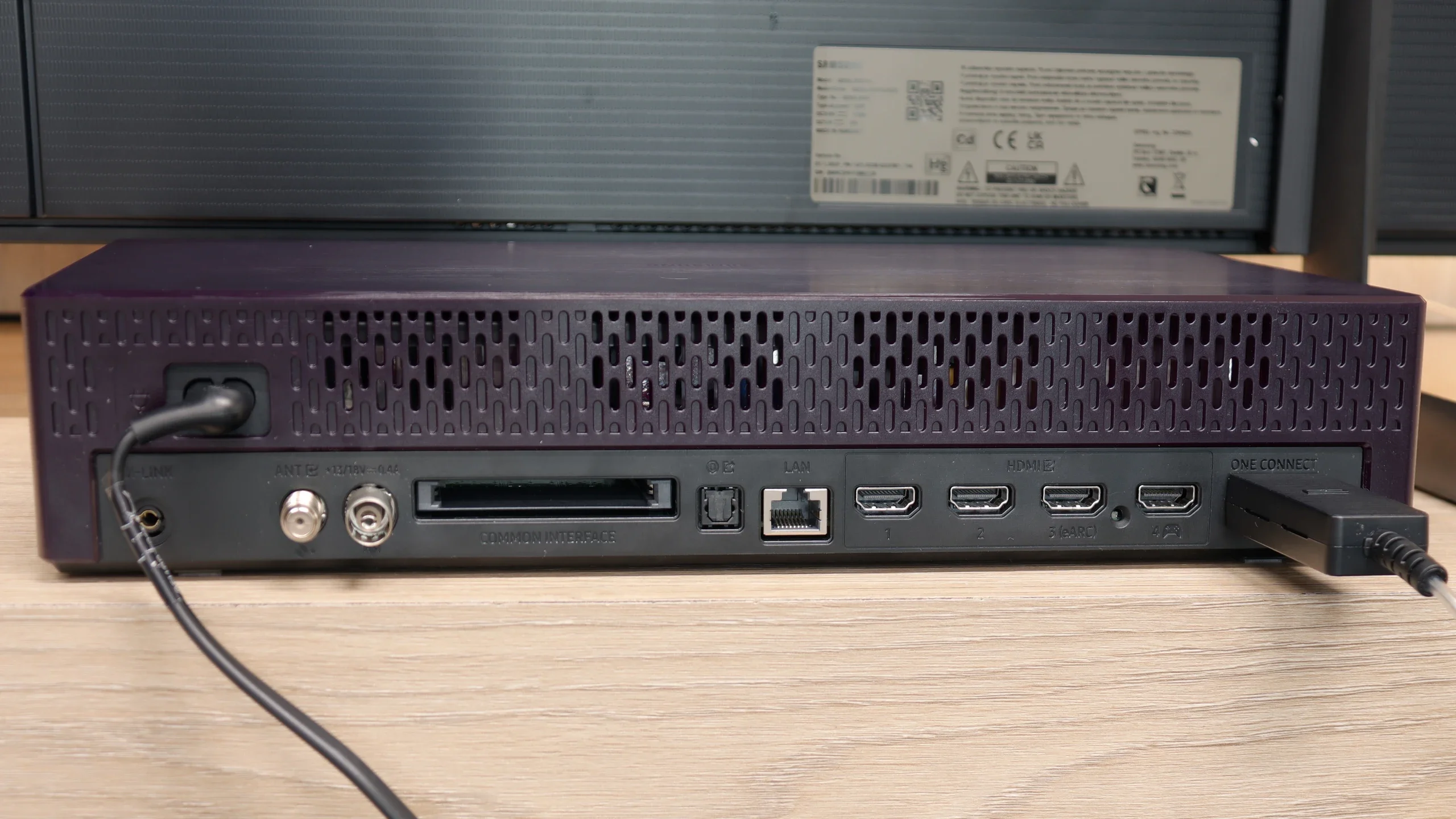
  • HDMI inputs
    3 x HDMI 2.0, 1 x HDMI 2.1 40Gbps
    2 x HDMI 2.0, 2 x HDMI 2.1 48Gbps
  • Outputs
    Toslink (Optical audio), eARC (HDMI), ARC (HDMI)
    Toslink (Optical audio), eARC (HDMI), ARC (HDMI)
  • Network Interfaces
    Wi-Fi 2.4GHz, Wi-Fi 5GHz
    Wi-Fi 2.4GHz, Wi-Fi 5GHz, Ethernet (LAN) 100Mbps
  • TV reception
    DVB-T, DVB-T2, DVB-S, DVB-S2, DVB-C
    DVB-T, DVB-T2, DVB-S, DVB-S2, DVB-C

Classic features:

  • Recording to USB (terrestrial TV)
    No
    Yes
  • Recording programming
    No
    Yes
  • Picture in Picture (PiP)
    No
    No
  • RF remote control (no need to aim)
    Yes
    Yes
  • Backlit remote control
    No
    No
  • Teletext
    Yes
    Yes
  • Audio only mode
    Yes
    Yes
  • Bluetooth headphones support
    Yes
    Yes
  • Simultaneous Bluetooth headphones & TV audio
    Yes
    Yes

Smart features:

  • AirPlay
    Yes
    Yes
  • Screen mirroring (Windows Miracast)
    Yes
    Yes
  • Voice search
    Yes
    Yes
  • Voice search in native language
    Yes
    Yes
  • Ability to connect a keyboard and mouse
    Yes
    Yes
Review Samsung The Frame 2025 (LS03F) TV features
Review Hisense U7S / U77SE TV features

Sound connection options

  • HDMI audio
    eARC (HDMI), ARC (HDMI)
    eARC (HDMI), ARC (HDMI)
  • Other audio outputs
    Toslink (Optical audio)
    Toslink (Optical audio)
  • Wireless audio
    Bluetooth
    Bluetooth

Supported audio formats (external HDMI eARC audio):

  • Dolby Digital Plus 7.1
    Yes
    Yes
  • Dolby True HD 7.1
    No
    Yes
  • Dolby Atmos in Dolby Digital Plus (JOC)
    Yes
    Yes
  • Dolby Atmos in Dolby True HD
    No
    Yes
  • DTS:X in DTS-HD MA
    No
    Yes
  • DTS-HD Master Audio
    No
    Yes

Senior accessibility

  • Numeric keyboard on TV
    No
    Yes
  • Font size adjustment
    Yes
    Yes
  • Audio description
    Yes
    Yes

Classic TV Features

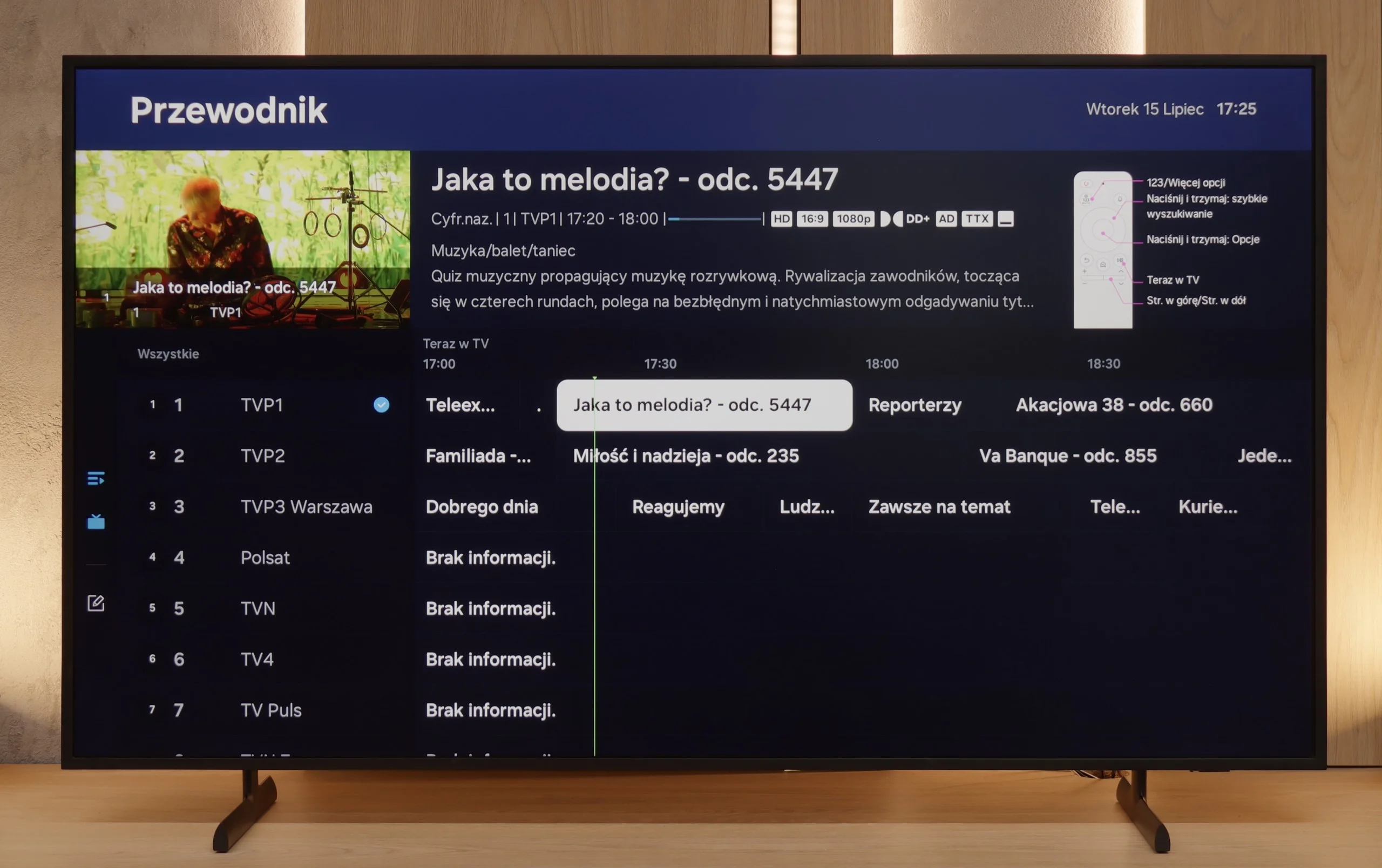
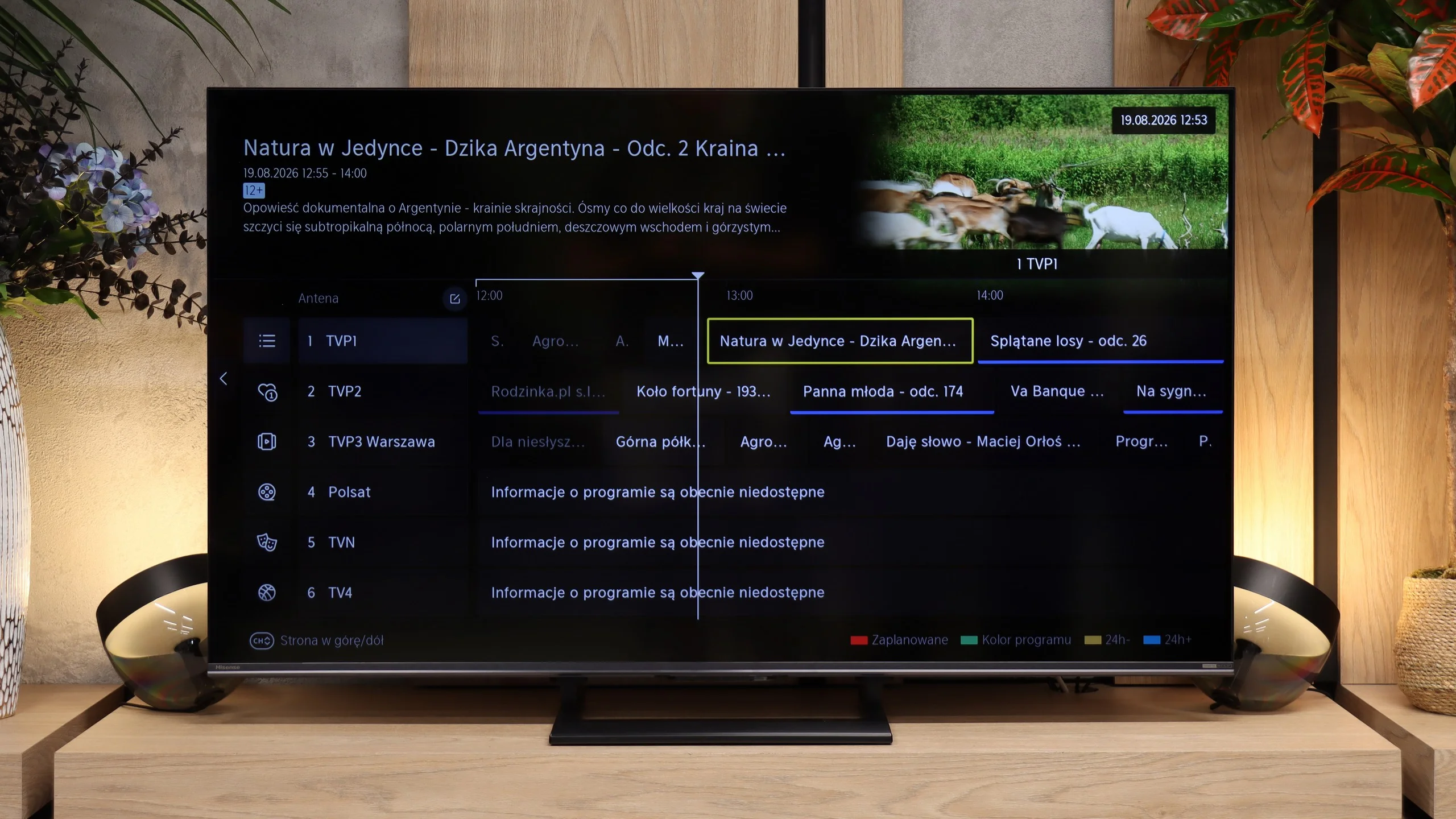
In terms of classic features, The Frame does not stand out in any way compared to the competition. There is no USB recording option or PiP (picture in picture) feature, which may be disappointing for some users. On the other hand, the TV allows for simultaneous use of speakers and headphones, which can be useful – especially for older users. The EPG, or electronic program guide, is quite readable, and despite the lack of traditional buttons on the remote, we managed to launch even the teletext. In everyday use, the basic functions work smoothly and without significant complaints.

Smart System – Tizen and Apps

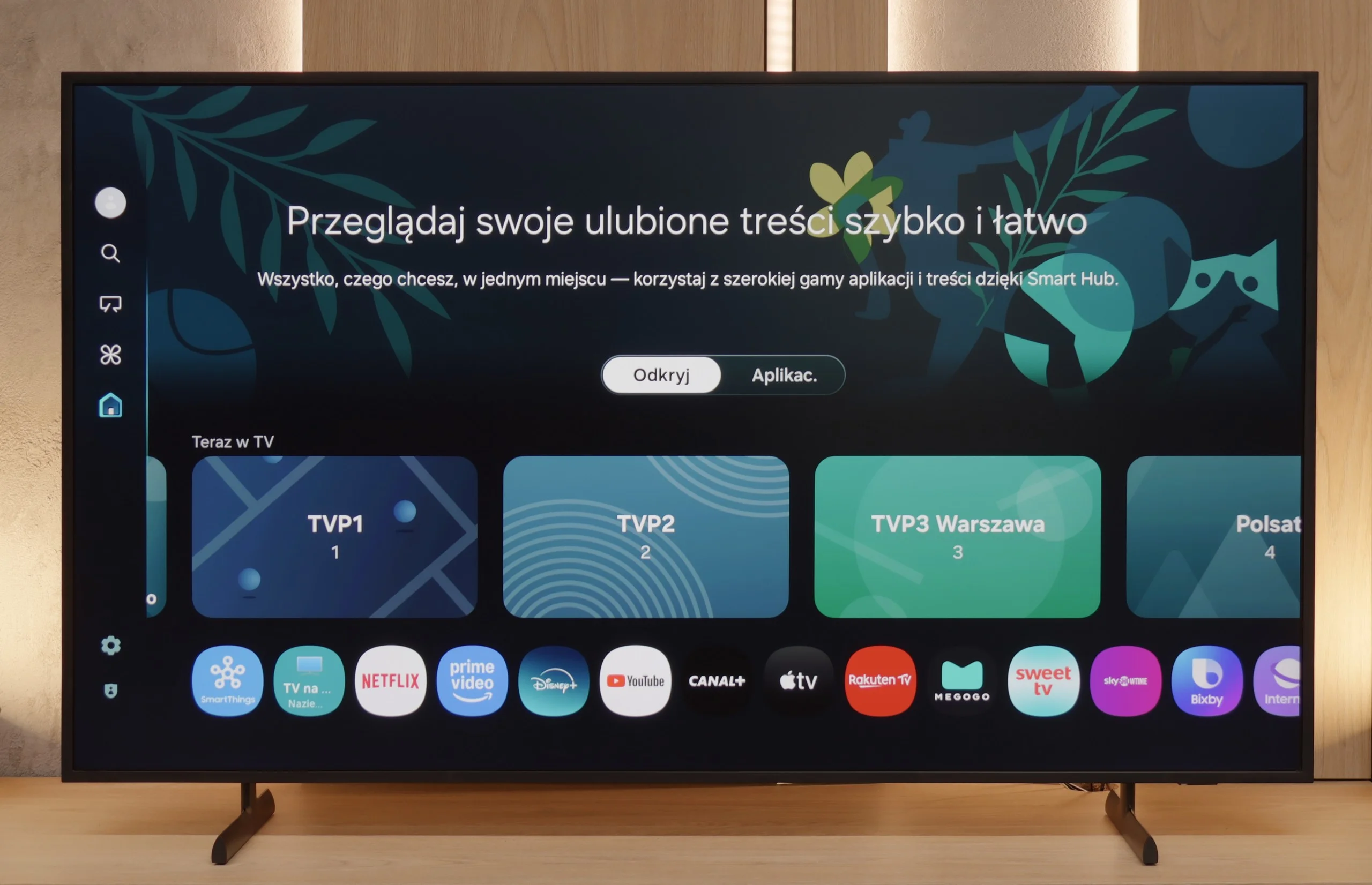
The Frame 2025 runs on the Tizen operating system, which has been considered one of the most refined Smart TV solutions on the market for years. It is a system designed for devices that are more than just a television – and it was created with that spirit in mind. Tizen offers full integration with external devices – supporting both Apple AirPlay and Miracast. With the SmartThings app, it is possible to control not only the television but also other devices within the smart home. Since last year, Samsung has also been developing its own voice assistant with support for the Polish language, which significantly facilitates operation. However, the greatest strength of the Smart system in The Frame remains the Art Gallery app. Although access to it is paid (via subscription), it offers the best art scans on the market – we are talking about scans, not just ordinary photos. As a result, the effect of a digital artwork hanging on the wall looks much better than in any other lifestyle TV.

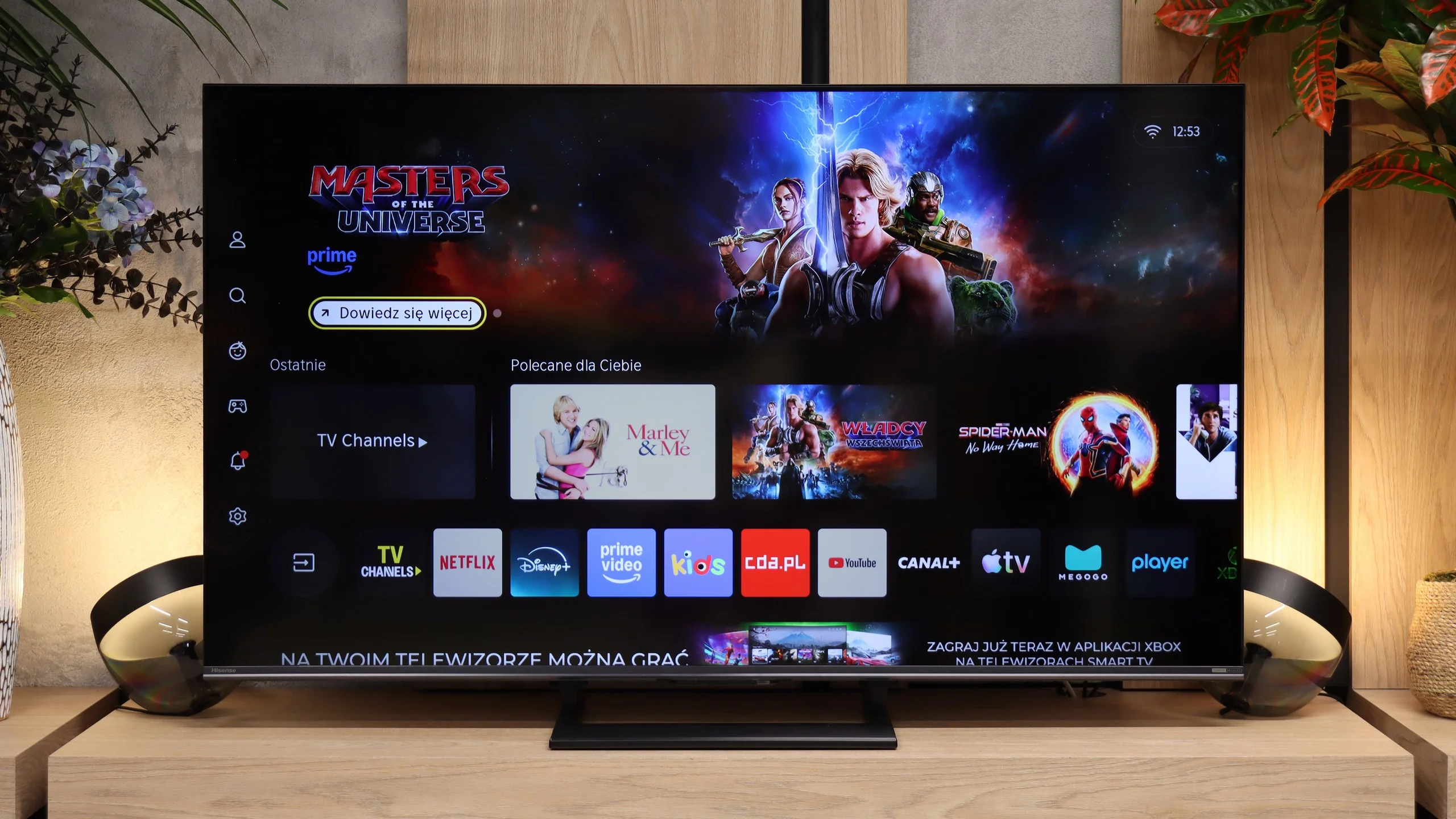
Smart TV: VIDAA

VIDAA HOME OS on the Hisense U7S is feature-rich, runs quickly, and doesn’t complicate everyday use. In addition to apps, it supports AirPlay for streaming from Apple devices and Miracast for mirroring a computer display. Voice search in Polish also works, so instead of typing a movie title with the remote you can just say it. You can also connect a keyboard and mouse. In terms of smart features there’s little to complain about, though before buying it’s worth checking the availability of specific apps you use, as it isn’t as extensive as competing systems.

Classic features and the remote

Hisense hasn’t forgotten viewers who watch regular TV. The U7S lets you record over-the-air programs to a USB drive and schedule recordings for later. There’s teletext, the option to listen to audio with the screen off, and support for Bluetooth headphones. Conveniently, headphones can operate at the same time as the TV speakers, so one person, for example a senior, can use them while others still listen normally. The main notable missing feature is picture-in-picture, or PiP.

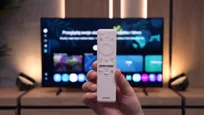
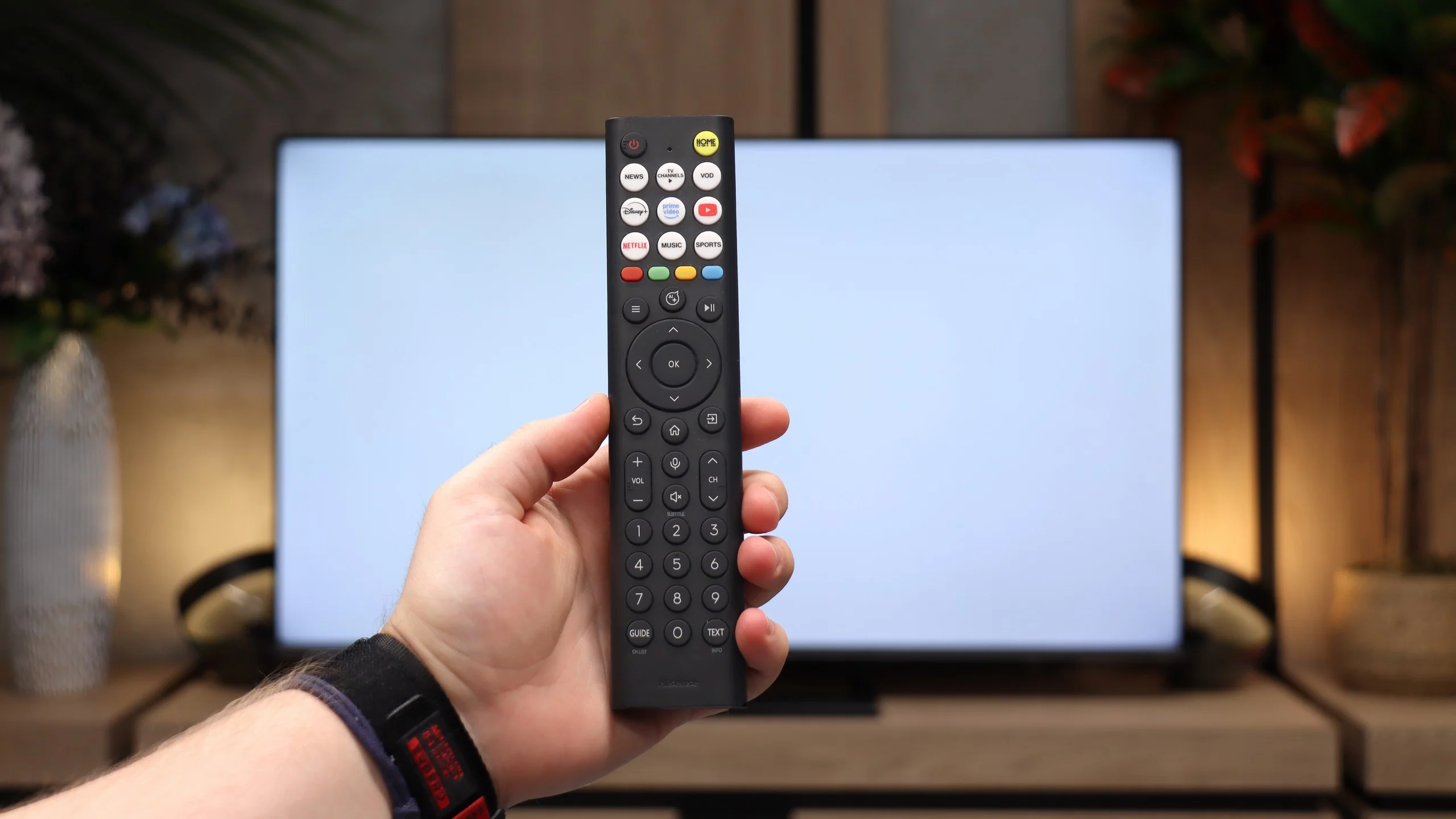
We weren’t fond of the remote itself. It’s very plastic and looks rather "cheap", but it does its job well. It has a full numeric keypad, plenty of shortcuts, and controls the TV via radio, so you don’t have to point it at the screen. It’s only a shame the buttons aren’t backlit. Hisense reserves more elegant remote versions for higher-end models, such as the U7S Pro.

Apps

8.7/10

8.3/10

OK
Disney_Plus
OK
Amazon_Prime_Video
OK
Player_TVN
OK
Polsat_Box_Go
OK
Canal_Plus_Online
OK
TVP_VOD
OK
Apple_TV_Plus
OK
SkyShowtime
OK
Rakuten
OK
CDA_Premium_Browser
OK
Spotify
No
Tidal
OK
Netflix
OK
YouTube
OK
HBO_MAX
No
Kodi
OK
Apple_music
No
Eleven_sports
OK
Xbox Game Pass
OK
GeForce NOW
OK
Amazon Luna
OK
Boosteroid
No
Steam Link
OK
Disney_Plus
OK
Amazon_Prime_Video
OK
Player_TVN
OK
Polsat_Box_Go
OK
Canal_Plus_Online
OK
TVP_VOD
OK
Apple_TV_Plus
OK
SkyShowtime
OK
Rakuten
OK
CDA_Premium_Browser
OK
Spotify
No
Tidal
OK
Netflix
OK
YouTube
OK
HBO_MAX
No
Kodi
No
Apple_music
No
Eleven_sports
OK
Xbox Game Pass
No
GeForce NOW
No
Amazon Luna
OK
Boosteroid
No
Steam Link

Playing files from USB

9.1/10

8.4/10

Supported photo formats:

JPEG
Yes
Yes
HEIC
No
No
PNG
Yes
Yes
GIF
No
Yes
WebP
No
Yes
TIFF
No
Yes
BMP
Yes
Yes
SVG
No
No

Maximum photo resolution:

4 Mpix
Yes
Yes
6 Mpix
Yes
Yes
8 Mpix
Yes
Yes
10 Mpix
Yes
No
12 Mpix
Yes
No
16 Mpix
Yes
Yes
20 Mpix
Yes
No
24 Mpix
Yes
No
28 Mpix
Yes
No
32 Mpix
Yes
Yes

During testing, we did not notice any major problems with playing files from a USB memory. The TV handled both video materials and photos well. Of course, there are some exceptions – for example, lack of support for the HEIC format (used by Apple devices) – but it’s hard to consider this surprising. On the plus side, there is full support for high-resolution photos – the TV displays files with a high number of megapixels without any issues, which may be particularly important for those who want to treat The Frame as a digital frame as well. However, during testing, we noticed a limitation regarding subtitles – the TV only properly handled files in the .txt format. It's worth keeping this in mind and ensuring that the downloaded subtitles for movies are saved in this format, otherwise they may simply not display.

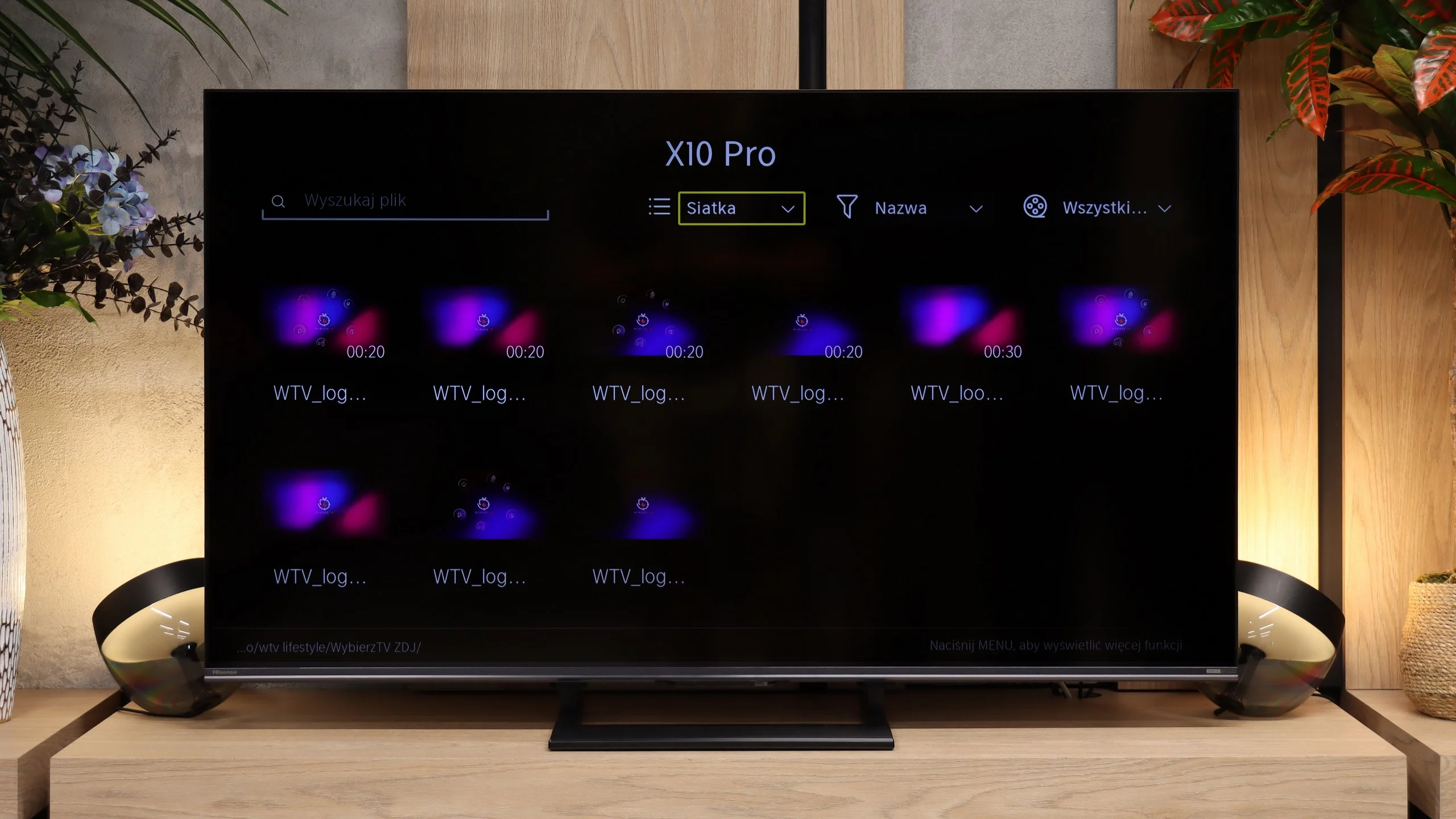
The USB player in the Hisense U7S handles most common files. It played our H.264 and H.265 material without issues, including high-bitrate 4K recordings and the test Dolby Vision file. SRT and SUB subtitles work, including Polish characters and font color changes. Not everything worked, however. AV1 and H.266/VVC files did not play, nor did ASS and TXT subtitles. Audio is good, from basic MP3s to FLAC 96 kHz/24-bit, though AIFF and DSD are not supported.

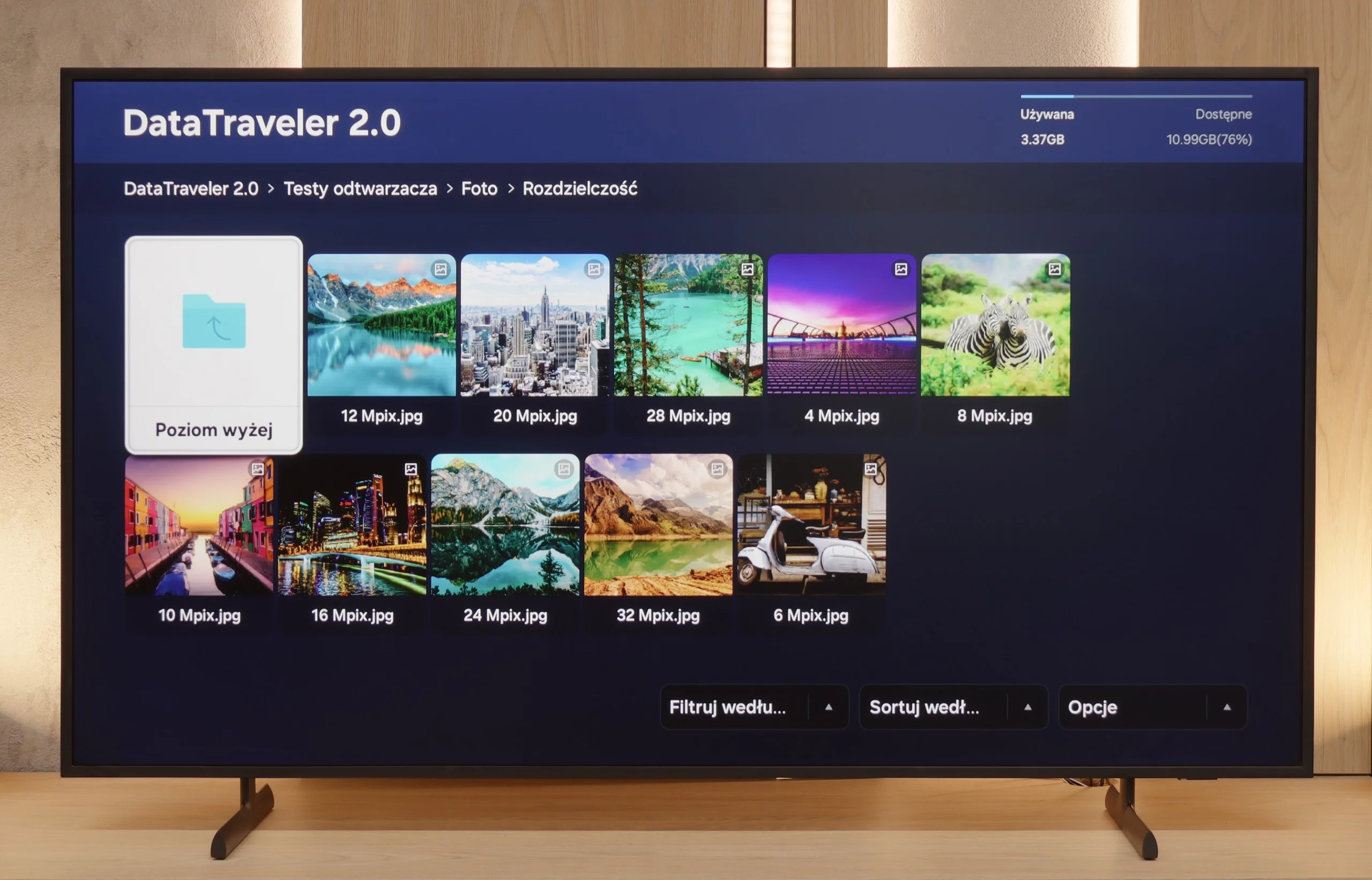
Our biggest issues are with photos. Supported formats are extensive: in addition to JPEG and PNG, WebP and TIFF work as well, but HEIC won't open. Resolution handling is also odd. The TV displayed 4, 6, 8, 16 and 32 MP images, but couldn't handle 10, 12 or 24 MP files. So it's not a straightforward size limit. The player is perfectly fine for videos and music, but when showing vacation photos you may find that some files need to be converted beforehand.

Sound

6/10

7.2/10

  • Maximum volume
    -
    88dB
  • Dolby Digital Plus 7.1
    Yes
    Yes
  • Dolby True HD 7.1
    No
    Yes
  • Dolby Atmos in Dolby Digital Plus (JOC)
    Yes
    Yes
  • Dolby Atmos in Dolby True HD
    No
    No
  • DTS:X in DTS-HD MA
    No
    Yes
  • DTS-HD Master Audio
    No
    Yes

For such a slim TV, the sound is quite good. It's full, sufficient for everyday viewing, but without much excitement – typical for flat designs. There's not much bass, although at times it can be heard. The speakers in a 2.0.2 configuration have a total power of 40 W (in the 55+ inch version). Unfortunately, the TV does not support DTS format, so when watching films with that audio, external equipment, such as a home theater system, must be used. You can connect a soundbar, and thanks to the Q-Symphony feature, the TV plays along with it. Samsung also offers visually matching models to The Frame like S700D or S800D, but they are sold separately. (This shouldn't surprise anyone😉).

The USB player in the Hisense U7S handles most common movies and music well. It supports 4K content, including a Dolby Vision file we tested, and it correctly displays Polish characters in subtitles. It should be sufficient for everyday use with a USB flash drive, although it can have problems with less common formats. Our biggest issue is with photos. The TV handles their resolution rather selectively: it may open a larger photo but refuse to display a smaller one. When browsing a vacation album this can be annoying, because we can't be sure all the photos will display. Some of them will need to be prepared on a computer beforehand.

Sound Quality Test

No sound test video

Acoustic Measurements

No acoustic data

88dBC (Max)

75dBC

Reader comments

Comments are provided by the external service Disqus (Zeta Global). Once loaded, Disqus may set cookies and process data about your activity.

We will remember your choice on this device. Provider's privacy policy