 Direct comparison
The Philips OLED820 is a very successful and significant step forward compared to last year's model, the OLED 819. For many people, the main reason for purchasing it will, of course, be Ambilight: the multi-colored lighting system that sets Philips TVs apart from the competition. It’s no surprise, as it made a huge impression on us as well. It's not just an impressive gadget, but a real addition that can change the perception of the content being watched and add depth to it. However, Ambilight should not overshadow what the OLED820 offers as a screen. Here we have almost infinite contrast, high brightness in HDR films, and excellent color reproduction, which improves even more after slight tweaking or professional calibration. This setup guarantees one of the best pictures available on the market today, and we are also aware that the TV offers something unique and unprecedented elsewhere. It is also equipment that works well for gaming. A 144 Hz panel and HDMI 2.1 ports open up access to the full capabilities of new-generation consoles, and low input lag makes gameplay exceptionally responsive. The operating system also deserves praise – Google TV. This is a much better solution than the proprietary Titan OS found in lower-end Philips models, such as the OLED770. And this is a serious argument for paying extra for this model. A larger app library, a more efficient voice assistant, and fewer system errors contribute to a noticeably better everyday experience. Of course, the Philips OLED 820 is not free from minor shortcomings – some software issues are apparent, and certain features could be better refined. Nevertheless, the overall presentation is very solid. Perhaps the OLED820 is not a revolutionary TV, but it is a very successful and well-balanced option in Philips’ lineup. It combines excellent picture quality, a complete set of features for gamers, and a unique addition in the form of Ambilight. If you’re looking for a solid mid-range OLED that not only offers good picture quality but also something distinctive and exceptional, the OLED820 should be high on your shopping list.
- Matching (Score) |
- Our verdict |
- TV appearance |
- Where to buy |
- Contrast and black detail |
- HDR effect quality |
- Factory color reproduction |
- Color reproduction after calibration |
- Smoothness of tonal transitions |
- Image scaling and smoothness of tonal transitions |
- Blur and motion smoothness |
- Console compatibility and gaming features |
- Input lag |
- Compatibility with PC |
- Viewing angles |
- Daytime performance |
- Panel details |
- TV features |
- Apps |
- Playing files from USB |
- Sound
B65 / B6E / B6G
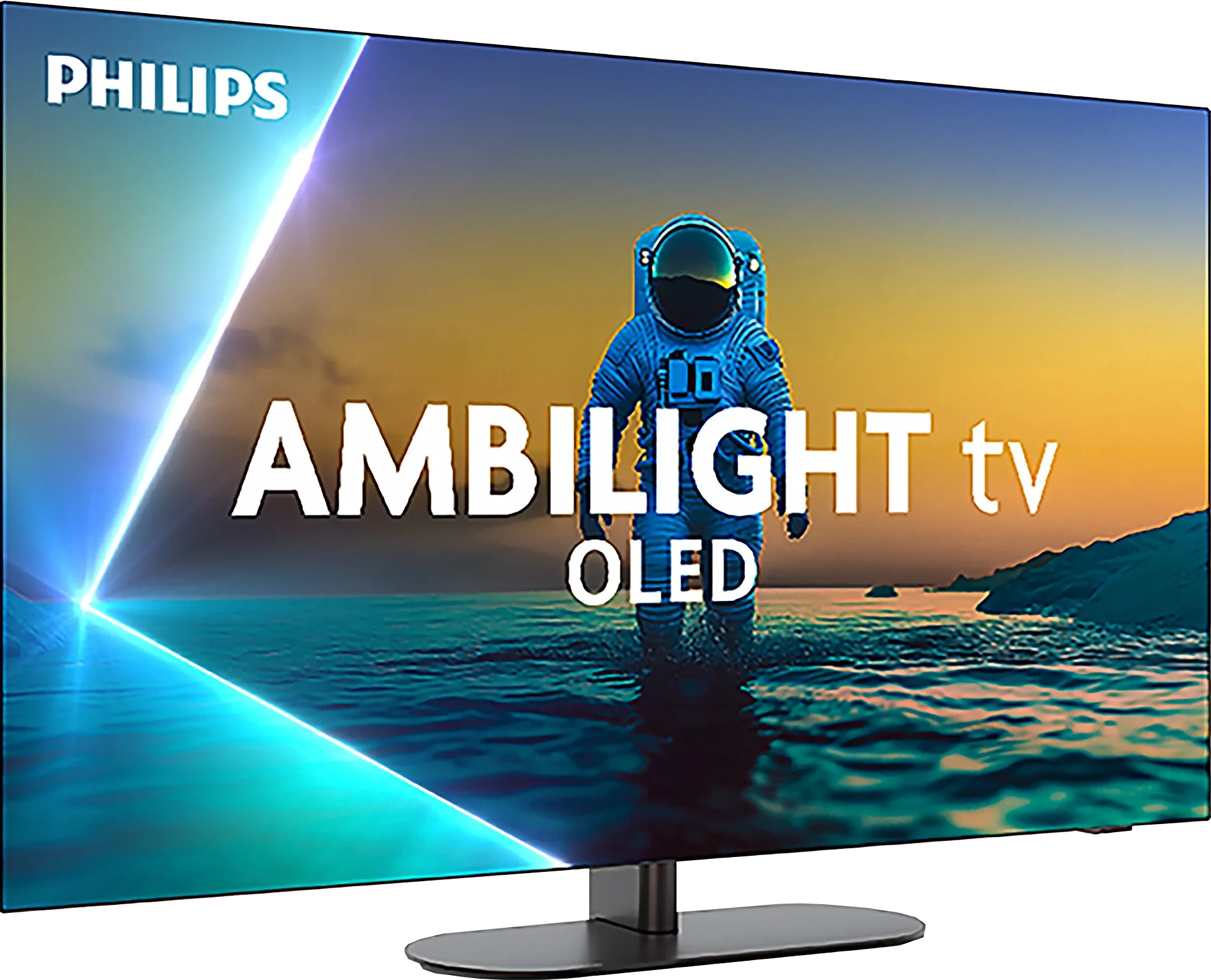
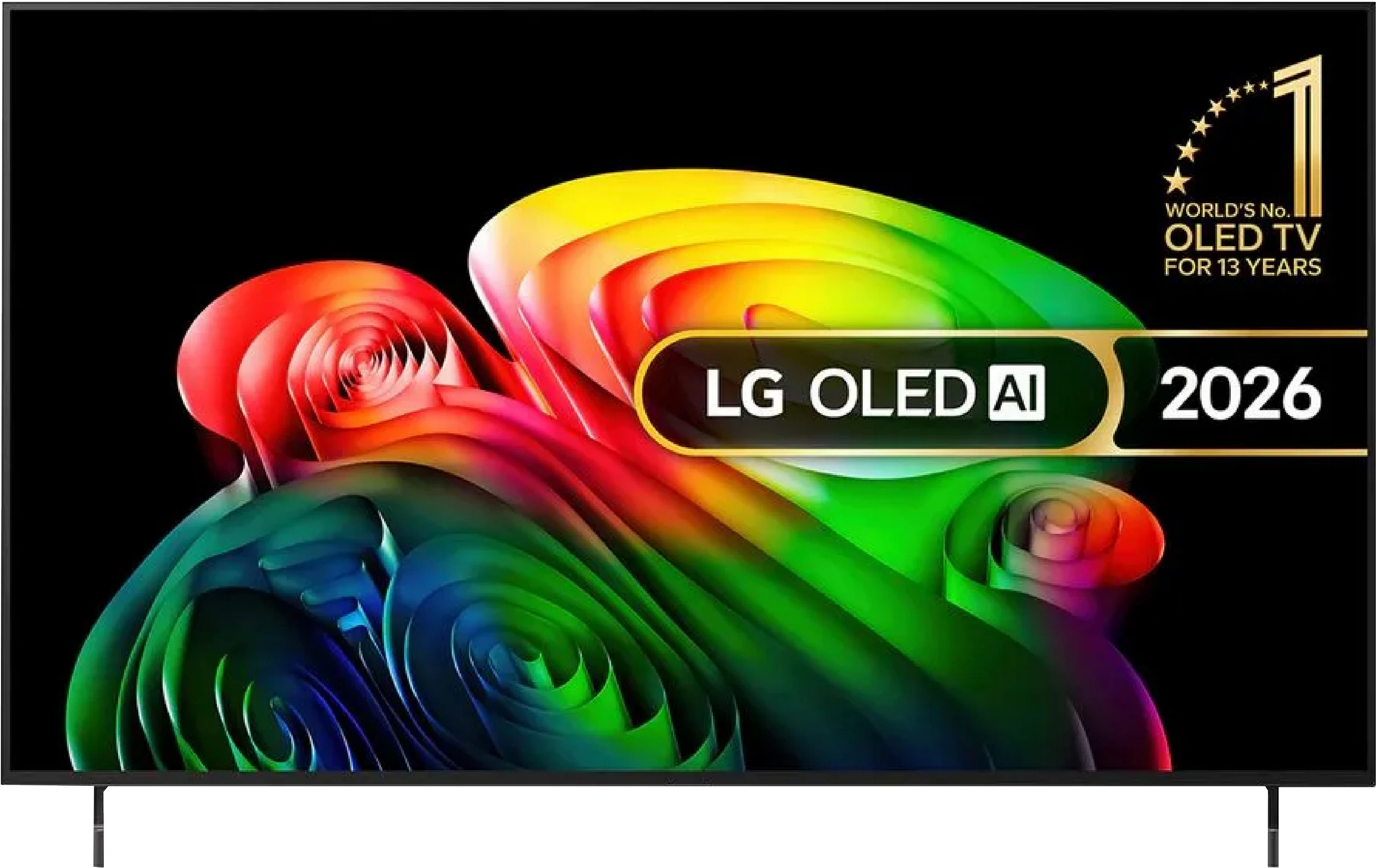
Panel type: WRGB OLED
Resolution: 3840x2160
System: Google TV
Model year: 2025
Panel type: WRGB OLED
Resolution: 3840x2160
System: WebOS
Model year: 2026
Check how well they match your needs
Take the surveyOverall rating
8.0
7.8
 Movies and series in UHD quality
8.3
8.0
 Classic TV, YouTube
8.6
8.8
 Sports broadcasts (TV and apps)
8.4
8.6
 Gaming on console
9.4
9.2
 TV as a computer monitor
6.5
7.6
 Watching in bright light
5.7
4.8
 Utility functions
6.8
8.0
 Apps
9.6
9.1
 Sound quality
7.7
6.7
Complete the survey to find out what fits your preferences
Advantages

Ideal contrast and black thanks to the WOLED panel
High HDR brightness (up to 1300 nits) and wide coverage of the DCI-P3 color palette (99%)
Support for multiple HDR formats including Dolby Vision and HDR10+
Great motion fluidity, no motion blur, refresh rate up to 144 Hz
Full support for gamers: HDMI 2.1 (2 ports), VRR, ALLM, HGiG, Dolby Vision in games, low input lag
Ambilight, which realistically affects image perception and distinguishes the TV from the competition
GoogleTV system with a huge app base and great voice assistant
Extras in the form of: Backlit remote and rotating stand
Support for Dolby Atmos and DTS:X audio formats
Perfect blacks and contrast from an OLED panel
Very good HDR performance with Dolby Vision
Natural, accurate colors after calibration
Excellent motion clarity without motion blur (120 Hz)
4 HDMI 2.1 ports with full 48 Gbps bandwidth
Very low input lag
VRR, G-Sync, FreeSync, and proper HGiG, offering a rich set of features for gamers
Feature-rich webOS with the Magic Remote
Wide viewing angles
Disadvantages

Only two HDMI 2.1 ports (with 2 consoles and a soundbar, we are forced to "juggle" the cables)
Lack of many classic "TV" features, e.g., USB recording or PiP mode, the infrared remote can be annoying
Slight issues with color matching (much better than last year but far from the competition)
Font readability issues when working with PC (lack of full Chroma 4:4:4 support)
Worse reflection suppression than its predecessor, a characteristic of the OLED SE panel
Average brightness, so it performs best in a room with controlled lighting
No DTS:X support, mainly a drawback for Blu-ray disc owners
The webOS system isn't the fastest here
Our verdict
The LG OLED B6 is a very successful continuation of the B series and a TV that makes a lot of sense as a first step into OLED. It doesn't try to compete with the most expensive models in every respect, but on the most important points it still delivers exactly what many people choose the technology for: perfect black, very high contrast, and a picture that can simply look spectacular in movies. This is largely thanks to the new budget WOLED panel, called OLED SE. Thanks to it, LG's cheapest OLED is now noticeably brighter than a few years ago, and around 800 nits in HDR is a level you can actually notice while watching. Bright elements have more punch, the picture handles more demanding scenes better, and combined with OLED blacks the whole thing can look really impressive. Movies and series from streaming platforms fare especially well, particularly those available in Dolby Vision. That's when the B6 makes the most of its capabilities and can produce a picture that will be a big step up for someone moving from a typical LCD TV. However, it's not a model without compromises. Our biggest reservation is how the screen handles reflections. The lack of a classic polarizer means the TV fares much worse when placed opposite a large window or a strong light source. Reflections are more noticeable than on other WOLED panels, and the black itself loses some of its character in a bright room. In controlled viewing conditions this won't be an issue, but for a very bright living room you should approach this purchase with some caution. The operation of webOS also leaves something to be desired. It is still very good overall, with a rich app library, a convenient Magic Remote, and pretty much everything you'd expect from a modern smart TV. The problem is that on the B6 it doesn't always run as smoothly as it should. At times you can tell the new version of the system is more demanding and a bit "heavier" than before. Despite these notes, the LG B6 still performs very well. It's a TV that delivers all the key advantages of OLED while not costing as much as the higher-end models. It makes the most sense when it turns up on a good sale, because that's when it can be one of the most interesting choices for people who want to get into OLEDs without overpaying.
TV appearance


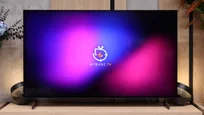
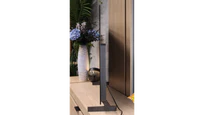
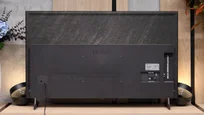
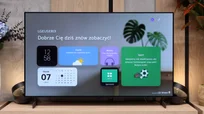

Contrast and black detail
10/10
10/10
Contrast:


Result
∞:1

Result
∞:1

Result
∞:1

Result
∞:1

Result
∞:1
Result
∞:1
Result
∞:1
Result
∞:1
Result
∞:1
Result
∞:1
Halo effect and black detail visibility:
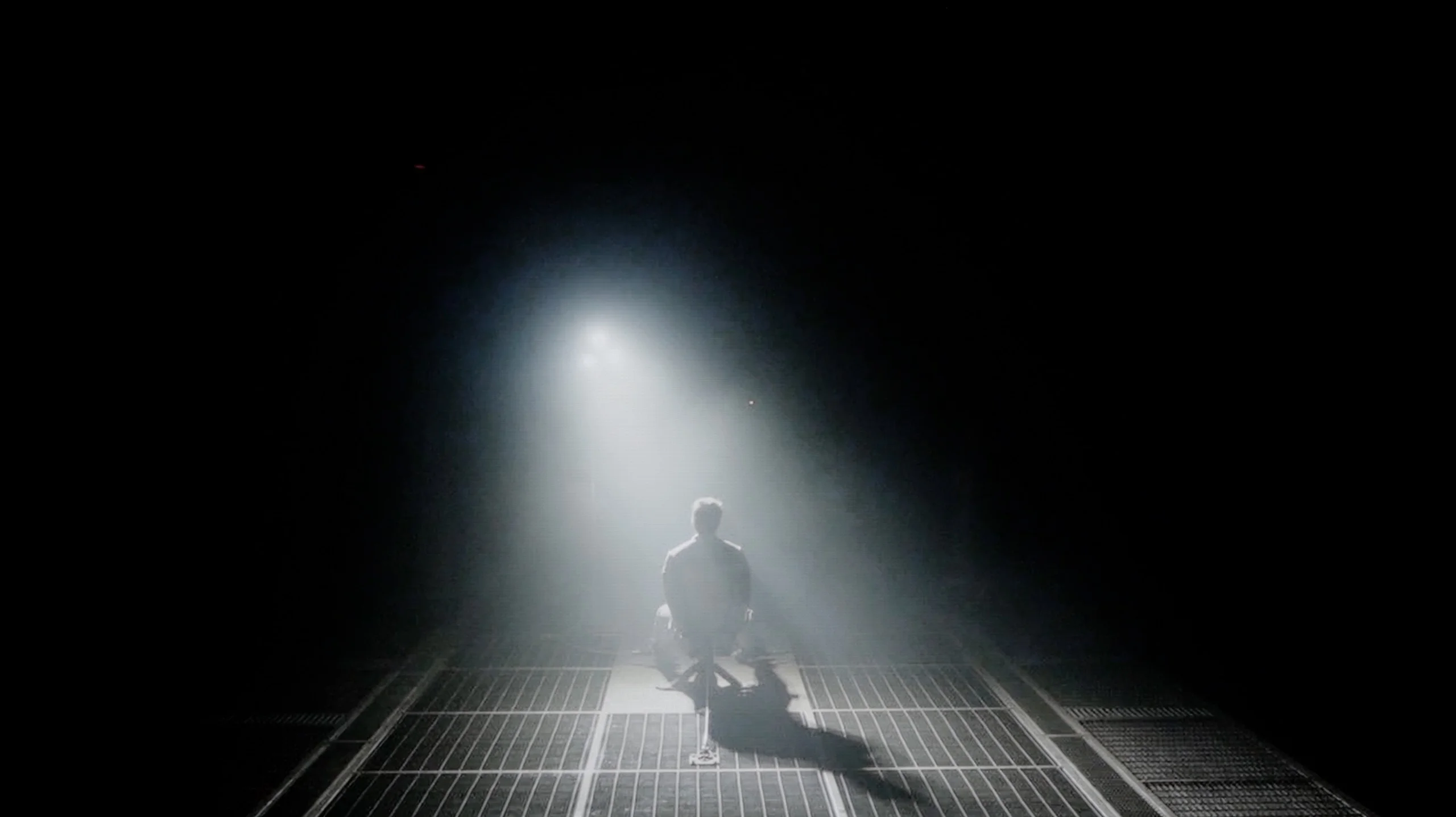
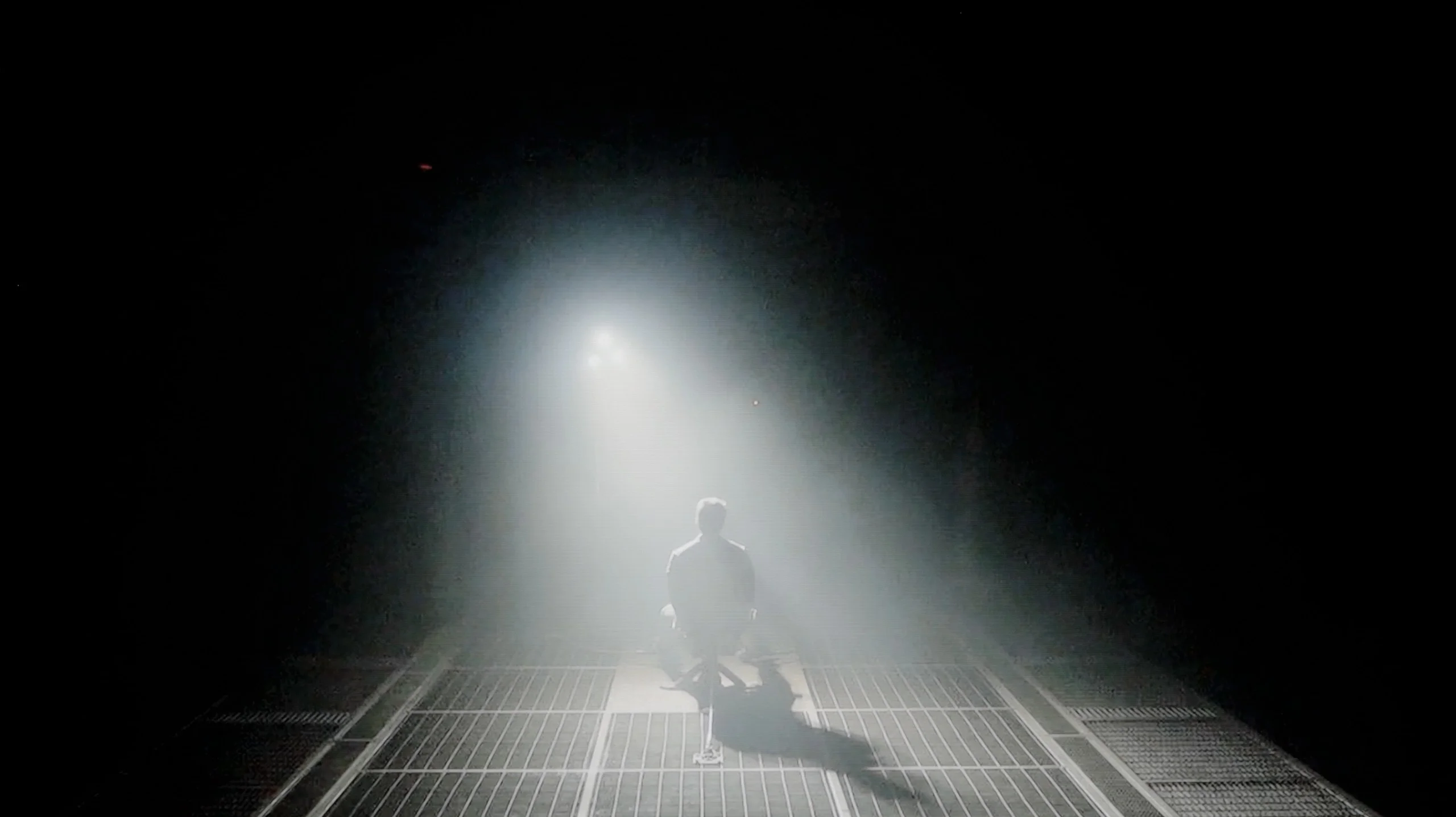
Check the visibility of bright lights on a dark background. Mini-LEDs often struggle with this. The photo does not compare black levels – that’s what the video below is for.
The video accurately shows differences in contrast and black levels between TVs, as well as potential issues: halo around bright objects or Mini-LED zone operation visible as brightness jumps.
Contrast and black are the domain of OLEDs, and the Philips OLED820 is no exception. The WOLED panel from LG Display works the same as in the LG C5 models or the Samsung S90F, providing exactly what we expect – perfect black and infinite contrast. Whether we are watching challenging scenes full of fine details or simpler frames flooded with uniform black, the television always performs excellently. It separates light from darkness with surgical precision, creating an extraordinary sense of depth in the image. And while different technologies can be debated, in this category, OLED simply reigns, and the Philips OLED820 only confirms this rule.
Black levels on the LG OLED B6 are perfect. That's no surprise, since it's an OLED (WOLED), but this is where you can really see why this technology still has so many fans. Each pixel can turn off individually, so in dark scenes there's no gray haze or light bleed around bright elements. That gives the image excellent depth and can make it look truly three-dimensional. Shadow detail also holds up well. Nothing blends into one dark blotch, and fine details remain visible even in more challenging scenes. In that respect, the B6 simply showcases everything we love about OLED TVs.
HDR effect quality
7.5/10
6.2/10
Luminance measurements in HDR:

Result
1035 nit

Result
1235 nit

Result
1356 nit

Result
1315 nit

Result
521 nit
Result
734 nit
Result
734 nit
Result
804 nit
Result
757 nit
Result
355 nit
Scene from the movie “Pan” (about 2800 nits)


Scene from the movie “Billy Lynn” (about 1100 nits)
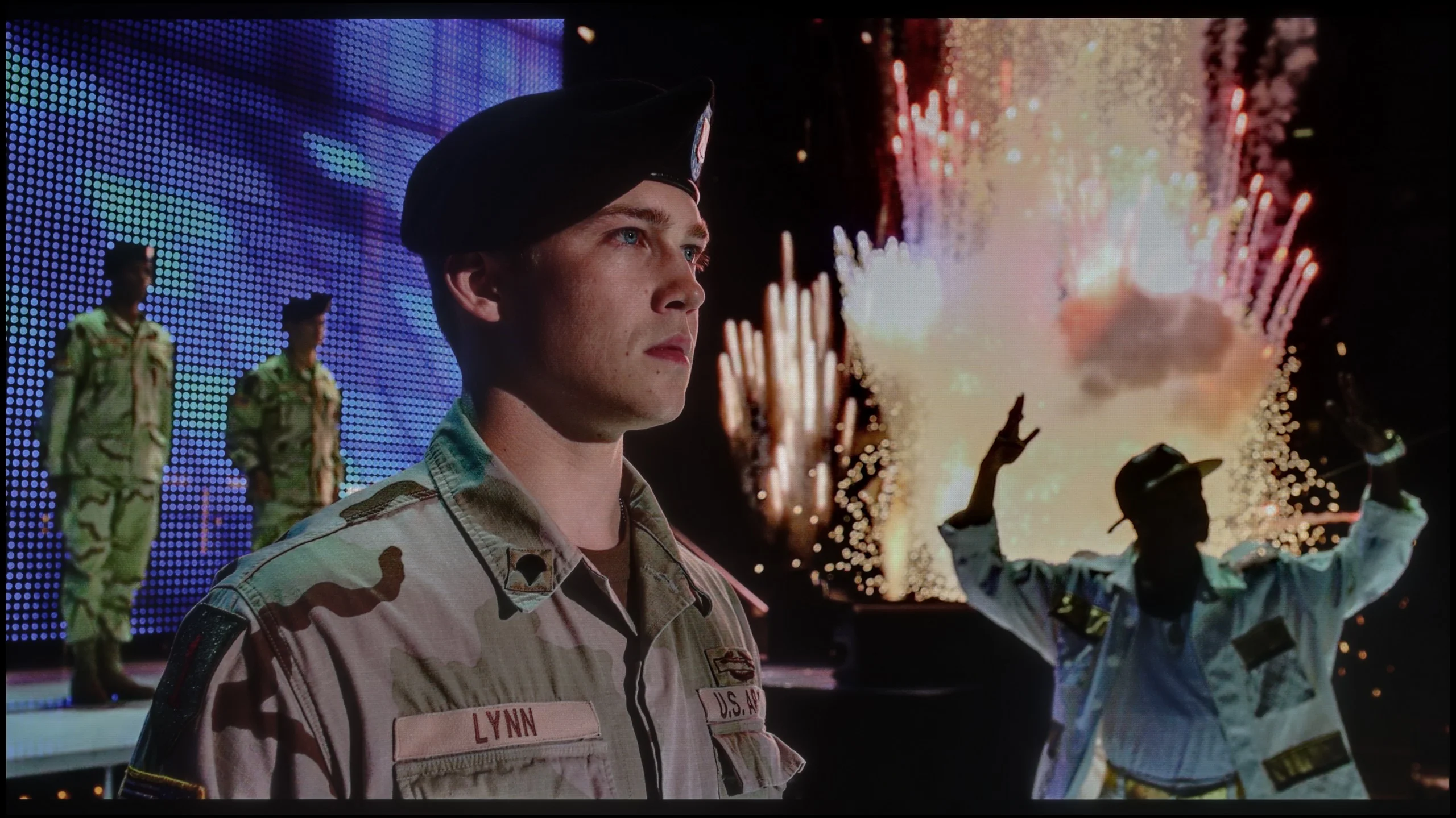
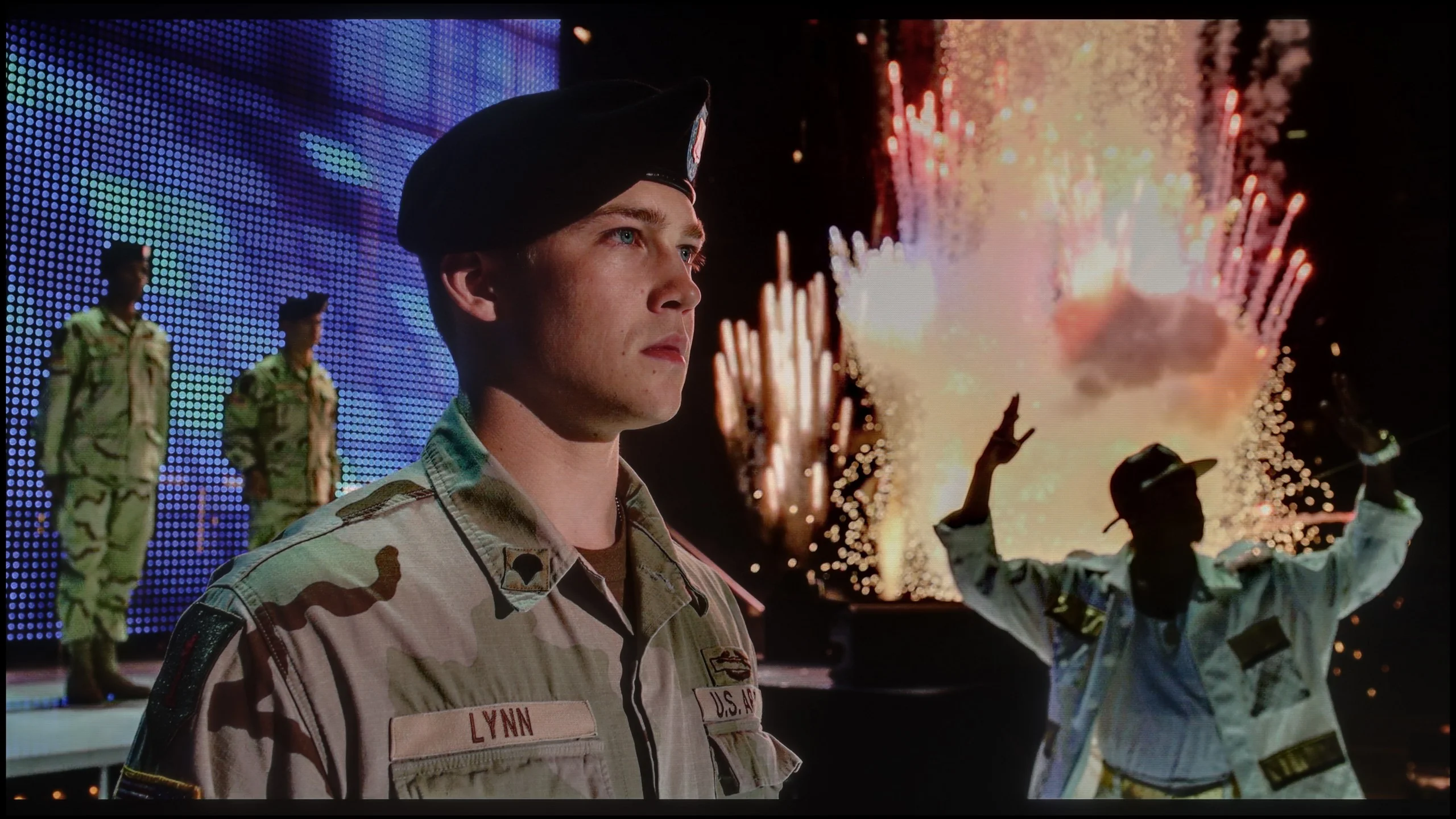
The photos show two HDR10 movies. 'Pan' is one of the brightest productions ever made, while 'Billy Lynn' (soldier) has brightness typical of streaming (Netflix, Prime, HBO MAX). Notice the intensity of effects and detail in whites.
Static HDR10


The photos present the visibility of white details in various HDR formats. They do not show brightness differences between TVs (these can be compared in the previous gallery).
Dynamic: Dolby Vision
Dynamic: Dolby Vision


The photos present the visibility of white details in various HDR formats. They do not show brightness differences between TVs (these can be compared in the previous gallery).
HDR luminance chart:
LG OLED B6
Philips OLED820
Luminance of RGB colors
Luminance of RGB colors
When it comes to HDR quality, the Philips OLED820 uses the same class of WOLED panel that we find in its biggest competitors – LG C5 or Samsung S90F. This means we can count on truly solid performance. This year, mid-range OLED panels are capable of exceeding the threshold of a thousand nits, and the model tested reaches around 1300 nits in some films. This is an outstanding result that allows for an extremely precise depiction of the director's vision, as contemporary productions are mastered in such brightness ranges. Of course, there are situations where even the OLED820 has to compromise. Full-screen scenes flooded with white, like those in the movie The Meg, can drop brightness to 400–500 nits, which clearly weakens the effect. This is a characteristic of OLED technology that has not yet been fully eliminated. Despite this limitation, it is hard not to appreciate the HDR in this model – high luminance and wide coverage of the DCI-P3 color gamut at 99% make the picture simply look great.
The LG B6 is a moderately bright OLED. After calibration it reaches about 800 nits, roughly 200 nits more than last year’s B5. That’s thanks to the new budget OLED SE panel from LG Display. In practice it simply gives a bit more headroom and makes HDR in many scenes look fuller than on last year’s lower-tier OLEDs. That doesn’t mean the B6 has no limits. In very bright shots, when a large part of the screen is strongly lit, brightness can drop below 400 nits. This behavior is typical for OLED TVs (especially those from this segment) and that’s when you see the biggest difference versus more expensive models. All things considered, we rate the B6’s results as really solid. It’s still not a TV for breaking brightness records, but the HDR effect is strong enough that you can really feel the step up from ordinary SDR in films.
Color gamut
Using the OLED SE panel has slightly affected wide color gamut coverage. Compared with last year’s model, results fell by a few percentage points. DCI-P3 reaches about 96%, and BT.2020 around 71%. That doesn’t mean the colors on the LG B6 are weak. In most movies and series they look lively, well saturated and simply pleasing to the eye. You only notice a difference in very bright, highly colorful scenes. Then colors lose some intensity compared with QD-OLED panels. This comes from the WOLED panel construction. Besides red, green and blue subpixels it also uses a white subpixel that helps boost brightness. It comes at a cost: at very high luminance some color is effectively “diluted” by the white light, so saturation of some colors can be slightly lower. In everyday use this isn’t a big issue, but you can notice it in the most demanding scenes.
Factory color reproduction
6.7/10
6.1/10


This illustrative image shows how colors change after professional calibration. If you can see the difference, you can order it from SkalibrujTV – it's our own service.
Factory mode
After calibration


This illustrative image shows how colors change after professional calibration. If you can see the difference, you can order it from SkalibrujTV – it's our own service.
Factory mode
After calibration
The color reproduction in the factory settings really surprised us, and positively so. The Philips OLED820, switched to Filmmaker mode, immediately showed that it was quite well tuned in terms of color. The white balance was relatively accurate, though with a slight lack in the blue hue, which sometimes gave the image a slightly yellowish tint. However, this is not a flaw that particularly interferes with everyday viewing. A larger problem arose with the brightness characteristic. The gamma chart clearly deviated from the ideal, with the line being below the expected values, causing the image to be overly brightened, and the colors looked as if they were covered with a light milky filter. This effect was also noticeable in tests using the Colour Checker pattern, where more pronounced errors appeared.
We tested the LG B6 in Filmmaker Mode, which is the best picture setting available right out of the box. ISF modes deliver very similar results, but in our tests we always stick to Filmmaker Mode for better comparison with other TVs. Each of those modes is, after all, a much better starting point than Vivid or Eco mode, where the picture is heavily boosted and noticeably less natural. With SDR content, the factory settings perform really well. Color errors are small, gamma behaves properly, and the image looks natural during ordinary viewing and does not seem overly "pumped up." It's a bit worse with HDR. When you play that kind of content you can quickly see that the white balance hasn't been set perfectly. Too much blue and red causes the image to shift toward a slightly pink tint. This is also confirmed by measurements of the color gamut and the ColorChecker, where samples clearly drift in that direction. It's not a flaw that completely ruins the picture, but you can notice it in HDR films. So people who care about the most faithful image should consider the calibration we describe later in the review.
Color reproduction after calibration
9.3/10
9.2/10
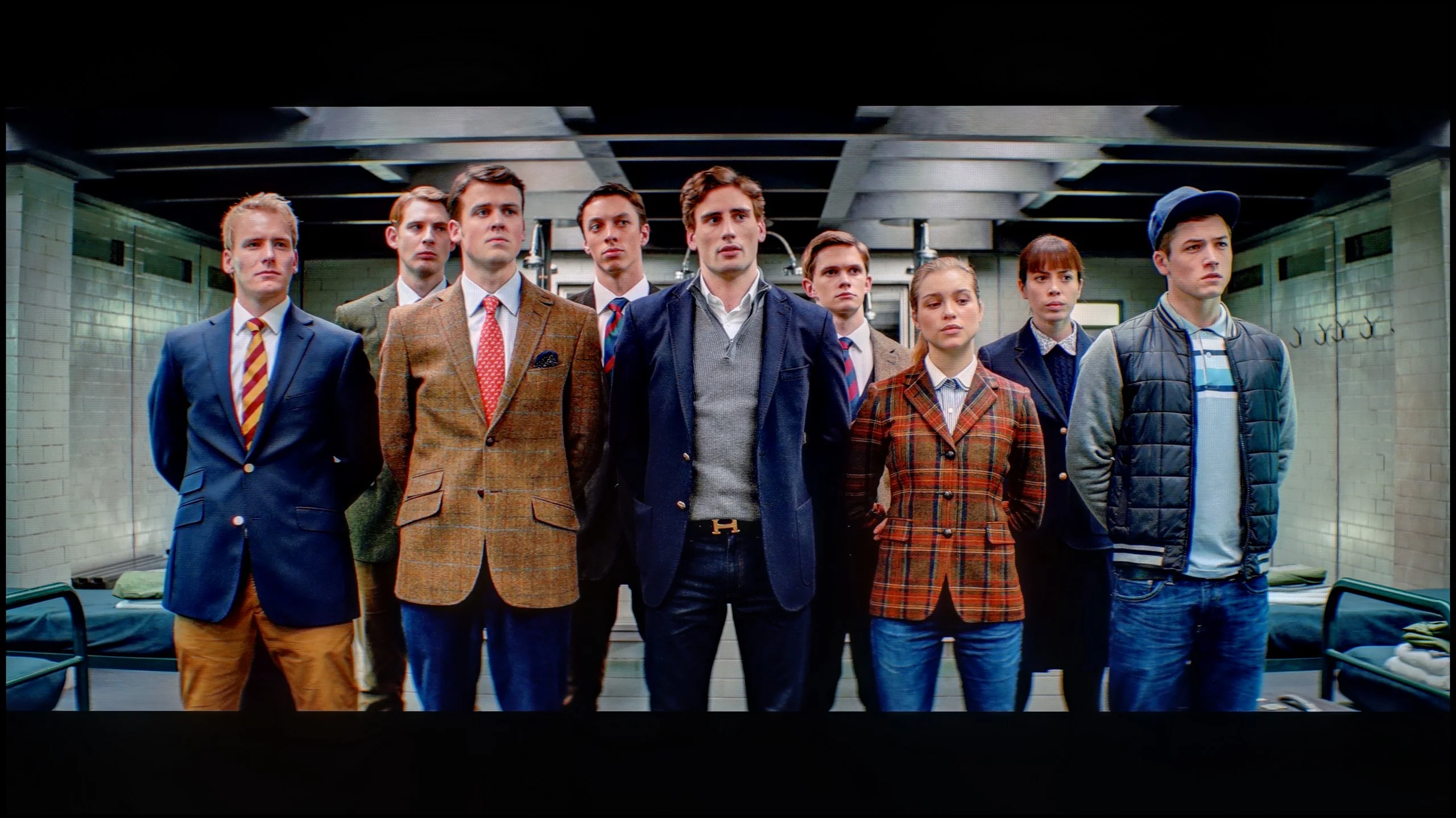
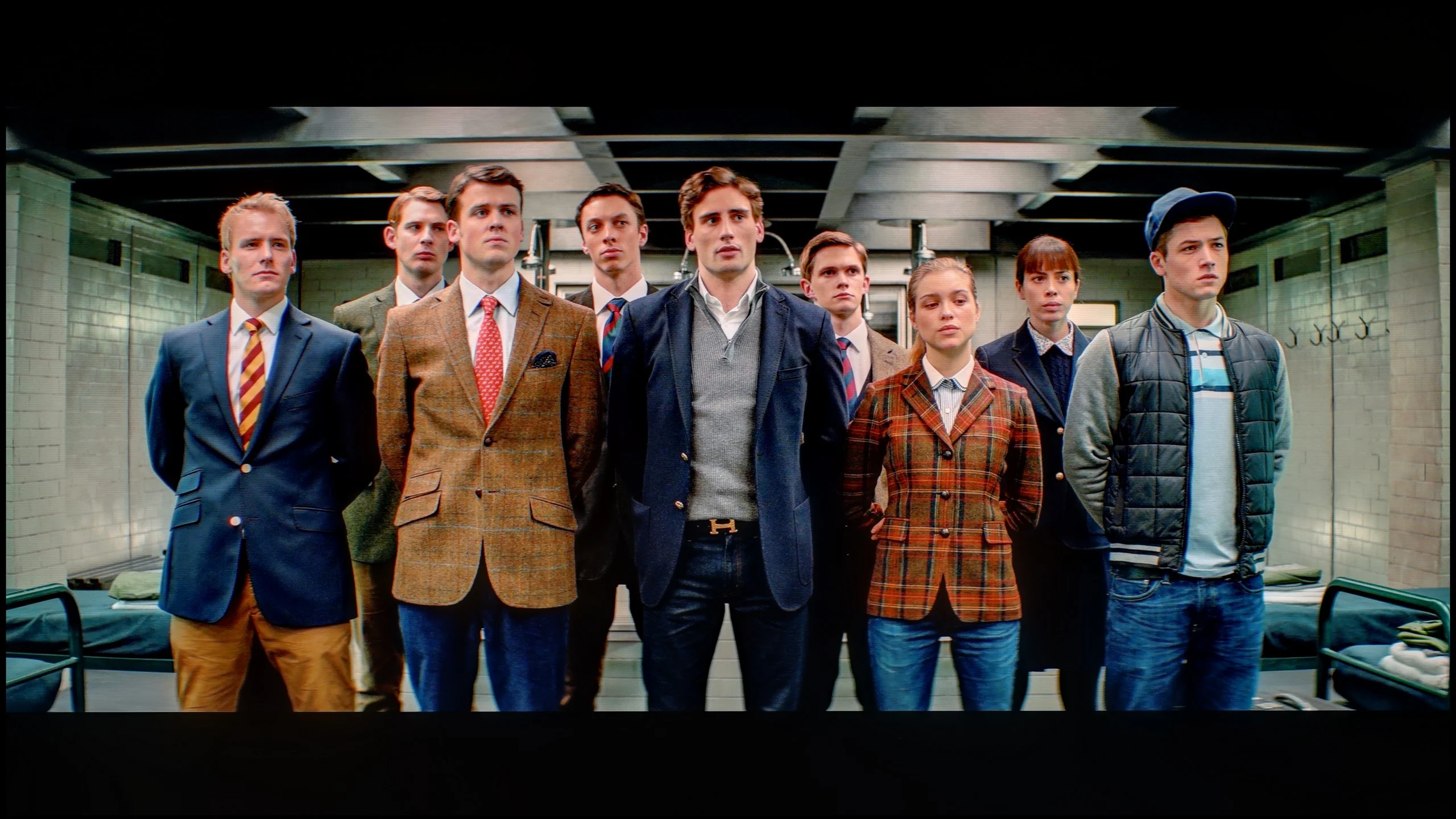
The photos show how movies look on the TV. Pay attention to black detail visibility, colors, and shadow tint.


The photos show how movies look on the TV. Pay attention to black detail visibility, colors, and shadow tint.
After calibration, both the Filmmaker mode and the game mode gained quite a lot. A slight adjustment of the white balance and an improvement in brightness characteristics resulted in excellent outcomes for SDR content – the image looked almost perfect, natural and very close to the reference. In the case of HDR materials, the situation was similar; the colors looked stunning and it was hard to find anything to criticize. However, we noticed a certain feature that we had already pointed out when comparing scenes from the movie Billy Lynn. An analysis of the EOTF curve revealed that the television has a slight tendency to dim details in the blacks, which means that the darkest sections are not always displayed exactly as the director intended. Nevertheless, the effect after calibration is remarkable, and the OLED820 stands out as one of the more interesting screens in its class. It just needs a little bit of fine-tuning, and there's really nothing to be afraid of.
During calibration we focused primarily on HDR content, because that's where the factory settings required the biggest corrections. We didn't neglect SDR mode, though, which after adjustment was brought almost to perfection. Colors are very accurate and brightness is handled as it should be. The biggest improvement in HDR came from correcting the white balance. After removing the excess red and blue, the pinkish tint disappeared and the image became much more natural. Skin tones, whites and all colors that had been shifting toward magenta improved. After calibration most errors fell below a Delta E of 2–3, the threshold at which the average viewer stops noticing differences with the naked eye. The LG B6 can therefore deliver a very accurate image, especially for the manufacturer's entry-level OLED model.
Smoothness of tonal transitions
6.5/10
7.3/10
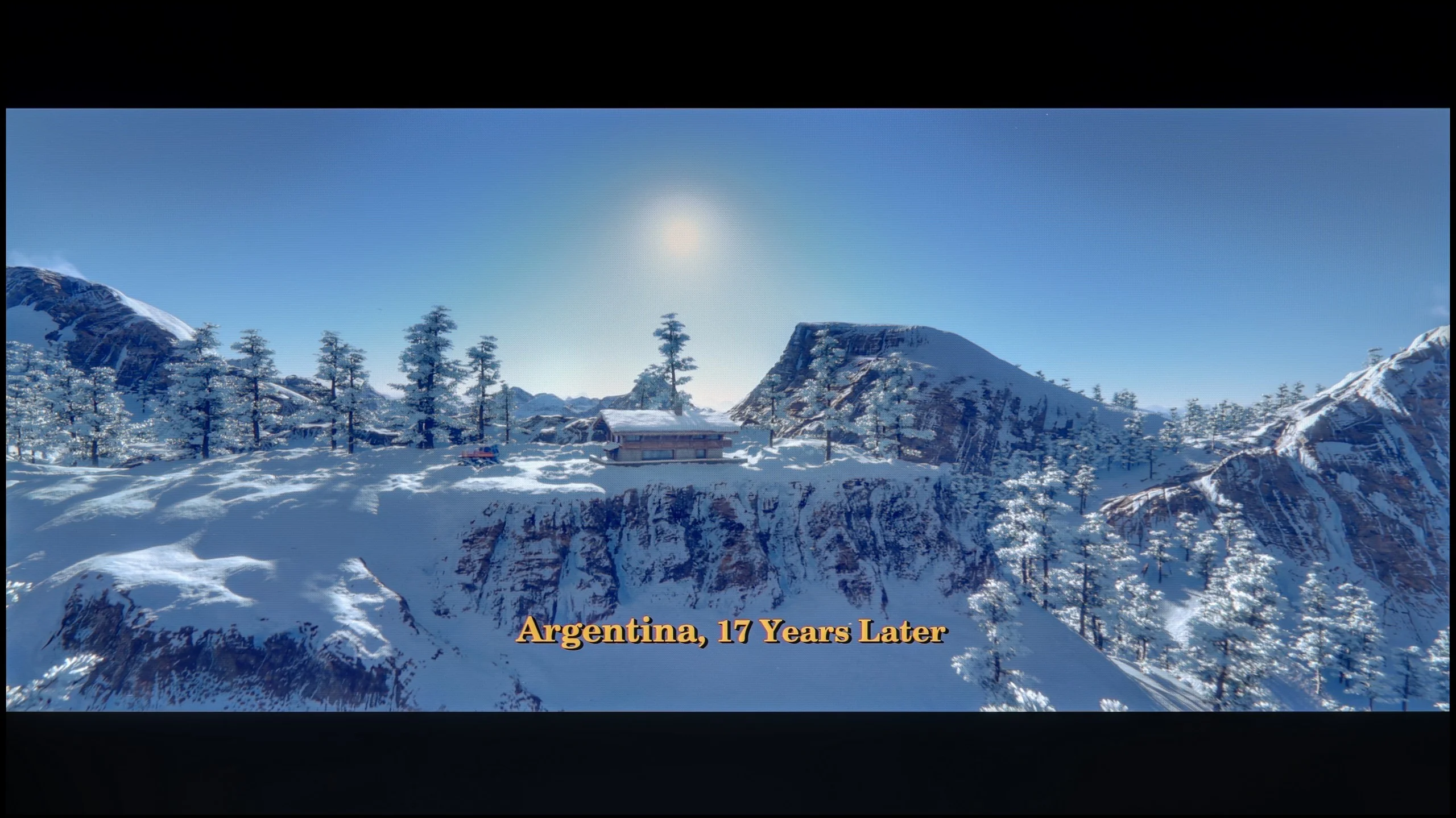

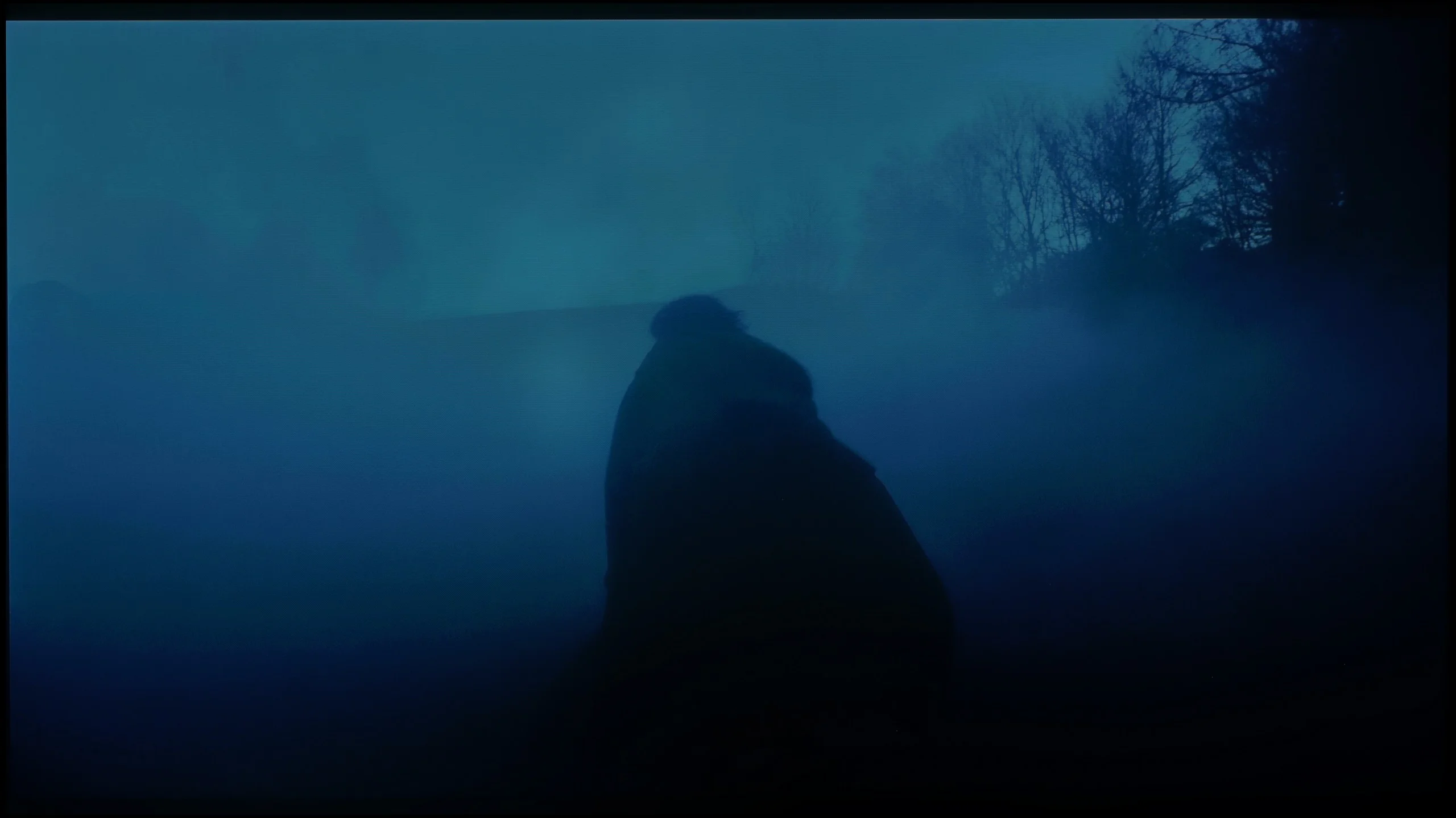
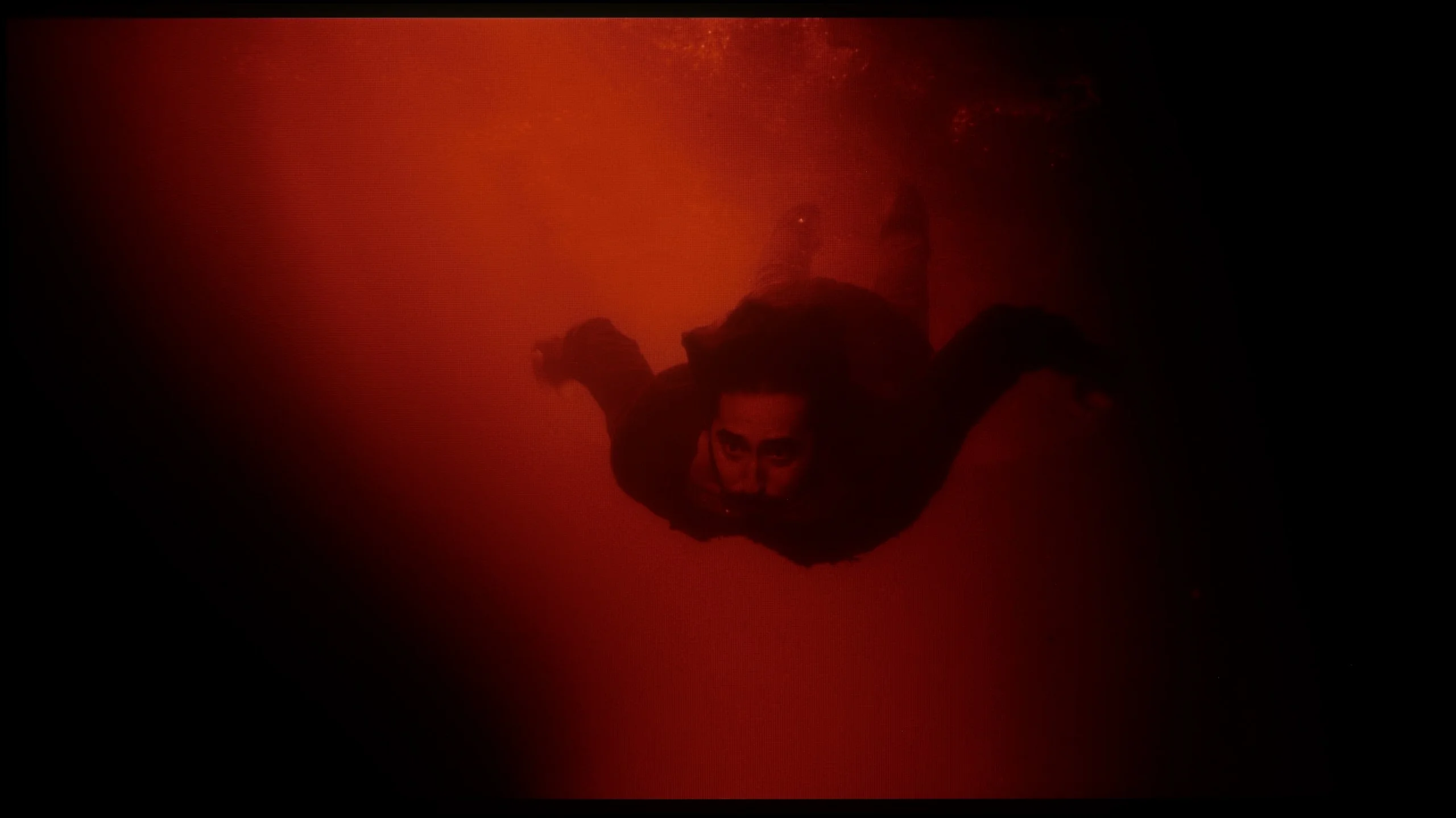
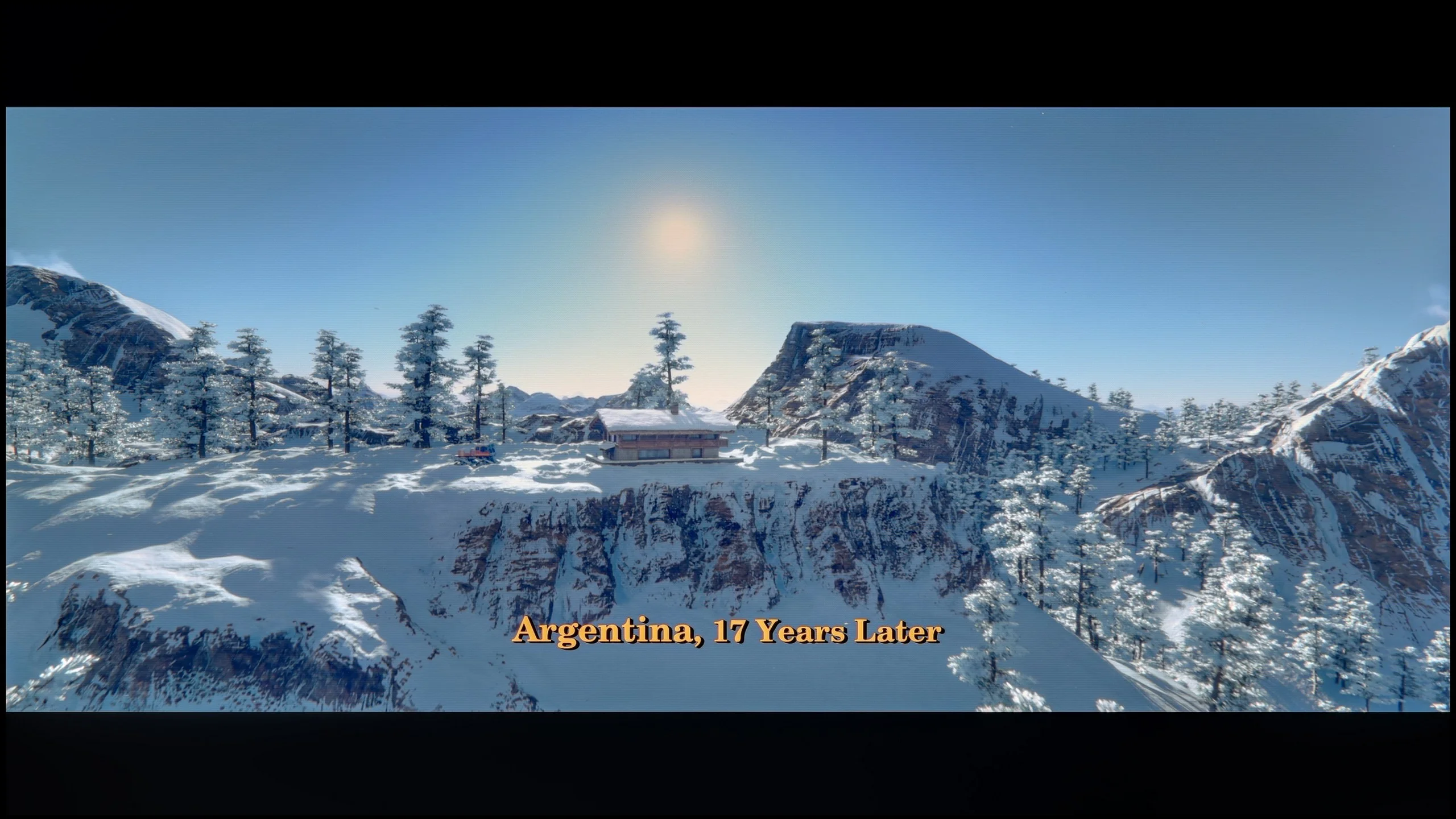
These are selected scenes that show smooth tonal transitions from one color to another. If you see distinct banding, it’s the TV panel’s fault.

These are selected scenes that show smooth tonal transitions from one color to another. If you see distinct banding, it’s the TV panel’s fault.
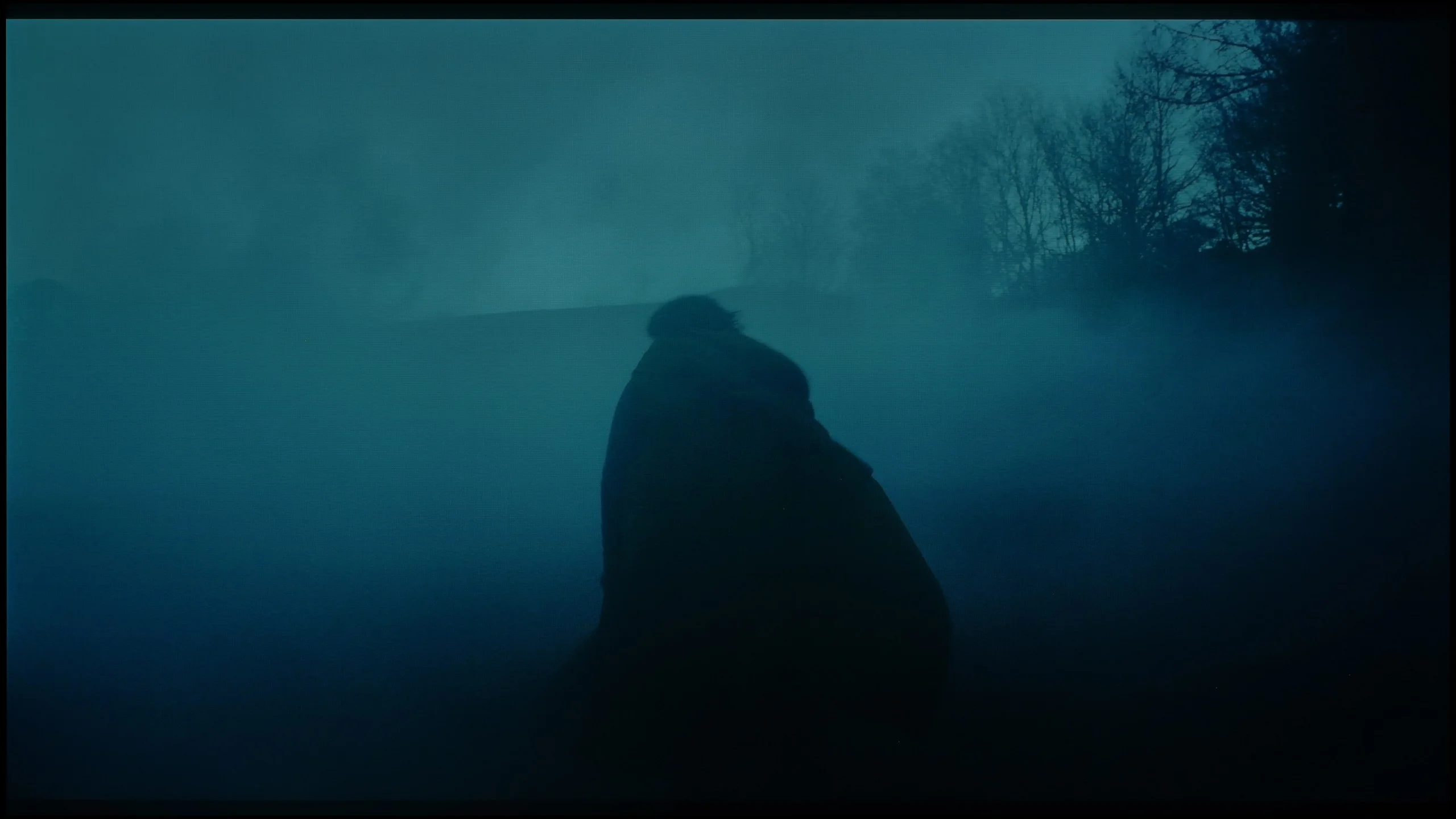
These are selected scenes that show smooth tonal transitions from one color to another. If you see distinct banding, it’s the TV panel’s fault.
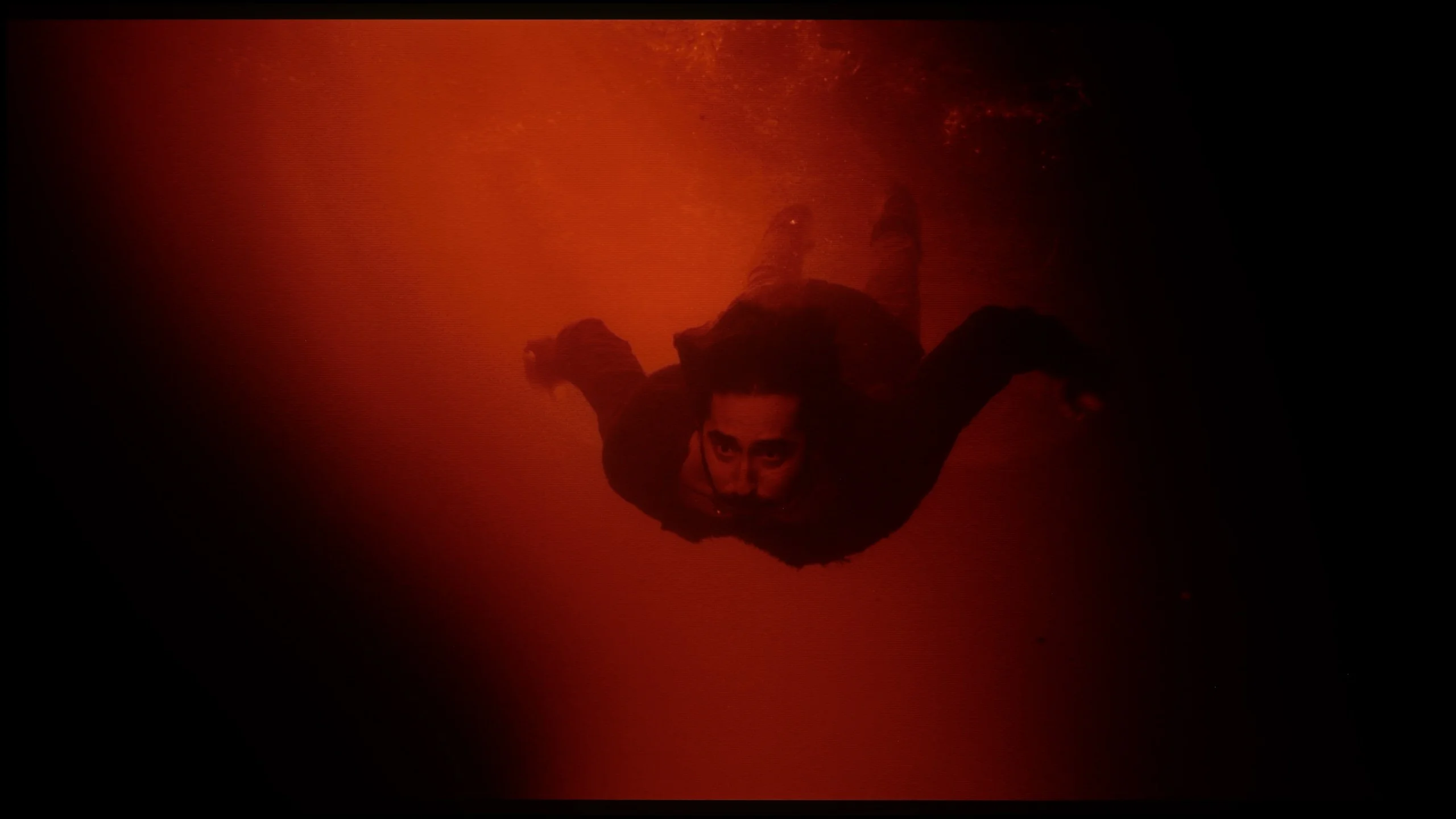
These are selected scenes that show smooth tonal transitions from one color to another. If you see distinct banding, it’s the TV panel’s fault.
The fluidity of tonal transitions is unfortunately the Achilles' heel of the Philips OLED820. During tests, we noticed slight issues with color blending – both in bright and darker scenes, one can see characteristic banding, which detracts from the naturalness of the image. It must be admitted that compared to last year's OLED 819 model, there is a significant improvement, but nonetheless, the competition performs better in this category.
Tonal transitions on the LG B6 are quite good, though you can still see some limitations typical of WOLED panels. In most scenes, colors transition smoothly between shades, without noticeable banding or unwanted digital artifacts. It's not always perfect, however. Most problems appear in the dark areas of the image, where WOLED panels have long been somewhat weaker. This is partly due to the greater difficulty of driving the panel at very low brightness and to the design's use of a white subpixel. Compared with last year's model there is a slight improvement, but it still doesn't reach the level of the best QD-OLED TVs or more advanced LCD models.
Image scaling and smoothness of tonal transitions
7/10
8/10

Smooth transition function
The match photo shows how the TV smooths weak tonal transitions in low-quality video.
Image scaling SD (576i)


The model photo shows how it handles upscaling of SD material.
Fortunately, the earlier effects of the aforementioned posterization can be quite effectively mitigated. The "distortion reduction" feature set to medium handles unwanted color banding, improving the smoothness of tonal transitions. It does happen, however, that it works a bit too aggressively and smooths out some details – such as minor skin imperfections of the actors – but despite this, it can be considered worth using without major compromises. The upscaling in the OLED820 also performs well. The test image with the model is exceptionally soft, sometimes even too much so, although this can be alleviated by slightly increasing the sharpness in the picture menu – it’s a matter of personal preference. The lack of overscan issues with very low-resolution content is also commendable, meaning we don't have to worry that the image will be unnecessarily cropped.
The LG B6 handles lower-quality sources very well. Much of the credit goes to effective digital image processing, which can mask some source imperfections without overly smoothing the whole scene. The feature "Smooth Gradation" proves particularly useful. It can significantly reduce posterization, which we mentioned earlier, especially in darker areas of the image. The safest choice remains Low or Medium. The function still effectively smooths harsh tonal transitions, but does not yet interfere too much with fine details. The most dedicated purists can, of course, leave it off. Upscaling to 4K also performs very well. Full HD and 720p content retain a good amount of detail, and the image is neither overly sharpened nor excessively blurred. Some limitations become noticeable only with very poor sources below 720p, where the smallest subtitles and fine elements are not always perfectly sharp, but this is true for almost every other TV on the market.
Blur and motion smoothness
8.5/10
8.5/10
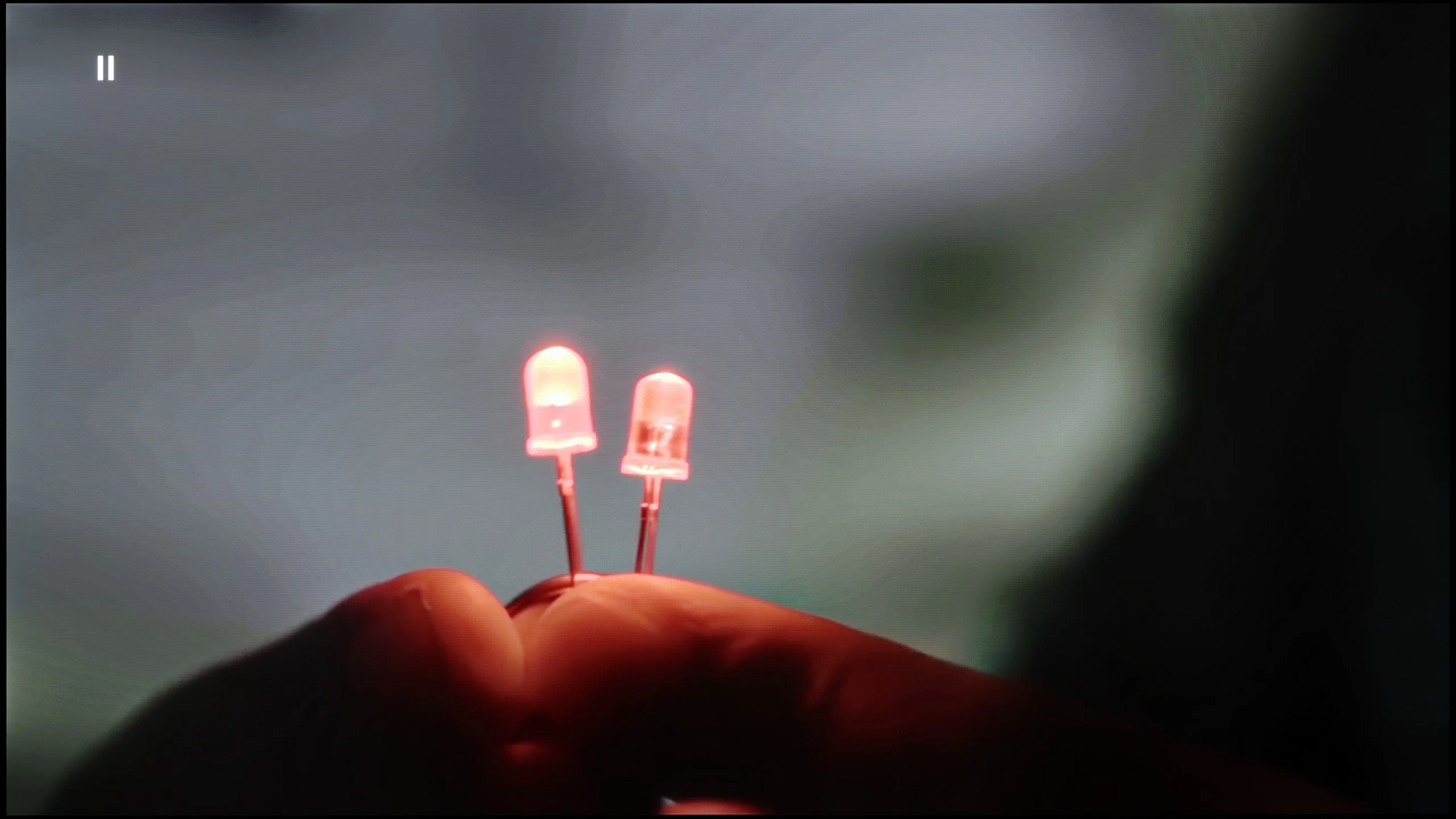
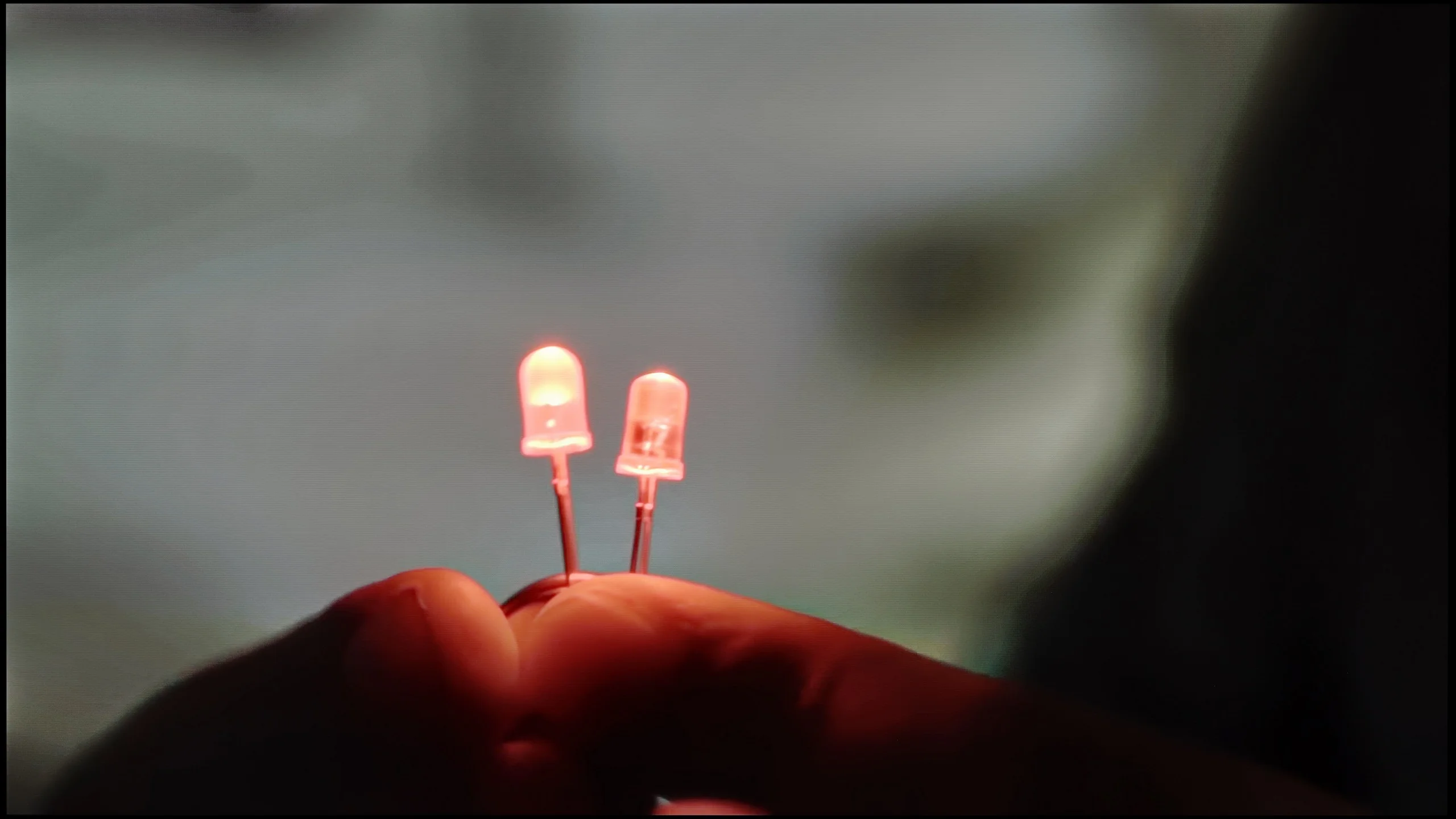
Blur (native resolution, maximum refresh rate):






Blur (BFI function enabled):



Blur (4K@144Hz):



Blur ():
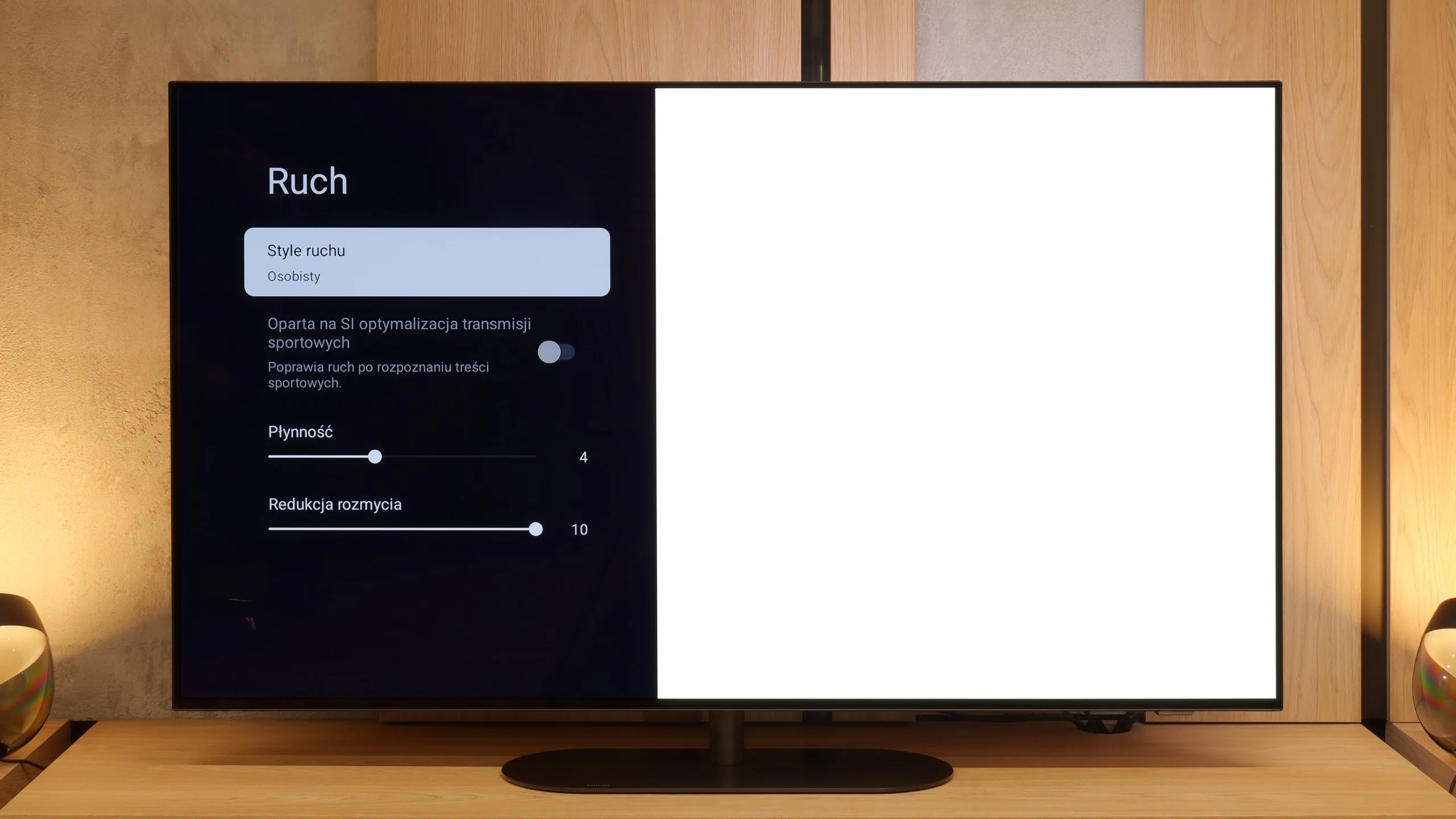
Motion fluidity is an area where OLEDs always shine, and the Philips OLED820 confirms this rule. The panel itself offers a refresh rate of 144 Hz, which will mainly benefit PC gamers, but even with standard television sources or consoles, where 120 Hz is used, the motion is fast, sharp, and simultaneously smooth, without traces of ghosting. This is thanks to the outstanding response time between pixels, which ensures the image retains clarity in every dynamic scene. The manufacturer has also added its own smoothing feature called "Motion Style." In the menu, we find two sliders – the first, responsible for fluidity, allows us to adjust the amount of artificially added frames in movies. This way, we can choose a raw, cinematic character with a clearly visible film frame or a more theatrical image with smooth motion. The second slider is for reducing blurring, especially useful in sports broadcasts. Here, we definitely recommend setting it to the maximum value, as the effect is truly excellent.
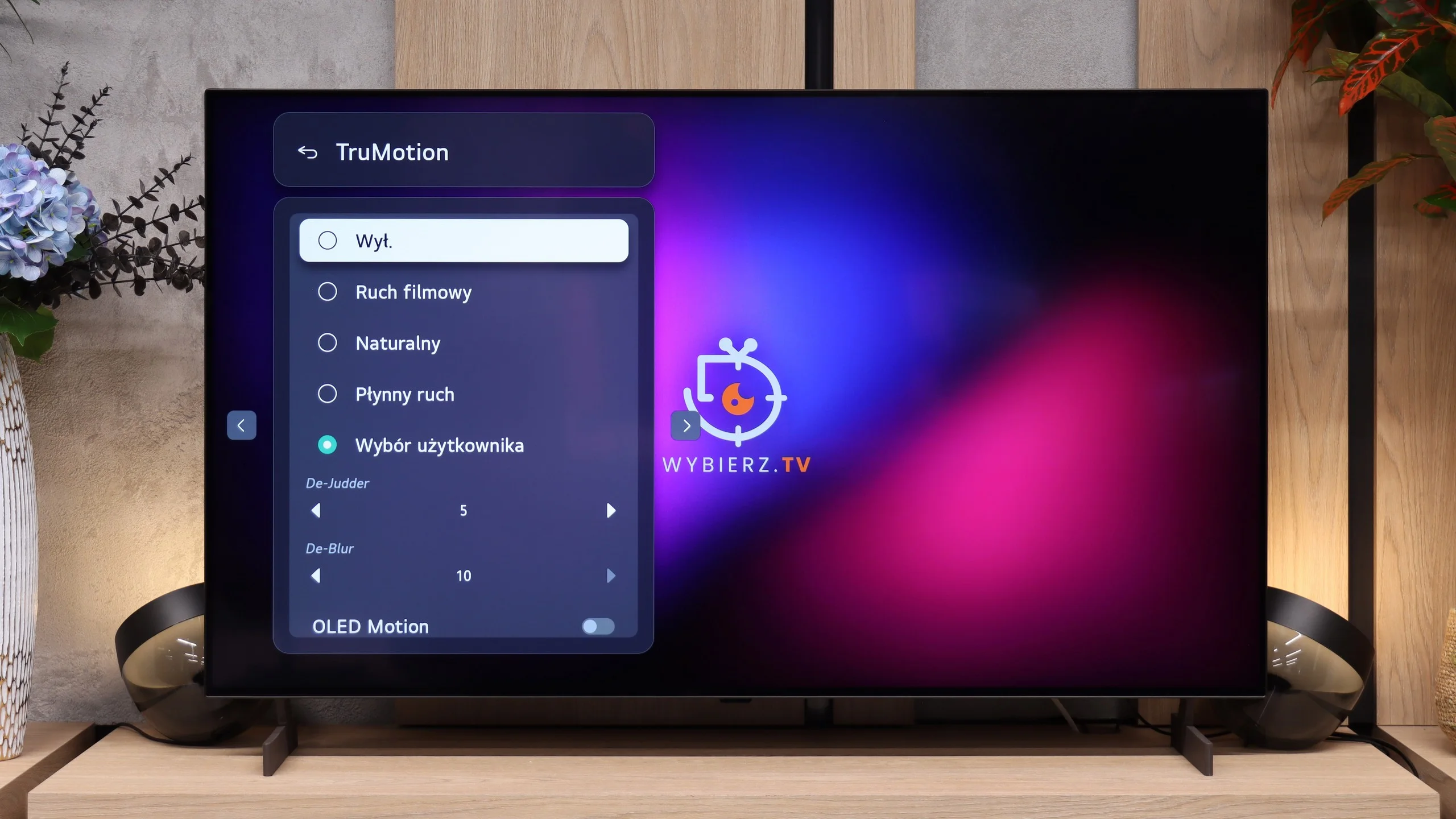
One of the biggest advantages of OLED panels is their very fast pixel response time. This keeps the image sharp and prevents the visible smearing that often appears on LCD TVs. However, there is a downside. During slow camera pans, motion can look more choppy than on LCD screens, where the slower panel naturally masks some of that effect. Fortunately, on the LG B6 you can easily soften this with TruMotion. With the motion smoothing properly adjusted, you can achieve smoother motion without giving the picture an excessive soap-opera effect.
Console compatibility and gaming features
9.8/10
10/10
- ALLM
- VRR
- VRR range48 - 144Hz40 - 120Hz
- Dolby Vision Game Mode
- Correct implementation of HGIG
- 1080p@120Hz
- 1440p@120Hz
- 4K@120Hz
- Game bar
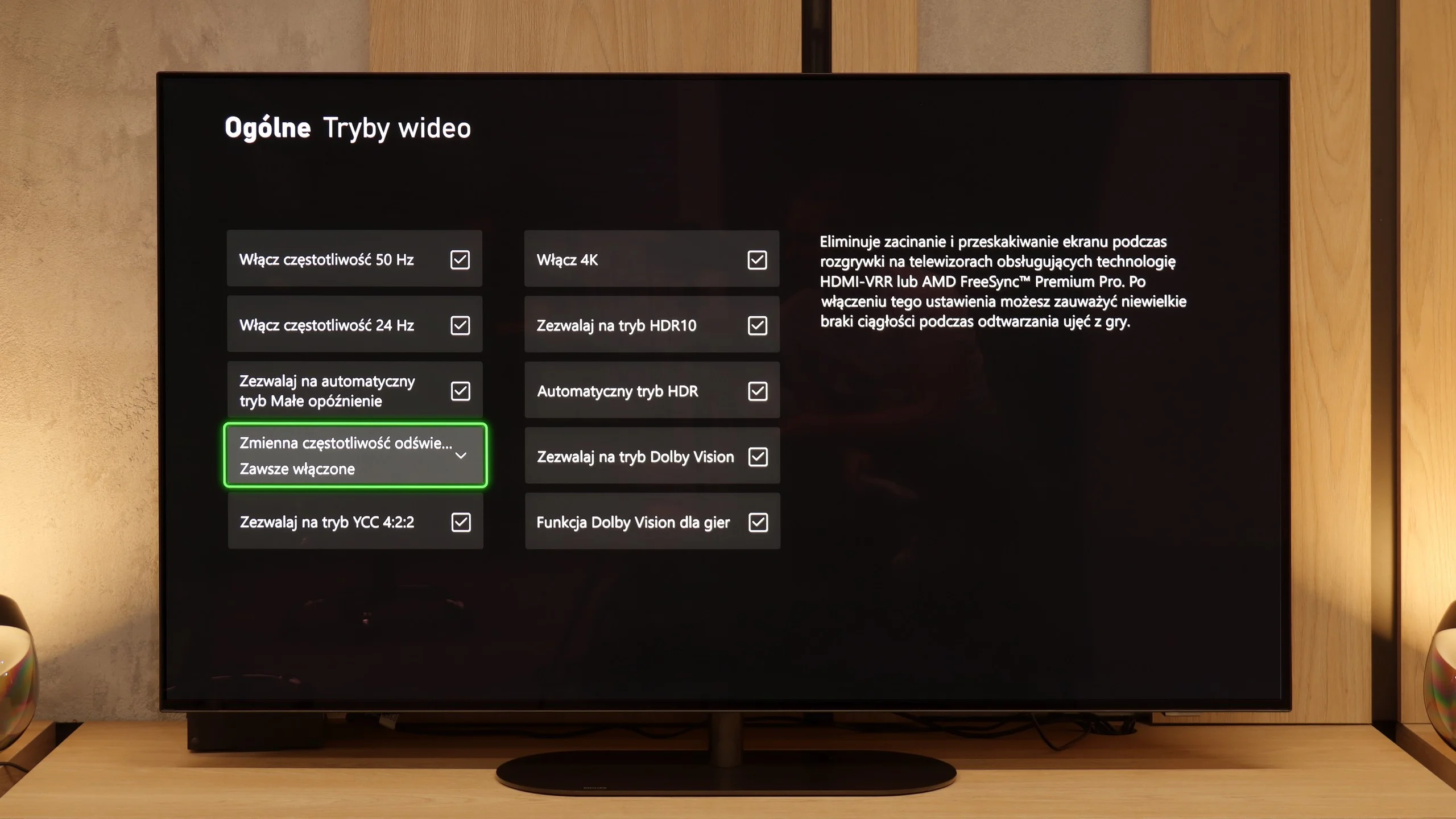
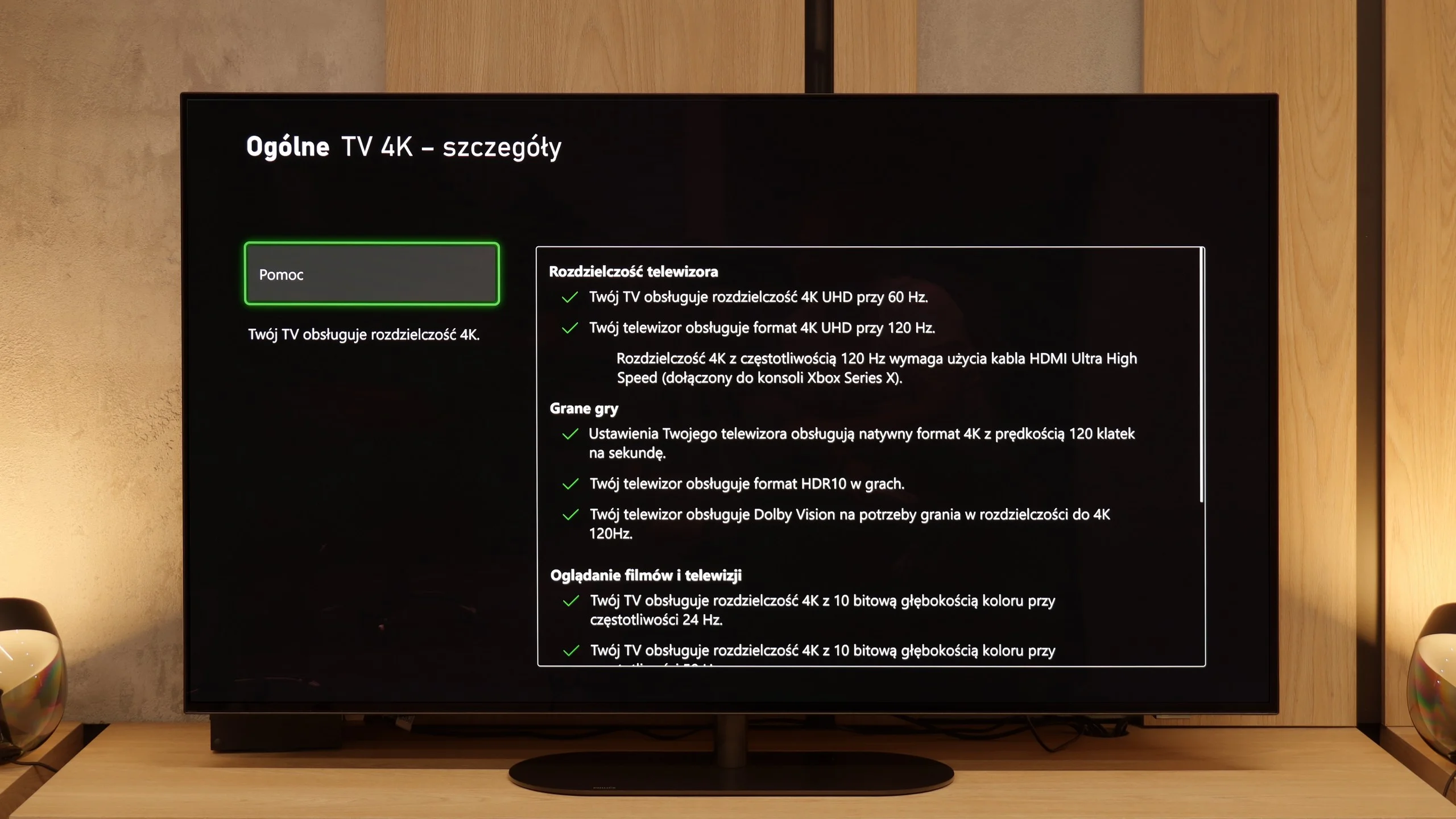
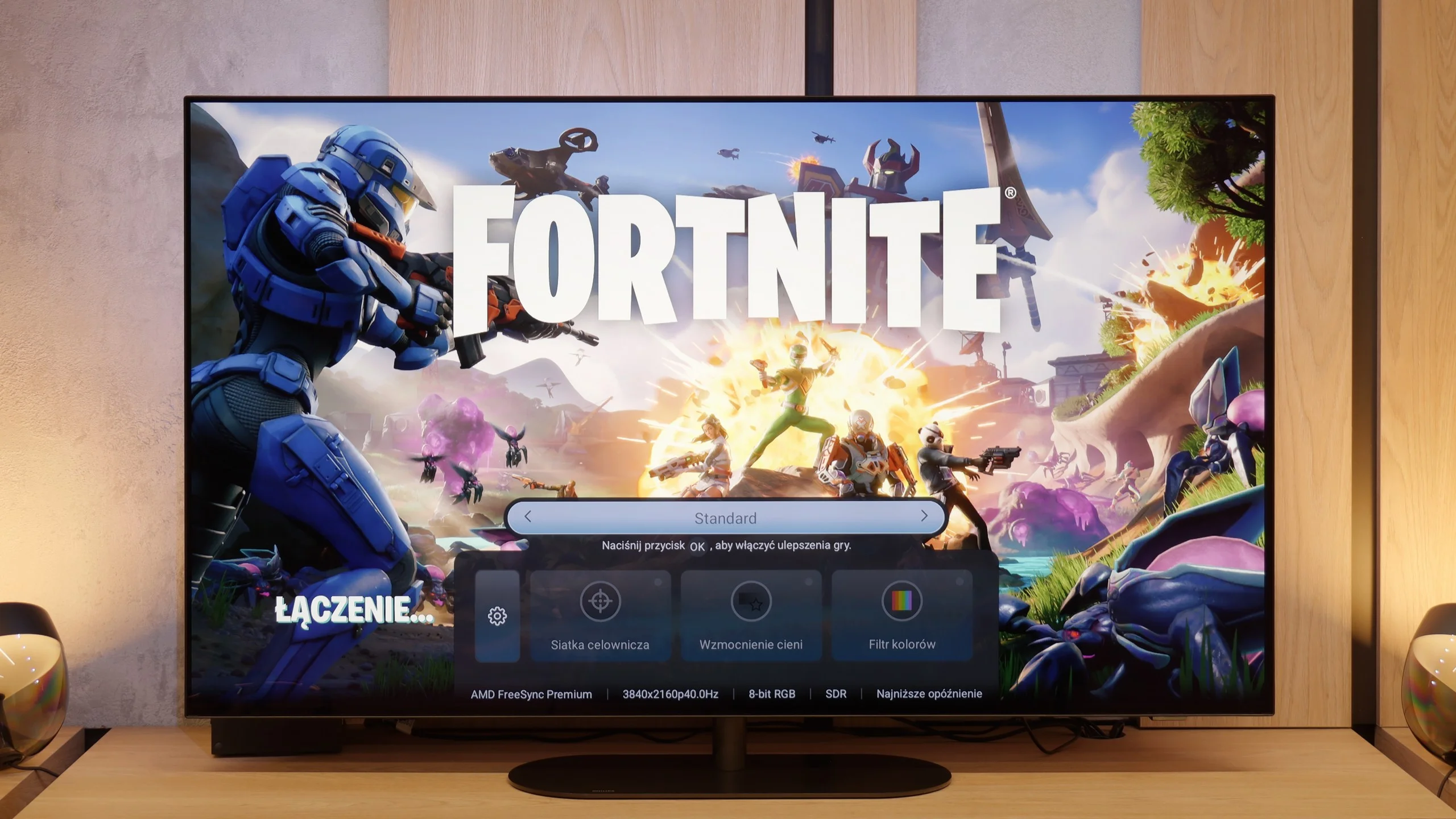
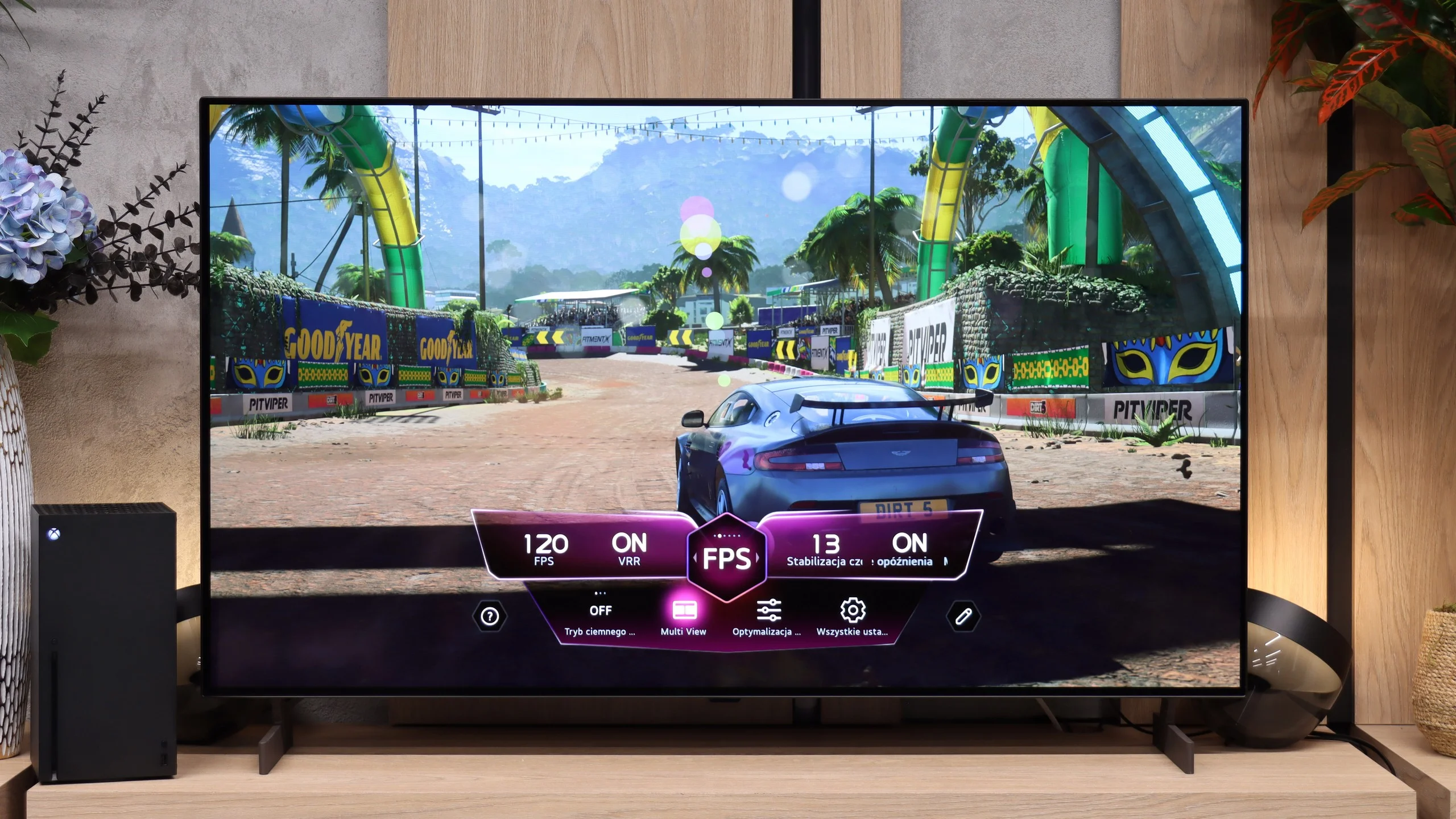
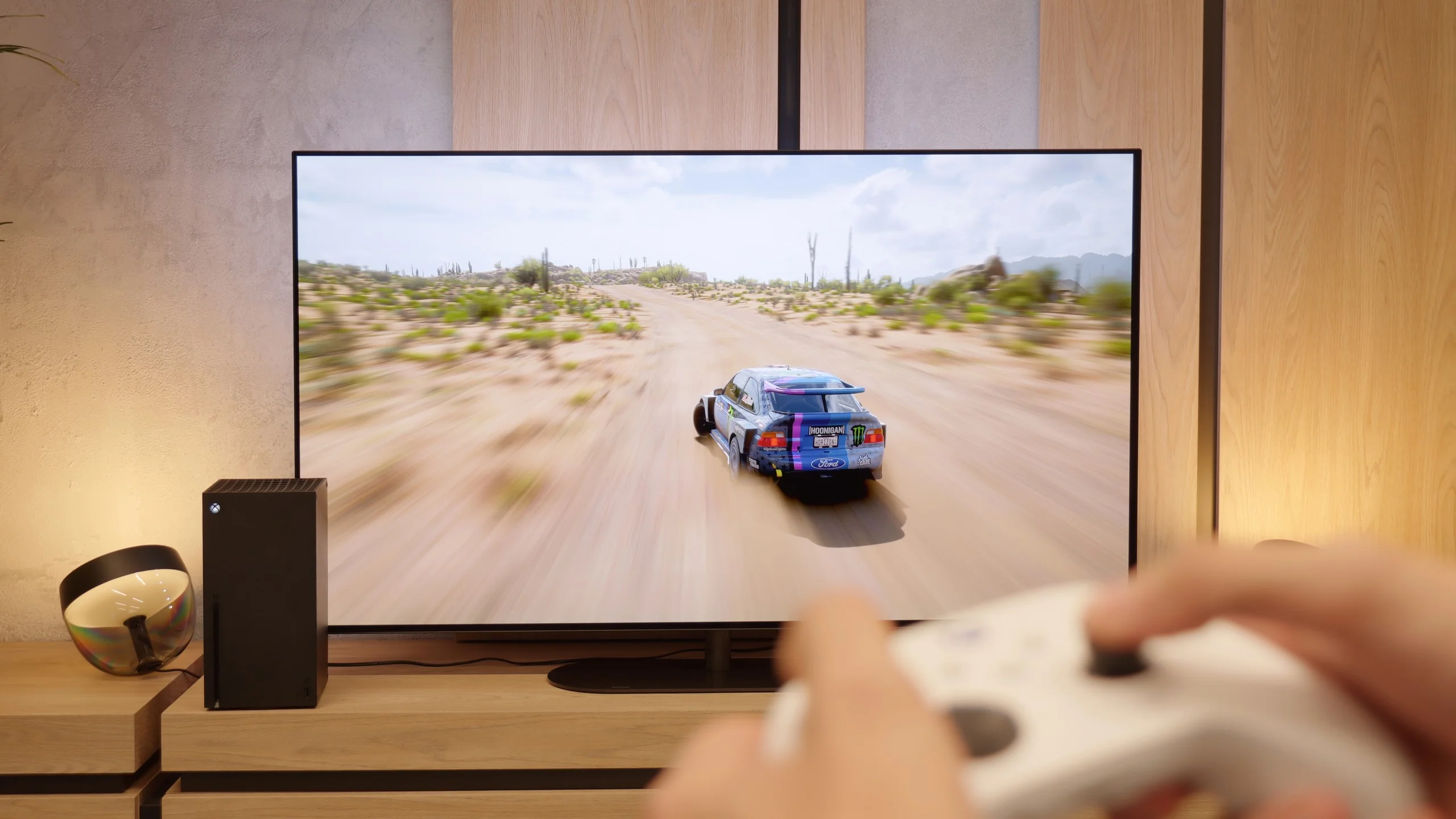
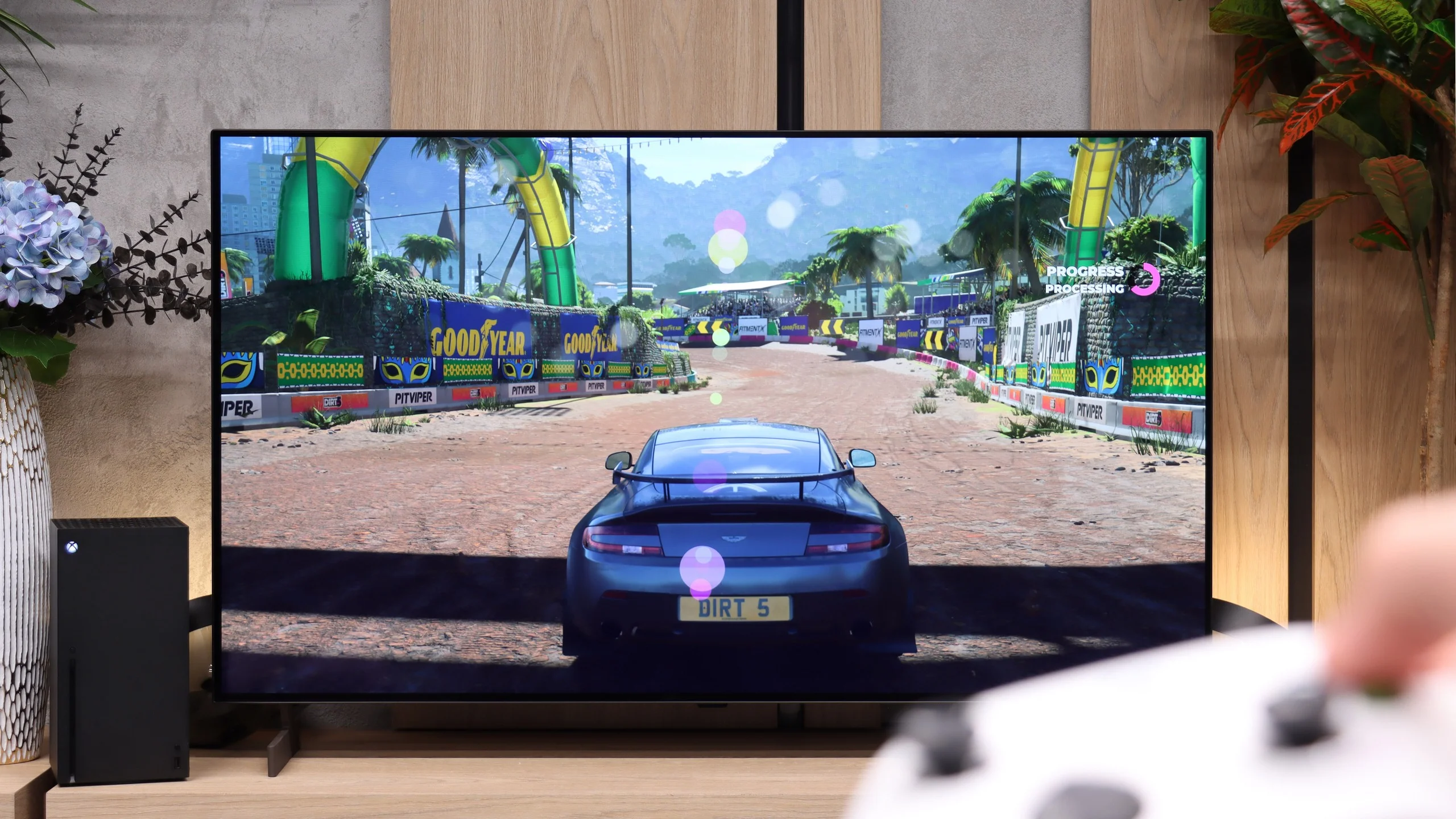
Philips OLED820 is one of the most complete televisions for gamers. It practically has everything you could expect: two HDMI 2.1 ports with full bandwidth of 48 Gbps (too bad there aren't four), variable refresh rate VRR, automatic game mode ALLM, support for Dolby Vision in games, and a good implementation of the HGiG mode. The television also handles lower resolutions at 120 Hz without any issues, so you can count on great flexibility when choosing different picture modes on the console. Philips also adds Game Bar – a panel that allows you to change picture modes, add a crosshair, or view parameters. Although it looks quite clunky and is less polished than that of the competition, it serves its purpose. In practice, therefore, the OLED820, besides having a full set of four HDMI 2.1 ports, offers almost everything a gamer might need.
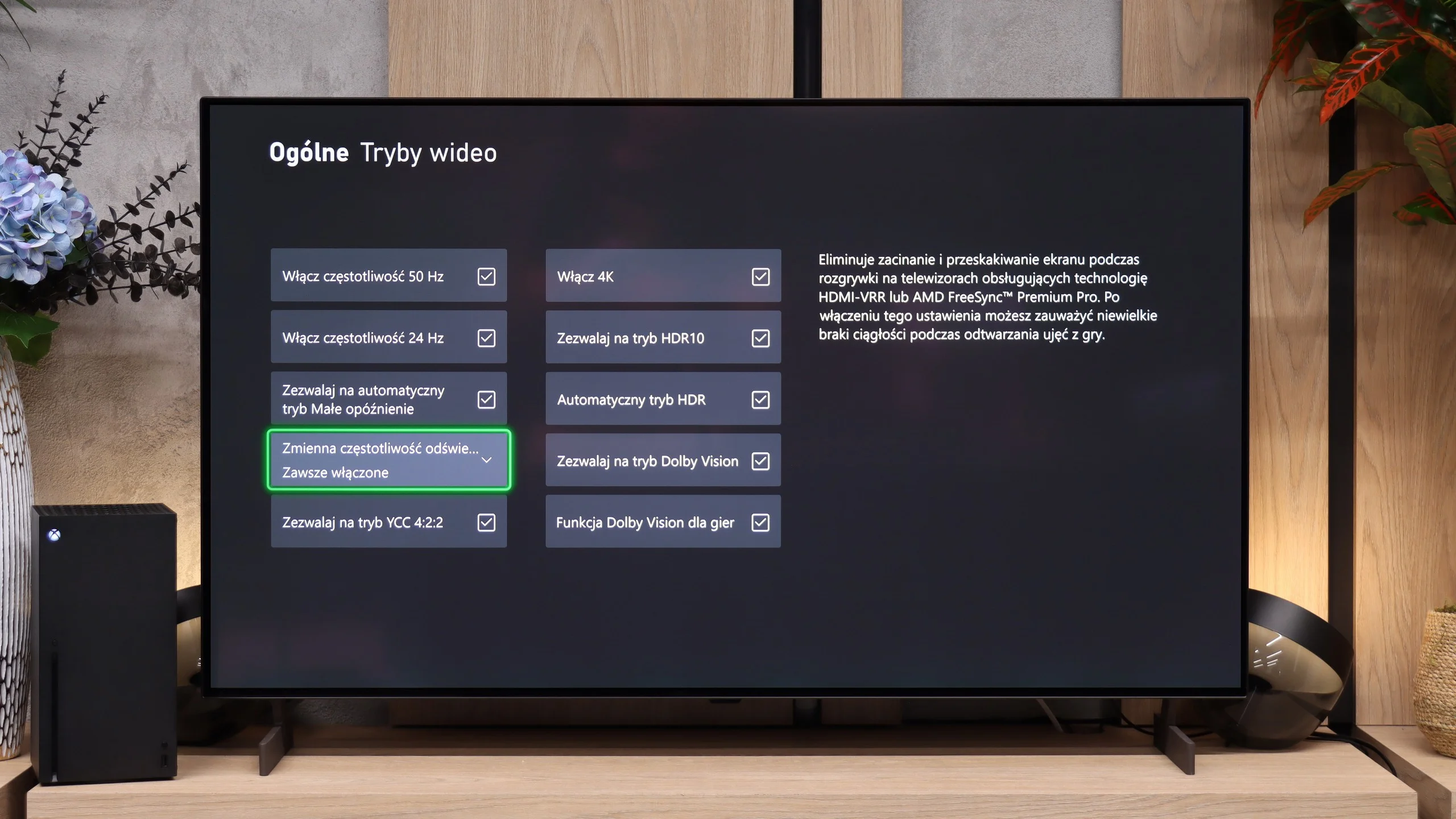
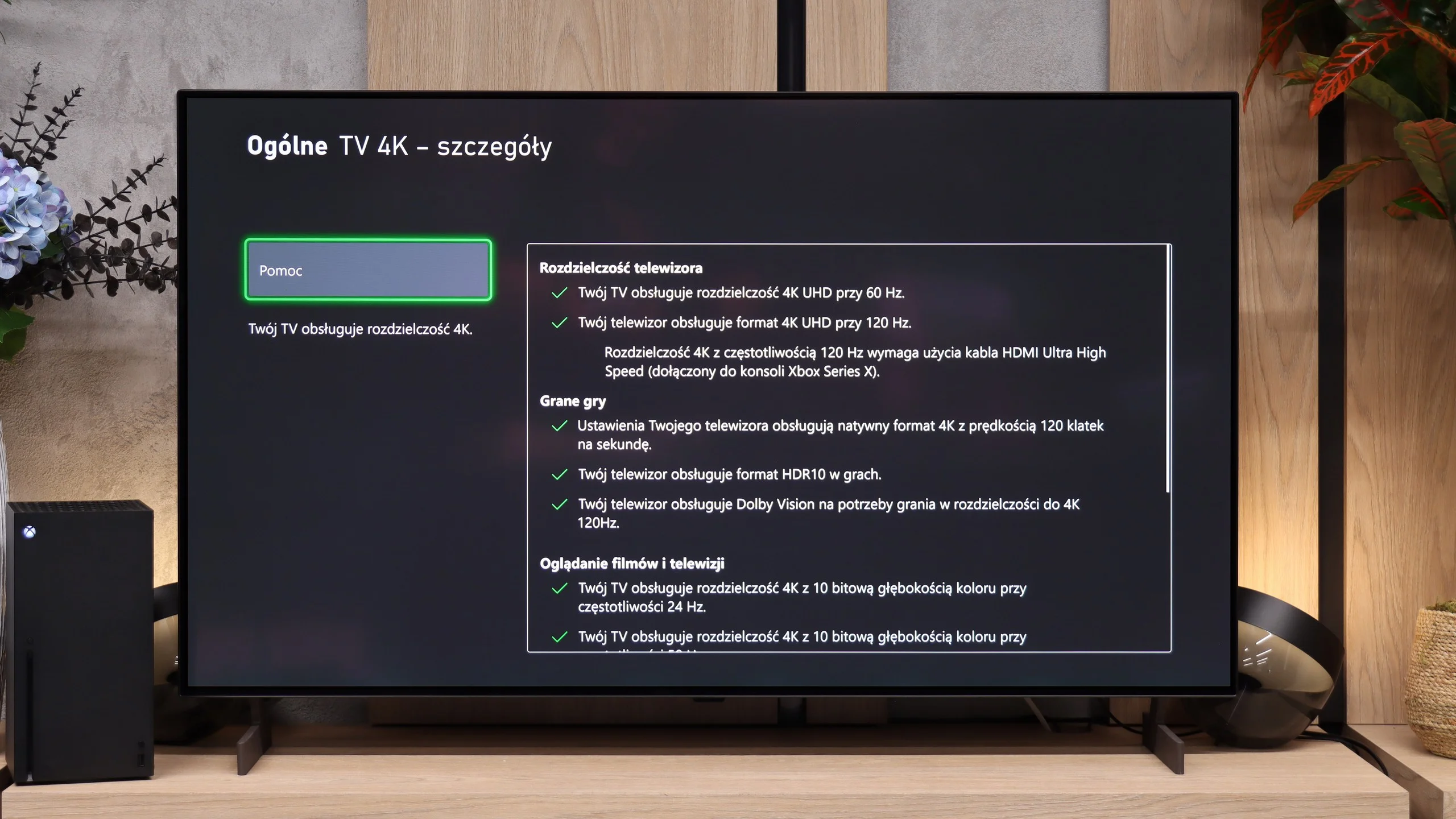
LG OLED B6 offers a powerful set of advantages for gamers; it's simply a complete platform for PS5, Xbox Series X/S, or a solid PC. It has four full-size HDMI 2.1 ports with 48 Gbps bandwidth, so you can skip the annoying cable swapping when you want to connect several newer devices at once. We get the full suite of sync technologies – from classic VRR to G-Sync and FreeSync. The screen seamlessly matches the refresh rate to the frame output produced by the console or graphics card. Of course ALLM is included: the B6 automatically detects a running game and immediately cuts input lag to a minimum. HDR handling is also excellent. The TV supports Dolby Vision, and a properly implemented HGiG standard means that after an initial calibration in the console settings the picture won’t suffer from blown-out highlights or lost detail in bright areas. The cherry on top is the Game Bar. Instead of digging through the full menu during gameplay, one click lets you adjust shadow visibility, tweak selected settings, or simply check the display’s current operating mode. All of this makes the LG B6 a great choice for gamers.
Input lag
10/10
9.8/10
SDR
HDR
Dolby Vision
The input lag in the Philips OLED820 is truly at a reference level. The measurement showed values below 5 ms, which places it at the very top of the TVs available on the market. Even the Dolby Vision mode does not cause problems in this regard, which is quite a rare phenomenon. In practice, this means lightning-fast responses to every movement, no noticeable delays, and full comfort in dynamic games. In short, outstanding results that will please even the most demanding gamers.
Input lag in the LG B6 is very low. At 120 Hz it's about 5 ms, and at 60 Hz it rises to roughly 15 ms. Both results are good enough that most gamers won't notice any delay between their inputs and what happens on screen. Dolby Vision performs a bit worse, where input lag can increase to around 25 ms. That's still not a bad result, but the most demanding players using an Xbox may already feel a difference compared to standard HDR.
Compatibility with PC
6.5/10
7.6/10
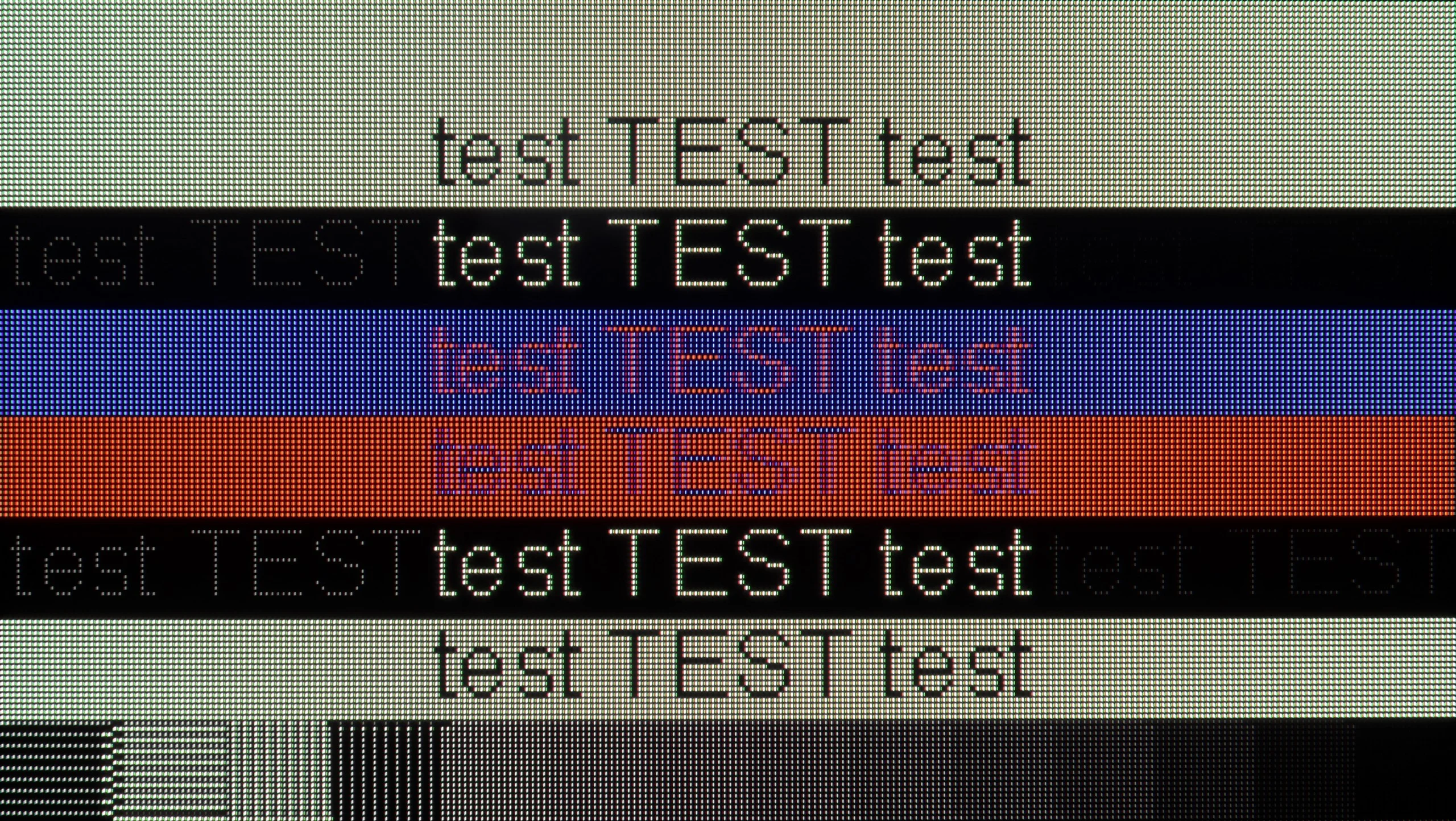
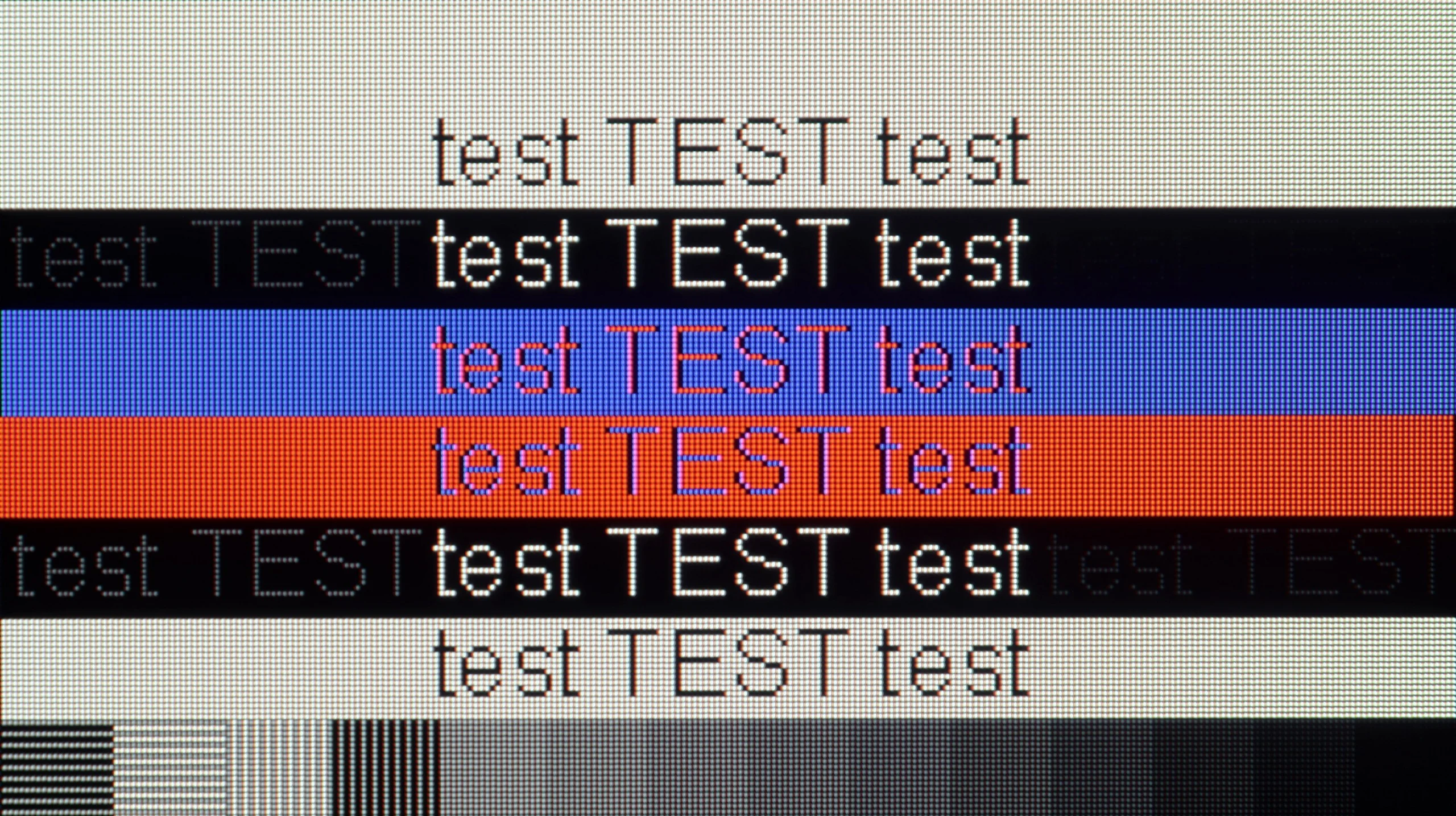
The photo shows the legibility of small fonts. Ideally, lines should be the same thickness on both light and dark text, with minimal pixel gaps.
Collaboration with a PC for the Philips OLED820 varies depending on the application. For gaming, it performs exceptionally well: a high refresh rate of 144 Hz combined with G-Sync support provides smoothness and responsiveness that other televisions would envy. The situation is less favorable when it comes to text work. The lack of proper implementation of chroma 4:4:4 causes fonts on colored backgrounds to be slightly blurred, which significantly lowers work comfort. Therefore, it's hard to recommend the OLED820 as a screen for office work with text or numbers. It's a pity that the manufacturer didn't learn from last year's models and this flaw continues to persist.
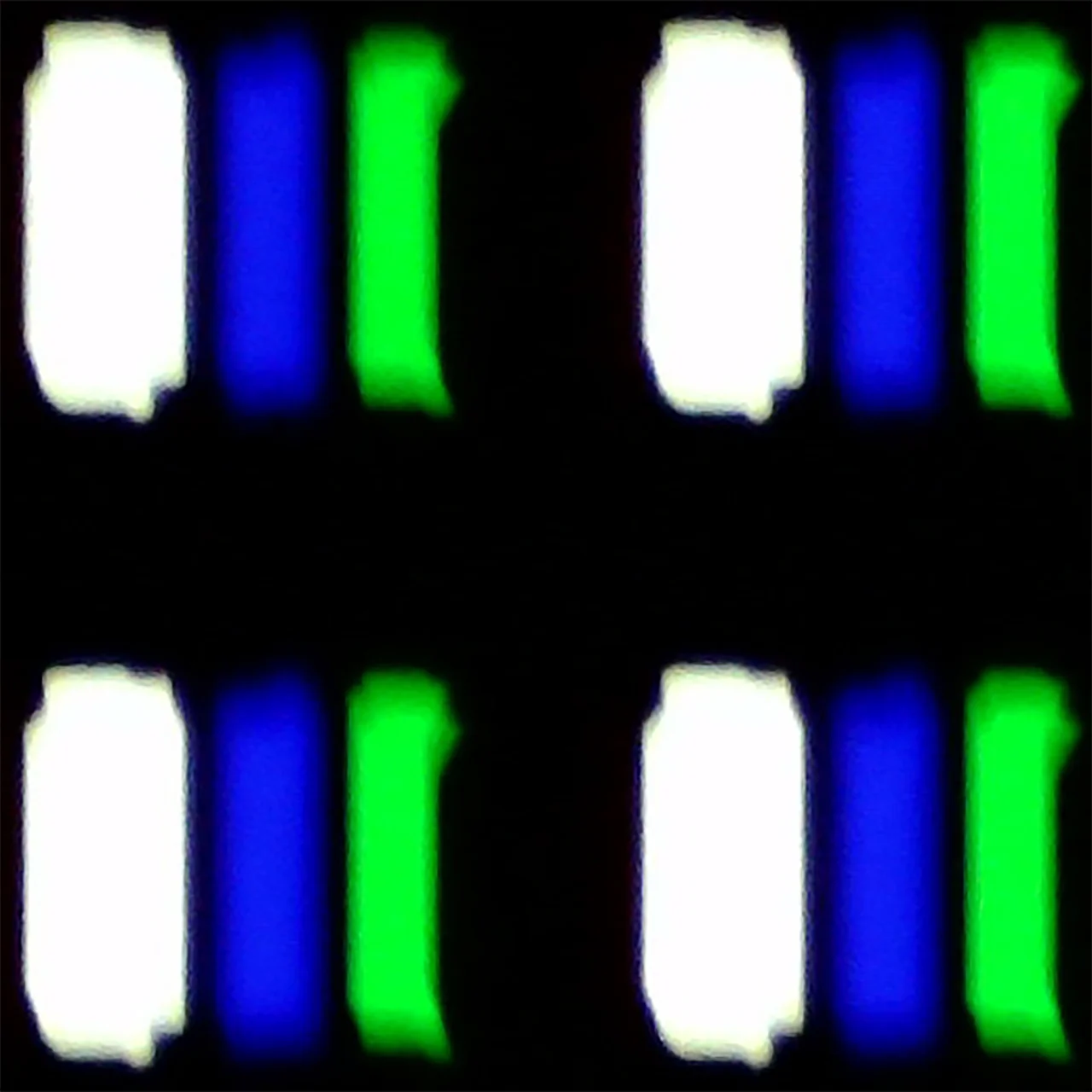
The LG B6 also works very well as a computer display. Low input lag, support for VRR, G-Sync and FreeSync, and a high refresh rate mean there's little to fault it for gaming. Compared with pricier models, it only lacks additional modes with even higher refresh rates. In the best OLEDs and some LCD TVs you can now find even 240 or 330 Hz at lower resolutions. The B6 doesn't have that, but for most people it won't be a big loss. What may matter more is the WOLED panel's subpixel structure. Because it uses four subpixels, small fonts in Windows aren't perfectly sharp and you can sometimes see slight colored fringes around them. For occasional web browsing or computer work that probably won't be an issue. However, anyone planning to buy a smaller variant, for example 48 inches, and use it as their main monitor at a desk should keep that in mind.
Viewing angles
7.4/10
7.5/10
The viewing angles on the Philips OLED820 are another advantage that should delight you. OLEDs have always been characterized by nearly perfect angles, so no matter where we look from, the image remains clear and readable. Indeed, the classic WOLED matrix does not match technologies like MLA OLED or QD-OLED, but it's still hard to criticize anything here. The angles are simply excellent.
Viewing angles on the LG B6 are very good, which is typical for almost all OLED TVs. Even at extreme side angles the picture maintains strong color saturation and doesn't noticeably lose brightness. In this respect, really only models with QD-OLED panels perform better. However, there's one thing worth mentioning. Some WOLED panels may show a slight greenish tint at extreme angles. This isn't a rule; some units exhibit the effect more, others hardly at all. It depends on the specific unit.
Daytime performance
5.7/10
4.8/10
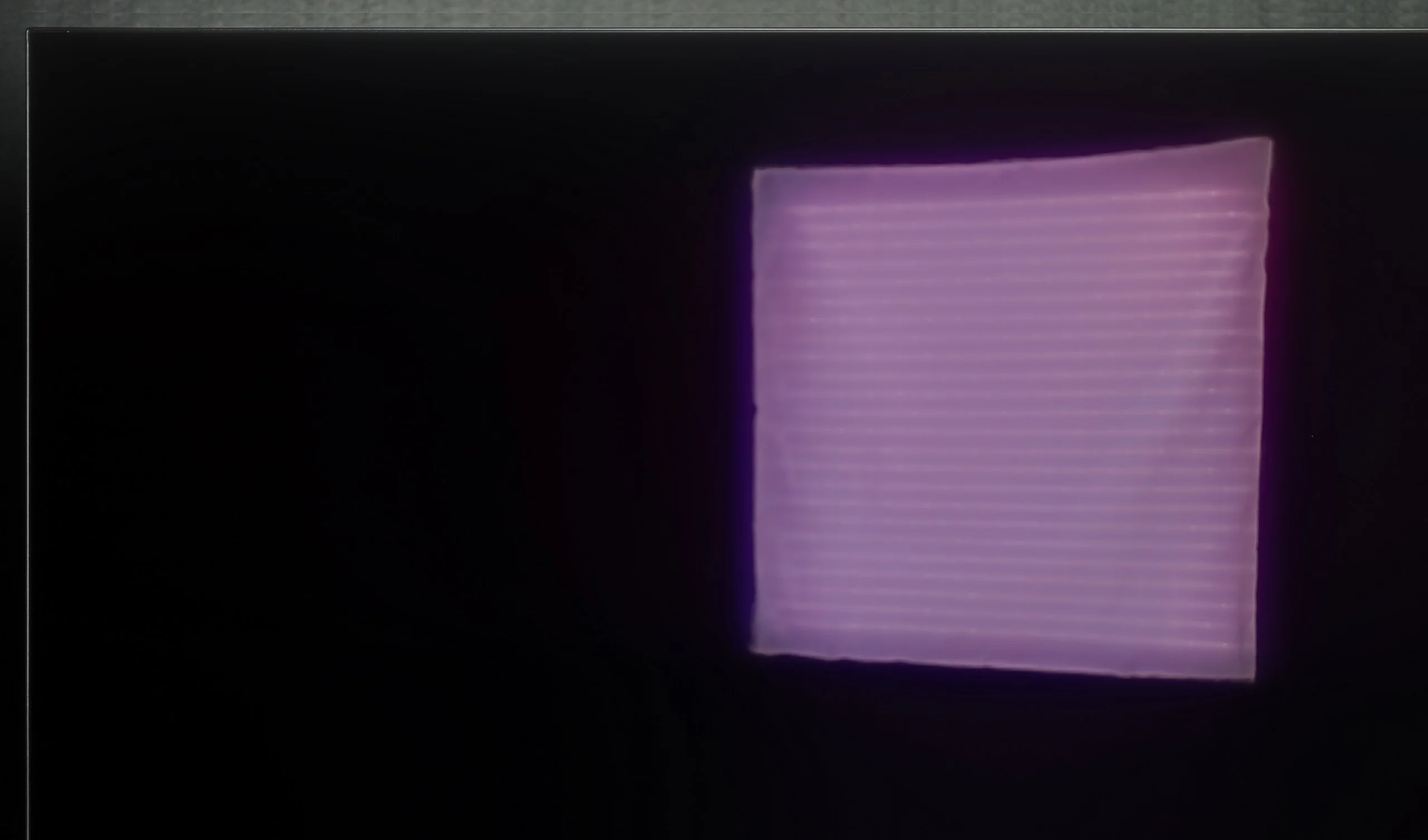
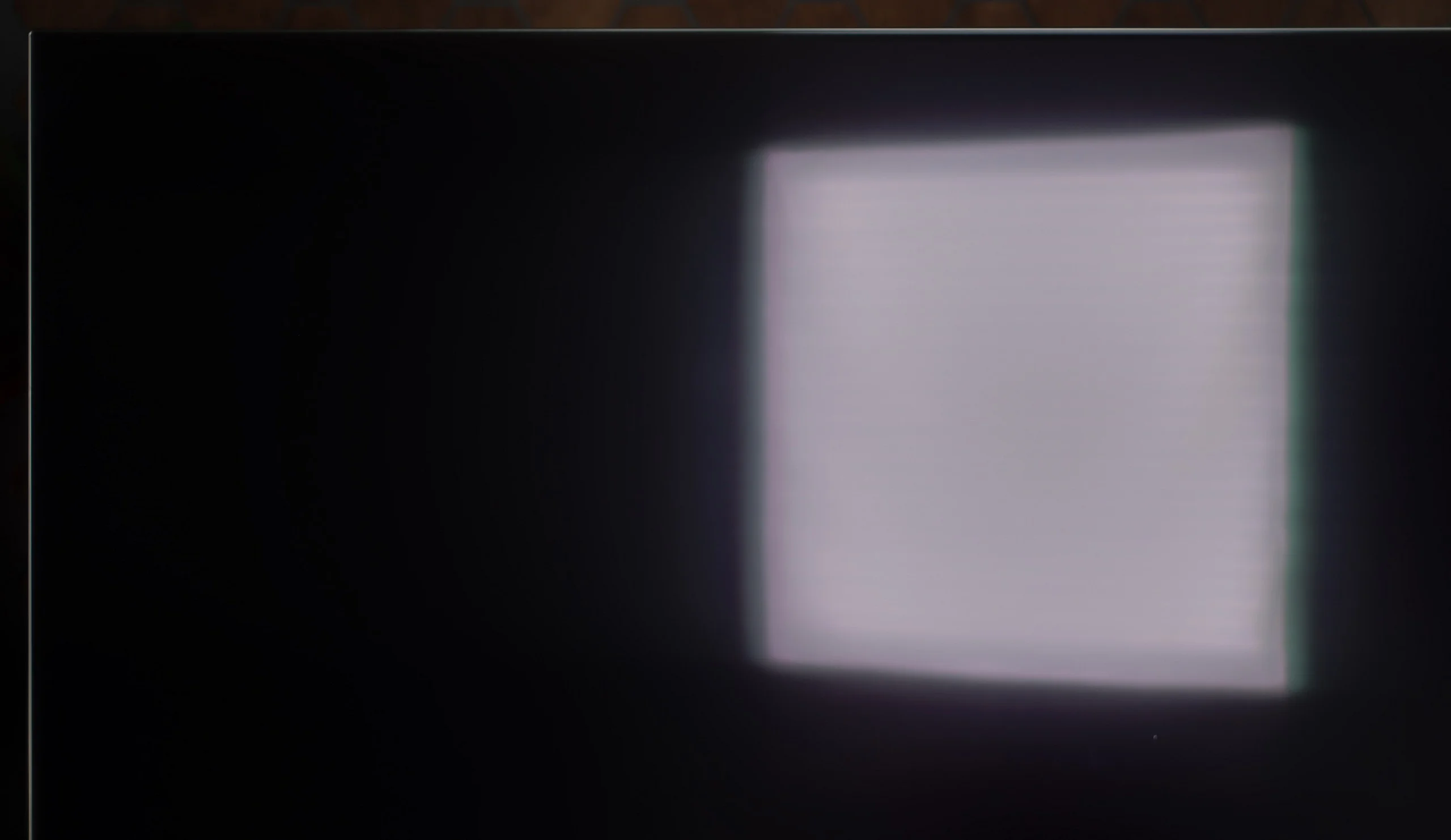
Panel brightness
LG OLED B6: 313 cd/m2
Philips OLED820: 345 cd/m2
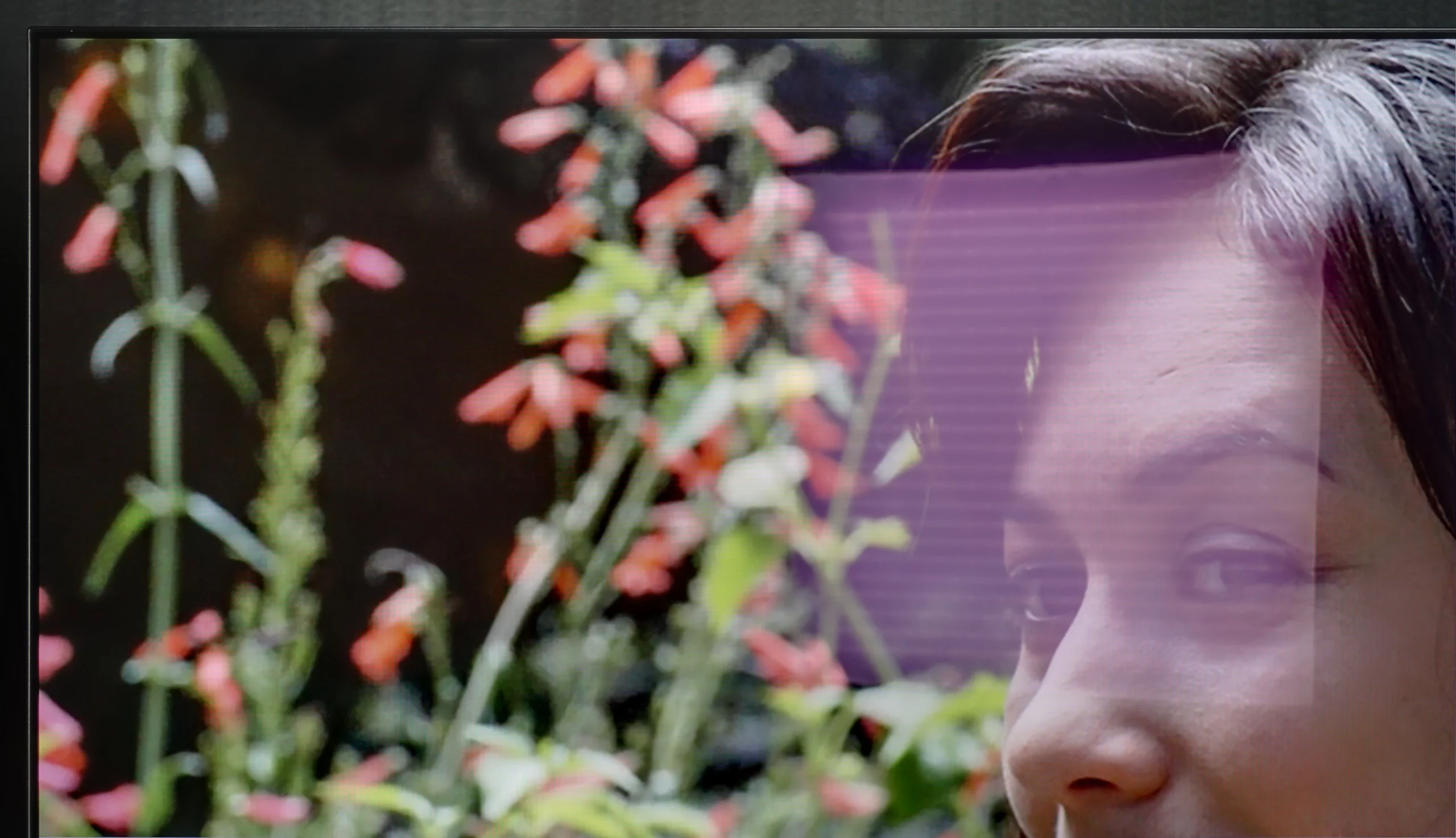
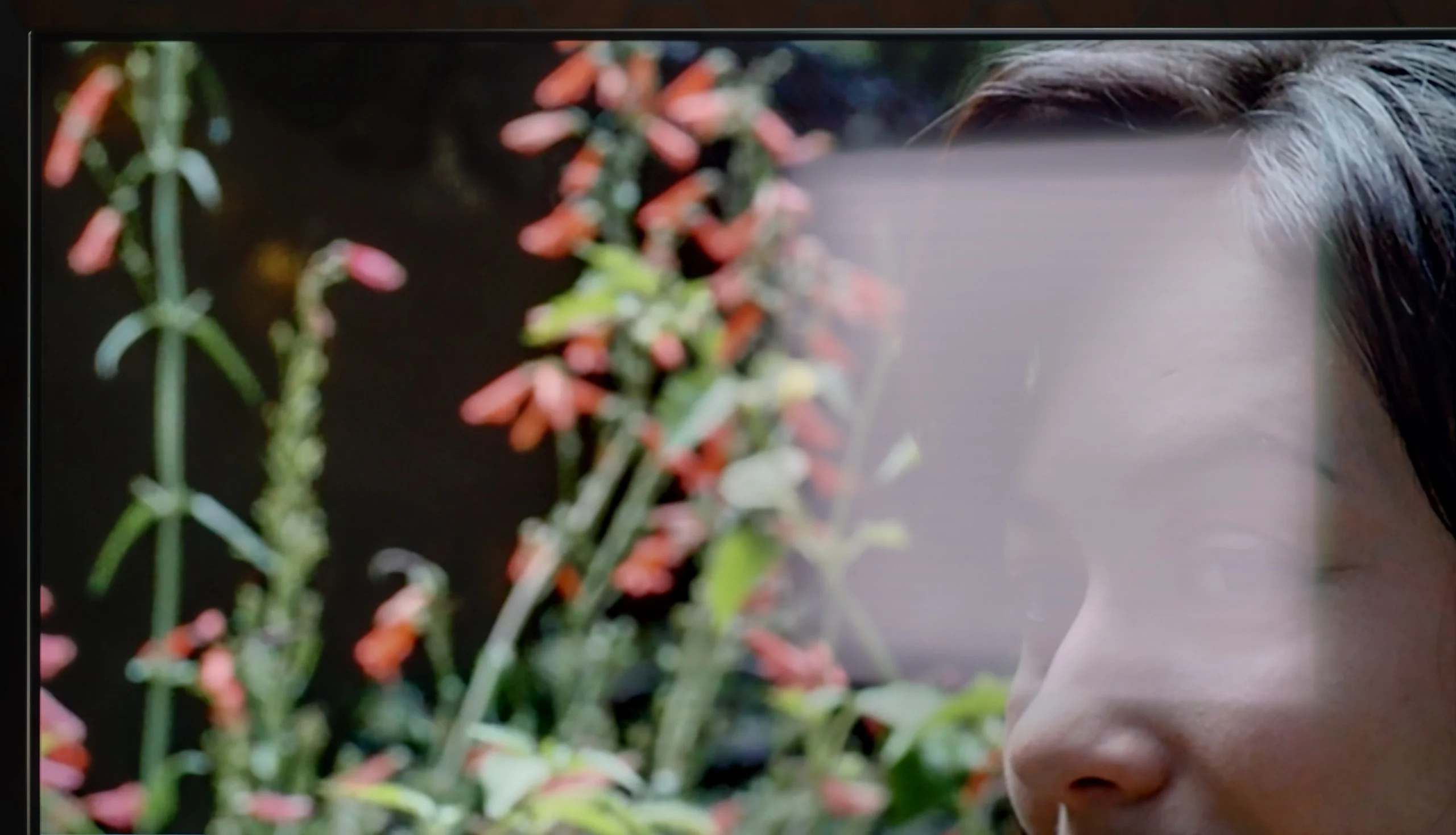
In the case of the LG B6, one of the bigger changes comes from the new OLED SE panel. The TV is slightly brighter than its predecessor, but at the same time it handles direct light reflections worse. The reason is a less effective polarizer, so reflections from windows or lamps are less effectively suppressed, and blacks in a bright room can look slightly lifted. LG tried to partially mask this effect with a satin screen coating. It does help to subtly diffuse reflections, but it doesn't eliminate them as effectively as earlier solutions. And in this respect the B series loses the most compared with the previous generation. During the day the screen no longer looks as clean, and strong light sources can clearly reflect on the panel.
That doesn't mean, of course, that the B6 is unsuitable for a bright living room. The higher screen brightness helps cut through ambient light, and during normal viewing the picture remains readable. The problem starts when there's a large window or a strong lamp opposite the TV. In those conditions the B6 doesn't perform at its best. So it's best used in a room where you can at least partially control the light falling directly on the screen.
Panel details
Subpixel Structure:
Panel uniformity and thermal imaging:


TV features
6.8/10
8/10
- SystemGoogle TVWebOS
- System performanceGoodDecent
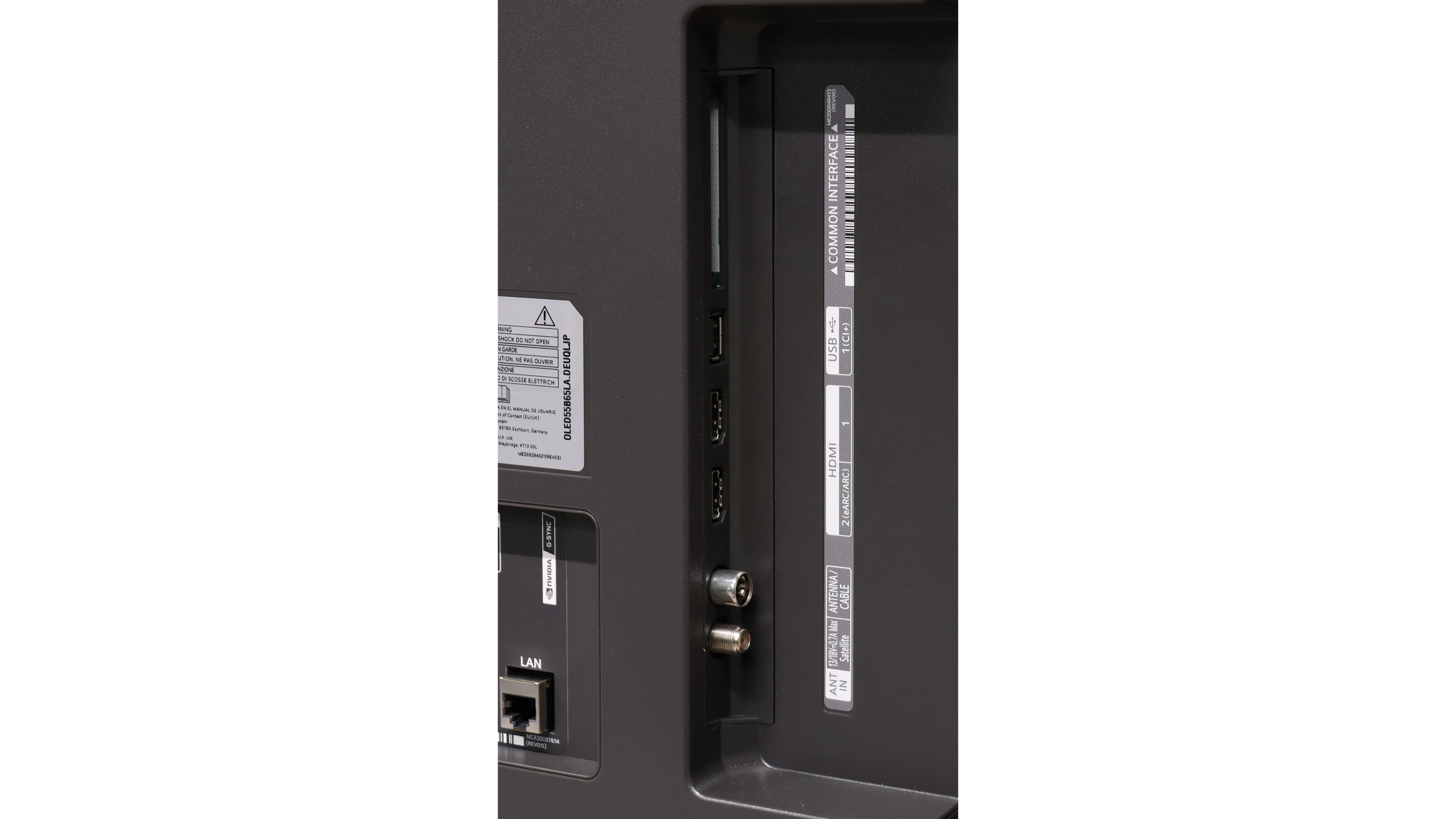
- HDMI inputs2 x HDMI 2.0, 2 x HDMI 2.1 48Gbps0 x HDMI 2.0, 4 x HDMI 2.1 48Gbps
- OutputsToslink (Optical audio), eARC (HDMI), ARC (HDMI), Mini-Jack (Headphones)Toslink (Optical audio), eARC (HDMI), ARC (HDMI)
- Network InterfacesWi-Fi 2.4GHz, Wi-Fi 5GHz, Ethernet (LAN) 100MbpsWi-Fi 2.4GHz, Wi-Fi 5GHz, Ethernet (LAN) 100Mbps
- TV receptionDVB-T, DVB-T2, DVB-S, DVB-S2, DVB-CDVB-T, DVB-T2, DVB-S, DVB-S2, DVB-C
Classic features:
- Recording to USB (terrestrial TV)

- Recording programming
- Picture in Picture (PiP)
- RF remote control (no need to aim)
- Backlit remote control
- Teletext
- Audio only mode
- Bluetooth headphones support
- Simultaneous Bluetooth headphones & TV audio
Smart features:
- AirPlay
- Screen mirroring (Windows Miracast)
- Voice search
- Voice search in native language
- Ability to connect a keyboard and mouse
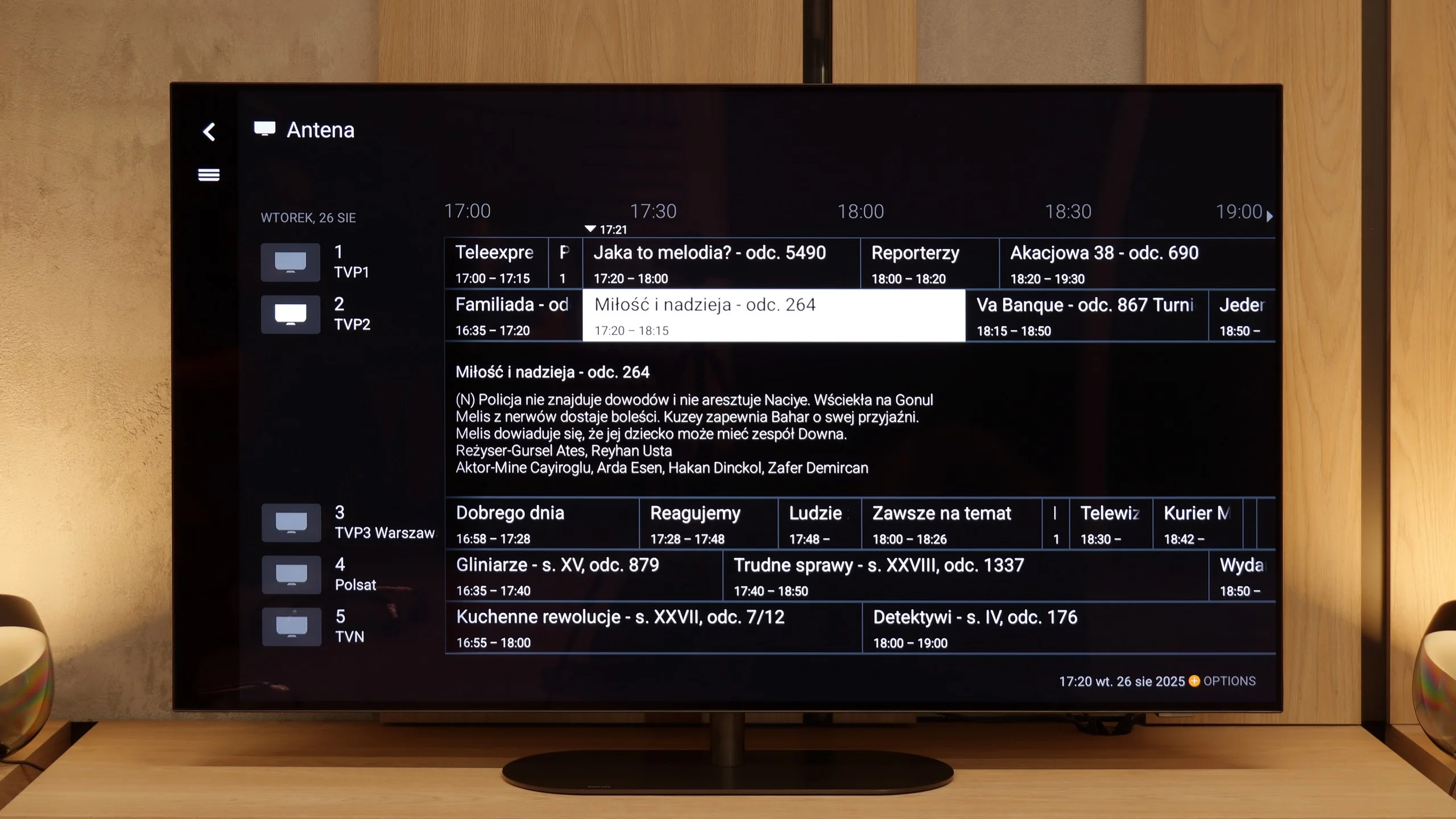
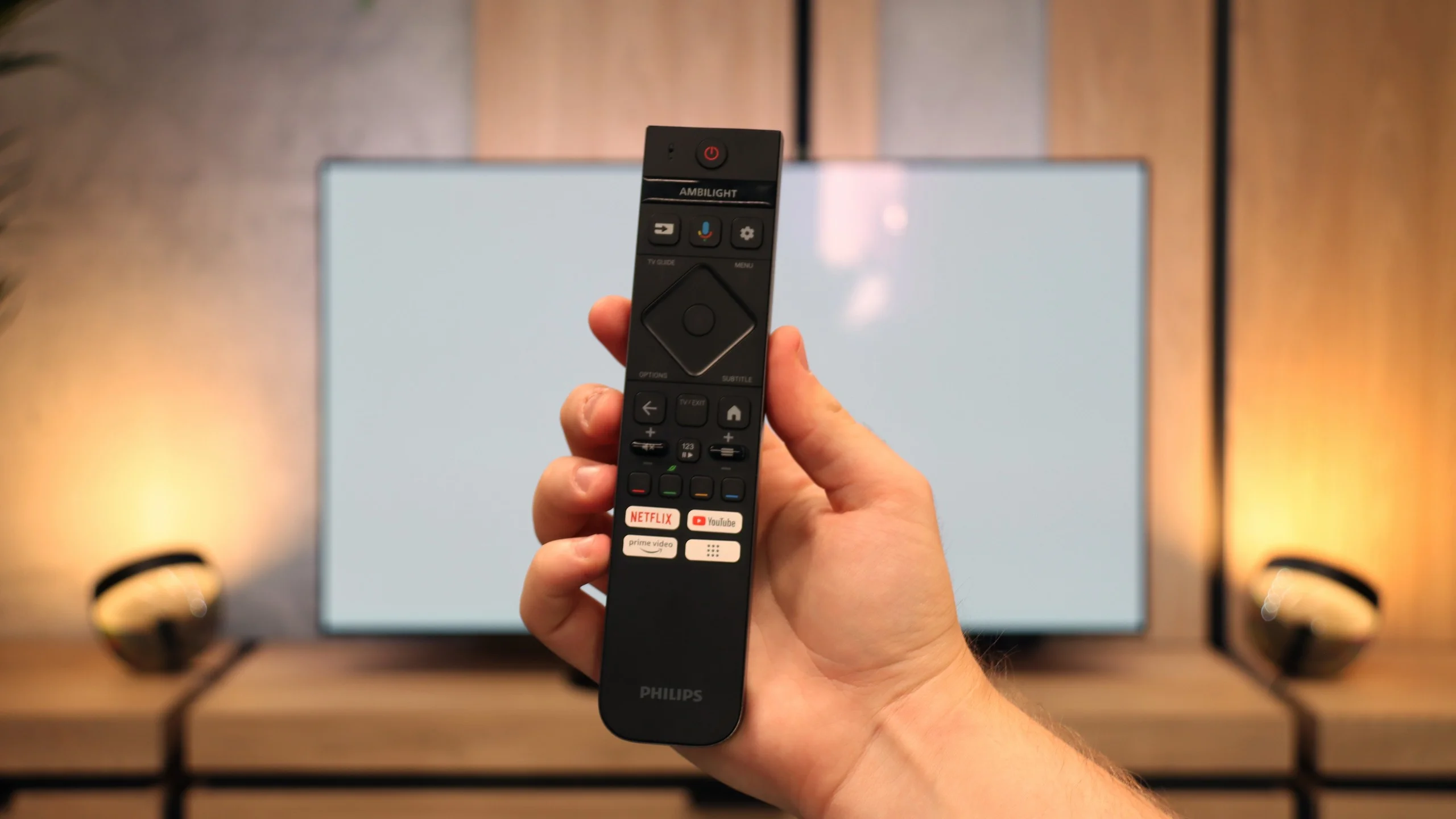
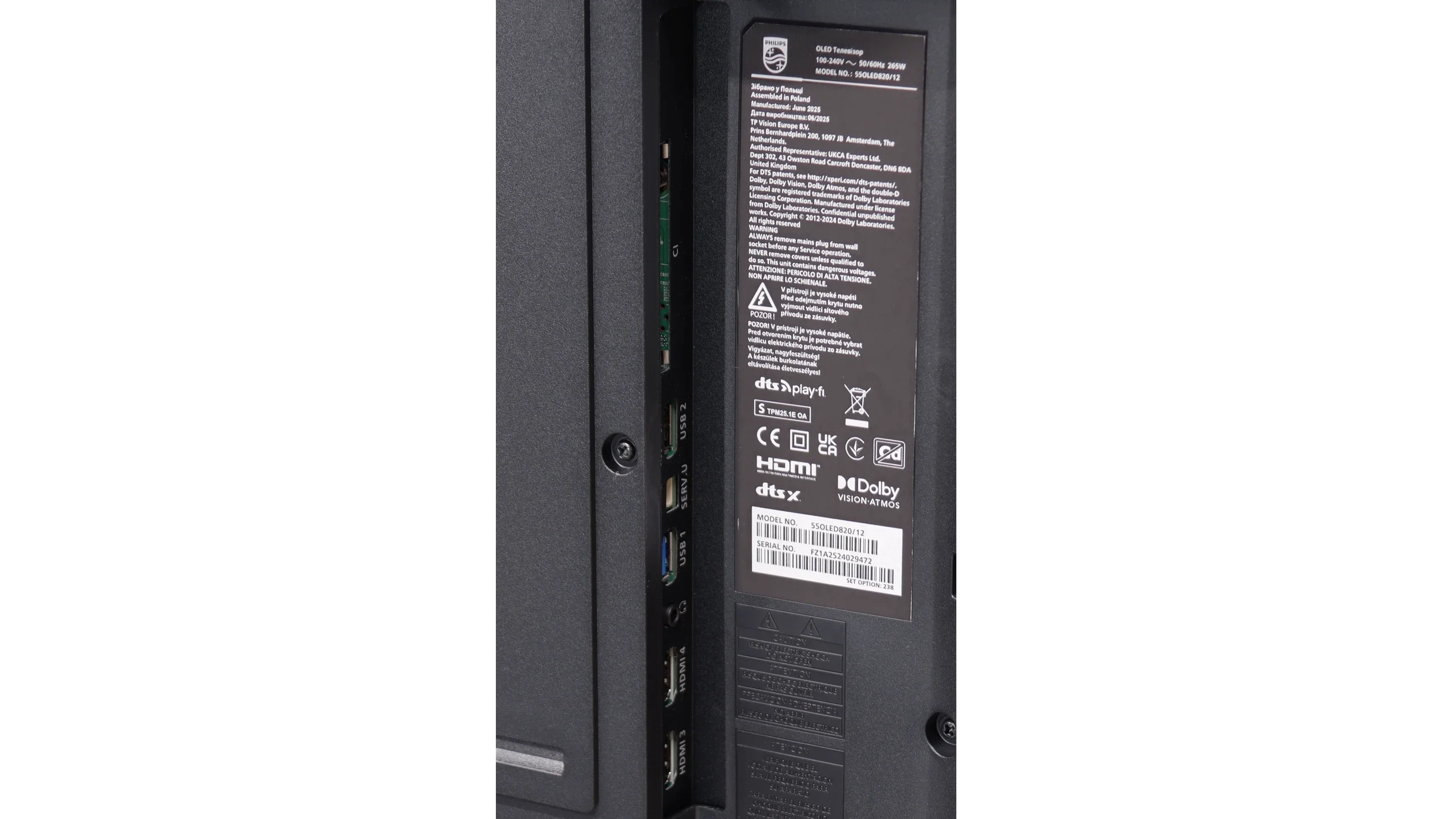
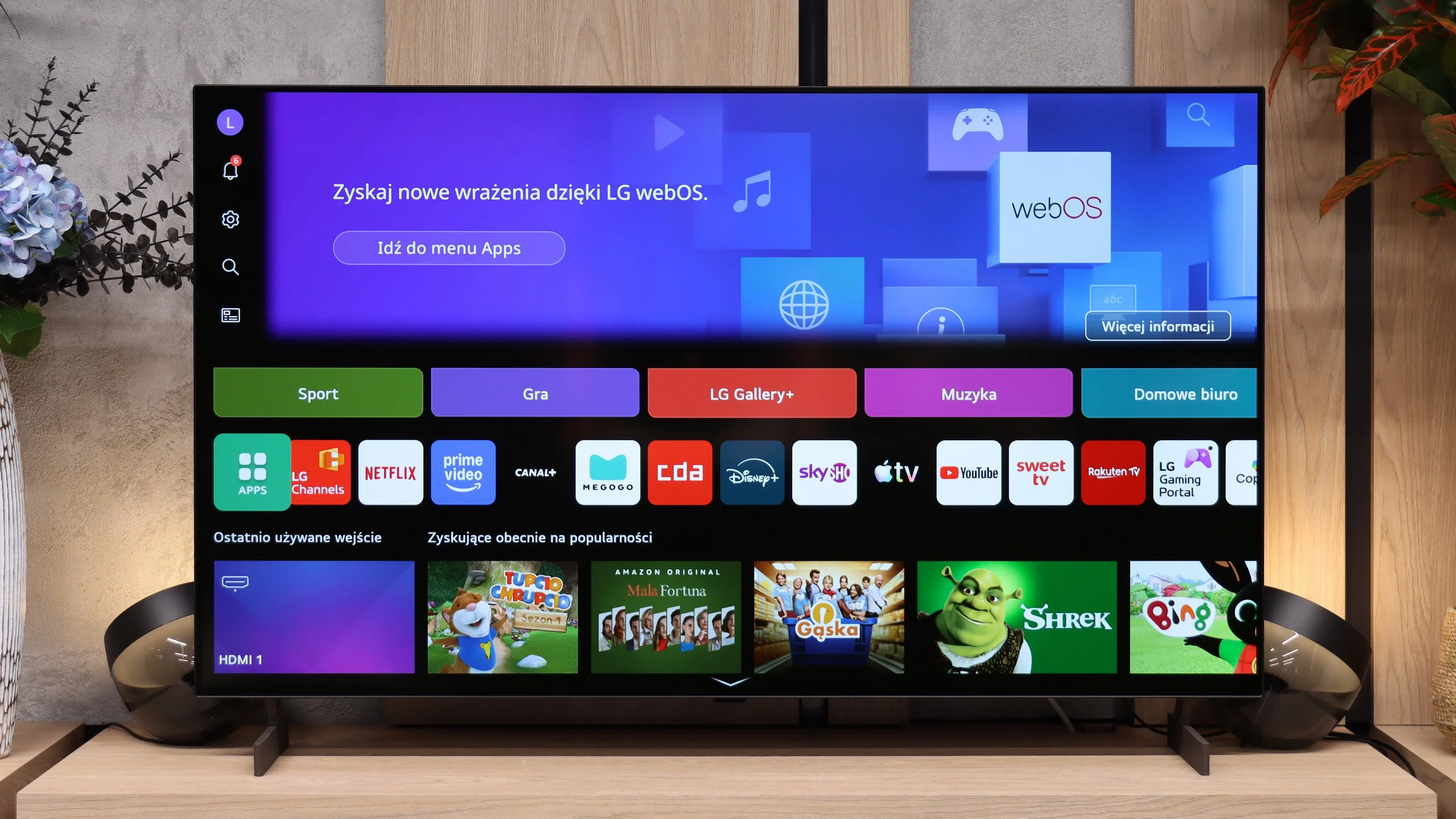
Sound connection options
- HDMI audioeARC (HDMI), ARC (HDMI)eARC (HDMI), ARC (HDMI)
- Other audio outputsToslink (Optical audio), Mini-Jack (Headphones)Toslink (Optical audio)
- Wireless audioBluetooth, DTS Play-FiBluetooth, DTS Play-Fi
Supported audio formats (external HDMI eARC audio):
- Dolby Digital Plus 7.1
- Dolby True HD 7.1
- Dolby Atmos in Dolby Digital Plus (JOC)
- Dolby Atmos in Dolby True HD
- DTS:X in DTS-HD MA
- DTS-HD Master Audio
Senior accessibility
- Numeric keyboard on TV
- Font size adjustment
- Audio description
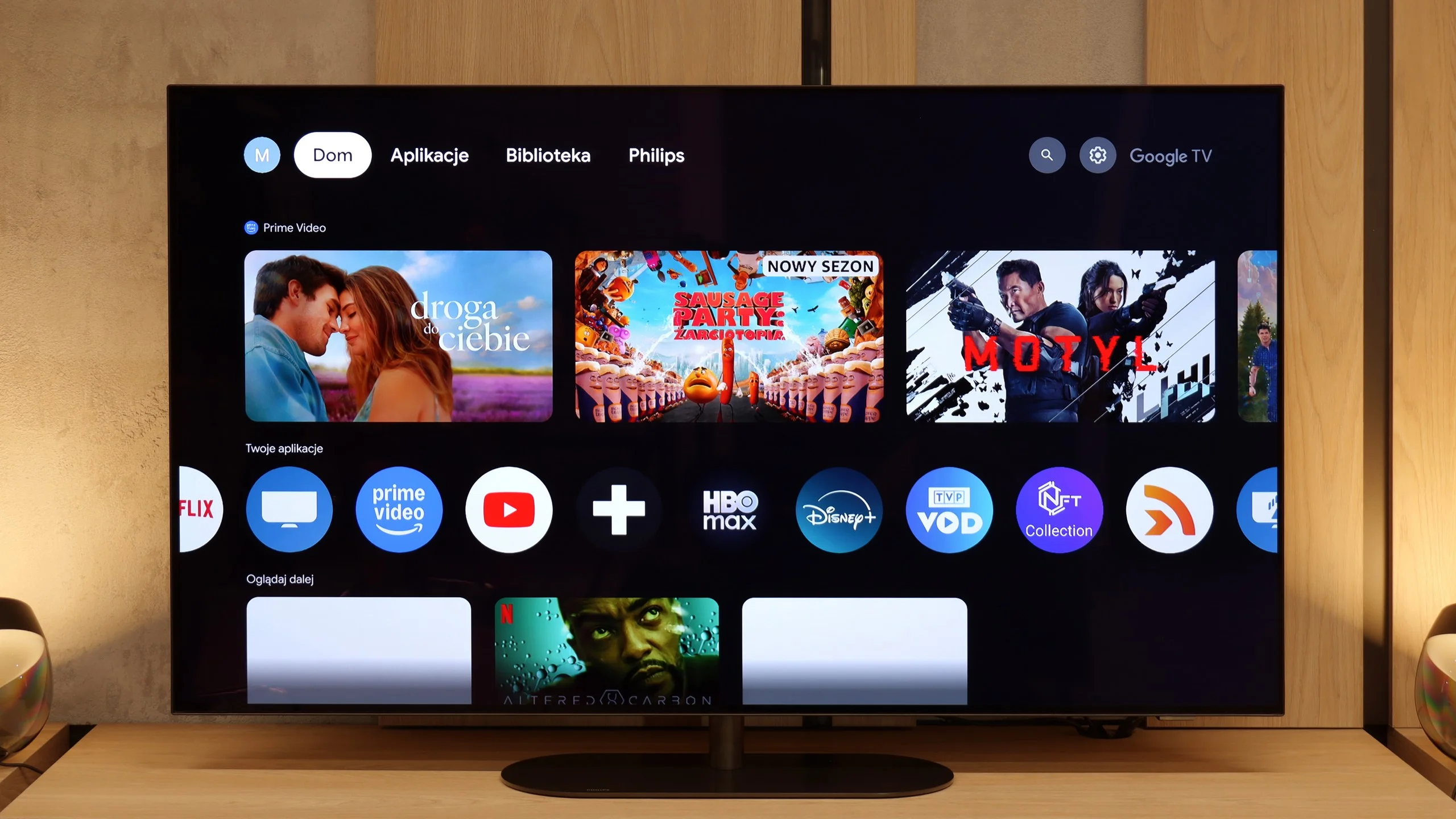
GoogleTV on OLED820
Philips OLED820 runs on the Google TV system, which immediately places it among the televisions that truly offer freedom of use. It's a fantastic platform that needs no introduction – you'll find almost an endless number of apps, from popular VOD services to niche programs or games. Google TV also allows you to customize the home screen, tailoring content to your preferences, so the television actually "learns" your viewing style. A huge plus is also Google's voice assistant – quick, natural, and effective. It can understand even less obvious questions, and in practice, it works significantly better than many competitors. Unfortunately, there was a hiccup – the screen mirroring function simply didn’t work during testing. This can be considered a minor issue, but in 2025, things like this just shouldn't happen.
Classic Features of OLED820
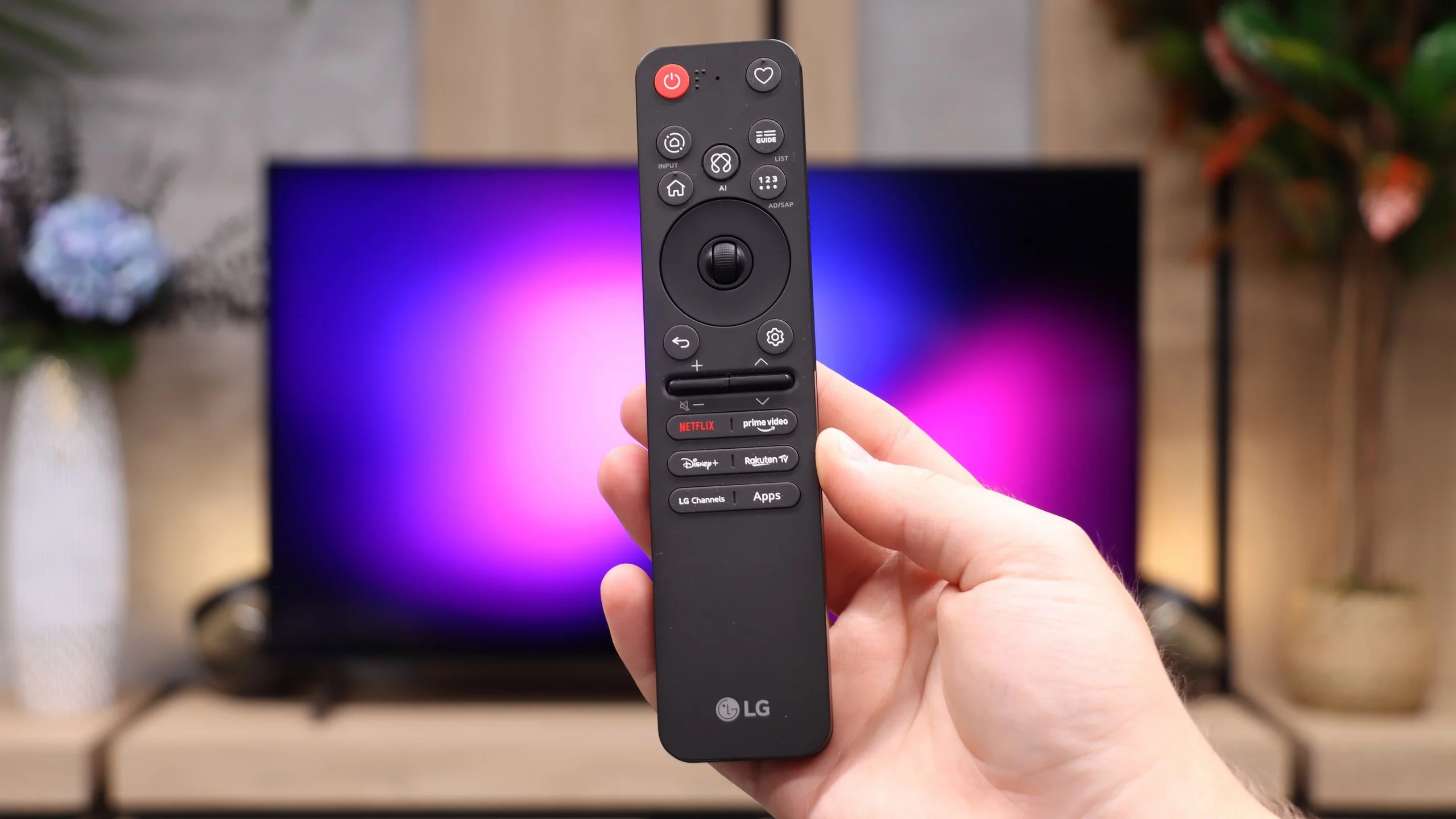
When it comes to classic additions, the OLED820 doesn't strive for conservative notes. On one hand, we get a backlit remote control with a numeric keypad that is quite well organized and comfortable to use. On the other hand, you have to aim it at the screen because it operates on infrared, which is more reminiscent of equipment from a decade ago than a modern television. It also lacks a few features that are often found in competitors – there's no USB recording from tuners or a PiP mode. A nice touch among classic solutions is the mini jack analog input for headphones. This is a rarity today, and it can prove useful – whether for a senior with an additional headphone station or for someone who would like to connect older speakers.
AmbilightTV OLED820
You also can't overlook Ambilight, a feature that is a hallmark of Philips. This solution impacts not only the television's appearance but also the reception of content. The lighting system can be set in various ways, from a multicolored mode that dynamically follows the image to calmer, static backlighting. We definitely recommend the latter option because the gentle light behind the screen makes the viewed content combined with the OLED matrix look even deeper and more engaging. It's a simple yet very effective addition that has given Philips televisions character for years.
Smart TV: webOS
LG B6 runs webOS, LG’s proprietary platform. Its biggest strength remains the way it’s controlled. The included Magic Remote works like a mouse; just move your wrist to move the cursor across the screen and point at the items you want. It may feel unusual at first, but it quickly proves very convenient, especially when typing text, selecting apps, or navigating a complex menu. The remote itself is fairly minimalist and doesn’t offer many traditional buttons, but the cursor control largely makes up for that. On the other hand, if you don’t want to wave your hand to type letters, you can always speak the desired phrase into the remote and the AI voice assistant will suggest appropriate recommendations.
In terms of available apps, it’s hard to fault webOS. You’ll find practically all the major streaming services here, as well as extra features like AirPlay, screen mirroring, and Chromecast. The TV therefore works well with both Apple phones and Android devices. It’s just a pity that the system on the B6 doesn’t run as smoothly as on higher-end models. At times it can respond with a slight delay, and the home screen is heavily loaded with recommendations, tiles, and ads. That doesn’t make webOS unusable, but it could certainly be more organized.
Classic features
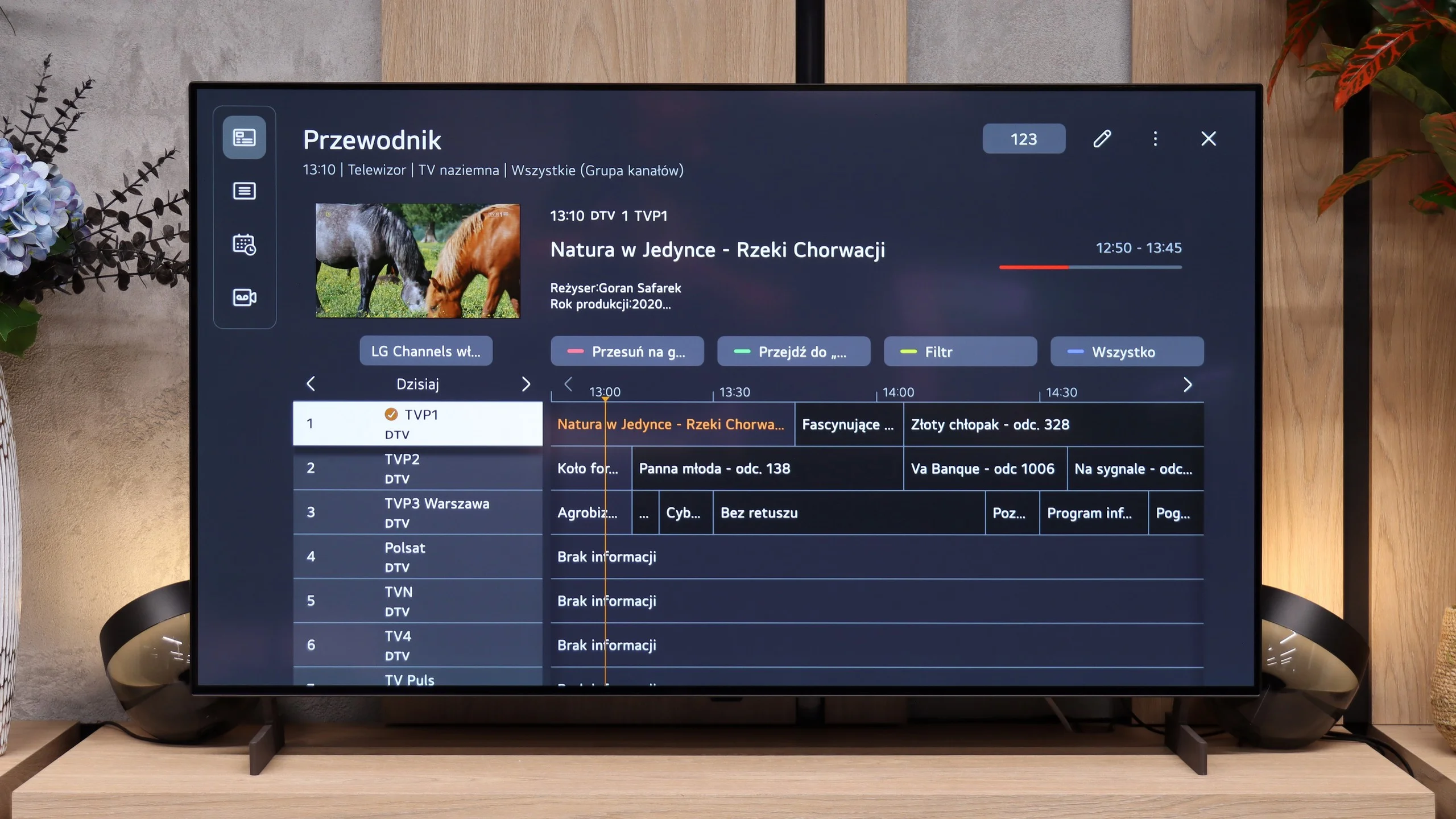
By contrast, the traditional TV features perform very well—features many manufacturers are starting to forget. The LG B6 lets you record programs to an attached hard drive or USB storage. The PVR function also supports scheduling, so you can program recordings in advance from the TV guide. This comes in handy when you want to save an episode, a match, or another event broadcast while you’re away. There’s also a clear channel guide and solid support for terrestrial, cable, and satellite TV. For people who still regularly use traditional television, the B6 is therefore a relatively complete device, provided the lack of teletext doesn’t bother you.
Apps
9.6/10
9.1/10






















Playing files from USB
9.5/10
9.1/10
Supported photo formats:
Maximum photo resolution:
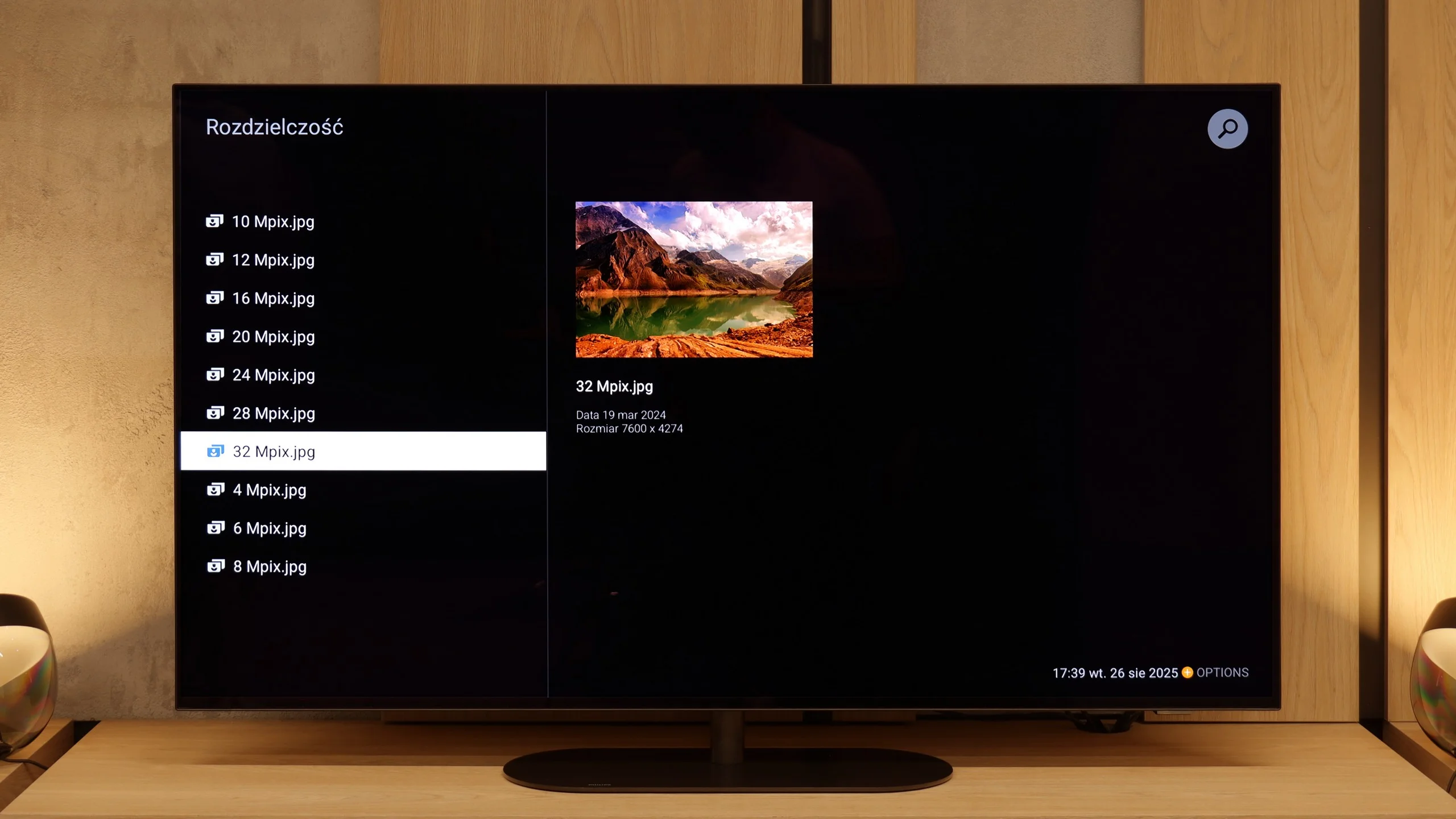
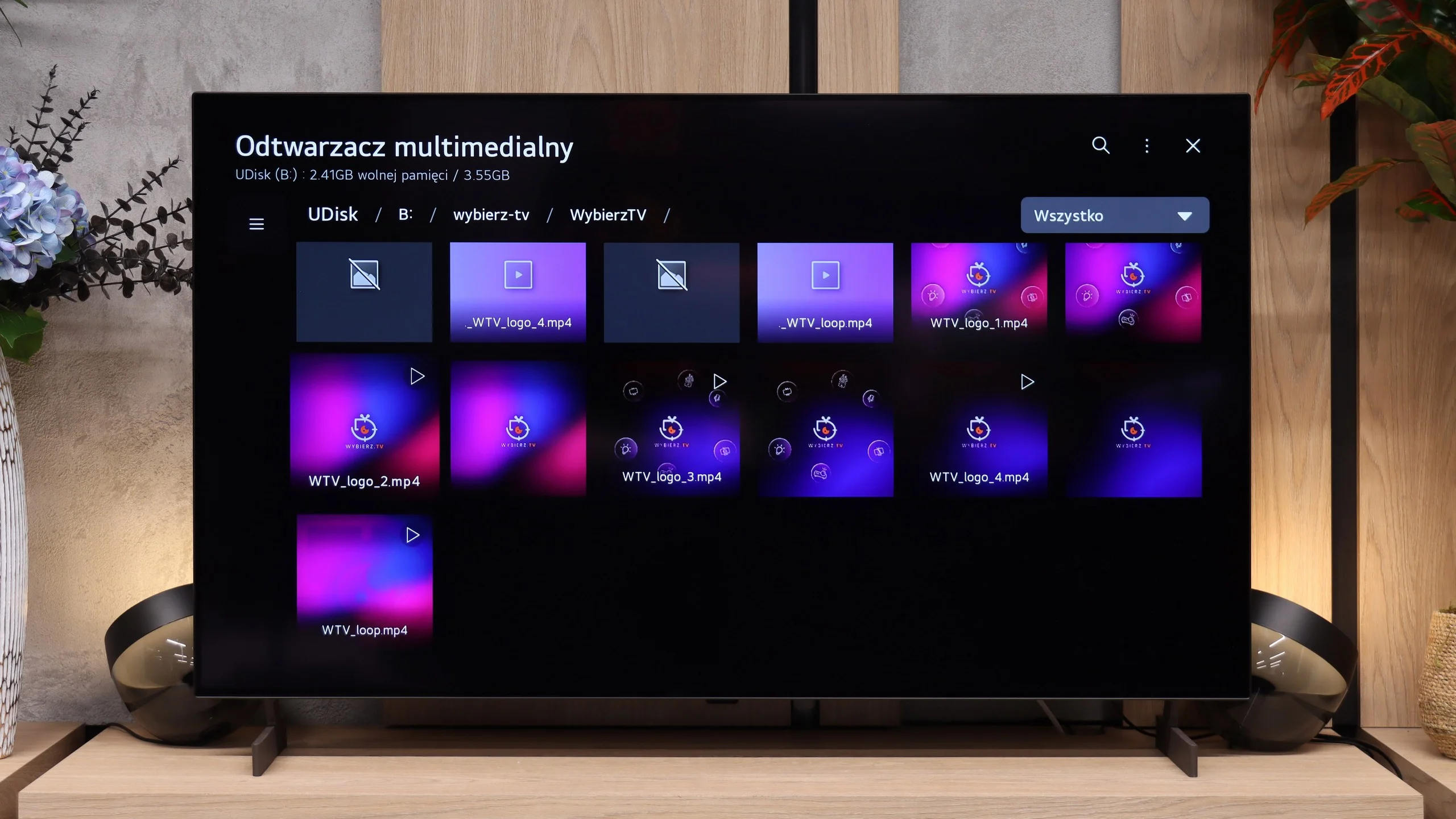
The Philips OLED820 has a built-in file player with USB, which at first glance looks quite clunky, but in practice, it works surprisingly well. One could even say that it is one of the best built-in players available in televisions. It handles virtually every type of file: photos, videos, or music, with minor exceptions, most of which are also not supported by the competition. And if someone still feels something is missing, there is always the option to install the VLC app from the Google Play library and the problem disappears.
The LG B6’s built-in player handles most popular video files played from USB without any major problems. The TV also properly supports subtitles and the most common audio formats, though it lacks DTS support. The situation is somewhat worse for photos. The list of supported formats is fairly limited and does not include HEIC, the format in which photos taken with an iPhone are saved by default. Such files therefore need to be converted to JPG beforehand, or you can simply use the AirPlay function.
Sound
7.7/10
6.7/10
- Maximum volume81dB87dB
- Dolby Digital Plus 7.1
- Dolby True HD 7.1
- Dolby Atmos in Dolby Digital Plus (JOC)
- Dolby Atmos in Dolby True HD
- DTS:X in DTS-HD MA
- DTS-HD Master Audio
The Philips OLED 820 features a built-in 4.1 speaker system with a total power of 70 W. At the back of the chassis, there is a subwoofer that provides quite solid and deep bass. The classic speakers responsible for the rest of the range are located at the bottom of the television, which means that the sound does not always propagate as we would like. However, the overall sound quality can be considered acceptable – series, television programs, or occasional music listening perform well, with slight bass support. This should be sufficient for daily use, although we still recommend purchasing even an inexpensive soundbar, which will significantly enhance the user experience.
In terms of sound, the LG B6 performs very similarly to last year's model. It still uses a 2.0 speaker setup rated at 20 W, which is more than enough for everyday viewing. Dialogue is clear and the sound doesn't sound bad, but there's no sense of space, dynamics, or bass you get from higher-end models. The TV supports the Dolby Atmos spatial audio format, but DTS:X is missing. The biggest problem, however, is not the speakers themselves but the settings. Compared with its predecessor, a large portion of the options for tailoring the sound to your preferences has disappeared. A few preset modes remain, including AI and Standard, but the ability to fine-tune the audio is much more limited than it was a year ago.
Sound Quality Test
No sound test video
Acoustic Measurements
81dBC (Max)
75dBC
87dBC (Max)
75dBC
Reader comments
Comments are provided by the external service Disqus (Zeta Global). Once loaded, Disqus may set cookies and process data about your activity.
We will remember your choice on this device. Provider's privacy policy