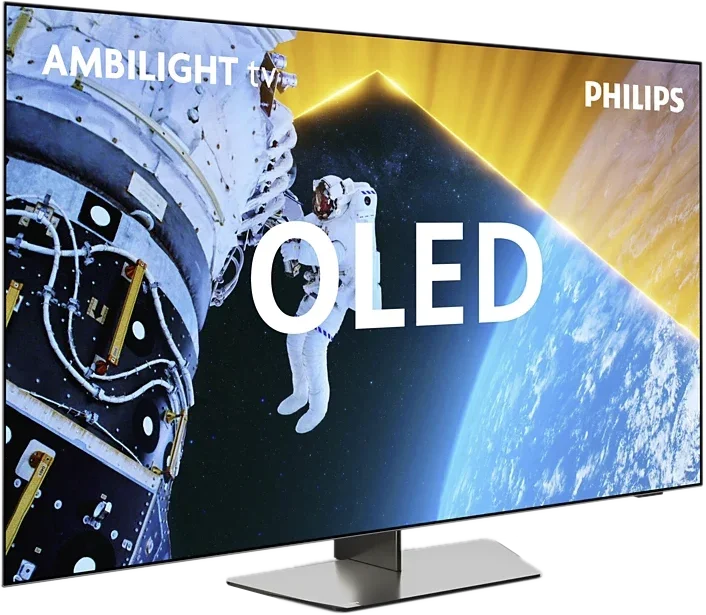
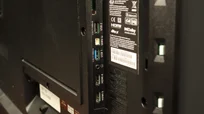
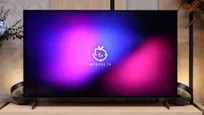
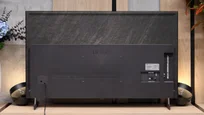
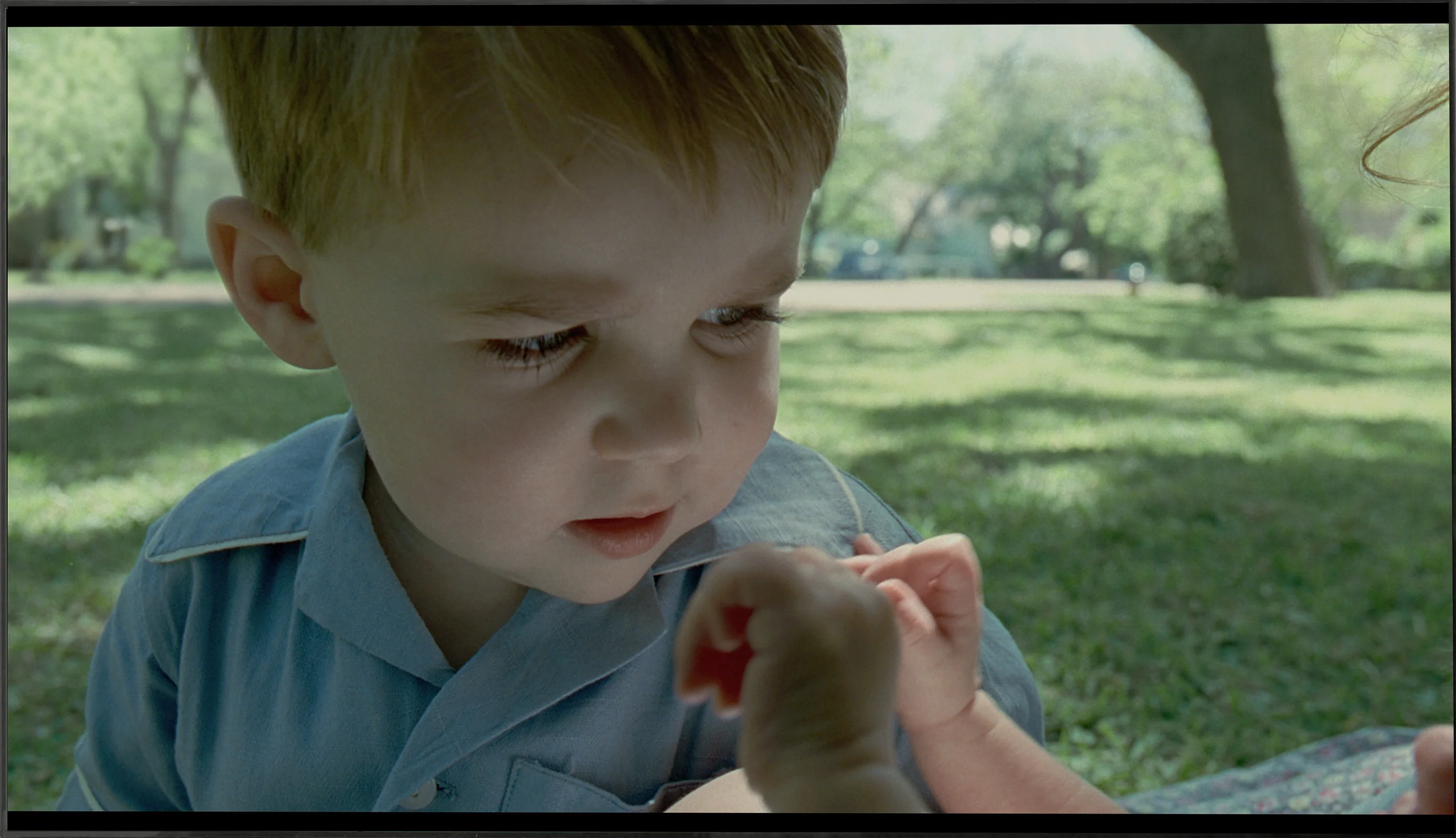
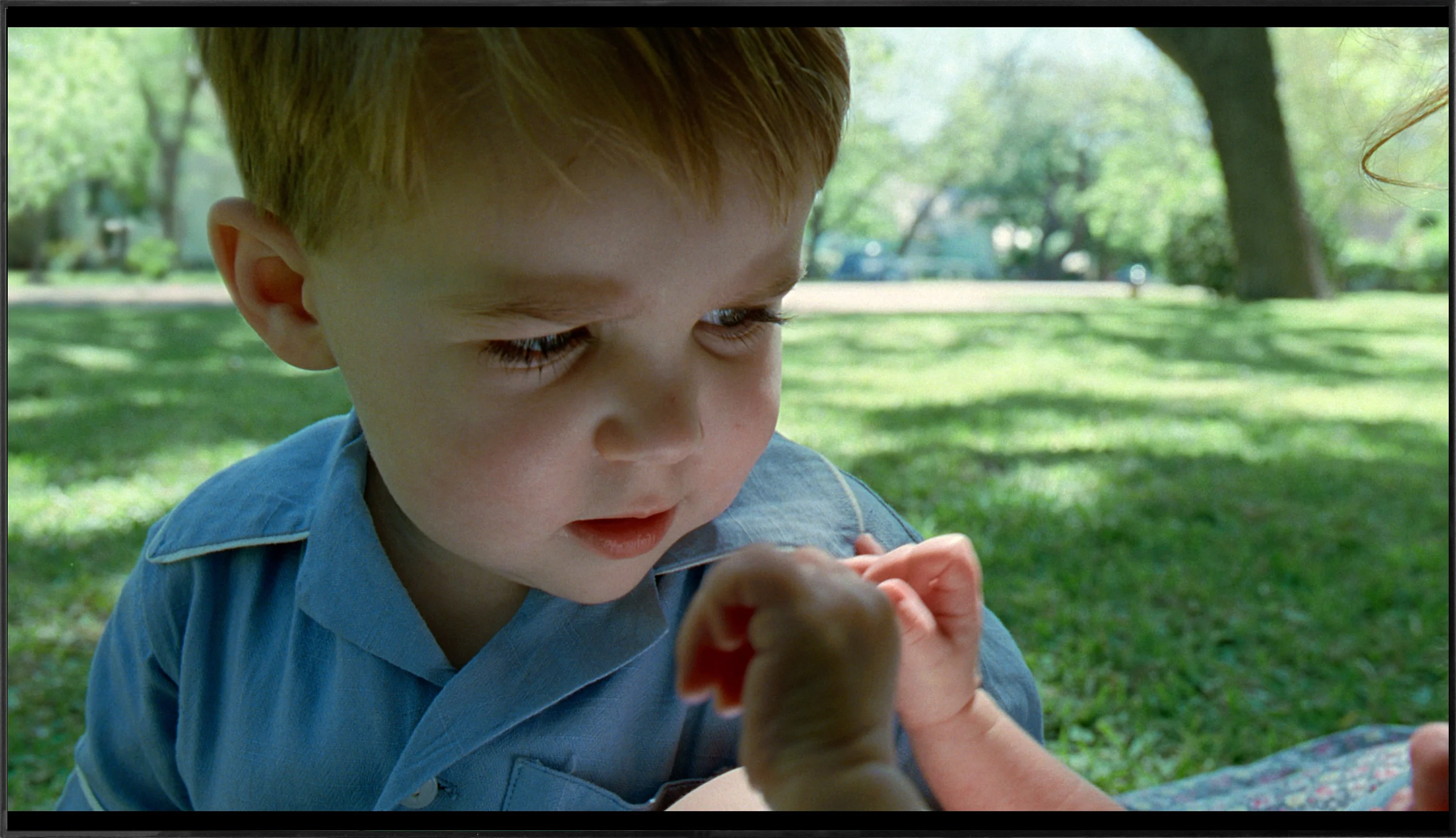
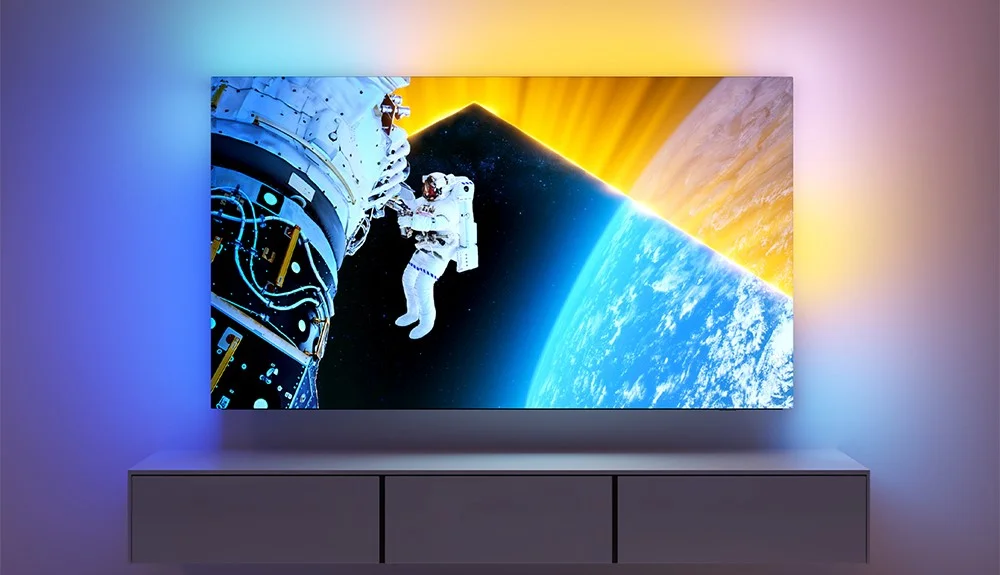
Before we dive into the software that controls the TV, it’s important to highlight one of the standout features of Philips OLED 809 is the multicoloured Ambilight. This unique system, positioned on the back of the device, adjusts its colours according to what's happening on the screen, enhancing immersion and overall viewing experience.
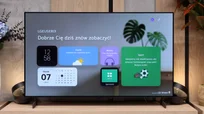
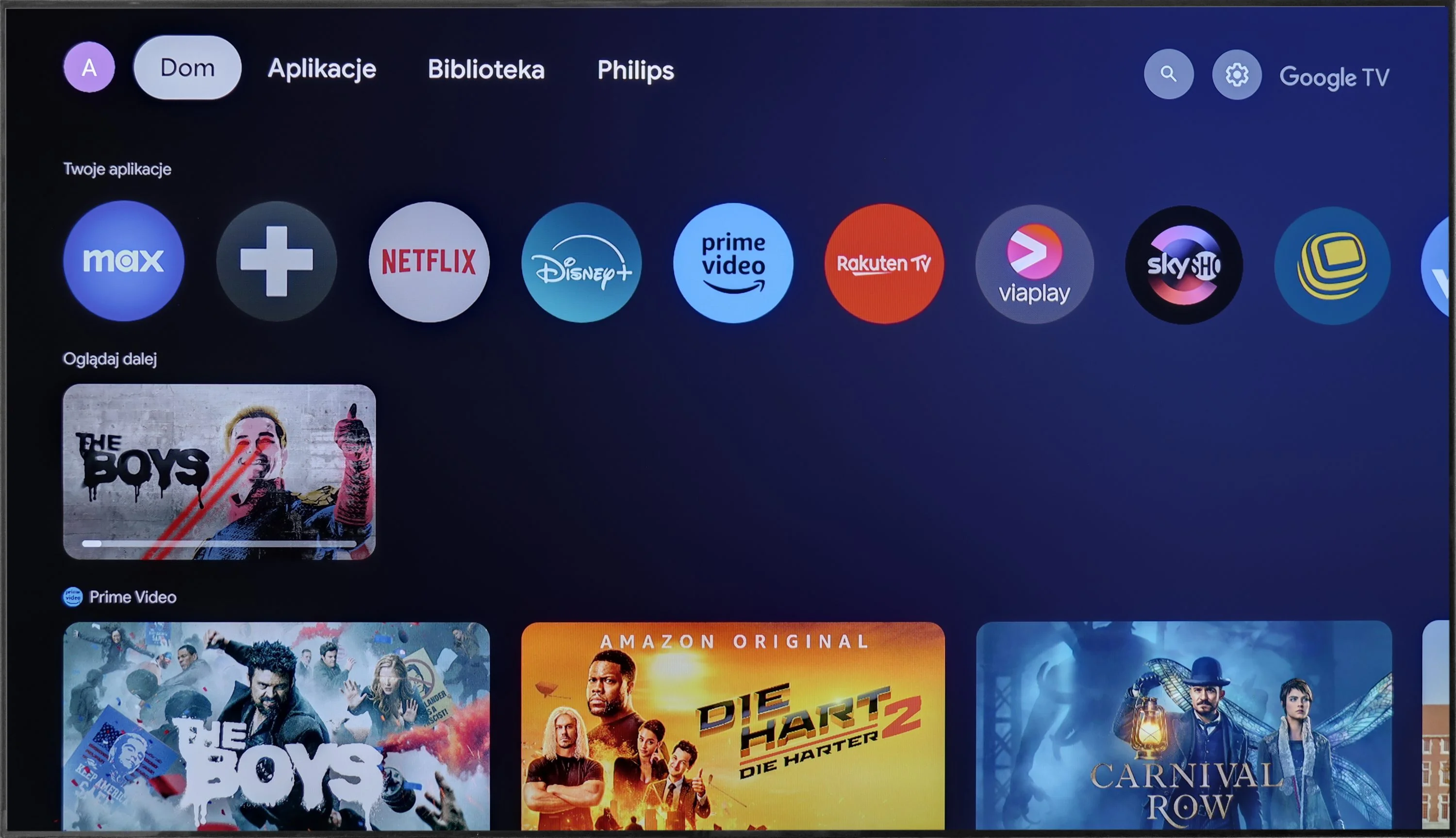
The Philips OLED 809 runs on the Google TV system, which is a significant advantage over some of the manufacturer's other models that use the proprietary TitanOS, a more closed system with fewer available apps. With Google TV, users can install virtually any application, from the store or via APK files directly from online repositories.
Additionally, Google TV offers convenient control options, such as easy integration with keyboards and touchpads for smoother typing and navigation. Voice commands can also be issued using the remote, with quick and accurate interpretation by the system.
In summary, Google TV is one of the most popular systems available today. Powered by a robust CPU, it operates smoothly and stably, without freezes or stutters. For those who want to make the most of their TV’s capabilities, Google TV offers the openness and versatility needed to enhance the overall experience.
Smart TV: webOS
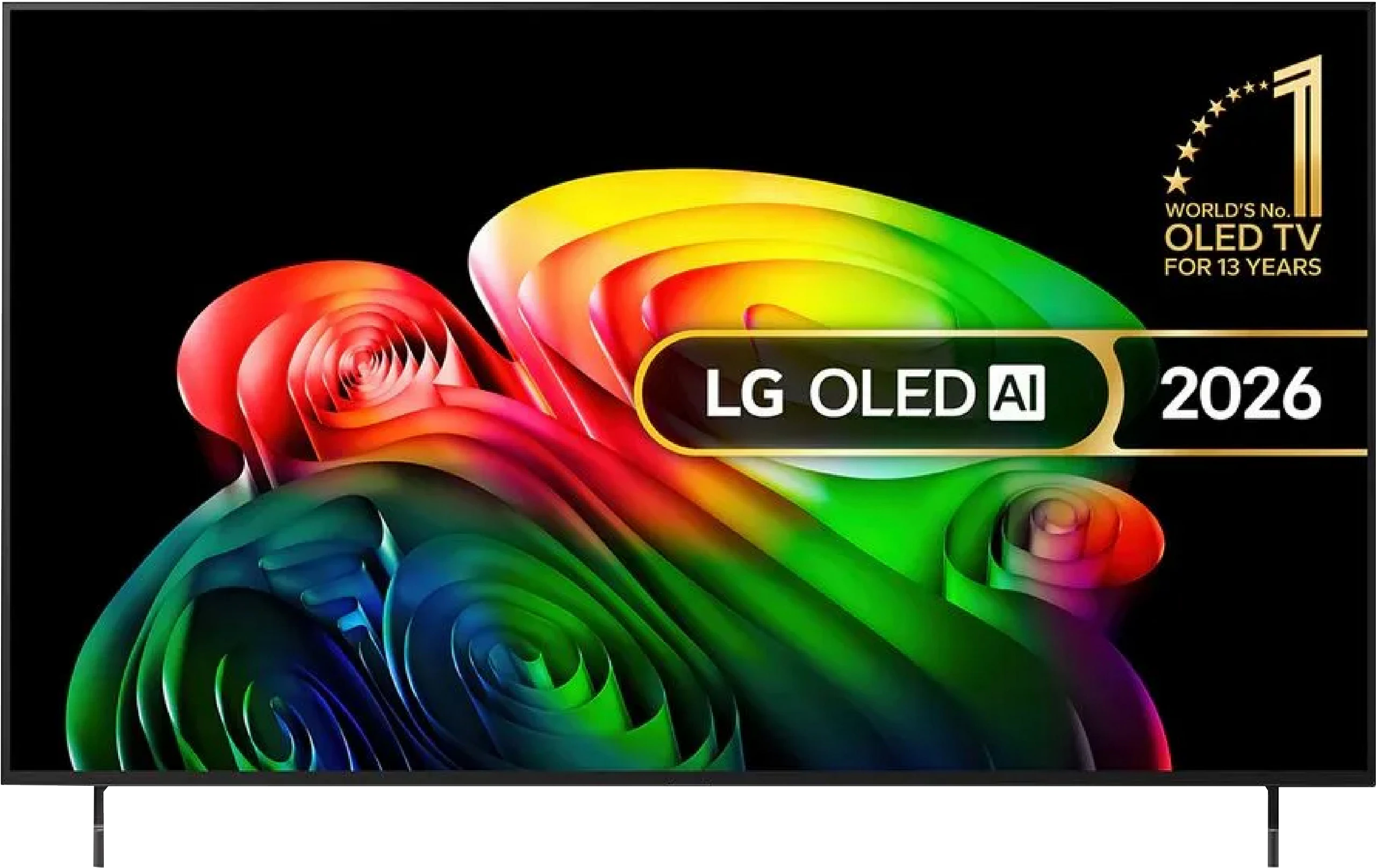
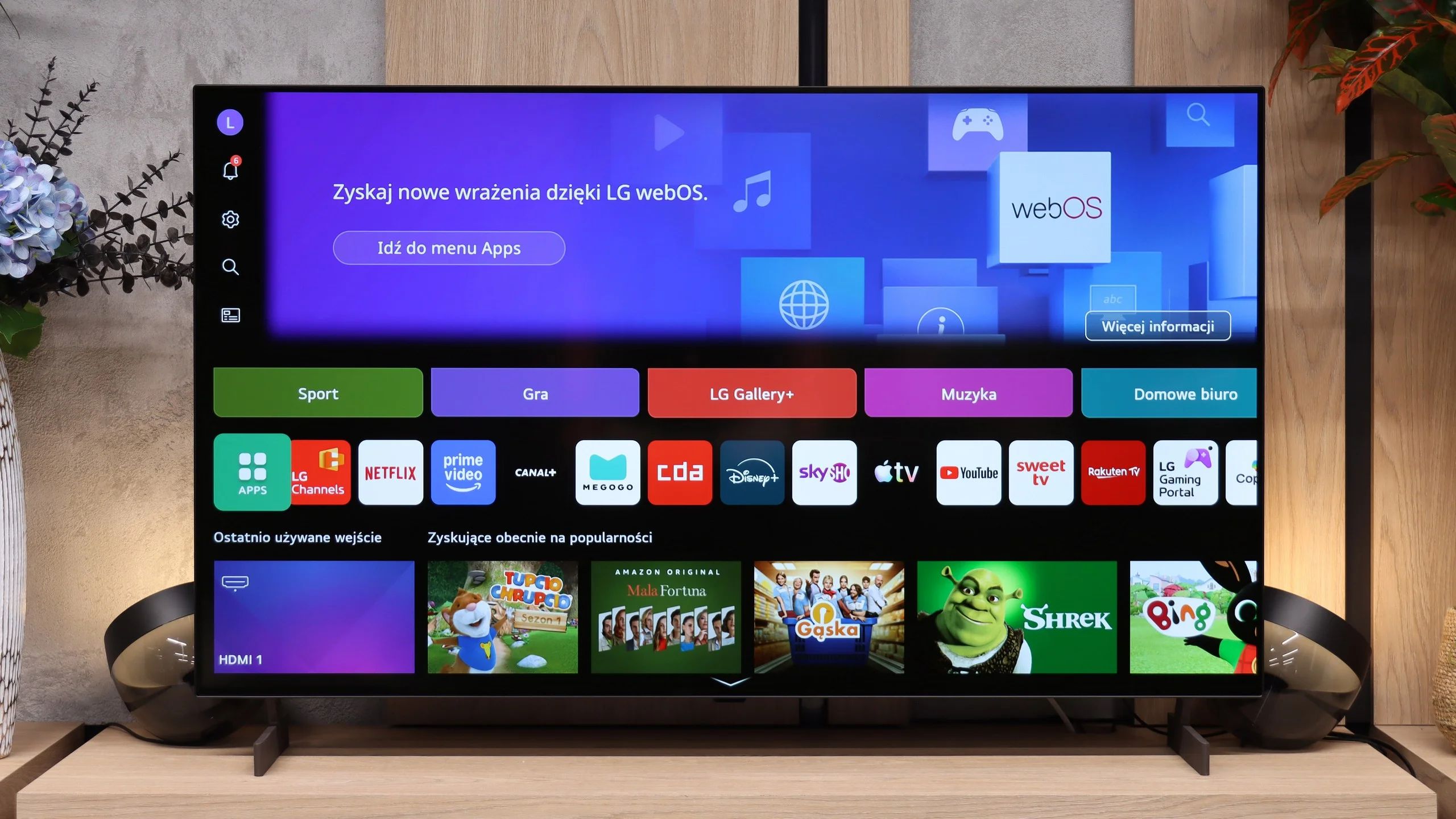
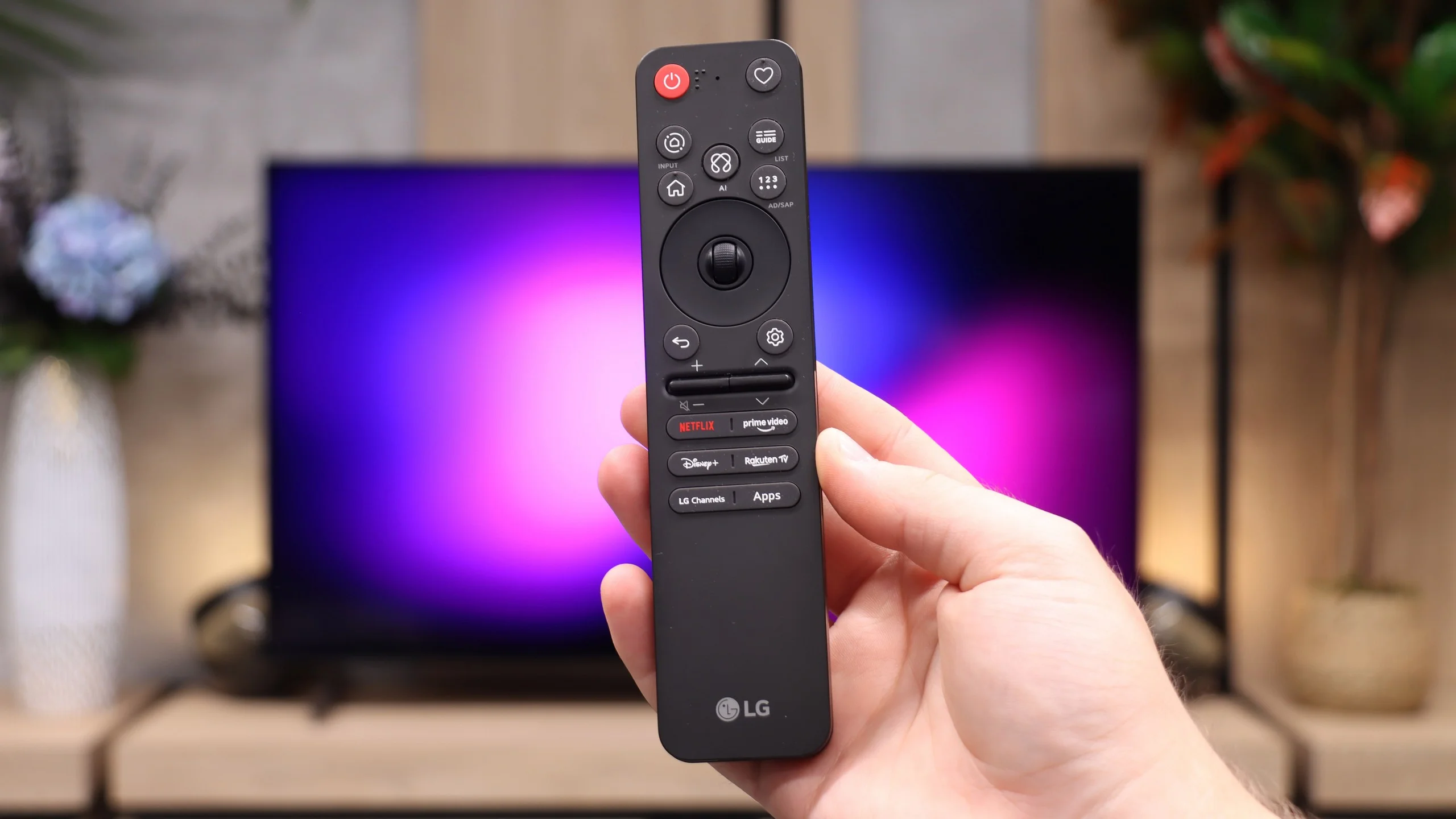
LG B6 runs webOS, LG’s proprietary platform. Its biggest strength remains the way it’s controlled. The included Magic Remote works like a mouse; just move your wrist to move the cursor across the screen and point at the items you want. It may feel unusual at first, but it quickly proves very convenient, especially when typing text, selecting apps, or navigating a complex menu. The remote itself is fairly minimalist and doesn’t offer many traditional buttons, but the cursor control largely makes up for that. On the other hand, if you don’t want to wave your hand to type letters, you can always speak the desired phrase into the remote and the AI voice assistant will suggest appropriate recommendations.
In terms of available apps, it’s hard to fault webOS. You’ll find practically all the major streaming services here, as well as extra features like AirPlay, screen mirroring, and Chromecast. The TV therefore works well with both Apple phones and Android devices. It’s just a pity that the system on the B6 doesn’t run as smoothly as on higher-end models. At times it can respond with a slight delay, and the home screen is heavily loaded with recommendations, tiles, and ads. That doesn’t make webOS unusable, but it could certainly be more organized.
Classic features
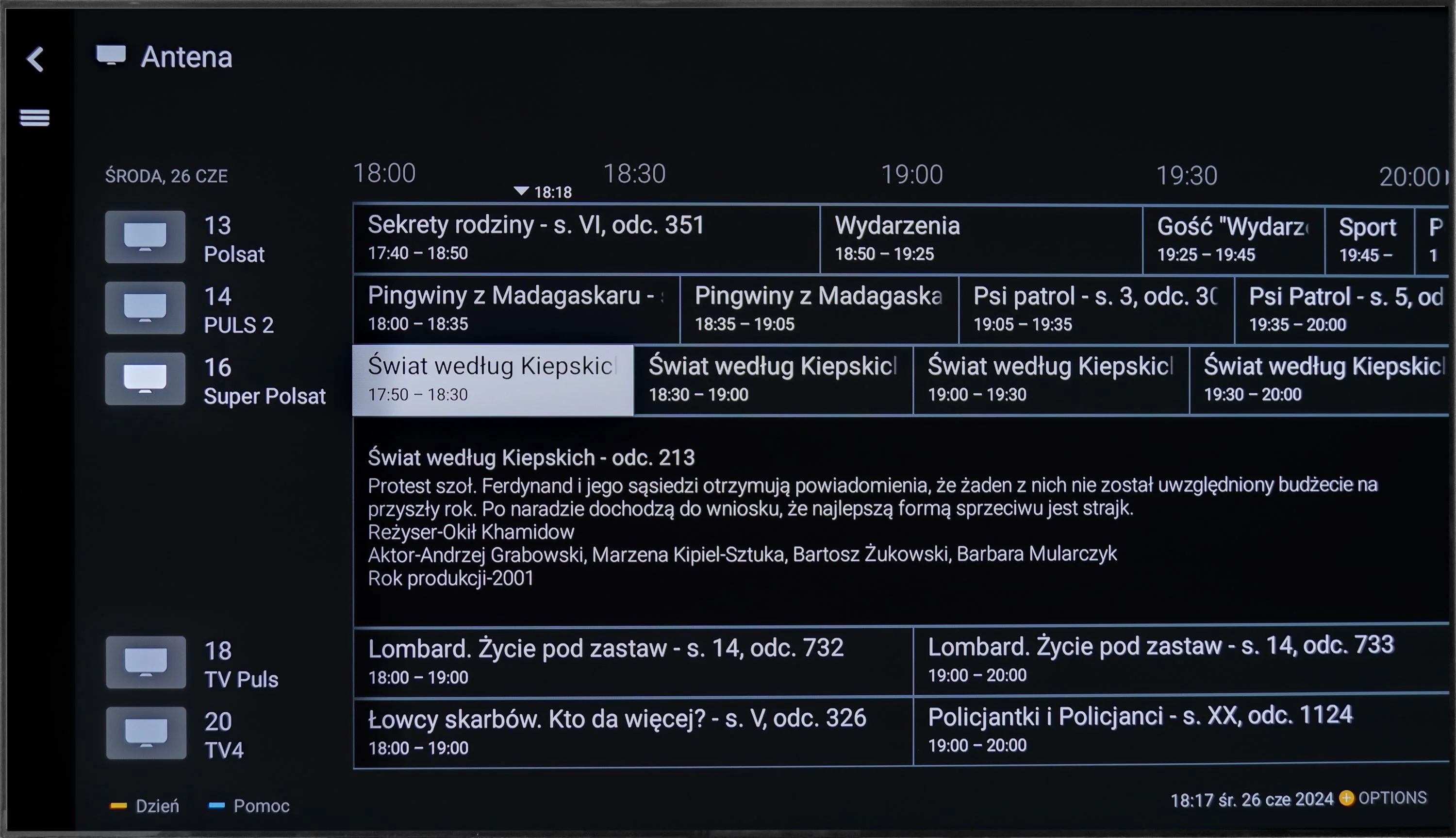
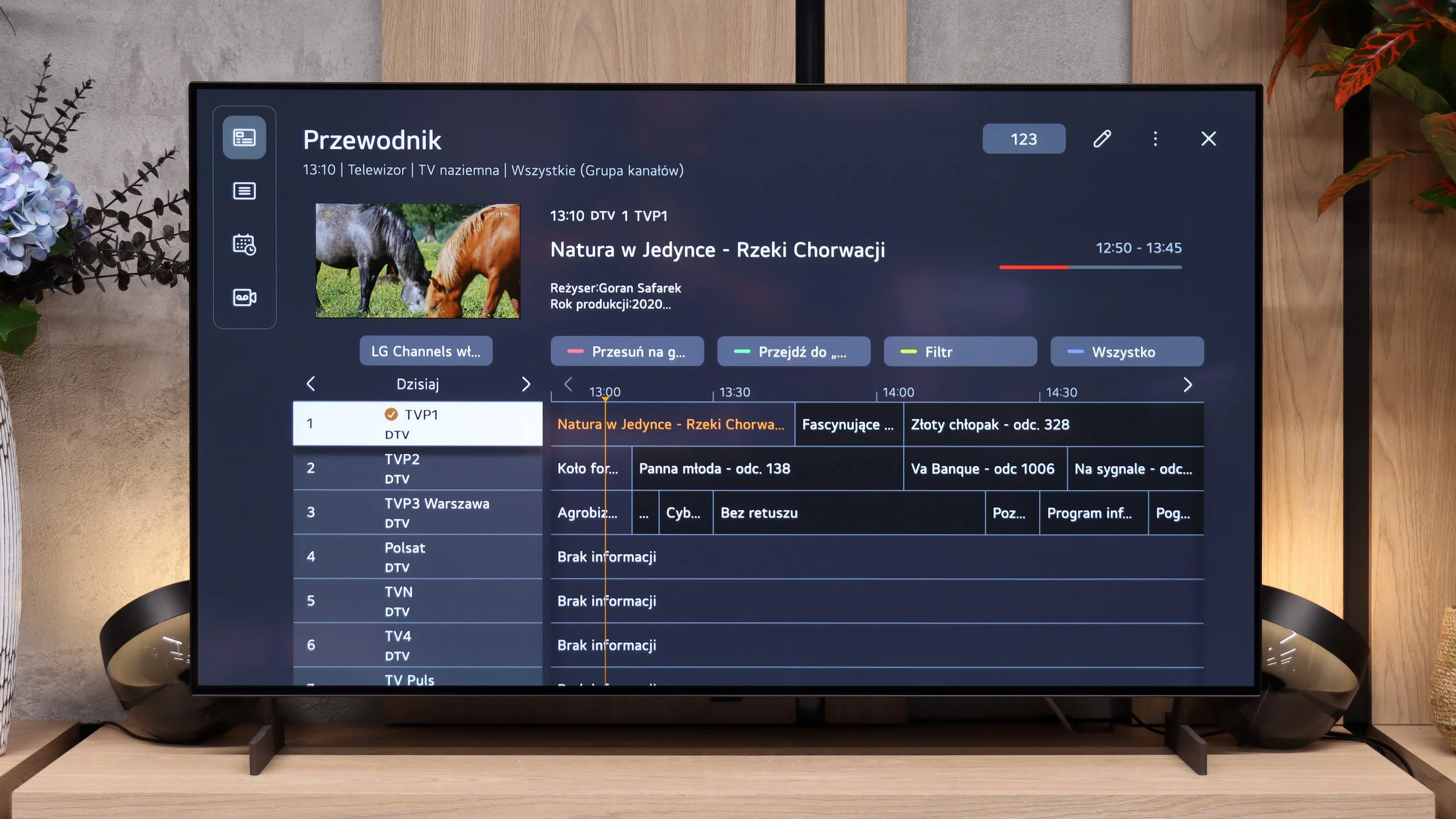
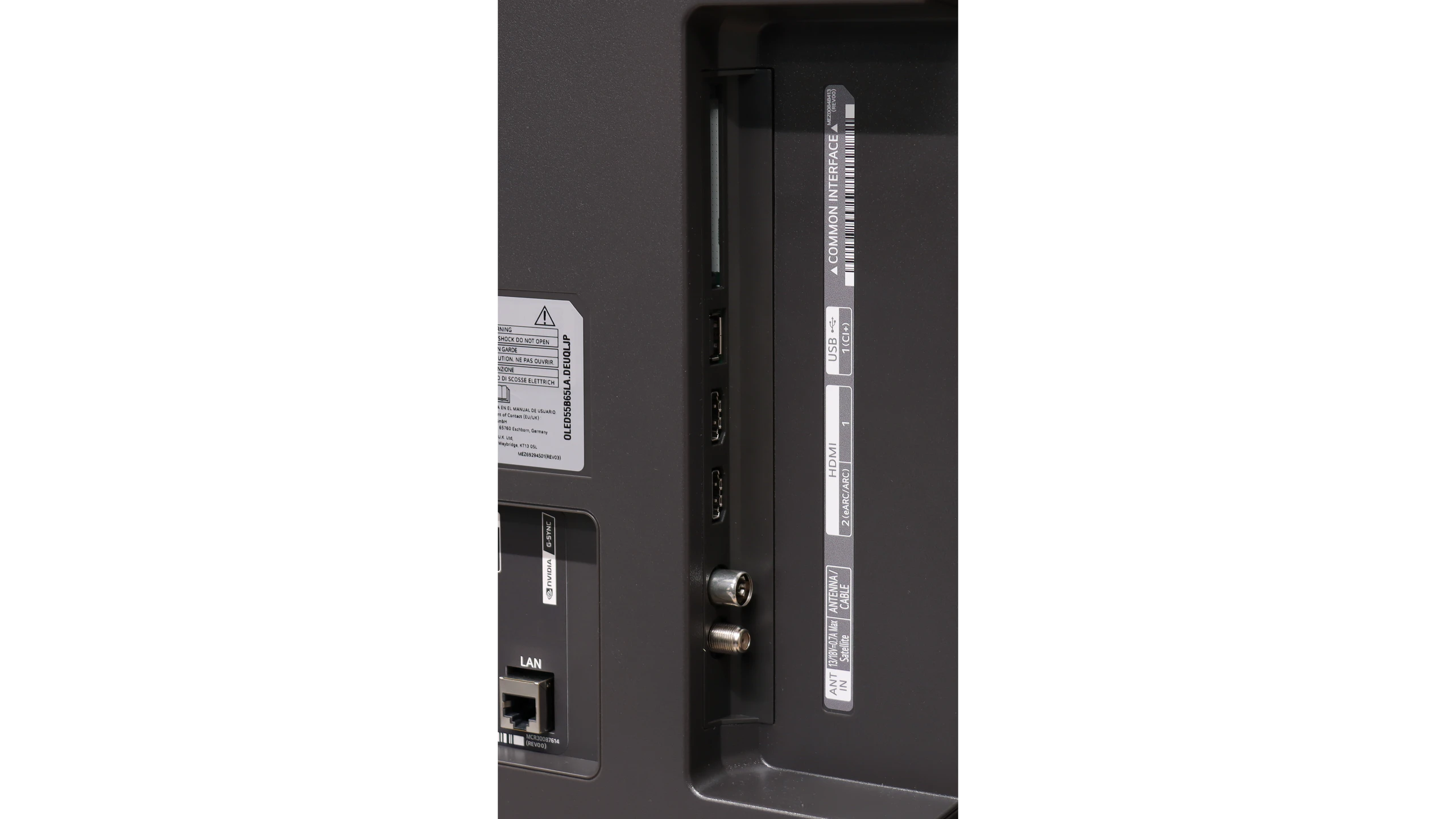
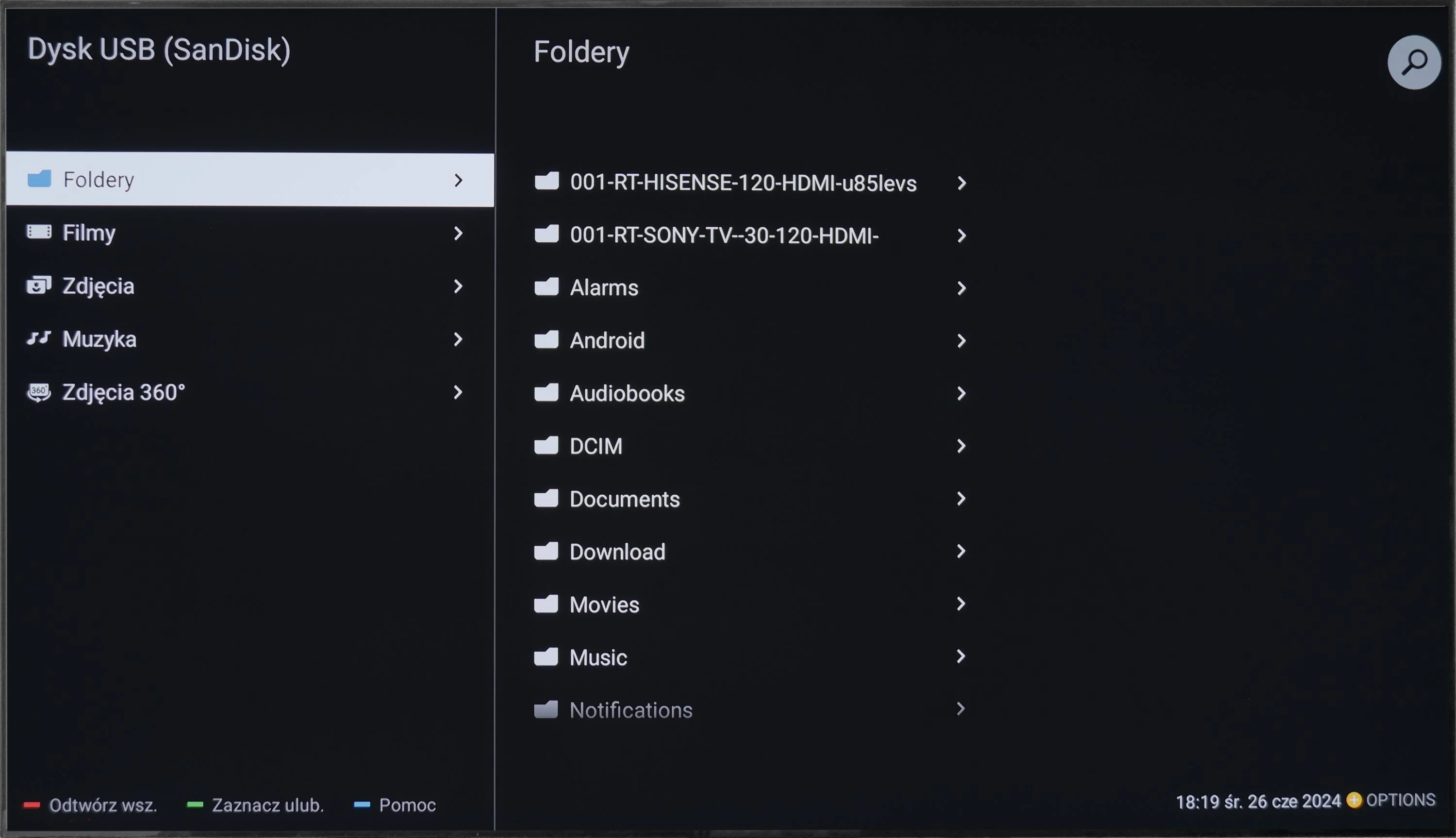
By contrast, the traditional TV features perform very well—features many manufacturers are starting to forget. The LG B6 lets you record programs to an attached hard drive or USB storage. The PVR function also supports scheduling, so you can program recordings in advance from the TV guide. This comes in handy when you want to save an episode, a match, or another event broadcast while you’re away. There’s also a clear channel guide and solid support for terrestrial, cable, and satellite TV. For people who still regularly use traditional television, the B6 is therefore a relatively complete device, provided the lack of teletext doesn’t bother you.
 Direct comparison