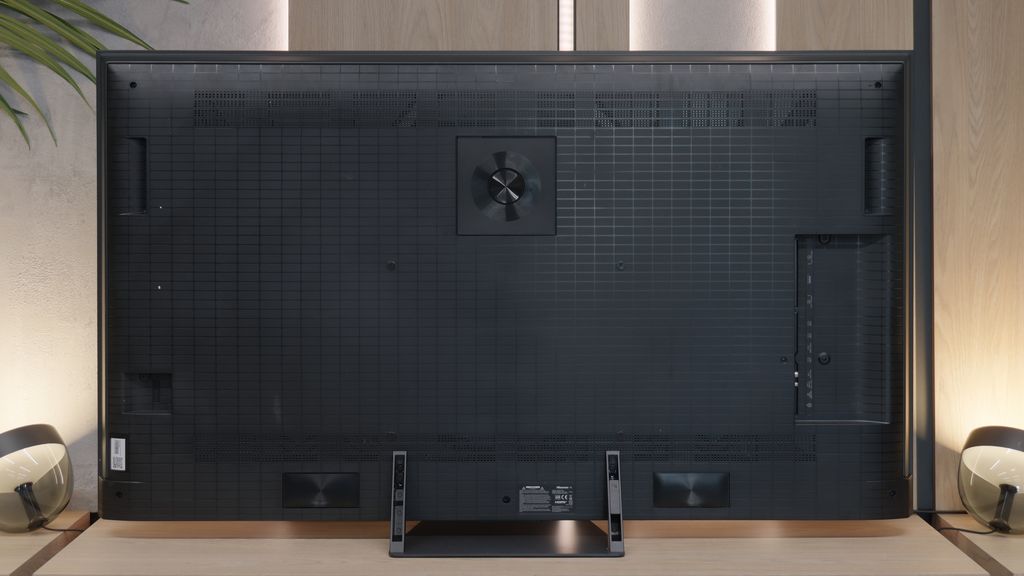
Before we dive into the software that controls the TV, it’s important to highlight one of the standout features of Philips OLED 809 is the multicoloured Ambilight. This unique system, positioned on the back of the device, adjusts its colours according to what's happening on the screen, enhancing immersion and overall viewing experience.
The Philips OLED 809 runs on the Google TV system, which is a significant advantage over some of the manufacturer's other models that use the proprietary TitanOS, a more closed system with fewer available apps. With Google TV, users can install virtually any application, from the store or via APK files directly from online repositories.
Additionally, Google TV offers convenient control options, such as easy integration with keyboards and touchpads for smoother typing and navigation. Voice commands can also be issued using the remote, with quick and accurate interpretation by the system.
In summary, Google TV is one of the most popular systems available today. Powered by a robust CPU, it operates smoothly and stably, without freezes or stutters. For those who want to make the most of their TV’s capabilities, Google TV offers the openness and versatility needed to enhance the overall experience.
SmartTV: Vidaa / HomeOS
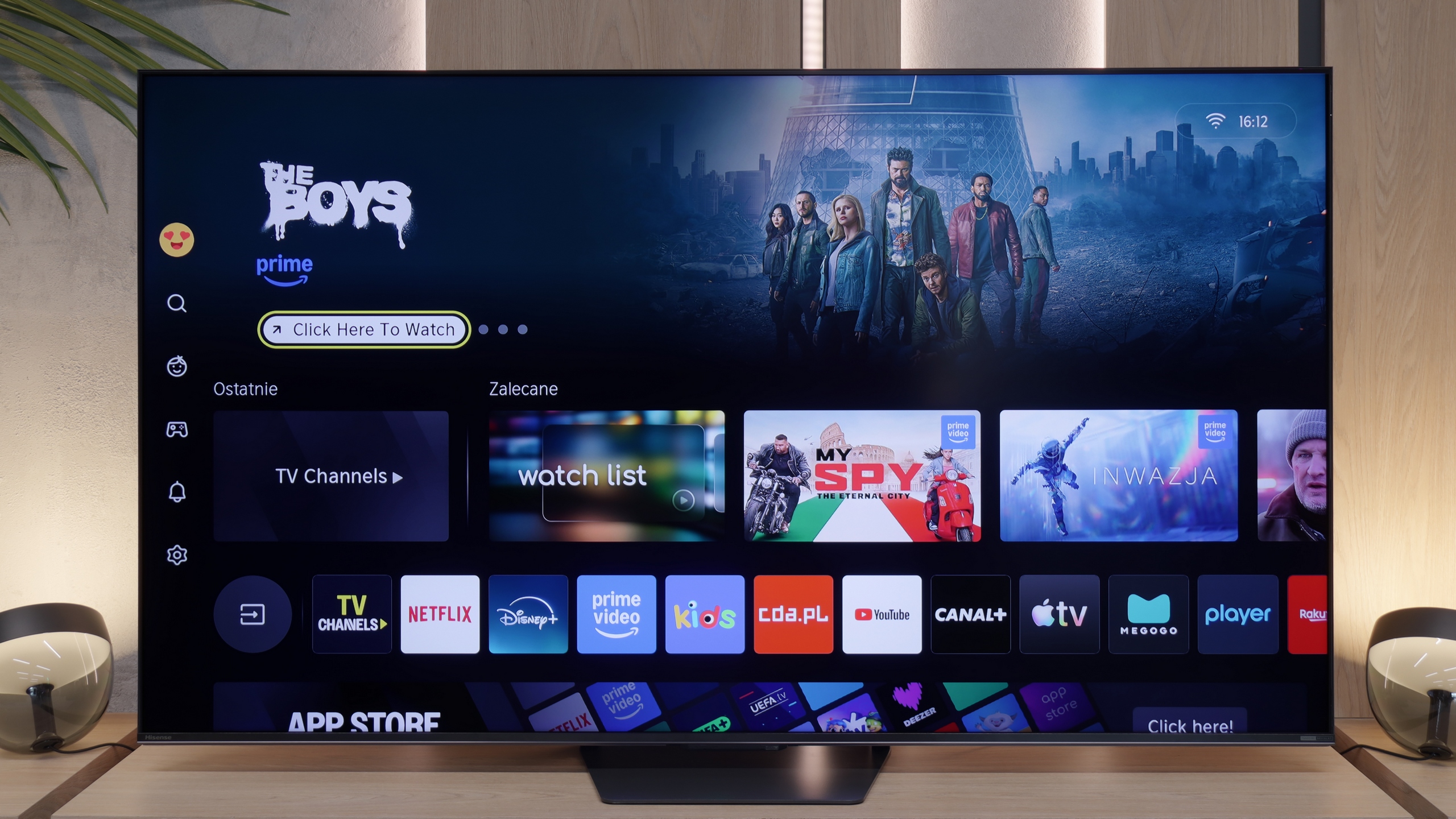
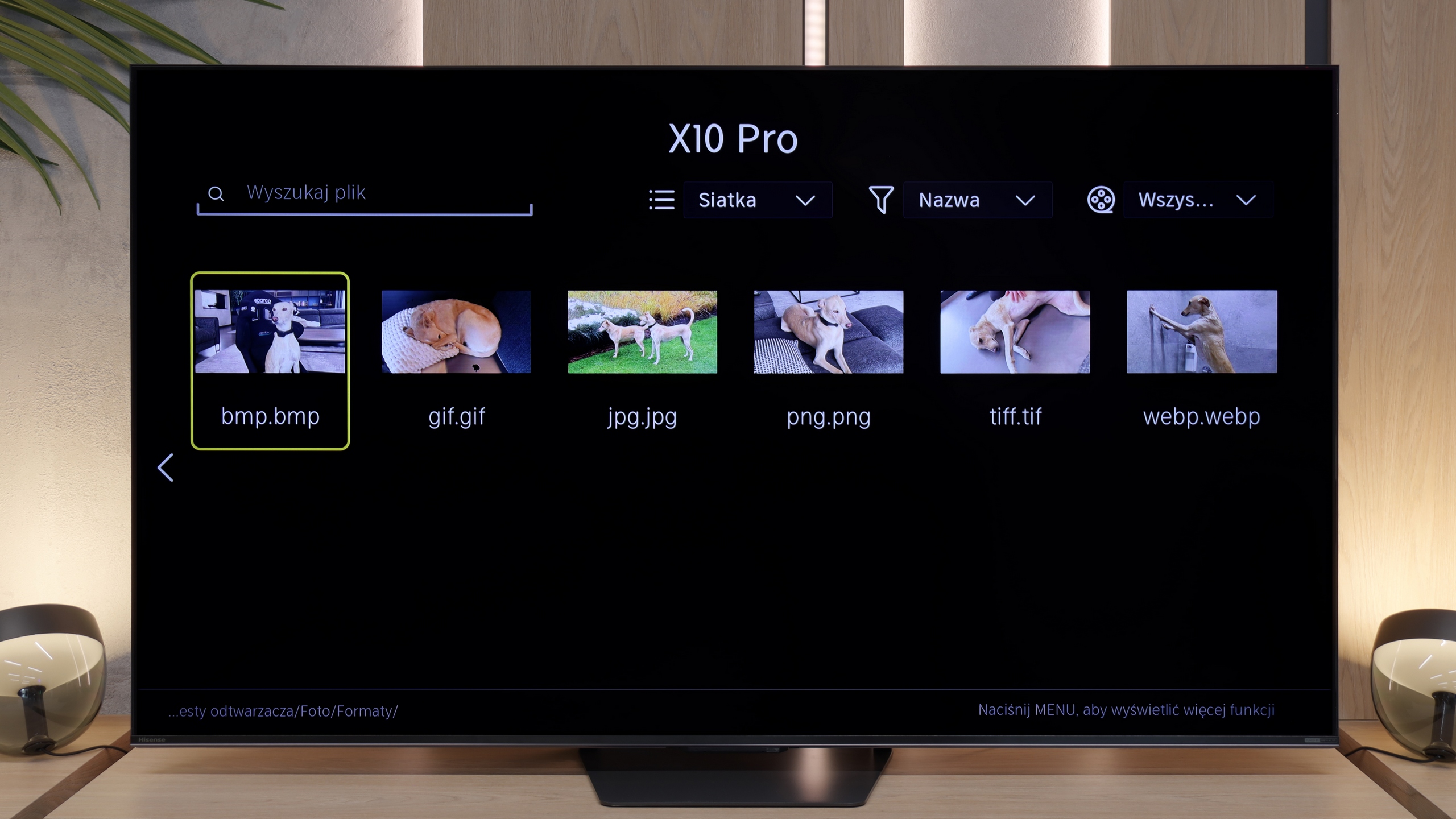
Hisense U7S Pro on our European market traditionally uses its proprietary system. This year, Vidaa underwent rebranding and changed its name to "HomeOS." When it comes to the appearance of the system itself, there aren't any major revolutions – instead of purple accents, we simply have yellow. The system operates really smoothly and very responsively. The TV supports all typical Smart TV features, such as AirPlay, screen mirroring, and voice search. Interestingly, the new voice assistant is based on artificial intelligence, so its responses are mainly driven by AI. The only thing that can be criticized about the Vidaa system is that it doesn't offer the widest library of applications. At least that’s the case at the time of writing this review, which is in May 2026. (App list below).
TV Features
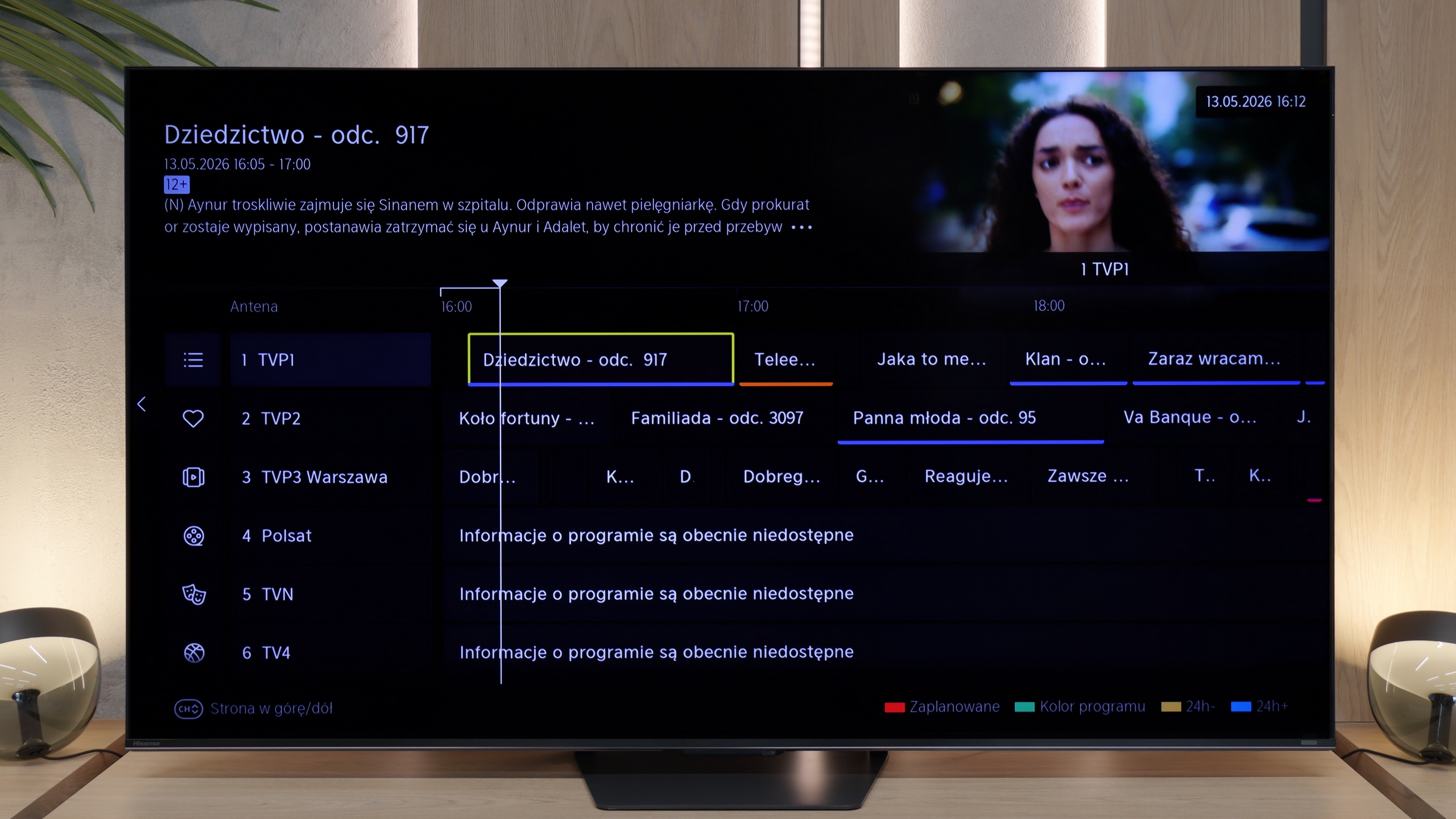
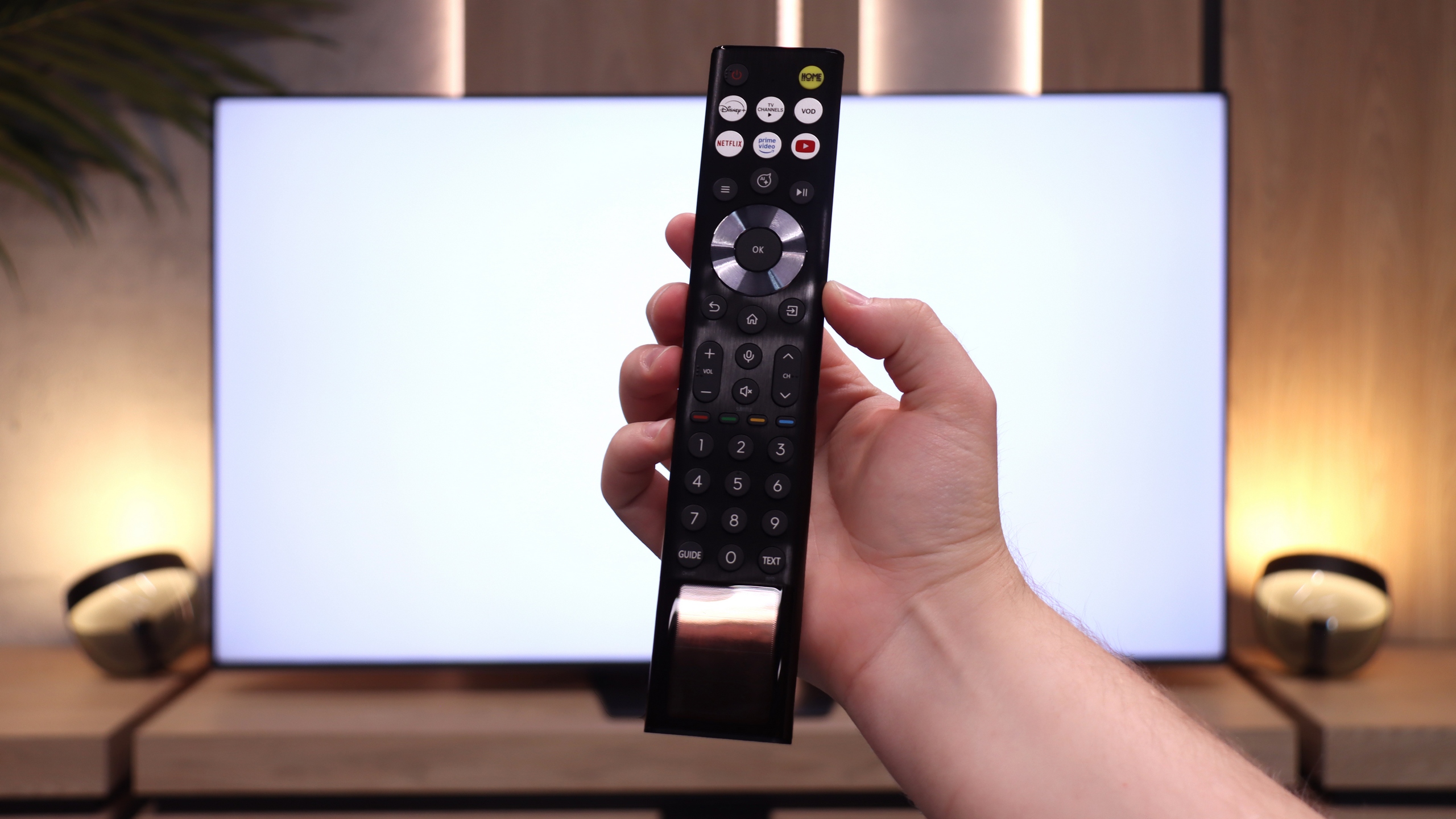
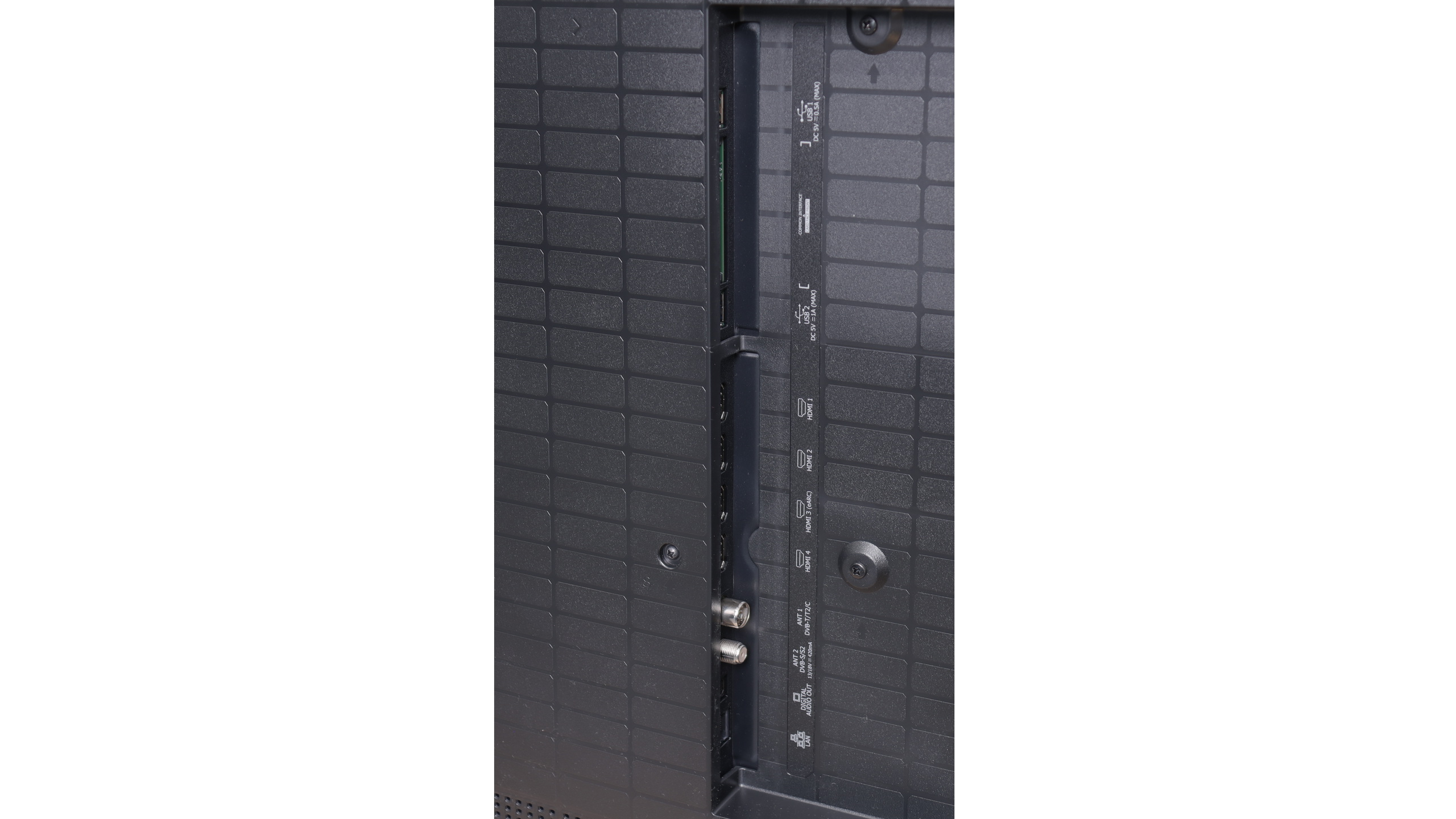
U7S Pro is also well-suited for the role of a classic television for watching traditional TV, mainly thanks to the remote control with a physical numeric keypad that we get in the package. With it, you can easily and quickly enter the number of the station you’re interested in. In the evenings, you don’t have to fumble around for buttons, as the functional part of the remote is backlit. Additionally, you don’t have to worry about batteries – the remote is equipped with a solar panel, and if needed, it can simply be charged via a USB-C port. It’s also worth mentioning that the HomeOS system (i.e., Vidaa) offers the ability to record programs from the built-in tuner directly onto a USB-connected flash drive or disk, as well as options for scheduling them. This is a significant plus, as such a feature is quite rare today, and it will certainly please those who use antenna television.
 Direct comparison