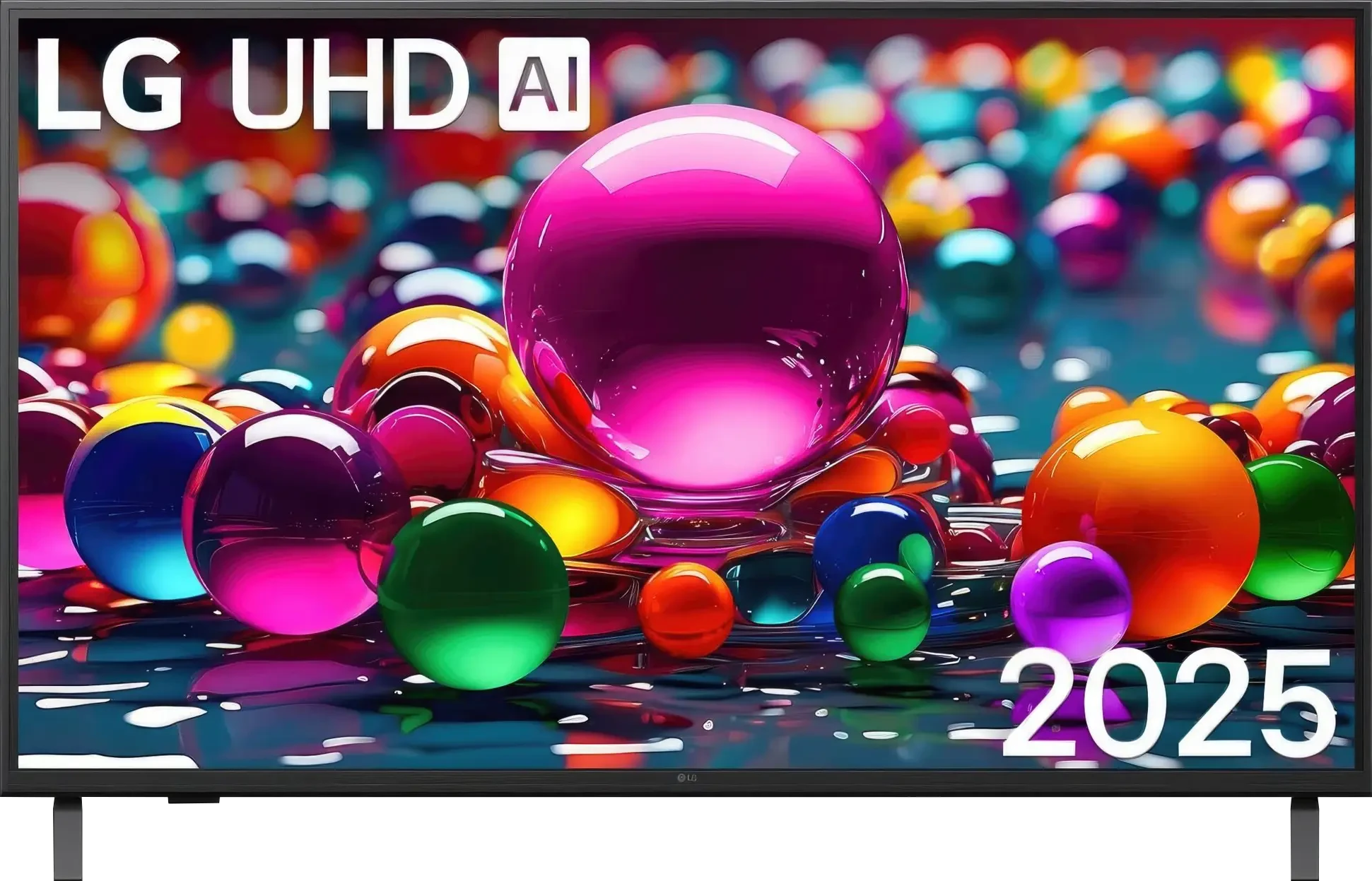
The LG UA7500 with an IPS panel also presents itself as a television mainly designed for everyday use. SDR content looks good on it, upscaling and image processing are at quite a decent level, and webOS, as always, offers a lot of freedom – from YouTube to Netflix, as well as USB recording and AirPlay support. Similar to the VA version, here we also find a set of features for gamers that may please occasional console users – ALLM, VRR in the range of 48–60 Hz, or Game Bar. This means that even with hardware limitations, you can comfortably start your favorite game after work or school. The biggest advantage of the IPS variant is the wide viewing angles – the image retains its colors even when viewed from the side. However, the price for that is a much weaker black, which resembles dark gray rather than deep pitch, so this screen is best viewed with the lights on. HDR is also not a strong point of this model, as its low brightness and limited color gamut significantly "flatten" it. But if we are looking for a television for everyday entertainment – news, movies, series, or YouTube – the UA7500 performs this role quite well. It's a "regular" in the best sense of the word: cheap, easy to use, and with a system that offers a lot of possibilities.
- Matching (Score) |
- Our verdict |
- TV appearance |
- Where to buy |
- Contrast and black detail |
- HDR effect quality |
- Factory color reproduction |
- Color reproduction after calibration |
- Smoothness of tonal transitions |
- Image scaling and smoothness of tonal transitions |
- Blur and motion smoothness |
- Console compatibility and gaming features |
- Input lag |
- Compatibility with PC |
- Viewing angles |
- Daytime performance |
- Panel details |
- TV features |
- Apps |
- Playing files from USB |
- Sound
LG UA75006LA (IPS) vs Hisense E7Q PRO / E79Q PRO
 Direct comparison
Available screen sizes: 43”
Panel type: LCD IPS
Resolution: 3840x2160
System: WebOS
Model year: 2025
Complete the survey to find out the result
Panel type: LCD VA
Resolution: 3840x2160
System: VIDAA
Model year: 2025
Complete the survey to find out the result
Overall rating
5.6
6.6
 Movies and series in UHD quality
 5.0
6.4
 Classic TV, YouTube
 4.8
6.5
 Sports broadcasts (TV and apps)
 5.1
6.3
 Gaming on console
 6.7
7.9
 TV as a computer monitor
 6.0
8.4
 Watching in bright light
 4.0
4.7
 Utility functions
 7.0
7.8
 Apps
Apps 9.1
7.7
 Sound quality
 6.0
6.4
Complete the survey to find out what fits your preferences
Advantages

Wide viewing angles, the image does not lose colors as much from the side
Very good font readability when working with PC (chroma 4:4:4)
Ability to record to USB from built-in tuners
WebOS with a large selection of apps and support for AirPlay
Low input lag (below 10 ms)
friendly for the “casual gamer”: ALLM, VRR (48–60 Hz), Game Bar, HGiG
High native contrast of the VA panel
Great smoothness of tonal transitions, no visible posterization
Good tone mapping in typical HDR streaming content
Support for Dolby Vision
120 Hz panel, and even 144 Hz in PC mode
Highly developed features for gamers: HDMI 2.1, VRR, ALLM, G-Sync and FreeSync, Game Bar
Low input lag
The VIDAA system works quickly and reliably, voice search
Support for AirPlay
Support for multiple audio formats, including Dolby Atmos and DTS:X
*The 100-inch version effectively dampens reflections thanks to the matte panel
Disadvantages

Very poor black level and low contrast (about 1000:1)
Low brightness (about 250 nits), image easily fades during the day
Missing dynamic HDR formats (Dolby Vision, HDR10+)
Quite a plastic case and no Magic remote included
No local dimming compared to the 2024 model
Low brightness
Quite strong trailing of fast objects
Issues with readability of thin, dark text when working with a PC
No support for HGiG format for gamers
No USB recording feature
Our verdict
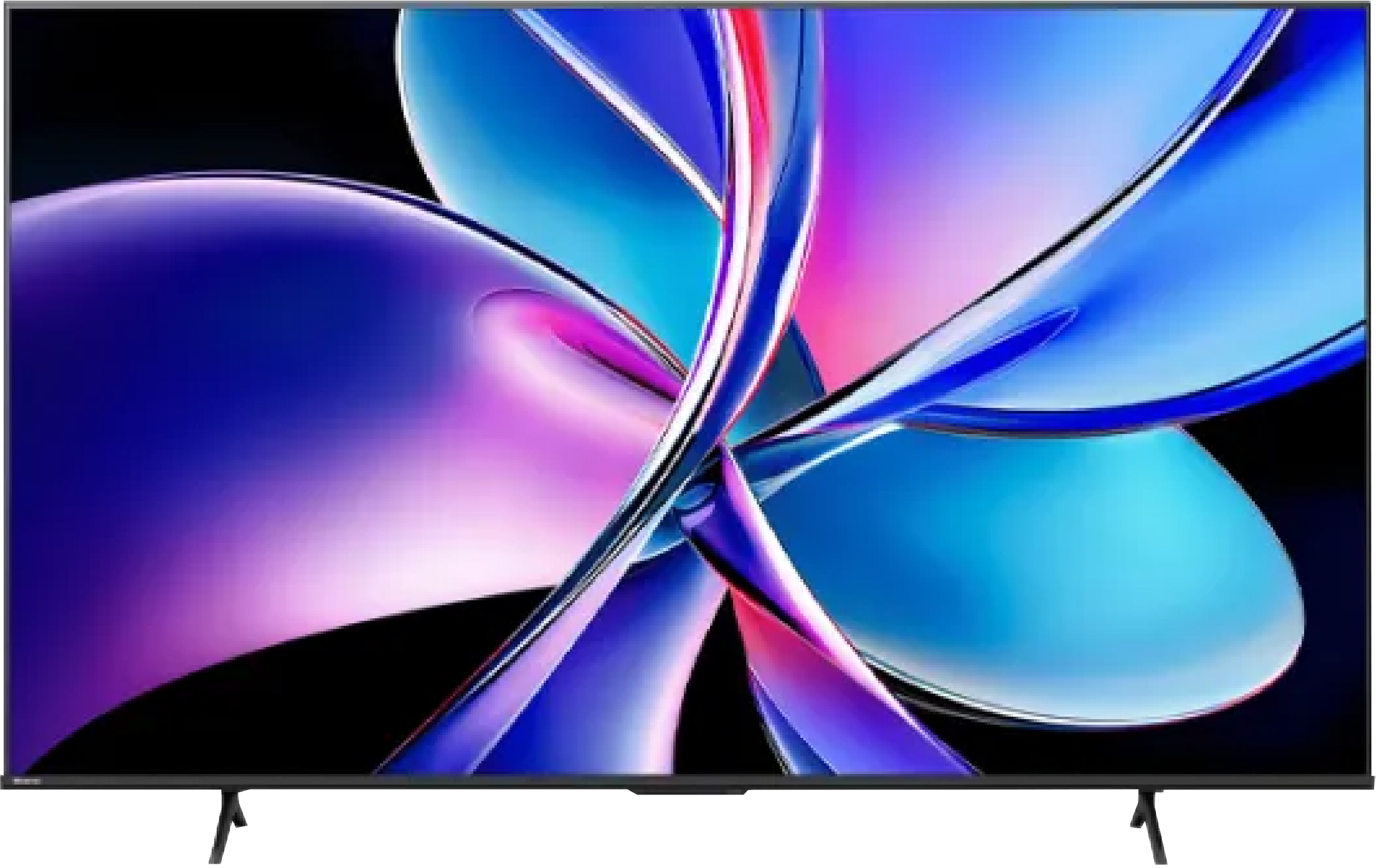
The Hisense E7Q PRO is a television that clearly shows where the manufacturer has set its priorities. It is not a model focused on impressive HDR or cinematic fireworks in a dark living room. This is equipment tailored for universal use, with a strong emphasis on gaming and everyday streaming content viewing at a very attractive price. The biggest disappointment remains the abandonment of local dimming compared to the 2024 model. This is a decision that realistically affects the perception of black levels and contrast. On the other hand, the VA panel with high native contrast does everything it can to mask this loss, and in most everyday applications, it does quite well. The E7Q PRO shines where it is most expected today: in gaming. A 120 Hz panel, 144 Hz mode for PC, HDMI 2.1, variable refresh rate, low input lag, and a very good Game Bar make it one of the more interesting gaming choices in its price segment. Additionally, there is a reliably working VIDAA system, fast menu, and a sensible set of smart functions. It is not a perfect television. HDR brightness is clearly limited, motion blur is average, and viewing angles are typically poor for VA. However, if someone is looking for a television available in various sizes, whether for gaming, series, or everyday viewing, and is aware of its limitations, the E7Q PRO can provide a lot of satisfaction. It is not a step forward compared to its predecessor in any category. Rather, it is a different, more budget-friendly direction. Less cinematic, but cheap and very gaming-oriented. If this is what you're looking for, the Hisense E7Q PRO makes a lot of sense.
TV appearance
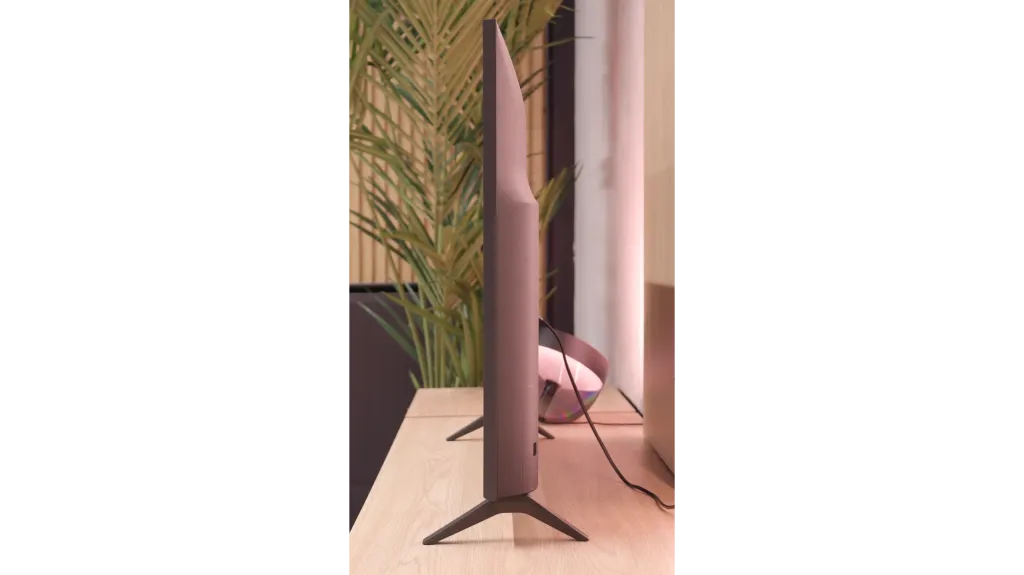
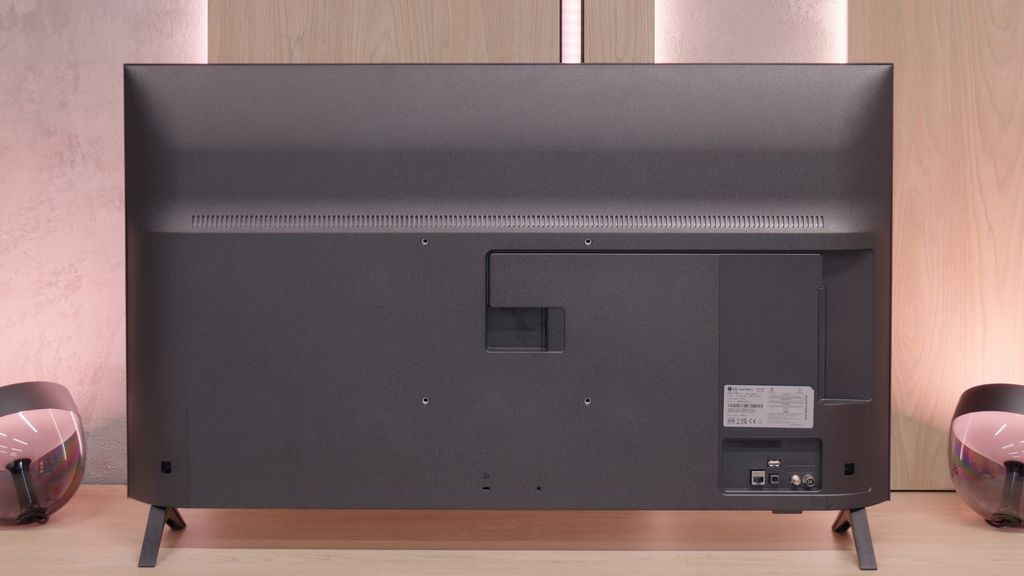
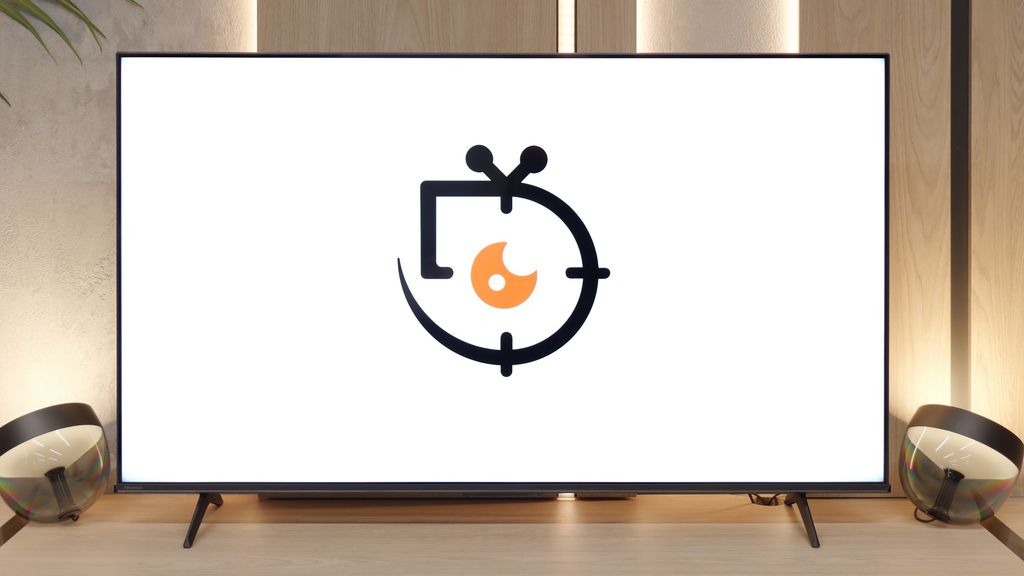
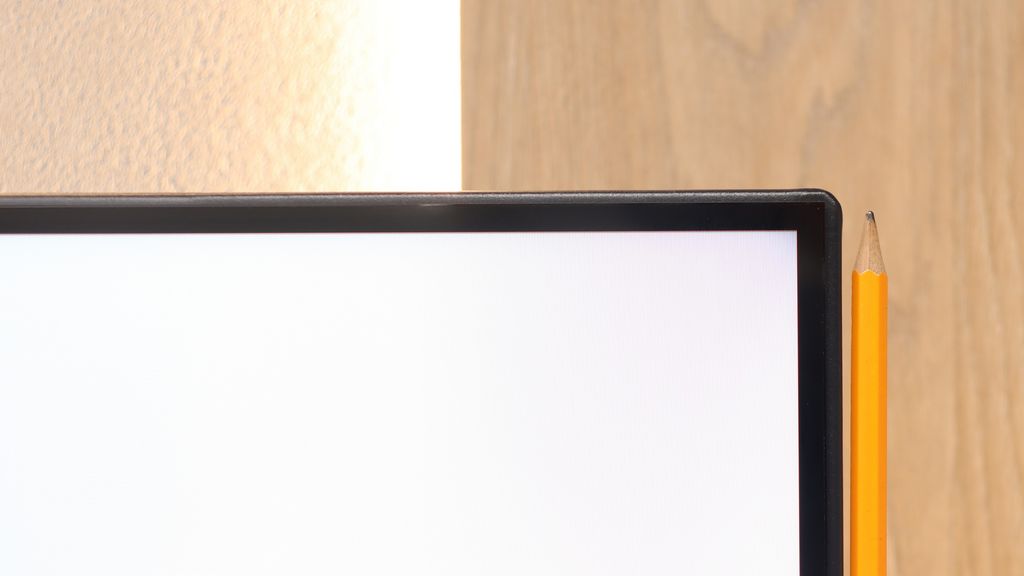
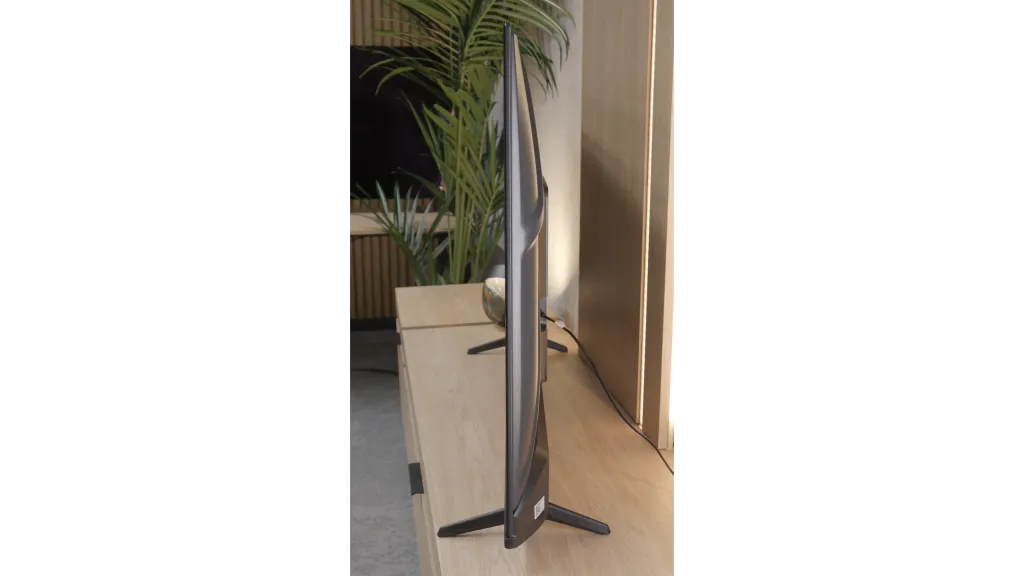
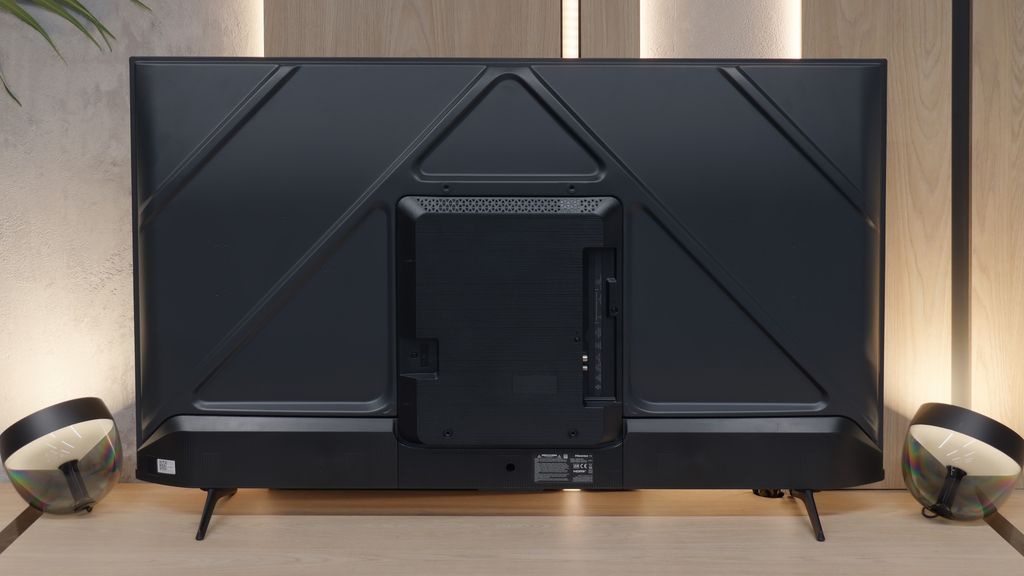

Contrast and black detail
1.9/10
6.3/10
Local dimming function: No
Local dimming function: No
Contrast:


Result
1,100:1

Result
1,050:1

Result
800:1

Result
900:1

Result
1,050:1
Result
6,850:1
Result
6,900:1
Result
7,300:1
Result
7,450:1
Result
5,950:1
Halo effect and black detail visibility:
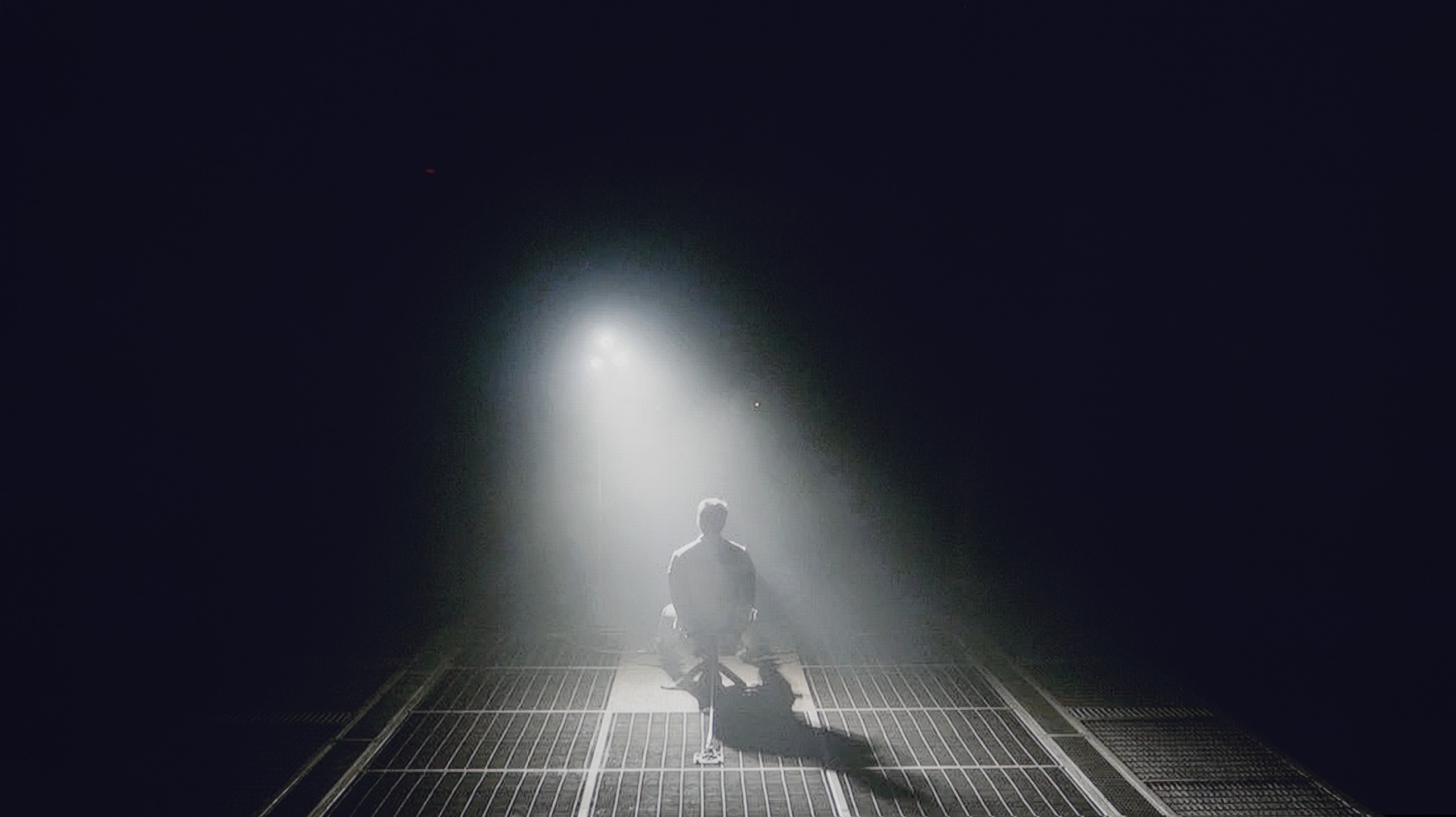
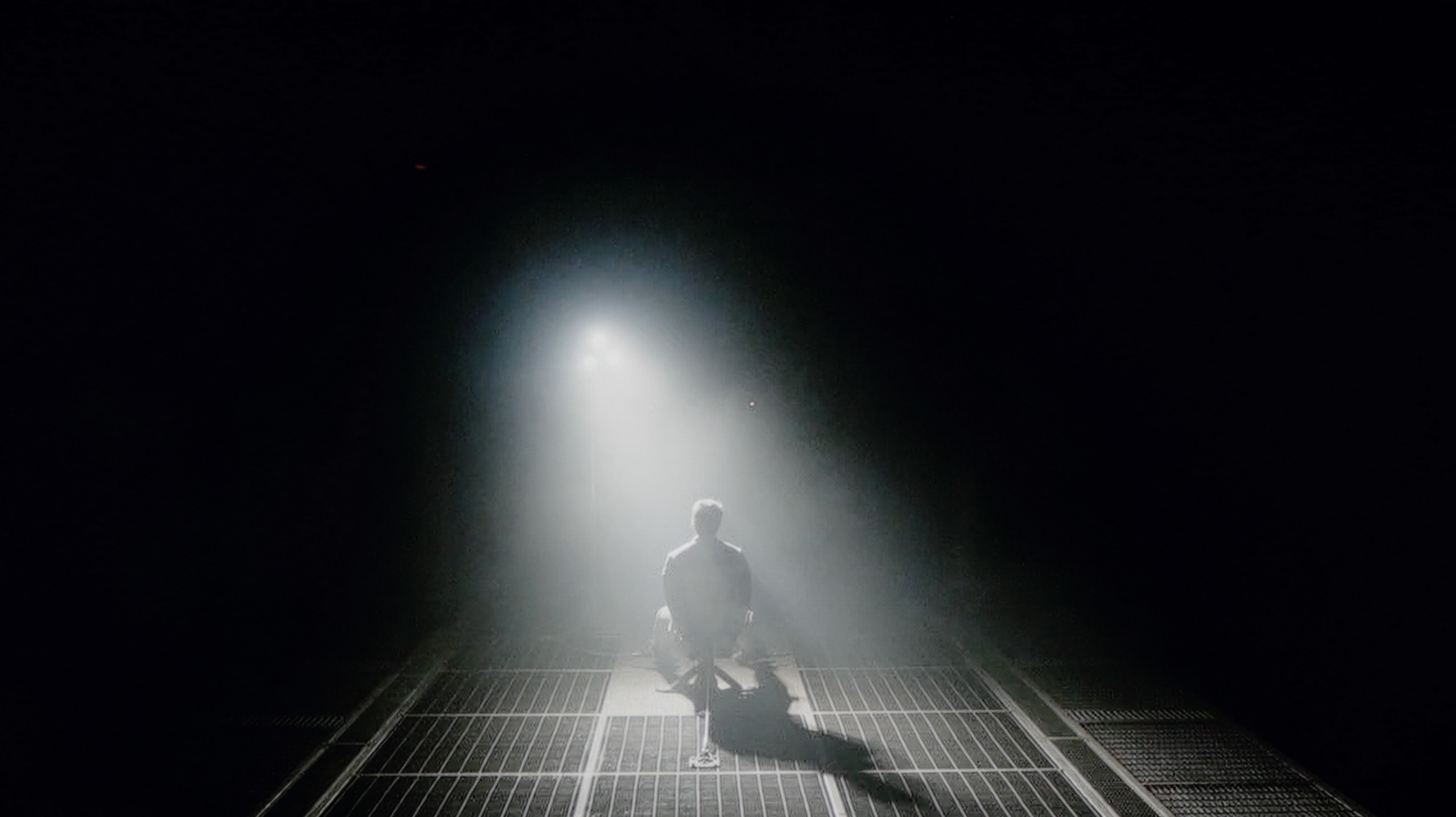
Check the visibility of bright lights on a dark background. Mini-LEDs often struggle with this. The photo does not compare black levels – that’s what the video below is for.
The video accurately shows differences in contrast and black levels between TVs, as well as potential issues: halo around bright objects or Mini-LED zone operation visible as brightness jumps.
In the case of an IPS panel, the situation looks completely different compared to the version with a VA panel. The contrast stops around 1000:1, which means that blacks are rather muted and resemble a shade of gray. During evening viewing, it is hard to talk about a cinematic atmosphere, as the screen cannot separate the bright and dark parts of the image as clearly as the VA version does. However, we do get wide viewing angles, which work well in larger groups when everyone is looking at the TV from different spots in the living room. It’s a compromise that not everyone will appreciate, but in a bright room, while watching TV during the day, it performs definitely better than during nighttime screenings. Because it is precisely during nighttime screenings that the smallest variant, the LG UA7500, simply does not manage well.
In the category of blacks and contrast, the biggest change compared to the 2024 model unfortunately goes in the wrong direction. The Hisense E7Q PRO has lost local dimming technology compared to its predecessor, which immediately reflects on how the television handles blacks. In dark scenes, there is no longer as much control over the backlighting, resulting in the screen not being able to "cut off" black areas as effectively as the predecessor did. However, the 55-inch version defends itself with a strong point, which is the VA panel with high native contrast. In our measurements, the results reached around 7000:1, which translates to quite solid blacks and pleasant contrast during everyday viewing. However, it must be said plainly. Despite decent results, overall it performs worse than the 2024 model, precisely due to the lack of local dimming.
HDR effect quality
3.7/10
4.7/10
Luminance measurements in HDR:

Result
250 nit

Result
225 nit

Result
261 nit

Result
160 nit

Result
269 nit
Result
241 nit
Result
270 nit
Result
317 nit
Result
329 nit
Result
326 nit
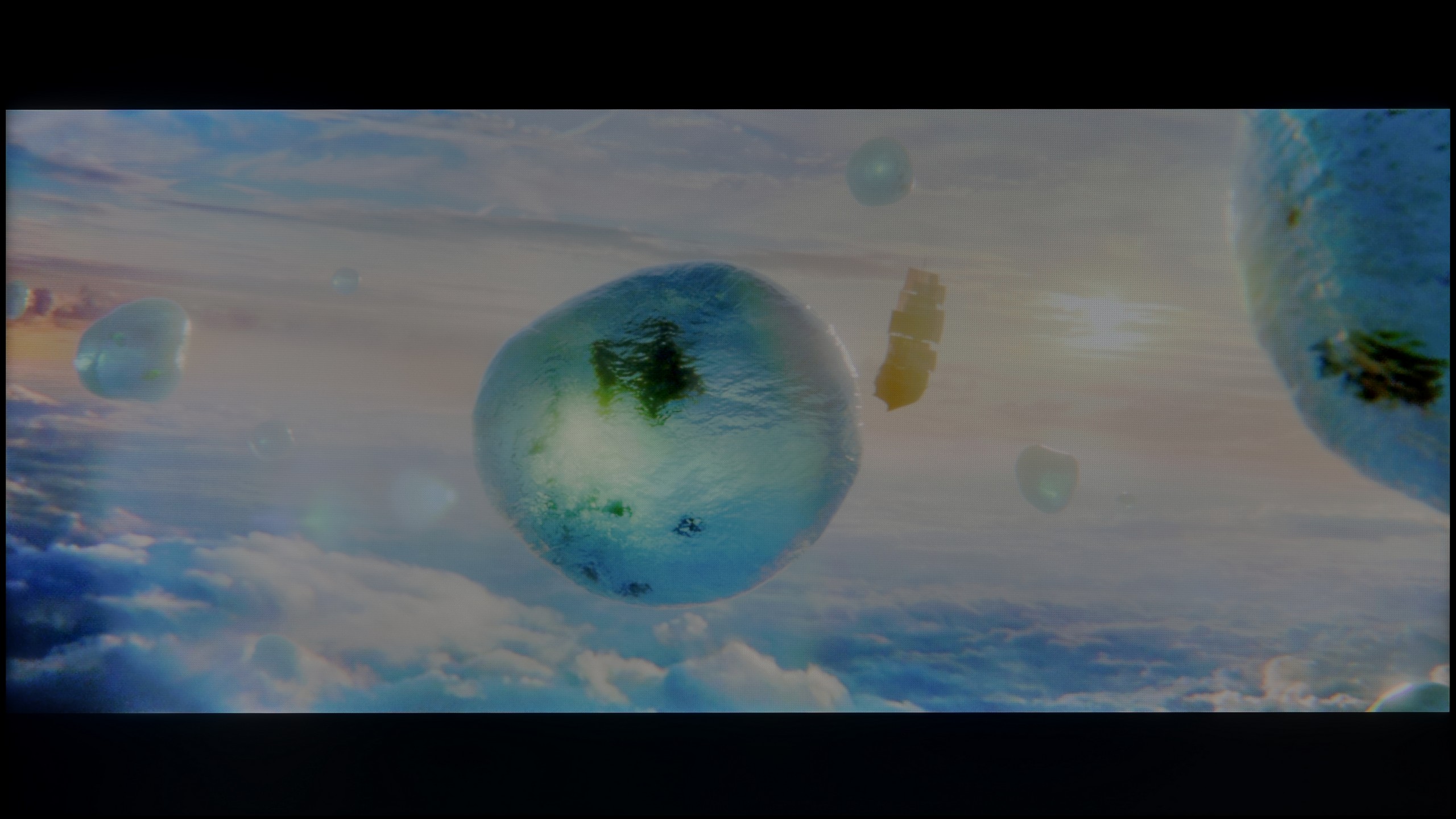
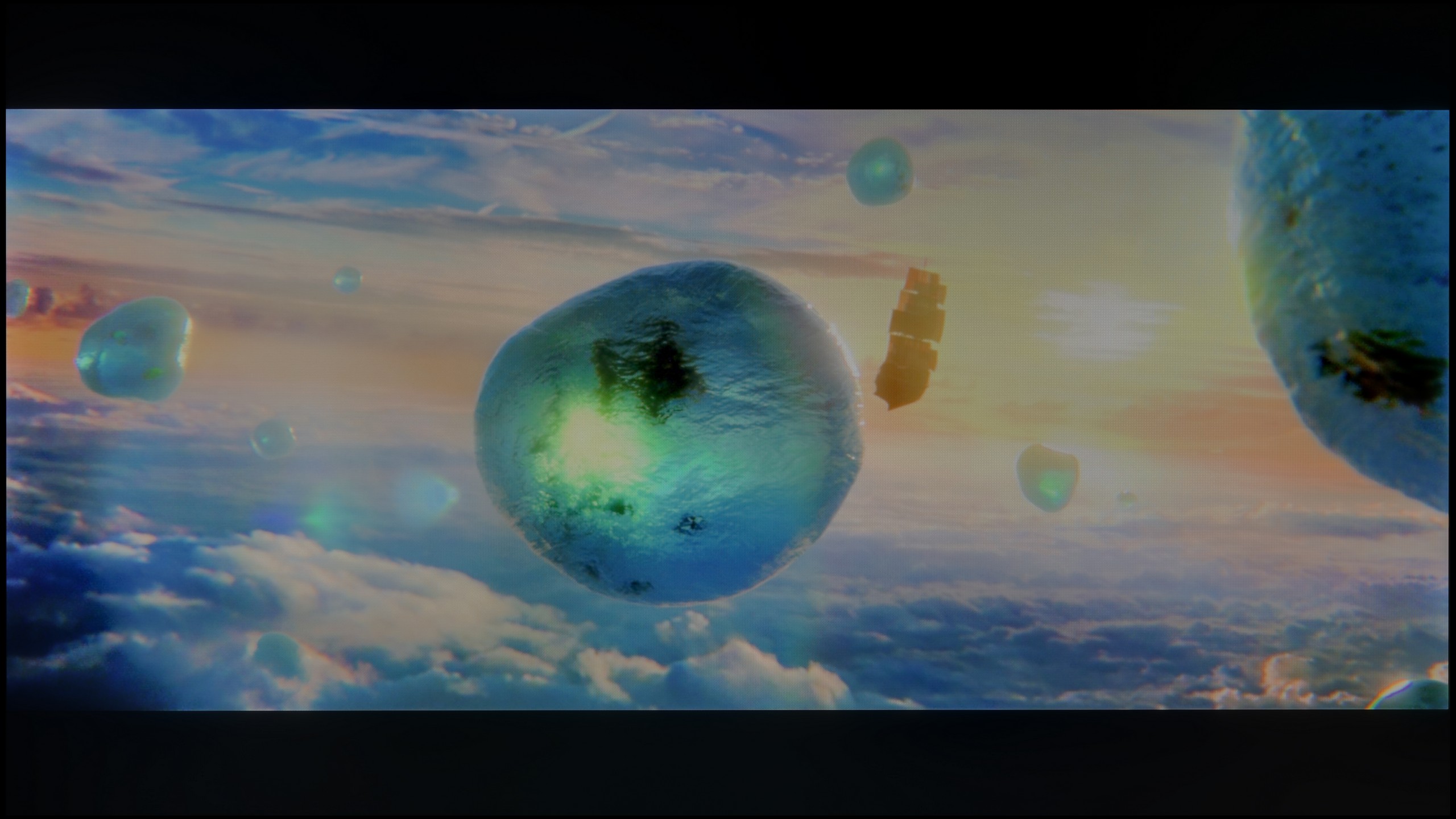
Scene from the movie “Pan” (about 2800 nits)
Scene from the movie “Billy Lynn” (about 1100 nits)
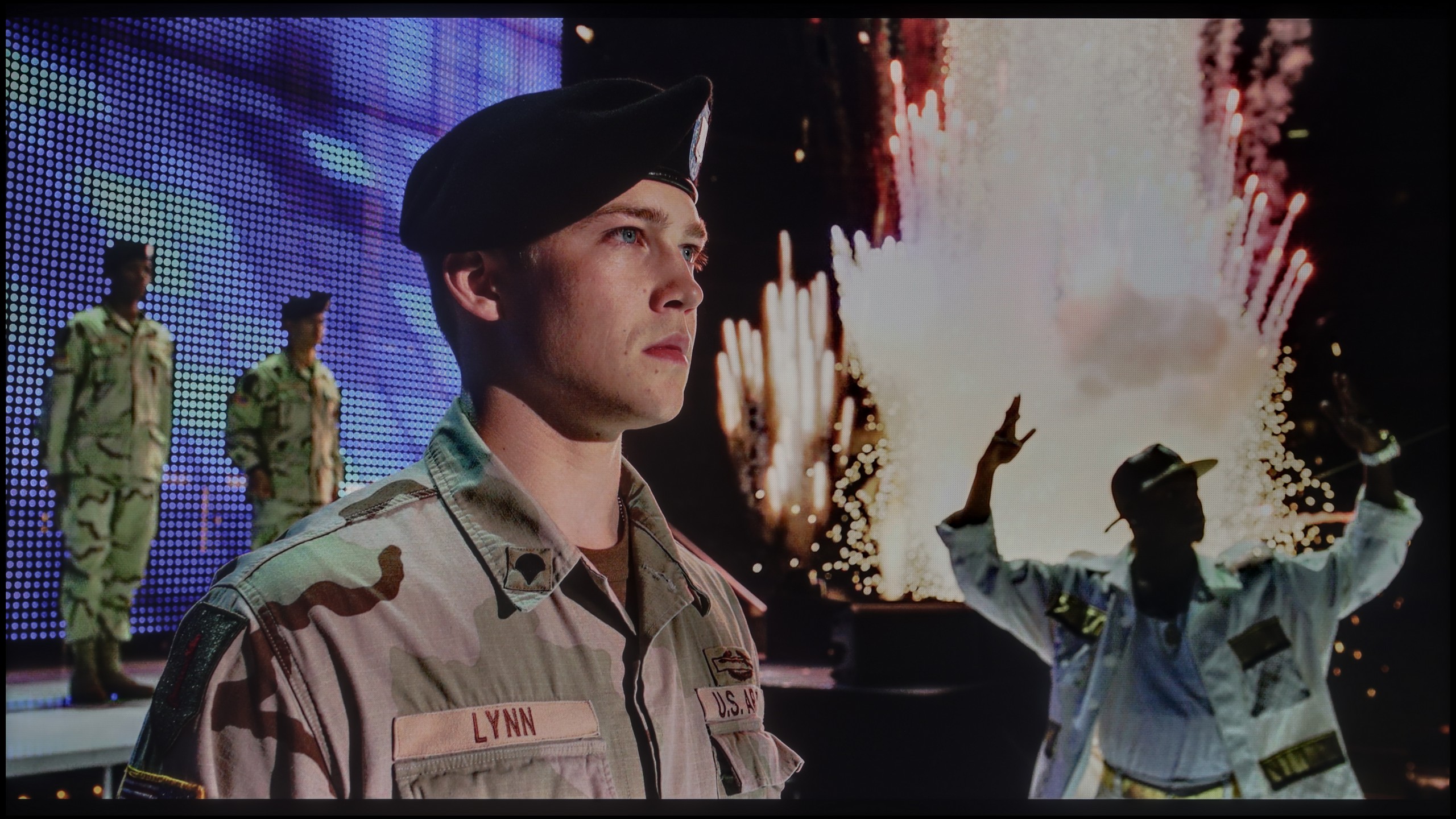
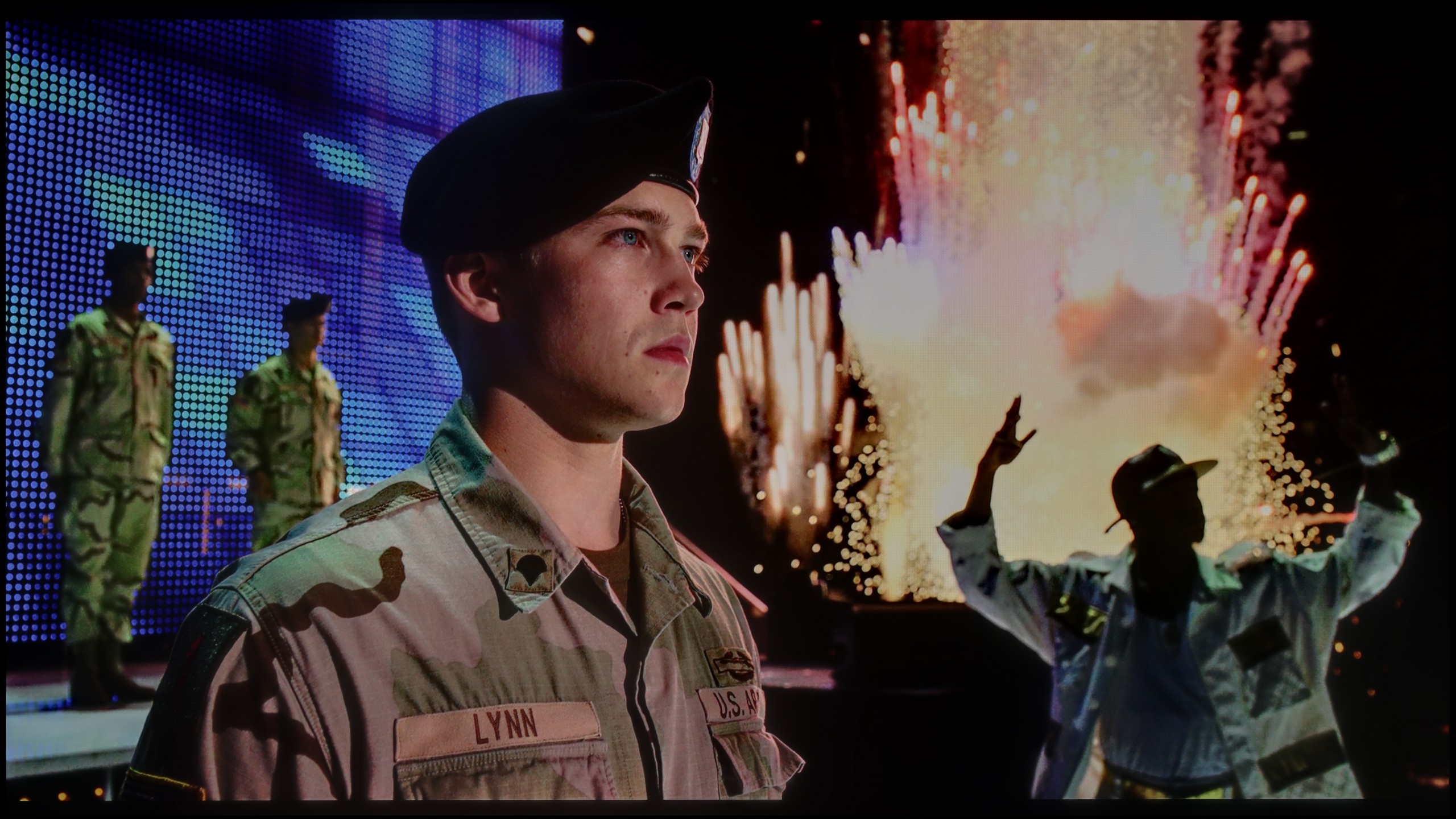
The photos show two HDR10 movies. 'Pan' is one of the brightest productions ever made, while 'Billy Lynn' (soldier) has brightness typical of streaming (Netflix, Prime, HBO MAX). Notice the intensity of effects and detail in whites.
Static HDR10


The photos present the visibility of white details in various HDR formats. They do not show brightness differences between TVs (these can be compared in the previous gallery).
HDR luminance chart:
Hisense E7Q PRO / E79Q PRO
LG UA75006LA (IPS)
The situation is even more modest in the IPS version, where the peak brightness reaches only 250 nits. In practice, this means that there can be no real sense of HDR effect, and the materials being viewed resemble ordinary SDR. Similar to the VA case, the image behaves stably on most test screens, but in demanding scenes with fine details, the television tends to slightly dim the image. As a result, blacks appear somewhat better, but at the cost of losing detail in bright elements. The lack of additional color filters is also noticeable here. The UA7500 in the IPS version does not belong to QLEDs or PFS LED panels, and the DCI-P3 color gamut stops at 80%, which means that HDR films present themselves without much color depth and give the impression of being heavily flattened.
If it comes to the quality of the HDR effect, the E7Q PRO is unfortunately not a television that can impress with brightness alone. In real film materials, we measured about 250–300 nits, which is simply too little for HDR to look spectacular. It lacks that "spark" in bright details, flashes, and light effects, and in many HDR scenes, it can resemble better SDR than true cinematic HDR. A consolation in all of this is the colors. We managed to confirm that the E7Q PRO is a PFS type television, meaning it has an additional filter that enhances color gamut coverage. As a result, even if the brightness doesn't deliver, the colors in HDR content can be adequately saturated and pleasant to the eye, without the feeling of a "faded" image.
Factory color reproduction
5.6/10
6.9/10


This gallery shows how colors change after professional TV calibration. If you notice the difference, we recommend ordering this service at SkalibrujTV.com.
Factory Mode
After calibration
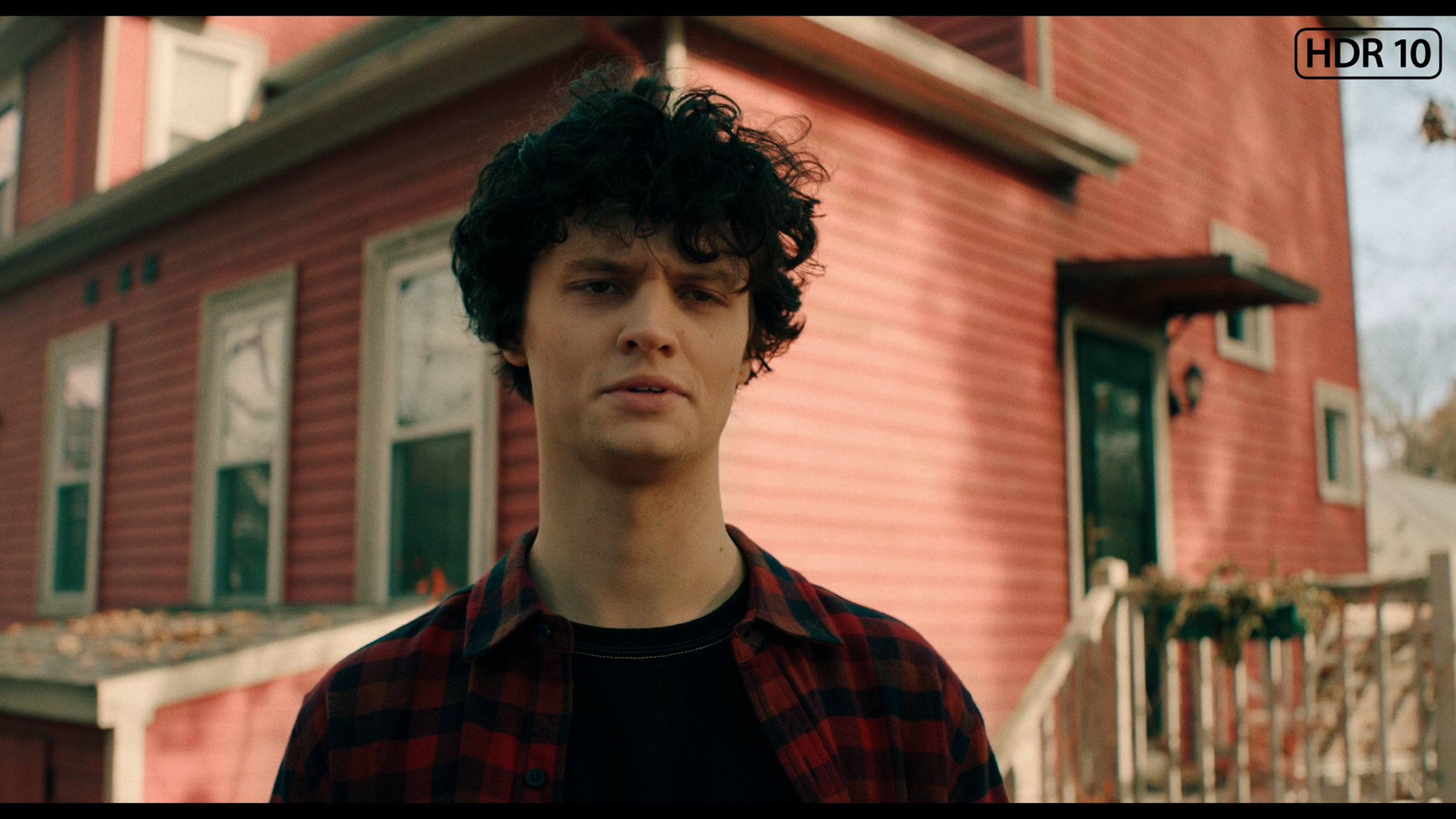
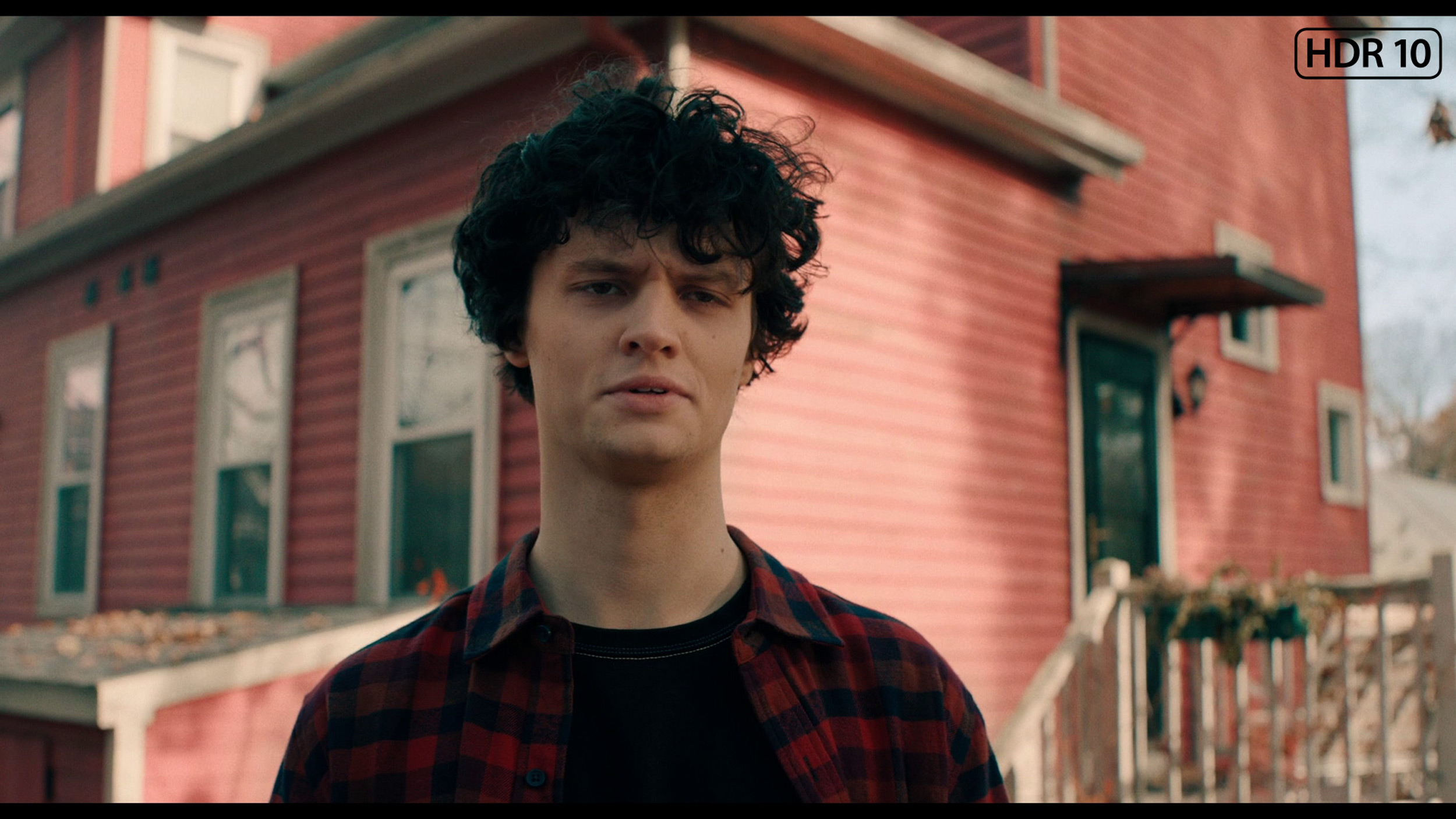
This gallery shows how colors change after professional TV calibration. If you notice the difference, we recommend ordering this service at SkalibrujTV.com.
Factory Mode
After calibration
The Filmmaker mode on the LG UA7500 performs better than one might expect from such a budget TV, but let’s not get carried away with enthusiasm. The picture is fairly well put together and at first glance does not offend, but its weaknesses quickly start to show. This is most evident in scenes with bright points — background lamps or light reflections on the skin are clearly overemphasized. The faces of the characters often look unnatural, as if they have been "blown out." Additionally, the default gamma characteristic brightens the smallest details and causes the image to lose subtlety in darker areas. That said, given its price range, the UA7500 in factory mode provides a pretty decent starting point. However, it is clear that without additional adjustments, these problems cannot be avoided, which is why — as with other TVs — we decided to check what could be achieved after calibration.
In terms of color reproduction, we tested the Hisense E7Q Pro in Movie mode, which proved to be the best built-in preset without a doubt. This mode, unlike the Eco, Standard, or Dynamic settings, offers the most natural colors right out of the box. Although no factory mode is completely free of flaws, the E7Q Pro deserves high praise for its color representation in standard SDR content. The color palette is very well tuned here, and errors in Color Checker tests often did not exceed a value of 3, which is an exceptional result rarely seen in such inexpensive TVs. The only drawback we noted in SDR is a tendency to darken some image elements, as indicated by a slightly raised gamma chart. The TV performs somewhat worse with colors in HDR mode. Here, color errors become noticeable to the naked eye, mainly due to a deficiency of blue in the white balance. This causes the colors on the screen to appear too warm, and for some viewers, they may seem “too cinematic.” Of course, to improve these parameters, we proceeded with professional calibration.
Color reproduction after calibration
7/10
8/10
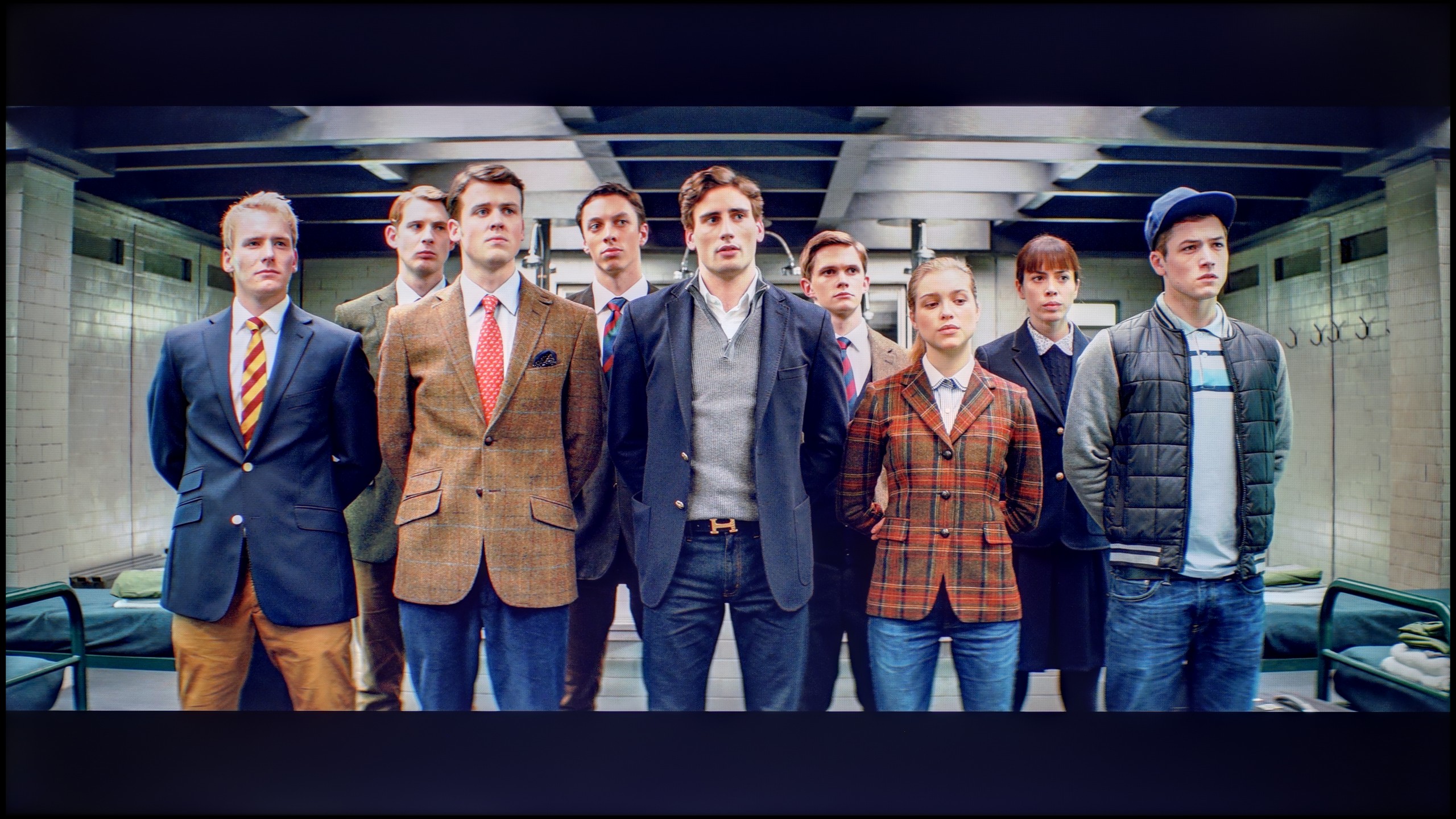
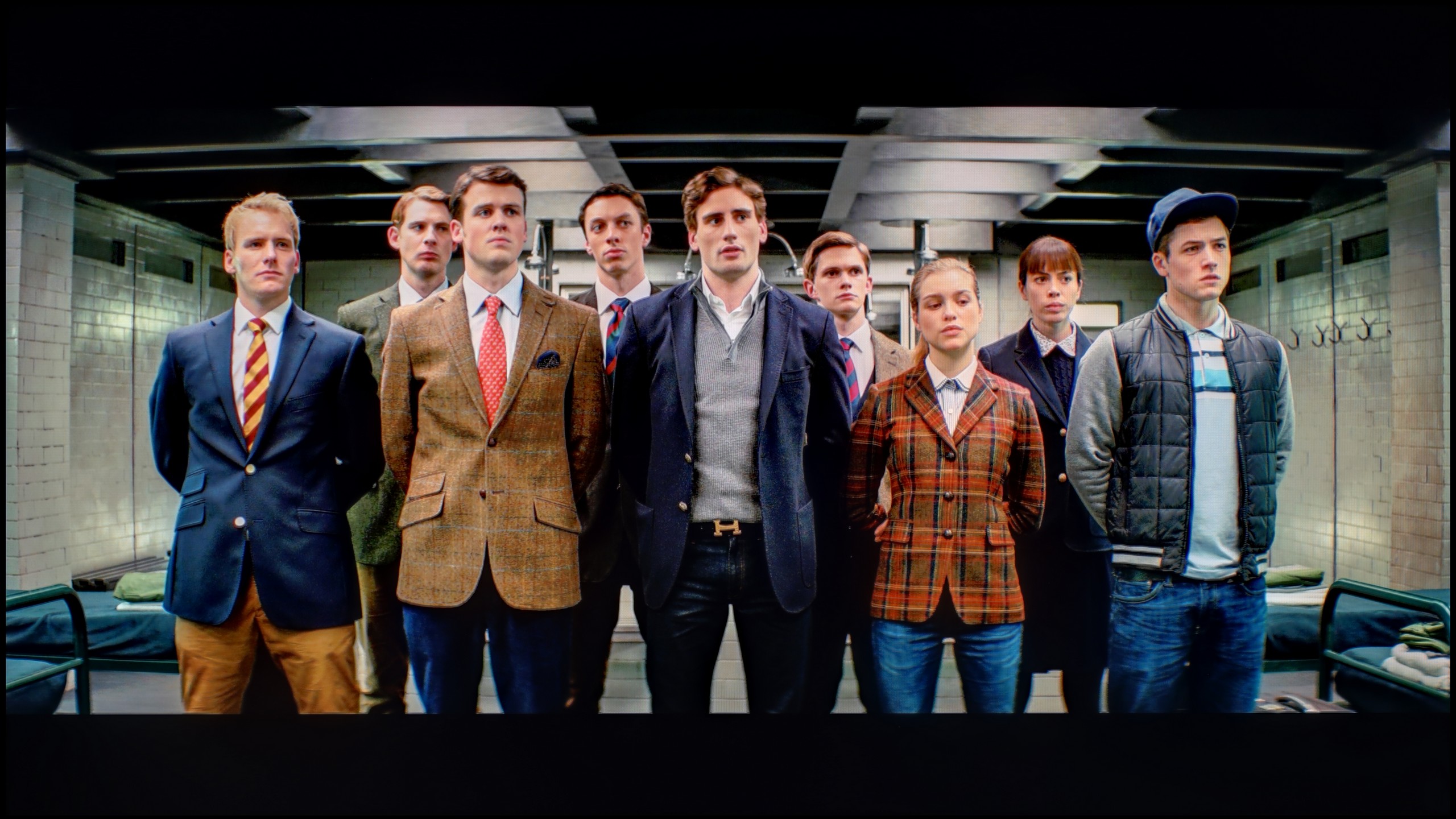
The photos show how movies look on the TV. Pay attention to black detail visibility, colors, and shadow tint.


The photos show how movies look on the TV. Pay attention to black detail visibility, colors, and shadow tint.
The biggest improvement we noticed was when calibrating the mode designed for everyday SDR content. We managed to smooth out the white balance in an acceptable way and tackle the problem of excessive brightening of small elements due to the gamma characteristic. As a result, the image gained consistency and naturalness that was lacking in the factory settings. After such correction, we can confidently state that for everyday television content, programs, or materials from YouTube, the LG UA7500 performs really well – especially after professional calibration. The situation is somewhat different for HDR content. Here, calibration allowed us to tame the white balance and slightly improve brightness management, but the limitations of the design are immediately apparent. The lack of additional filters to broaden the color palette makes the most vibrant colors appear flat, and the image lacks the intensity we would expect from good HDR. So, in SDR, the UA7500 performs quite well, but in HDR – despite corrections – it remains far behind, and this is a feature one has to come to terms with when choosing this television.
In the case of materials with a standard color range (SDR), our efforts in Filmmaker mode turned out to be largely cosmetic 😉. We mainly focused on gentle white balance correction and gamma curve adjustment, which allowed us to recover details in the darker parts of the image that previously tended to get lost. It is worth noting, however, that the E7Q Pro unit we tested happened to be exceptionally well-made from the factory. We remind you that these parameters depend on the specific unit – with mass production, factory calibration can be random, so your unit may require slightly different adjustments. The biggest beneficiary of professional calibration was undoubtedly the HDR mode. This is where we did the most work, which yielded spectacular results. We managed to effectively tame the excessive warmth of the image, caused by a factory deficiency of blue color. After calibration, color errors were reduced to a significantly lower level, which will certainly please those who watch a lot of streaming content in HDR format, expecting faithful reproduction.
Smoothness of tonal transitions
8.2/10
9/10
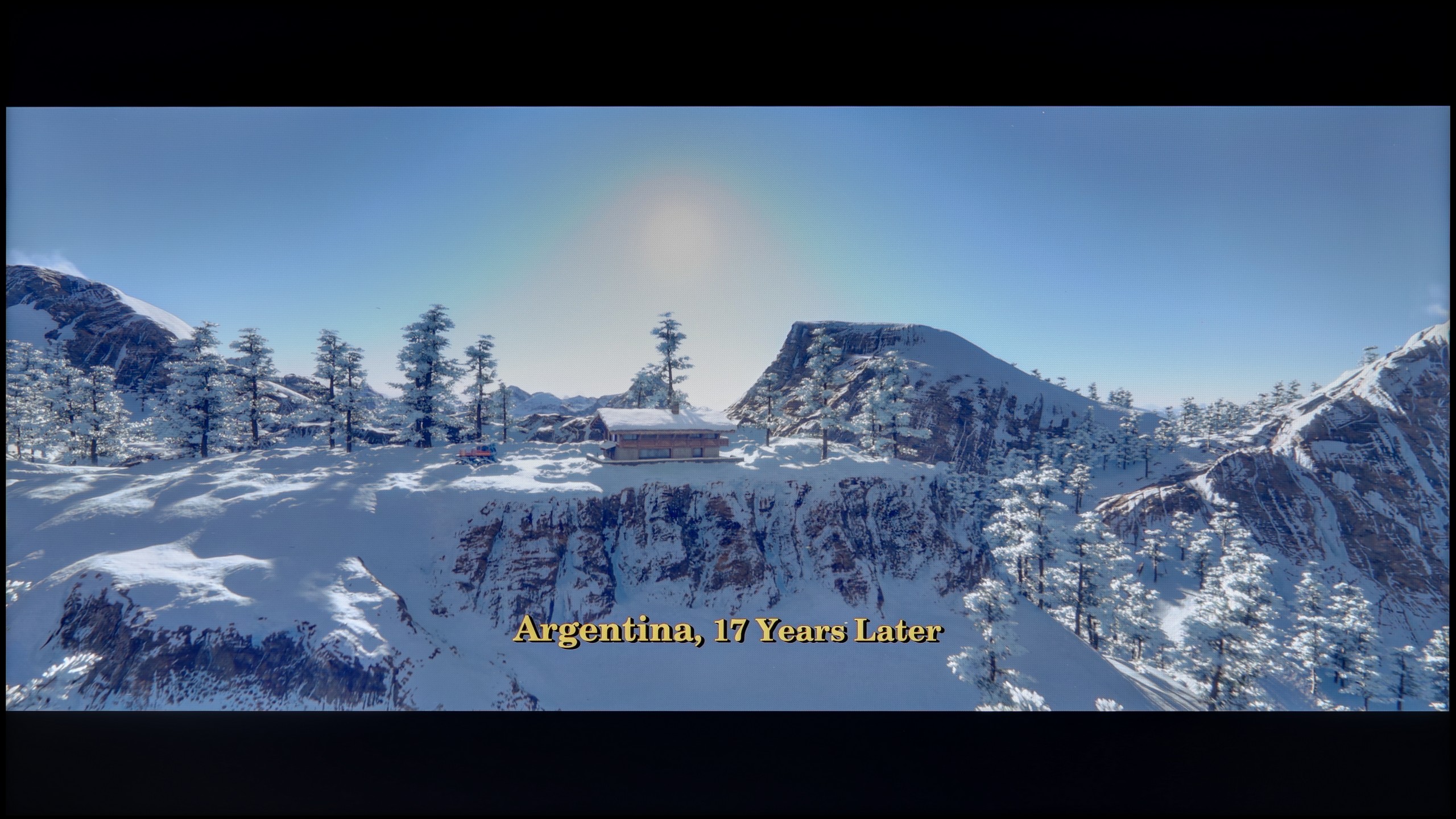

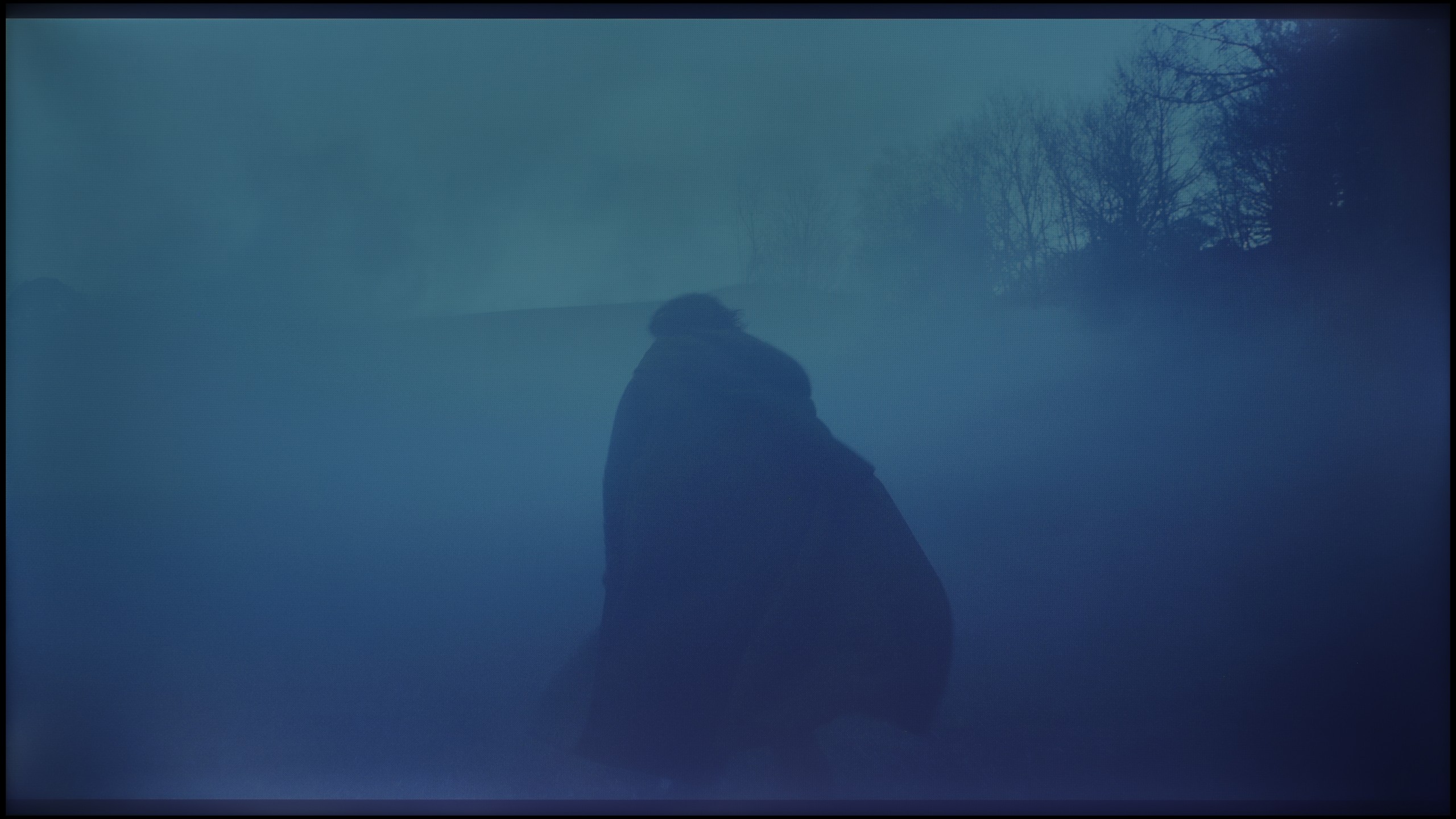
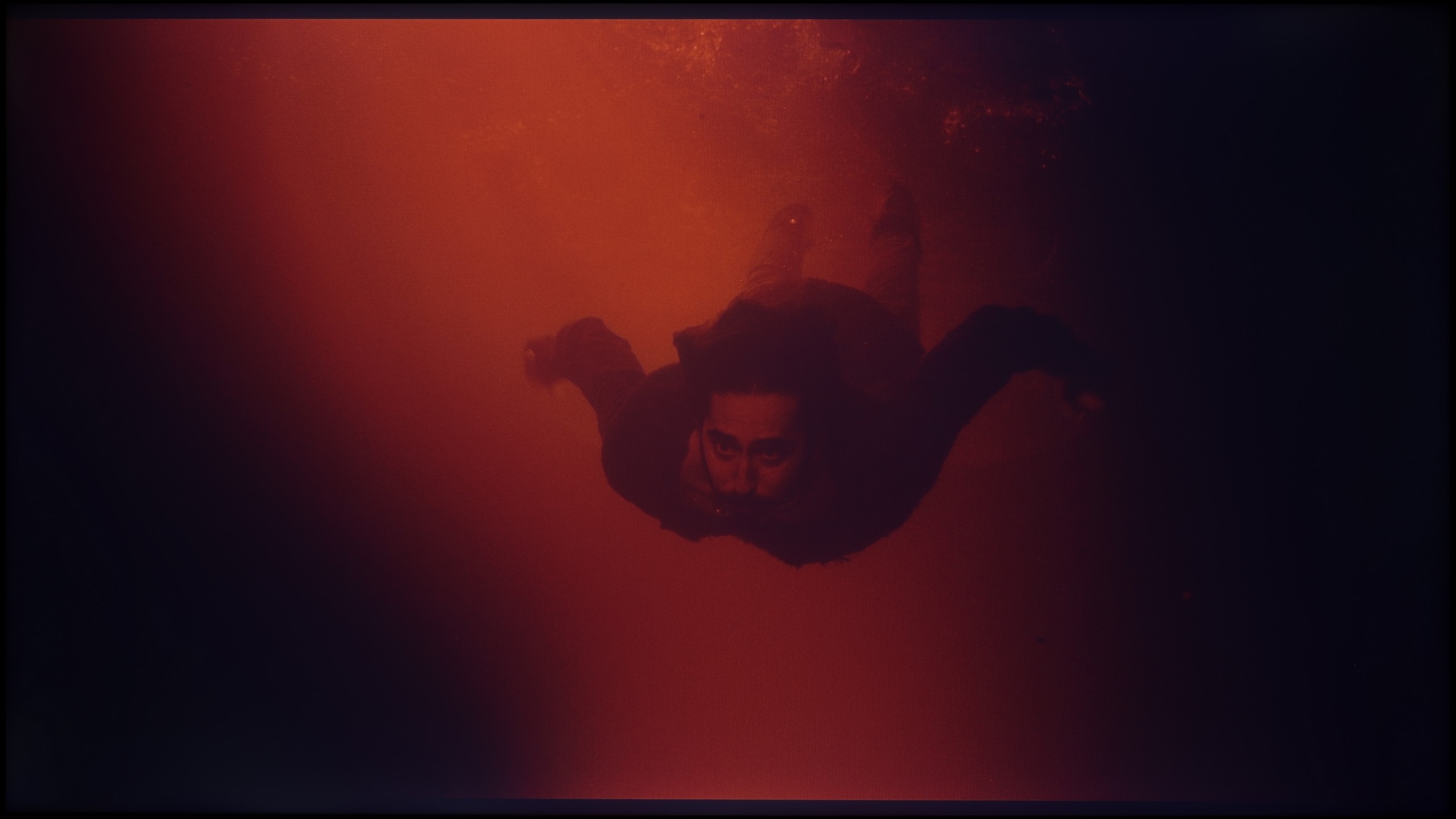
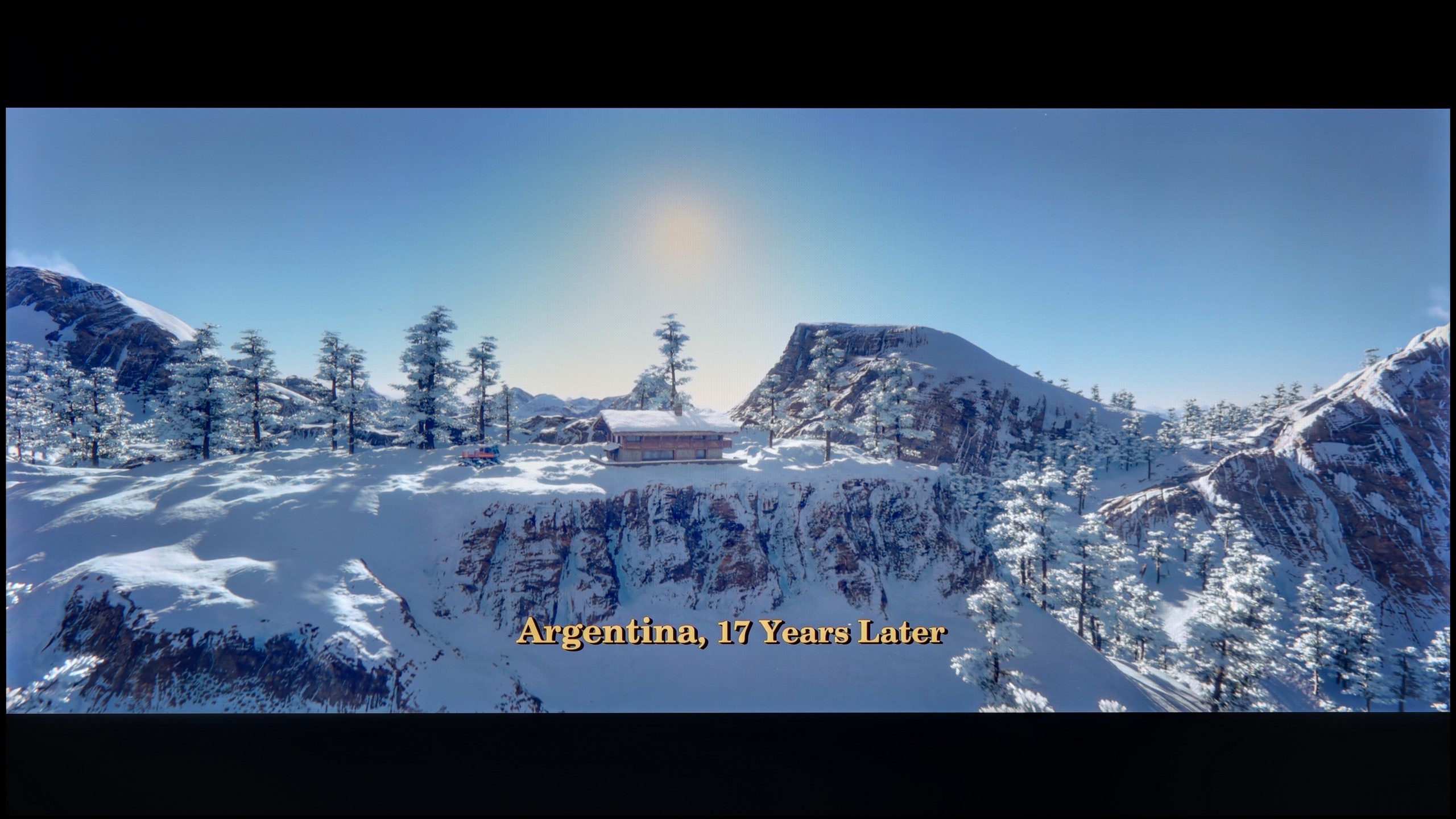
These are selected scenes that show smooth tonal transitions from one color to another. If you see distinct banding, it’s the TV panel’s fault.

These are selected scenes that show smooth tonal transitions from one color to another. If you see distinct banding, it’s the TV panel’s fault.
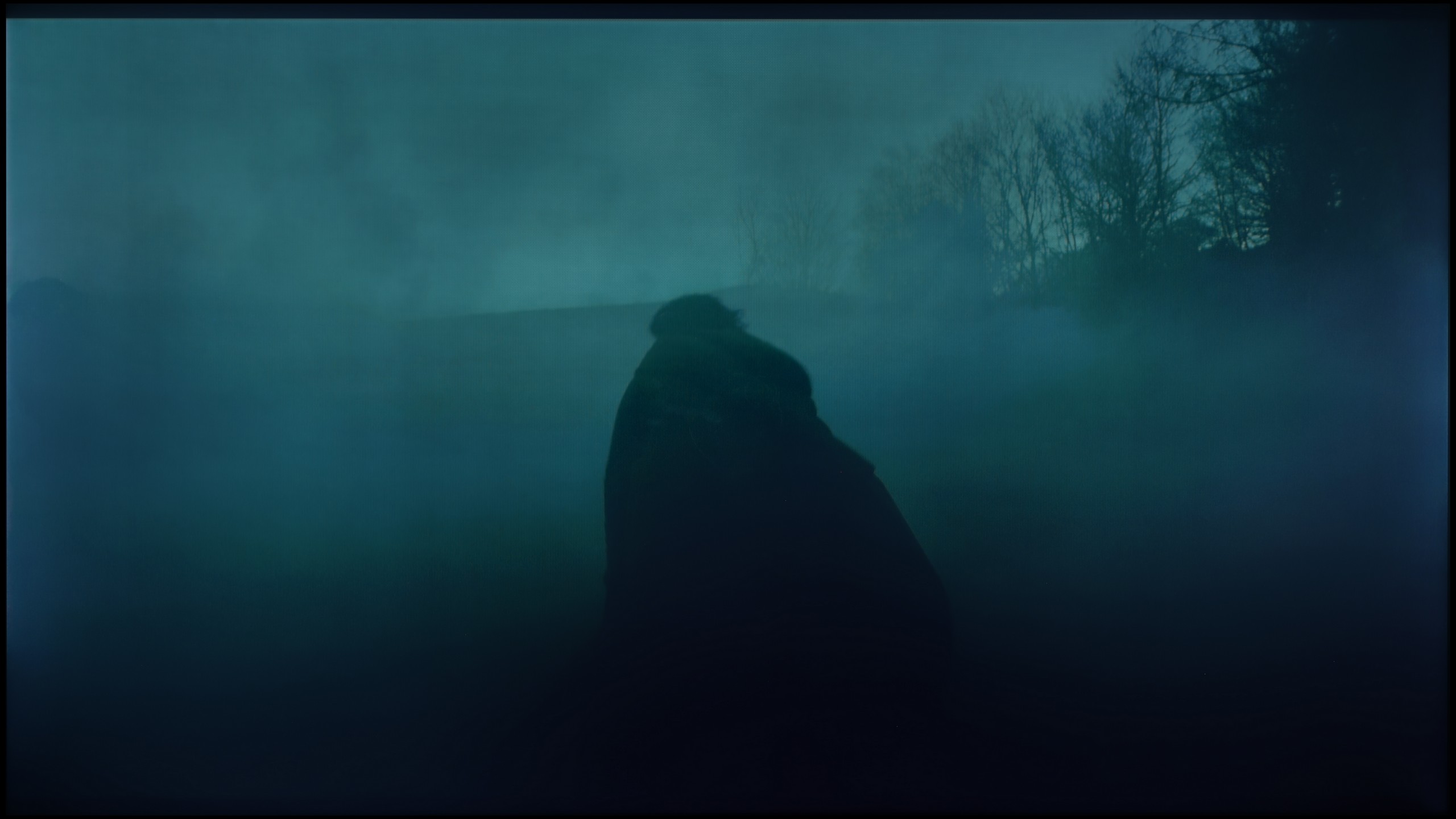
These are selected scenes that show smooth tonal transitions from one color to another. If you see distinct banding, it’s the TV panel’s fault.
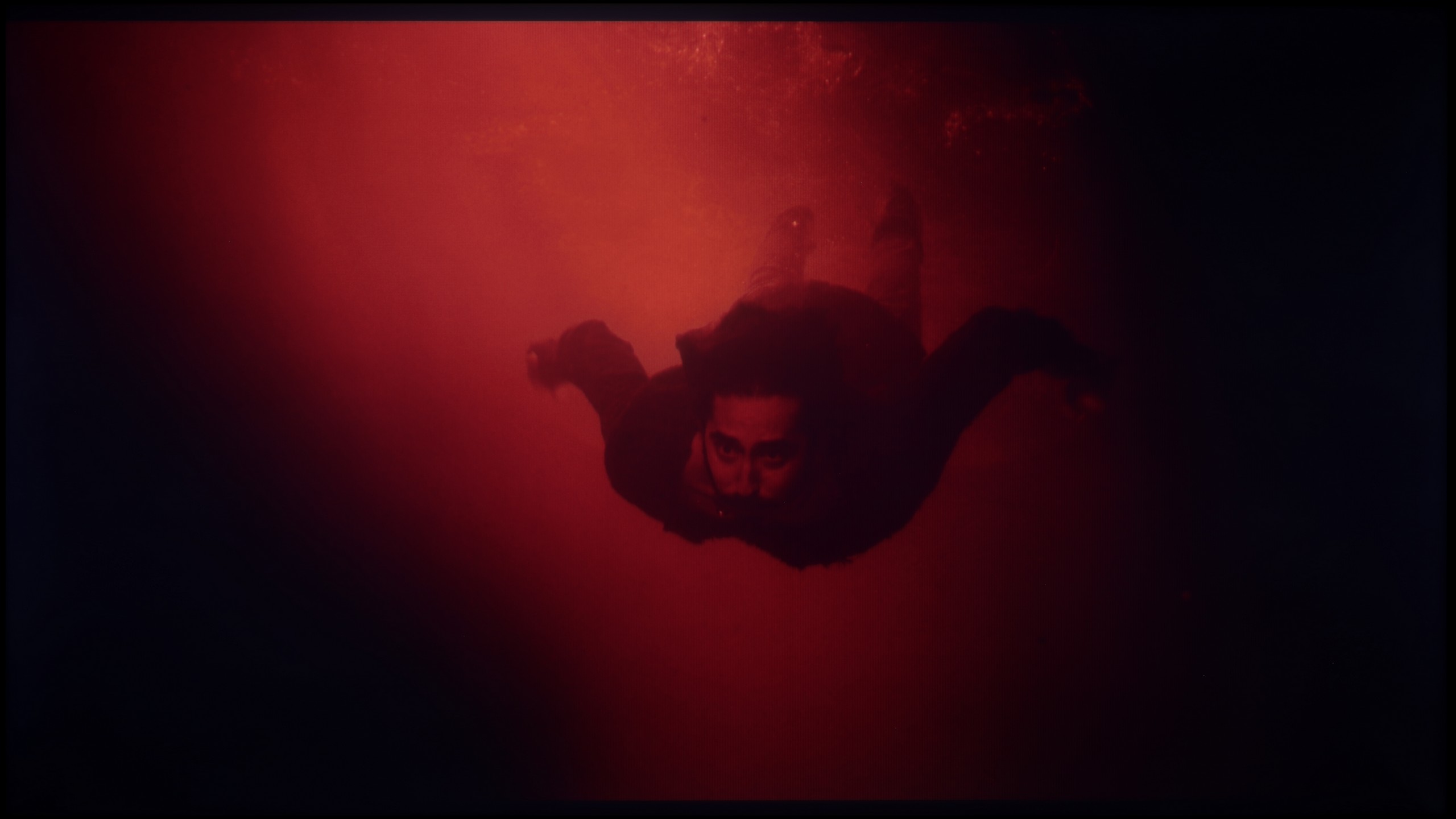
These are selected scenes that show smooth tonal transitions from one color to another. If you see distinct banding, it’s the TV panel’s fault.
In the version with an IPS panel, one can also speak of decent fluidity – in most scenes, color transitions were smooth and few would notice them during everyday viewing. However, it should be noted that compared to the VA variant, the image seemed more flat, especially in darker areas, where the lower contrast did not allow for as many details to emerge. Nevertheless, color transitions still looked correct and did not pose a significant problem in practice.
The fluidity of tonal transitions is one of those categories in which the E7Q PRO shows class. When it comes to color blending and gradation, the television performs phenomenally, just like many other Hisense models. In practice, it was difficult to find major issues with tonal transitions in almost every test scene, even in the most demanding shots, close to grays and darker shades. By choosing the E7Q PRO, one can have peace of mind in this regard. Posterization shouldn't be a concern here, and the image in gradients remains clear and very pleasant to the eye.
Image scaling and smoothness of tonal transitions
5/10
6.5/10

Smooth transition function
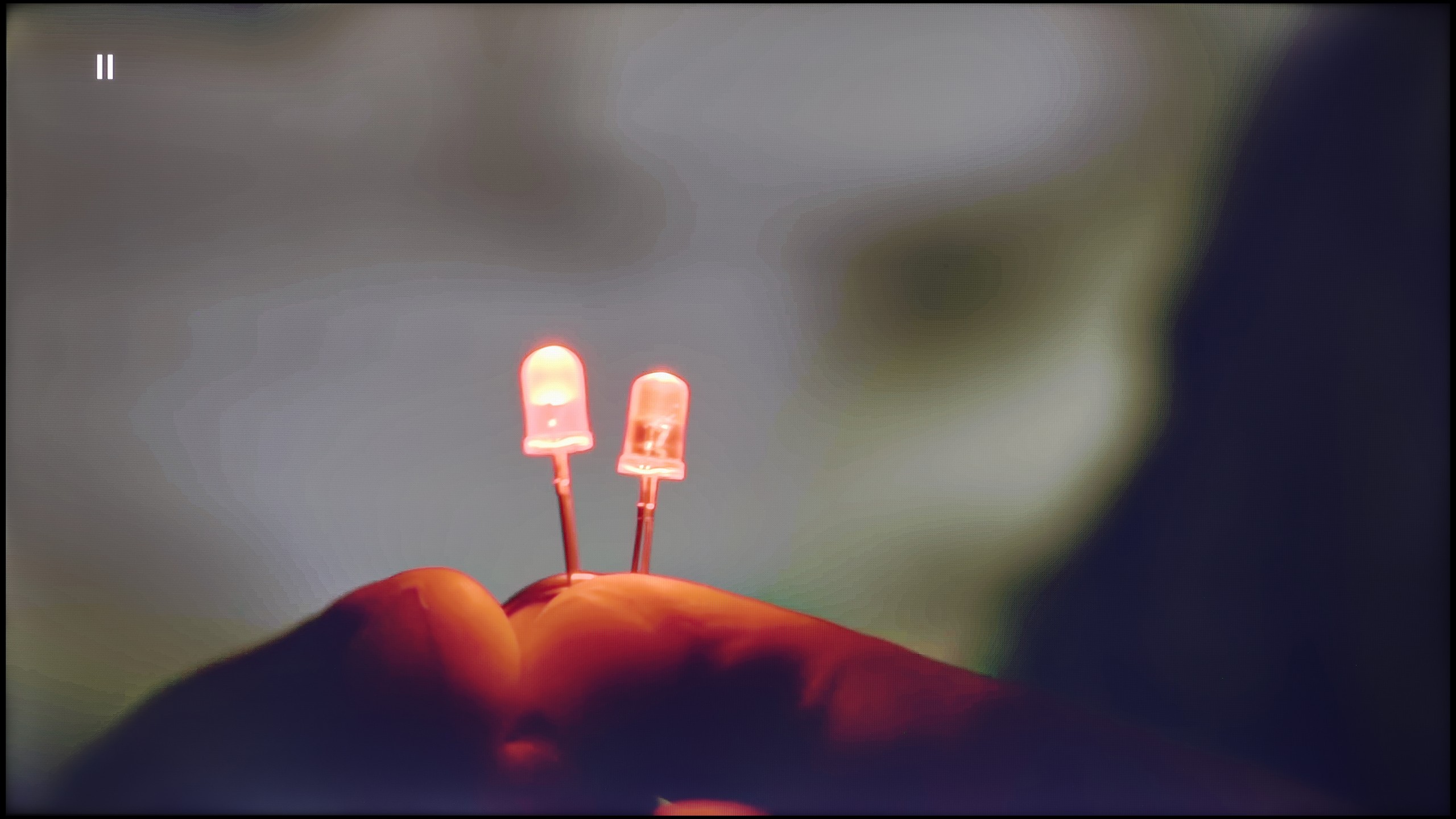
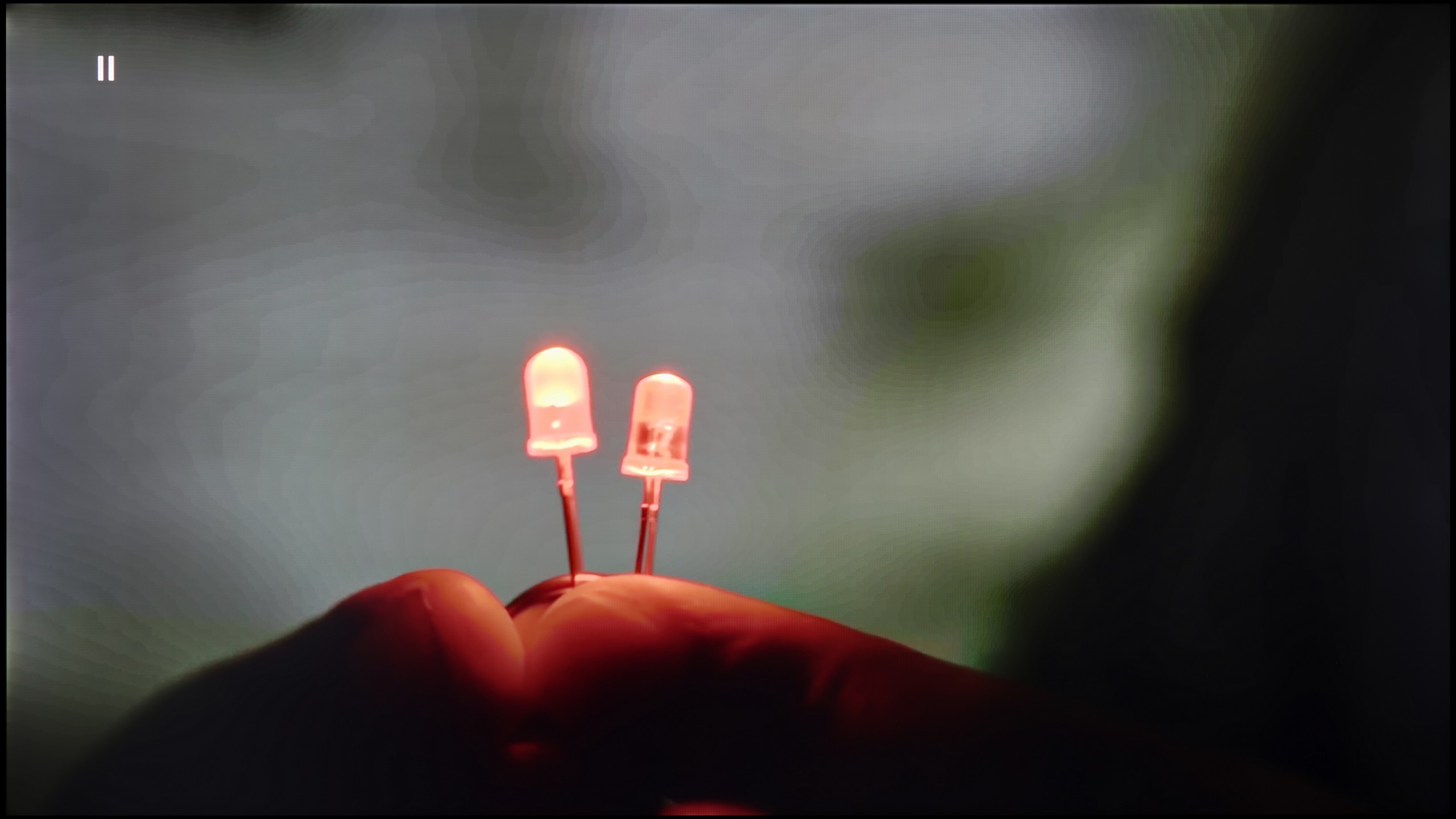
The match photo shows how the TV smooths weak tonal transitions in low-quality video.
Image scaling SD (576i)


The model photo shows how it handles upscaling of SD material.
The version with the IPS matrix performed significantly worse here. Image scaling was uneven – this was particularly noticeable in lower-quality materials, where edges became jagged and the image looked less detailed. At times, there was also a sense of slight blurriness that detracted from sharpness and made the overall presentation seem less polished than in the VA version. The tonal smoothing function turned out to be a lifesaver. At the medium setting, it worked very well – it didn't ruin the image with excessive softening, while smoothing out colors in such a way that everyday content gained consistency. The difference was especially visible with television programs or streaming materials of poorer compression quality, where the television with the function enabled presented itself much better. This is one of those features that is worth keeping active because it significantly enhances the reception of everyday materials.
When it comes to upscaling and digital image processing, the E7Q PRO deserves praise. The scaling performs really well here and does not fall drastically behind much more expensive, advanced televisions. Lower-quality materials can look clean and sensible, without the impression that the image is artificially "overdrawn." However, the smoothing function presents a bit worse. It can indeed be effective and improve tonal transitions in low-quality materials, but at the same time, it can introduce unwanted effects. Sometimes it removes film grain or adds unwanted artifacts, giving the image a more "digital" character. Therefore, we mainly recommend it to those who prefer a smoother, less cinematic style of image.
Blur and motion smoothness
4.5/10
6.9/10

Blur (native resolution, maximum refresh rate):
Blur ():
Blur (4K@144Hz):
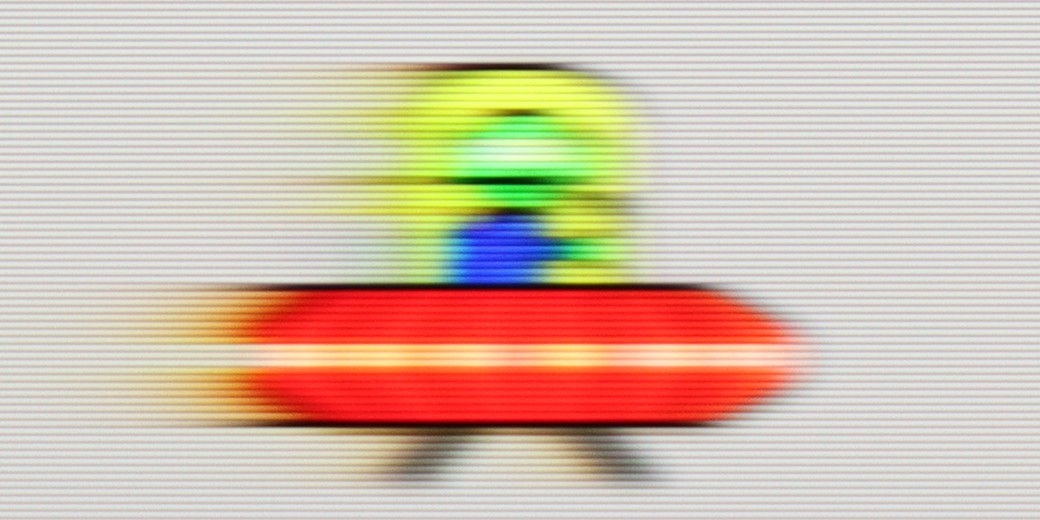
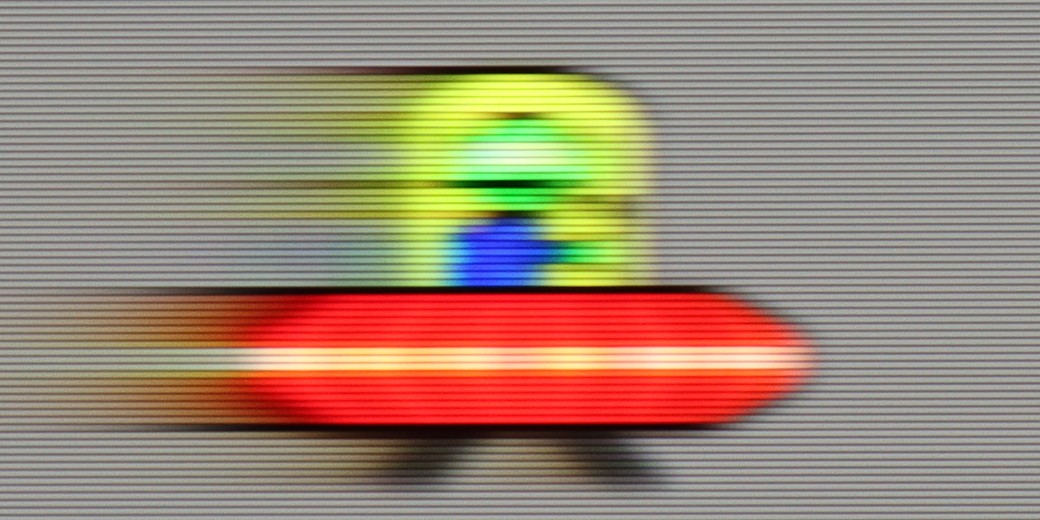
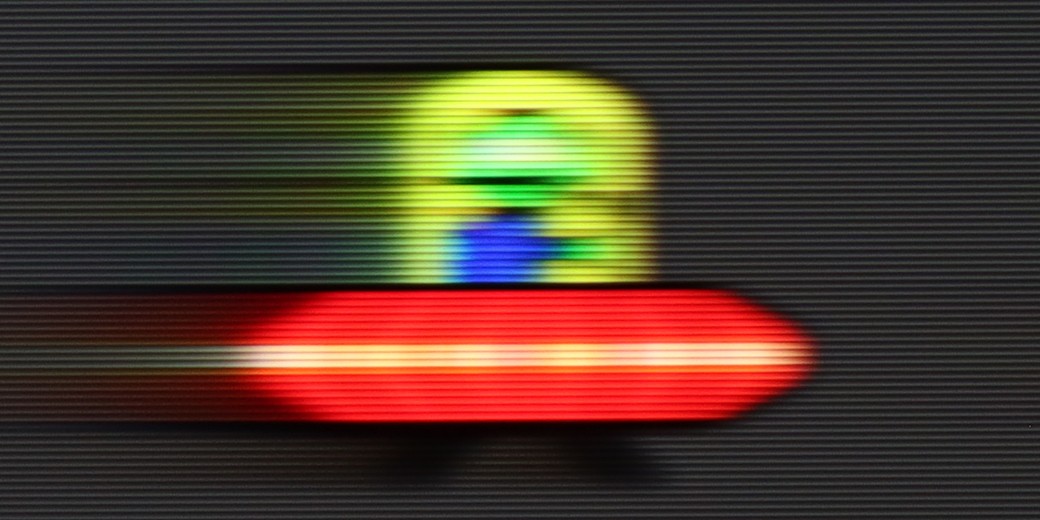
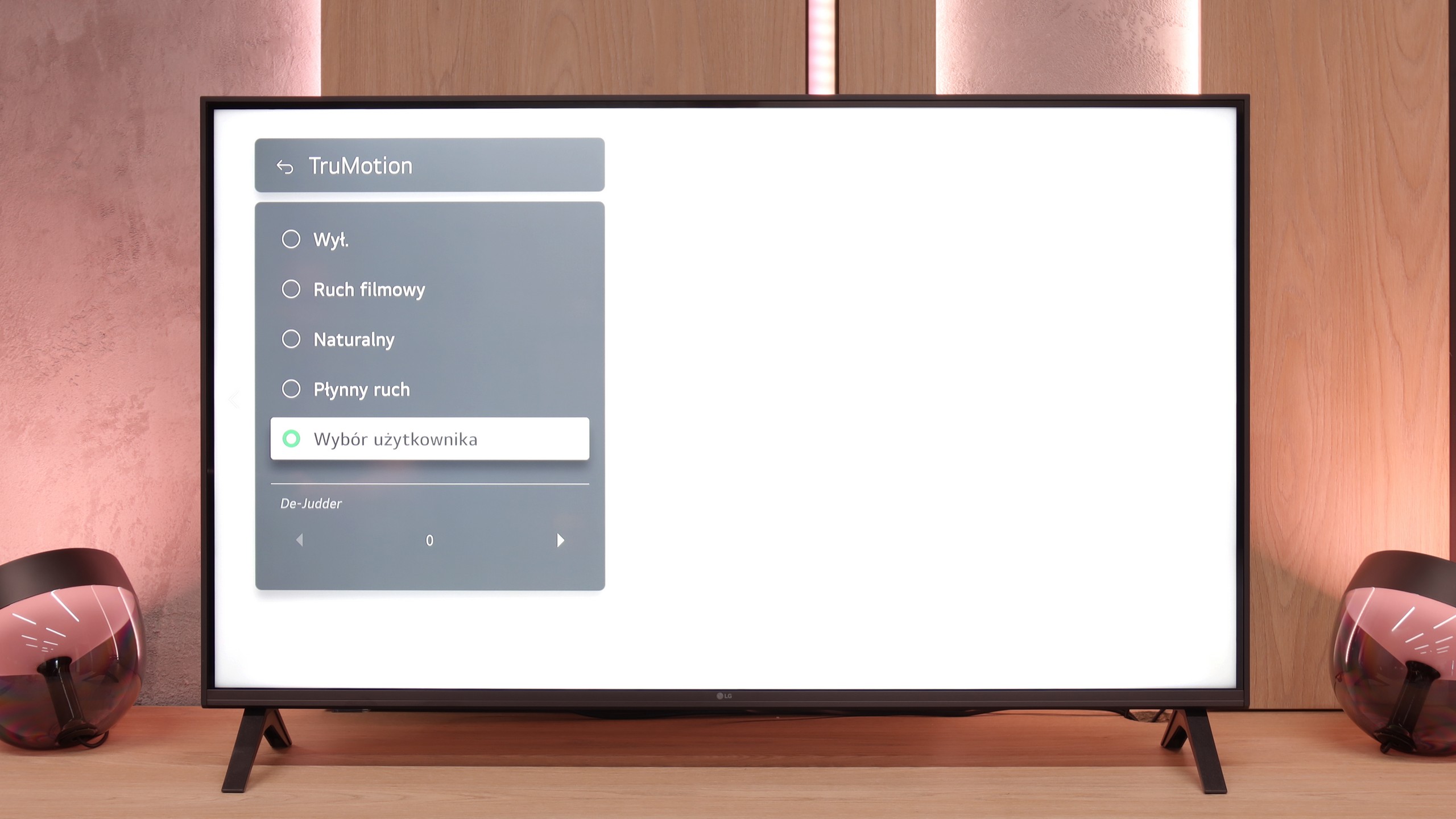
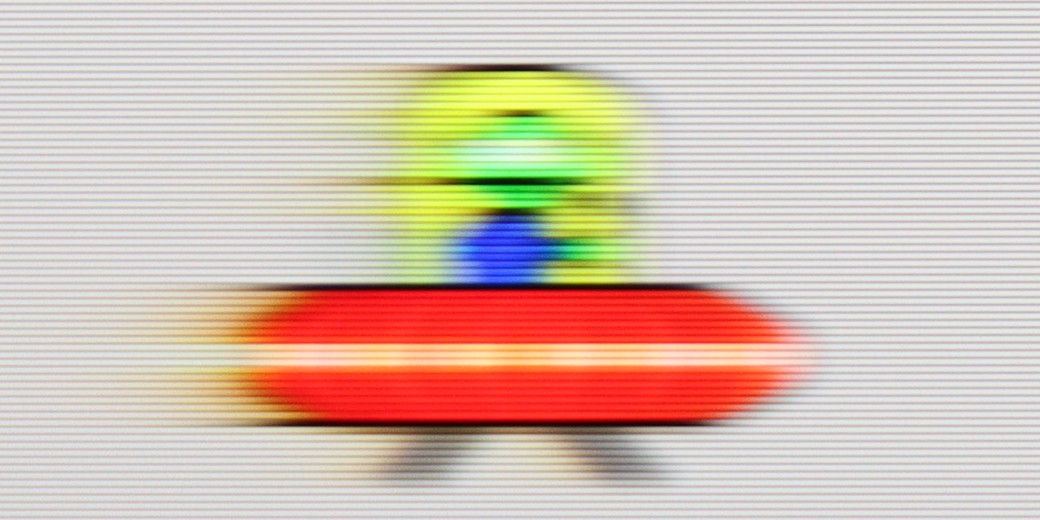
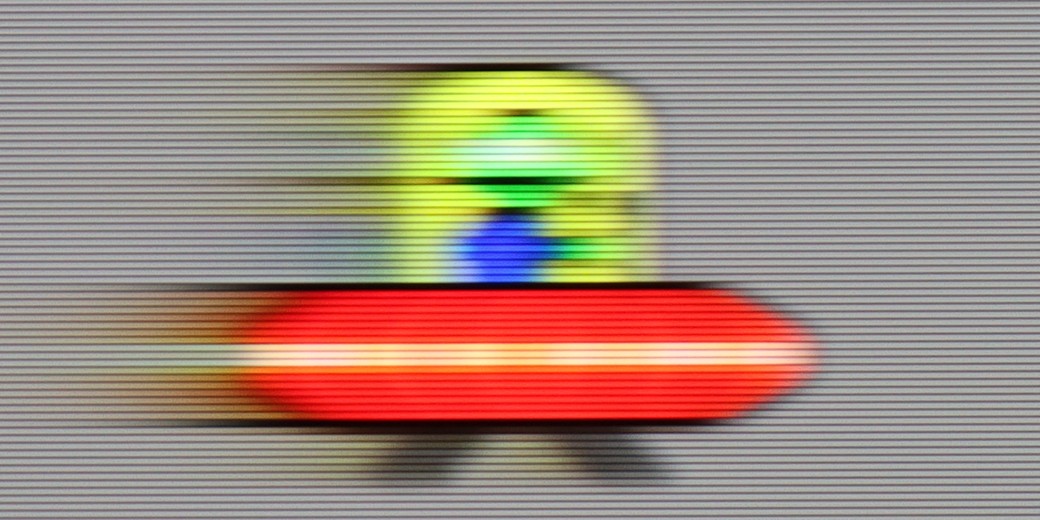
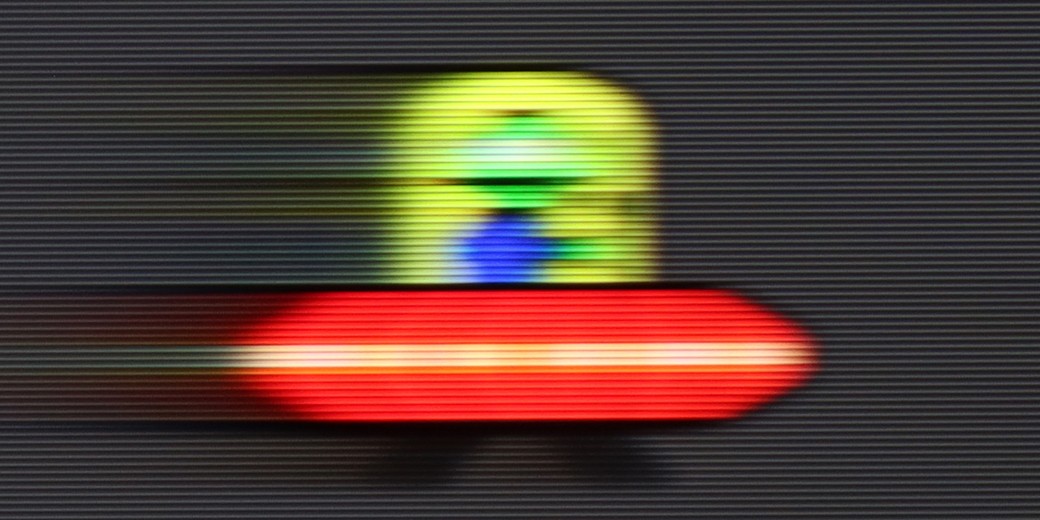
LG UA7500 is a television with a 60 Hz panel, so it's difficult to expect any excitement in this category. It's more of a screen intended for everyday content or an evening movie session rather than for following dynamic sporting events or playing action games. It's clear that the manufacturer designed this model specifically for that group of viewers – and in that regard, it works properly. We have access to the TruMotion feature, which is a motion smoother. It's simple, with just one slider, but it can make a noticeable difference. At lower settings, the picture looks more raw and cinematic, while at higher values, the motion becomes smoother and more pleasant to the eye.
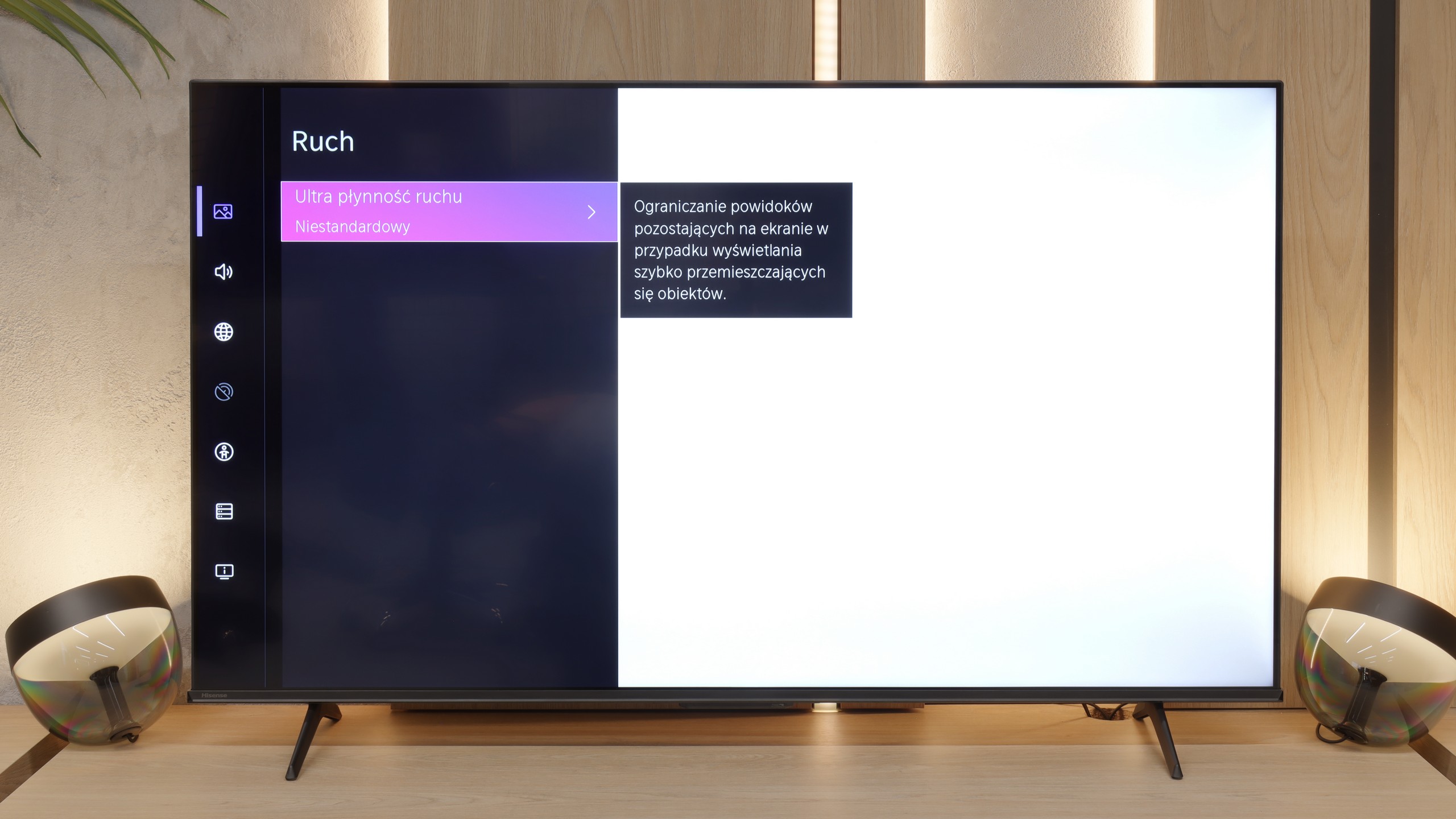
In the category of motion blur and fluidity of movement, the E7Q PRO has one very strong argument. At this price, Hisense has added a 120 Hz panel, and in PC mode, it can even operate at 144 Hz. This immediately provides greater possibilities in motion settings, as the menu displays more options for smoothing the image. Among other things, we have frame interpolation options, which allows us to adjust the fluidity for sports or for movies, depending on whether we prefer a more cinematic character or a "theatrical" smoothness.
Console compatibility and gaming features
6/10
8.5/10
- ALLM
- VRR
- VRR range48 - 60Hz48 - 144Hz
- Dolby Vision Game Mode
- Correct implementation of HGIG
- 1080p@120Hz
- 1440p@120Hz
- 4K@120Hz
- Game bar
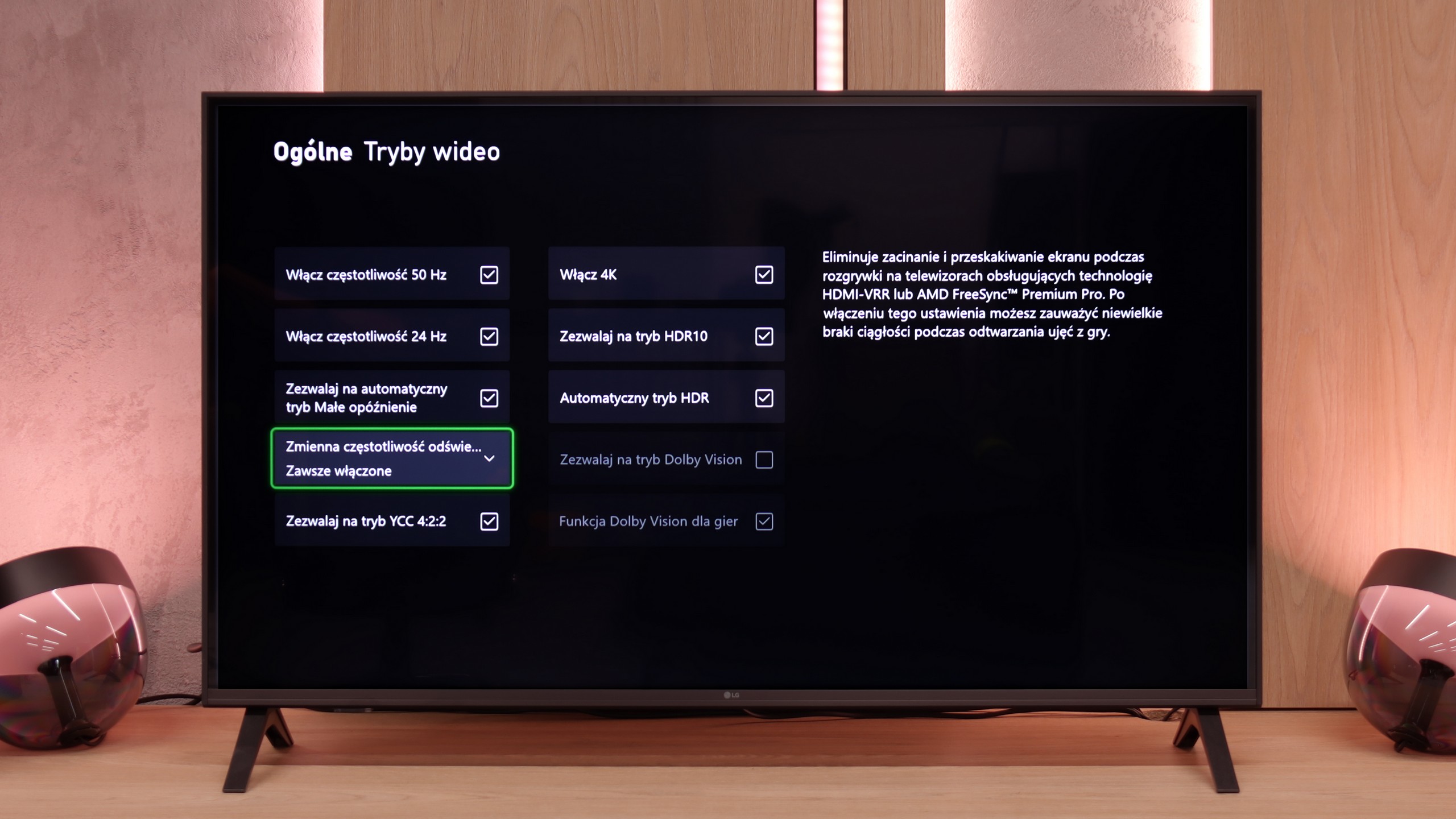
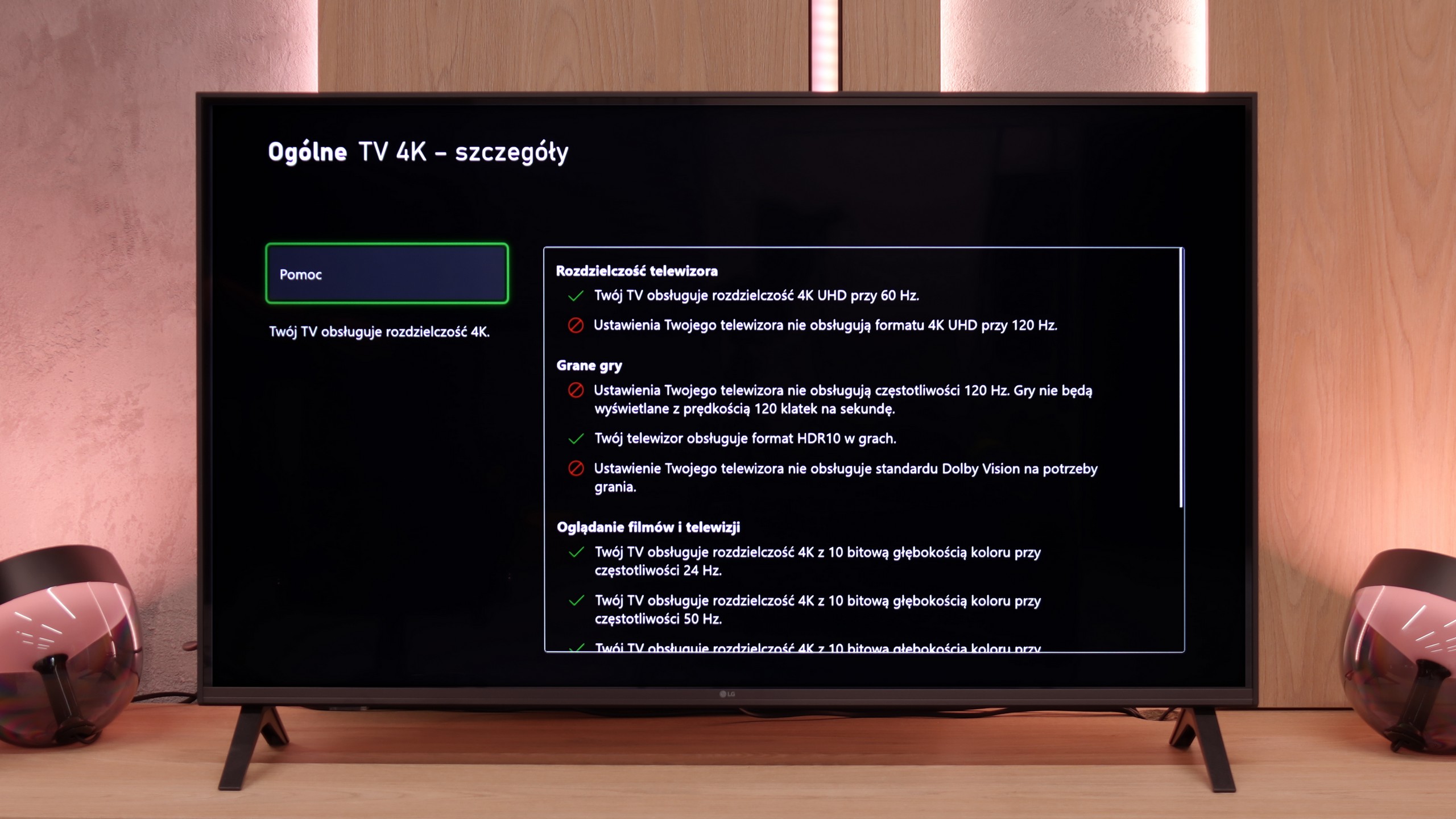
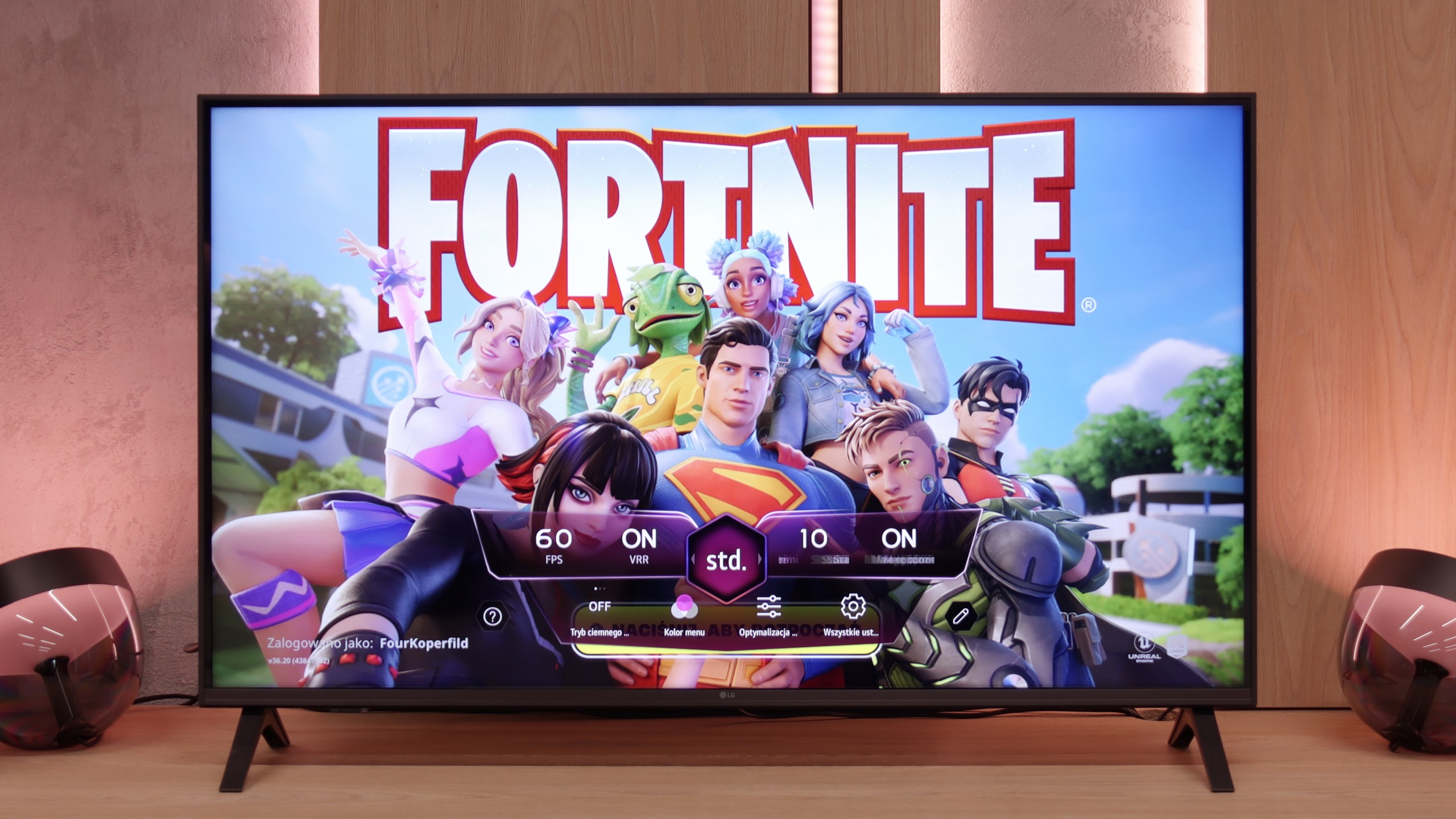
LG UA7500 is a television that can be confidently recommended for "casual" gamers. While it lacks a 120 Hz panel and HDMI 2.1 ports, making full use of the potential of modern consoles out of the question, the manufacturer has included a few additions that can enhance the gaming experience. Notably, the Game Bar deserves mention – a very nicely designed panel that allows quick access to and modification of the most important settings. From this panel, we have access to features such as ALLM mode (automatic switching to game mode) and frame synchronization, which is VRR. The range of VRR is limited – it operates from 48 to 60 Hz – but the mere presence of this feature in such an affordable television is impressive.
Additionally, it supports HGiG, which is a calibration mode for HDR specifically for gaming. This sounds good, but based on testing experience, we already know that in the case of the UA7500, this option doesn't make much sense. The television doesn't handle HDR very well, so paradoxically, we achieved better results with this feature turned off. This is another signal that the UA7500 is more of a screen for occasional gamers who value simplicity and comfort rather than for those looking for a complete experience from the latest consoles.
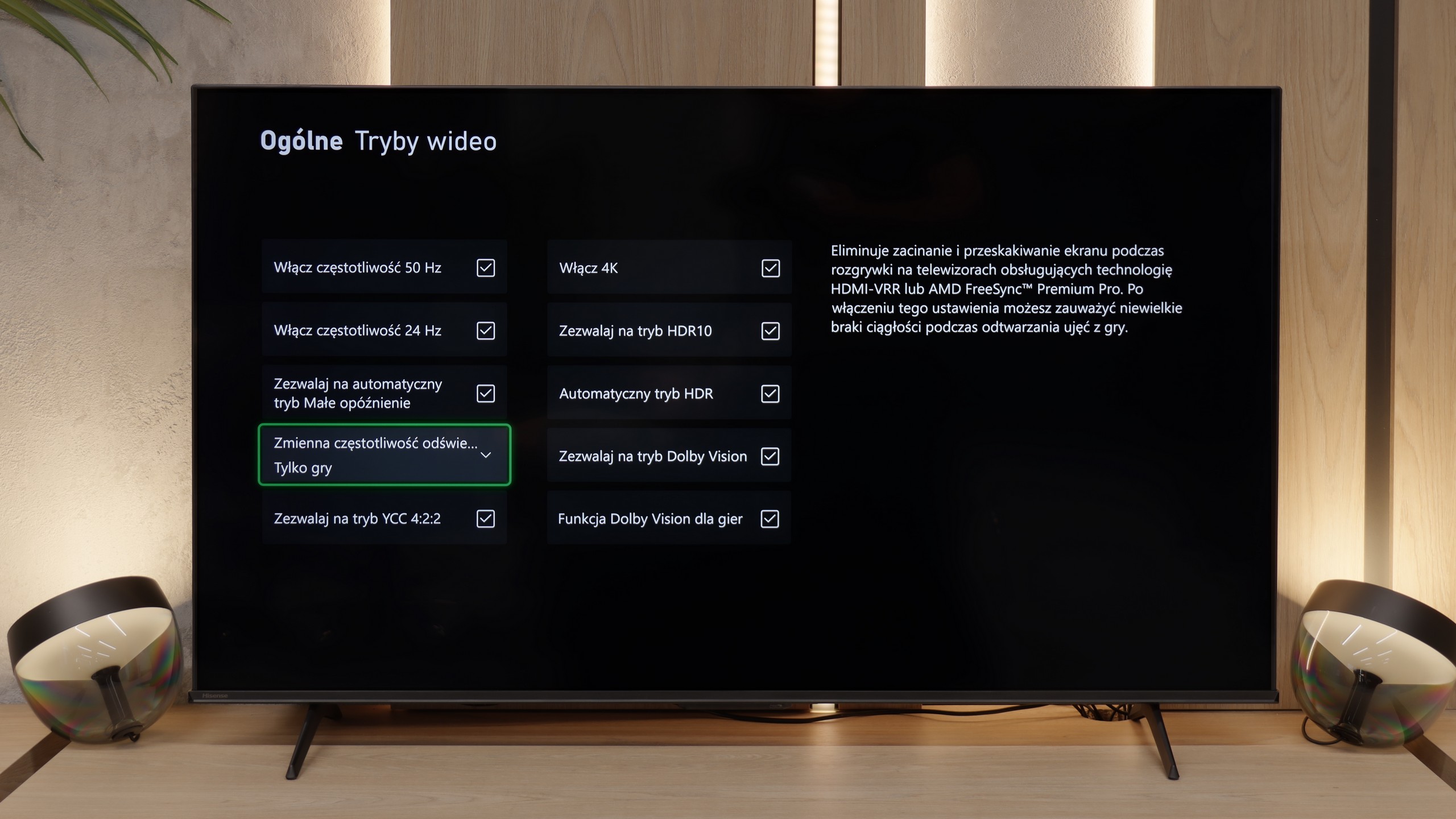
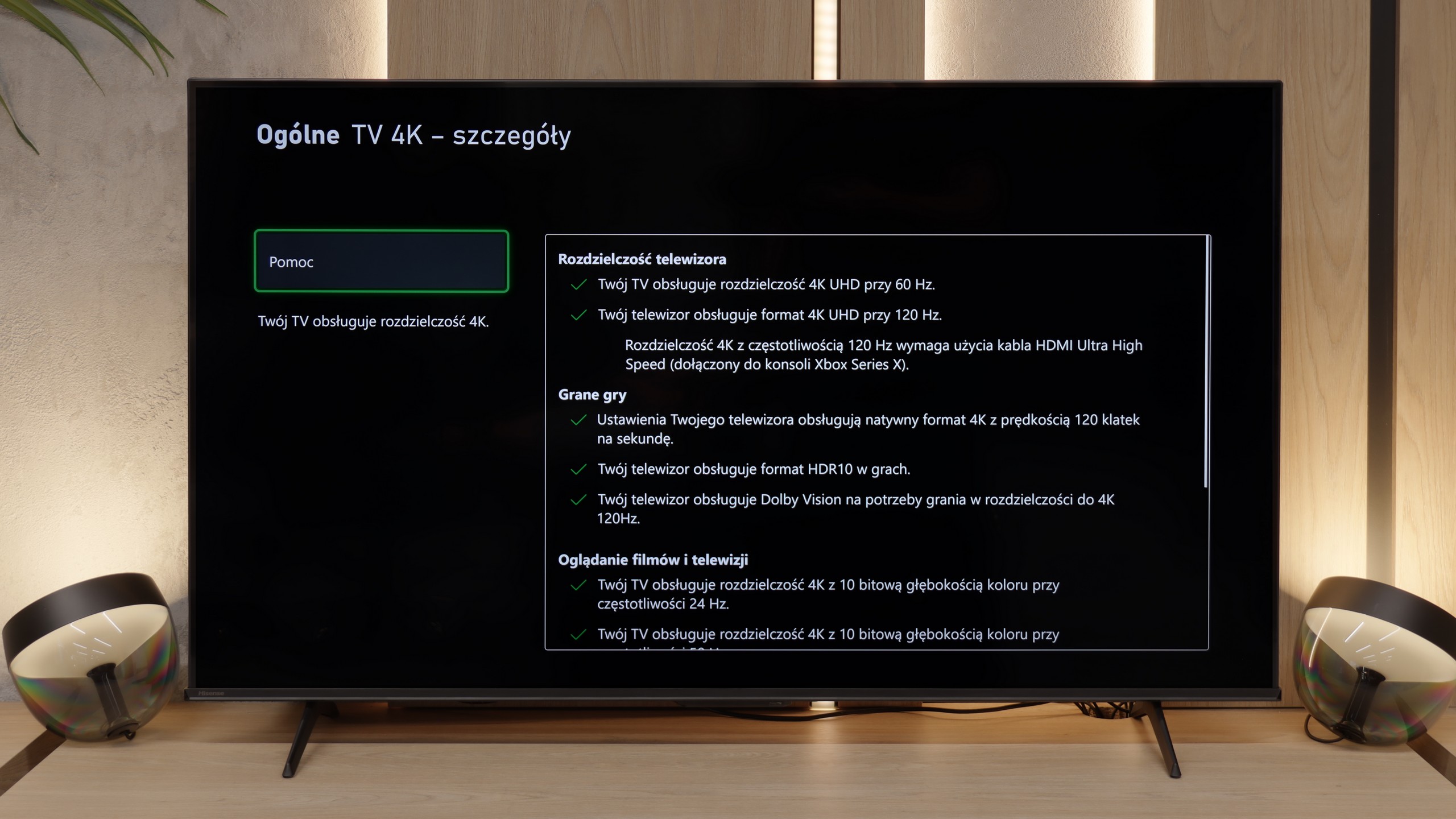
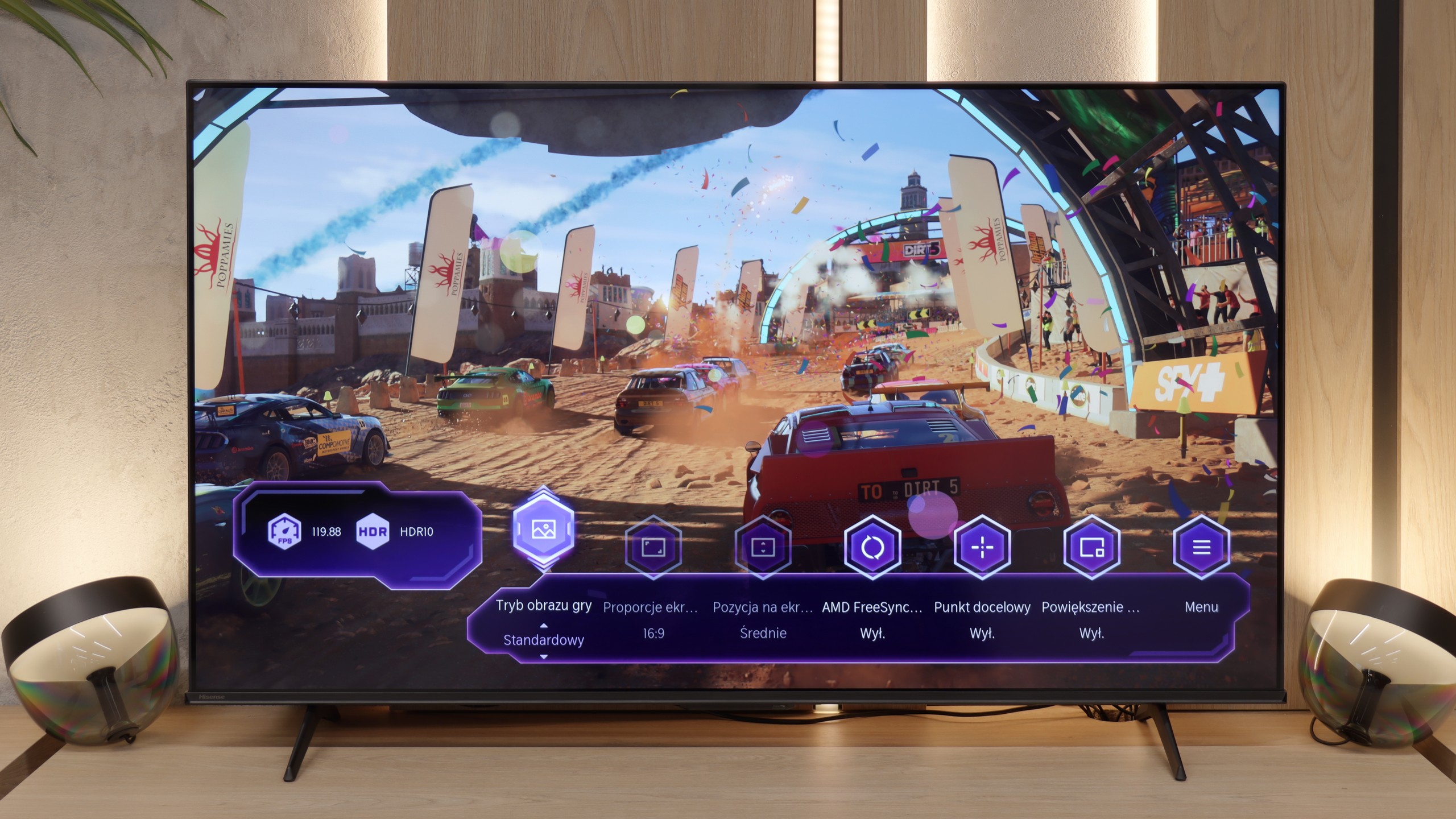
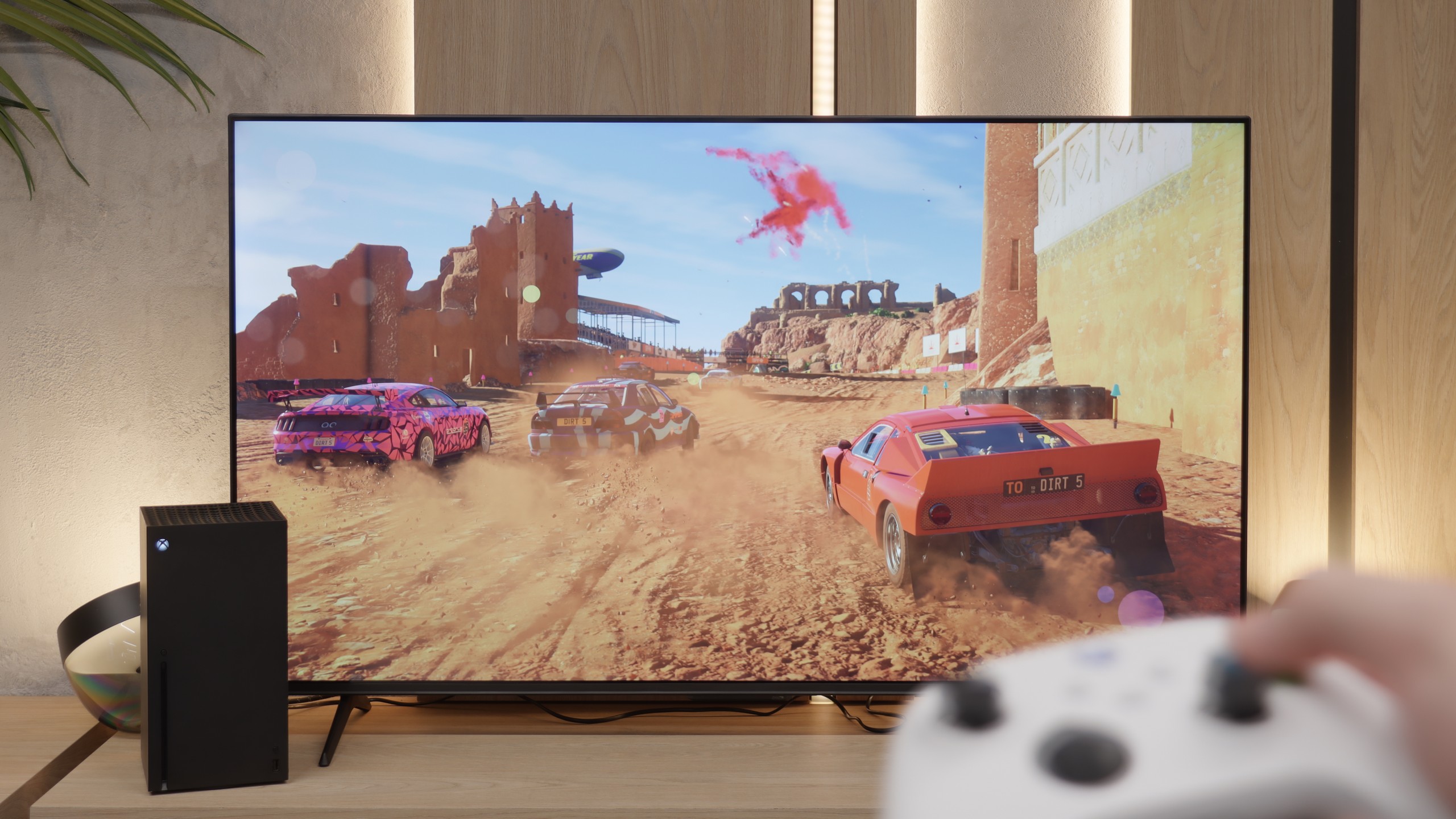
The E7Q PRO is a phenomenal screen for gamers. Aside from the typical "thorn" of Hisense, which is the lack of support for the HGiG format due to the constantly active tone mapping, we practically get everything one might expect from a television that is supposed to have a gaming label. There are two HDMI 2.1 ports, along with a full set of key features. We have variable refresh rates, automatic switching to game mode, and support for 4K at 120 Hz. On top of that, all the most important settings are at hand in a clear Game Bar. This tool not only looks modern but also has a distinctly "gaming" edge and actually makes life easier while playing.
Input lag
10/10
9.8/10
SDR
HDR
Dolby Vision
A delay of less than 10 ms is a result that more expensive models could easily envy. This allows games to run exceptionally responsively, with every action on the controller immediately visible on the screen. This is one of the strongest features of this television, especially for those who enjoy firing up a console from time to time.
Input lag performs very well. At 120 Hz, it drops below 10 ms, ensuring that the TV's response to our movements is practically instantaneous. In dynamic games, this is felt immediately; the controls remain responsive, and the delay does not hinder even in fast titles focused on reflexes.
Compatibility with PC
6/10
8.4/10
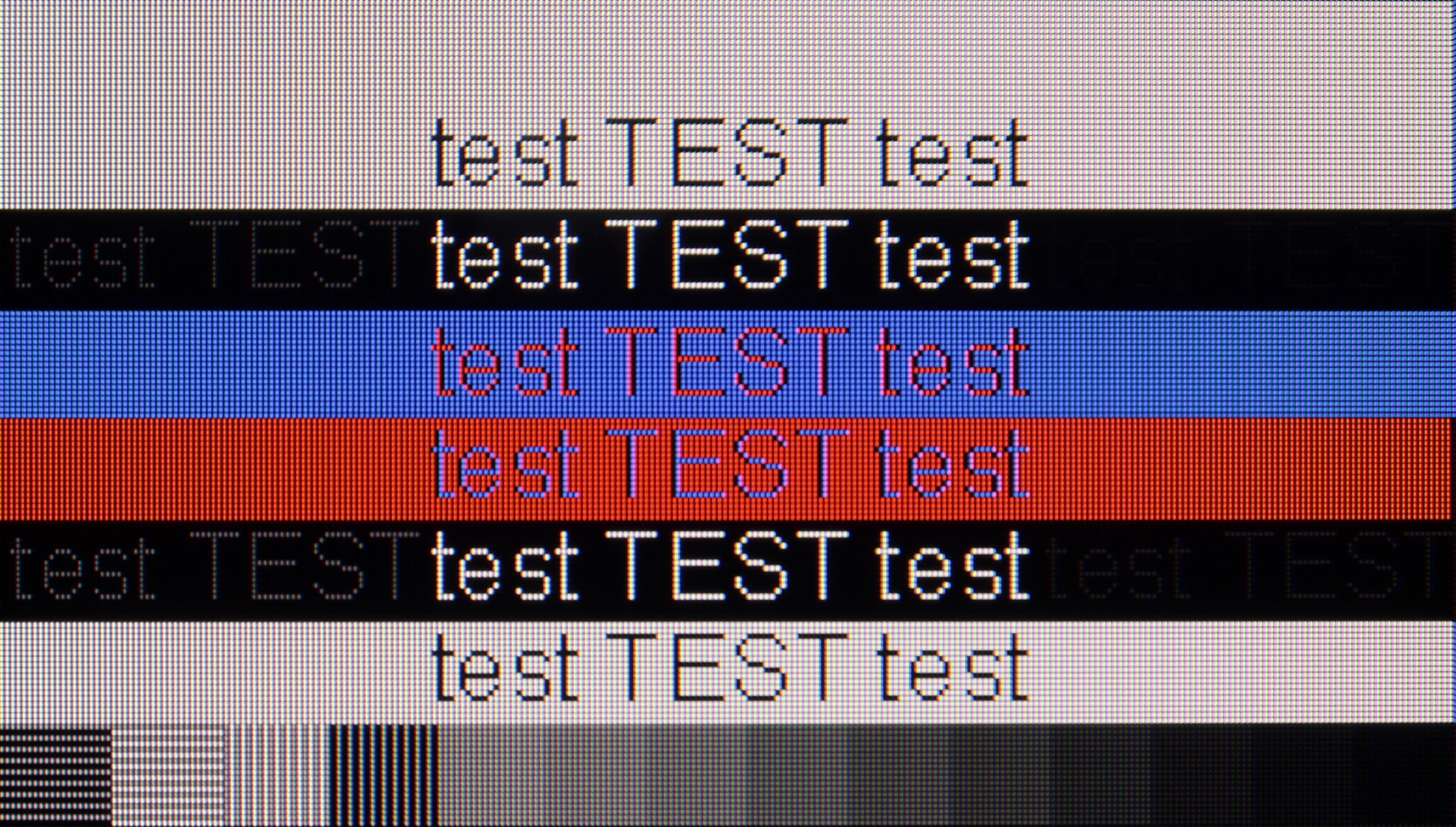
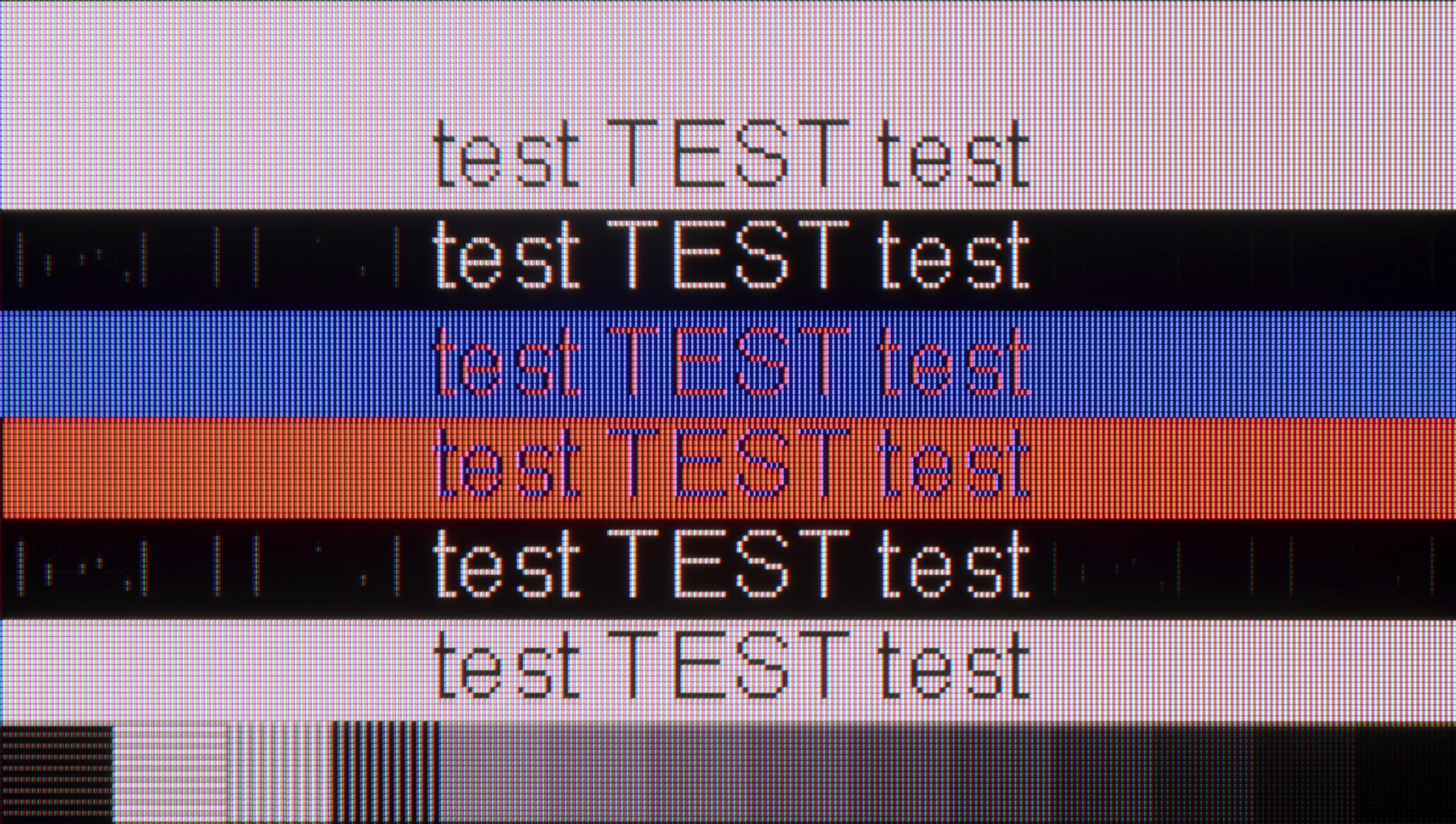
The photo shows the legibility of small fonts. Ideally, lines should be the same thickness on both light and dark text, with minimal pixel gaps.
In the 43-inch variant equipped with an IPS panel, the LG UA7500 performs excellently as a computer work tool. Thanks to the use of this specific panel, the readability of the fonts is at a remarkable level – text looks sharp and clear even during prolonged office work. Additionally, it supports chroma 4:4:4, so colorful fonts, icons, and interface elements look phenomenal. This makes the UA7500 perform exceptionally well as an occasional monitor. It is not a screen designed for avid gamers, but in the context of work and everyday use of a PC, it performs great.
Working with a computer on the E7Q PRO is really good, especially if we look at this TV as a large screen for gaming. We get support for variable refresh rate (G-Sync and FreeSync) and refresh rates up to 144 Hz, so in fast-paced titles, the image can look very smooth and stable – it’s hard to have bigger complaints at this price. However, there is one clear downside. Regardless of the set refresh rate, there are issues with the readability of very thin, dark text. On our unit, it sometimes happened that mainly vertical "strokes" of letters were visible, making some texts difficult to read, and sometimes even impossible to decipher. For gaming – great. For working with text on a dark background – it can be quite annoying.
Viewing angles
6.4/10
3.2/10
The biggest advantage of the IPS variant in the LG UA7500 is the viewing angles. Even when we sit far to the side, the image maintains its consistency – colors do not fade dramatically, and the screen brightness remains at a decent level. It is this type of panel that makes the television work well in rooms where people often watch TV together, sitting in different places. It is clear that IPS has no problem maintaining stable color reproduction at greater angles, which facilitates viewing in larger groups. However, it should be added that the contrast is still limited, so even if the image from the side looks even, it still lacks depth, especially in dark scenes. Therefore, IPS makes up for it with a wide range of angles, but at the cost of blacks remaining average regardless of perspective.
The viewing angles on the E7Q PRO are exactly what one would expect from a VA panel, and the 55-inch size we tested uses just that. This means one thing. Sitting directly in front is very good, but a slight shift to the side causes the image to start losing saturation and a noticeable amount of brightness. The E7Q PRO is no exception here; it behaves typically for this technology. It's simply the price to pay for the high native contrast that VA can offer in return. One could say that it is the opposite of IPS or ADS panels, which usually provide better angles but much weaker black levels and contrast.
Daytime performance
4/10
4.7/10
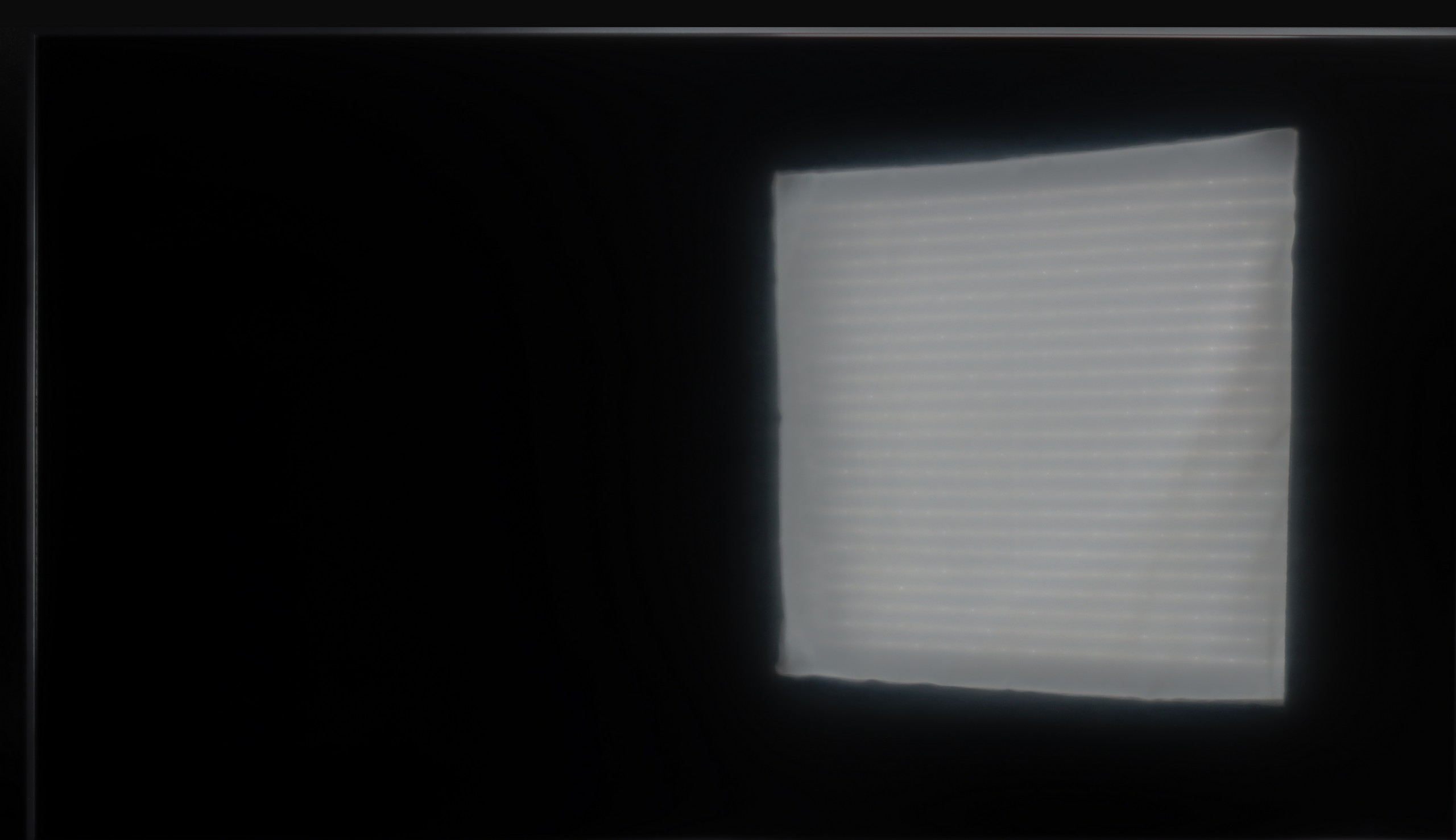
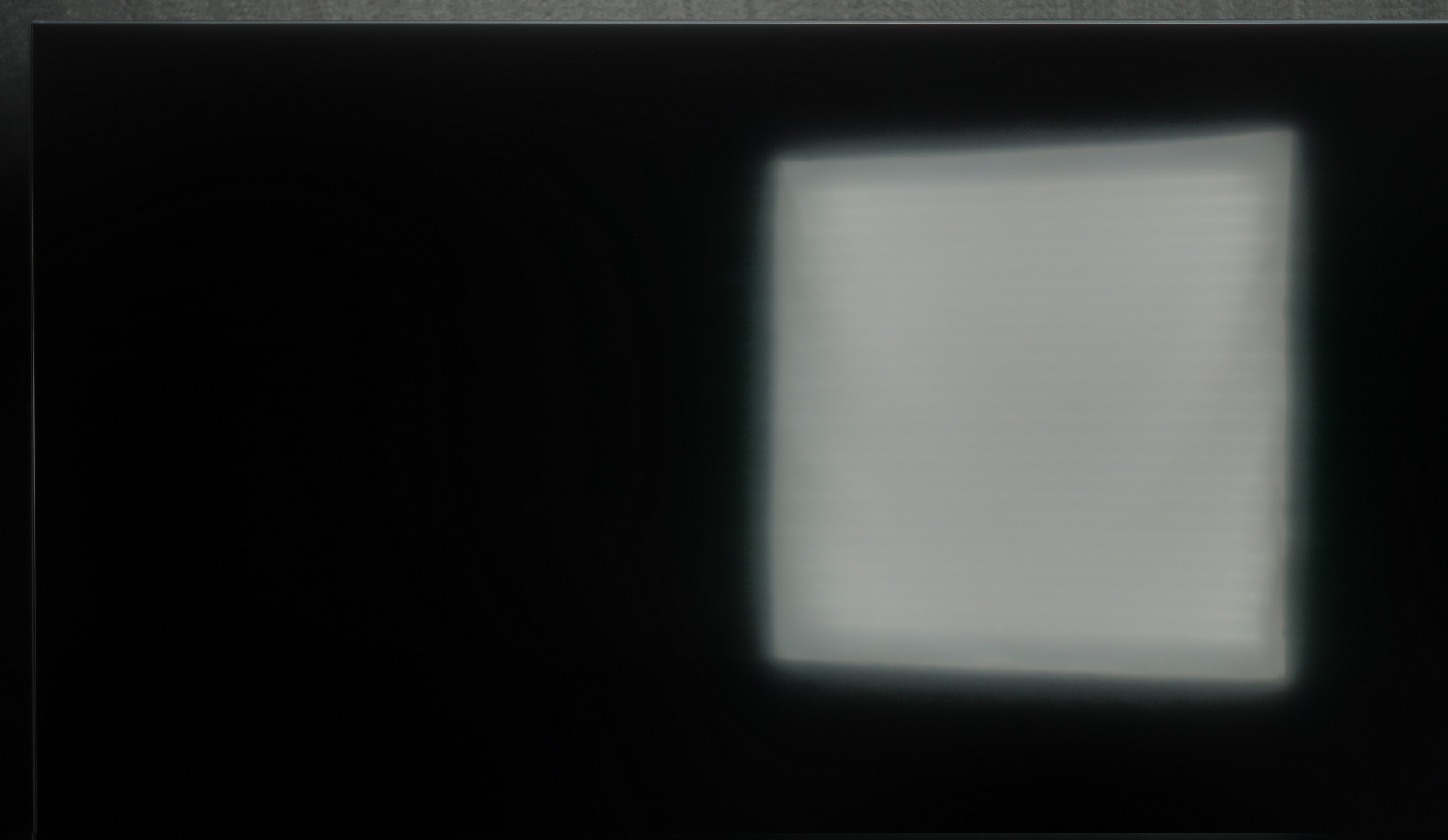
Panel brightness
Hisense E7Q PRO / E79Q PRO: 308 cd/m2
LG UA75006LA (IPS): 247 cd/m2
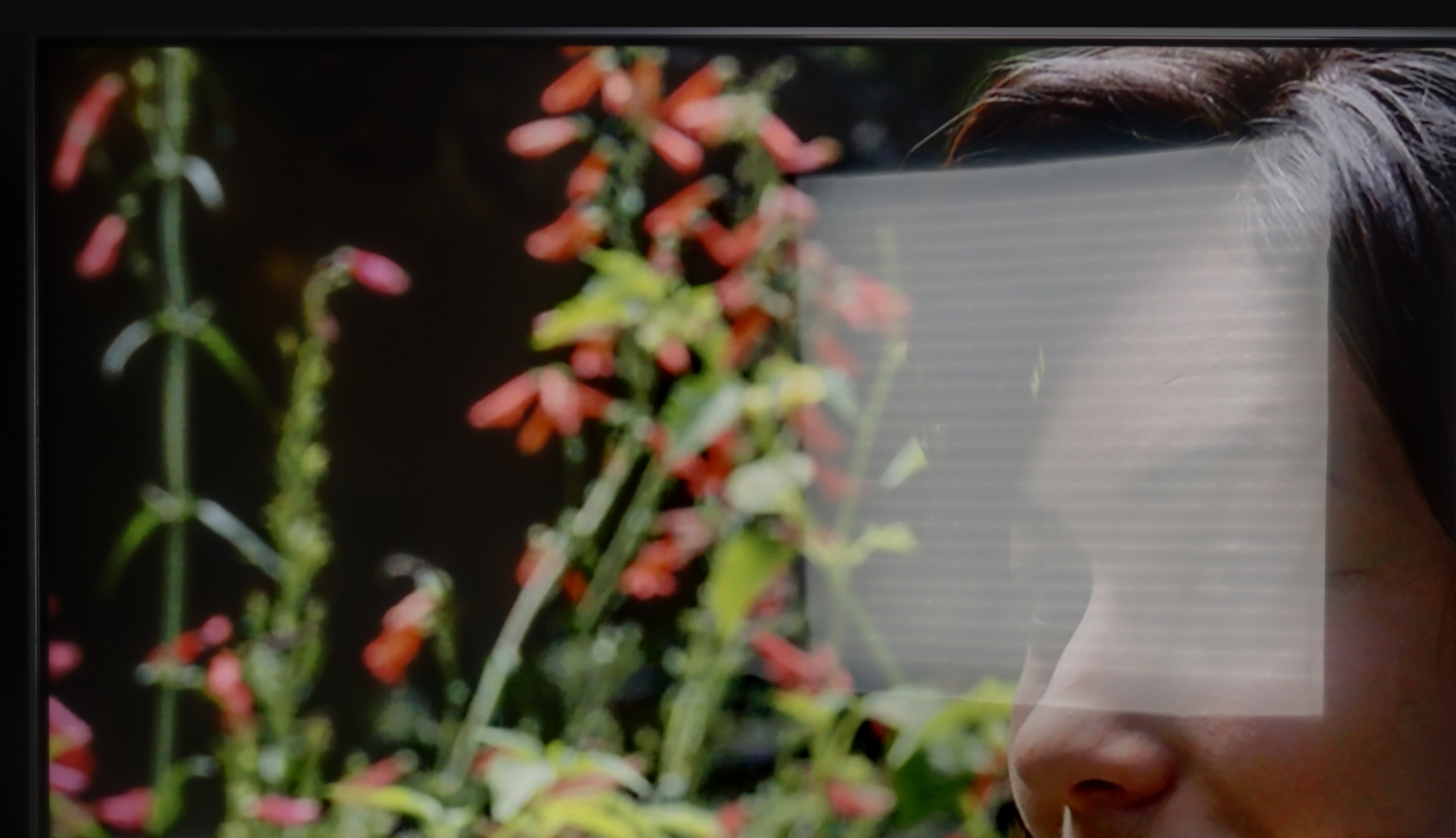
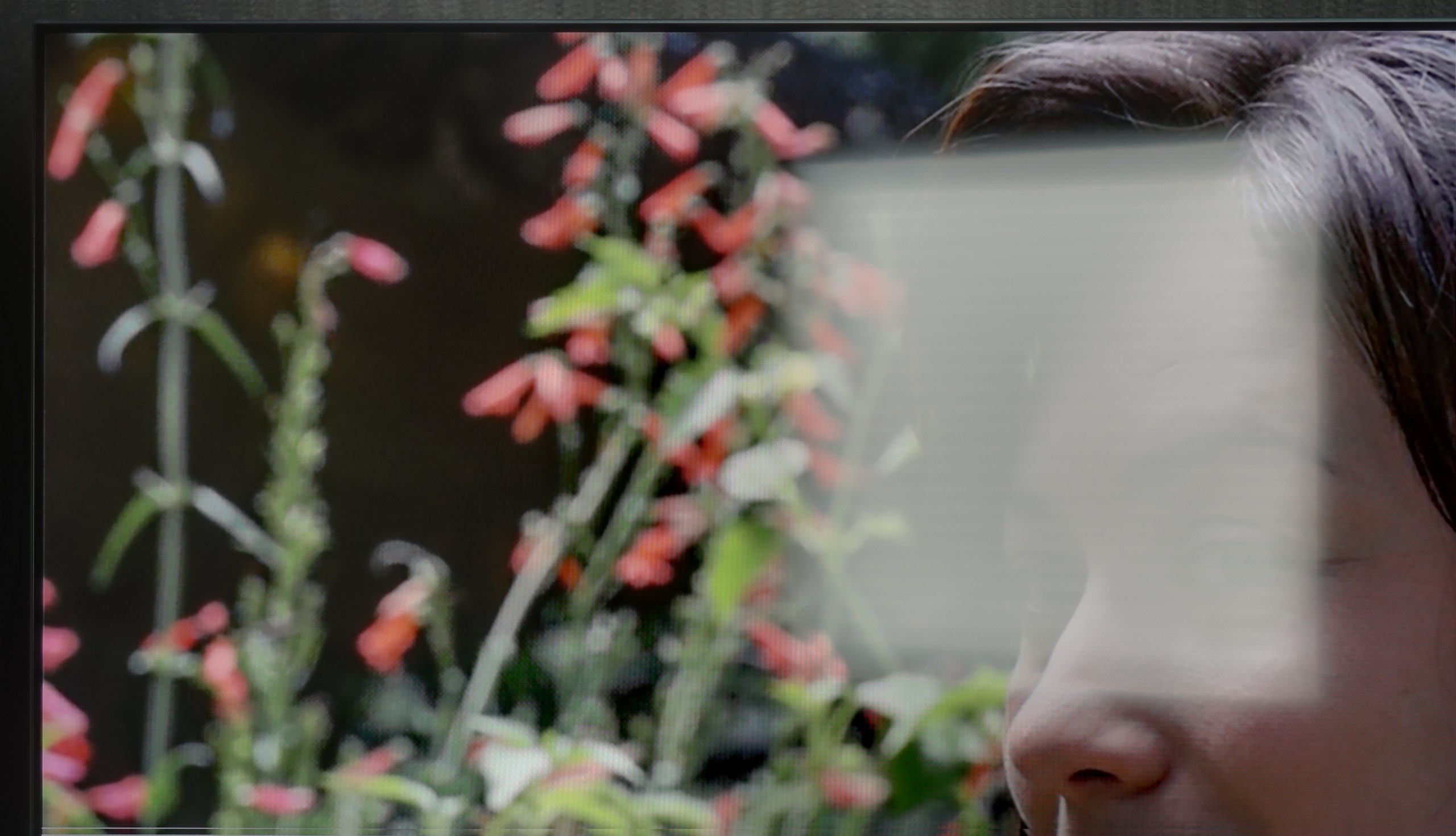
The IPS variant performs worse in this regard. The coating is the same – it moderately reduces reflections – but the brightness is lower, around 250 nits. This means that on sunny days, the screen appears noticeably darker and loses readability more easily. The colors still maintain their accuracy and do not fade excessively, but the lack of additional brightness reserve is noticeable. In practice, the television will work well in rooms where light does not directly hit the screen, whereas in brighter conditions, IPS can quickly show its limitations.
The performance of the television during the day in the E7Q PRO has one clear advantage, which is the satin coating of the panel. Reflections are suppressed quite decently, and in practice, it is this feature that saves this model the most in brighter rooms. The problem is that the screen itself is not particularly bright, which means that in more difficult lighting conditions, the television may struggle to cut through the daylight. For this reason, we would not recommend the E7Q PRO as the first choice for very bright living rooms.
*However, it's worth adding an important exception. The 100-inch version performs significantly better here. It has been equipped with a matte panel and is noticeably brighter. So if someone is wondering how 100 inches compares to the smaller sizes of this model, the answer is simple. Definitely better, especially in daytime use.
Panel details
Subpixel Structure:
Panel uniformity and thermal imaging:


LG UA75006LA (IPS)
Hisense E7Q PRO / E79Q PRO
TV features
7/10
7.8/10
- HDMI inputs3 x HDMI 2.0, 0 x HDMI 2.11 x HDMI 2.0, 2 x HDMI 2.1 48Gbps
- Other inputsRCA (Chinch)
- OutputsToslink (Optical audio), eARC (HDMI), ARC (HDMI)Toslink (Optical audio), eARC (HDMI), ARC (HDMI), Mini-Jack (Headphones)
- Network InterfacesWi-Fi 2.4GHz, Wi-Fi 5GHz, Ethernet (LAN) 100MbpsWi-Fi 2.4GHz, Wi-Fi 5GHz, Ethernet (LAN) 100Mbps
- TV receptionDVB-T, DVB-T2, DVB-S, DVB-S2, DVB-CDVB-T, DVB-T2, DVB-S, DVB-S2, DVB-C
Classic features:
- Recording to USB (terrestrial TV)
- Recording programming
- Picture in Picture (PiP)
- RF remote control (no need to aim)
- Backlit remote control
- Teletext
- Audio only mode
- Bluetooth headphones support
- Simultaneous Bluetooth headphones & TV audio
Smart features:
- AirPlay
- Screen mirroring (Windows Miracast)
- Voice search
- Voice search in native language
- Ability to connect a keyboard and mouse
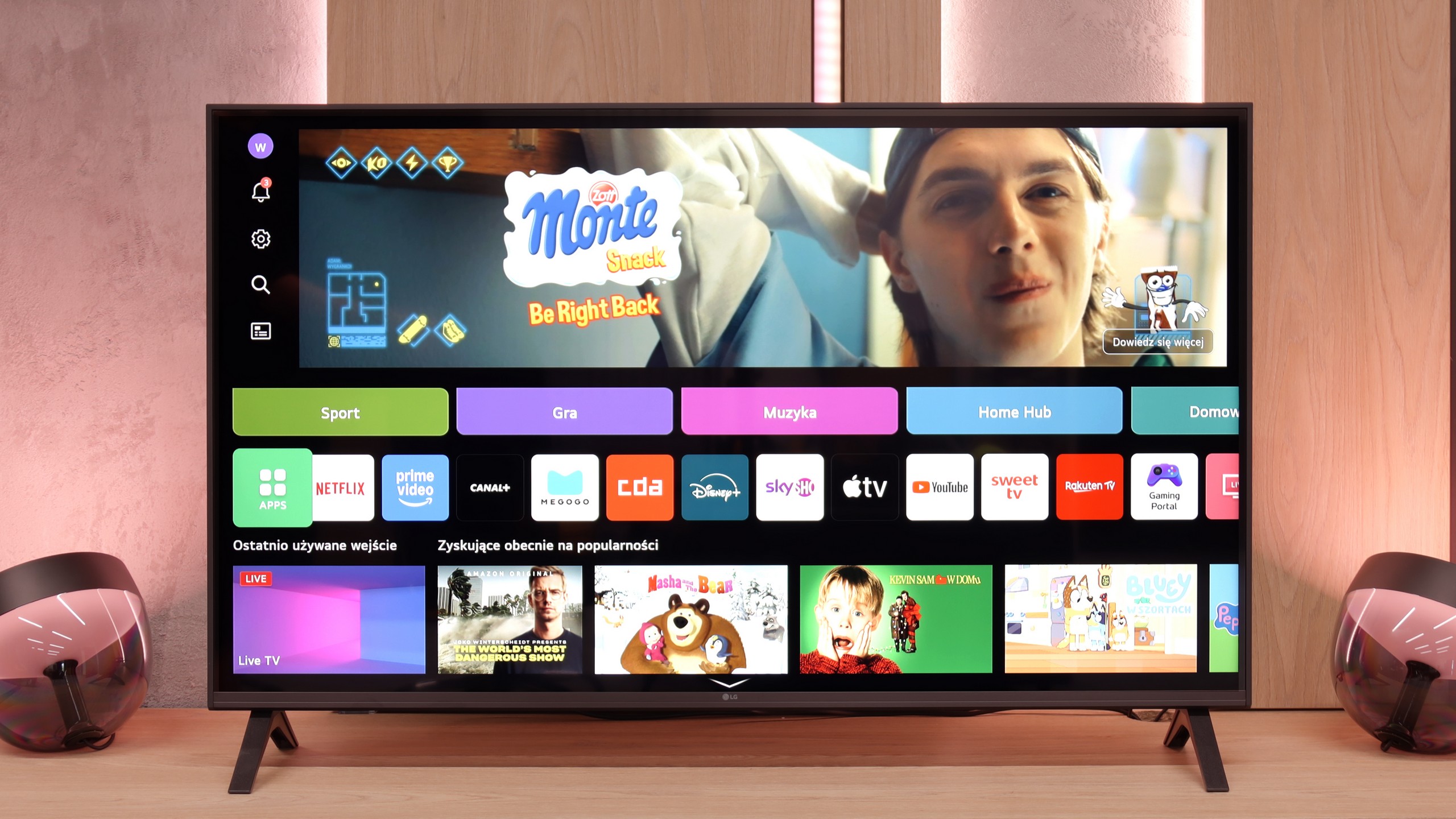
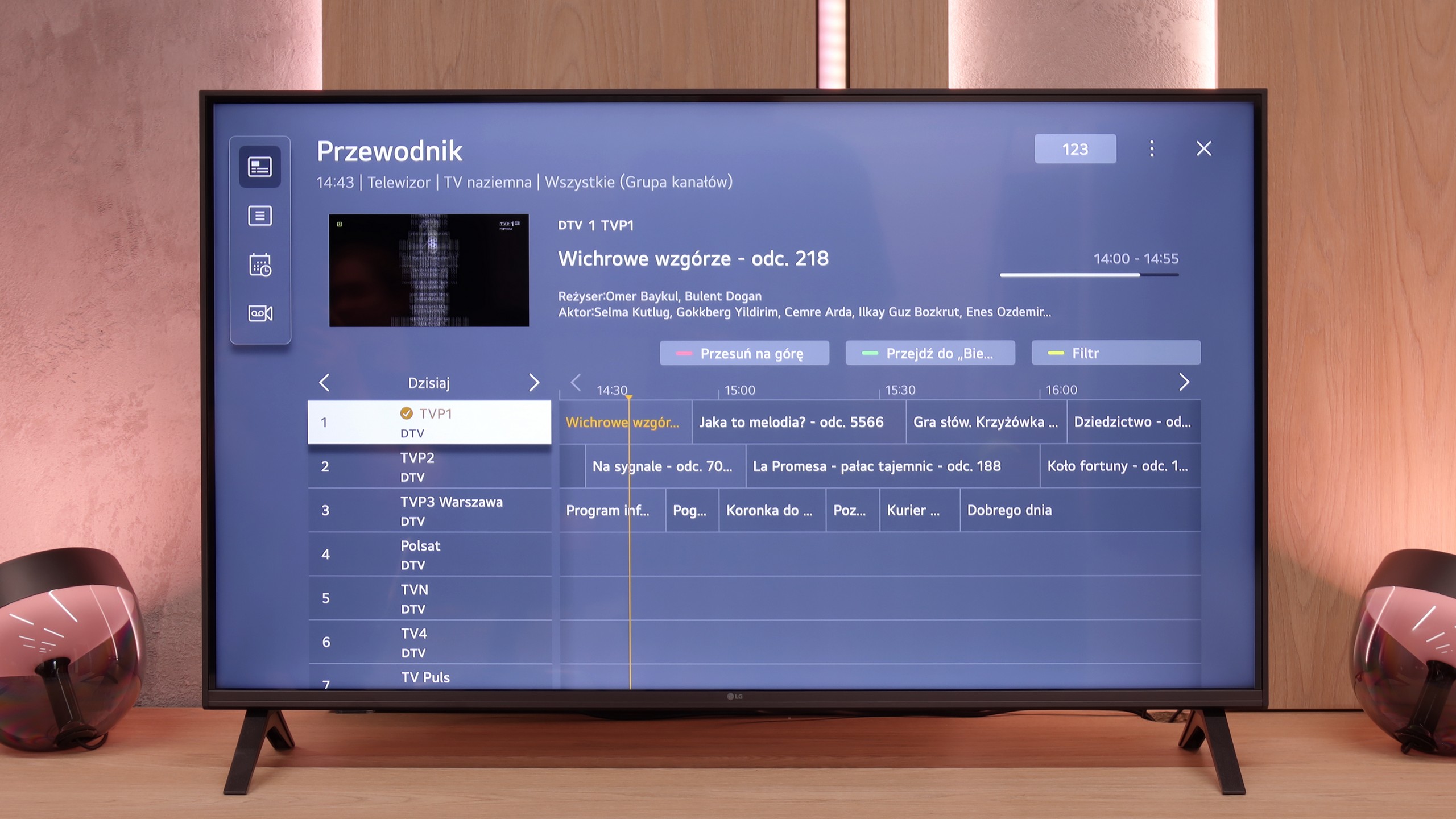
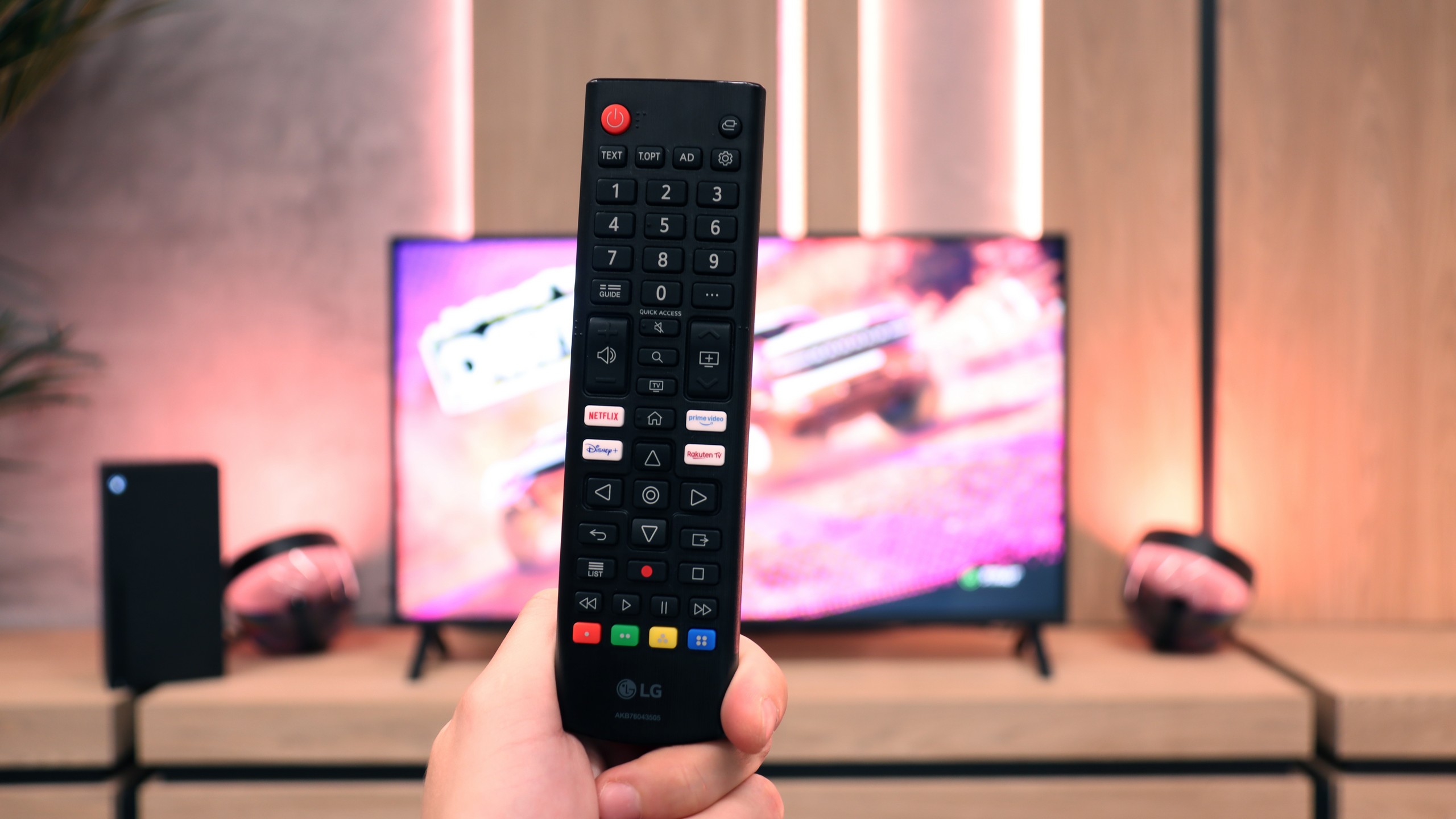
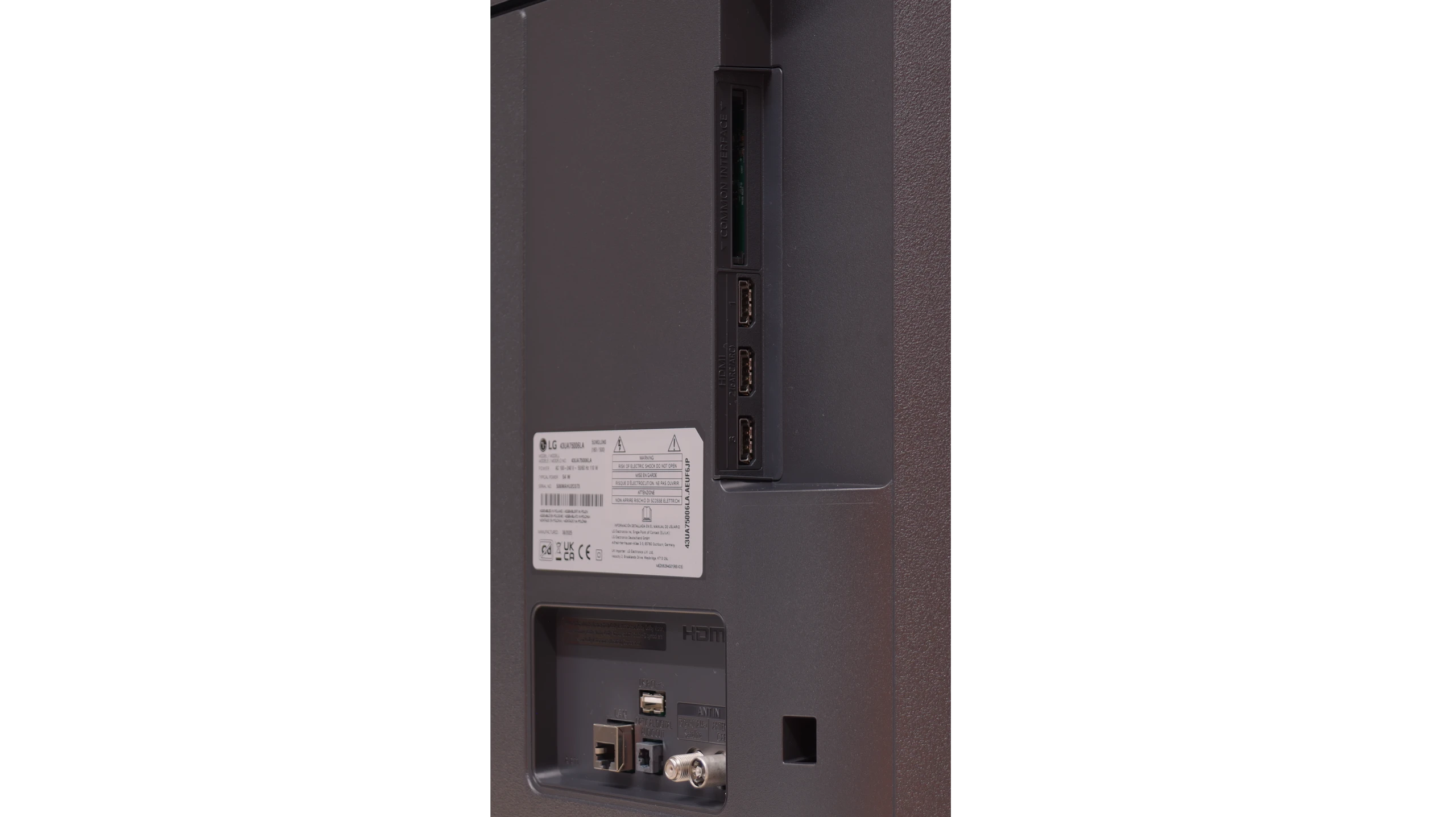
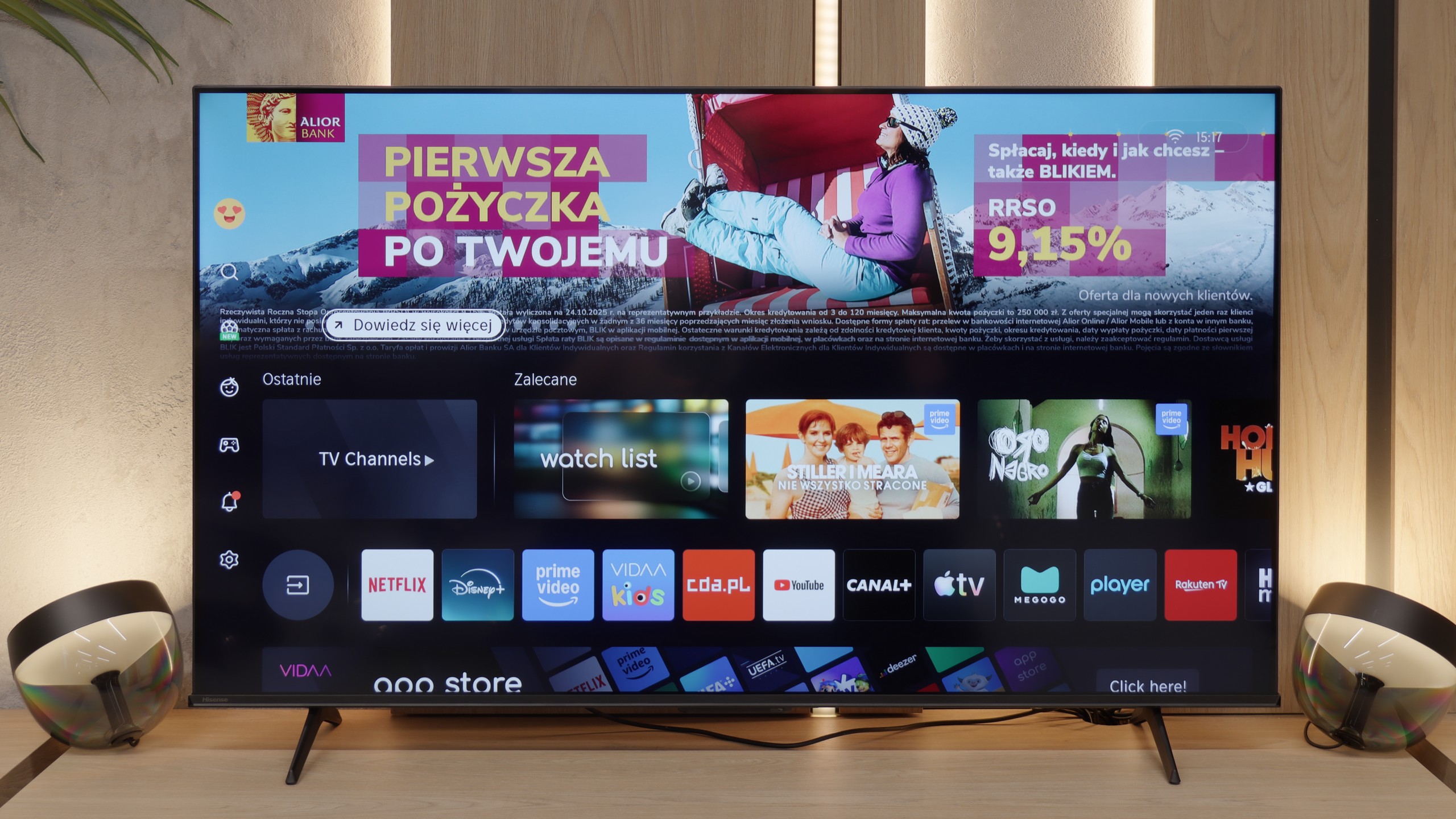
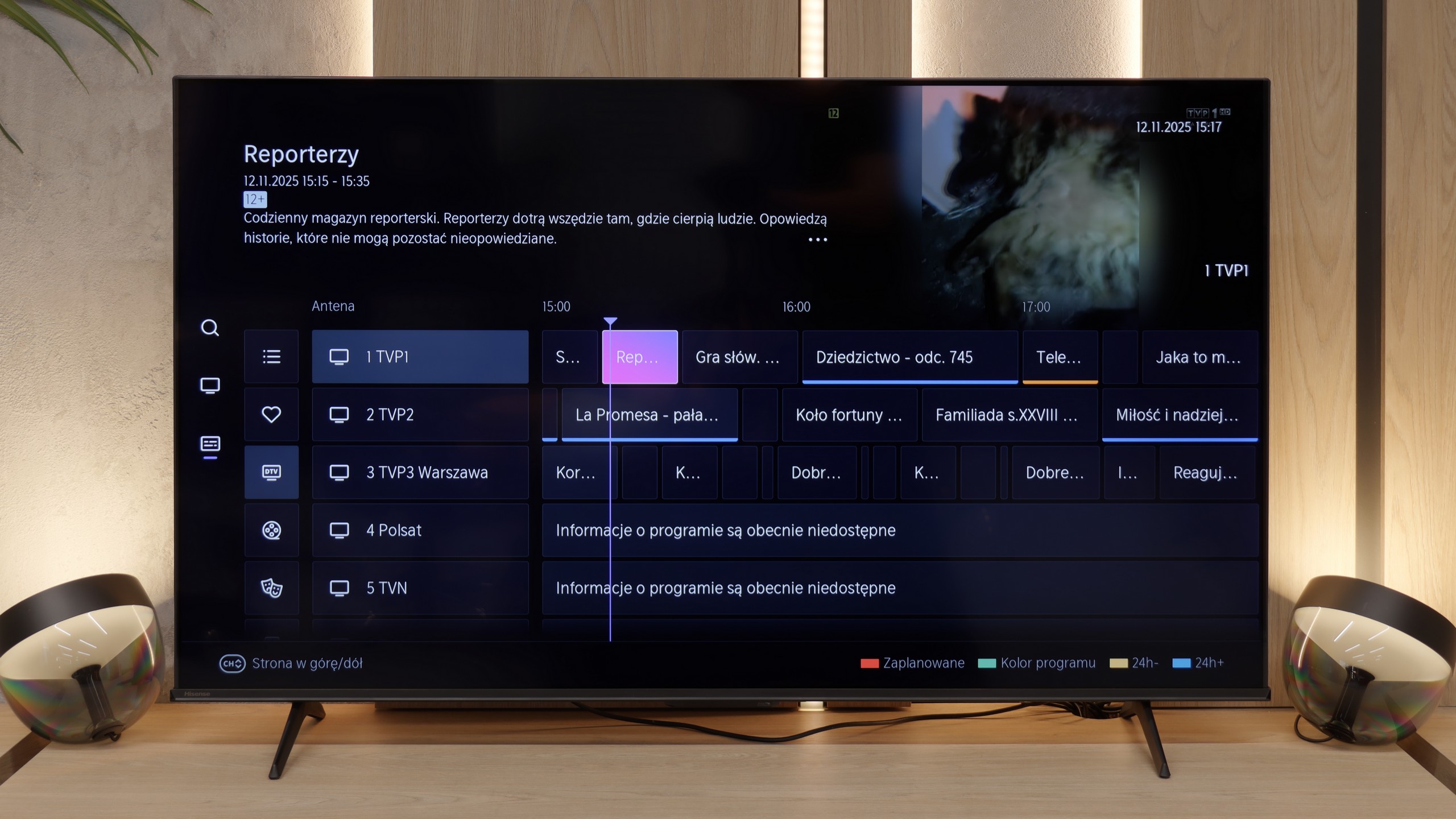
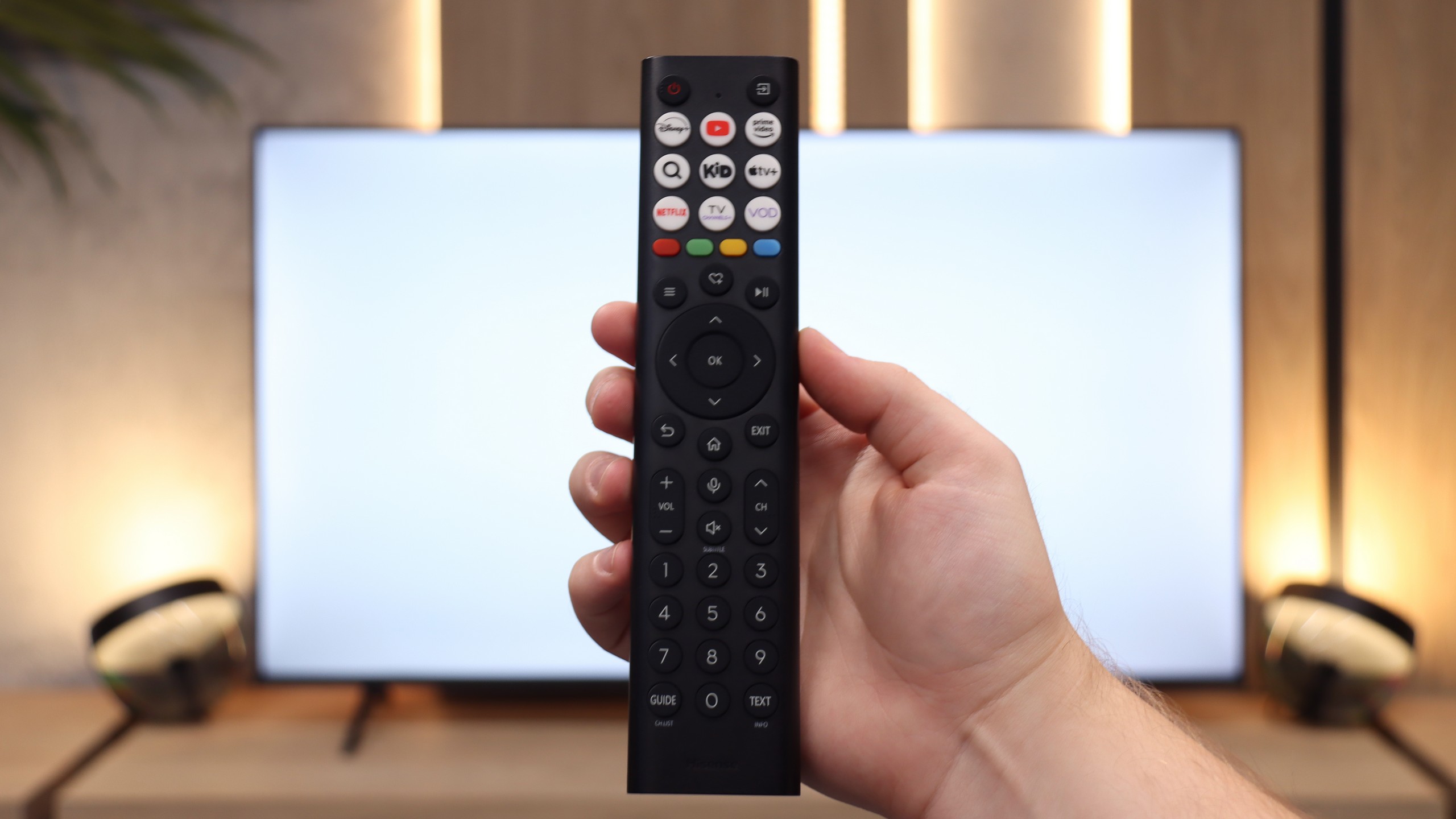
Smart Features: WebOS
A significant advantage of the LG UA7500 is the use of the webOS system. We gain access to a rich library of applications, support for AirPlay, screen mirroring, and many additional features that allow us to use the television in a truly convenient way. It’s easy to connect a smartphone, watch something from streaming services, or use music applications. However, a downside is that webOS remains quite a "heavy" system and does not operate as smoothly on the UA7500 as it does in more expensive models. The situation is not helped by the fact that the manufacturer did not equip us with a Magic remote with a cursor, which significantly speeds up navigation. We get a regular infrared remote, lacking that "magic" wand. Of course, it can be purchased separately, but considering the cost, it’s often better to pay extra for a higher LG model that already has this remote.
Classic Features
In more traditional use, the LG UA7500 also does not disappoint. The remote has been equipped with a numeric keypad and a considerable number of buttons, which will certainly be appreciated by users accustomed to older solutions. Additionally, there is the ability to record programs to USB from built-in tuners and a quite readable EPG interface that makes planning a television viewing easier. A downside remains the fact that the remote always requires aiming at the screen – but we believe that most more traditional users can forgive it, viewing it as a familiar and proven tool.
Smart Features
When it comes to the features of the TV and Smart TV system, VIDAA on the E7Q PRO operates quickly and stably. The menu responds smoothly, applications launch without annoying lag, and the whole experience feels polished. It includes all the essential smart features, such as AirPlay, screen mirroring, and even voice search that works in Polish. From the perspective of everyday use, it's hard to say there are shortcomings, at least at first glance. However, the biggest drawback of the VIDAA system remains the lack of music applications. This is something we are still waiting for, and we hope it will appear over time because then the system would be almost complete.
Classic Features
A significant surprise, and at the same time disappointment, is the lack of USB recording functionality. In the more expensive Hisense models from the 2025 lineup, such an option is already available, while the E7Q PRO has been deprived of it. A small consolation is the presence of analog audio inputs, which may still be useful for users with older equipment. However, one must keep in mind that in this version of VIDAA, available on the E7Q PRO, USB recording simply does not exist.
Apps
9.1/10
7.7/10






















Playing files from USB
8.2/10
8.5/10
Supported photo formats:
Maximum photo resolution:
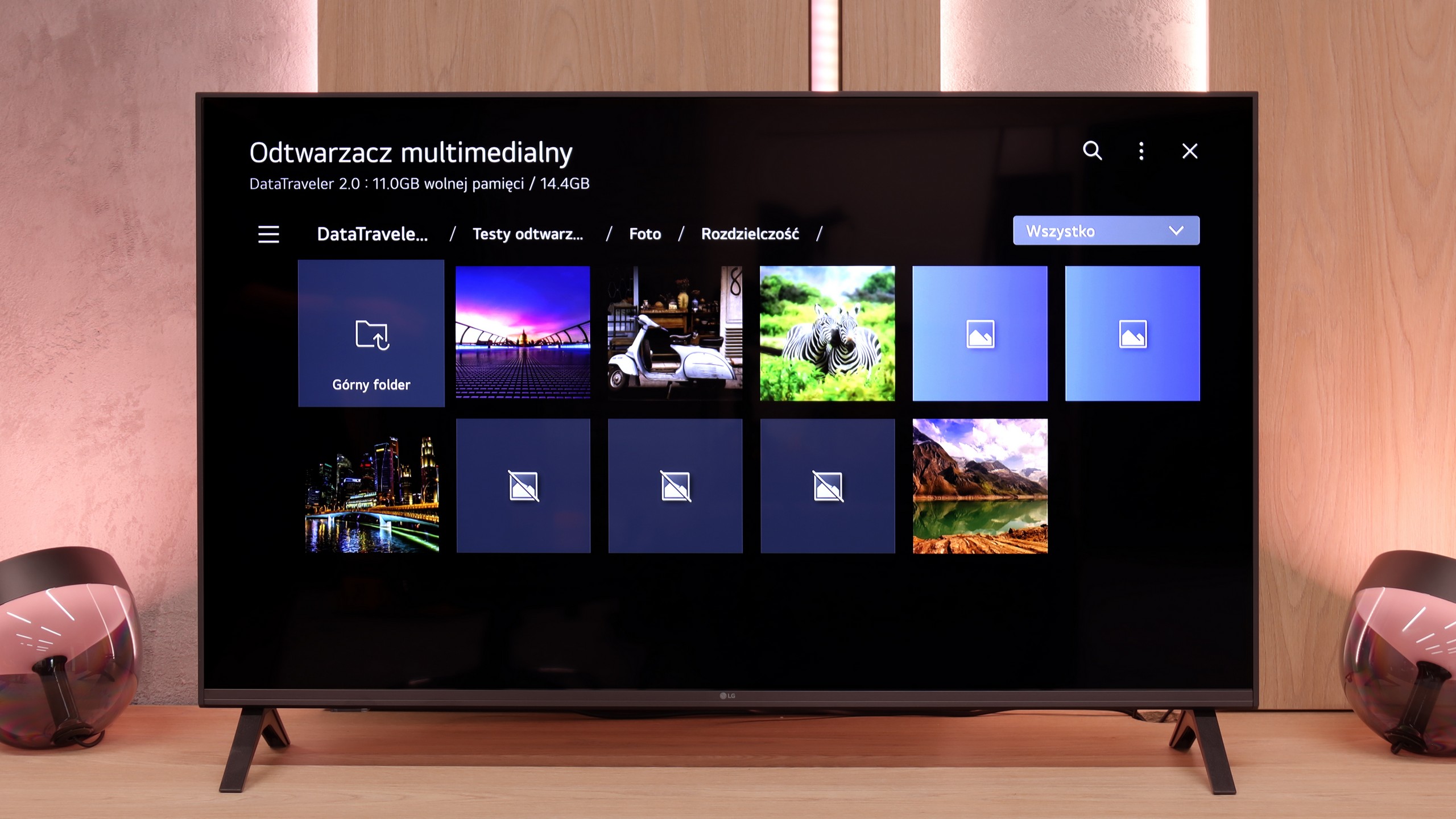
The media player in the UA7500 works fine – movies and music start without major problems, and this should be sufficient for most people. However, one thing caught our attention: the television does not play all photo formats. In practice, this means that if we upload photos directly from the smartphone to the USB drive, some may simply not open. It’s a minor detail, but it’s worth keeping in mind. Fortunately, you can always use wireless screen mirroring and show photos on the screen in another way.
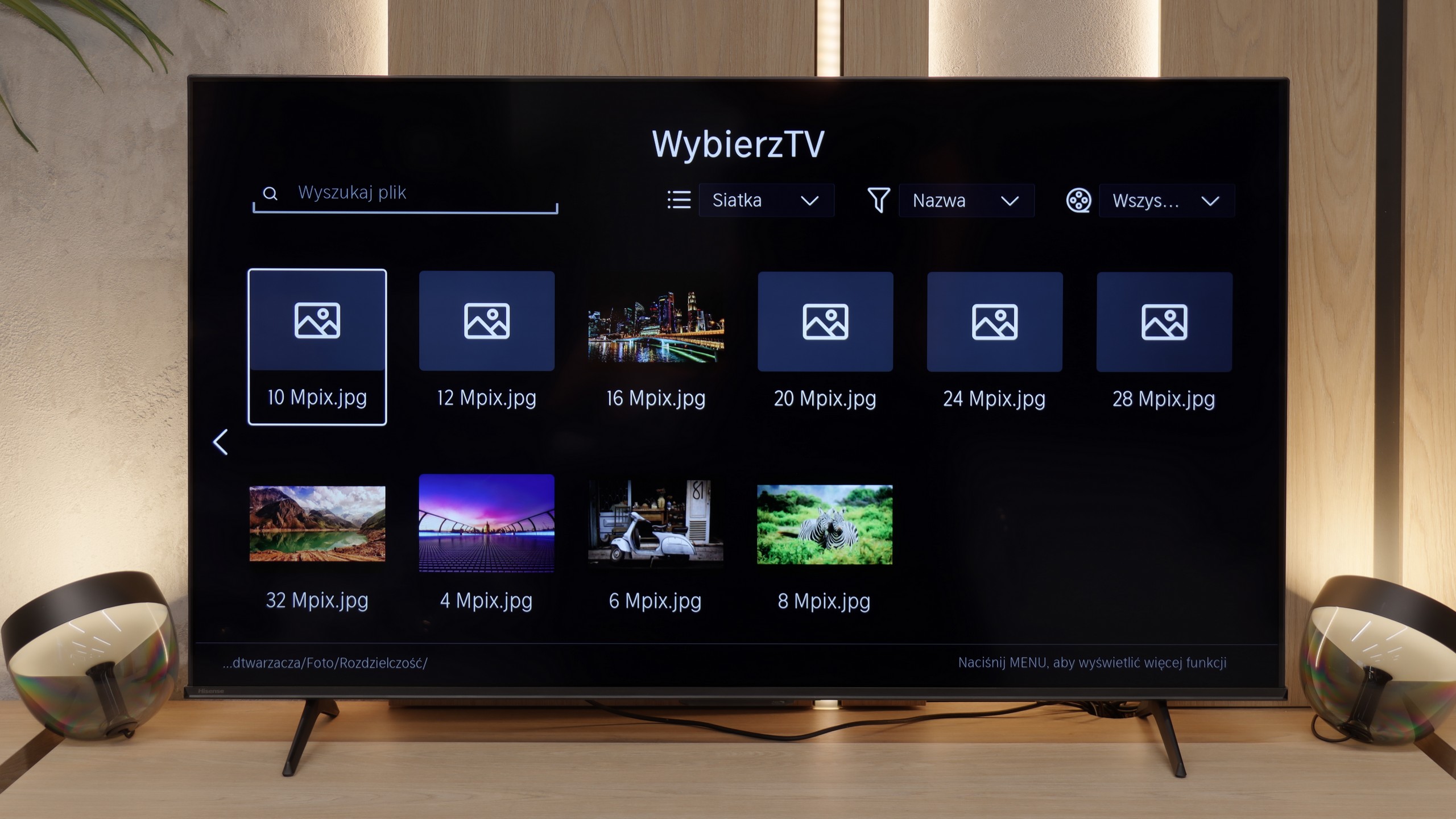
The built-in file player works quite well in the E7Q PRO. In everyday home use, it should be sufficient, as it opens most popular audio, video, and photo formats without major issues. If someone occasionally plugs in a USB drive with a movie or plays family materials, they are unlikely to have reasons to complain. The biggest surprise for us was the photo player. For some reason, it would not open certain files at specific resolutions. Therefore, when planning a slideshow of vacation photos from a USB drive, it’s worth ensuring in advance that the photographs are saved in a resolution that the TV accepts without issues.
Sound
6/10
6.4/10
- Maximum volume81dB83dB
- Dolby Digital Plus 7.1
- Dolby True HD 7.1
- Dolby Atmos in Dolby Digital Plus (JOC)
- Dolby Atmos in Dolby True HD
- DTS:X in DTS-HD MA
- DTS-HD Master Audio
In terms of sound, the LG UA7500 does not impress with powerful bass or the highest volume, but it plays surprisingly well. Our impression was that it performs better than most of the cheapest budget TVs and is really quite good for everyday use. It will be just right for news, shows, or series.
The sound on the E7Q PRO has one very big advantage. It plays evenly, cleanly, and understandably, especially when it comes to dialogue. When watching regular television, news, or series, you can be sure that the words do not get lost in the background, and you don't have to keep adjusting the volume. There are also downsides, typical of budget constructions. It lacks depth, and the bass is practically nonexistent, which means that films and music do not have the "weight" that better audio can provide. In return, the E7Q PRO compensates with compatibility. The TV supports most popular audio formats, including Dolby Atmos and DTS:X, so regardless of the source, it is easy to transmit sound to external equipment in the appropriate format, without unnecessary complications.
Sound Quality Test
Acoustic Measurements
81dBC (Max)
75dBC
83dBC (Max)
75dBC