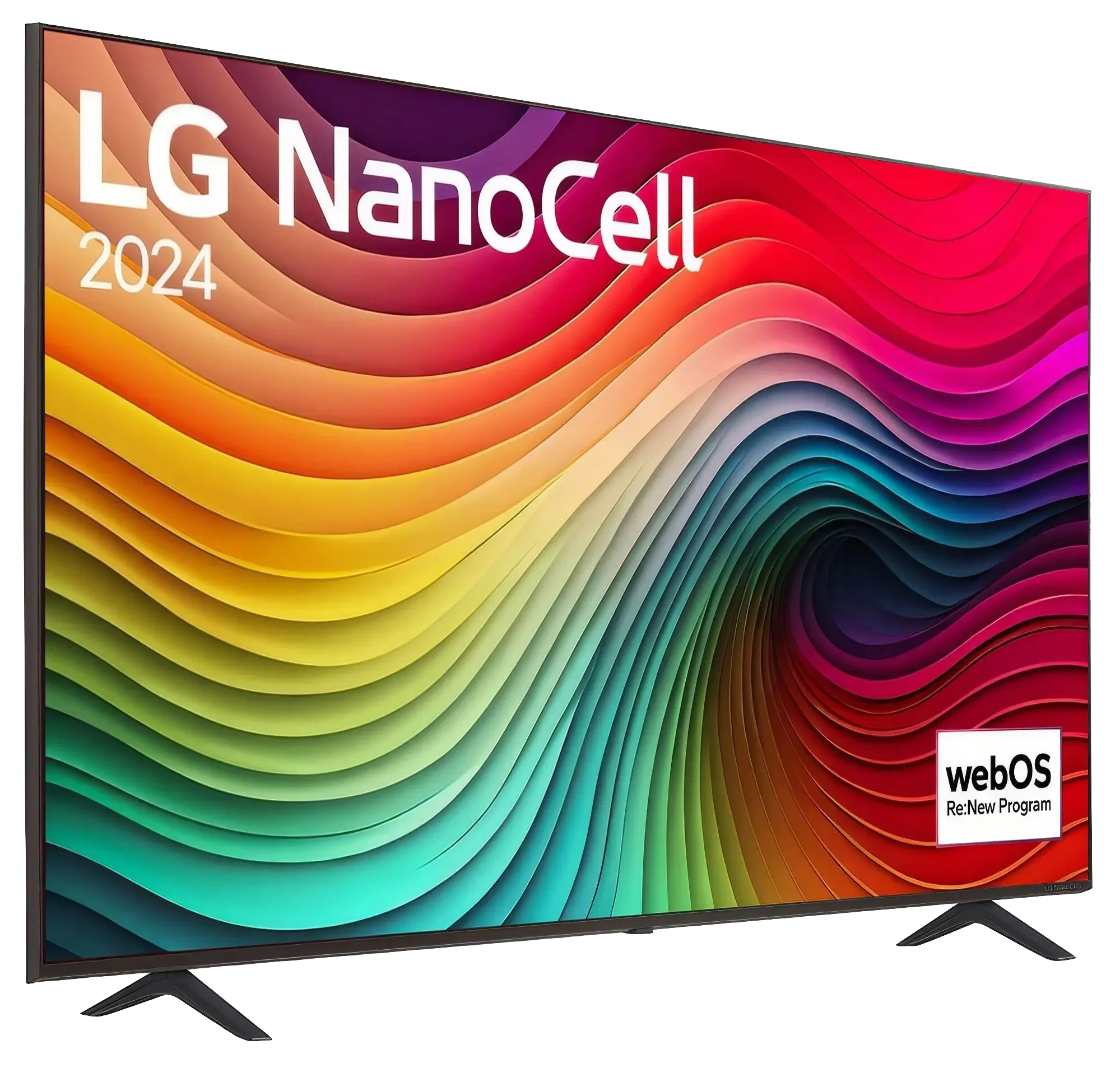
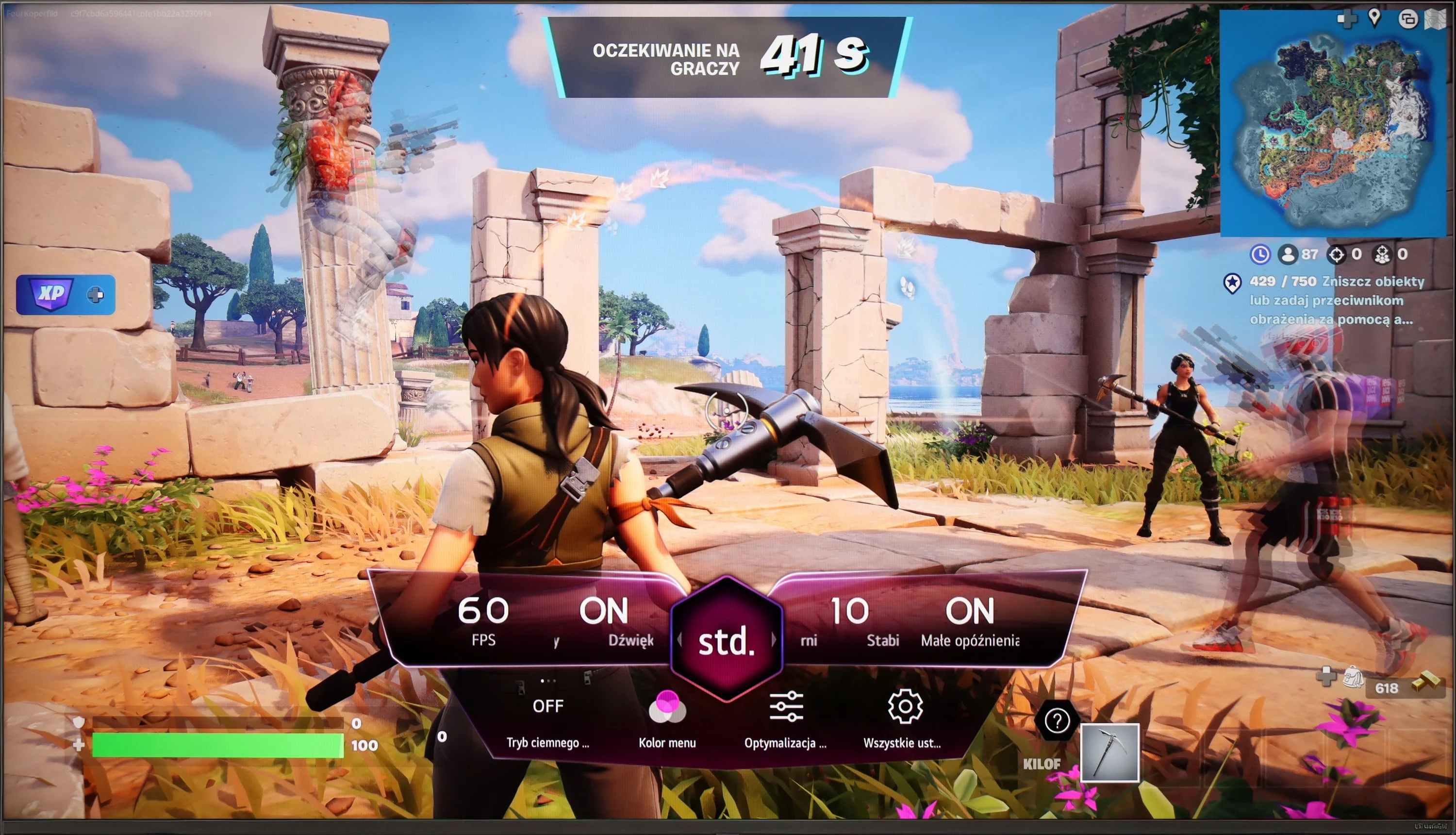
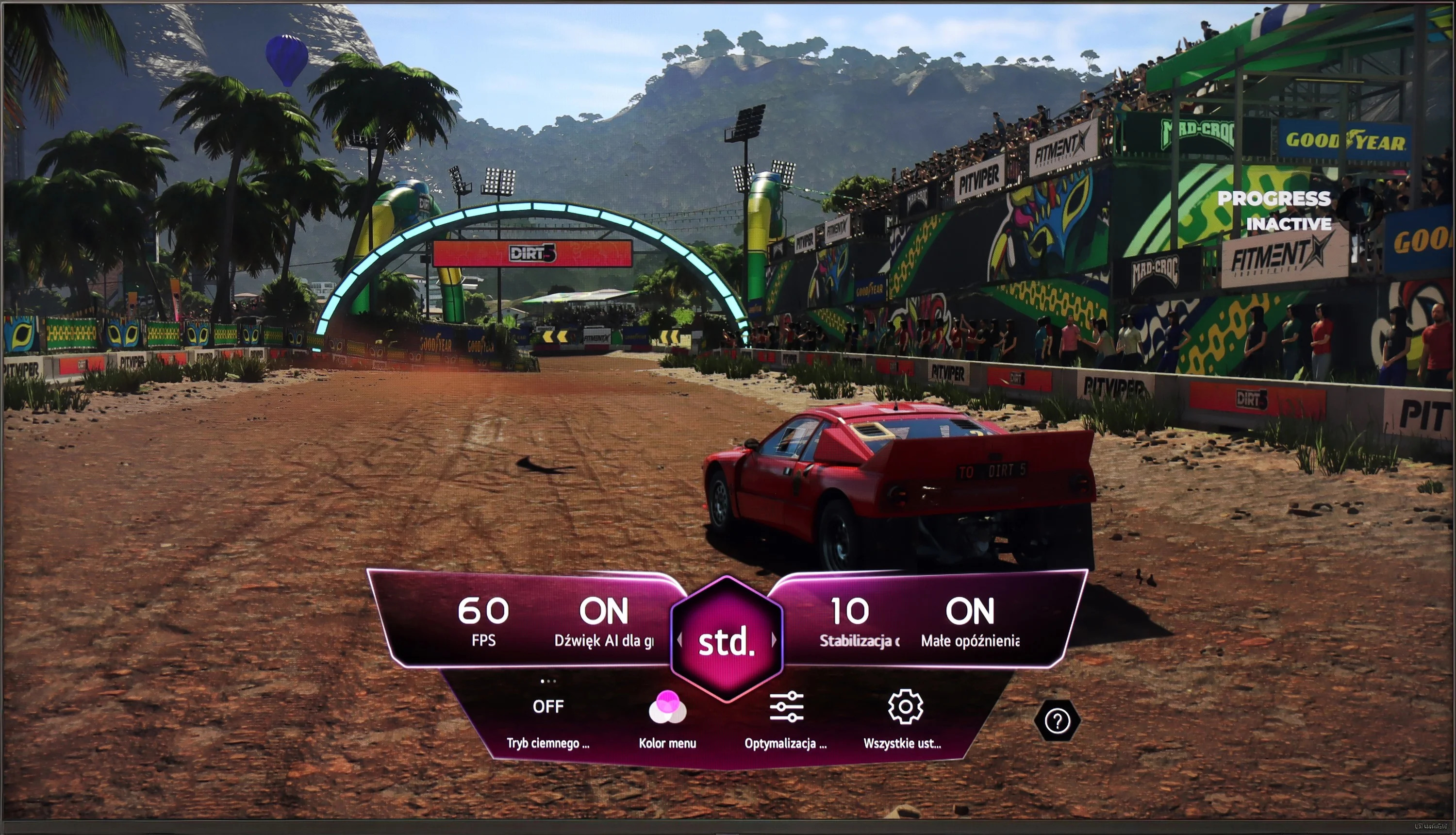
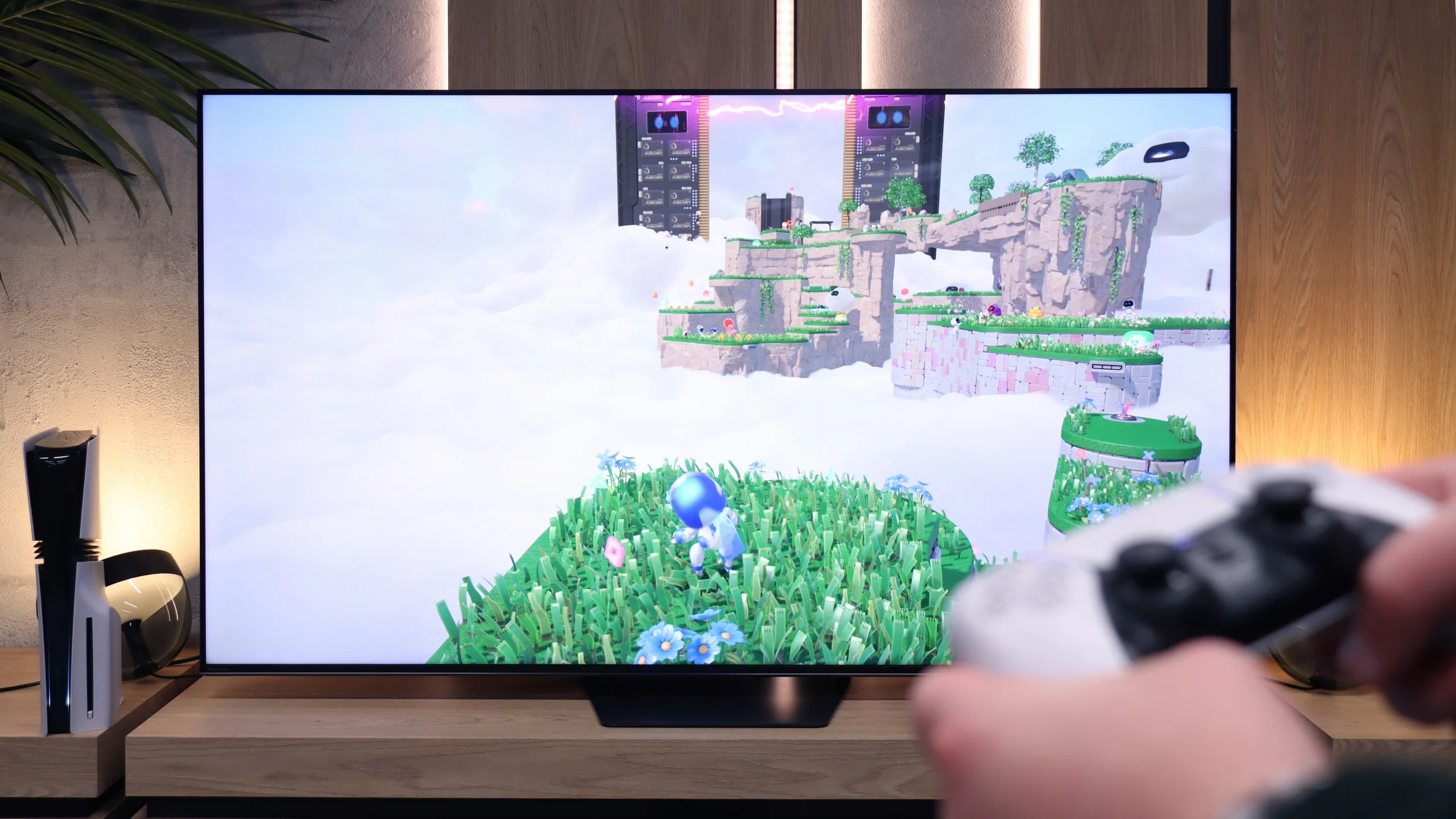
When playing on the console, the LG NANO82T offers several features that can enhance the gaming experience, though it also has some limitations. Notably, the ALLM (Auto Low Latency Mode) feature stands out, automatically adjusting picture settings to switch the television to low latency mode, which is especially beneficial for gamers requiring quick reactions. Another advantage is the support for HGiG (HDR Gaming Interest Group), ensuring HDR games are displayed as intended by the creators and providing vibrant and realistic visuals. These features contribute to a solid gaming experience, but there are some drawbacks, particularly in fast-paced scenes.
The LG NANO82T has limitations when it comes to advanced gaming features. It lacks support for variable refresh rate (VRR), which affects gameplay smoothness, especially in more dynamic games. The TV's 60Hz panel restricts the ability to use higher refresh rates, a significant downside for gamers seeking smoother gameplay at higher resolutions. Additionally, the absence of G-Sync technology limits image synchronisation, potentially leading to tearing and stuttering during gameplay.
These limitations mean that while the LG NANO82T offers a good gaming experience for casual gamers, it may not meet the expectations of more demanding players seeking advanced features and maximum image fluidity.
These shortcomings may mean that the LG NANO82T does not meet the expectations of the most demanding gamers looking for advanced features and the highest image fluidity.
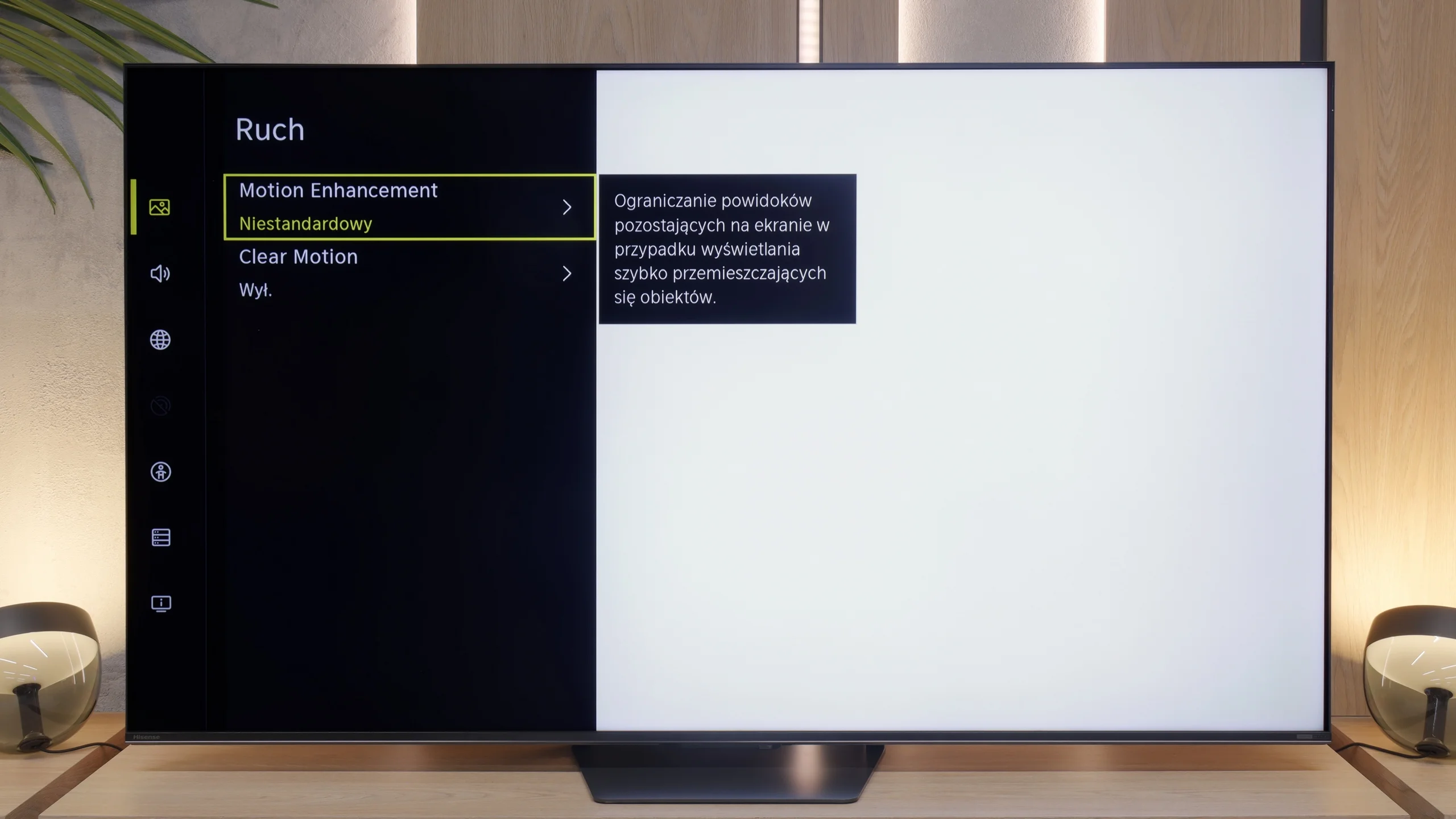
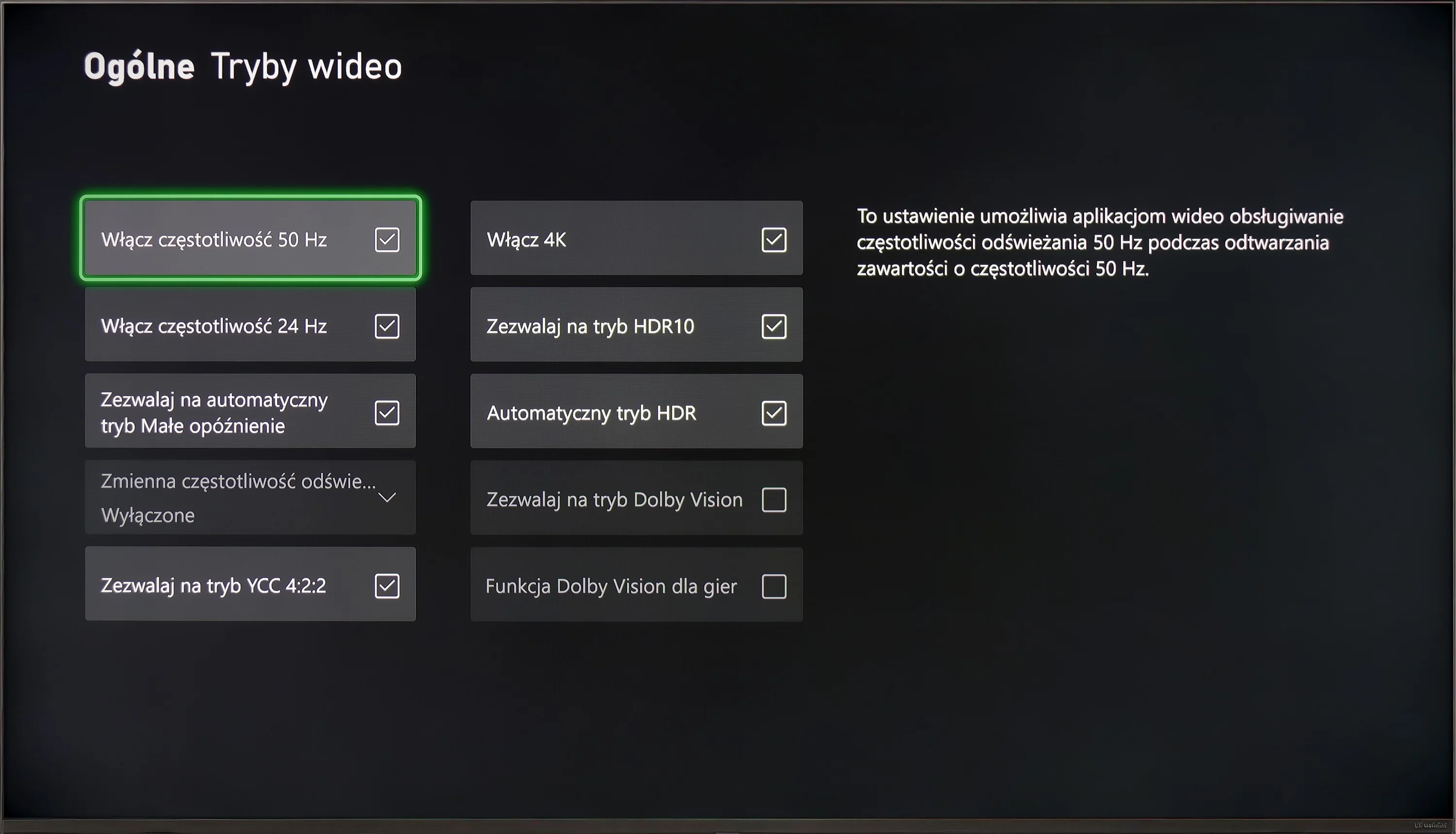
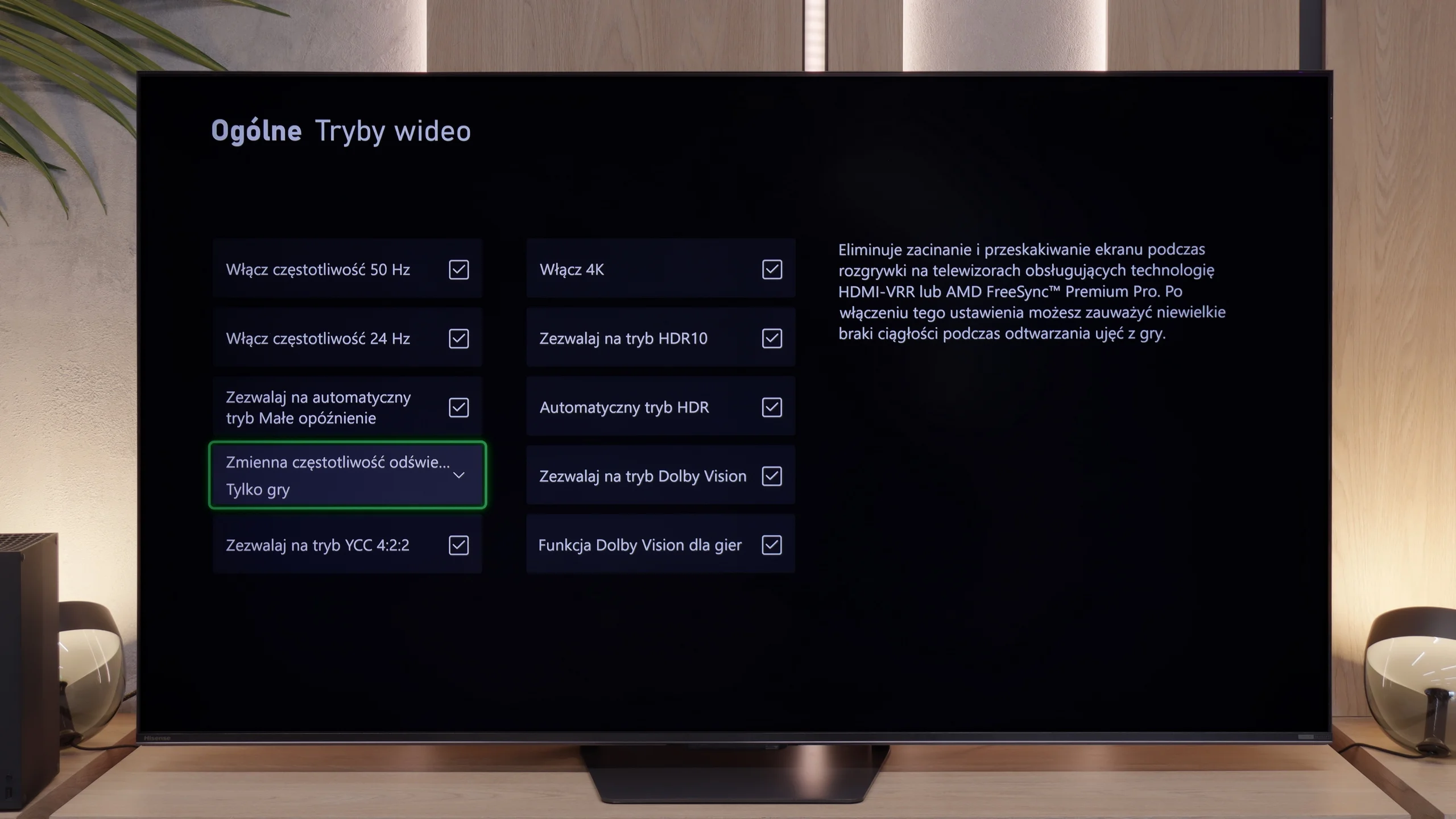
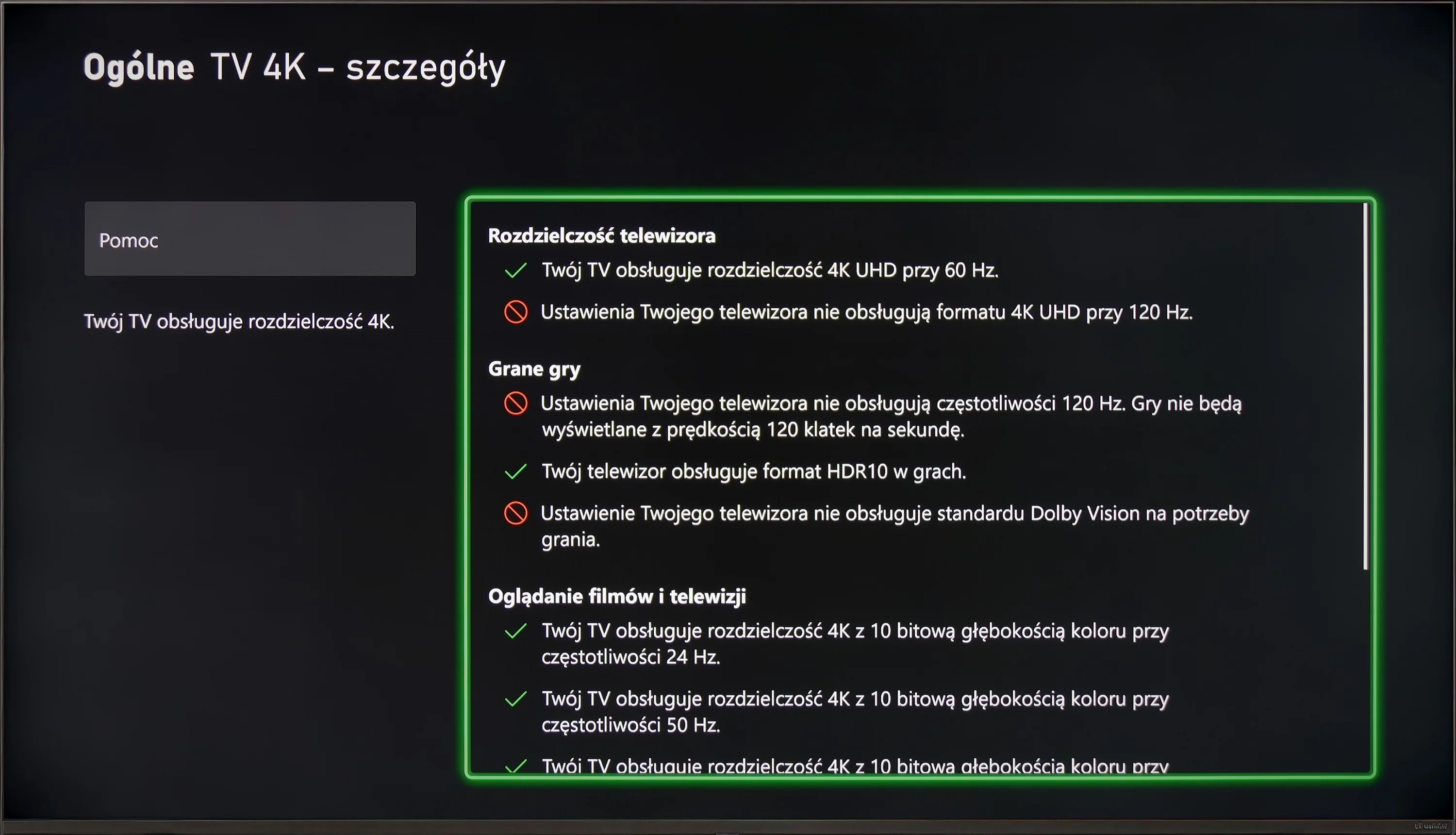
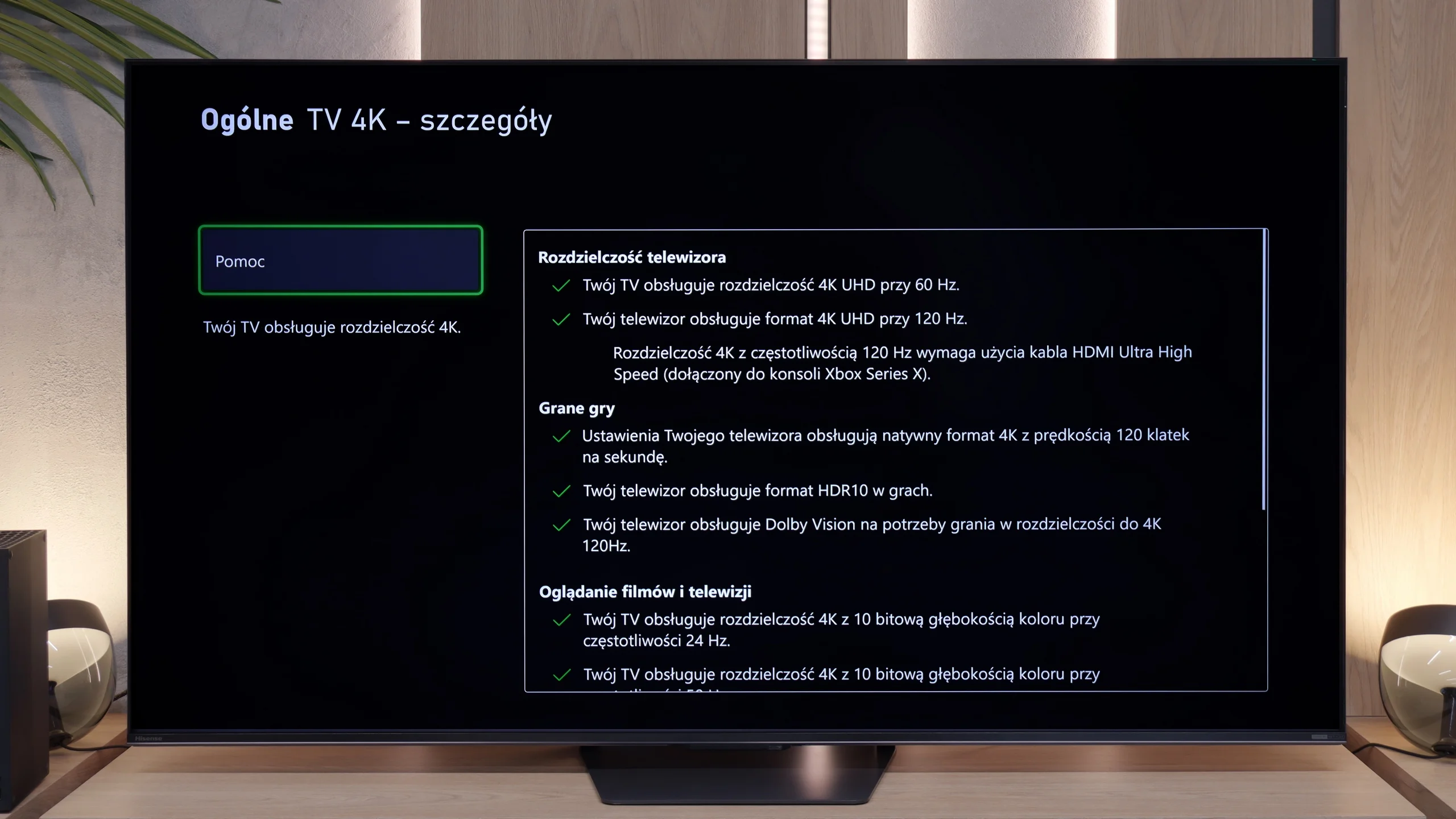
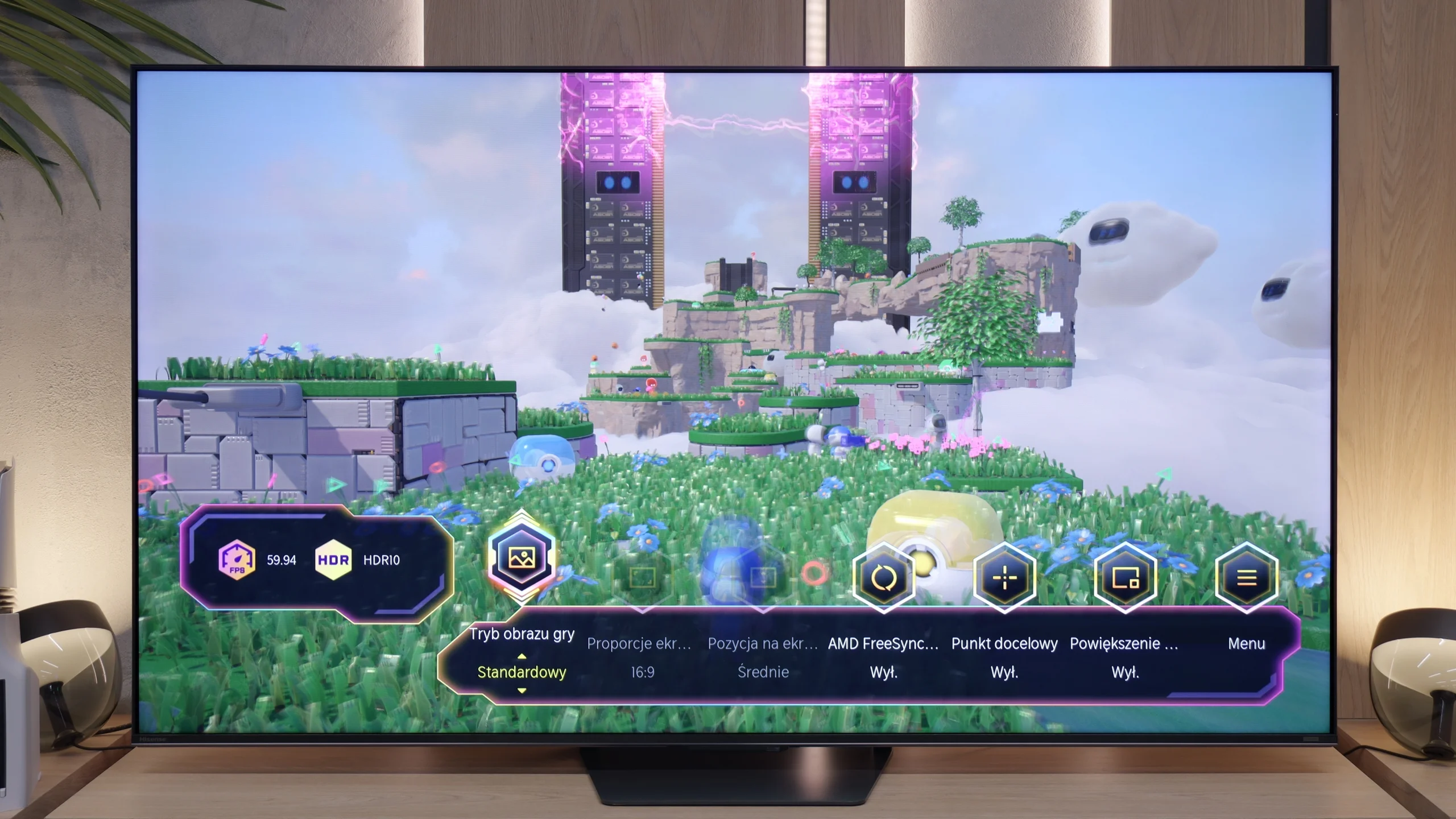
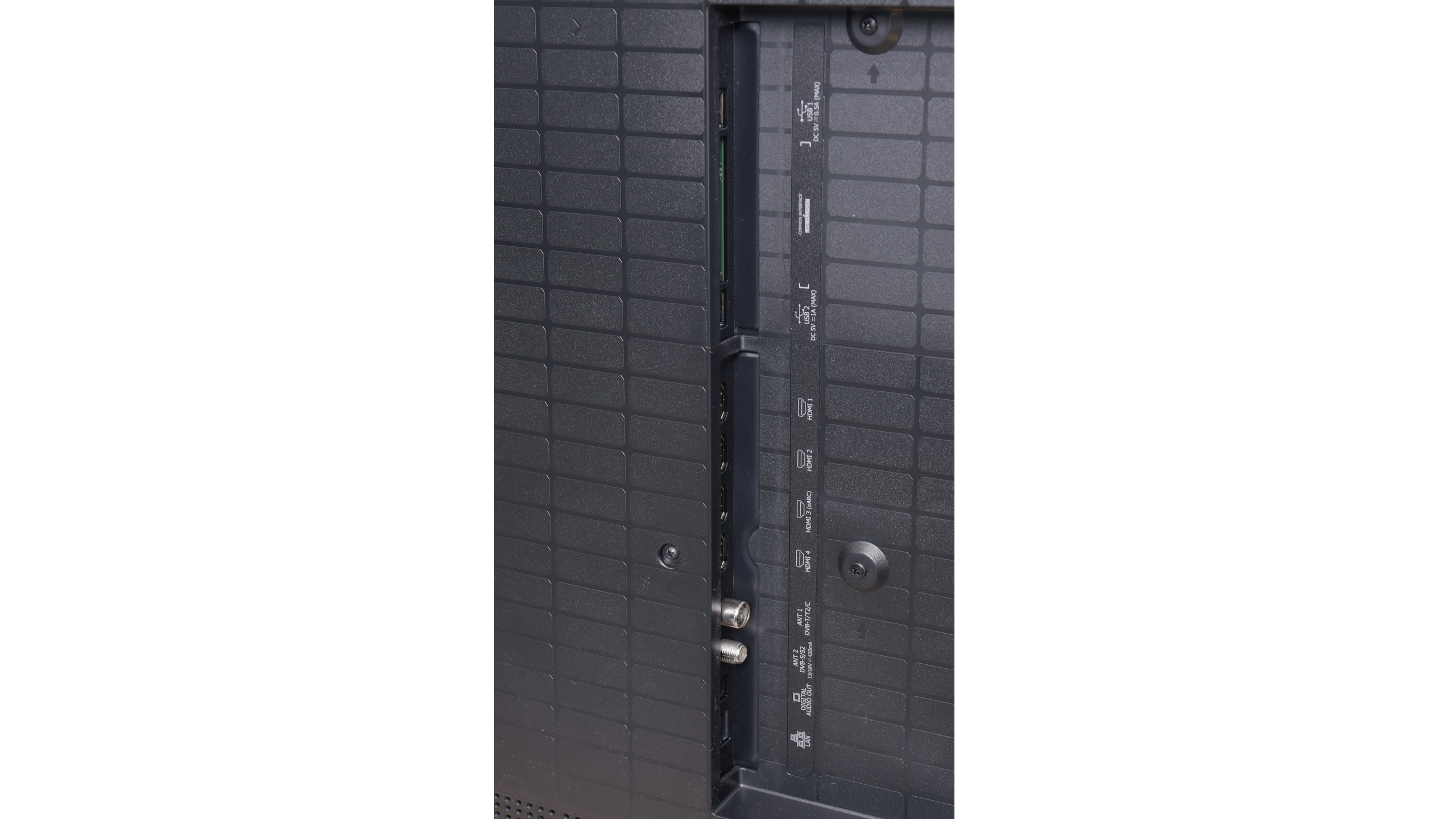
If you plan to connect a console or PC to the U7S Pro, you'll be more than happy – this TV is great for gamers. Hisense spared no expense and put in four HDMI 2.1 ports with full 48 Gbps bandwidth. So you won't have to juggle cables, since every port supports the full feature set. There's automatic low-latency mode (ALLM) and VRR, which works across a wide range from 48 Hz up to a cosmic 330 Hz. Of course that 330 Hz is for now a gimmick for owners of powerful PCs, because consoles are capped at 120 Hz anyway, but it's good to have that headroom for the future. The Game Bar is also really useful while gaming. It's a handy in-game menu where, without leaving the TV's main settings, you can quickly change the picture mode, enable a crosshair in the center of the screen, or even switch to an ultra-wide aspect ratio, which PC sim fans will appreciate. The only downside worth knowing about is the incorrect implementation of HGiG in games. The TV ignores the console's instructions for HDR10 output and keeps forcefully altering the image, trying to "improve" it its own way. Because of that, properly configuring HDR in the console menu (where you set brightness using the logo/checkerboard pattern) is a bit more difficult.
 Direct comparison